jj3
Members
-
Joined
Everything posted by jj3
-
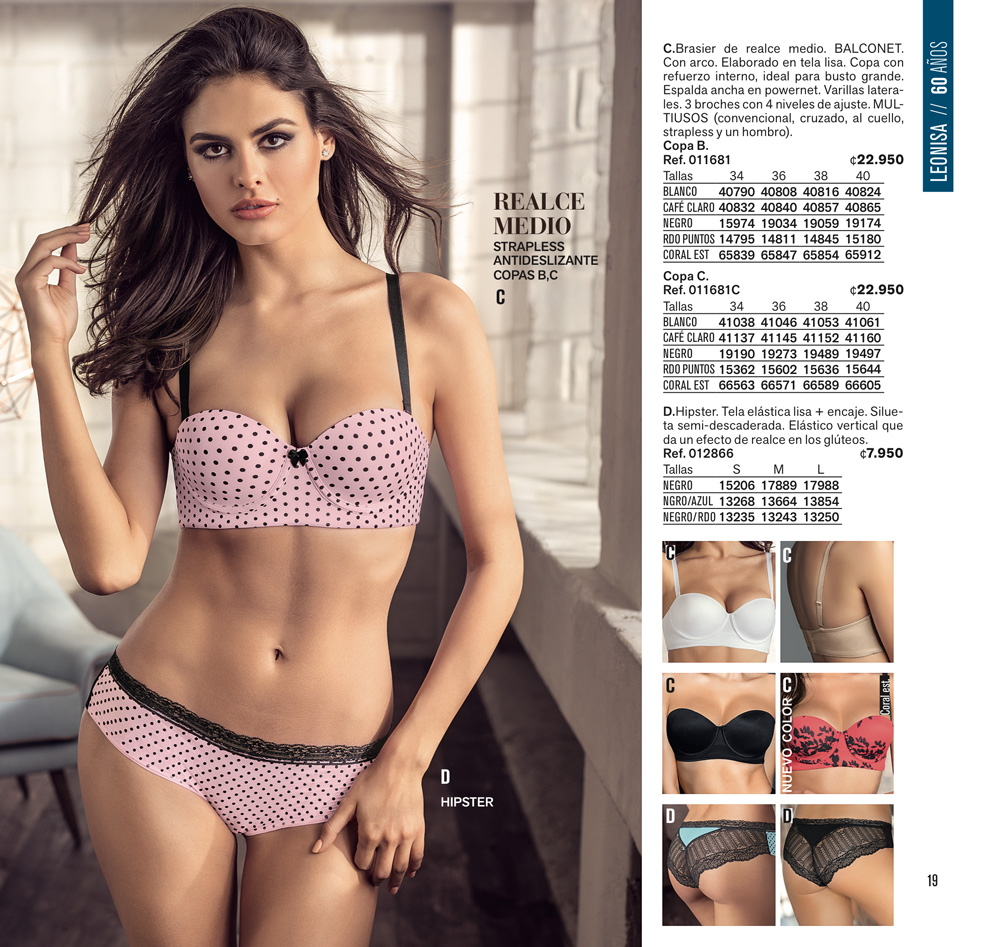
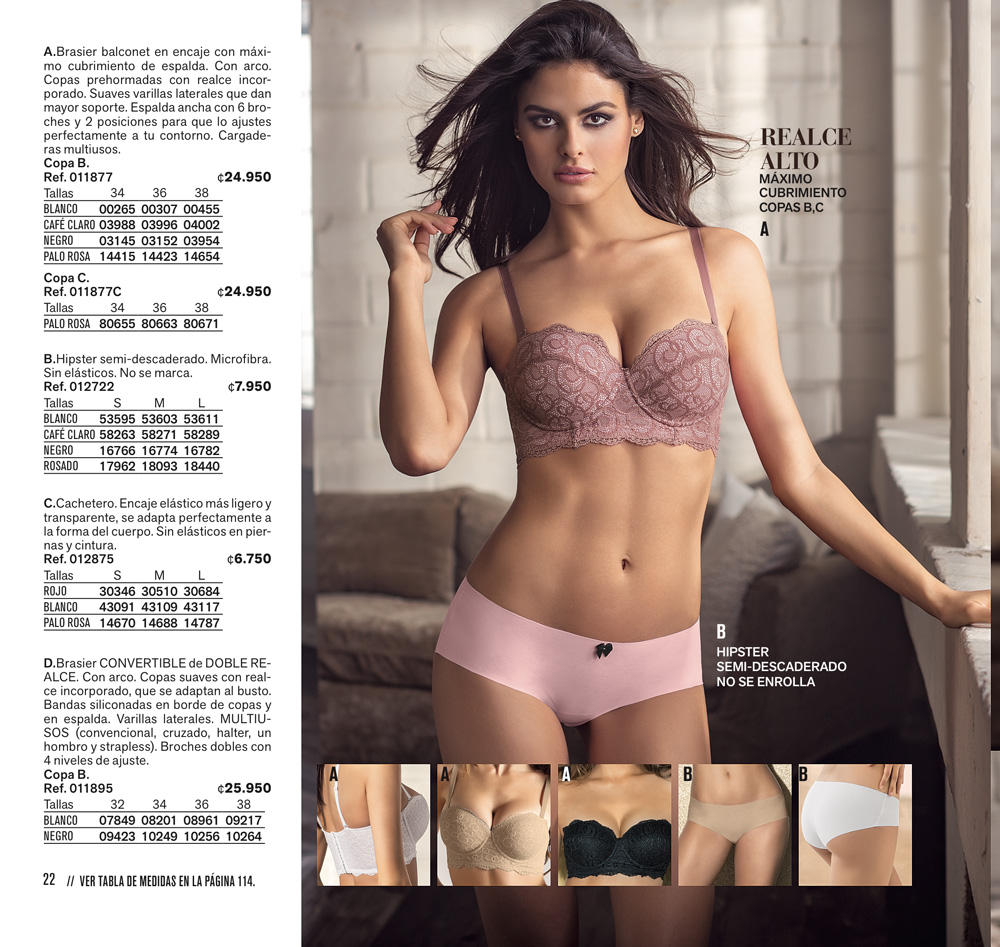
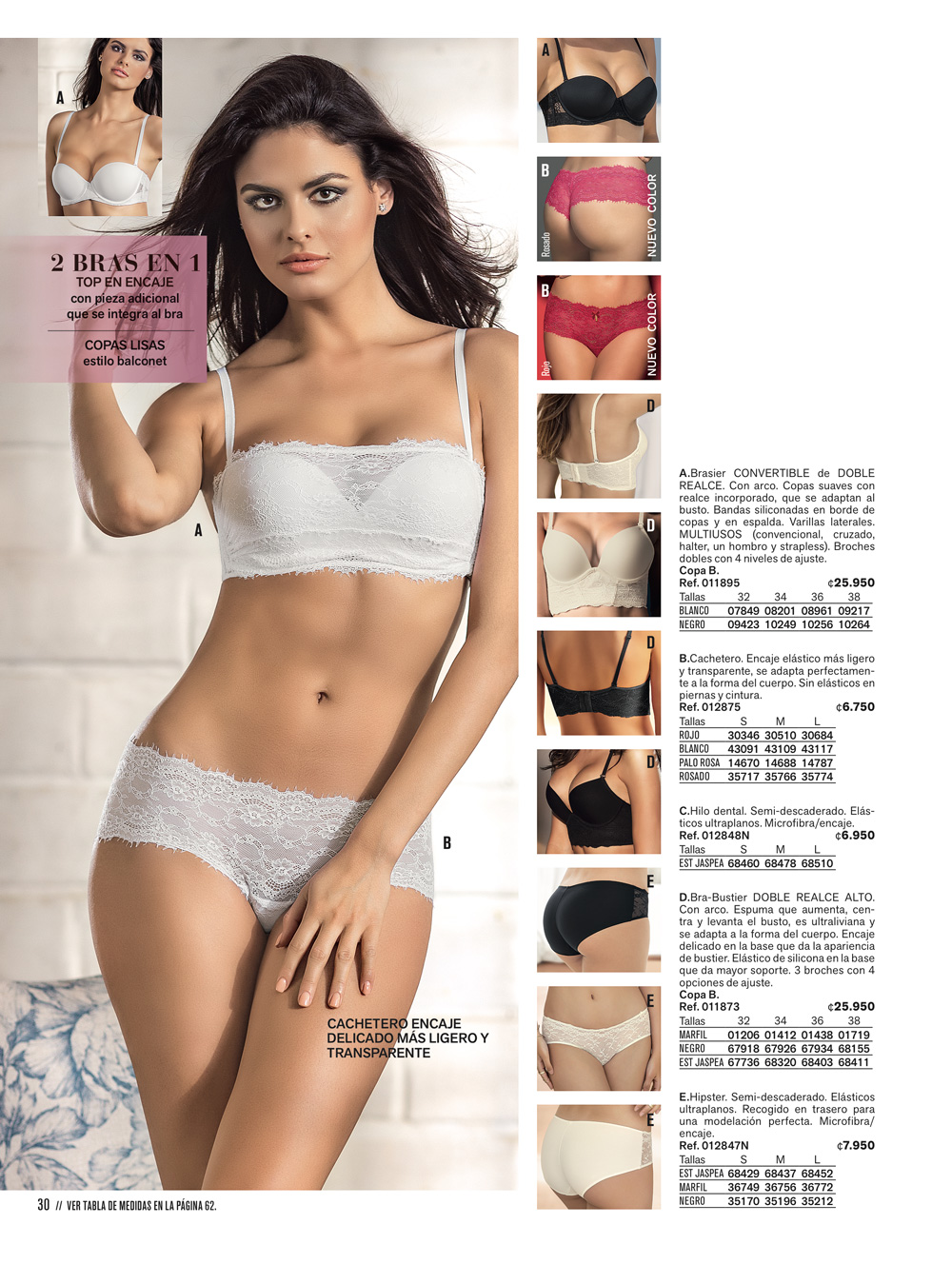
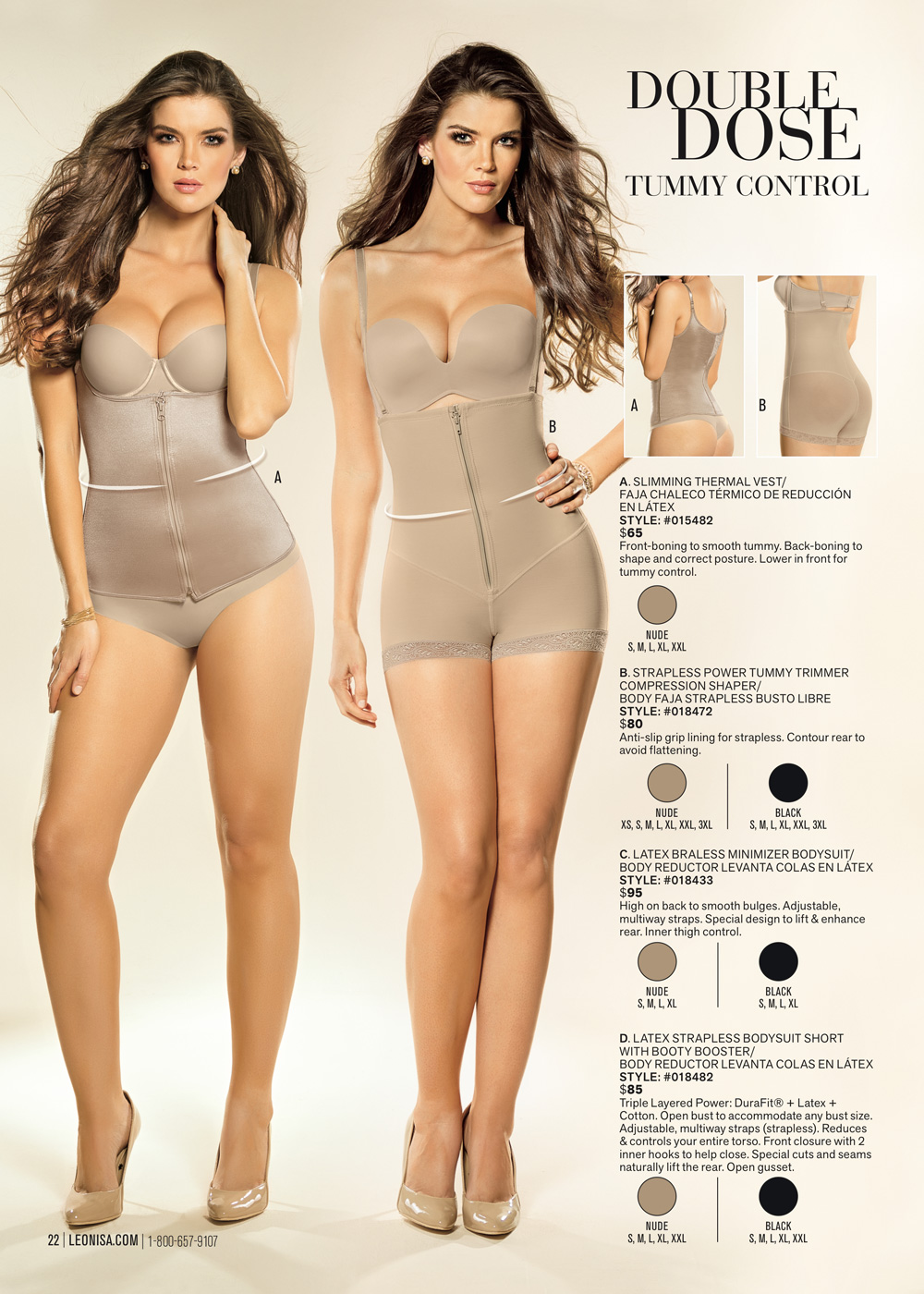
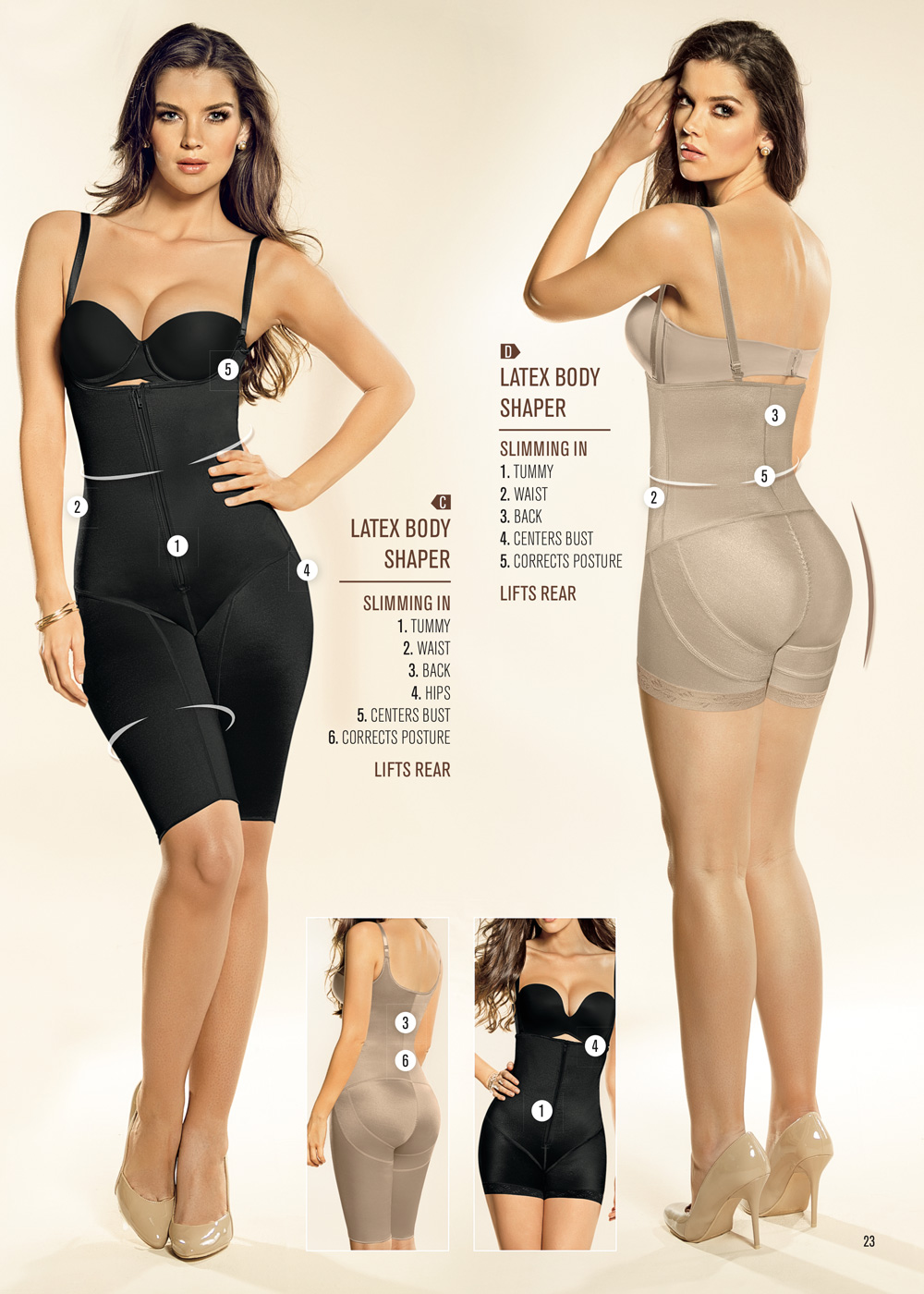
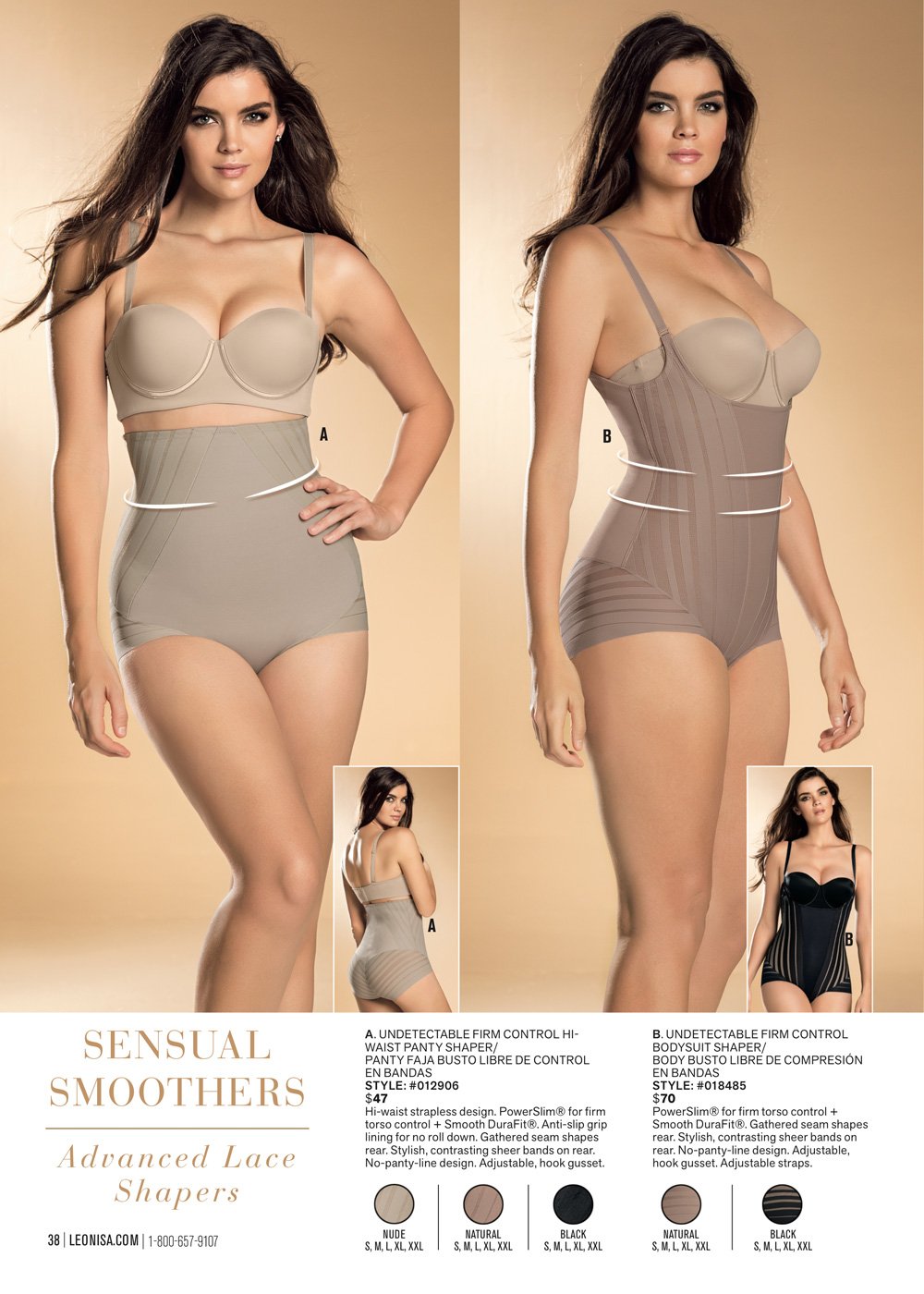
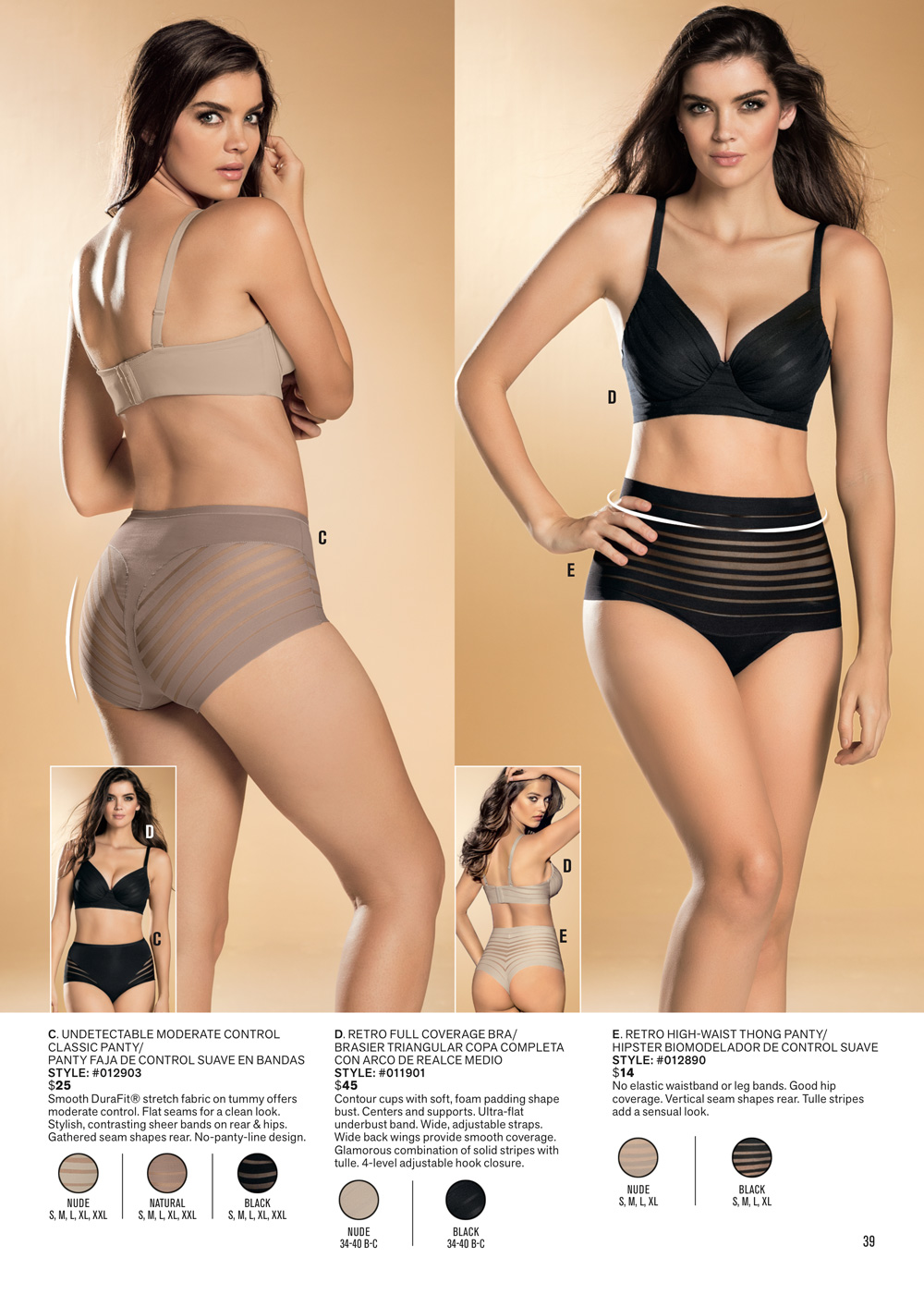
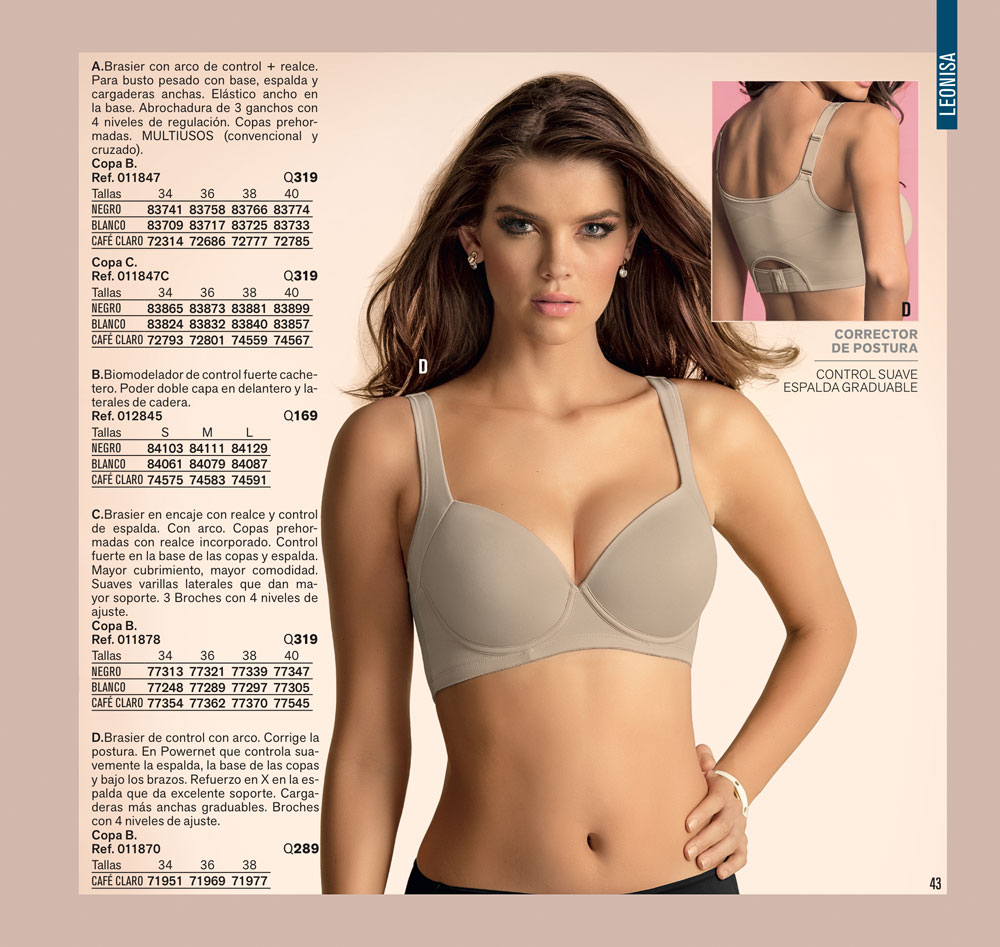
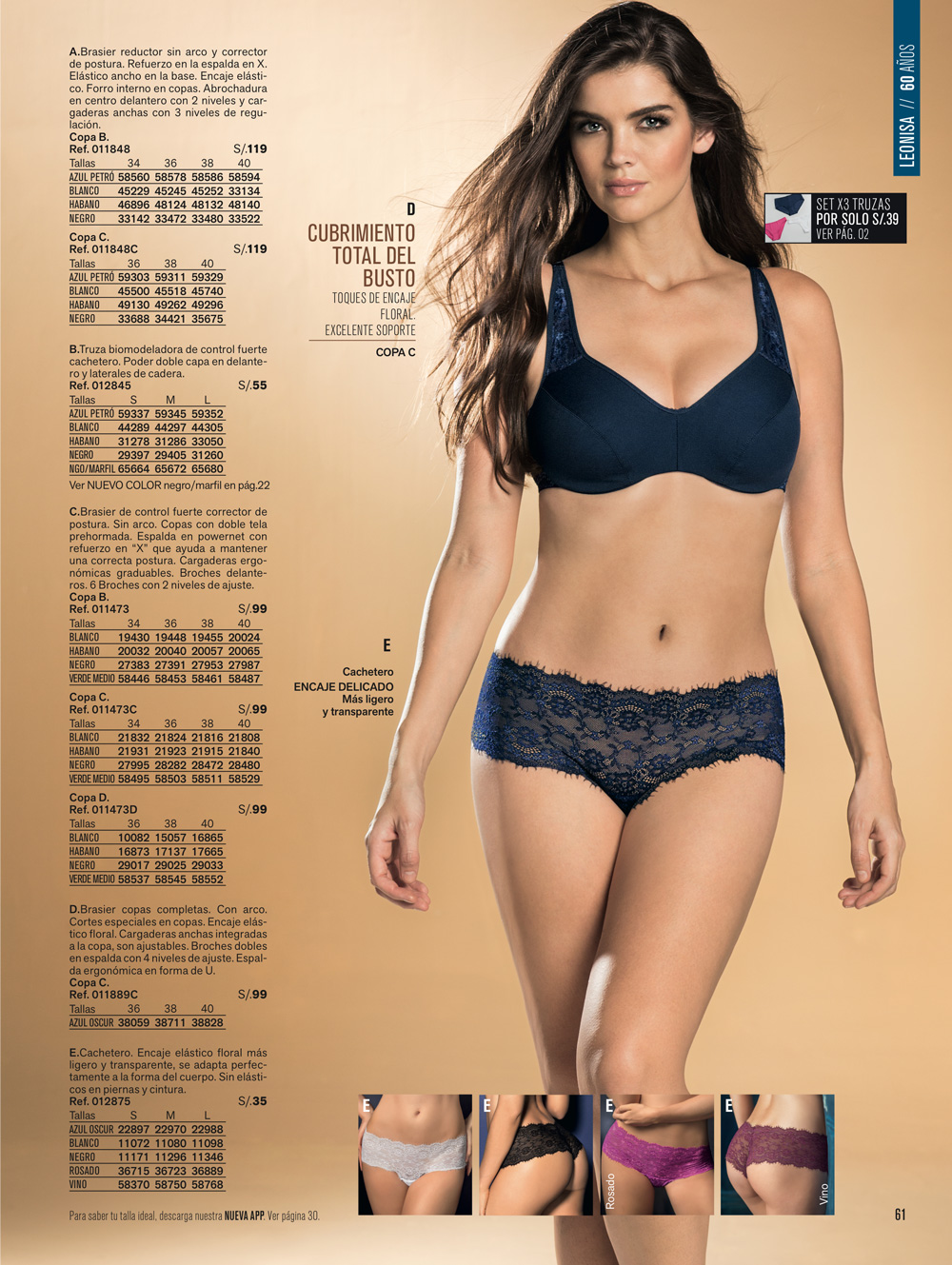
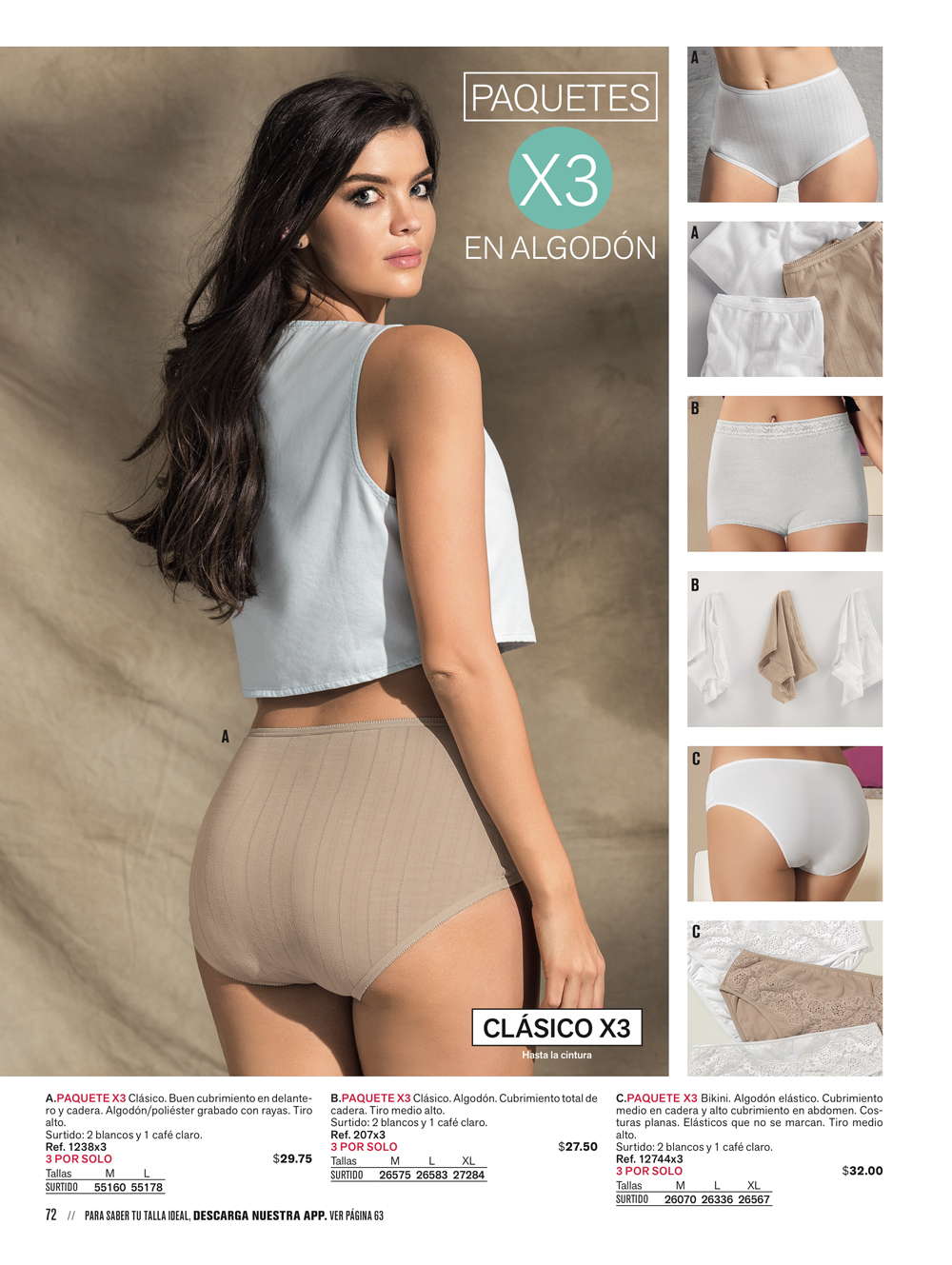
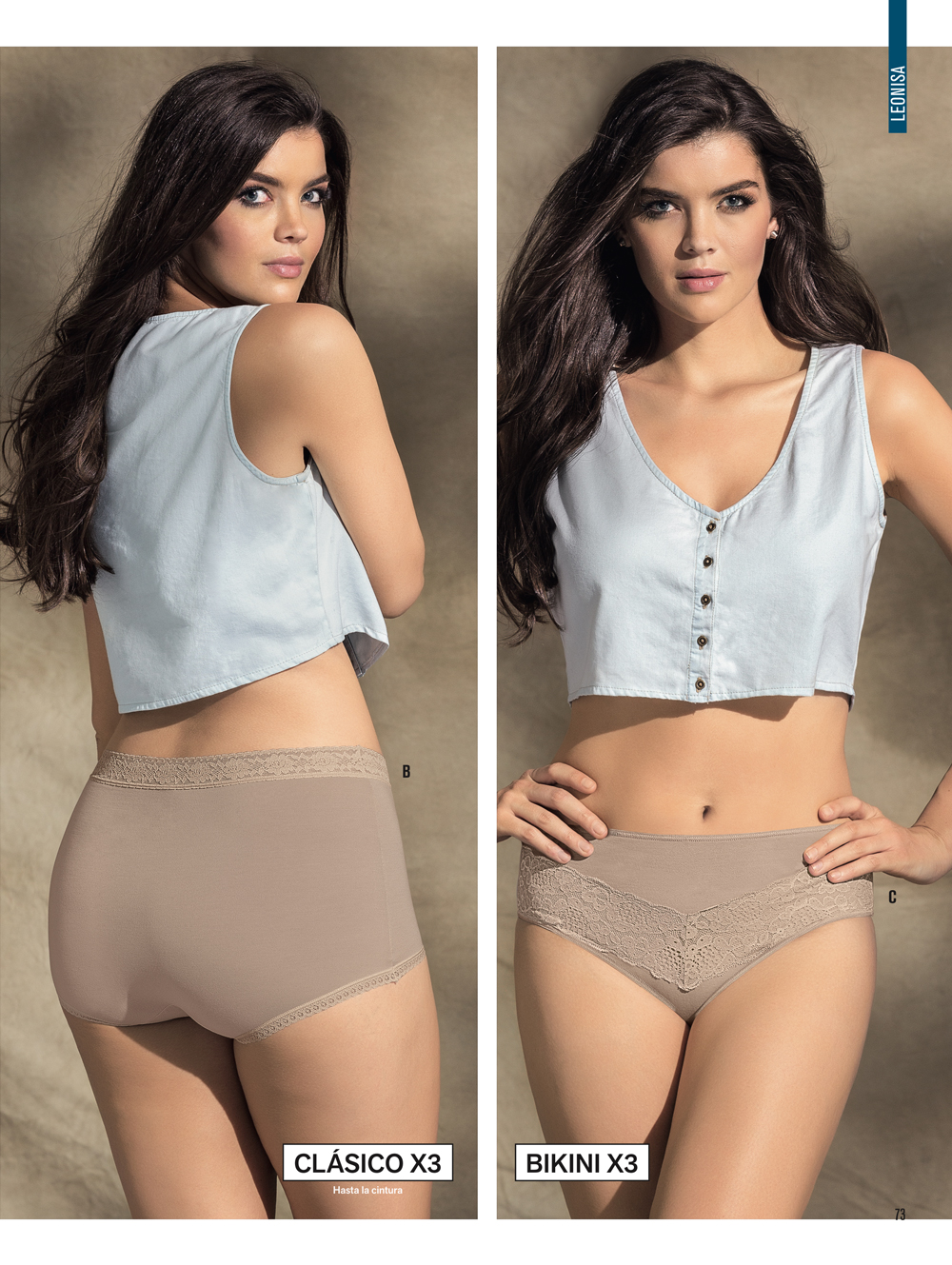
 Leonisa Lingerie 2017


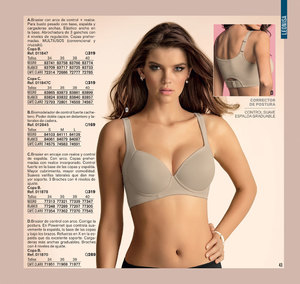

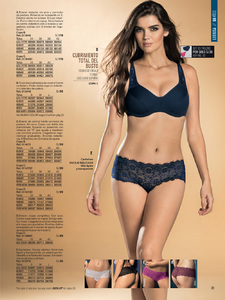
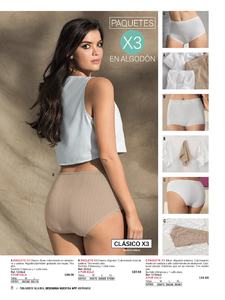
 Yeah, obviously that's the case. But hopefully there will be some new shots for MC2 ...
Here's why, in one exemple, why the internet have to be taken with some distance when it come to some infos, and the way it's presented. The francophonie like the english page of Wikipedia is presenting it : >> https://en.wikipedia.org/wiki/Francophonie And now the way the french version is showing it : >> https://fr.wikipedia.org/wiki/Francophonie
by @riocam for @thewebster • makeup: @talymakeup
Yeah, obviously that's the case. But hopefully there will be some new shots for MC2 ...
Here's why, in one exemple, why the internet have to be taken with some distance when it come to some infos, and the way it's presented. The francophonie like the english page of Wikipedia is presenting it : >> https://en.wikipedia.org/wiki/Francophonie And now the way the french version is showing it : >> https://fr.wikipedia.org/wiki/Francophonie
by @riocam for @thewebster • makeup: @talymakeup











Account
Search
Configure browser push notifications
Chrome (Android)
- Tap the lock icon next to the address bar.
- Tap Permissions → Notifications.
- Adjust your preference.
Chrome (Desktop)
- Click the padlock icon in the address bar.
- Select Site settings.
- Find Notifications and adjust your preference.
Safari (iOS 16.4+)
- Ensure the site is installed via Add to Home Screen.
- Open Settings App → Notifications.
- Find your app name and adjust your preference.
Safari (macOS)
- Go to Safari → Preferences.
- Click the Websites tab.
- Select Notifications in the sidebar.
- Find this website and adjust your preference.
Edge (Android)
- Tap the lock icon next to the address bar.
- Tap Permissions.
- Find Notifications and adjust your preference.
Edge (Desktop)
- Click the padlock icon in the address bar.
- Click Permissions for this site.
- Find Notifications and adjust your preference.
Firefox (Android)
- Go to Settings → Site permissions.
- Tap Notifications.
- Find this site in the list and adjust your preference.
Firefox (Desktop)
- Open Firefox Settings.
- Search for Notifications.
- Find this site in the list and adjust your preference.

.jpg.dc5b360fe162156a6378d7ef4023933b.jpg)



.jpg.b4d45d9727fd154c1f00ec2bf7032619.jpg)






































.jpeg.5504b8e079b6fc05a031acca61021e65.jpeg)
.jpg.ed4f05611e16c96b188995cf0af08c44.jpg)
.jpeg.c6b5bf5dd763ec2ba2f05ff65c952998.jpeg)
.jpg.ac63a054a5926ff5414e2fd82af9ccb9.jpg)
.jpg.c8b2c71c5ff557b7fb2f88379acda698.jpg)
.jpg.f1f6b2b7ee4e19a10670001e0afd6d6c.jpg)
.jpg.12367bf05df9531373049a647aa390b1.jpg)
.jpg.b171036732c517182b57a91d1c6087b3.jpg)


.jpeg.a08b4f92e40f61e8ff7c509a8894b465.jpeg)
.jpg.4ed231415e279005337c2c3d80524d8c.jpg)
.jpeg.99b6d7c4d47b1de3d3393a6f2add1128.jpeg)
.jpg.311f1bd28e6ed686b11ba98e7f1fcf59.jpg)
.jpeg.1cb811299ee11843243e3bc6c57f65c1.jpeg)
.jpg.18196f764a33db8f73782e22d361f31b.jpg)
.jpeg.1a7b8459a9a42e592aa5d468313c220b.jpeg)
.jpg.a1e976638c1b3ca972e5ee5d24cd05bf.jpg)
.jpeg.28cac0bd51bf86fcdef10fb82aac019d.jpeg)
.jpg.830e6fd9c27e34bbf569b9f0e57d21f3.jpg)
.jpg.2b04caa2b4467cbd8dc257640dd4dc0a.jpg)
.jpg.ead6b6336ce7b39b95f9ff9ee5193c6c.jpg)








.jpeg.192c5869235541227dad7bda139dc073.jpeg)
.jpeg.6e9a0af28495d513a2125fbed8bd4729.jpeg)
.jpeg.20ff22cb08f502af02b10c6c2d5f9725.jpeg)
.jpeg.434fbe7c544f5fda0b8359138a309ab8.jpeg)
.jpeg.9b45f9e84789562e5a38c19531462449.jpeg)
.jpeg.a10e8935e837b8169f6f02c4171efeb8.jpeg)
.jpeg.d6f151d8cfbafbe3217ab3f8dc9be4e8.jpeg)
.jpeg.ed3141cd2fa89cc2f455d62213f271e0.jpeg)
.jpeg.d8debb5d07eb5f943f57fc6d997d3557.jpeg)