jj3
Members
-
Joined
Everything posted by jj3
-
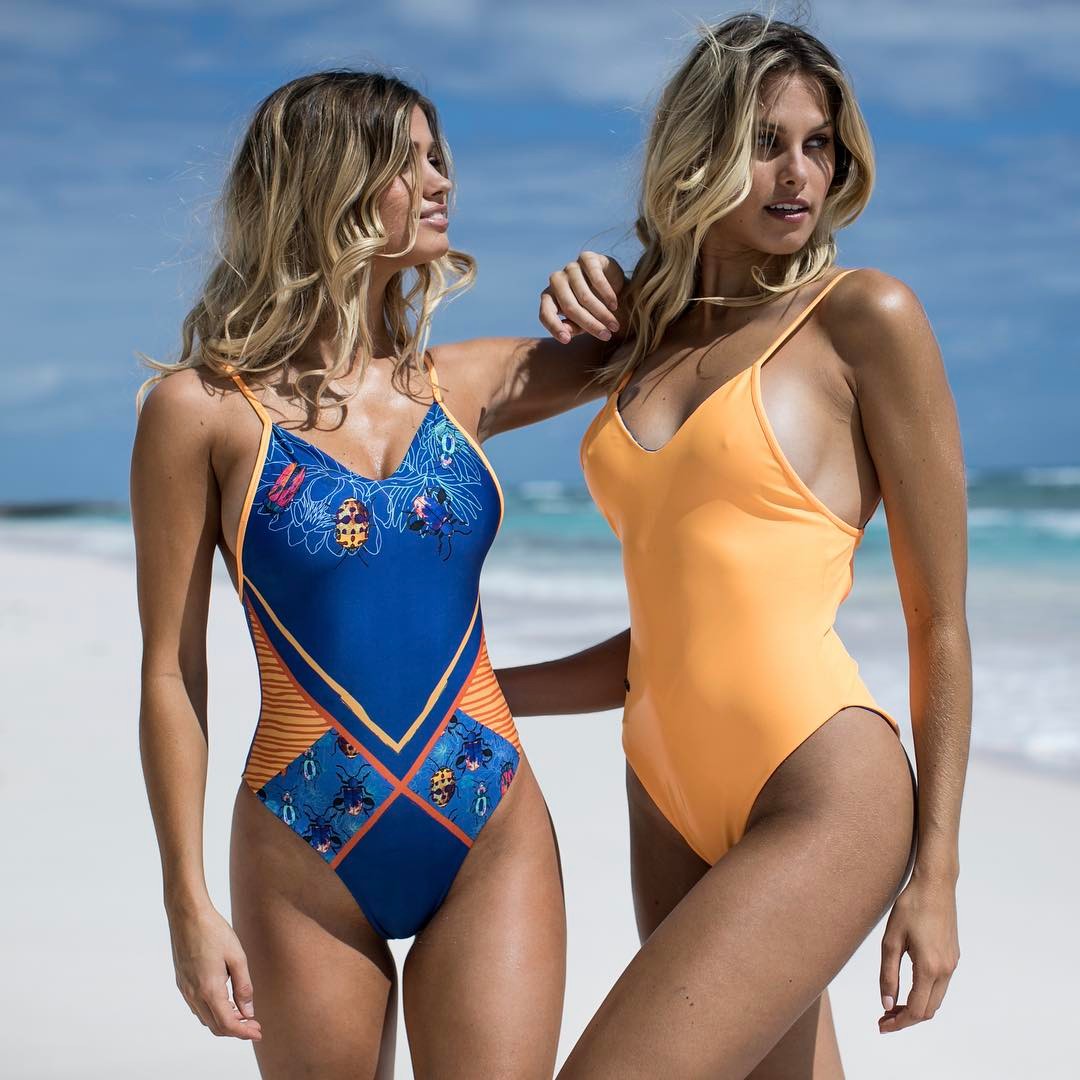
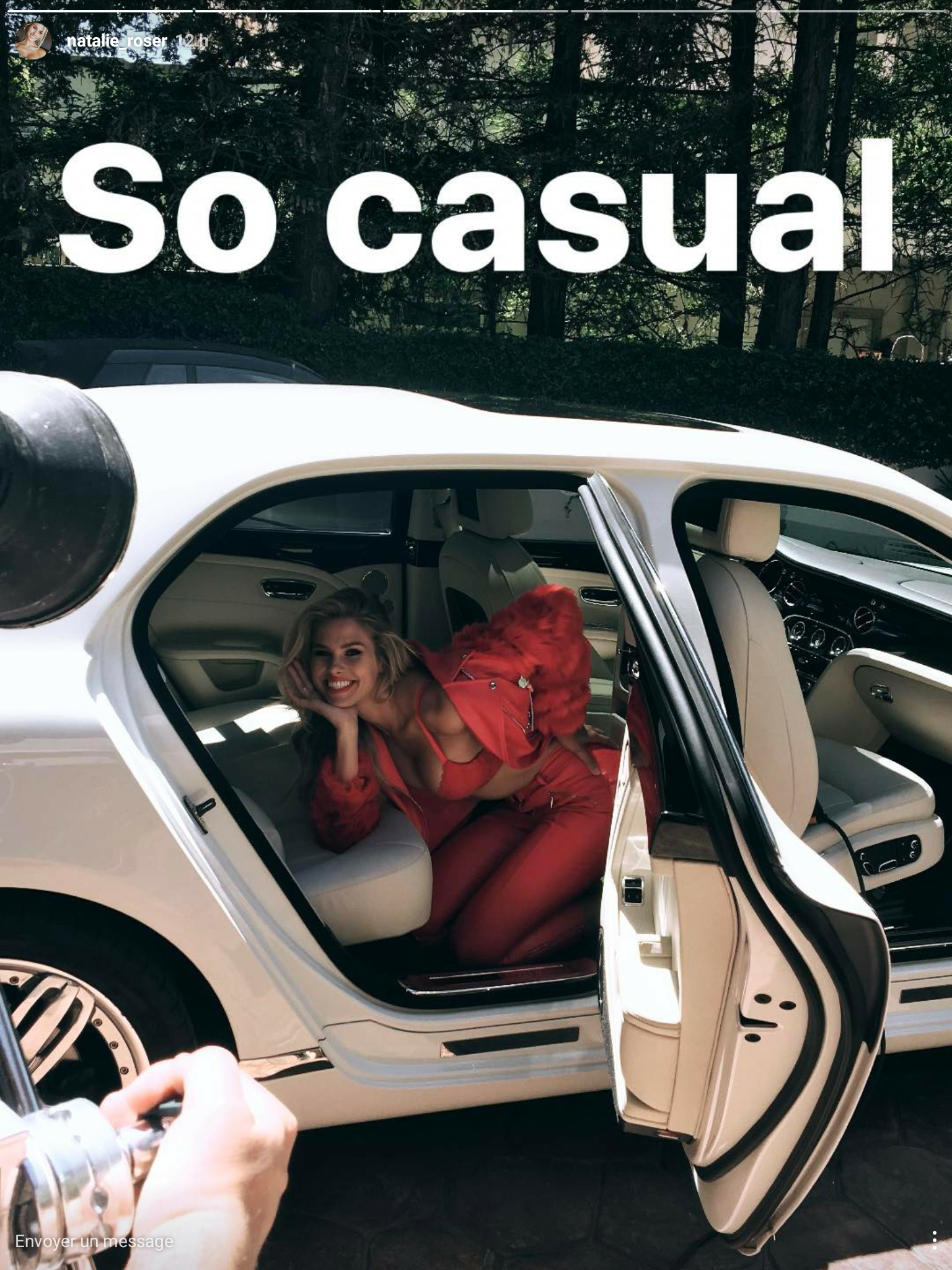
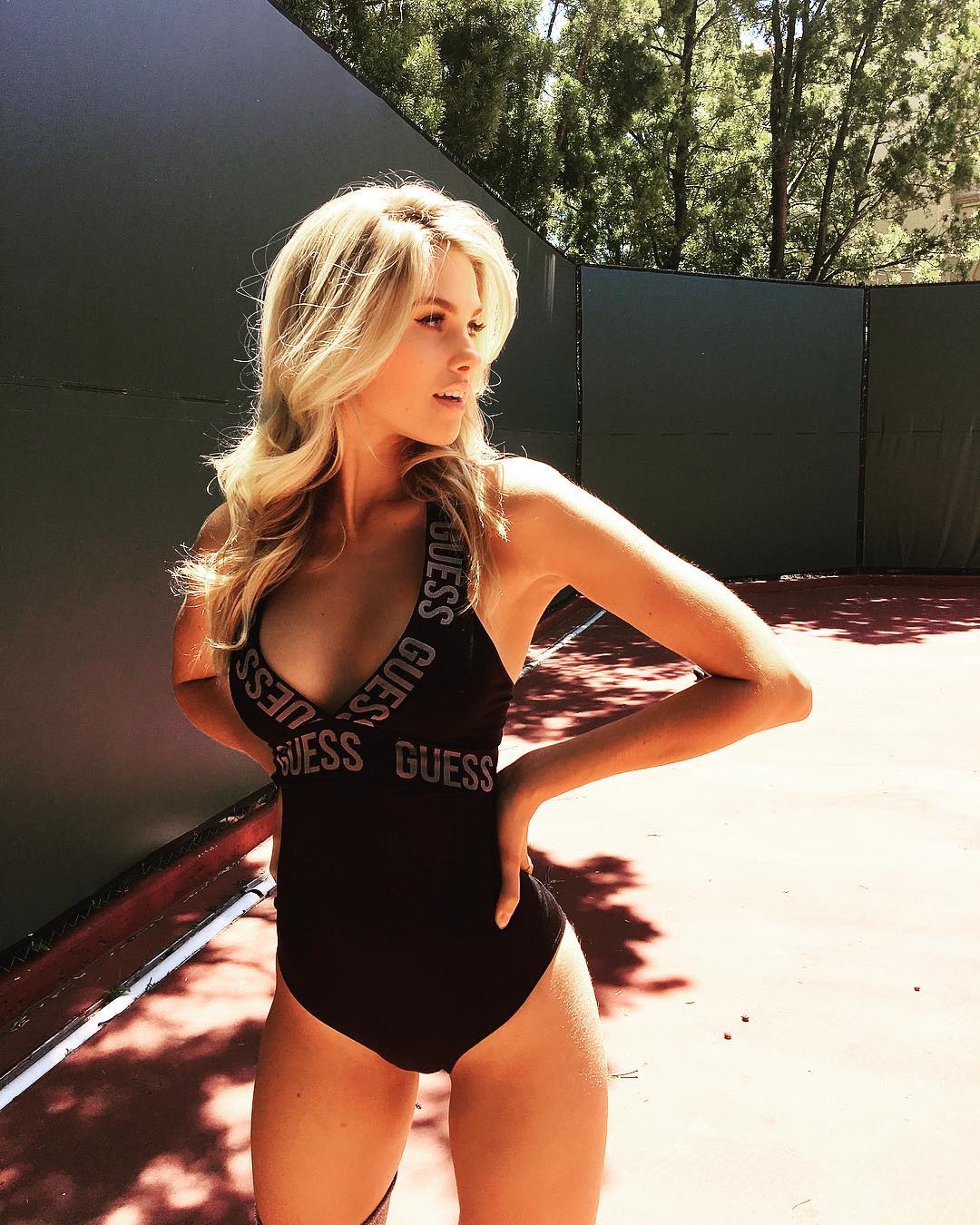
 ^ So great Natalie shooted for Guess !!!
@joshryanphotos @lamodels
^ So great Natalie shooted for Guess !!!
@joshryanphotos @lamodels
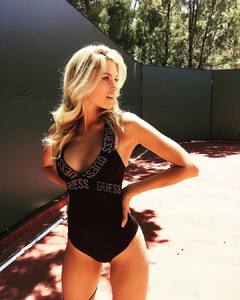 Thanks all for the updates
lol ...
>> http://www.thelionsny.com/div/women/model/kateupton2/p/1456/c/-1/?sid=89340
Behind The Scenes 2
Thanks all for the updates
lol ...
>> http://www.thelionsny.com/div/women/model/kateupton2/p/1456/c/-1/?sid=89340
Behind The Scenes 2


.thumb.jpg.03400ede637b5134fb6df84bee842d96.jpg)






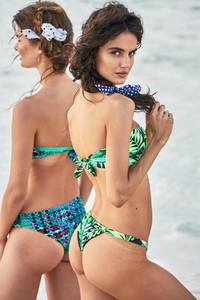
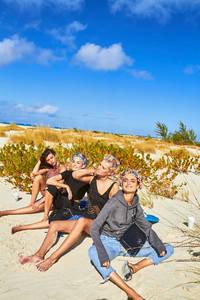


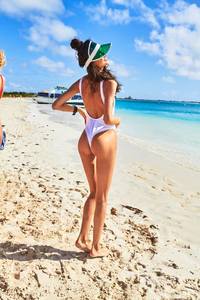









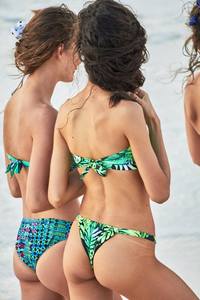


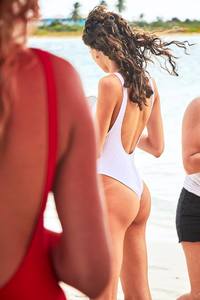
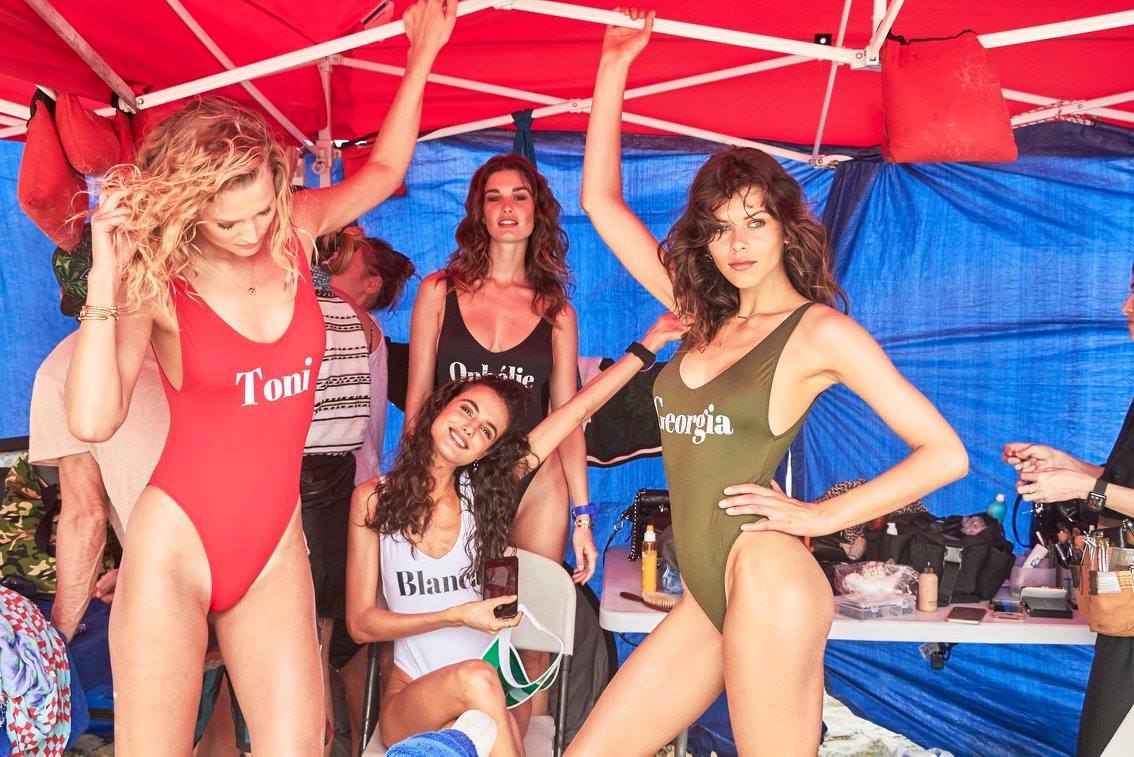
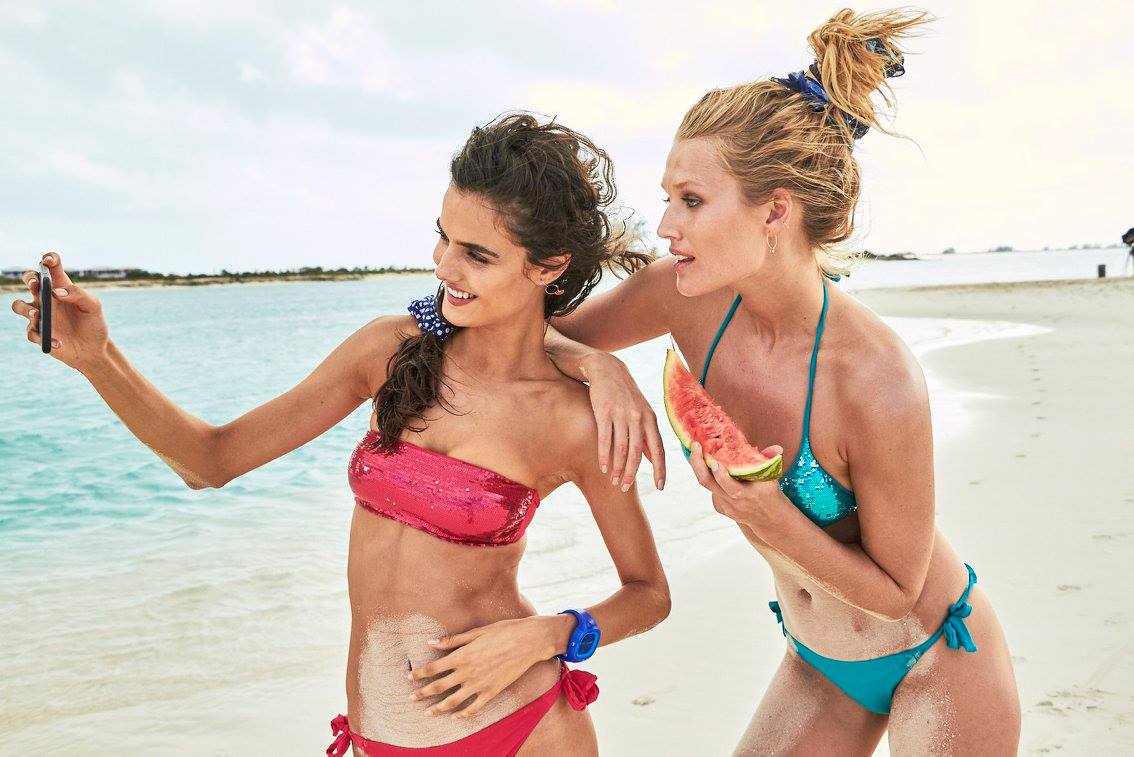
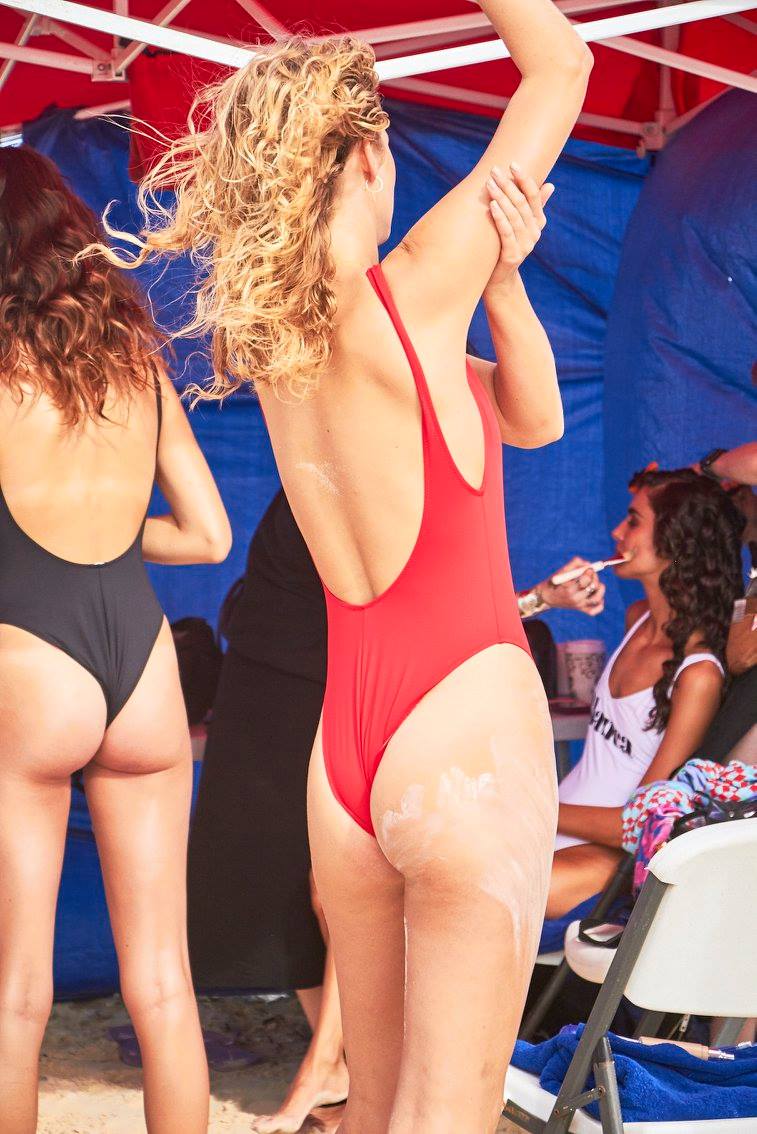
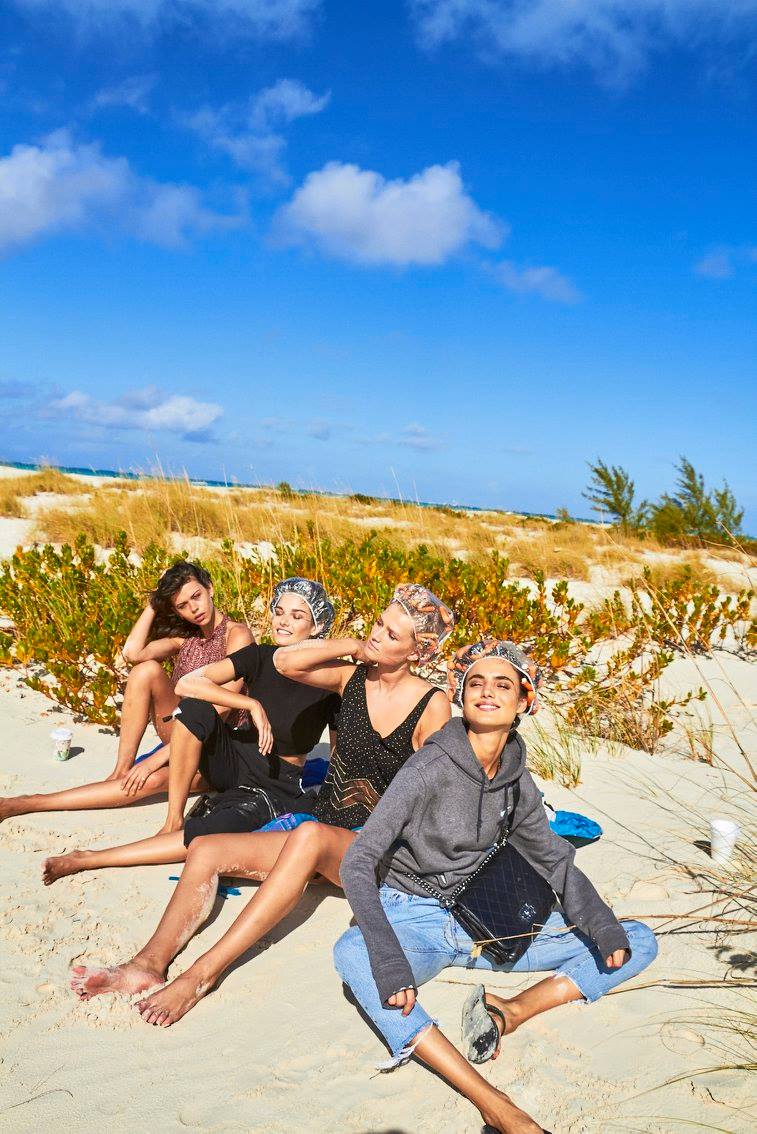
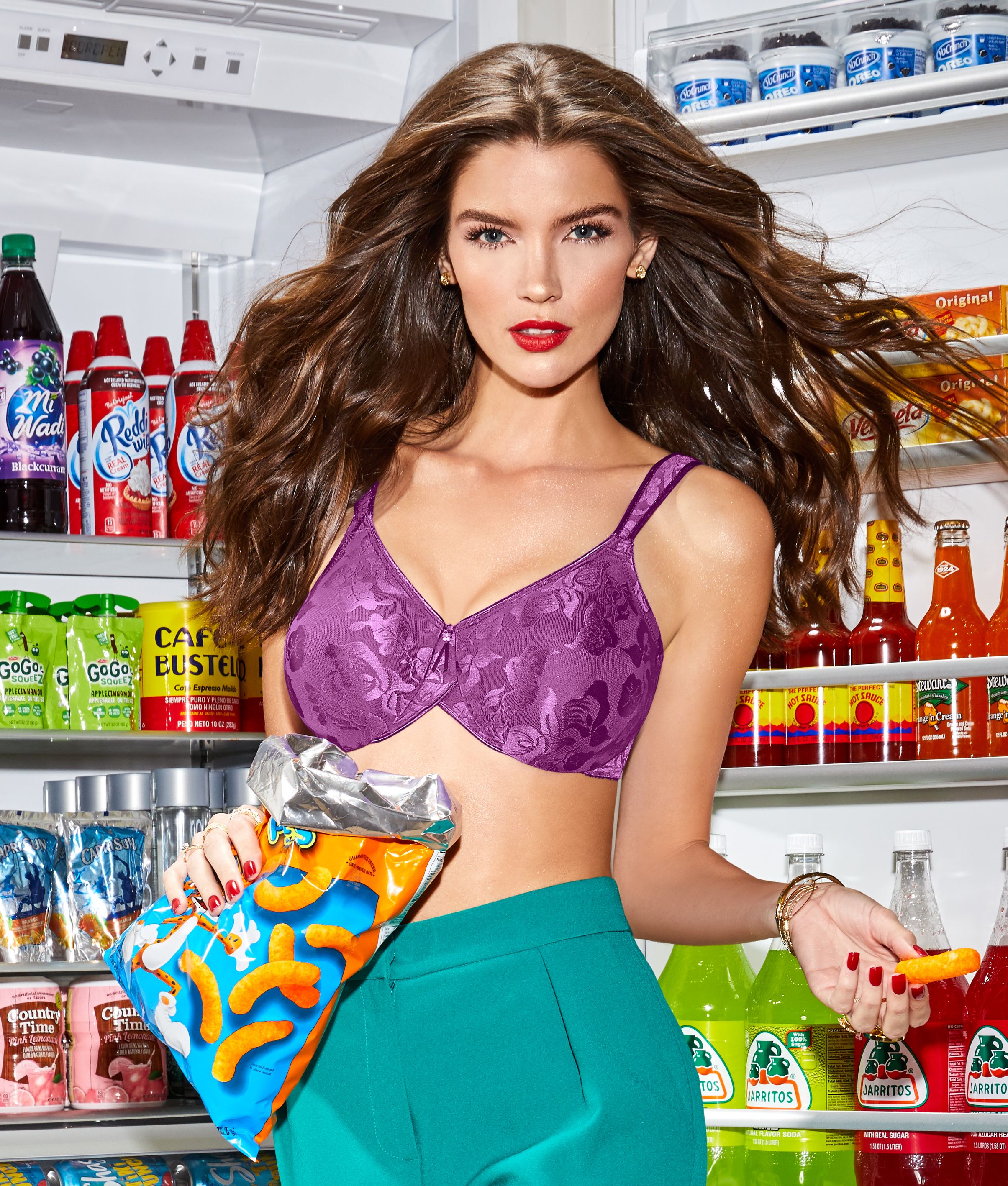
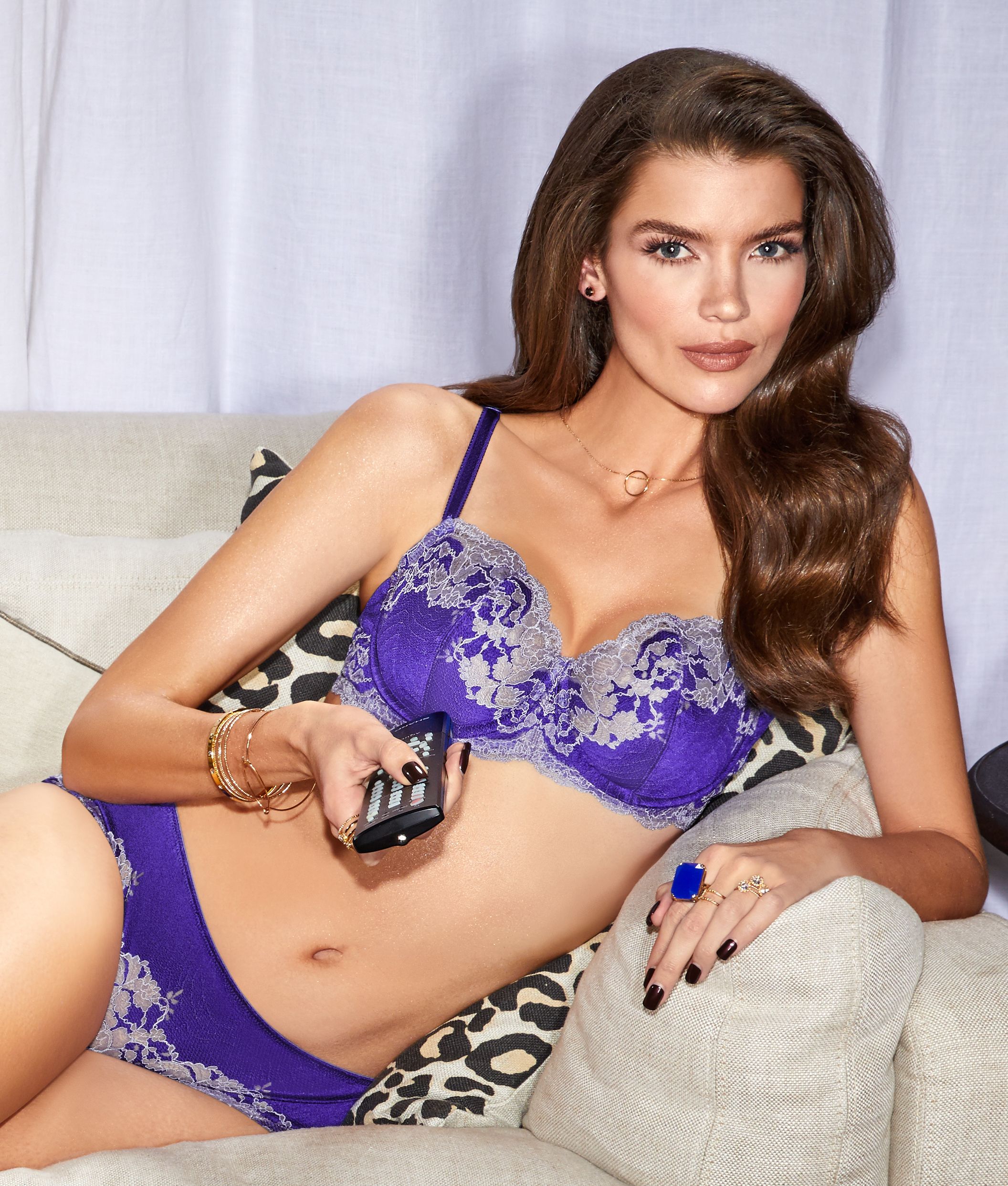
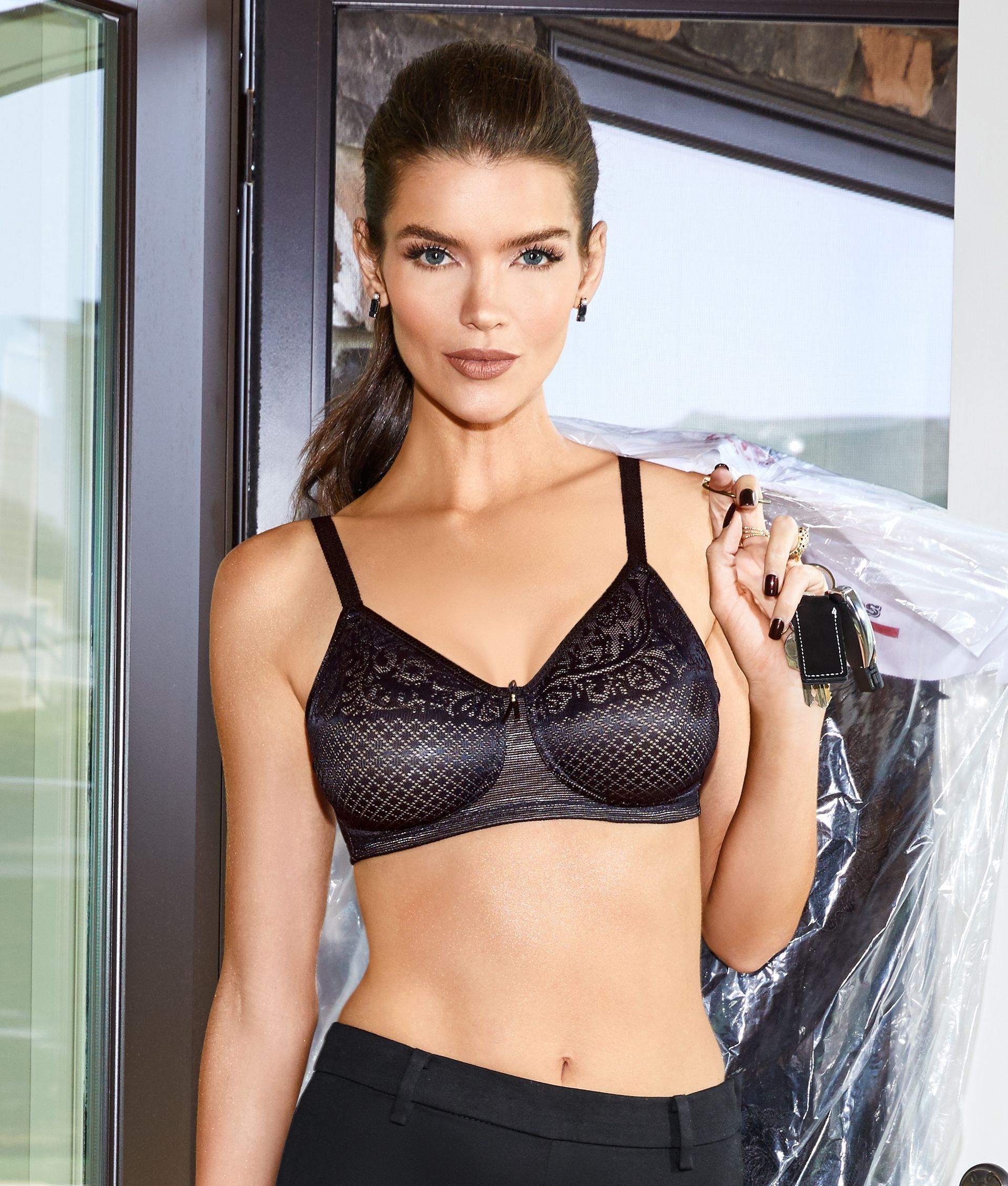
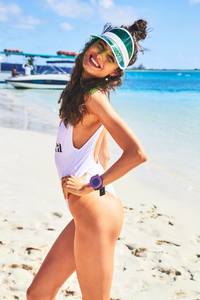 @barenecessities WACOAL 2017










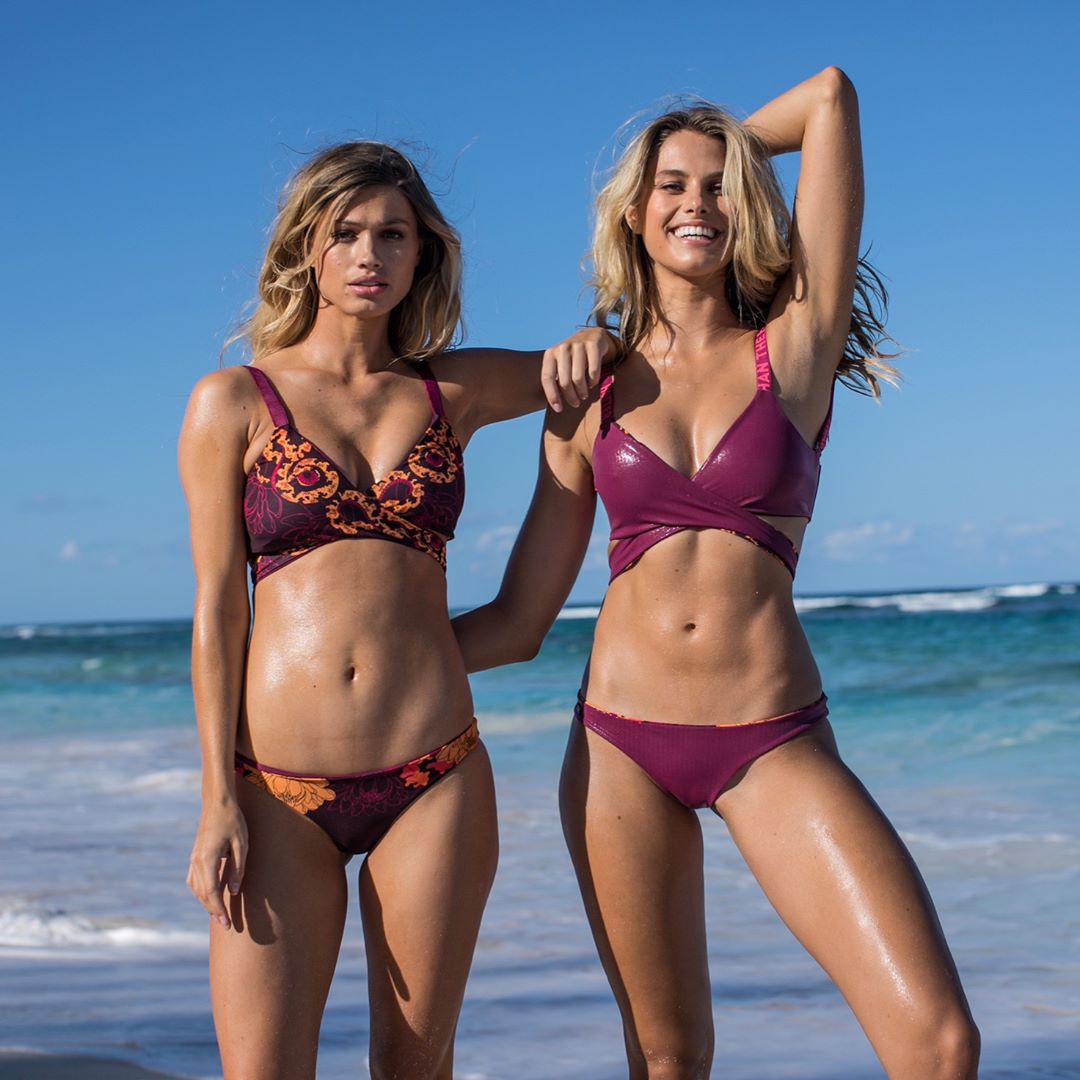
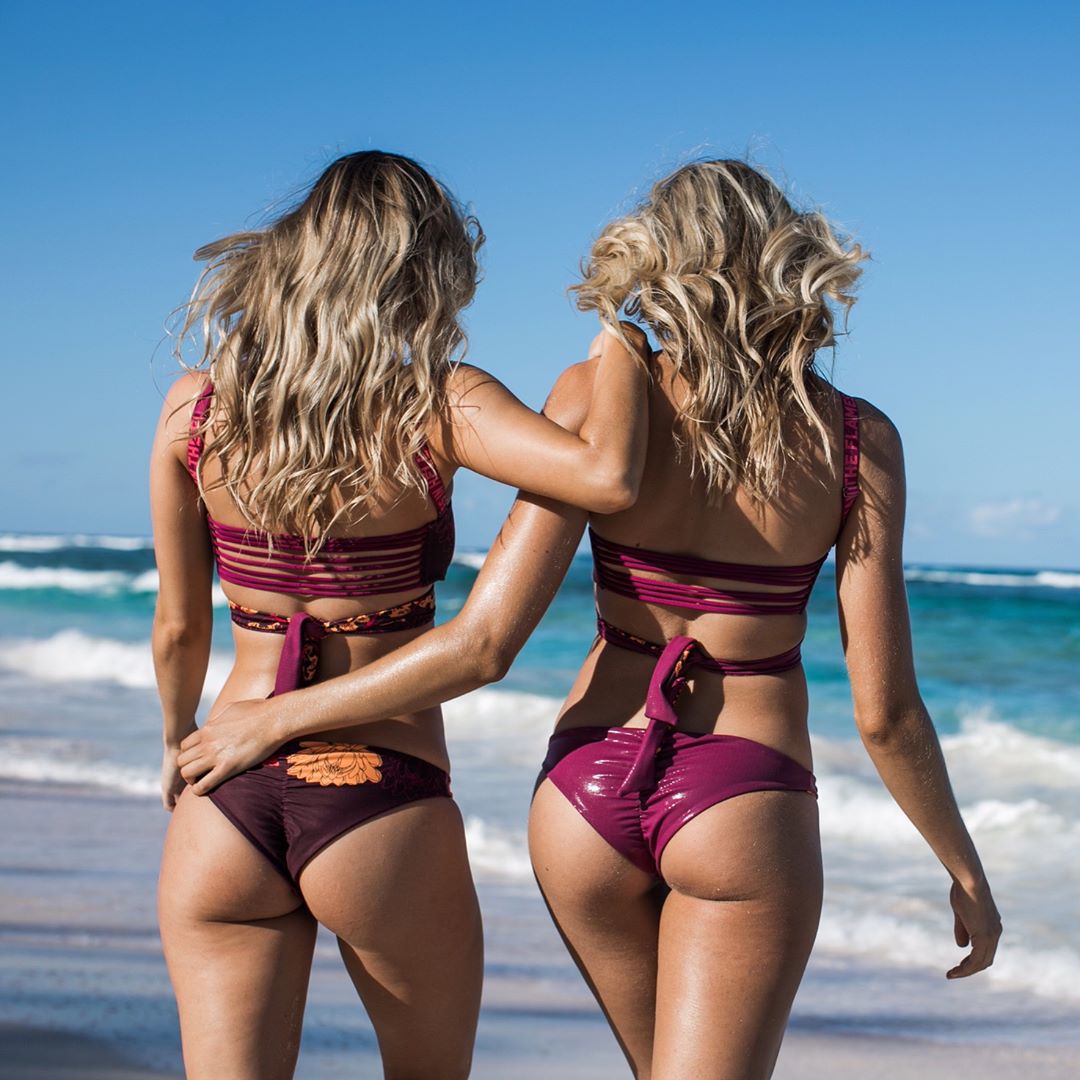
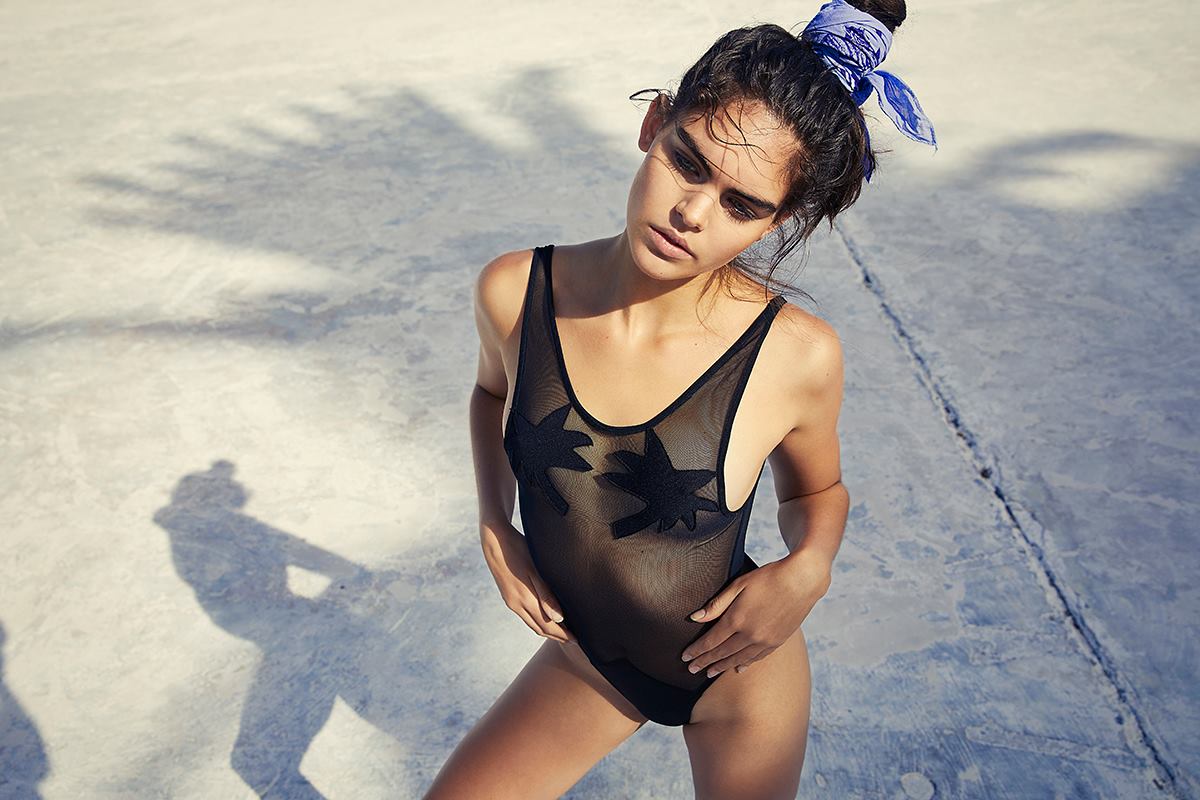
 @oneoneswimwear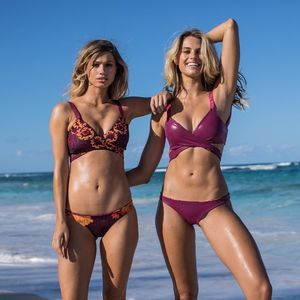
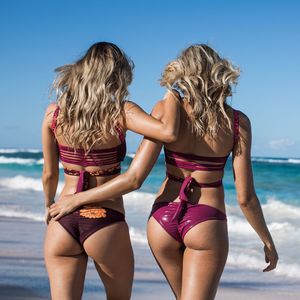
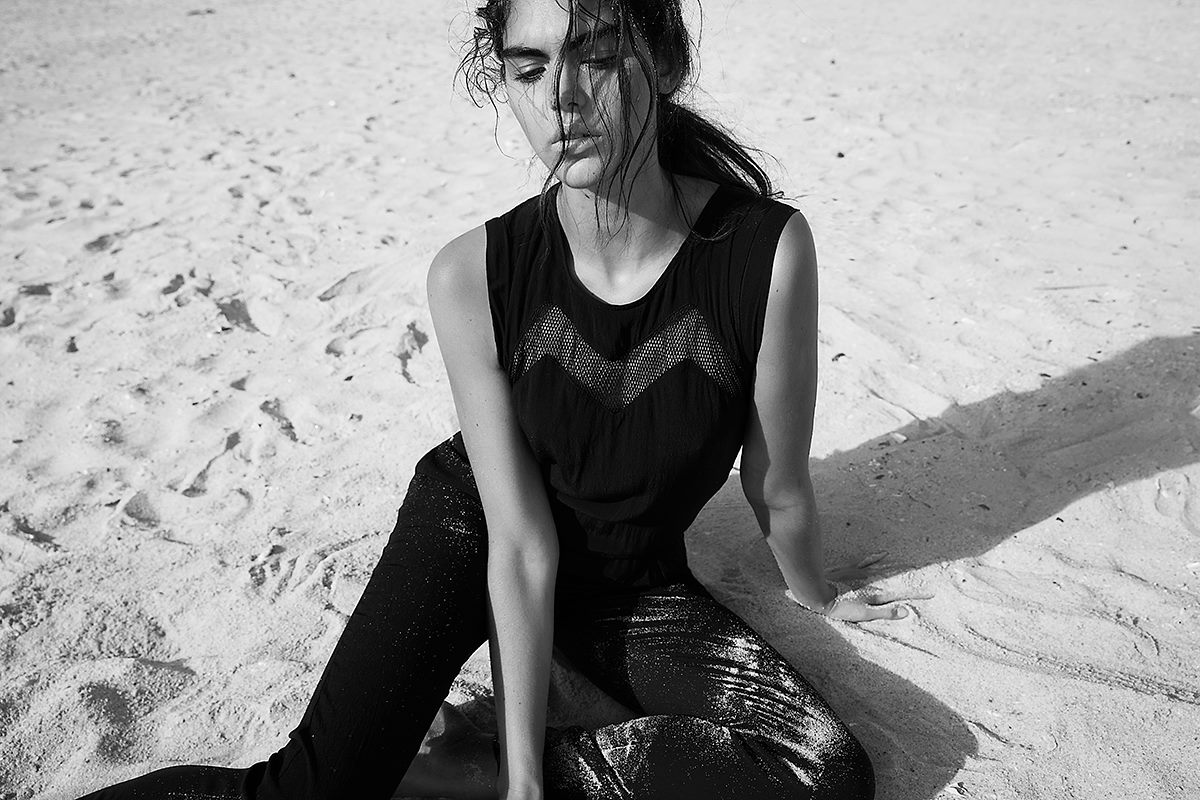
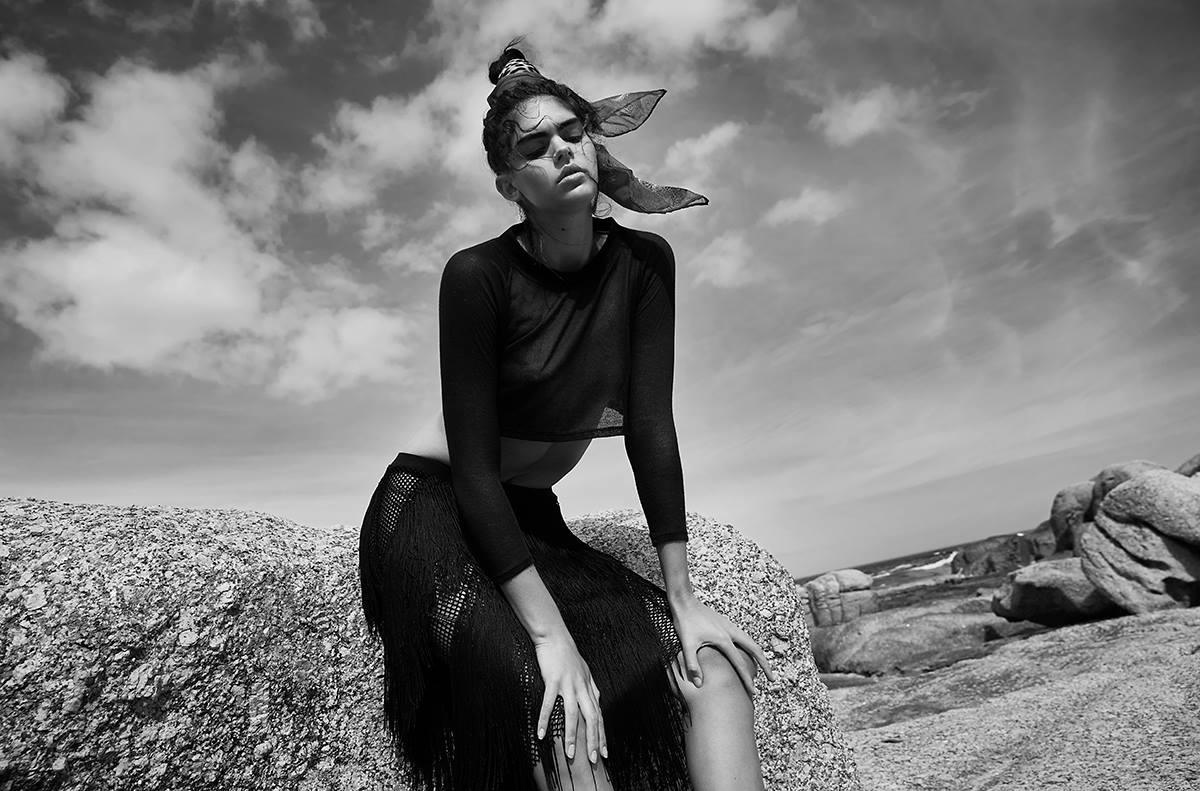
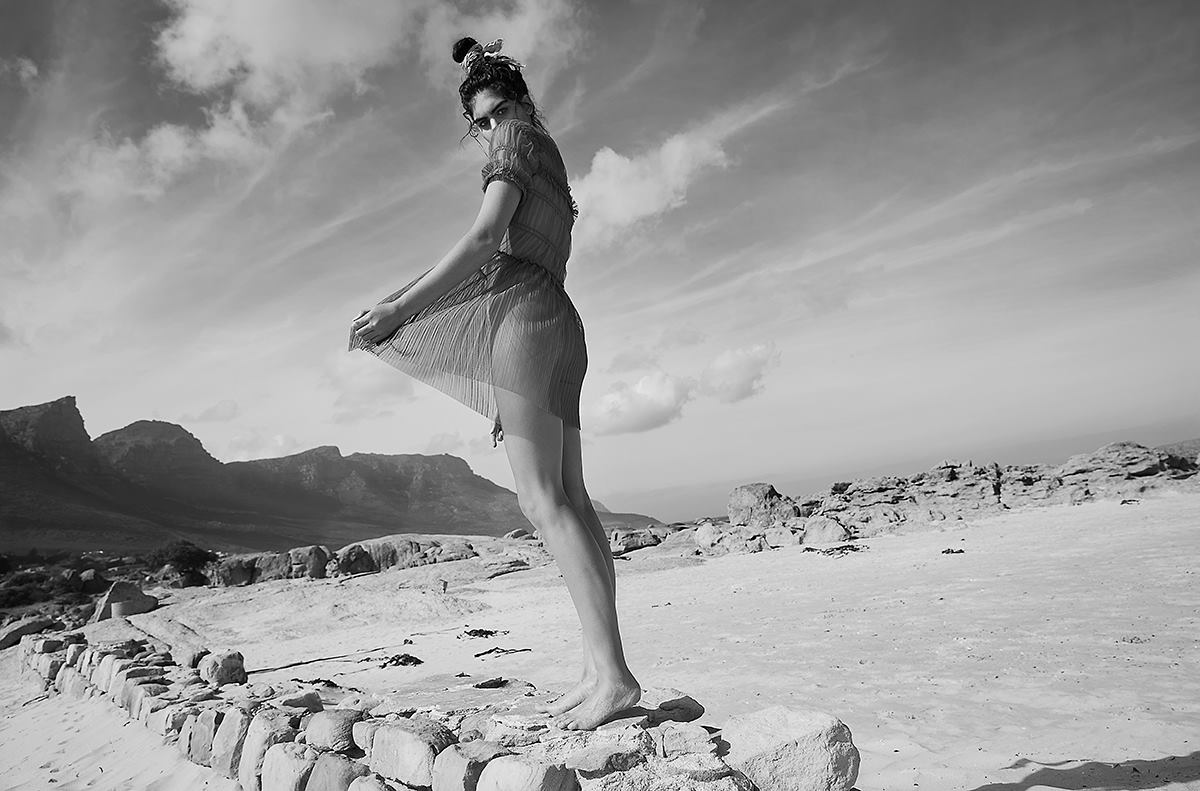
 #superiormagazine #fashioneditorial #model @miekevisser23 @bossmodelsa PH @verenaknemeyer #styling@petratielmannstyling #hairemakeup@steffanie_kroll @double_t_photographers




 I know right ! I wanted to make a set with Tashy since ... EVER, and i finally made it ! Glad you like it !!
Account
Search
Configure browser push notifications
Chrome (Android)
- Tap the lock icon next to the address bar.
- Tap Permissions → Notifications.
- Adjust your preference.
Chrome (Desktop)
- Click the padlock icon in the address bar.
- Select Site settings.
- Find Notifications and adjust your preference.
Safari (iOS 16.4+)
- Ensure the site is installed via Add to Home Screen.
- Open Settings App → Notifications.
- Find your app name and adjust your preference.
Safari (macOS)
- Go to Safari → Preferences.
- Click the Websites tab.
- Select Notifications in the sidebar.
- Find this website and adjust your preference.
Edge (Android)
- Tap the lock icon next to the address bar.
- Tap Permissions.
- Find Notifications and adjust your preference.
Edge (Desktop)
- Click the padlock icon in the address bar.
- Click Permissions for this site.
- Find Notifications and adjust your preference.
Firefox (Android)
- Go to Settings → Site permissions.
- Tap Notifications.
- Find this site in the list and adjust your preference.
Firefox (Desktop)
- Open Firefox Settings.
- Search for Notifications.
- Find this site in the list and adjust your preference.



.jpg.359fa2880ddd05fbfbf2ce261896b401.jpg)