jj3
Members
-
Joined
Everything posted by jj3
-
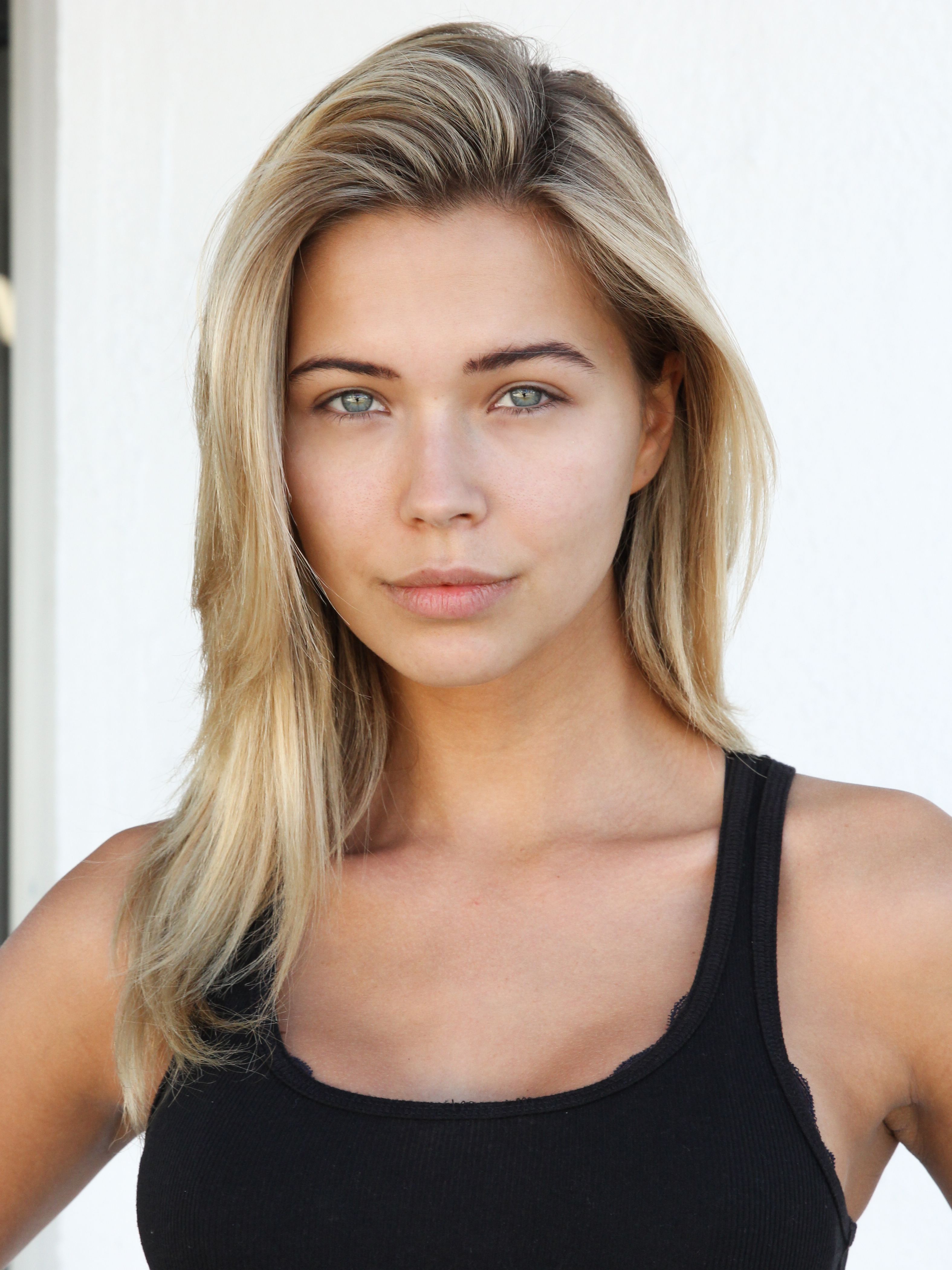
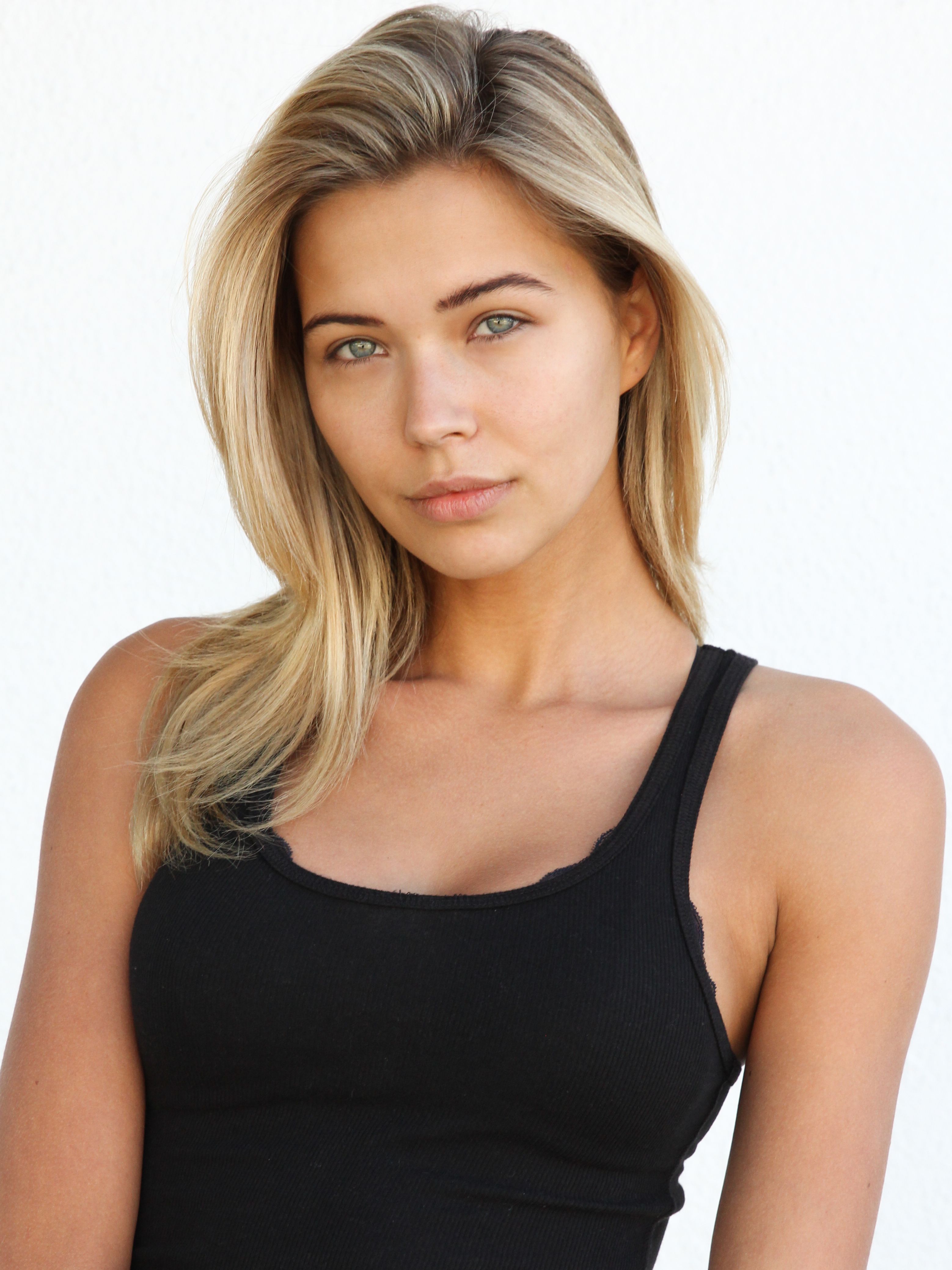
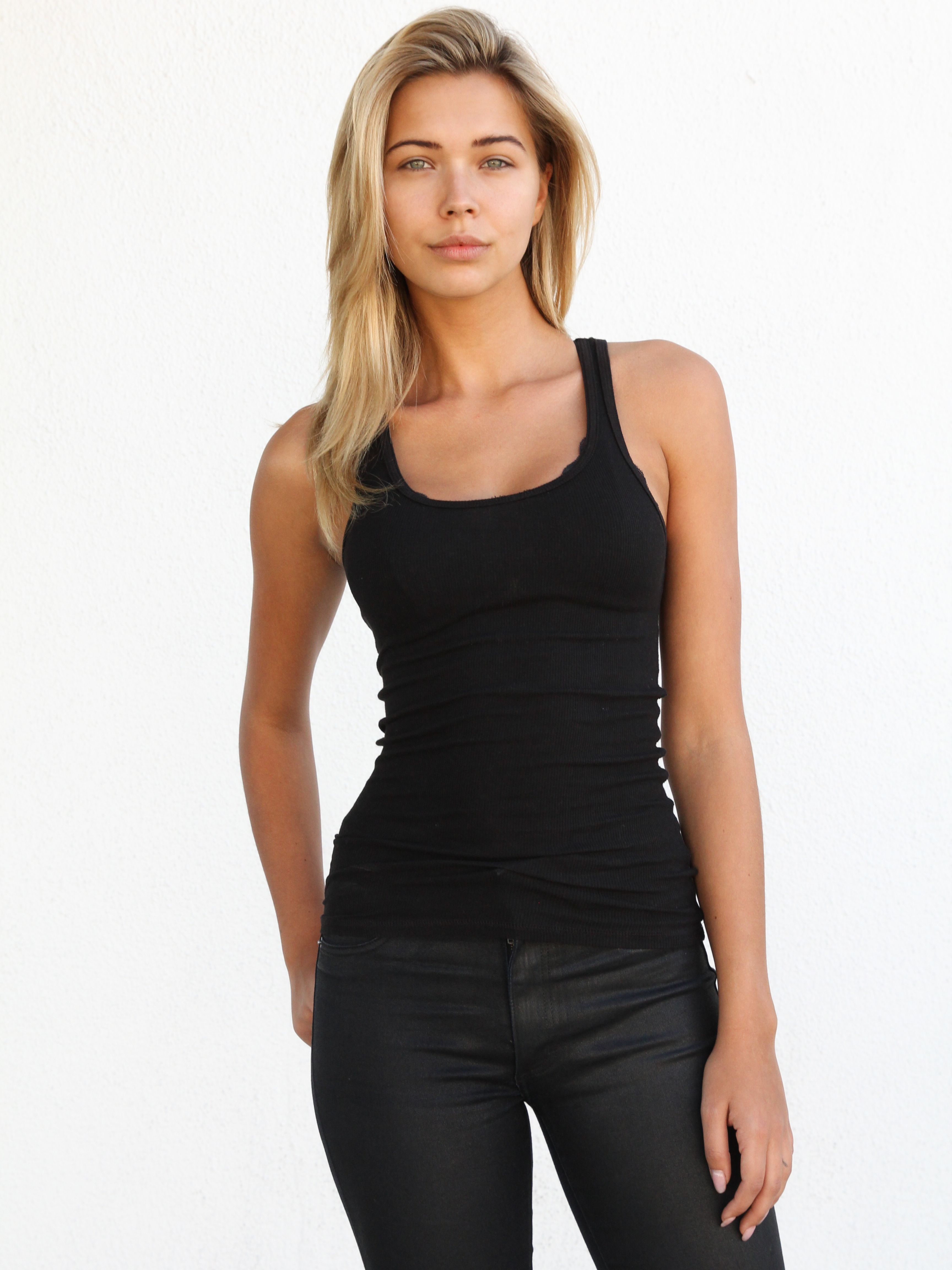
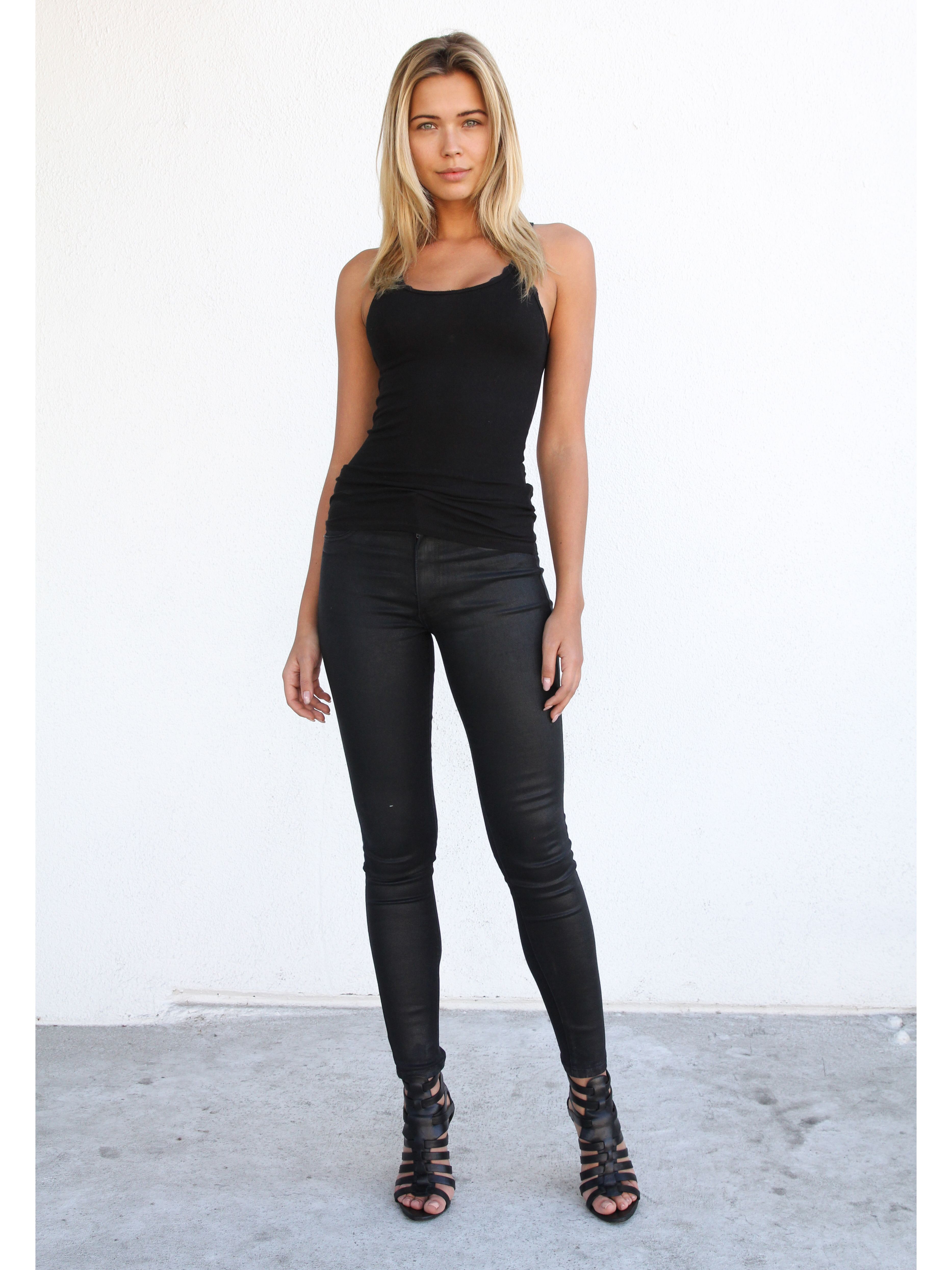
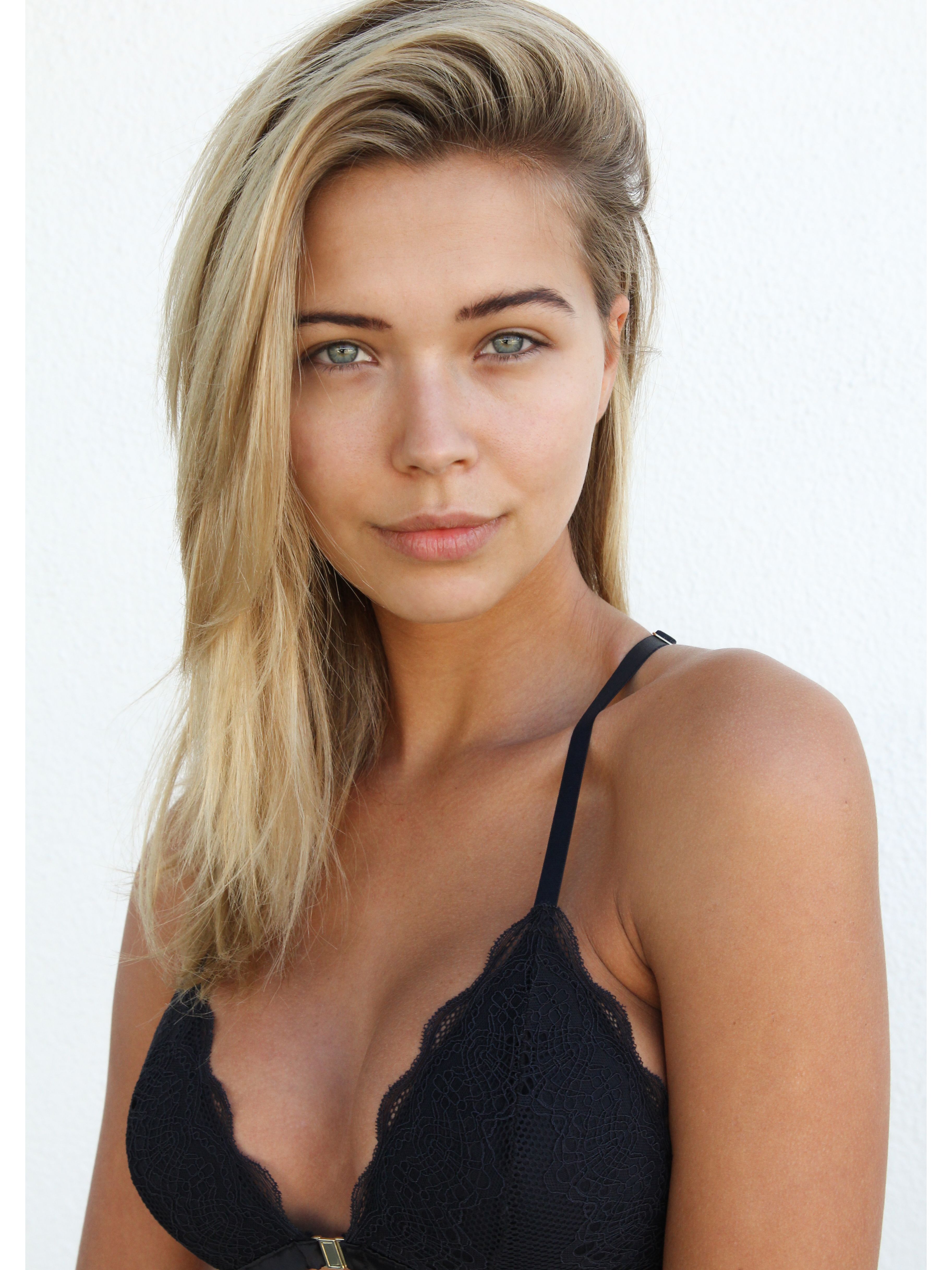
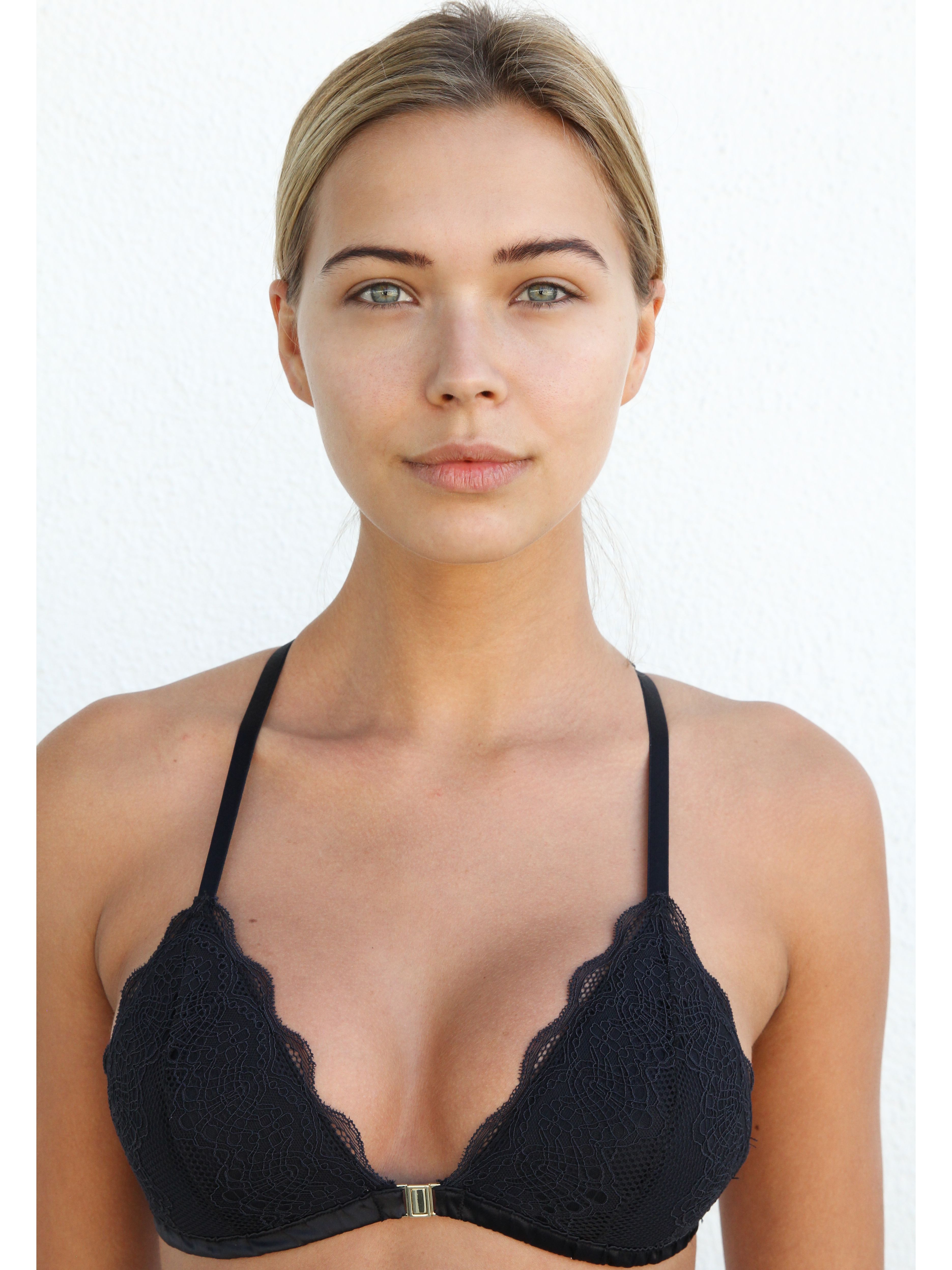
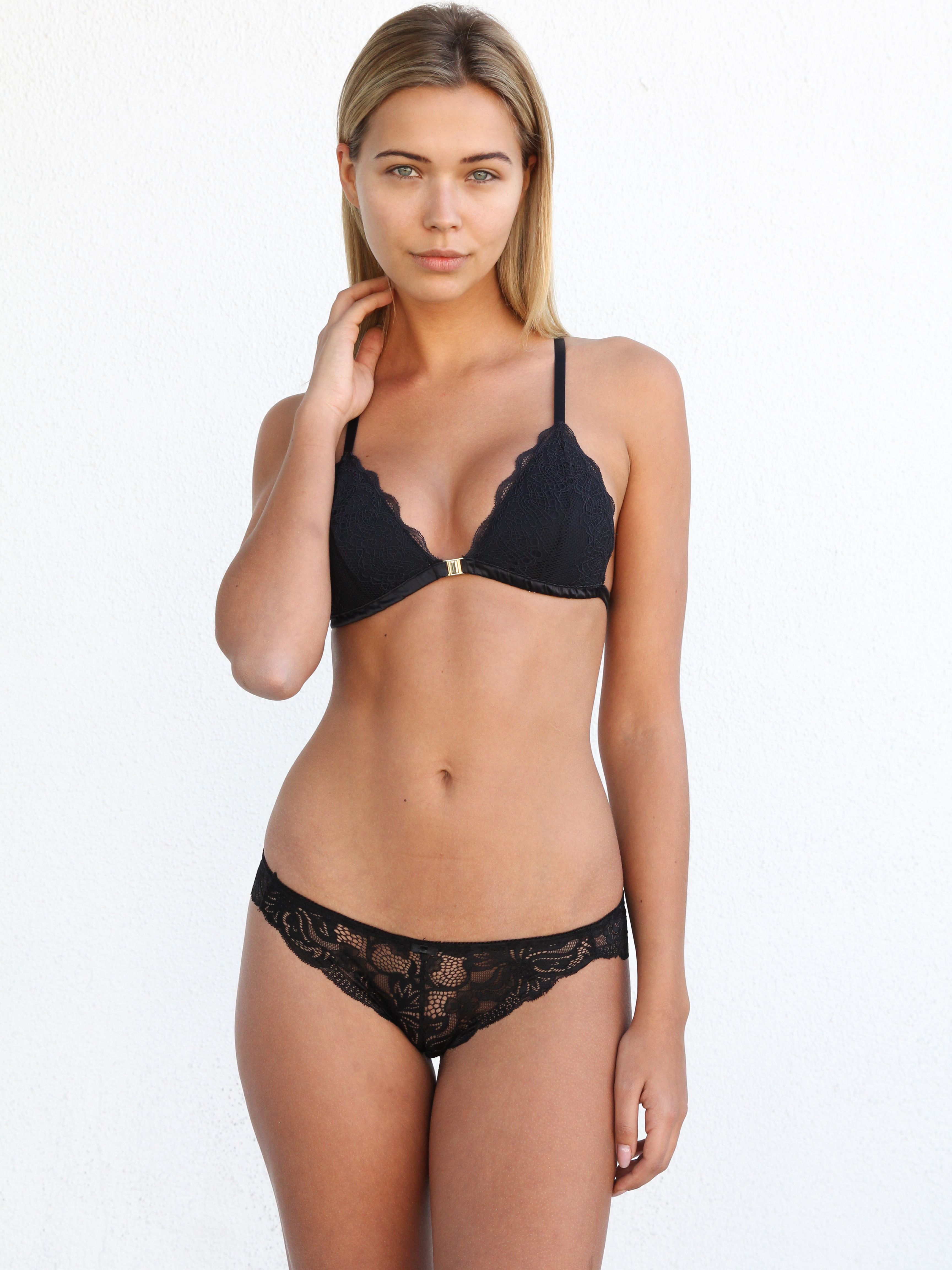
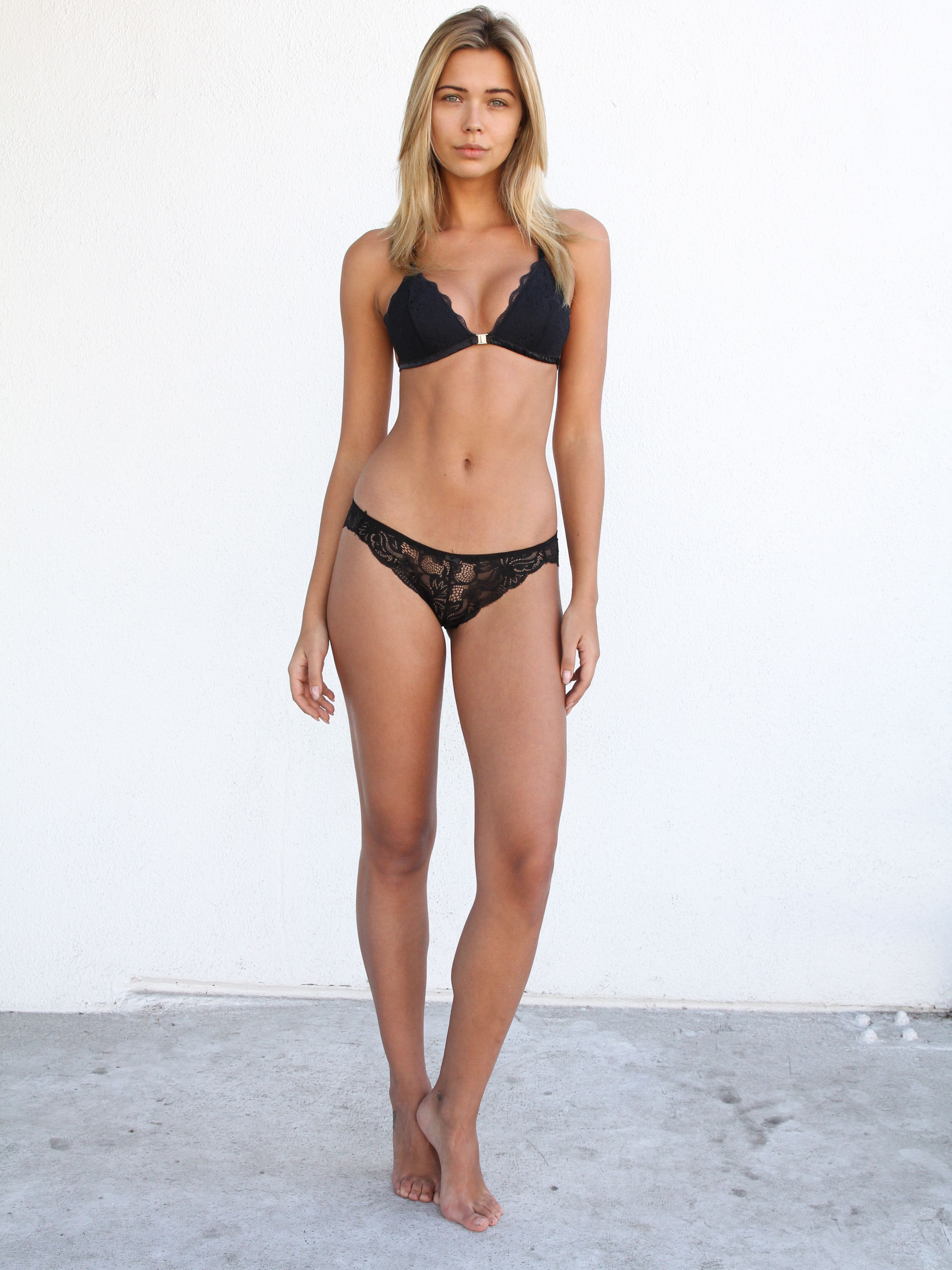
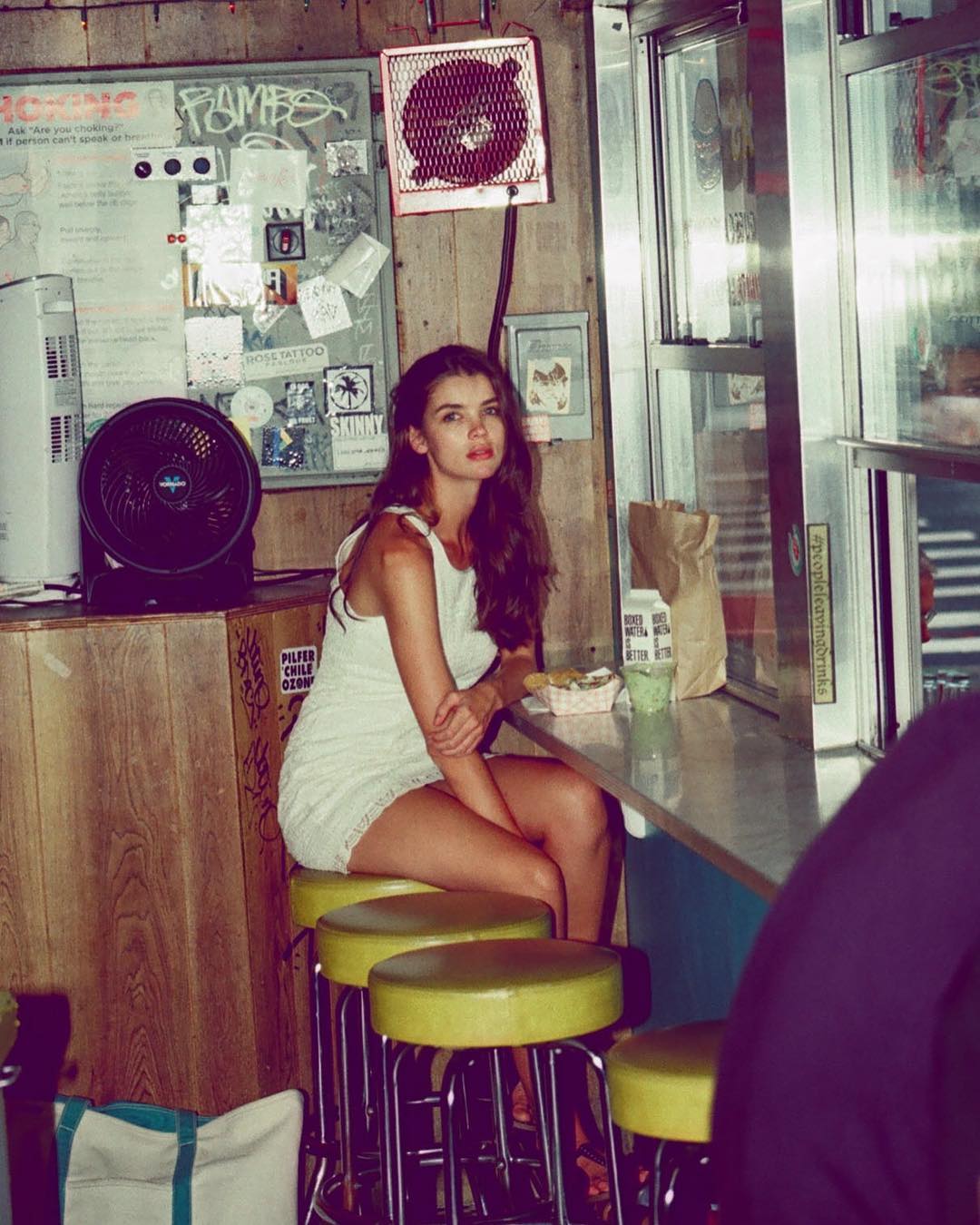
 Polaroids / Digitals

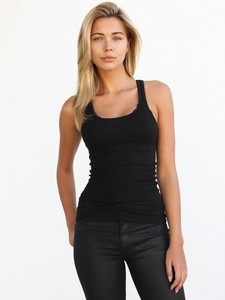
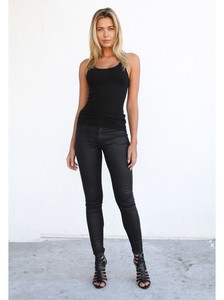
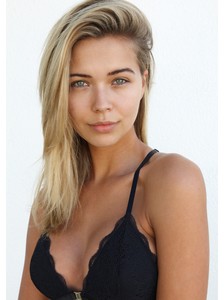
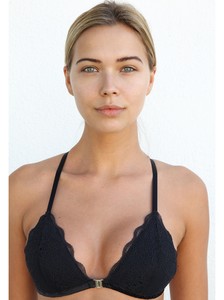
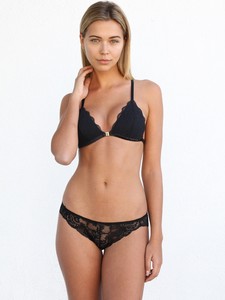
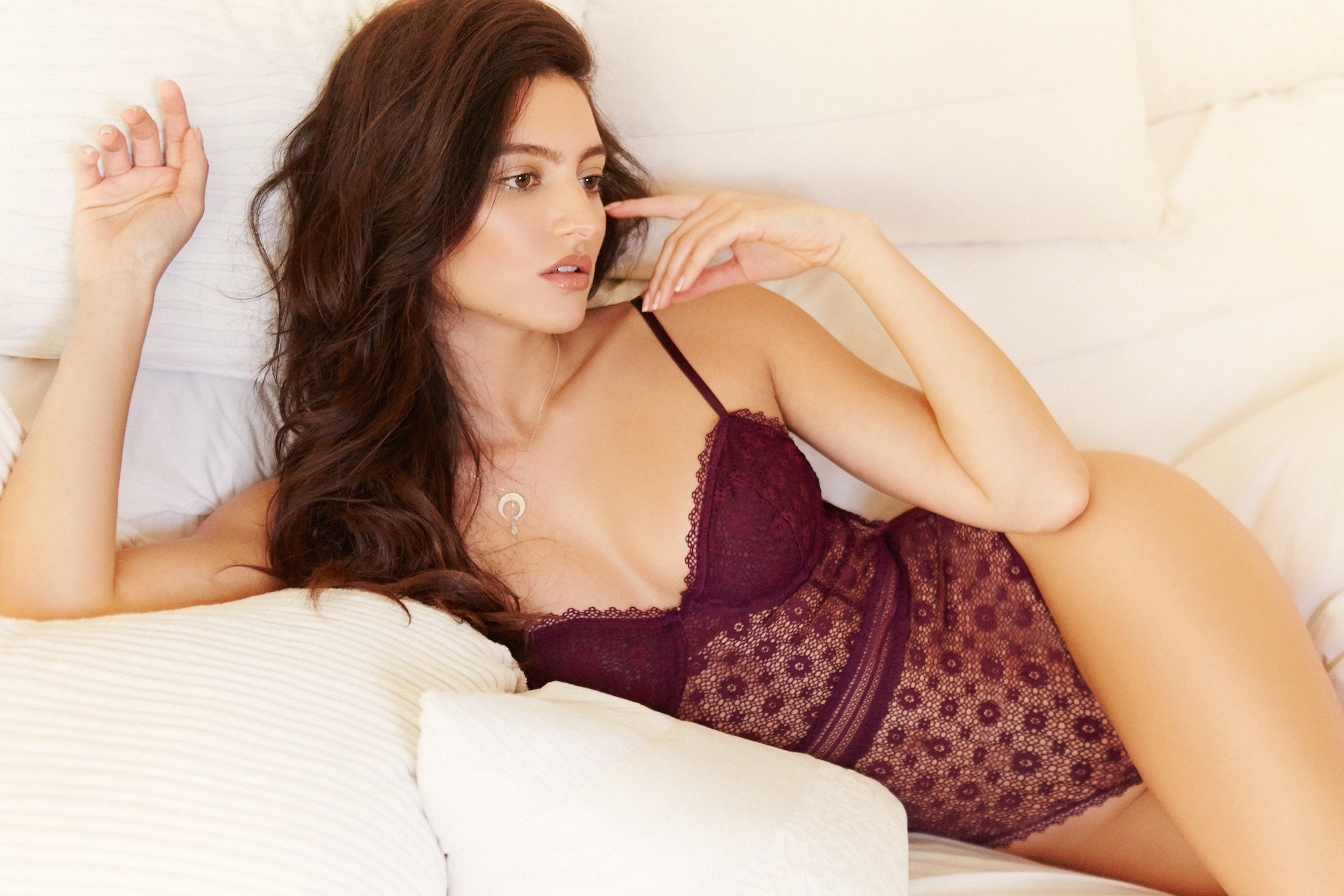
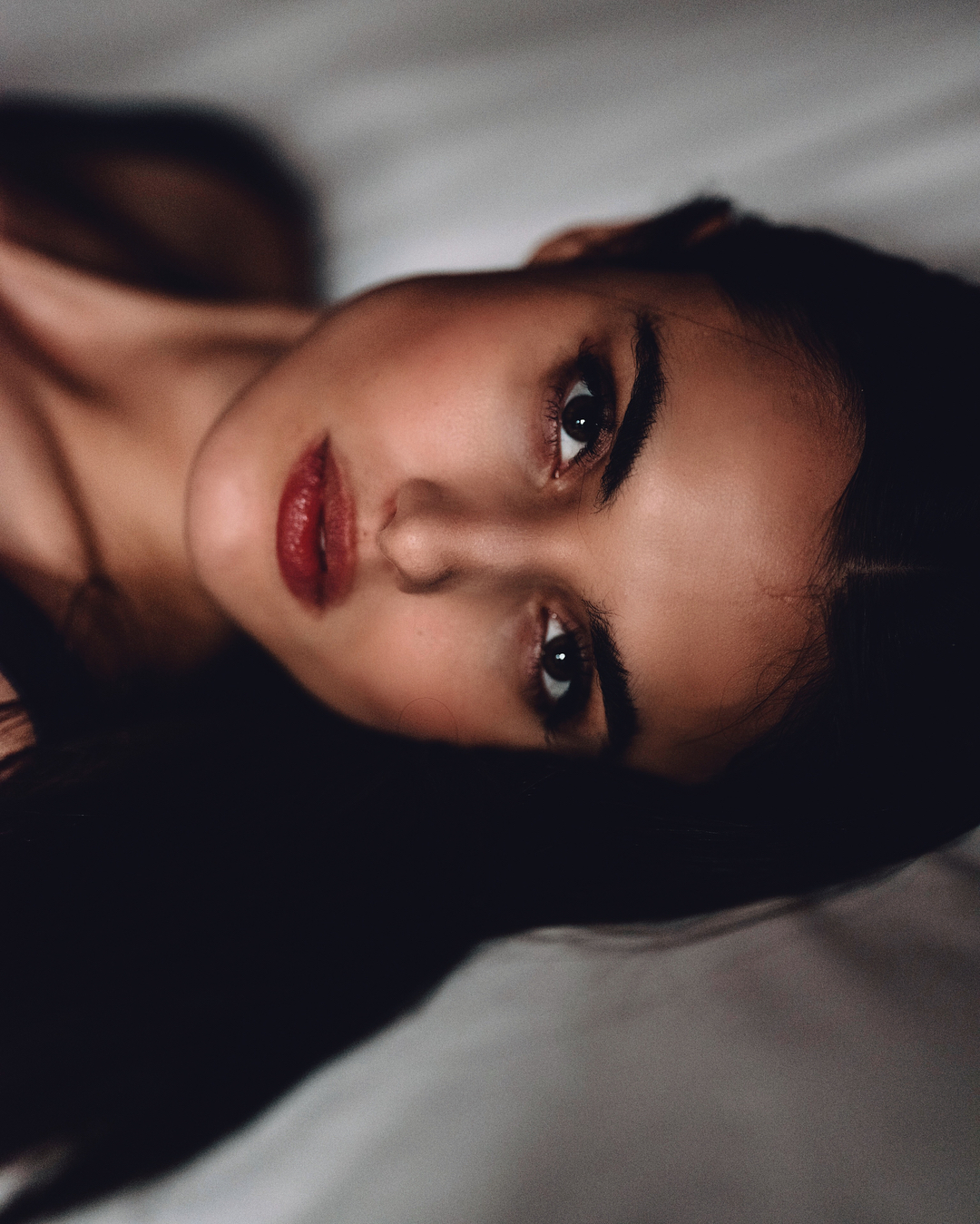
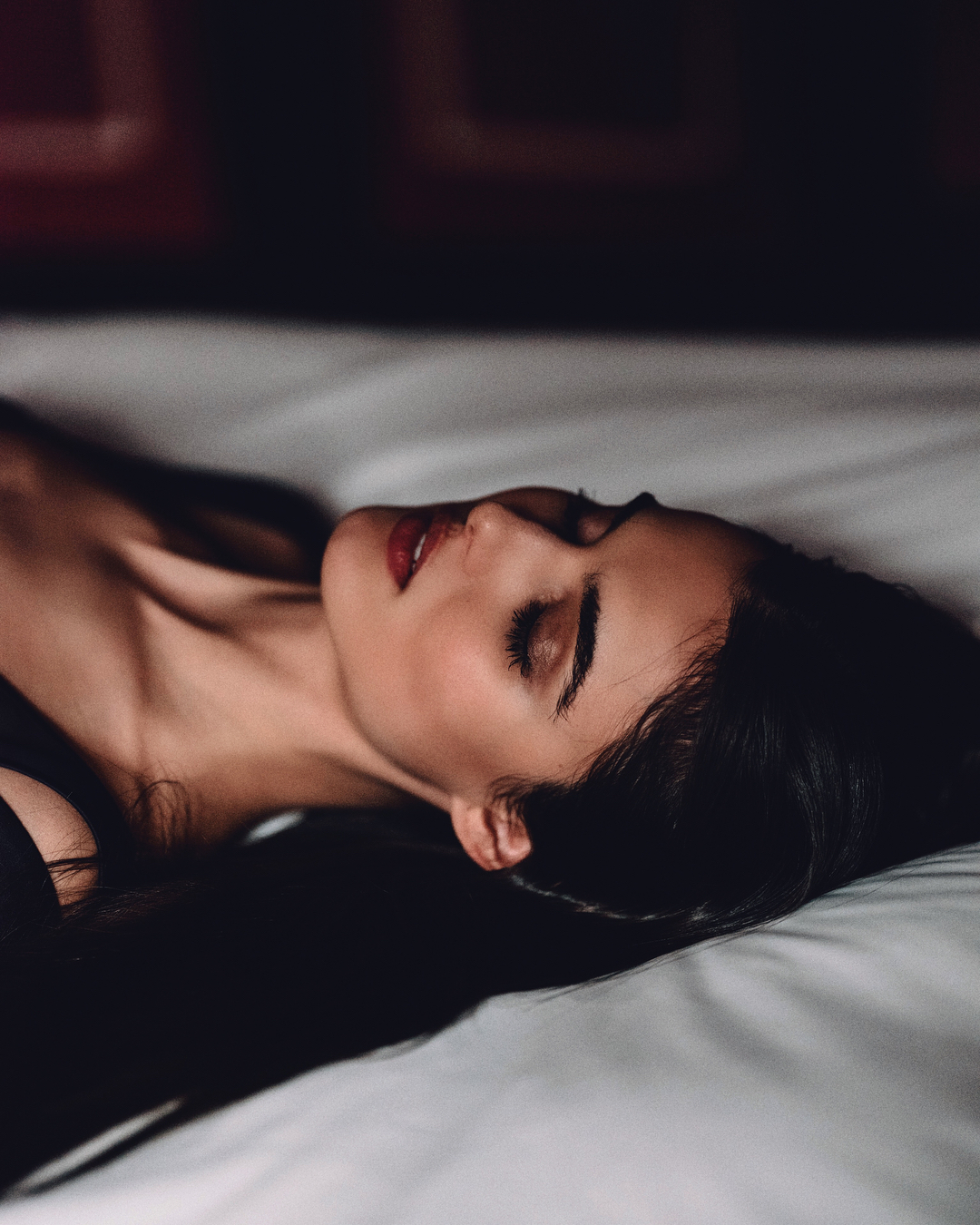
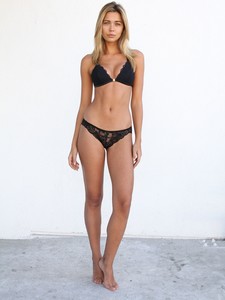 By @danielclavero

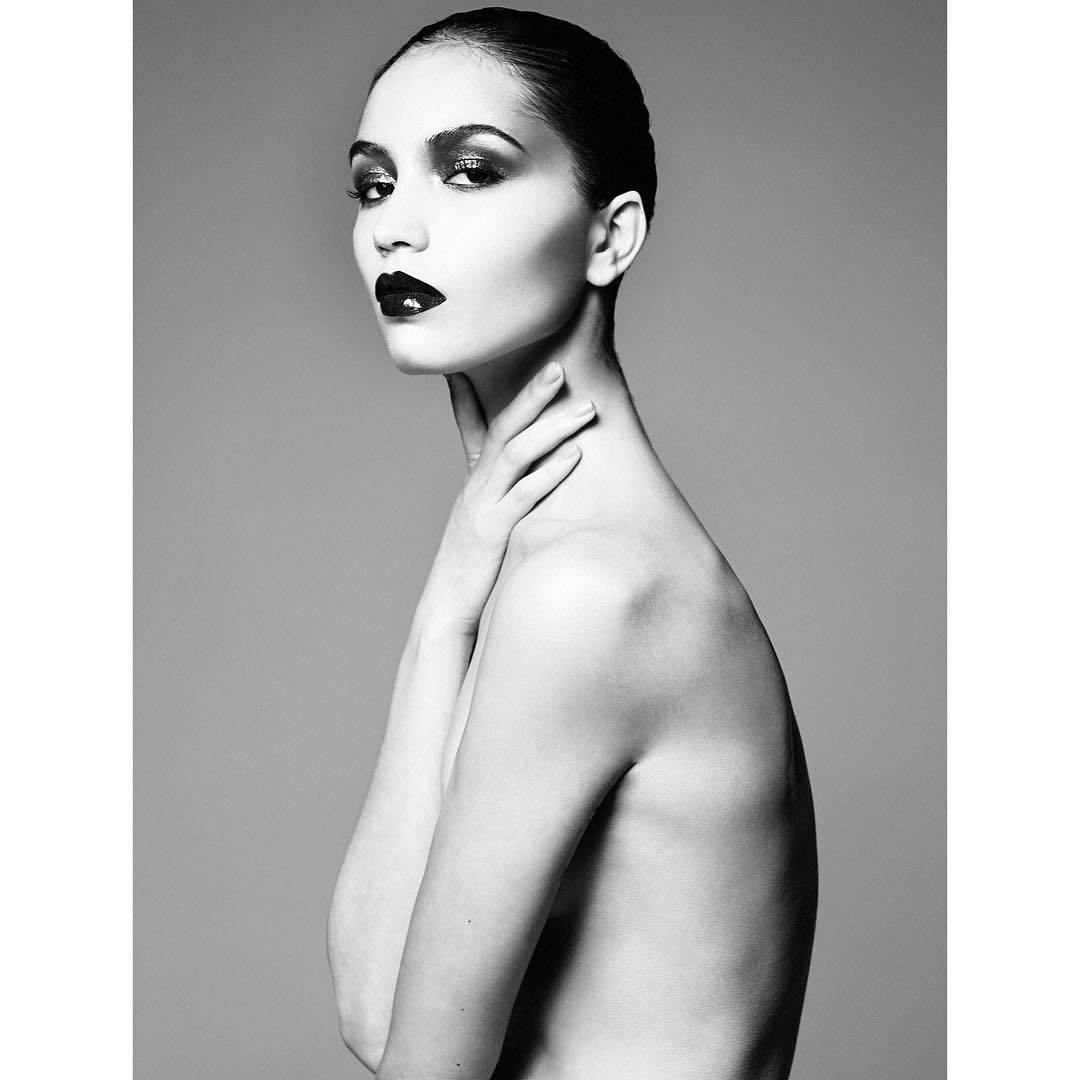
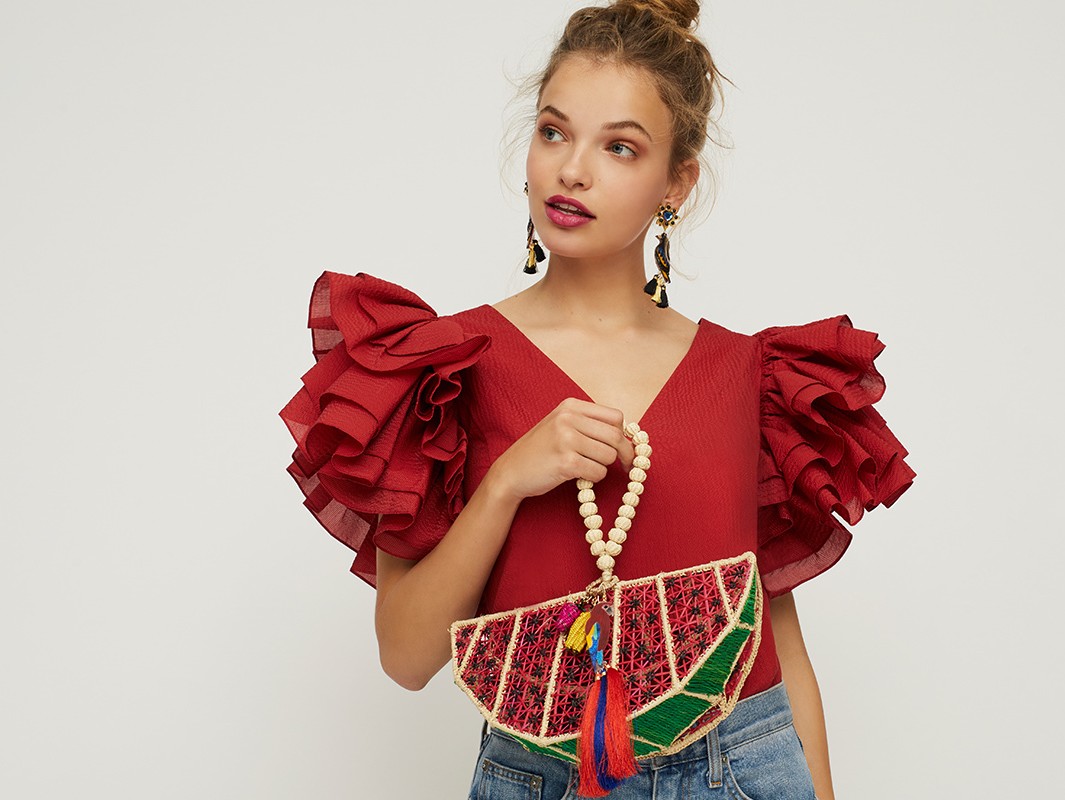
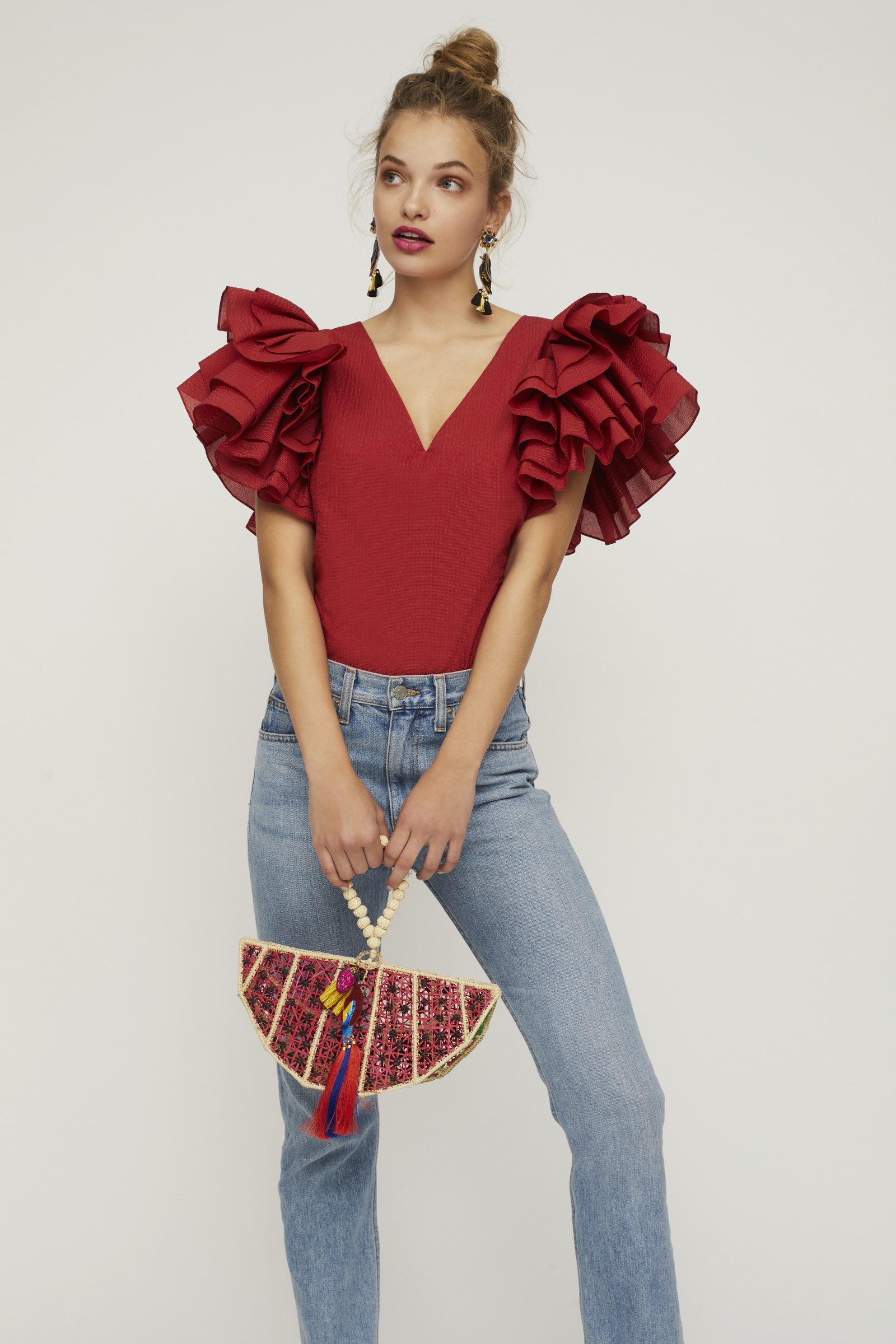
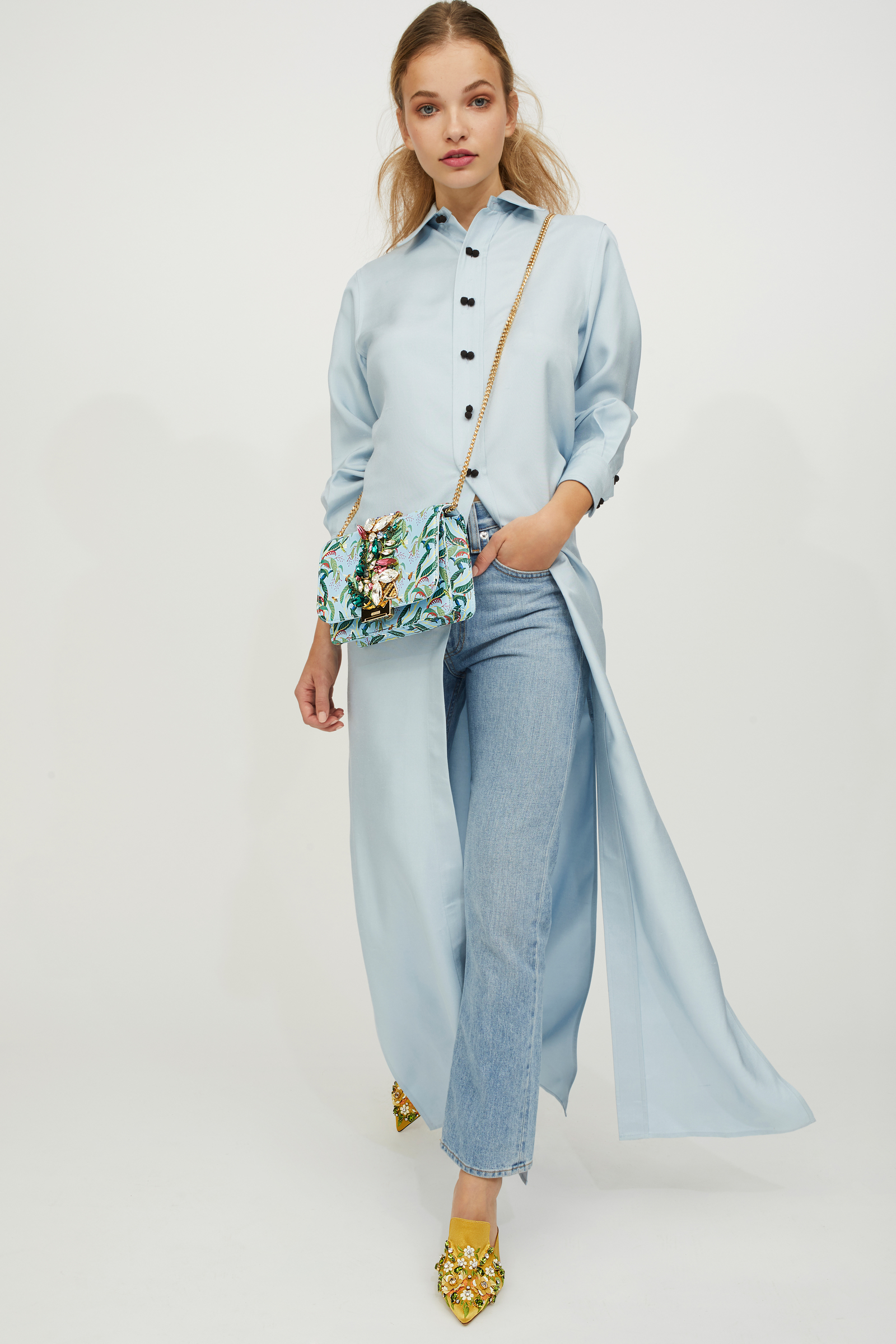
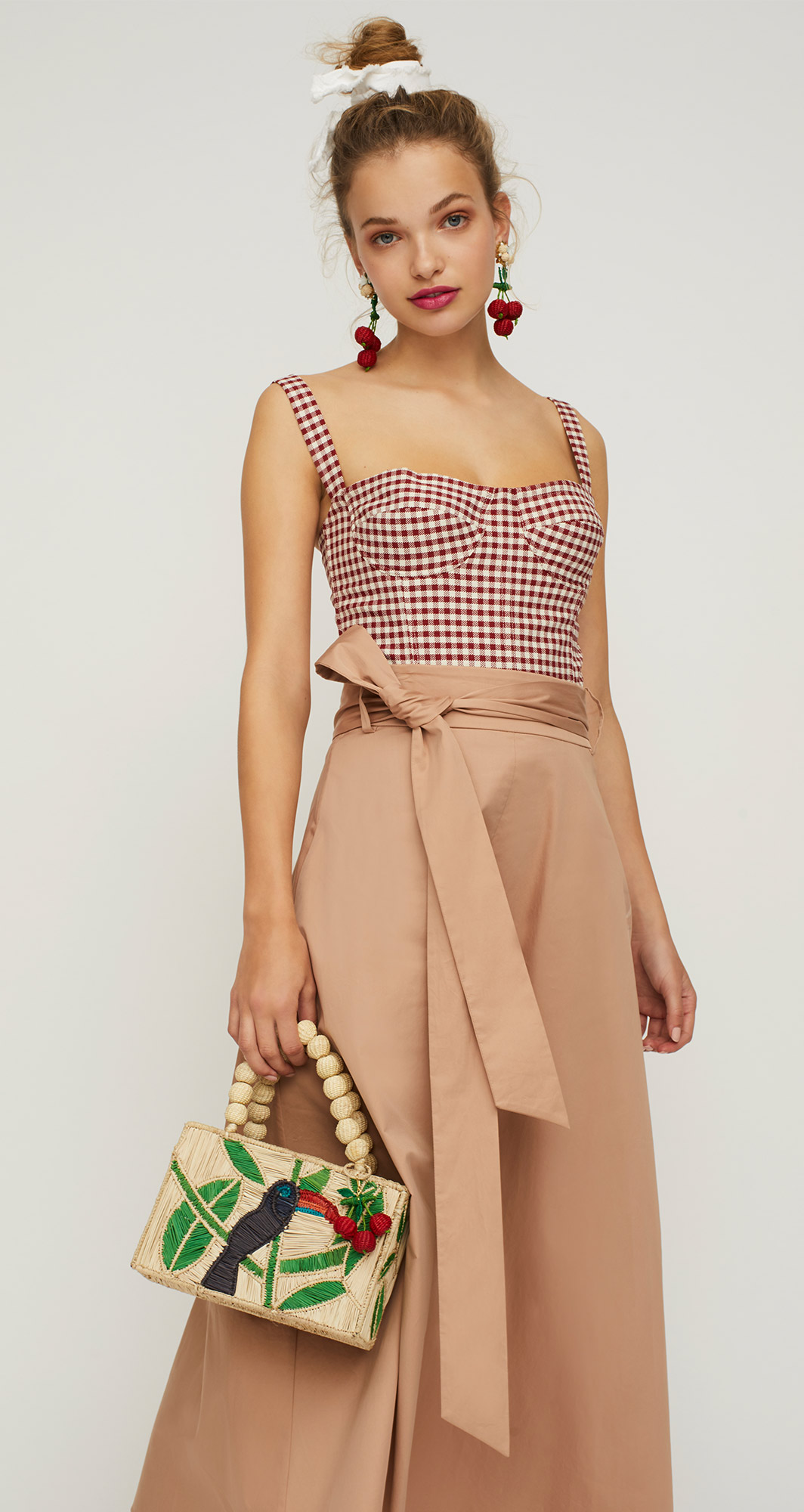
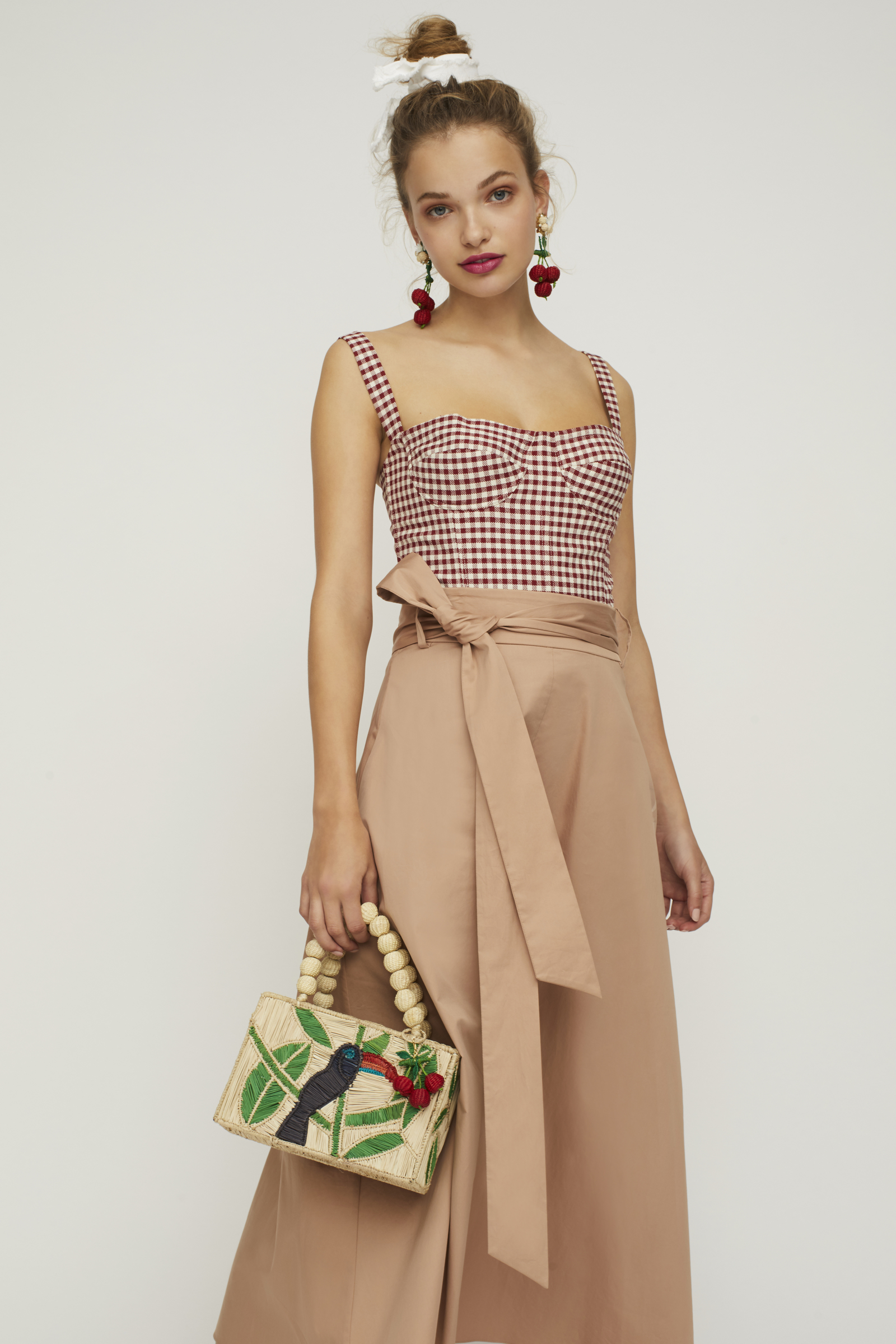
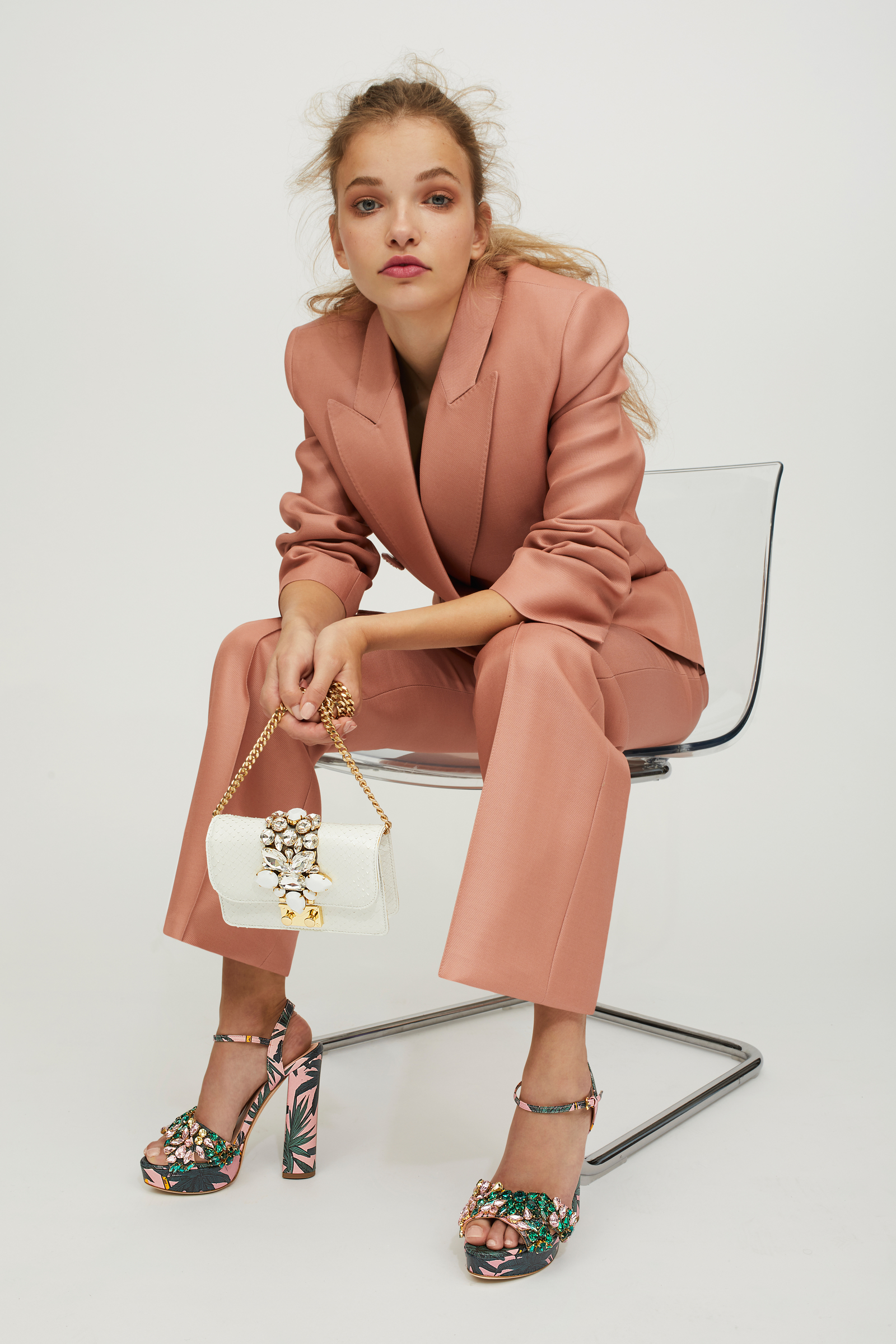
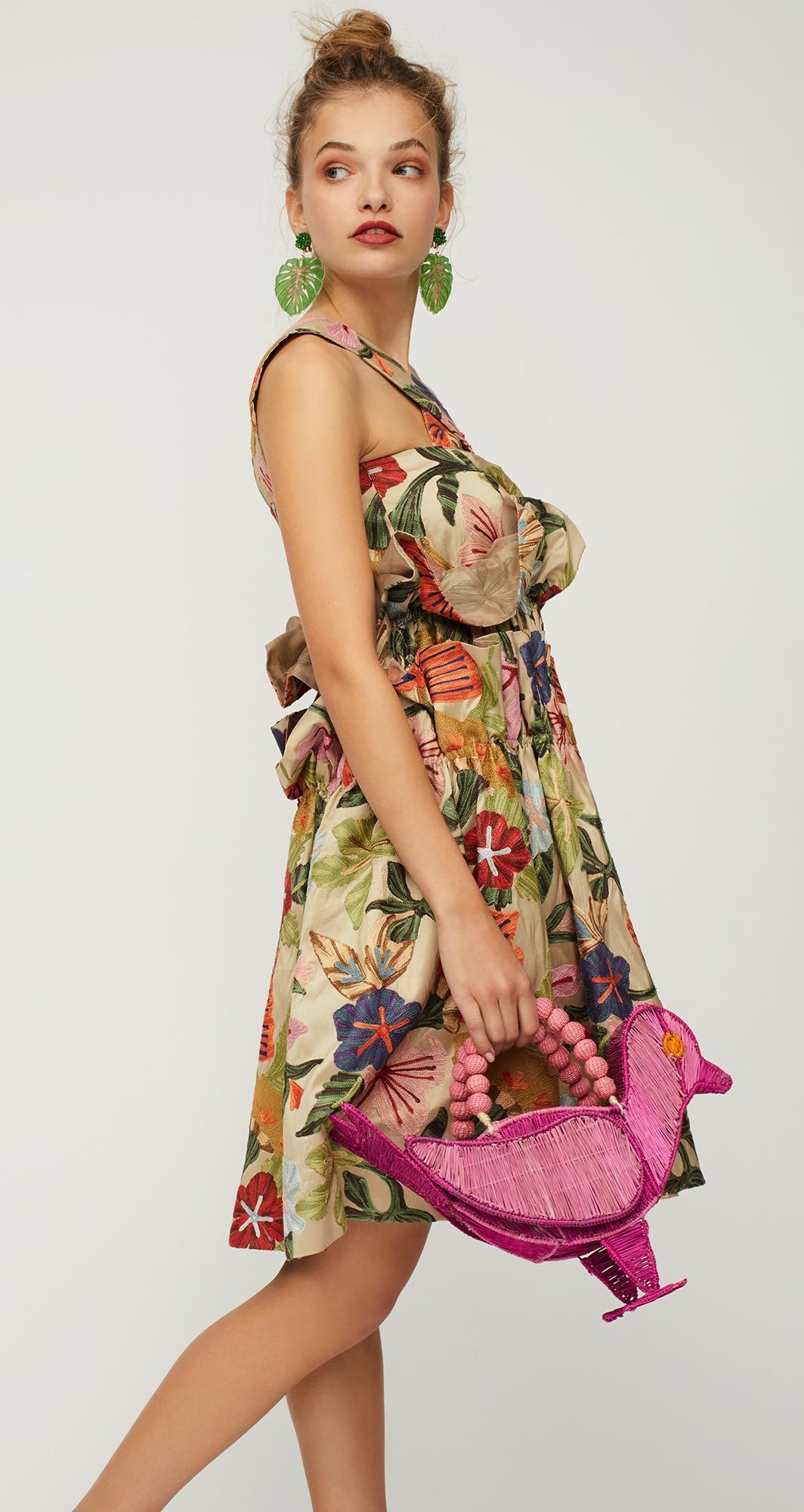
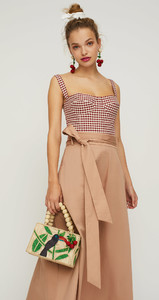
 @modaoperandi x @mercedessalazar Photography by Creigh Lyndon, Model Noor Schauten, Styling by Olivia Weeden, Makeup by Paul Venoit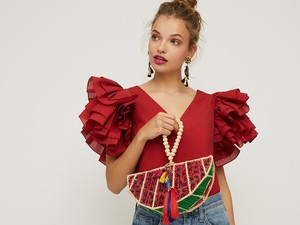

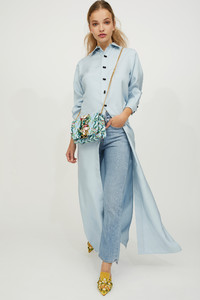


 I can submit you a list of people good to kill
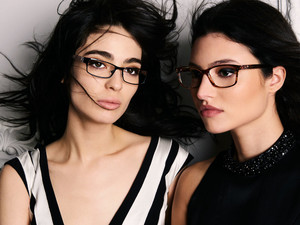
KayUnger Fall 2017 Photo: @shane_lavancher Makeup & Hairs: @mahfudsterCreative & Art Direction: @soap_yeezySTYLE: @babyland_
I can submit you a list of people good to kill
KayUnger Fall 2017 Photo: @shane_lavancher Makeup & Hairs: @mahfudsterCreative & Art Direction: @soap_yeezySTYLE: @babyland_


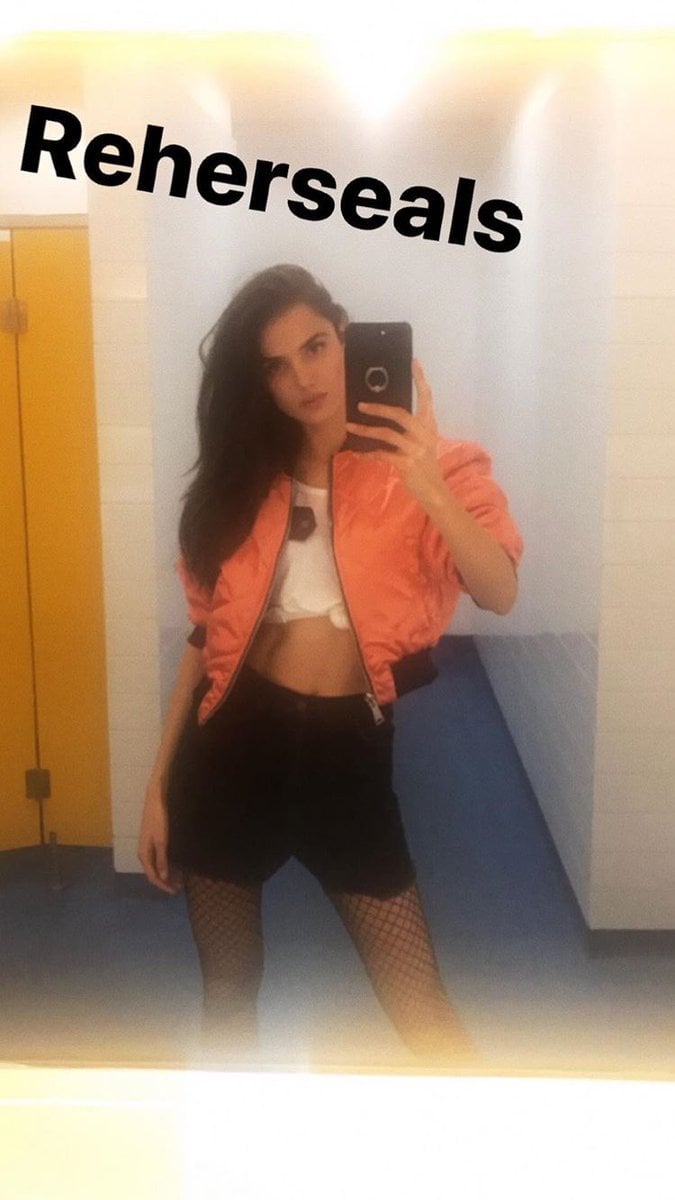
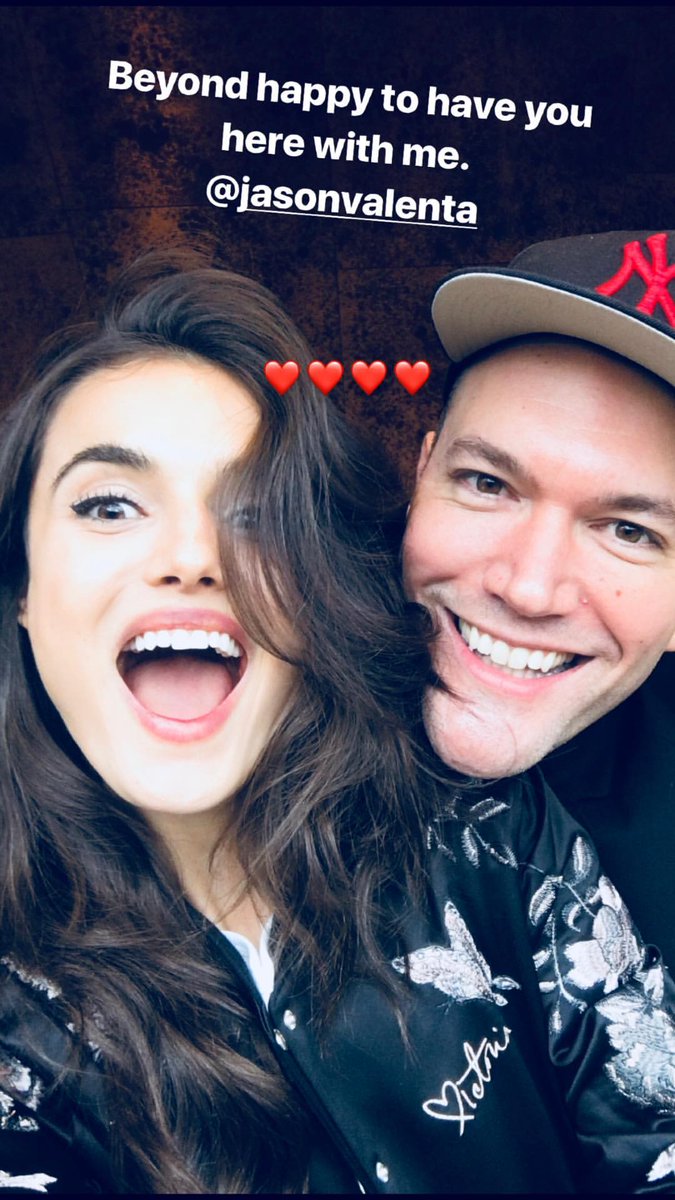
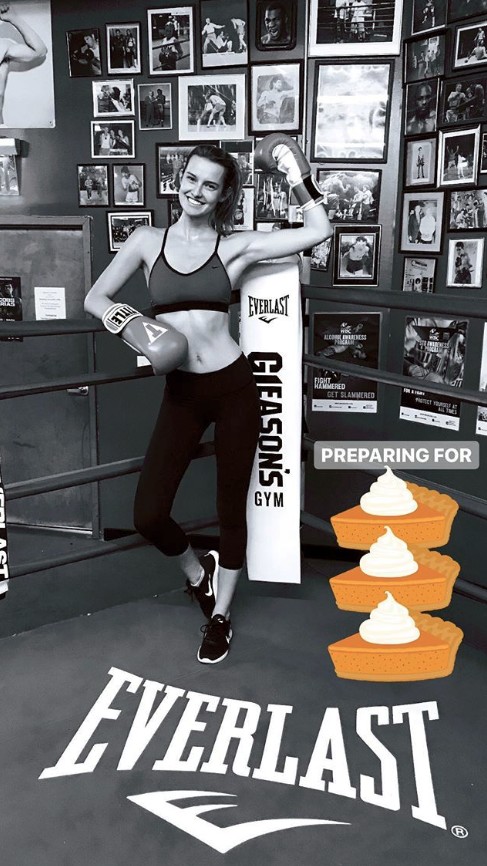
 We're FINALLY able to check the IG Story on computer YAY
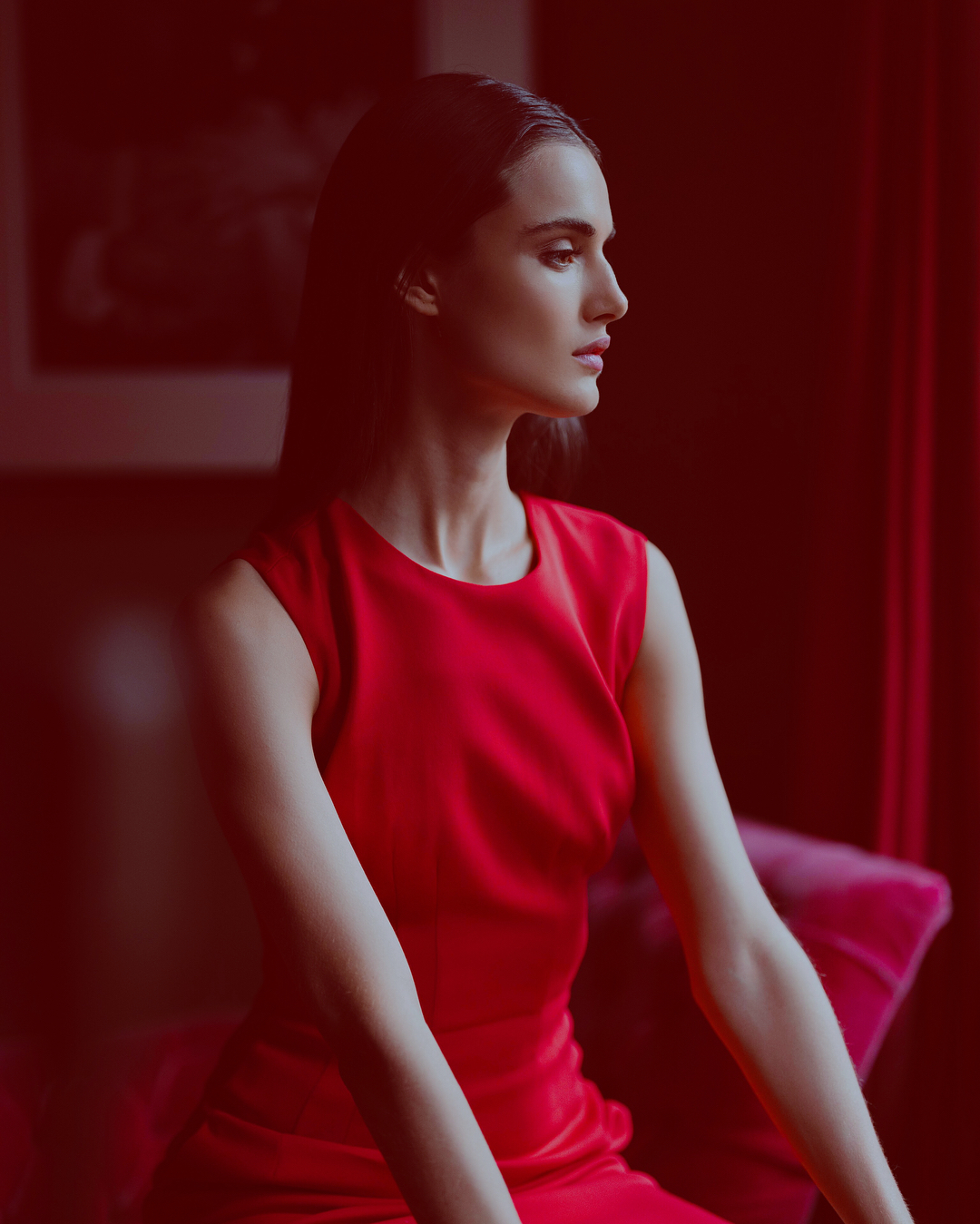
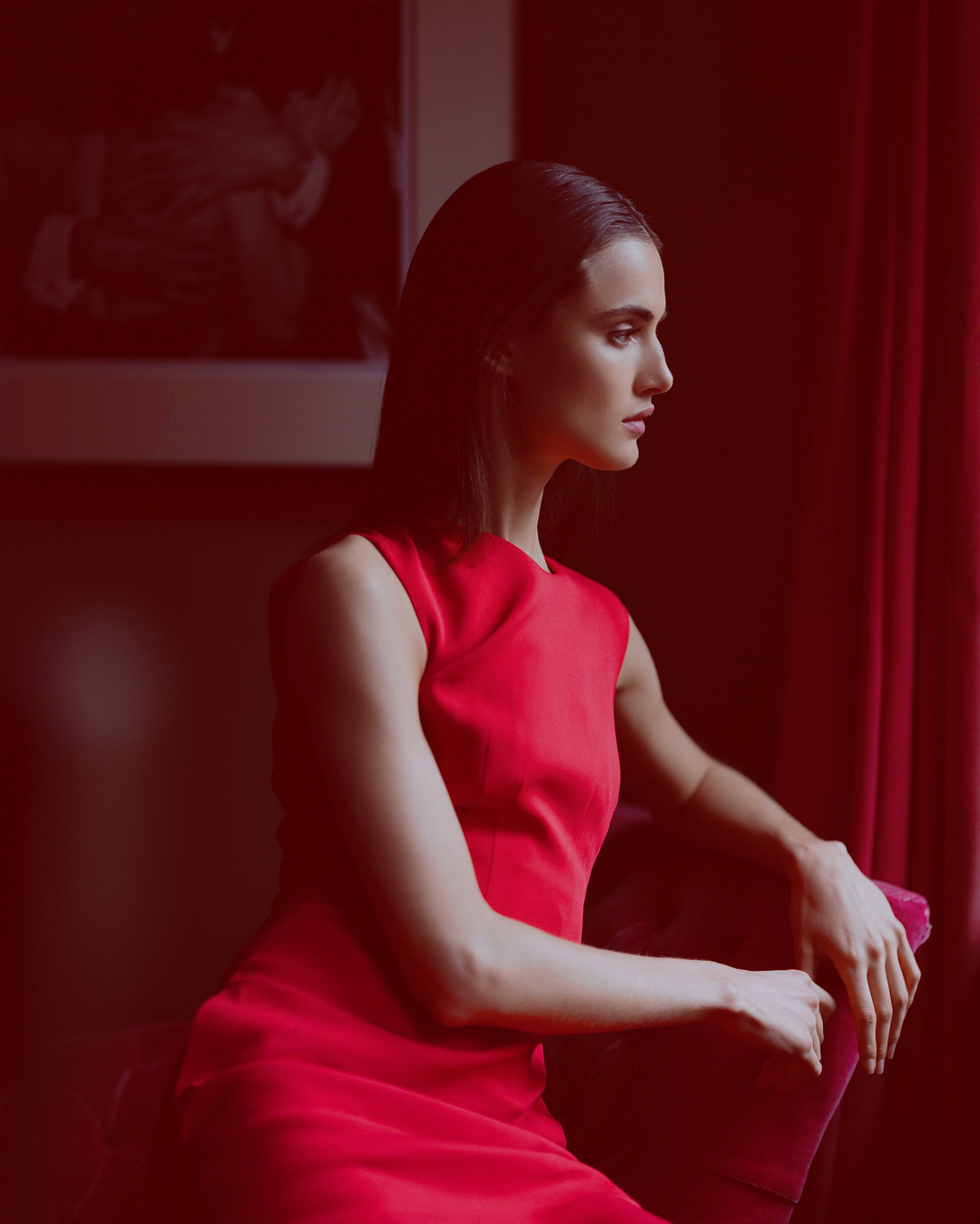
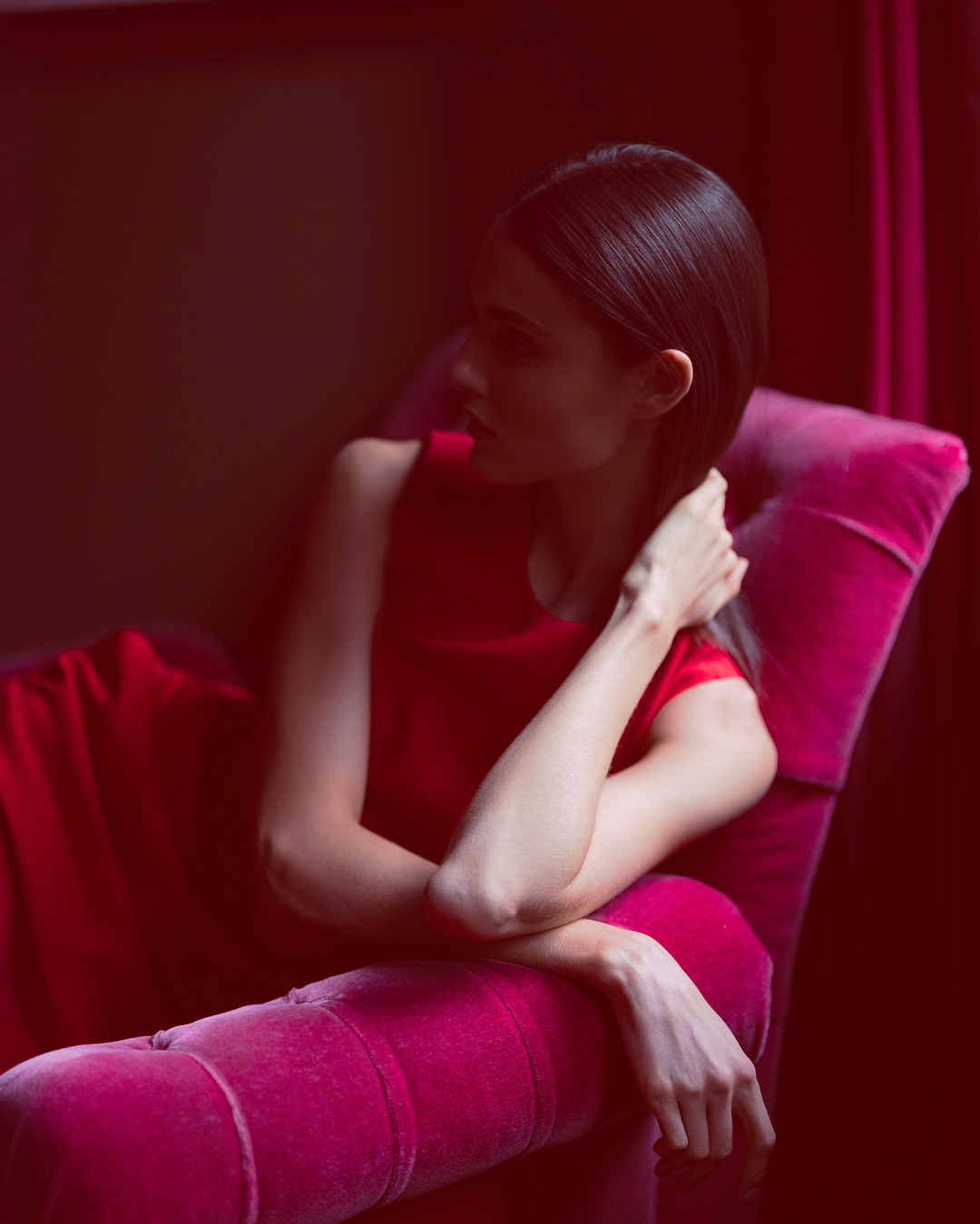
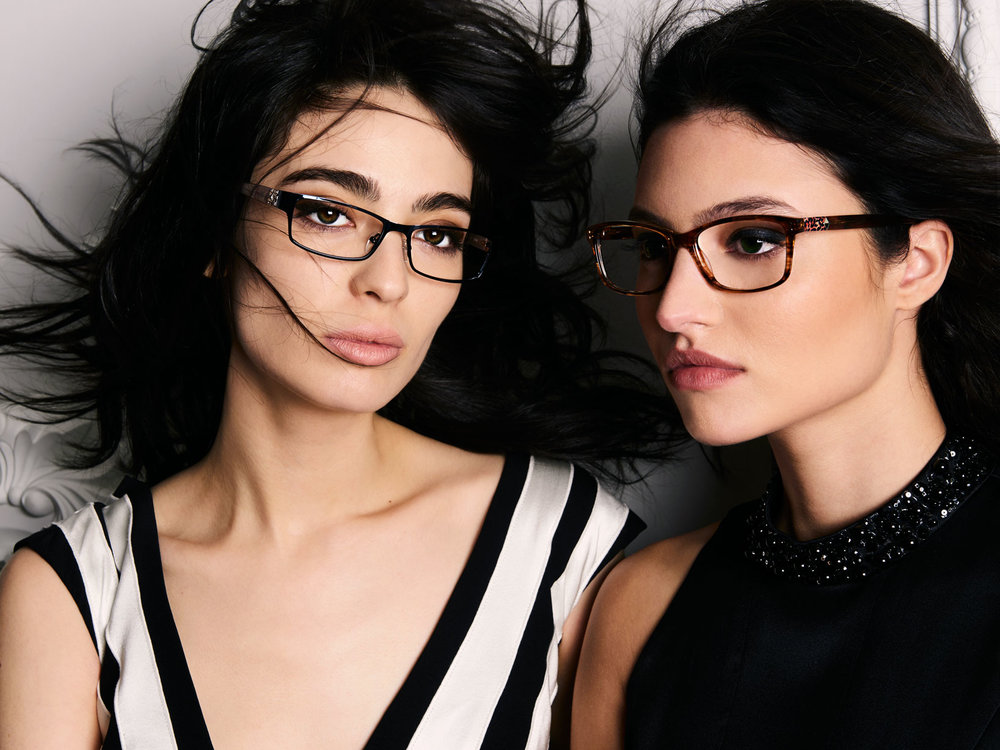
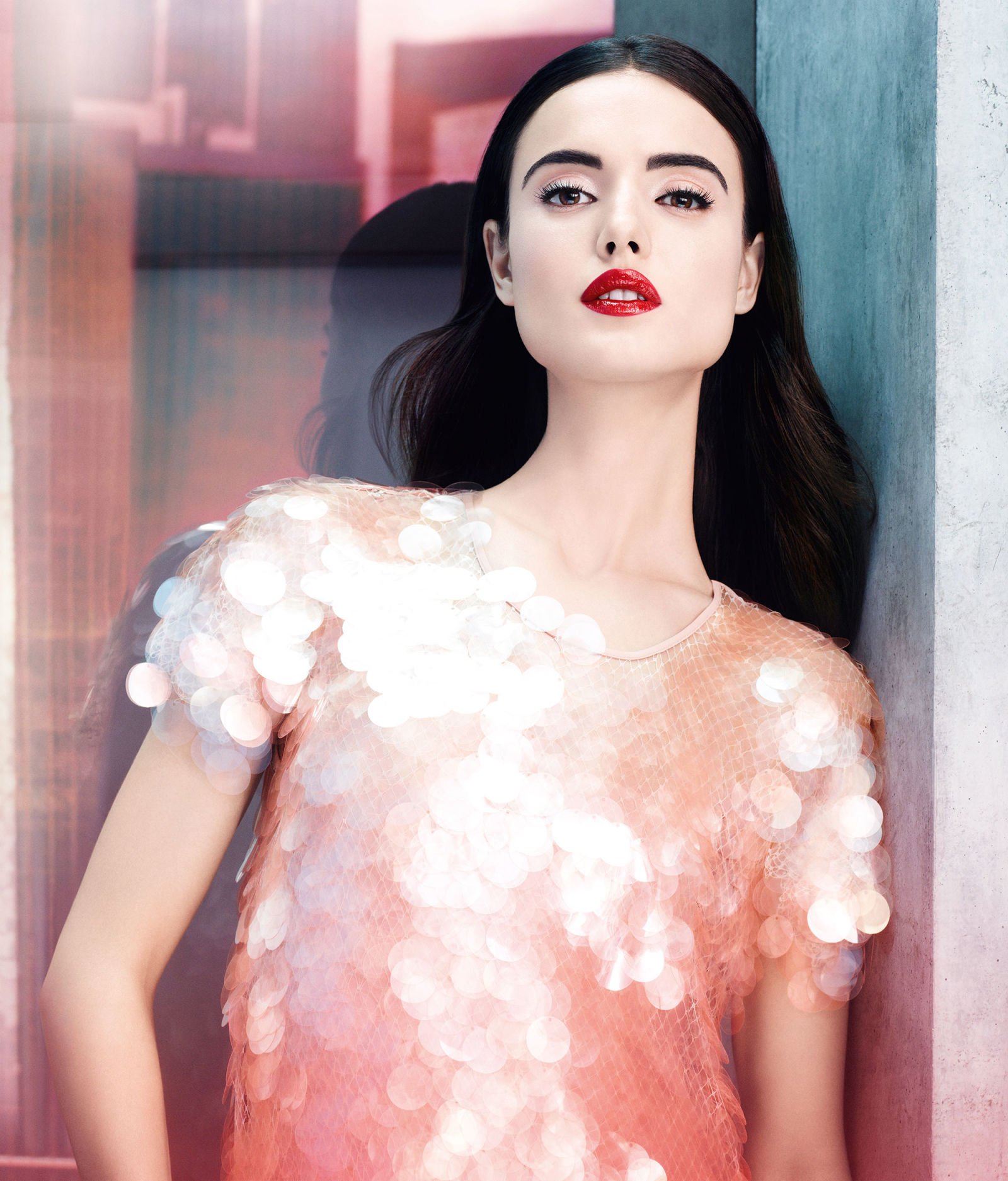
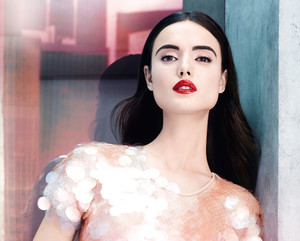
Givenchy Beauty 2018 Campaign by Ben Hassett
We're FINALLY able to check the IG Story on computer YAY
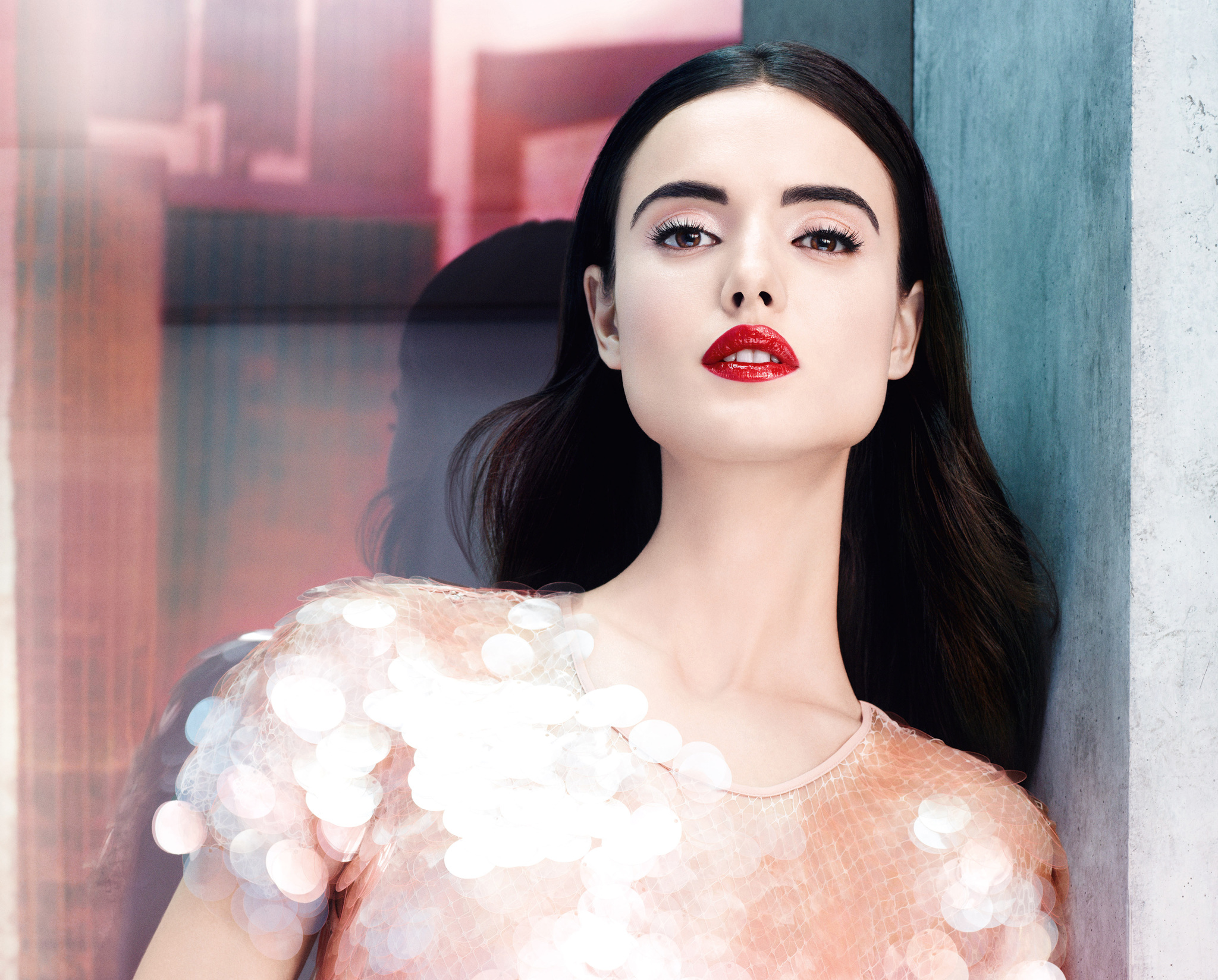
Givenchy Beauty 2018 Campaign by Ben Hassett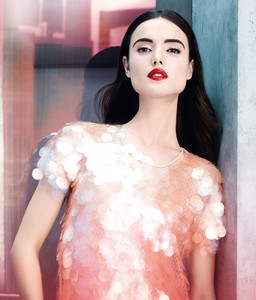
Account
Search
Configure browser push notifications
Chrome (Android)
- Tap the lock icon next to the address bar.
- Tap Permissions → Notifications.
- Adjust your preference.
Chrome (Desktop)
- Click the padlock icon in the address bar.
- Select Site settings.
- Find Notifications and adjust your preference.
Safari (iOS 16.4+)
- Ensure the site is installed via Add to Home Screen.
- Open Settings App → Notifications.
- Find your app name and adjust your preference.
Safari (macOS)
- Go to Safari → Preferences.
- Click the Websites tab.
- Select Notifications in the sidebar.
- Find this website and adjust your preference.
Edge (Android)
- Tap the lock icon next to the address bar.
- Tap Permissions.
- Find Notifications and adjust your preference.
Edge (Desktop)
- Click the padlock icon in the address bar.
- Click Permissions for this site.
- Find Notifications and adjust your preference.
Firefox (Android)
- Go to Settings → Site permissions.
- Tap Notifications.
- Find this site in the list and adjust your preference.
Firefox (Desktop)
- Open Firefox Settings.
- Search for Notifications.
- Find this site in the list and adjust your preference.