
foofur16
Members
-
Joined
-
Last visited
Everything posted by foofur16
-
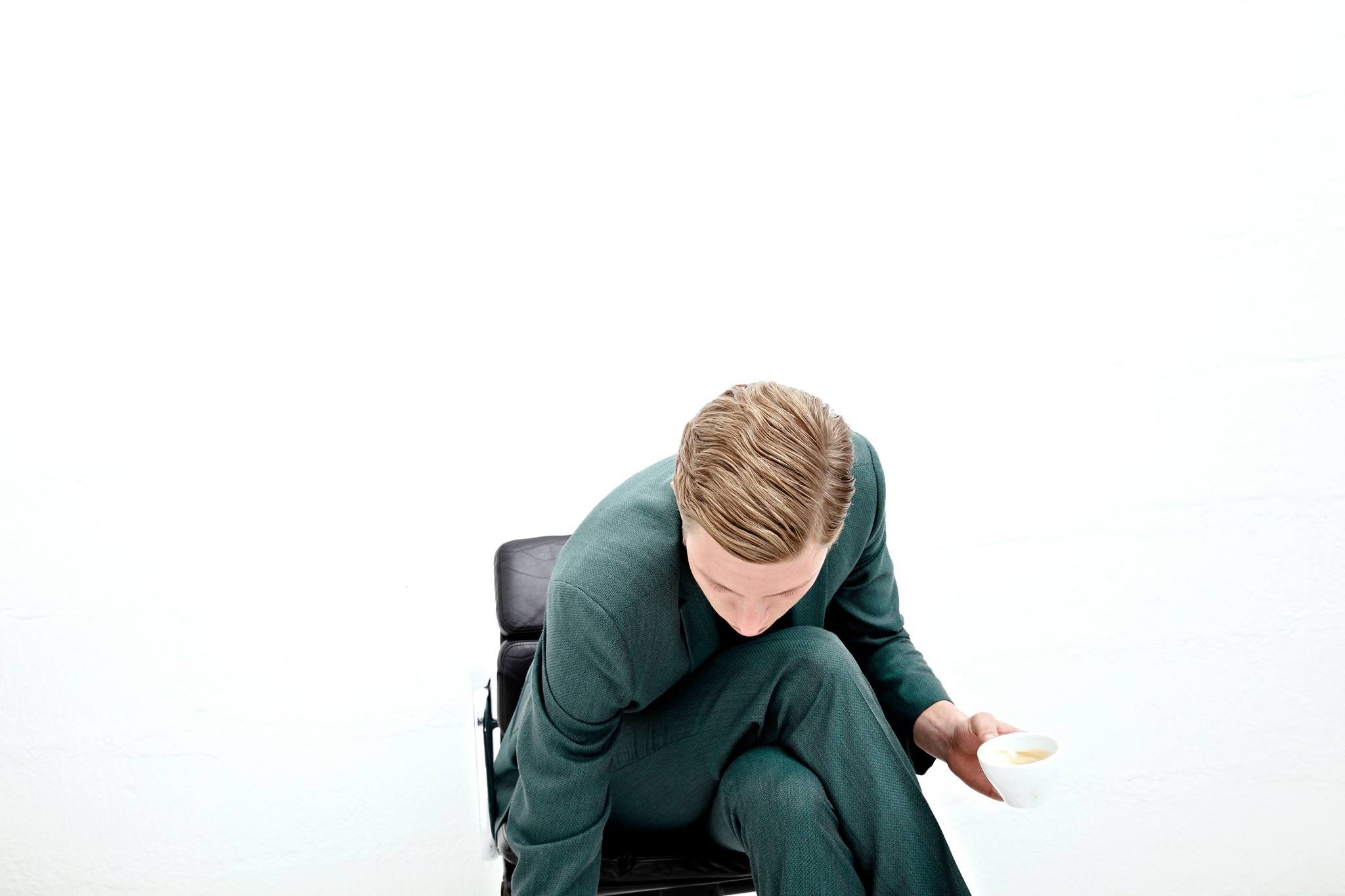
 Sleek Mag My Idea of Fun: Tim Schuhmacher Photo by Anton Gottlob http://www.antongottlob.com/ “Skateboarding! I started when I was 16. When I’m in Berlin I like going to the park with my friends. On trips I just cruise around. It’s a great way of getting to castings too.”
-
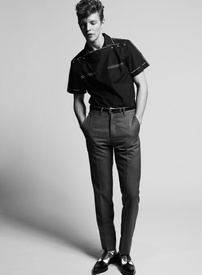
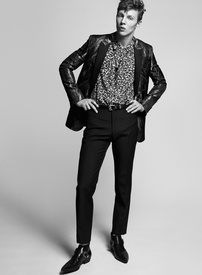
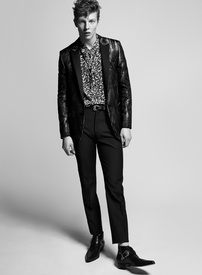
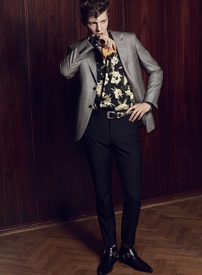
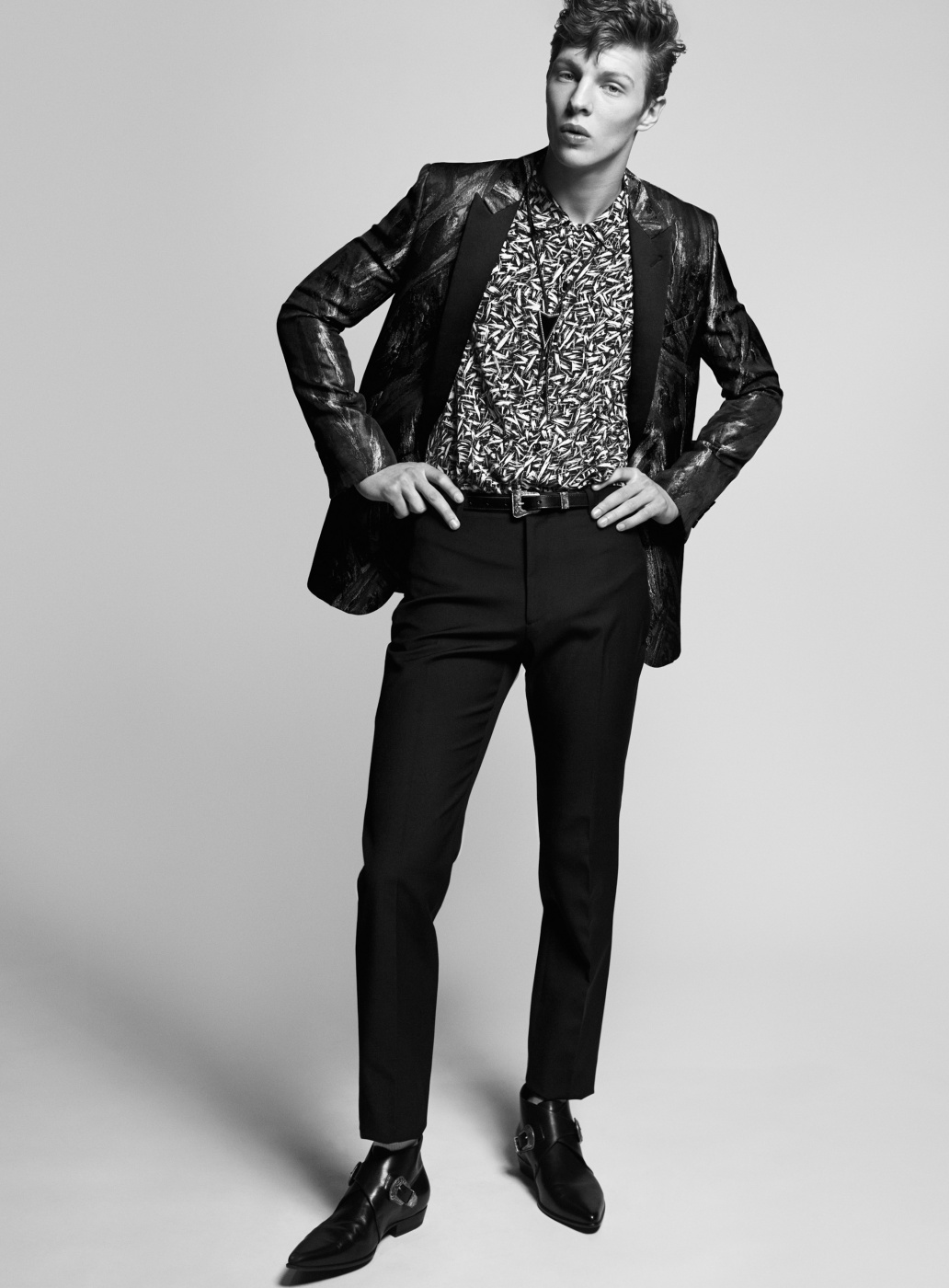
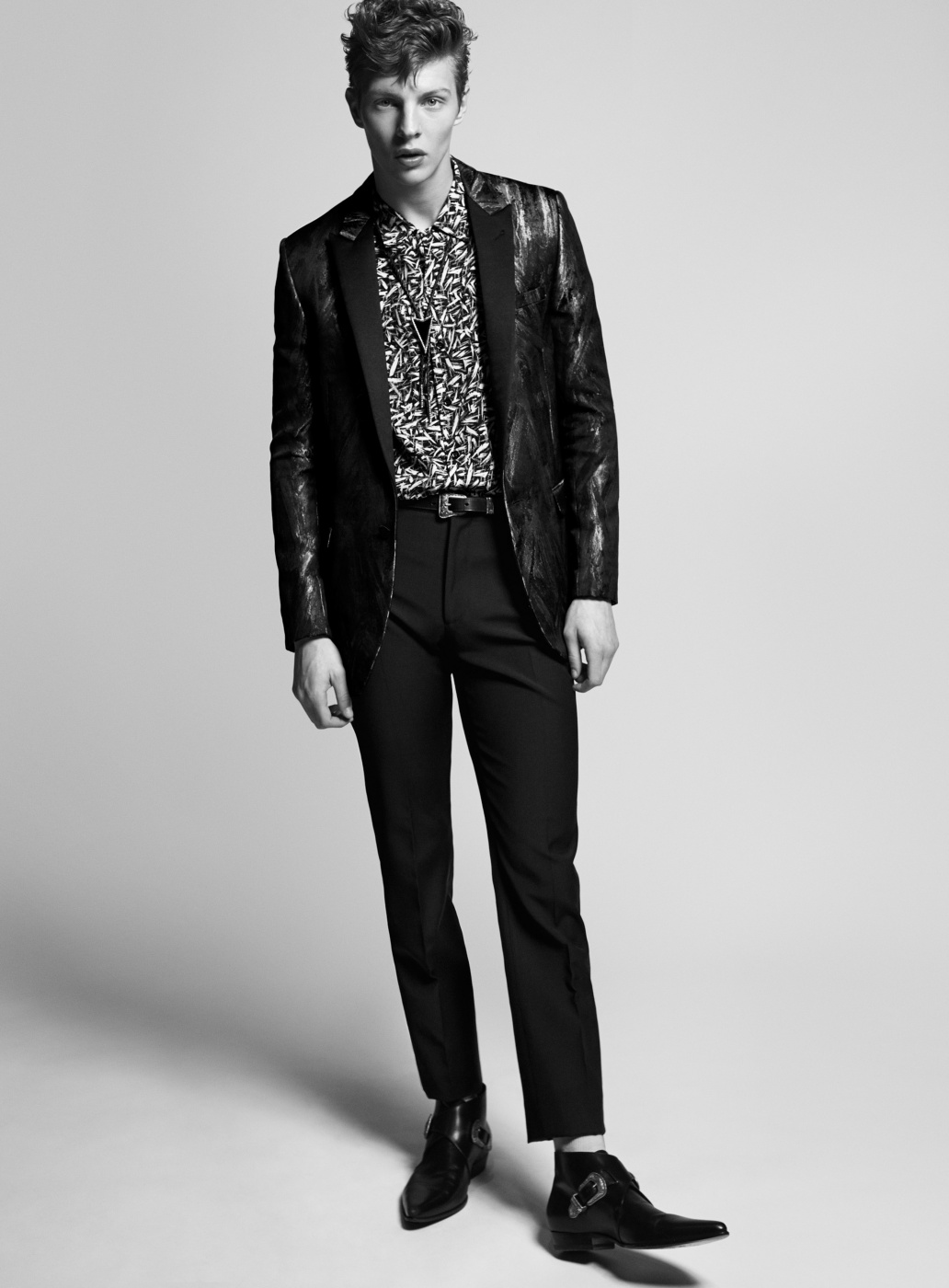
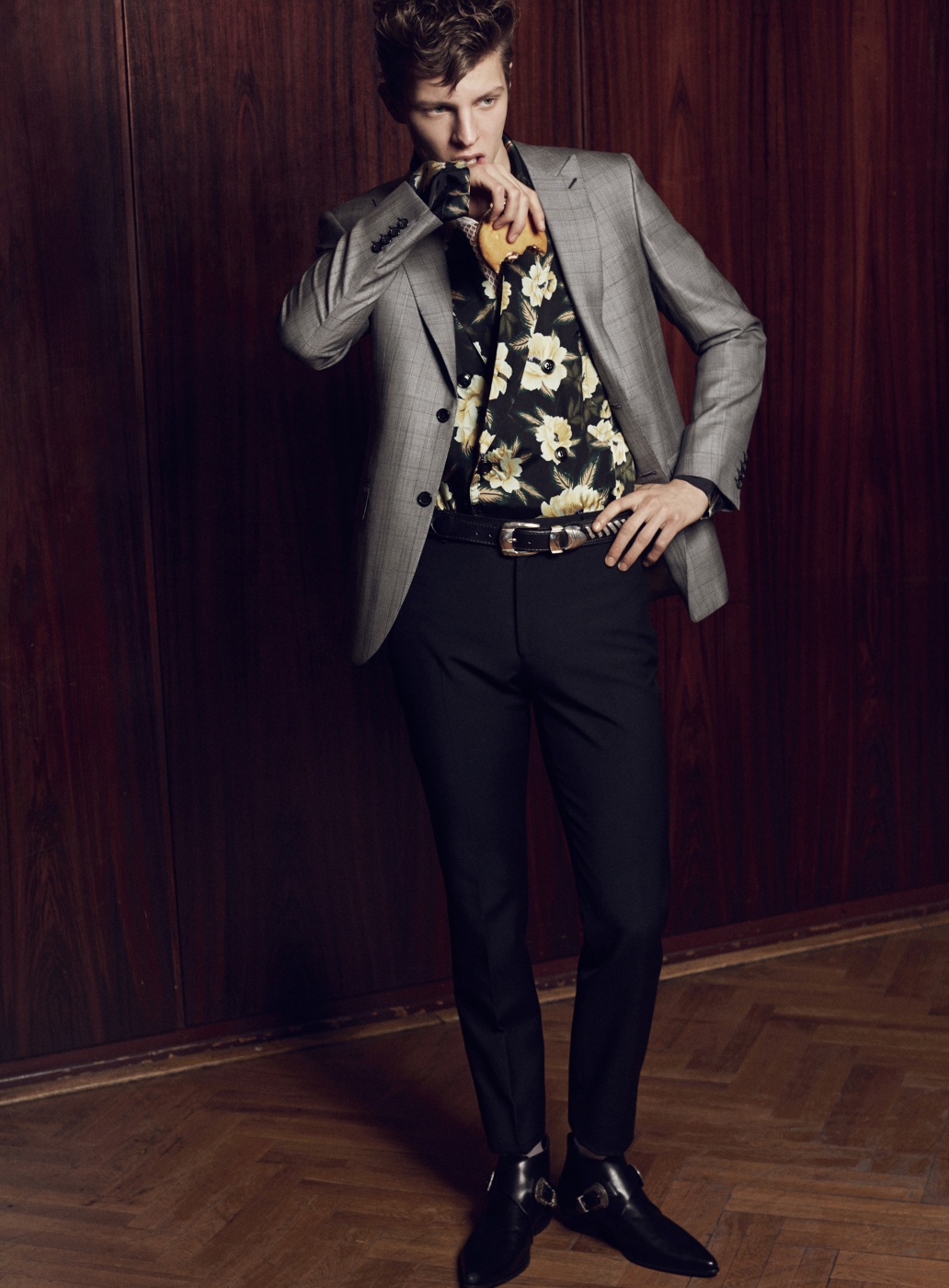
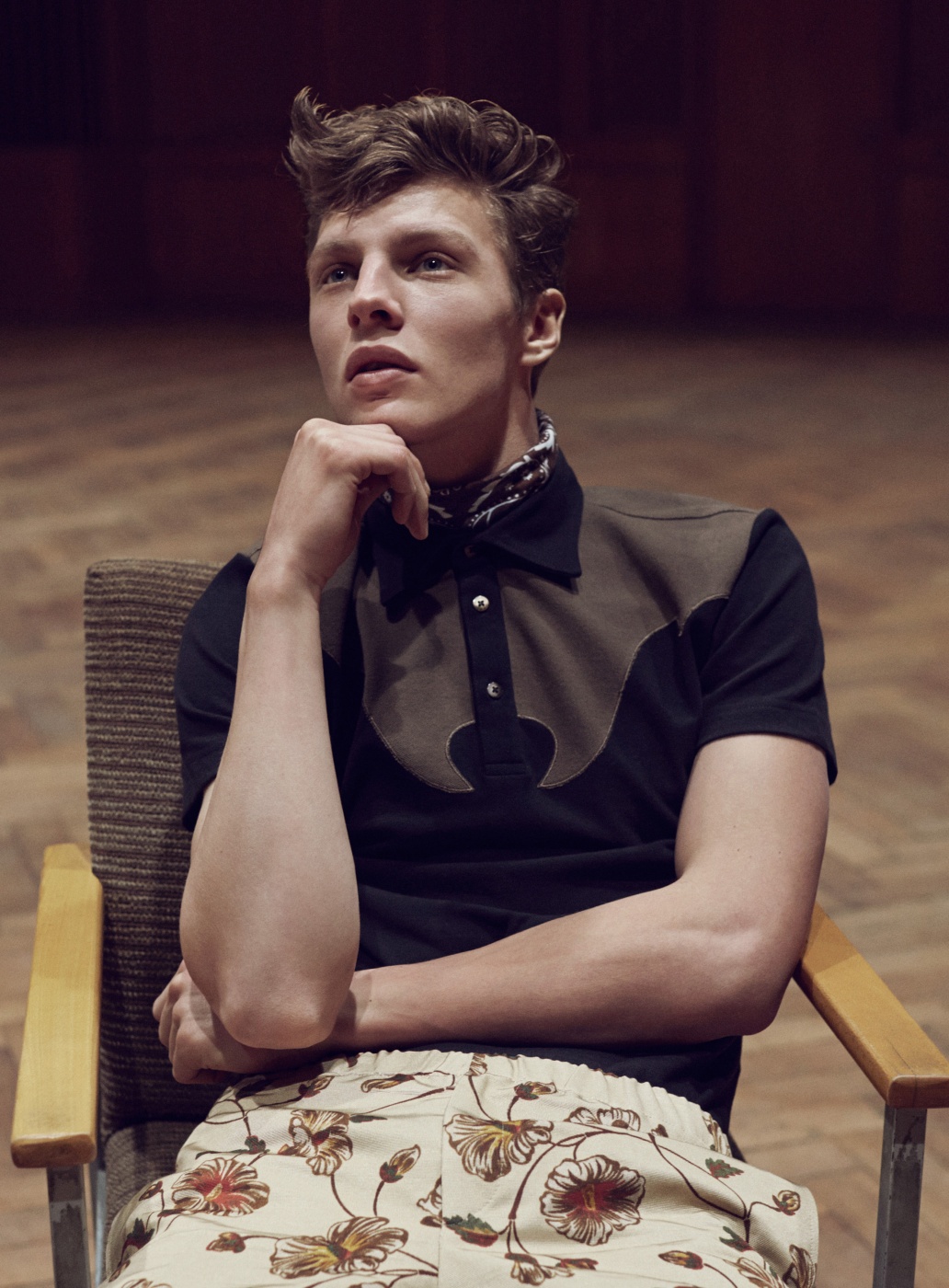
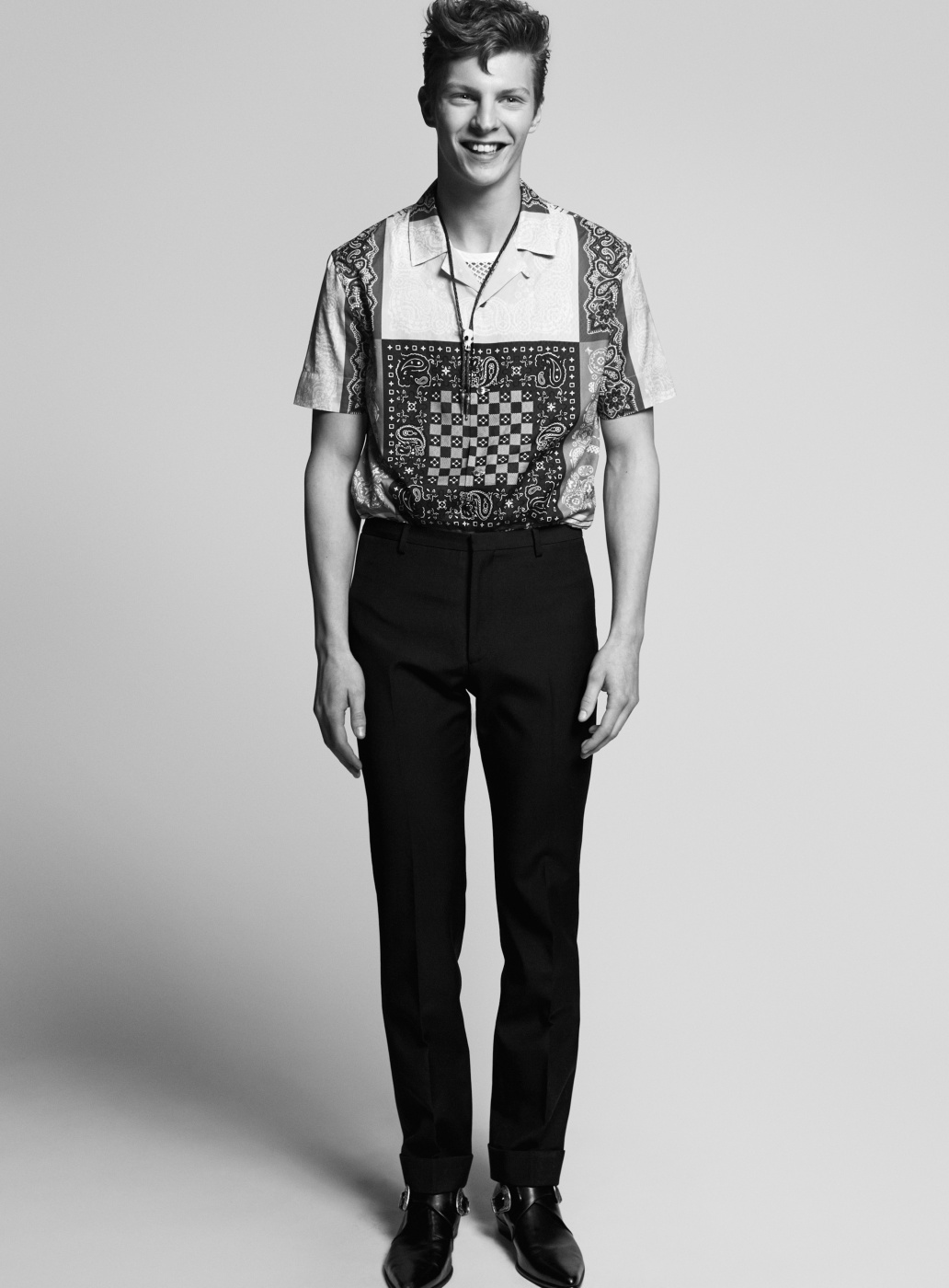
Tim Schuhmacher Goes Retro for Sleek Magazine May 2014 thefashionisto






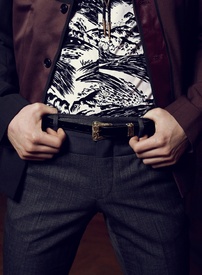
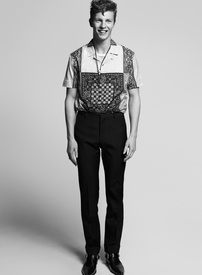
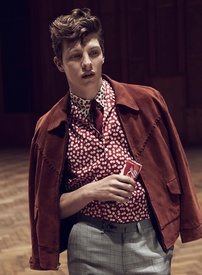
-
L'Officiel Hommes Swiss F/W 2015.16 Le Détail, C'est Tout Photographer: Ricardo Abrahao. Stylist: Fleur Huynh. designsfever.com
LUI March 2016 "Bacchanale" Photographer: Cédric Buchet Stylist: Ahhna Lee Models: Nadja Bender & Clement Chabernaud Warning "Nudity" TFS posted by Avogadro
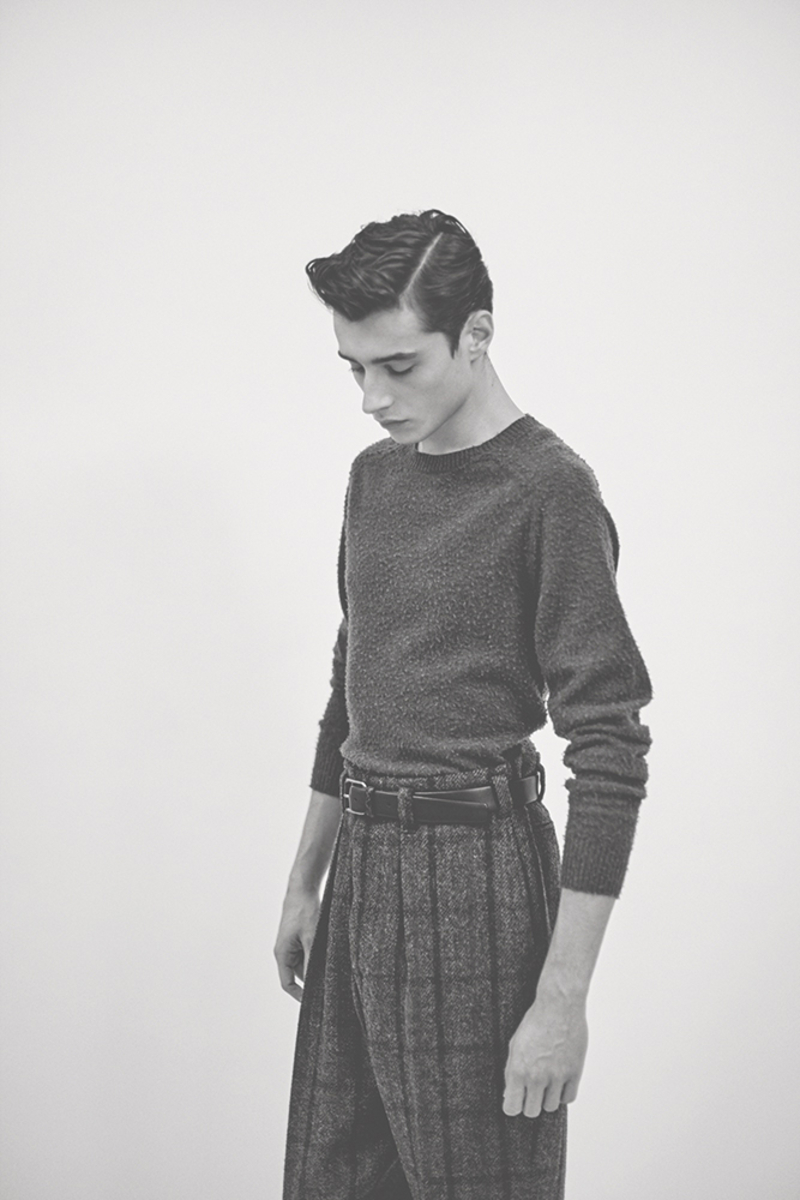
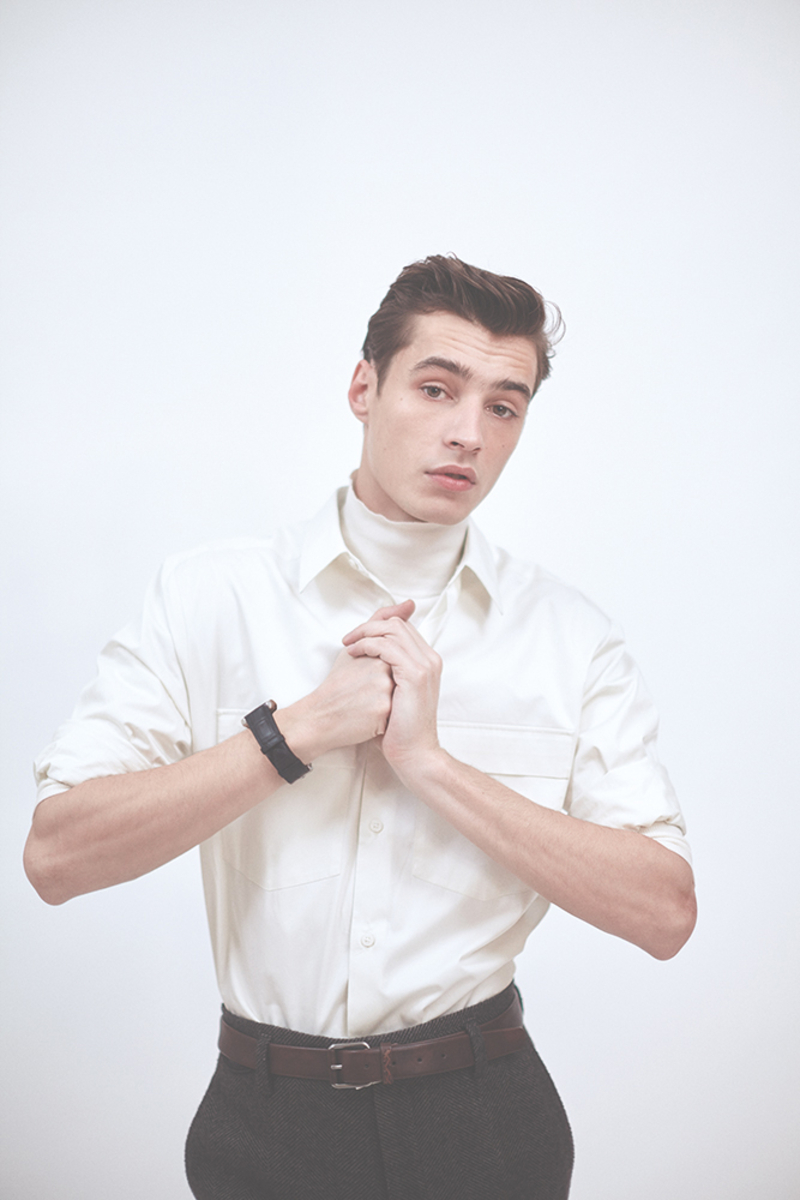
L'Officiel Hommes Espana Winter 2015-16 "Amor de Madre" ph Alan Chies model Adrien Sahores w-mmanagement.com

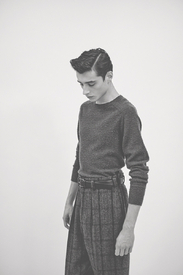




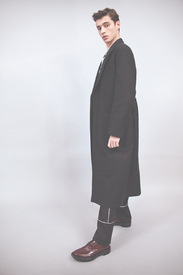


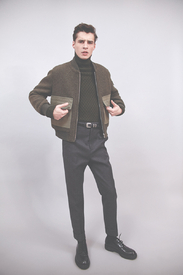
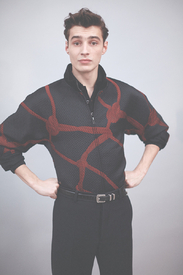
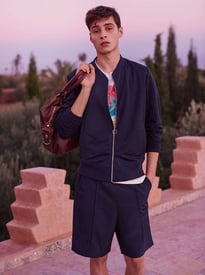
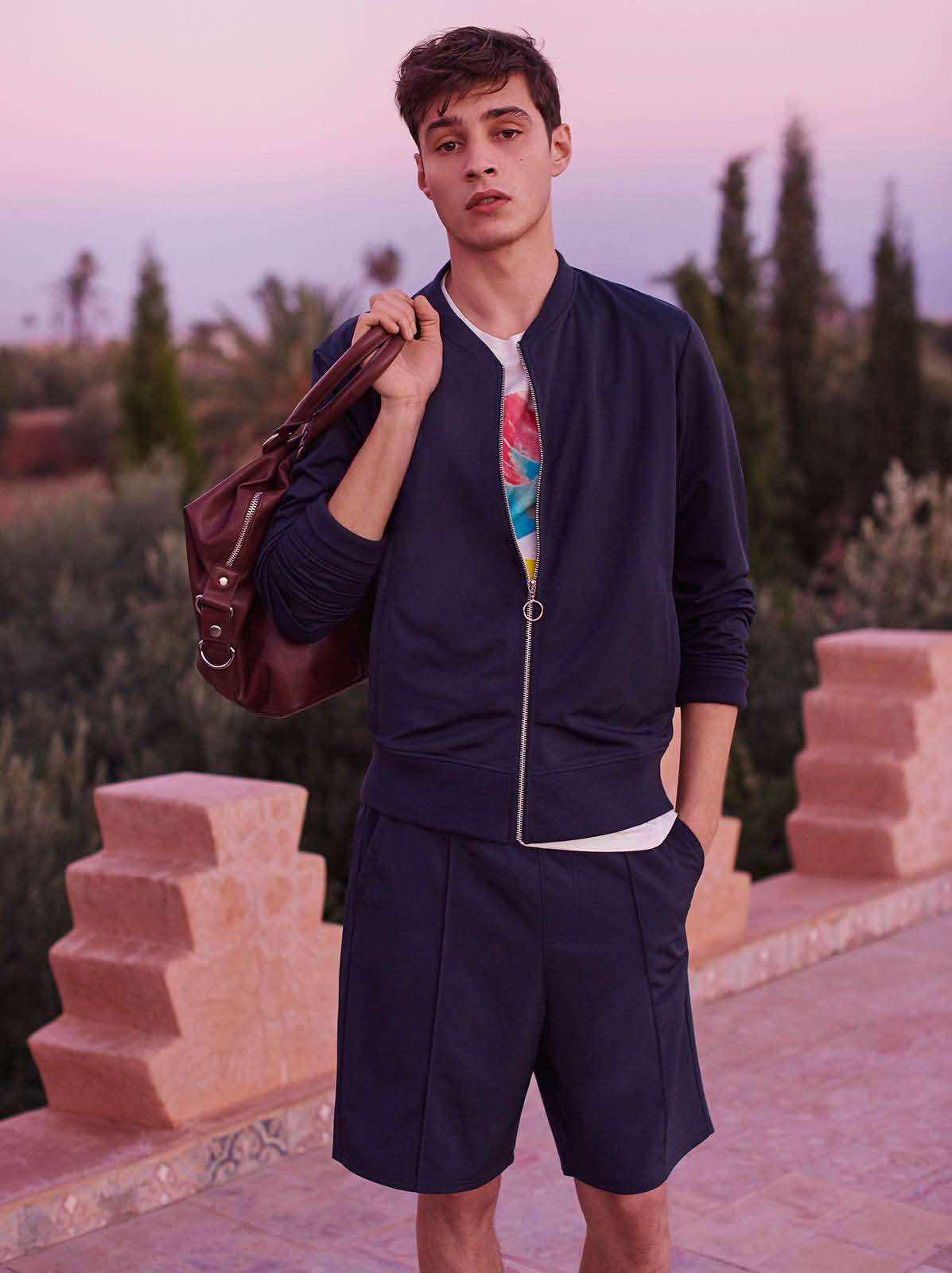
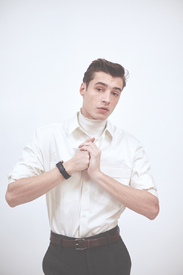 H&M Spring 2016 designsfever





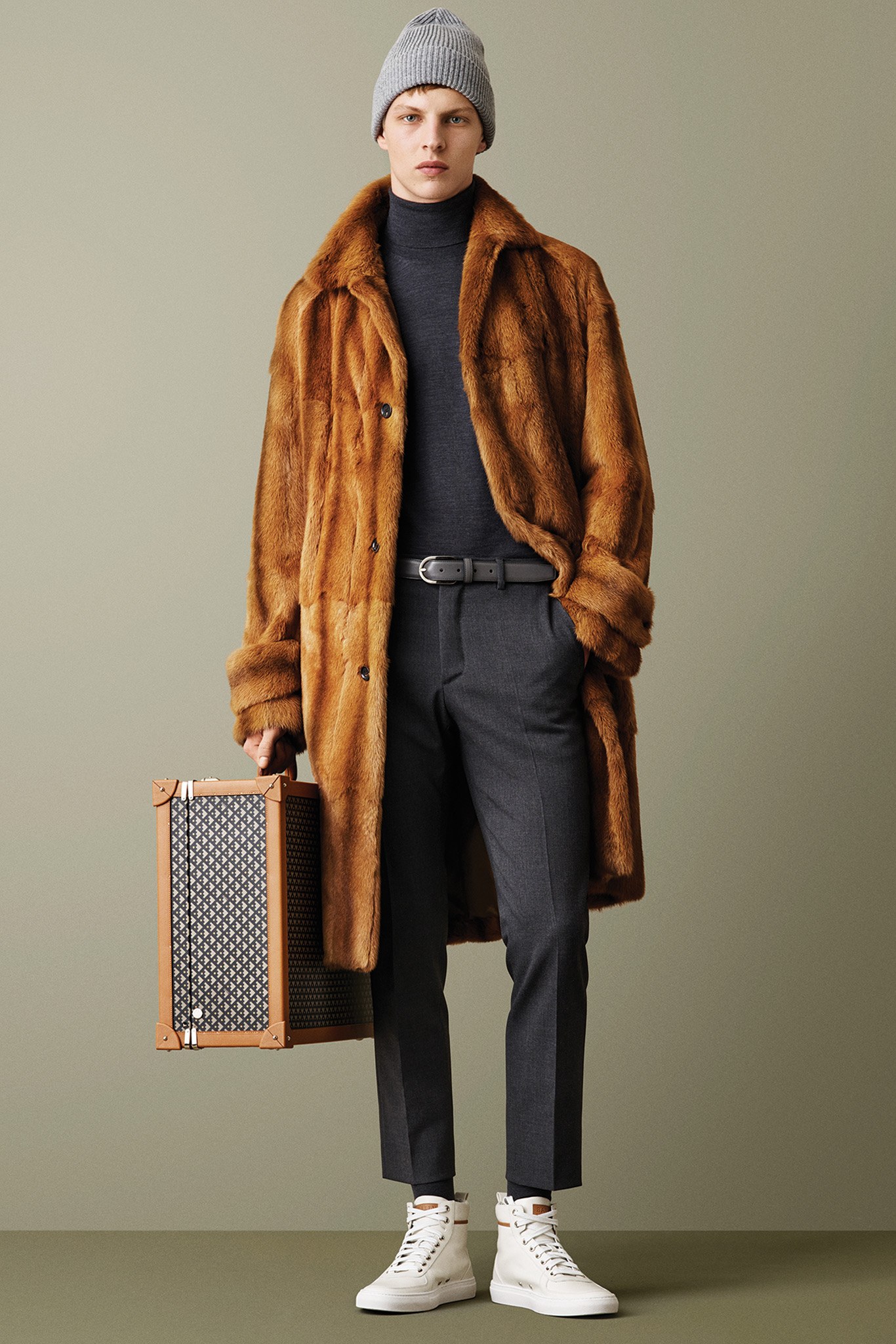
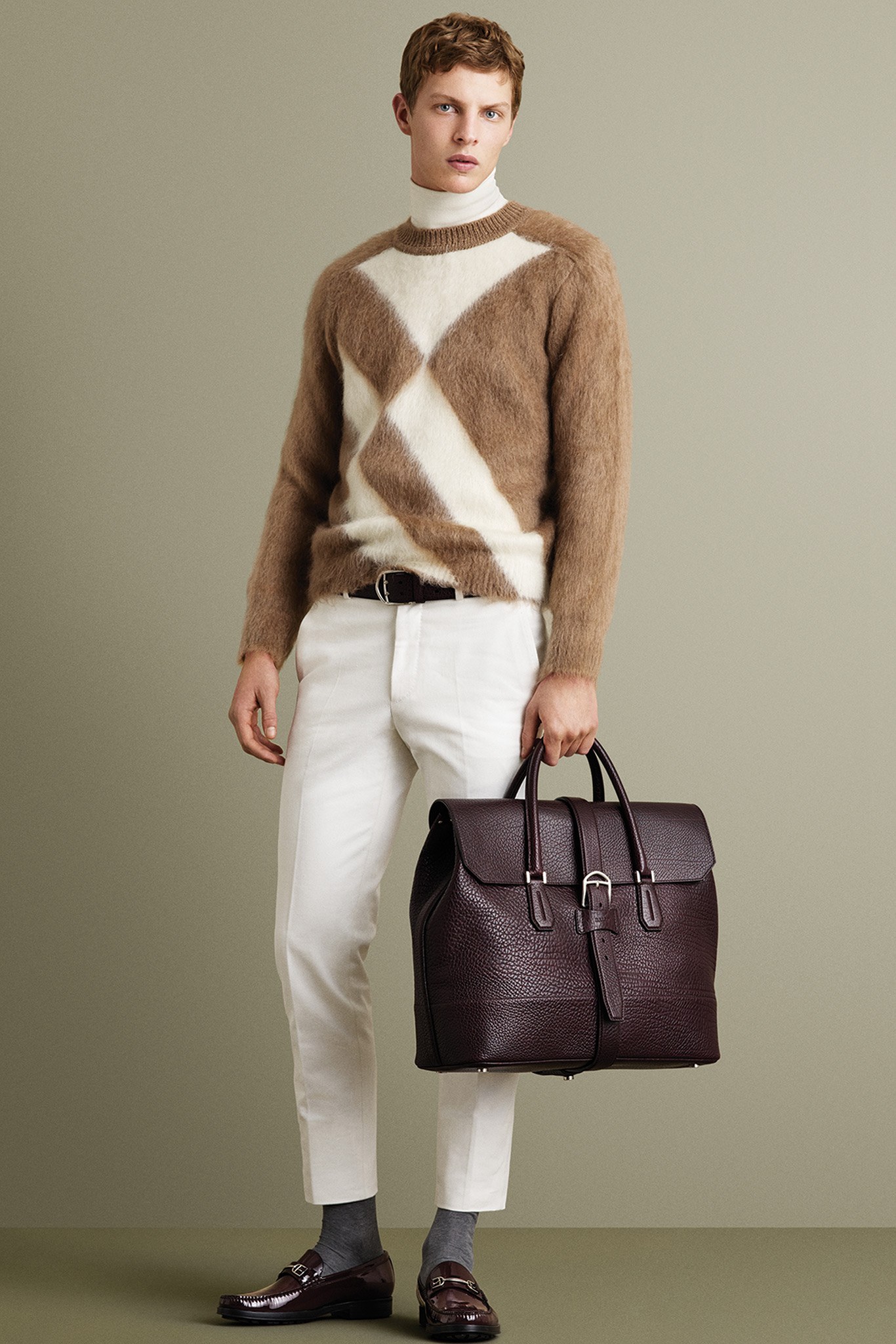
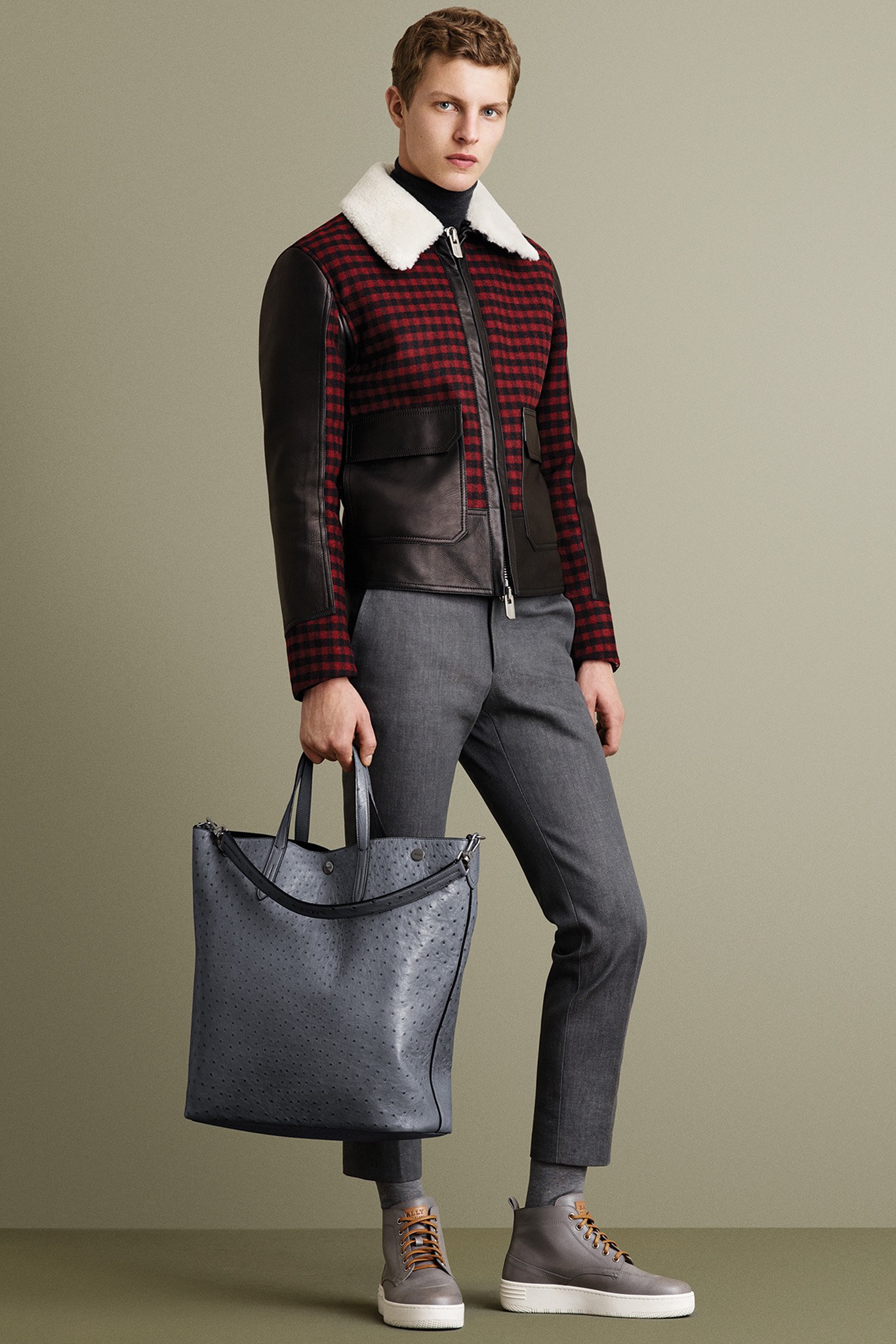
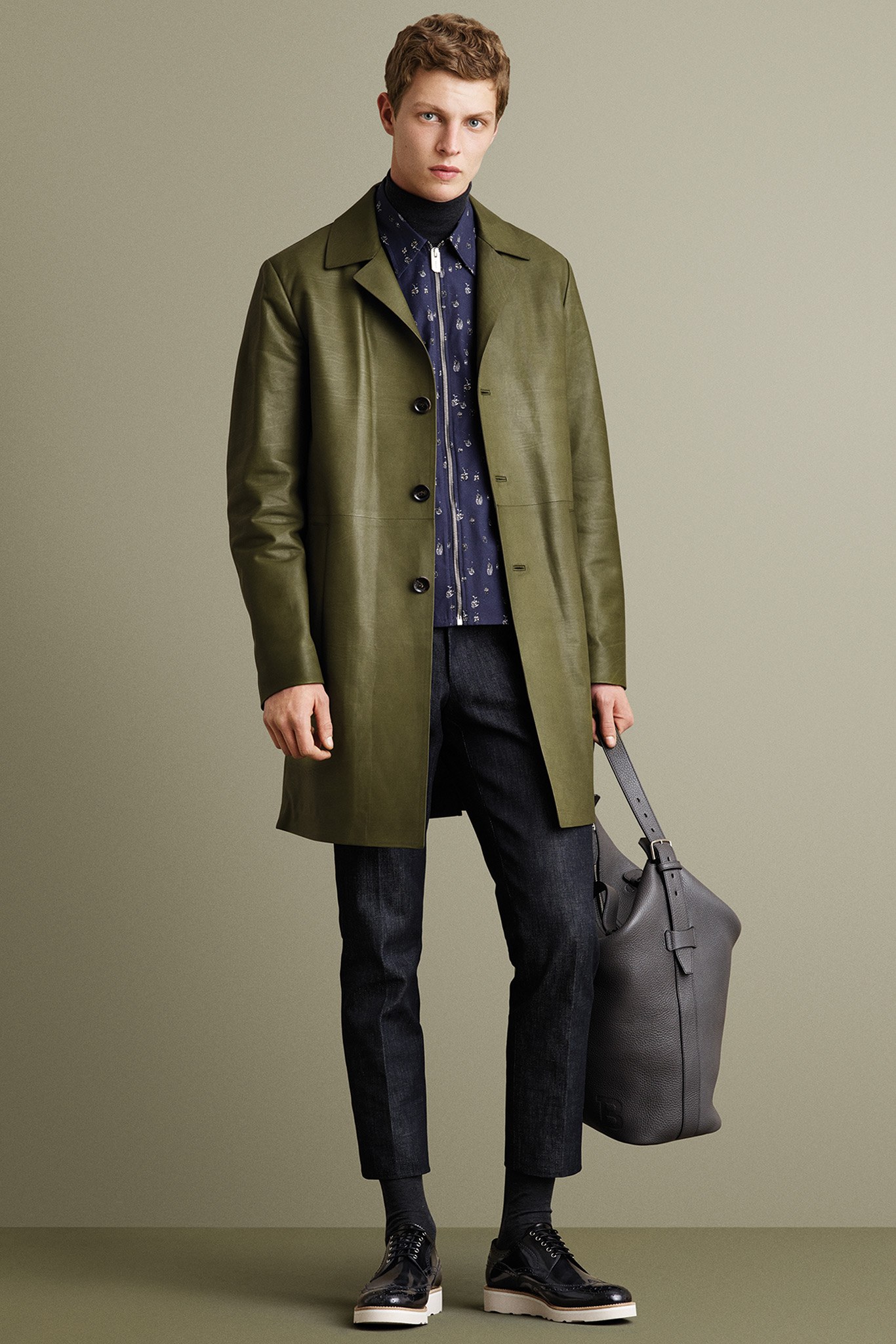
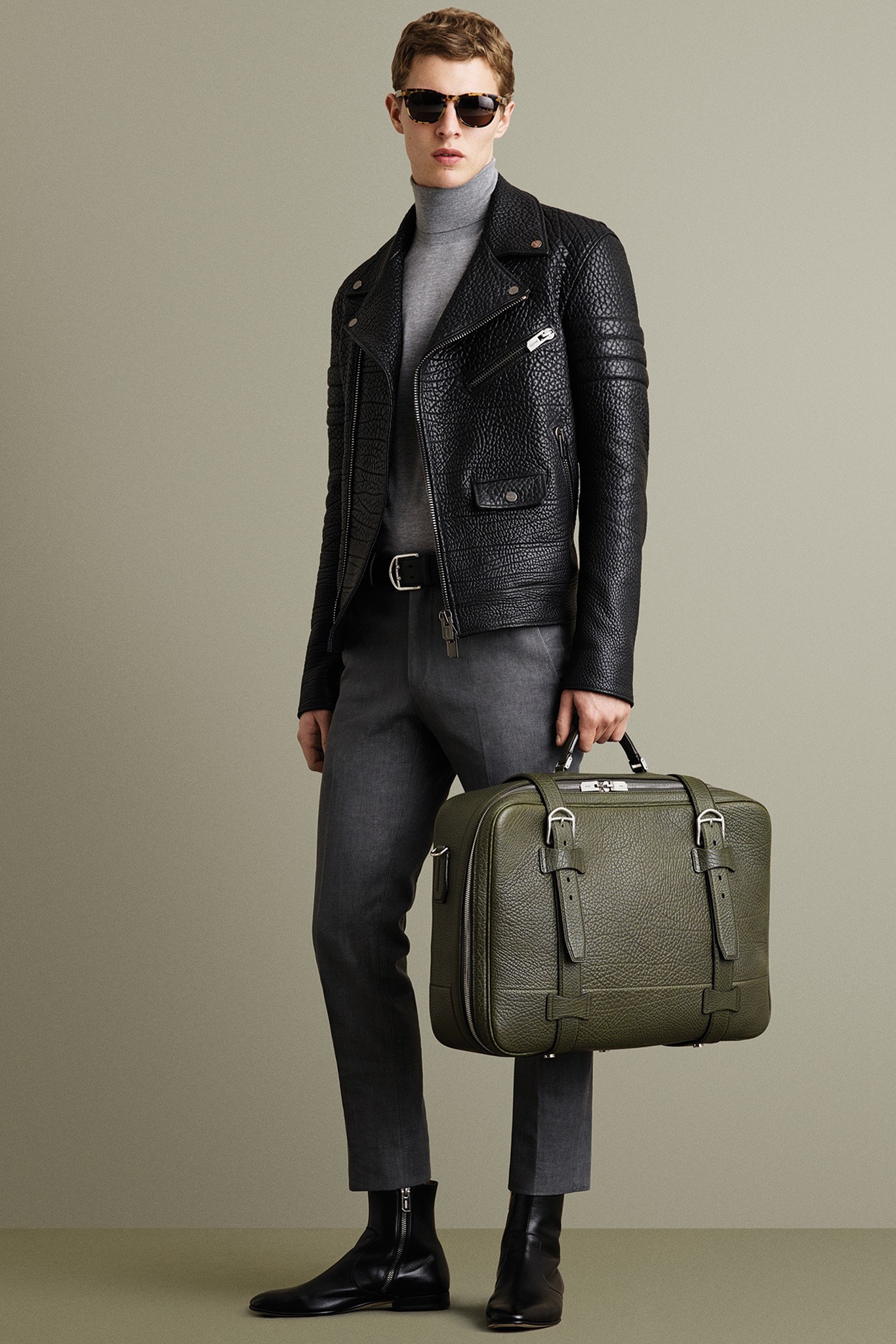
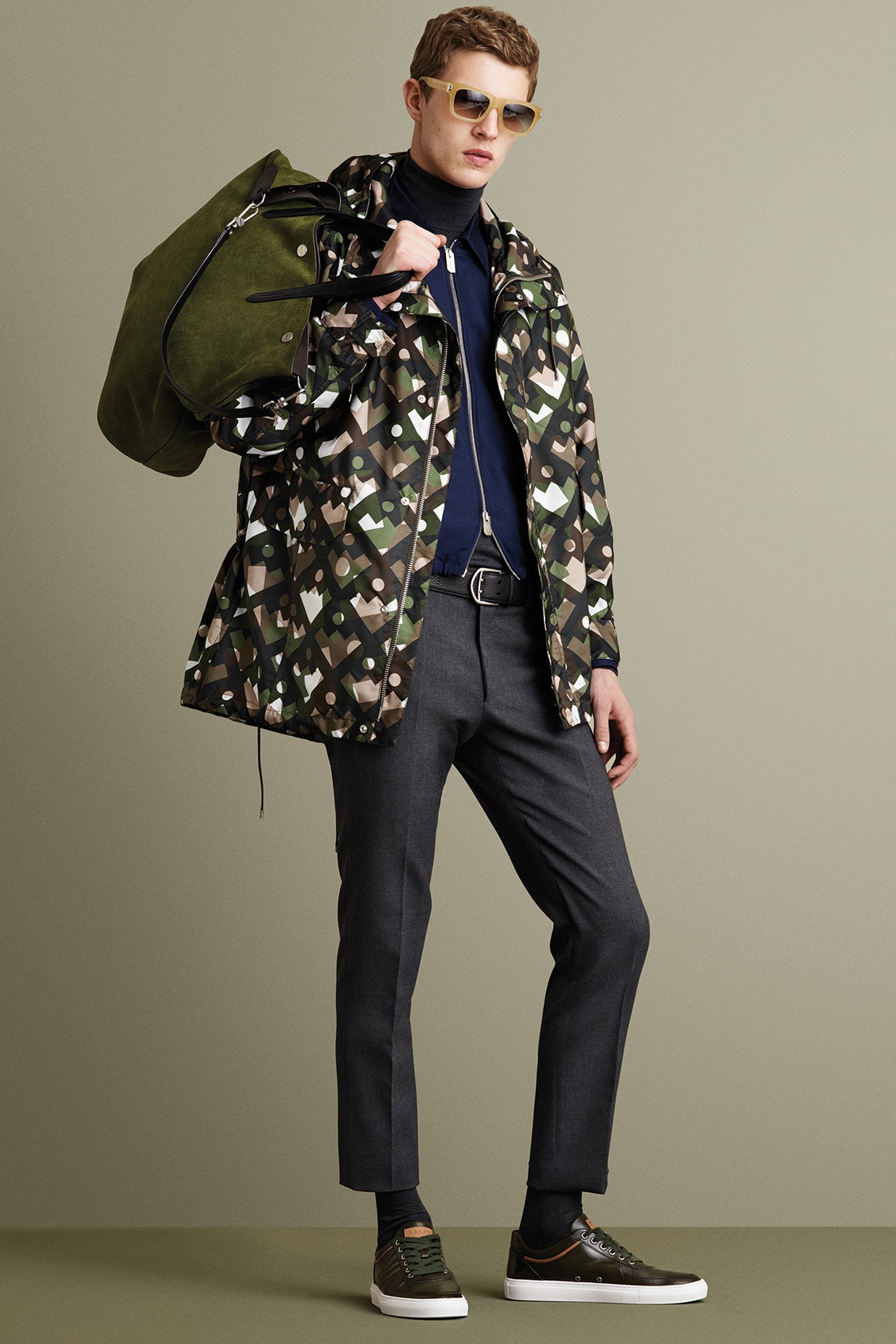
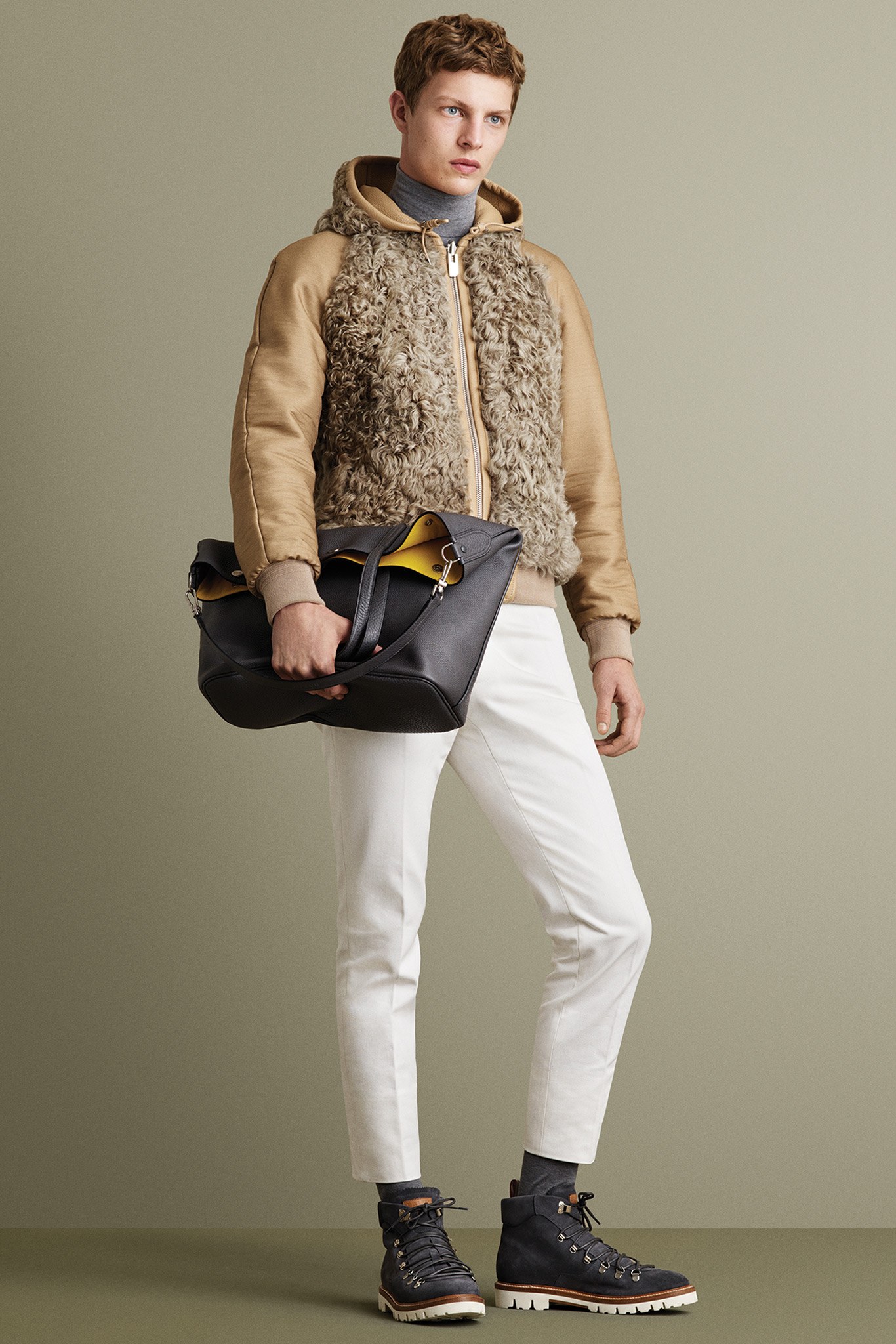
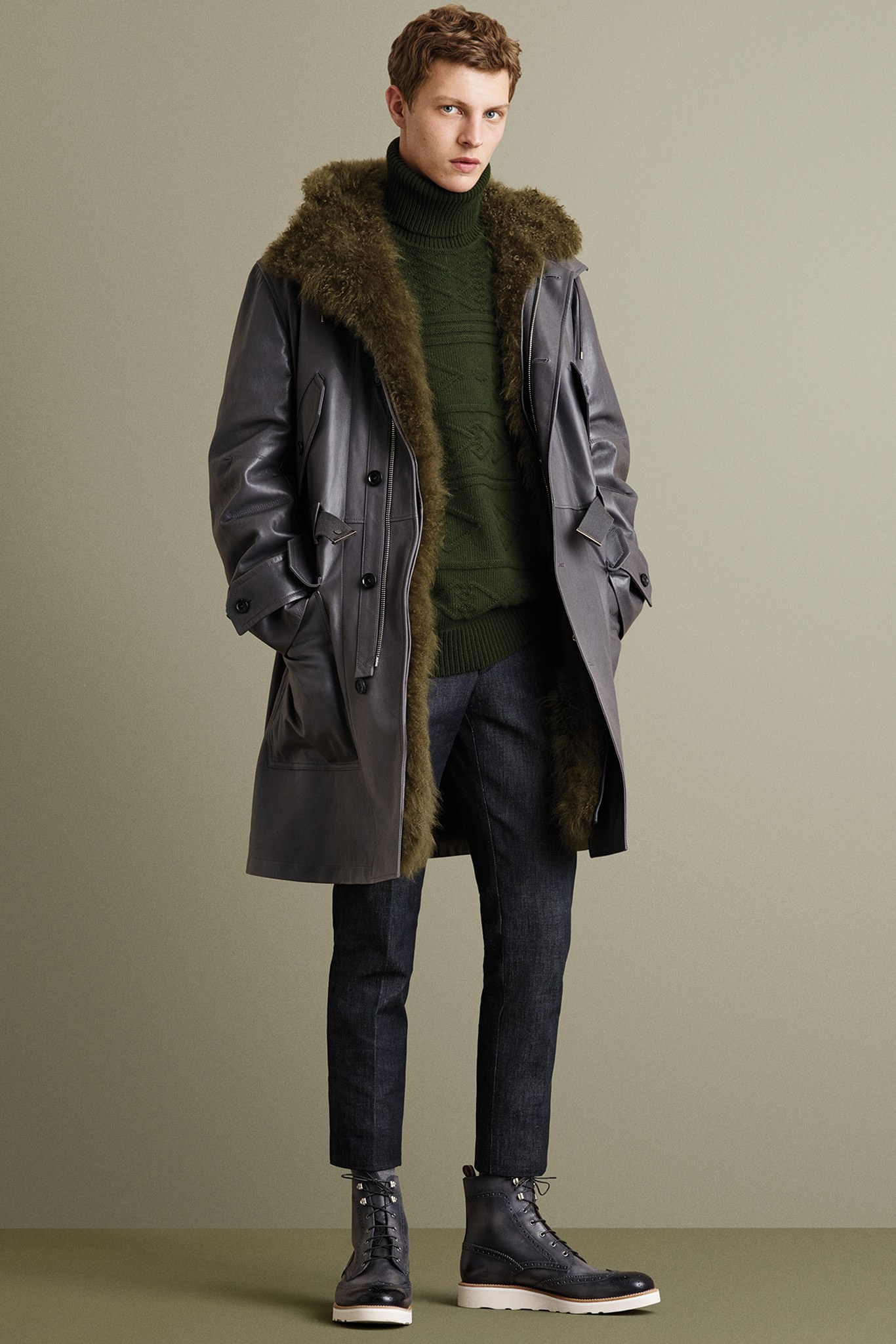
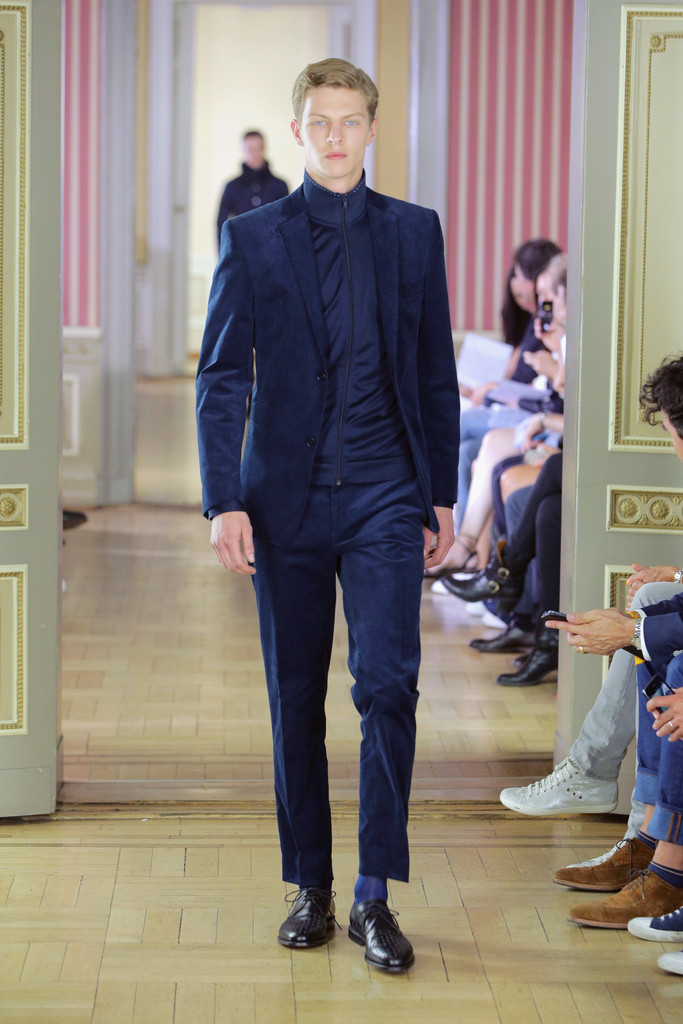
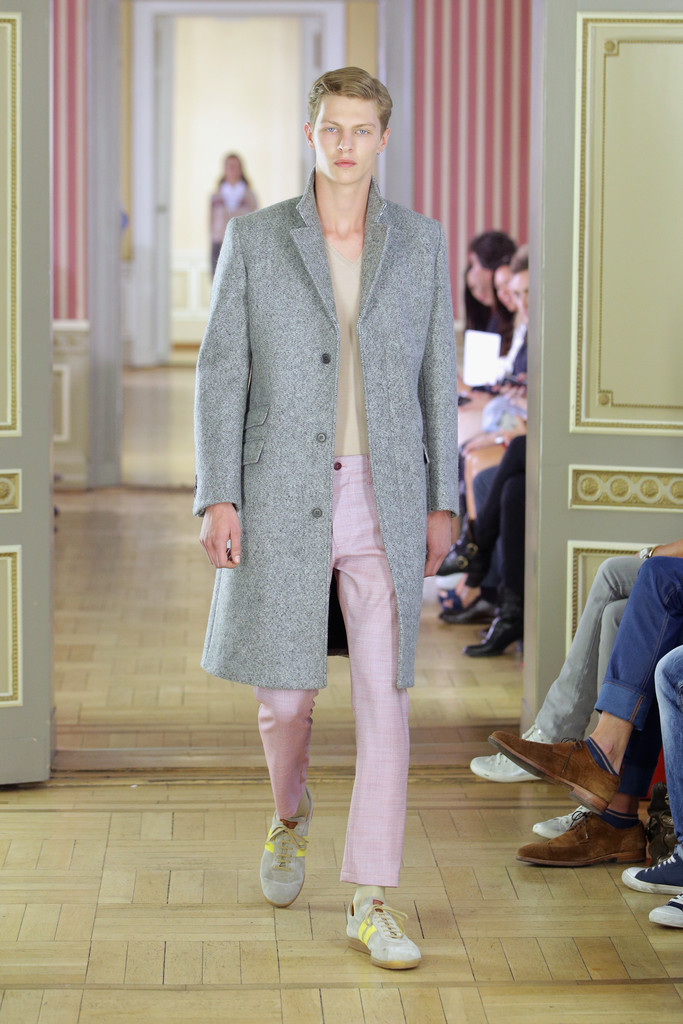
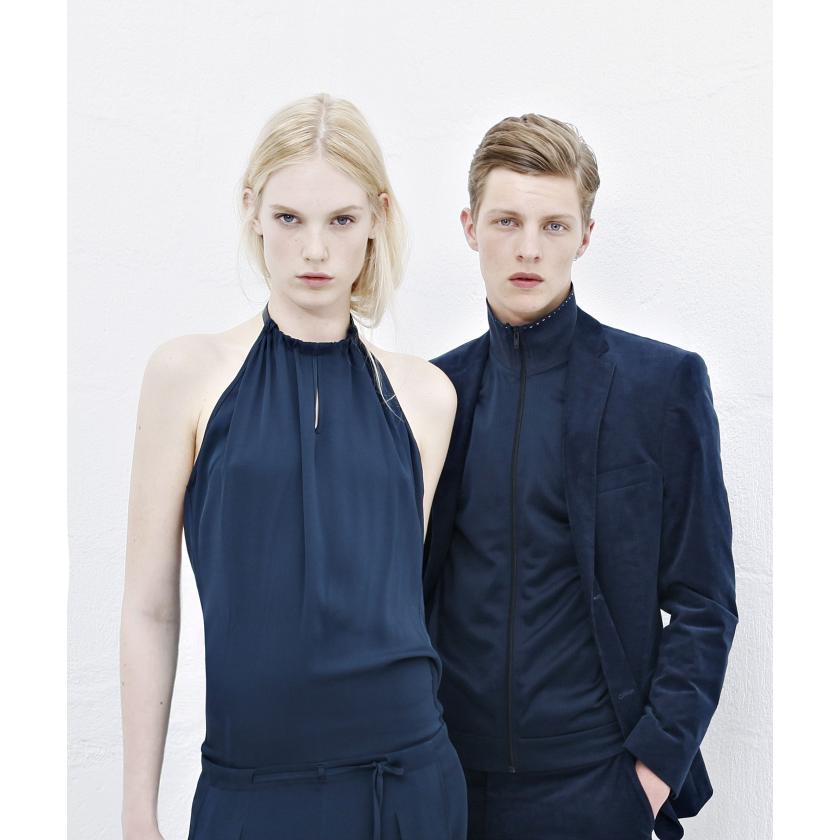
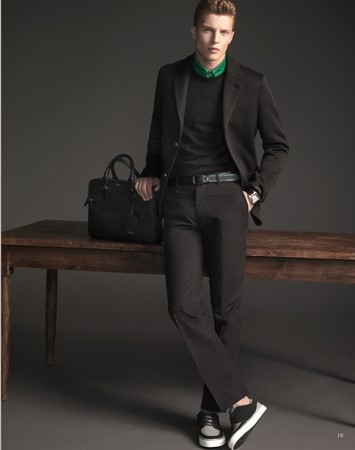
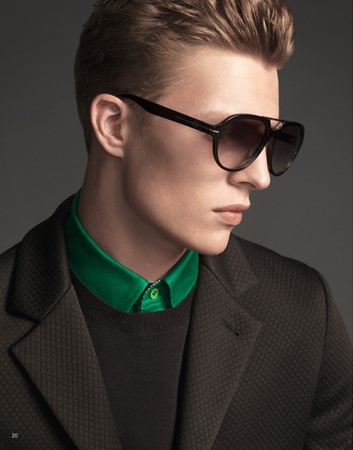
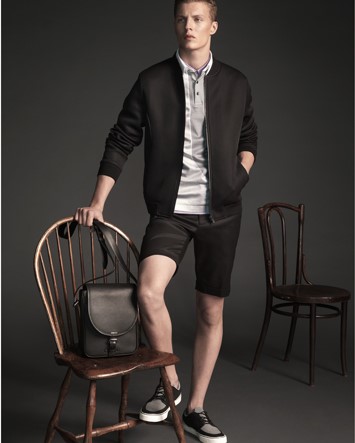
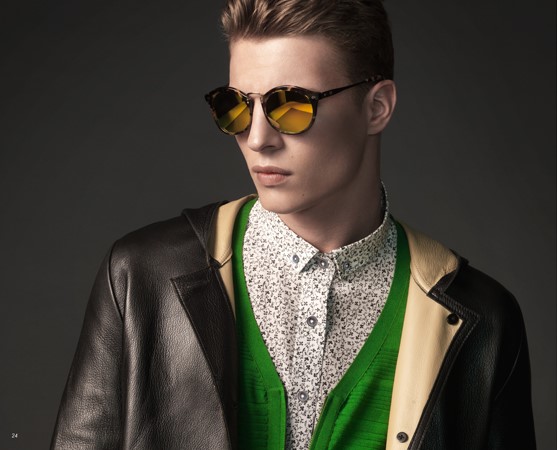
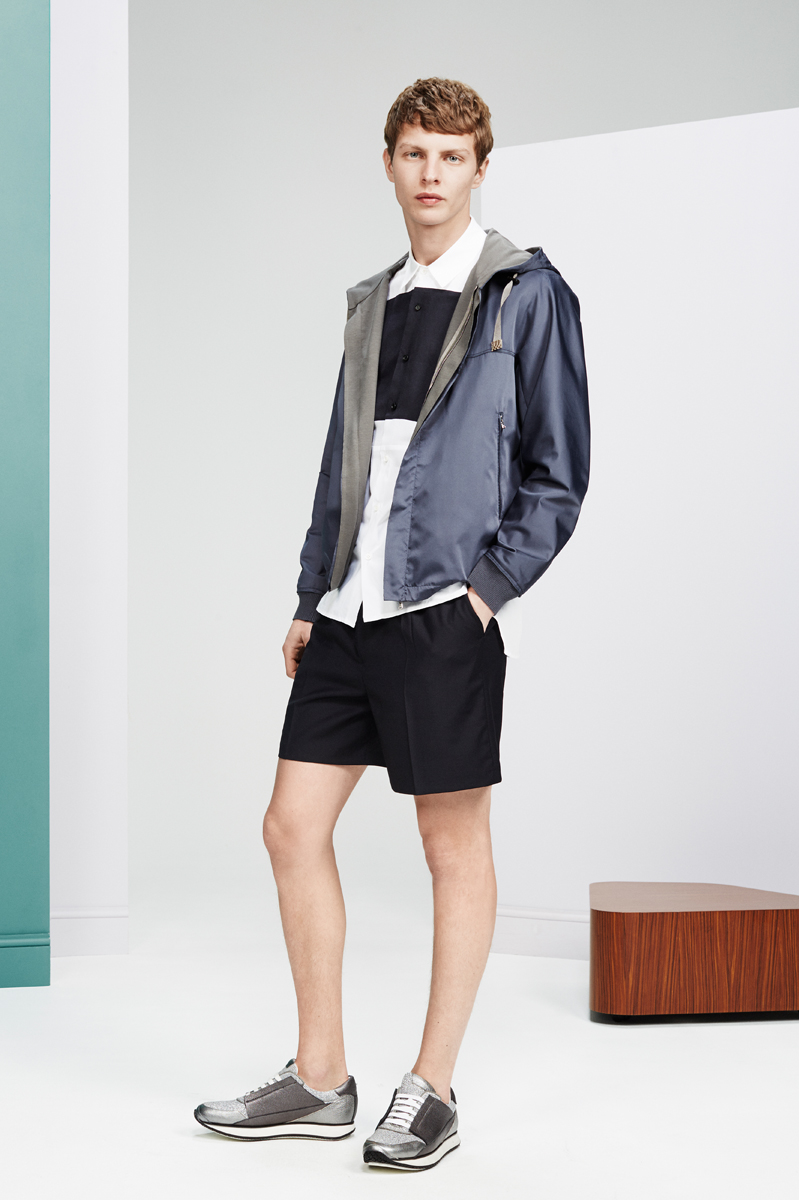
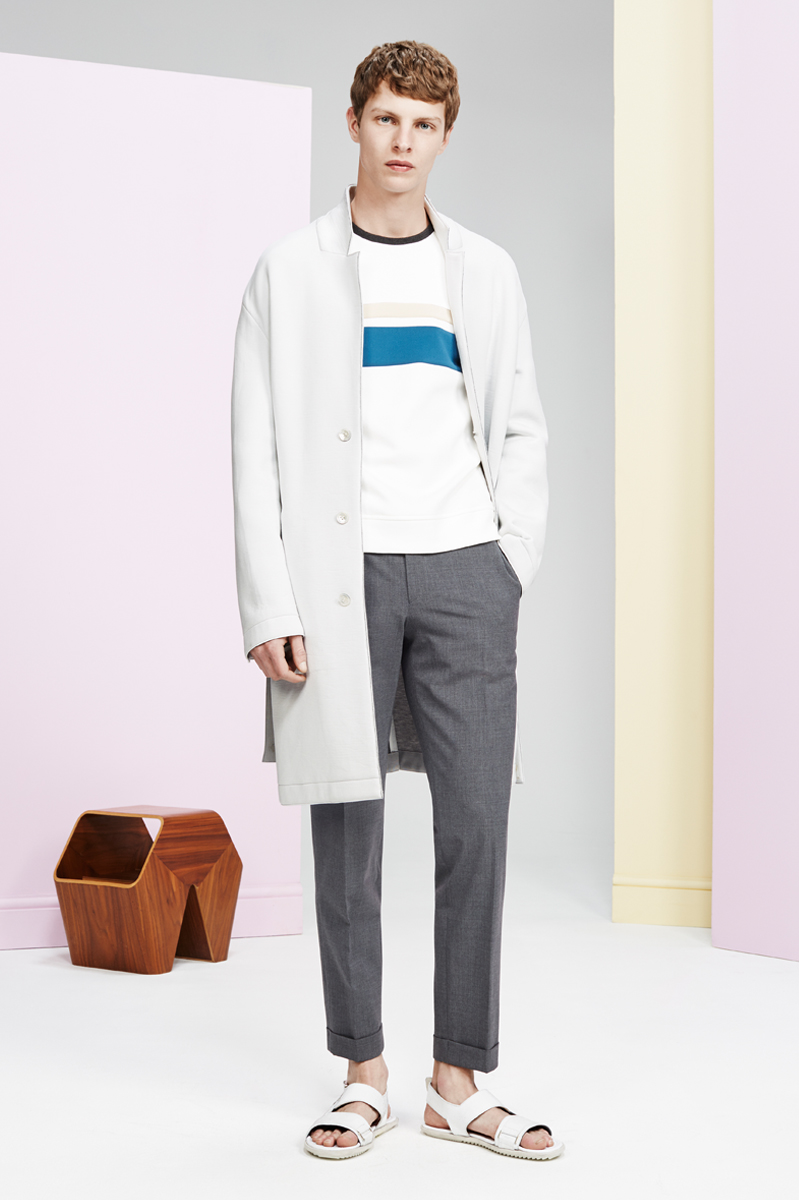
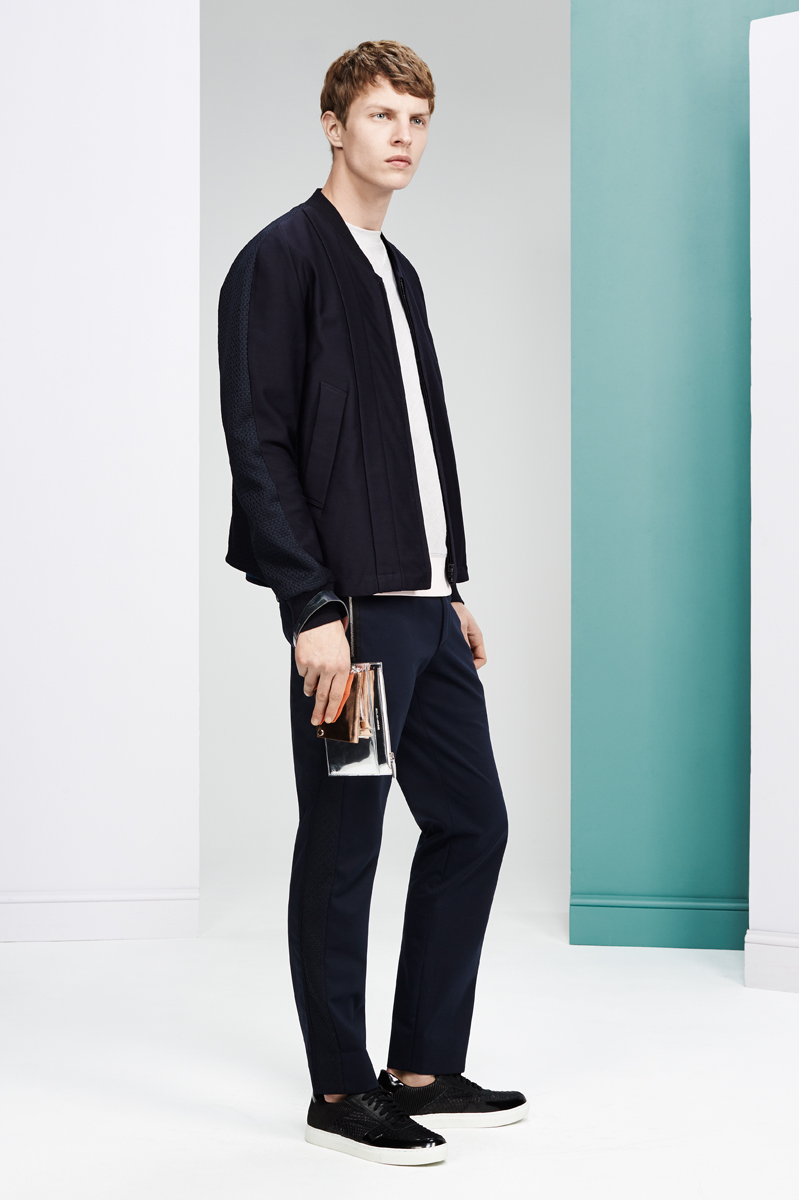
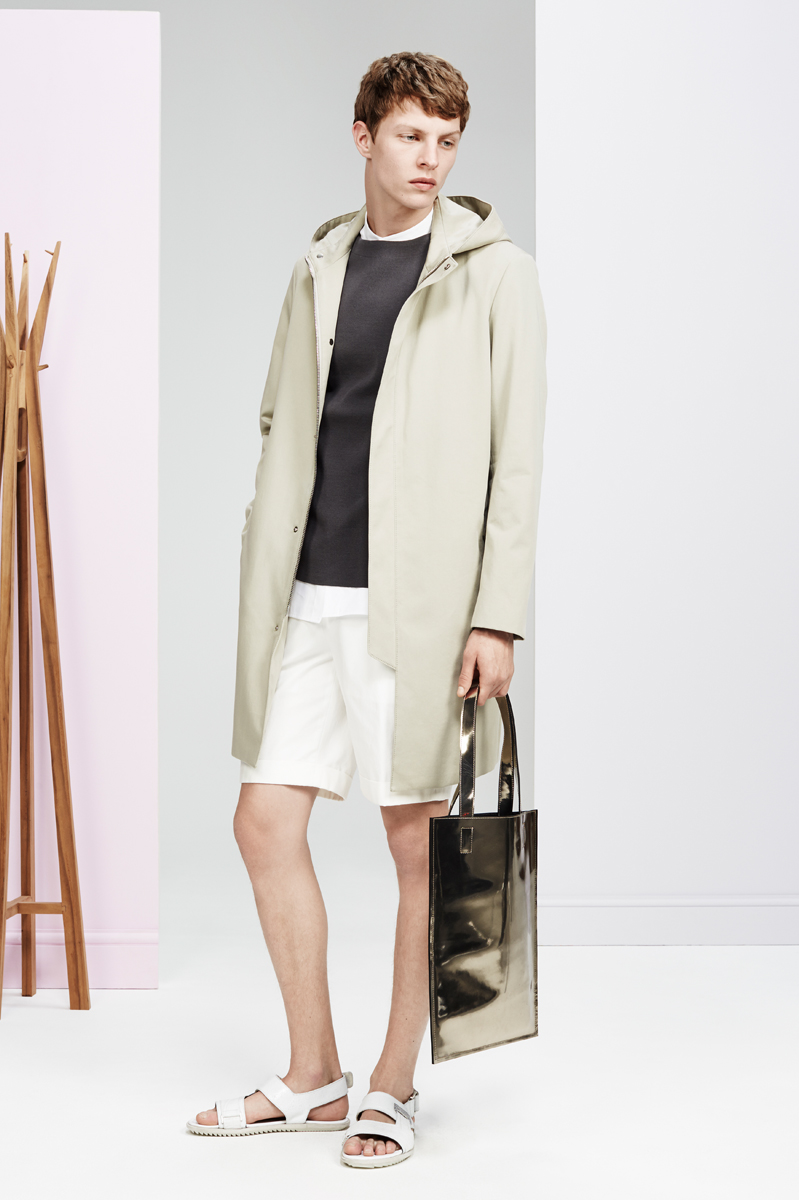
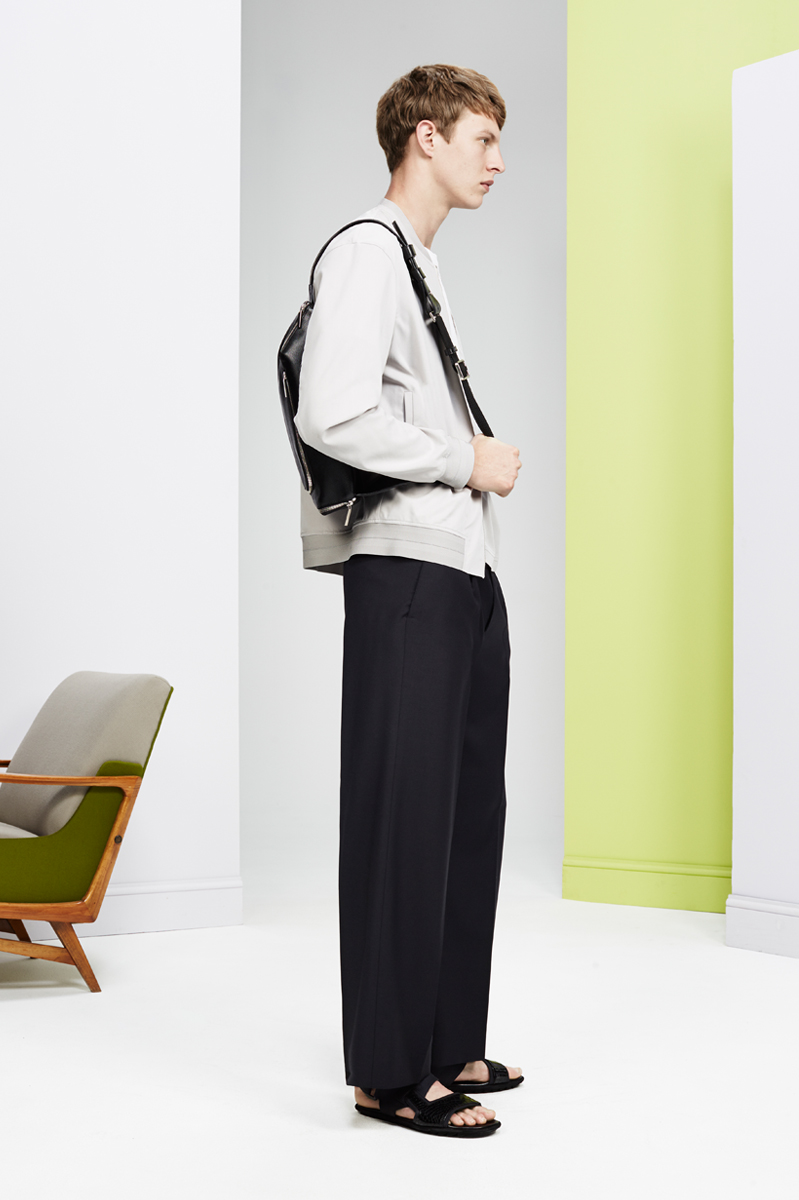
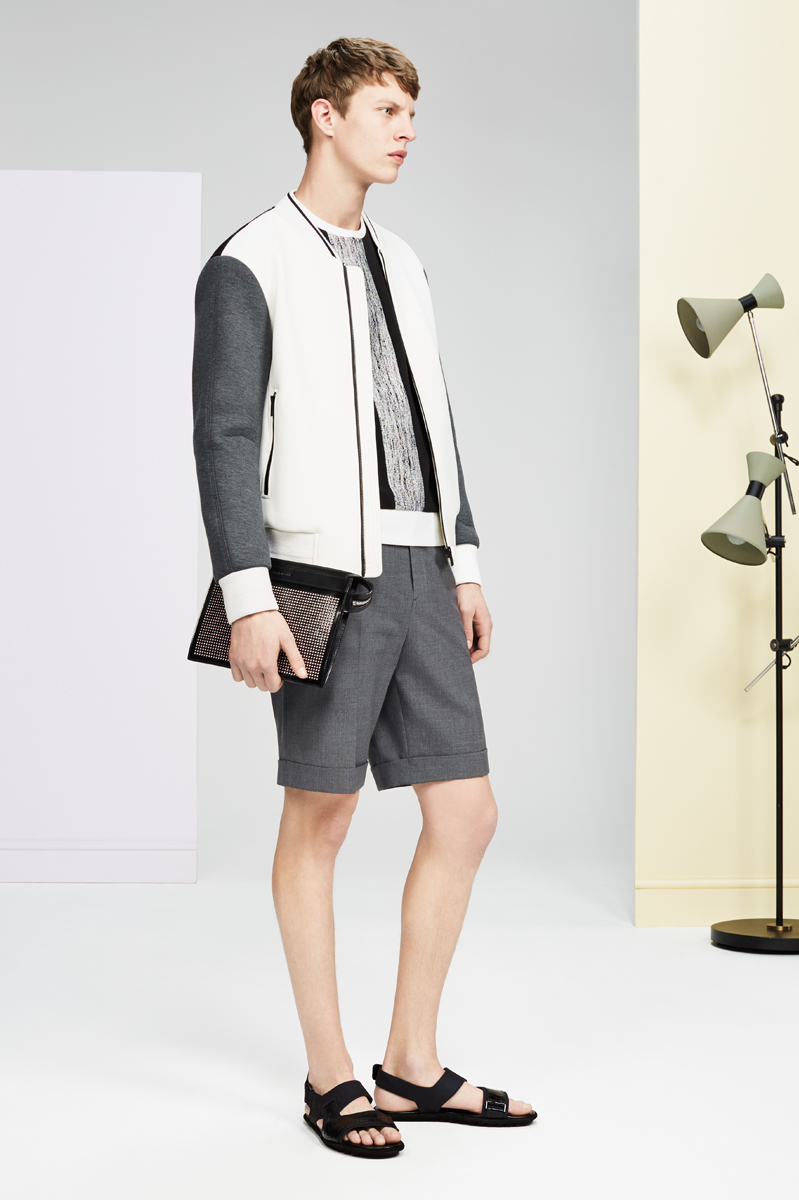
 Bally Fall 2015
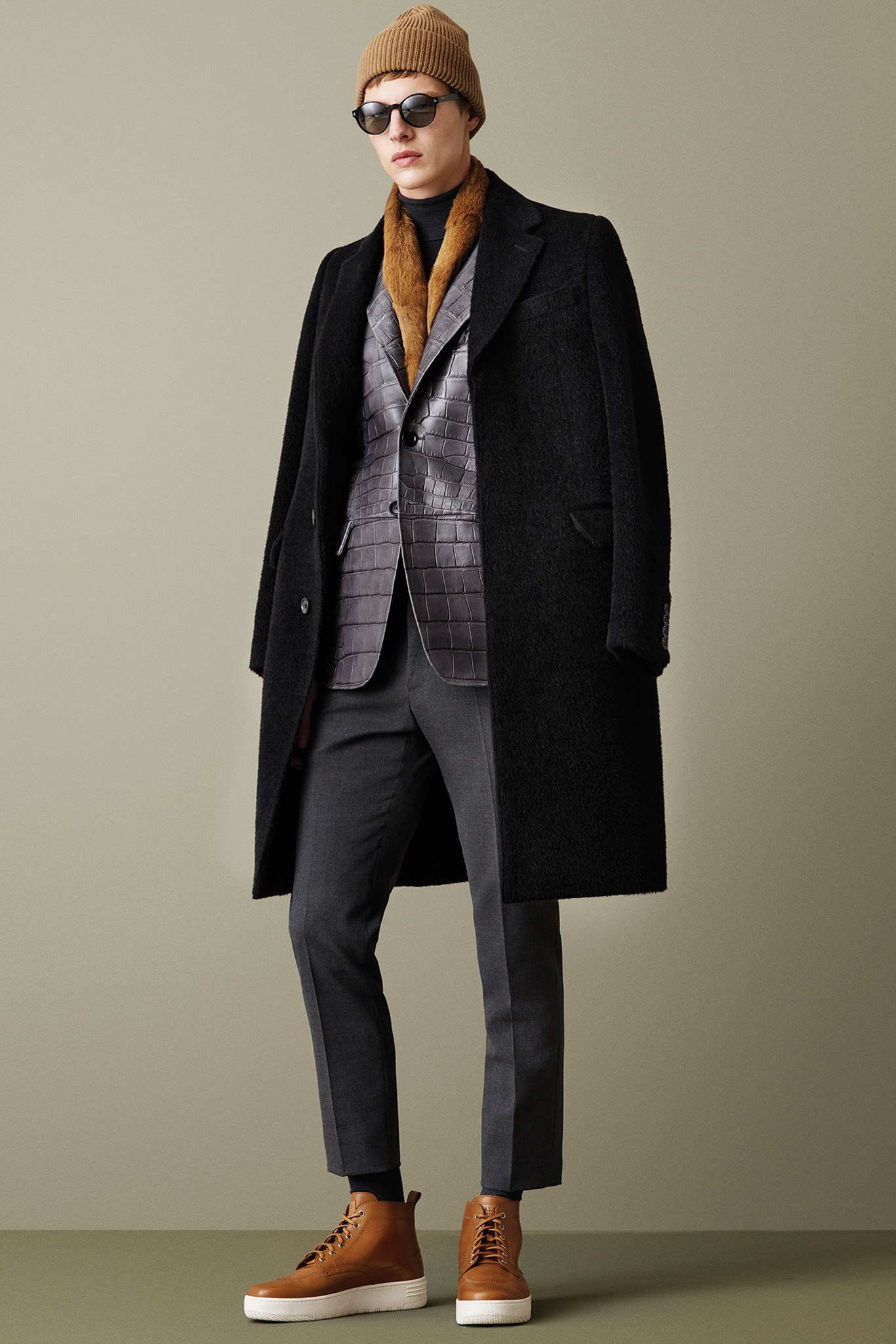
Bally Fall 2015
Bally Fall 2015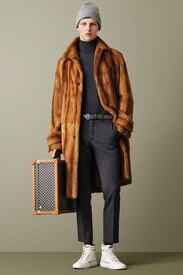
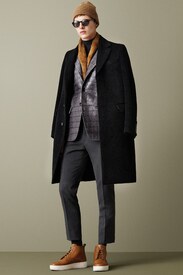
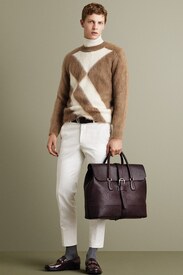
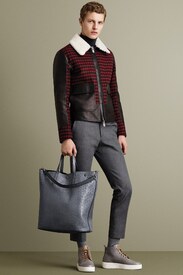
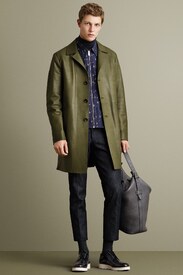
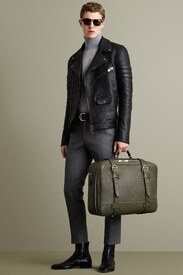

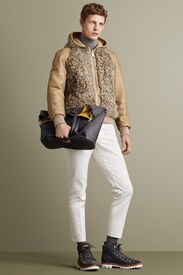
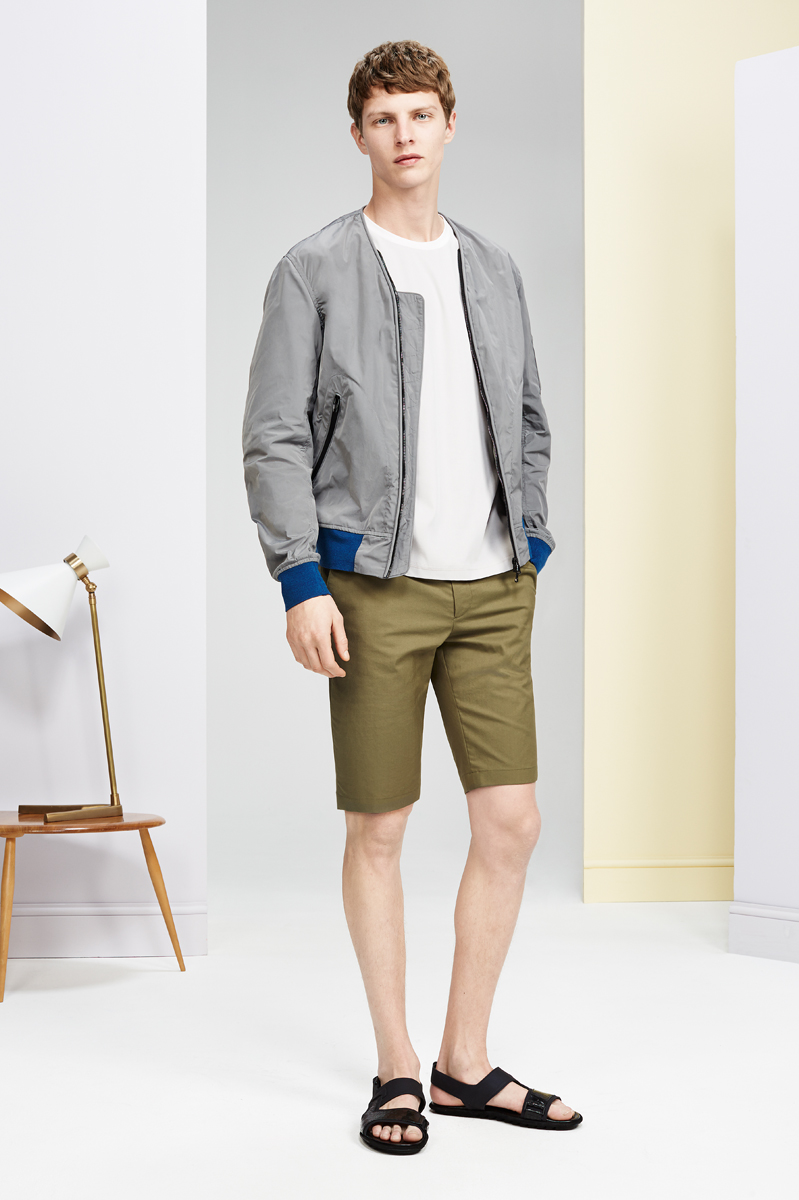
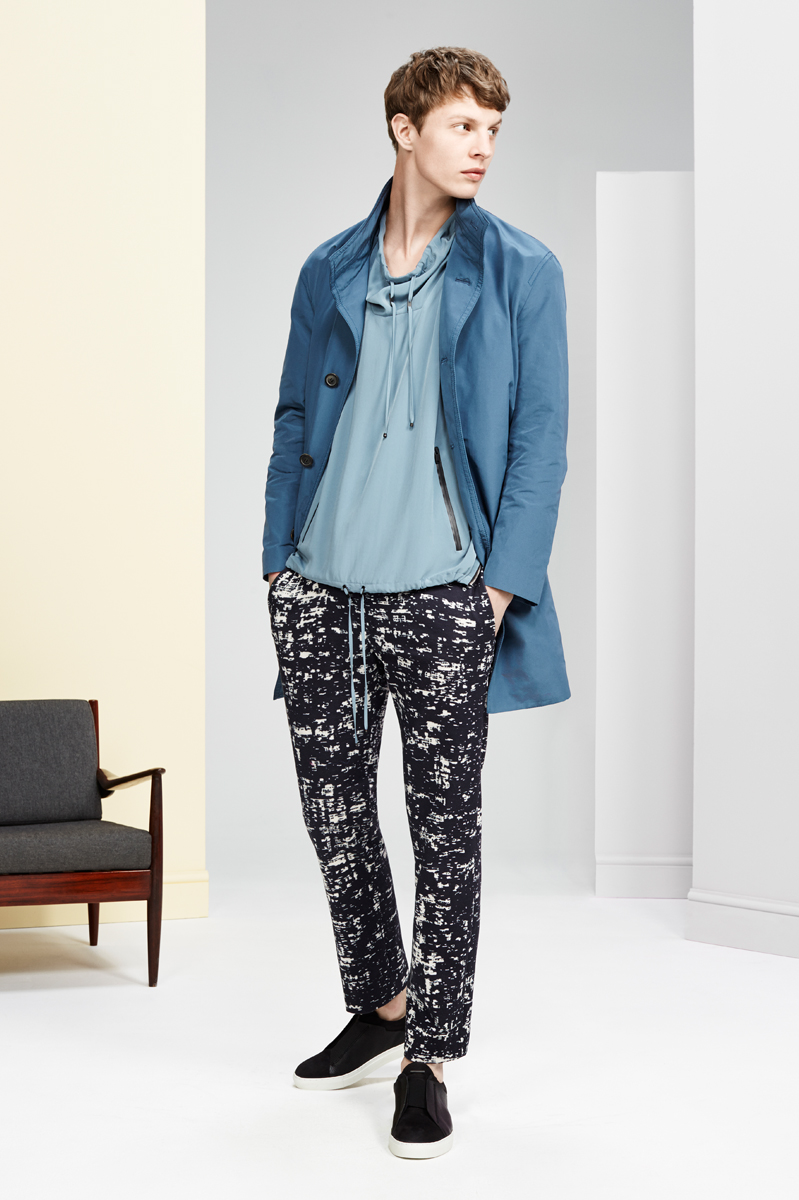
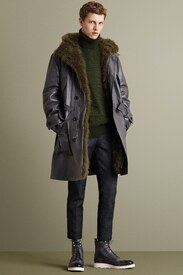 Bally Spring 2016 vogue.com
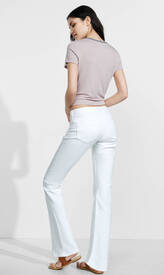
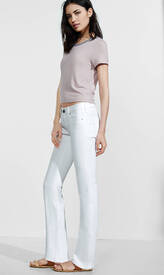
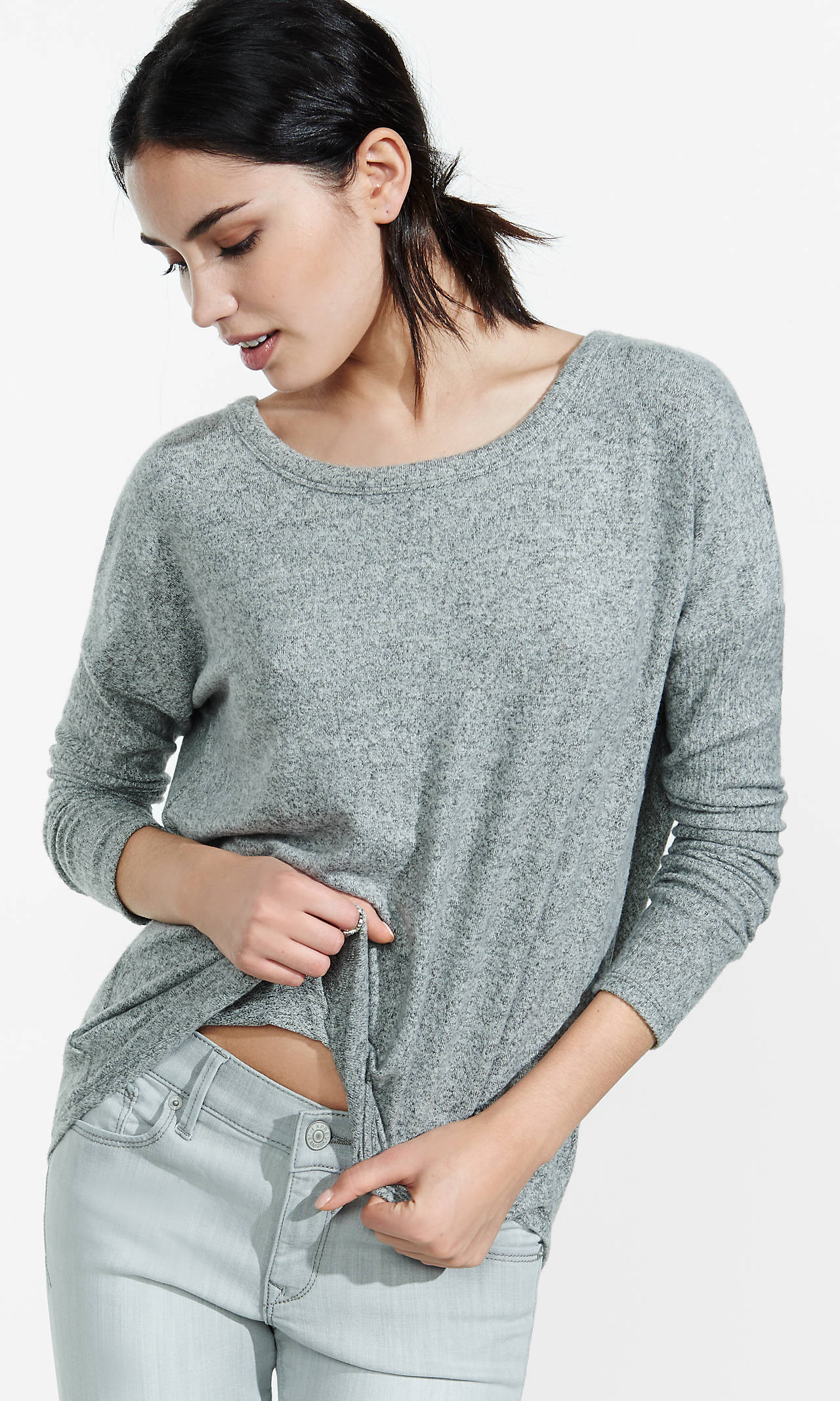
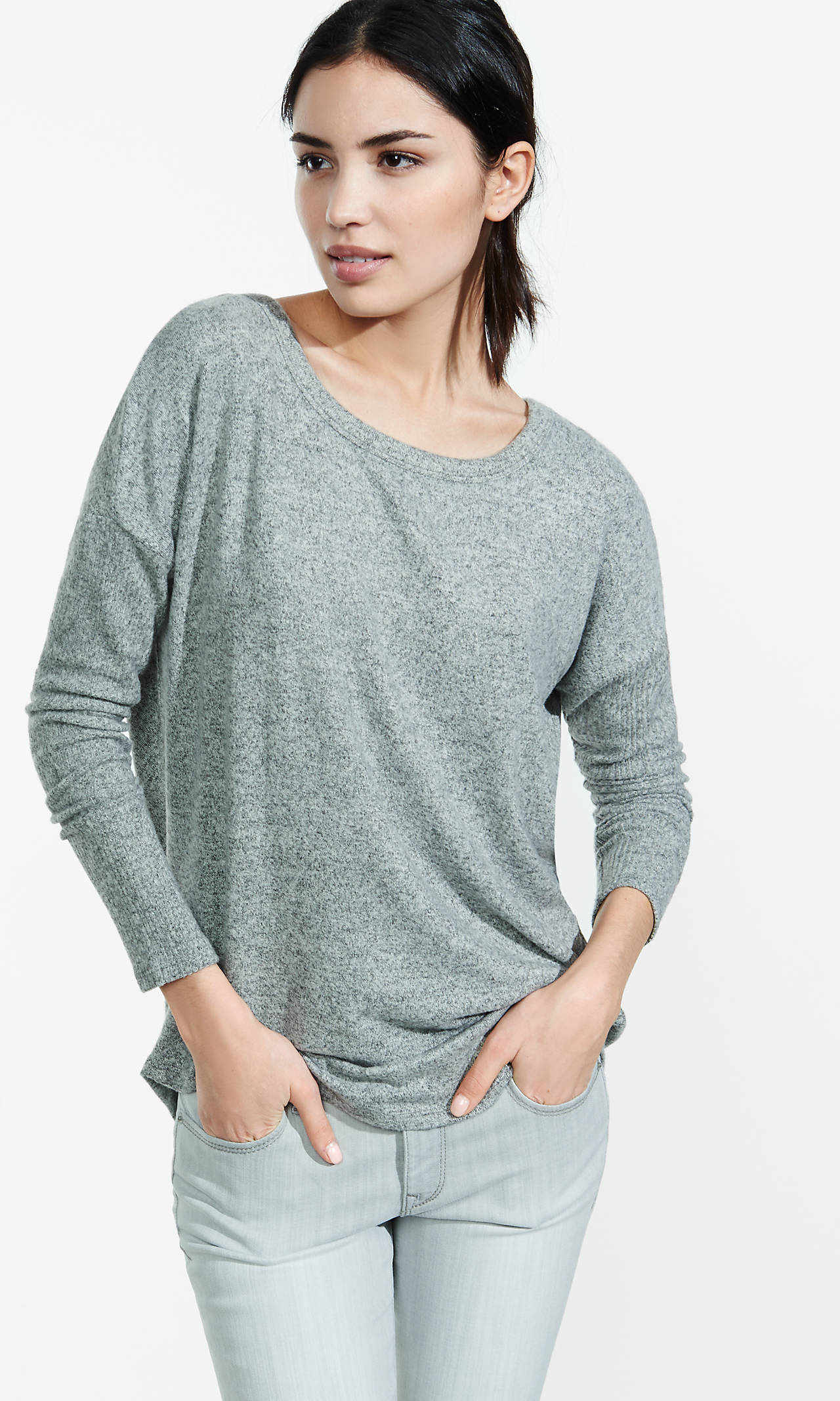
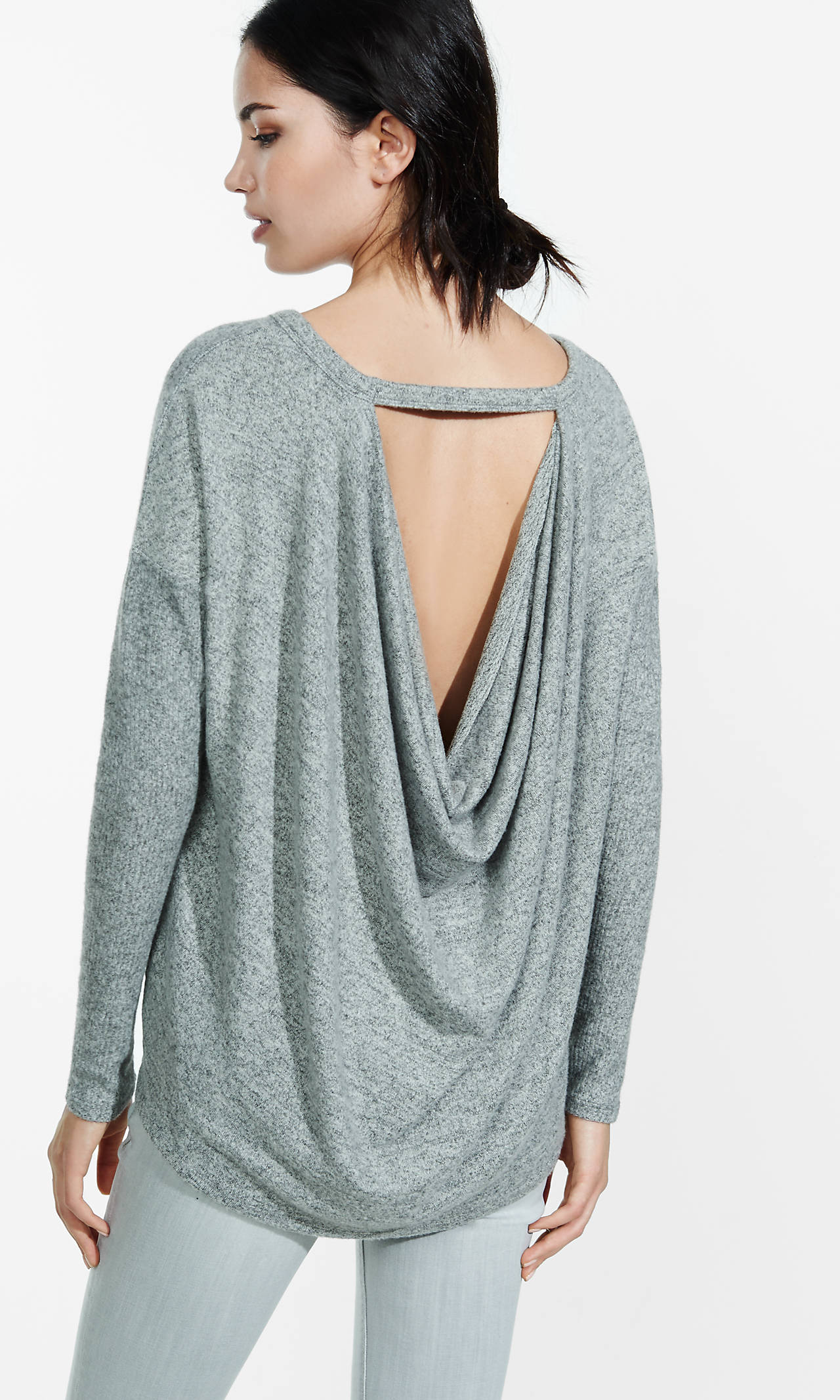
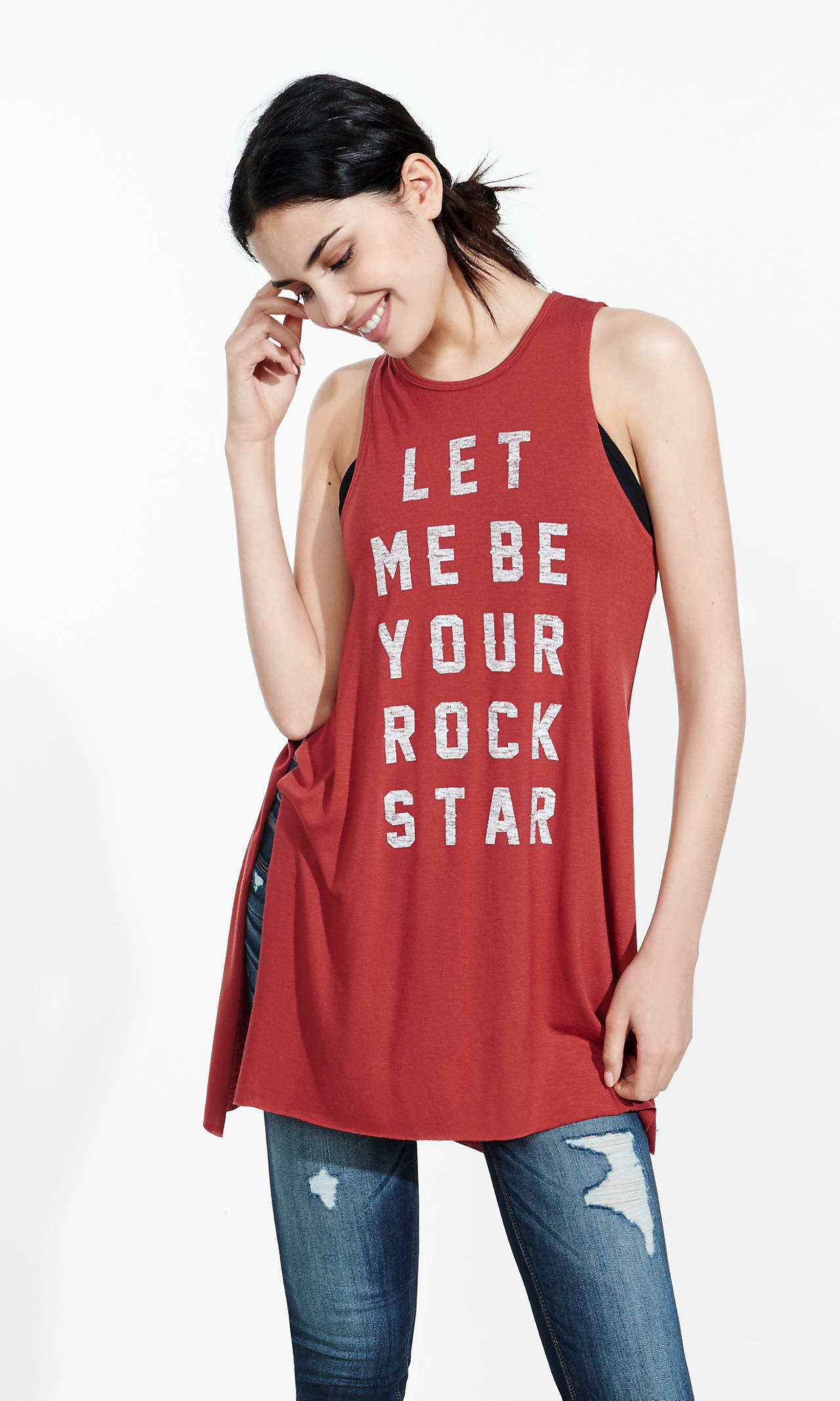
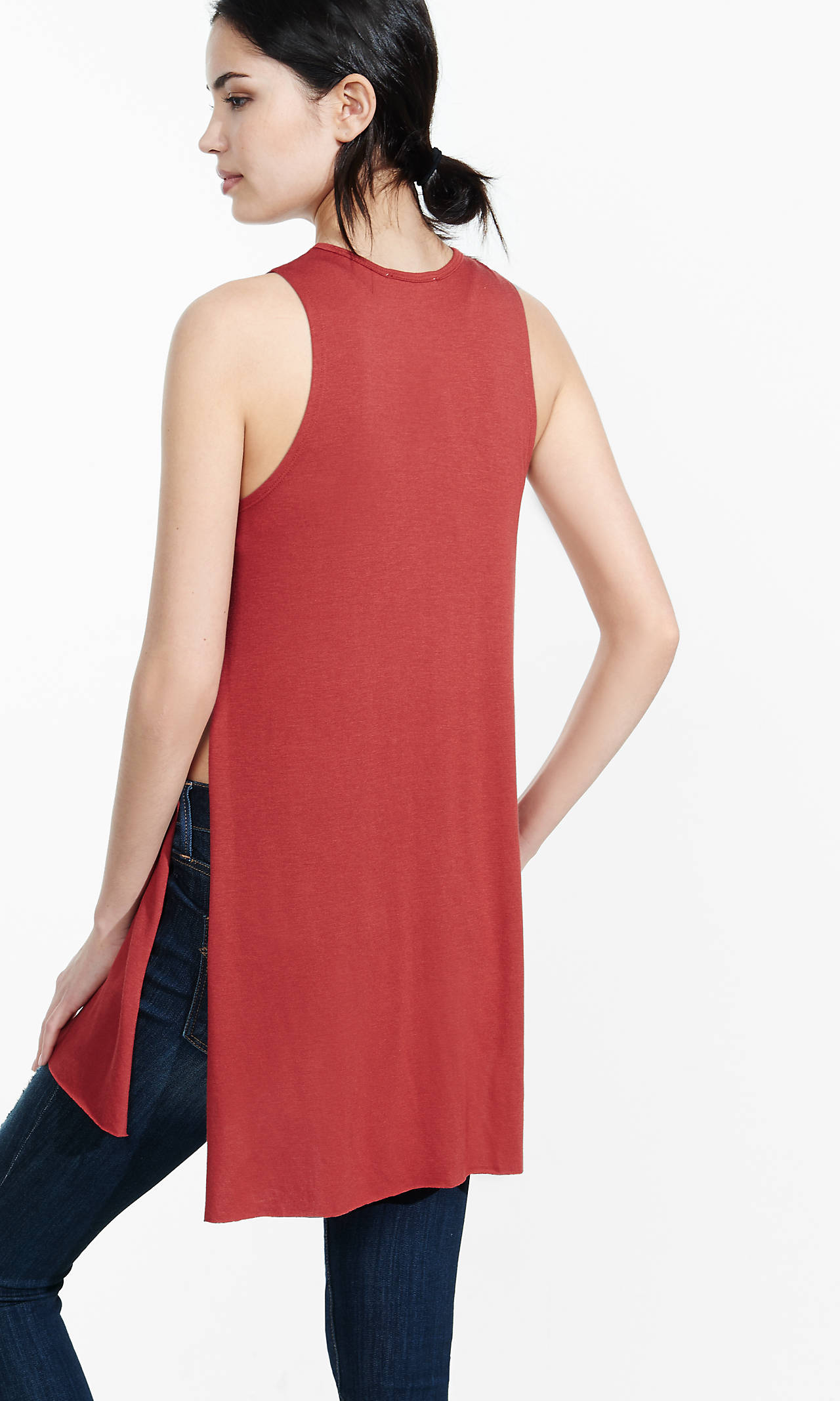
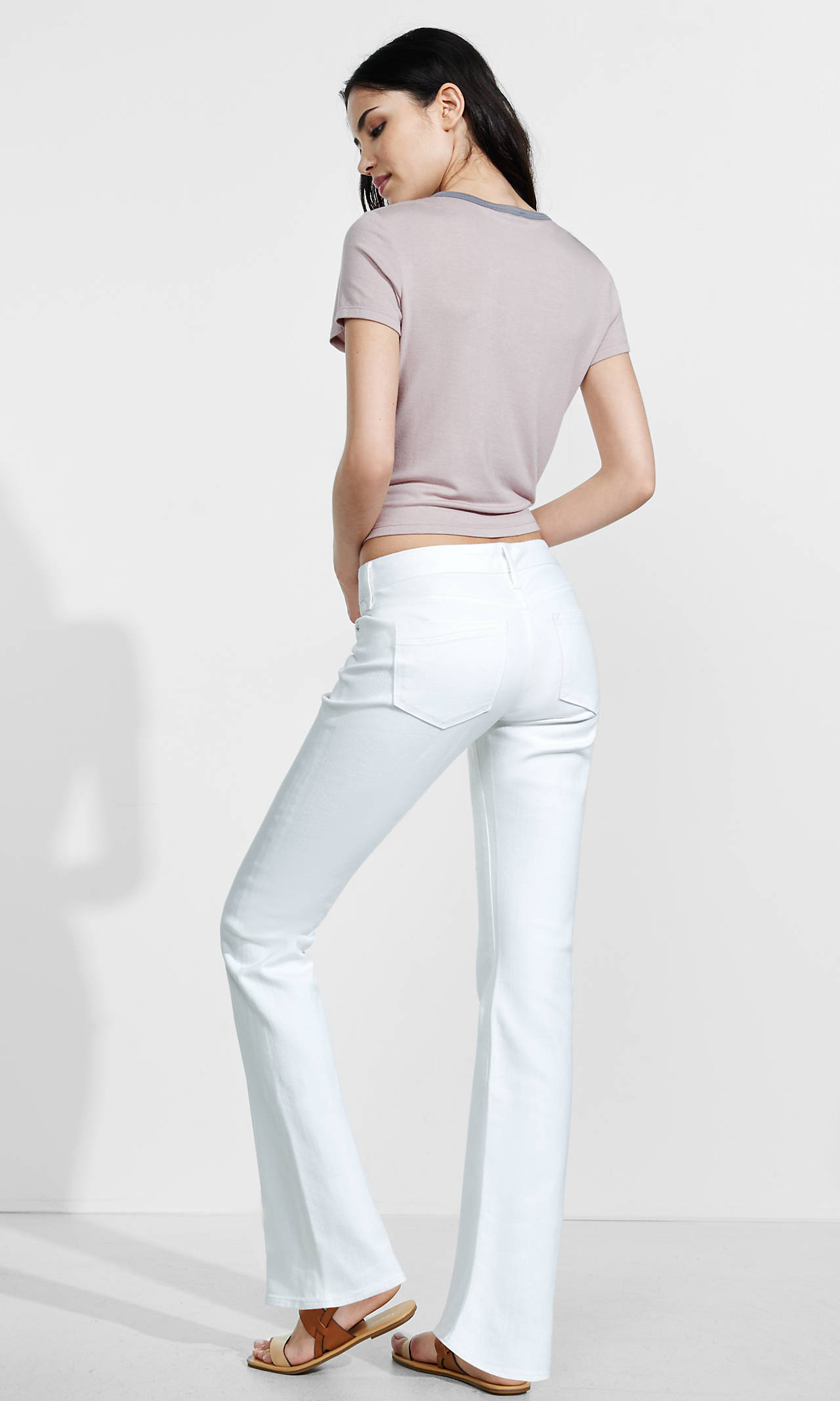
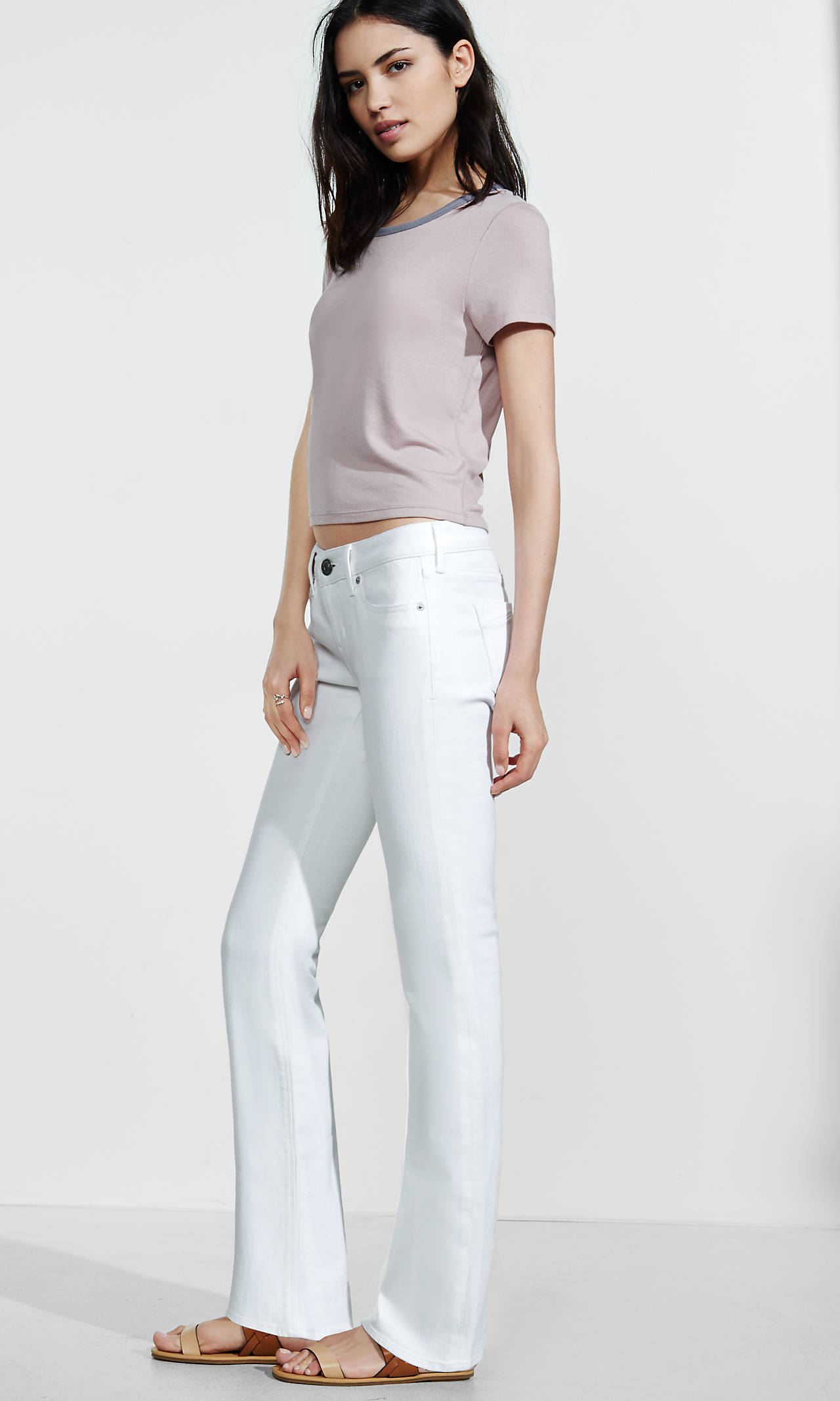
Express
Bally Spring 2016 vogue.com
Express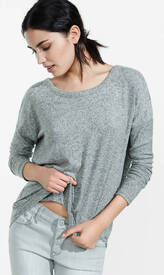
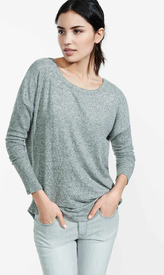


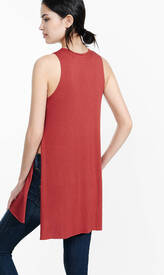

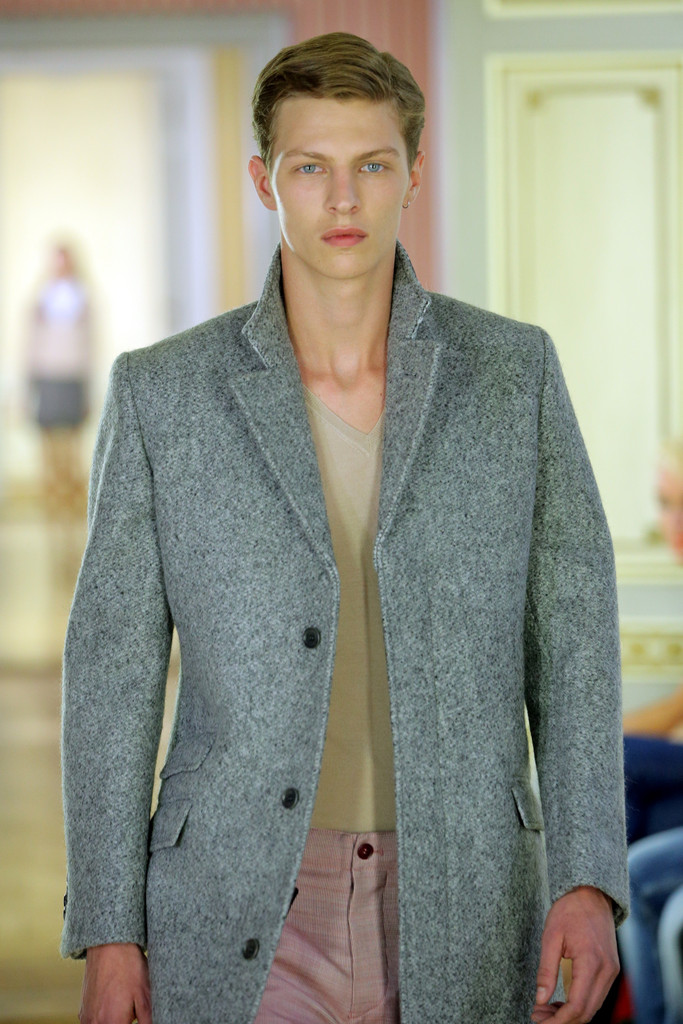
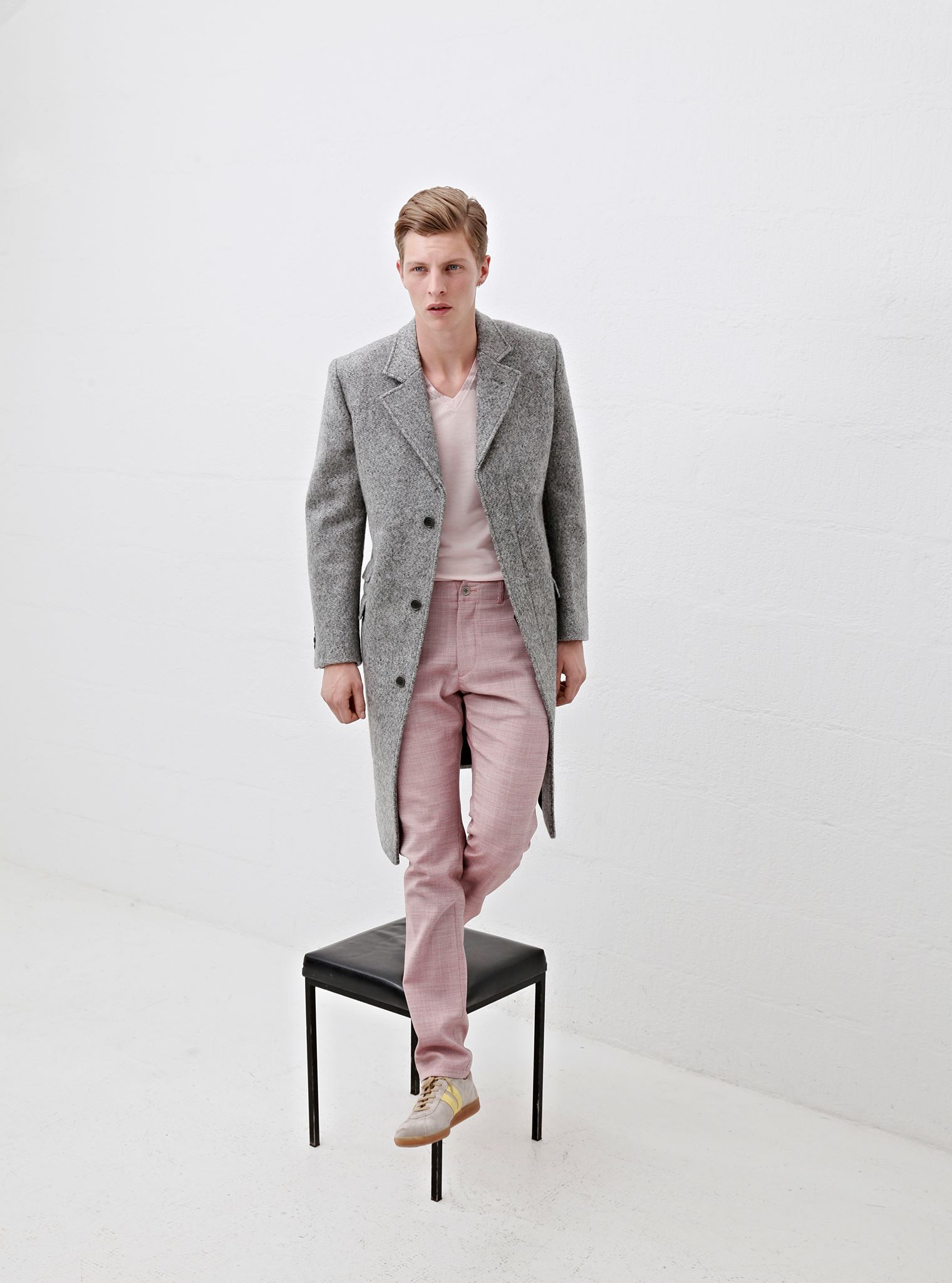
 Clemens En August Spring/Summer 2015 Runway + Lookbook
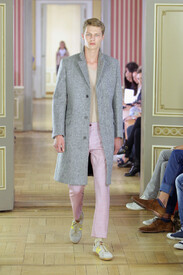
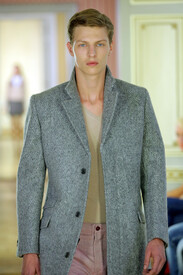
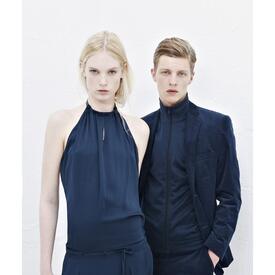
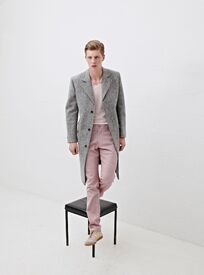


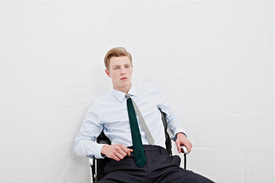
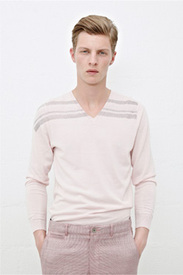
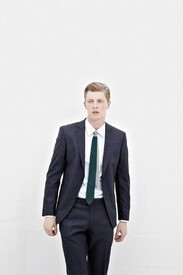
 Clemens En August S/S 2015
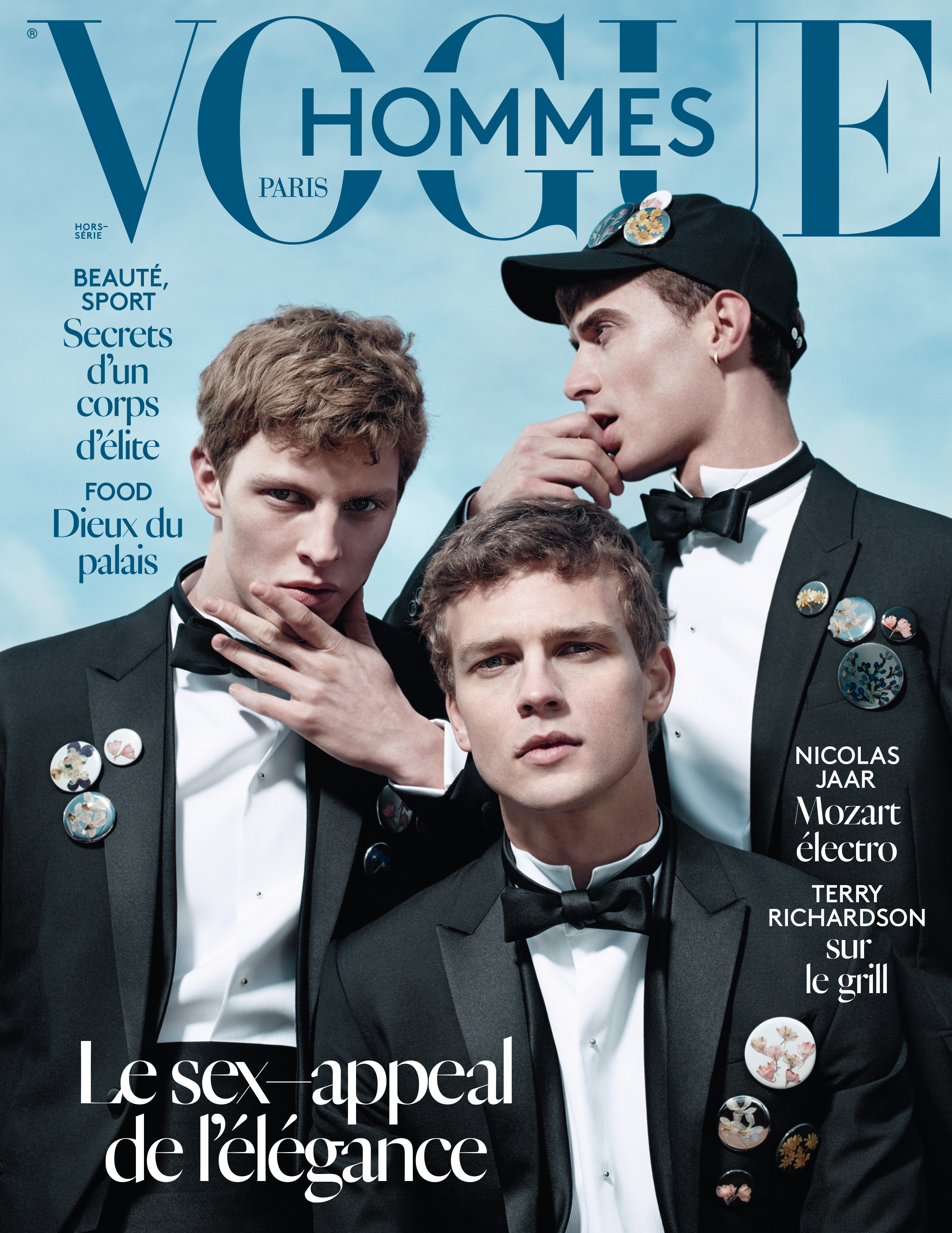
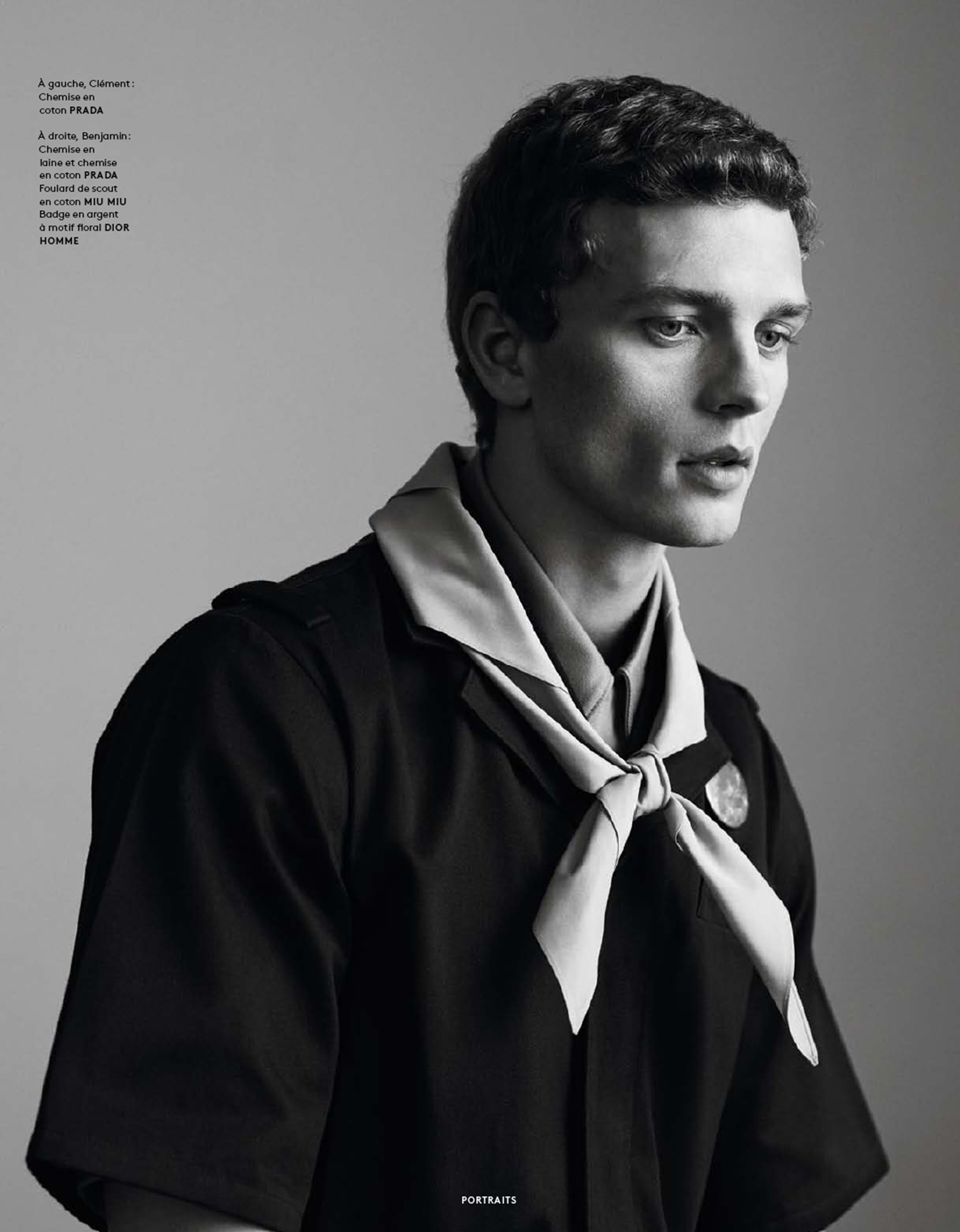
Vogue Hommes International S/S 2015
Clemens En August S/S 2015
Vogue Hommes International S/S 2015

 Vogue Hommes International S/S 2015
J. Crew S/S 2016 Lookbook
Beymen S/S 16 Lookbook Koray Birand - Photographer malemodelscene
Ports 1961 Spring/Summer 2015 Accesories Lookbook (LQ)
Vogue Hommes International S/S 2015
J. Crew S/S 2016 Lookbook
Beymen S/S 16 Lookbook Koray Birand - Photographer malemodelscene
Ports 1961 Spring/Summer 2015 Accesories Lookbook (LQ)

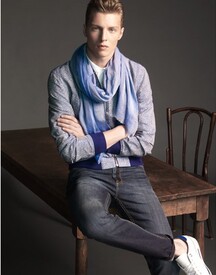
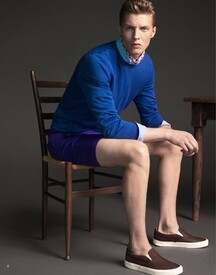

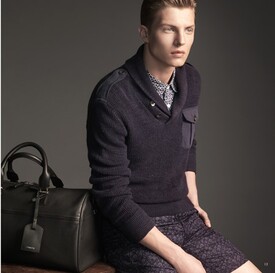




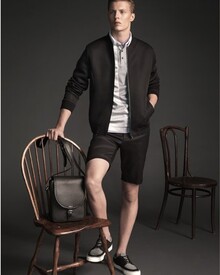


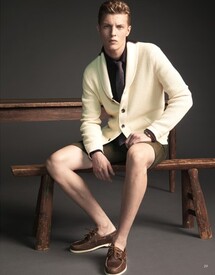

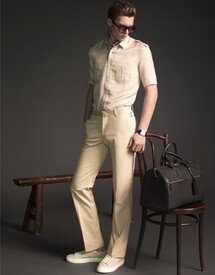


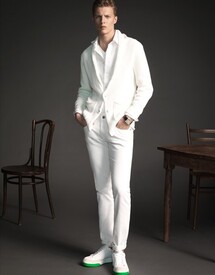 Goddis Knitwear Threadsence
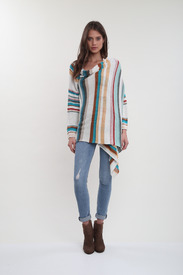
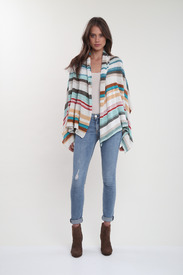

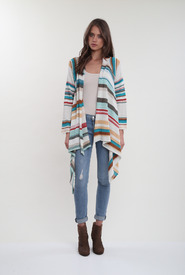
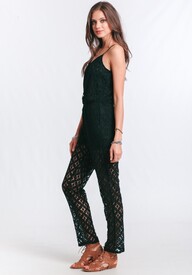

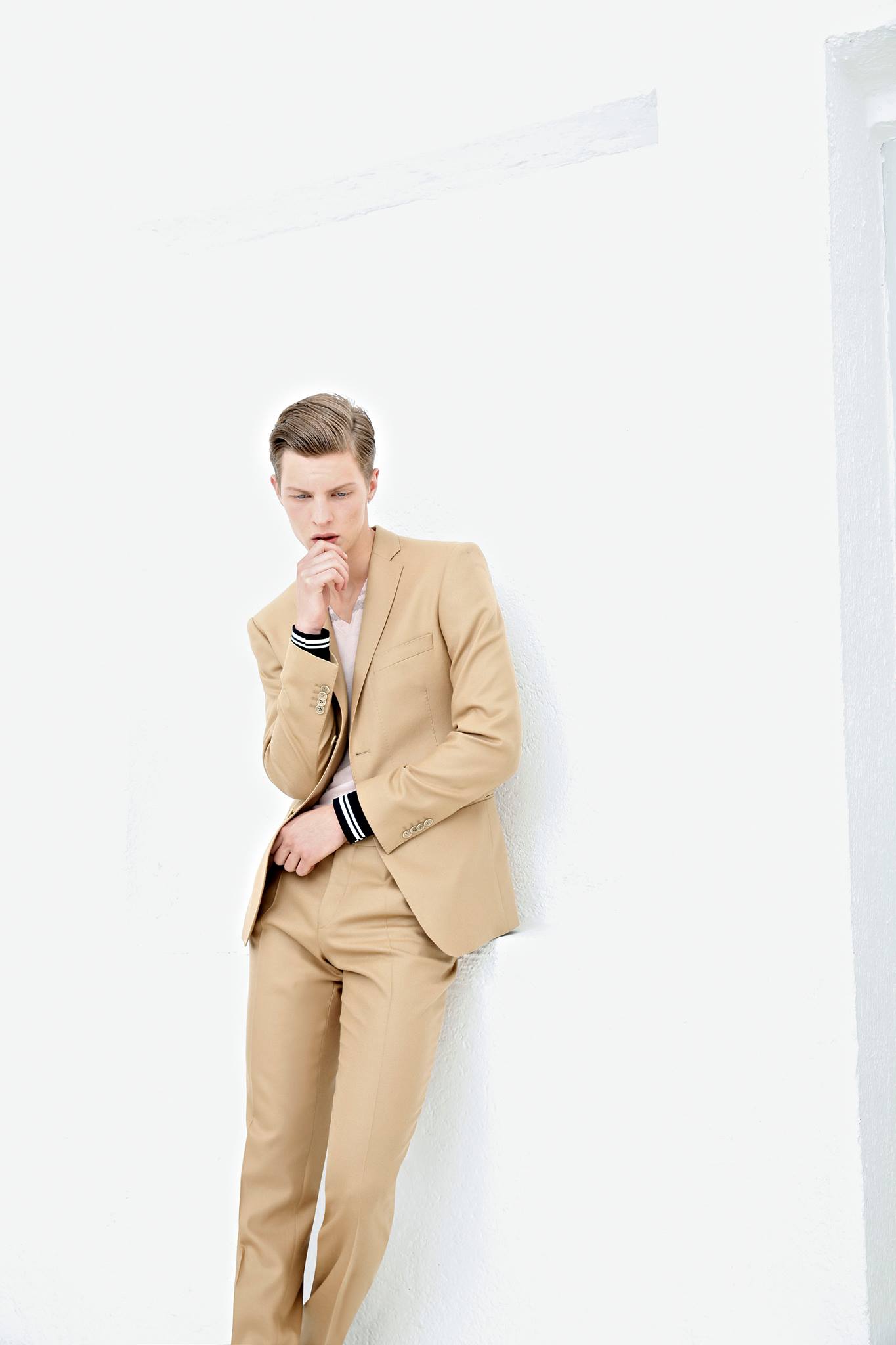
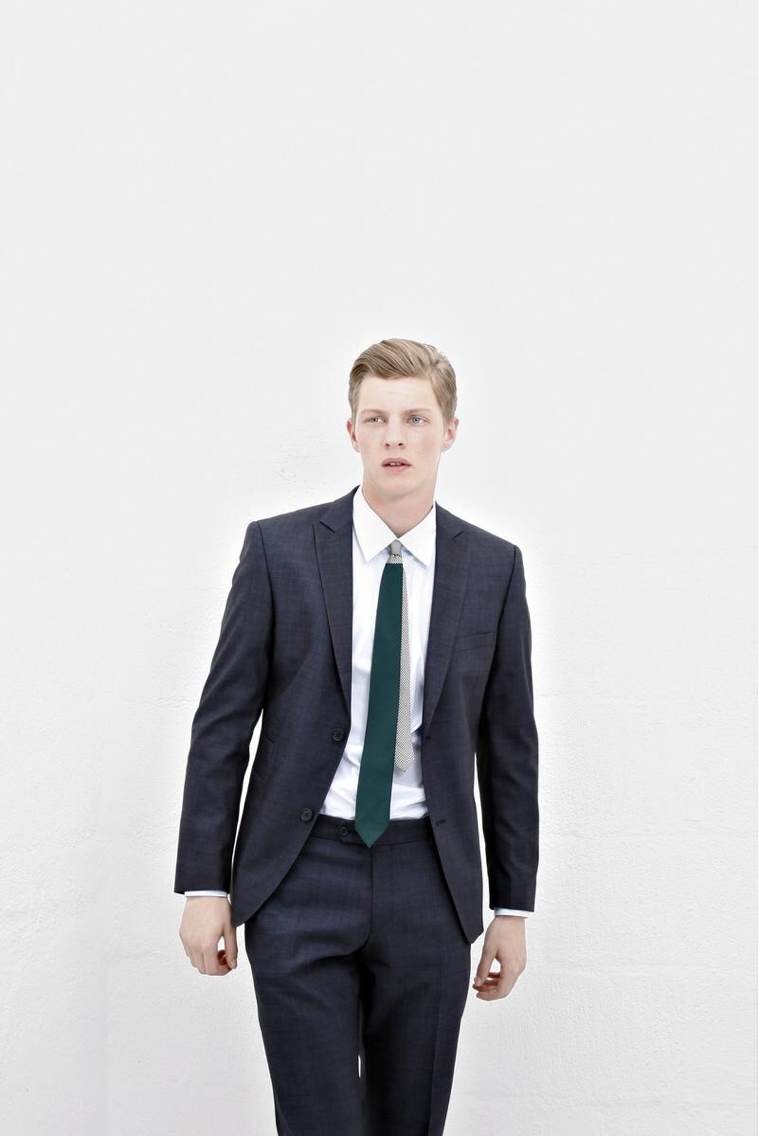
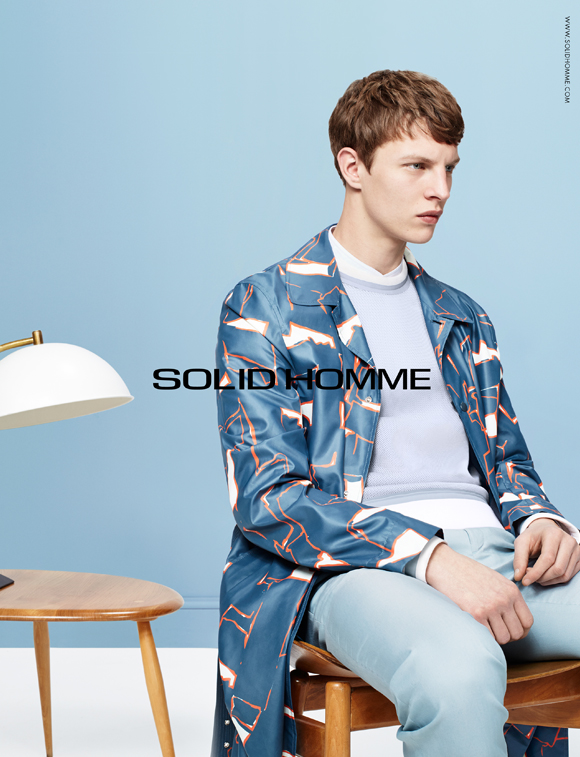
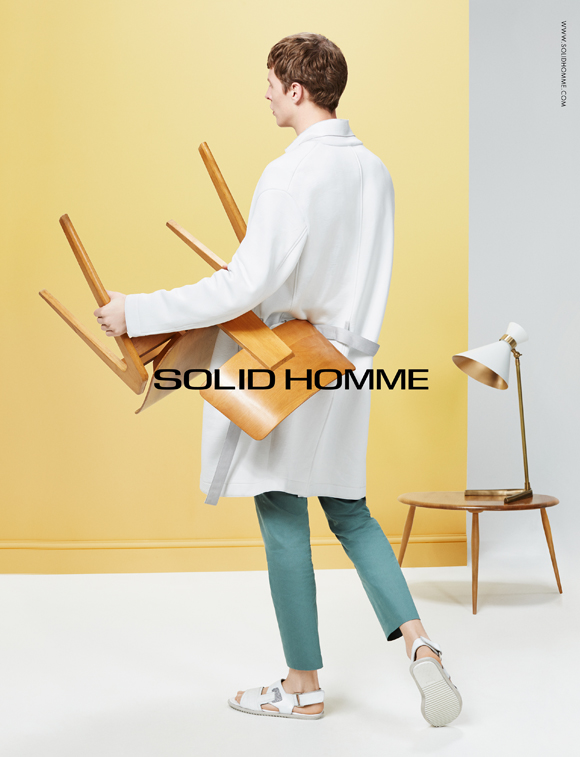
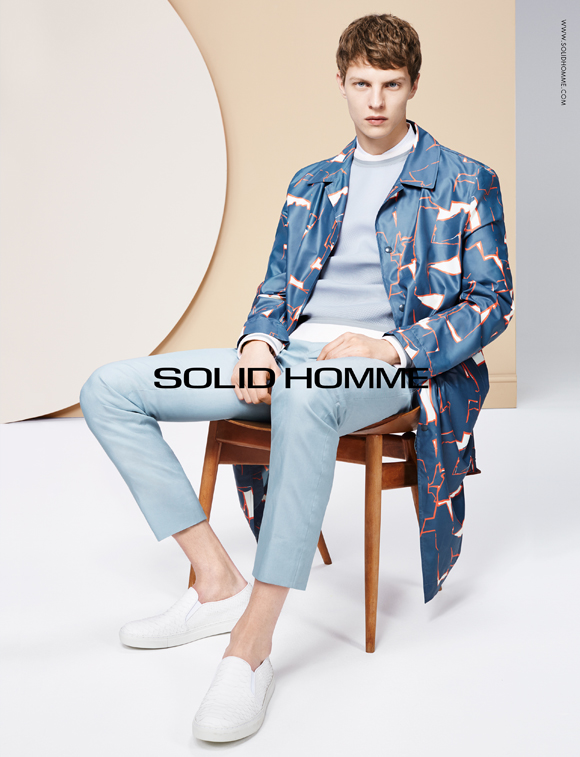
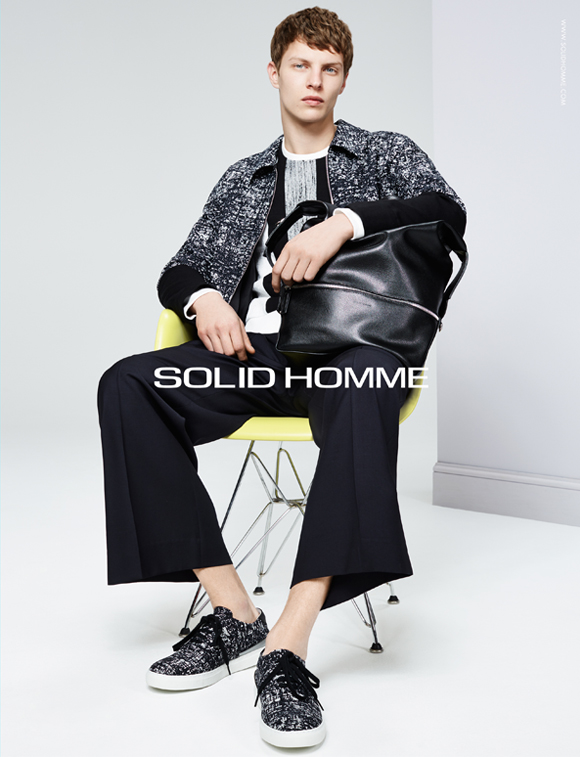
 Solid Homme Spring/Summer 2015
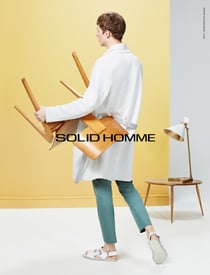
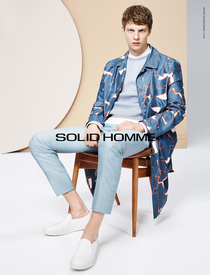
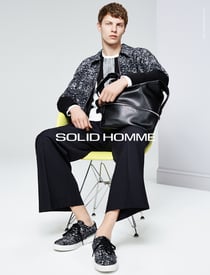
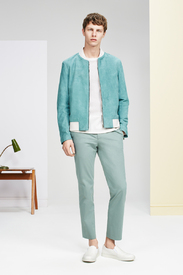
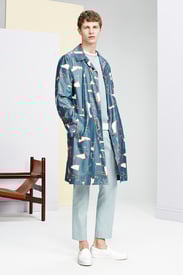
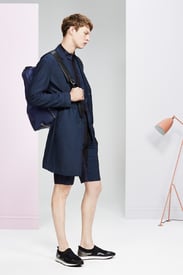
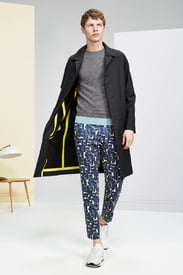
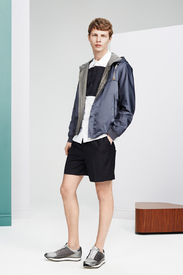
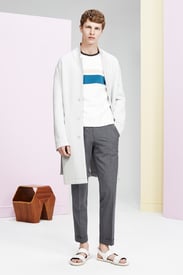
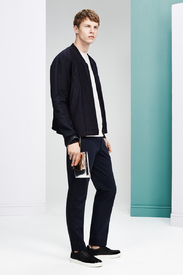
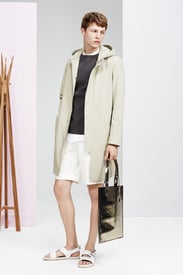
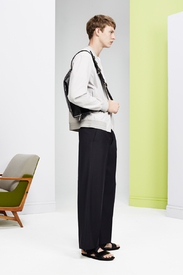
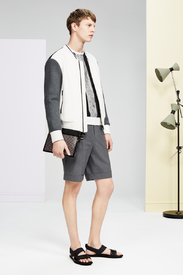
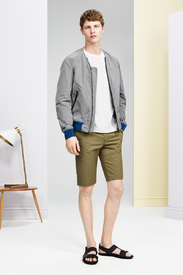
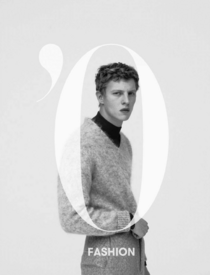
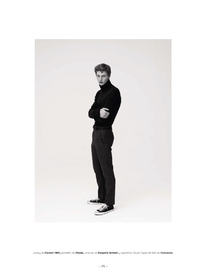
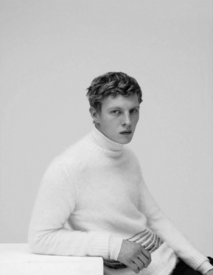
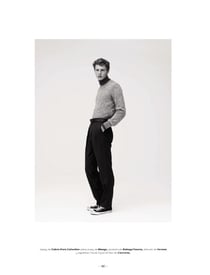
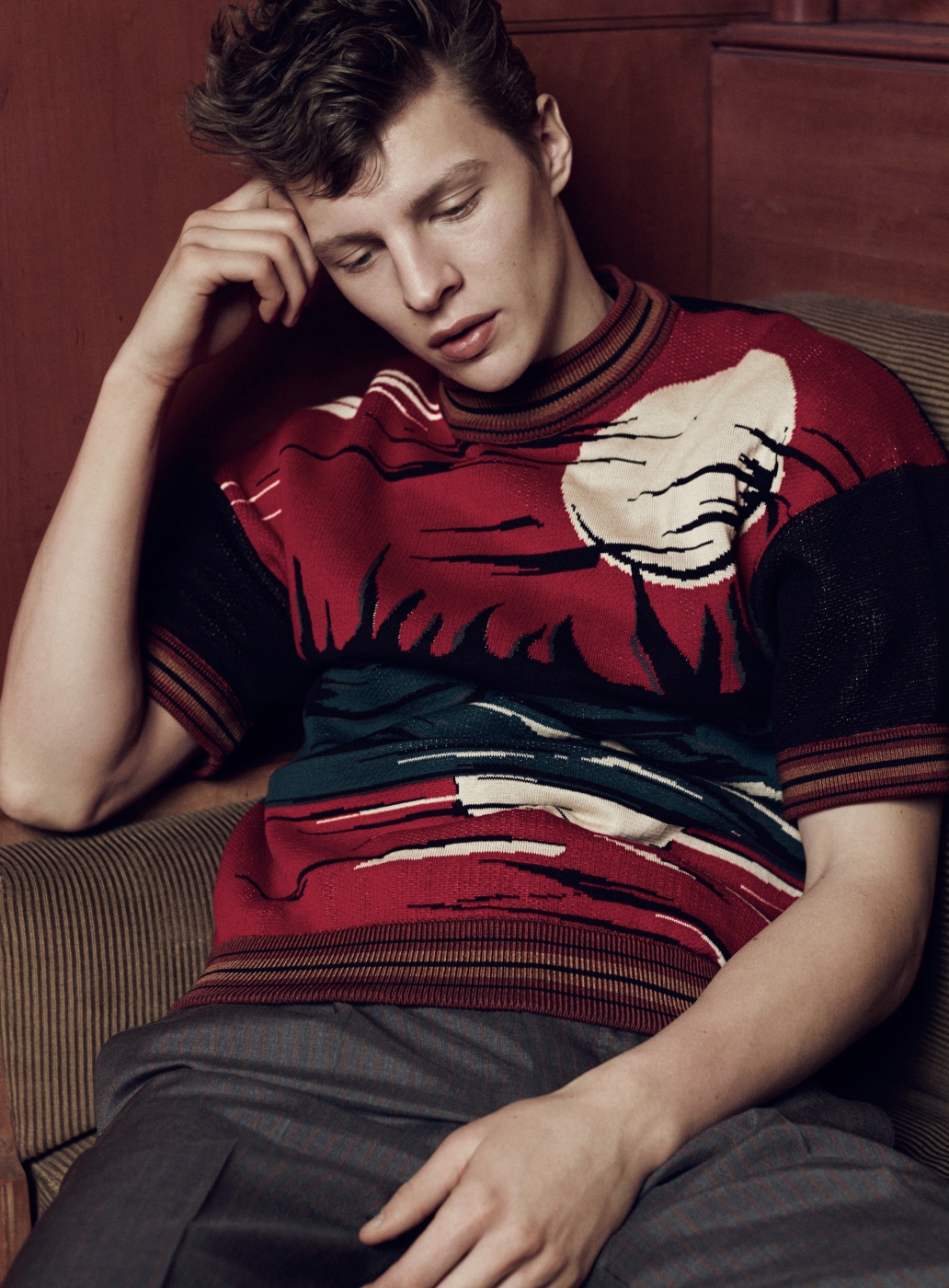
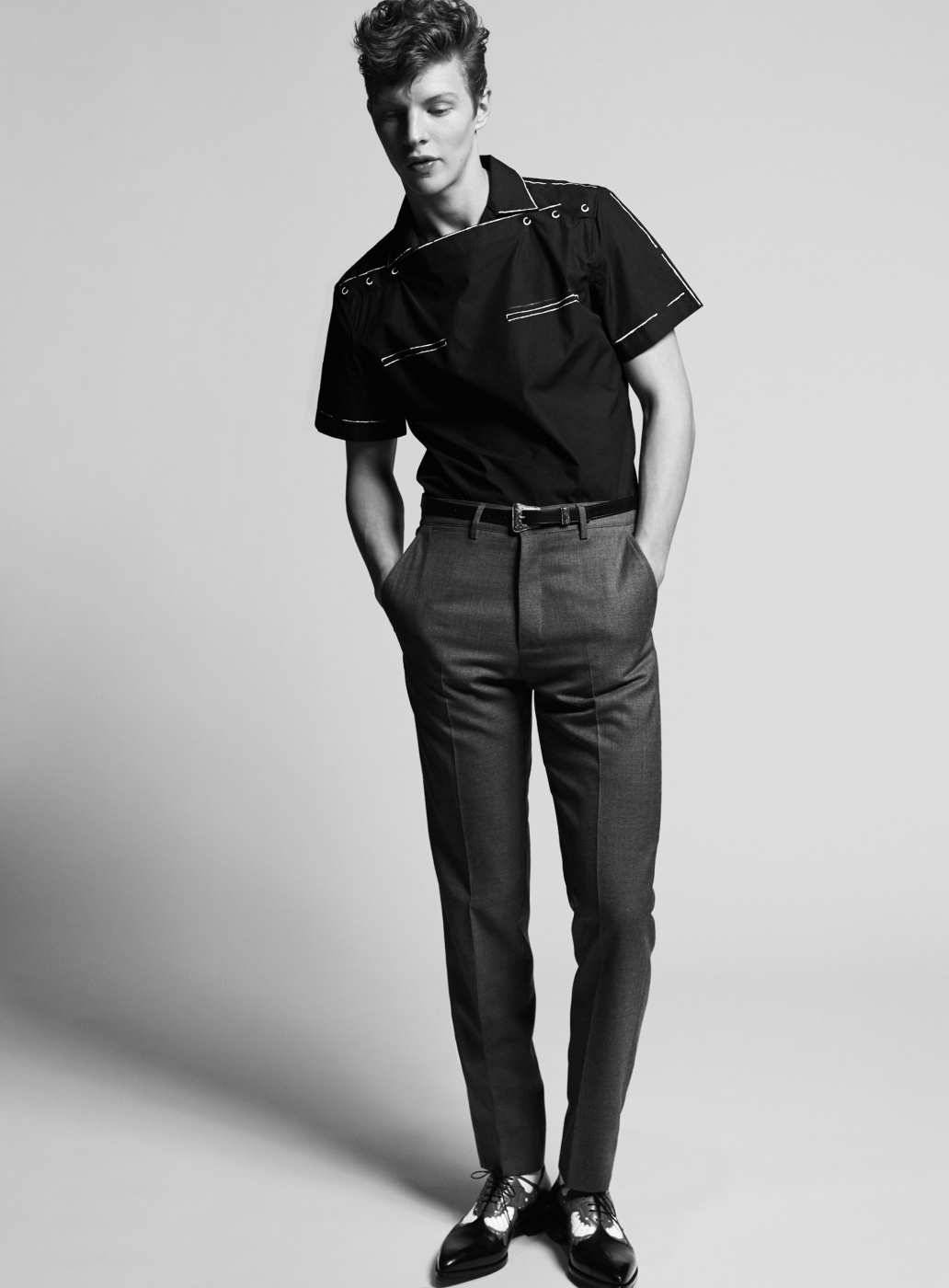
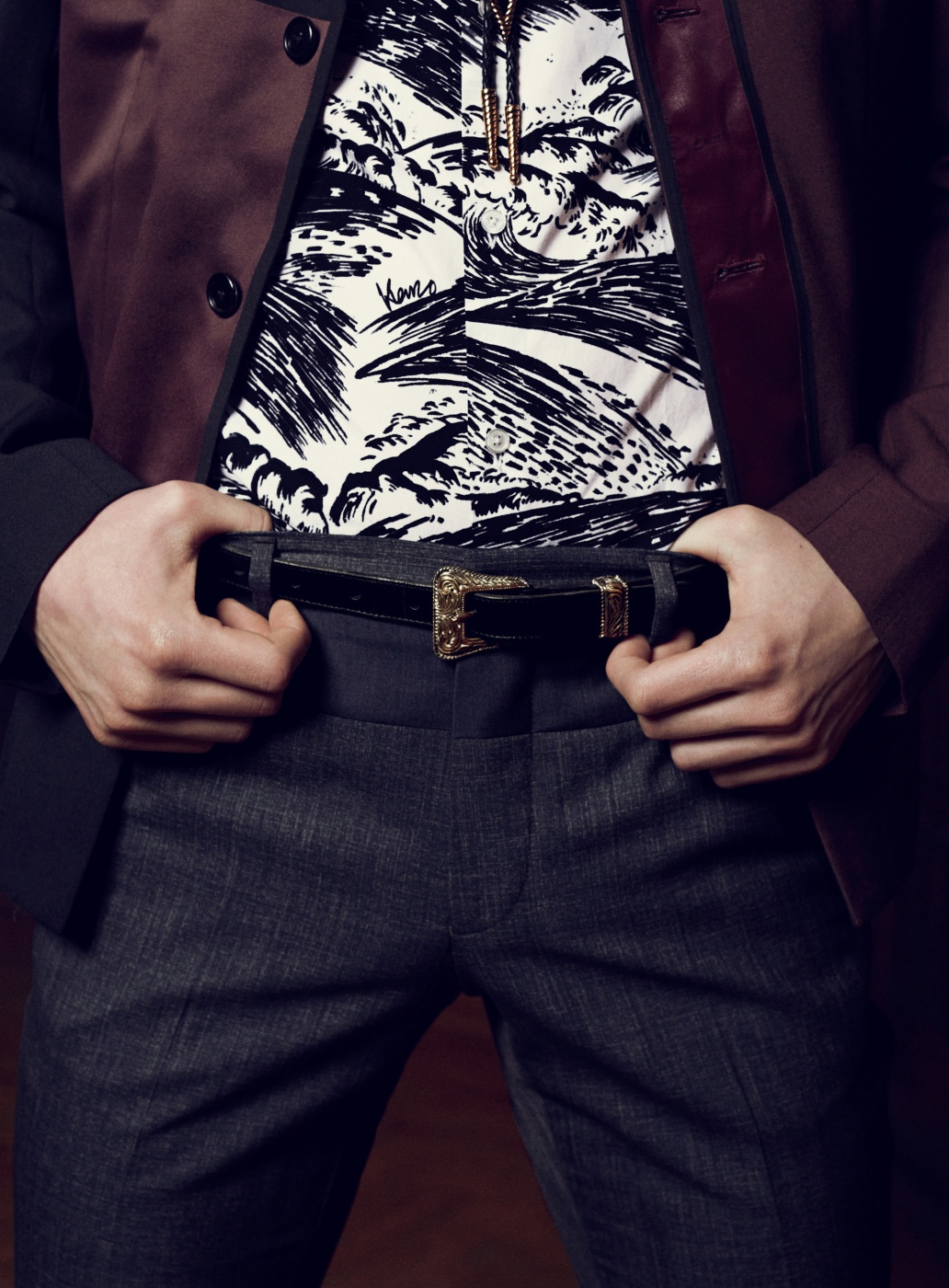
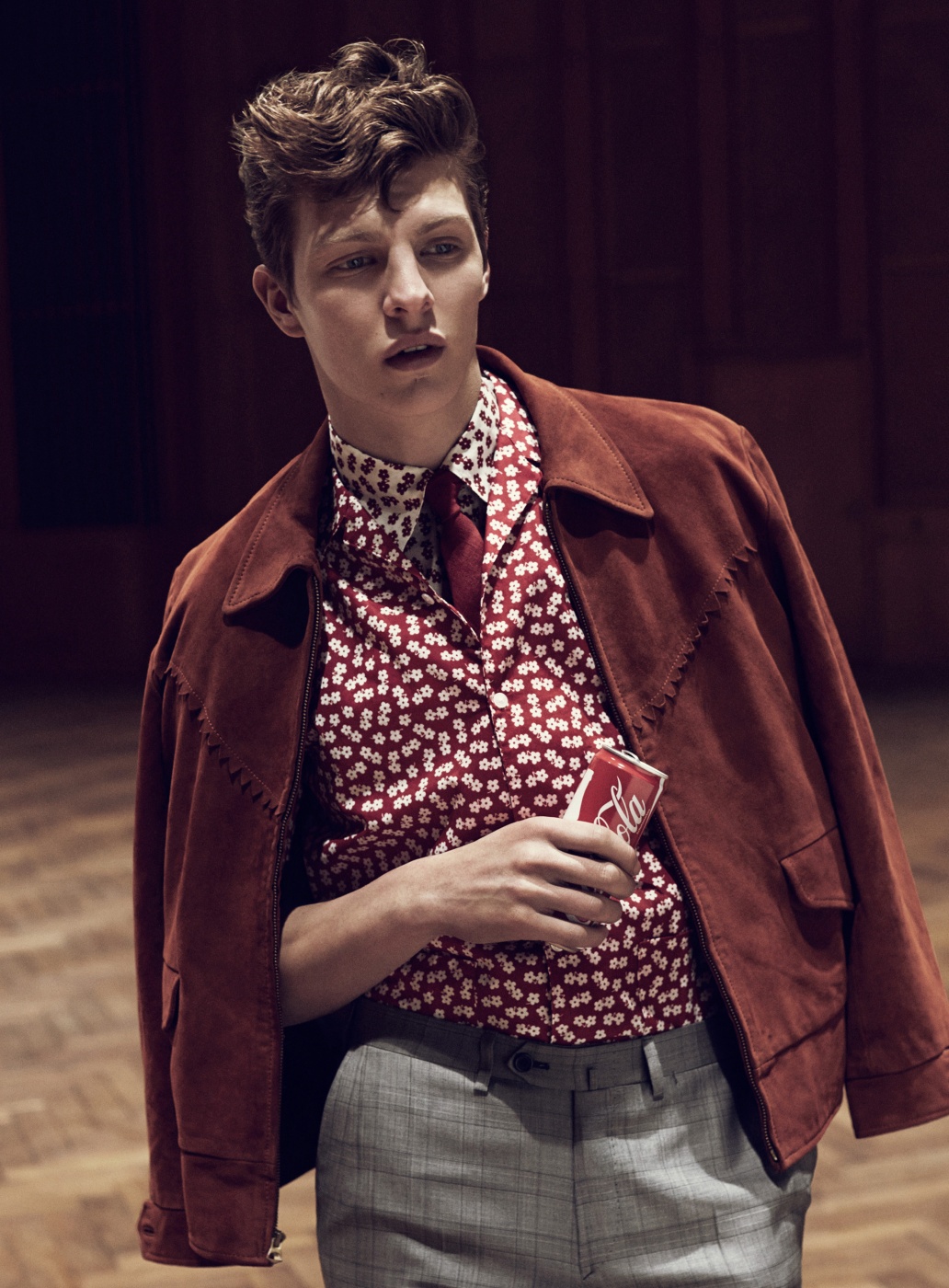
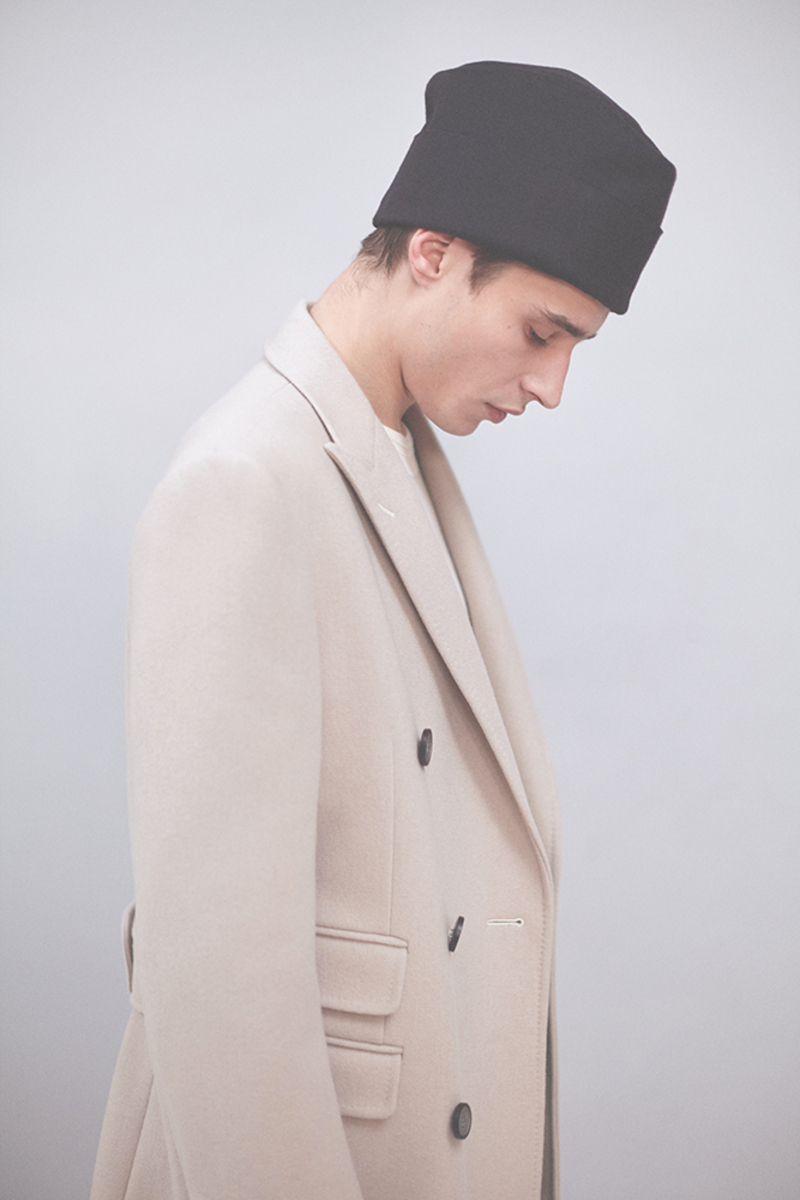
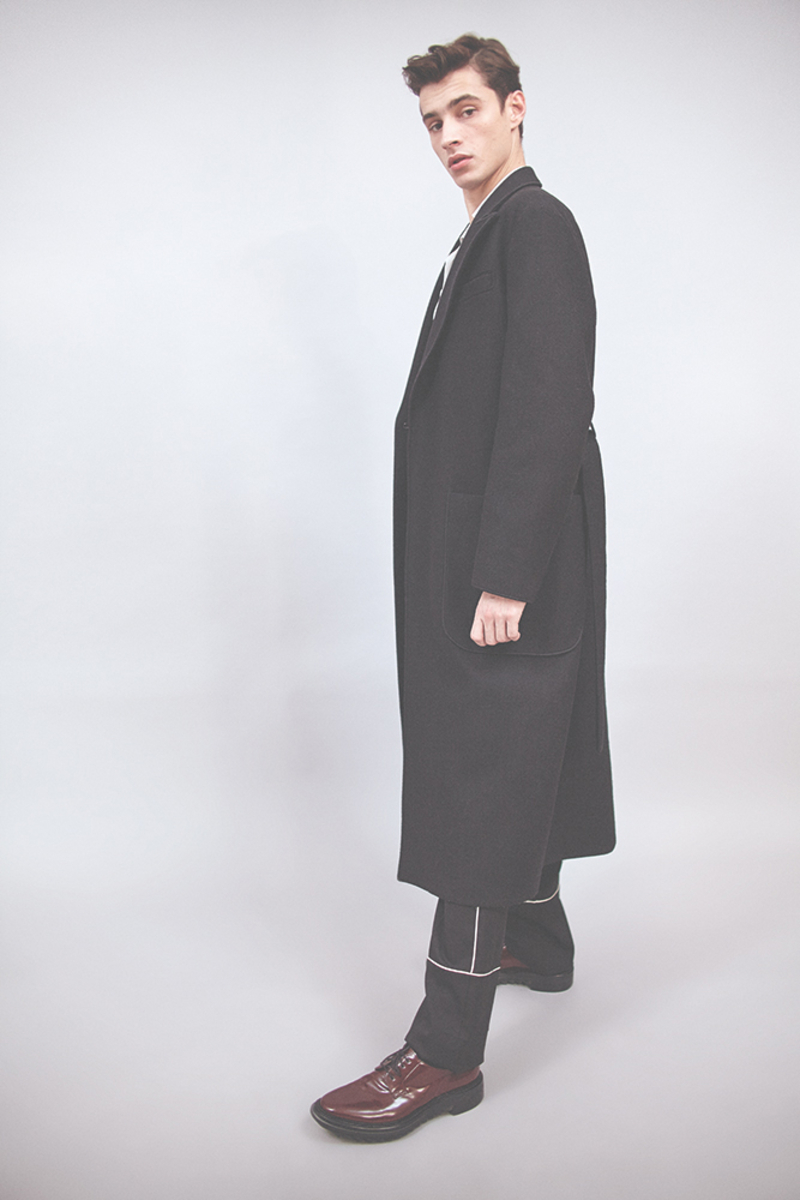
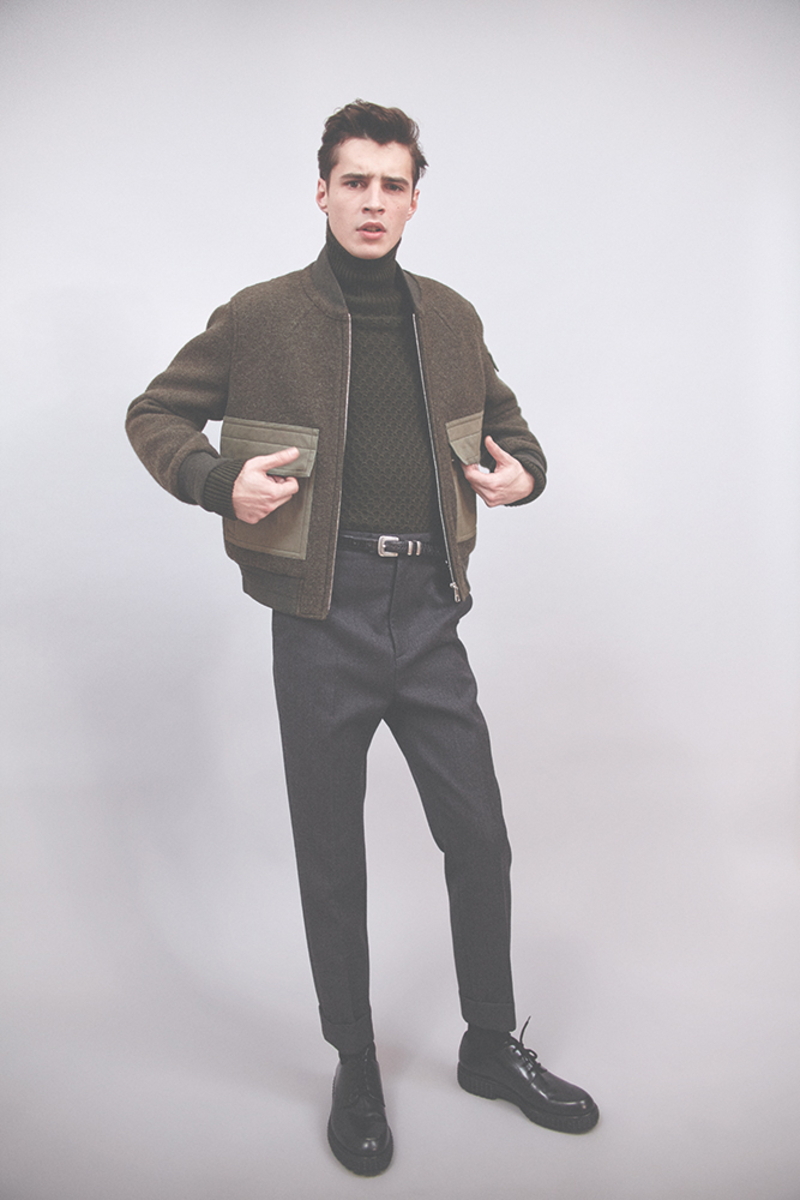
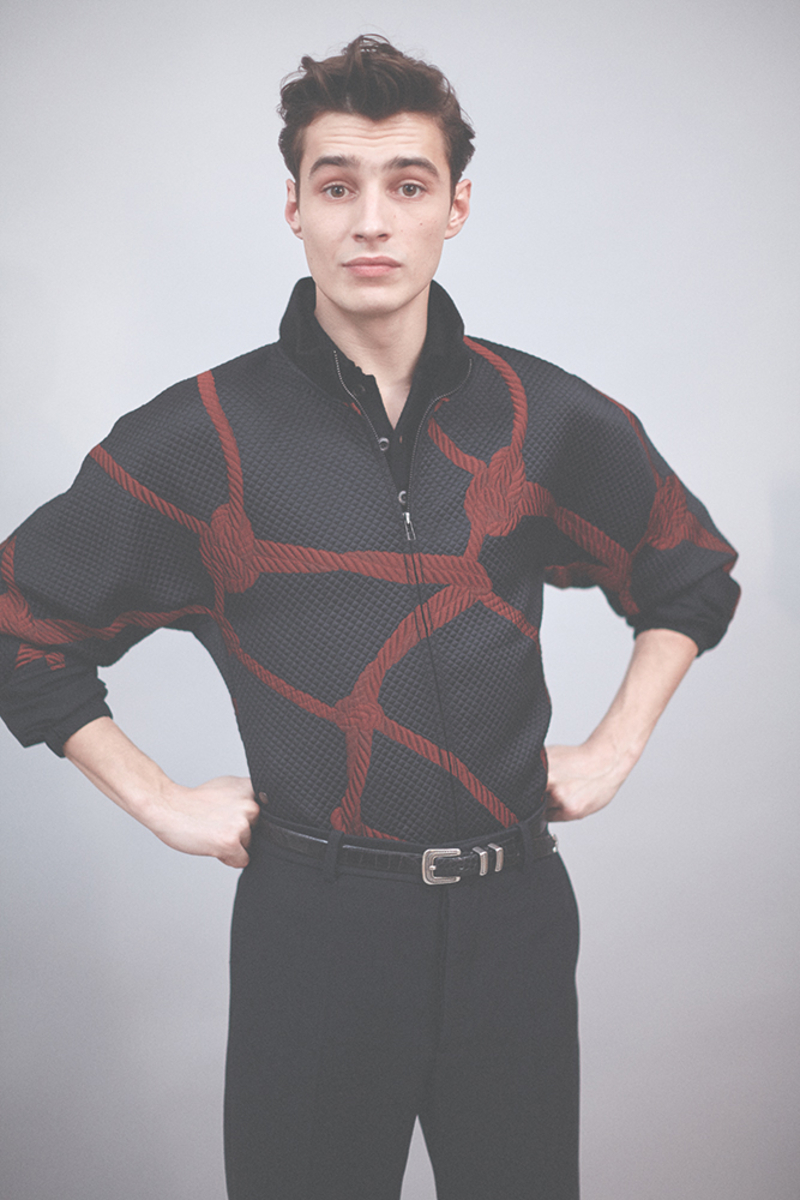
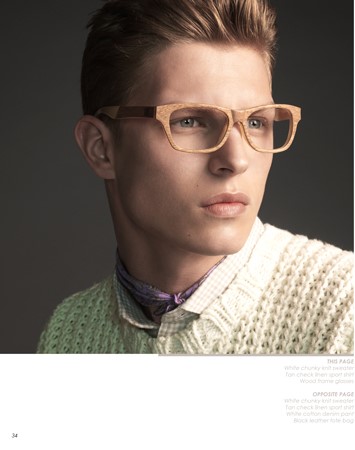
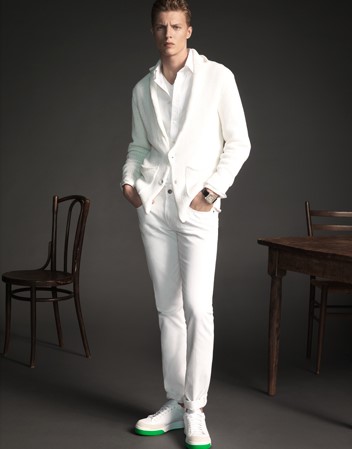
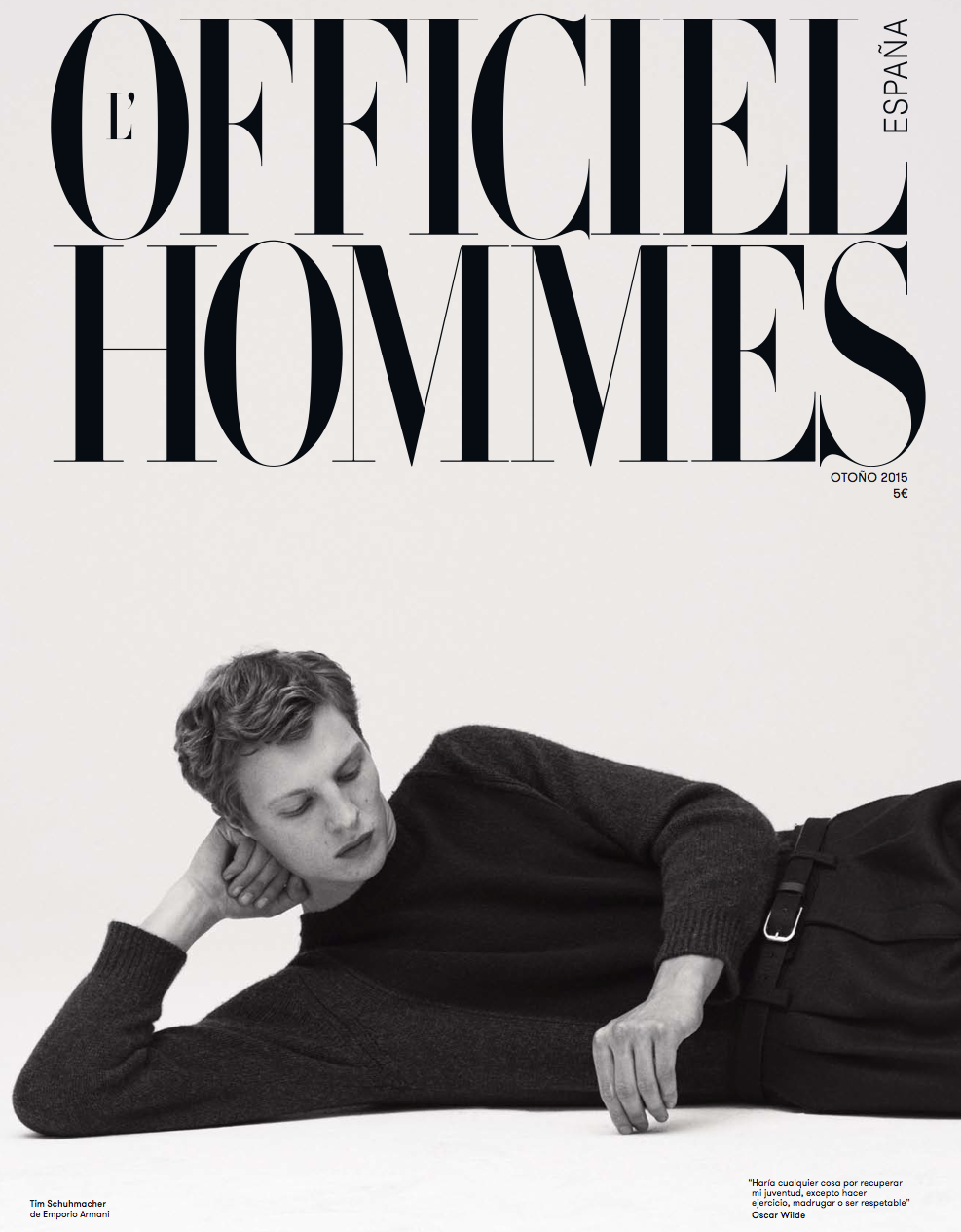
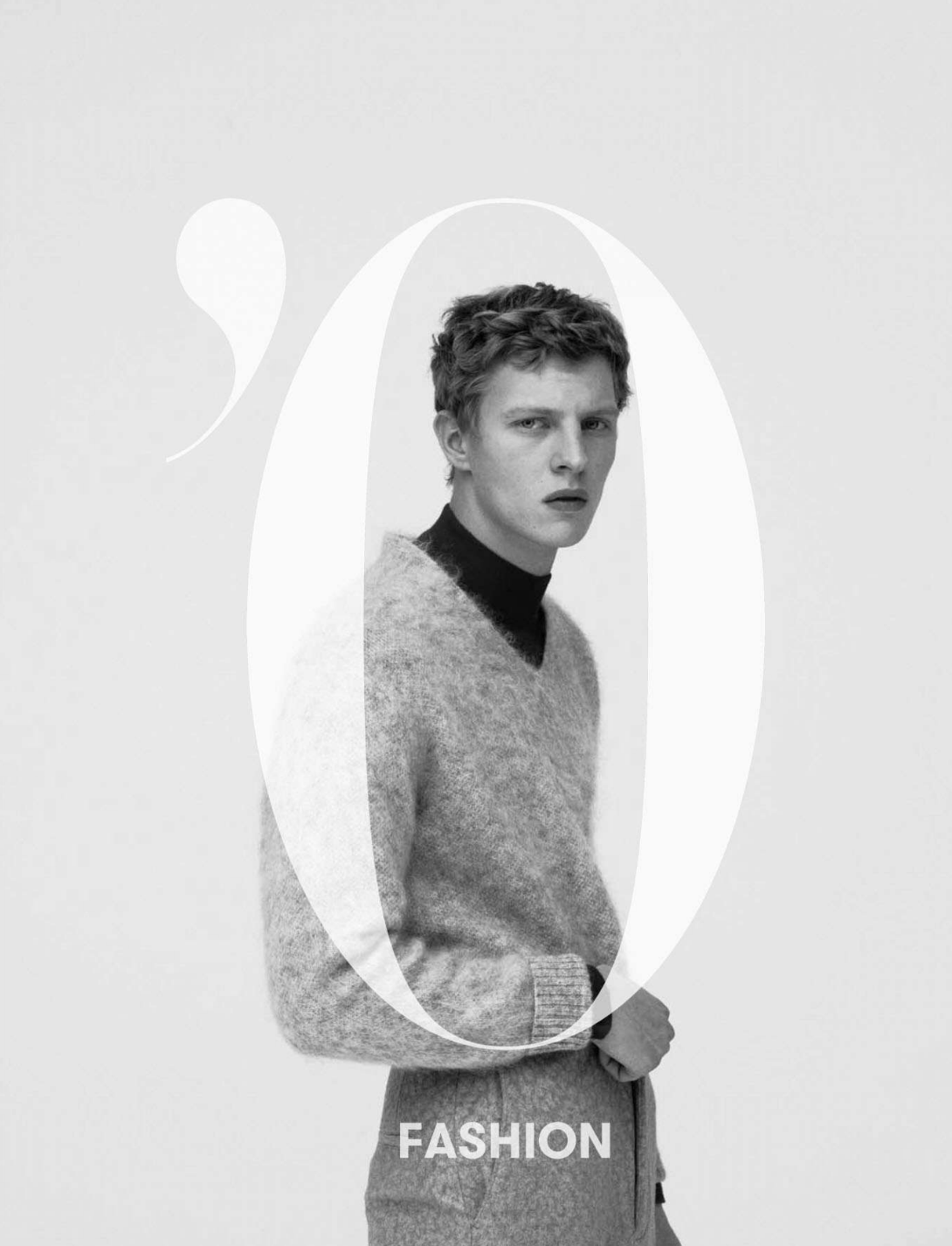
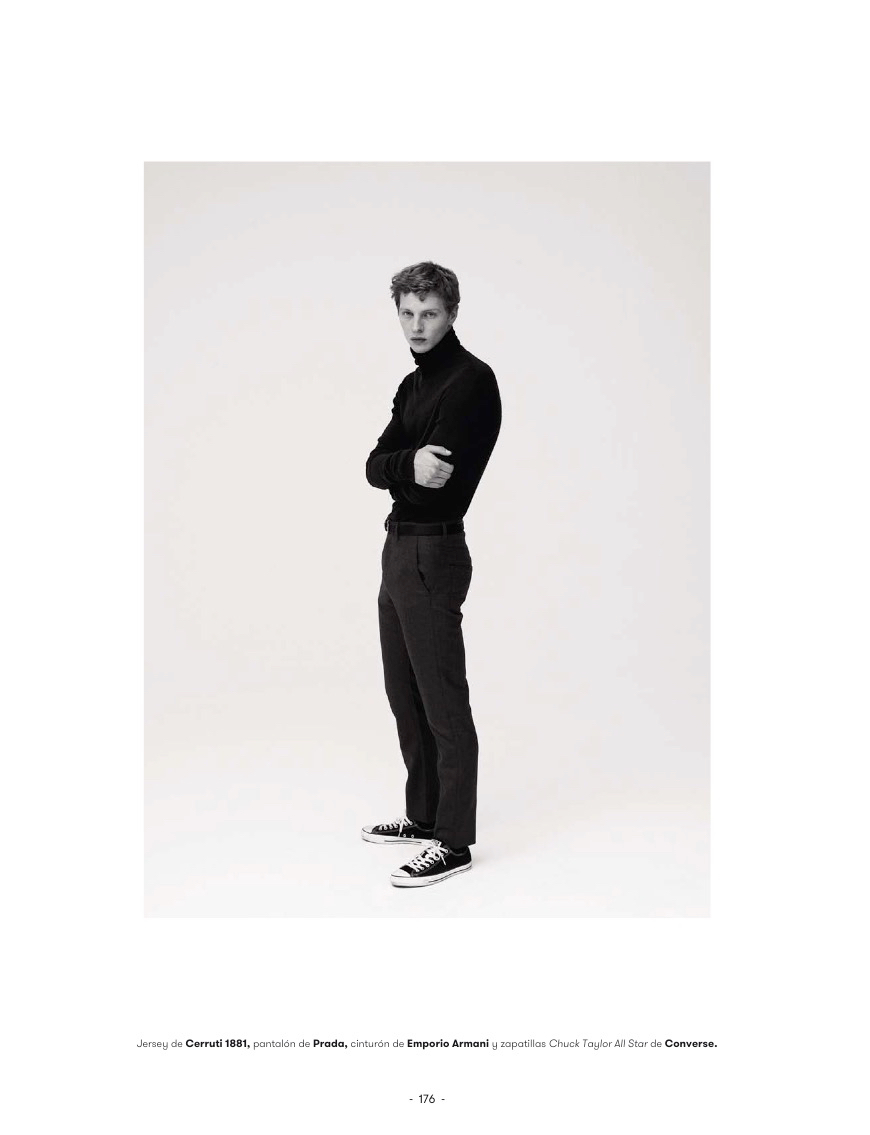
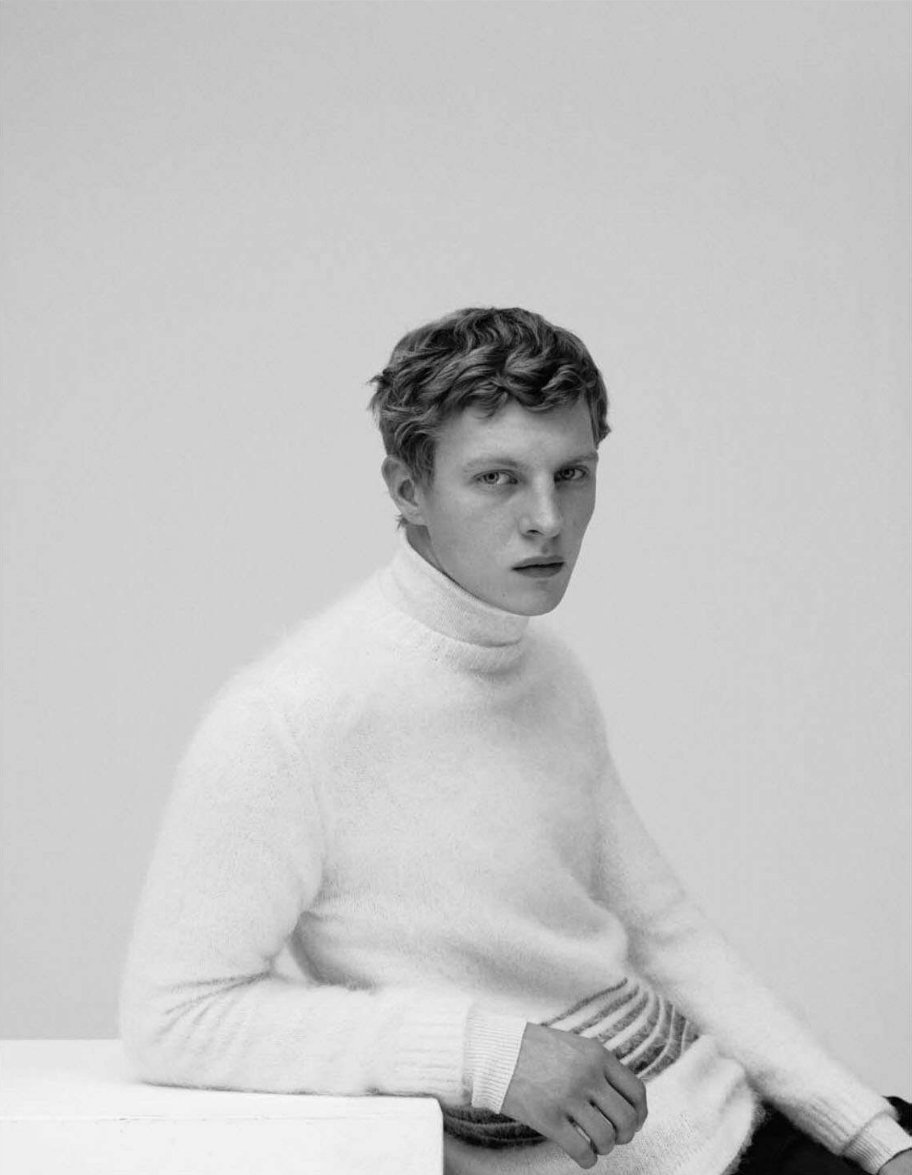
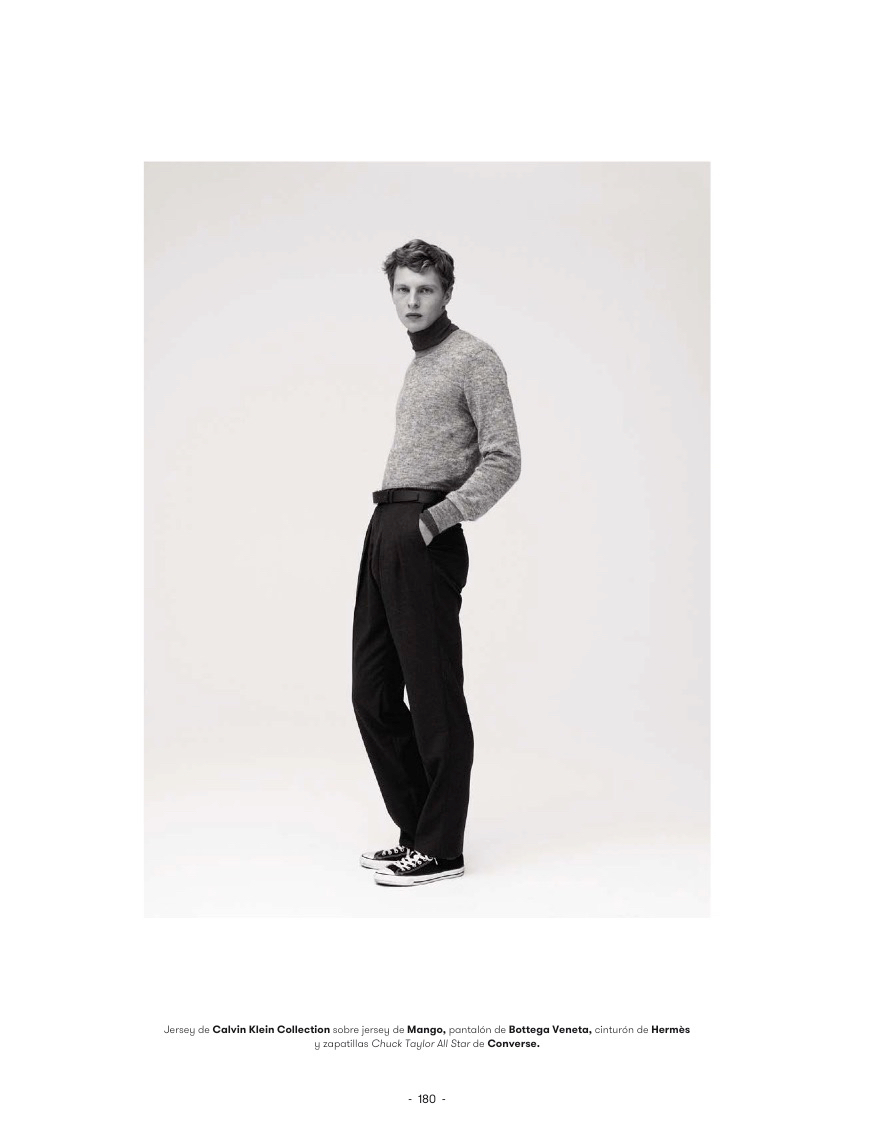
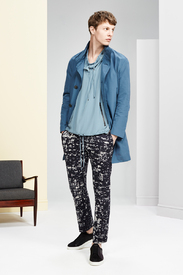 L'Officiel Hommes España F/W 2015 : Tim Schuhmacher by Pablo Arroyo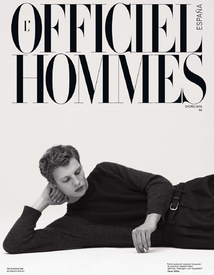

























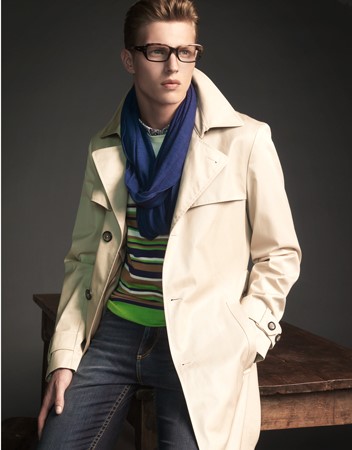
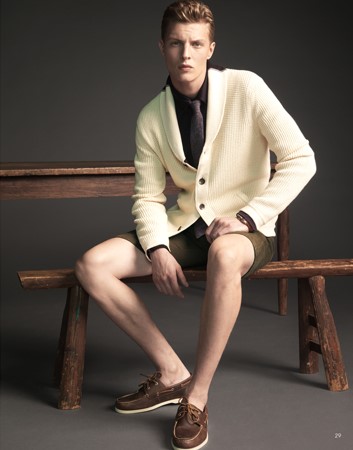

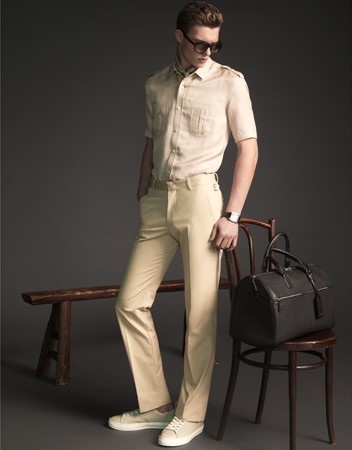
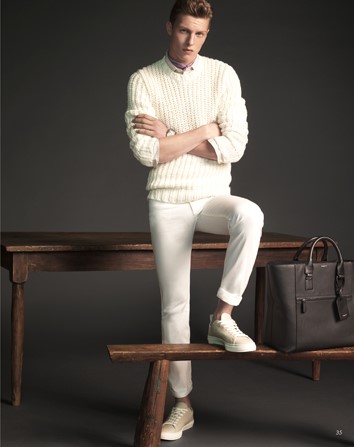










Account
Navigation
Search
Configure browser push notifications
Chrome (Android)
- Tap the lock icon next to the address bar.
- Tap Permissions → Notifications.
- Adjust your preference.
Chrome (Desktop)
- Click the padlock icon in the address bar.
- Select Site settings.
- Find Notifications and adjust your preference.
Safari (iOS 16.4+)
- Ensure the site is installed via Add to Home Screen.
- Open Settings App → Notifications.
- Find your app name and adjust your preference.
Safari (macOS)
- Go to Safari → Preferences.
- Click the Websites tab.
- Select Notifications in the sidebar.
- Find this website and adjust your preference.
Edge (Android)
- Tap the lock icon next to the address bar.
- Tap Permissions.
- Find Notifications and adjust your preference.
Edge (Desktop)
- Click the padlock icon in the address bar.
- Click Permissions for this site.
- Find Notifications and adjust your preference.
Firefox (Android)
- Go to Settings → Site permissions.
- Tap Notifications.
- Find this site in the list and adjust your preference.
Firefox (Desktop)
- Open Firefox Settings.
- Search for Notifications.
- Find this site in the list and adjust your preference.