
foofur16
Members
-
Joined
-
Last visited
Everything posted by foofur16
-
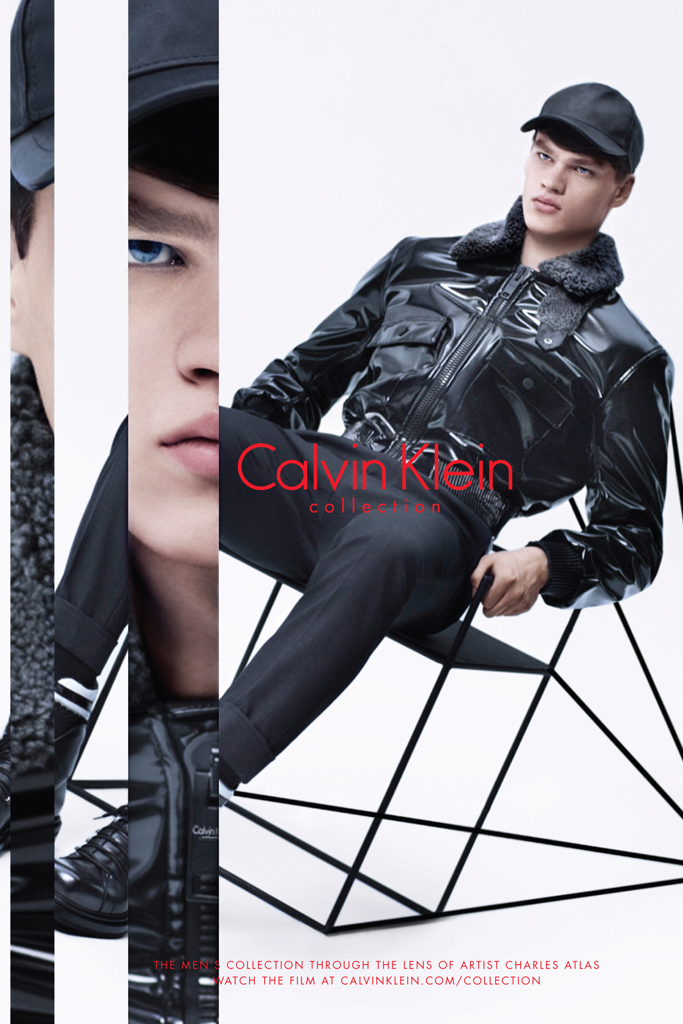
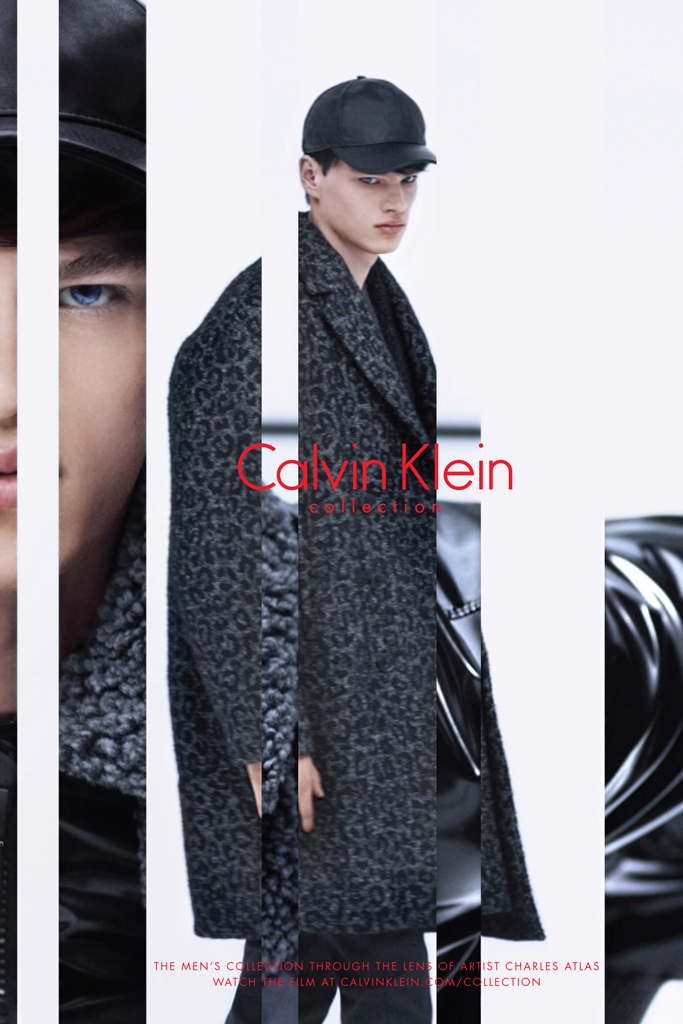
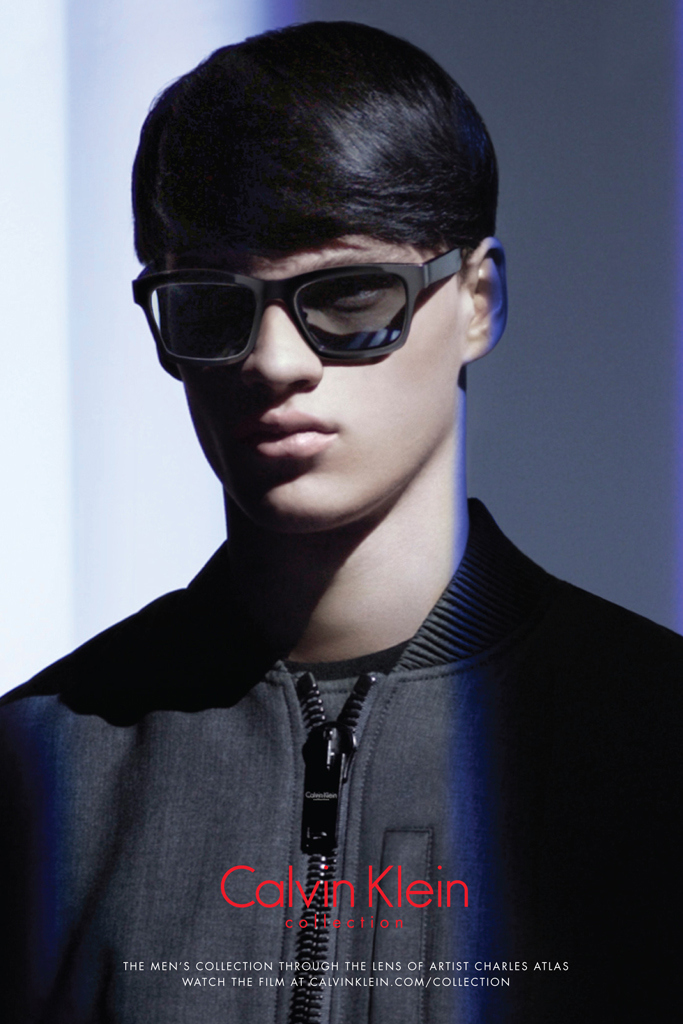
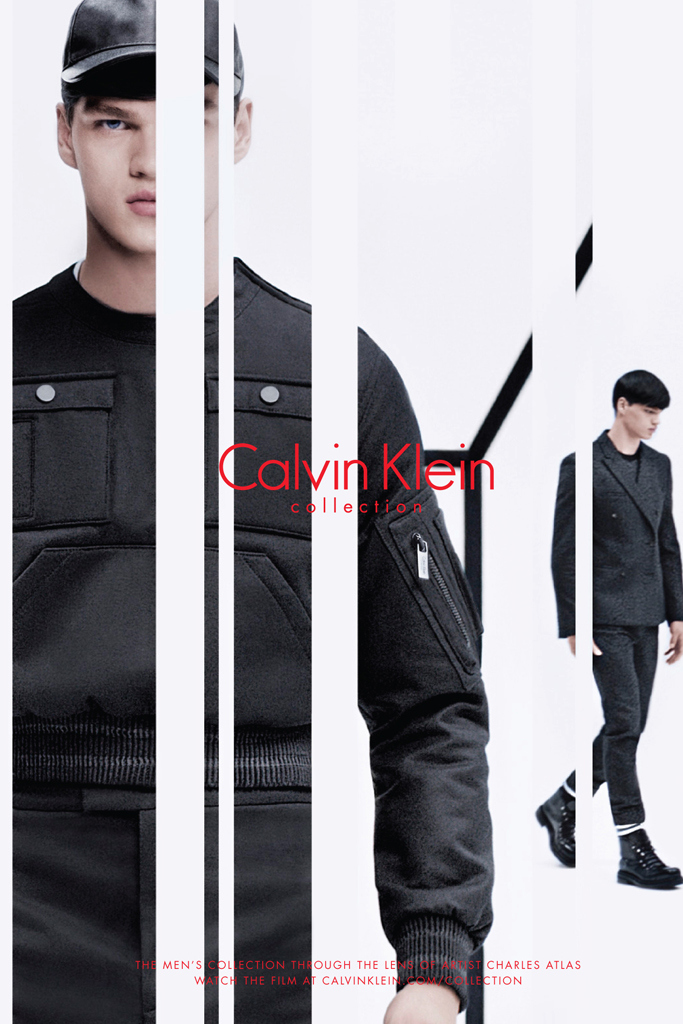
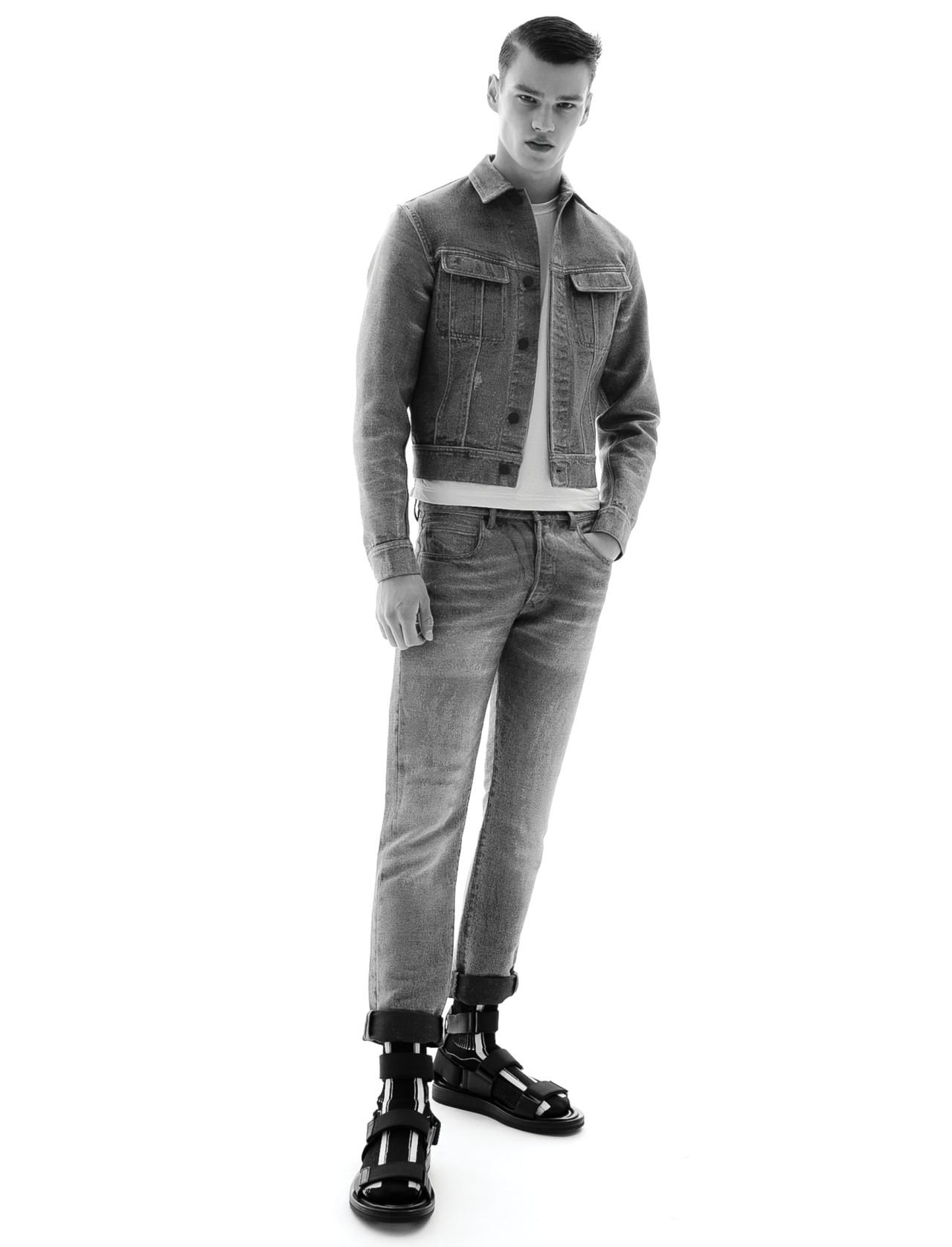
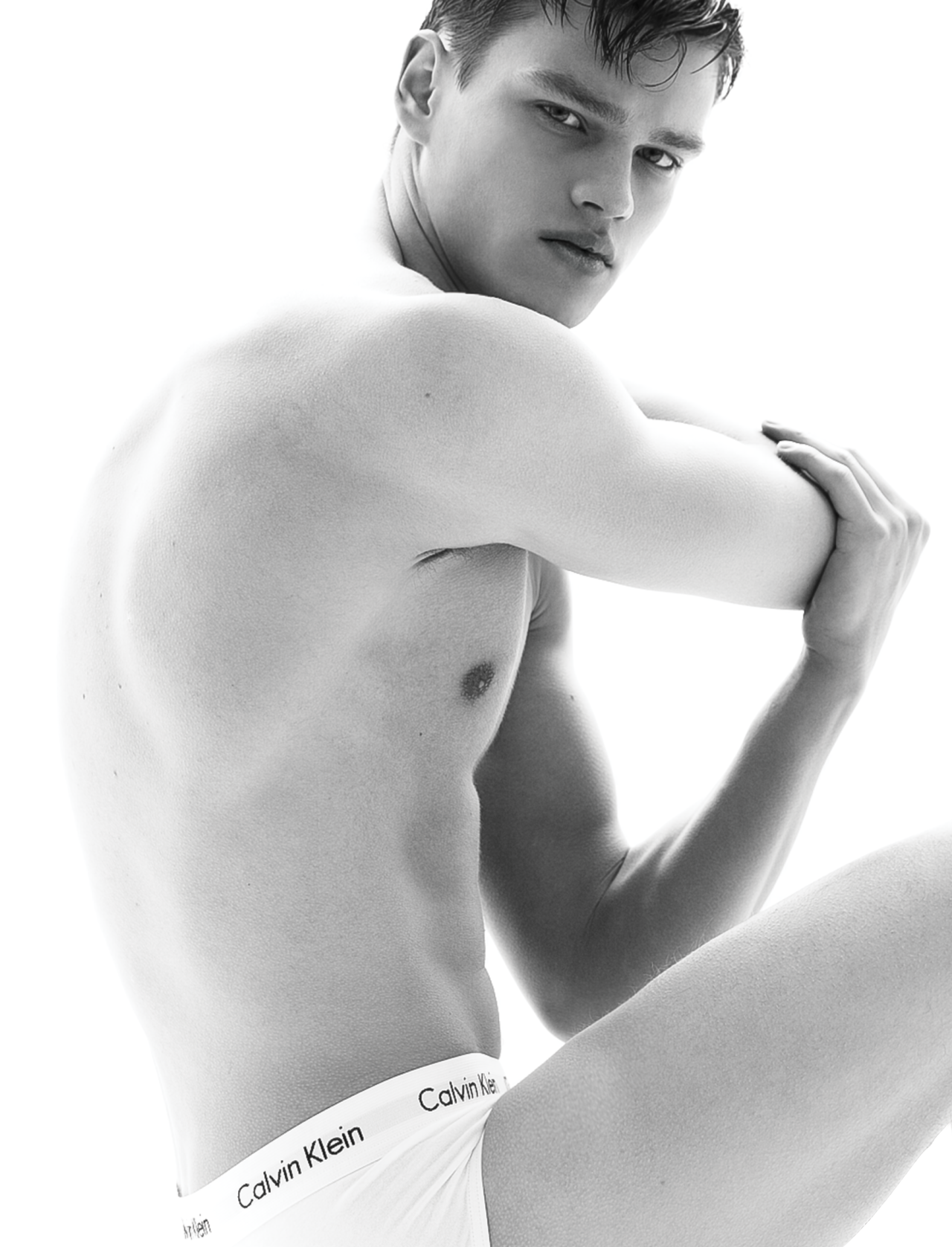
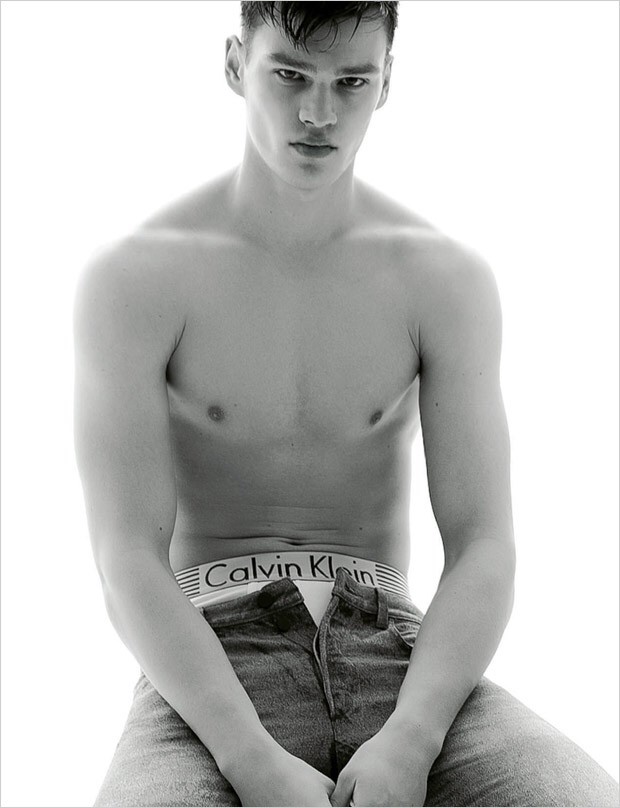
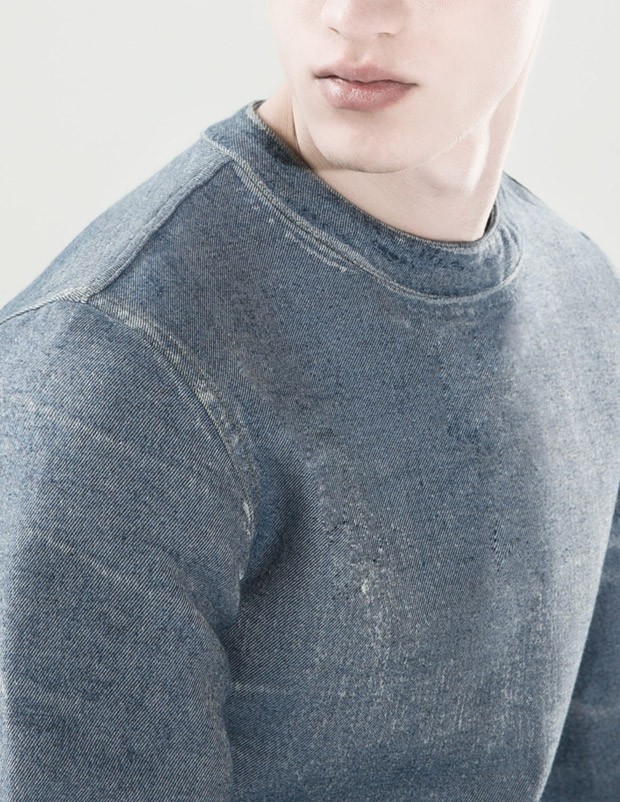
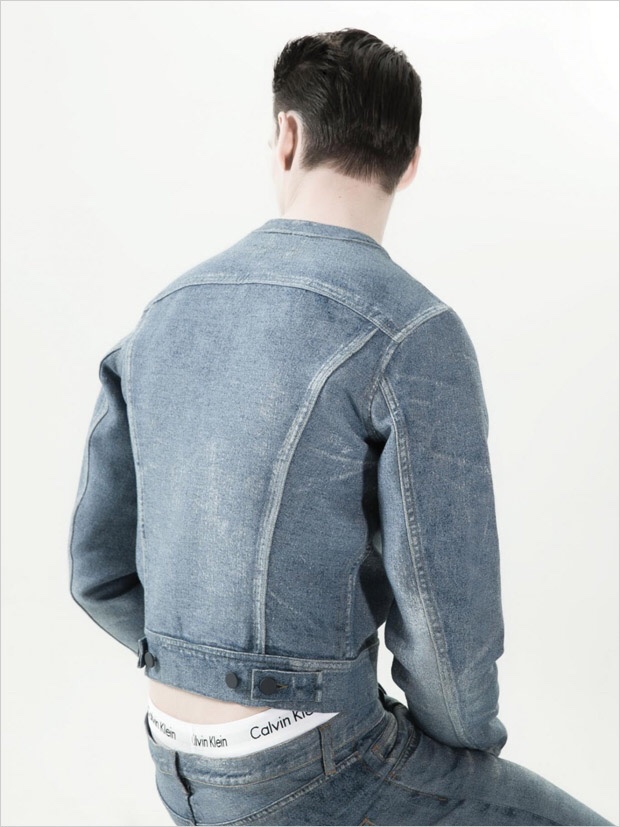
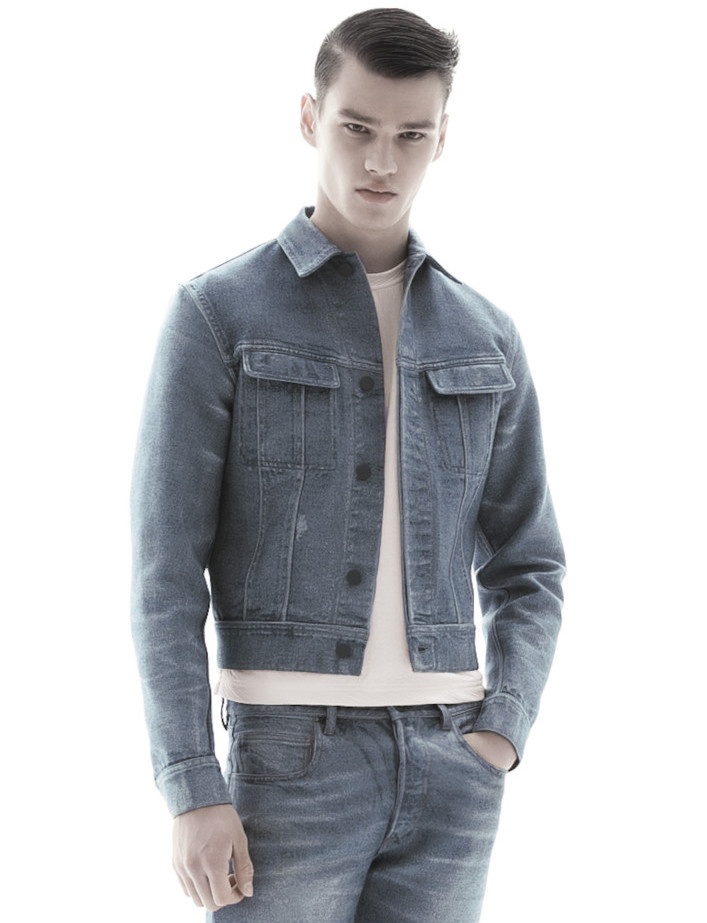
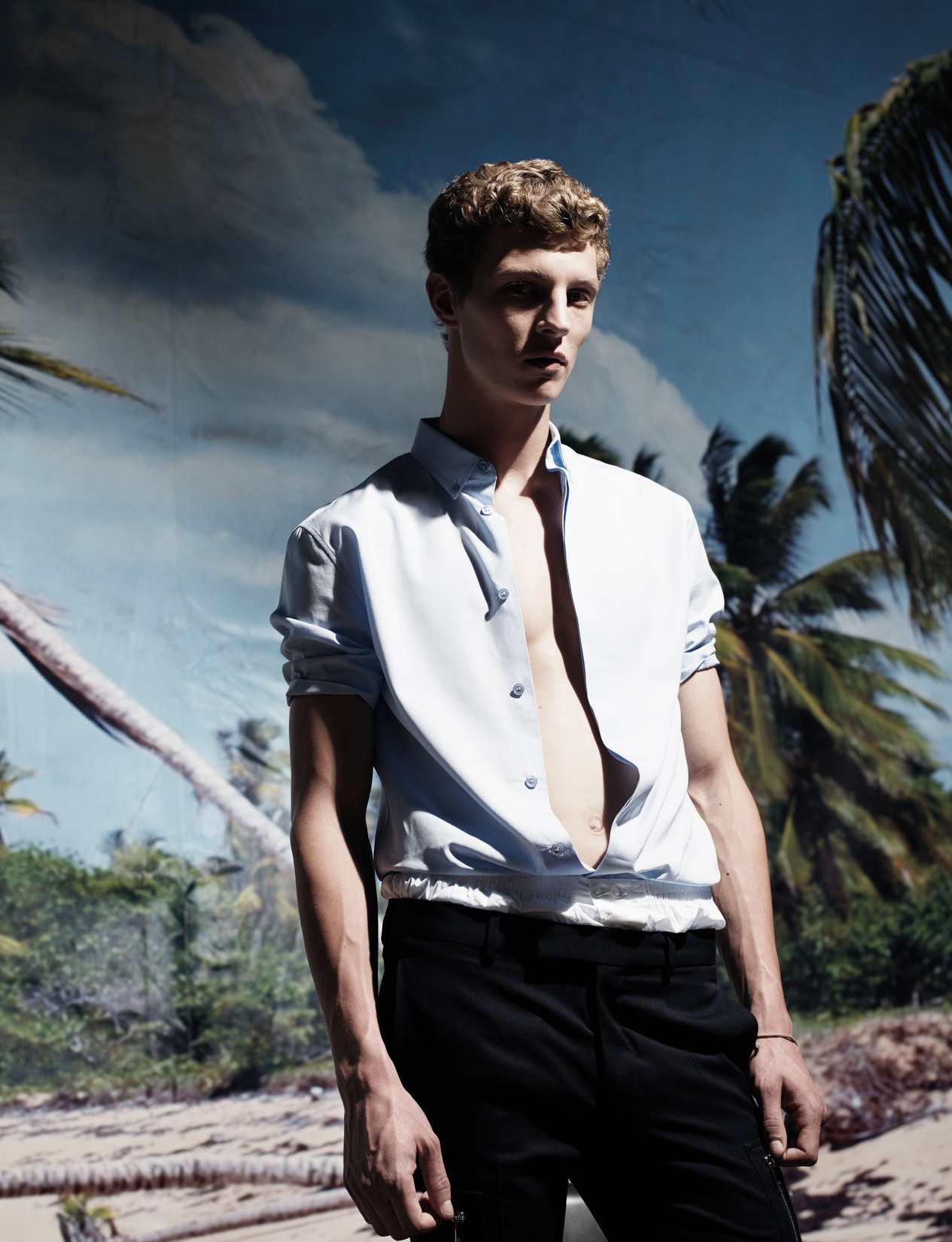
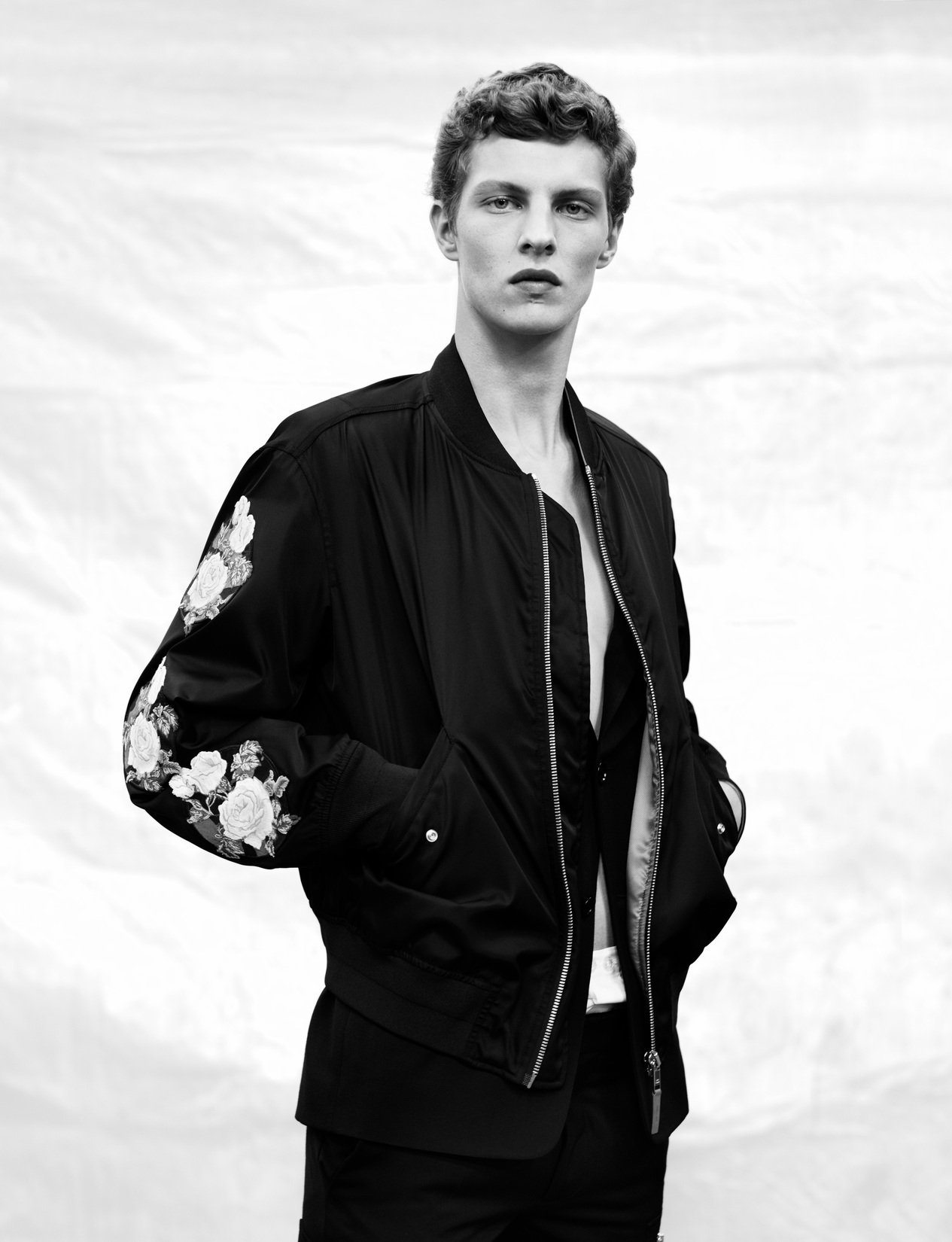
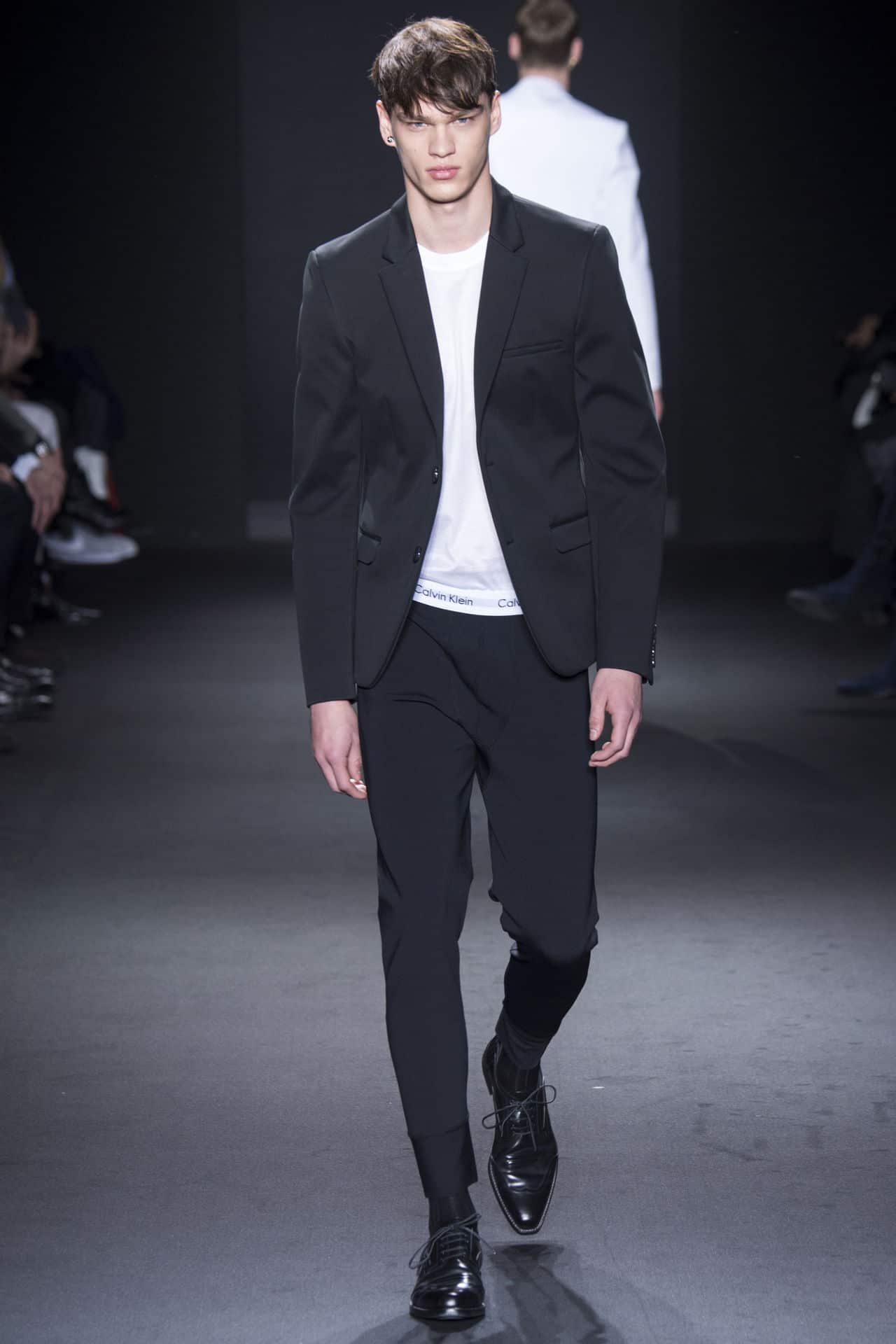
 Calvin Klein Collection F/W 2015.16 Campaign sight-management.com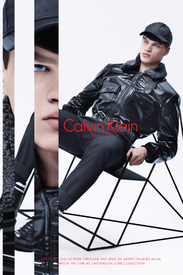
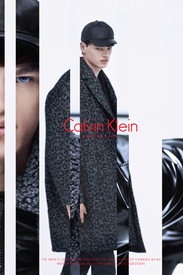
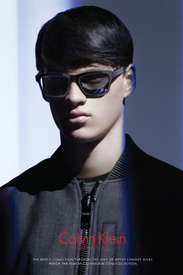
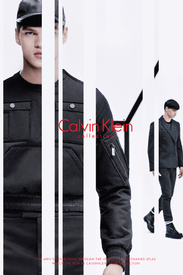
-
Coach S/S 2013 photographed by David Sims and styled by Karl Templer. justdropithere.tumblr.com via marc10 on TFS
-
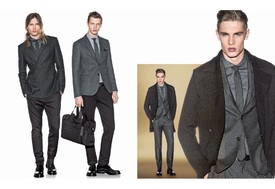
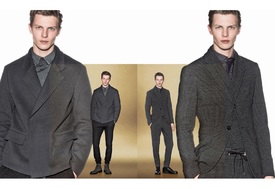
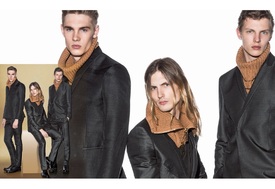
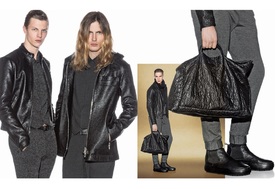
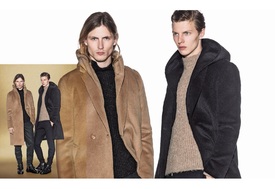
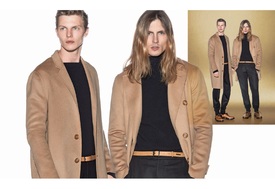
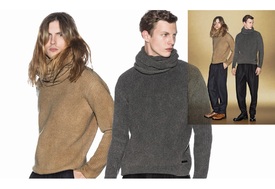
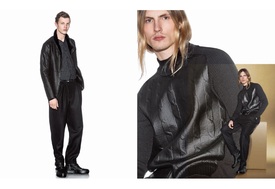
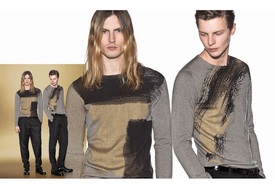
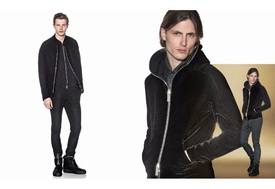
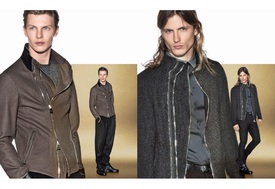
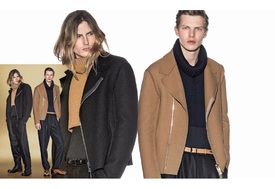
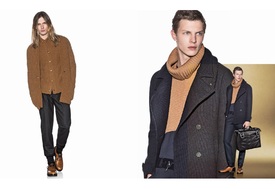
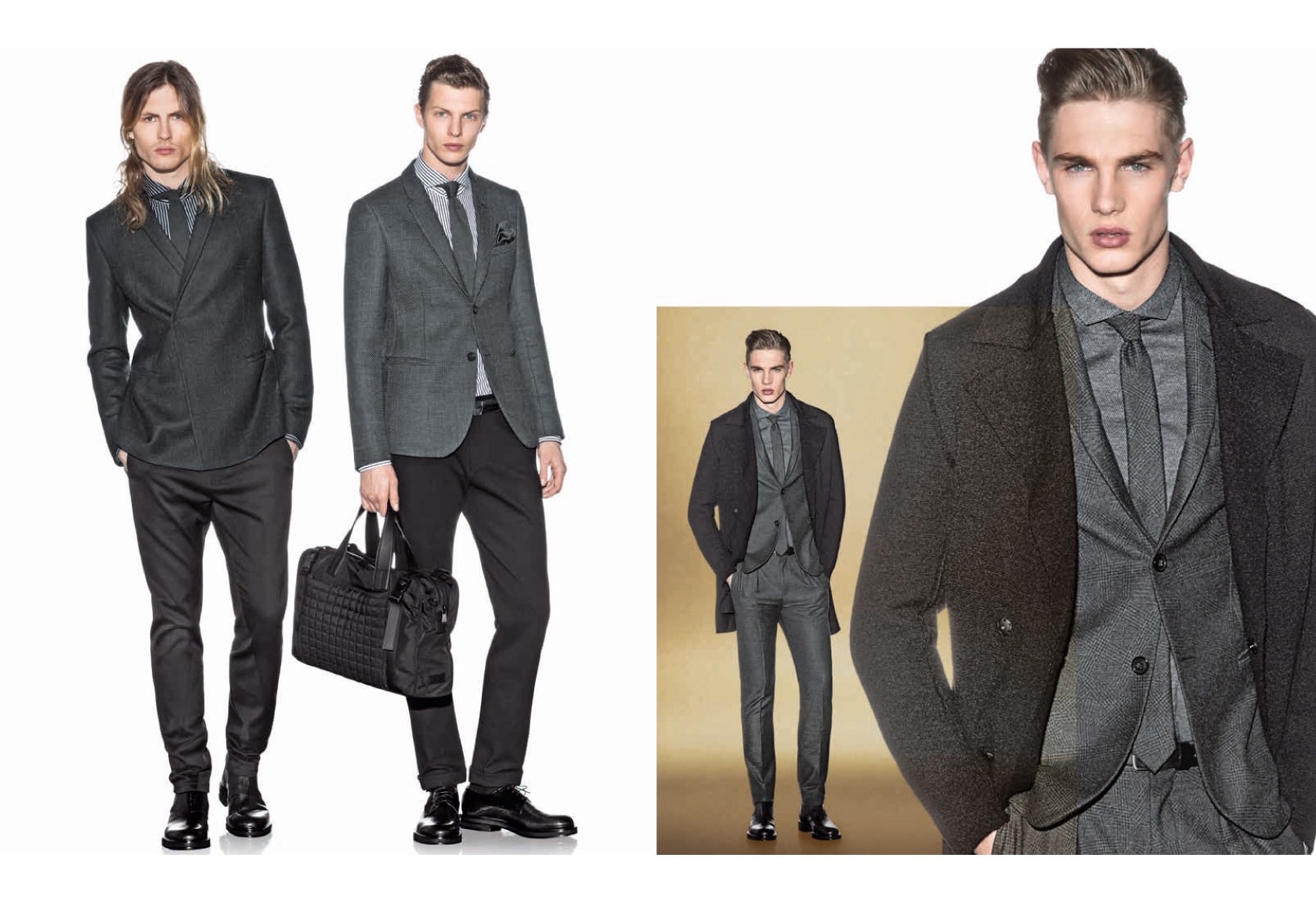
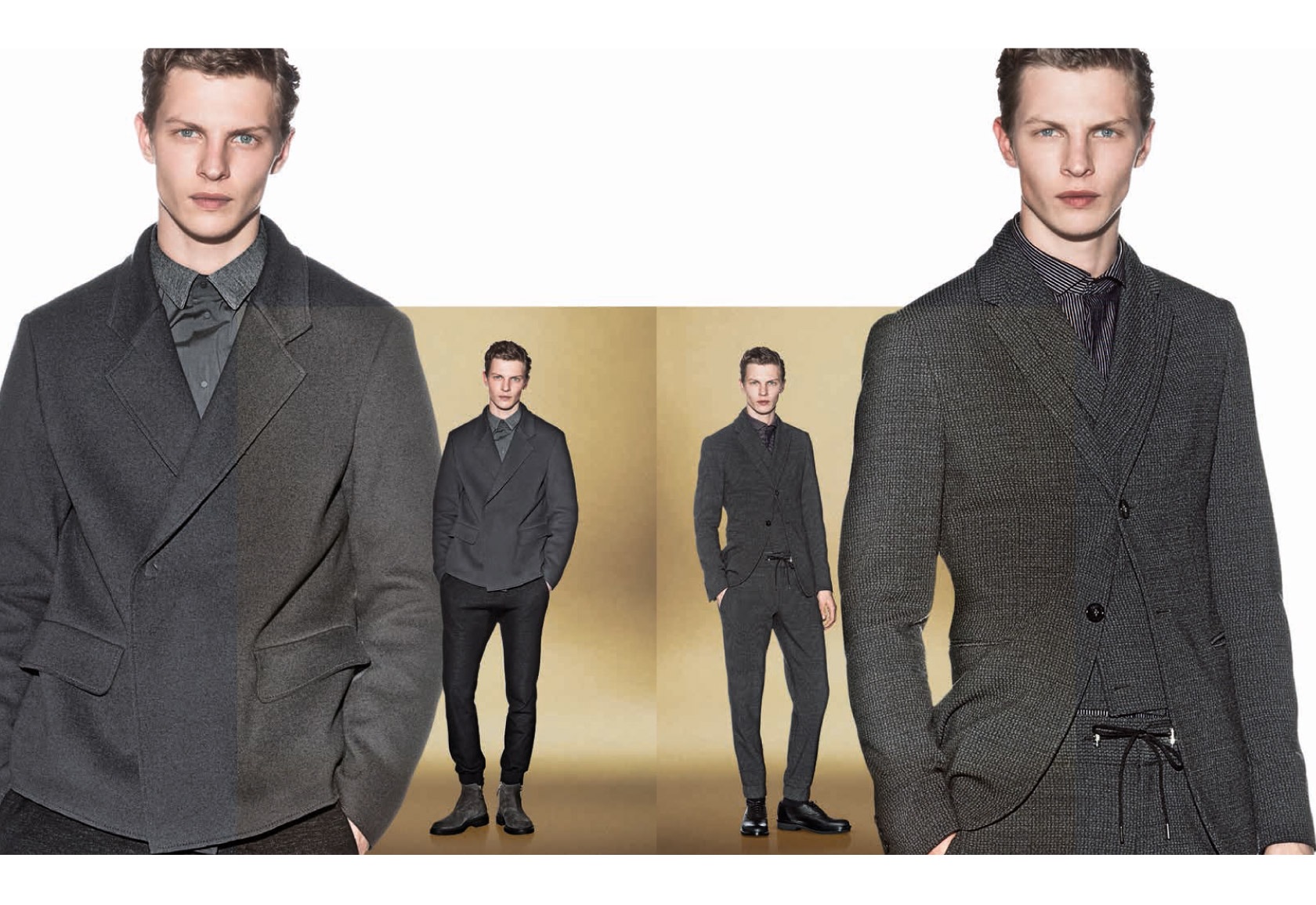
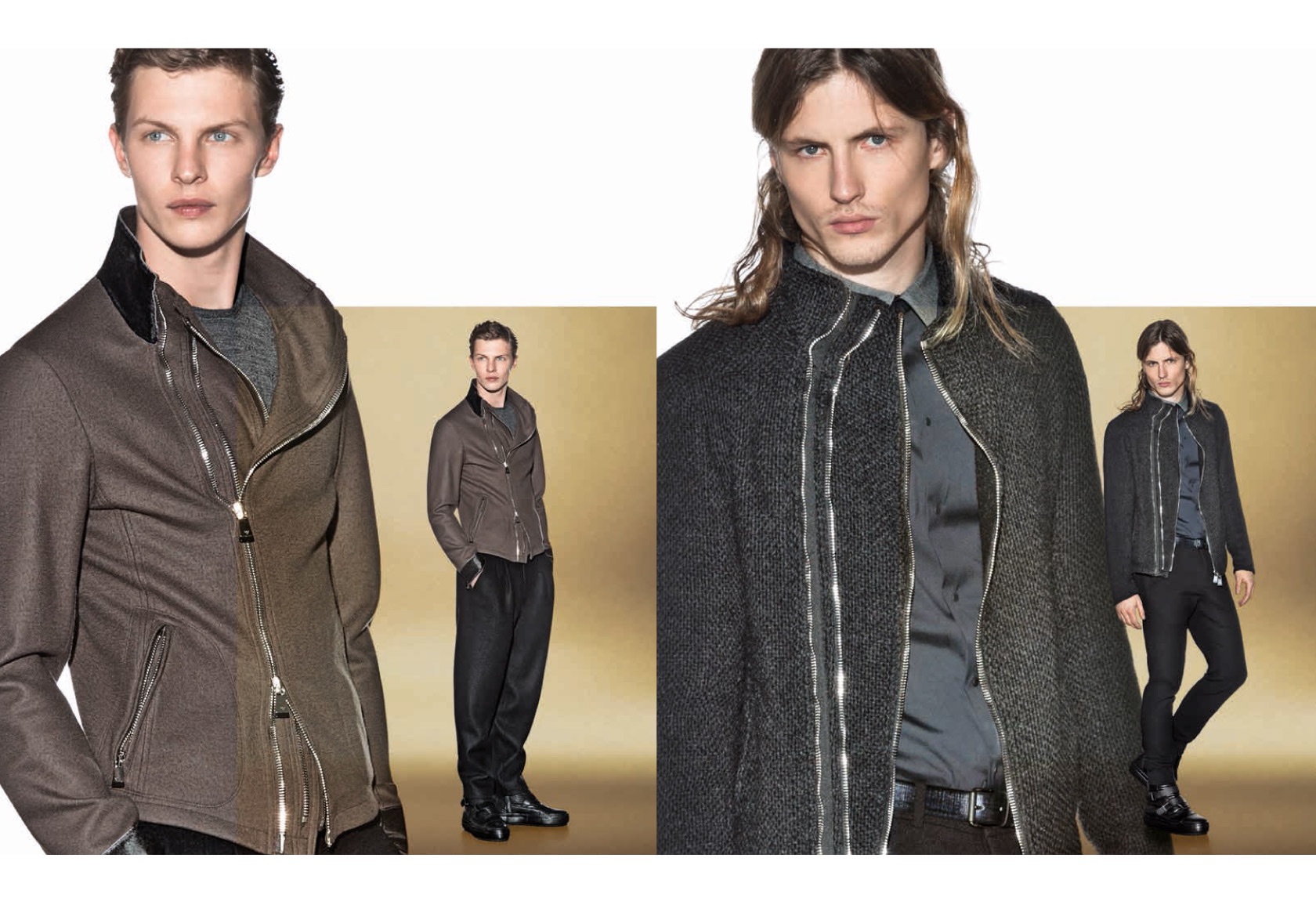
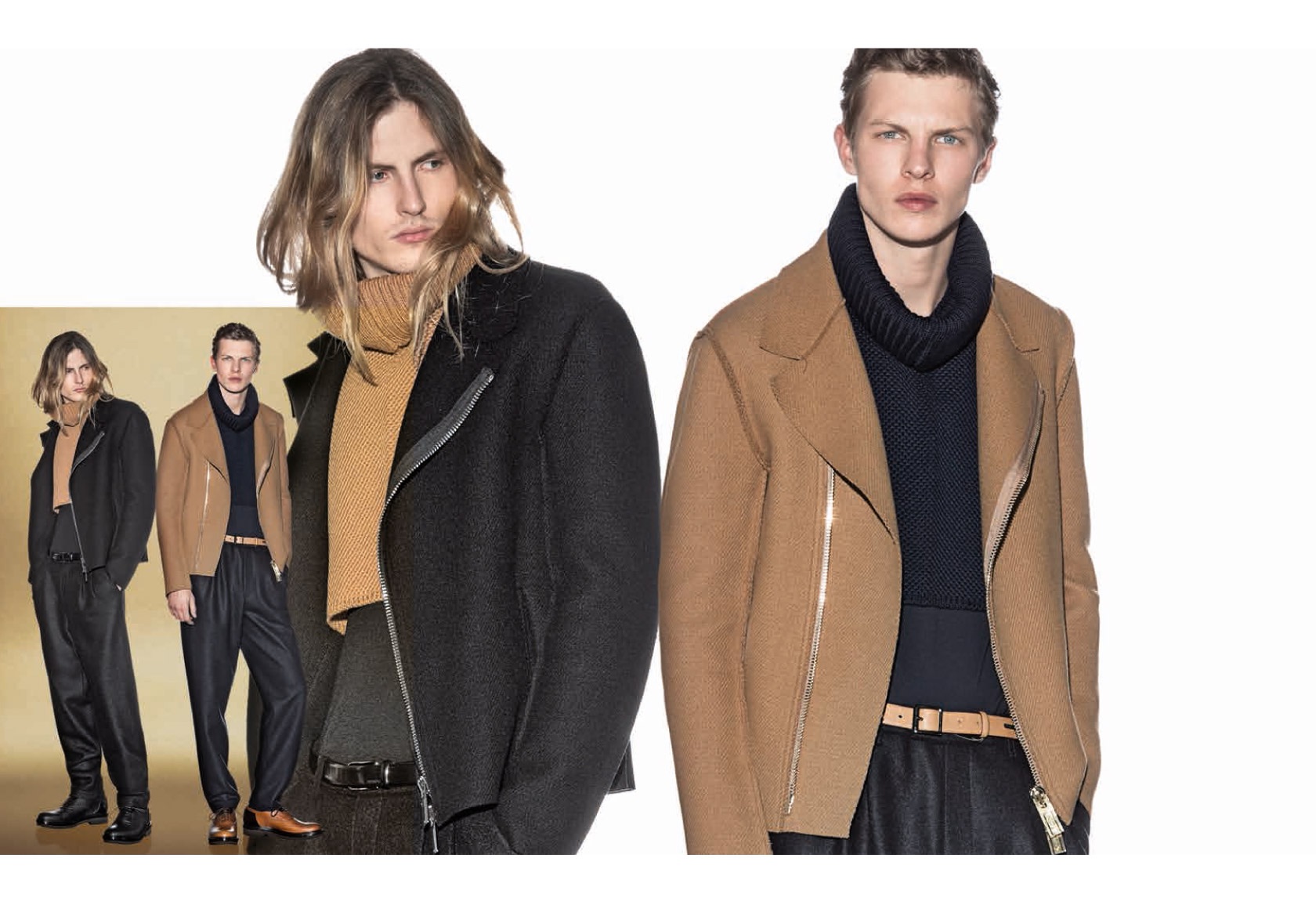
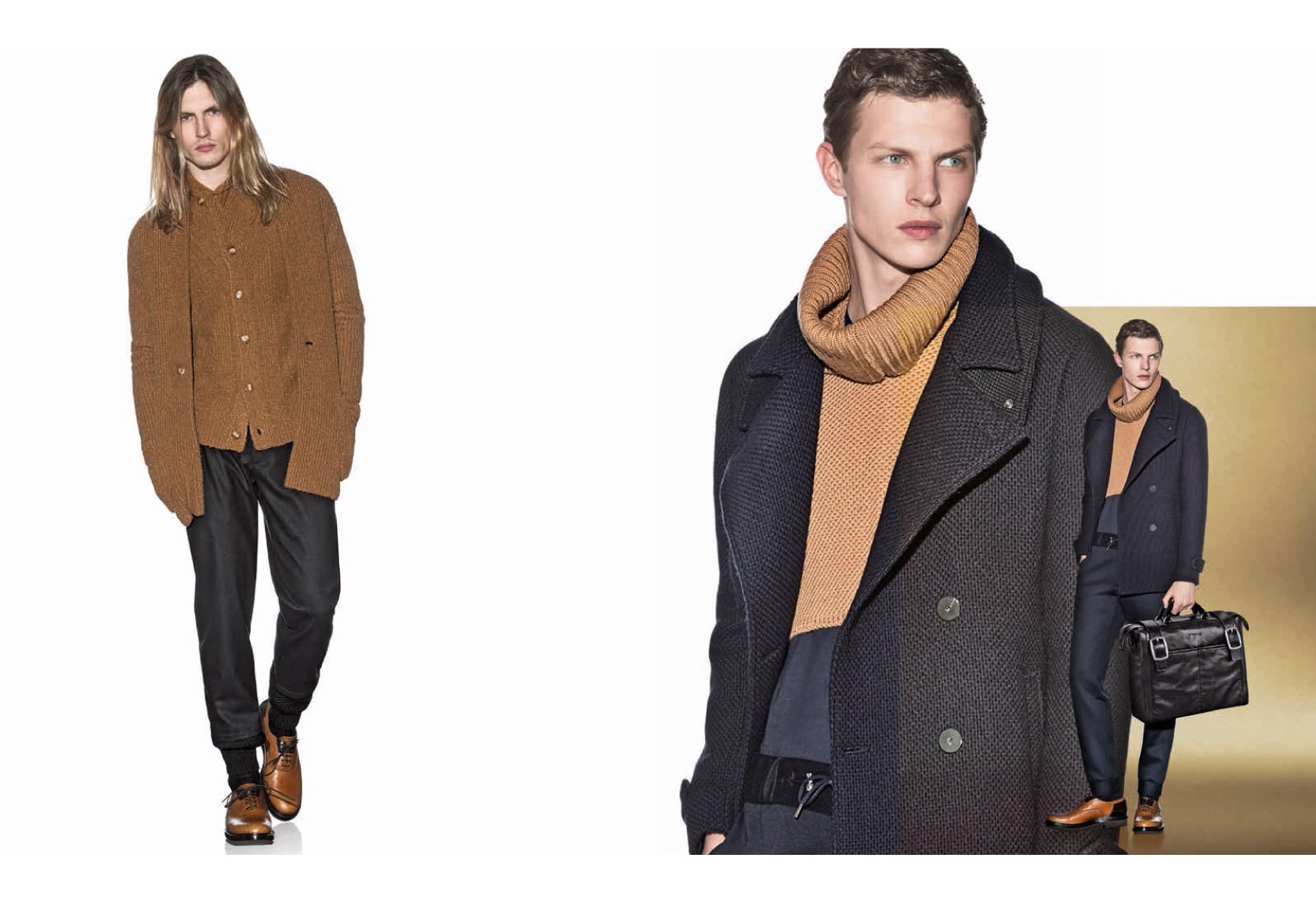
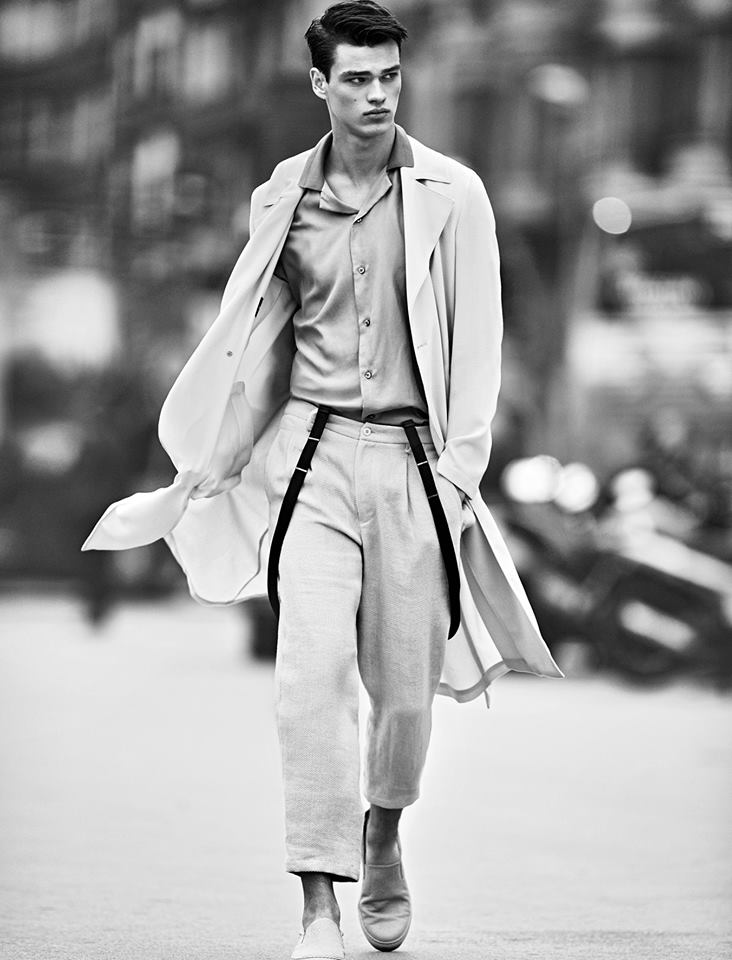
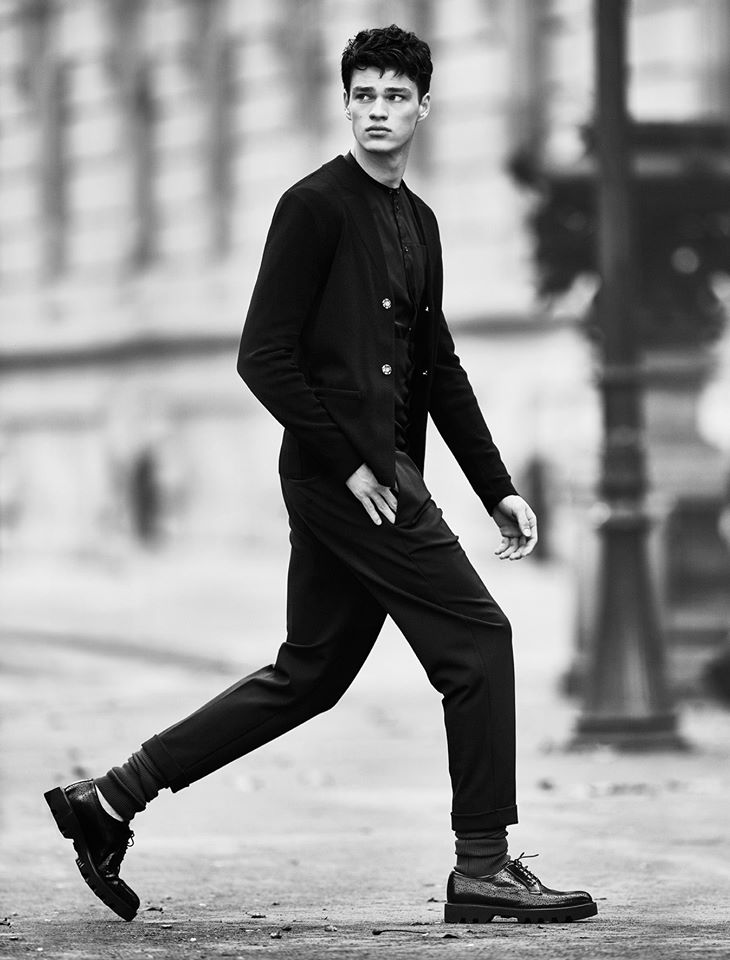
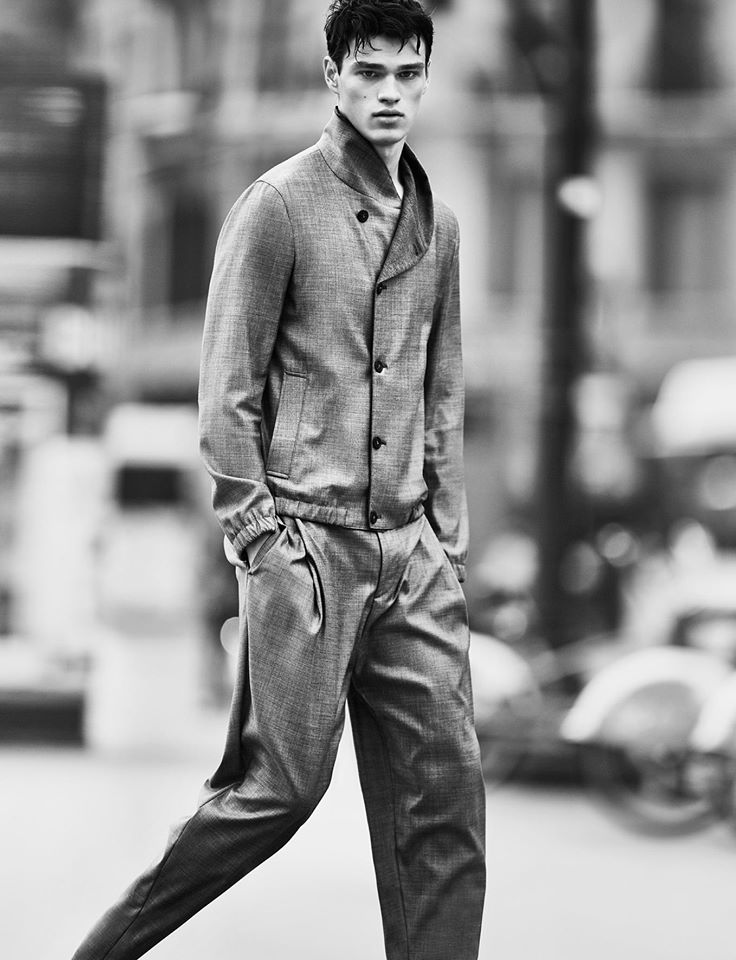
Emporio Armani Look Book Fall/Winter 2015 designsfever.com
-
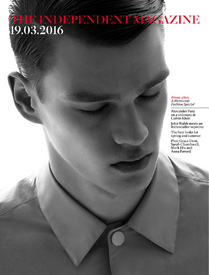
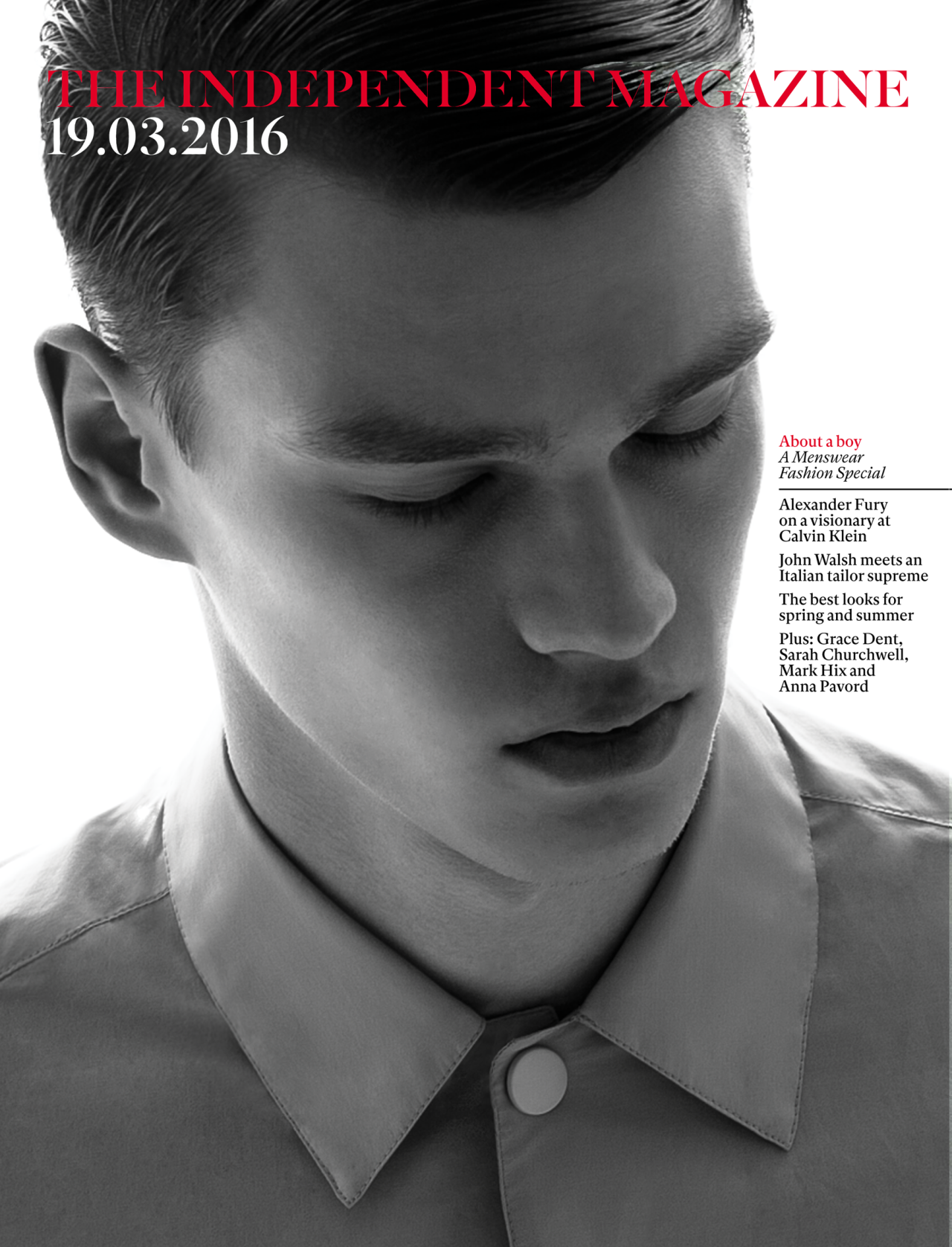
Independent Magazine March 2016
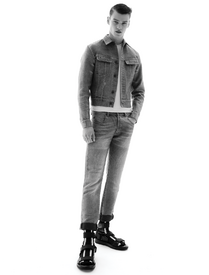
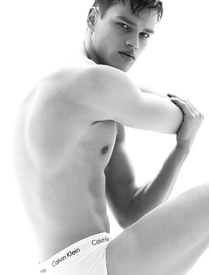
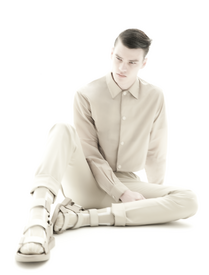
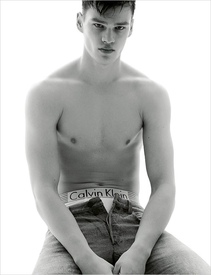
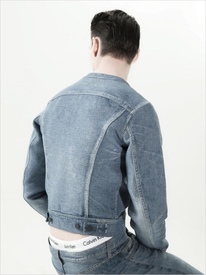
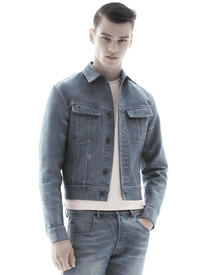
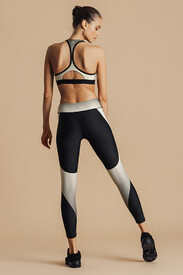
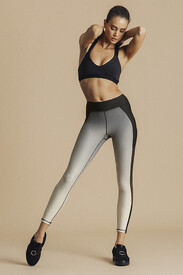
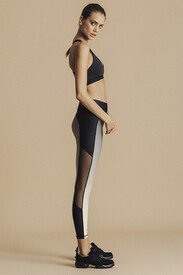
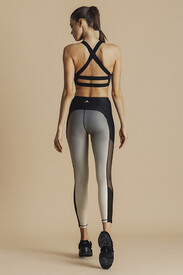
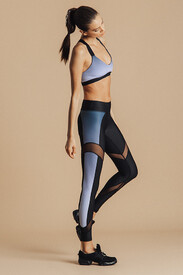
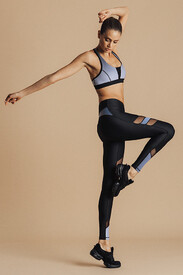
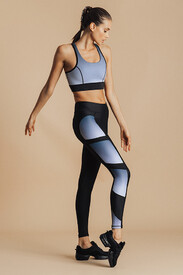
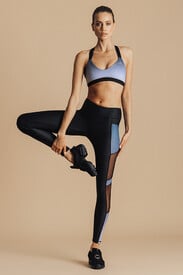
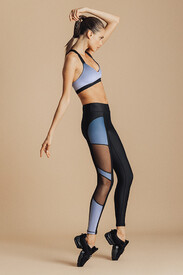
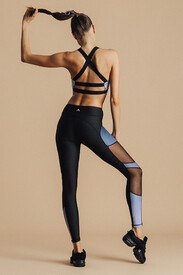
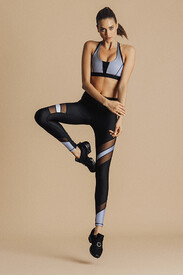
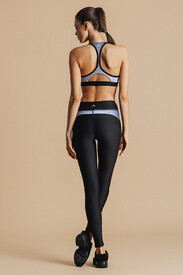
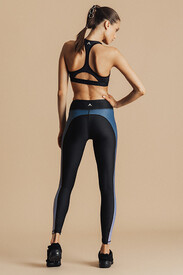
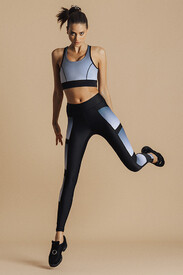
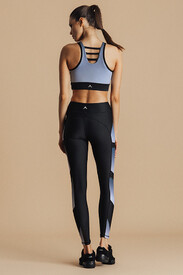
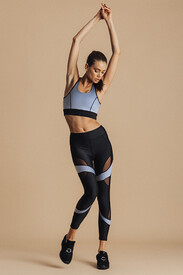
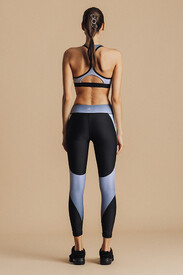
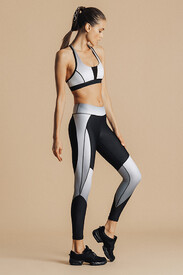
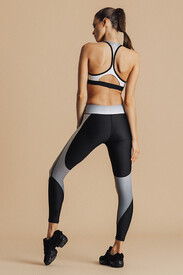
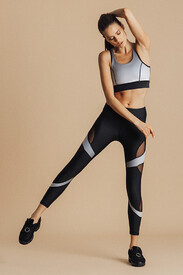
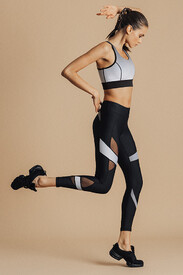
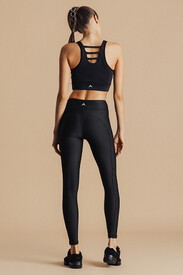
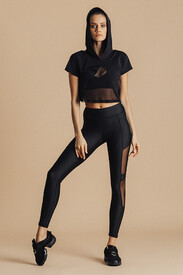
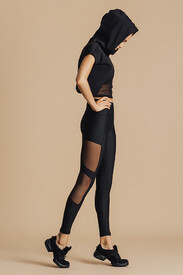
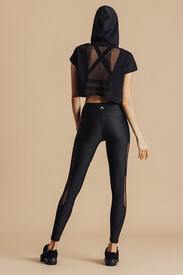
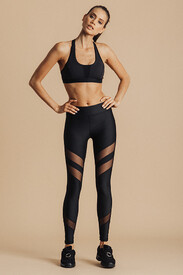
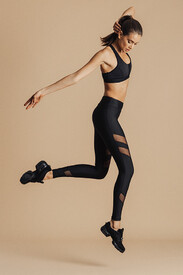
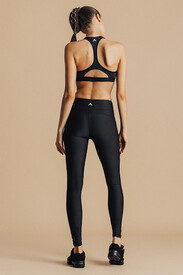
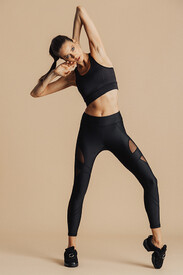
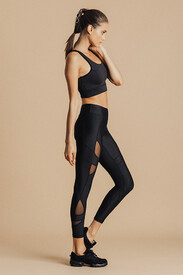
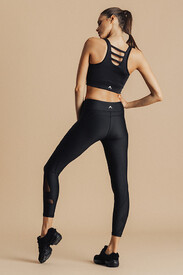
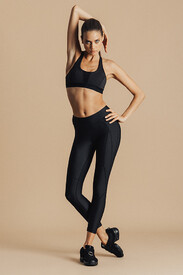
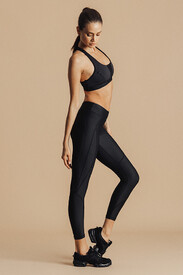
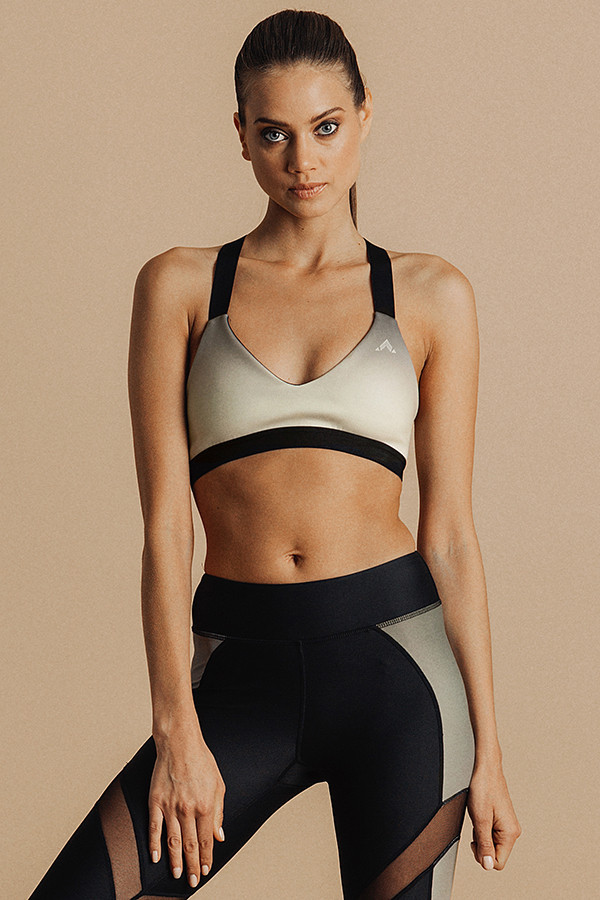
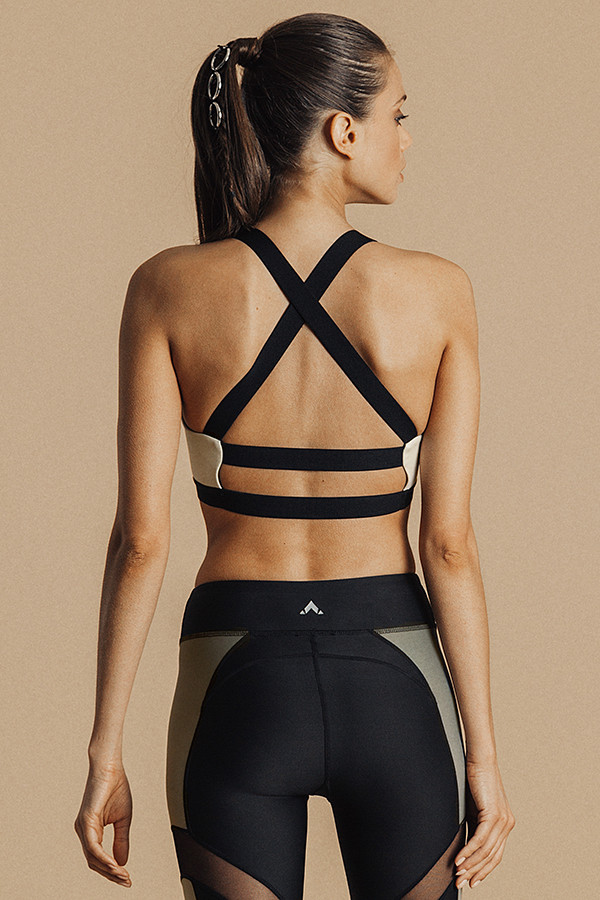
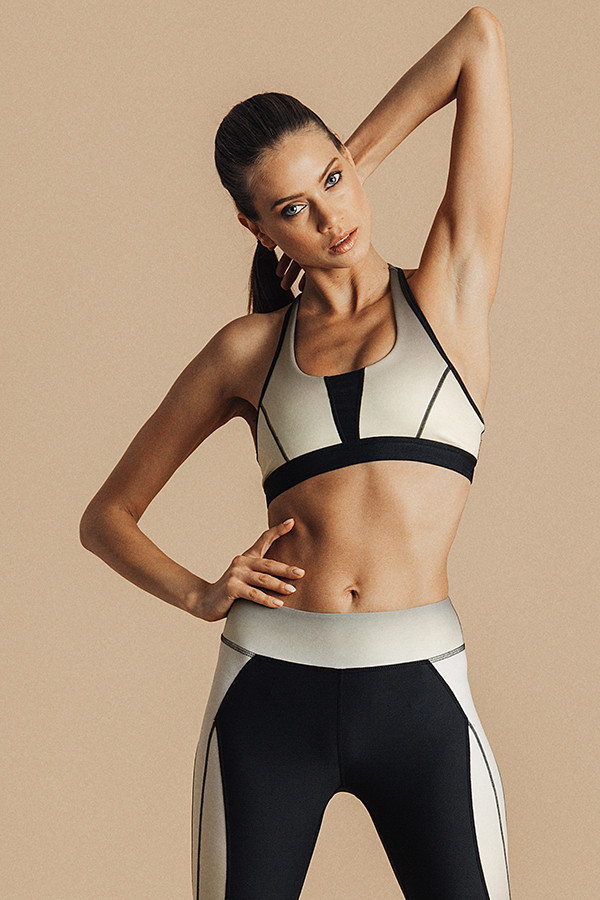
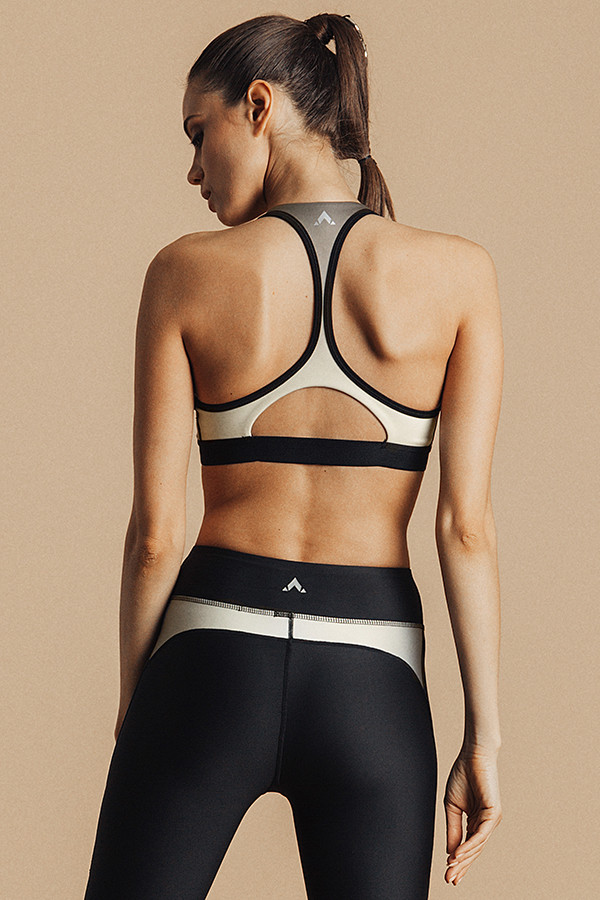
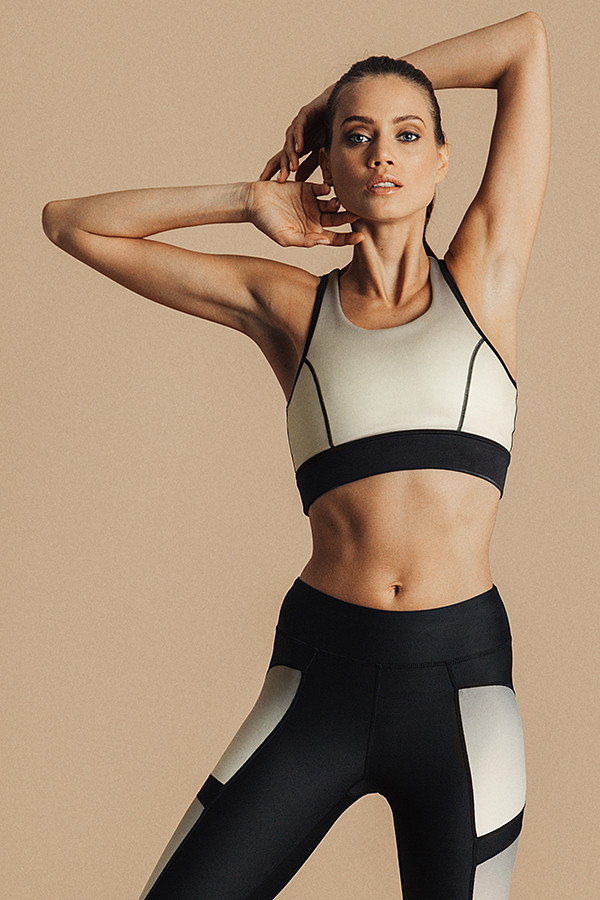
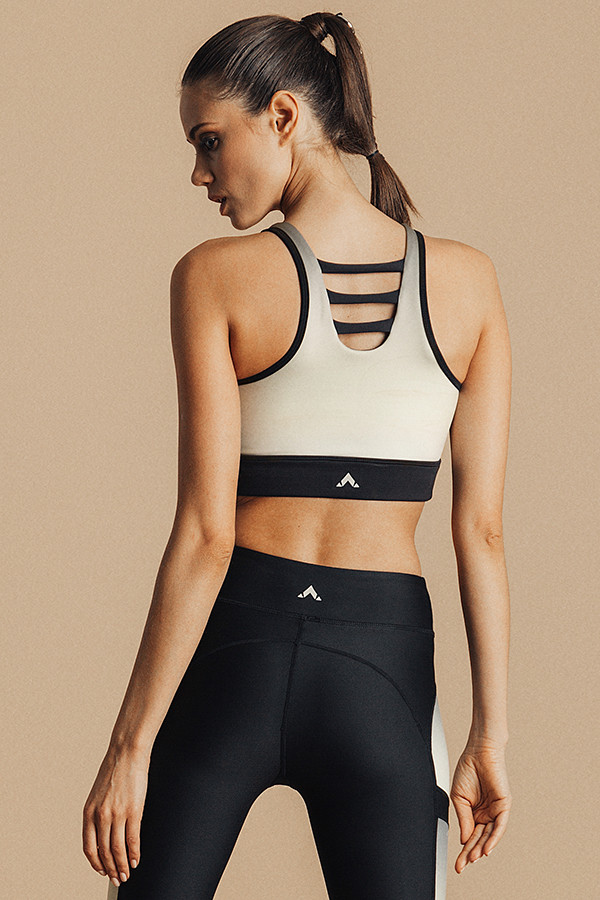
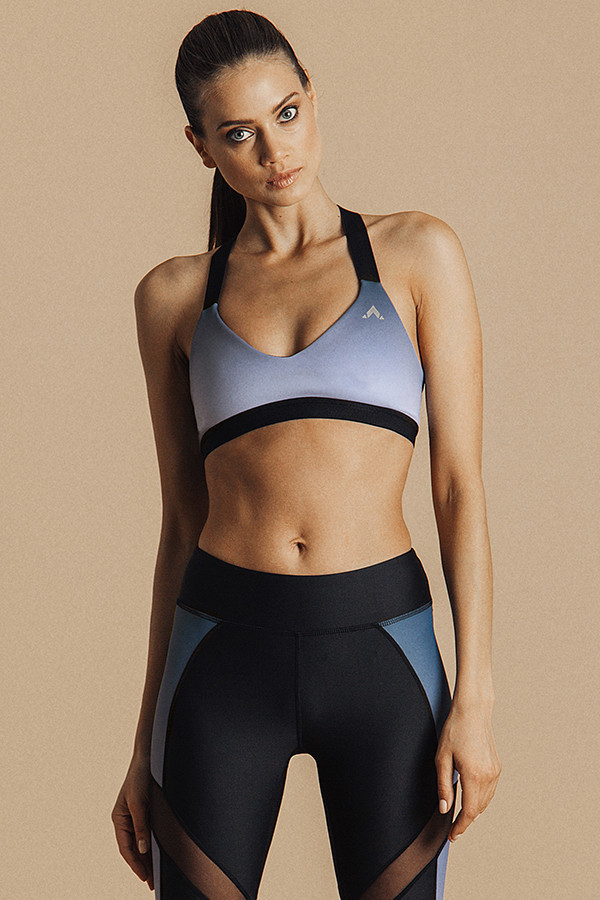
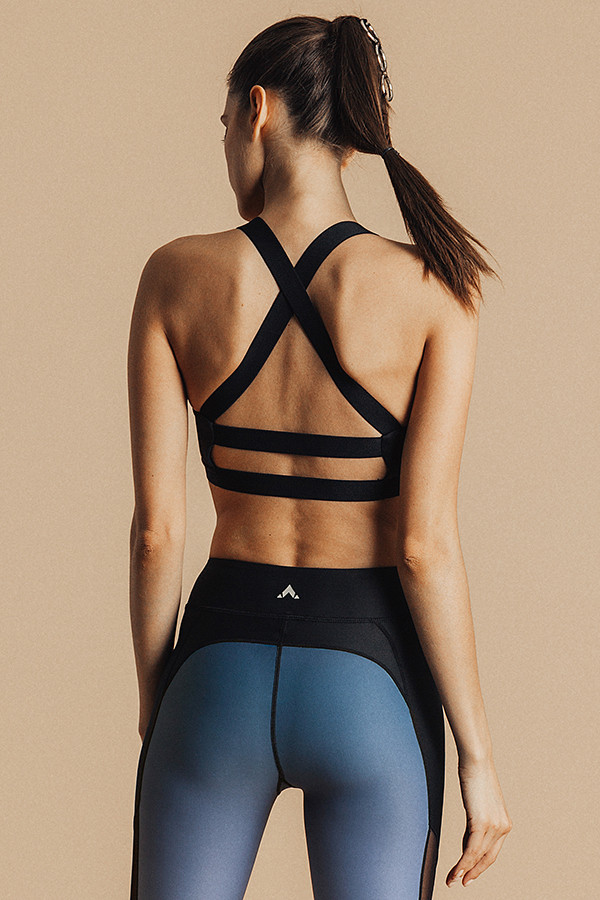
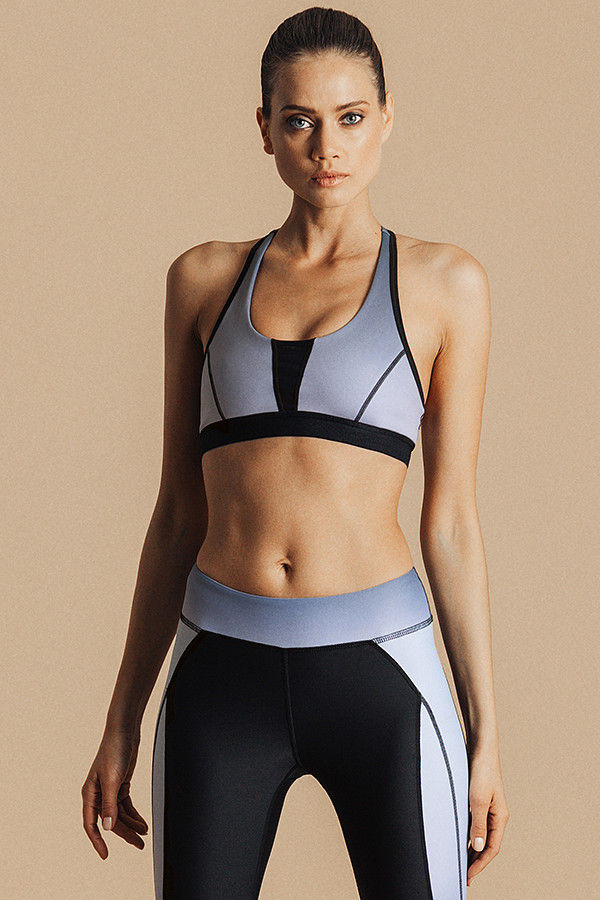
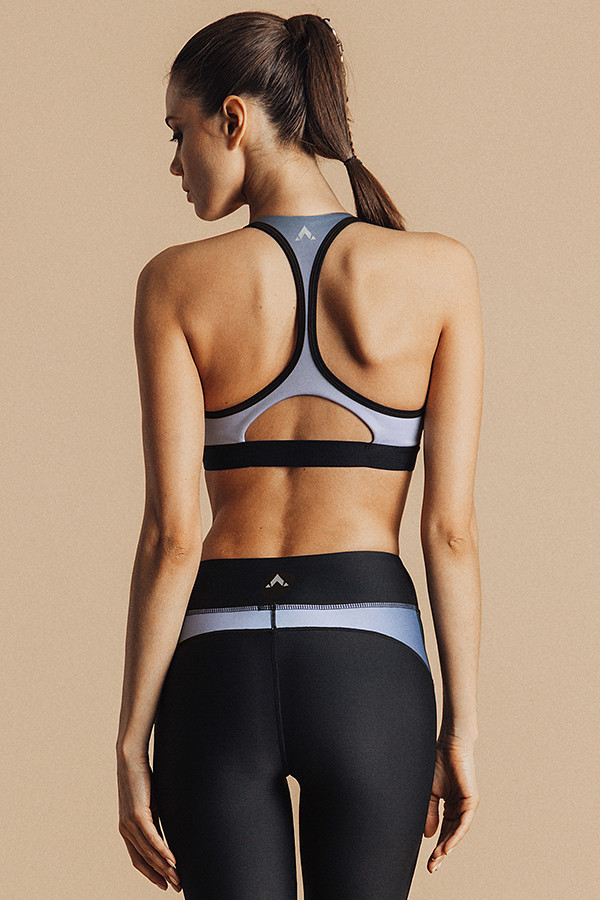
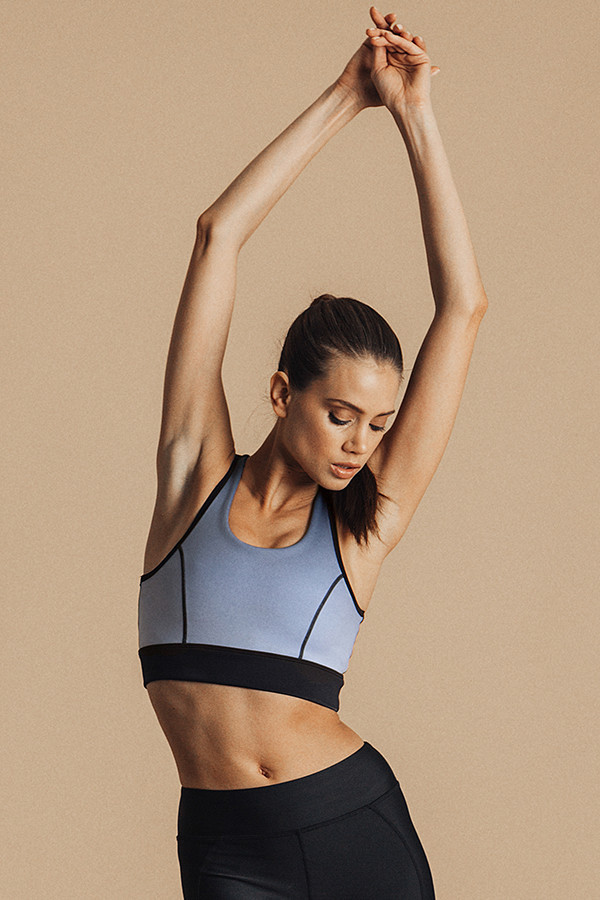
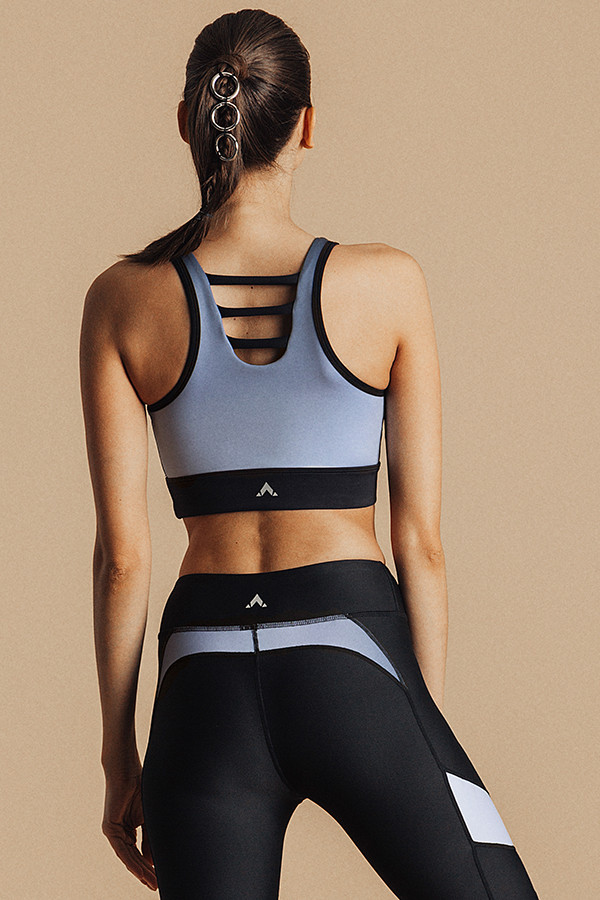
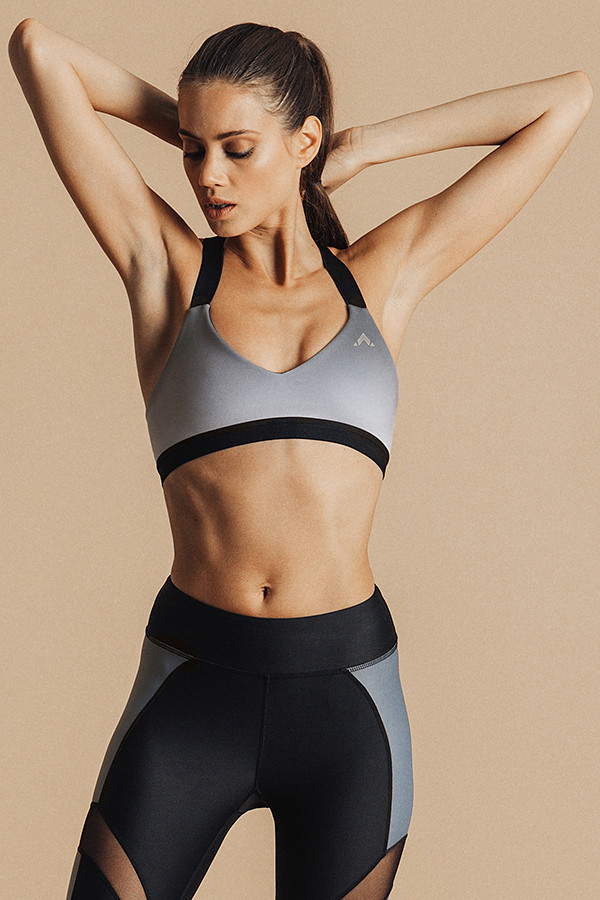
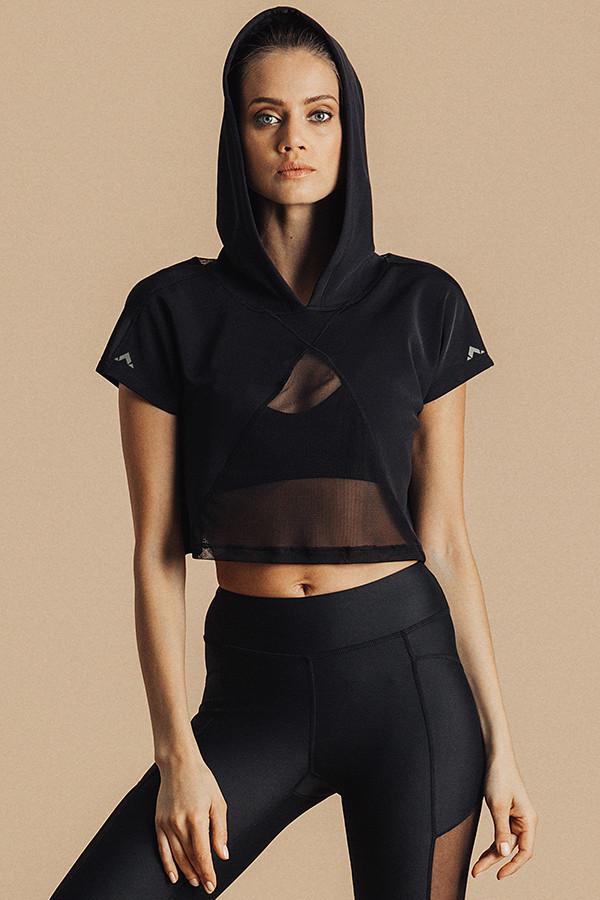
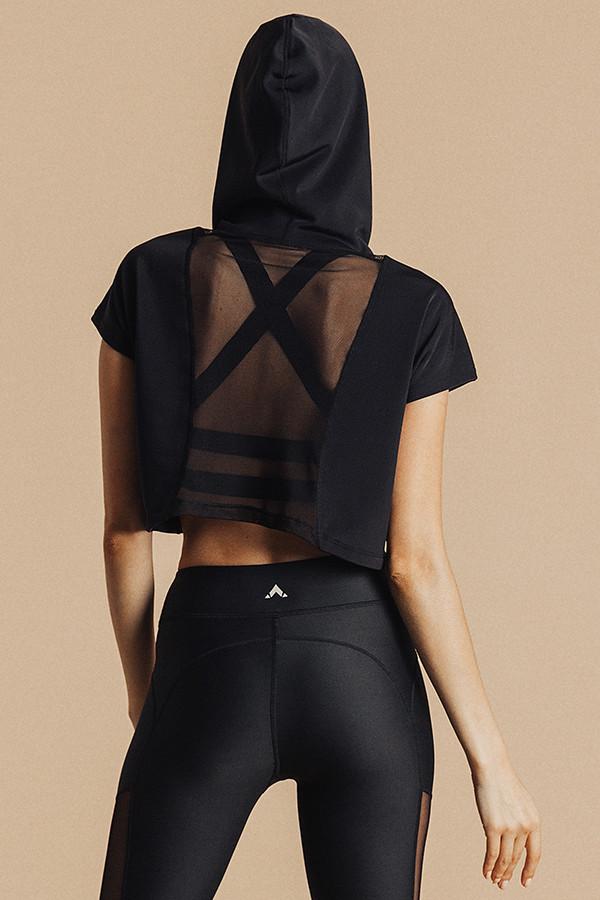
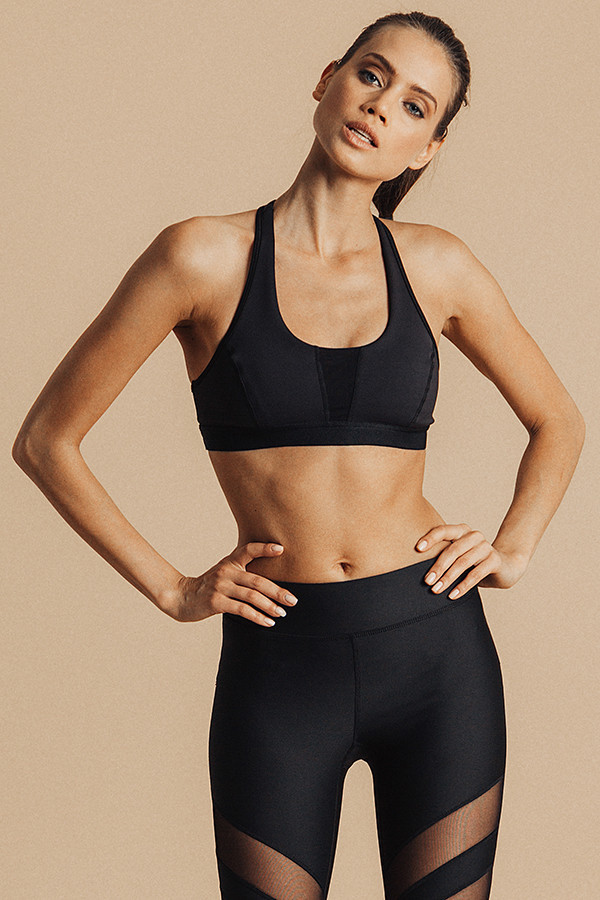
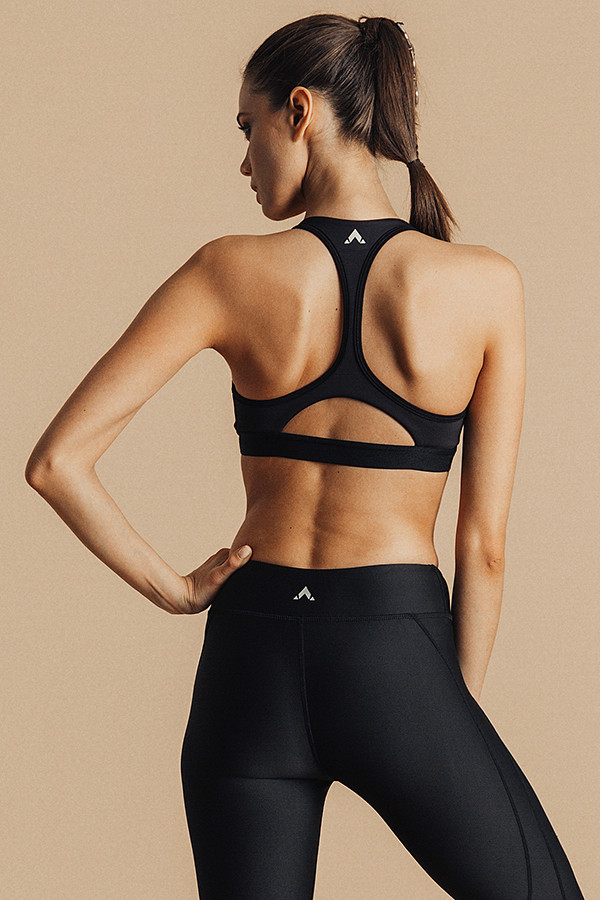
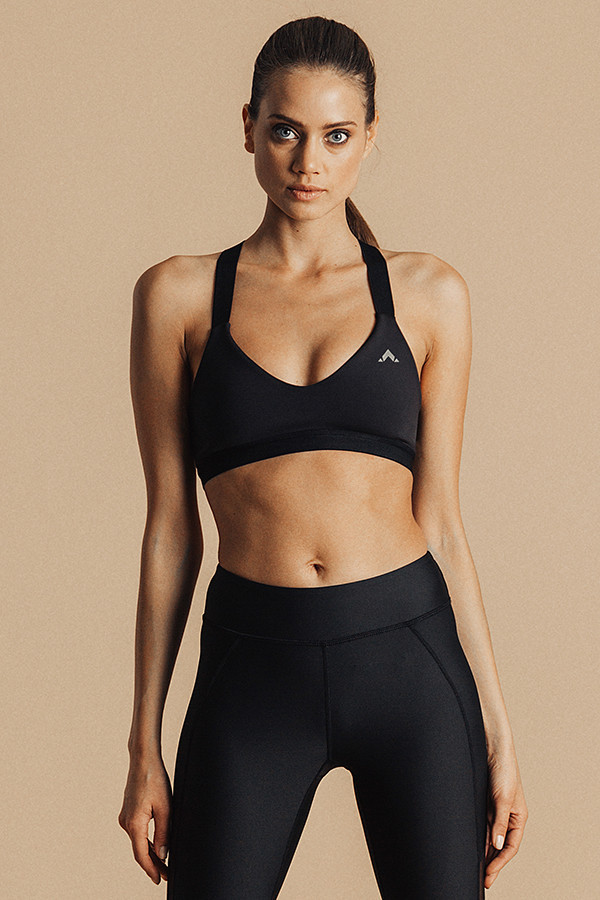
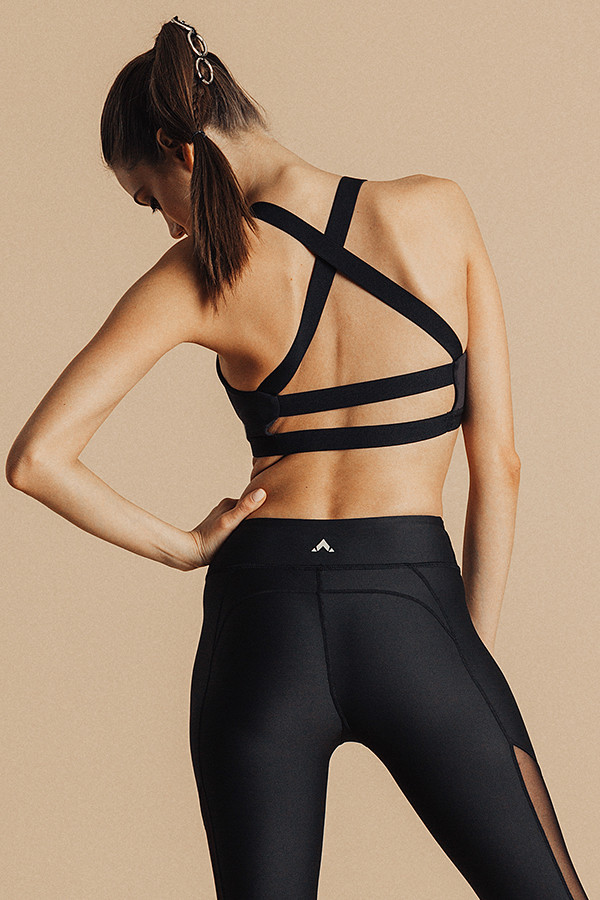
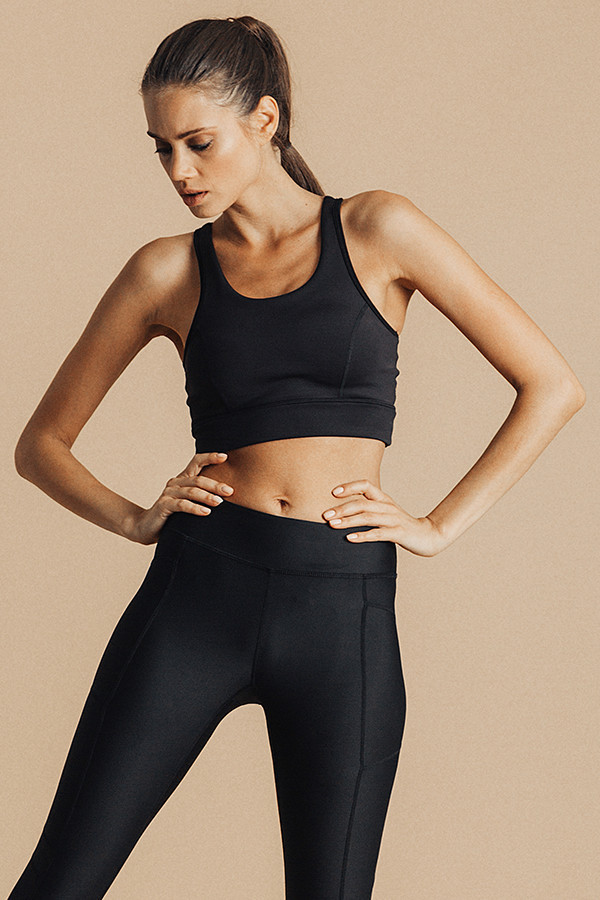
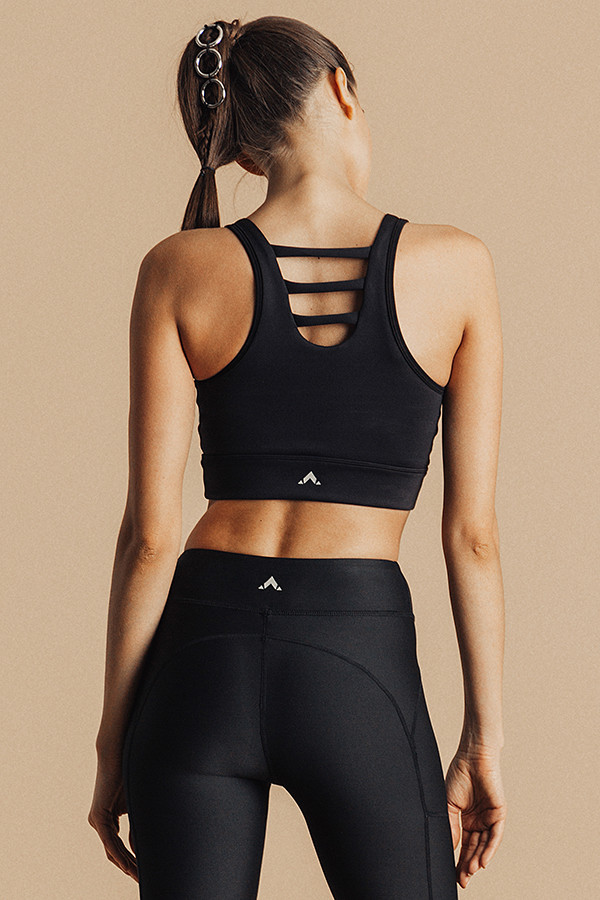
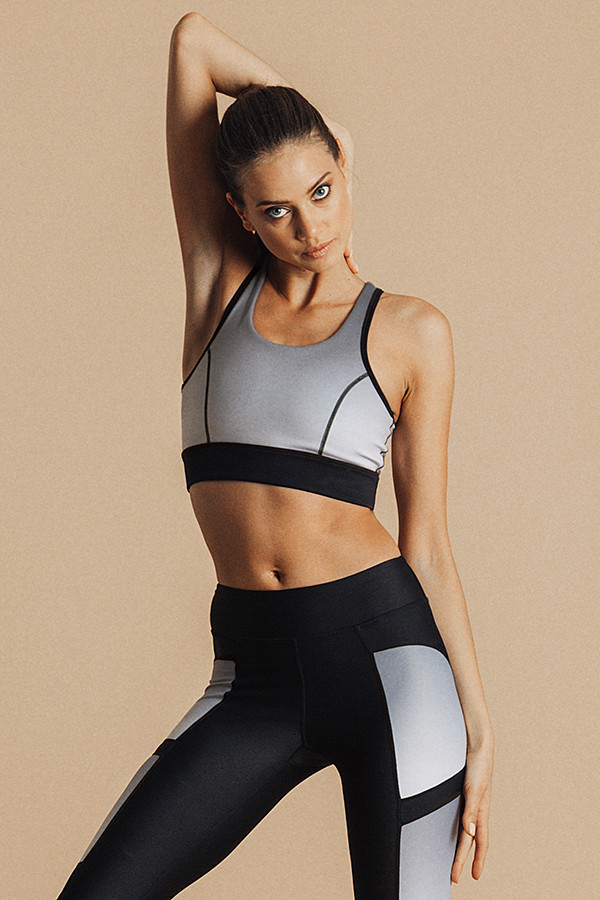
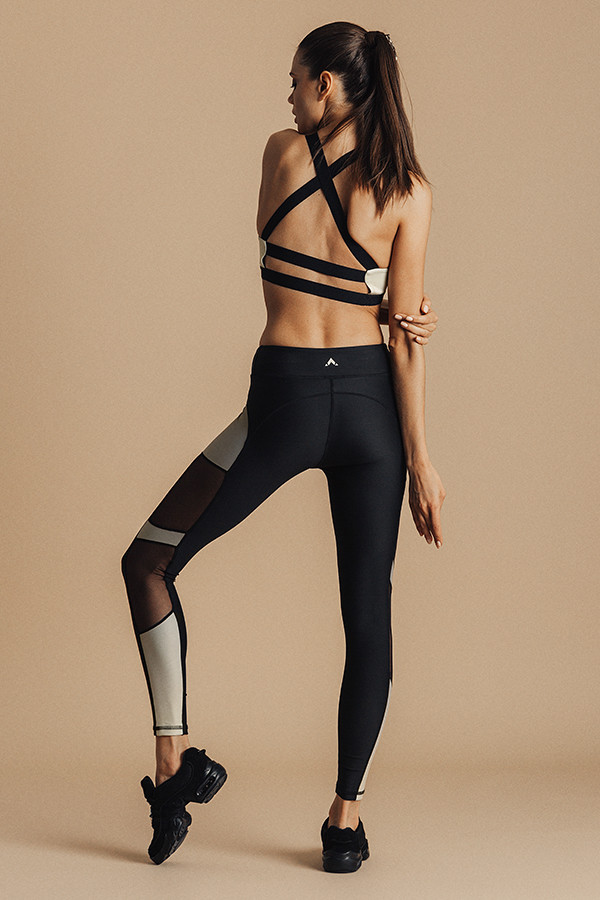
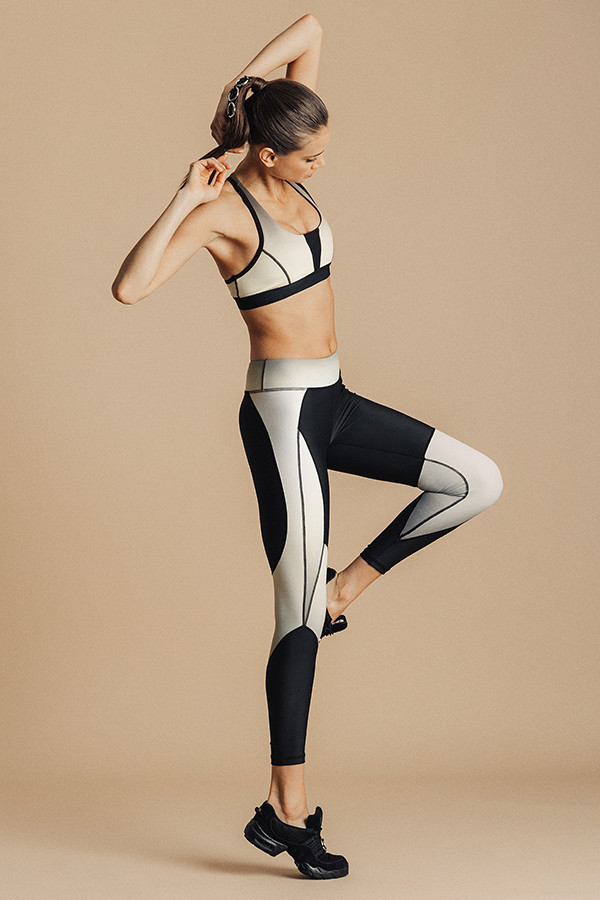
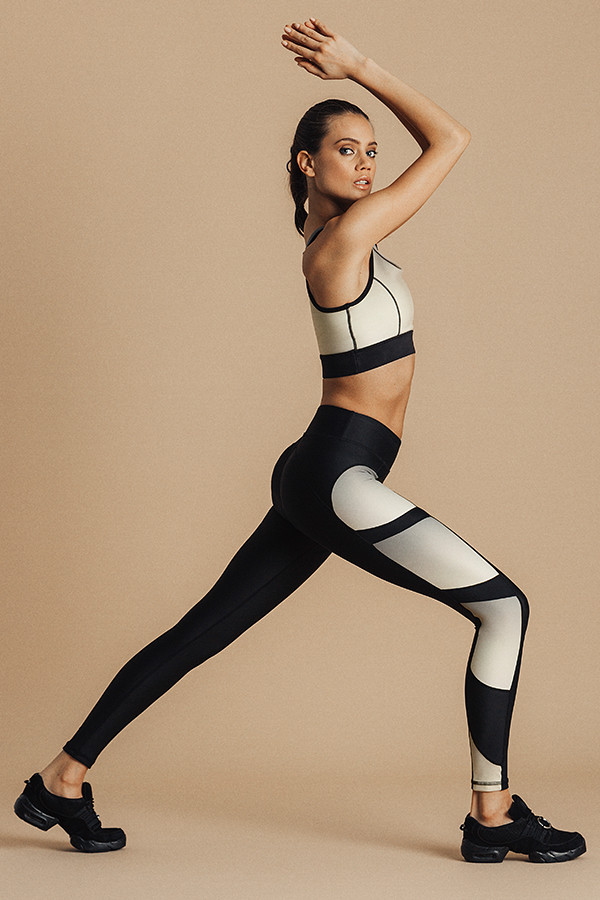
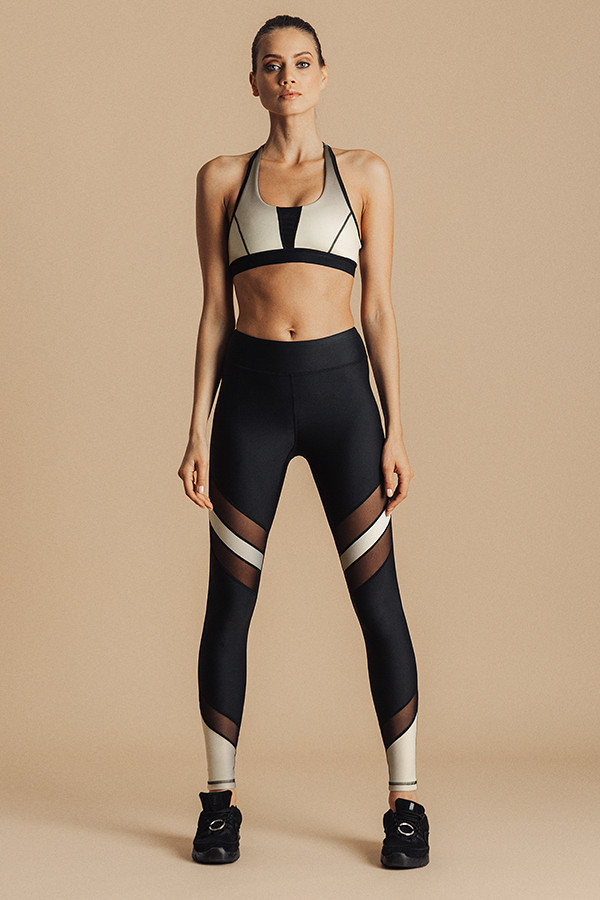
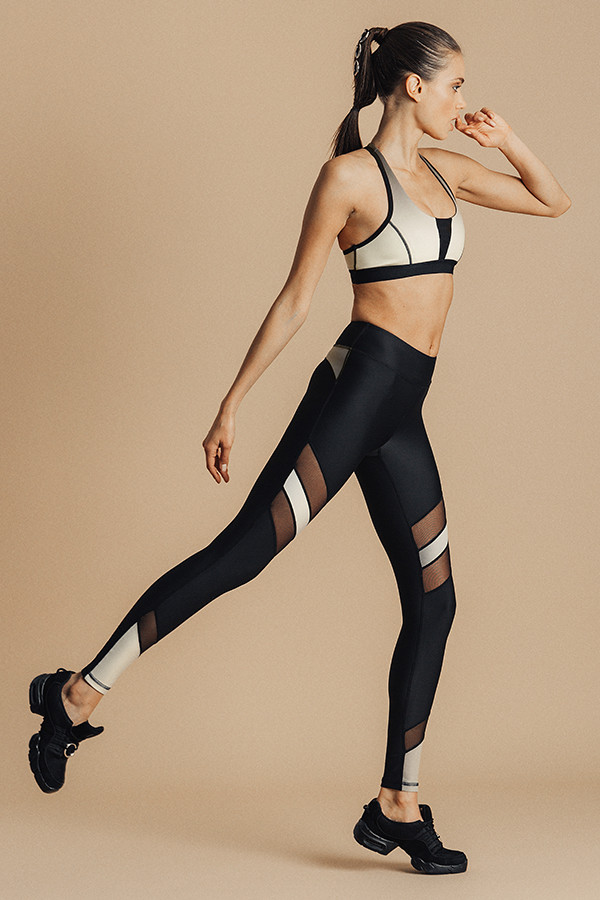
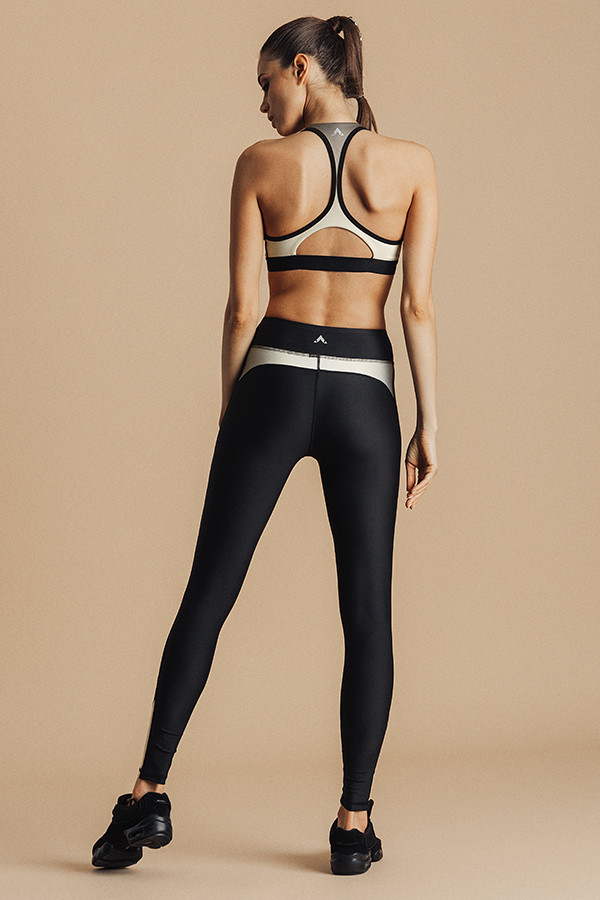
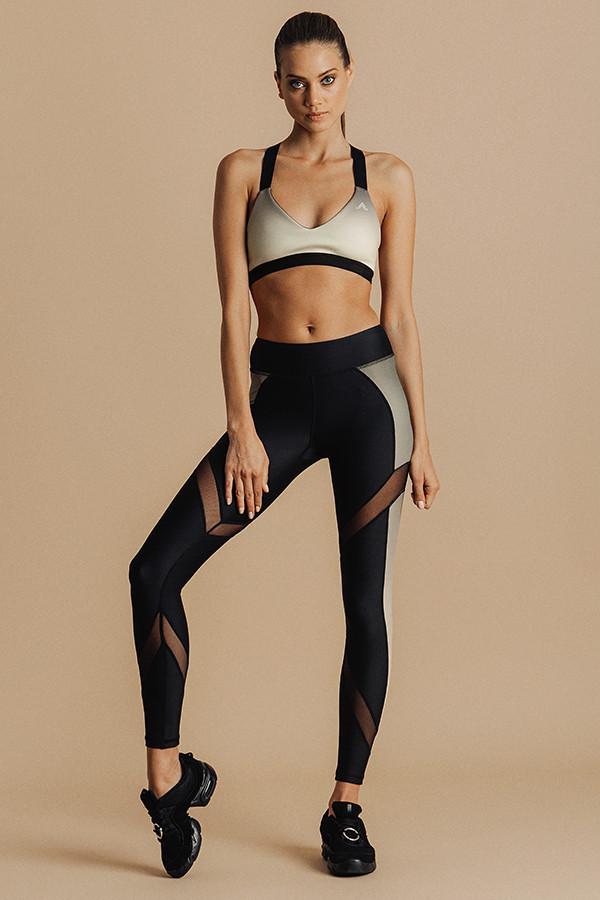
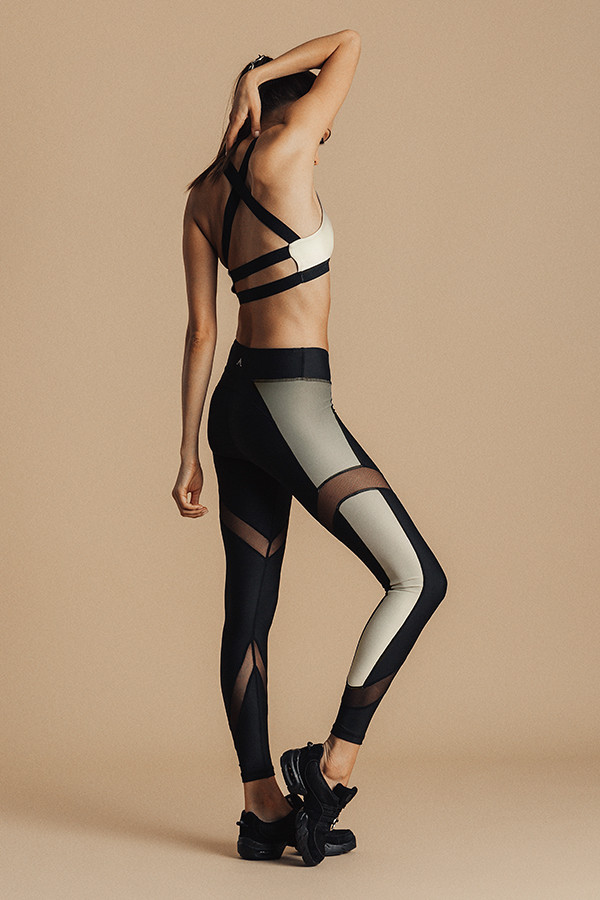
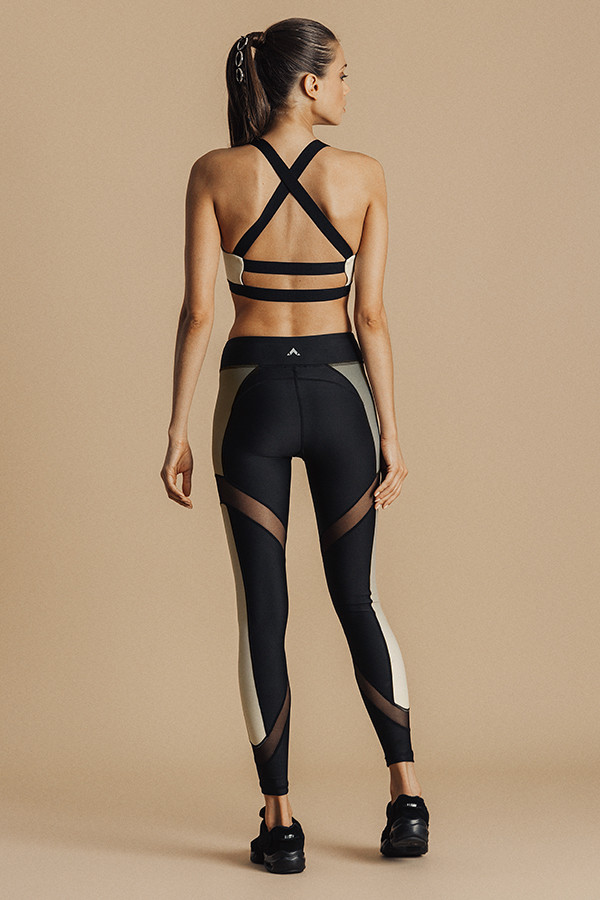
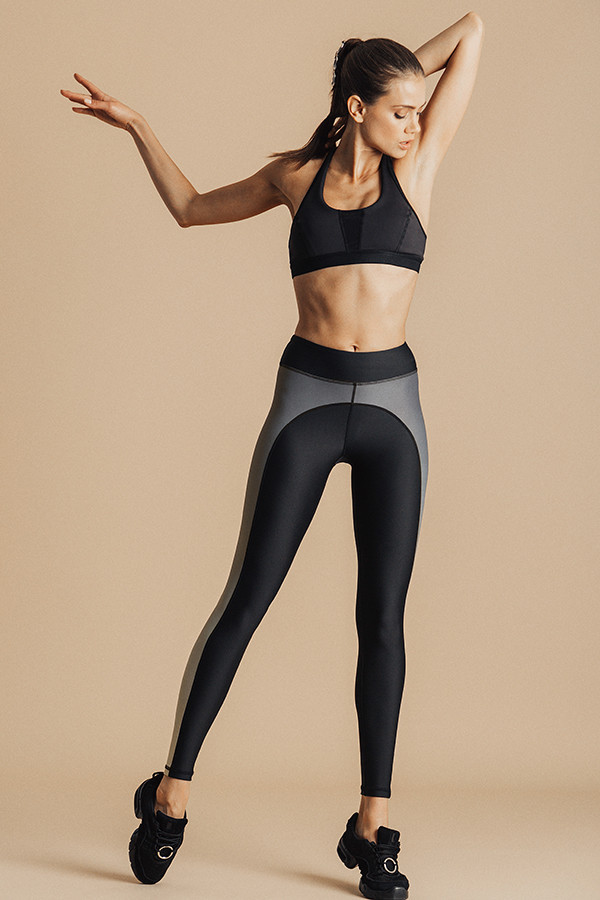
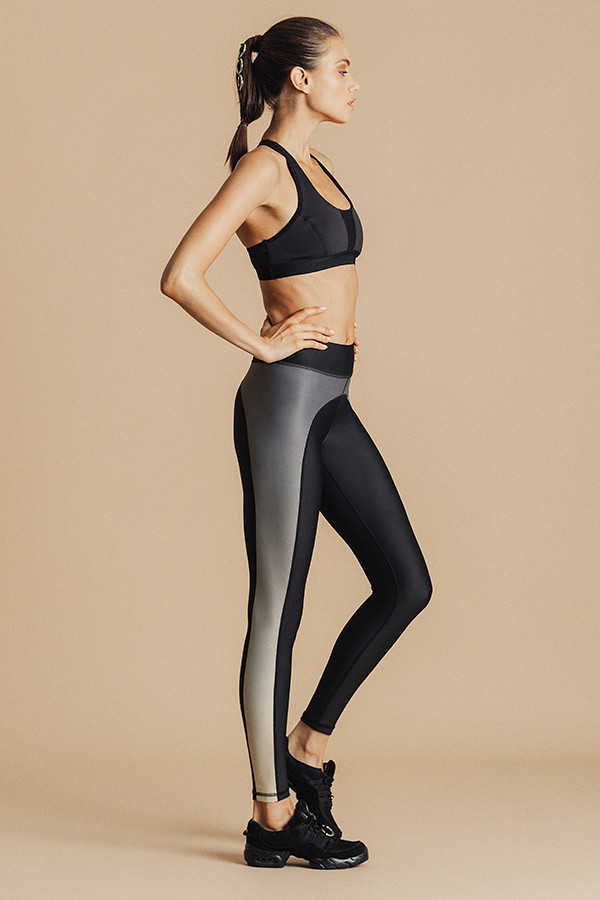
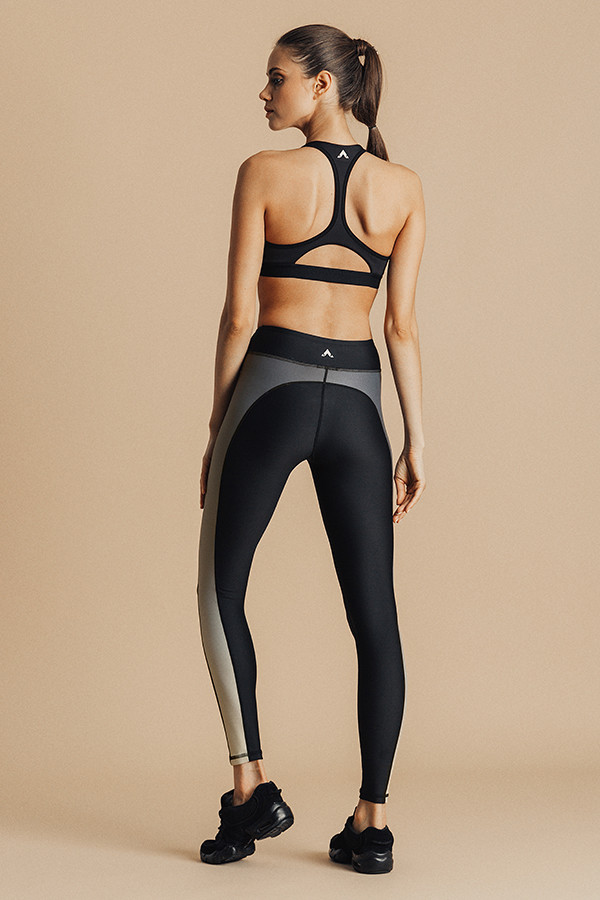
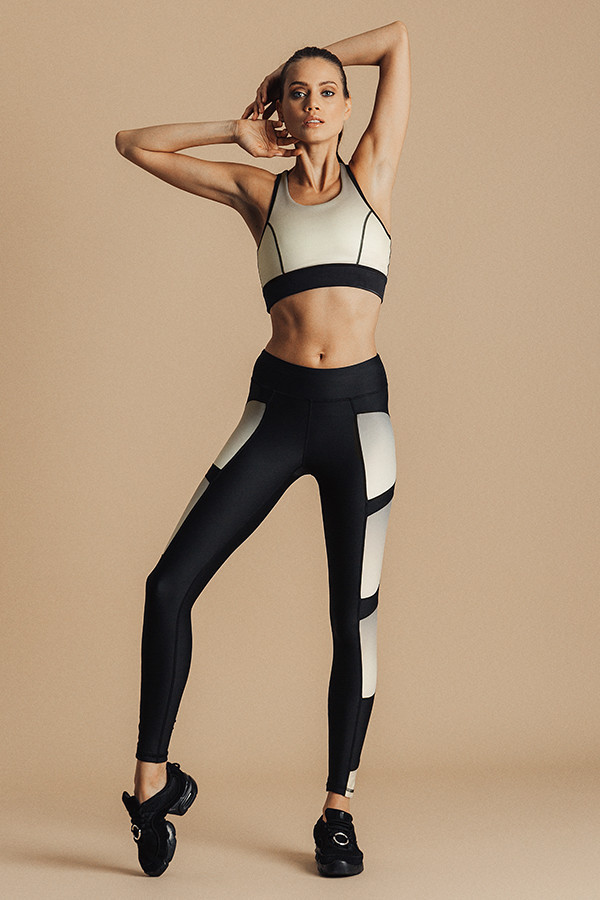
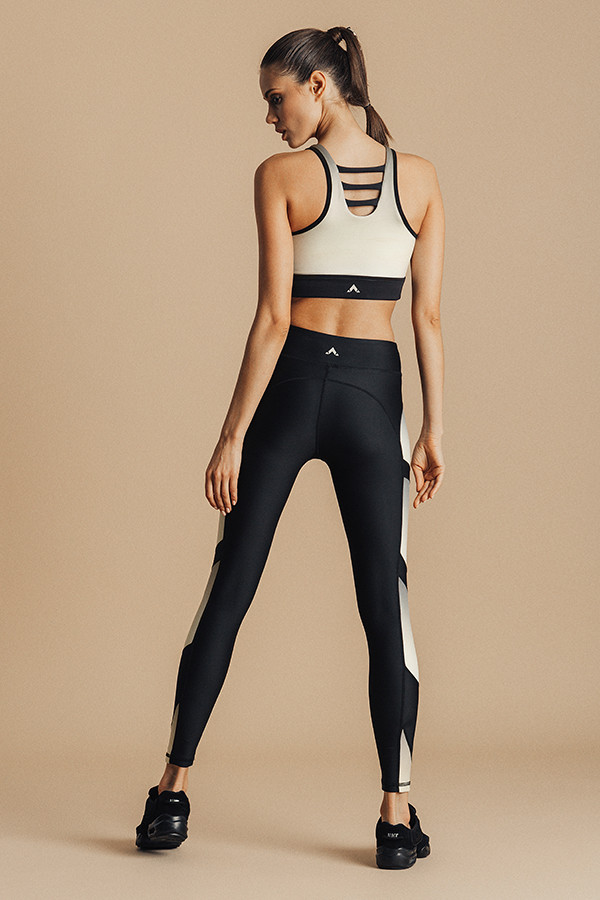
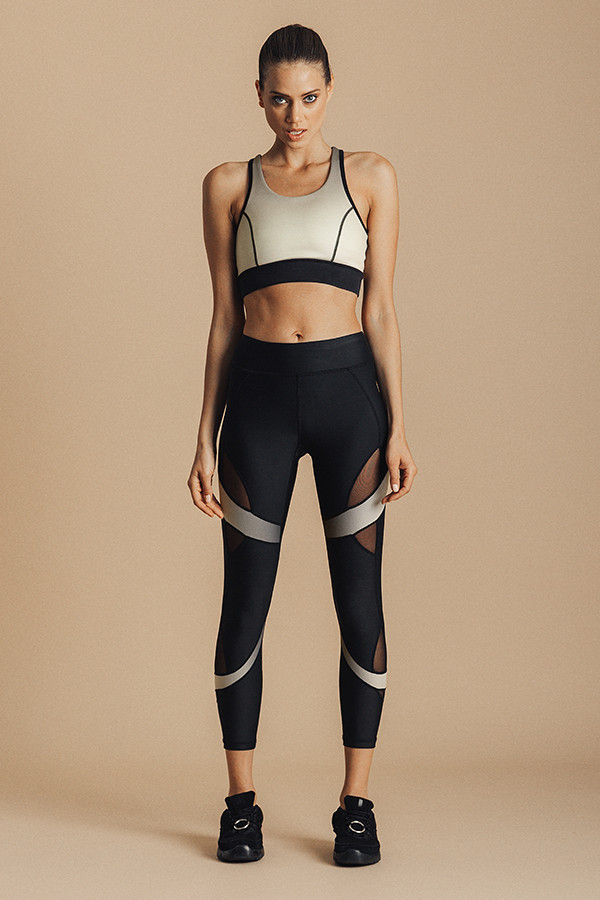
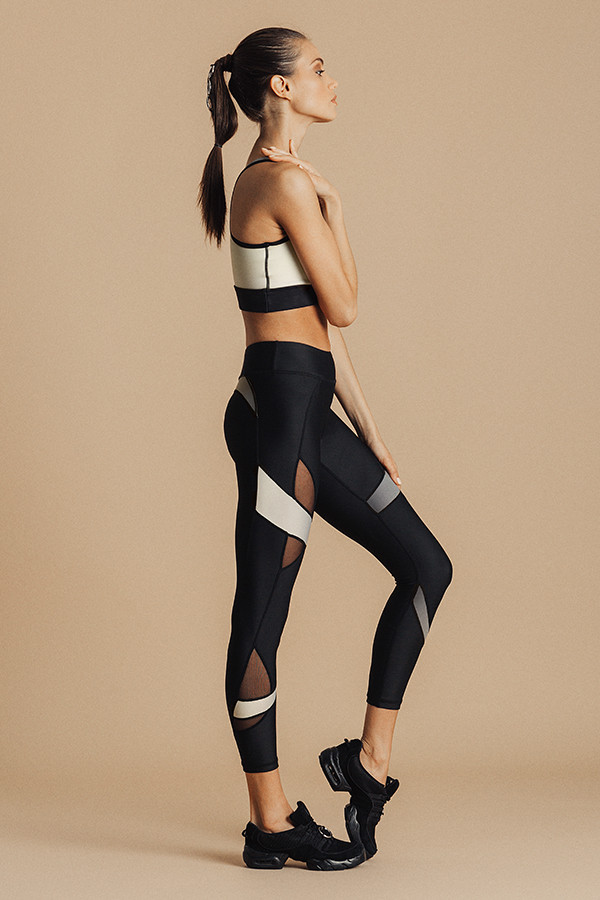
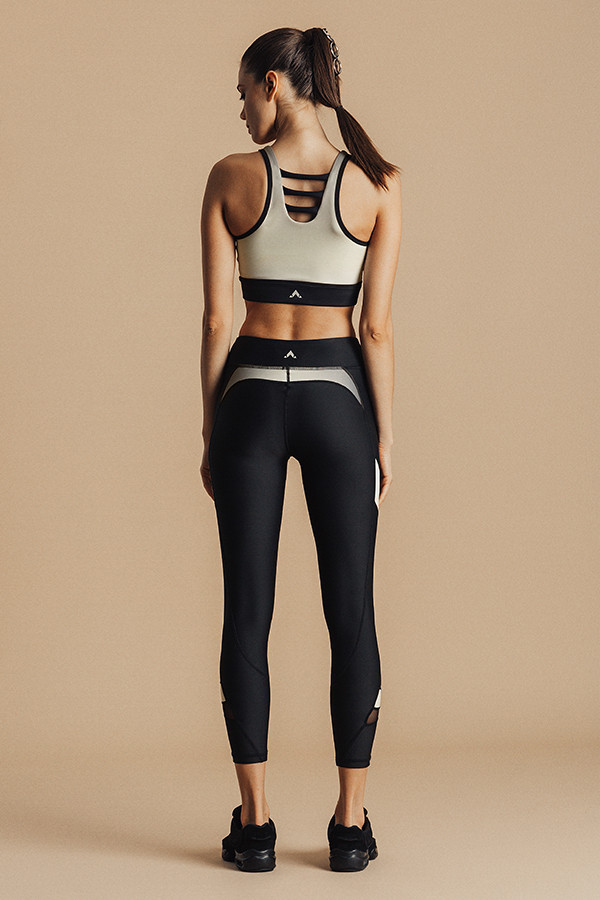
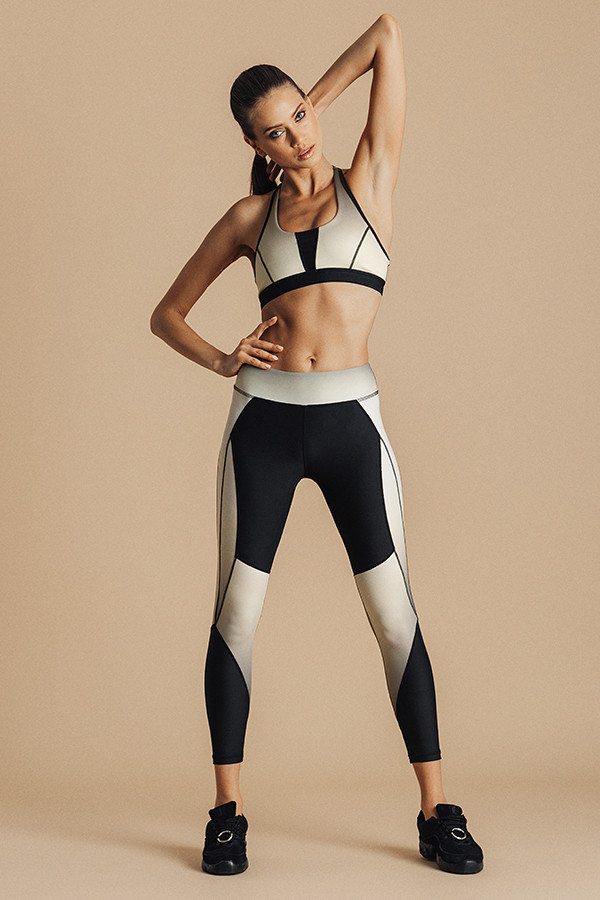
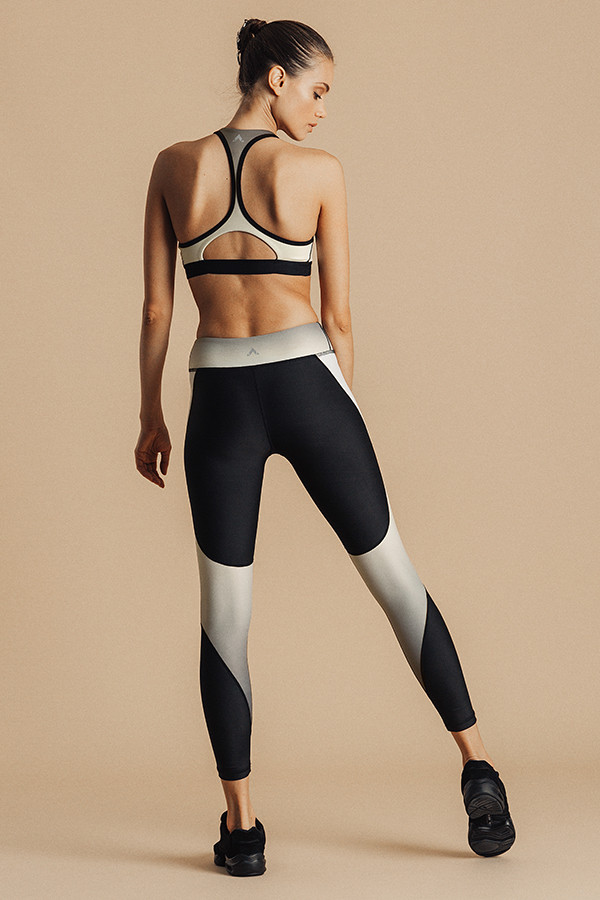
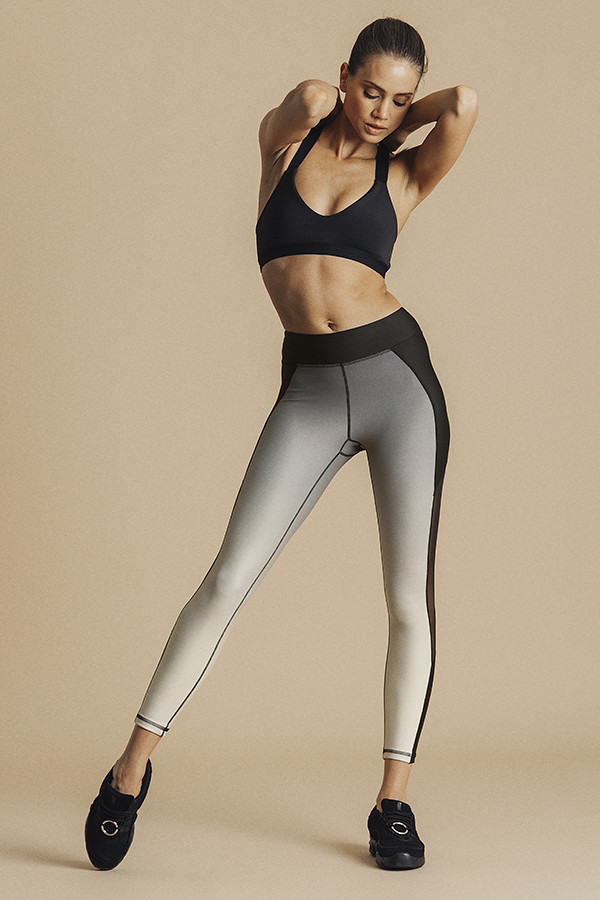
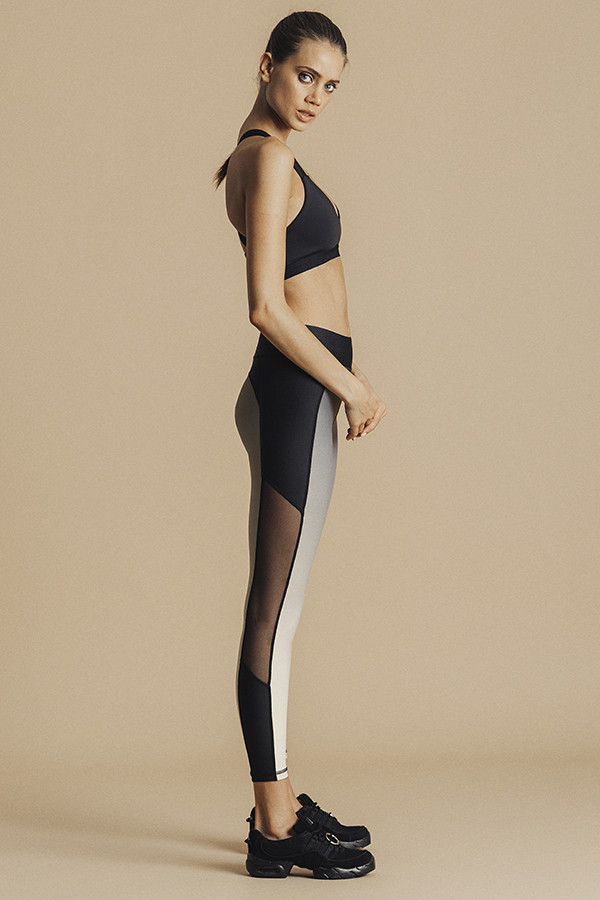
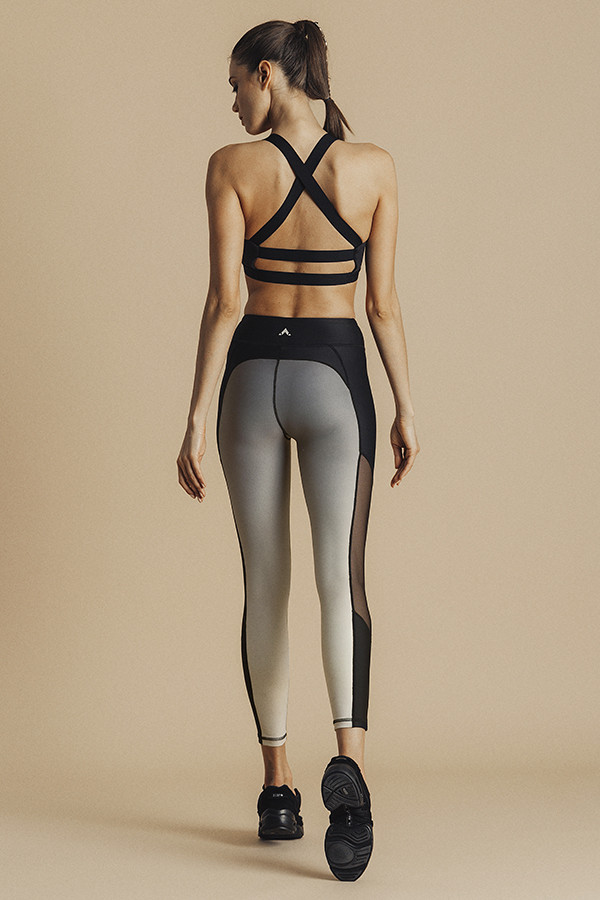
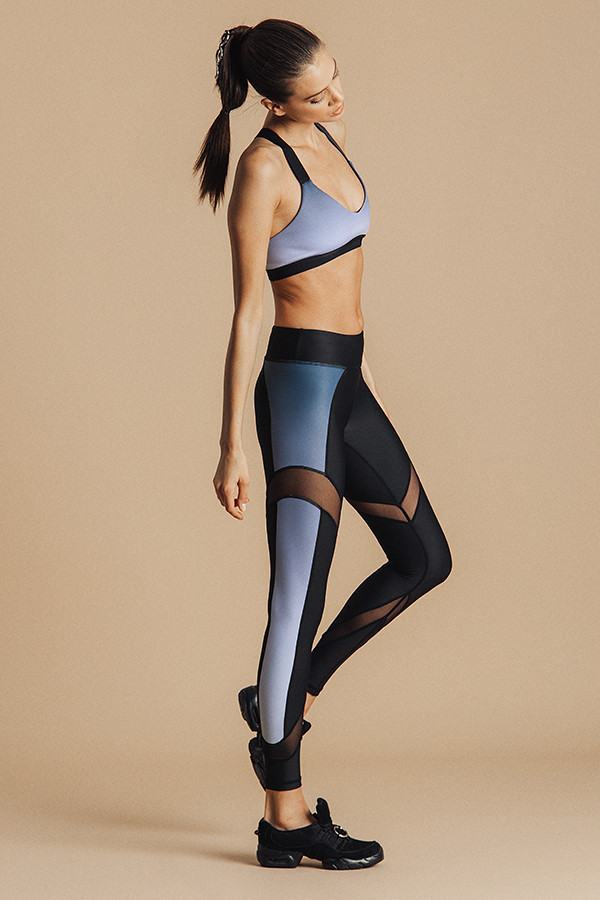
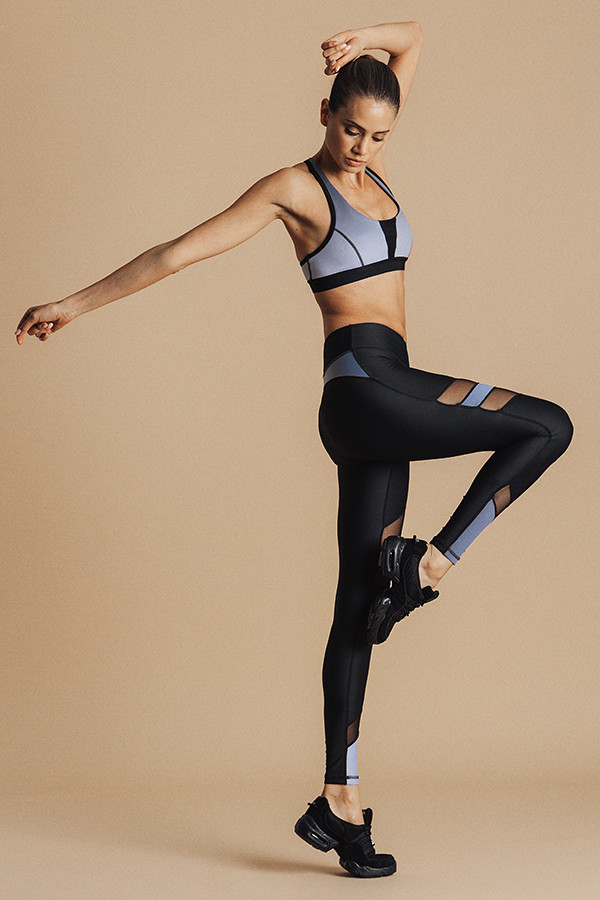
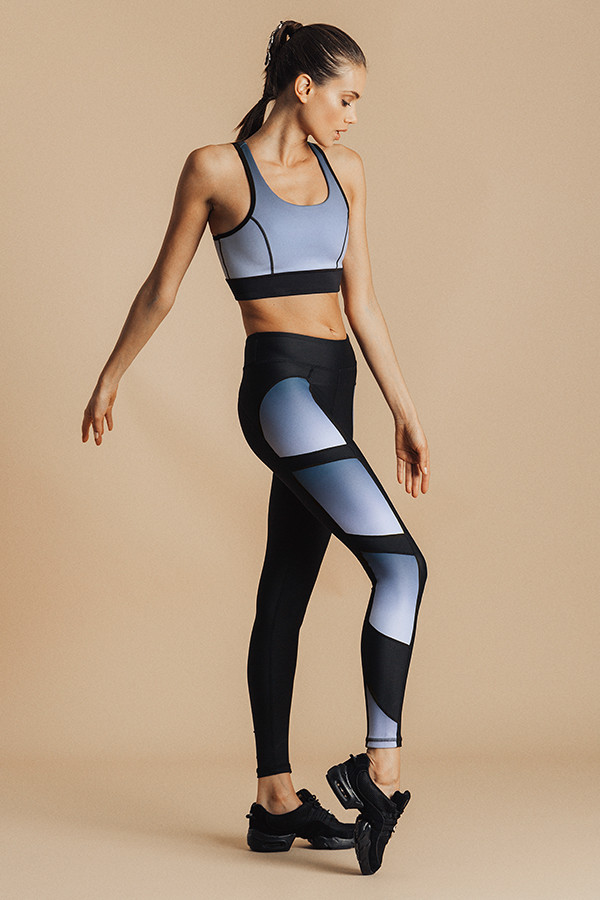
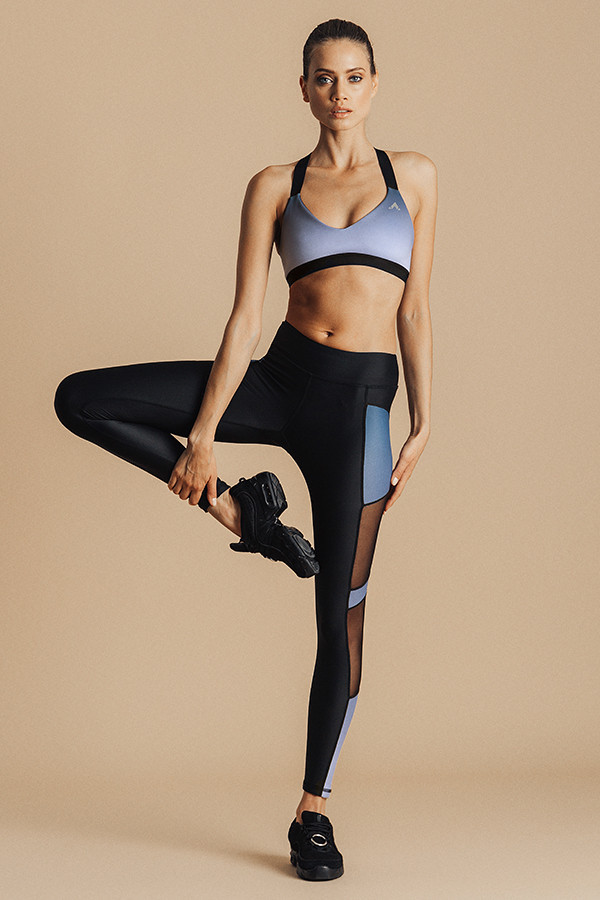
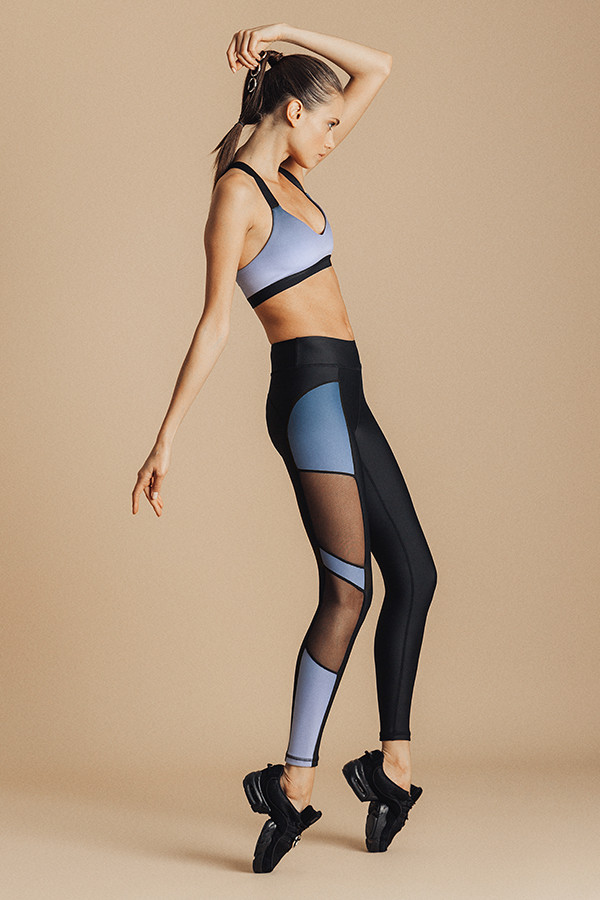
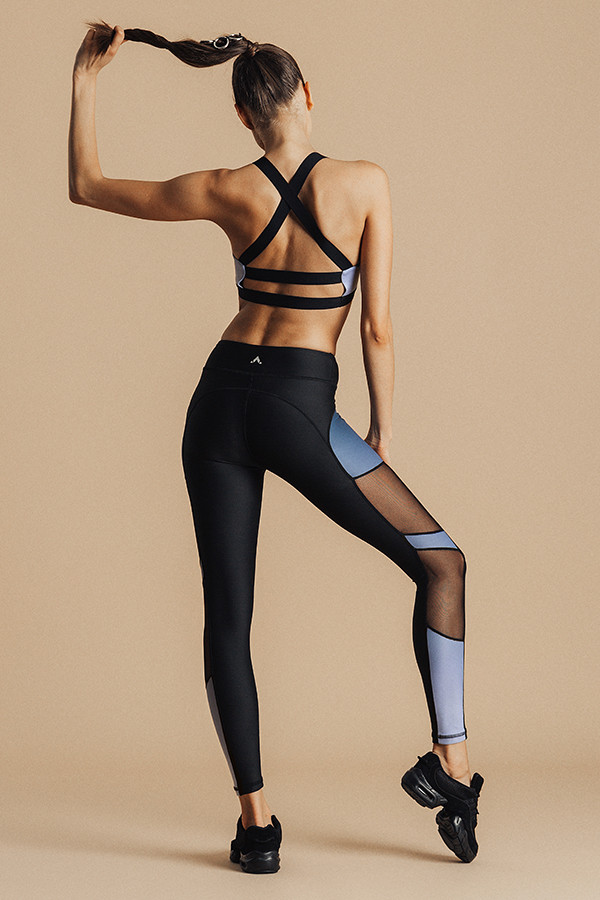
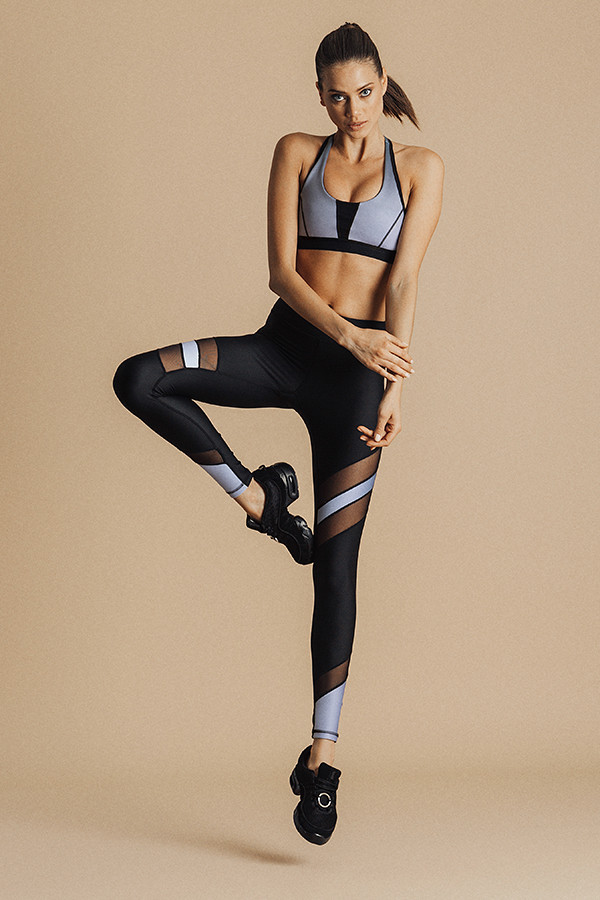
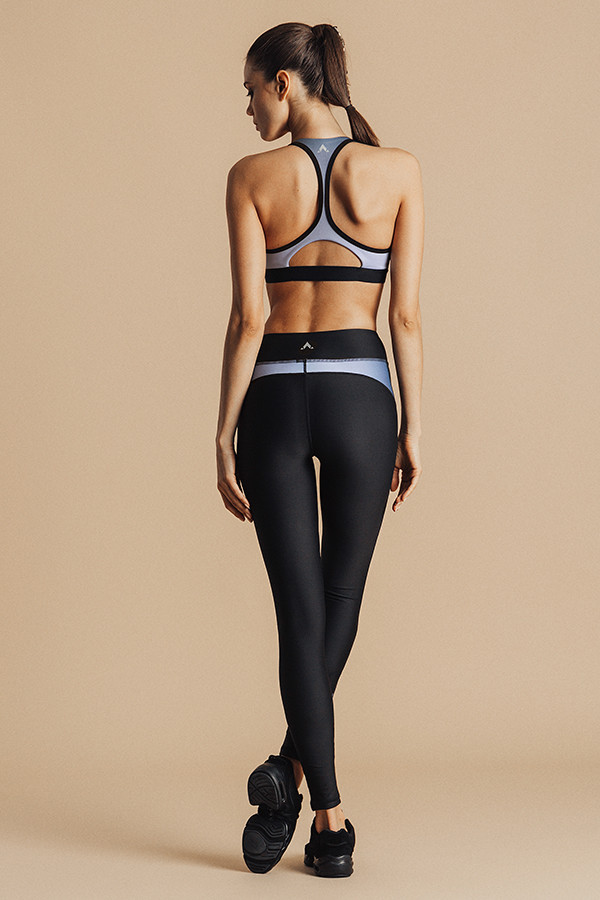
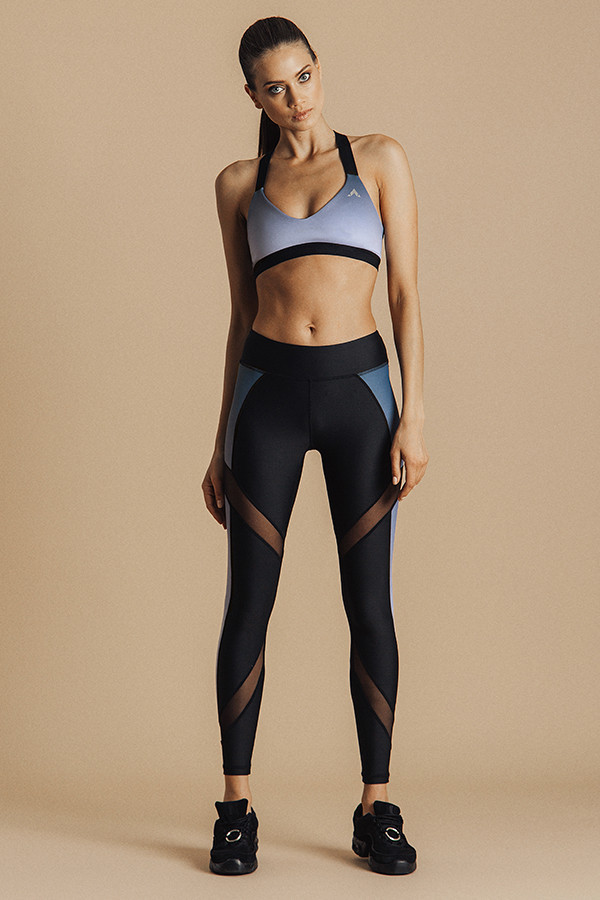
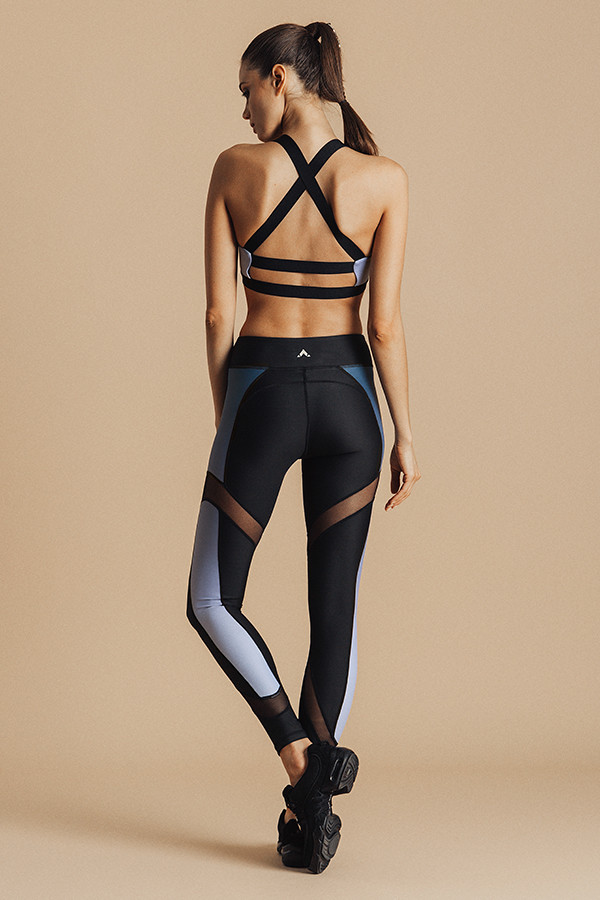
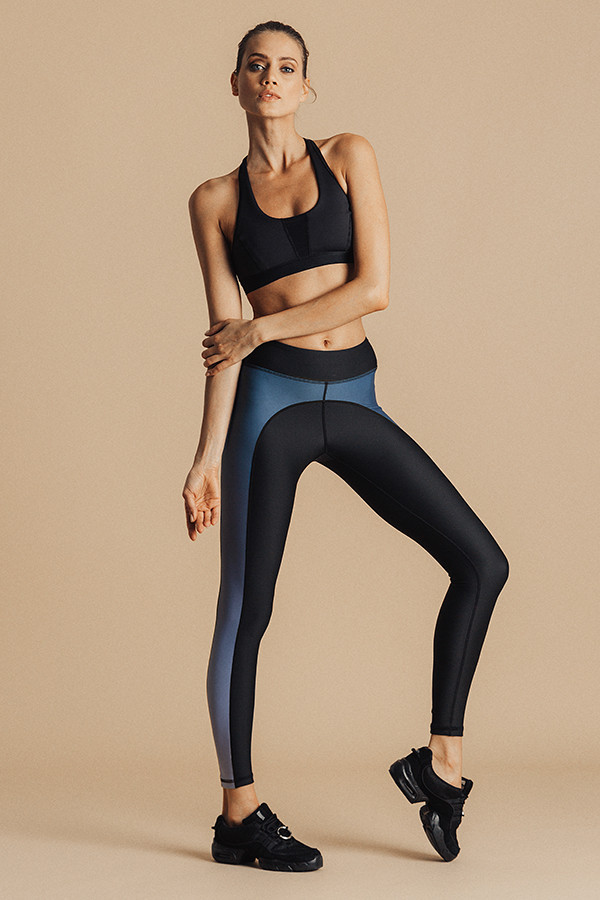
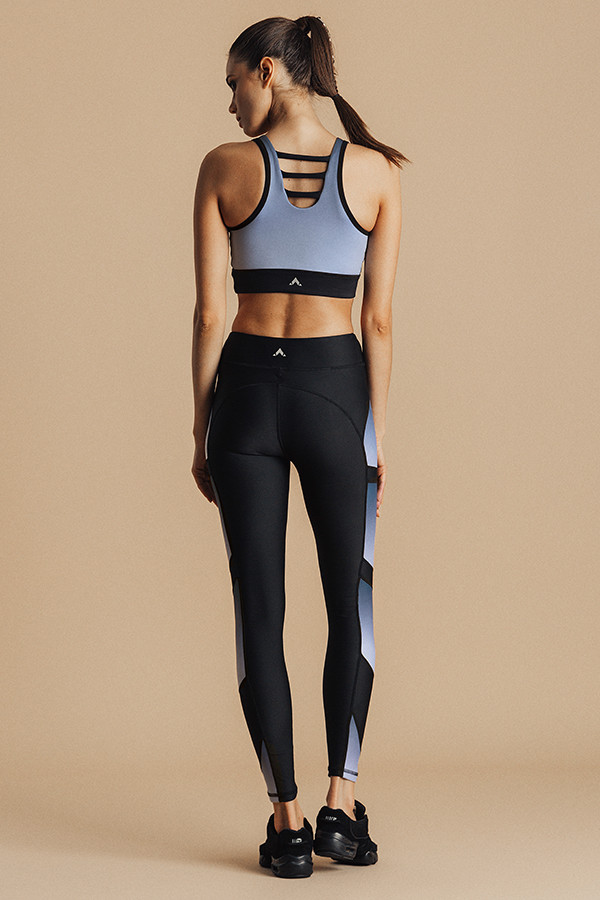
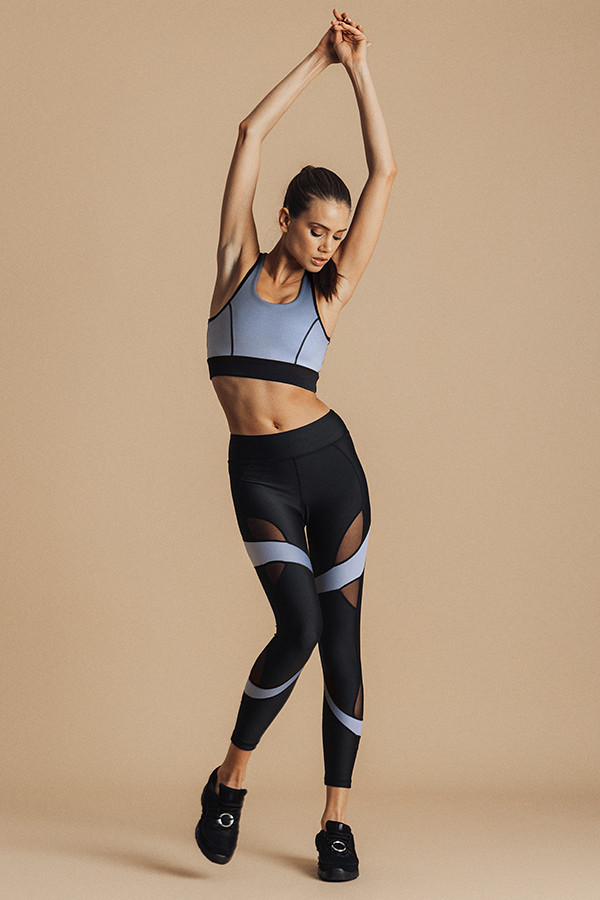
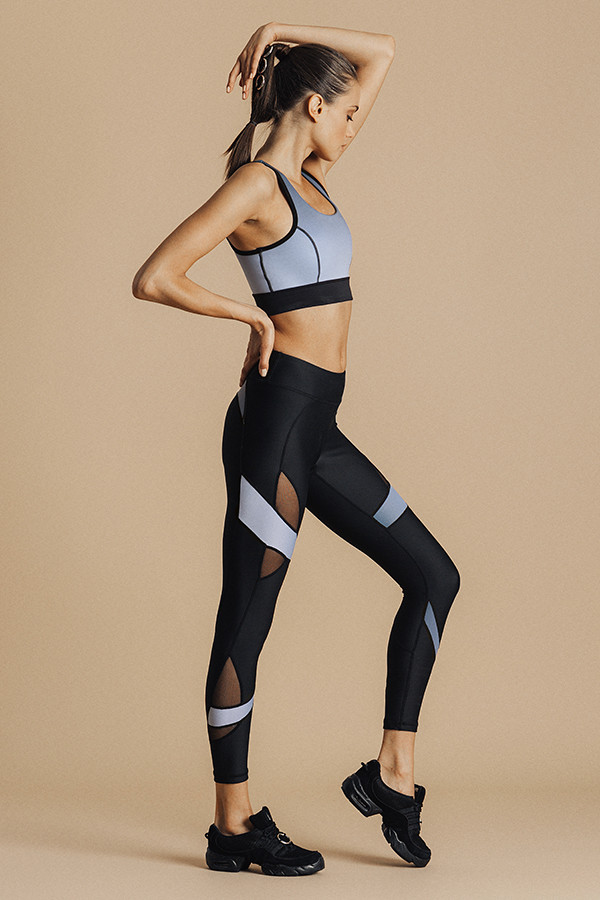
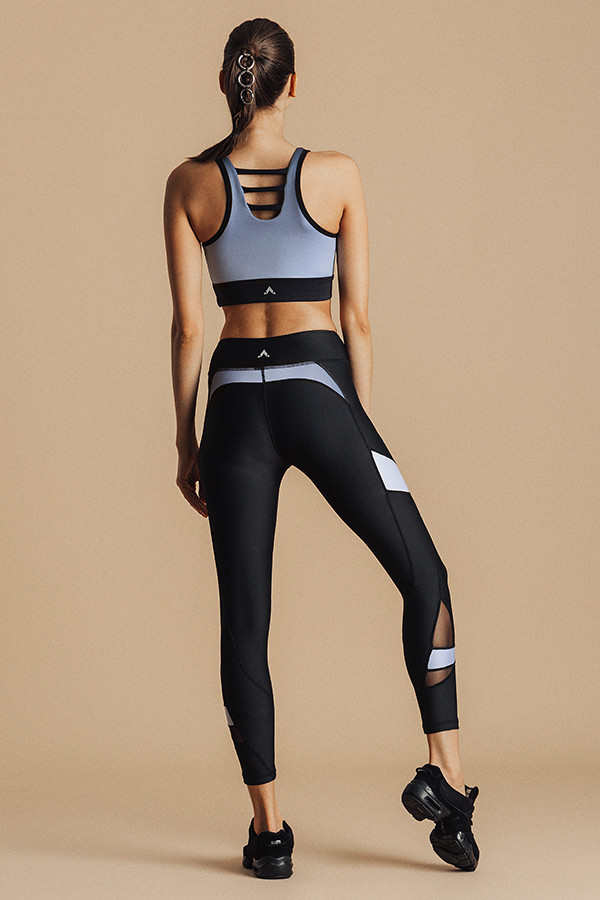
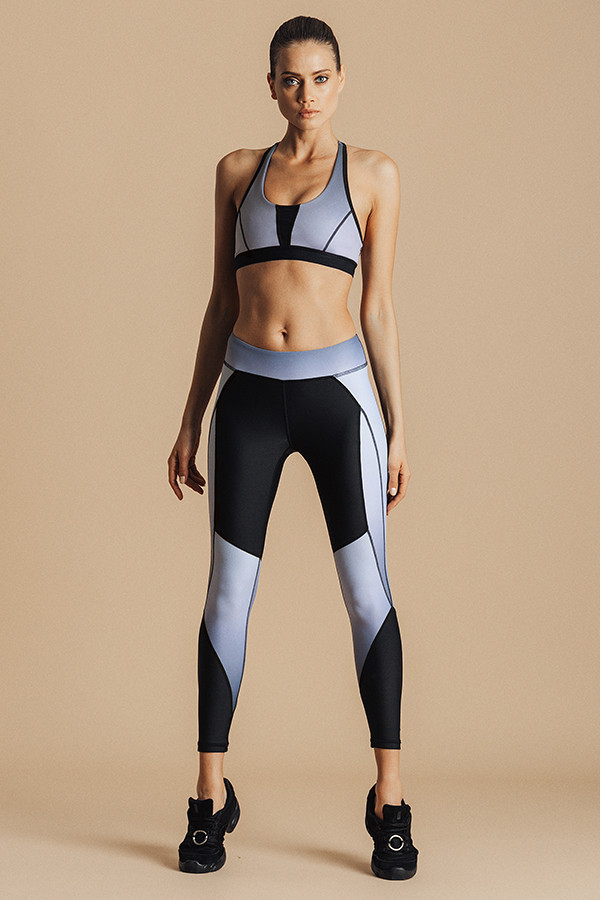
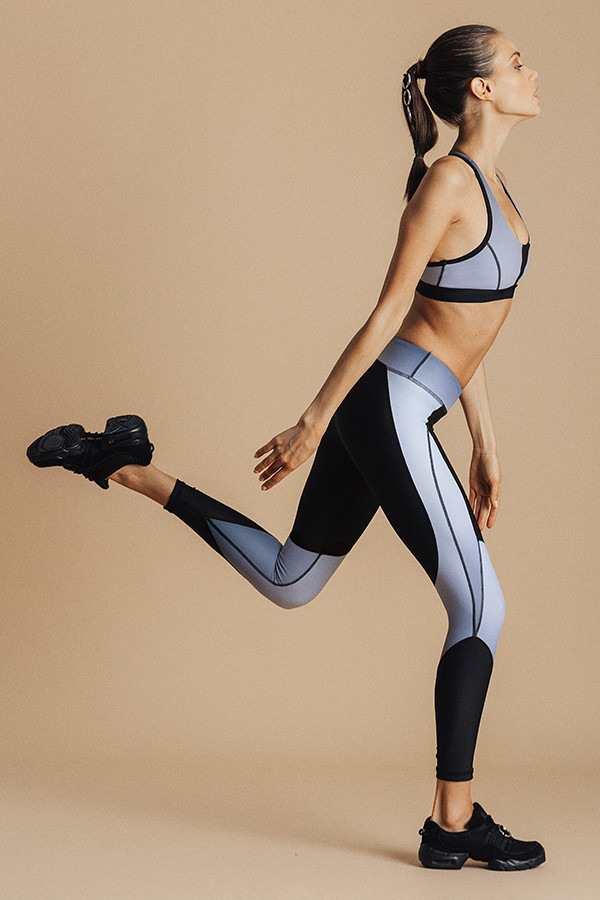
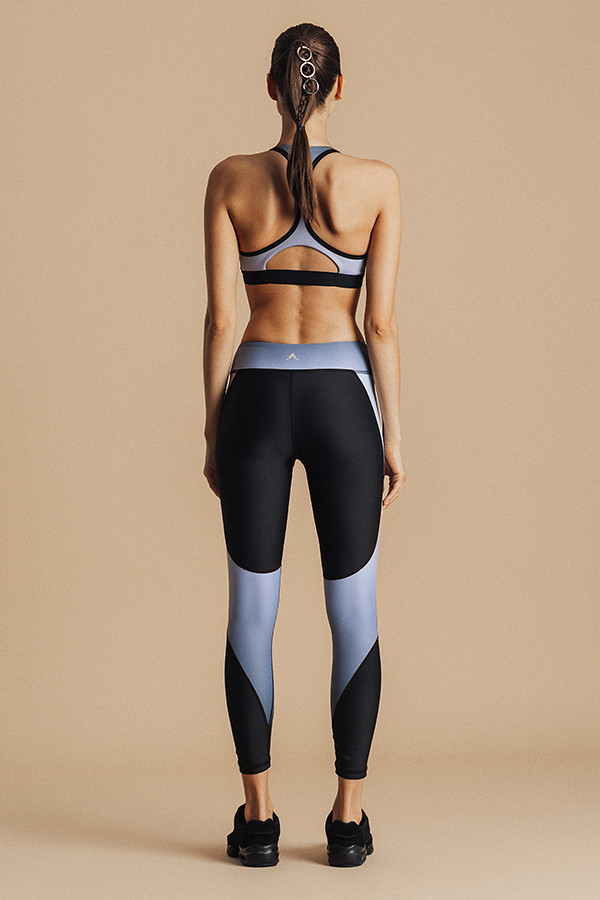
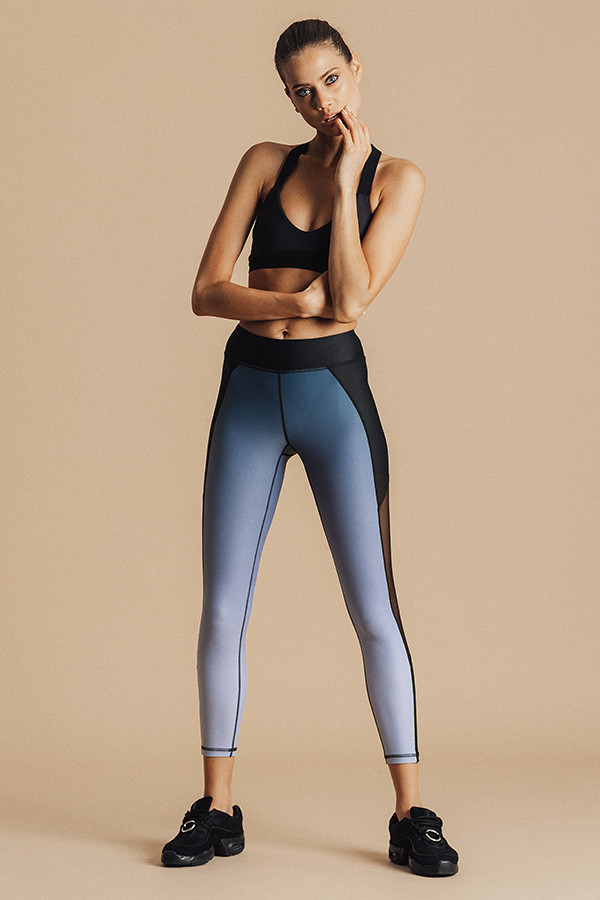
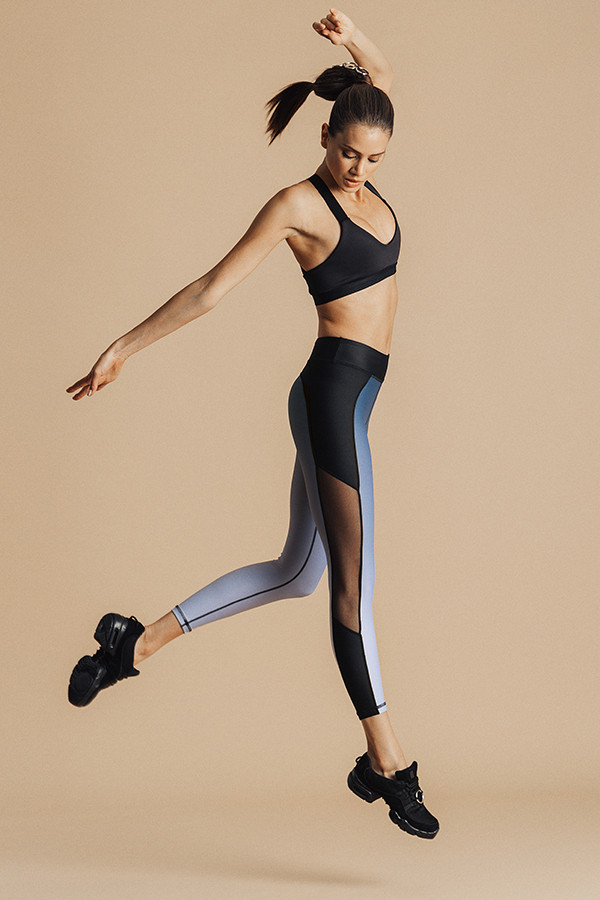
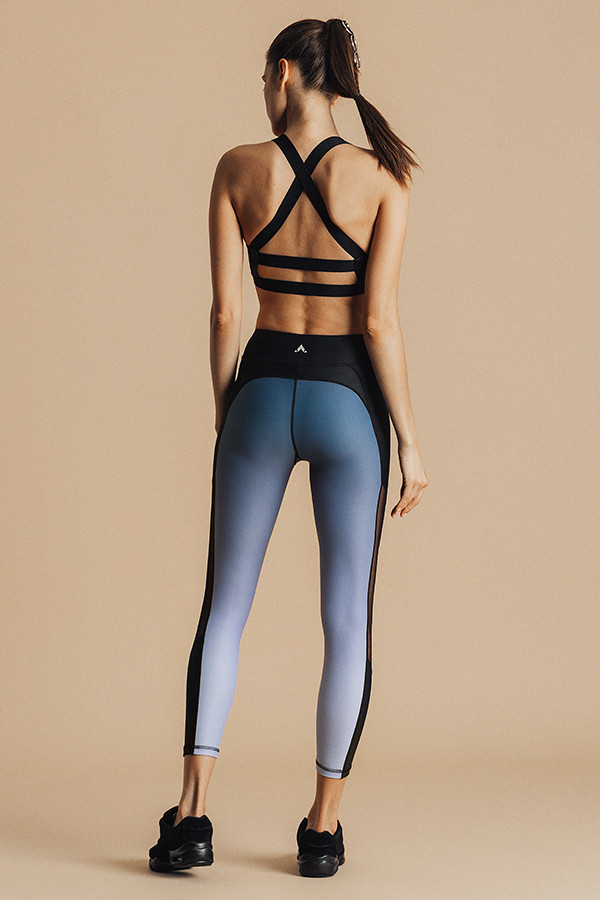
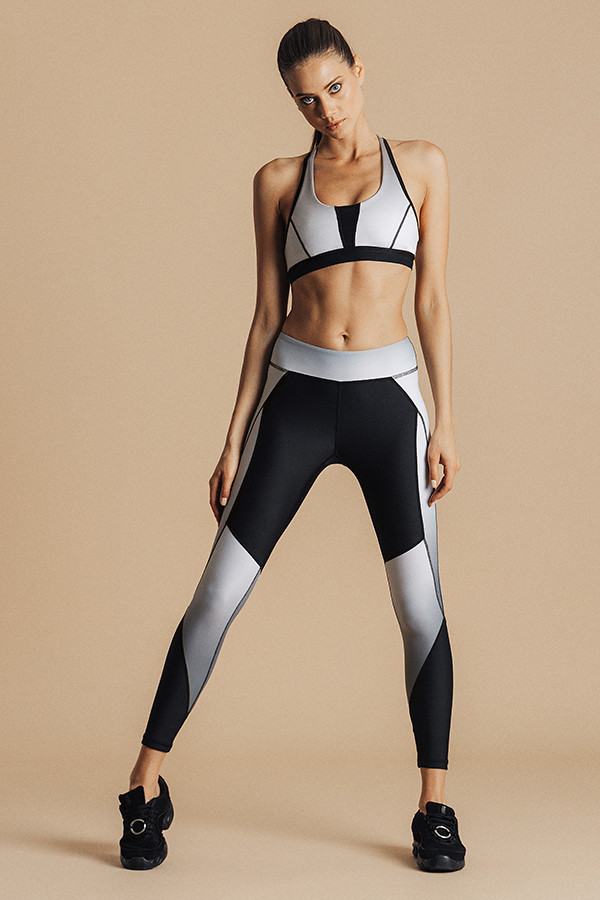
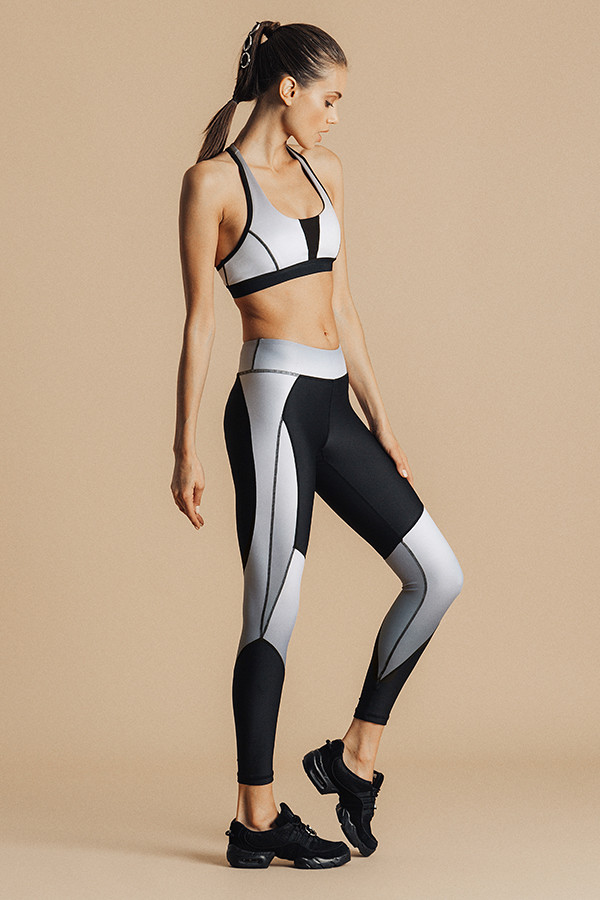
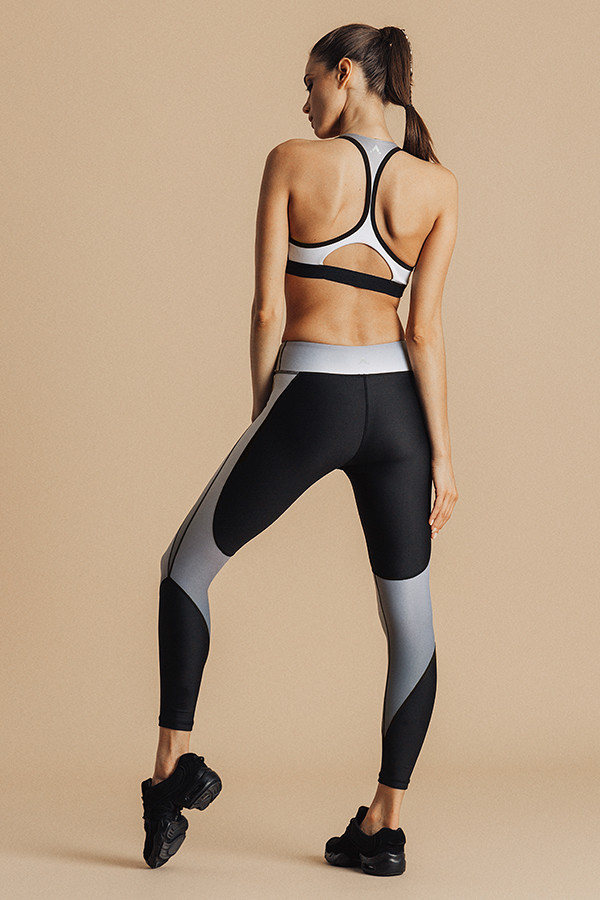
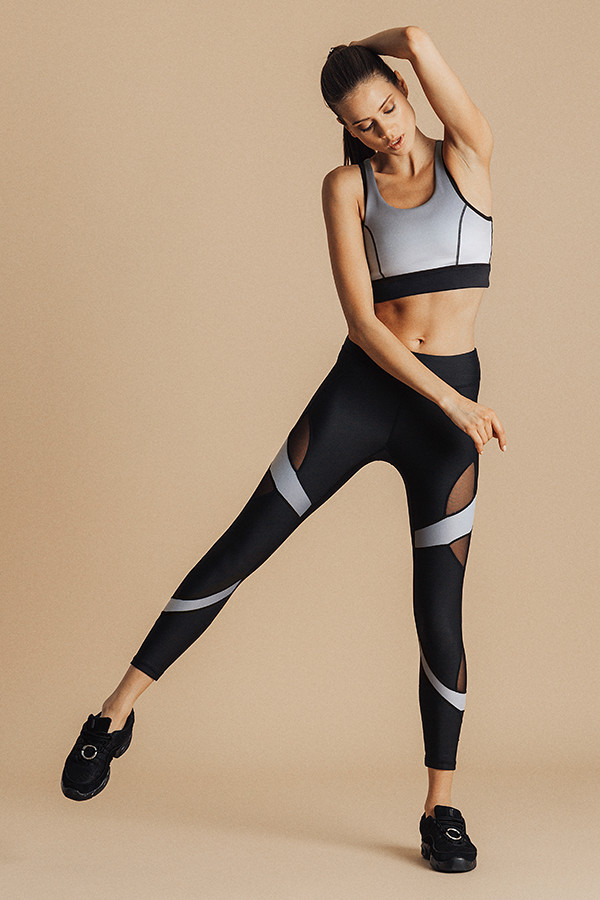
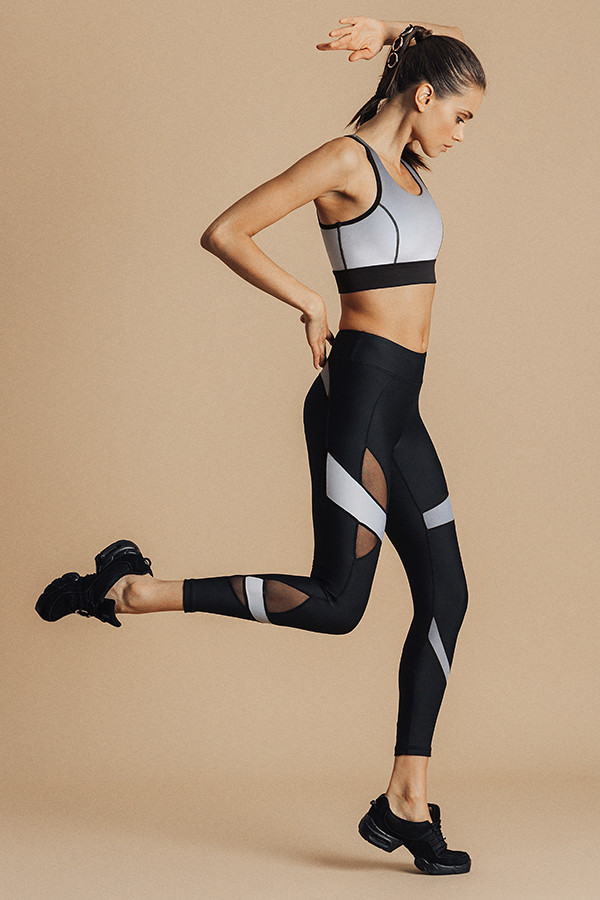
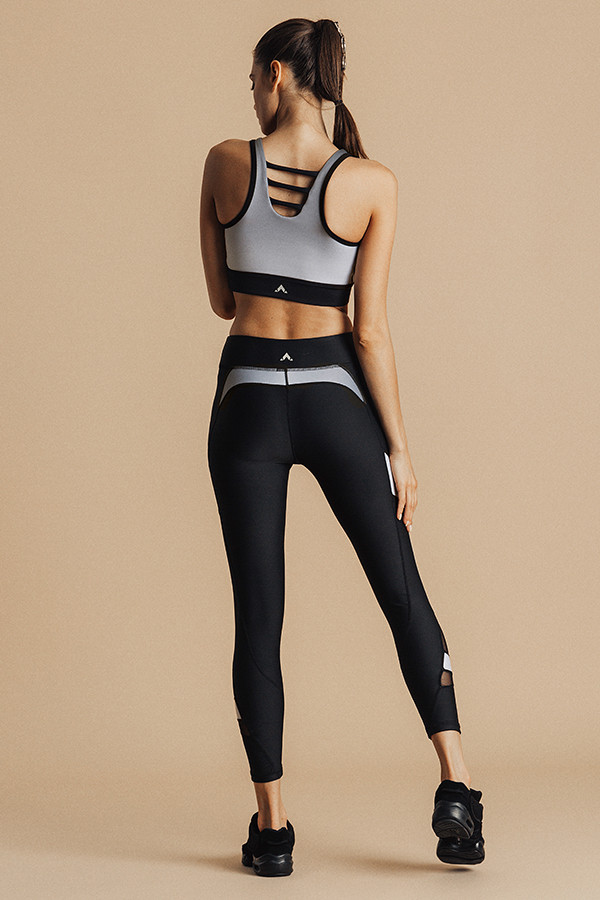
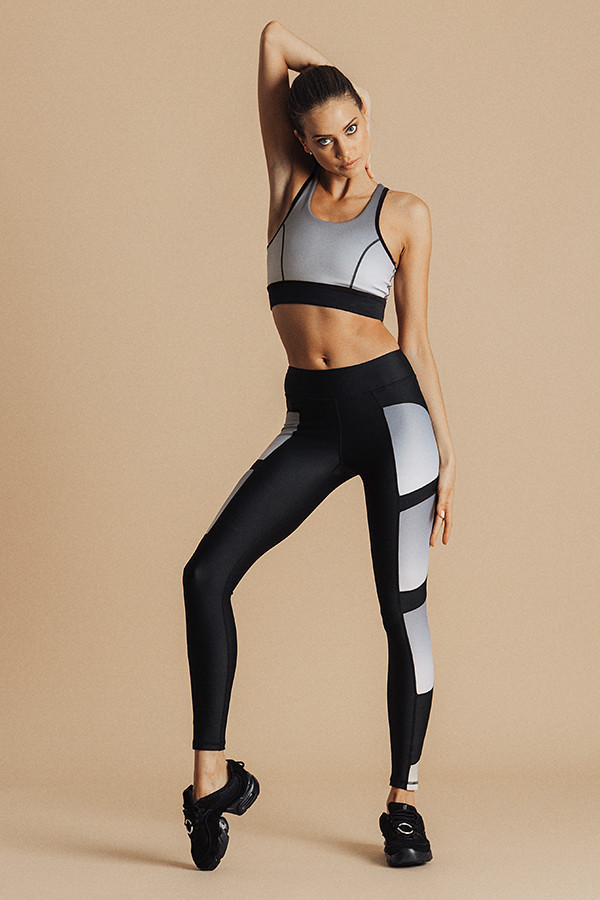
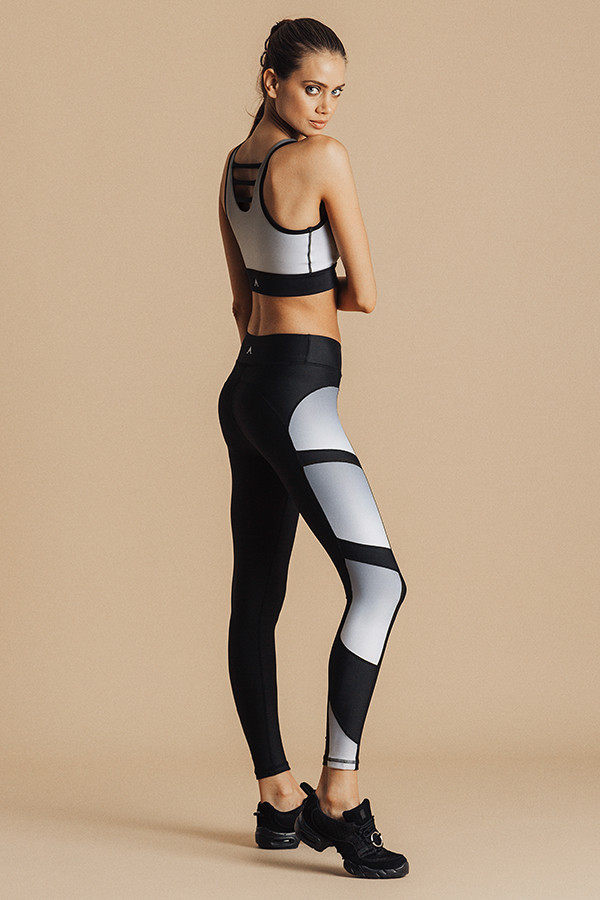
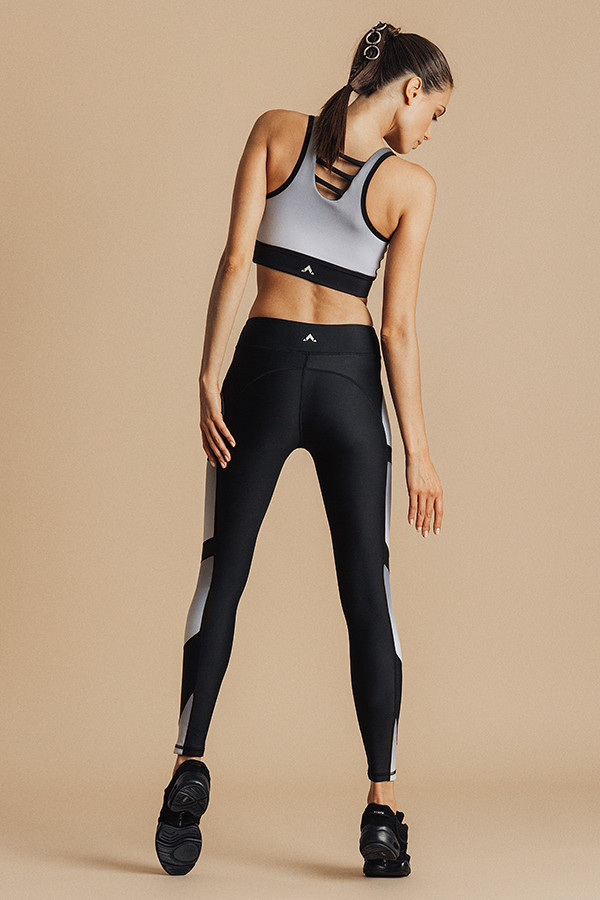
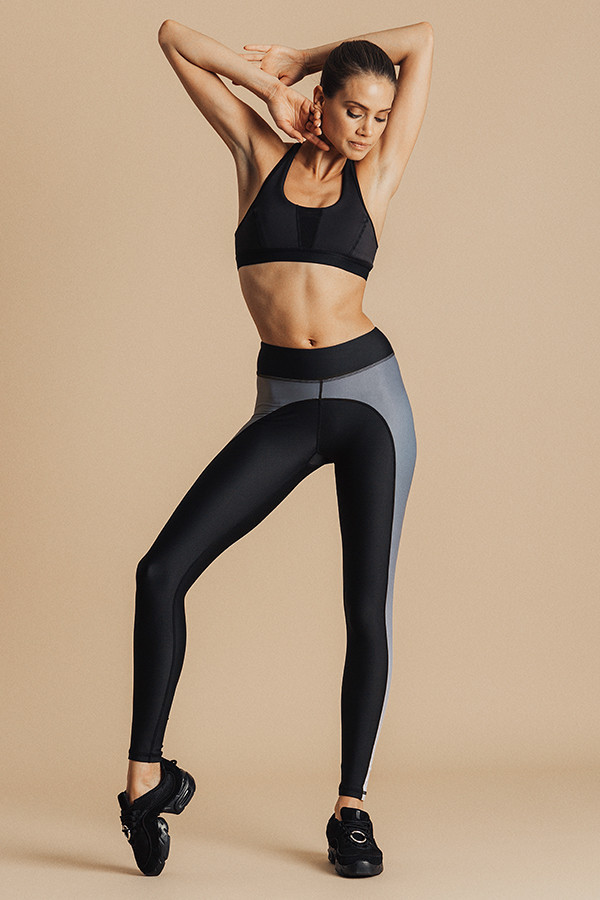
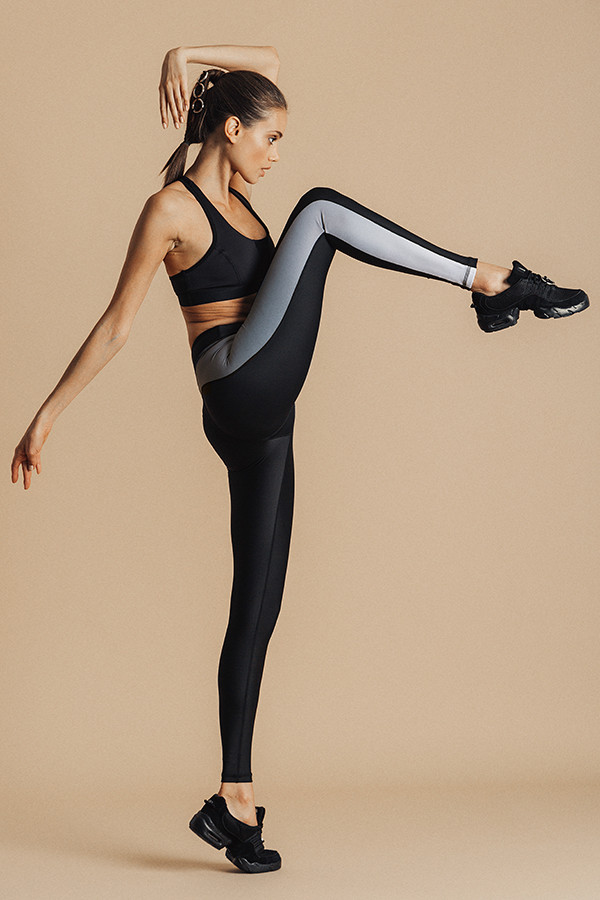
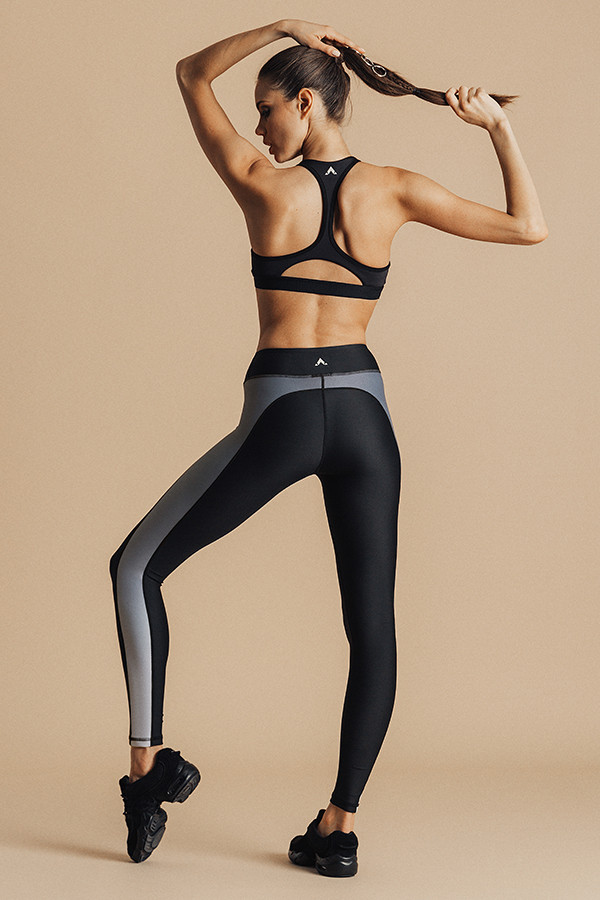
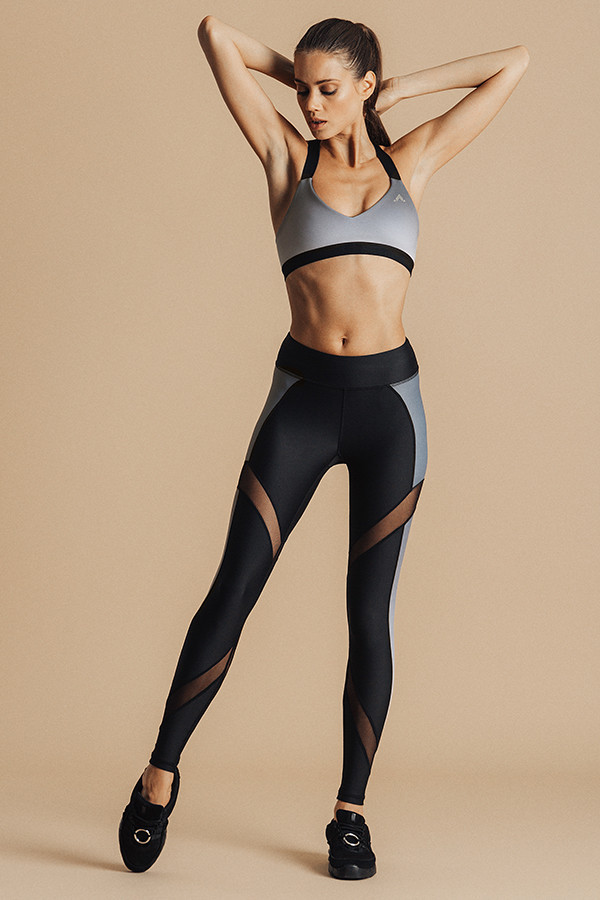
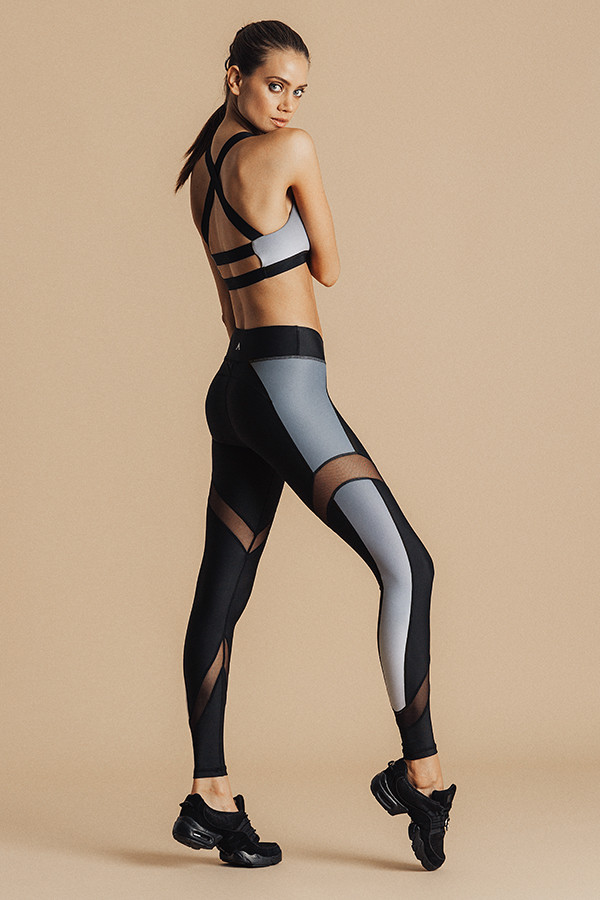
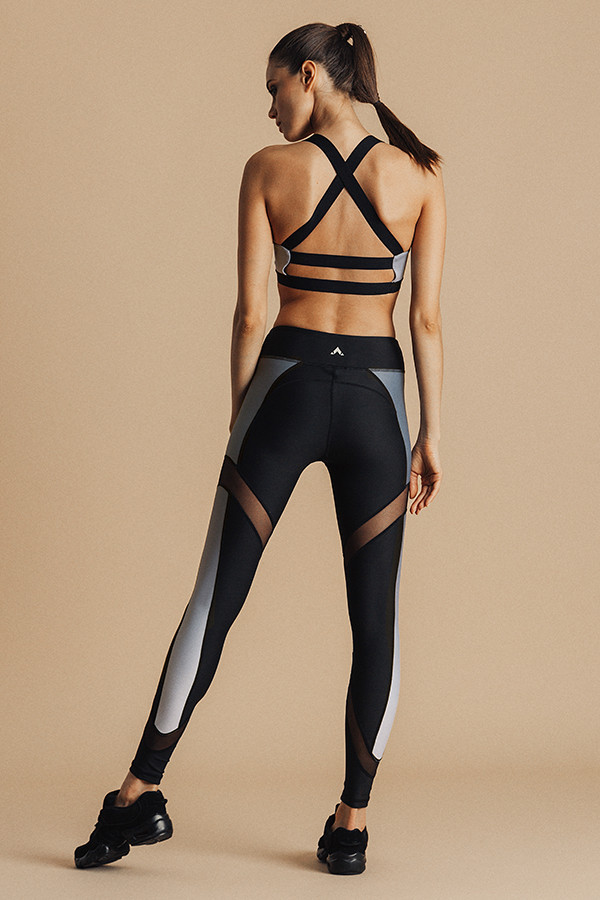
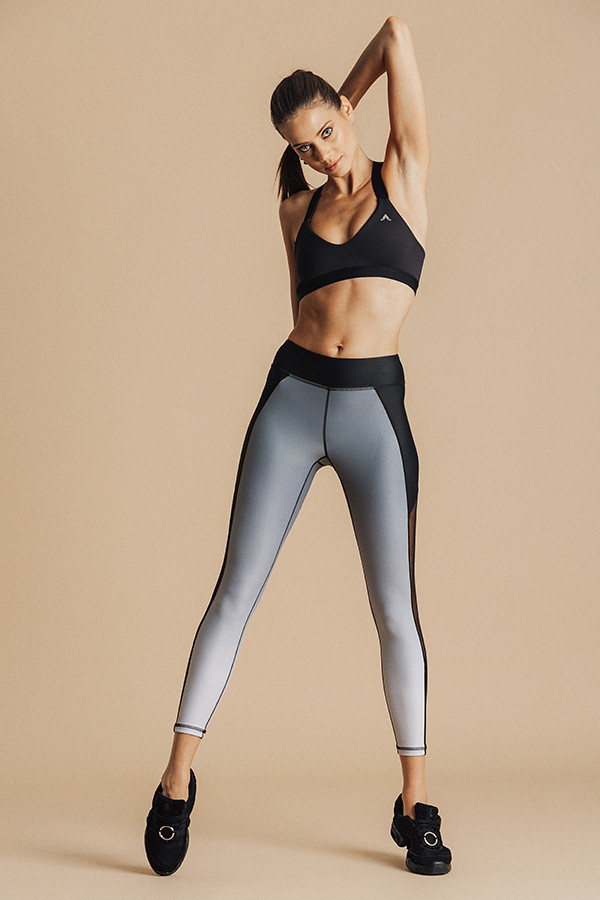
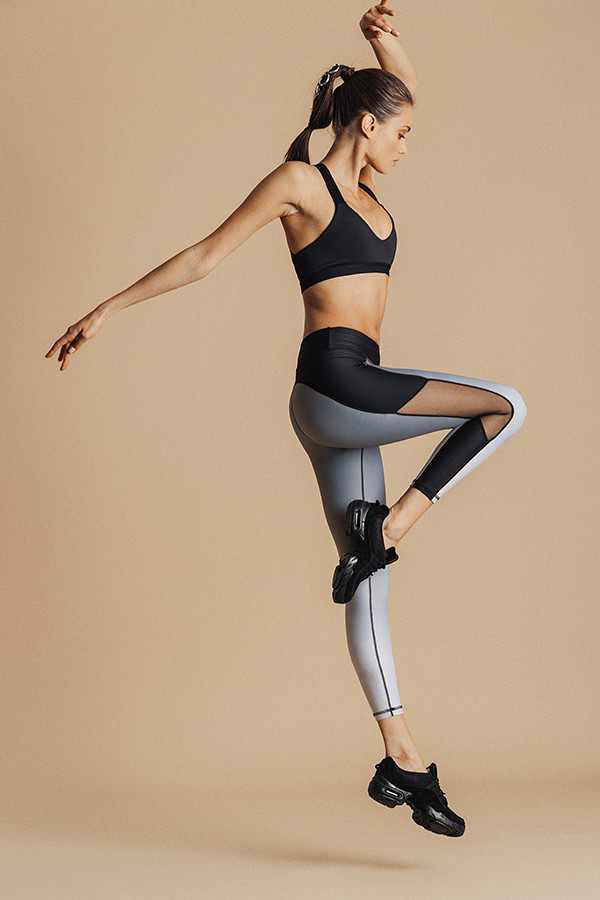
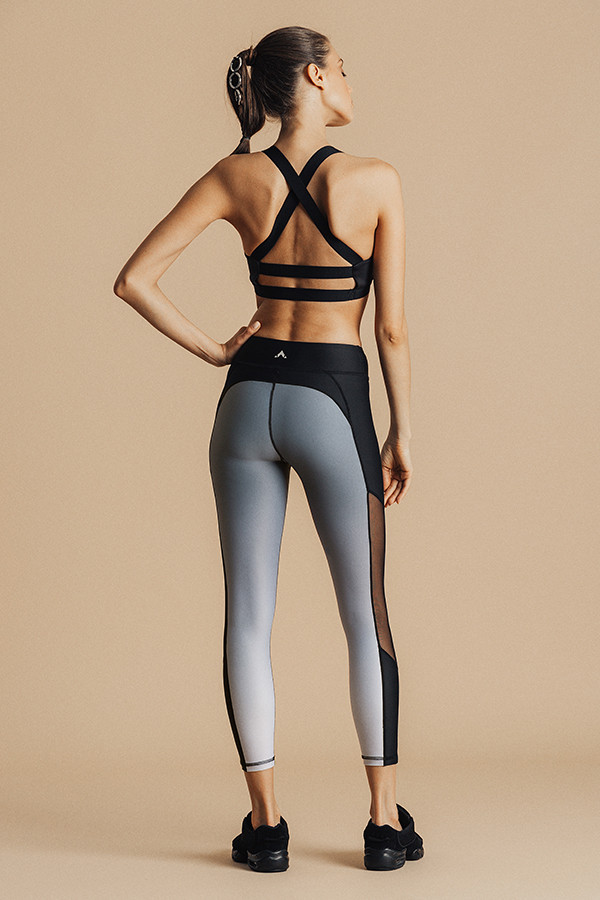
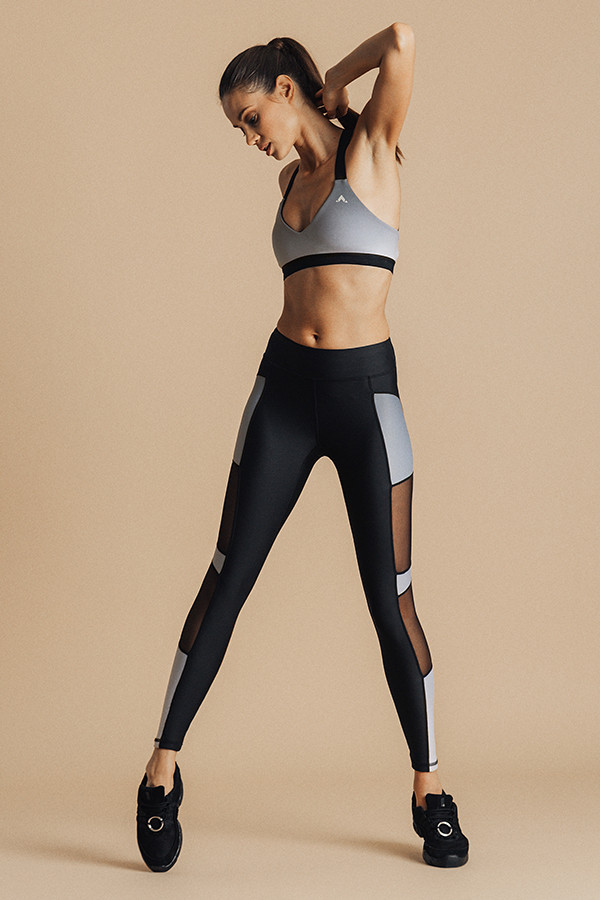
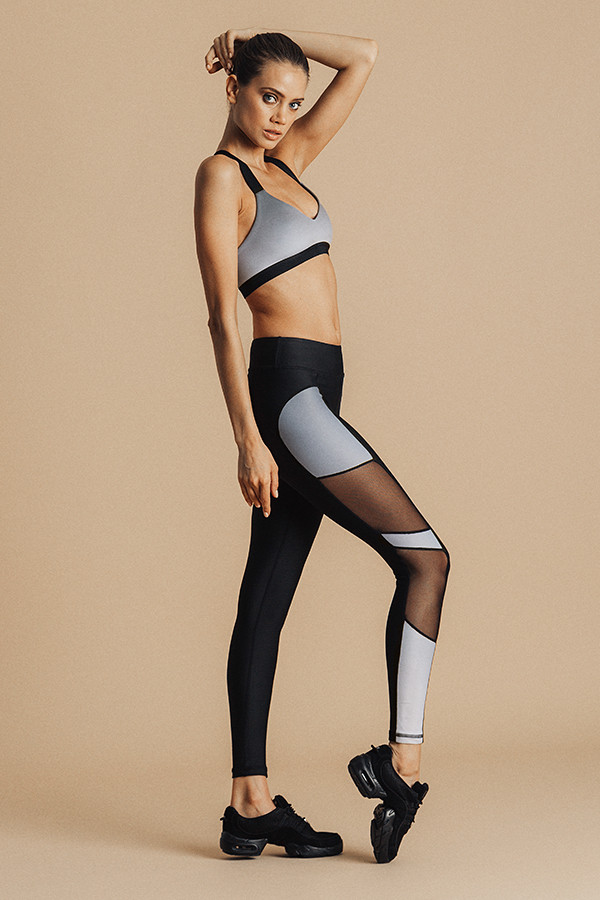
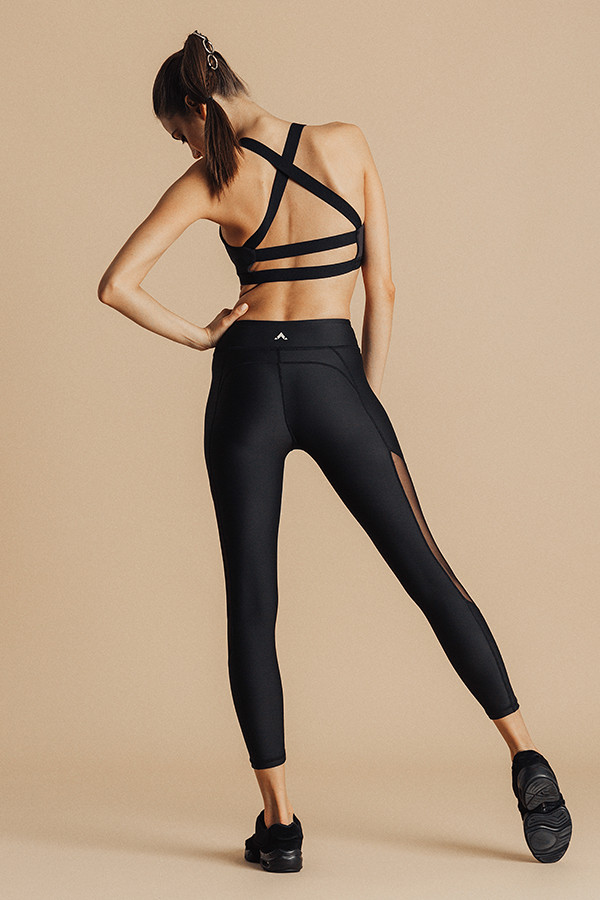
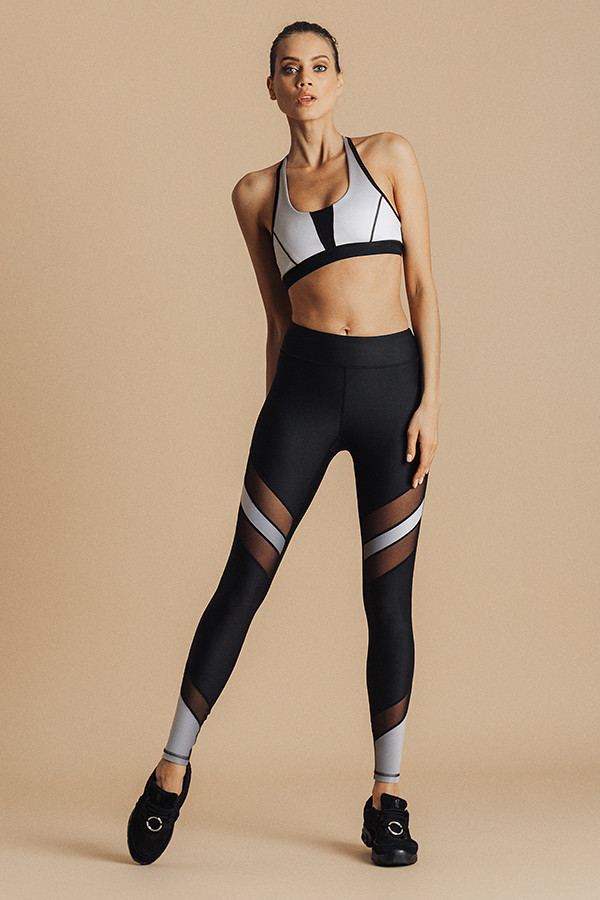
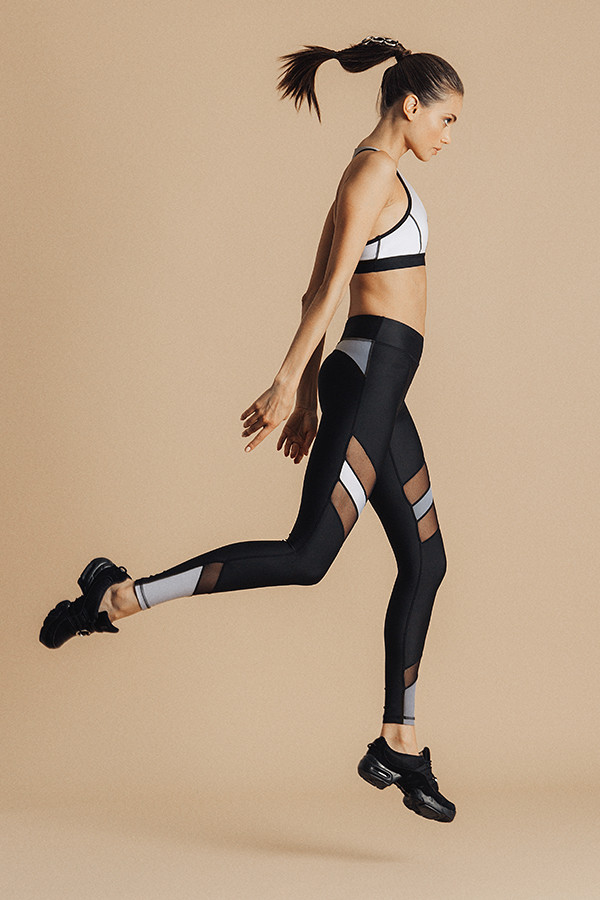
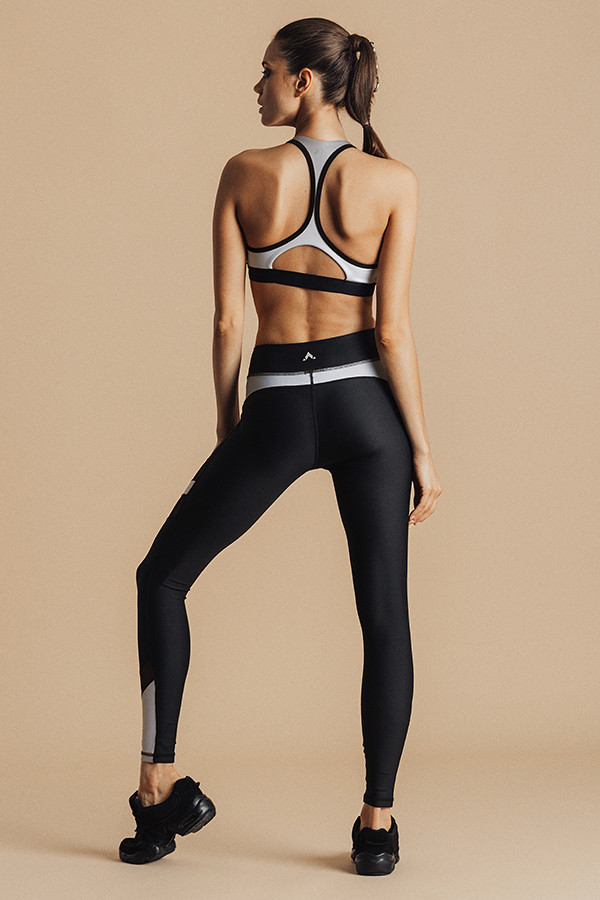
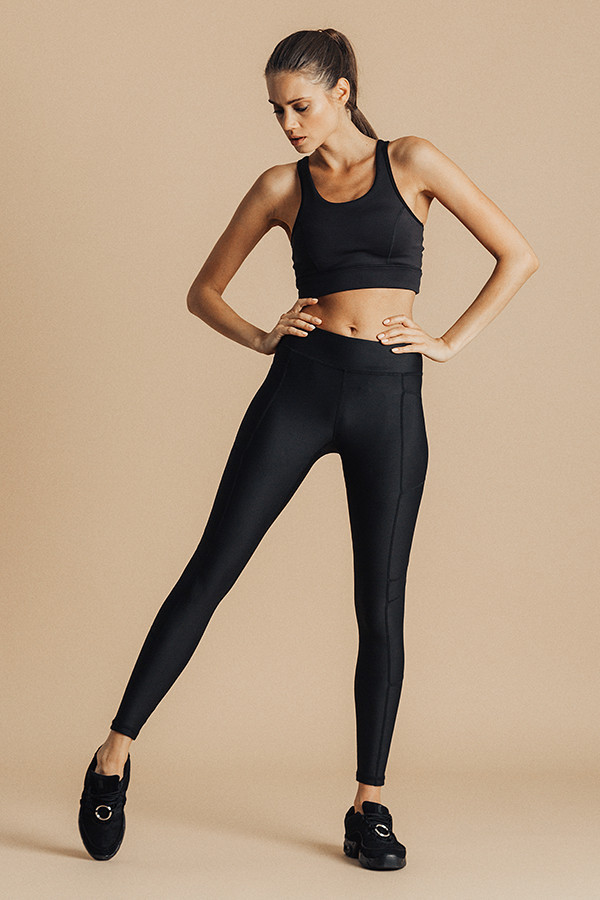
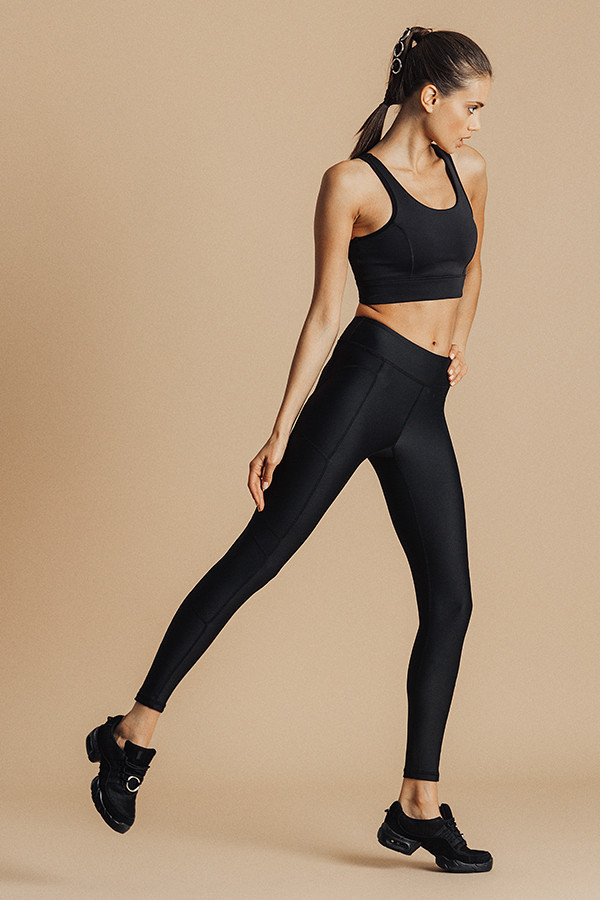
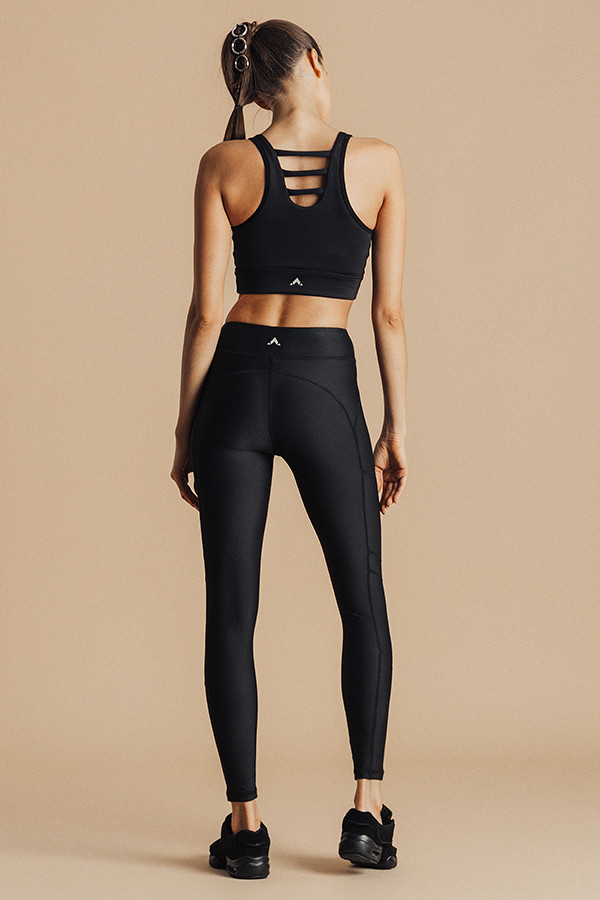
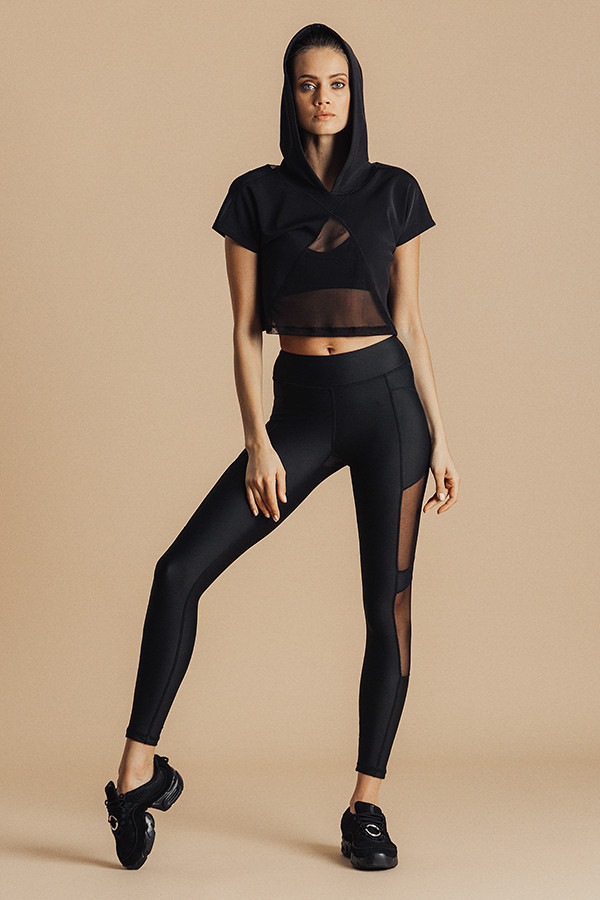
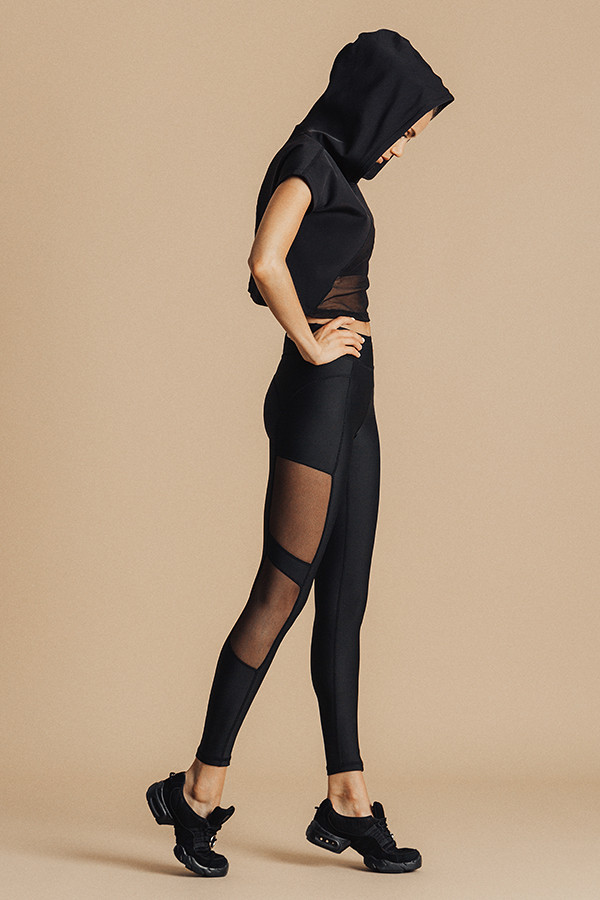
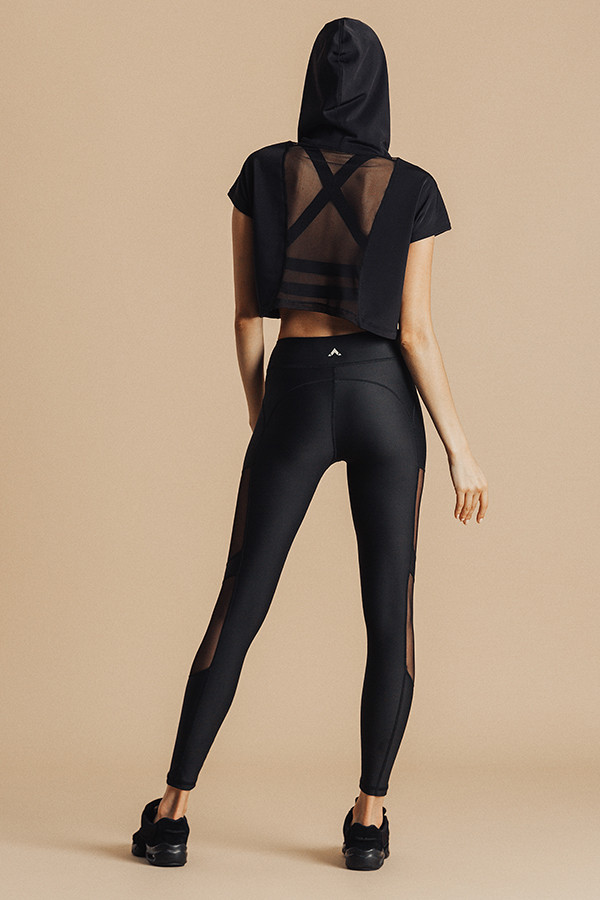
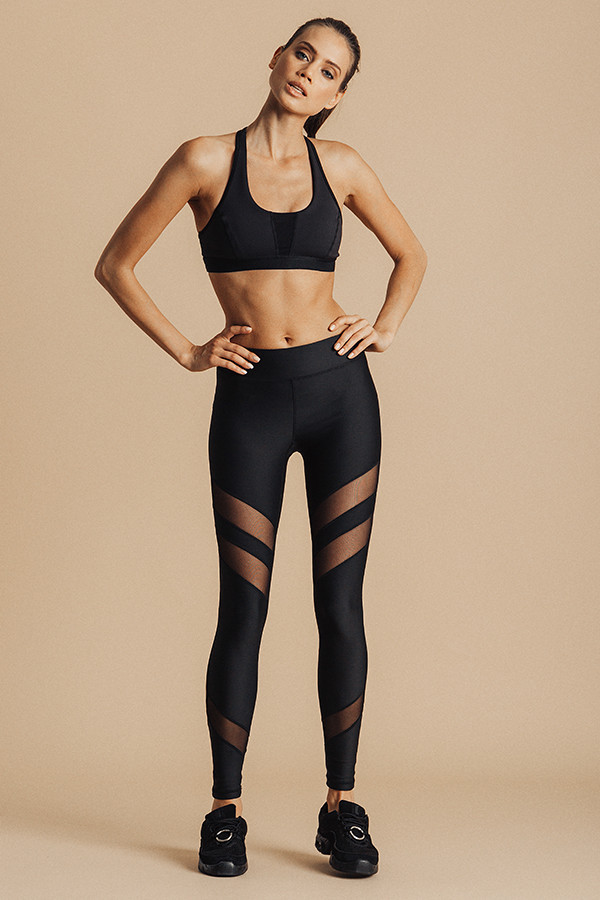
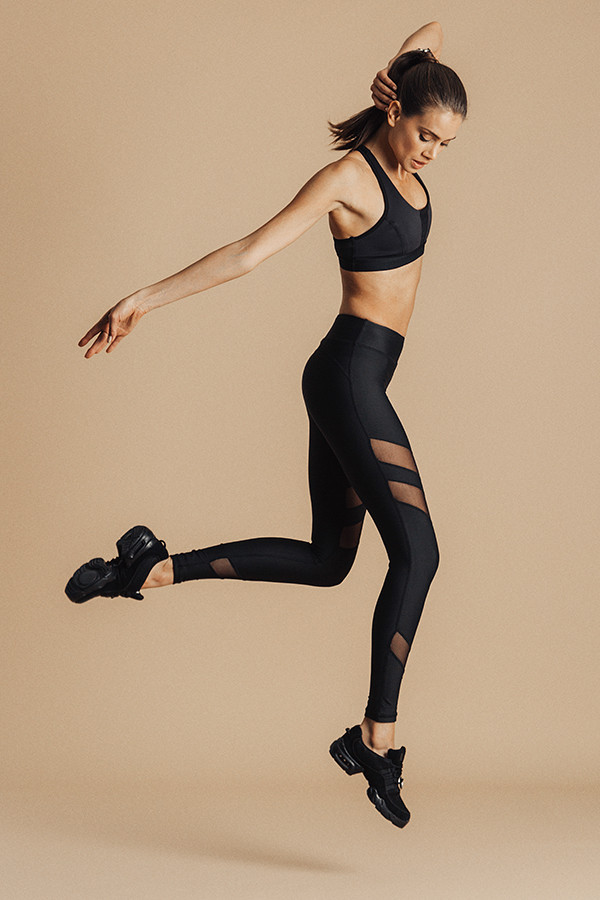
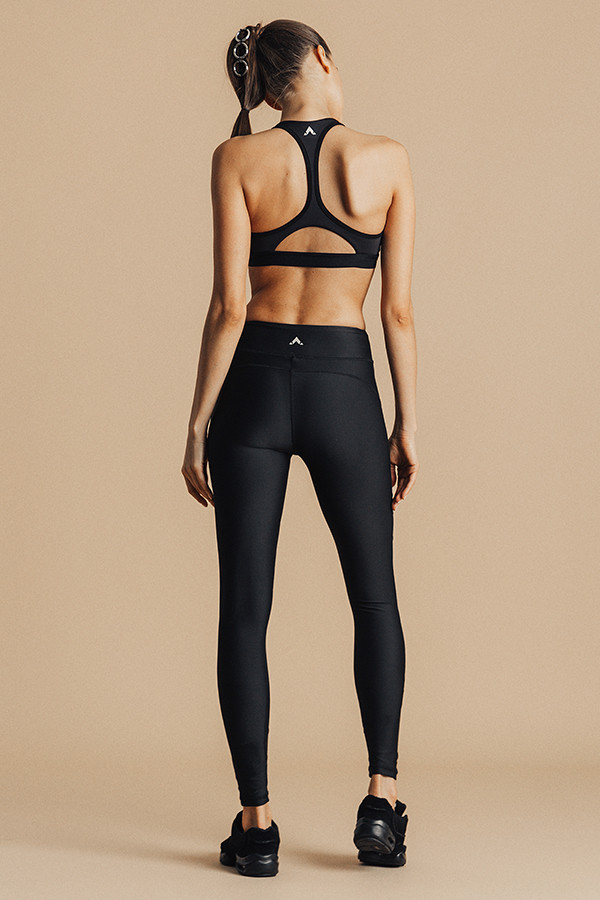
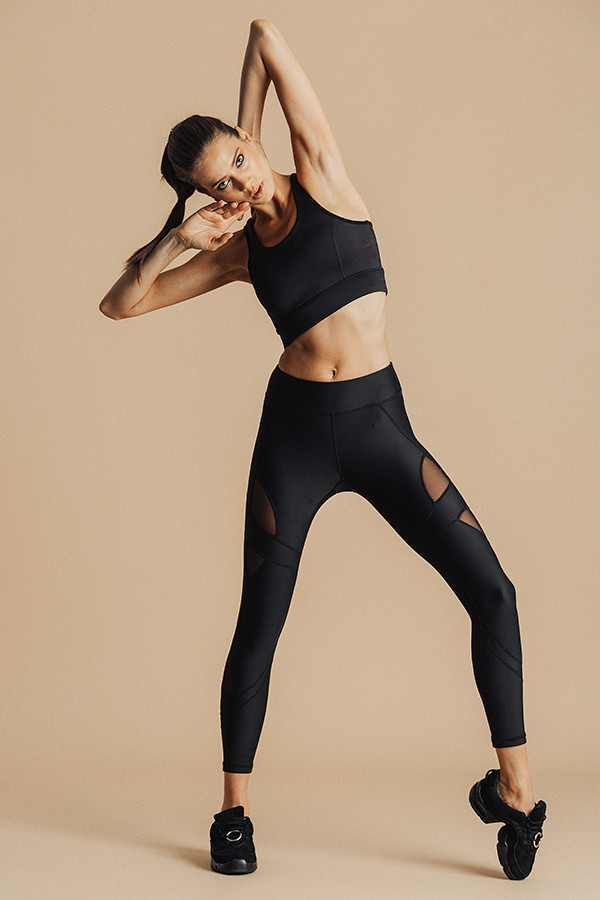
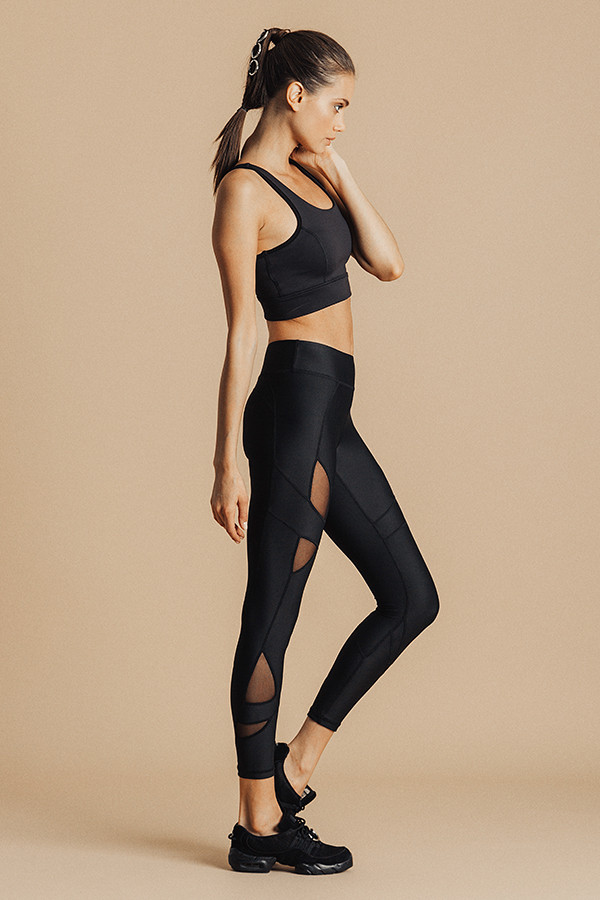
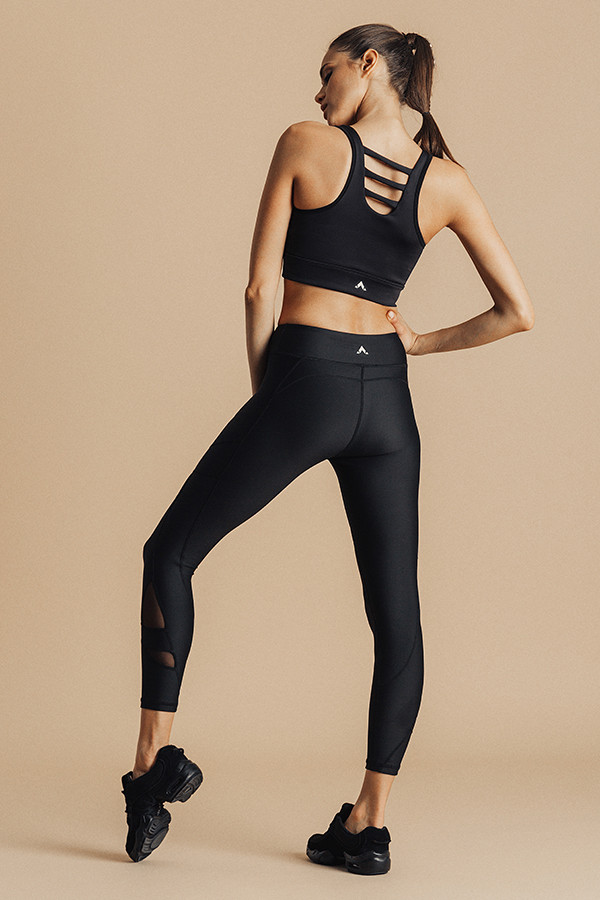
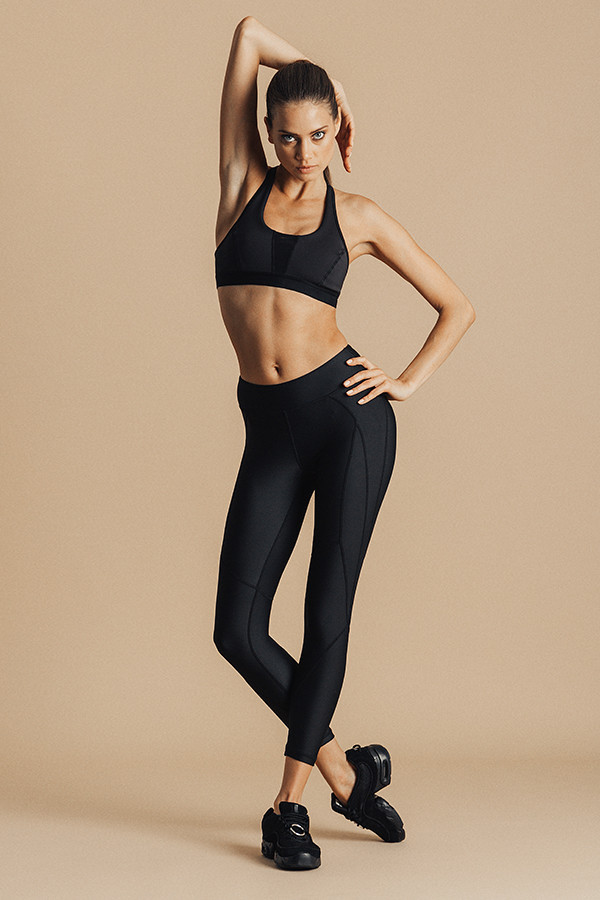
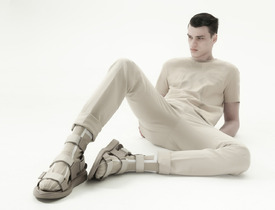 Underlash Activewear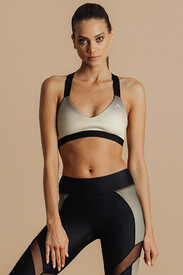
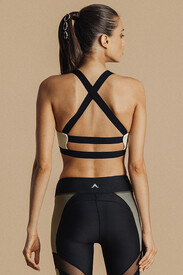
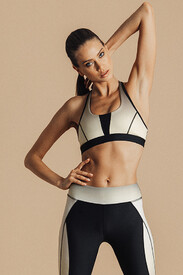
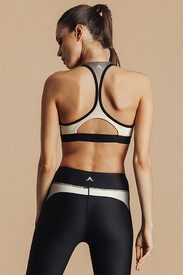
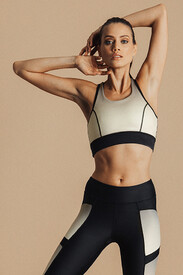
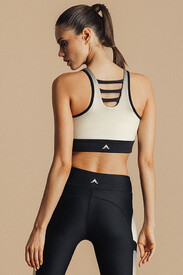
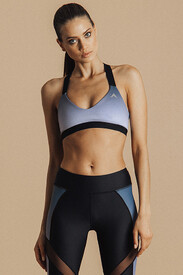
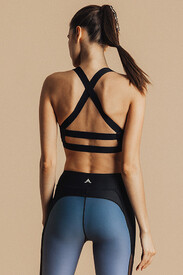
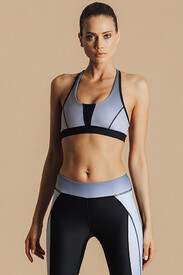
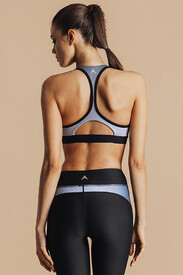
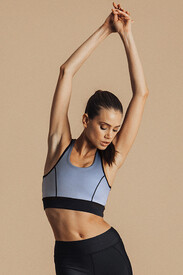
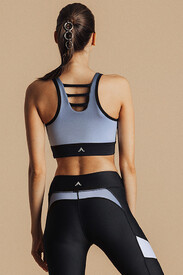
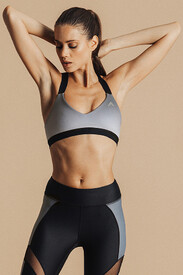
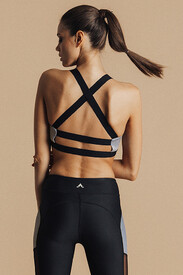
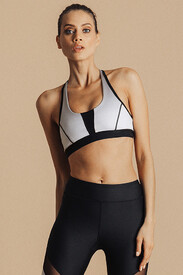
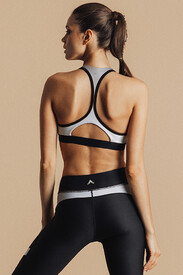
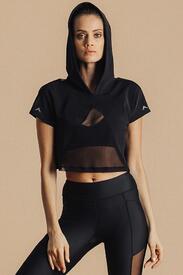
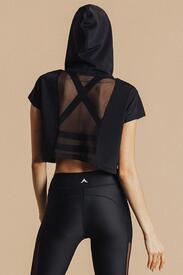
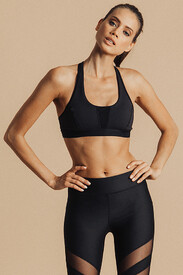
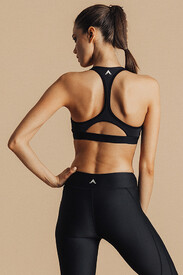
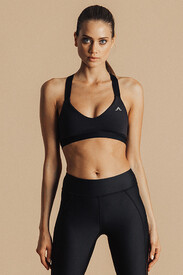
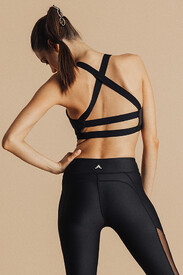
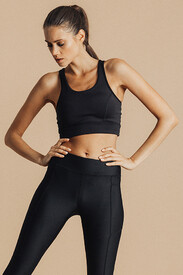
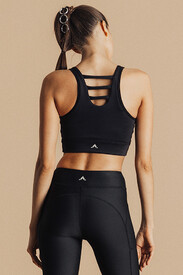
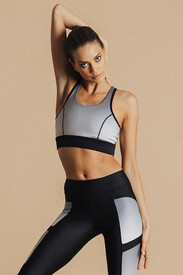
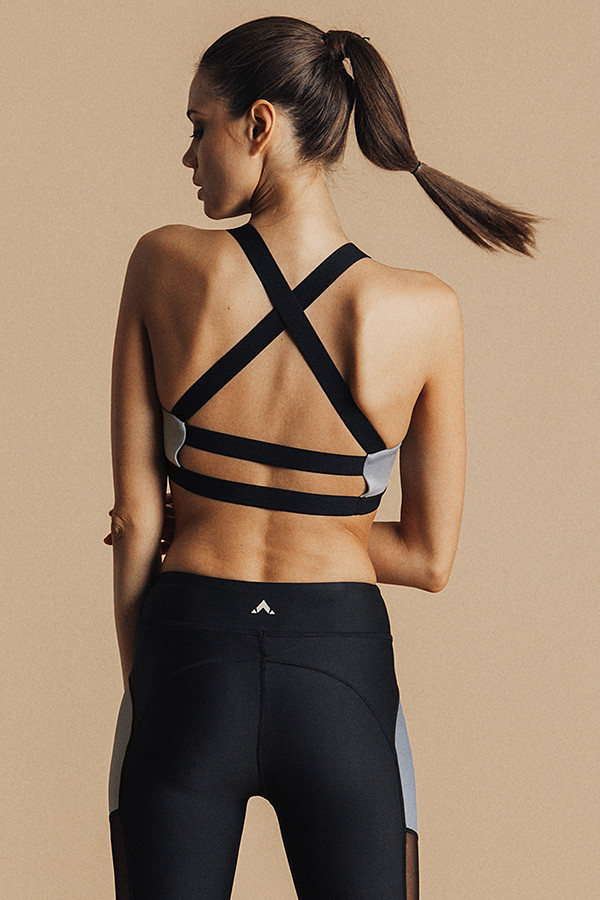
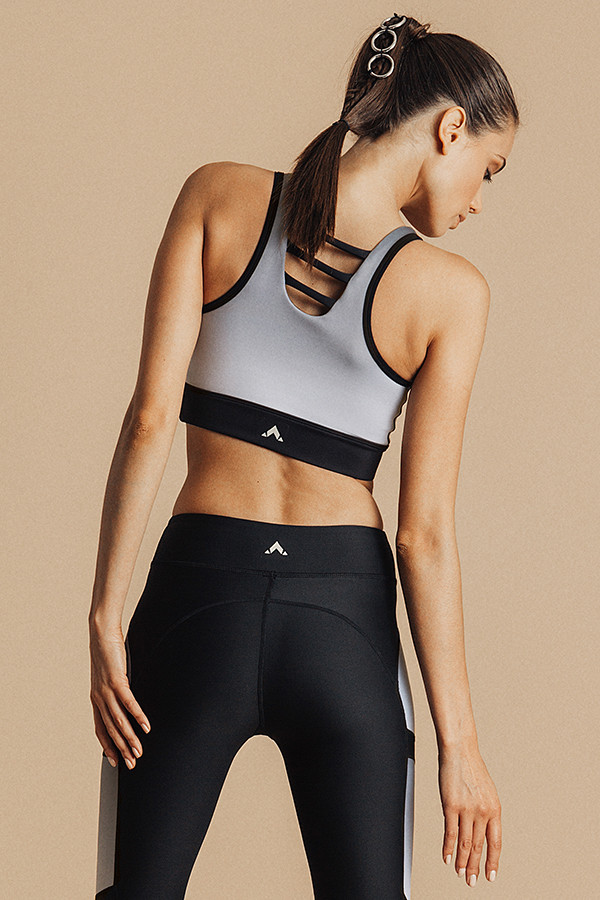
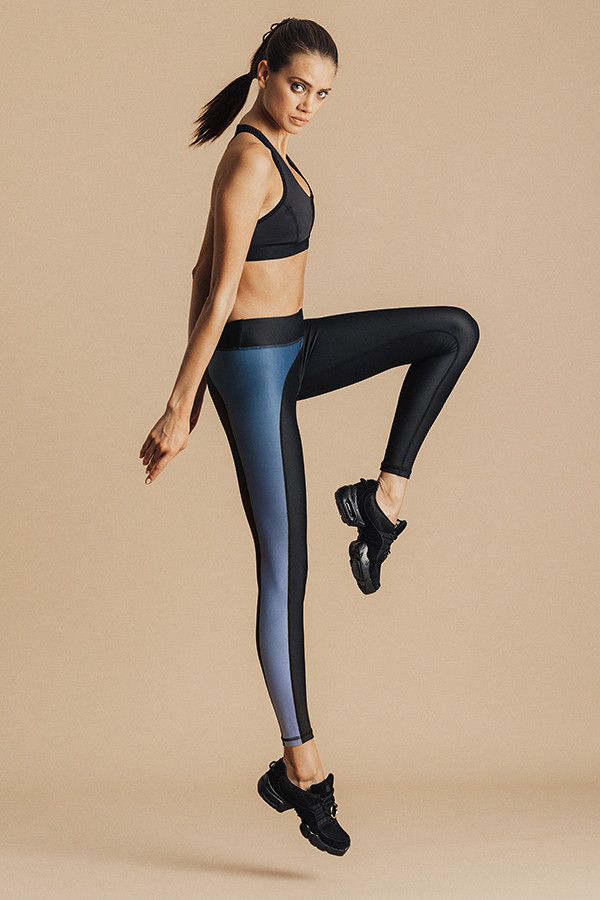
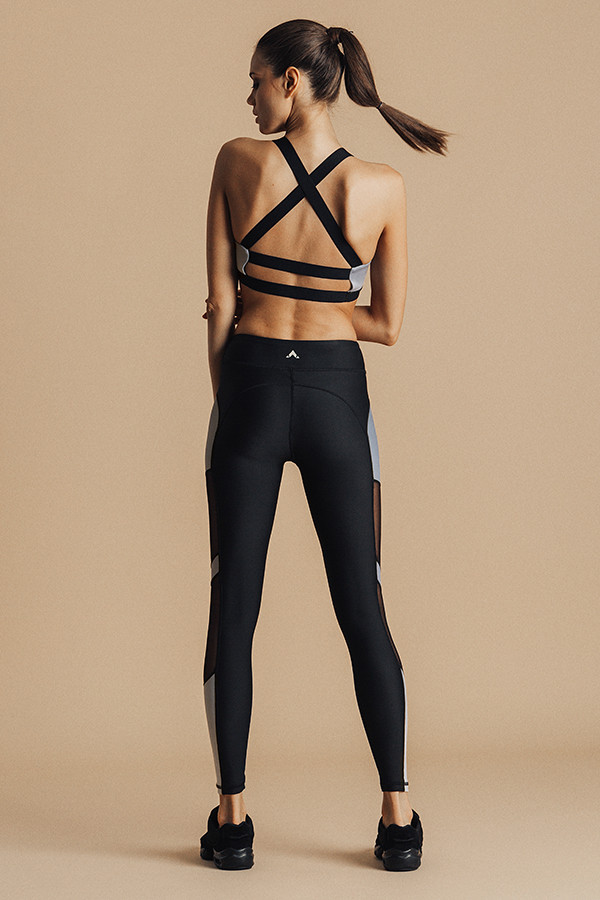
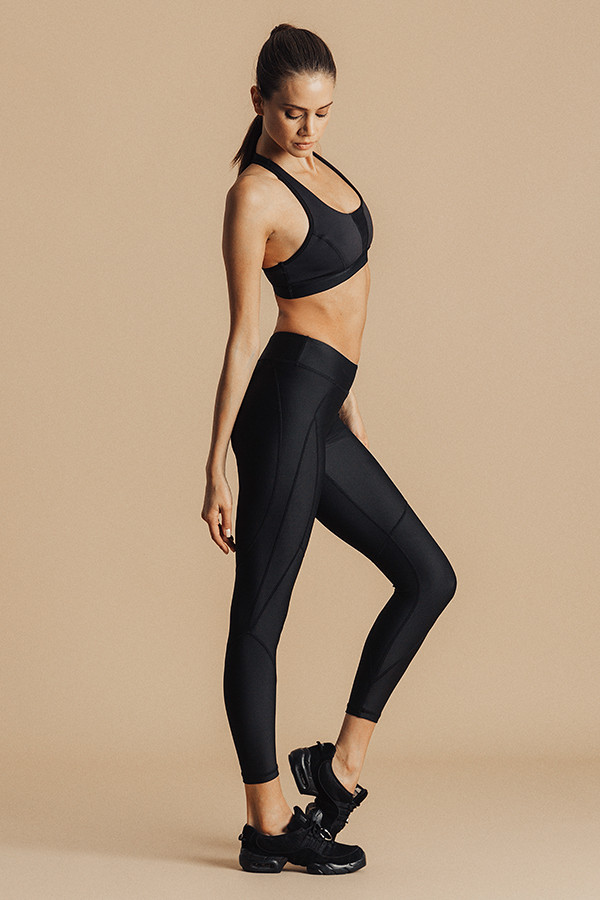
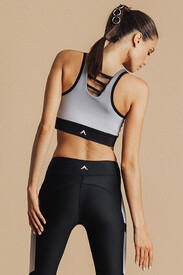 Underlash Activewear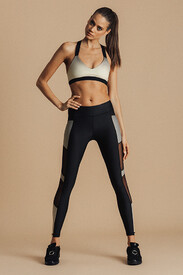
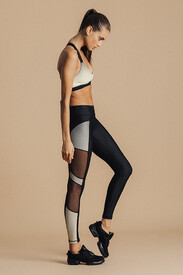
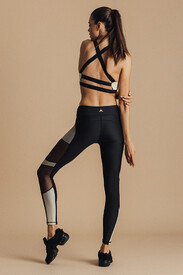
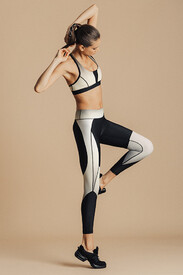
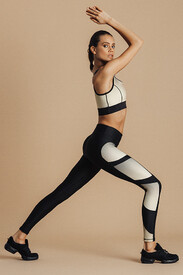
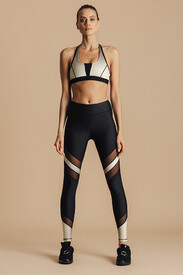
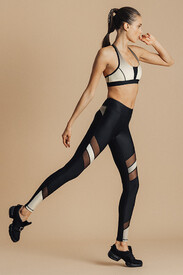
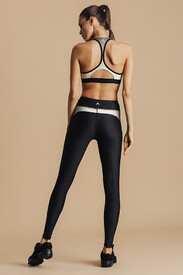
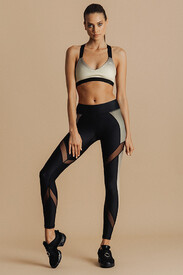
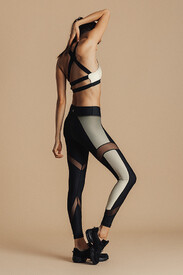
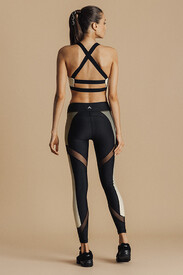
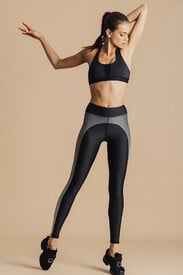
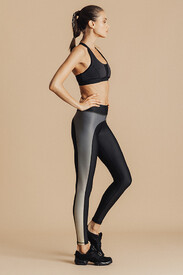
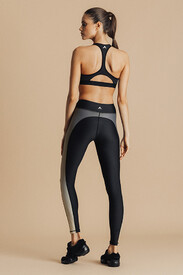
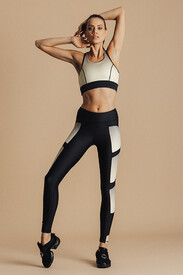
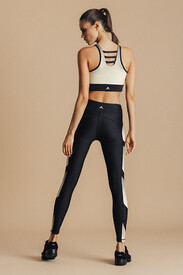
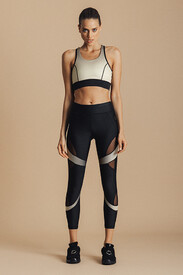
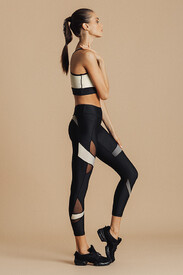
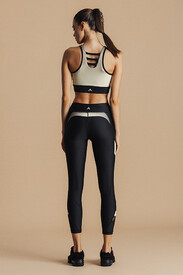
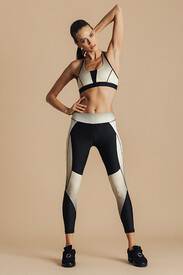
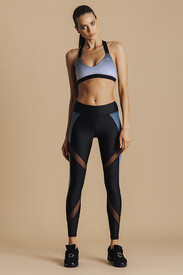
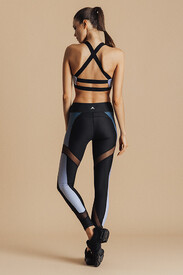
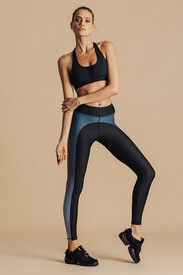
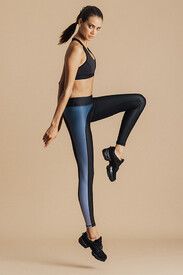
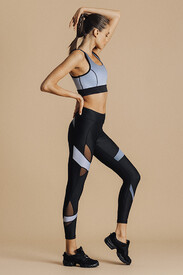
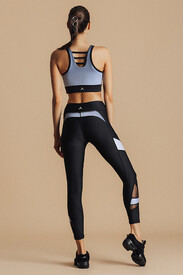
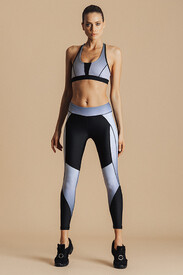
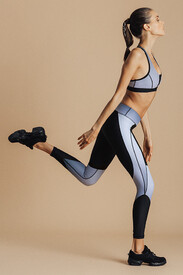
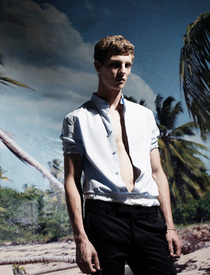
 Let The Sea Set You Free by Willy Vanderperre - i-D Magazine, Winter 2015 justdropithere.tumblr.com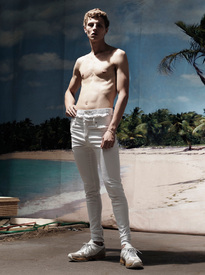
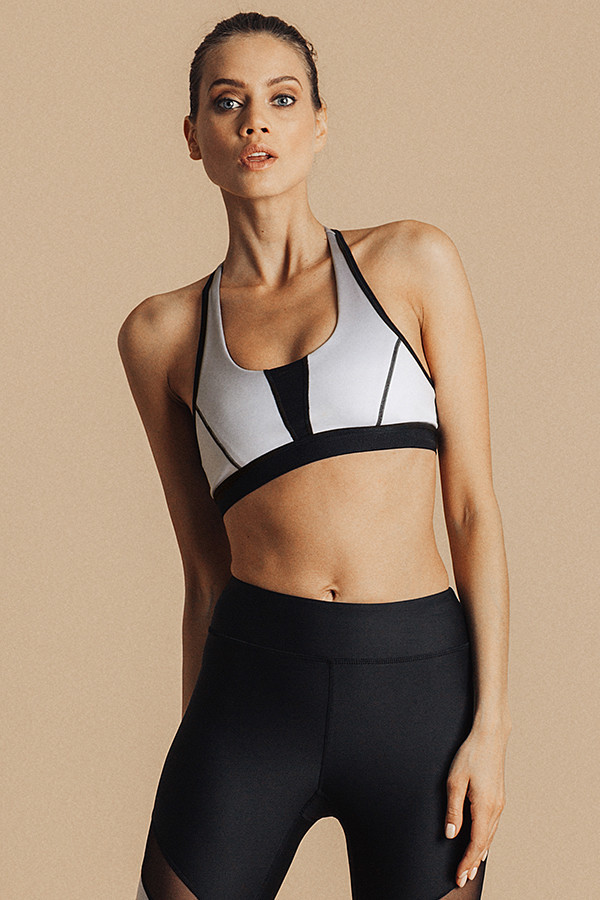
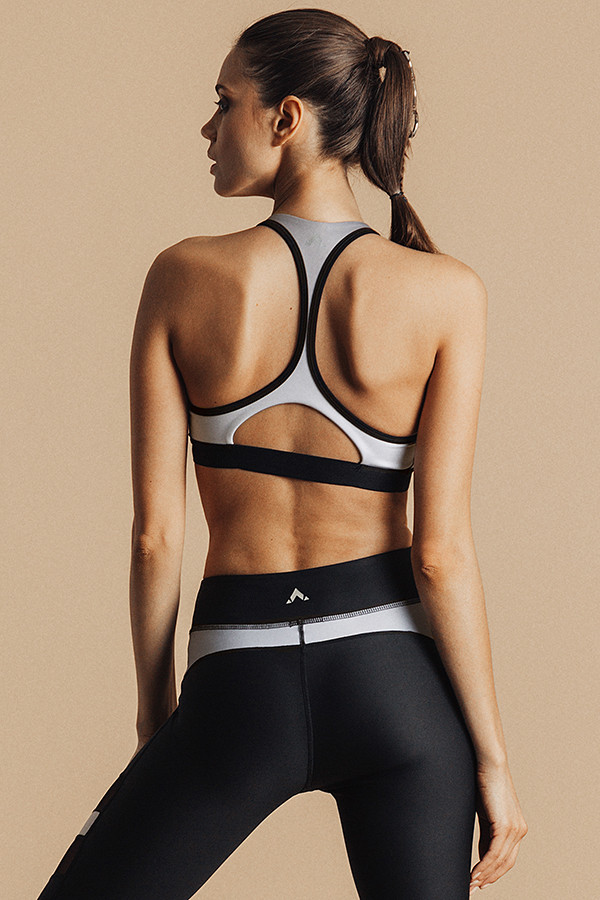
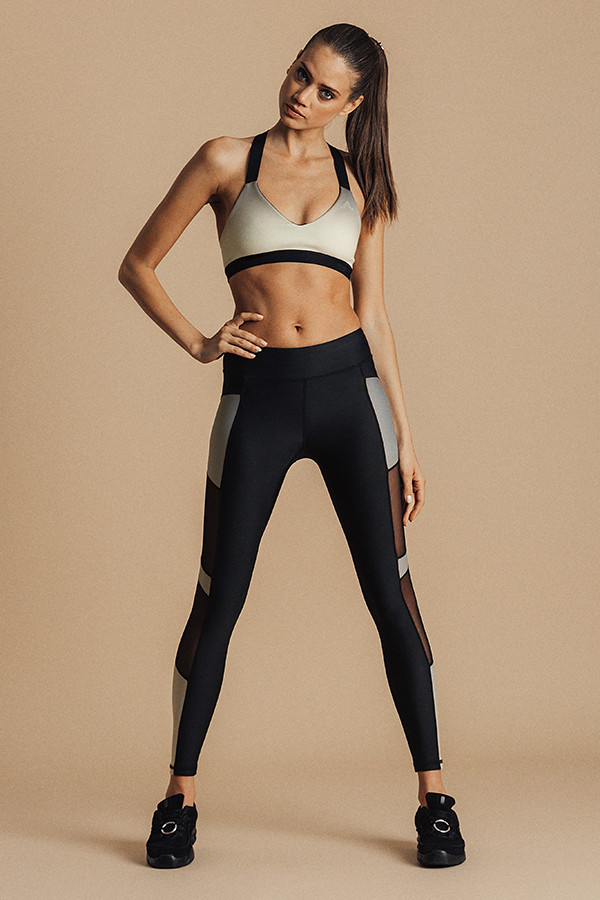
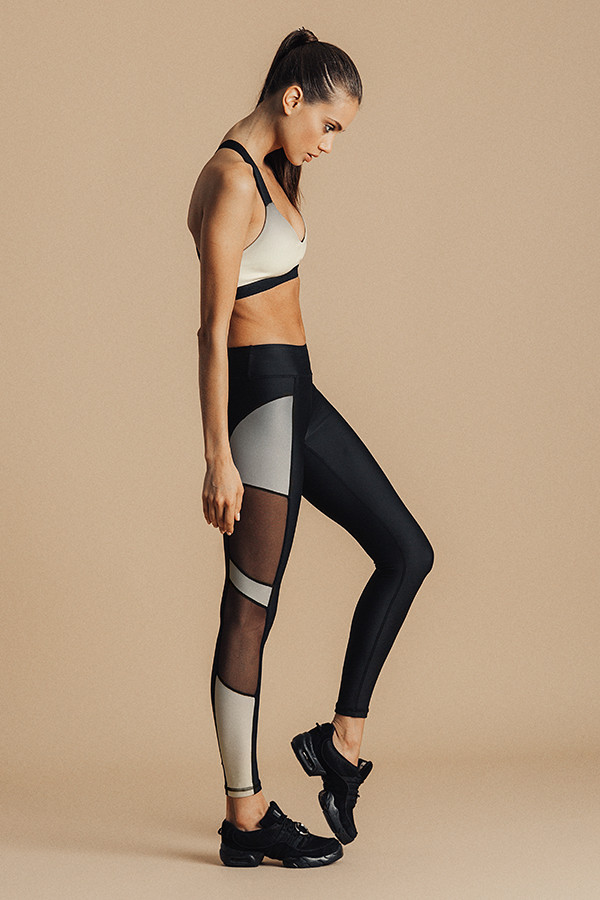
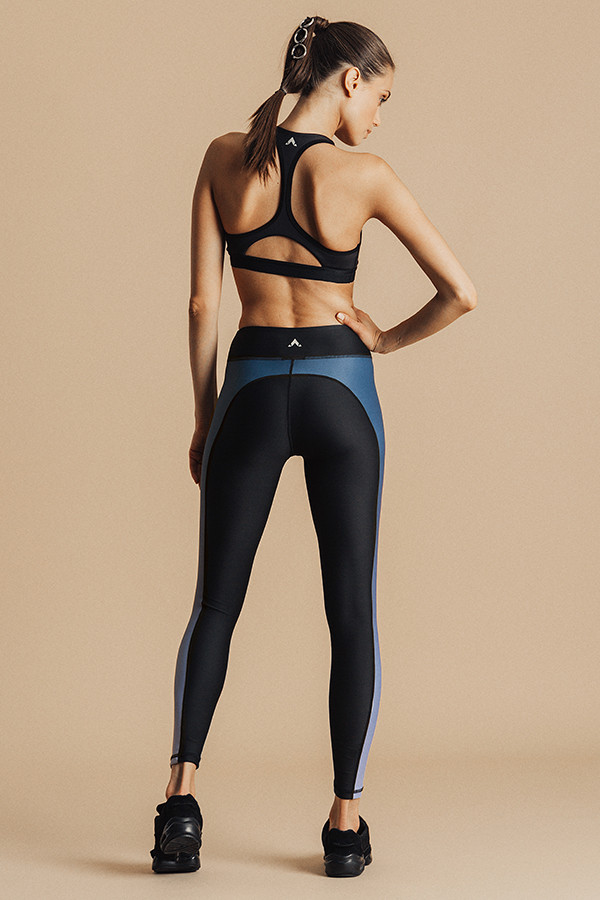
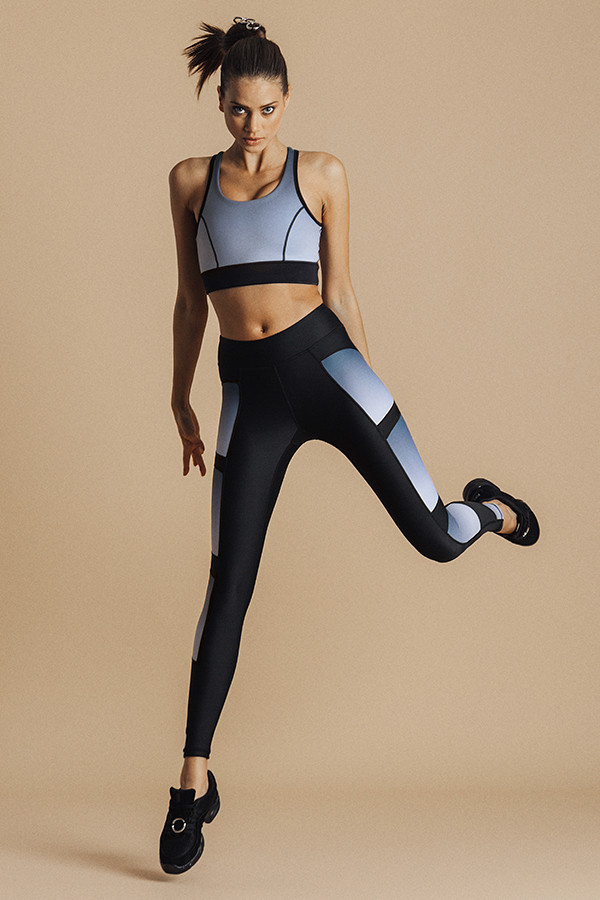
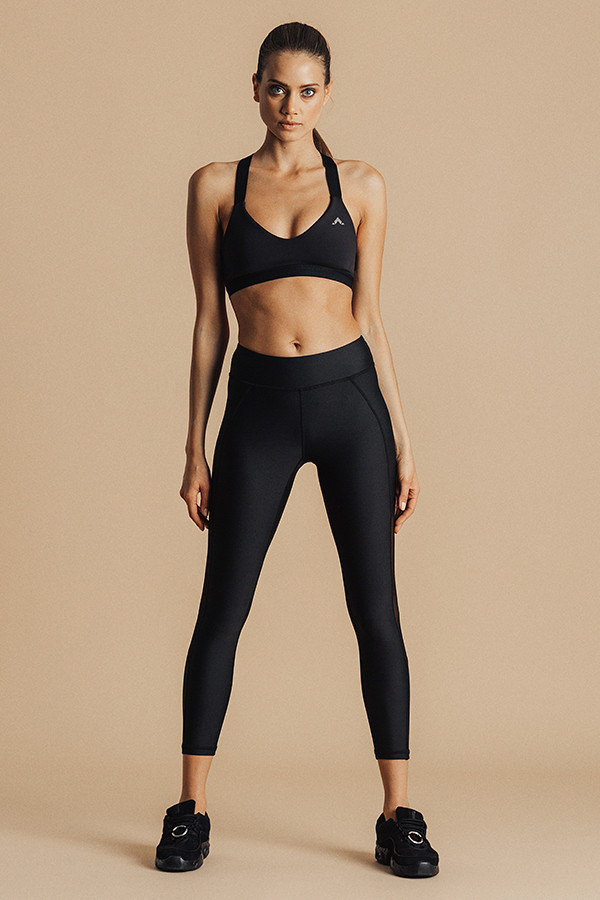
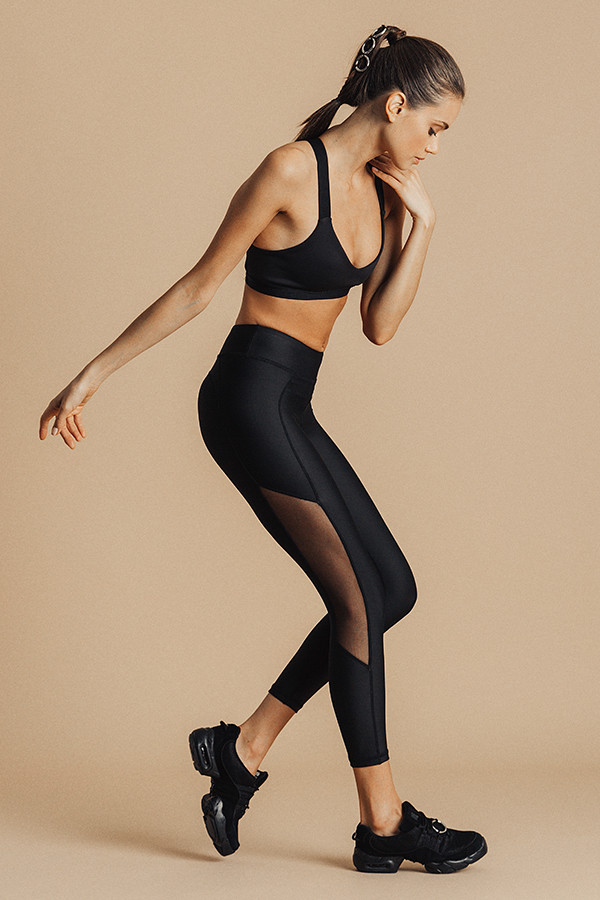
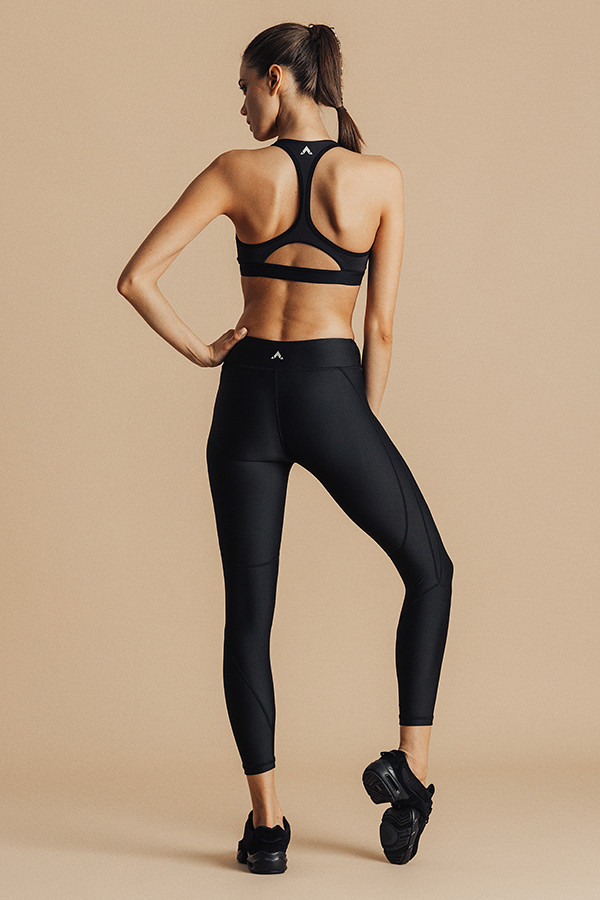
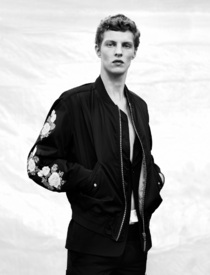 Underlash Activewwear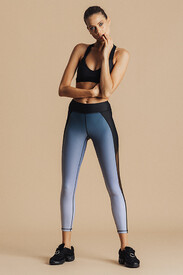
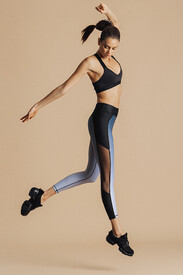
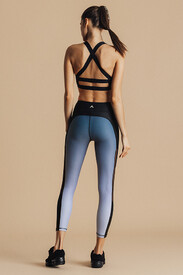
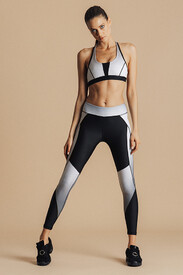
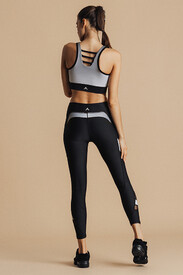
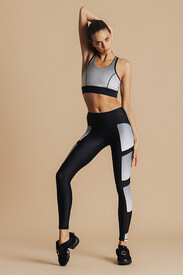
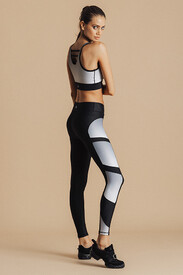
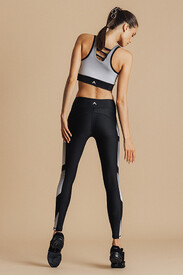
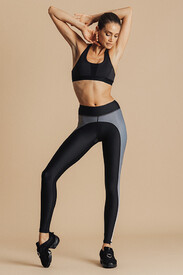
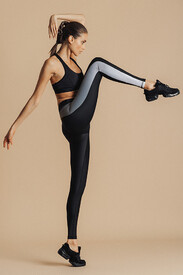
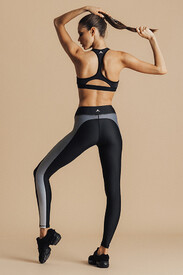
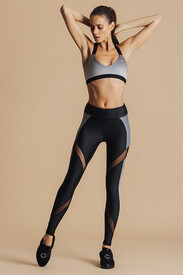
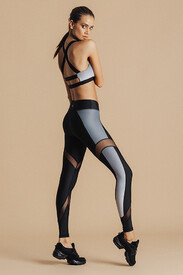
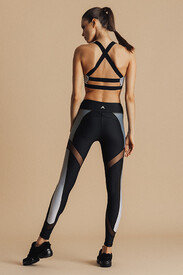
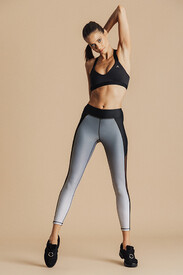
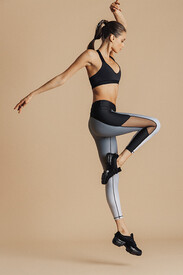
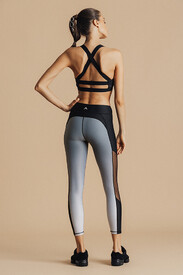
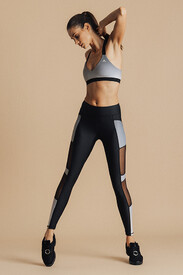
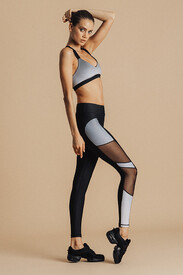
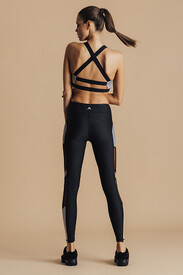
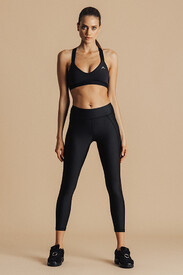
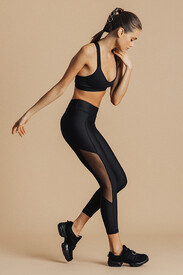
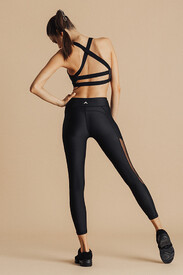
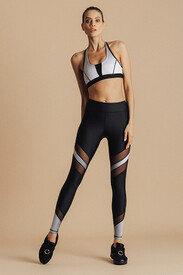
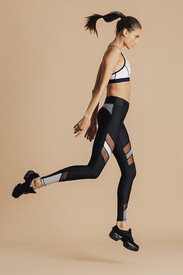
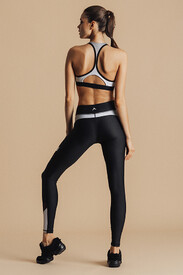
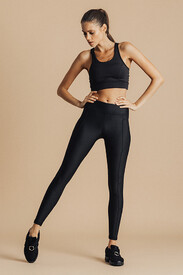
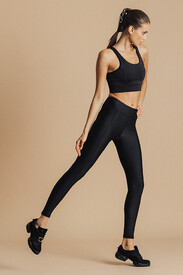
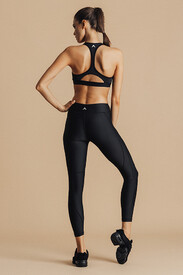 from Anna Ewers' thread
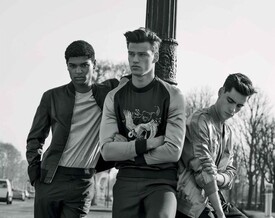
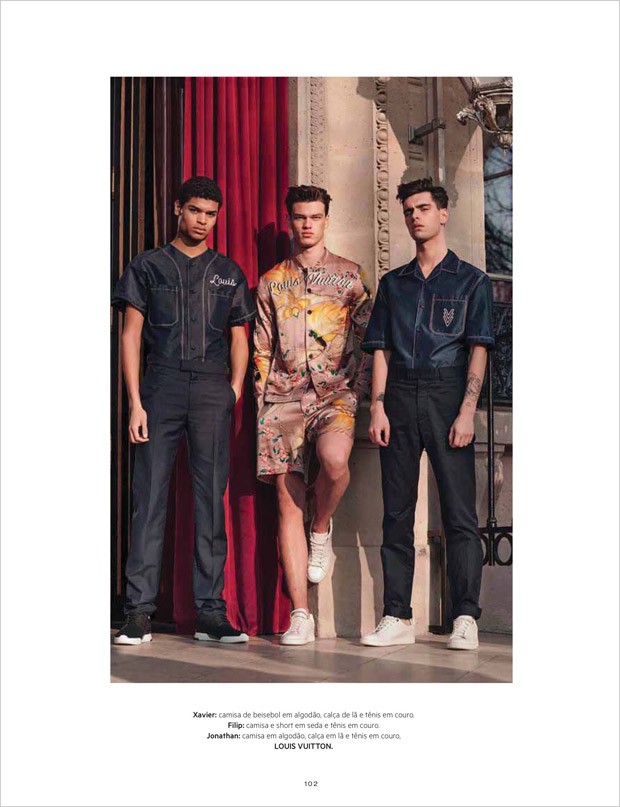
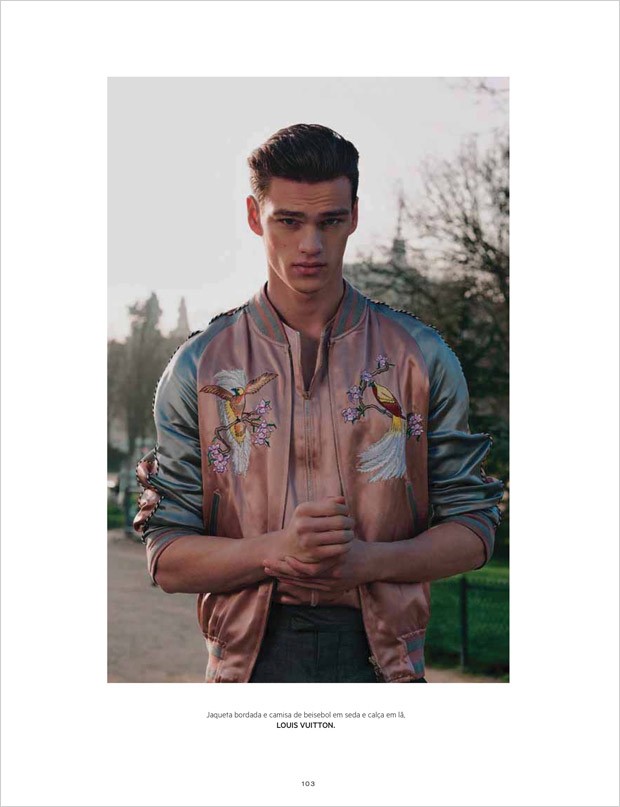
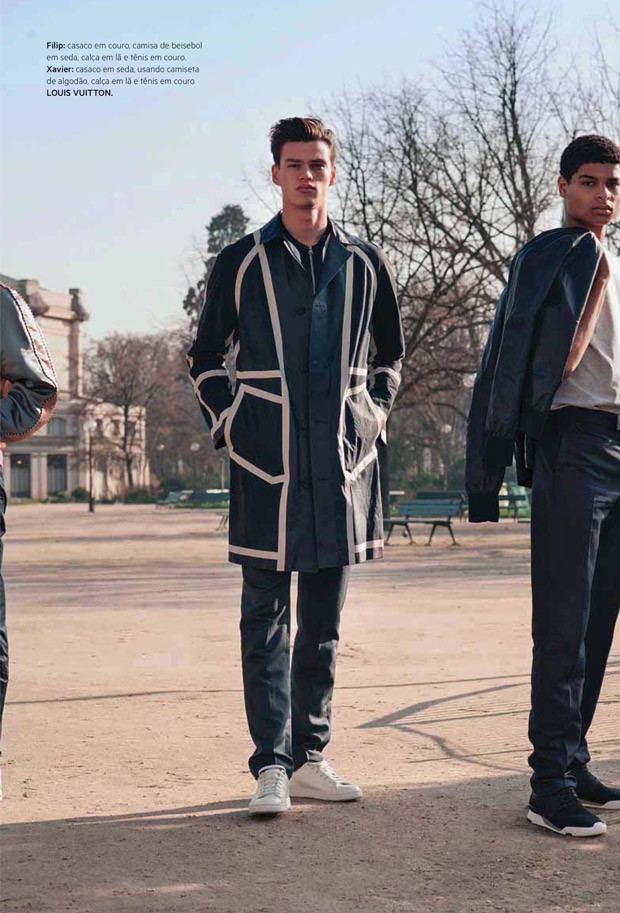
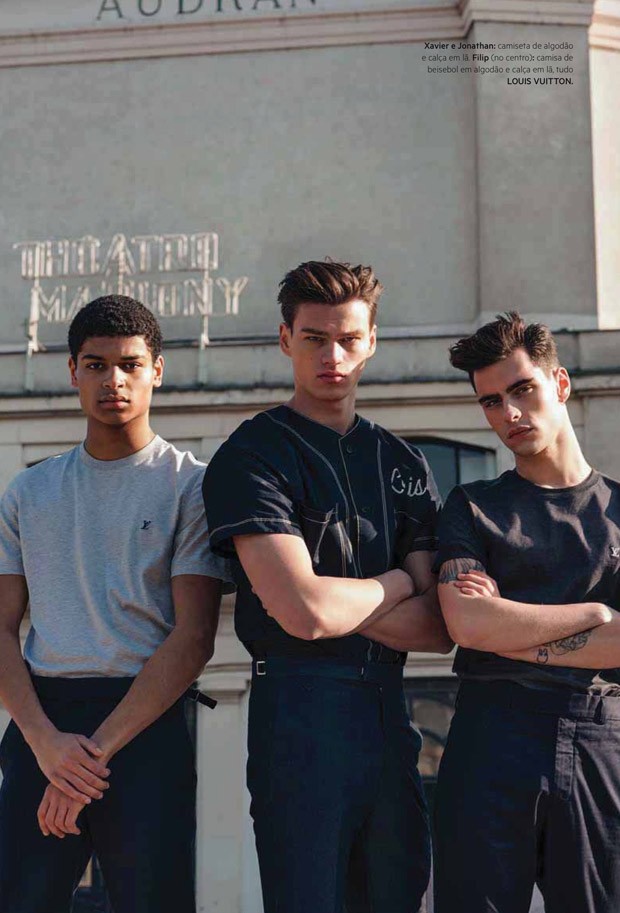
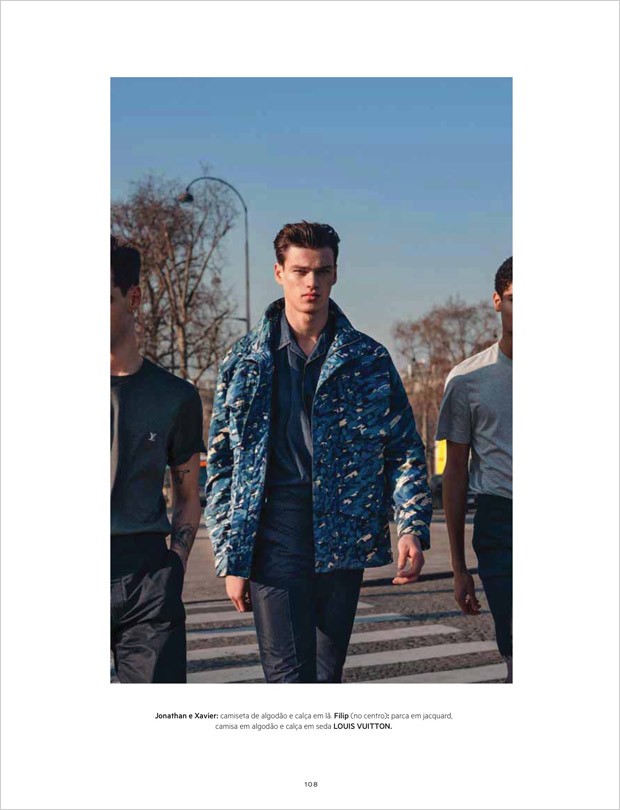
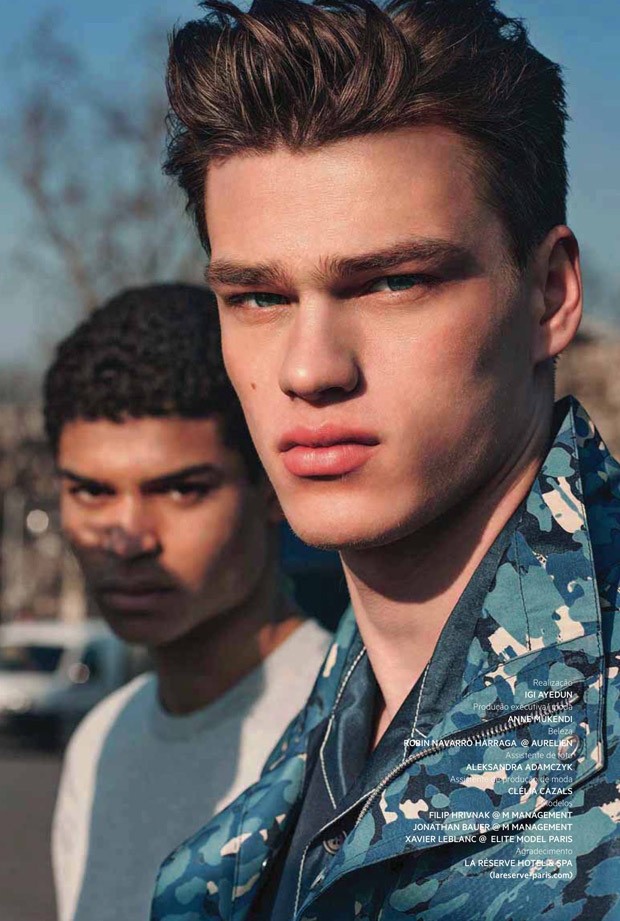
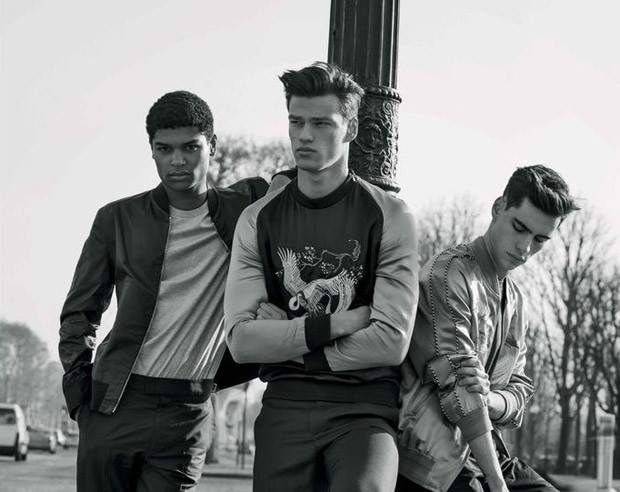
L’Officiel Hommes Brazil Spring/Summer 2016 Models: Filip Hrivnak, Jonathan Bauer, Xavier Leblanc Photographer: Louise Victoria Reinke Stylist: Igi Ayedun Grooming: Robin Navarro designsfever.com
from Anna Ewers' thread
L’Officiel Hommes Brazil Spring/Summer 2016 Models: Filip Hrivnak, Jonathan Bauer, Xavier Leblanc Photographer: Louise Victoria Reinke Stylist: Igi Ayedun Grooming: Robin Navarro designsfever.com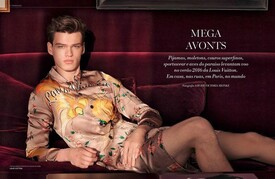
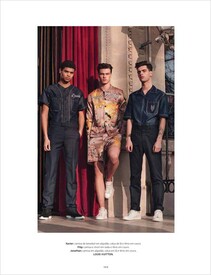
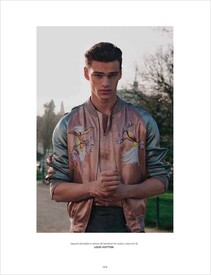
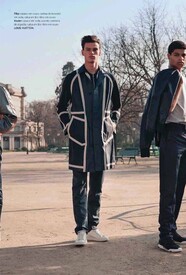
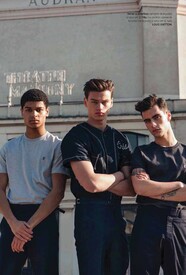
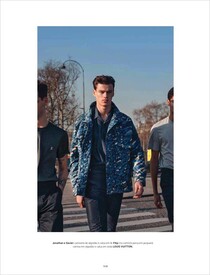
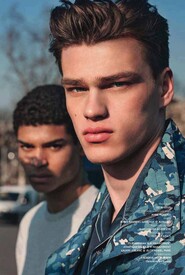
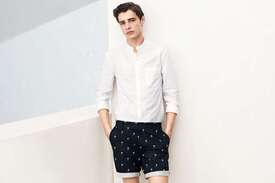
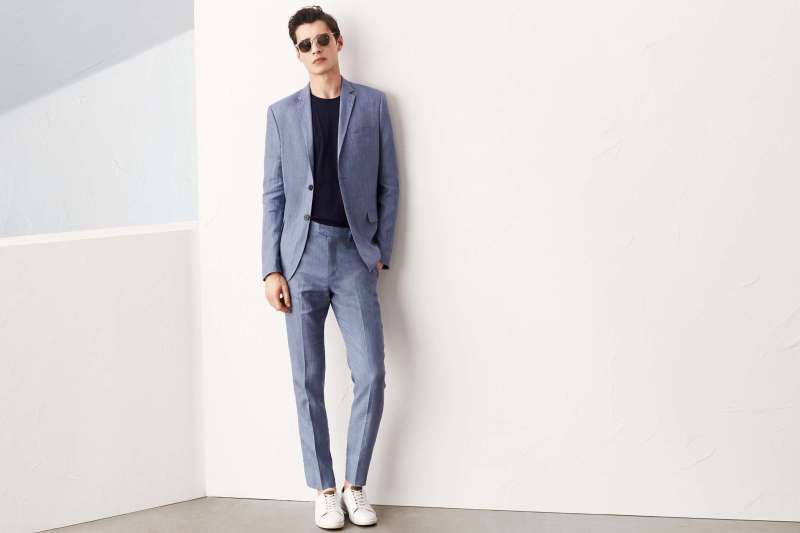
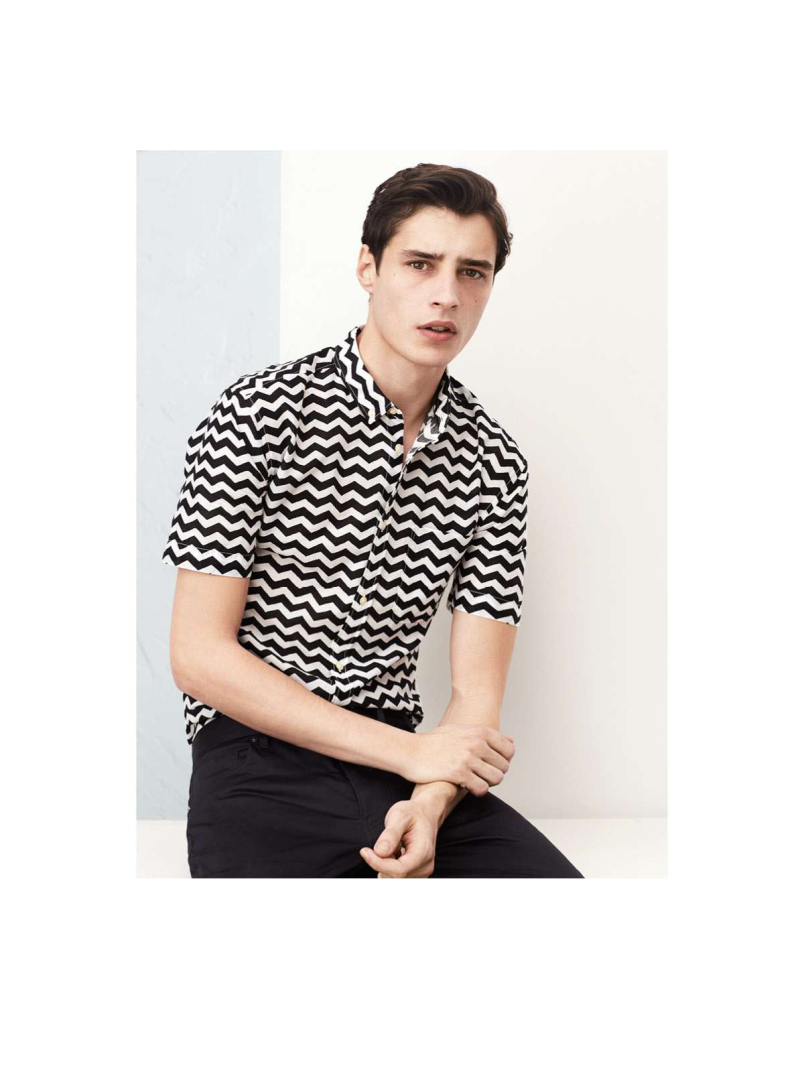
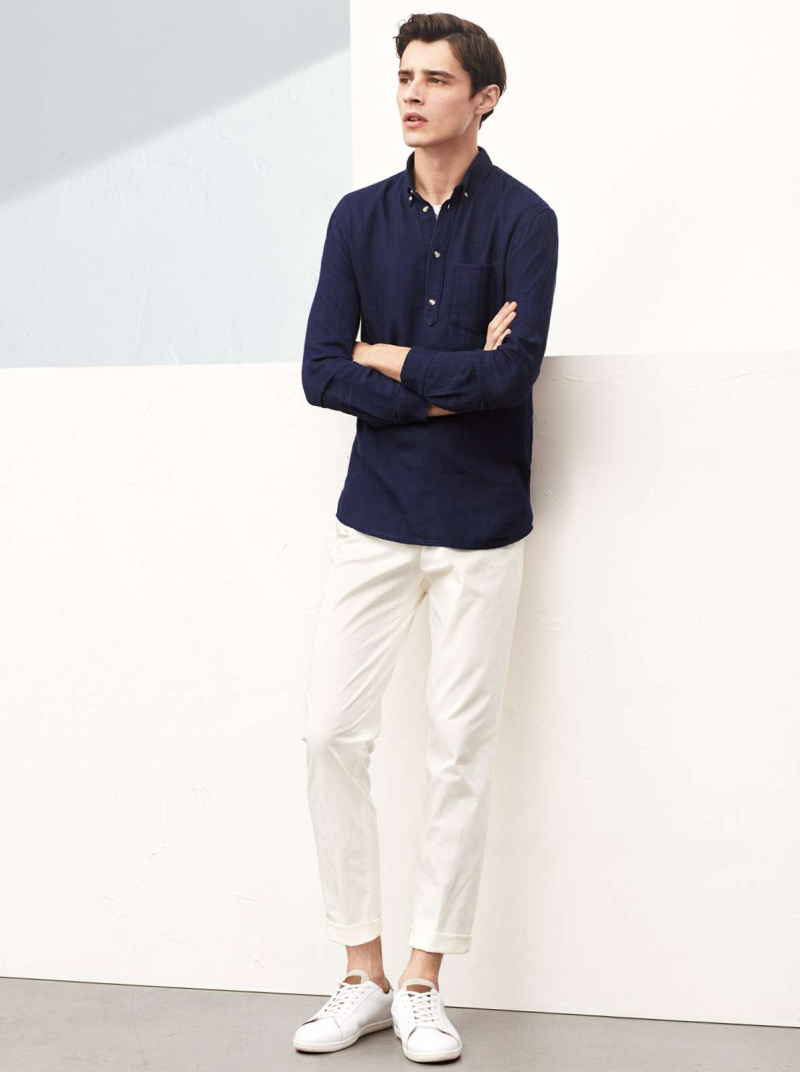
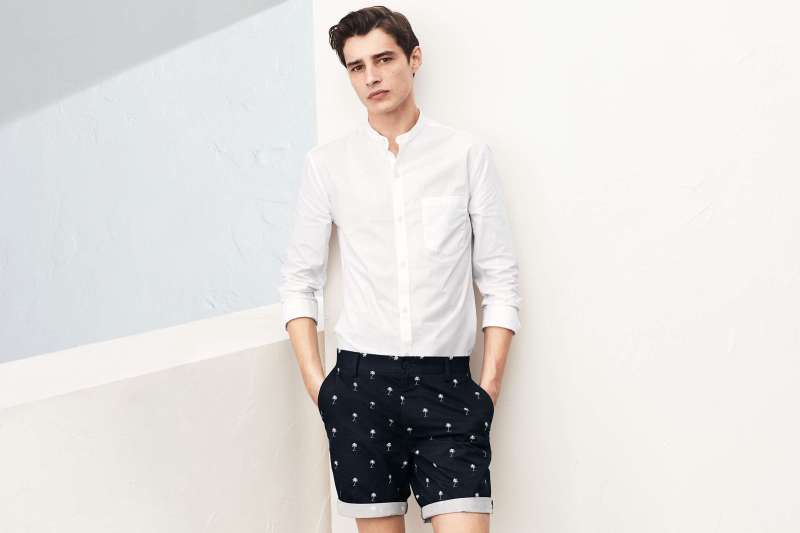
 H&M Summer 2016 designsfever.com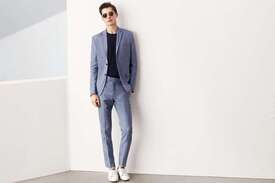
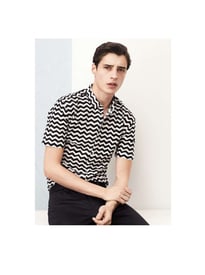
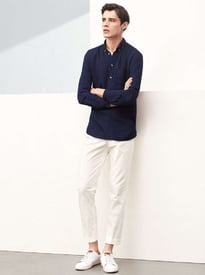
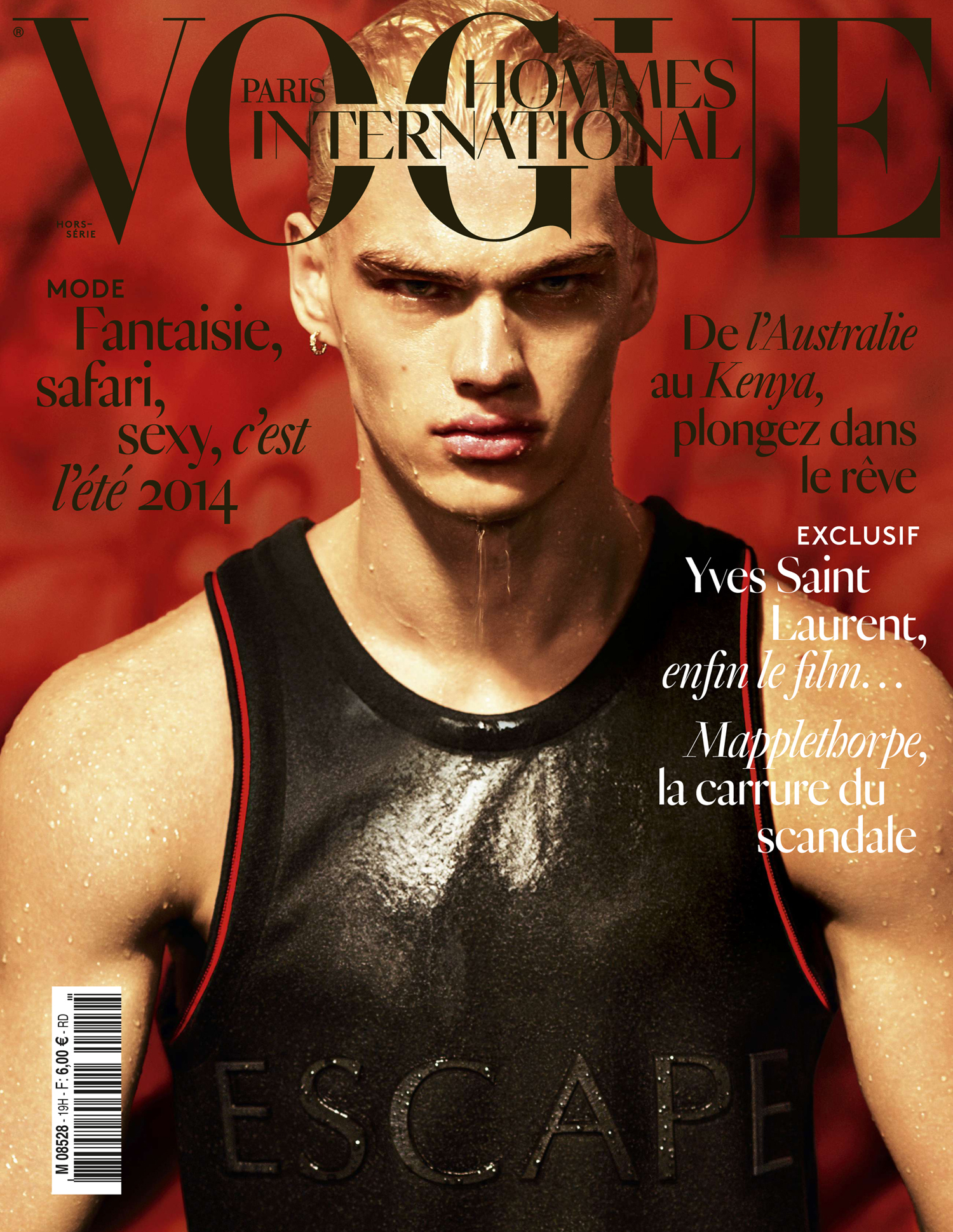
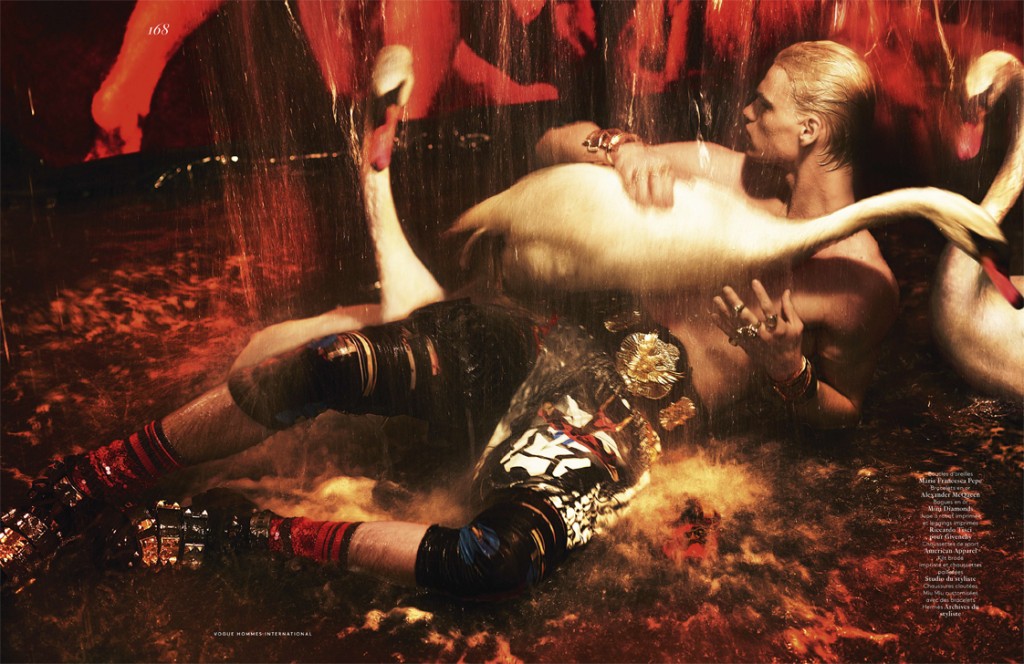
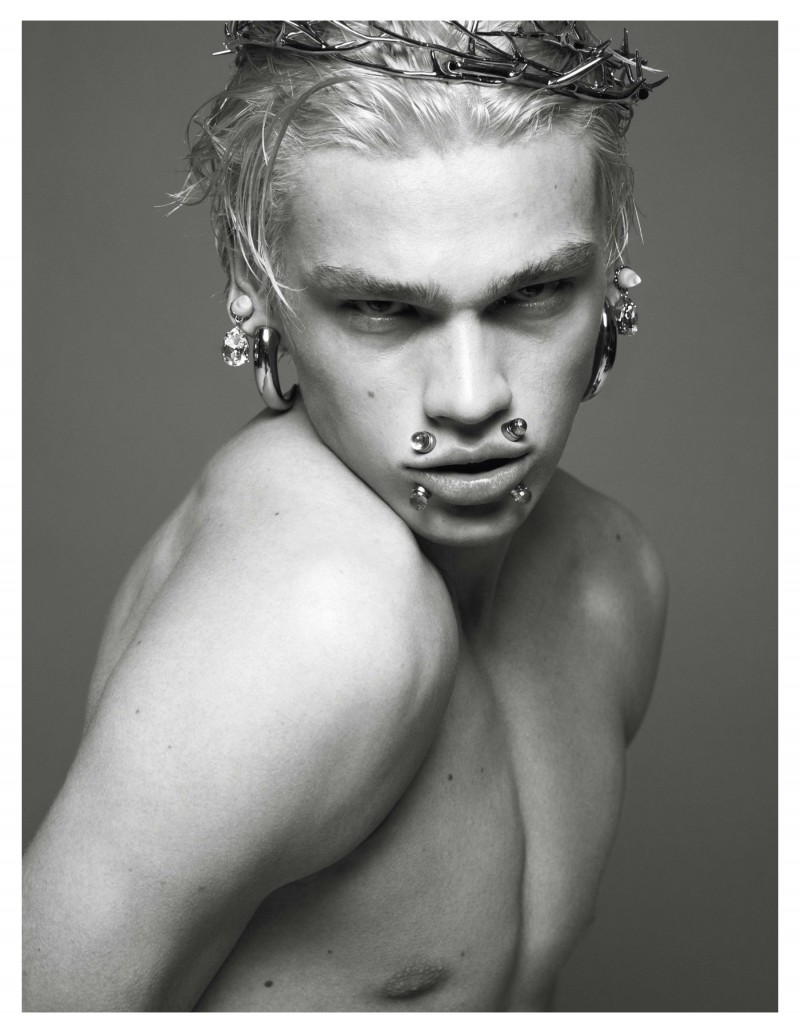
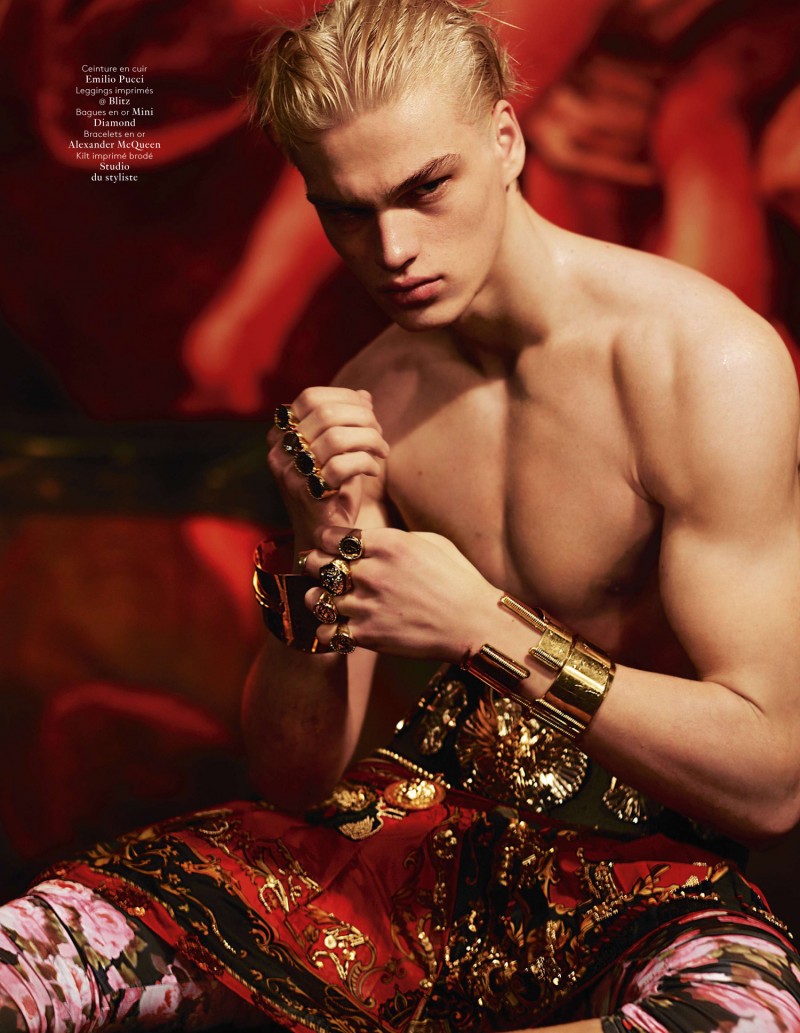
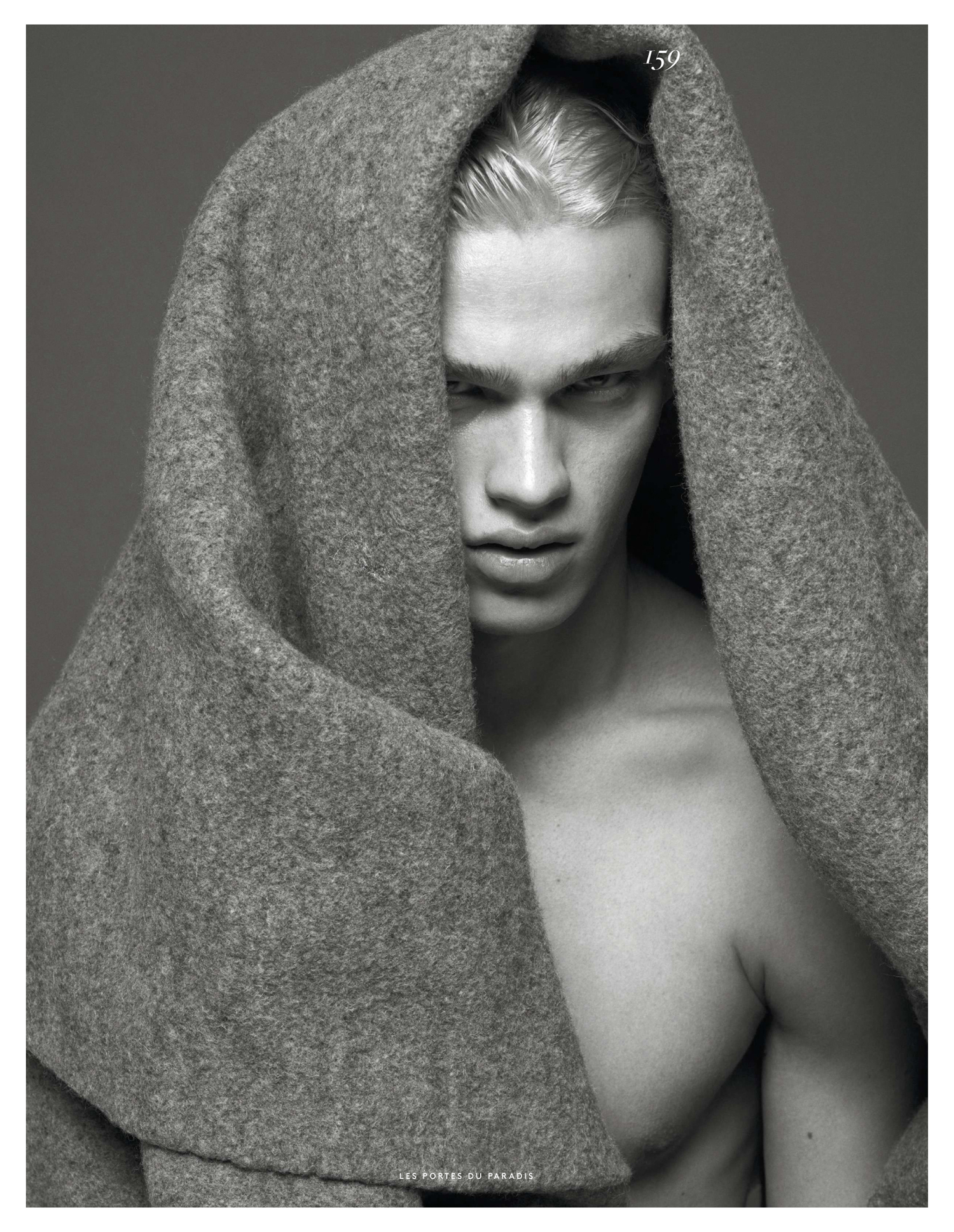
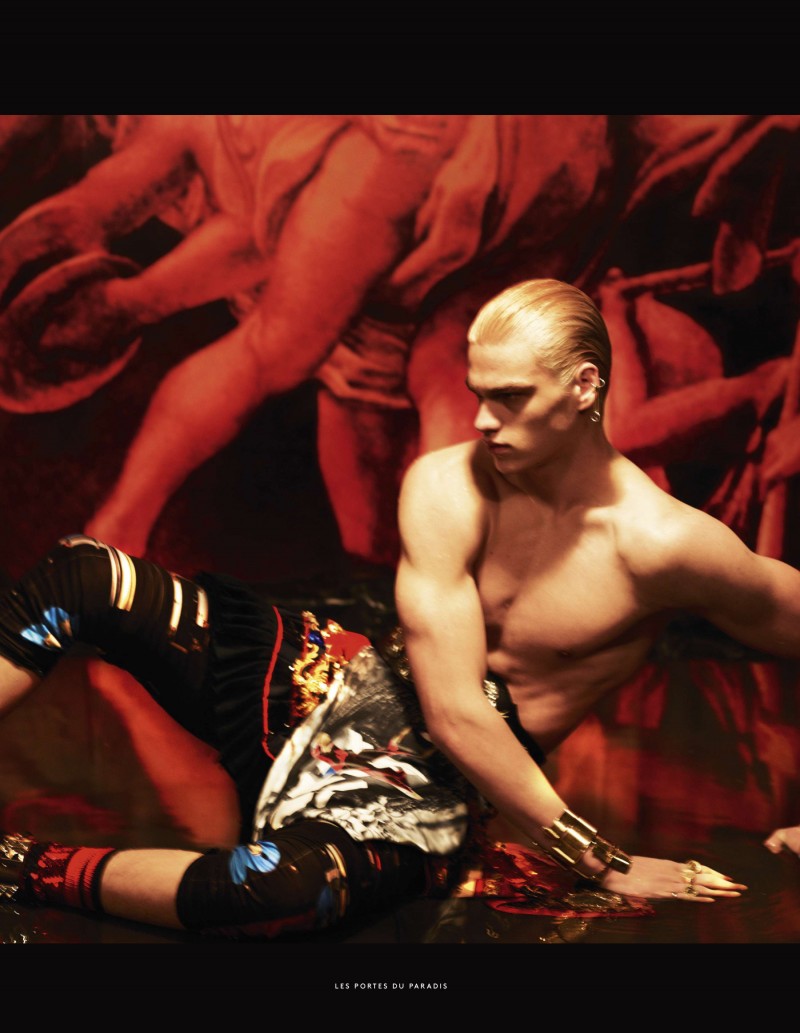
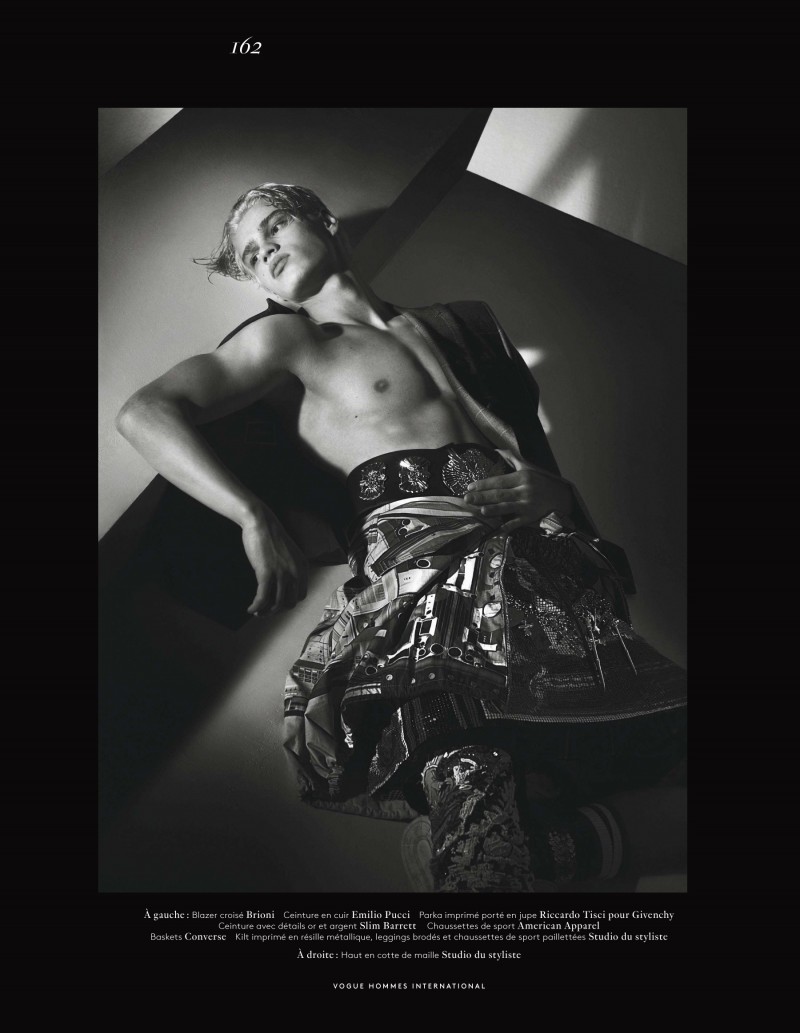
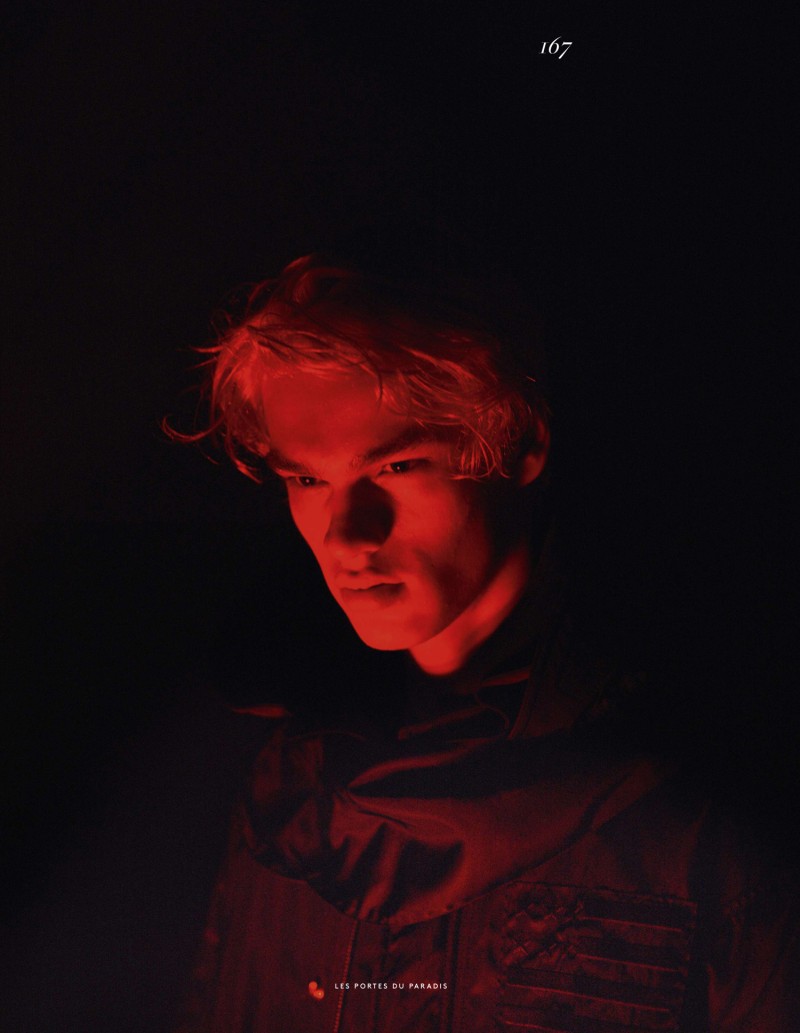
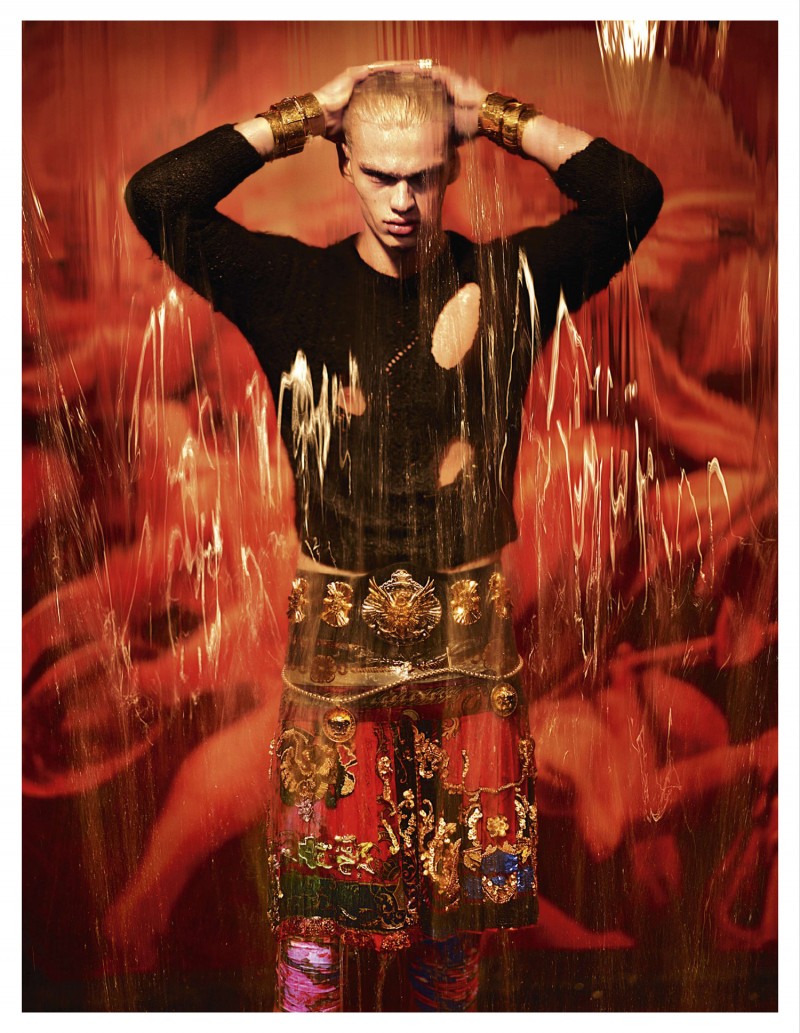
 Vogue Hommes International S/S 2014 : Filip Hrivnak by Mert Alas & Marcus Piggott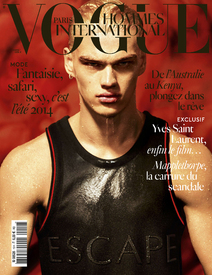
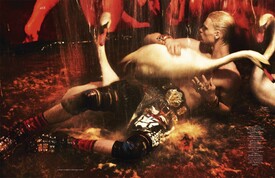
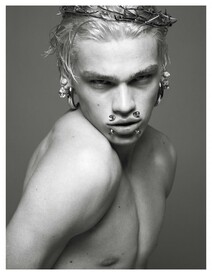
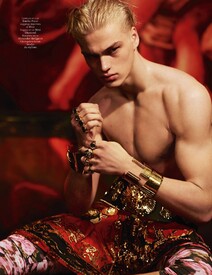
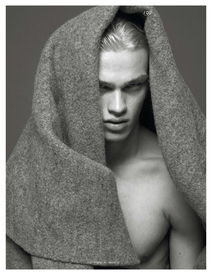
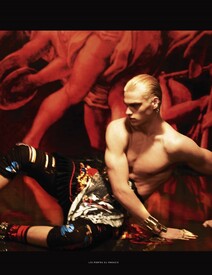
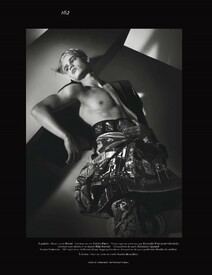
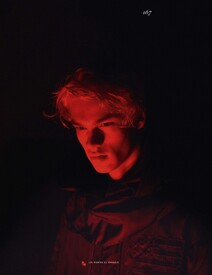
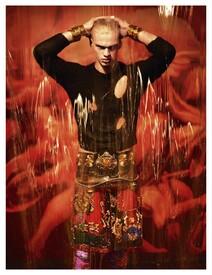
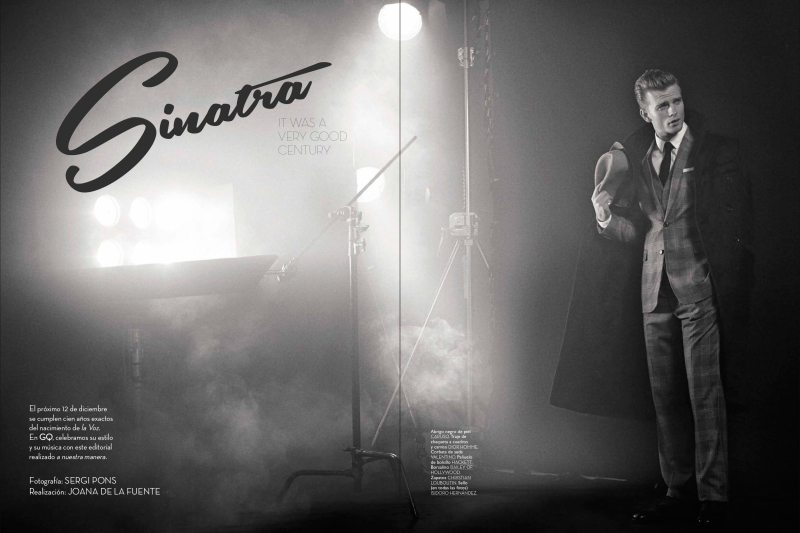
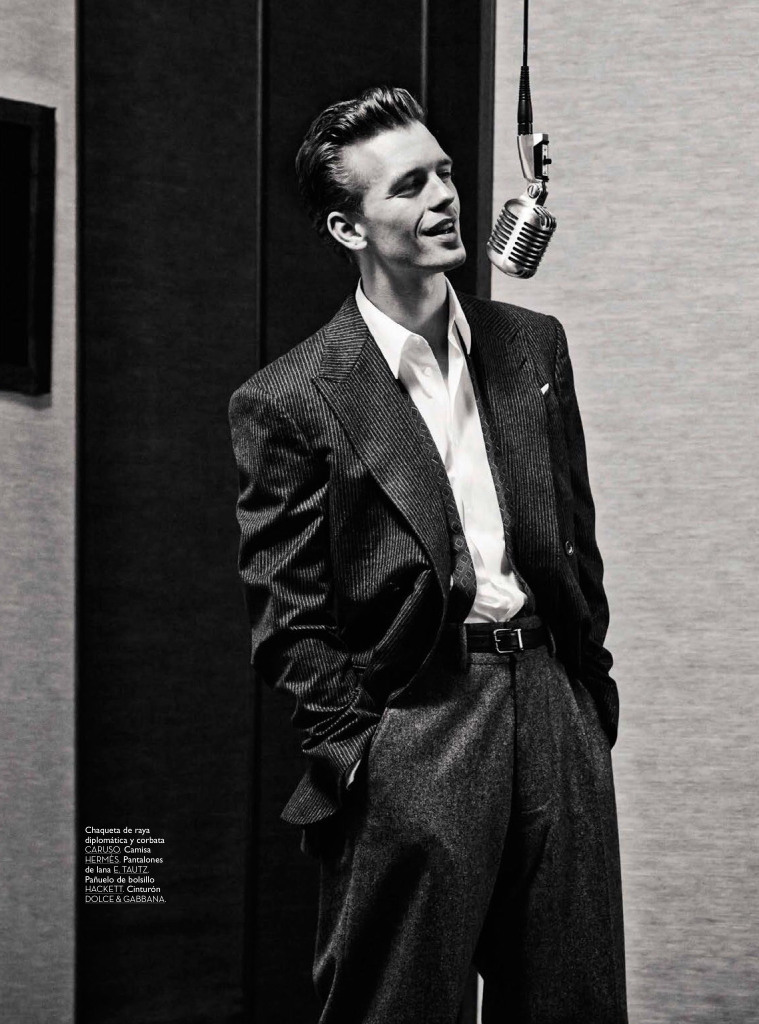
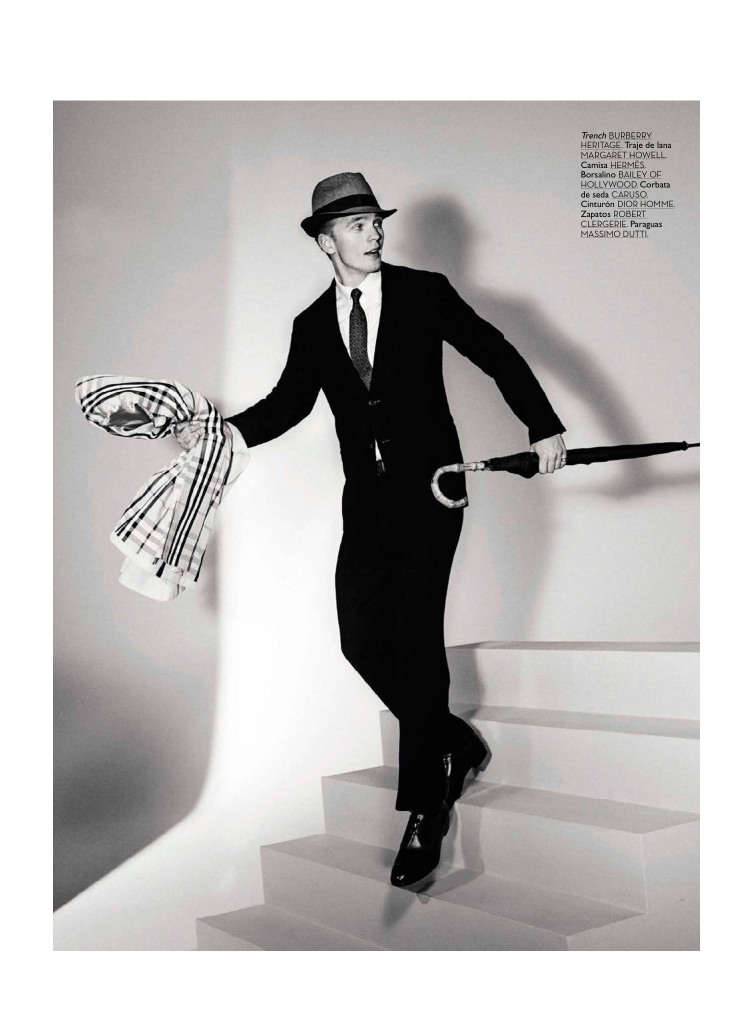
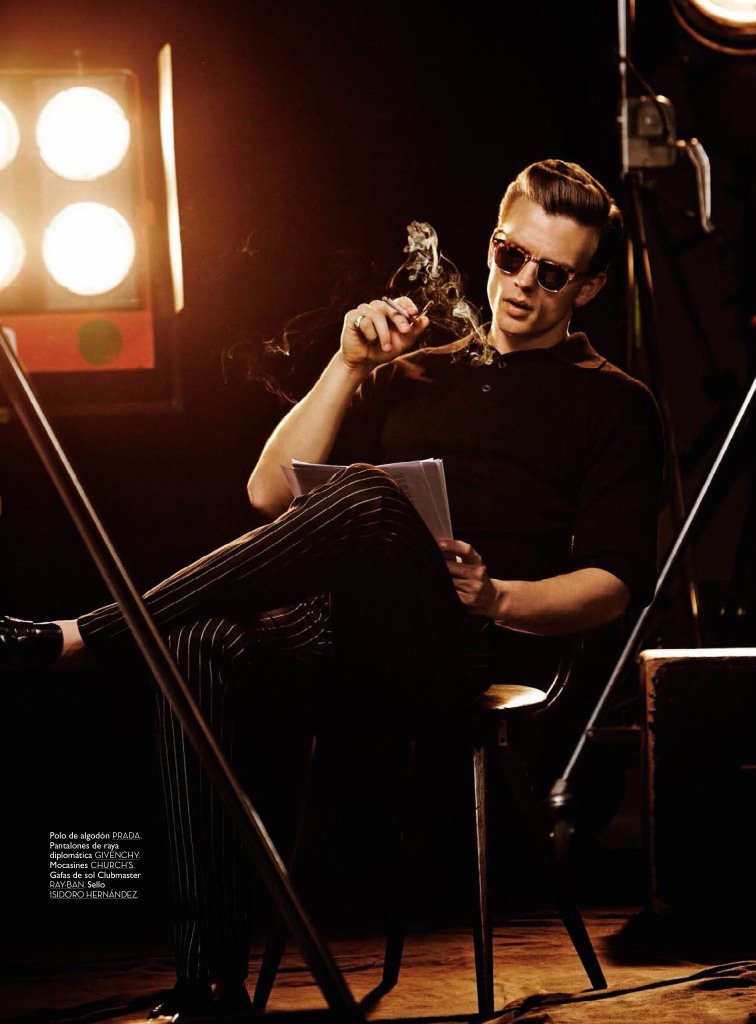
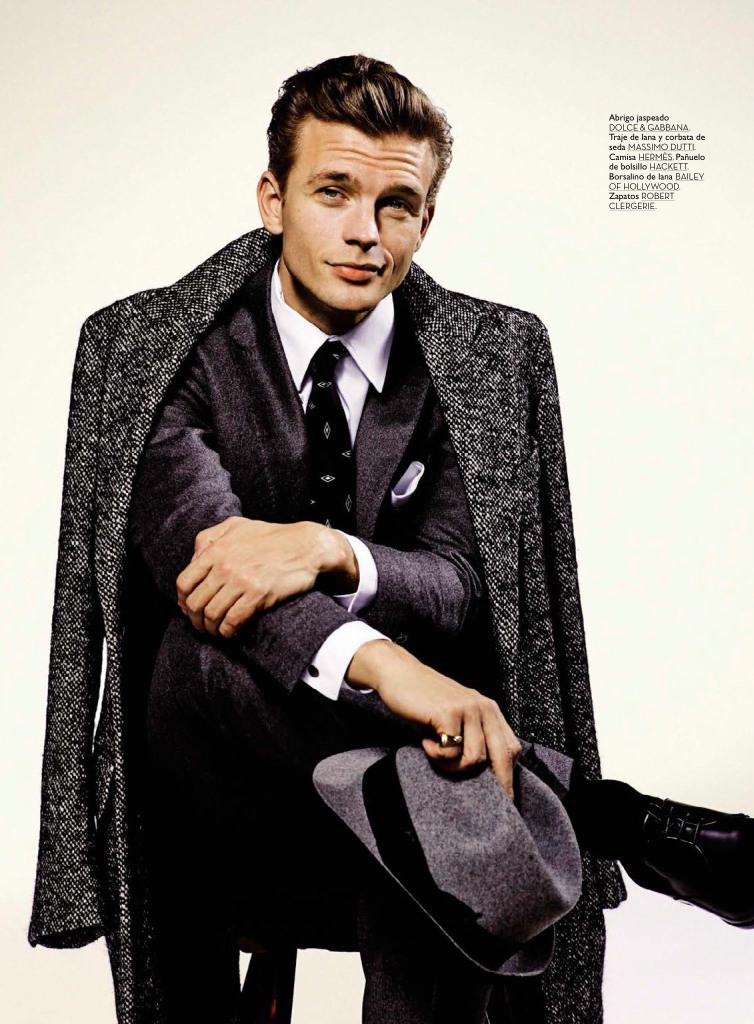
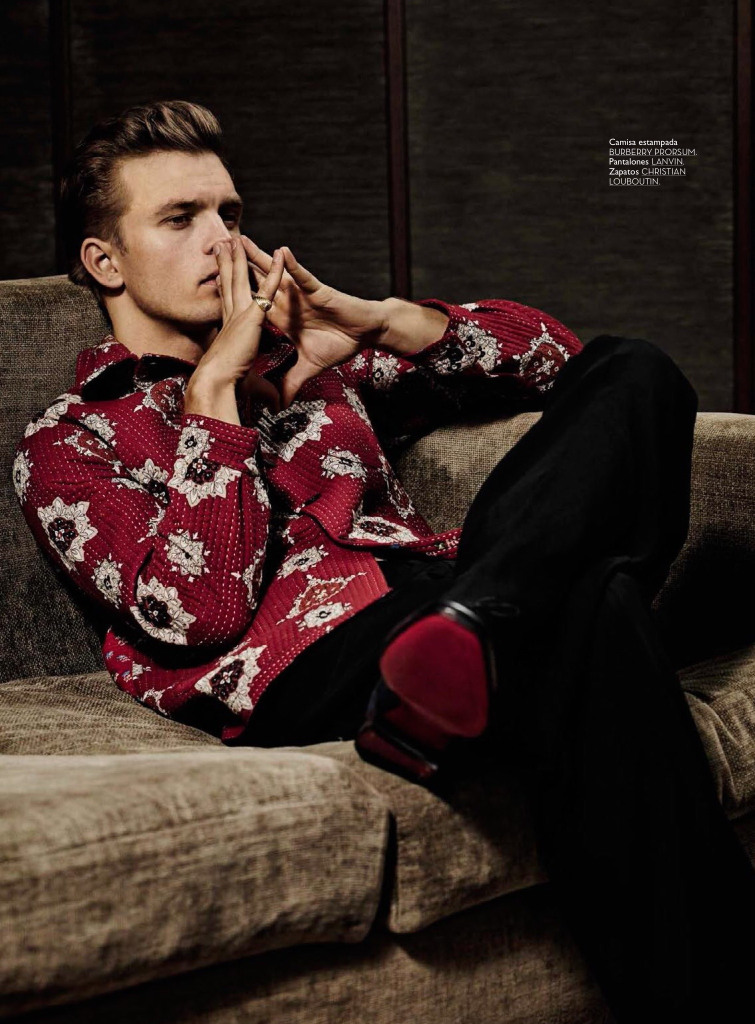
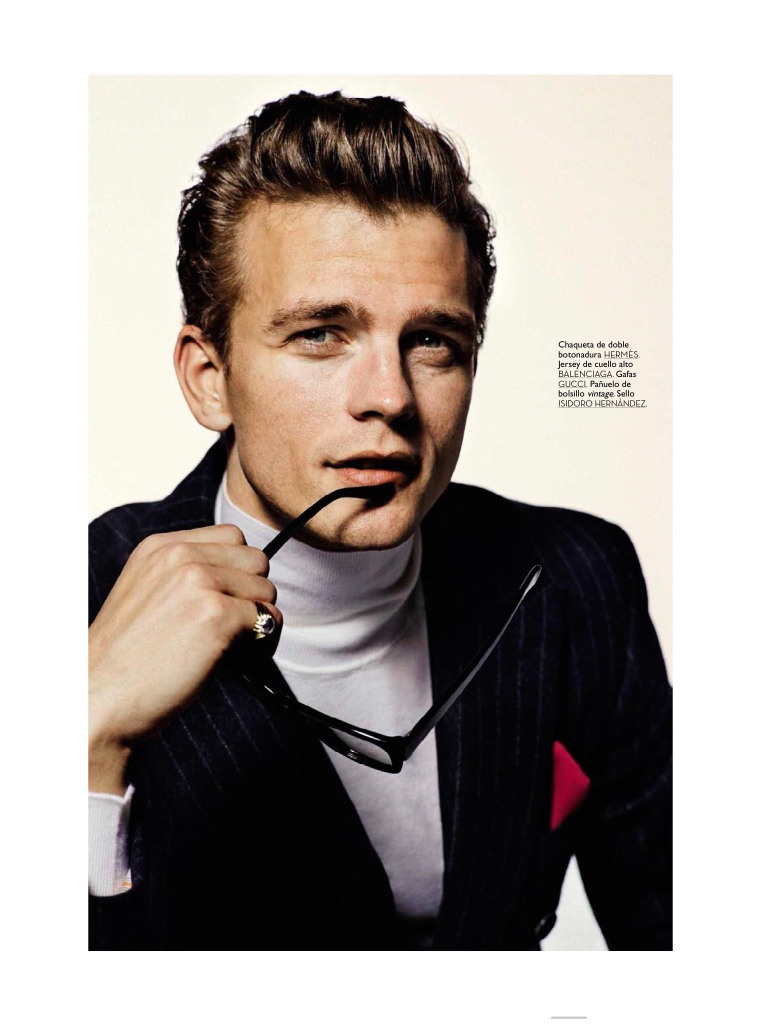
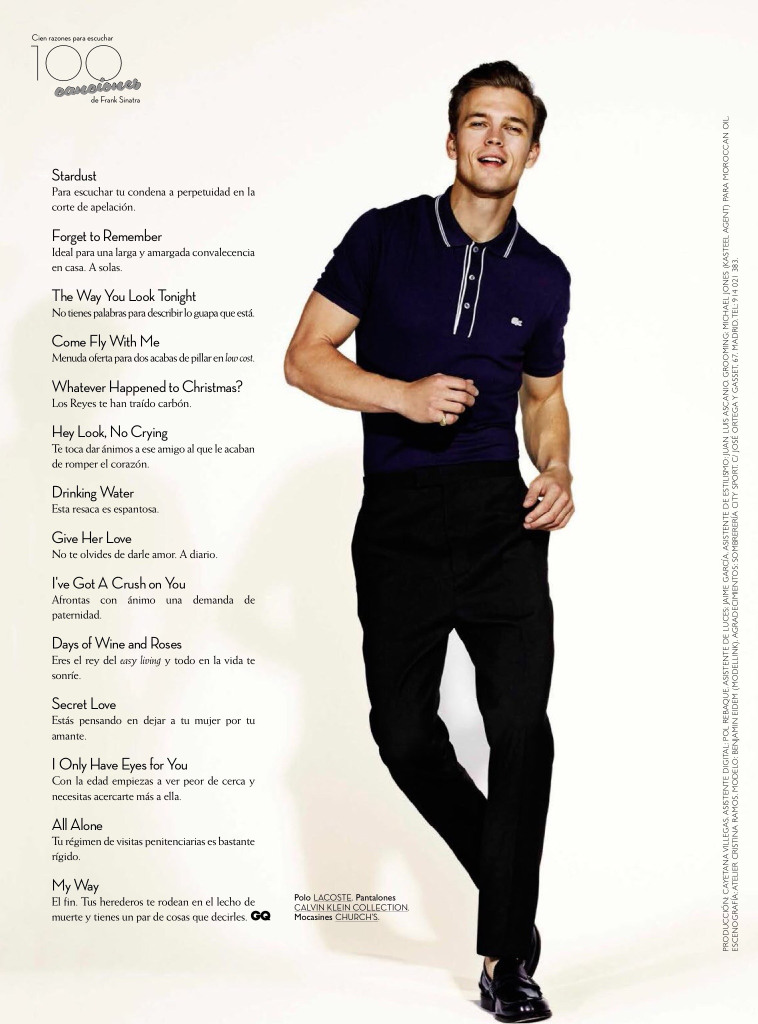
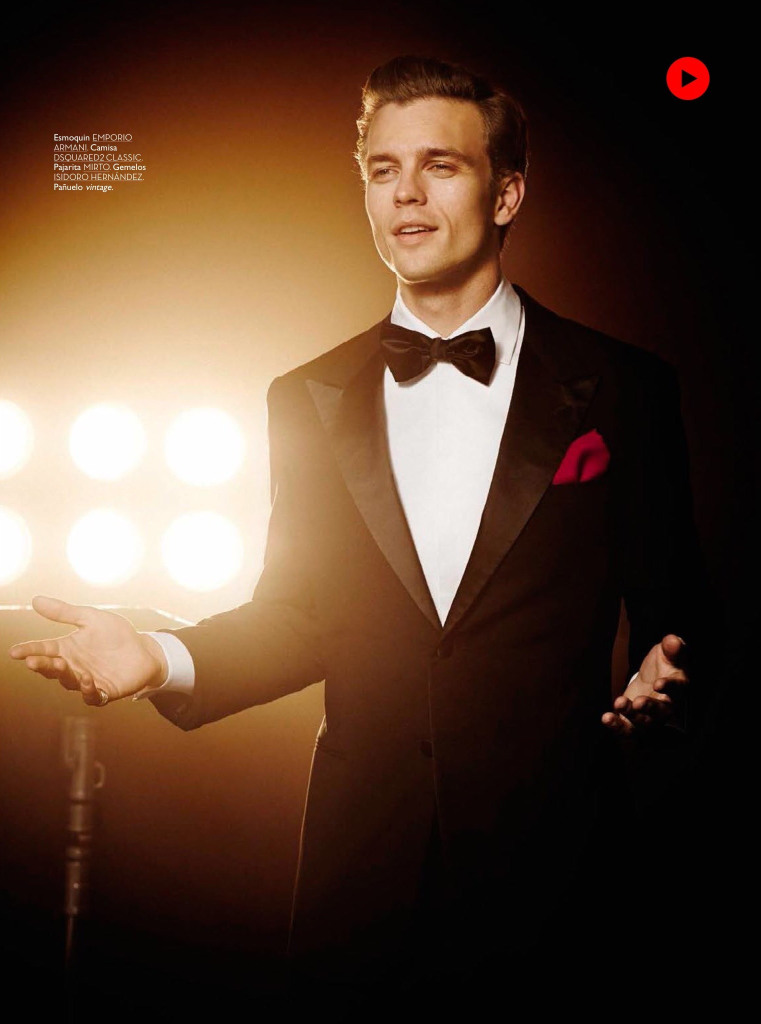
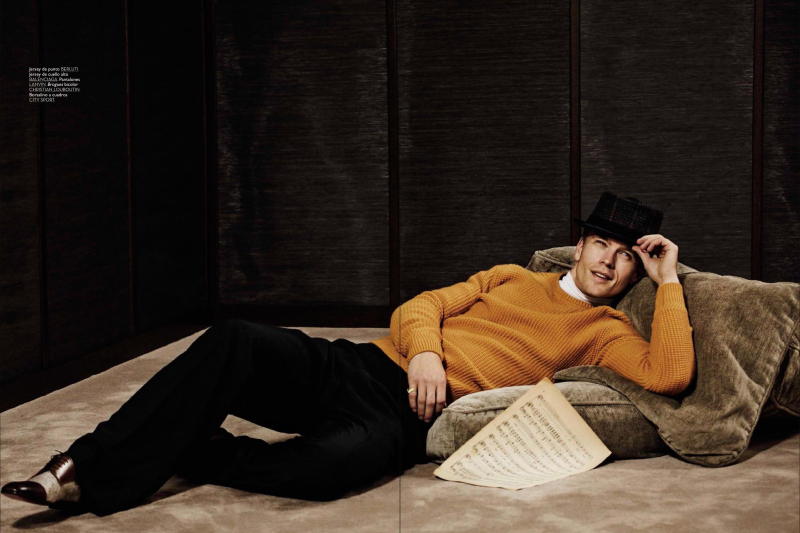
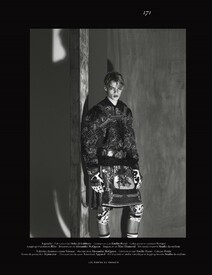 GQ Spain December 2015 "SINATRA" Photographer: Sergi Pons Stylist: Joana de la Fuente designsfever.com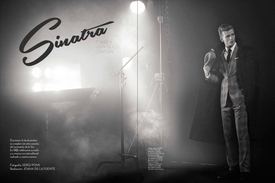
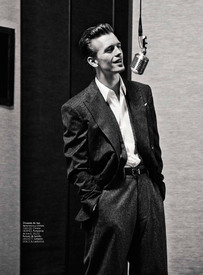
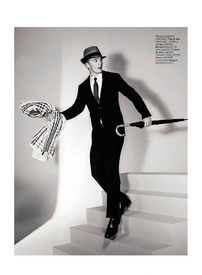
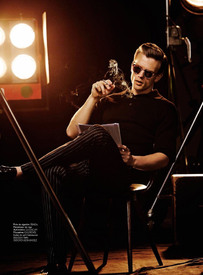
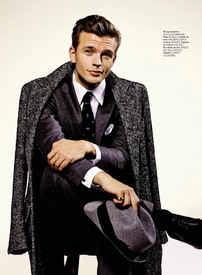
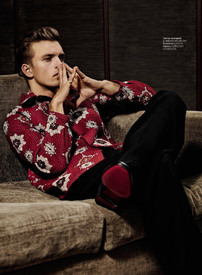
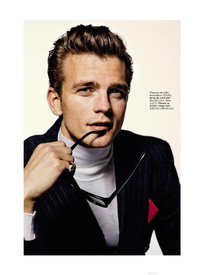
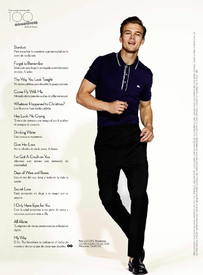
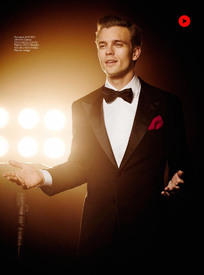
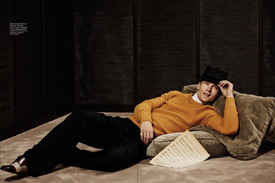 GQ Australia November 2014 designsfever.com
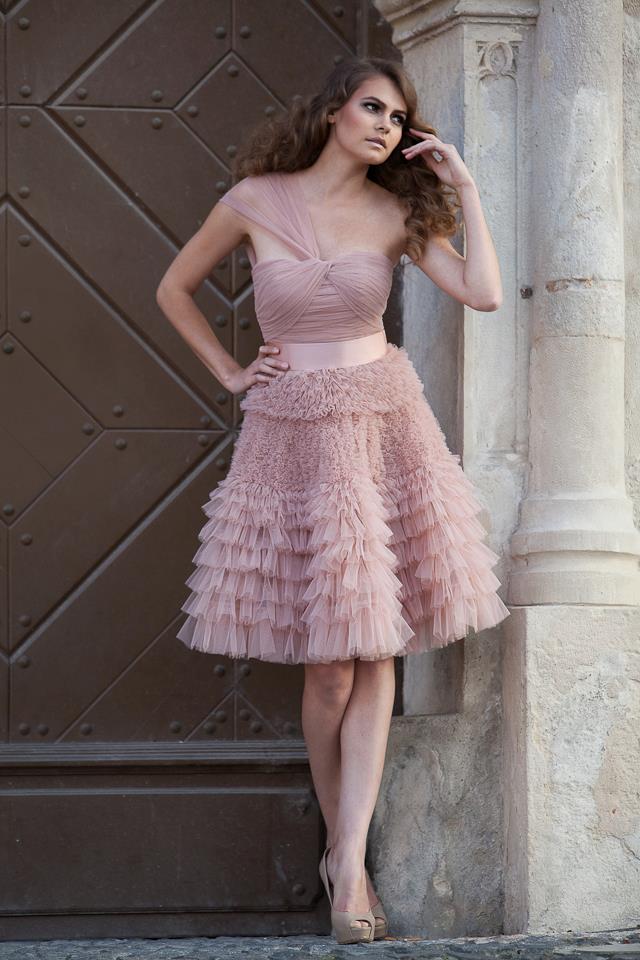
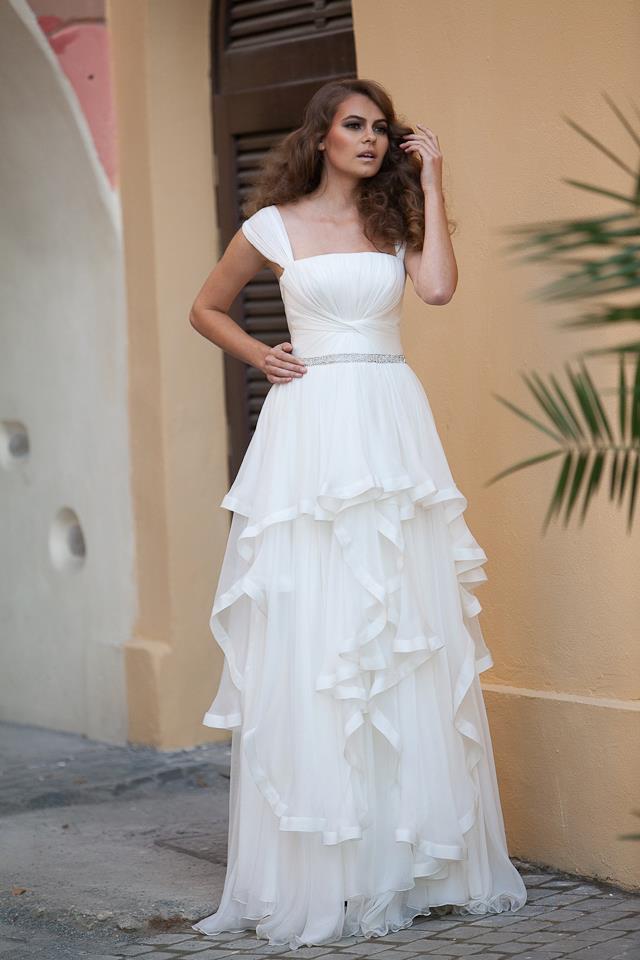
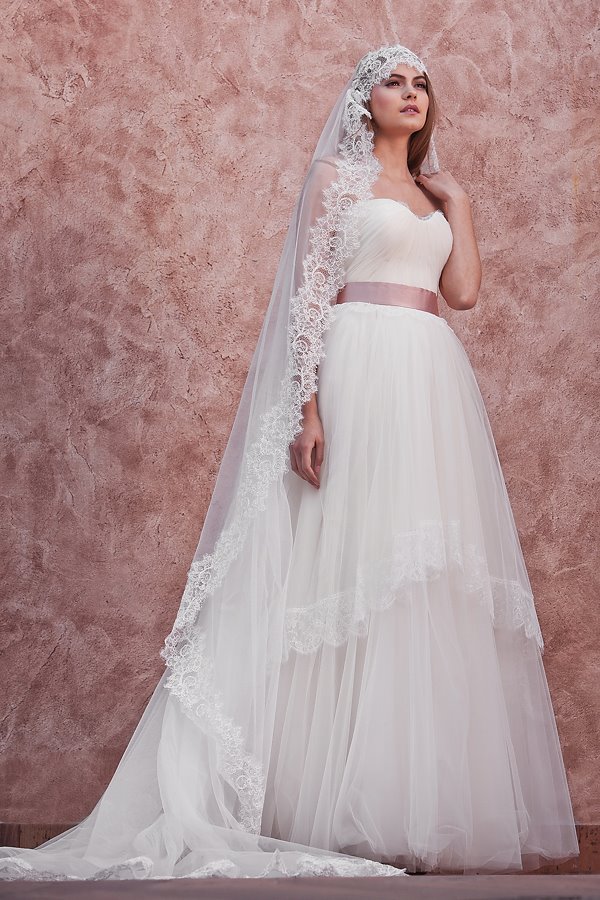
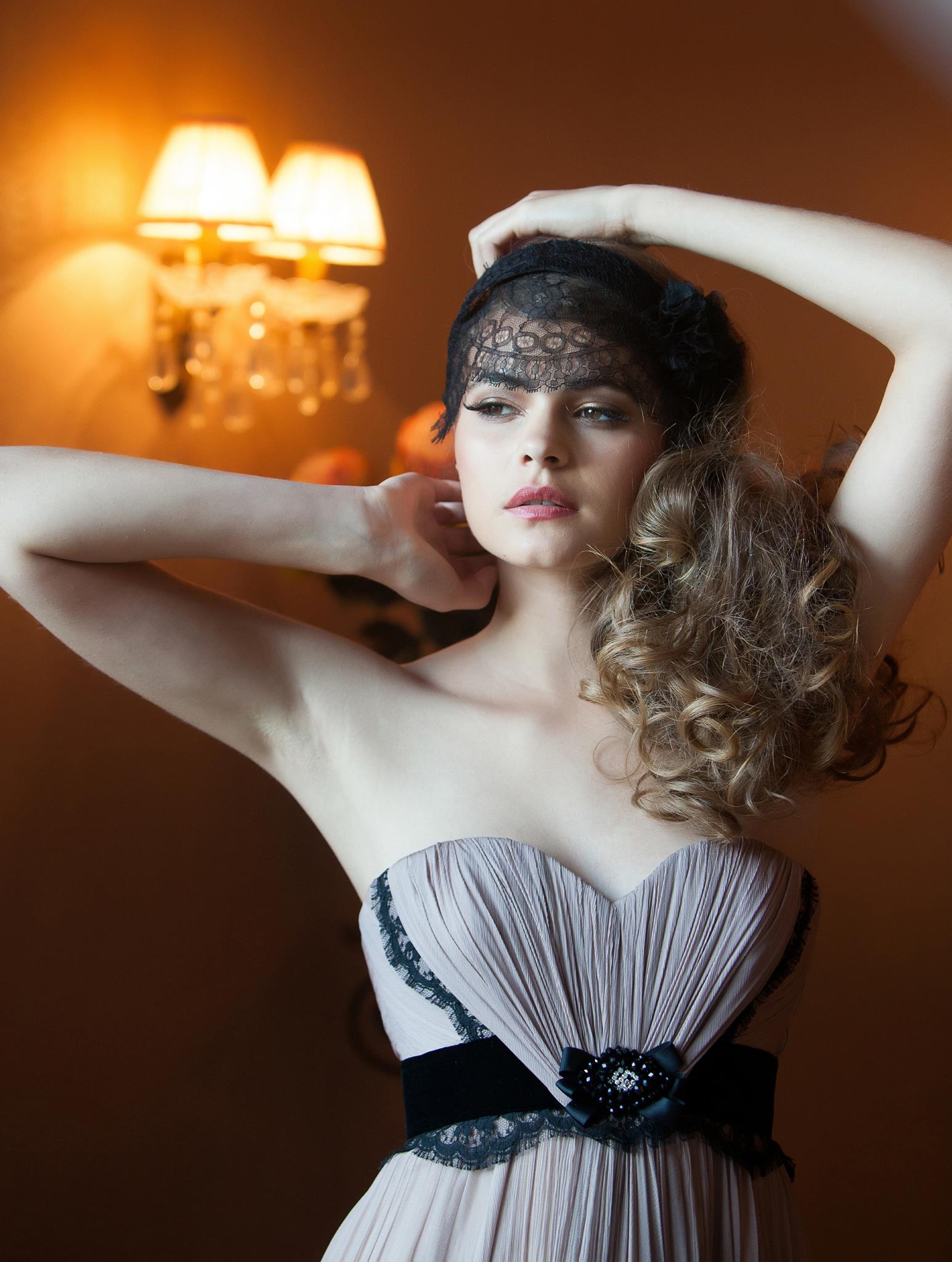
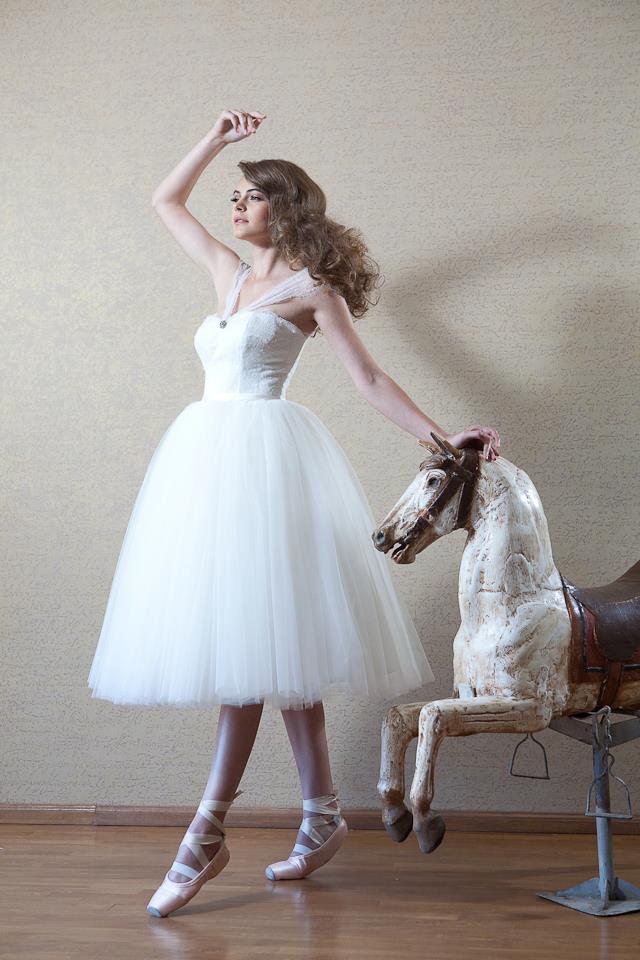
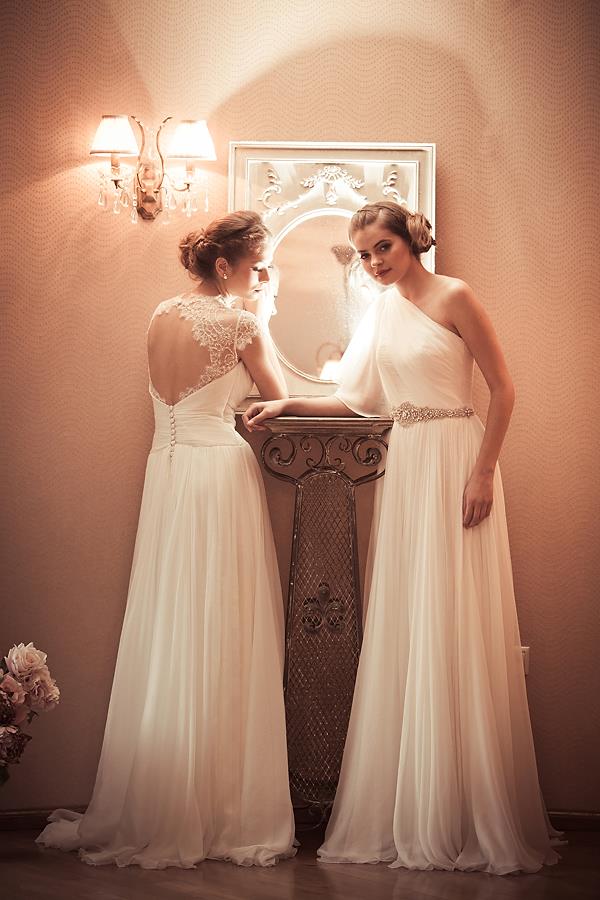
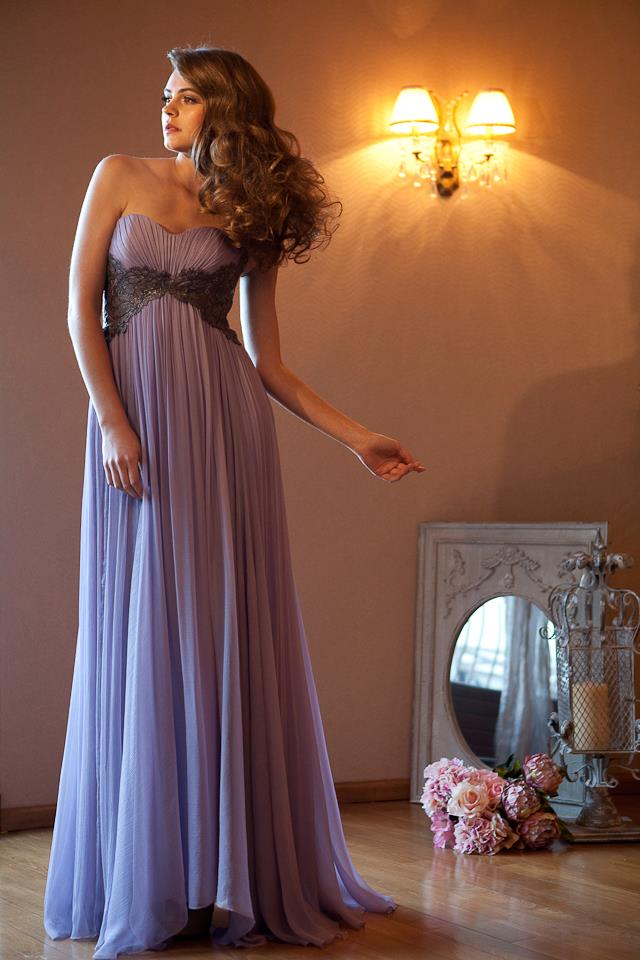
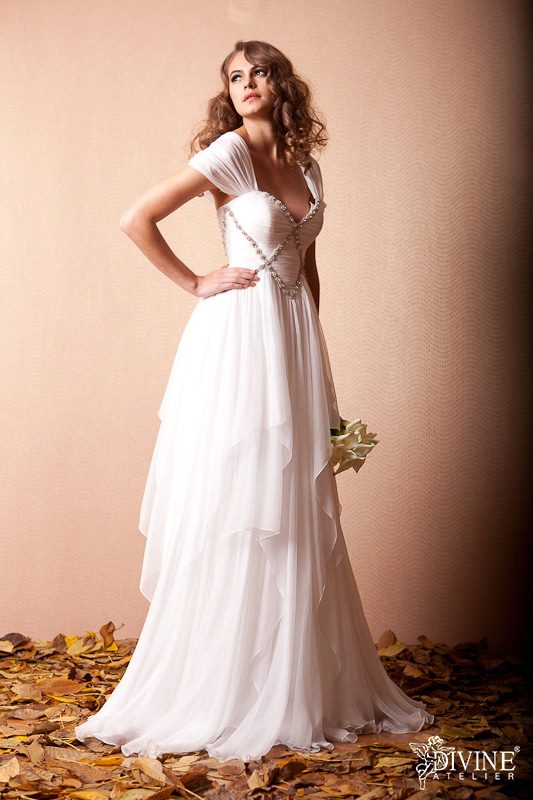
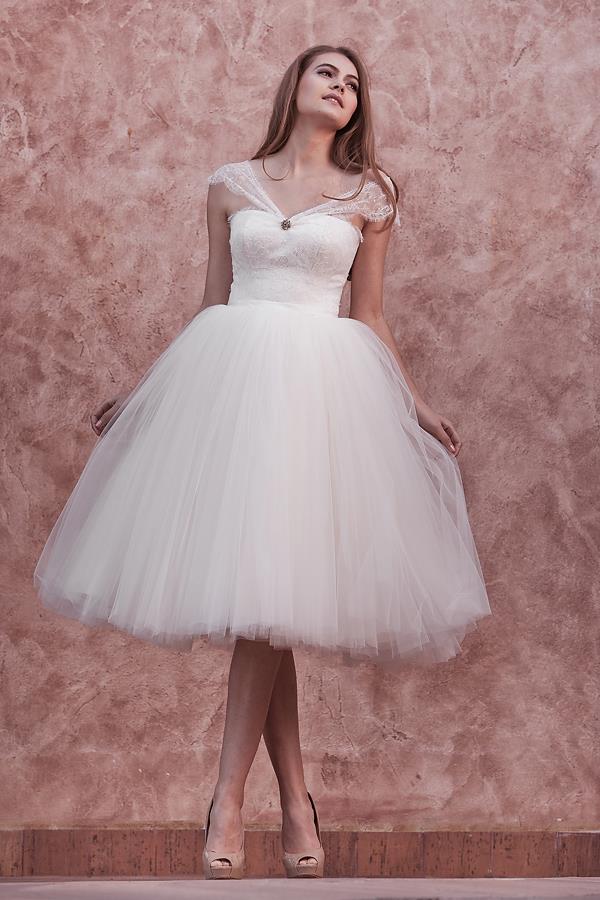
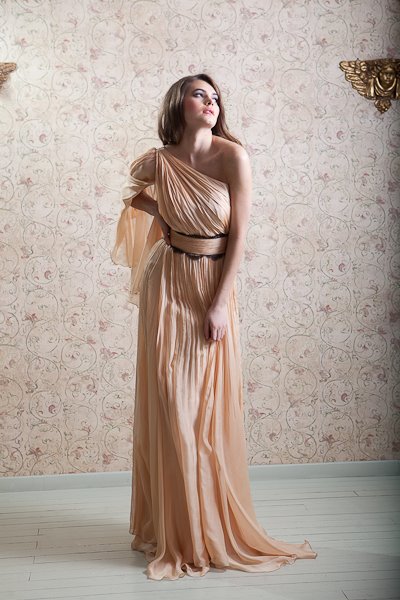
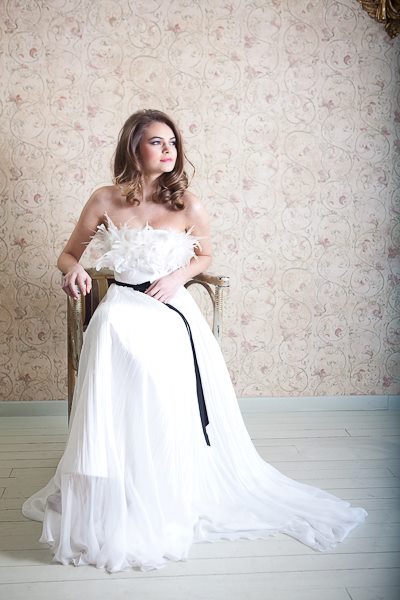
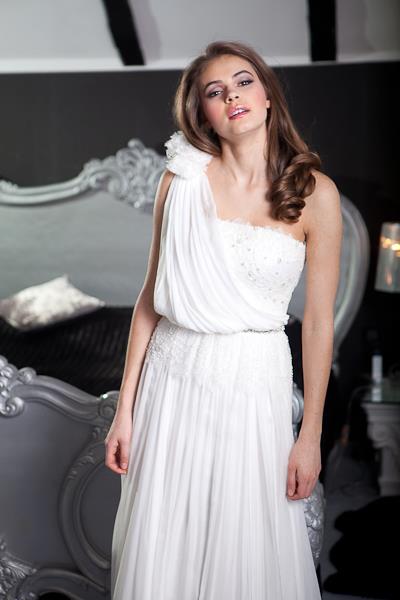
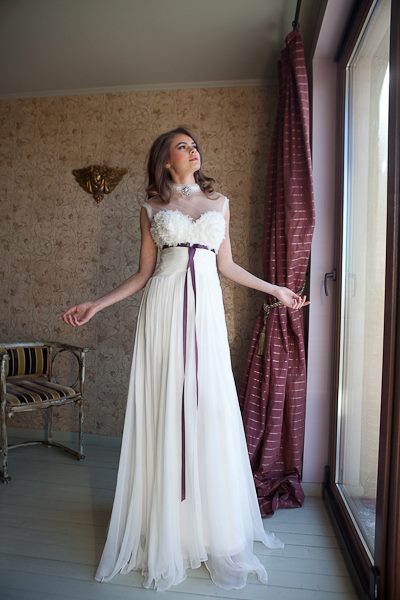
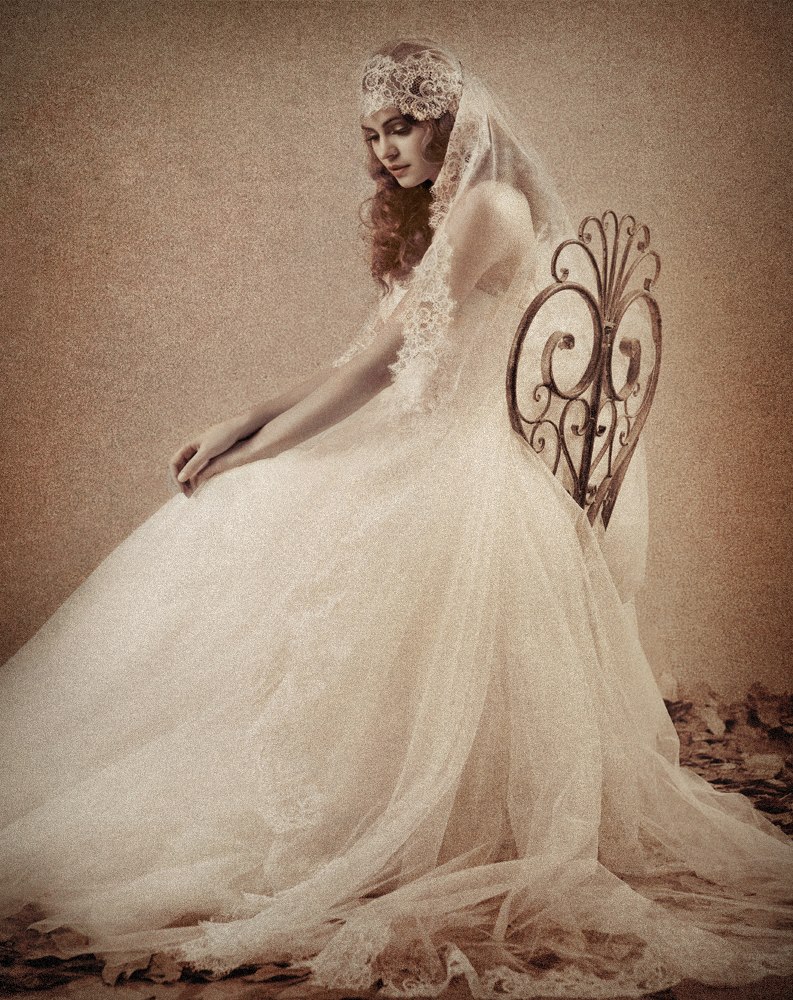
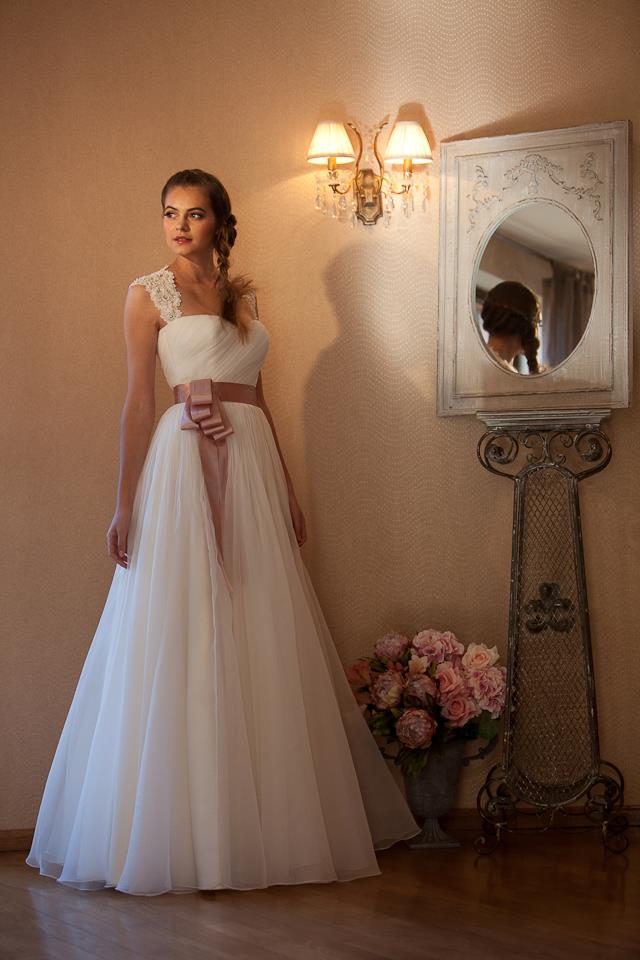
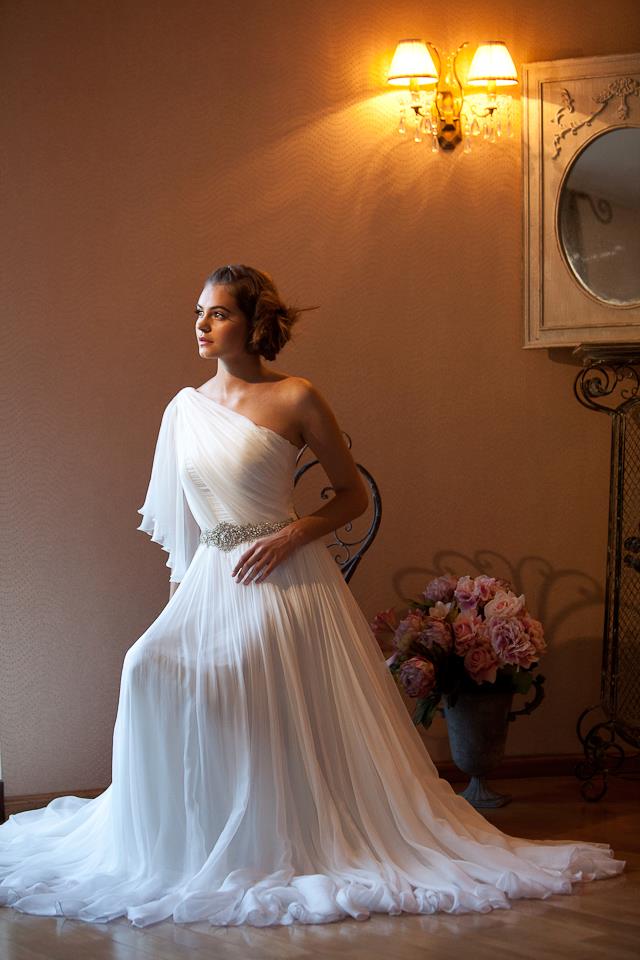
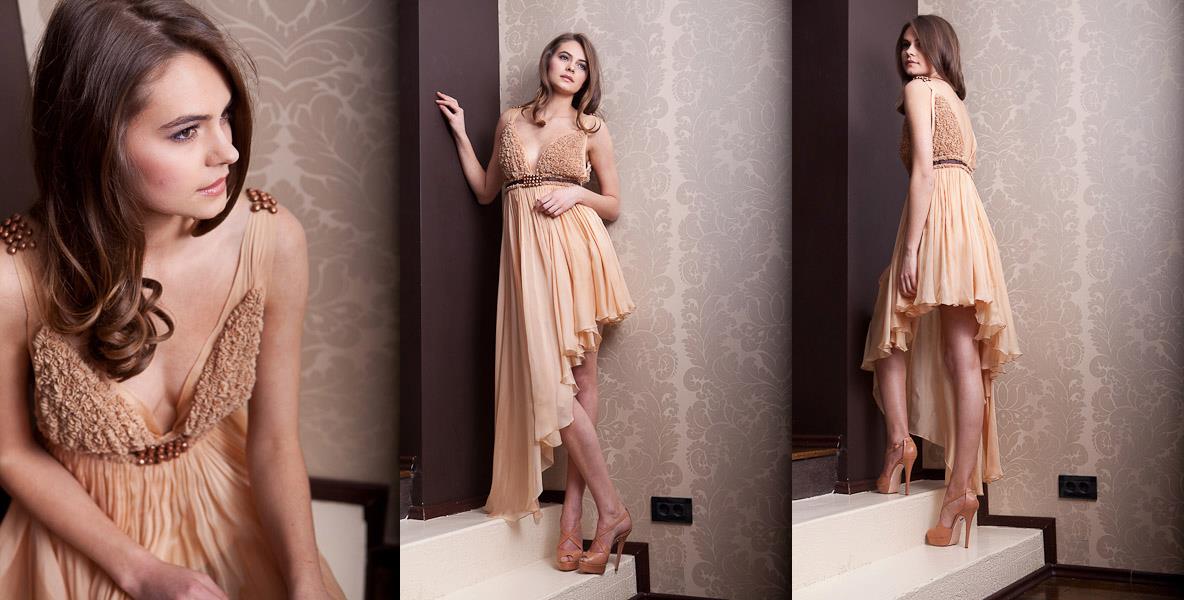
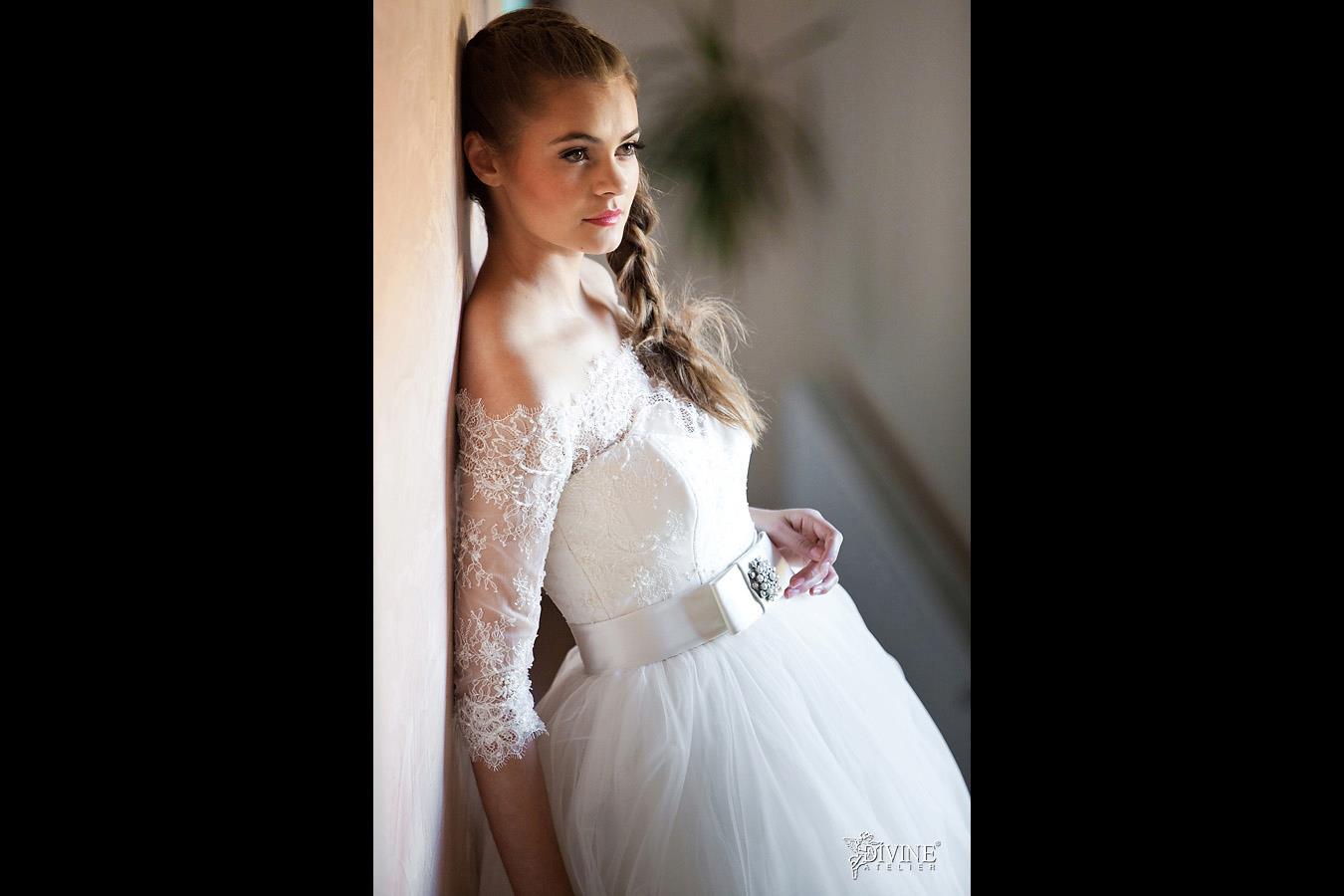
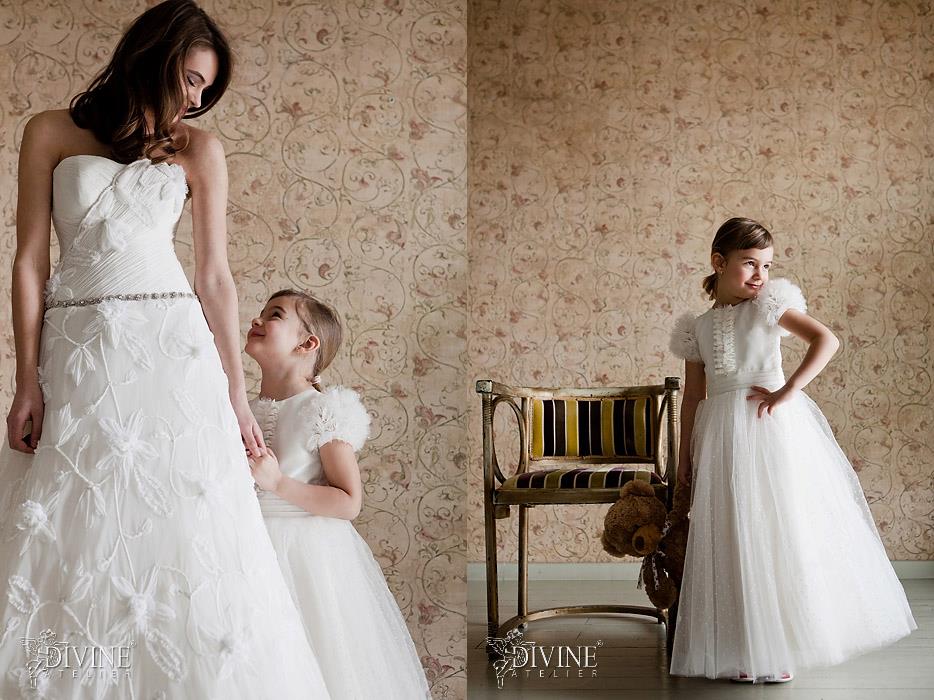
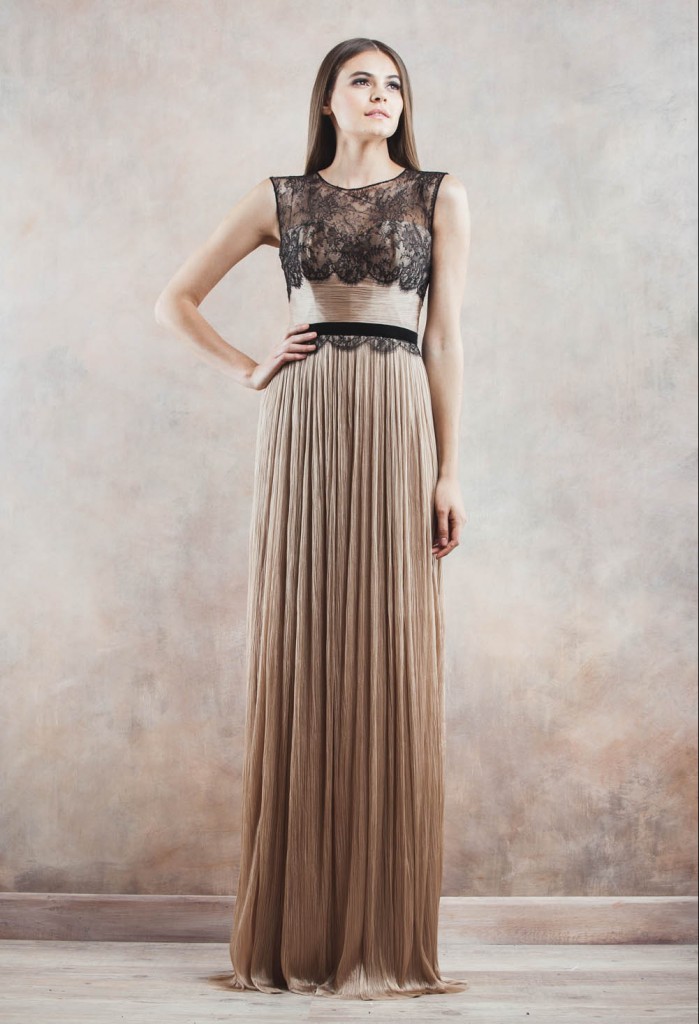
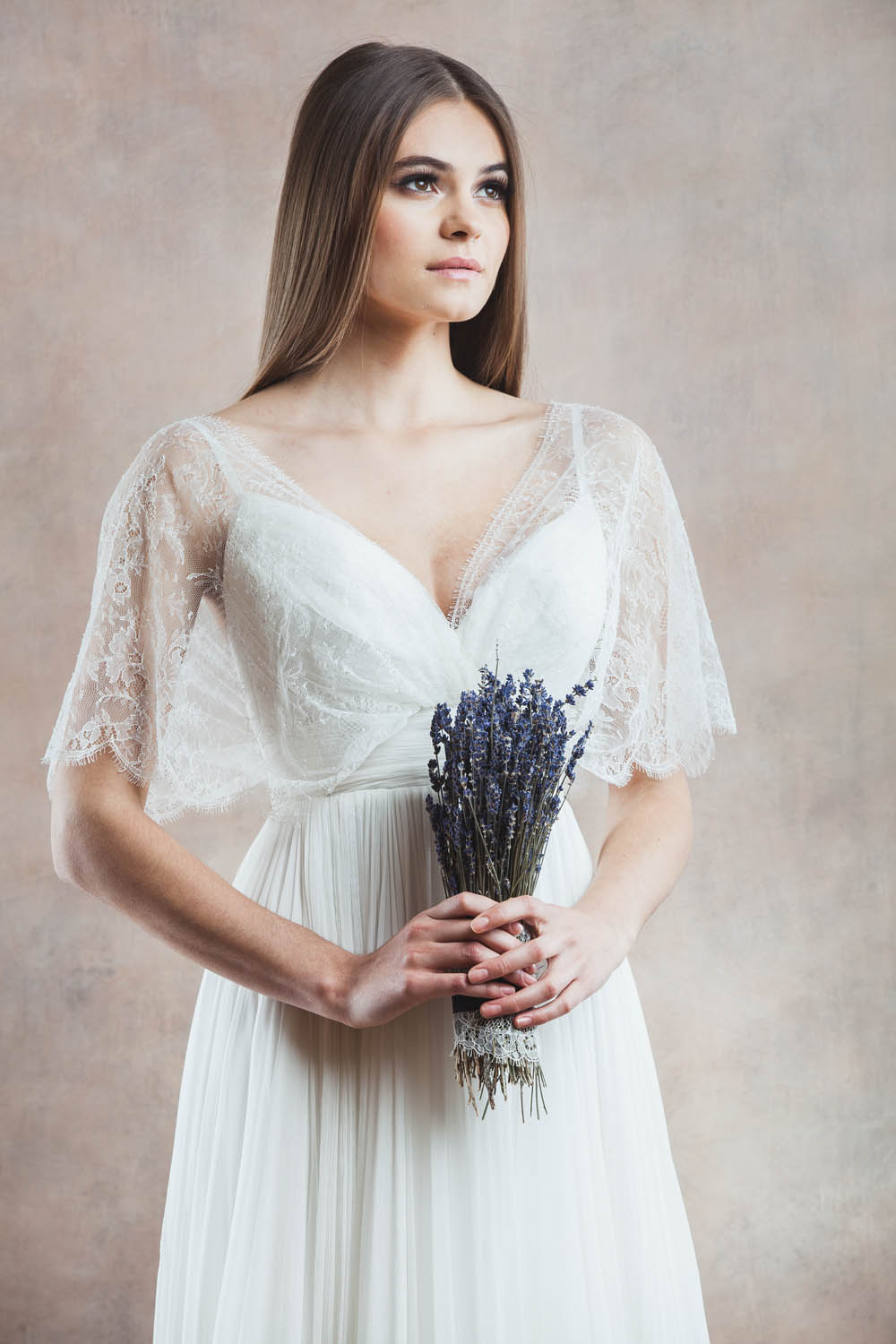
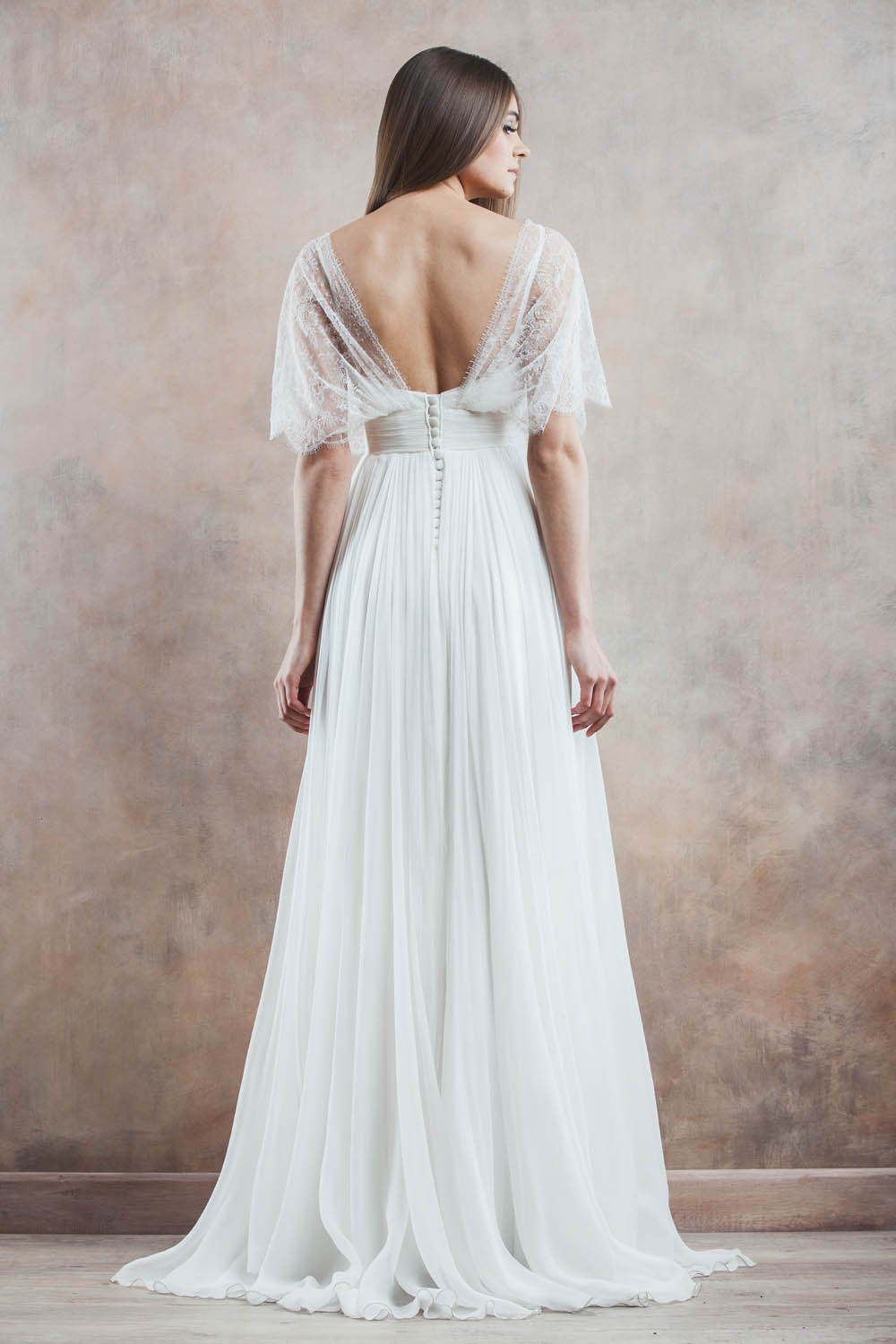
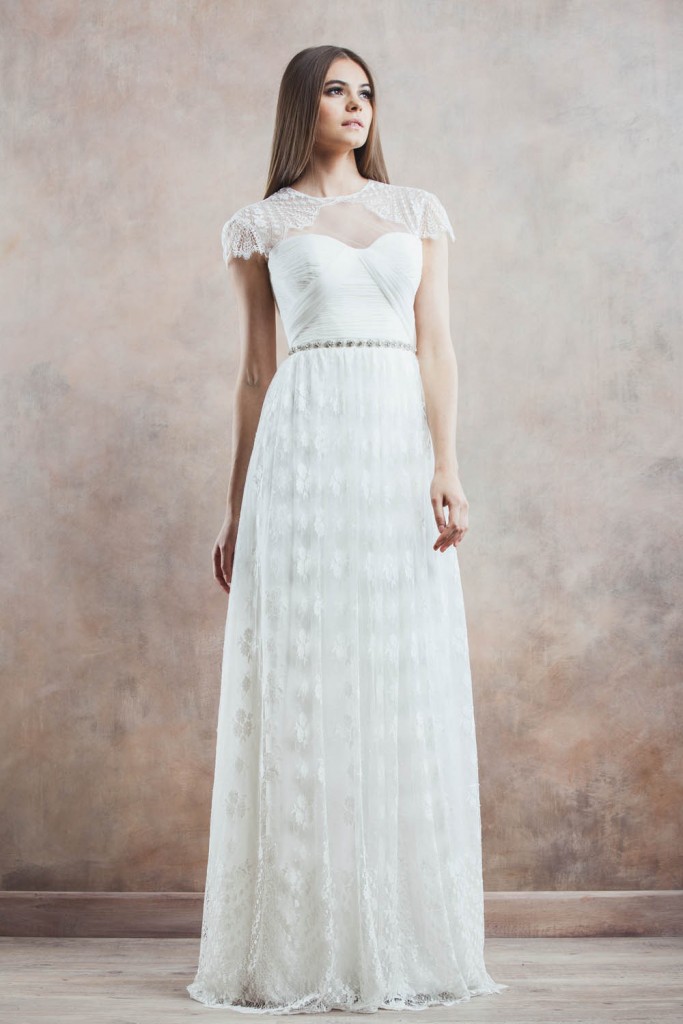
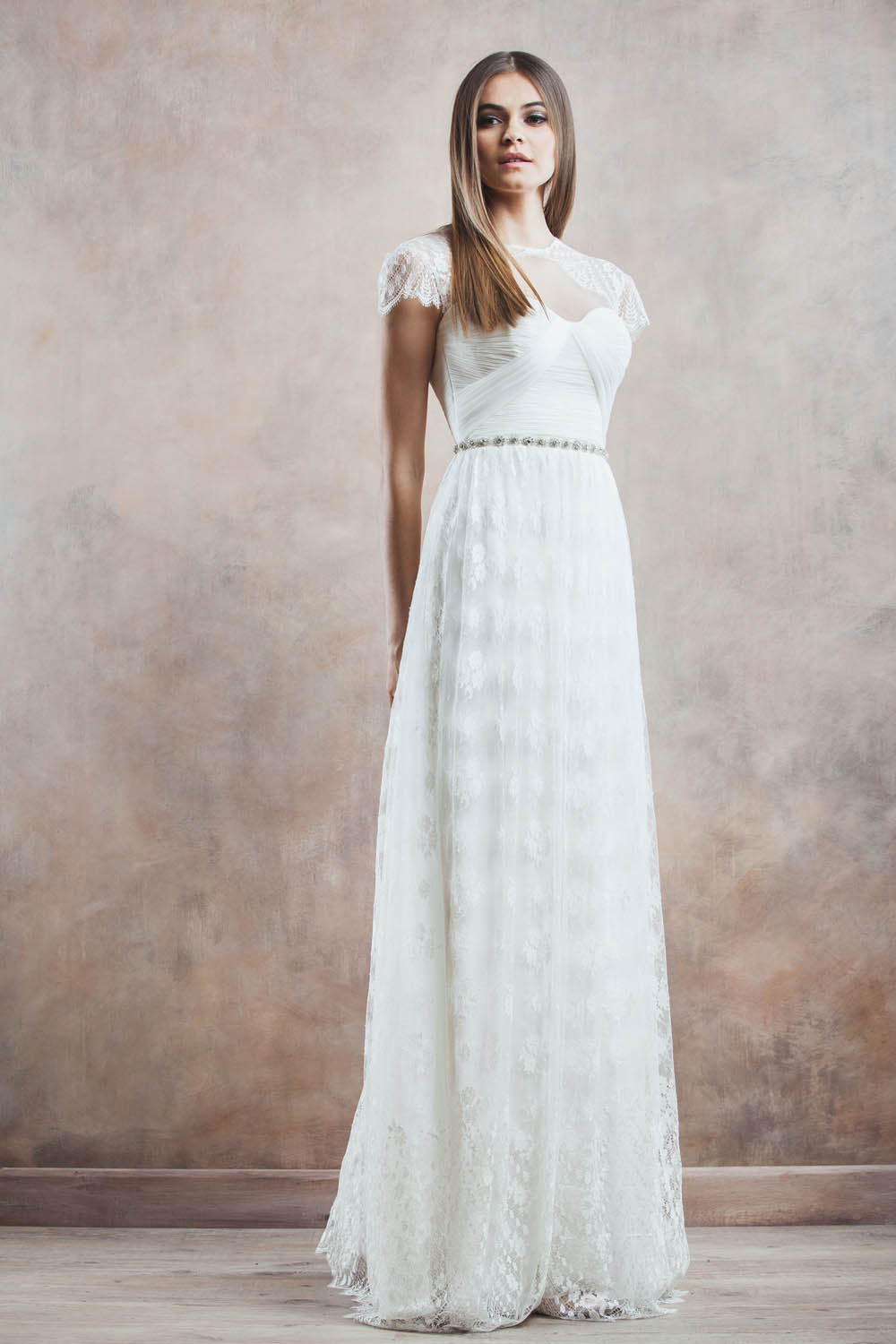
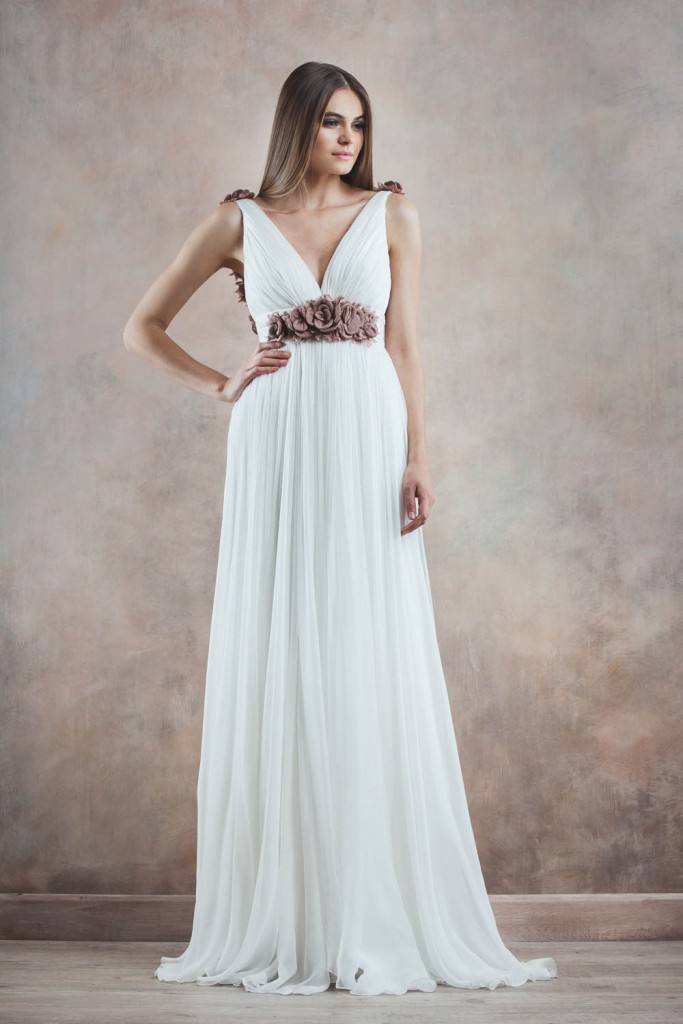
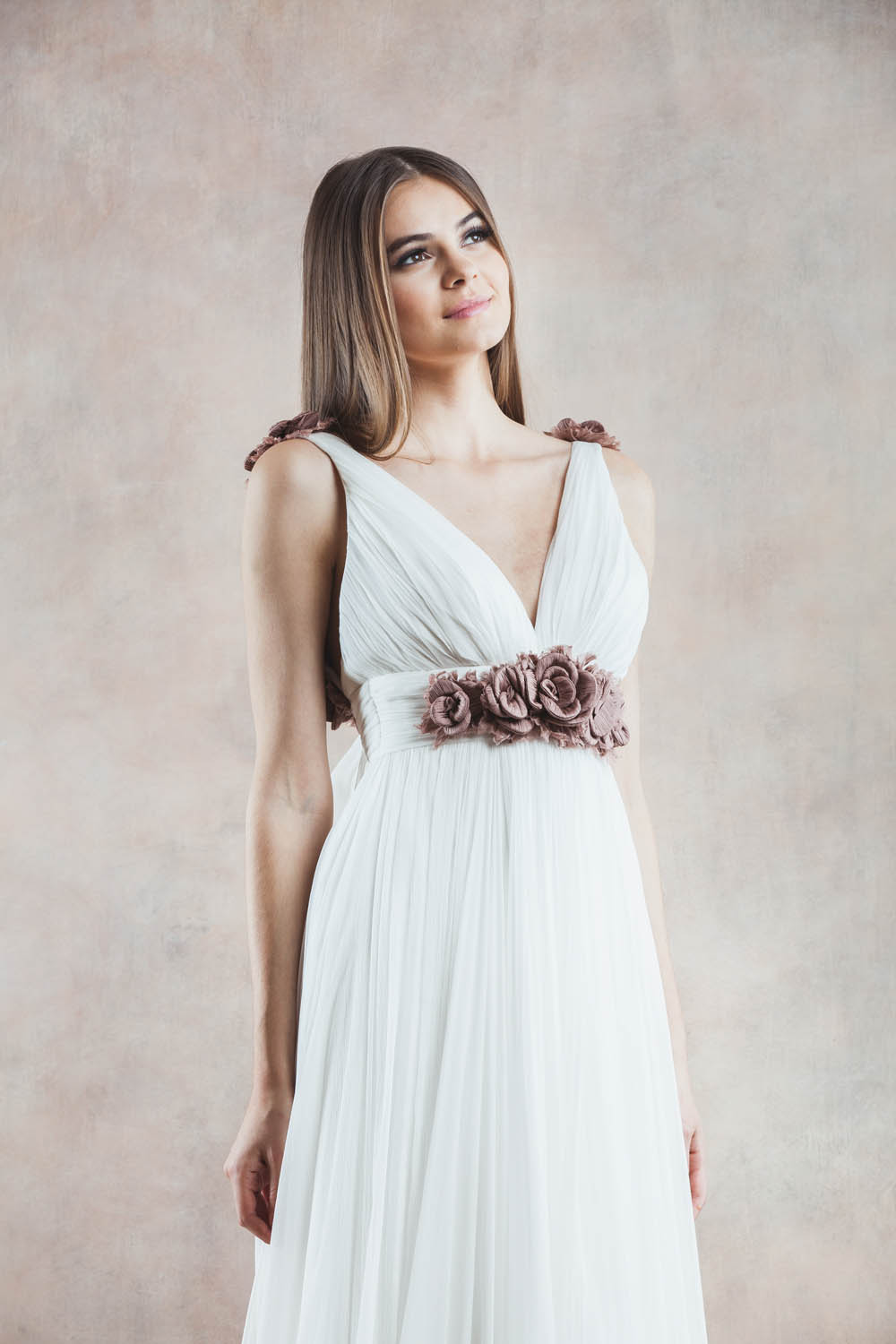
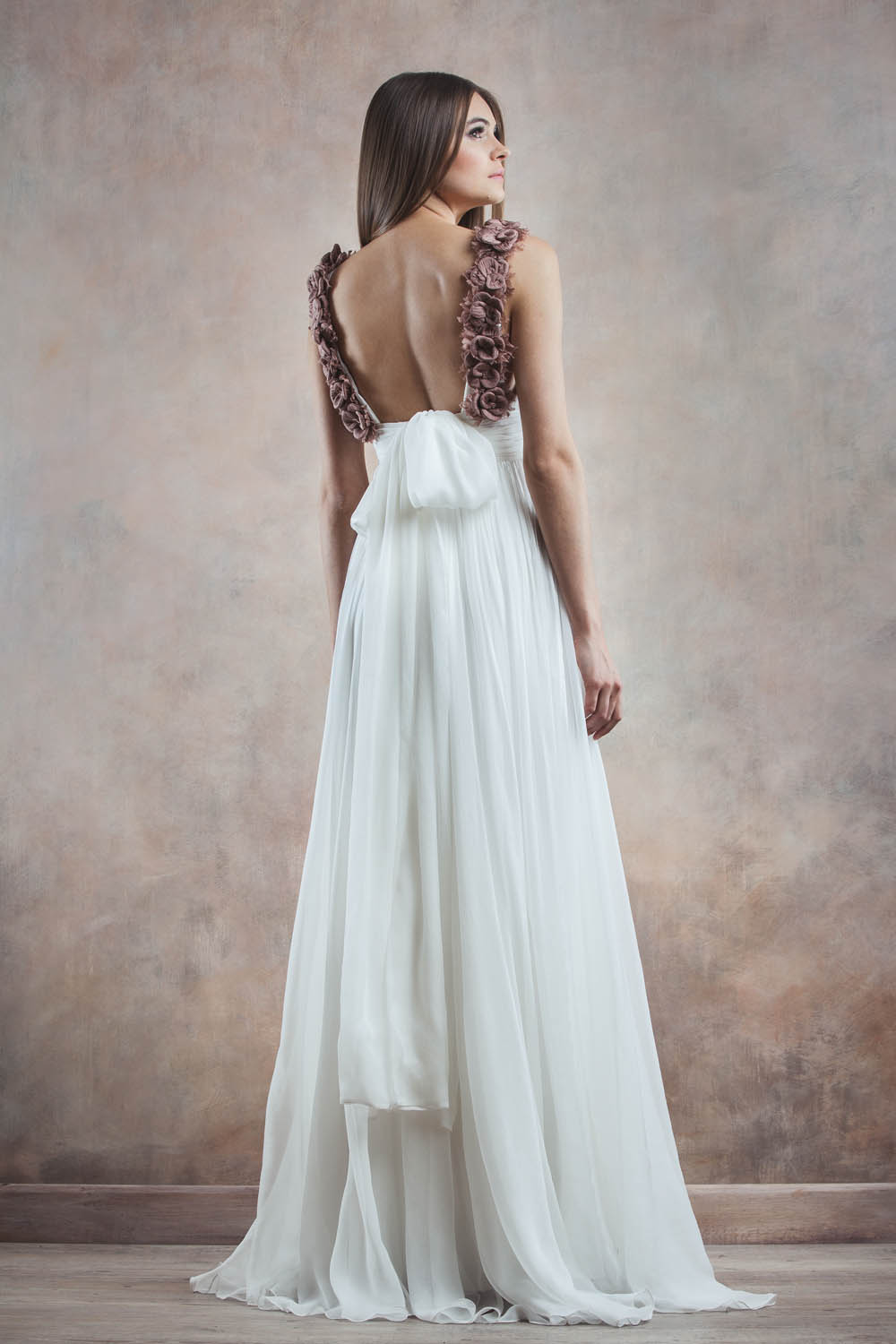
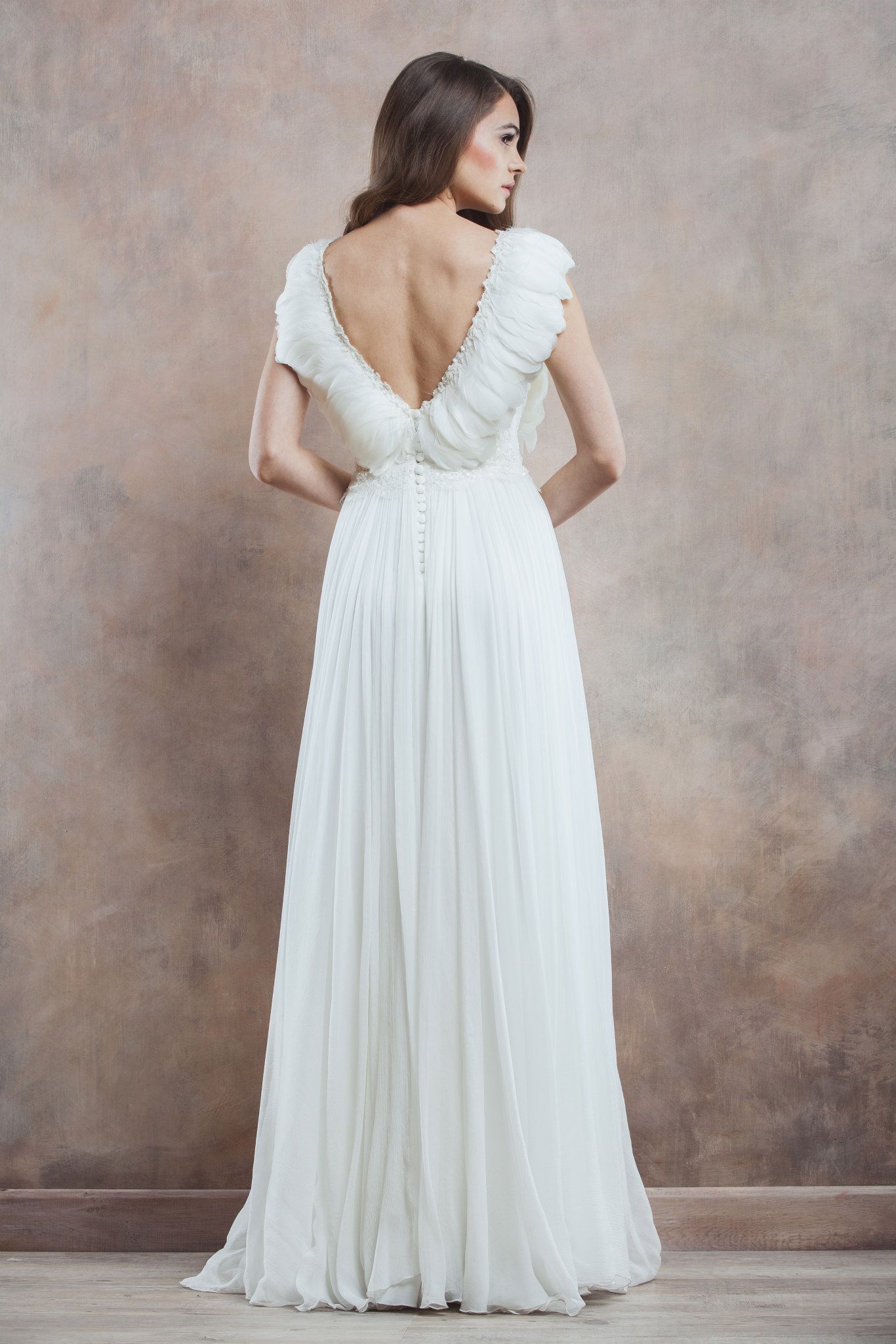
Divine Atelier 2012-2013
GQ Australia November 2014 designsfever.com
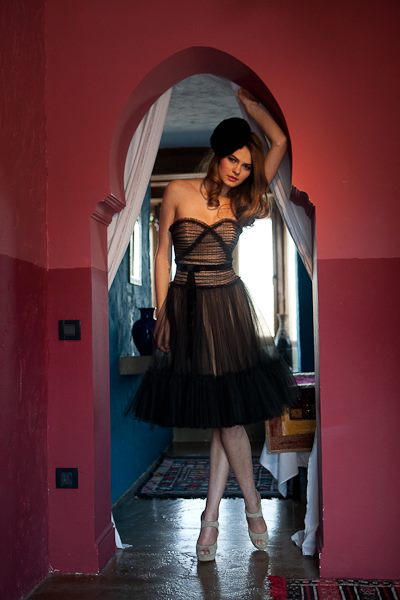
Divine Atelier 2012-2013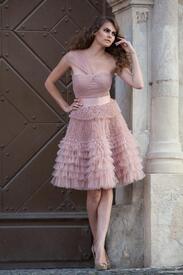
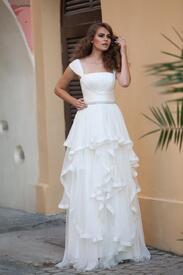
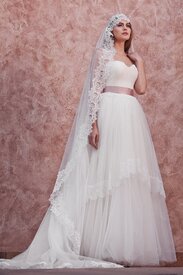
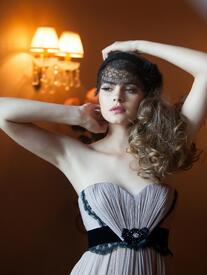

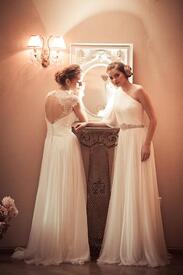


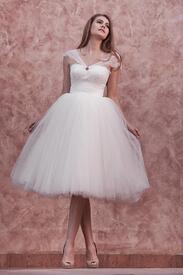




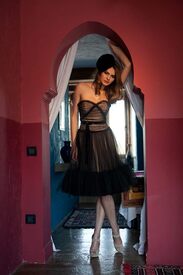



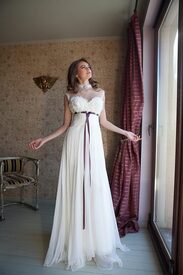

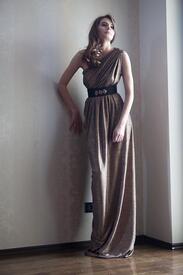



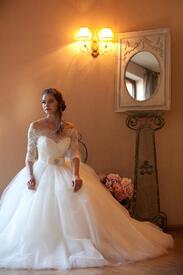


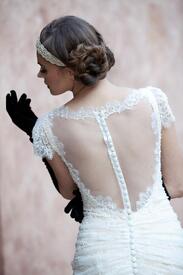
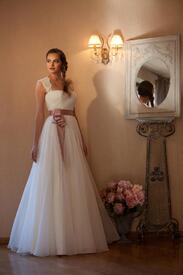


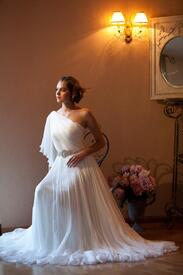
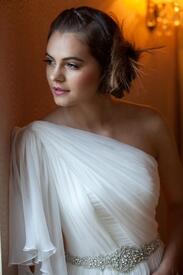


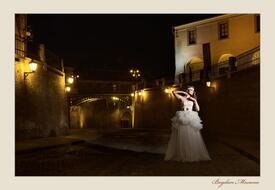

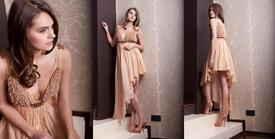




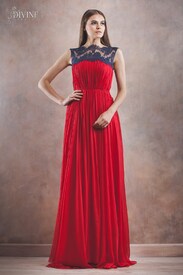
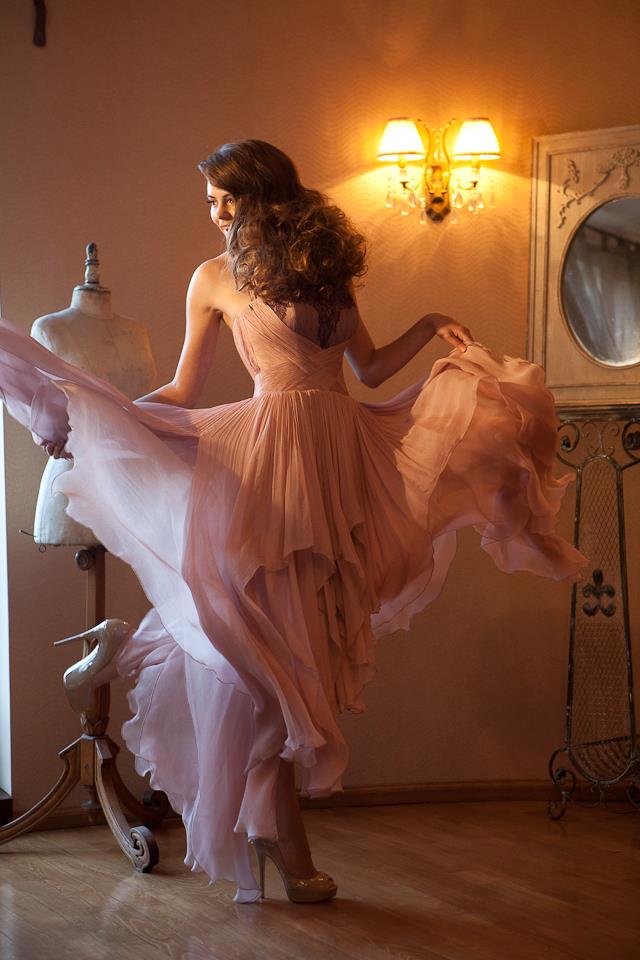
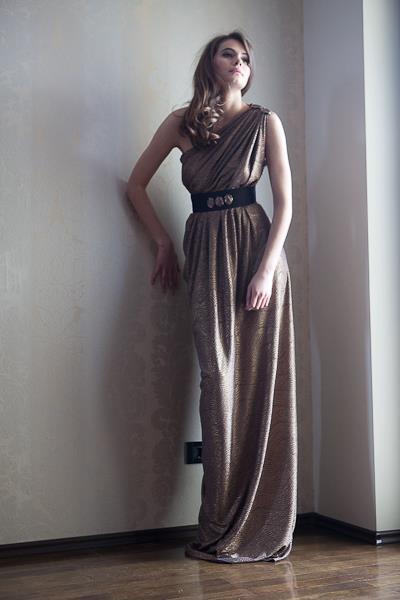
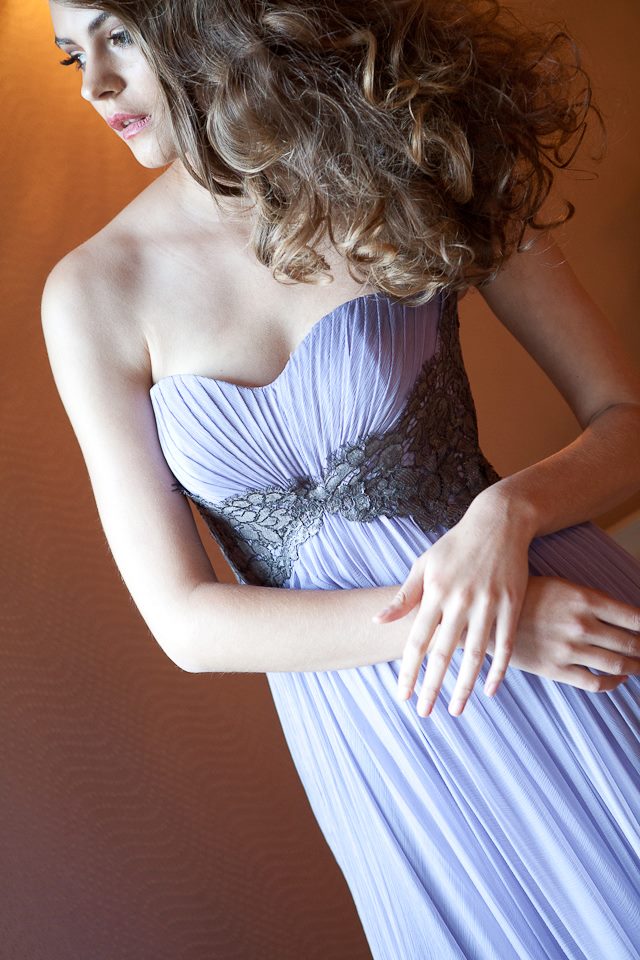
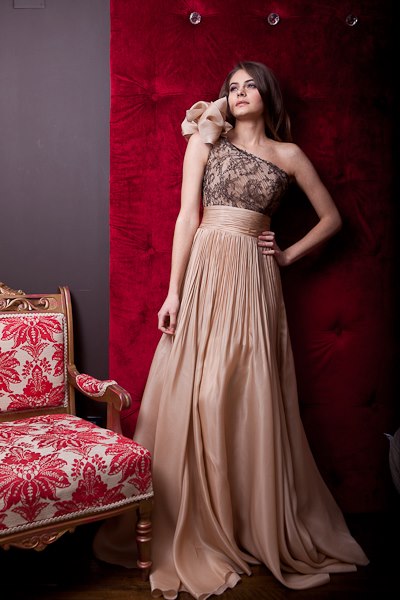
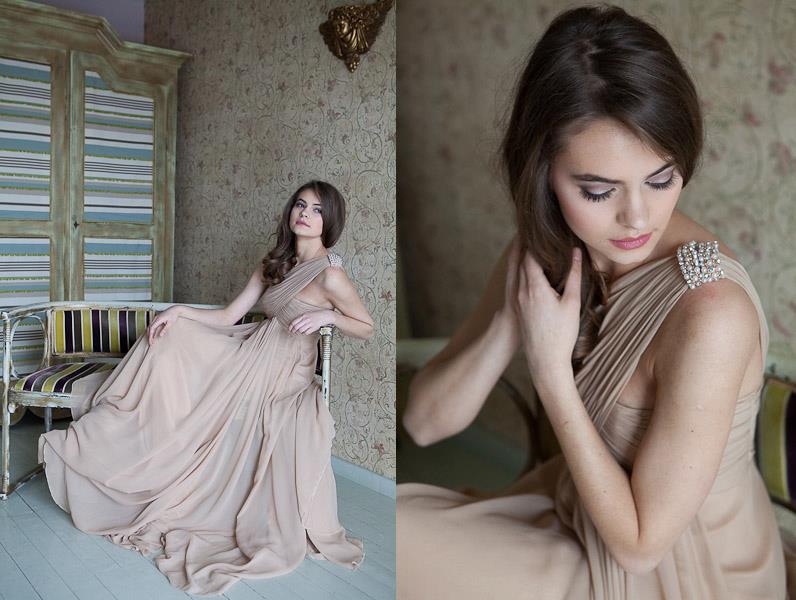
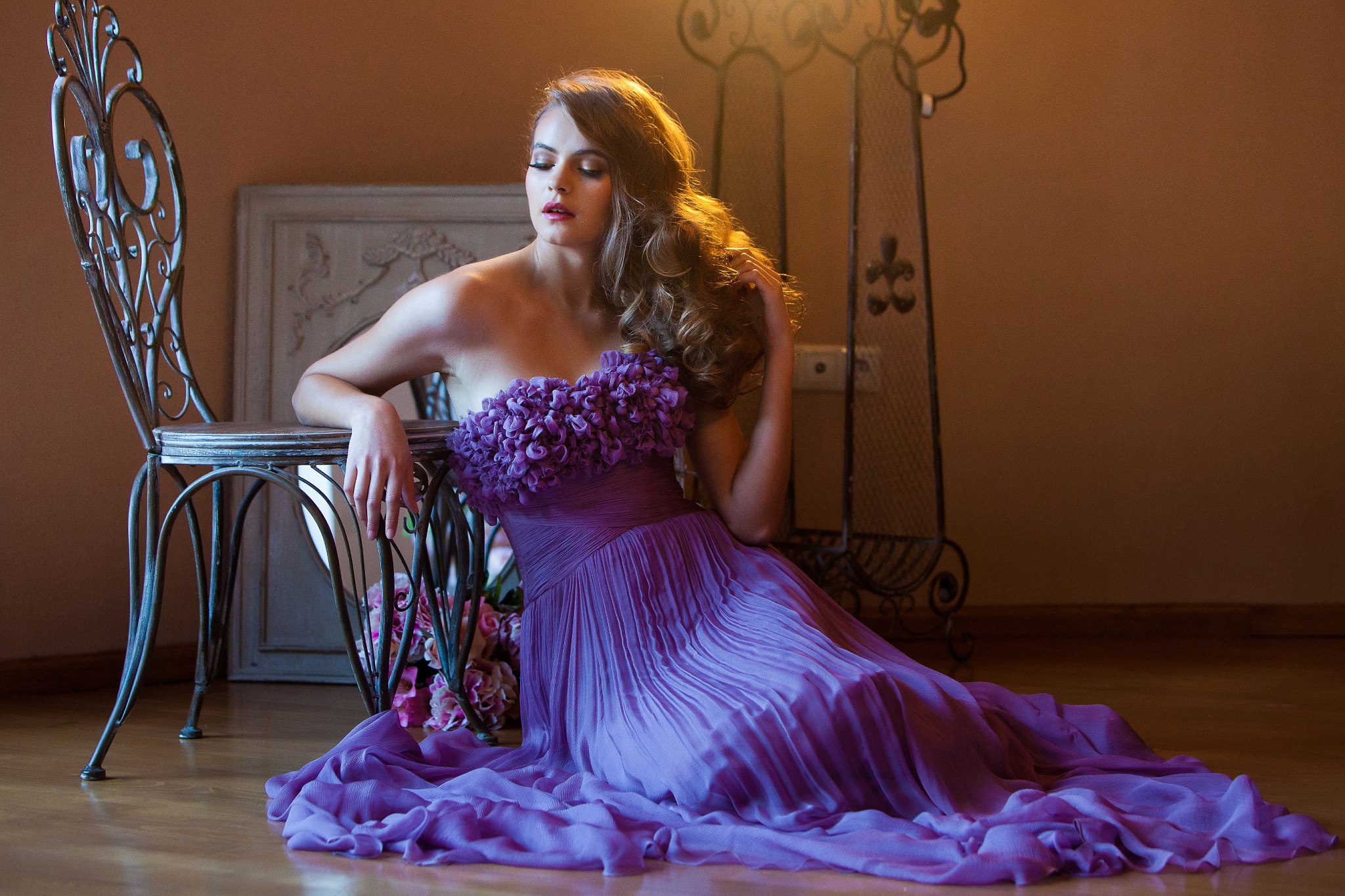
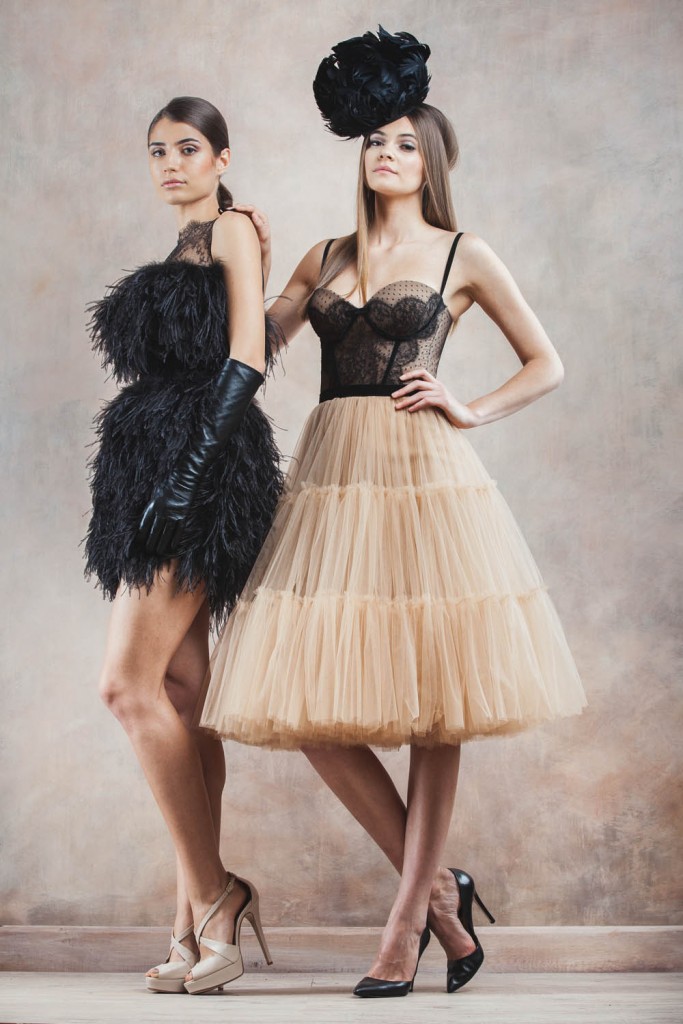
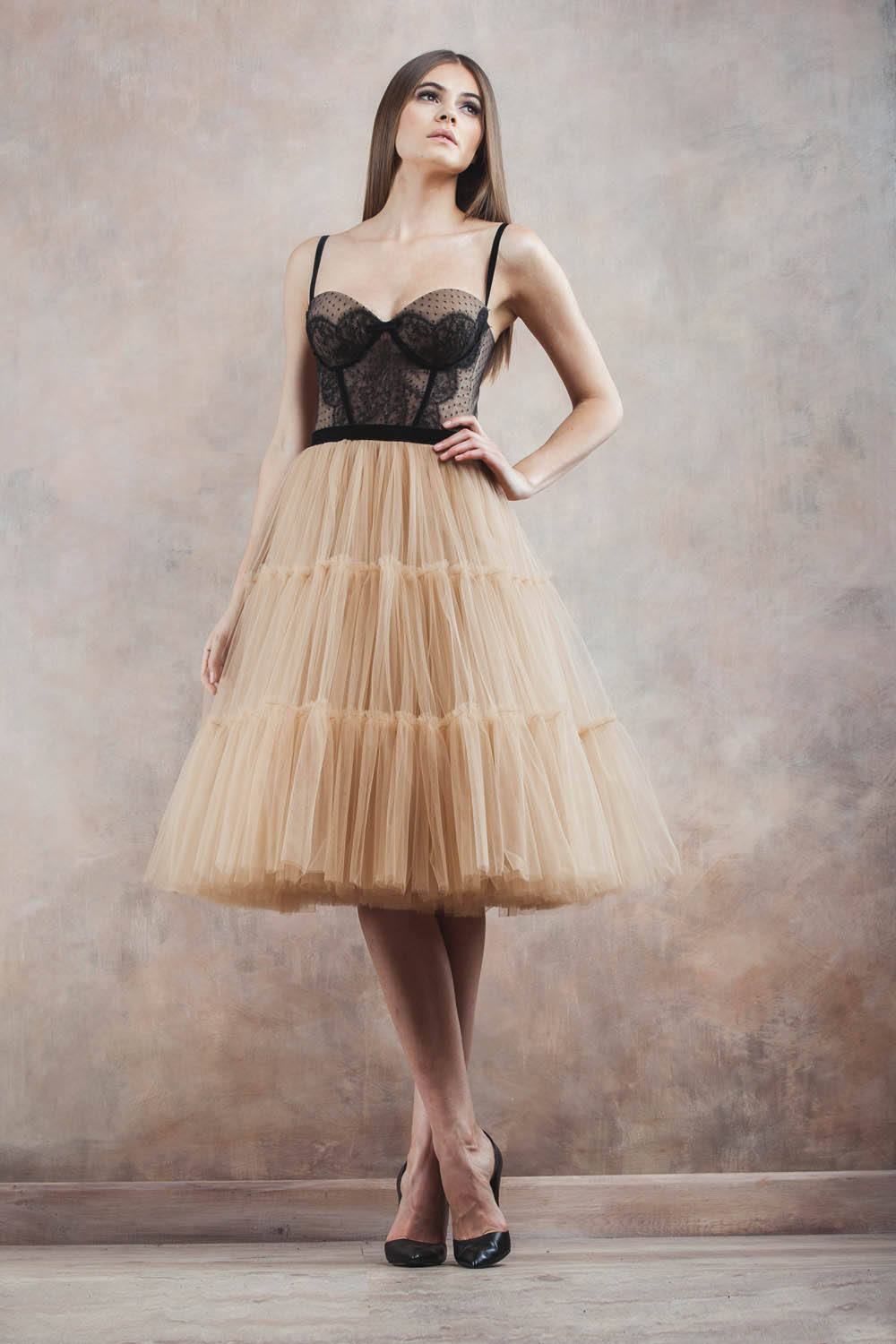
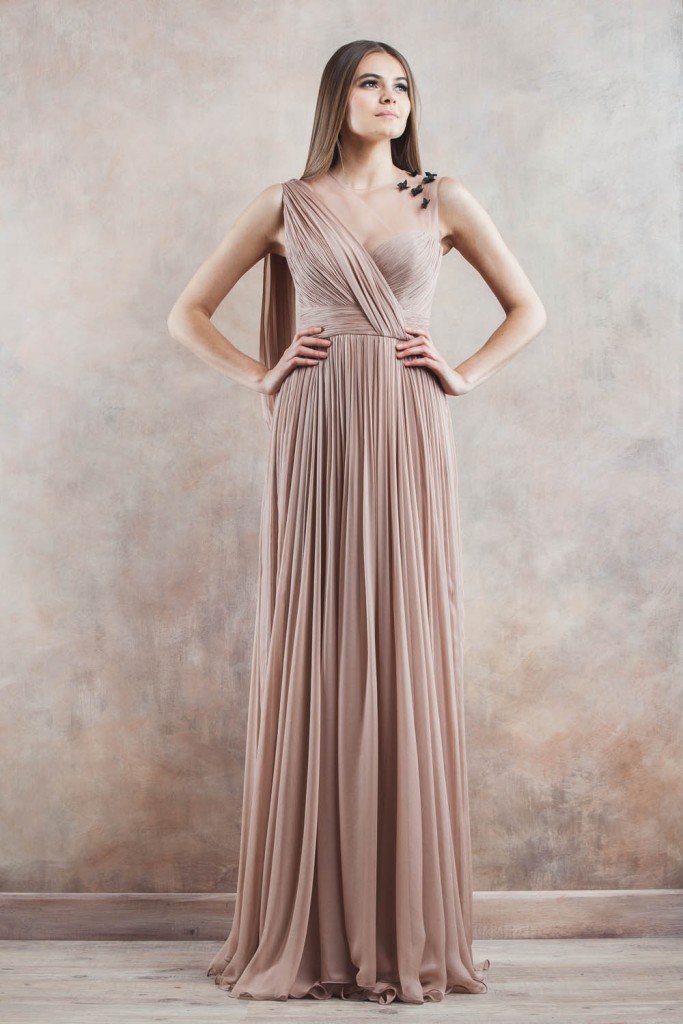
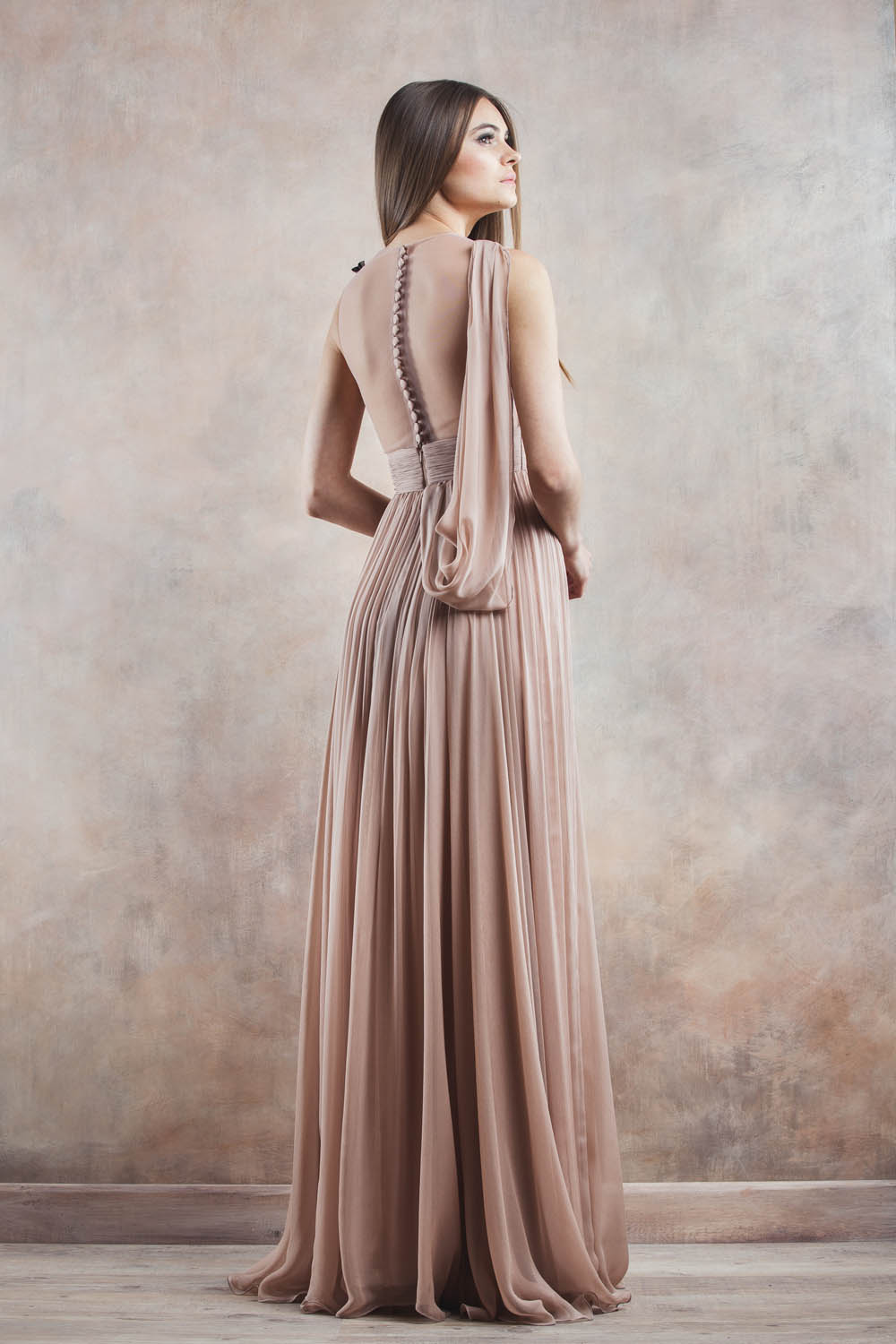
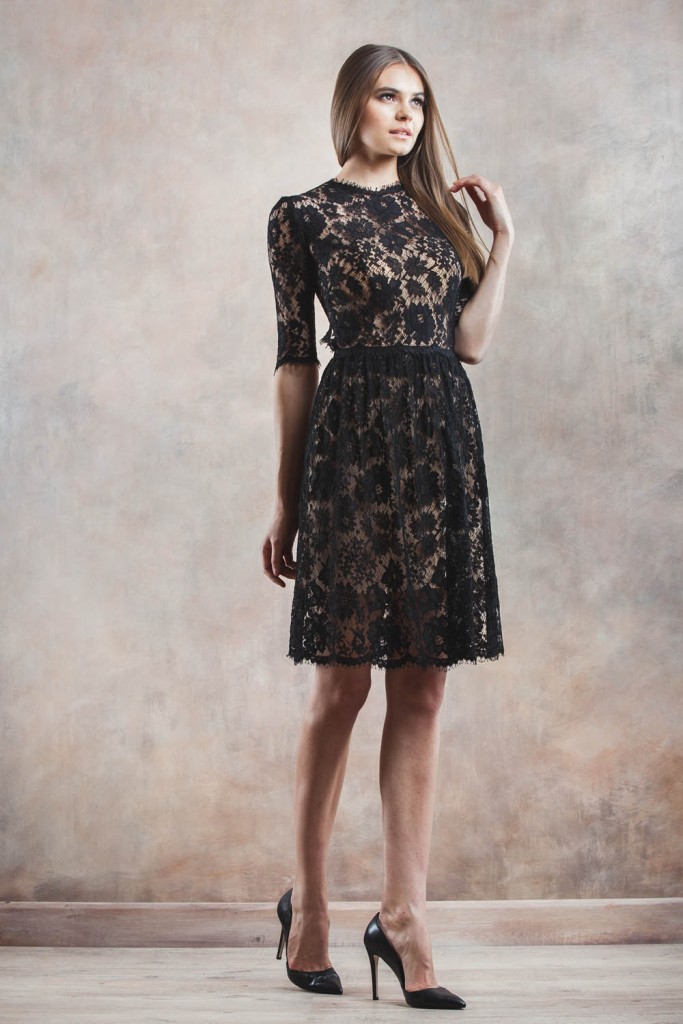
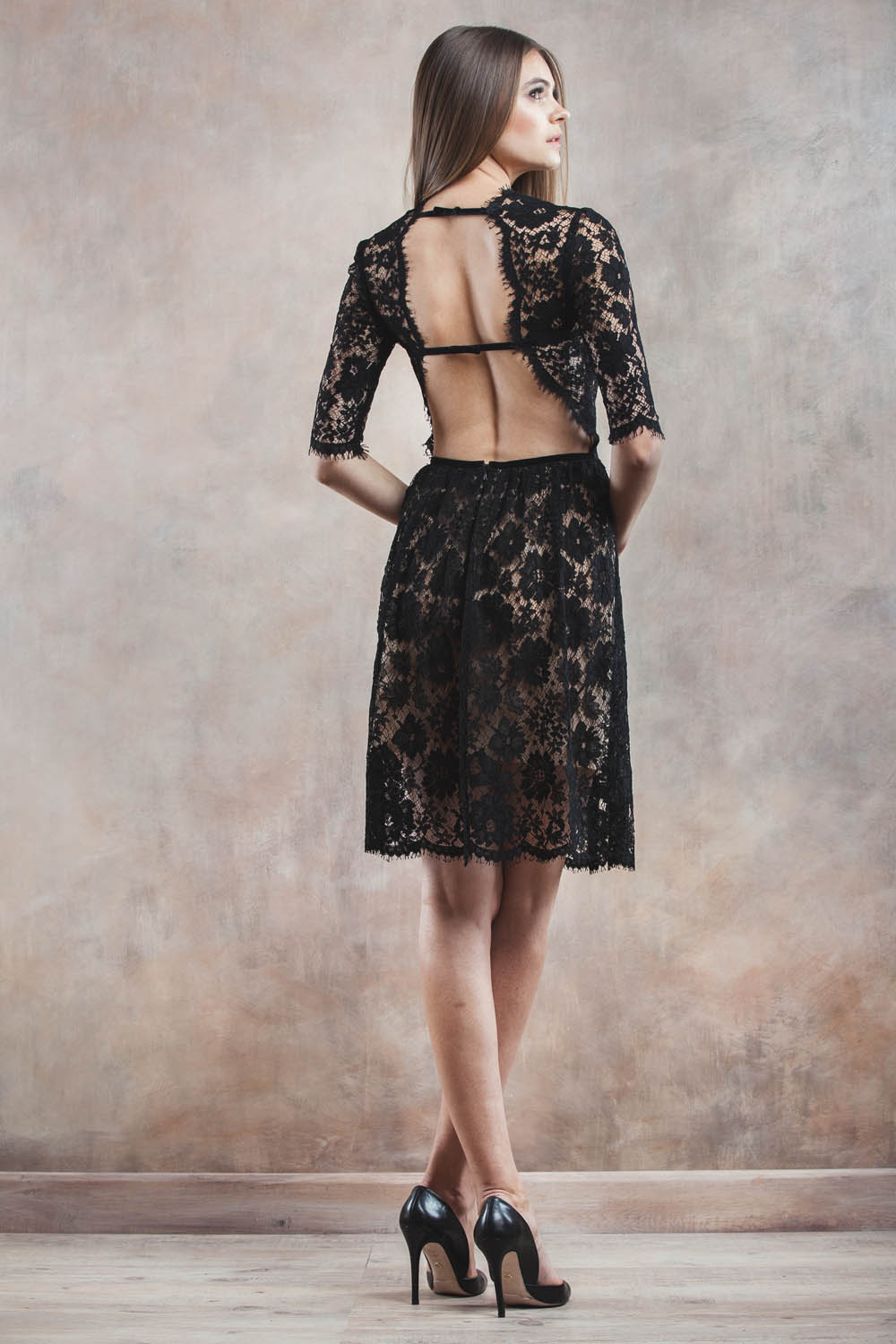
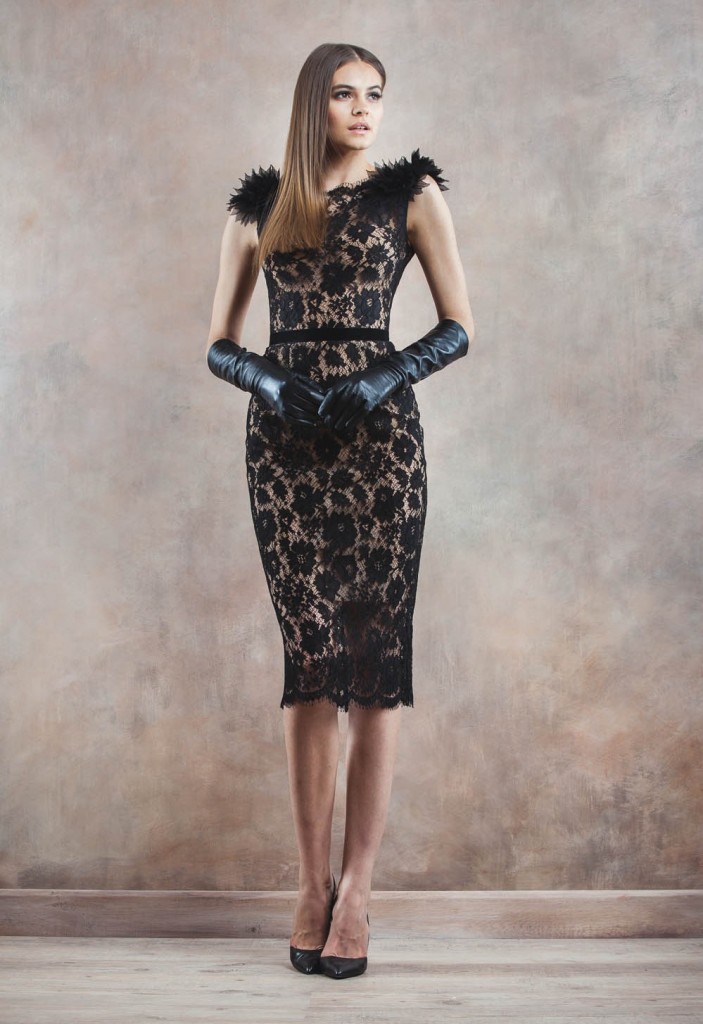
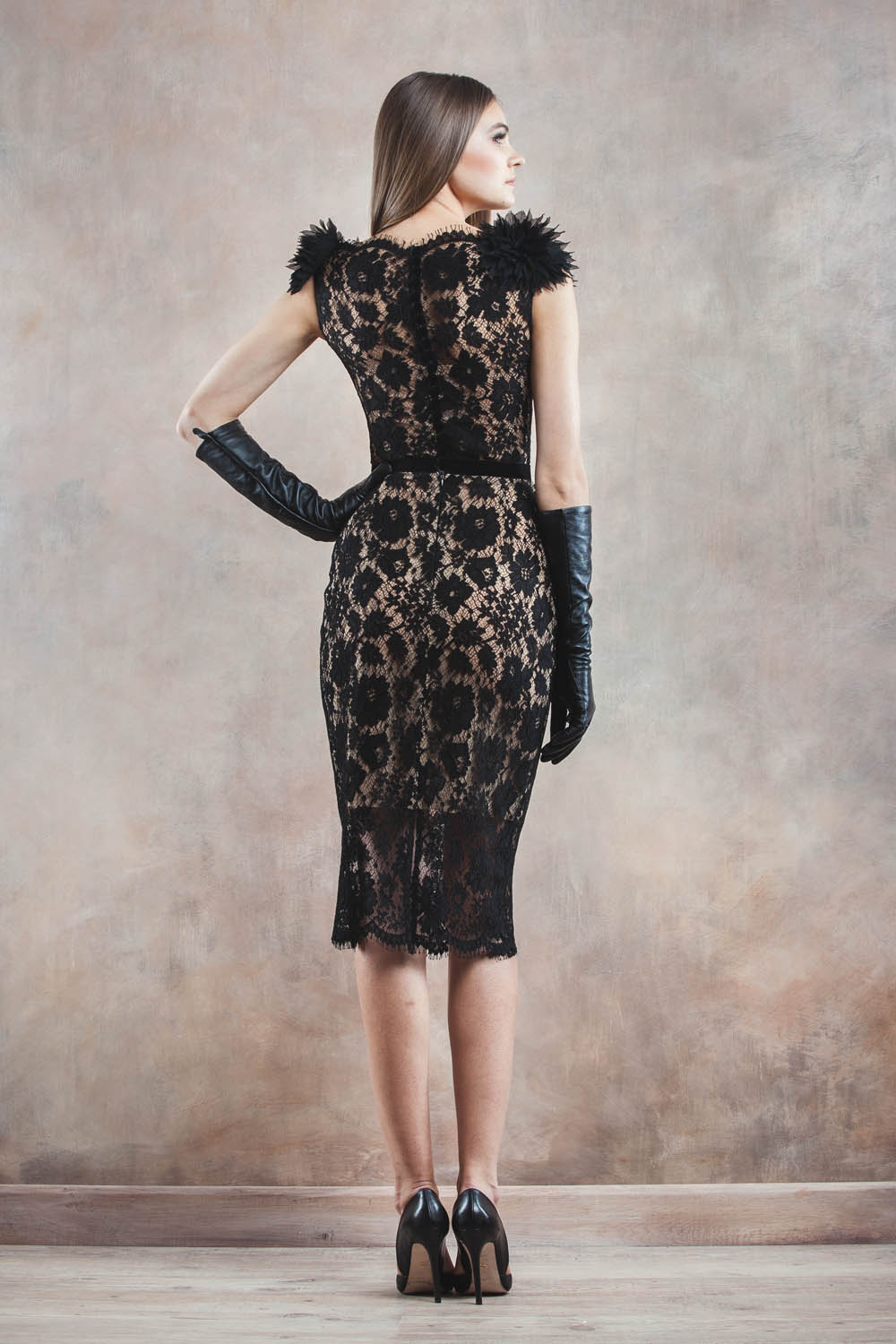
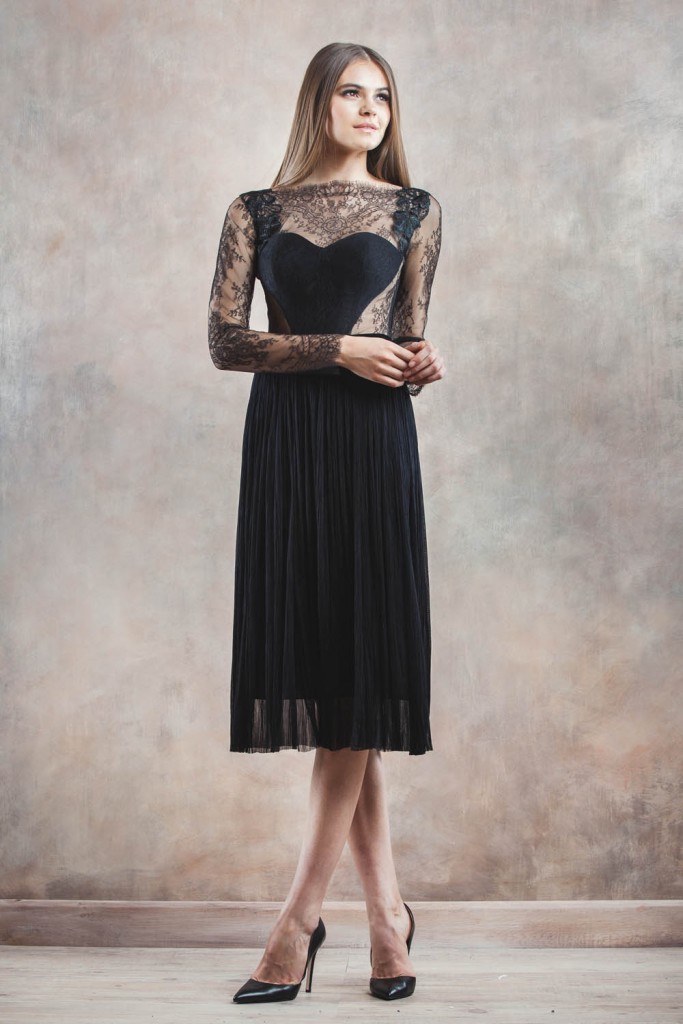
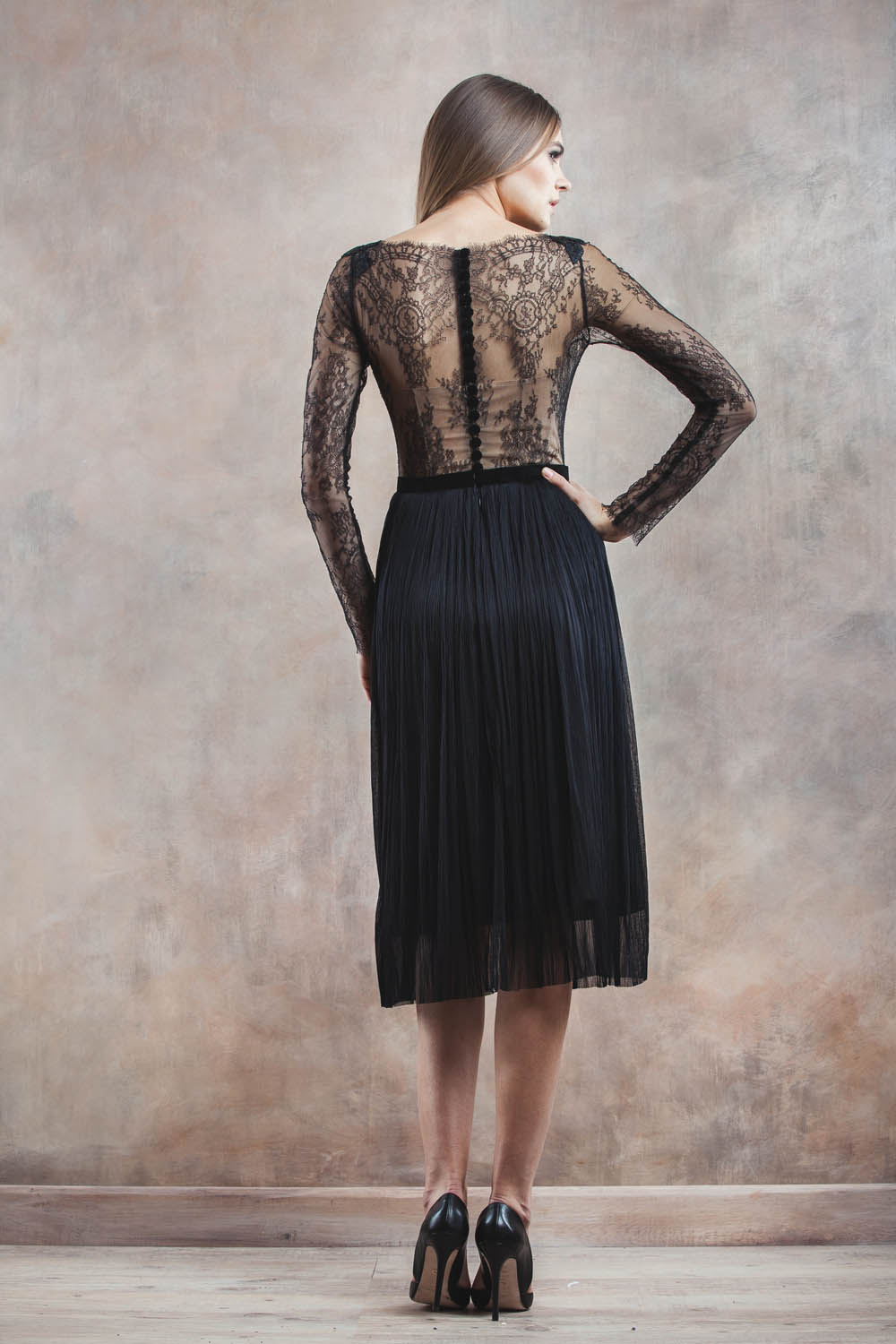
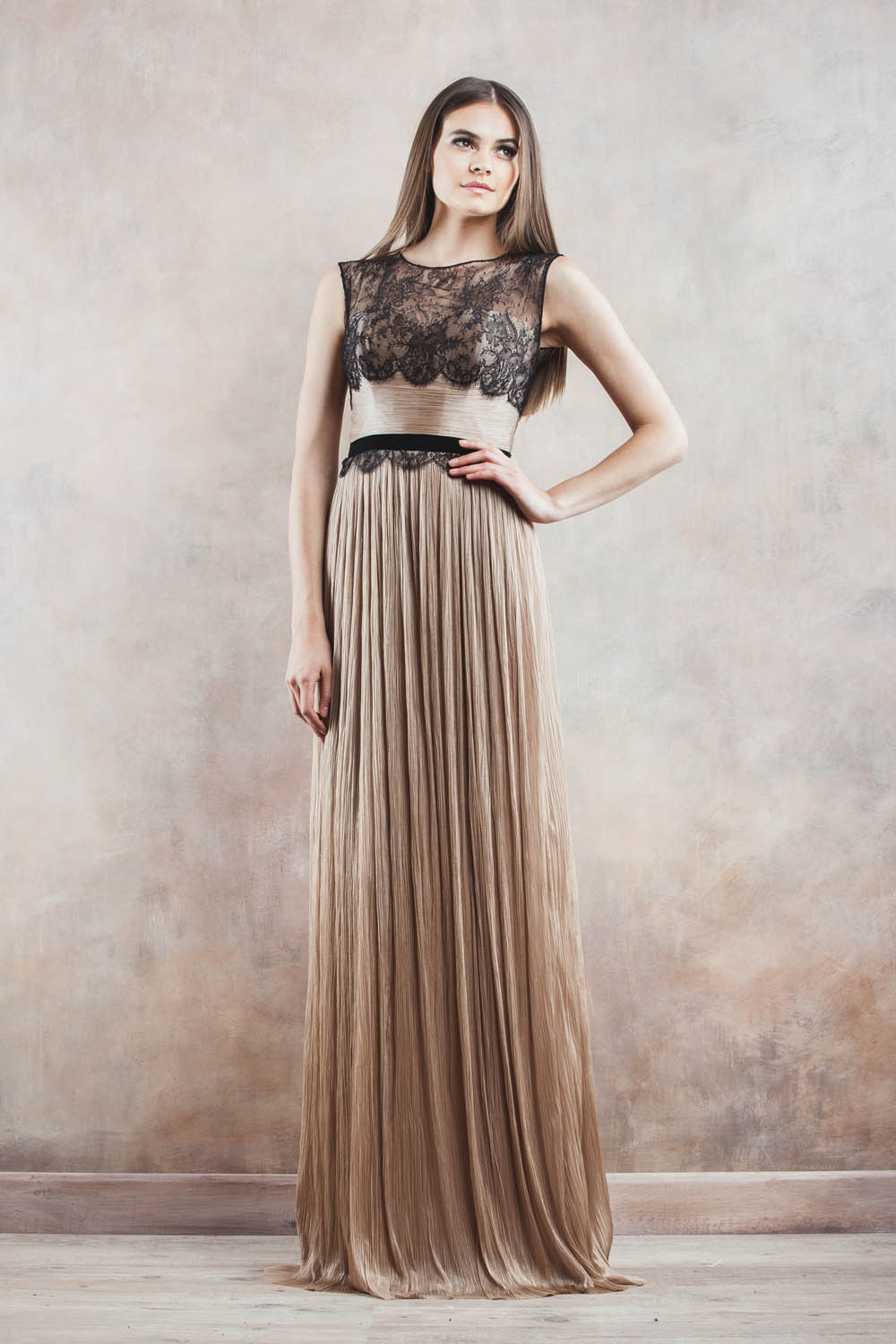
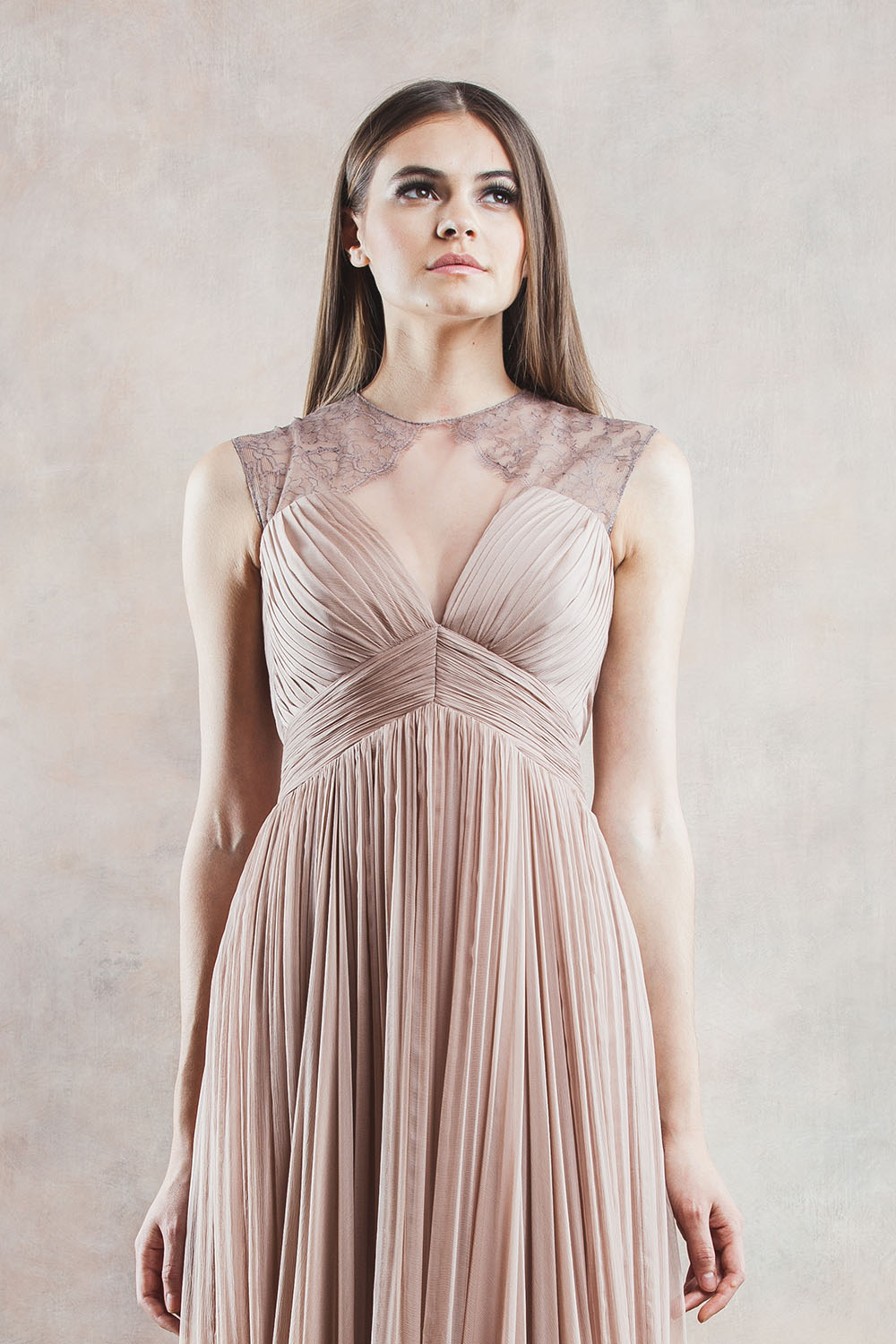
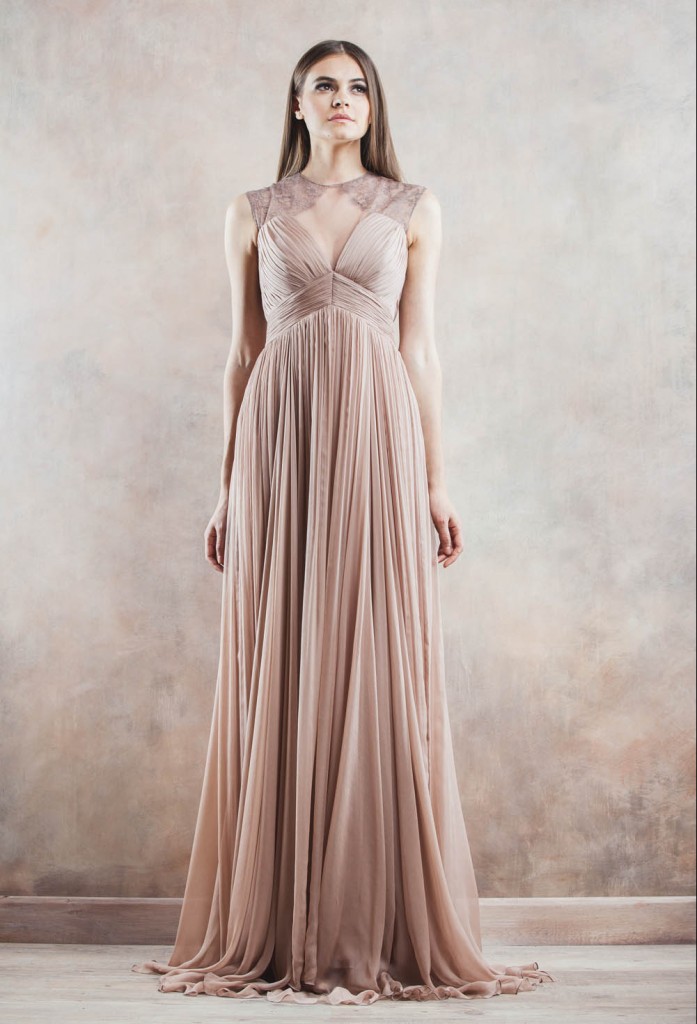
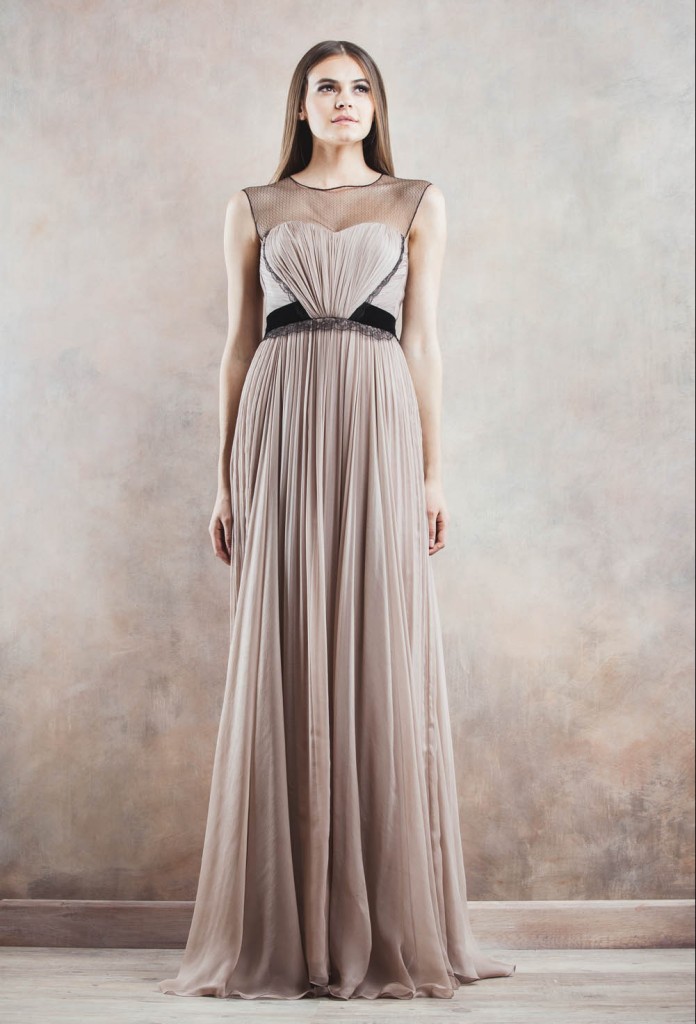
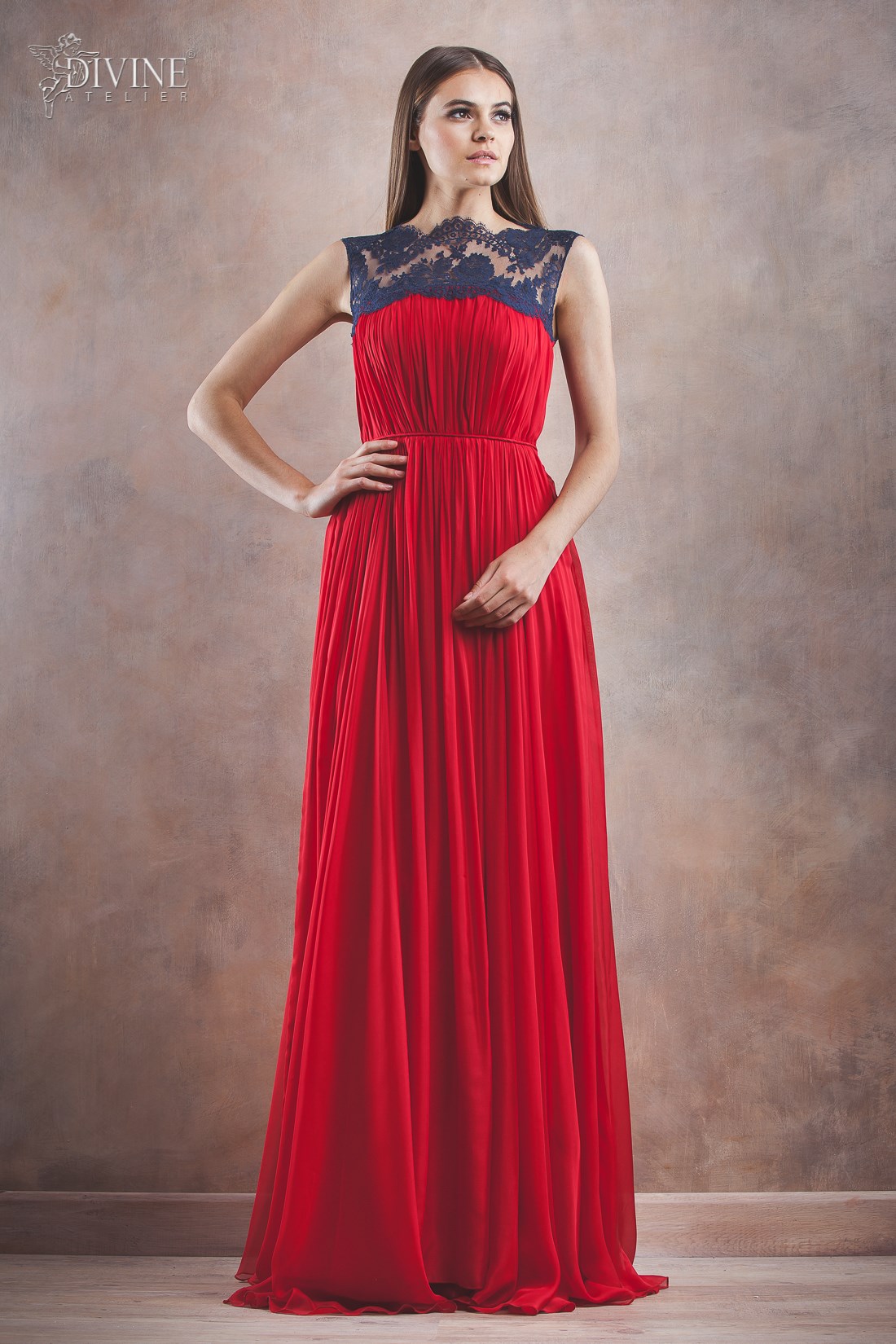
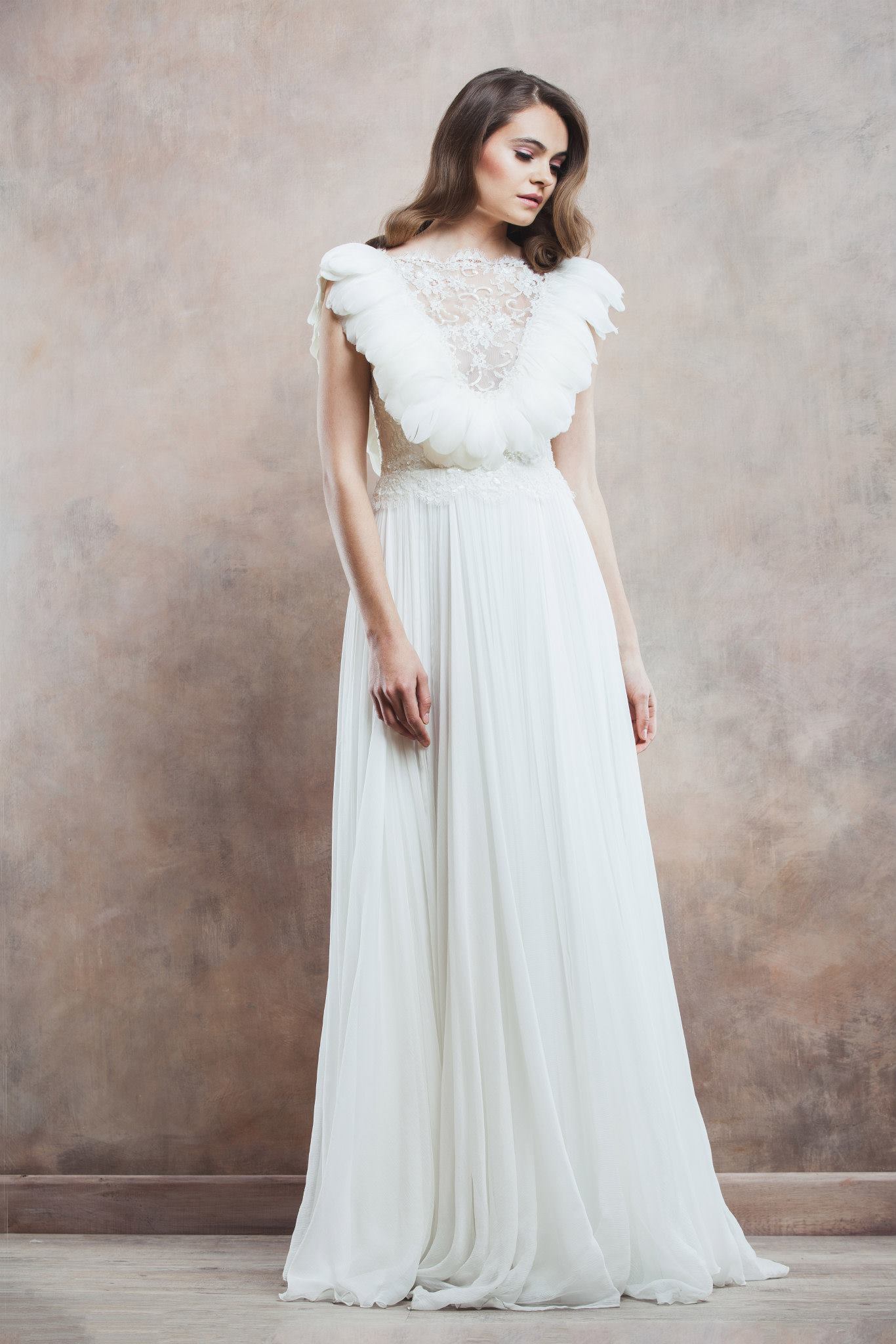
 Divine Atelier Eveningwear 2014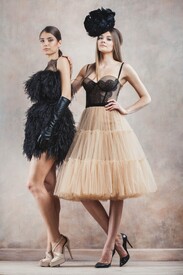
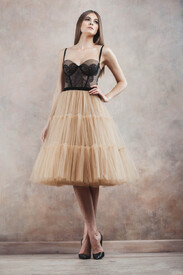
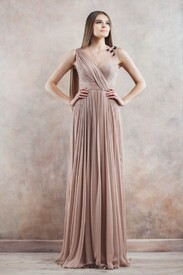
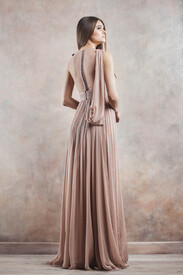
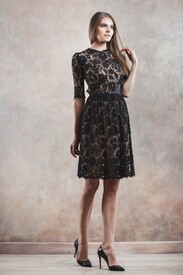
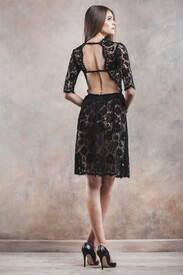
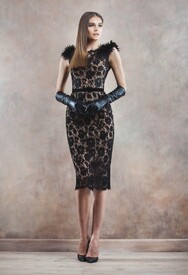
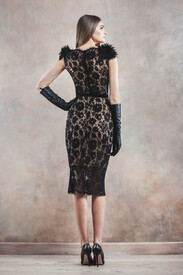
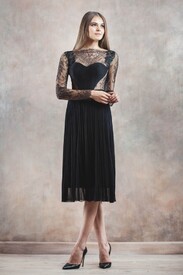
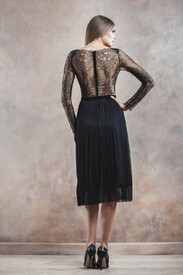
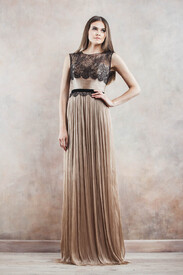
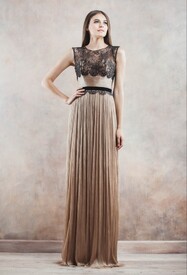
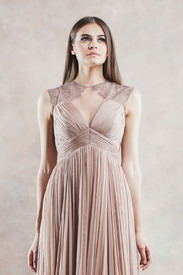
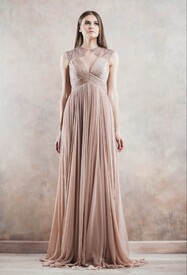
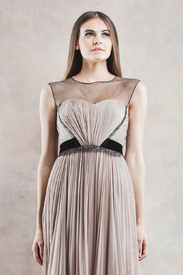
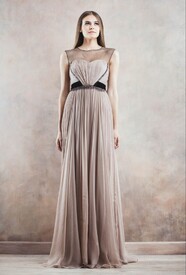
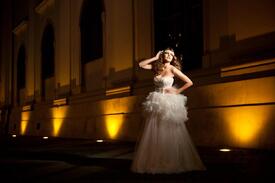
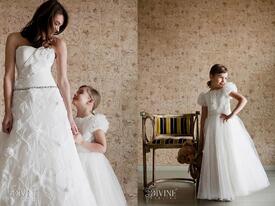
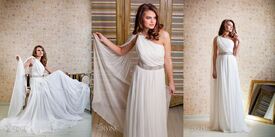
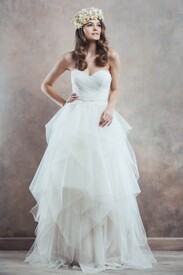
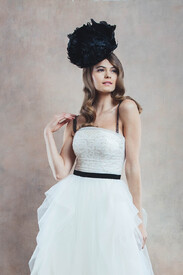
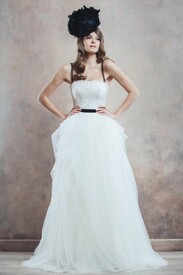
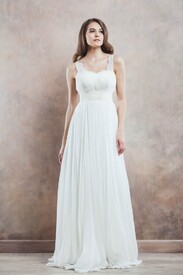
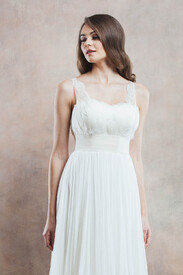
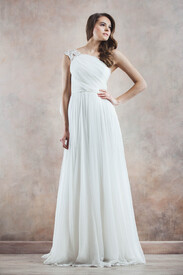
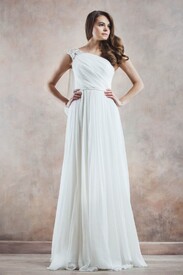
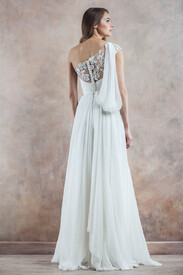
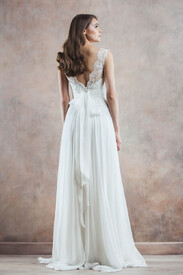
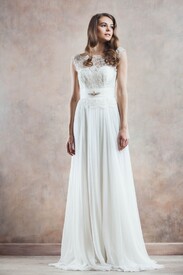
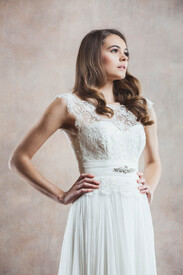
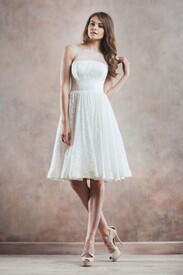
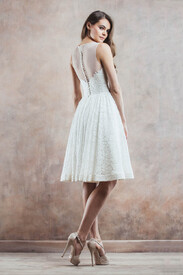
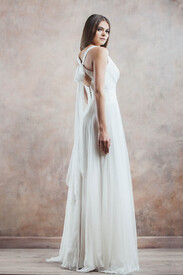
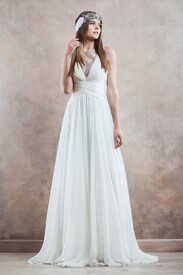
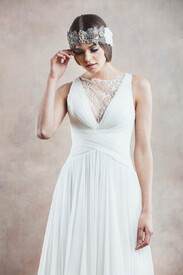
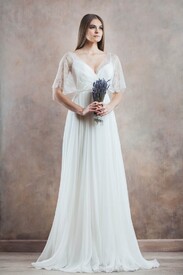
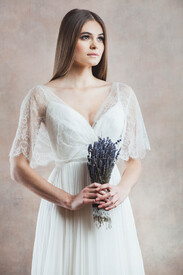
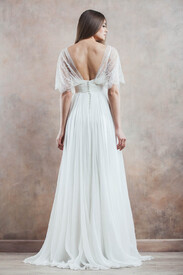
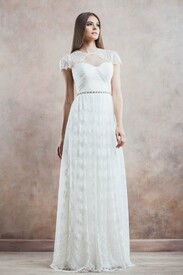
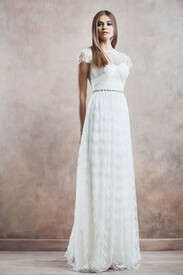
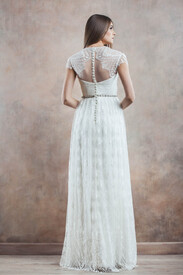
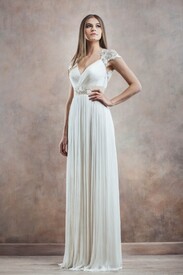
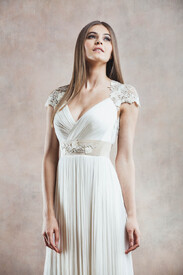
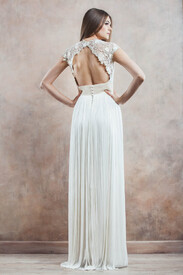
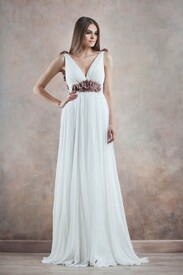
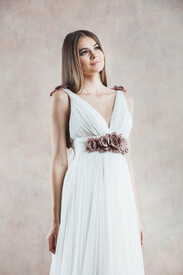
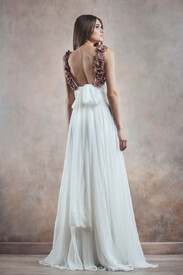
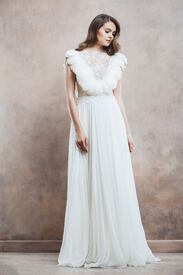
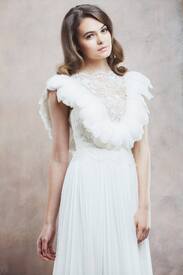
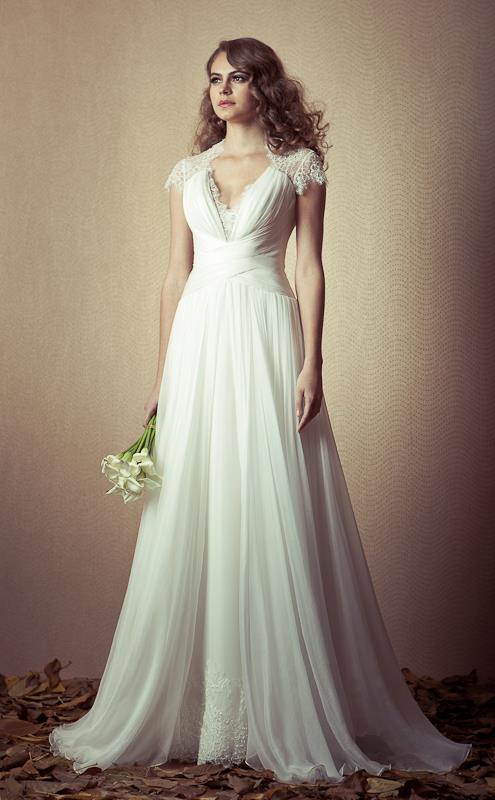
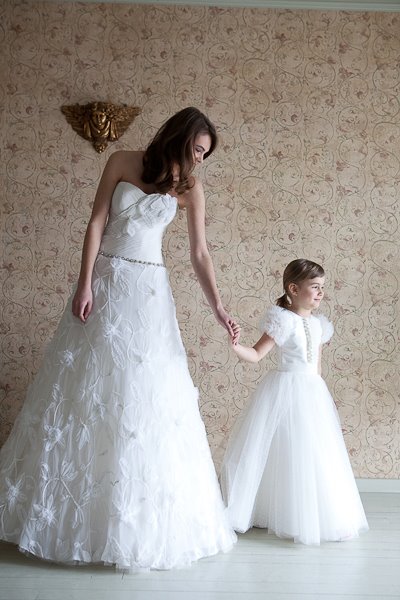
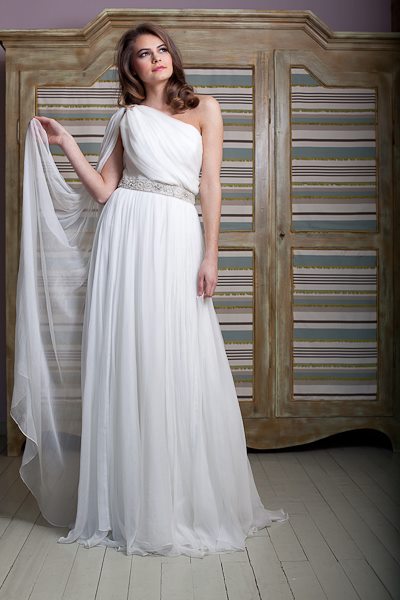
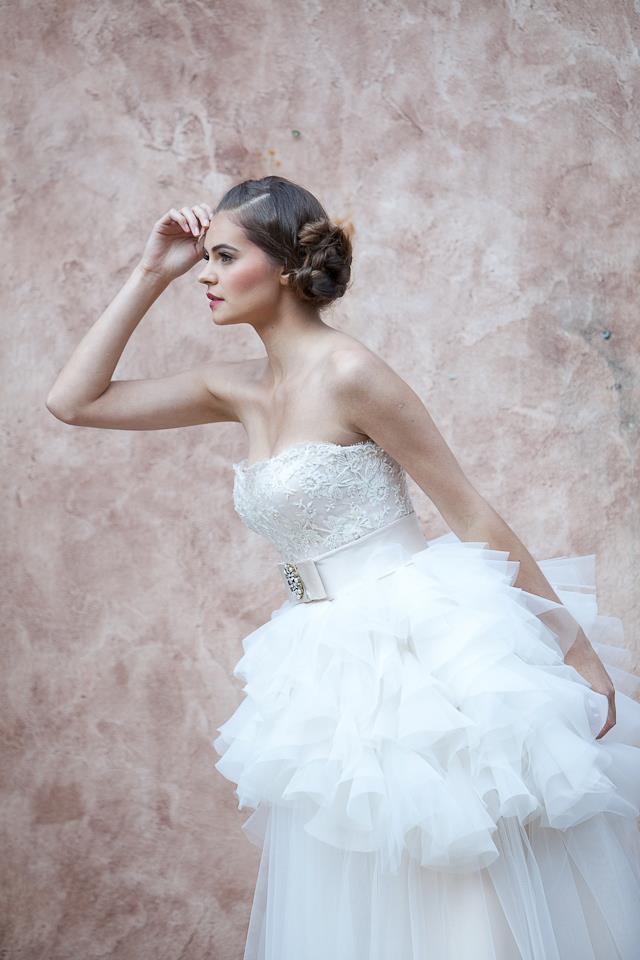
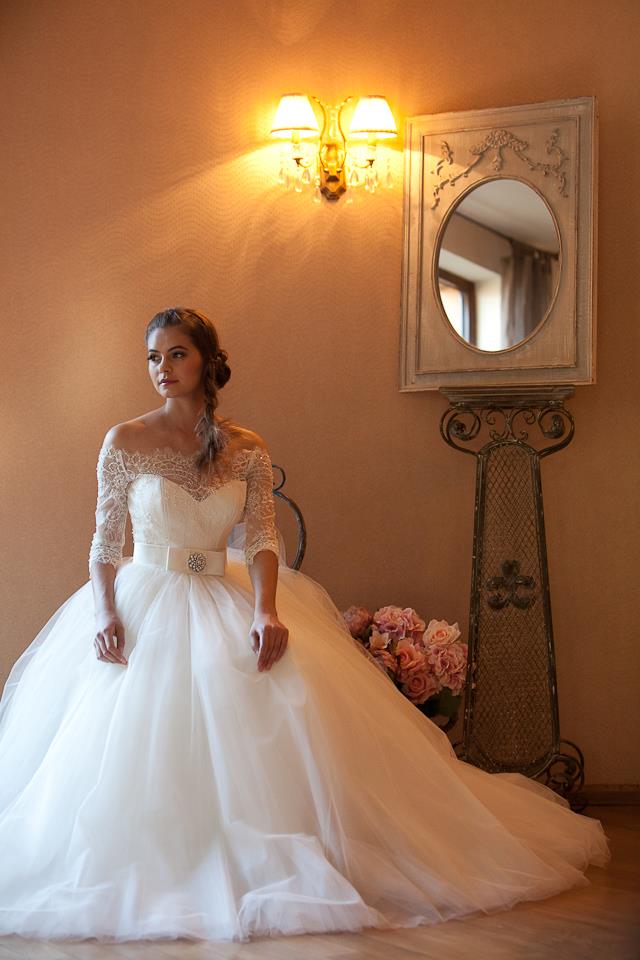
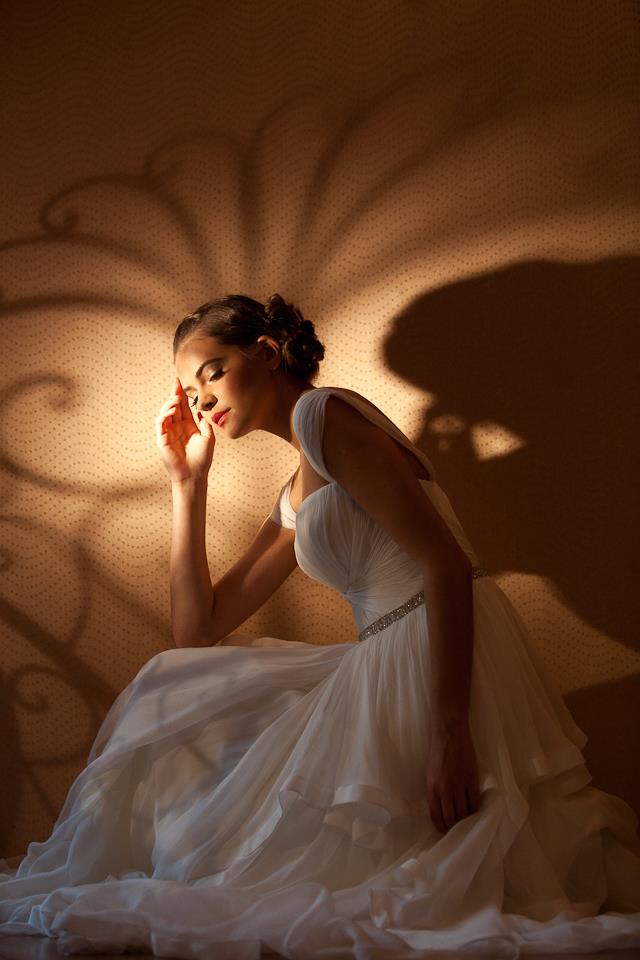
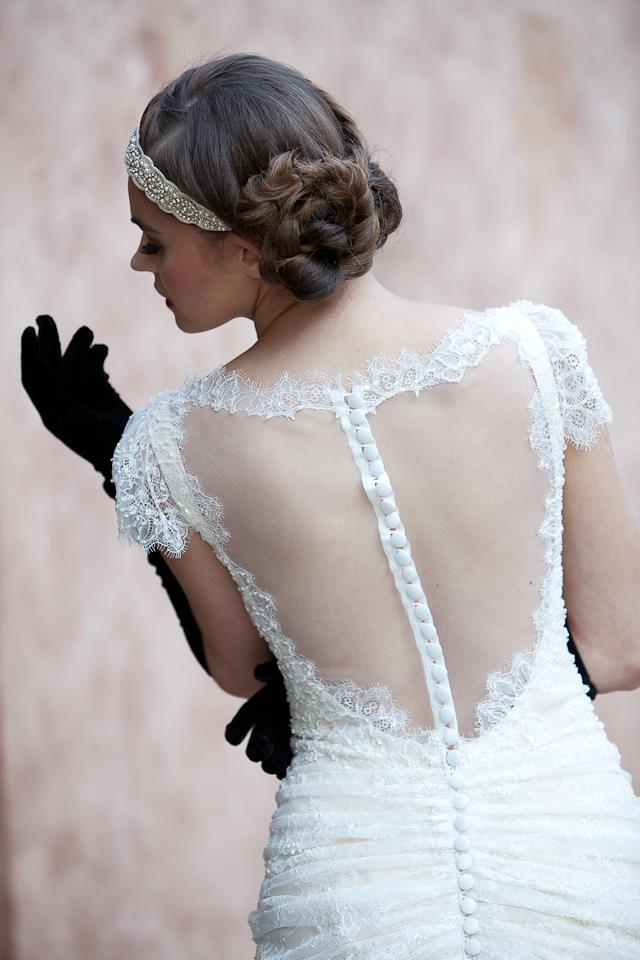
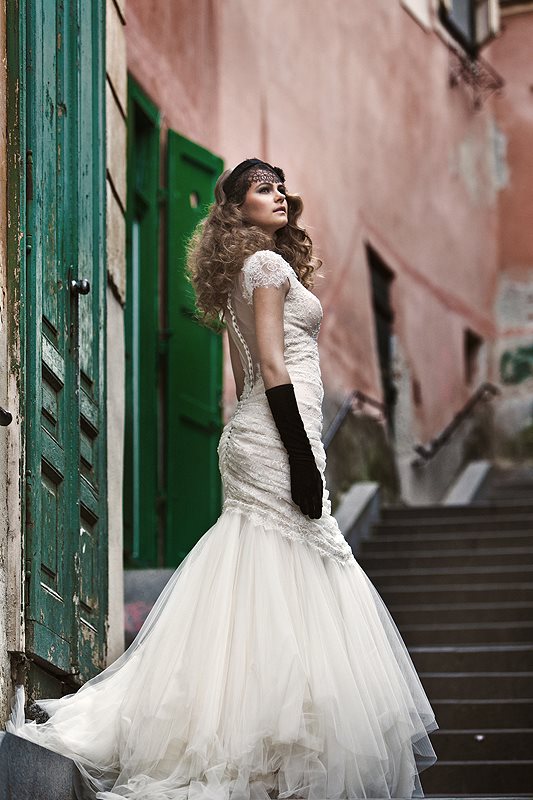
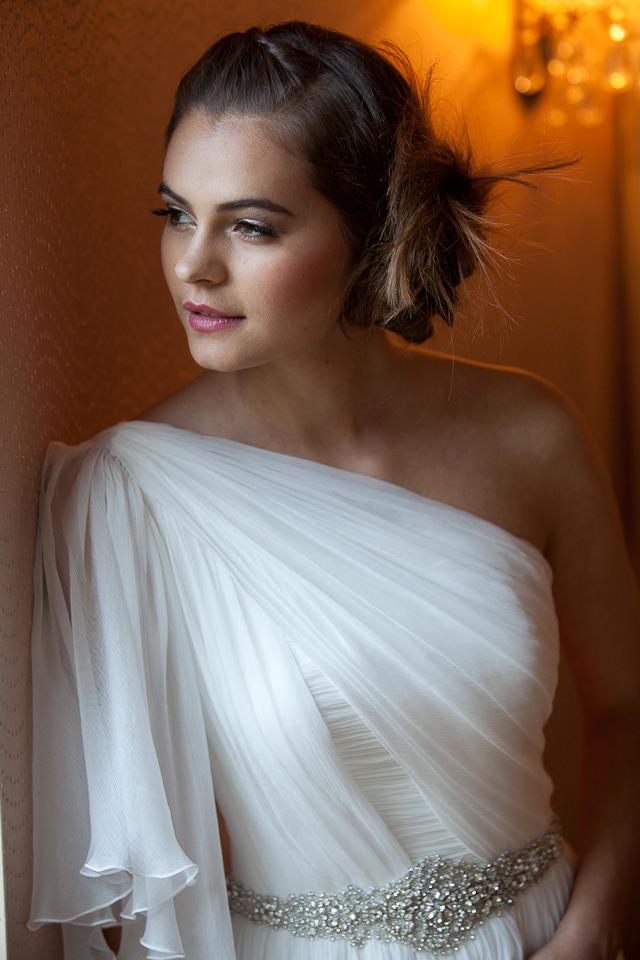
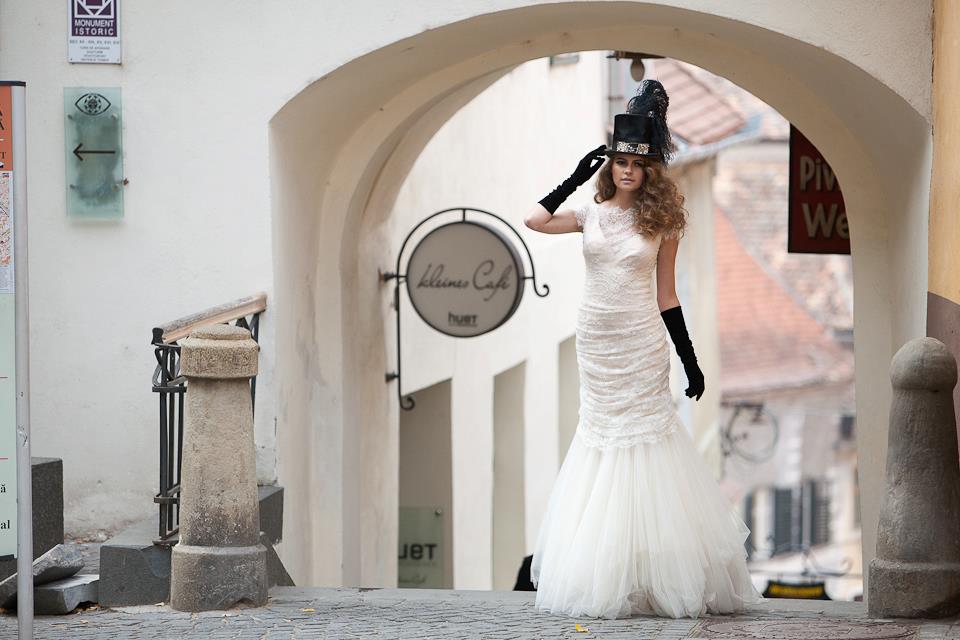
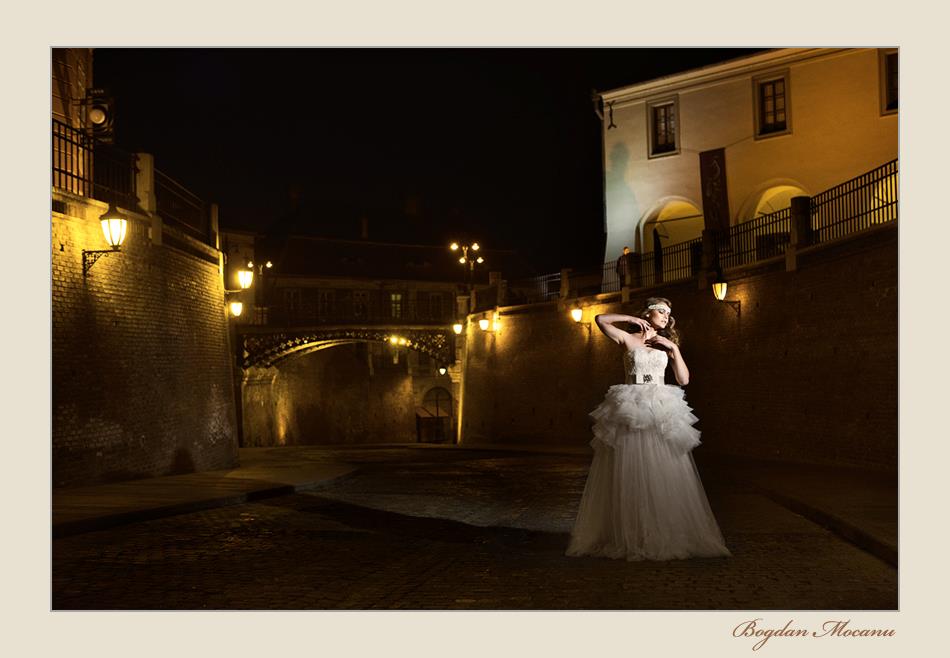
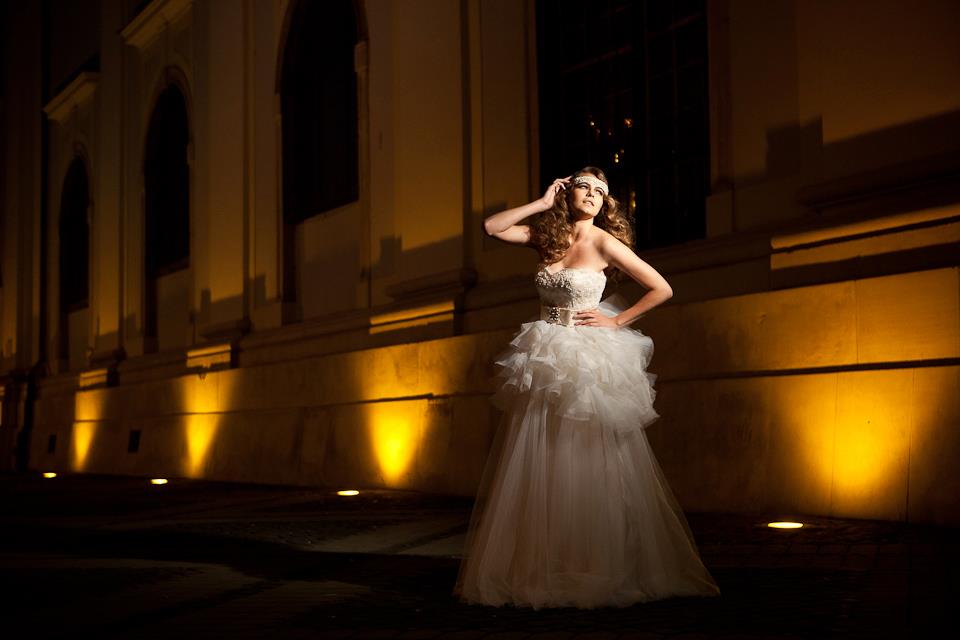
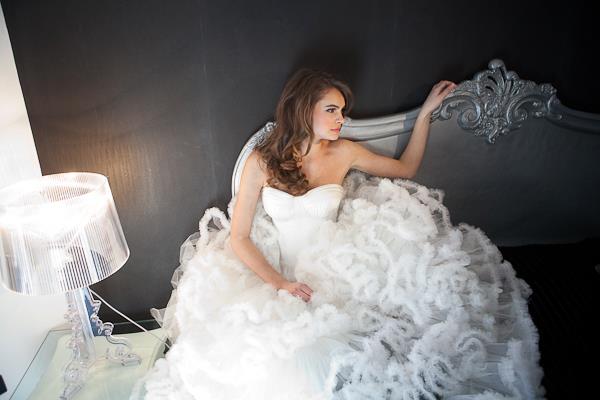
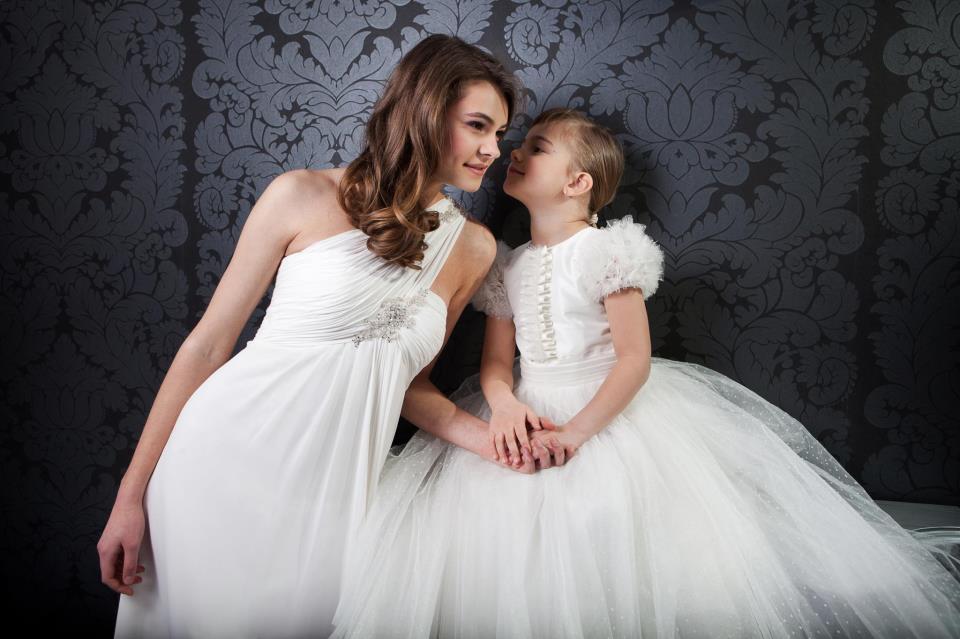
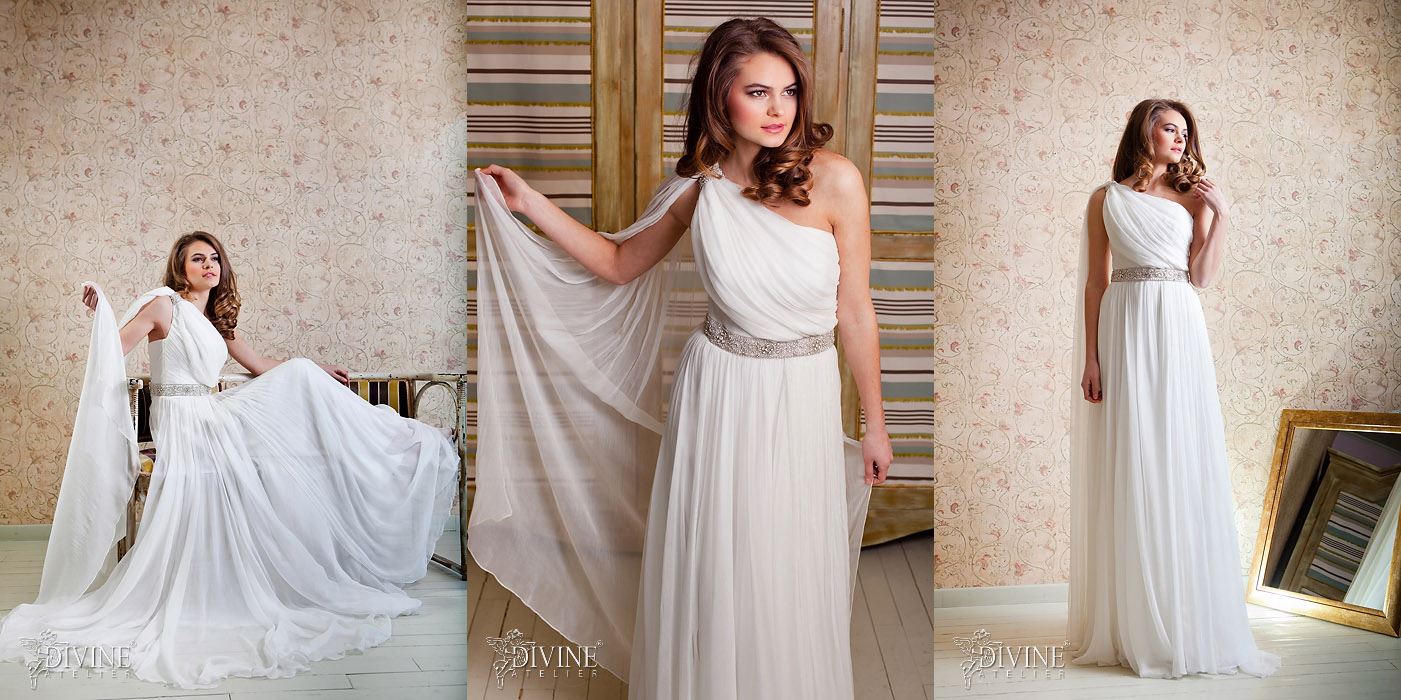
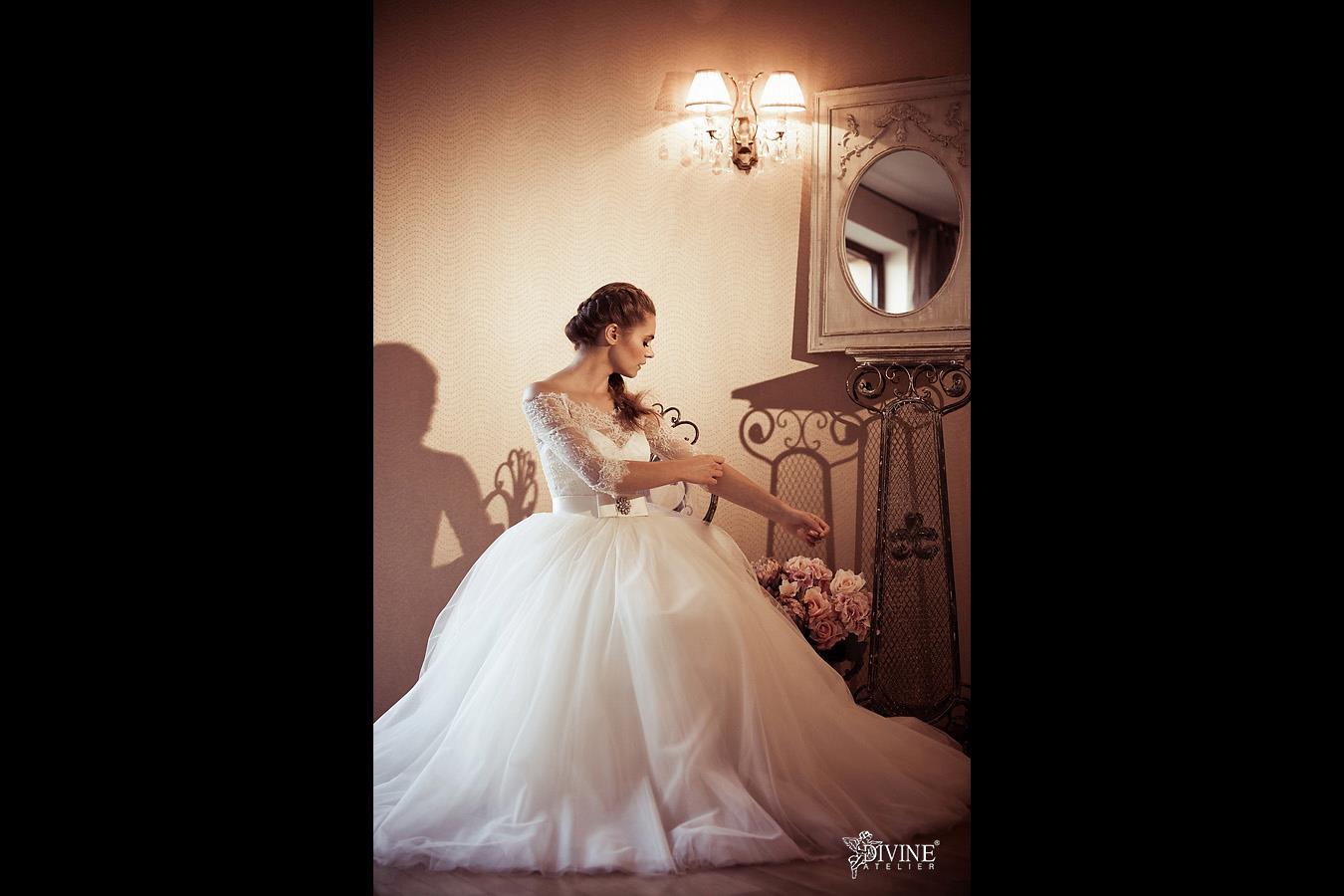
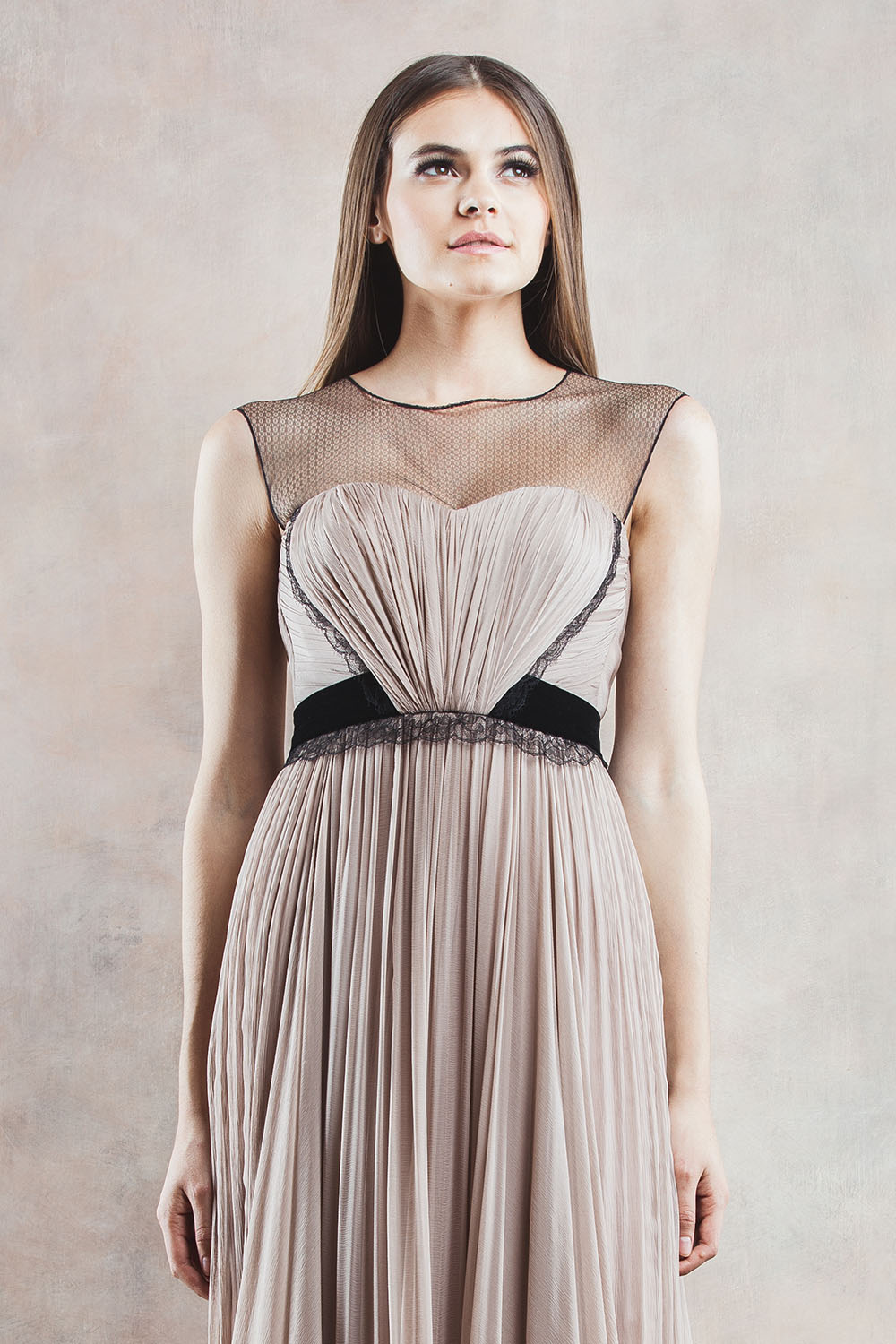
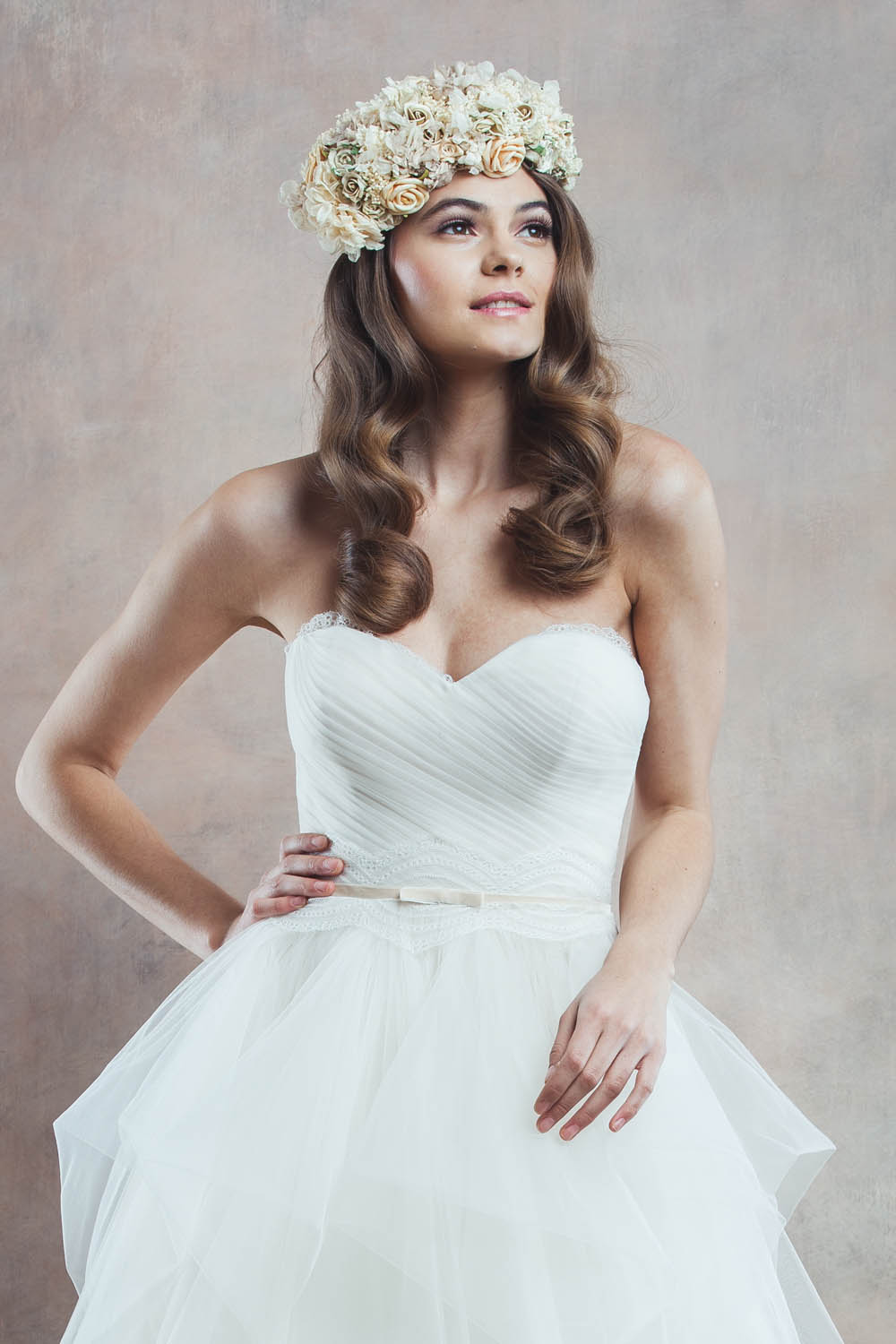
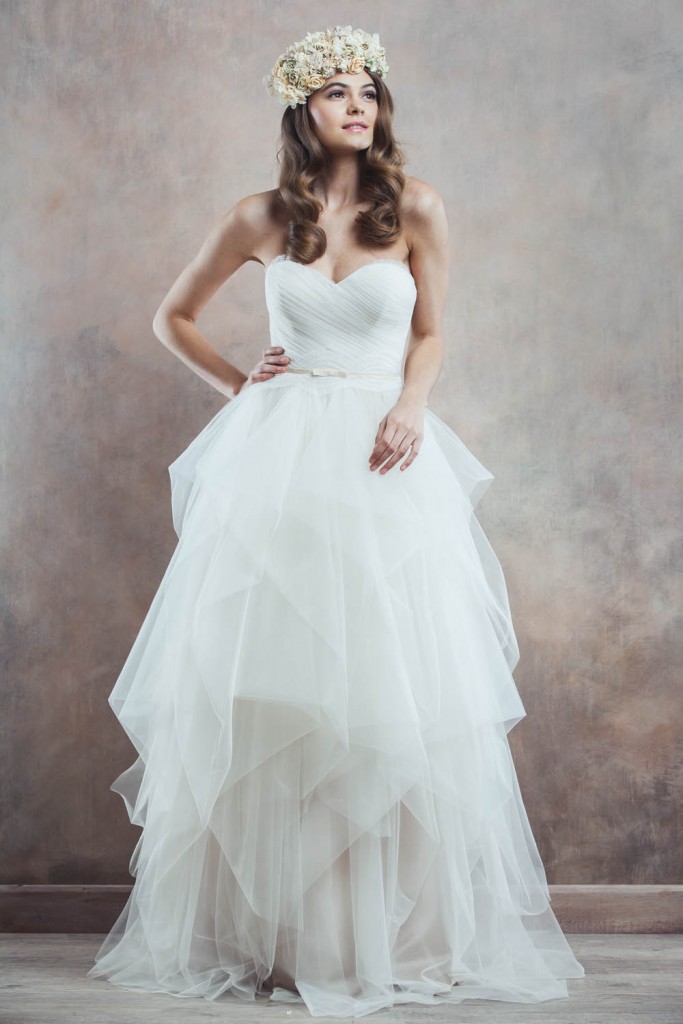
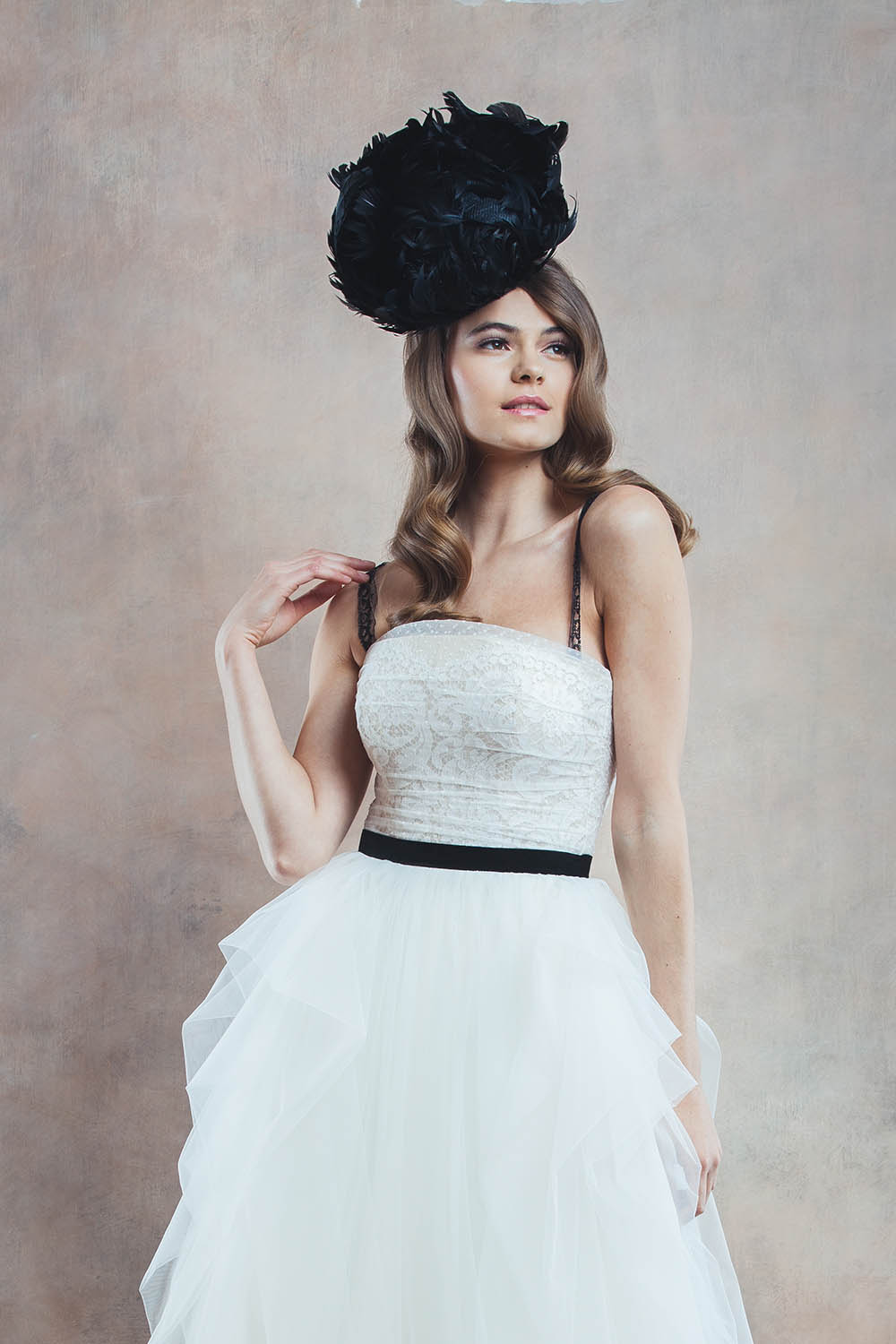
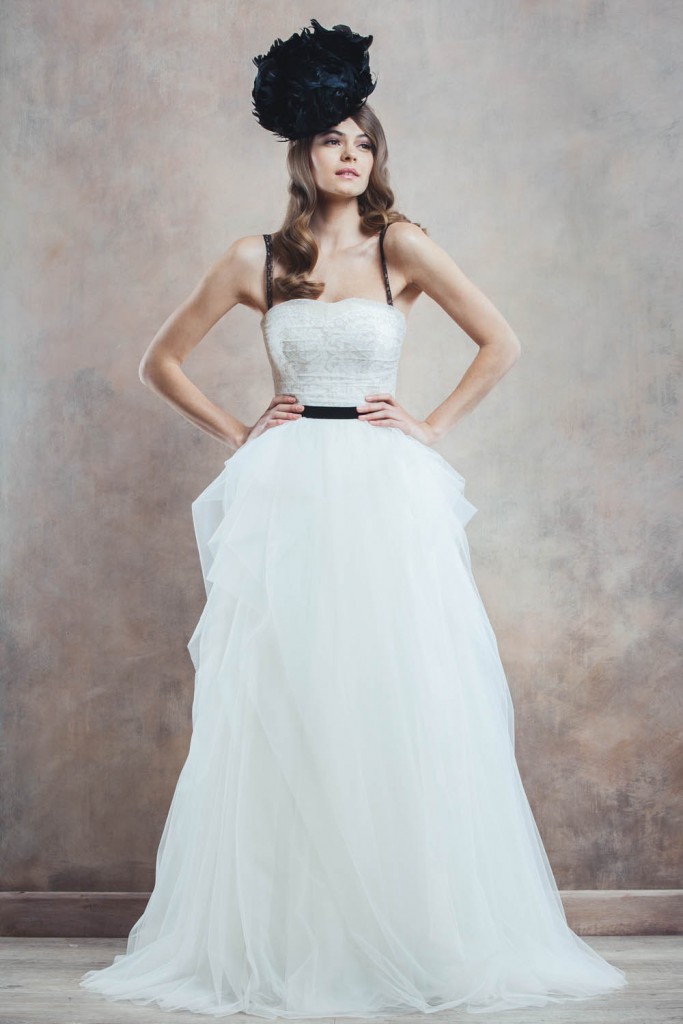
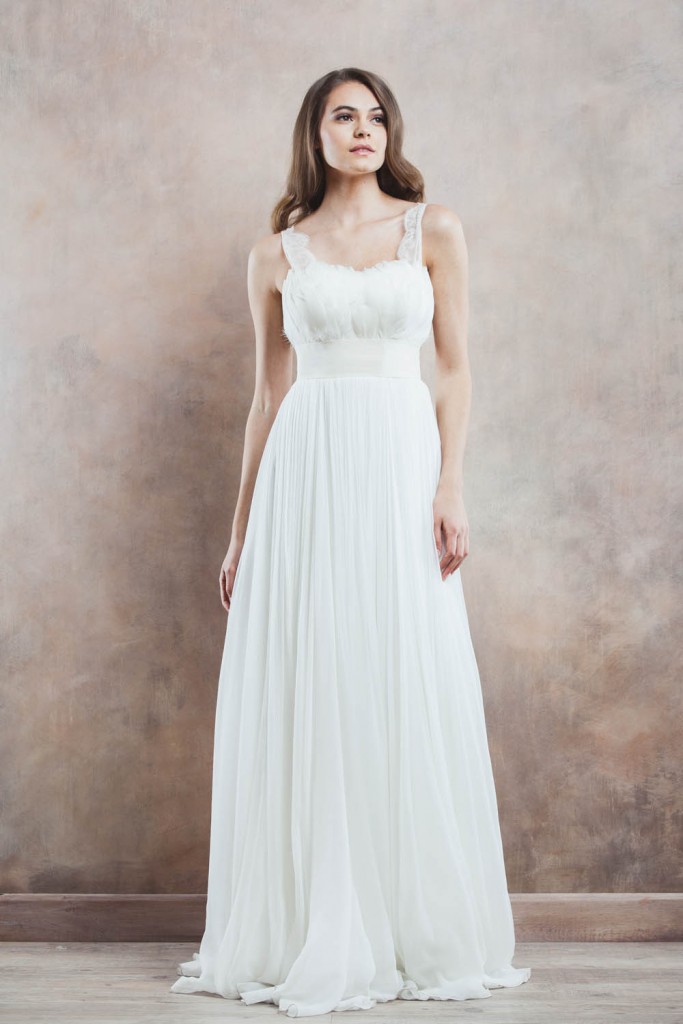
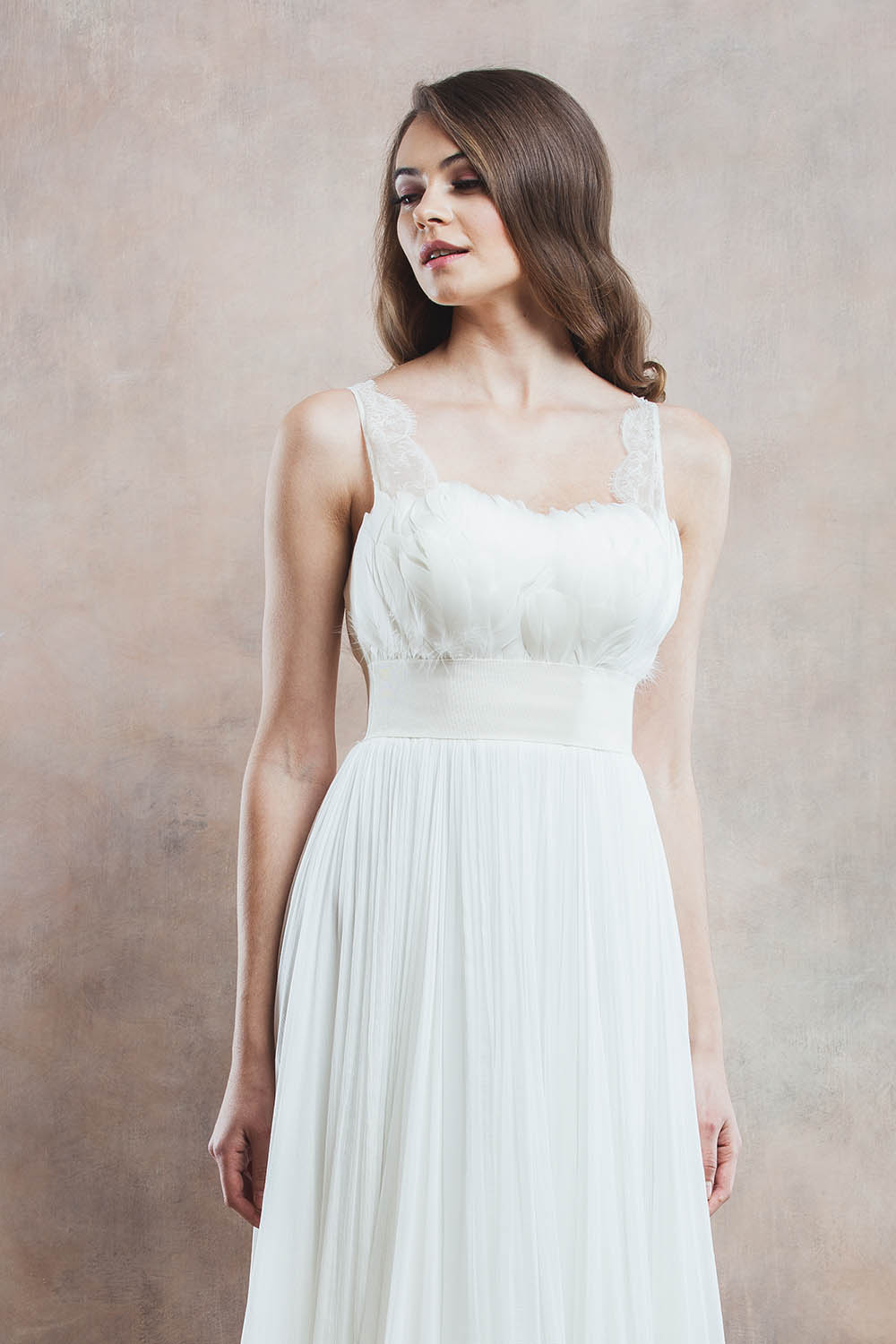
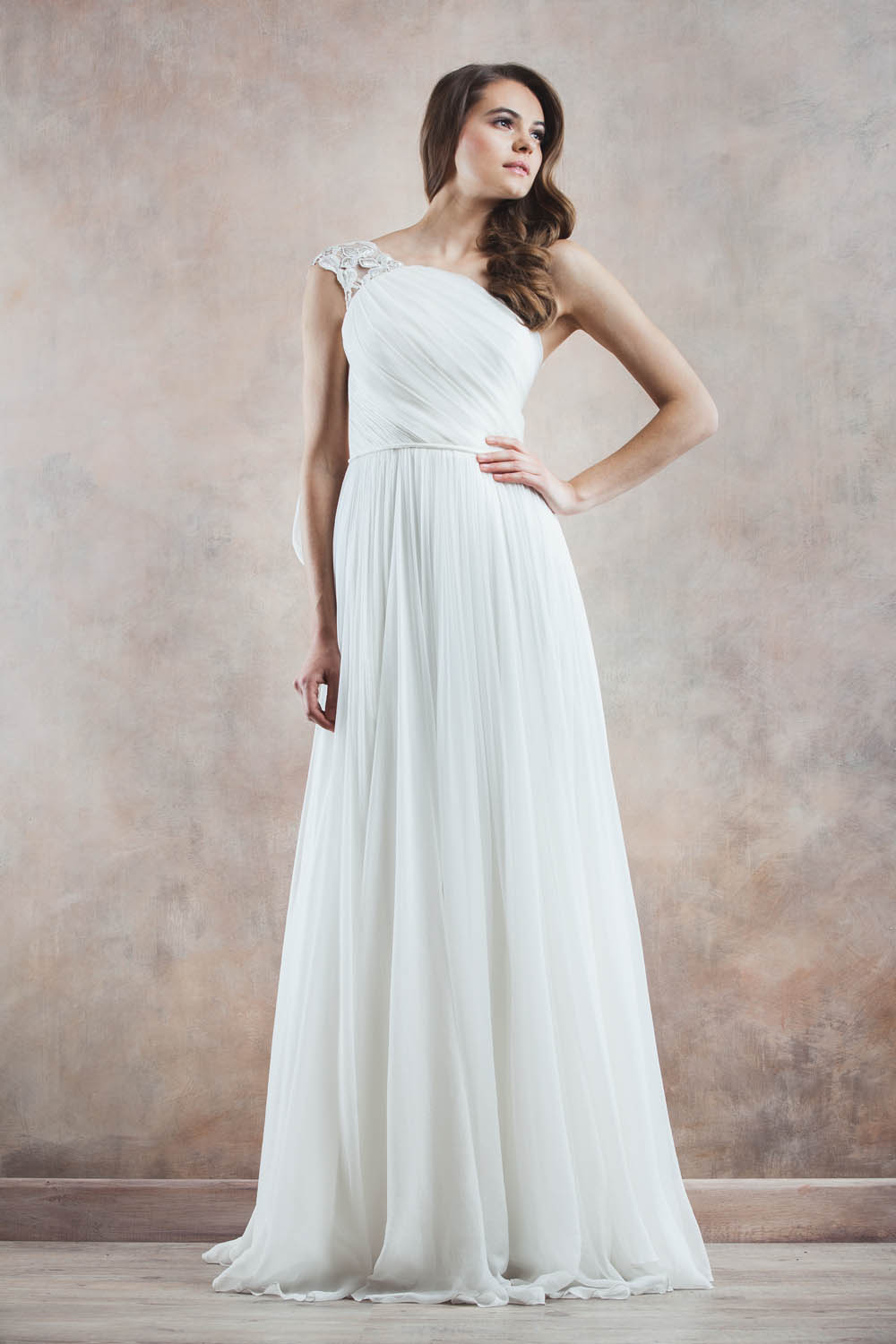
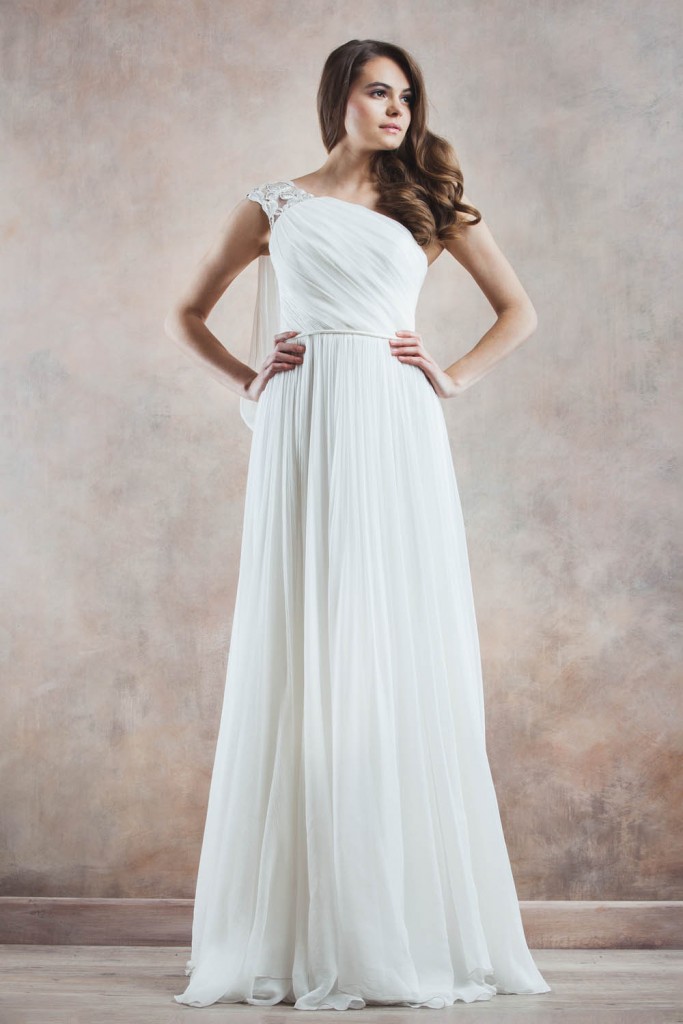
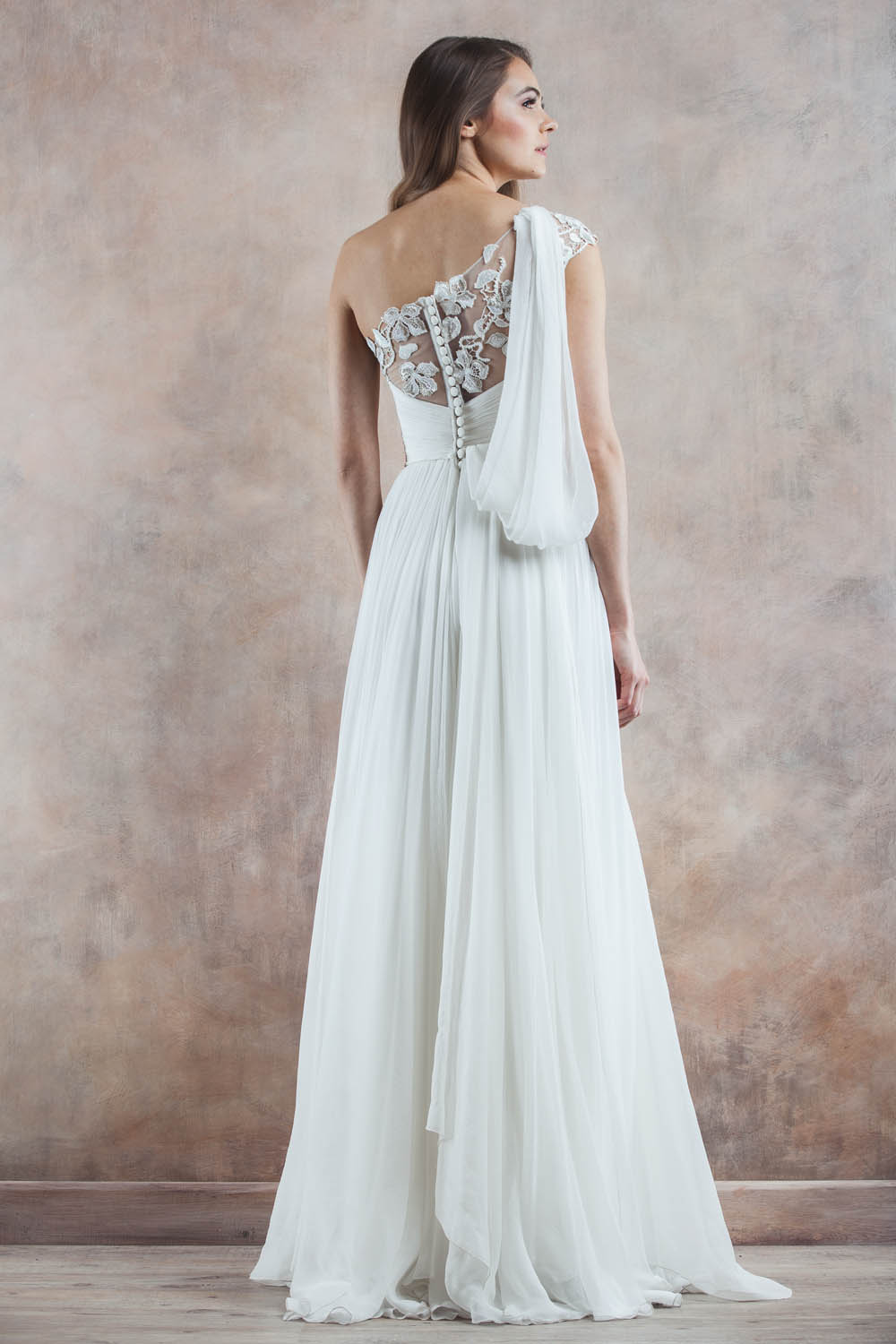
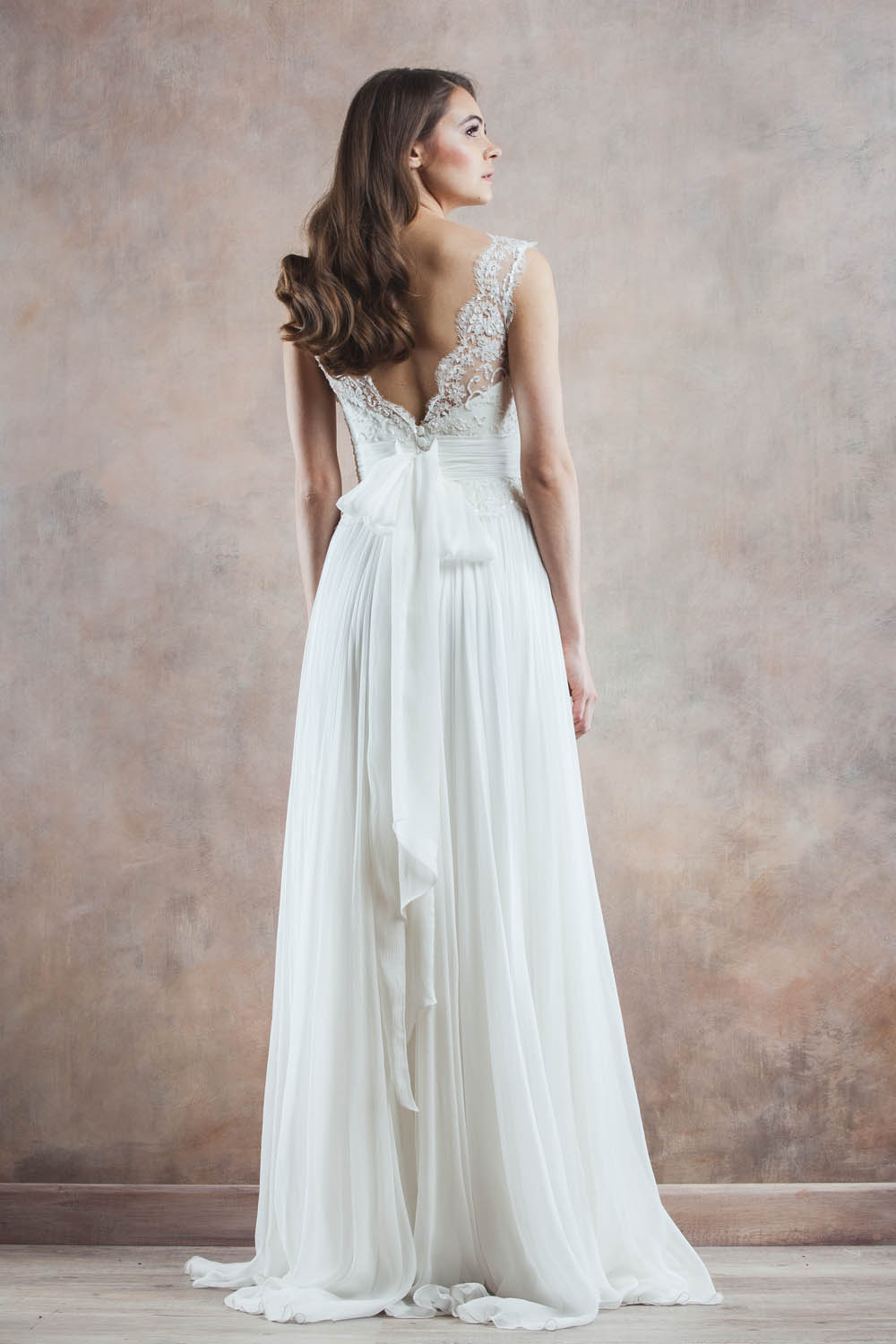
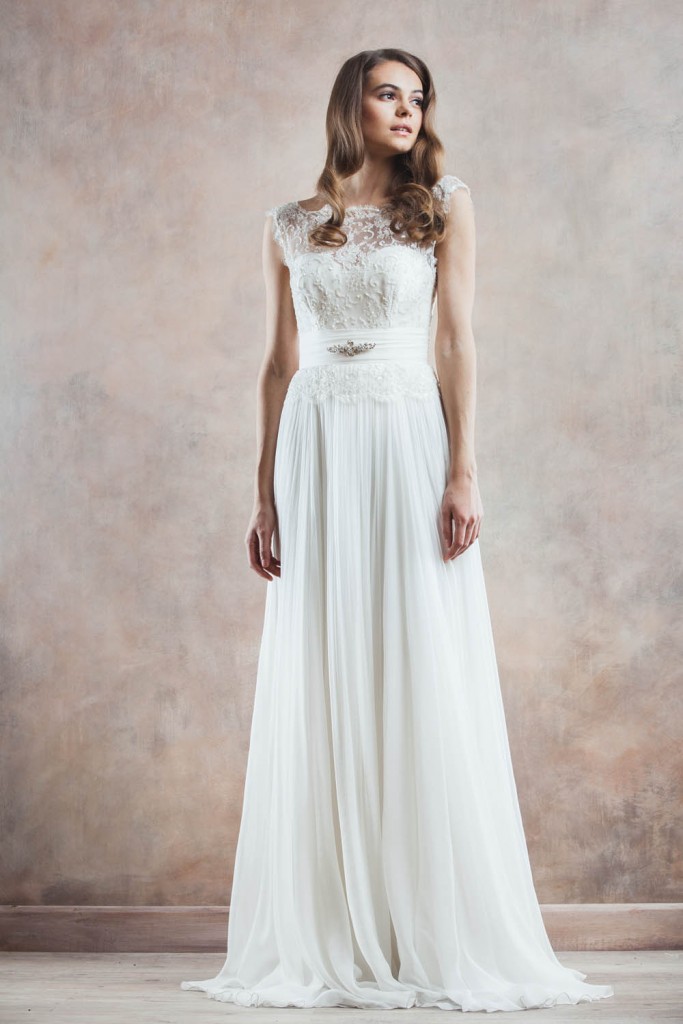
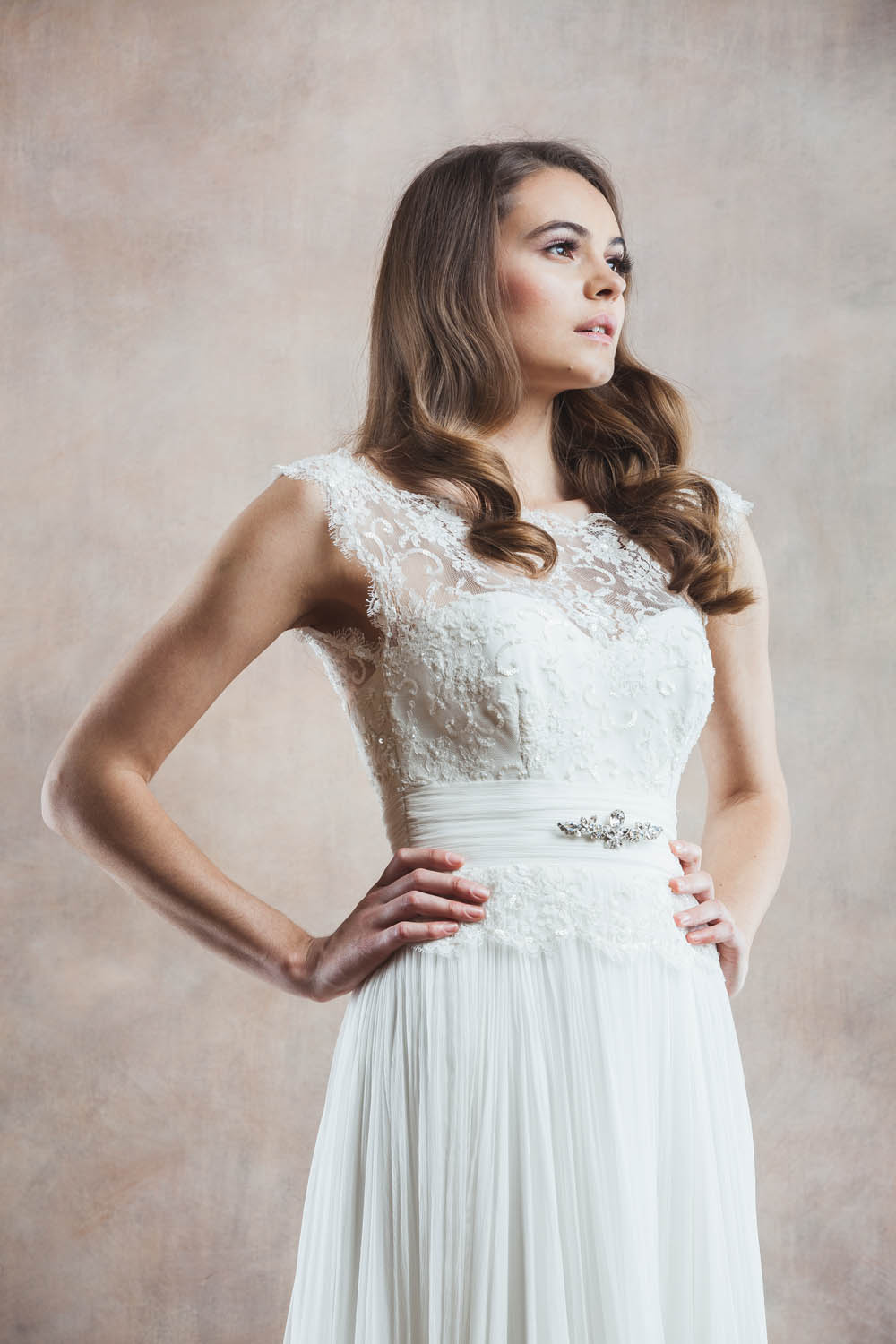
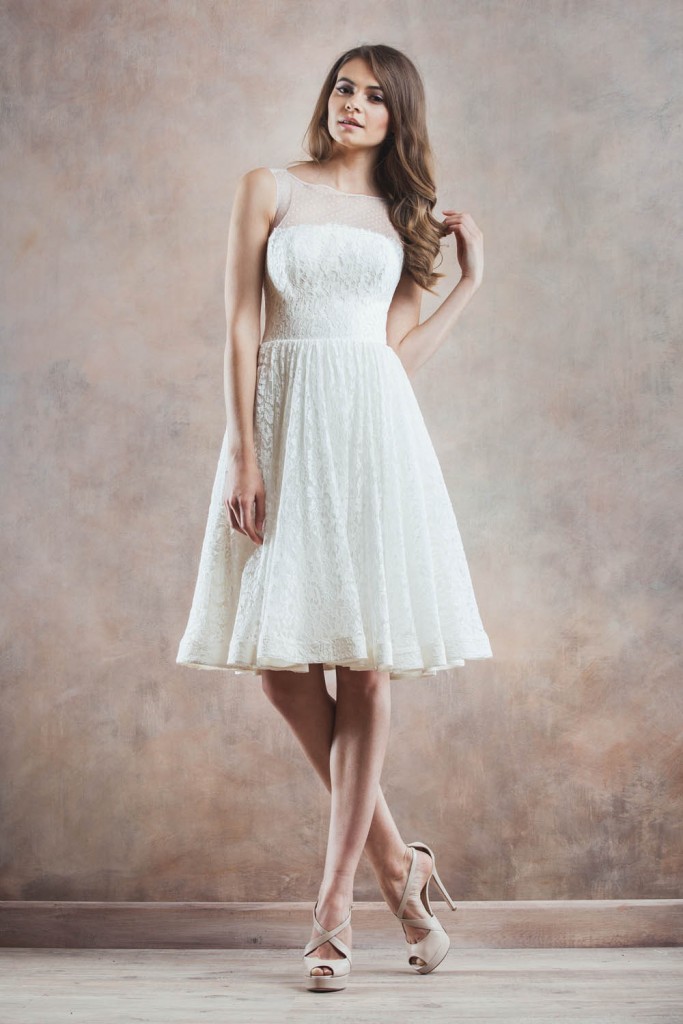
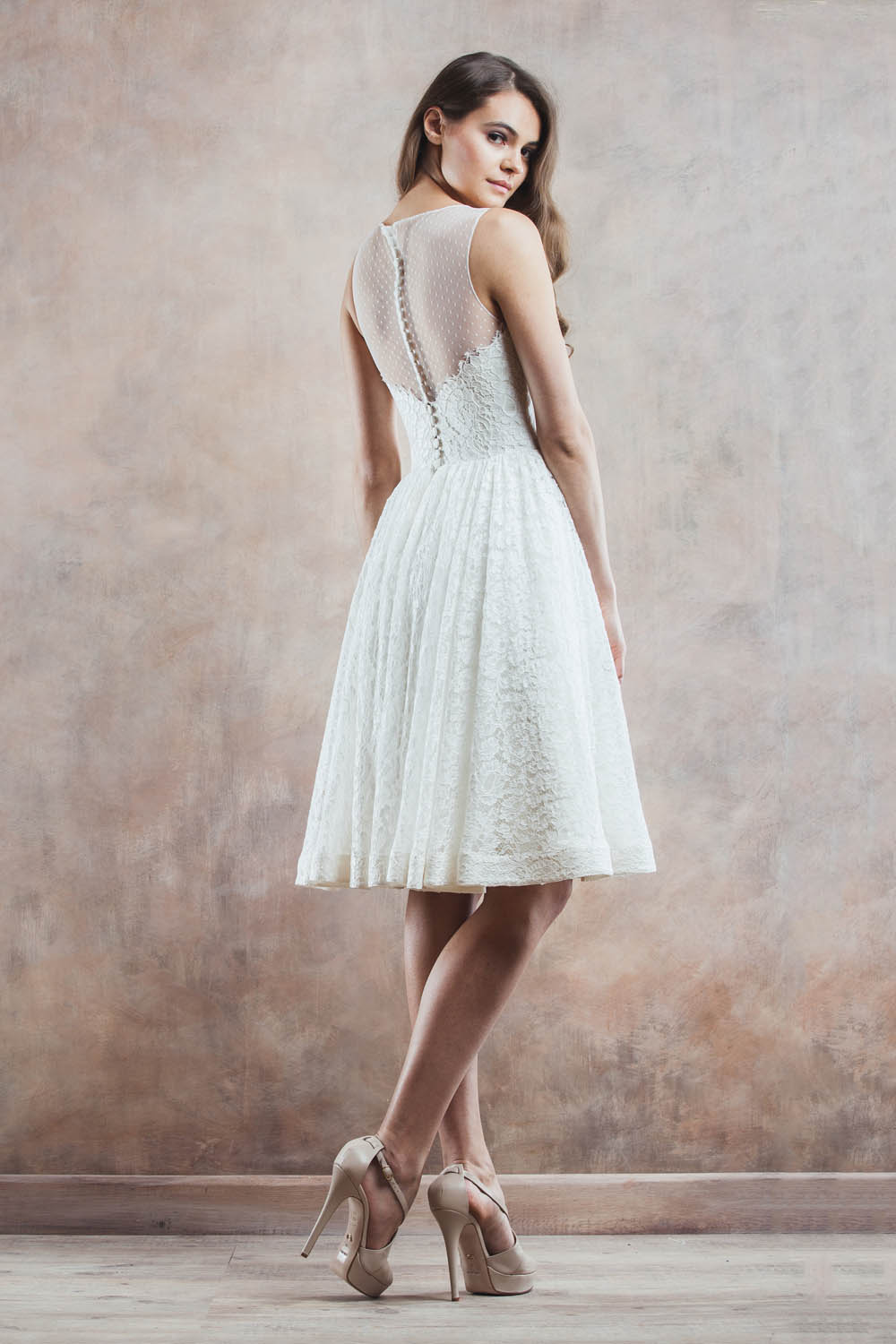
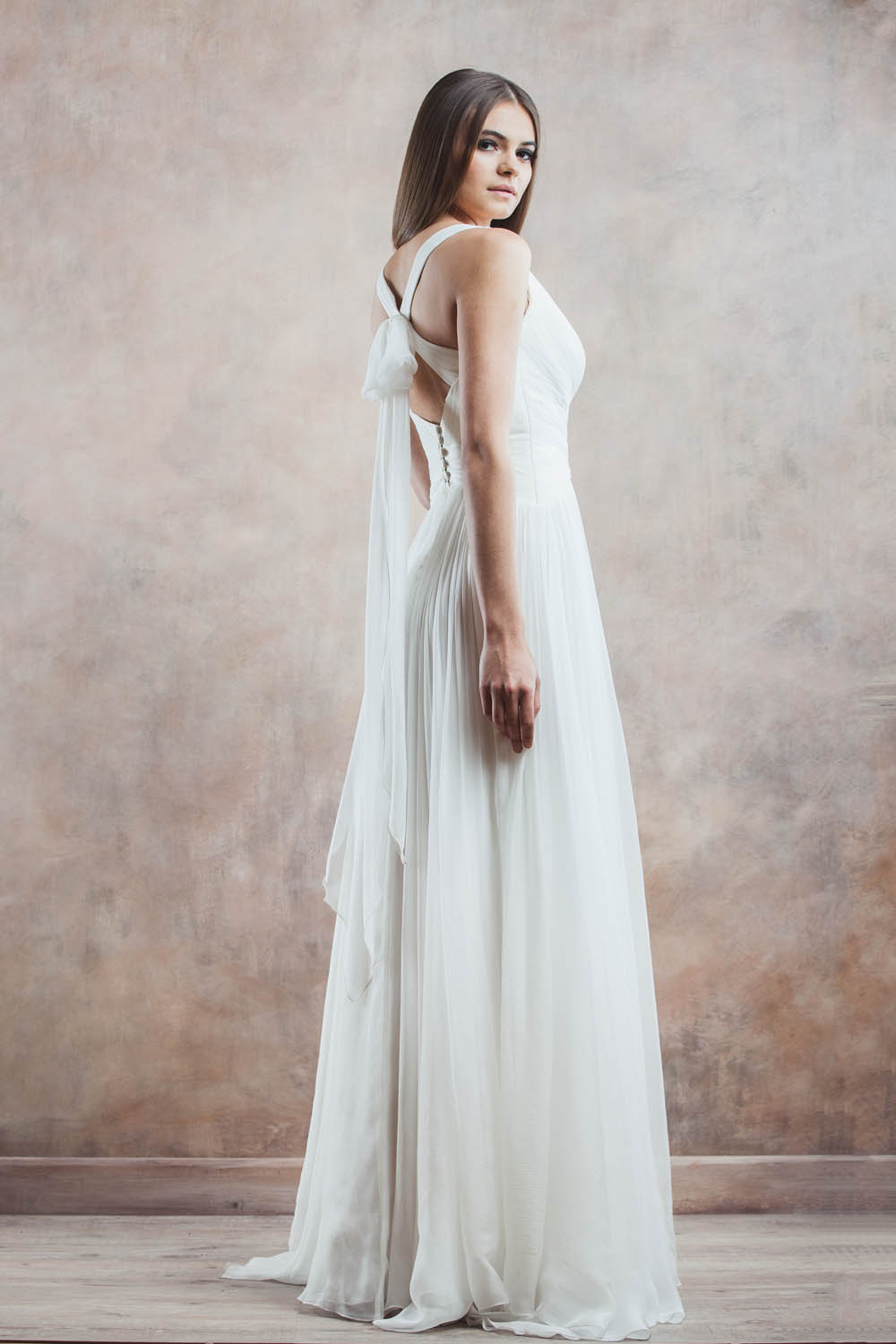
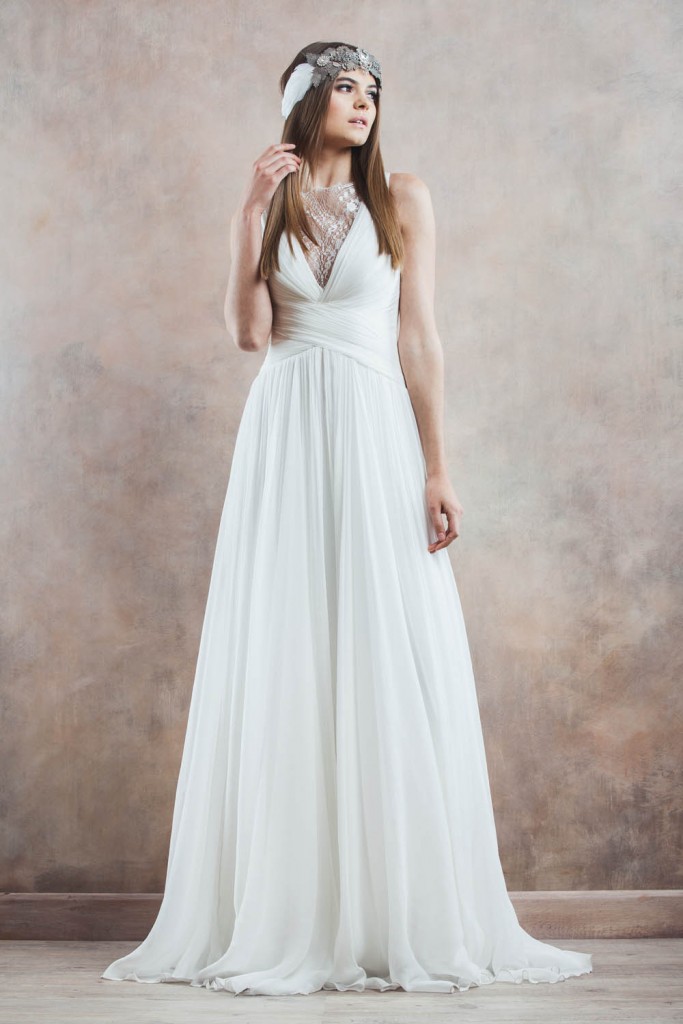
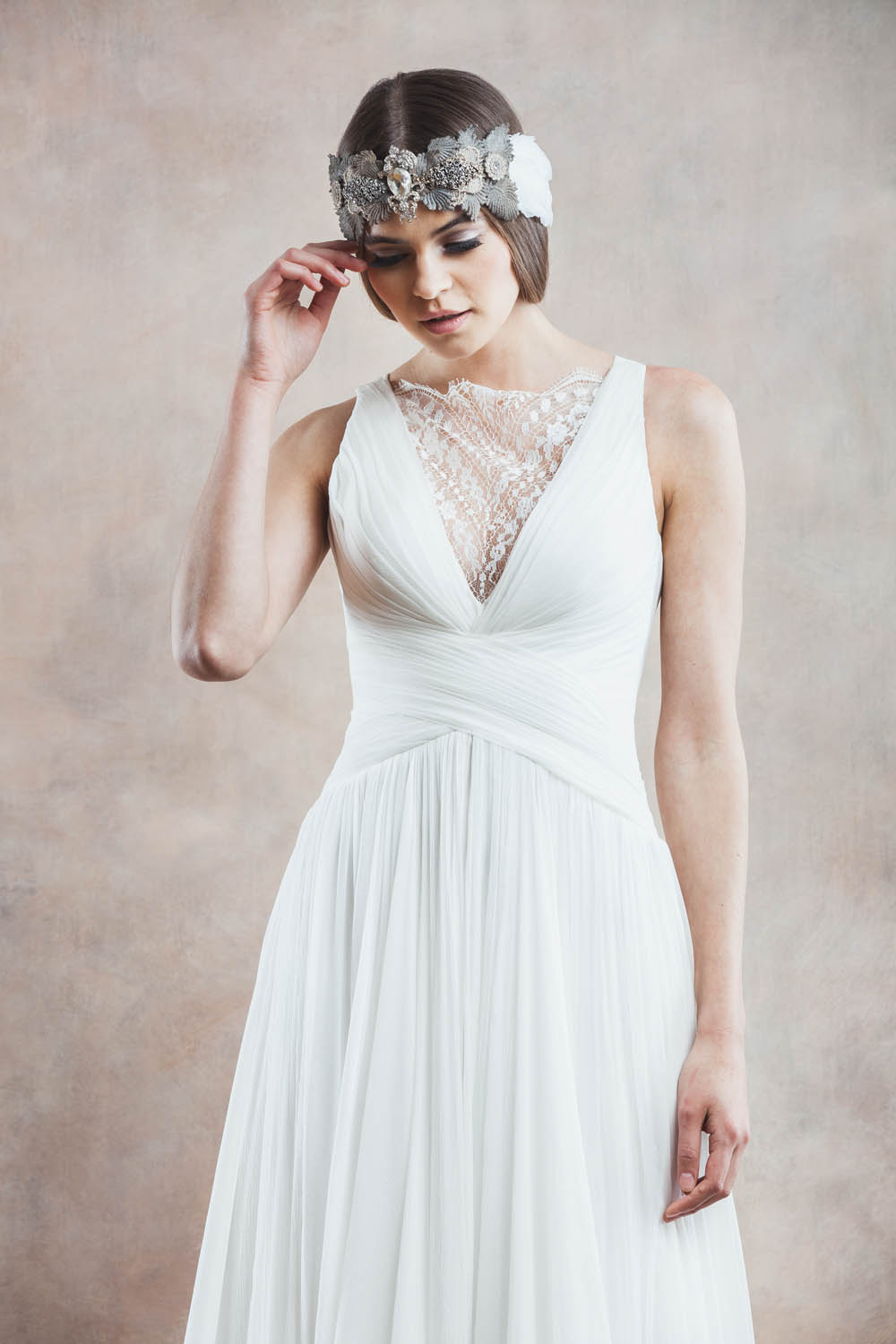
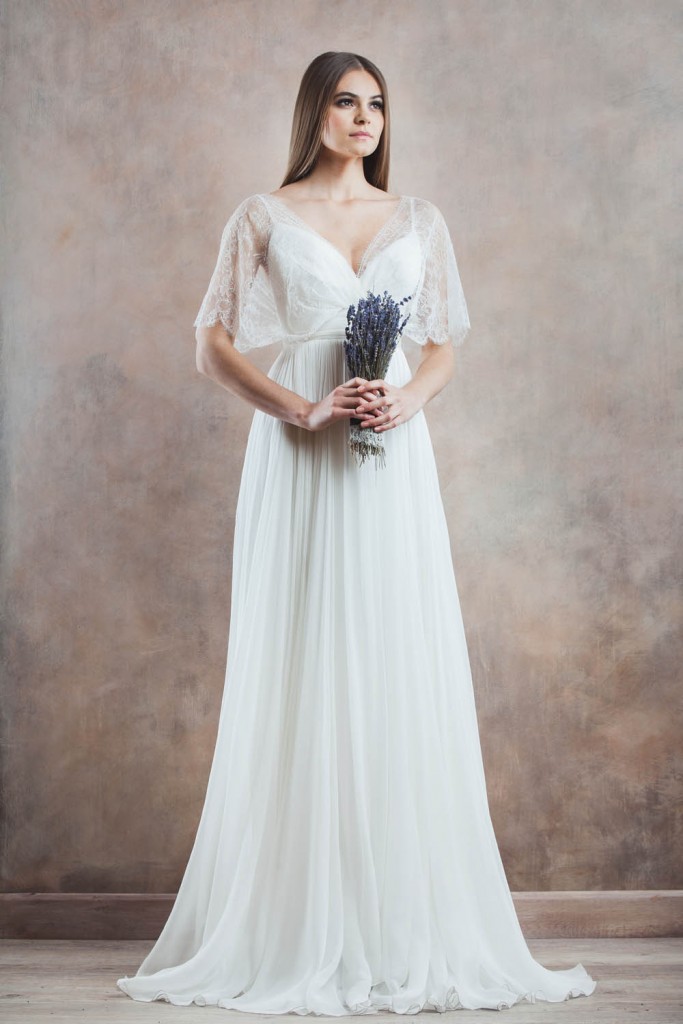
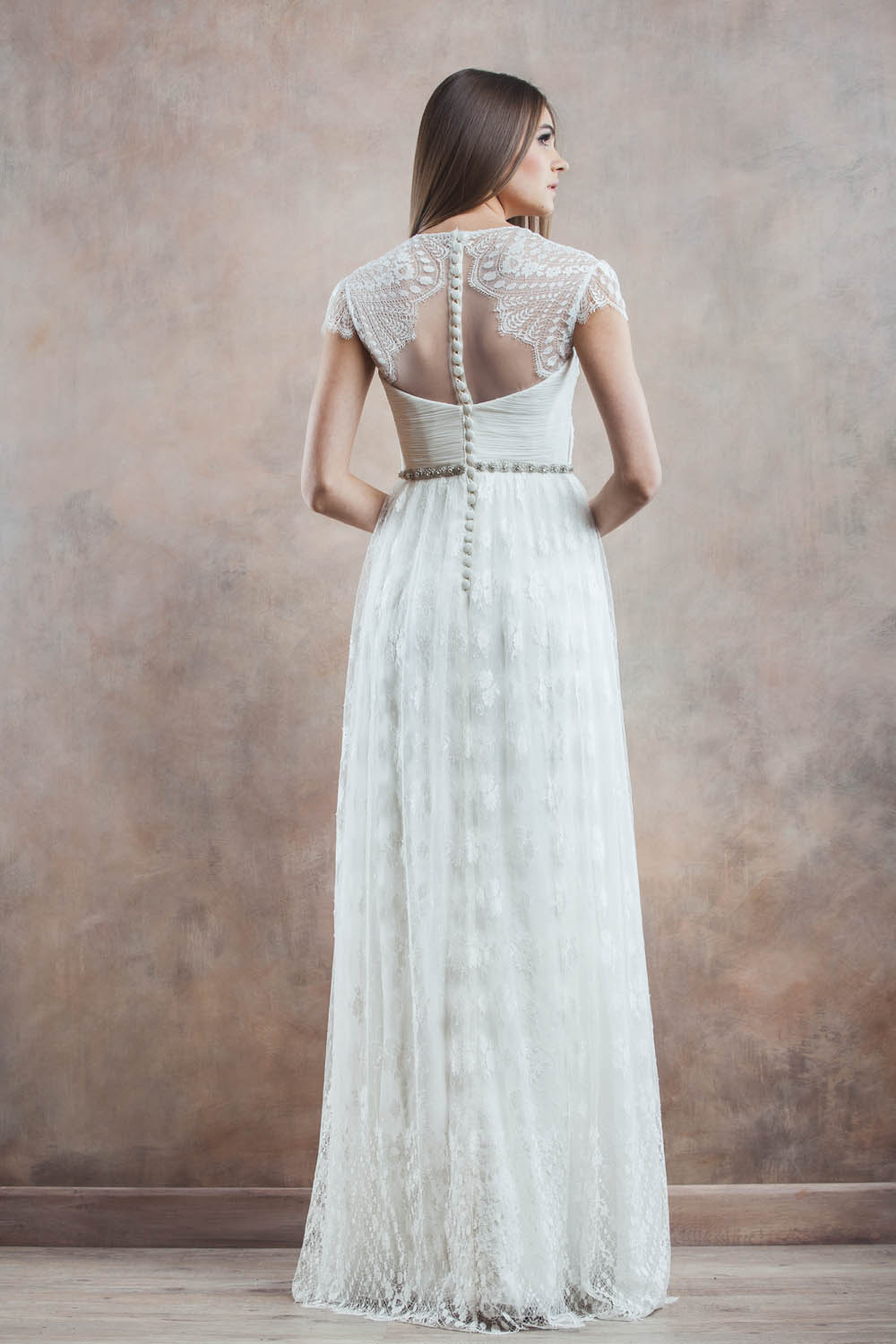
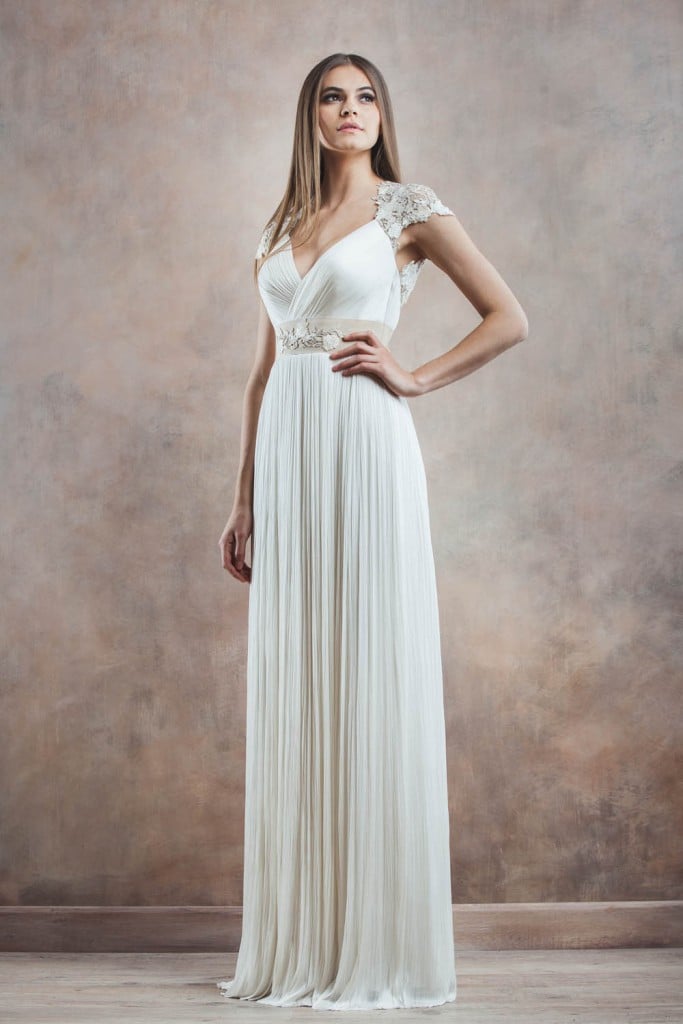
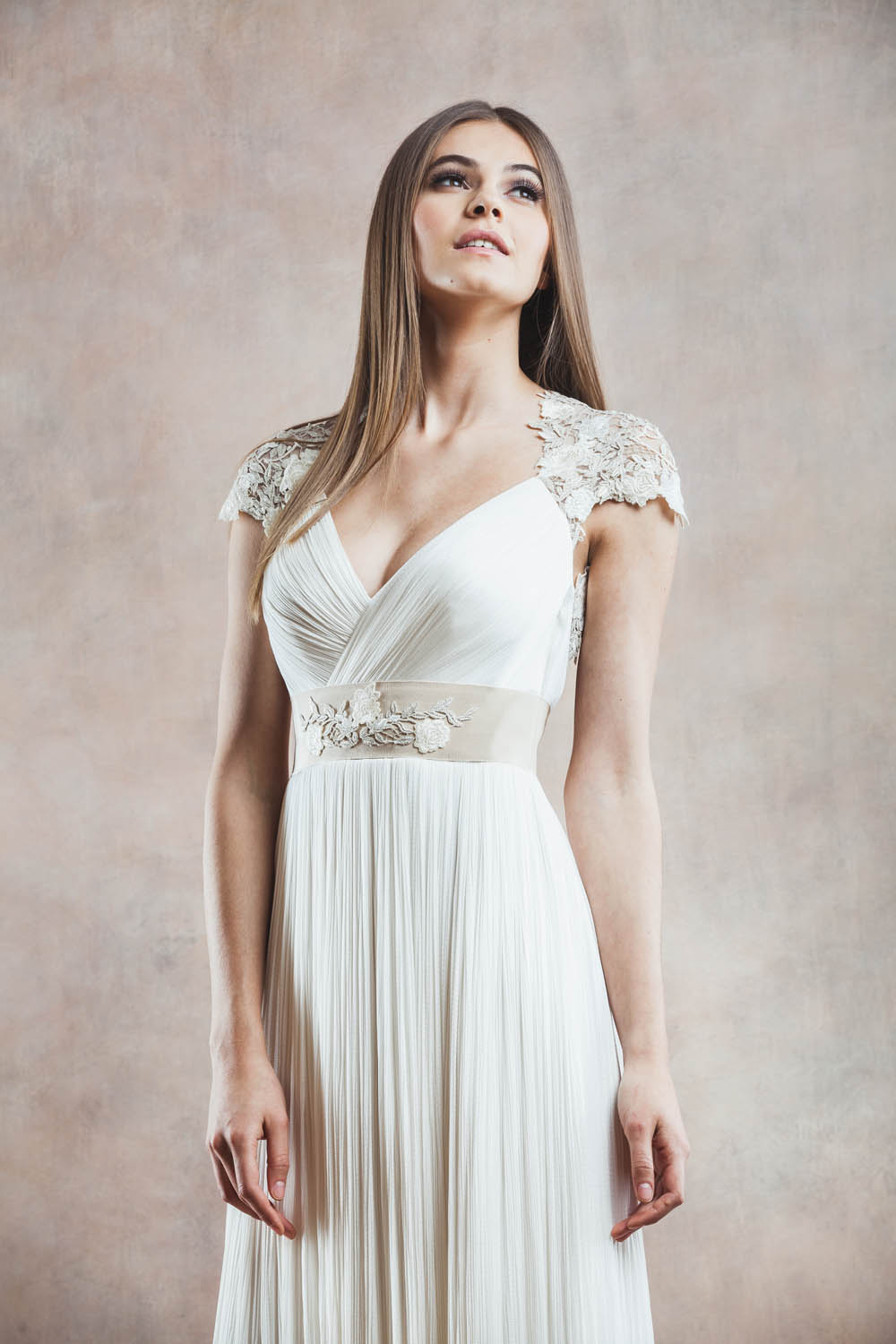
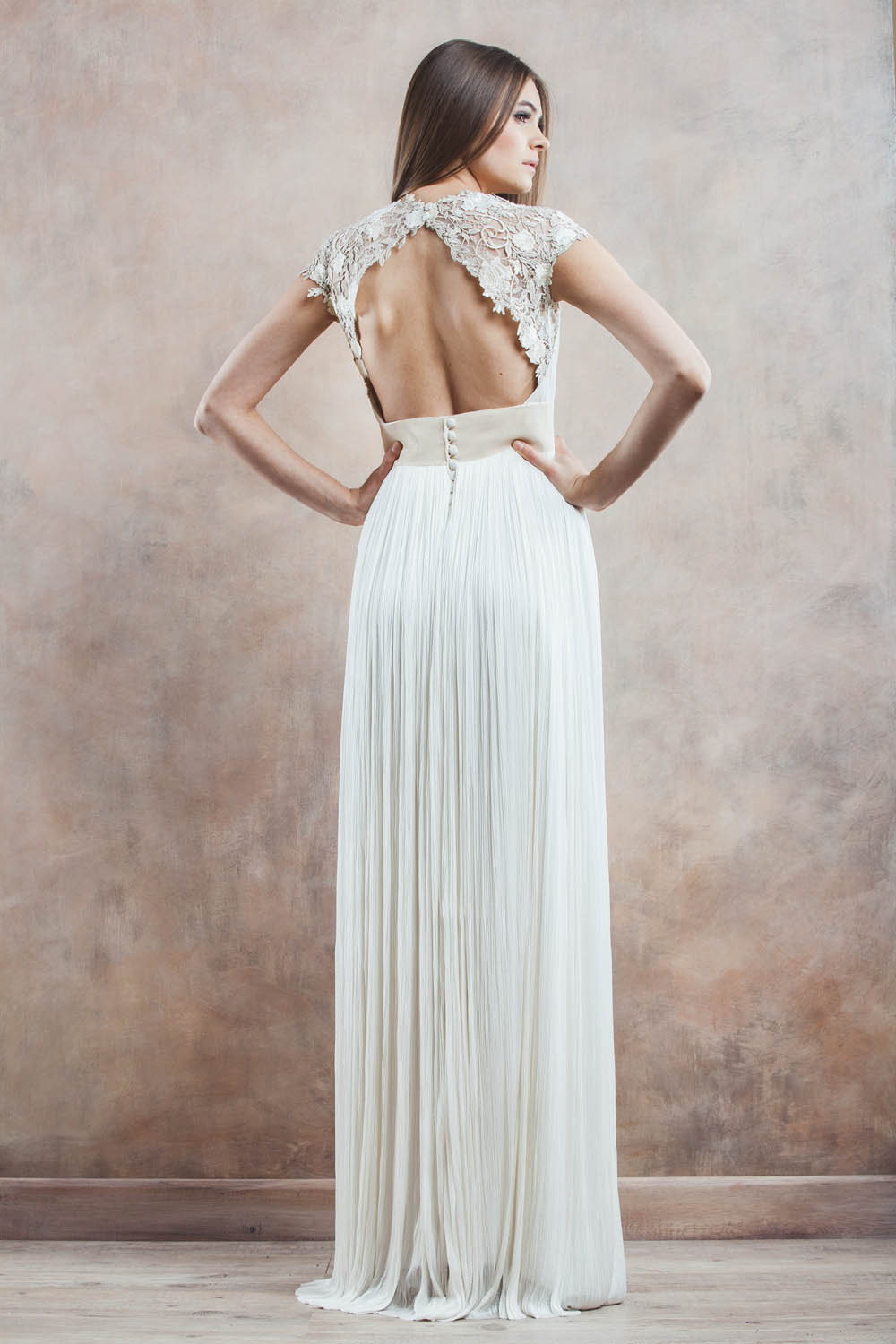
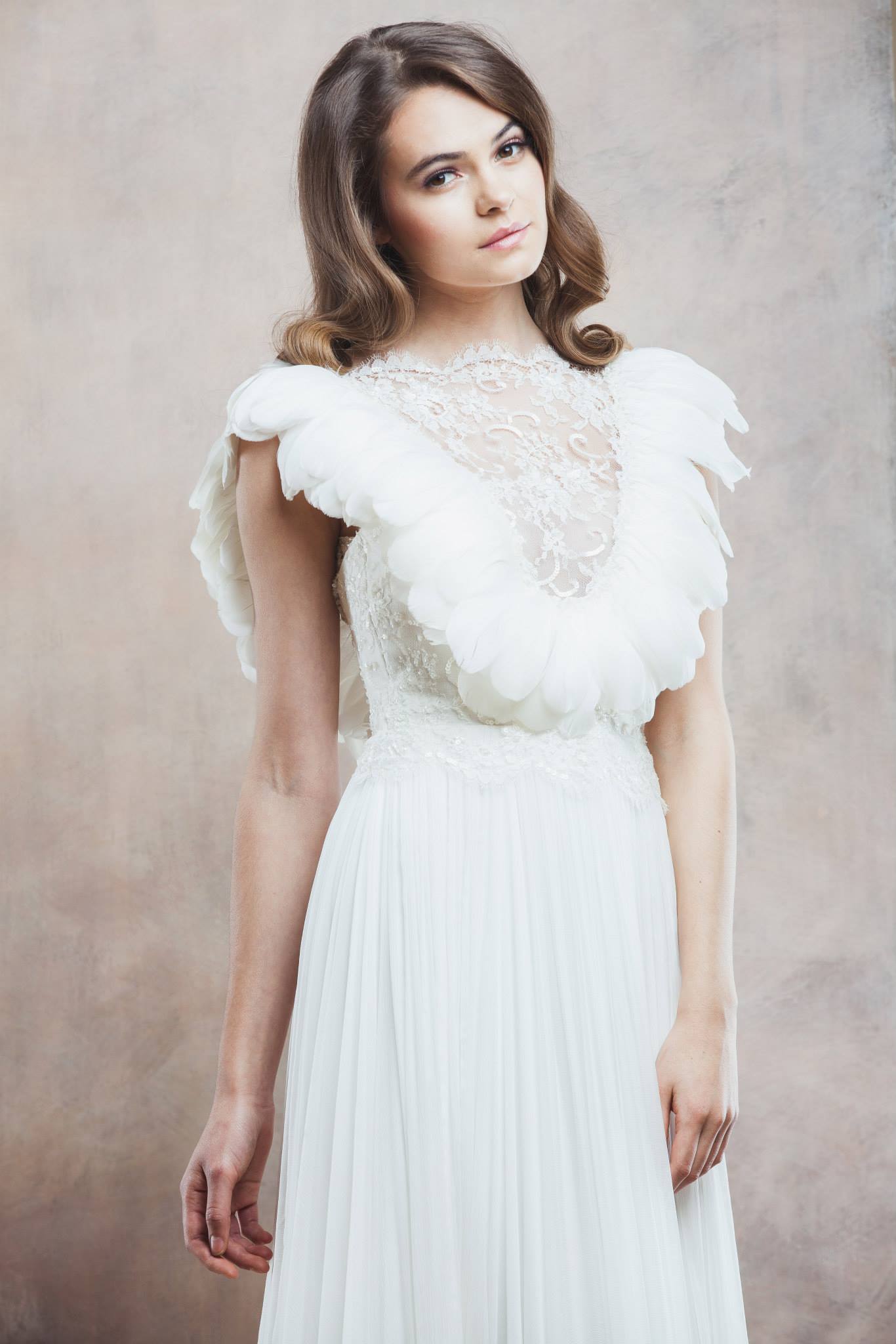
 Divine Atelier Bridal 2014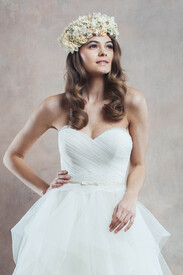

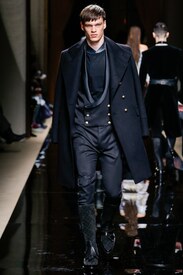
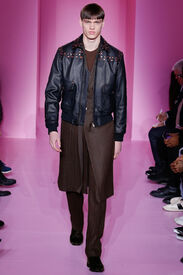
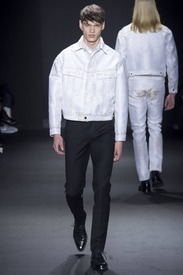
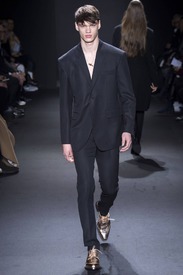
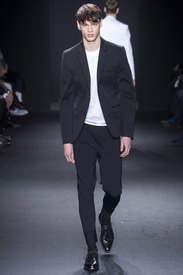
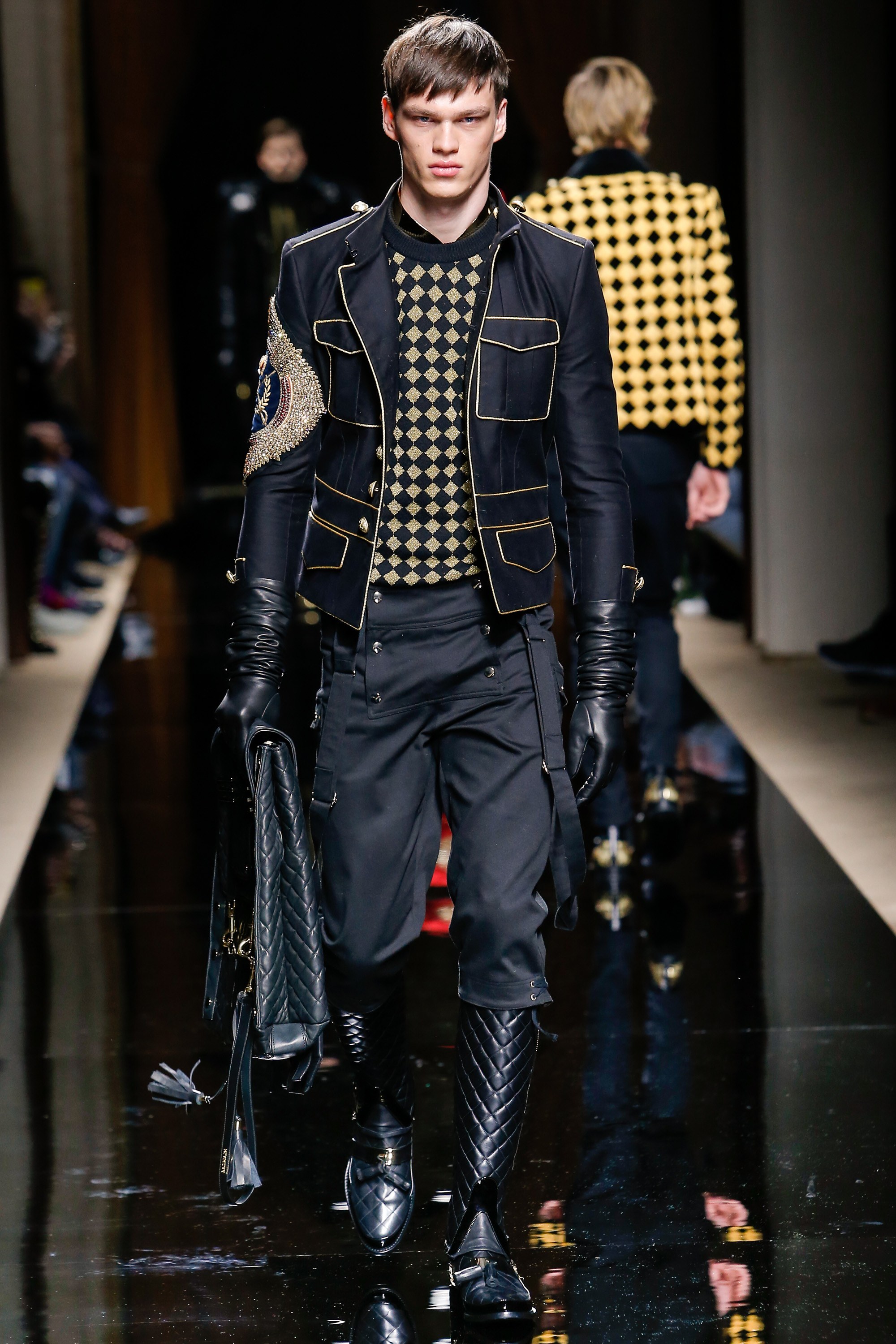
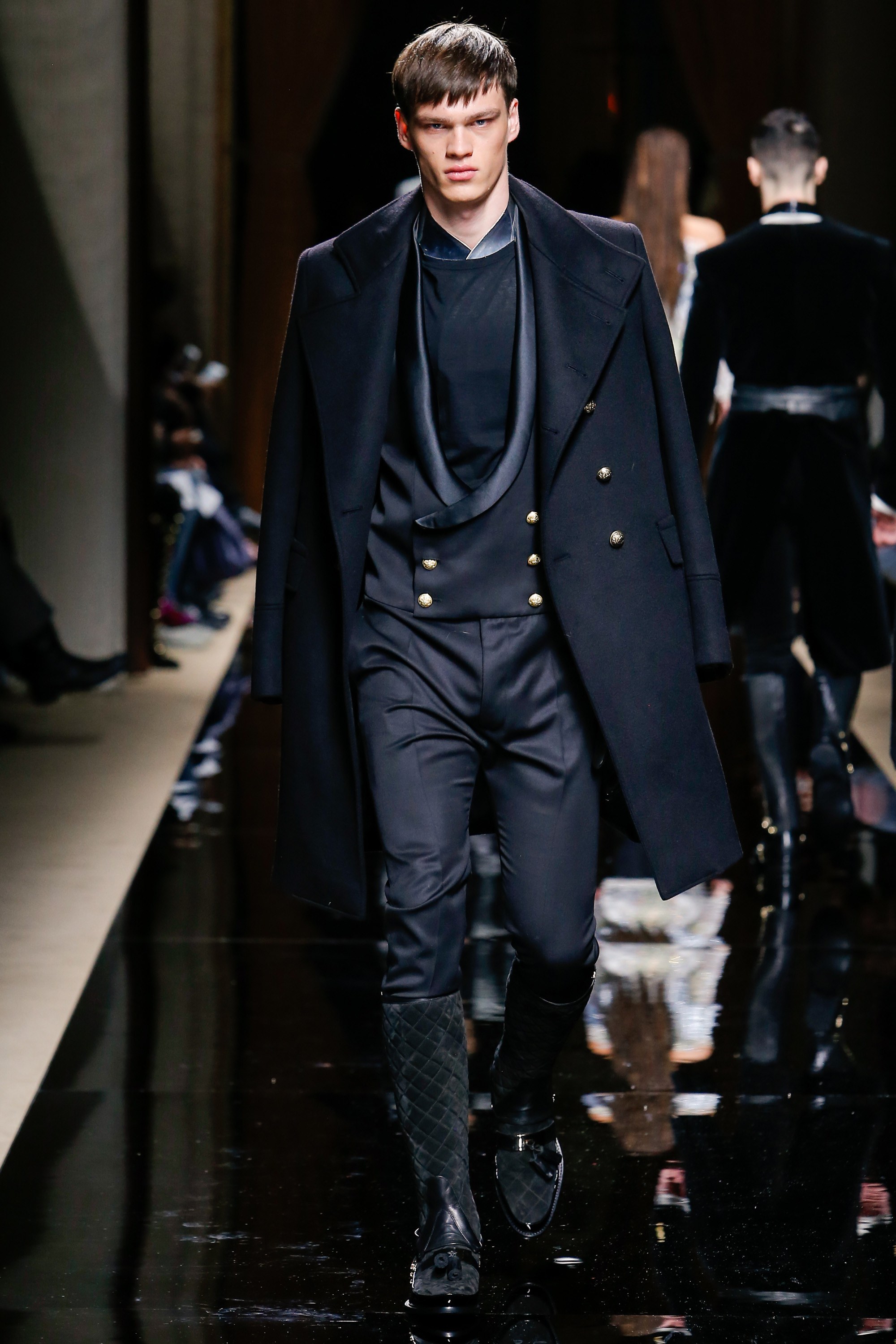
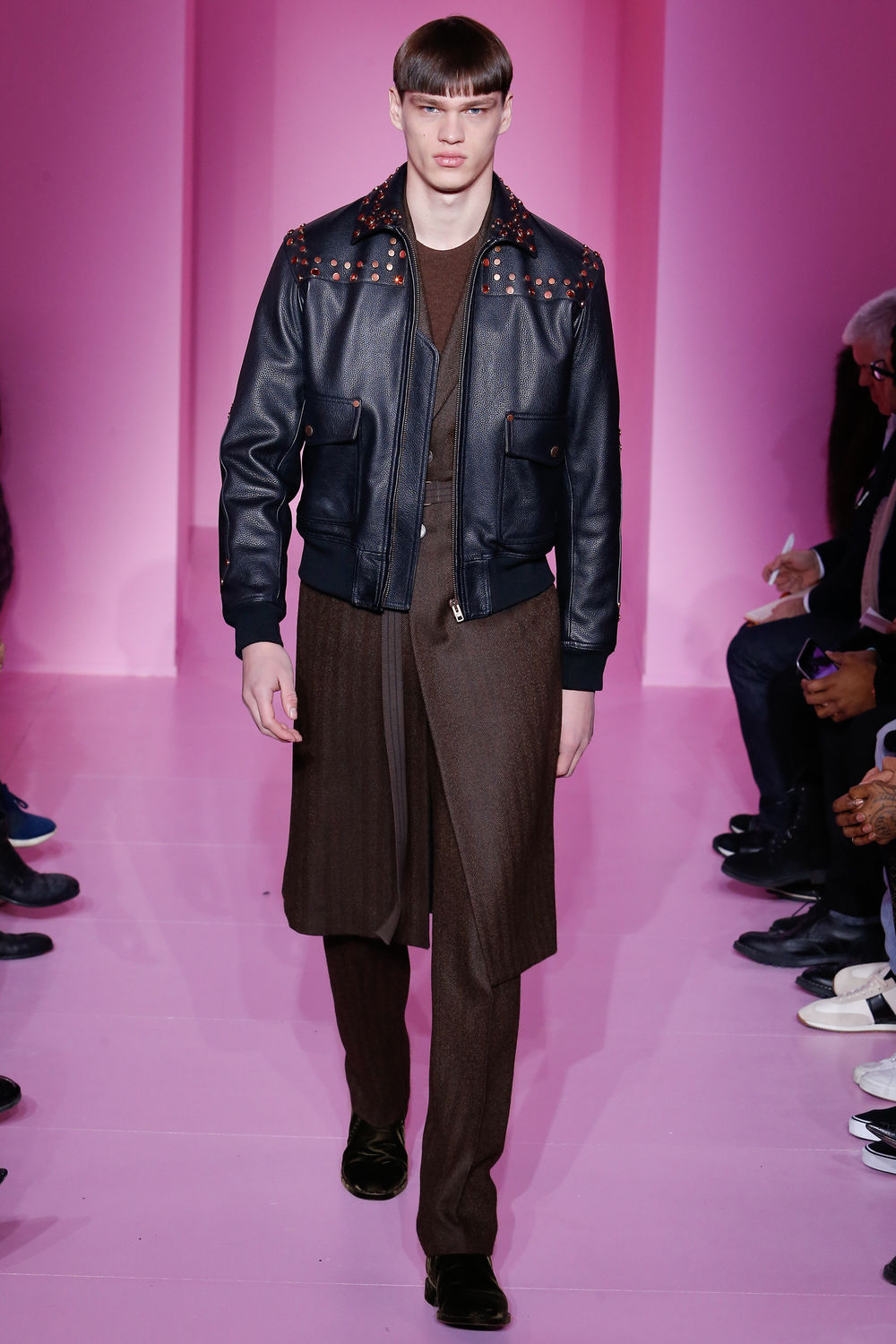
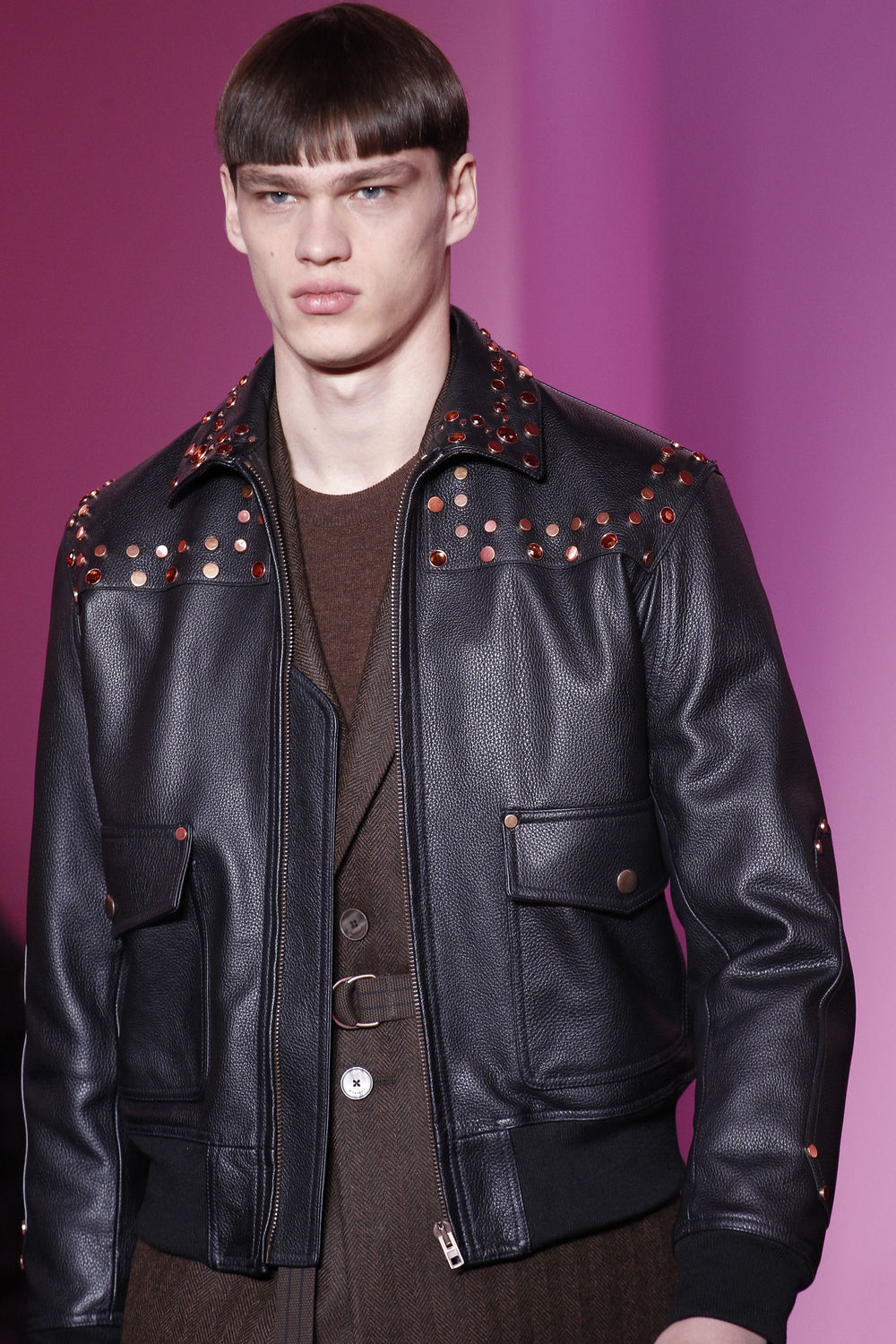
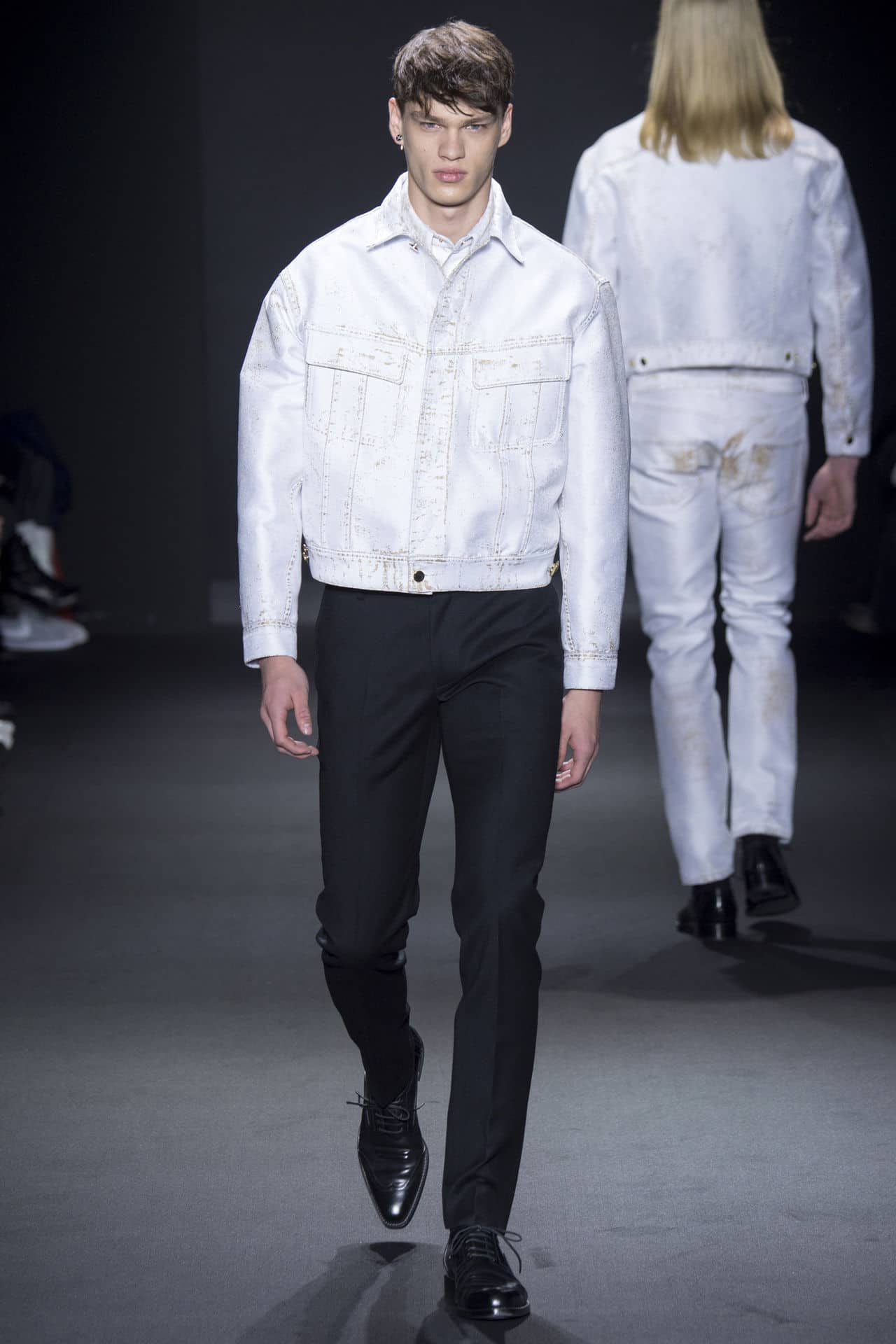
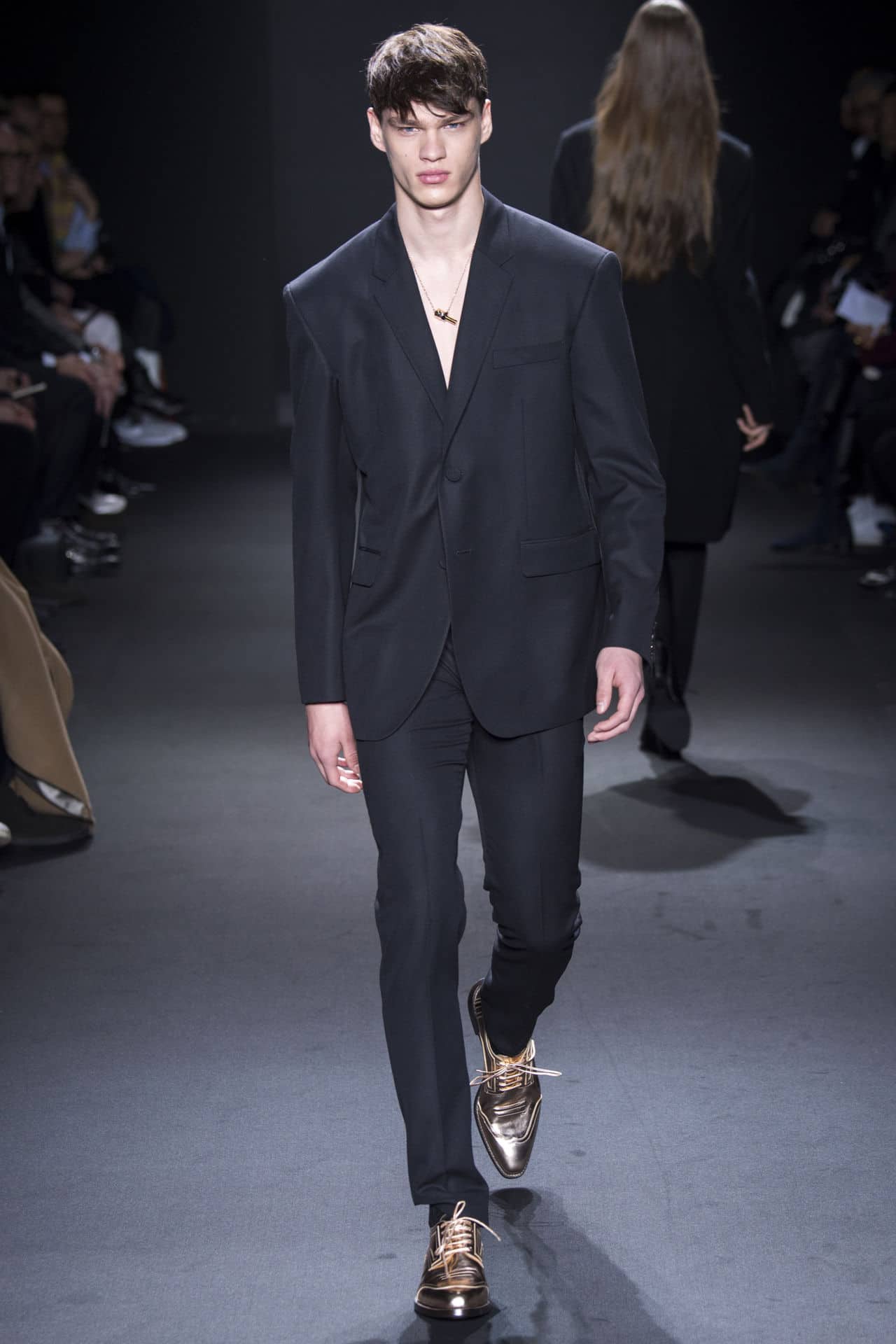
 Balmain Fall 2016 Givenchy Fall 2016 Calvin Klein Fall 2016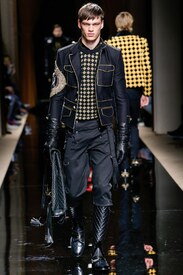
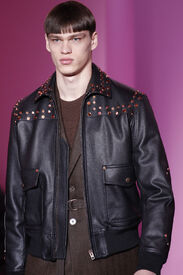
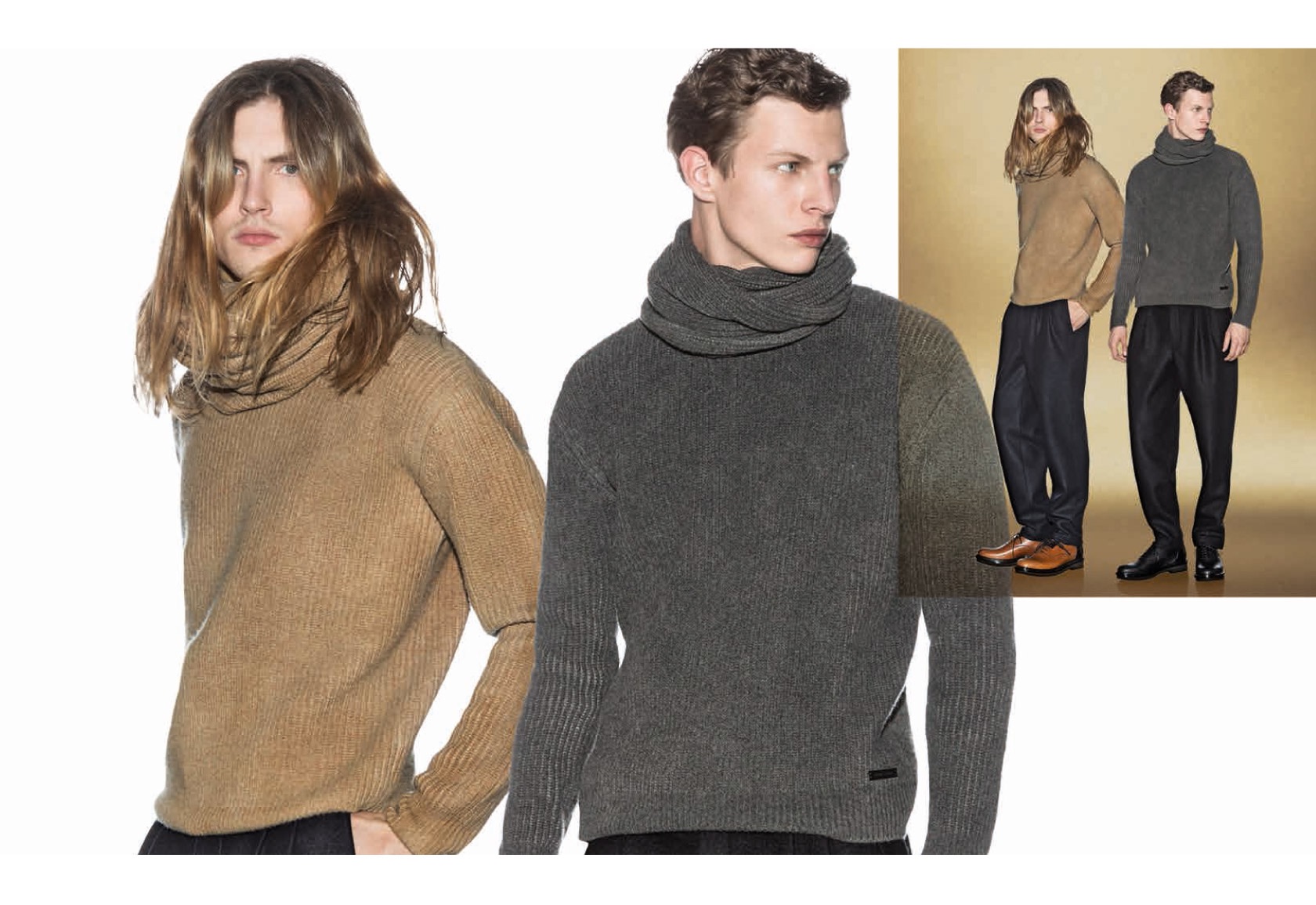
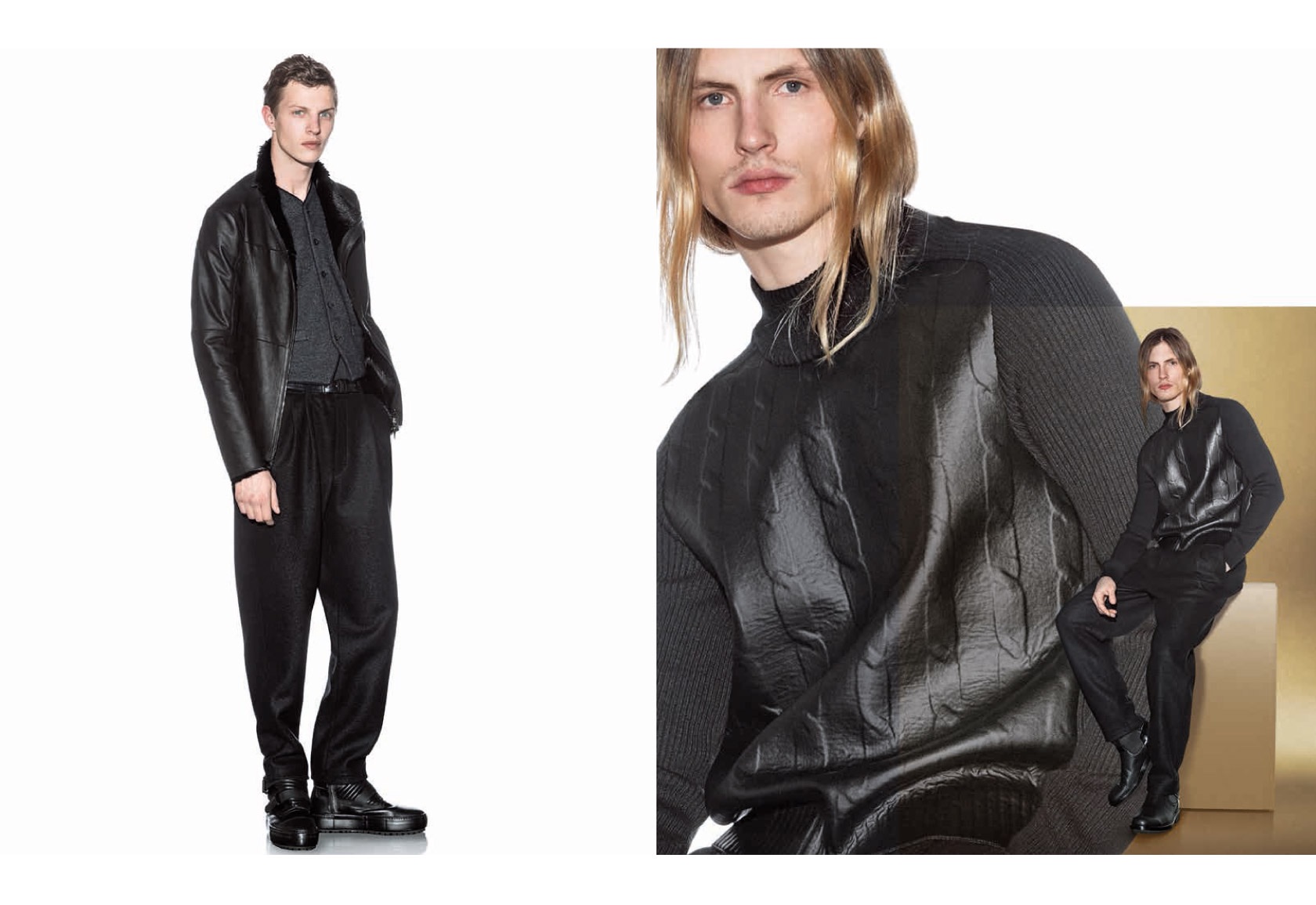
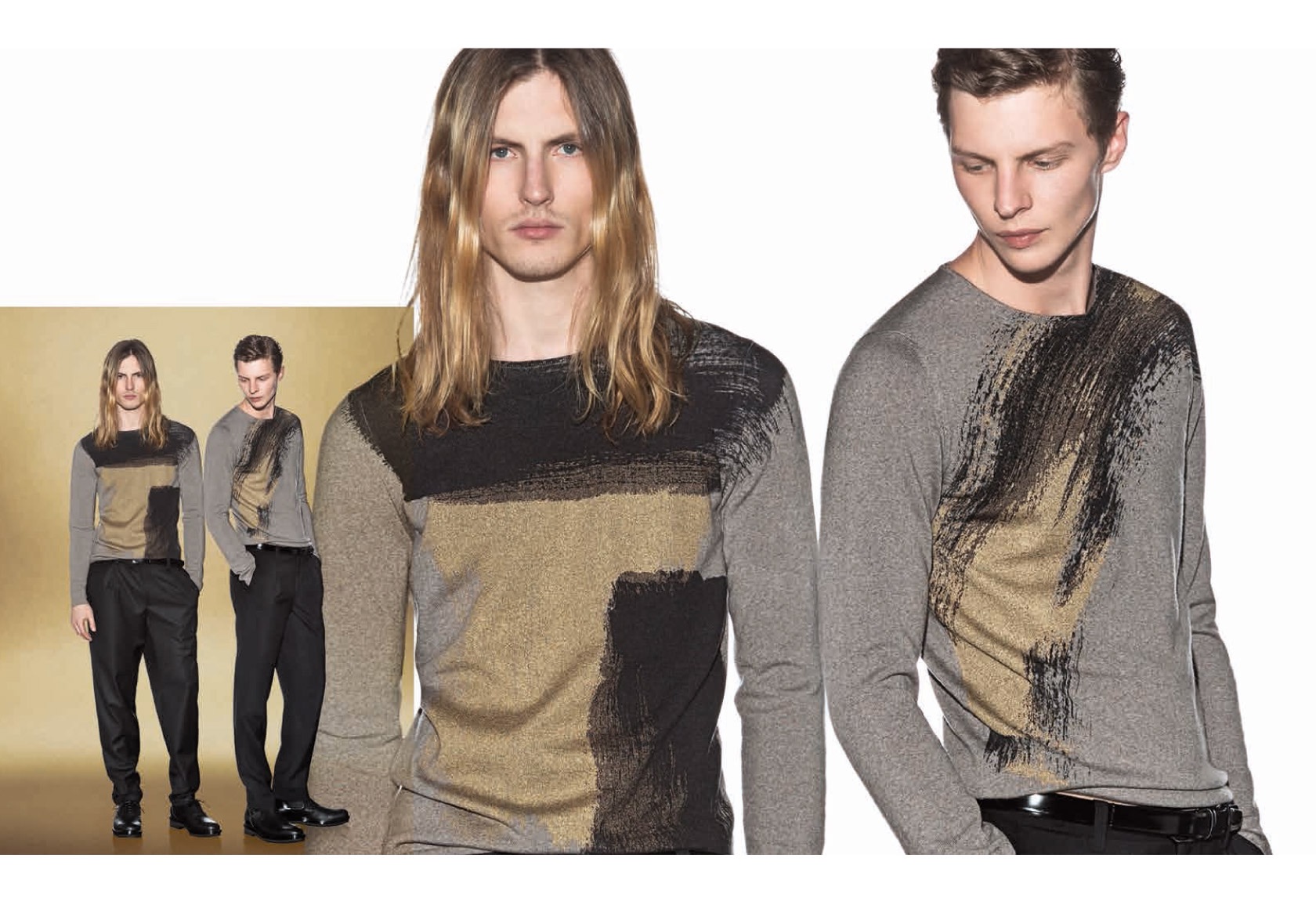
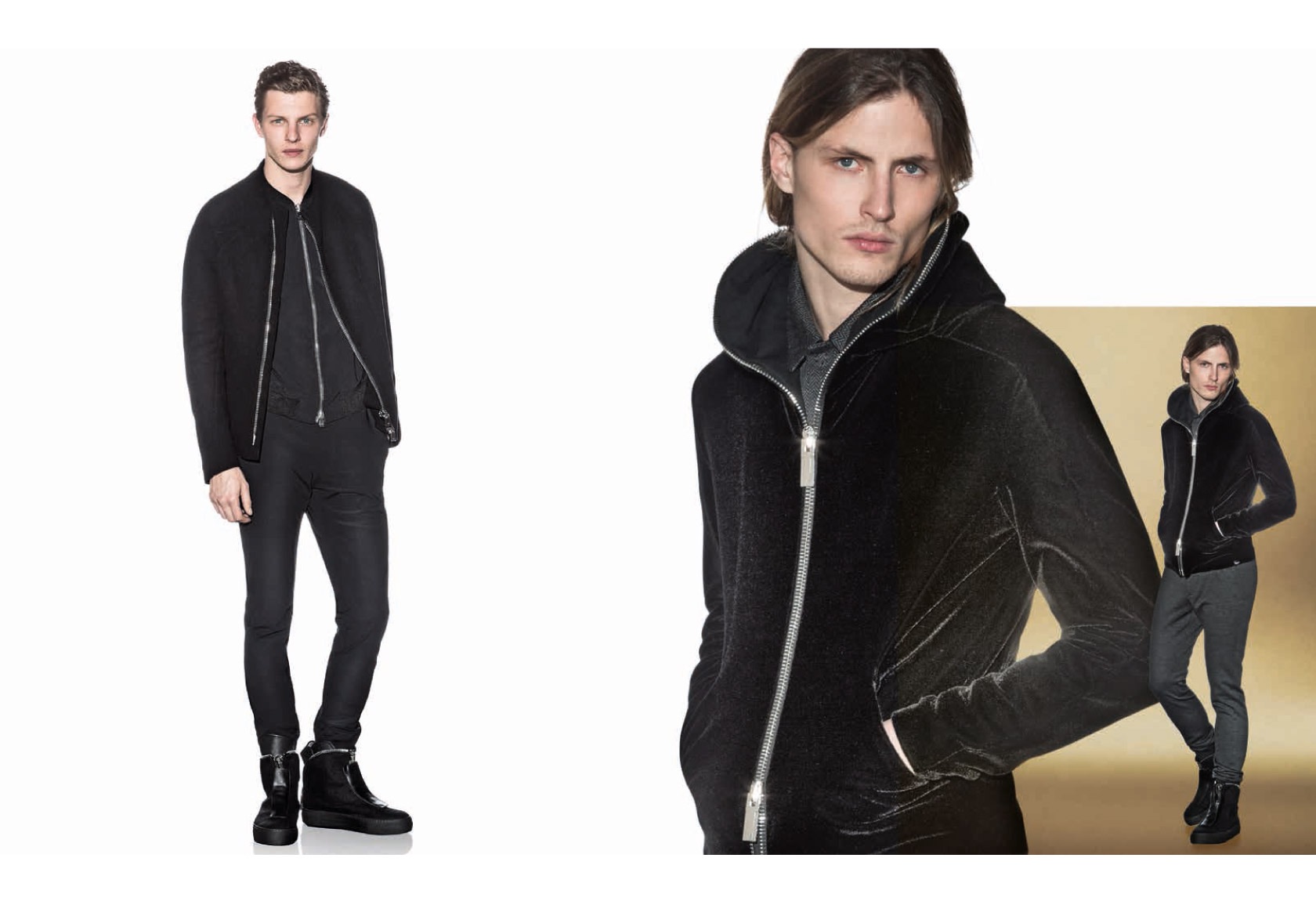
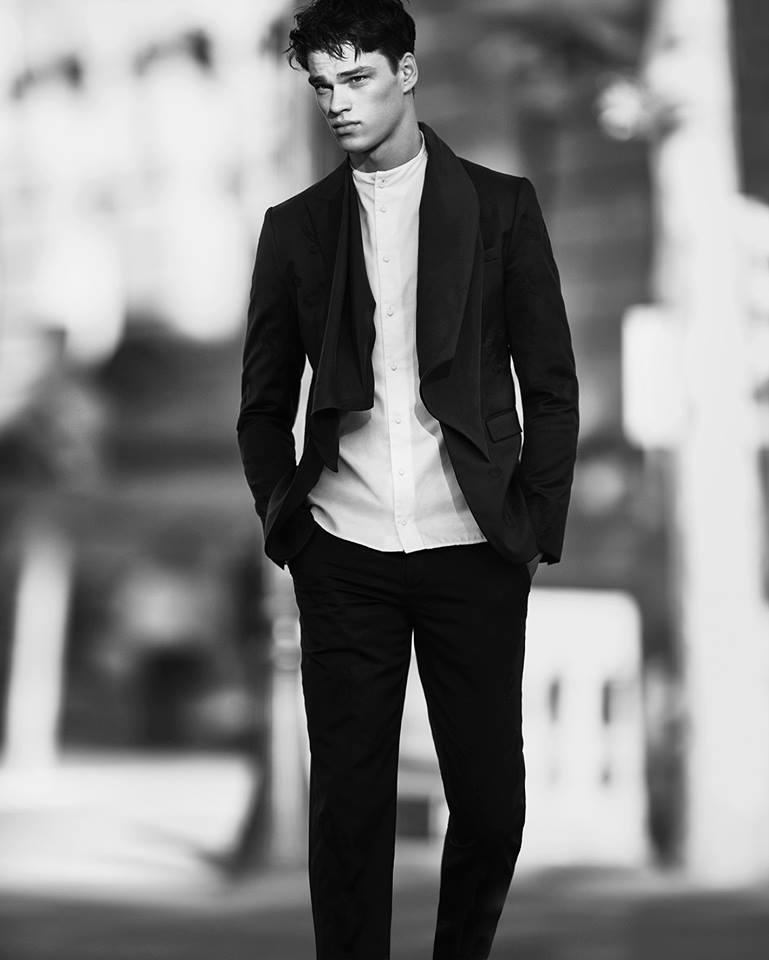
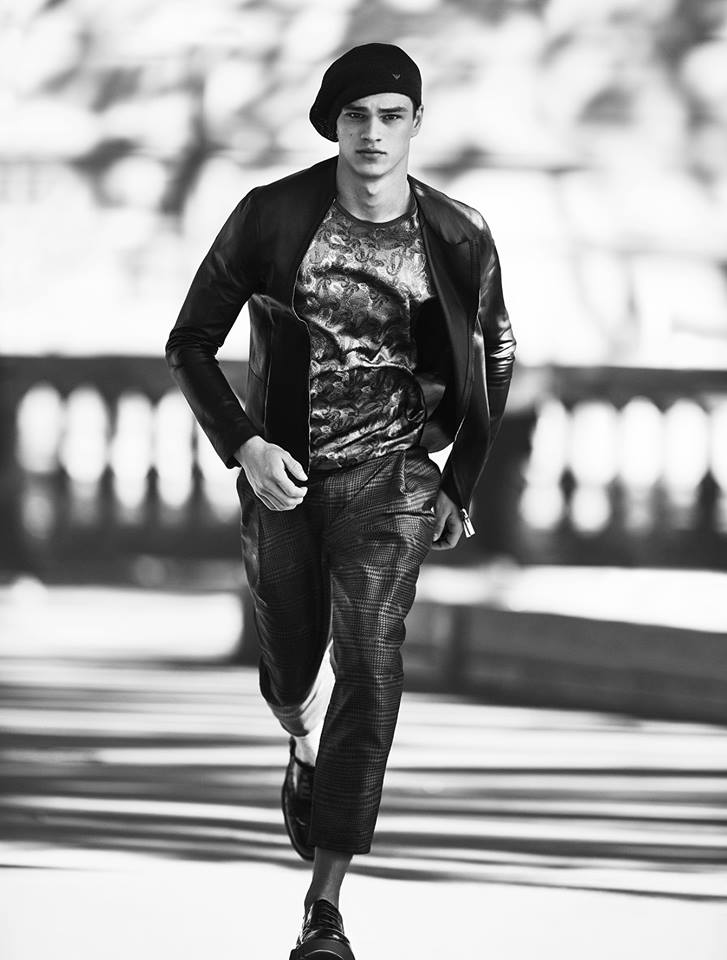
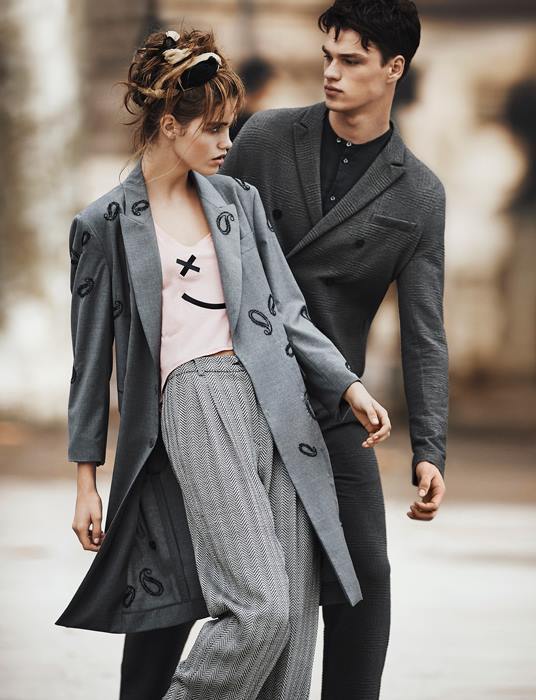
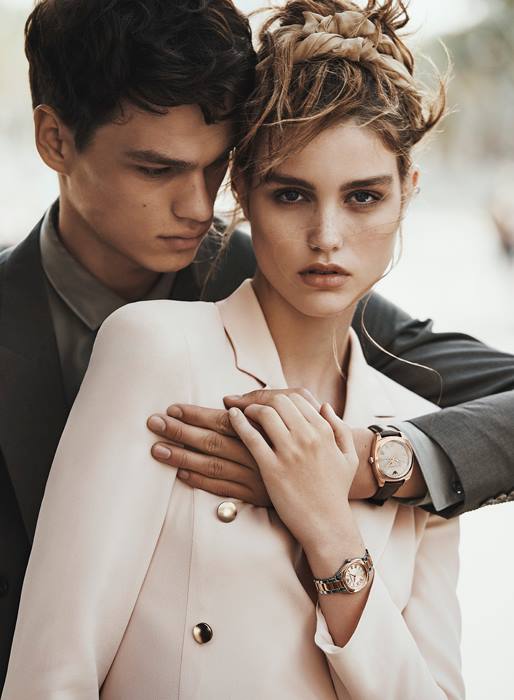
 Emporio Armani S/S 2016 TFS posted by simon and mikose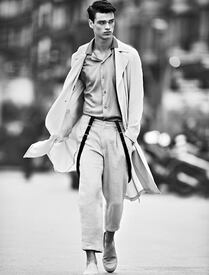
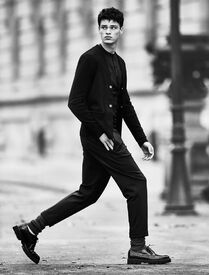
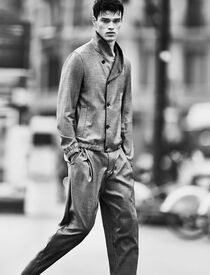
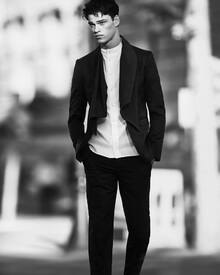
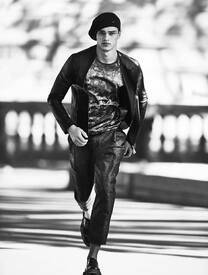
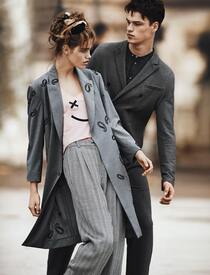
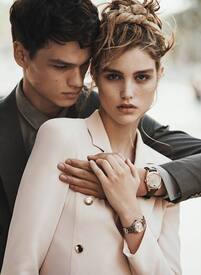
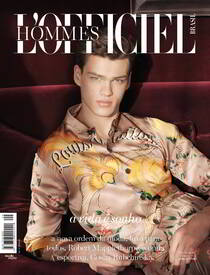
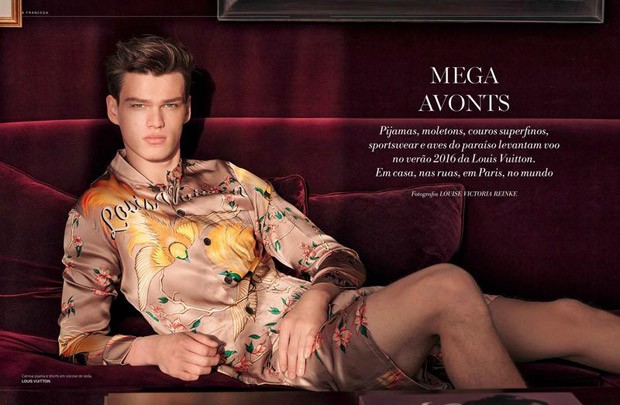
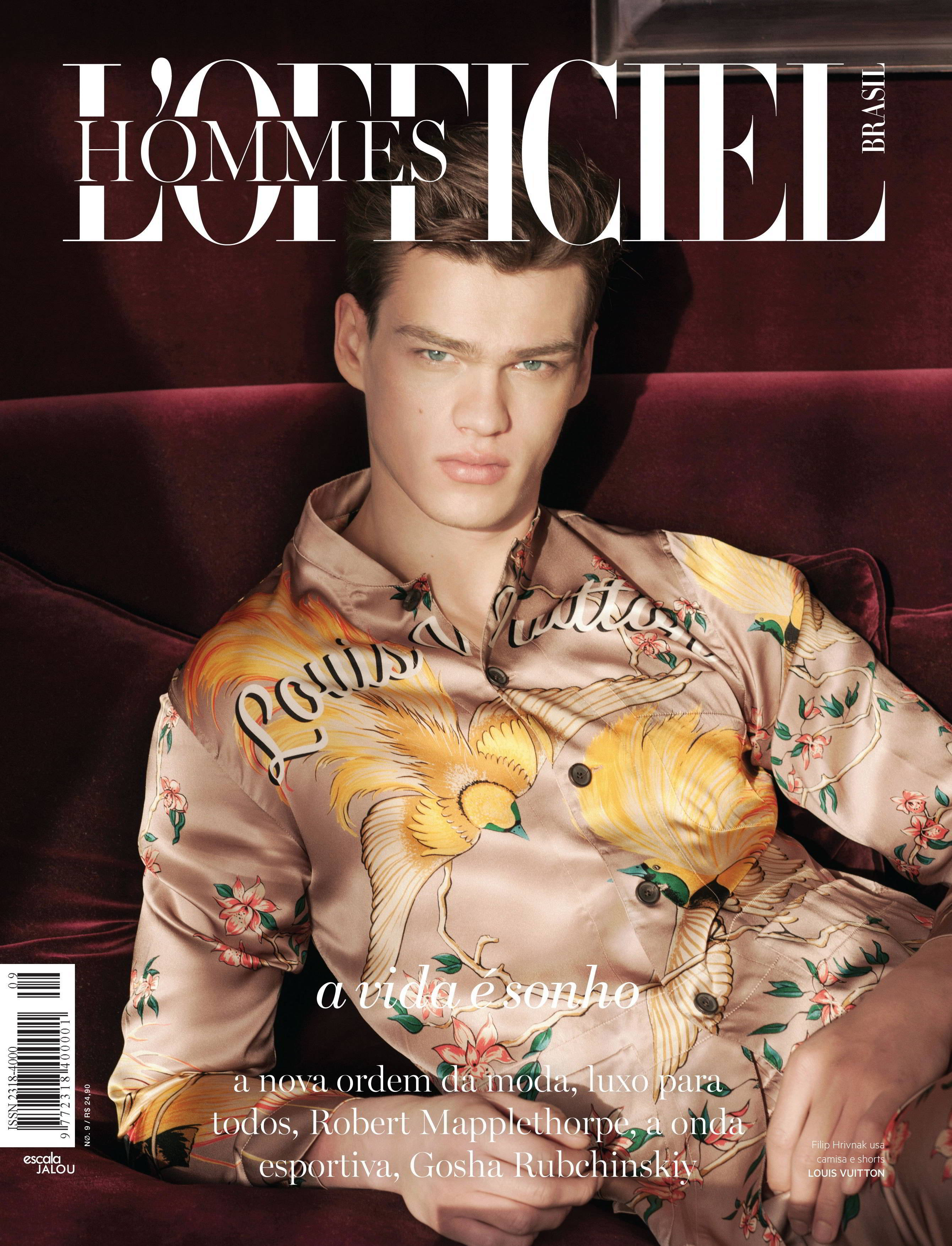
 L'Officiel Hommes Brasil No. 9 Model: Filip Hrivnak Photographer: Victoria Louise Reinke Styling: Anne Mukendi Wearing: Louis Vuitton
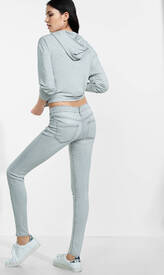
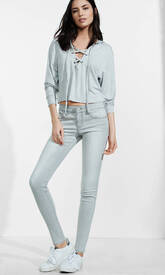
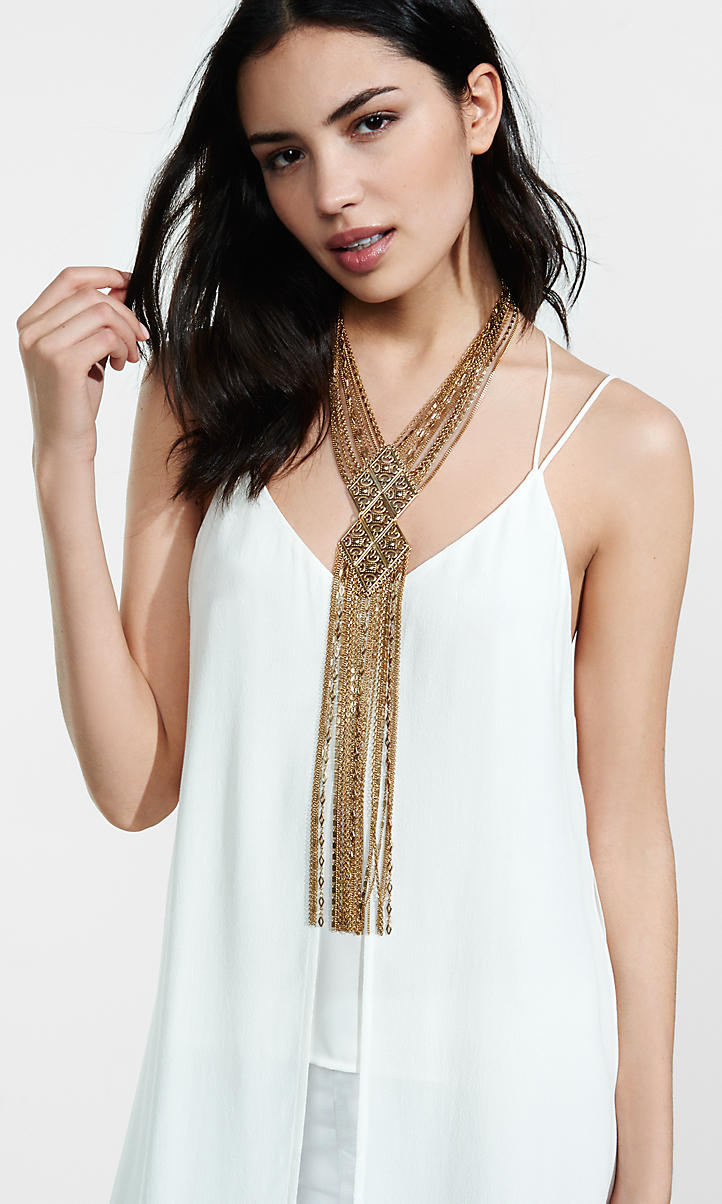
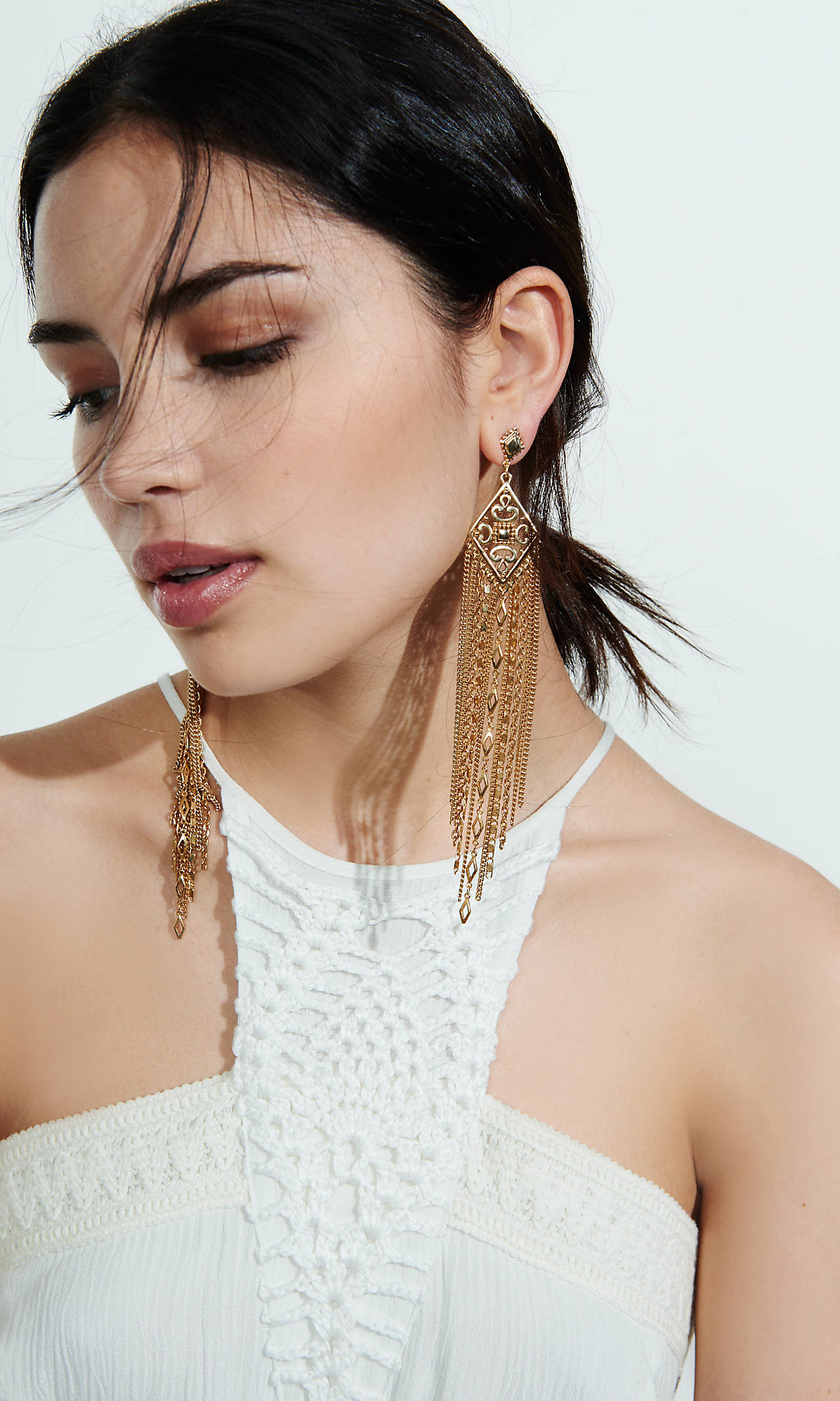
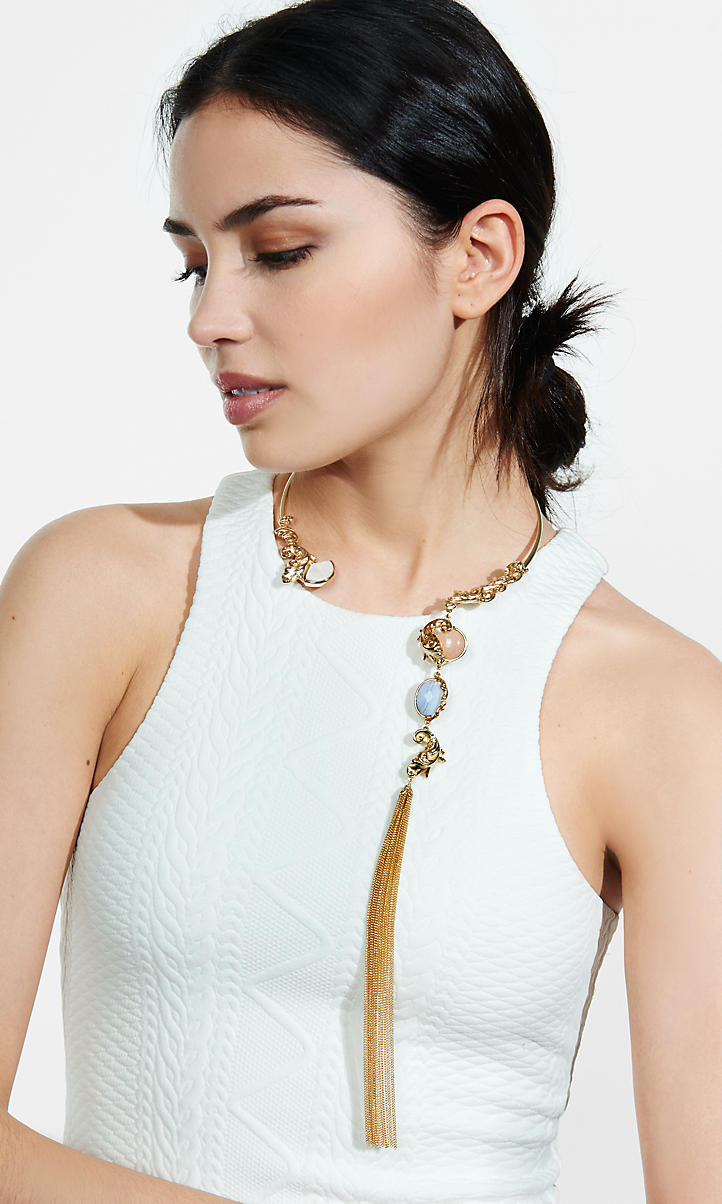
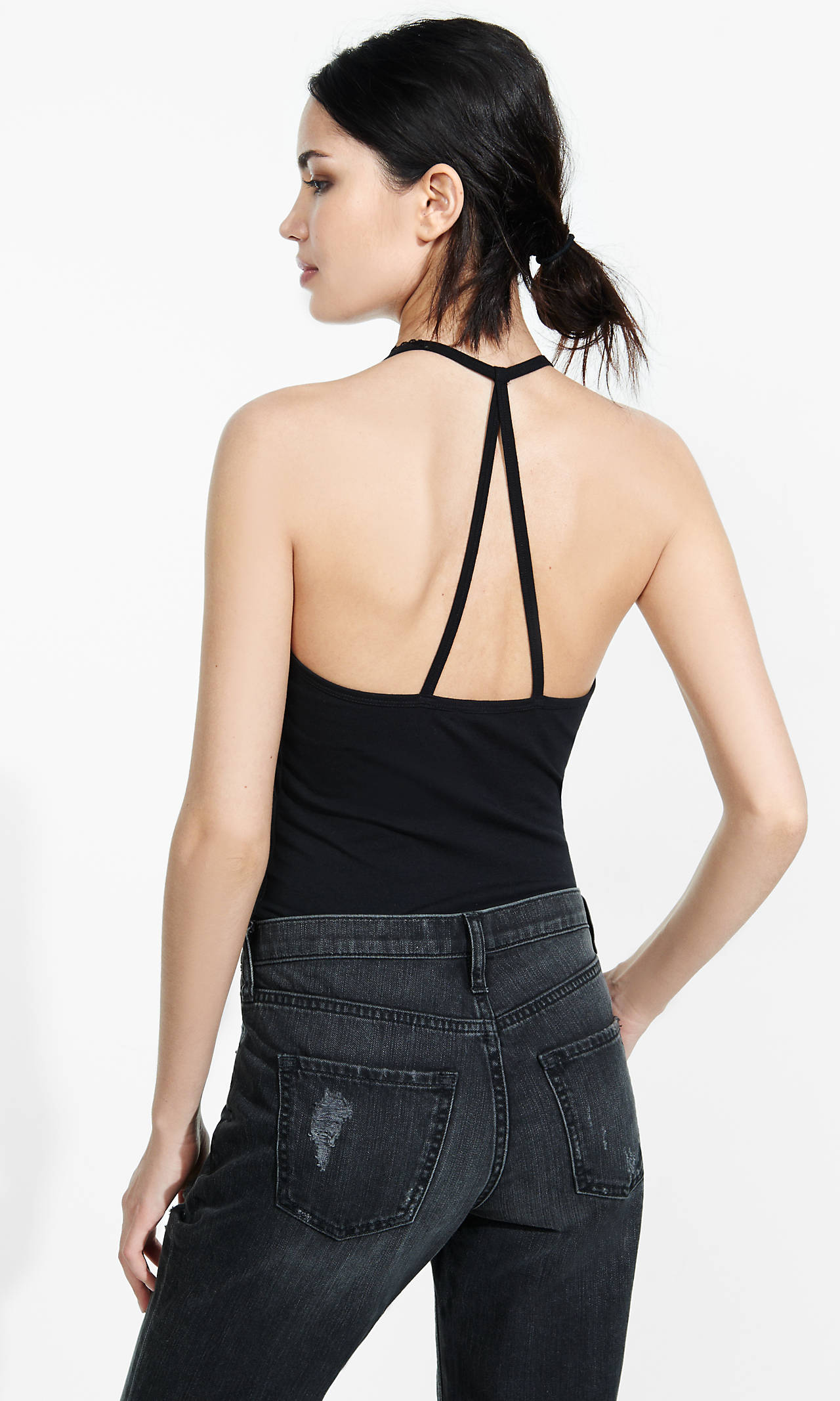
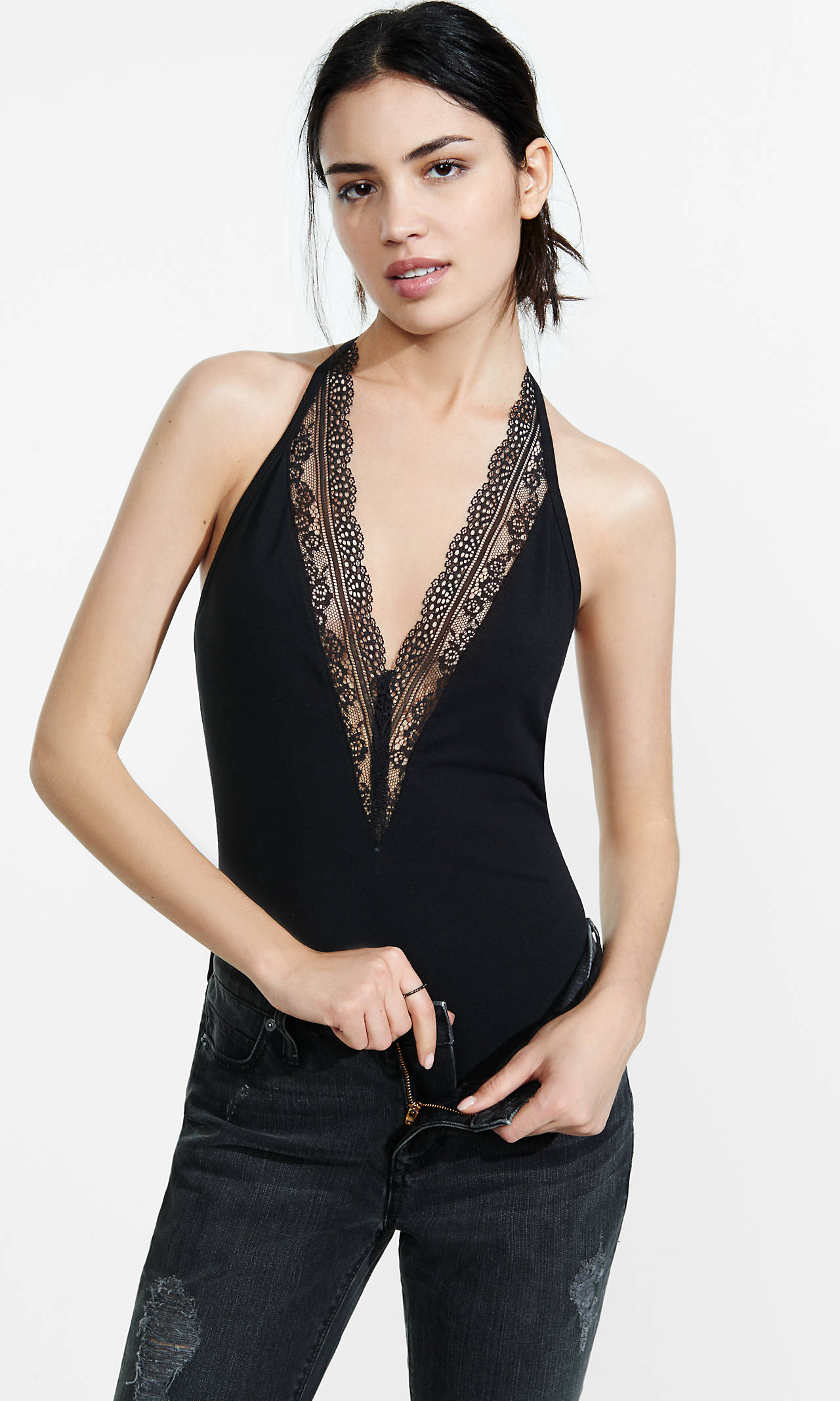
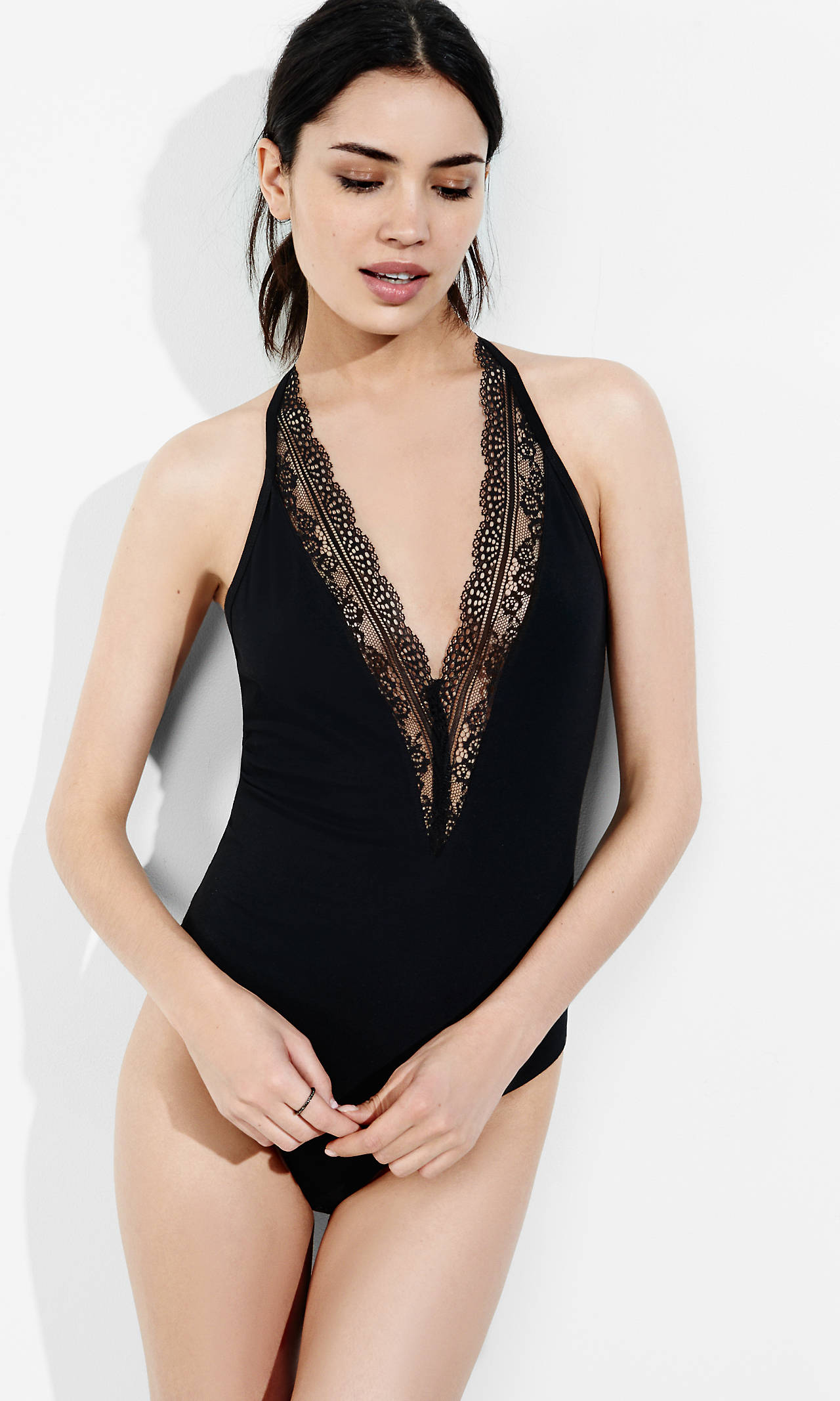
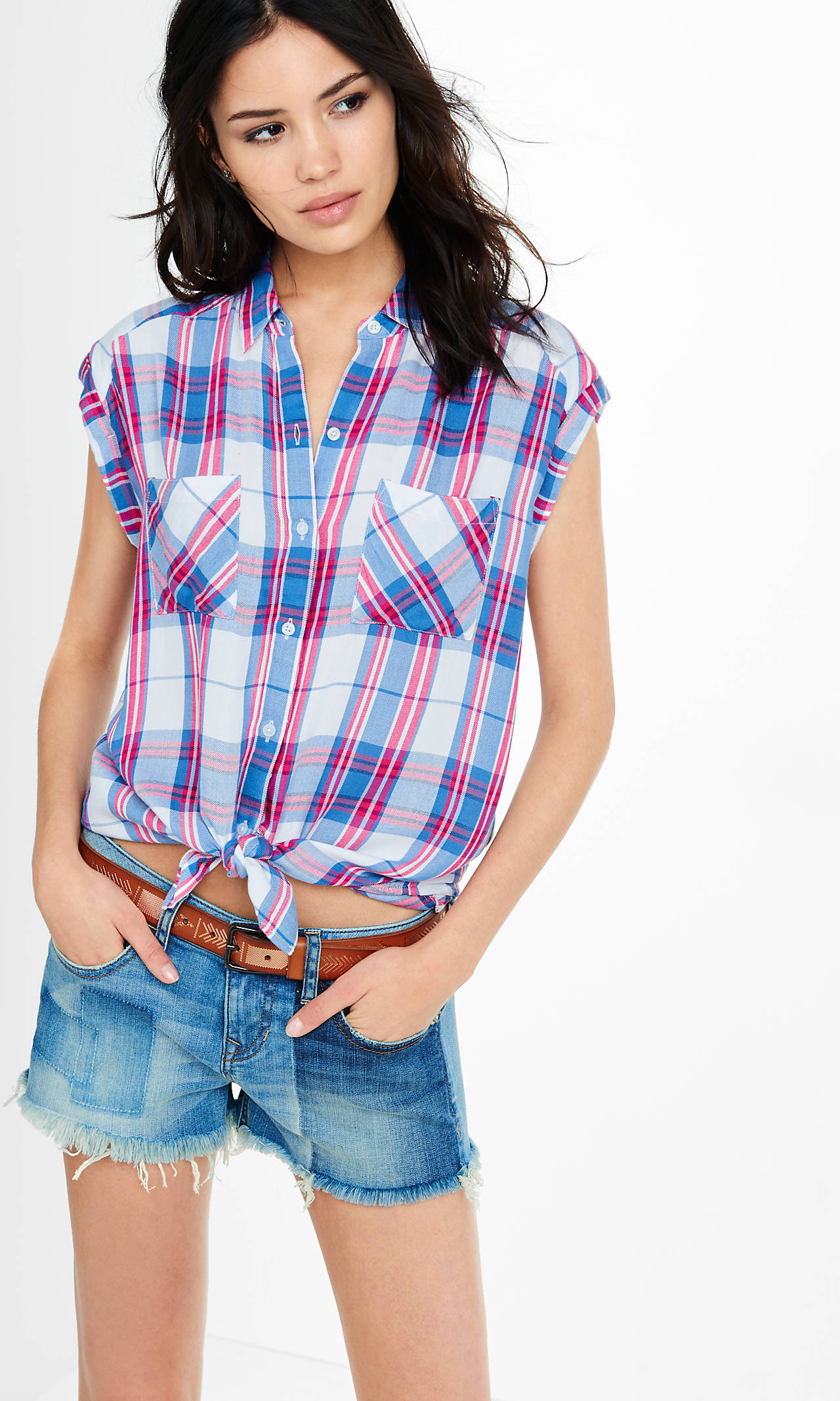
 Express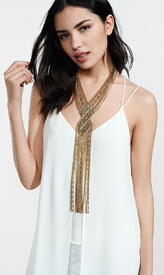
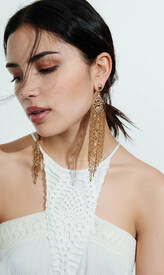
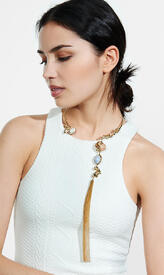
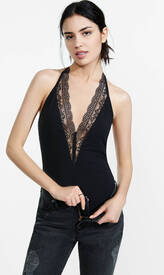
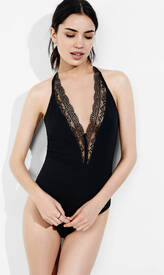
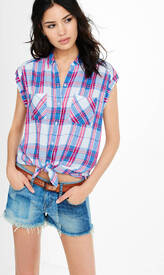
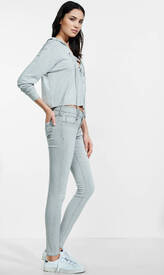
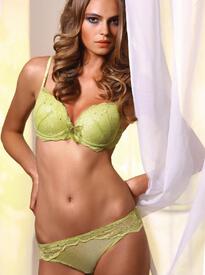
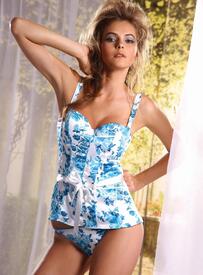
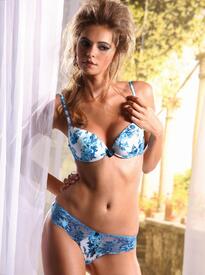
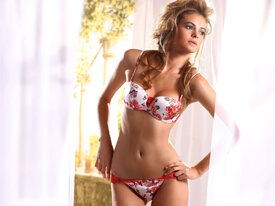
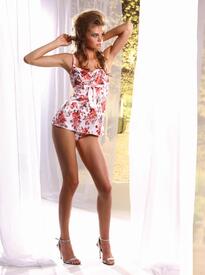
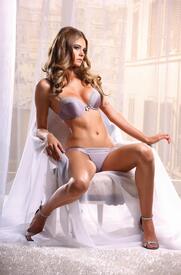
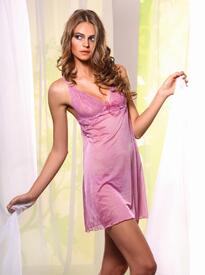
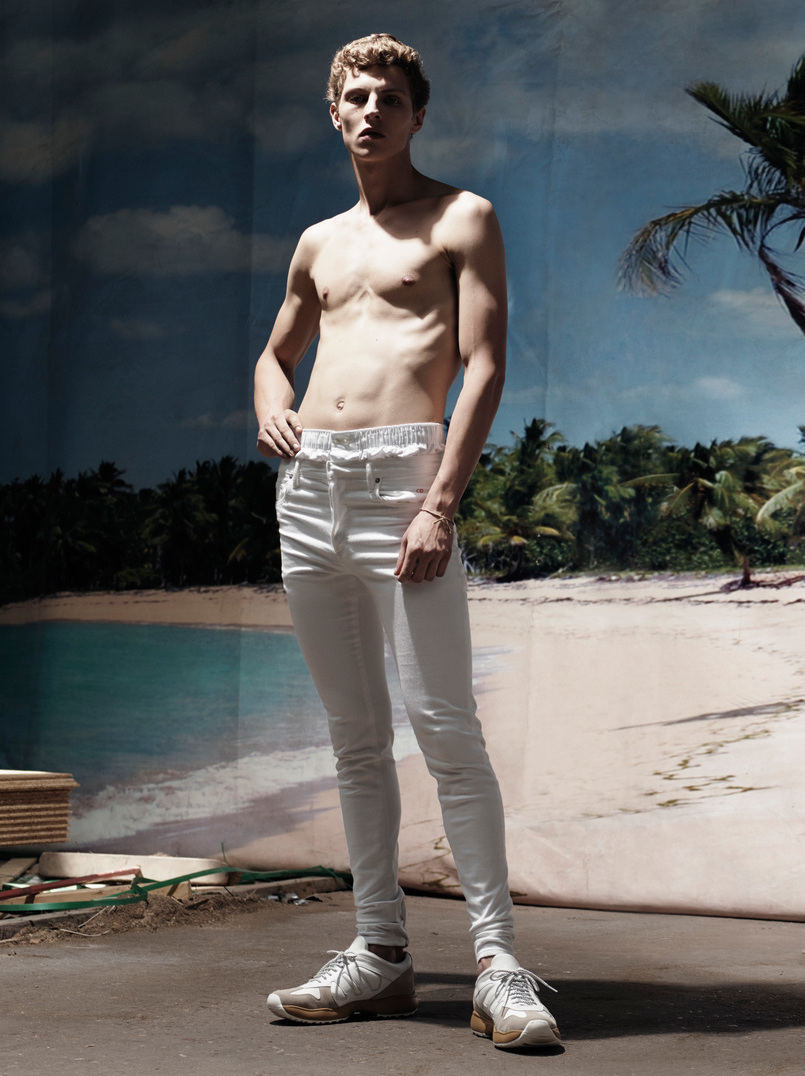
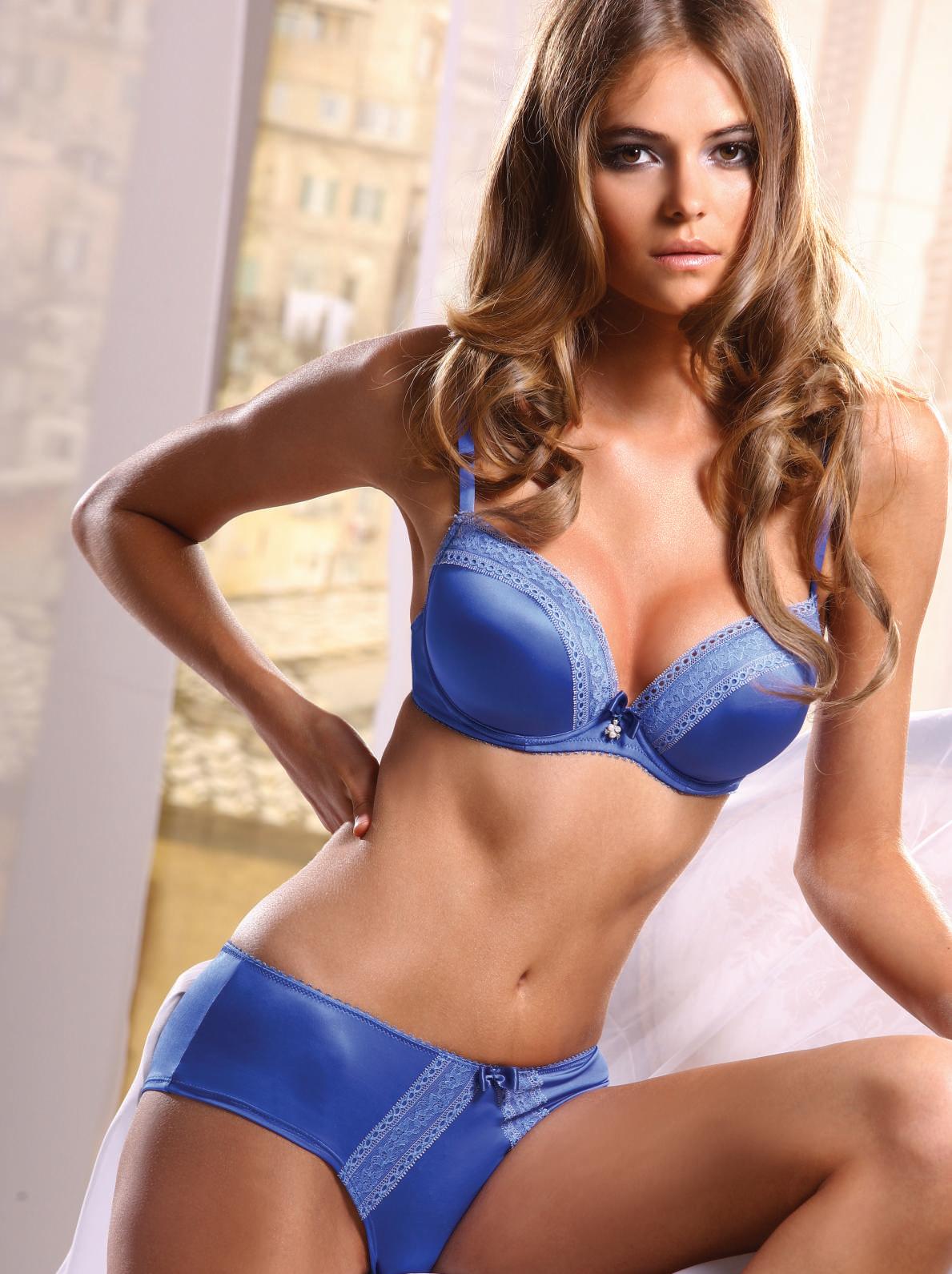
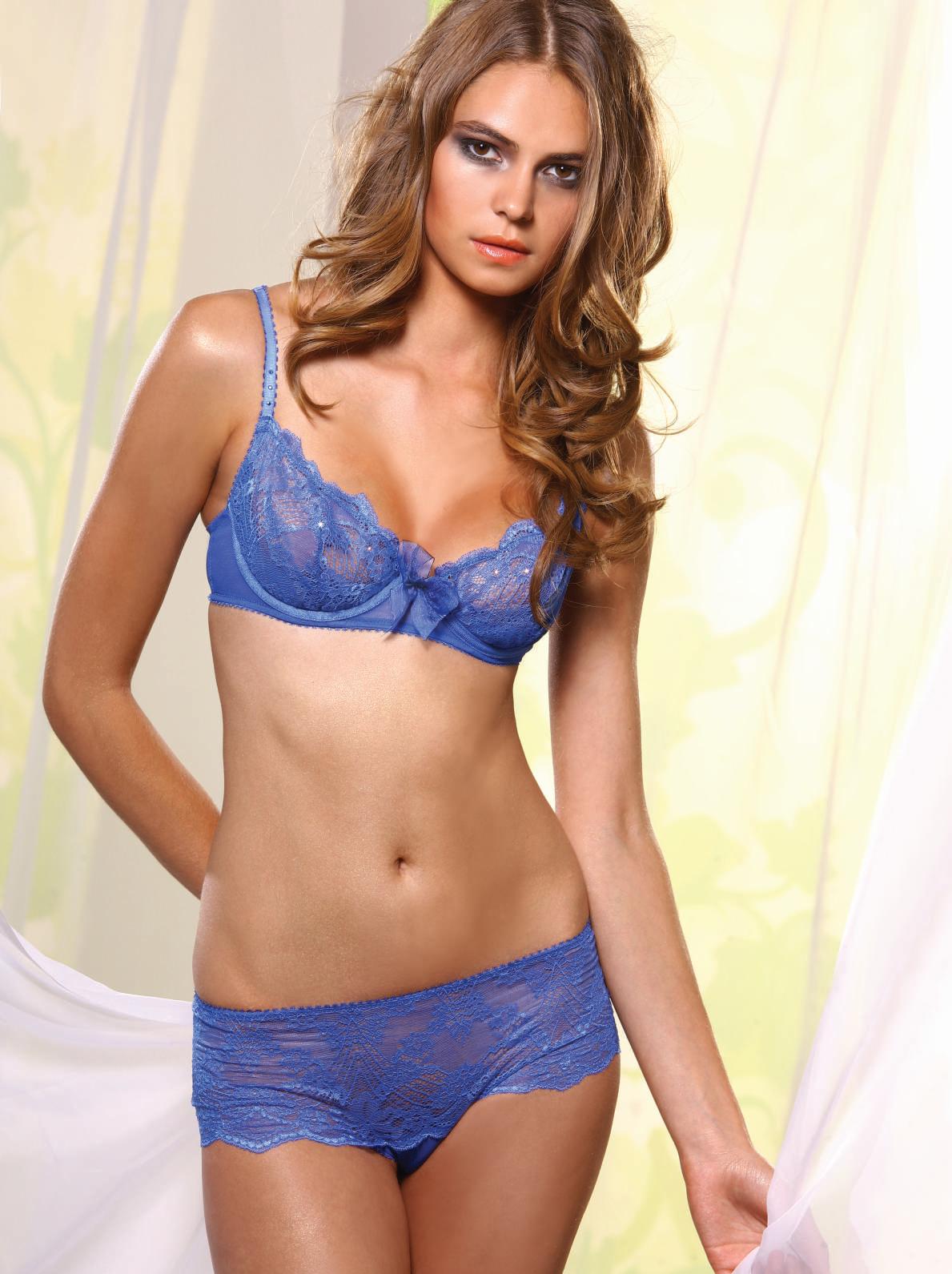
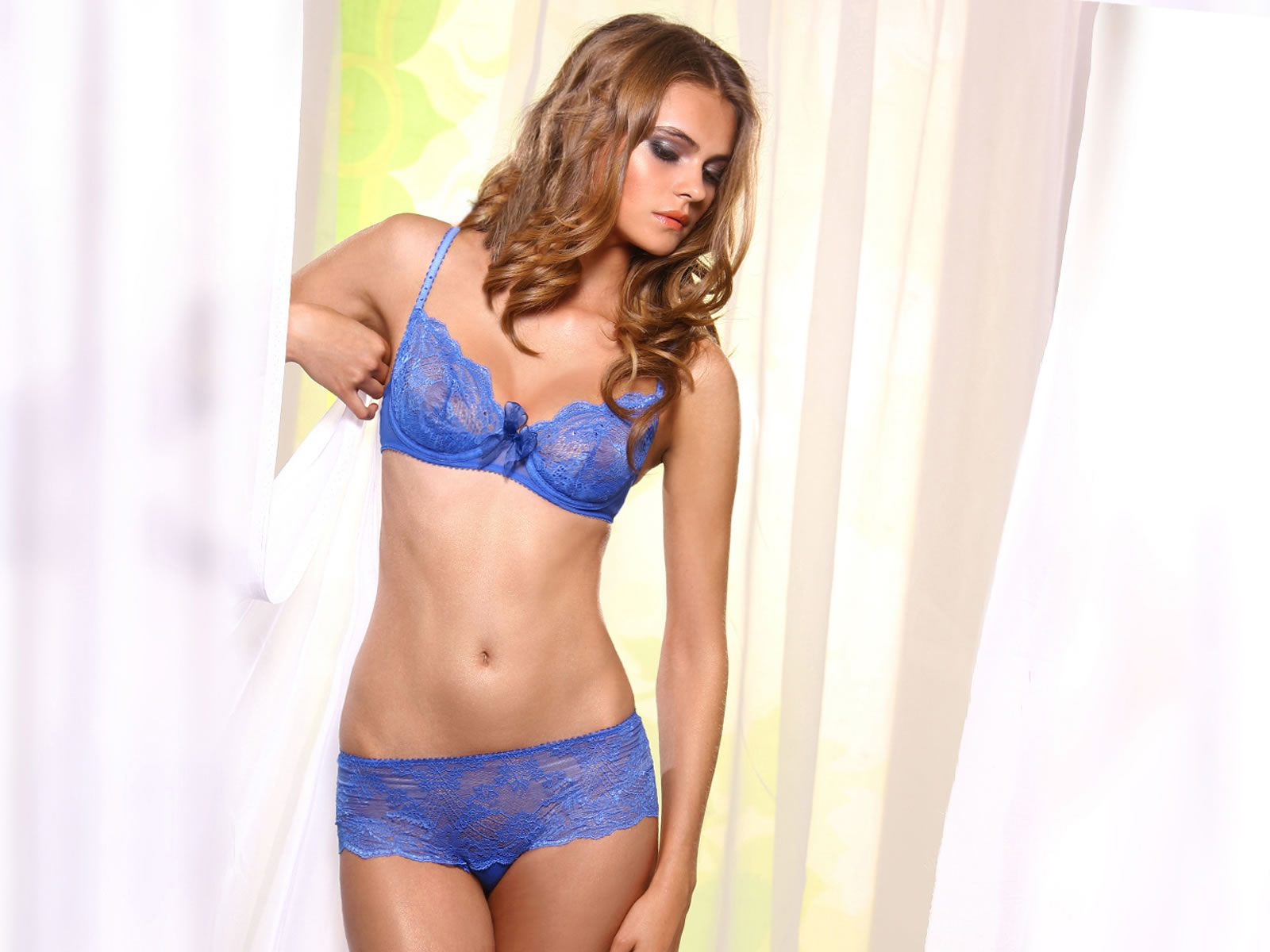
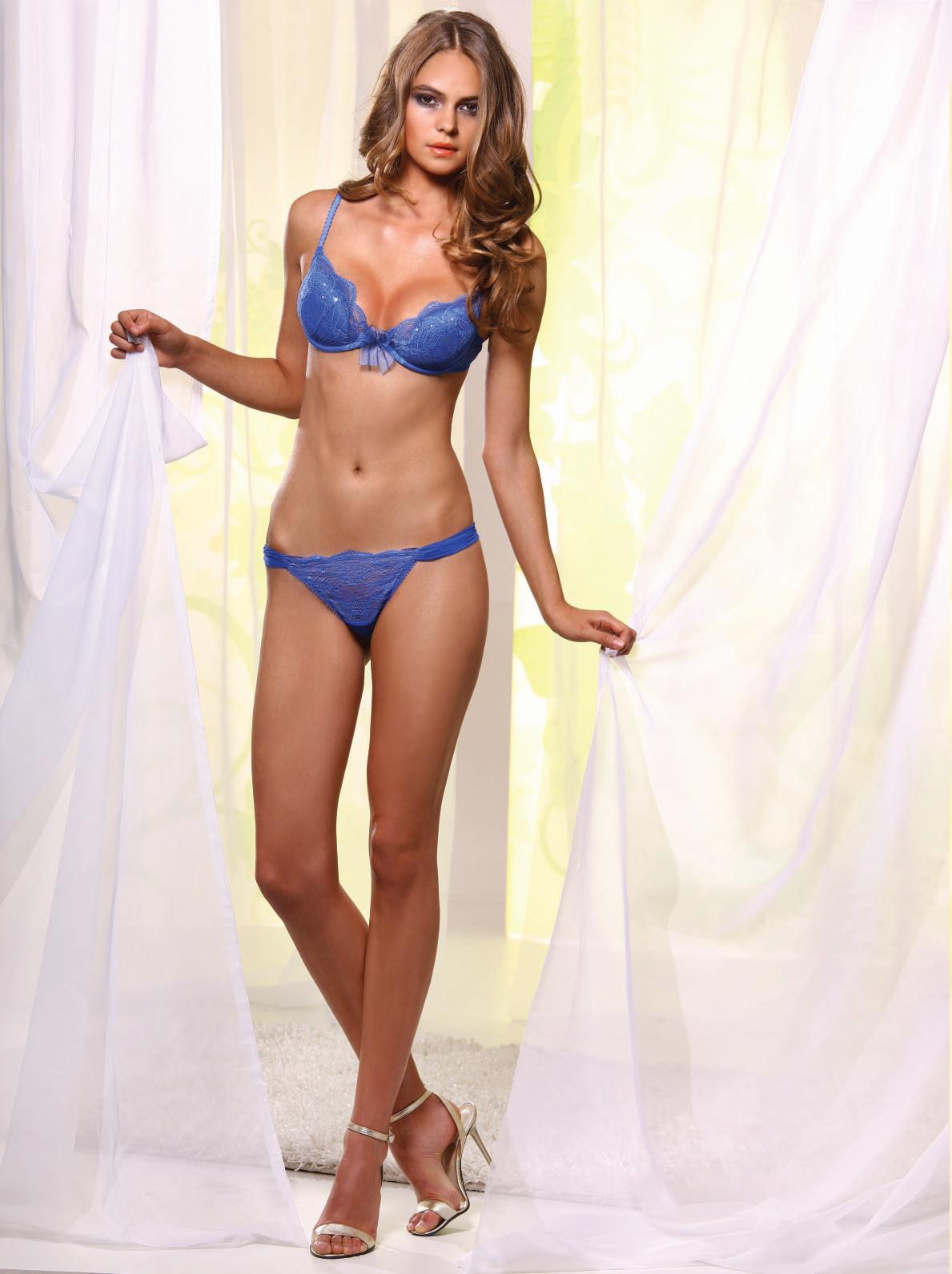
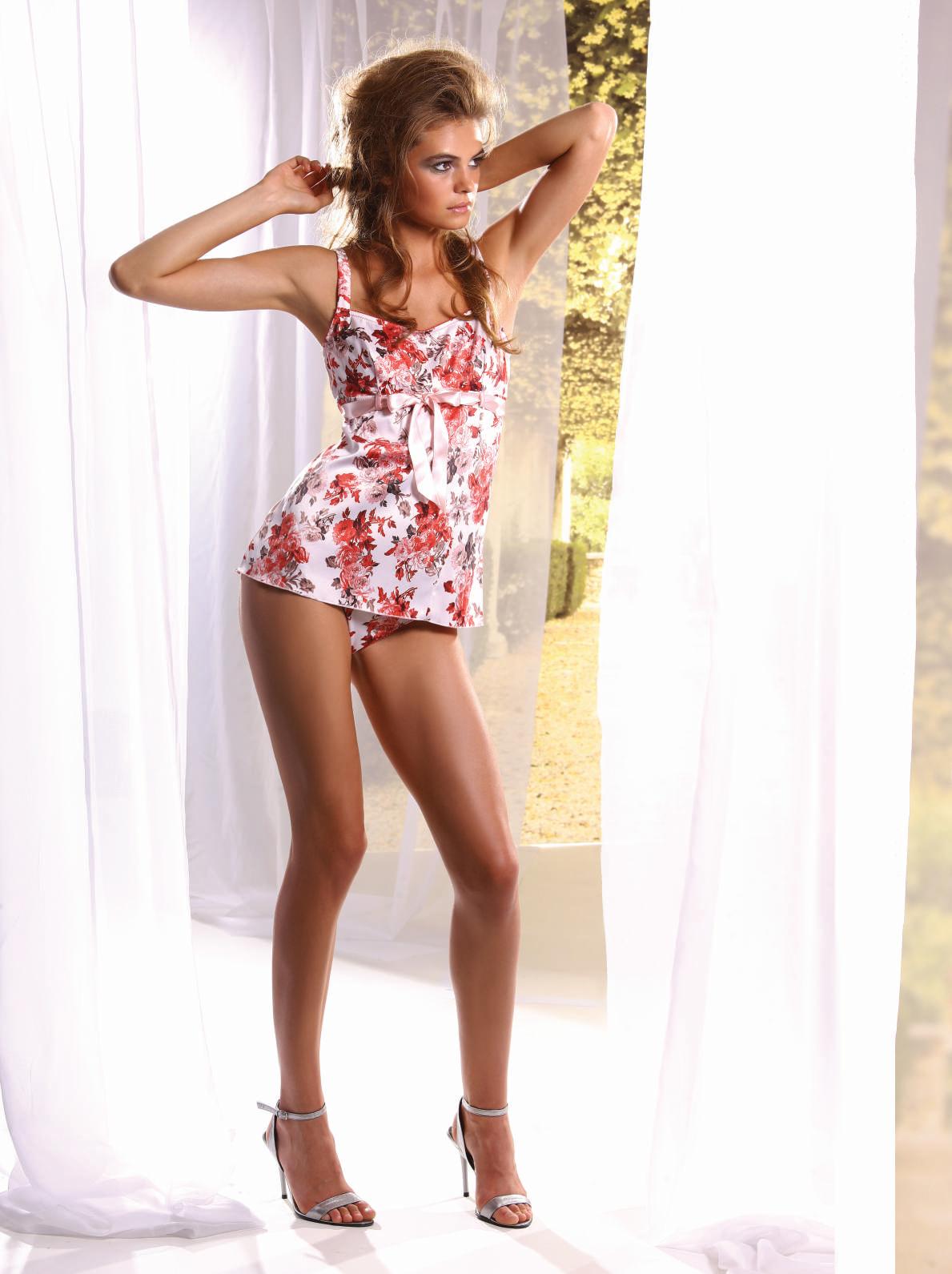
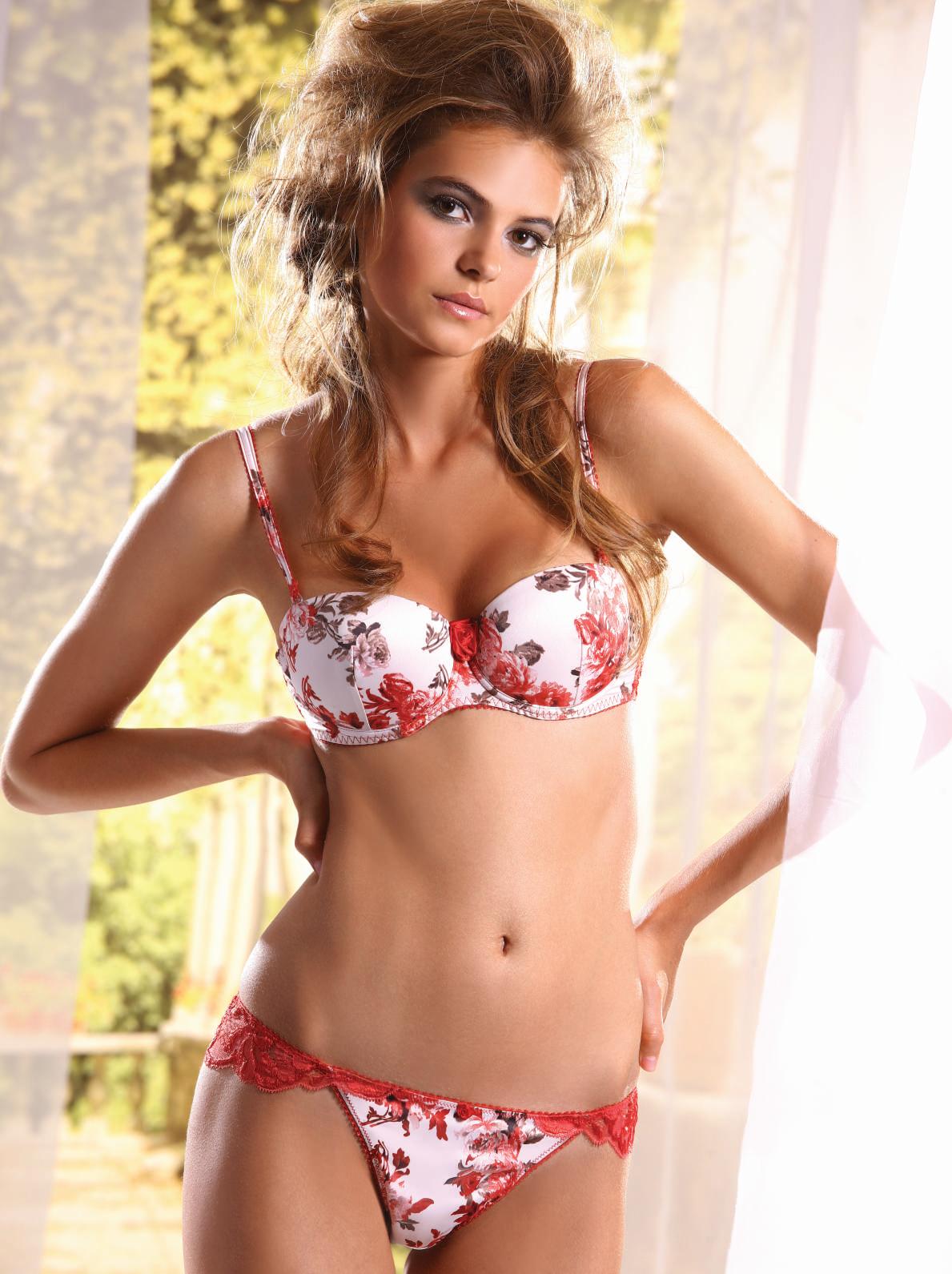
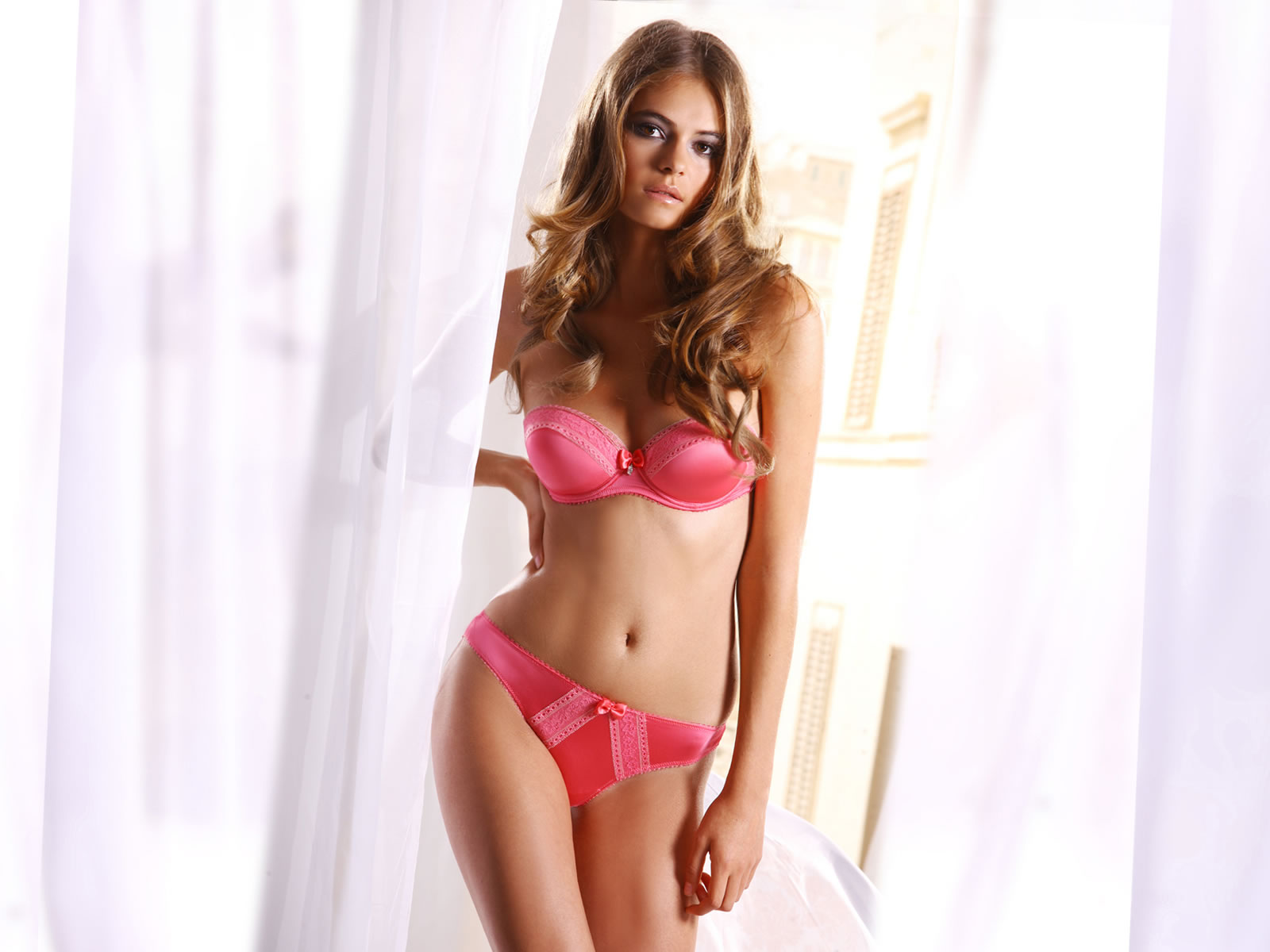
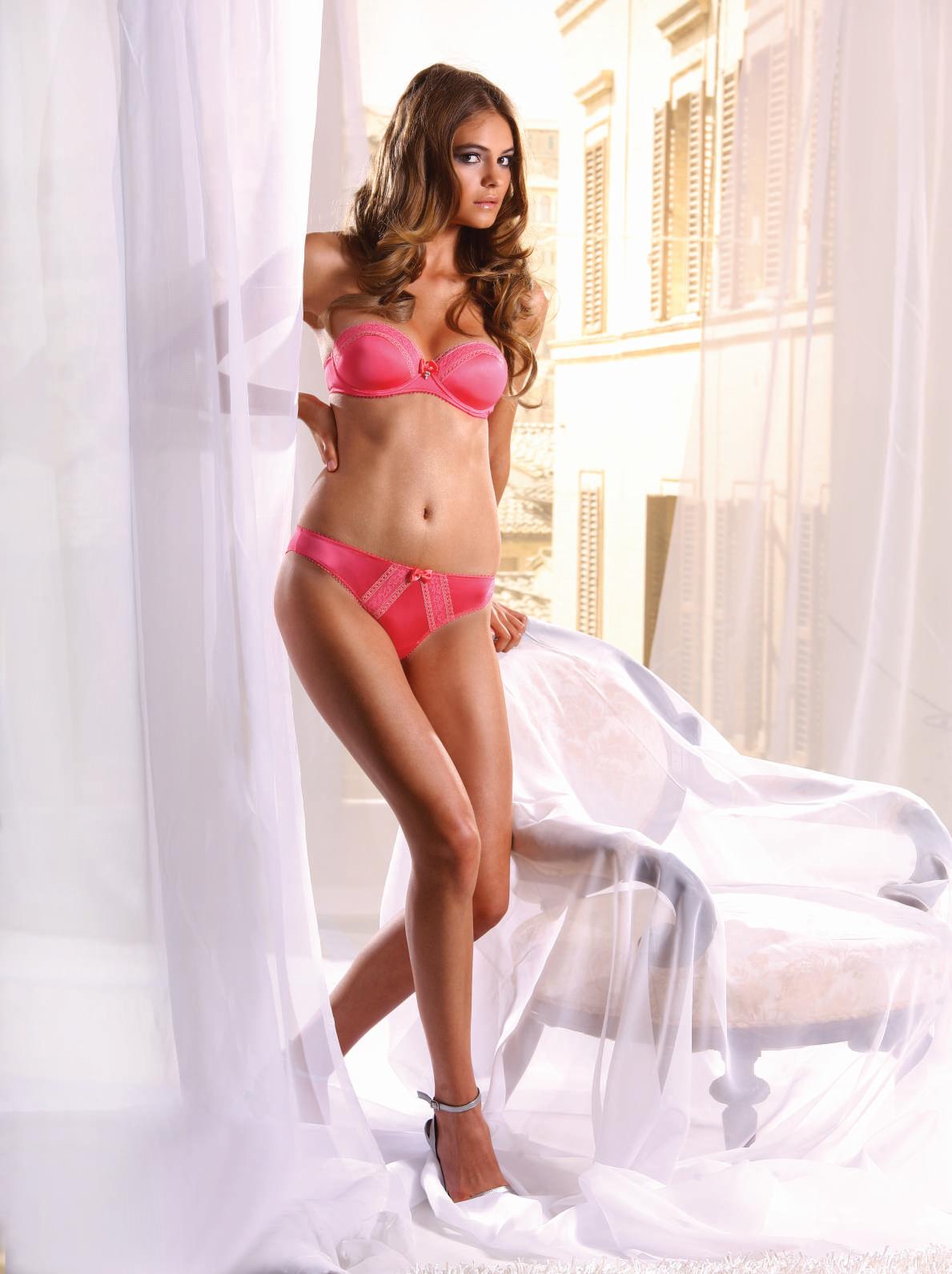
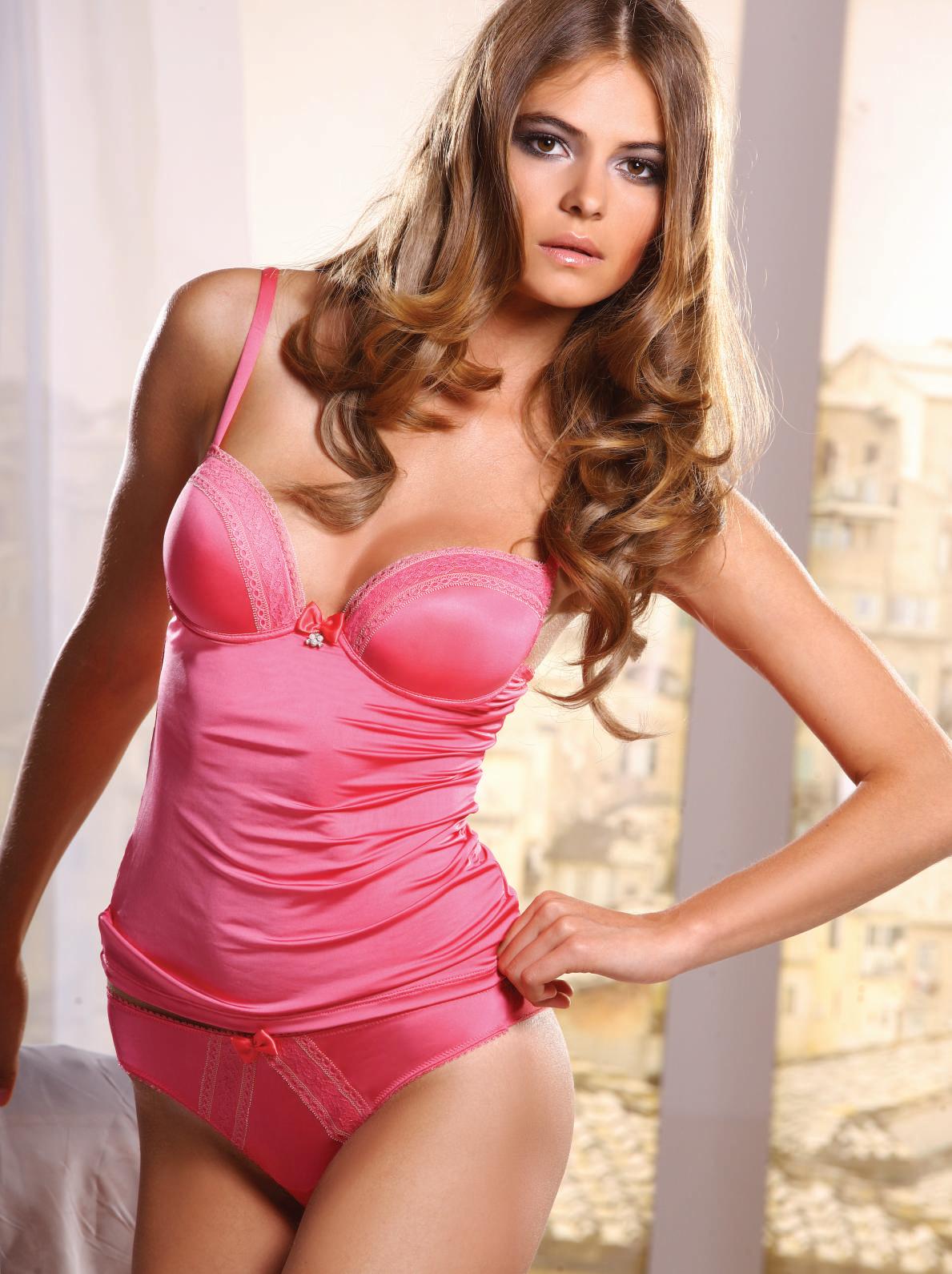
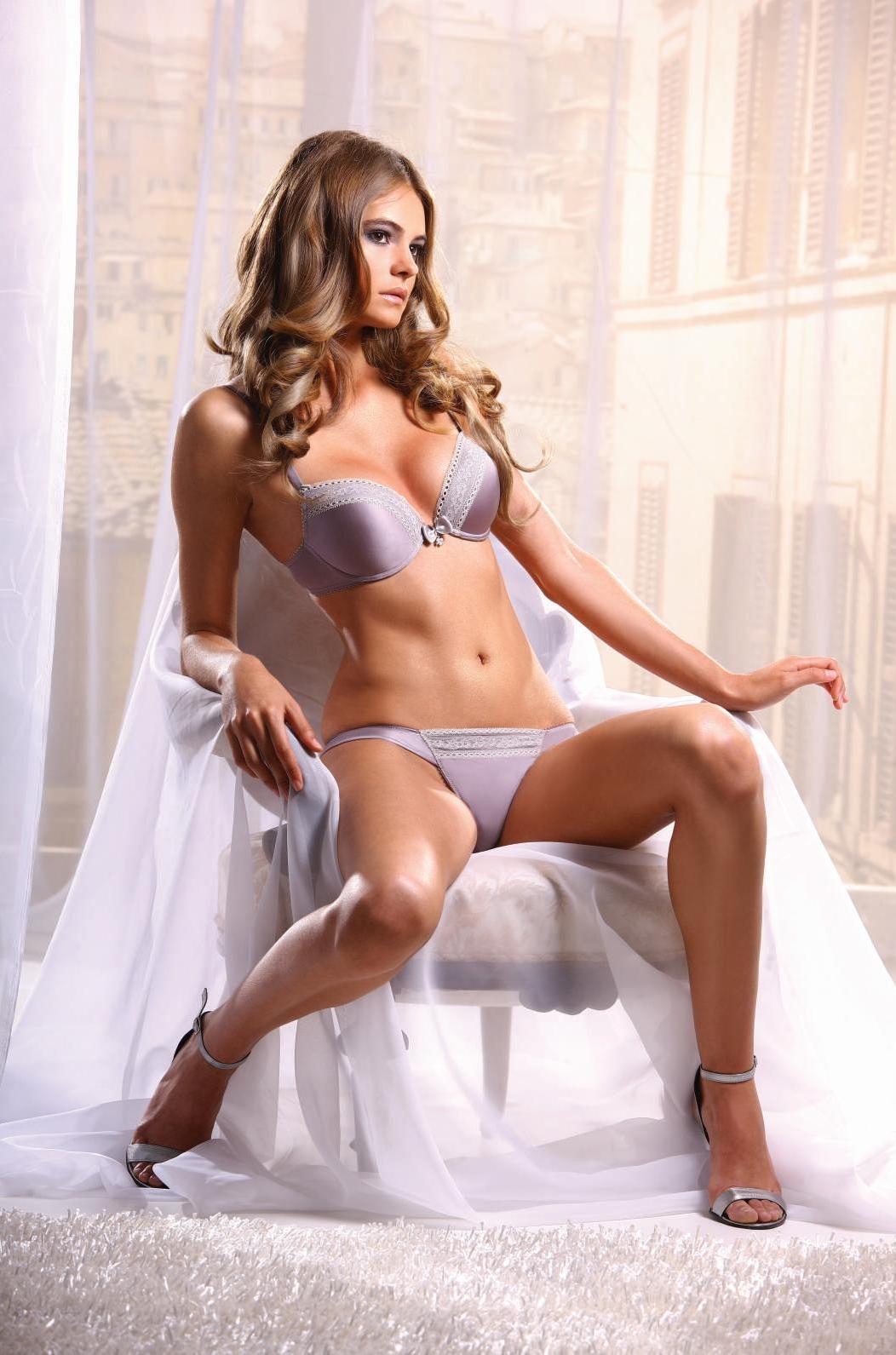
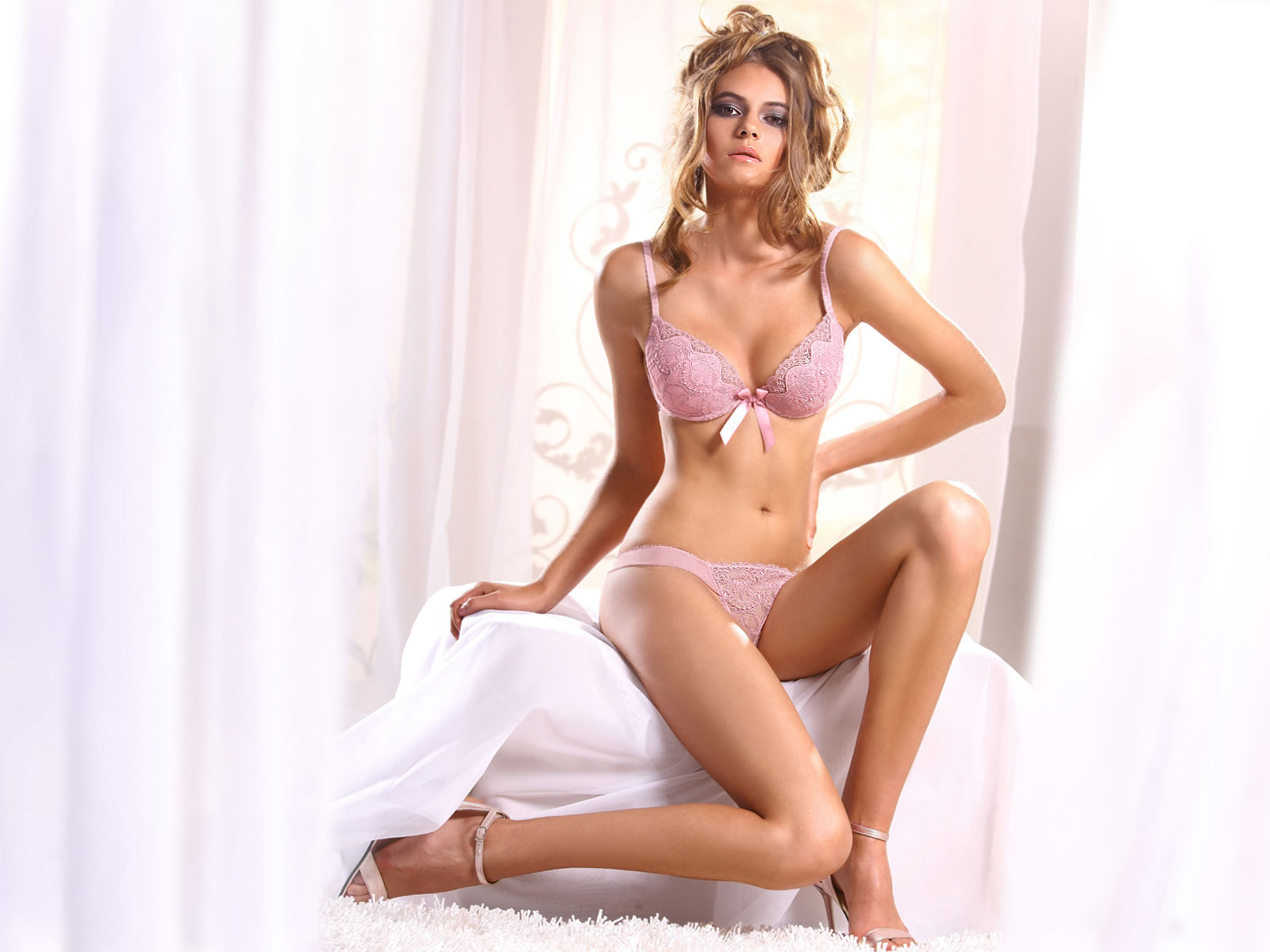
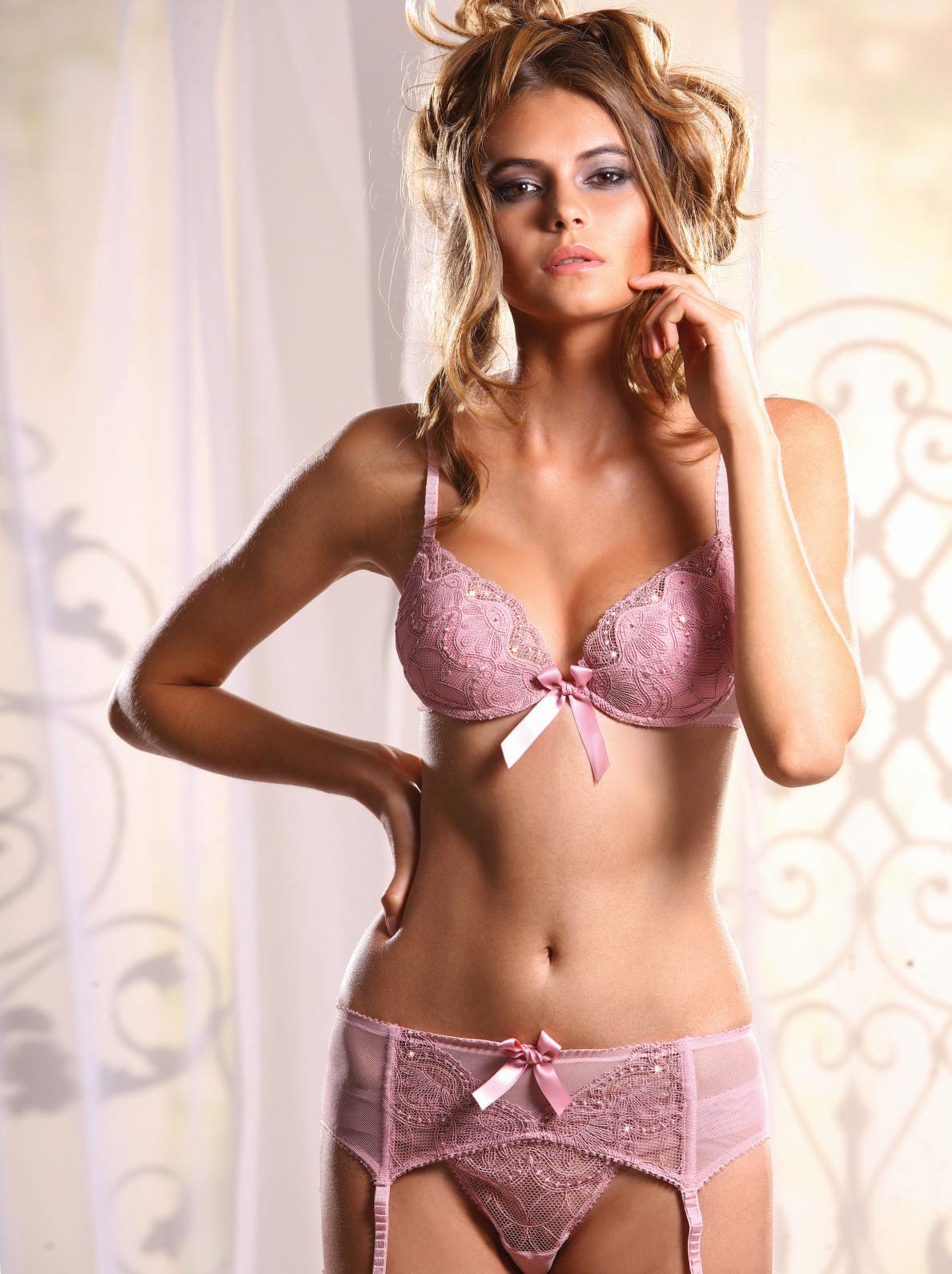
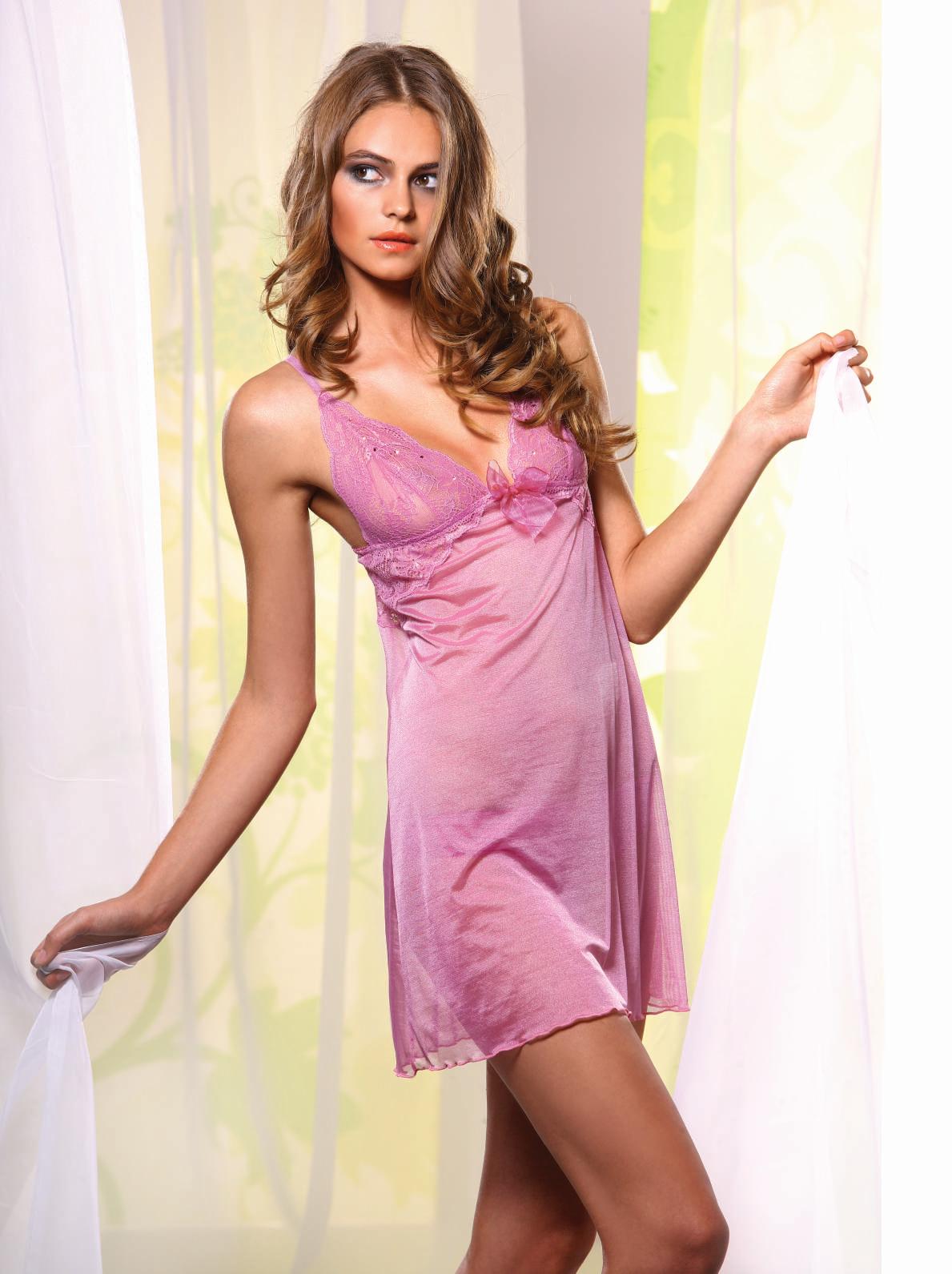
 Jolidon Spring Summer 2011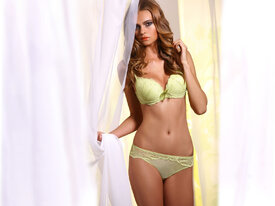
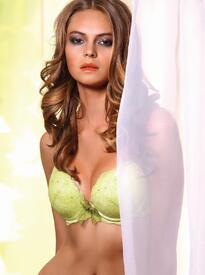

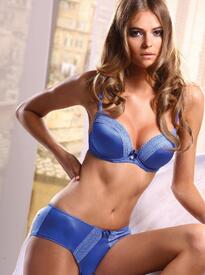
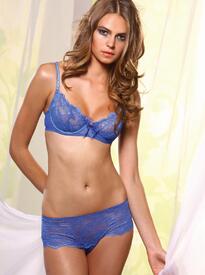
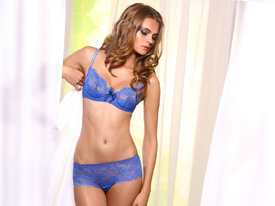
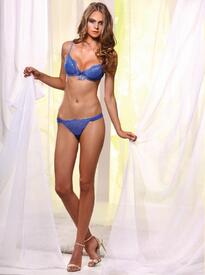
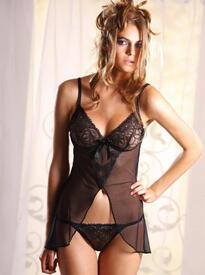

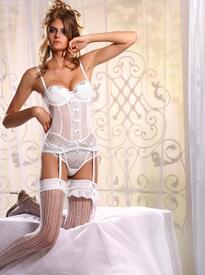


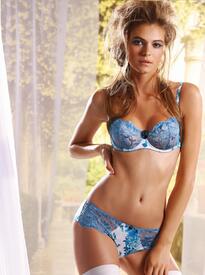
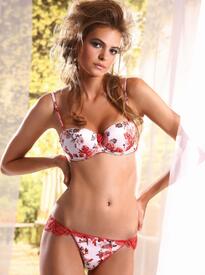
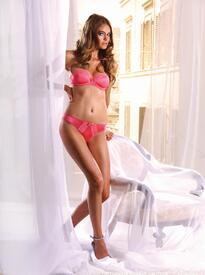
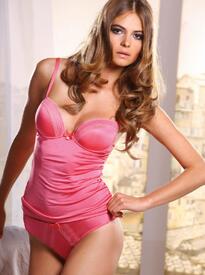



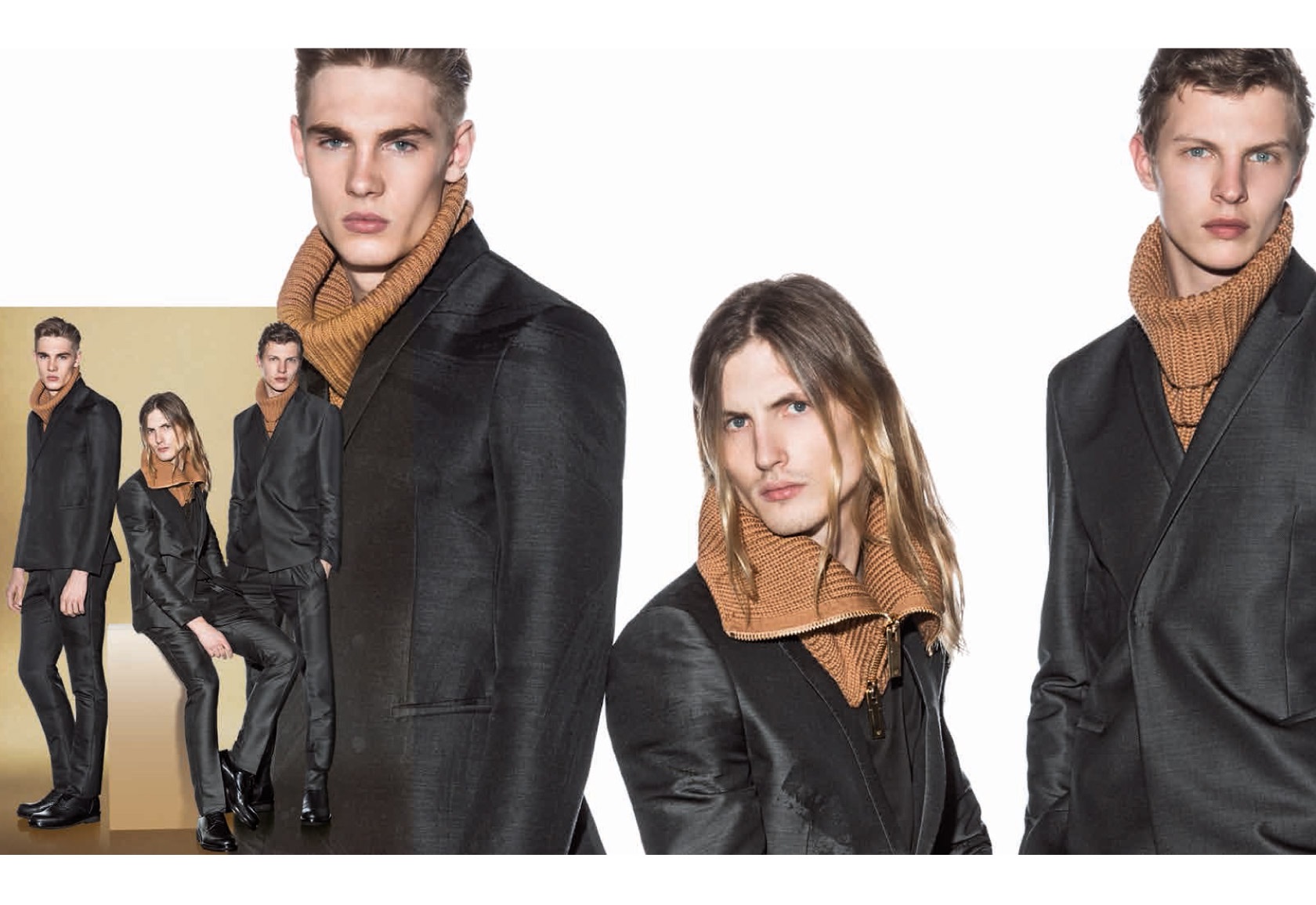
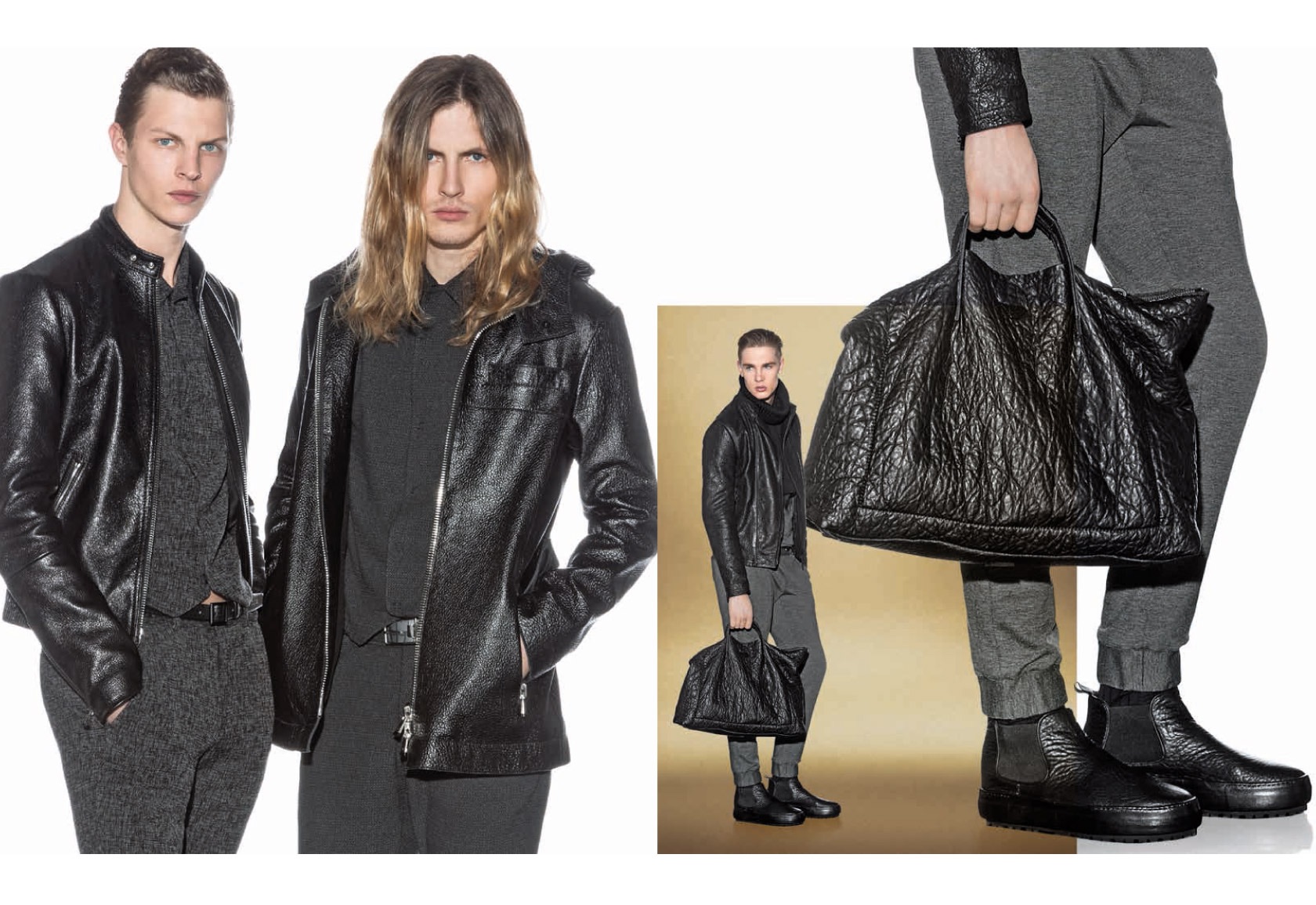
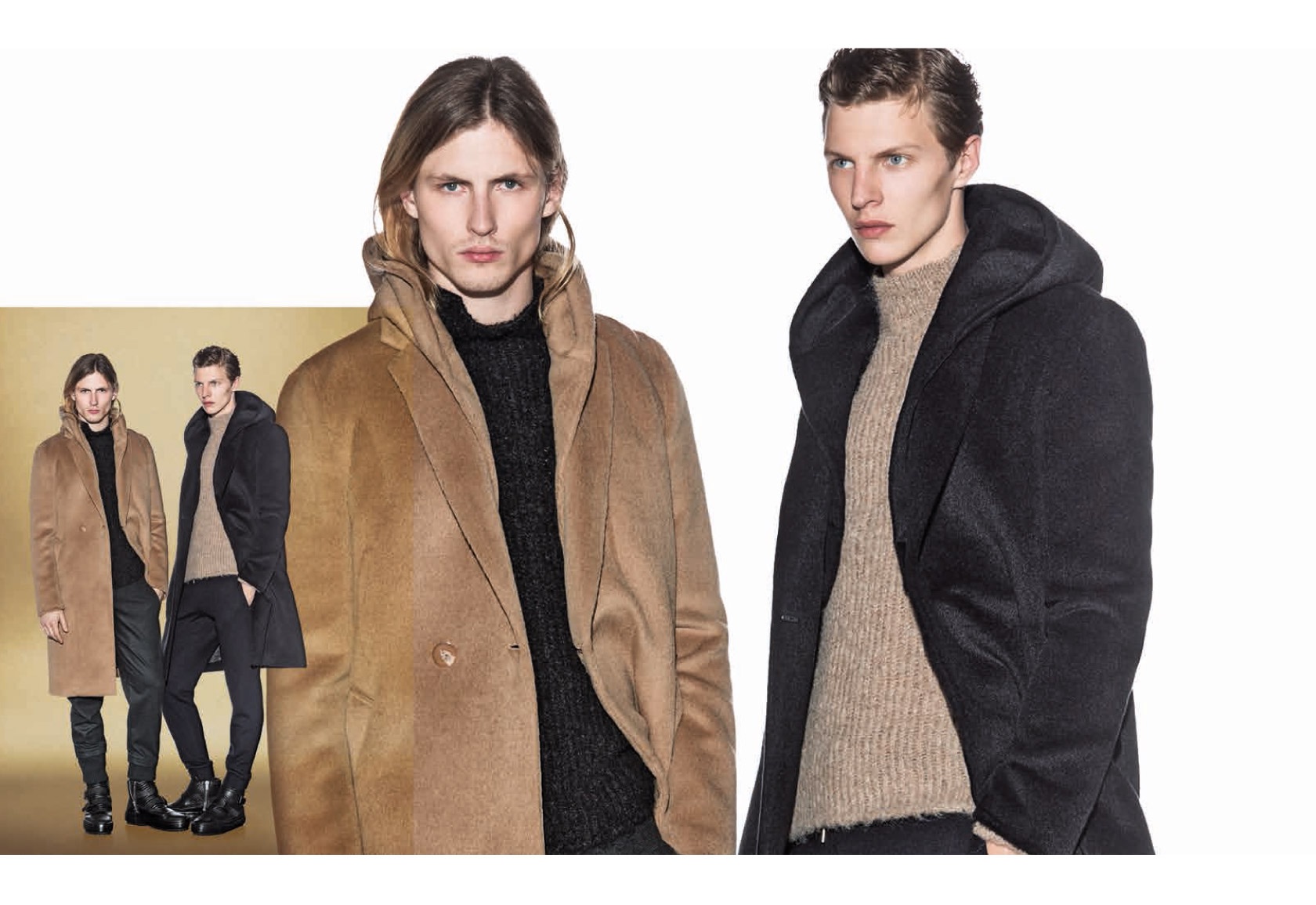
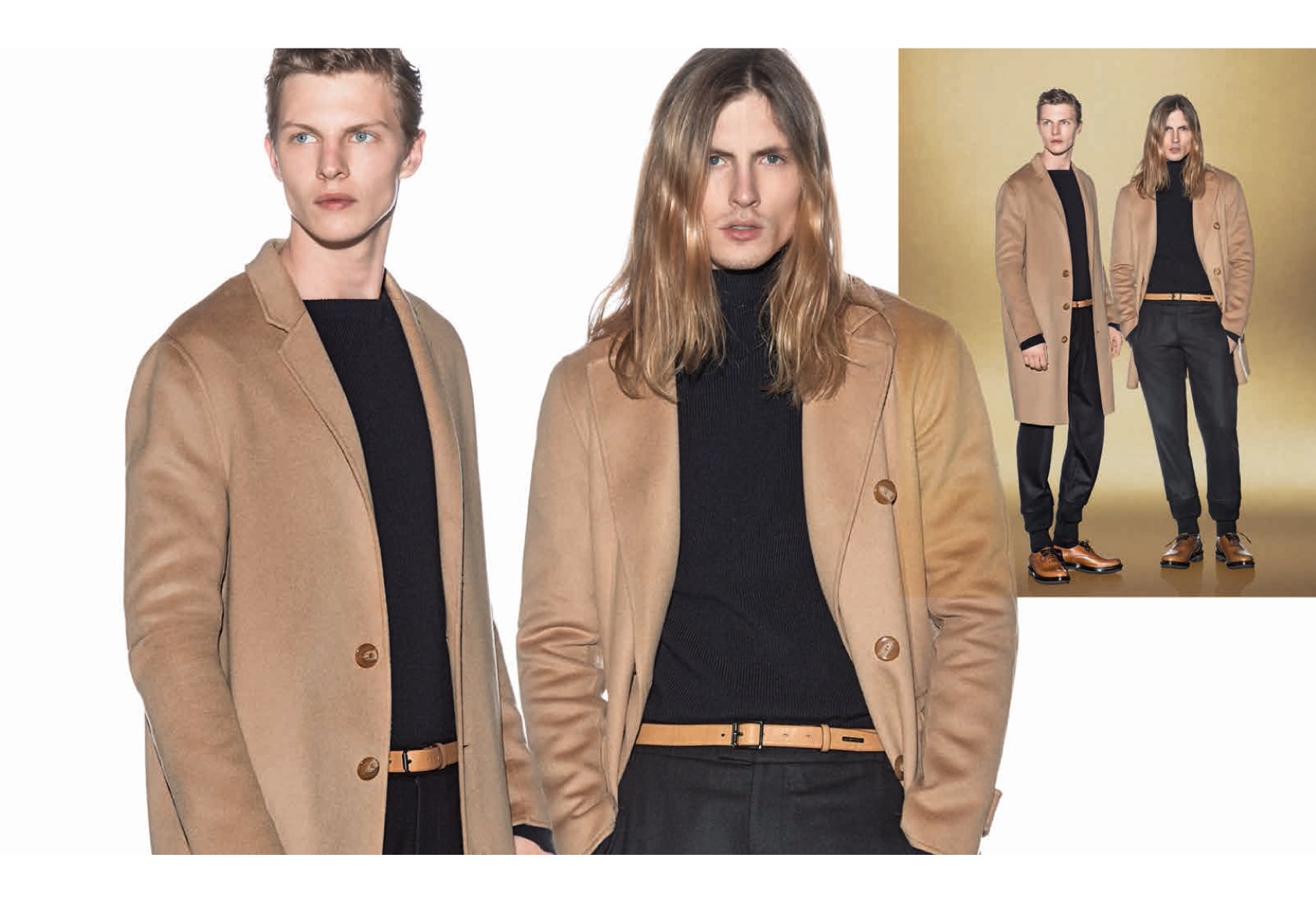




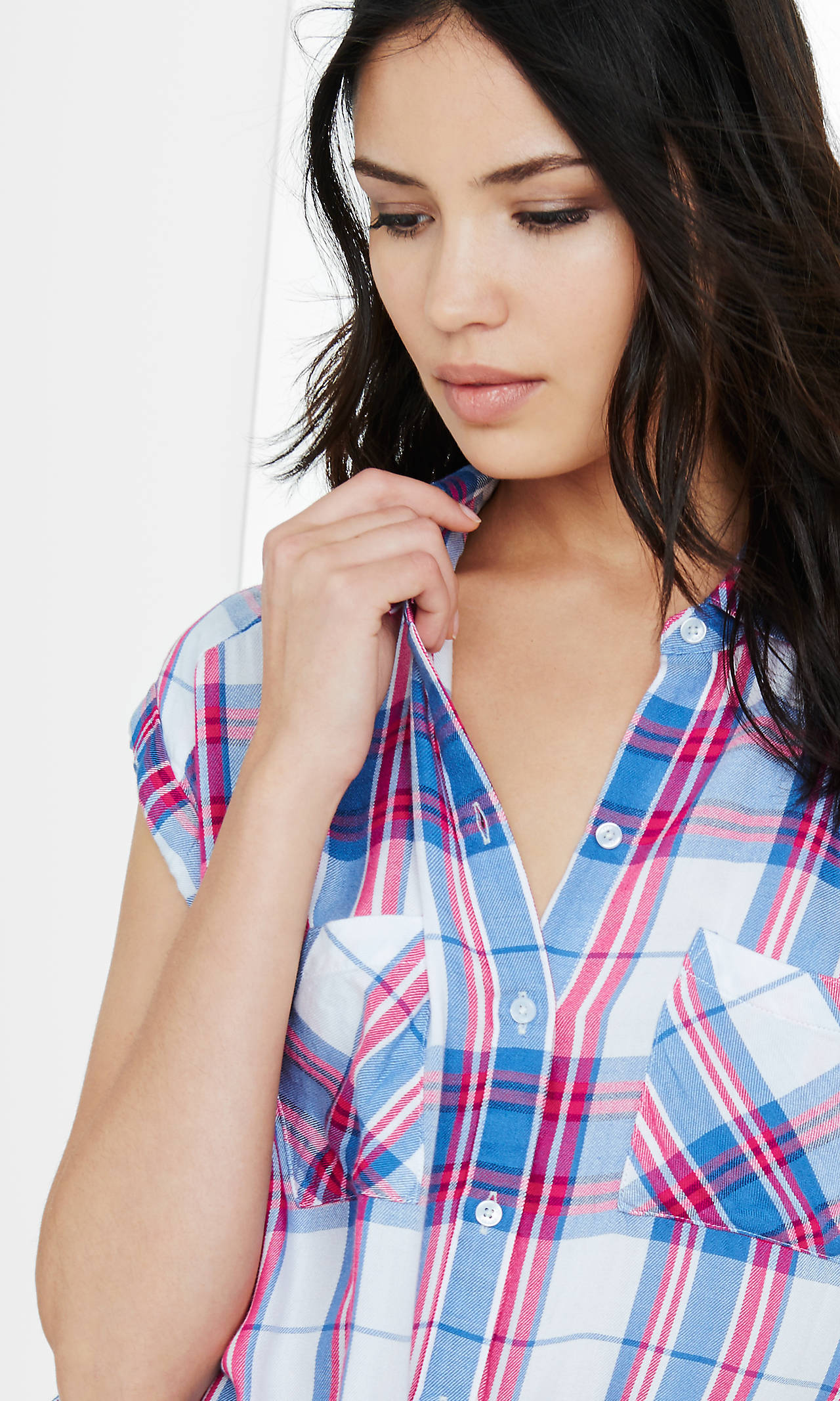
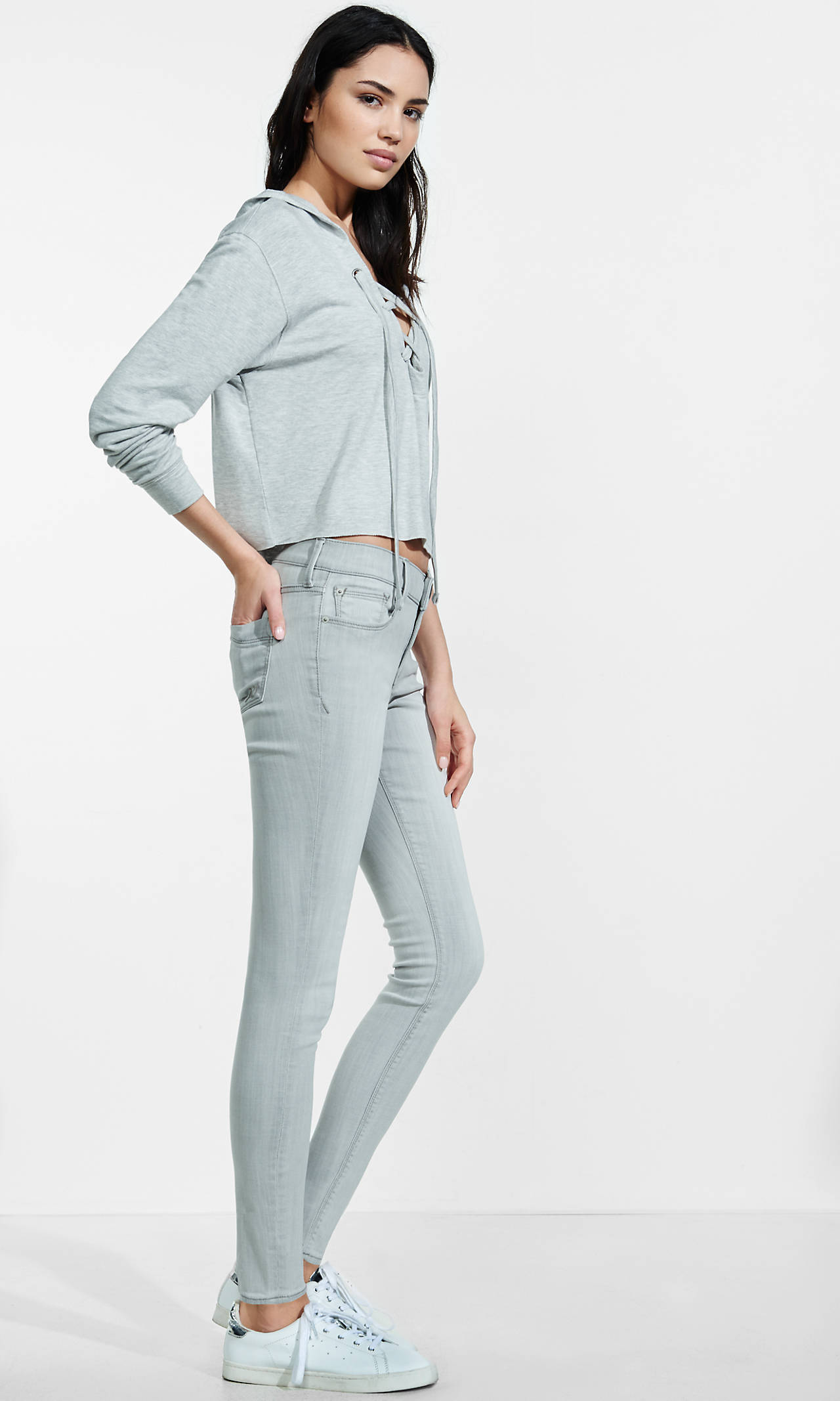
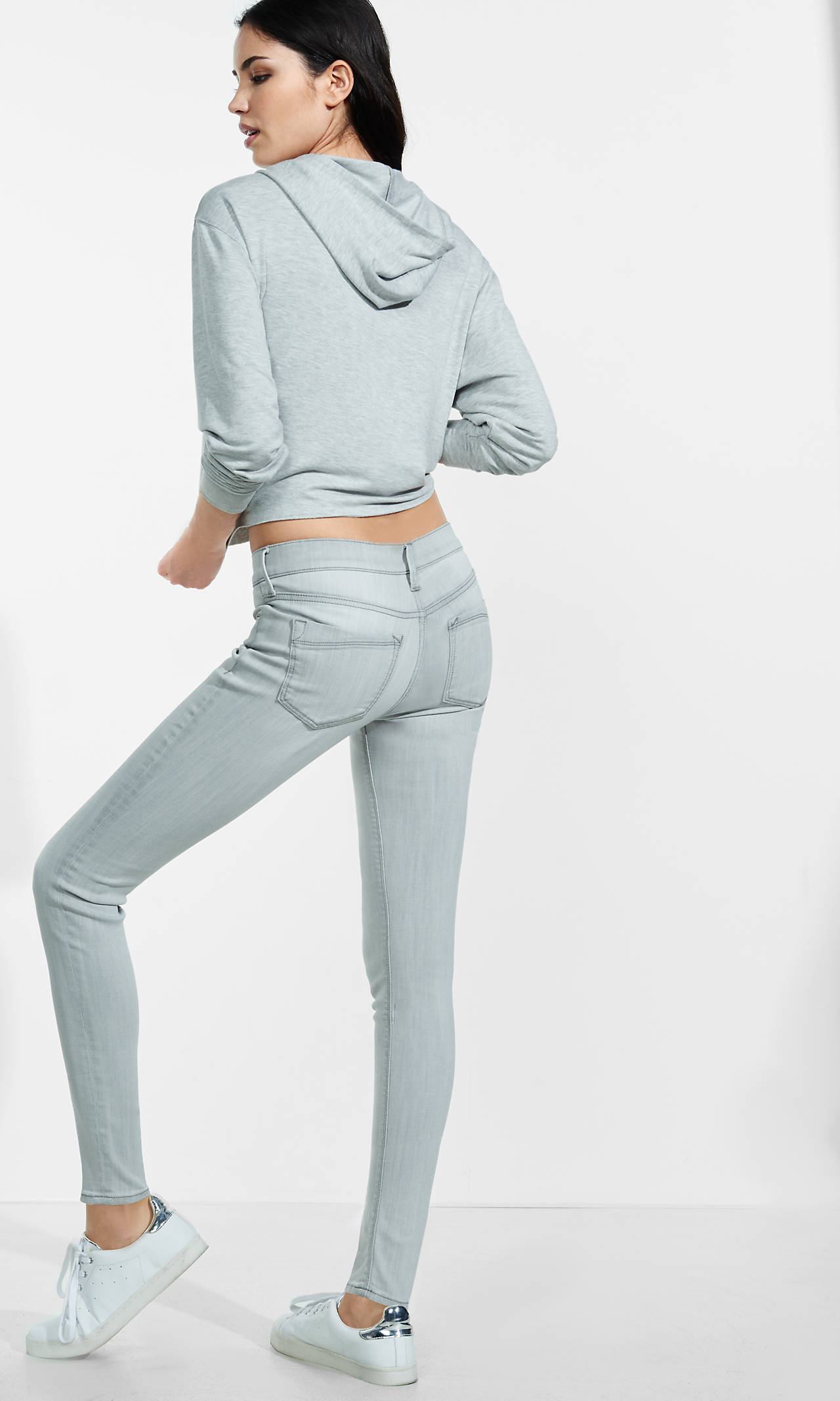
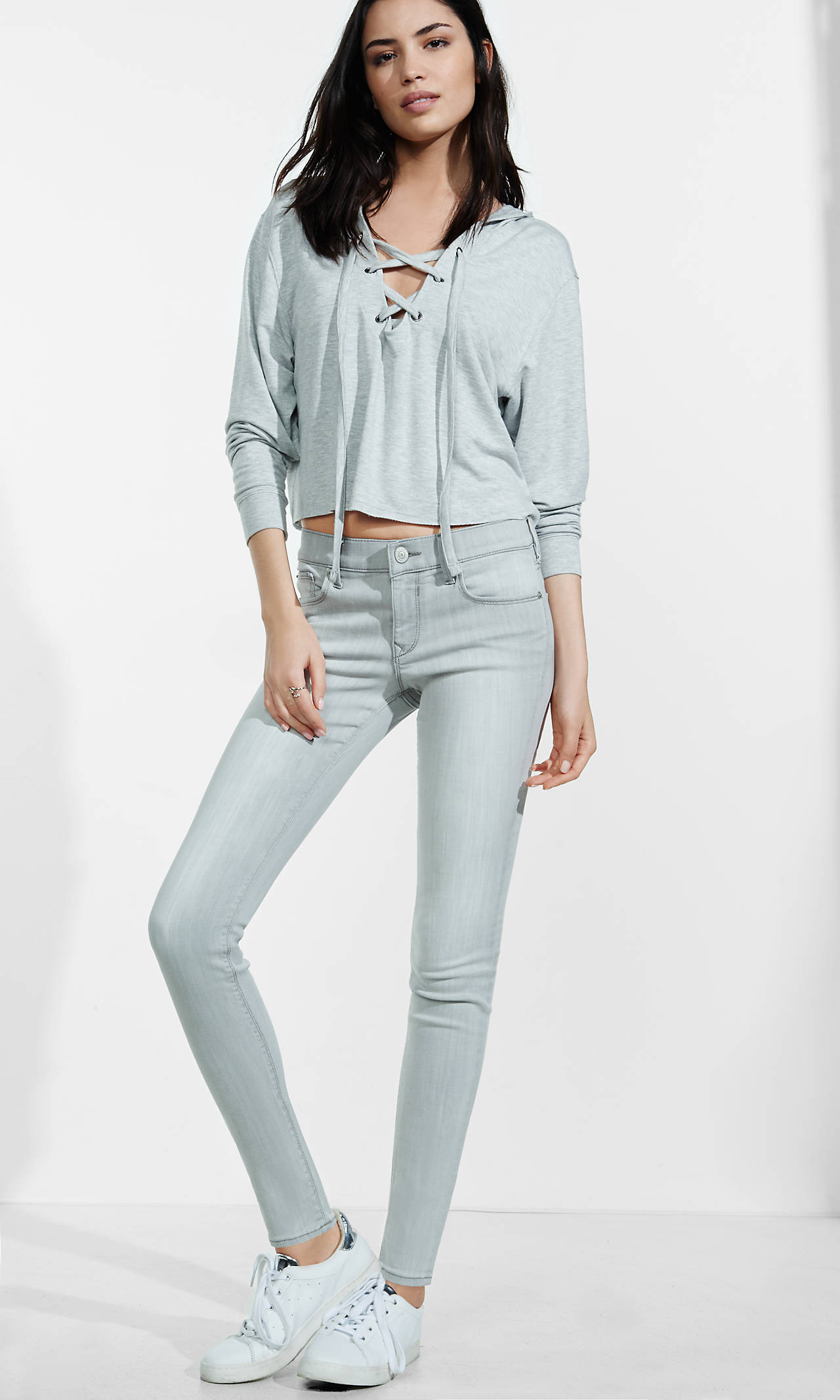

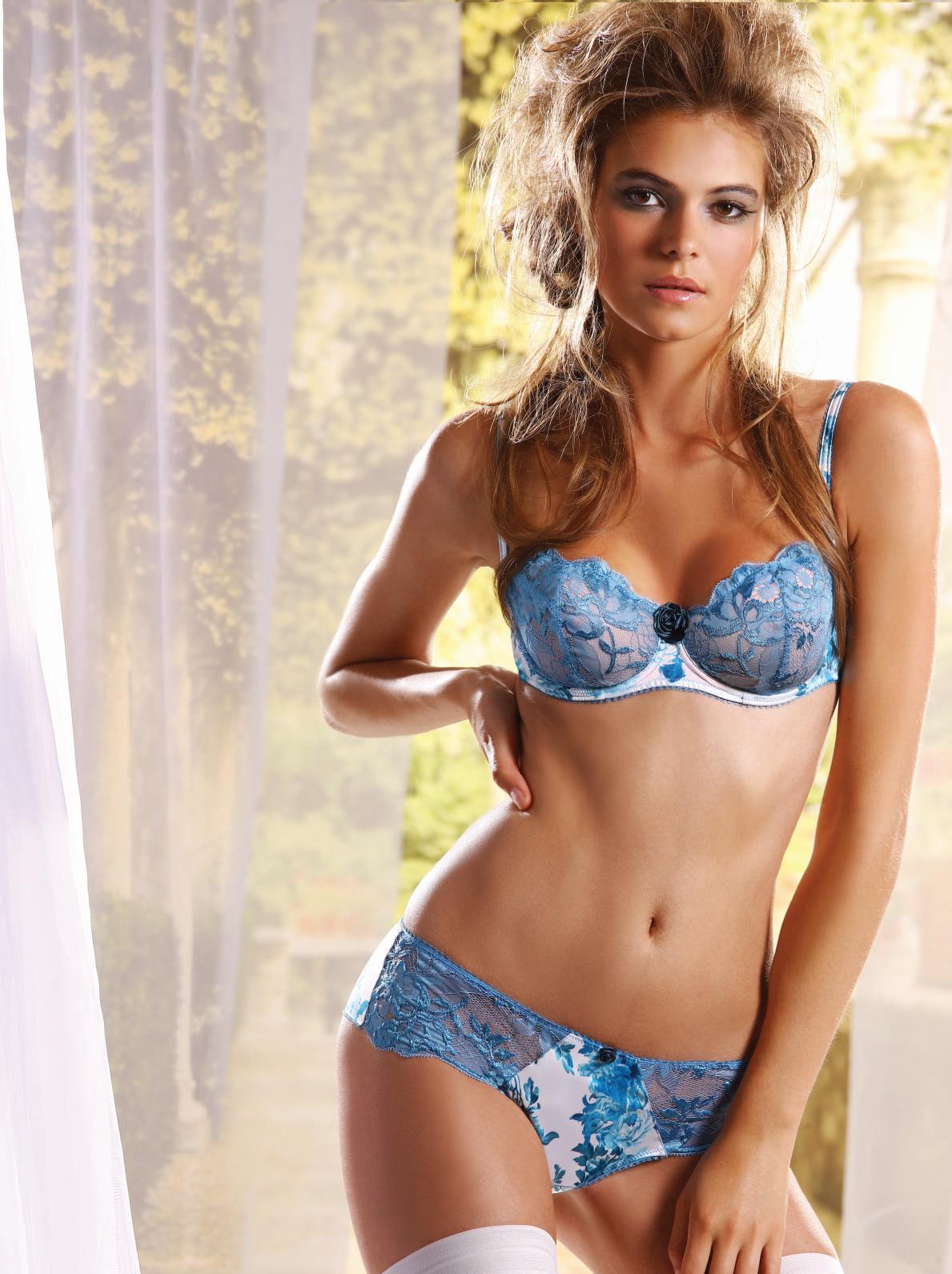
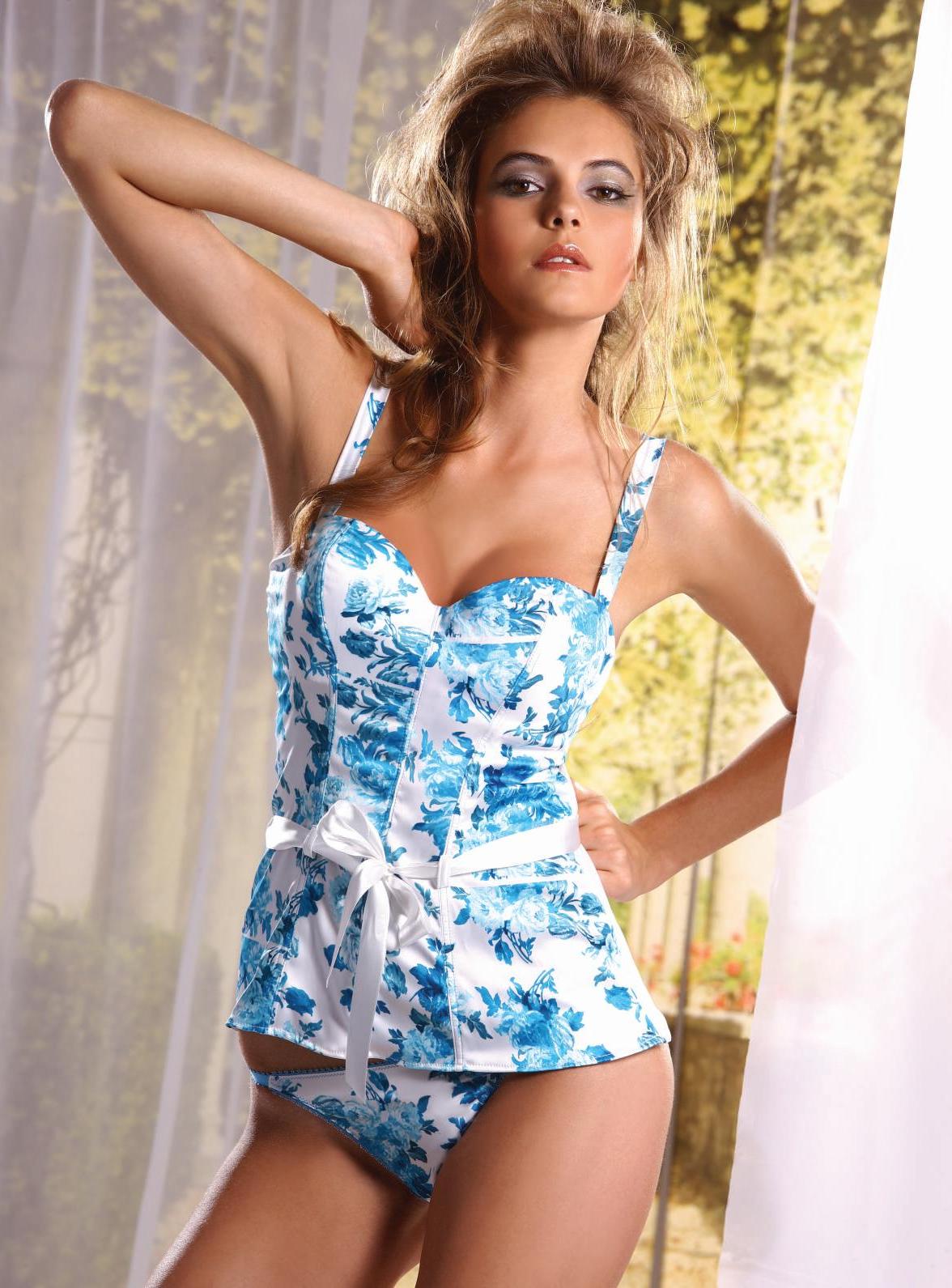
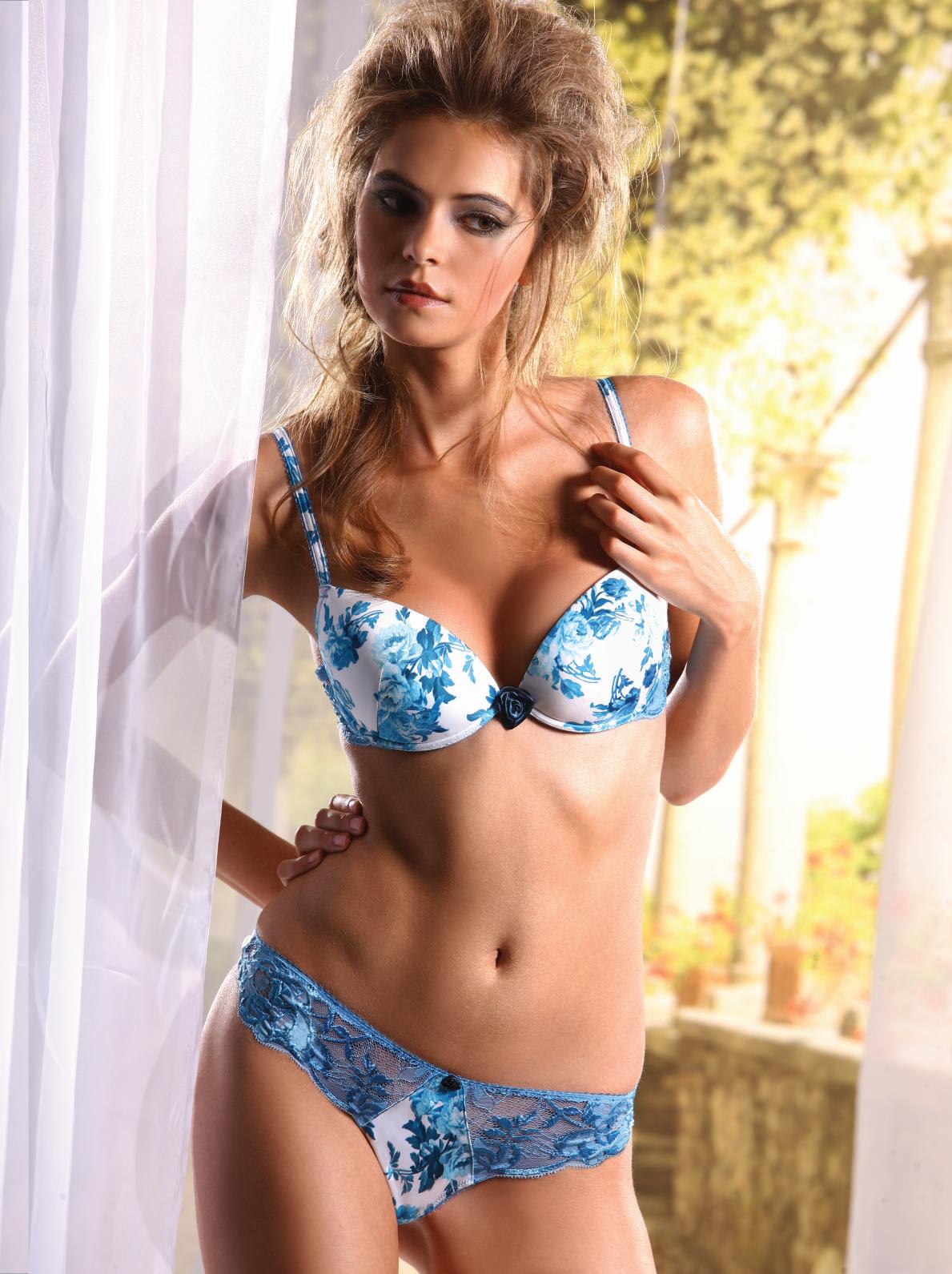
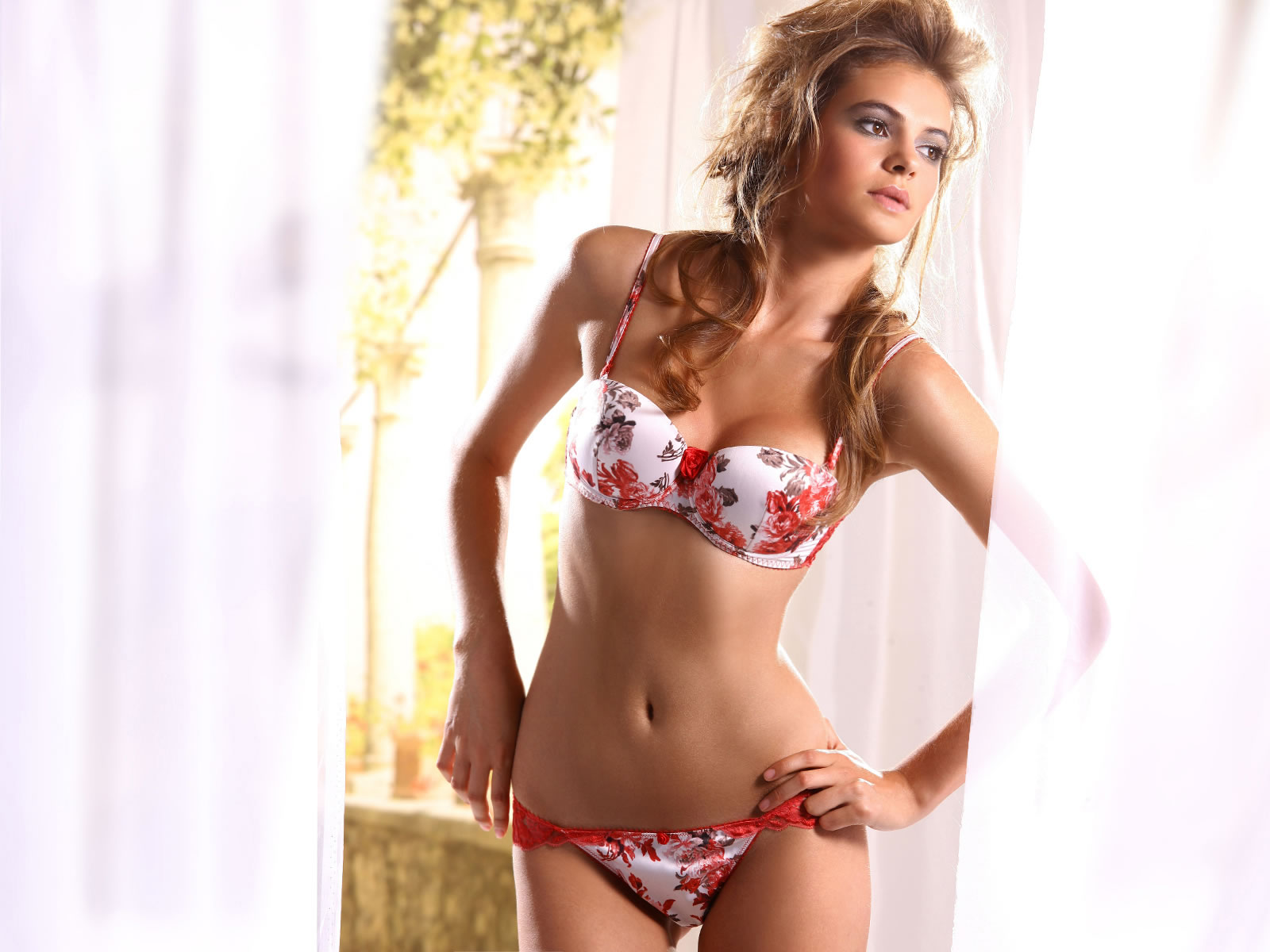

Account
Navigation
Search
Configure browser push notifications
Chrome (Android)
- Tap the lock icon next to the address bar.
- Tap Permissions → Notifications.
- Adjust your preference.
Chrome (Desktop)
- Click the padlock icon in the address bar.
- Select Site settings.
- Find Notifications and adjust your preference.
Safari (iOS 16.4+)
- Ensure the site is installed via Add to Home Screen.
- Open Settings App → Notifications.
- Find your app name and adjust your preference.
Safari (macOS)
- Go to Safari → Preferences.
- Click the Websites tab.
- Select Notifications in the sidebar.
- Find this website and adjust your preference.
Edge (Android)
- Tap the lock icon next to the address bar.
- Tap Permissions.
- Find Notifications and adjust your preference.
Edge (Desktop)
- Click the padlock icon in the address bar.
- Click Permissions for this site.
- Find Notifications and adjust your preference.
Firefox (Android)
- Go to Settings → Site permissions.
- Tap Notifications.
- Find this site in the list and adjust your preference.
Firefox (Desktop)
- Open Firefox Settings.
- Search for Notifications.
- Find this site in the list and adjust your preference.