
foofur16
Members
-
Joined
-
Last visited
Everything posted by foofur16
-
 http://www.telegraph.co.uk/fashion/news/what-its-really-like-to-model-underwear-for-a-living/
 -
Yeah, it's annoying makeup artists keep pushing for the Kylie Jenner look . I've seen it in other models' shoots as well. I'll keep my eye on Very.
-
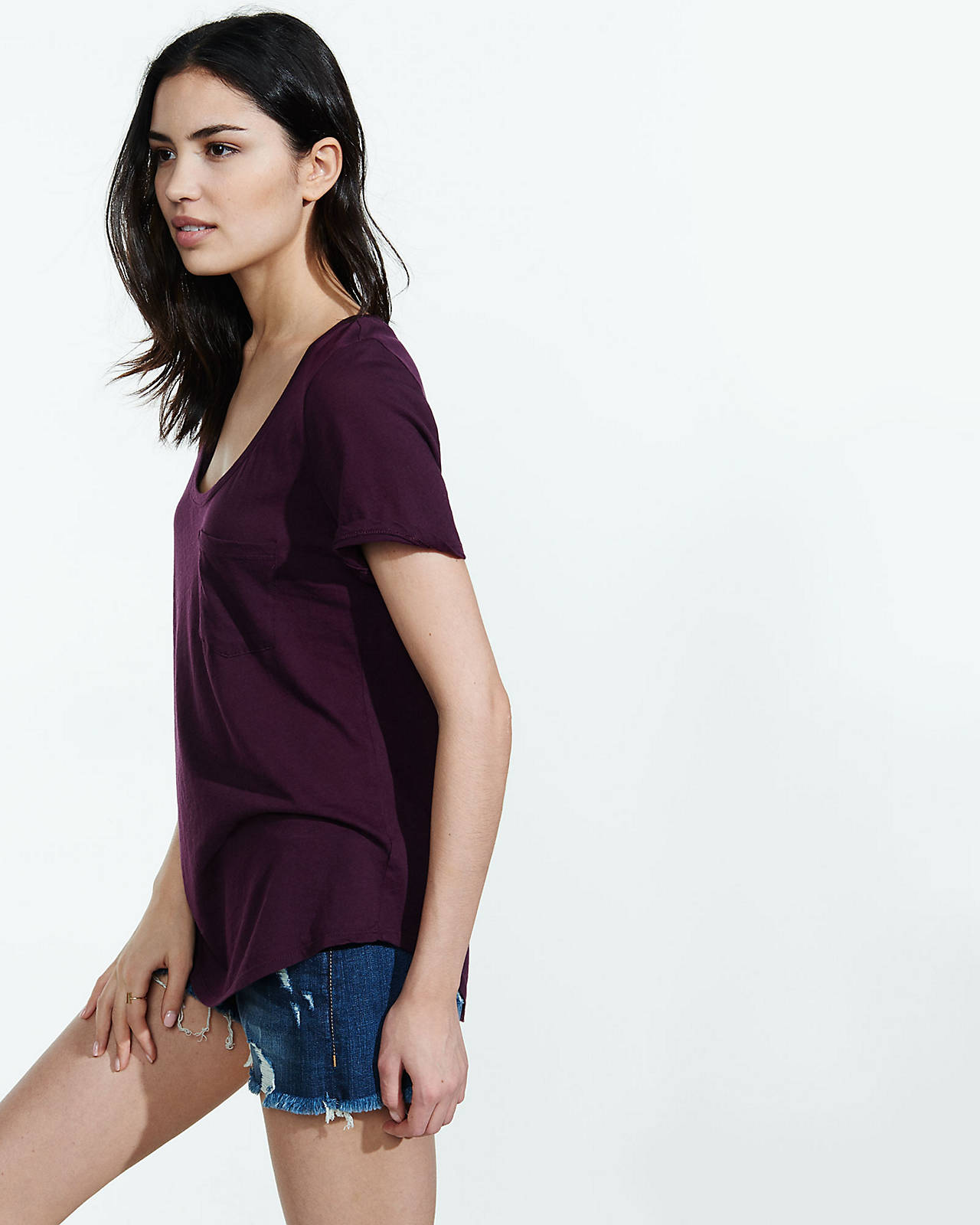
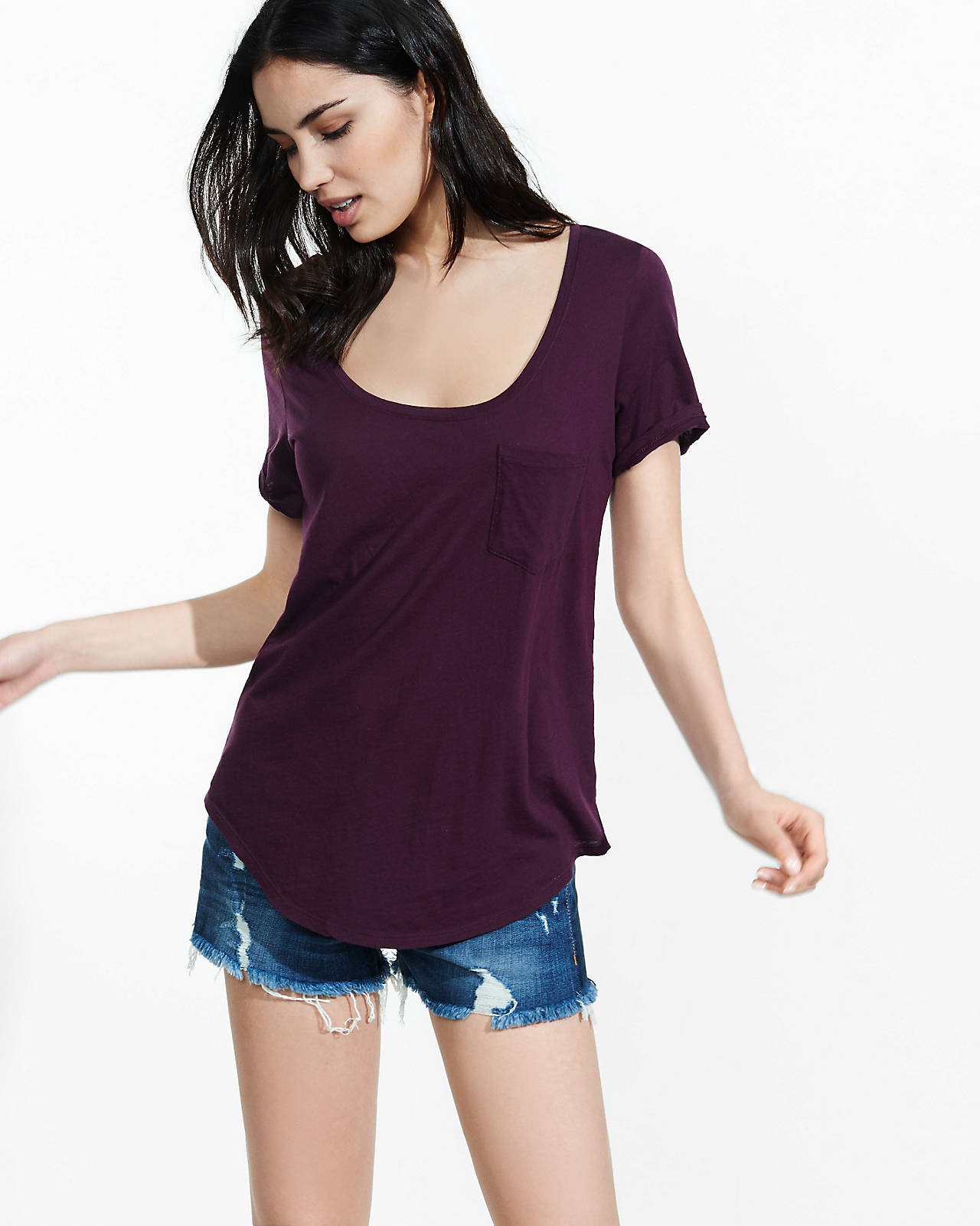
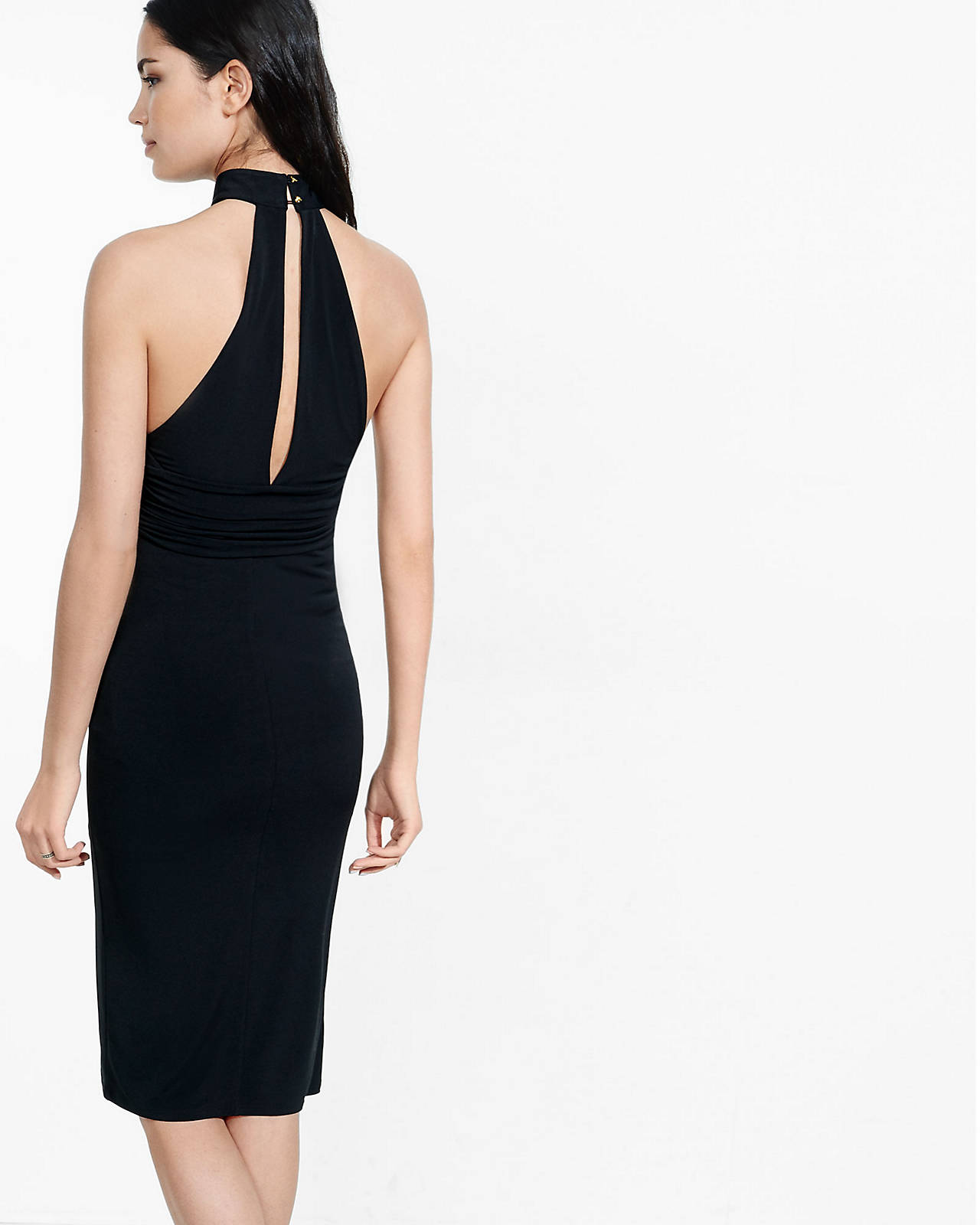
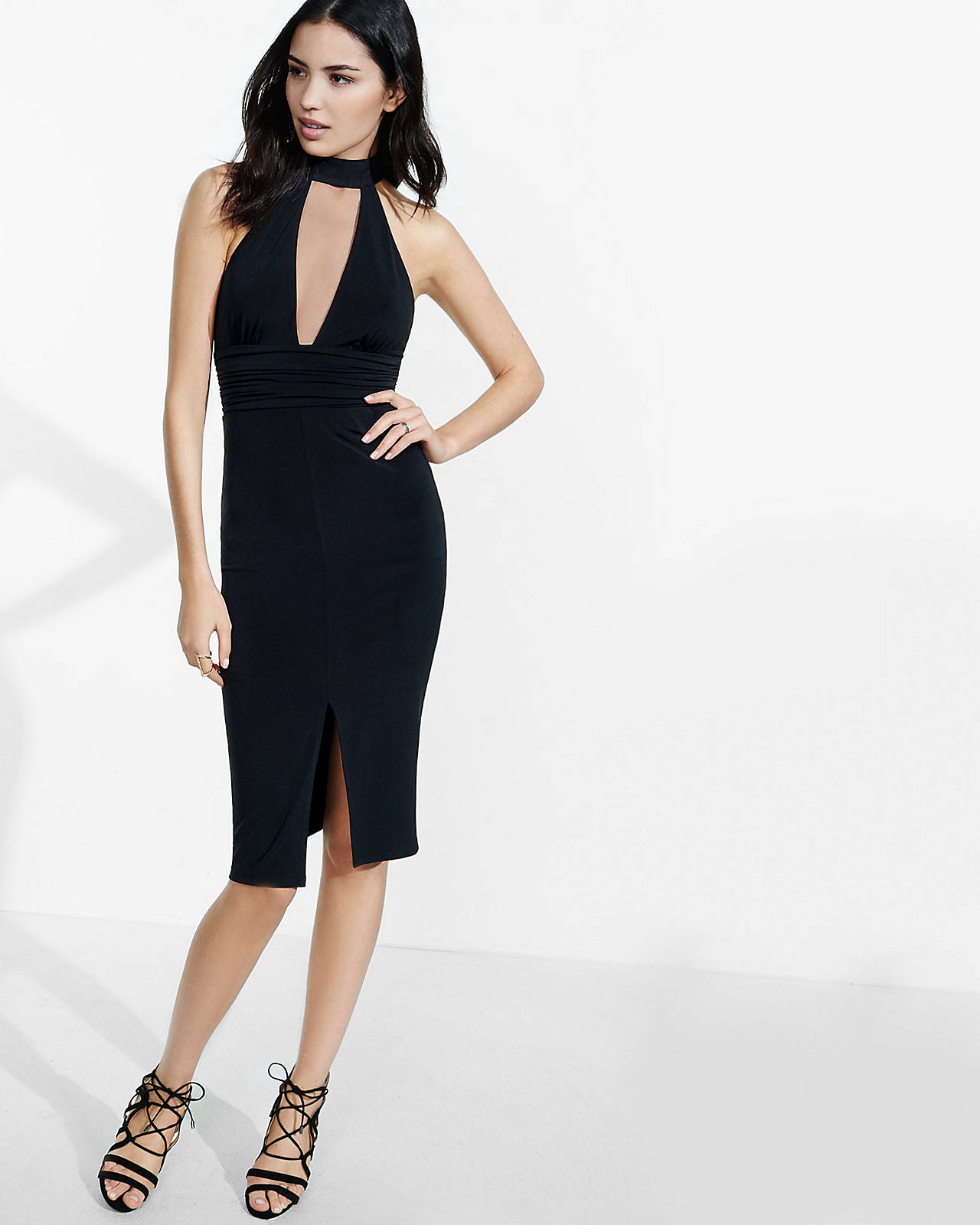
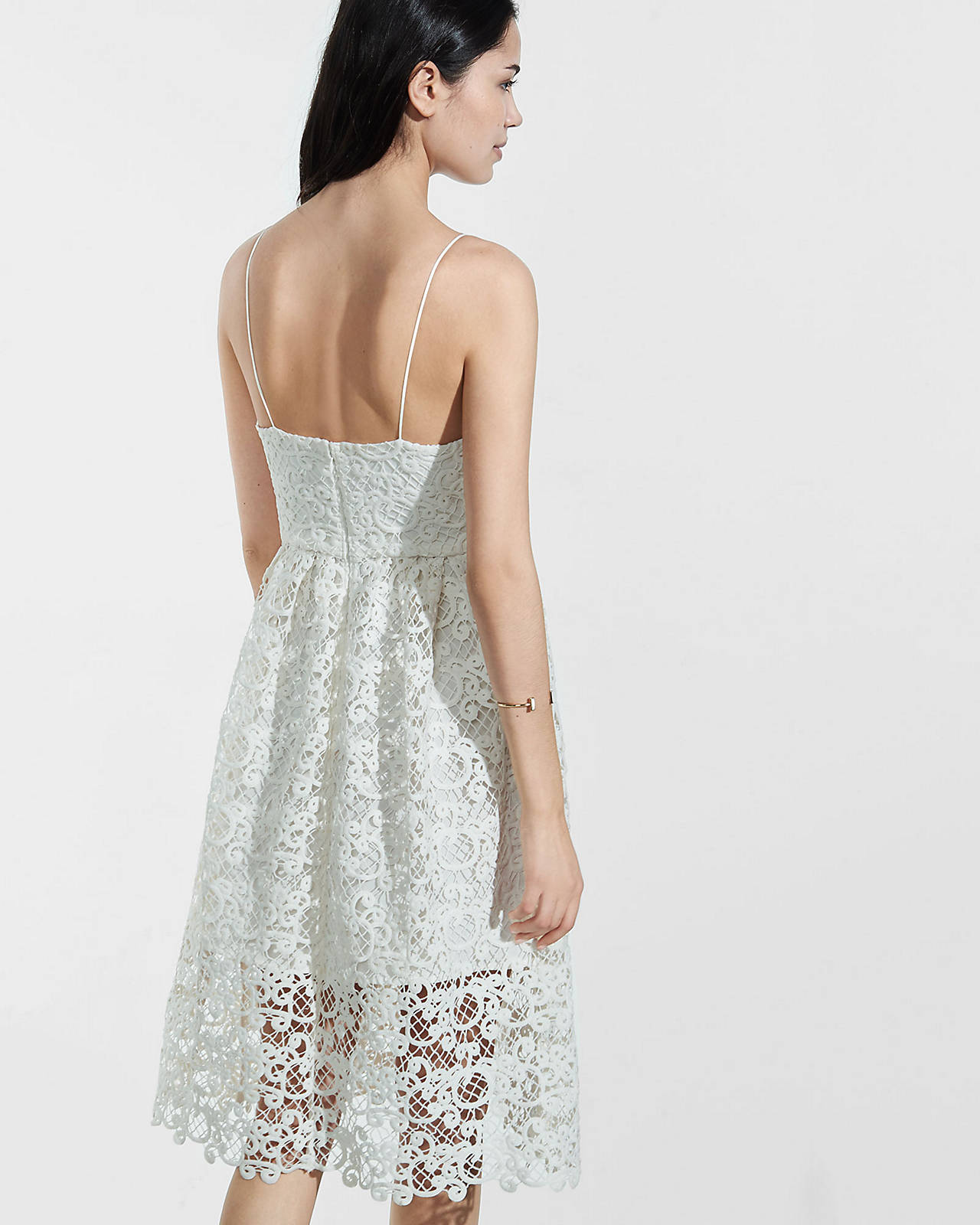
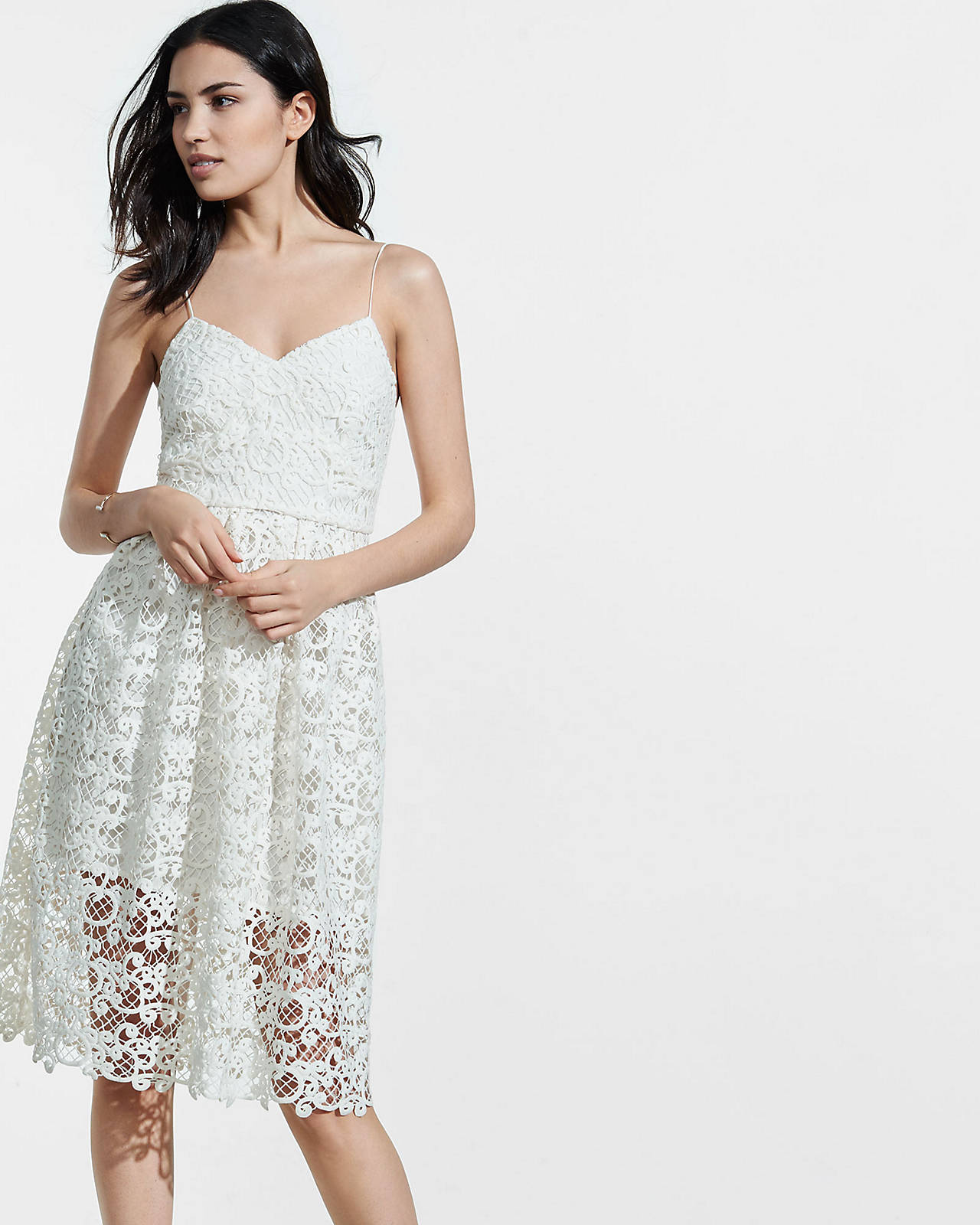
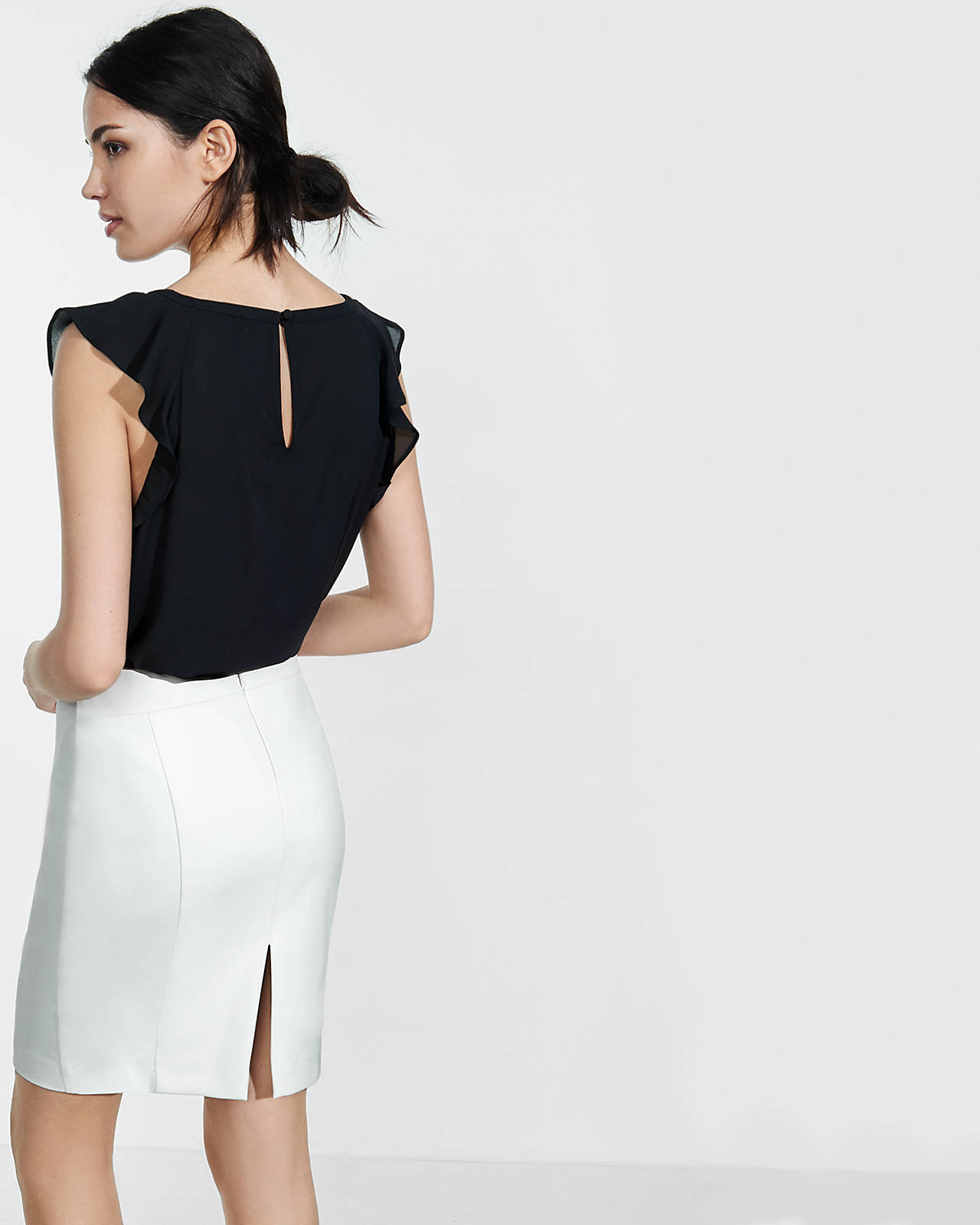
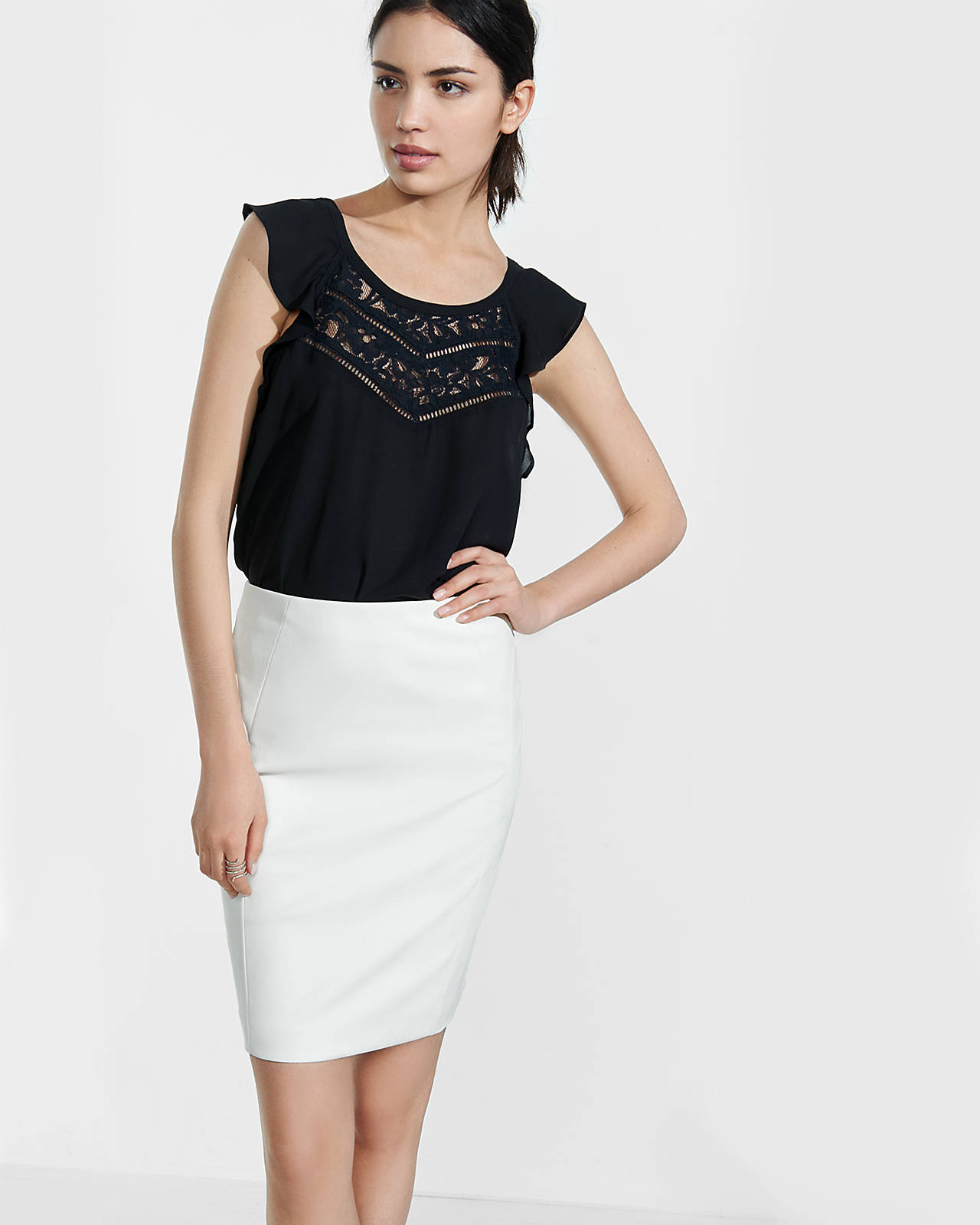
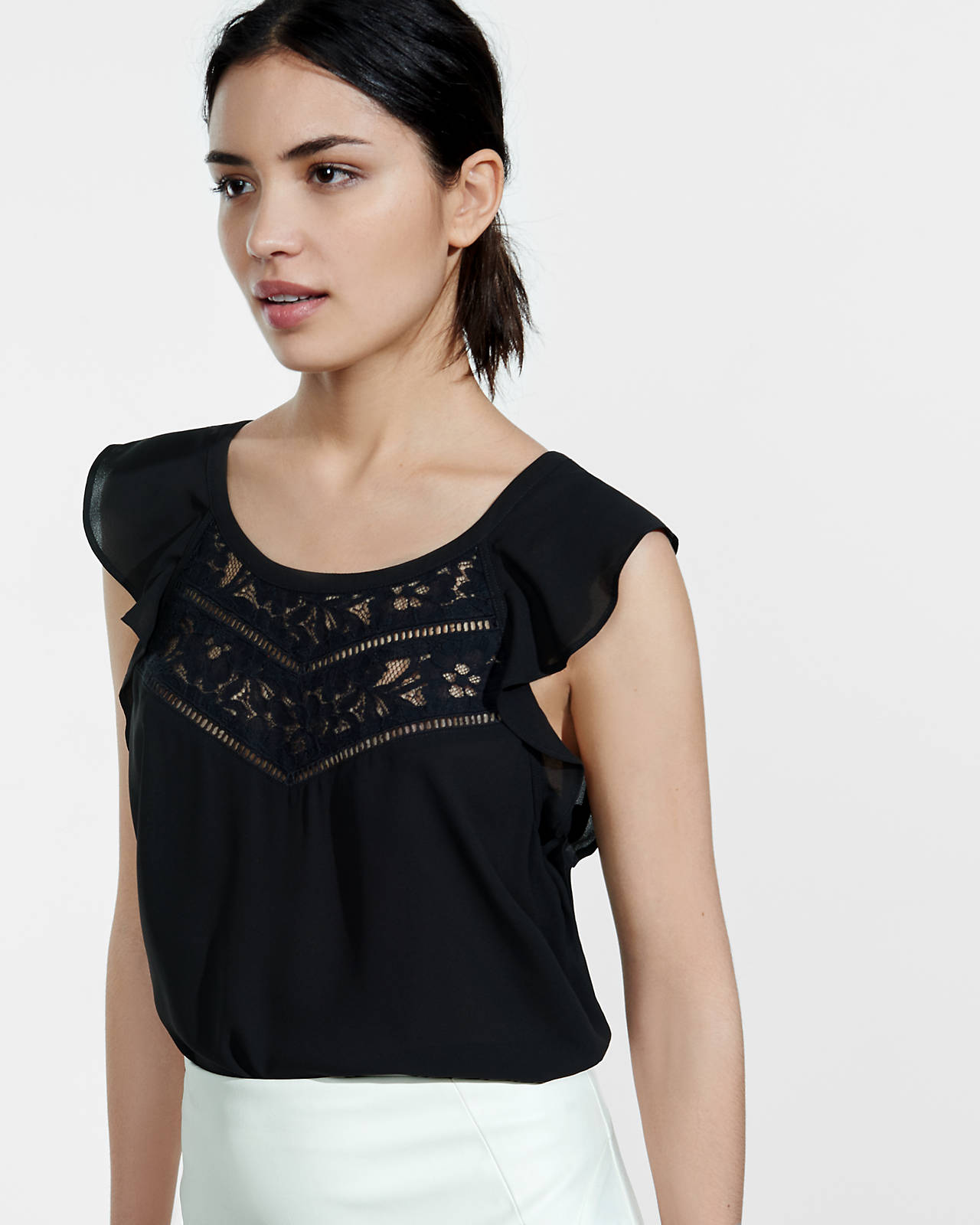
Express
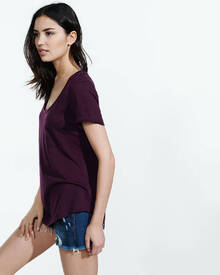

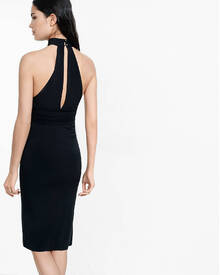
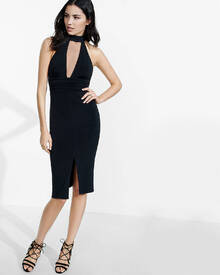
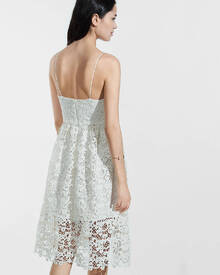
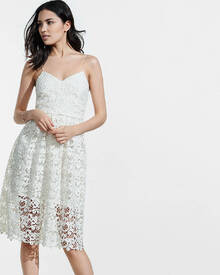
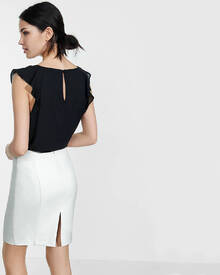
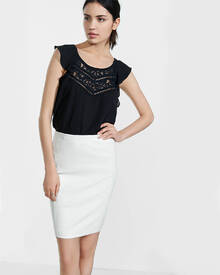
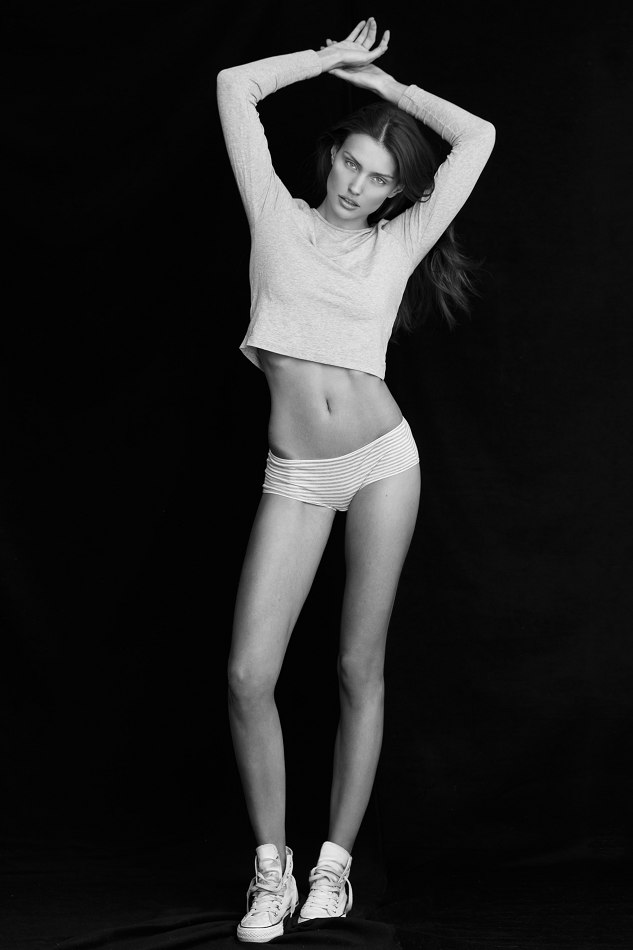
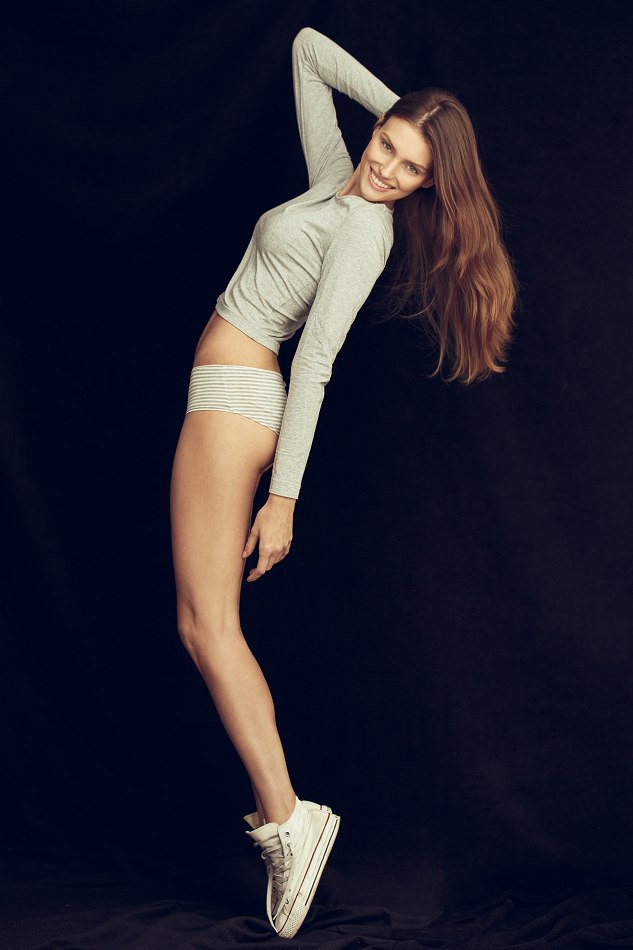
 Wilhelmina Digitals Wilhelmina Portfolio














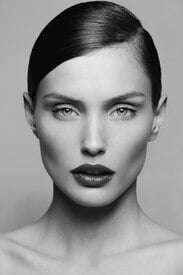





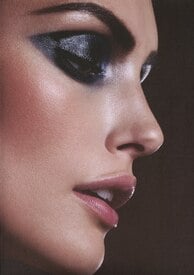

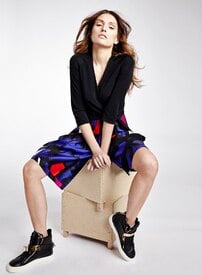

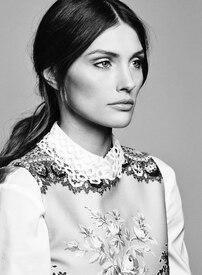


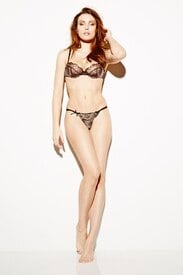
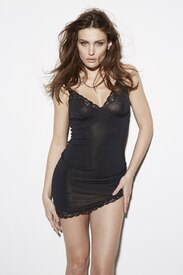




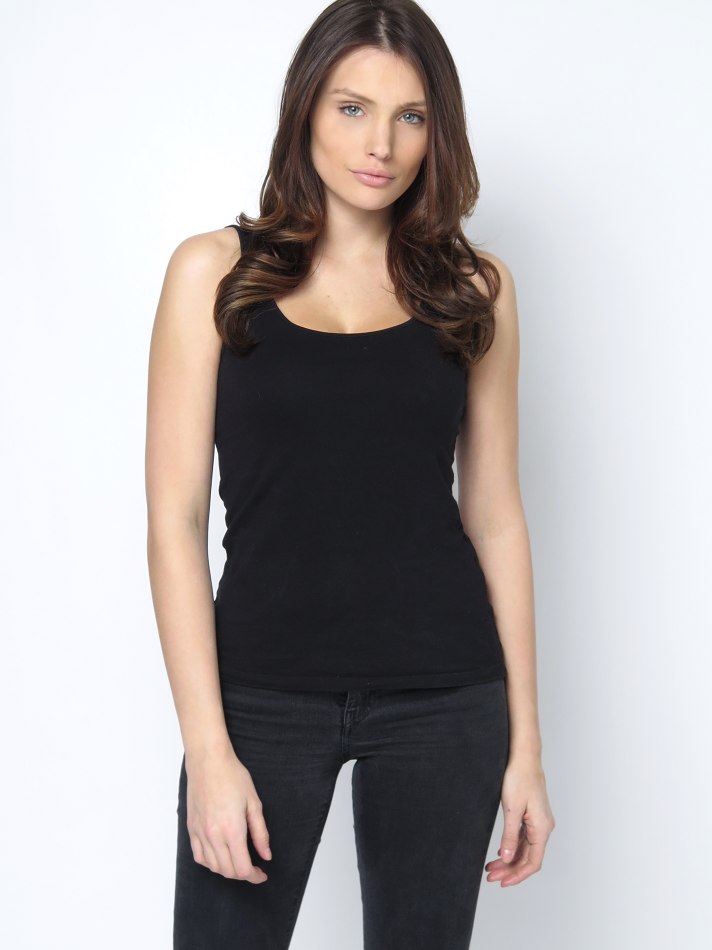
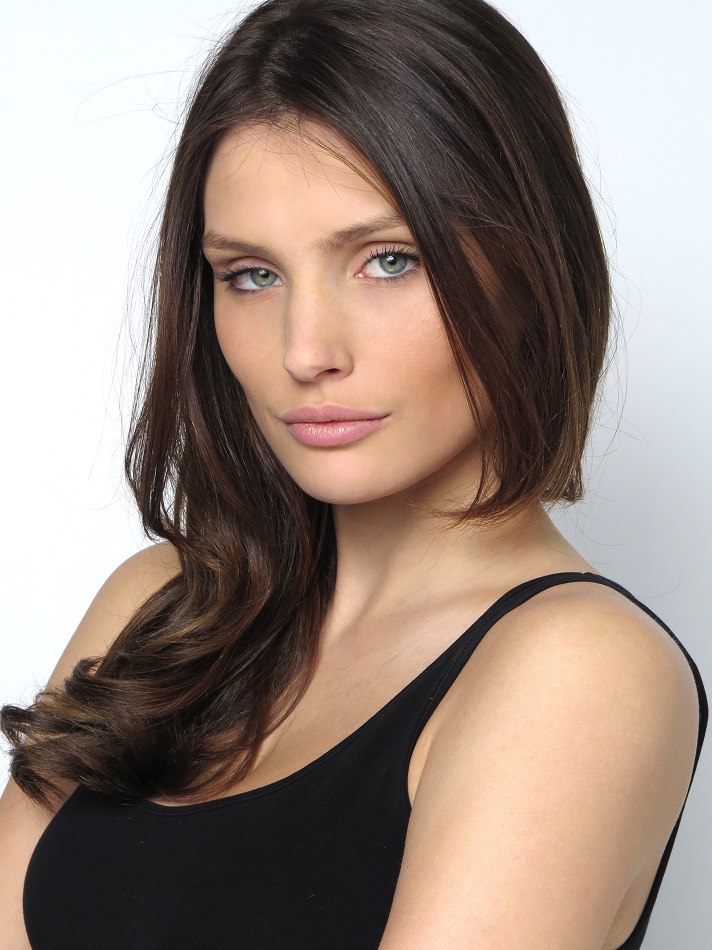
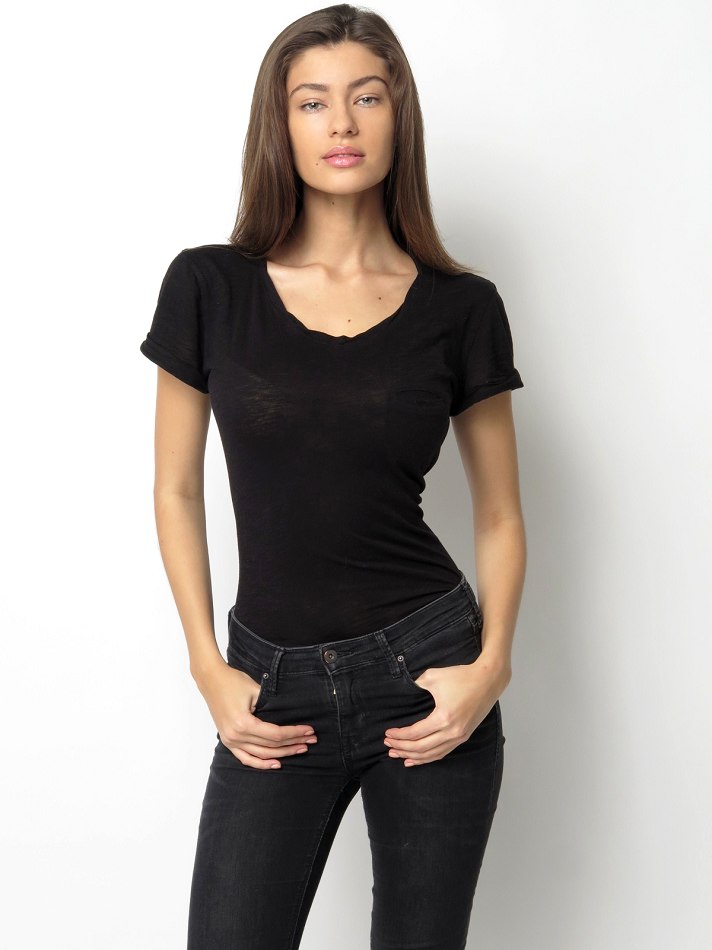
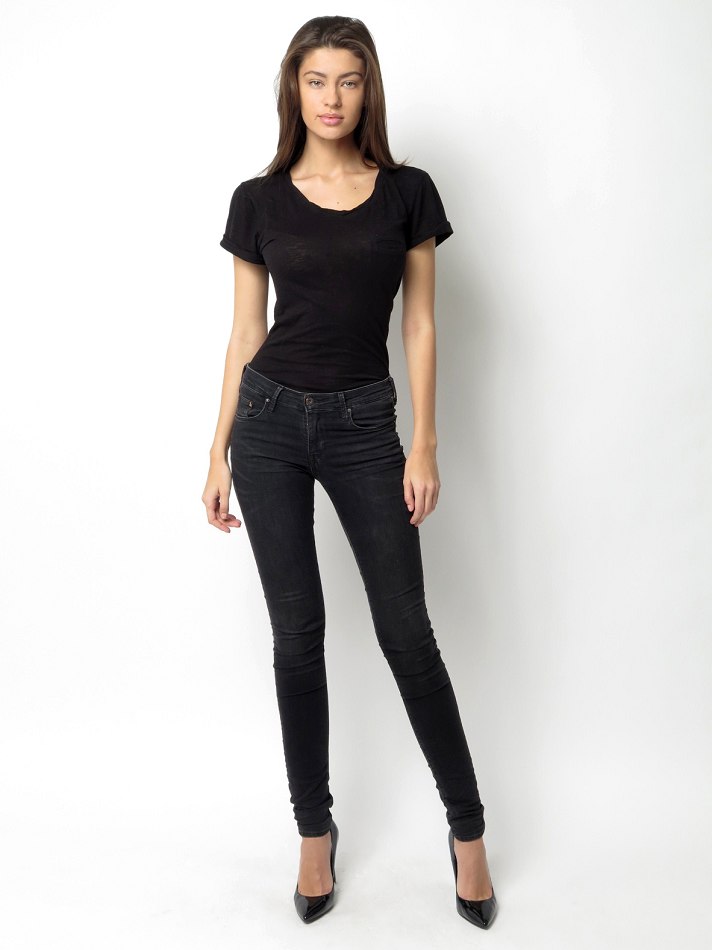
 New Digitals wilhelmina.com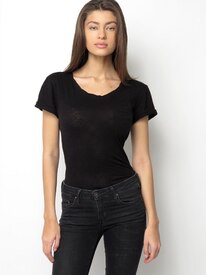
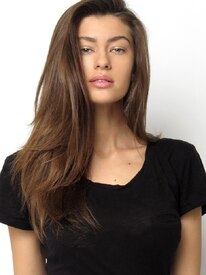
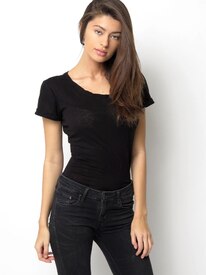

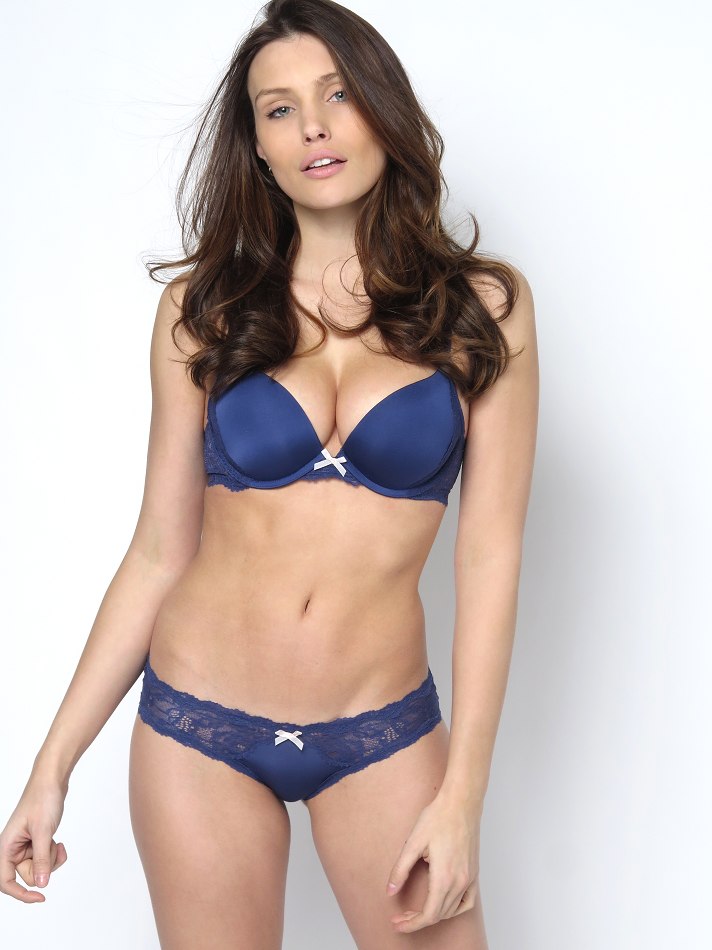
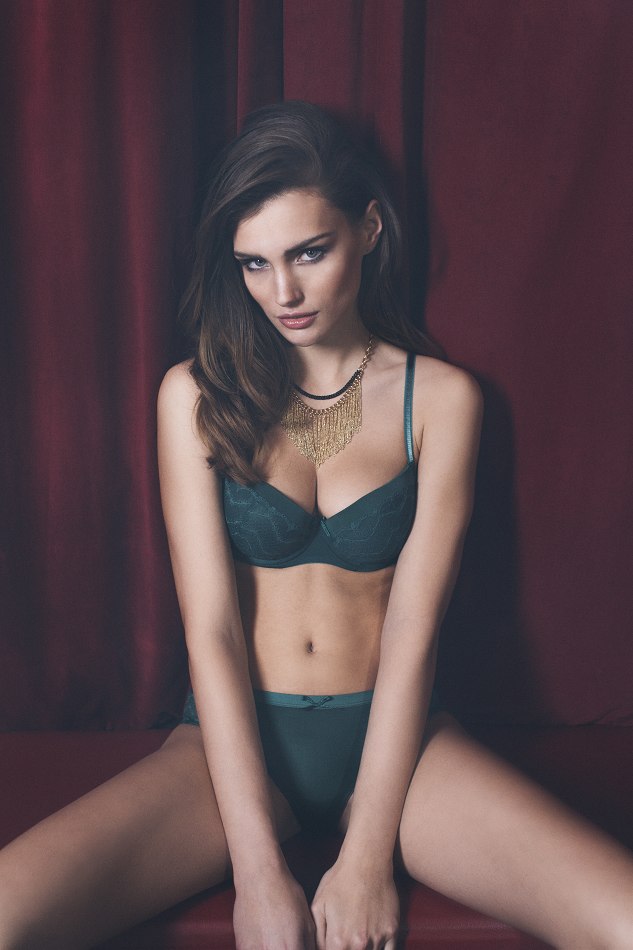
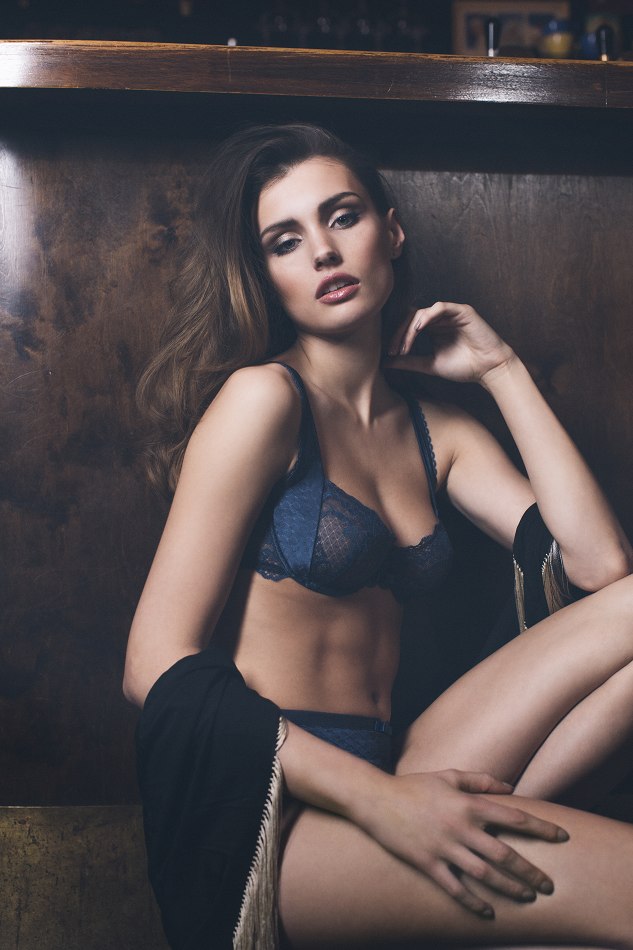
 Lipsy Vesper Collection
Shooting for models.com
Irina and her dresser.
Irina is last.
^ No problem! I had a field day.
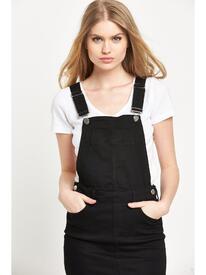
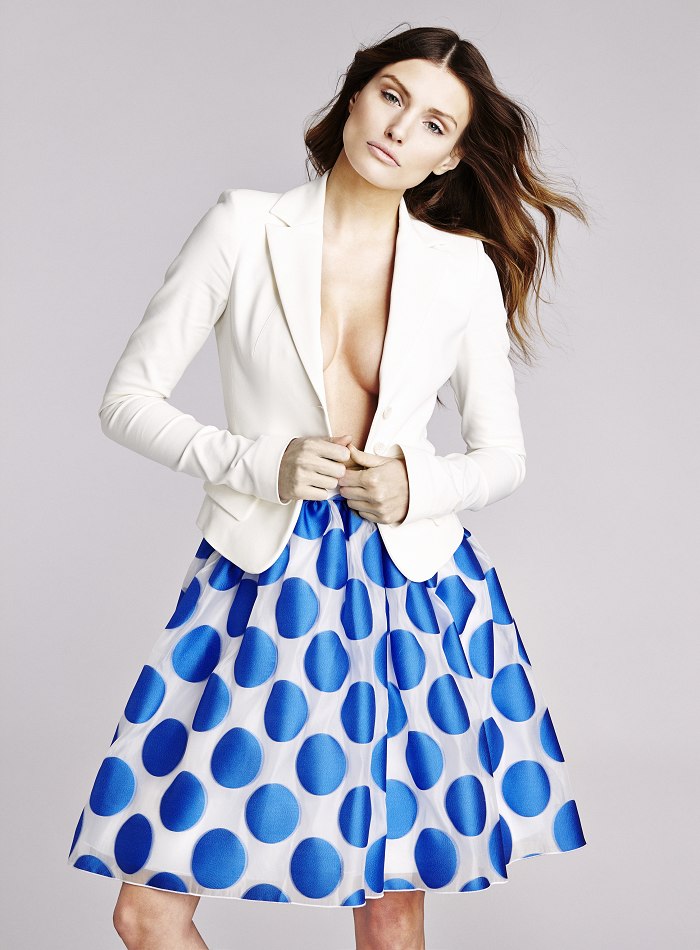
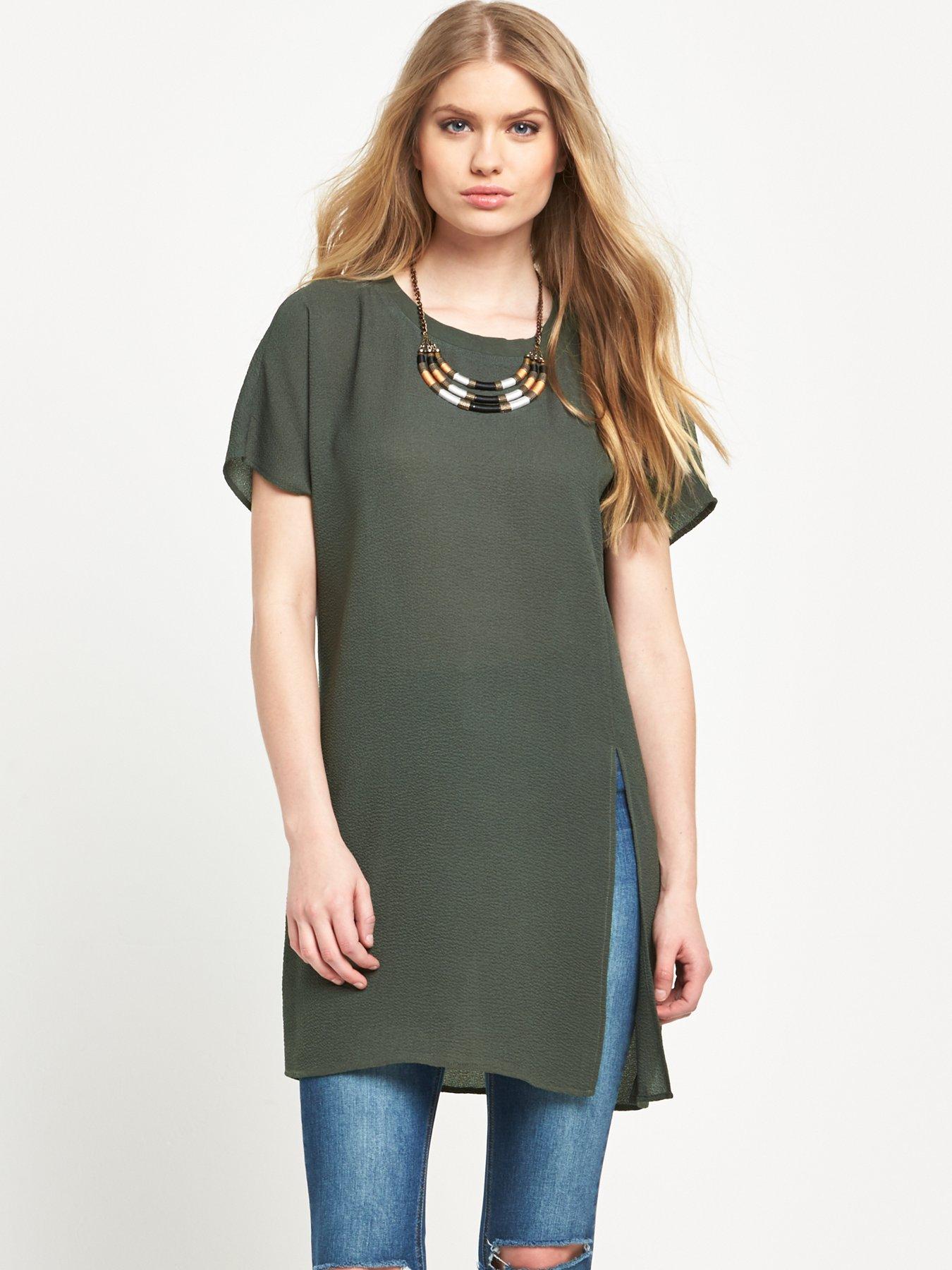
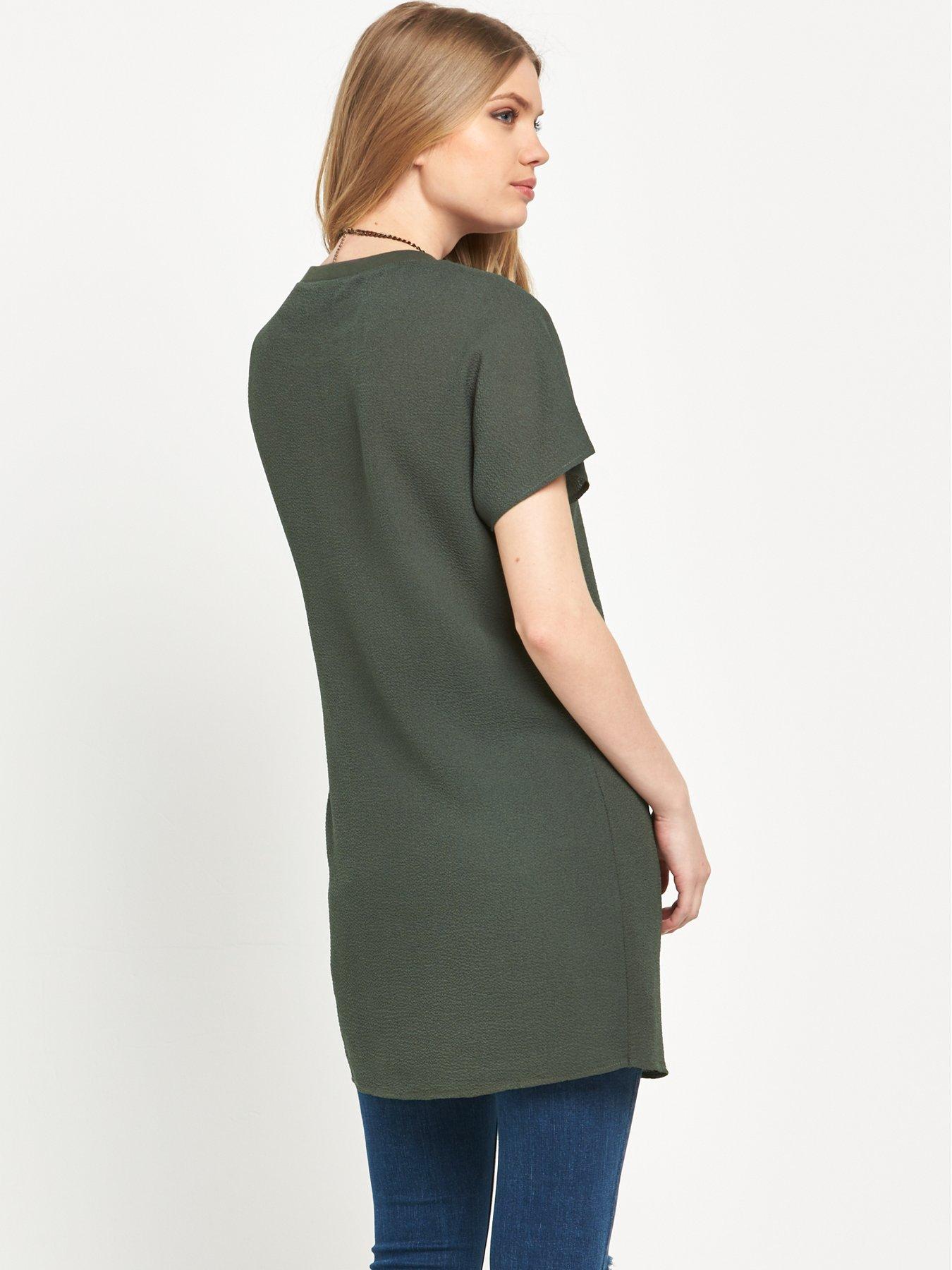
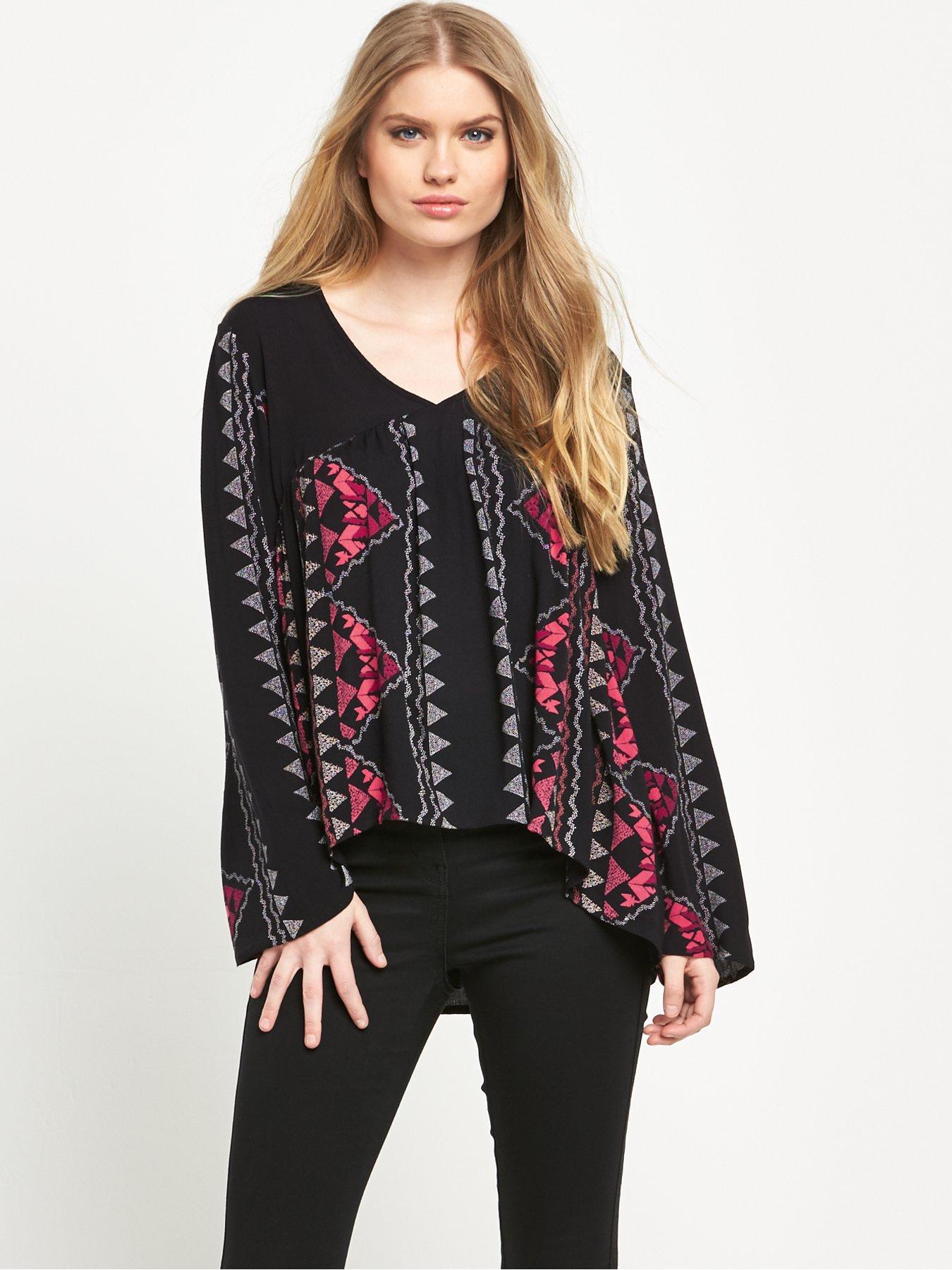
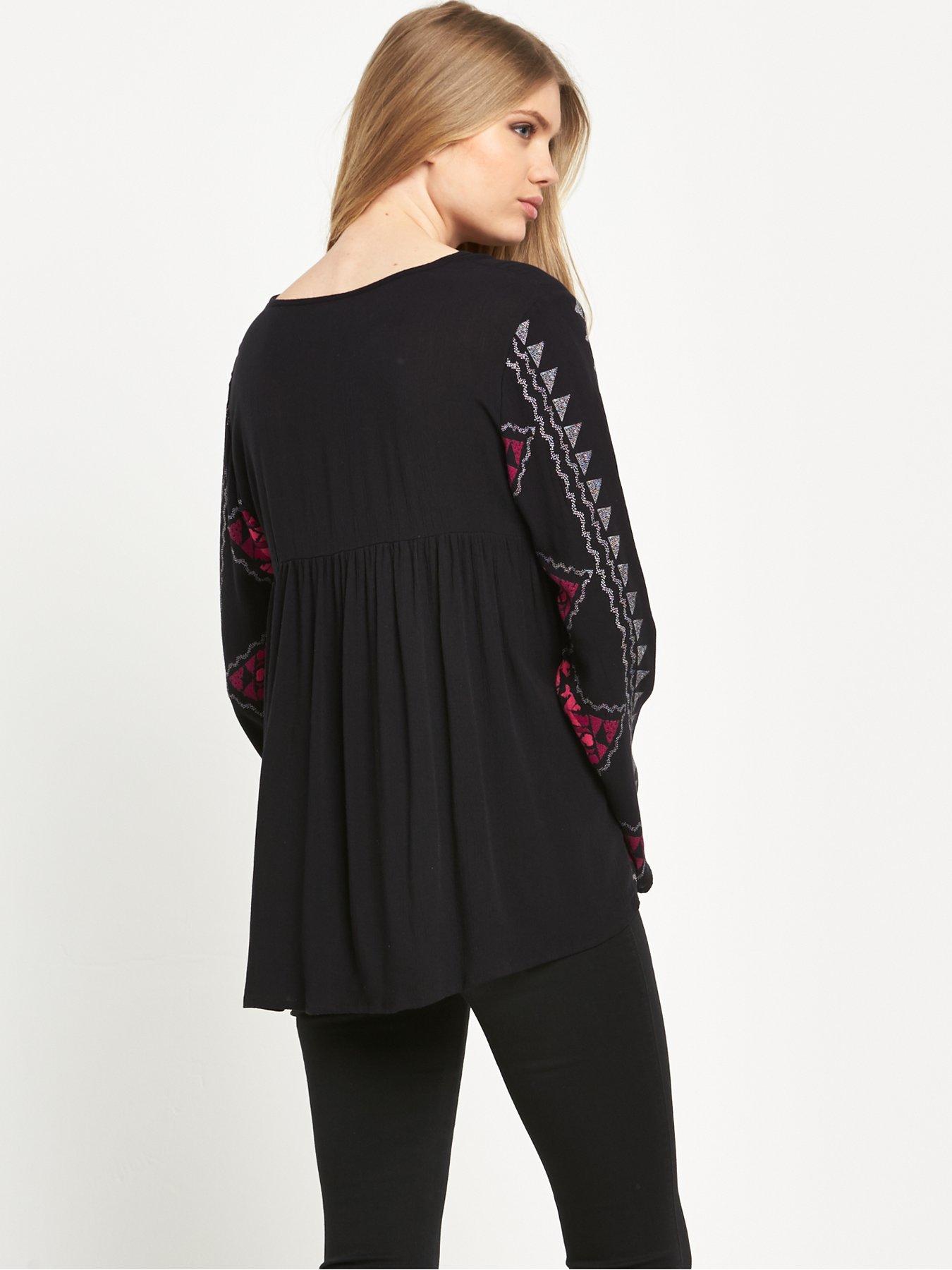
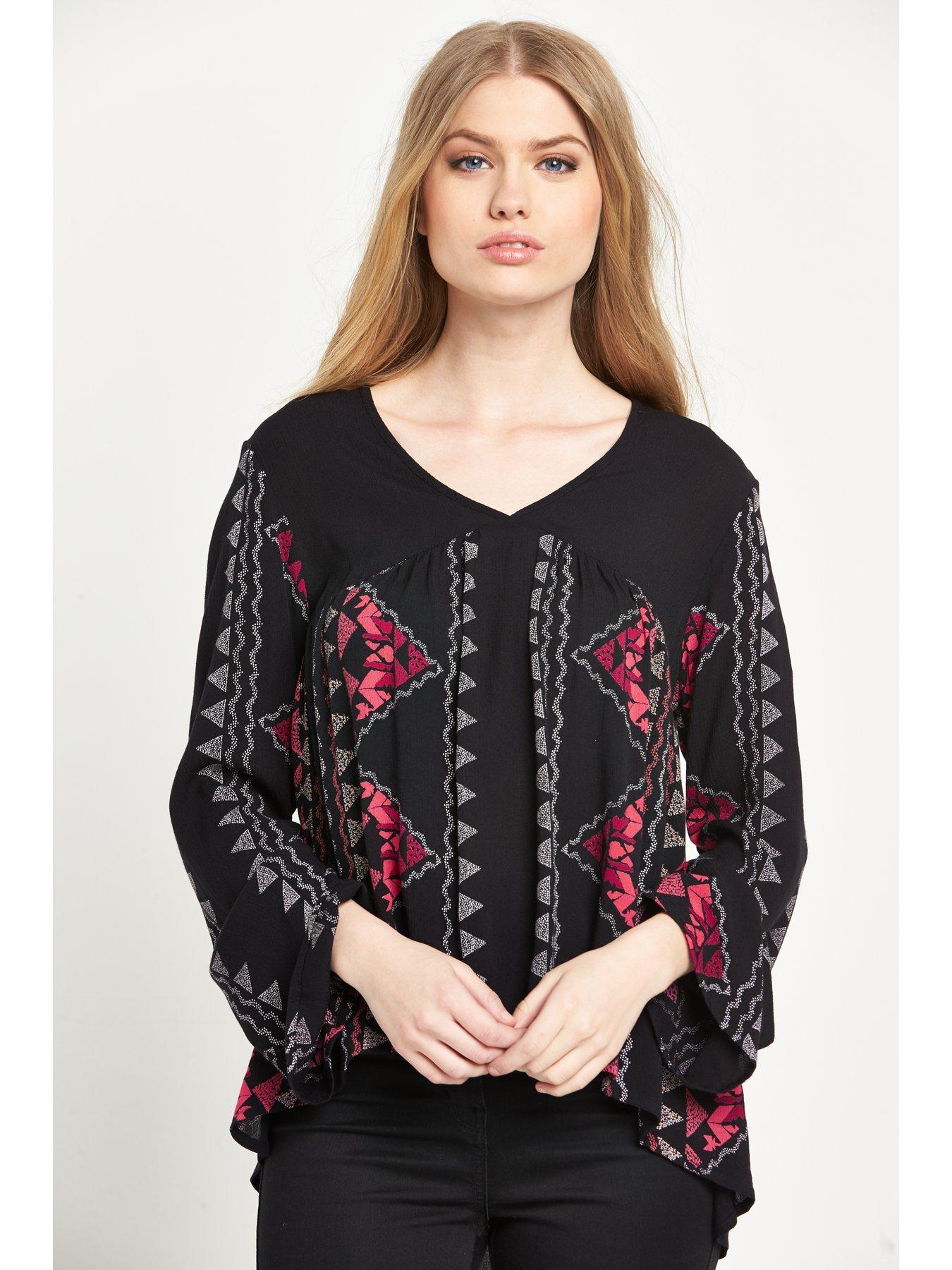
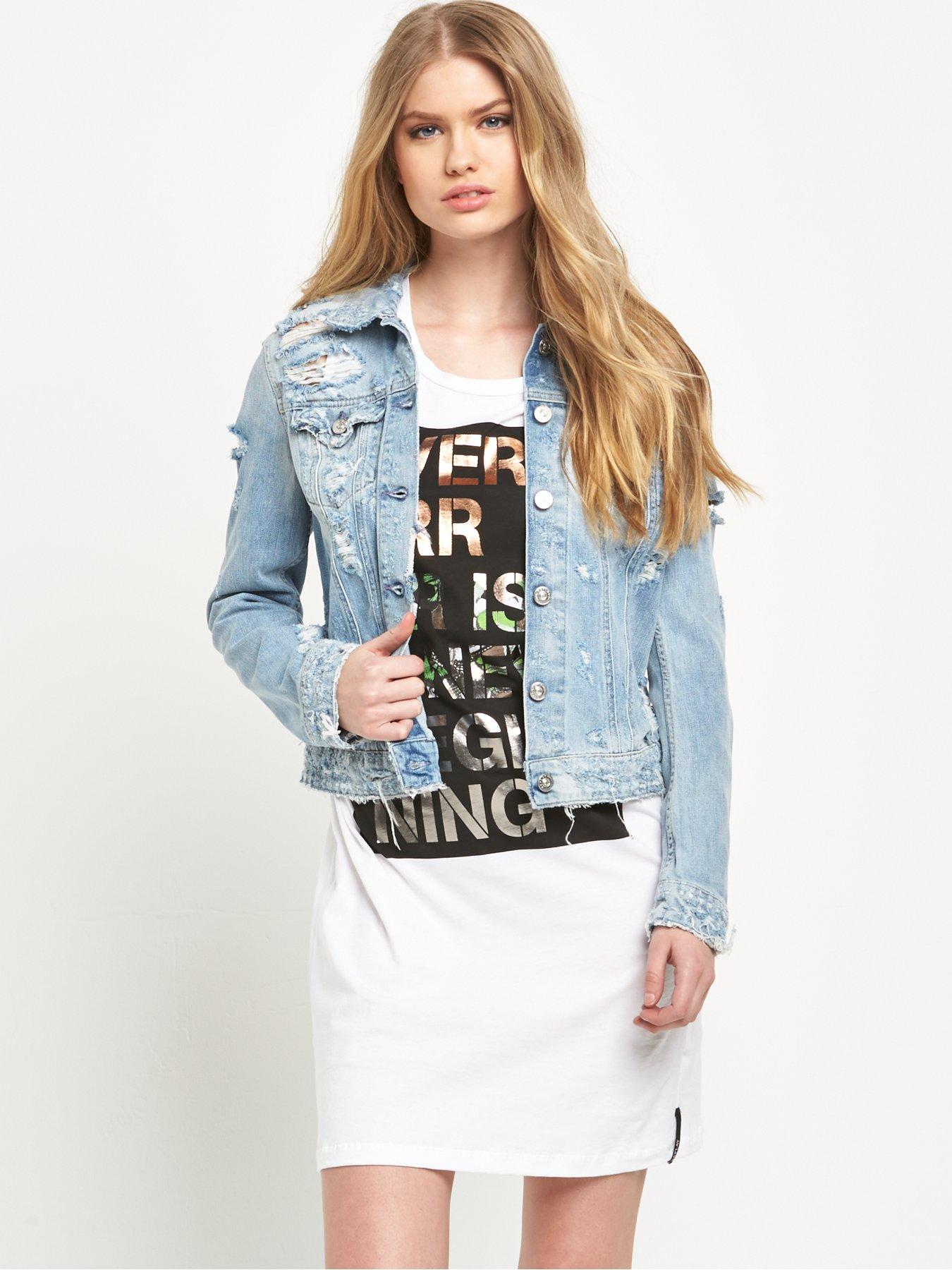
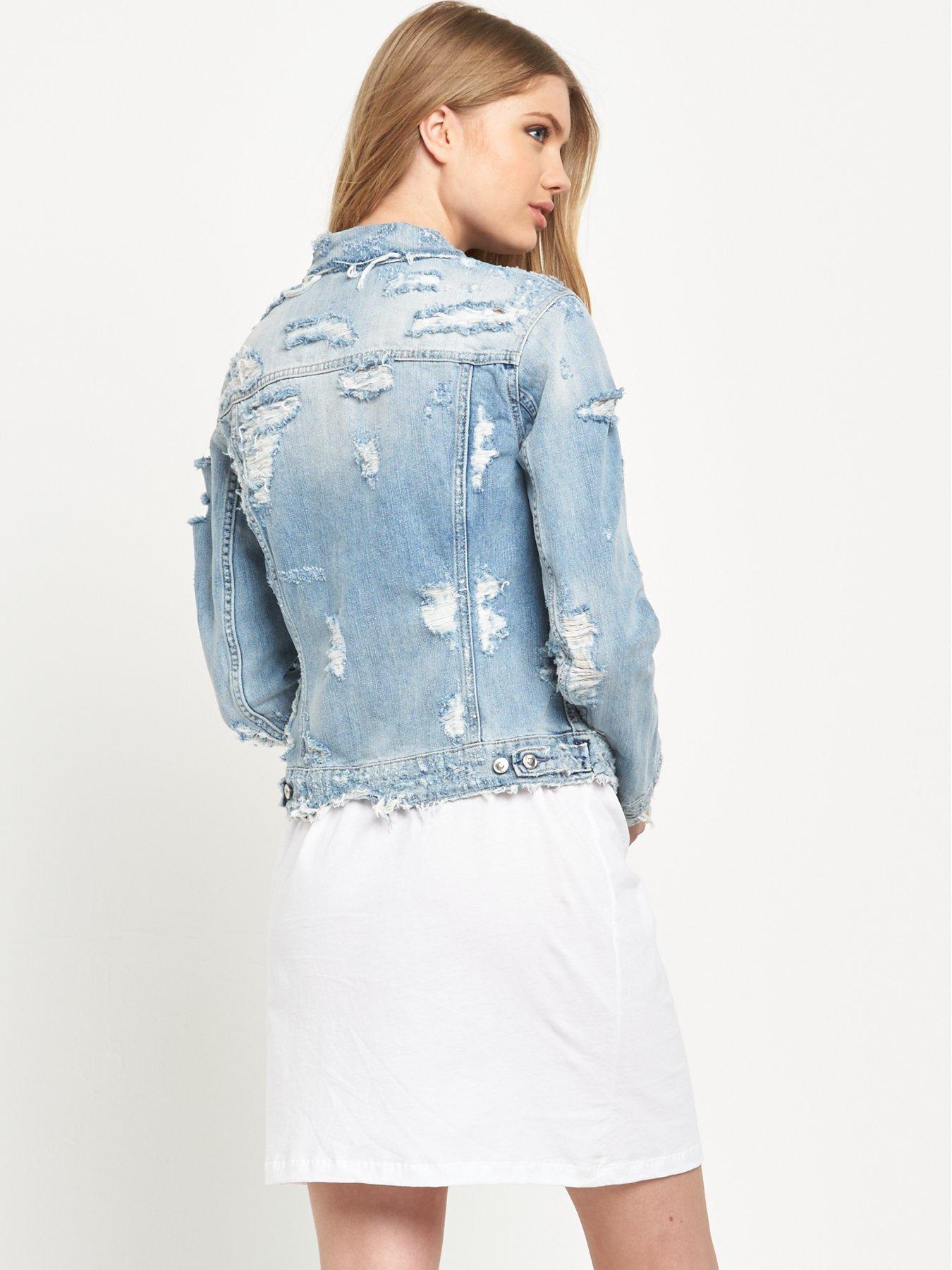
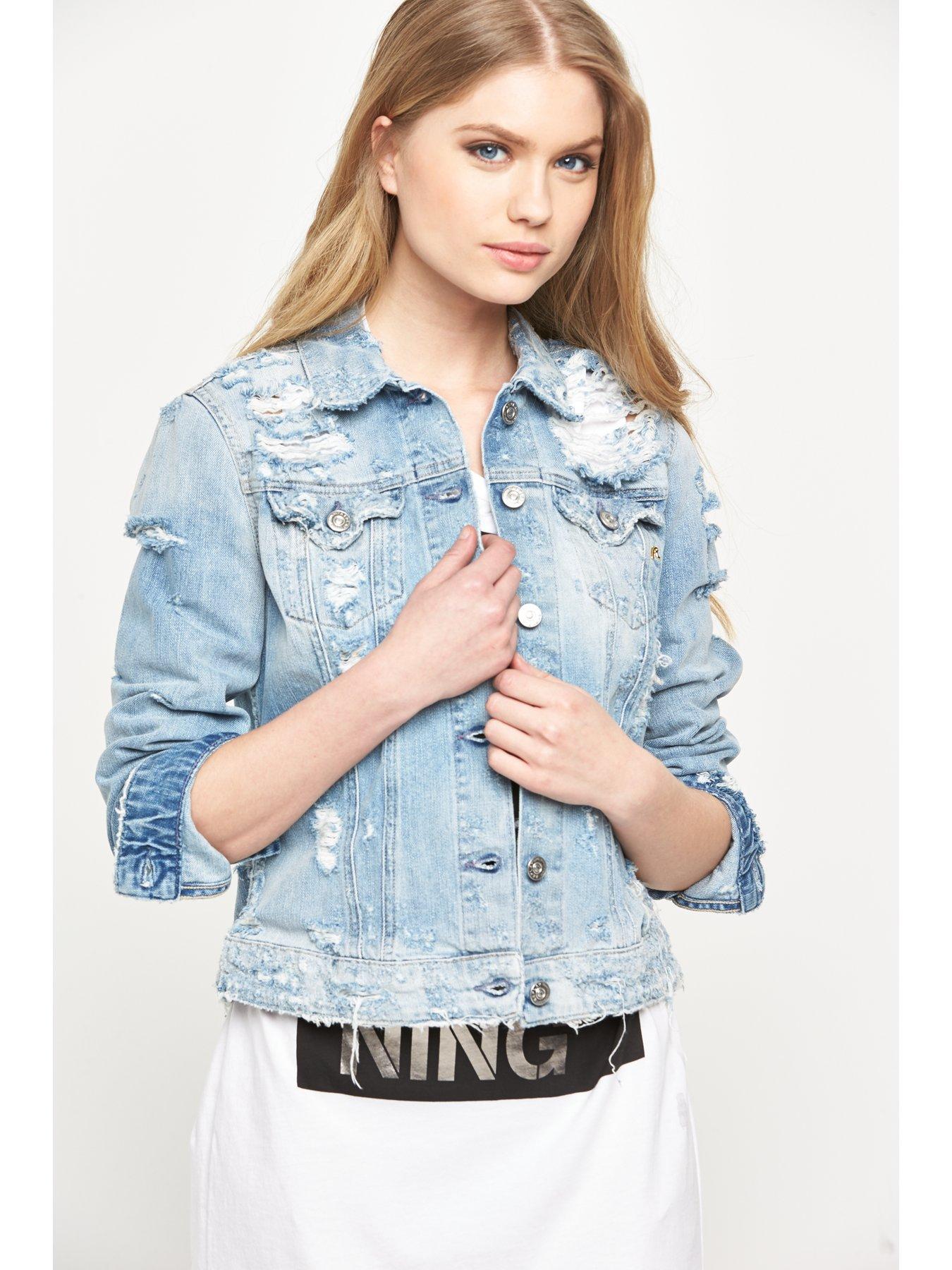
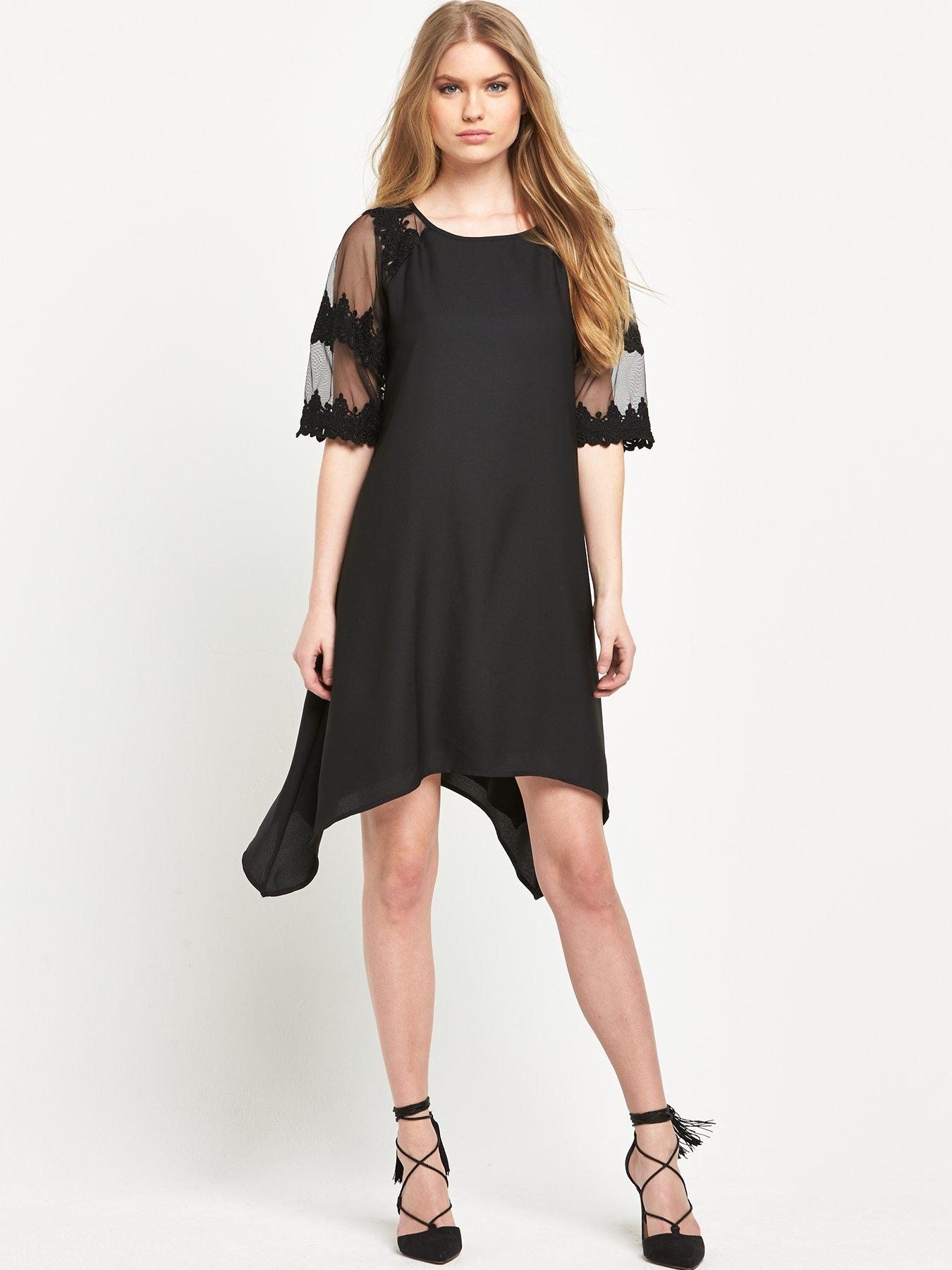
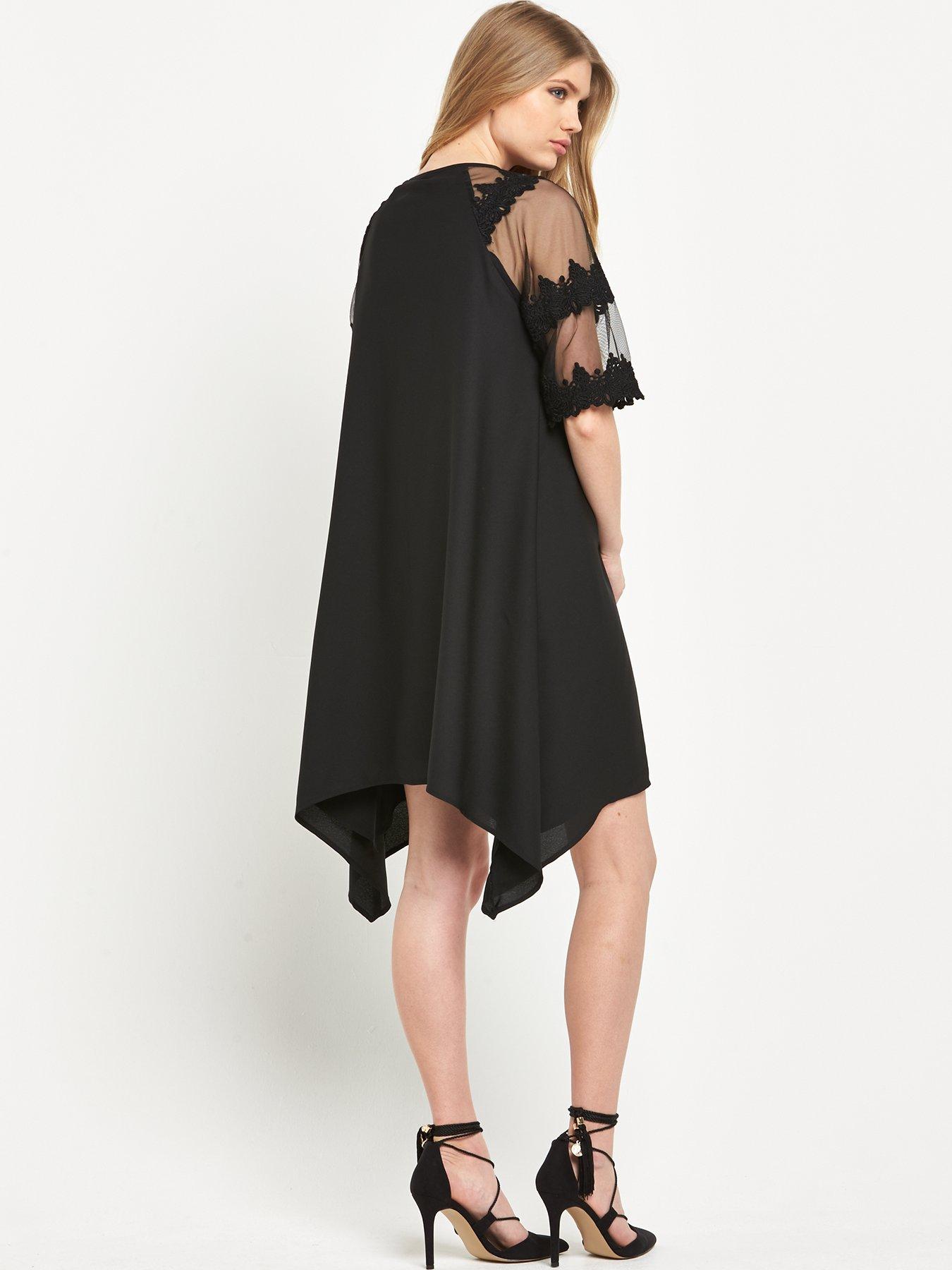
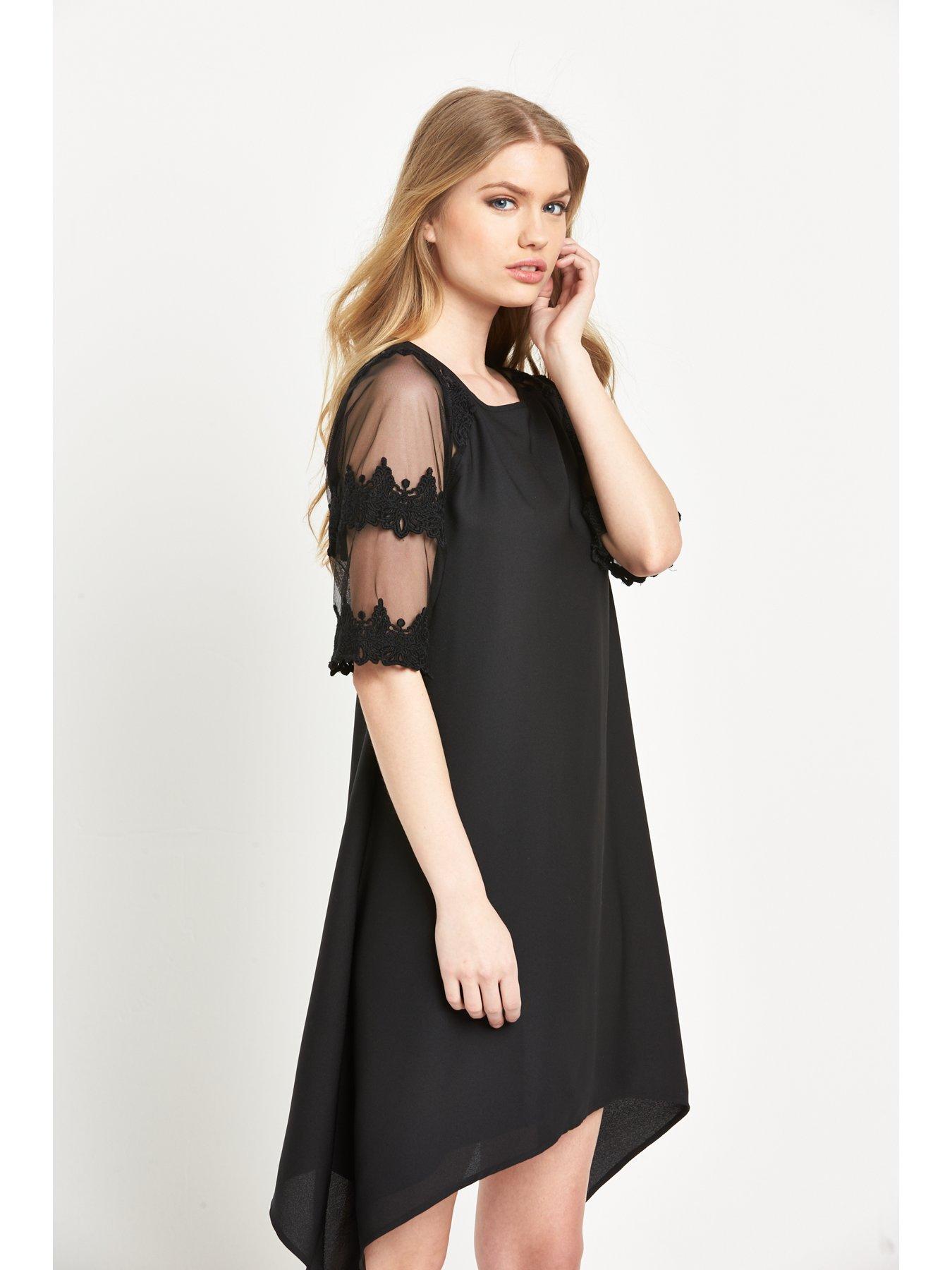
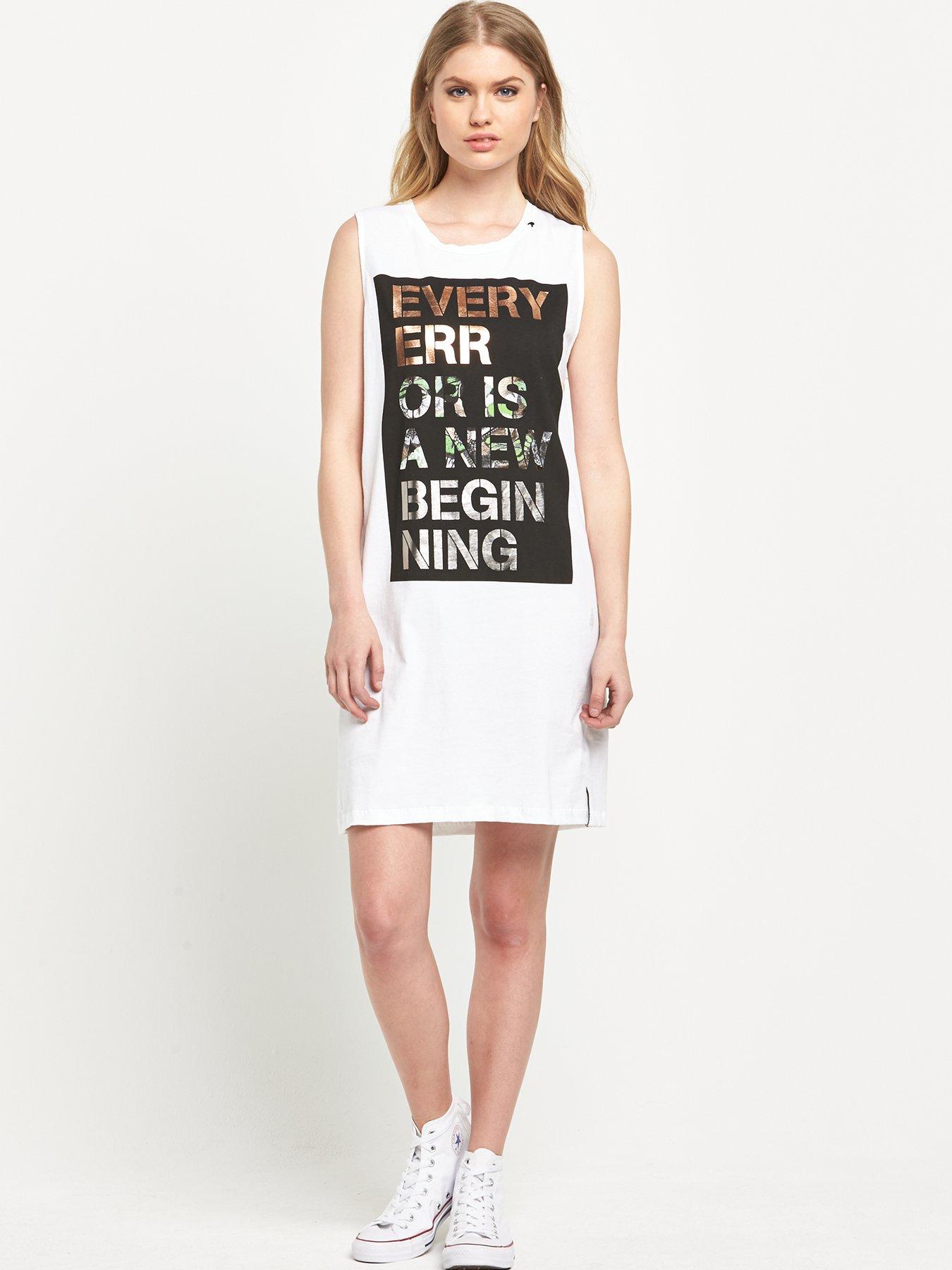
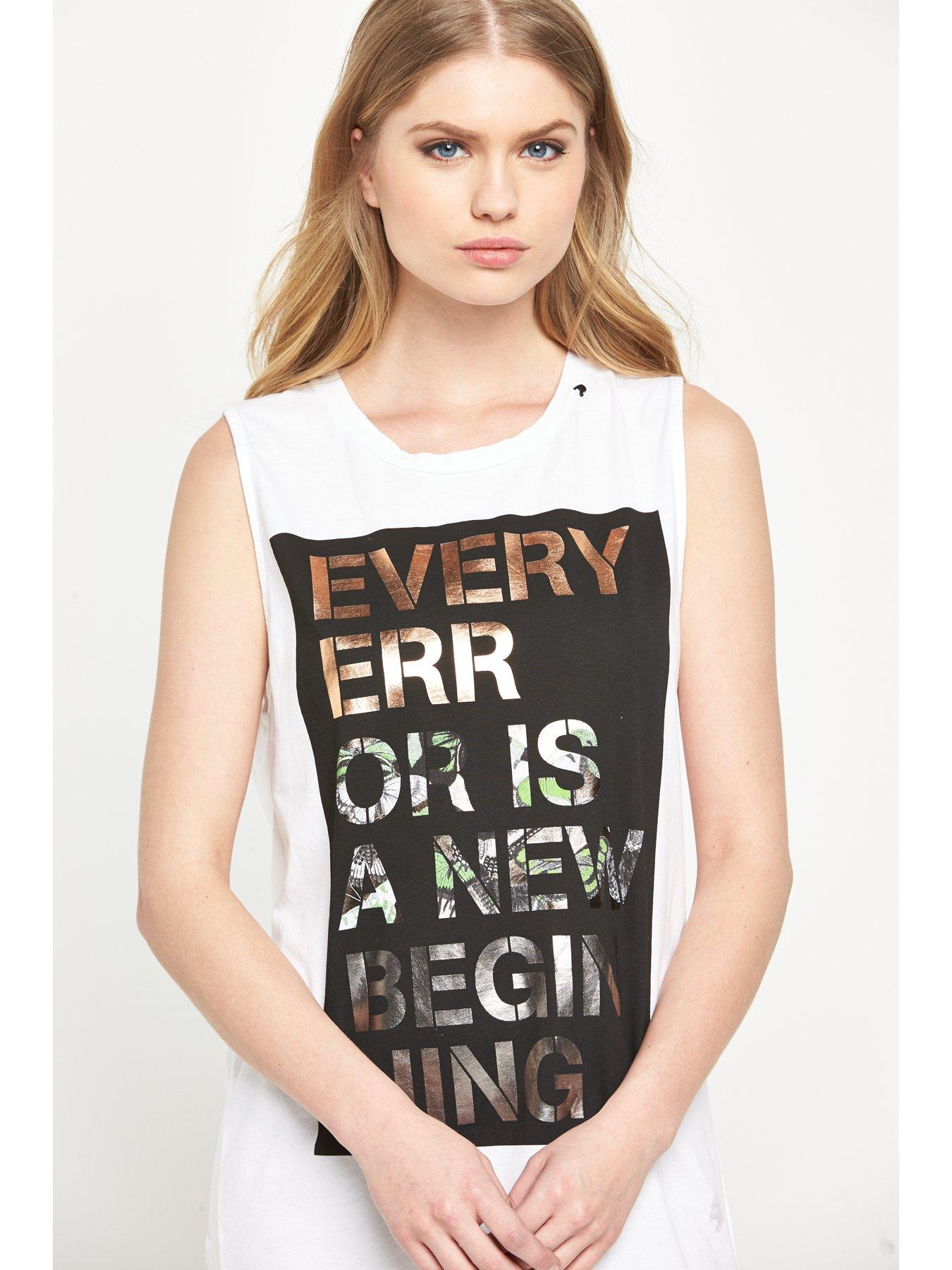
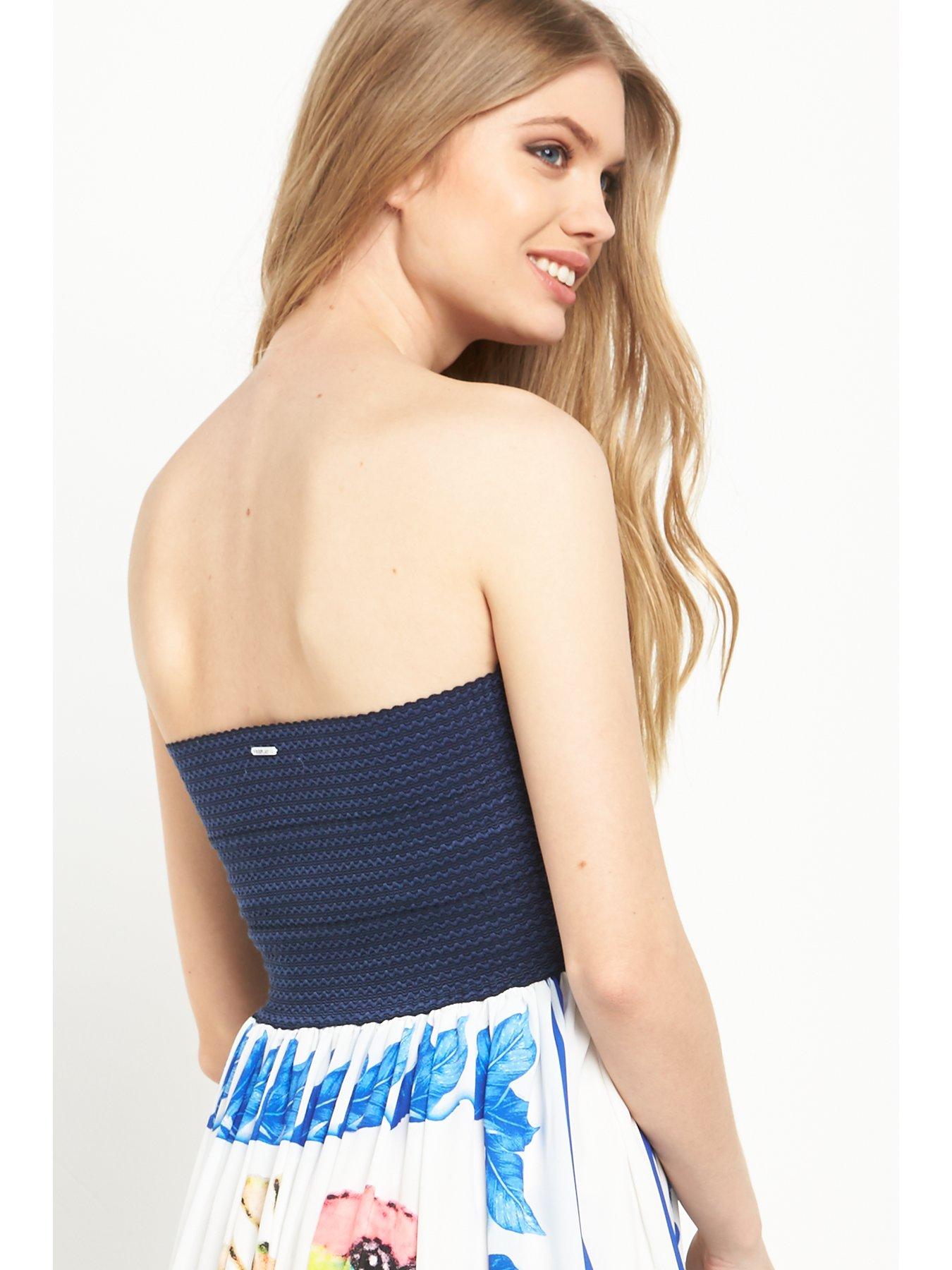
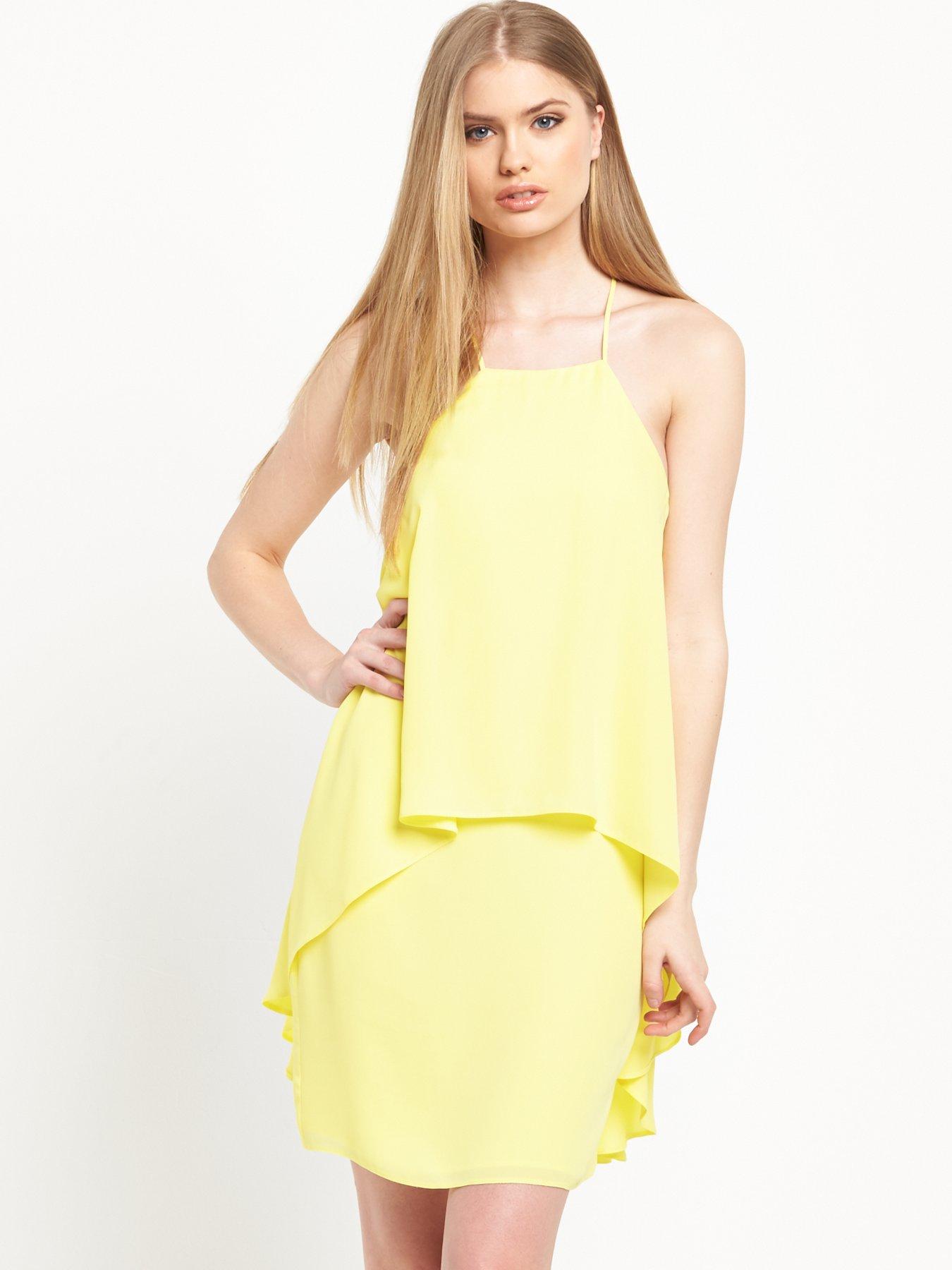
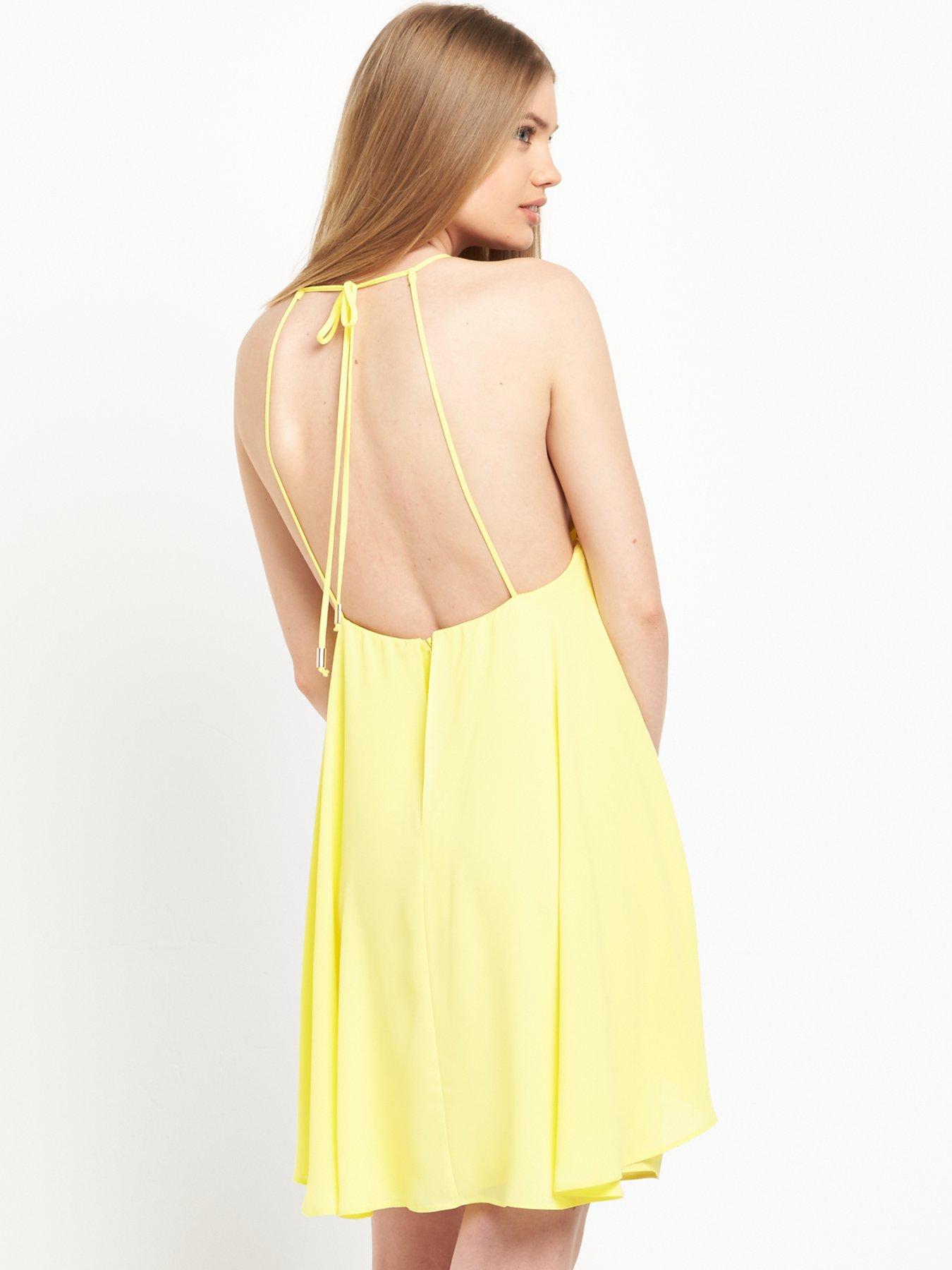
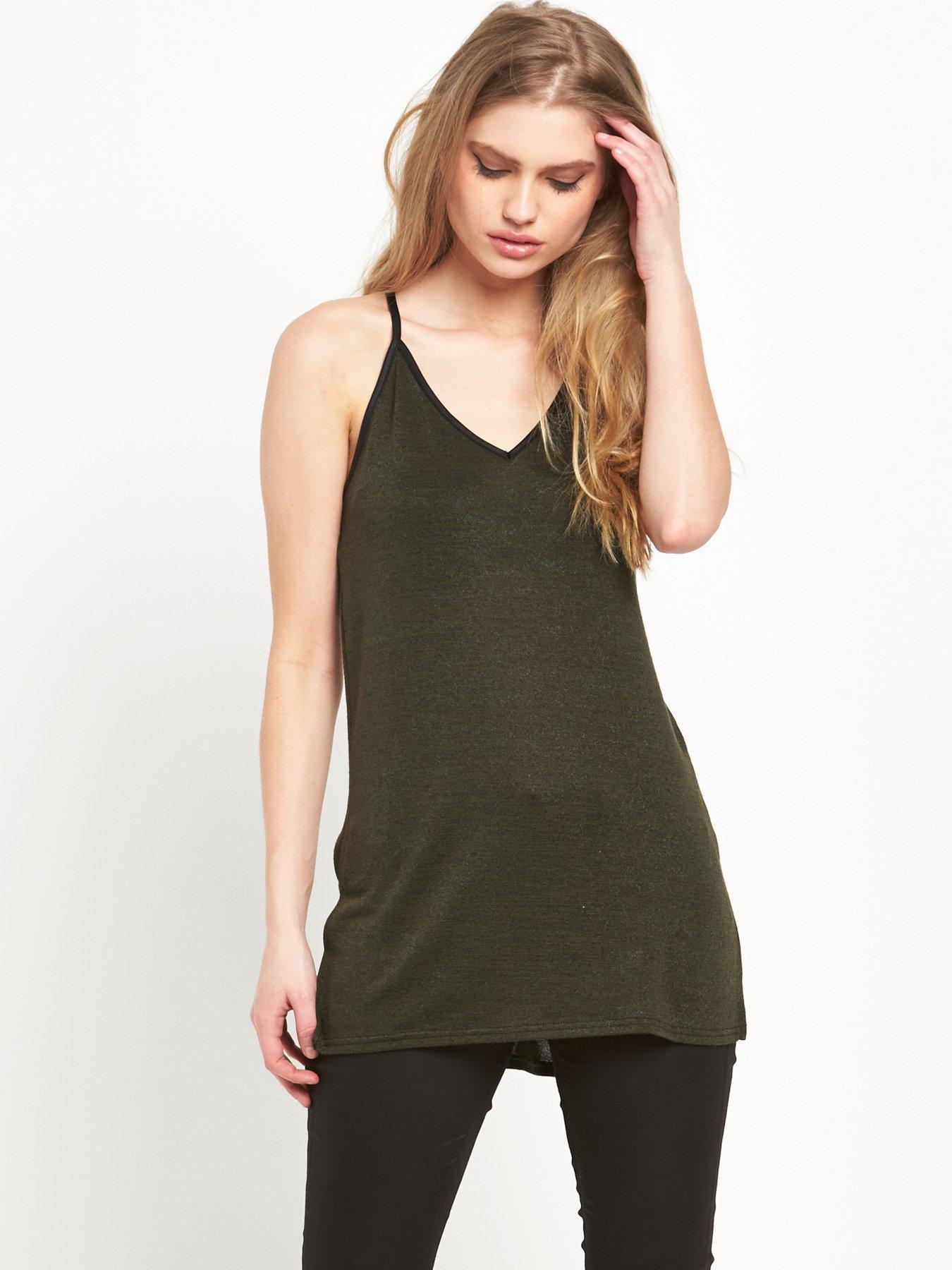
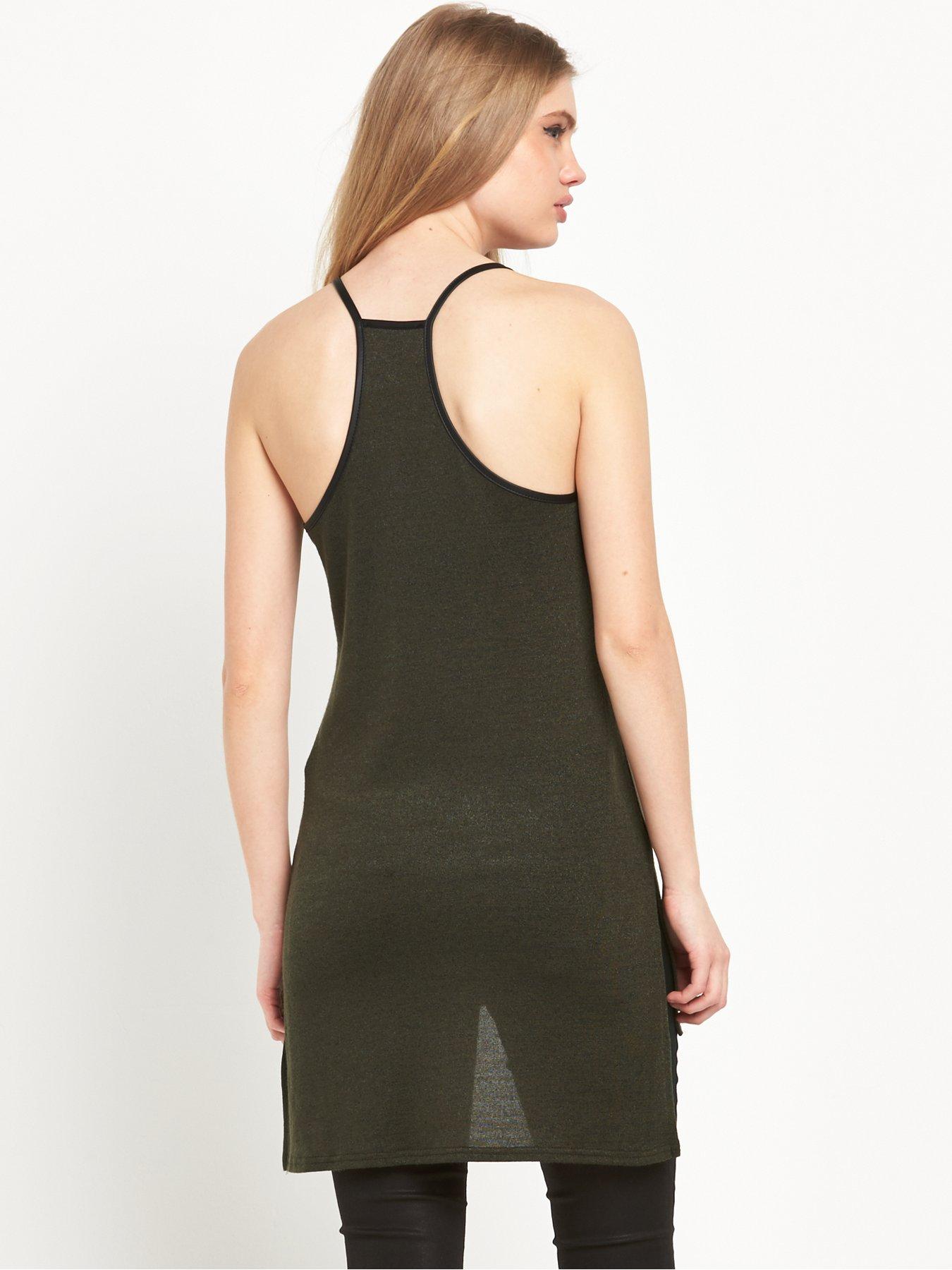
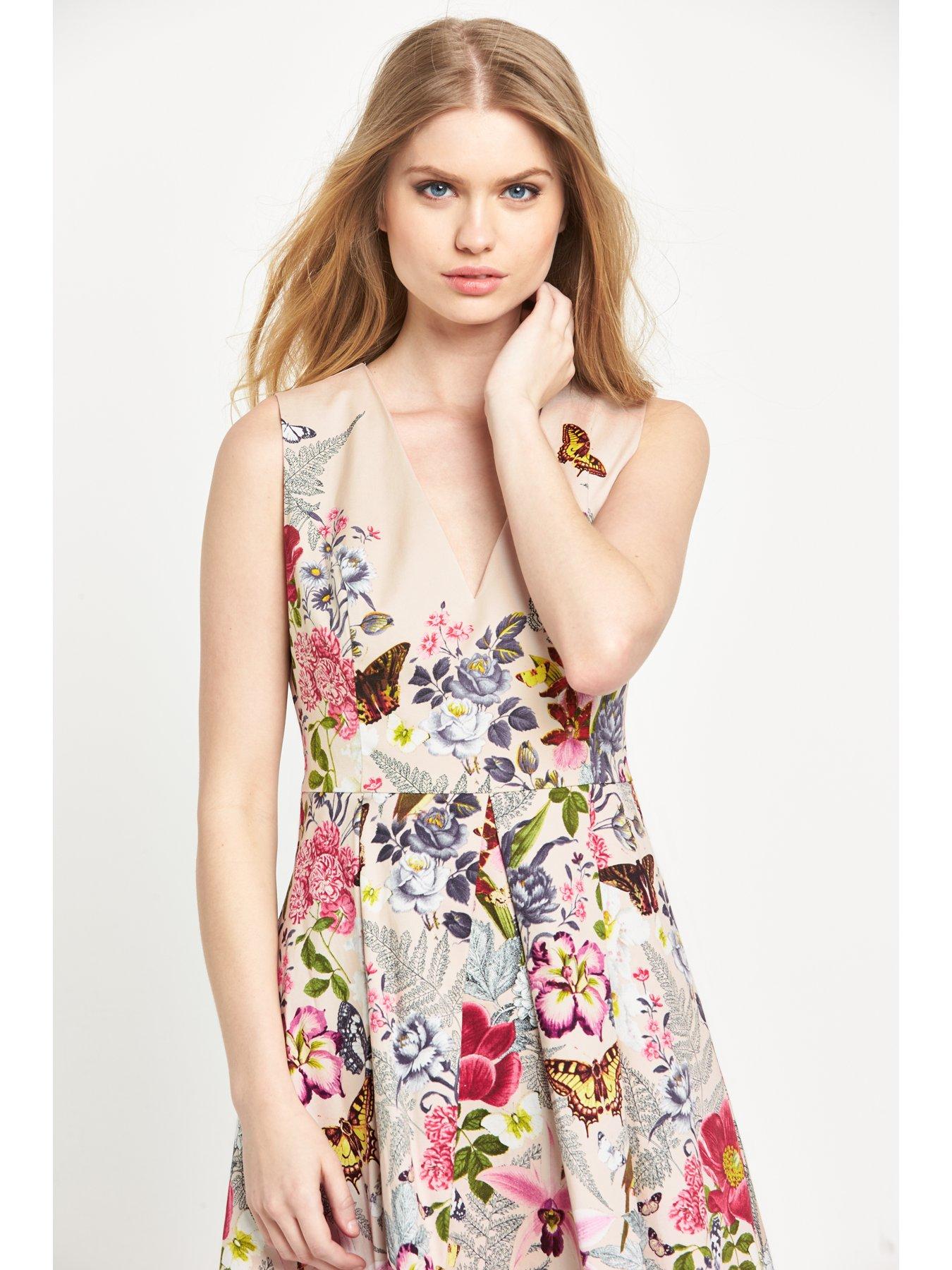
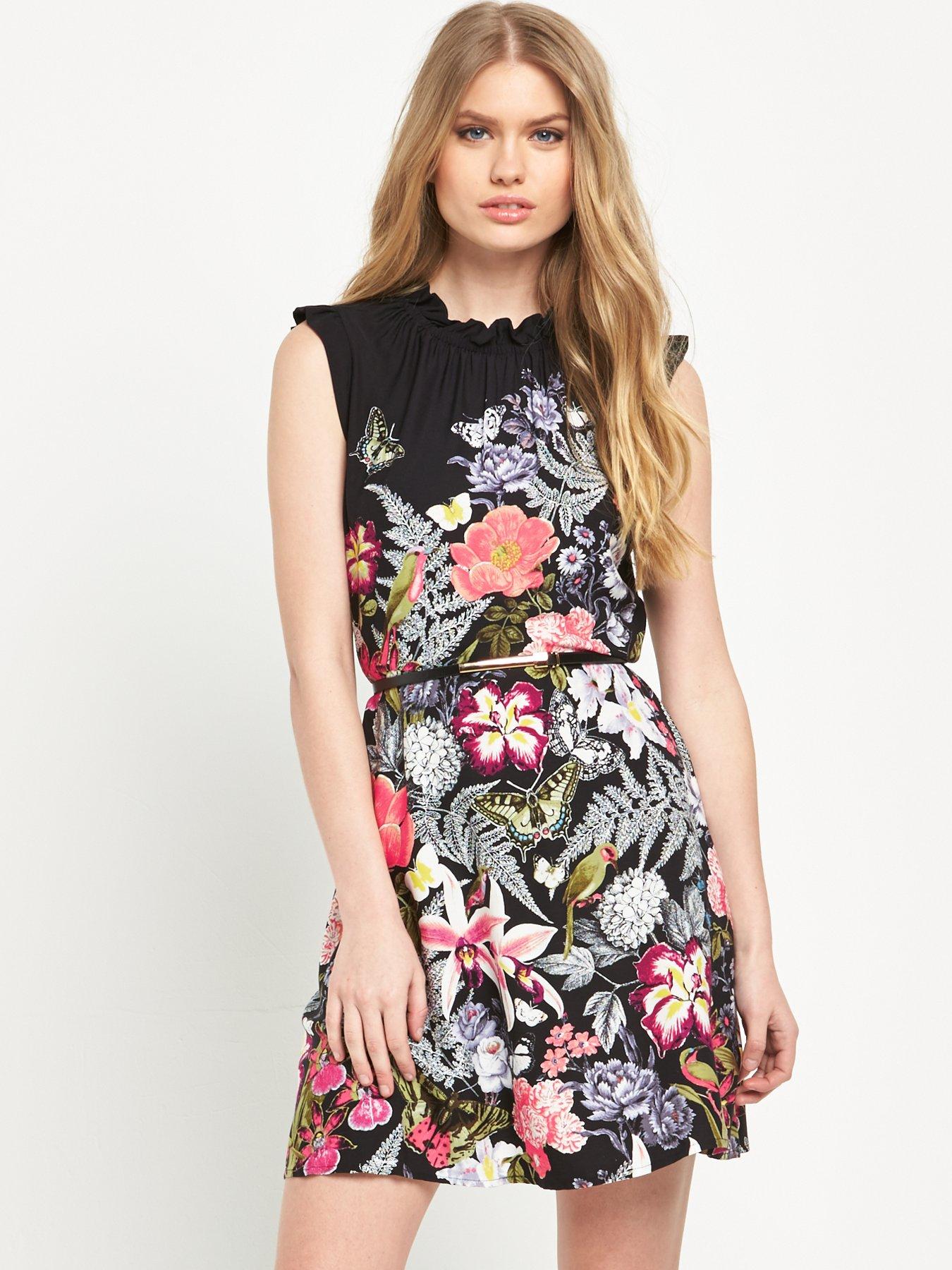
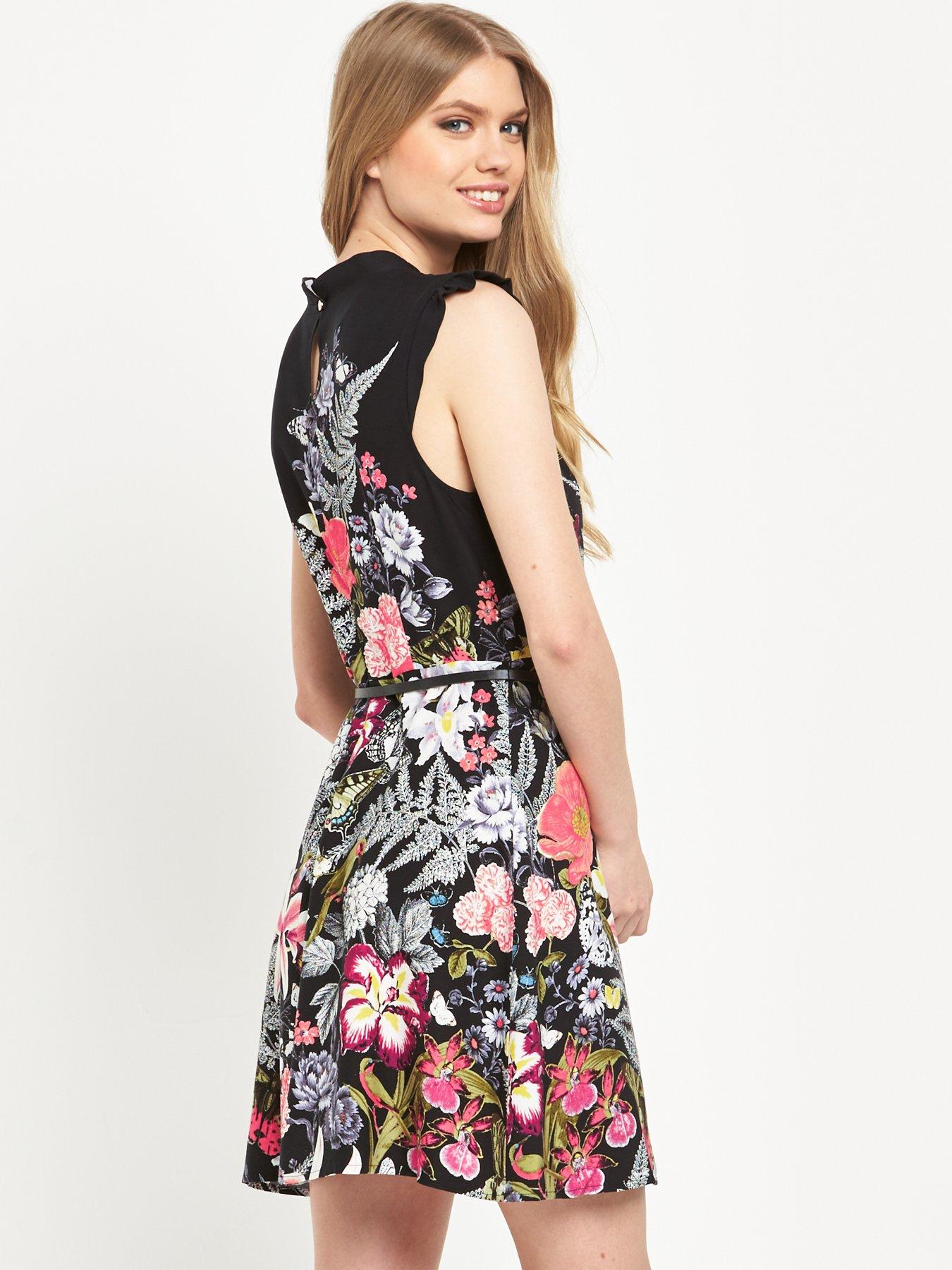
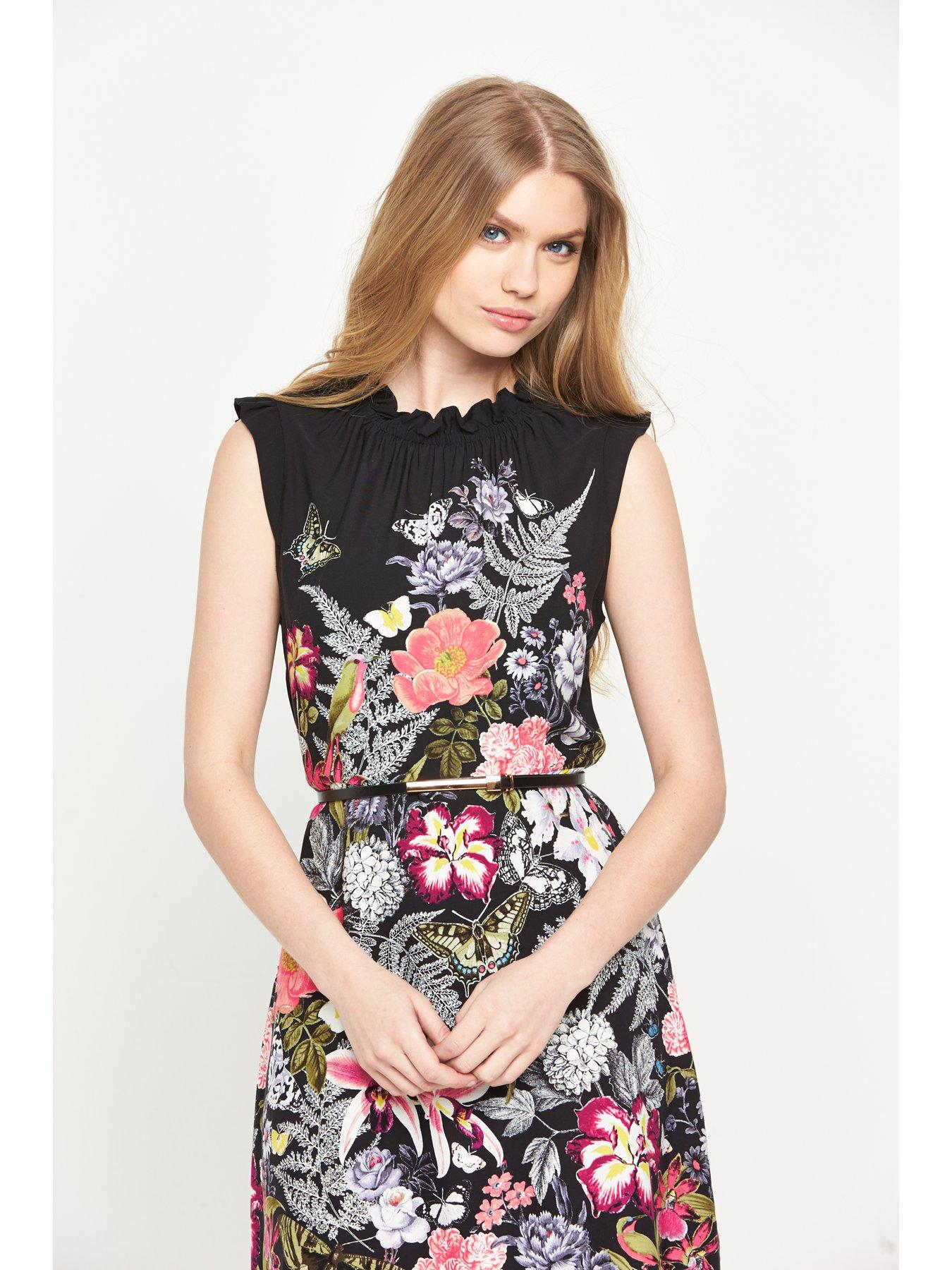
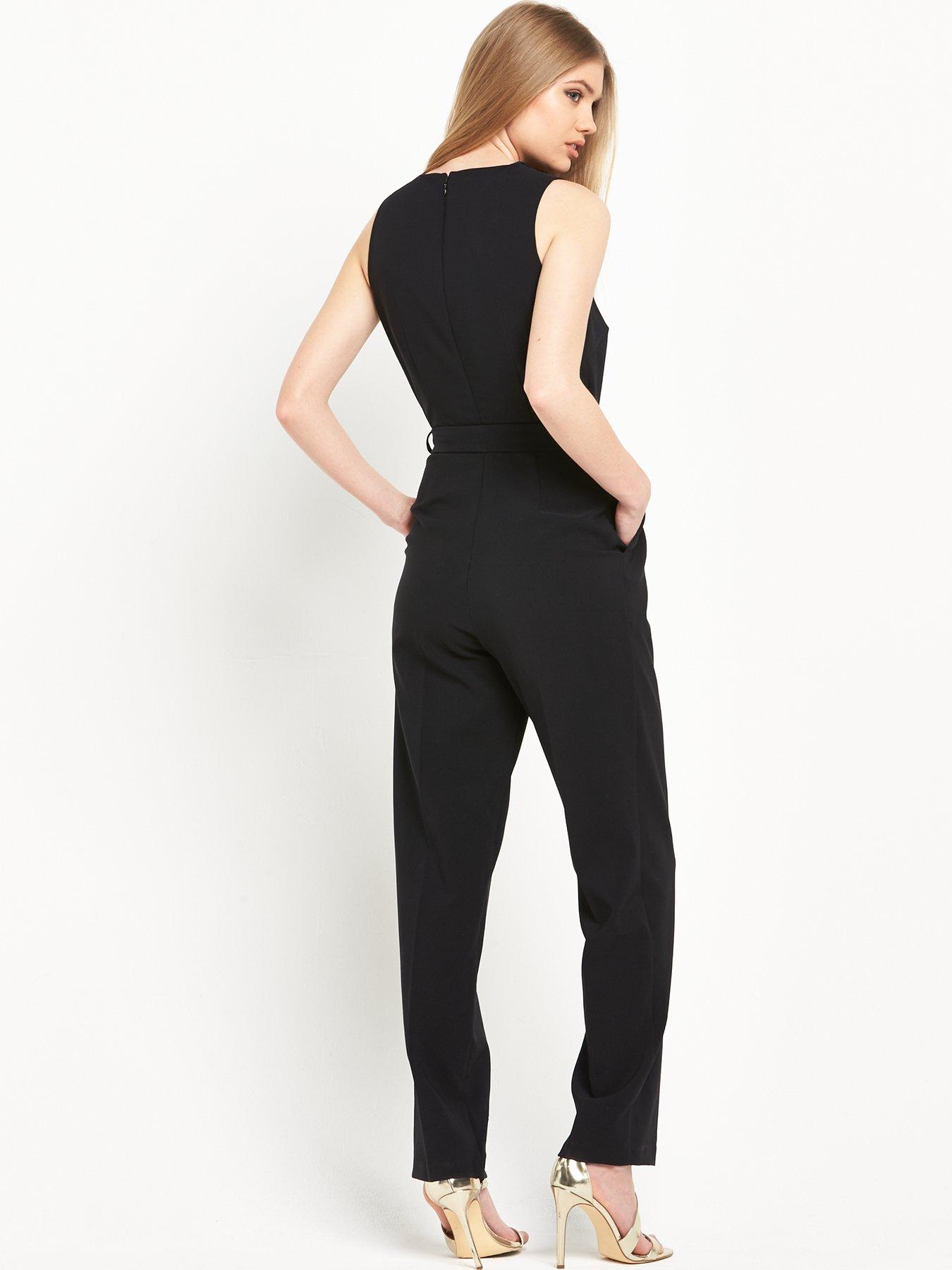
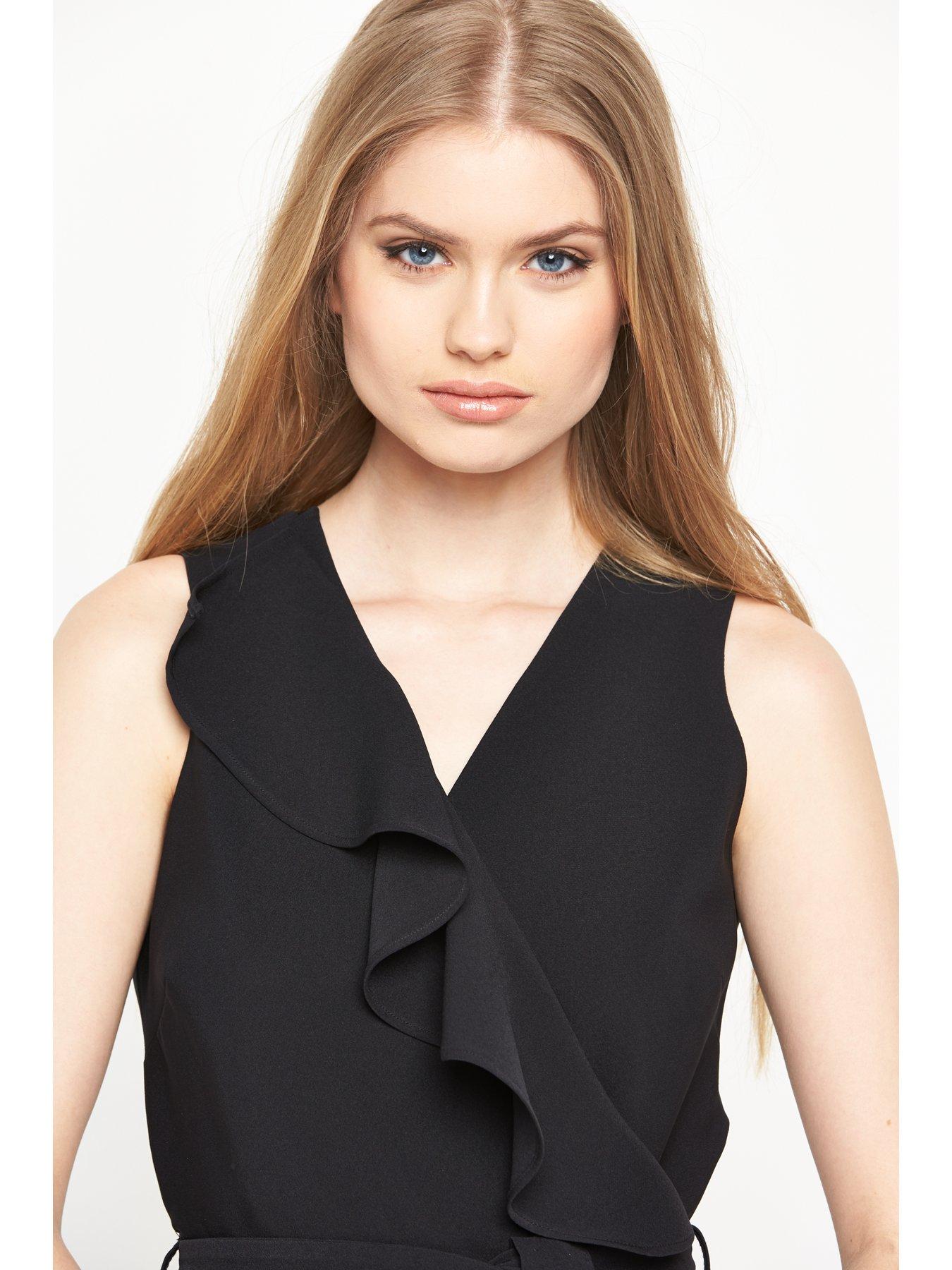
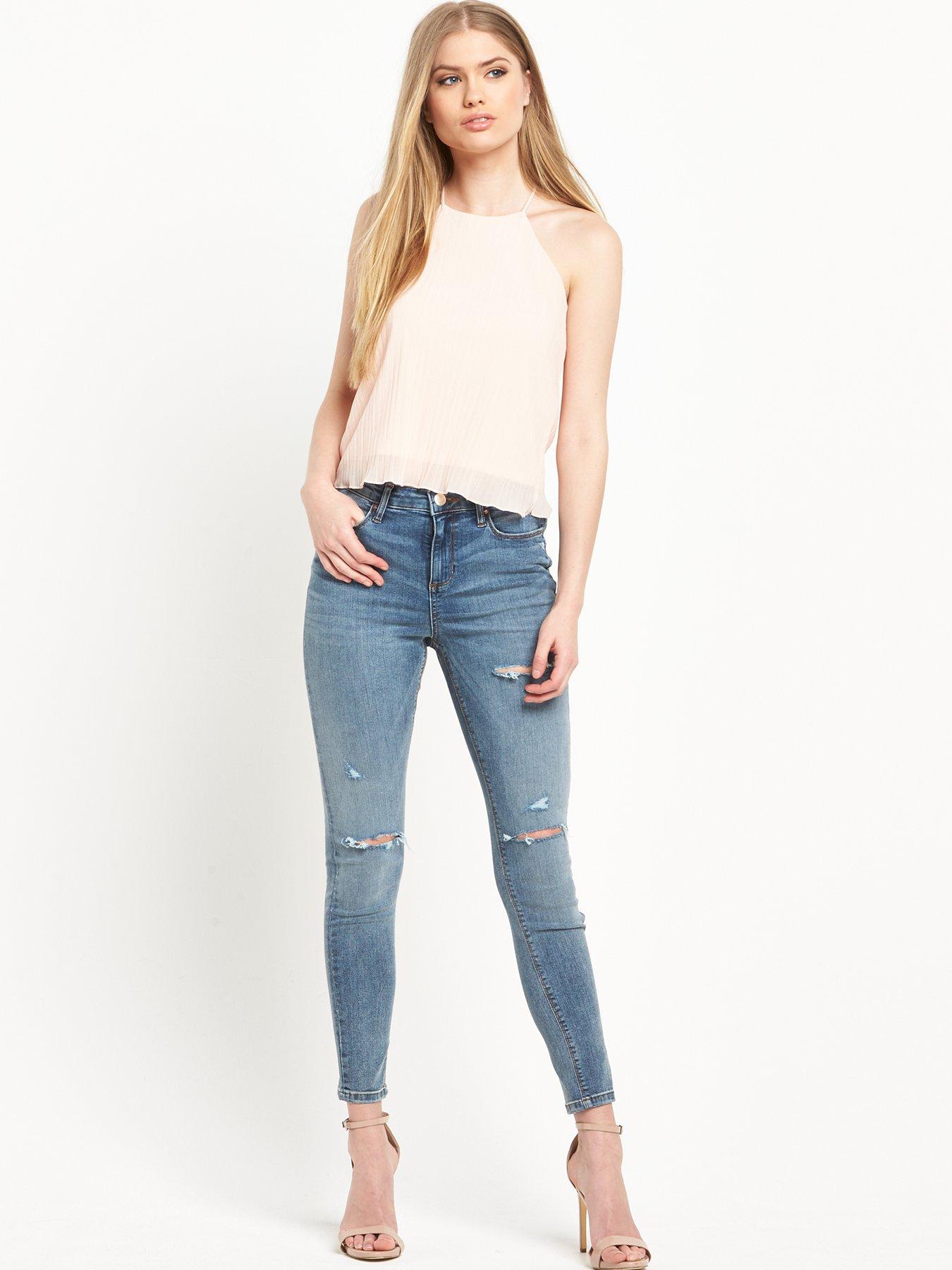
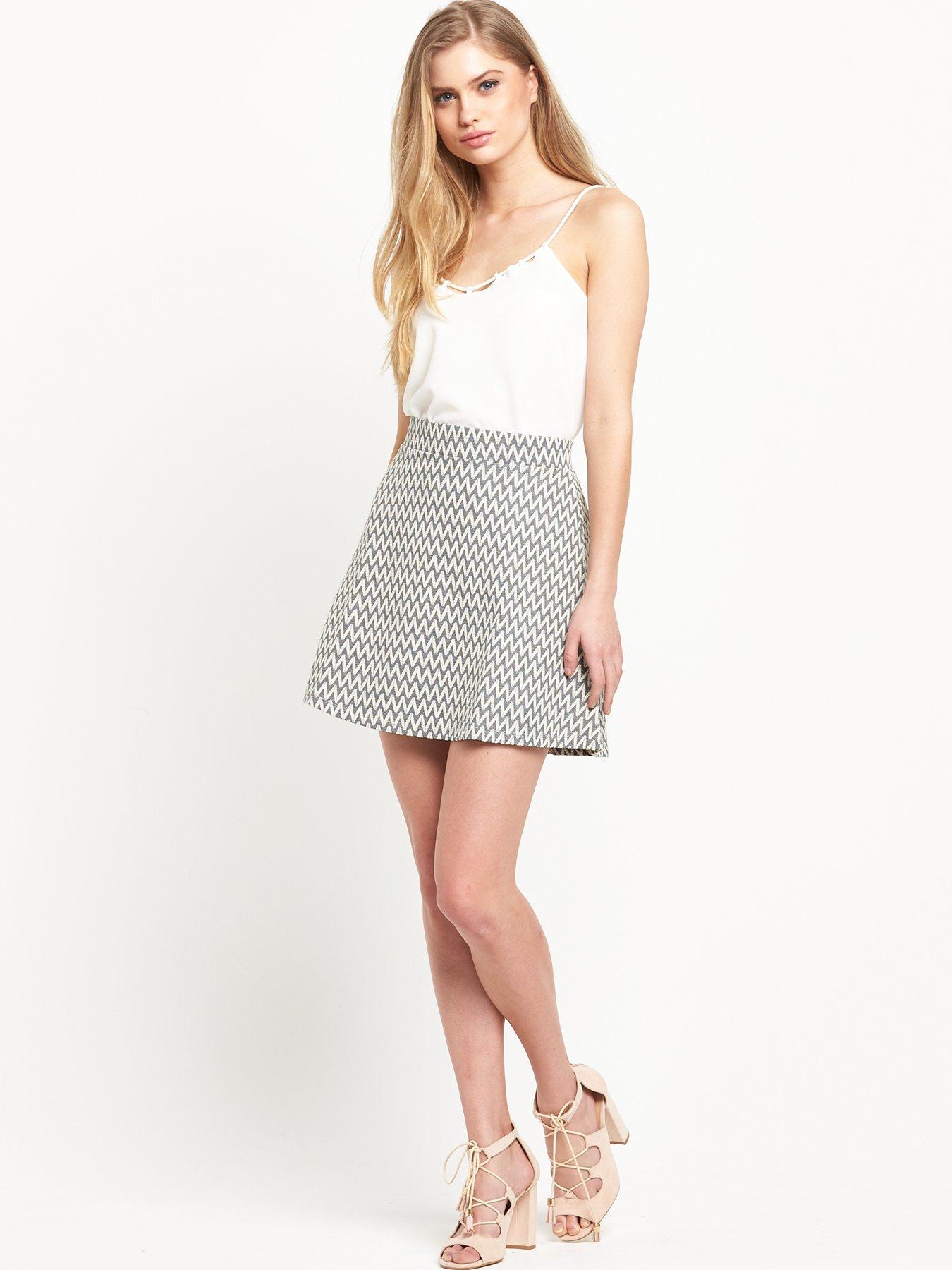
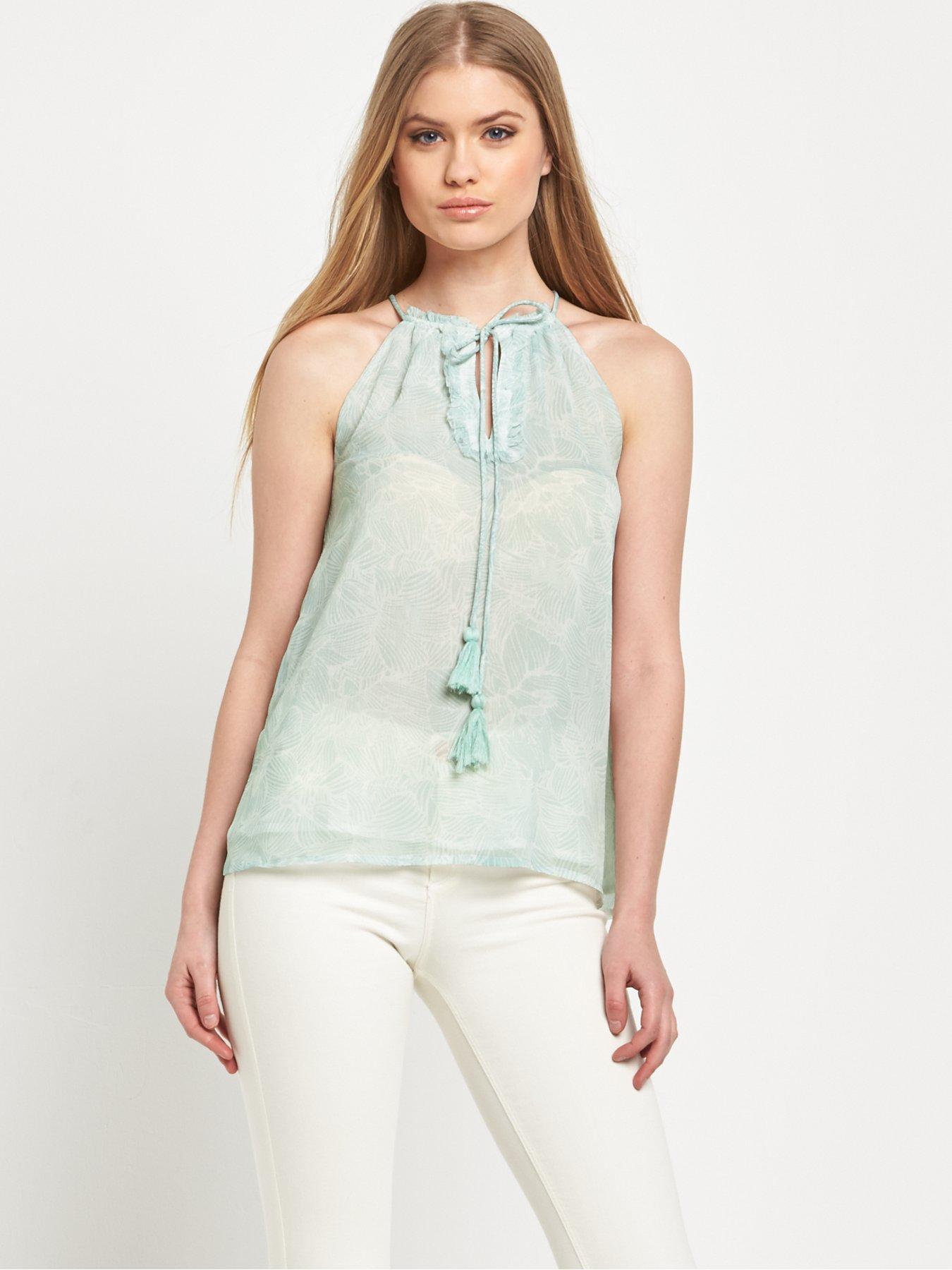
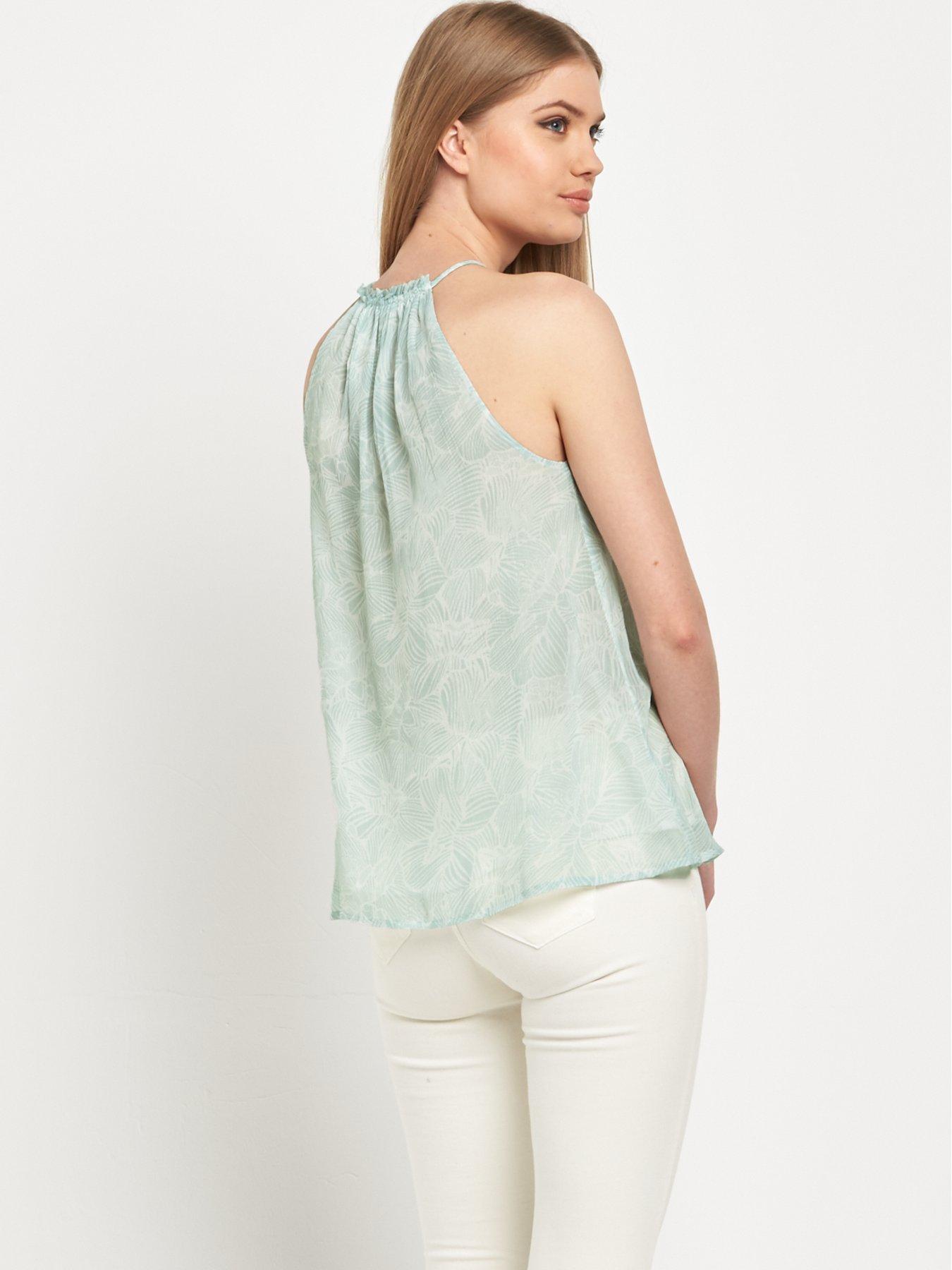
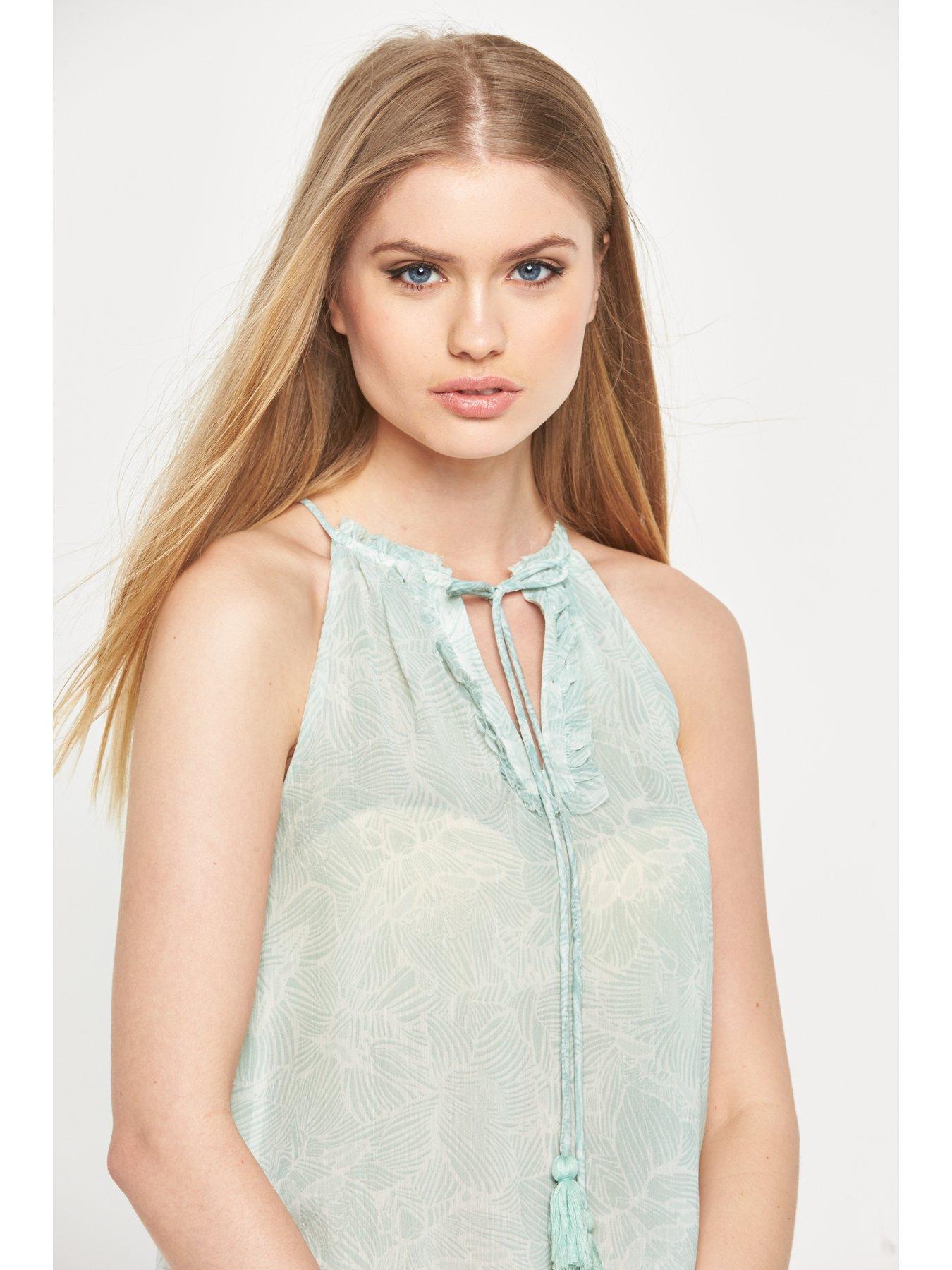
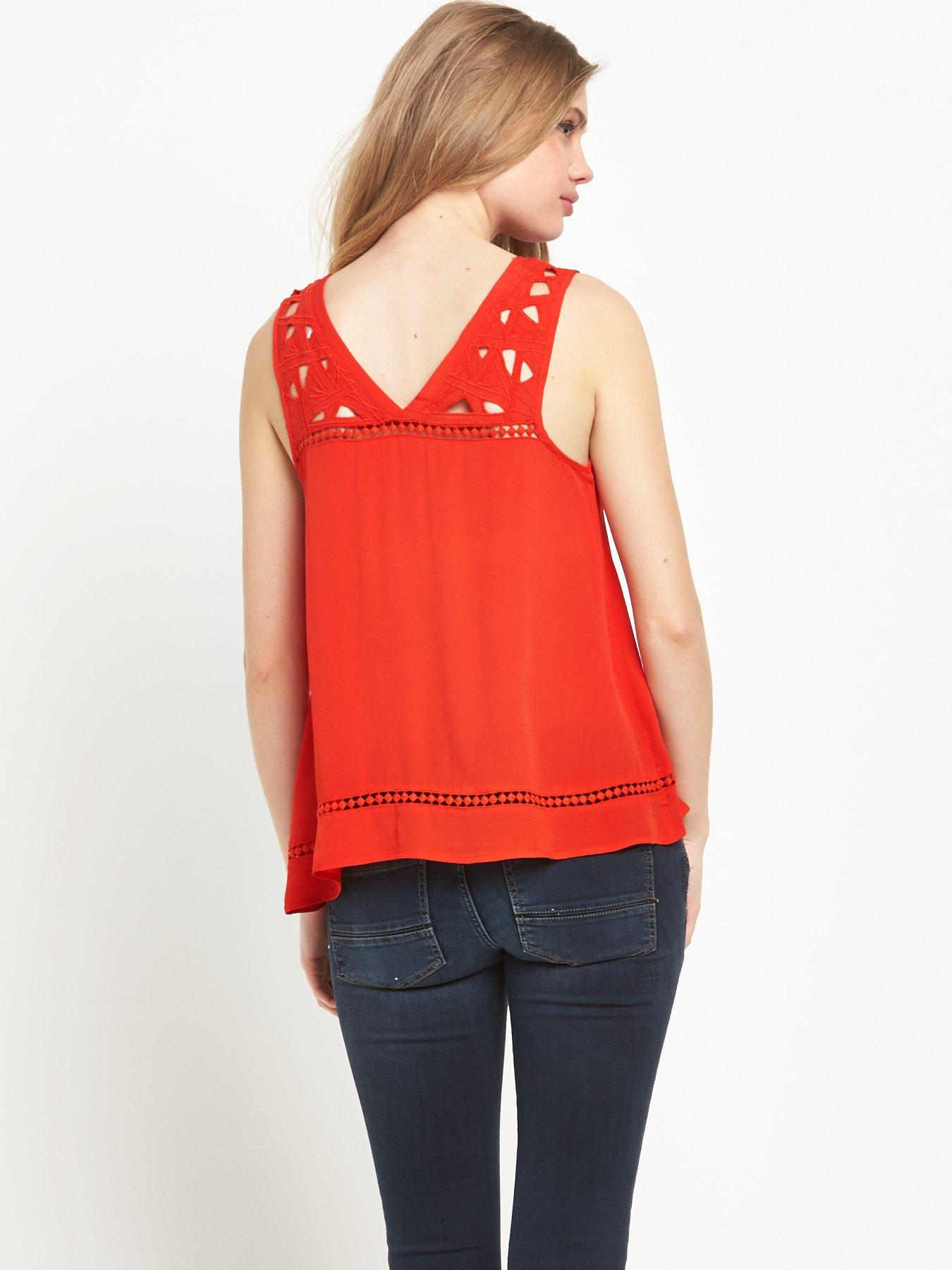
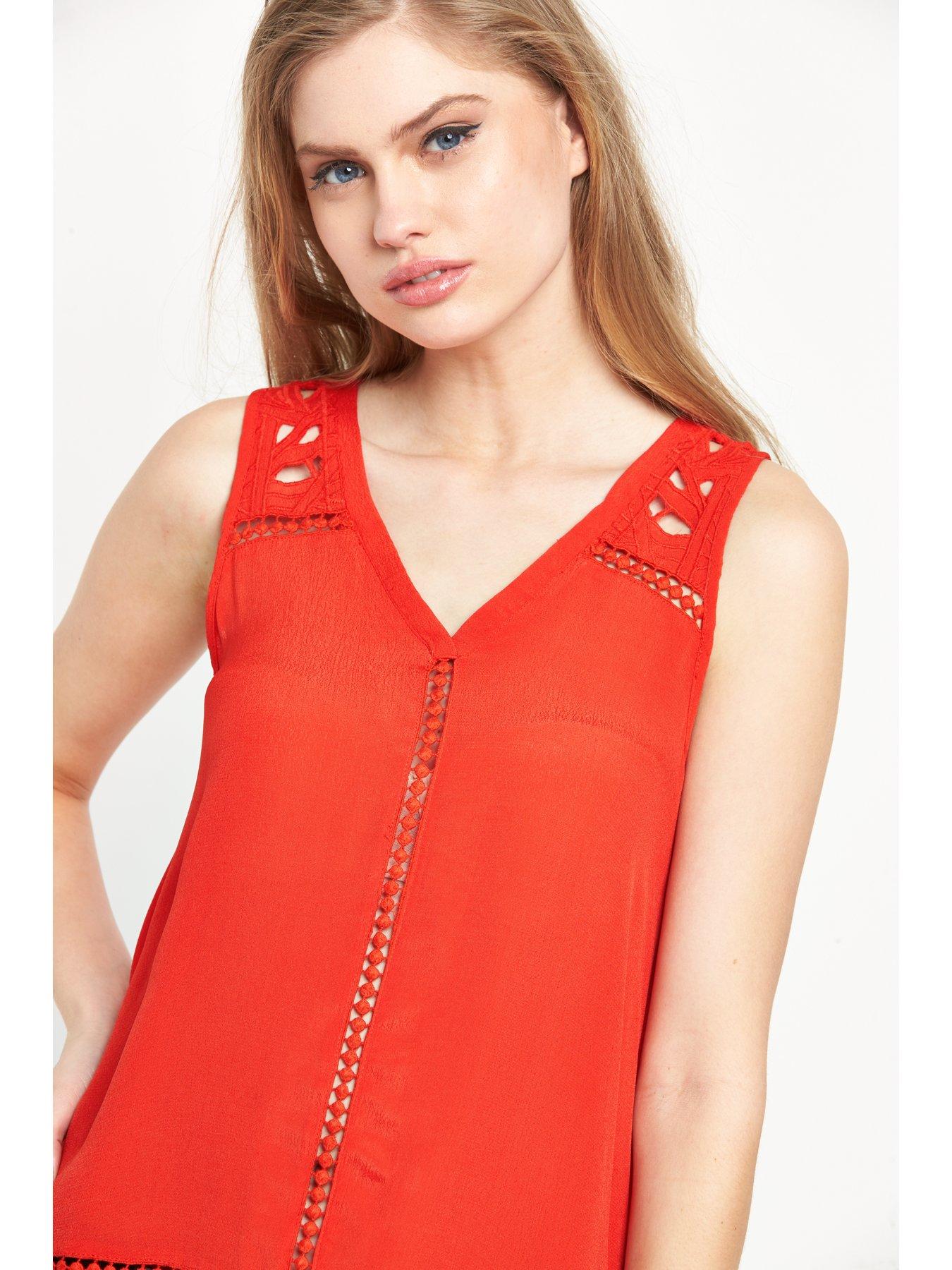
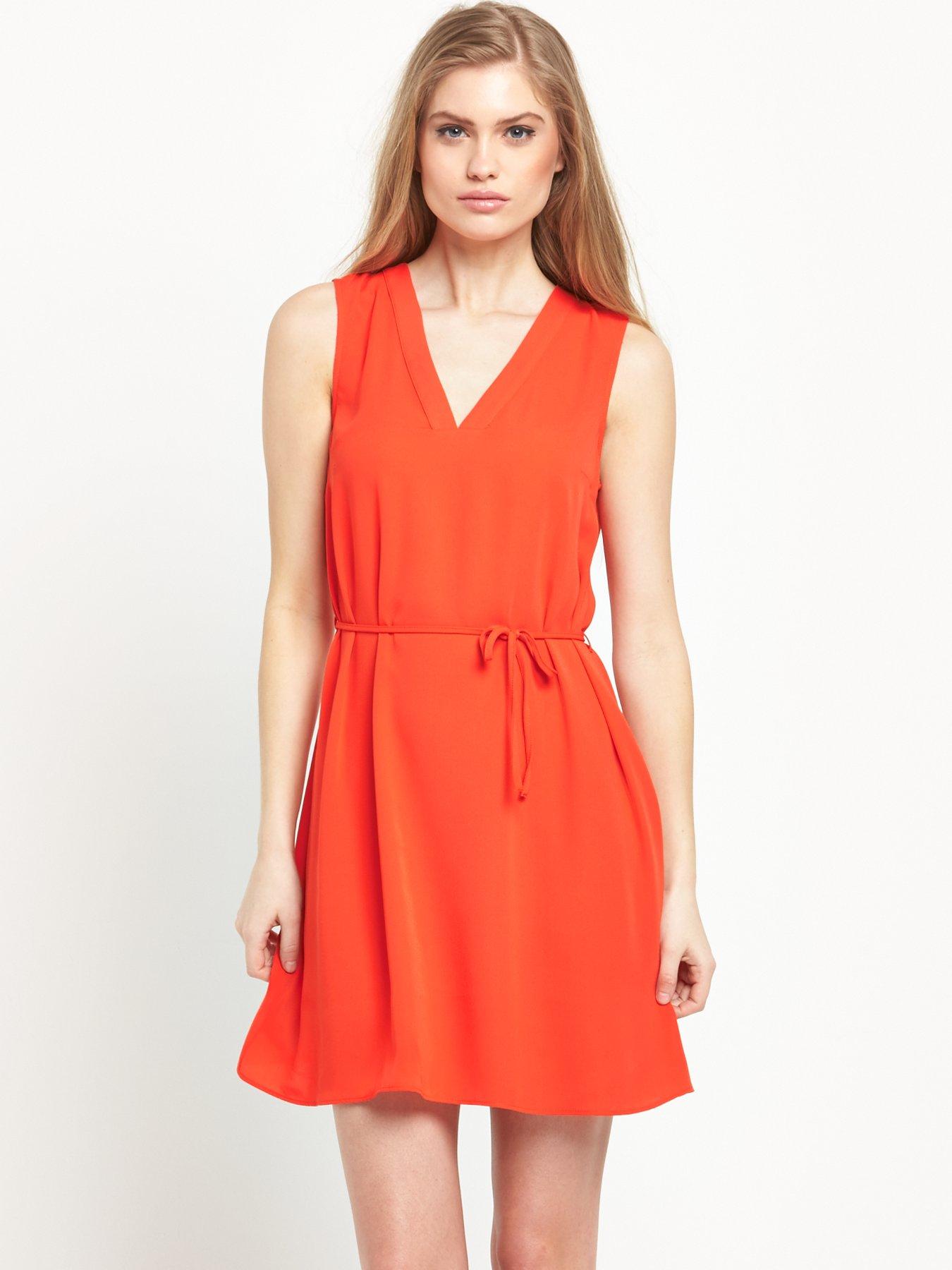
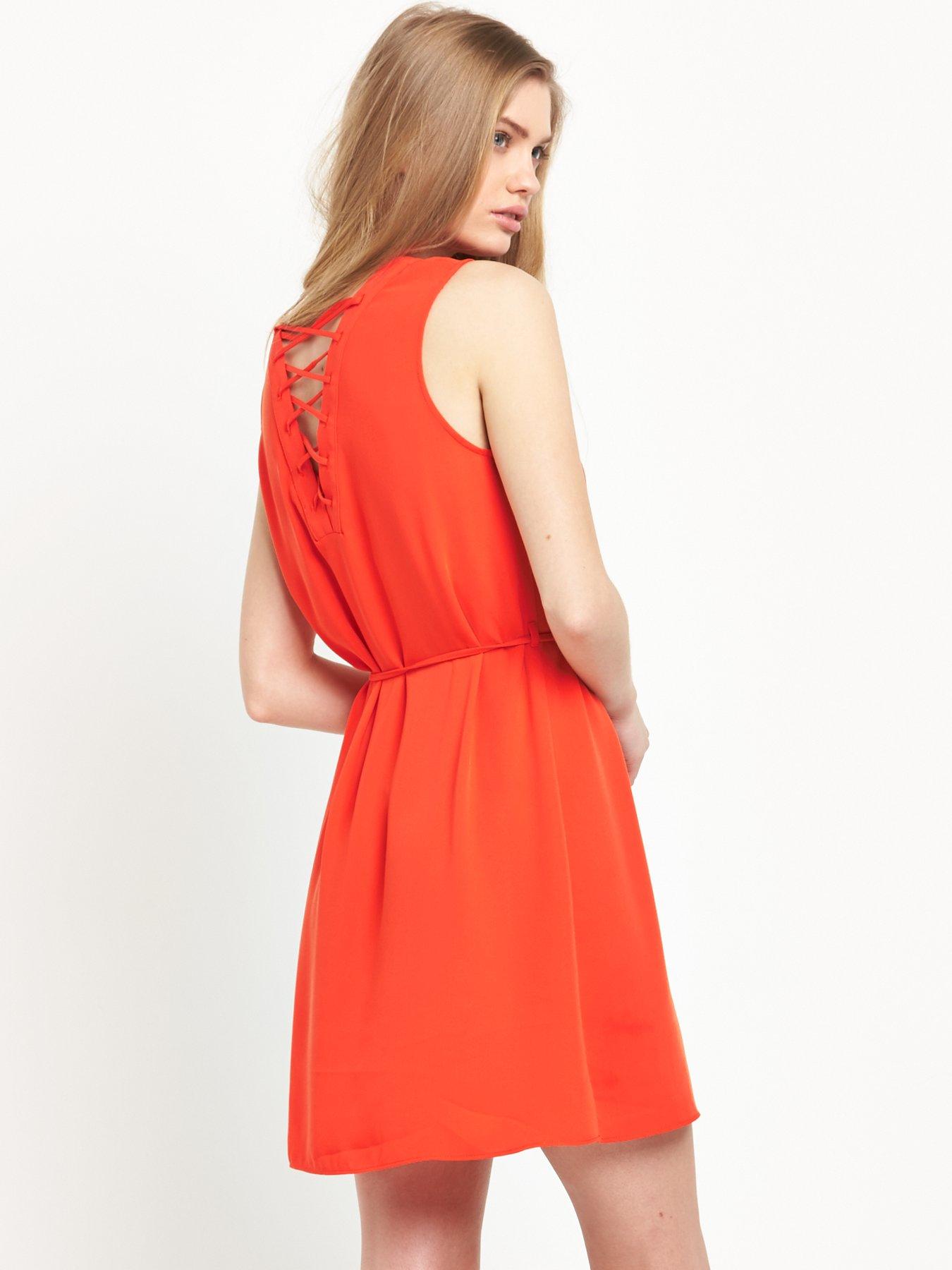
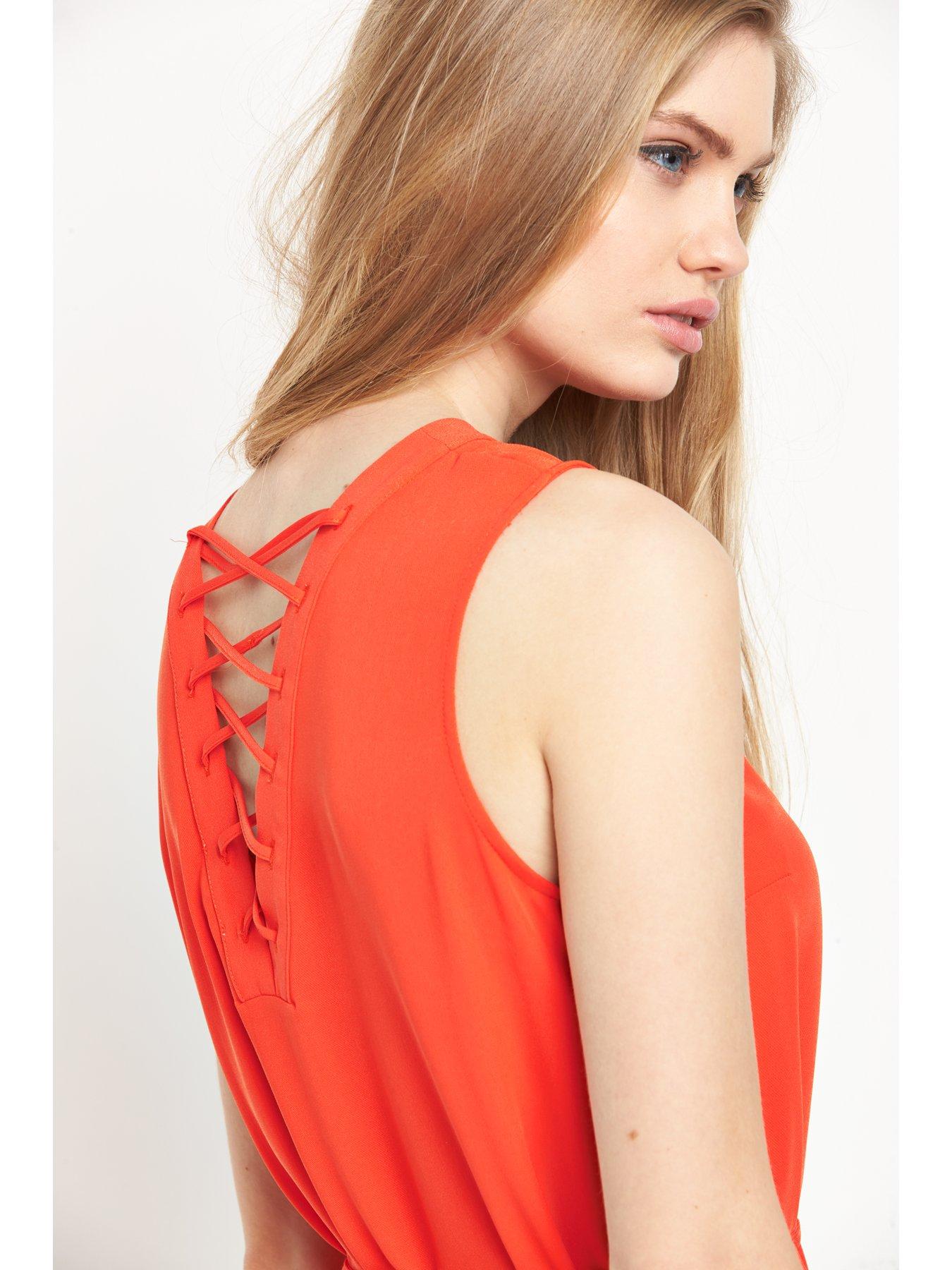
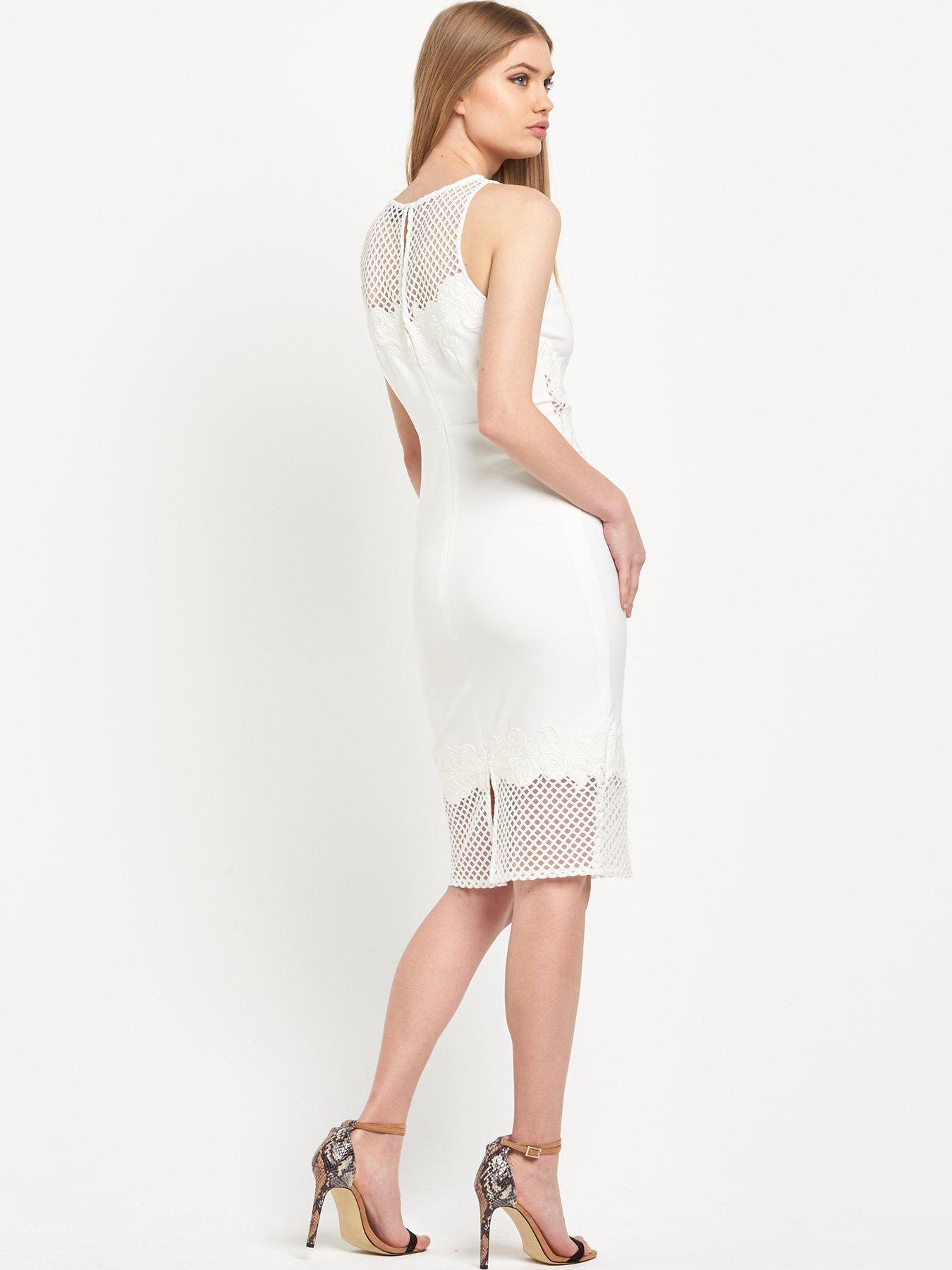
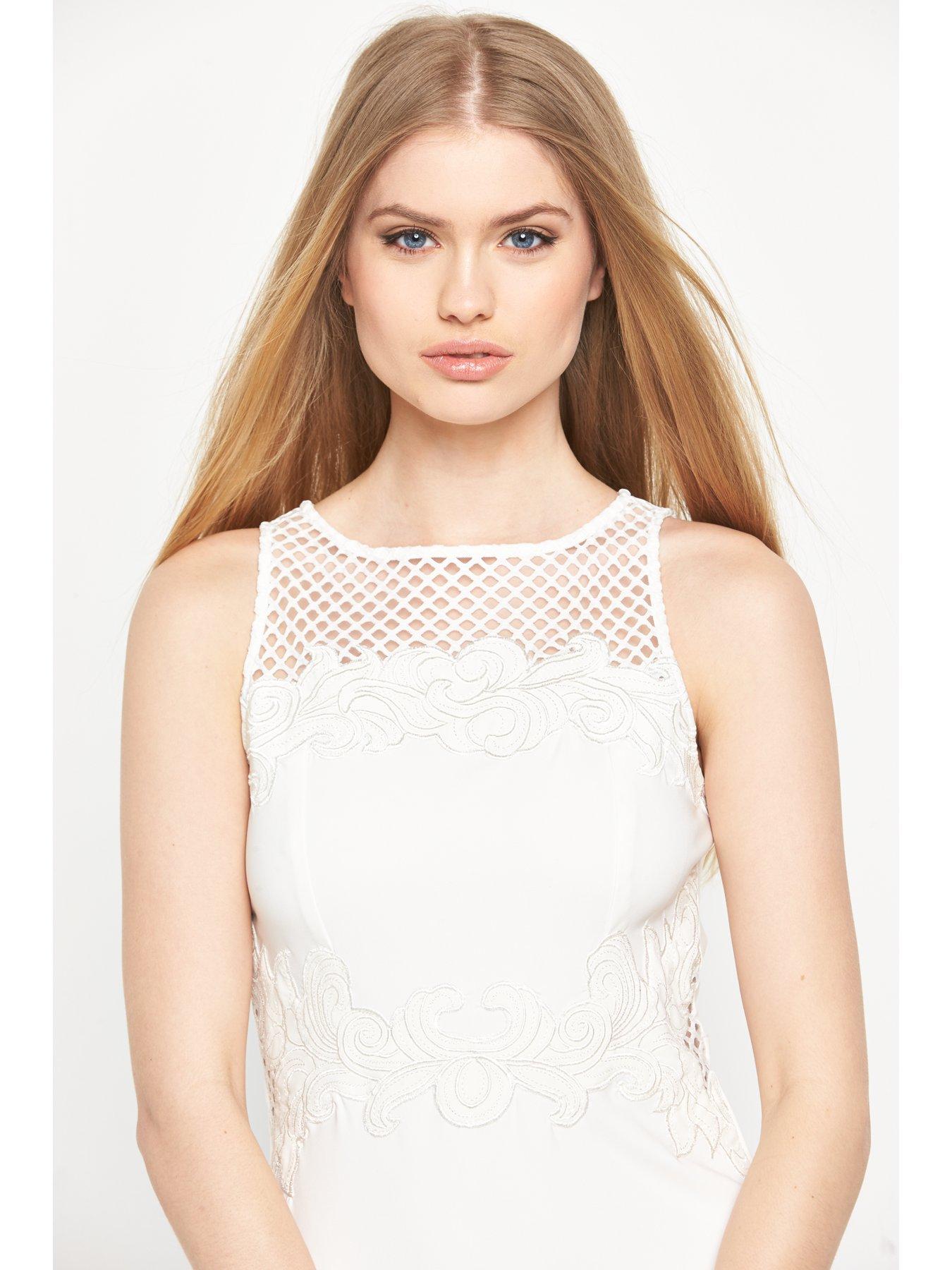
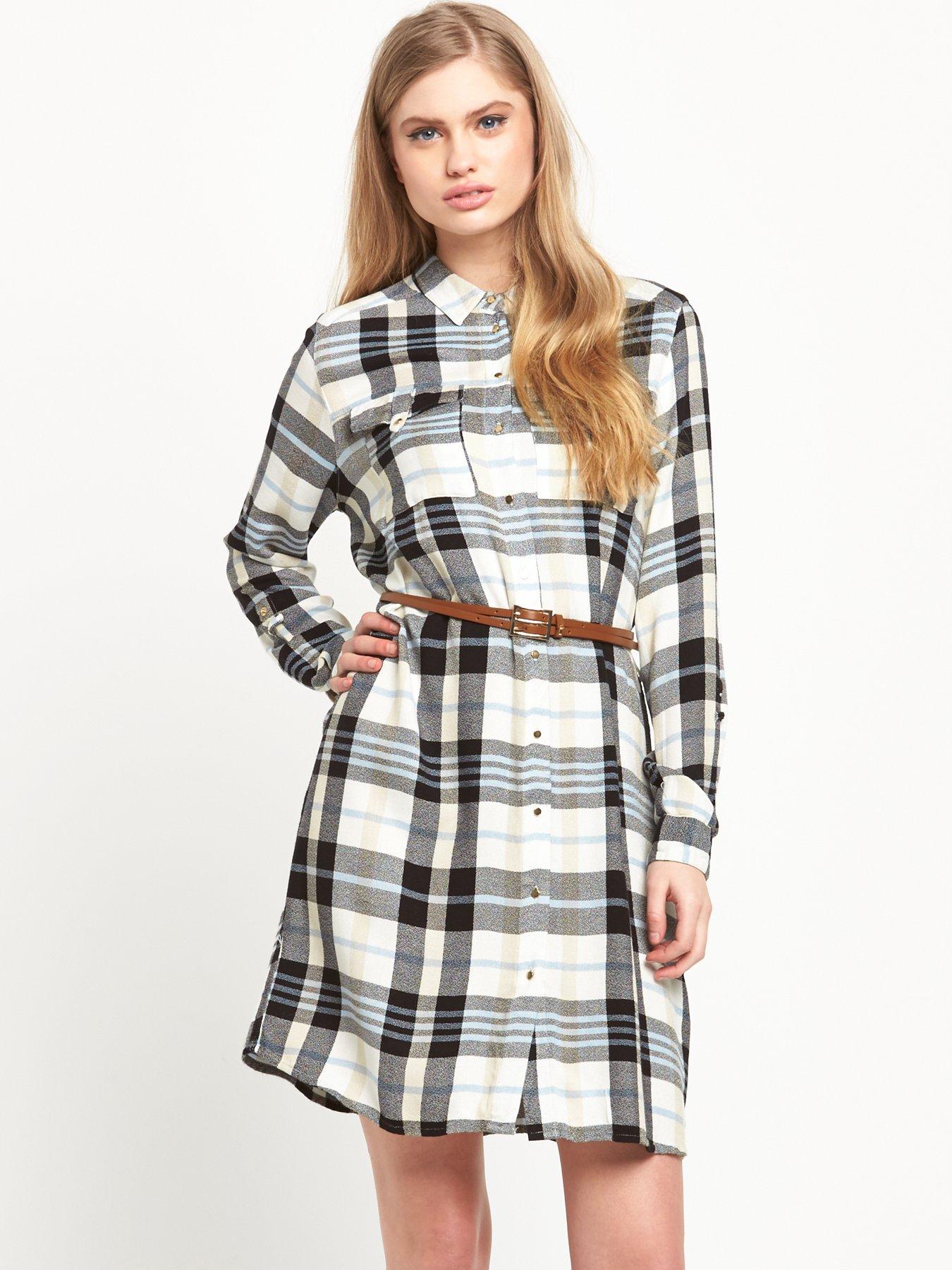
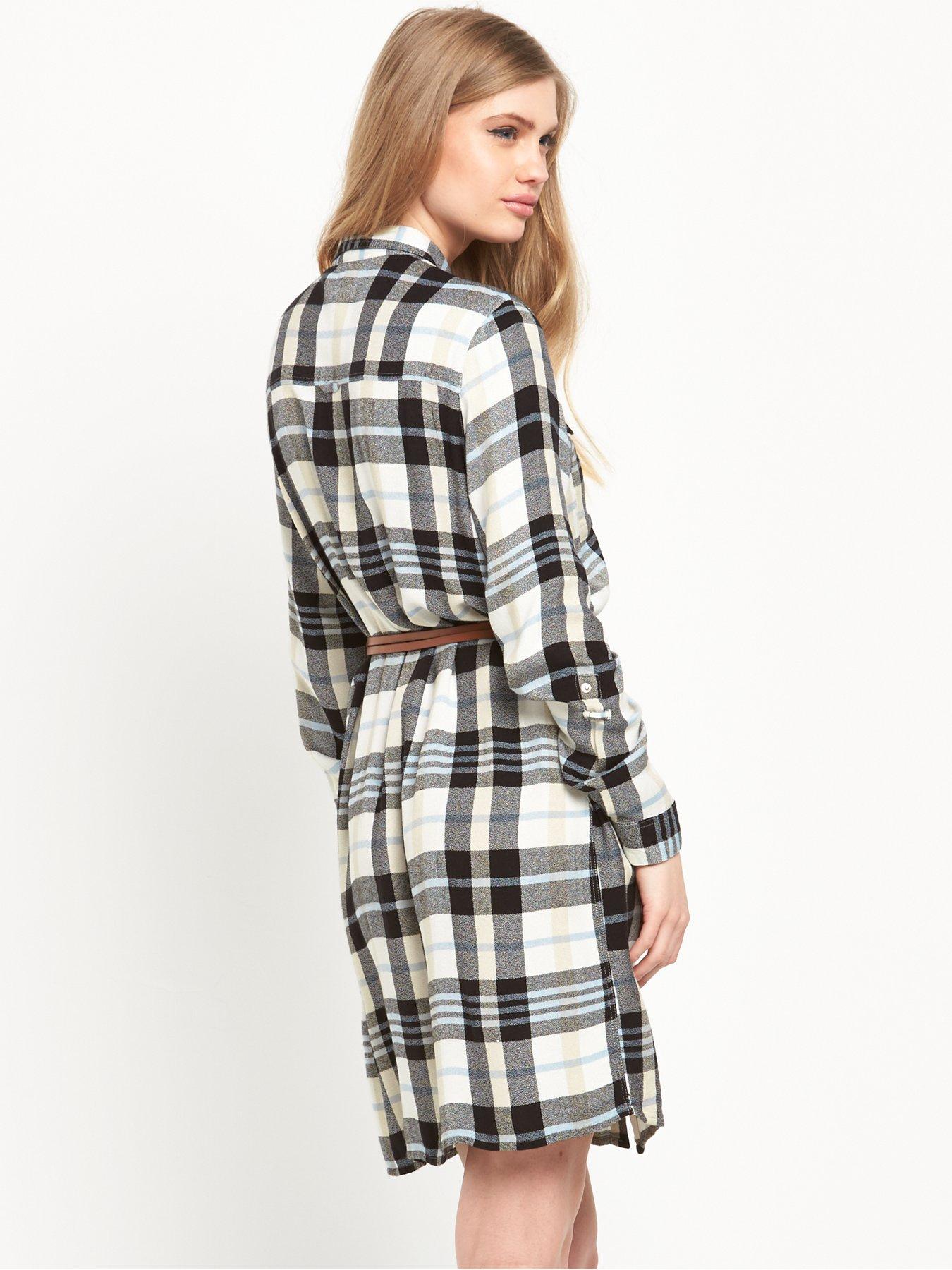
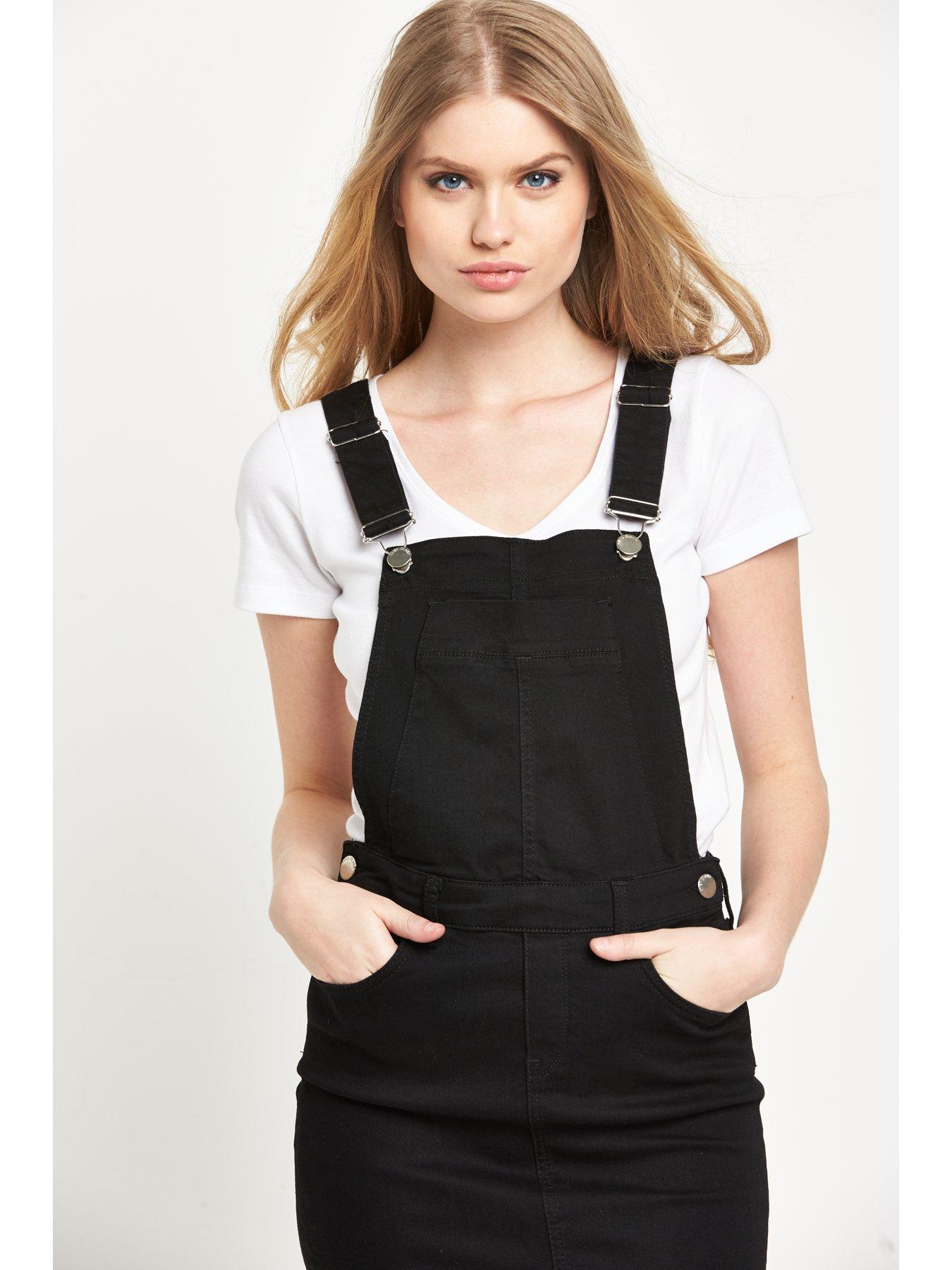
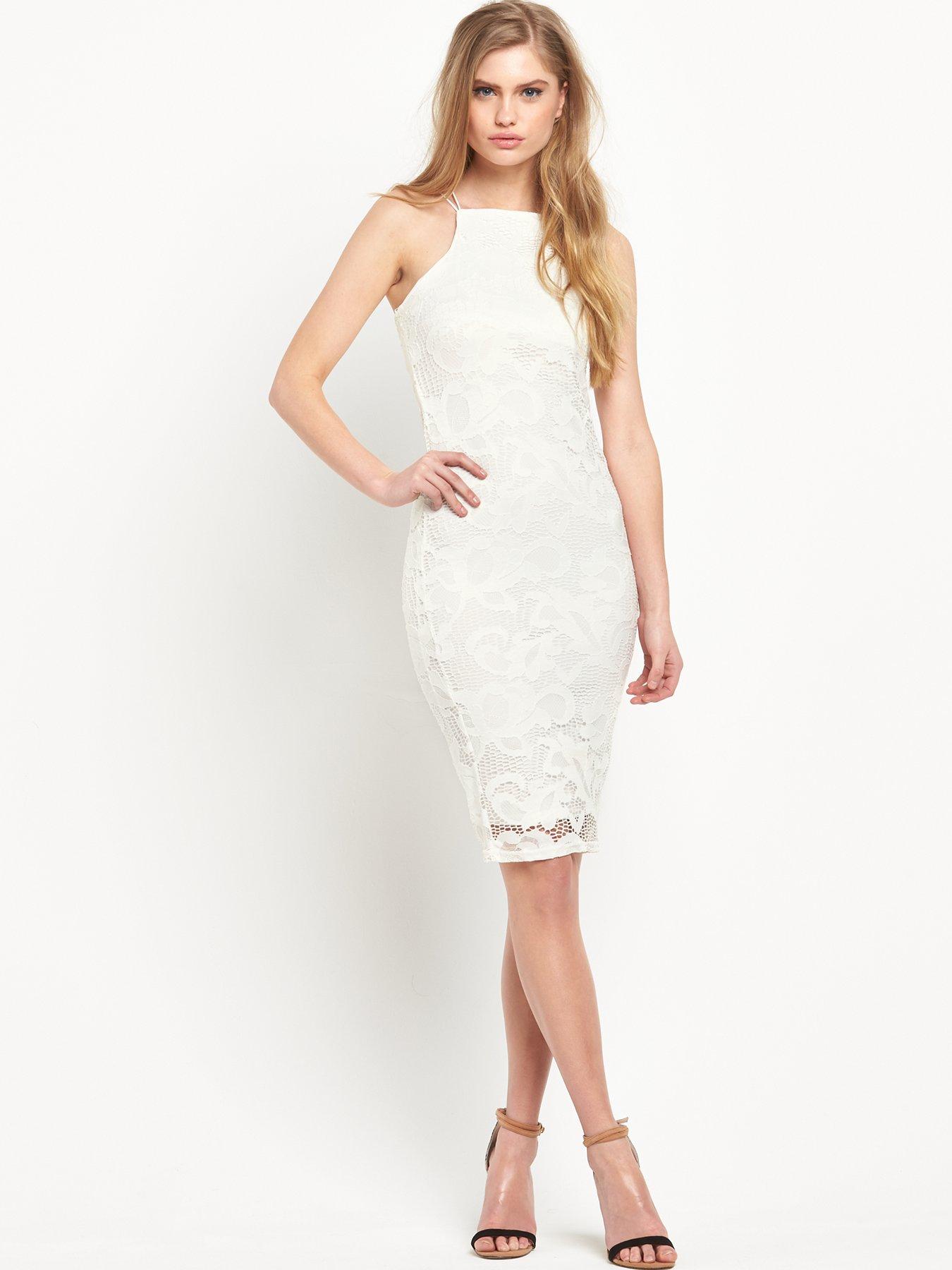
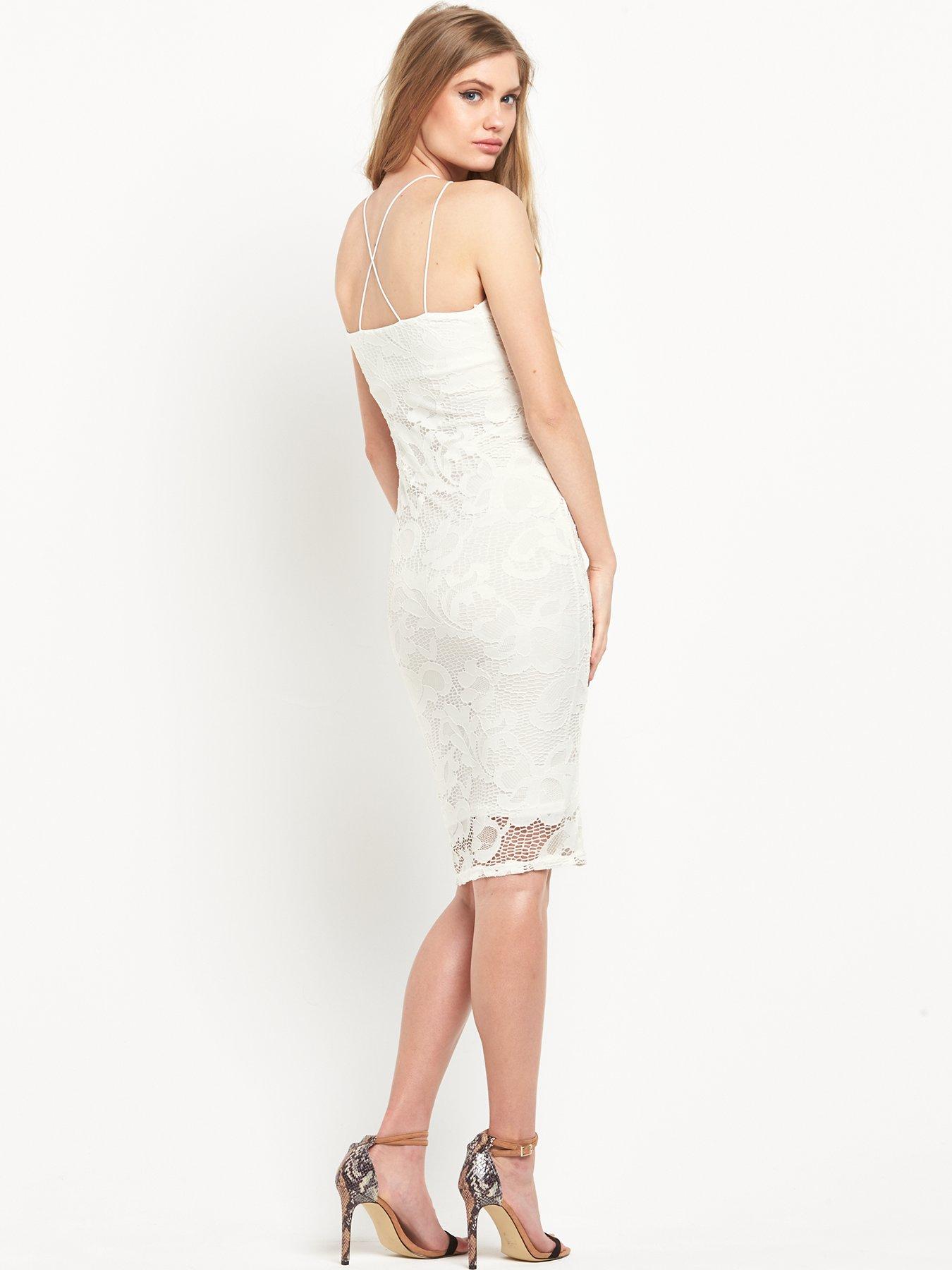
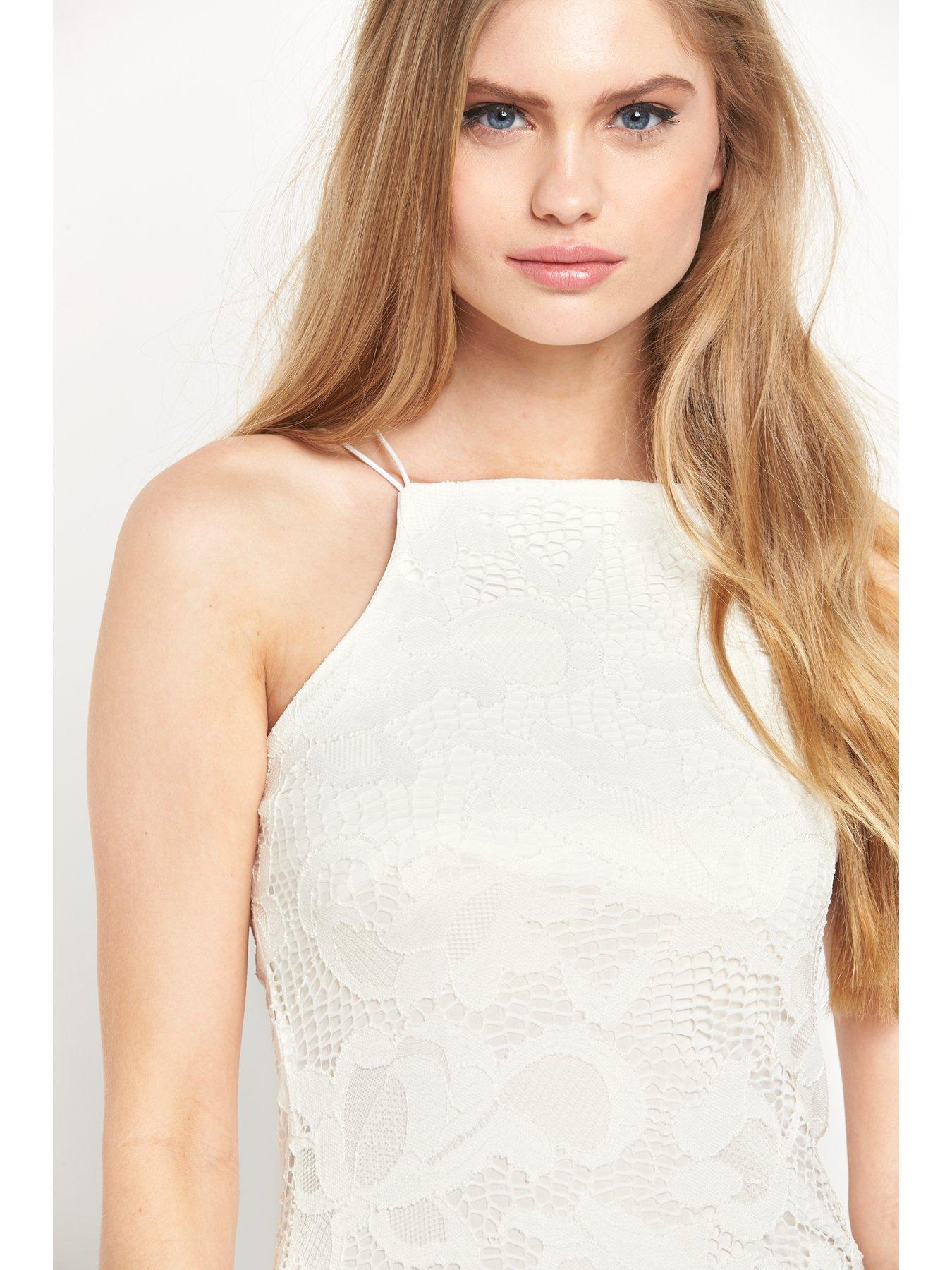
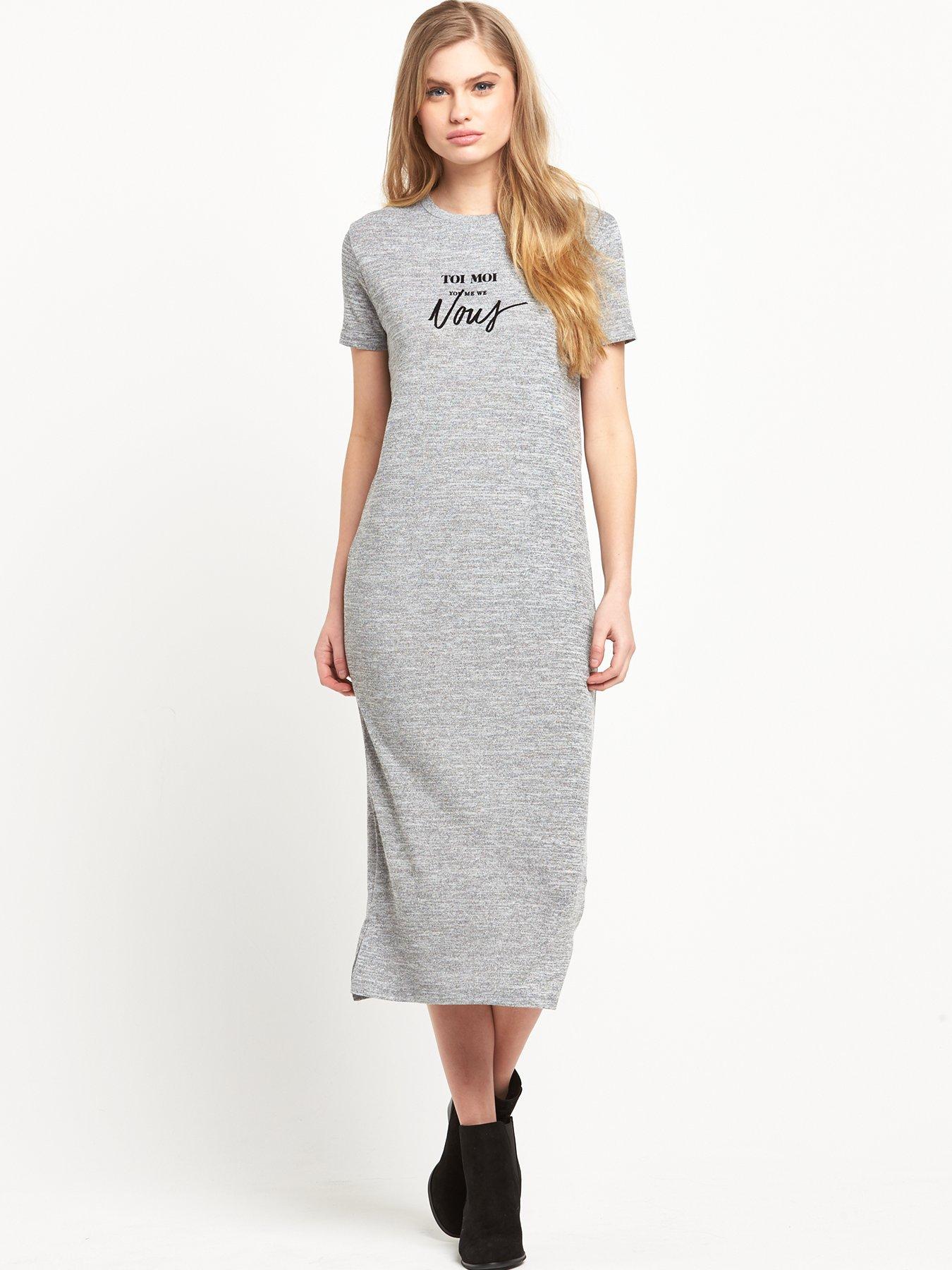
Very.co.uk - Vero Moda / Replay
Lipsy Vesper Collection
Shooting for models.com
Irina and her dresser.
Irina is last.
^ No problem! I had a field day.
Very.co.uk - Vero Moda / Replay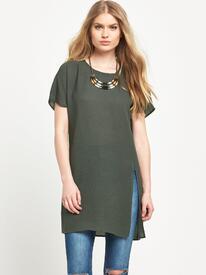
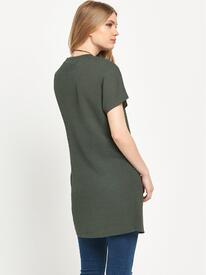
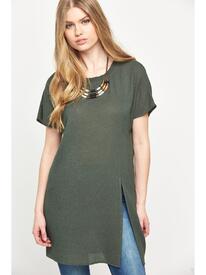
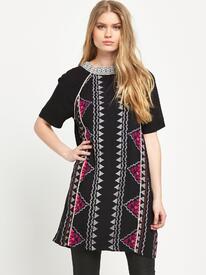
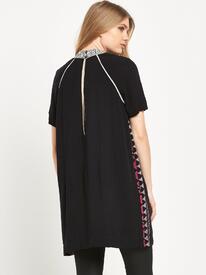
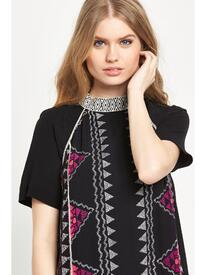
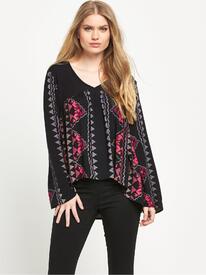
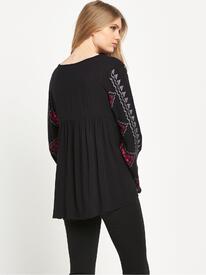
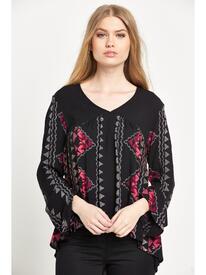
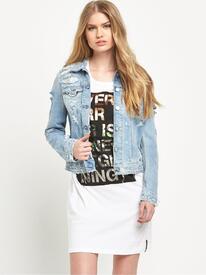
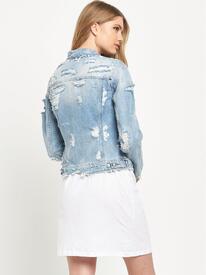
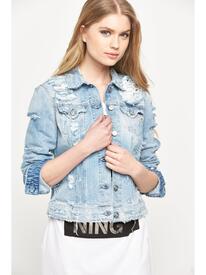
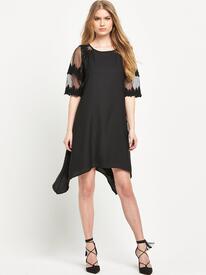
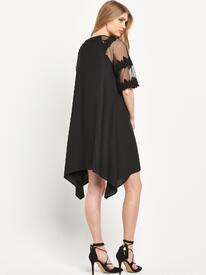
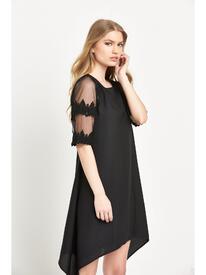
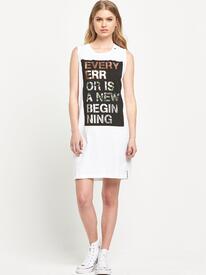
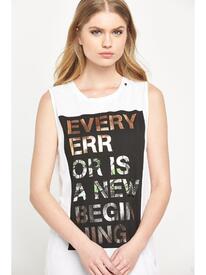
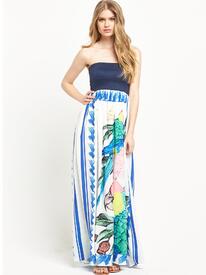
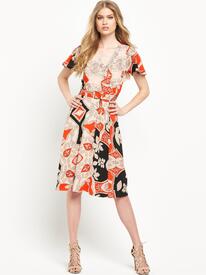
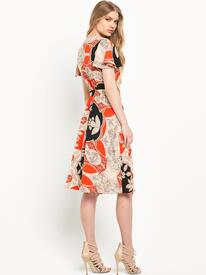
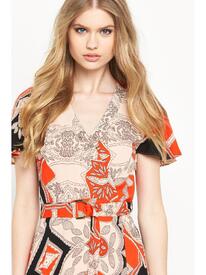
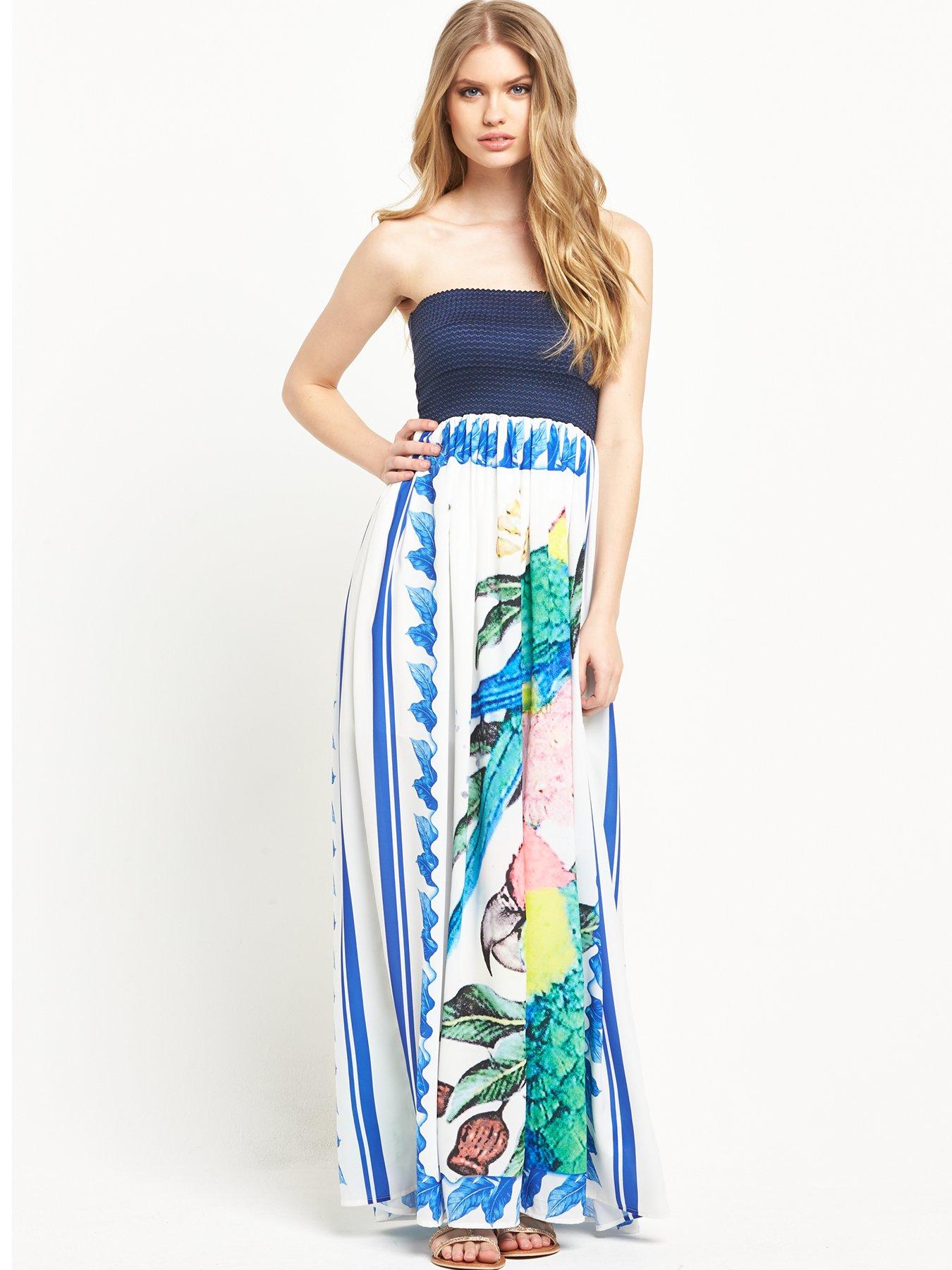
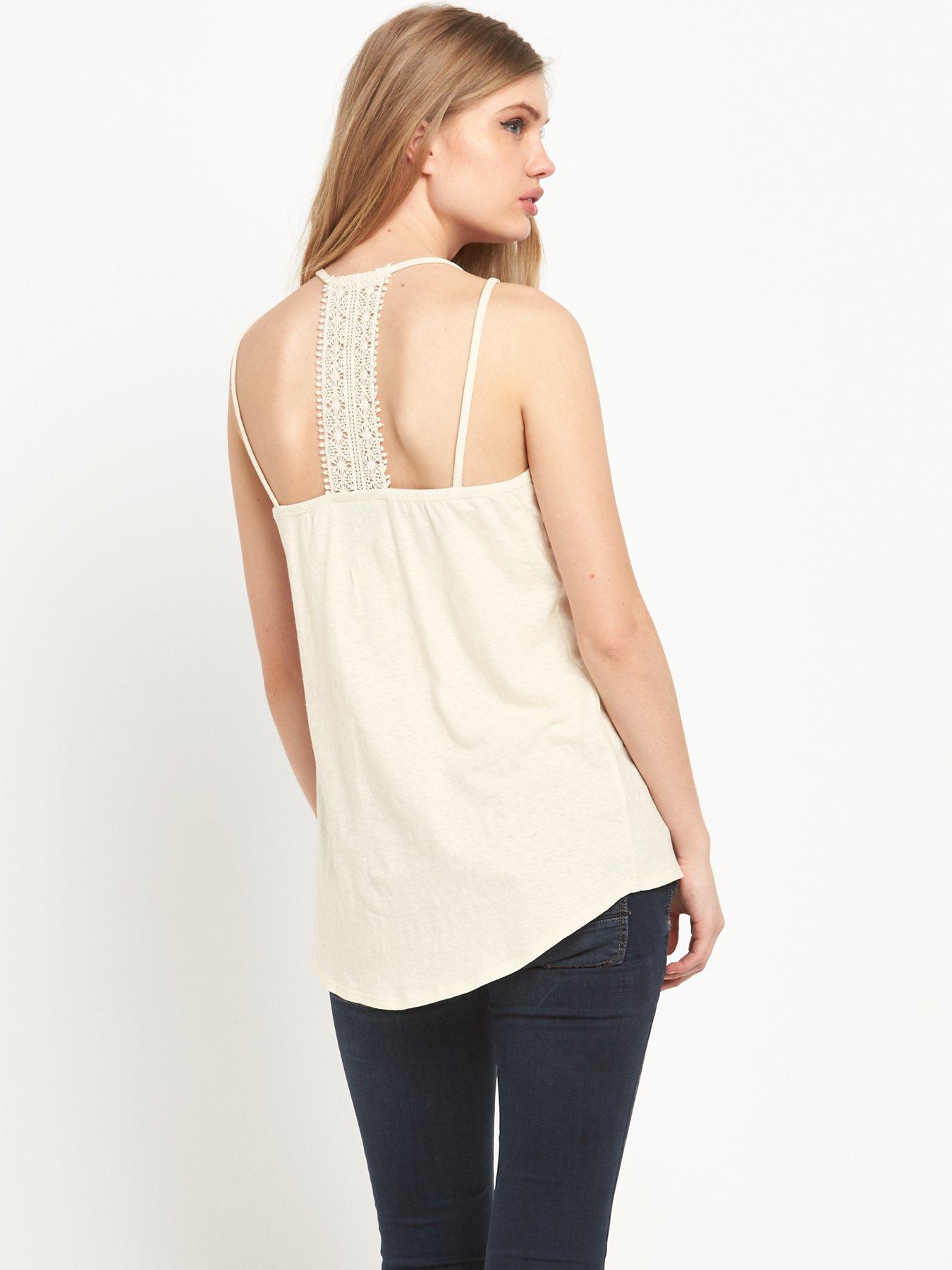
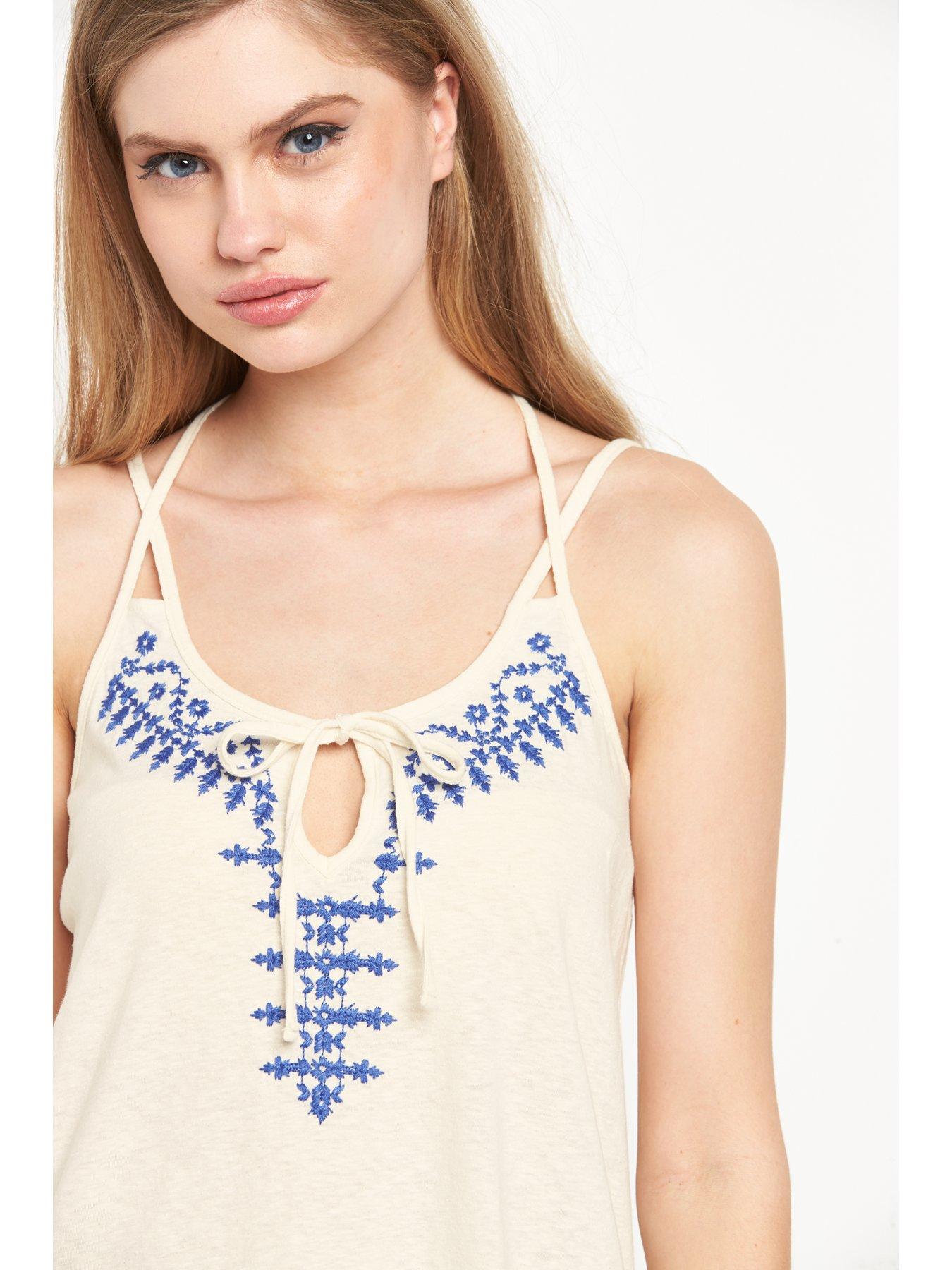
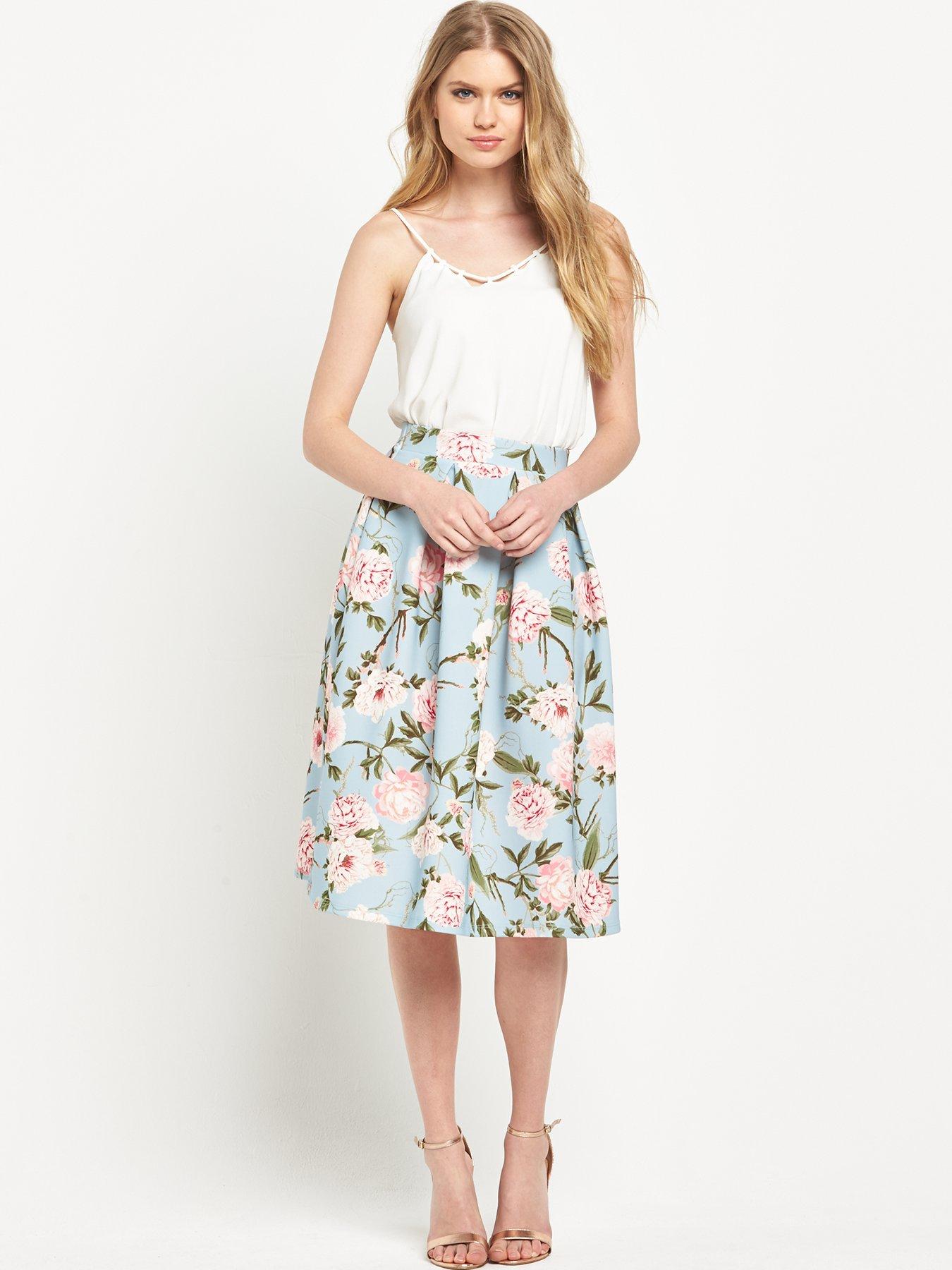
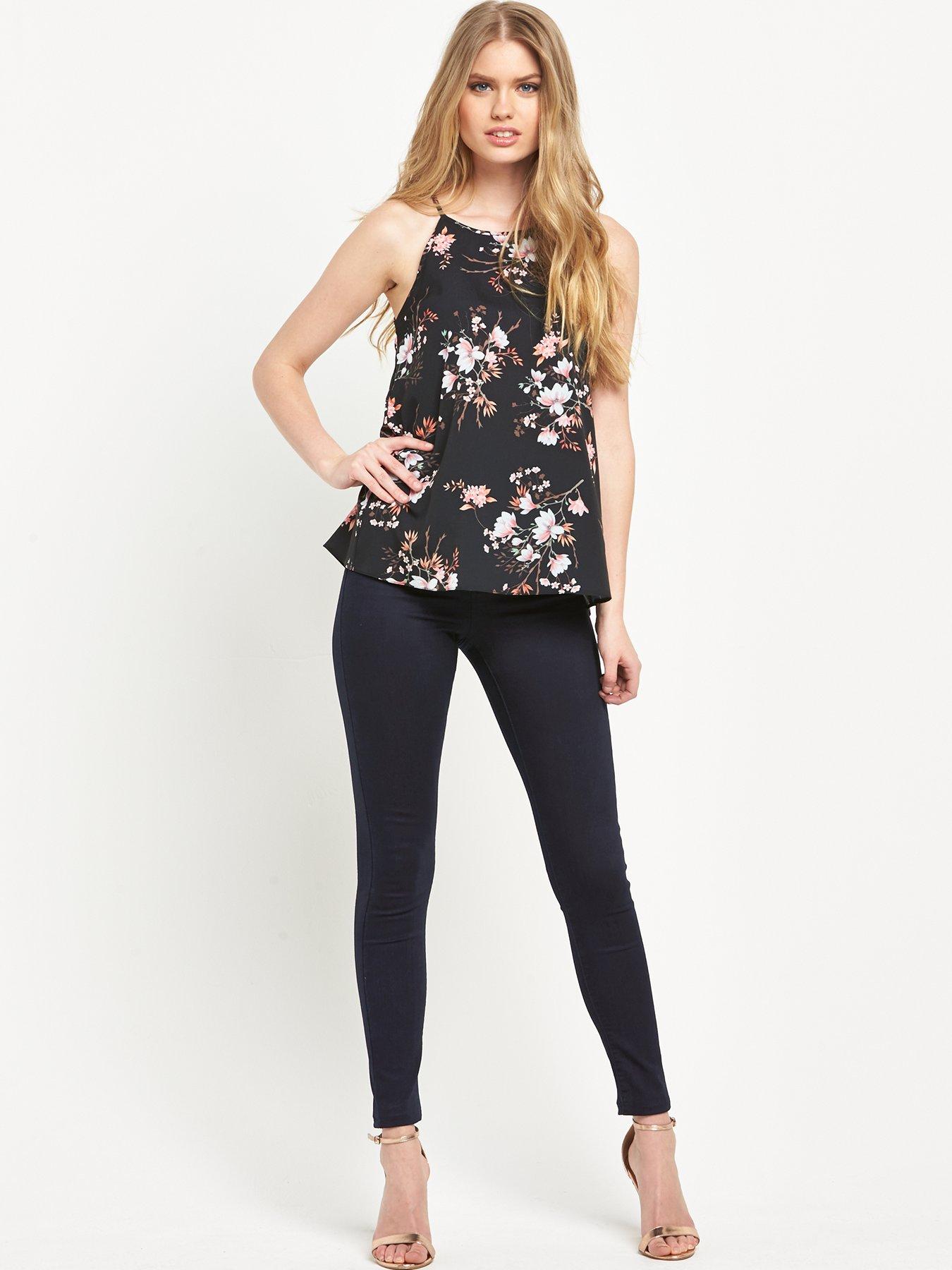
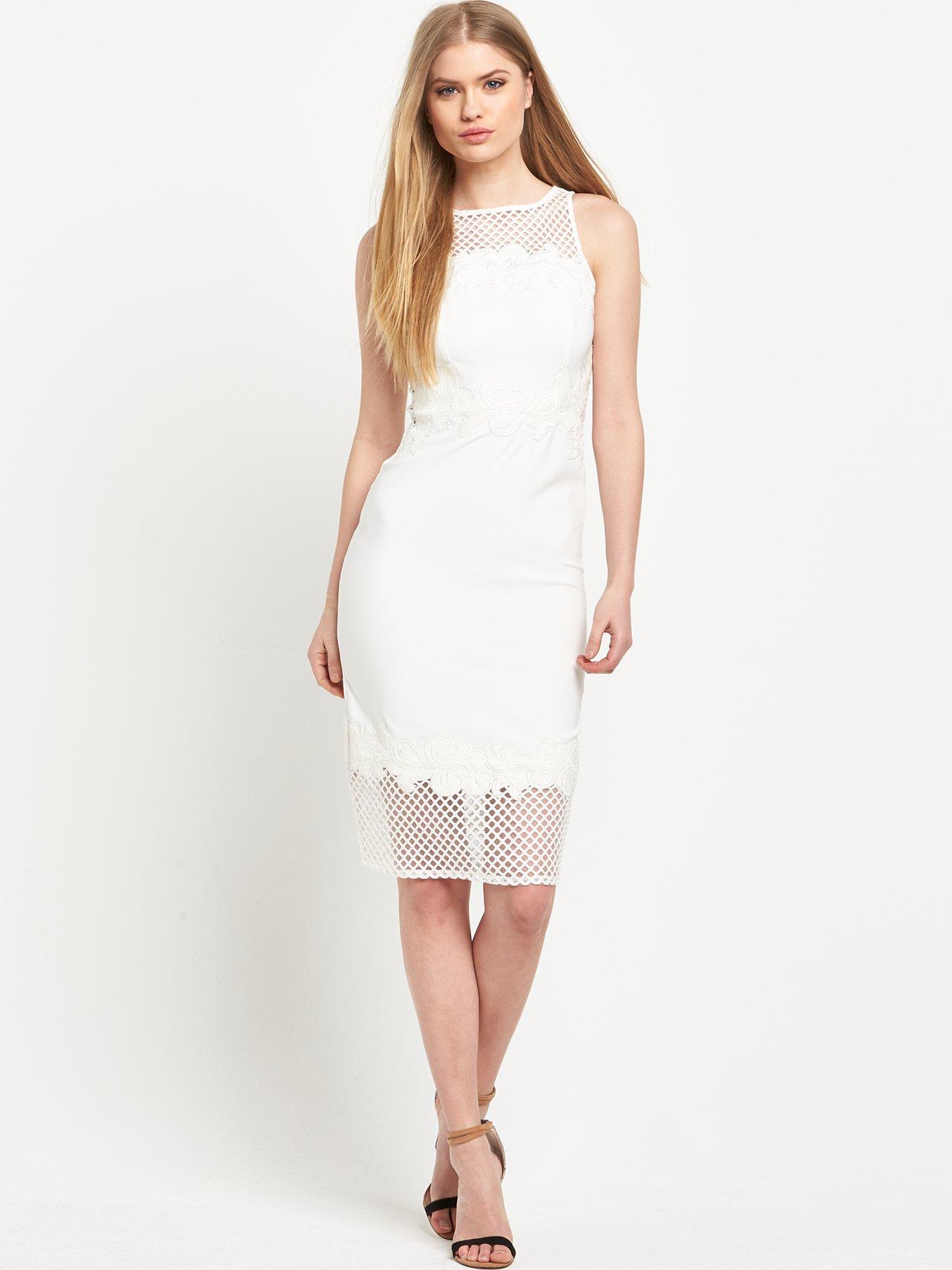
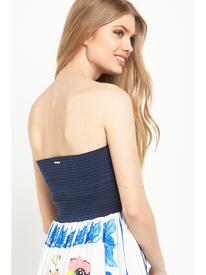 Very.co.uk - Warehouse
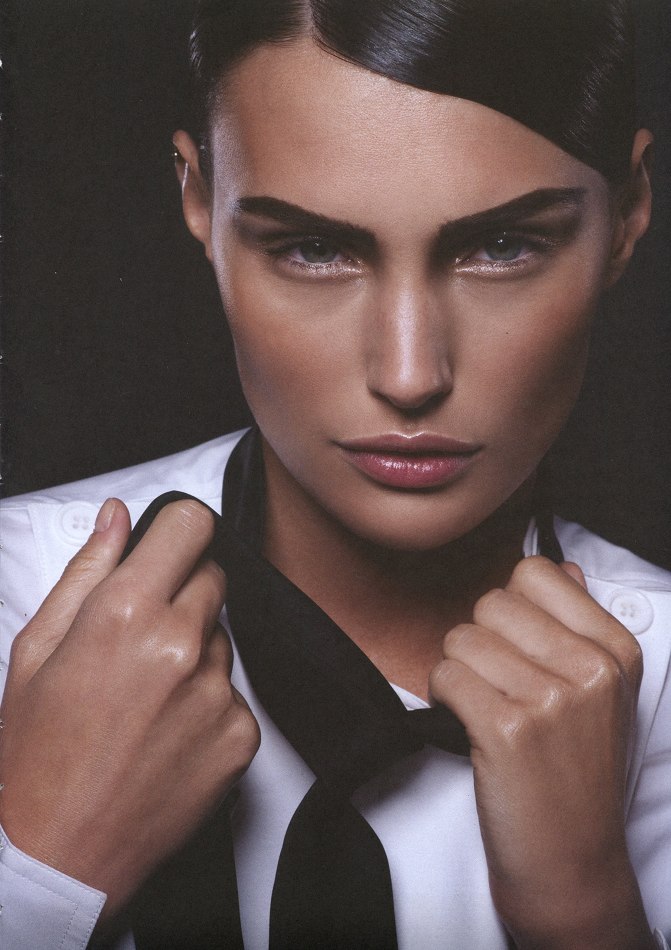
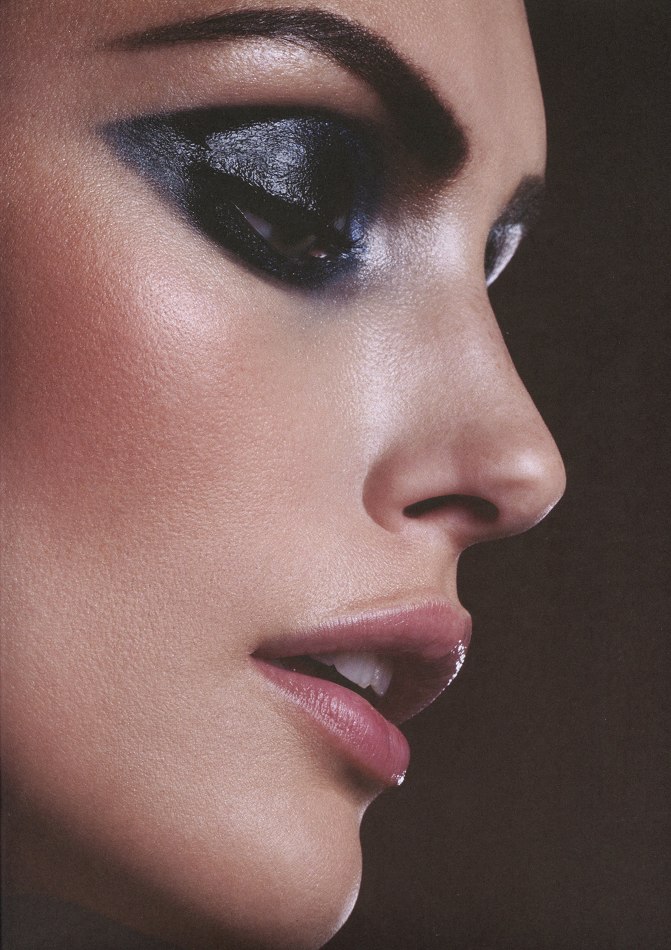
M.Asam Beauty Campaign 2016 Photographer: Katja Schubert Photo assistant: Andrea Ferber Hair & Make-up: Vangelis Tzimikas @ fame agency Model: Cristiana Grasu @ Most Wanted Models Casting: Artists & Co. Daniela Pitzk
All good now (index and search). Thanks !
Very.co.uk - Miss Selfridge / Oasis
Very.co.uk - Warehouse
M.Asam Beauty Campaign 2016 Photographer: Katja Schubert Photo assistant: Andrea Ferber Hair & Make-up: Vangelis Tzimikas @ fame agency Model: Cristiana Grasu @ Most Wanted Models Casting: Artists & Co. Daniela Pitzk
All good now (index and search). Thanks !
Very.co.uk - Miss Selfridge / Oasis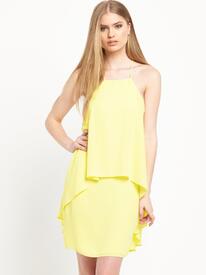
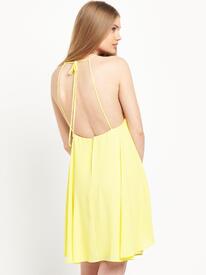
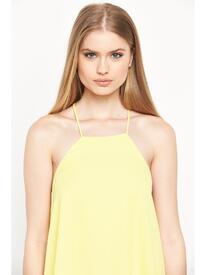
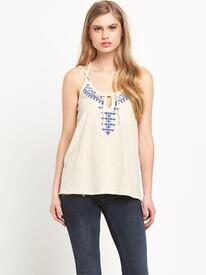
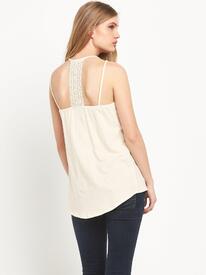
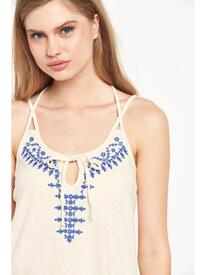
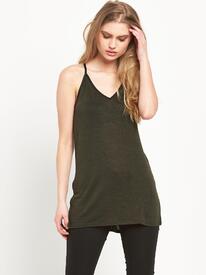
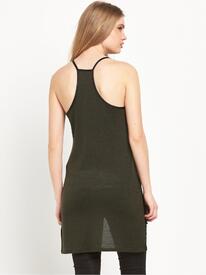
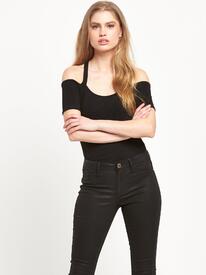
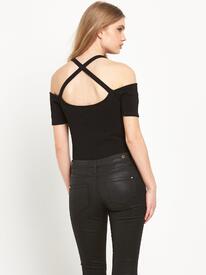
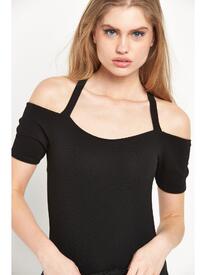
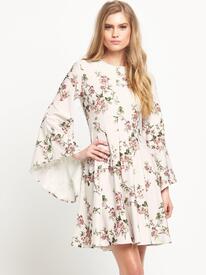
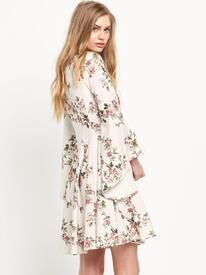
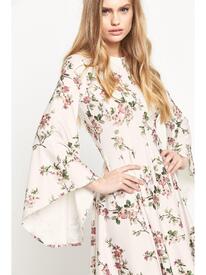
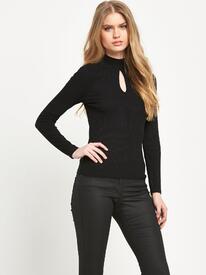
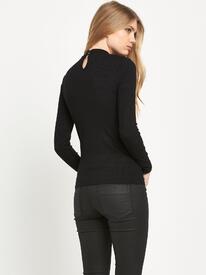
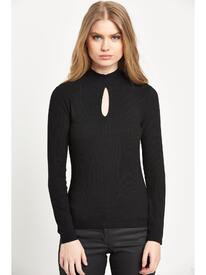
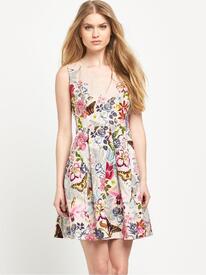
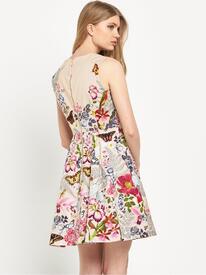
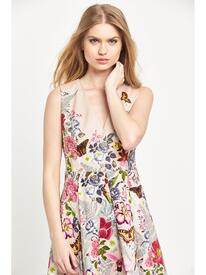
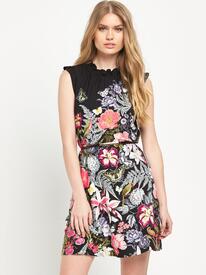
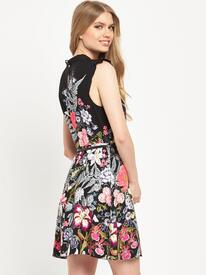
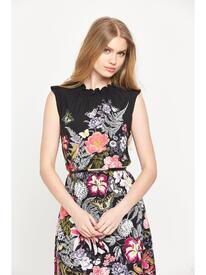
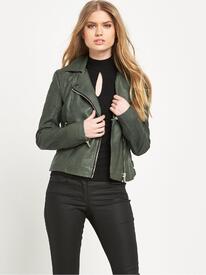
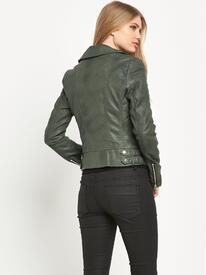
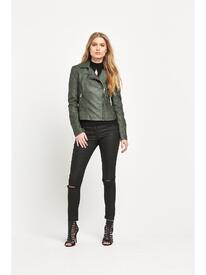
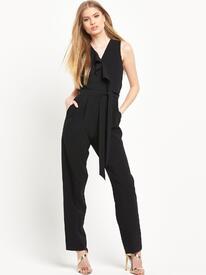
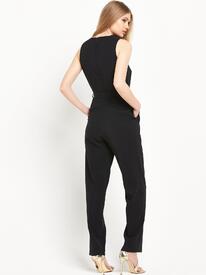
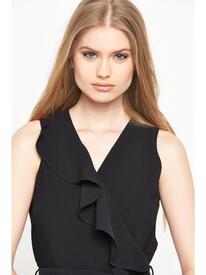
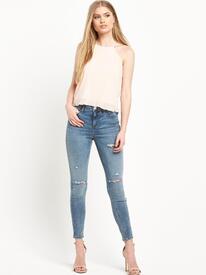
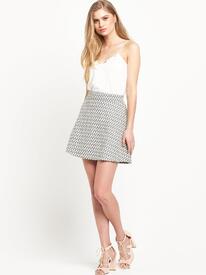
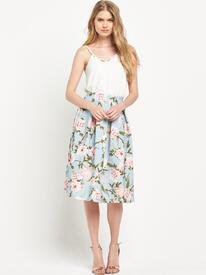
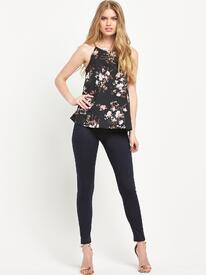 She's in the Armani show in Moscow.
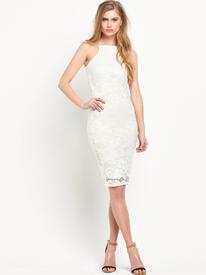
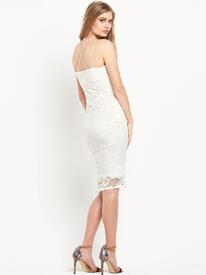
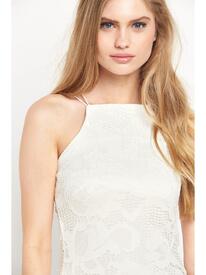
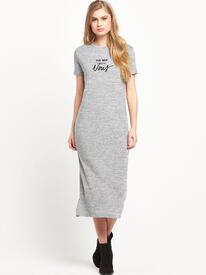
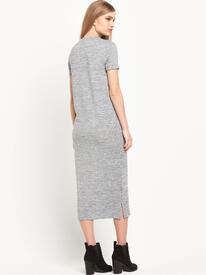
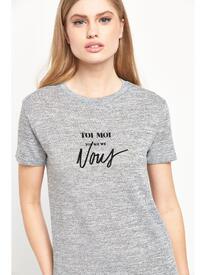
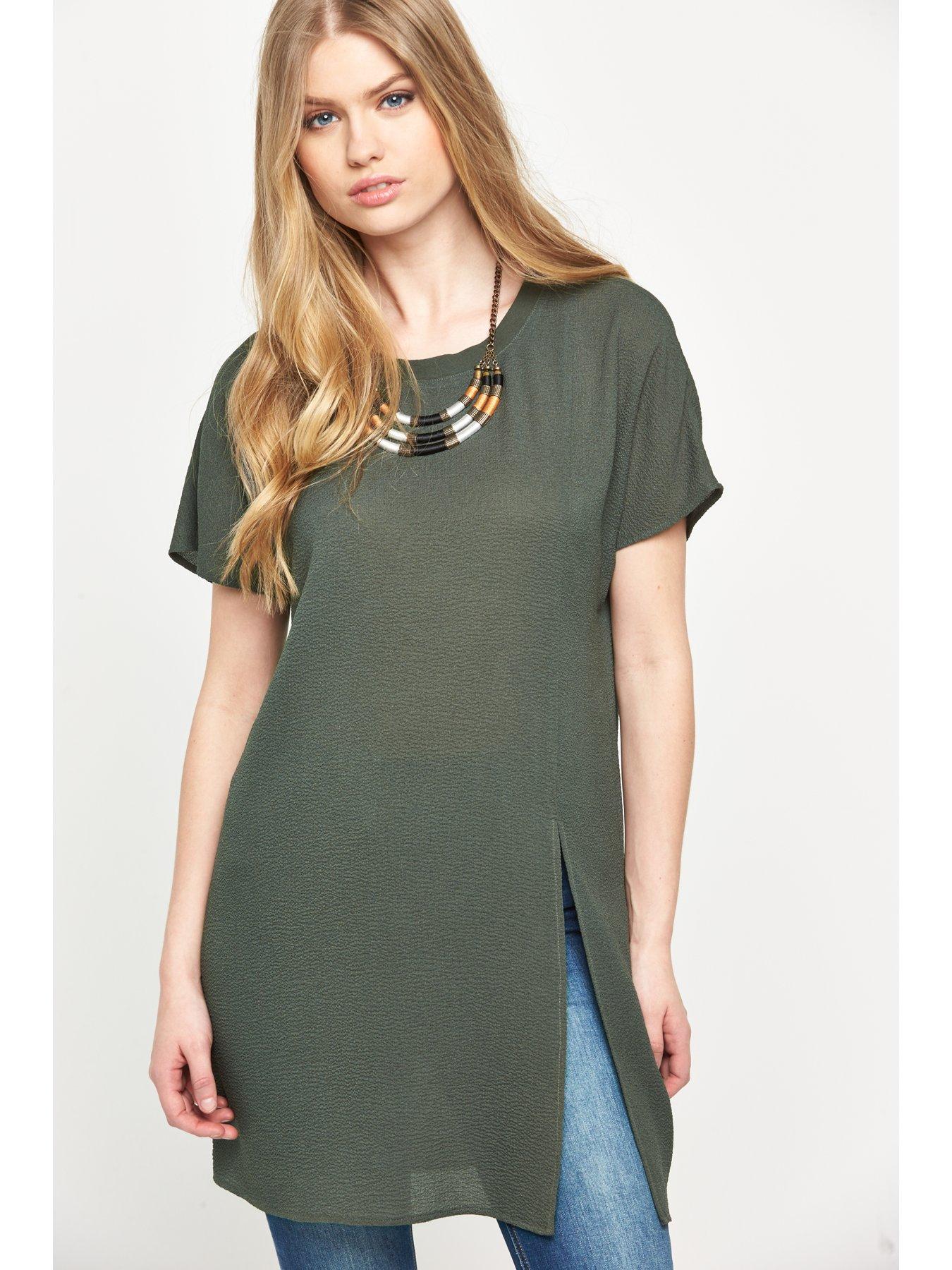
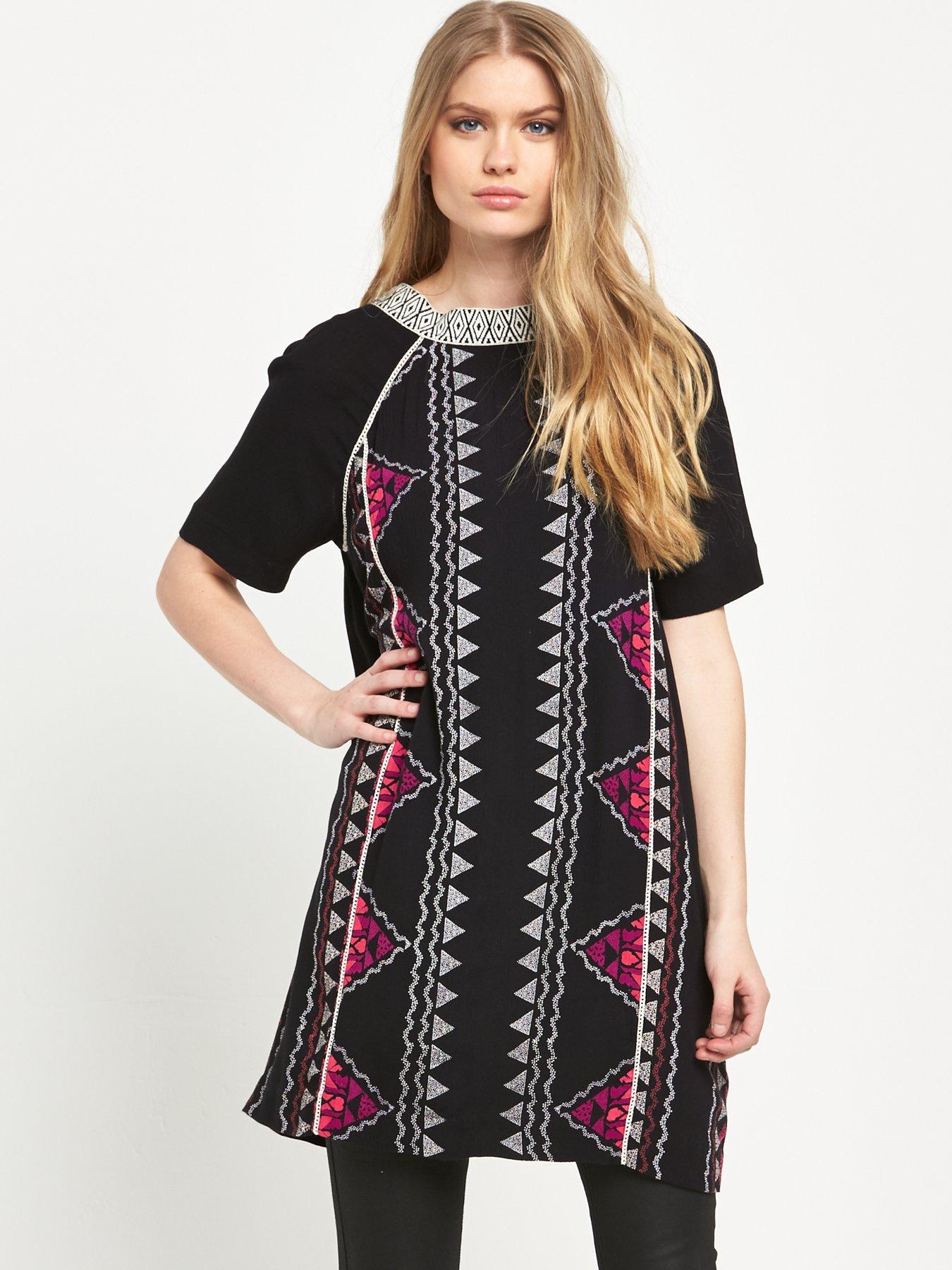
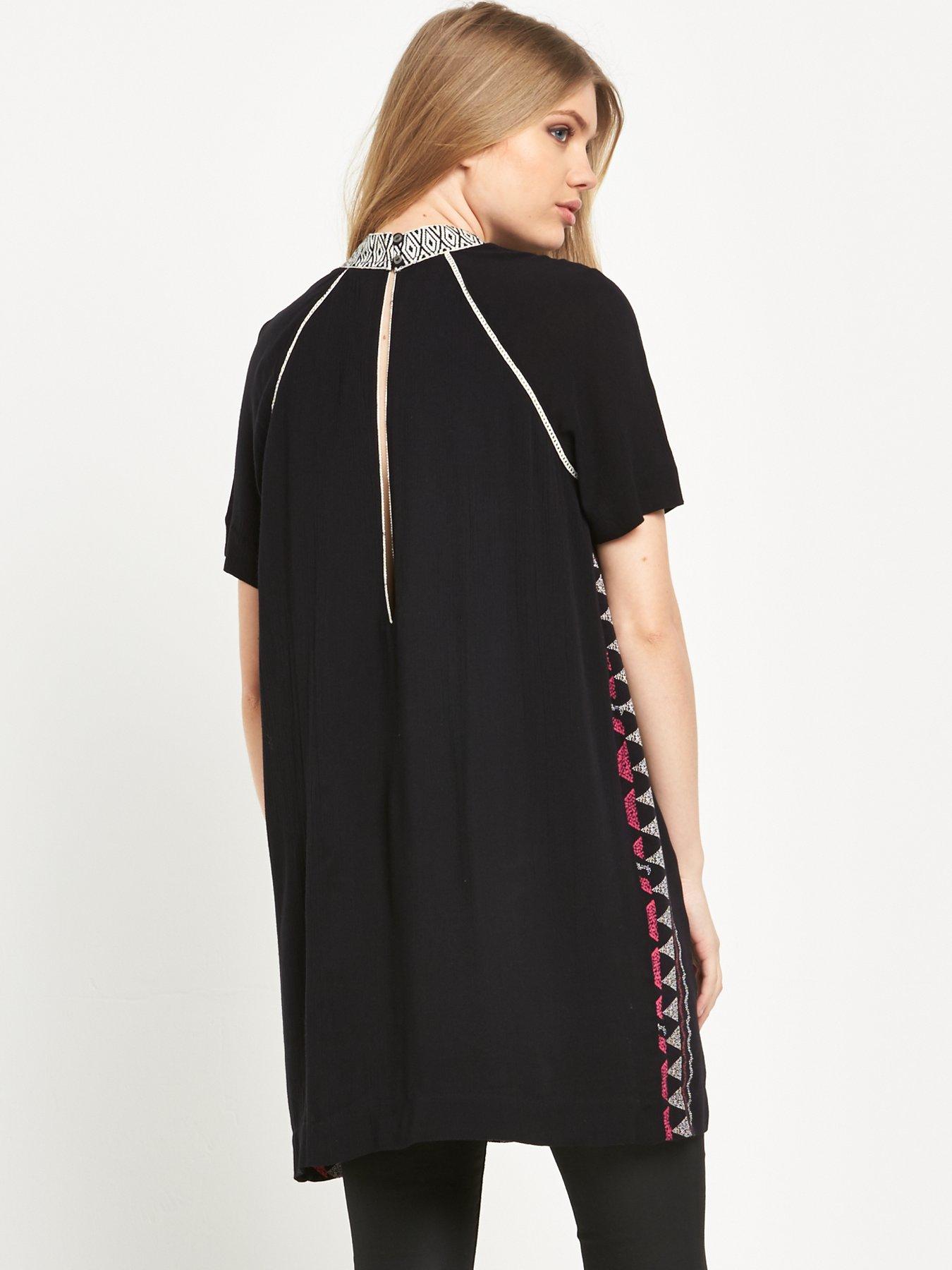
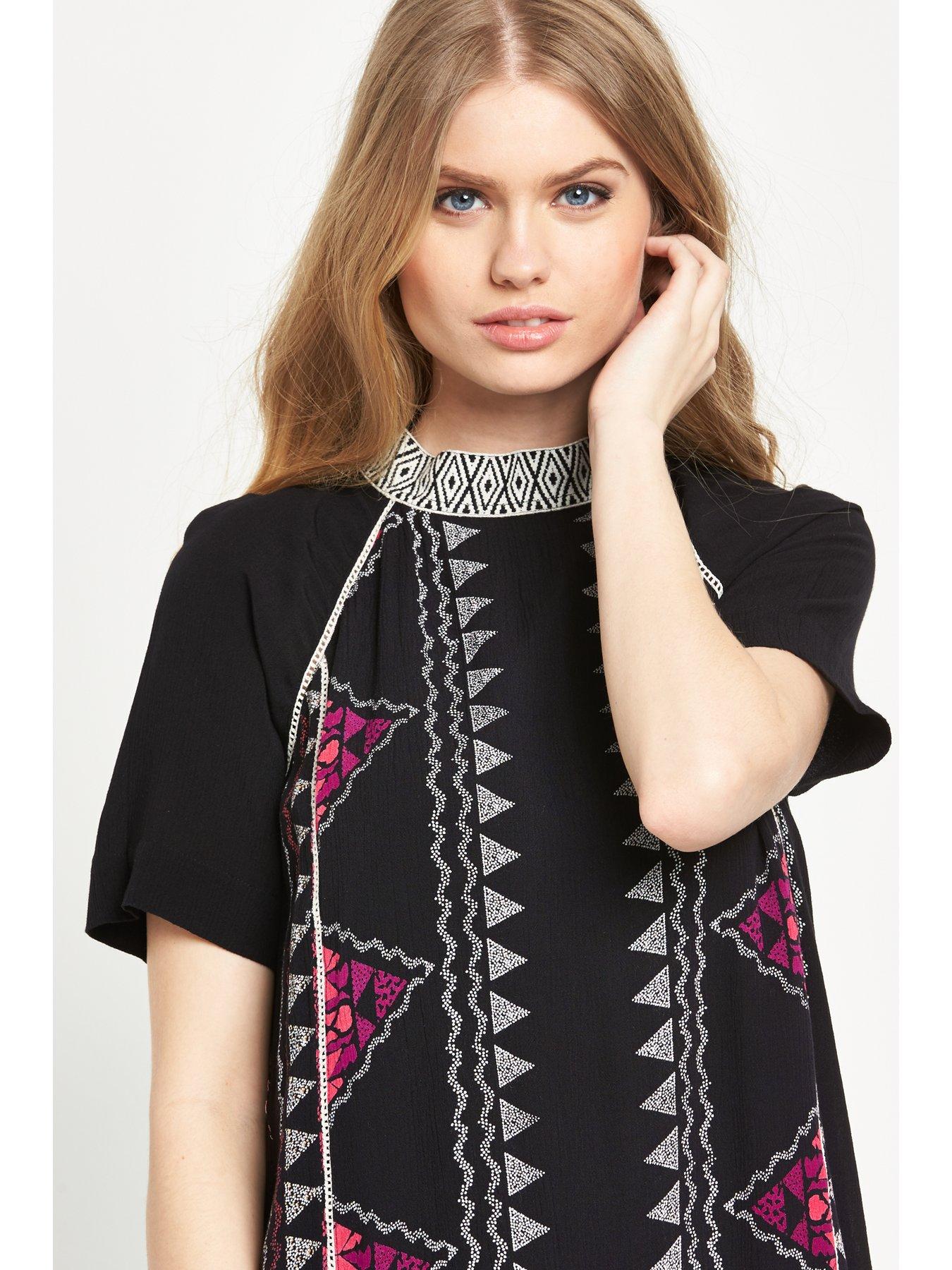
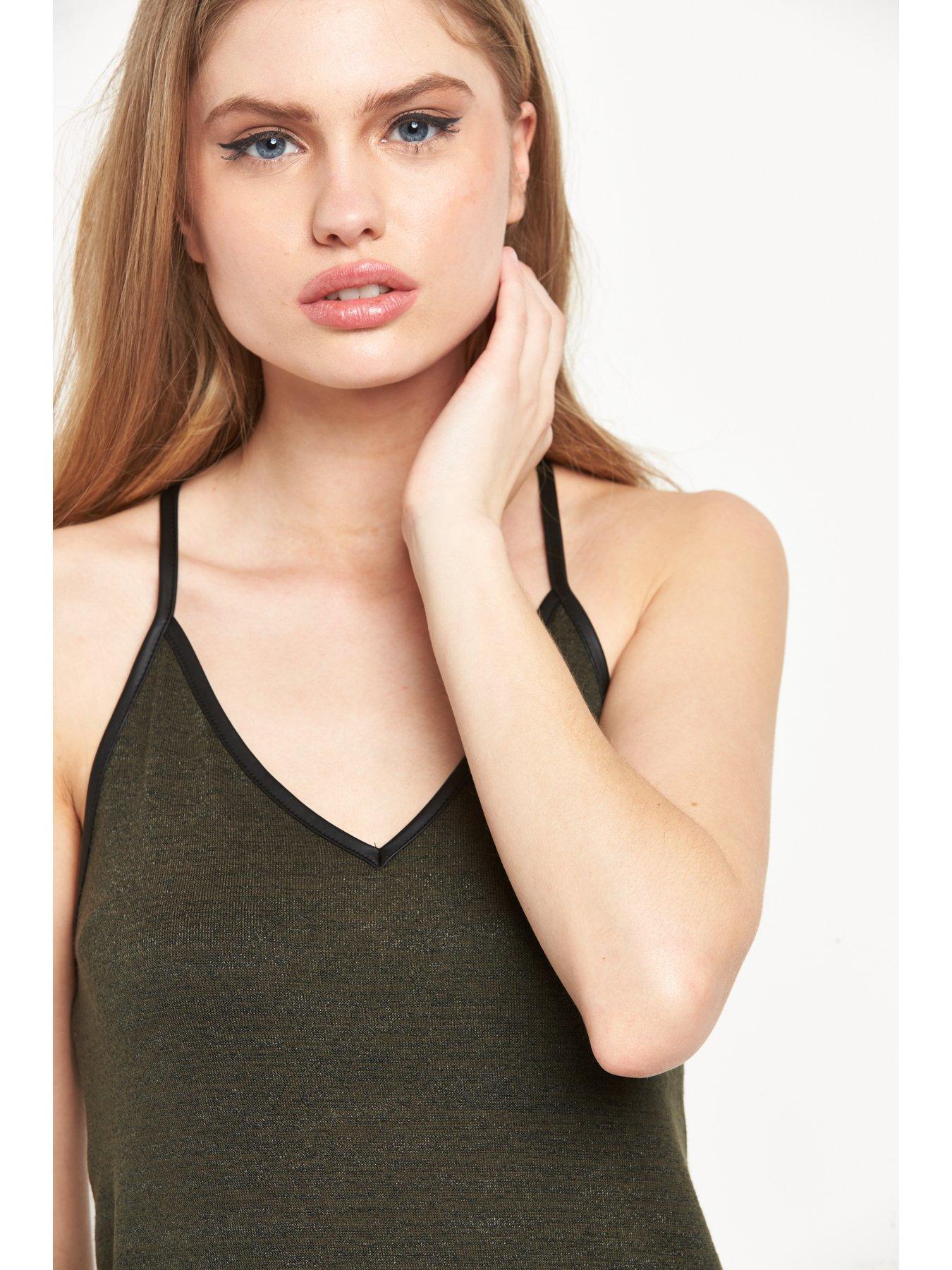
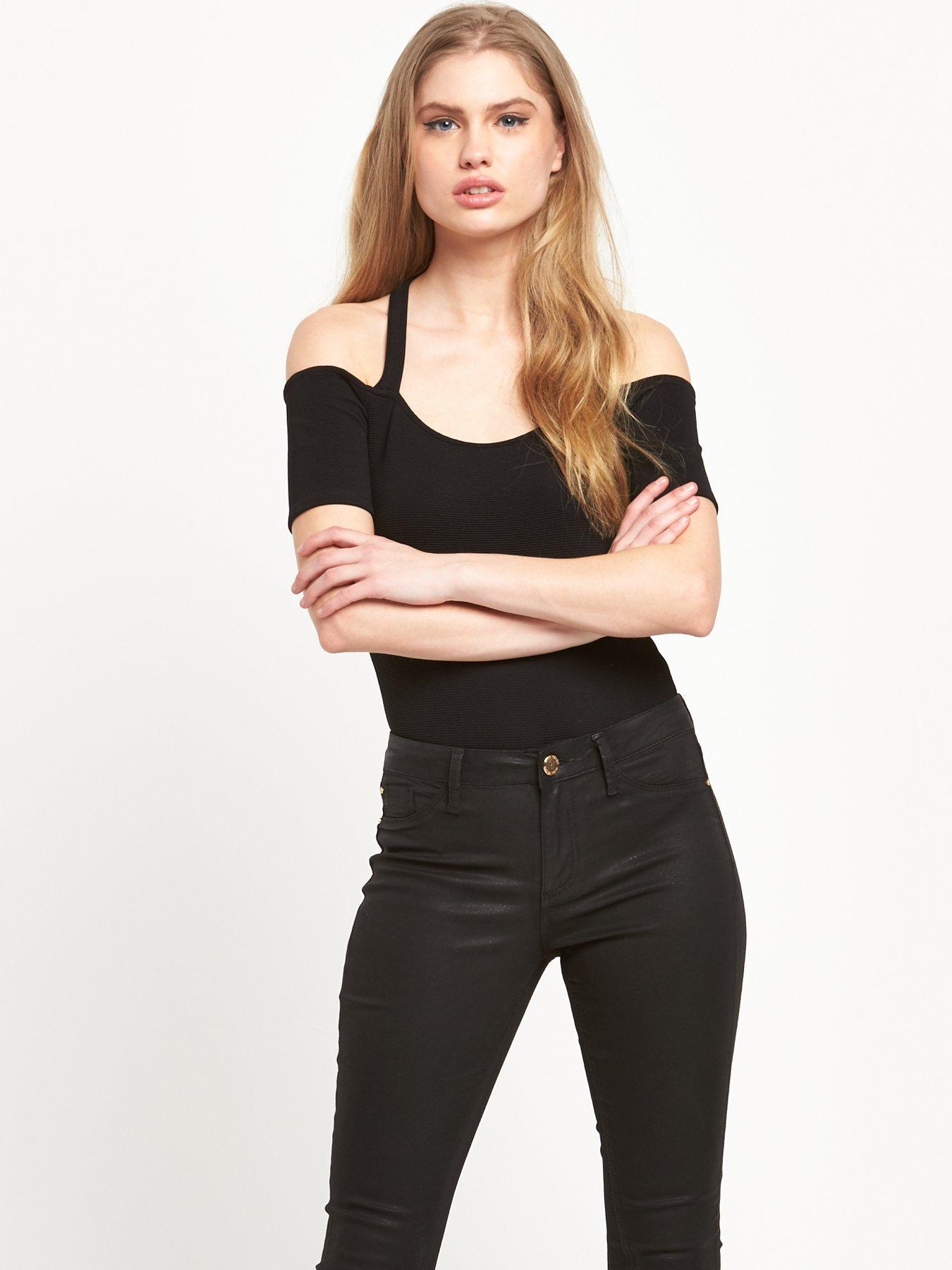
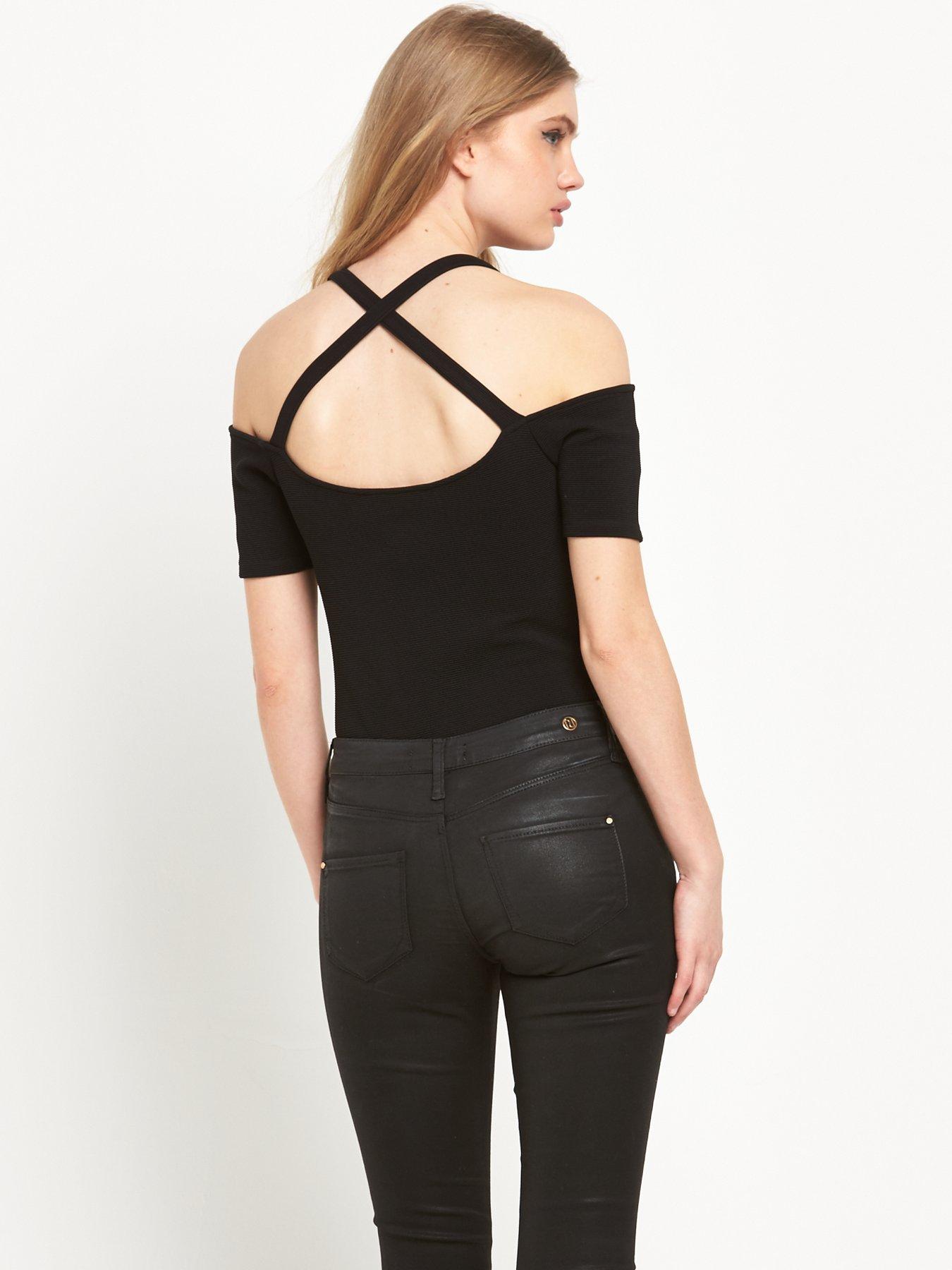
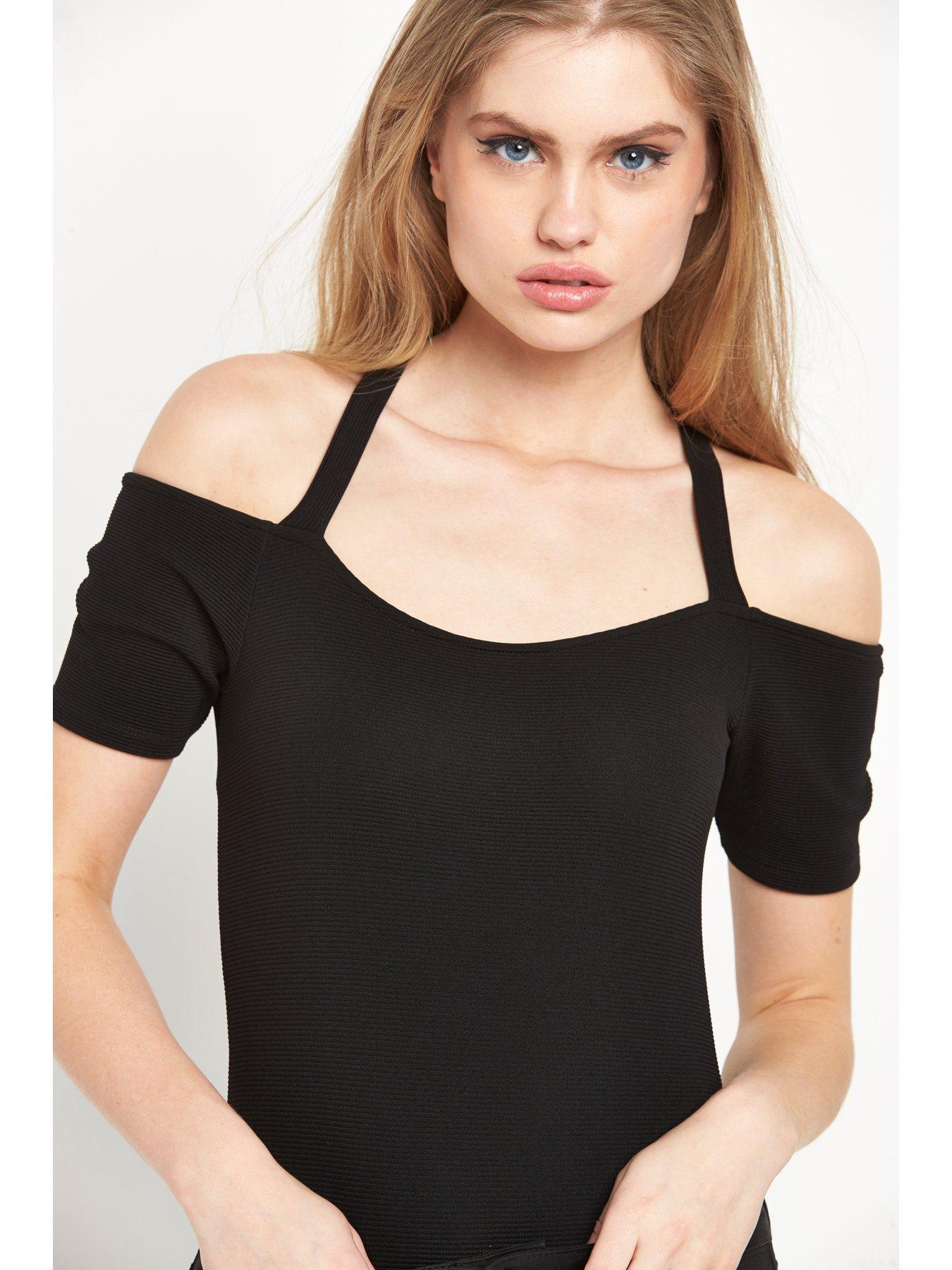
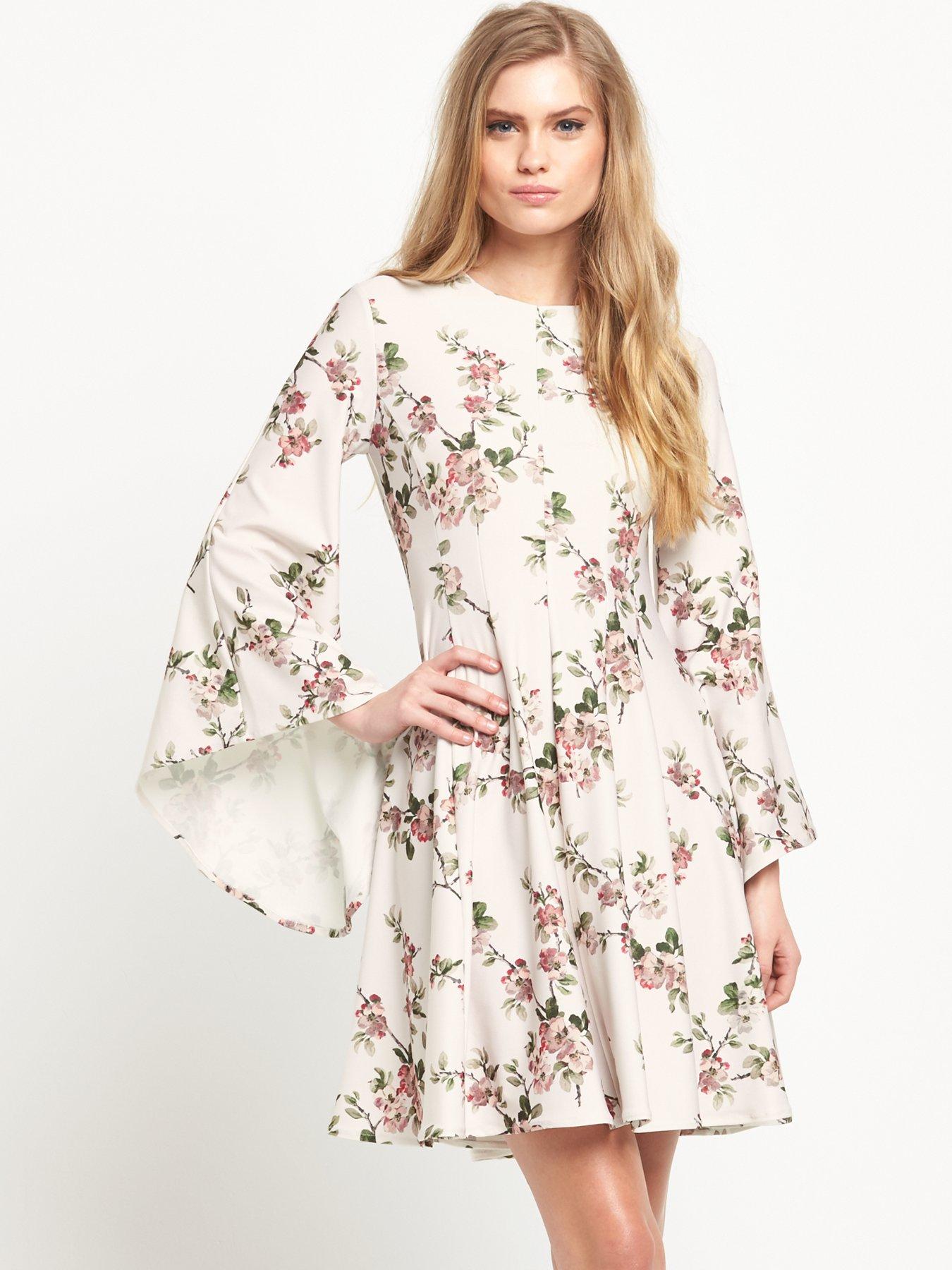
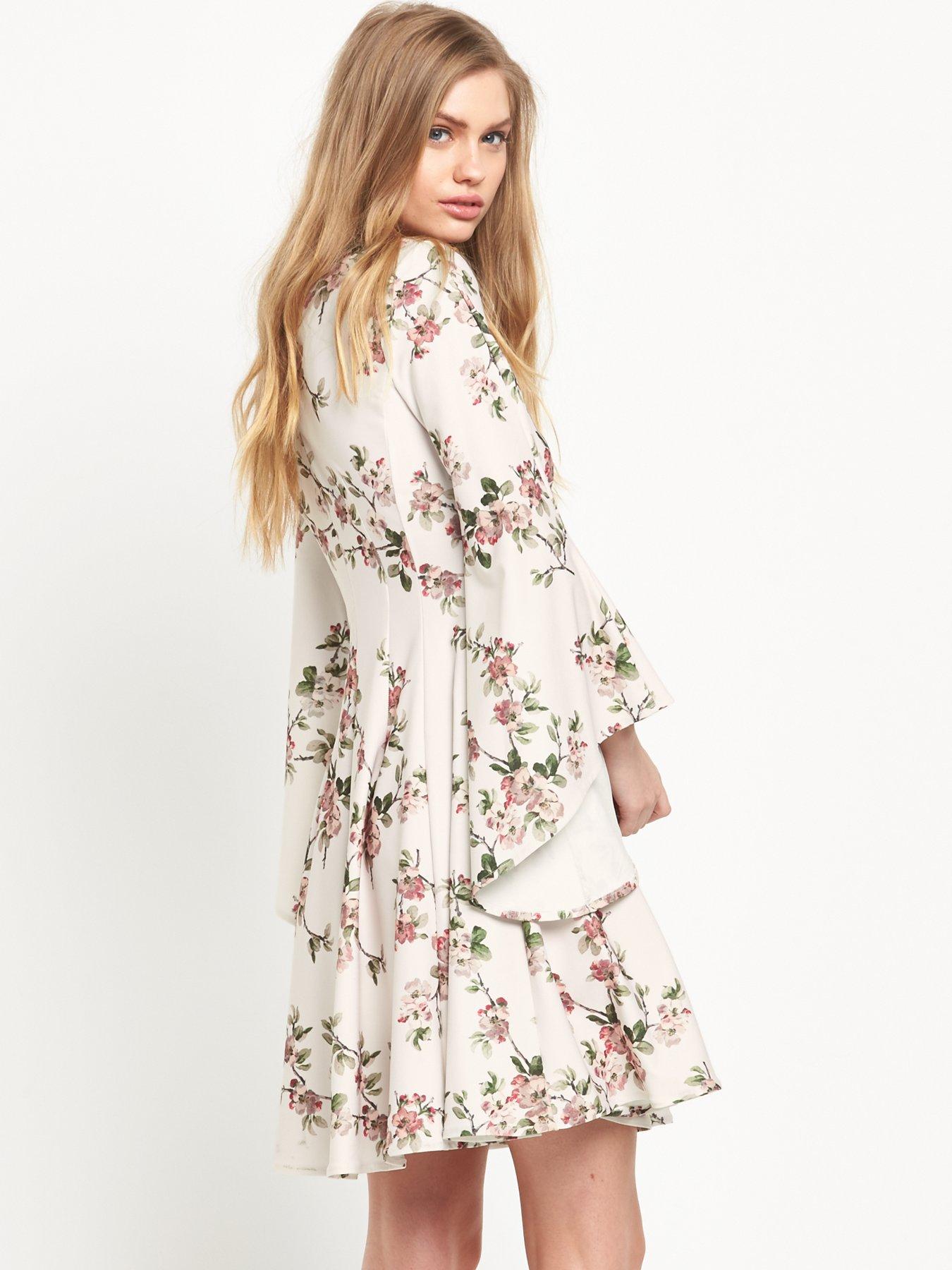
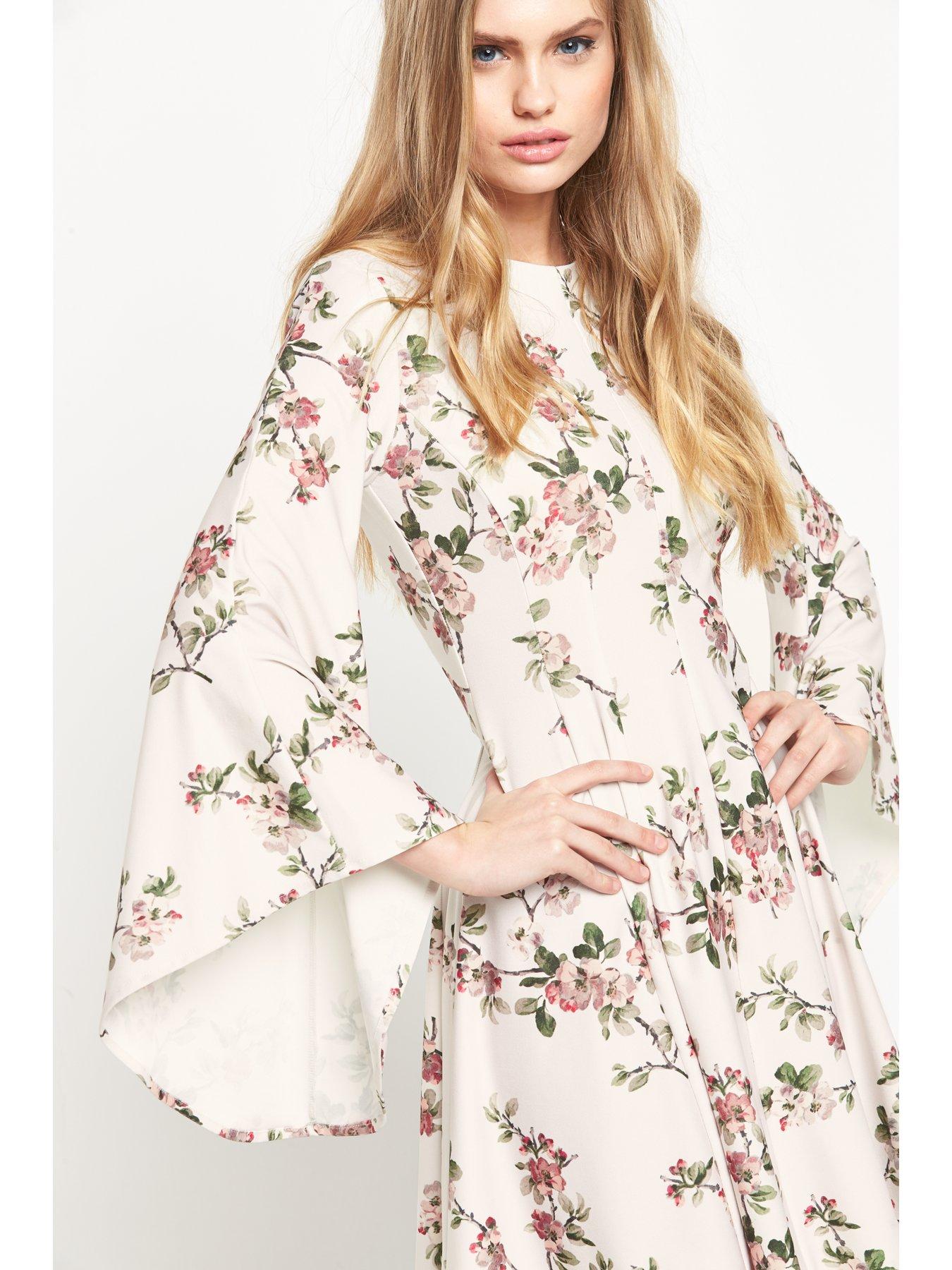
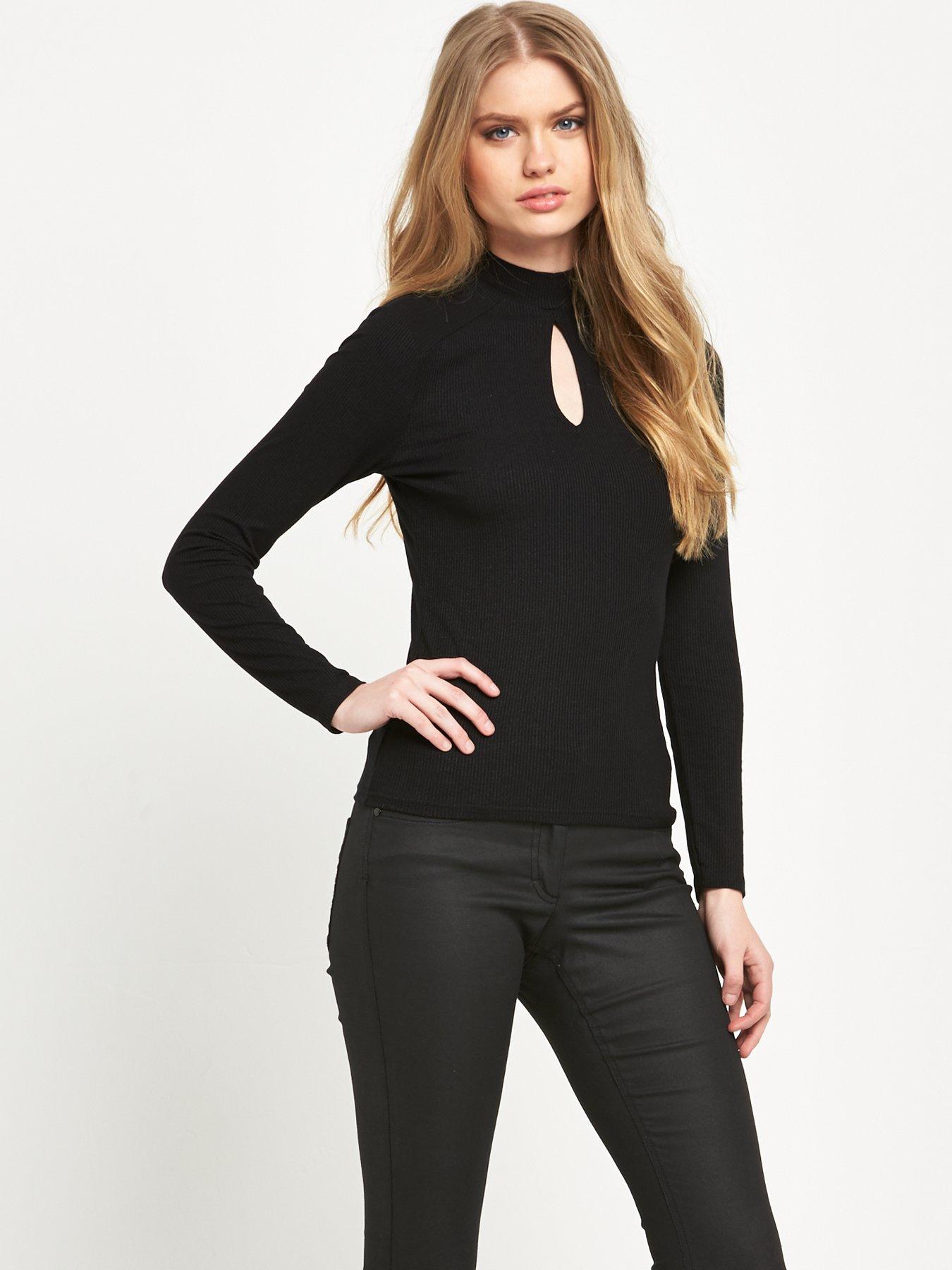
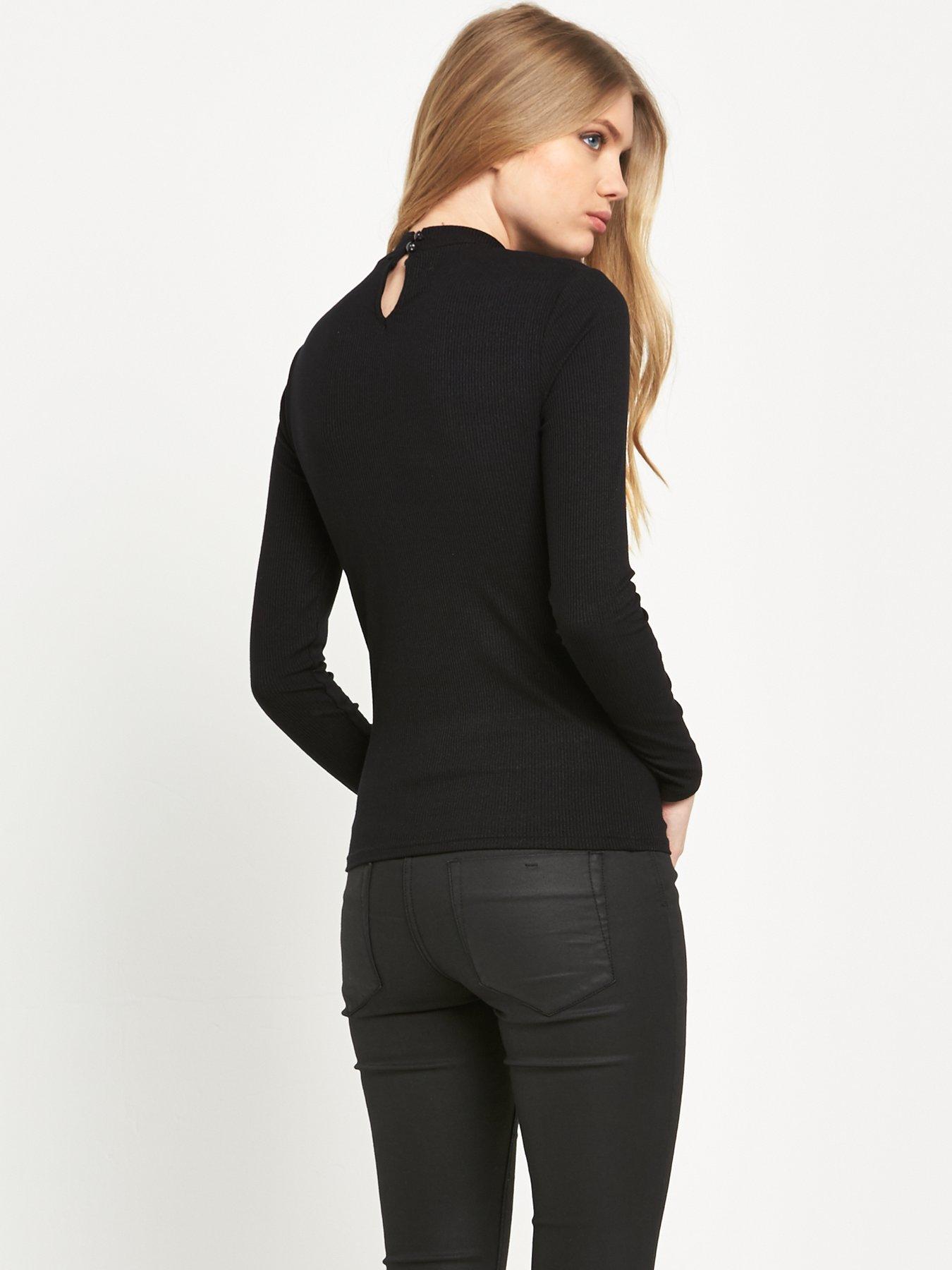
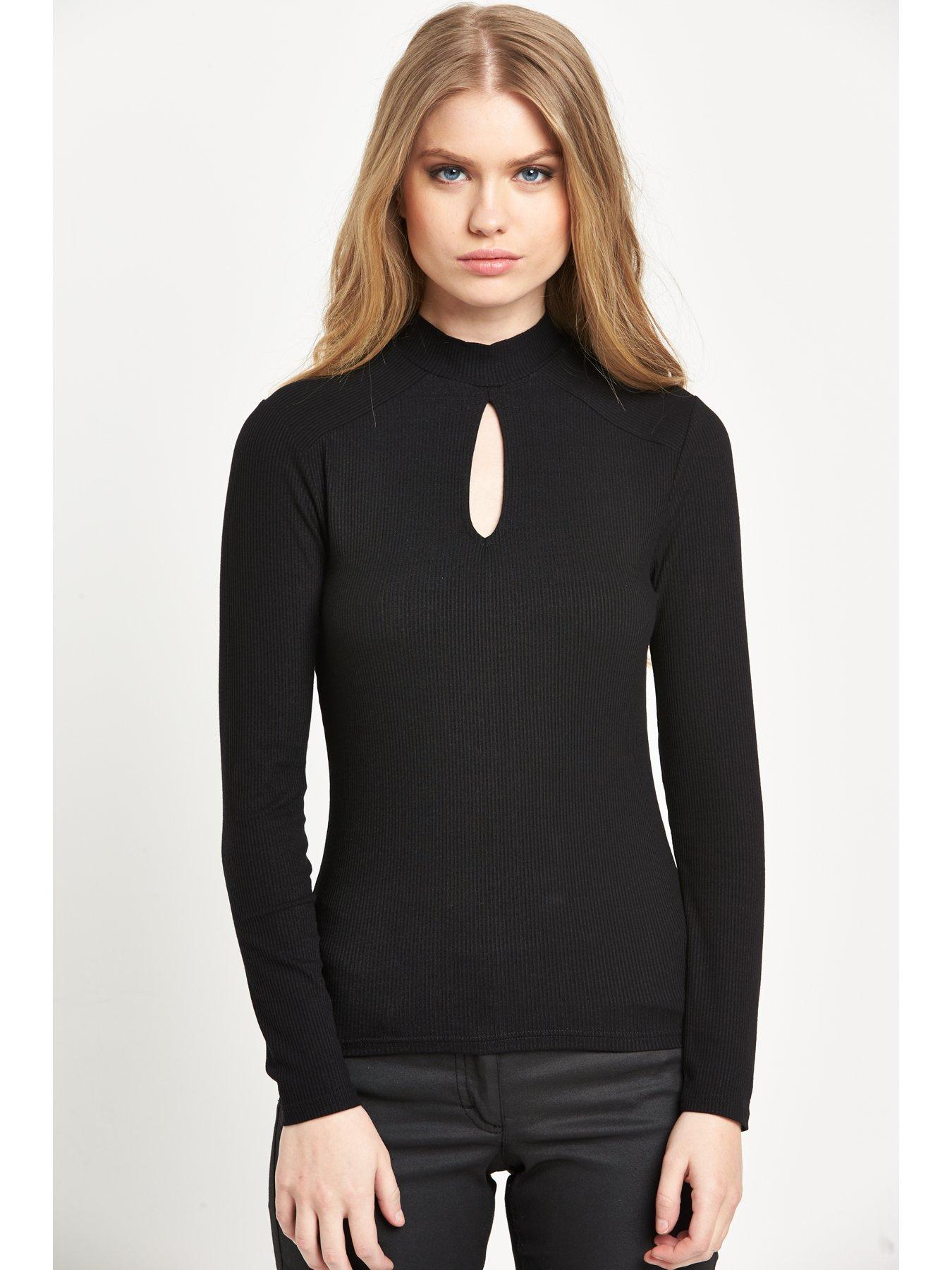
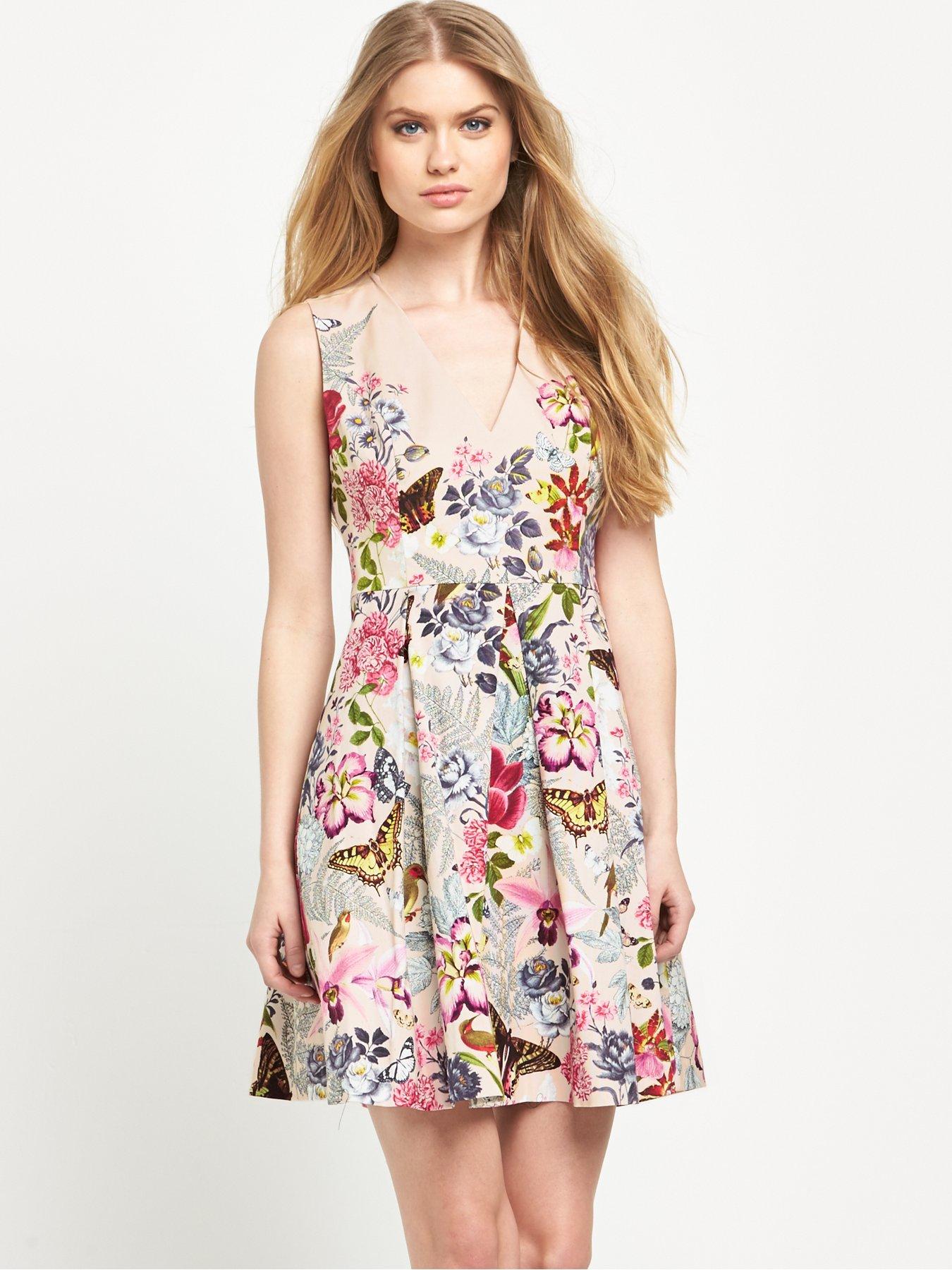
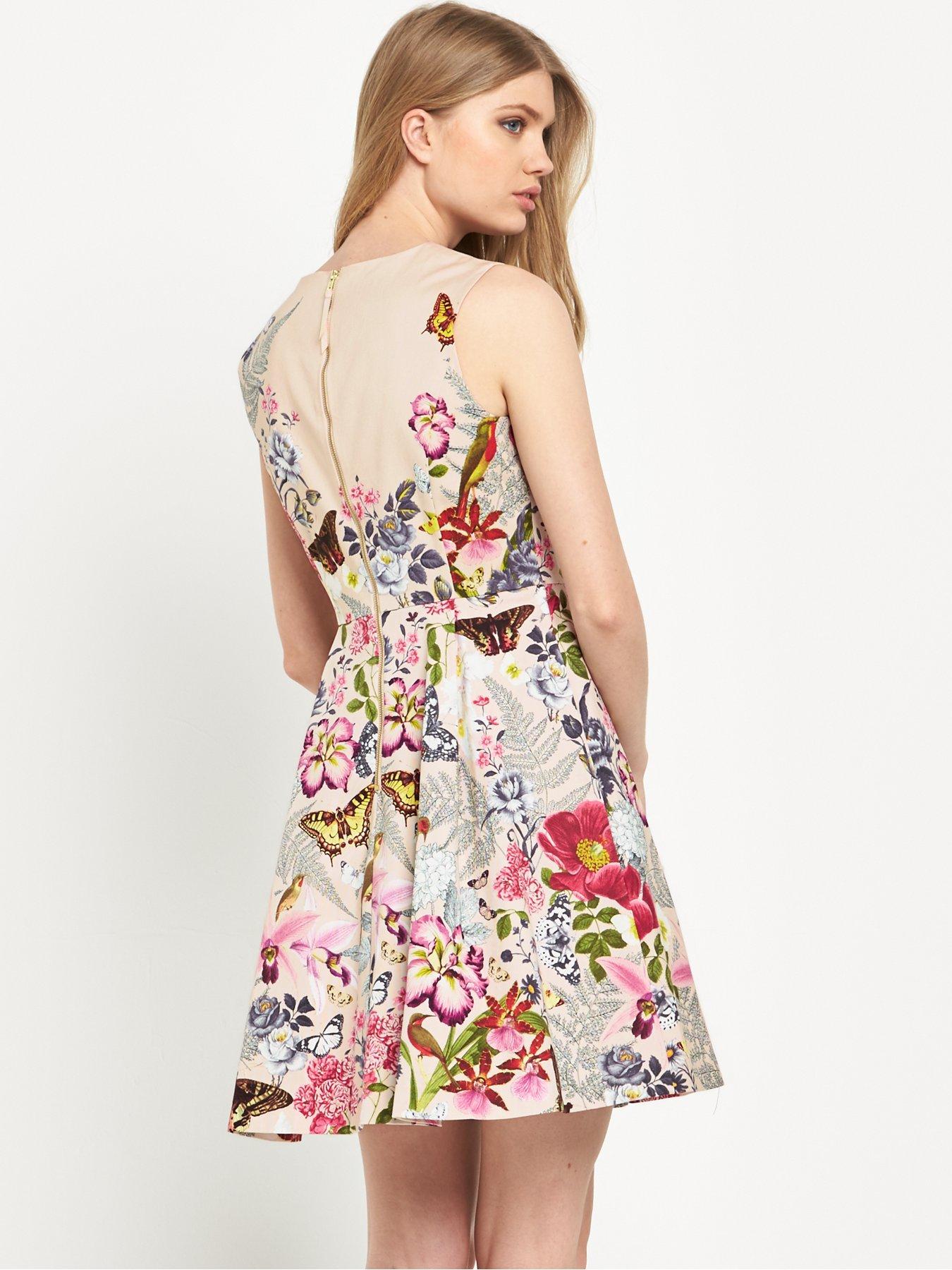
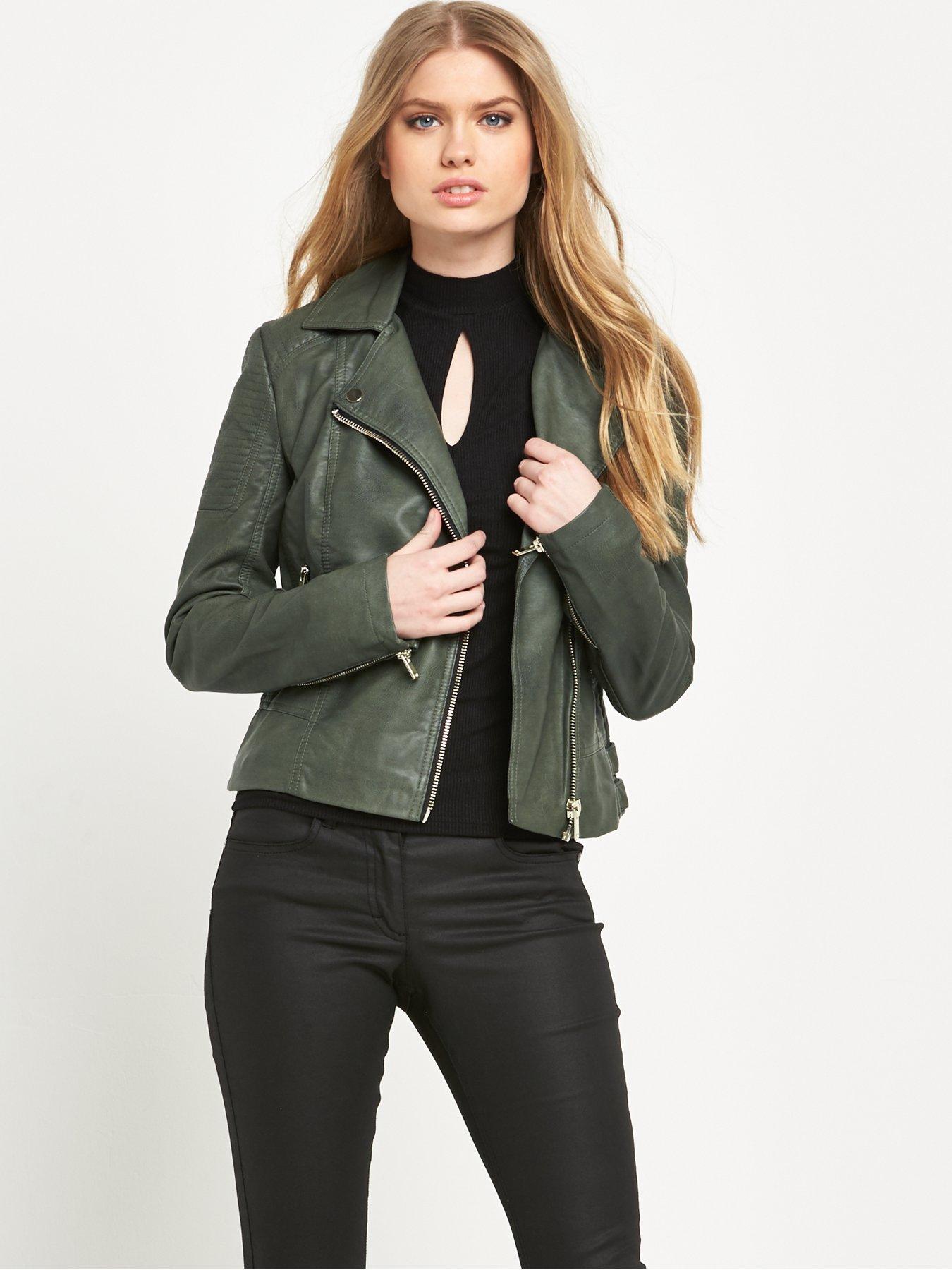
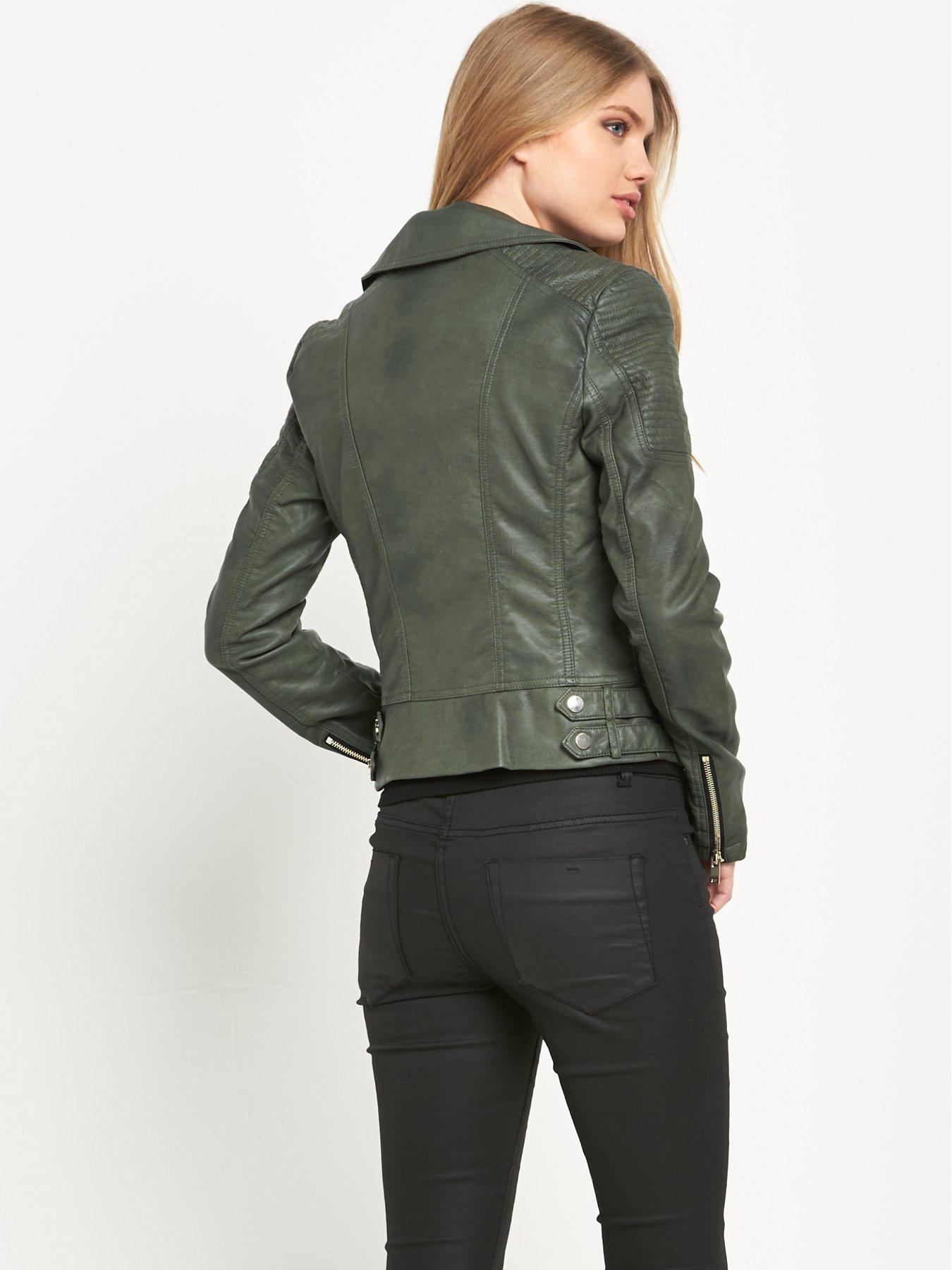
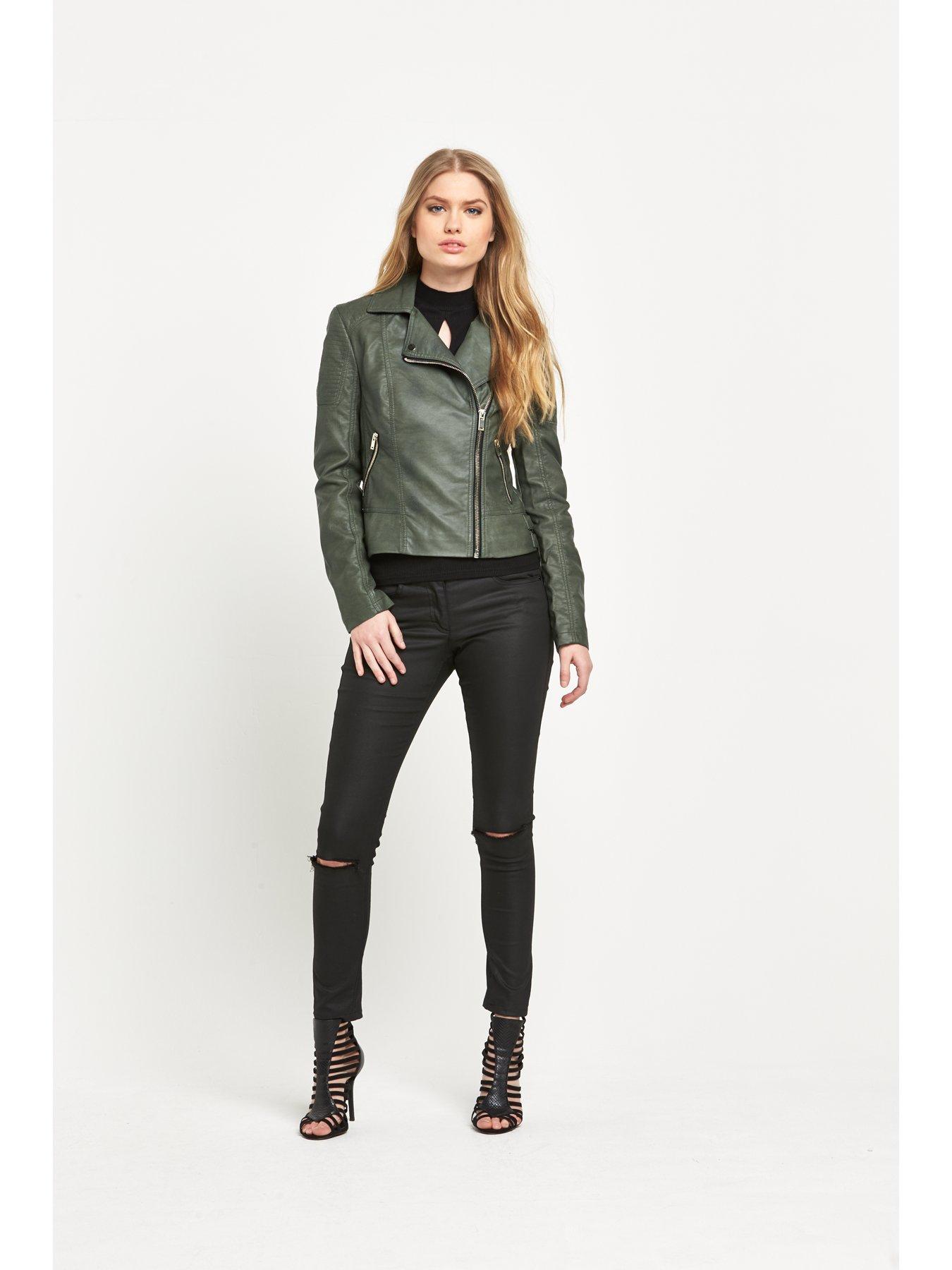
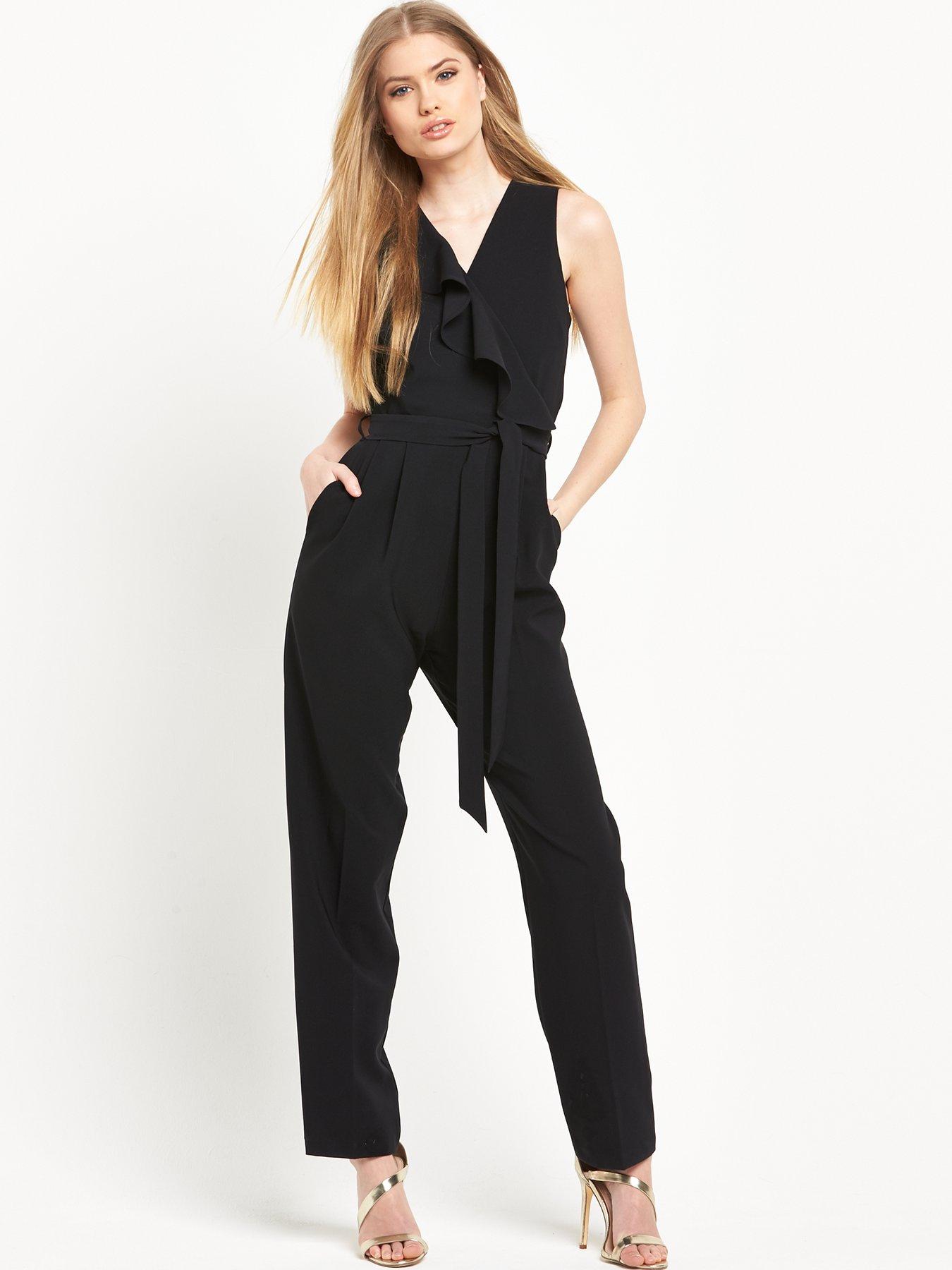
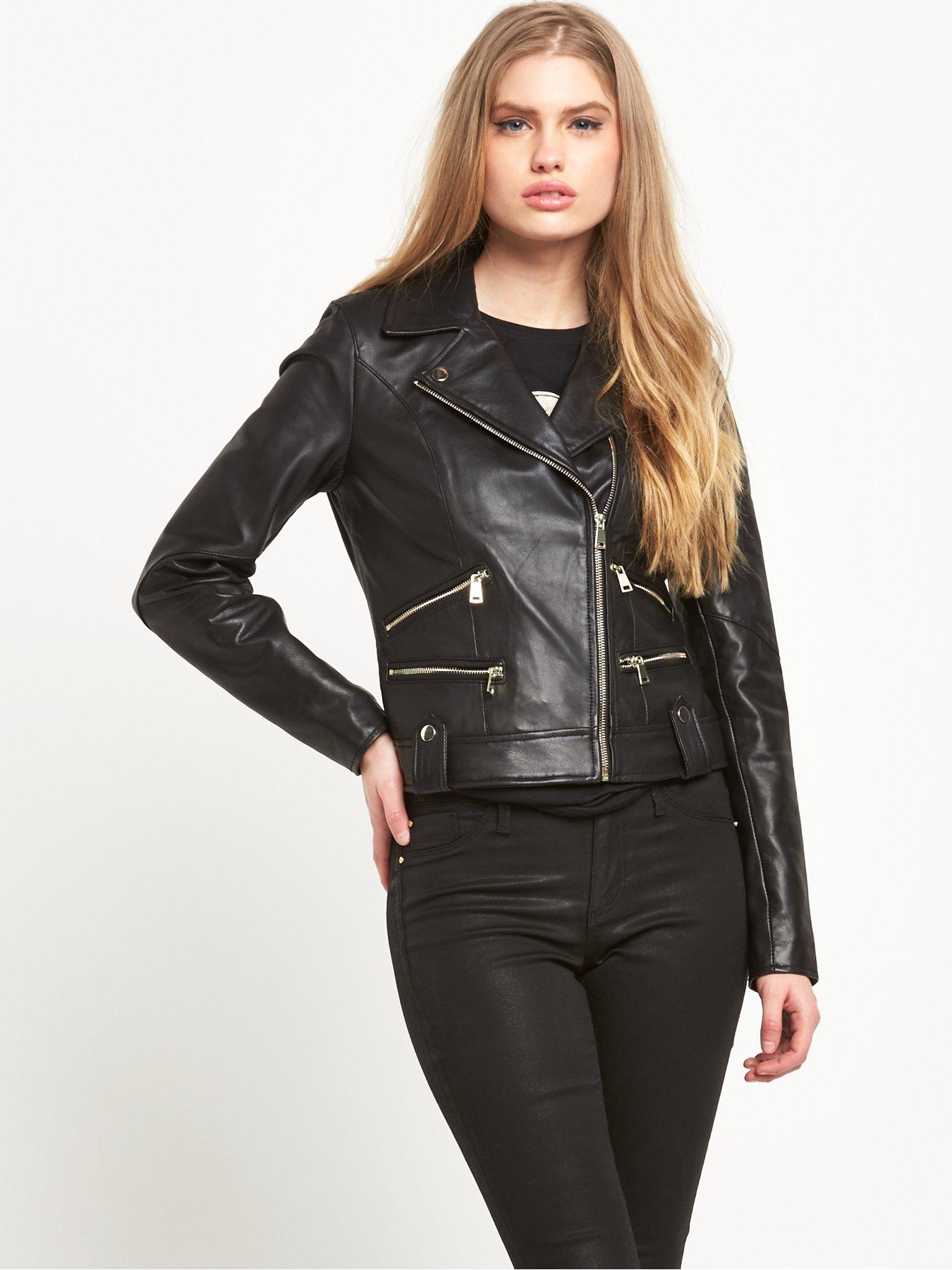
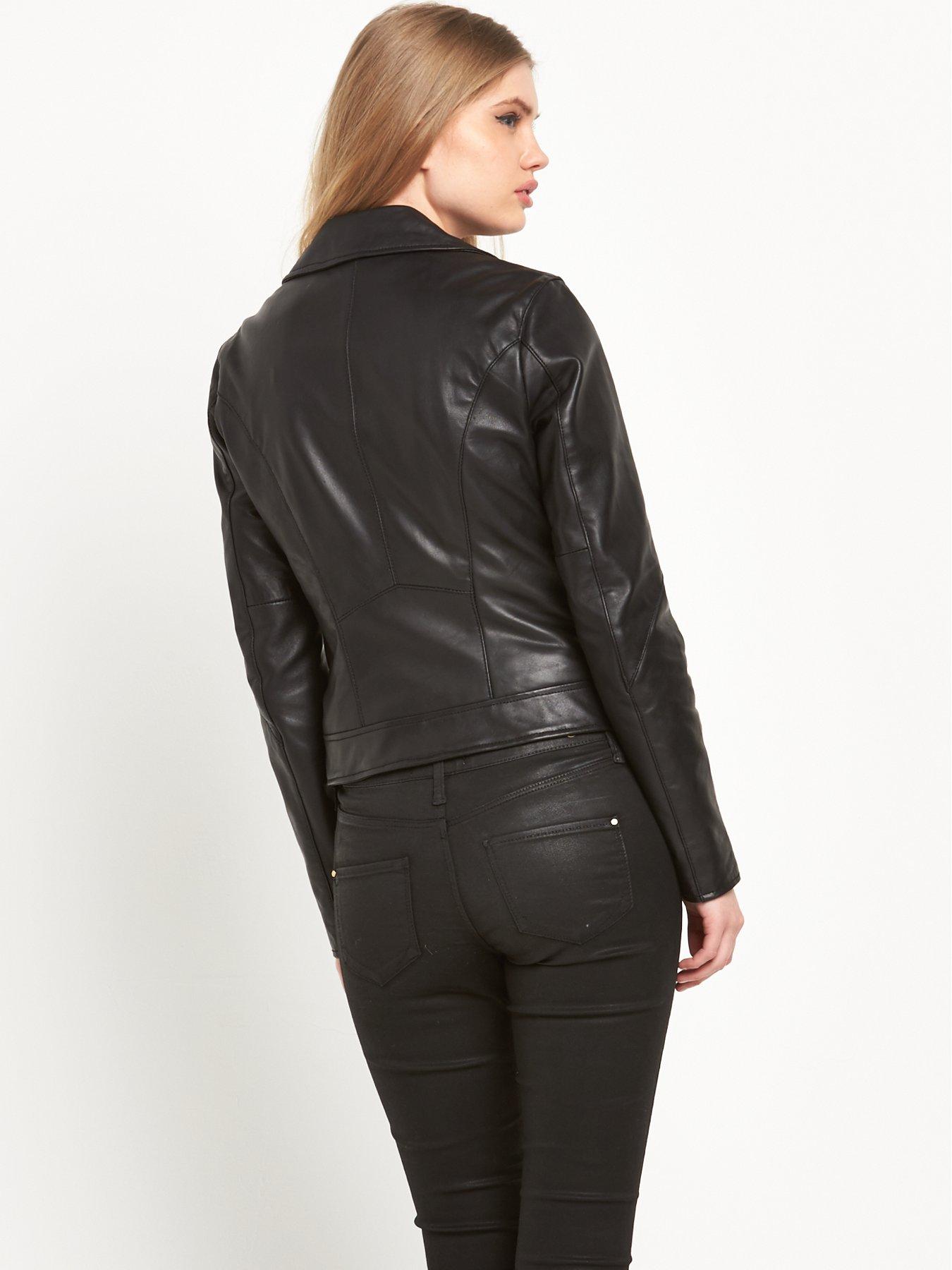
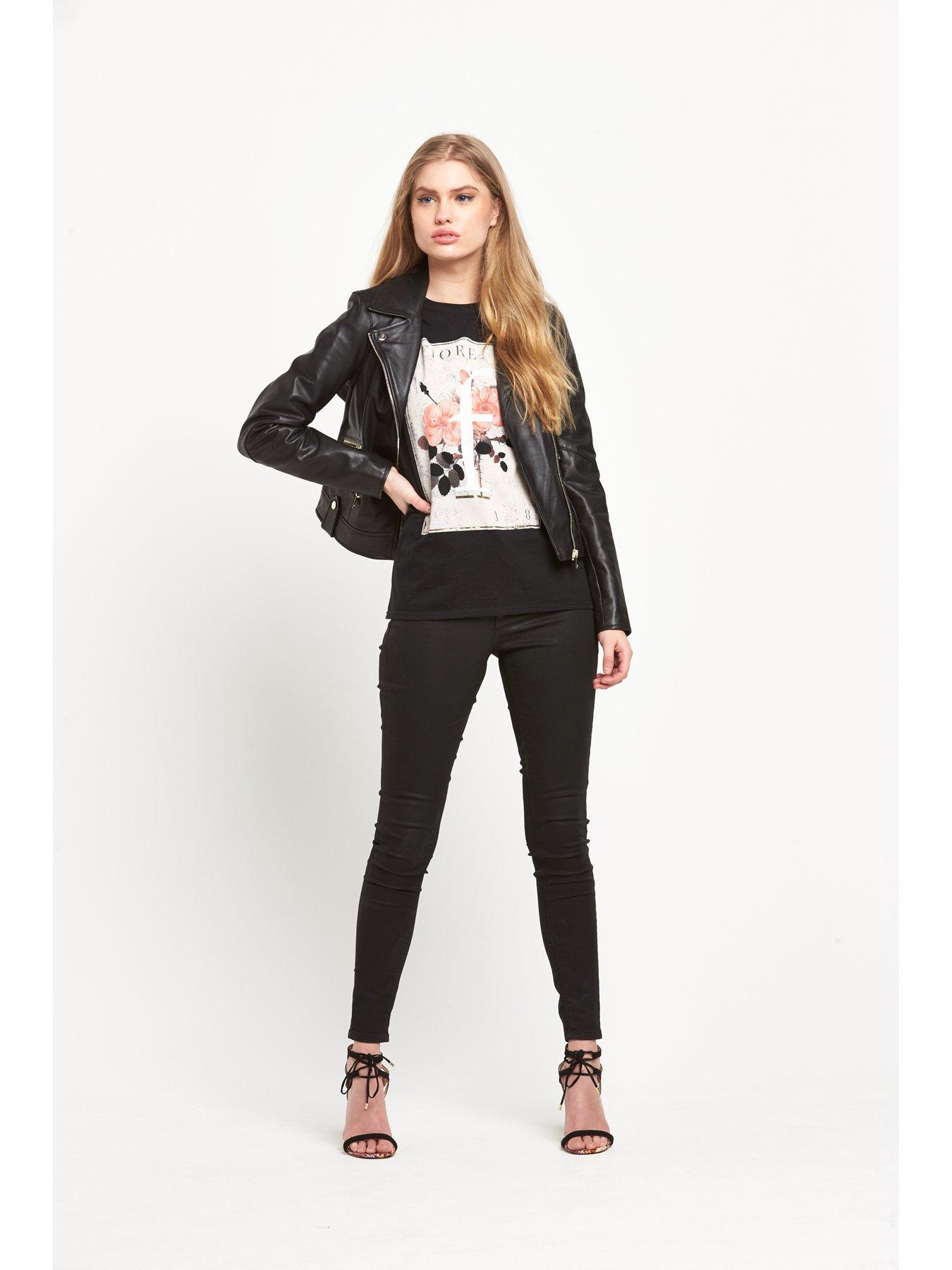
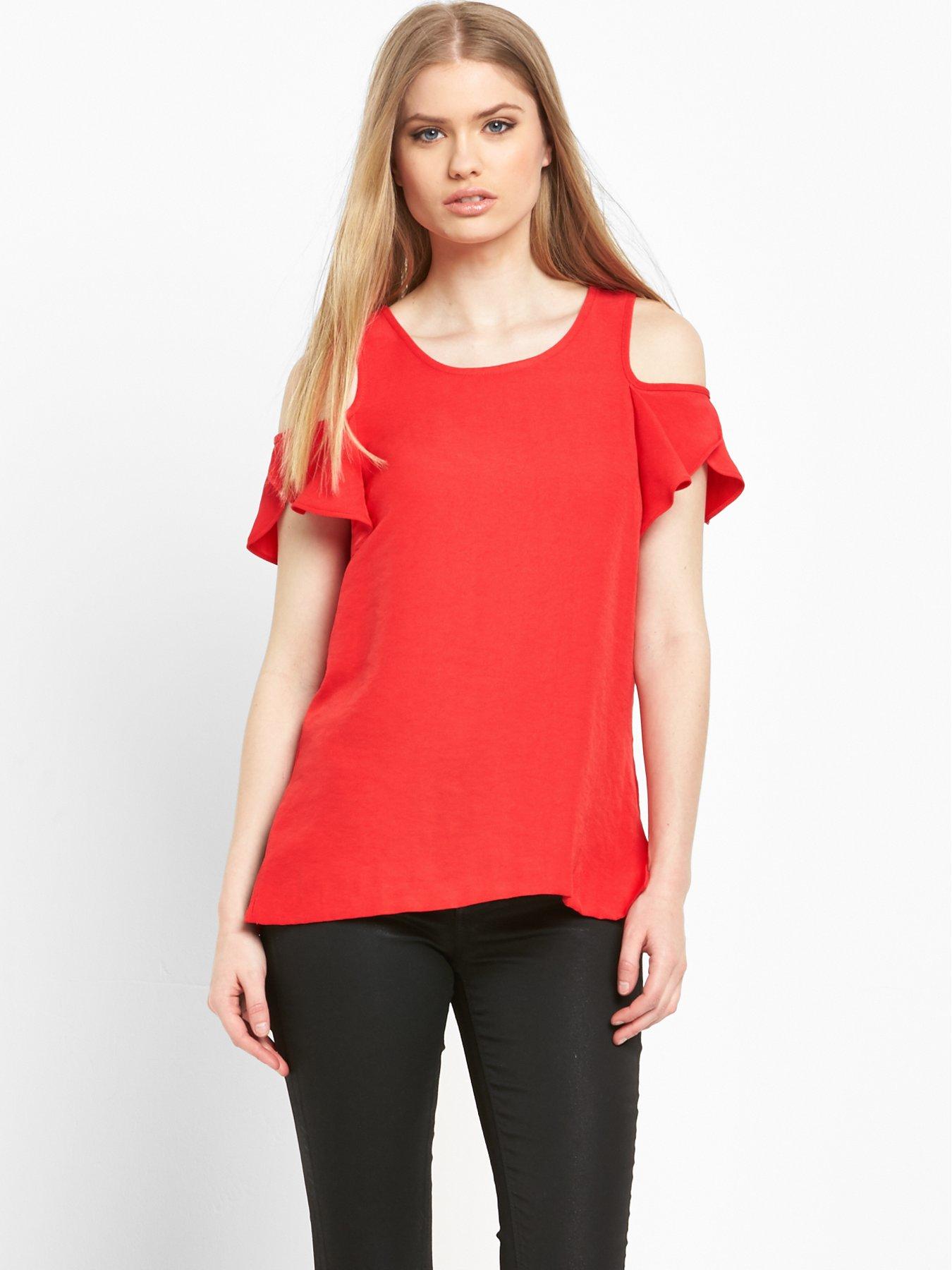
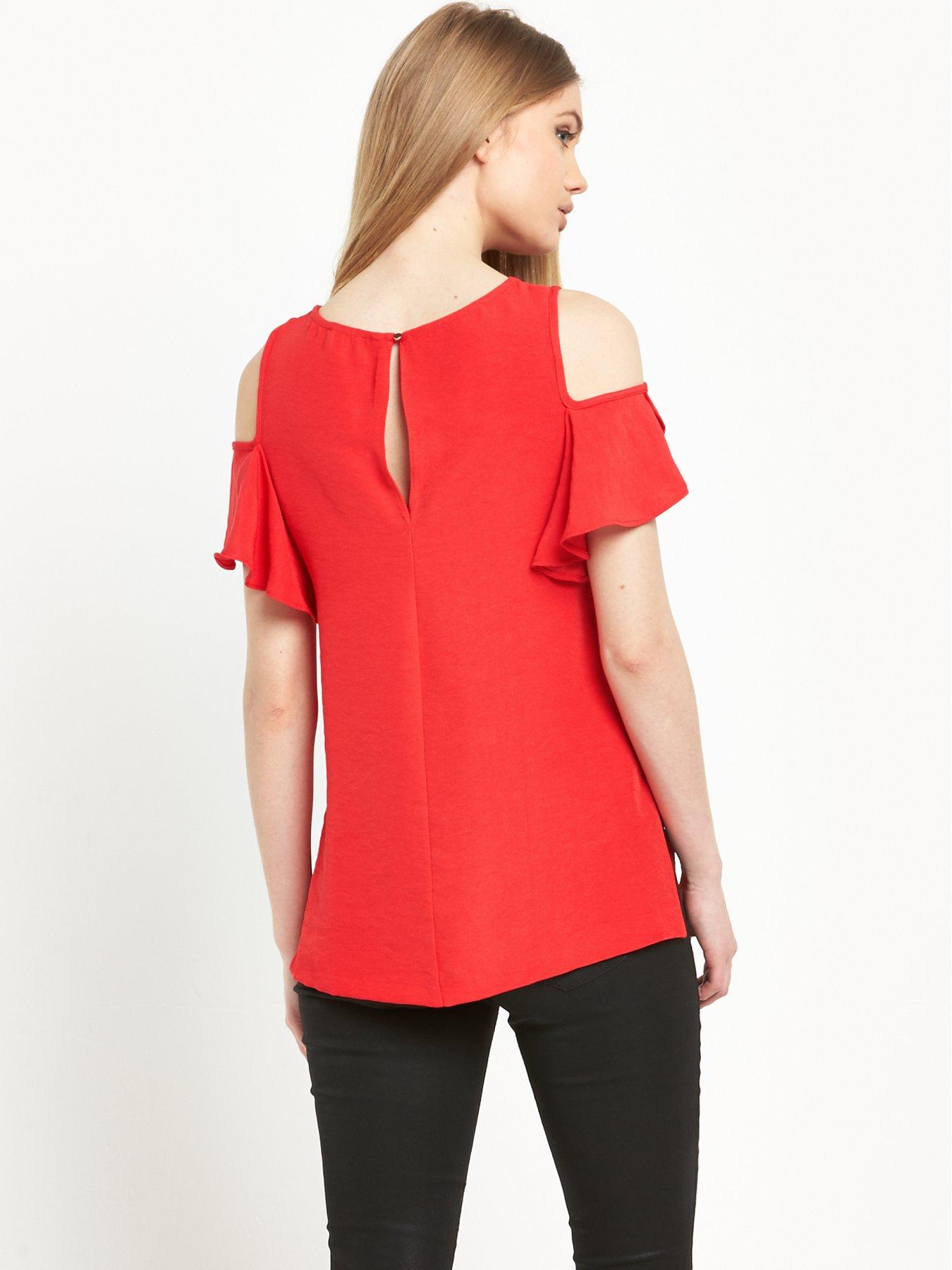
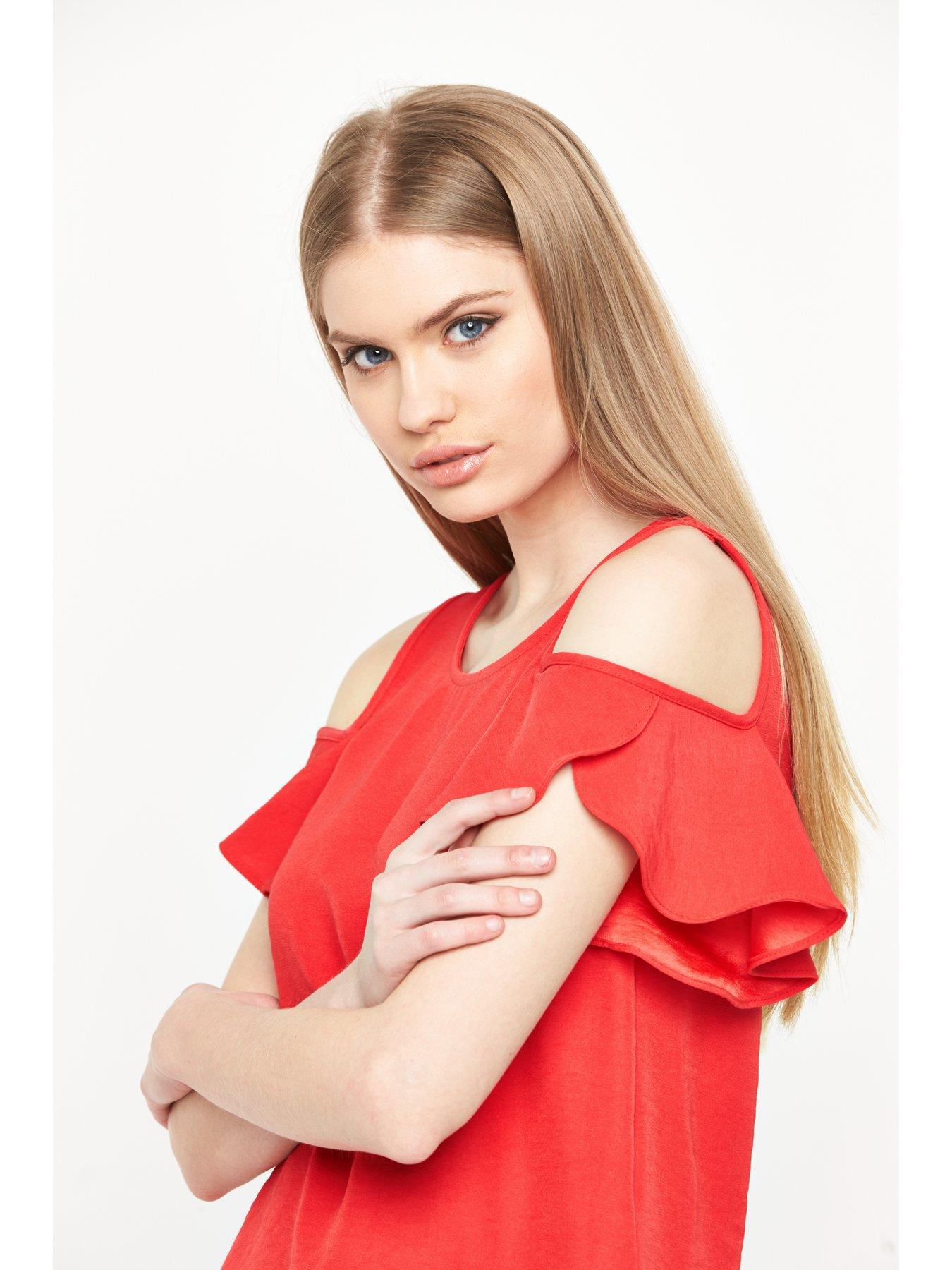
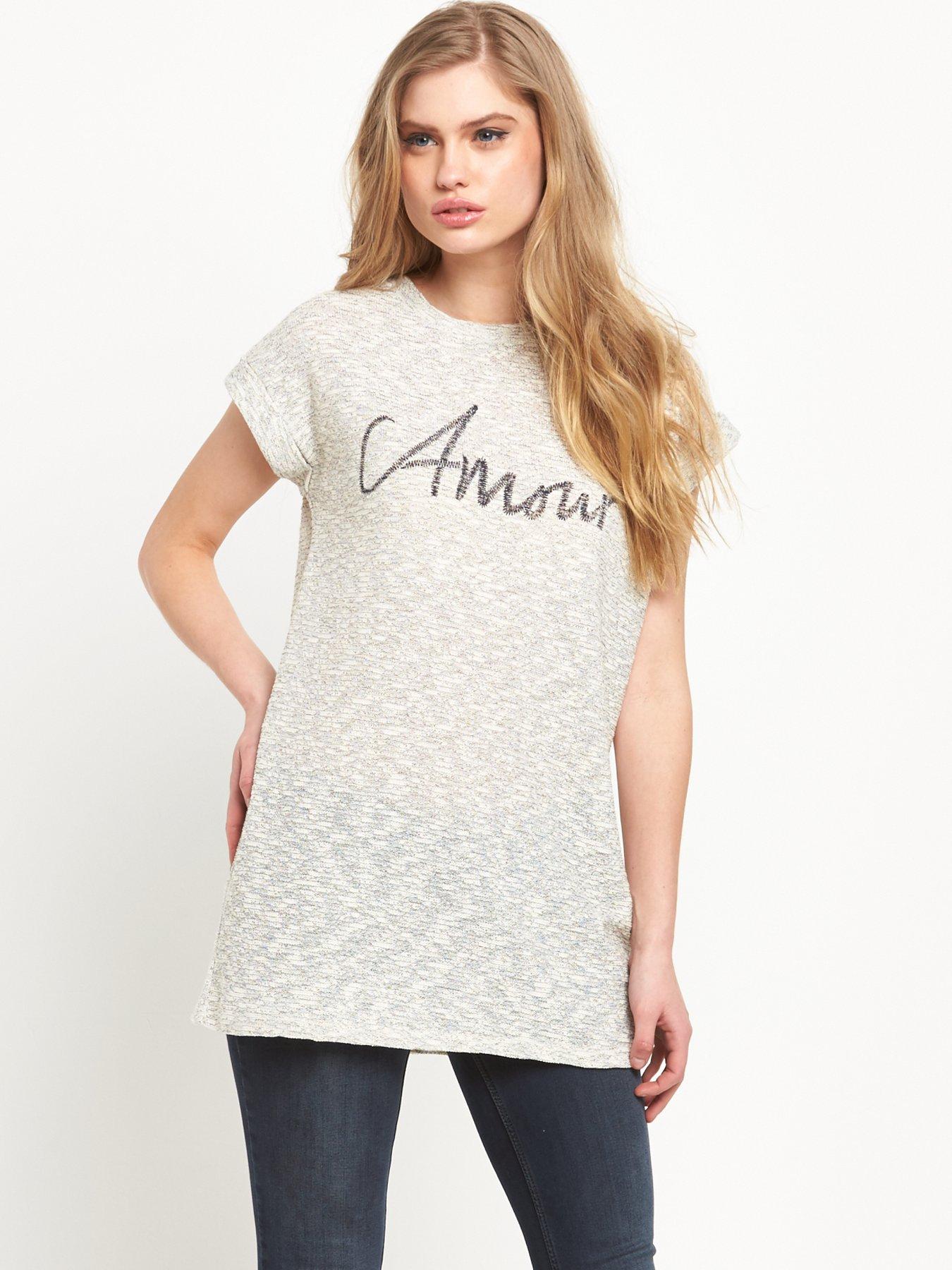
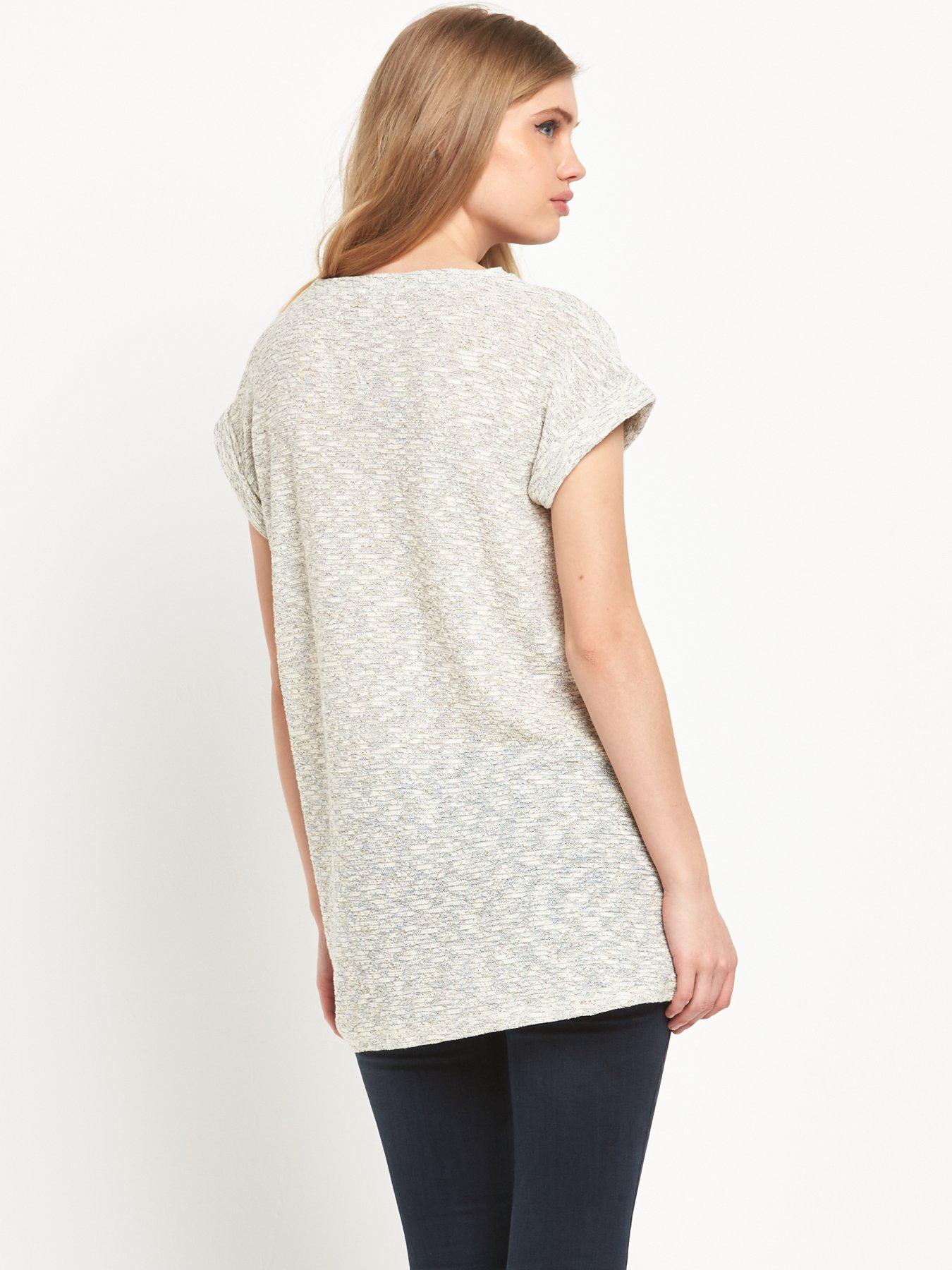
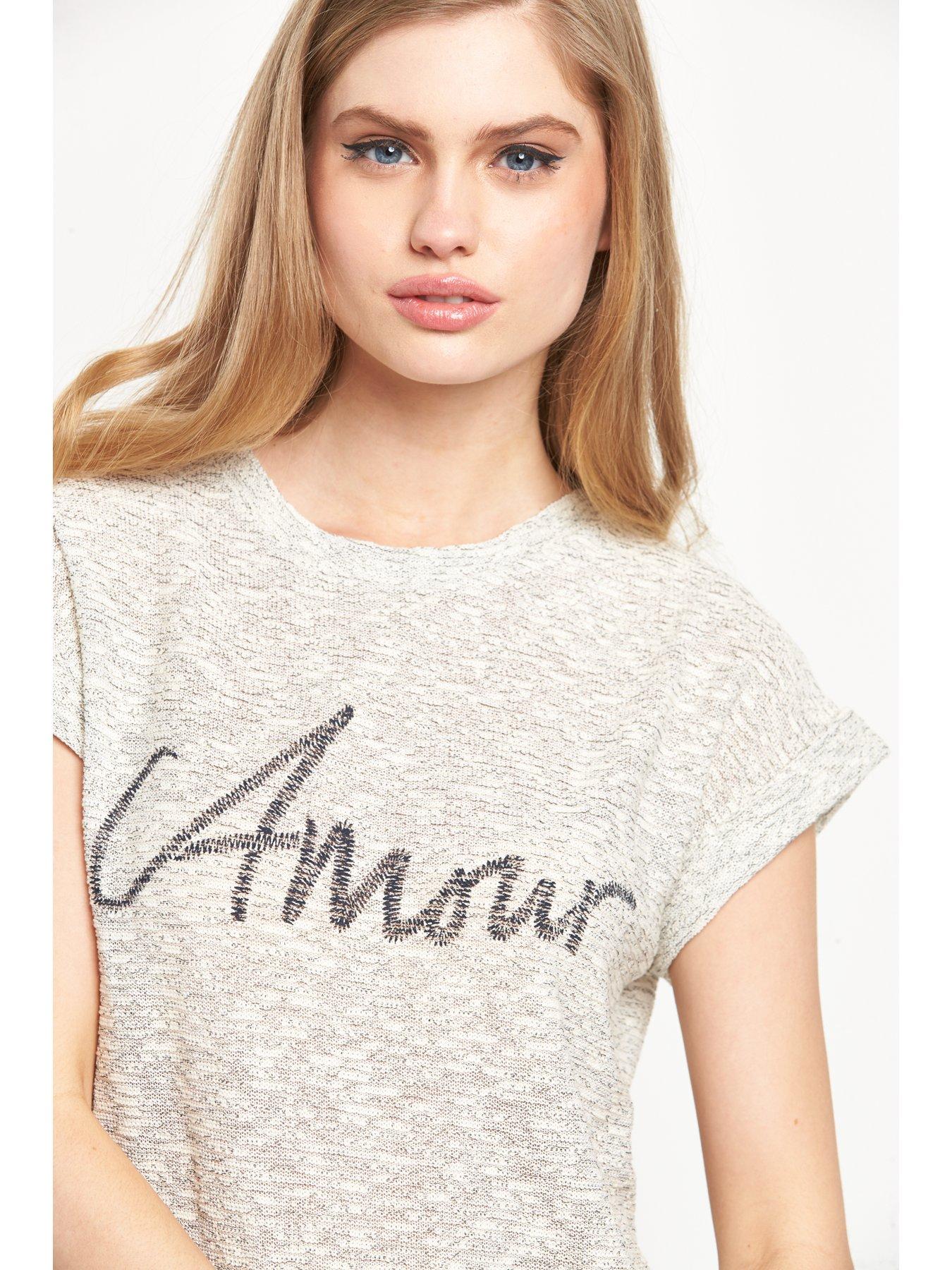
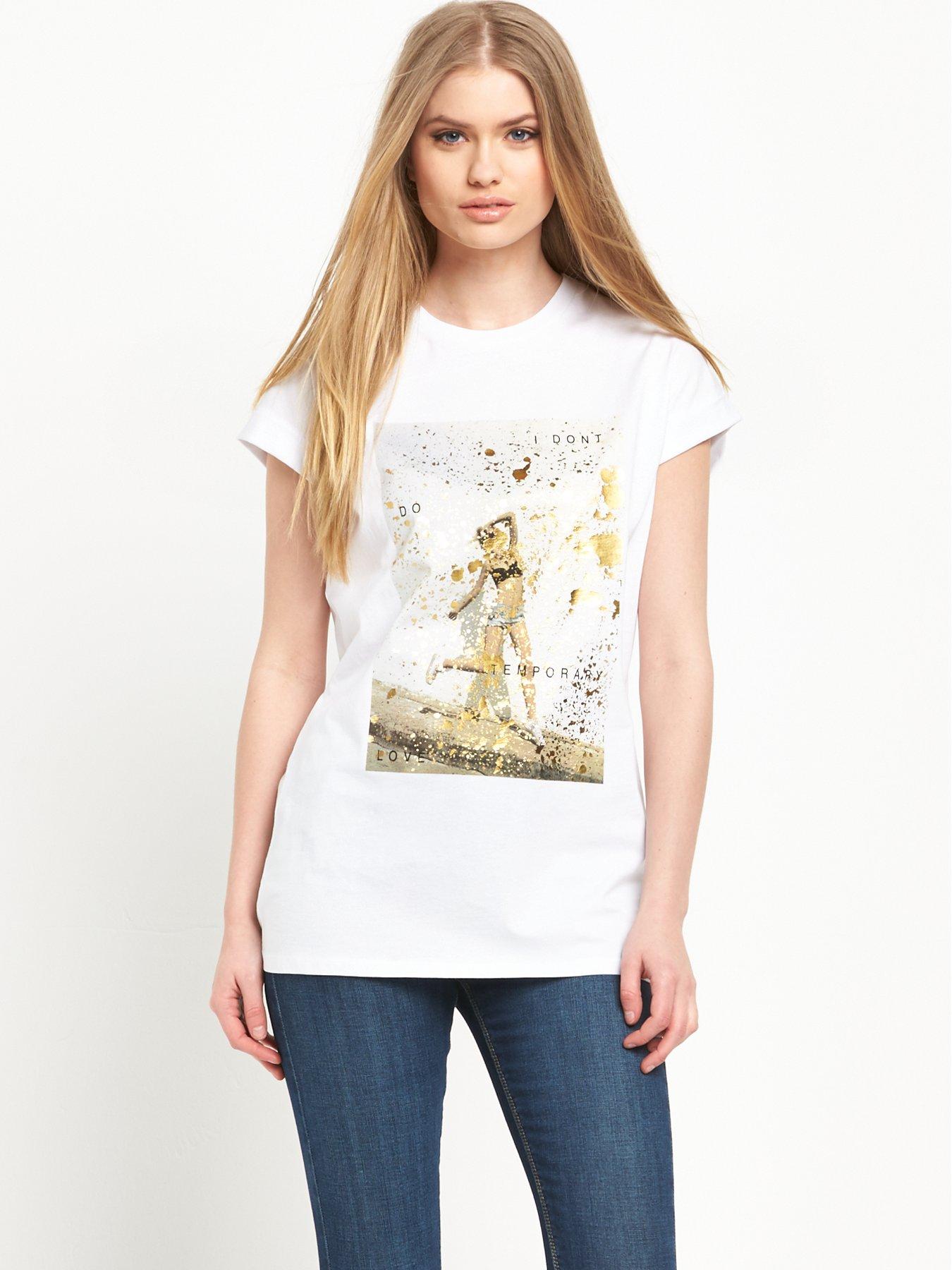
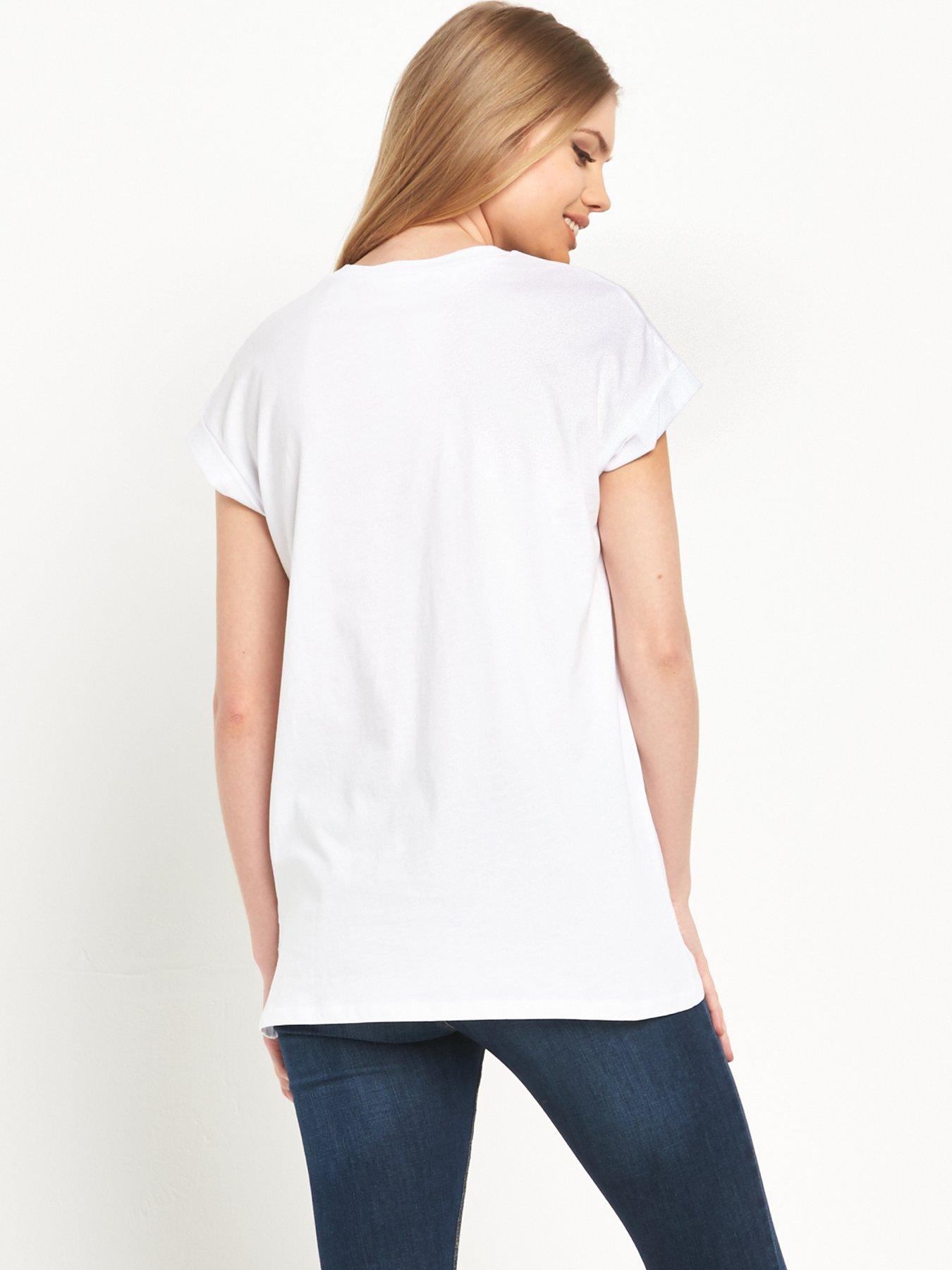
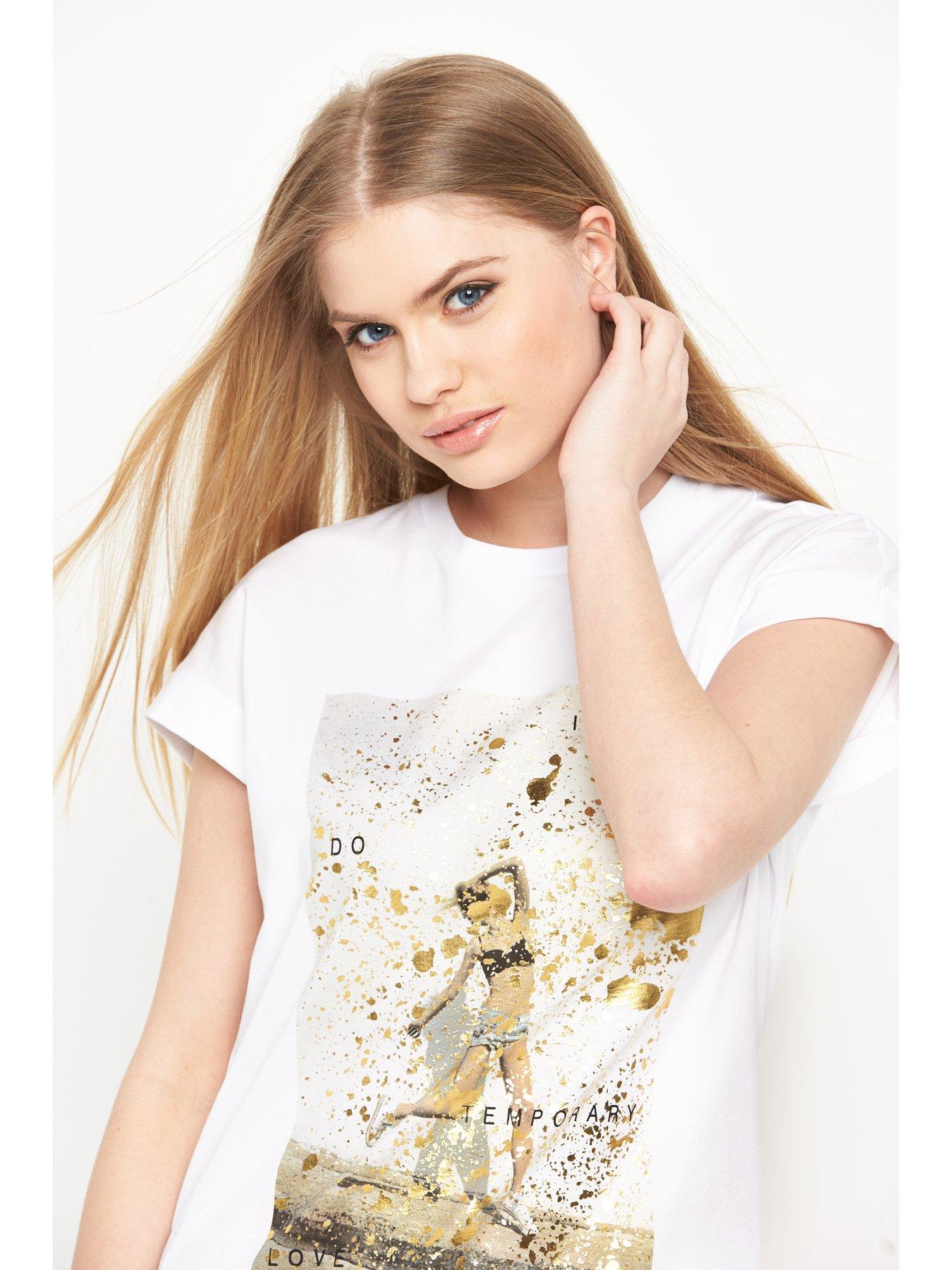
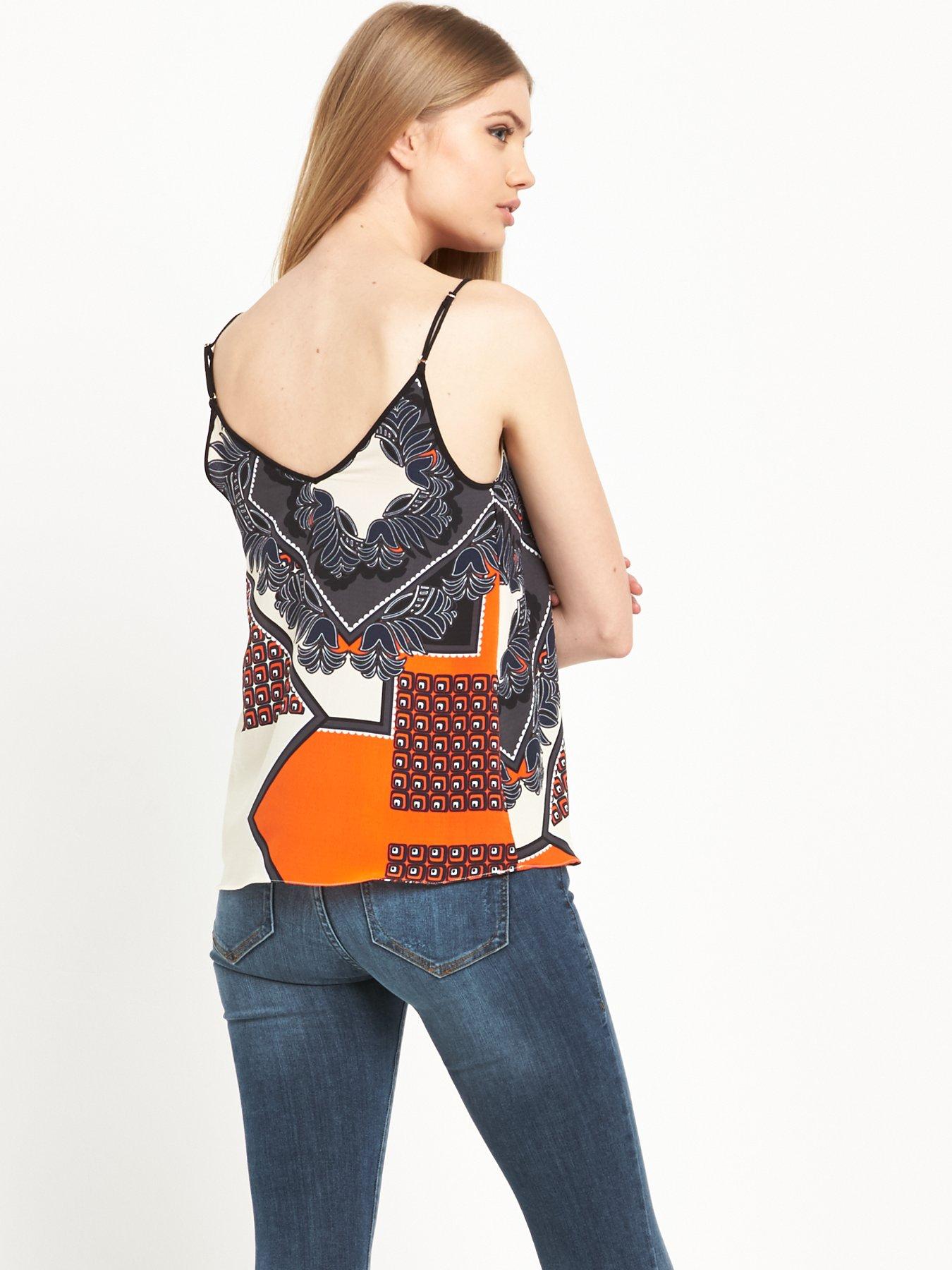
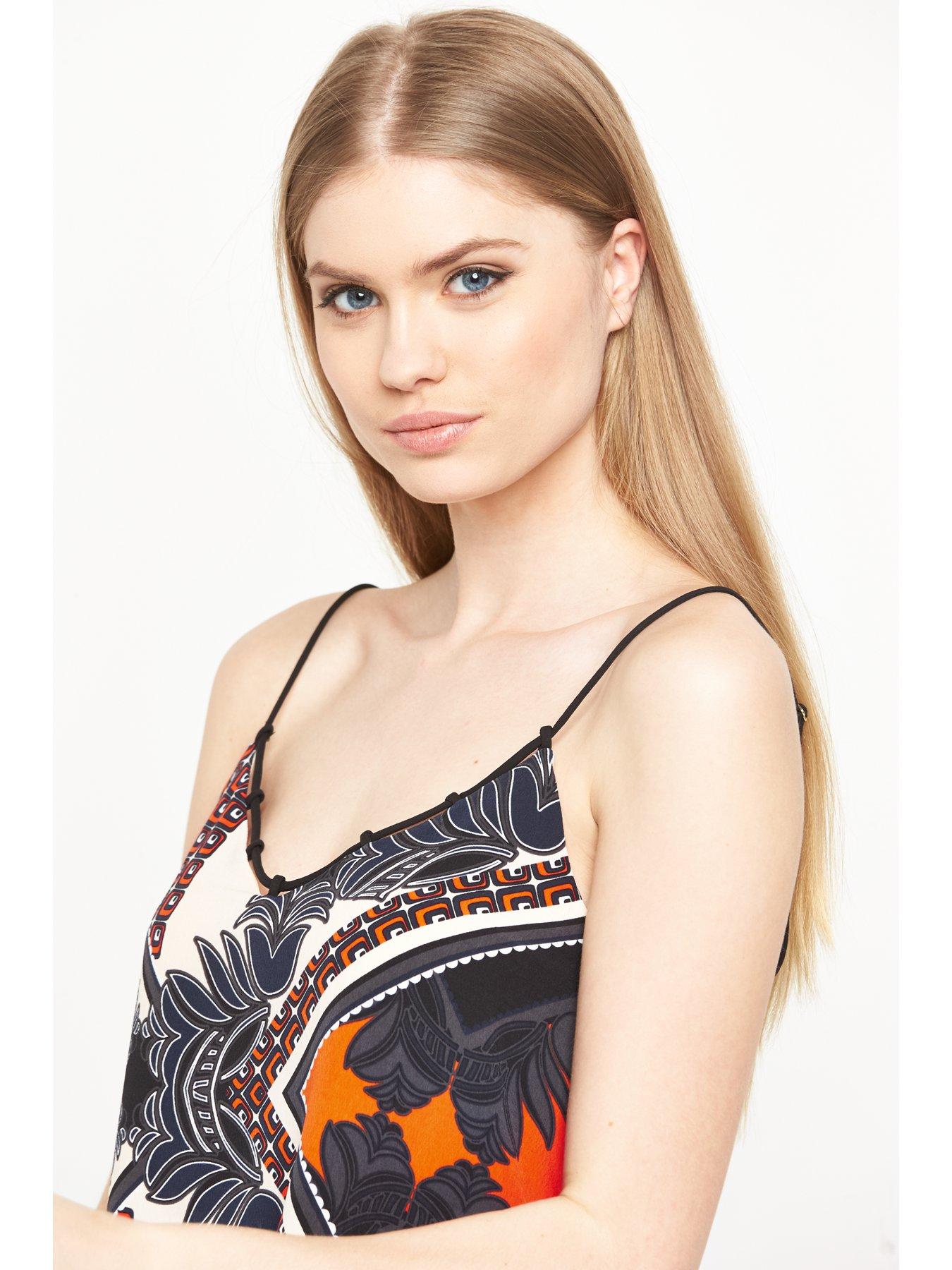
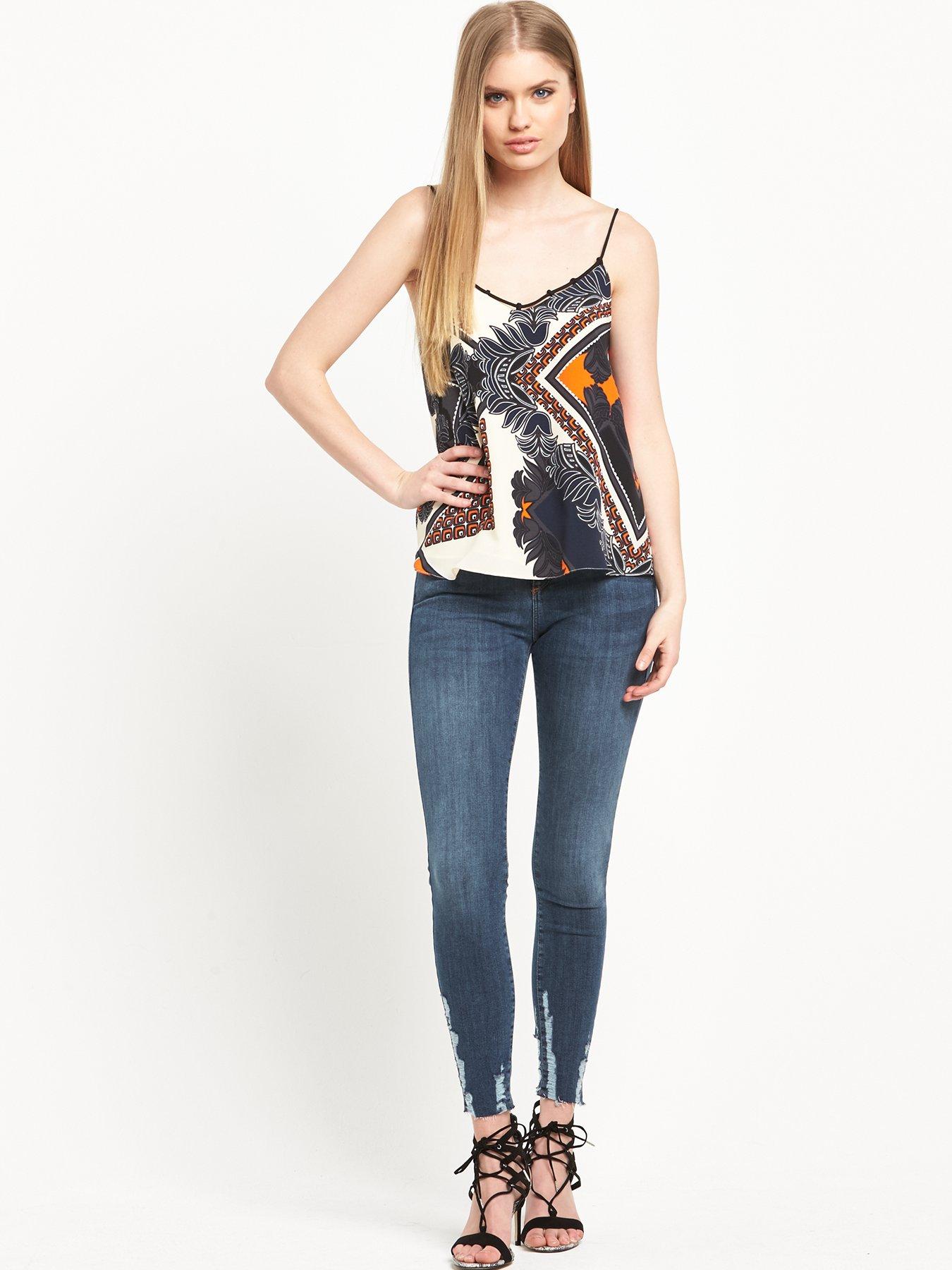
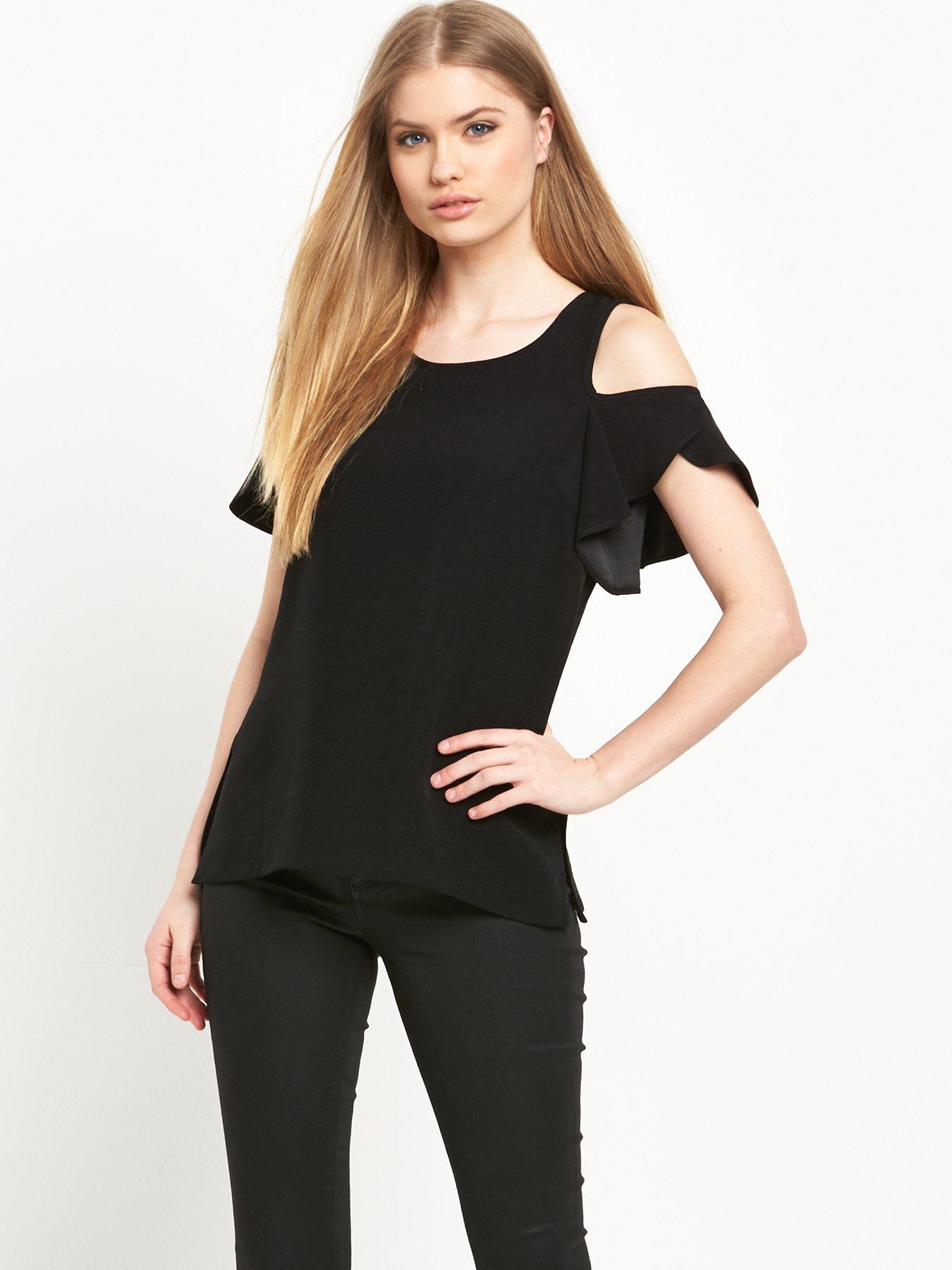
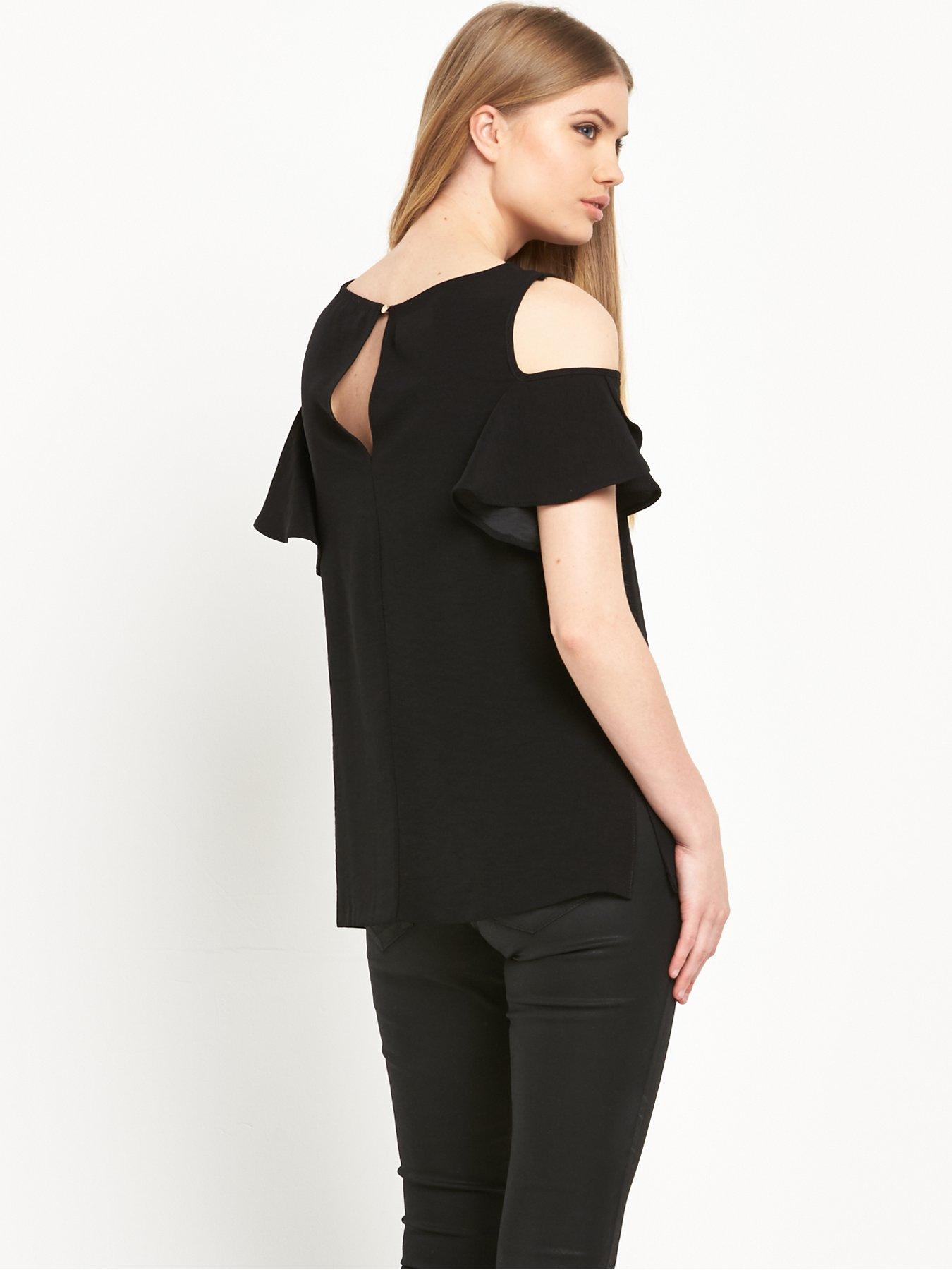
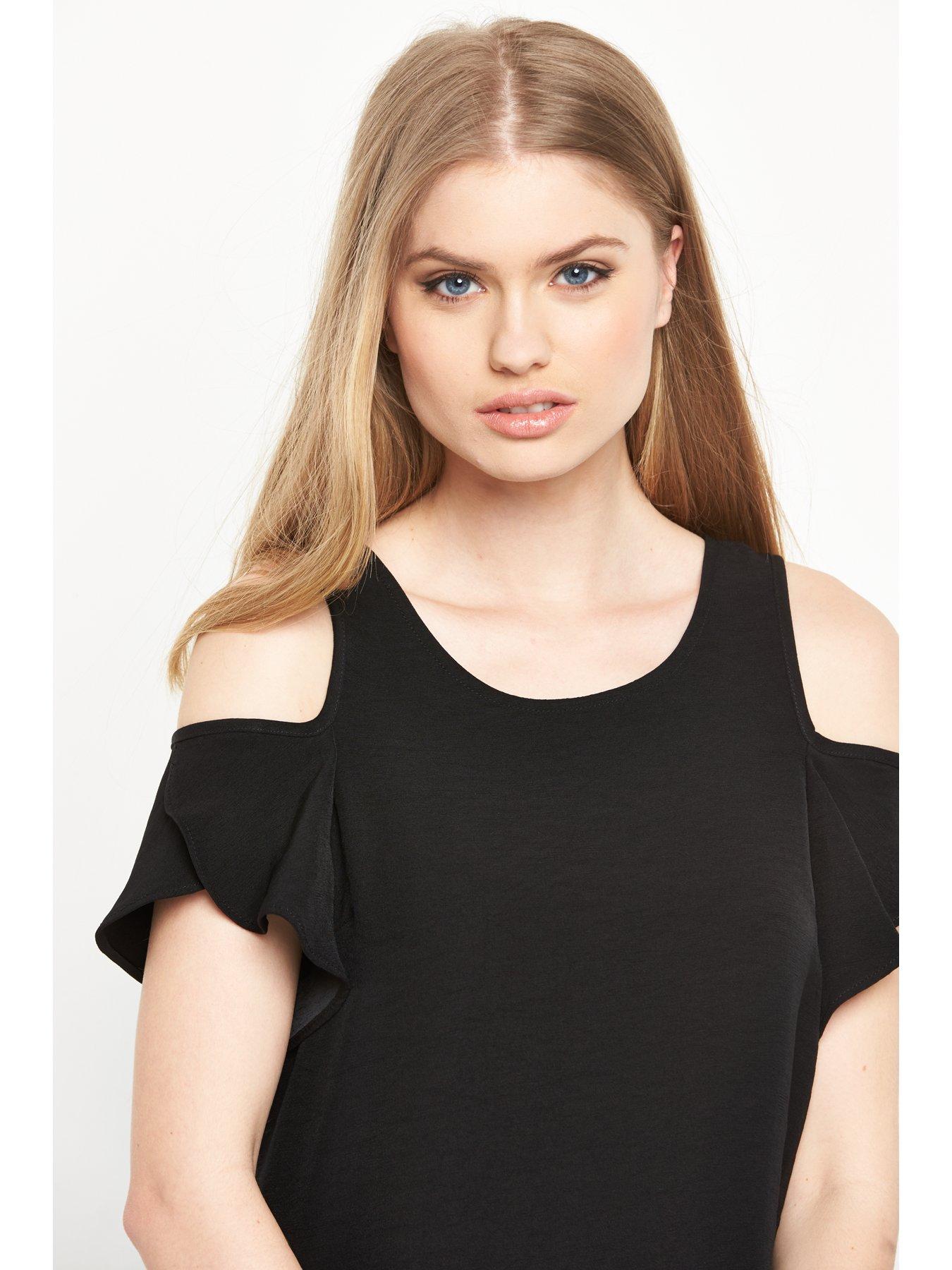
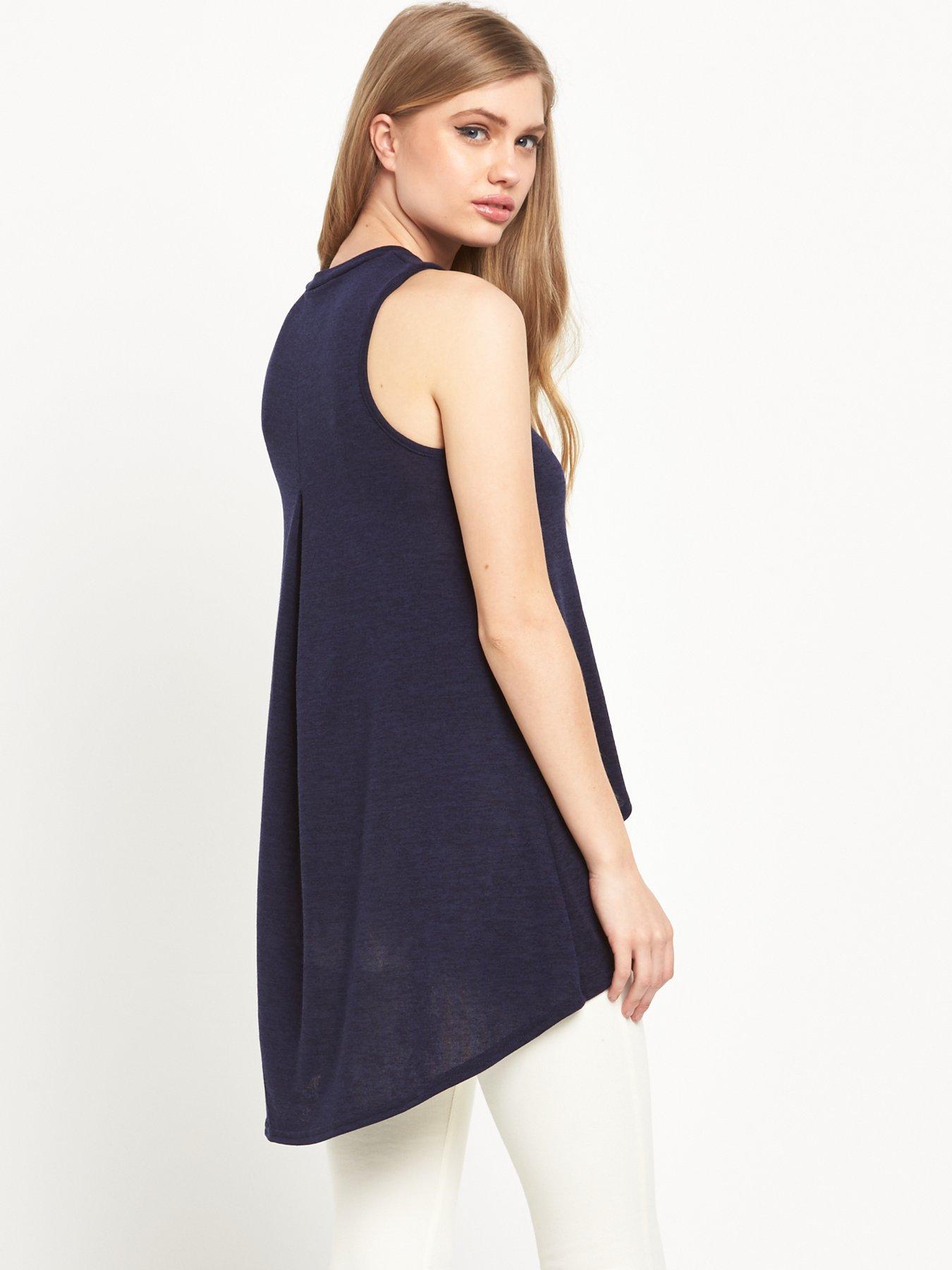
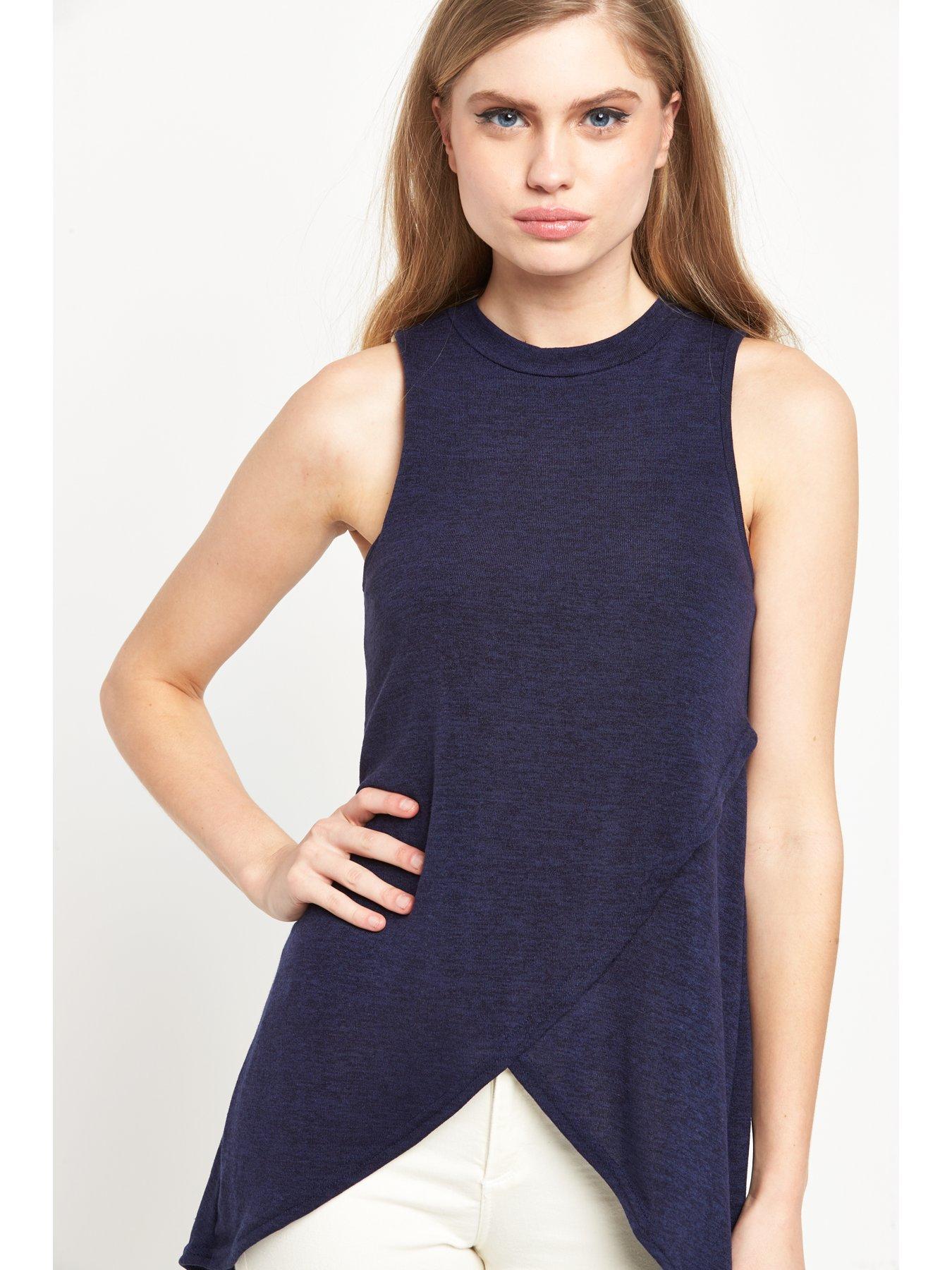
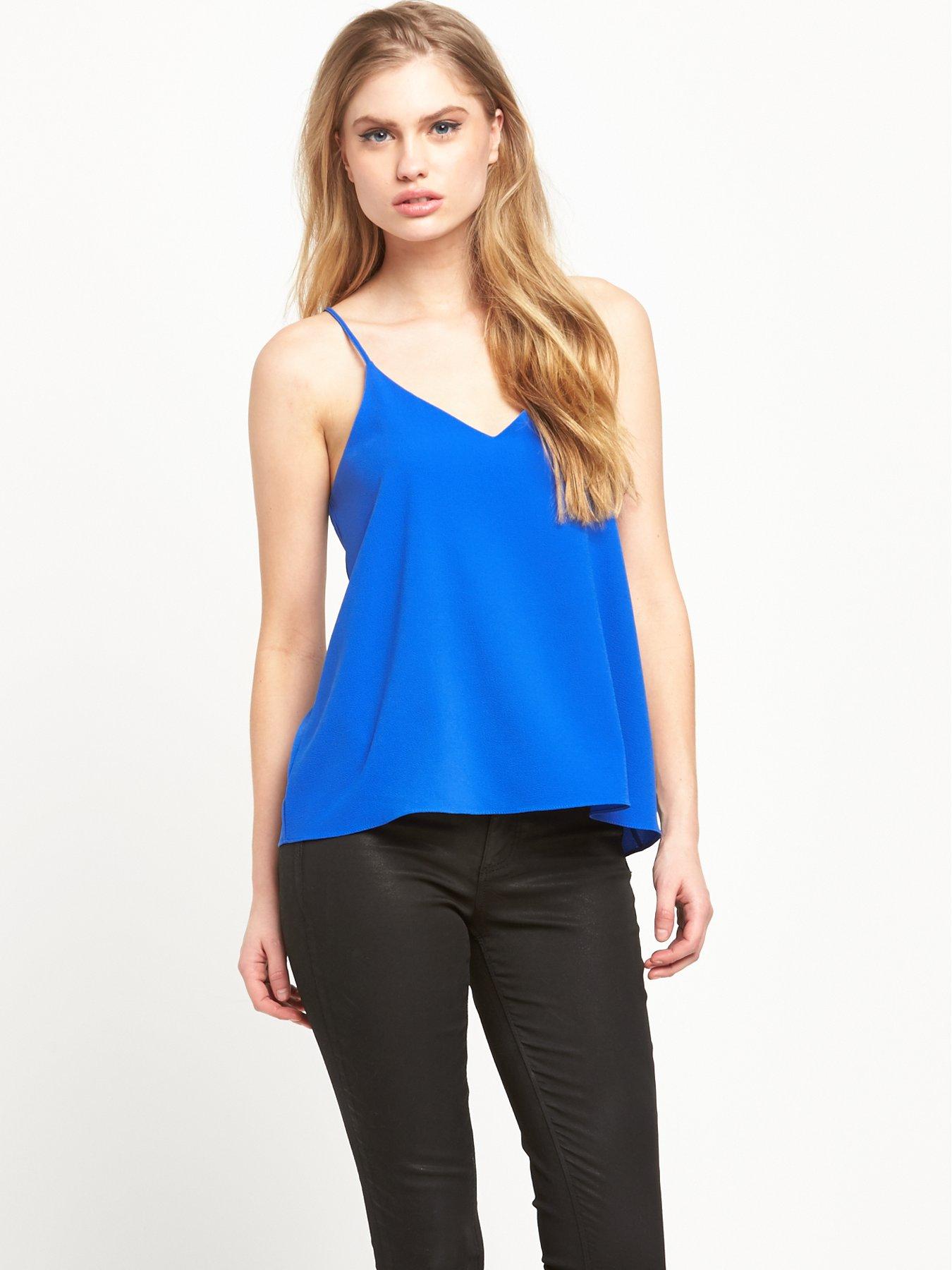
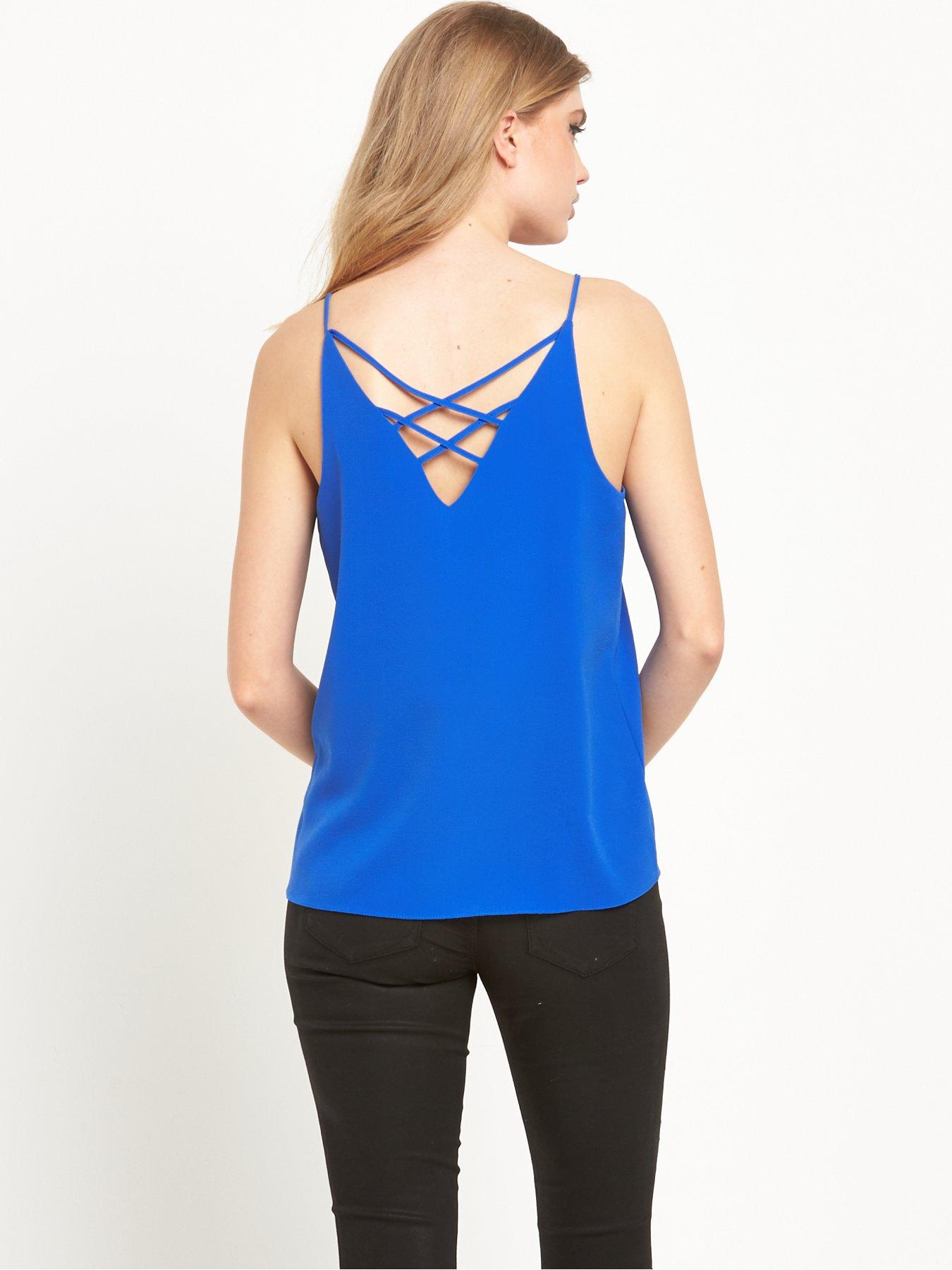
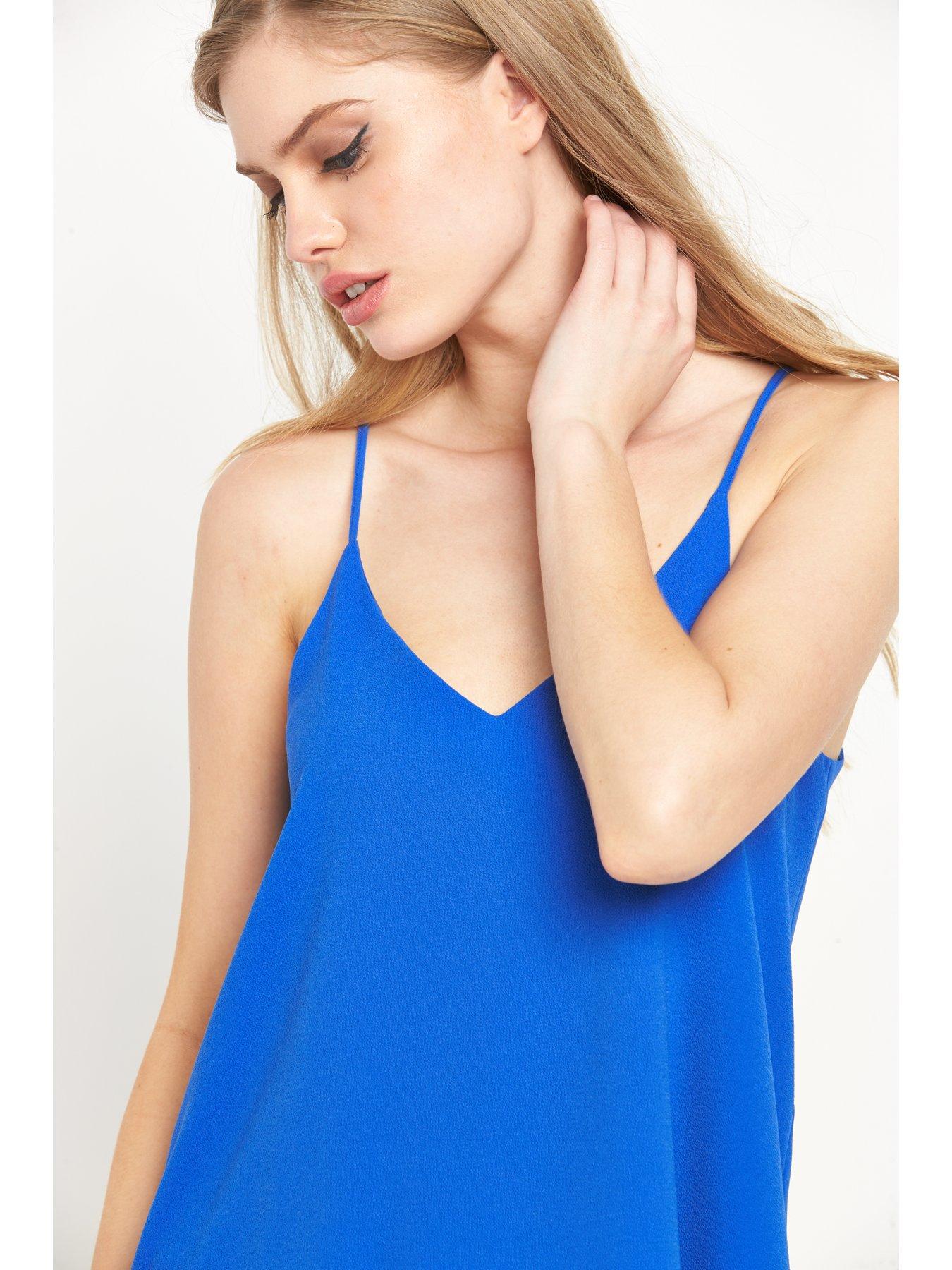
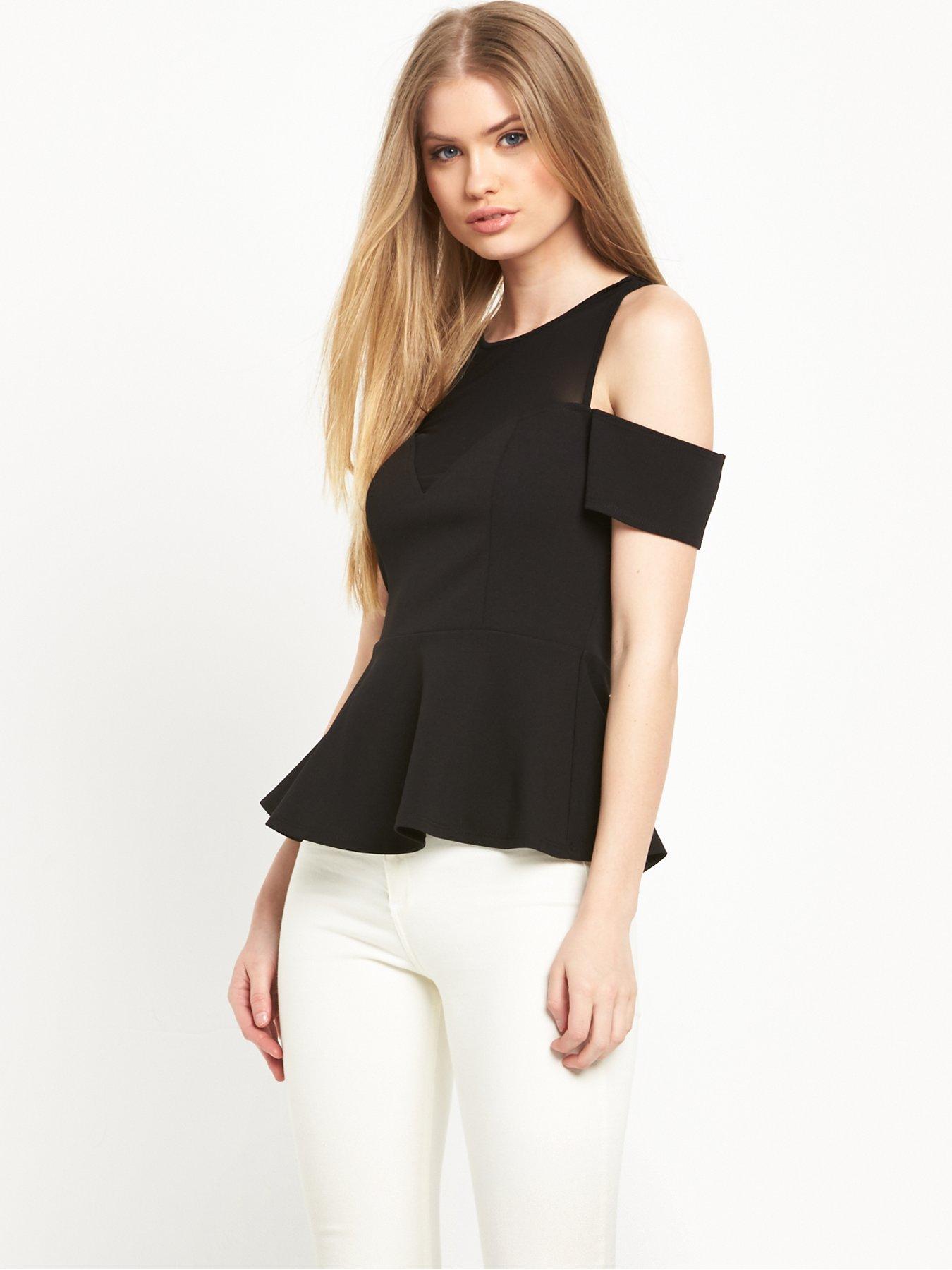
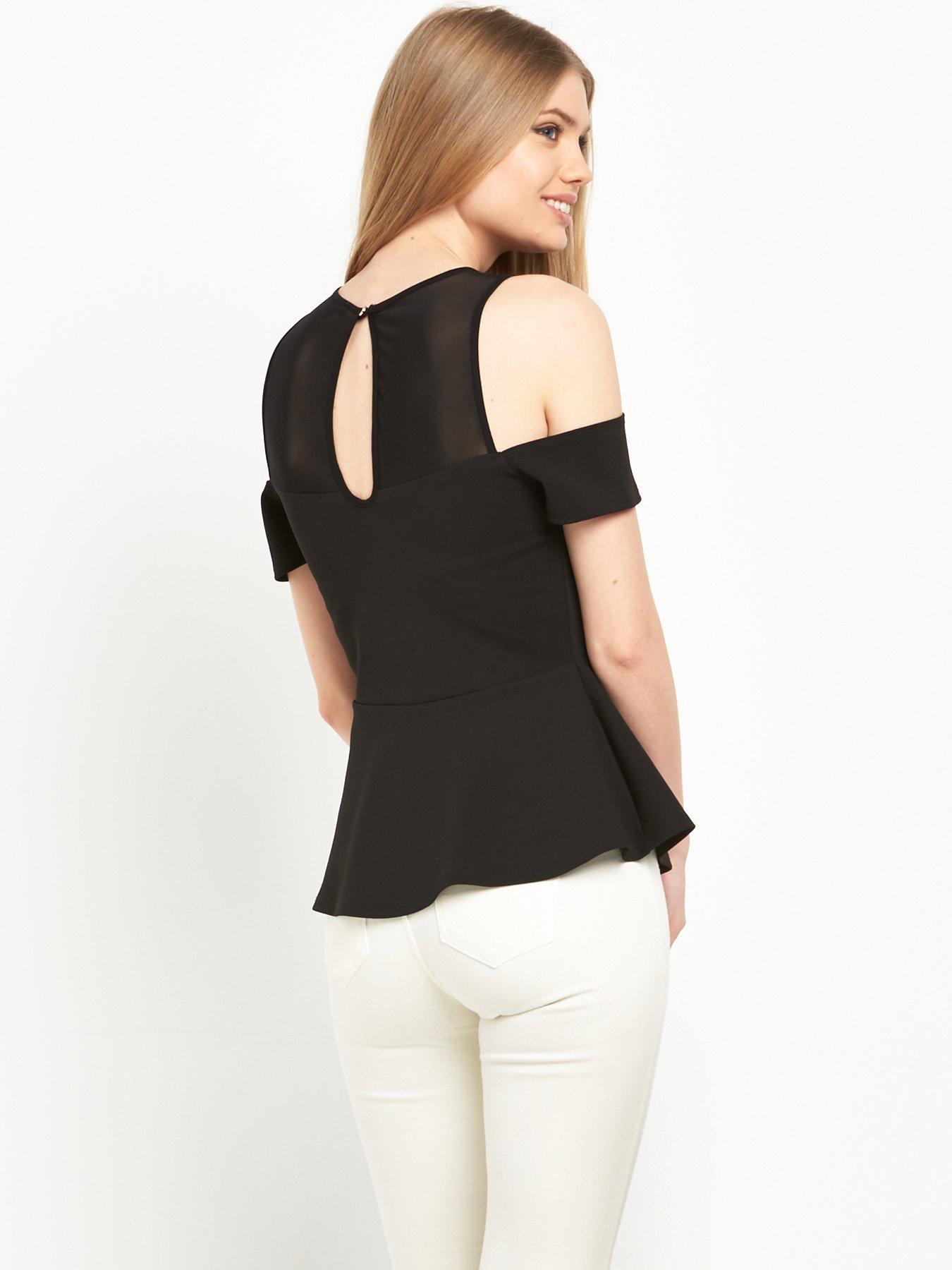
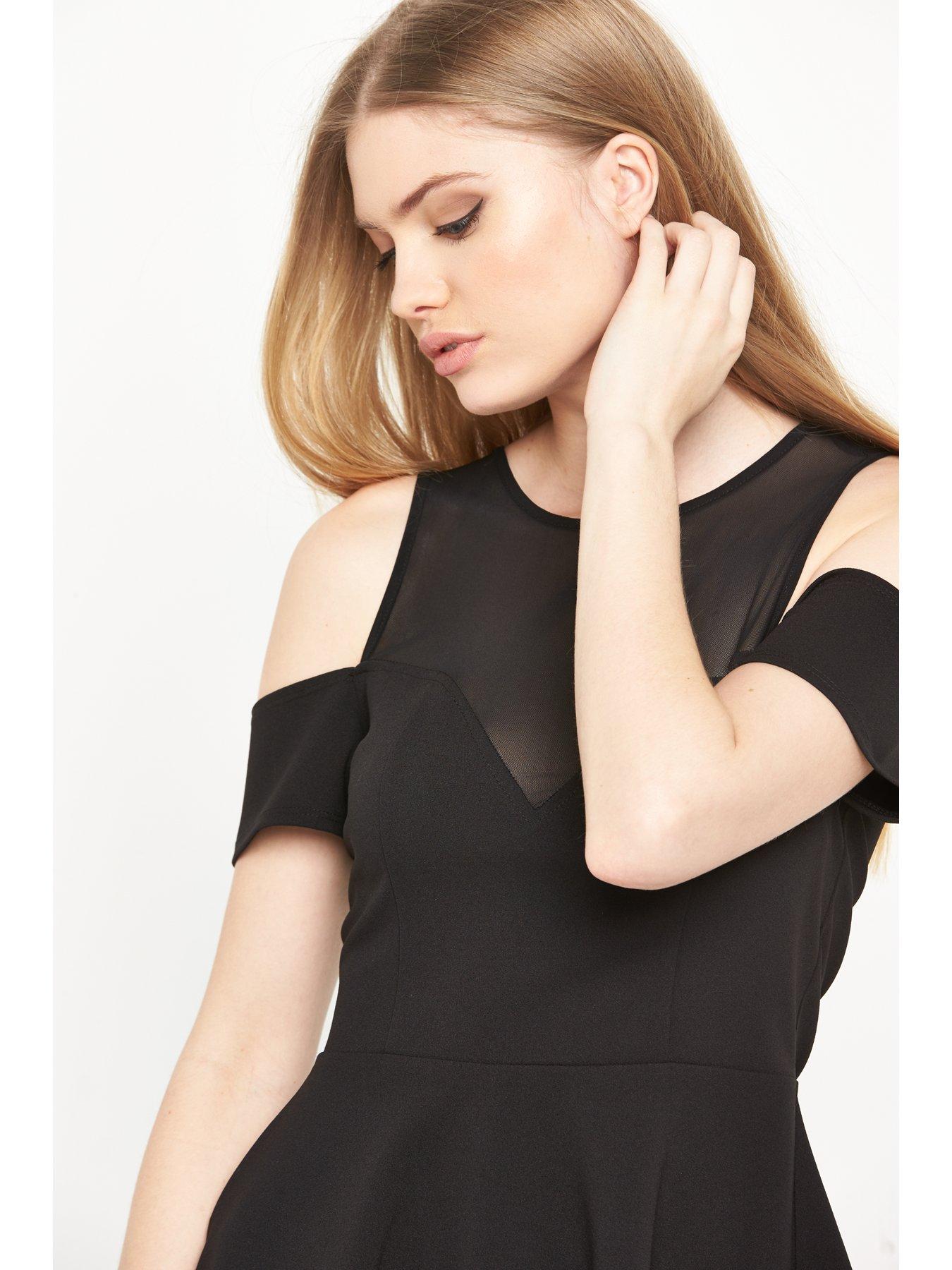
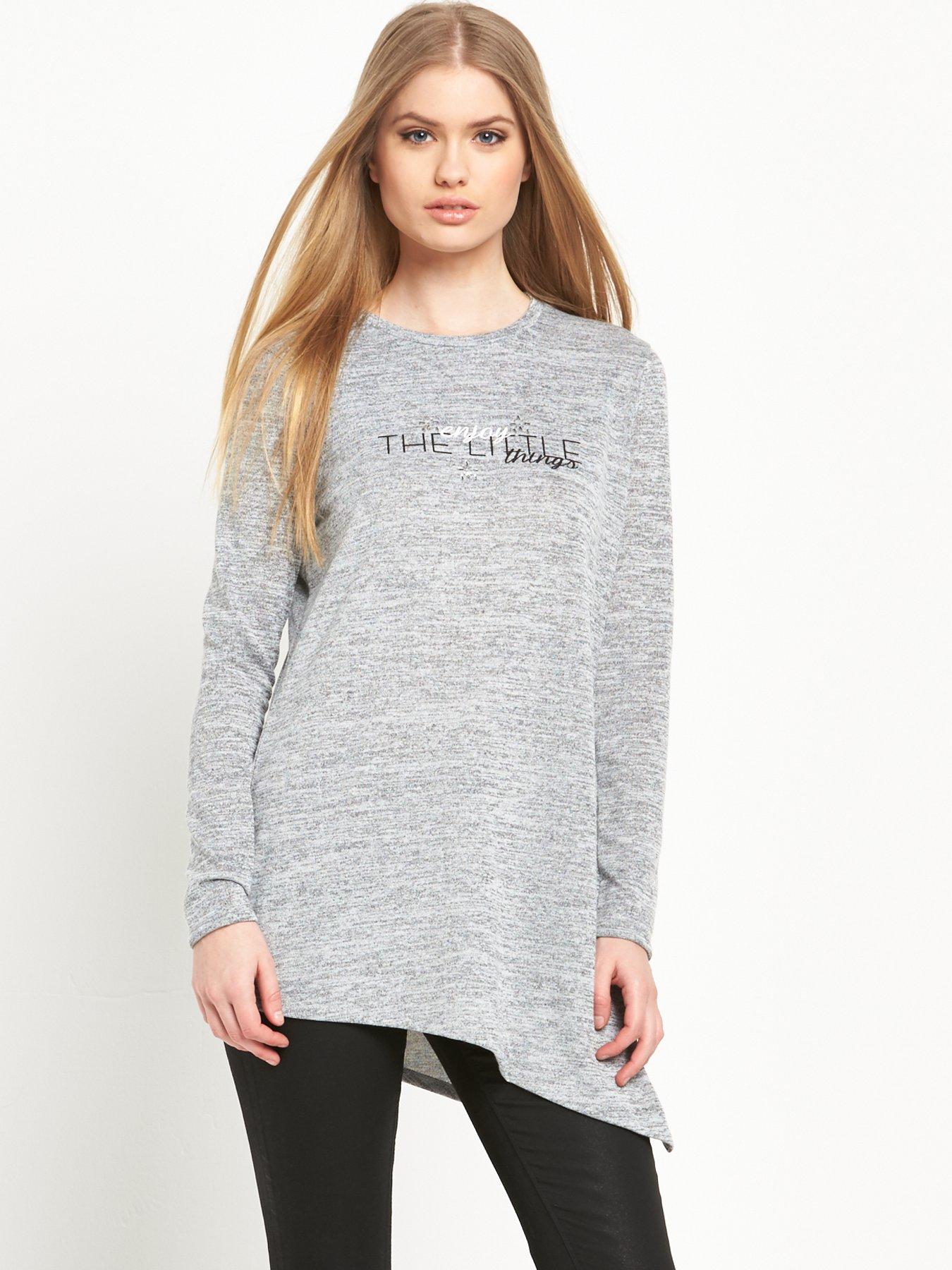
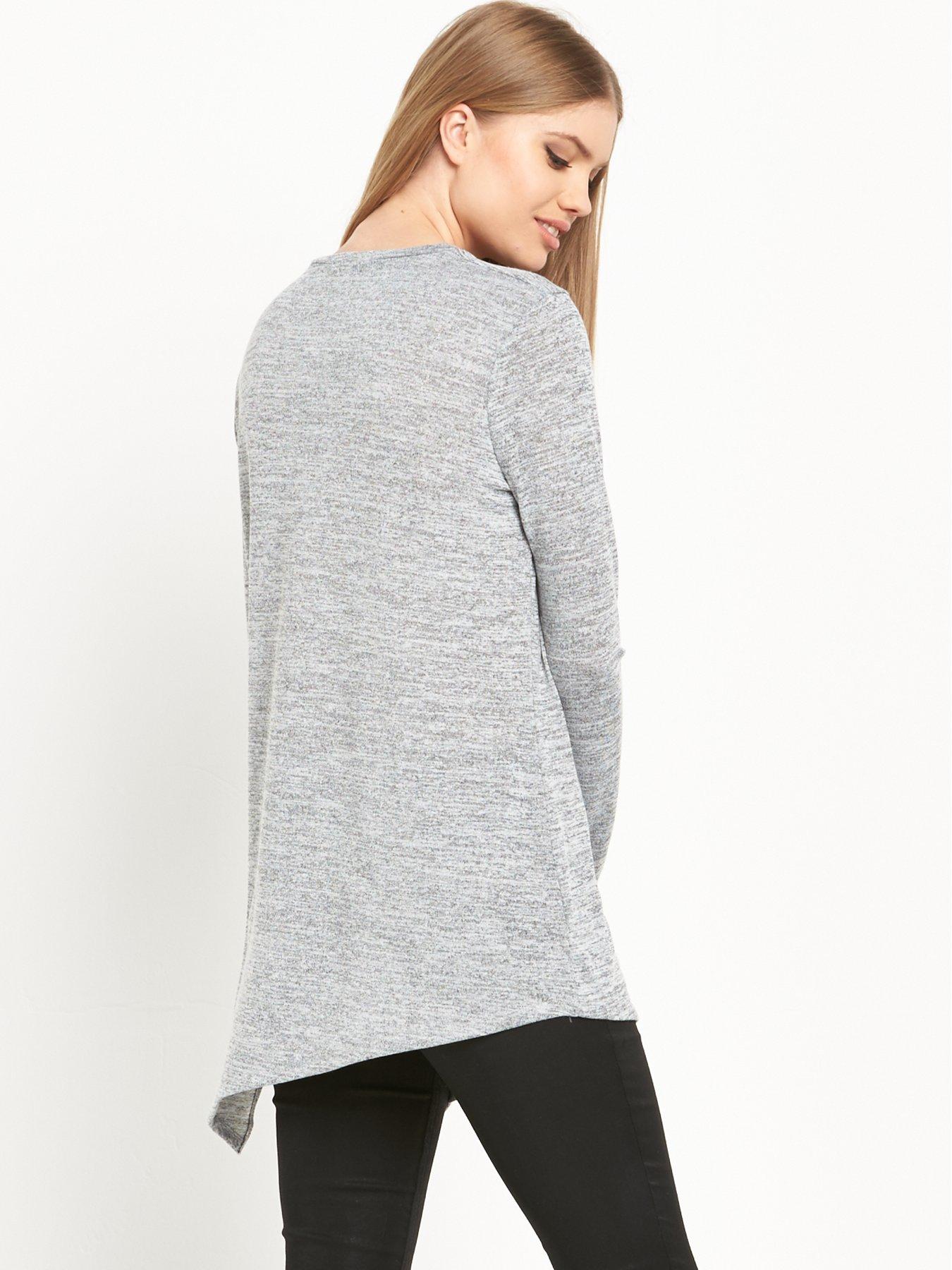
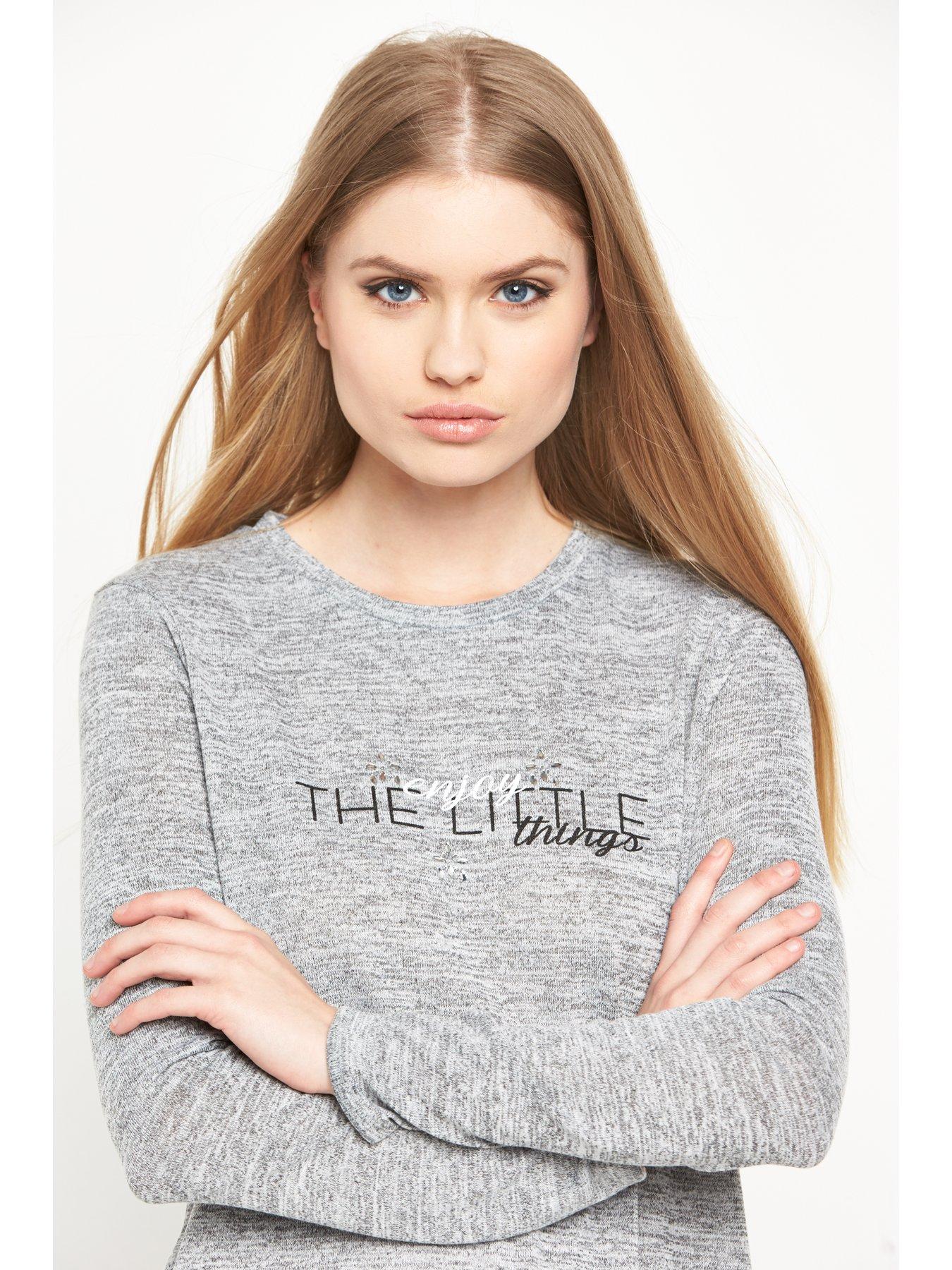
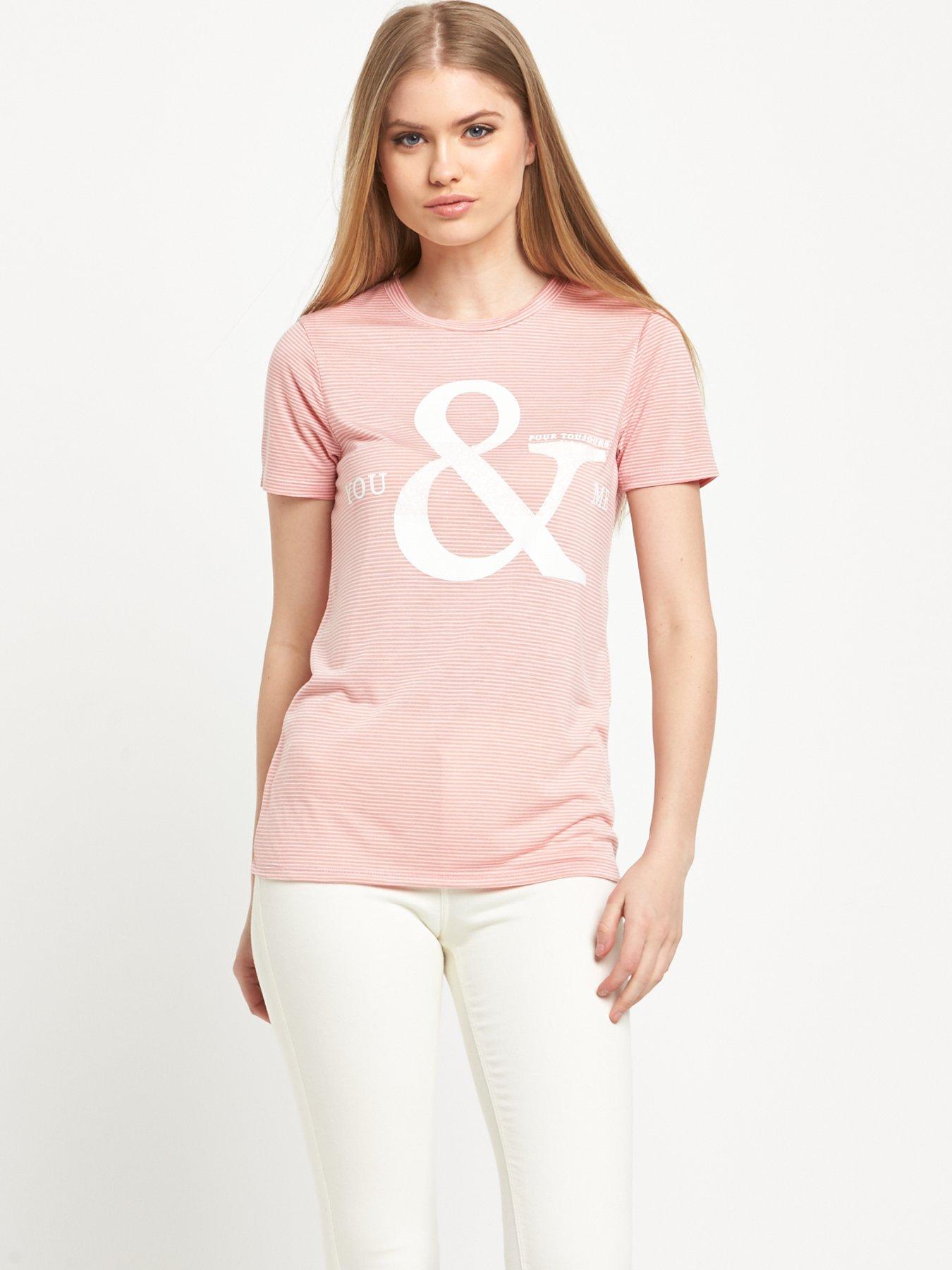
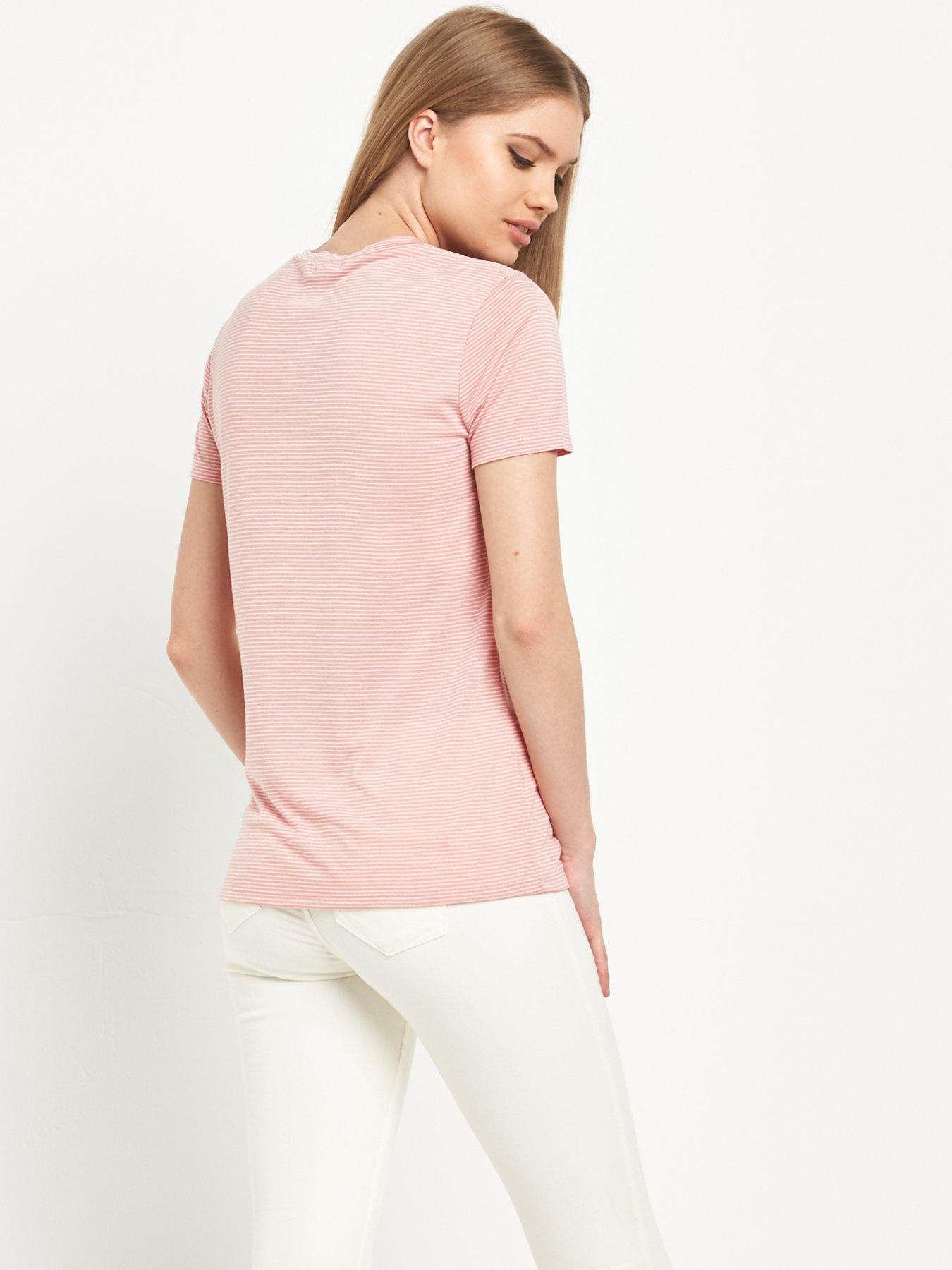
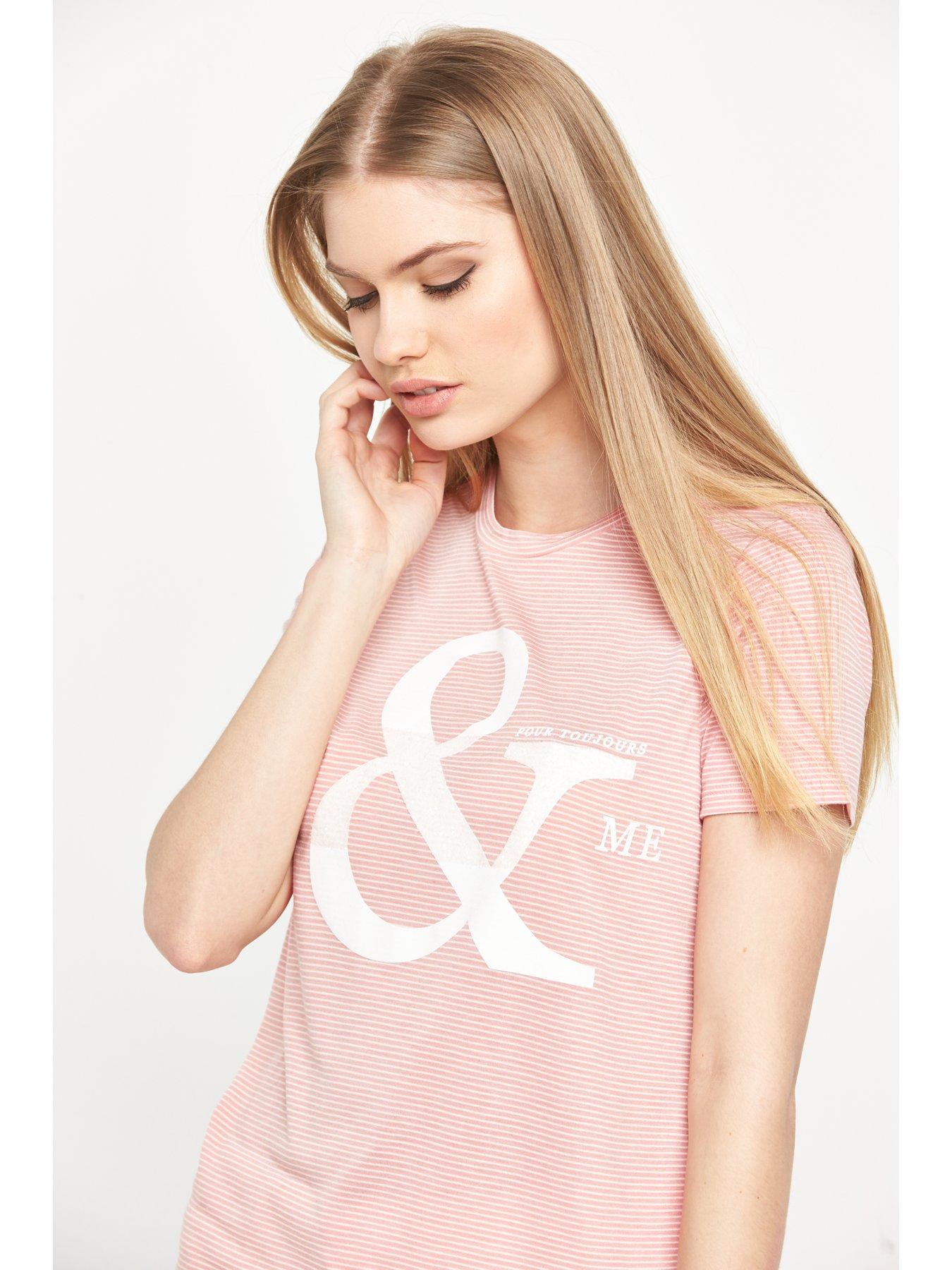
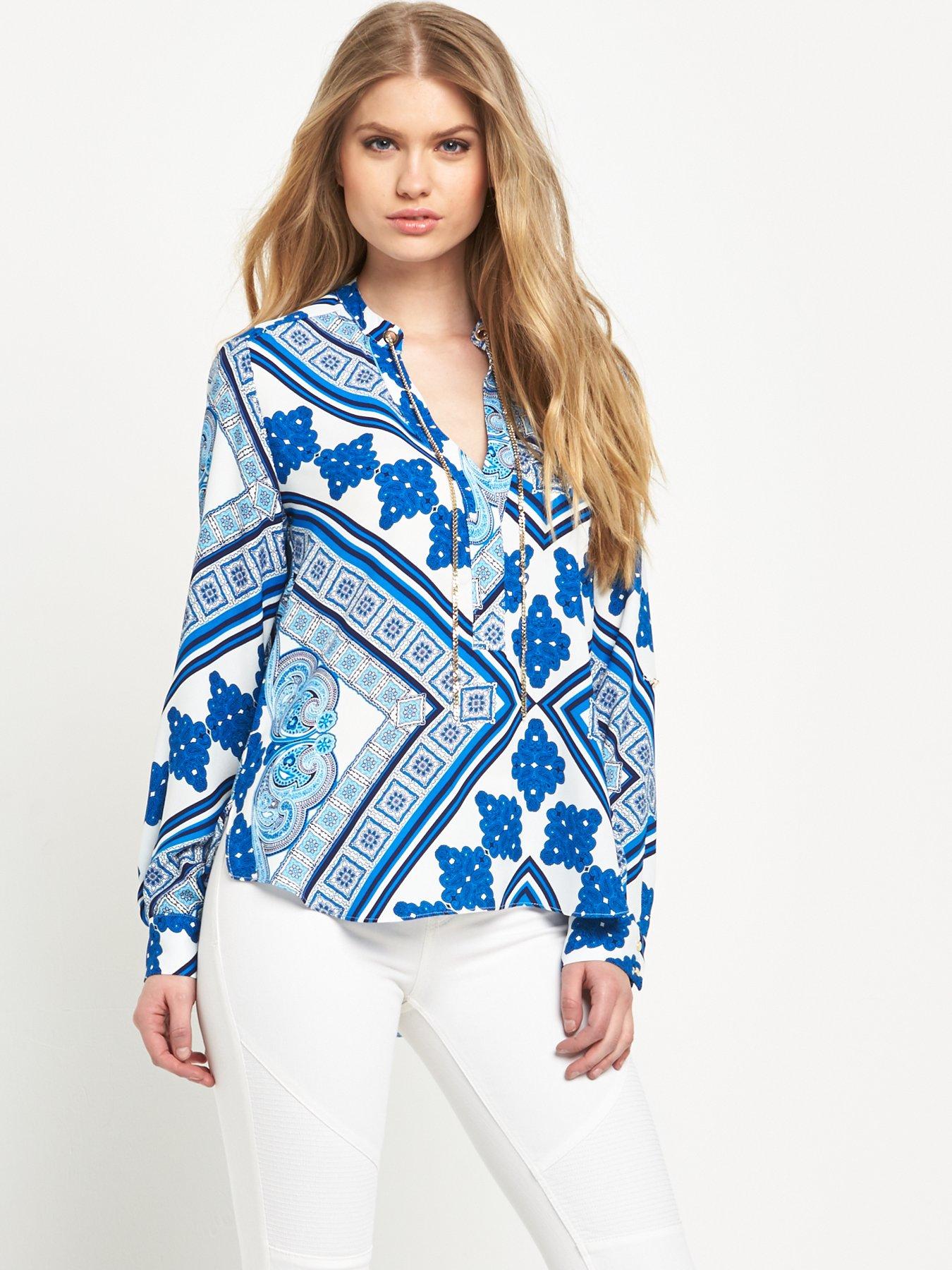
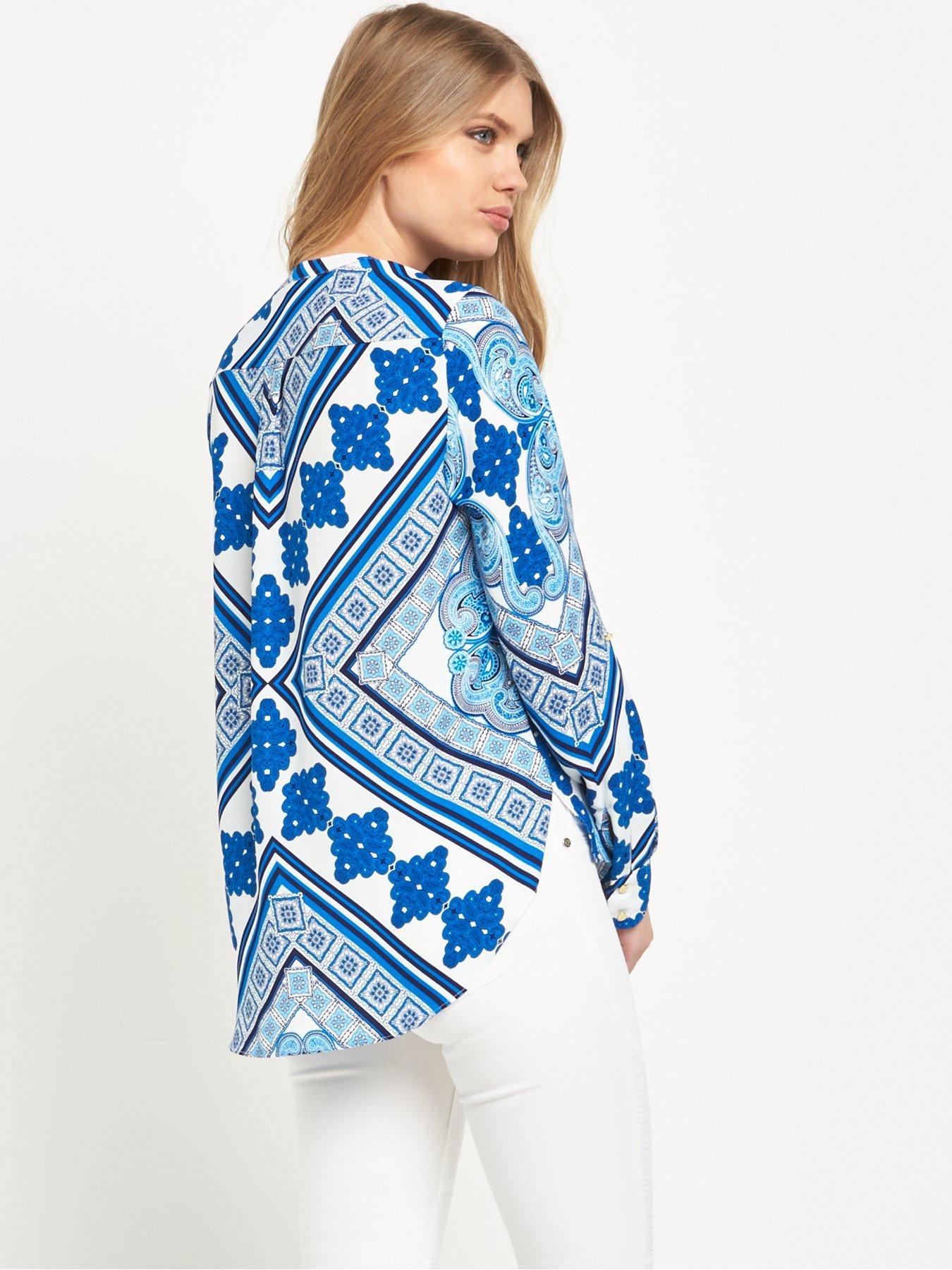
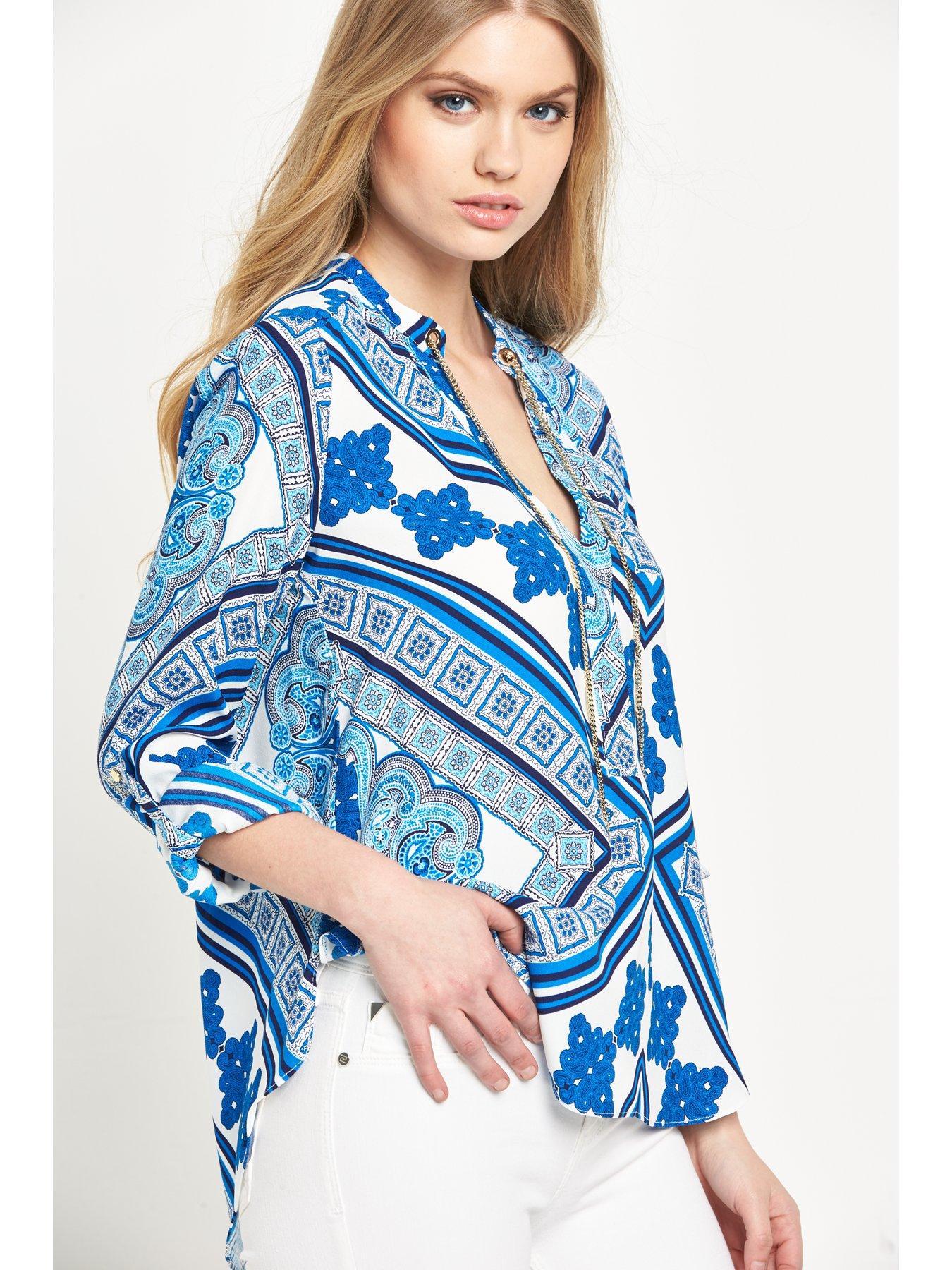
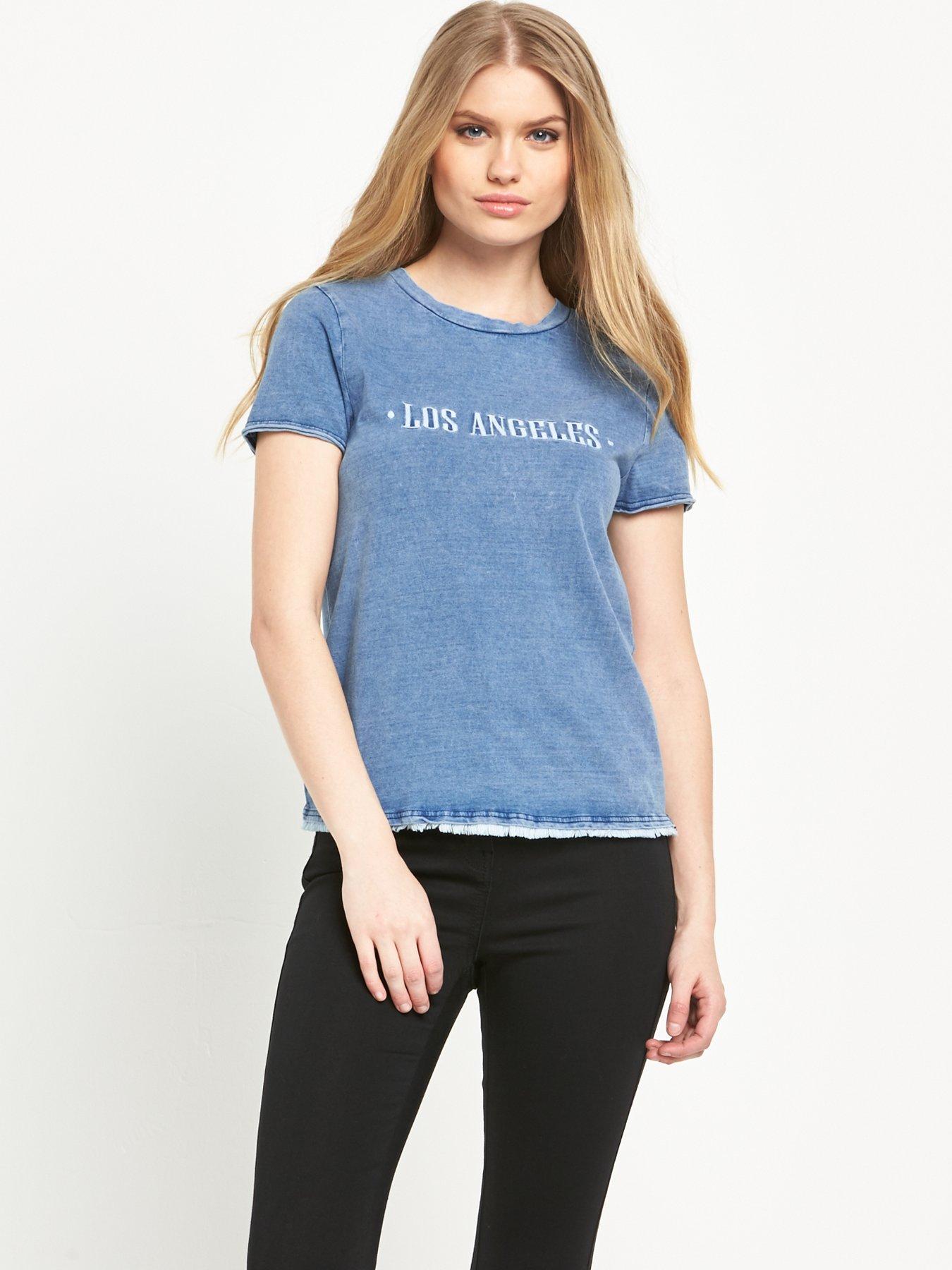
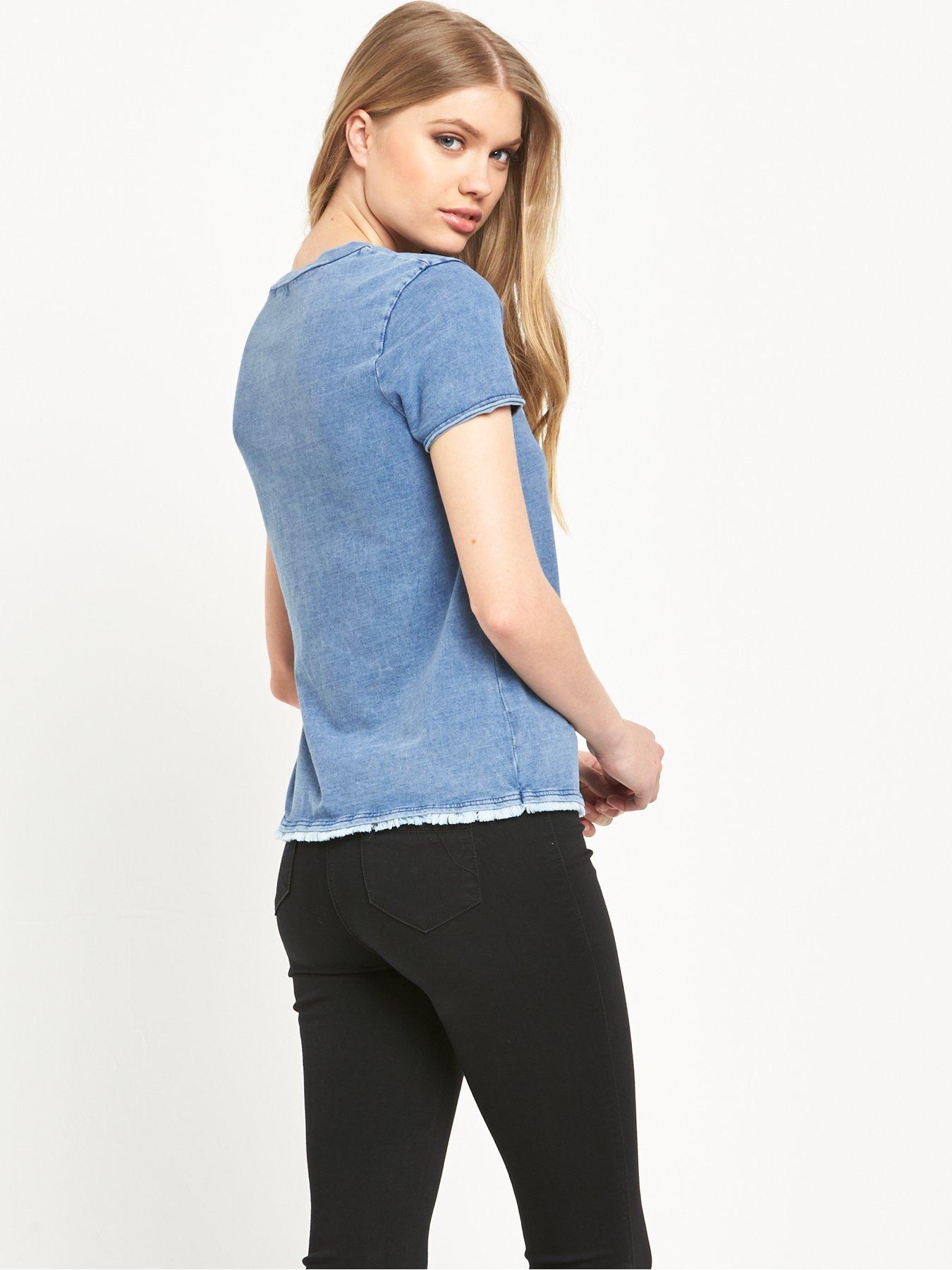
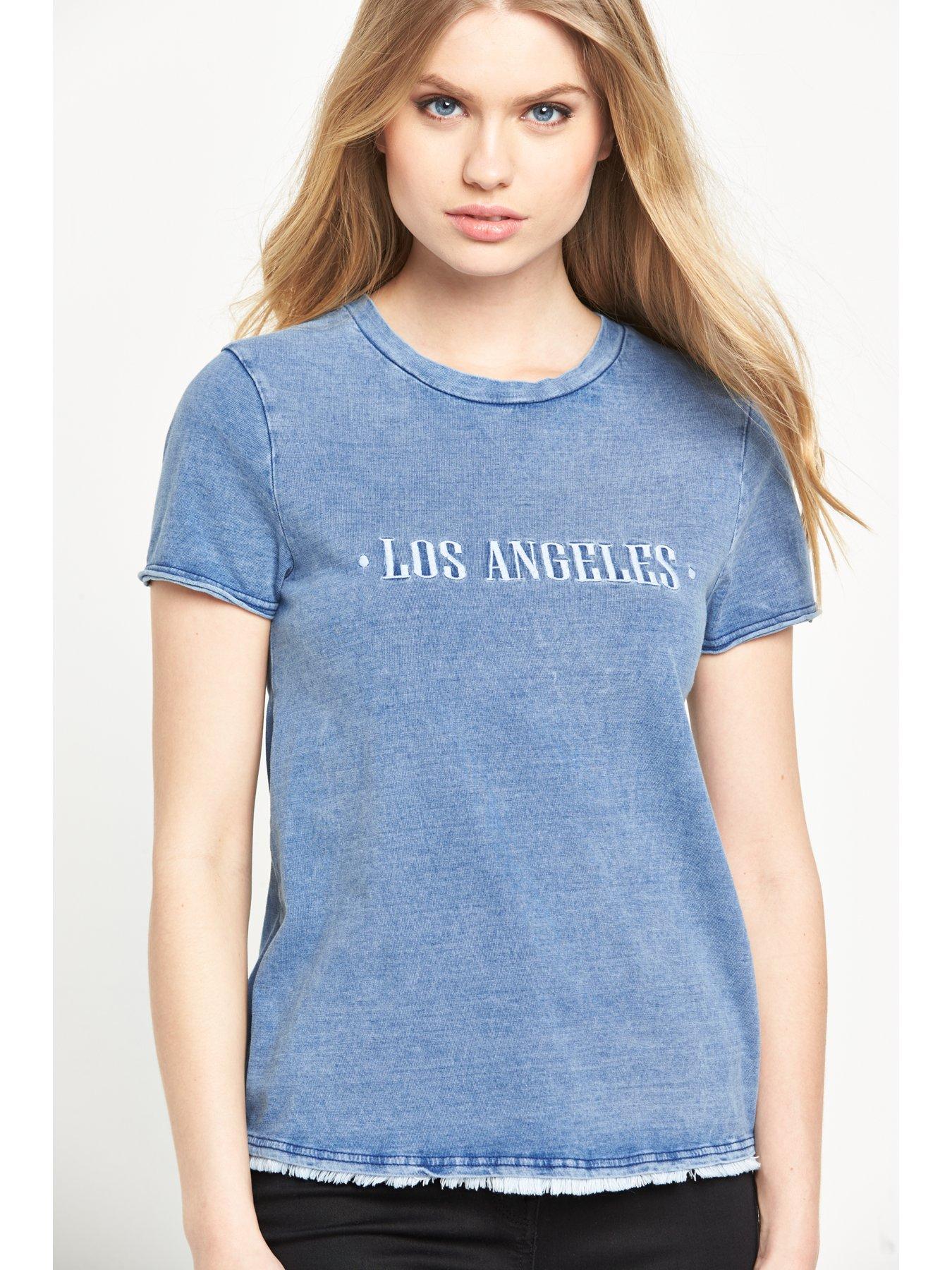
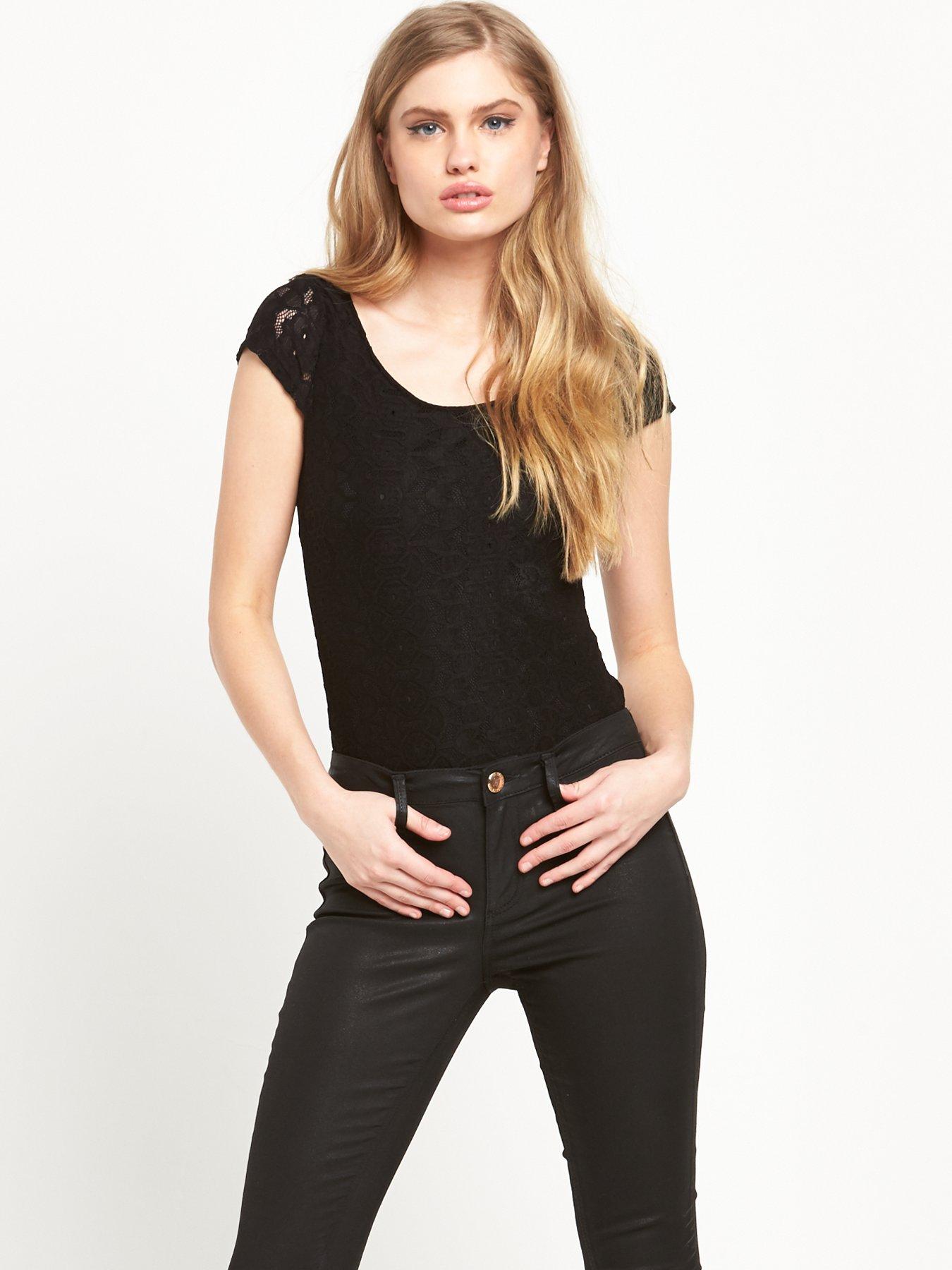
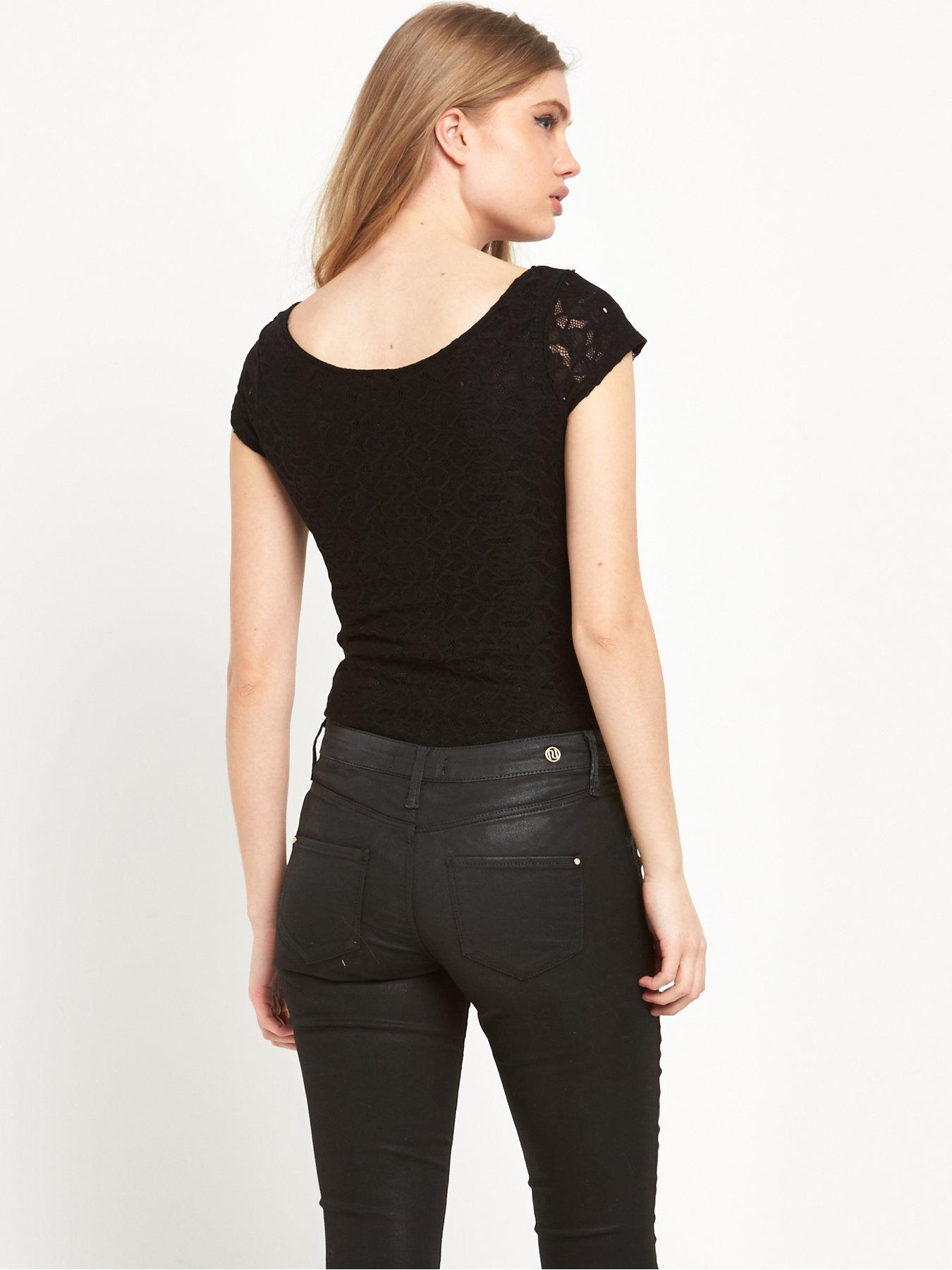
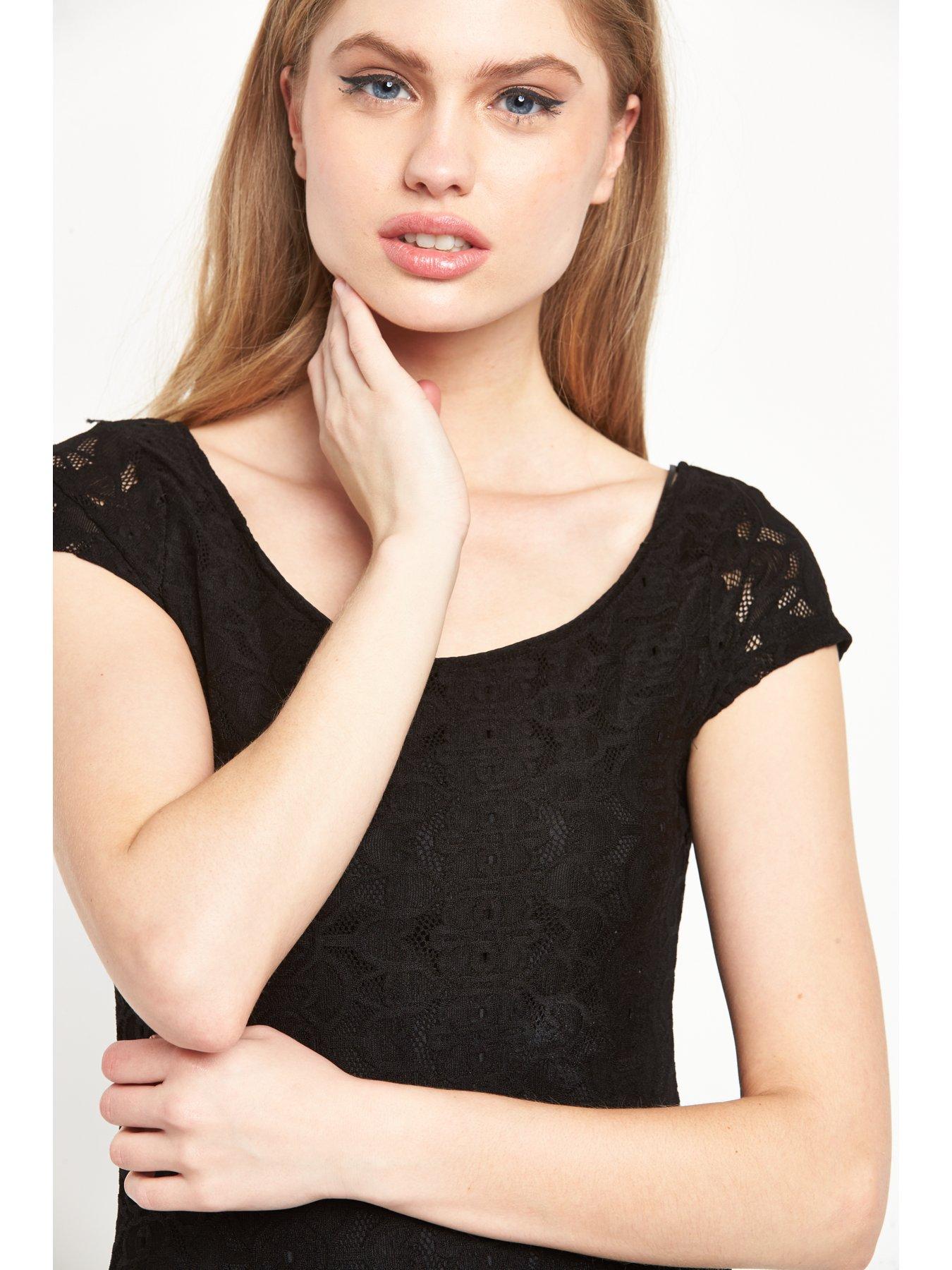
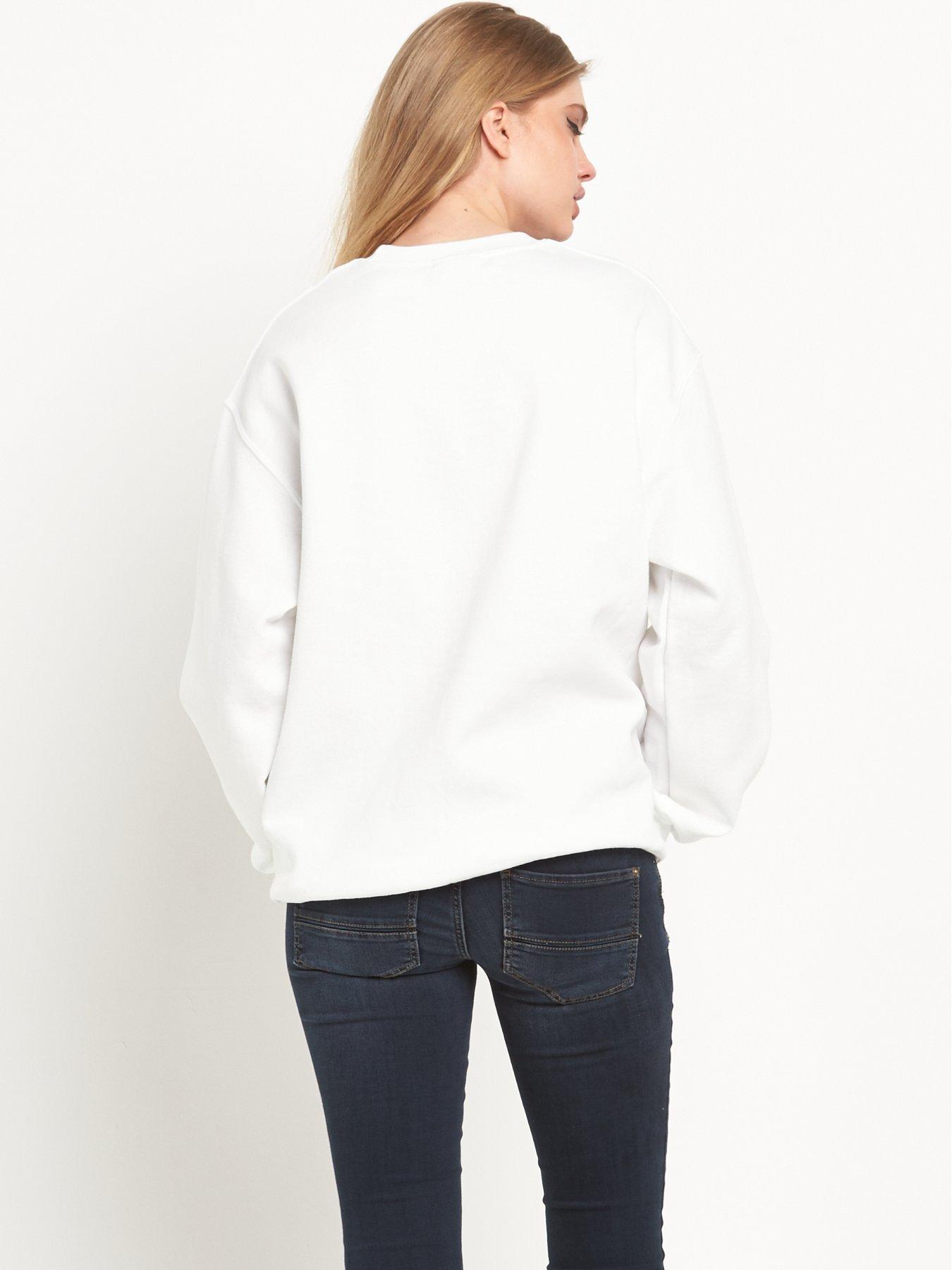
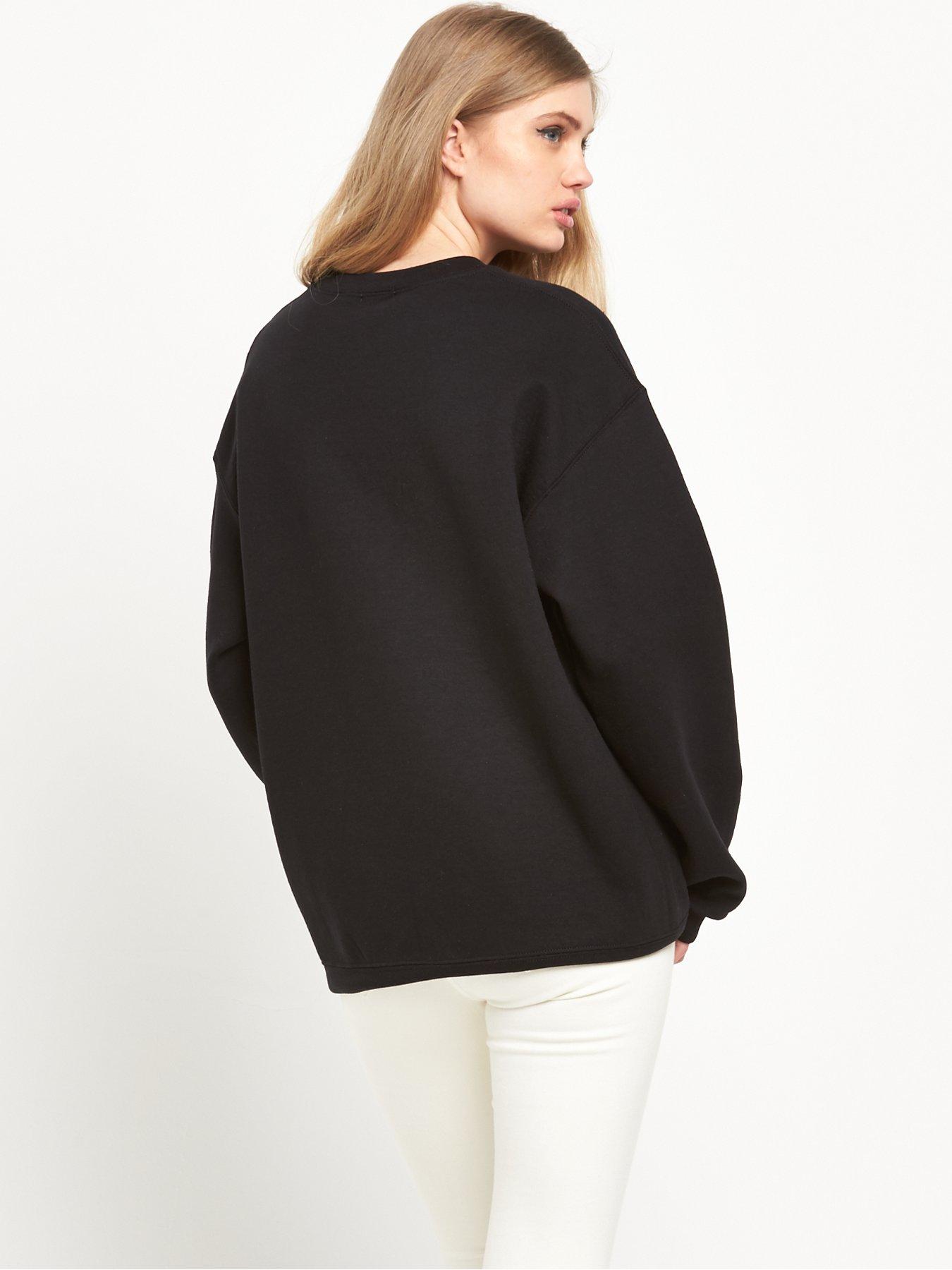
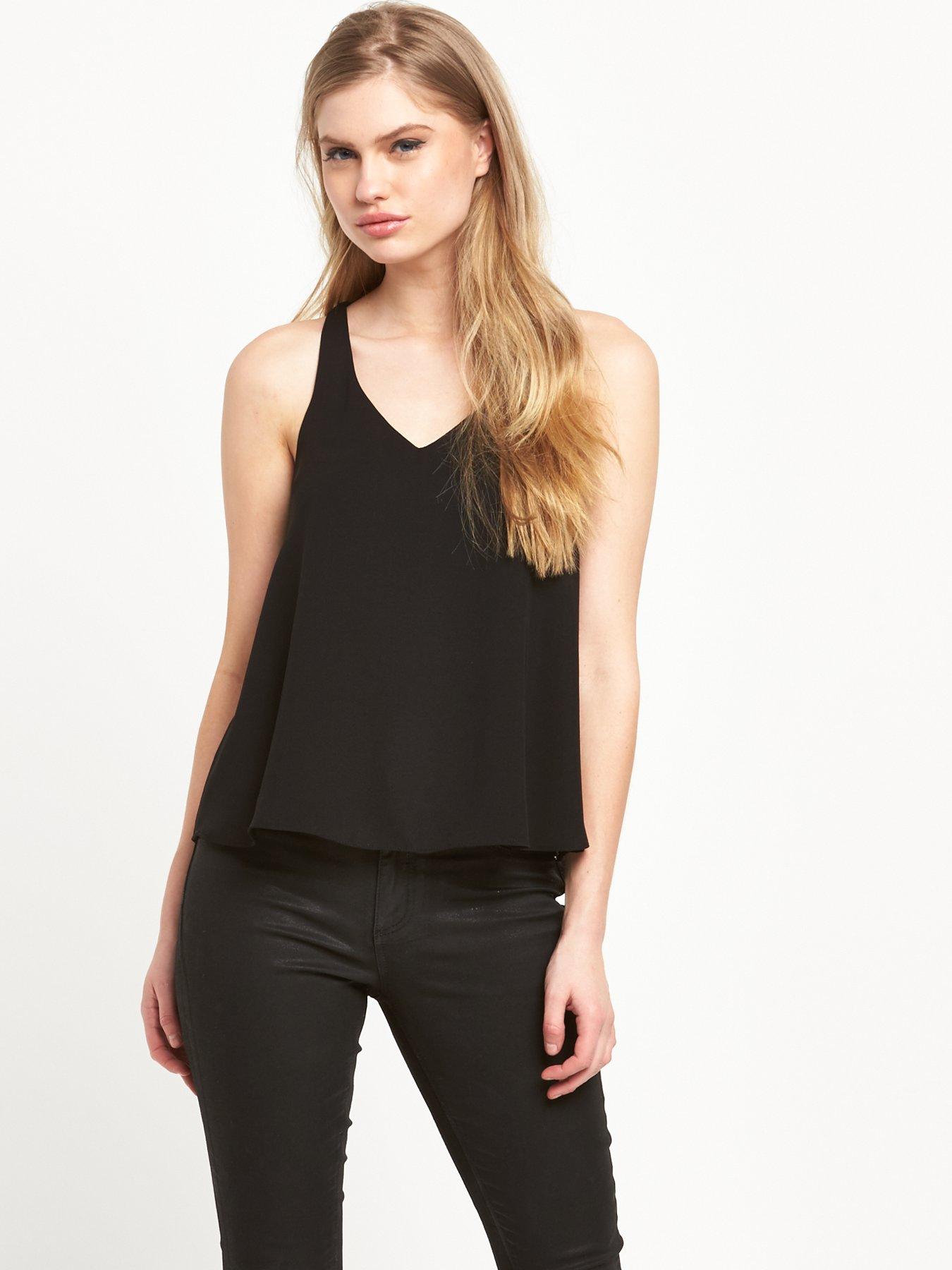
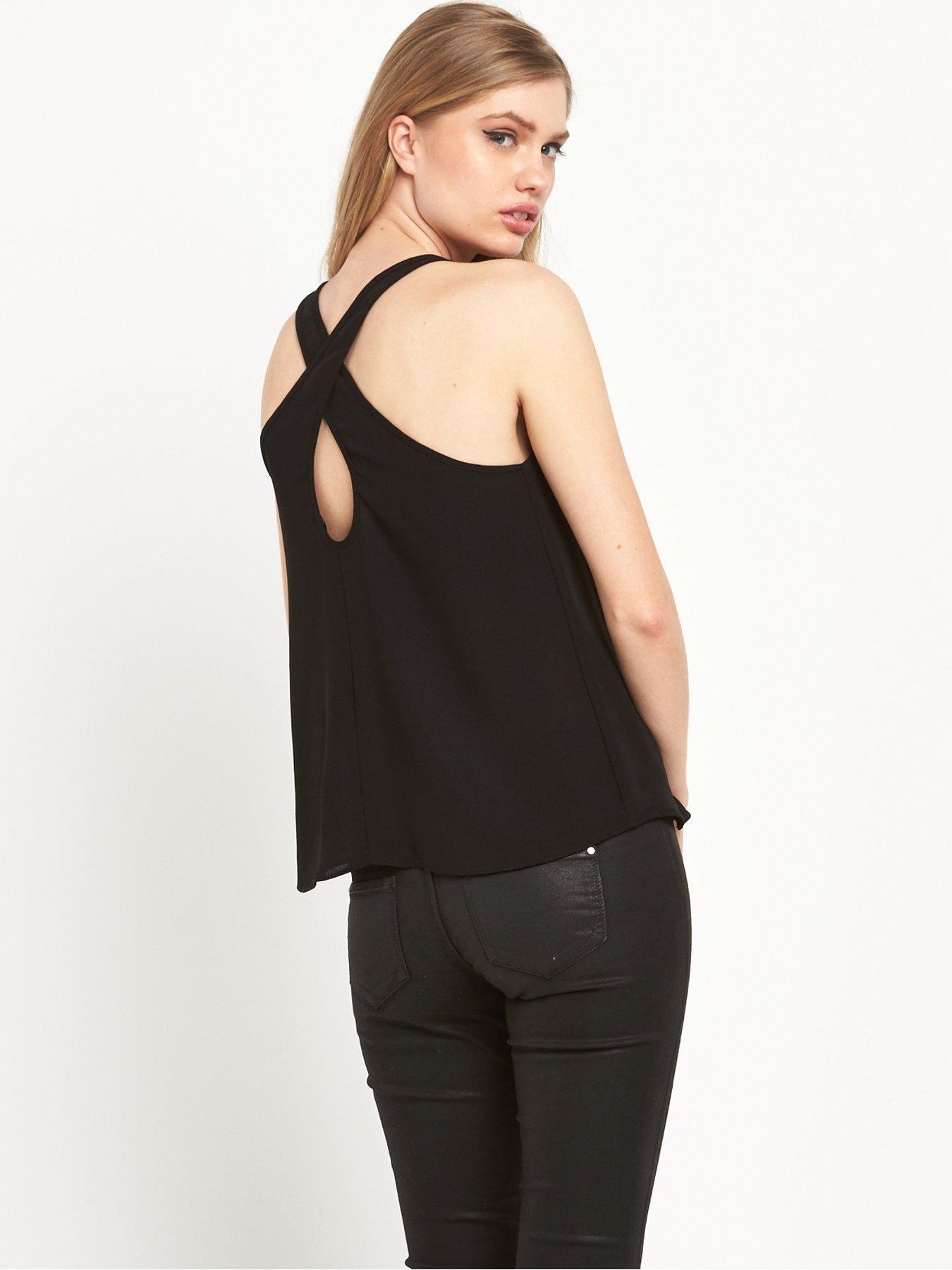
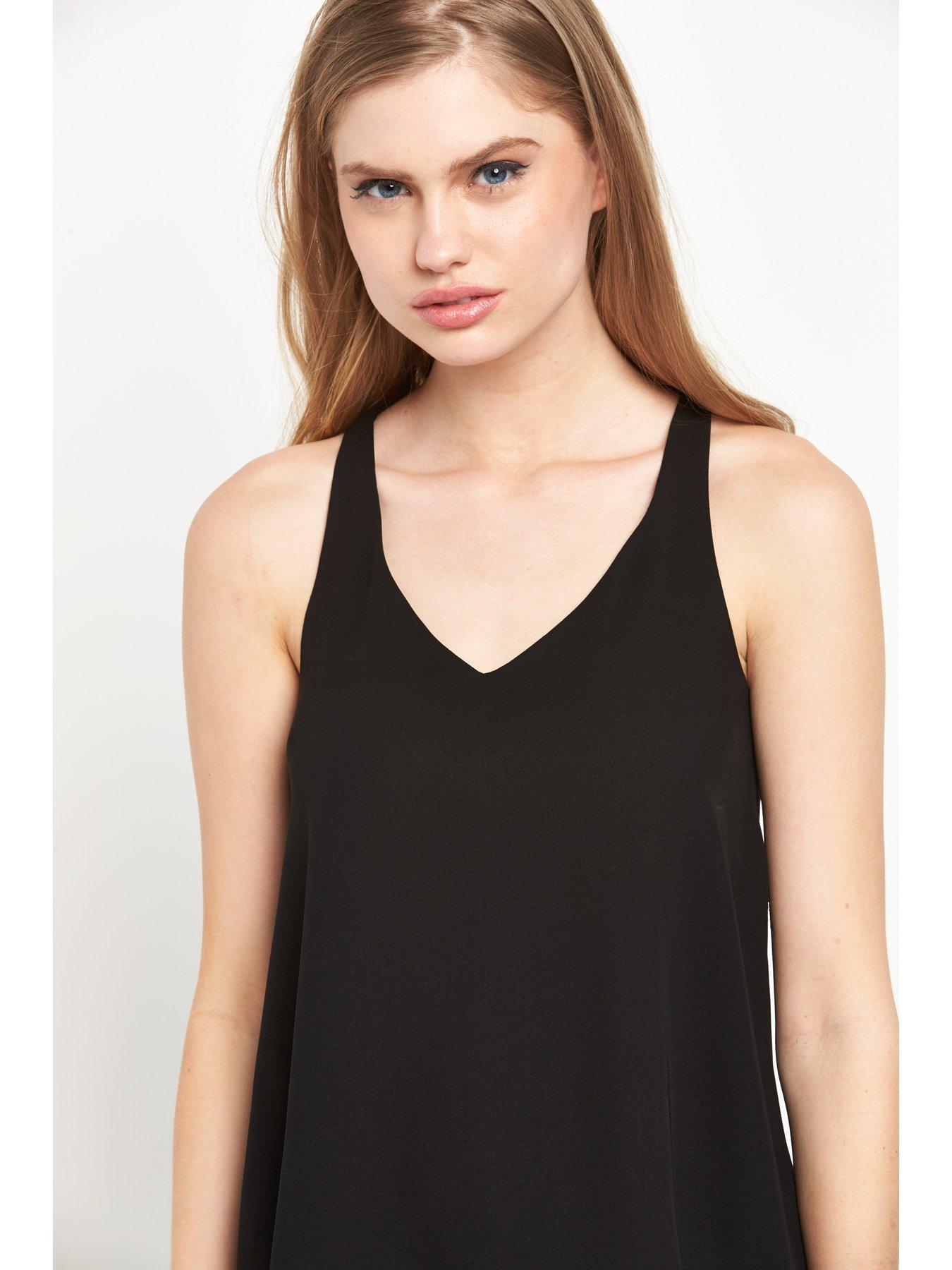
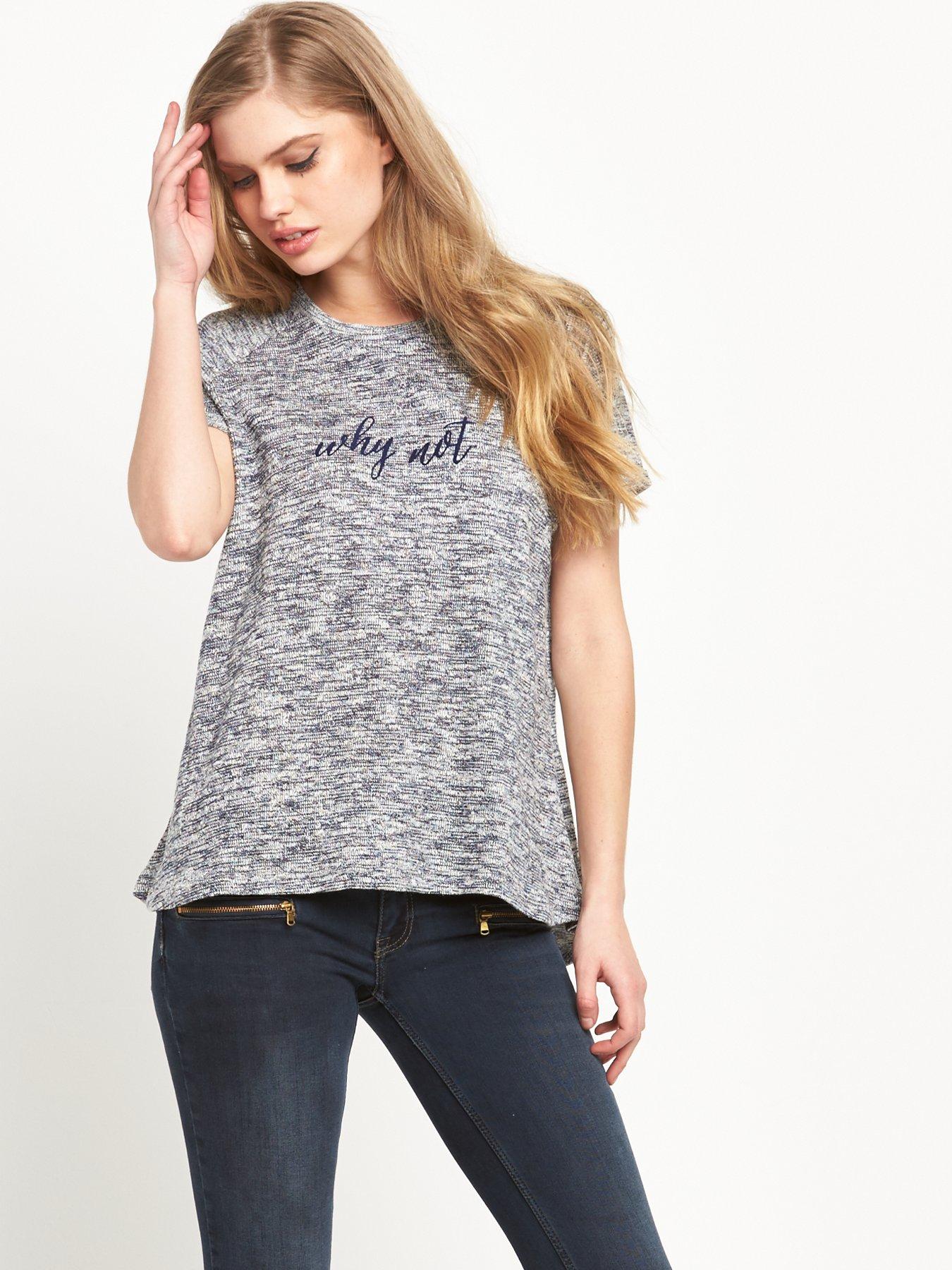
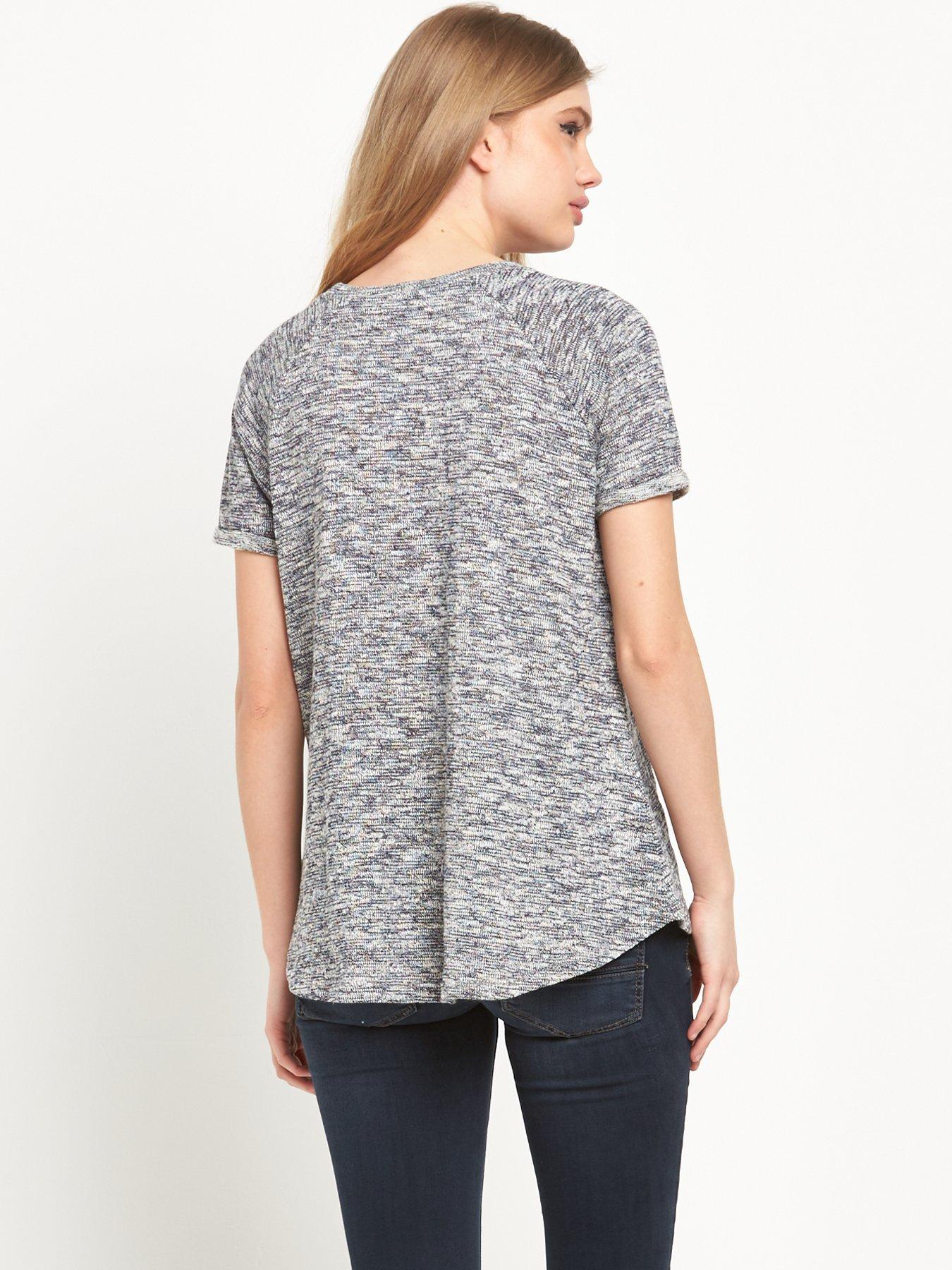
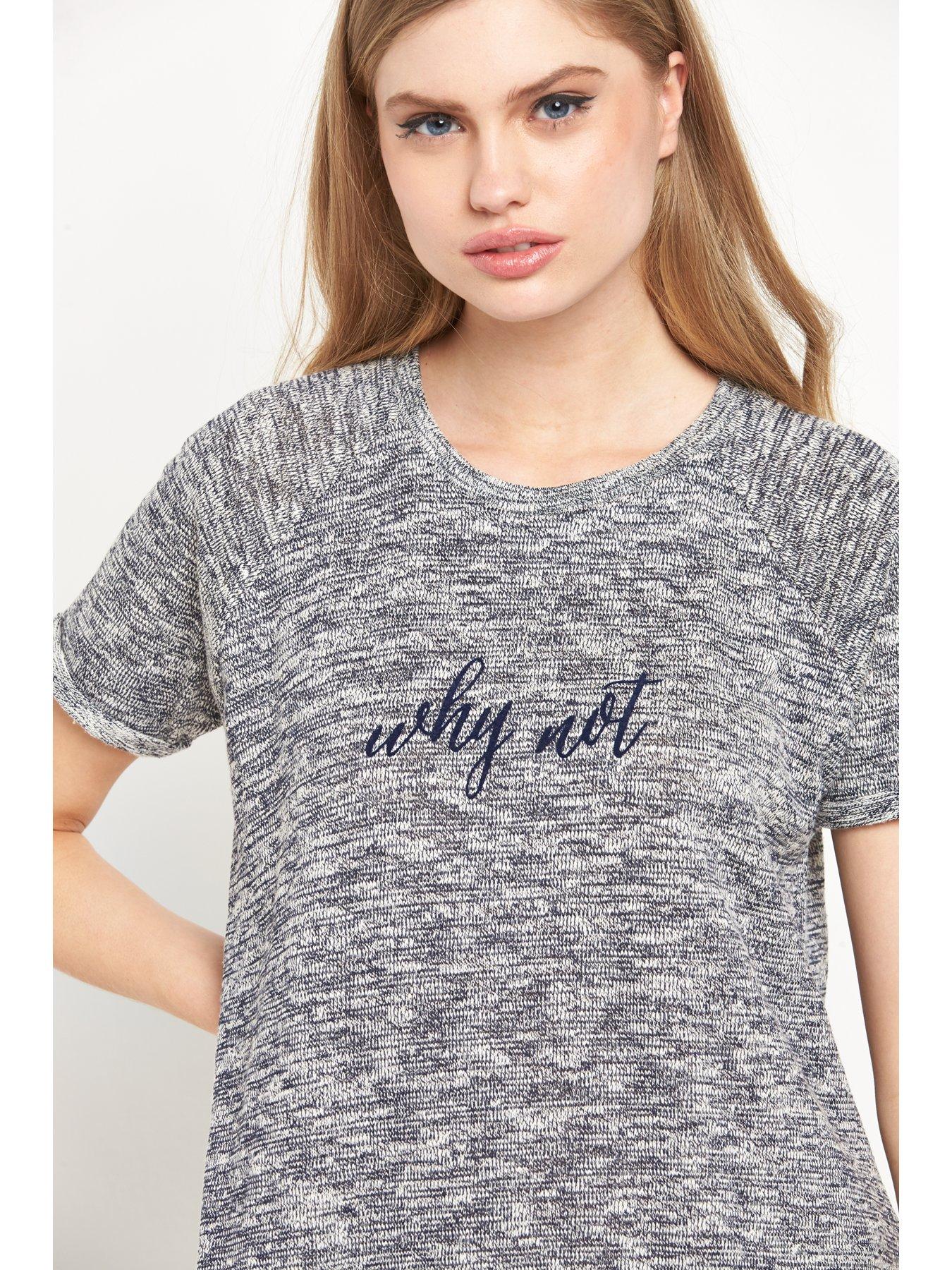
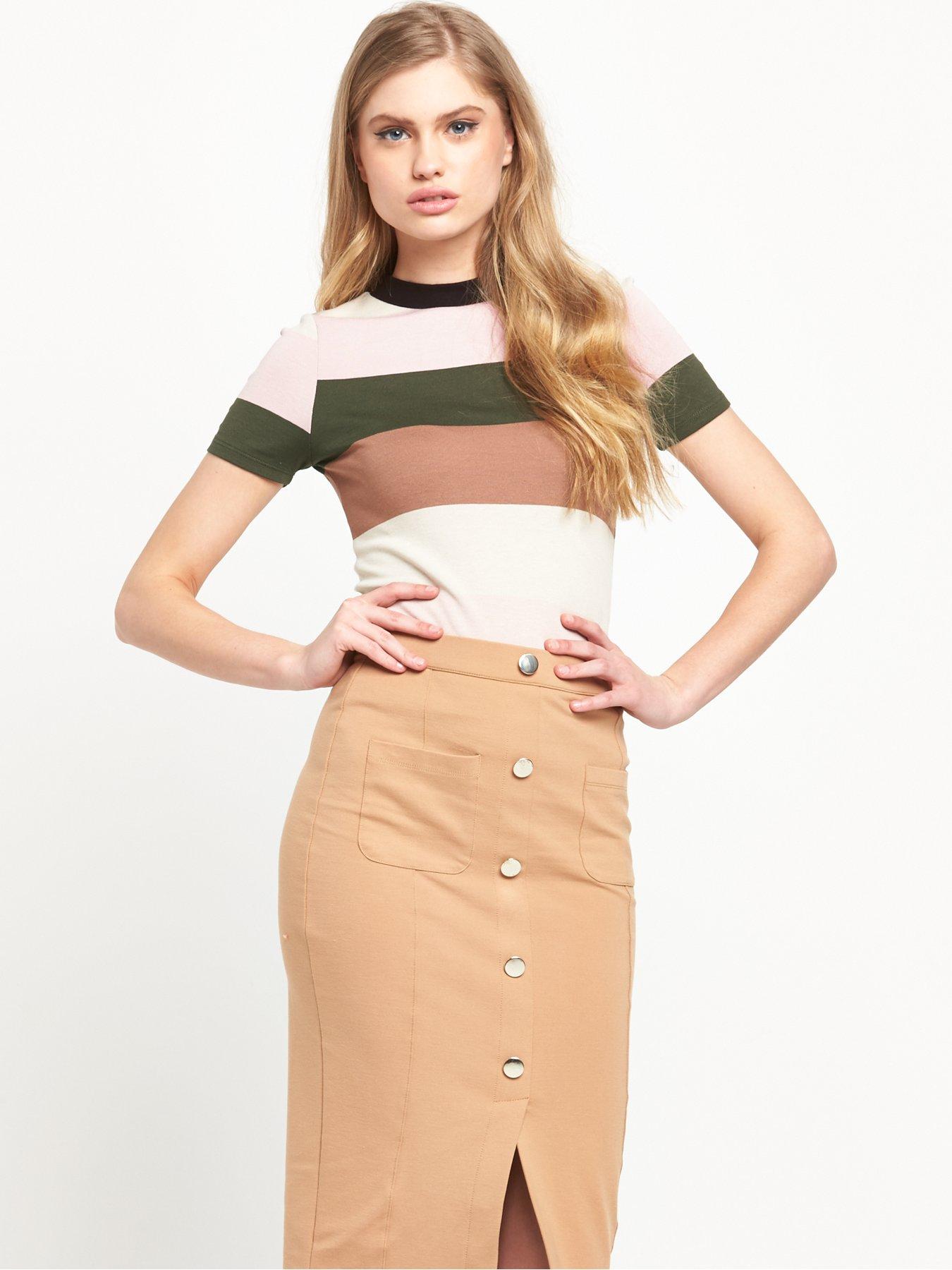
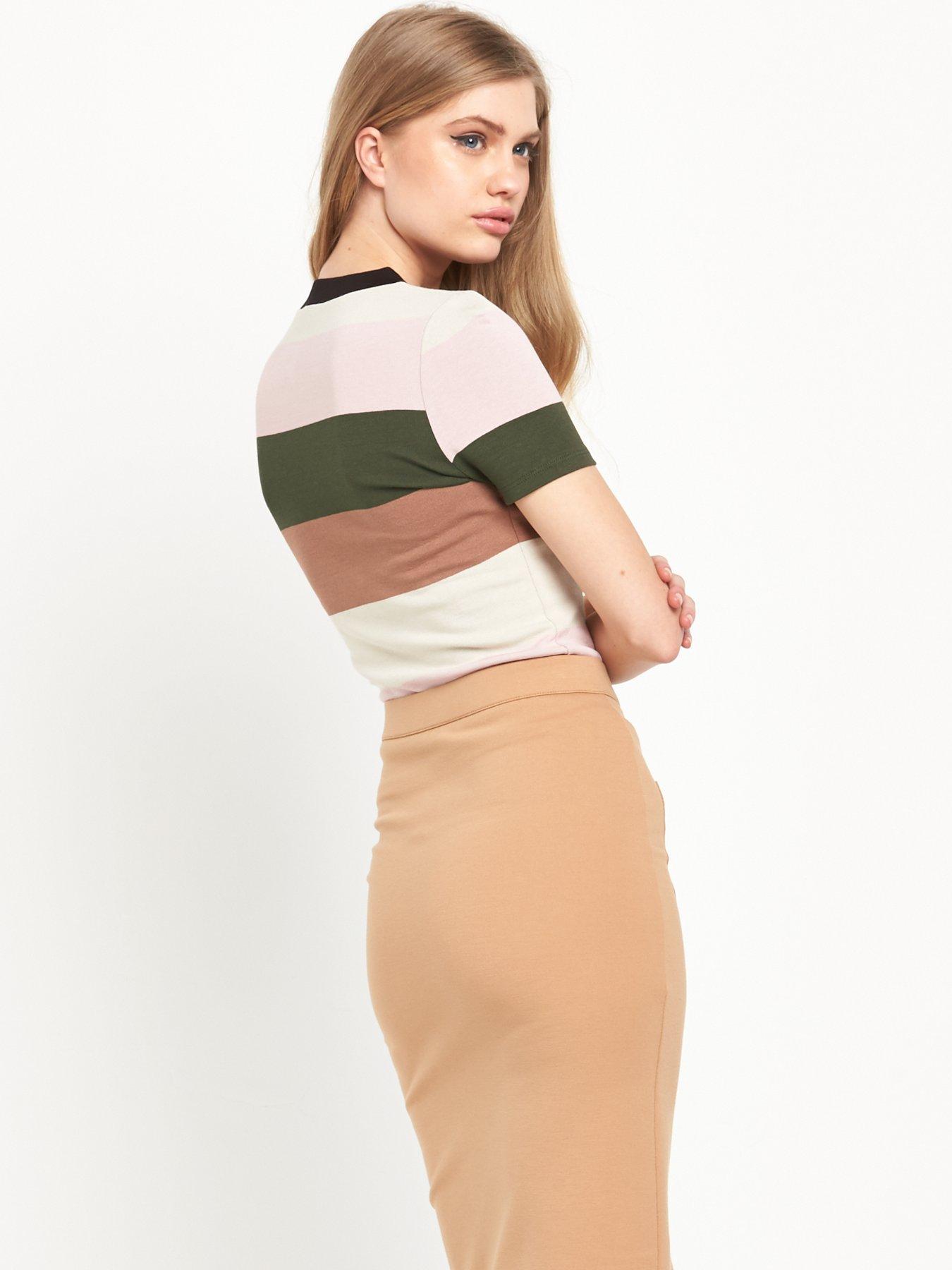
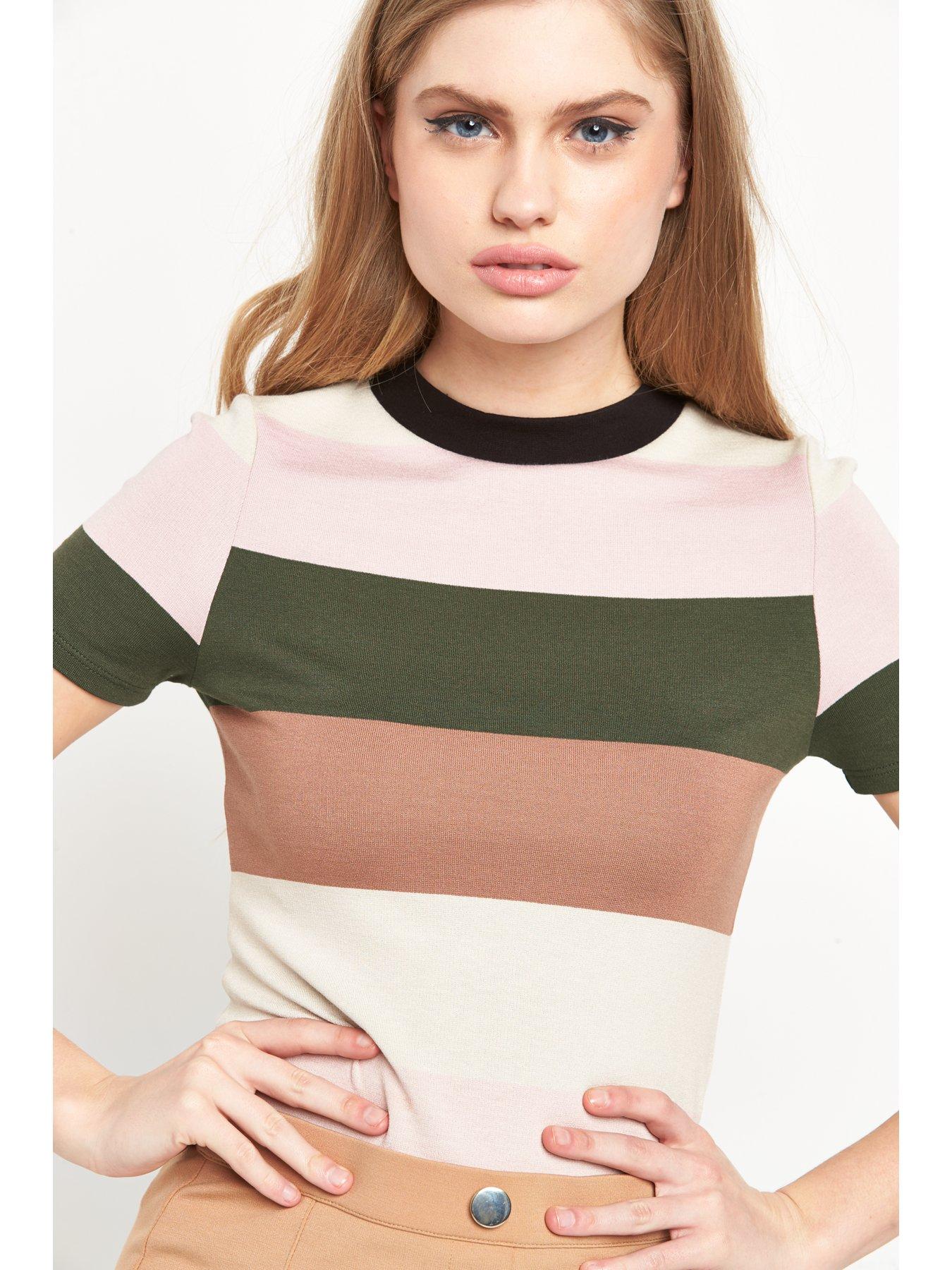
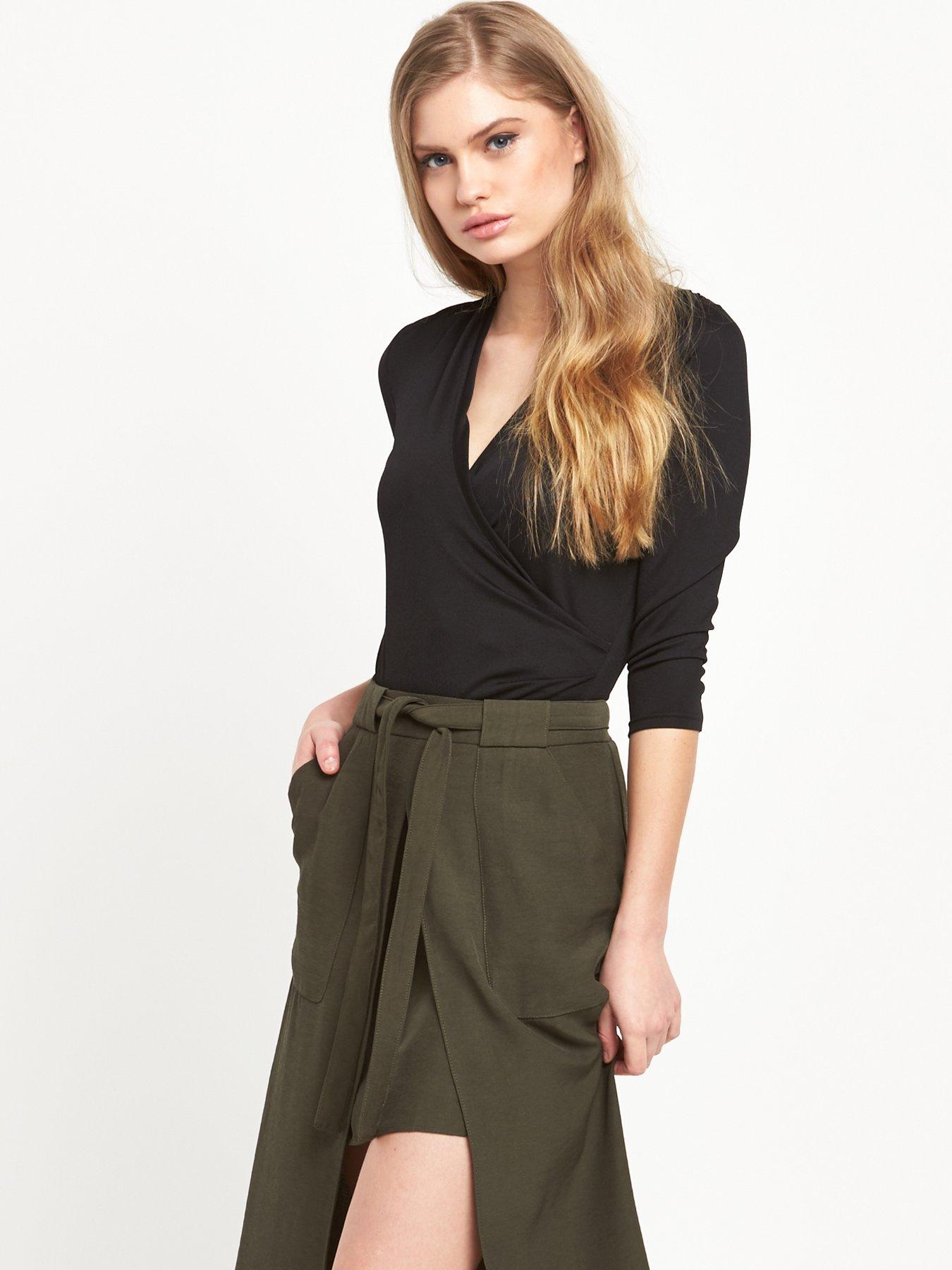
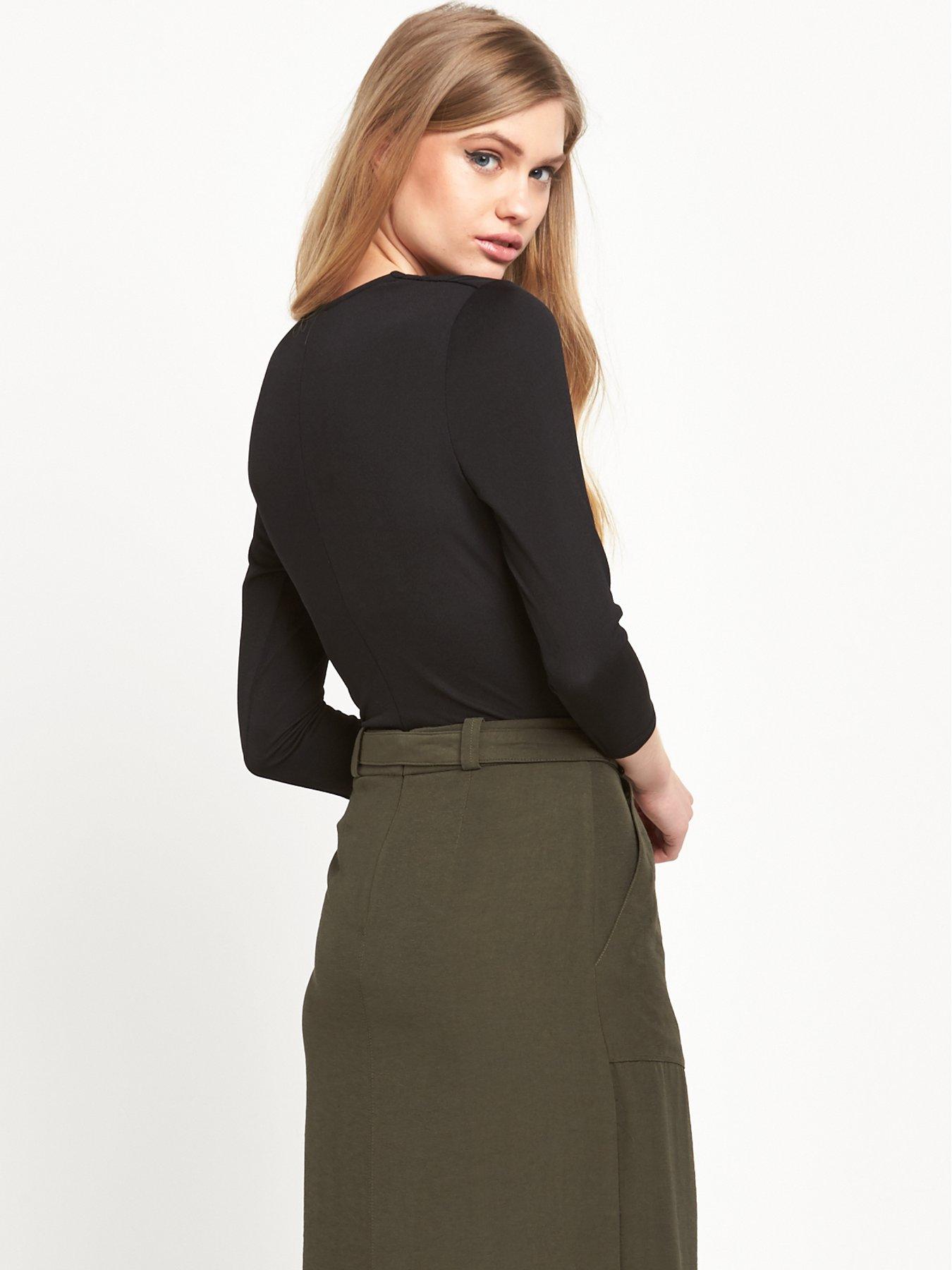
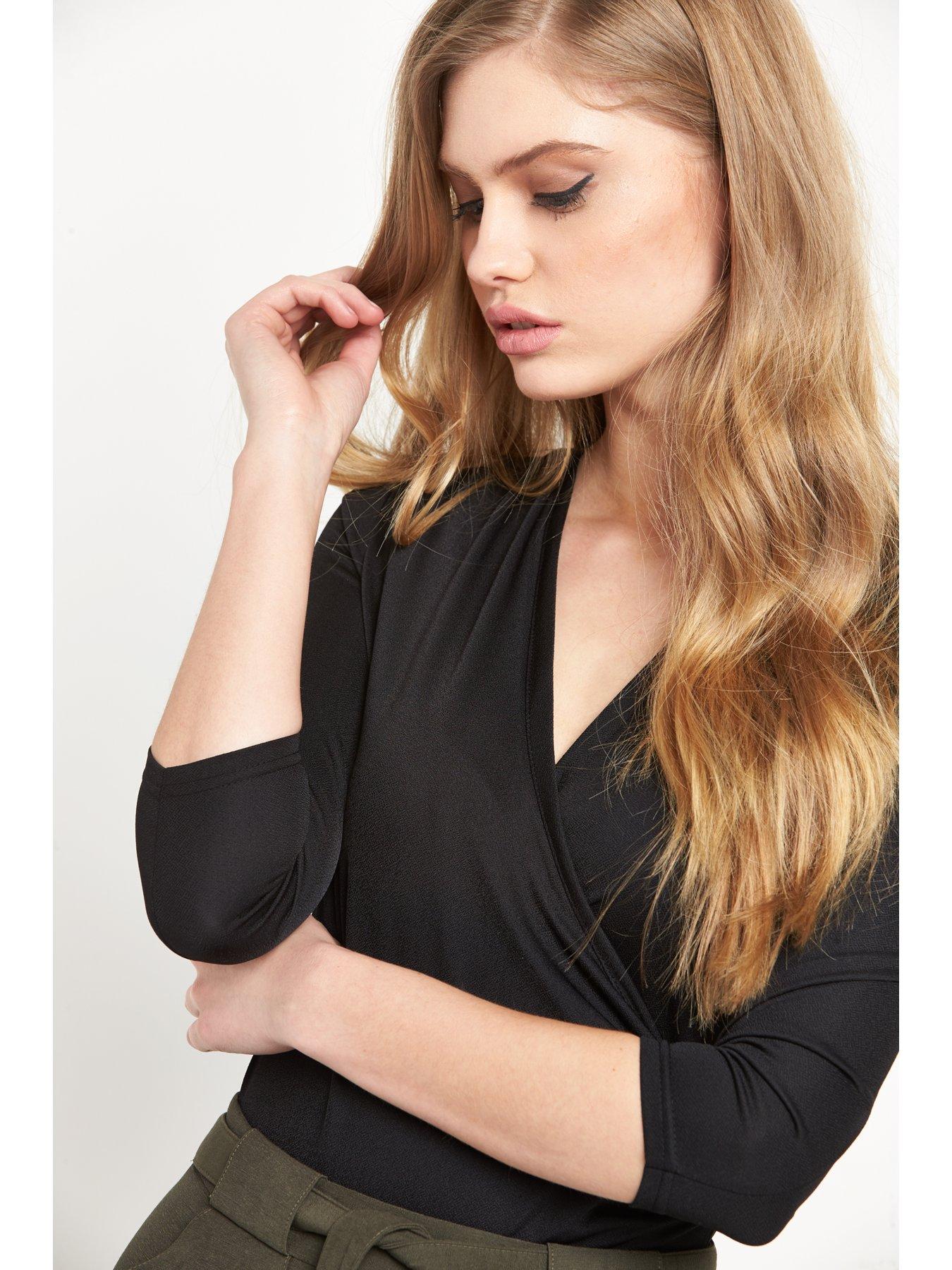
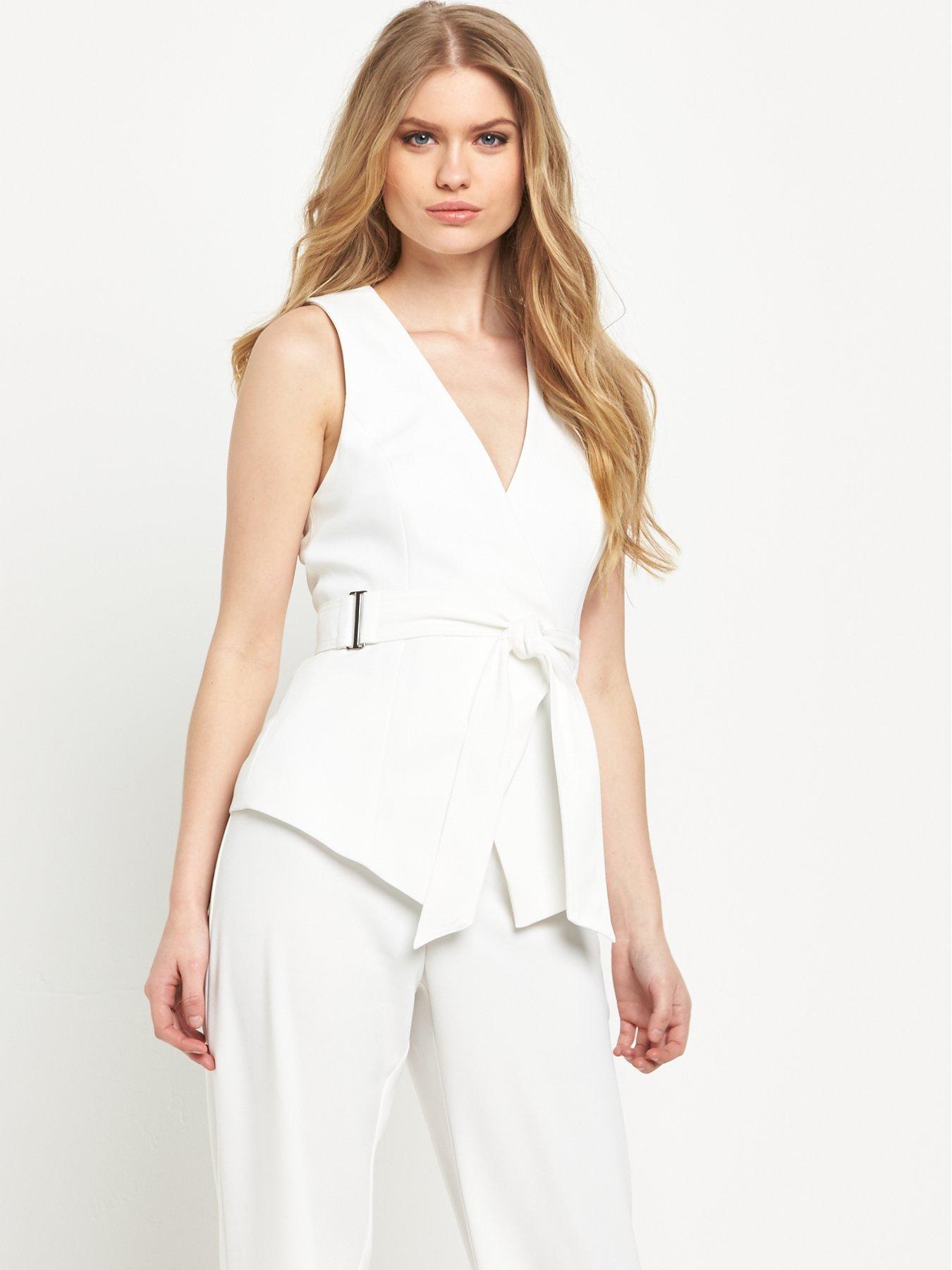
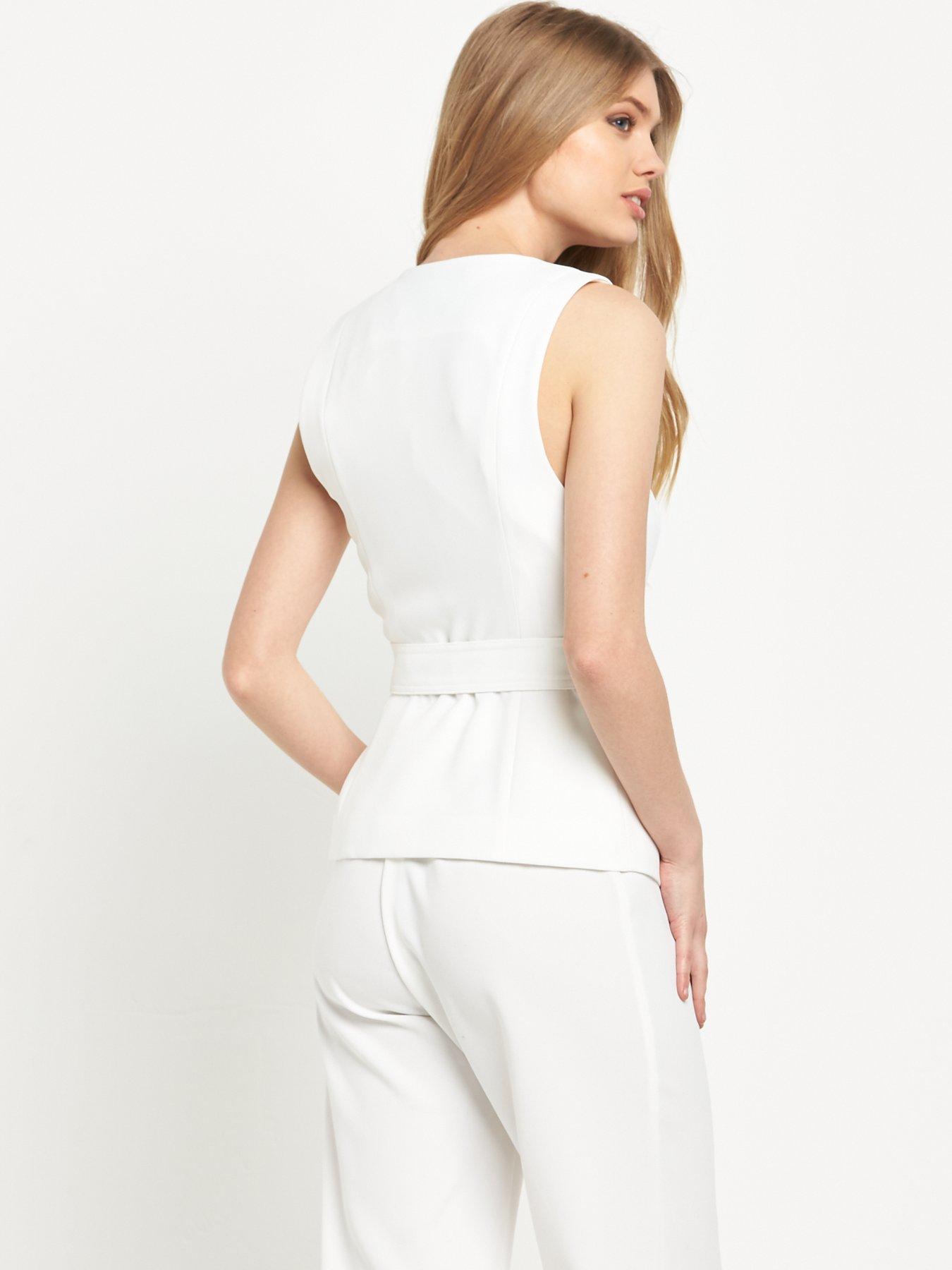
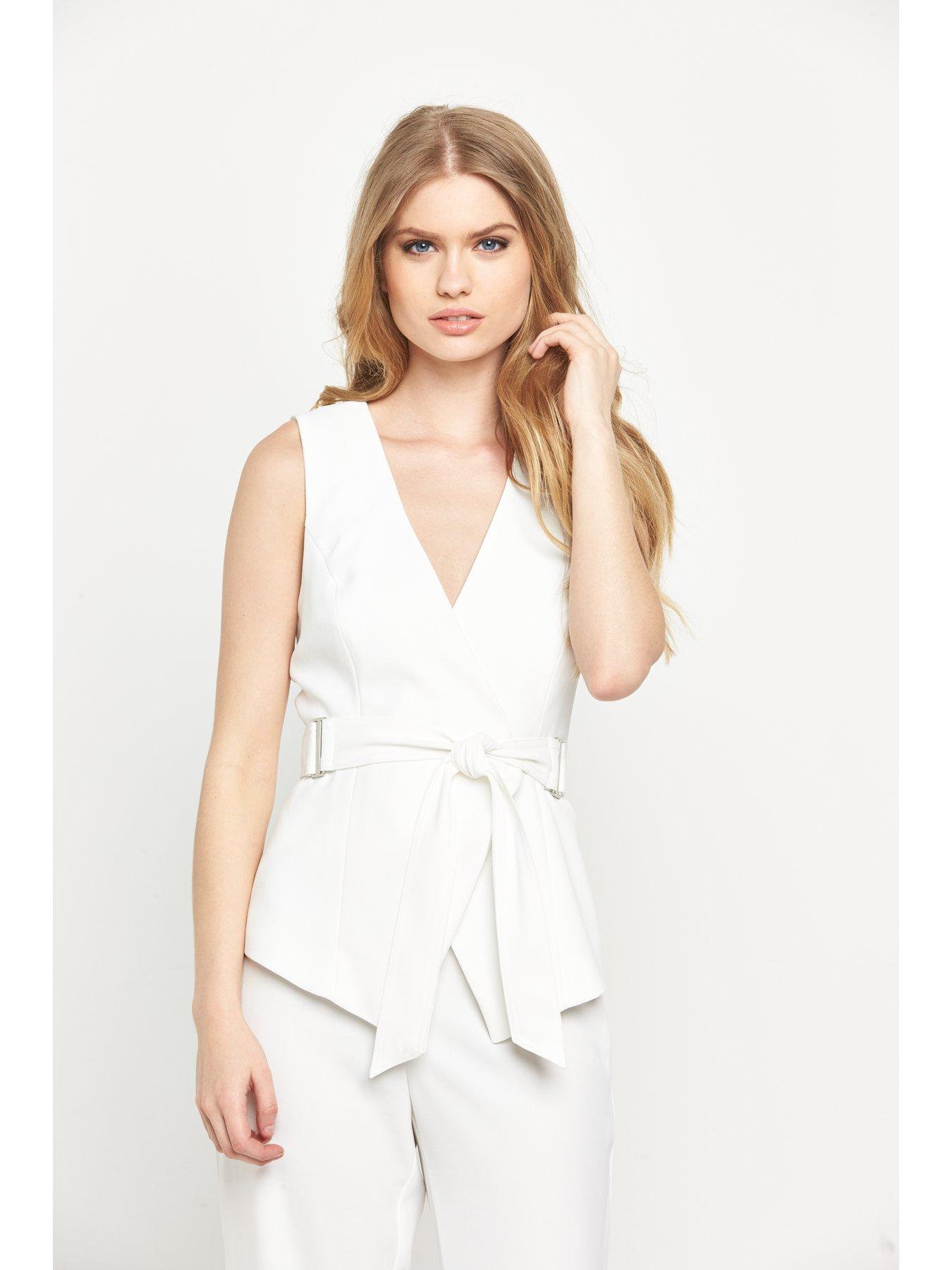
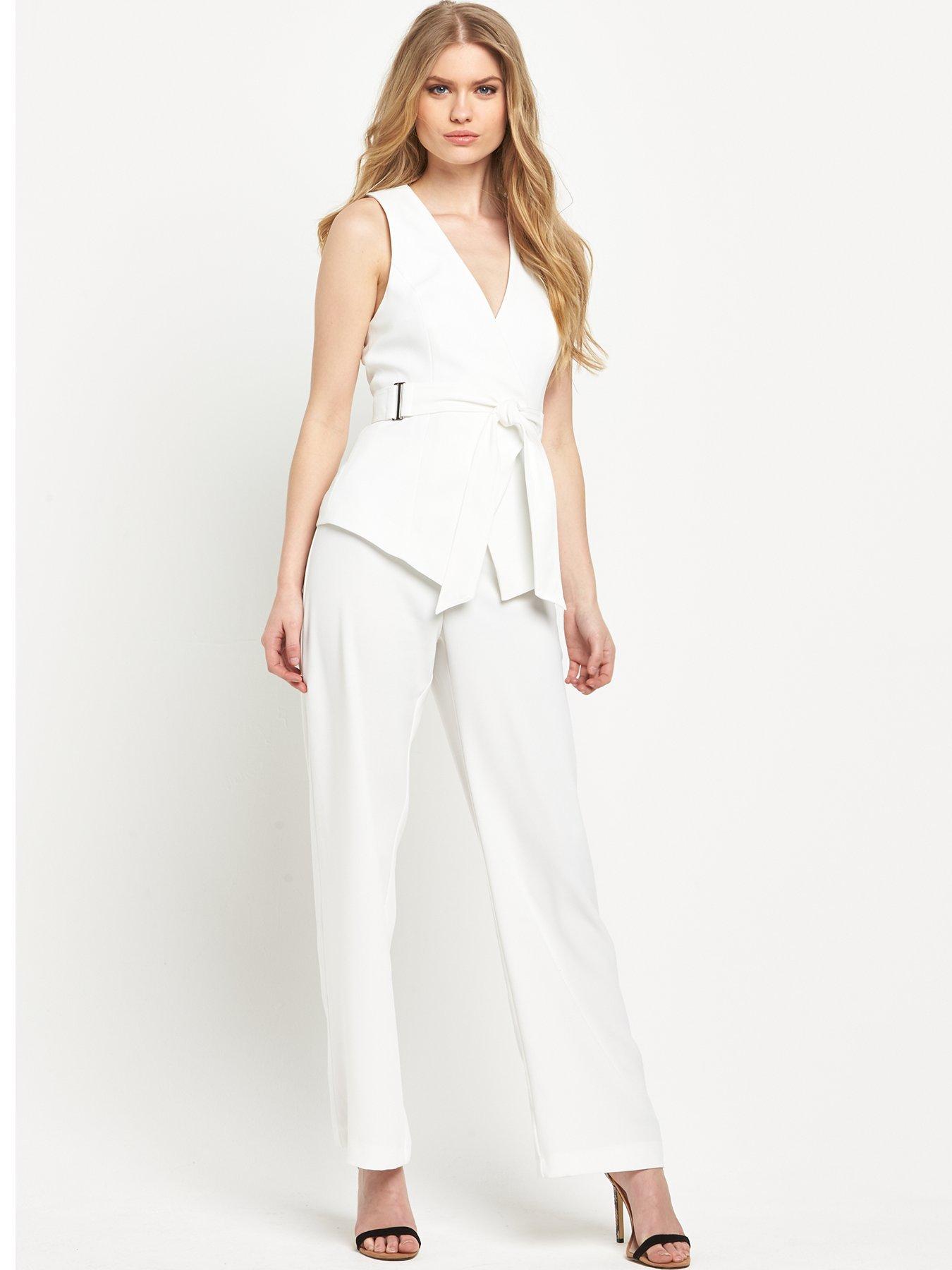
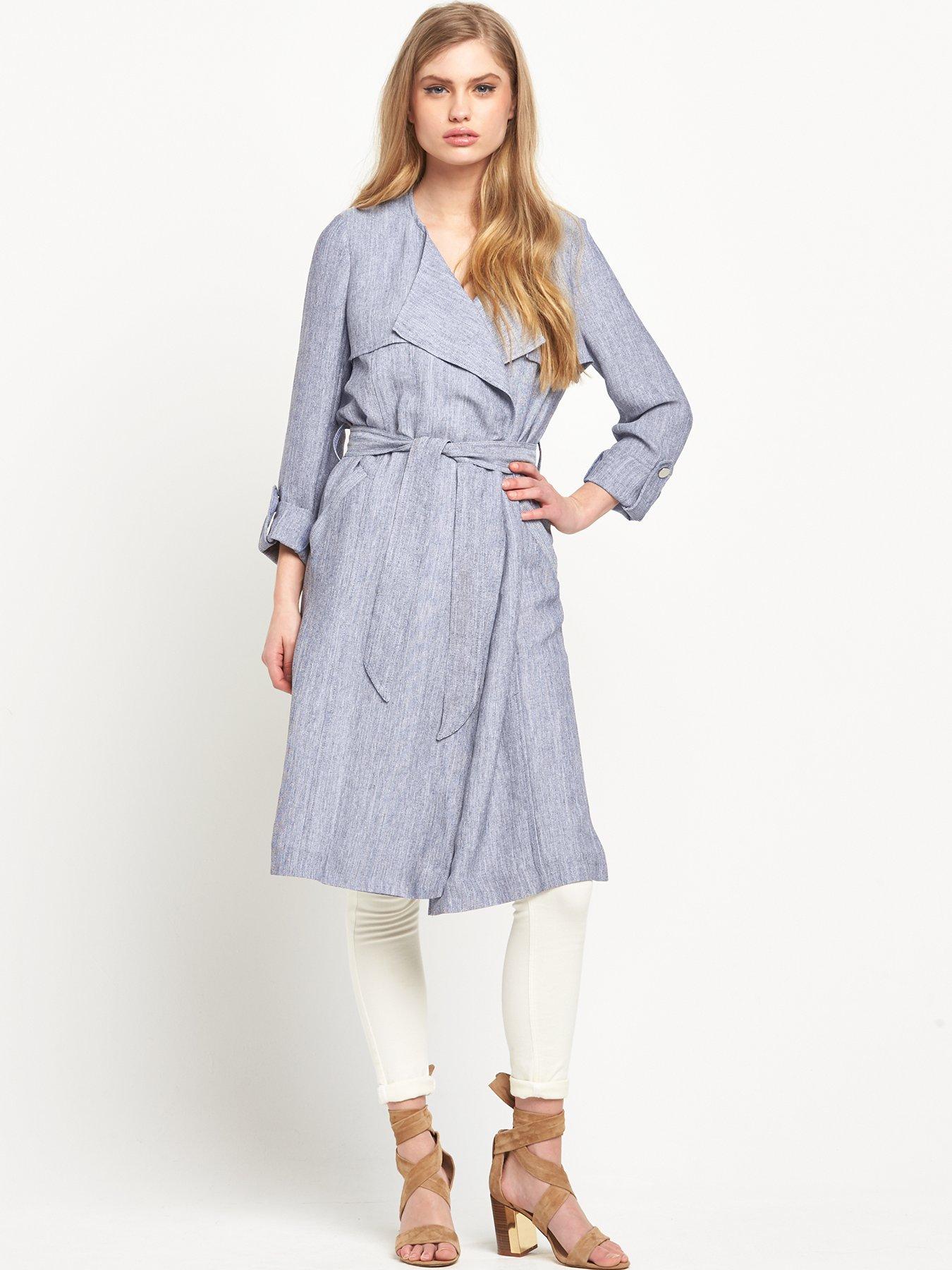
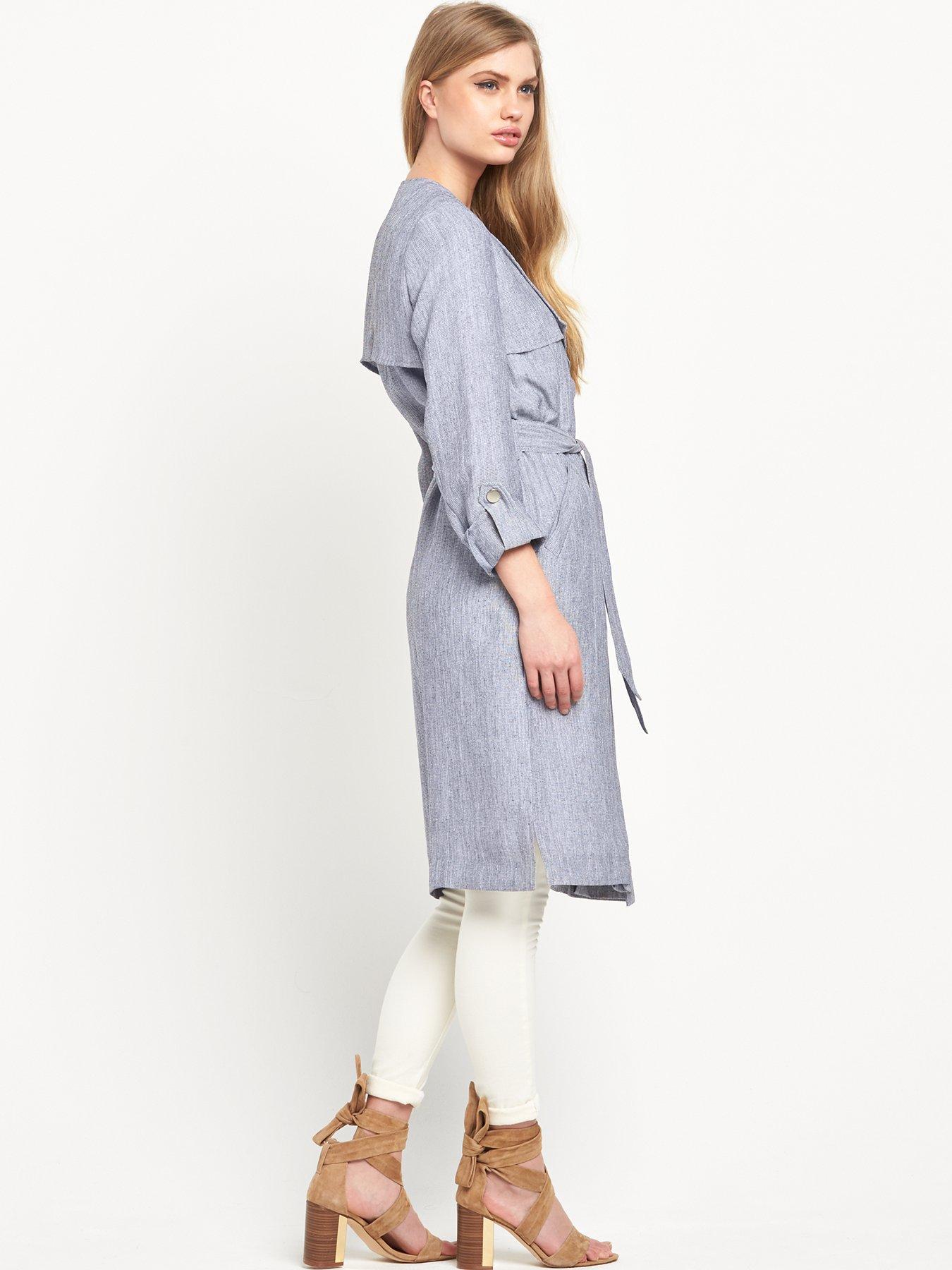
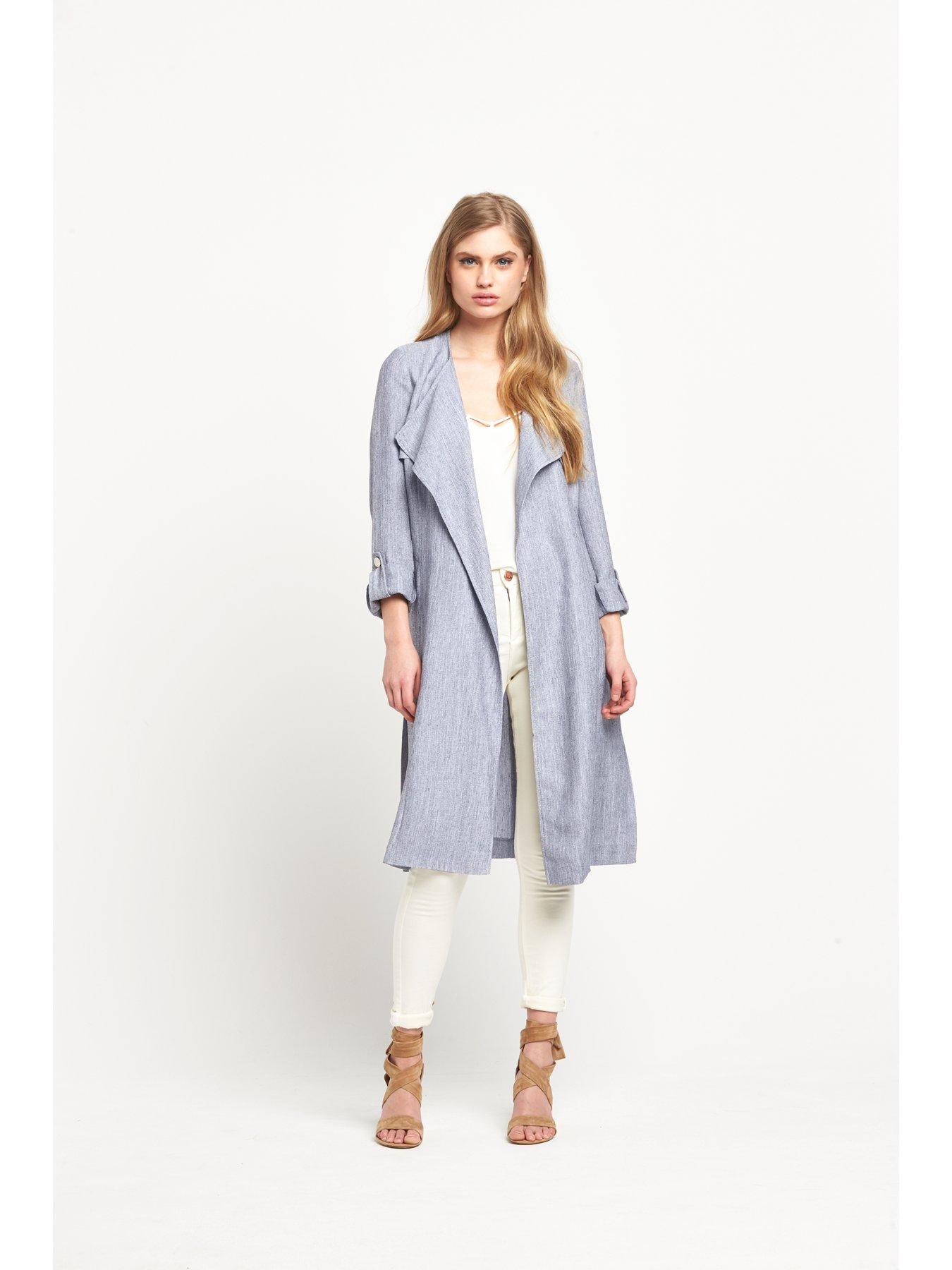
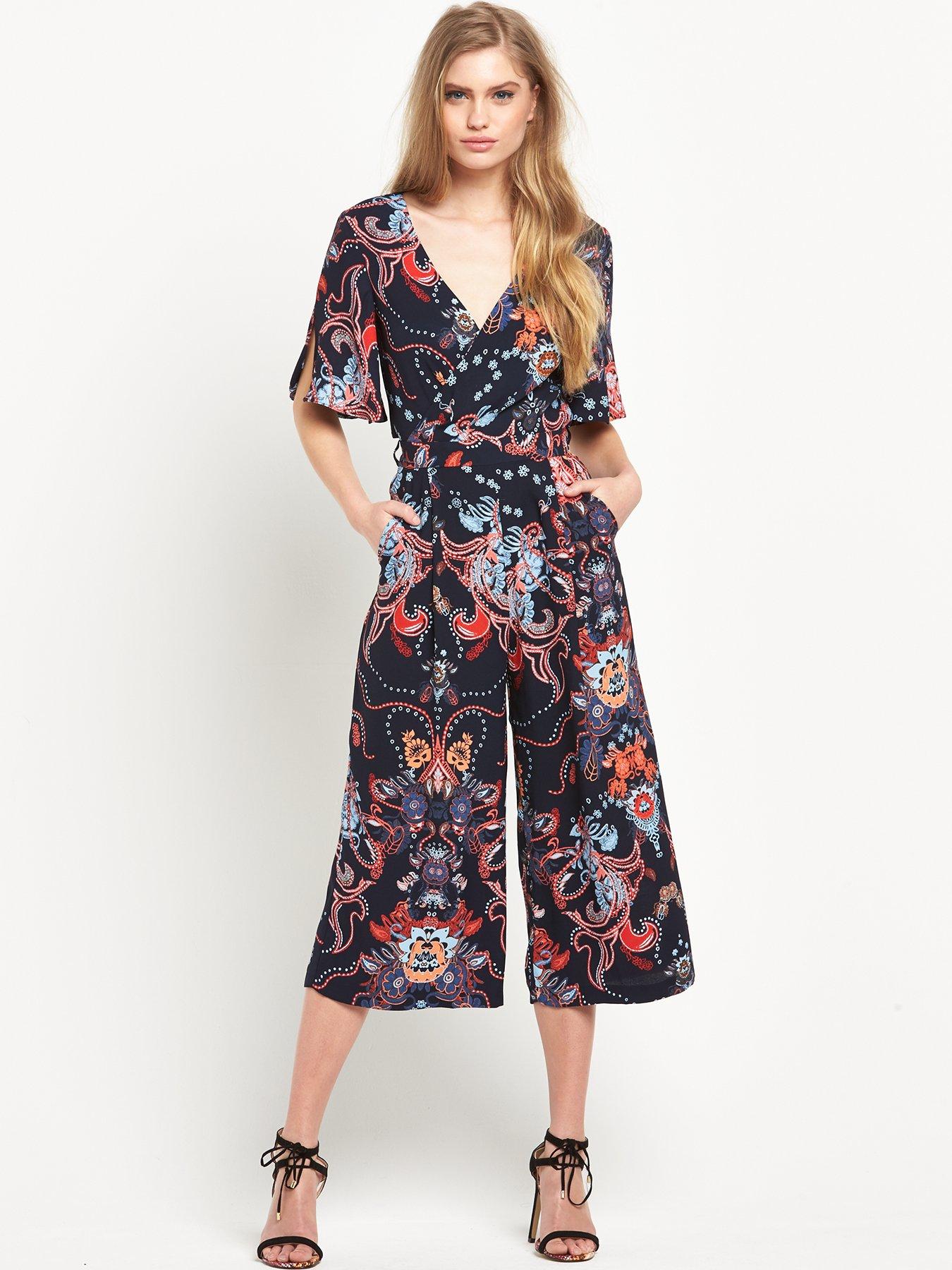
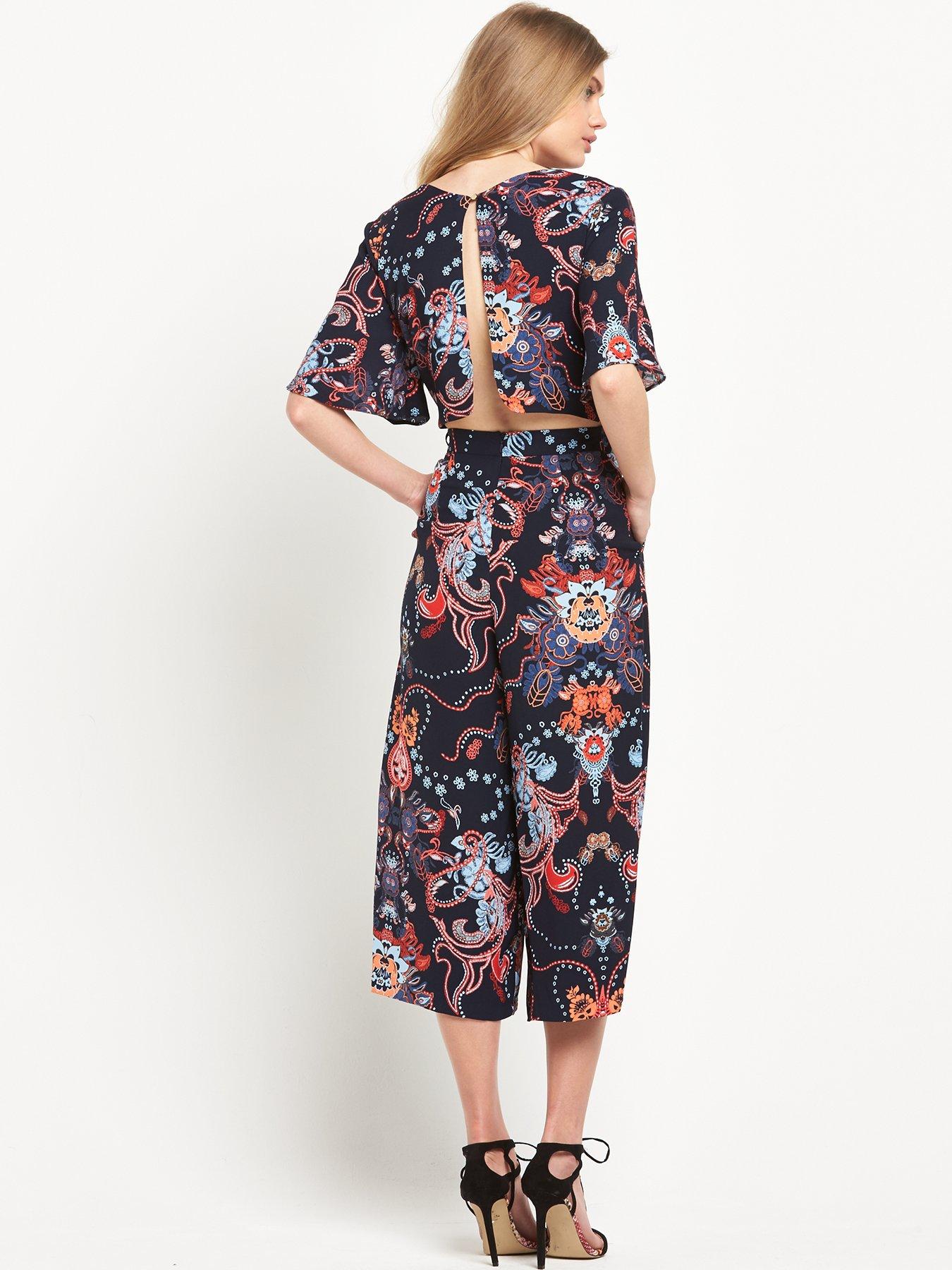
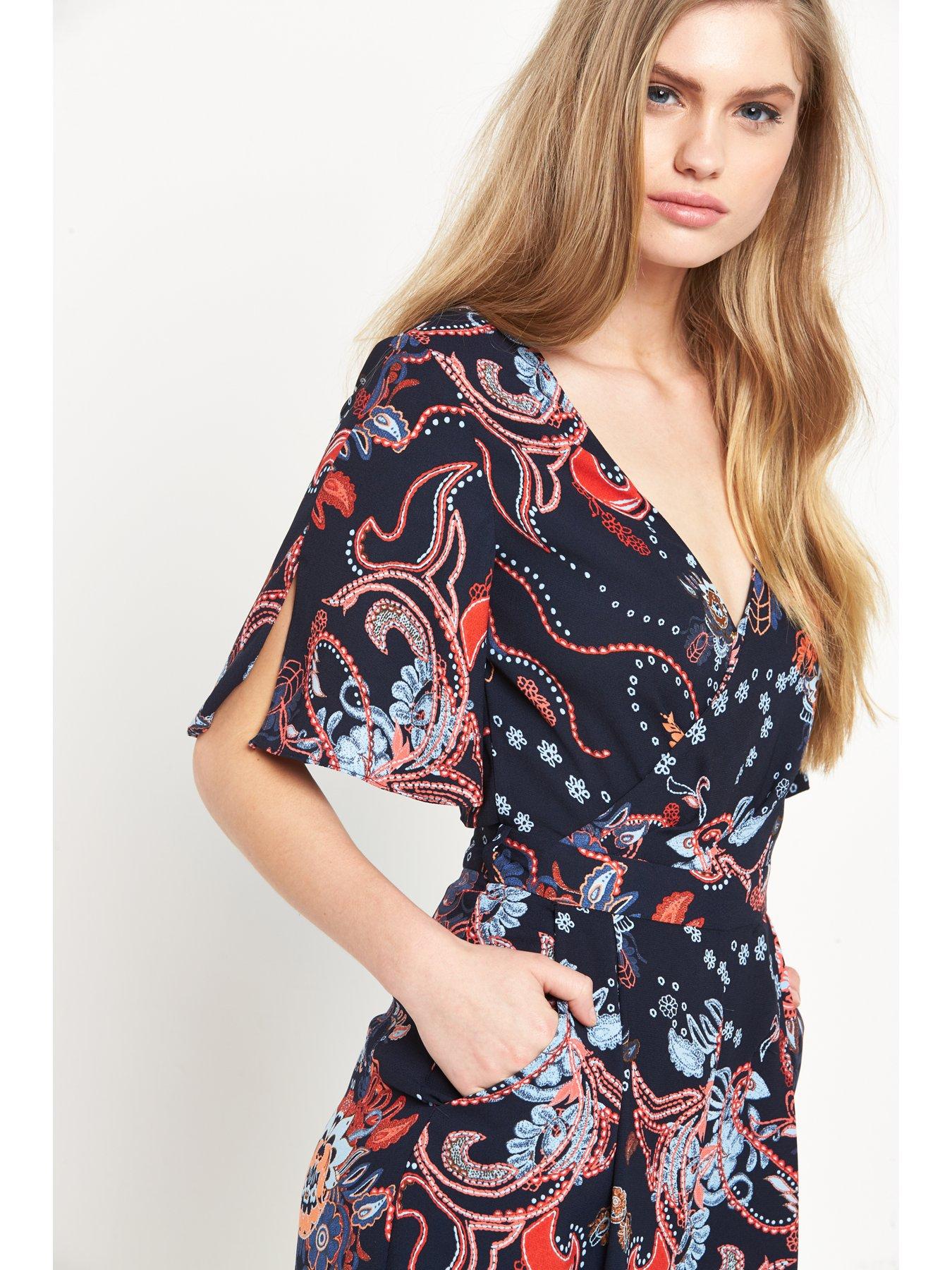
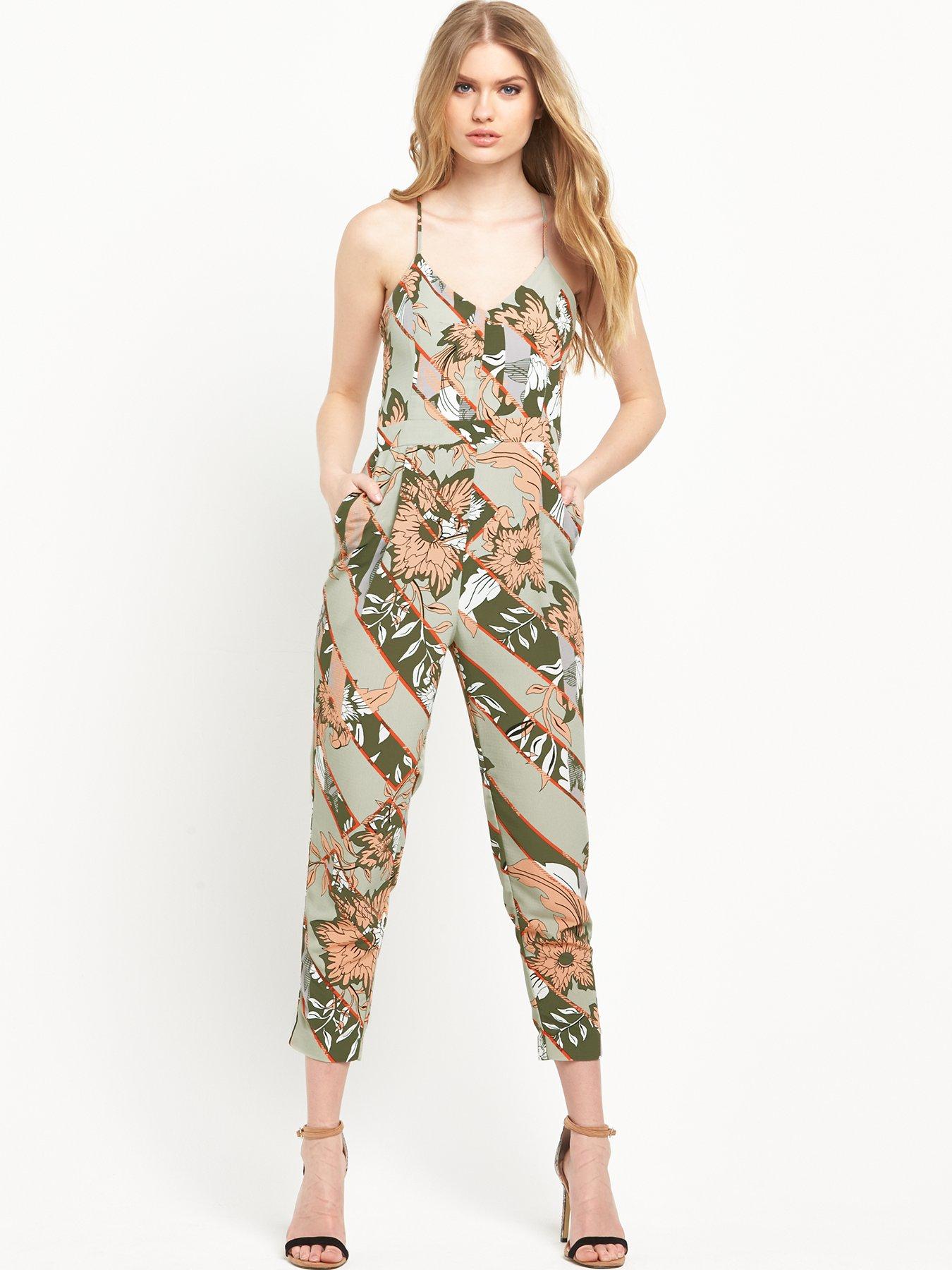
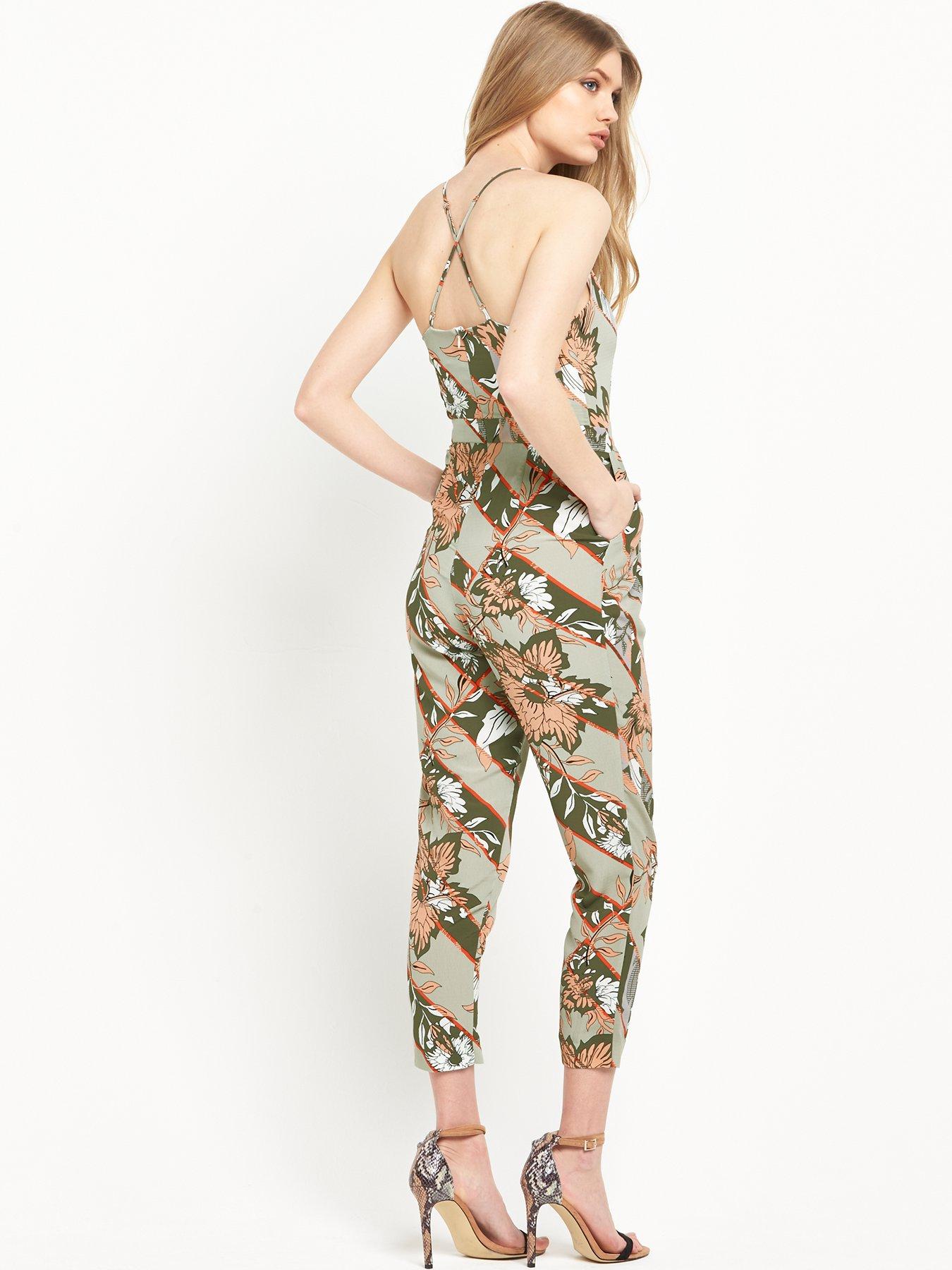
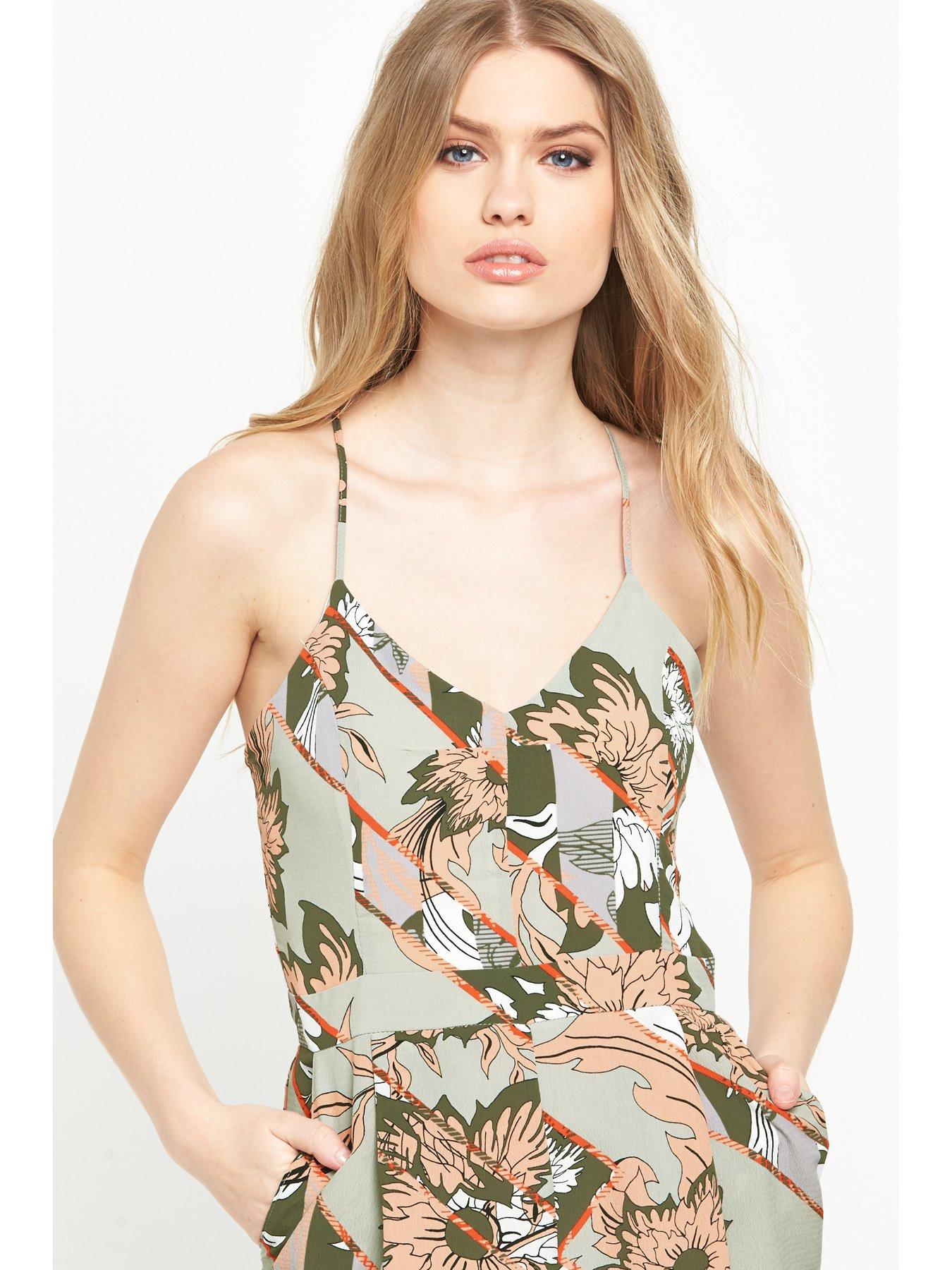
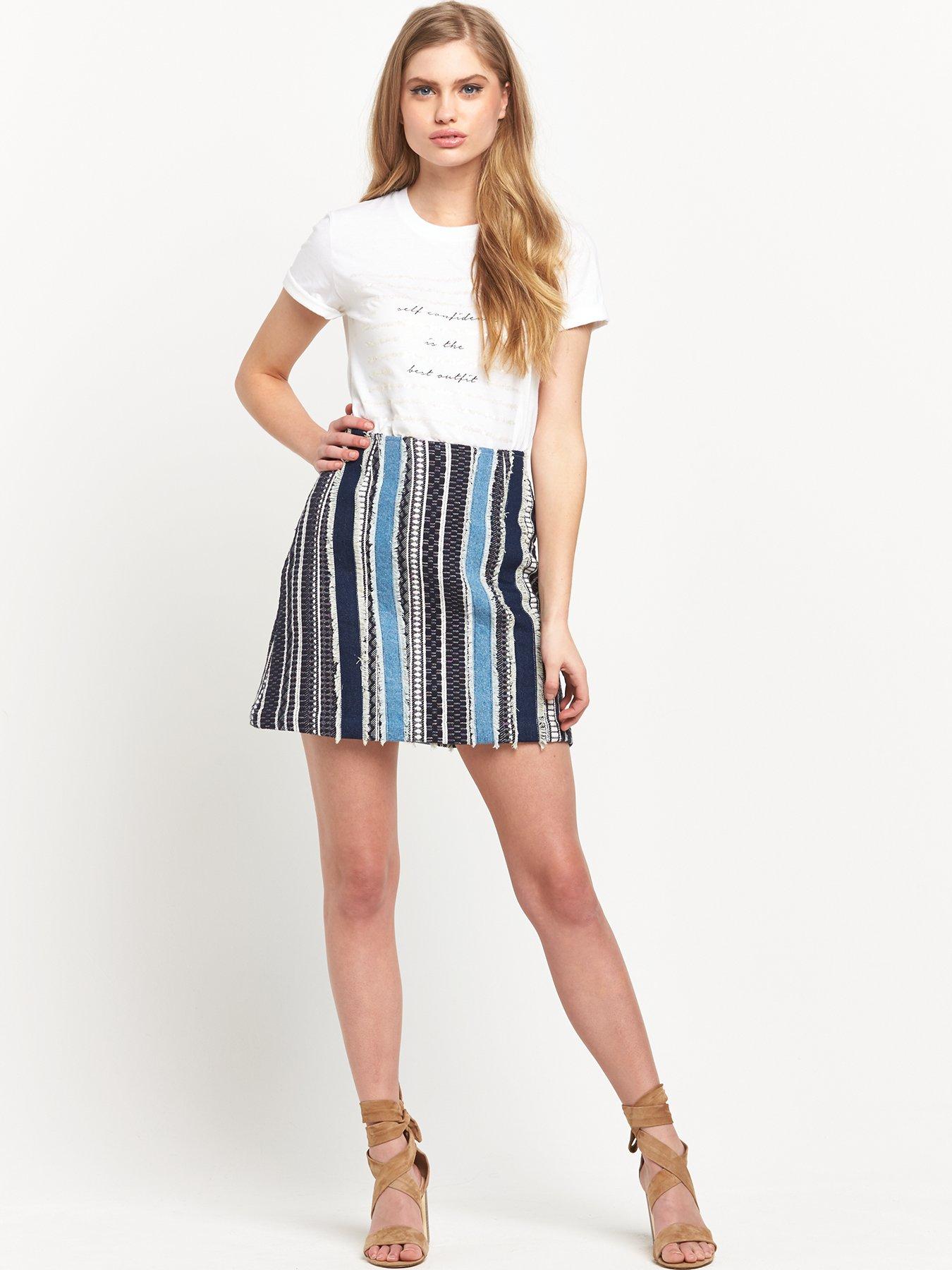
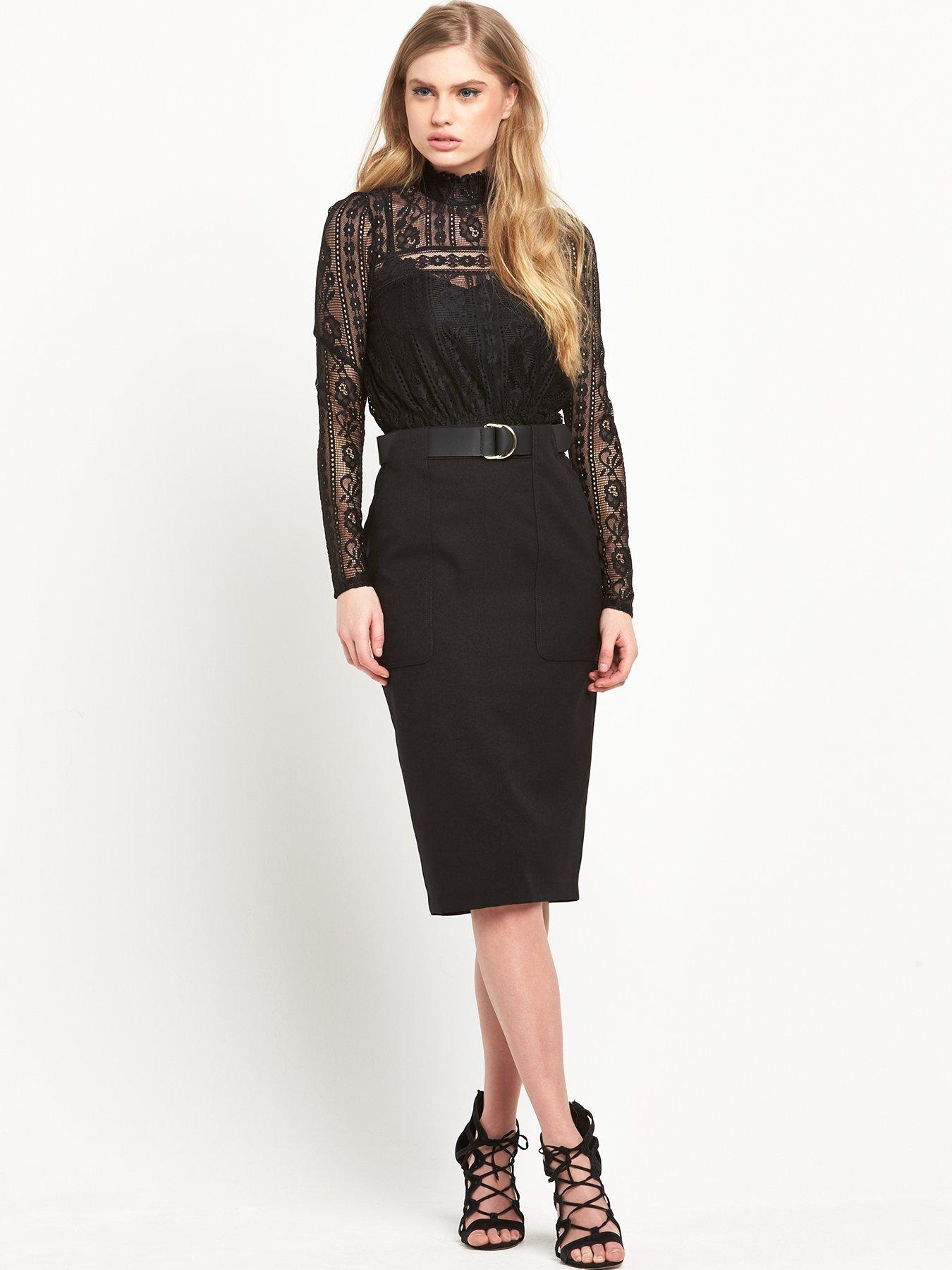
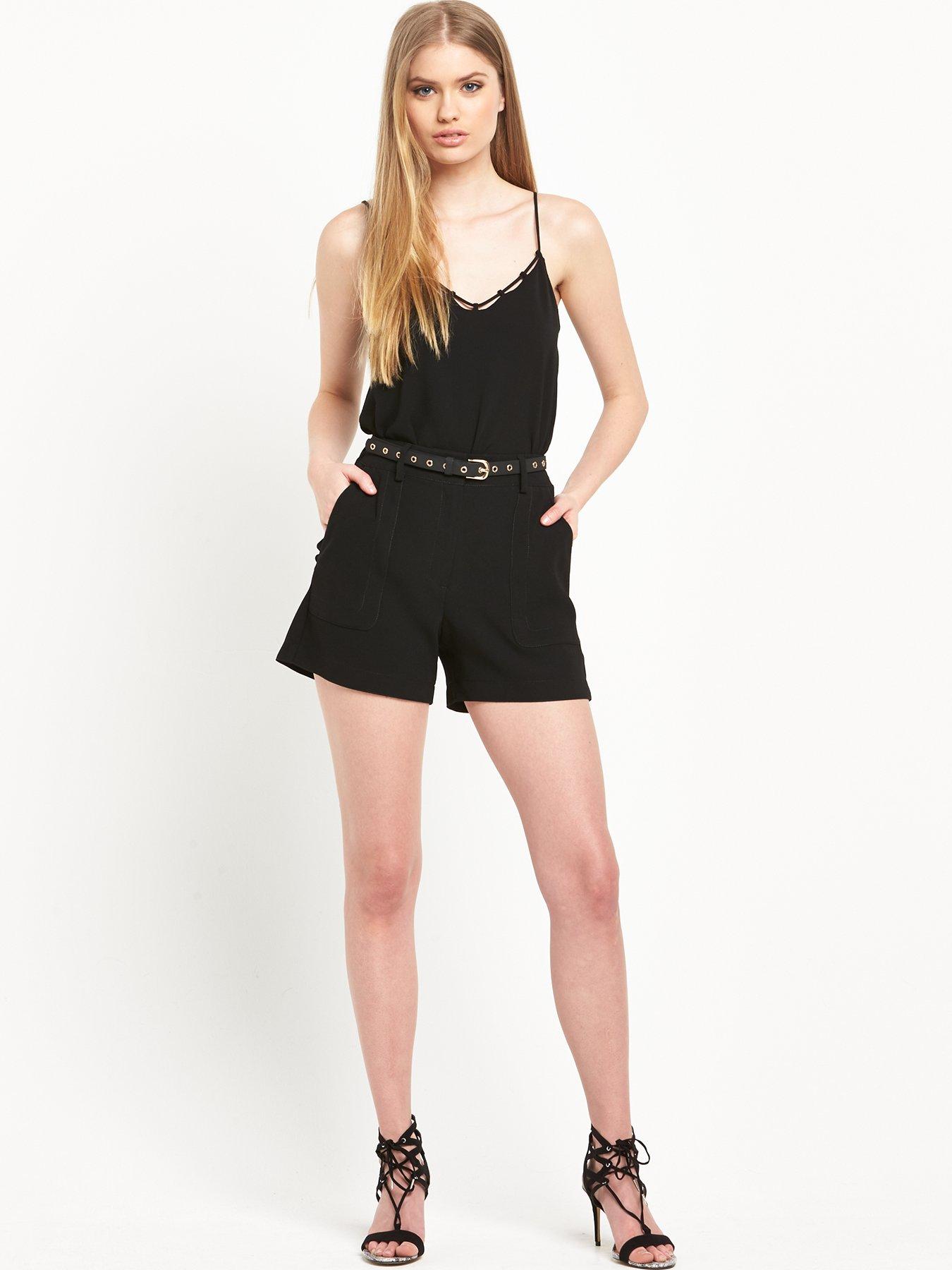
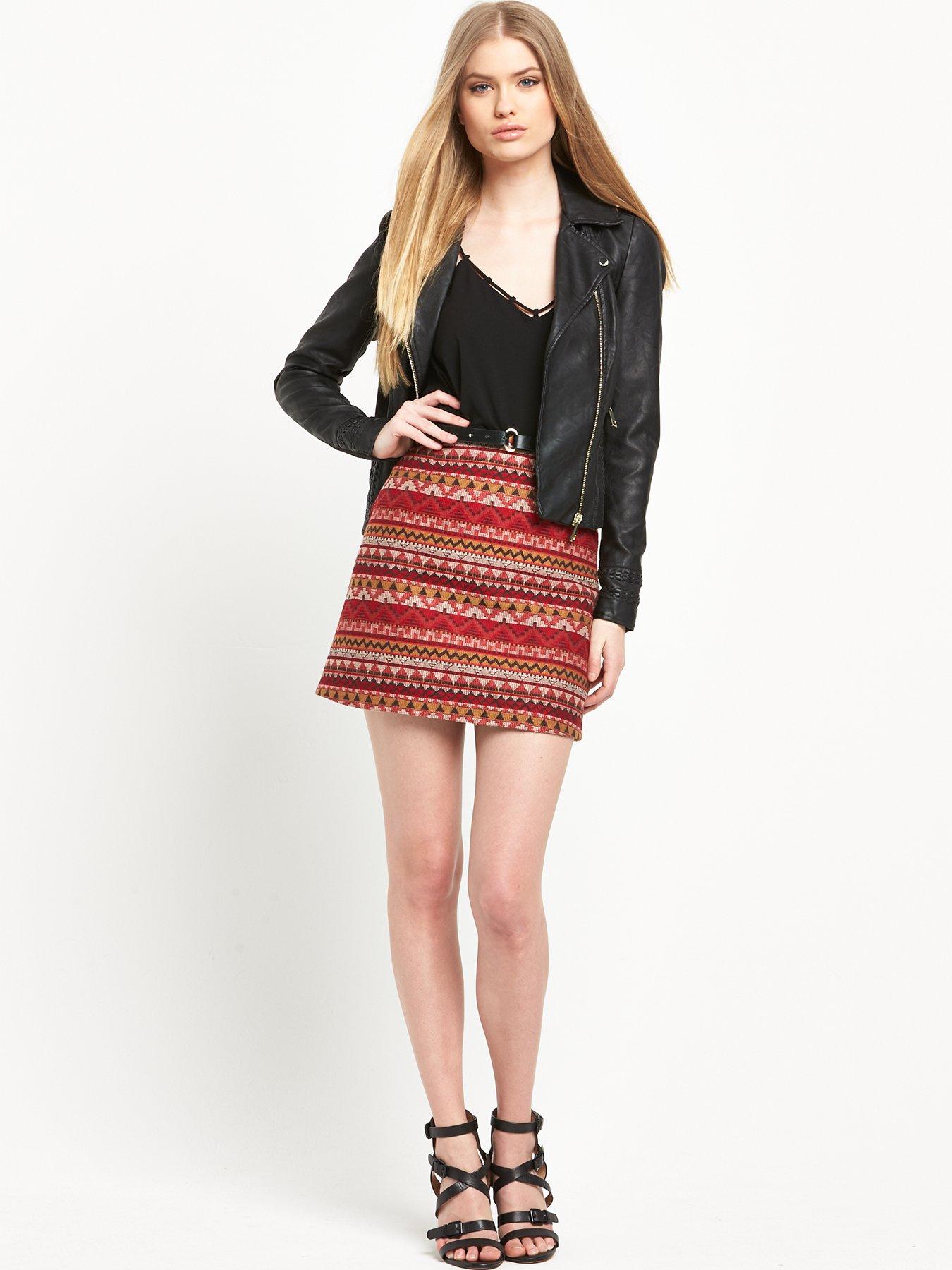
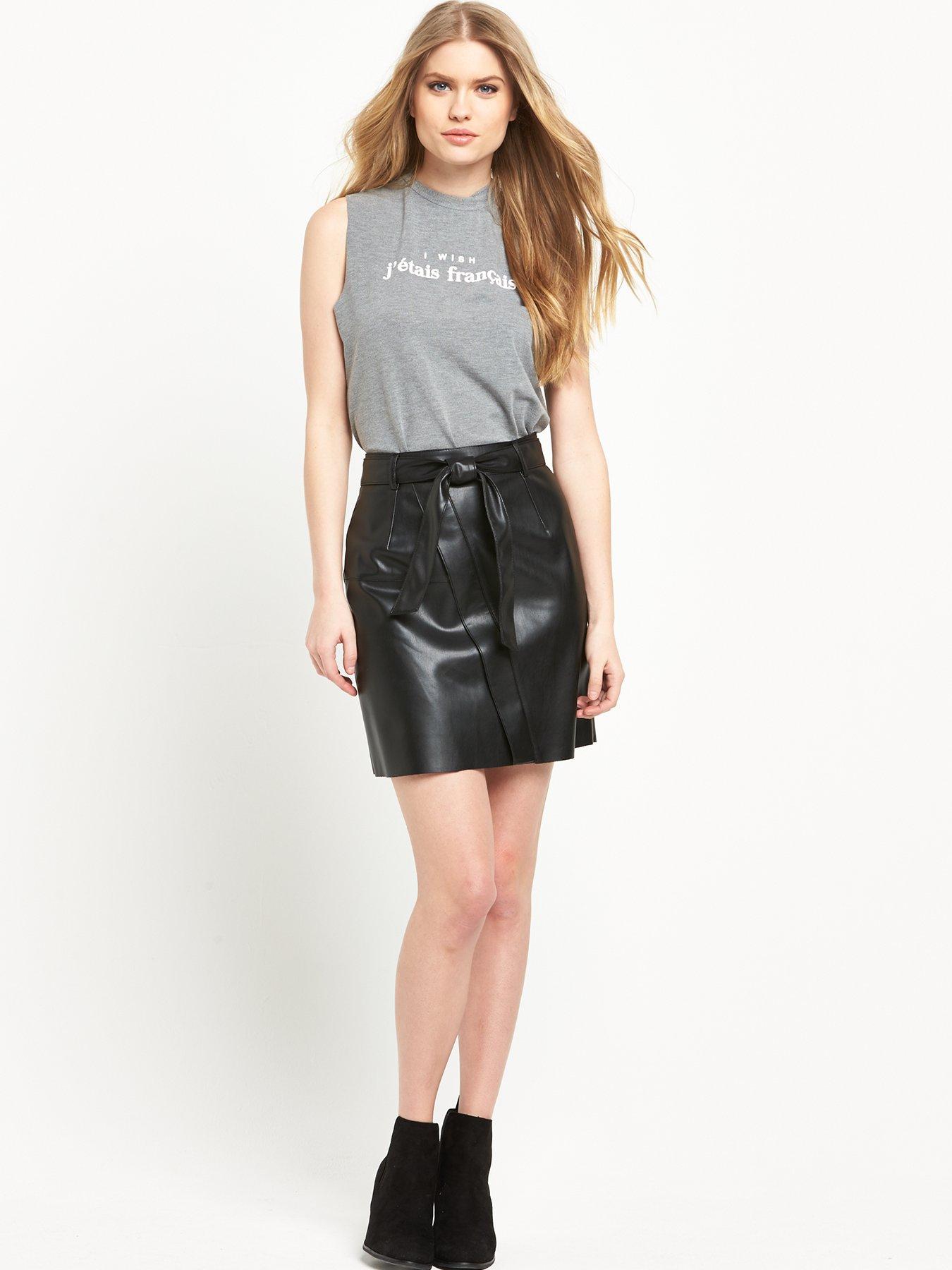
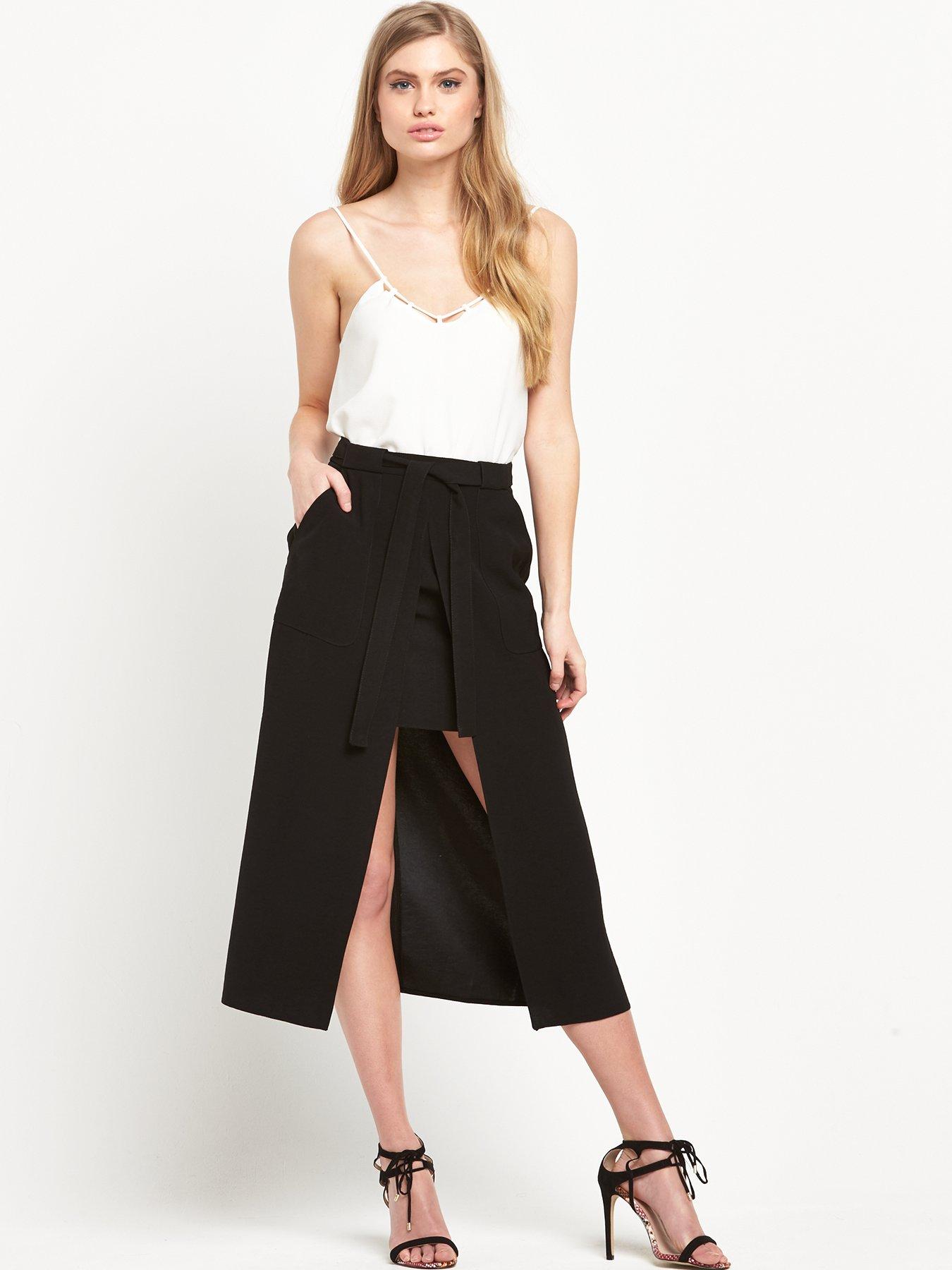
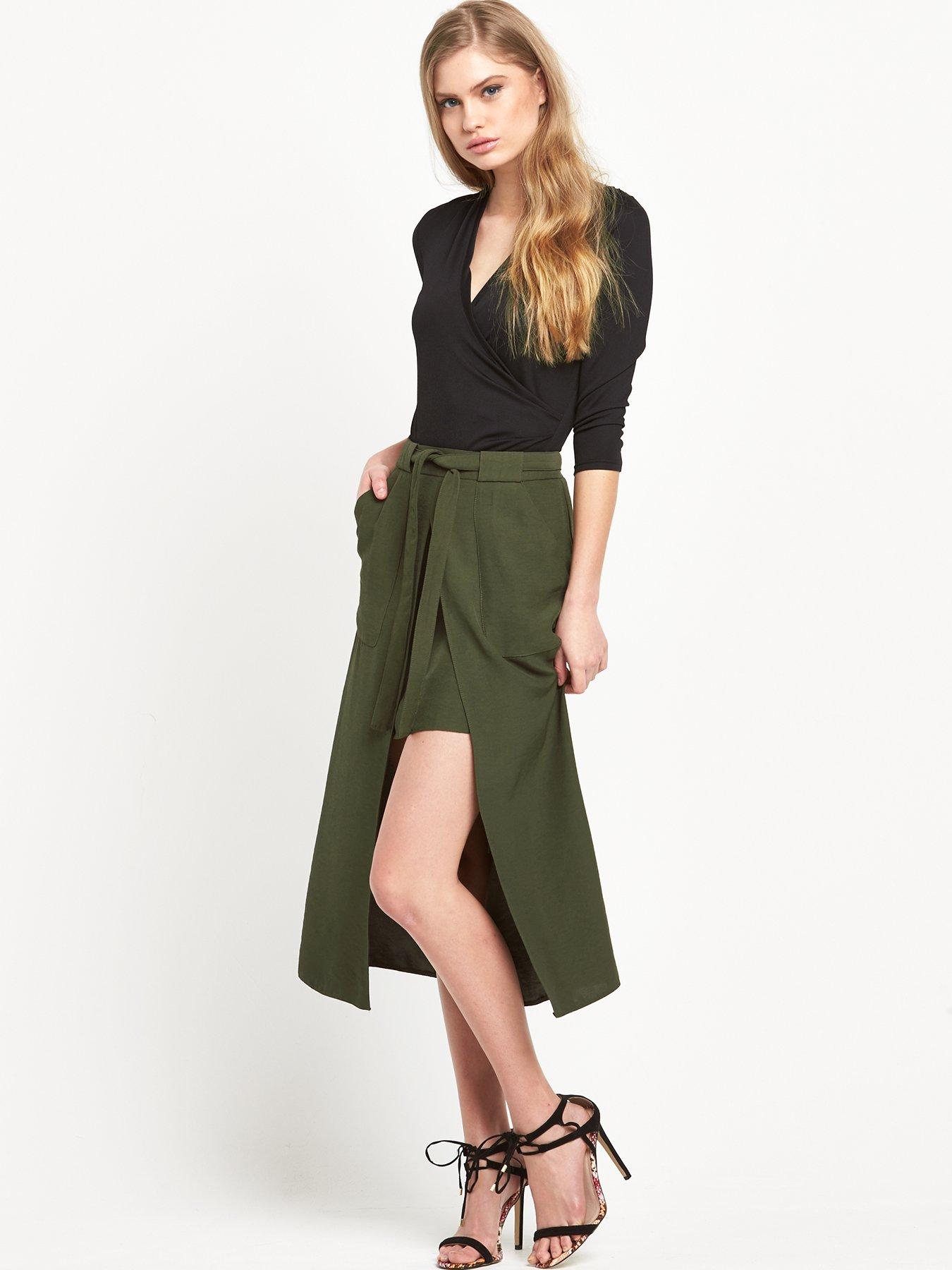
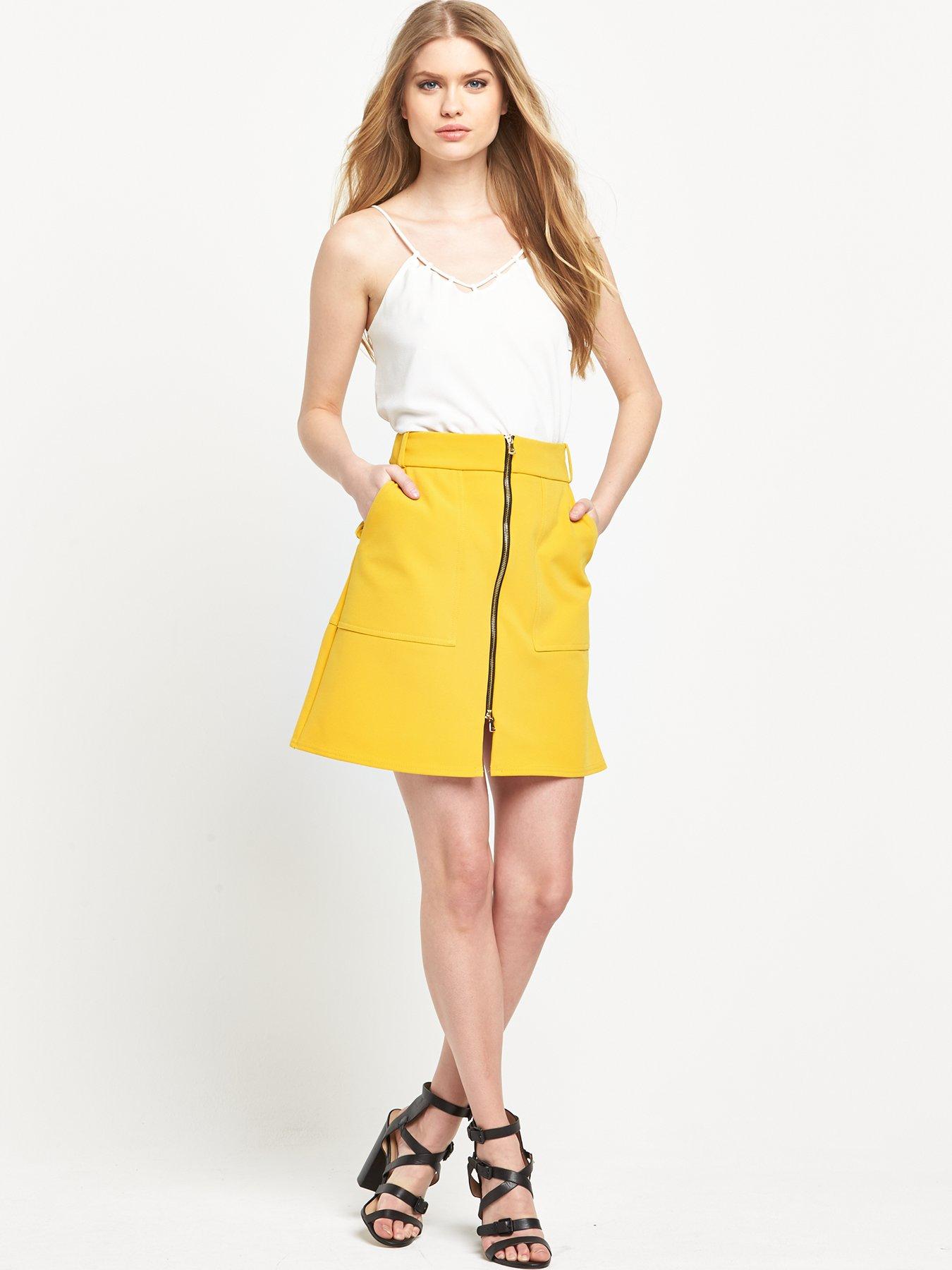
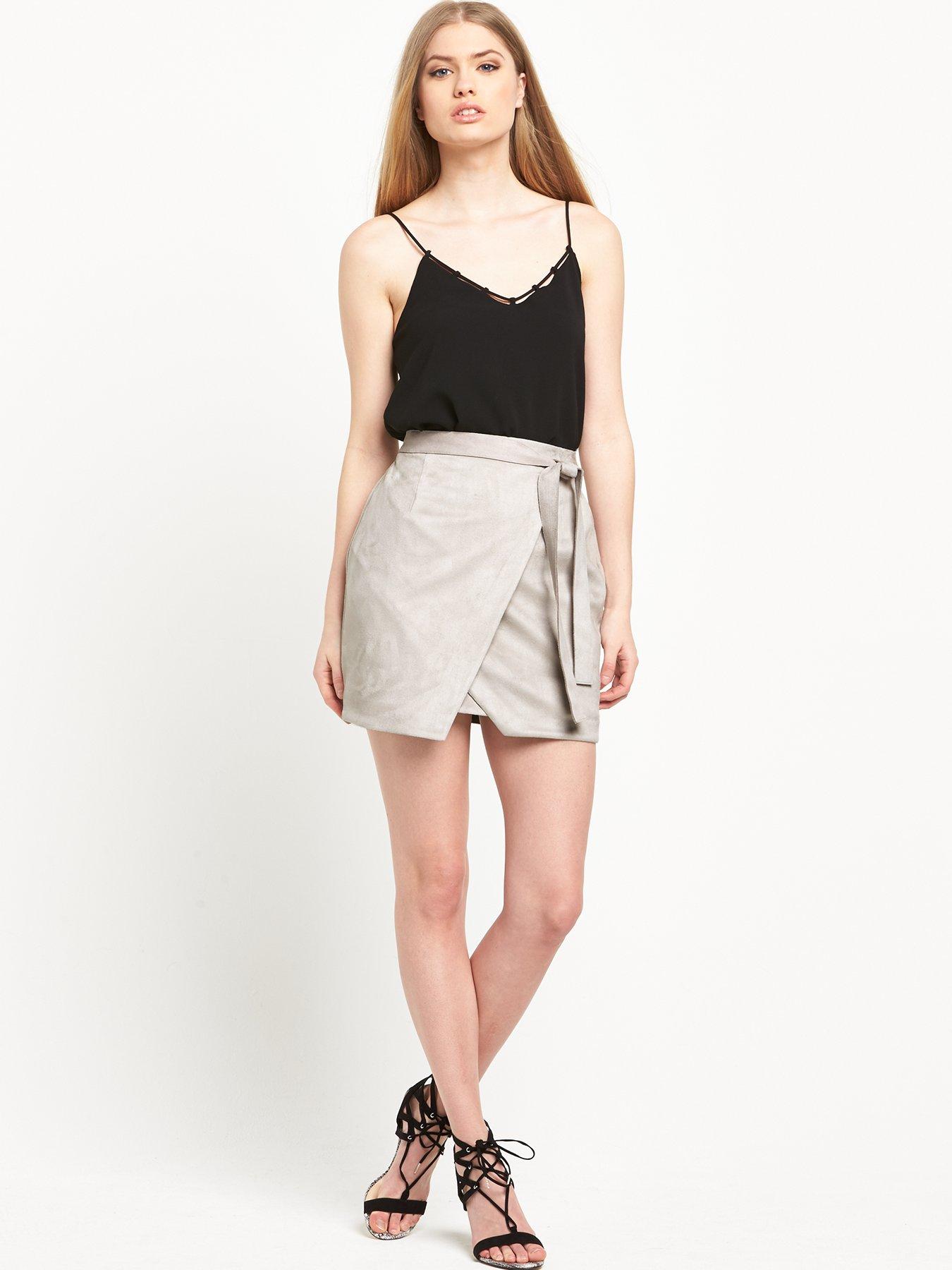
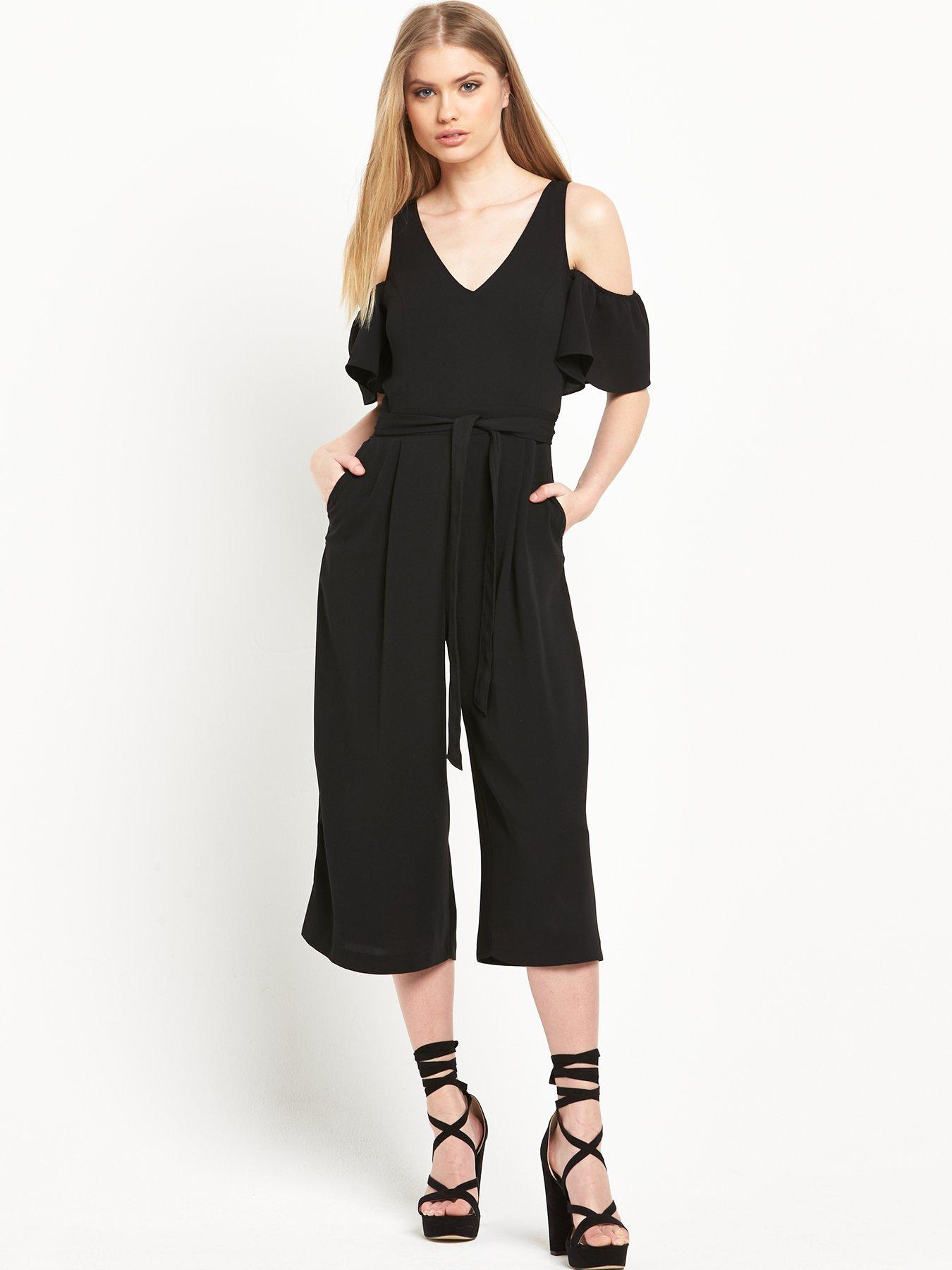
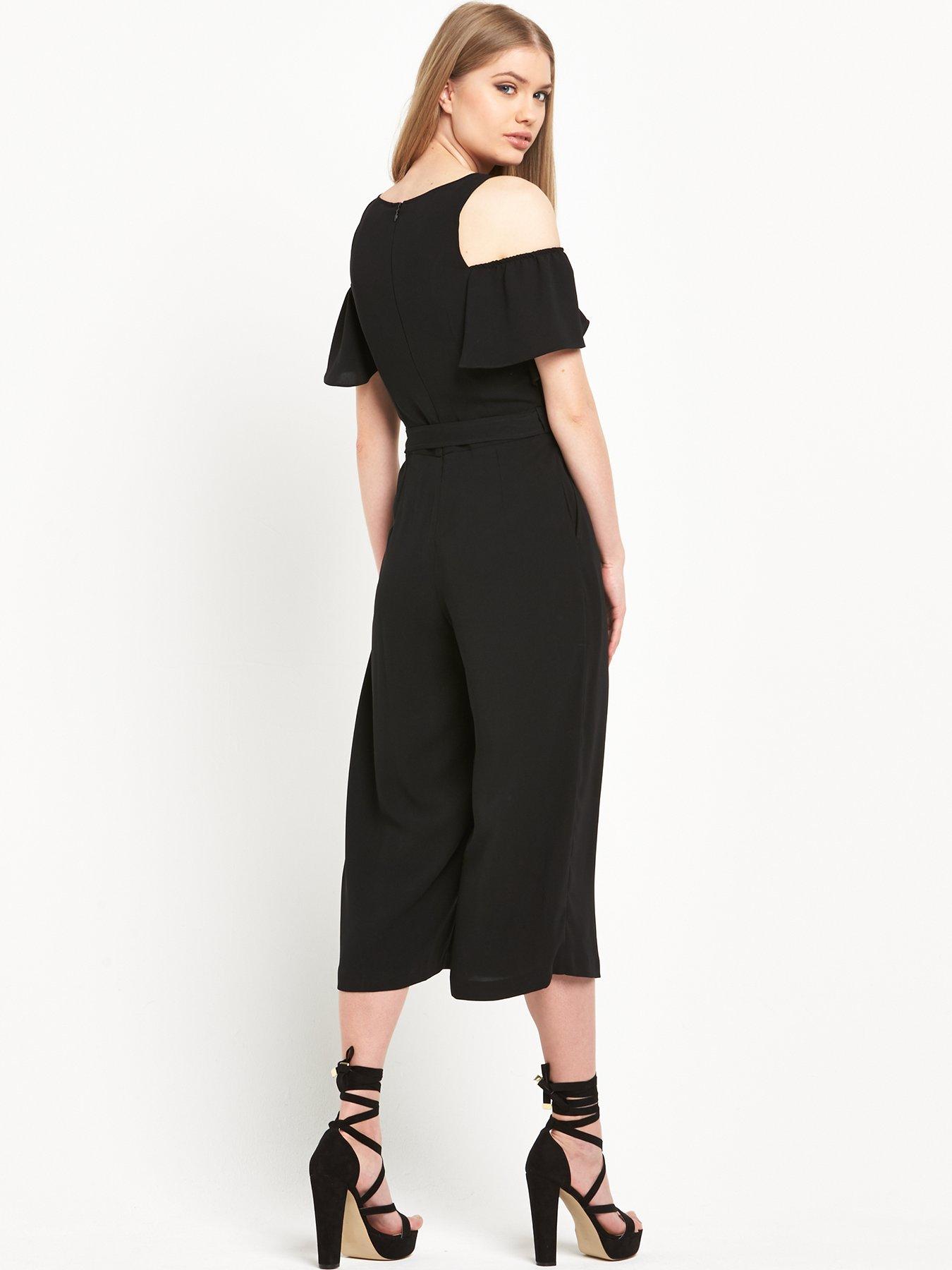
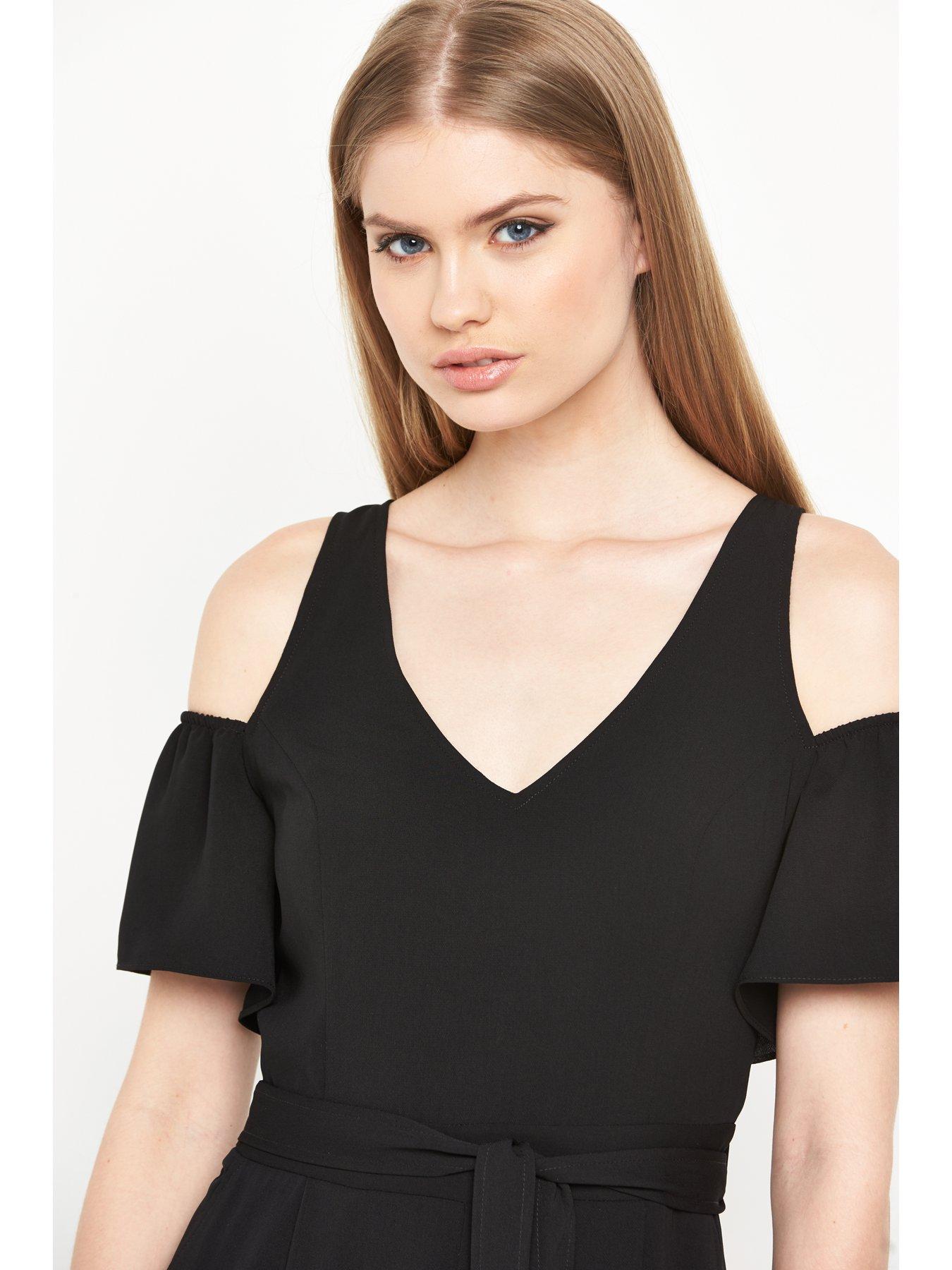
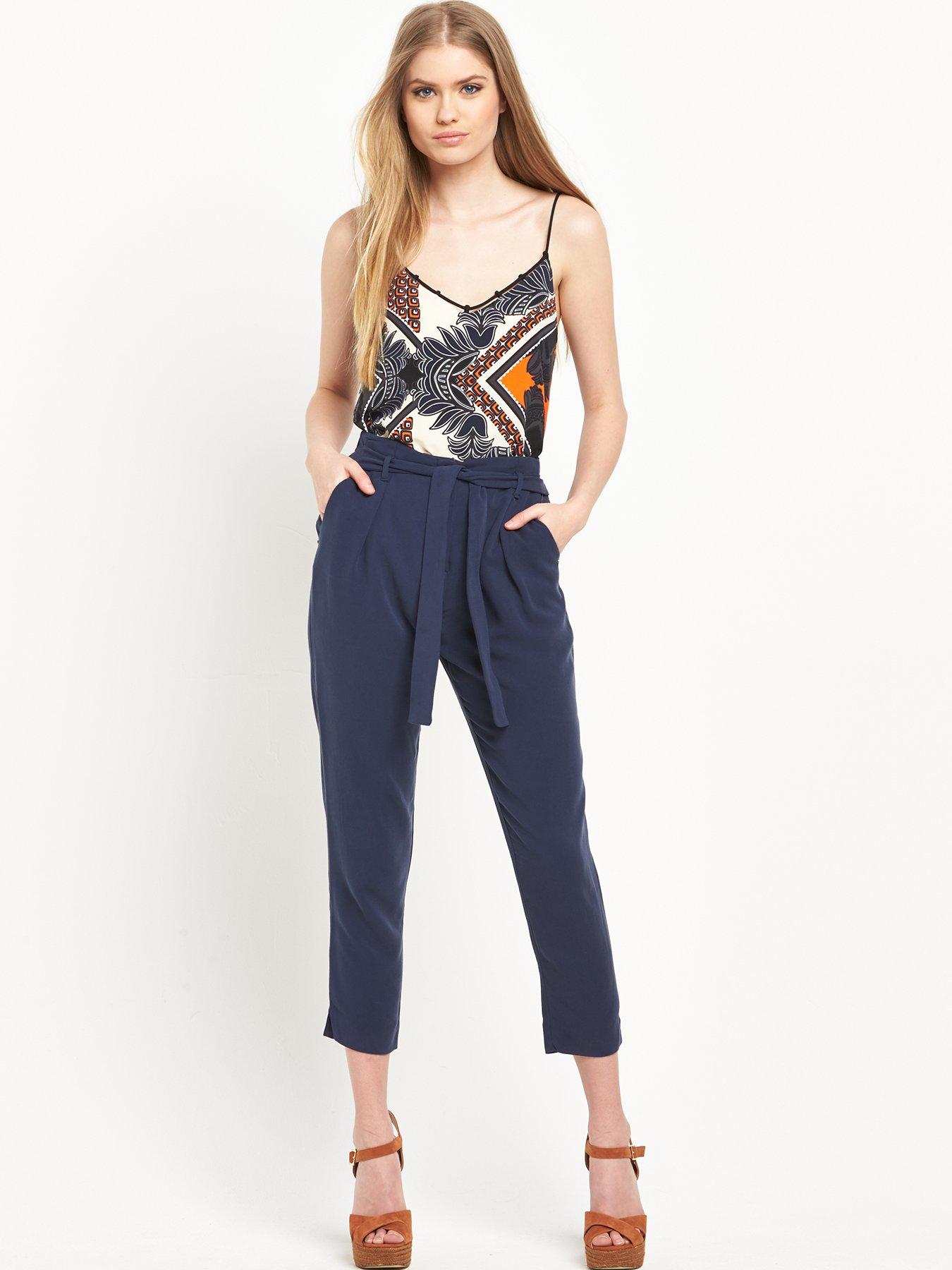
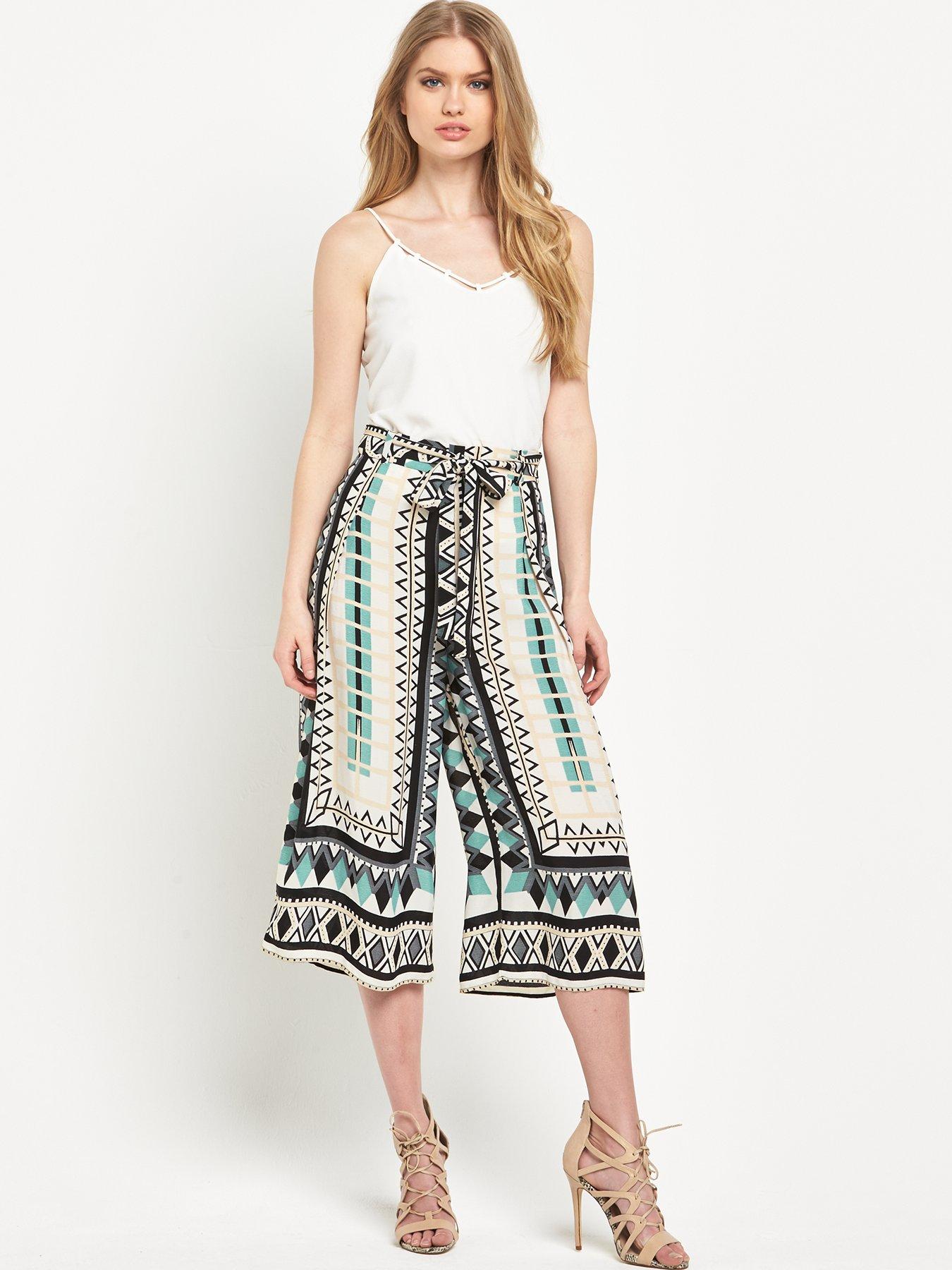
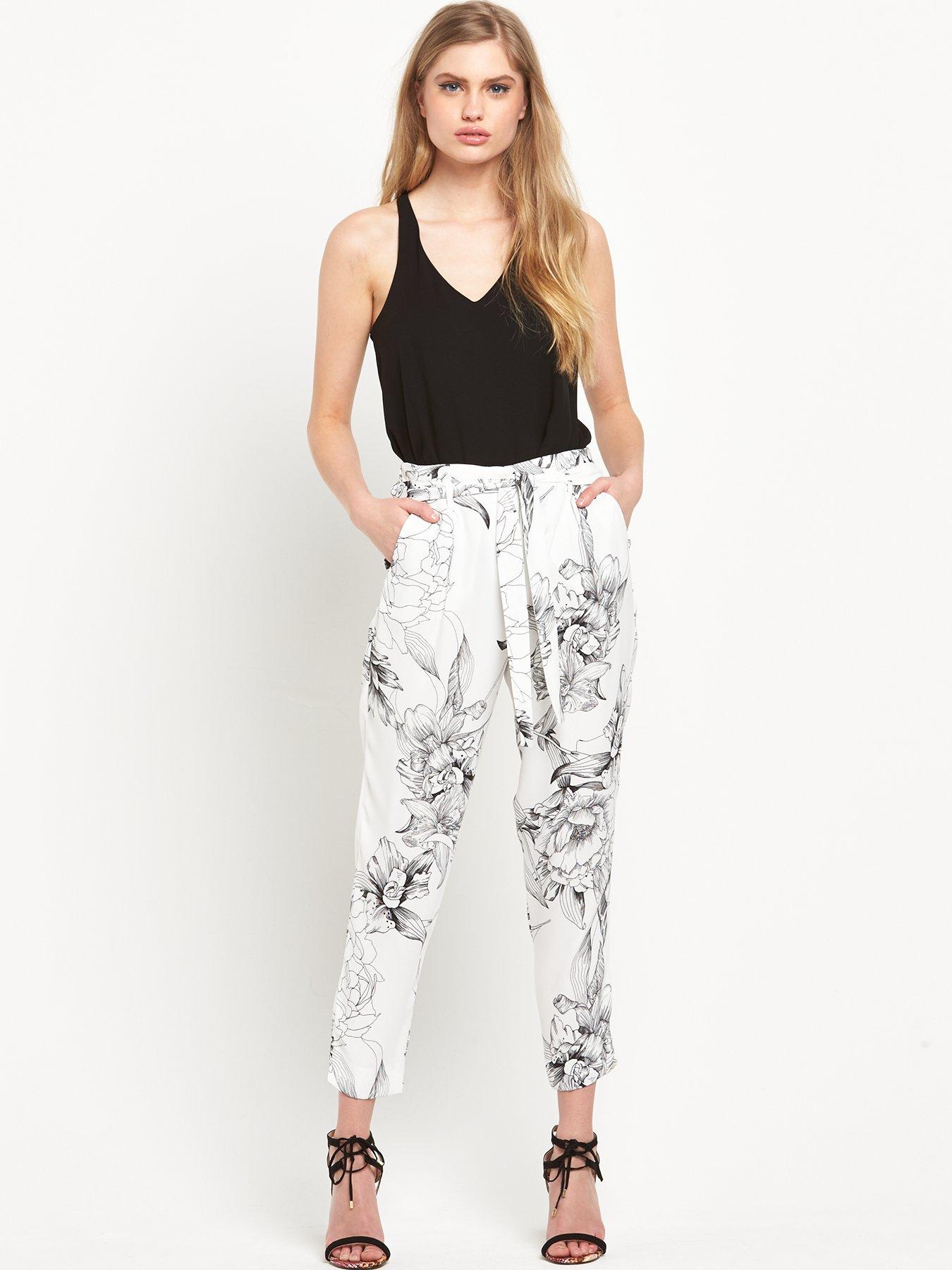
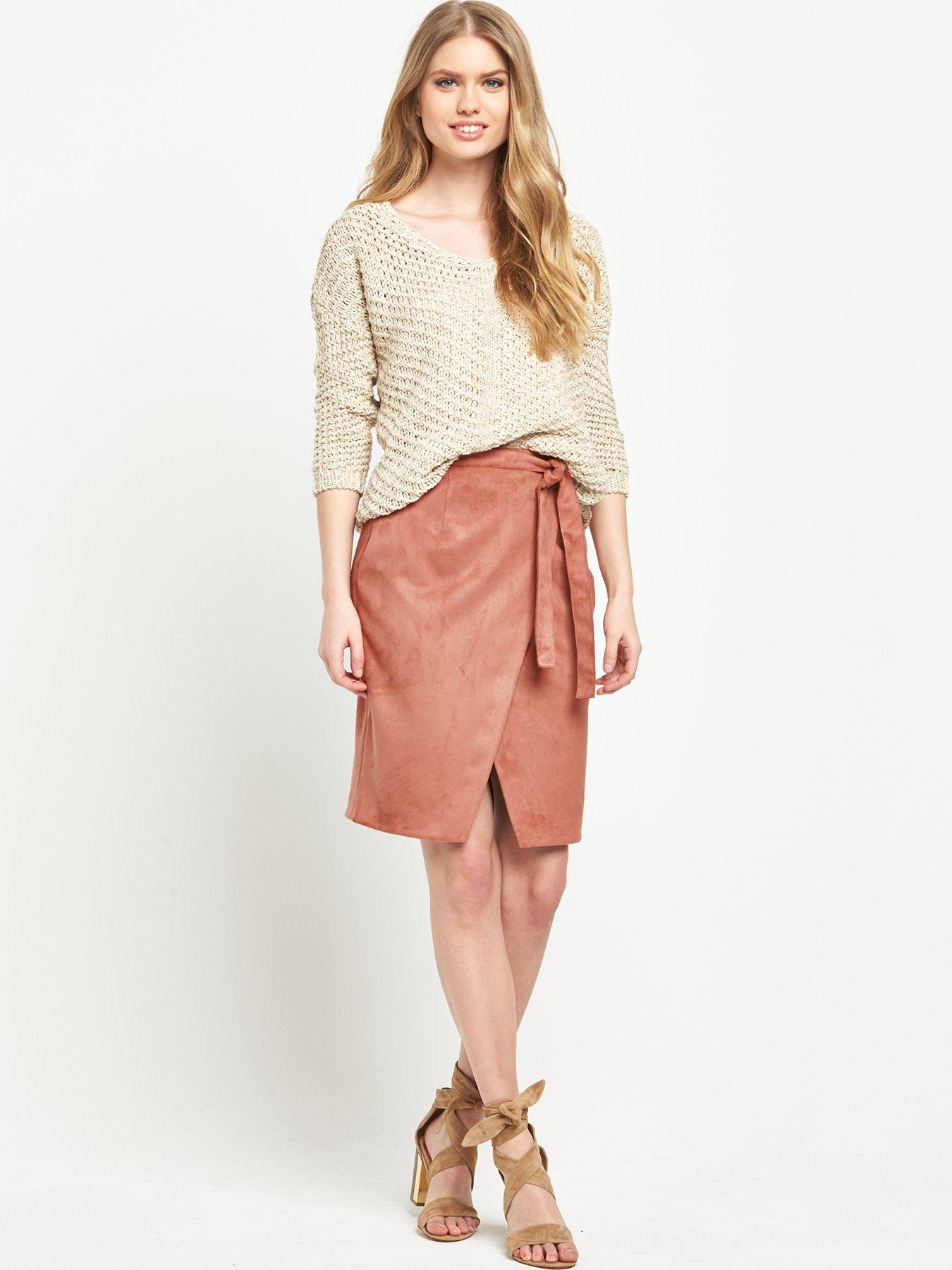
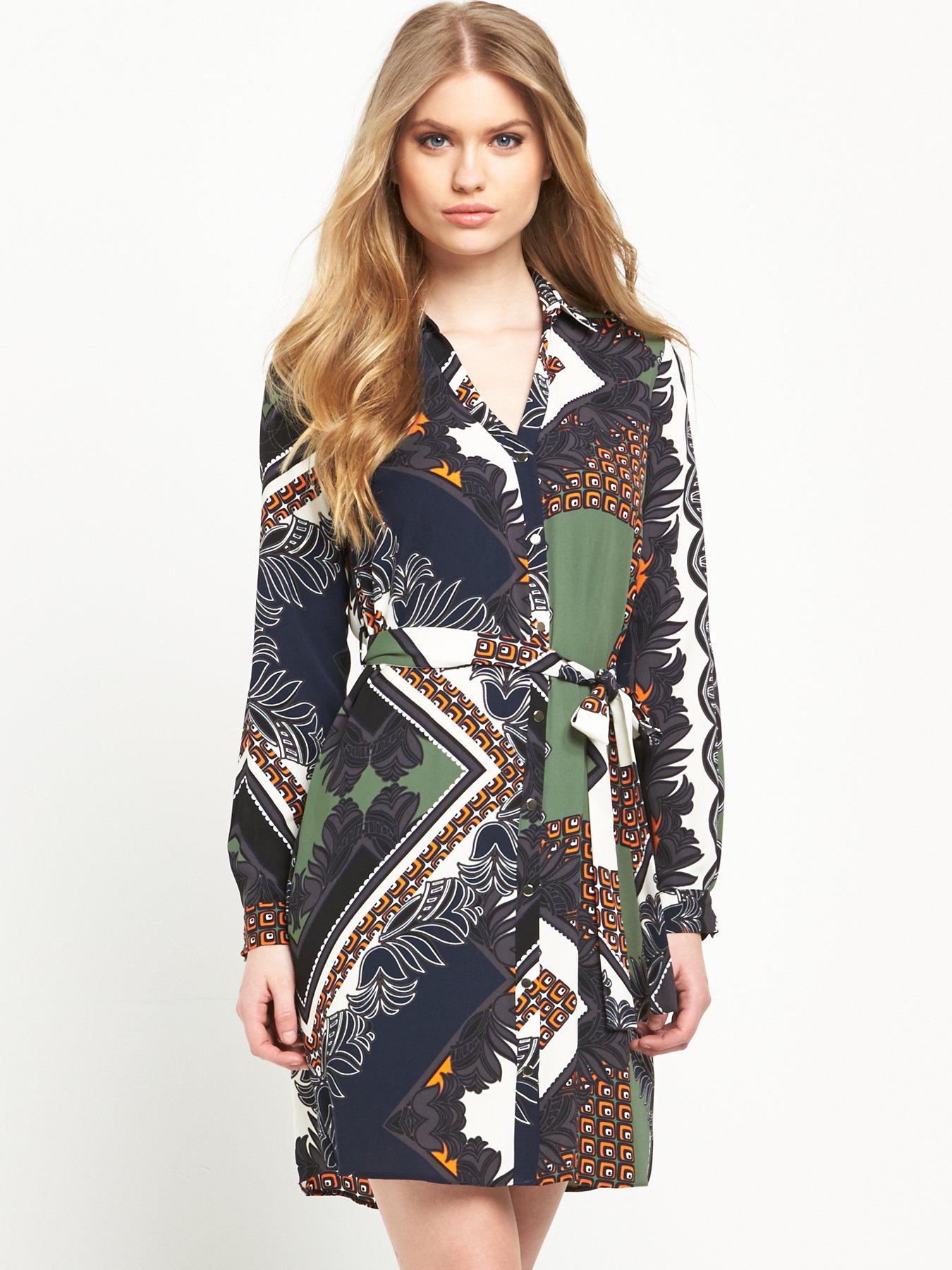
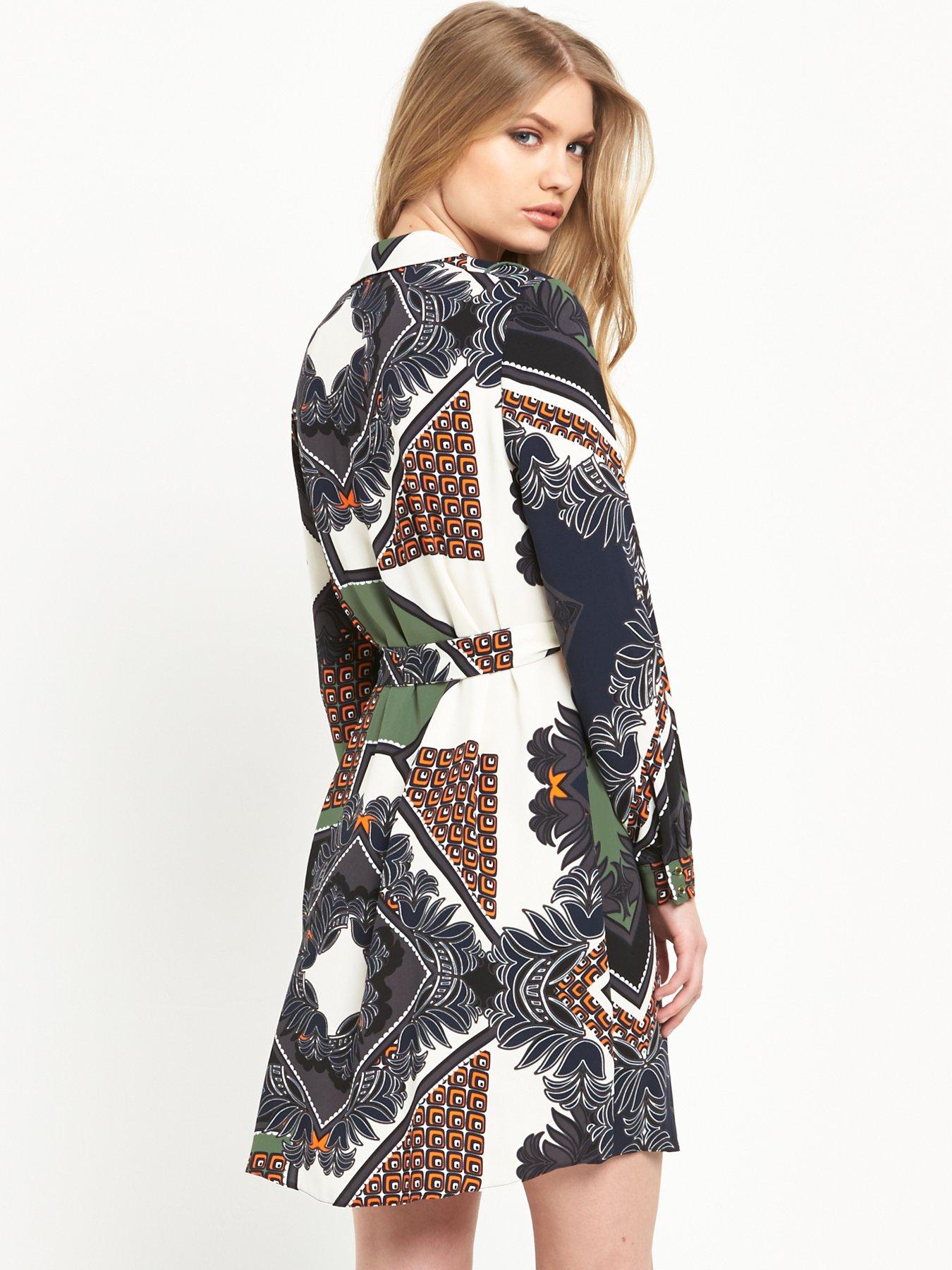
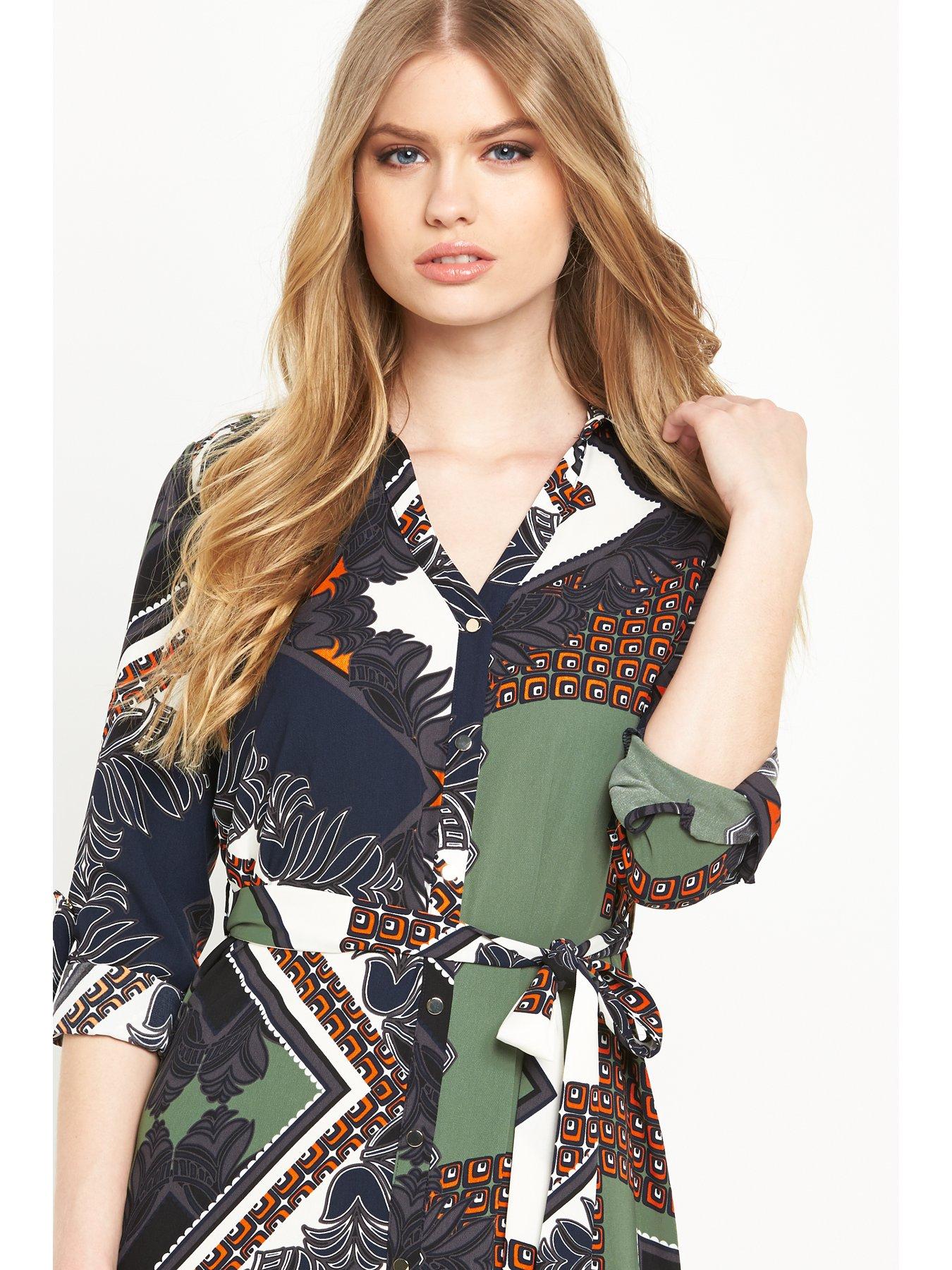
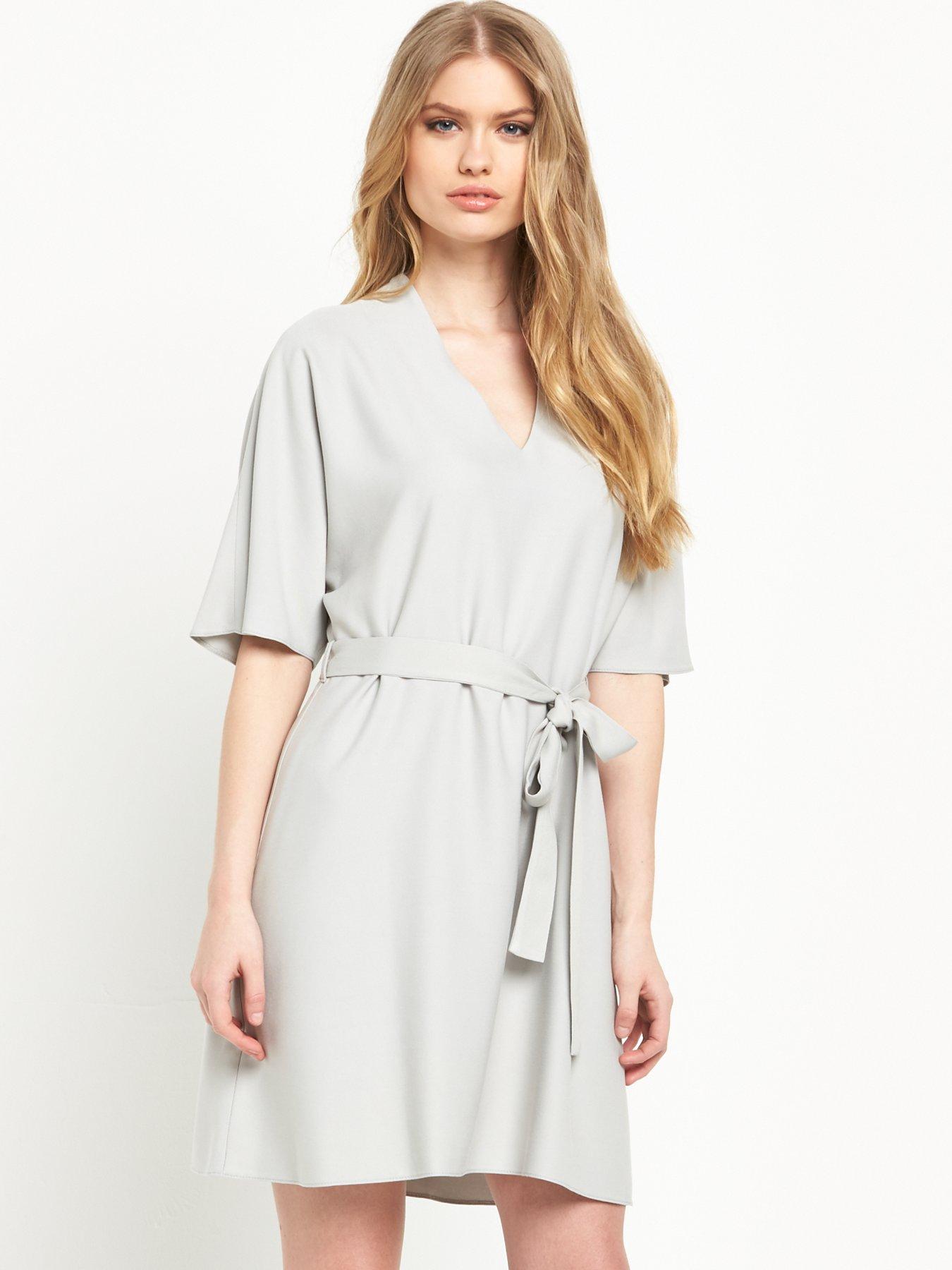
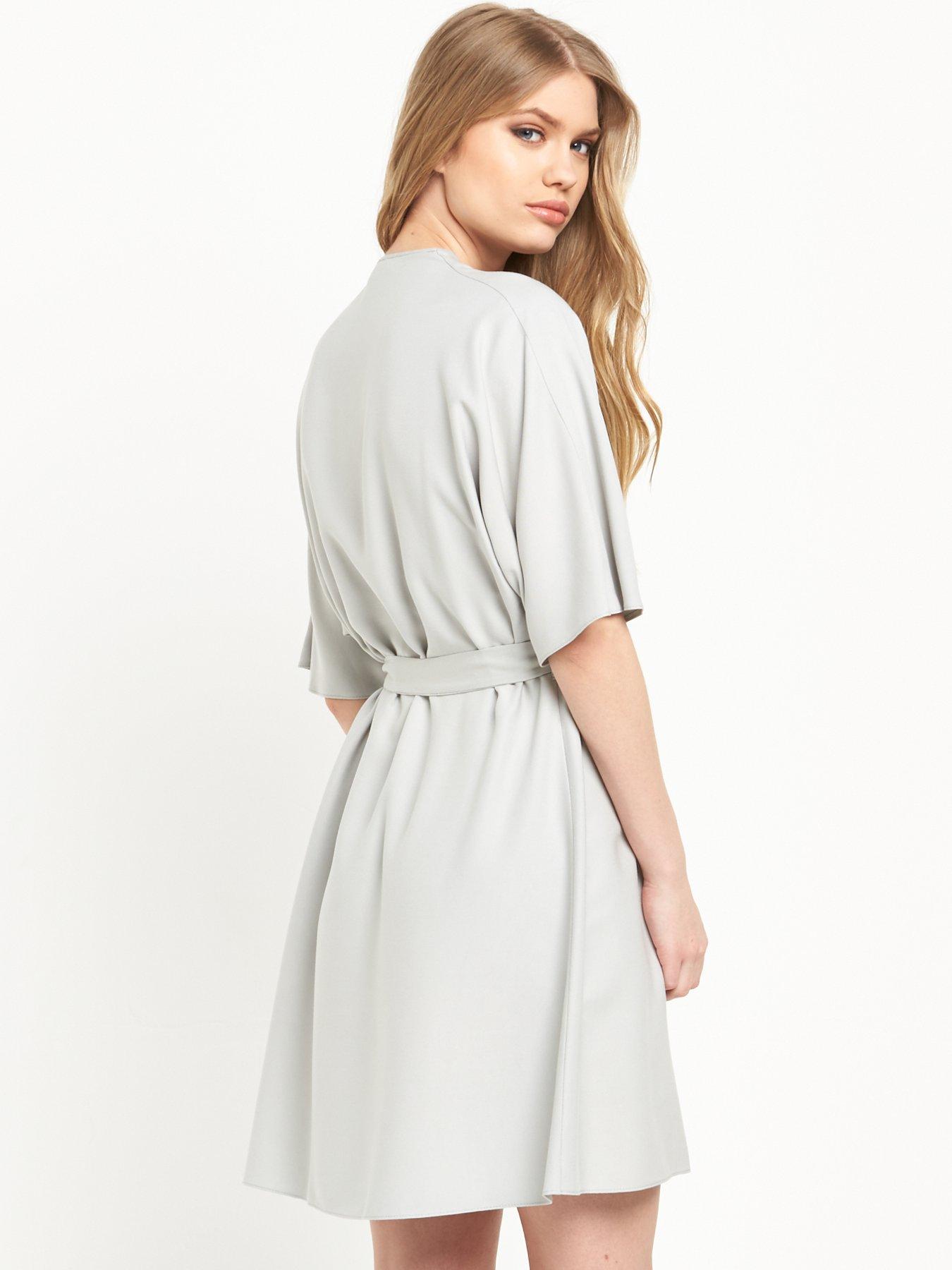
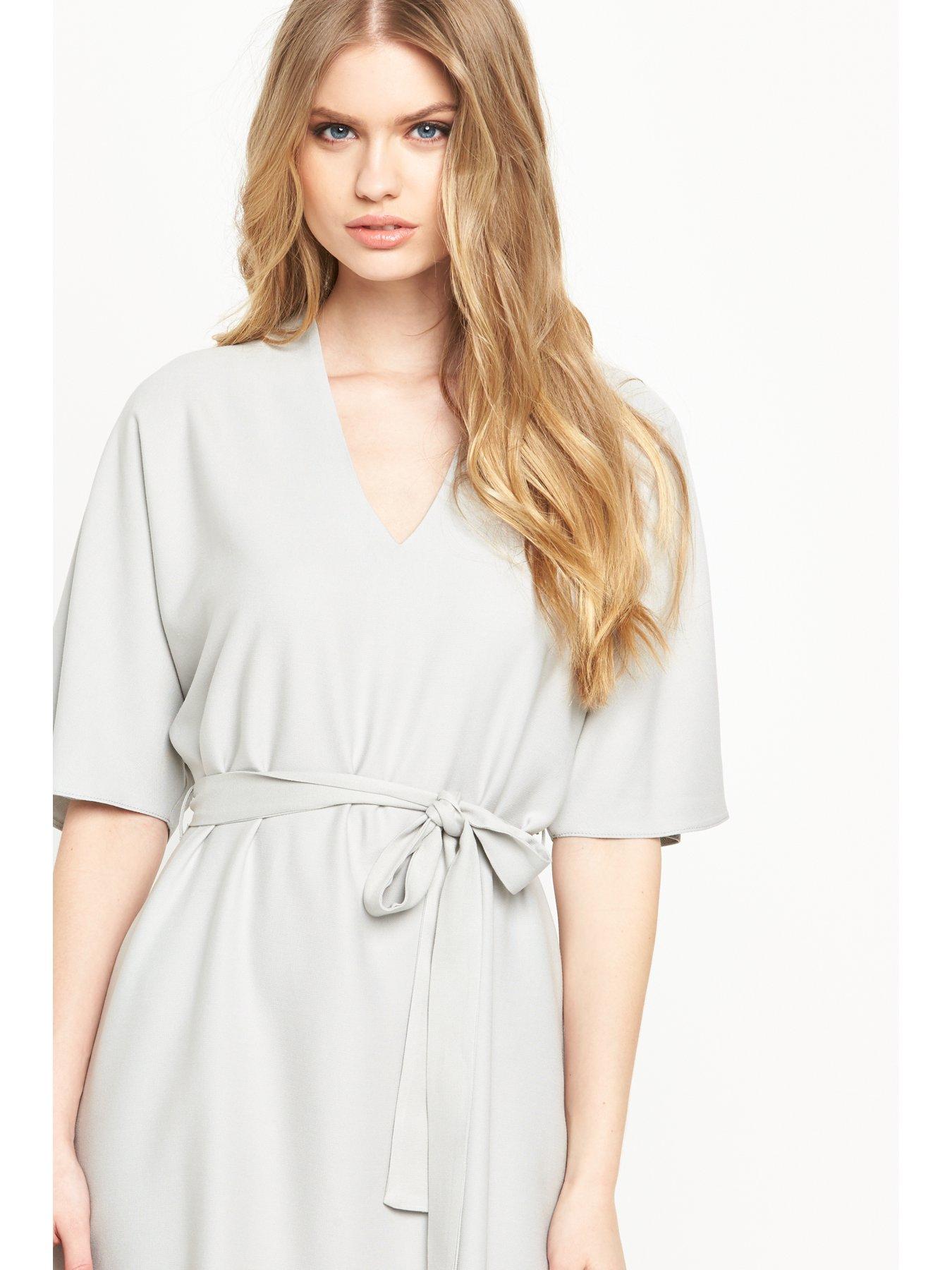
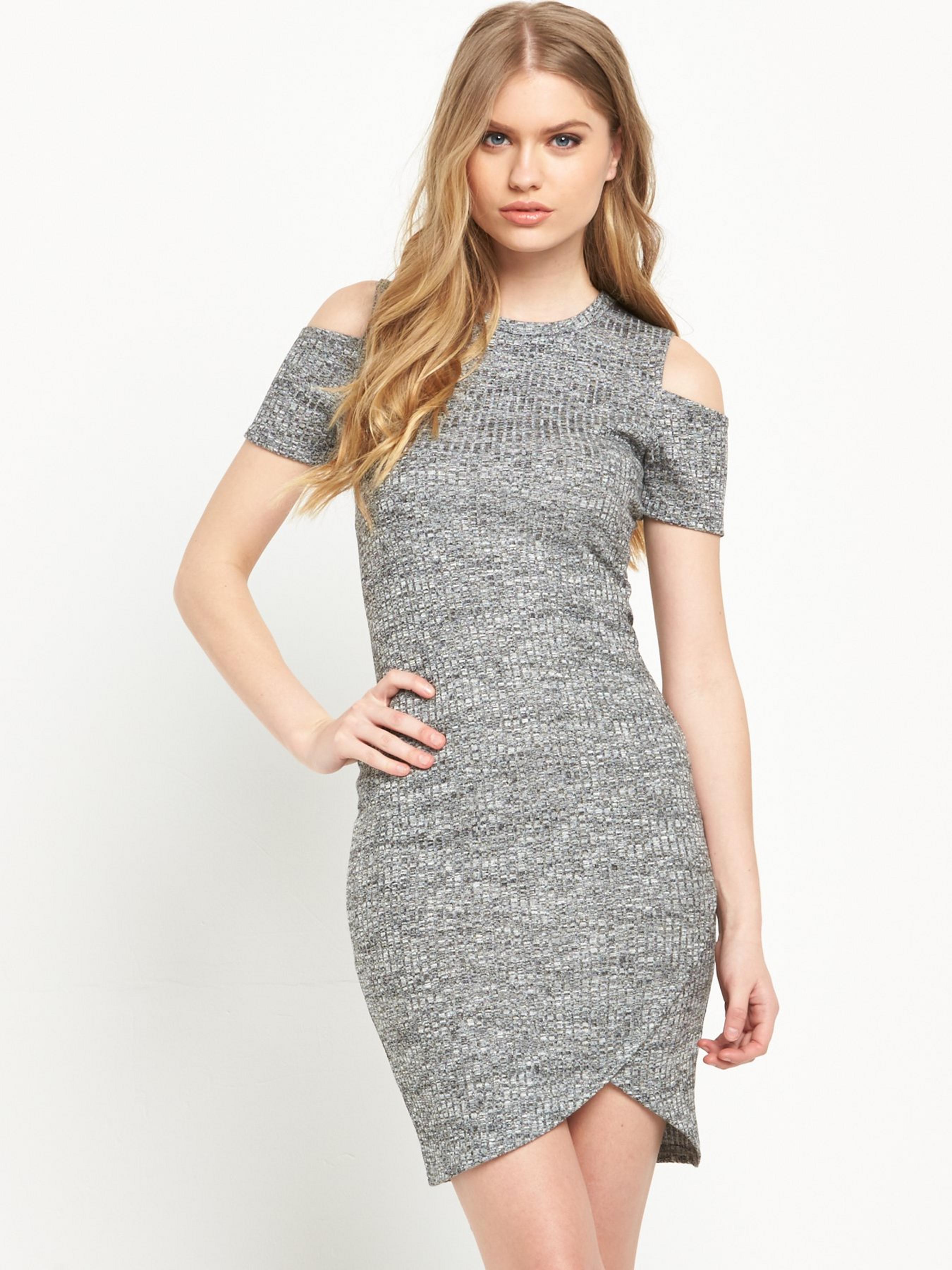
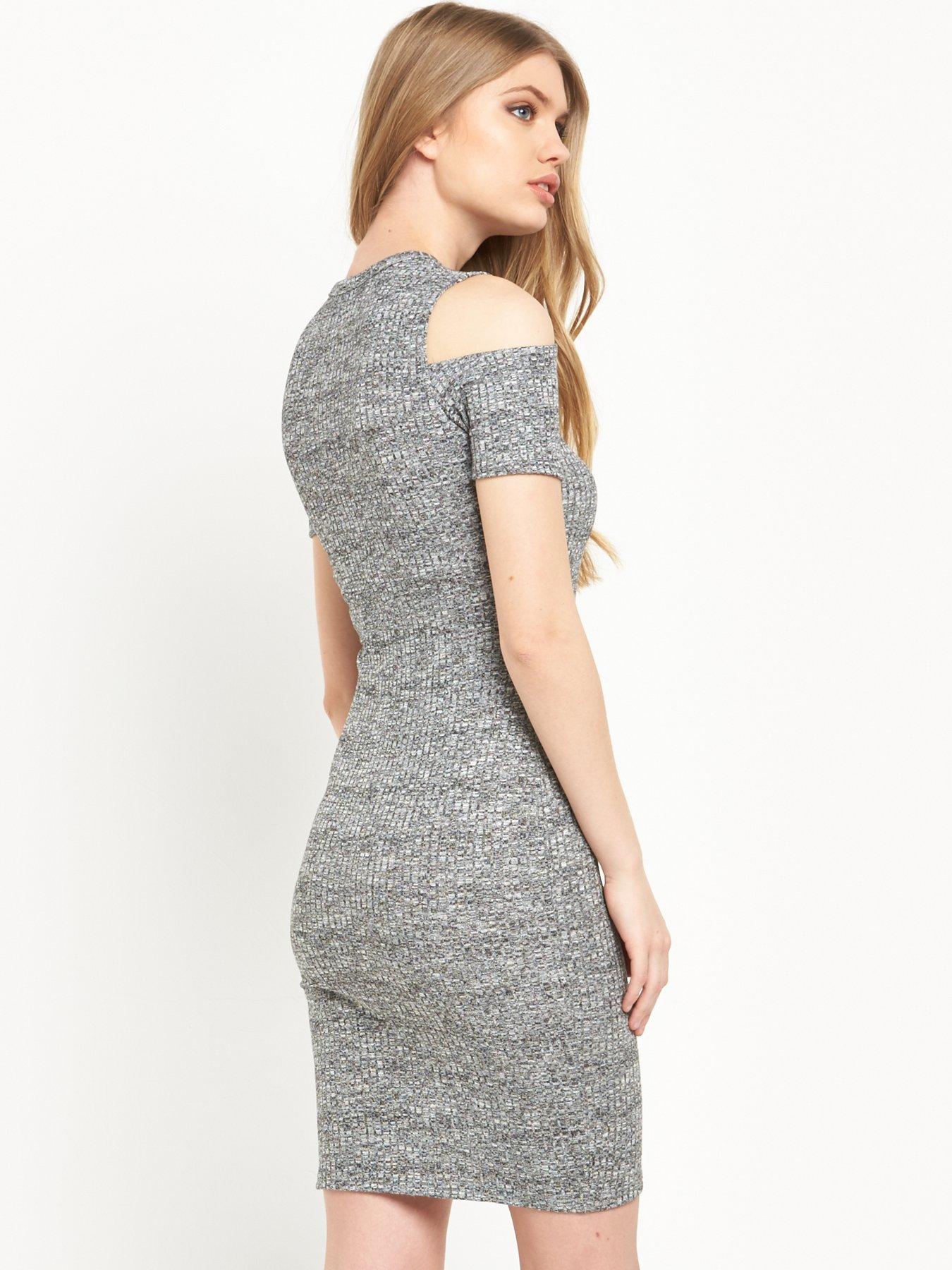
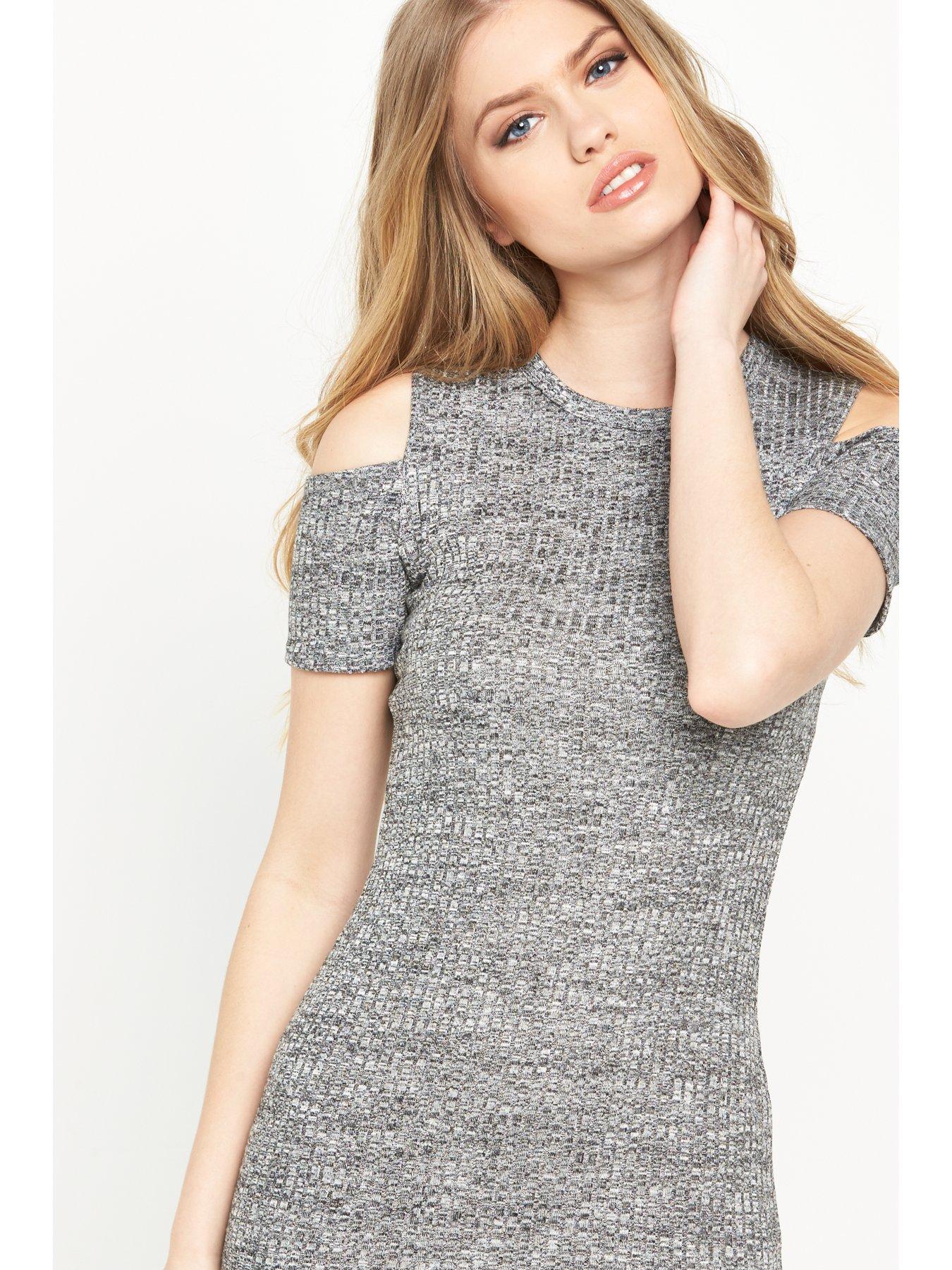
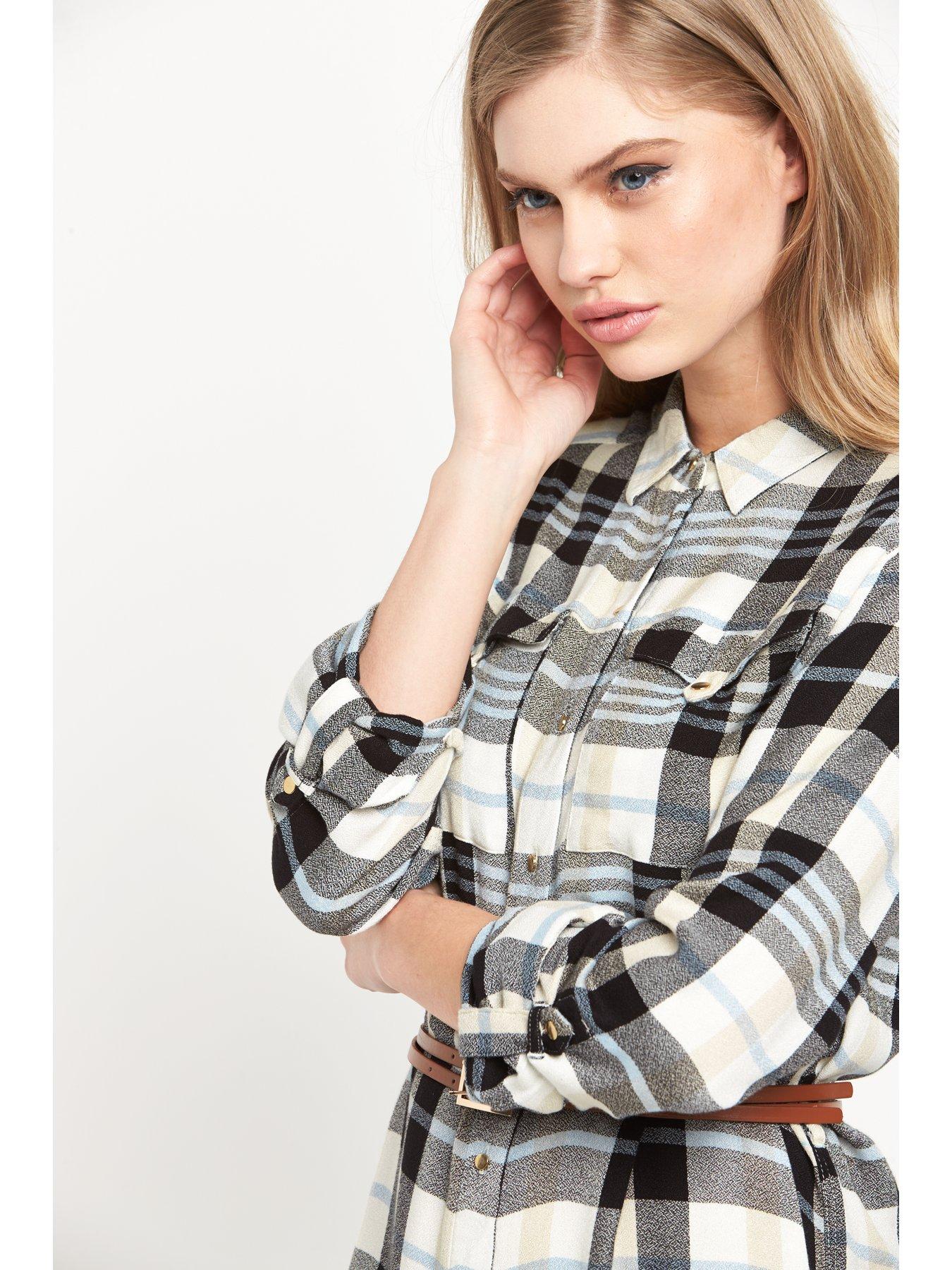
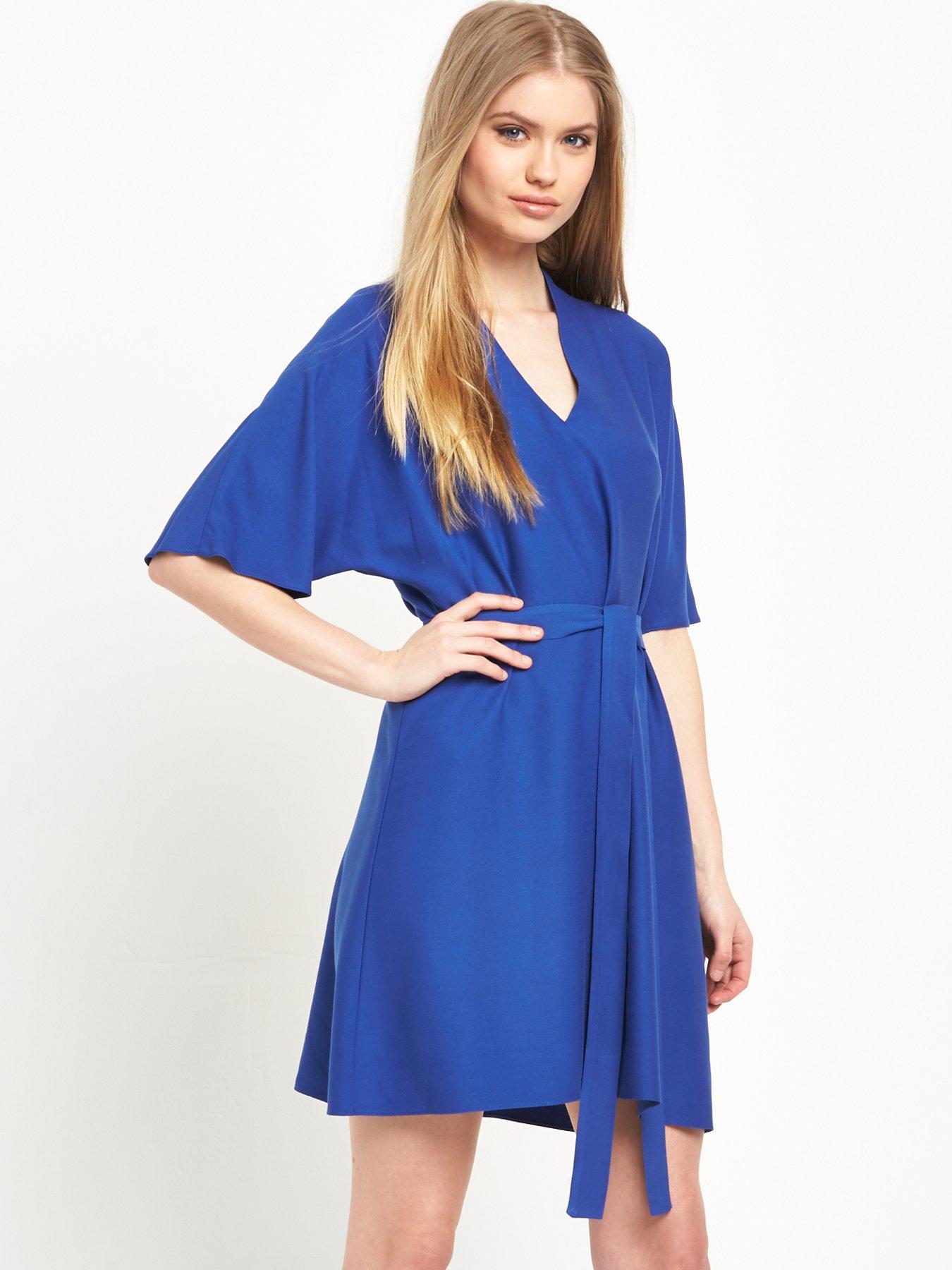
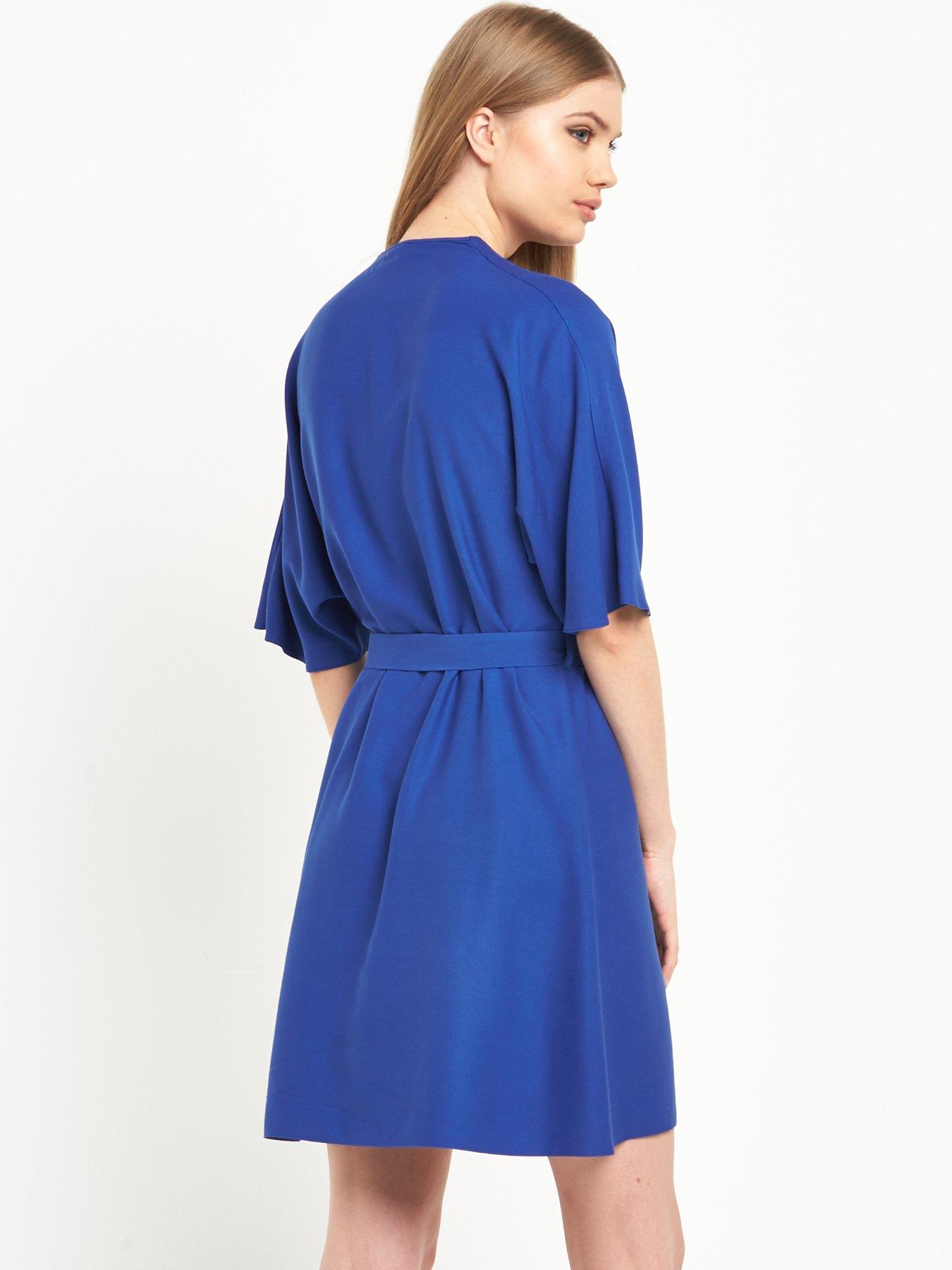
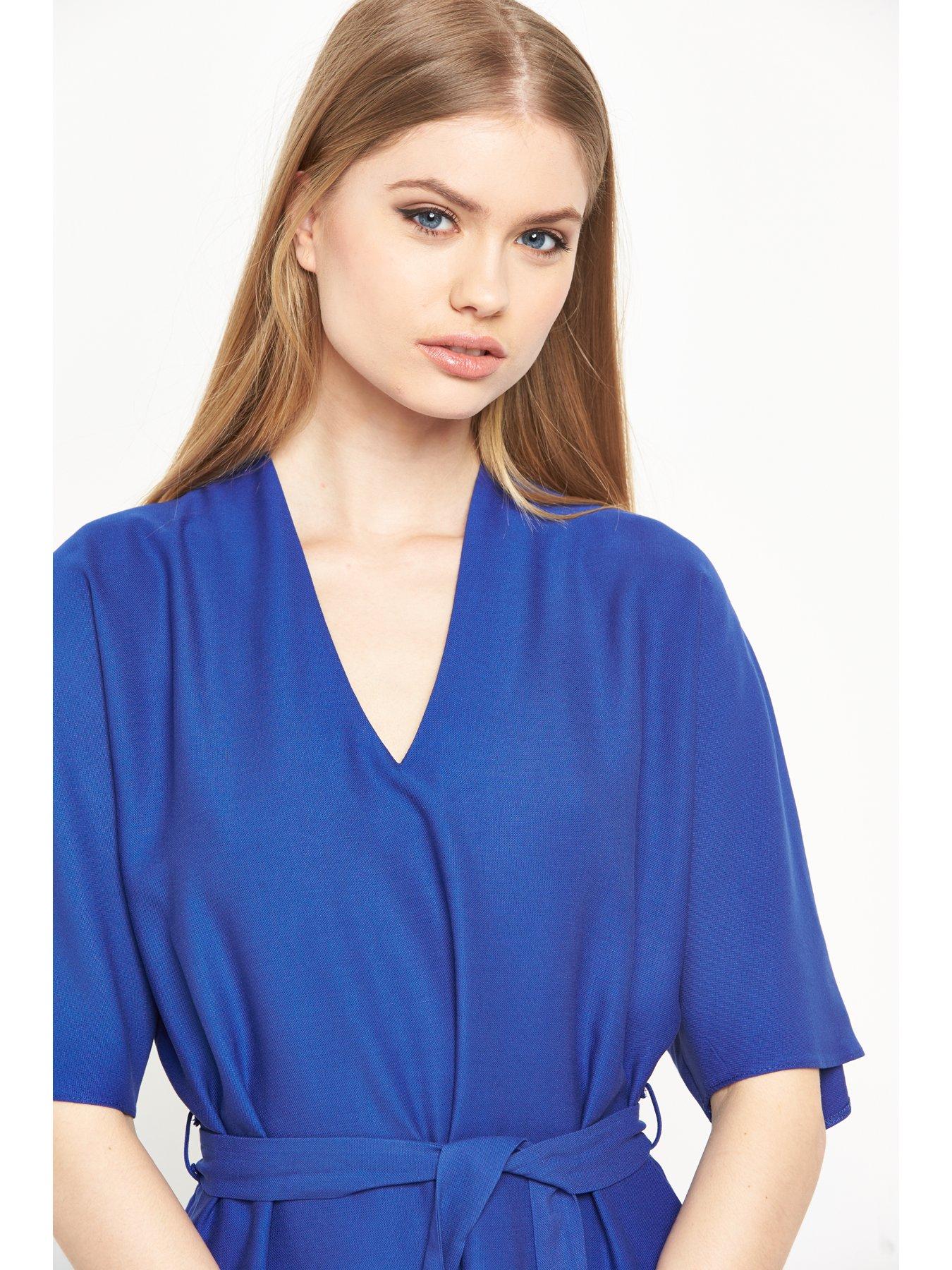
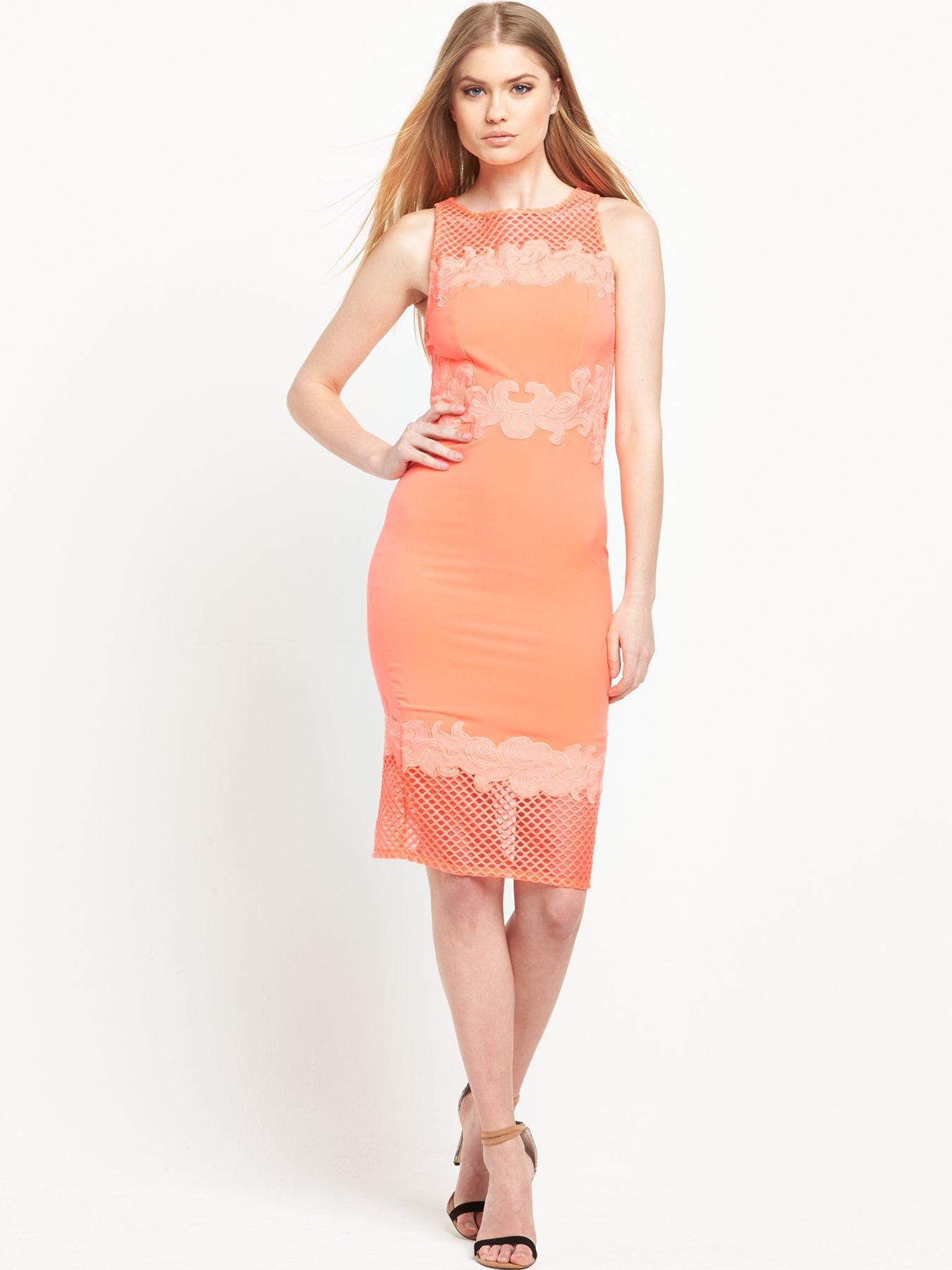
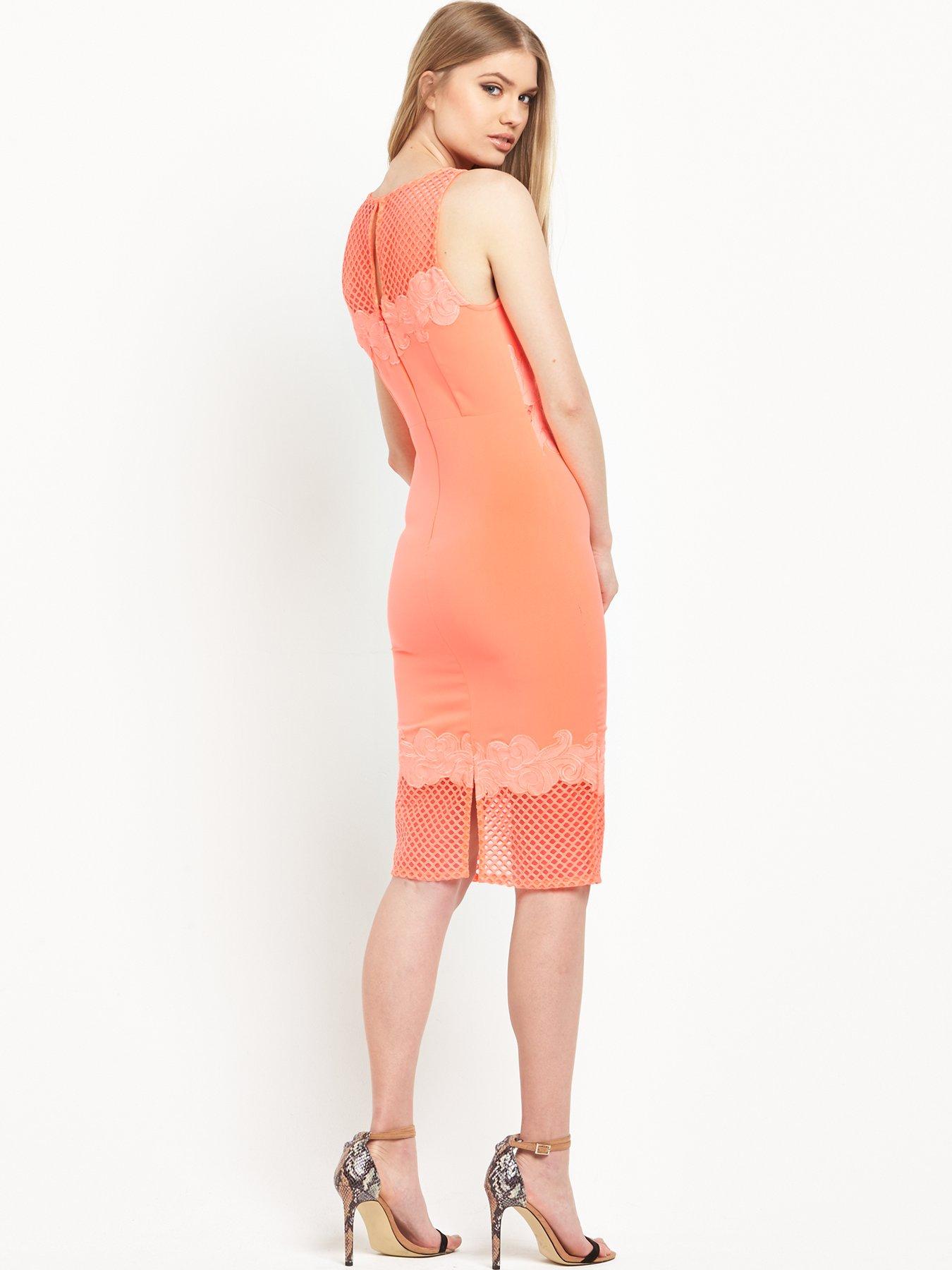
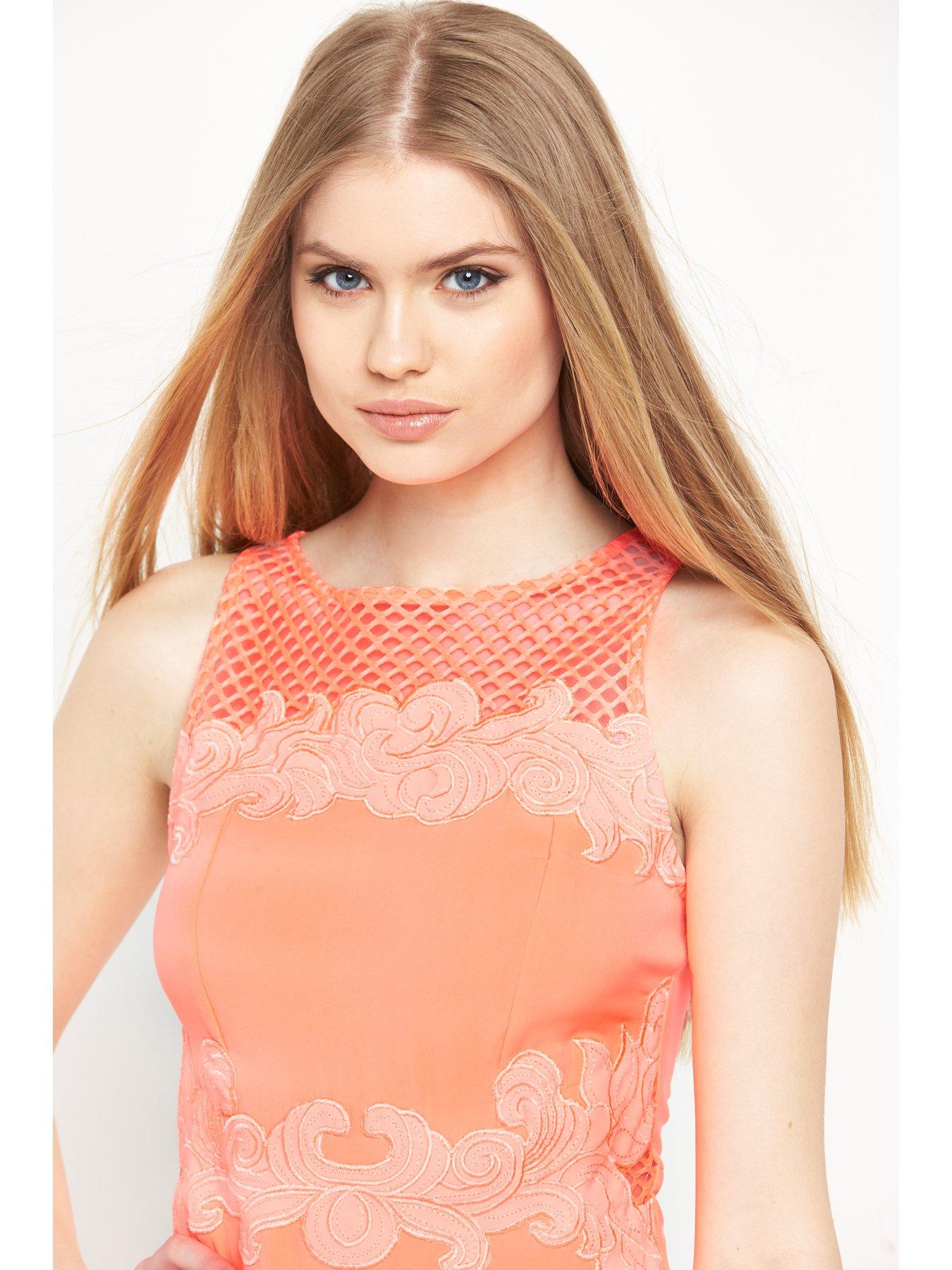
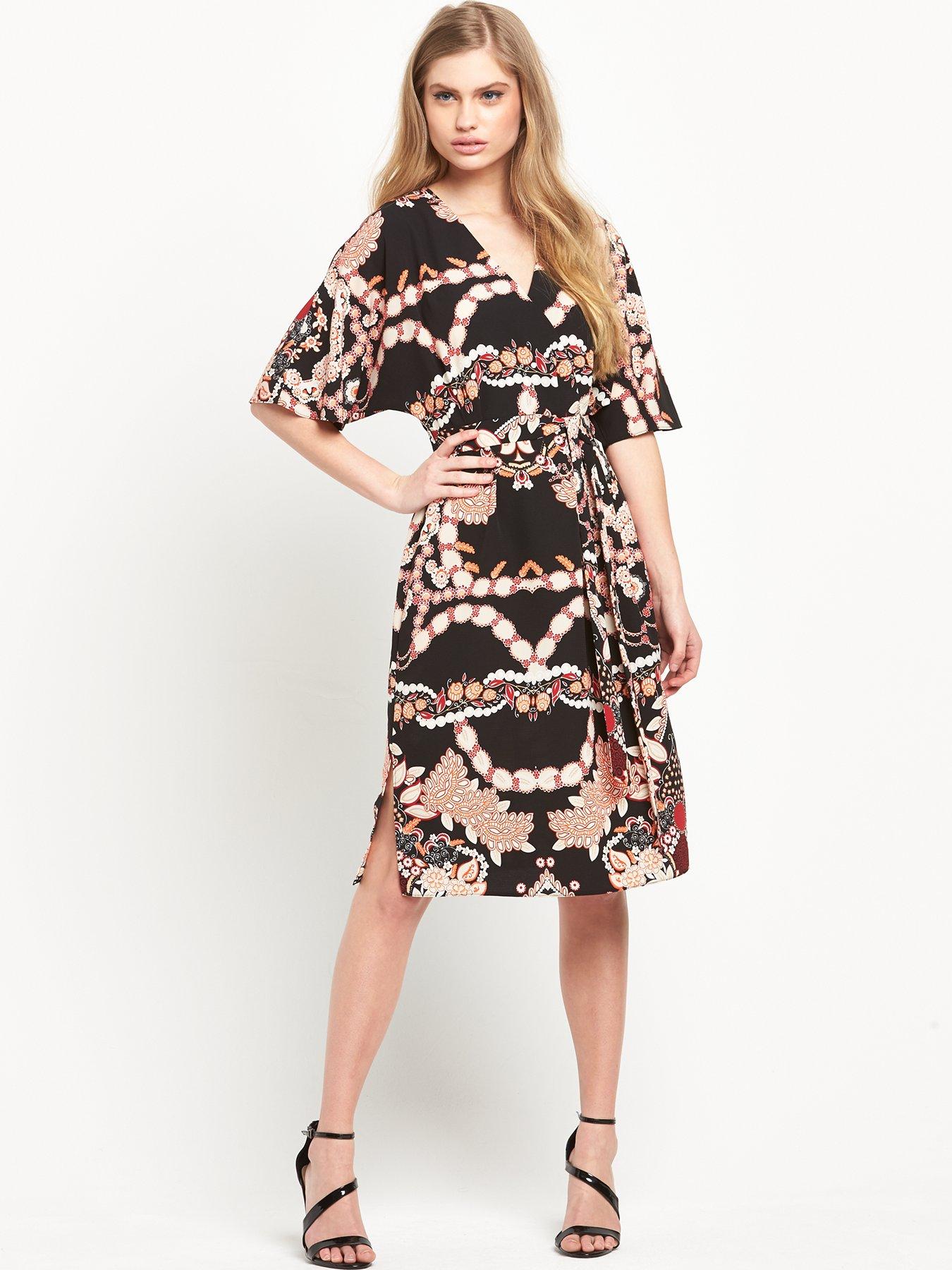
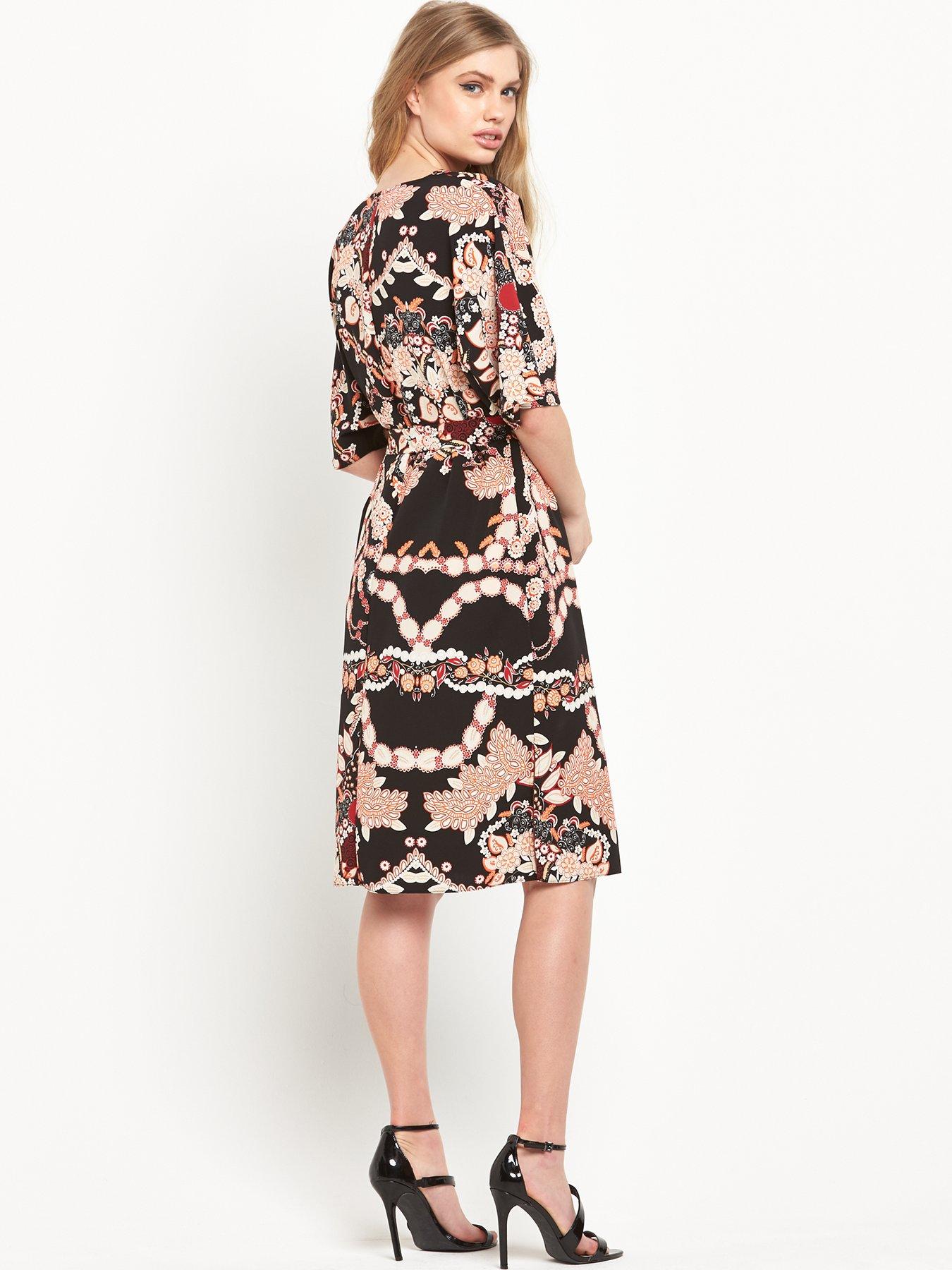
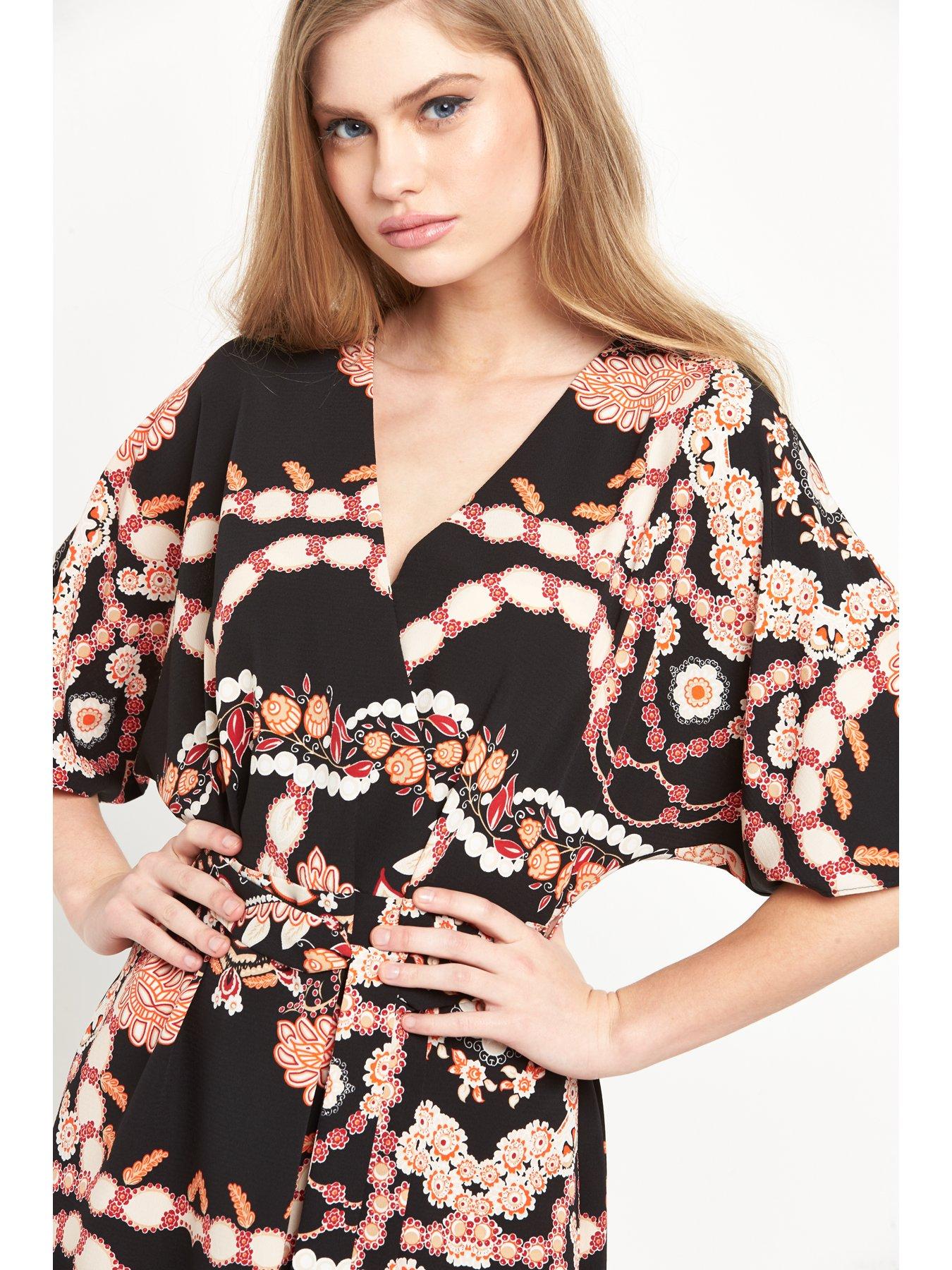
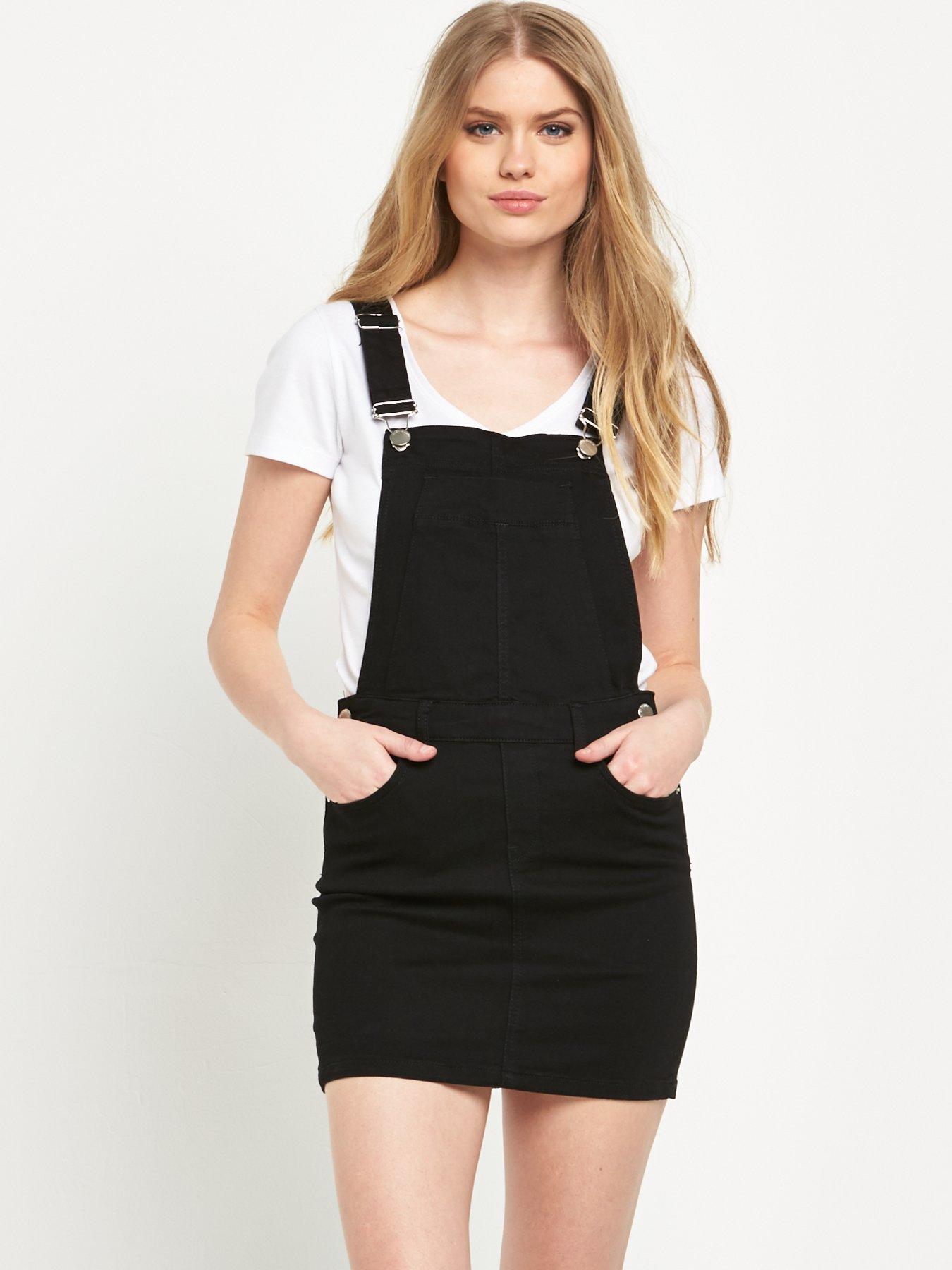
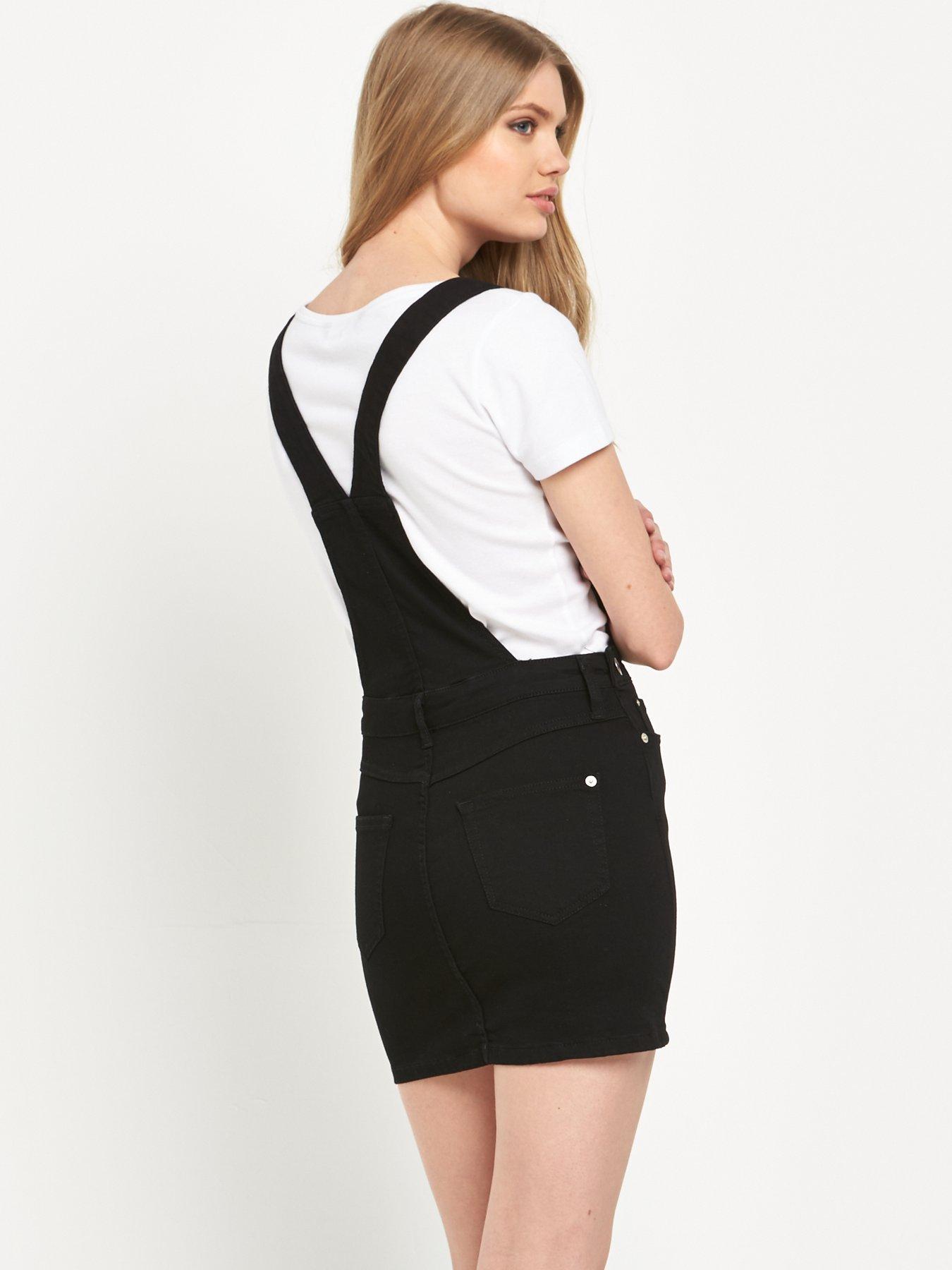
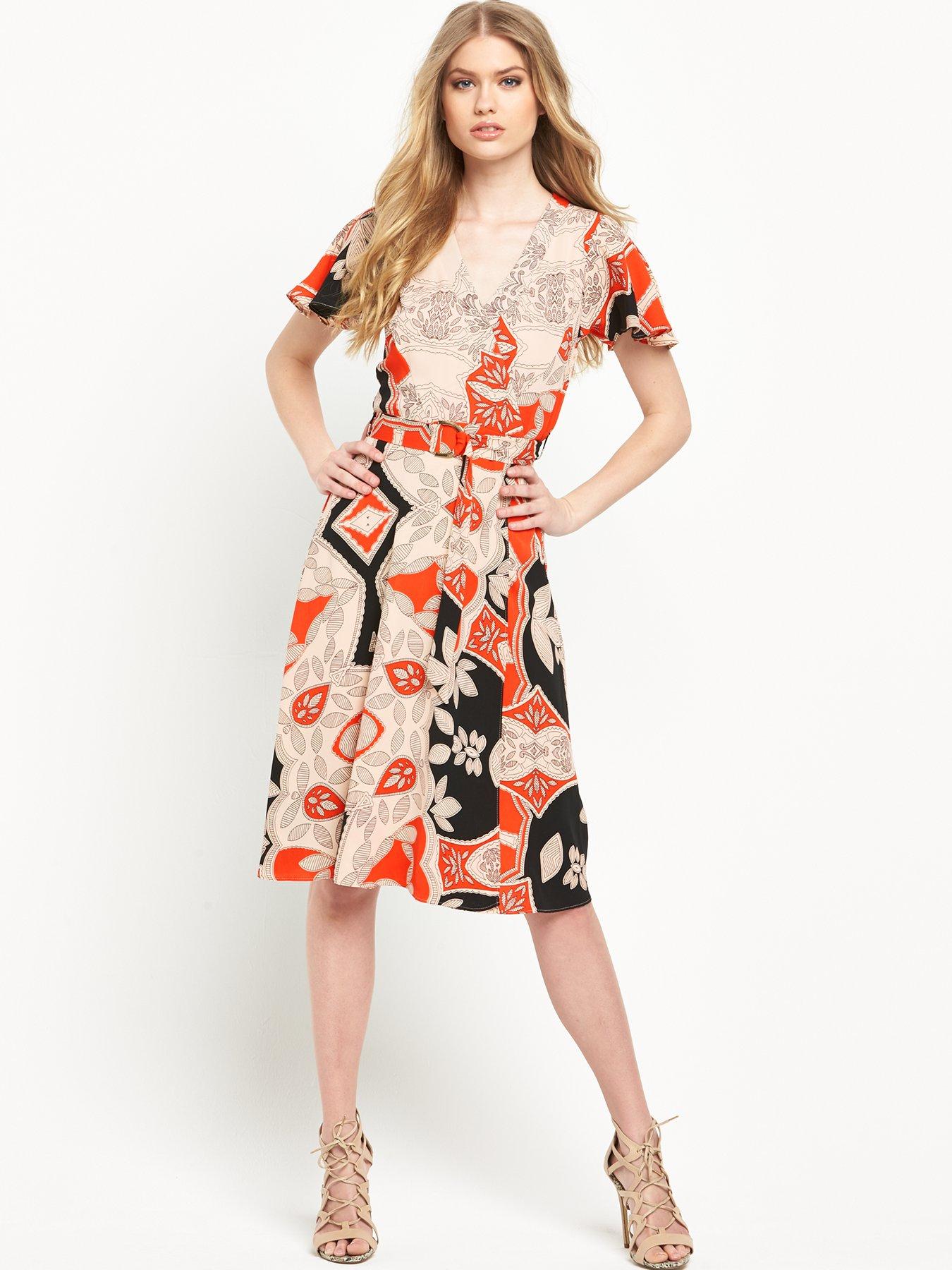
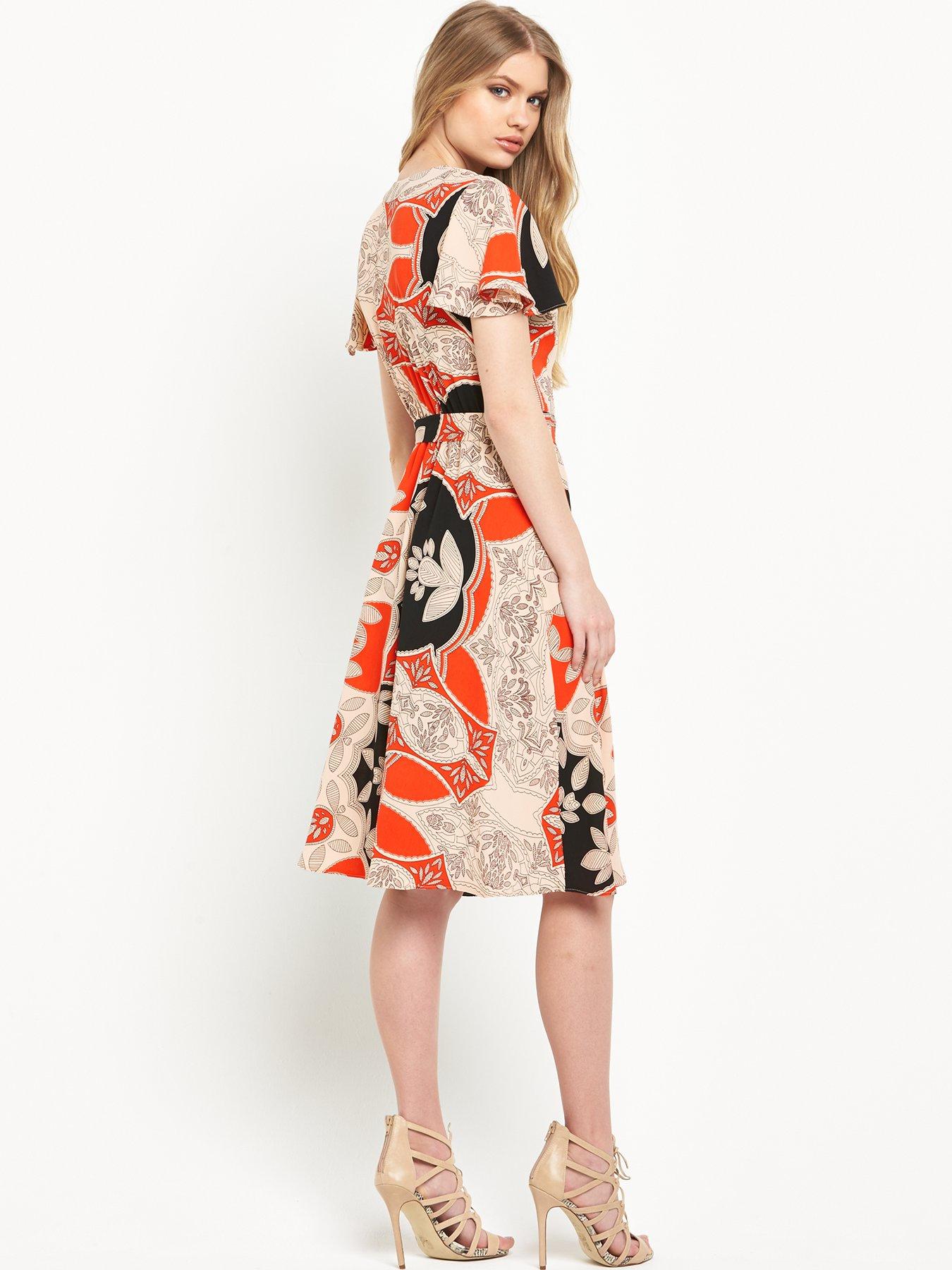
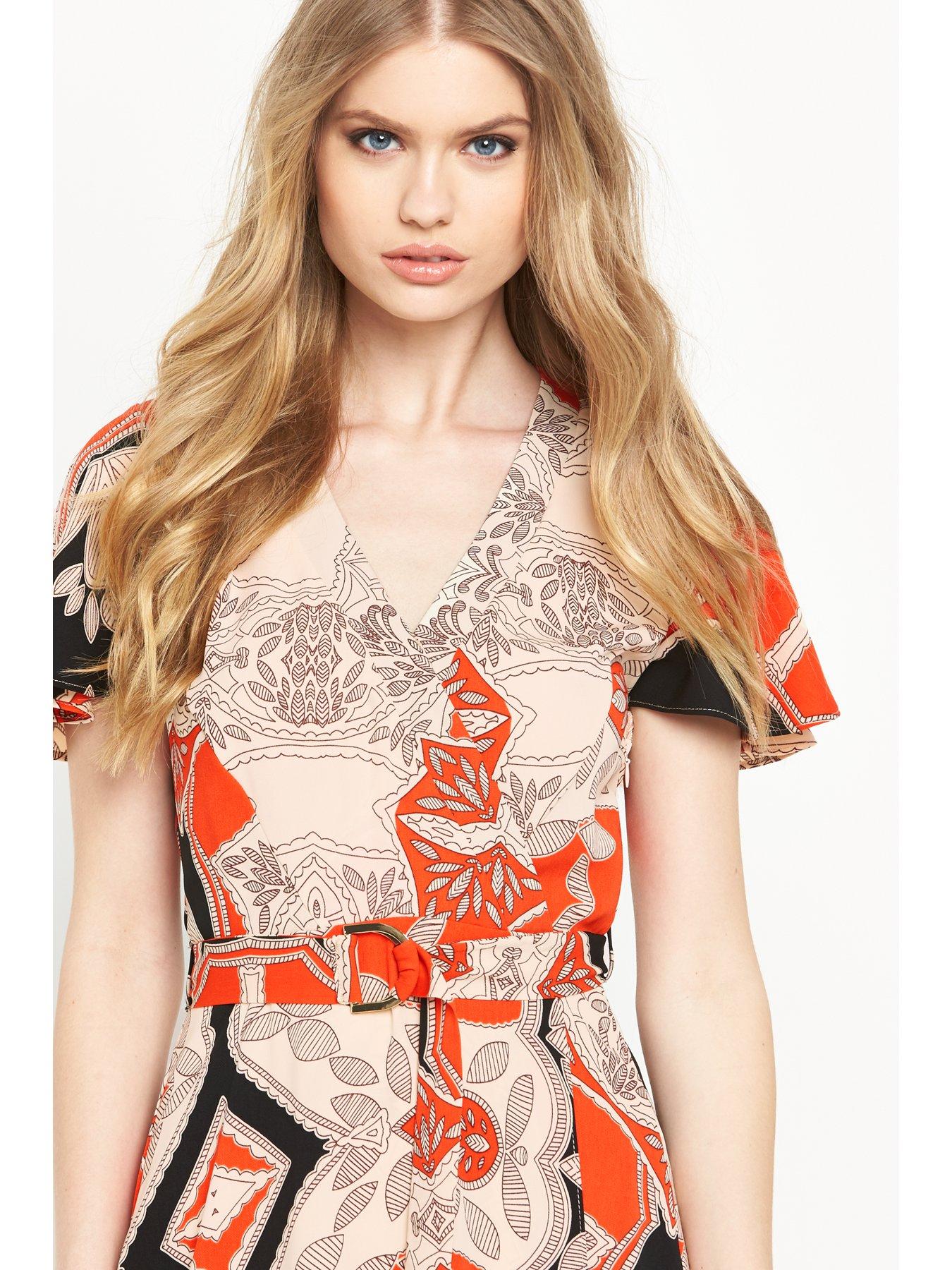
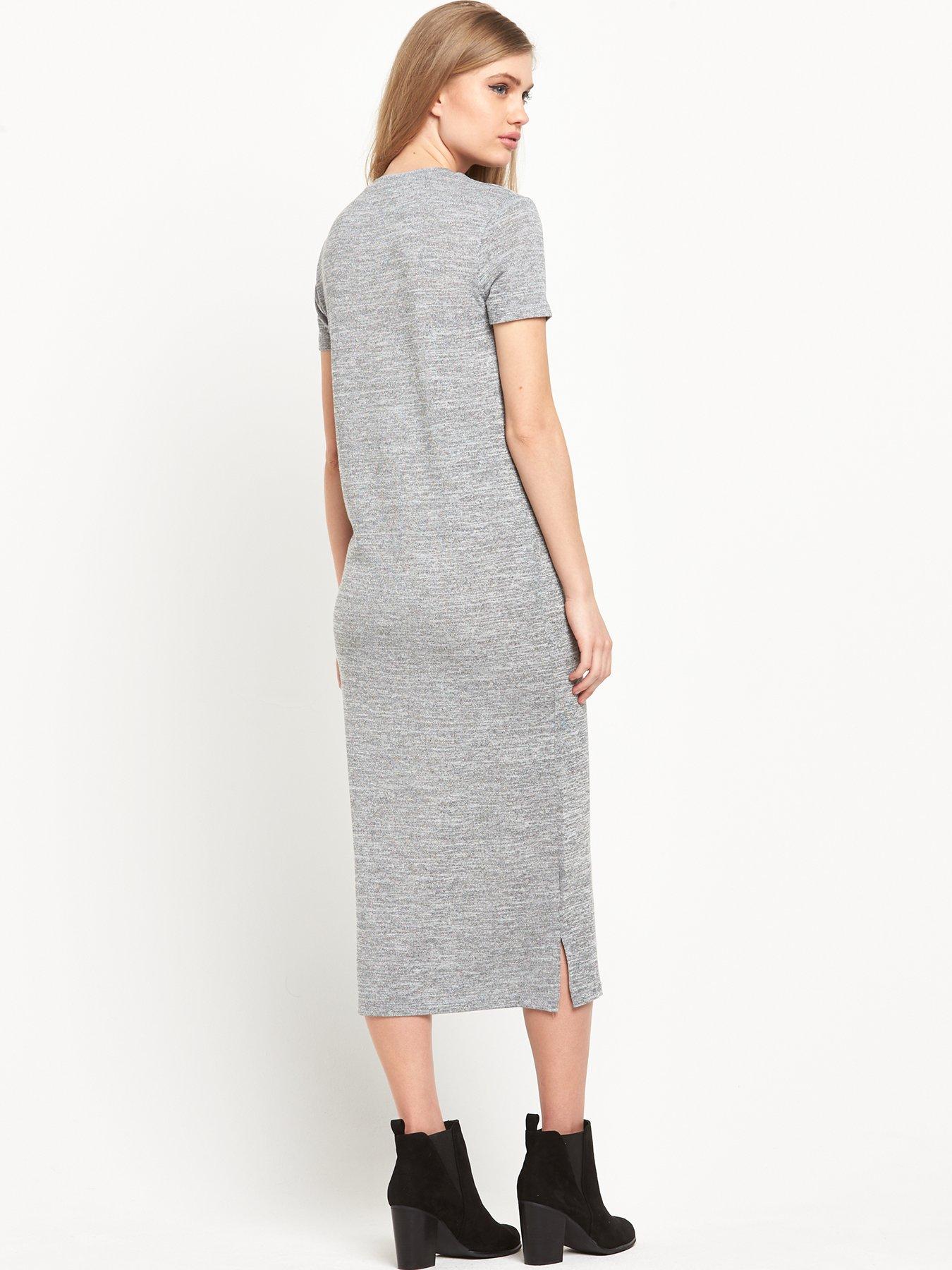
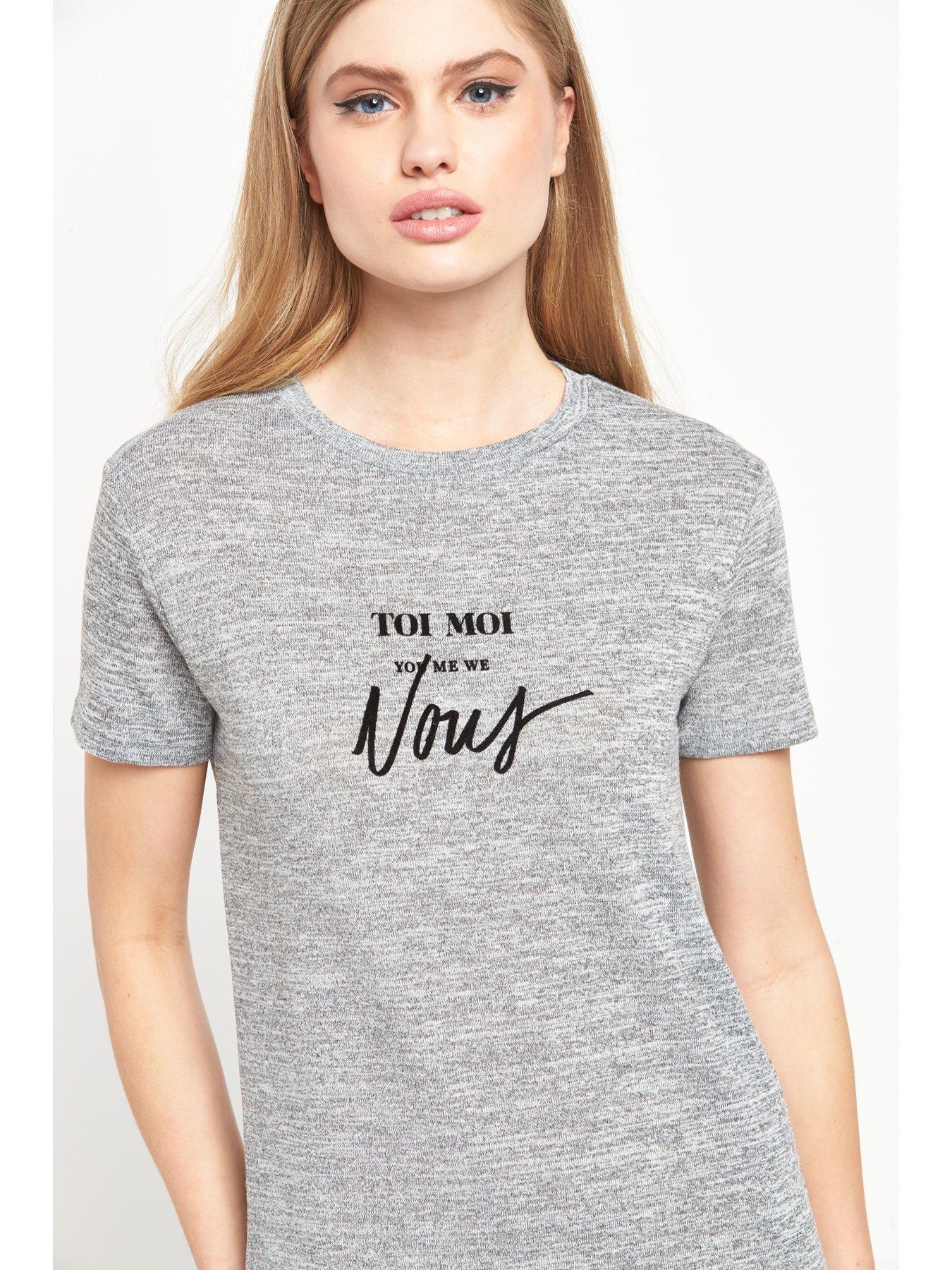
Very.co.uk - River Island
She's in the Armani show in Moscow.
Very.co.uk - River Island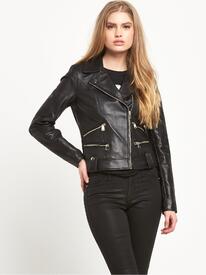
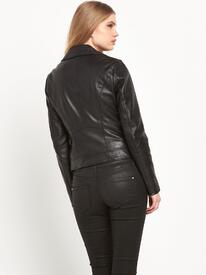
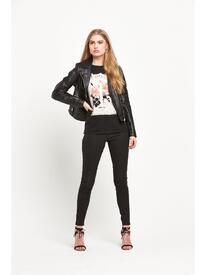
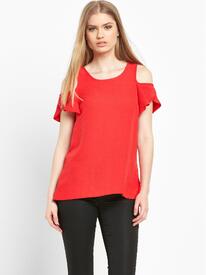
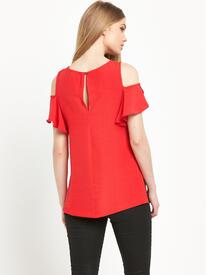
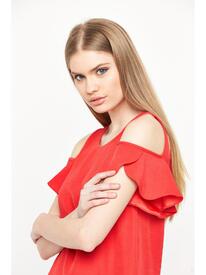
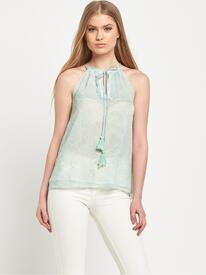
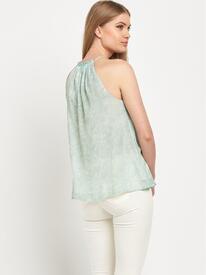
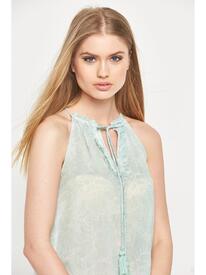
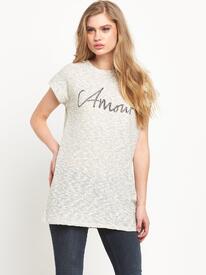
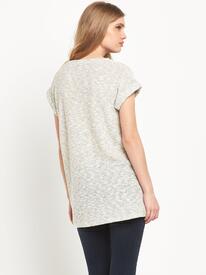
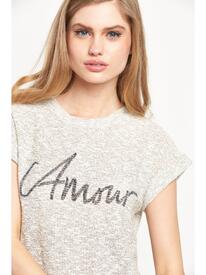
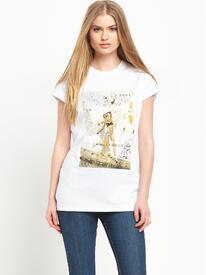
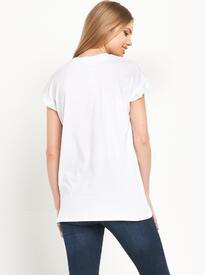
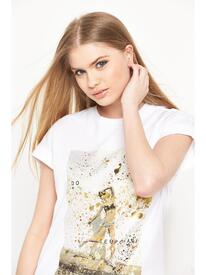

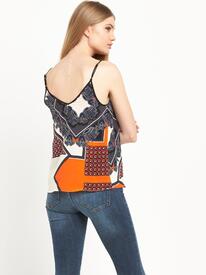
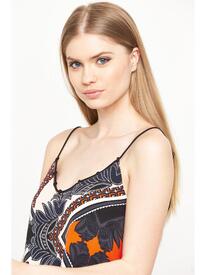
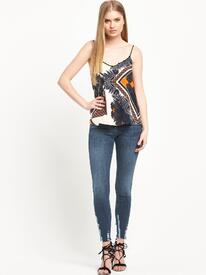
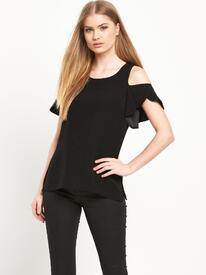
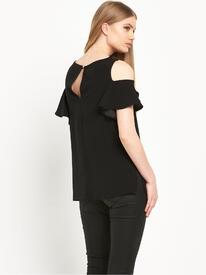
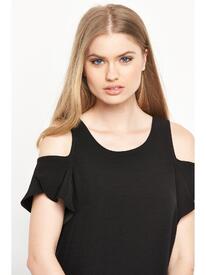

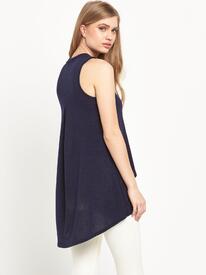
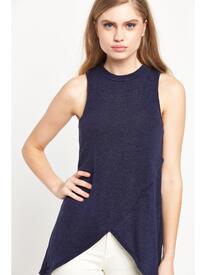

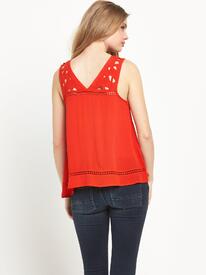
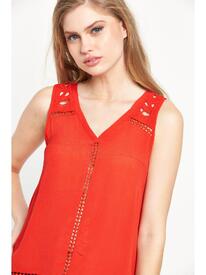
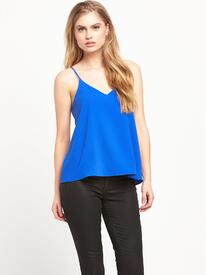
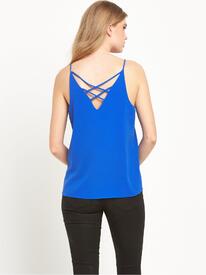
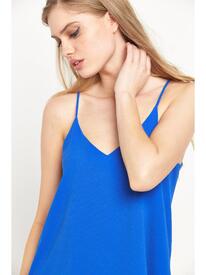
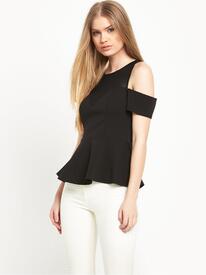
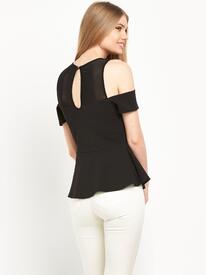
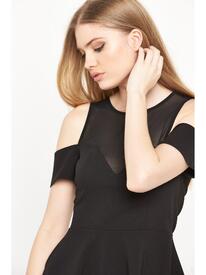
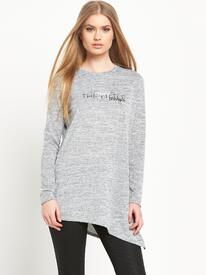
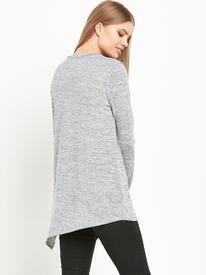

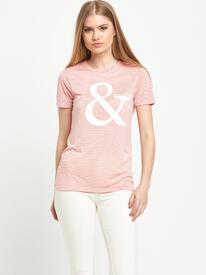
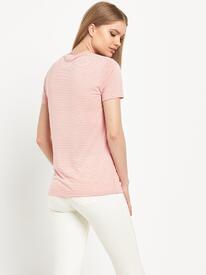
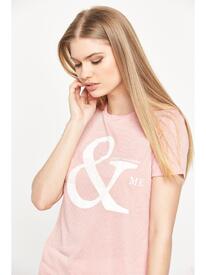
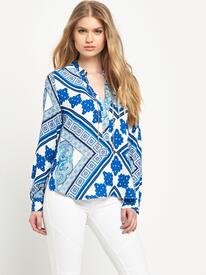
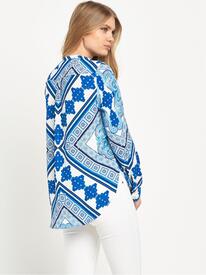
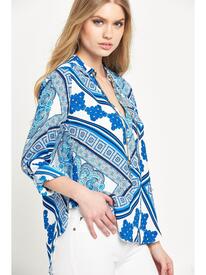
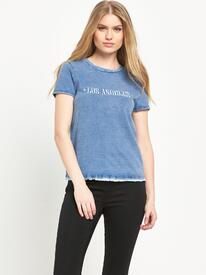
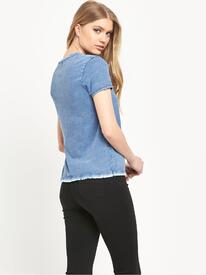
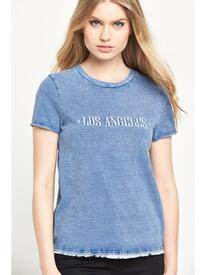
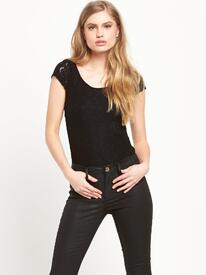
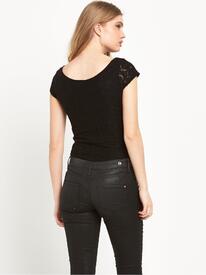
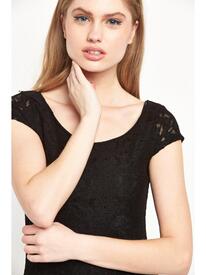

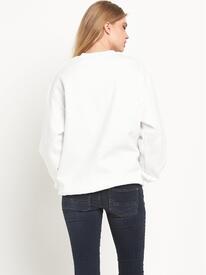


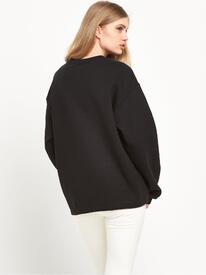

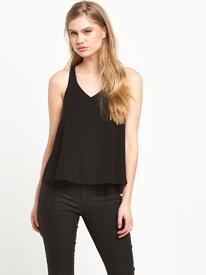
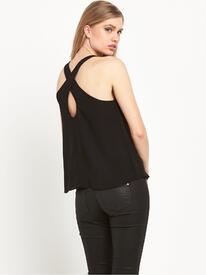
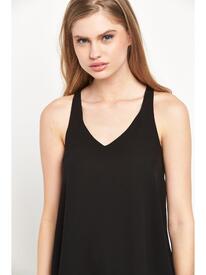
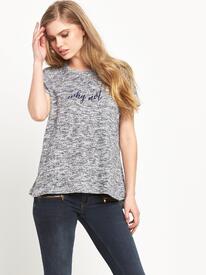
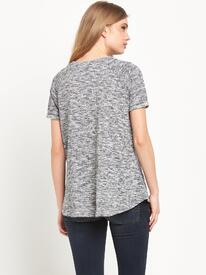
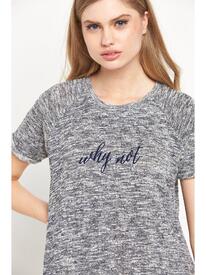
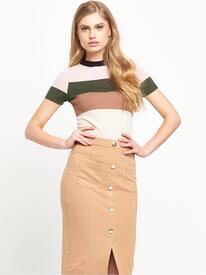
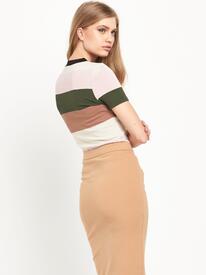
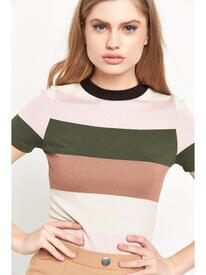
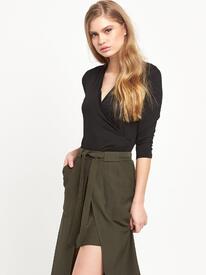
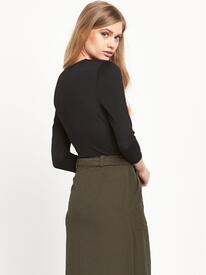
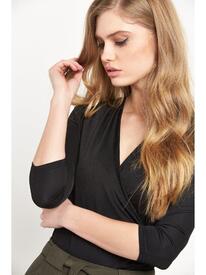 Very.co.uk - River Island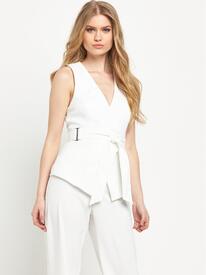
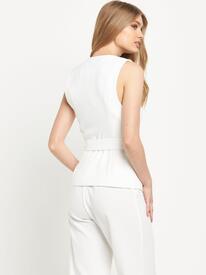
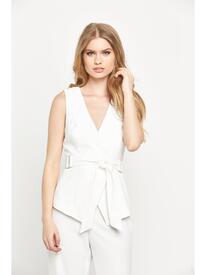
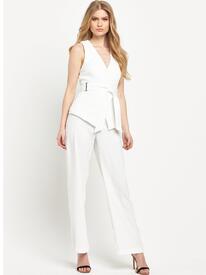
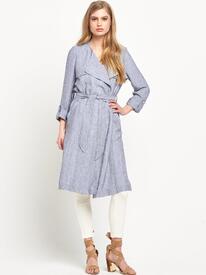
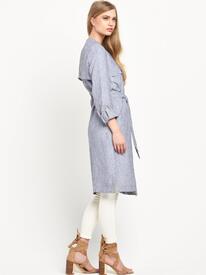
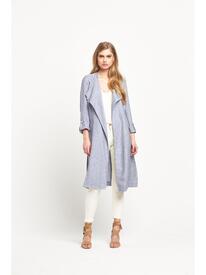
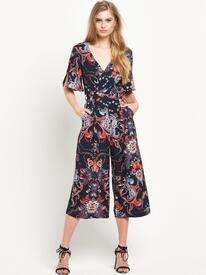
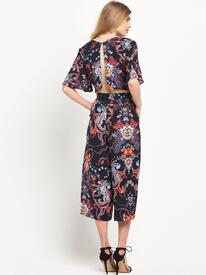
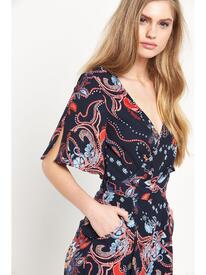
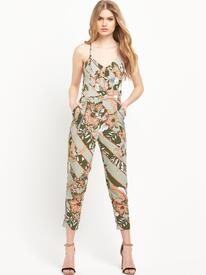
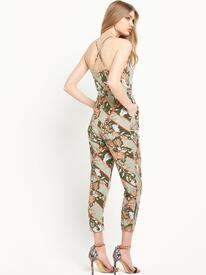
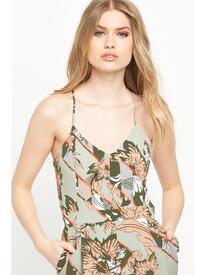
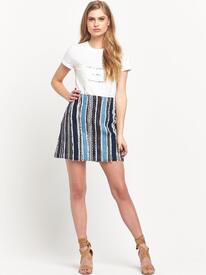
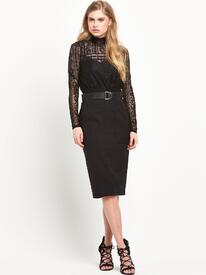
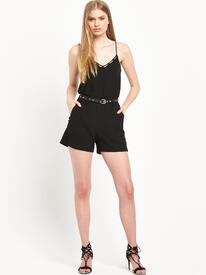
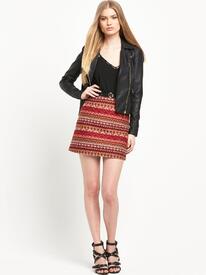
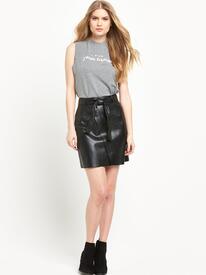
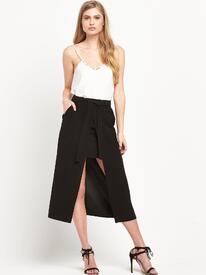
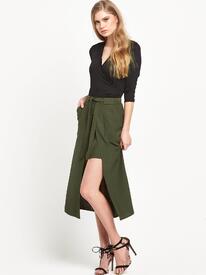
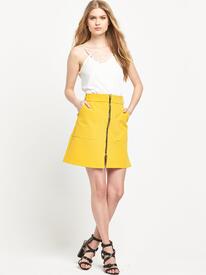
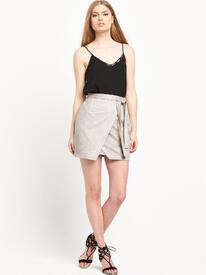
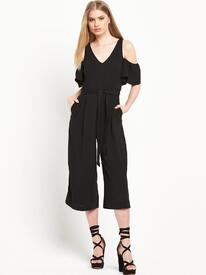
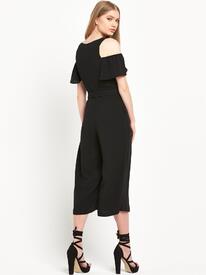
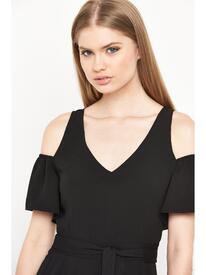
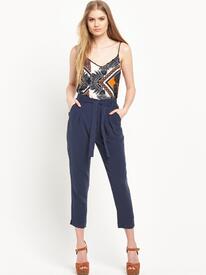
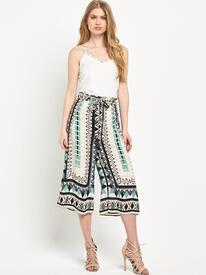
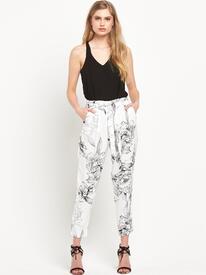
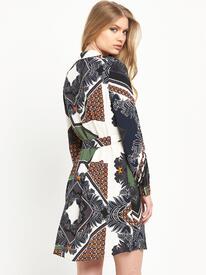
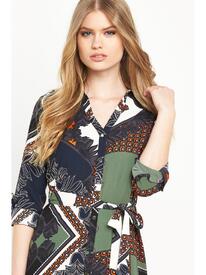
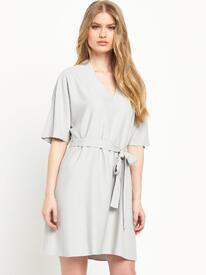
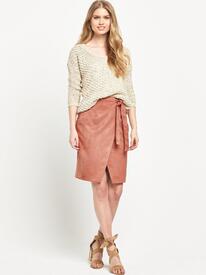 Very.co.uk - River Island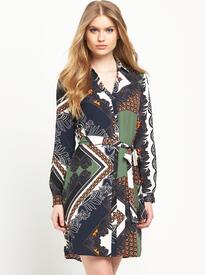
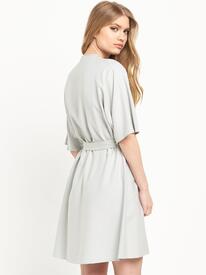
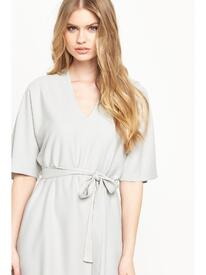
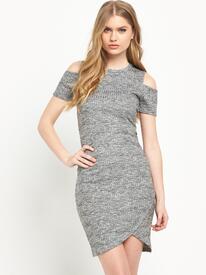
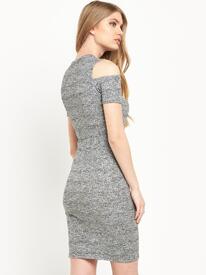
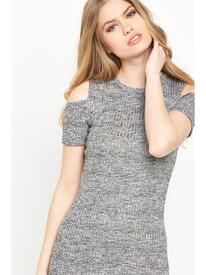
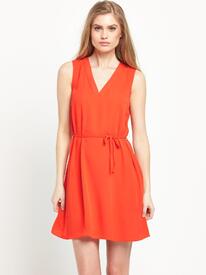
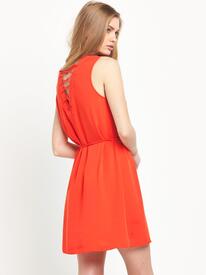

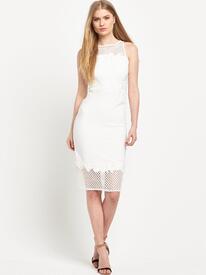
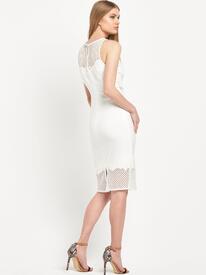
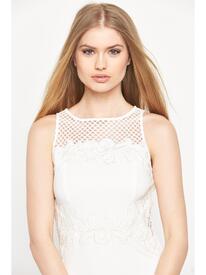
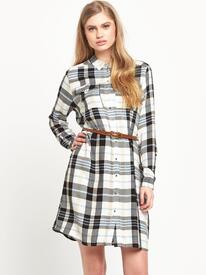
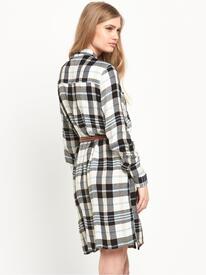
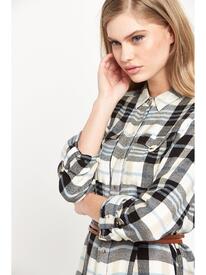
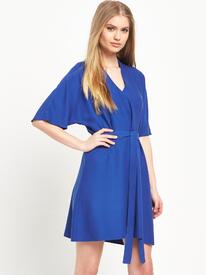
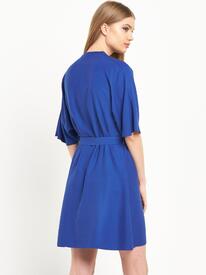
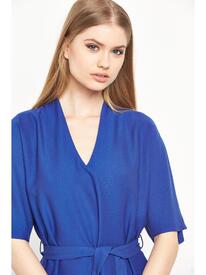
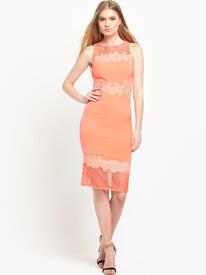
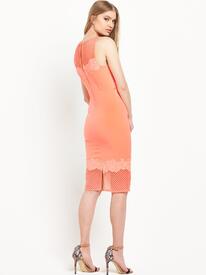
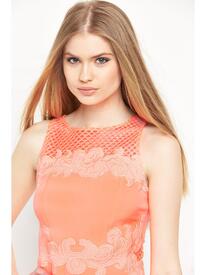
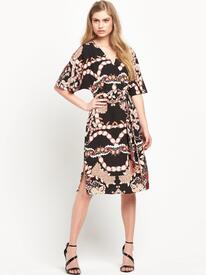
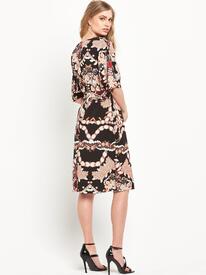
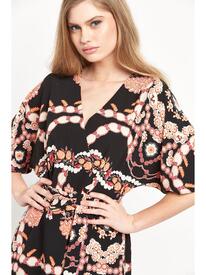
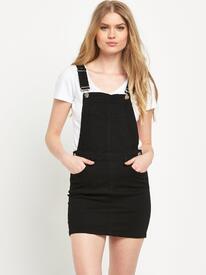
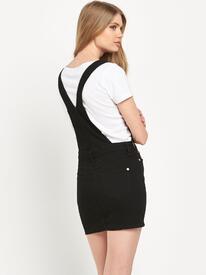
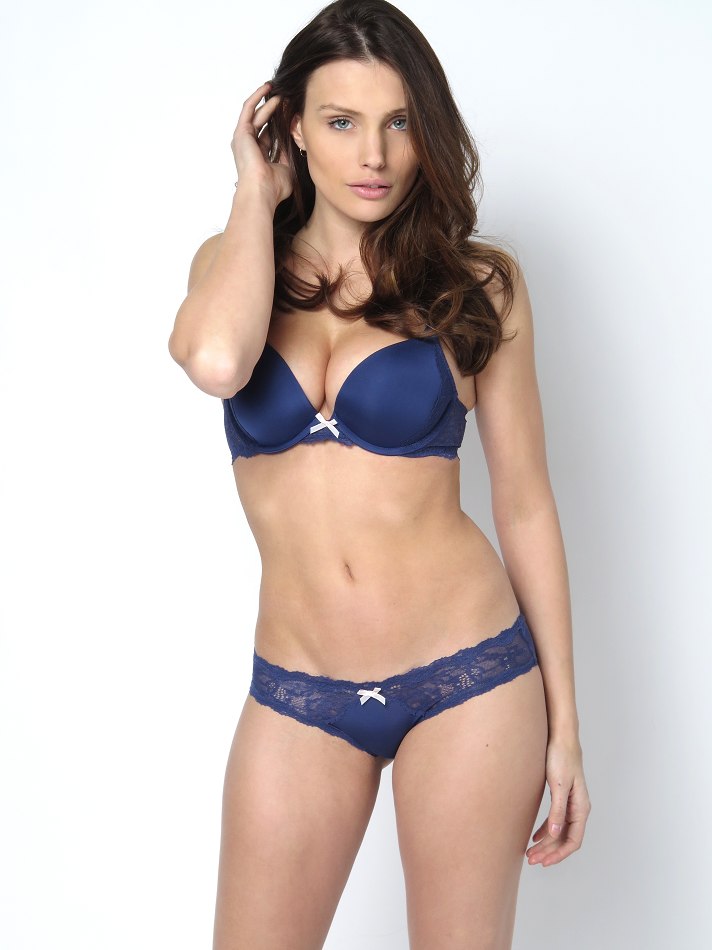
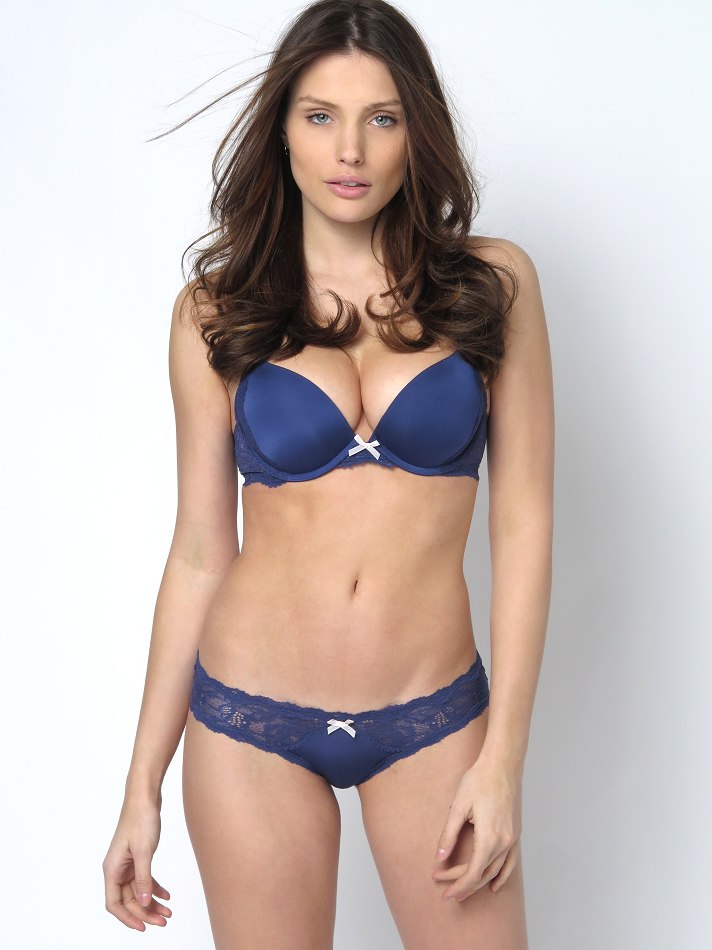
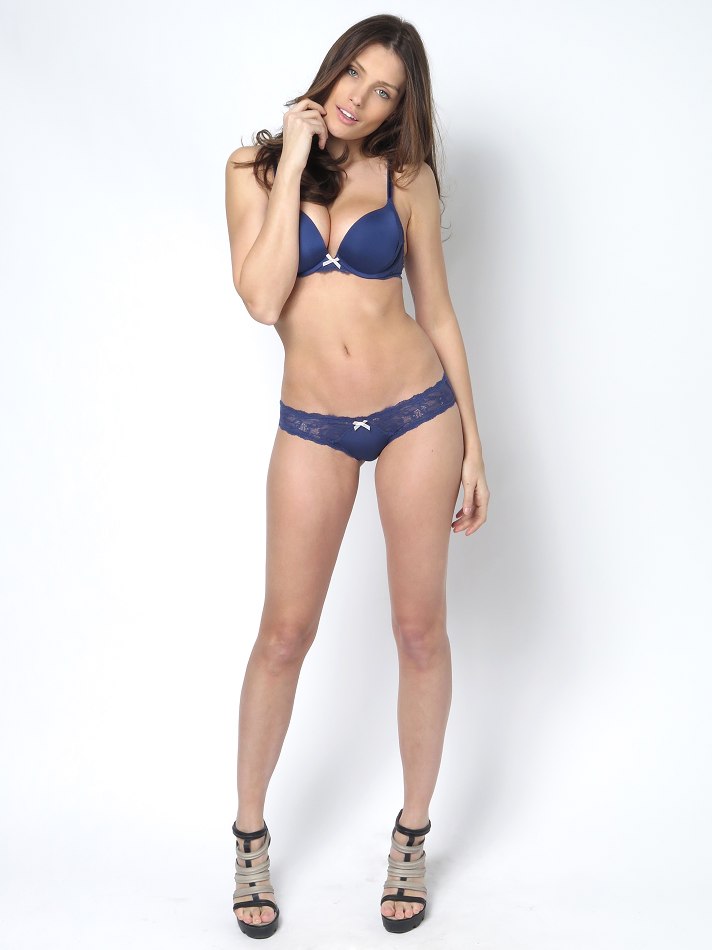
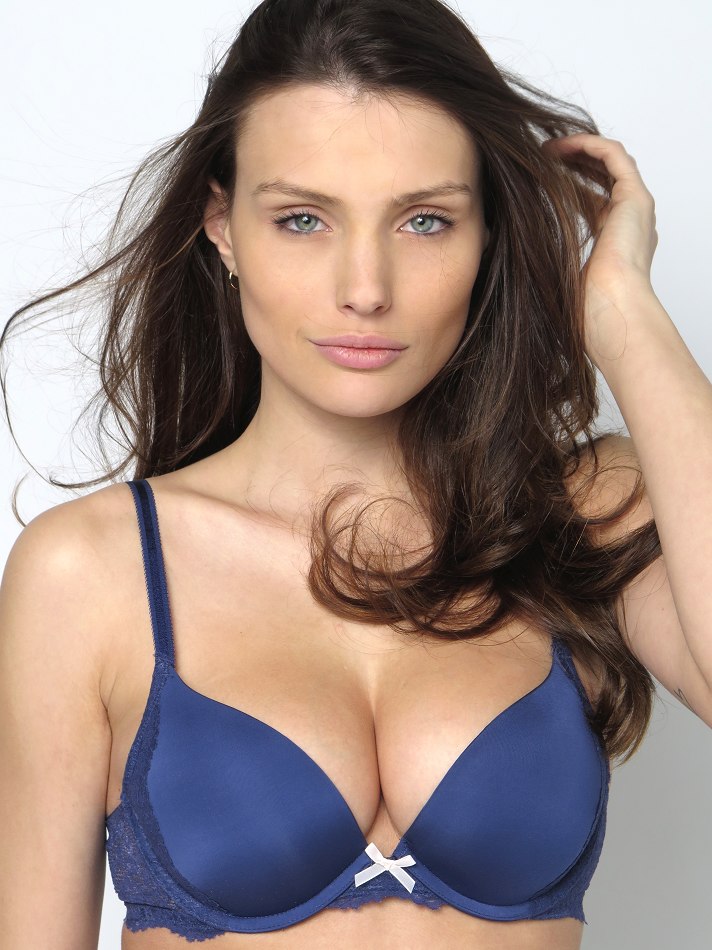
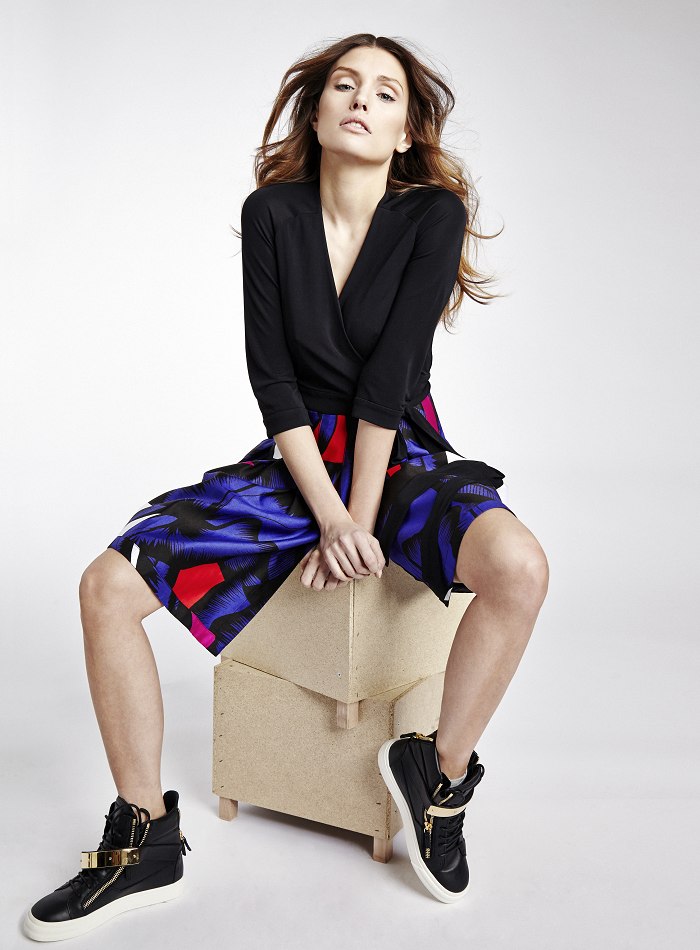
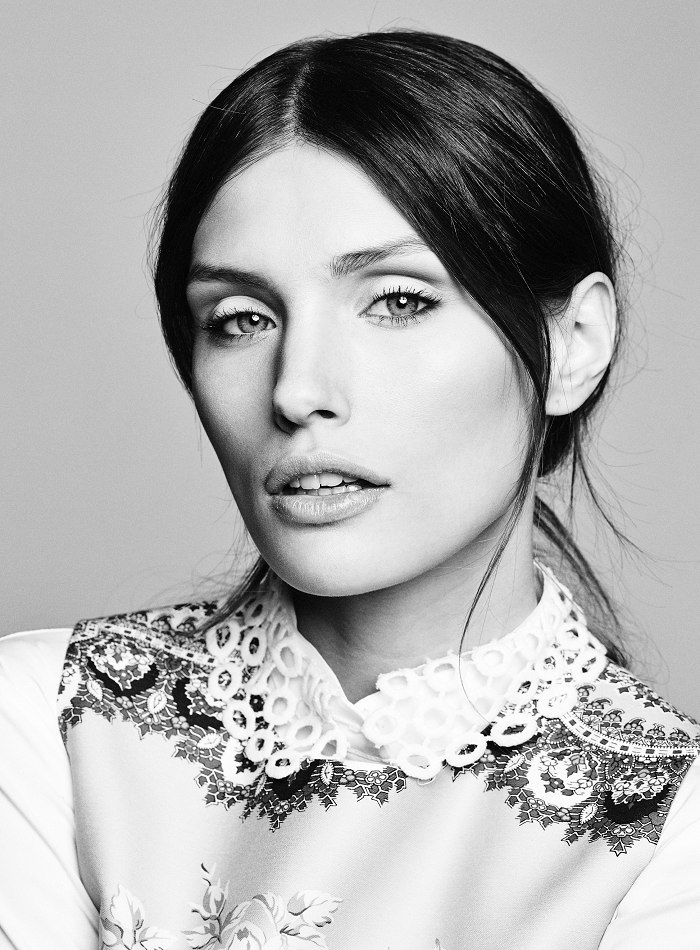
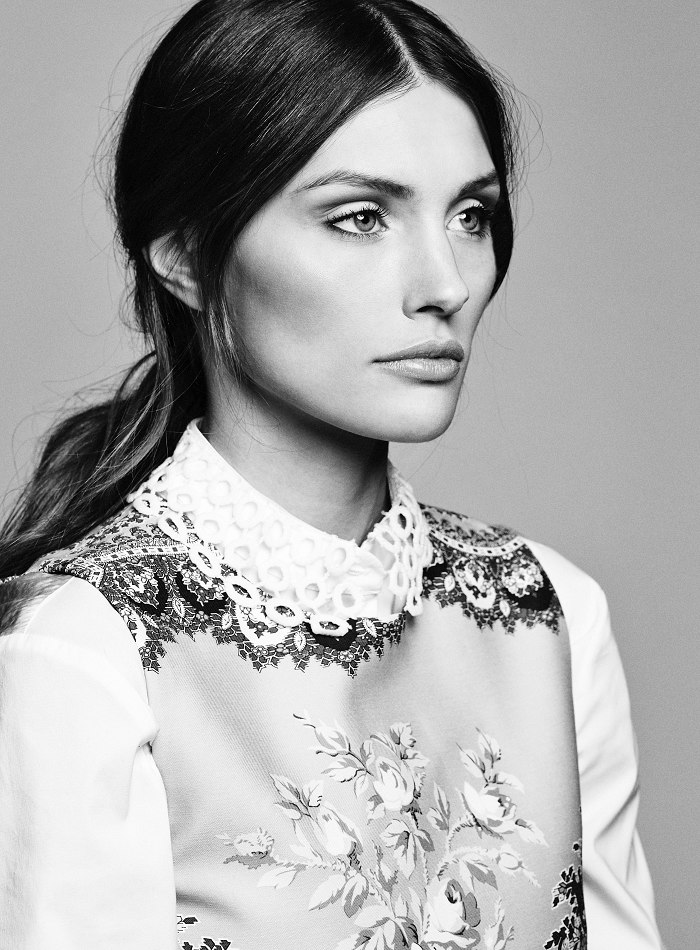
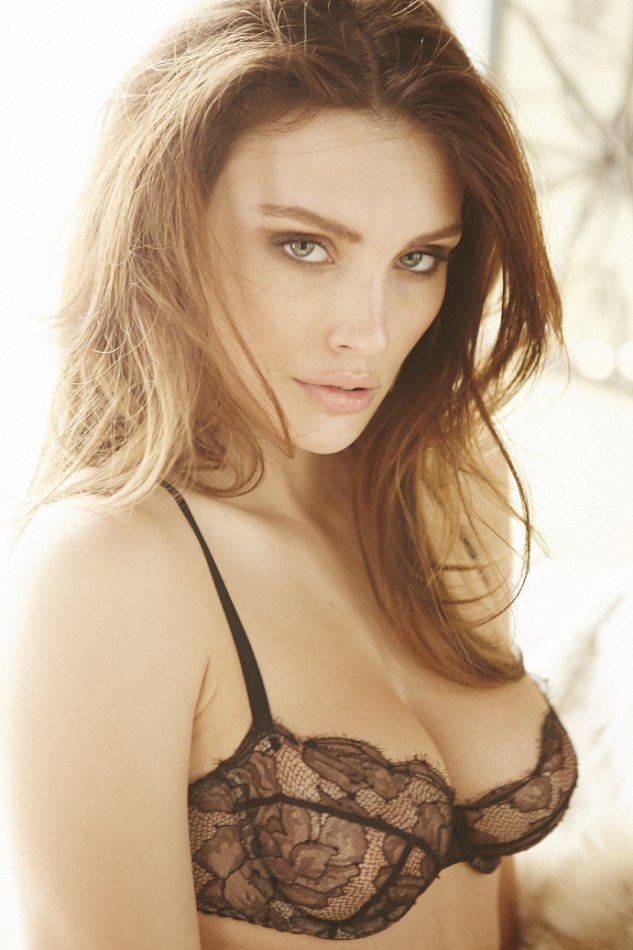
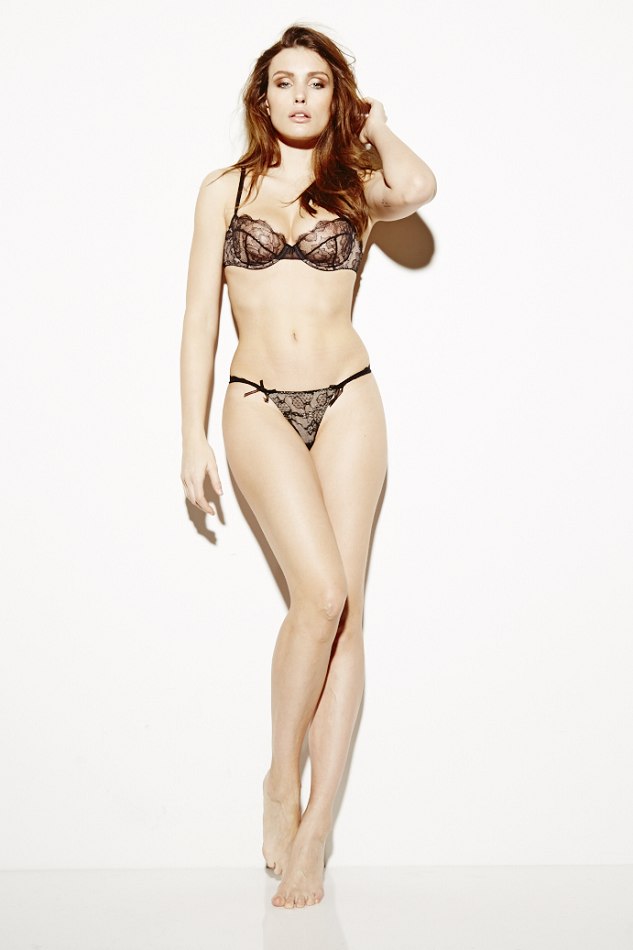
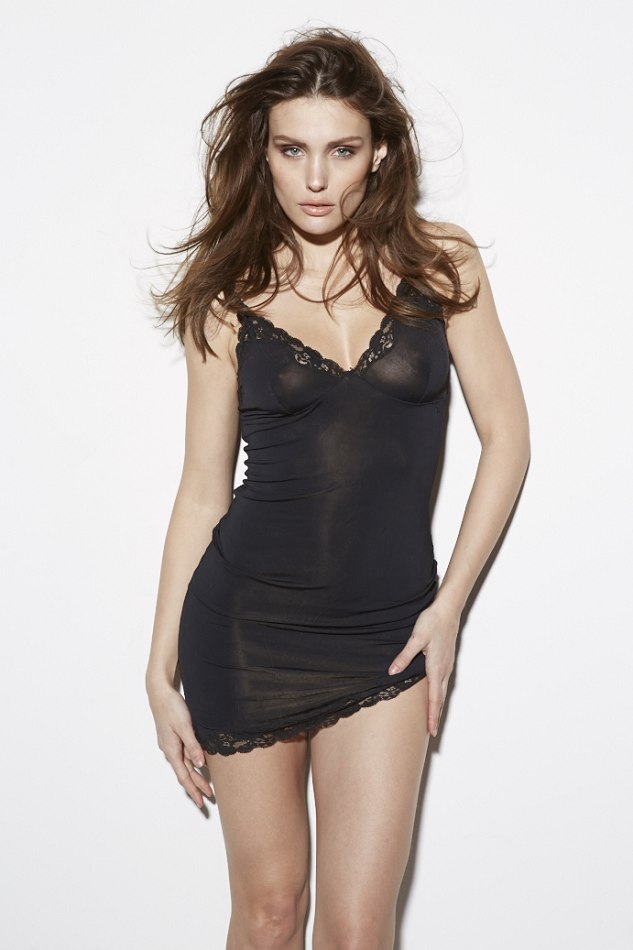
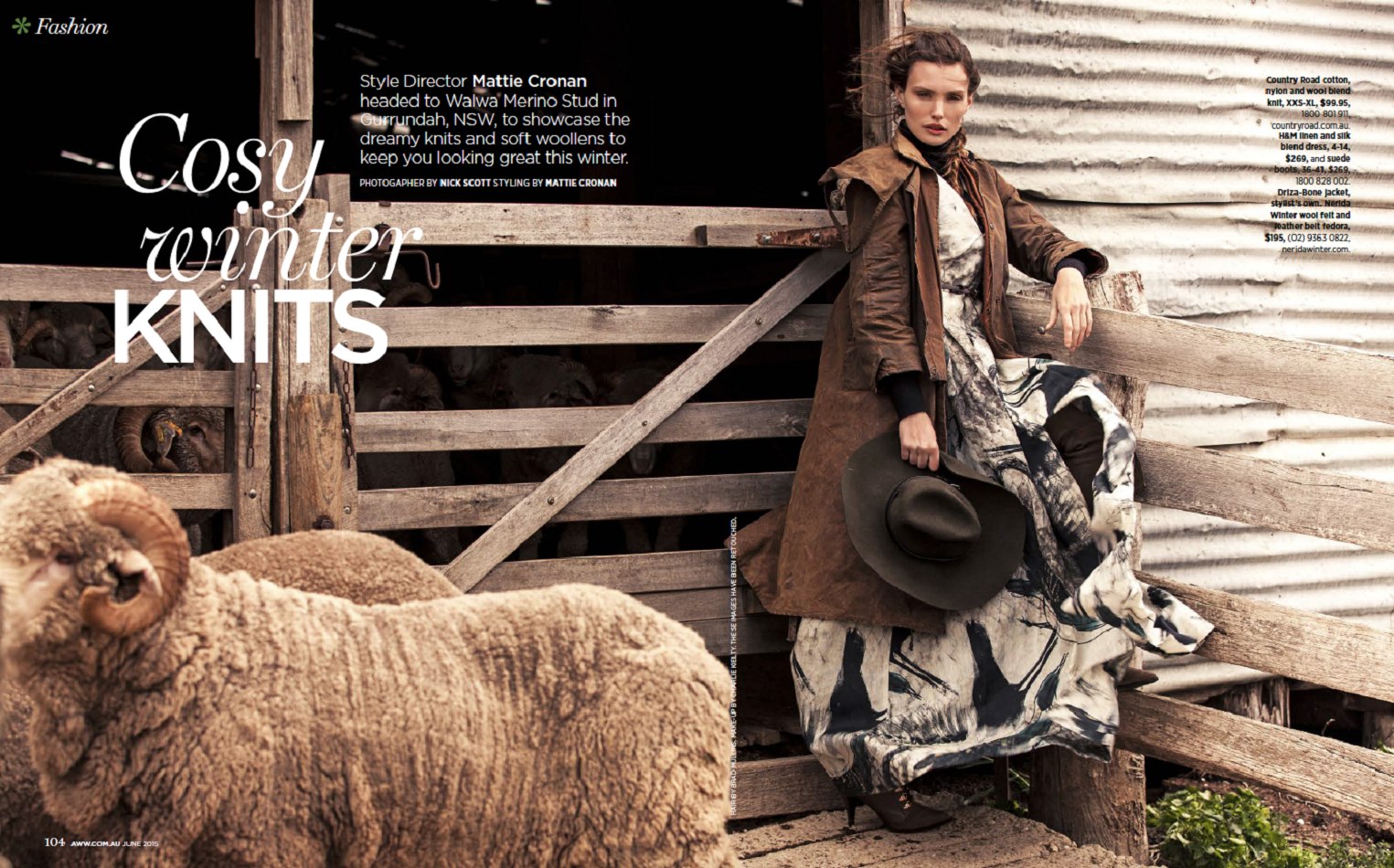
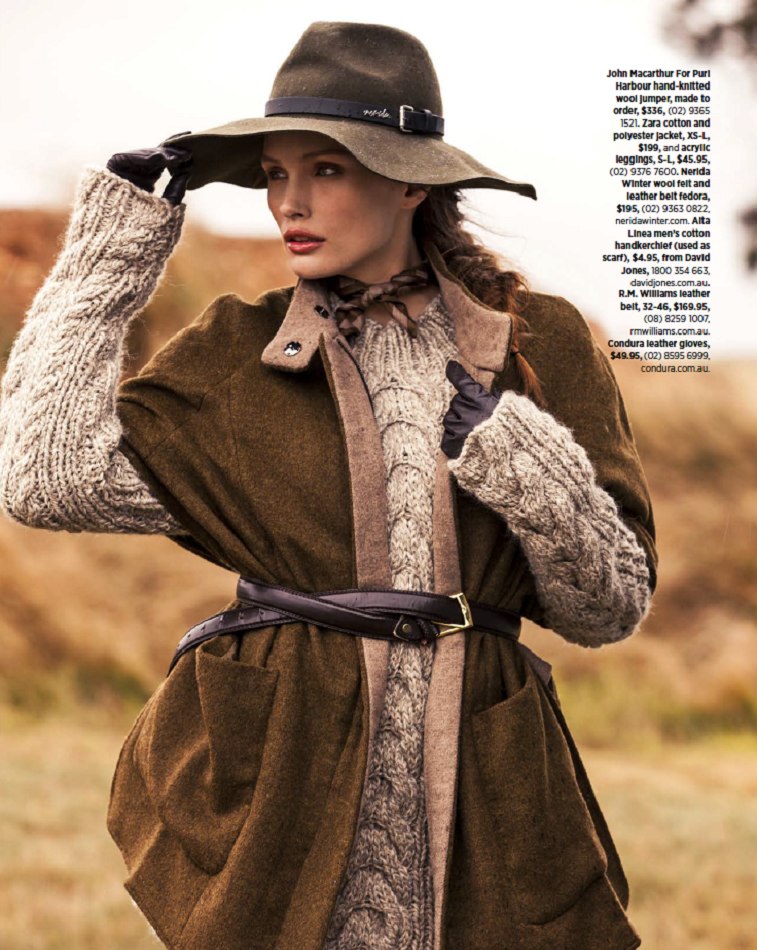
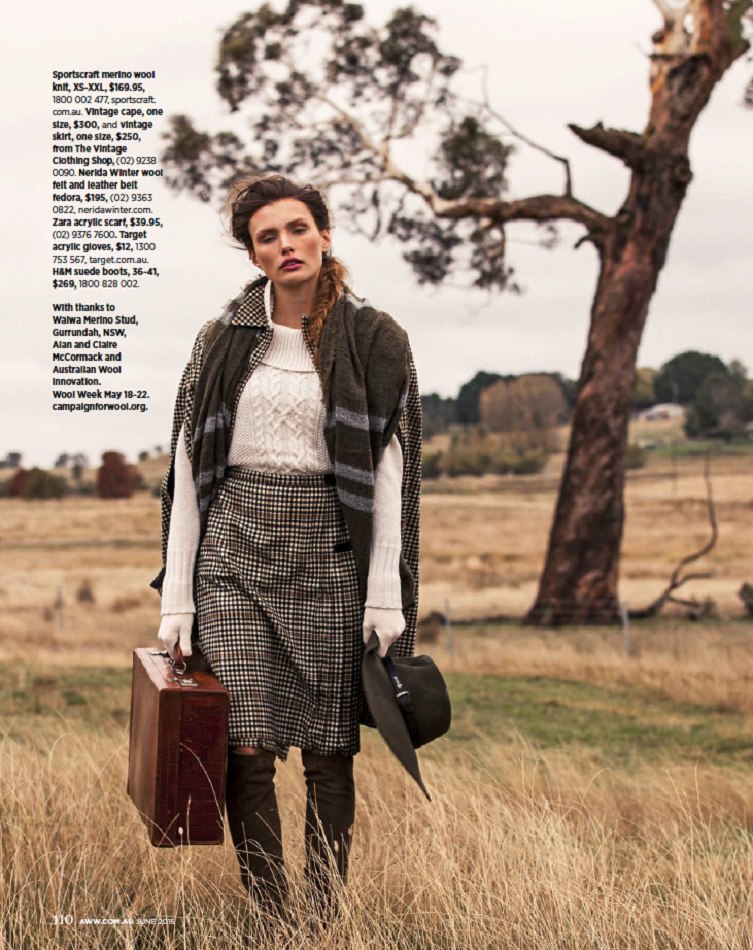
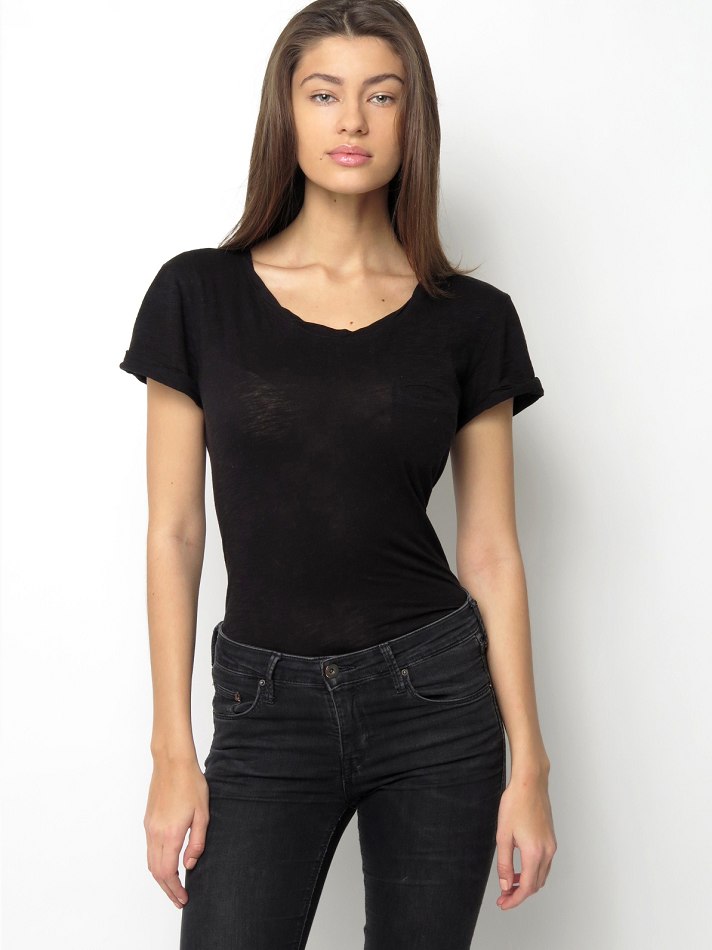
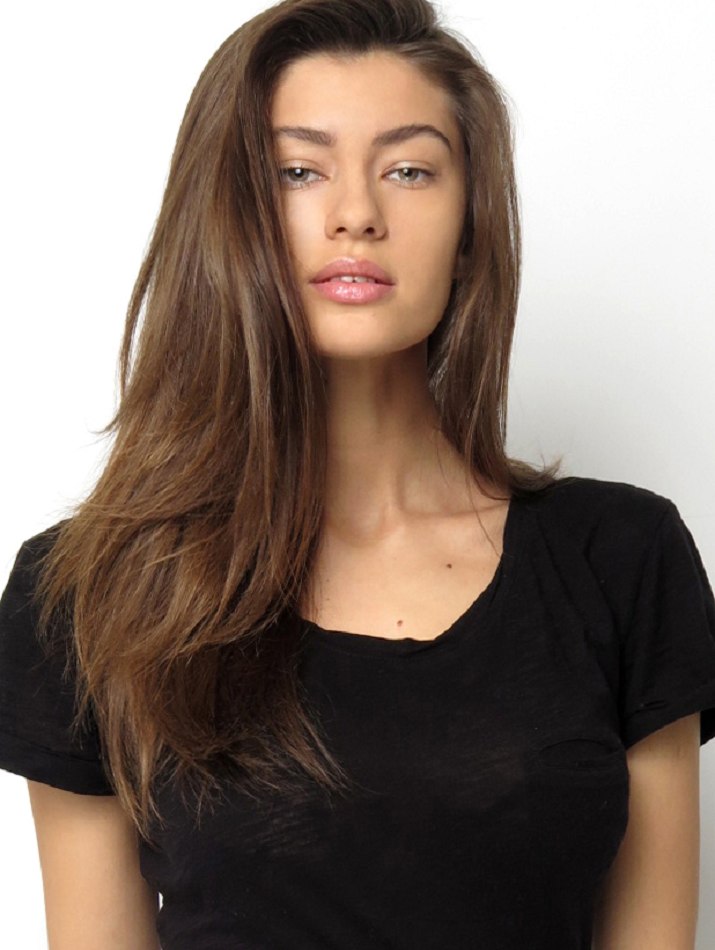
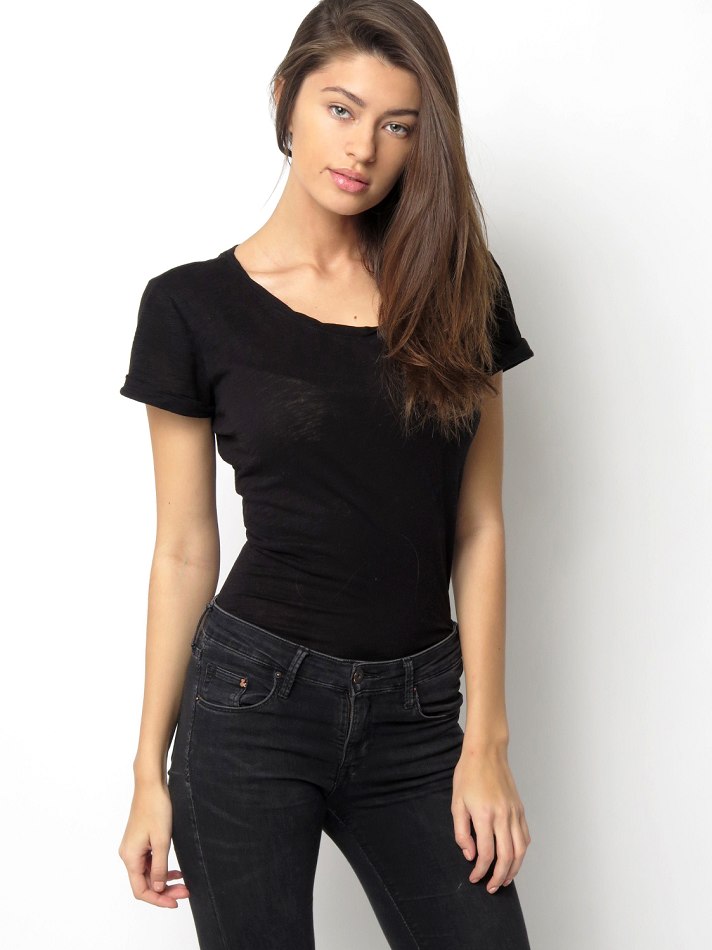
 Jacqueline's IG



















Account
Navigation
Search
Configure browser push notifications
Chrome (Android)
- Tap the lock icon next to the address bar.
- Tap Permissions → Notifications.
- Adjust your preference.
Chrome (Desktop)
- Click the padlock icon in the address bar.
- Select Site settings.
- Find Notifications and adjust your preference.
Safari (iOS 16.4+)
- Ensure the site is installed via Add to Home Screen.
- Open Settings App → Notifications.
- Find your app name and adjust your preference.
Safari (macOS)
- Go to Safari → Preferences.
- Click the Websites tab.
- Select Notifications in the sidebar.
- Find this website and adjust your preference.
Edge (Android)
- Tap the lock icon next to the address bar.
- Tap Permissions.
- Find Notifications and adjust your preference.
Edge (Desktop)
- Click the padlock icon in the address bar.
- Click Permissions for this site.
- Find Notifications and adjust your preference.
Firefox (Android)
- Go to Settings → Site permissions.
- Tap Notifications.
- Find this site in the list and adjust your preference.
Firefox (Desktop)
- Open Firefox Settings.
- Search for Notifications.
- Find this site in the list and adjust your preference.