
foofur16
Members
-
Joined
-
Last visited
Everything posted by foofur16
-
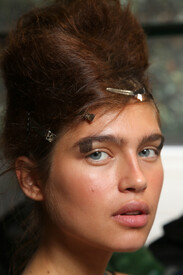
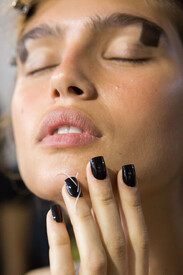
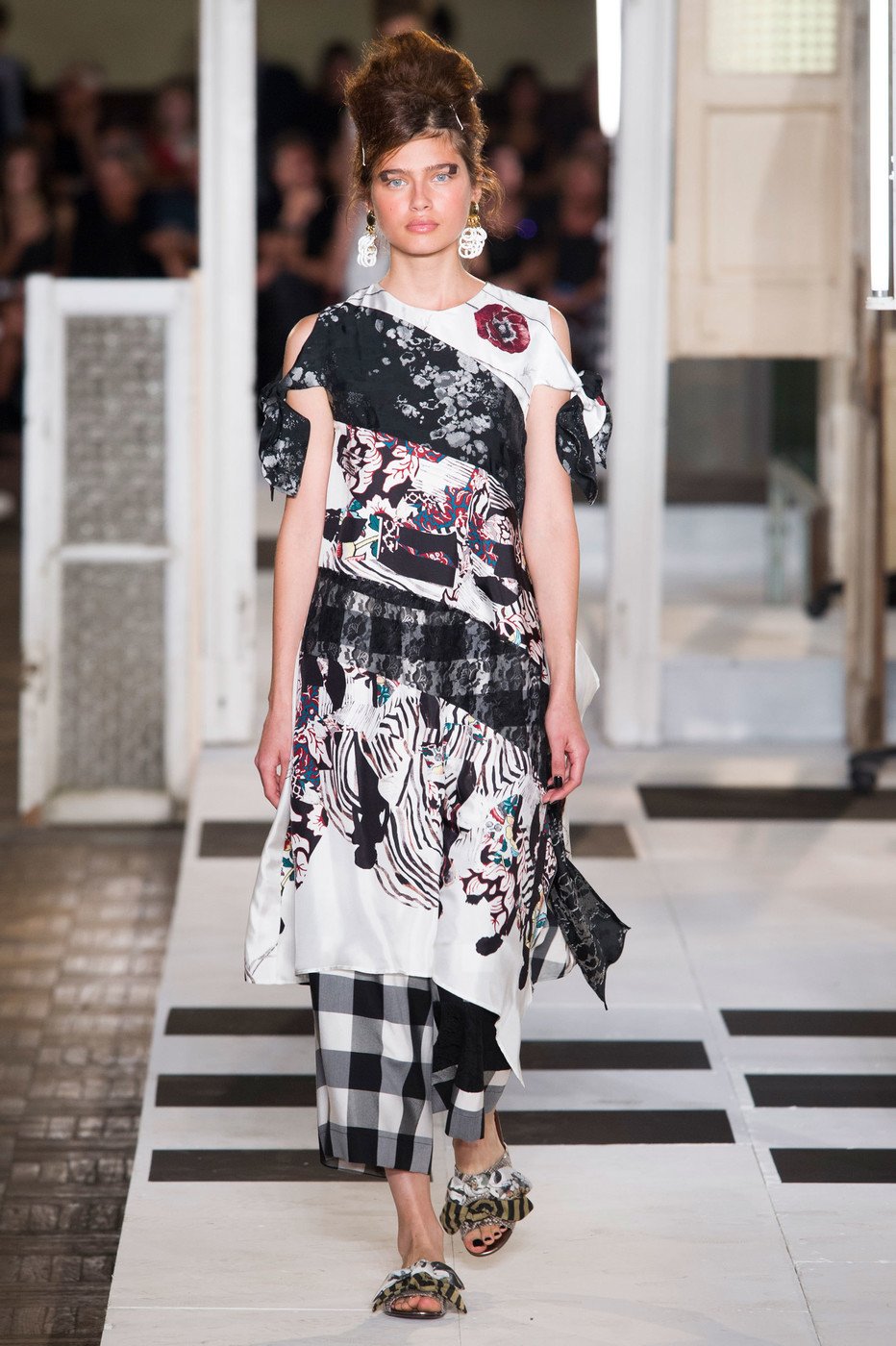
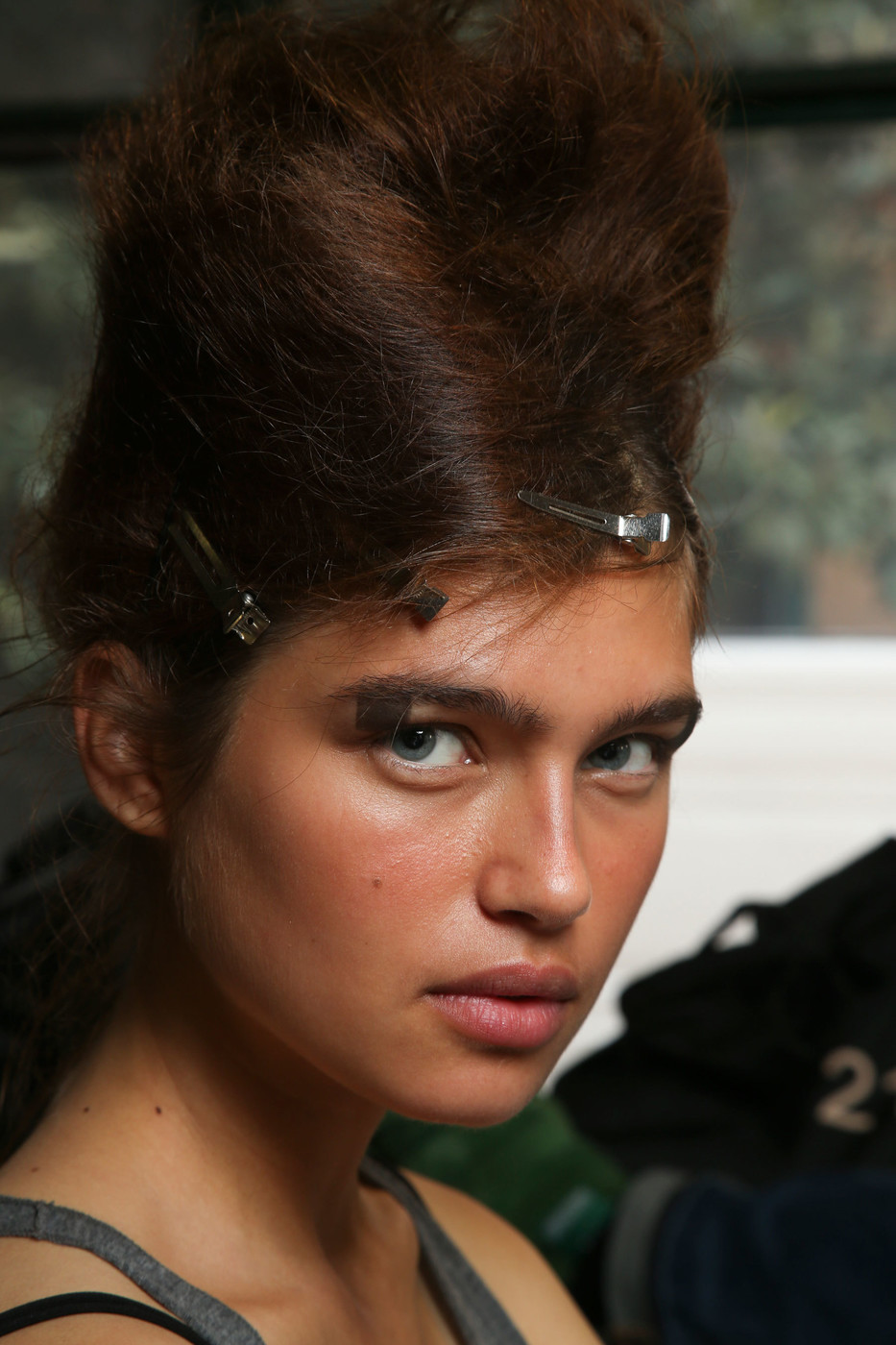
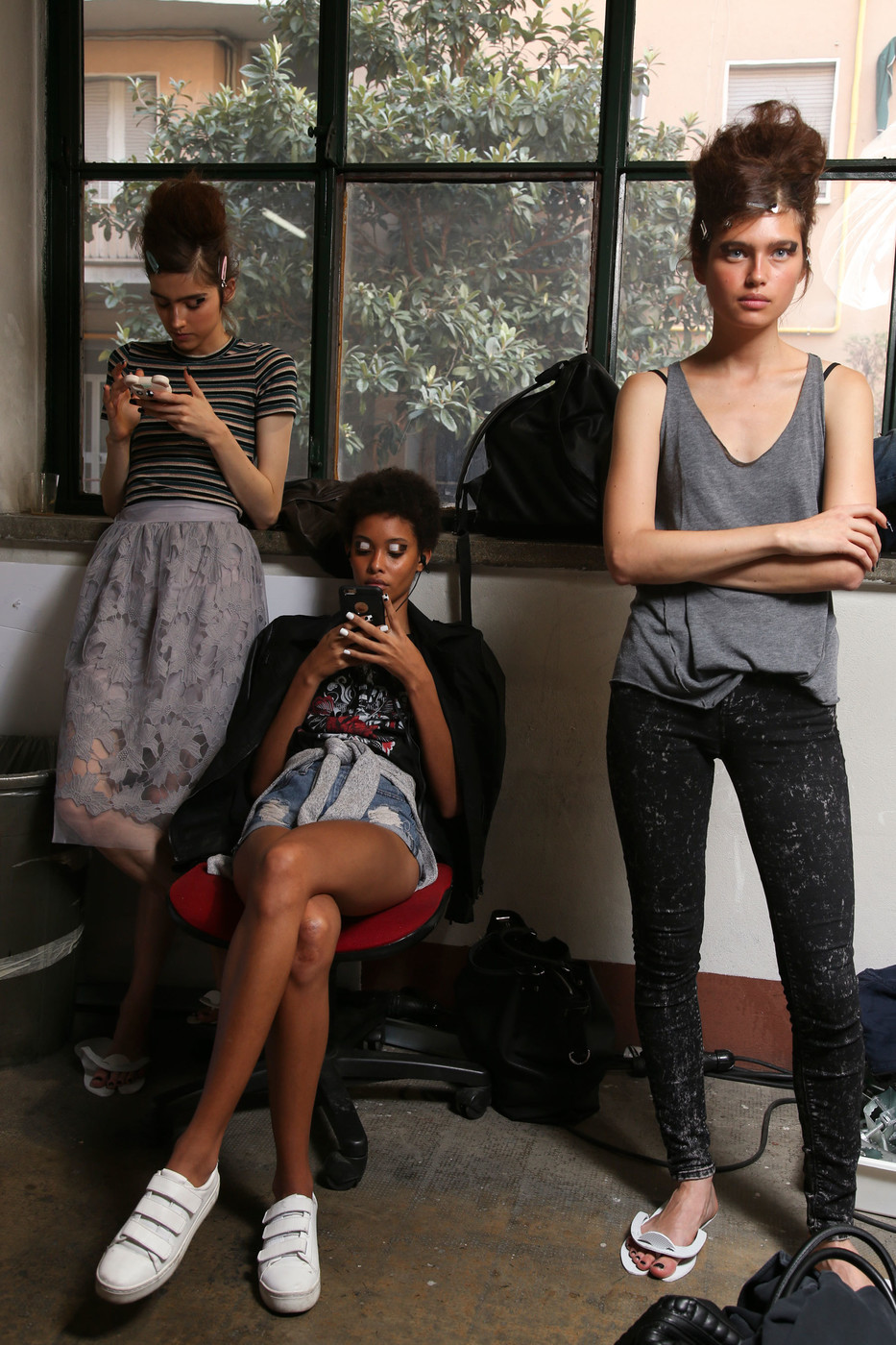
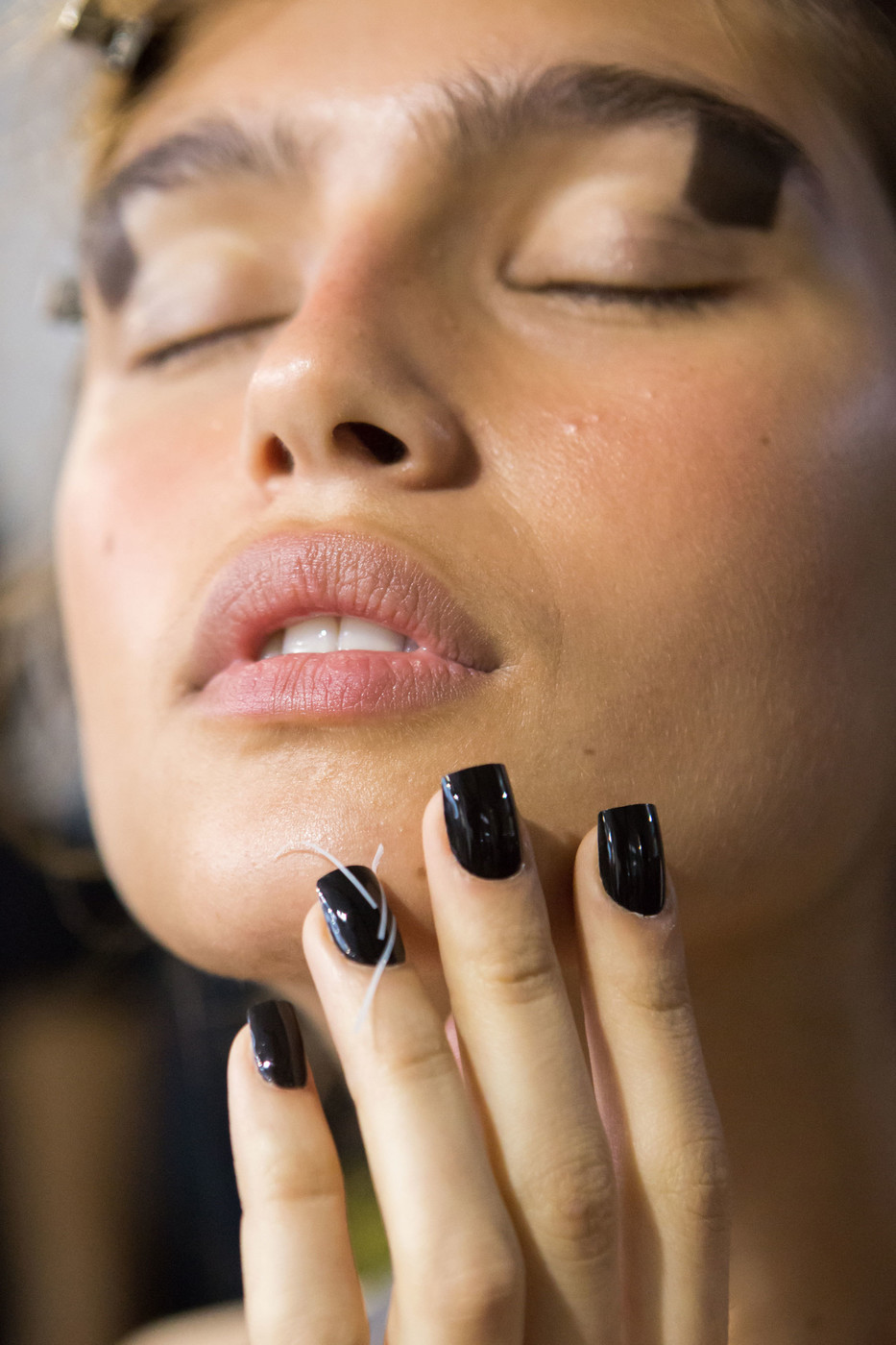
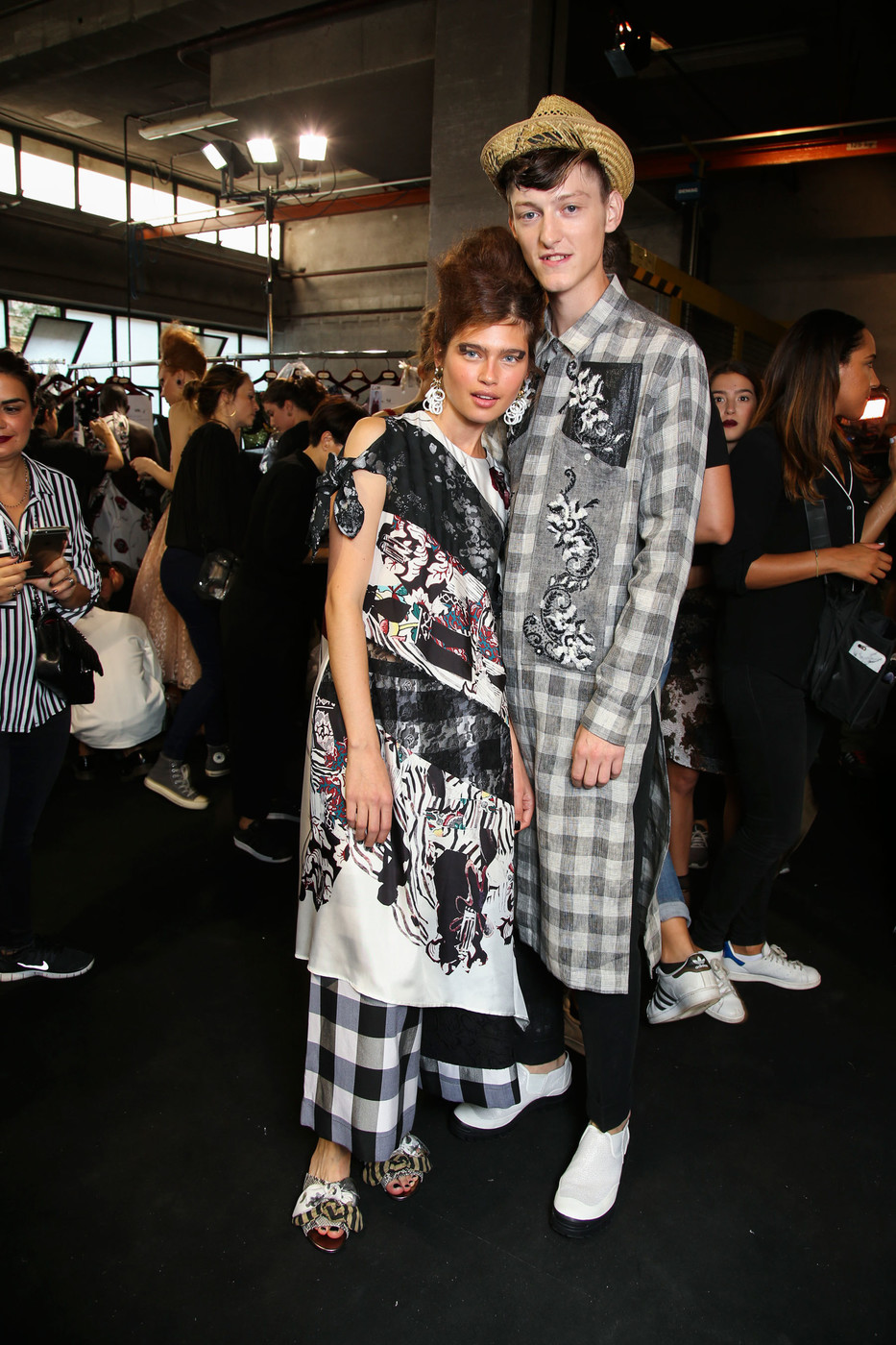
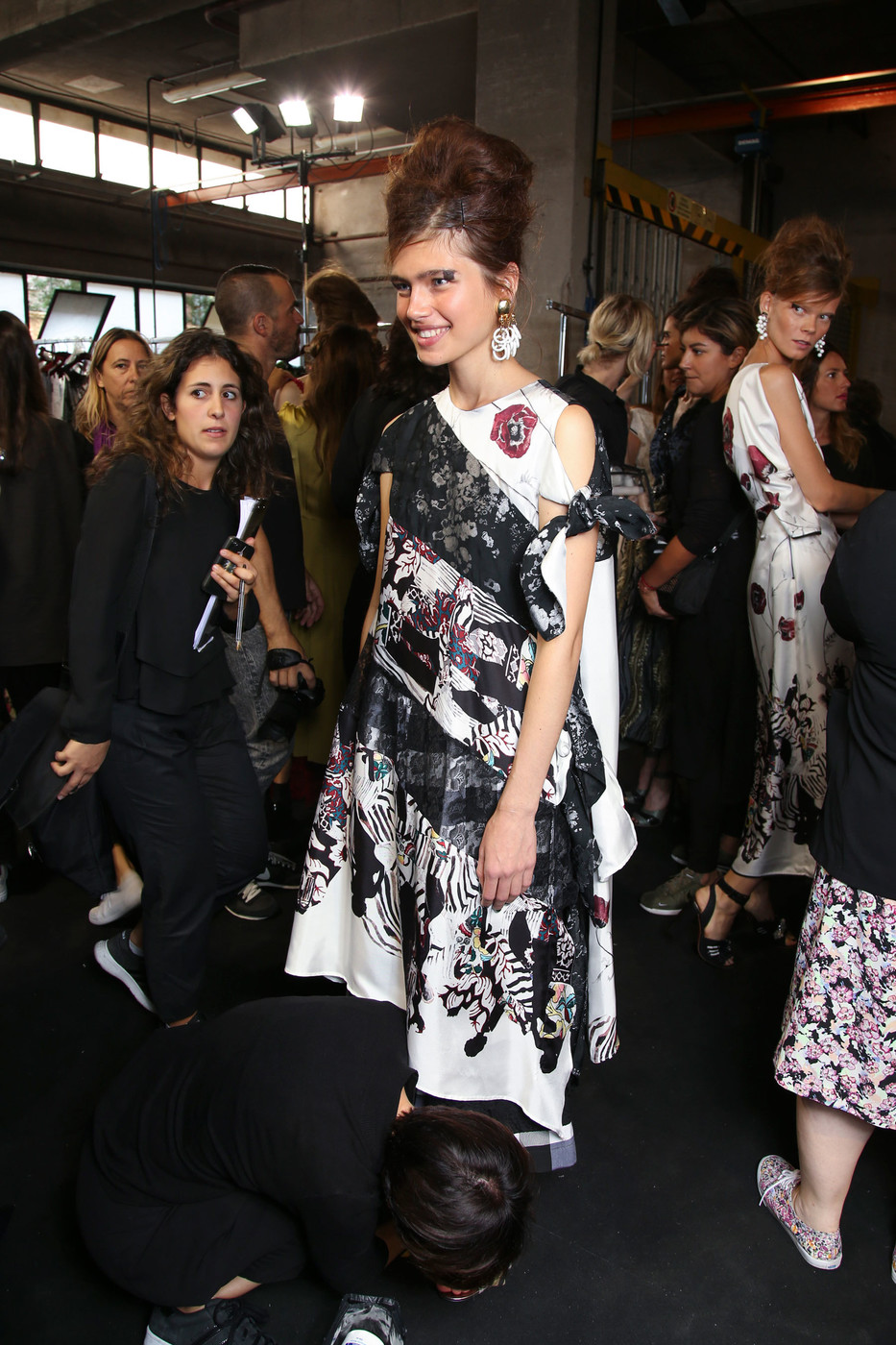
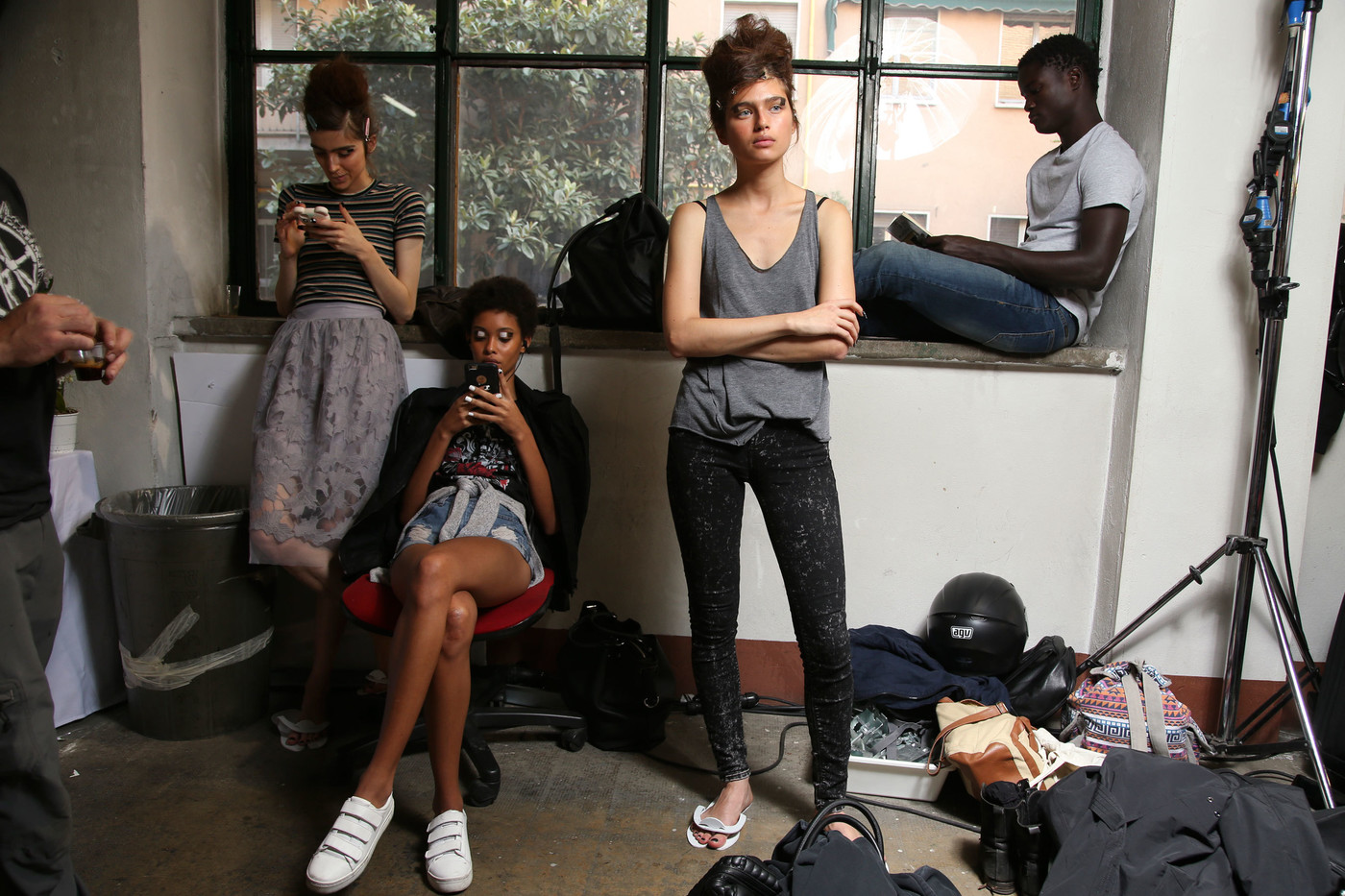
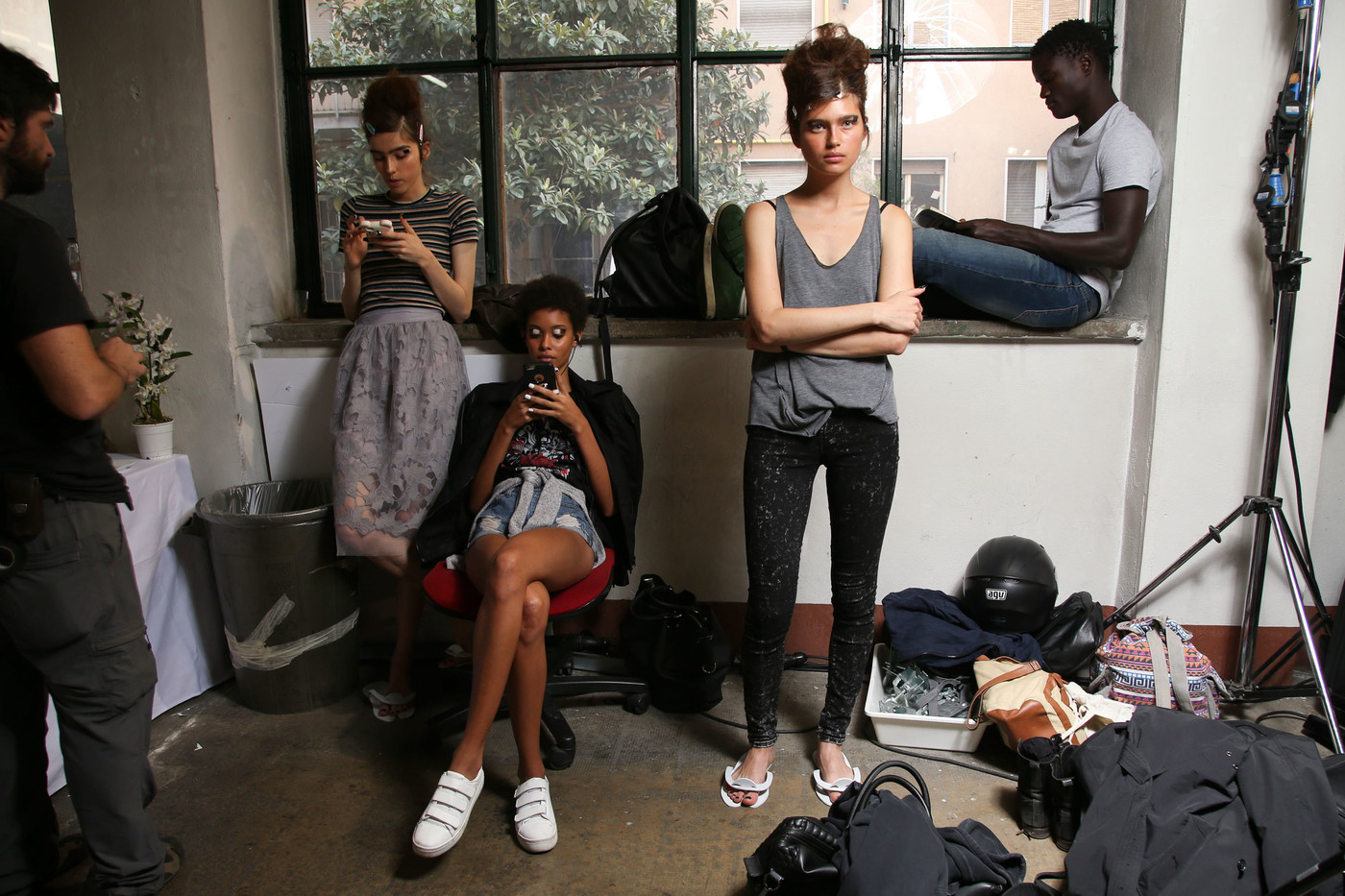
 Antonio Marras ss17 - Milan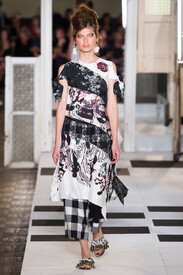
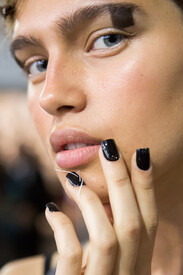
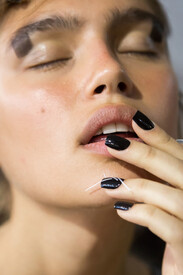
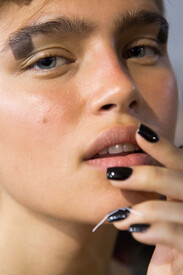
















-
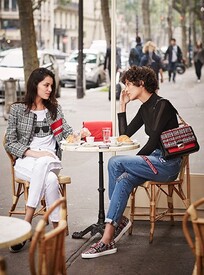
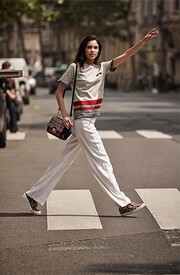
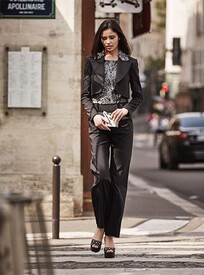
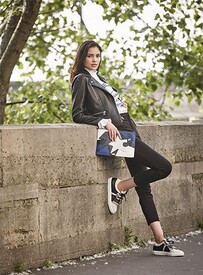
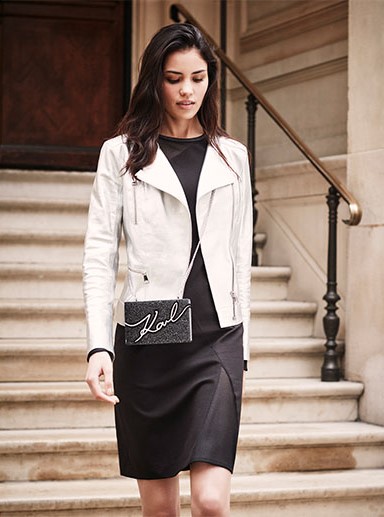
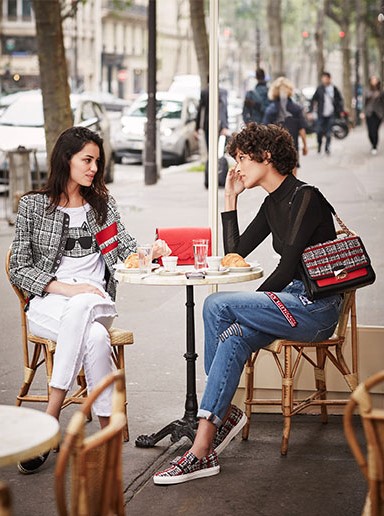
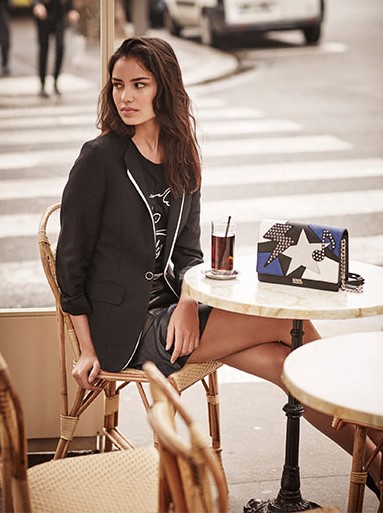
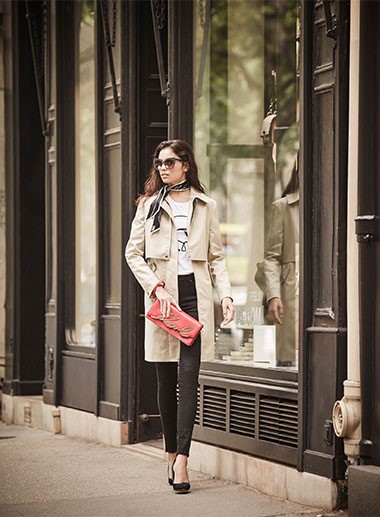
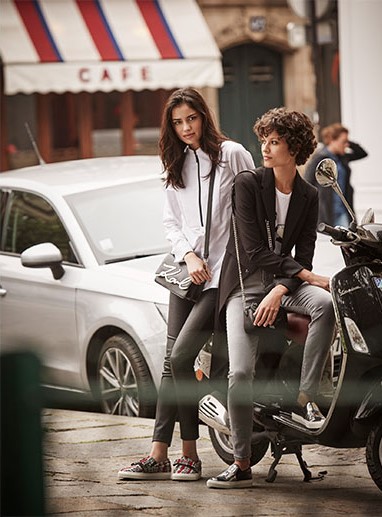
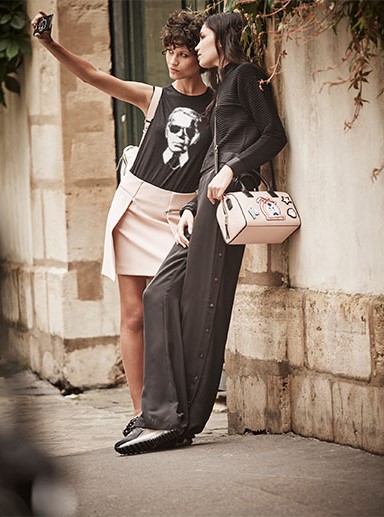
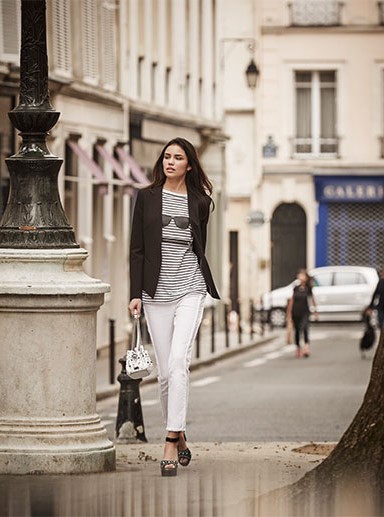
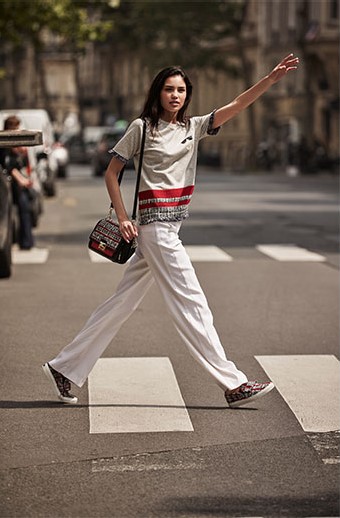
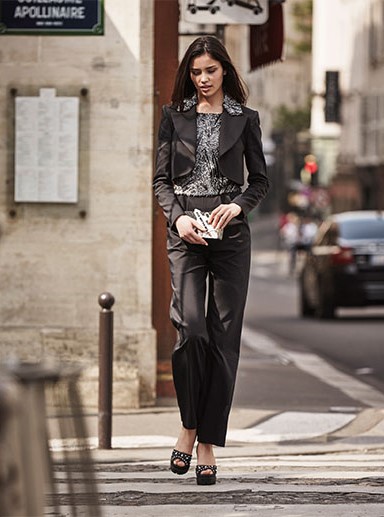
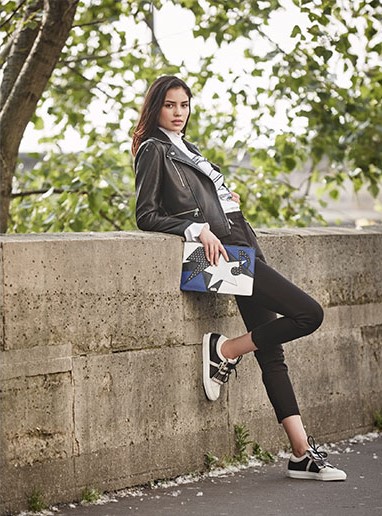
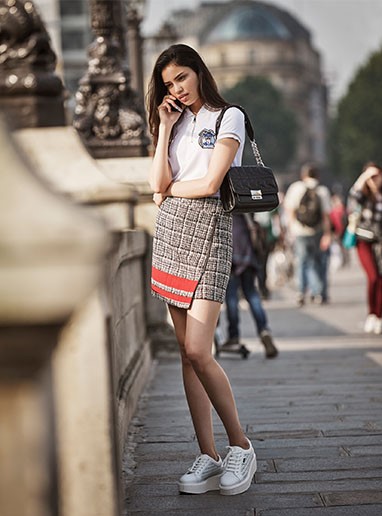
KARL LAGERFELD S/S 2017









-
Icontemporary Russia S/S 2017







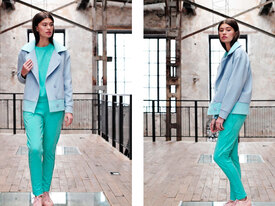






-
The slimmer pics are from Fans Edge Twitter page: https://twitter.com/fansedge?lang=en
-
Esquire UK March 2017 esquire.co.uk
-
Keanu Reeves by Doug Inglish for Men’s Fitness + GQ, February 2017
-
Reformation Jeans S/S 2017
-
Icontemporary Russia S/S 2017
-
Celebrating her boyfriend's birthday in Moscow
-
Missguided February 2017
Missguided February 2017
Ruxara Russia Feb. 2017


 Show Package – New York F/W 17: Next (Women) models.com
Very.co.uk Lingerie 2017
Massimo Dutti S/S 2017 Chapter 1/3: The Silk Road by Lachlan Bailey massimodutti BTS
MANGO MAN SS 2017 Mango US
Missguided 2017 http://sendvid.com/gjawmi7u http://sendvid.com/vouuj43e http://sendvid.com/4635rc5a http://sendvid.com/qwxcsod4 http://sendvid.com/oa2visb4
Frankie Morello S/S 2017
Incanto Sexy Valentine 2017 Luisa Spagnoli Spring/Summer 2017
Leonisa Spring Summer 2017 Catalogue
Blanca's shooting something for Vogue Spain. She's on location with a Vogue Spain editor.
De Fursac Spring-Summer 2017
Show Package – New York F/W 17: Next (Women) models.com
Very.co.uk Lingerie 2017
Massimo Dutti S/S 2017 Chapter 1/3: The Silk Road by Lachlan Bailey massimodutti BTS
MANGO MAN SS 2017 Mango US
Missguided 2017 http://sendvid.com/gjawmi7u http://sendvid.com/vouuj43e http://sendvid.com/4635rc5a http://sendvid.com/qwxcsod4 http://sendvid.com/oa2visb4
Frankie Morello S/S 2017
Incanto Sexy Valentine 2017 Luisa Spagnoli Spring/Summer 2017
Leonisa Spring Summer 2017 Catalogue
Blanca's shooting something for Vogue Spain. She's on location with a Vogue Spain editor.
De Fursac Spring-Summer 2017










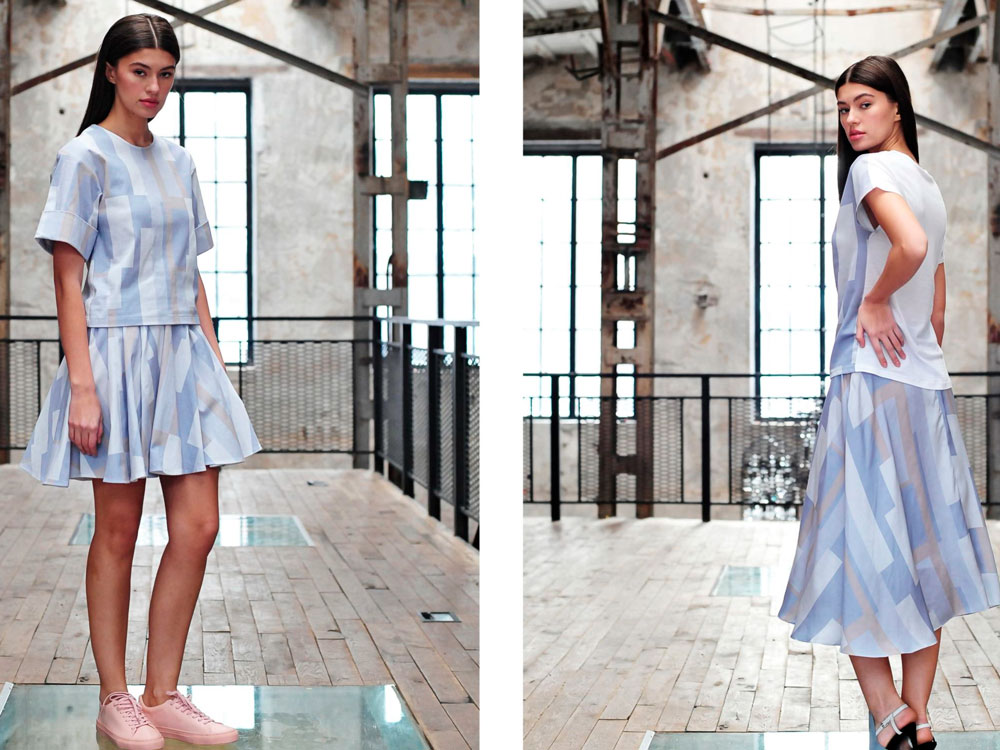
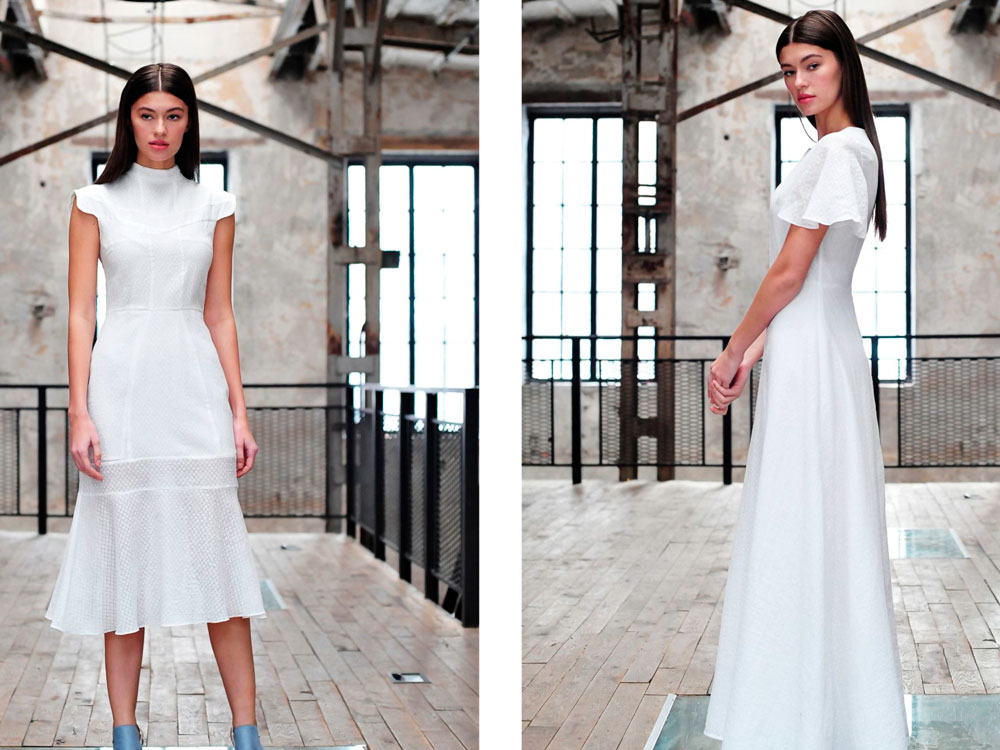
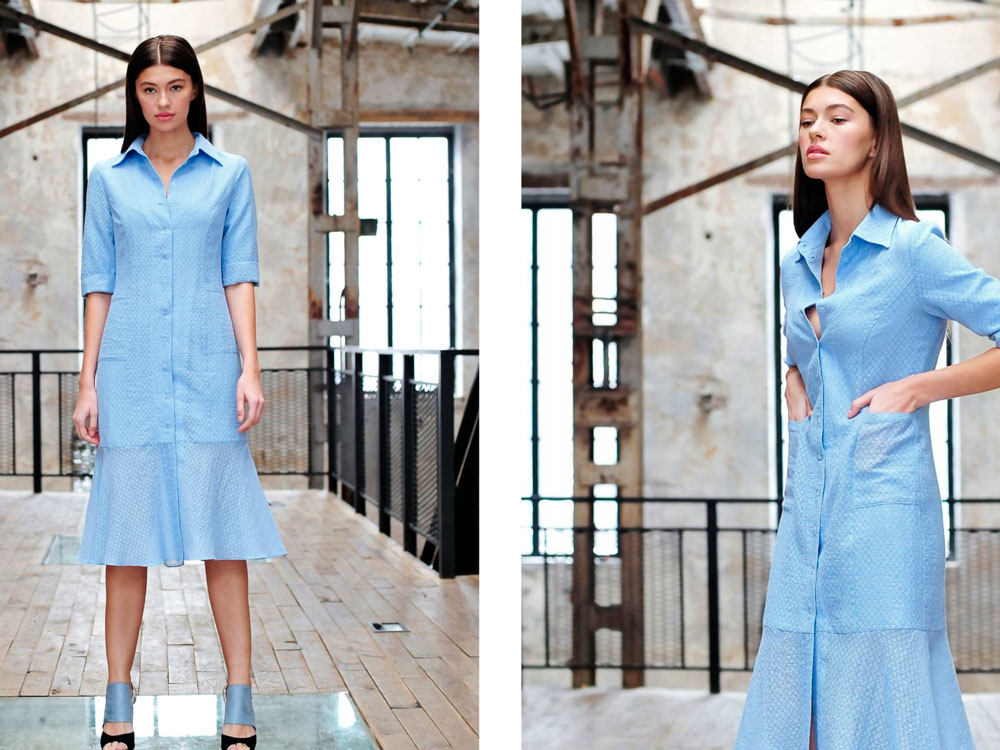
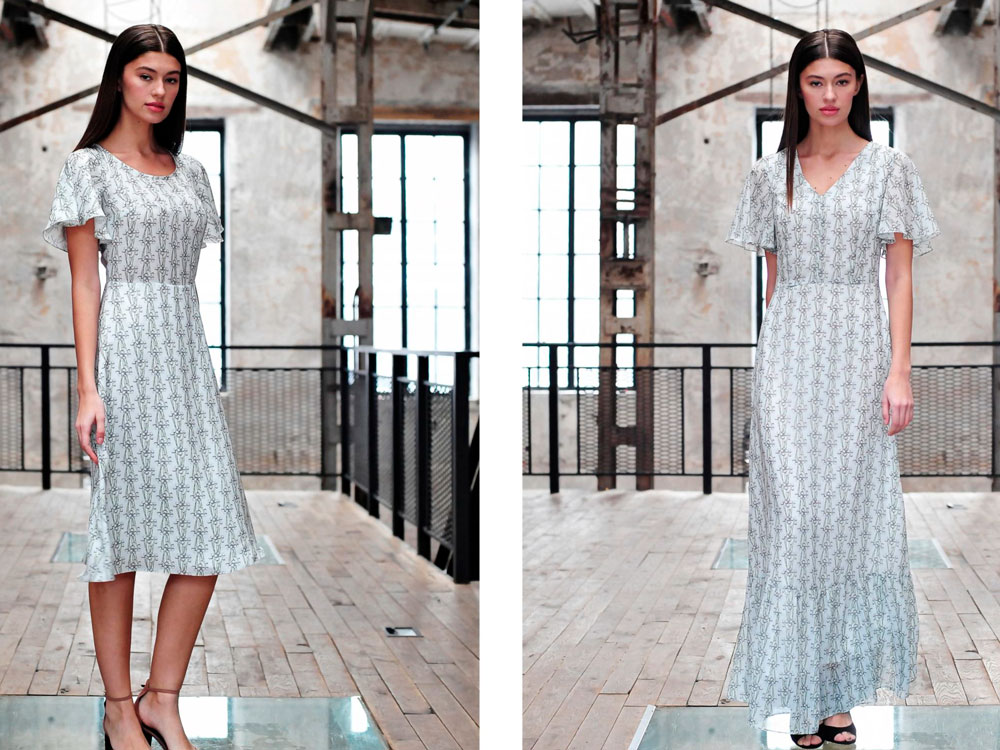




Account
Navigation
Search
Configure browser push notifications
Chrome (Android)
- Tap the lock icon next to the address bar.
- Tap Permissions → Notifications.
- Adjust your preference.
Chrome (Desktop)
- Click the padlock icon in the address bar.
- Select Site settings.
- Find Notifications and adjust your preference.
Safari (iOS 16.4+)
- Ensure the site is installed via Add to Home Screen.
- Open Settings App → Notifications.
- Find your app name and adjust your preference.
Safari (macOS)
- Go to Safari → Preferences.
- Click the Websites tab.
- Select Notifications in the sidebar.
- Find this website and adjust your preference.
Edge (Android)
- Tap the lock icon next to the address bar.
- Tap Permissions.
- Find Notifications and adjust your preference.
Edge (Desktop)
- Click the padlock icon in the address bar.
- Click Permissions for this site.
- Find Notifications and adjust your preference.
Firefox (Android)
- Go to Settings → Site permissions.
- Tap Notifications.
- Find this site in the list and adjust your preference.
Firefox (Desktop)
- Open Firefox Settings.
- Search for Notifications.
- Find this site in the list and adjust your preference.