
foofur16
Members
-
Joined
-
Last visited
Everything posted by foofur16
-
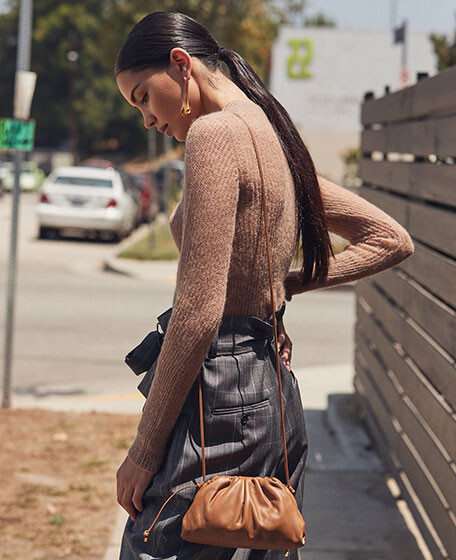
 Belstaff F/W 2018 *belstaff
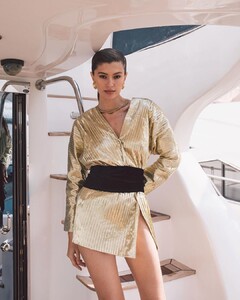
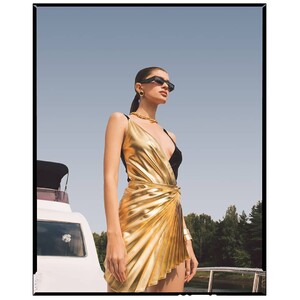
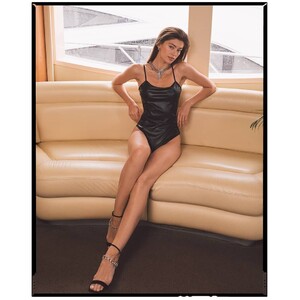
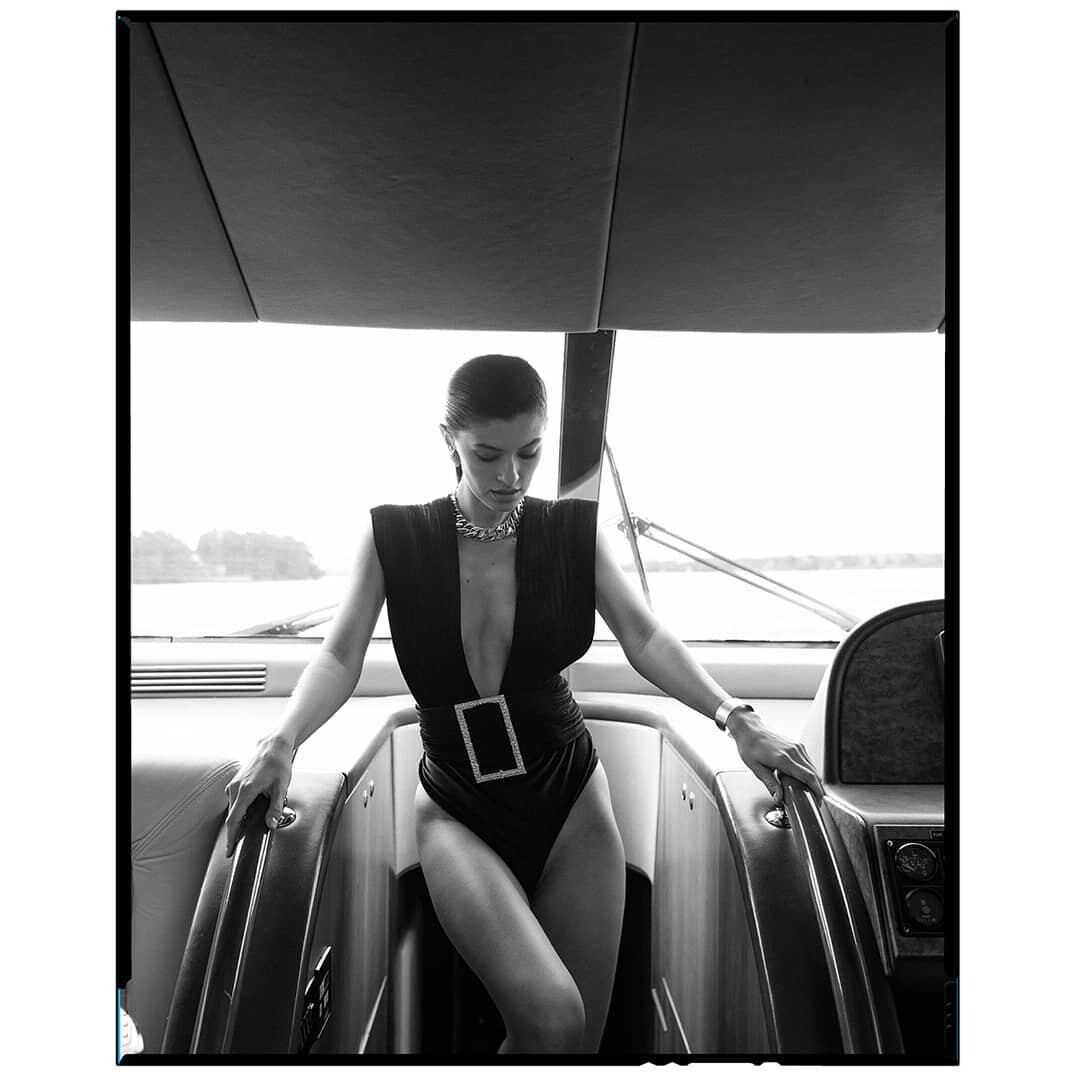
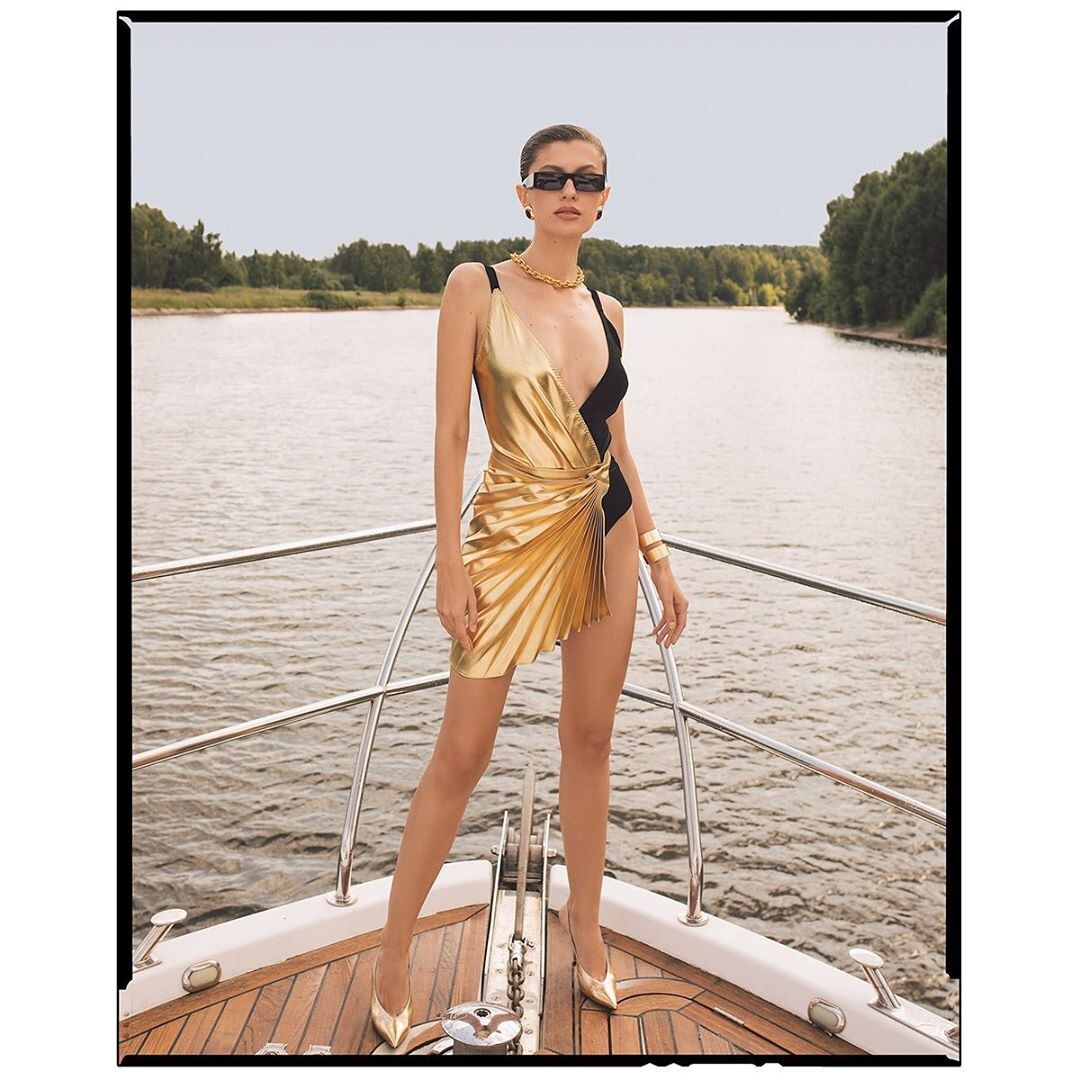
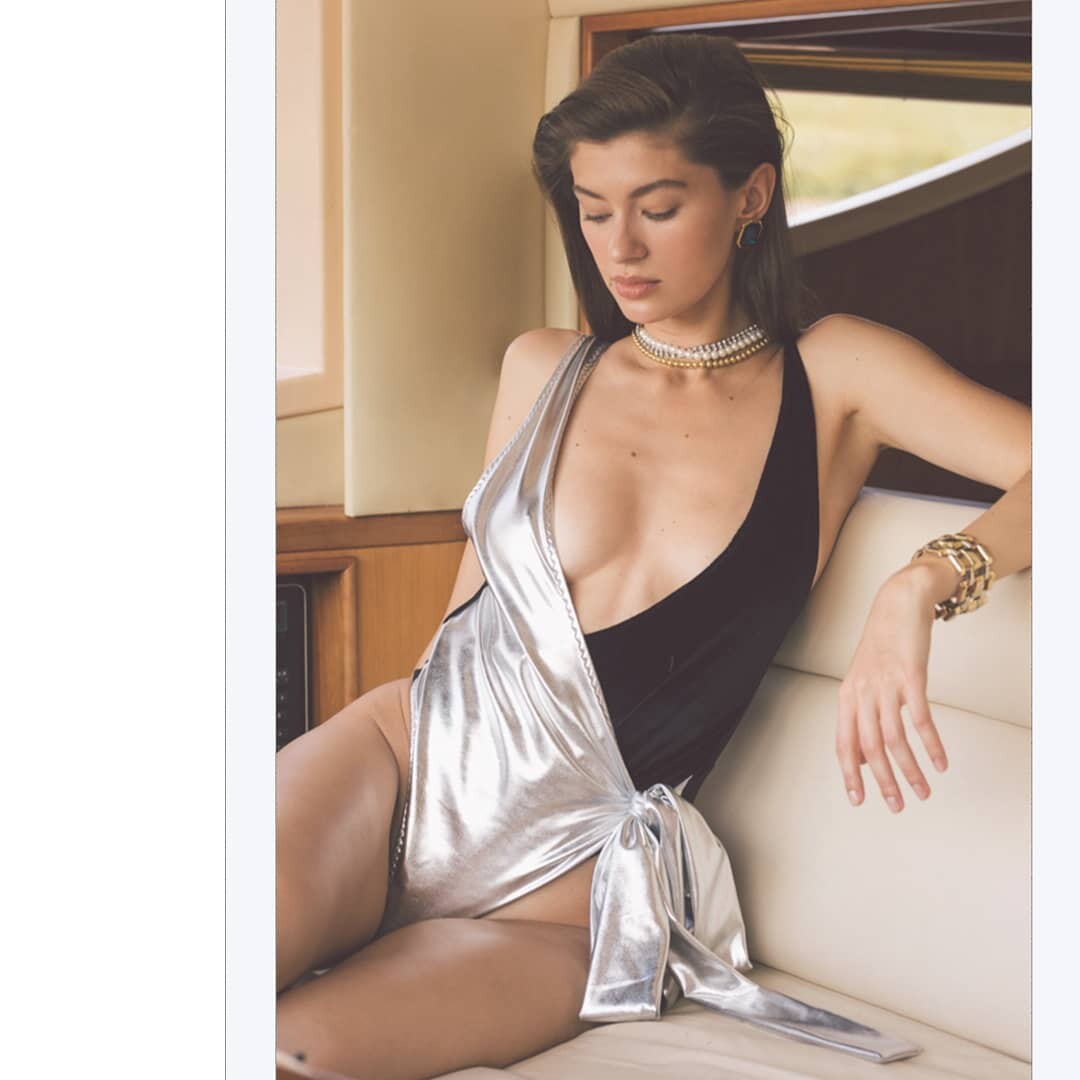
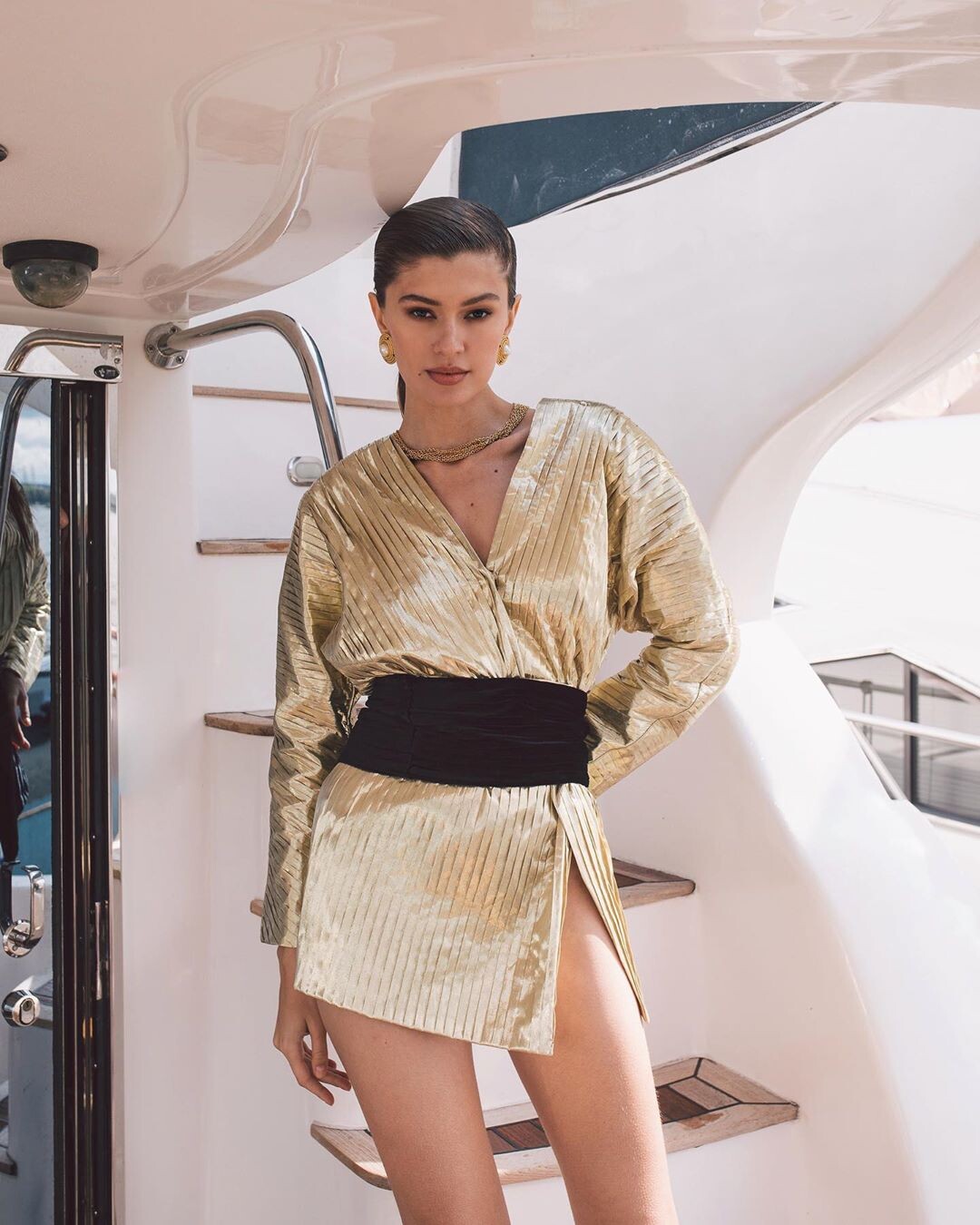
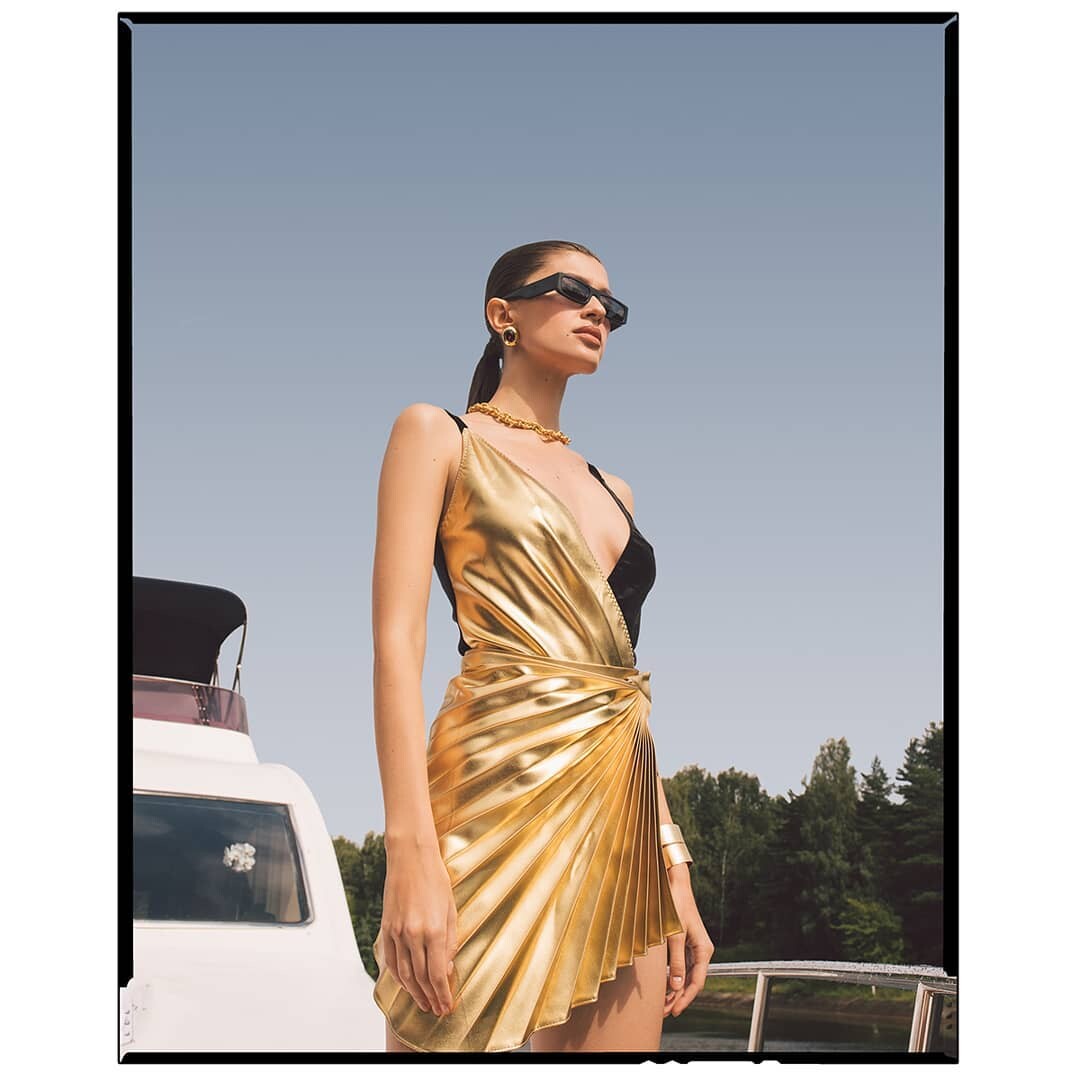
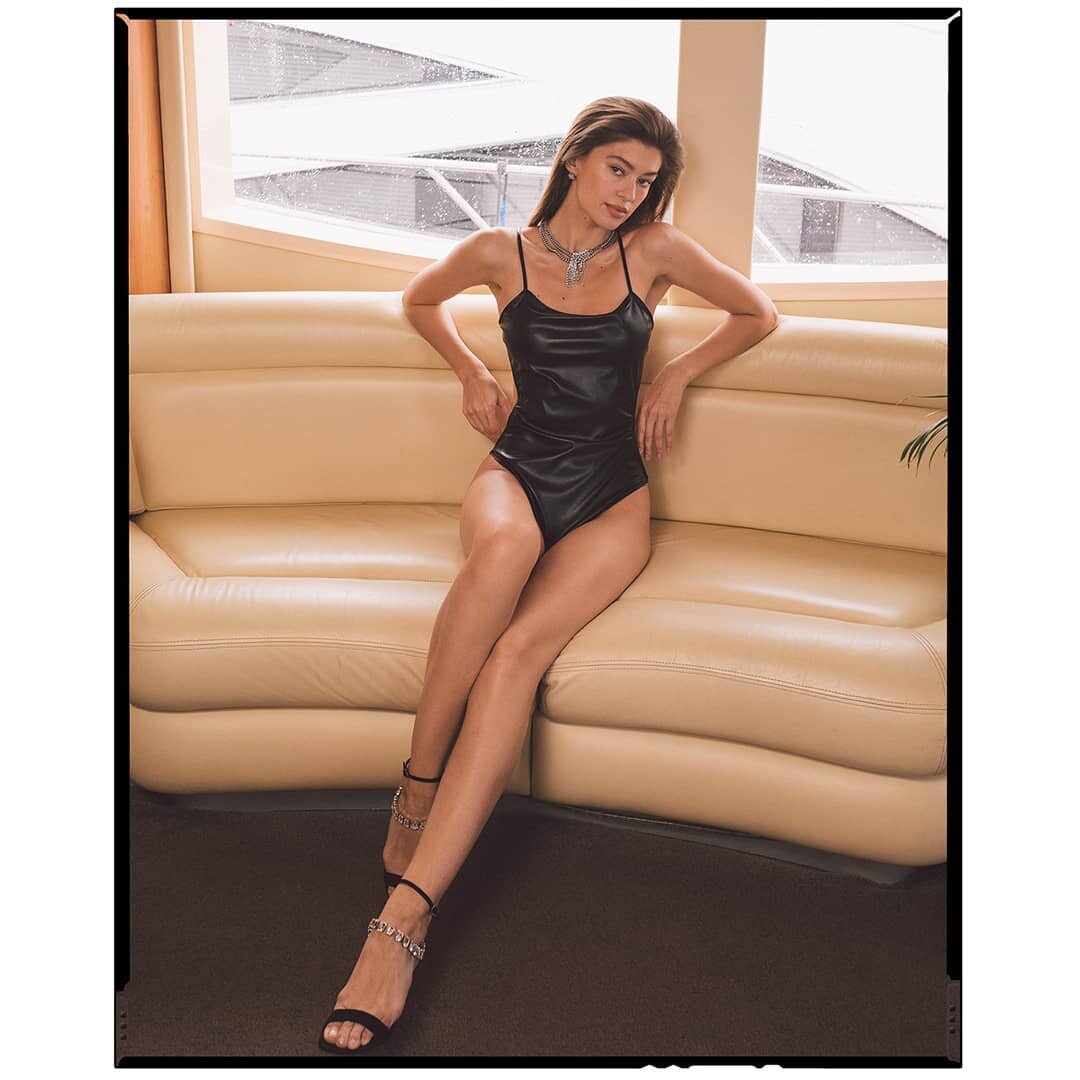
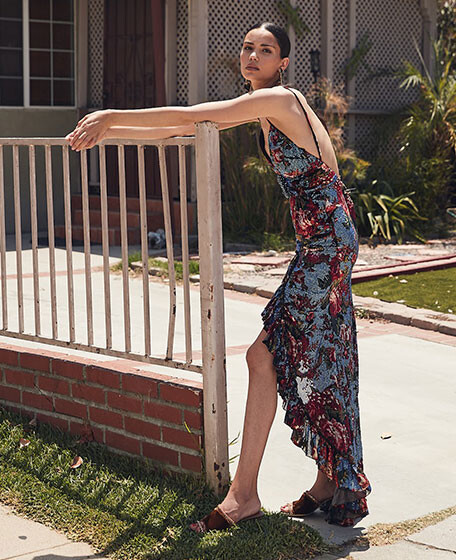
Harper’s Bazaar Malaysia July 2019 NEW VINTAGE Photographed by Anya Holdstock Styled by Charlie Harrington Hair Stylist by Leigh Keates Makeup Artist by Polly Osmond LUISAVIAROMA Sail Away: Visions of Summer Photographed by Gioconda & August *luisaviaroma
Elle France March 8 2019 *twitter/ellefrance Elle Germany April 2019 *elle.de
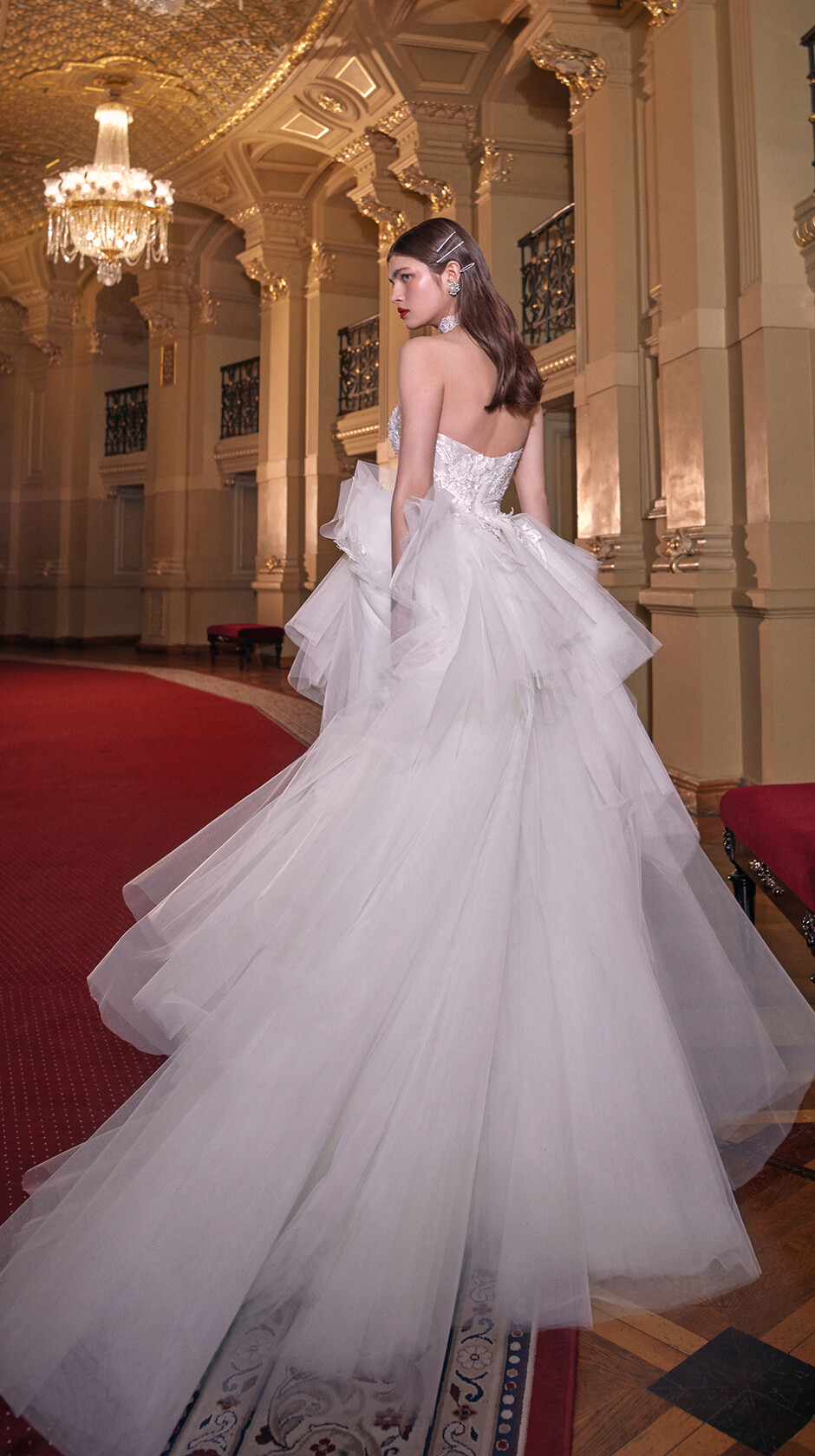
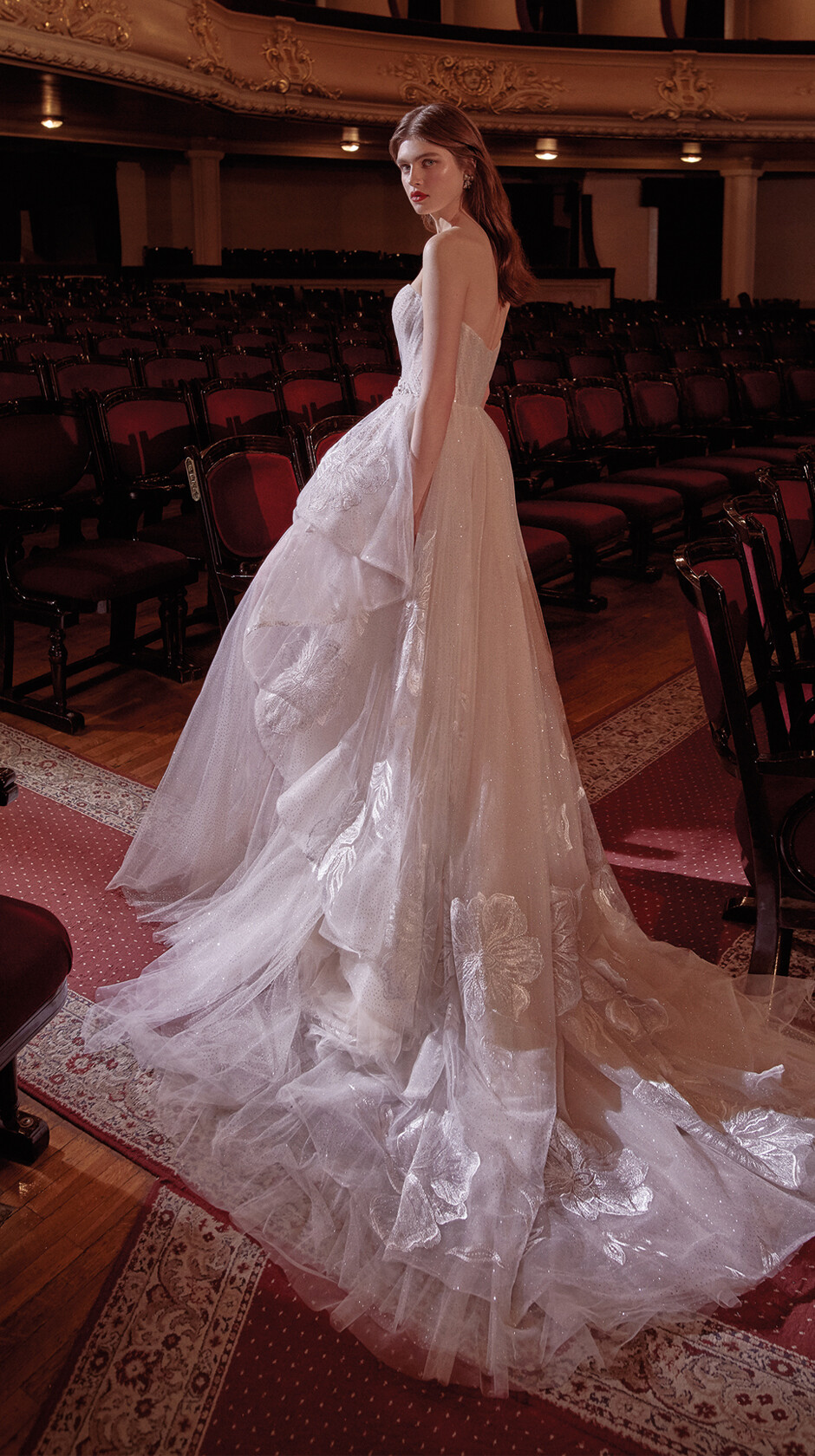
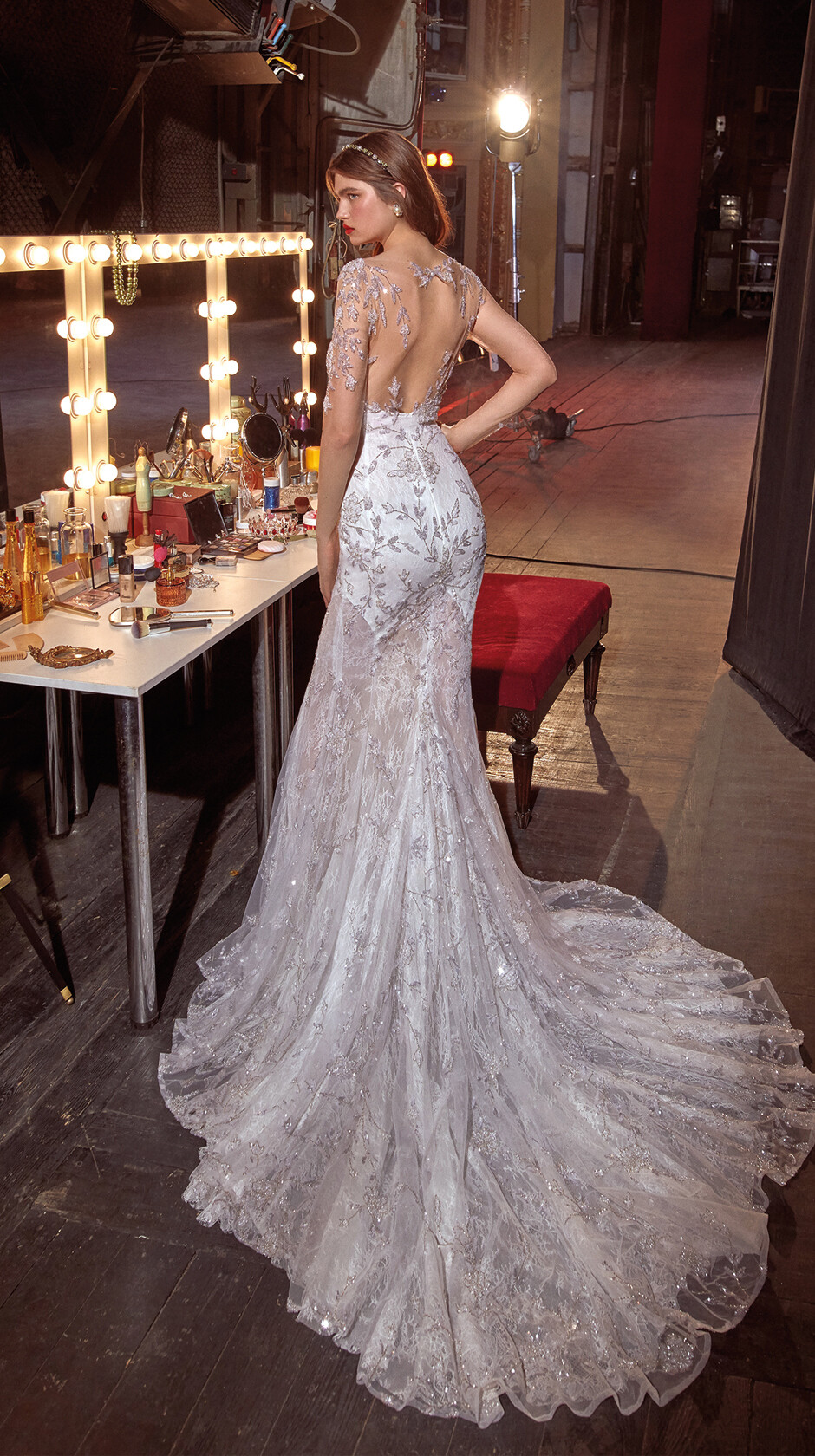
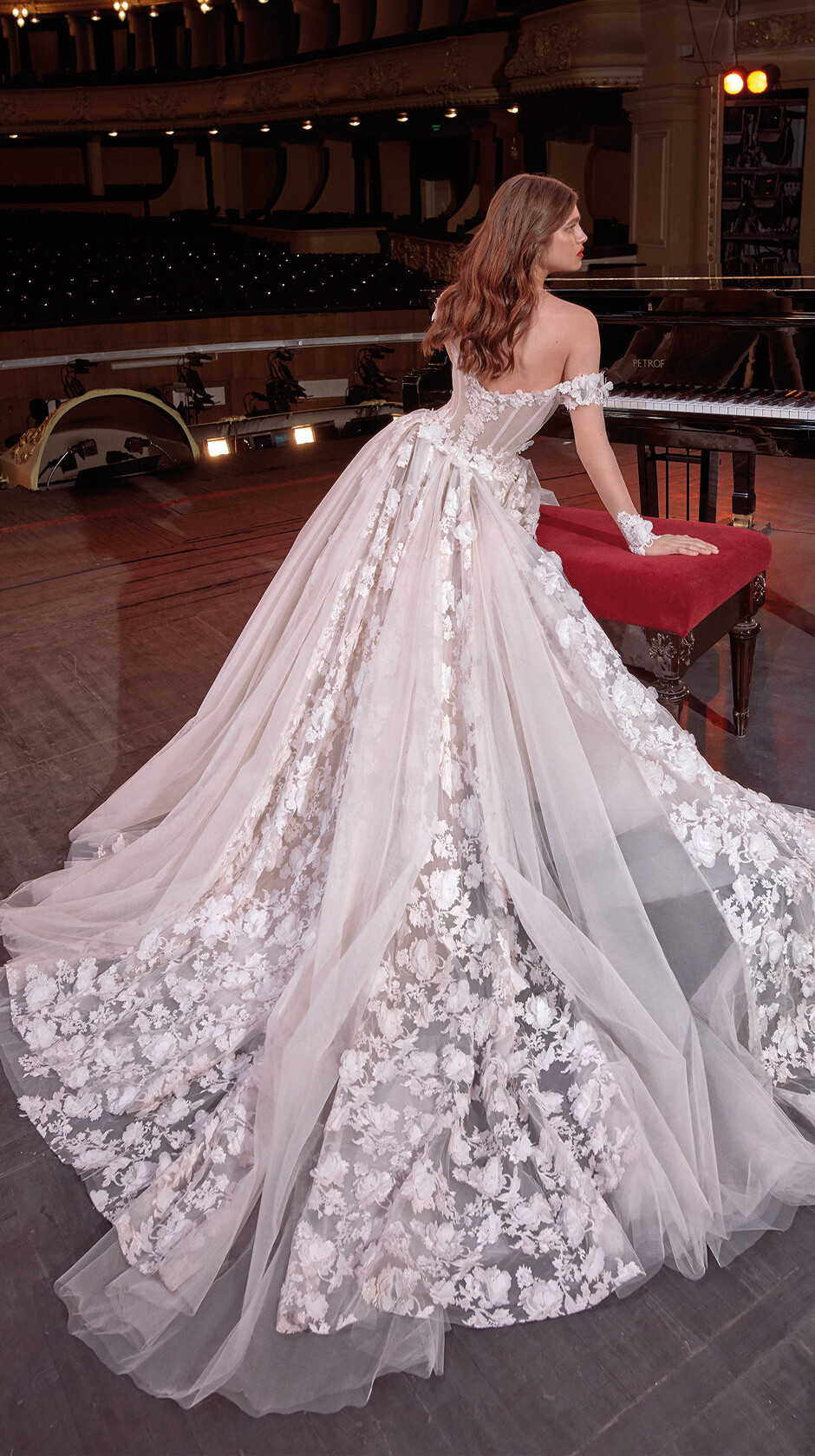
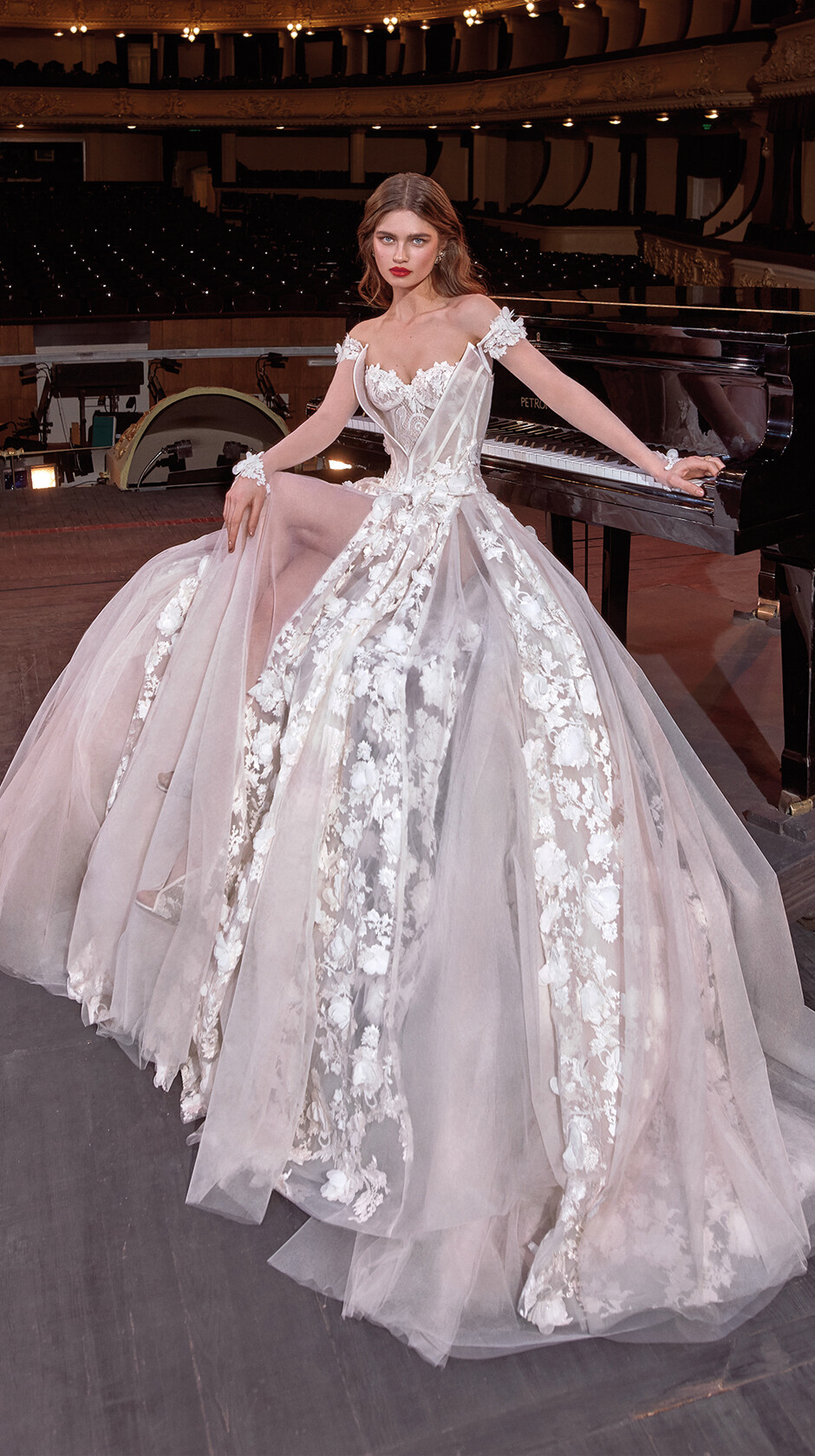
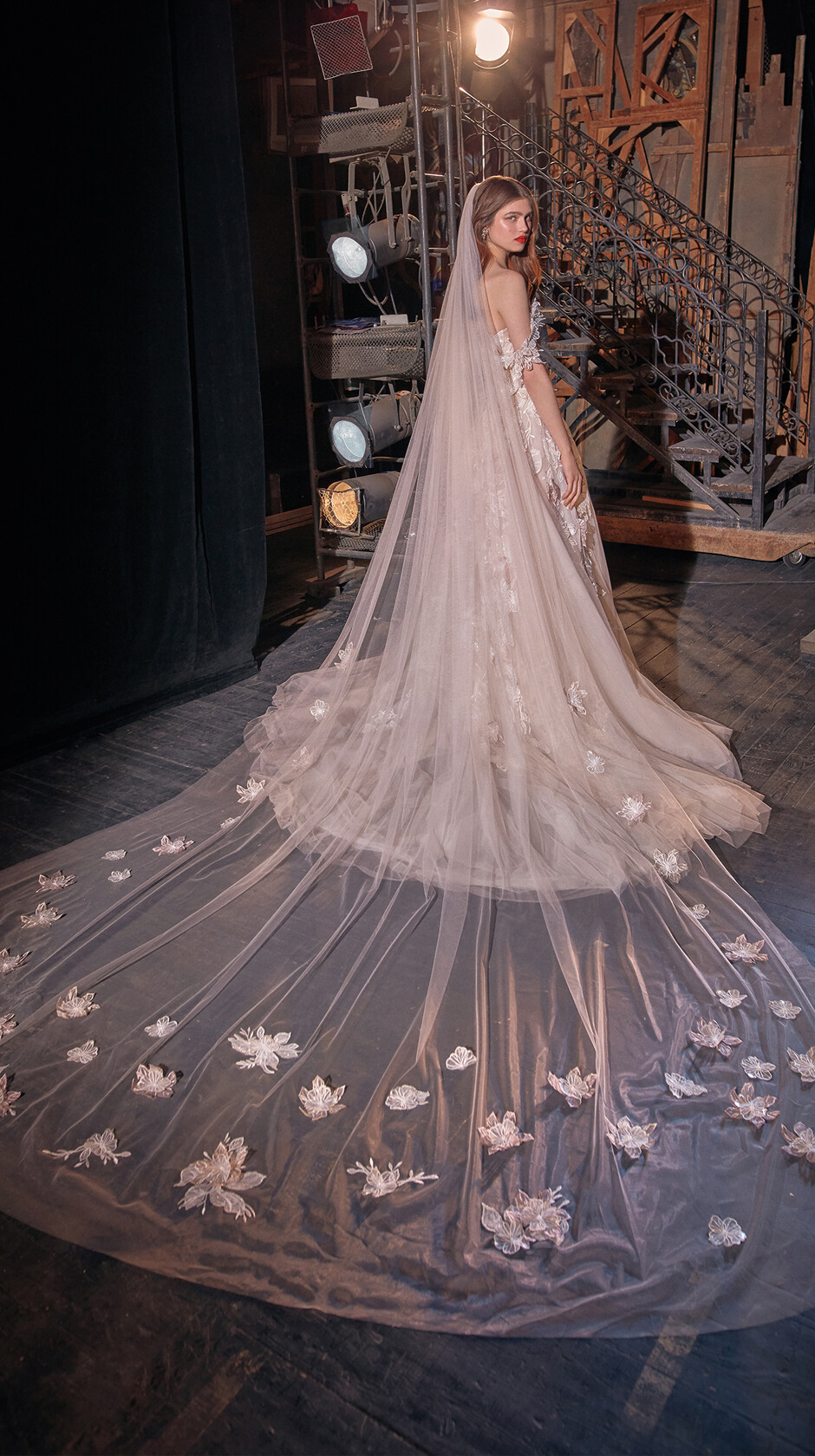
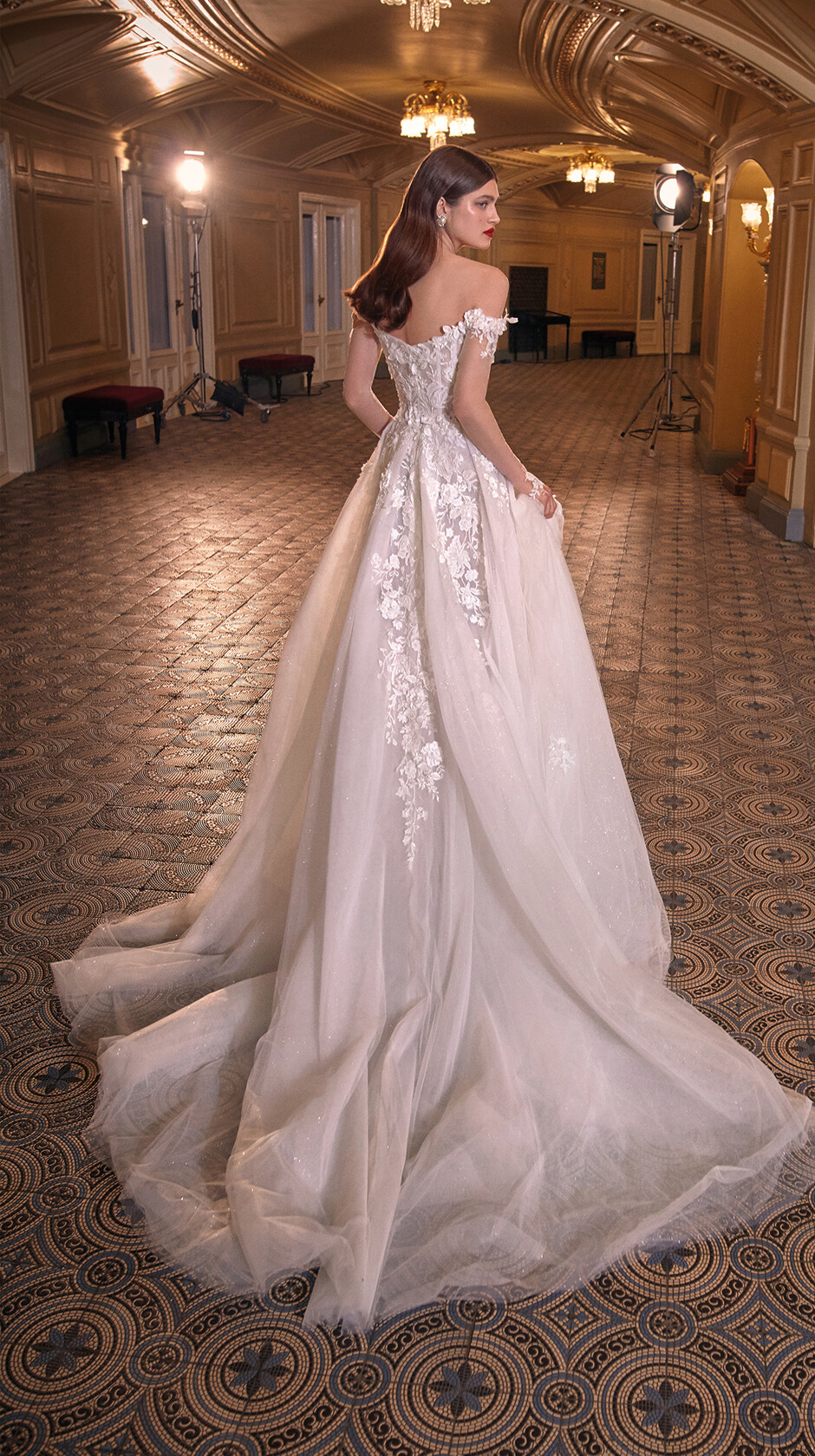
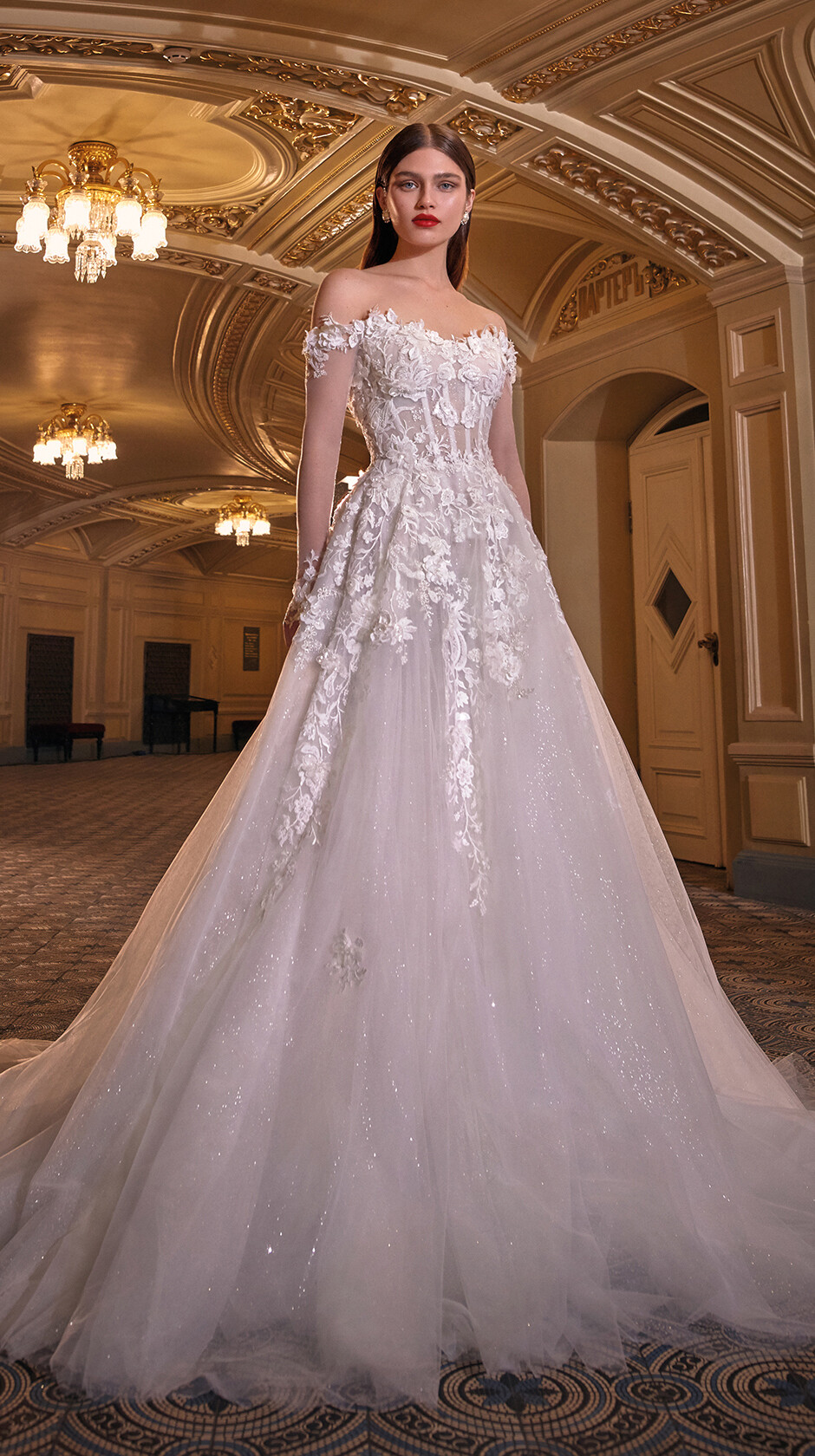
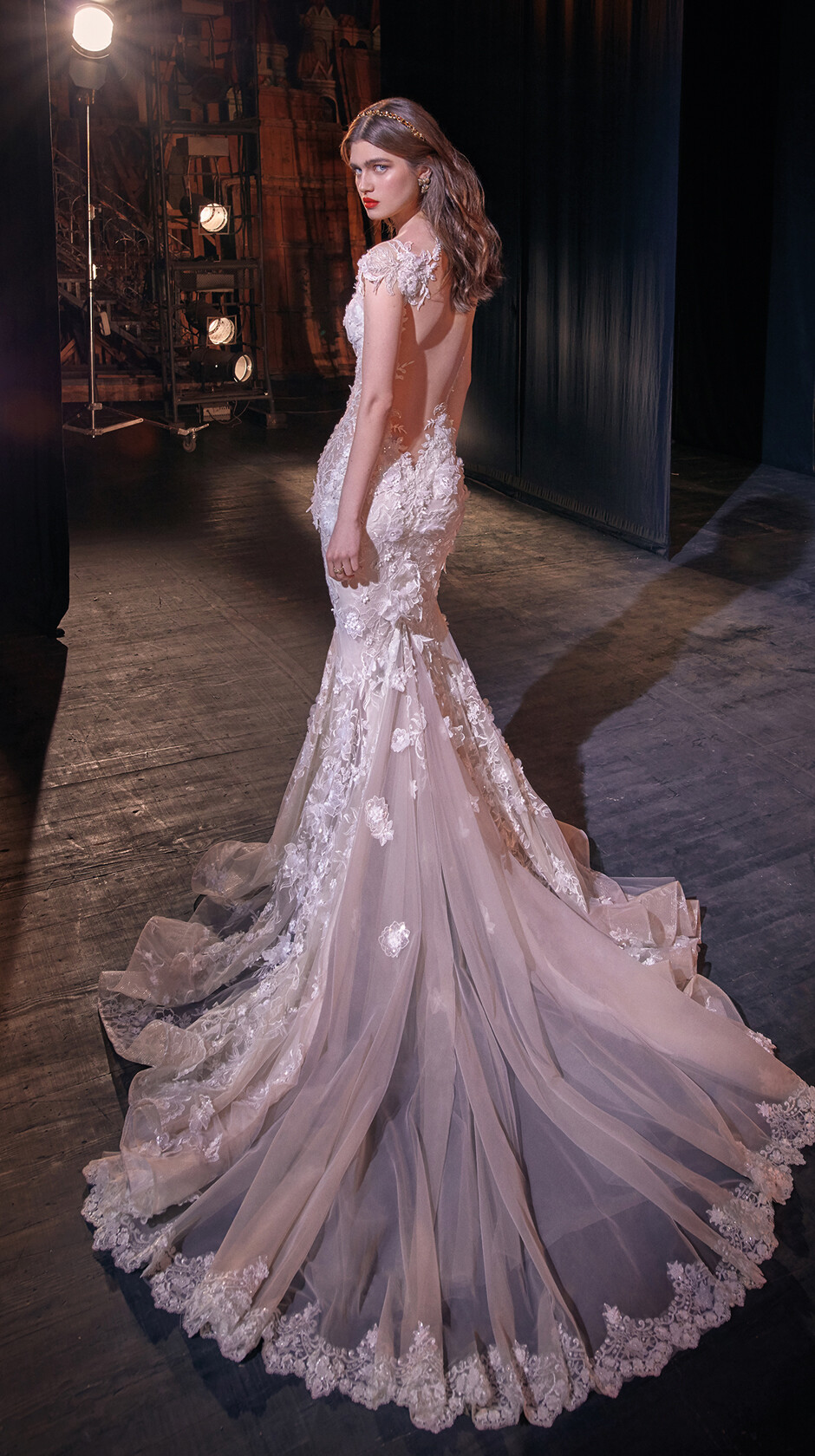
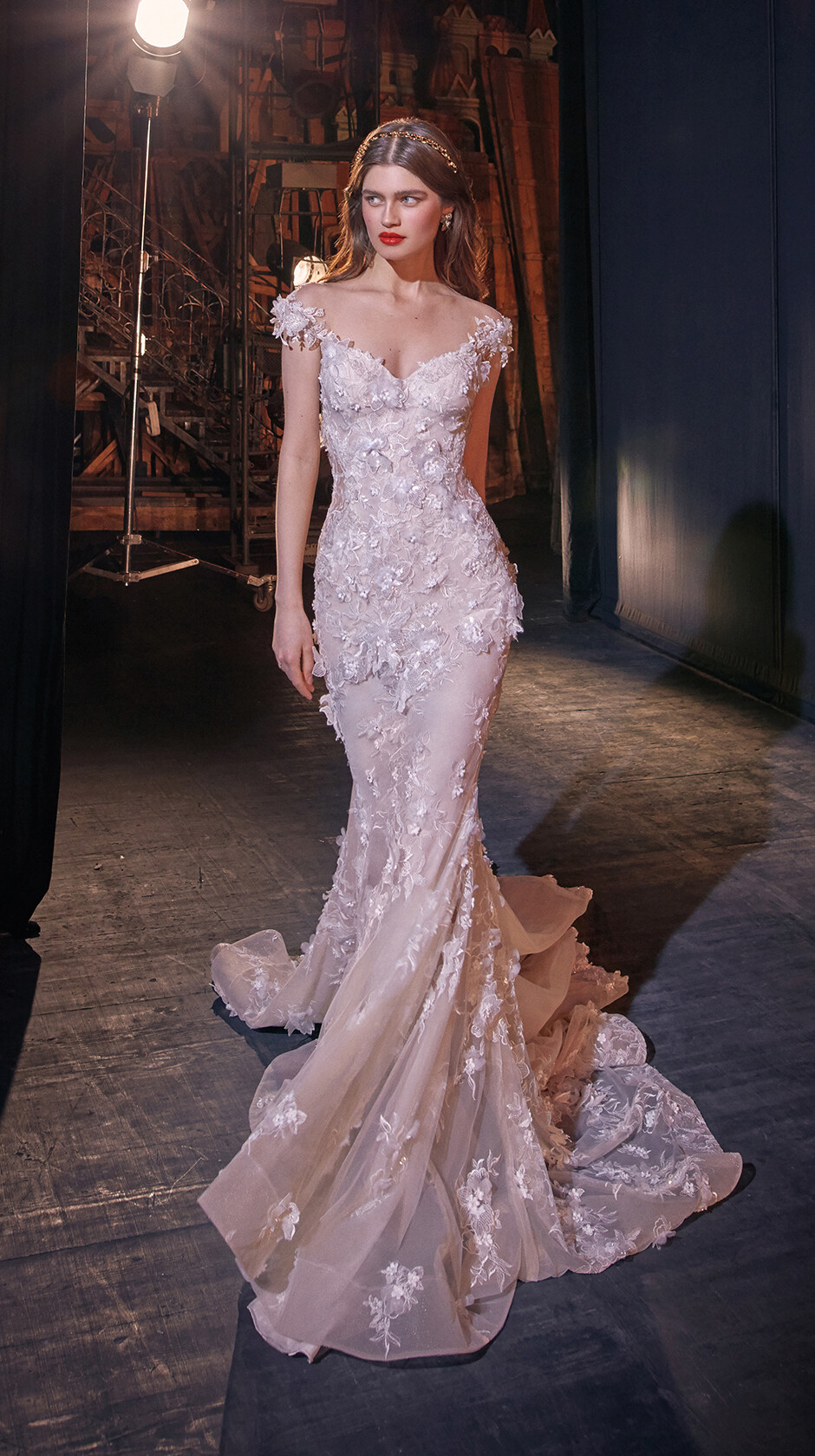
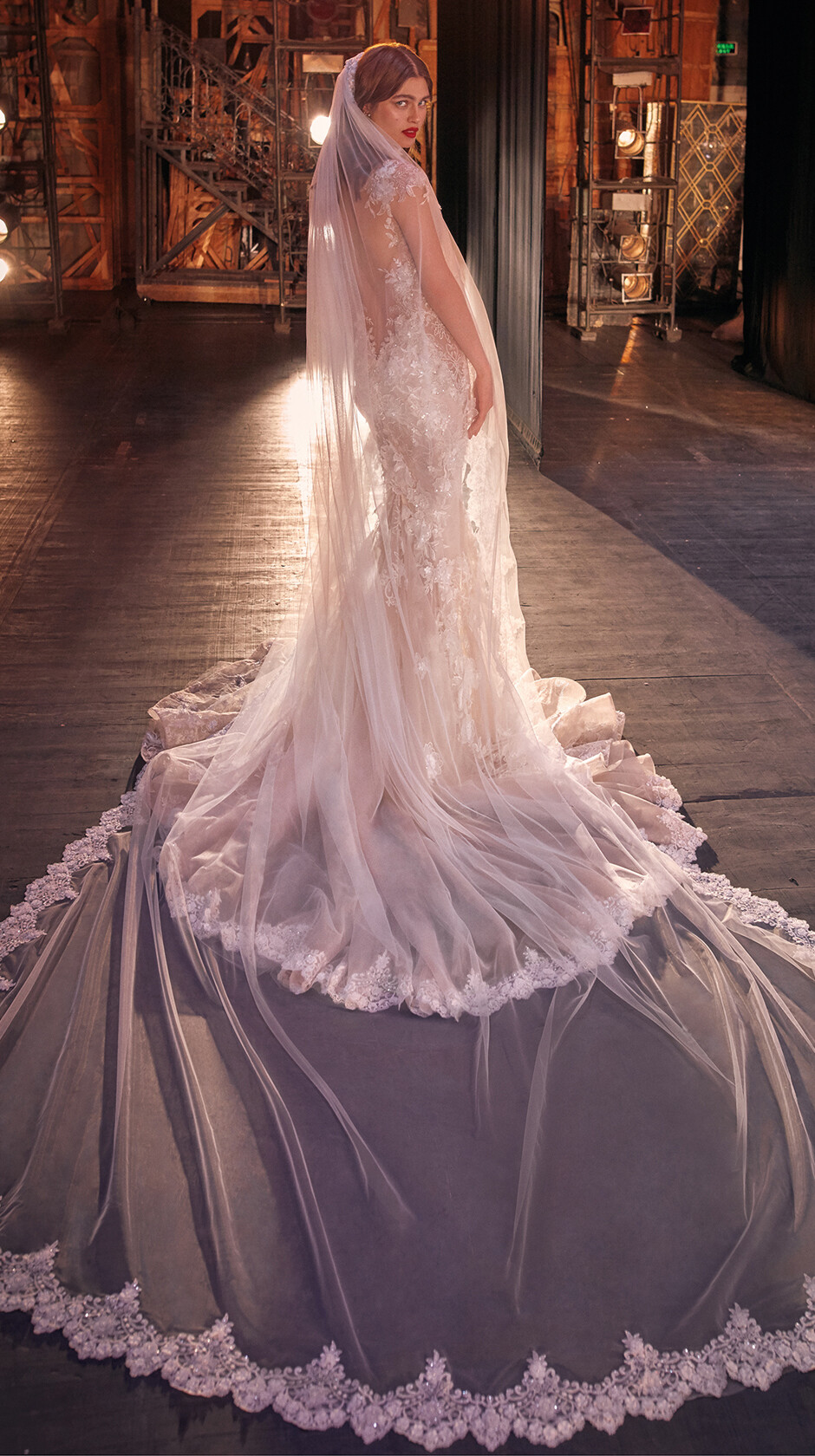
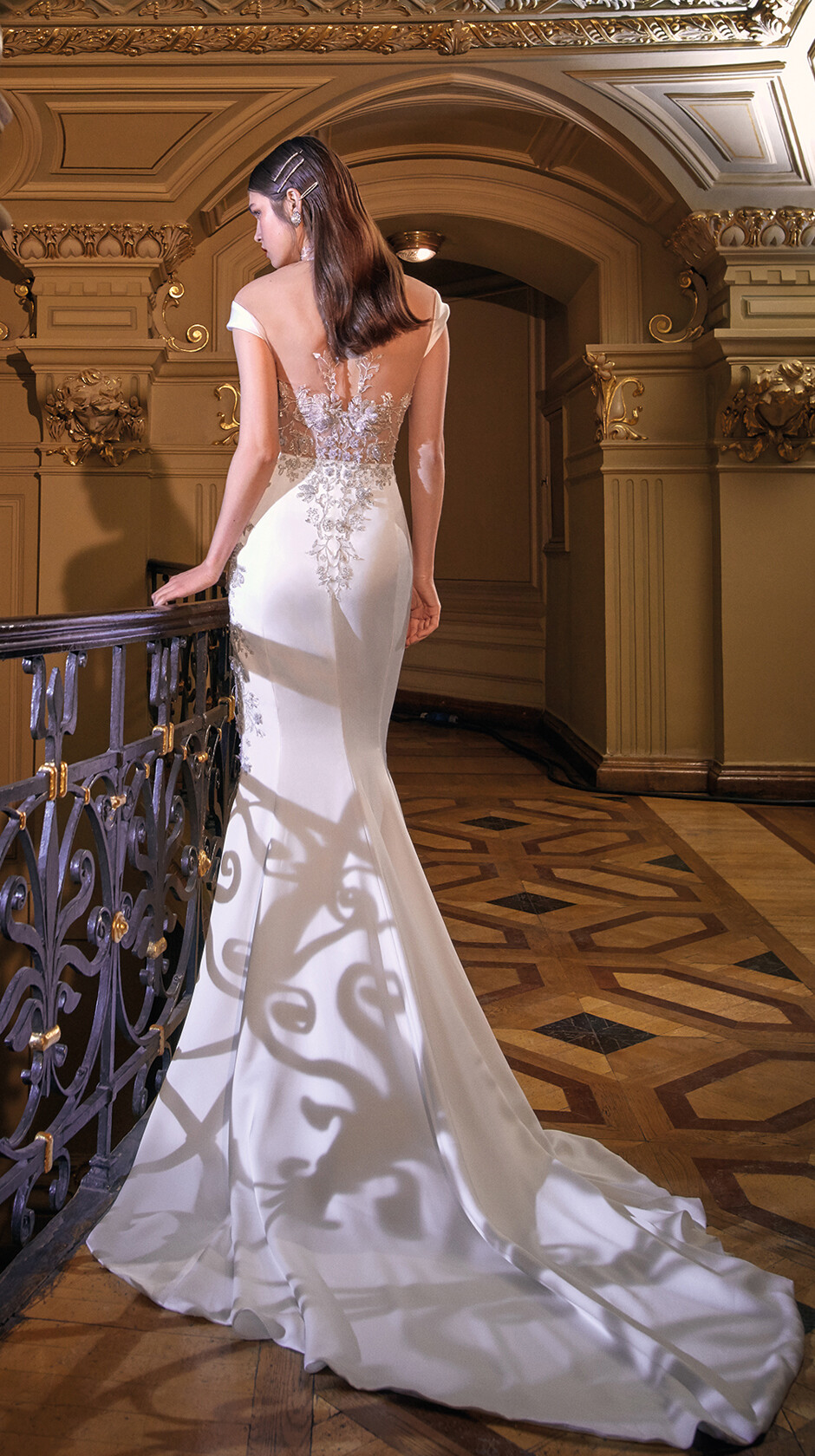
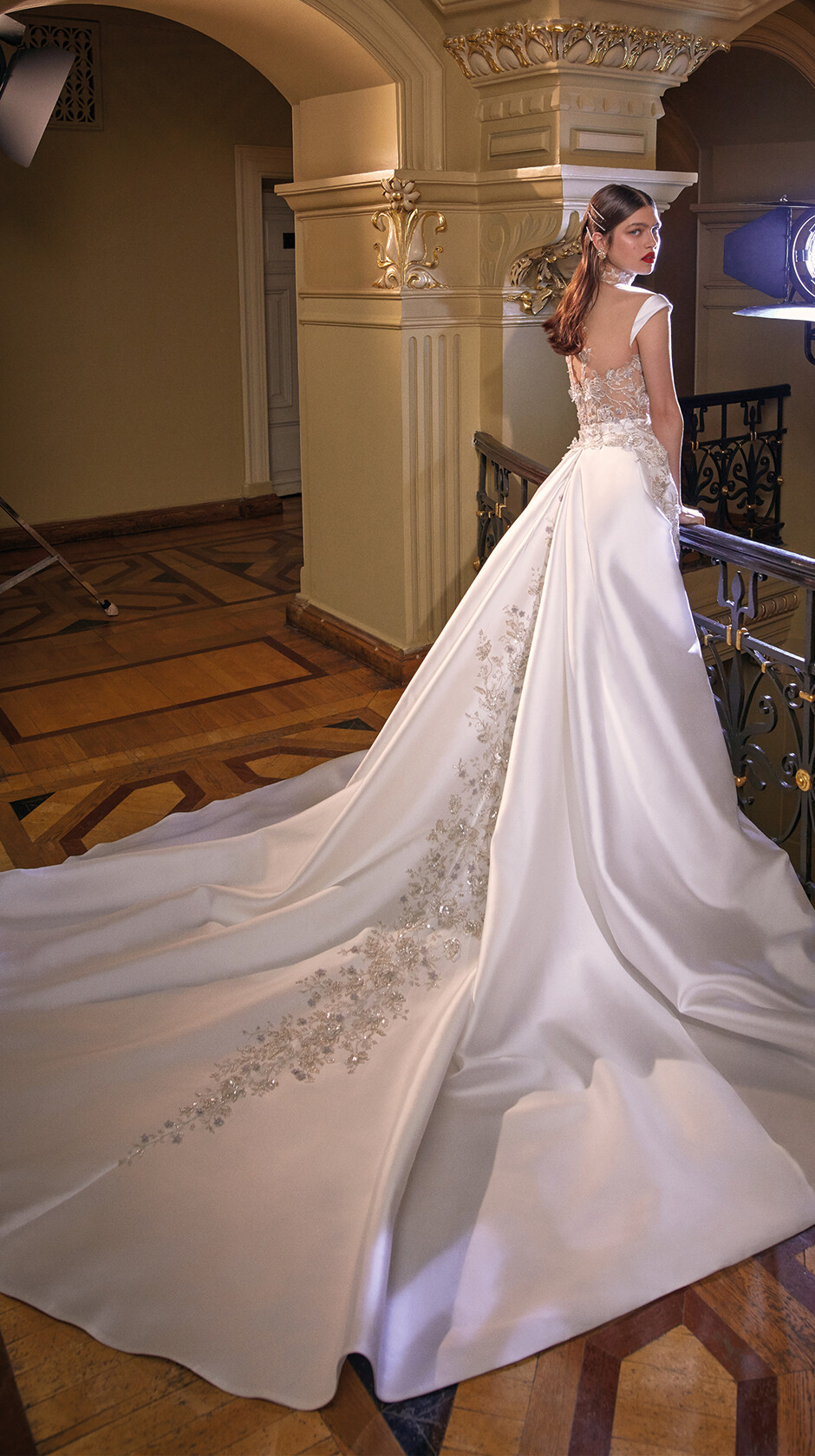
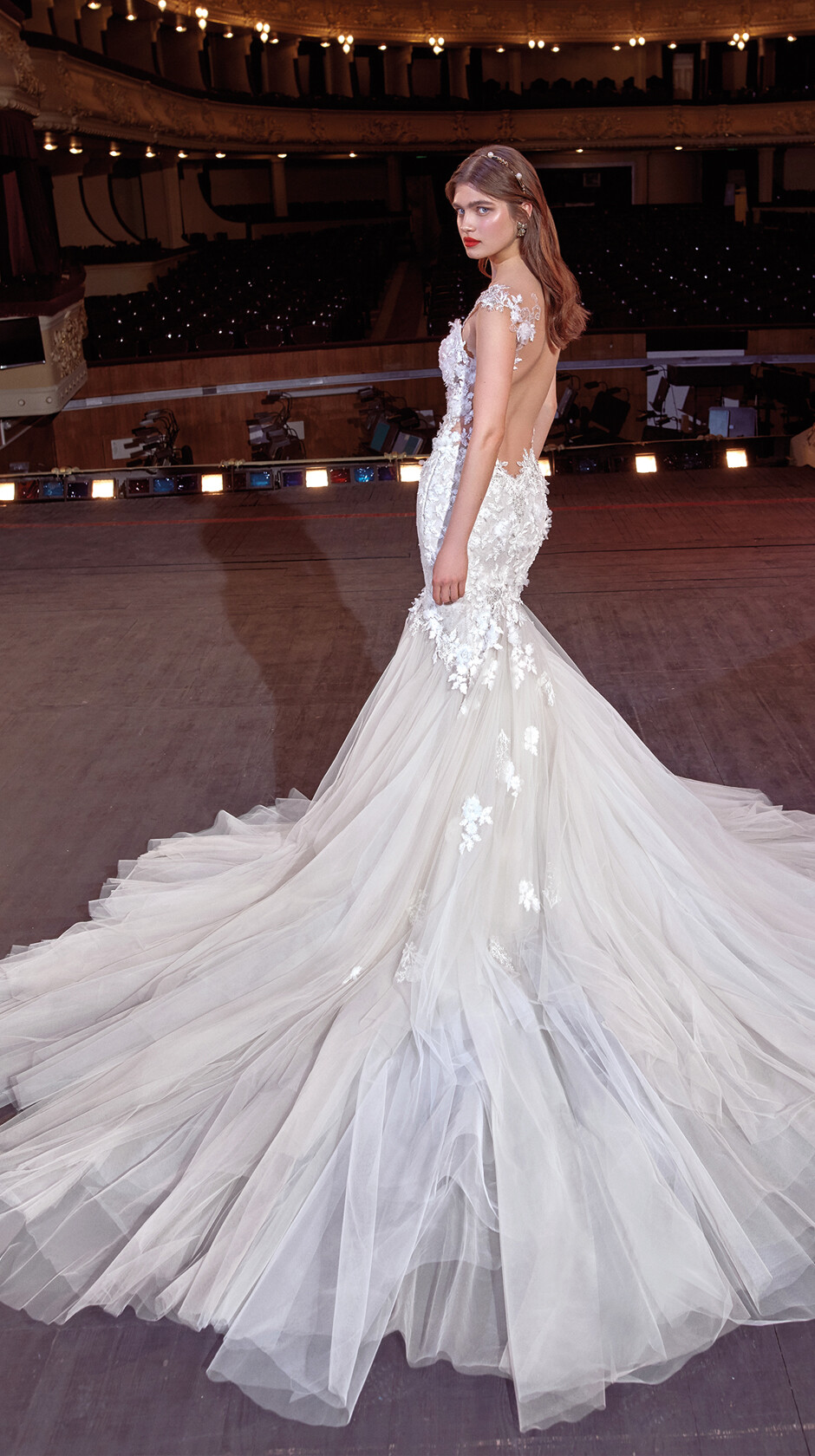
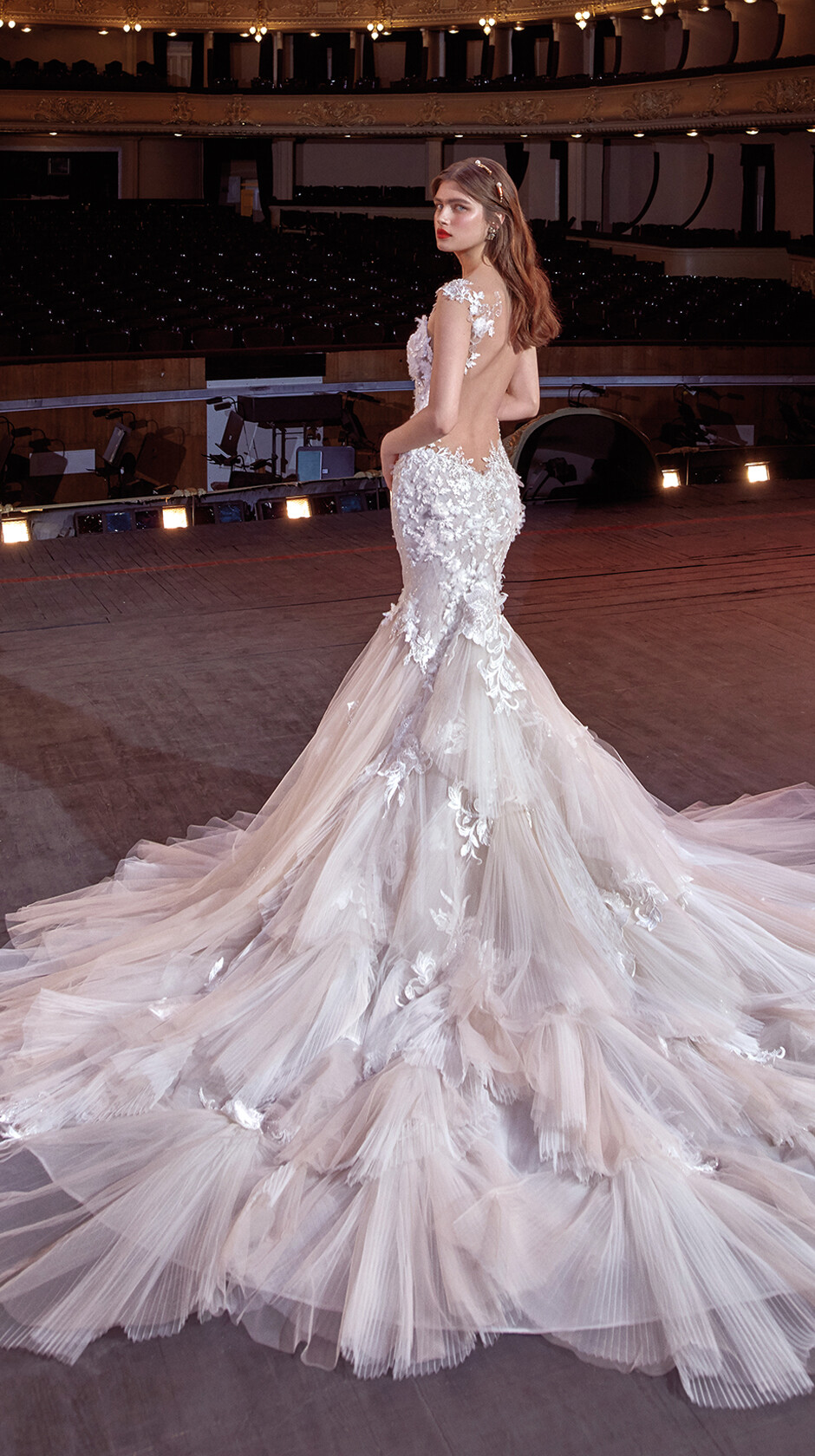
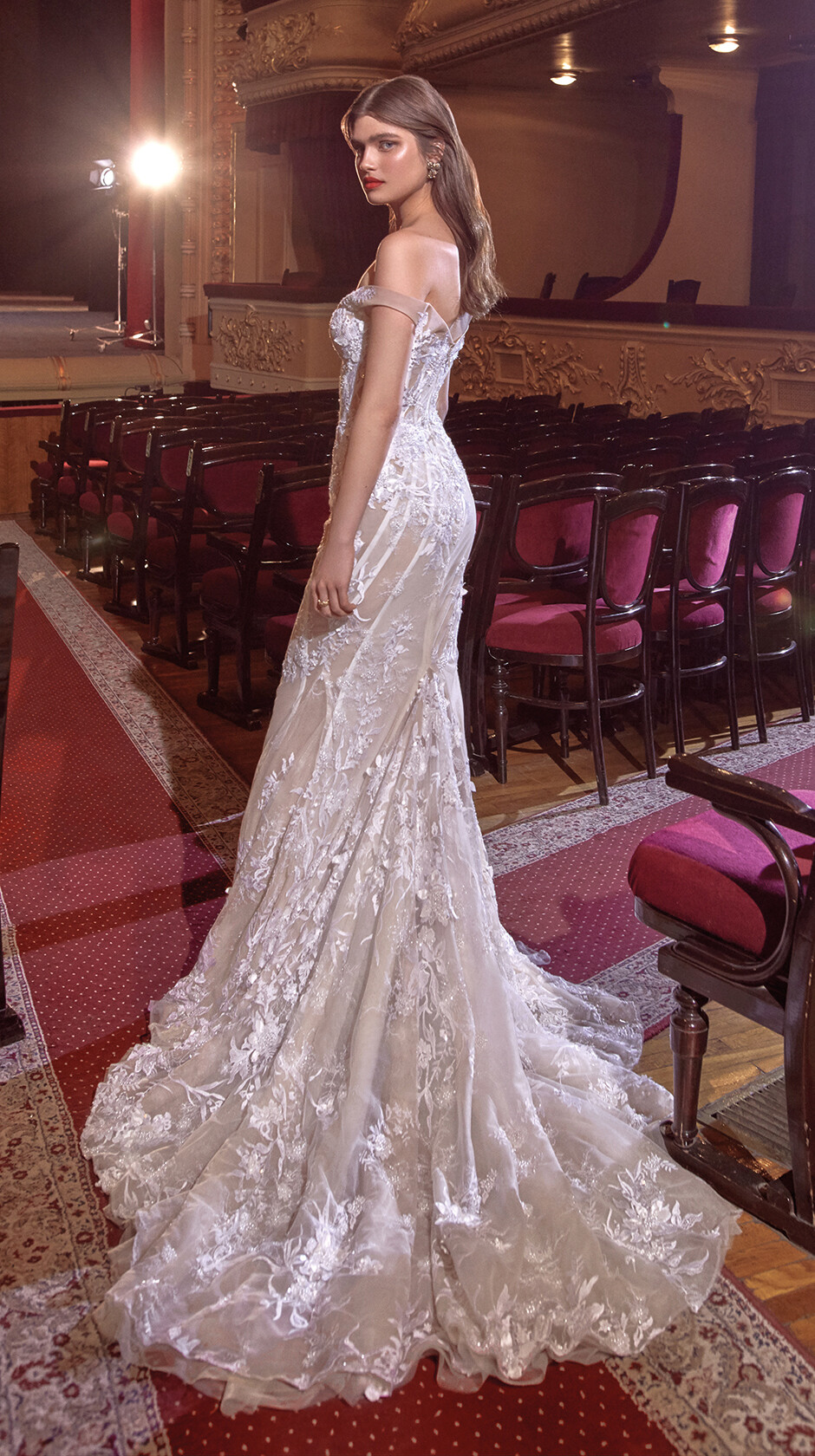
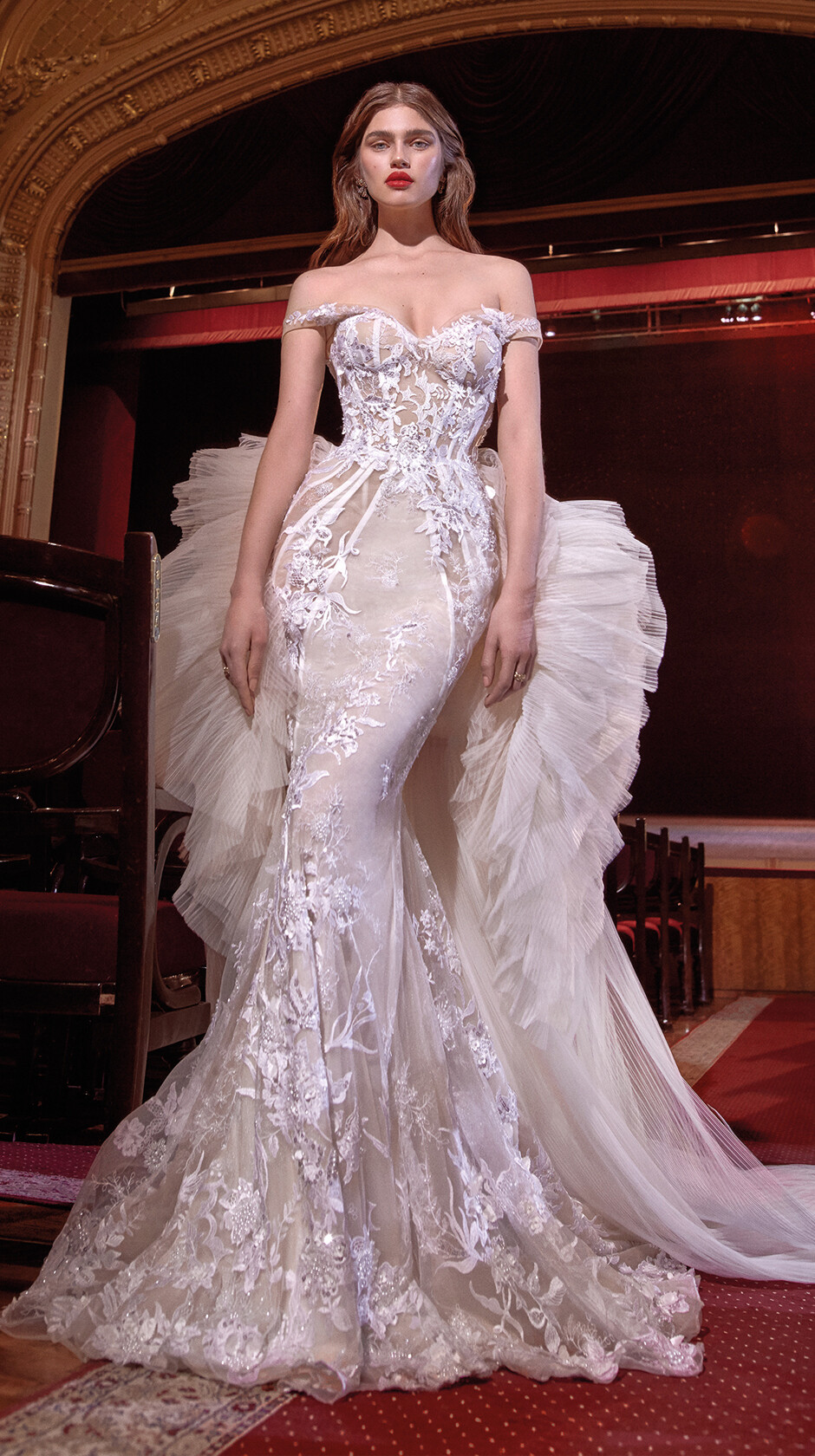
Galia Lahav S/S 2020
Belstaff F/W 2018 *belstaff
Harper’s Bazaar Malaysia July 2019 NEW VINTAGE Photographed by Anya Holdstock Styled by Charlie Harrington Hair Stylist by Leigh Keates Makeup Artist by Polly Osmond LUISAVIAROMA Sail Away: Visions of Summer Photographed by Gioconda & August *luisaviaroma
Elle France March 8 2019 *twitter/ellefrance Elle Germany April 2019 *elle.de
Galia Lahav S/S 2020






























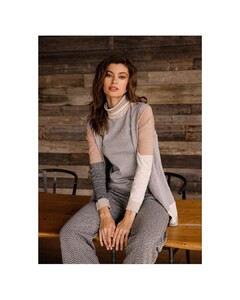
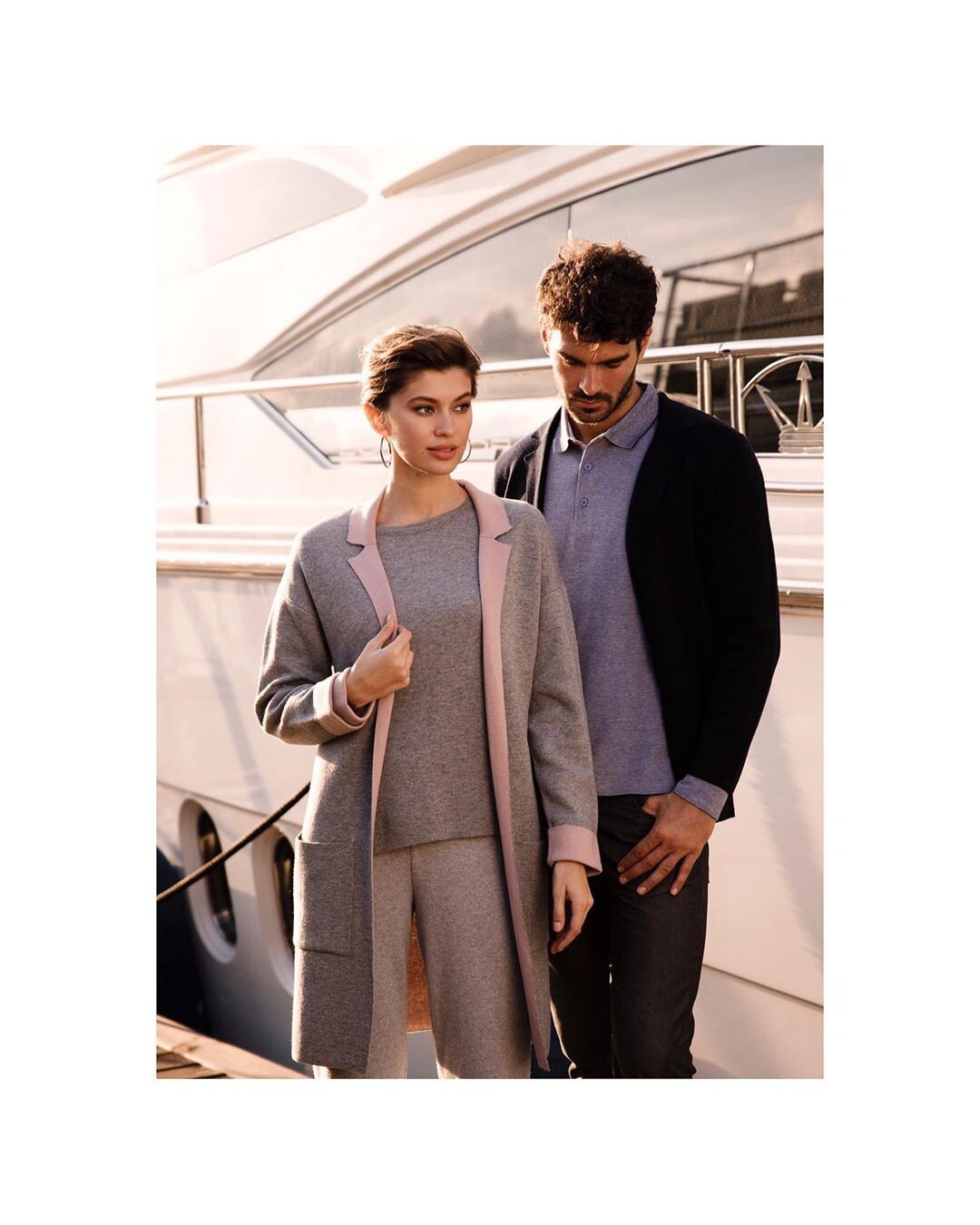
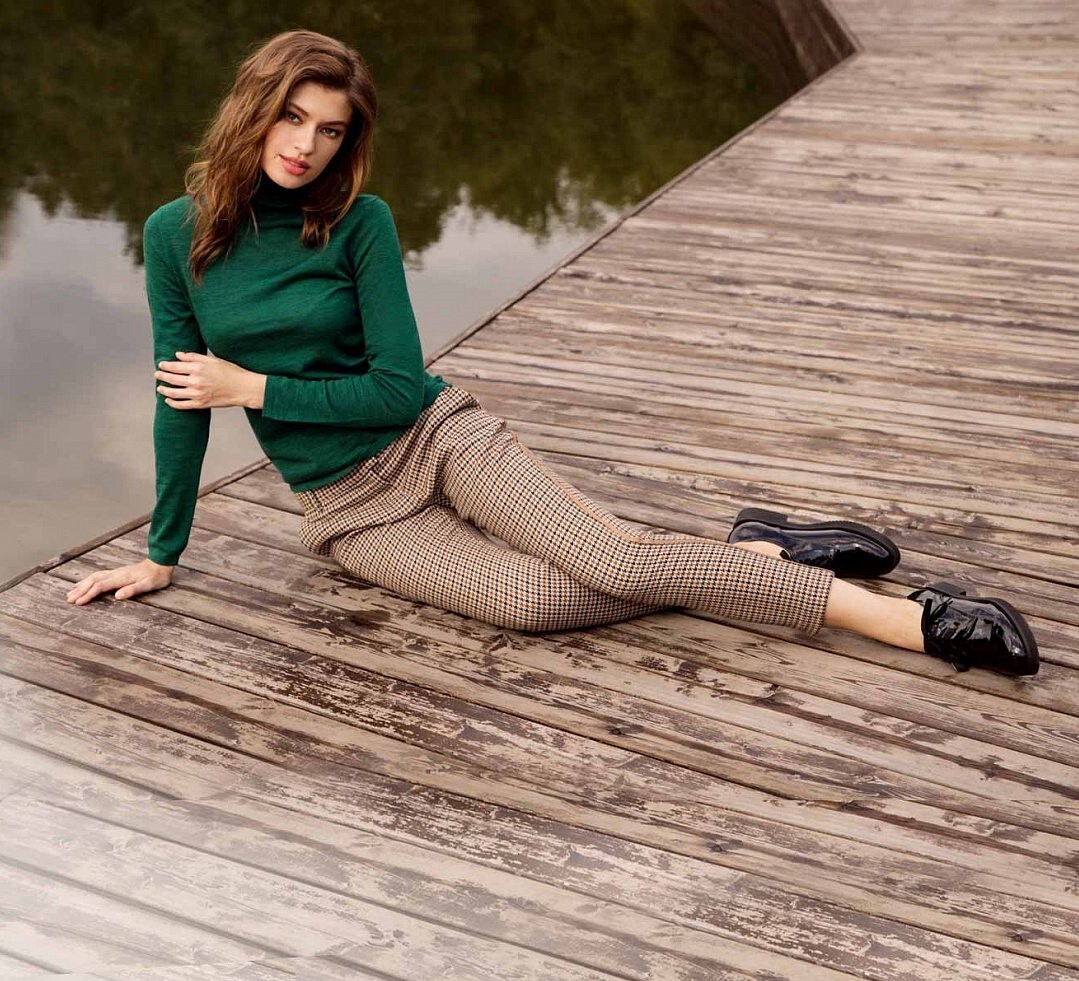
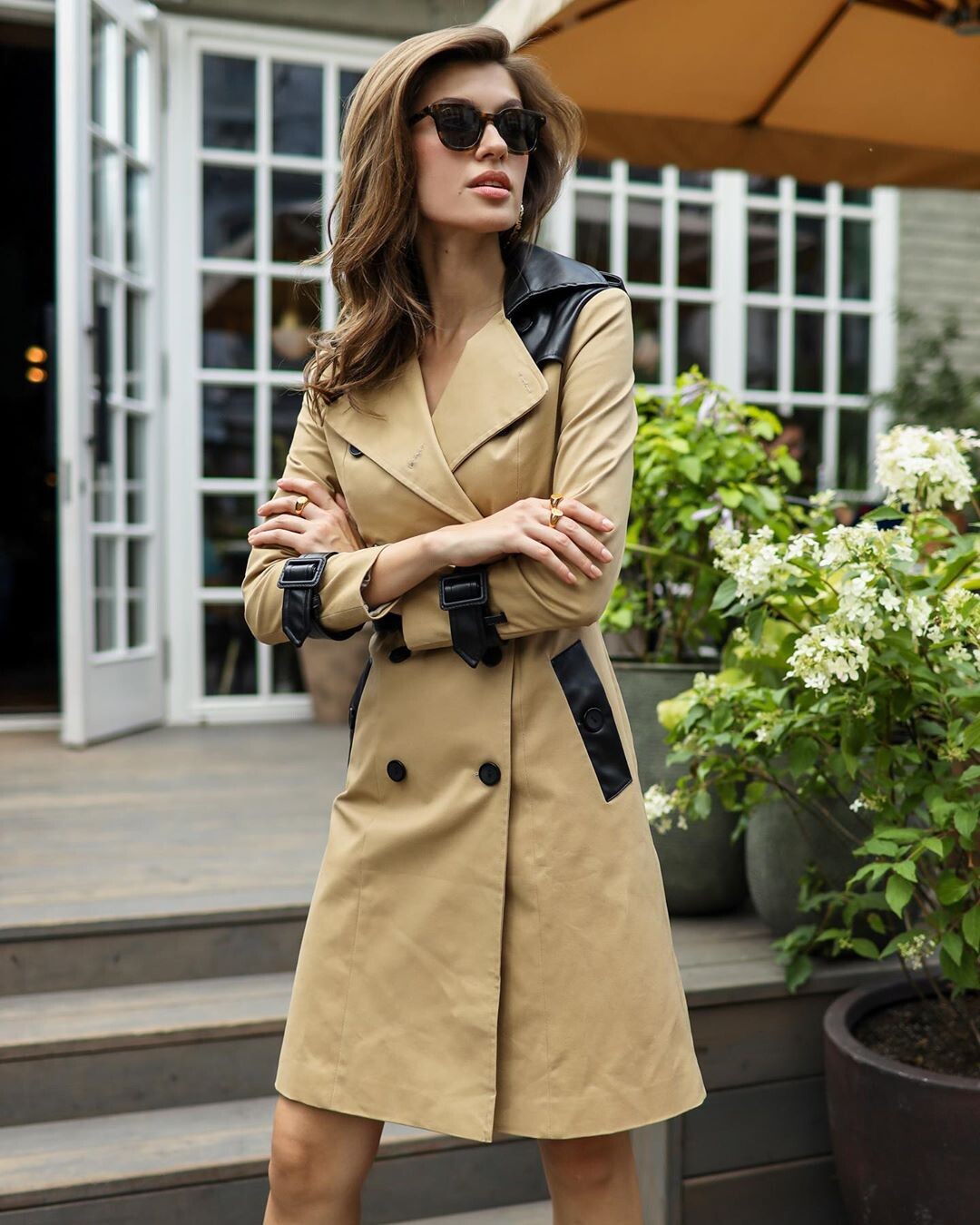
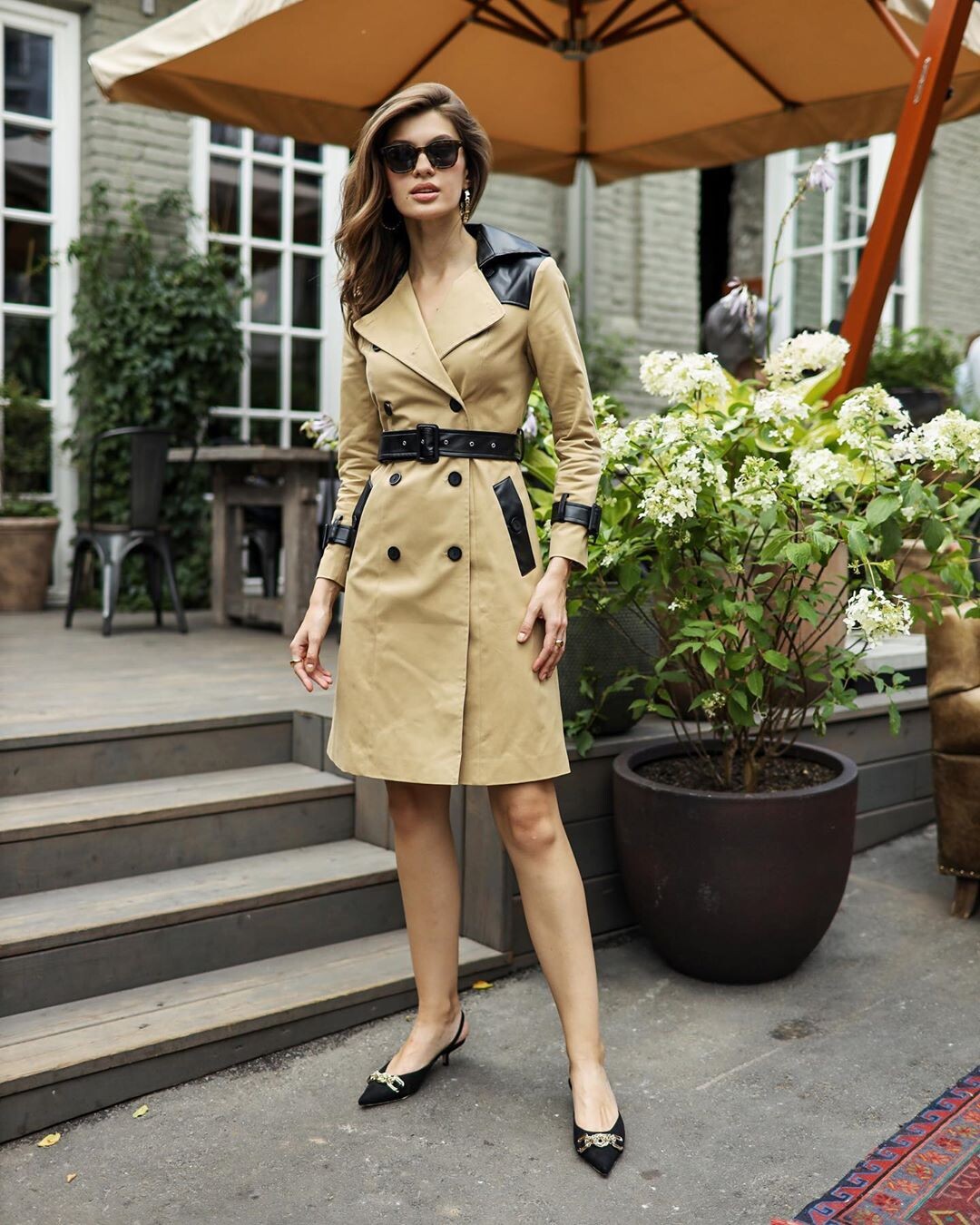
 Glenfield Russia F/W 2019/20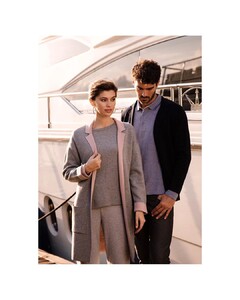


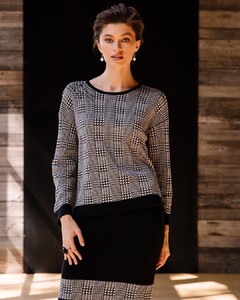
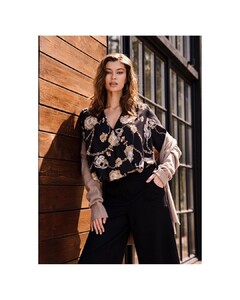



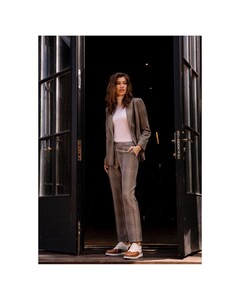
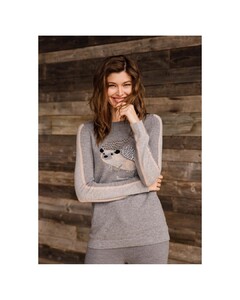
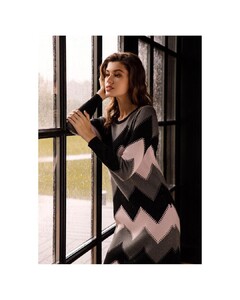
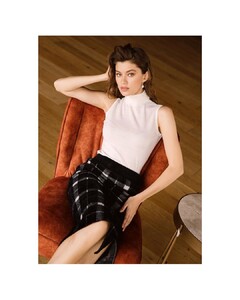


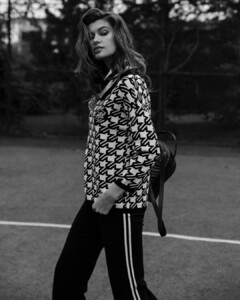
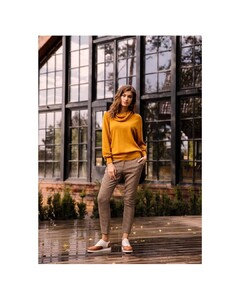
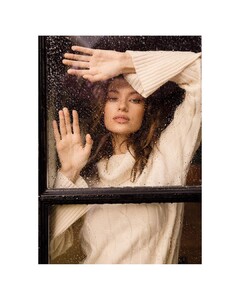

 https://www.instagram.com/olga_mordach/
 ISIDA RESORT SS’19 Photo by @ralinagazizova Style by @ibragimgatsiev
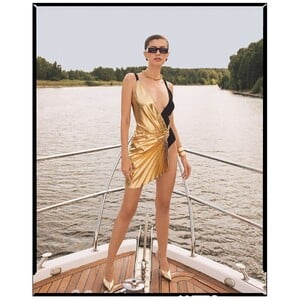




 Filomena Natoli IG - https://www.instagram.com/filomena_makeup/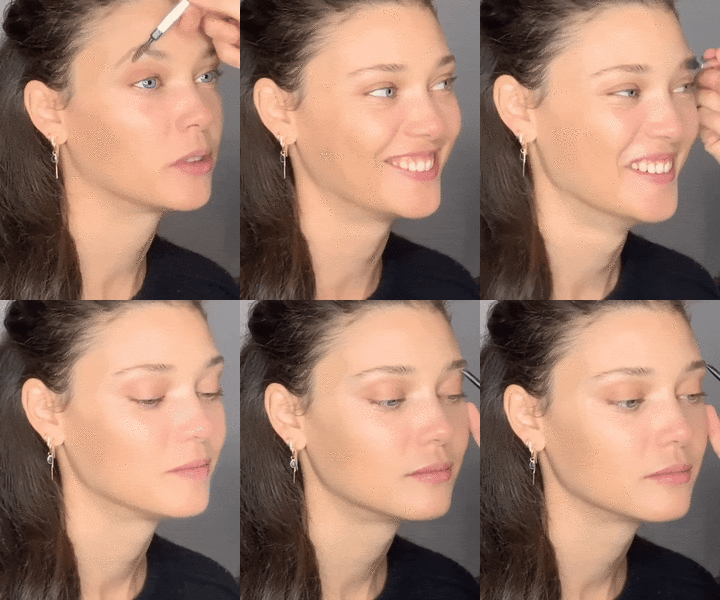
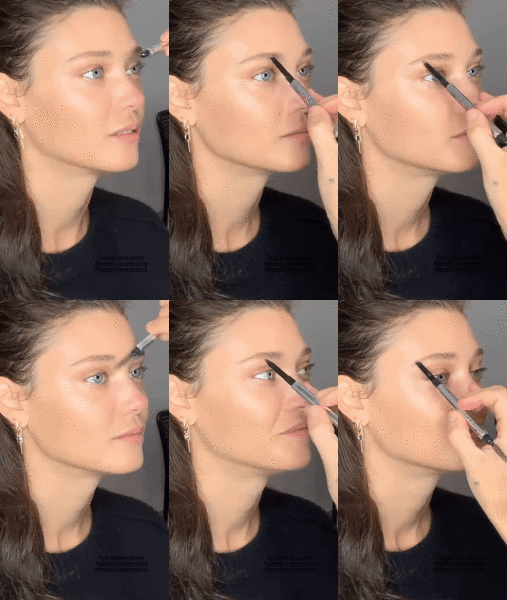 LIMA Beachwear 2019
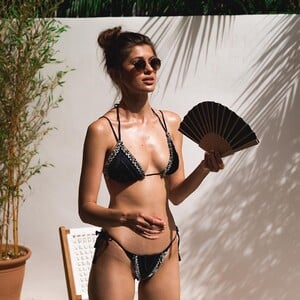






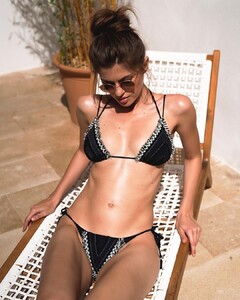





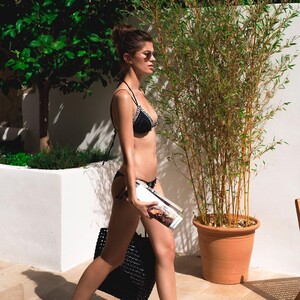
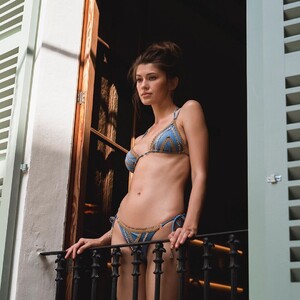







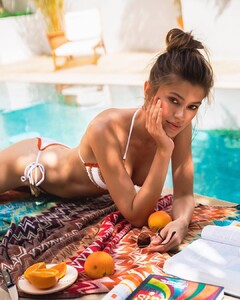
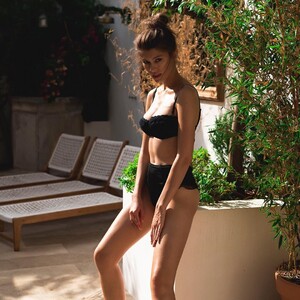


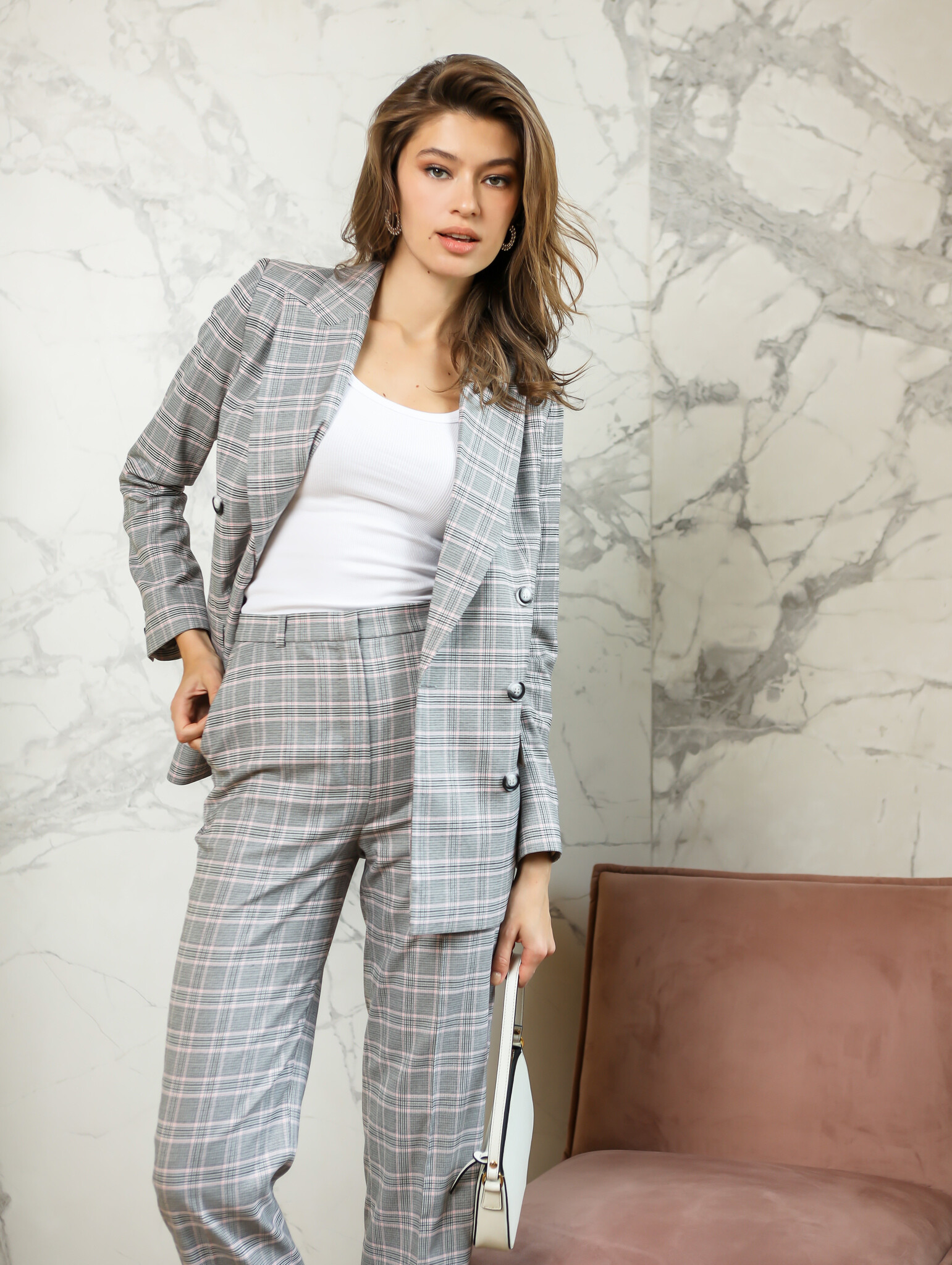
 Reiss A/W 2019
ISIDA RESORT SS’19 Photo by @ralinagazizova Style by @istomina_nikki
Reiss A/W 2019
ISIDA RESORT SS’19 Photo by @ralinagazizova Style by @istomina_nikki




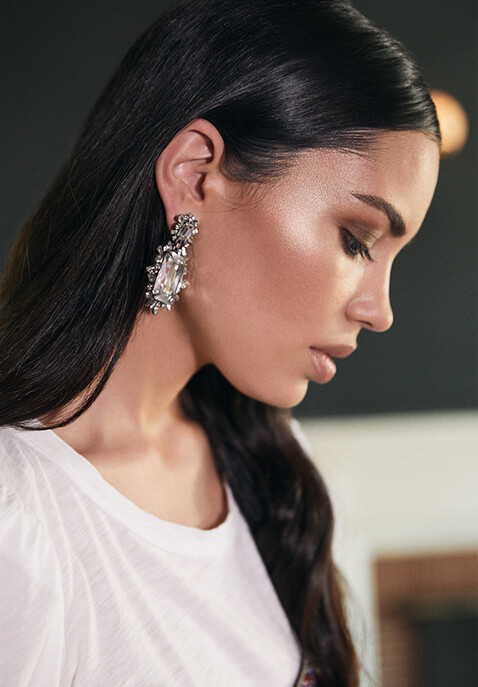
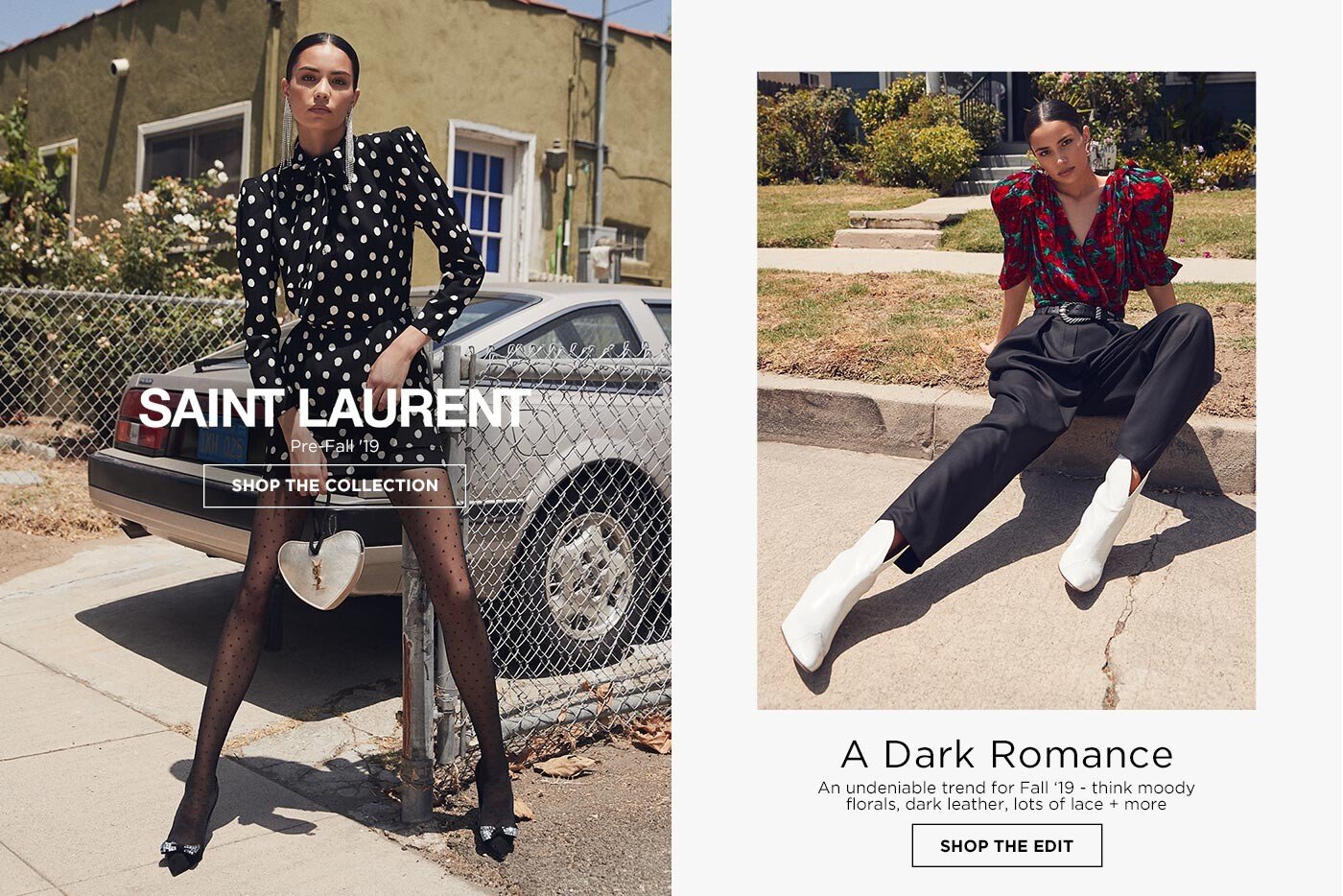
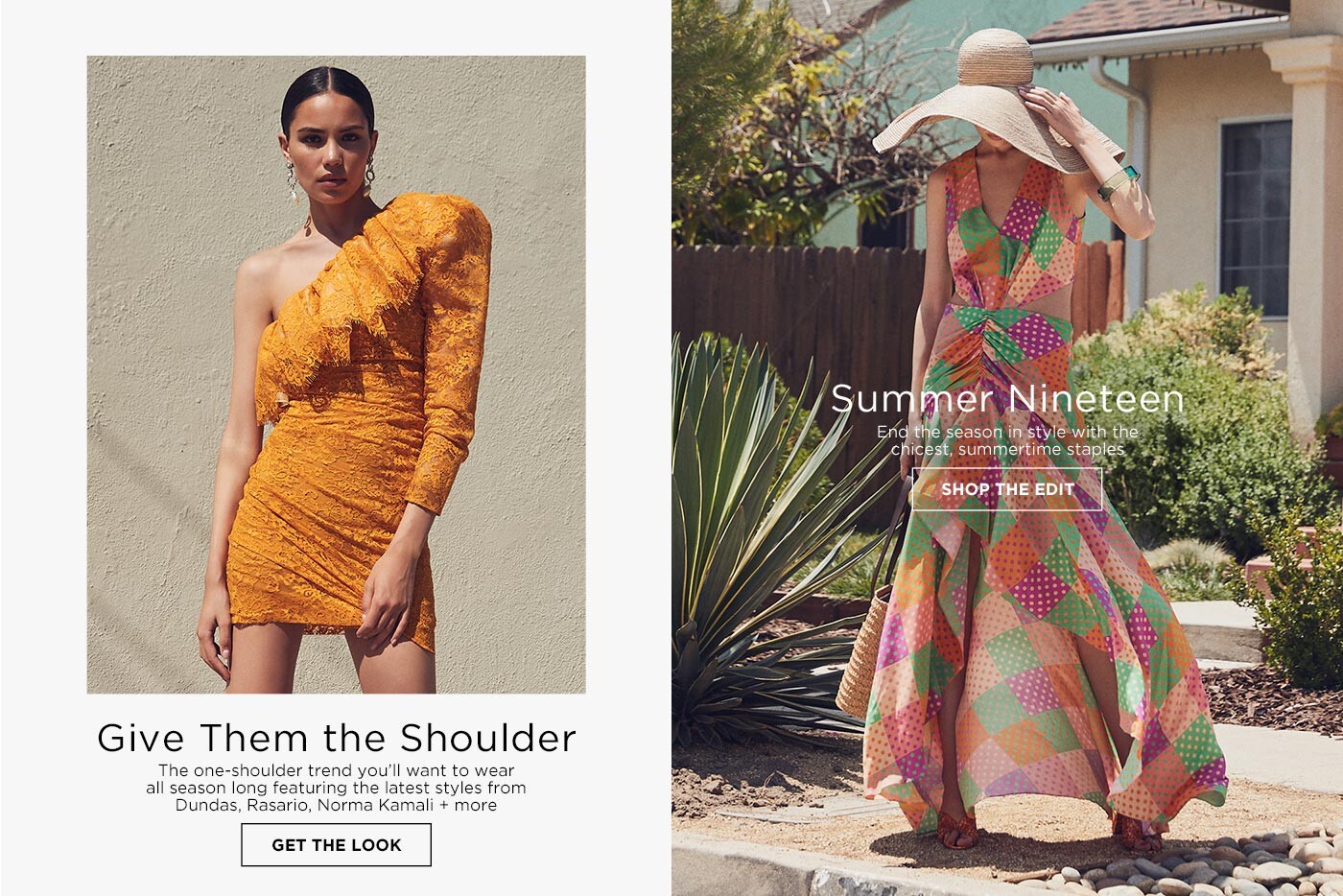
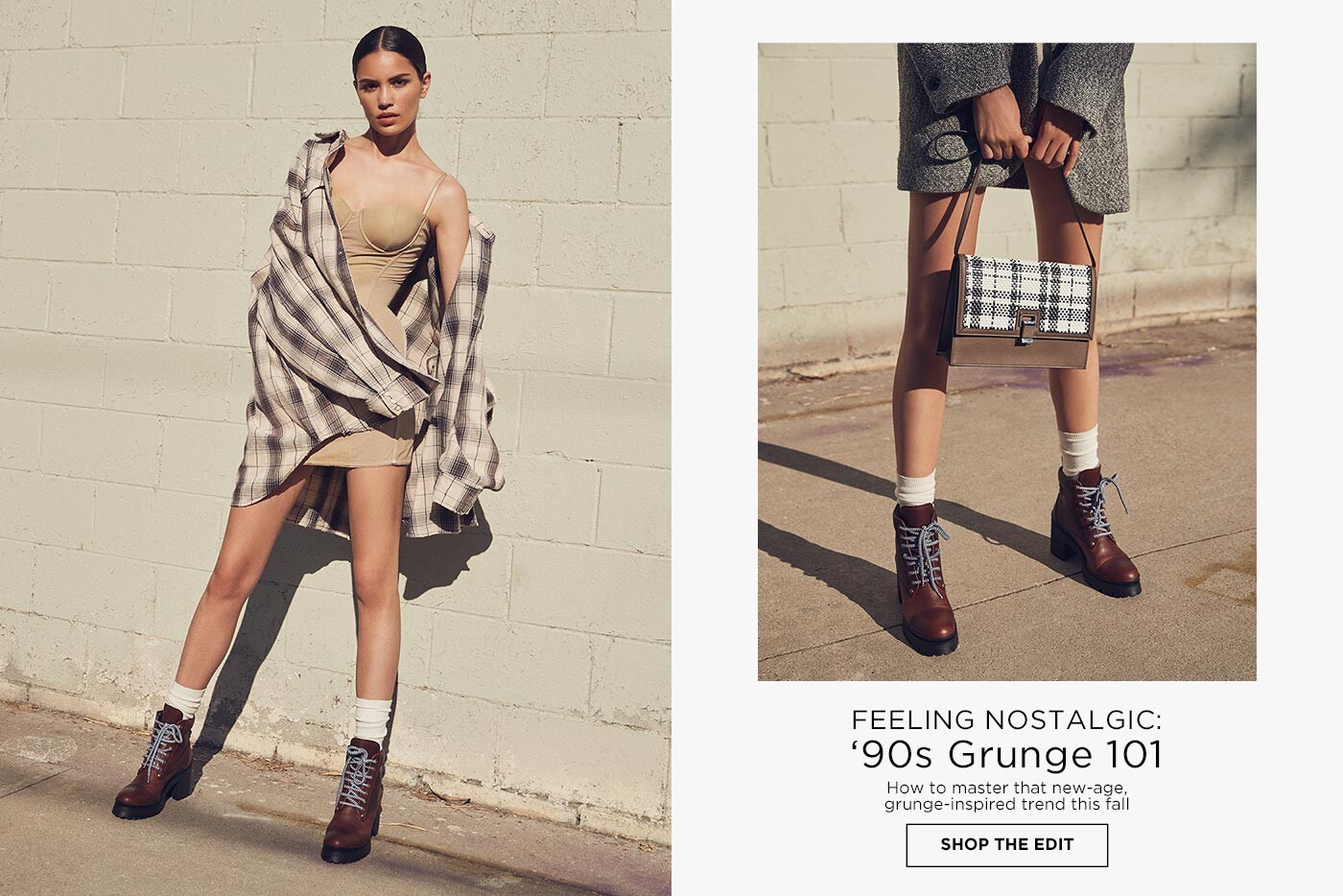
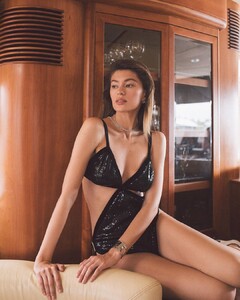 REVOLVE August 2019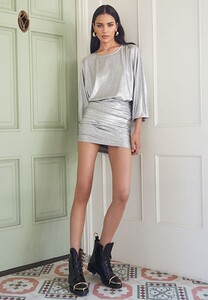
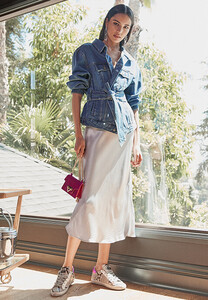
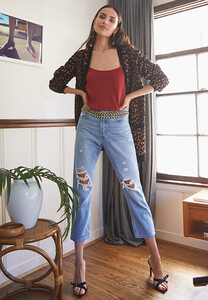

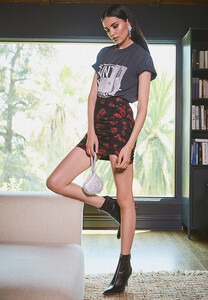
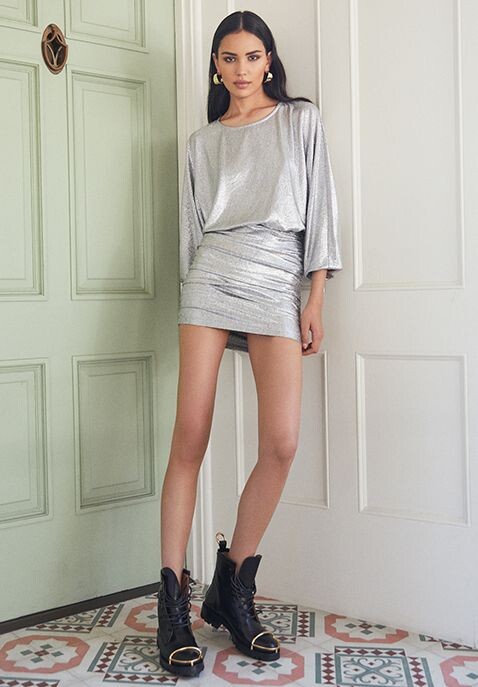
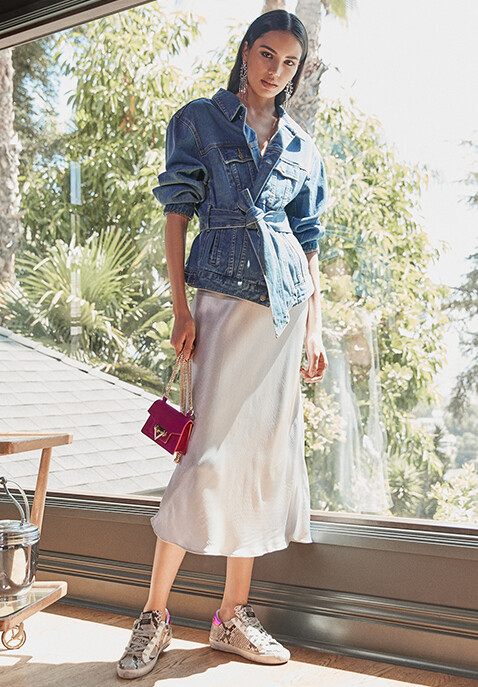
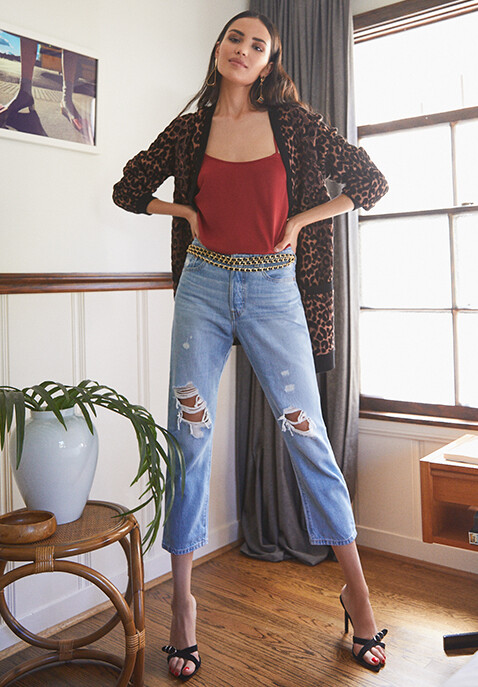
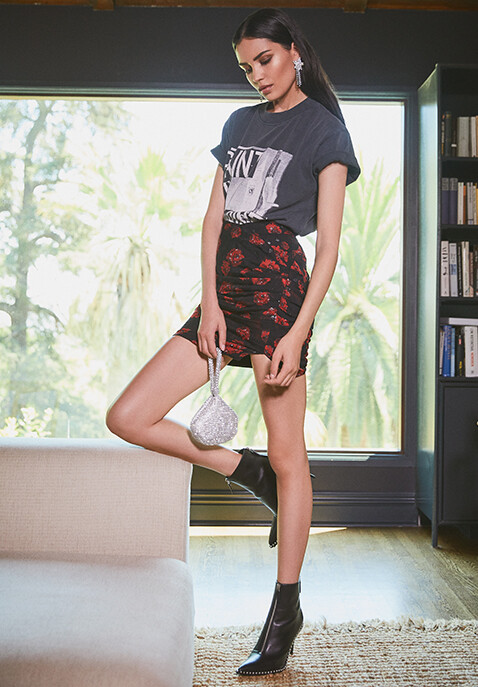
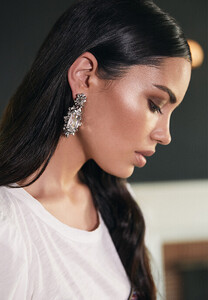 FWRD by Elise Walker August 2019
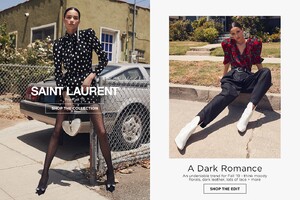
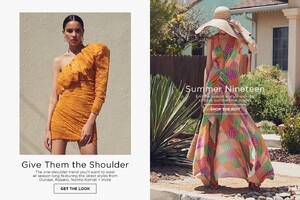
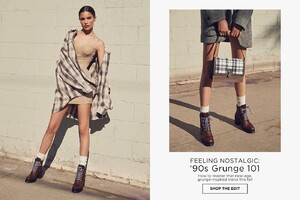
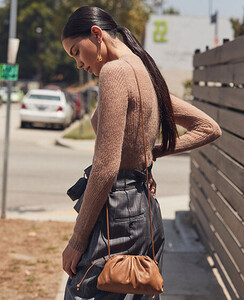
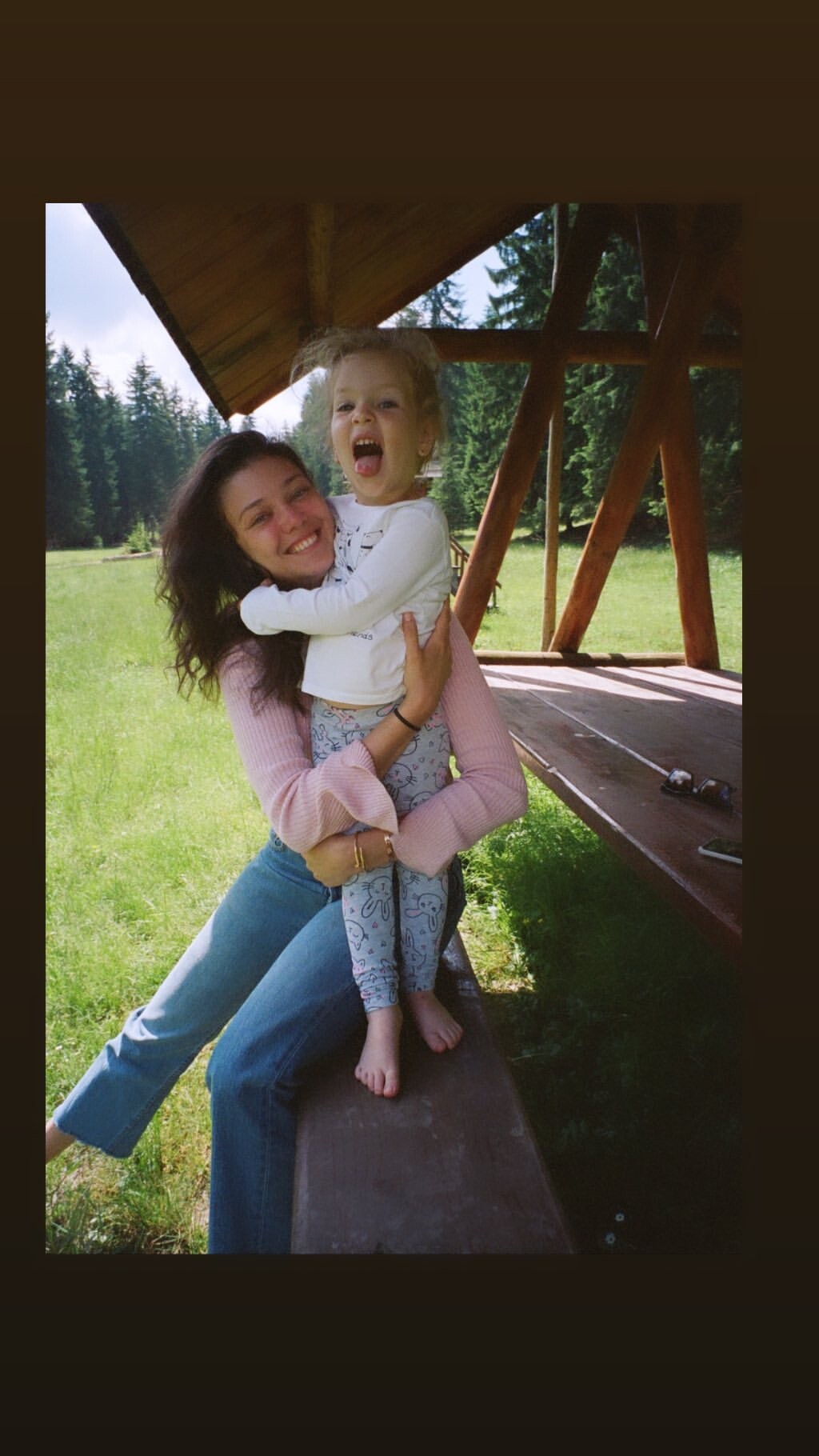
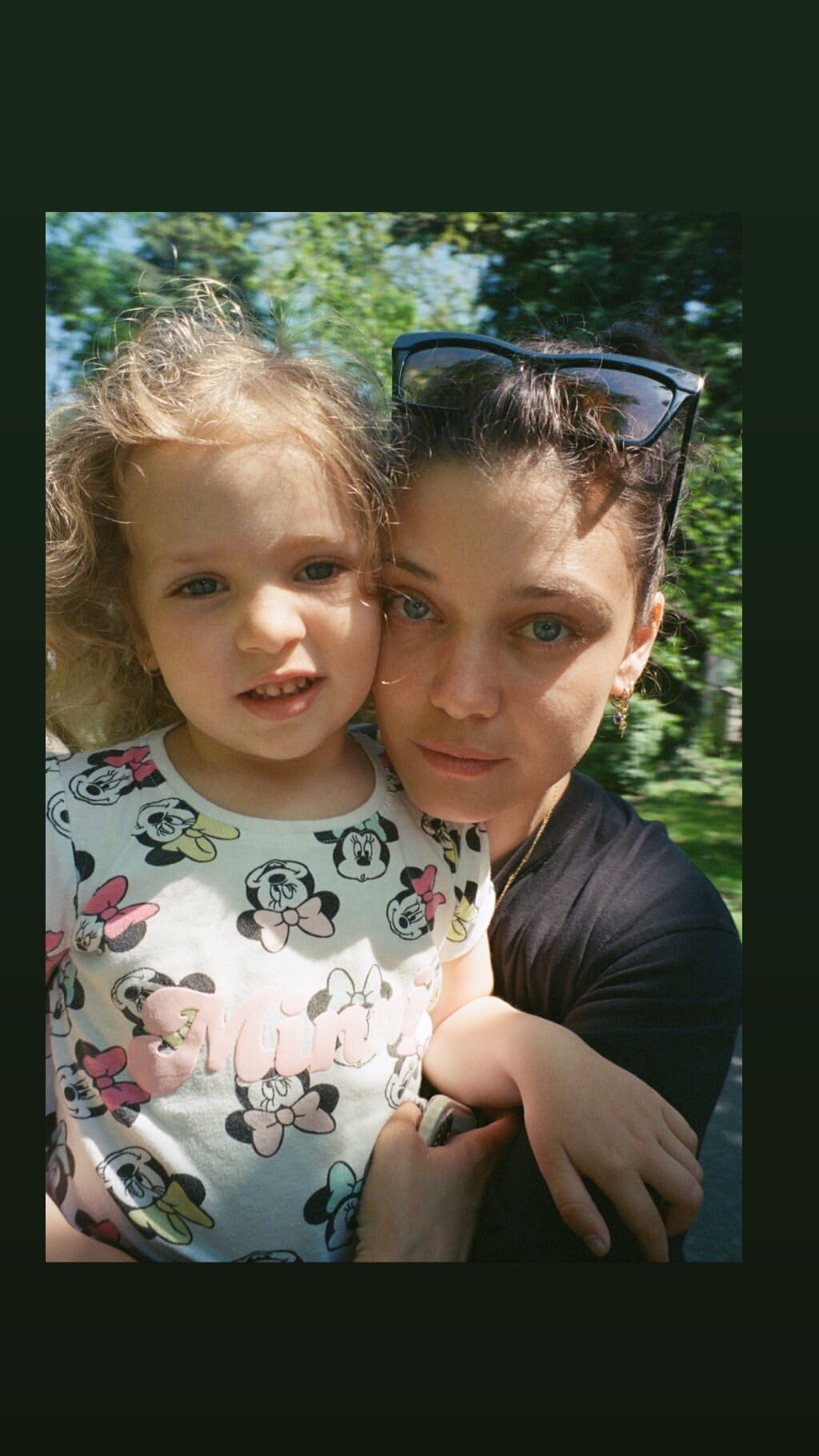
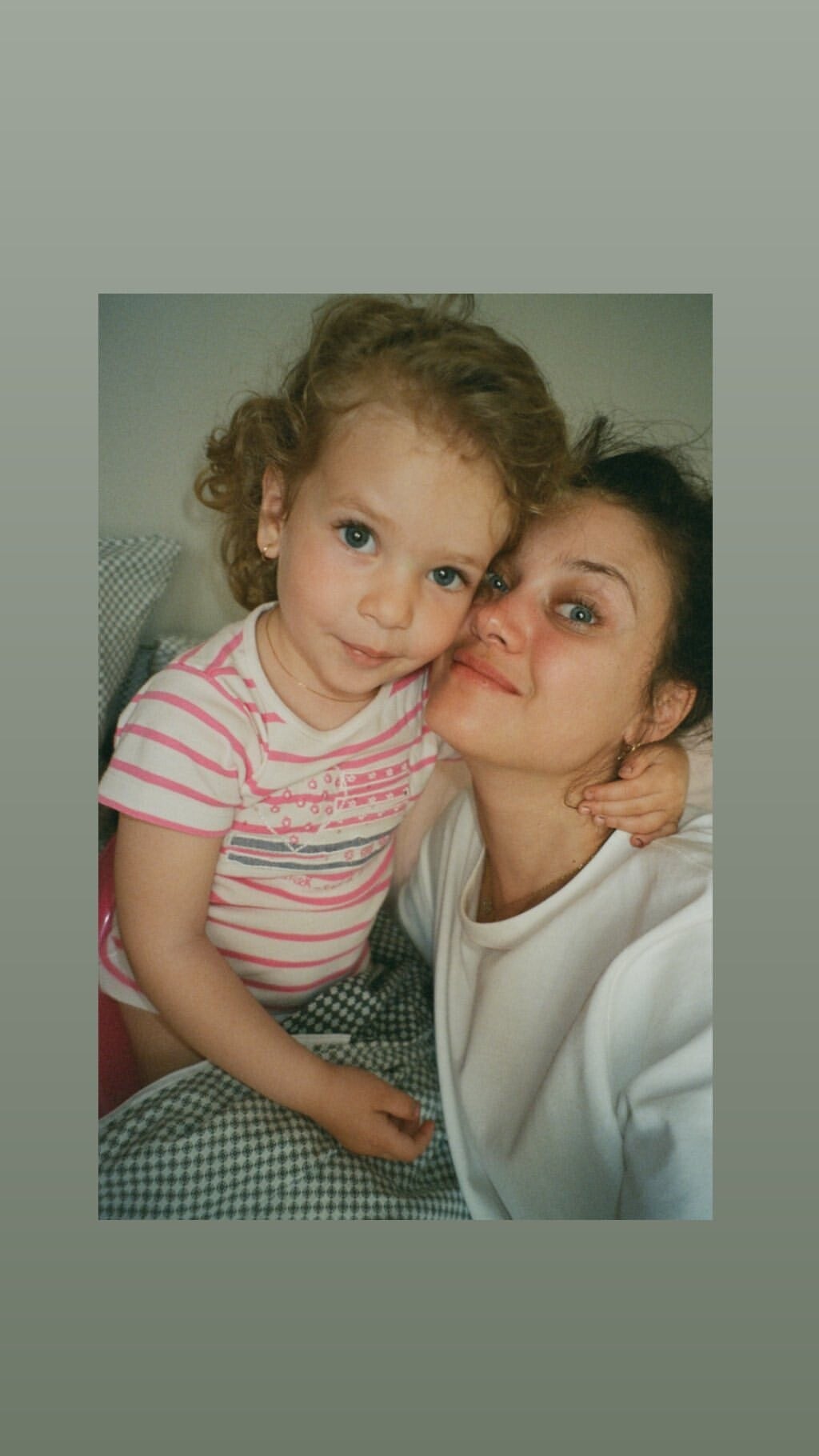
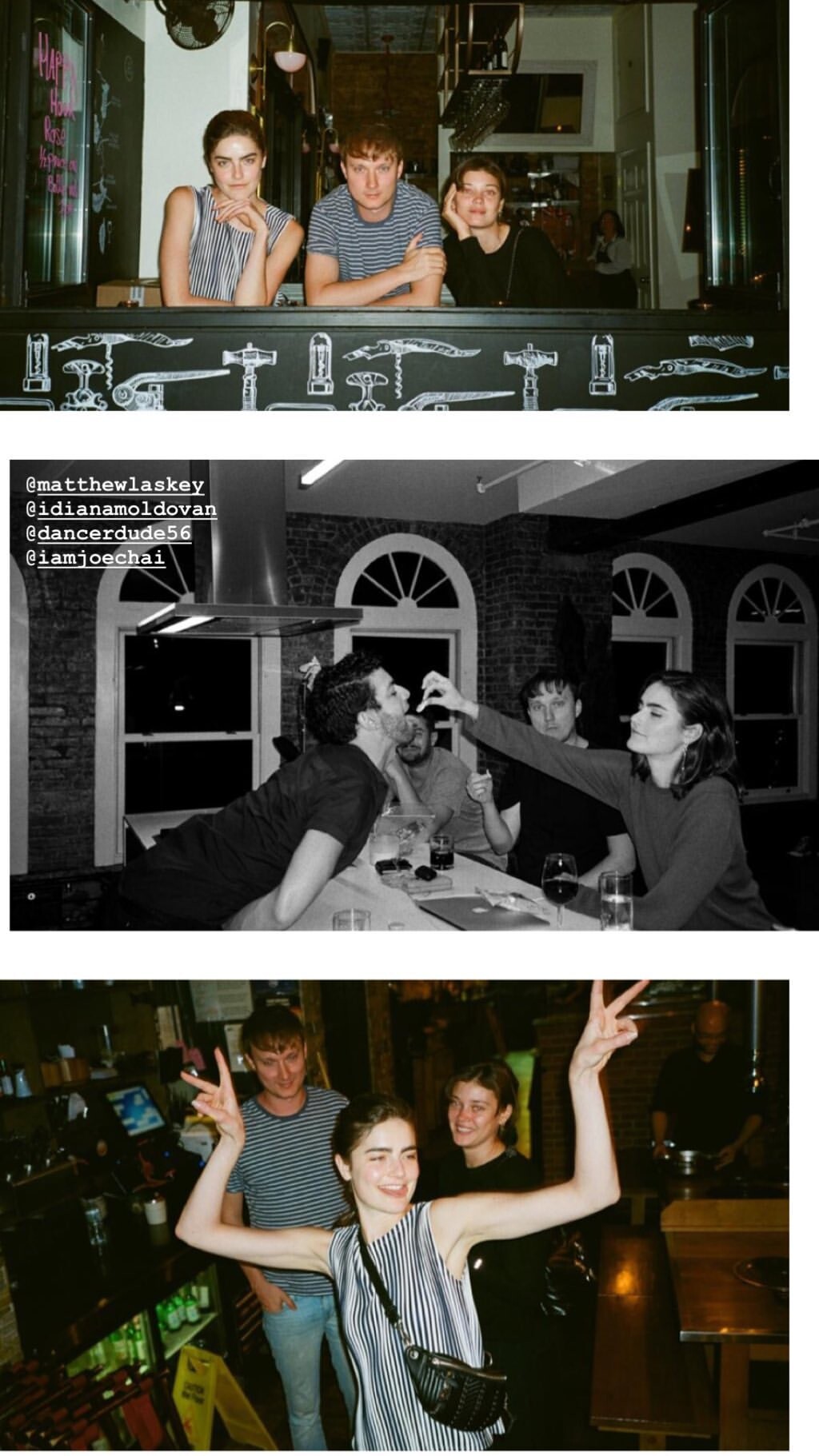
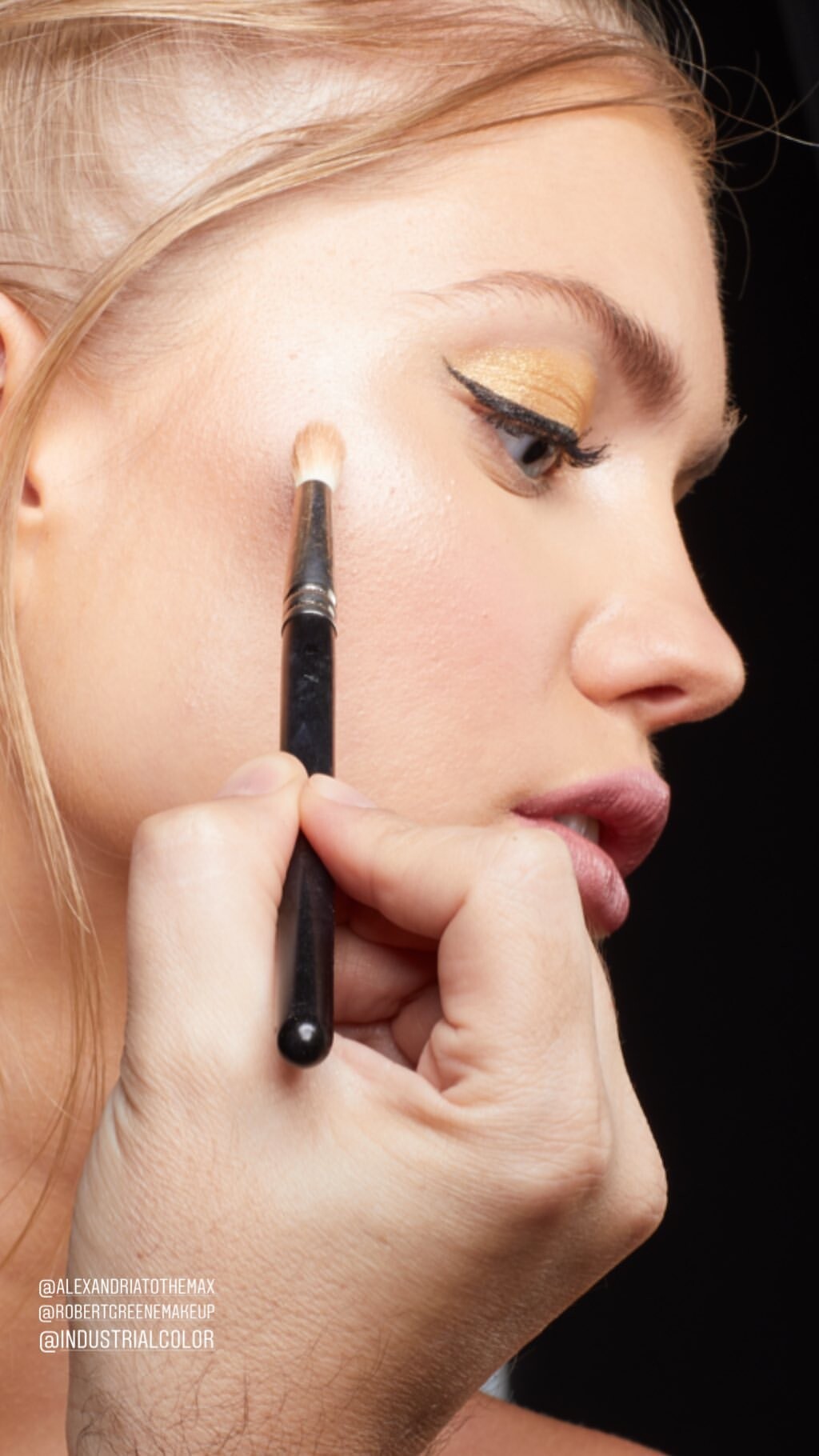
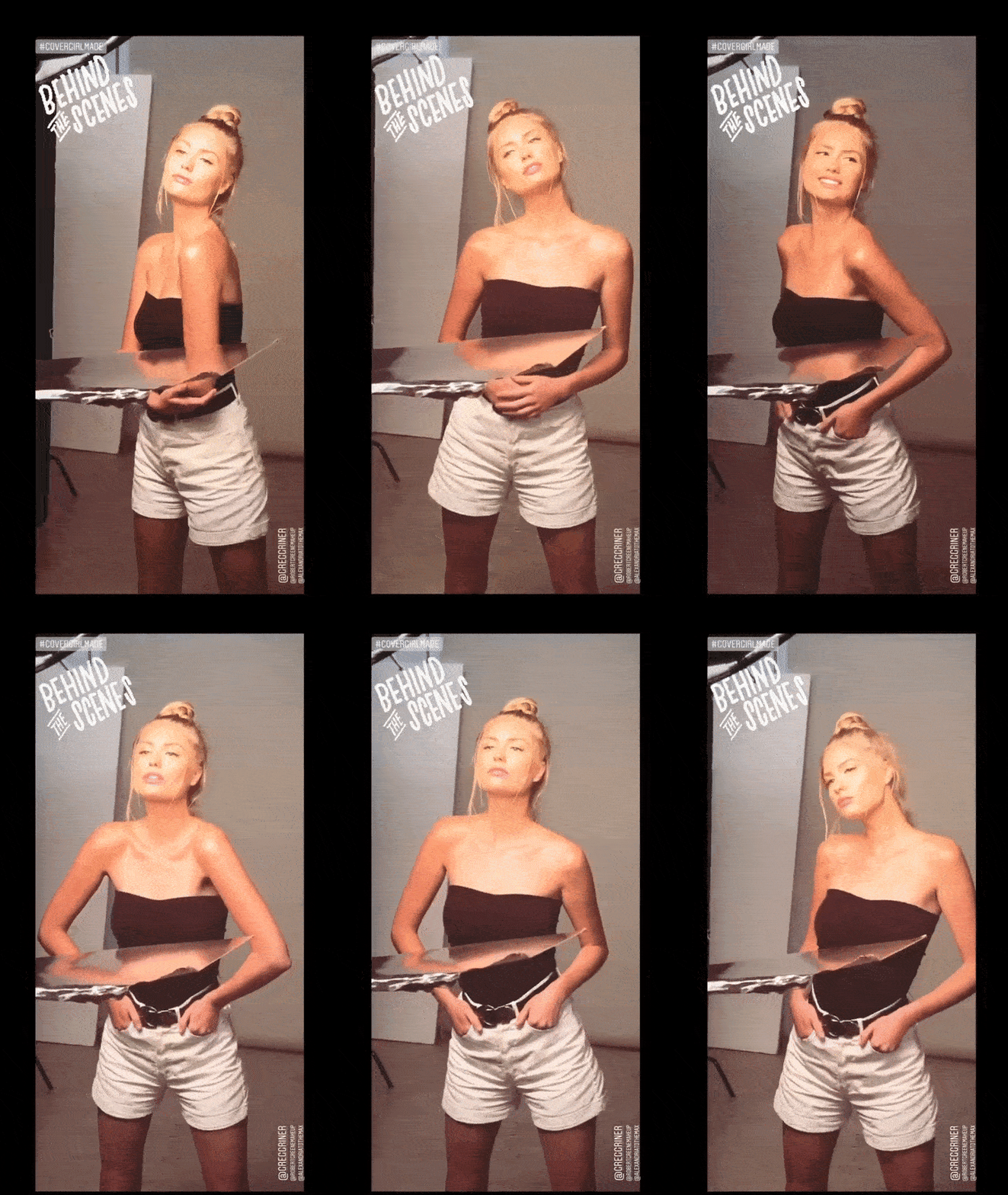
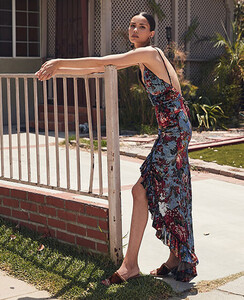 IG Stories August 2019



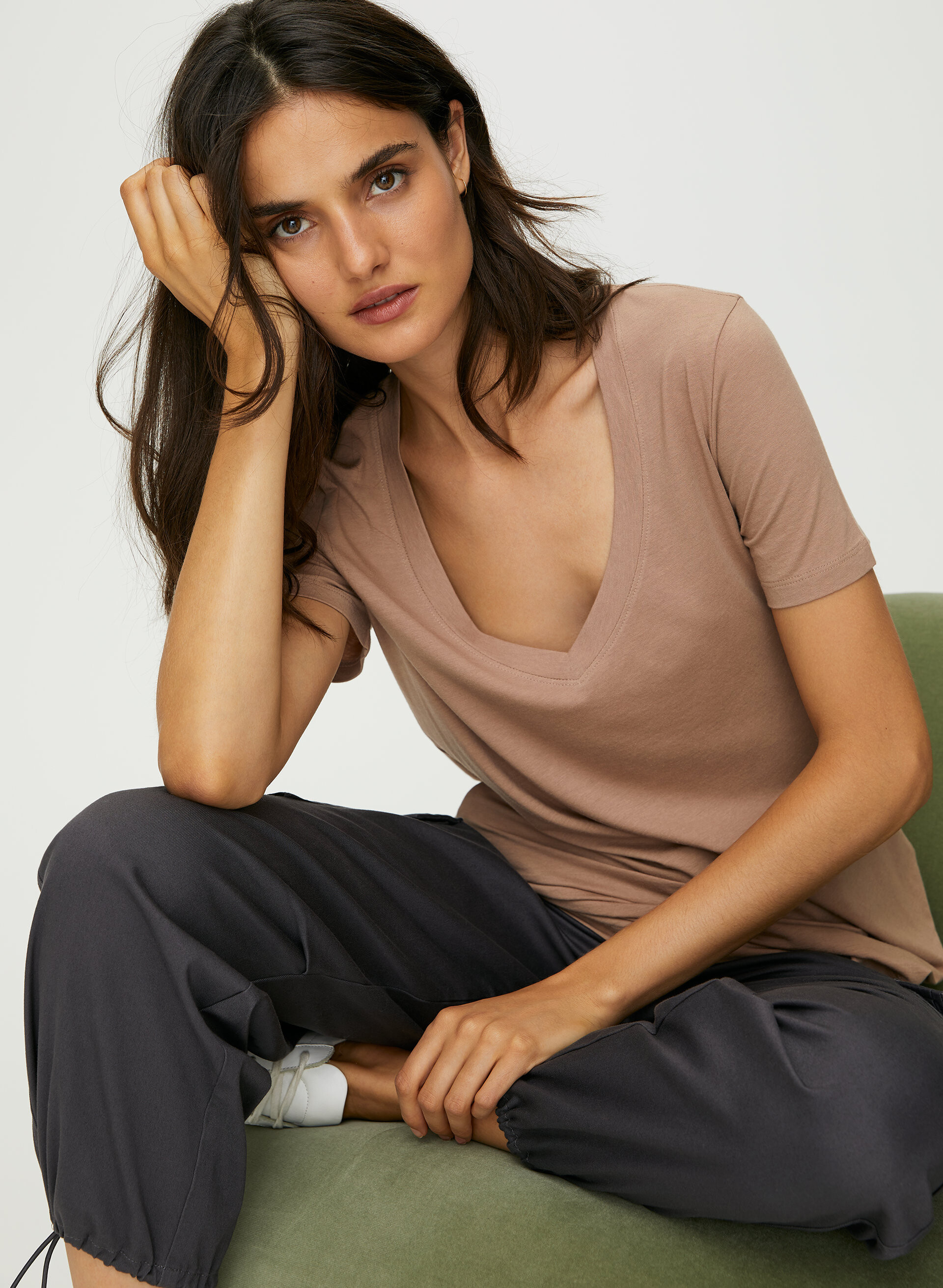
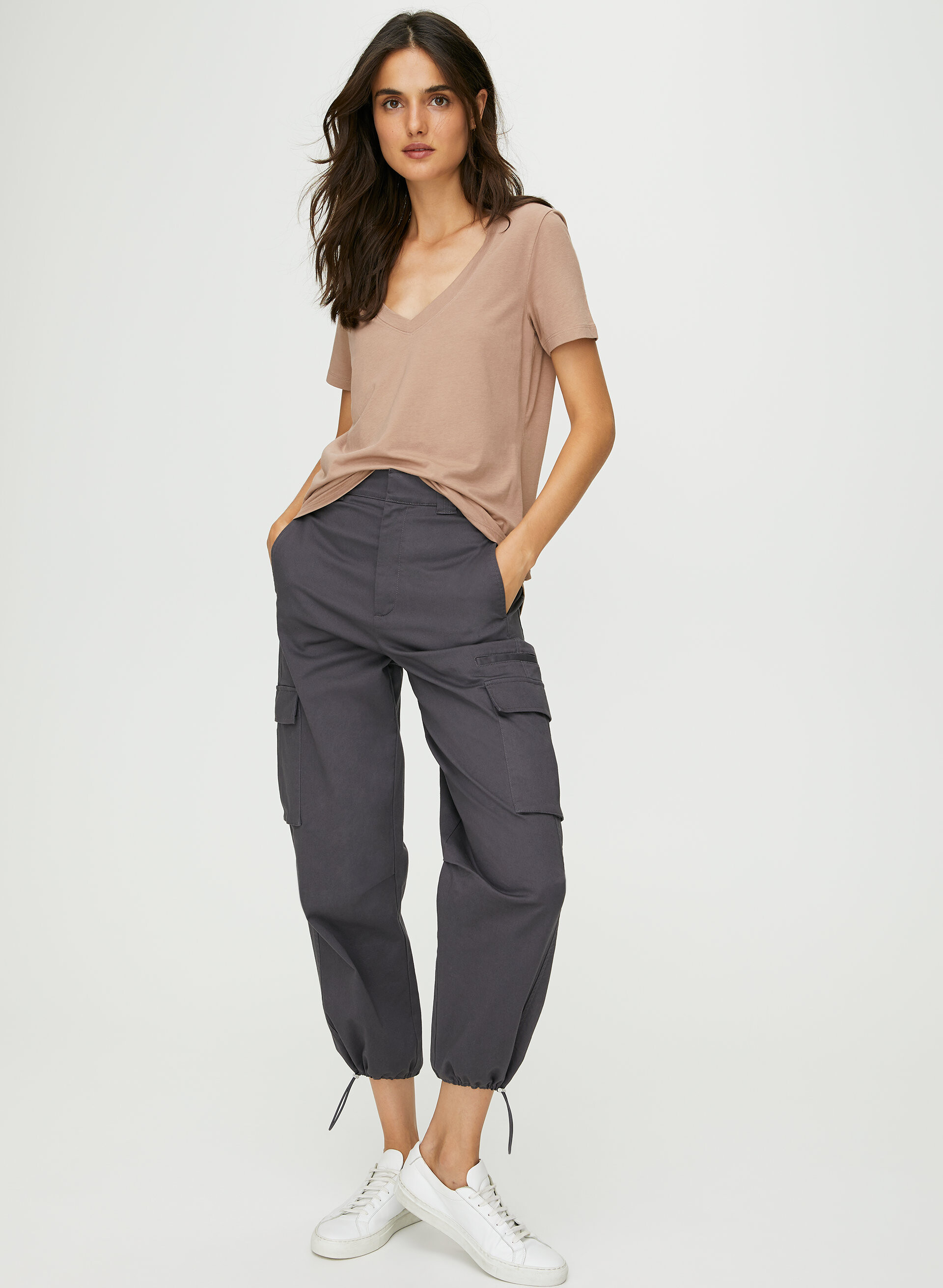
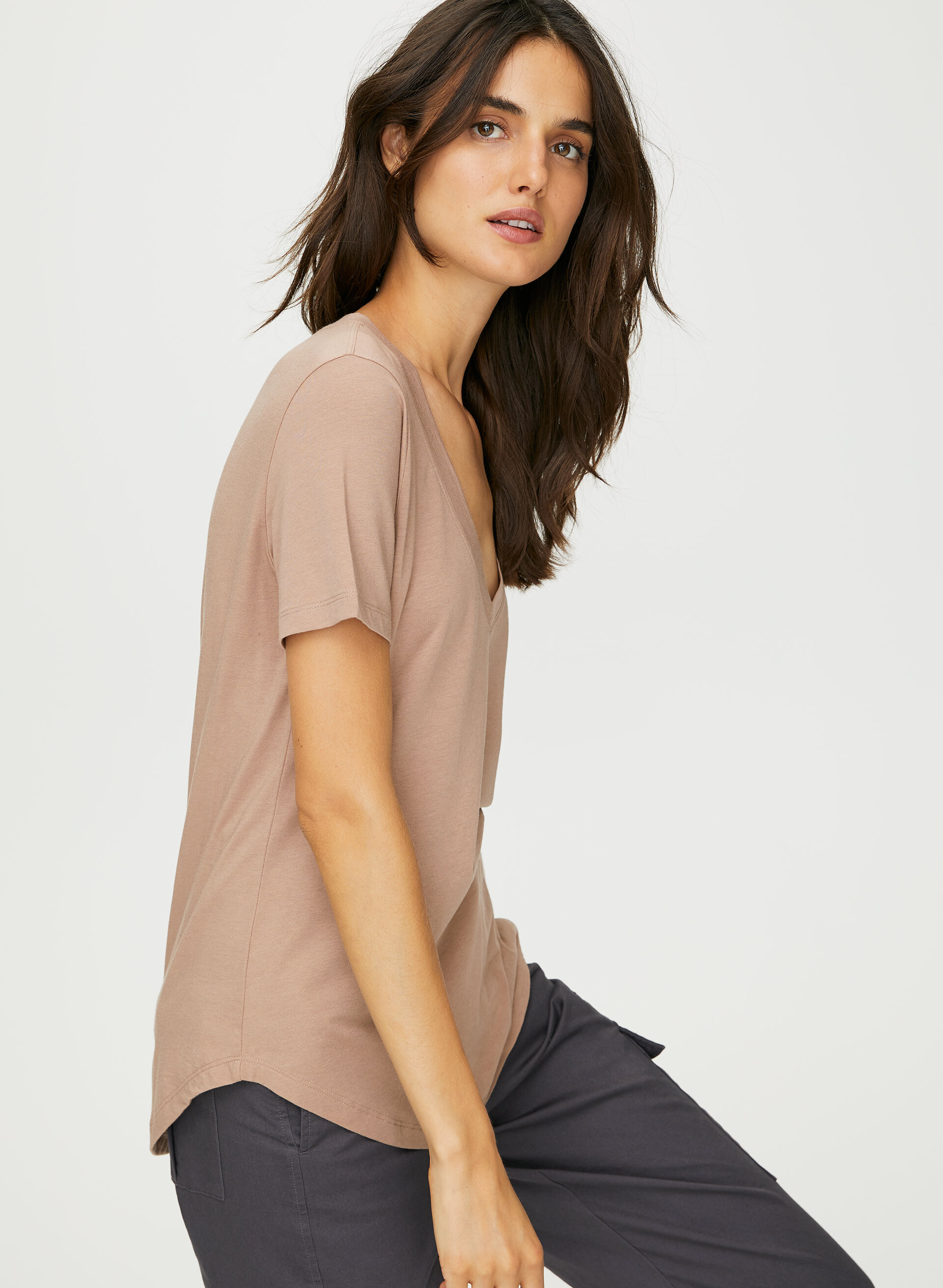
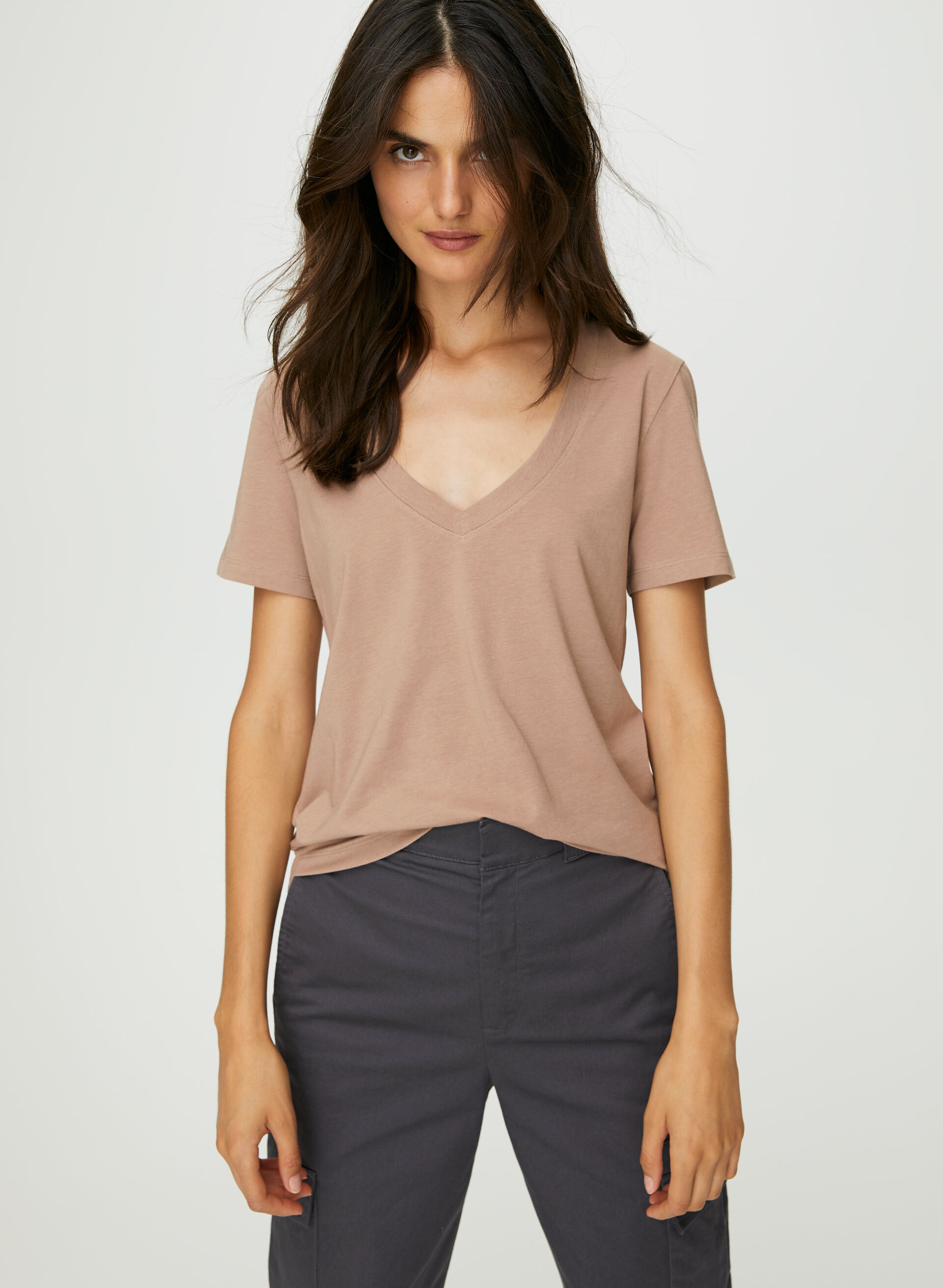
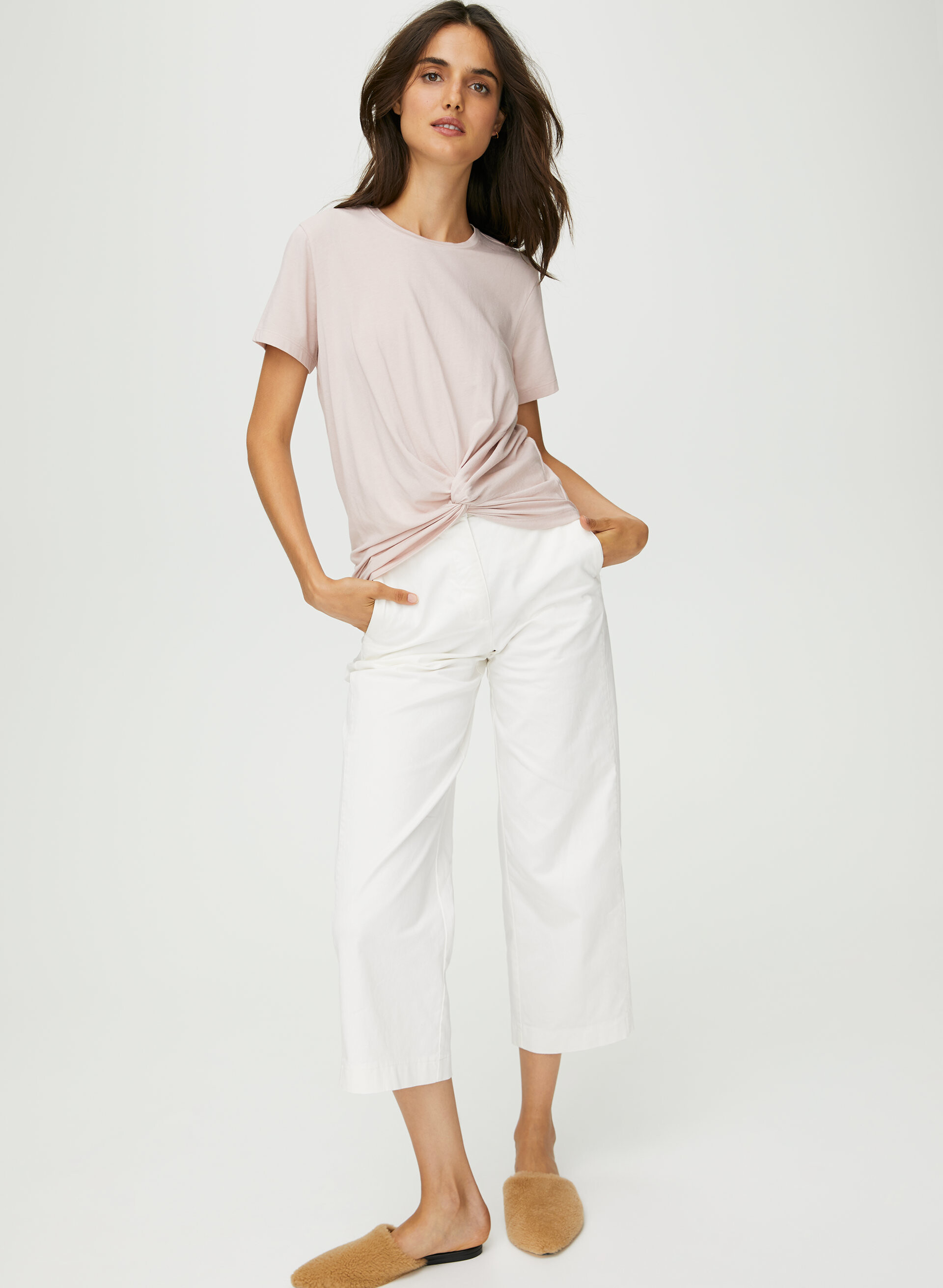
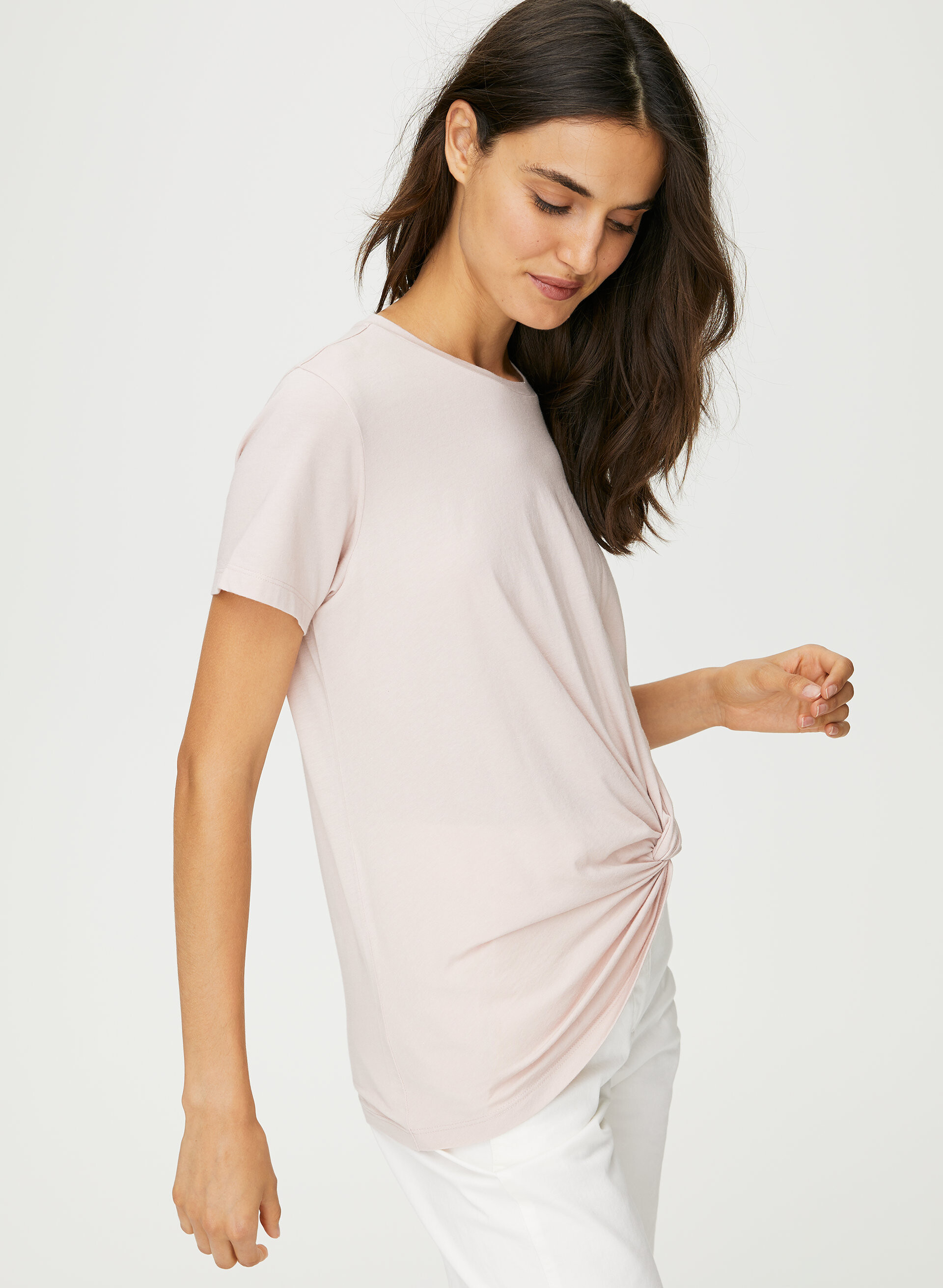
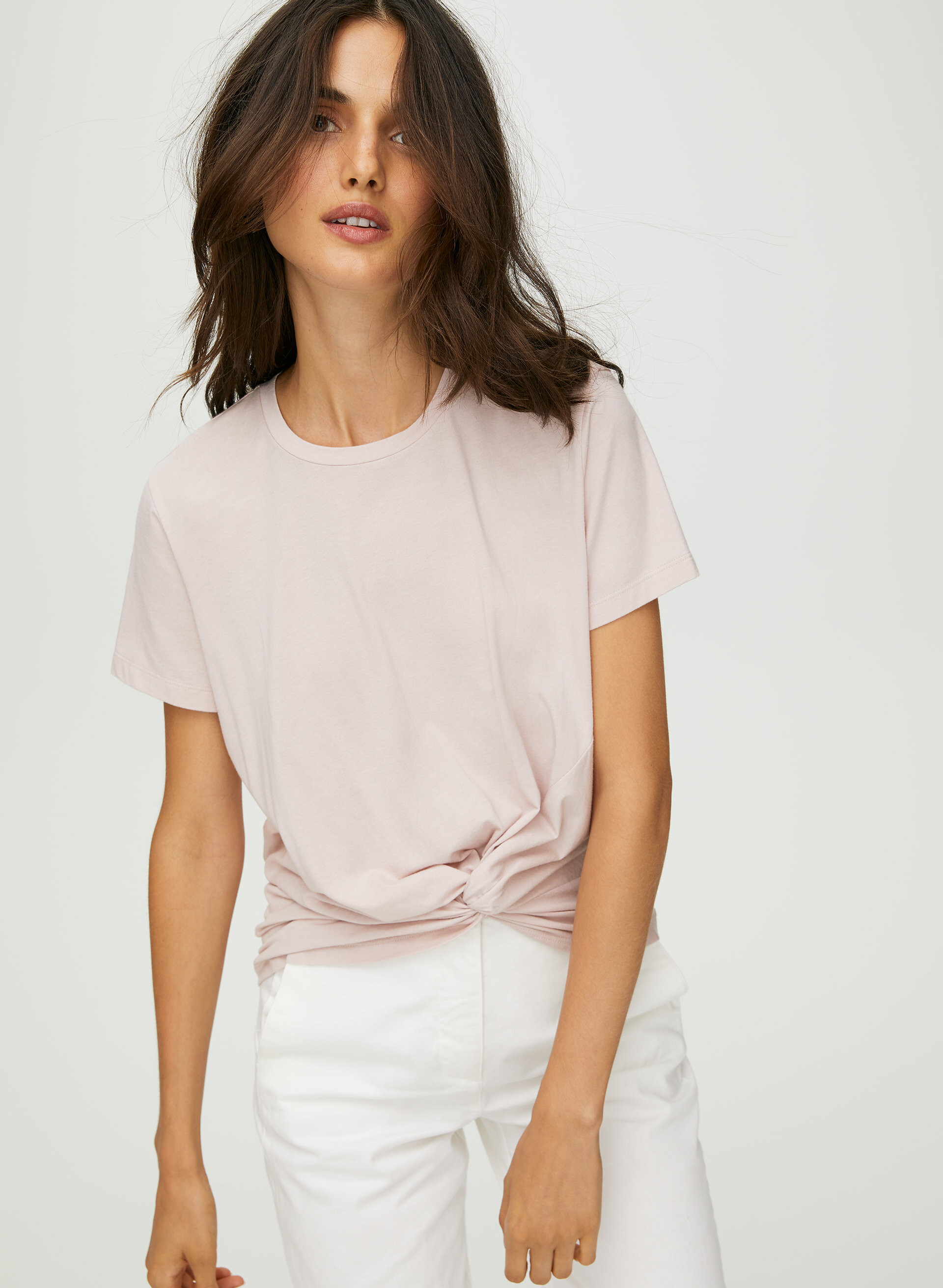
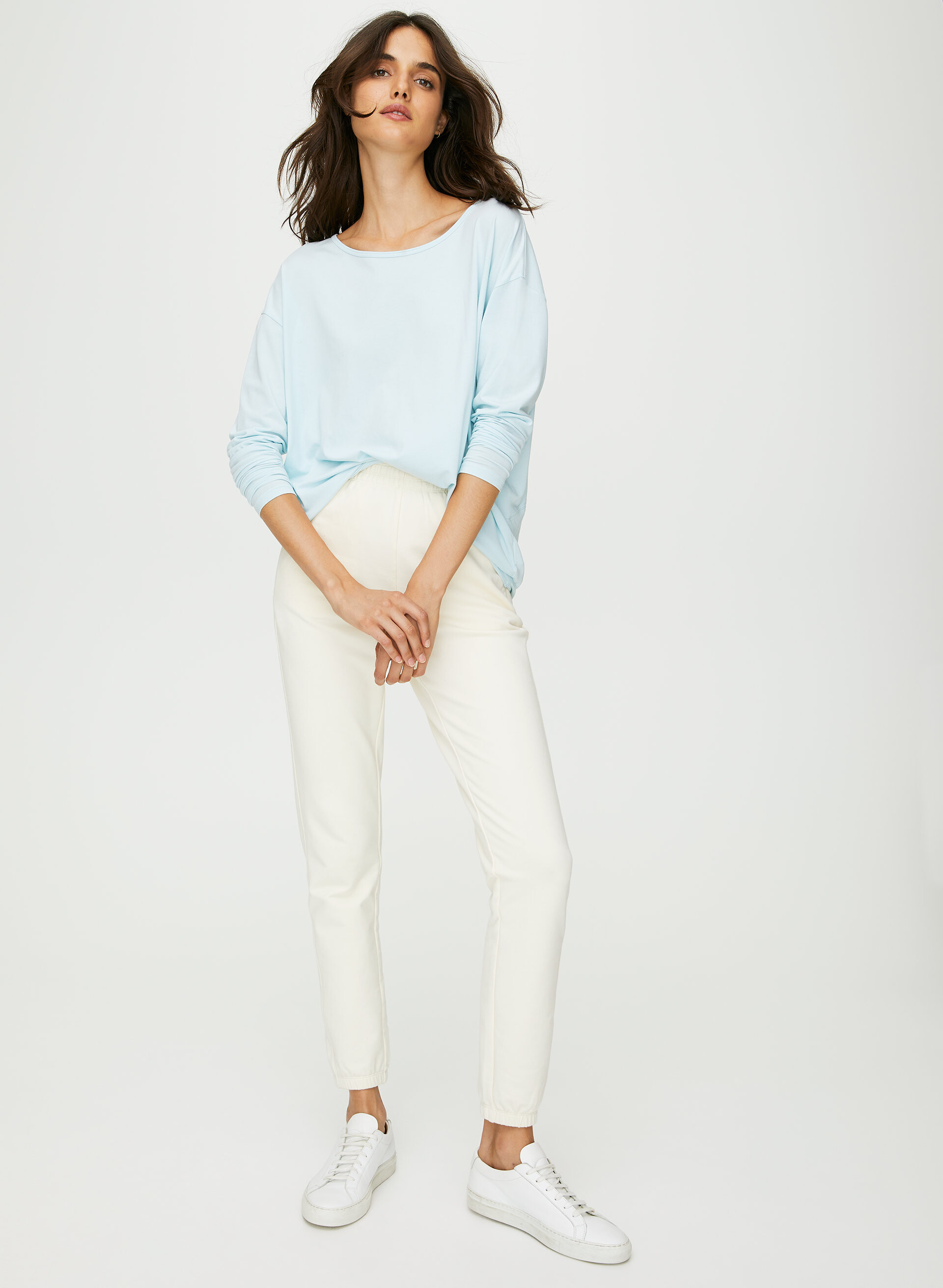
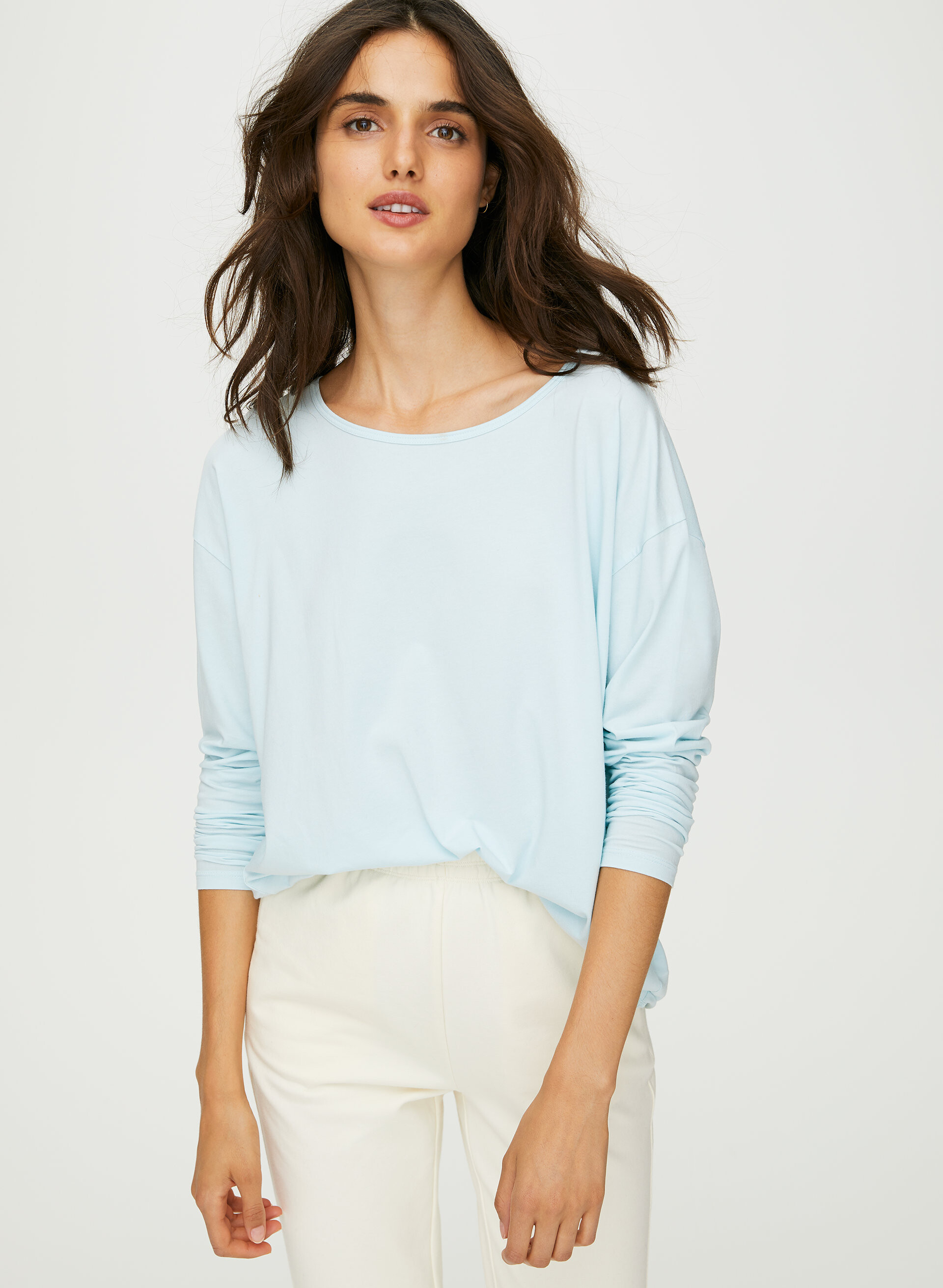
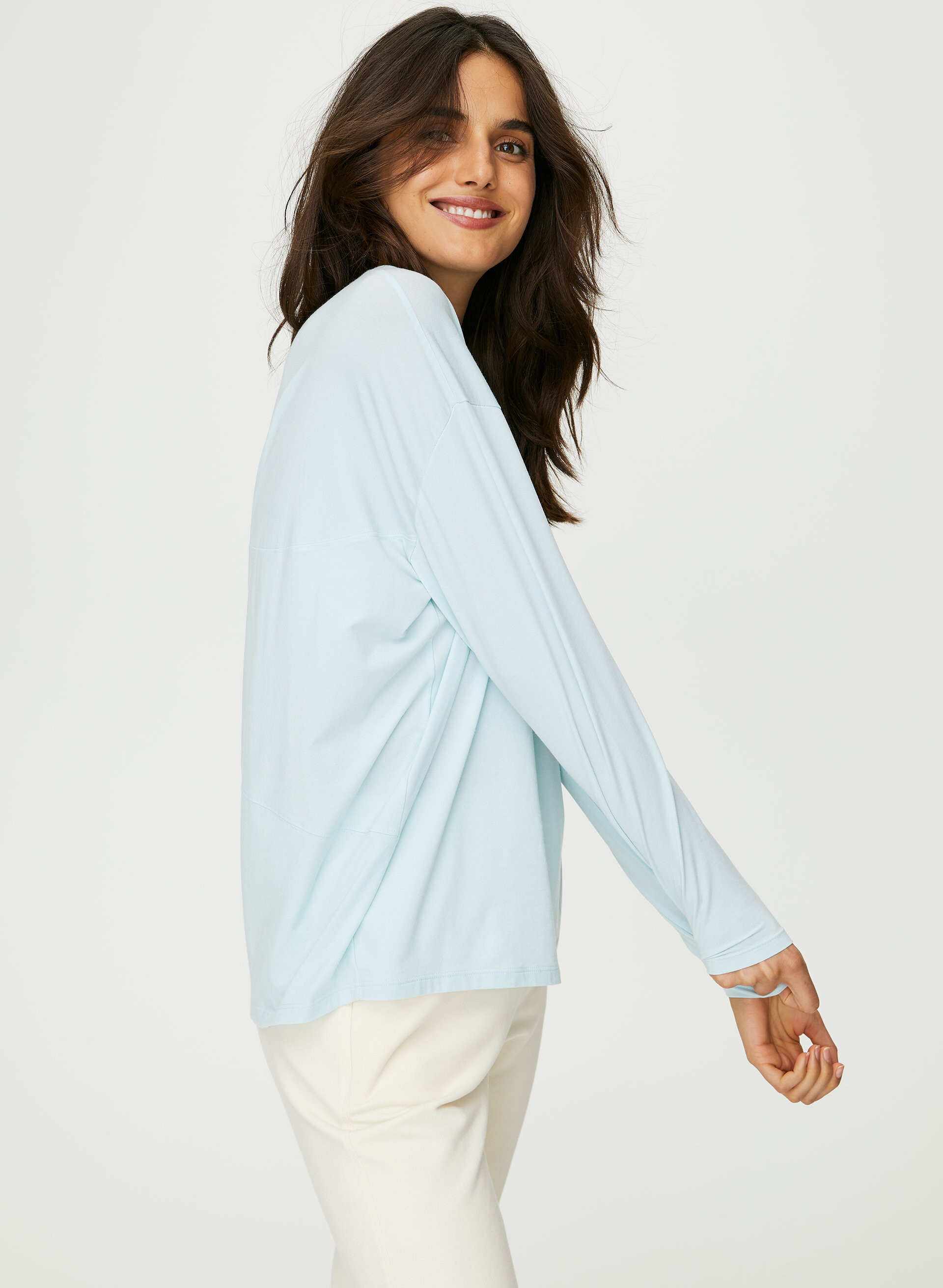
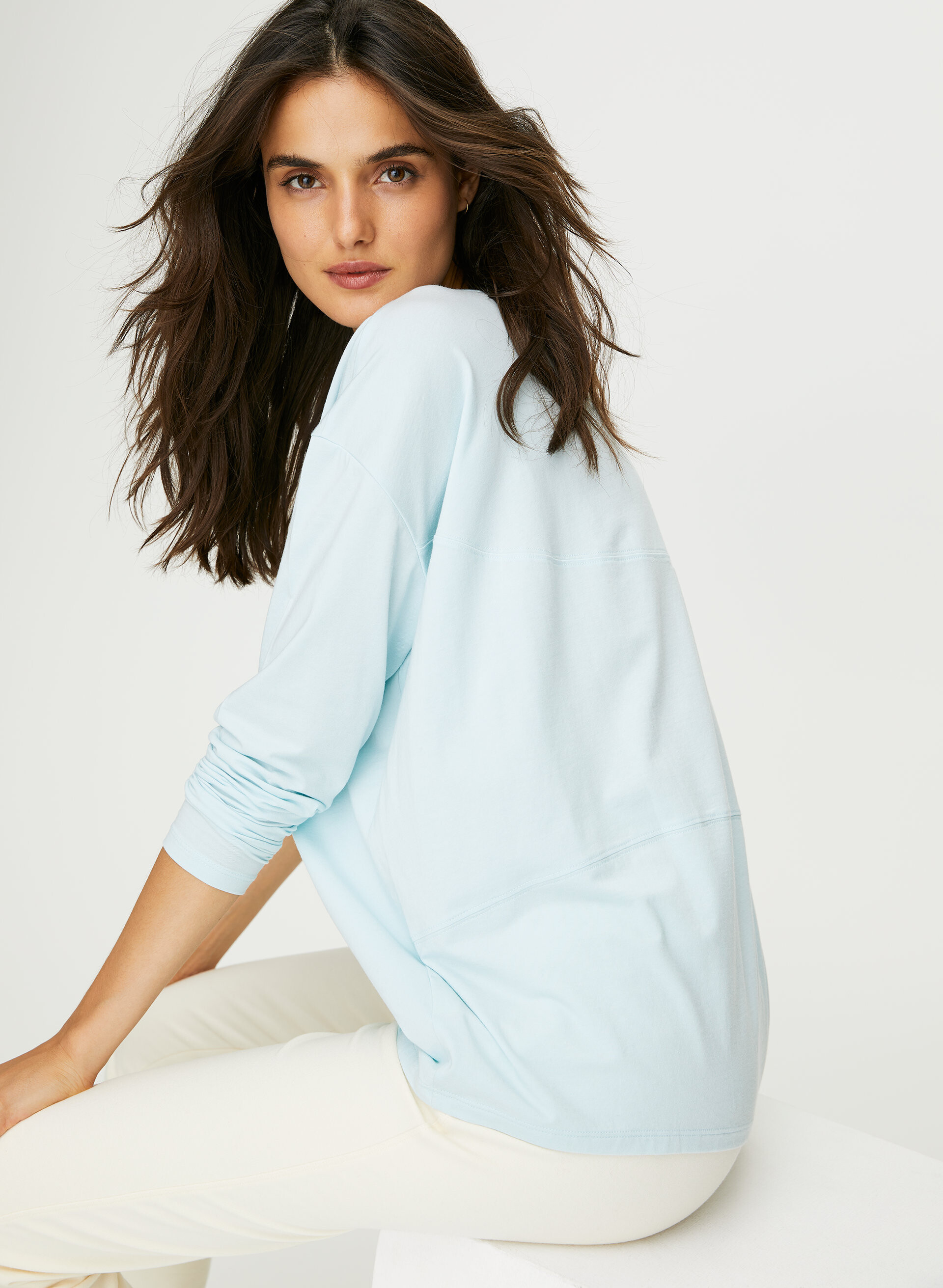
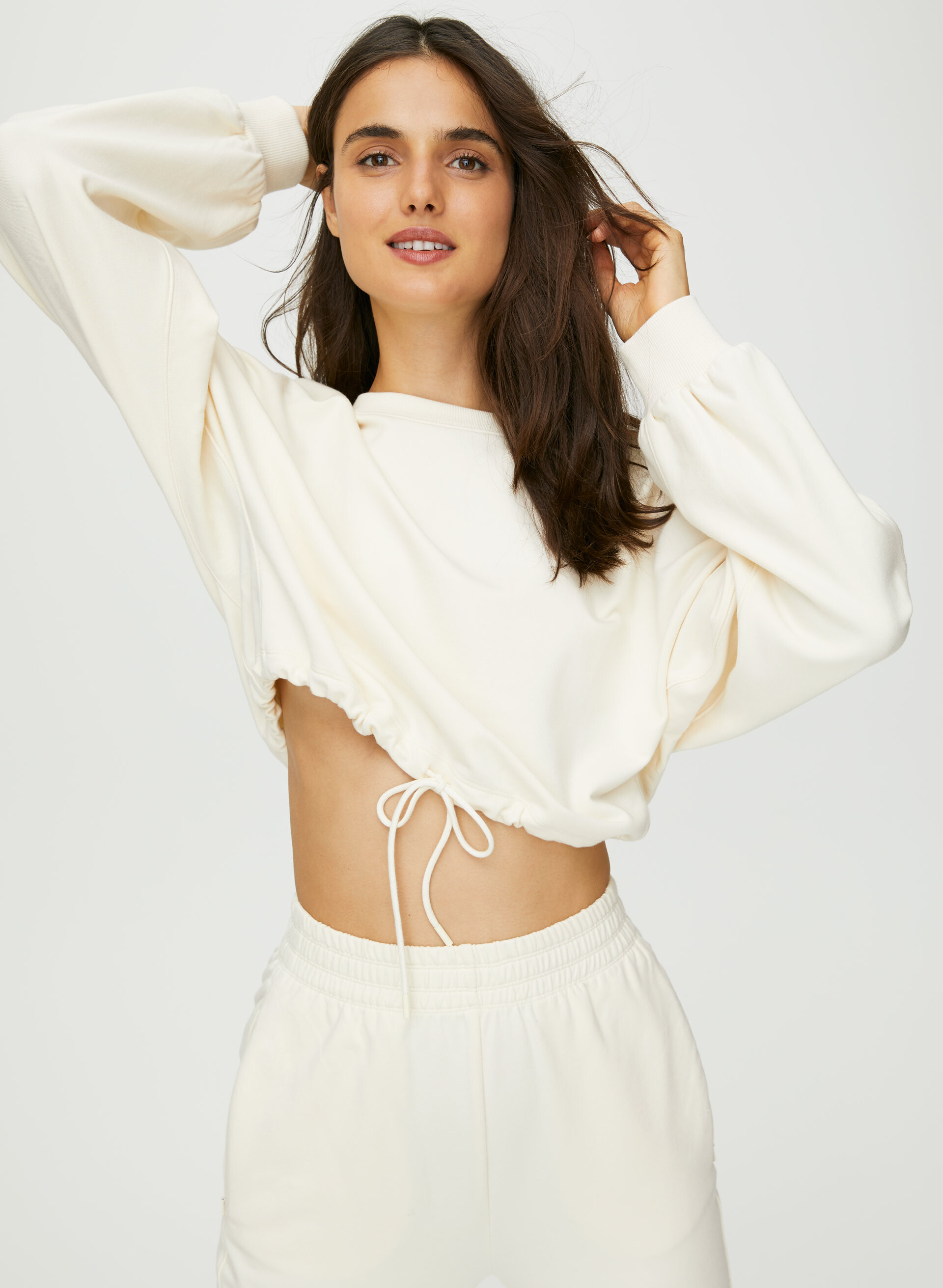
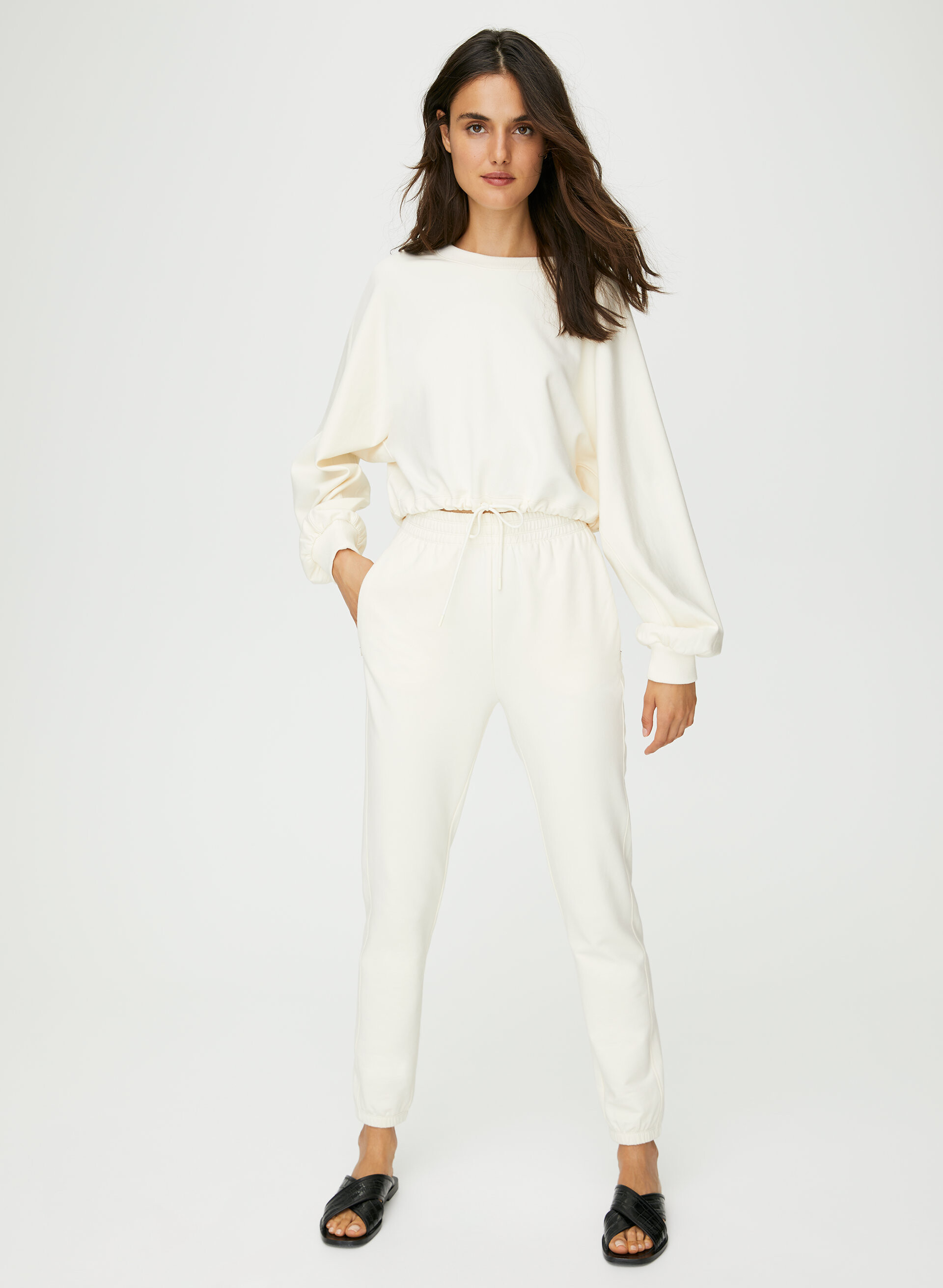
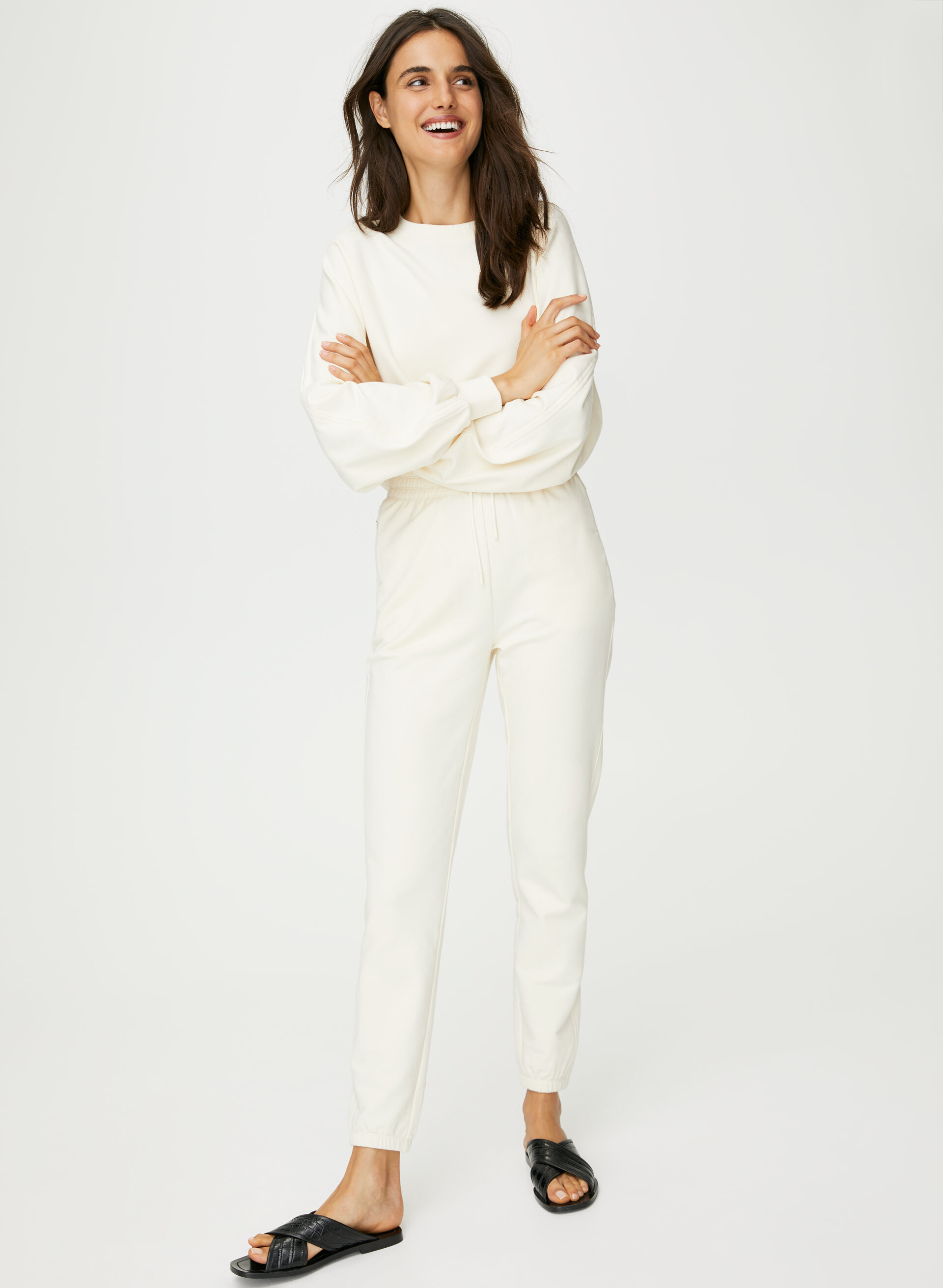
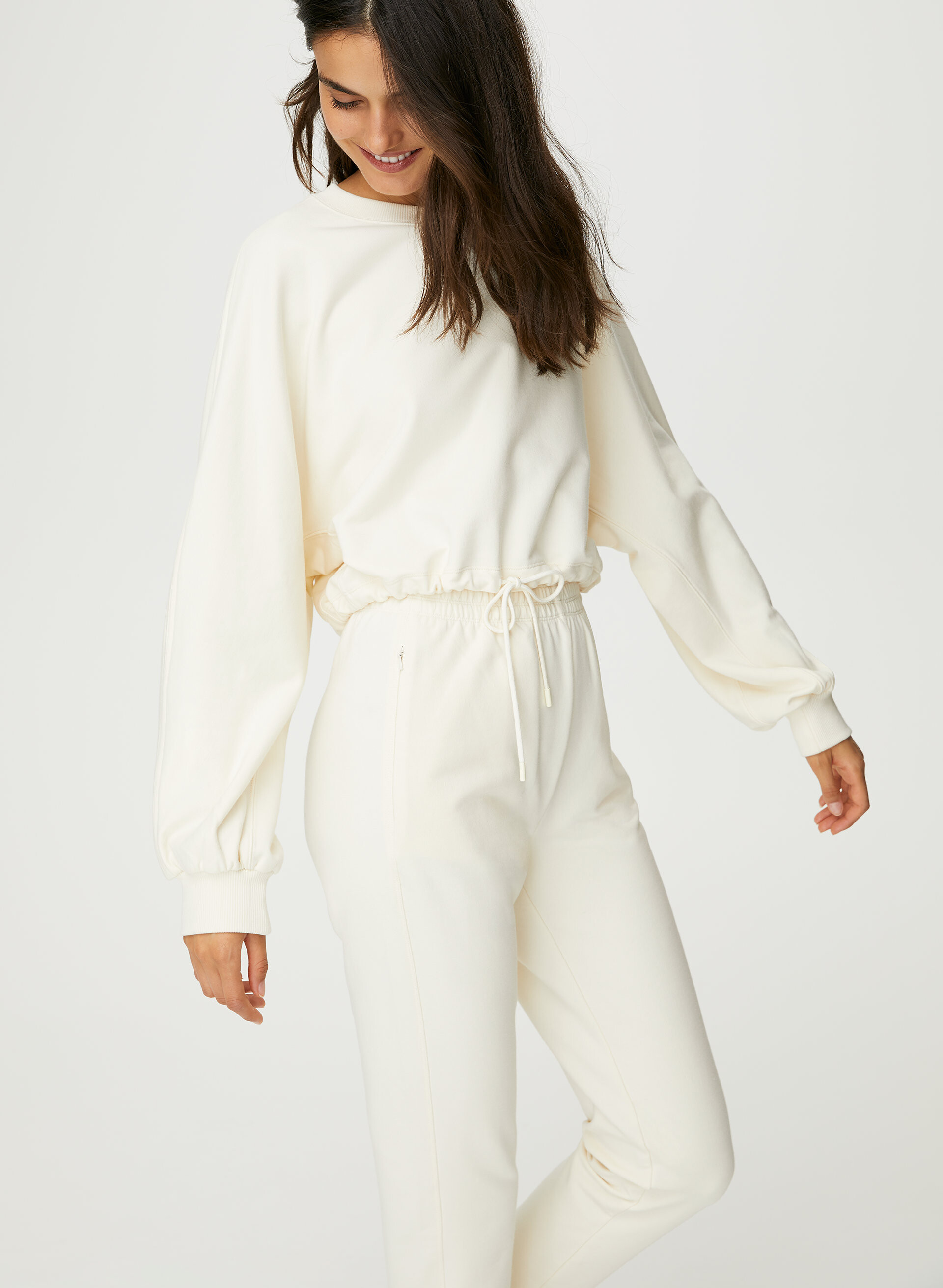
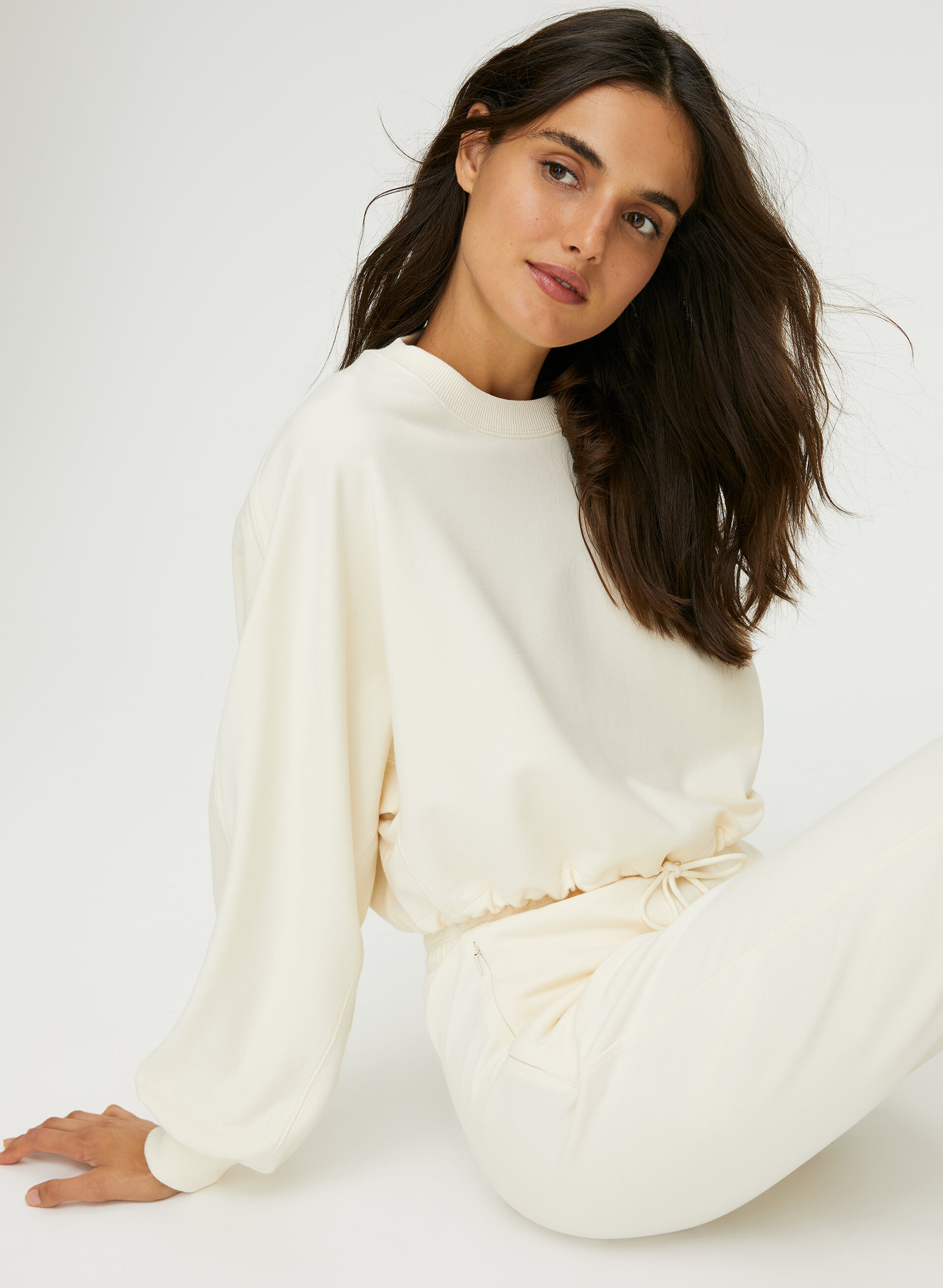
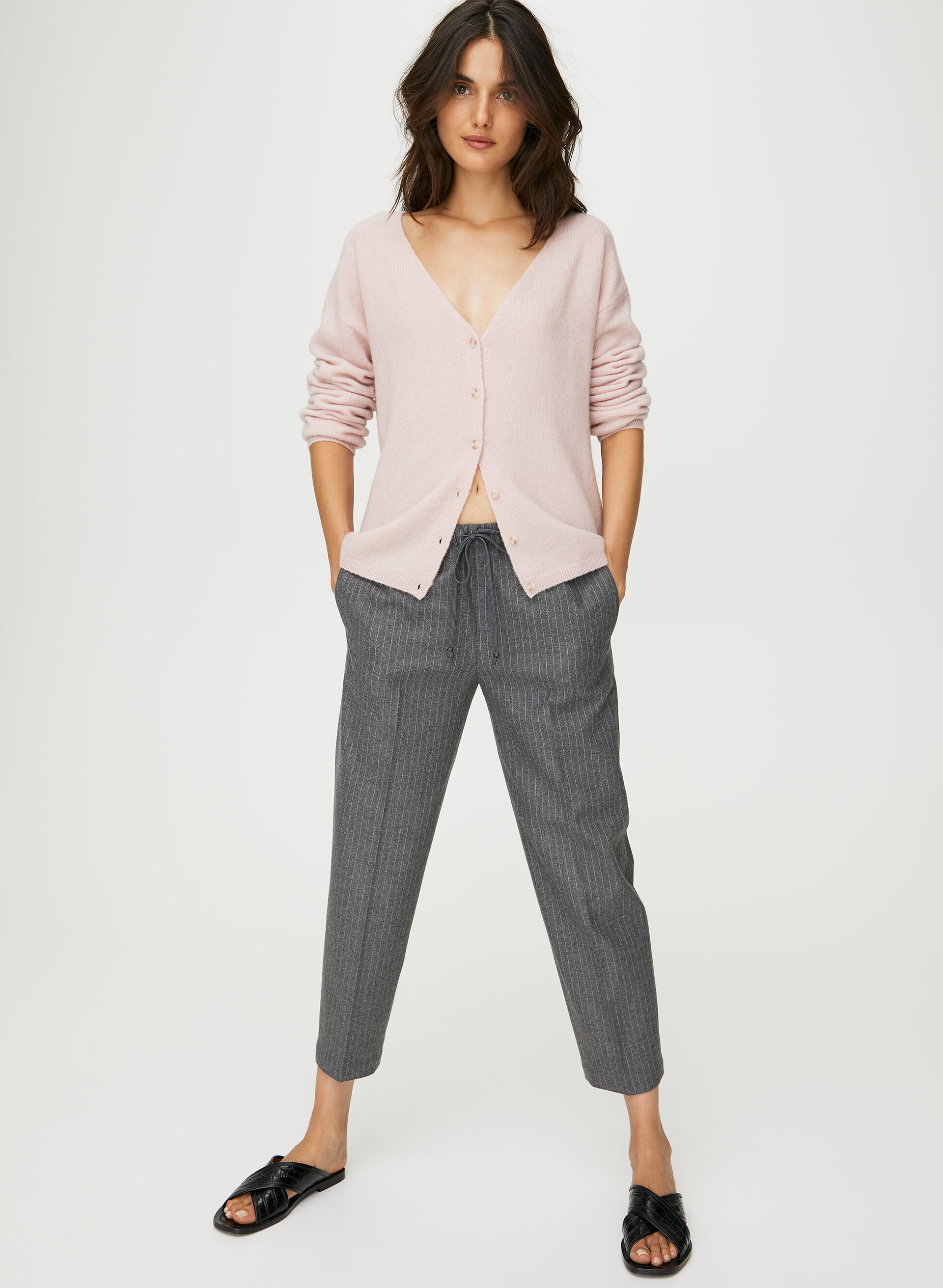
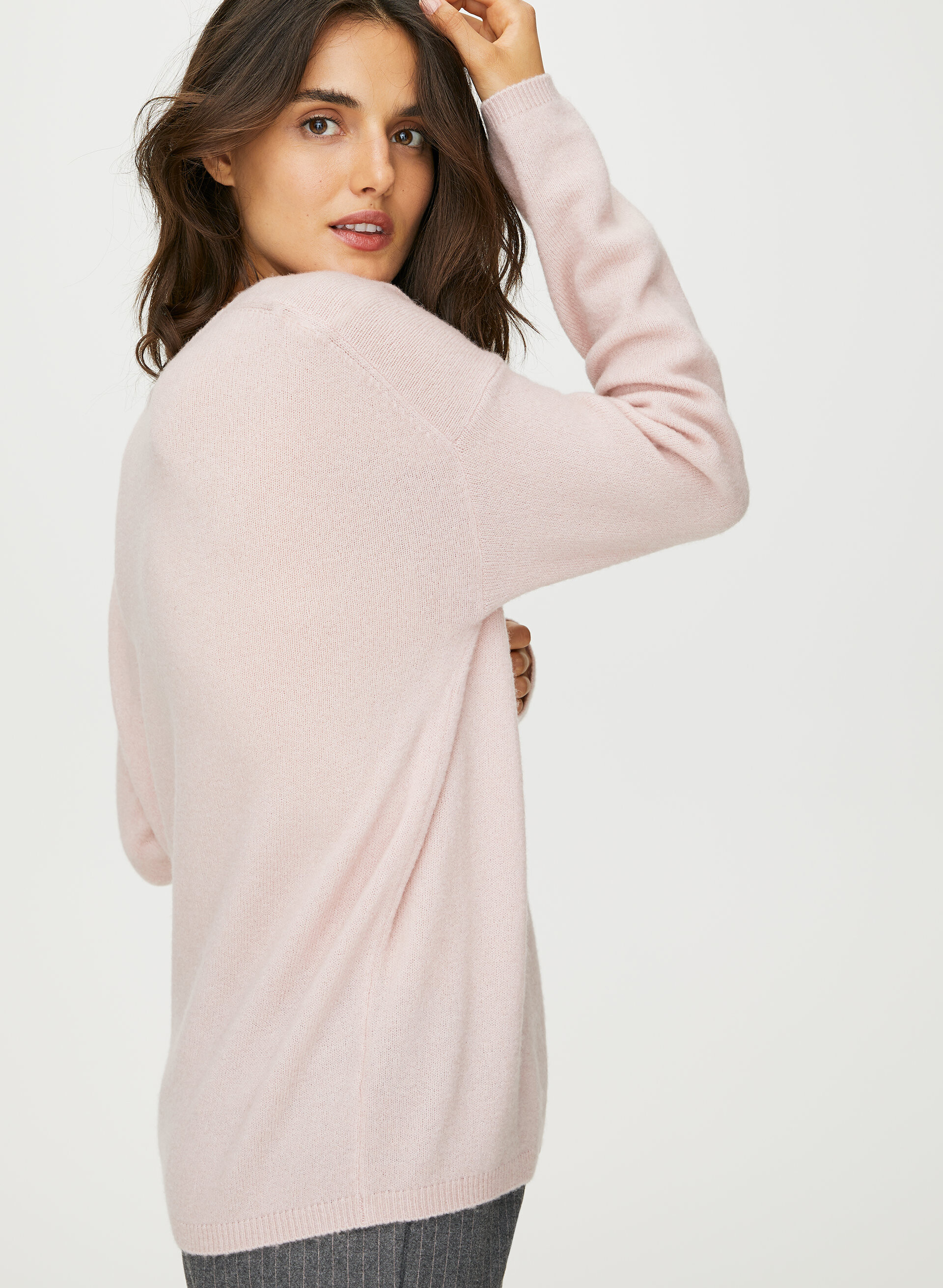
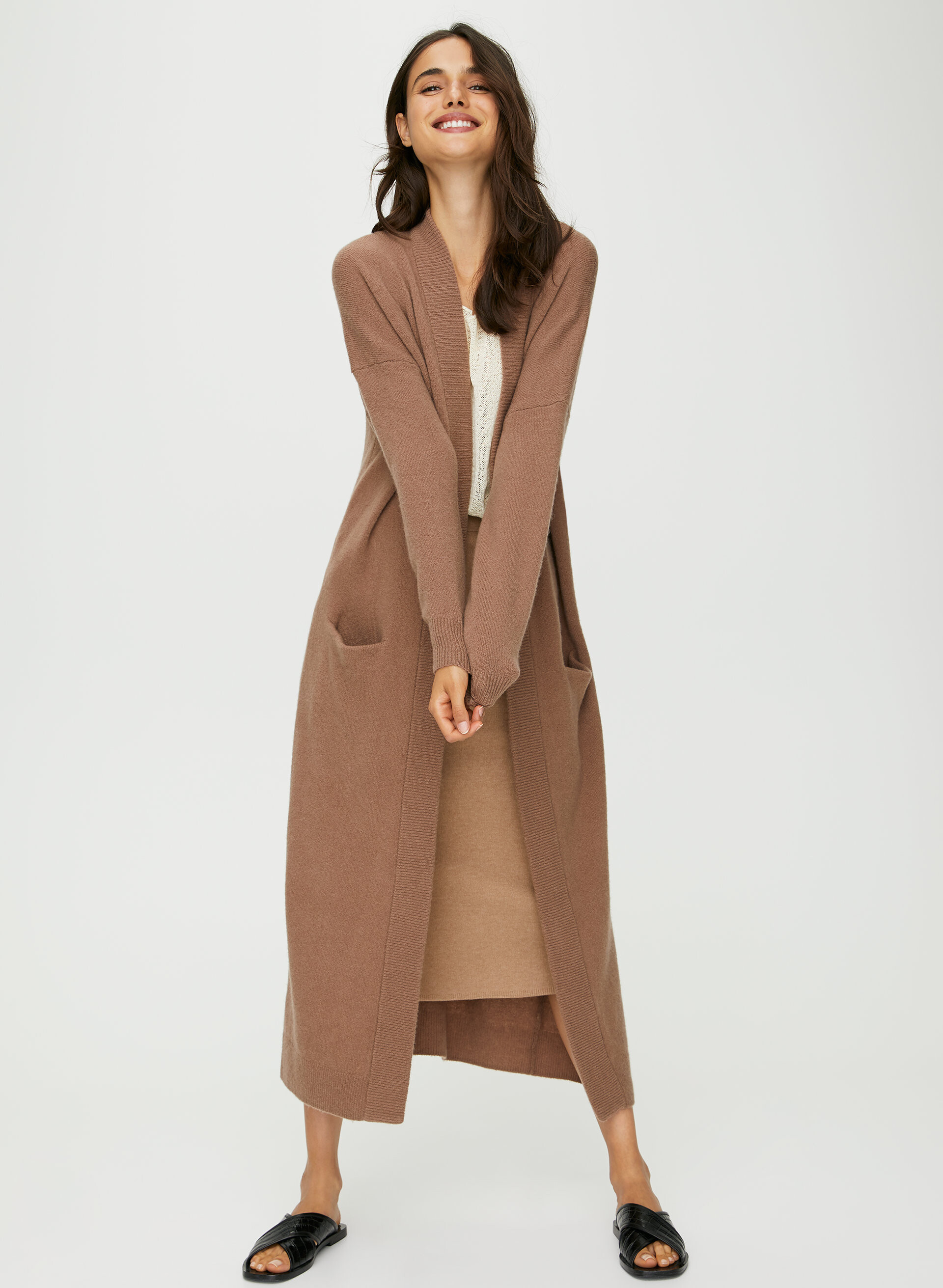
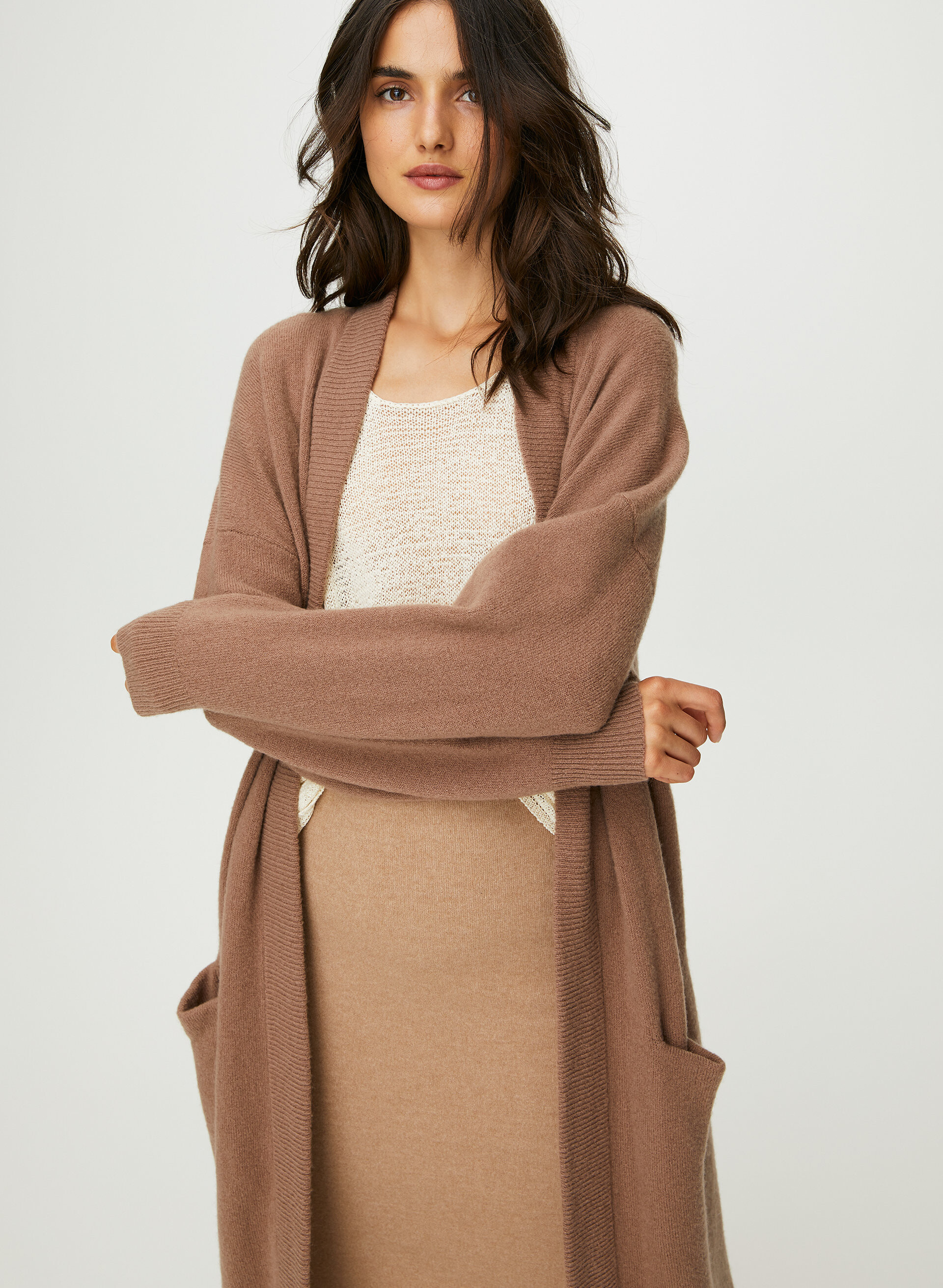
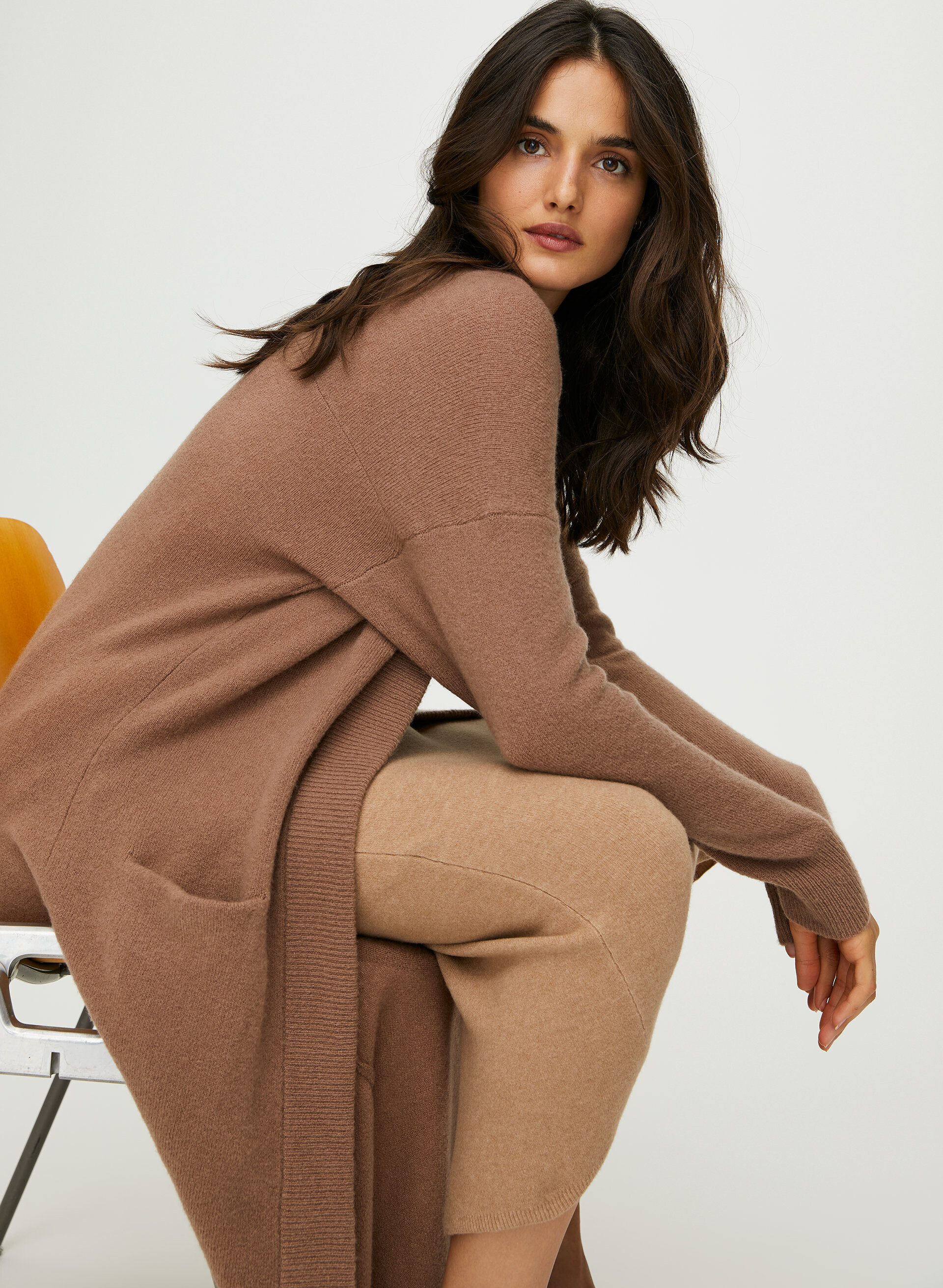
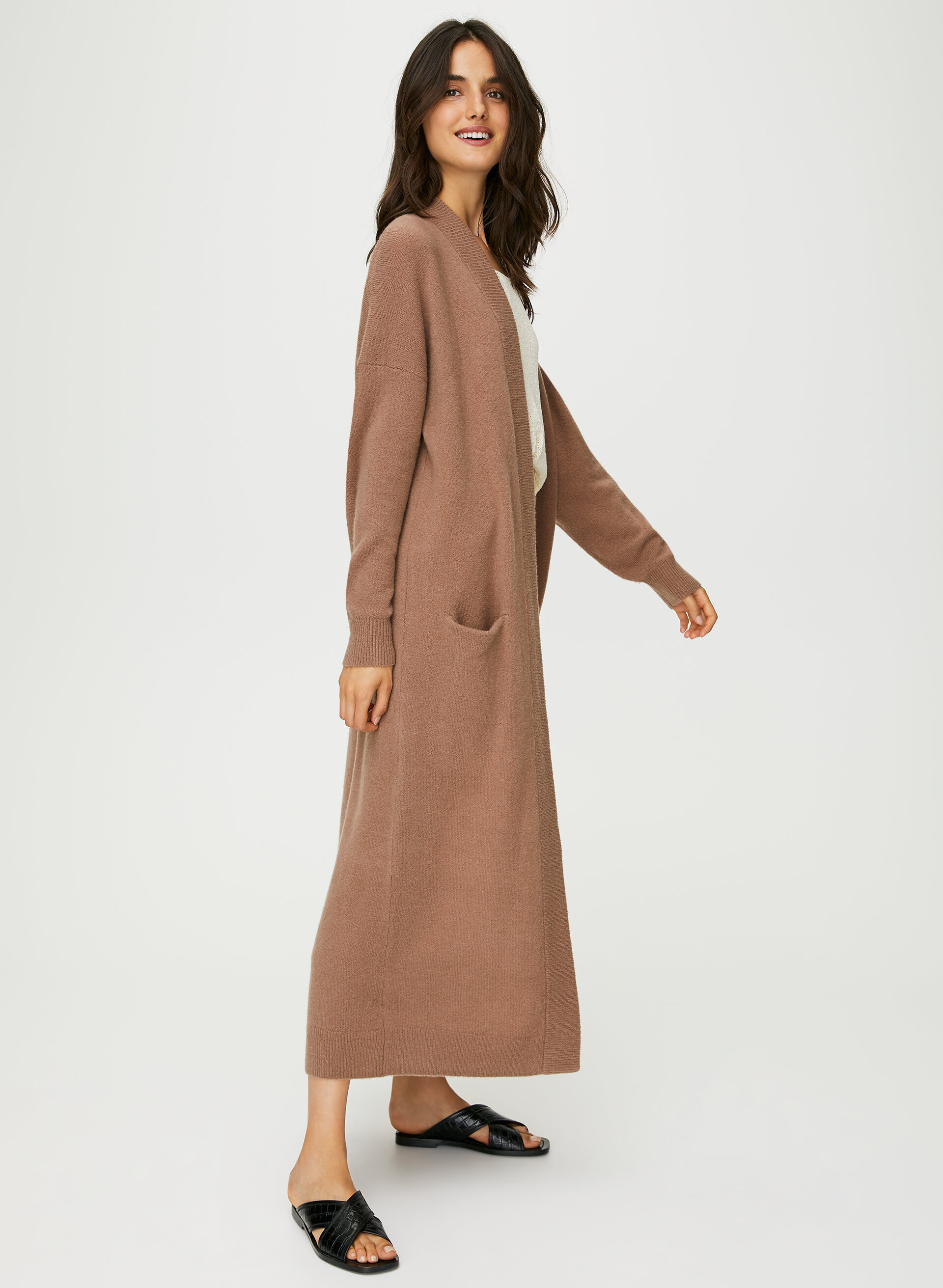
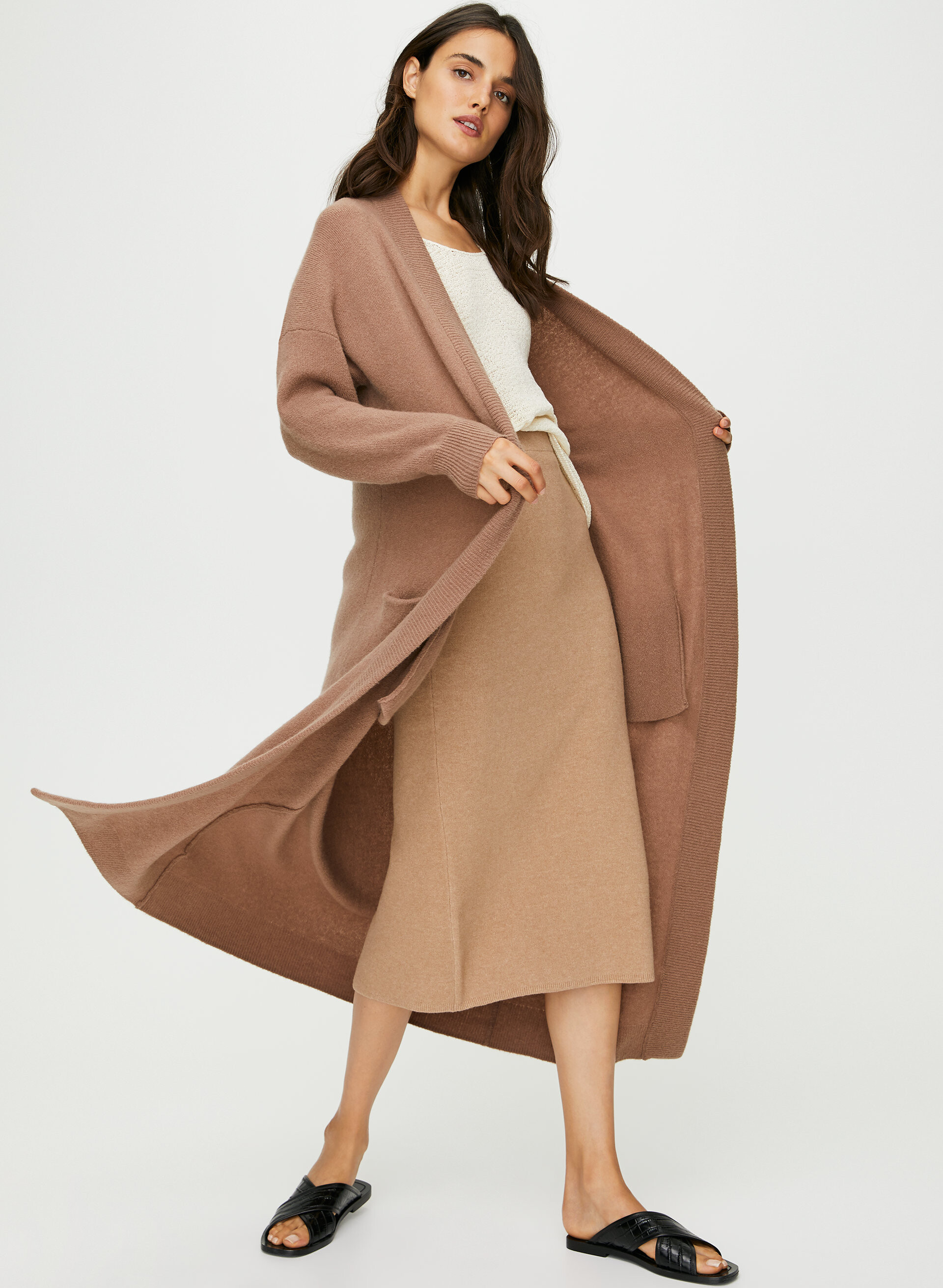
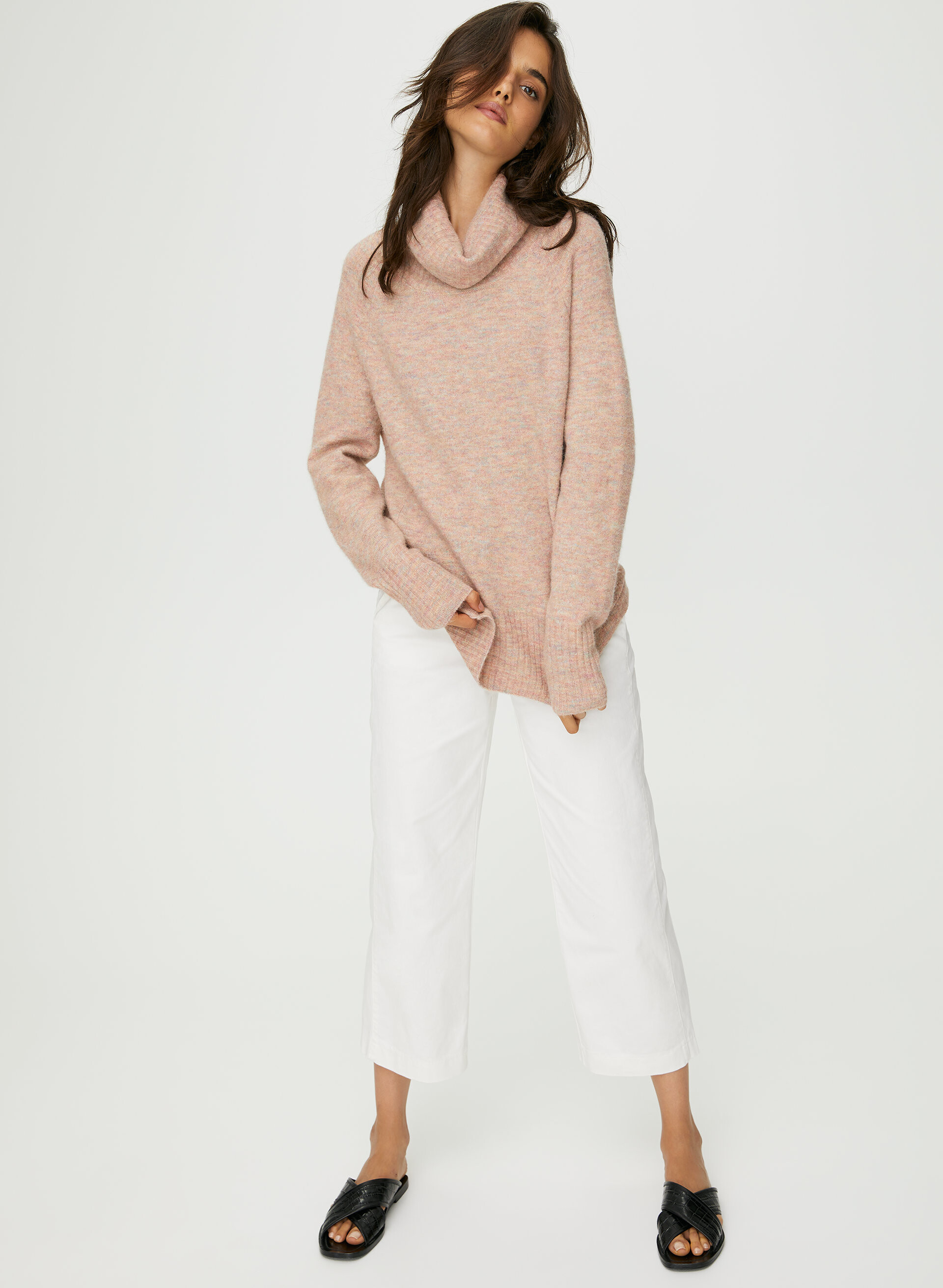
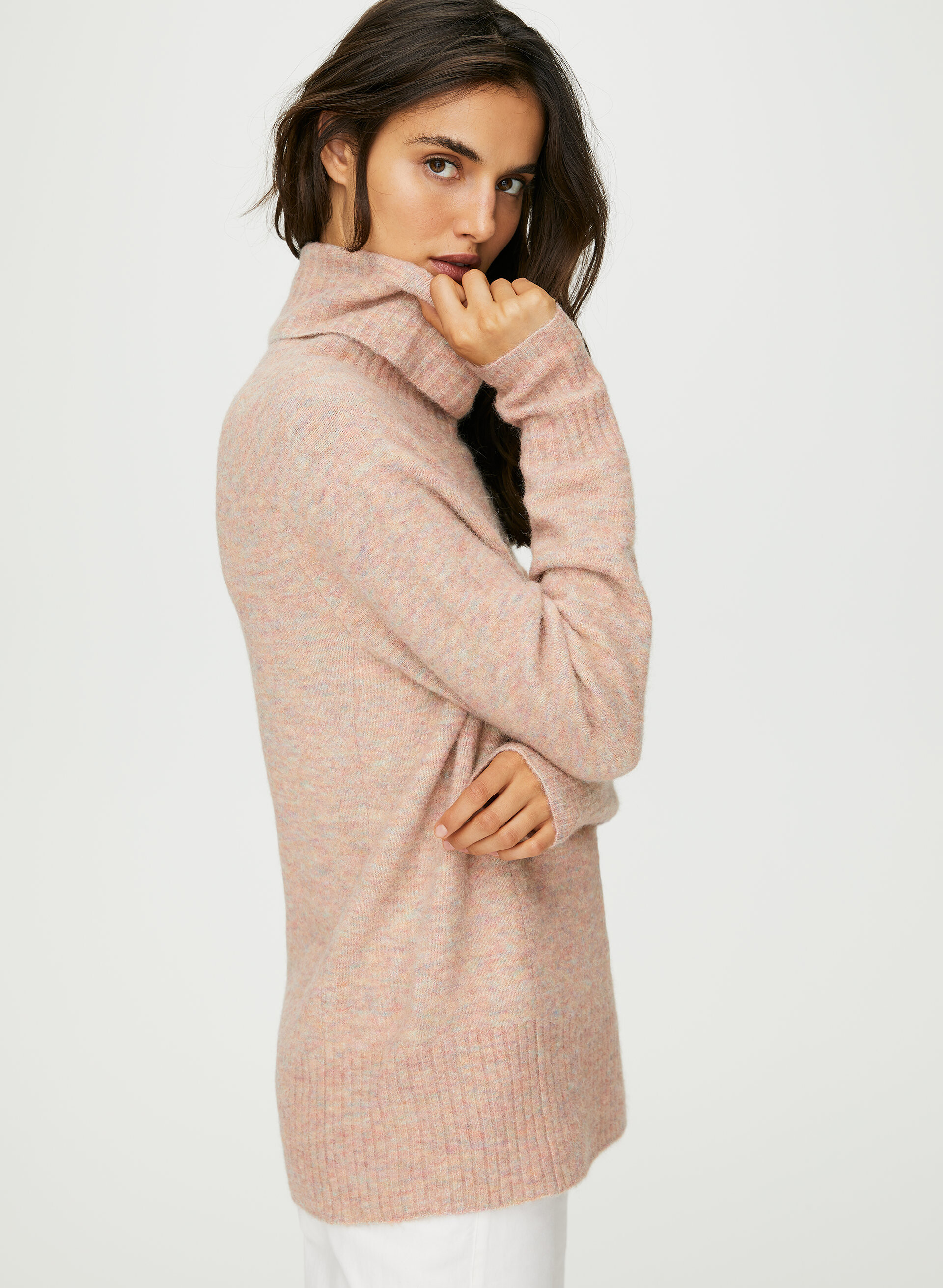
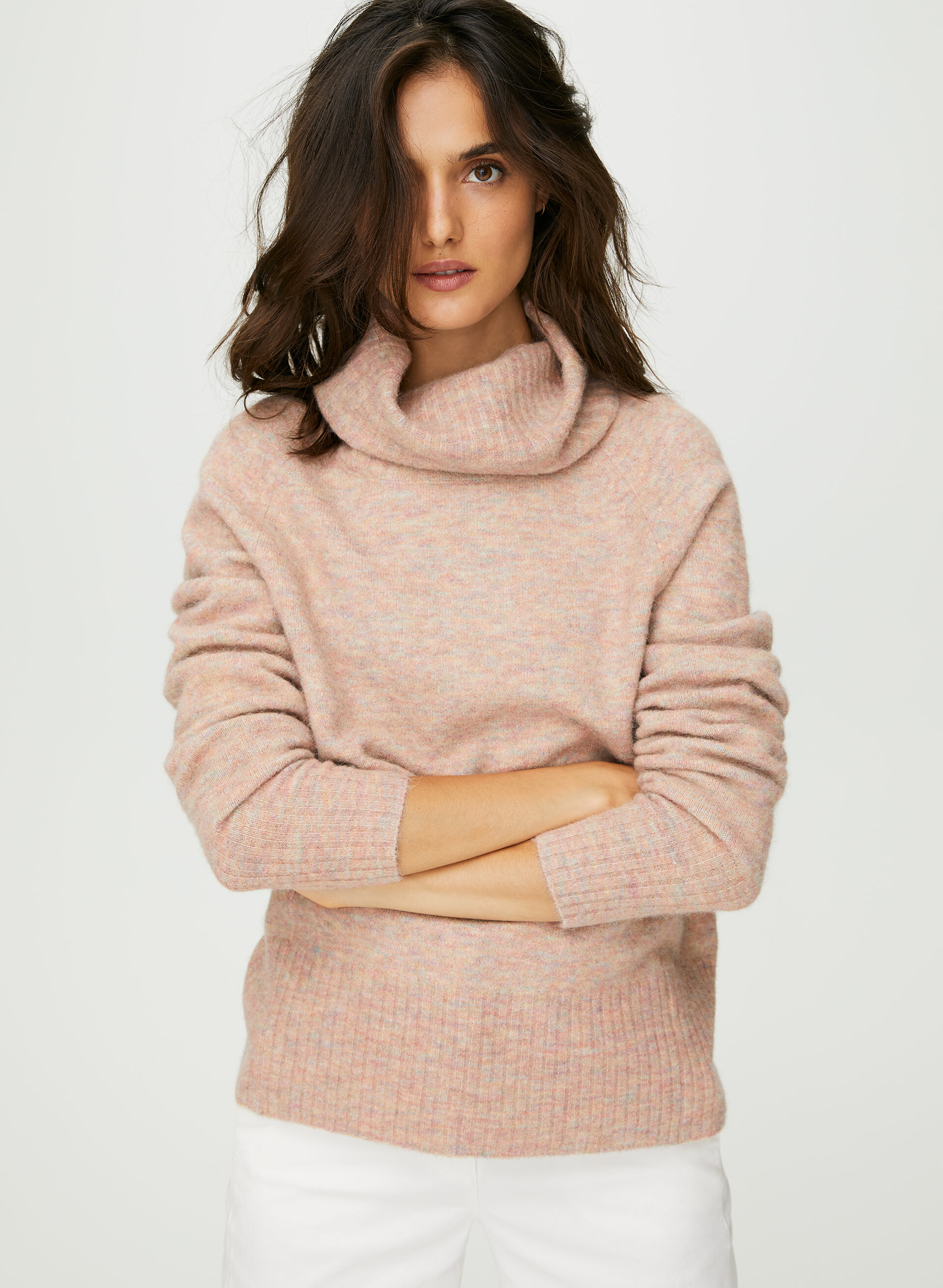
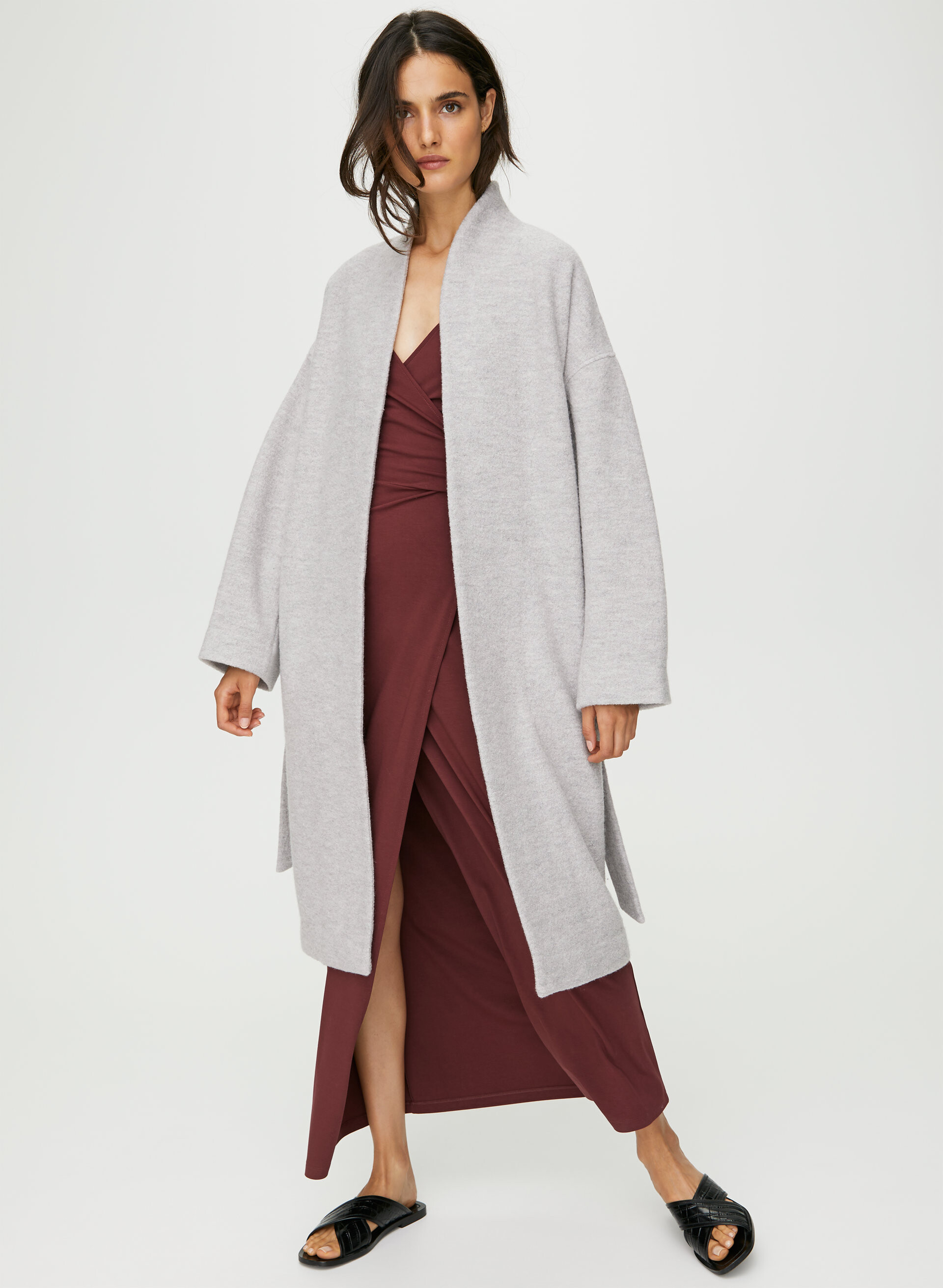
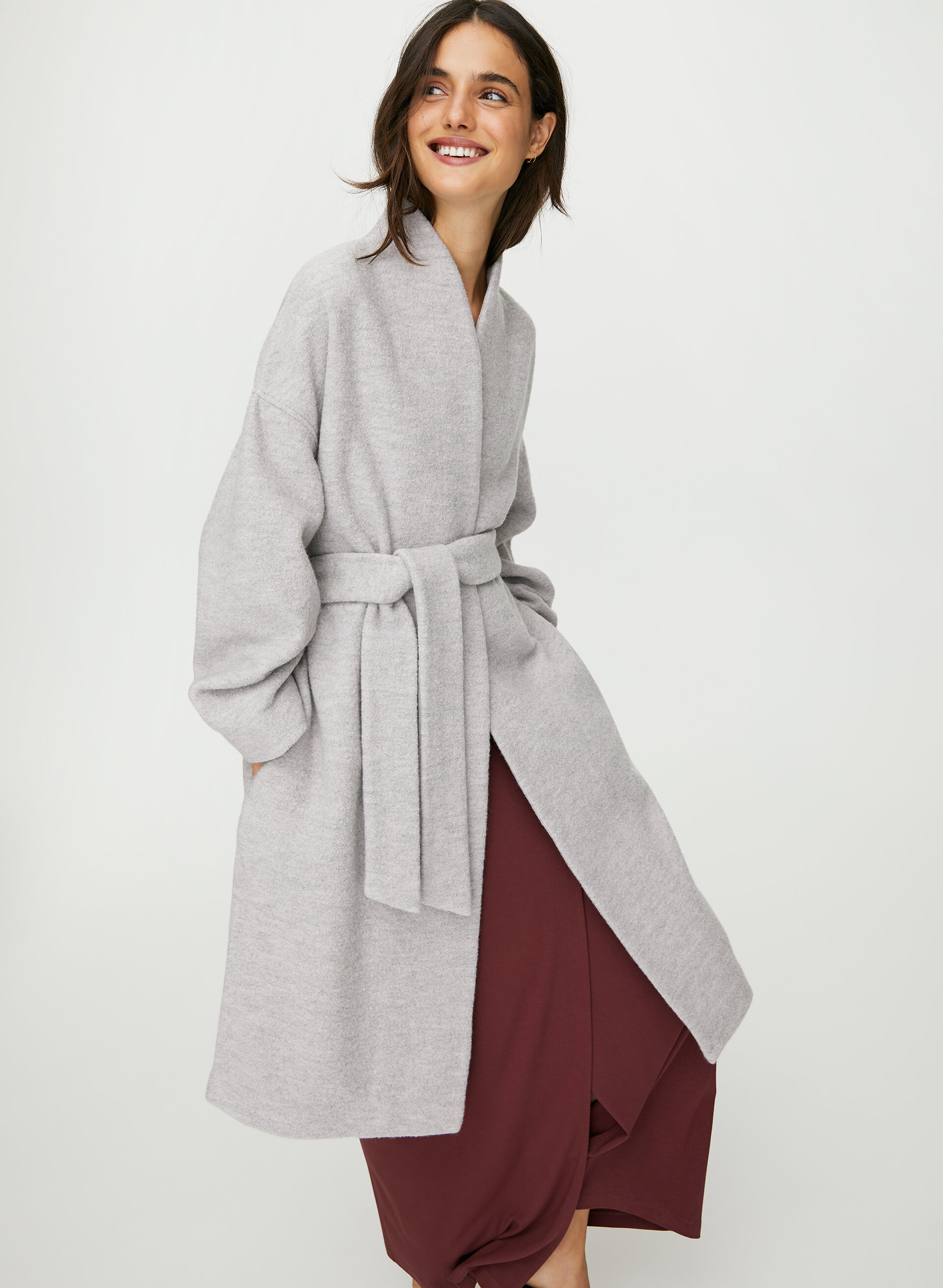
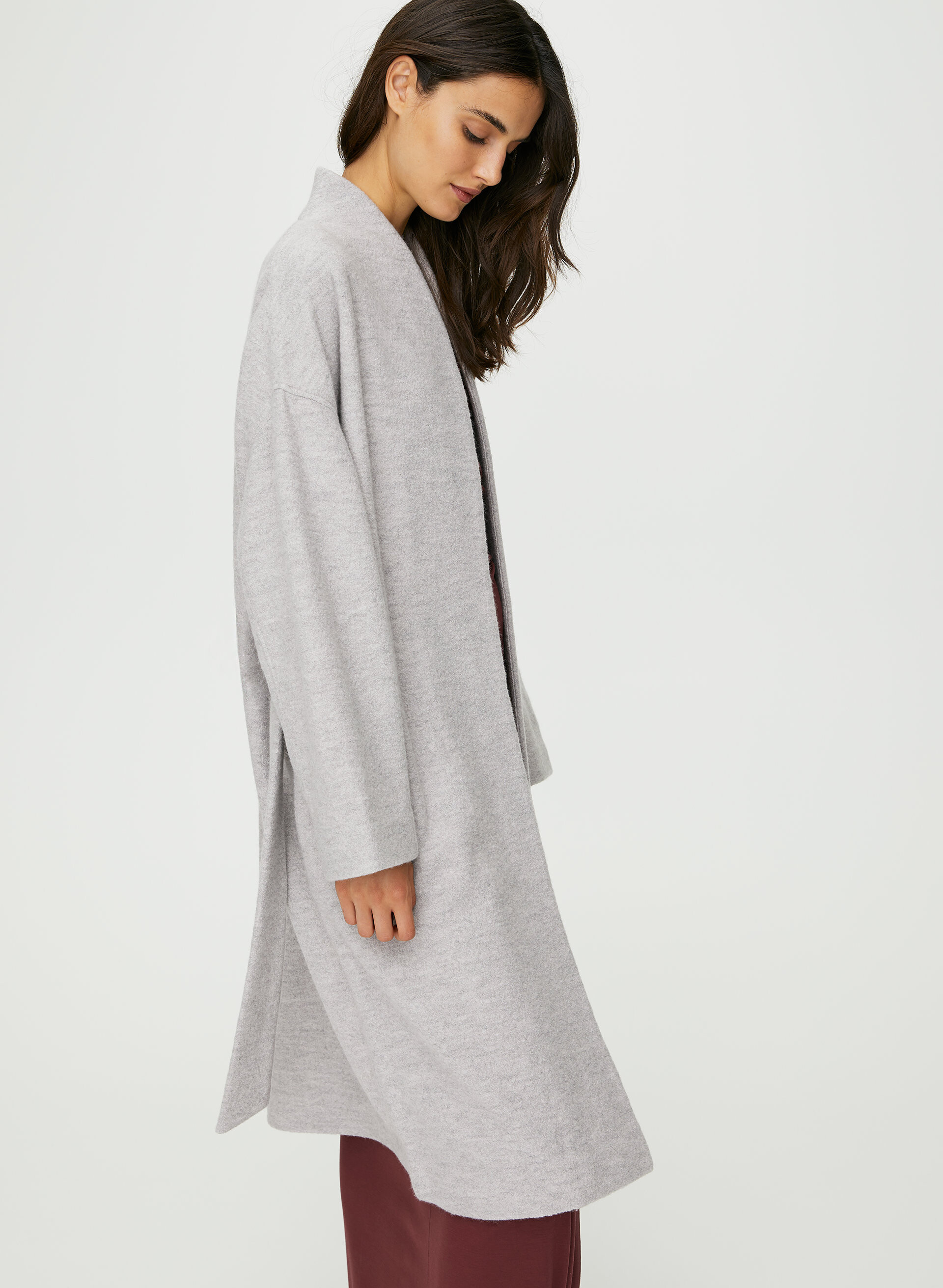
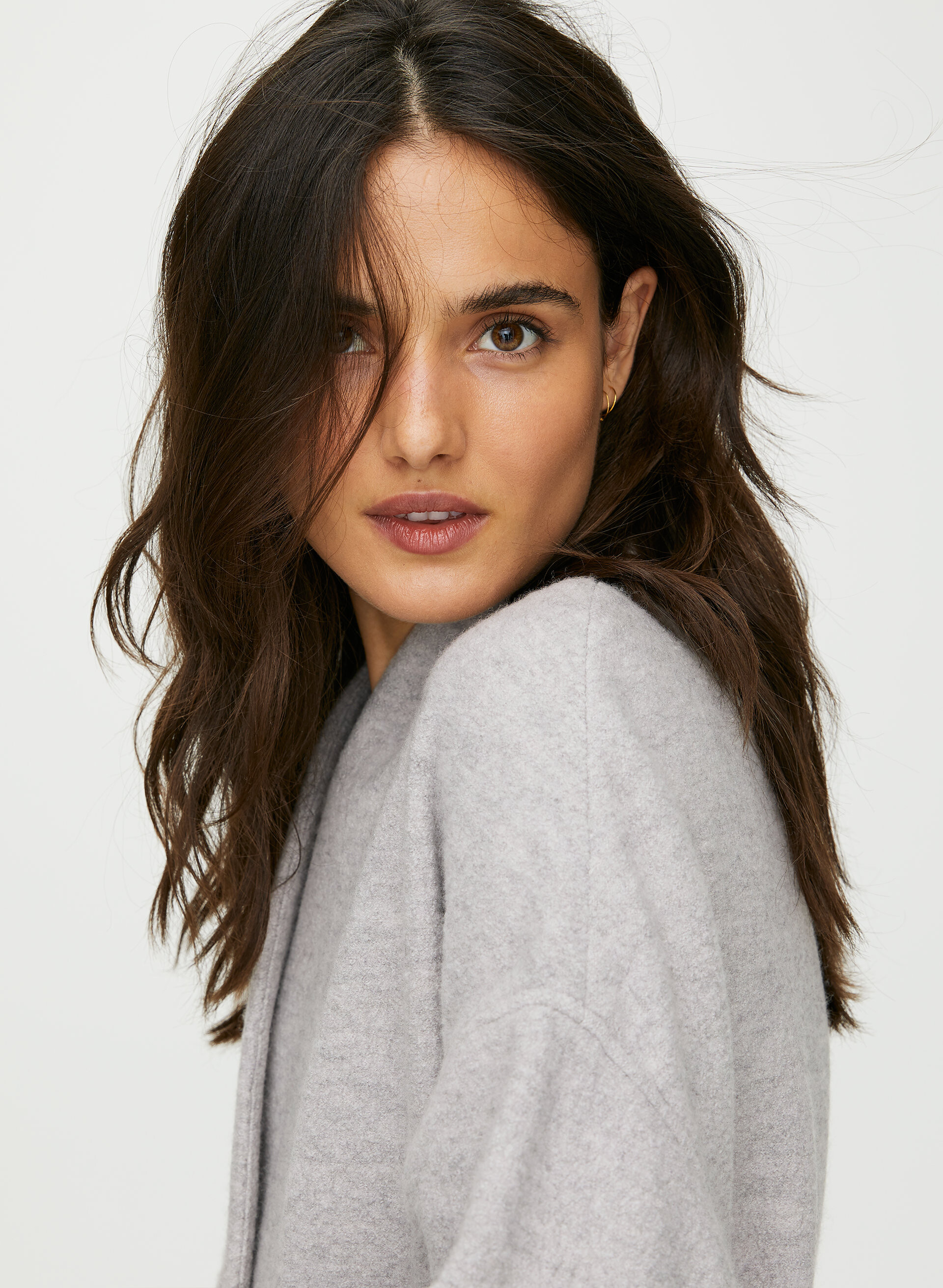
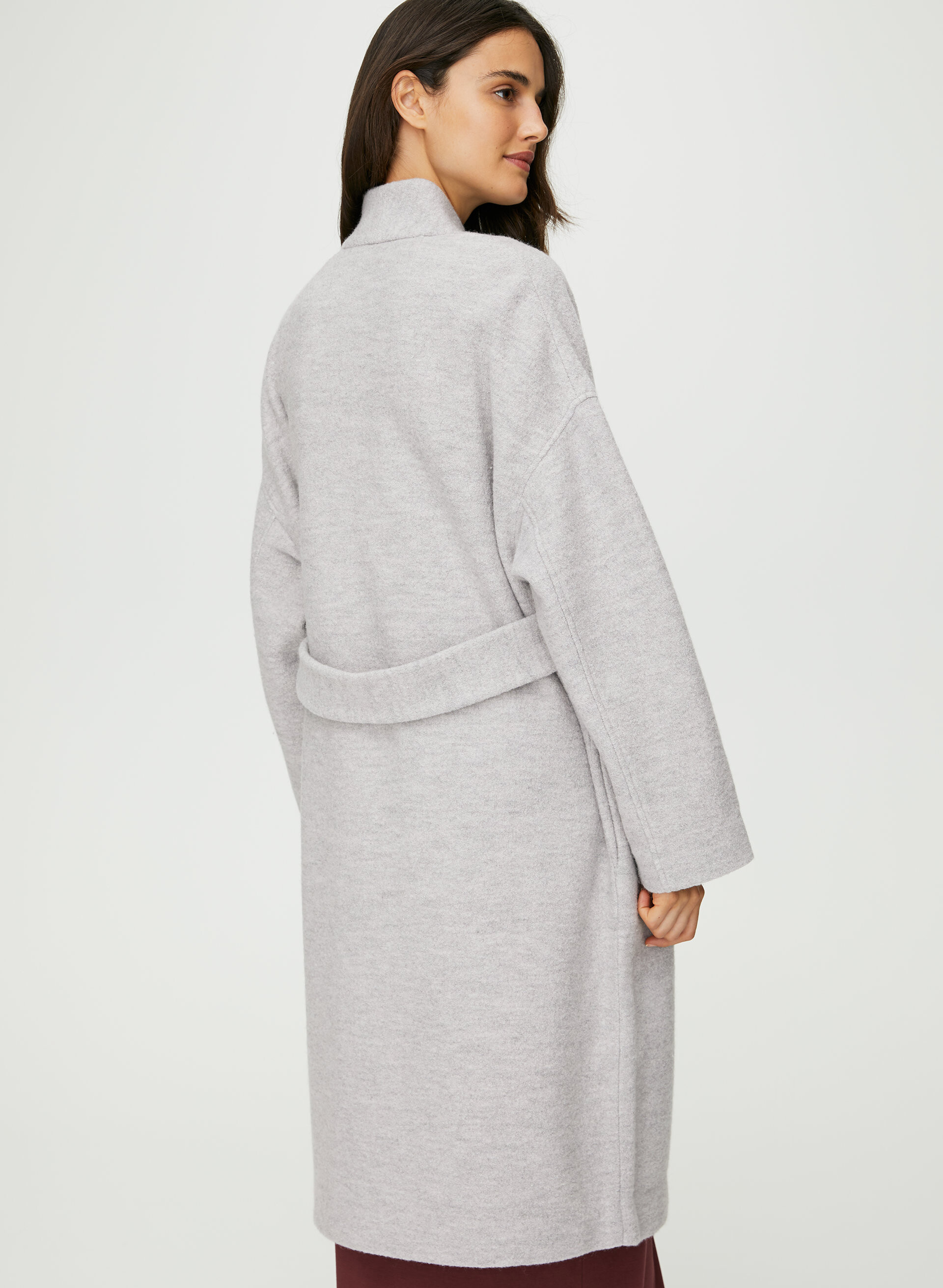
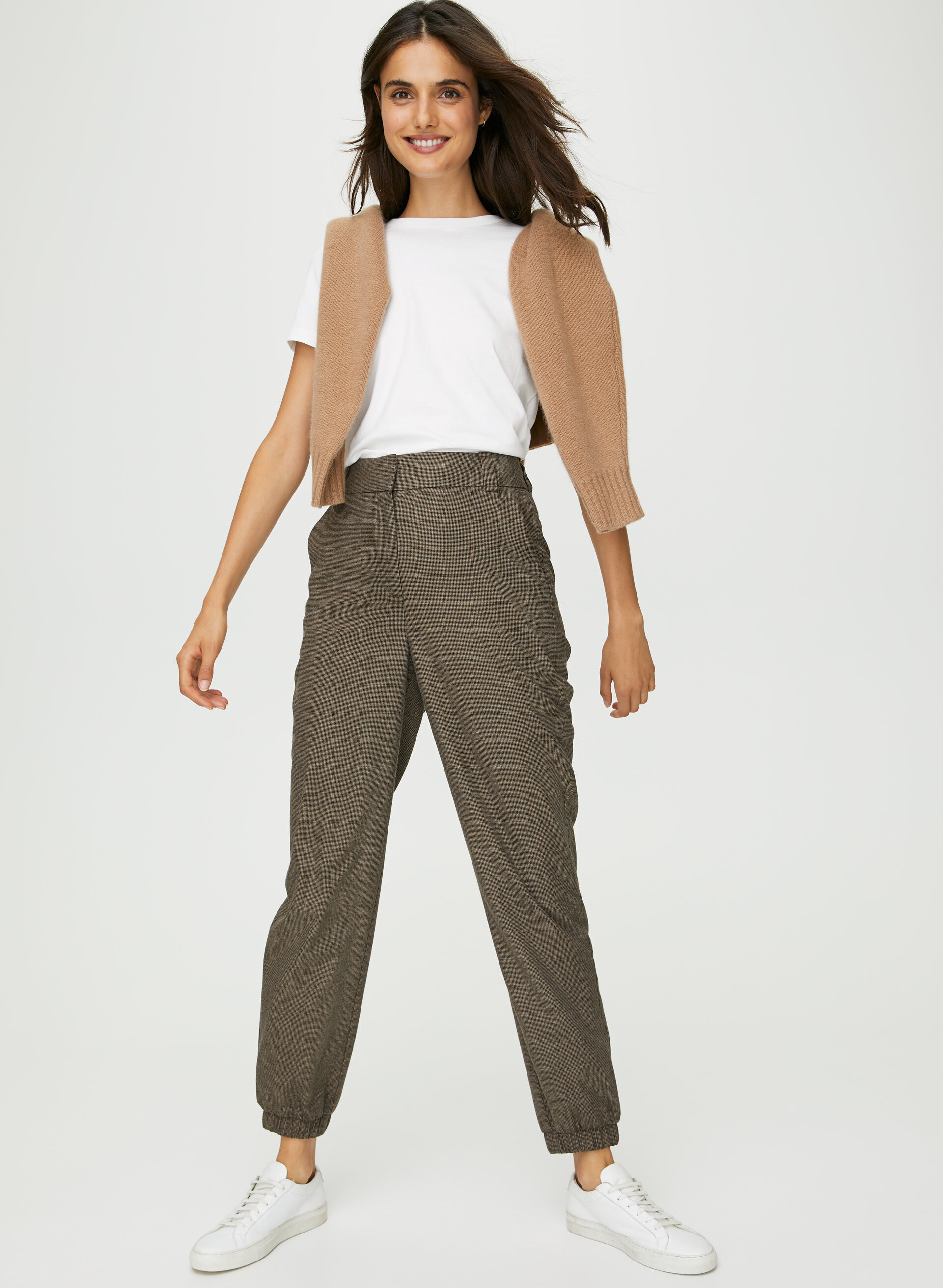
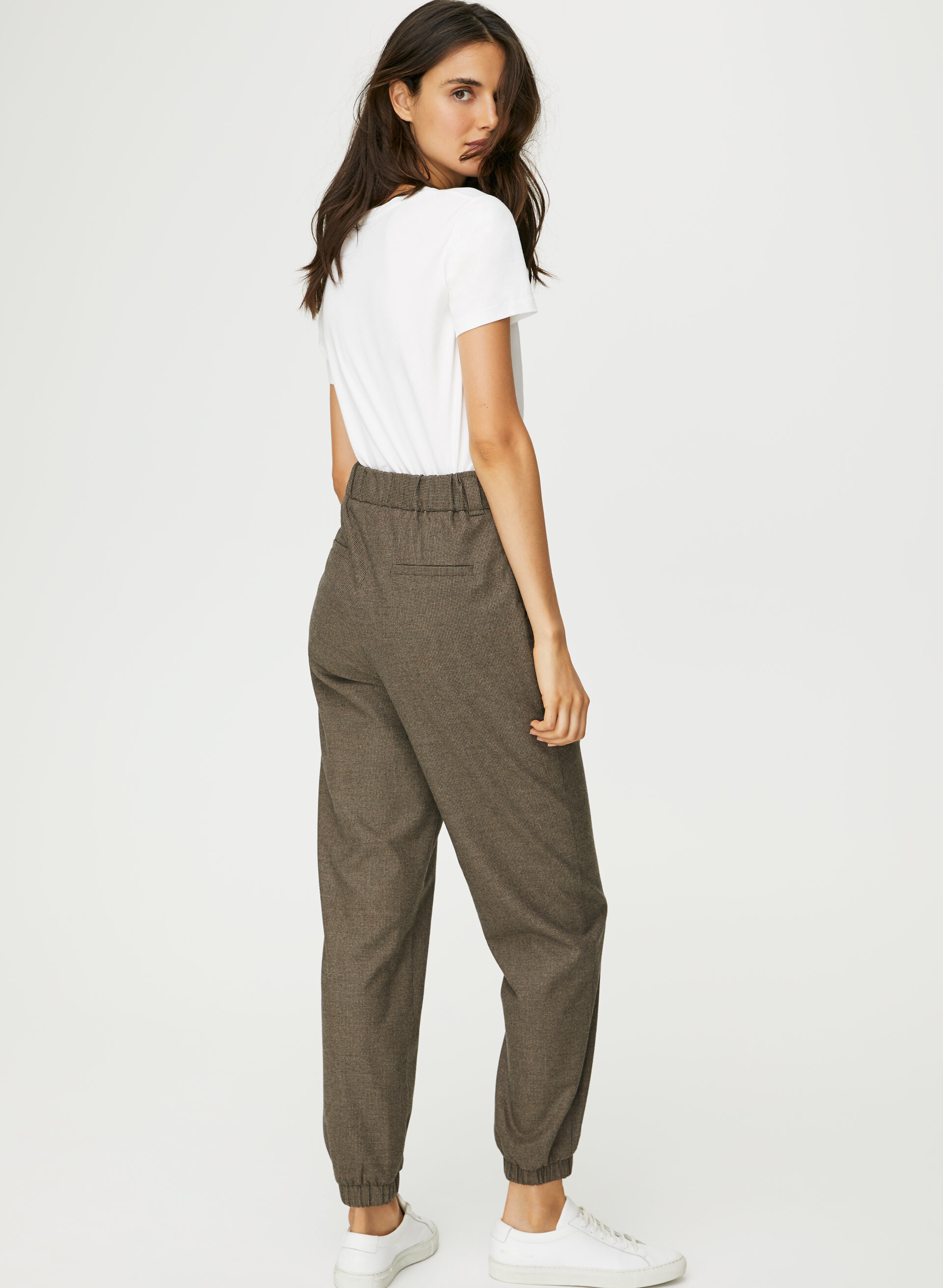
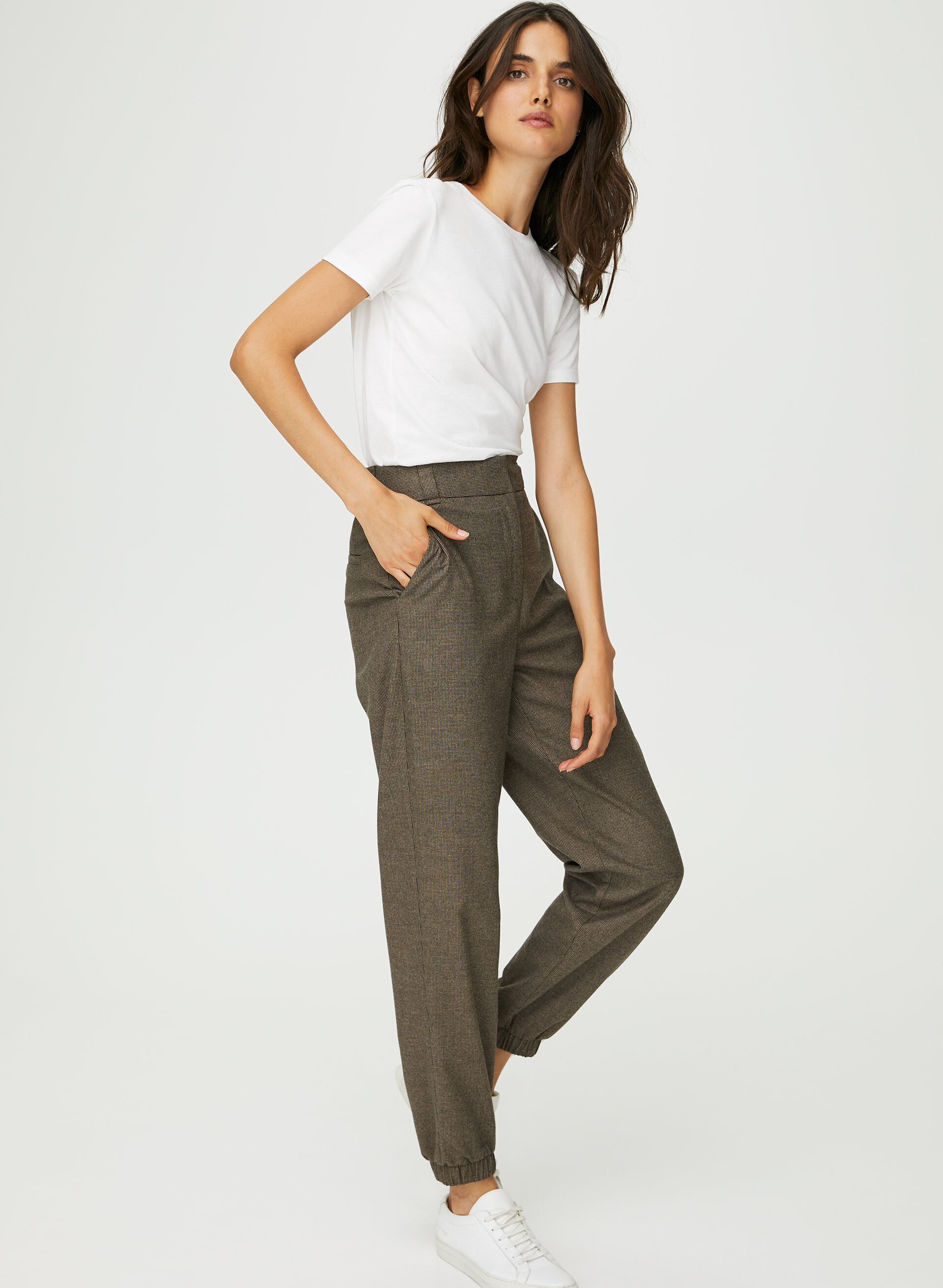
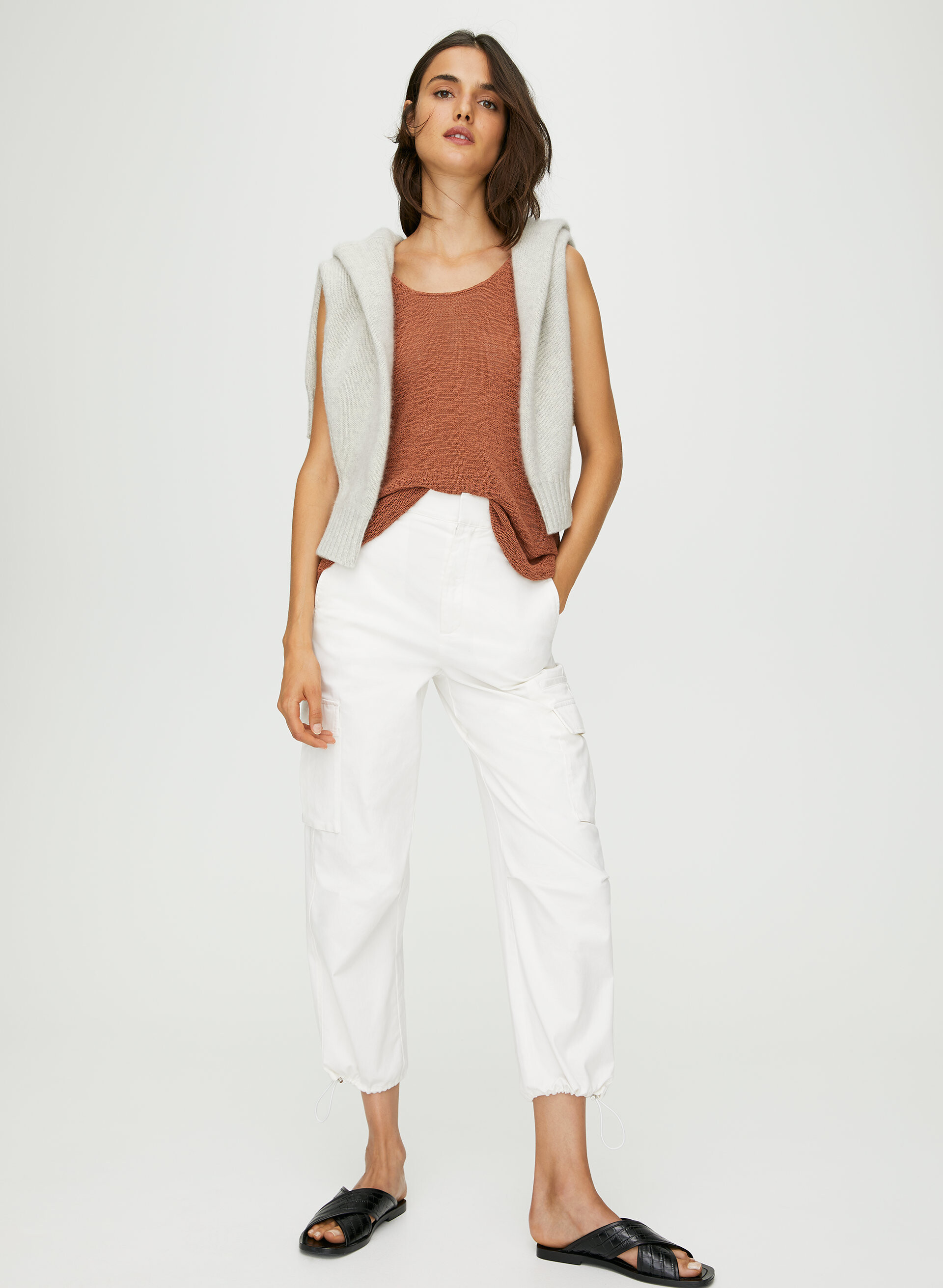
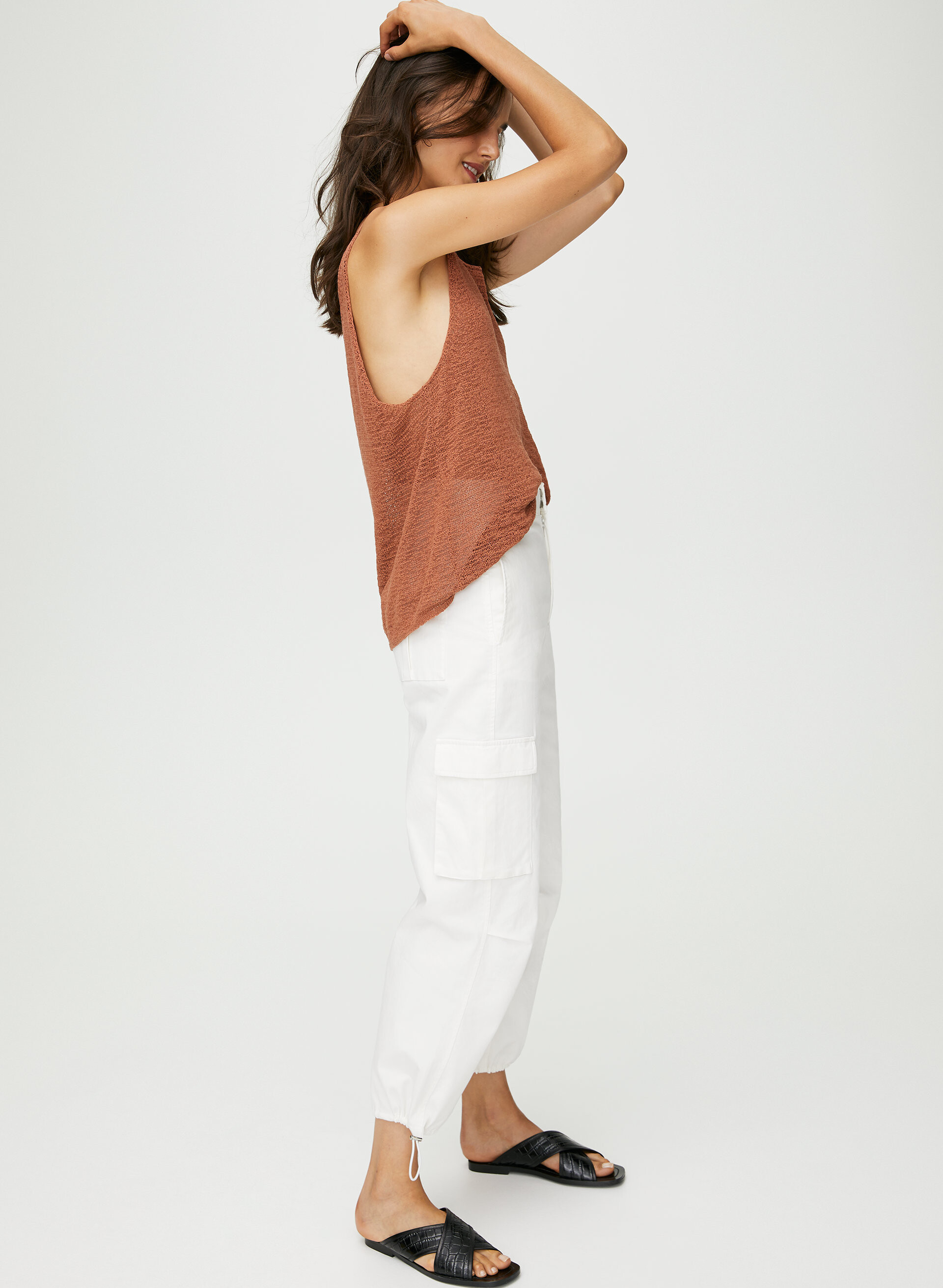
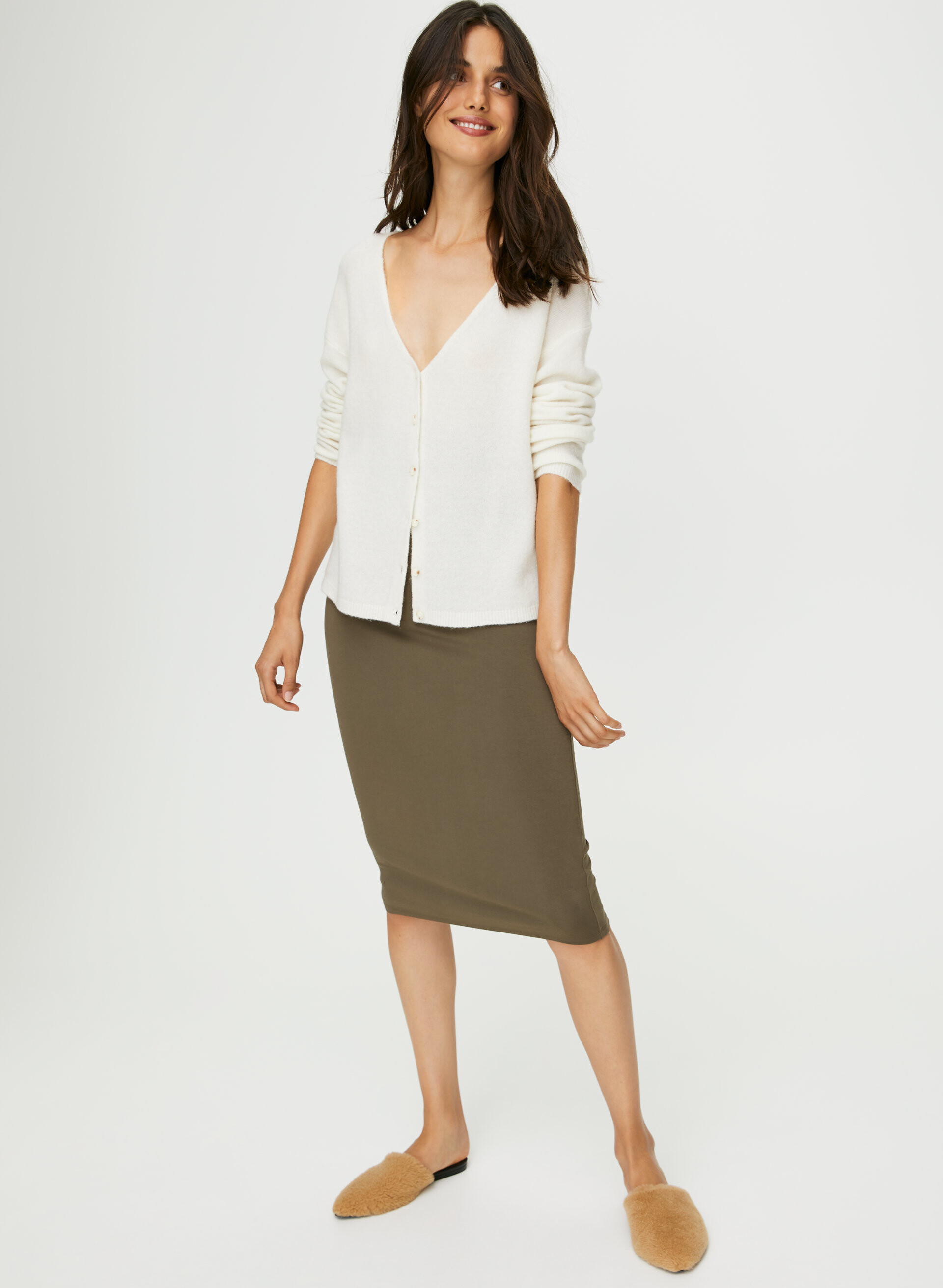
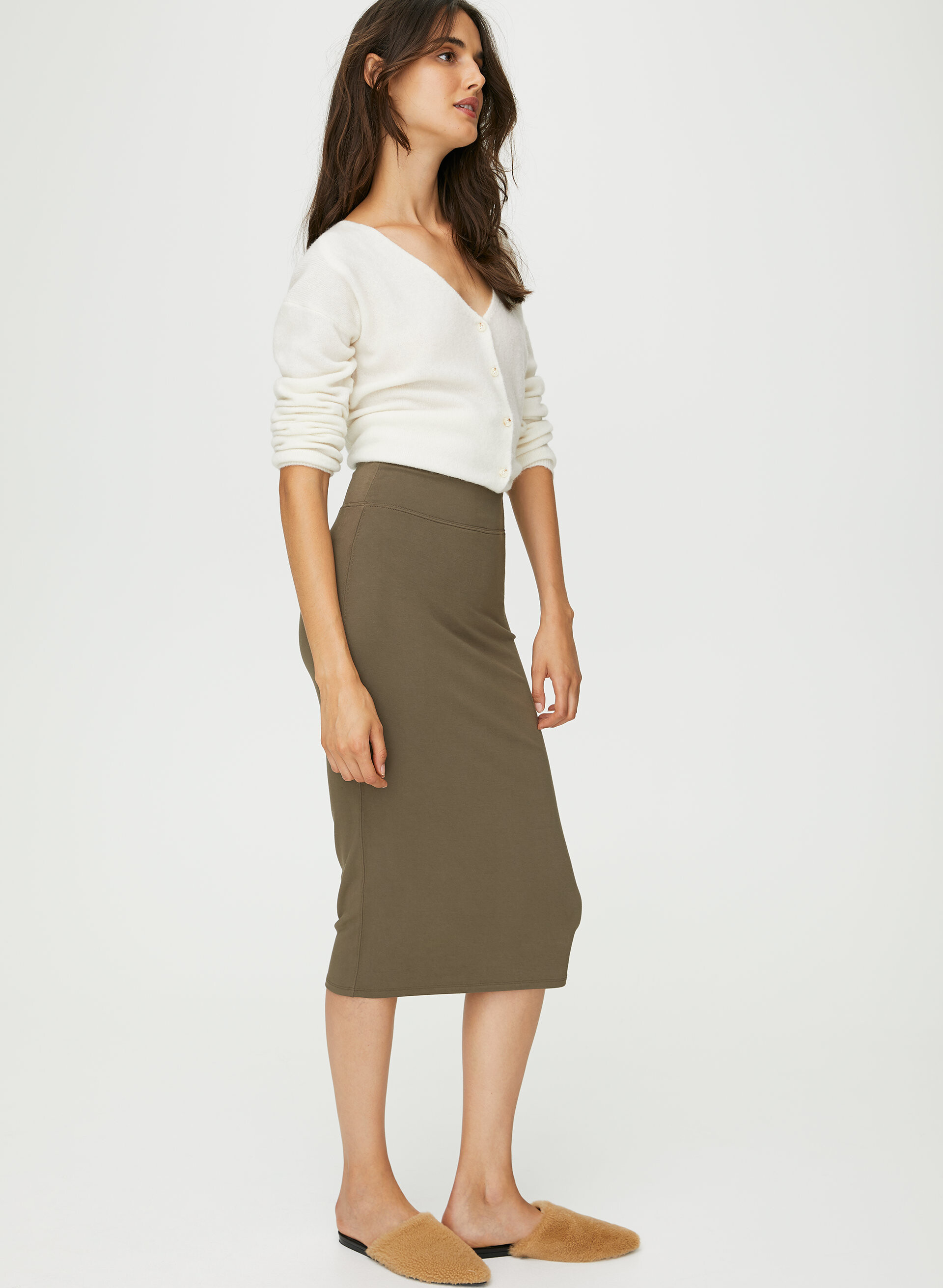
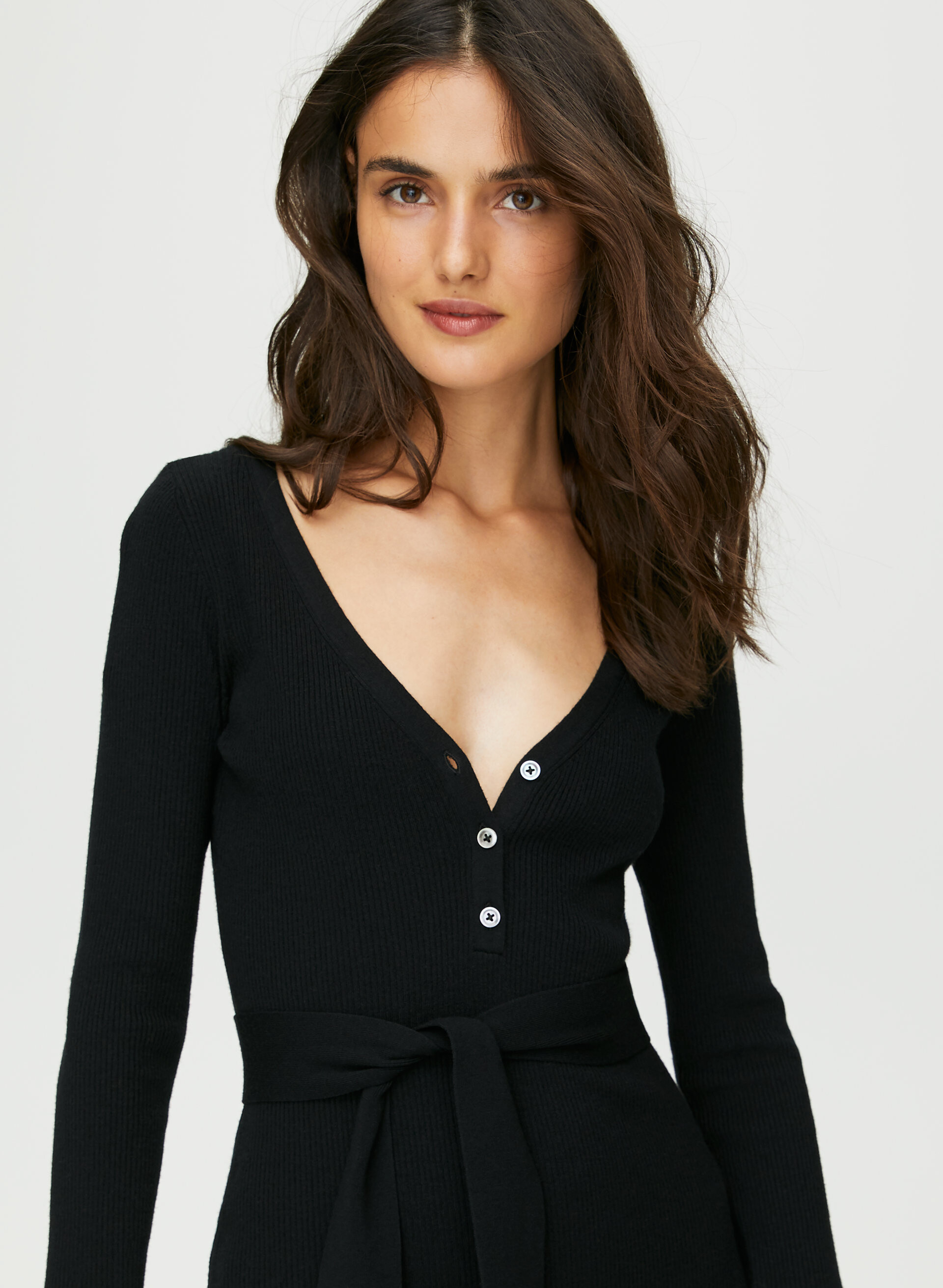
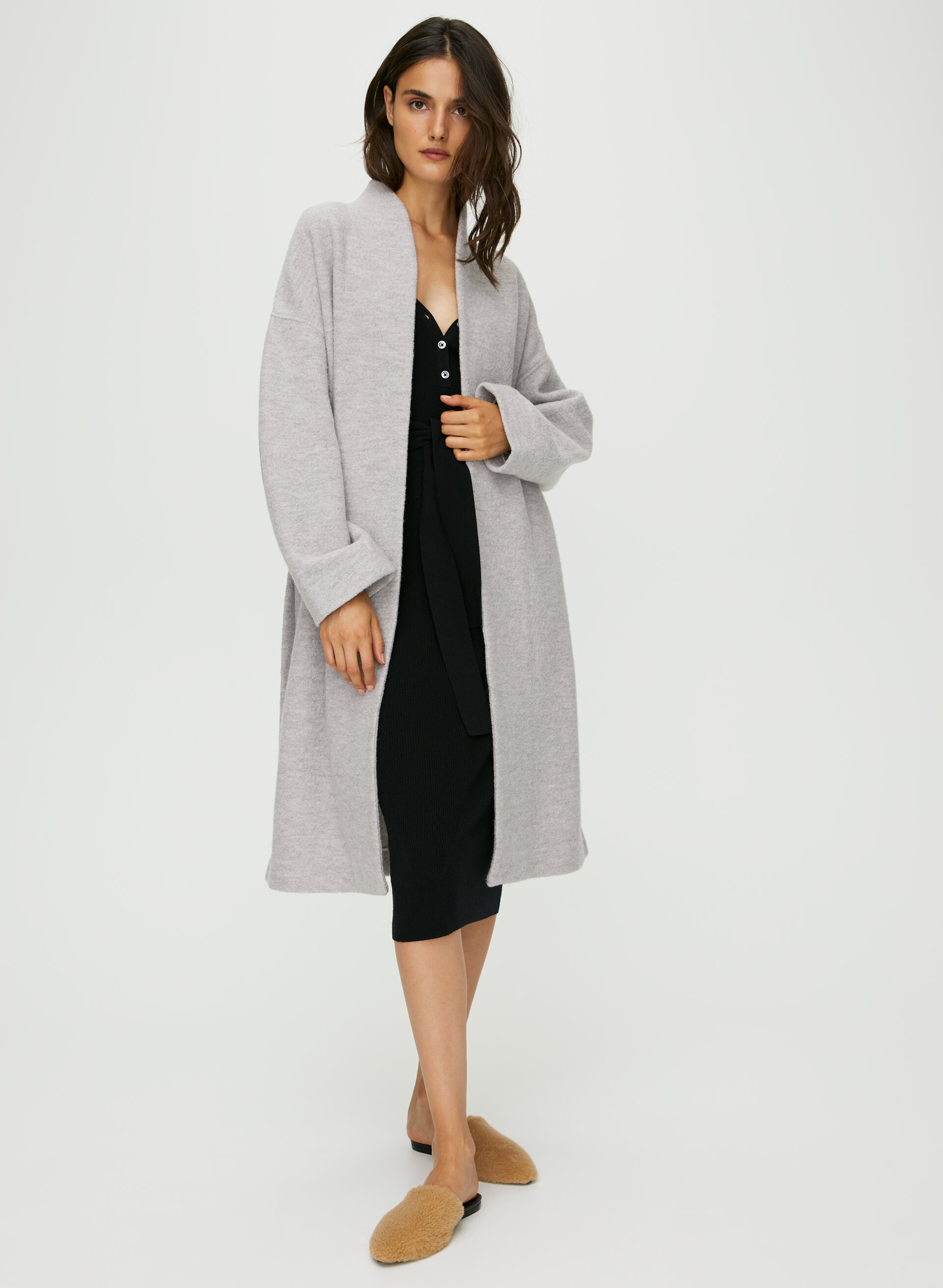
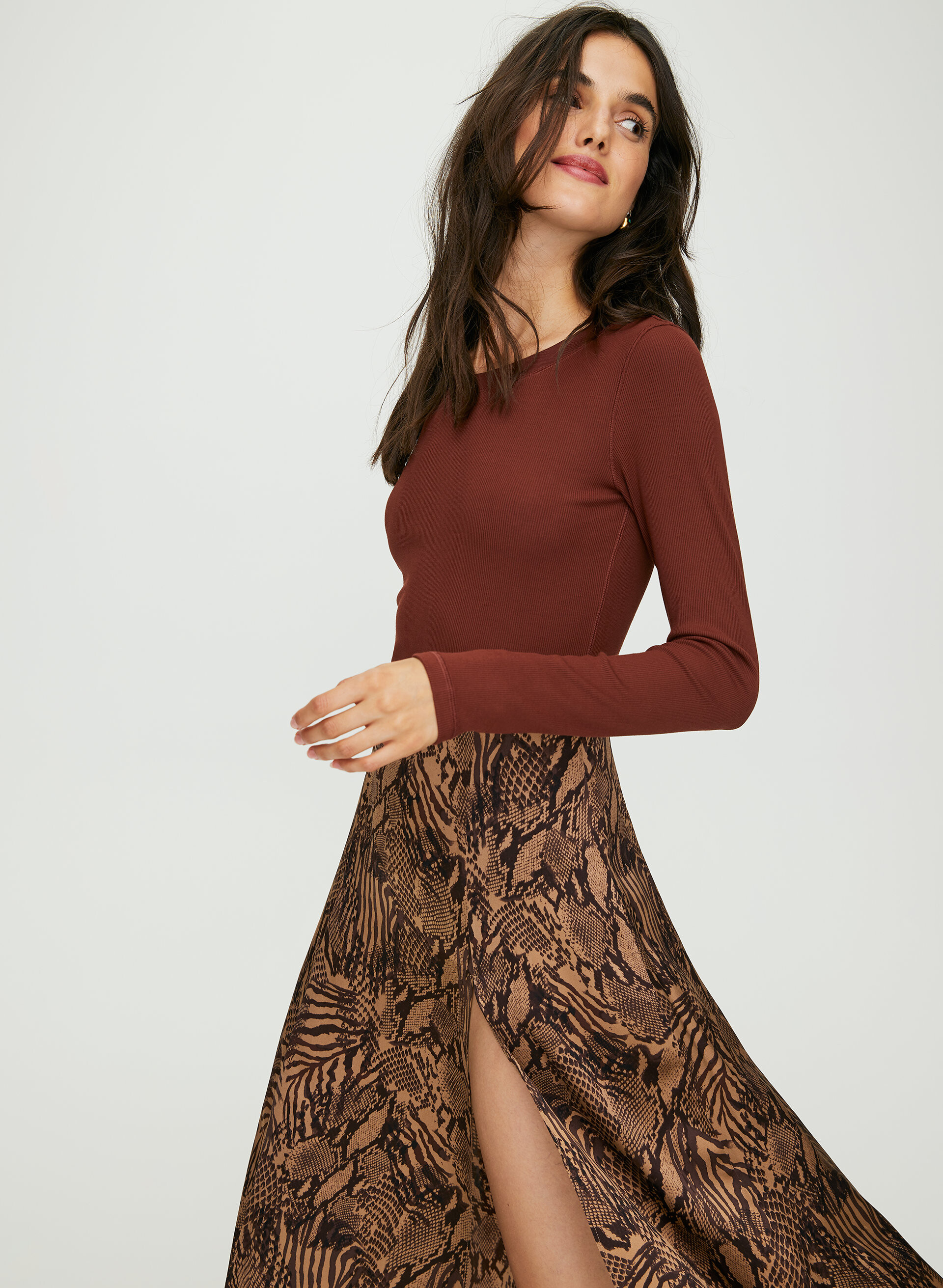
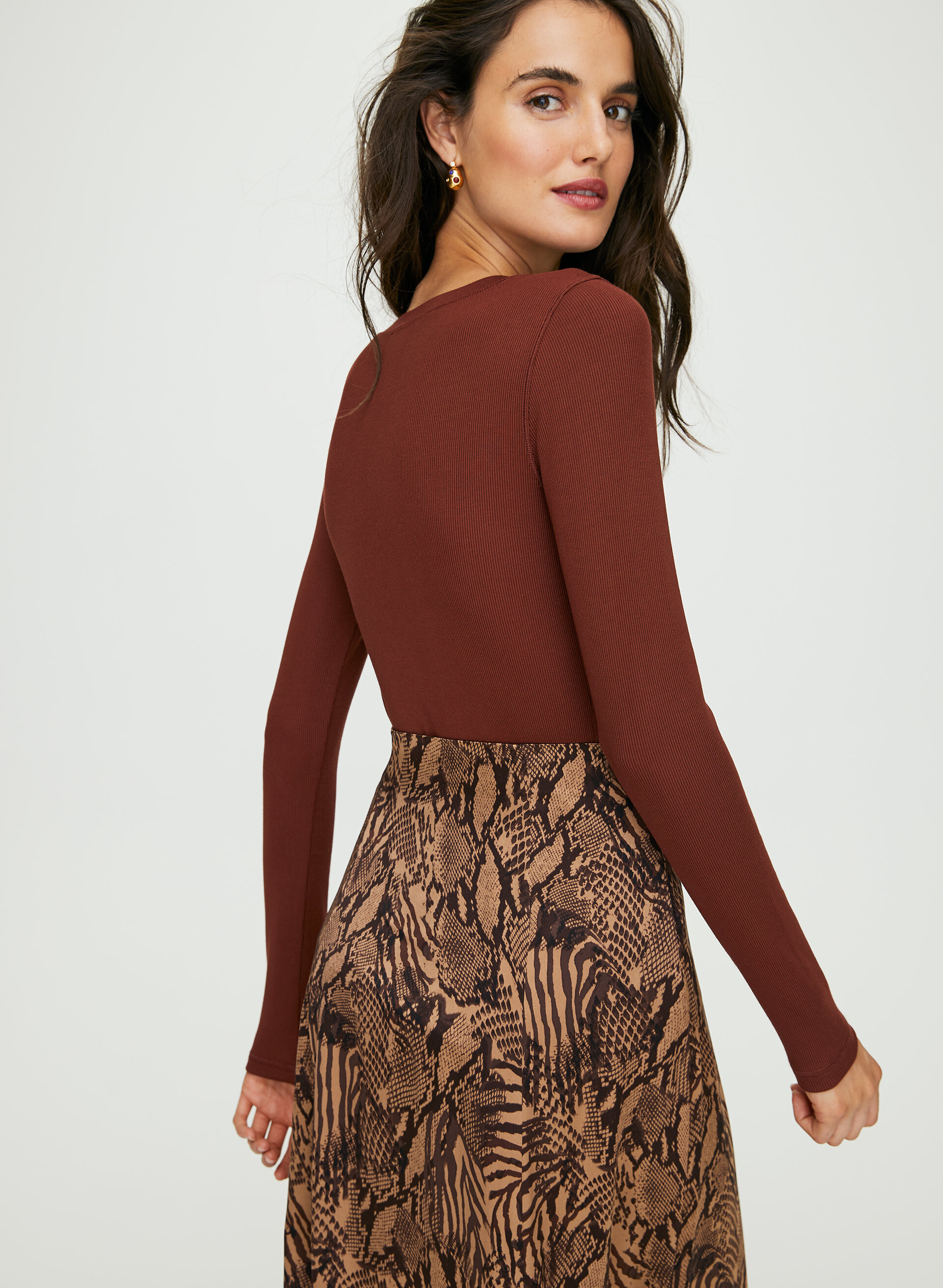
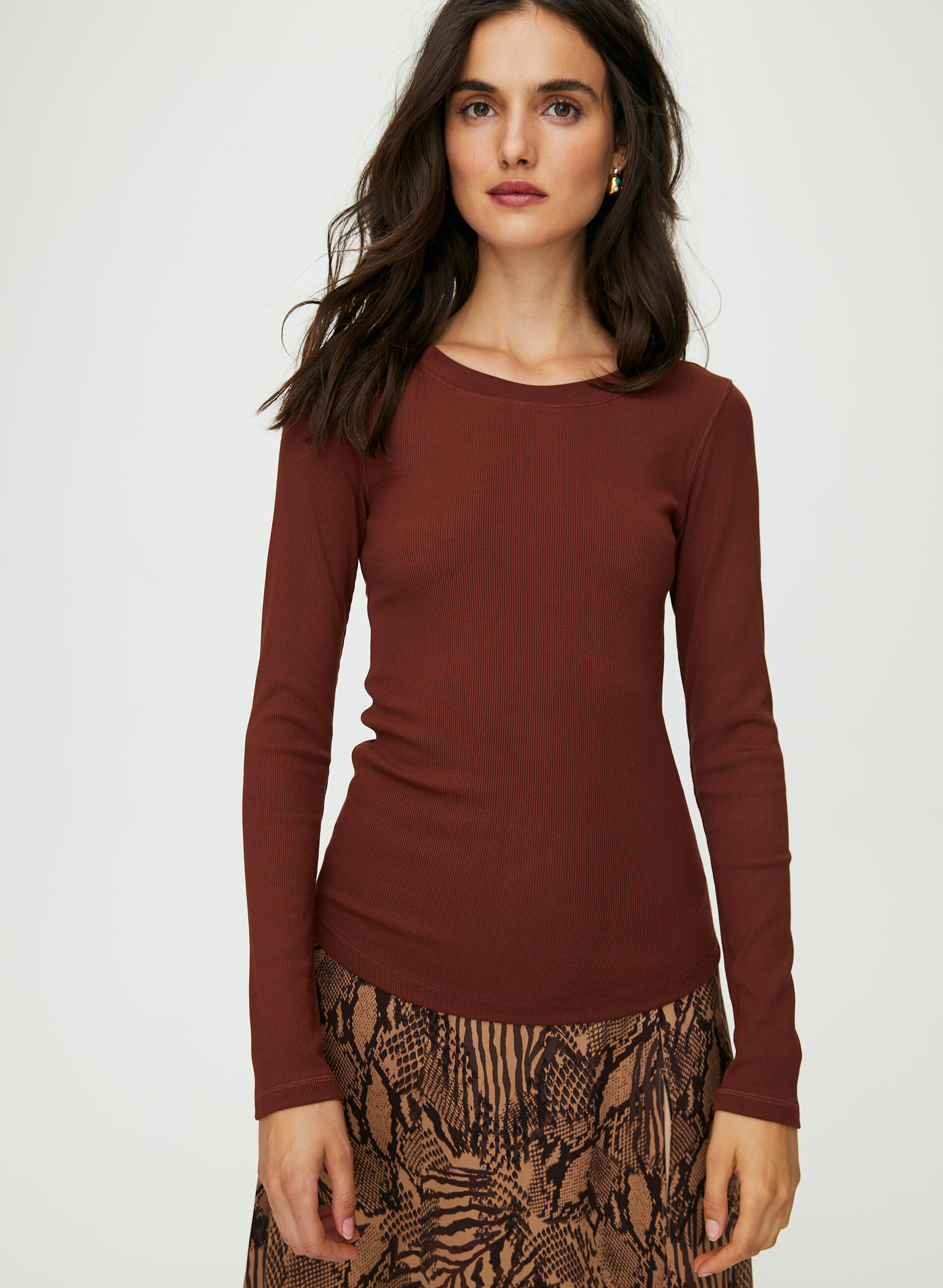
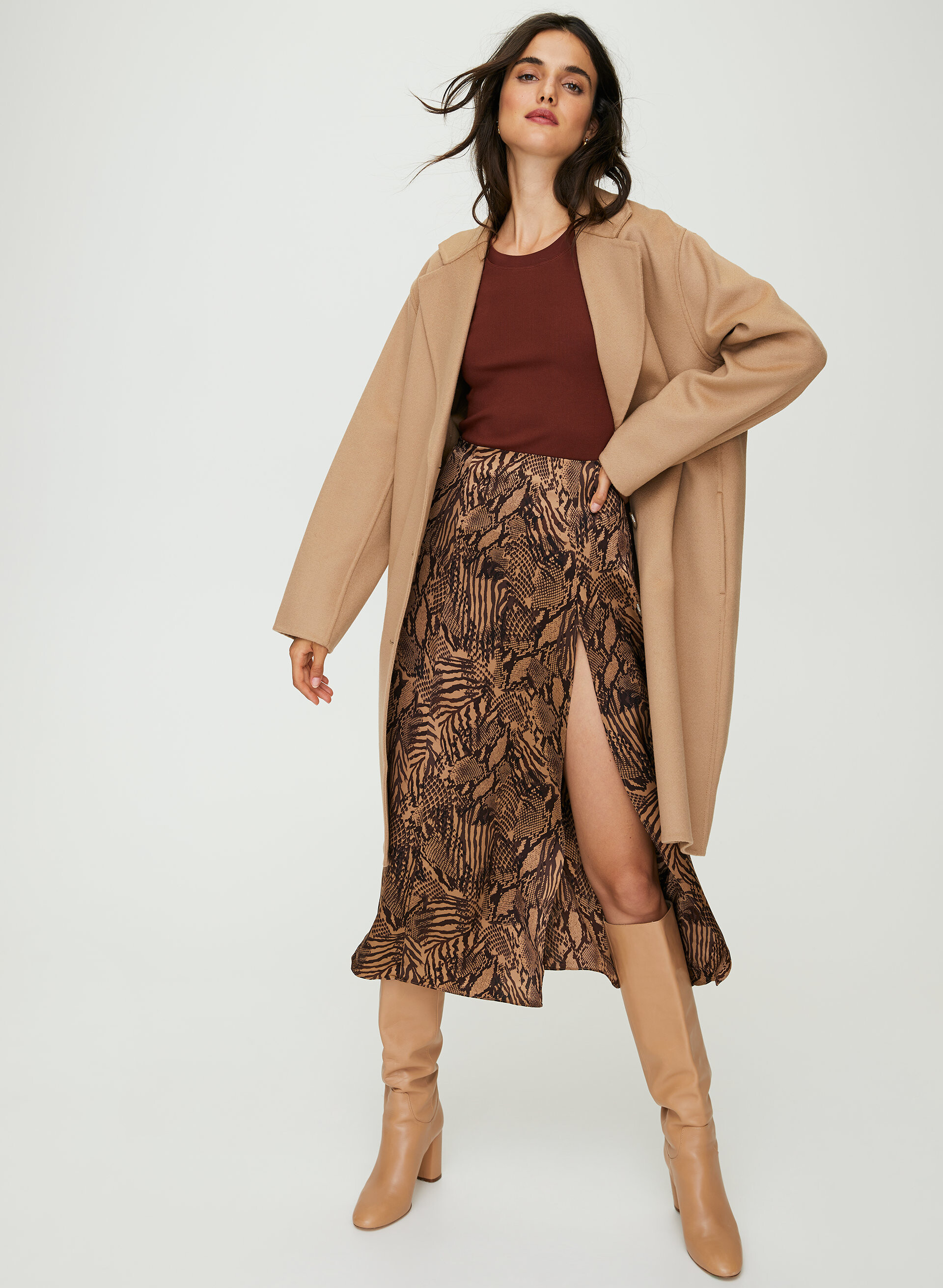
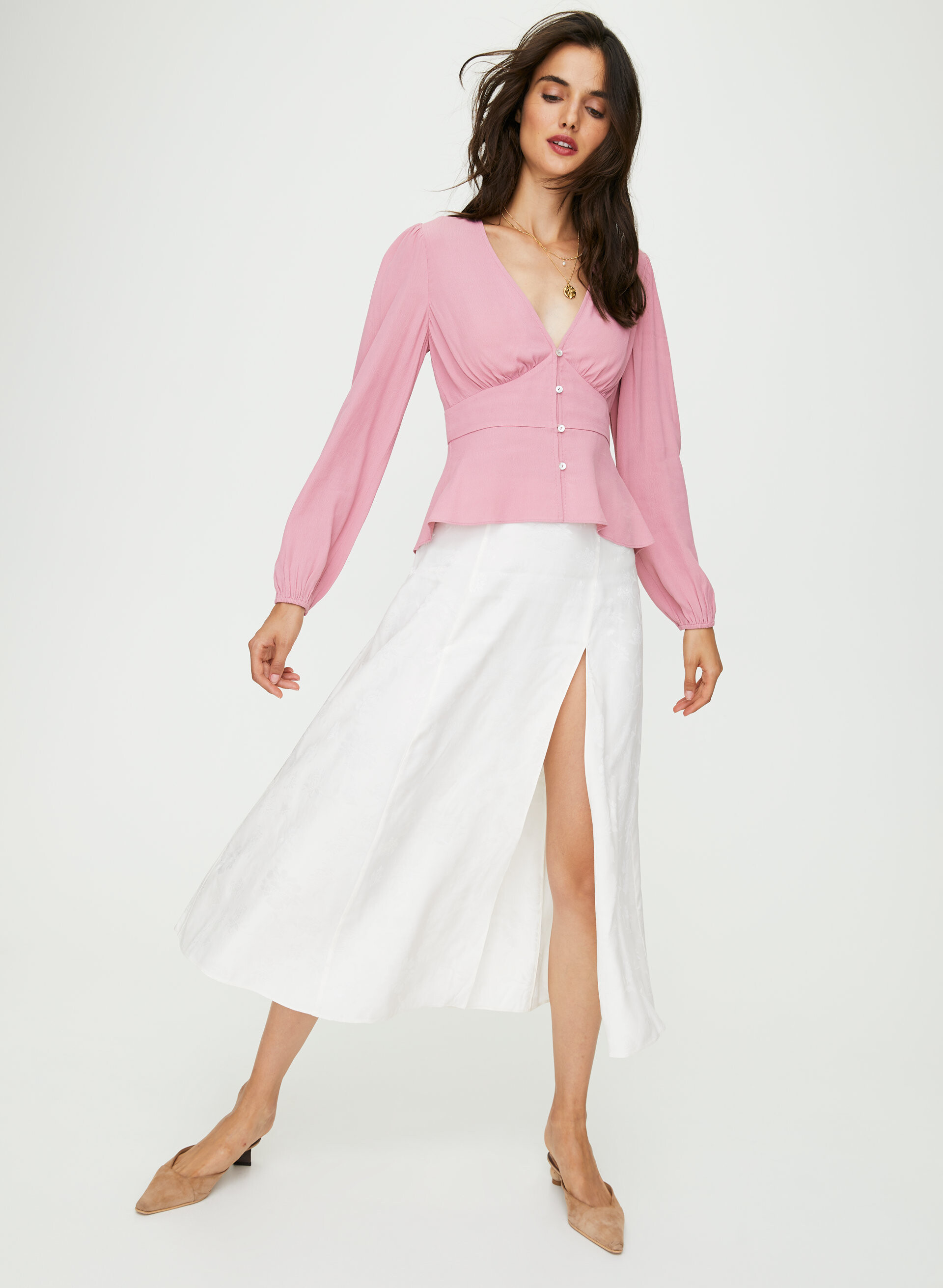
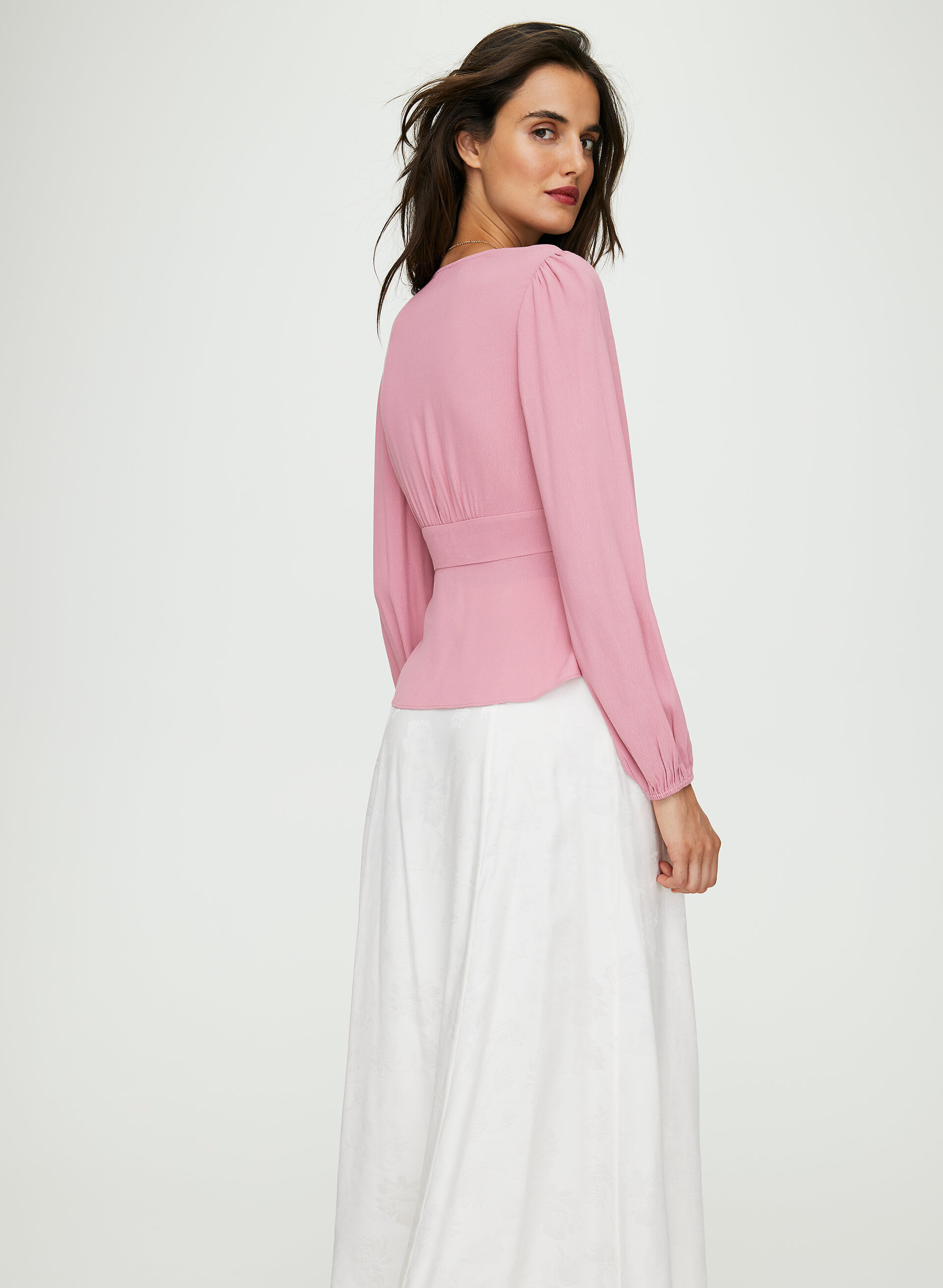
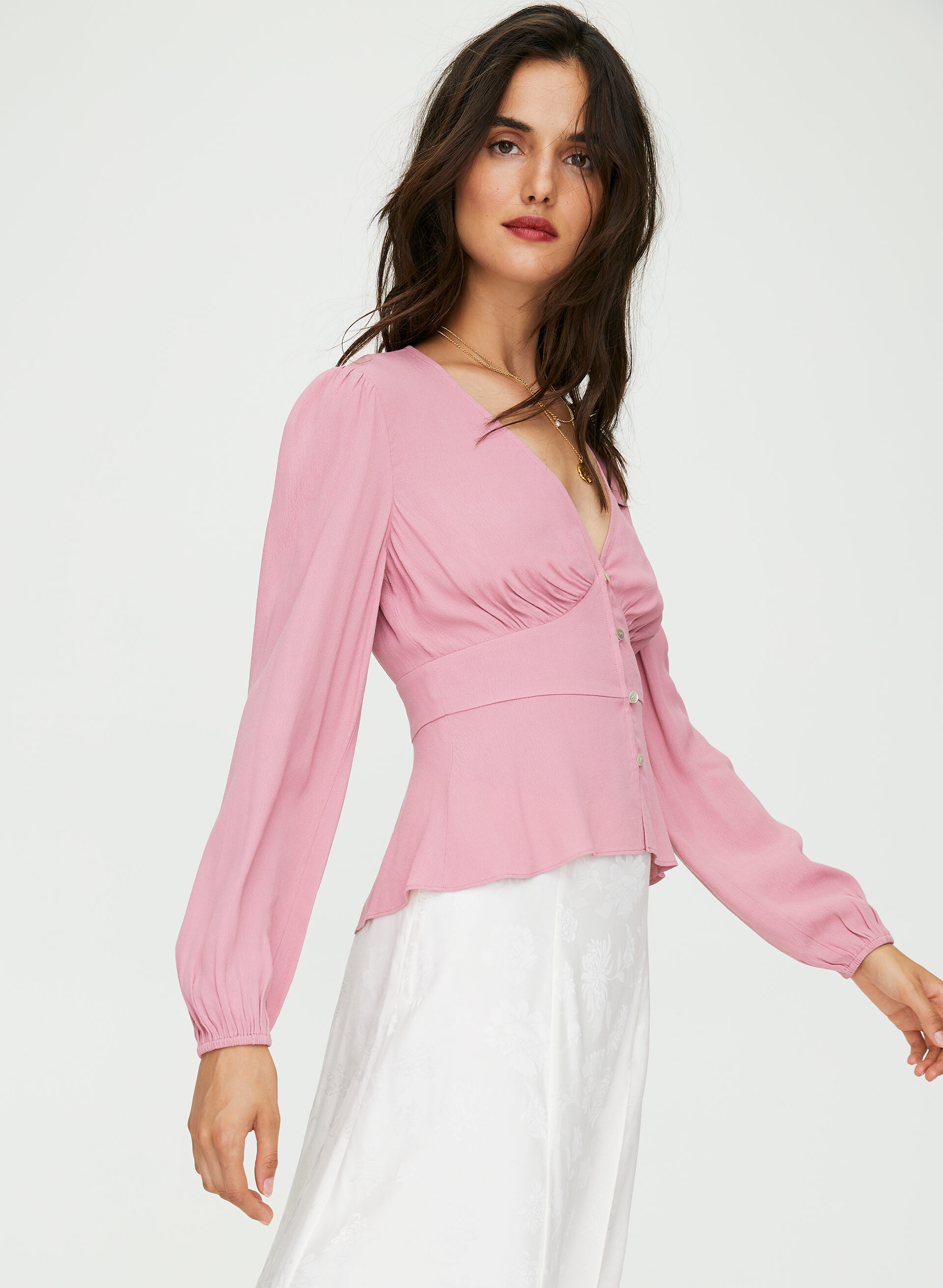
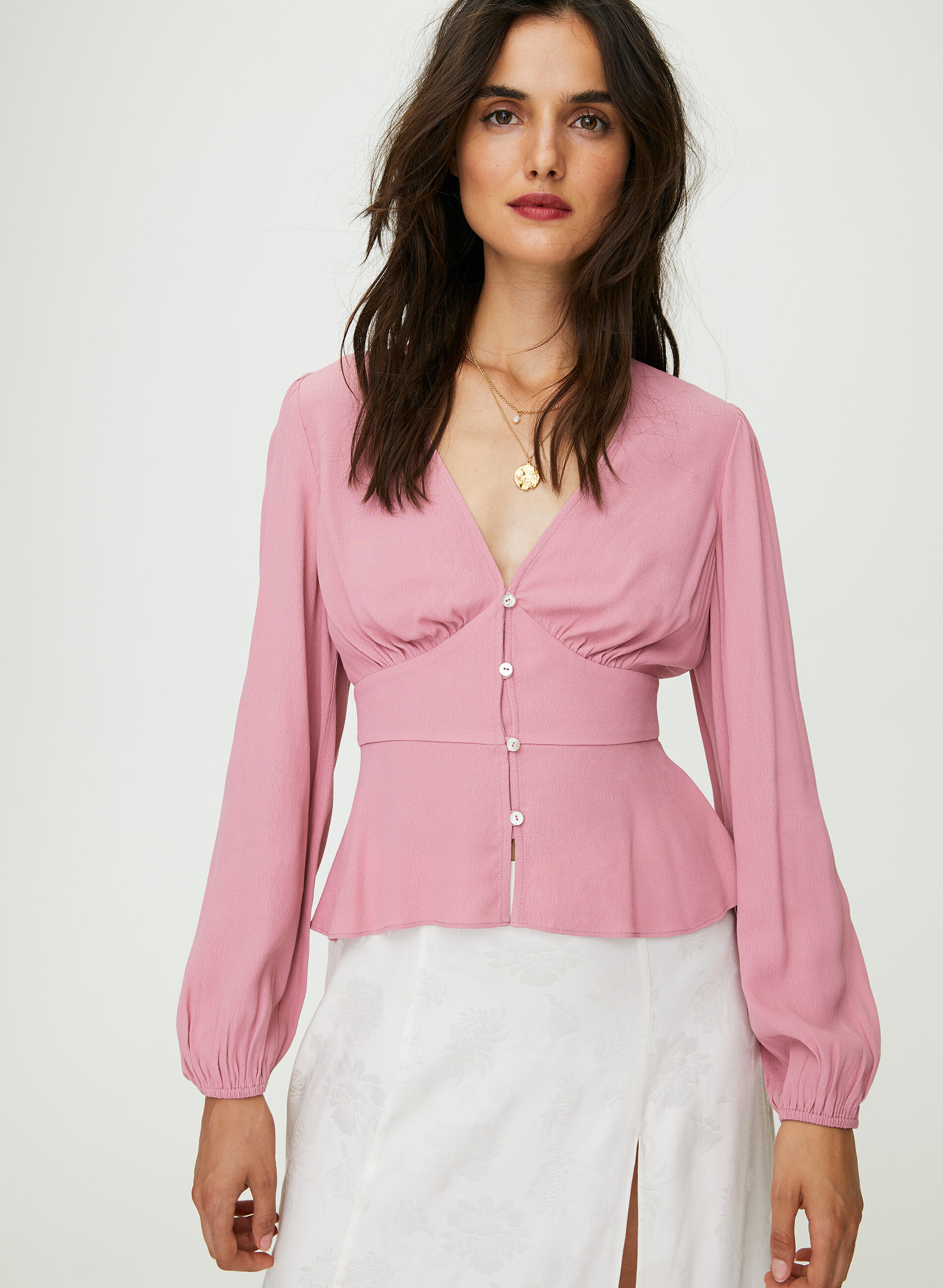
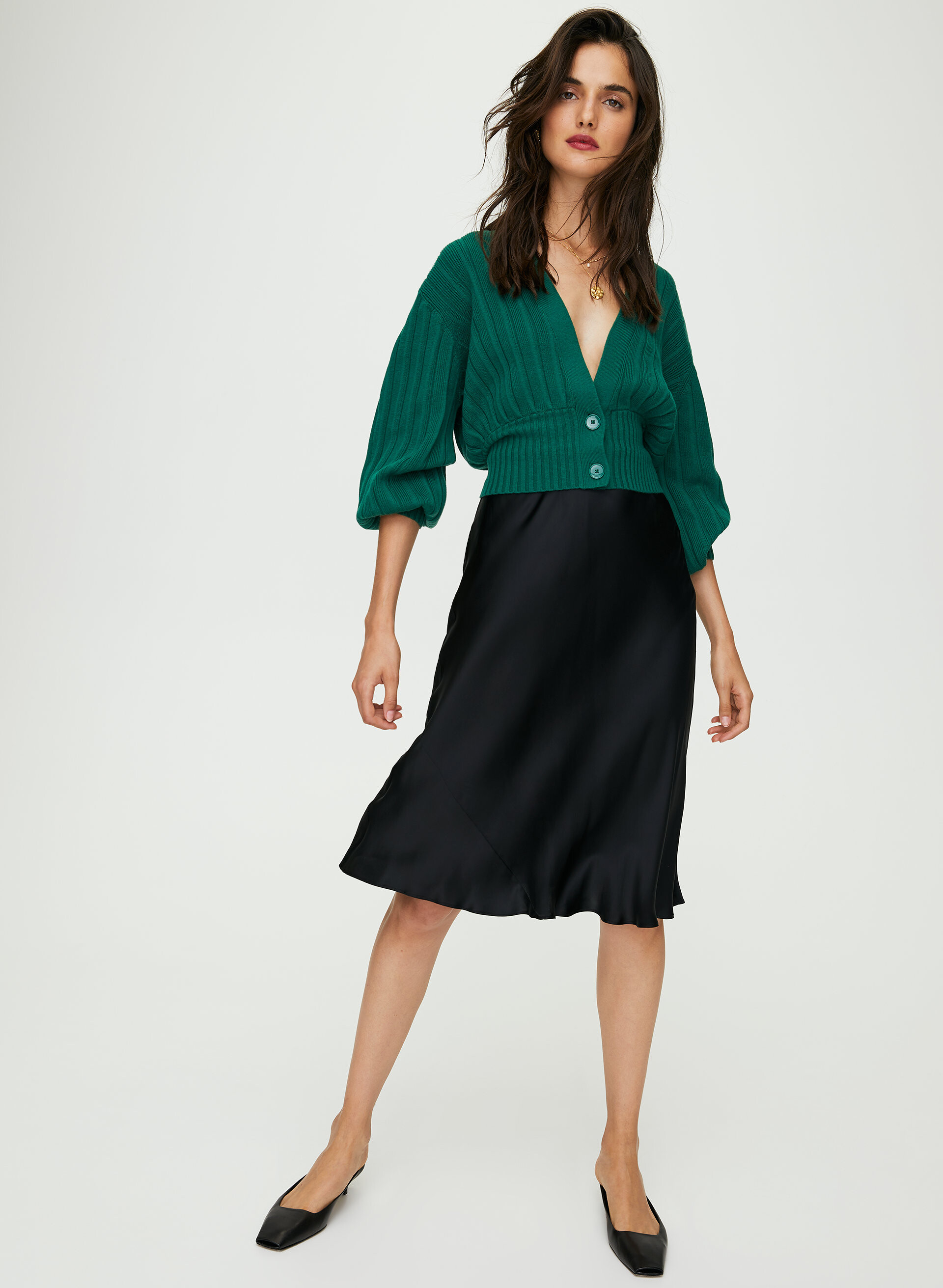
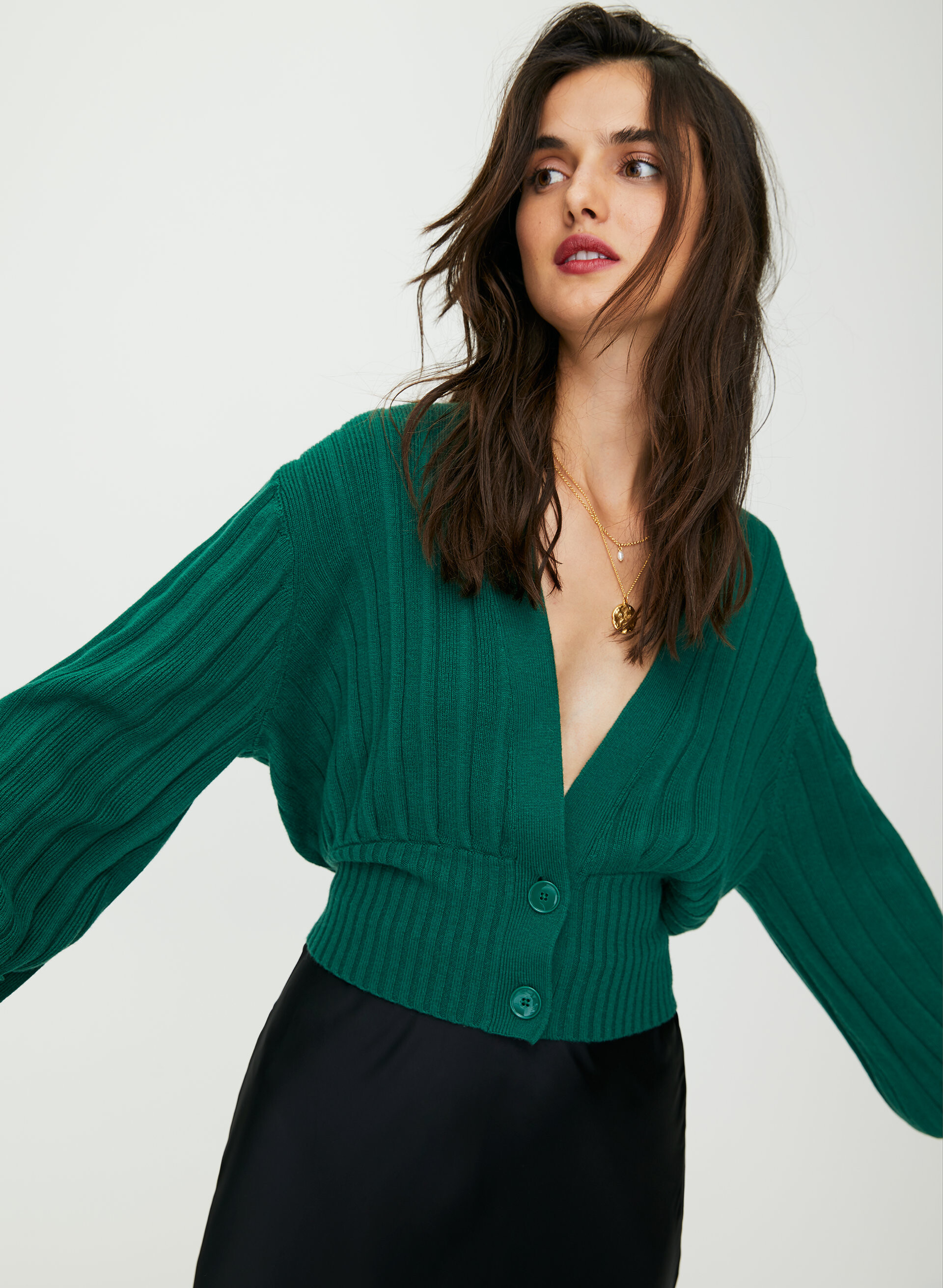
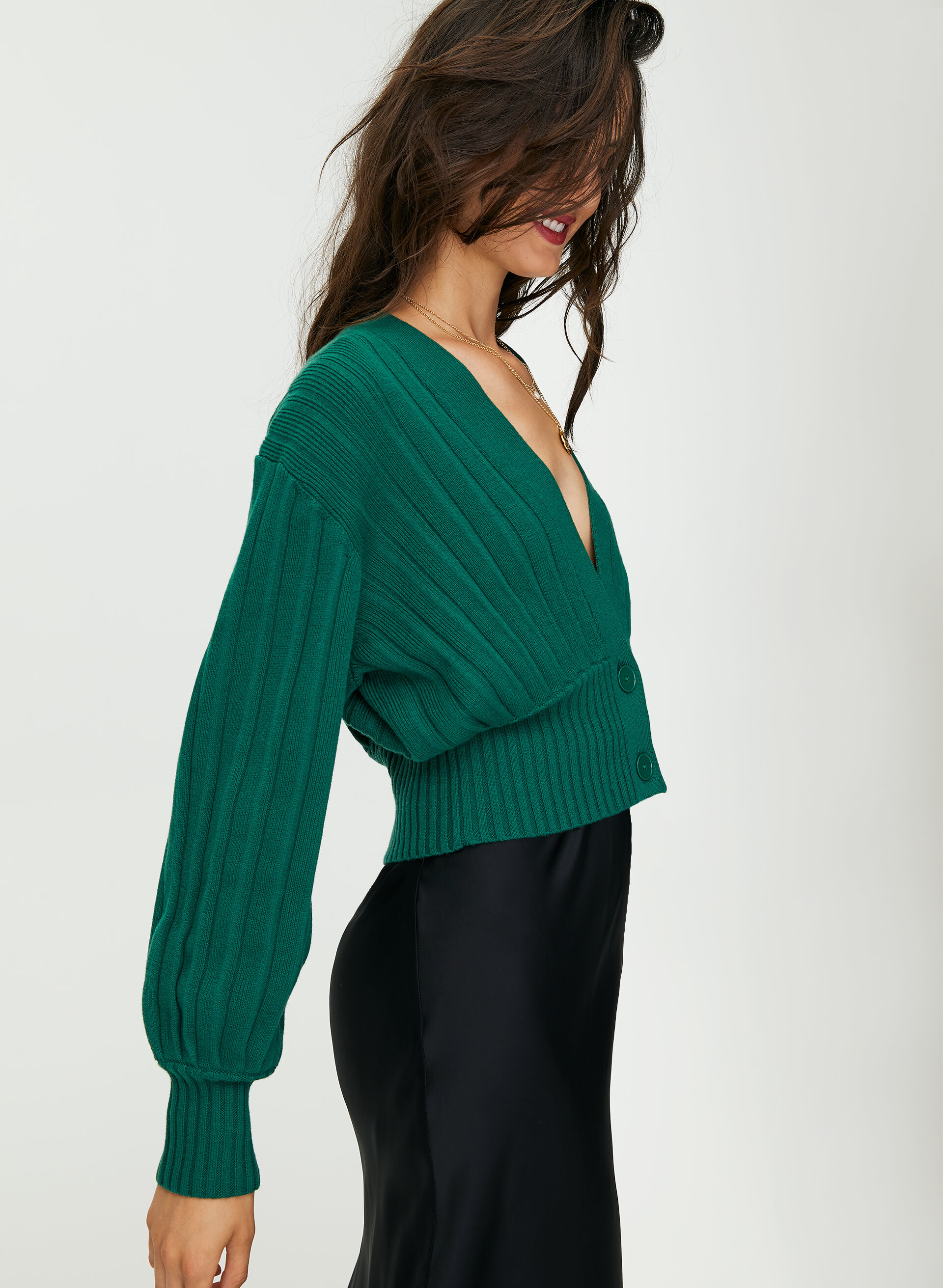
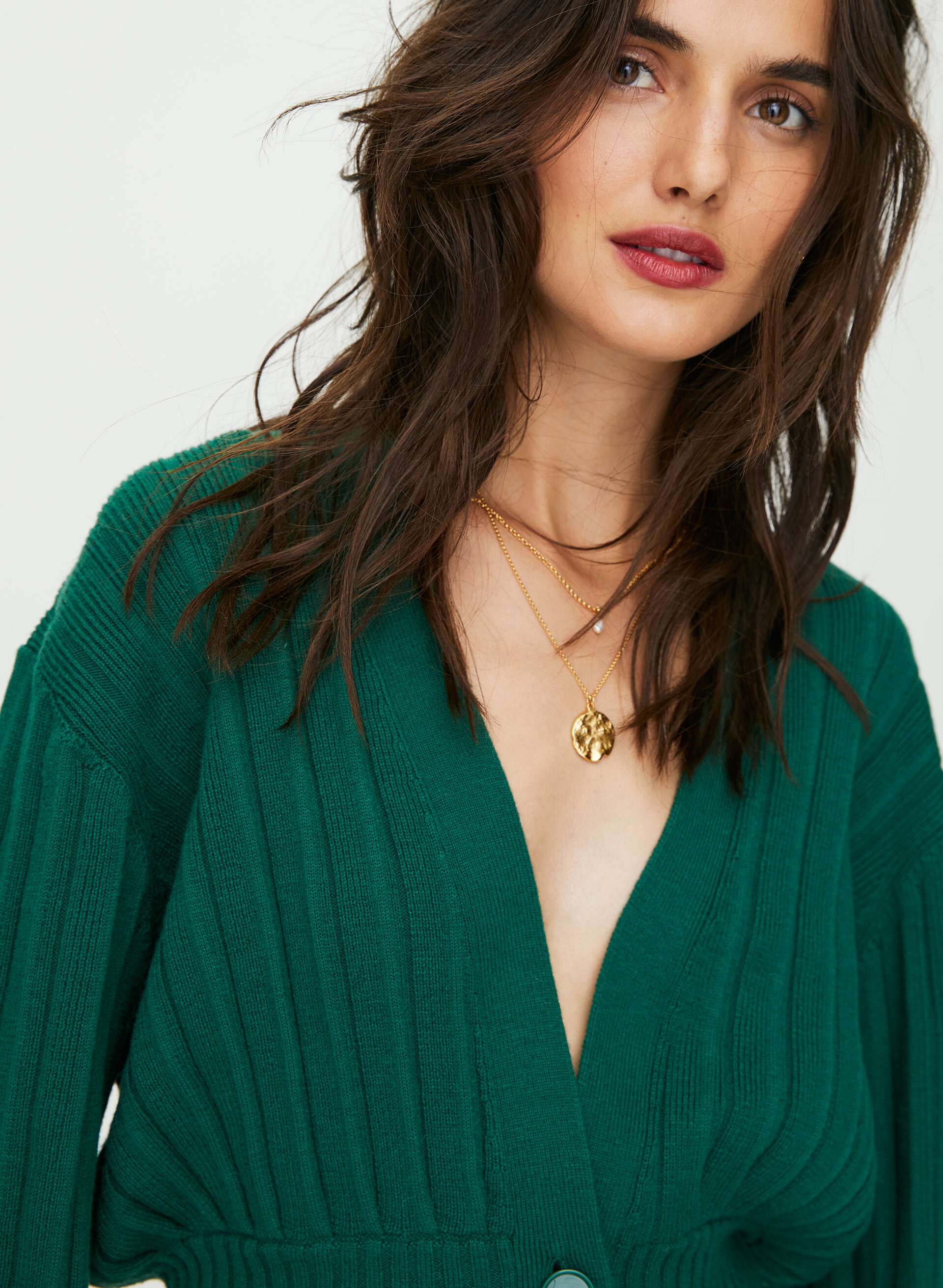
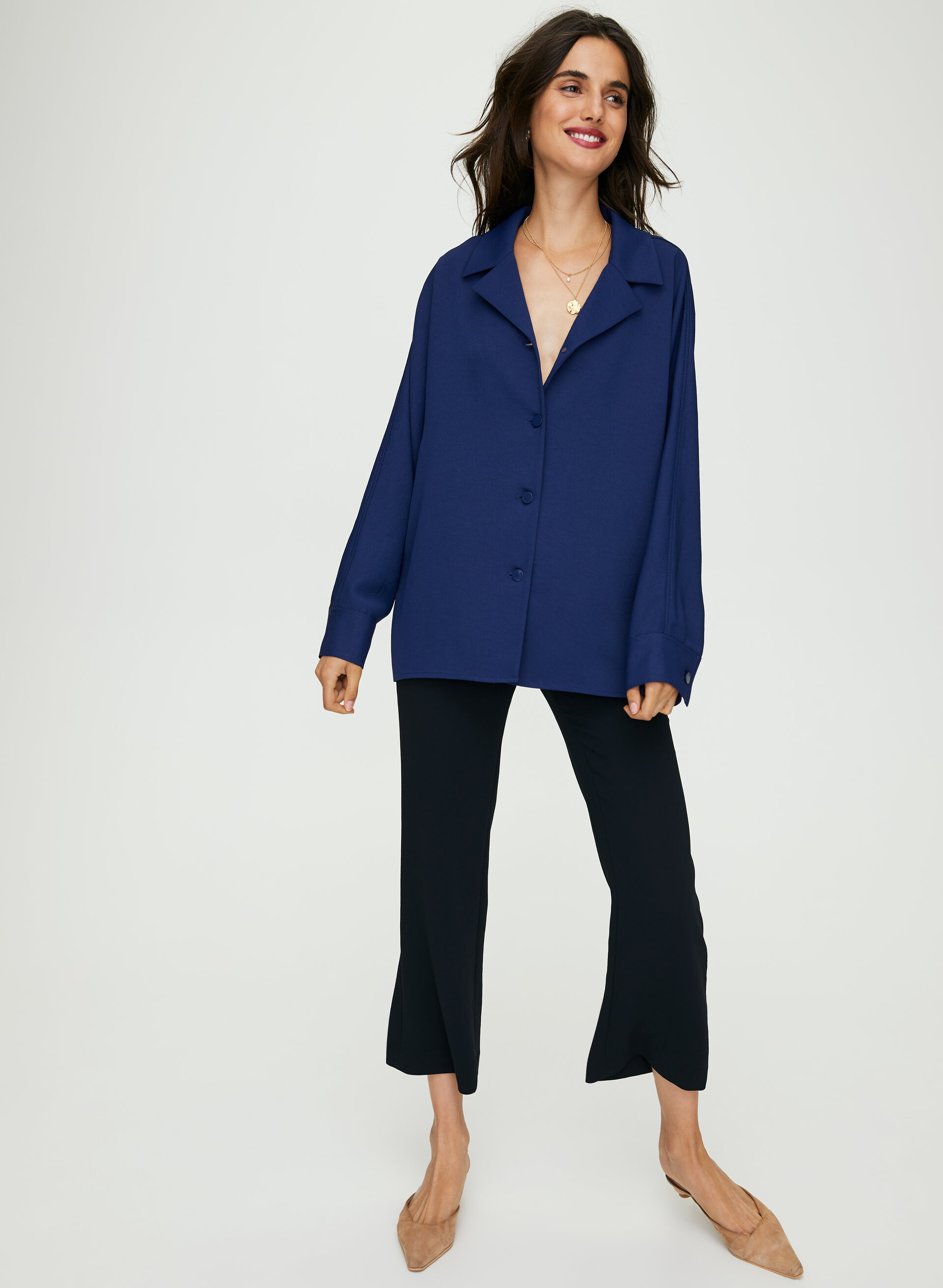
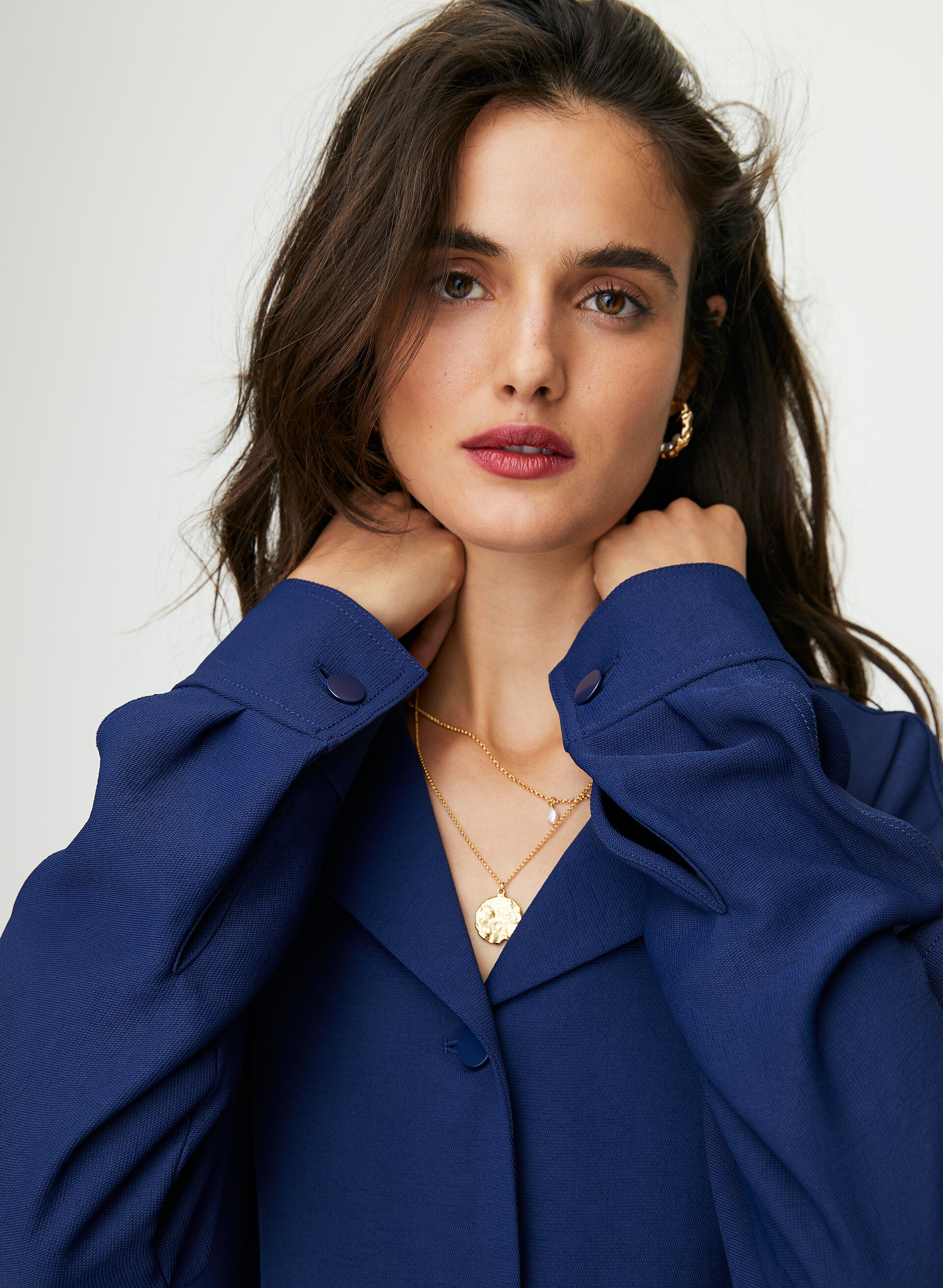
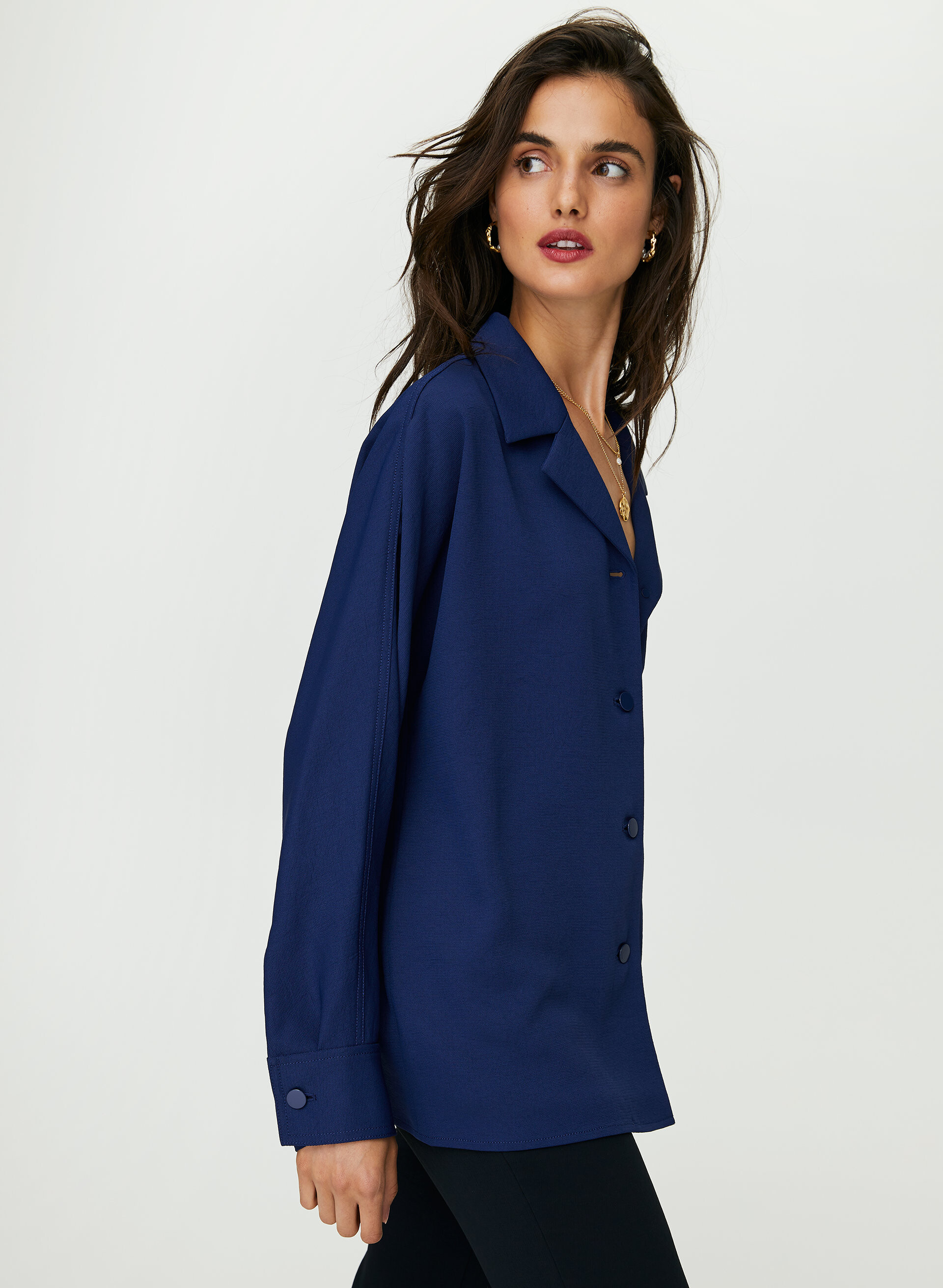
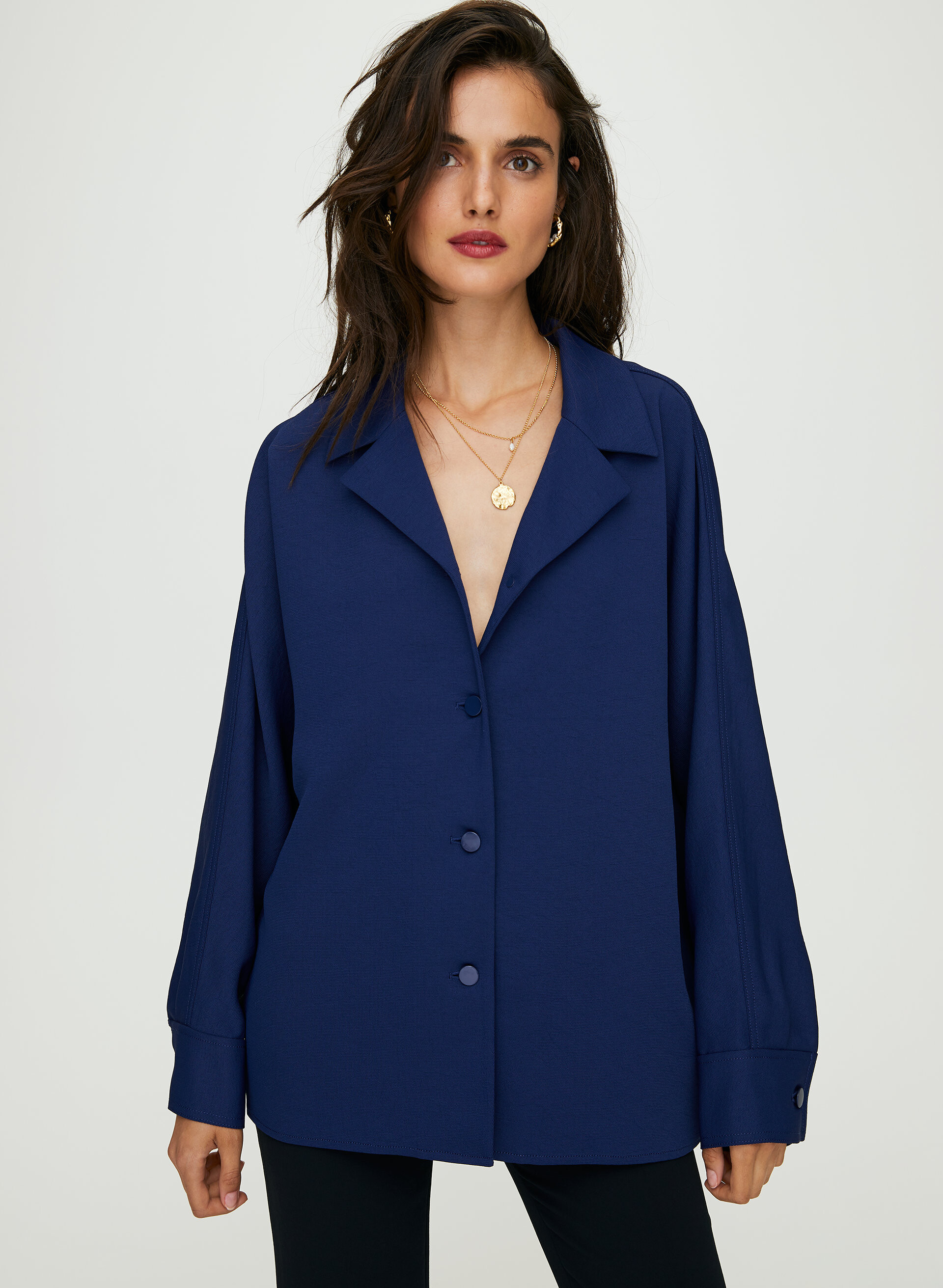
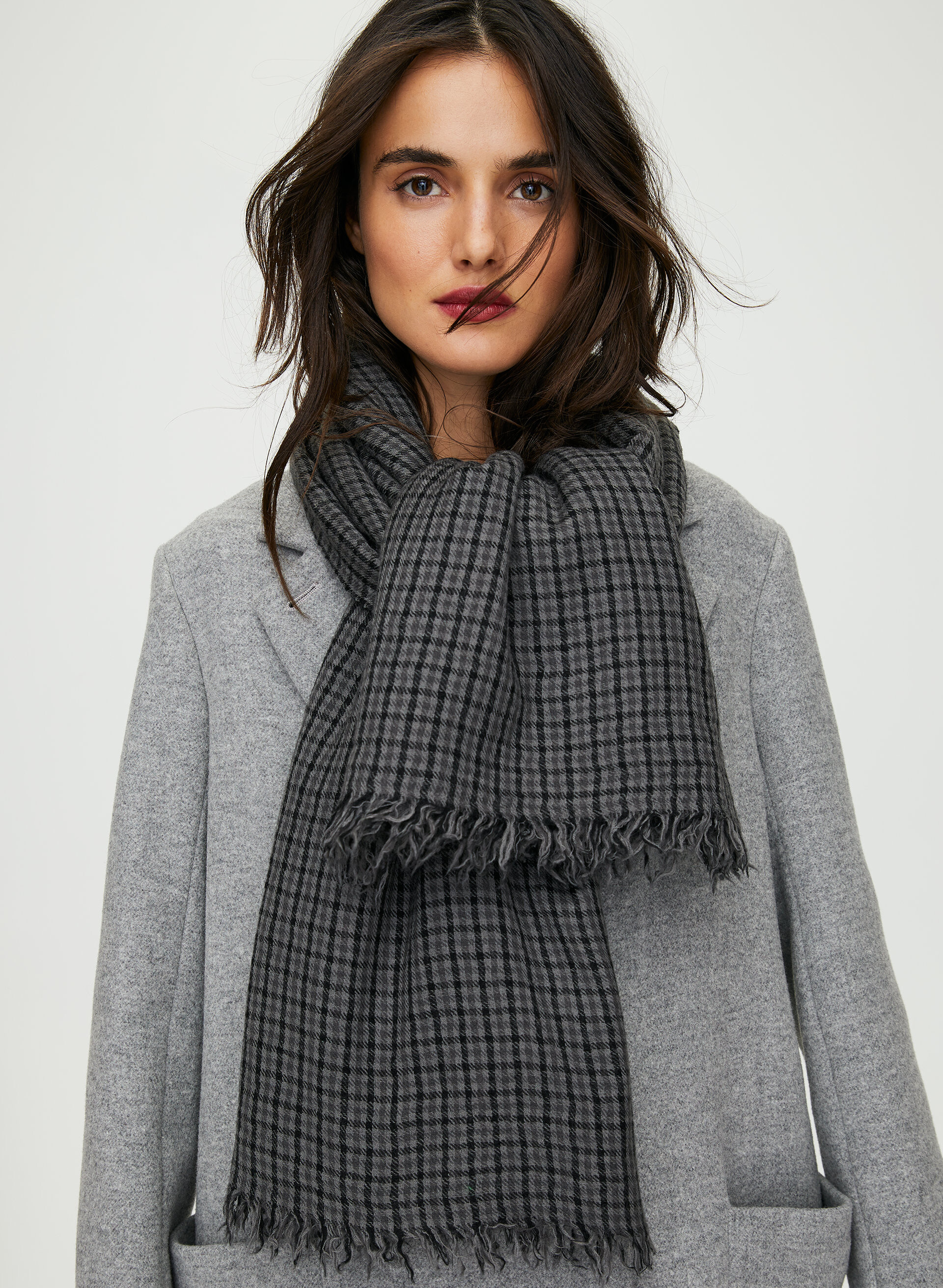
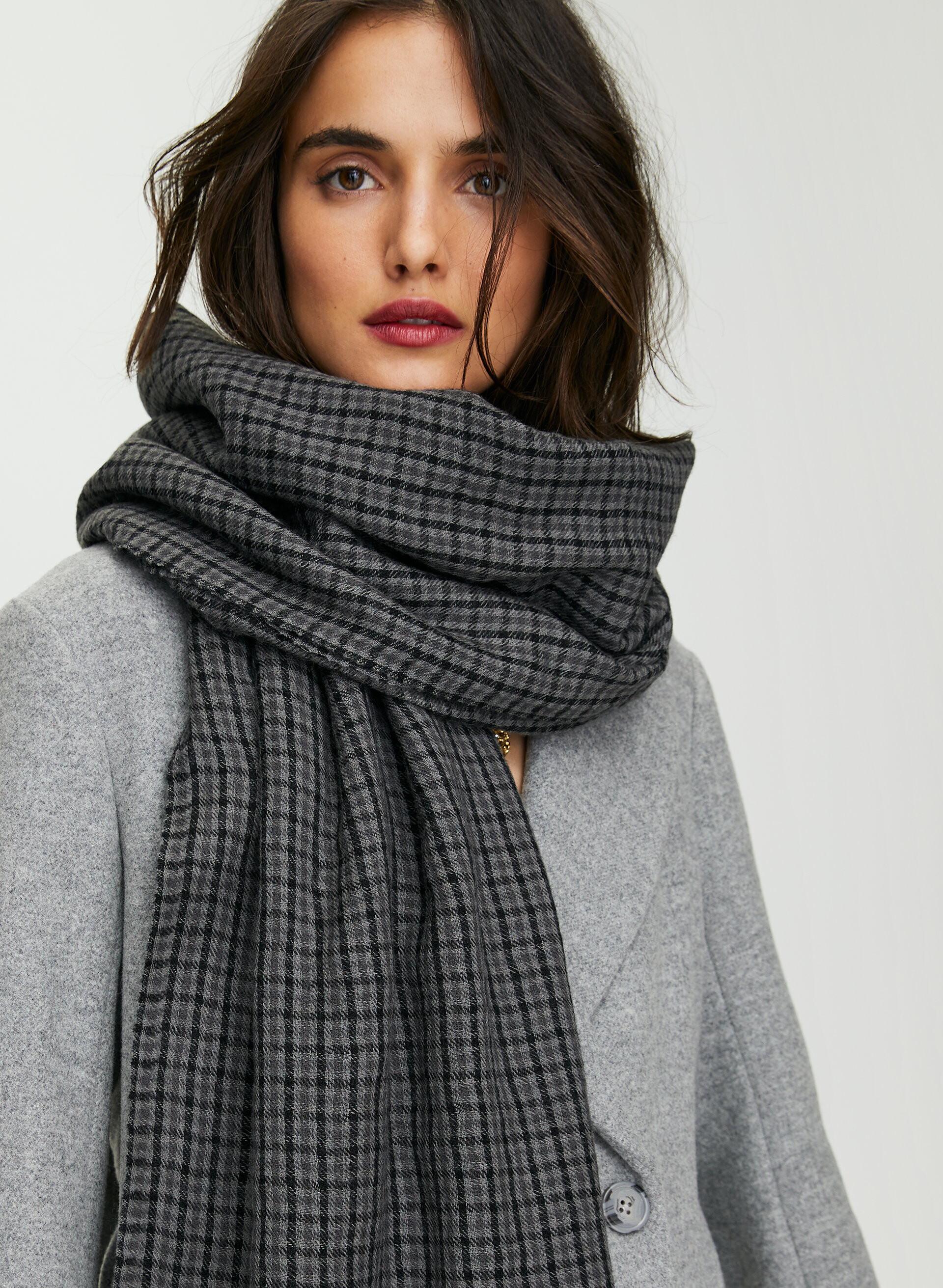
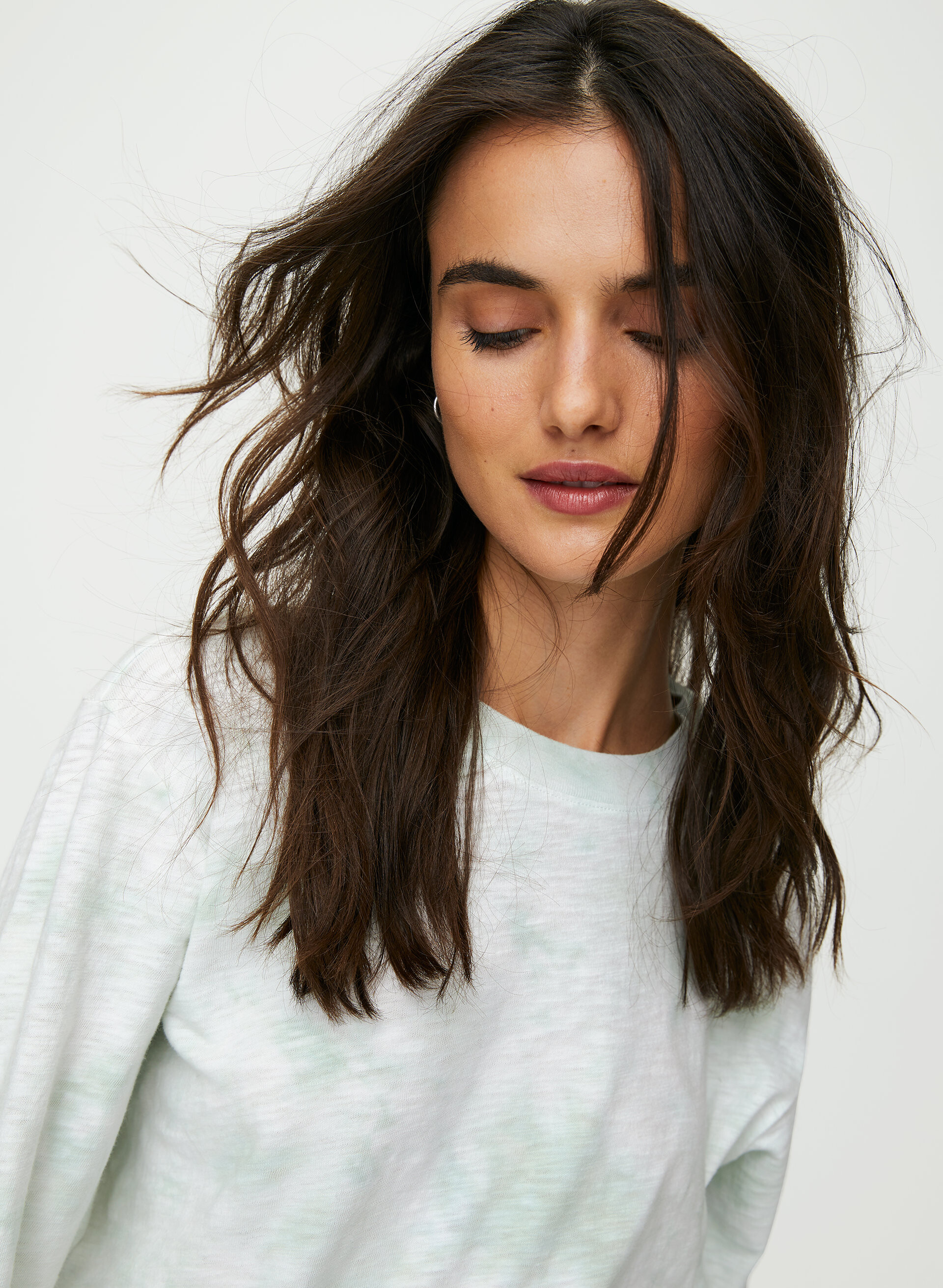
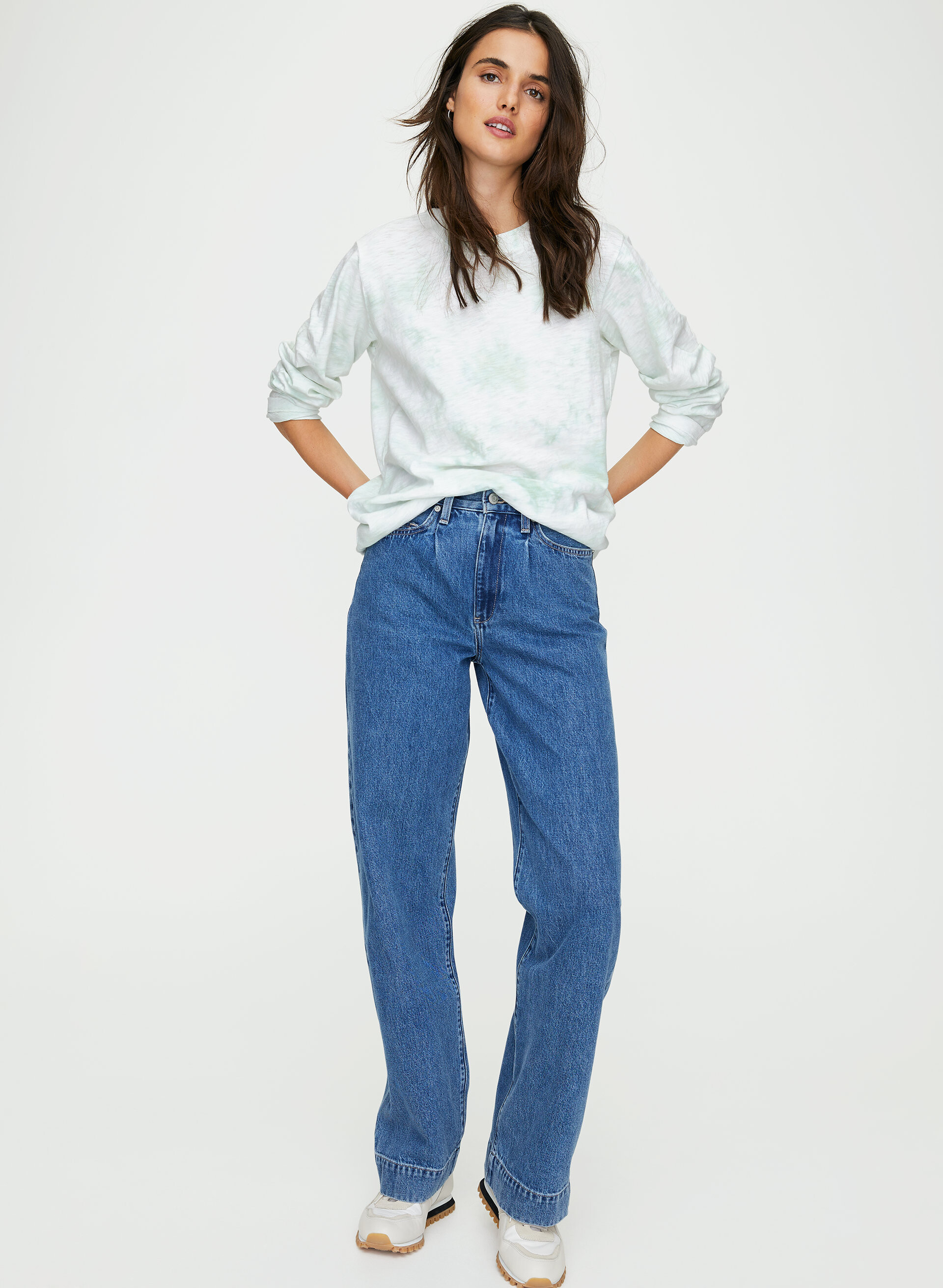
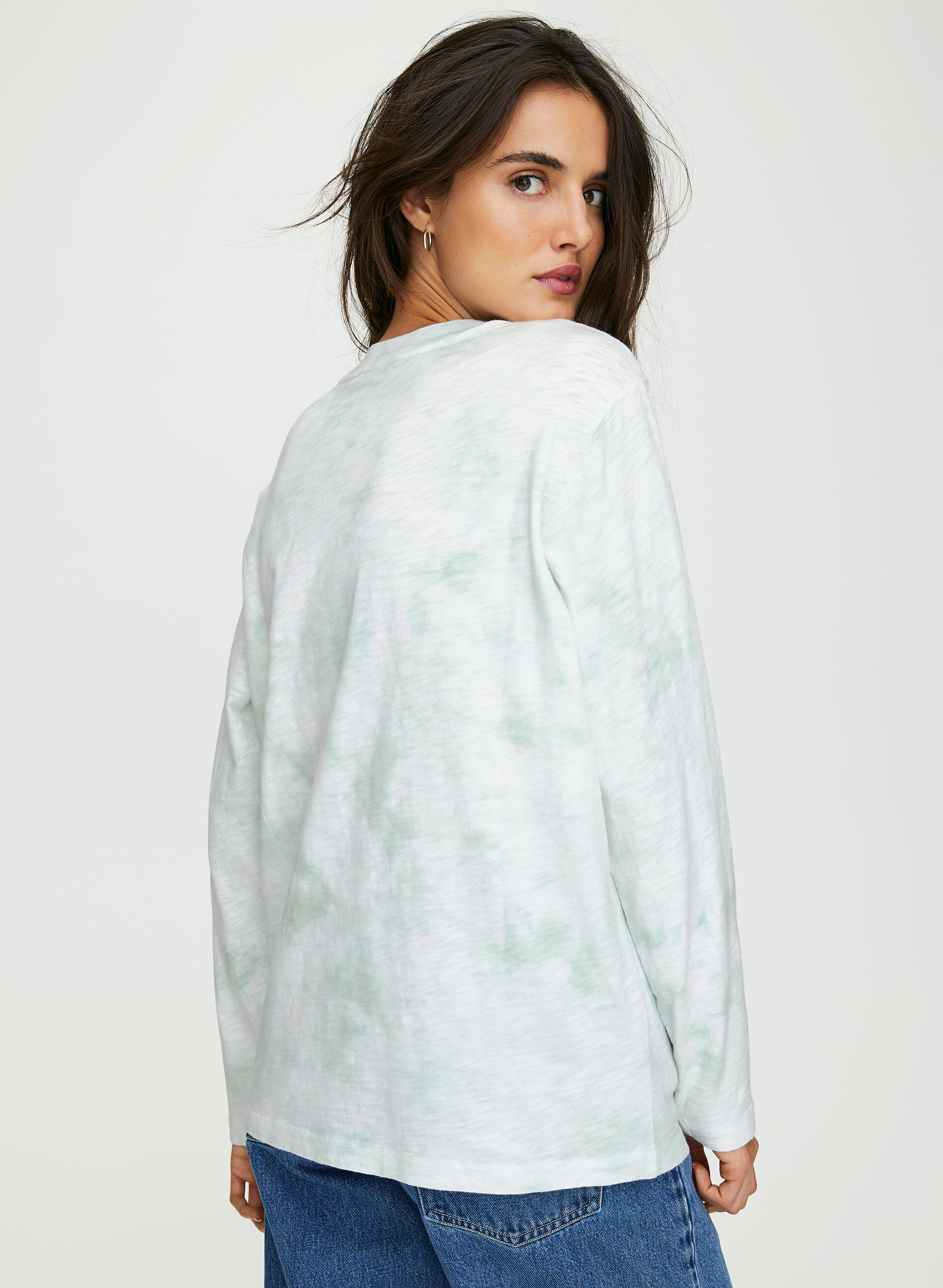
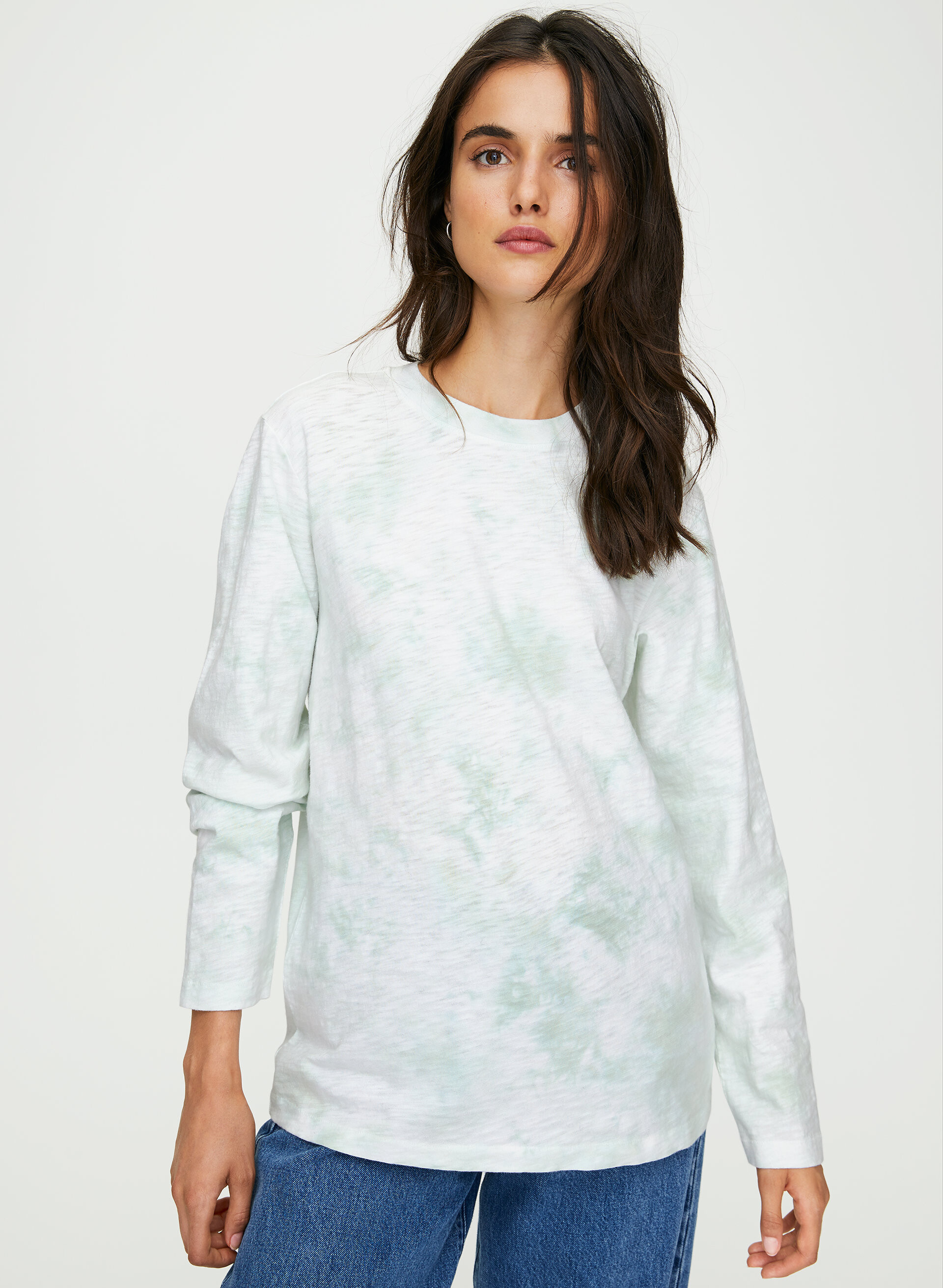
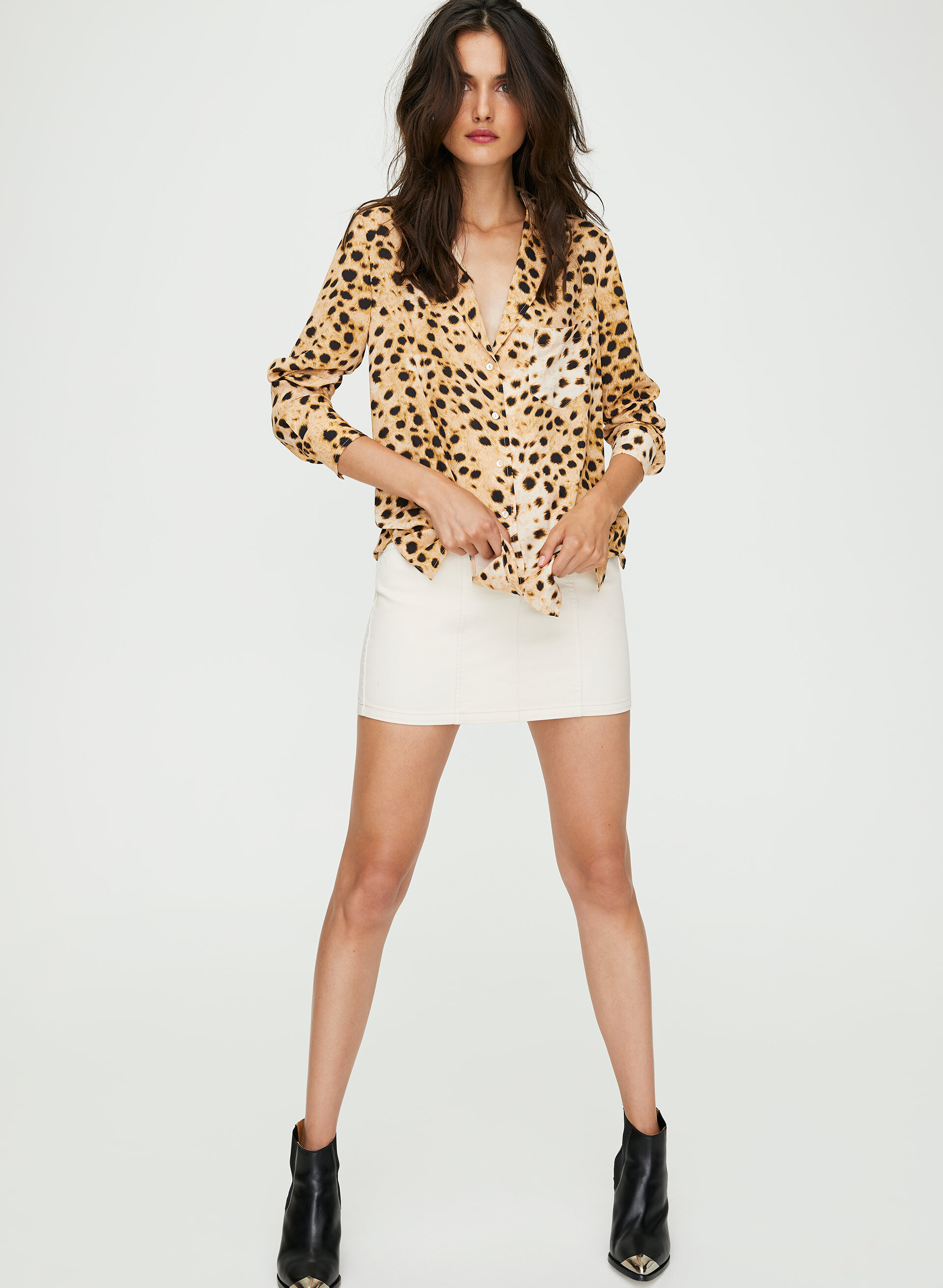
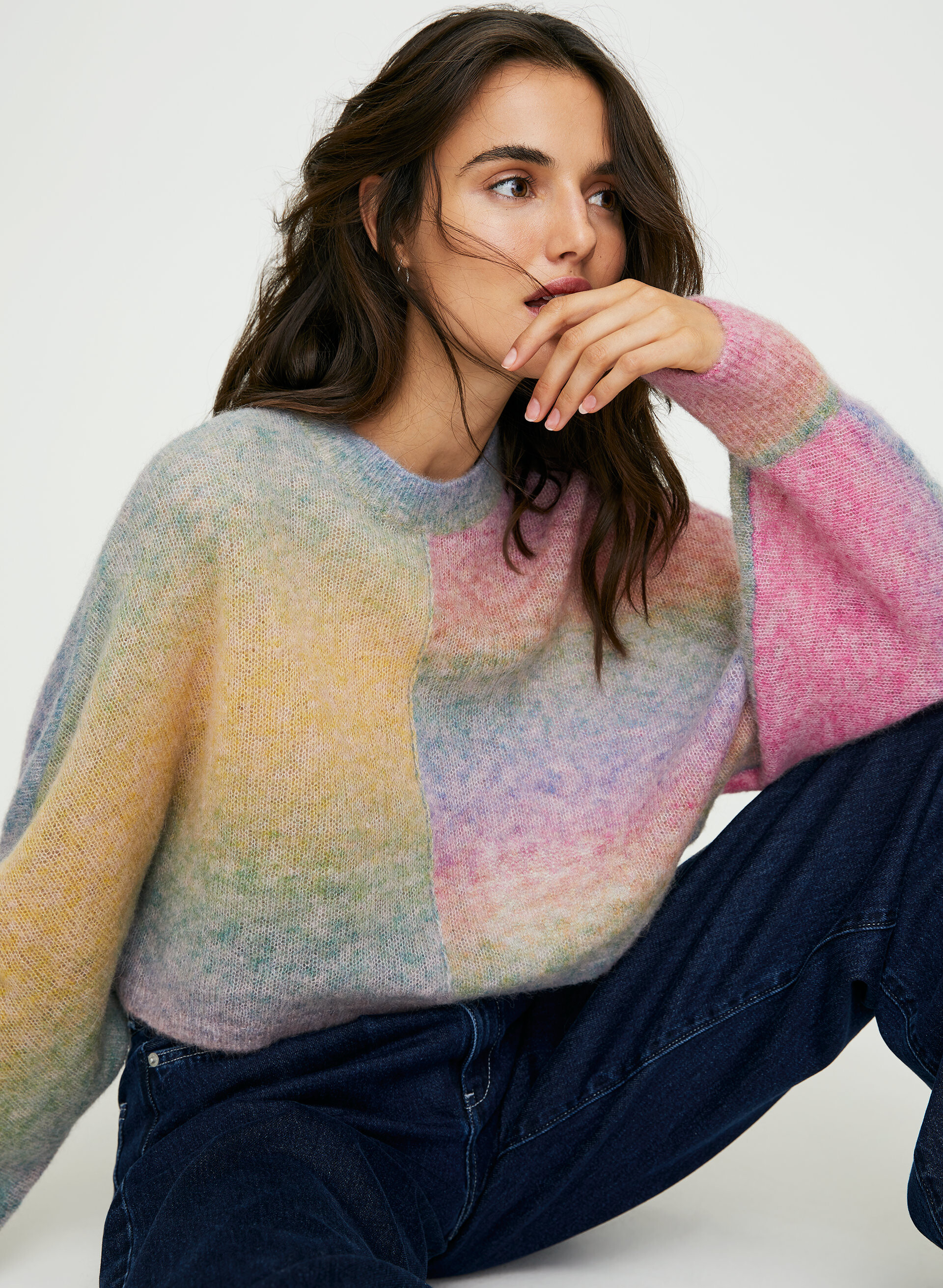
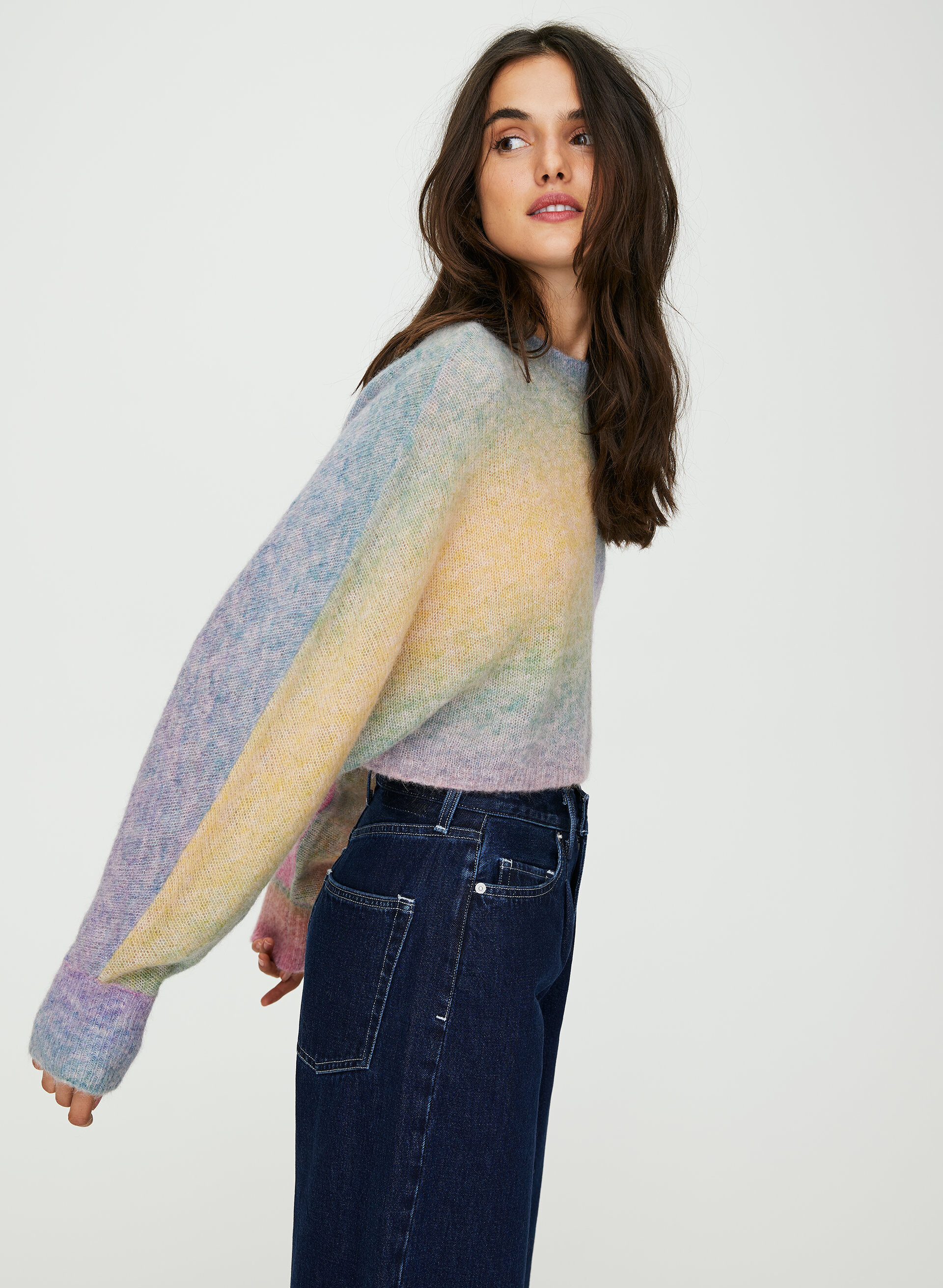
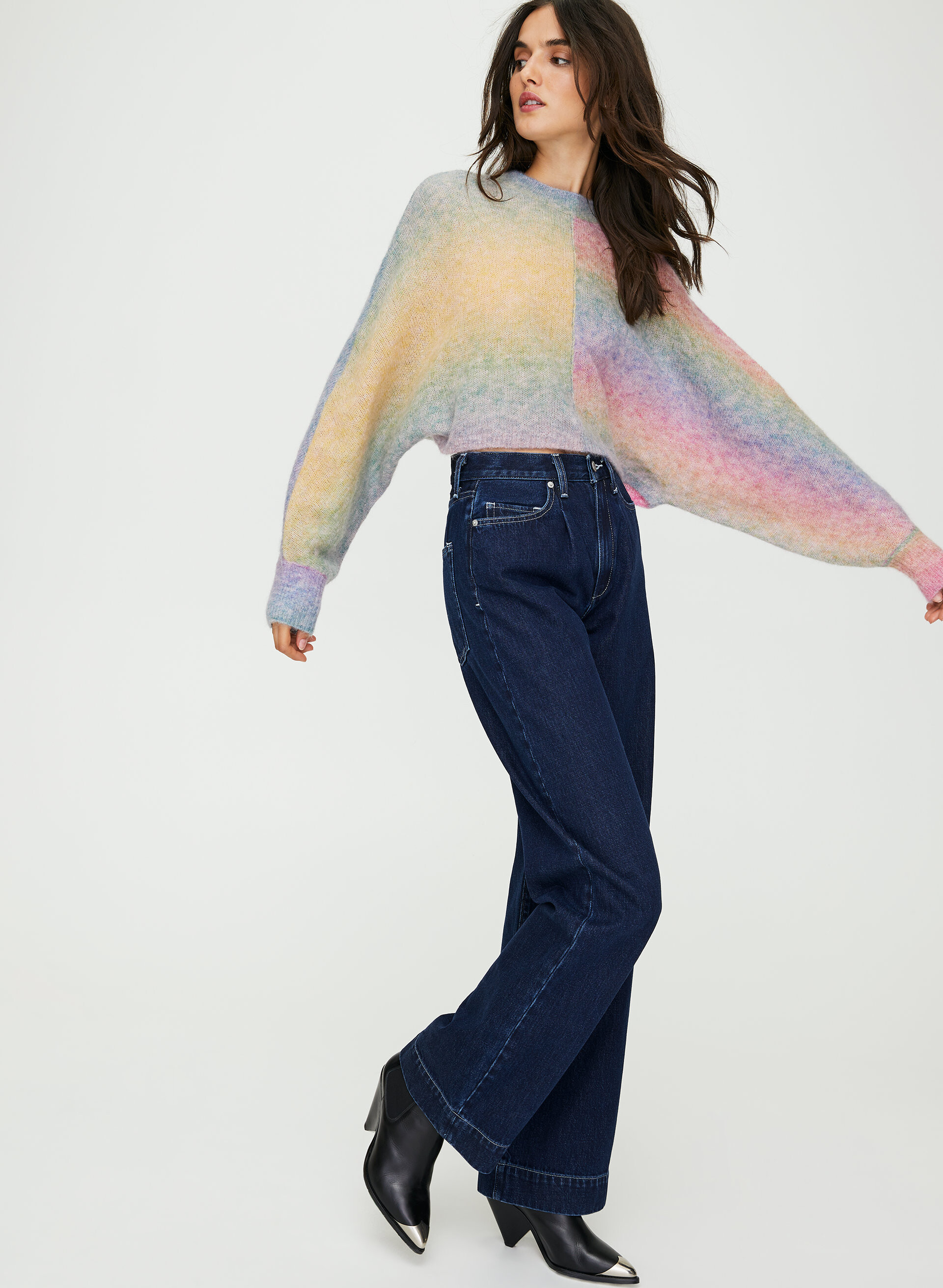
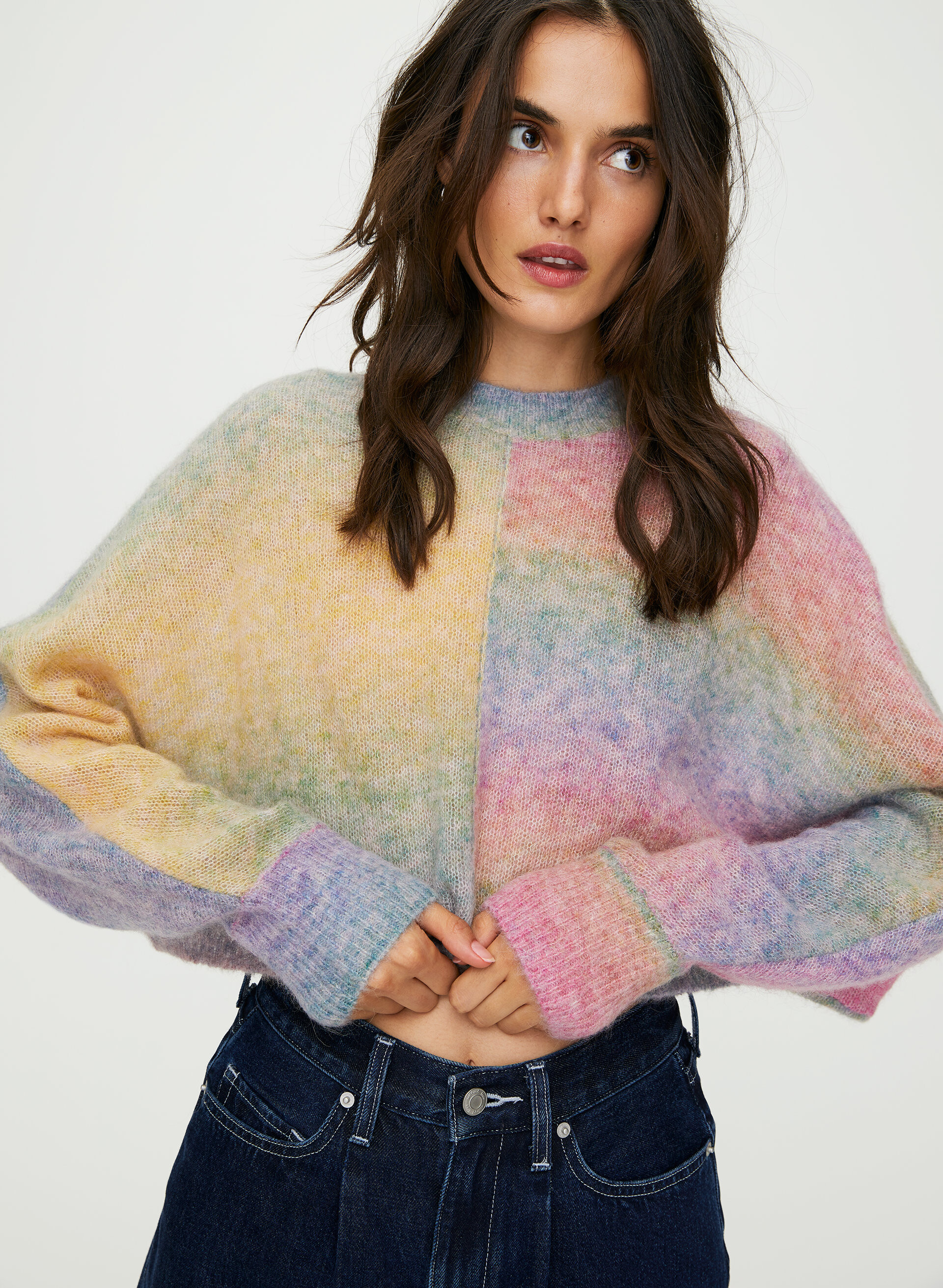
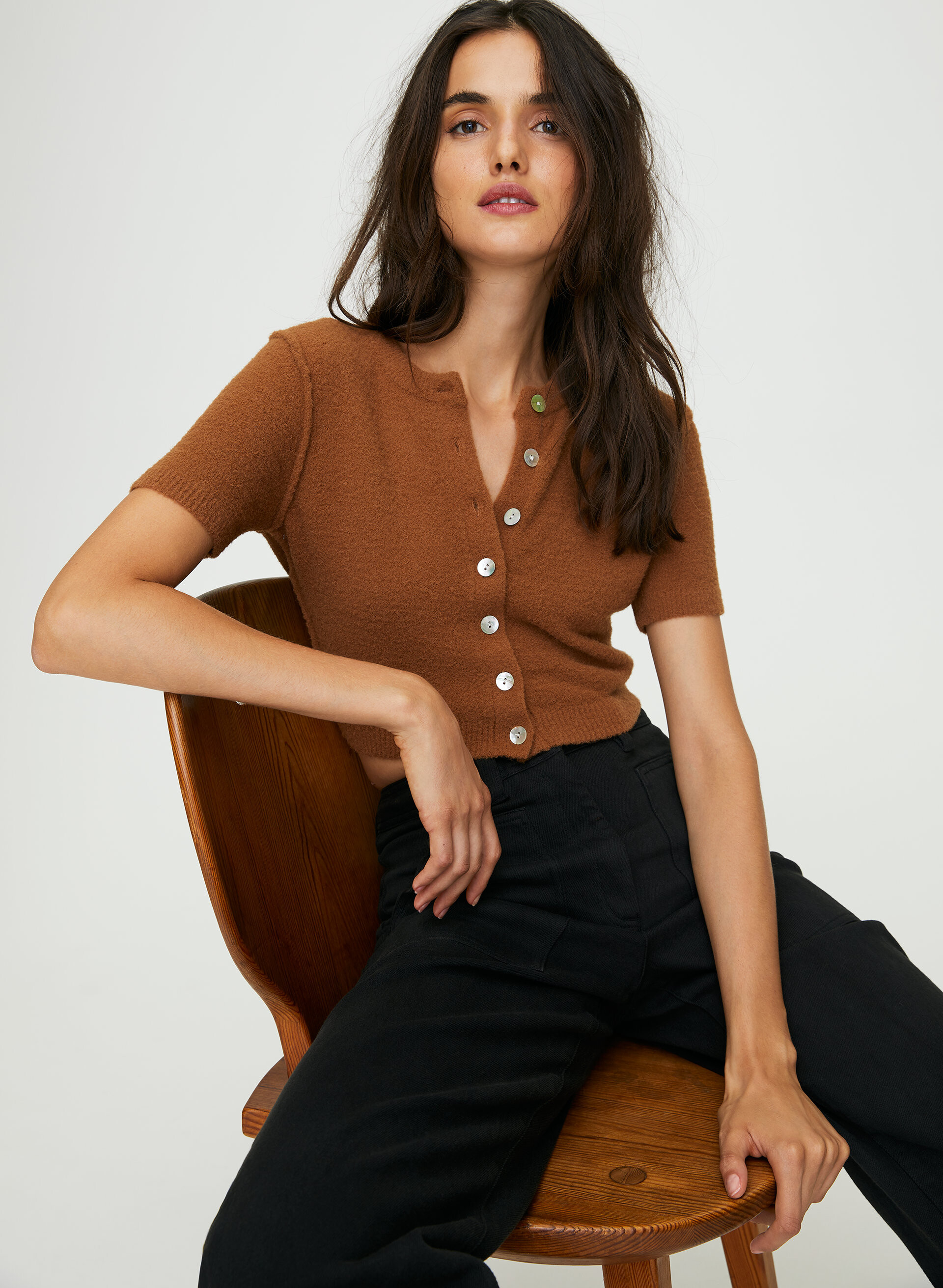
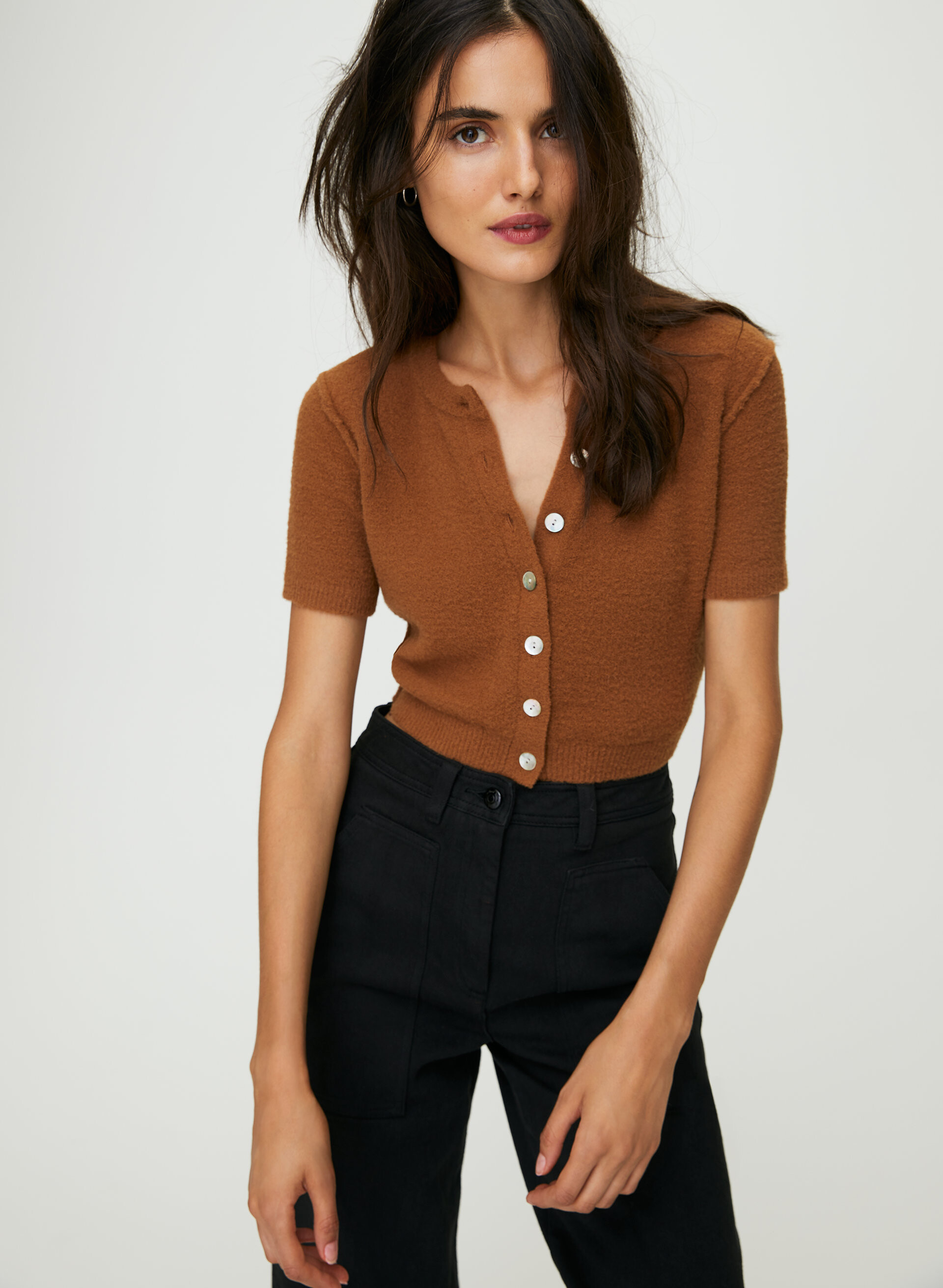
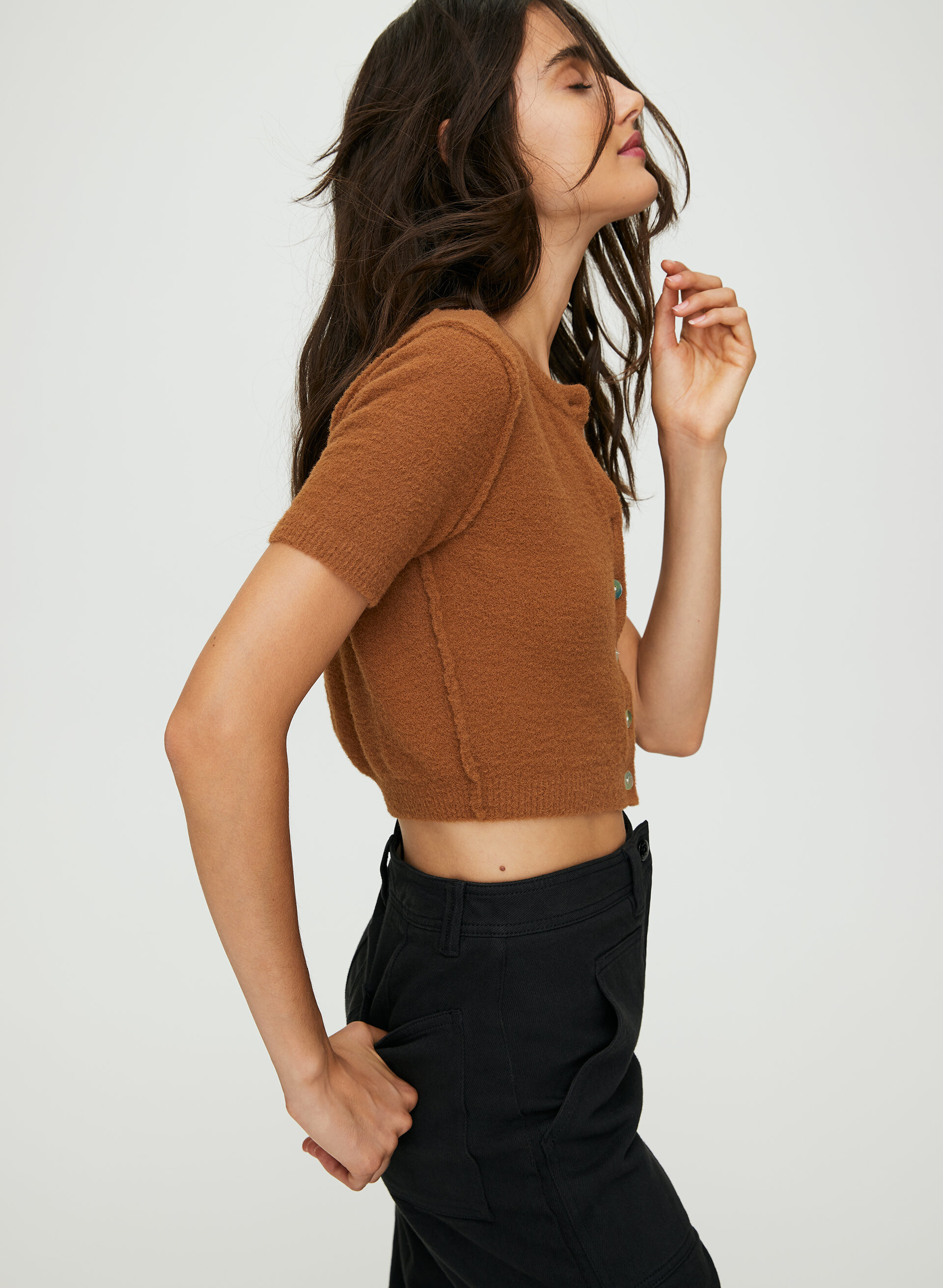
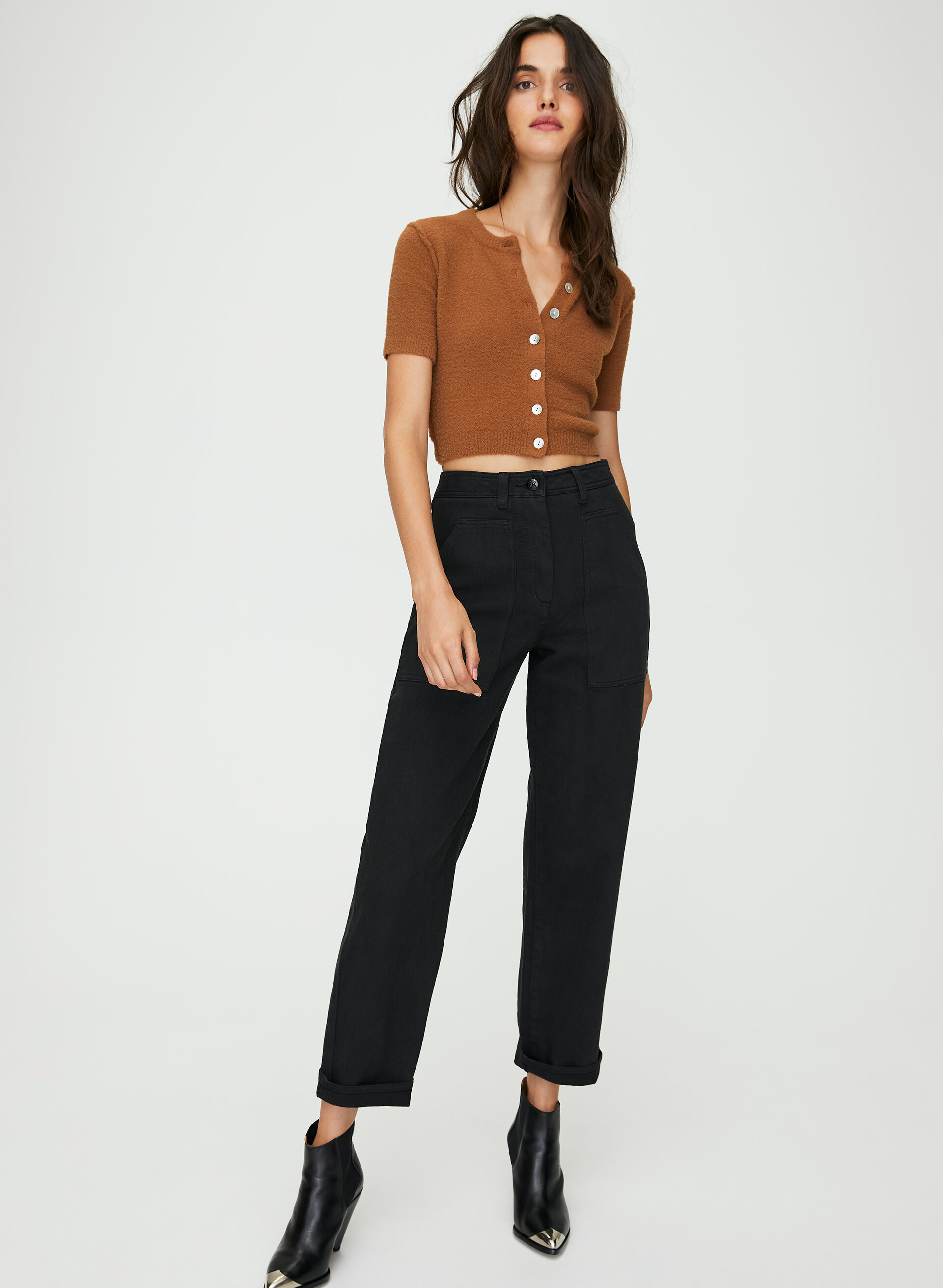
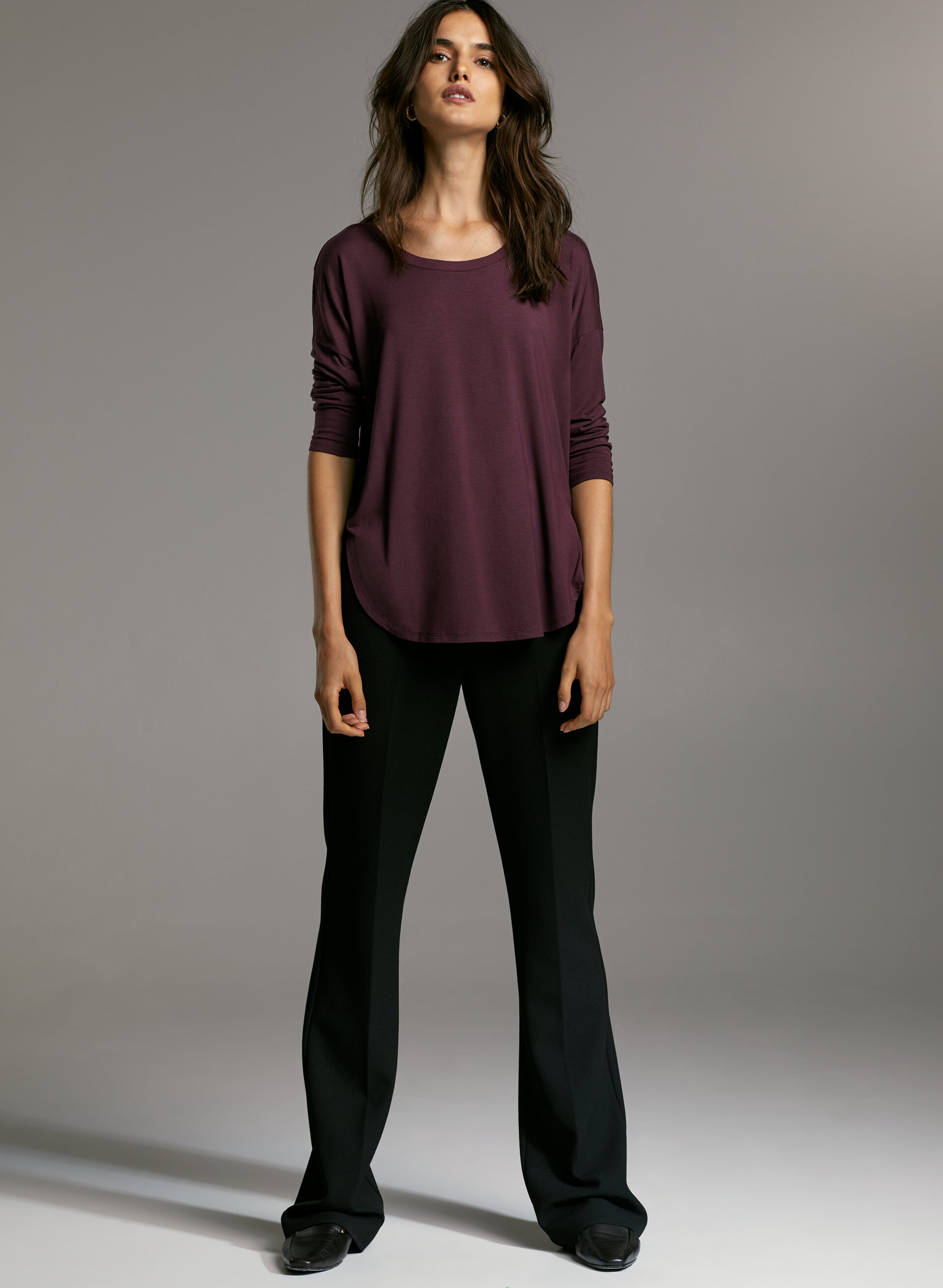
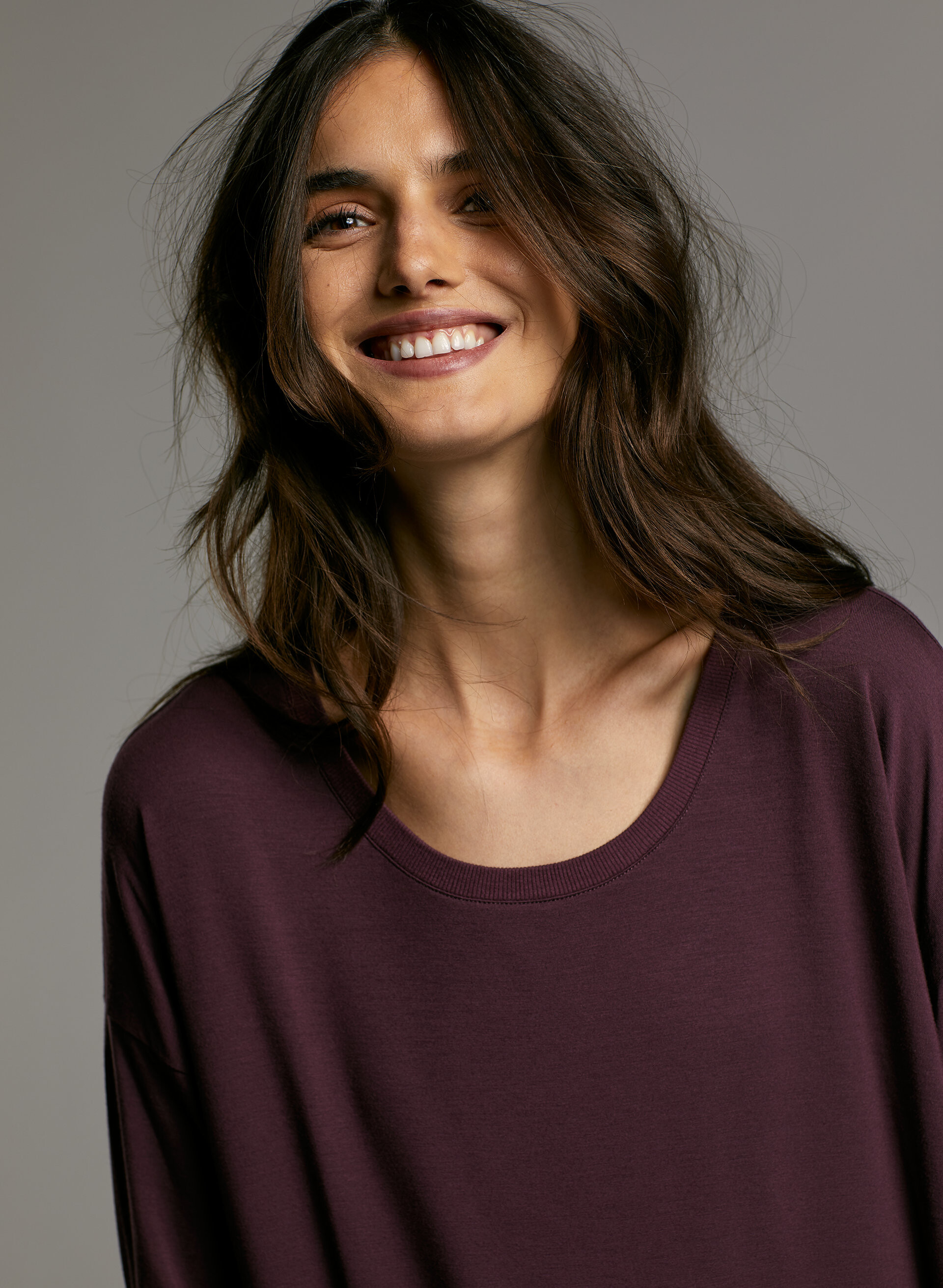
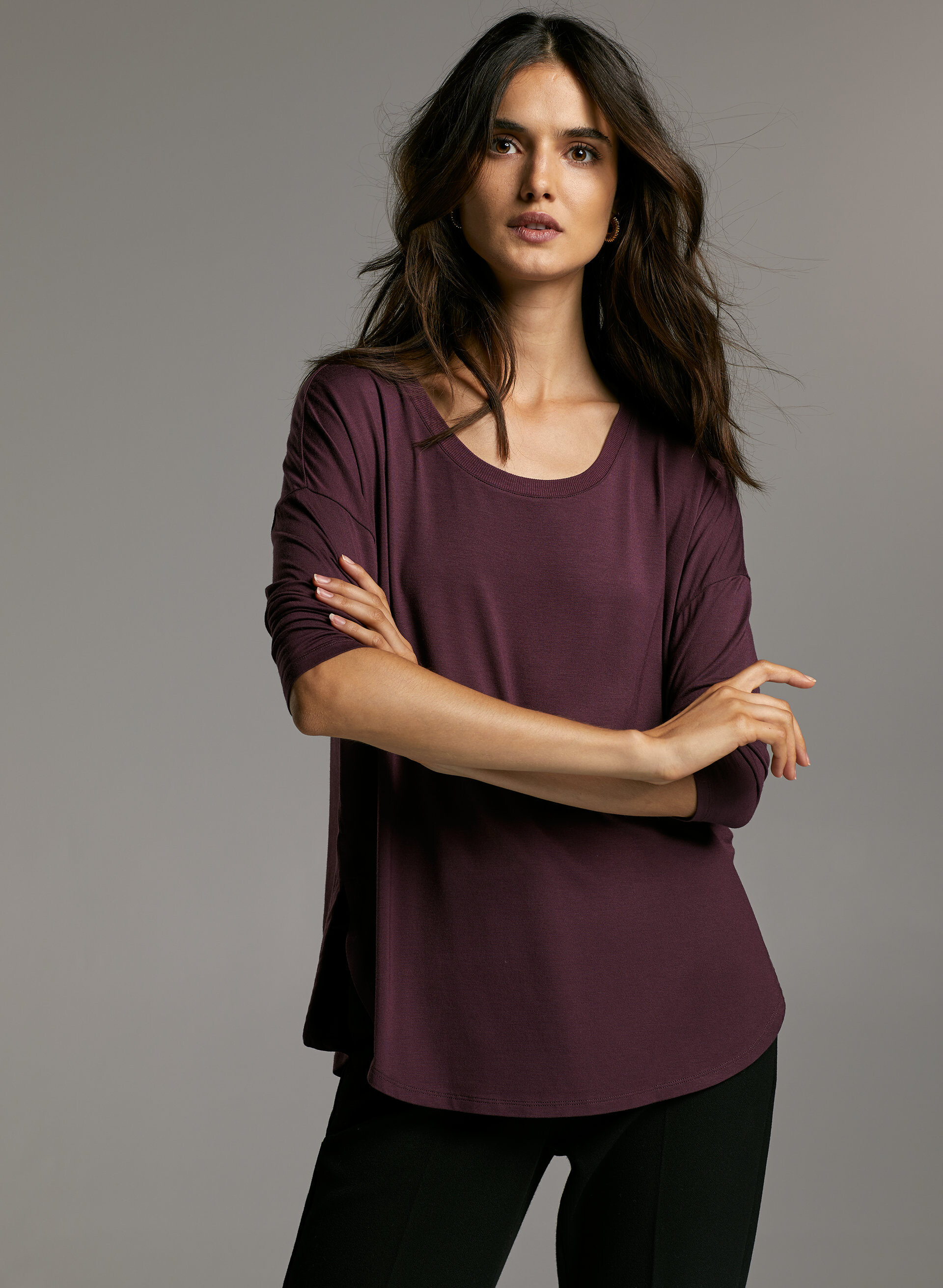
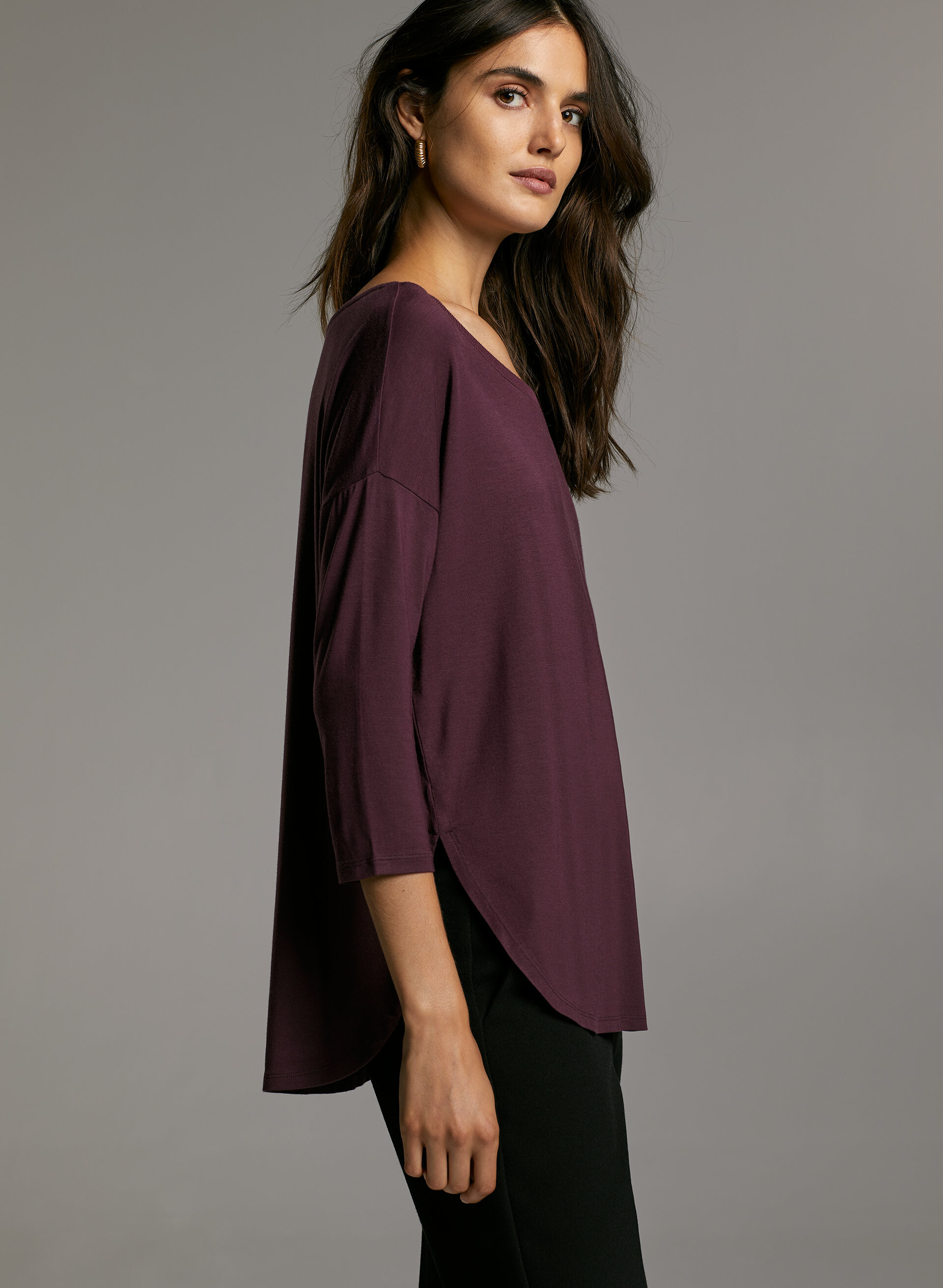
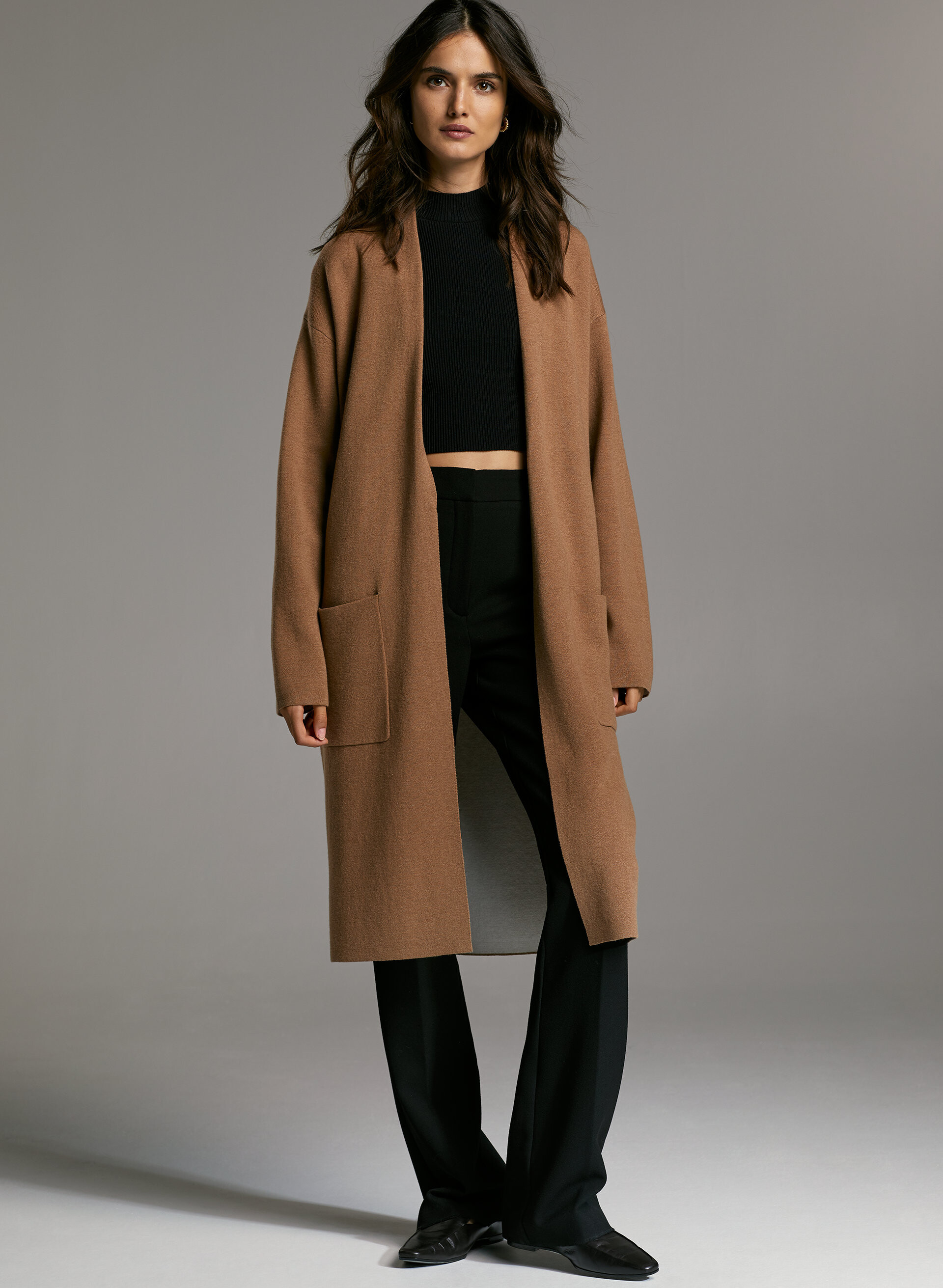
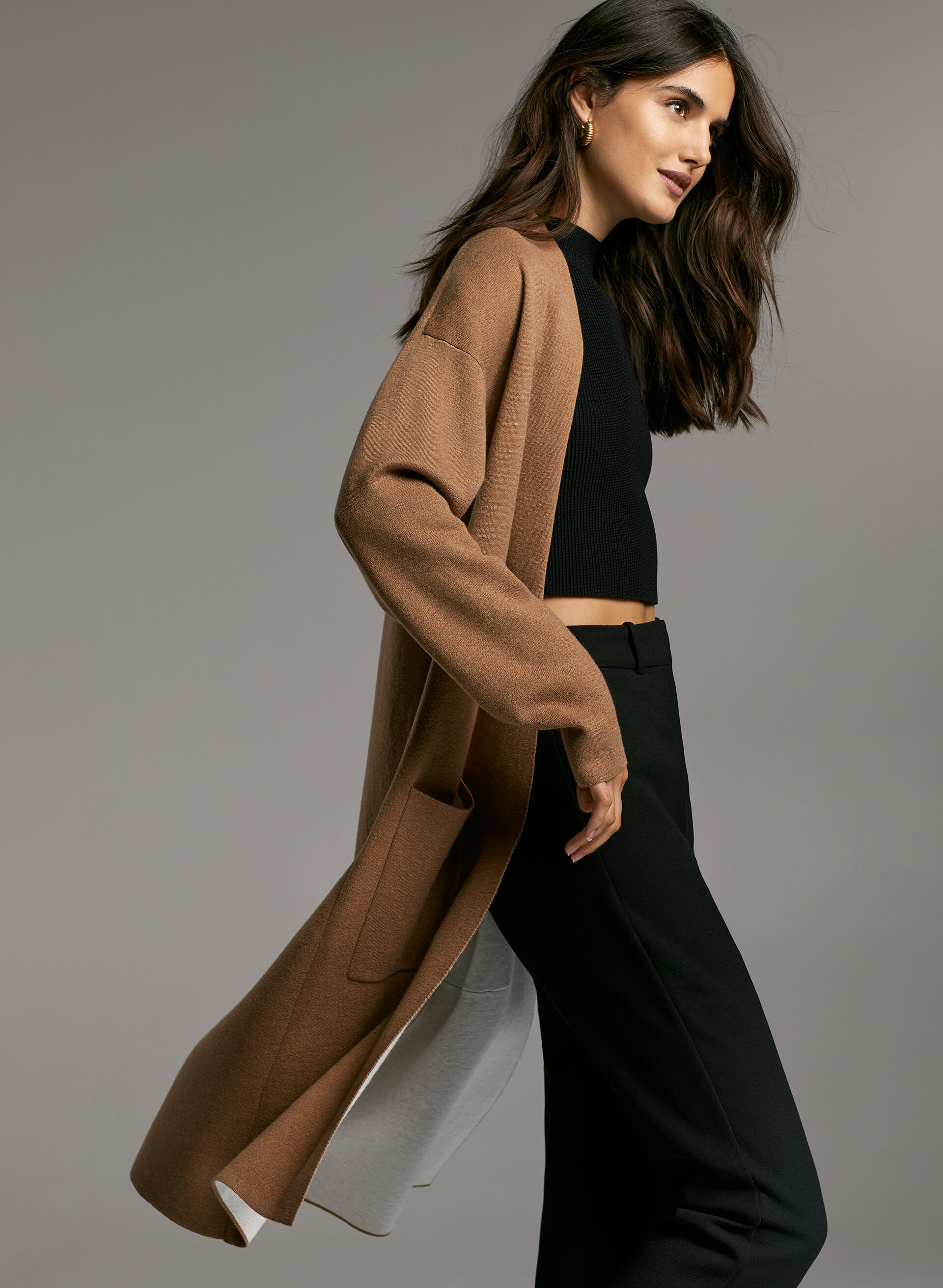
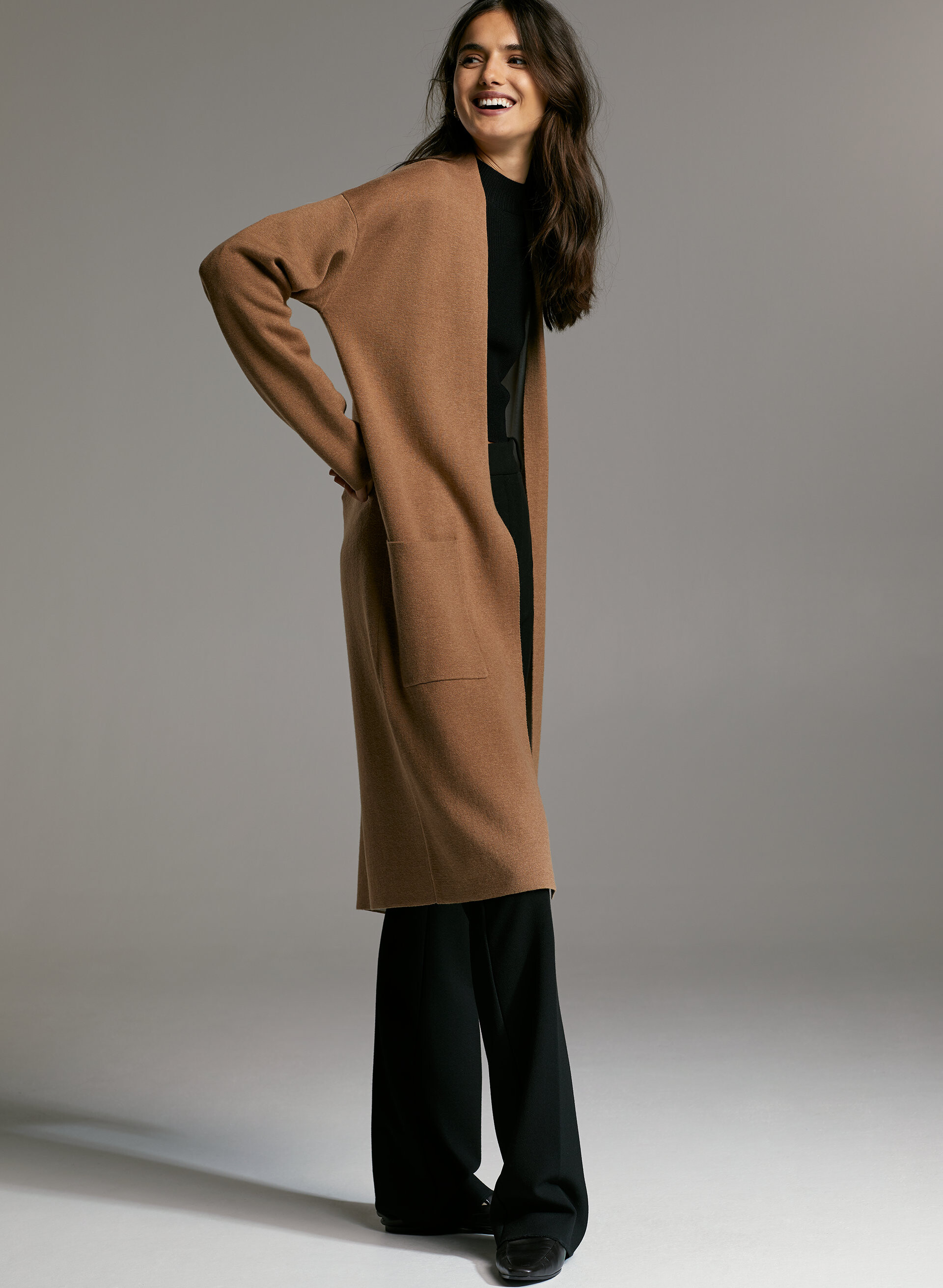
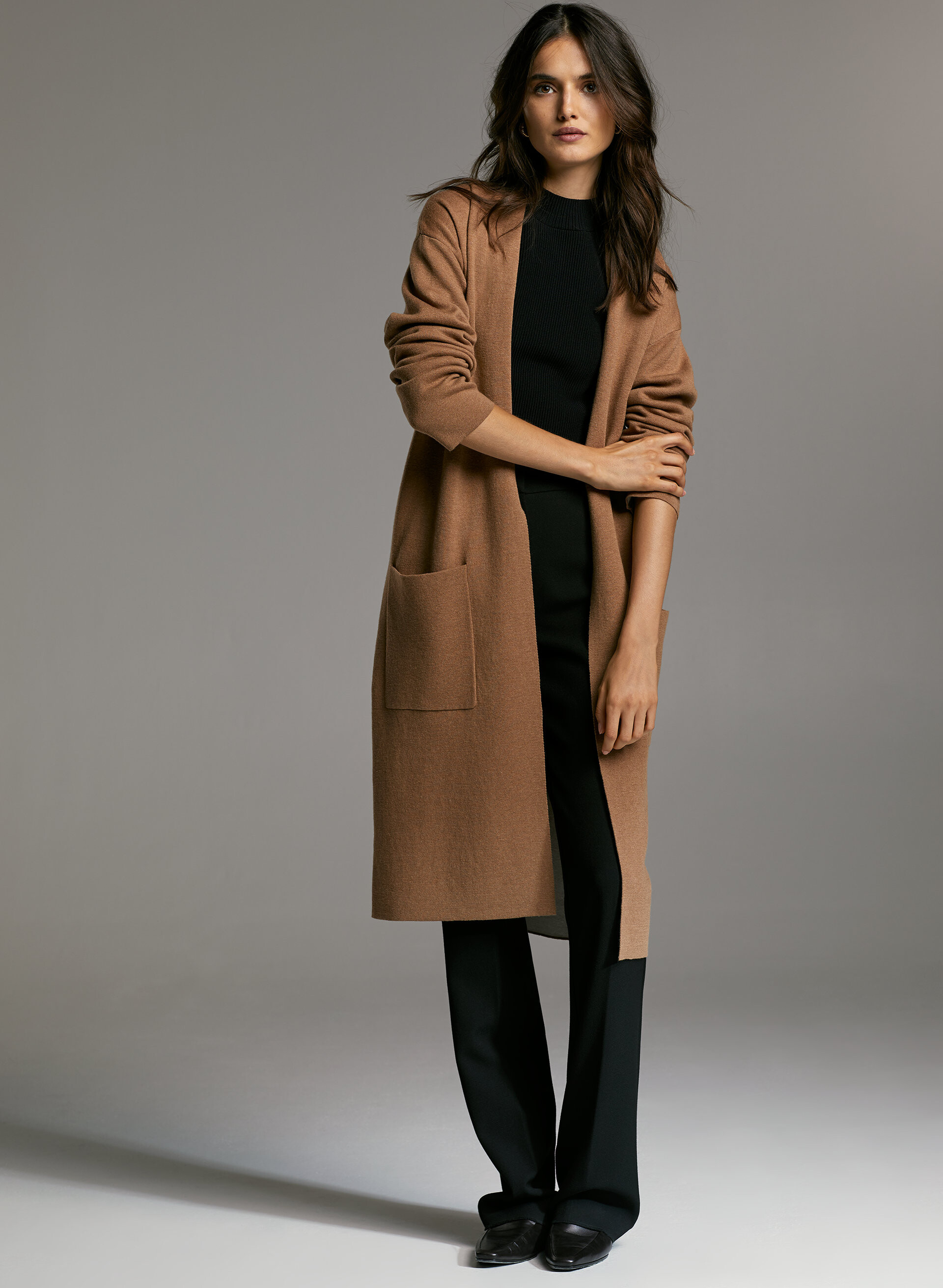
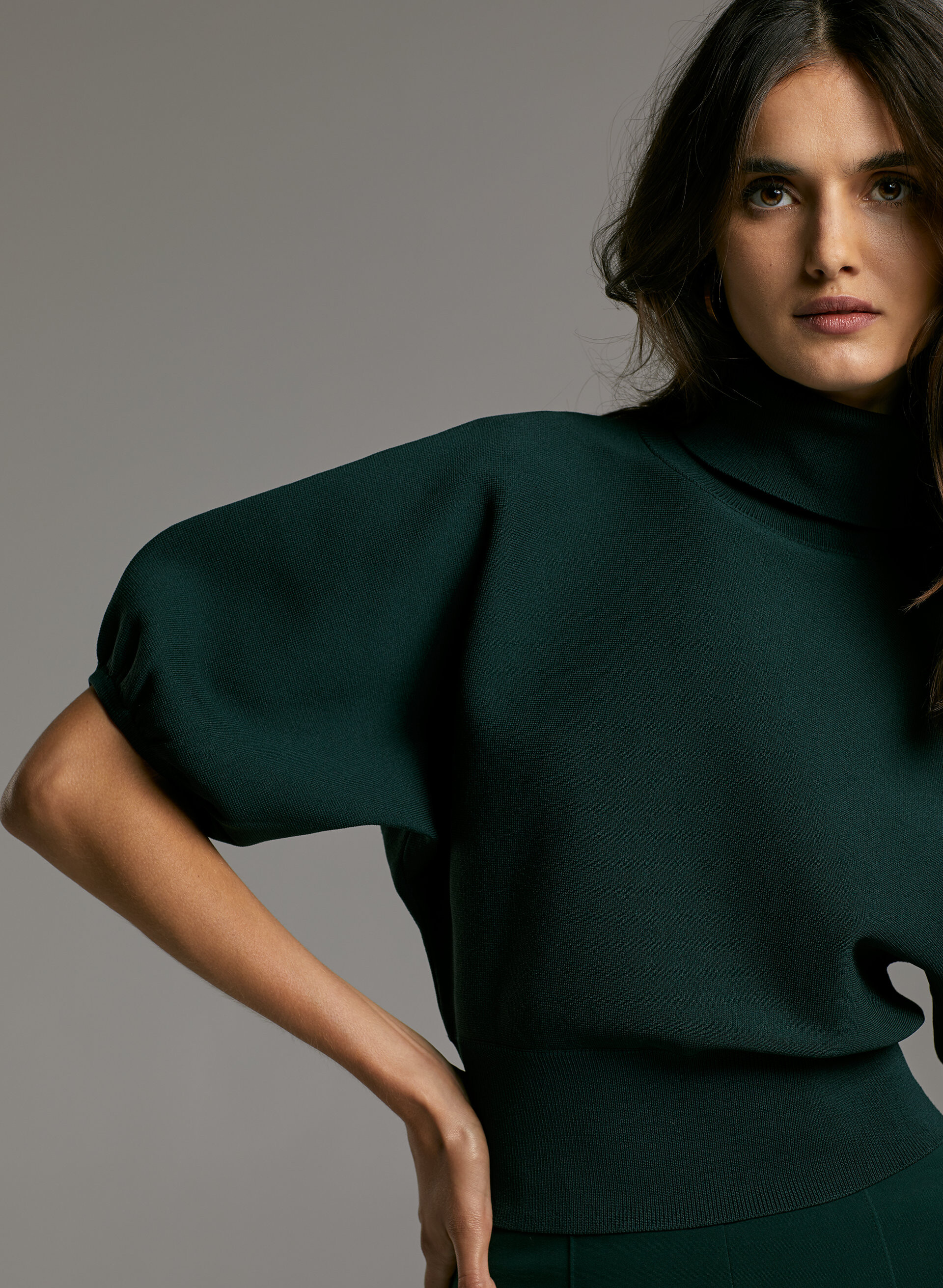
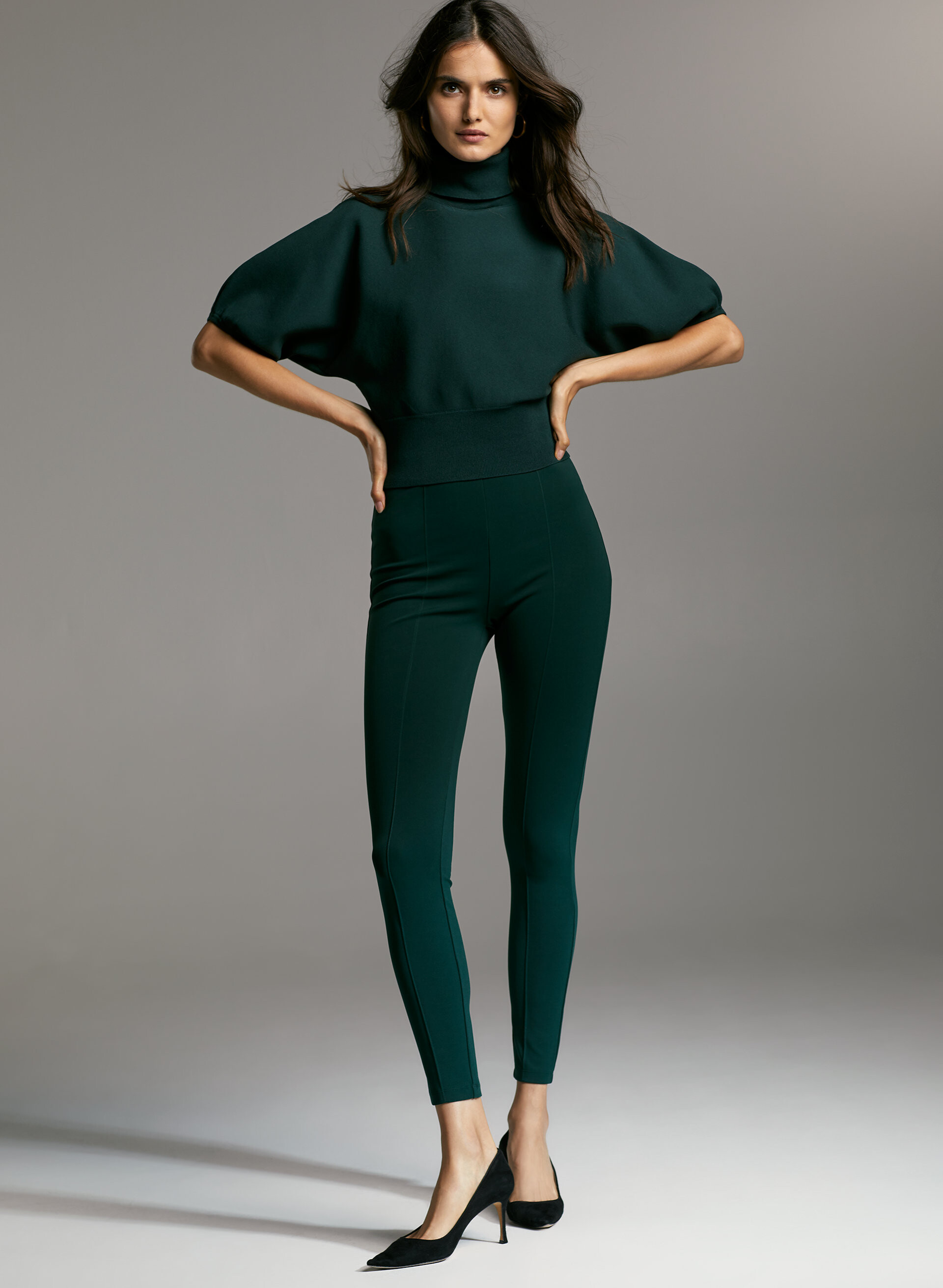
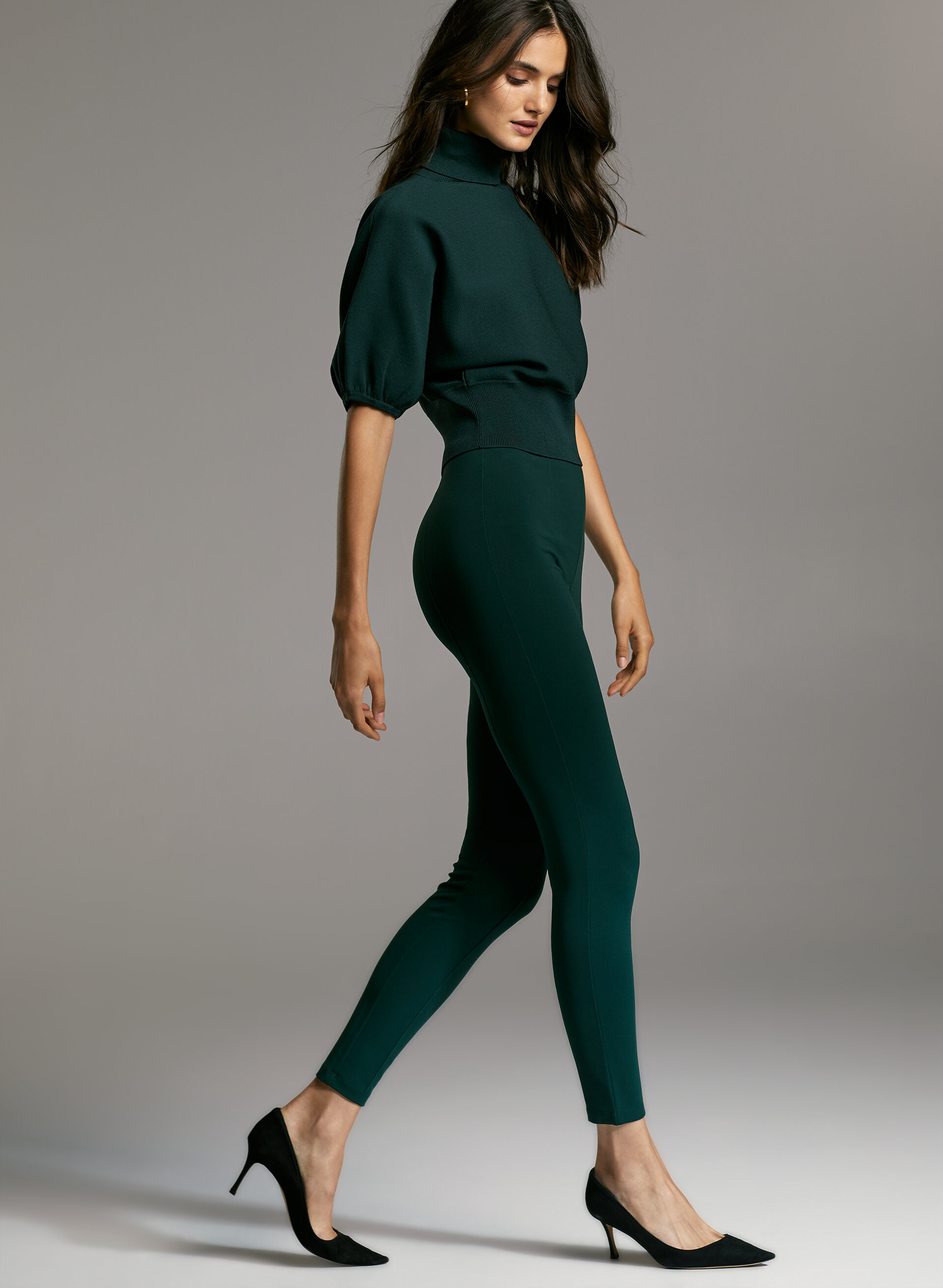
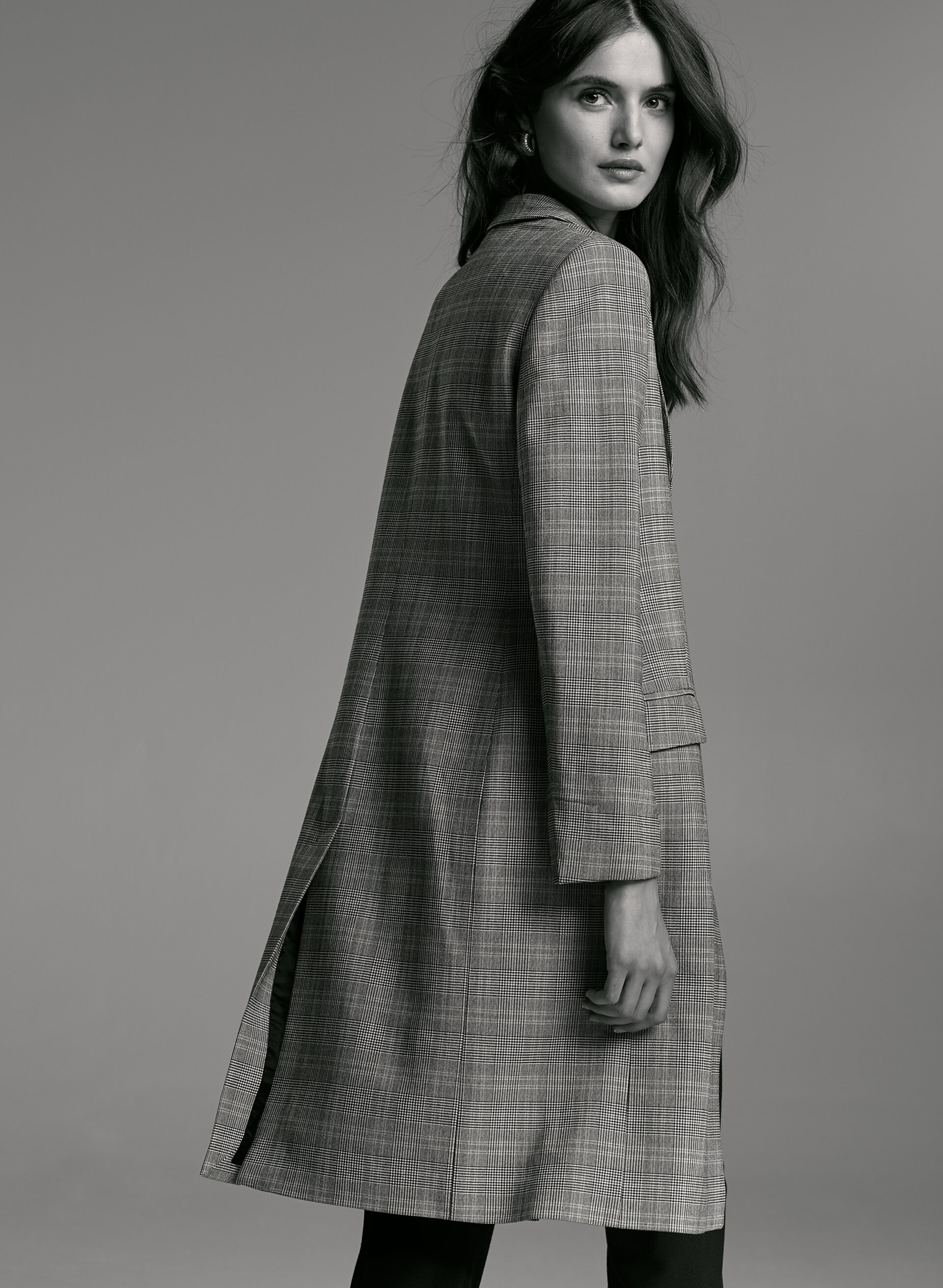
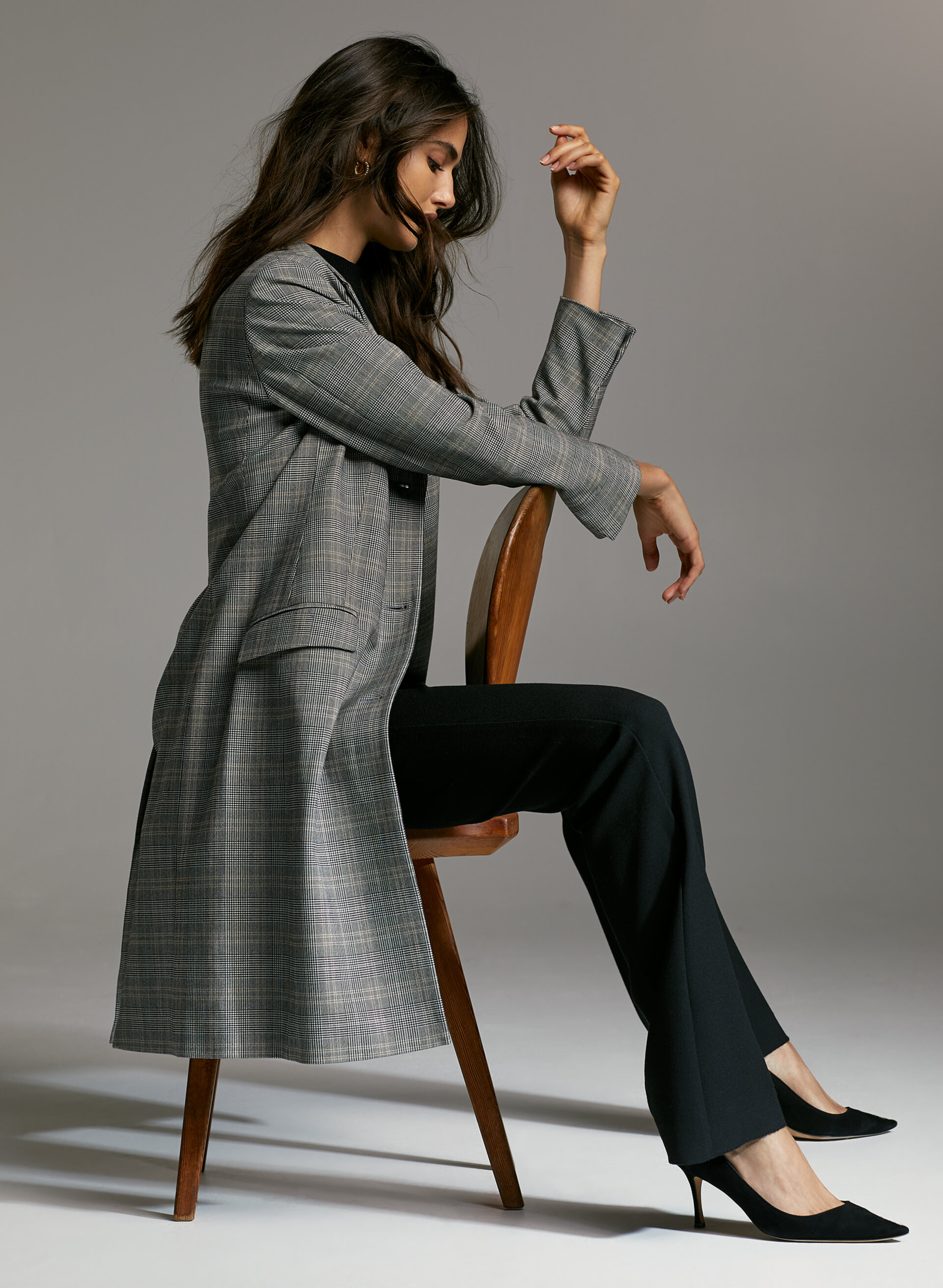
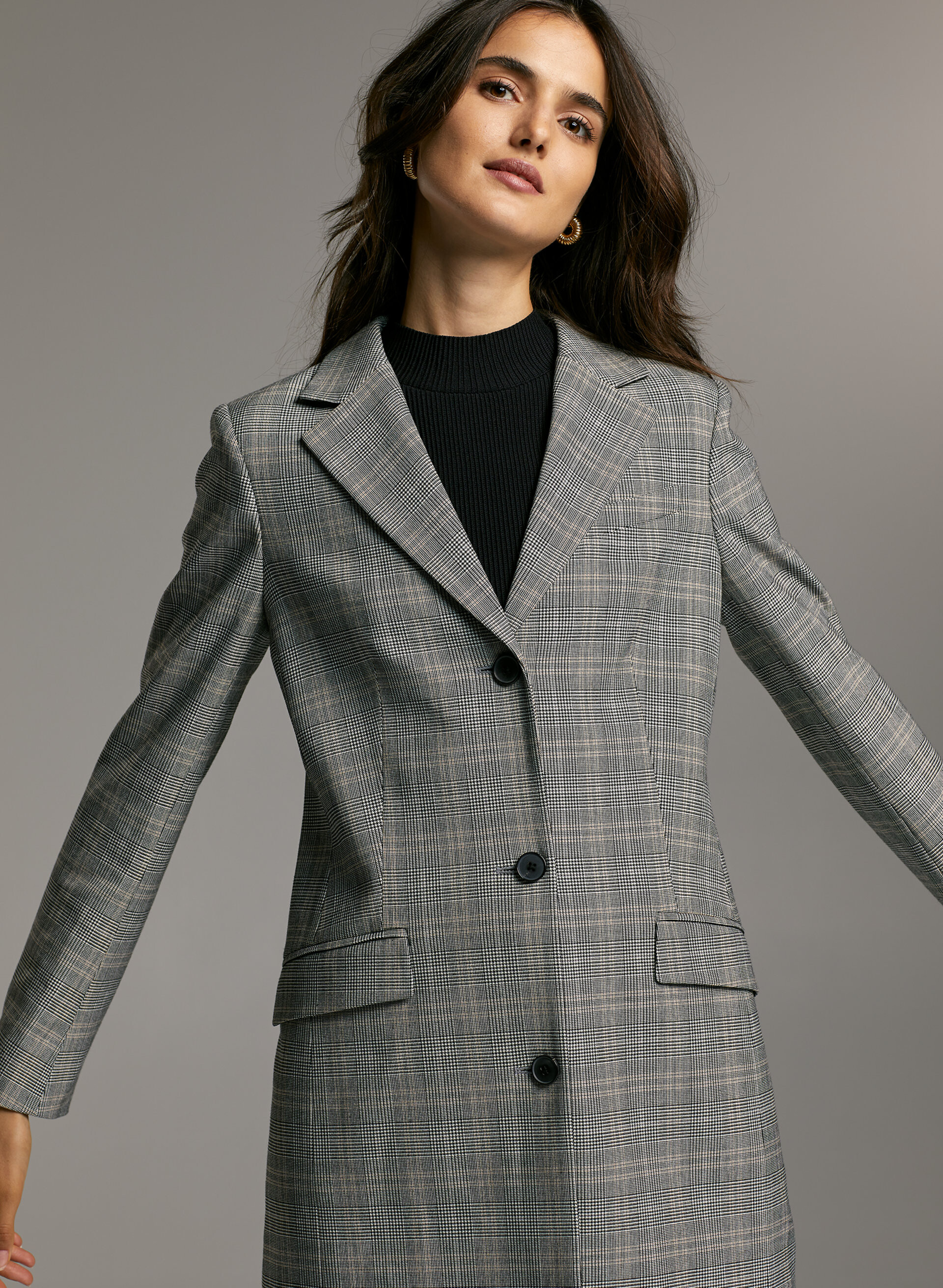
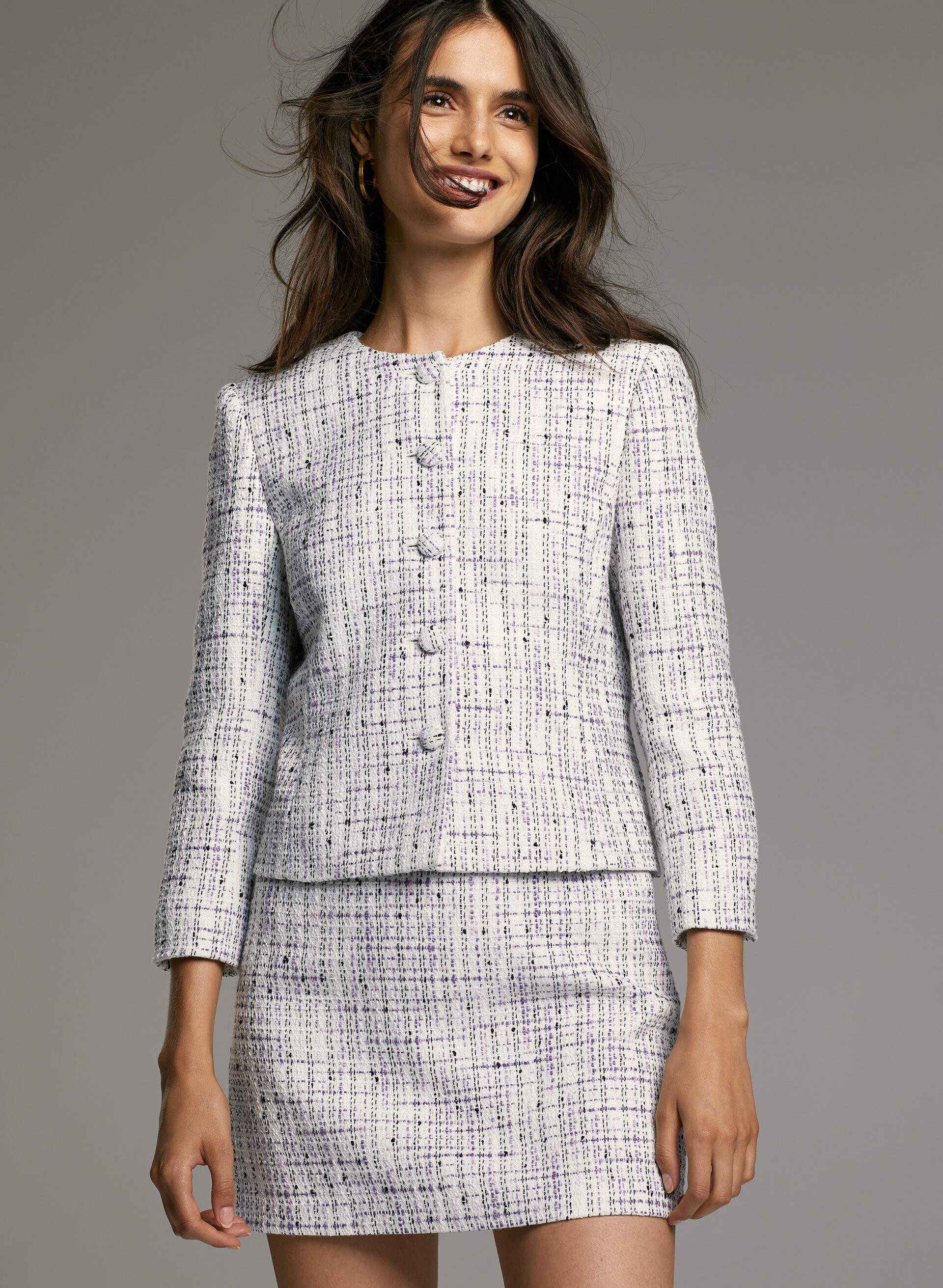
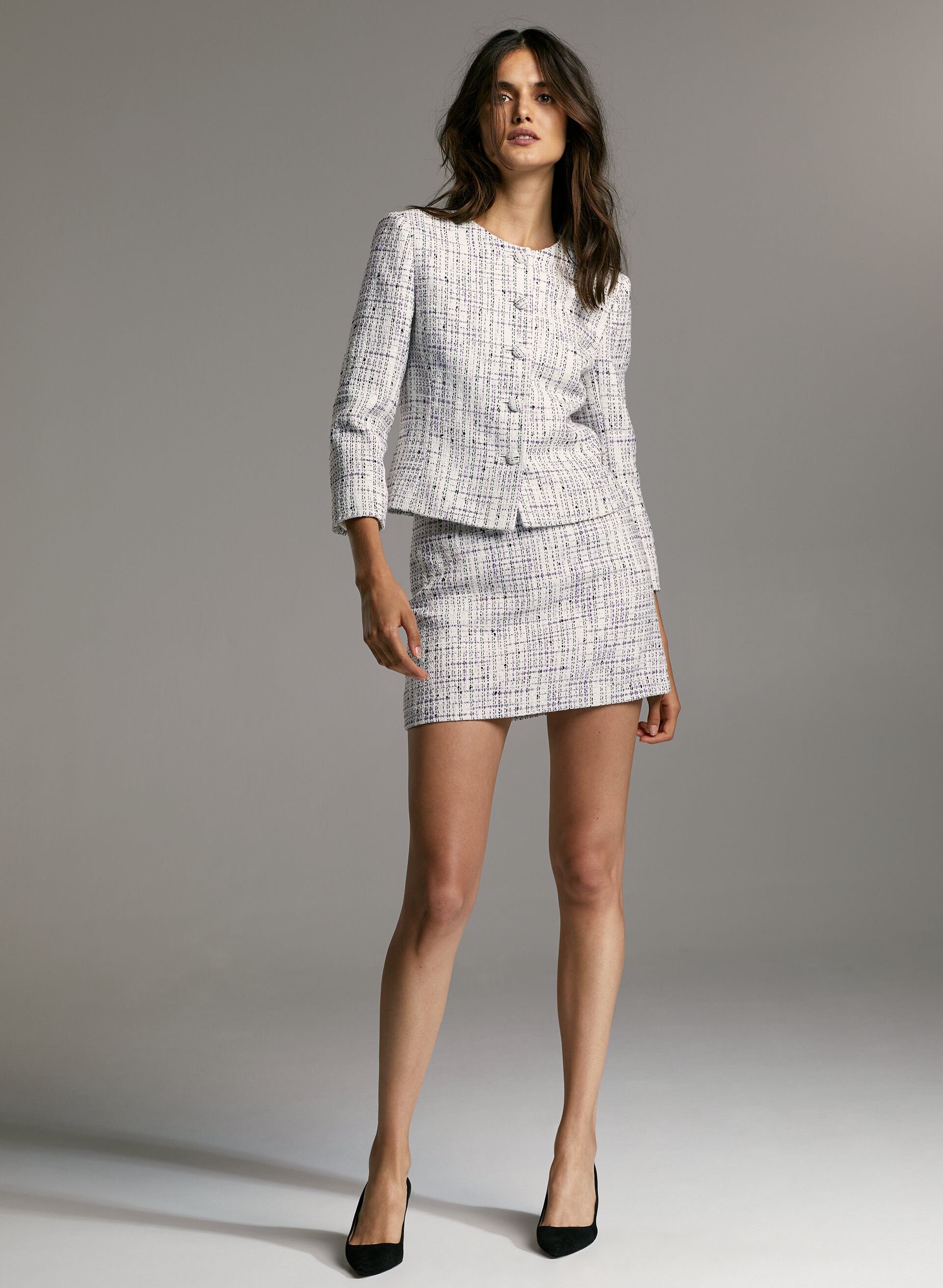
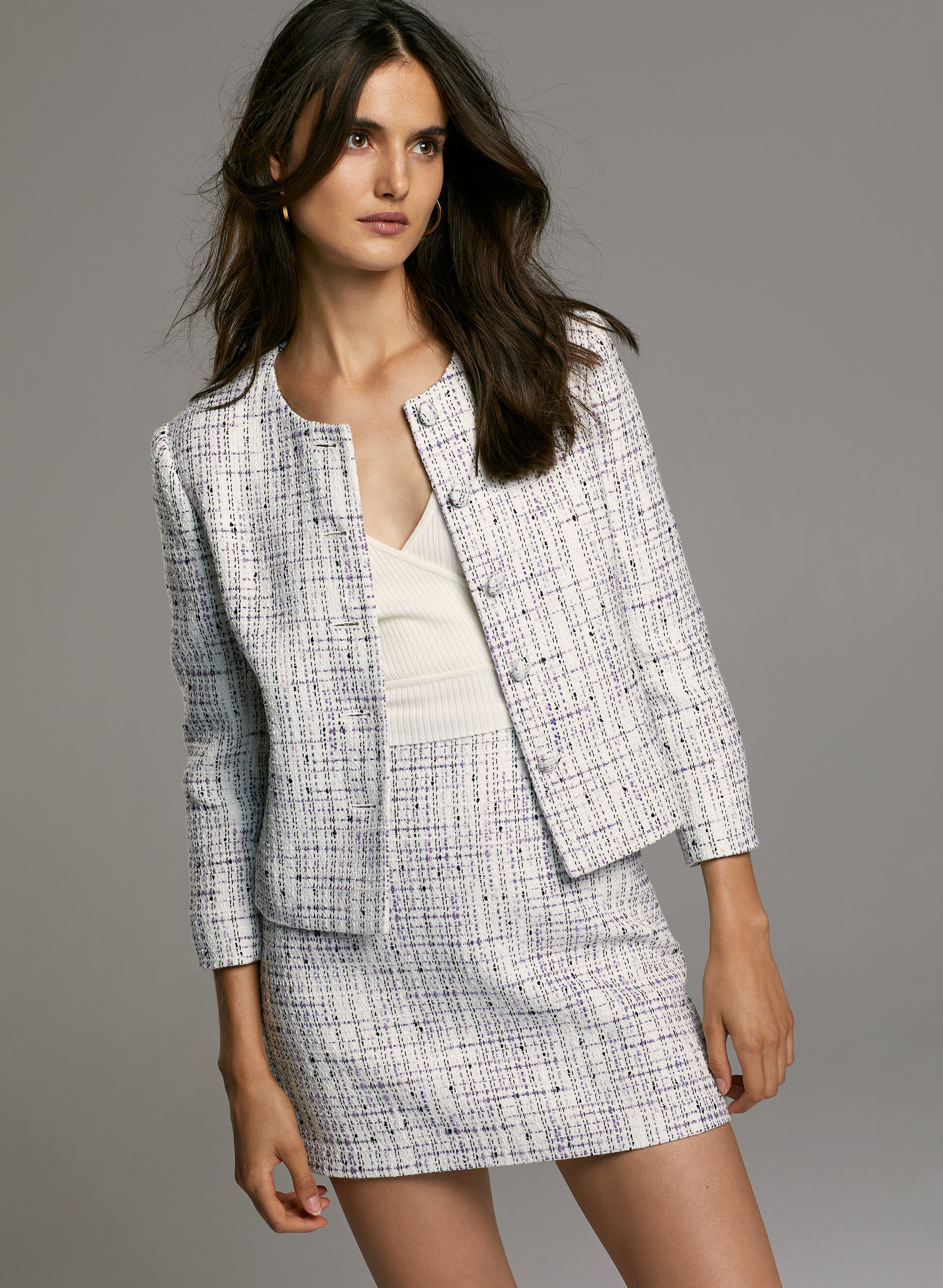
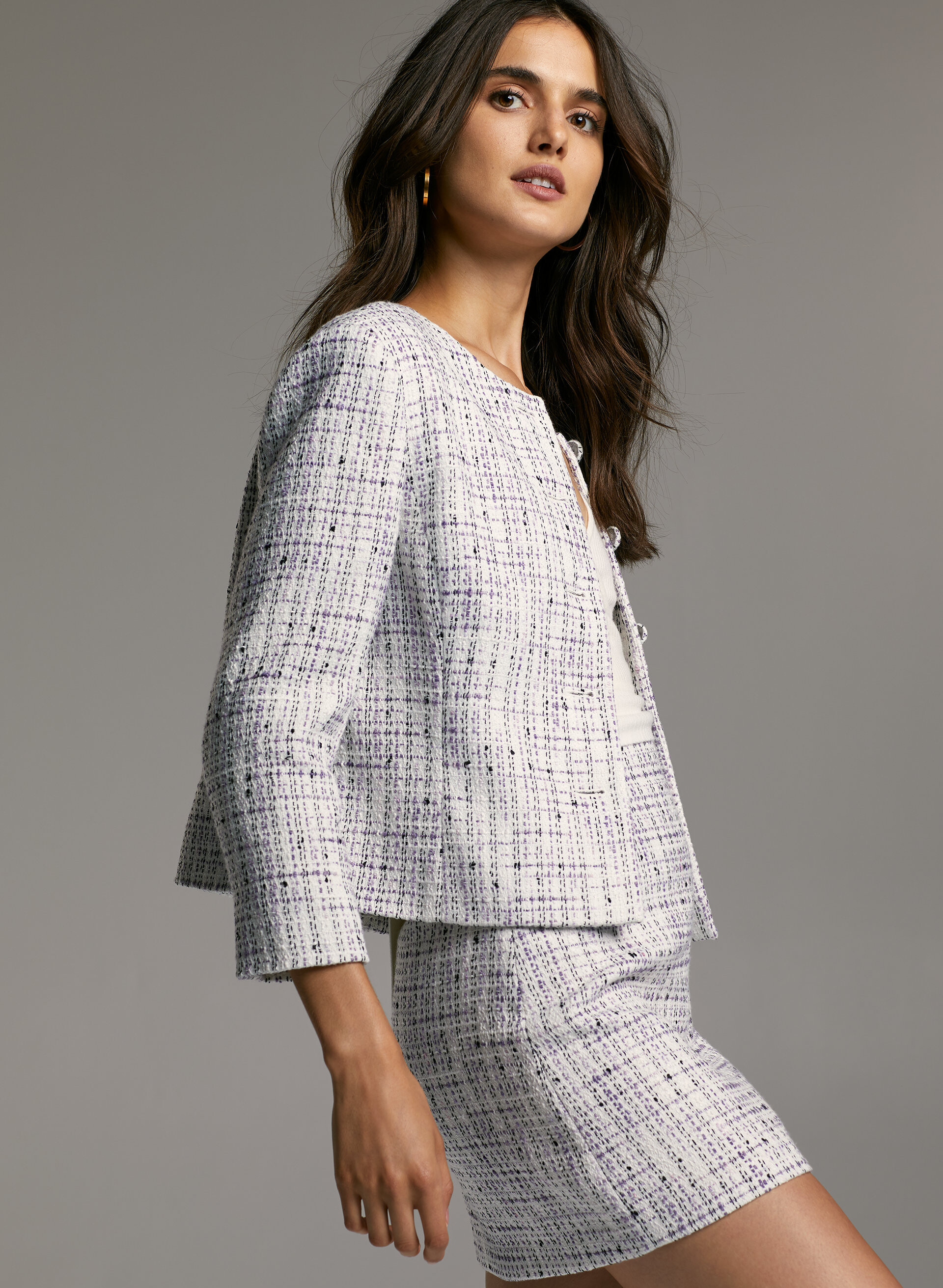
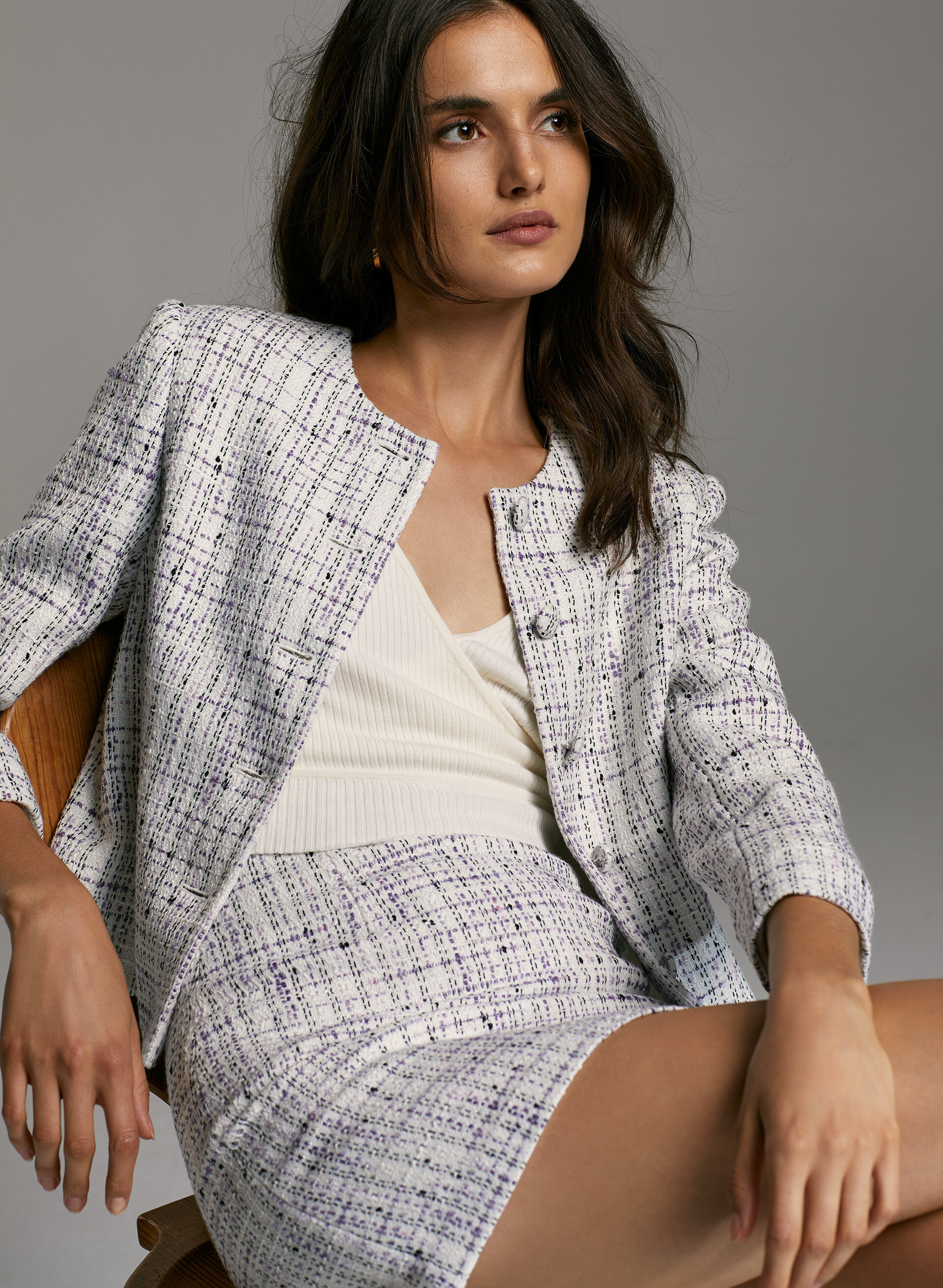
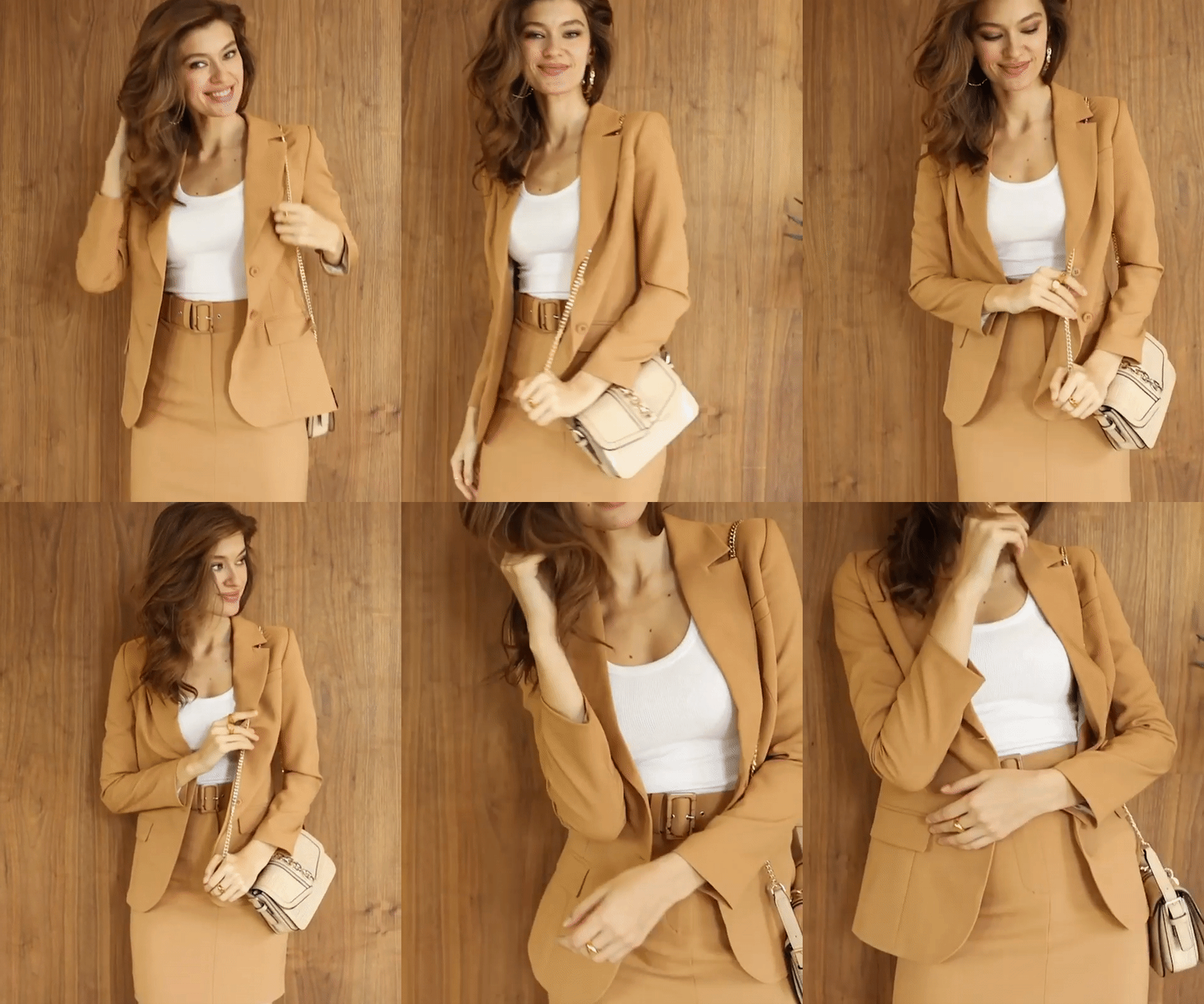
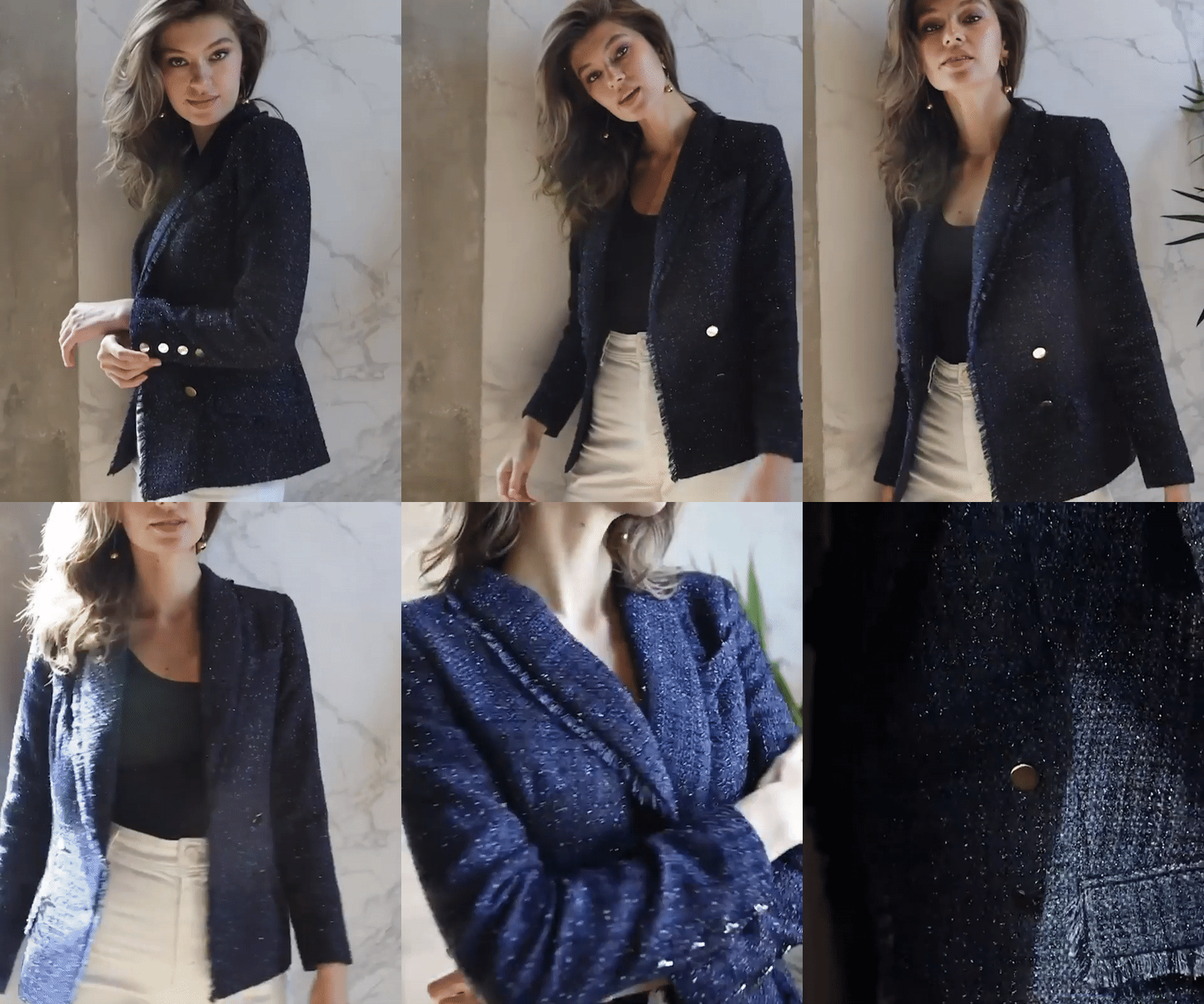
 Aritzia August 2019
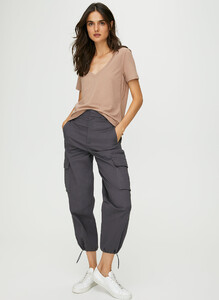
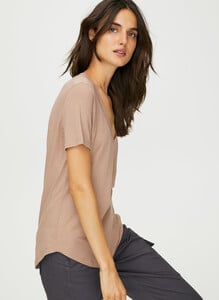
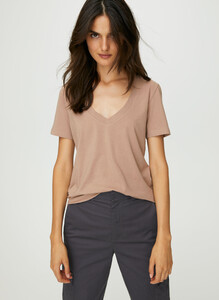

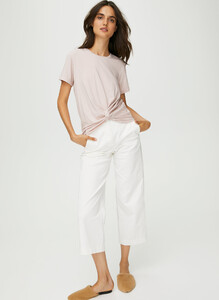
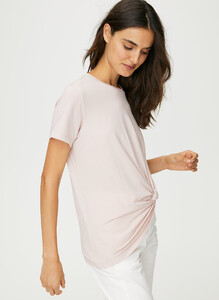
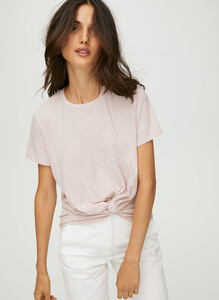
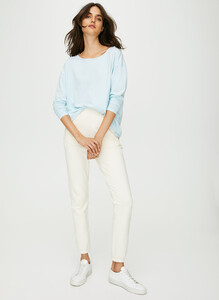
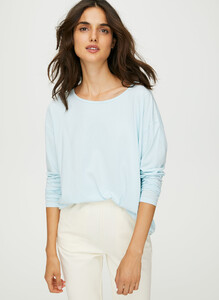
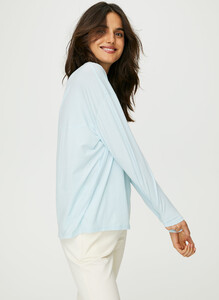
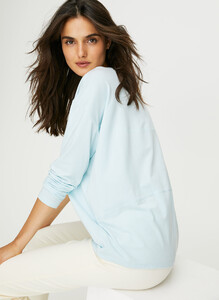

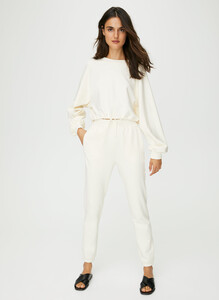
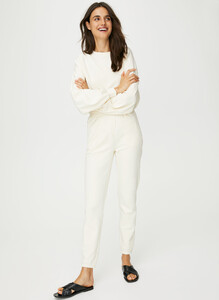
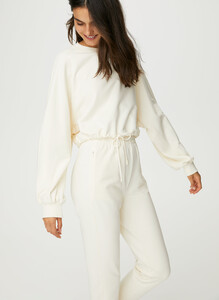


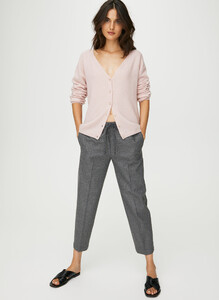

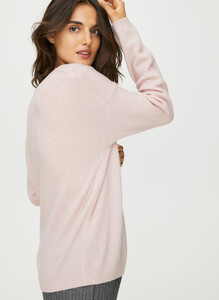
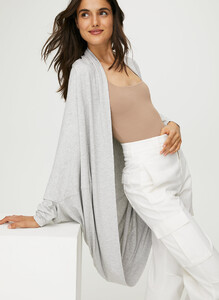
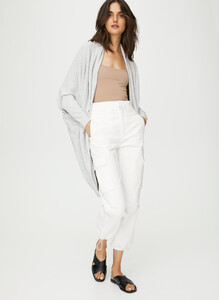
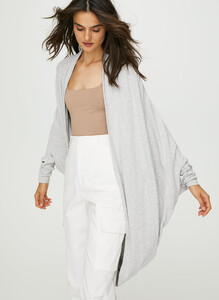
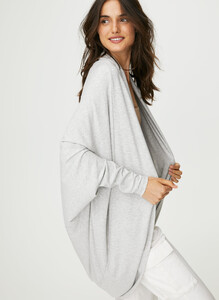

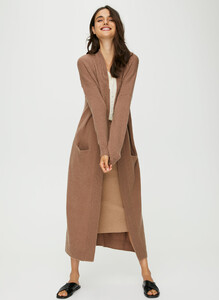
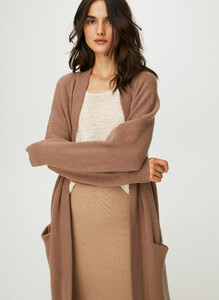
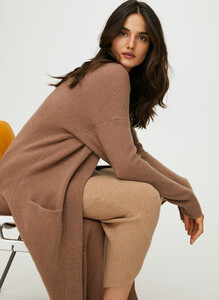
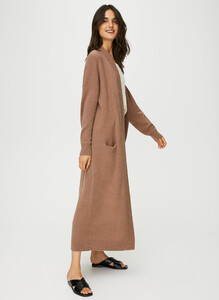
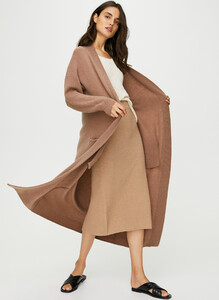

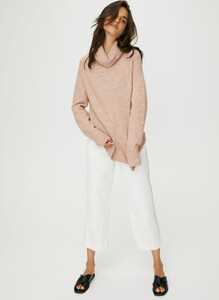
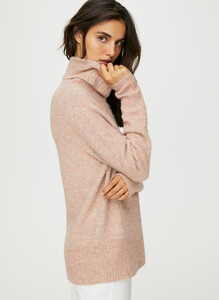

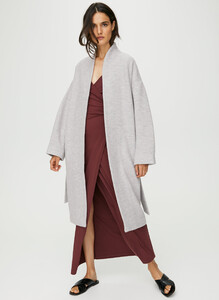
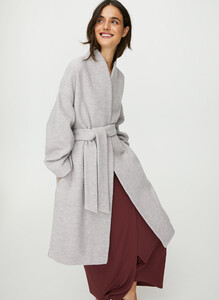
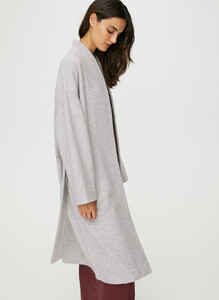

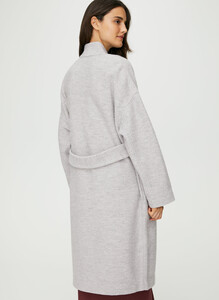
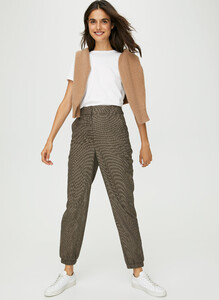
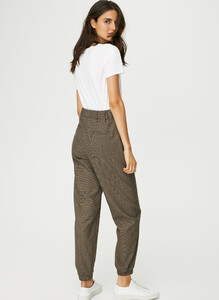
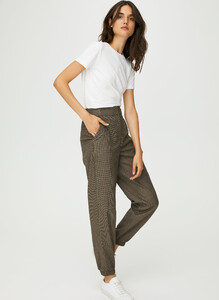
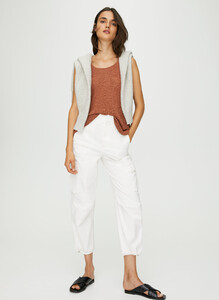
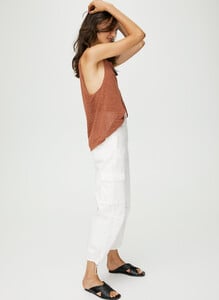
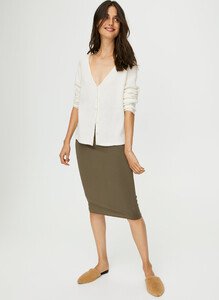
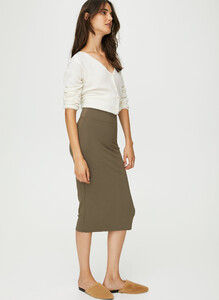

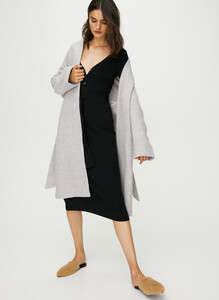
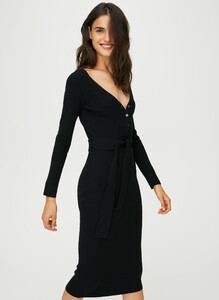
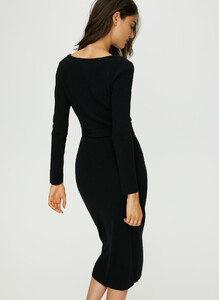
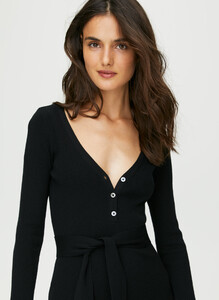
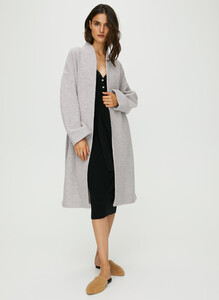
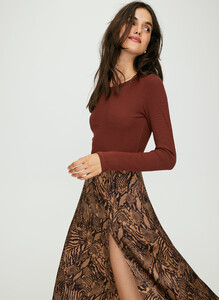
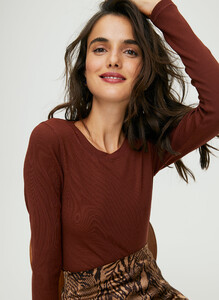
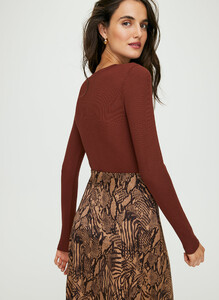
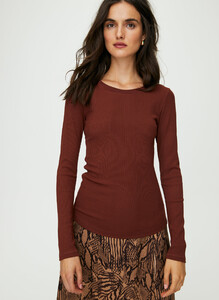
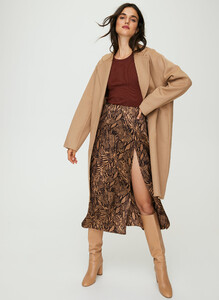
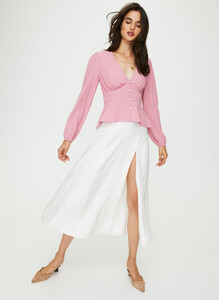

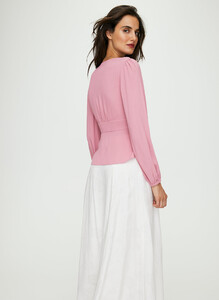
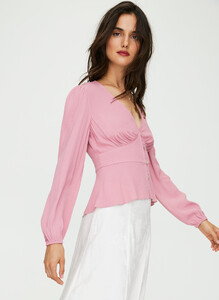

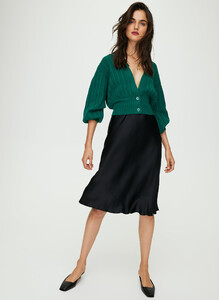
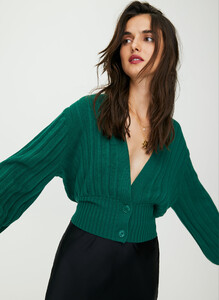
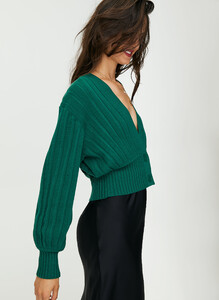
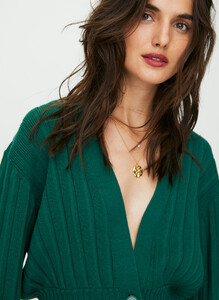
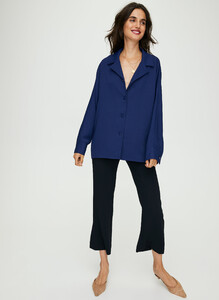
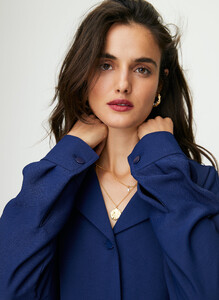
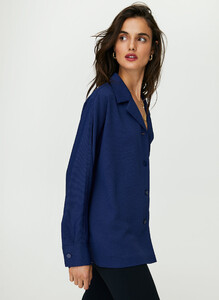
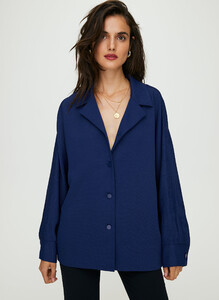
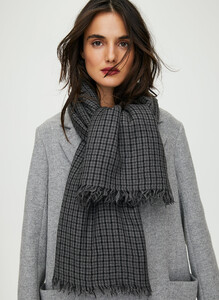
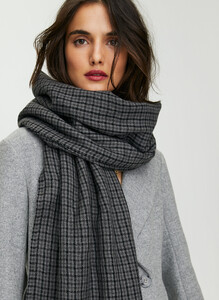
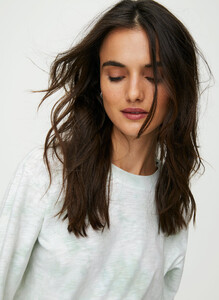
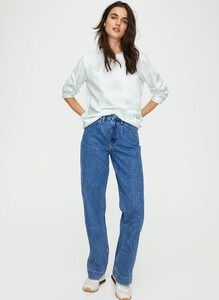
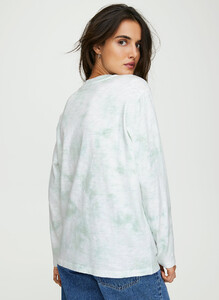
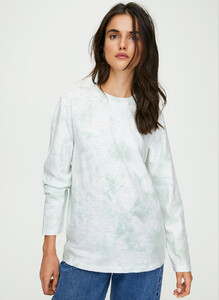
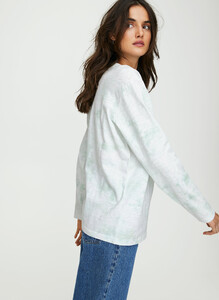

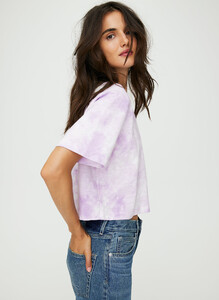
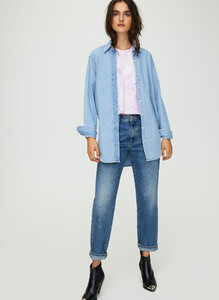
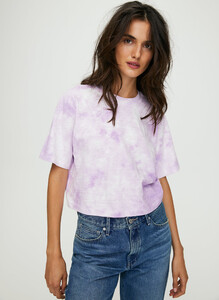
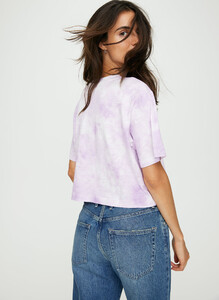
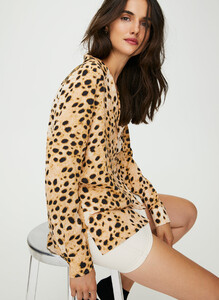
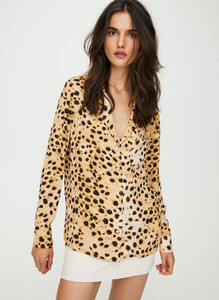
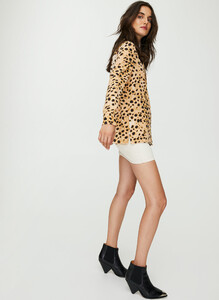
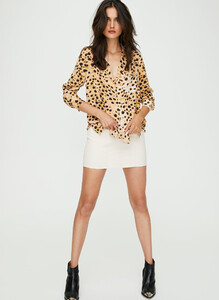
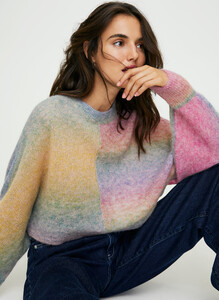
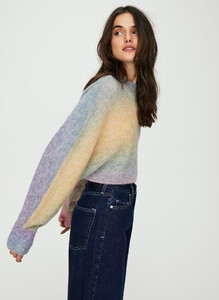
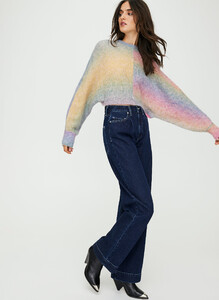
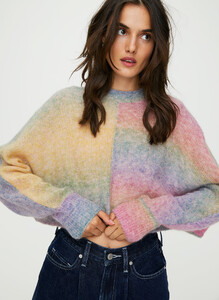
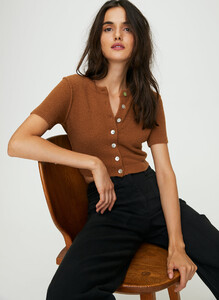

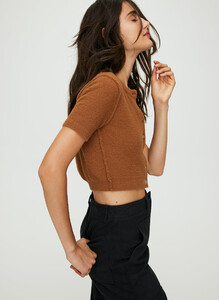
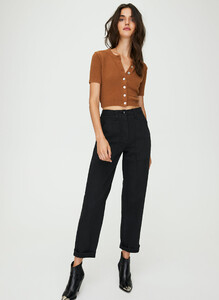 Aritzia August 2019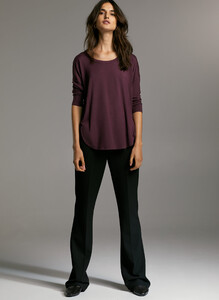
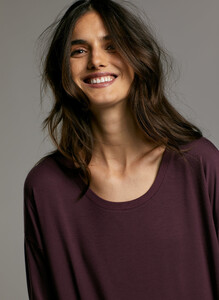
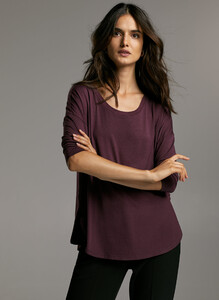
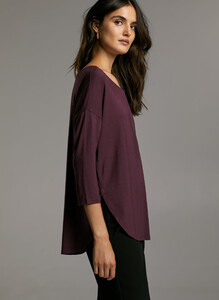
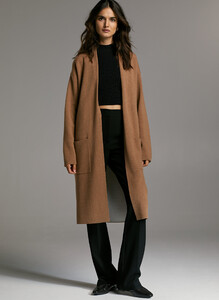
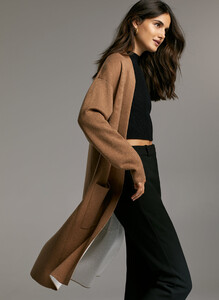
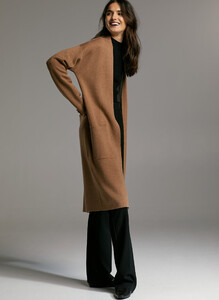
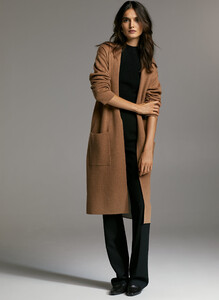

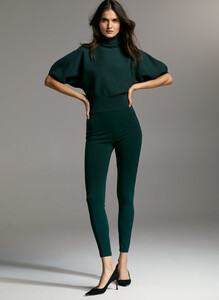
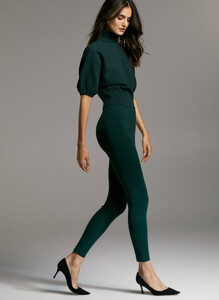
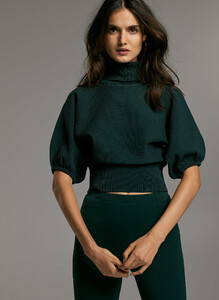
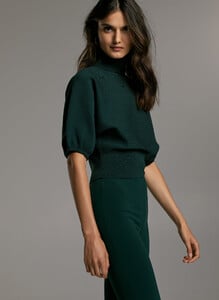
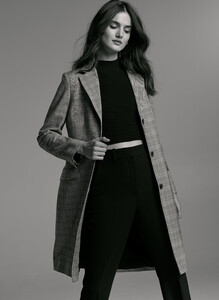
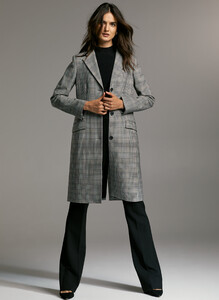
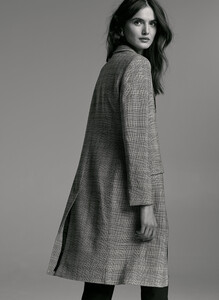
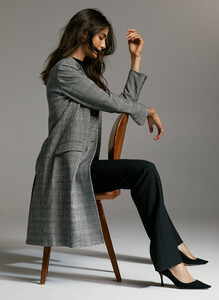
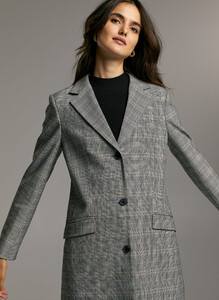
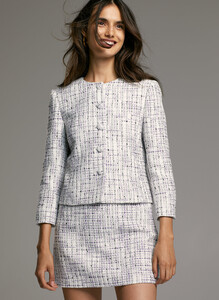
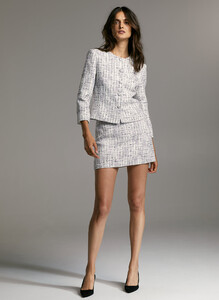

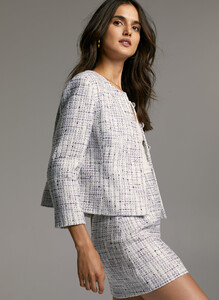

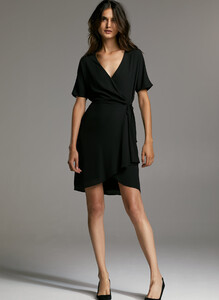
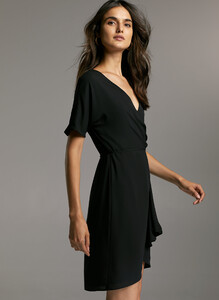

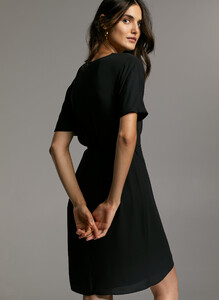
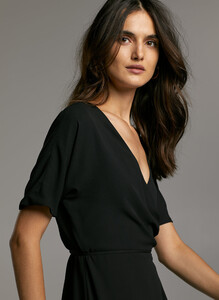 Selfmade Russia August 2019











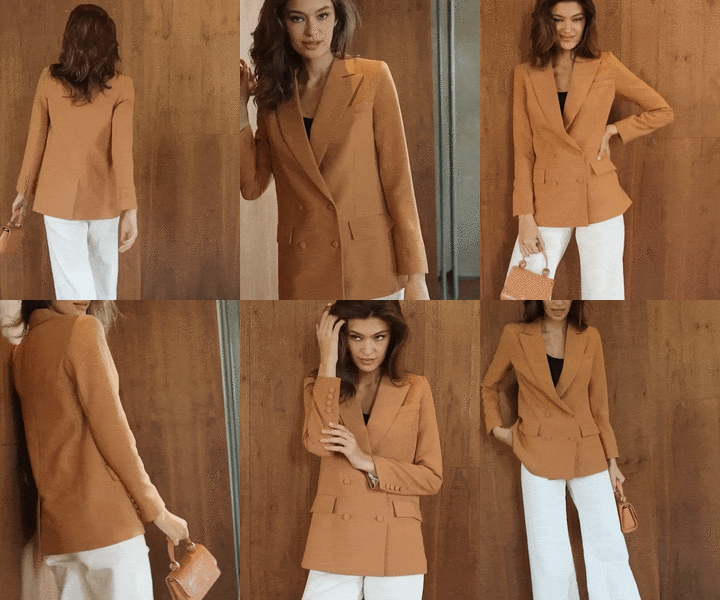


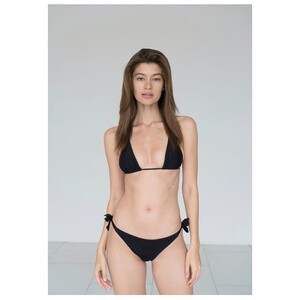
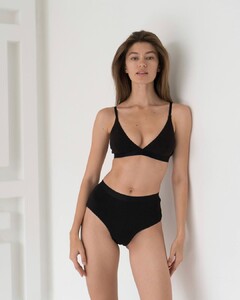
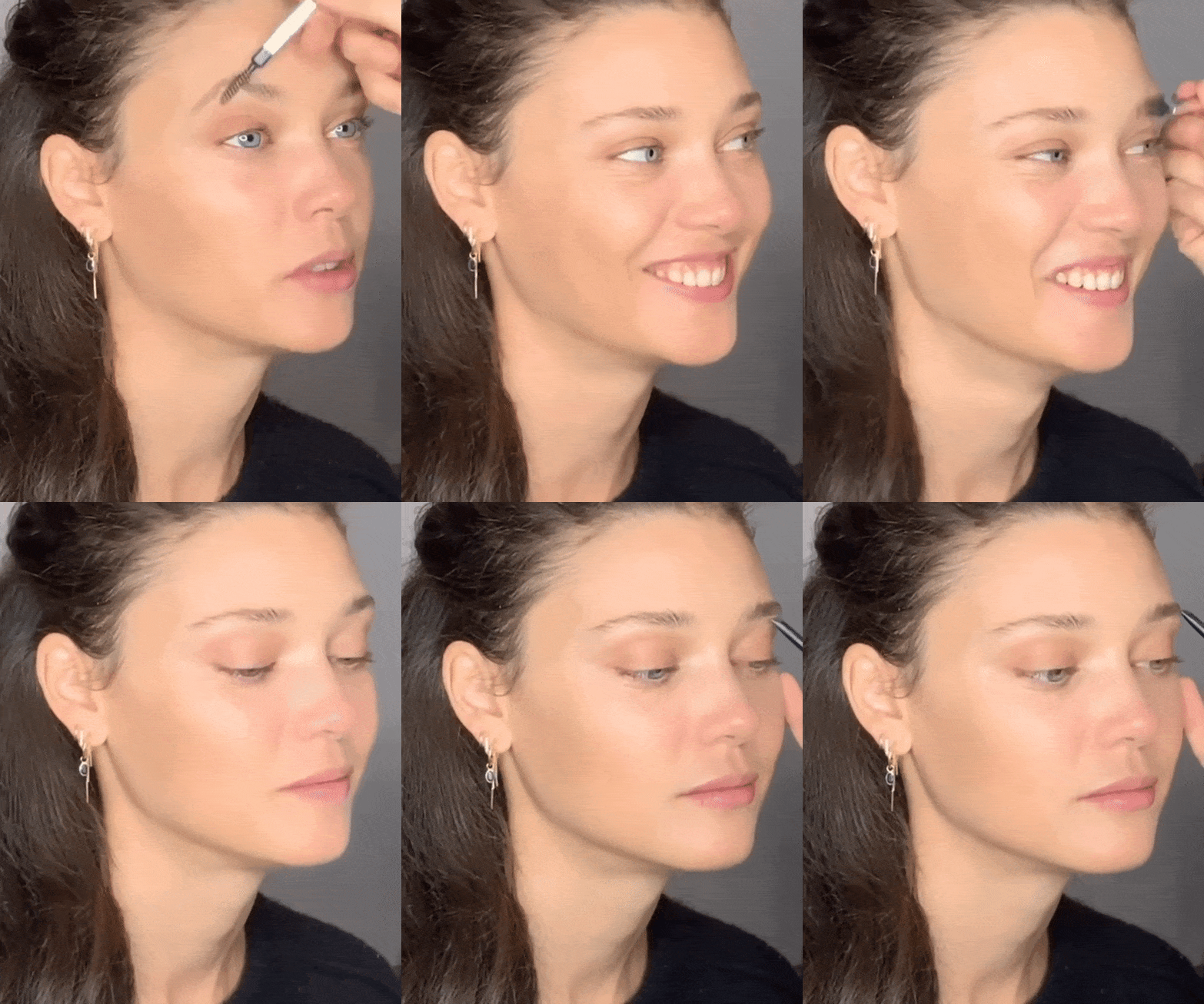
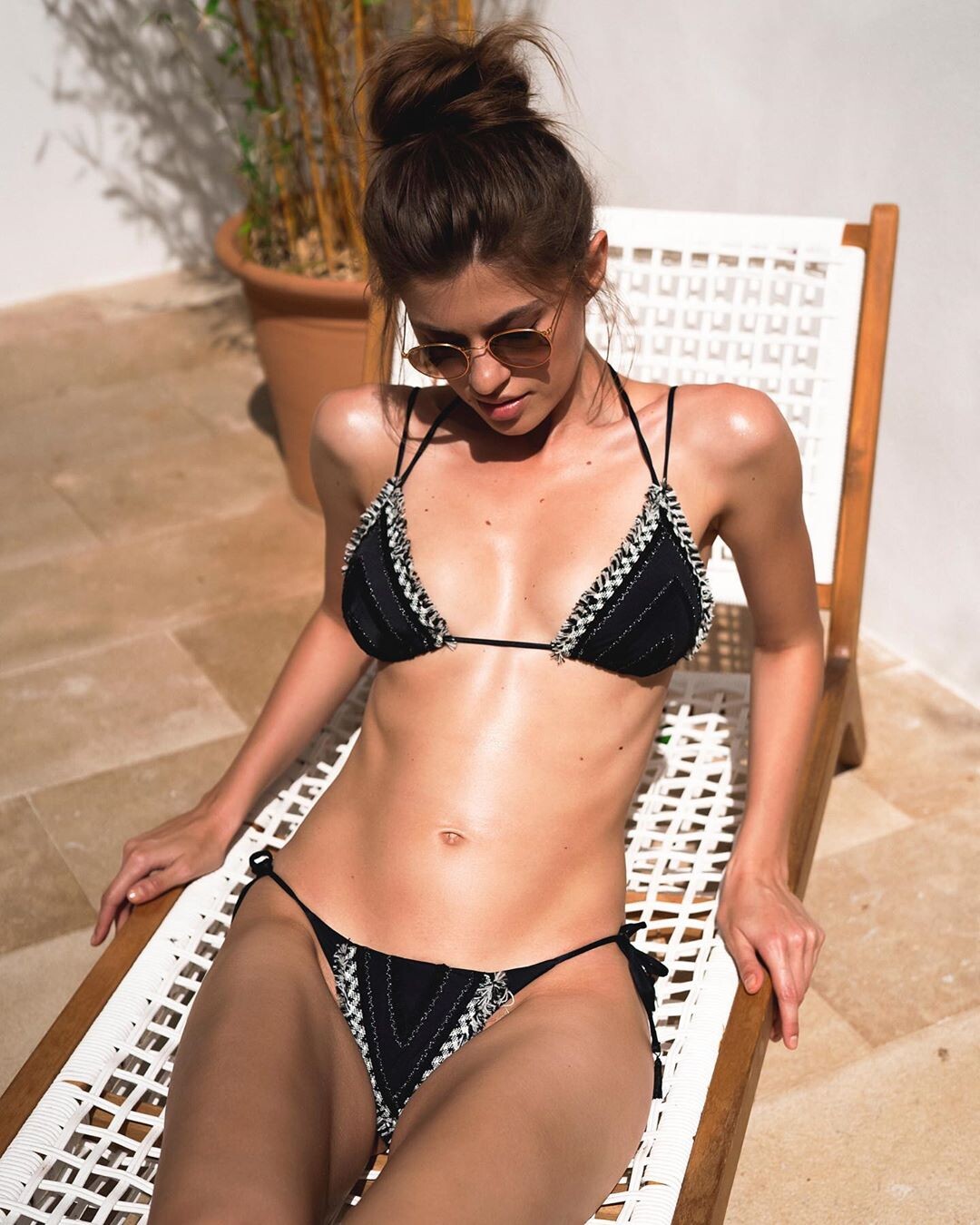
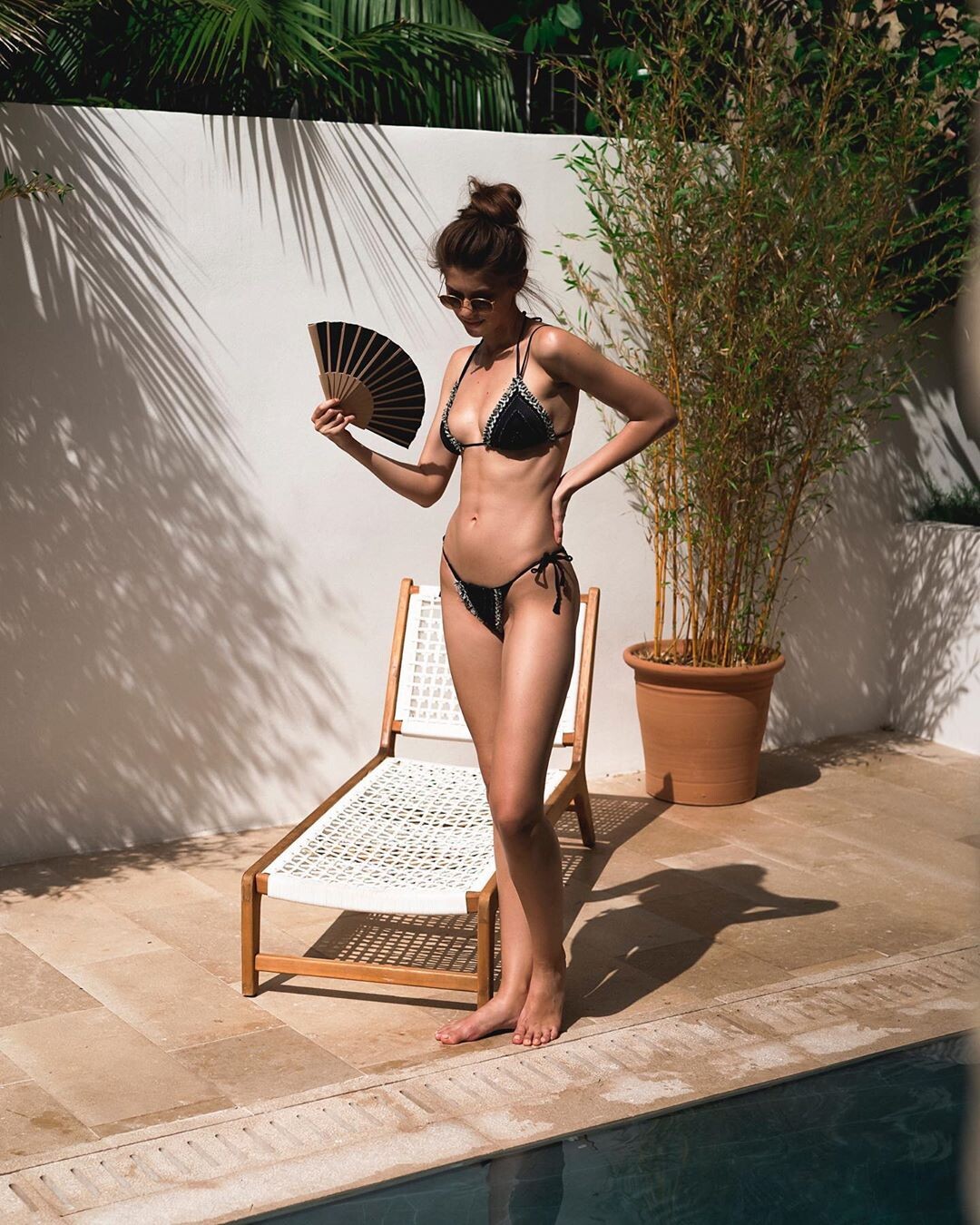
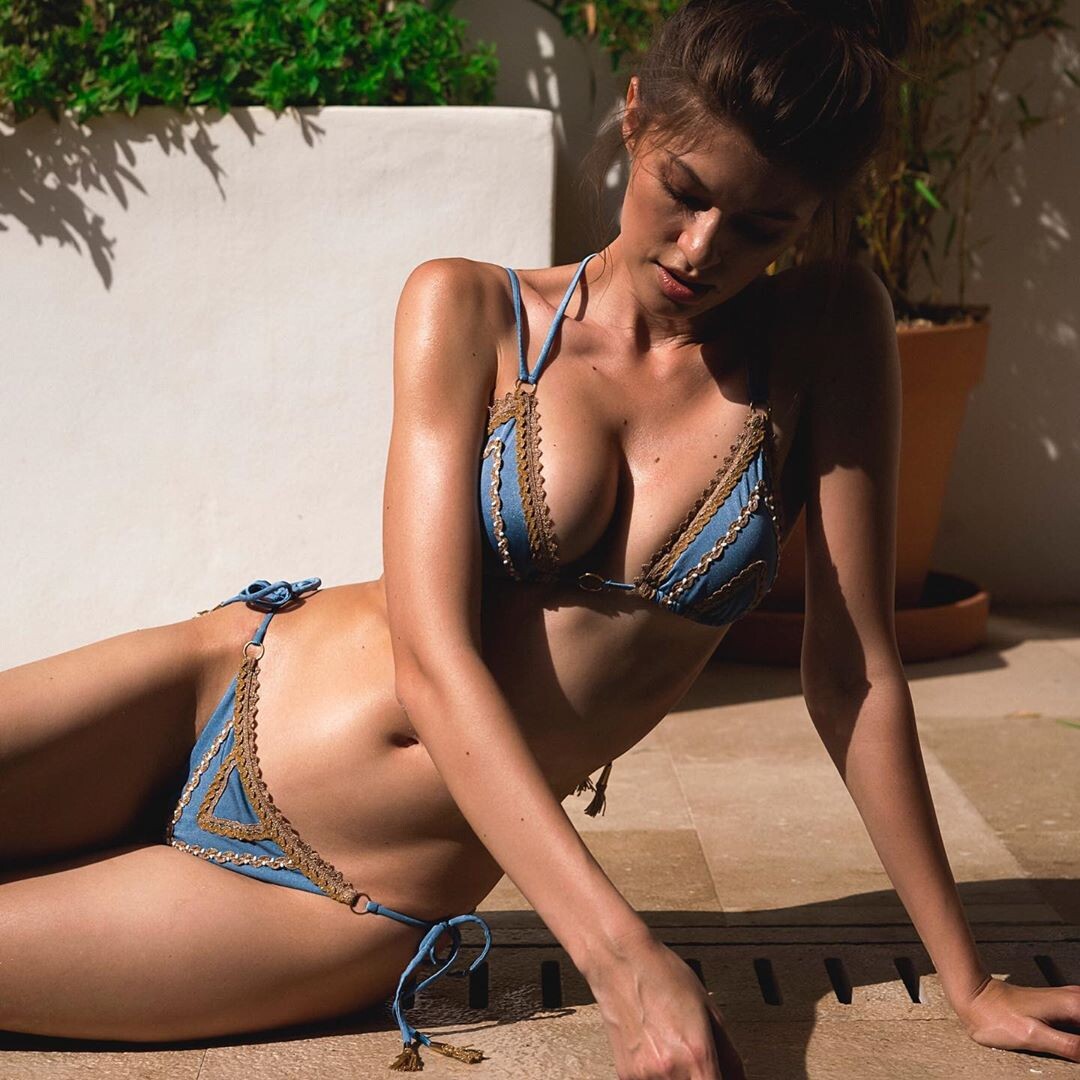
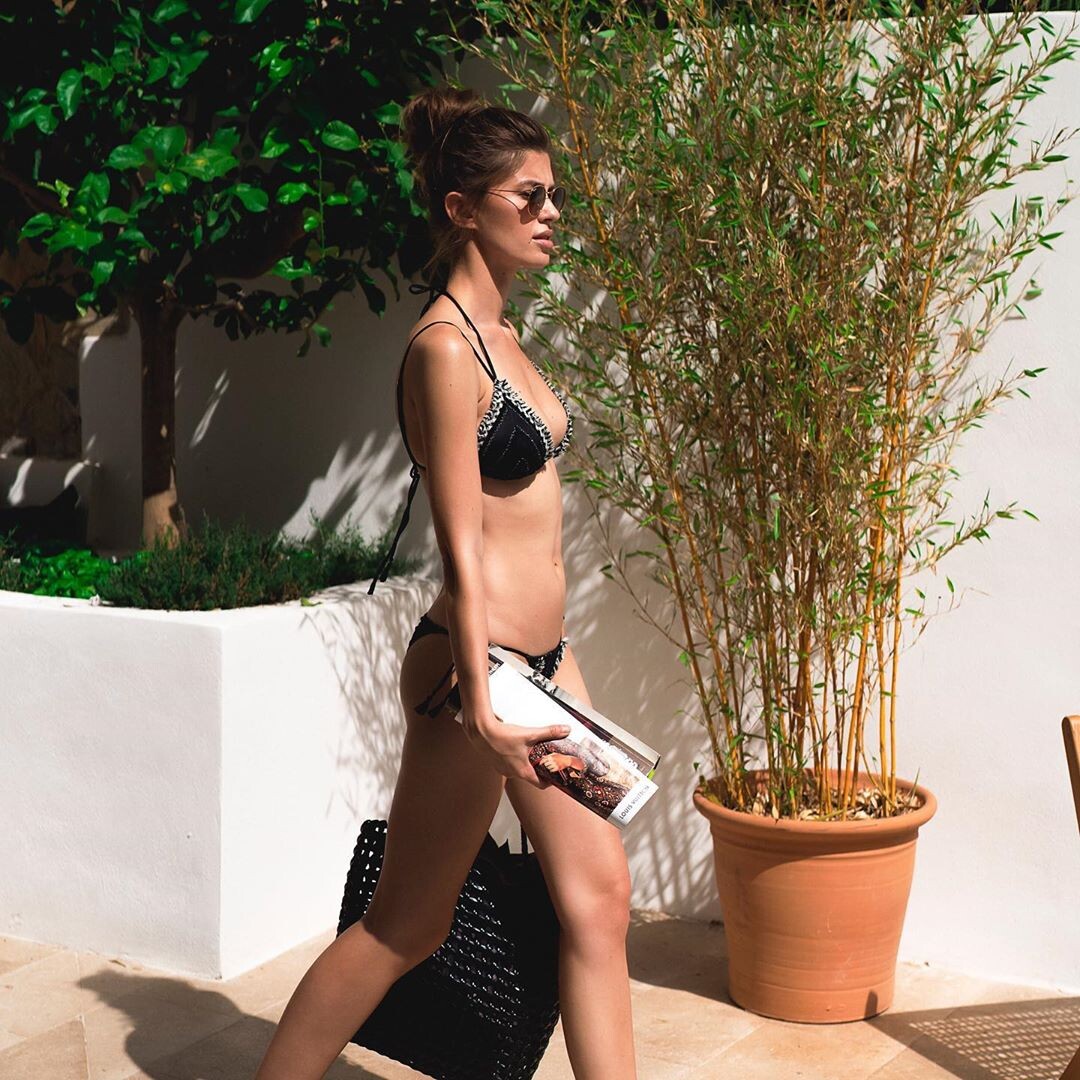
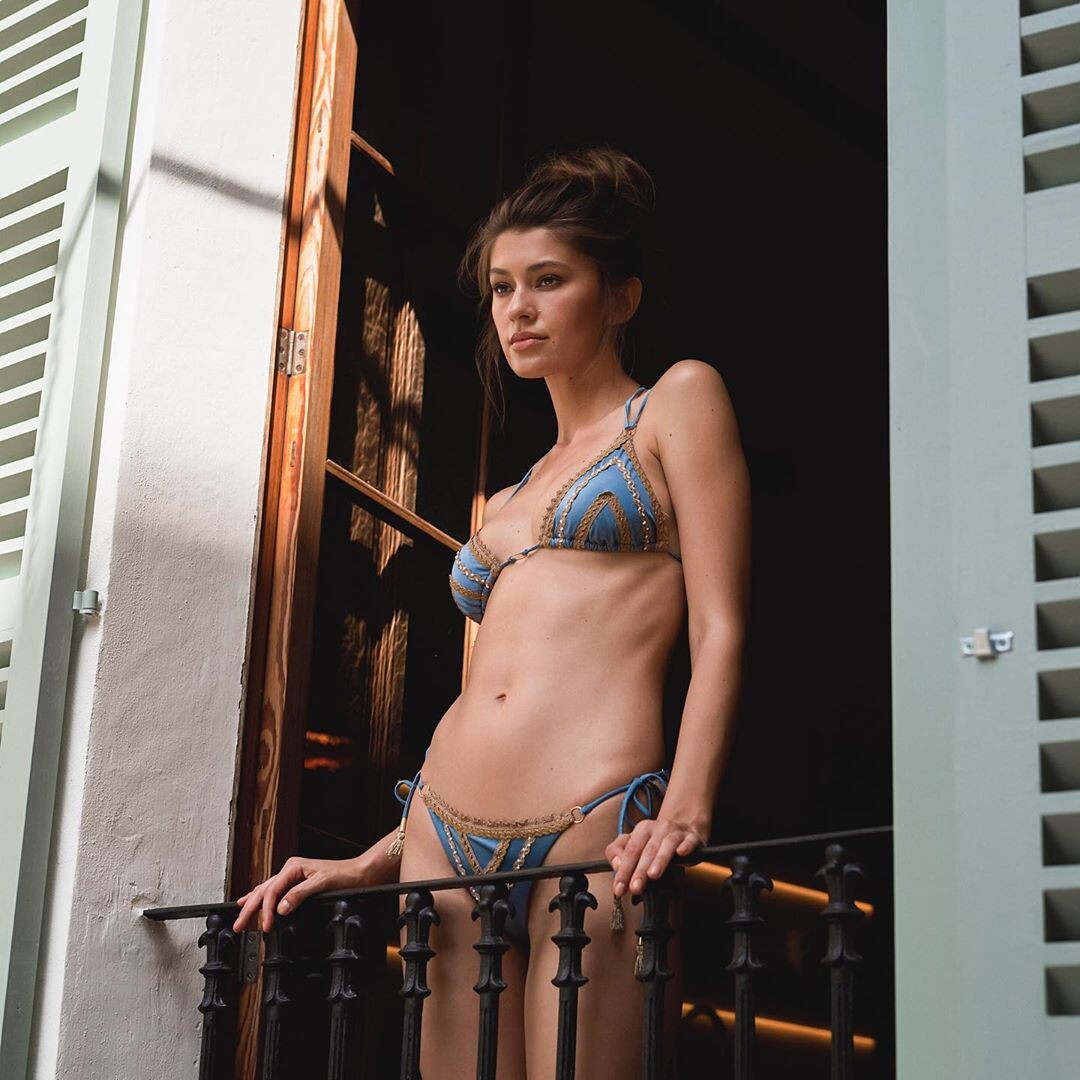
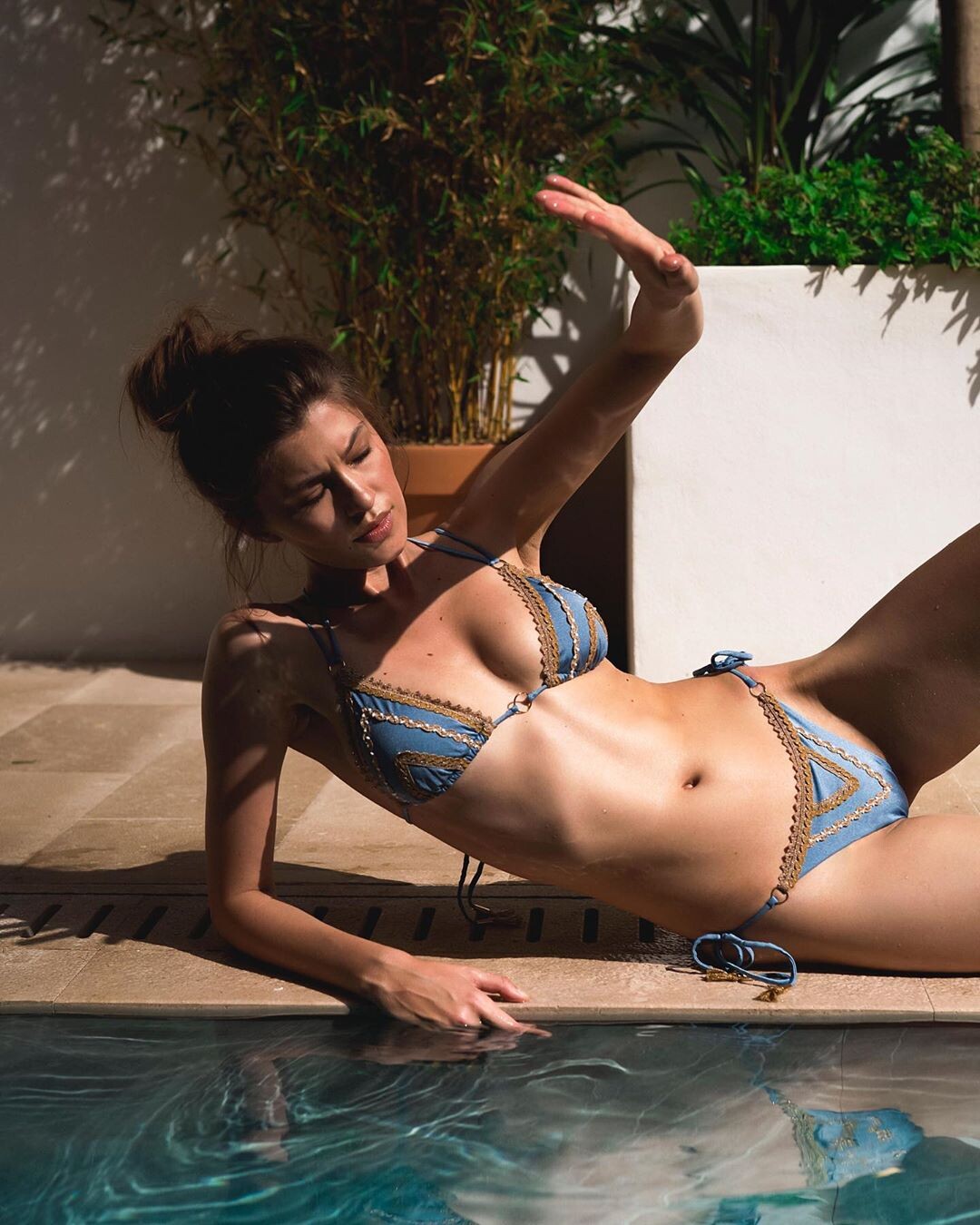
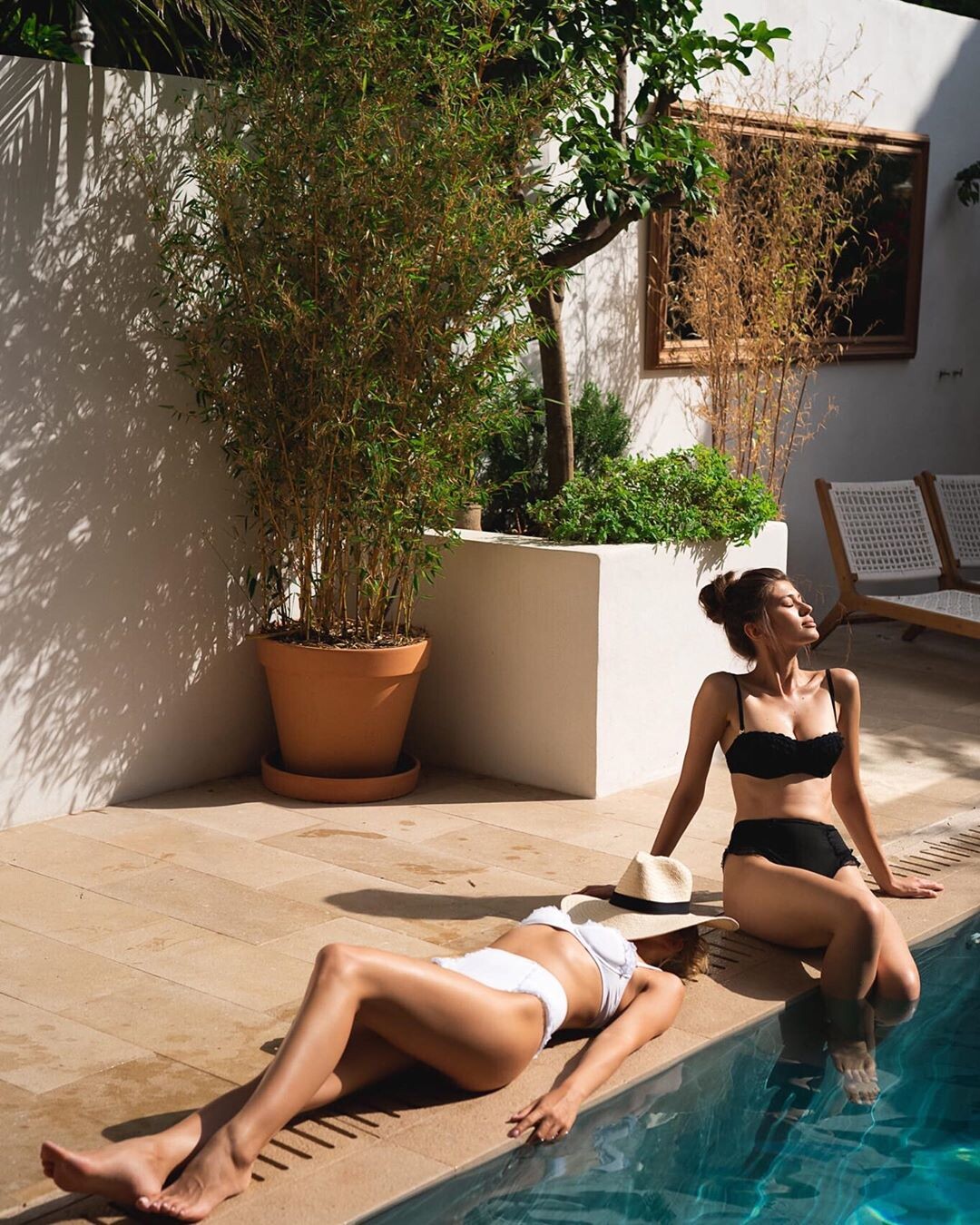
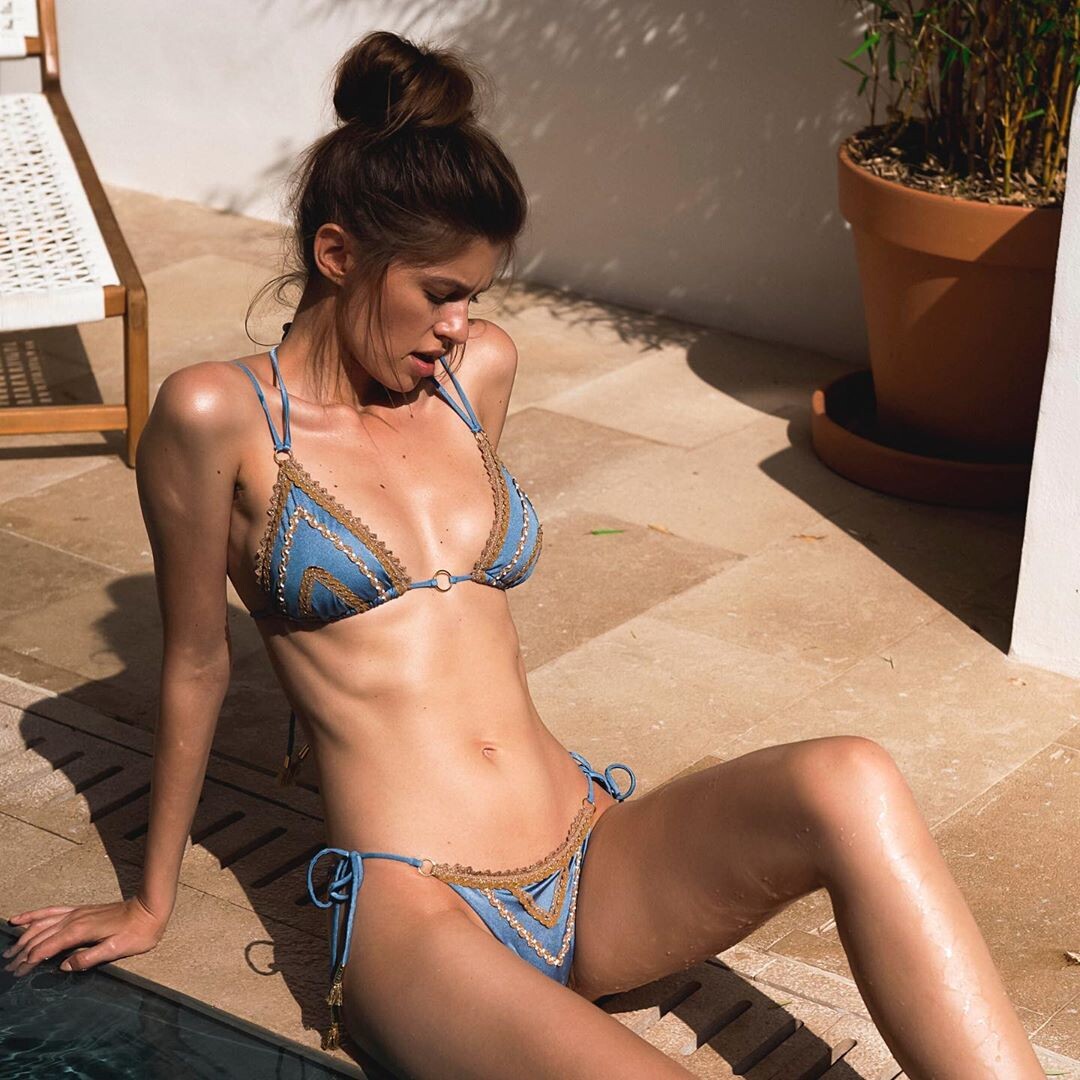
 August 2019 Digitals



















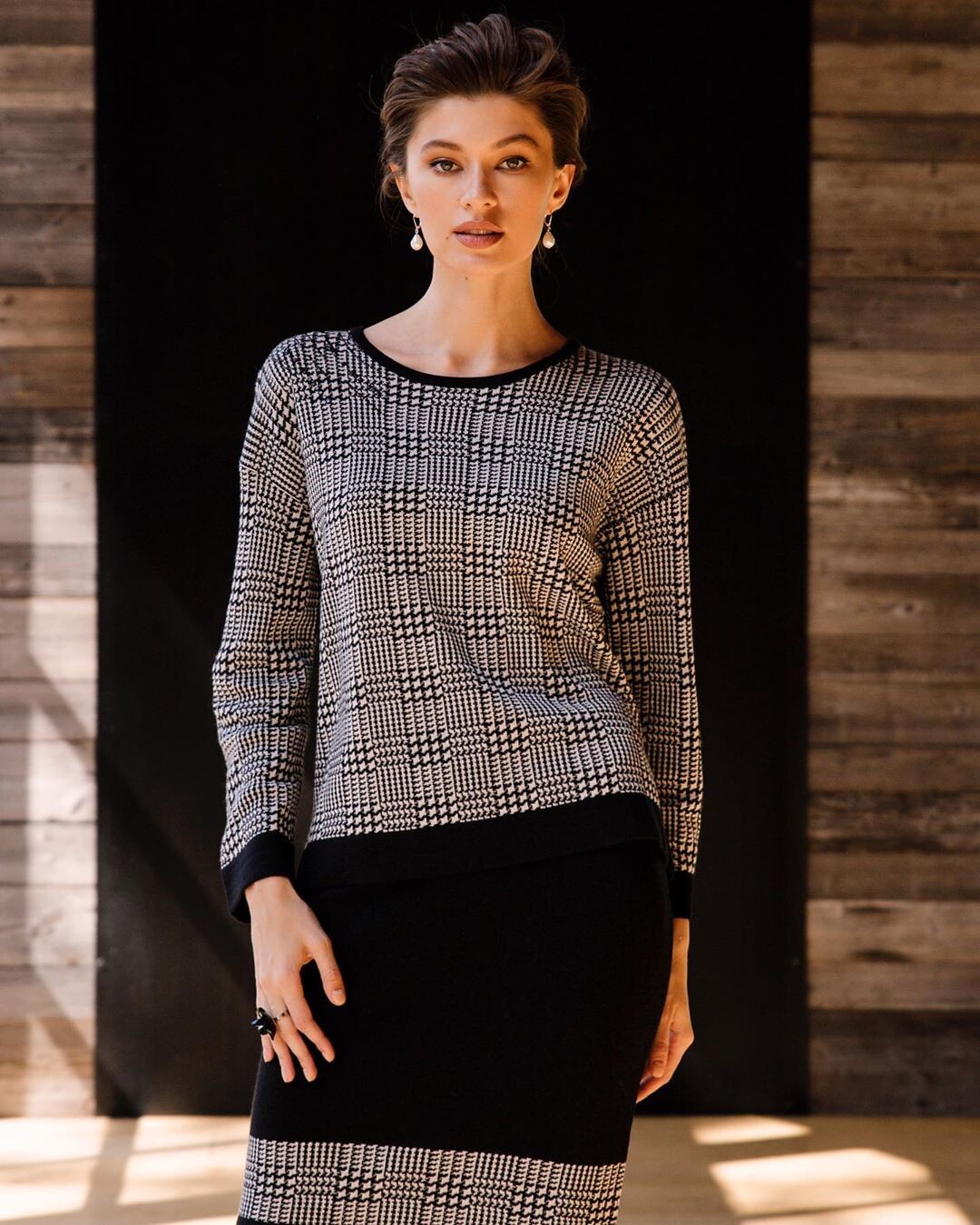
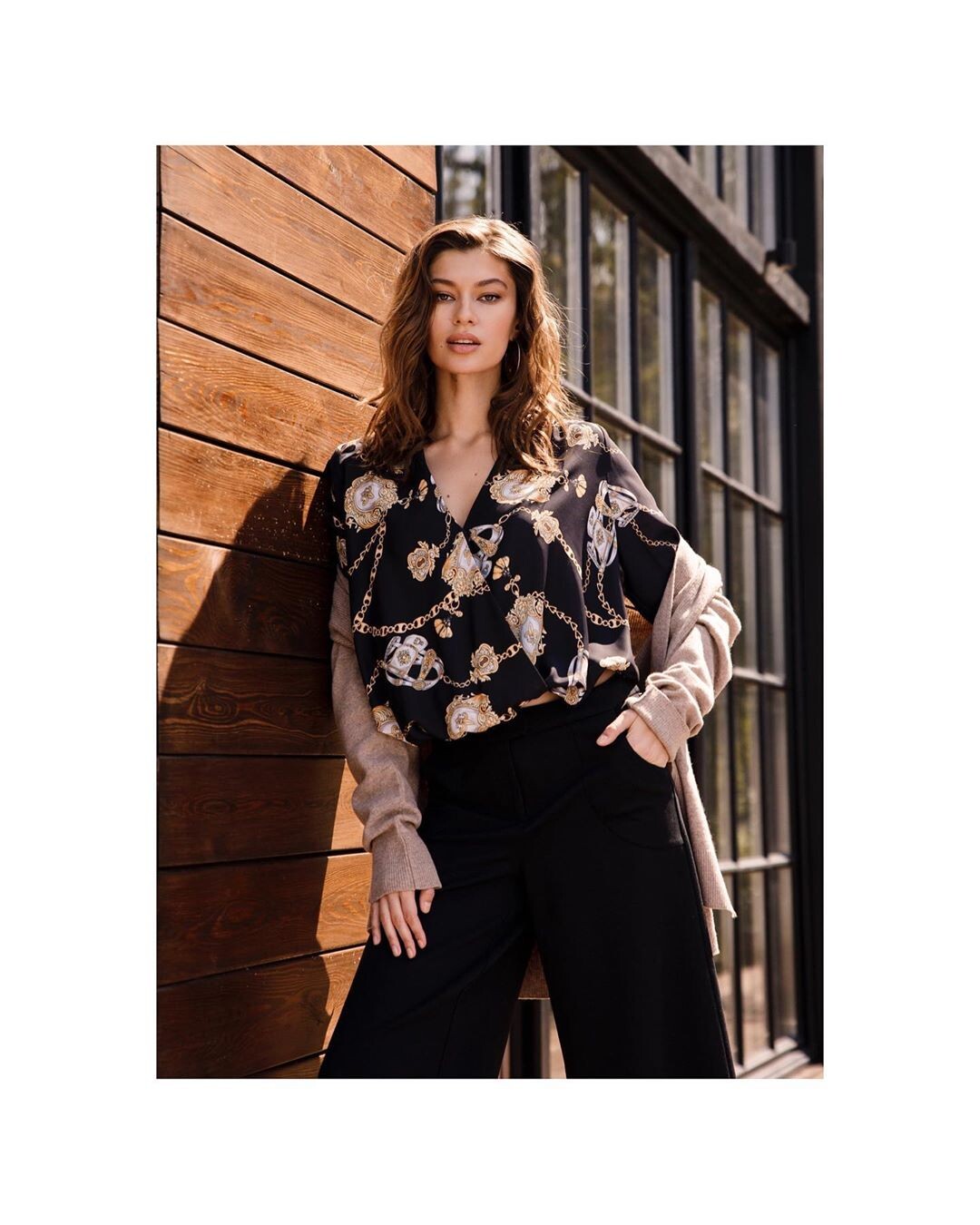
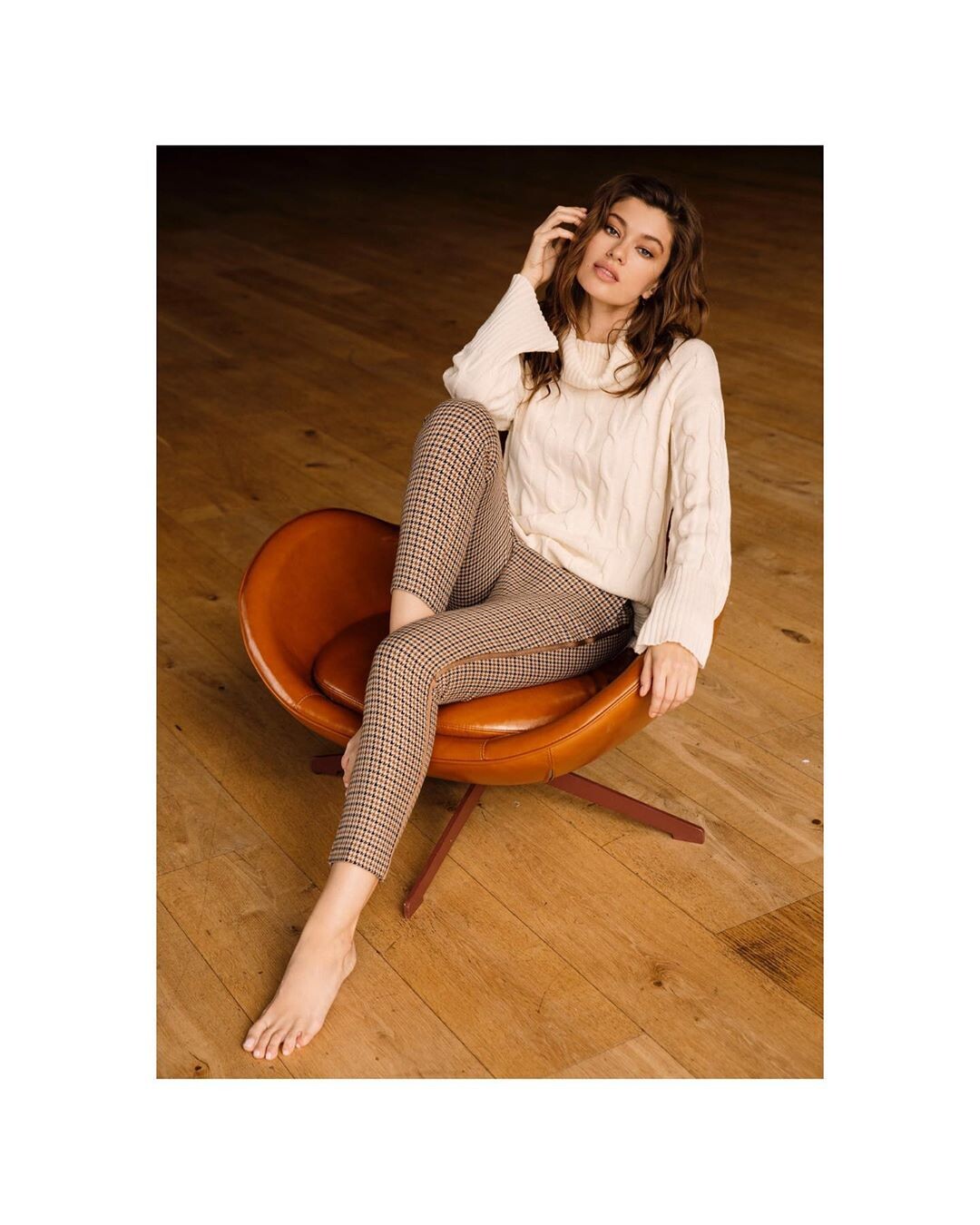



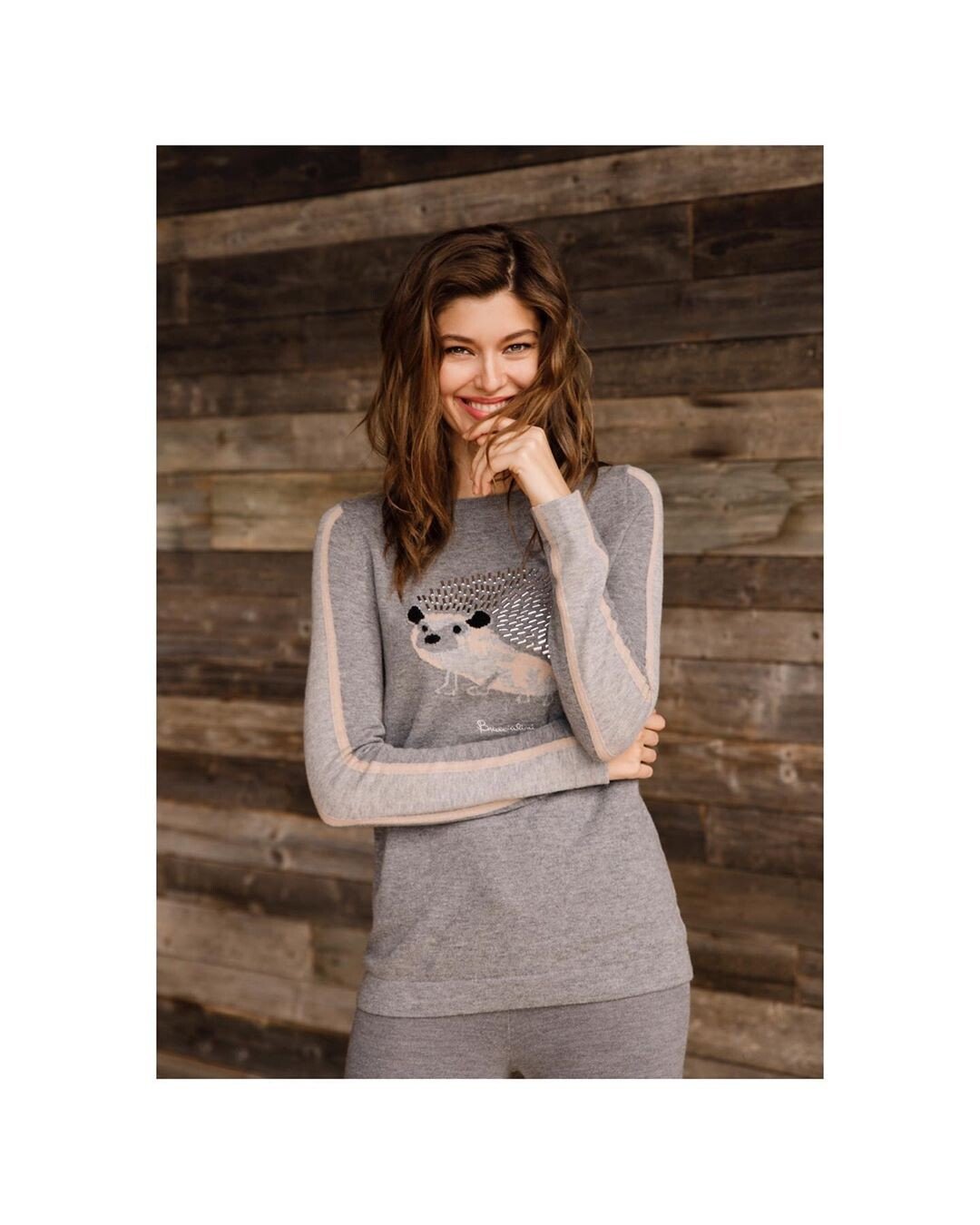
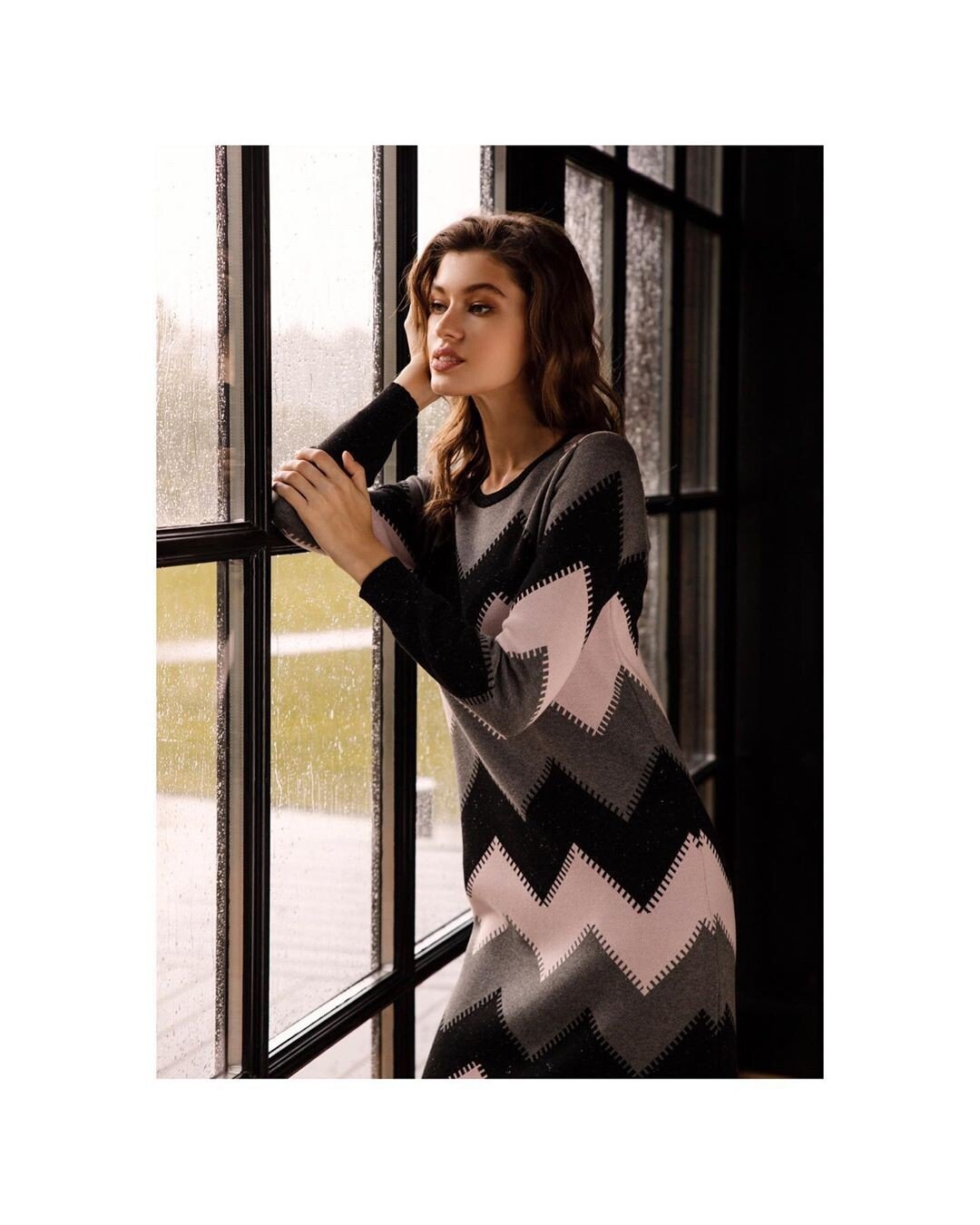
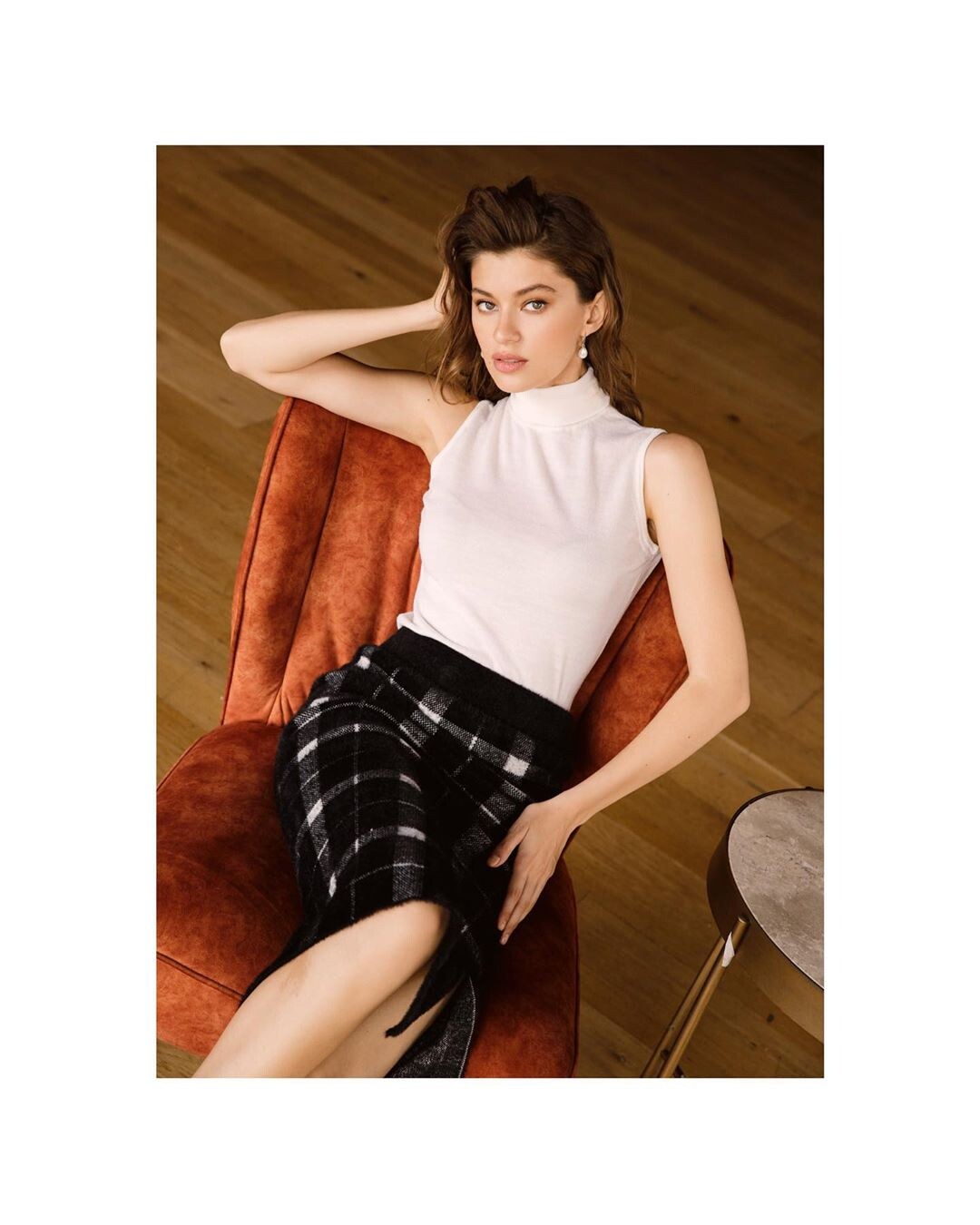
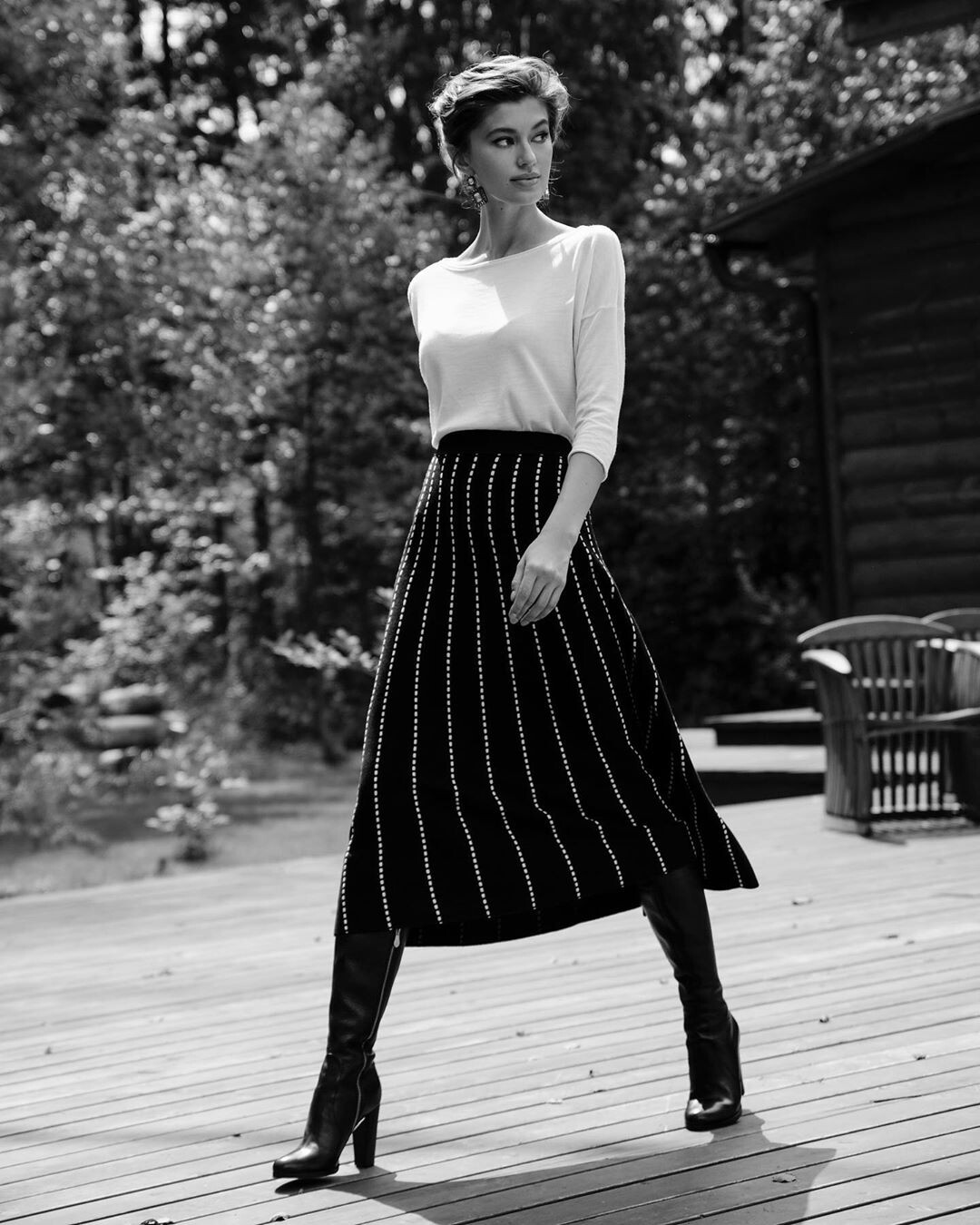
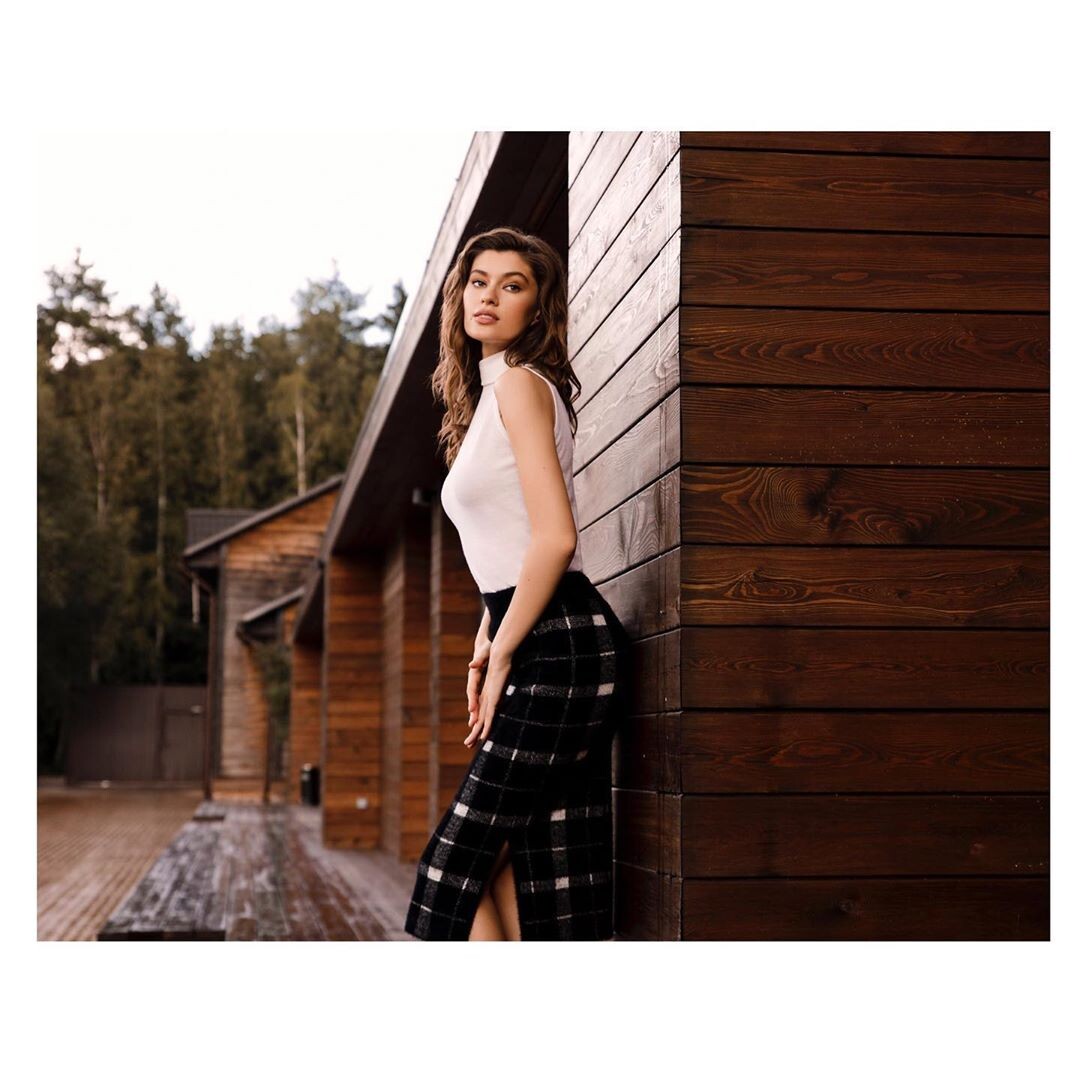
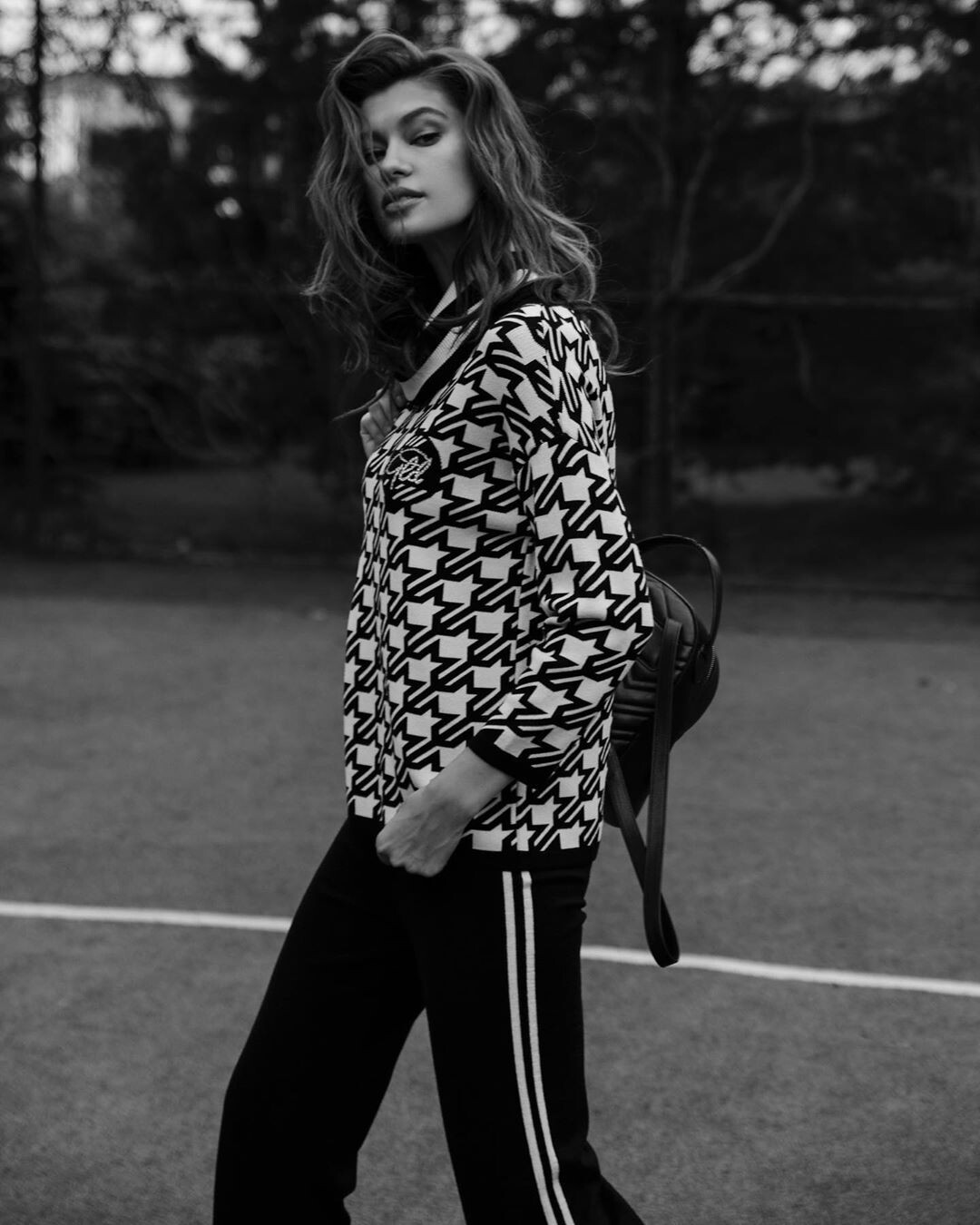
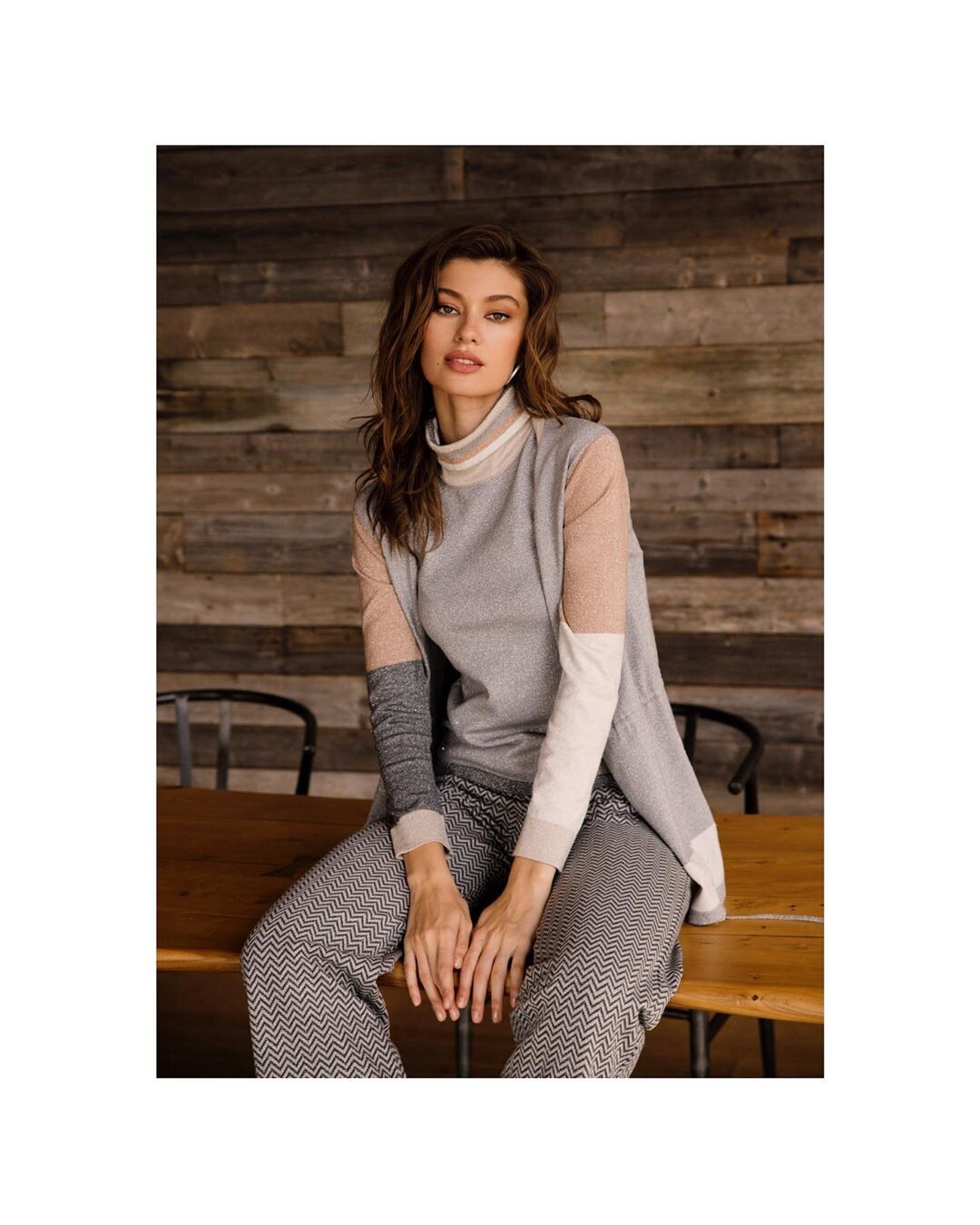
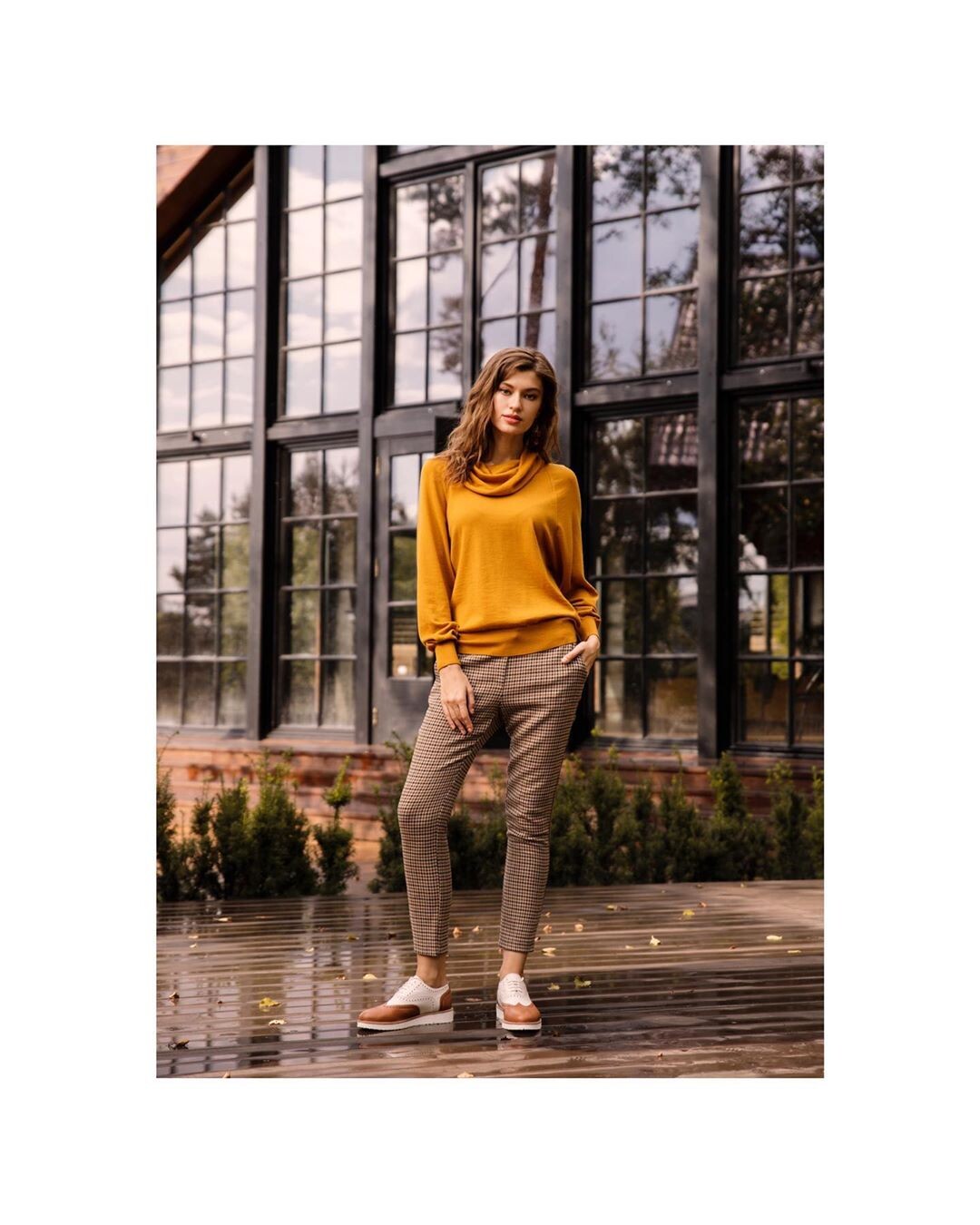
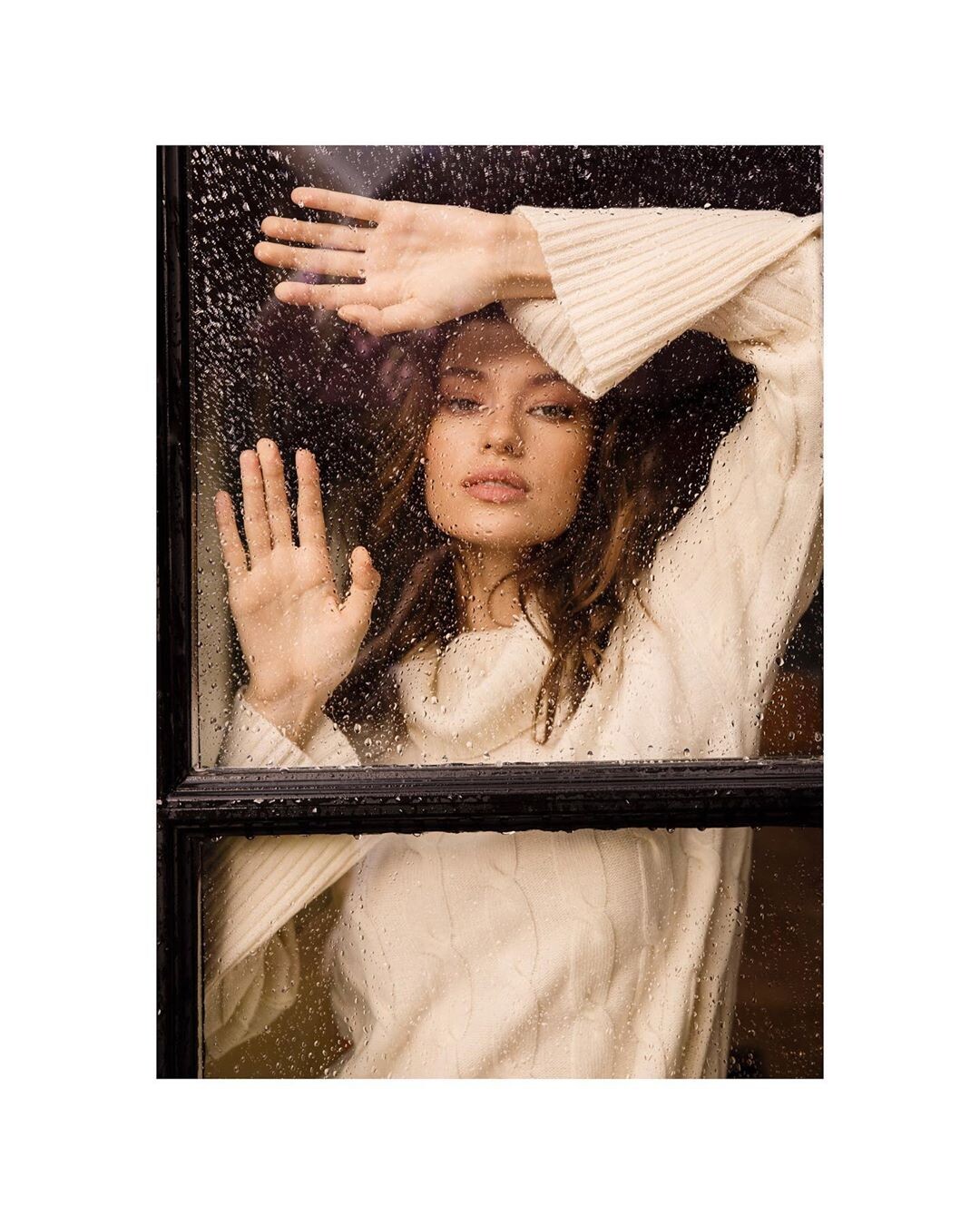






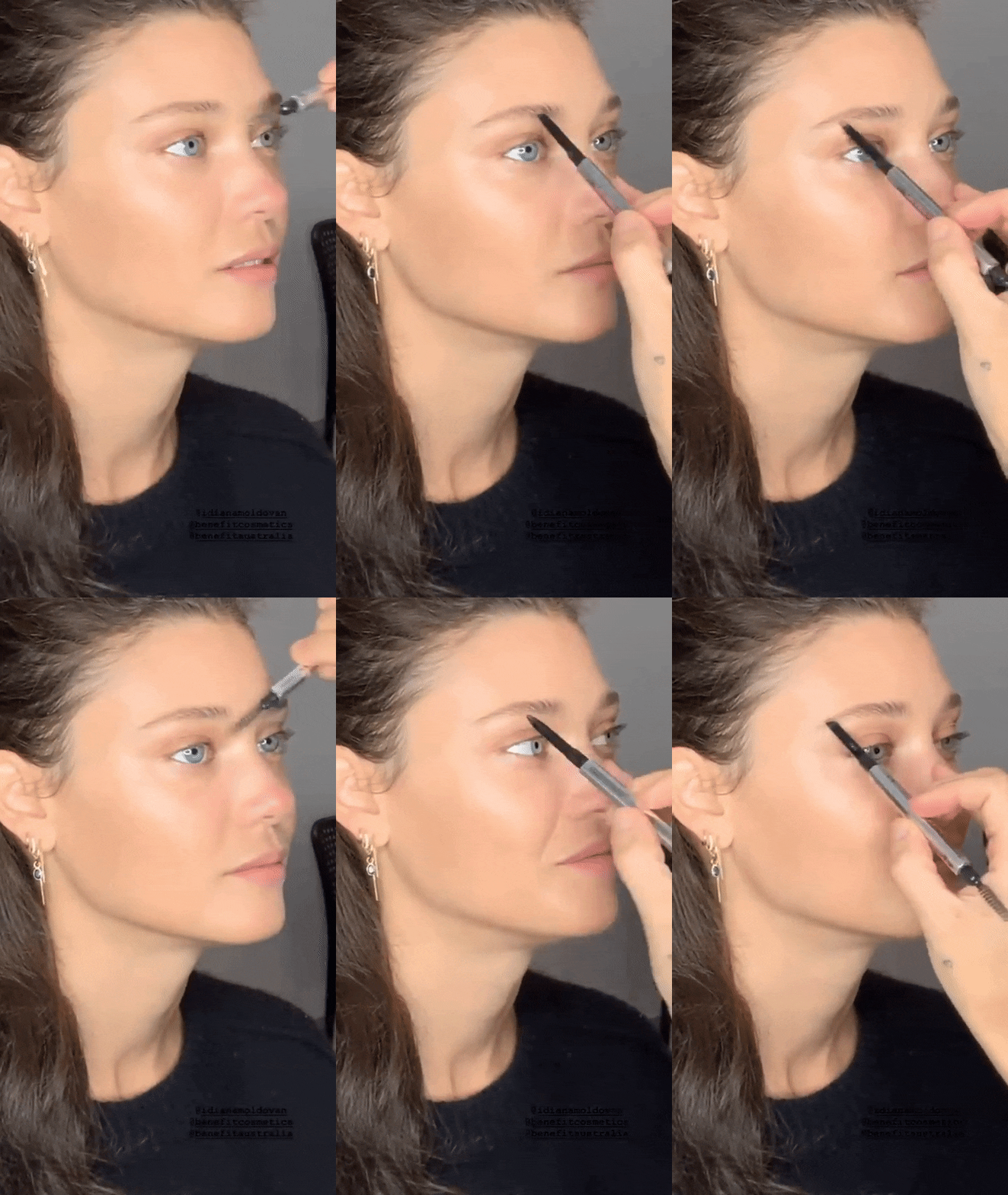

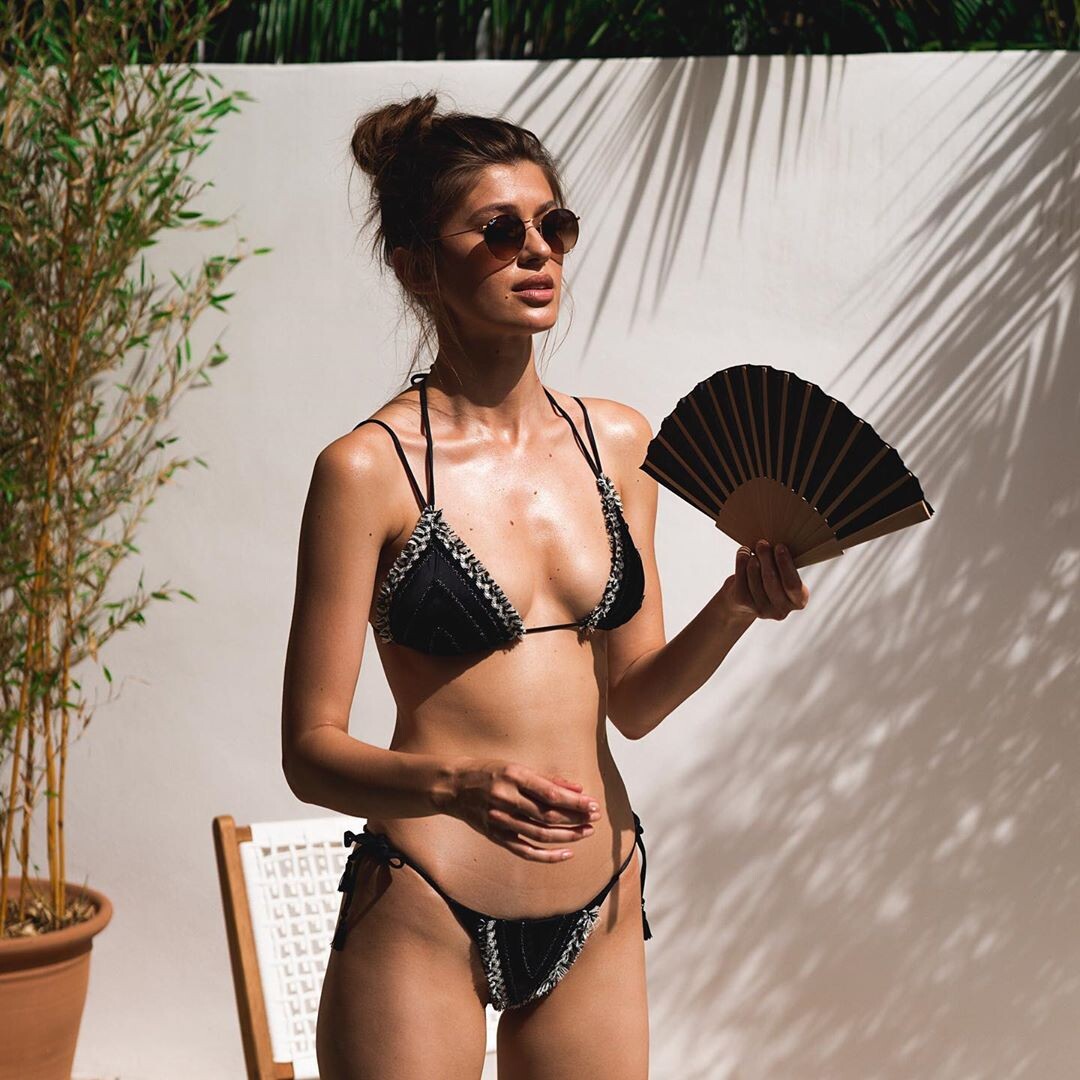

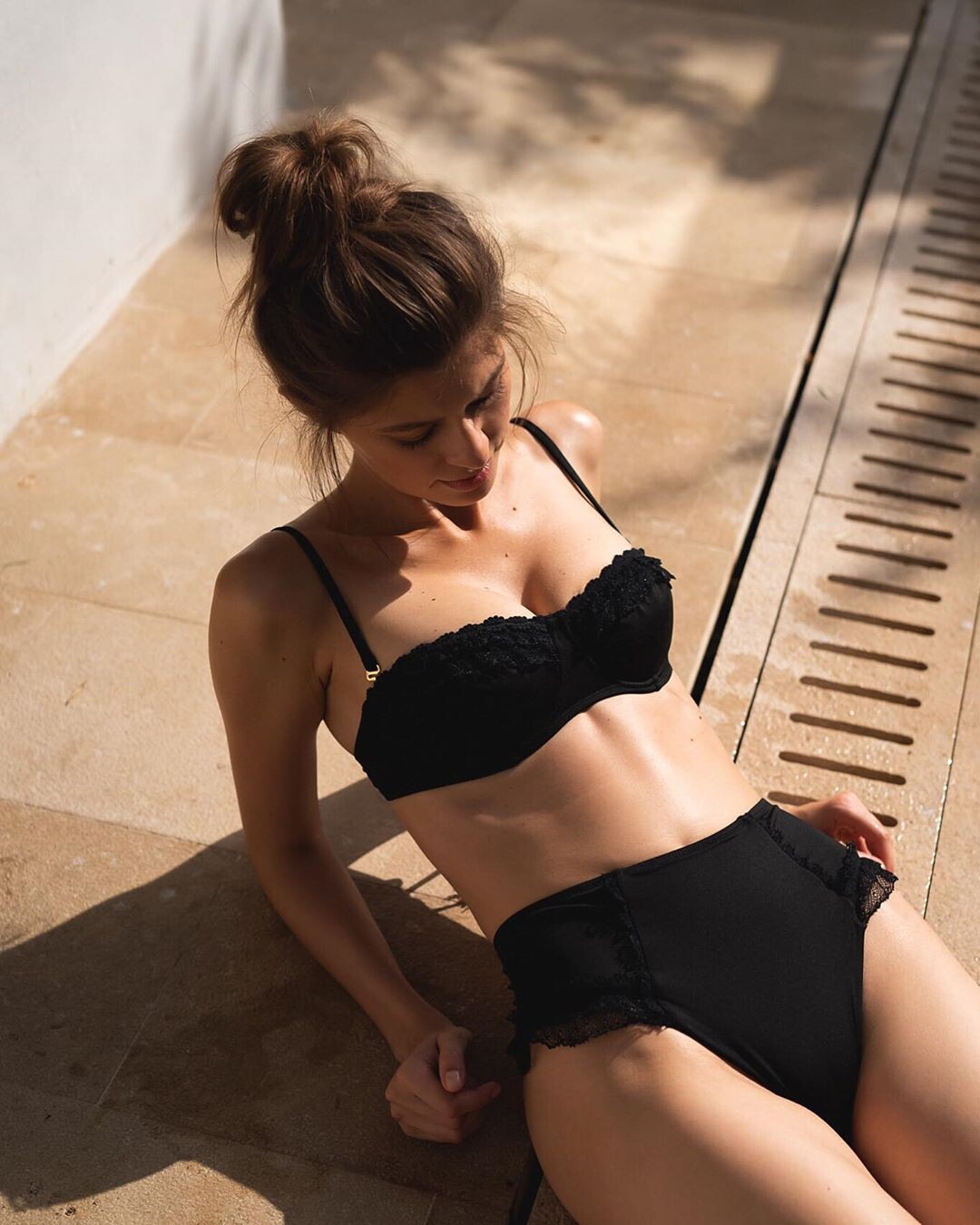
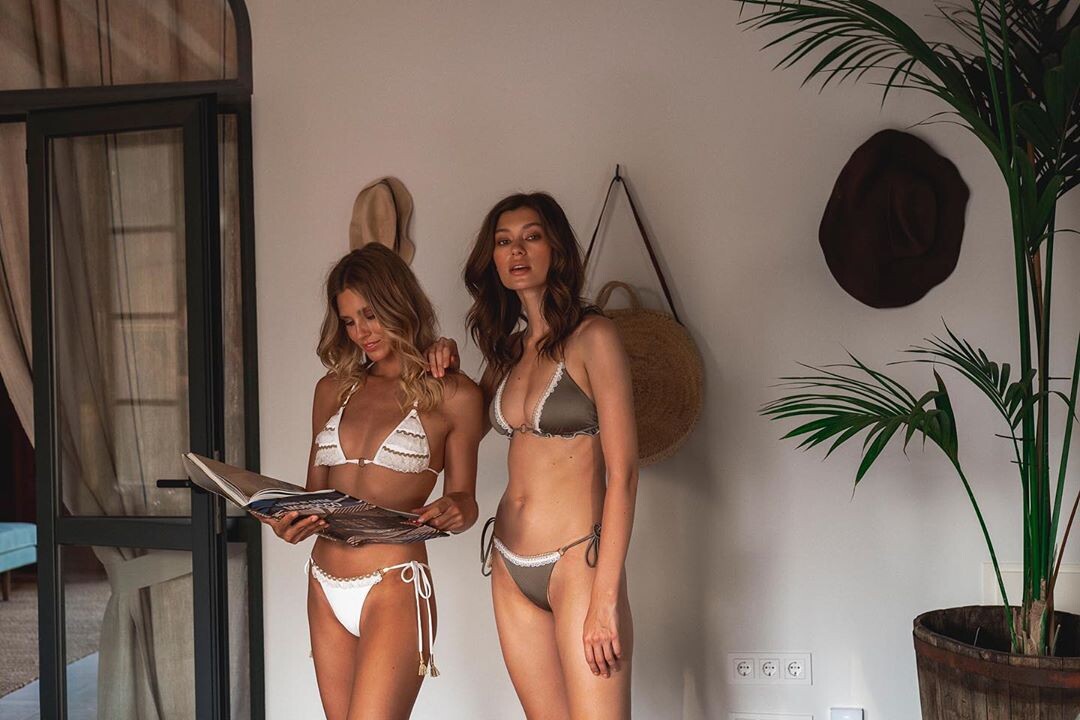






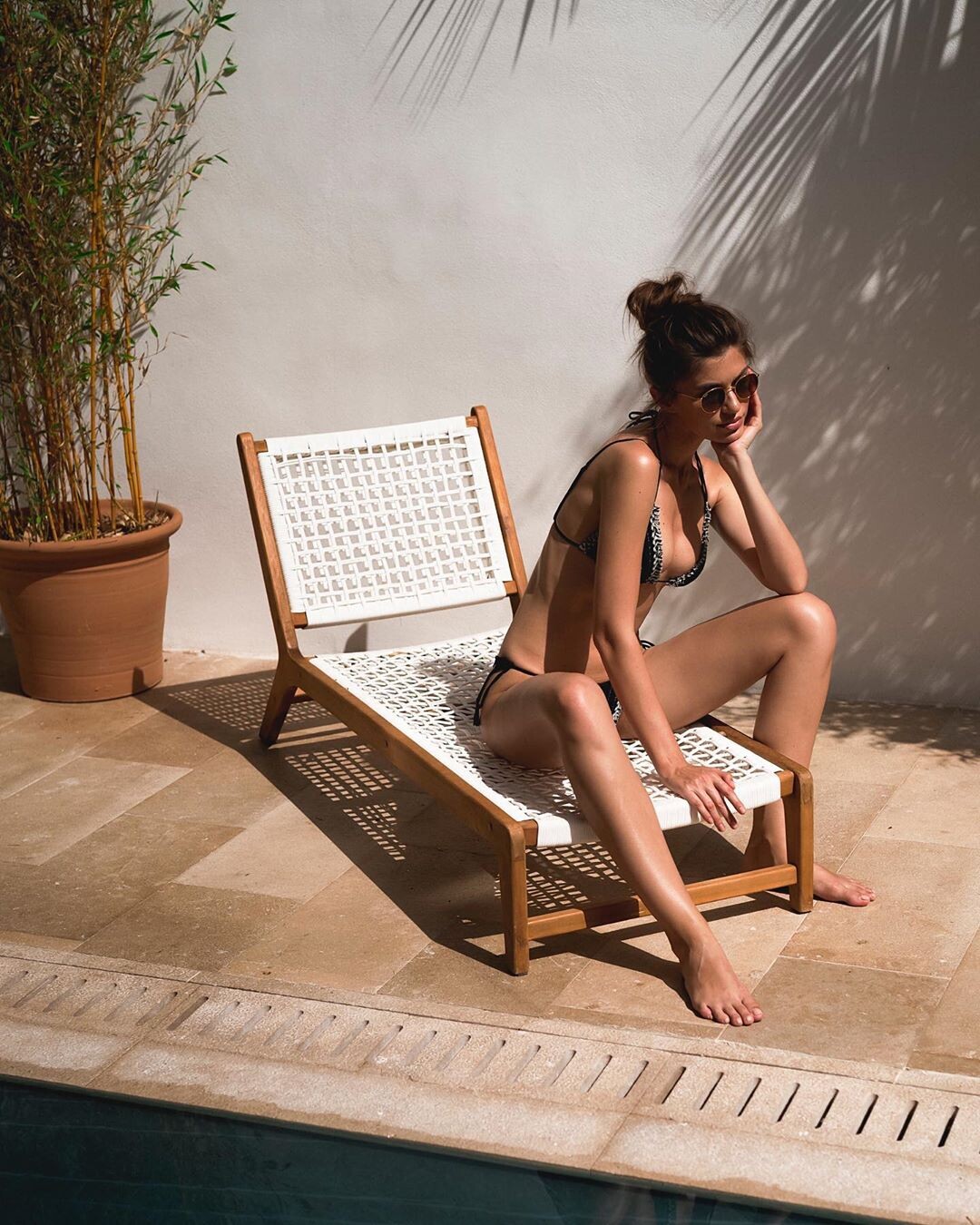
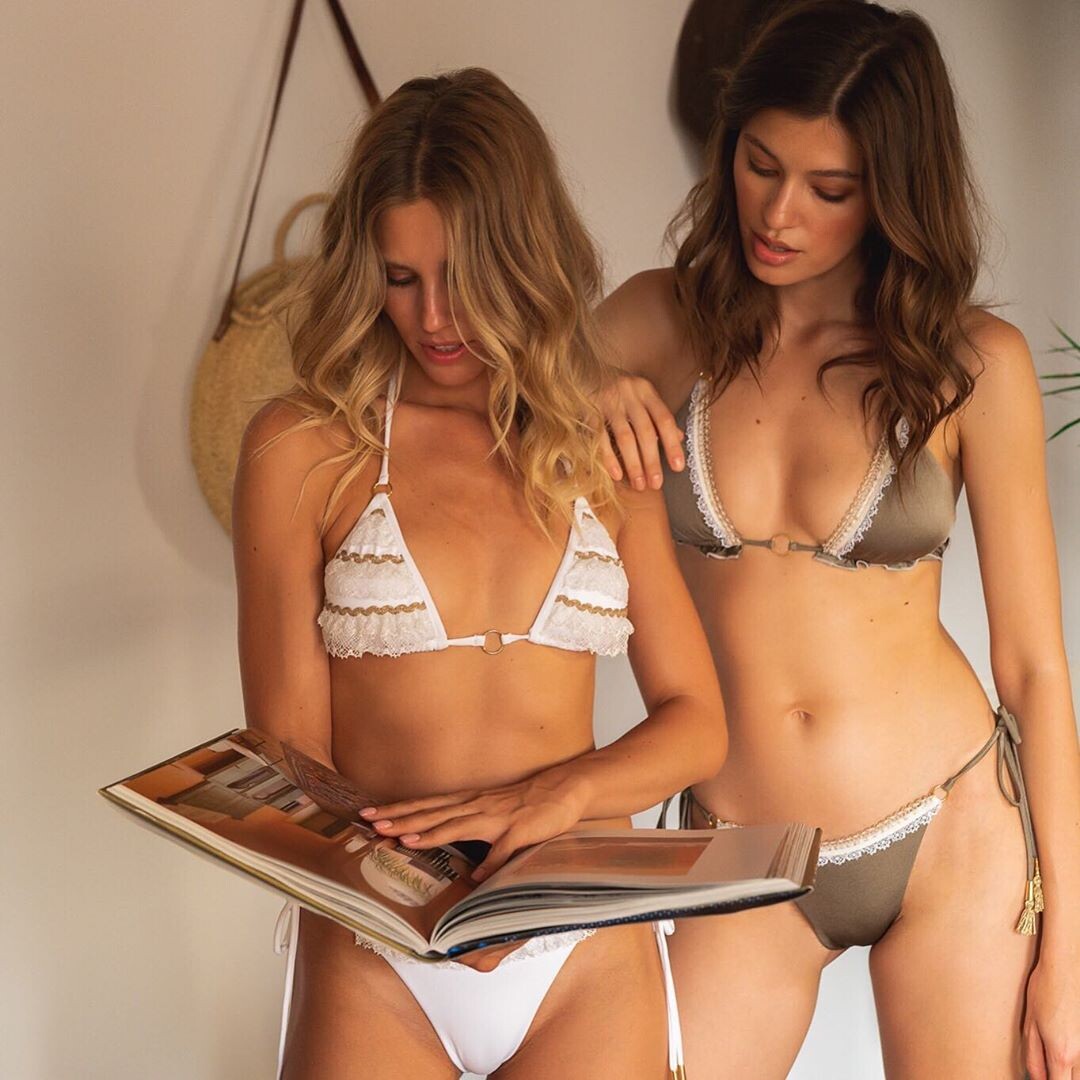

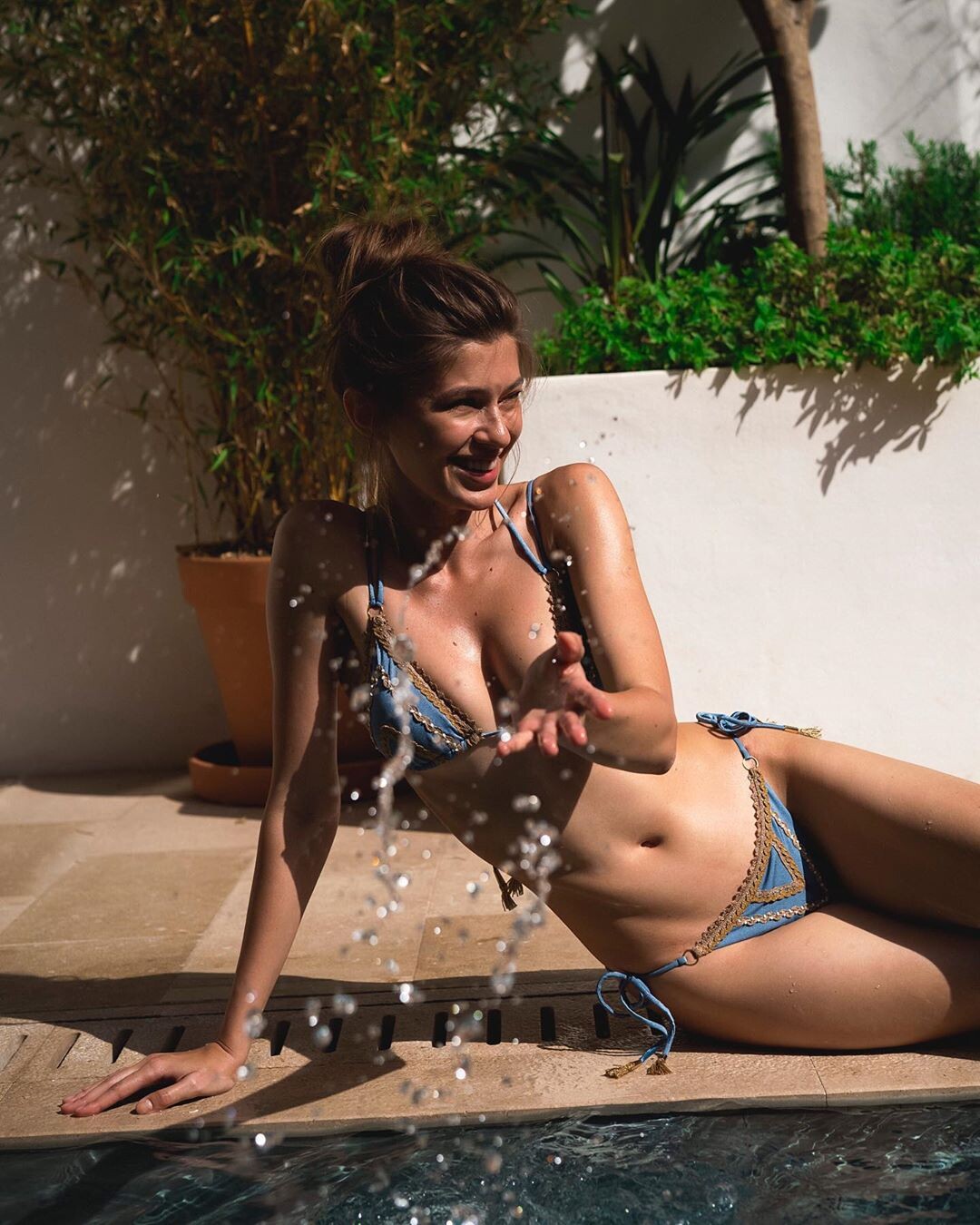
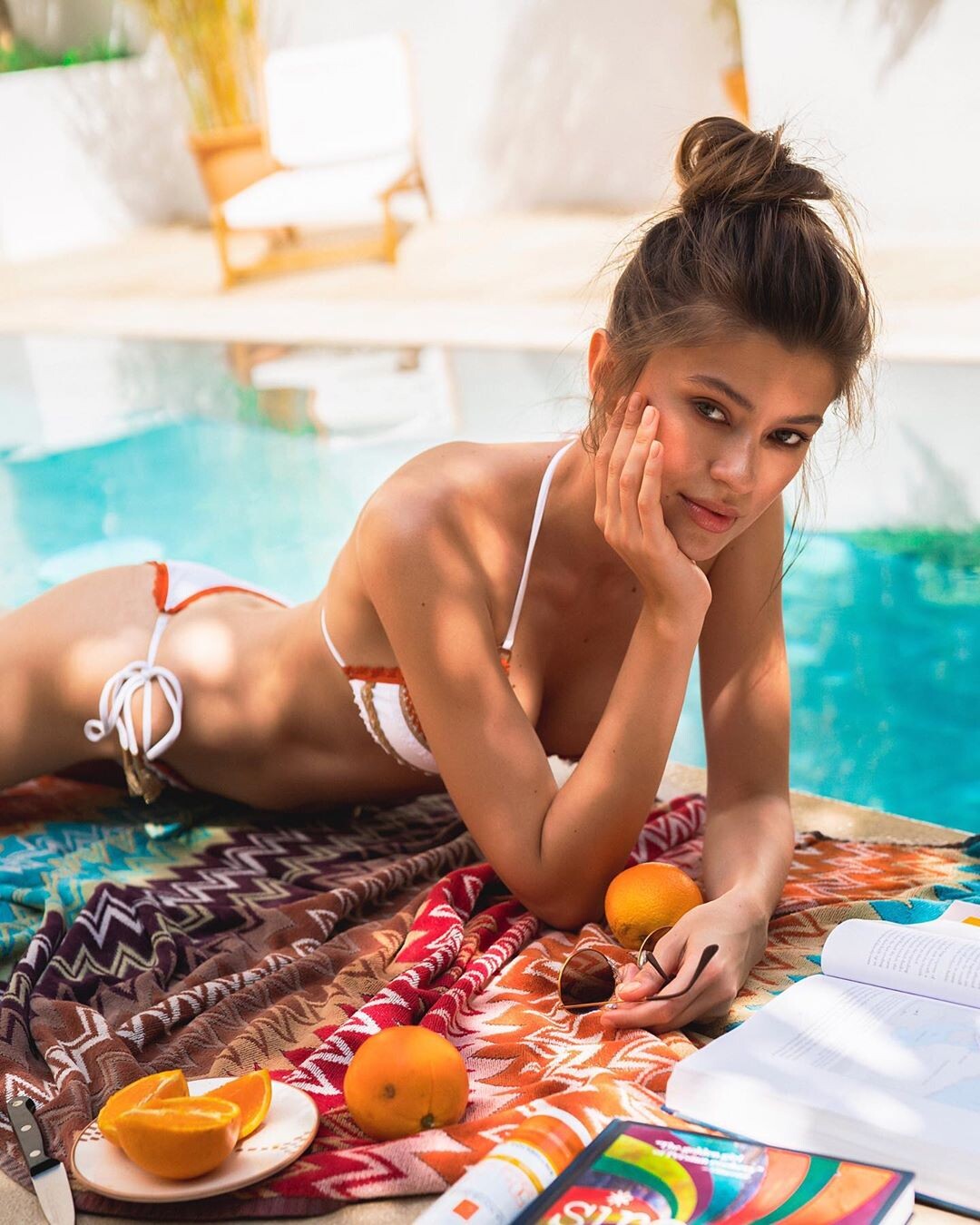
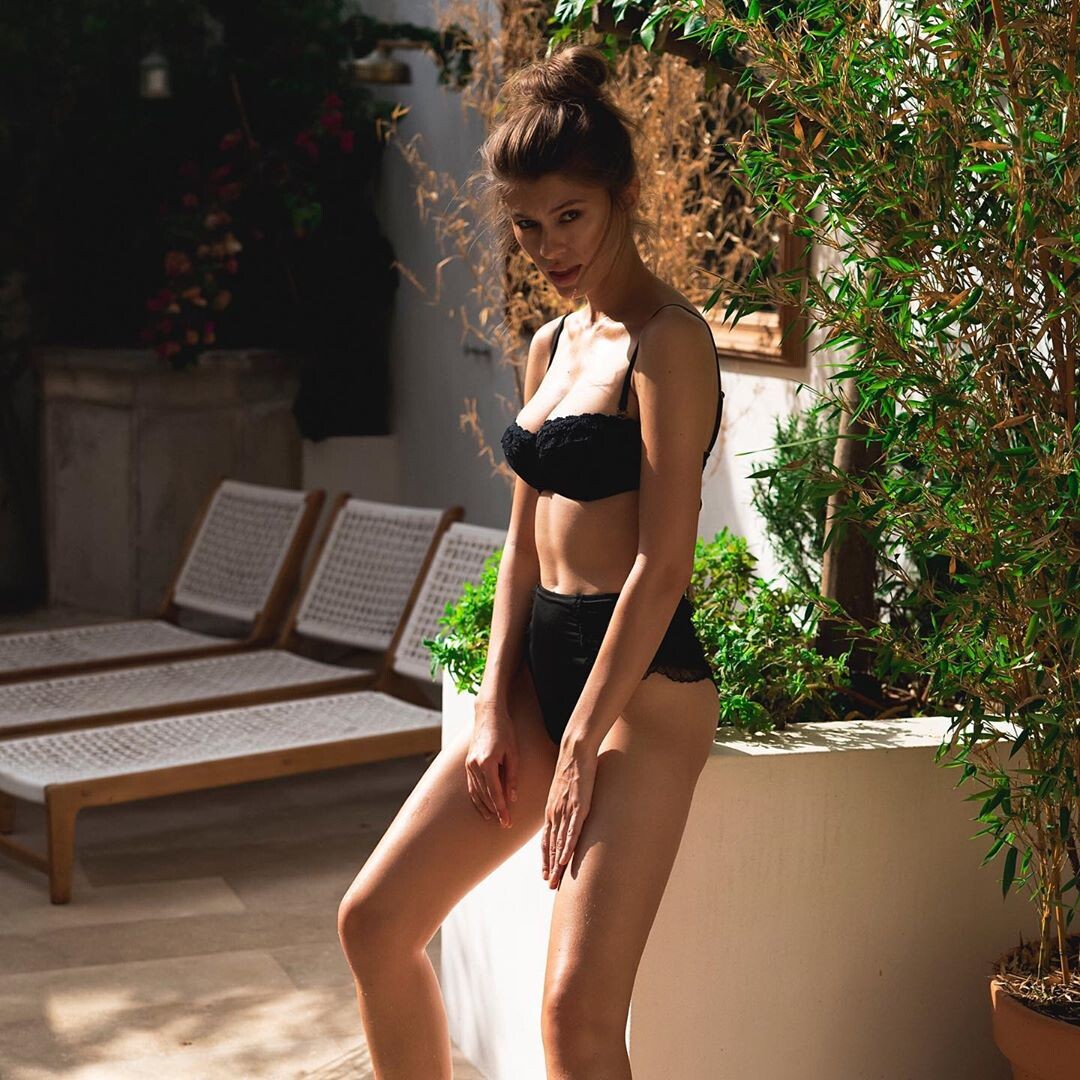

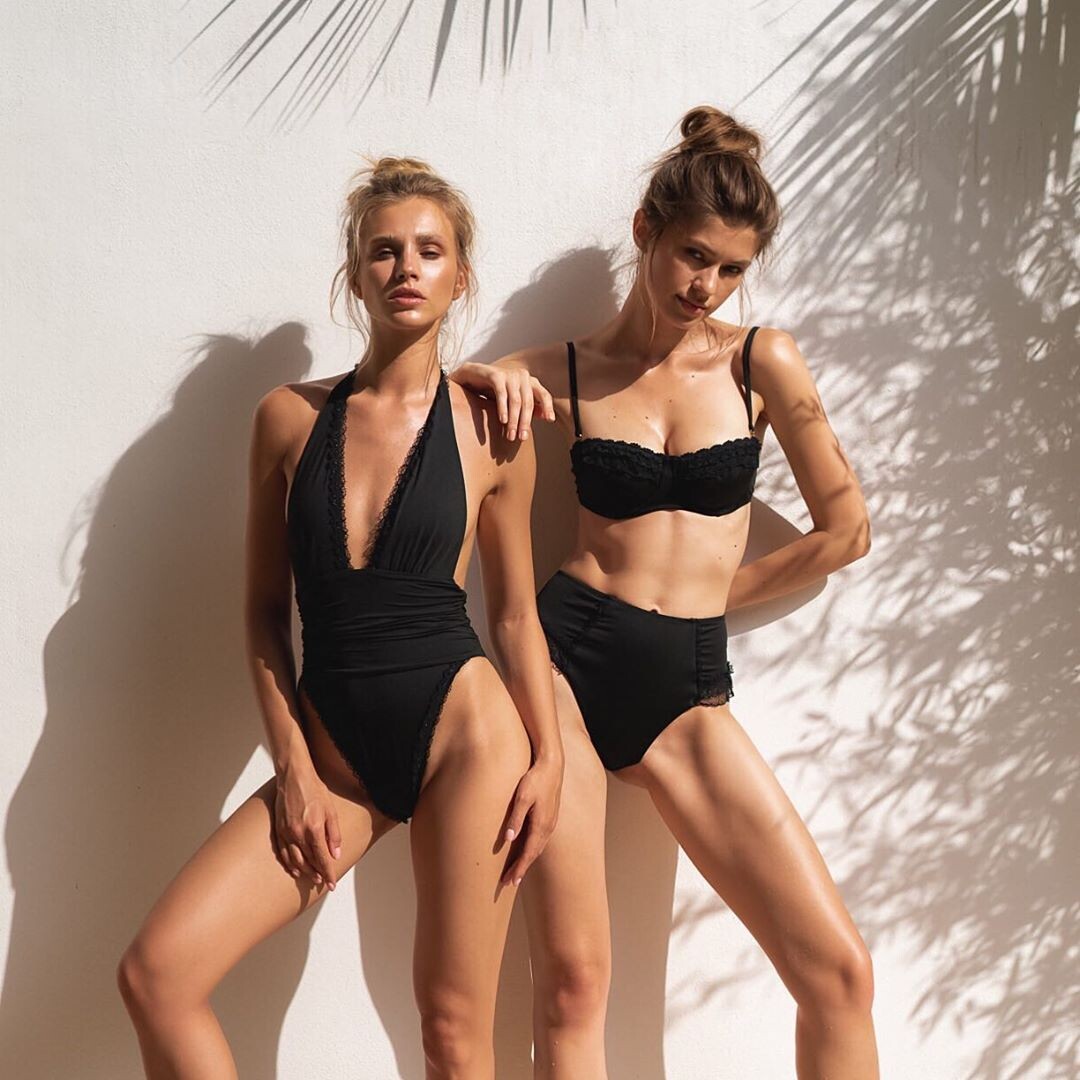


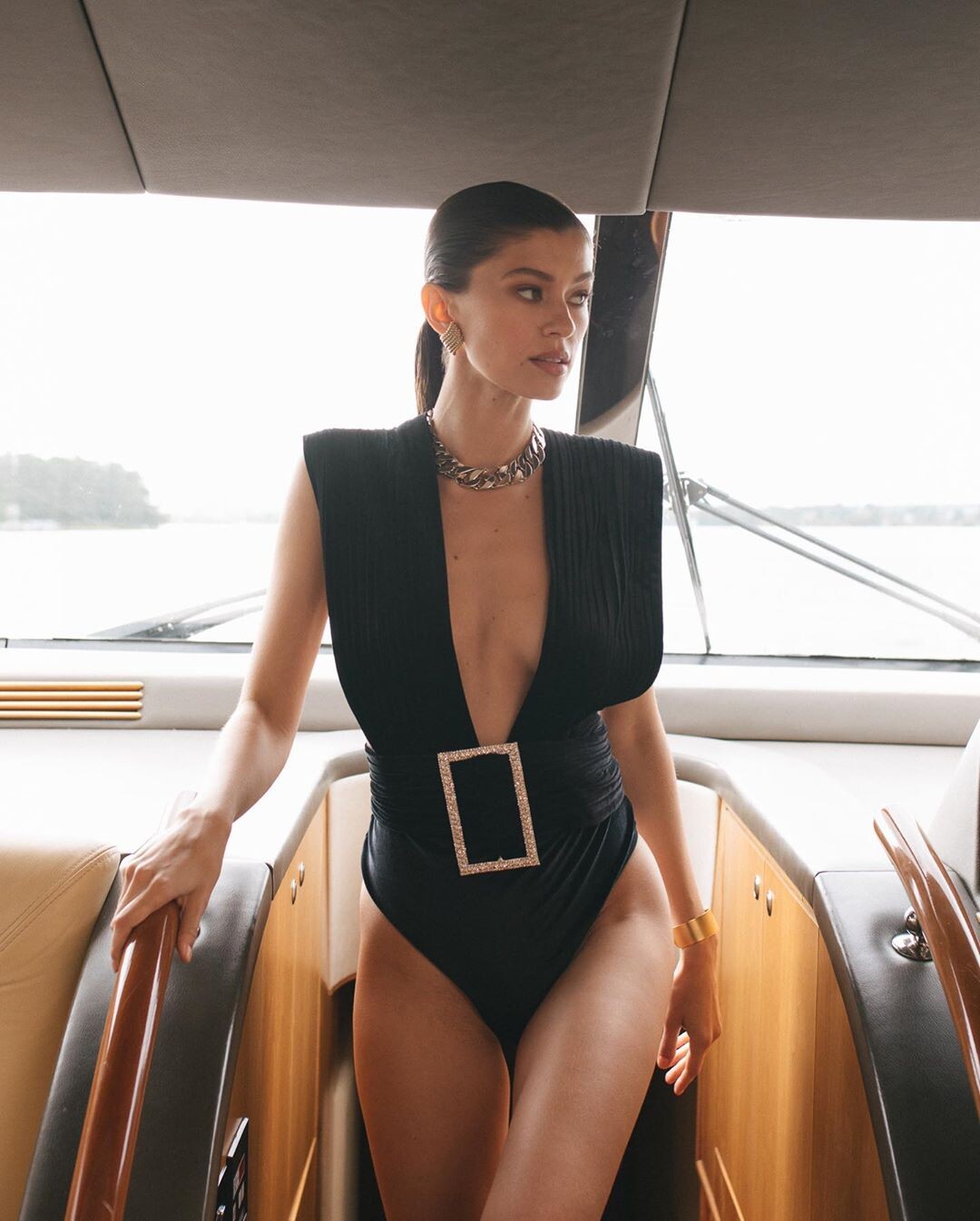



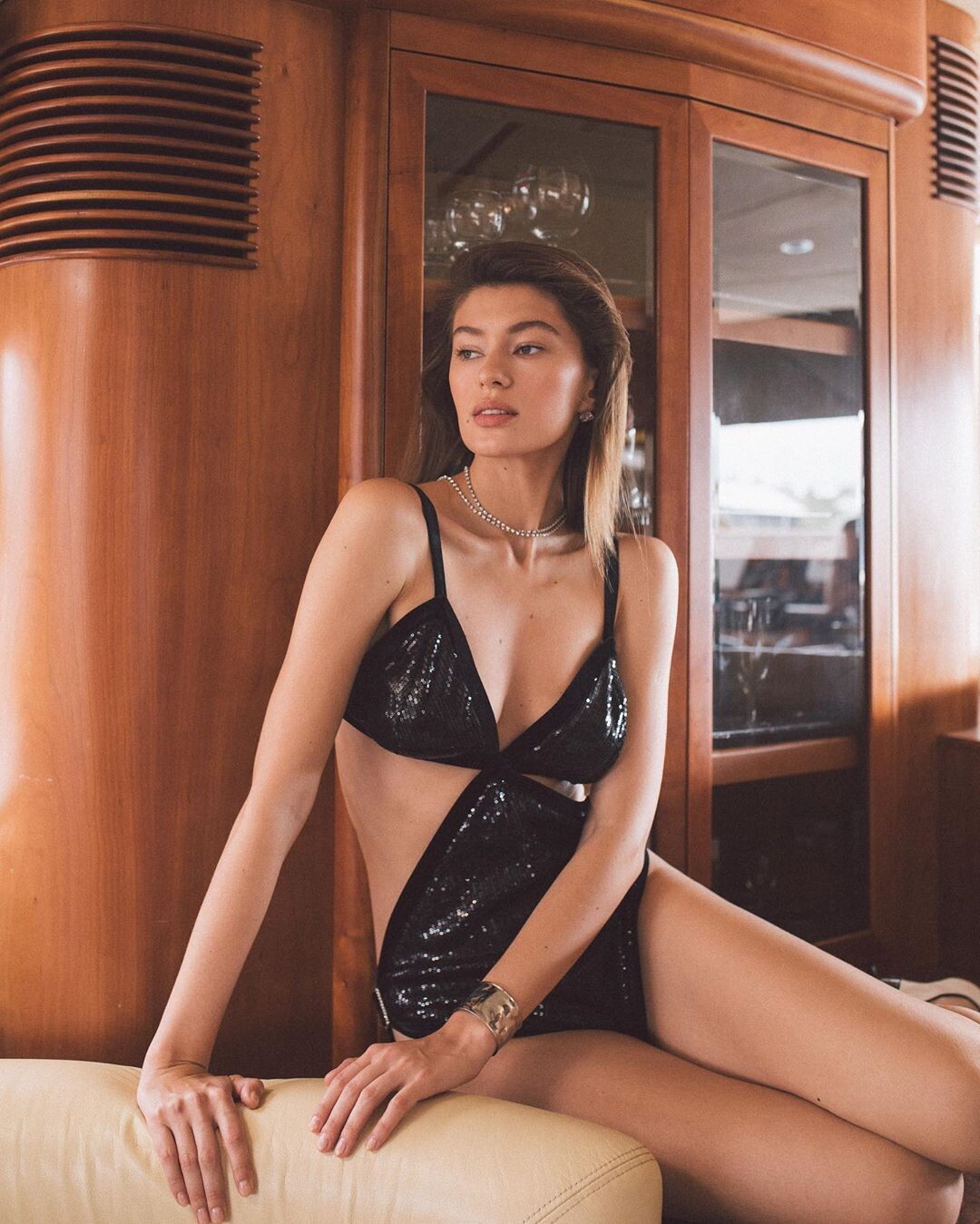






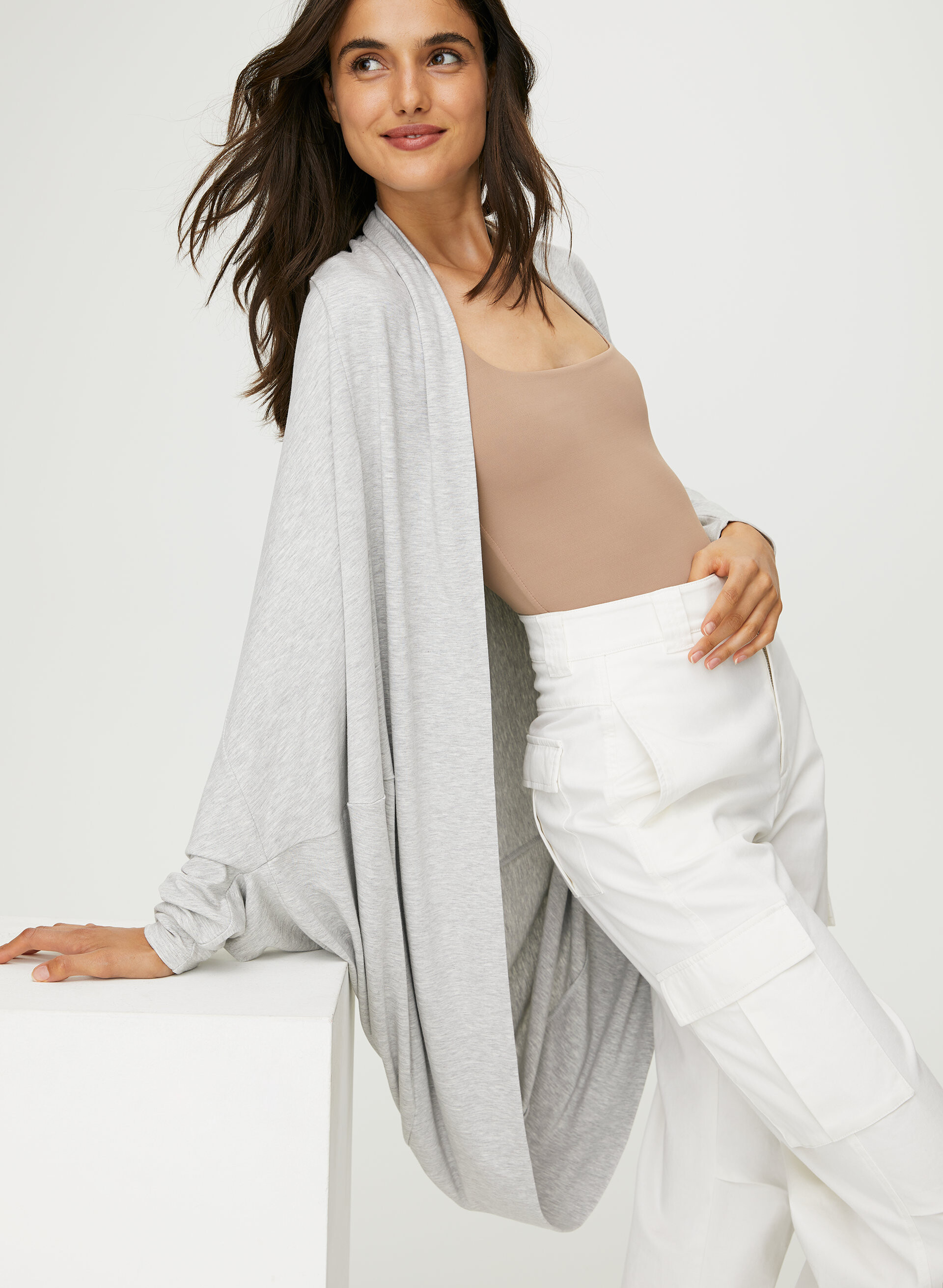
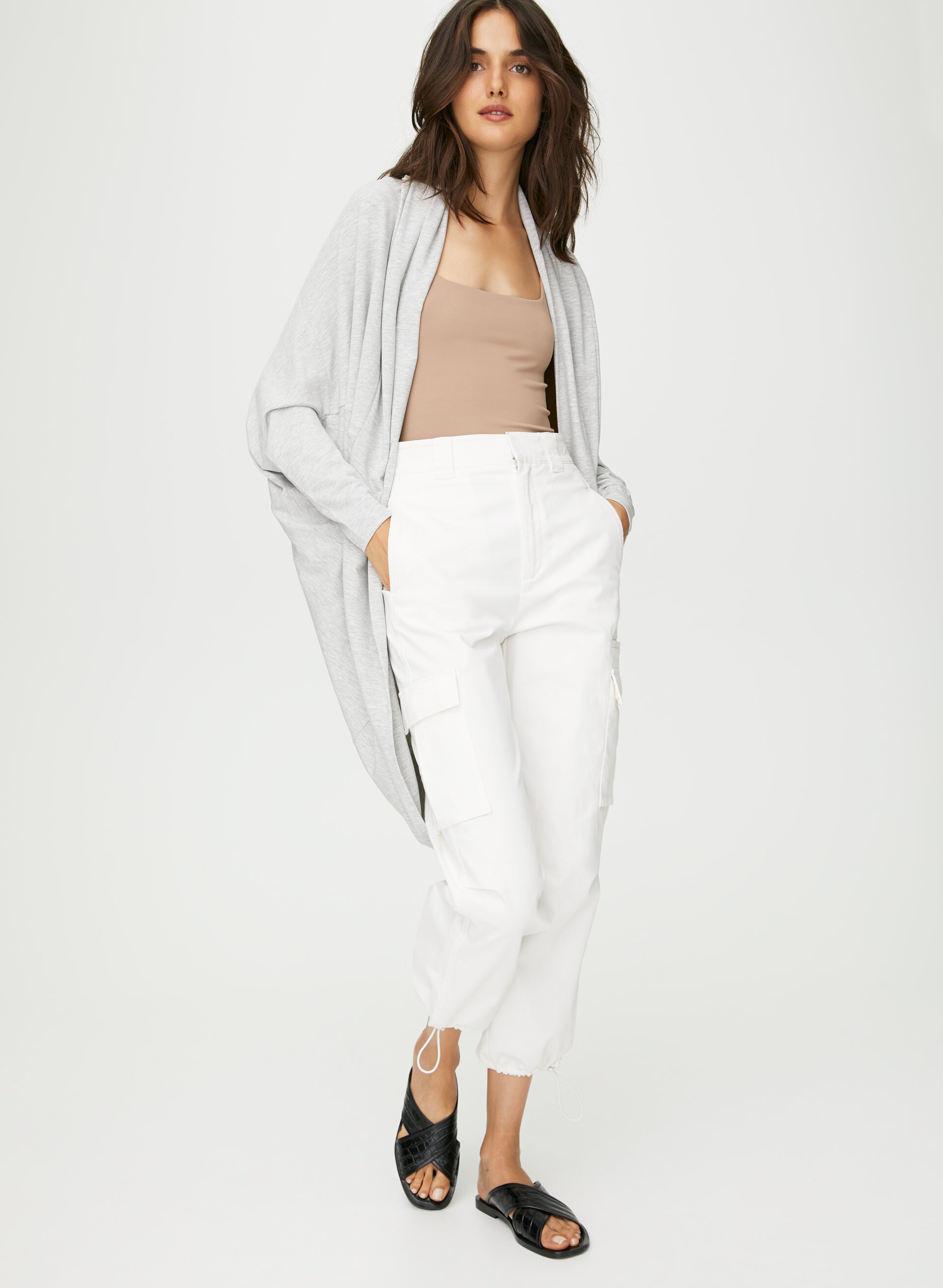
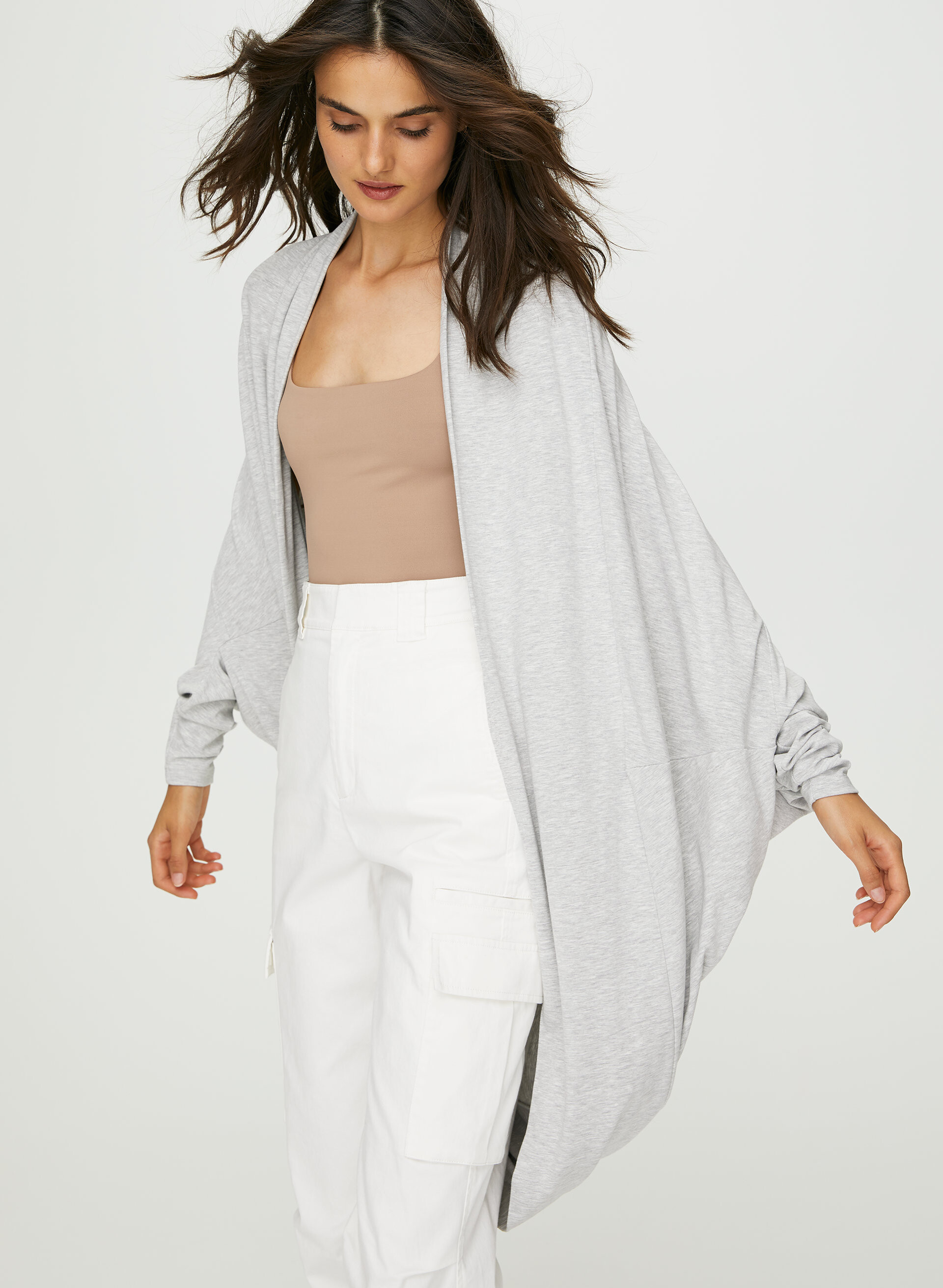
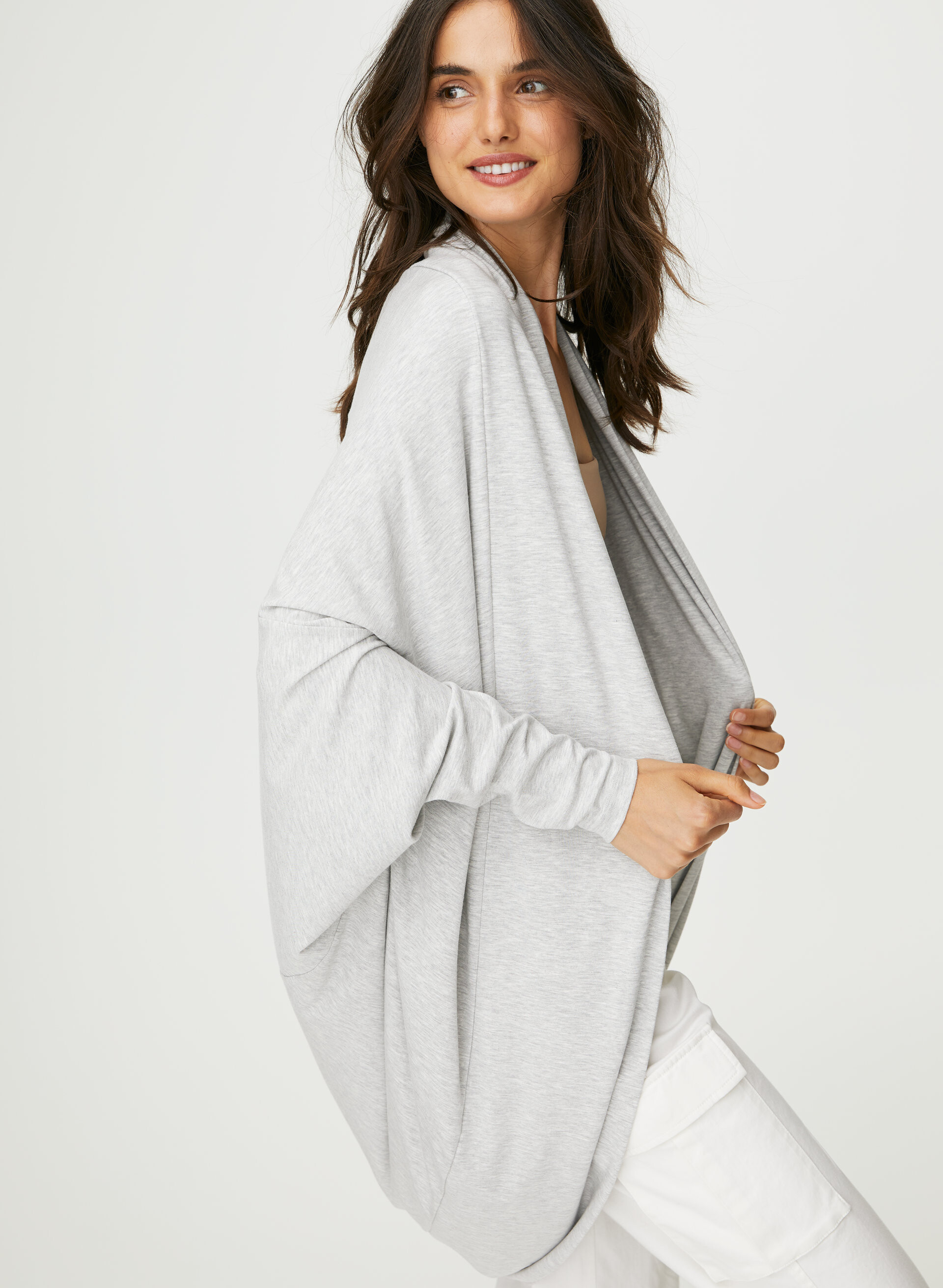


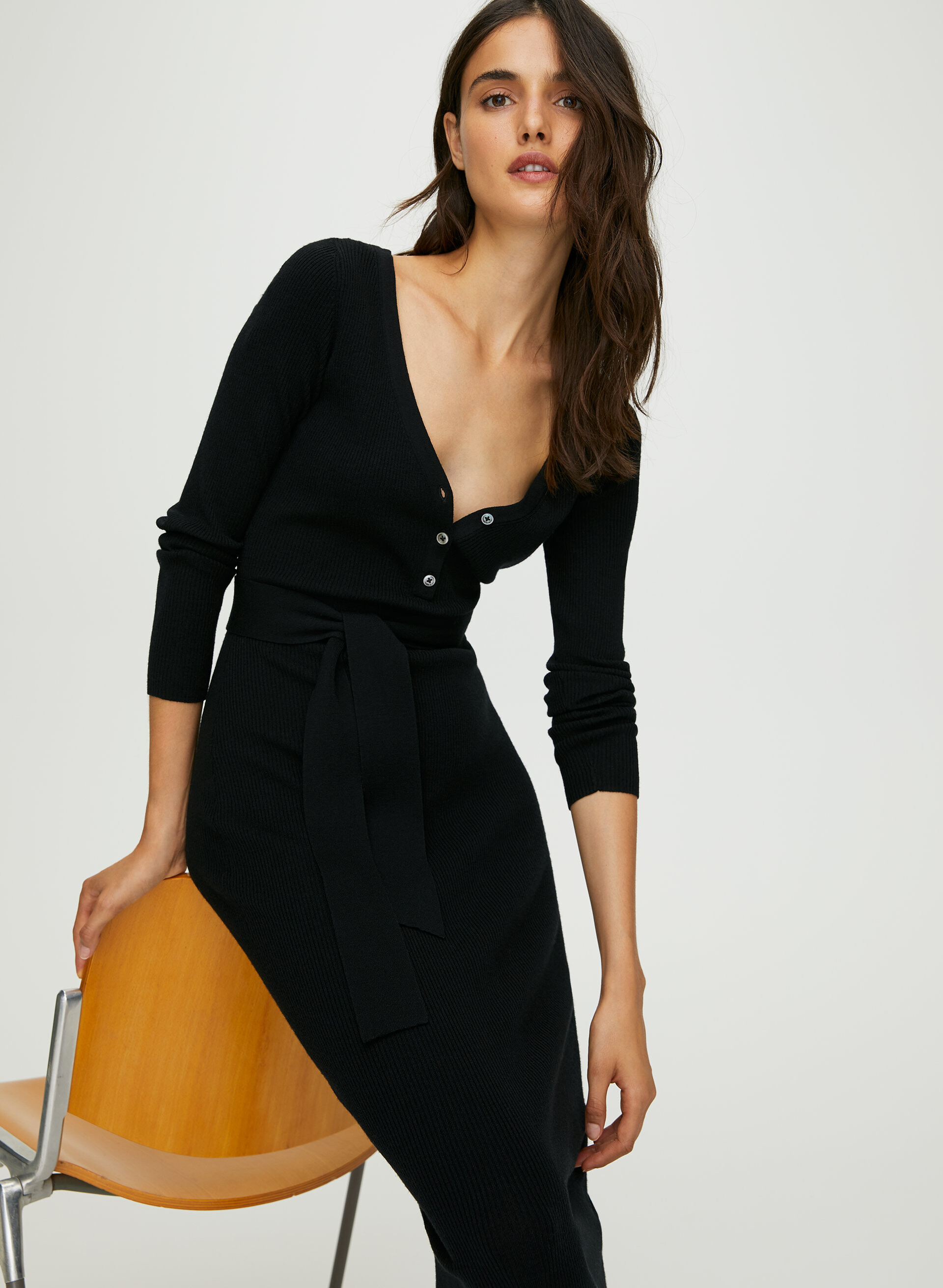
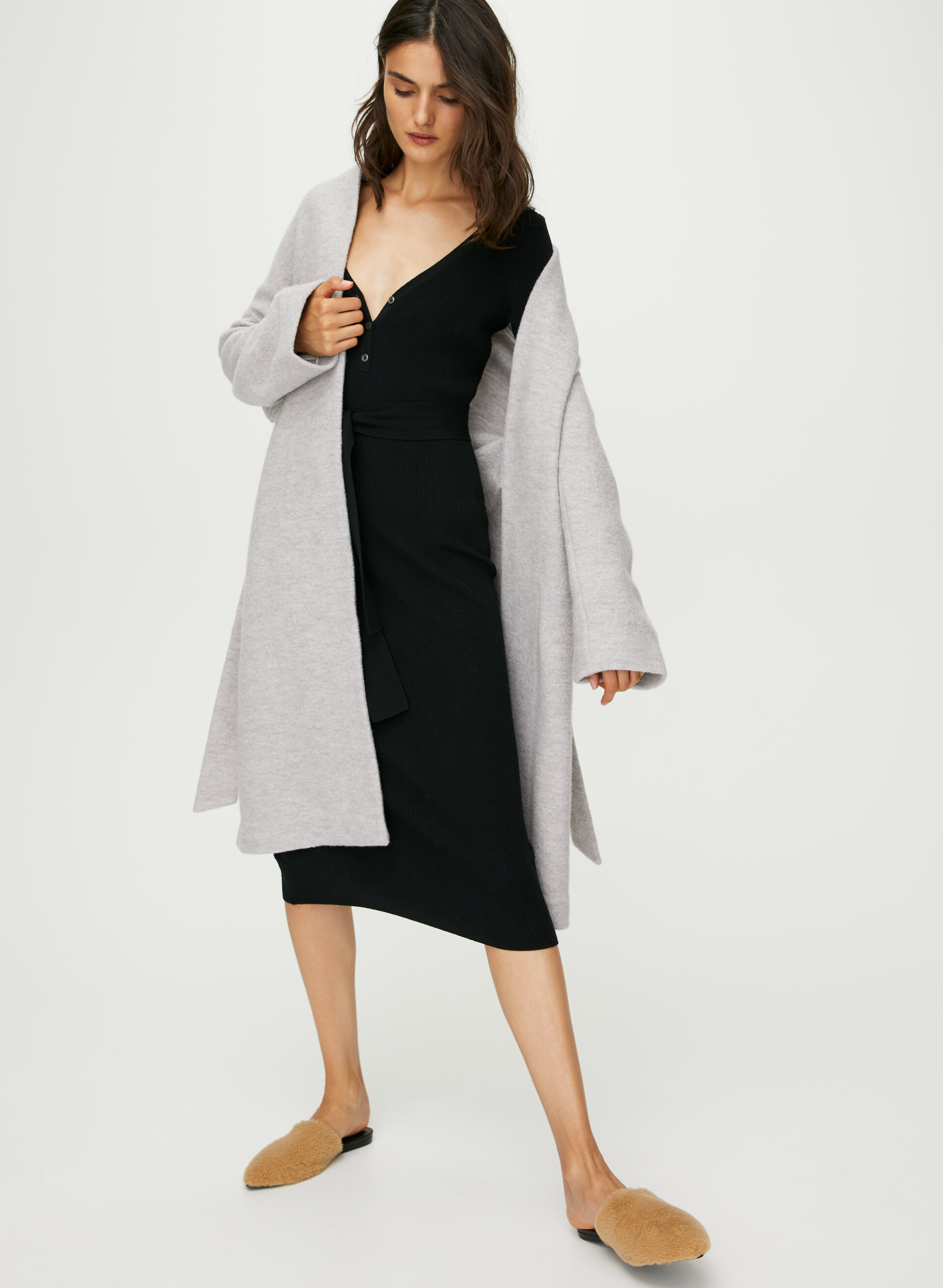
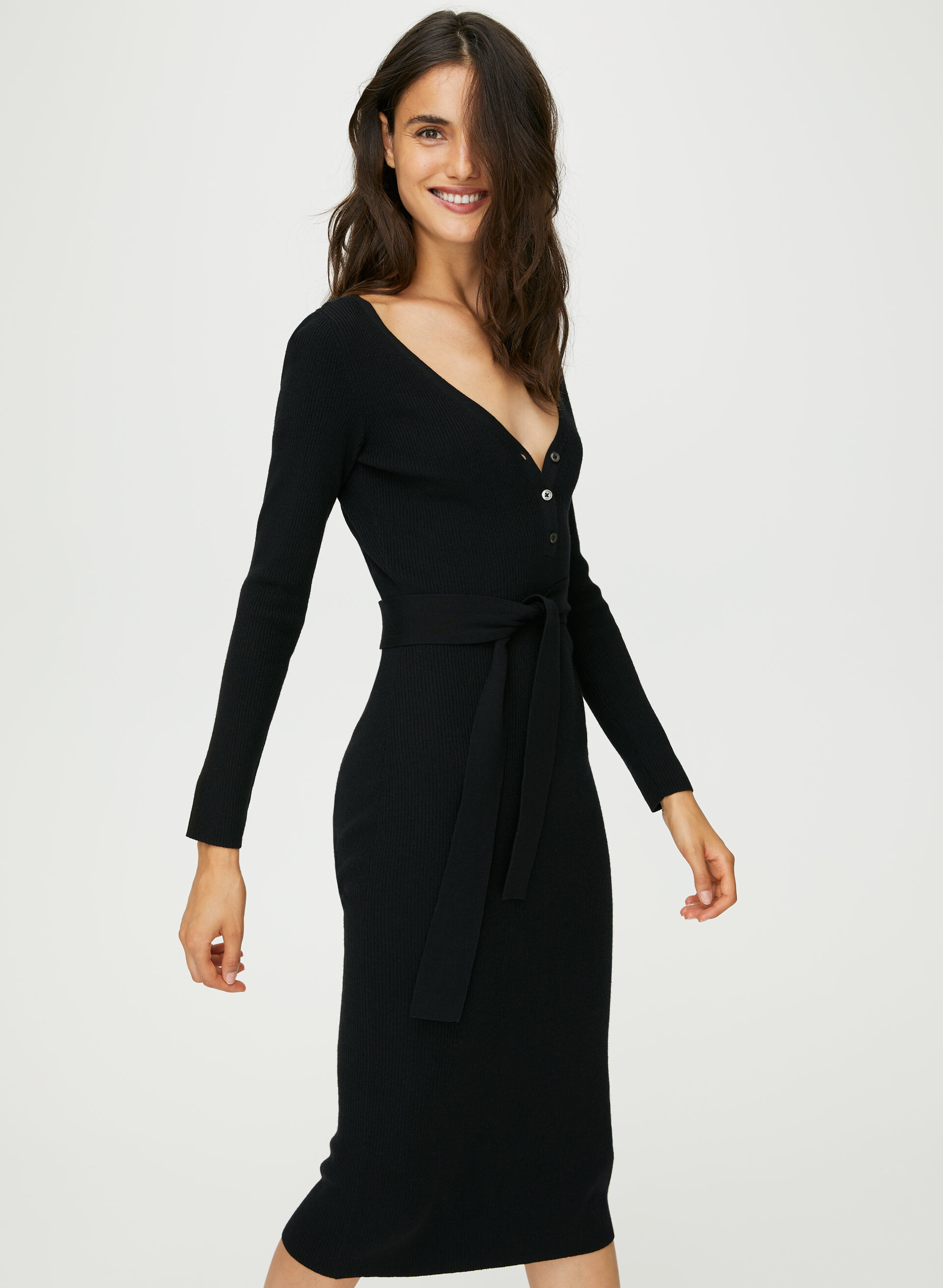
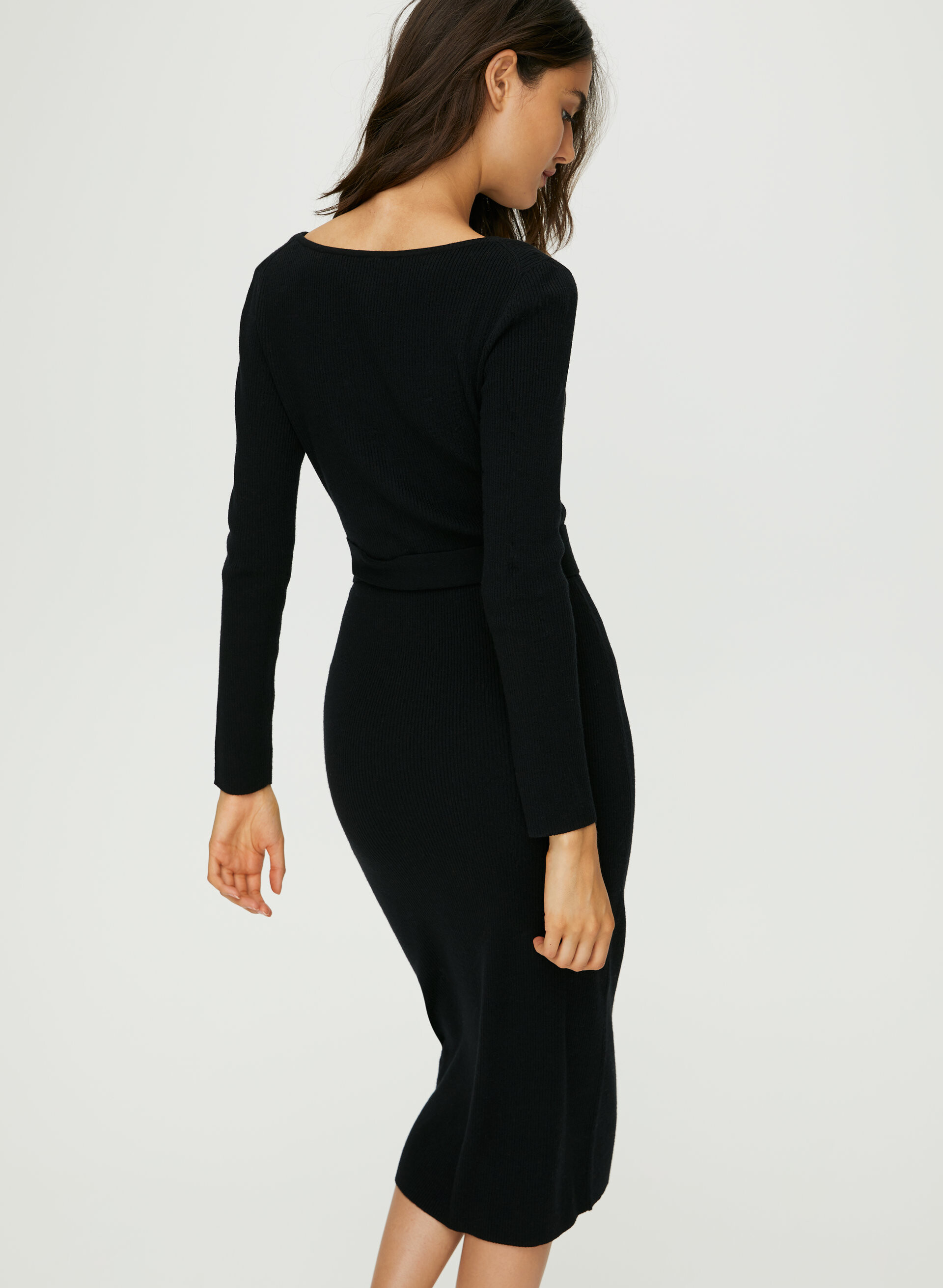


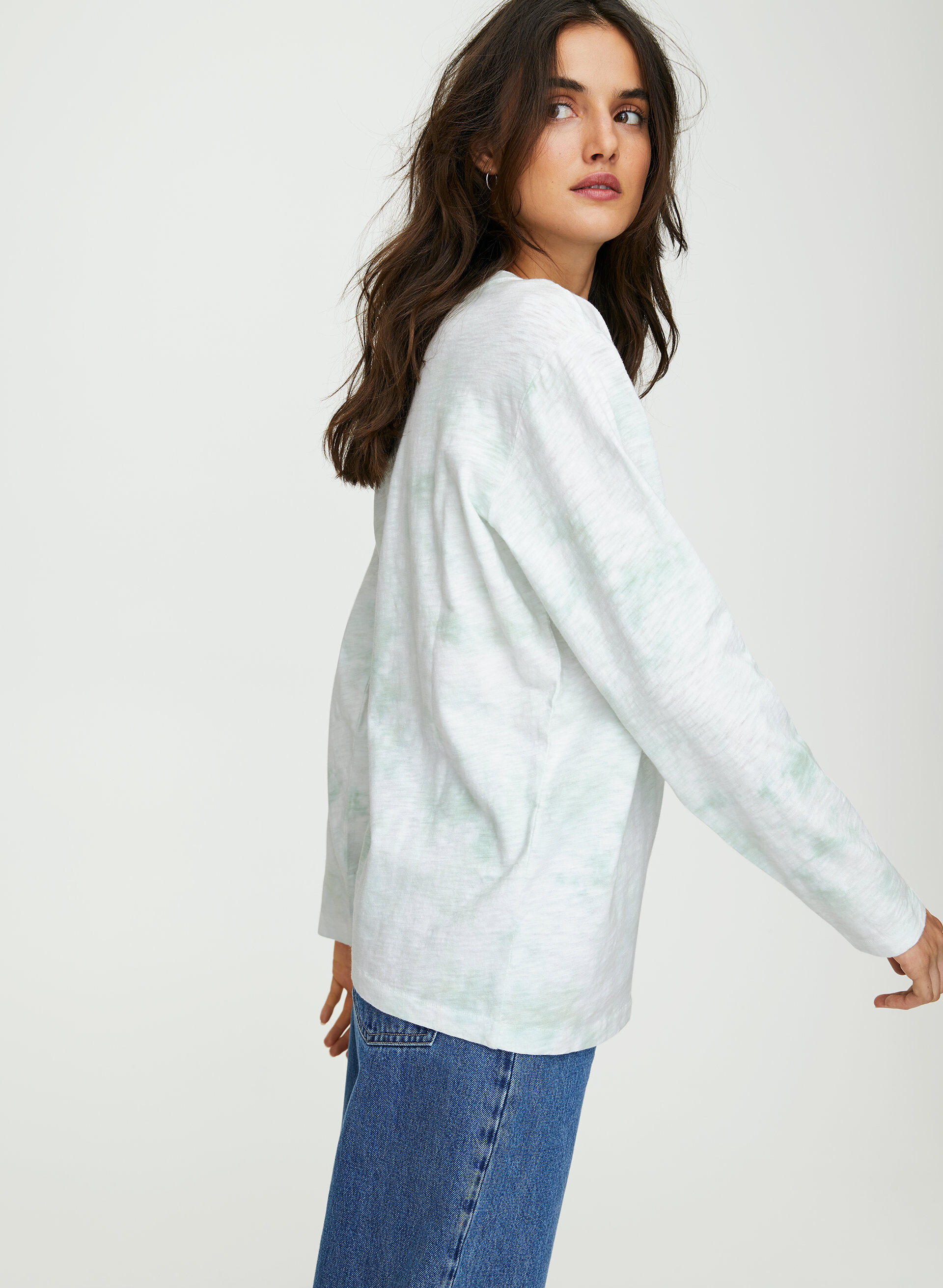
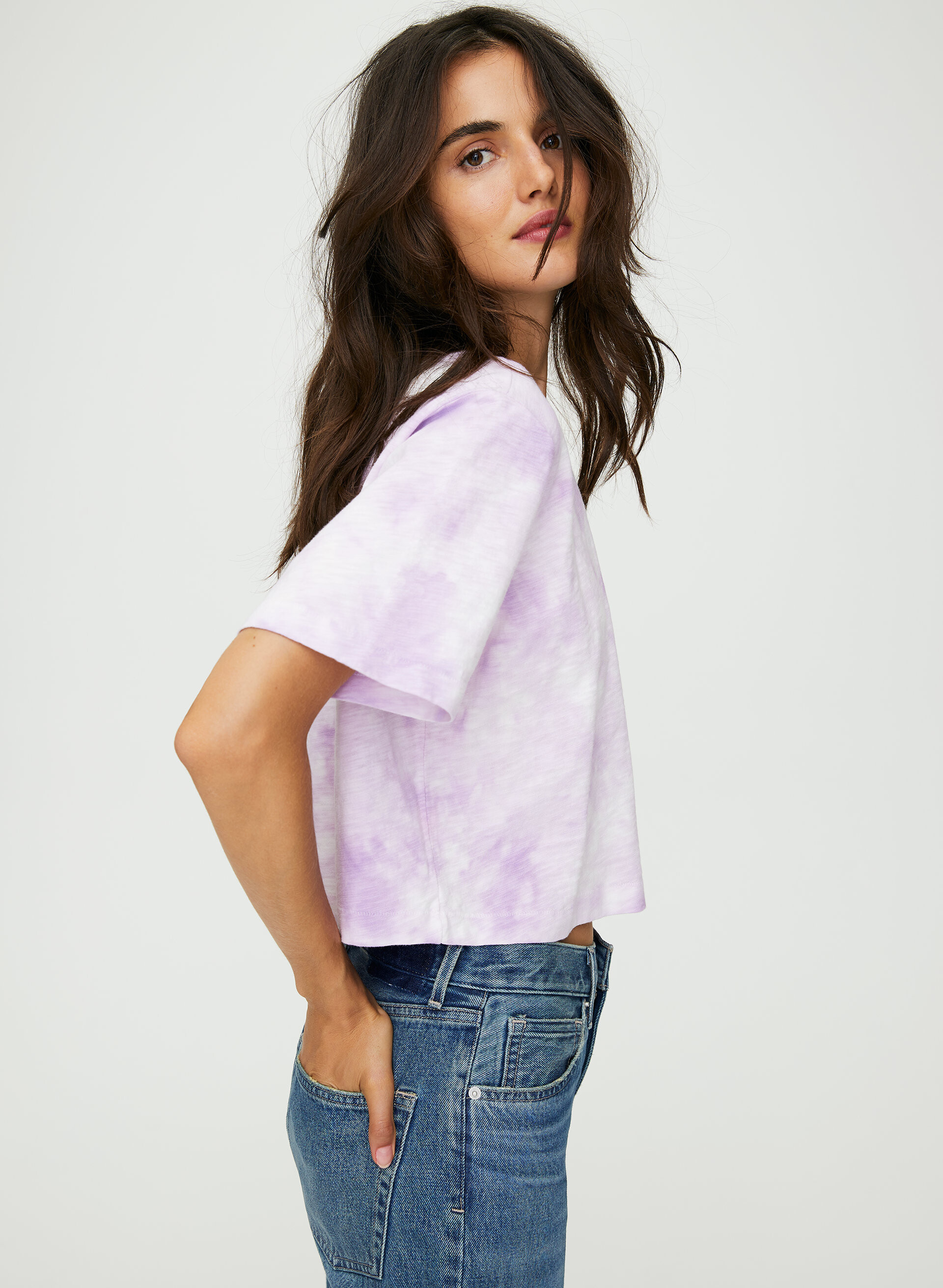
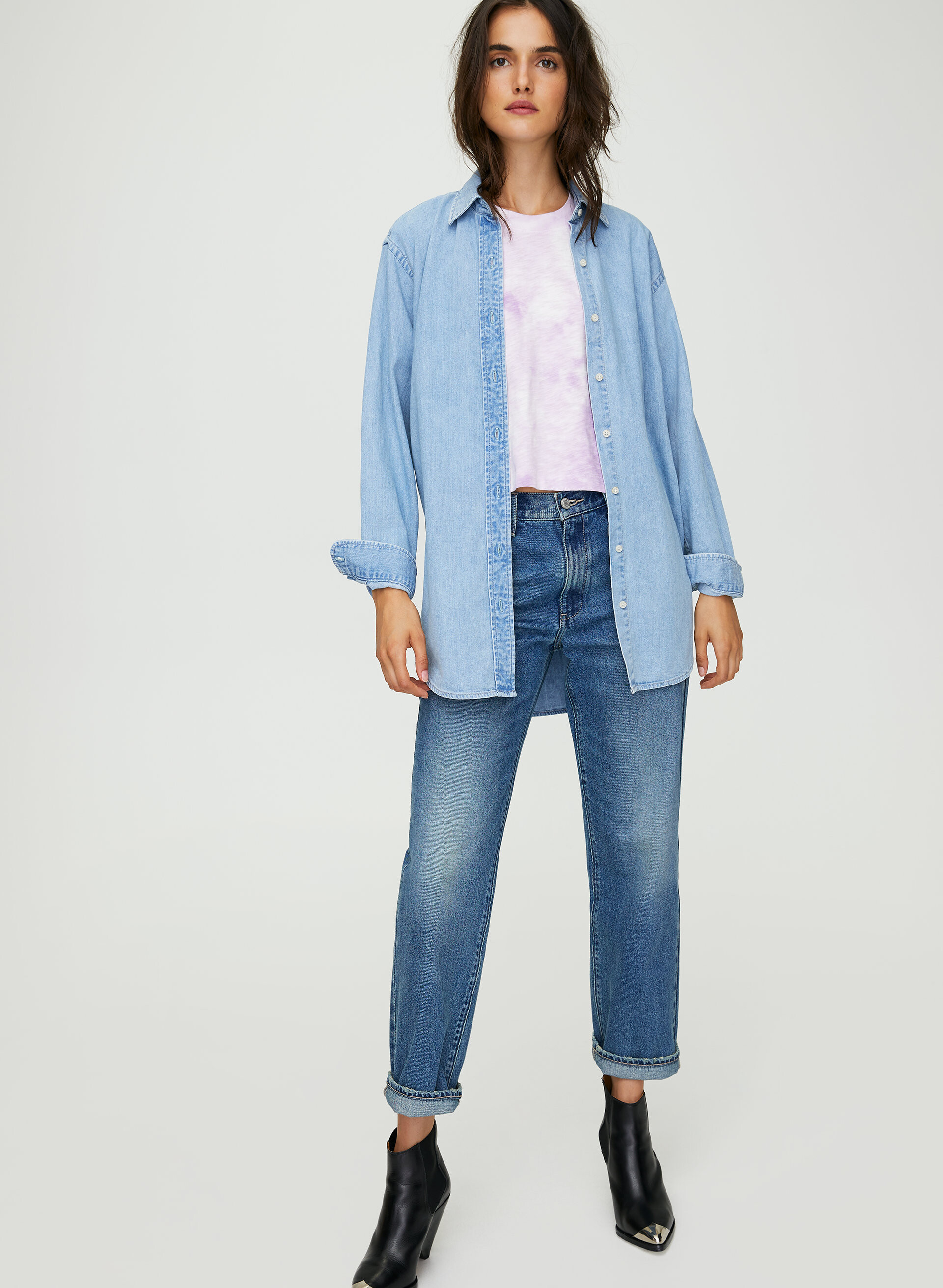
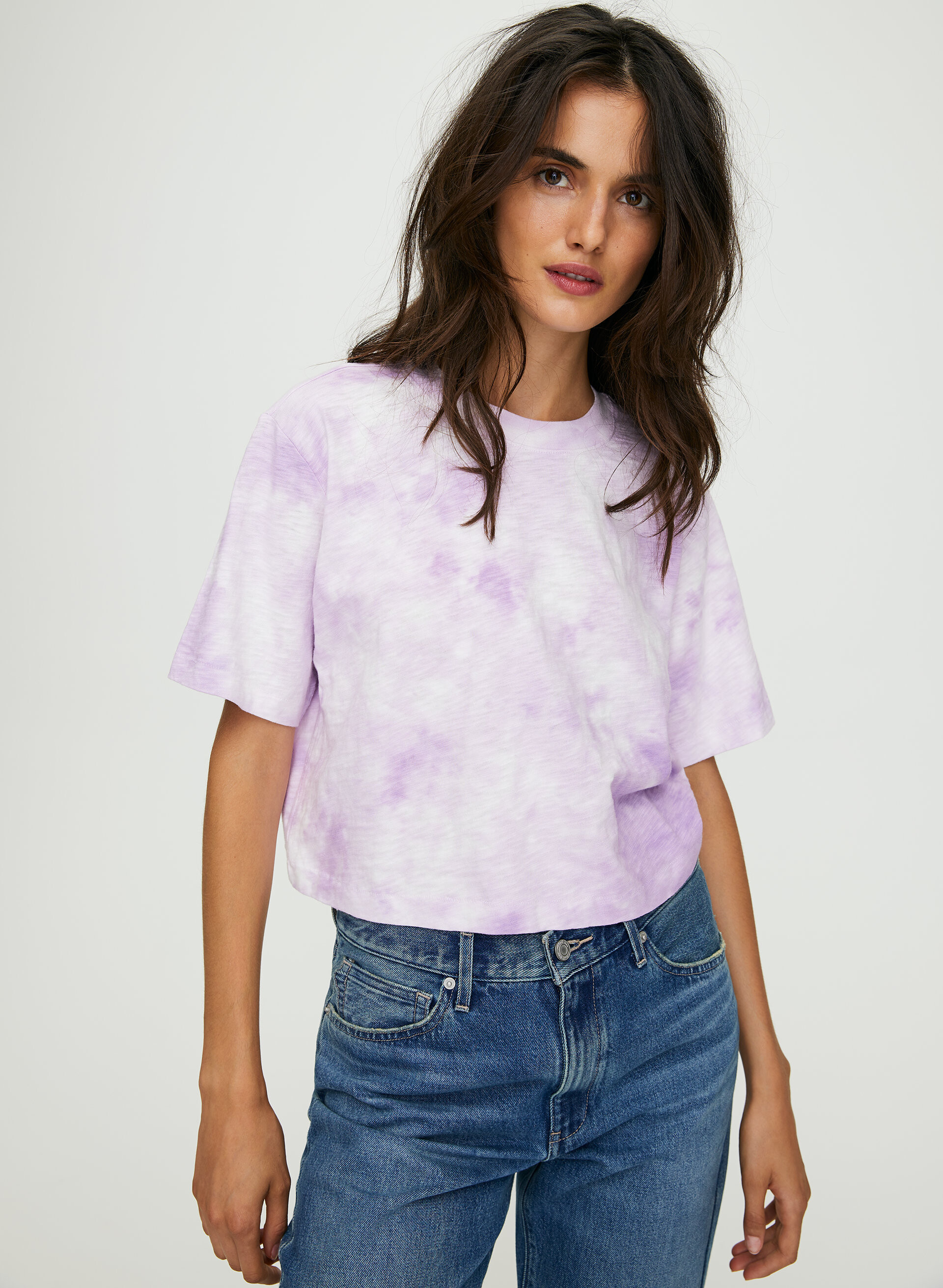
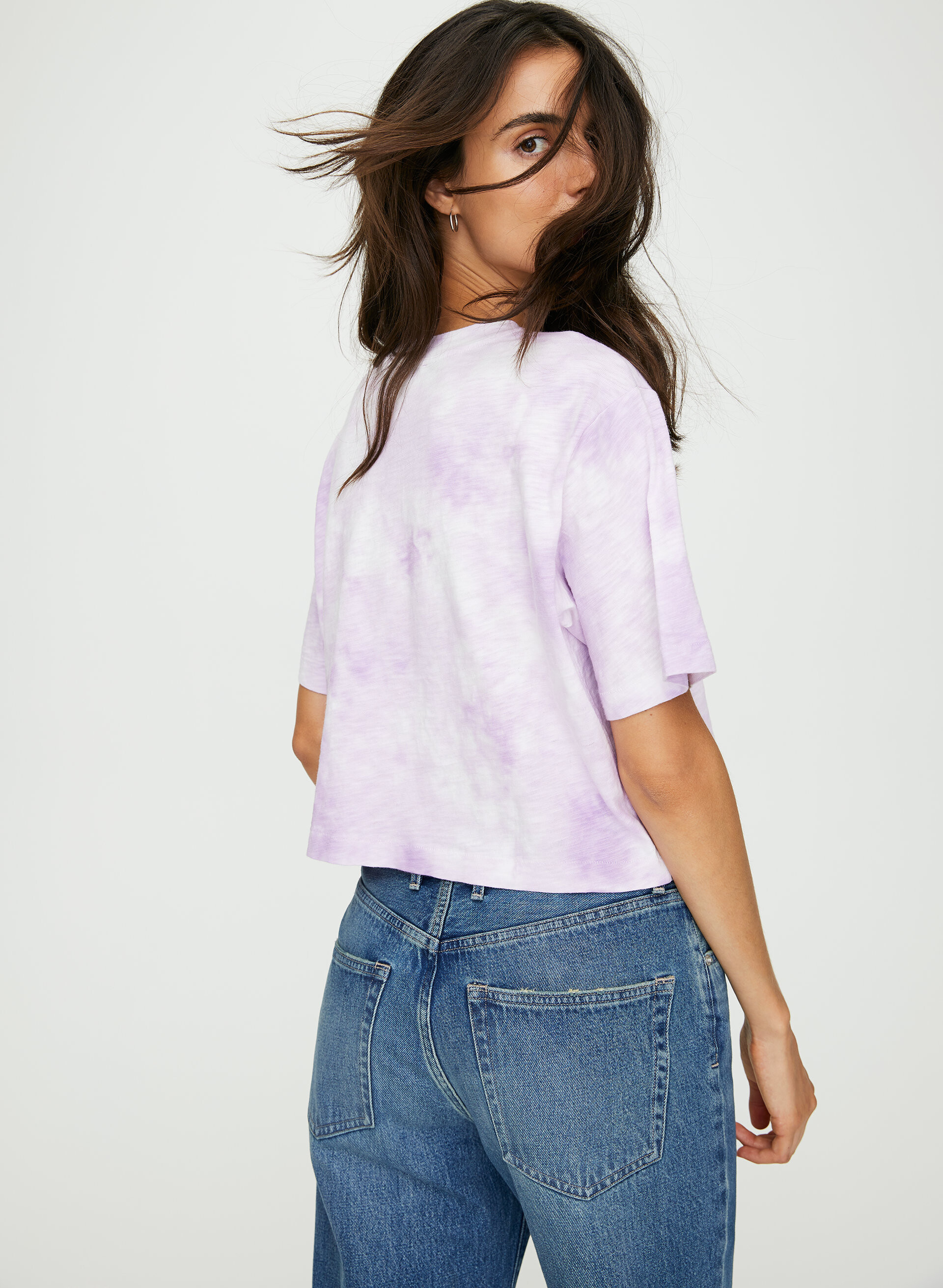
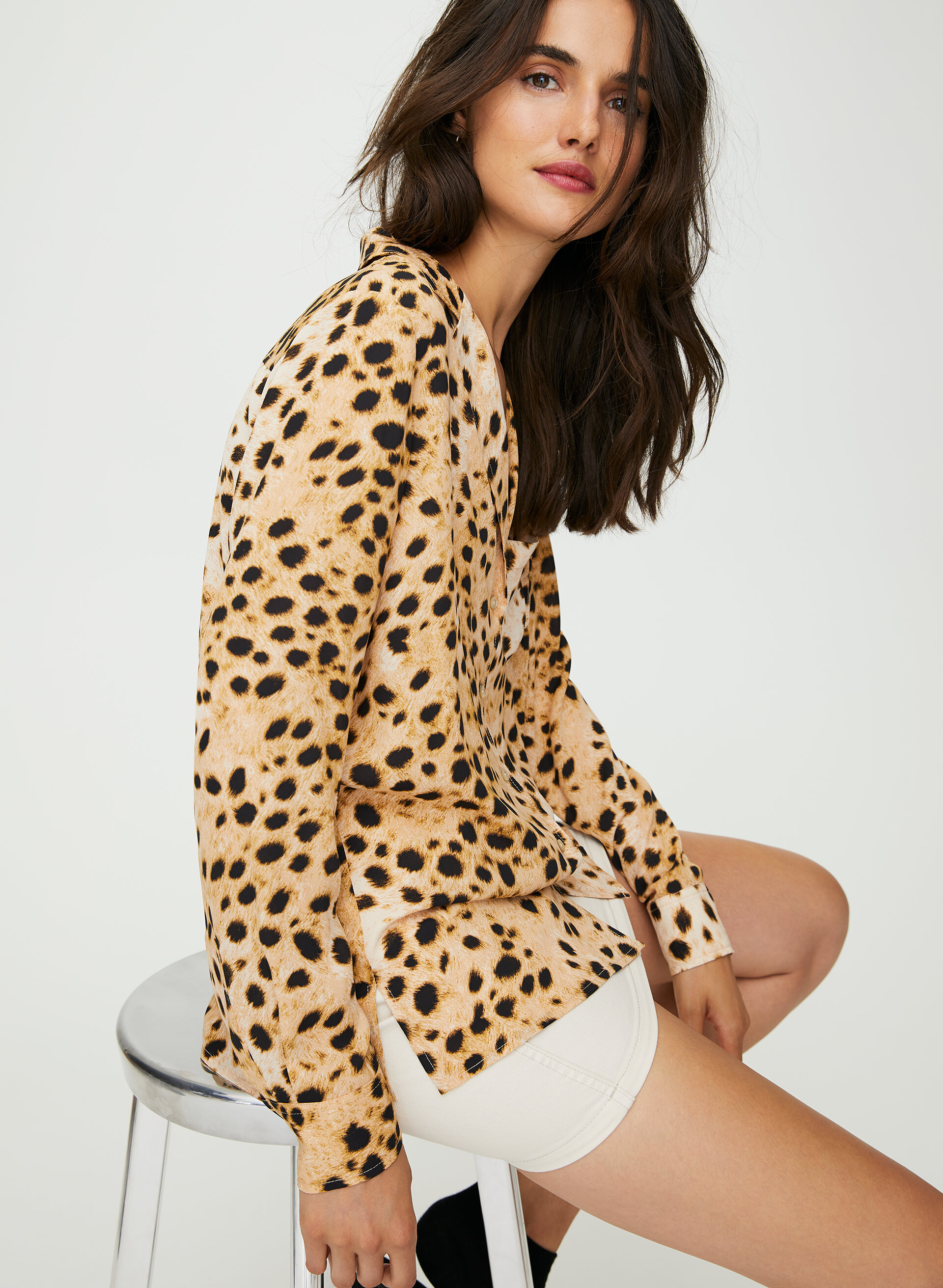
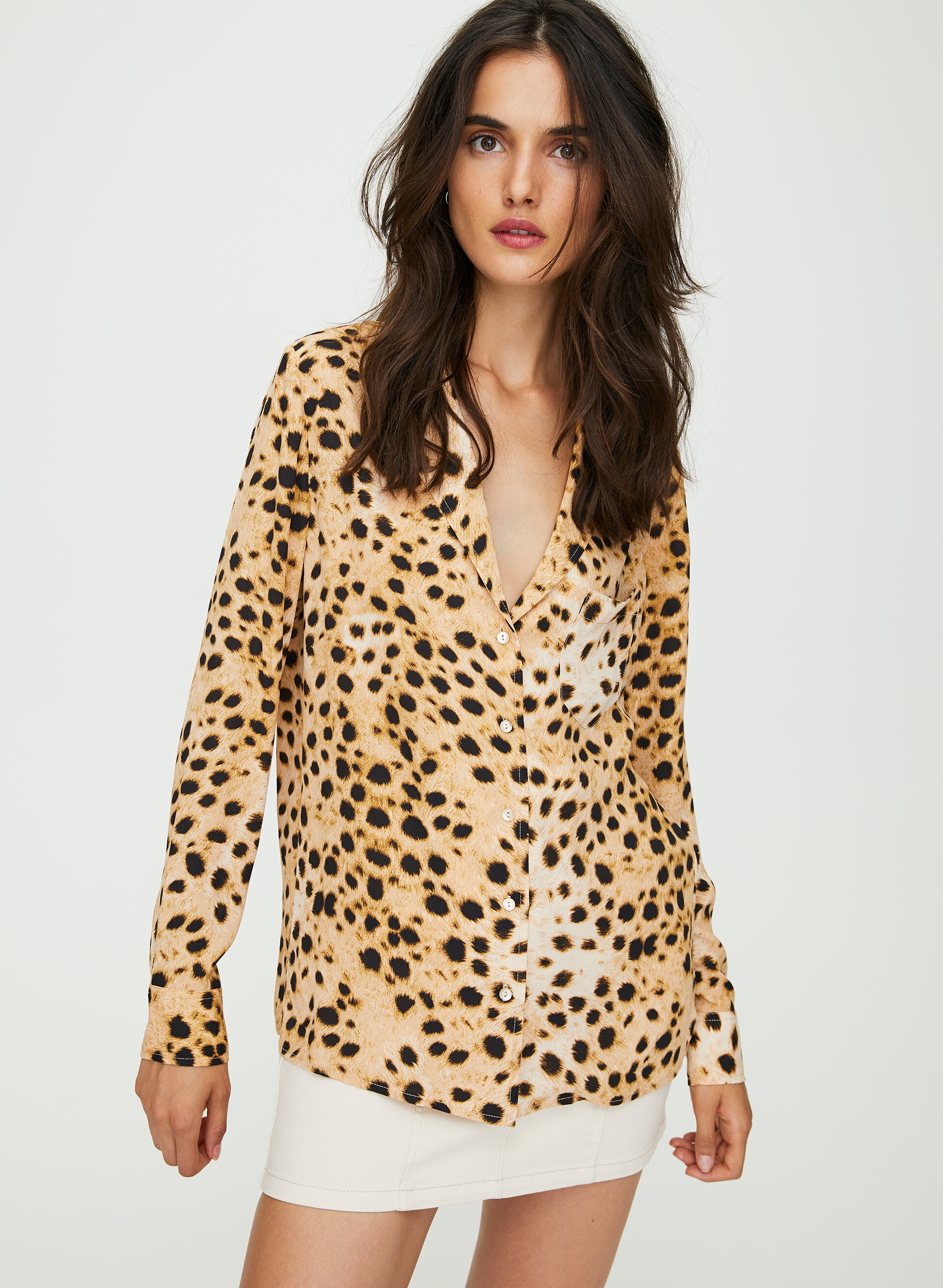

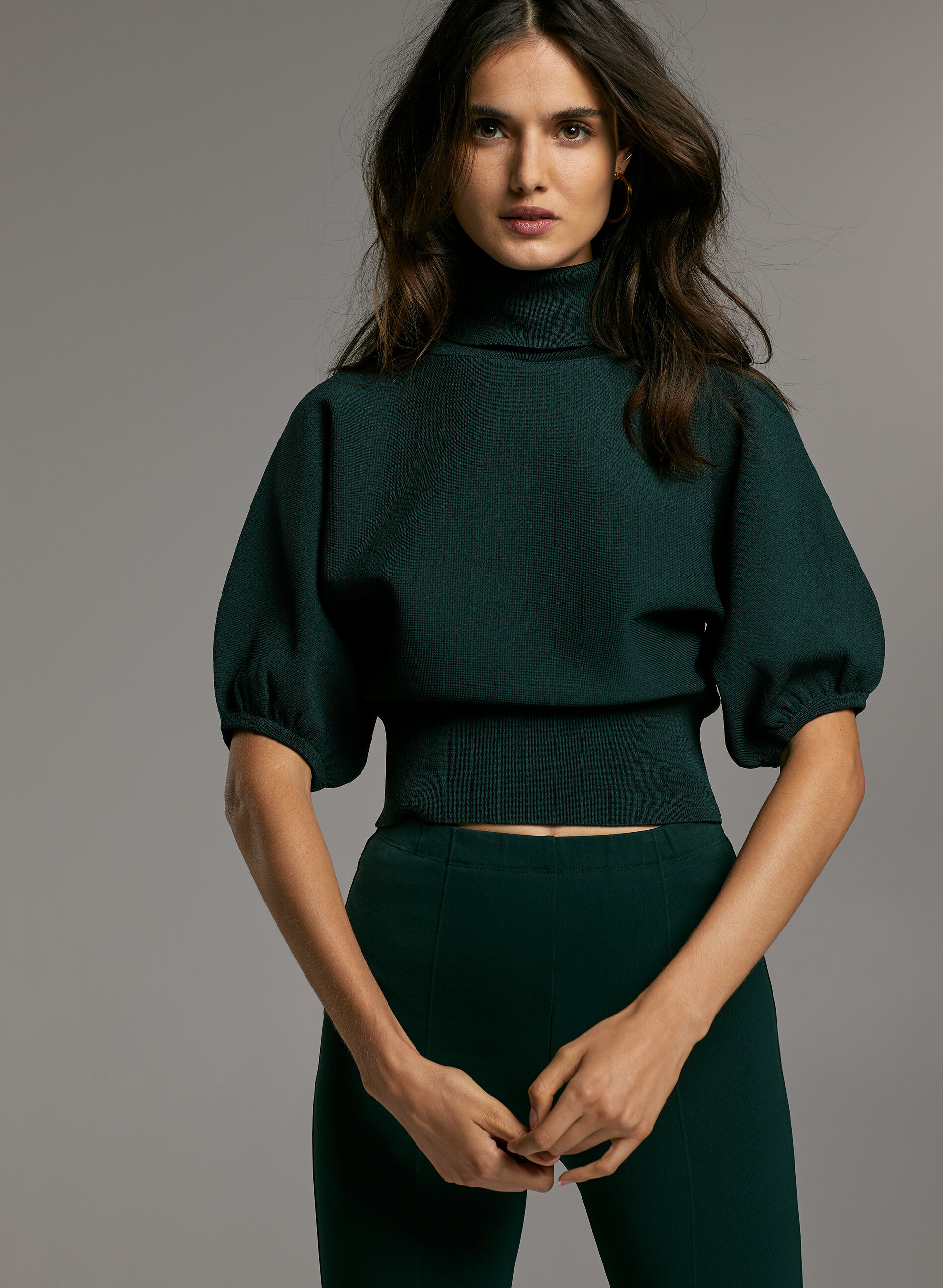
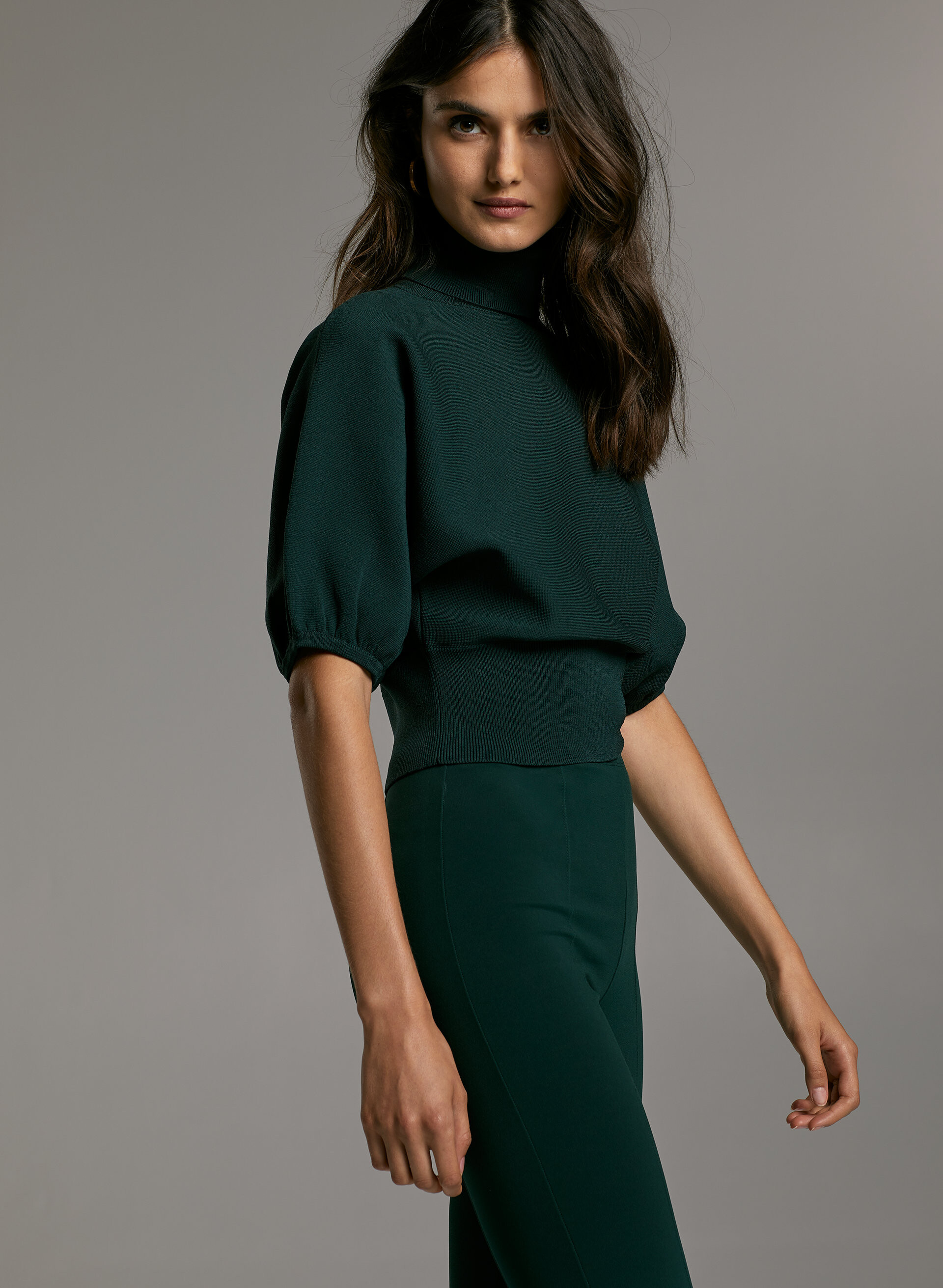
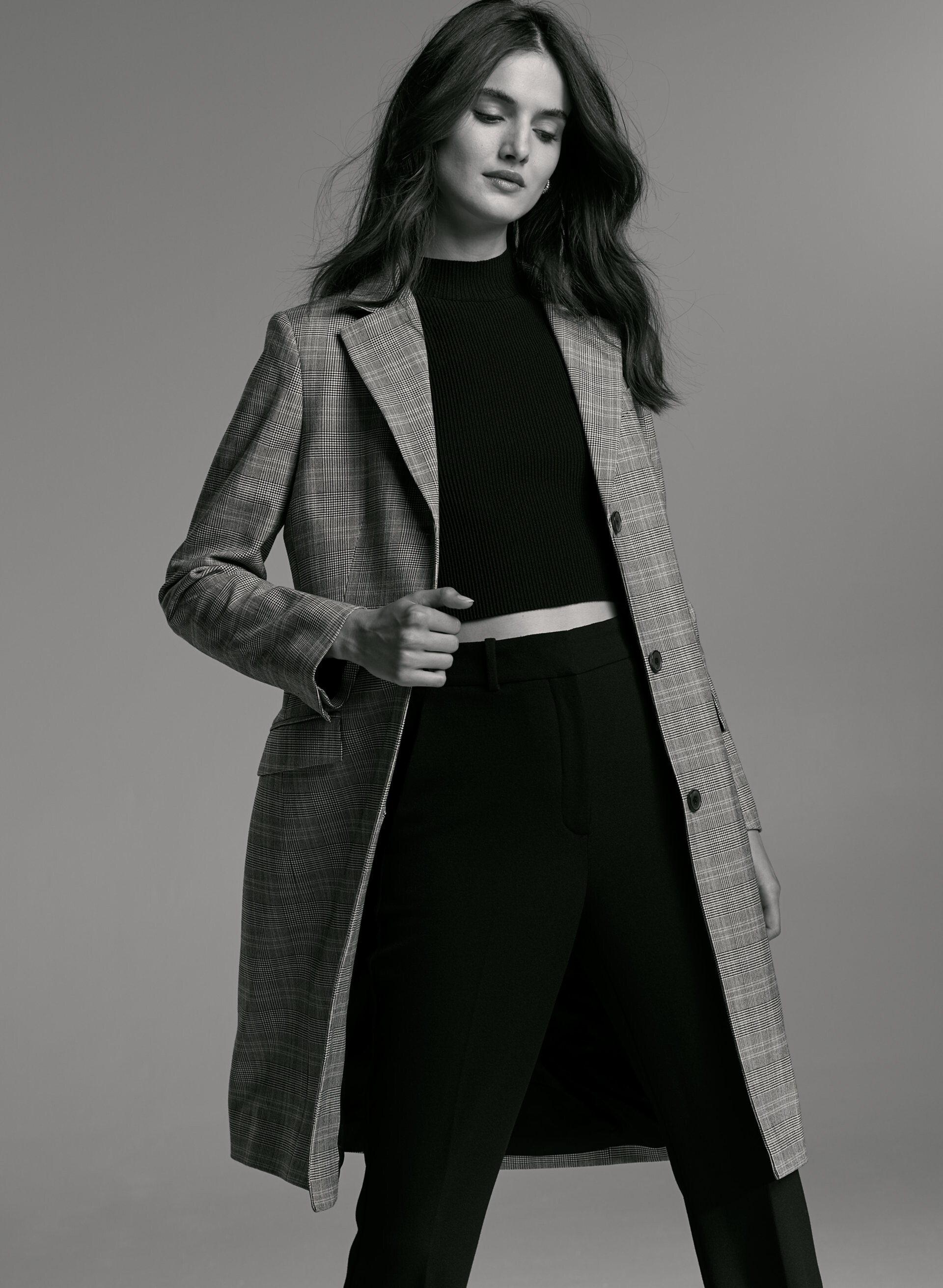
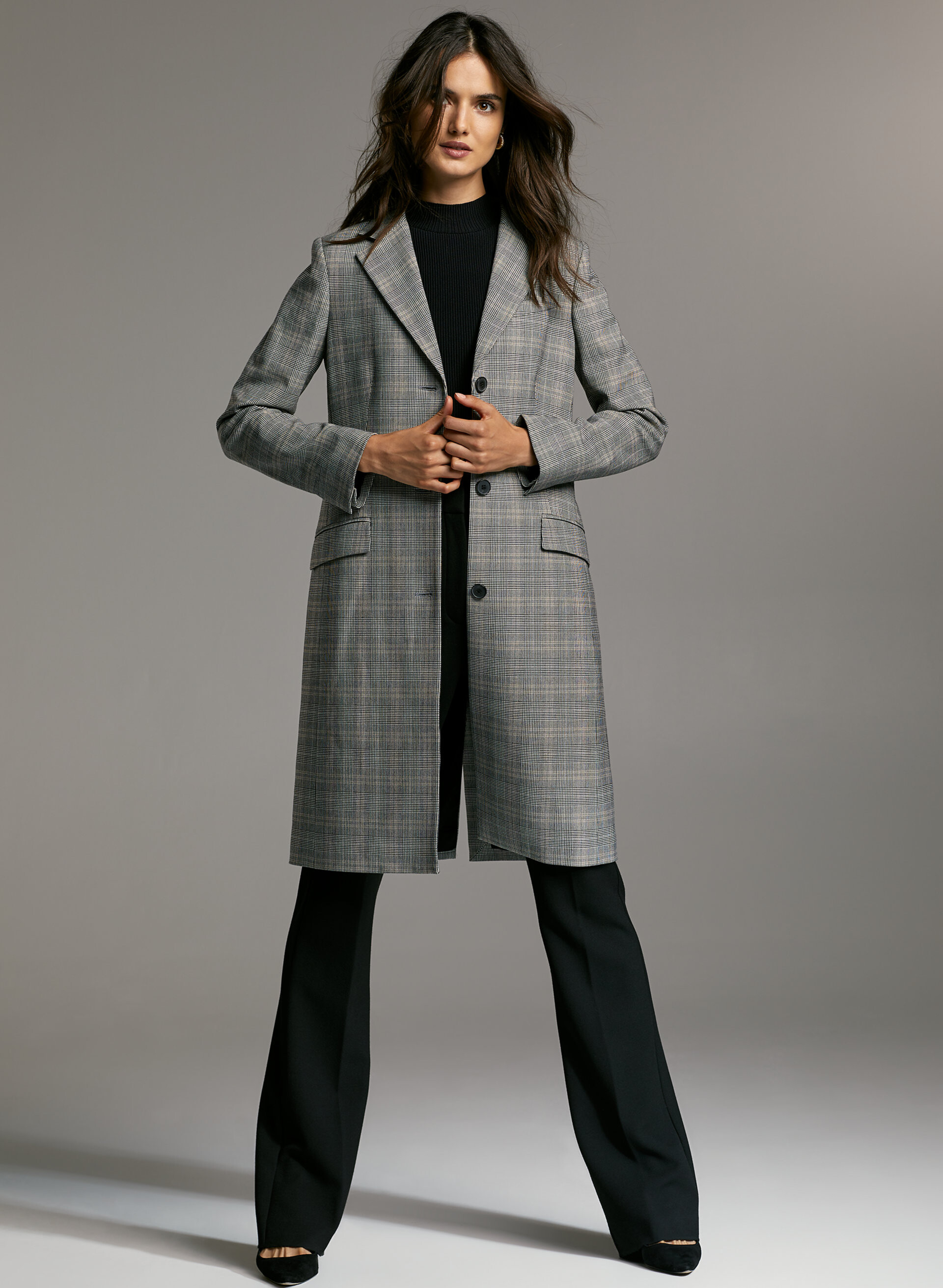
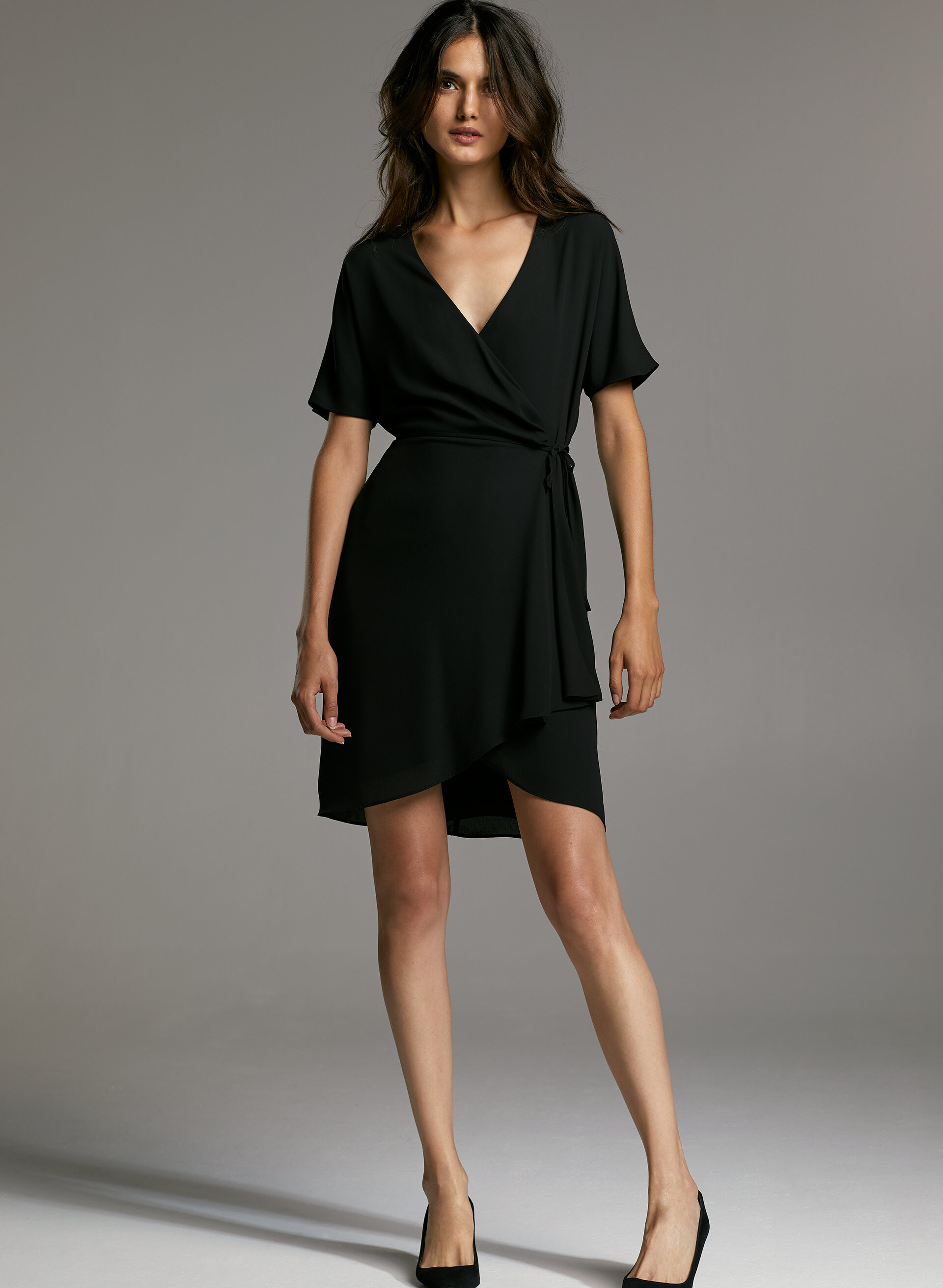
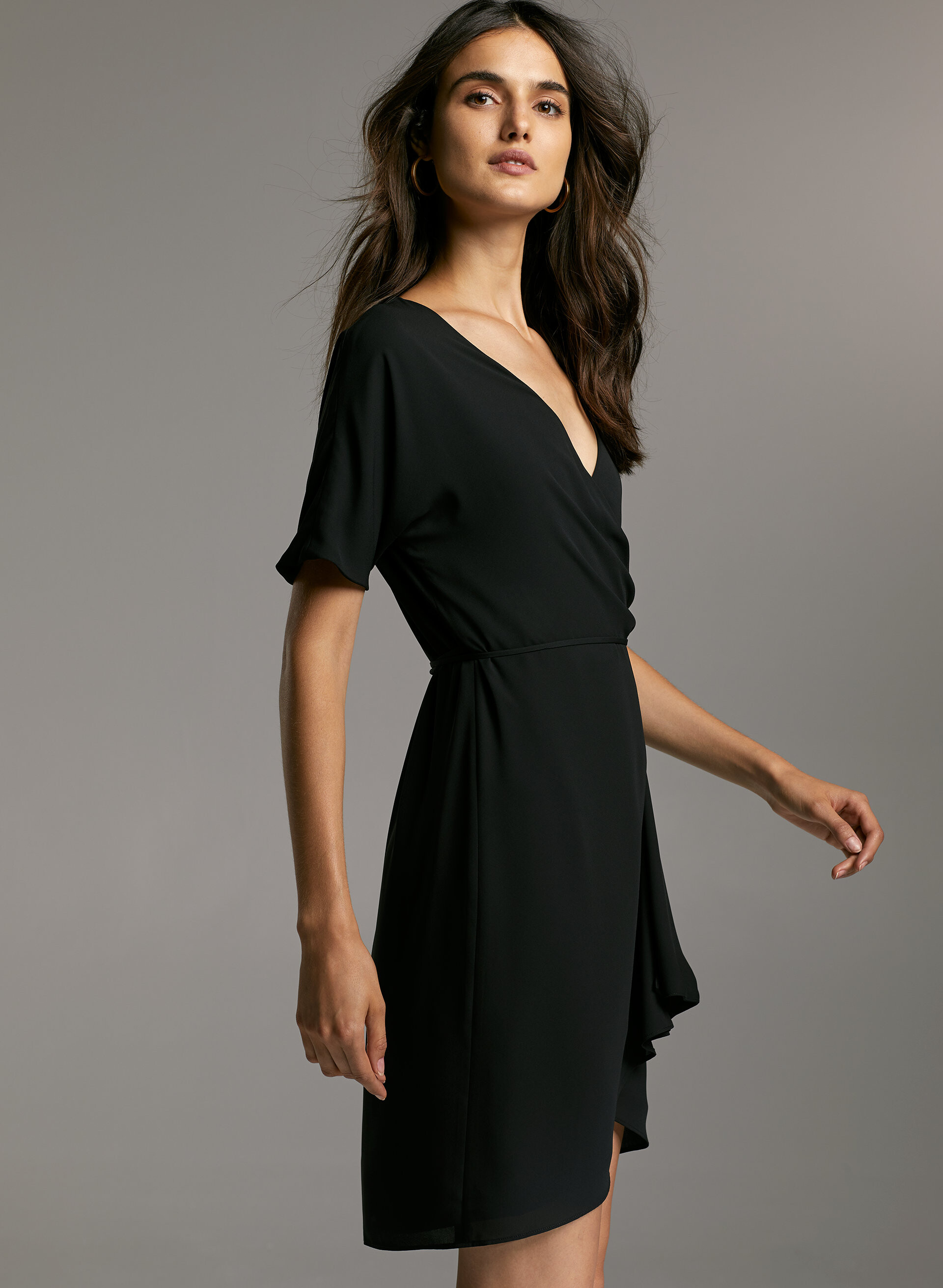

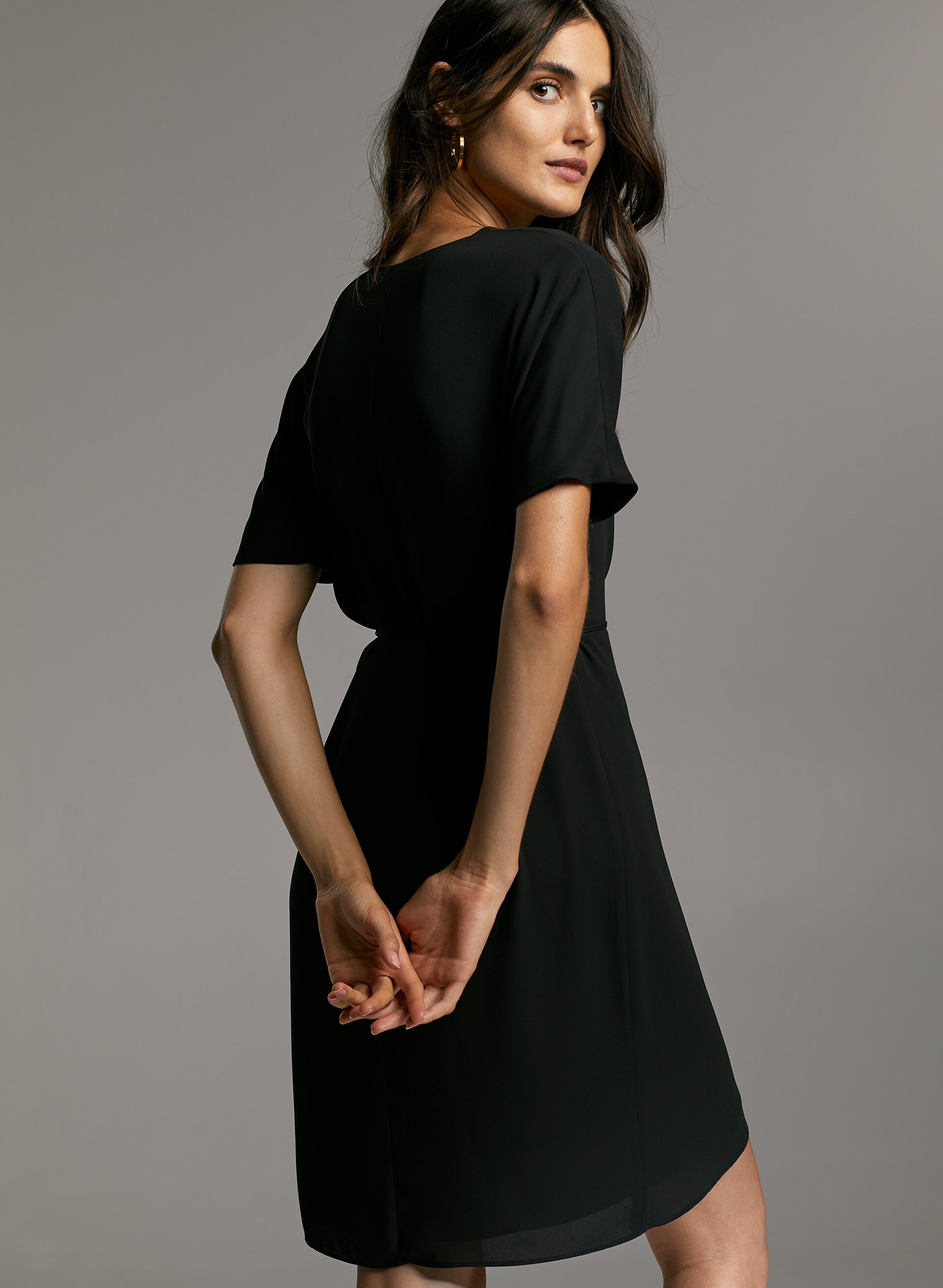
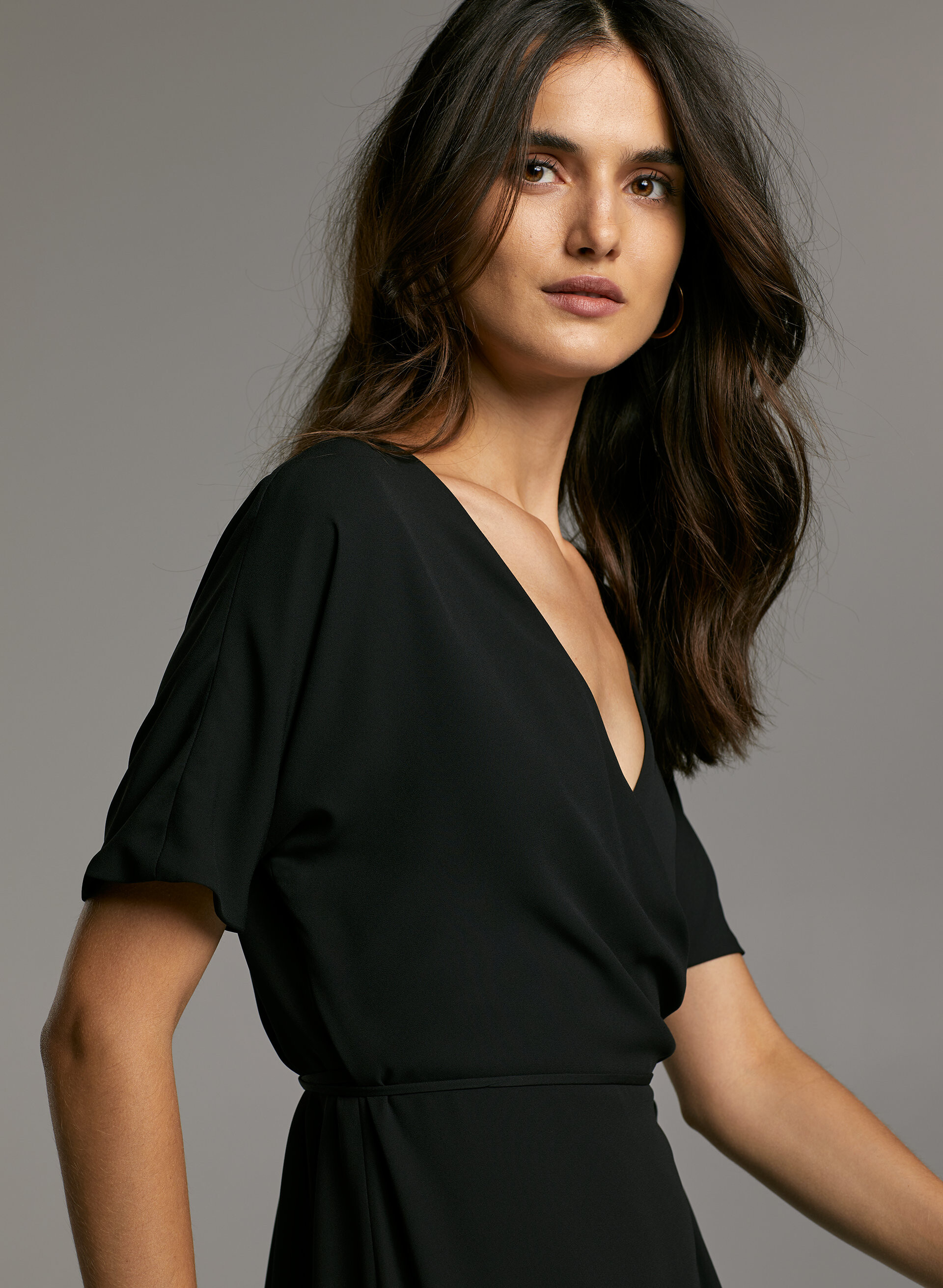














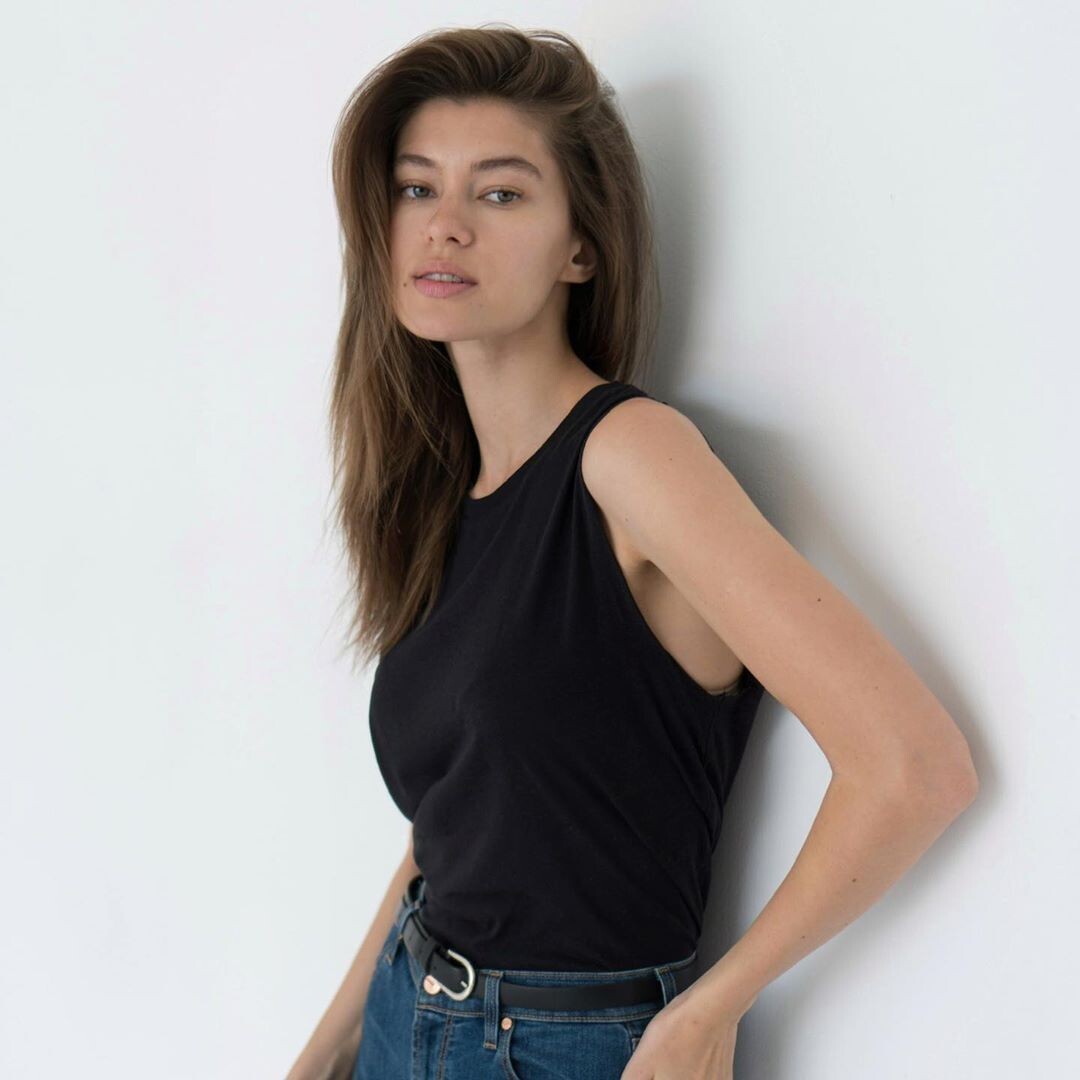
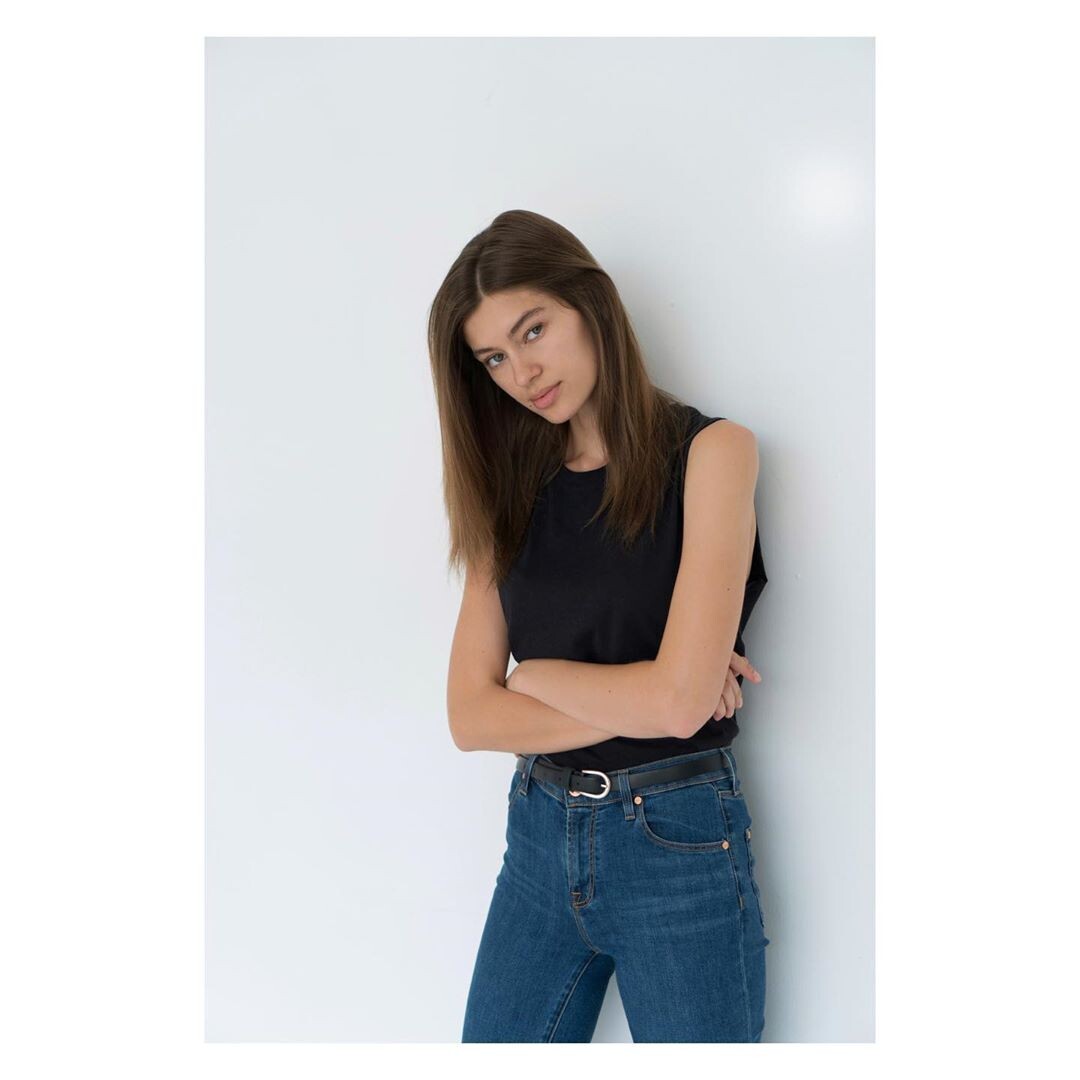
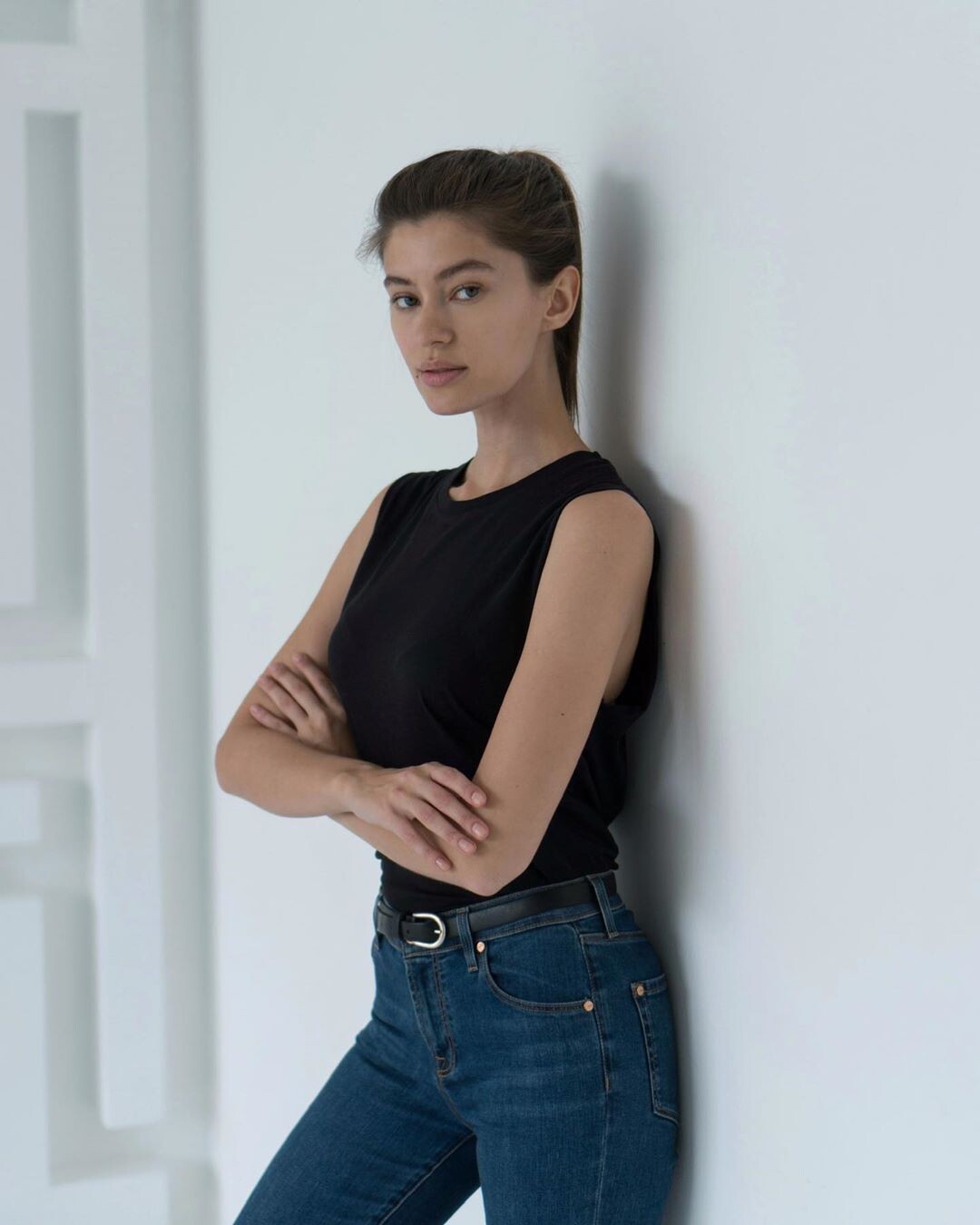
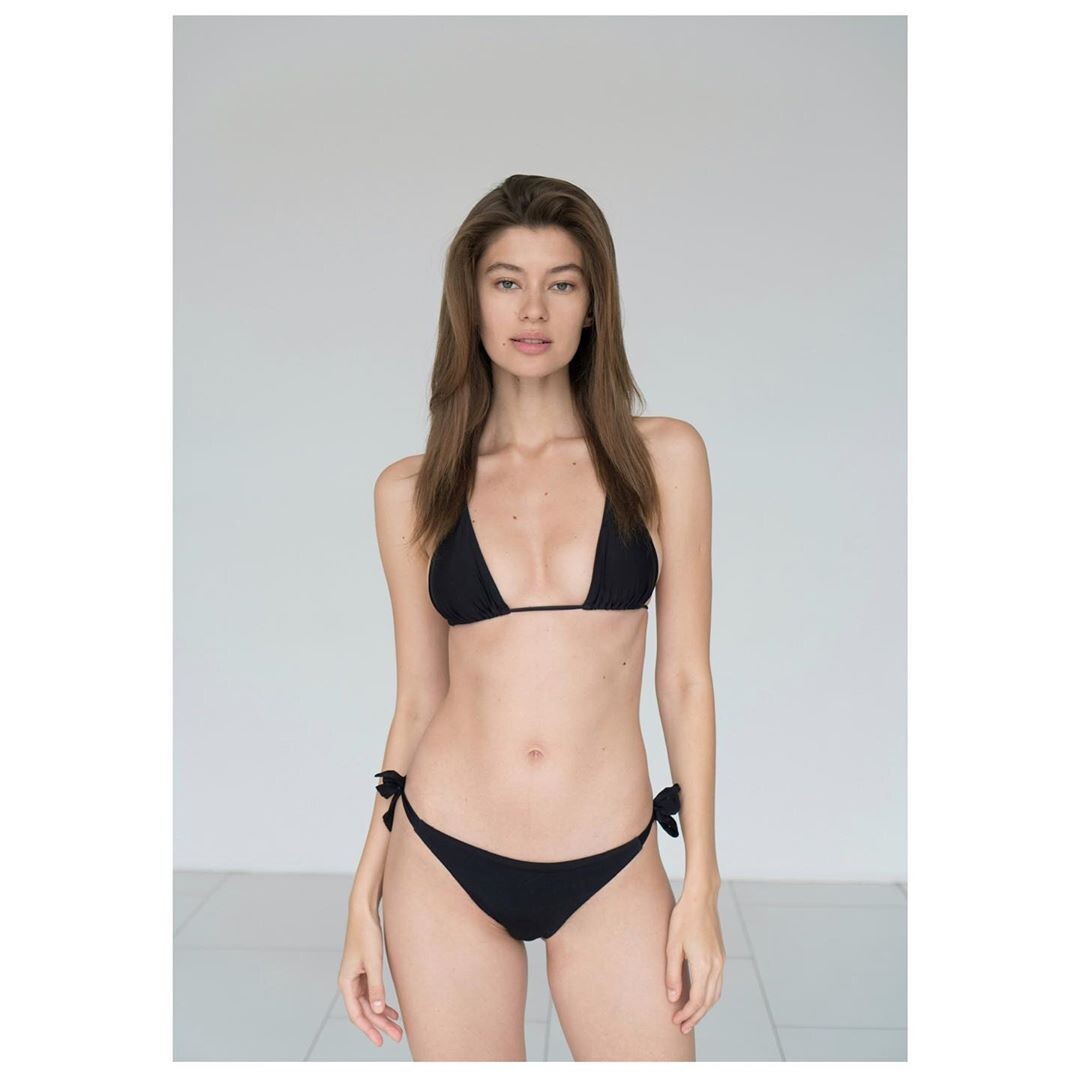

Account
Navigation
Search
Configure browser push notifications
Chrome (Android)
- Tap the lock icon next to the address bar.
- Tap Permissions → Notifications.
- Adjust your preference.
Chrome (Desktop)
- Click the padlock icon in the address bar.
- Select Site settings.
- Find Notifications and adjust your preference.
Safari (iOS 16.4+)
- Ensure the site is installed via Add to Home Screen.
- Open Settings App → Notifications.
- Find your app name and adjust your preference.
Safari (macOS)
- Go to Safari → Preferences.
- Click the Websites tab.
- Select Notifications in the sidebar.
- Find this website and adjust your preference.
Edge (Android)
- Tap the lock icon next to the address bar.
- Tap Permissions.
- Find Notifications and adjust your preference.
Edge (Desktop)
- Click the padlock icon in the address bar.
- Click Permissions for this site.
- Find Notifications and adjust your preference.
Firefox (Android)
- Go to Settings → Site permissions.
- Tap Notifications.
- Find this site in the list and adjust your preference.
Firefox (Desktop)
- Open Firefox Settings.
- Search for Notifications.
- Find this site in the list and adjust your preference.