
foofur16
Members
-
Joined
-
Last visited
Everything posted by foofur16
-
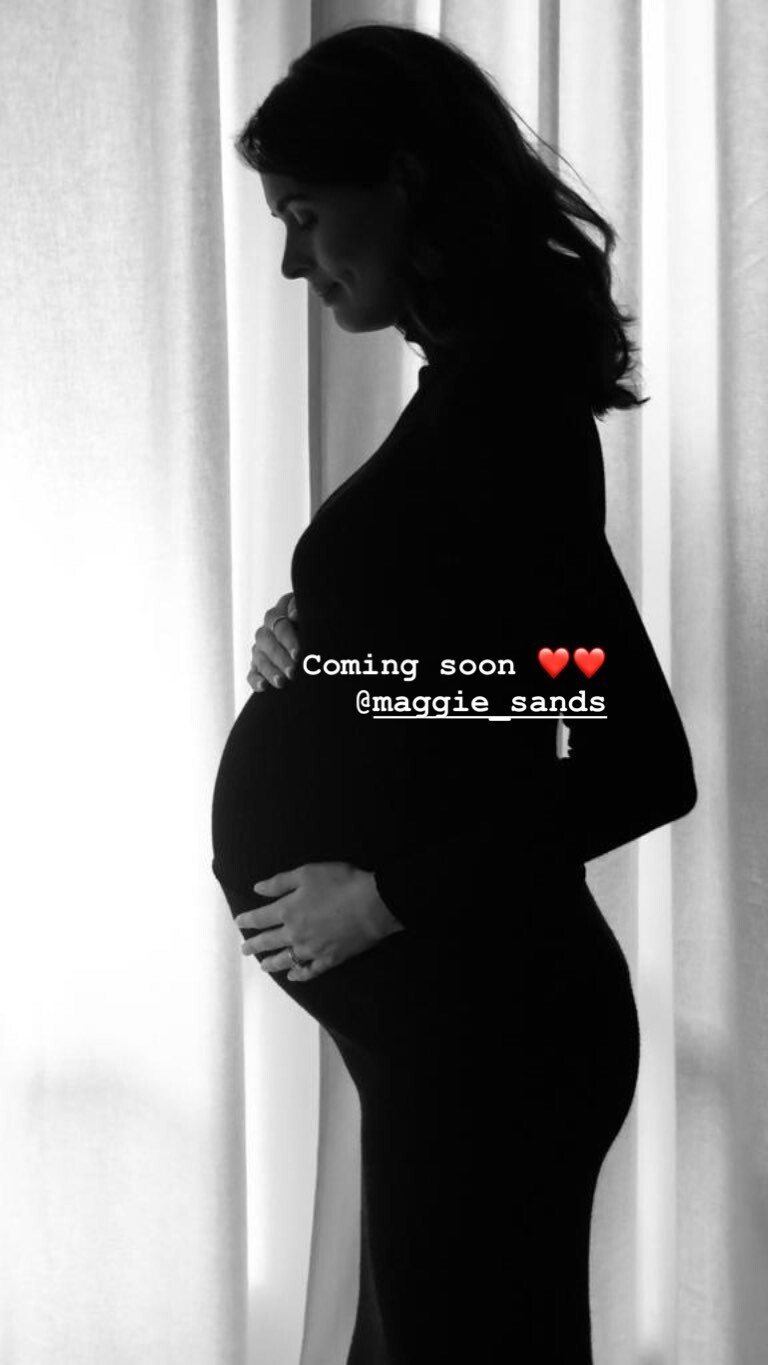
 Maggie is now a mommy to twins, William and James!

-
Polina Gagarina x SELFMADE Collection 2019
-
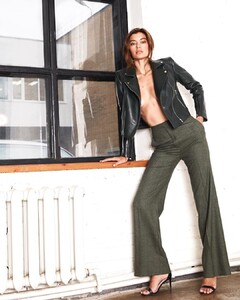
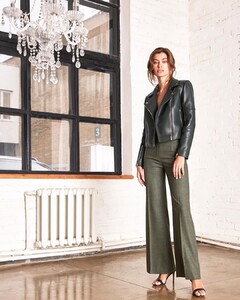
R Ó U Z Z E Boutique & Atelier December 2019









-
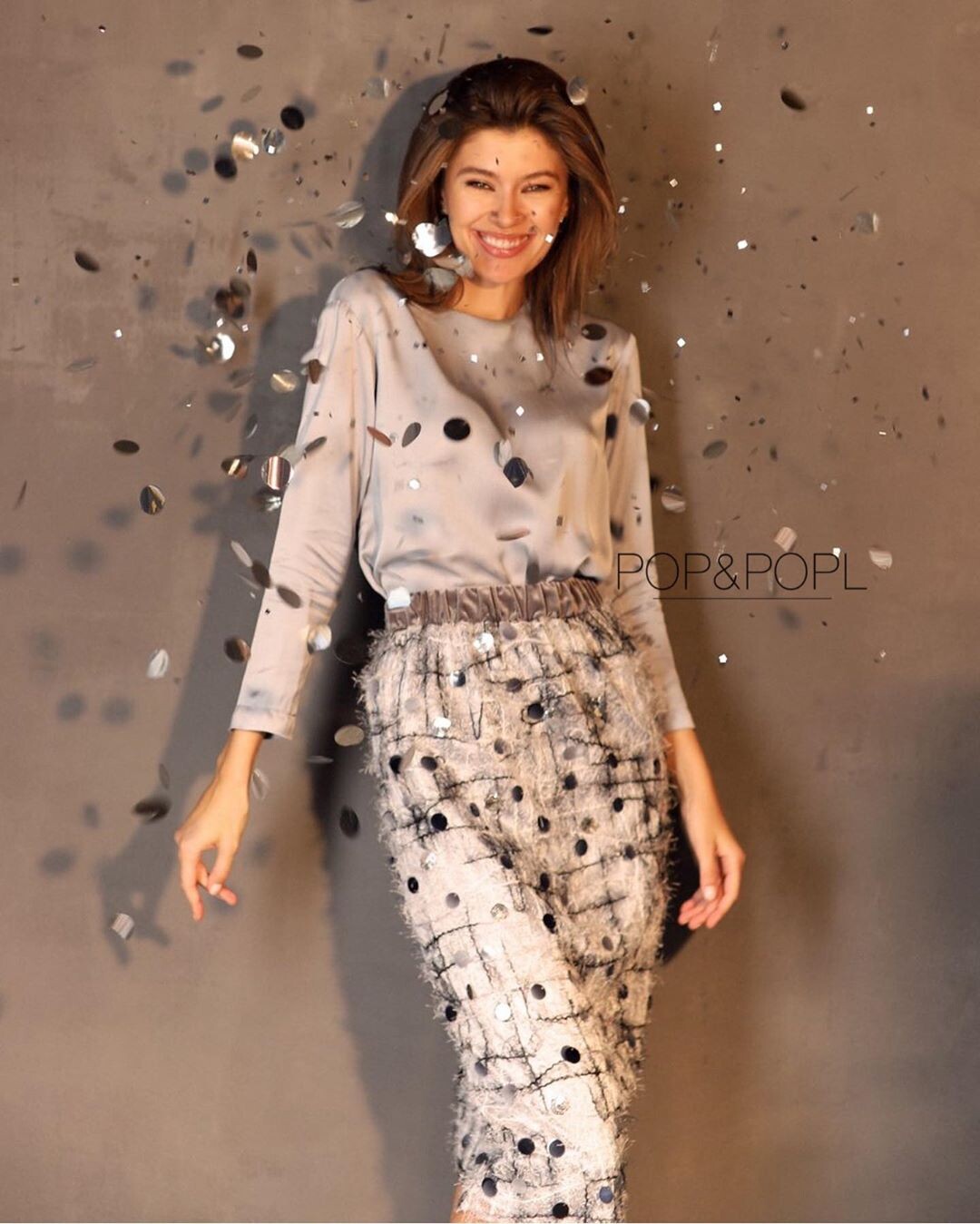
Pop and Popl December 2019











-
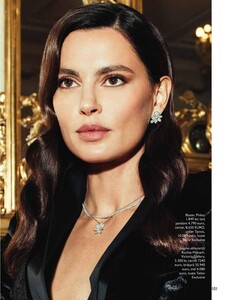
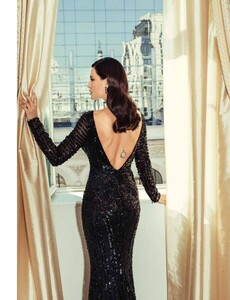
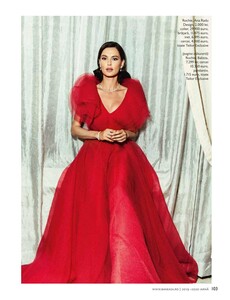
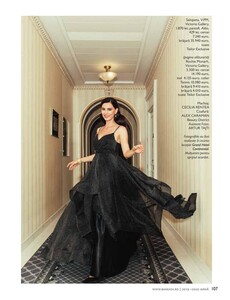
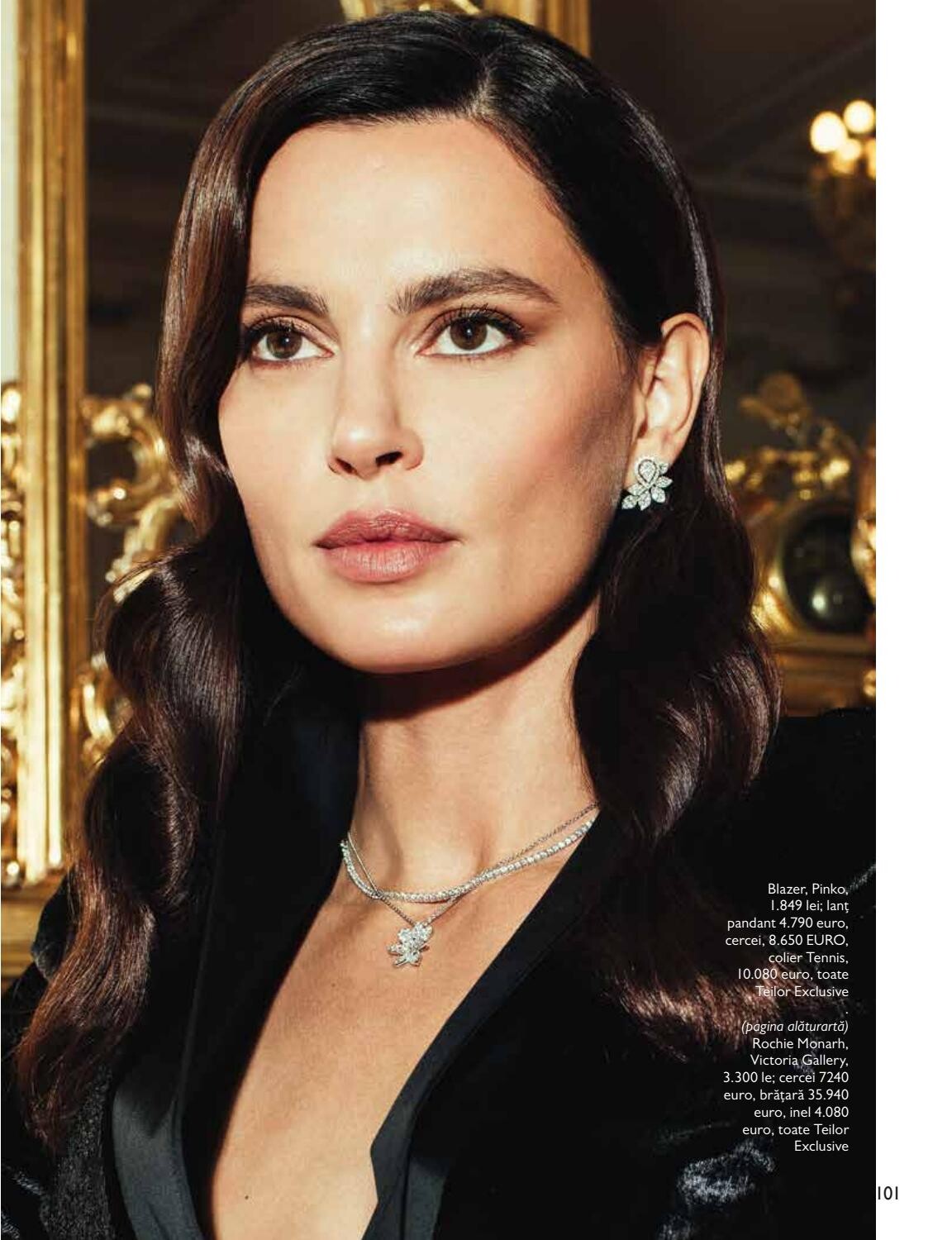
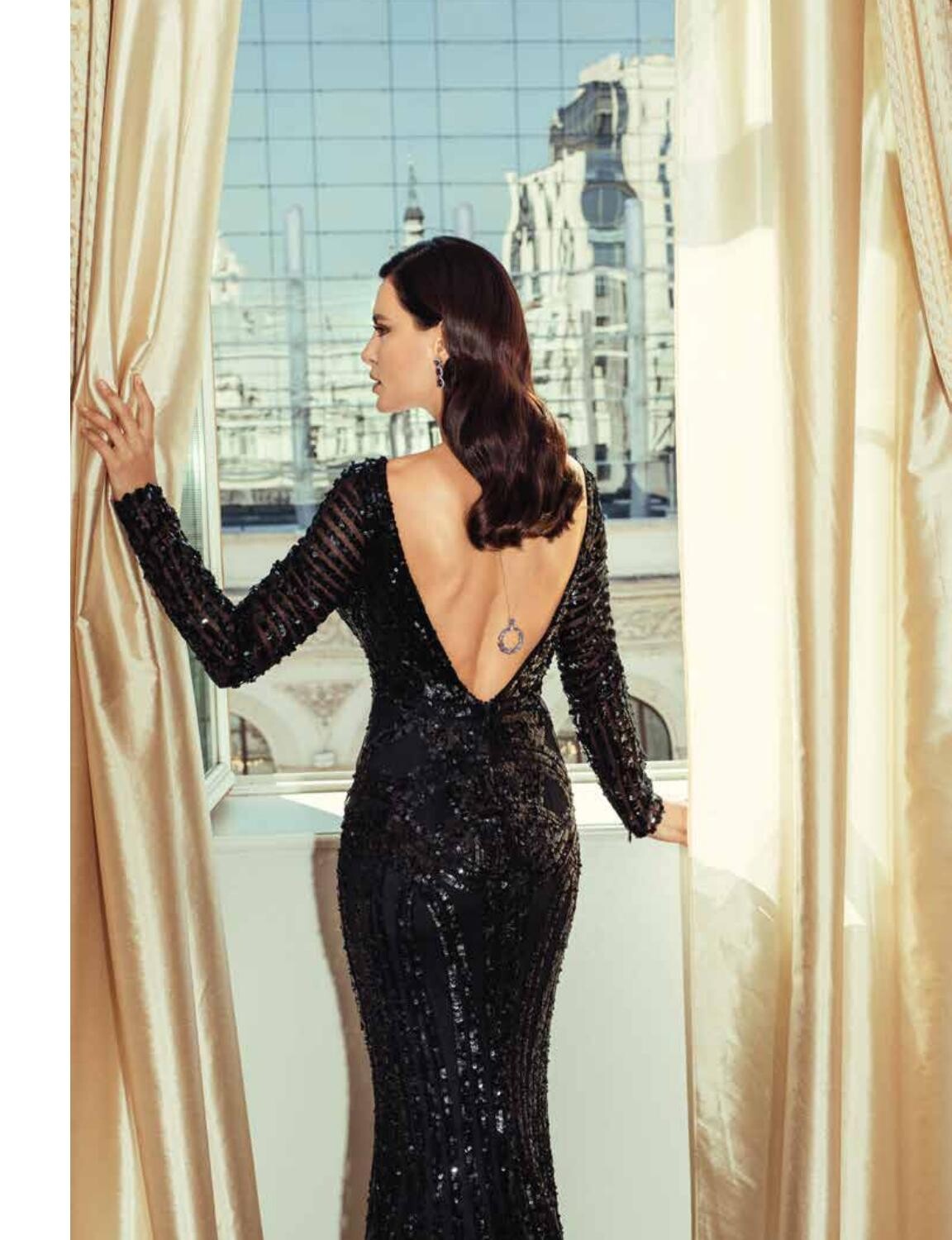
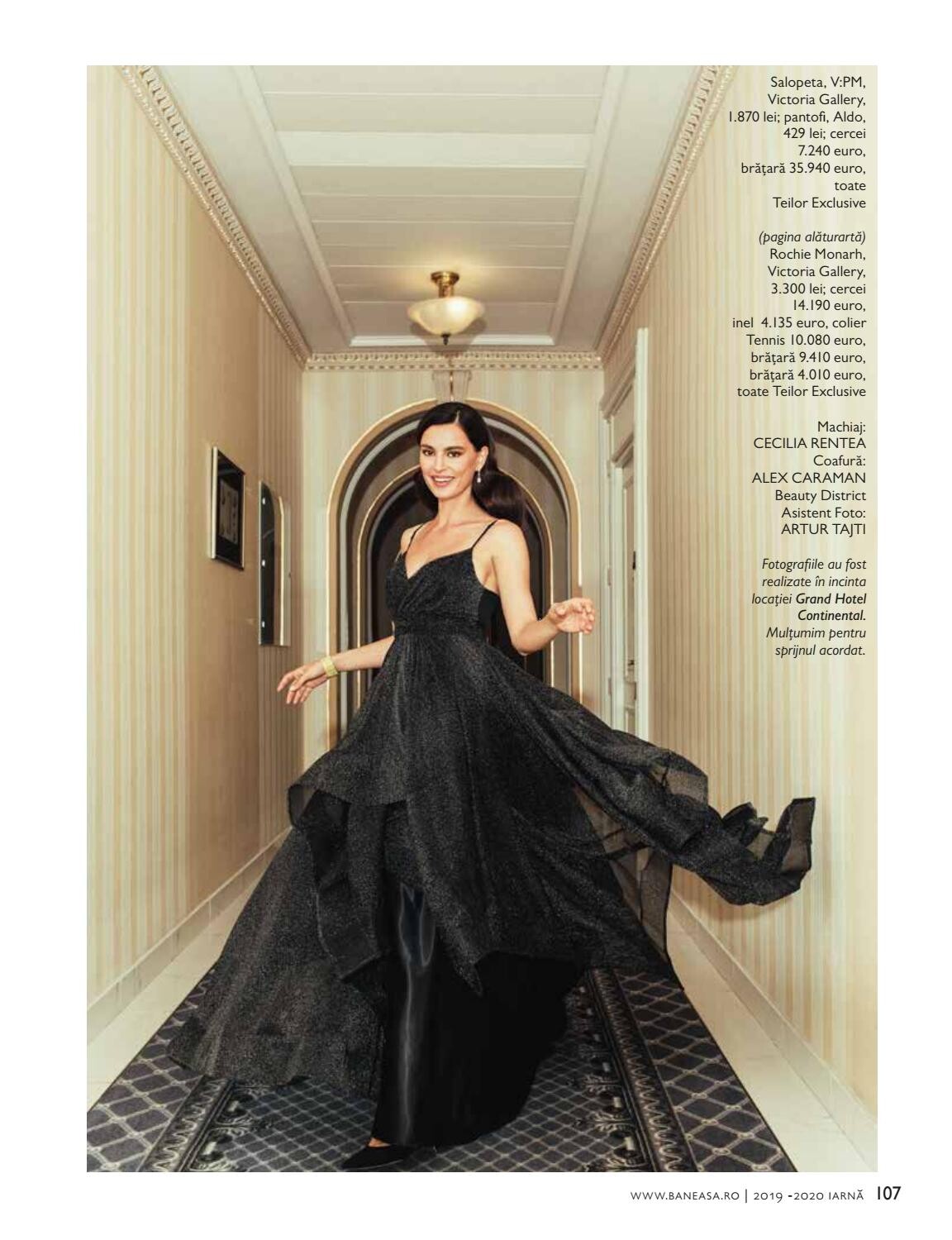
Styler Romania Winter 2019





-
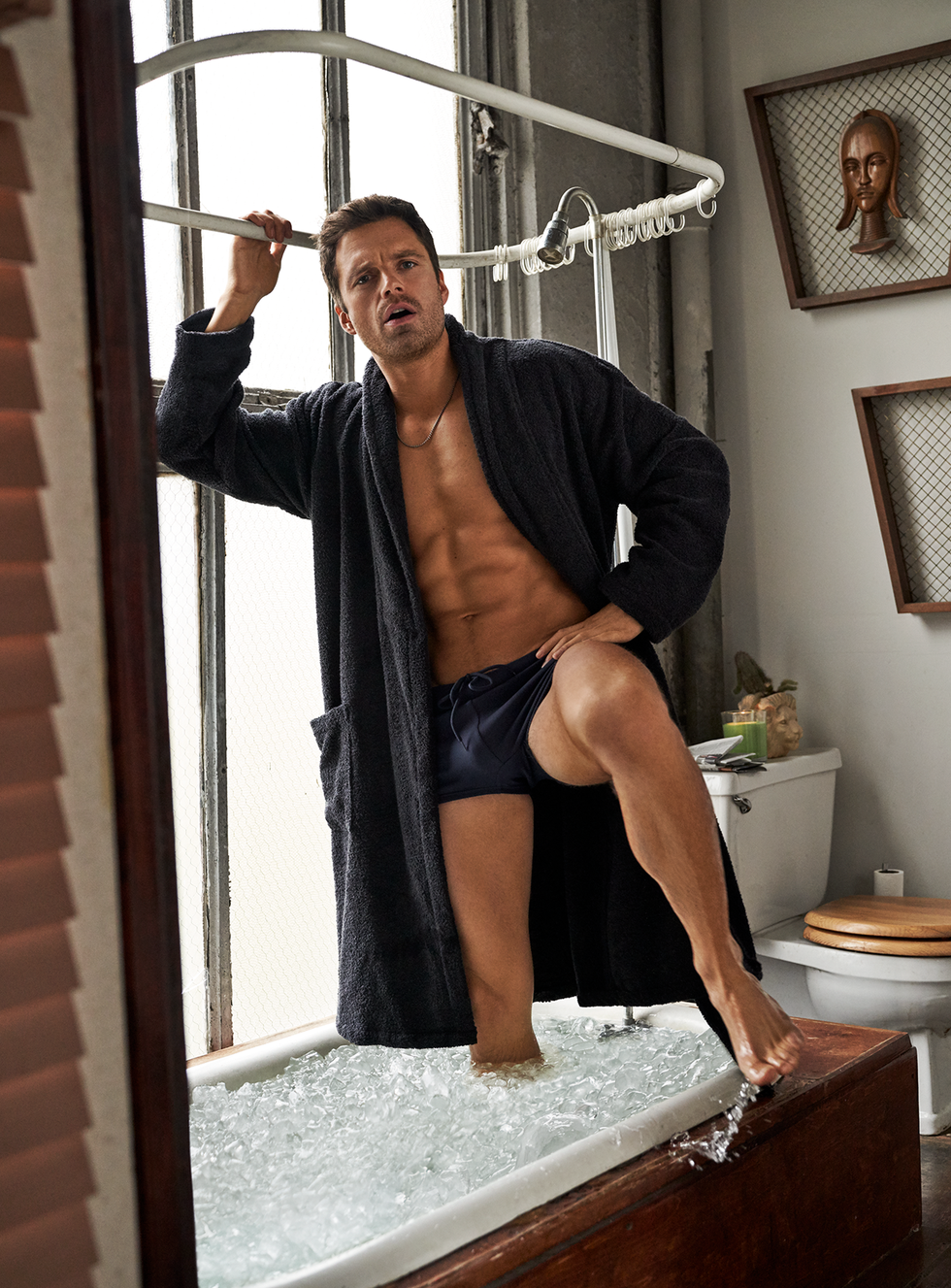
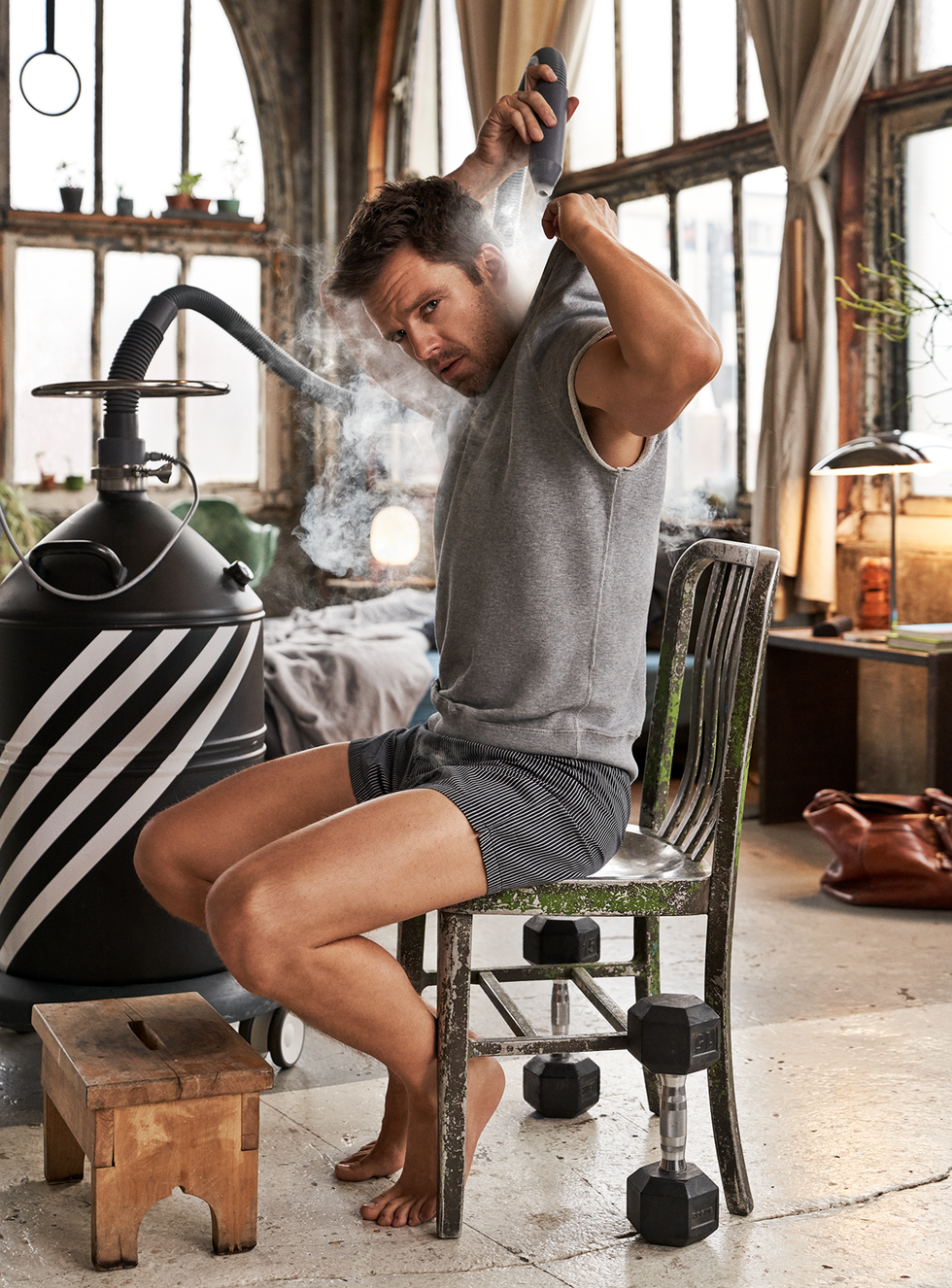
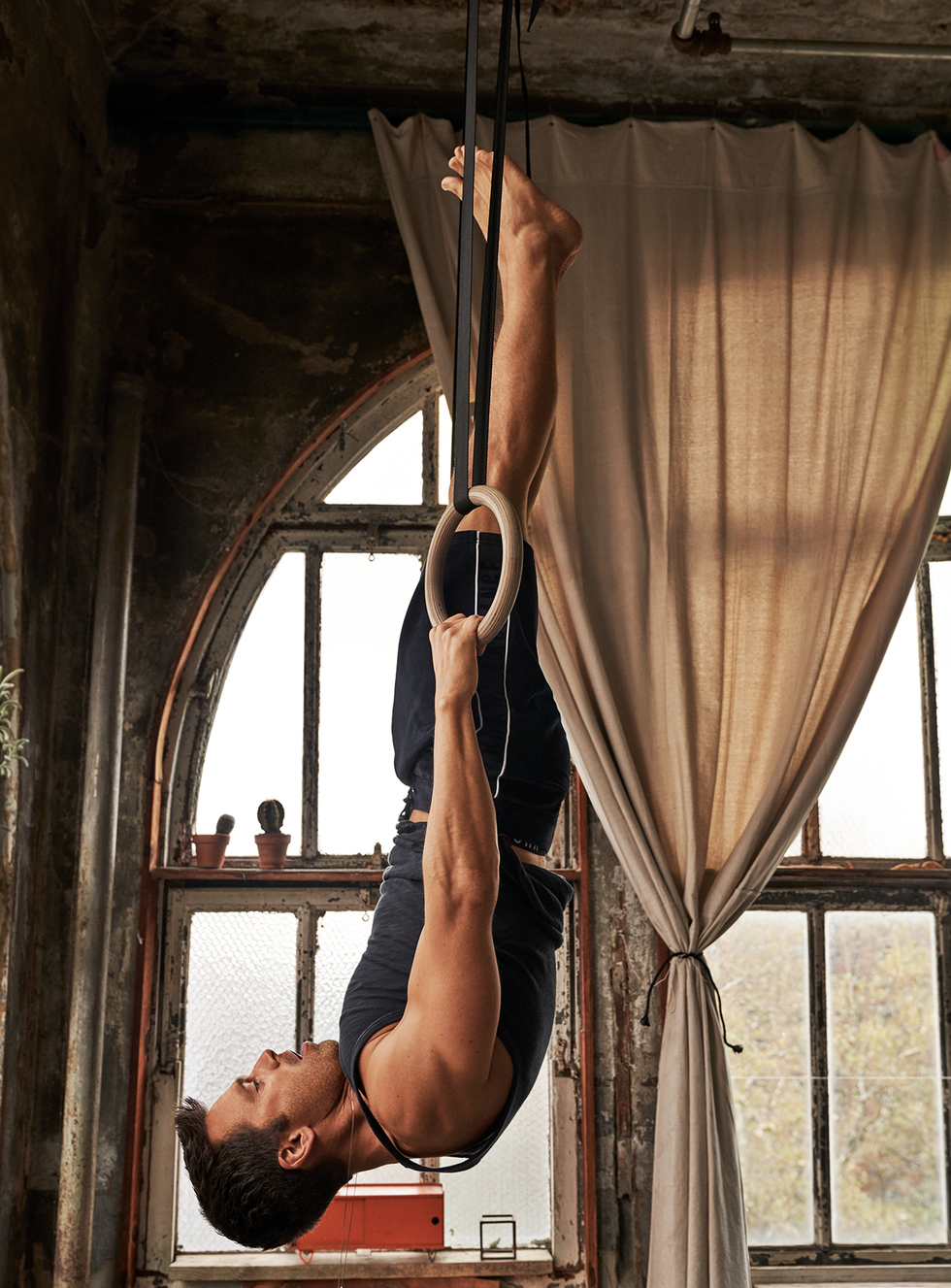
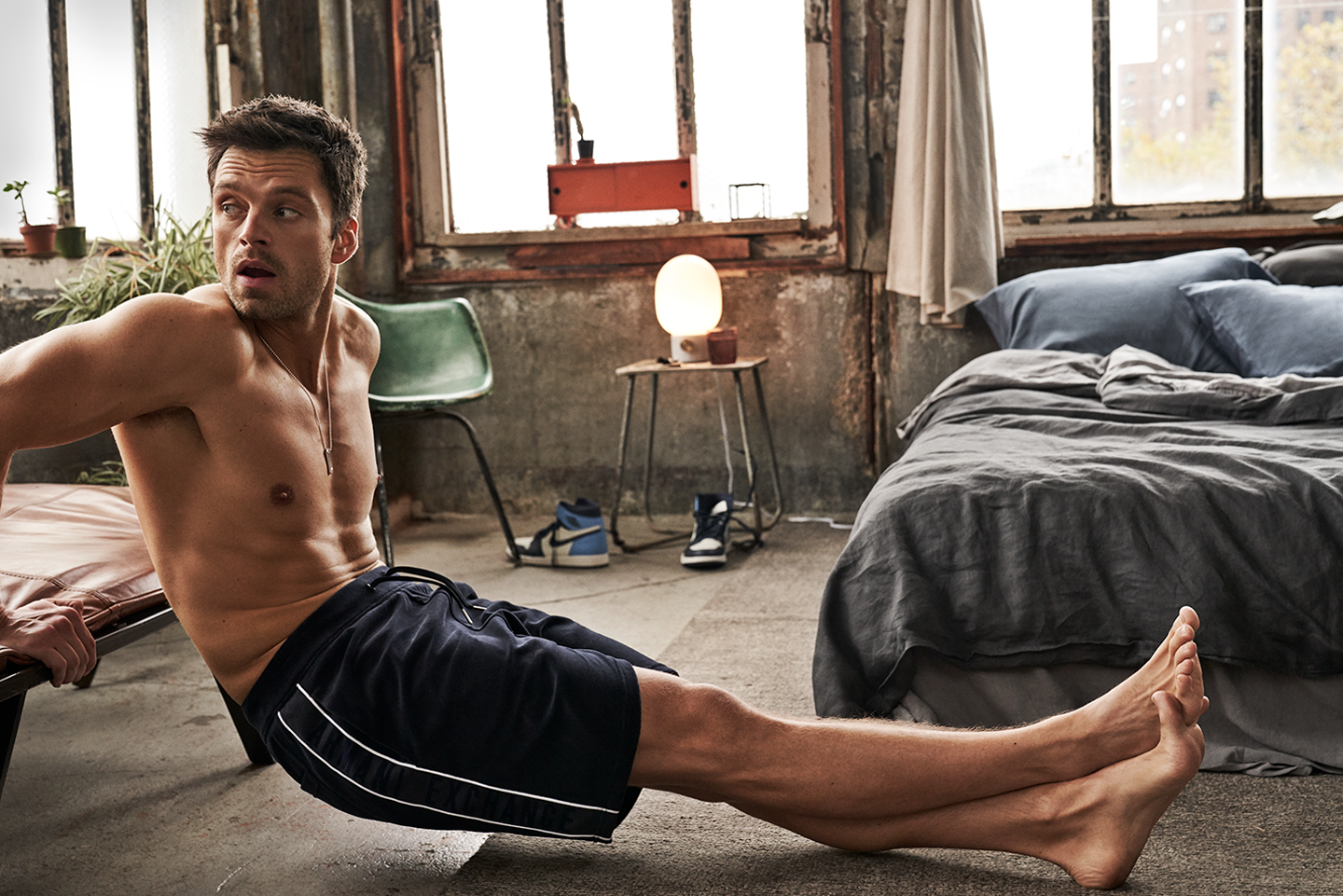
US Men's Health Jan/ Feb 2020 https://www.menshealth.com/entertainment/a30183556/sebastian-stan-winter-soldier-interview/
.thumb.jpg.4b9e8fbb470baefa9e1c1c1786723c1c.jpg)
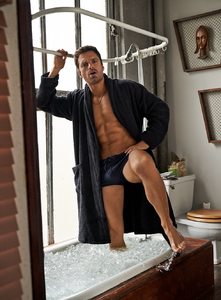
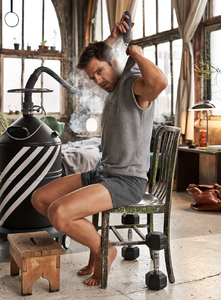

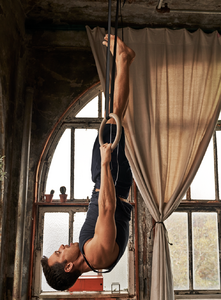
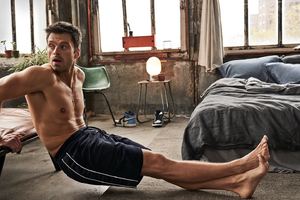
-
Zara Outwear December 2019 Story zara.com
-
-
Andreea is now represented by Viva Models In Paris & London!
-
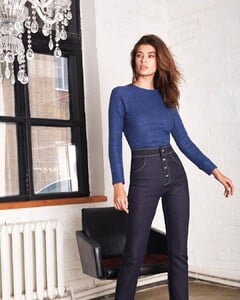
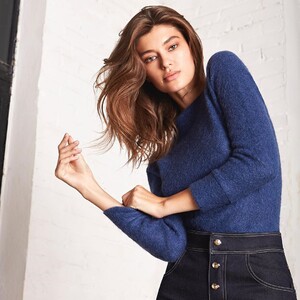
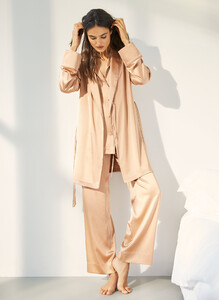
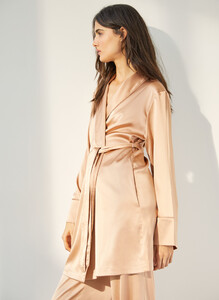
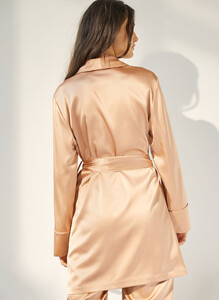
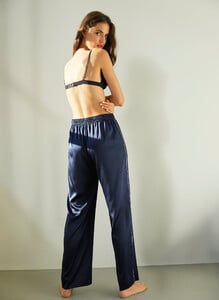
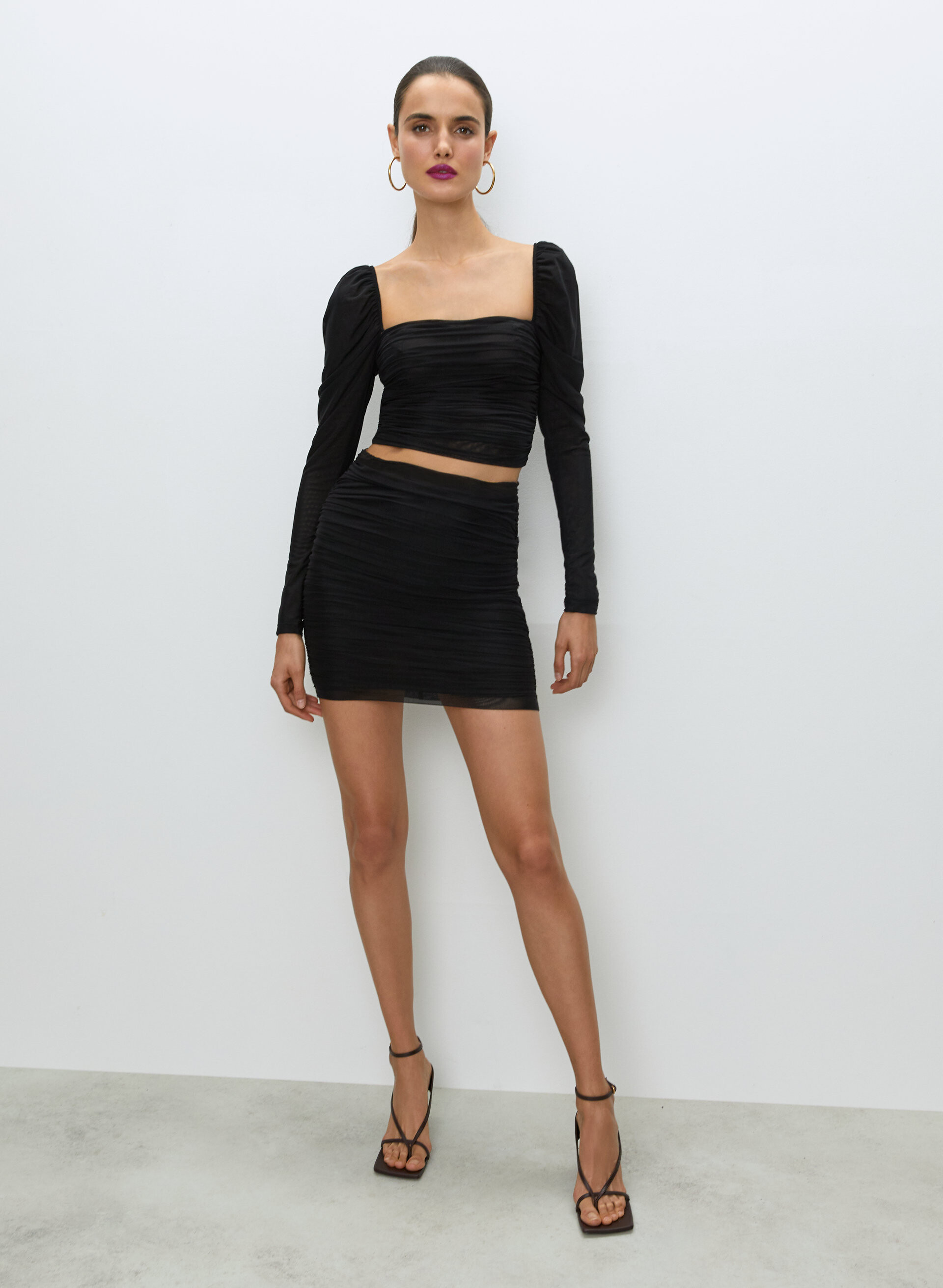
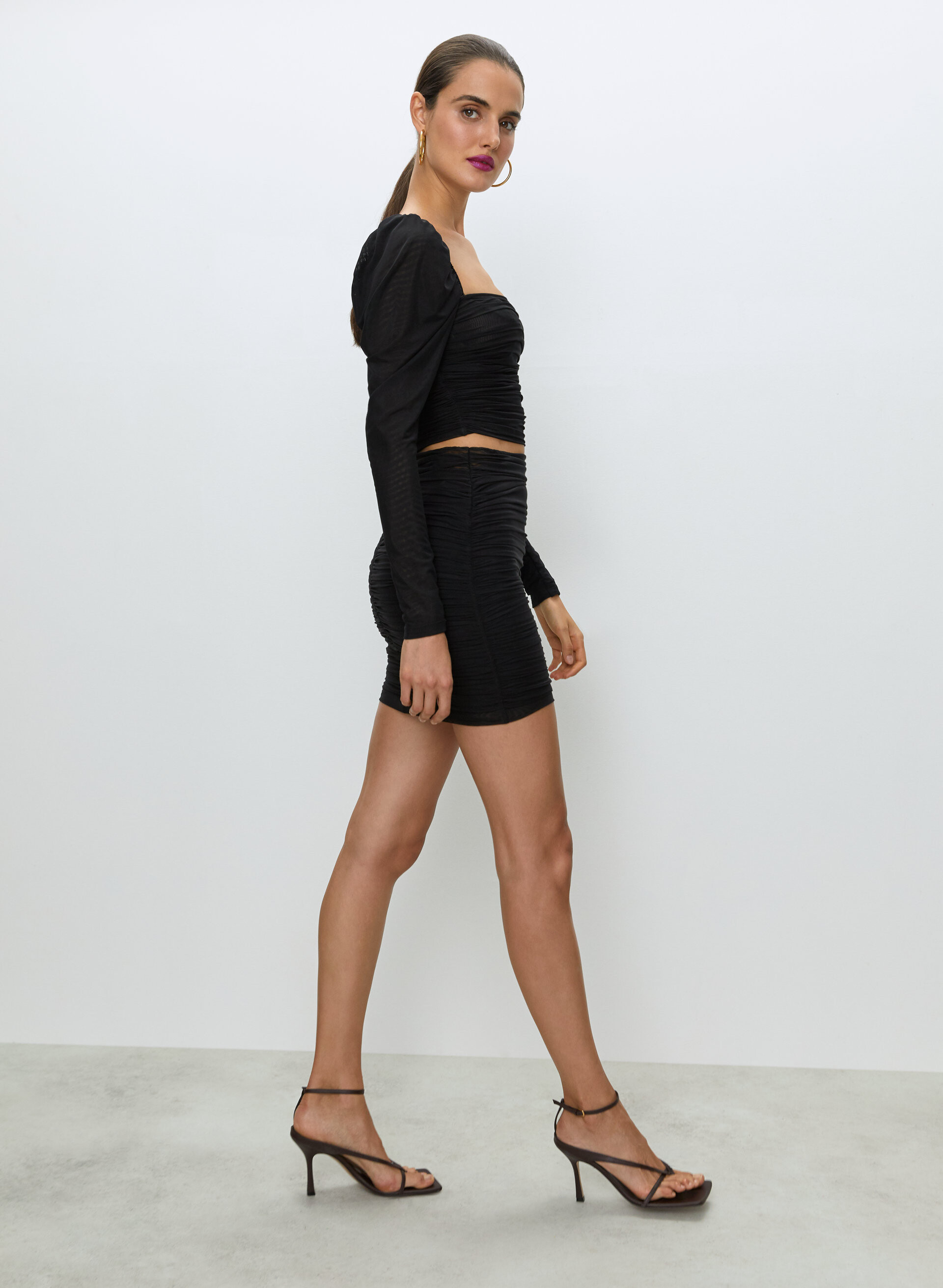
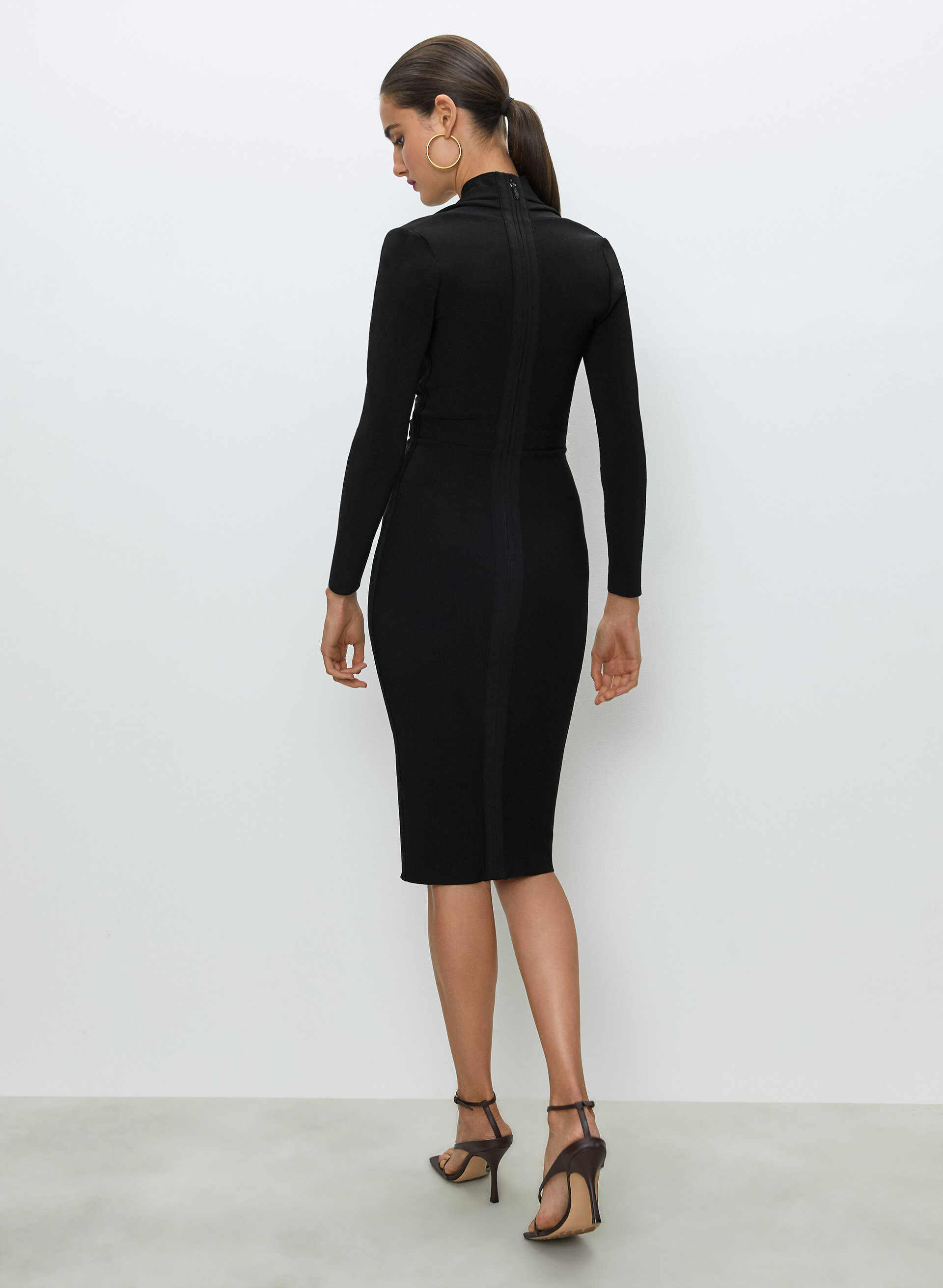
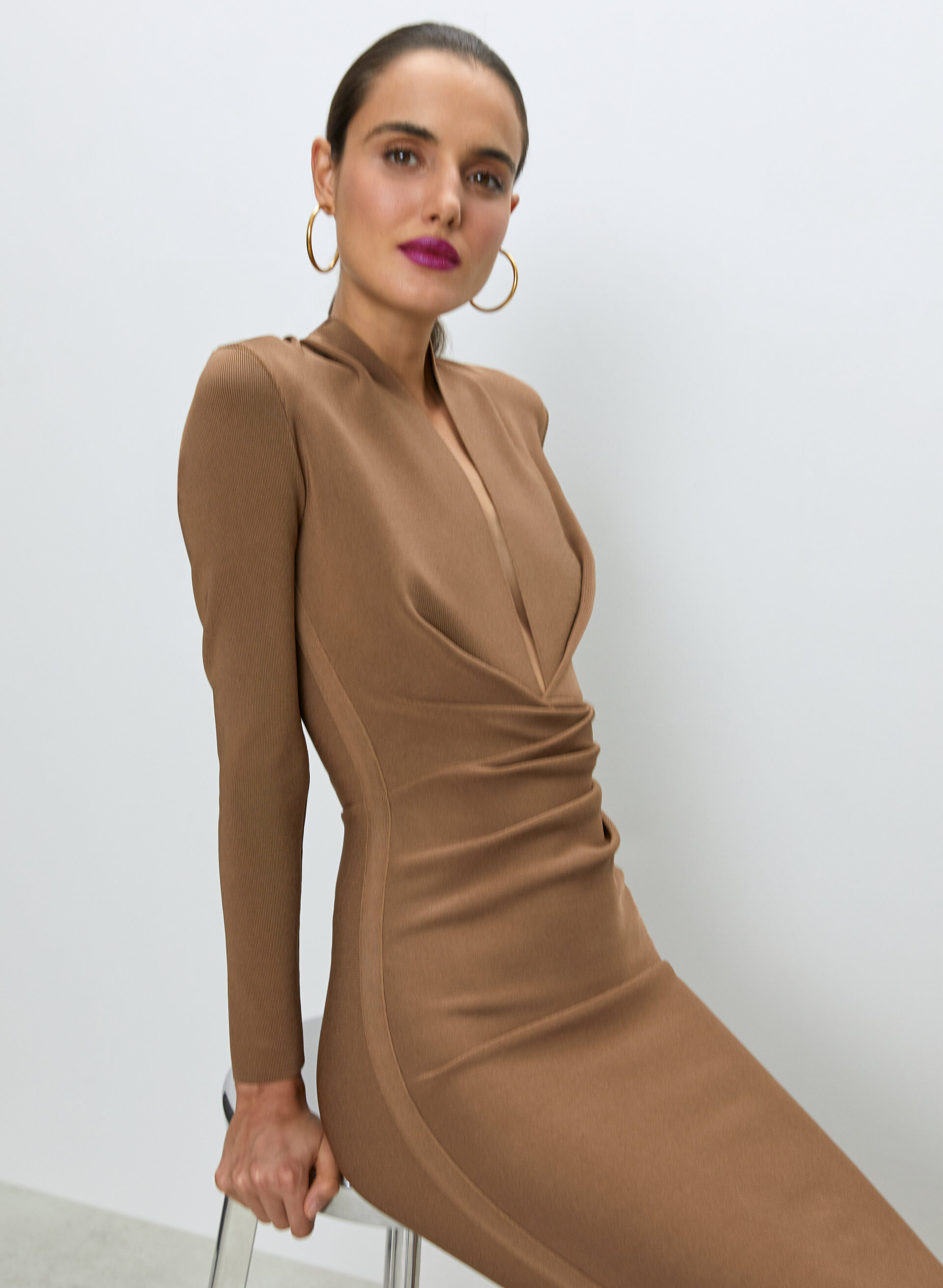
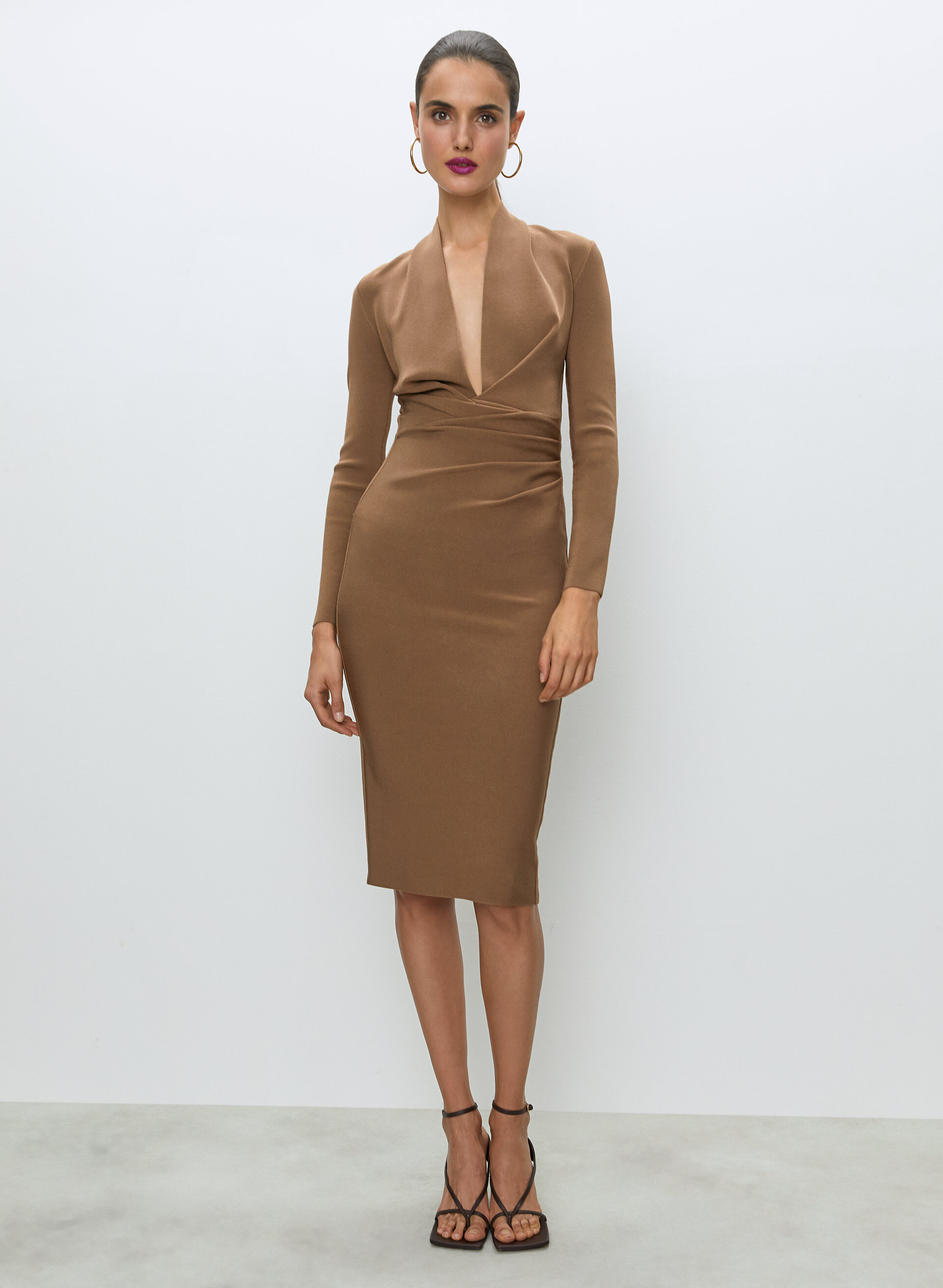
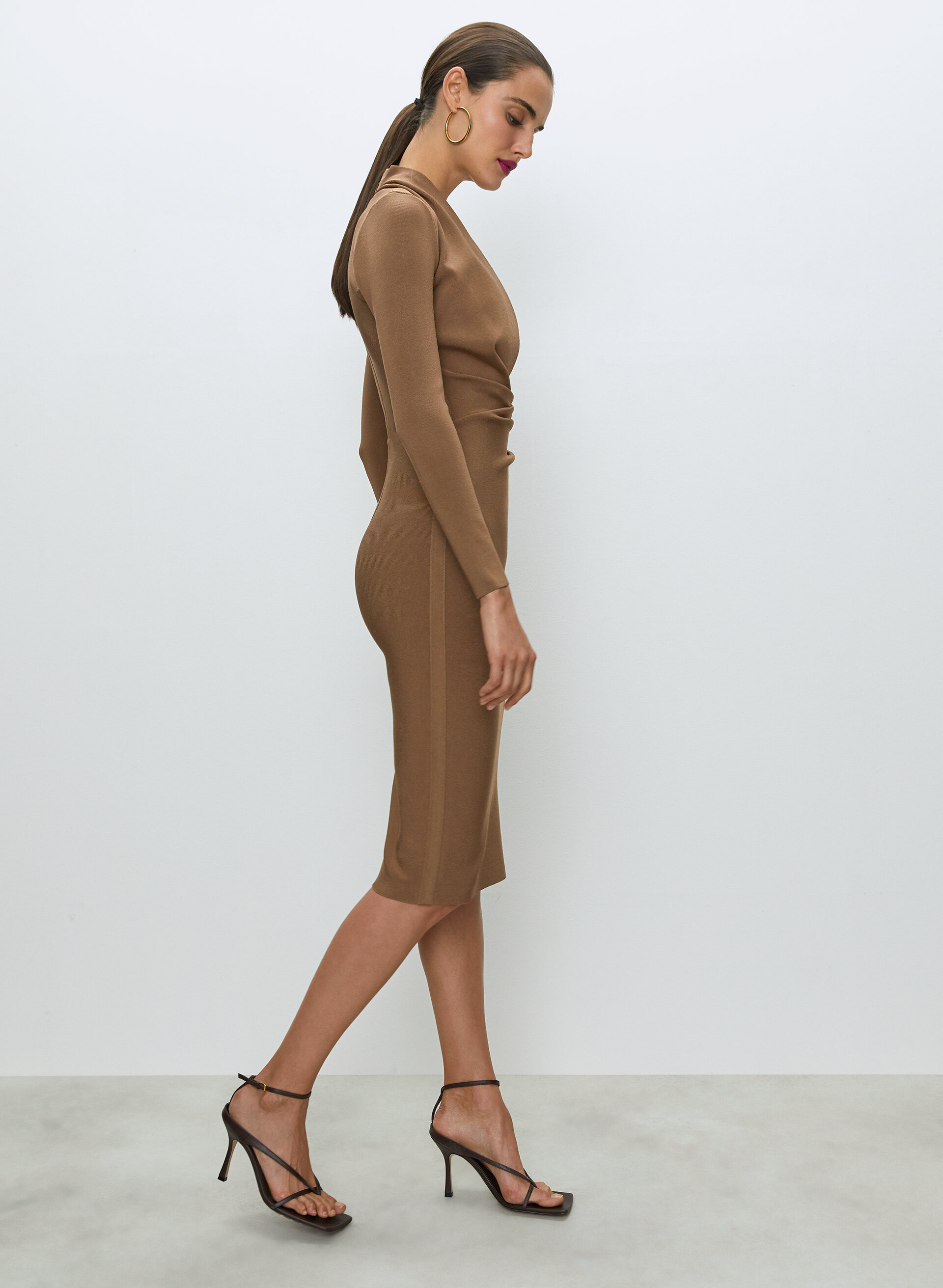
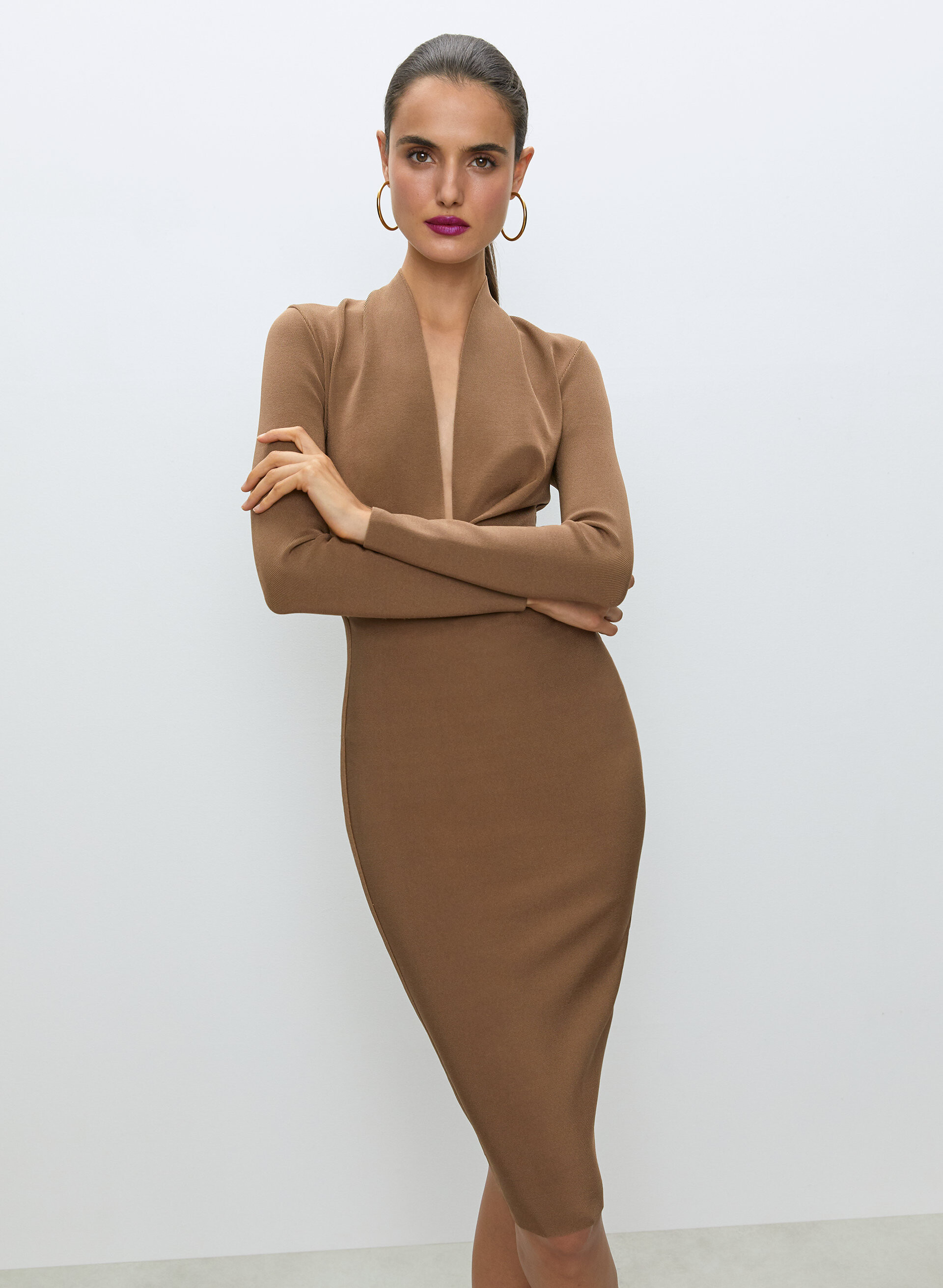
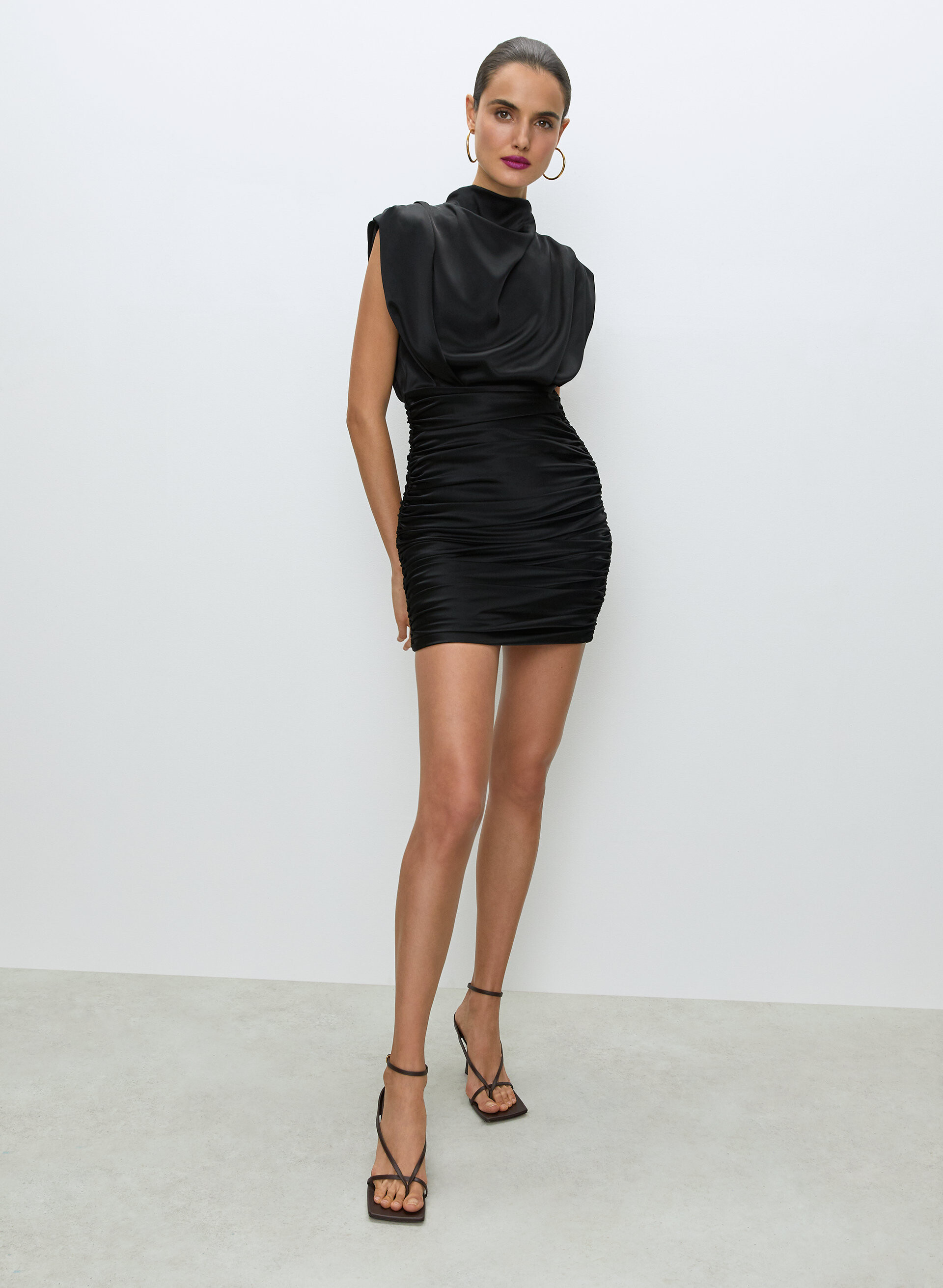
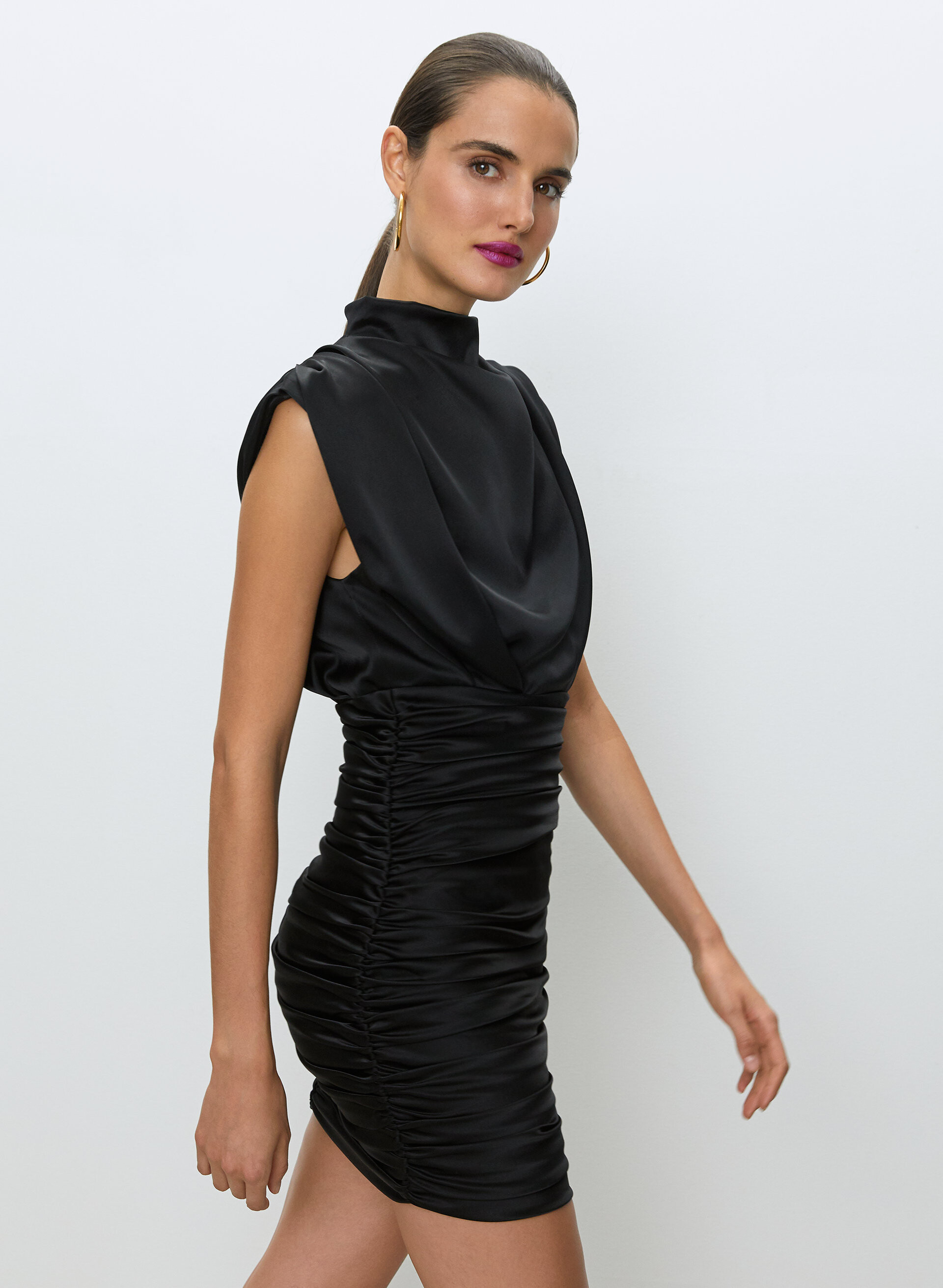
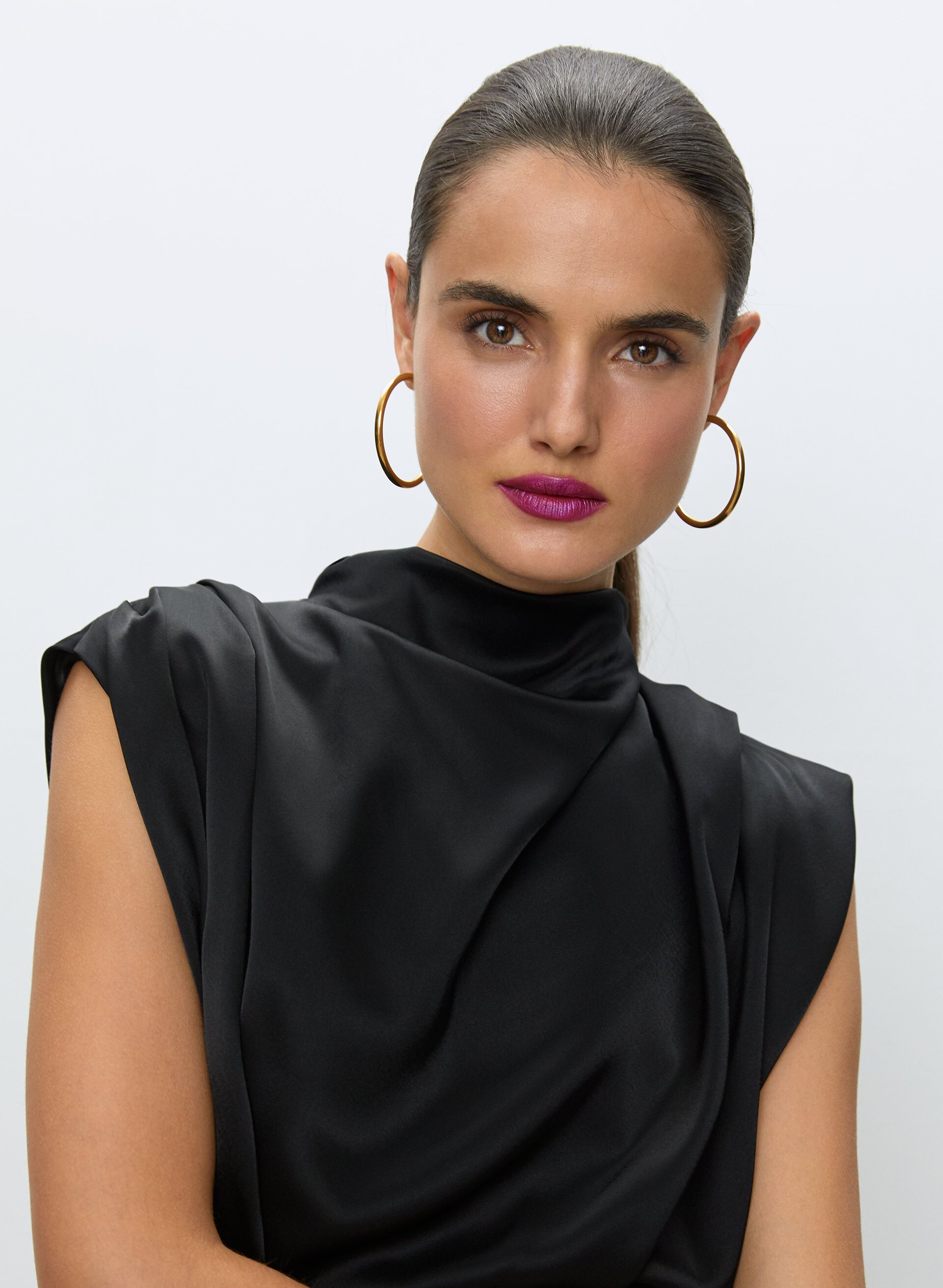
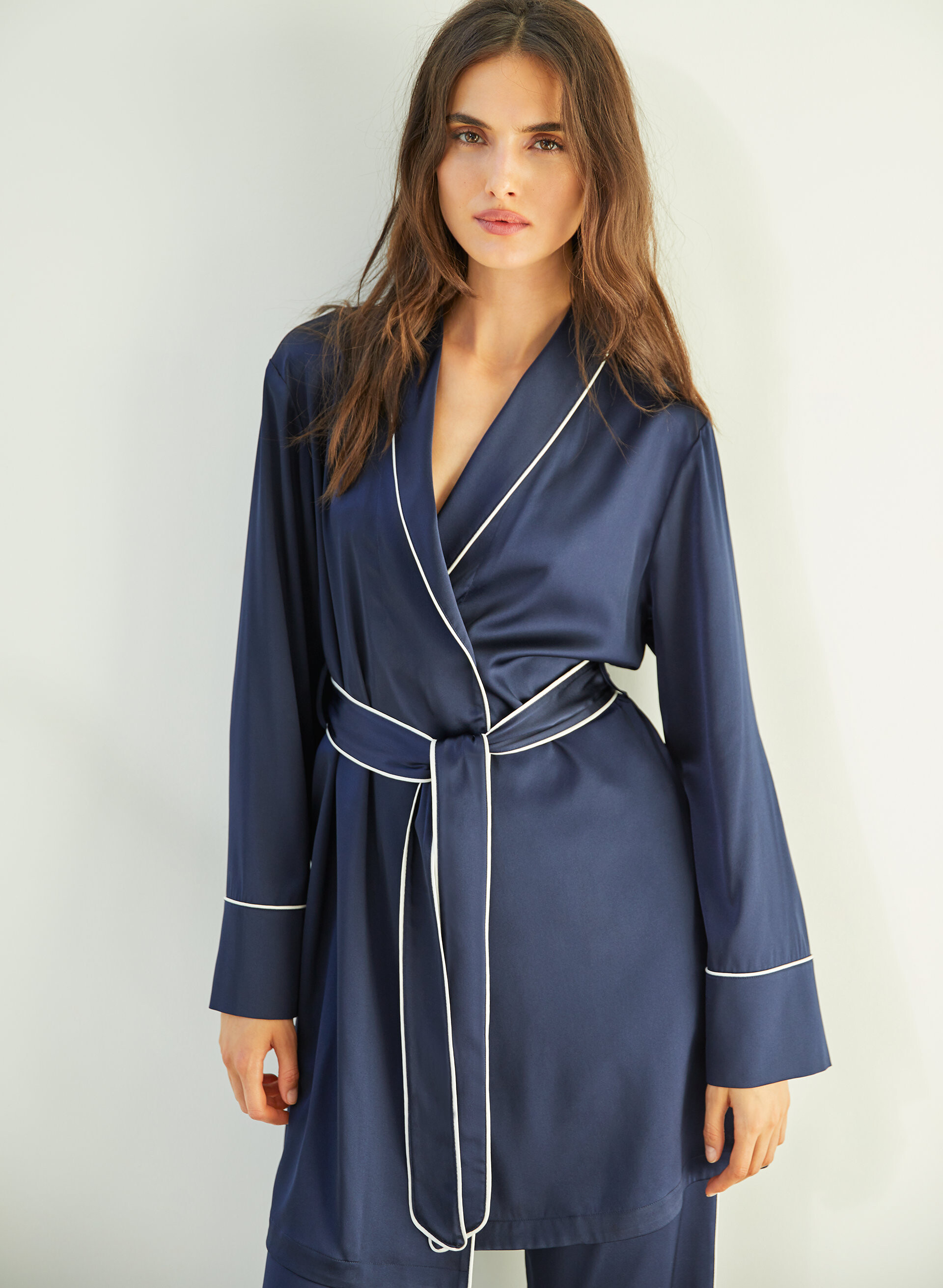
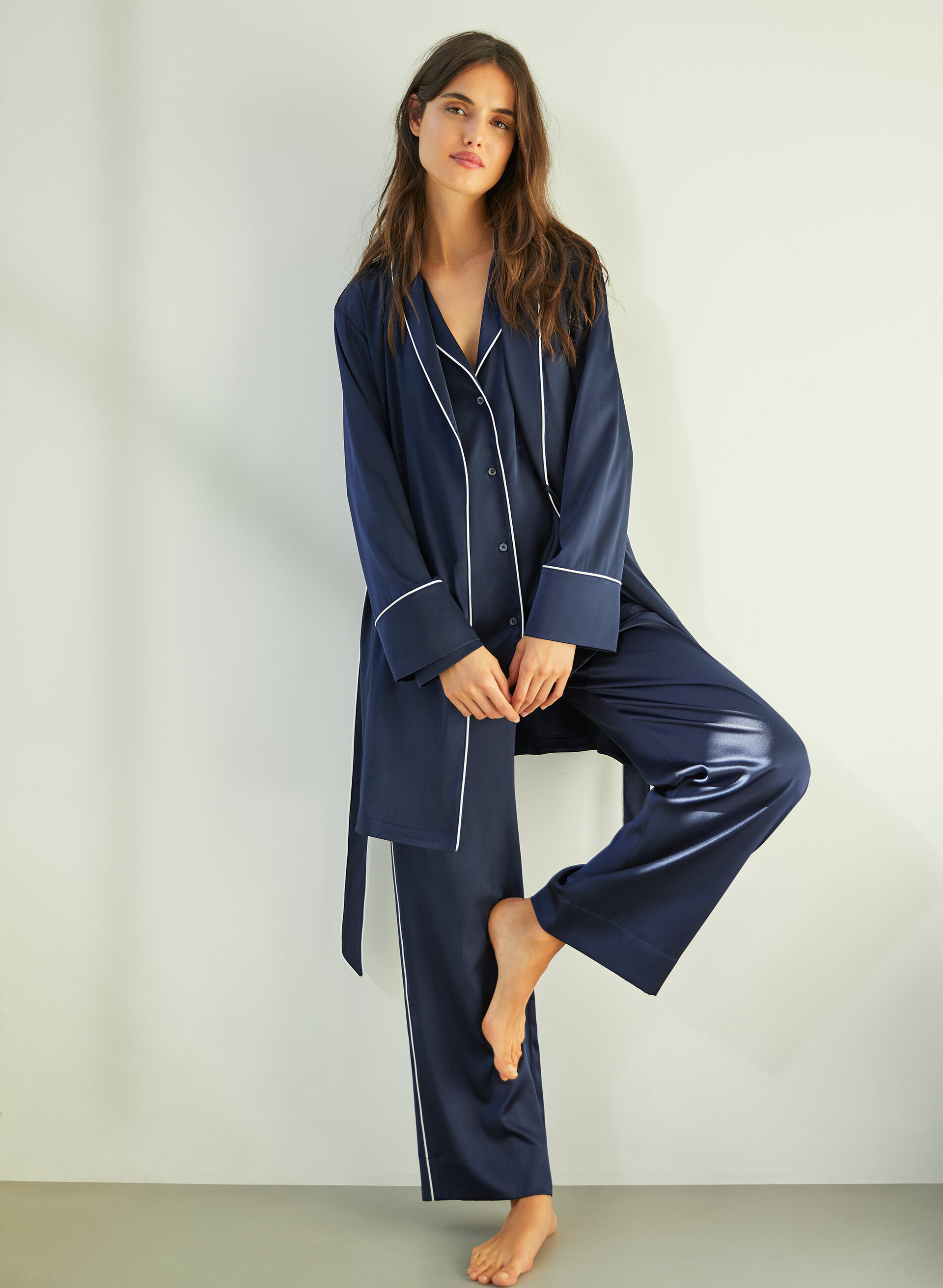
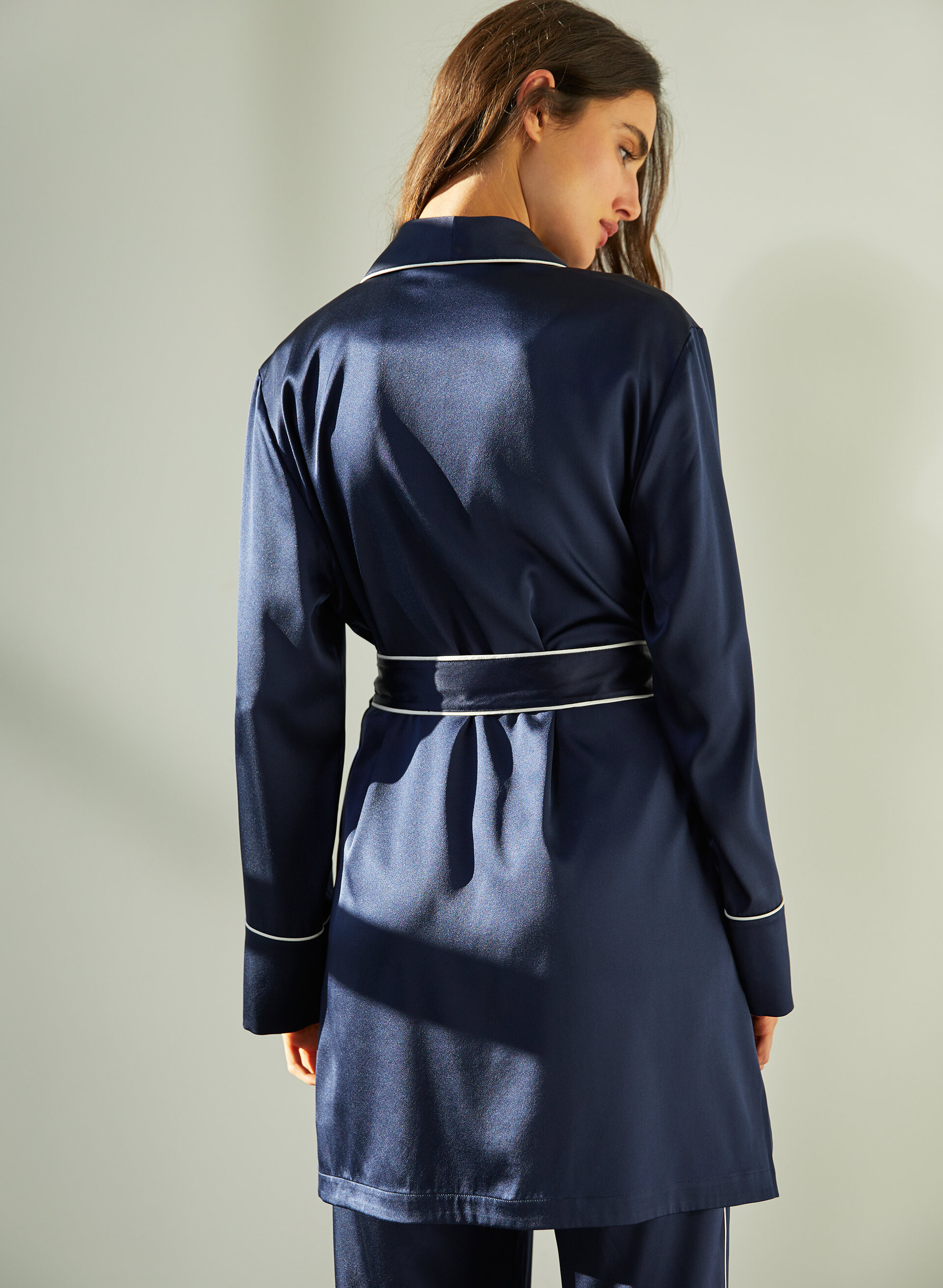
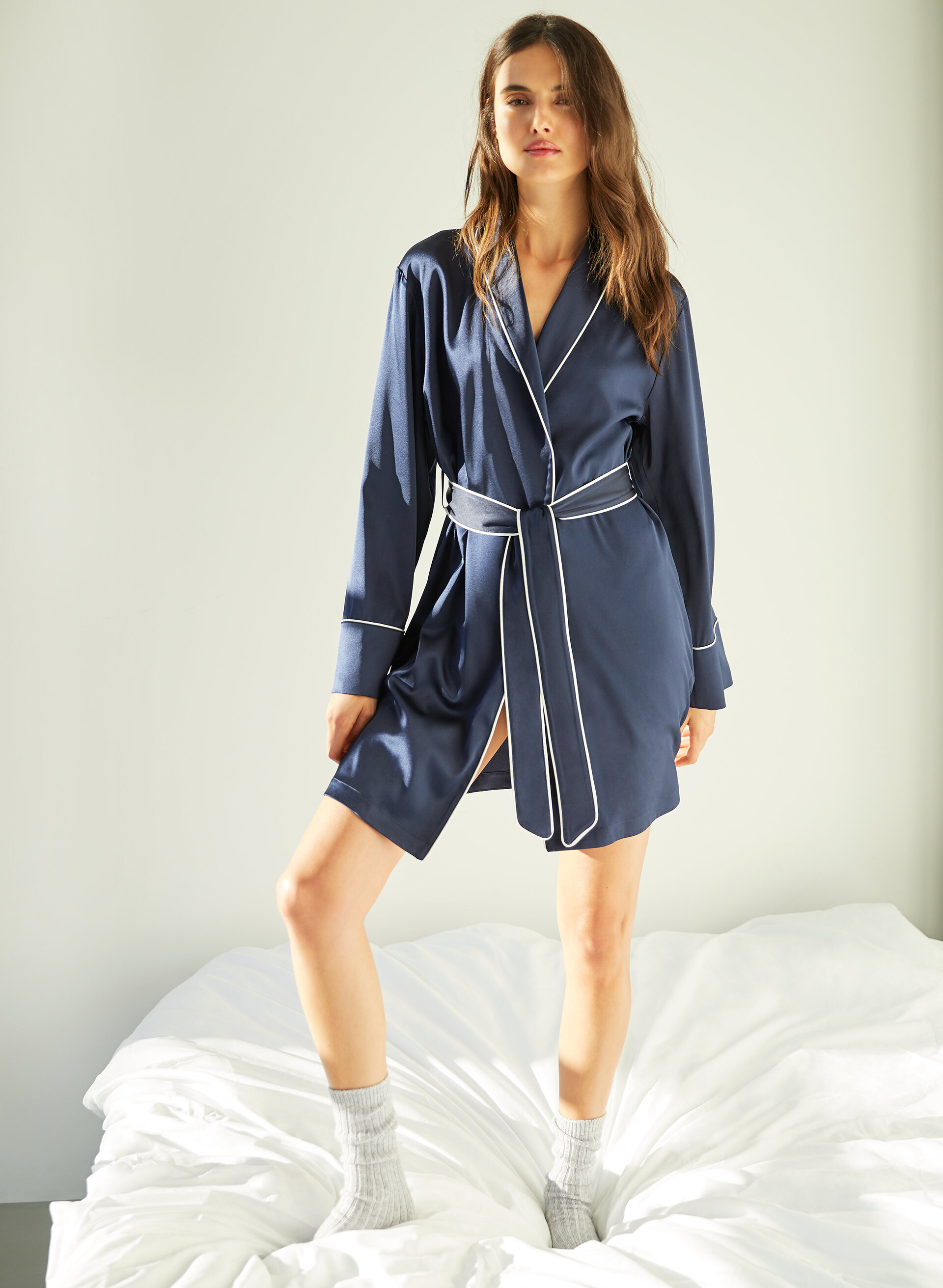
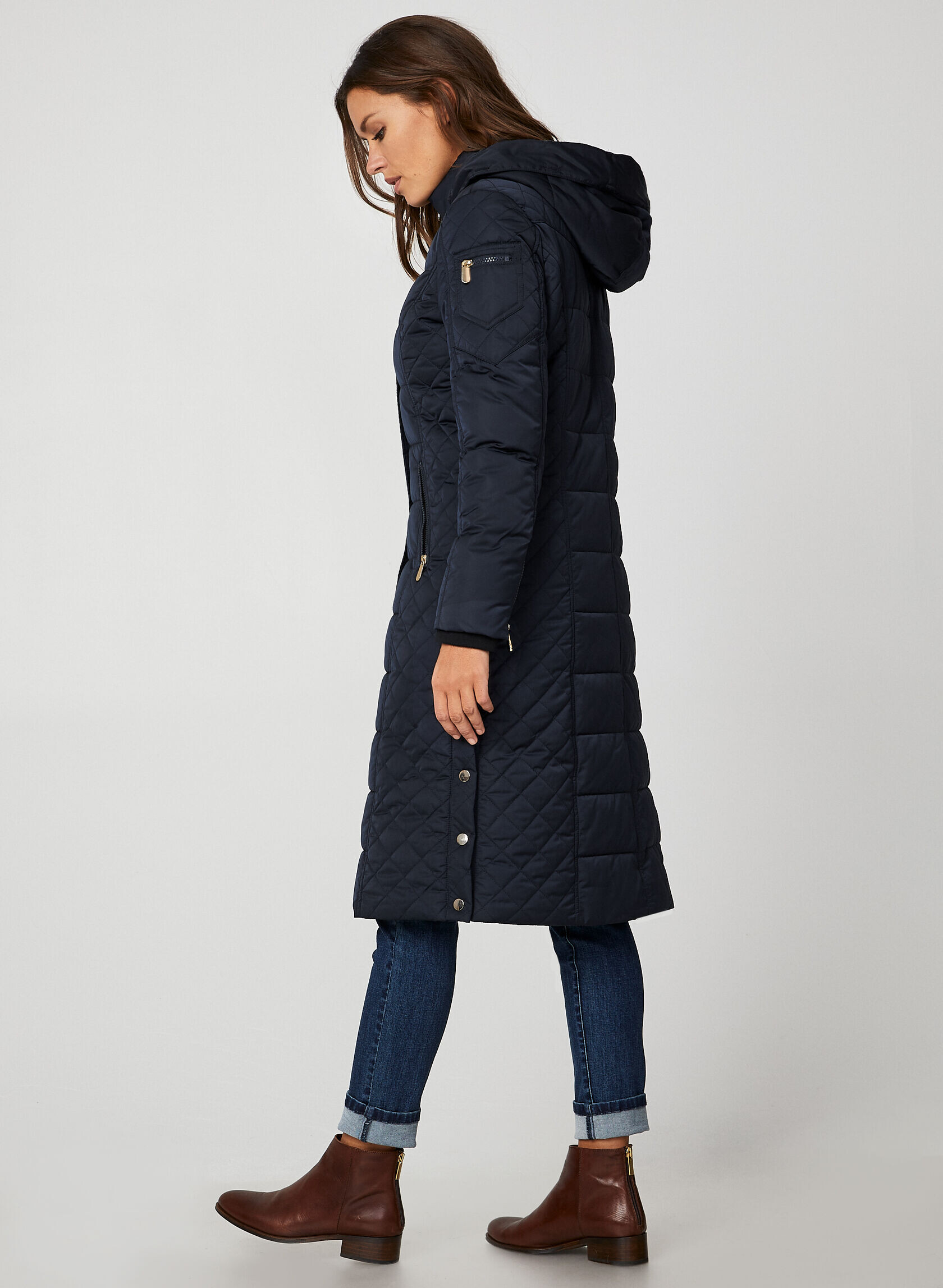
Aritzia - Ten by Babaton December 2019
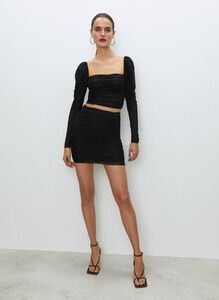
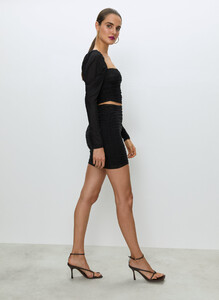
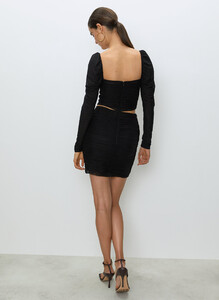
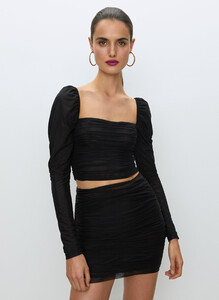
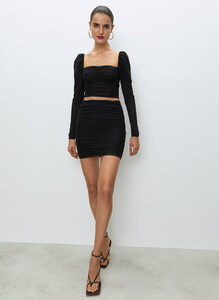
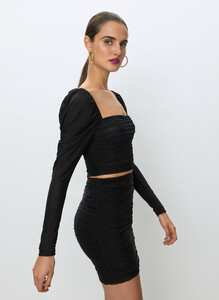

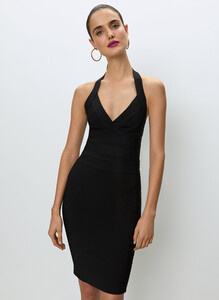
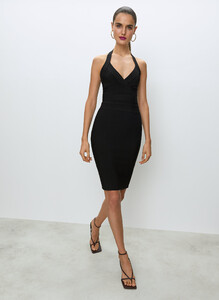
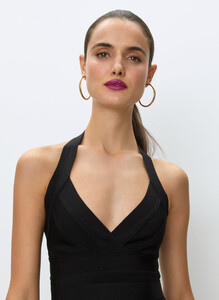
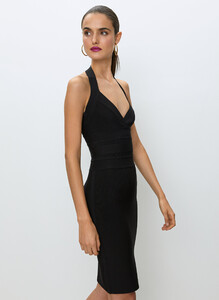
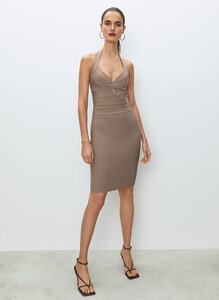
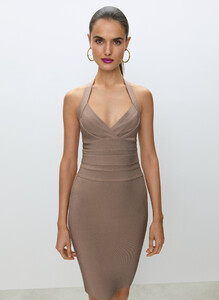
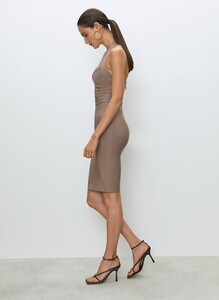
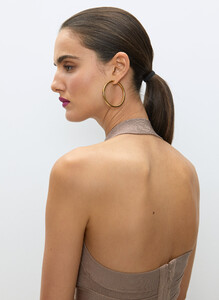
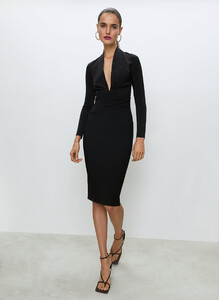

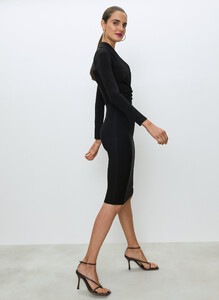
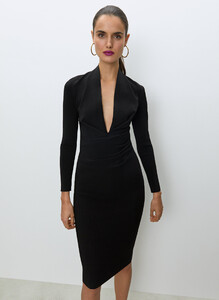
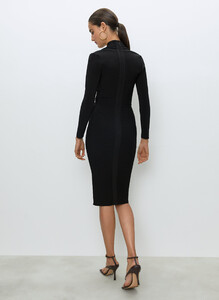
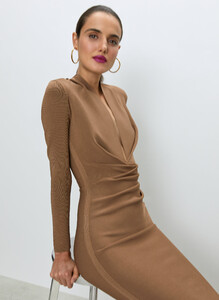
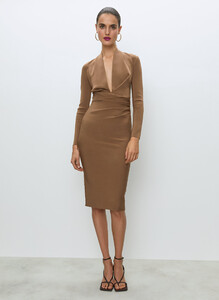
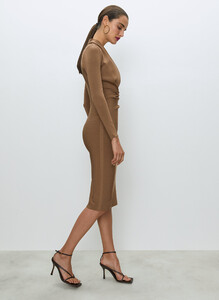
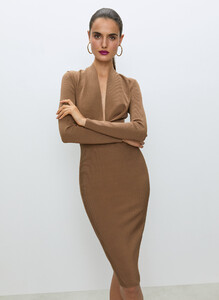


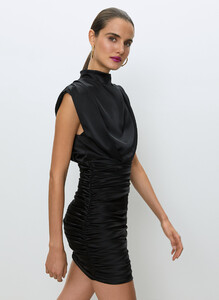
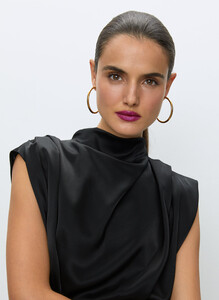

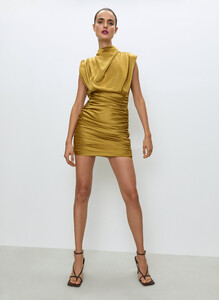
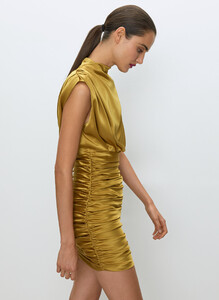
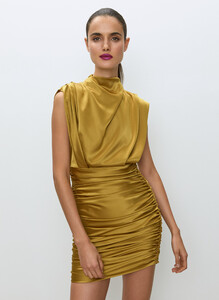
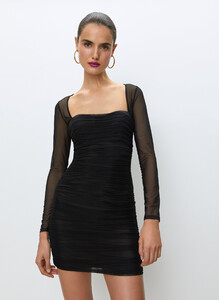
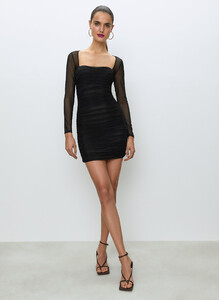
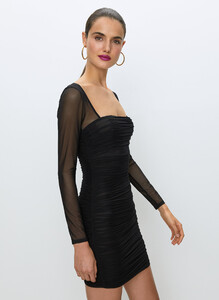
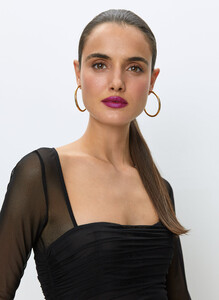
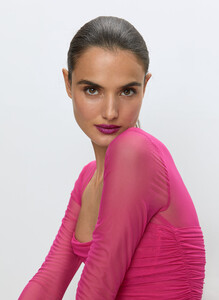
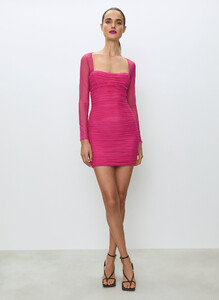
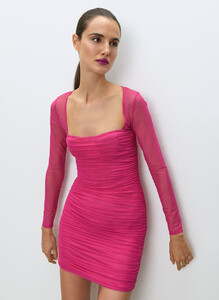
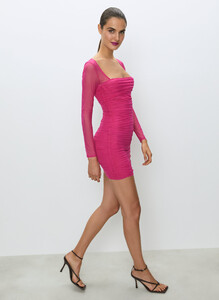
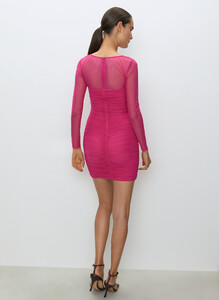

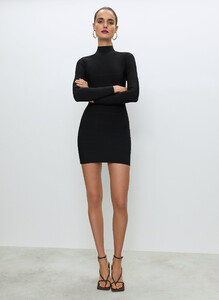
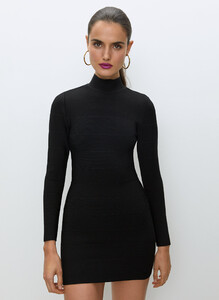
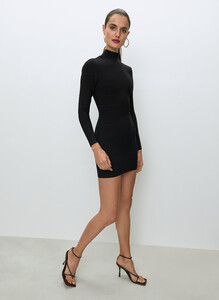
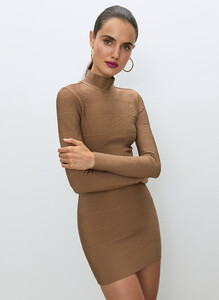
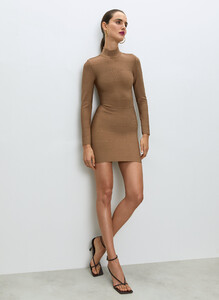
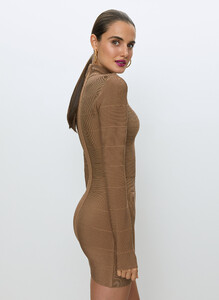

-
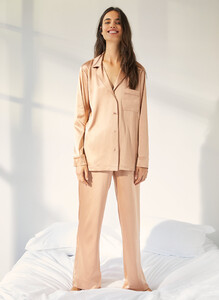
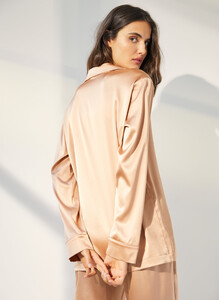
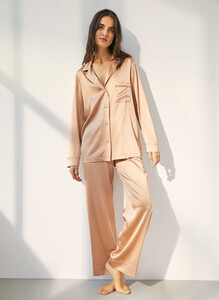
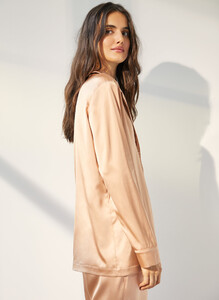
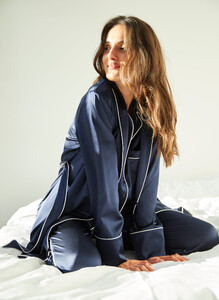
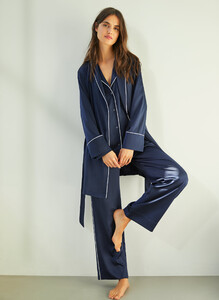
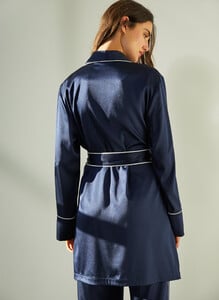
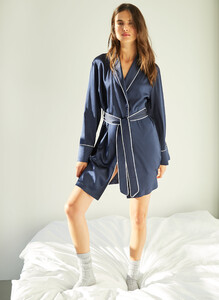
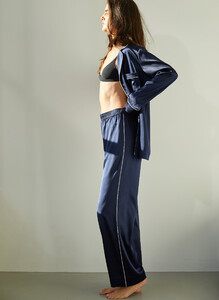
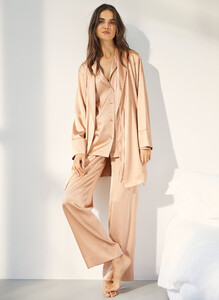
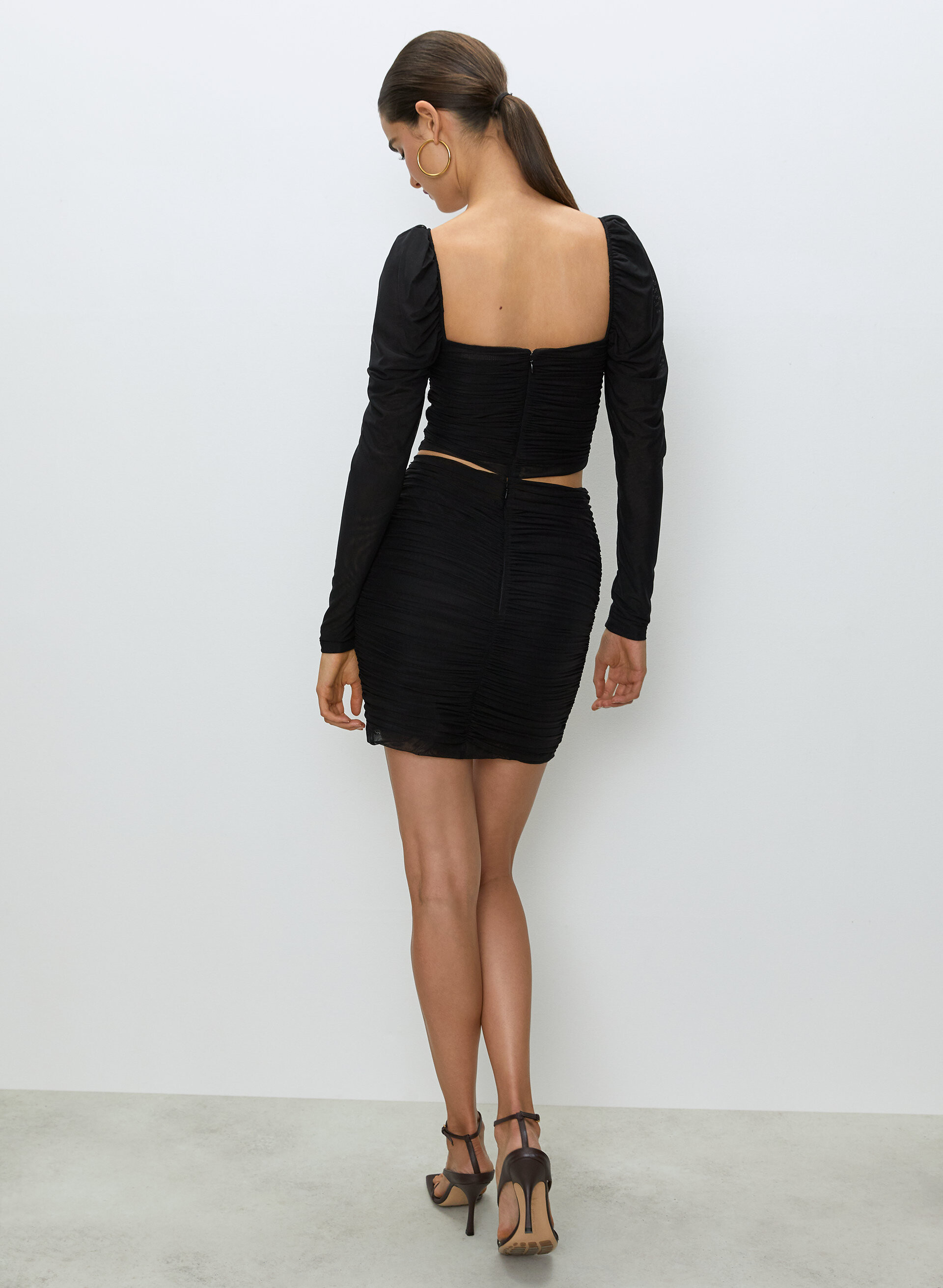
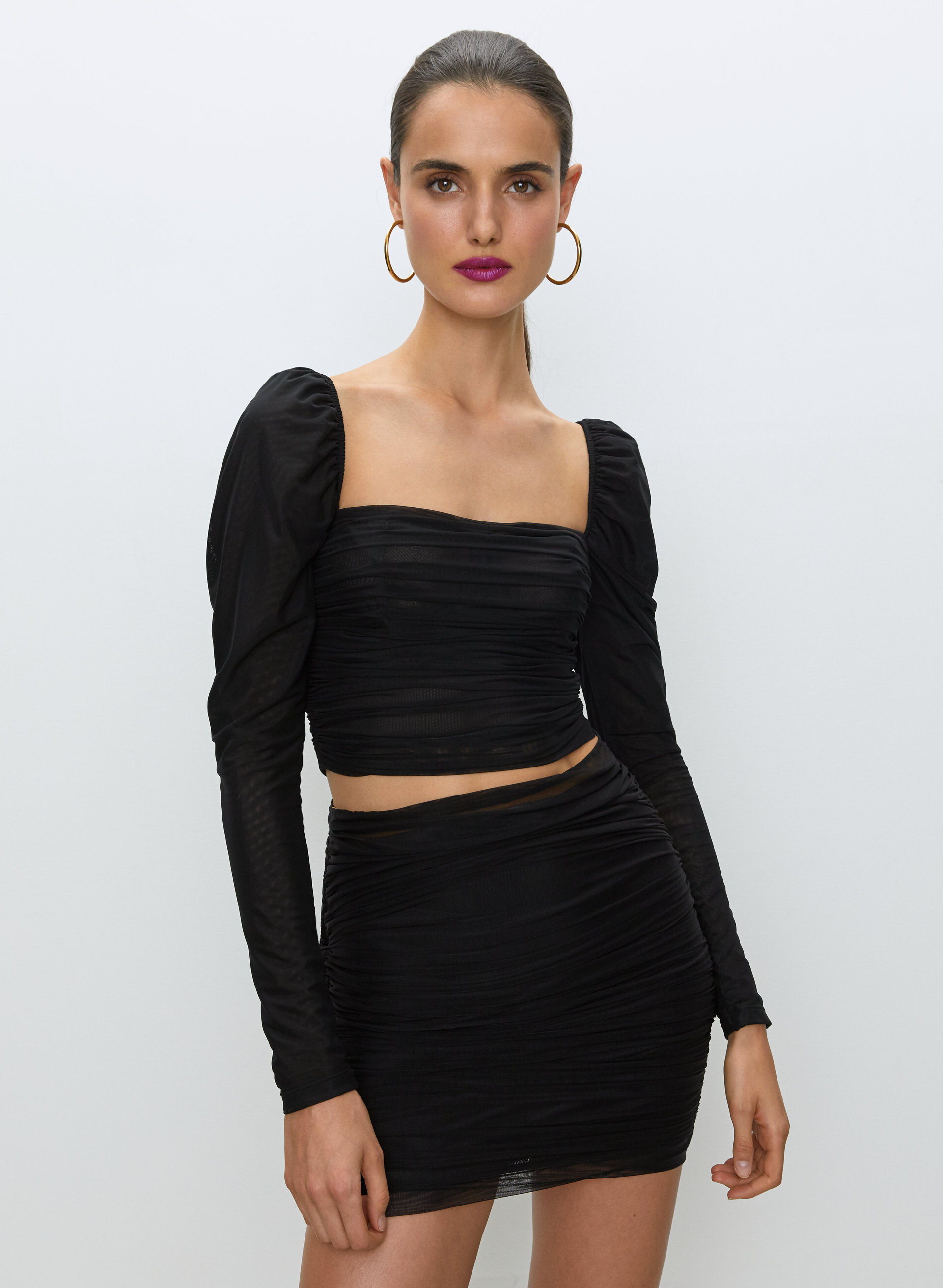
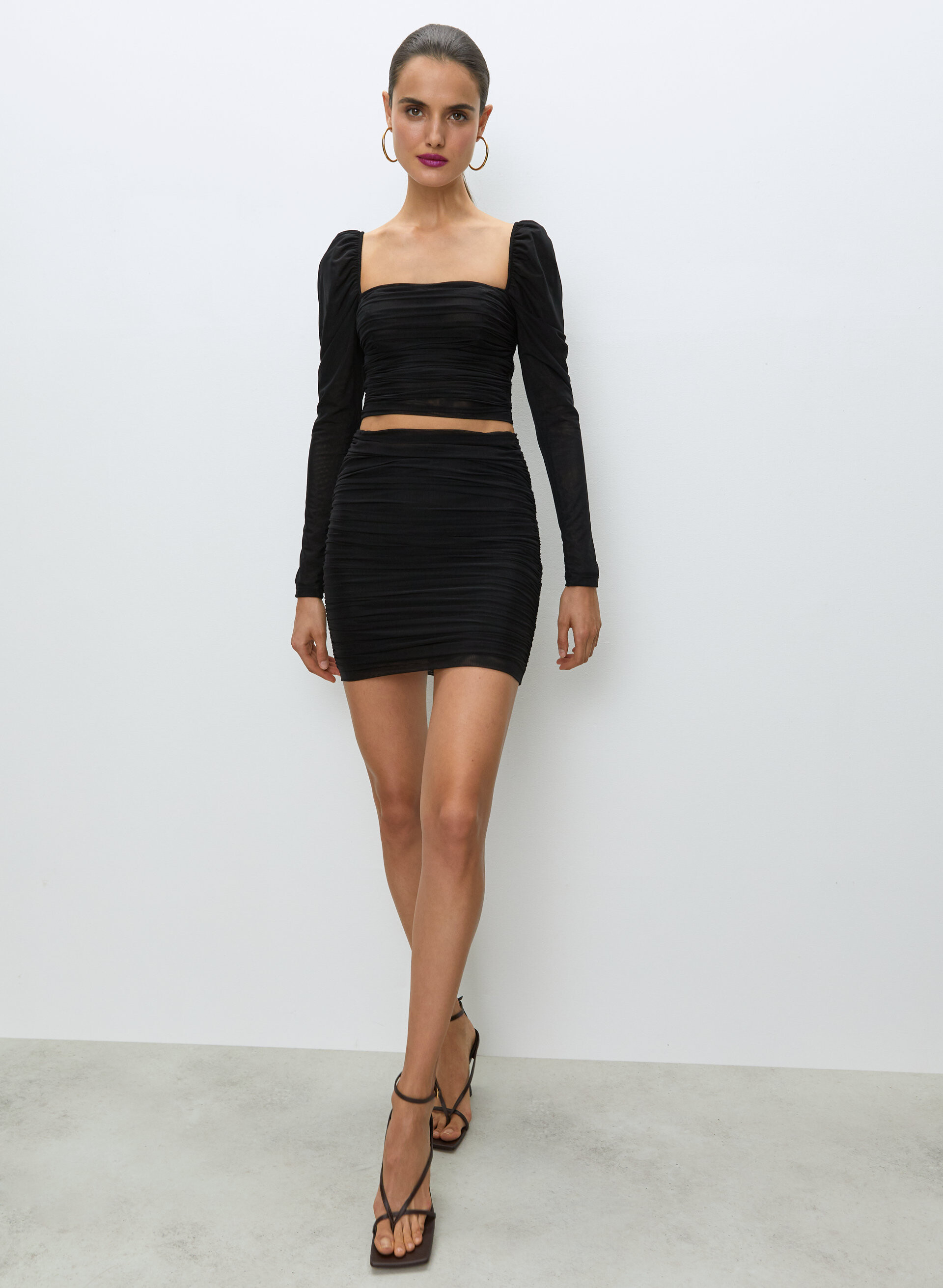
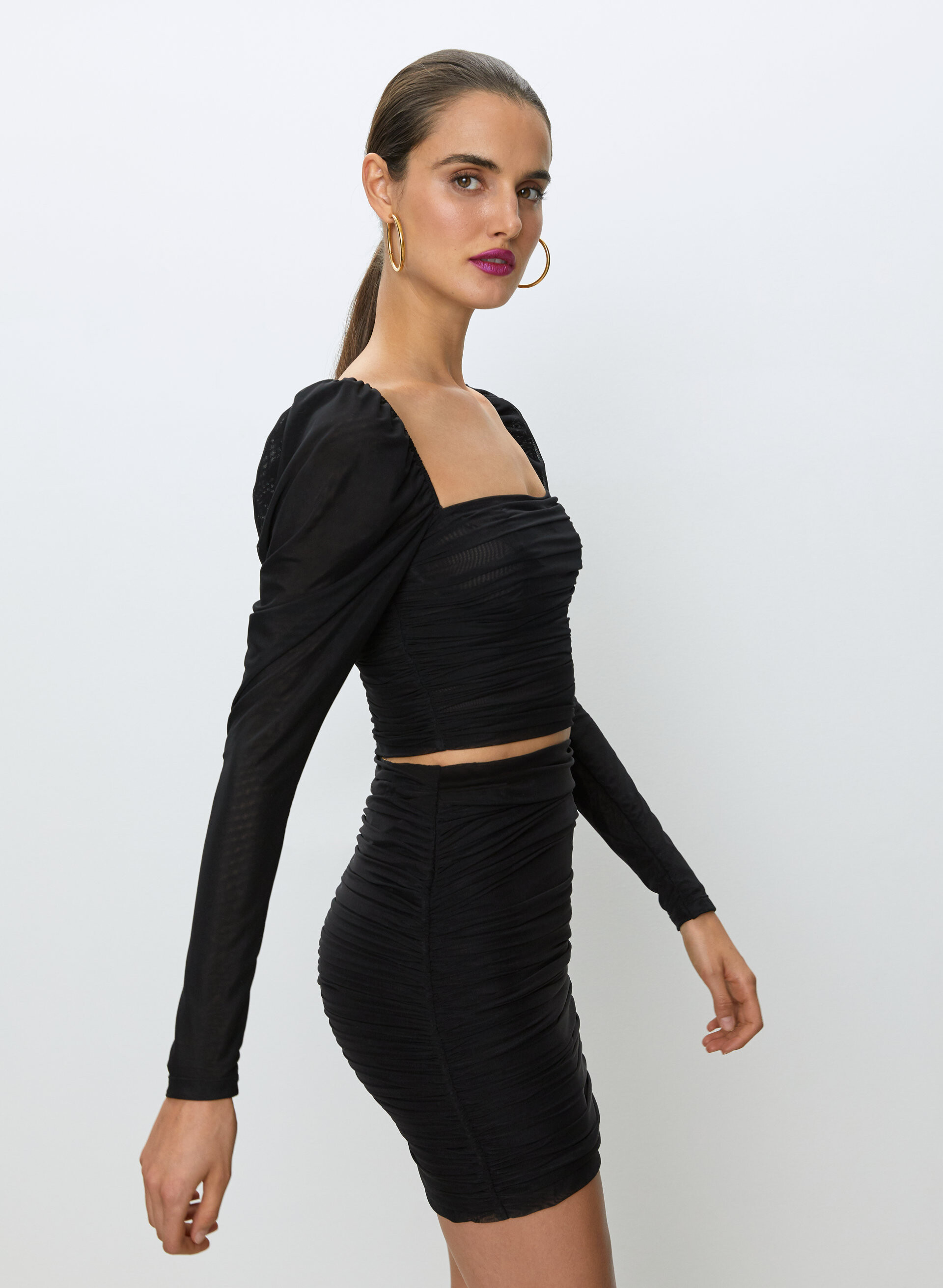
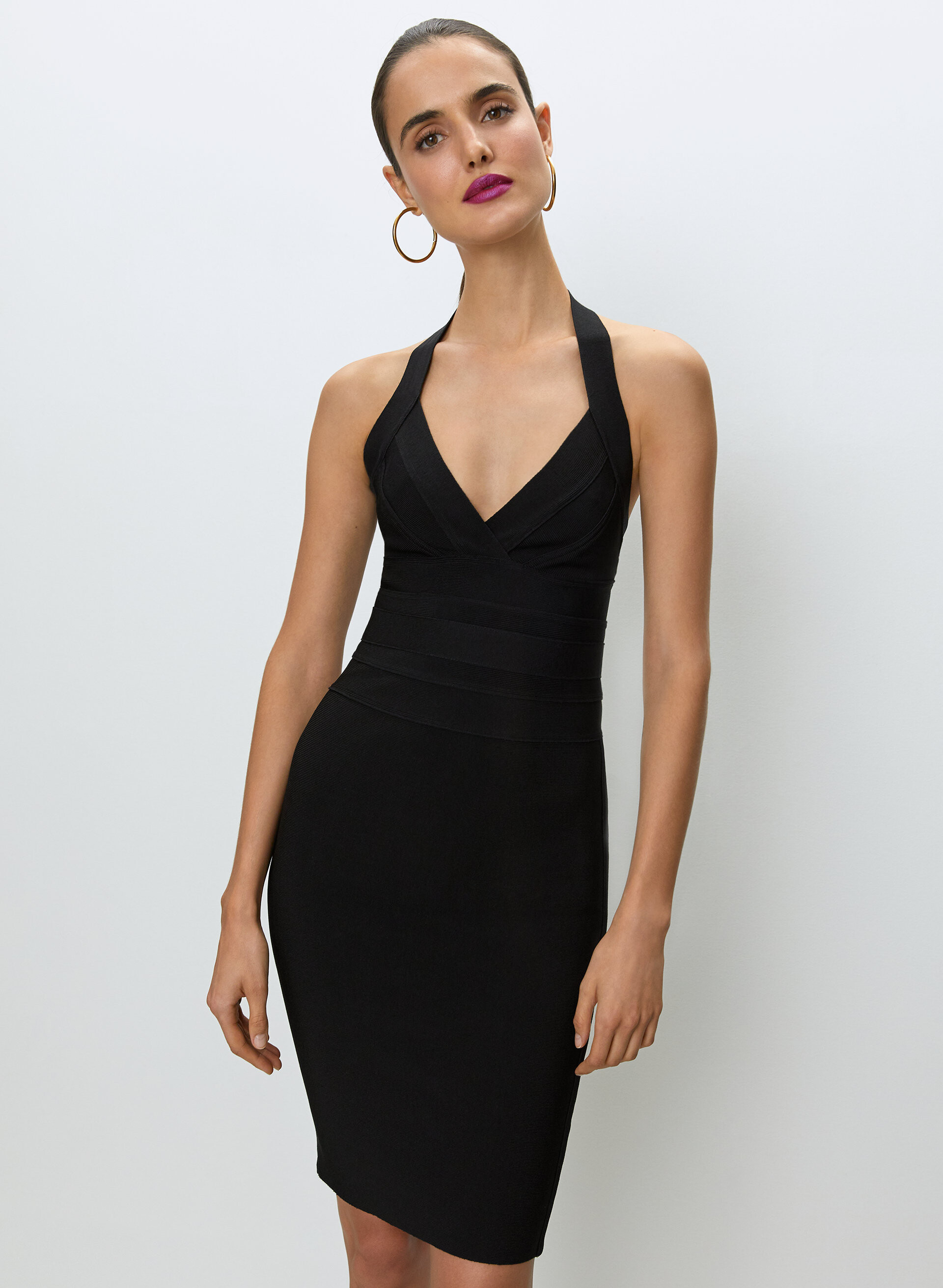
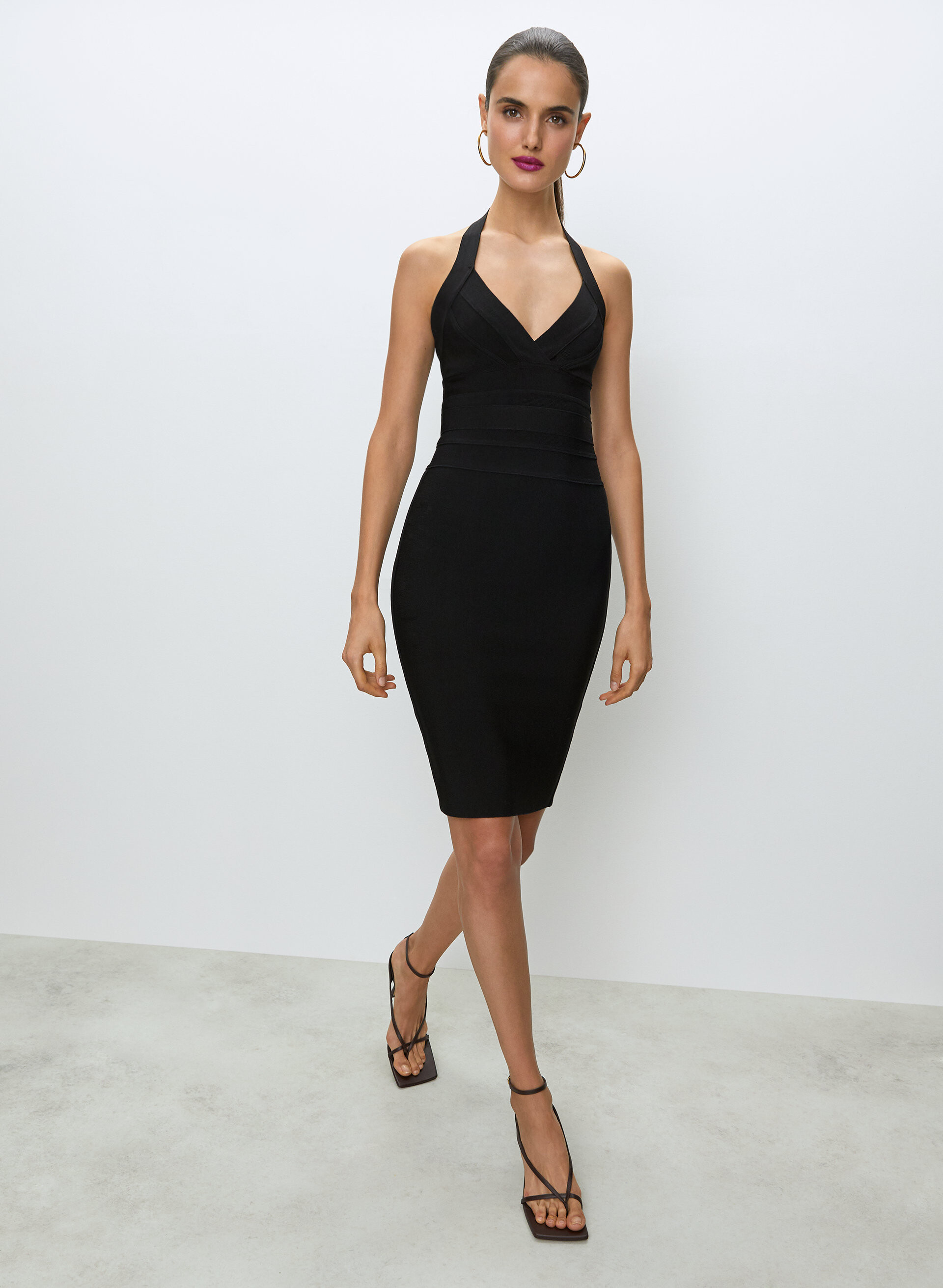
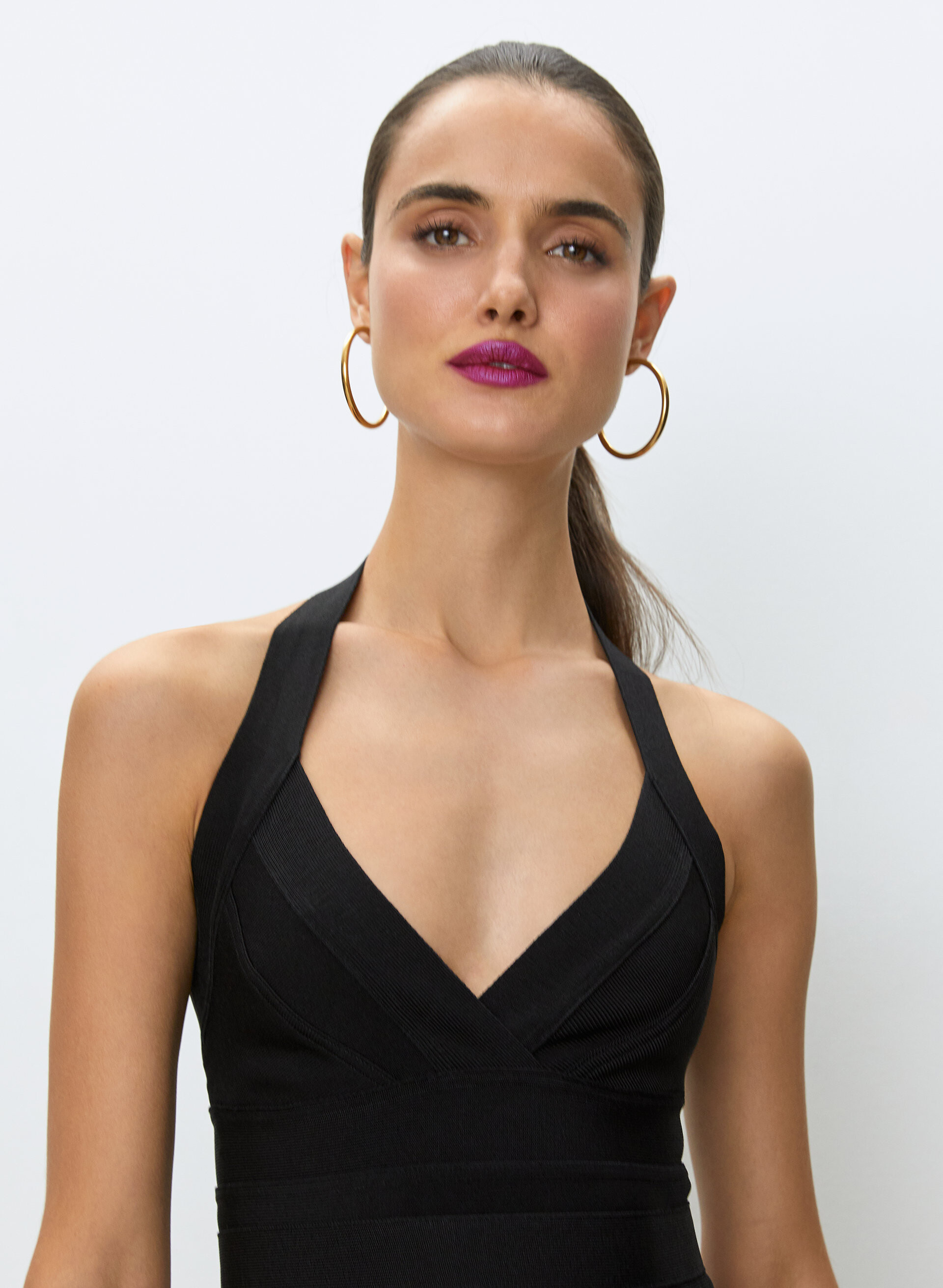
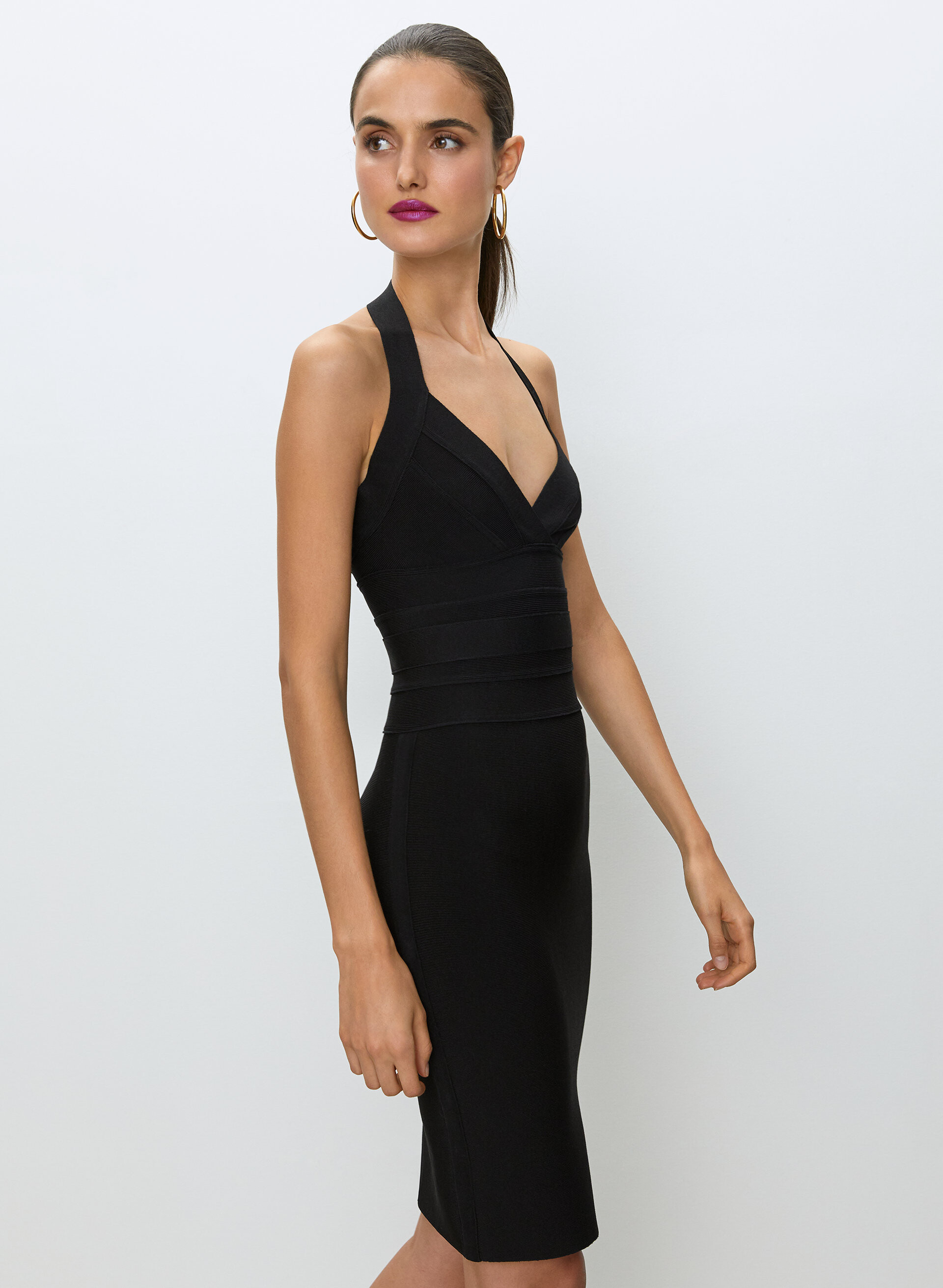
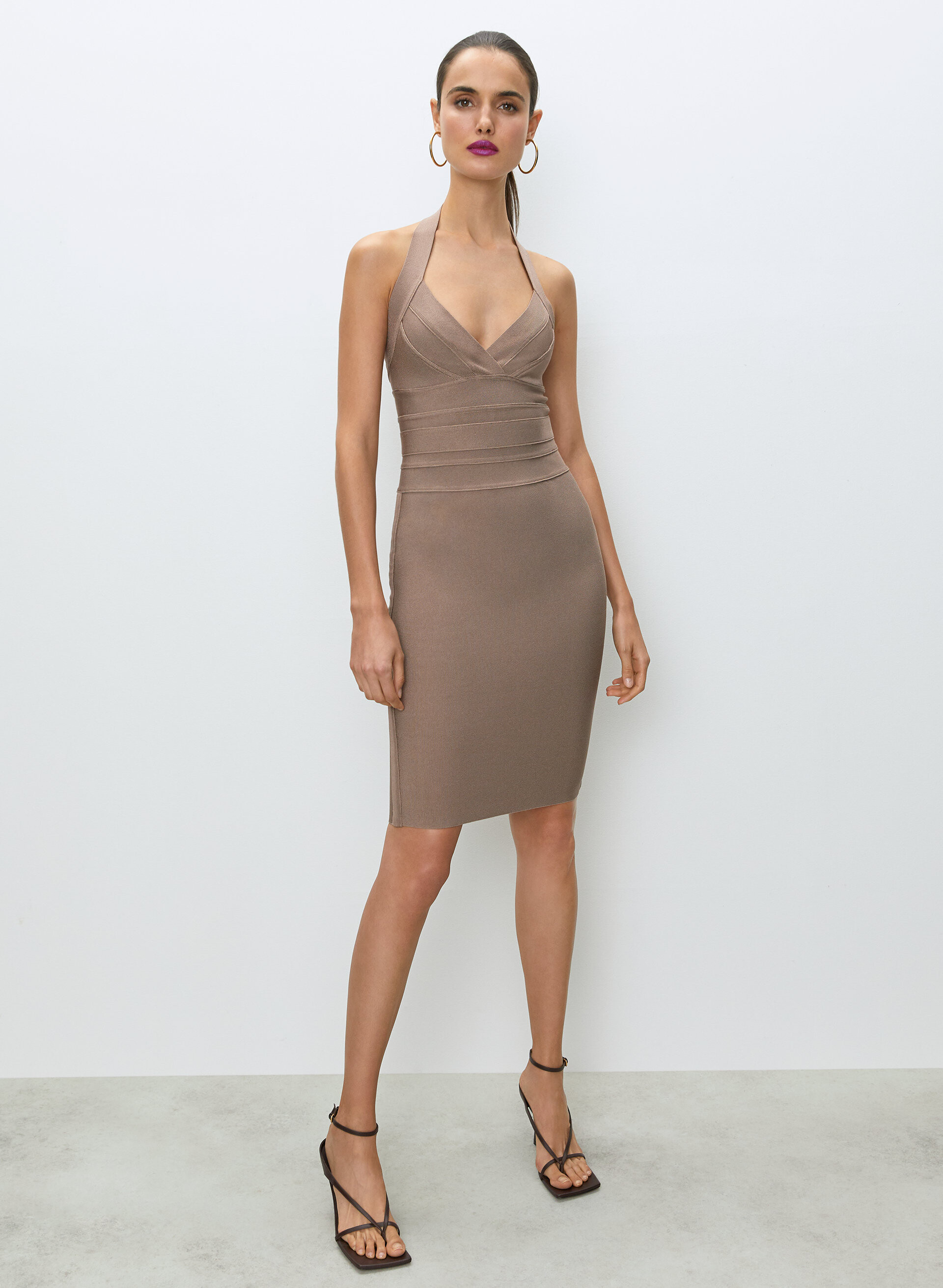
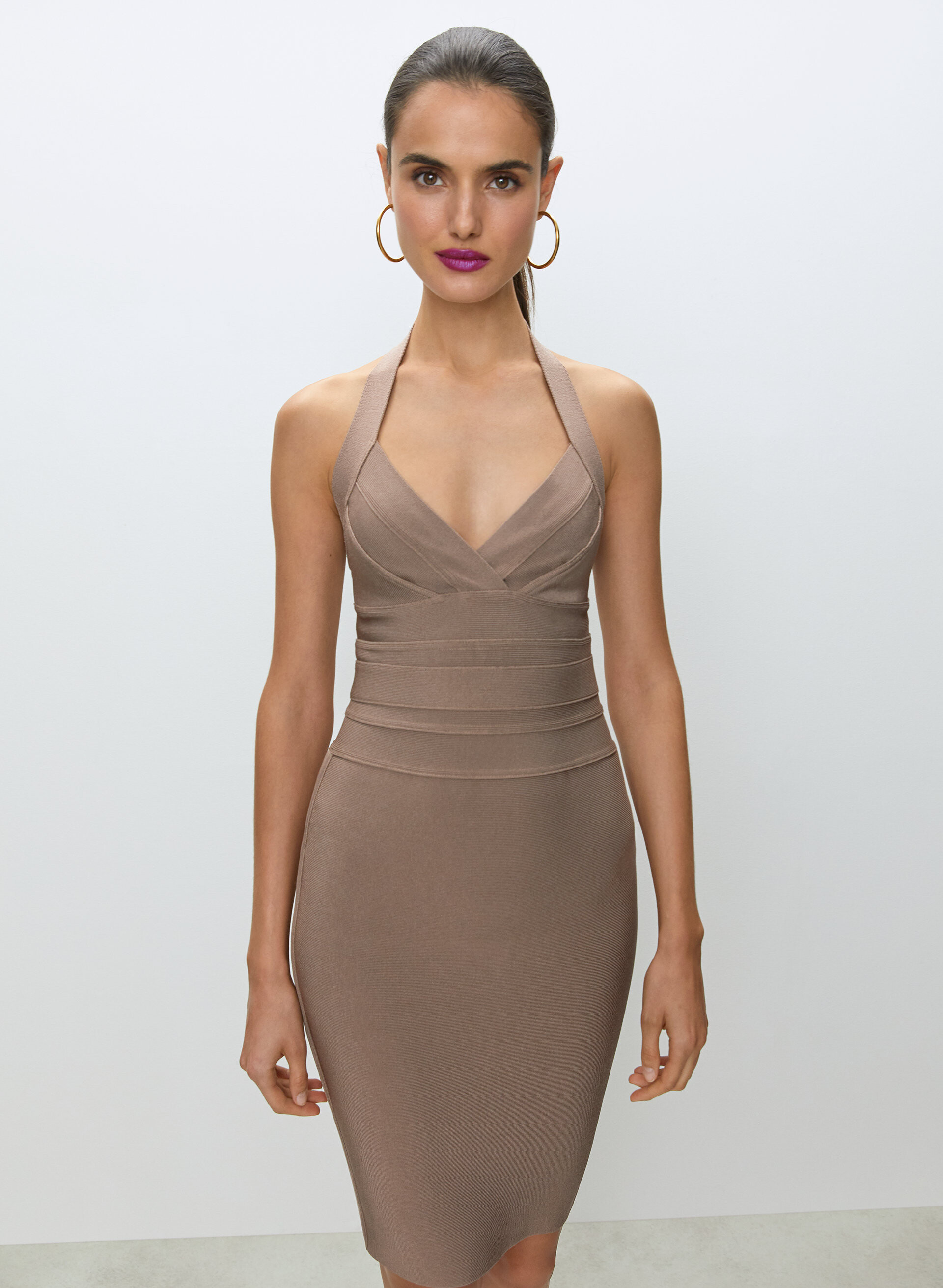
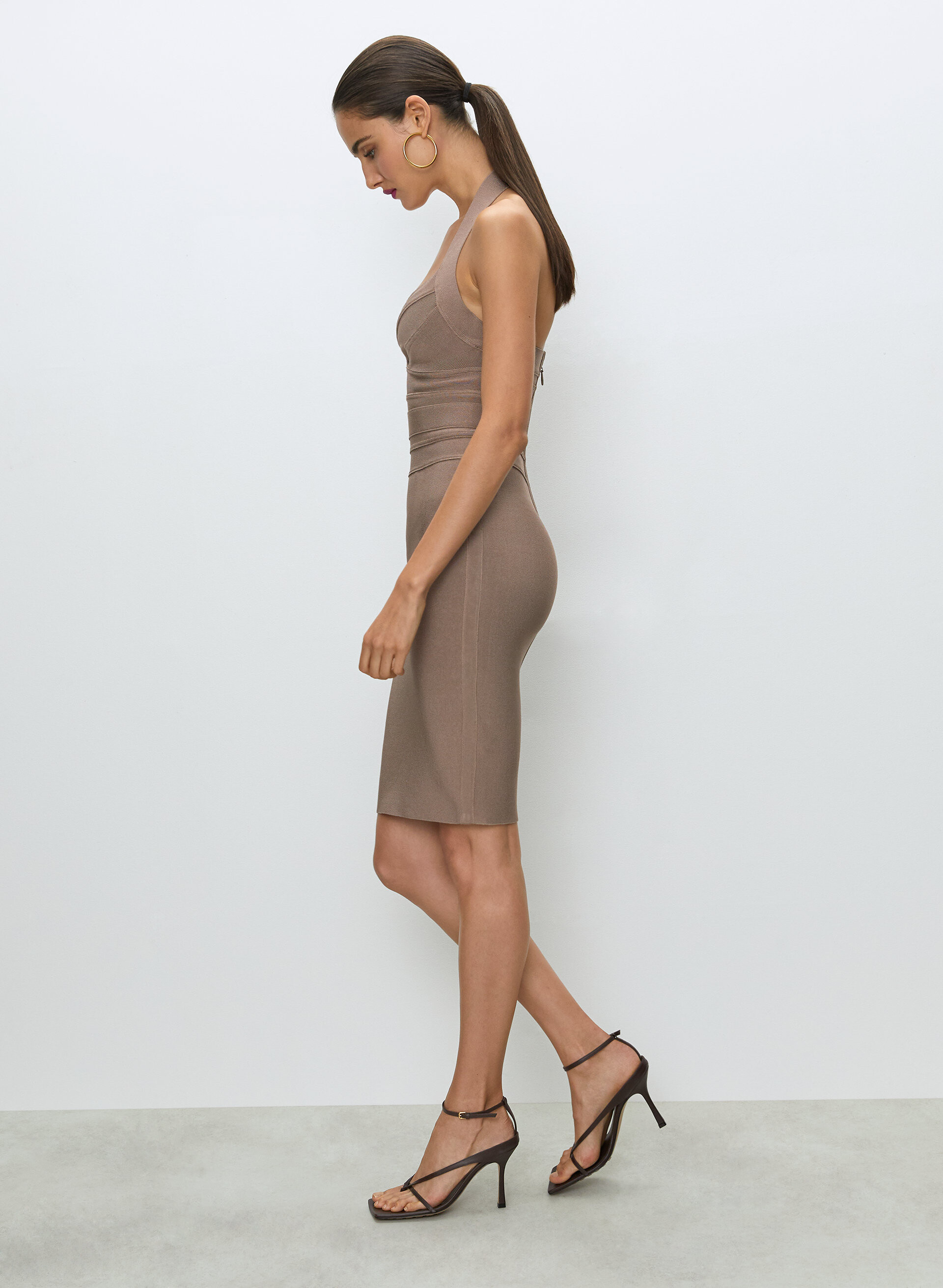
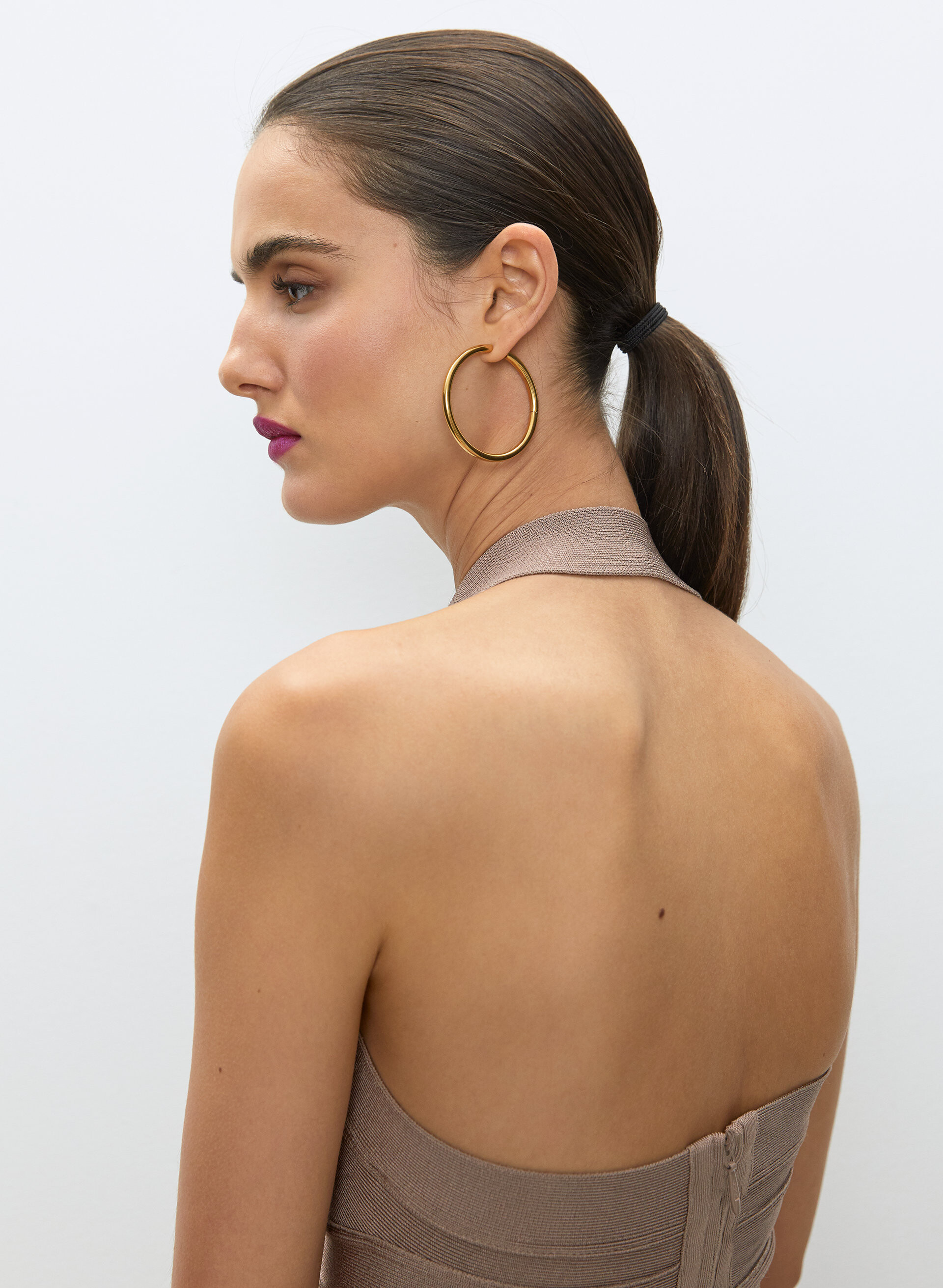
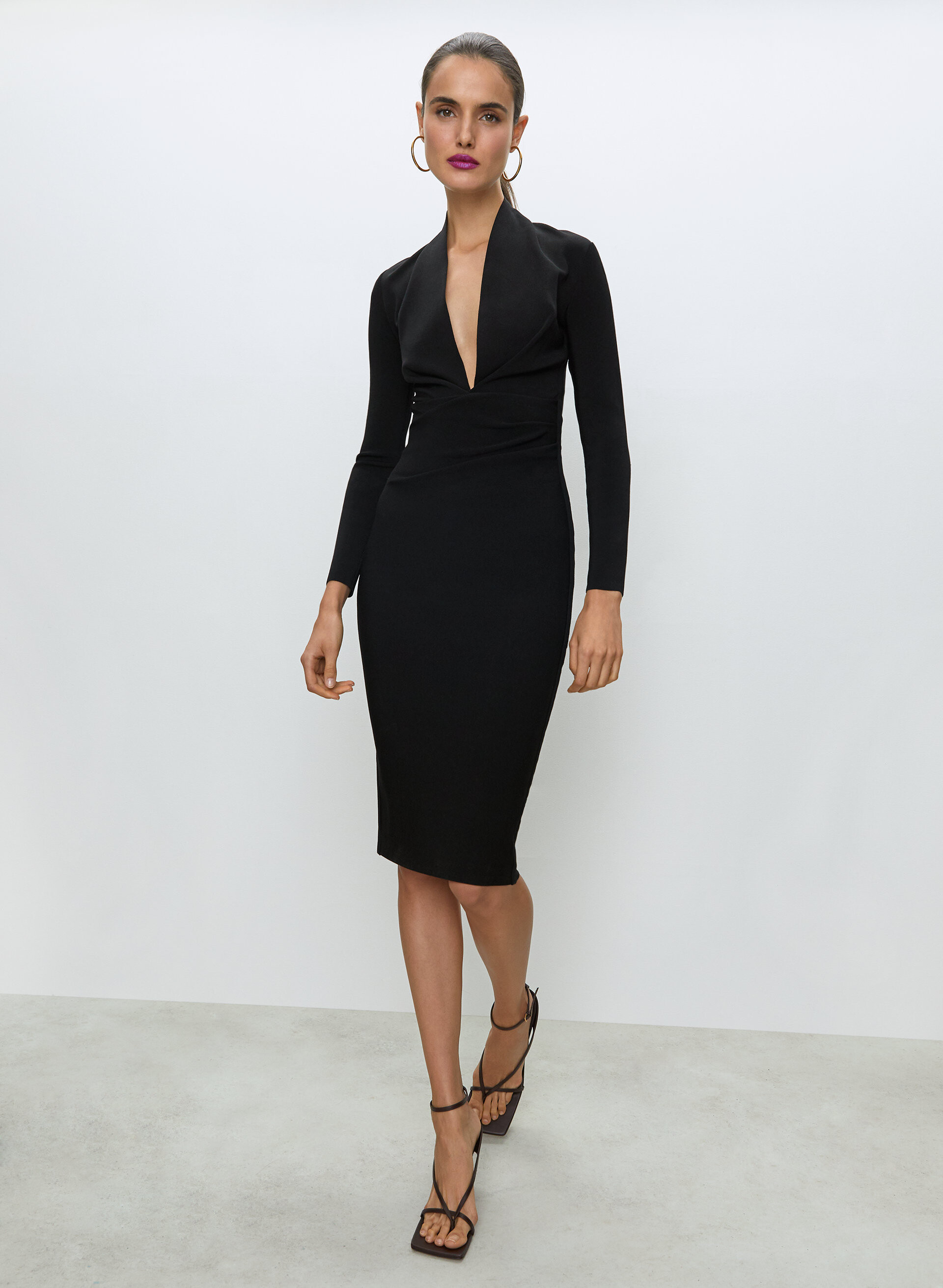
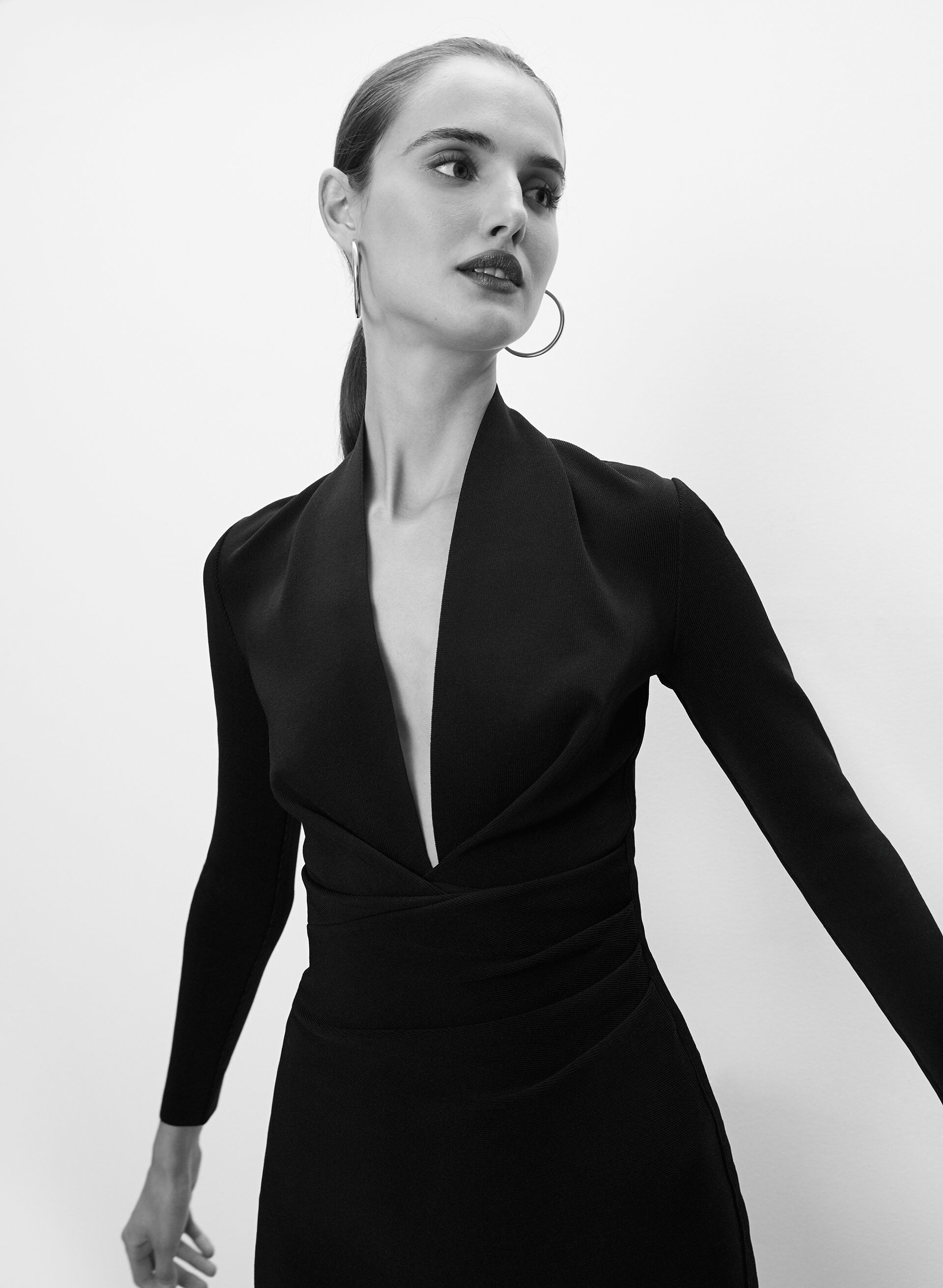
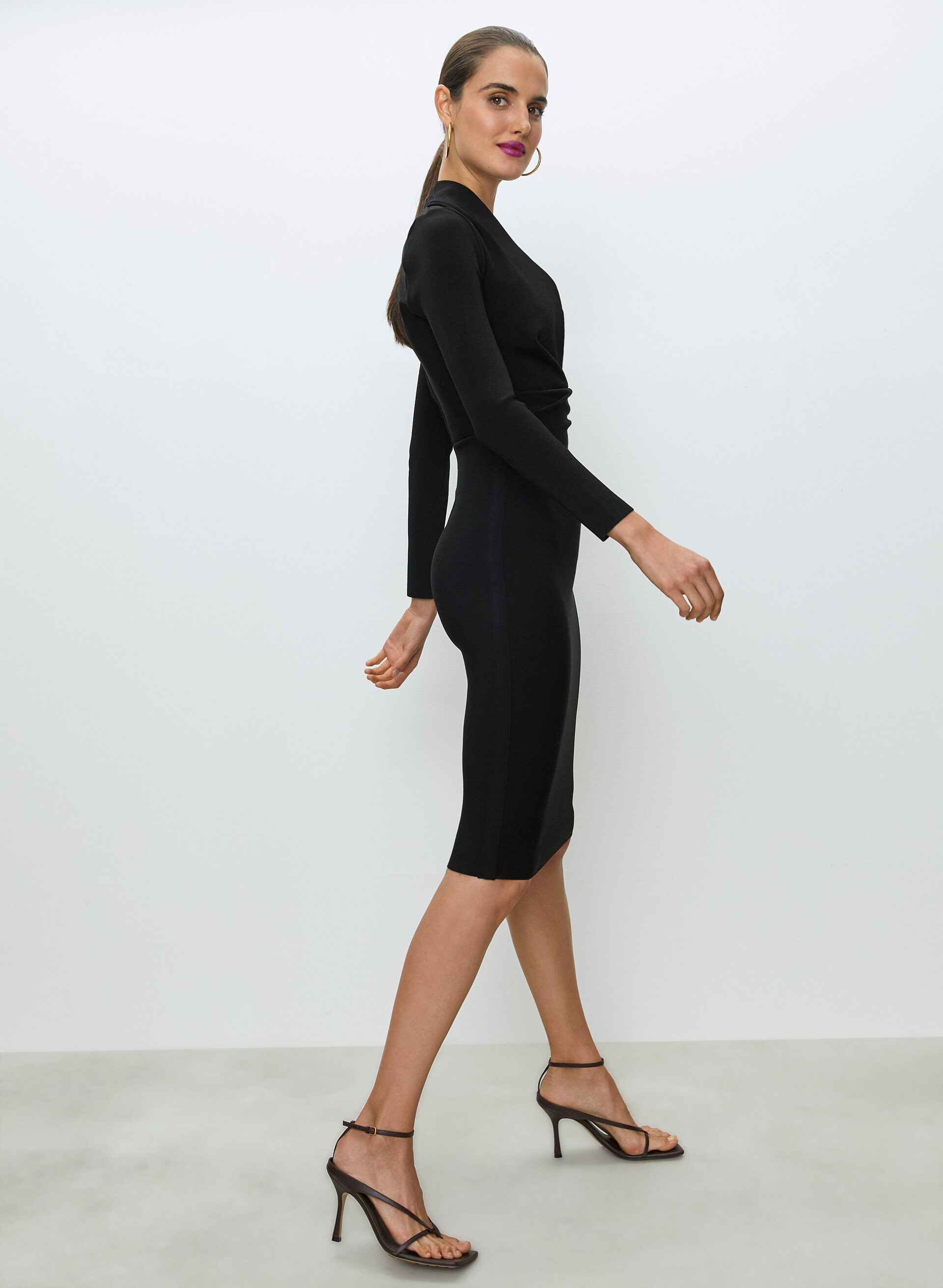
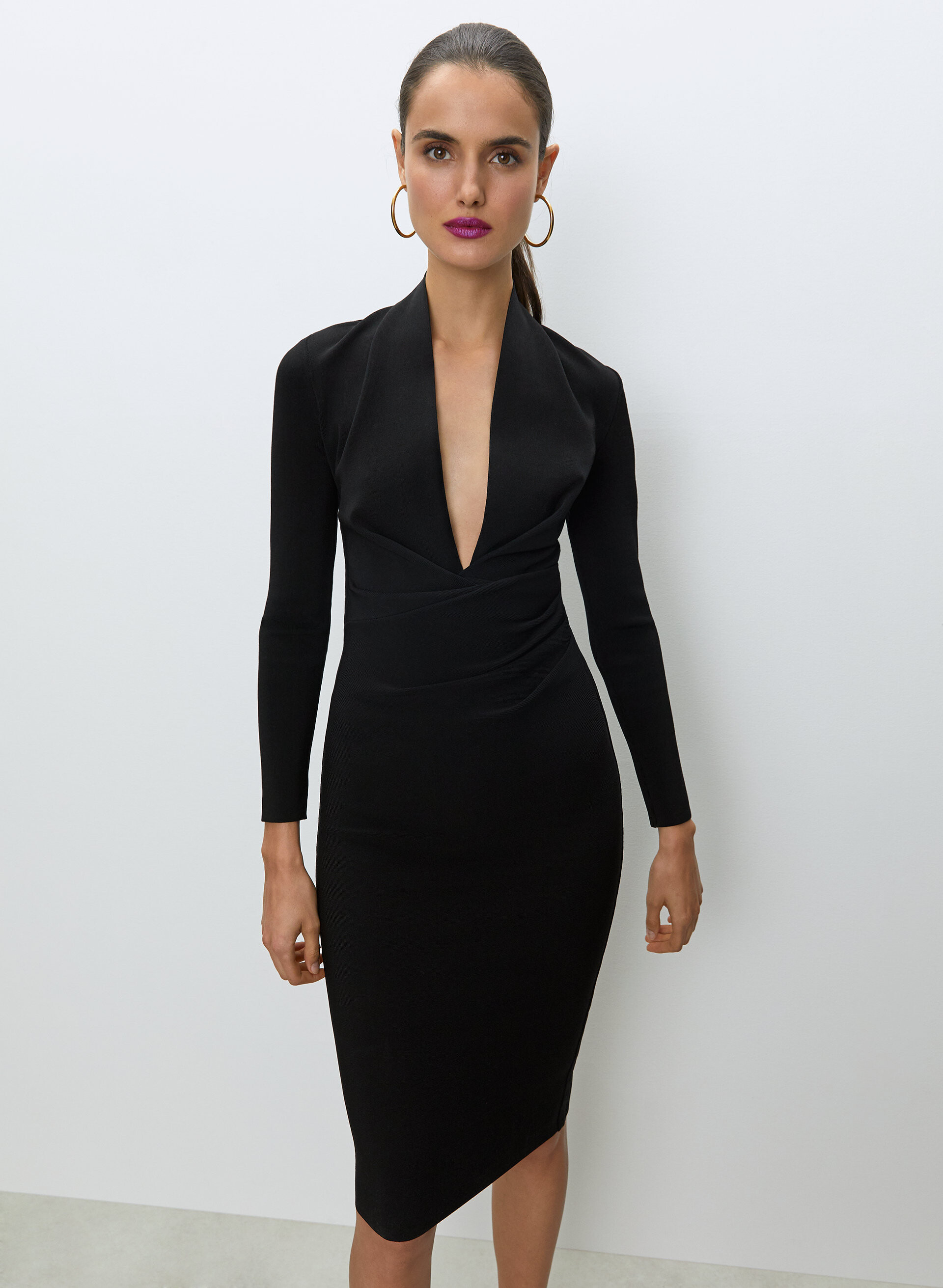
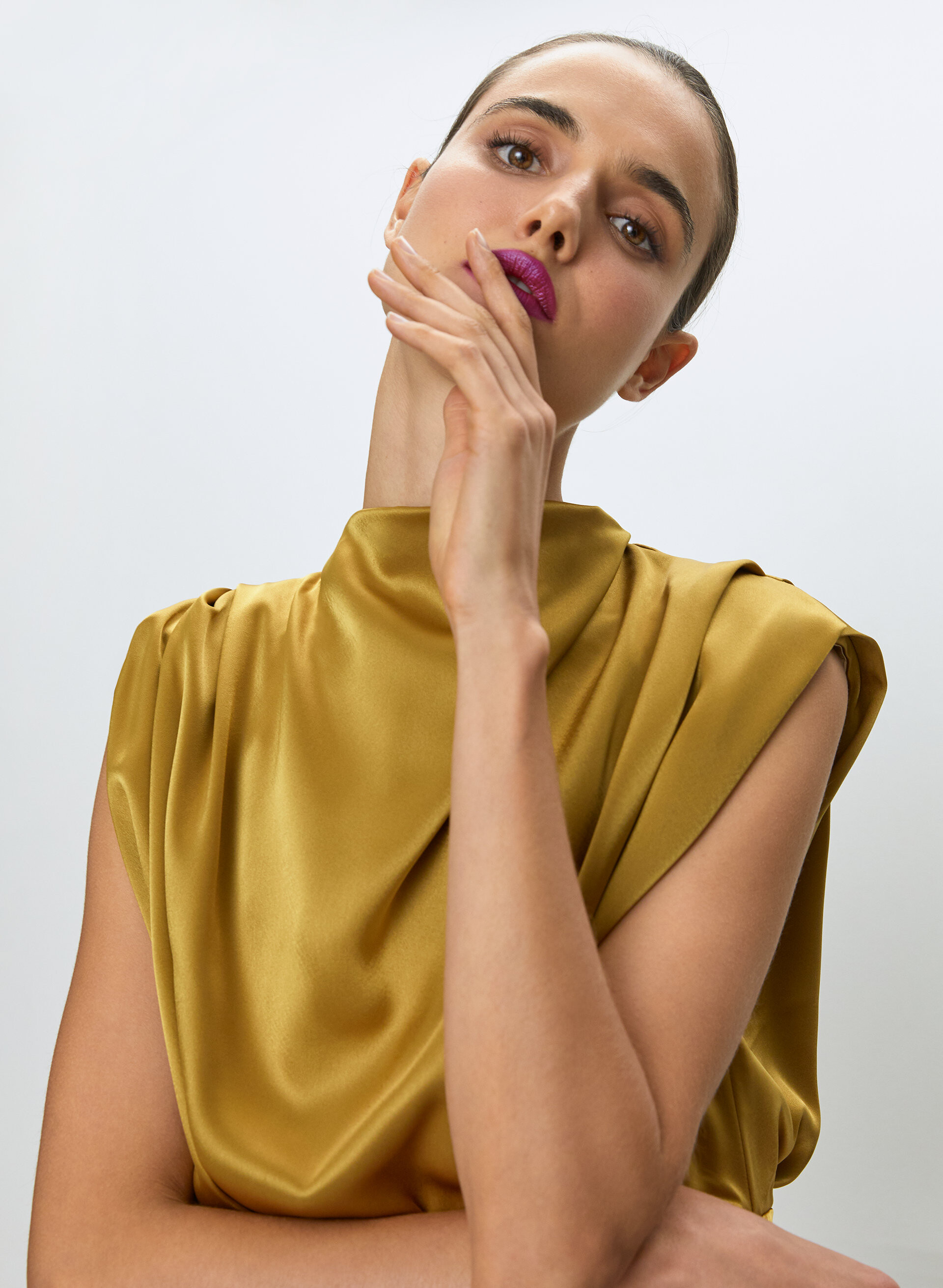
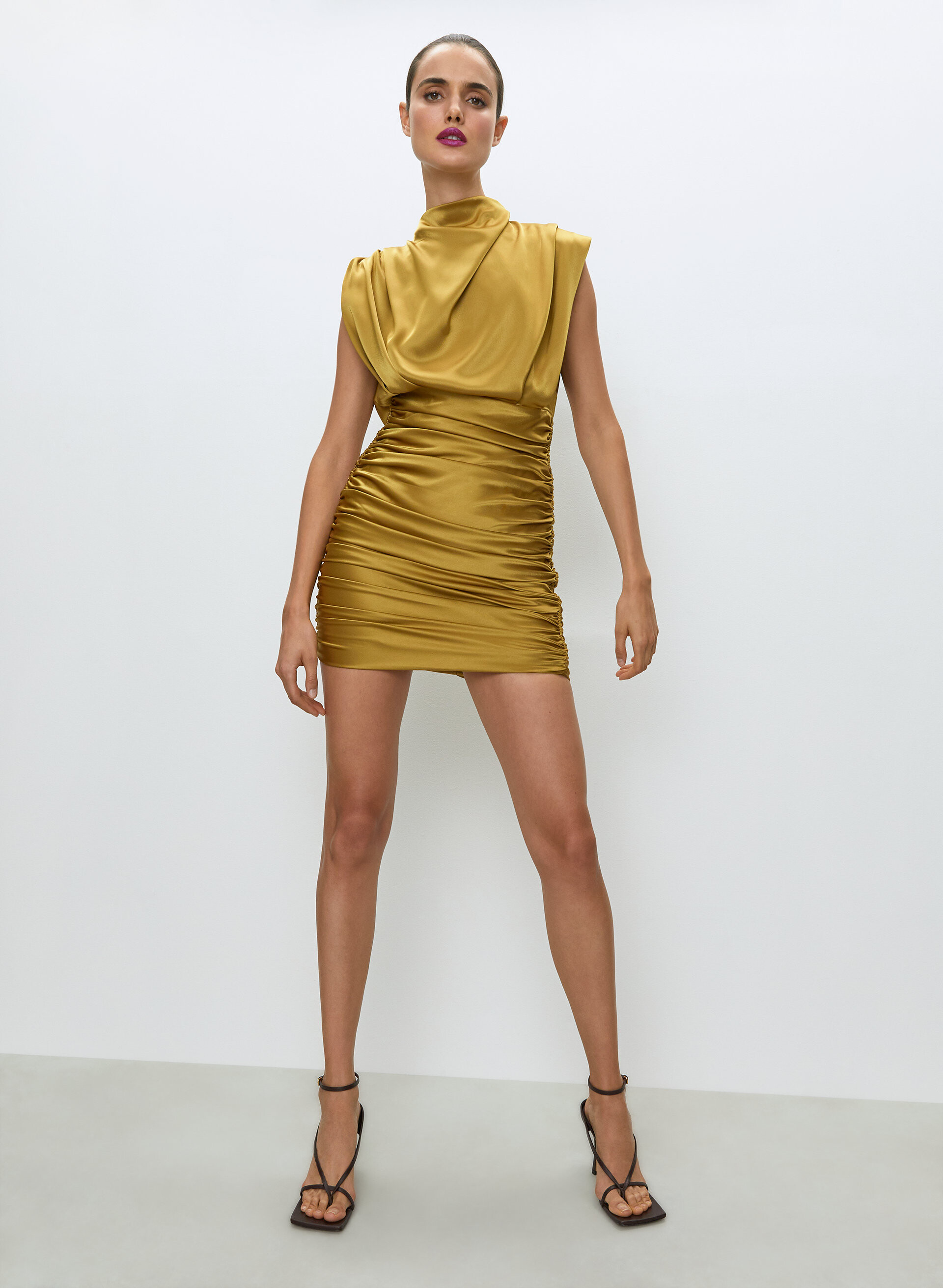
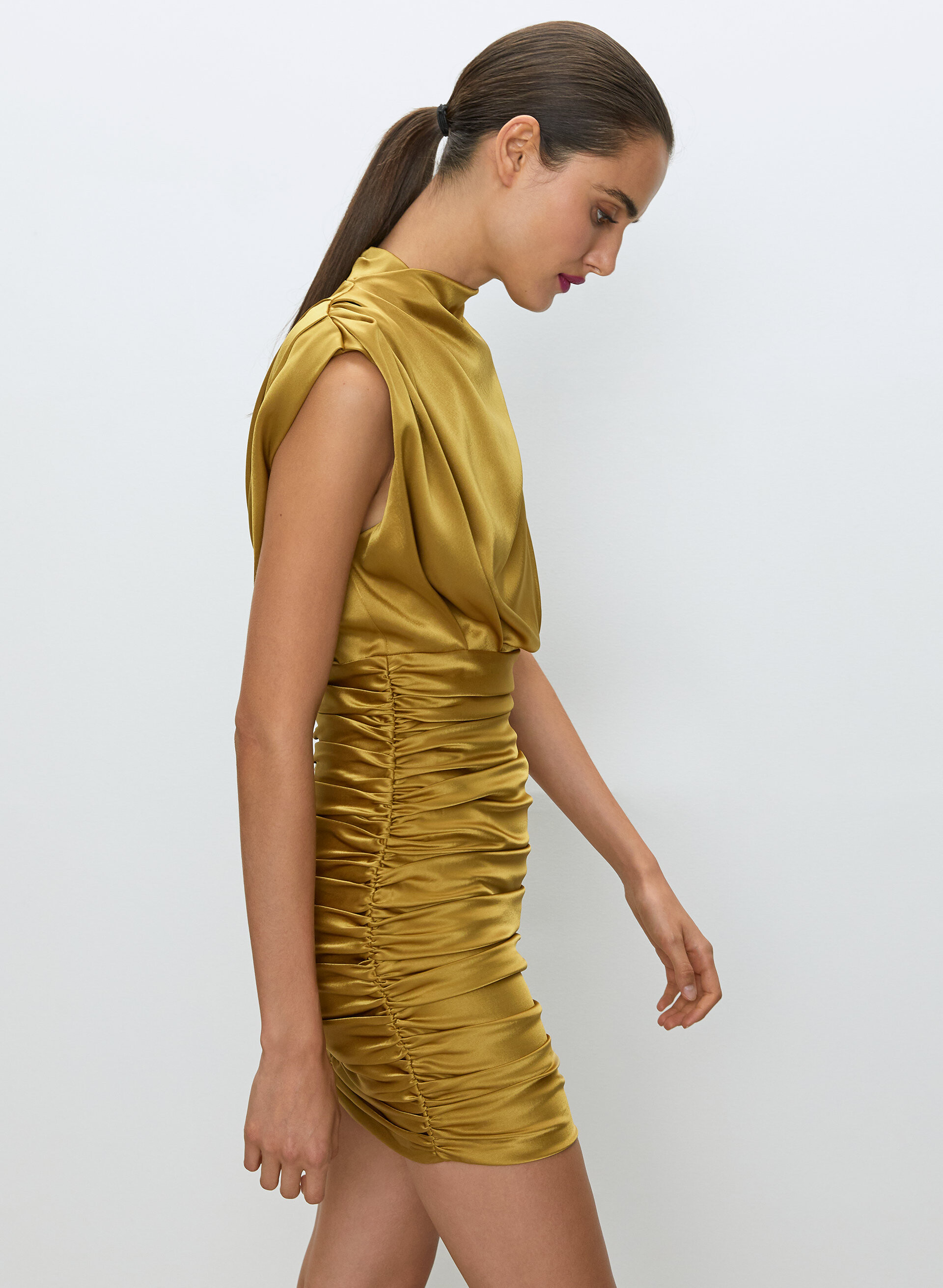
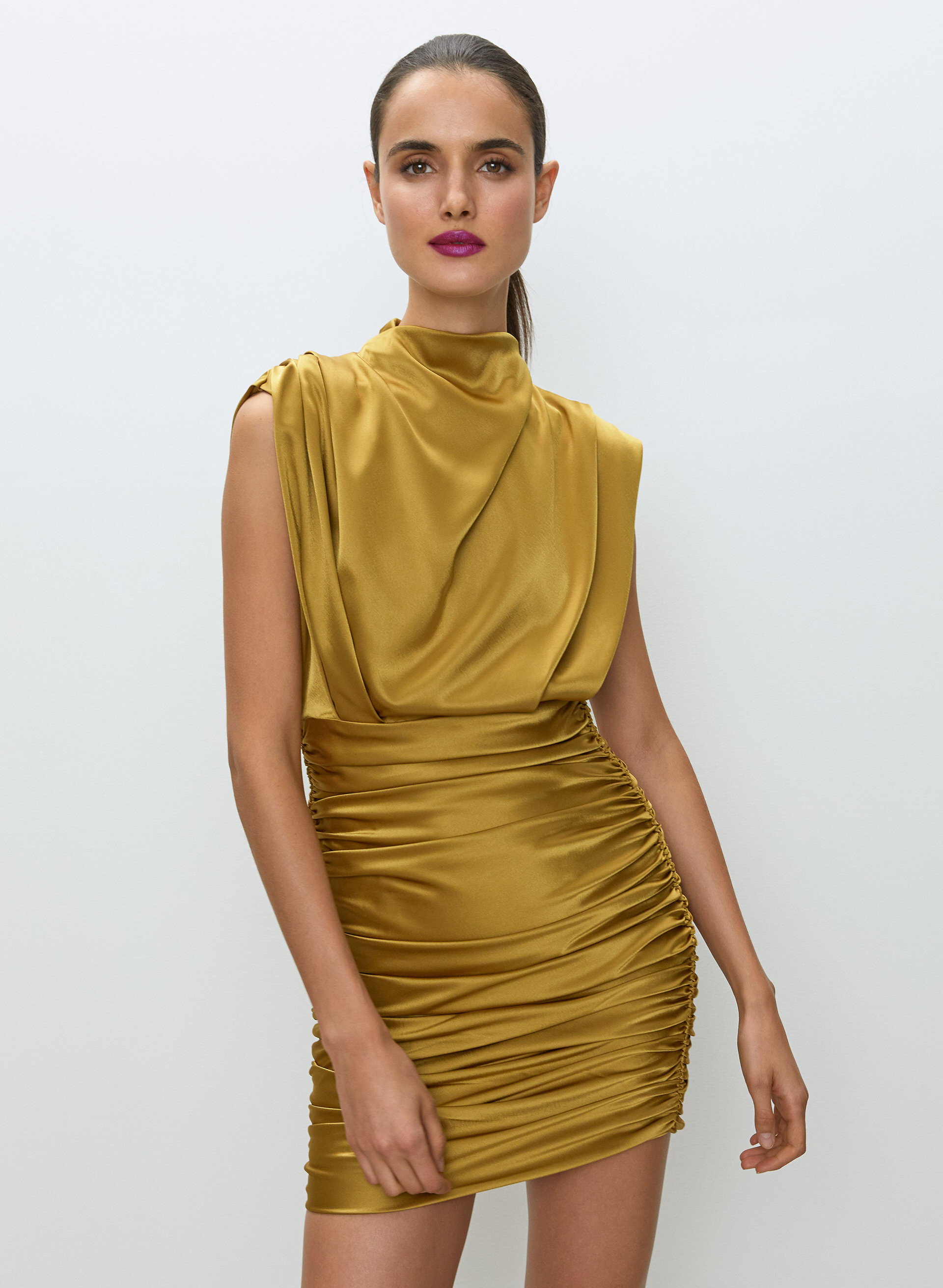
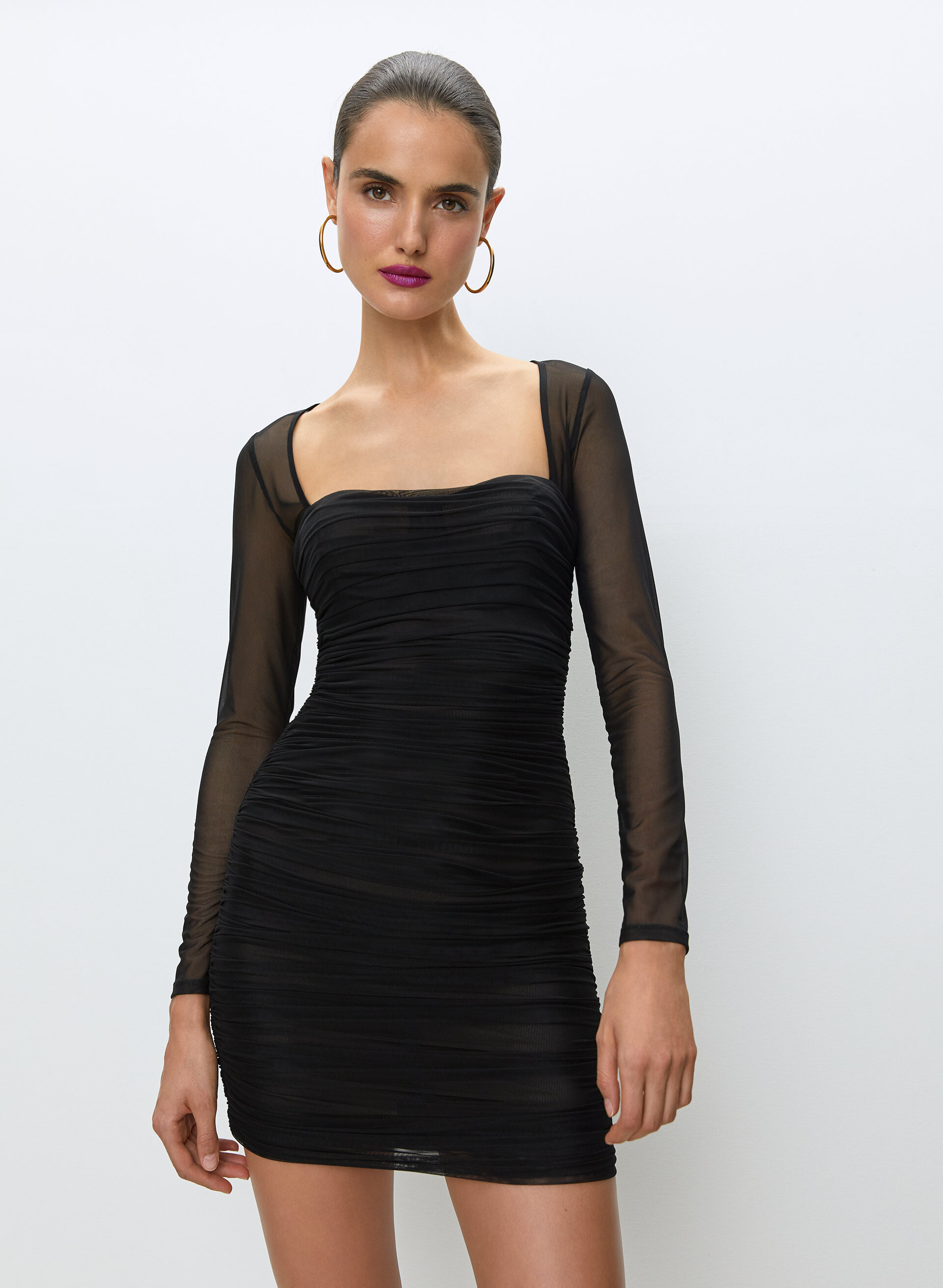
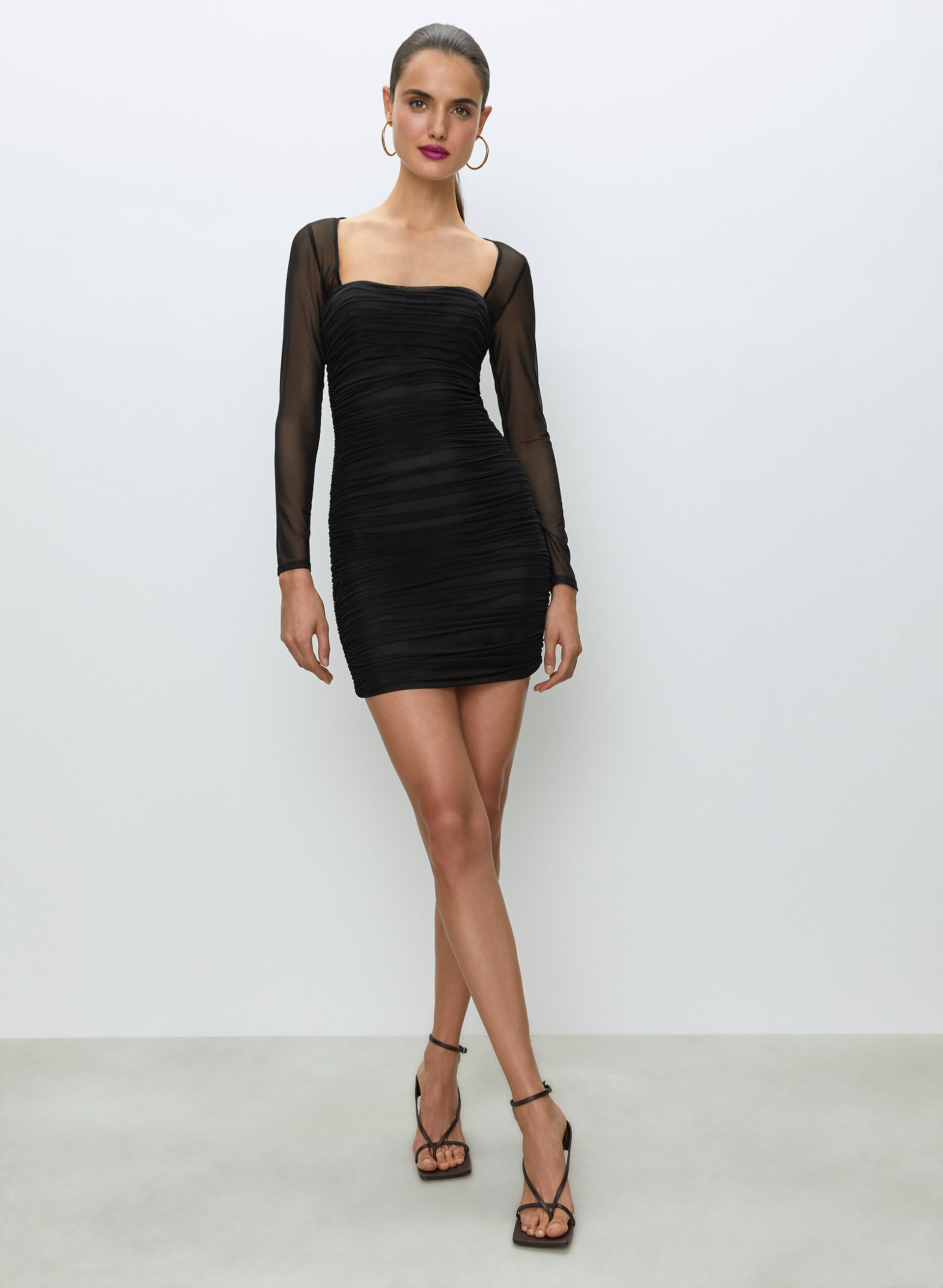
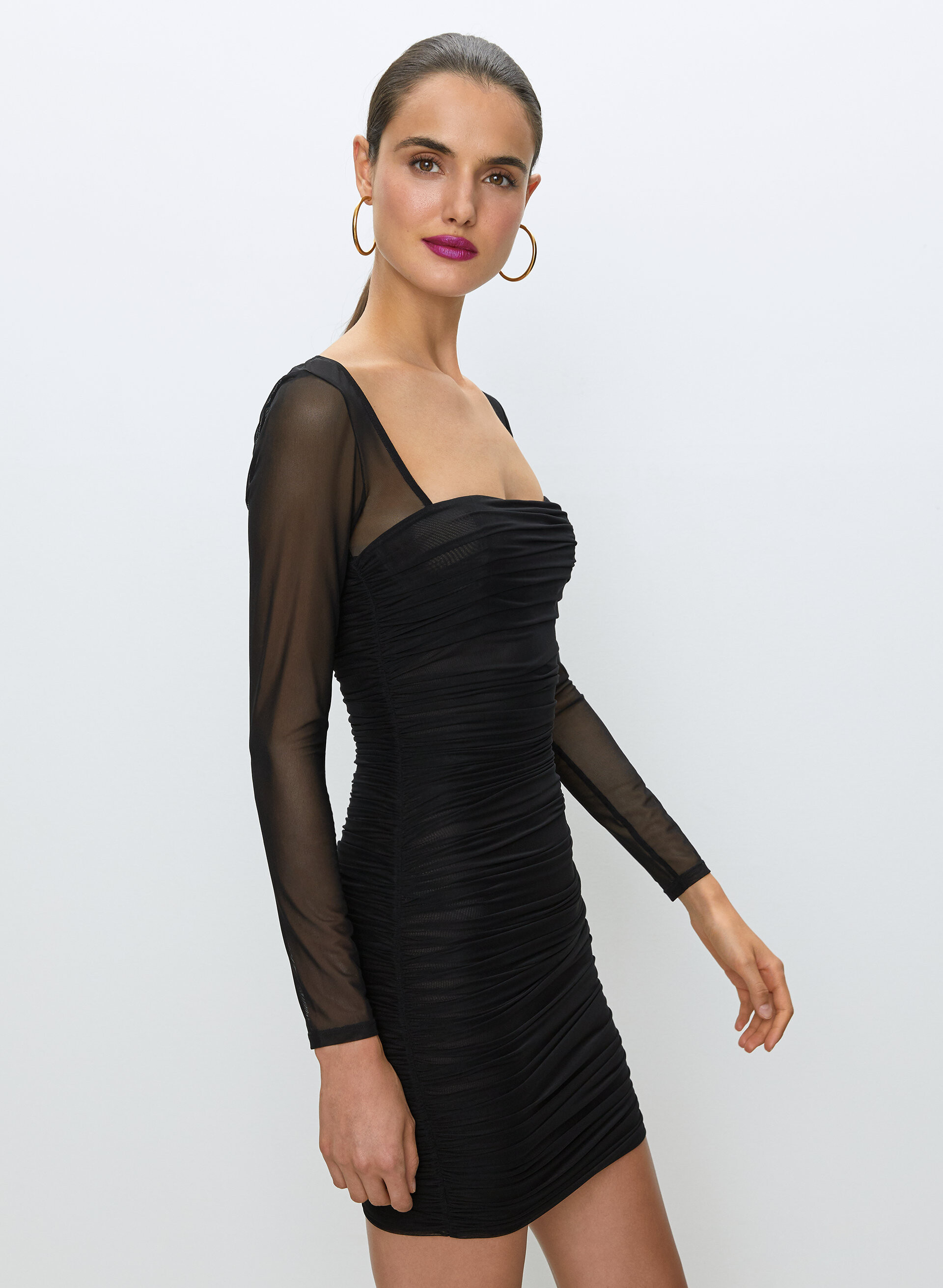
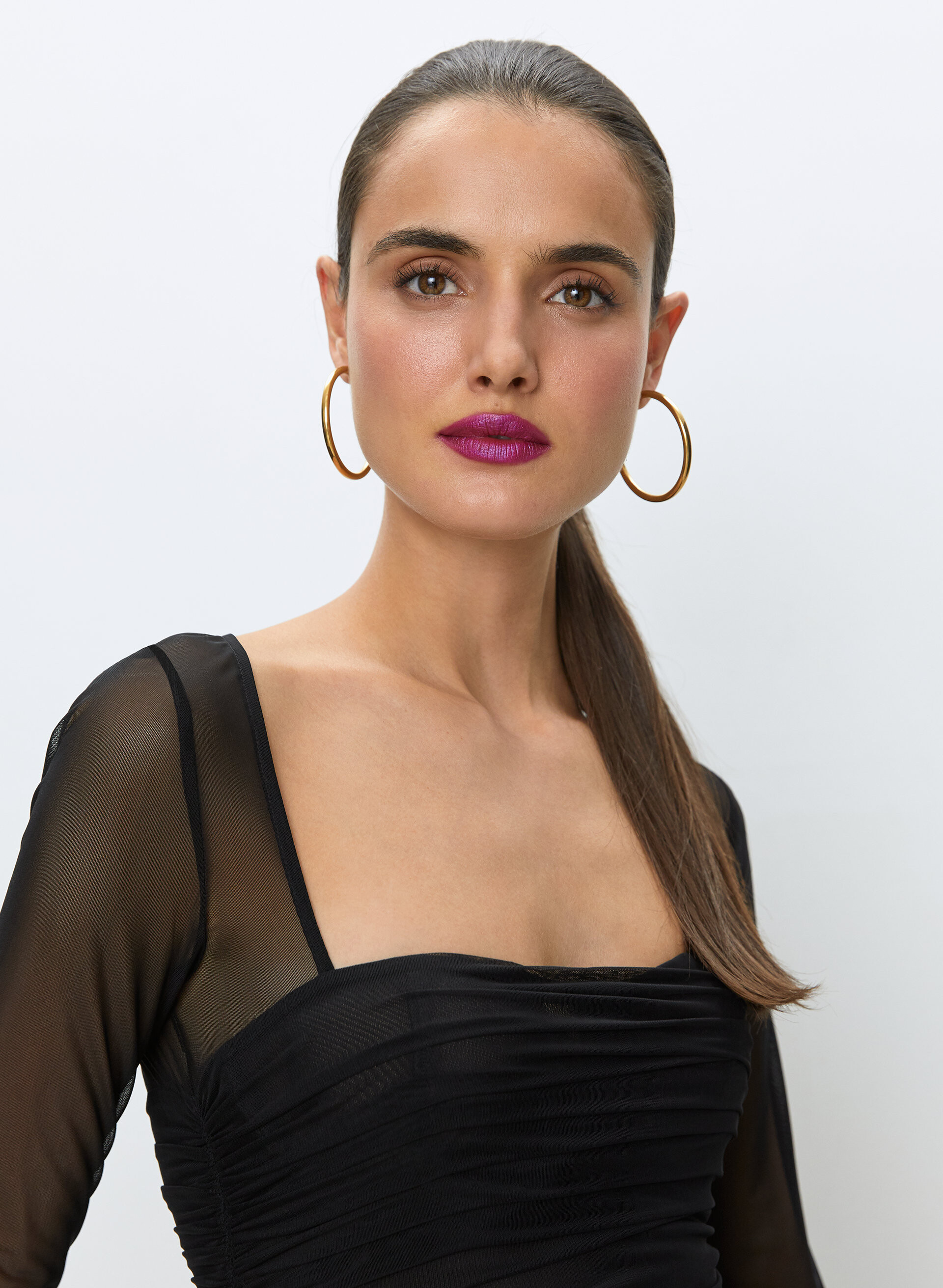
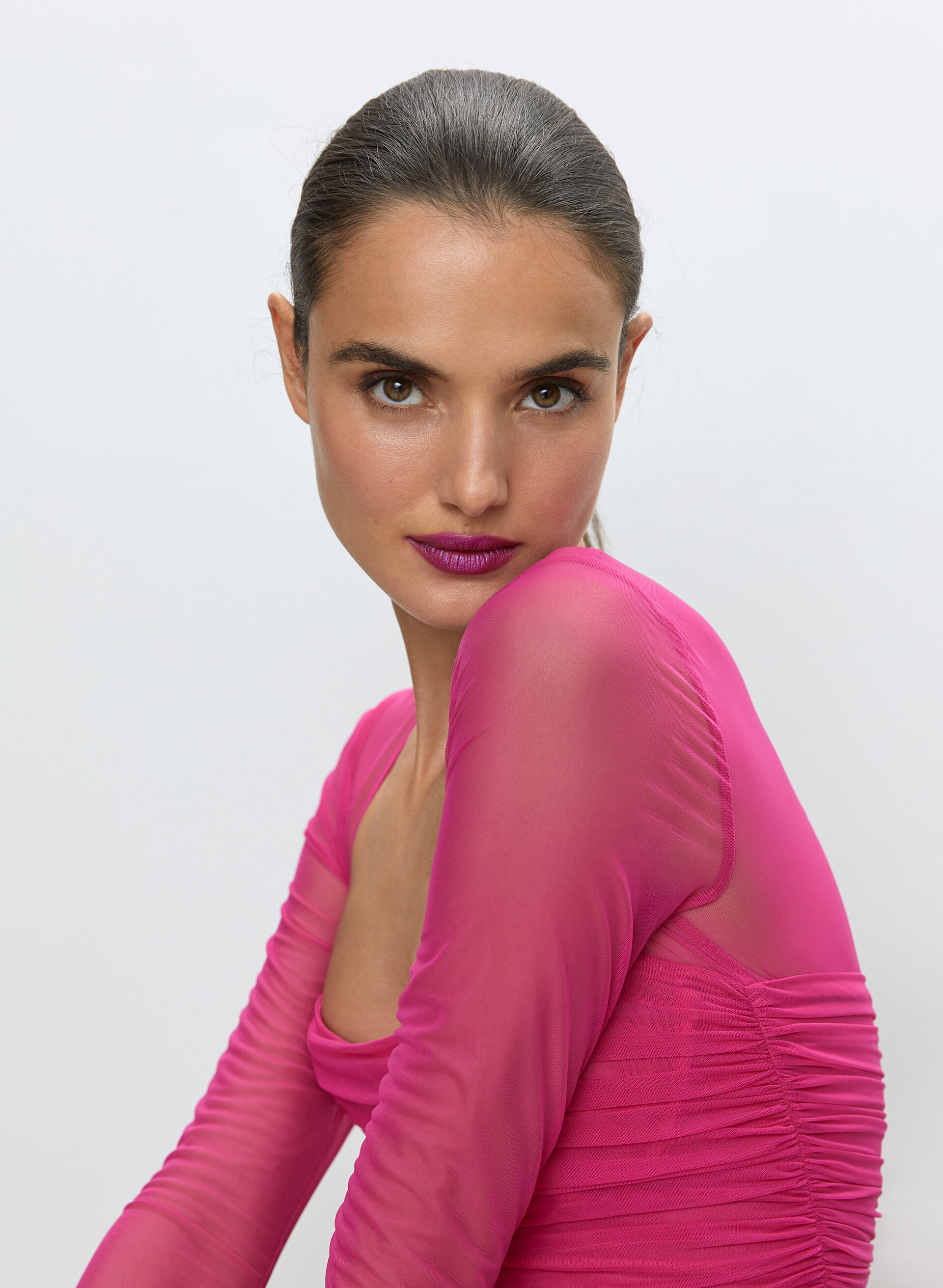
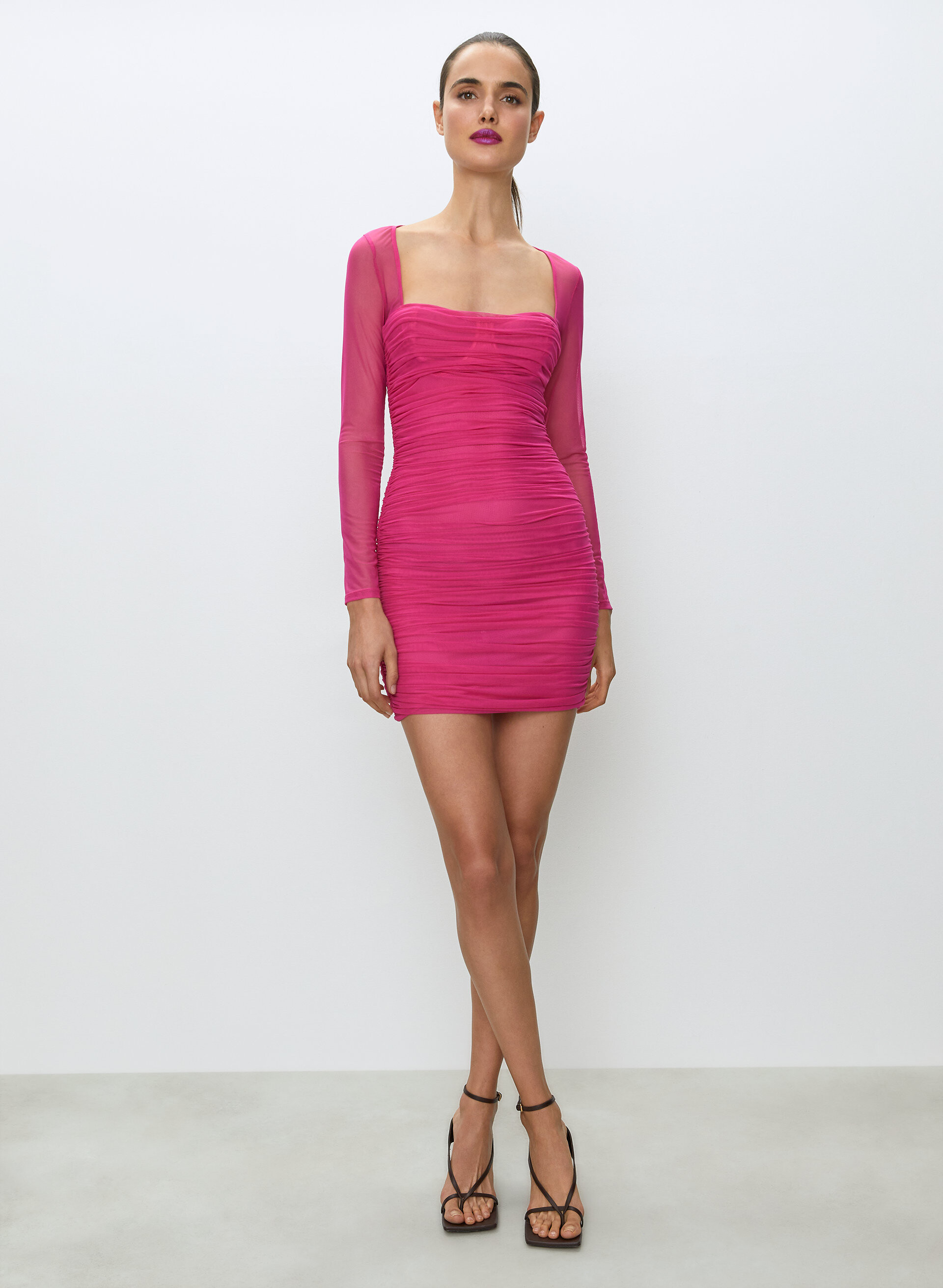
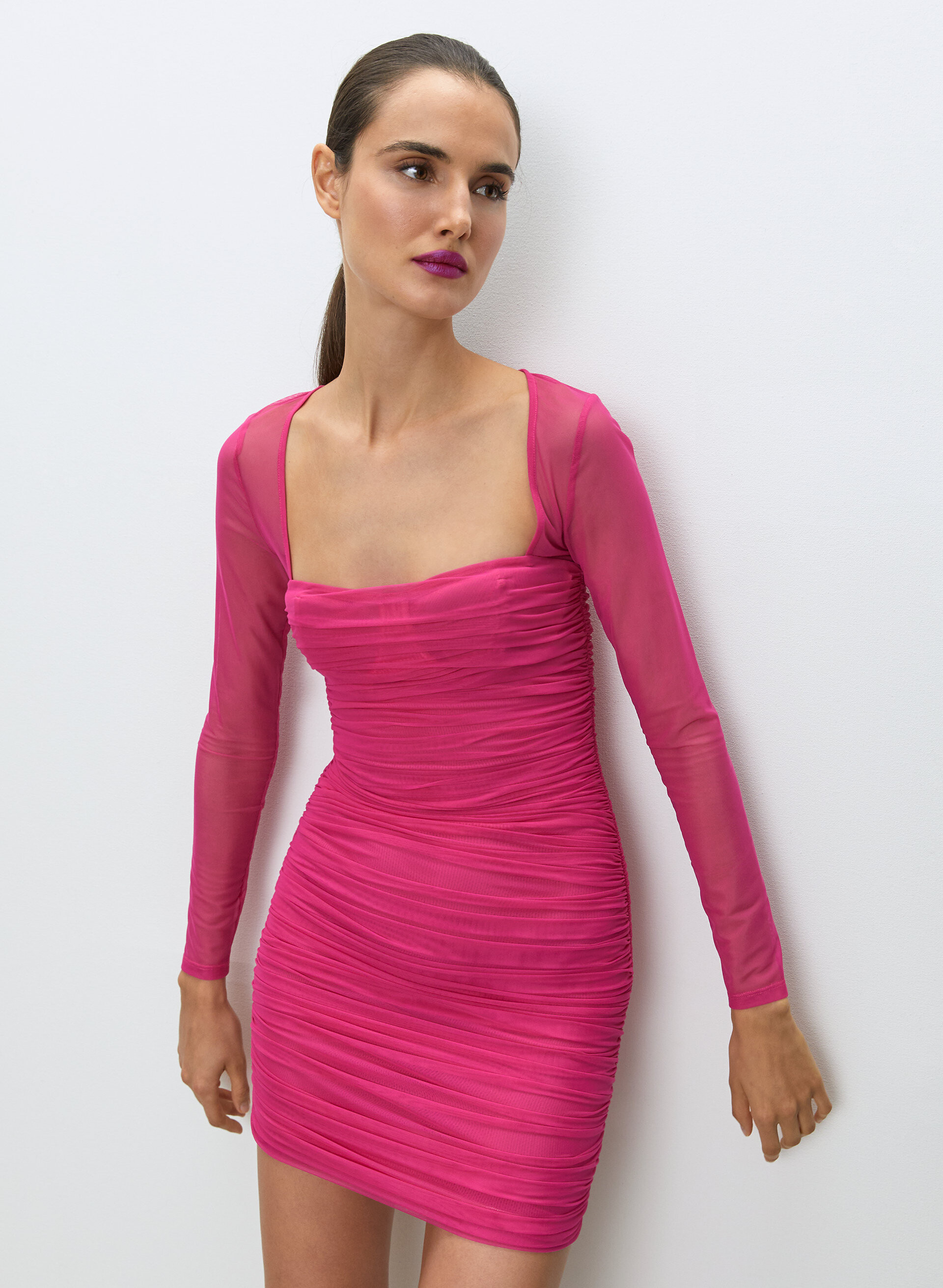
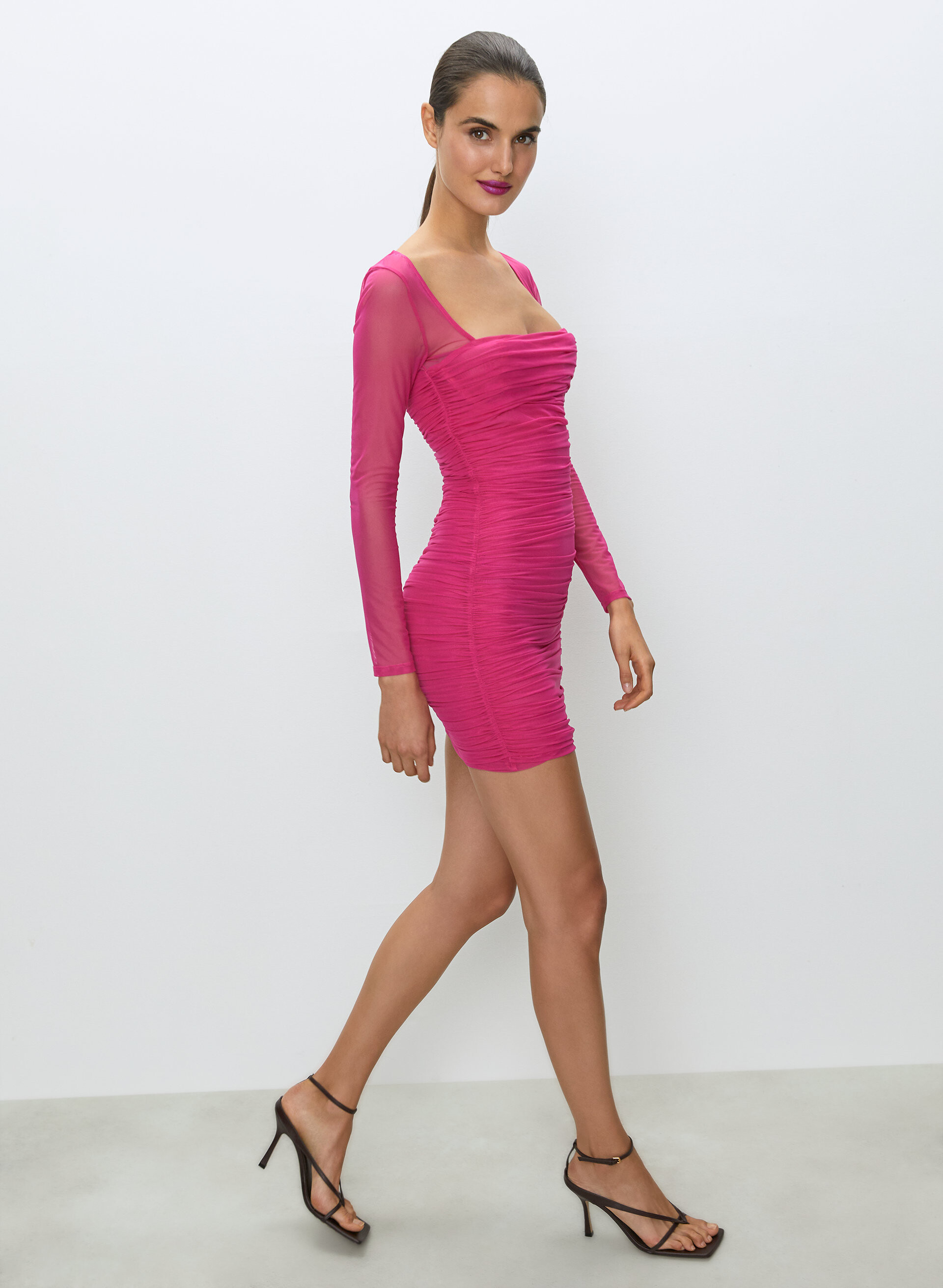
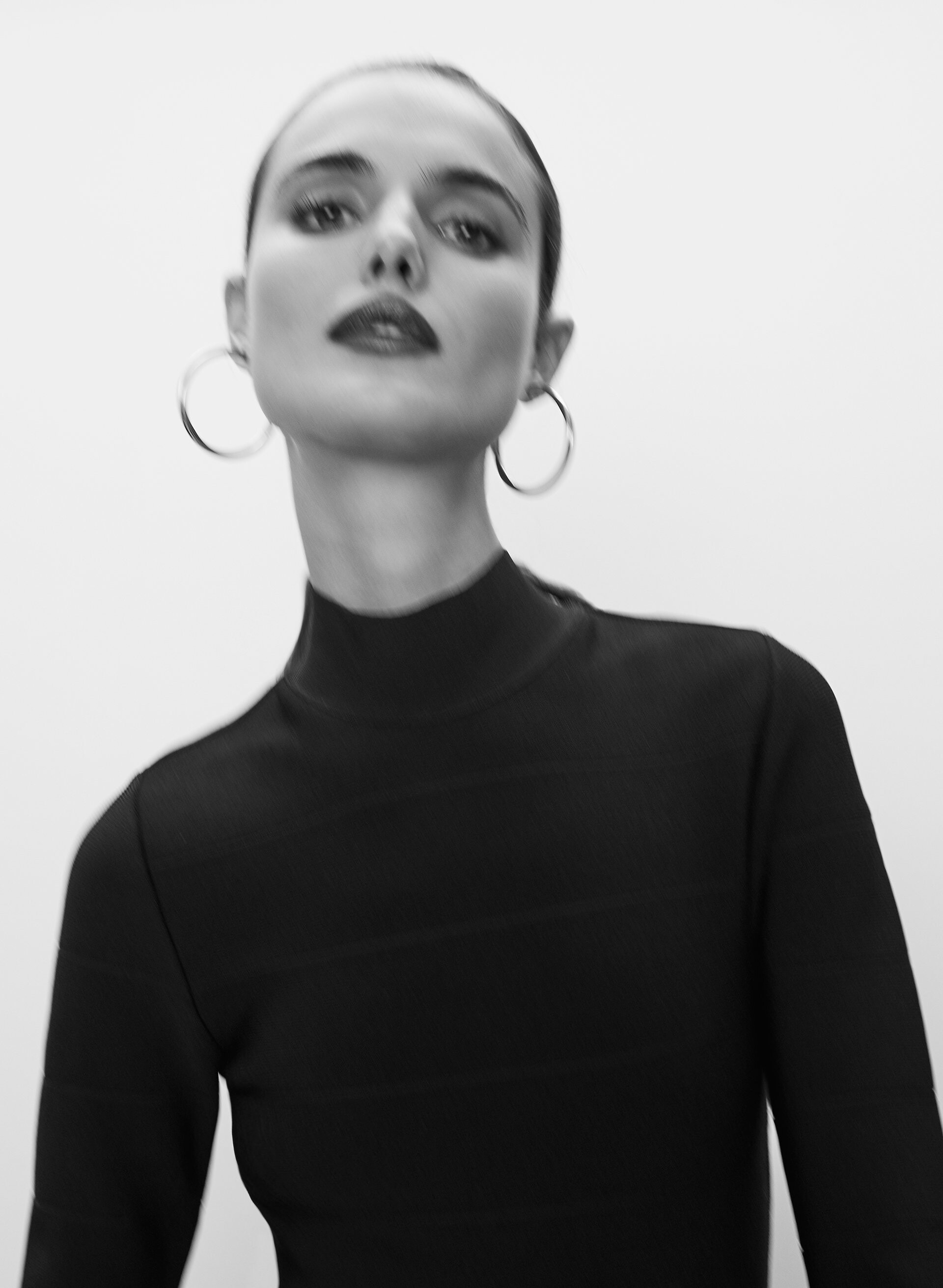
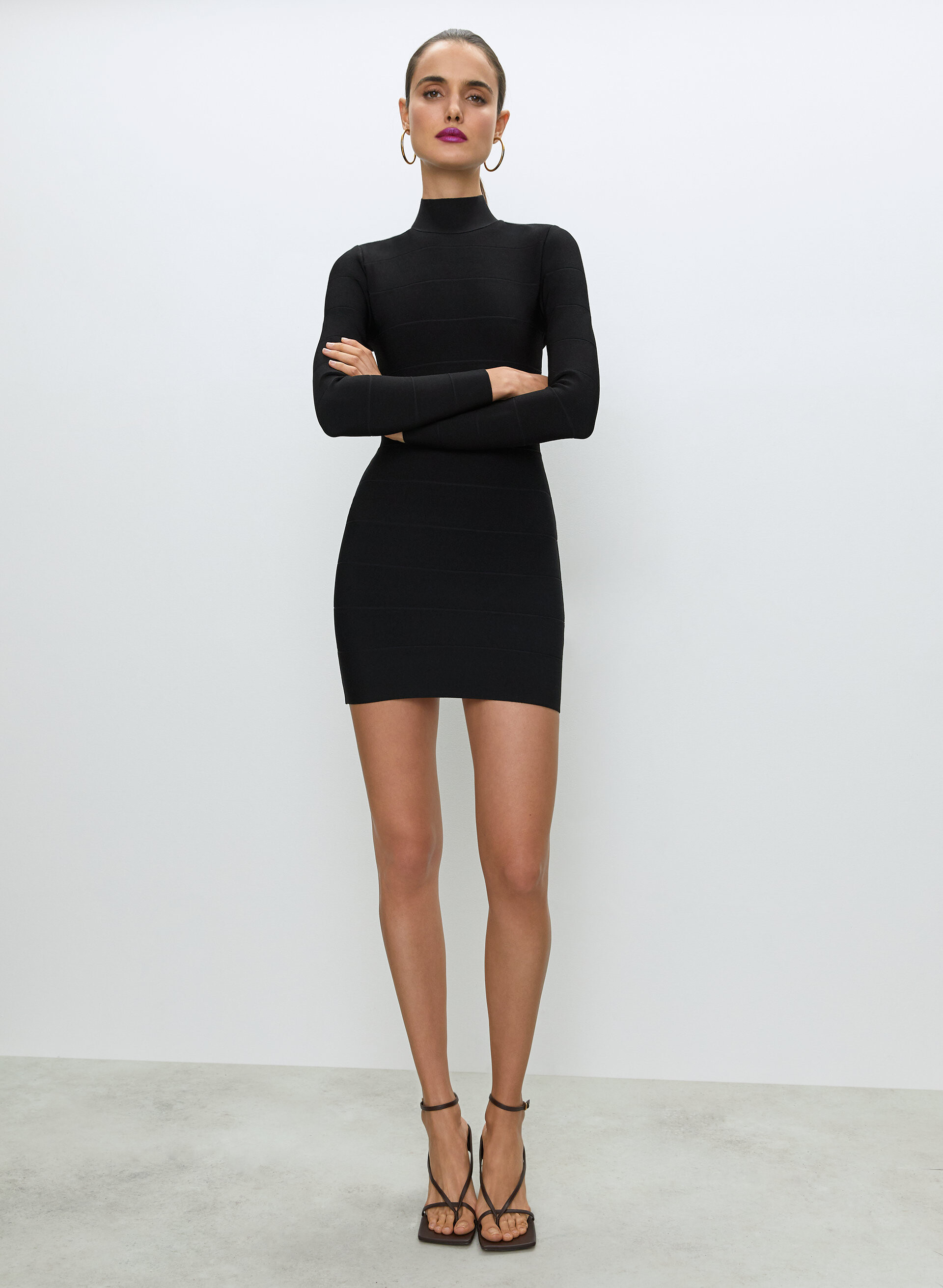
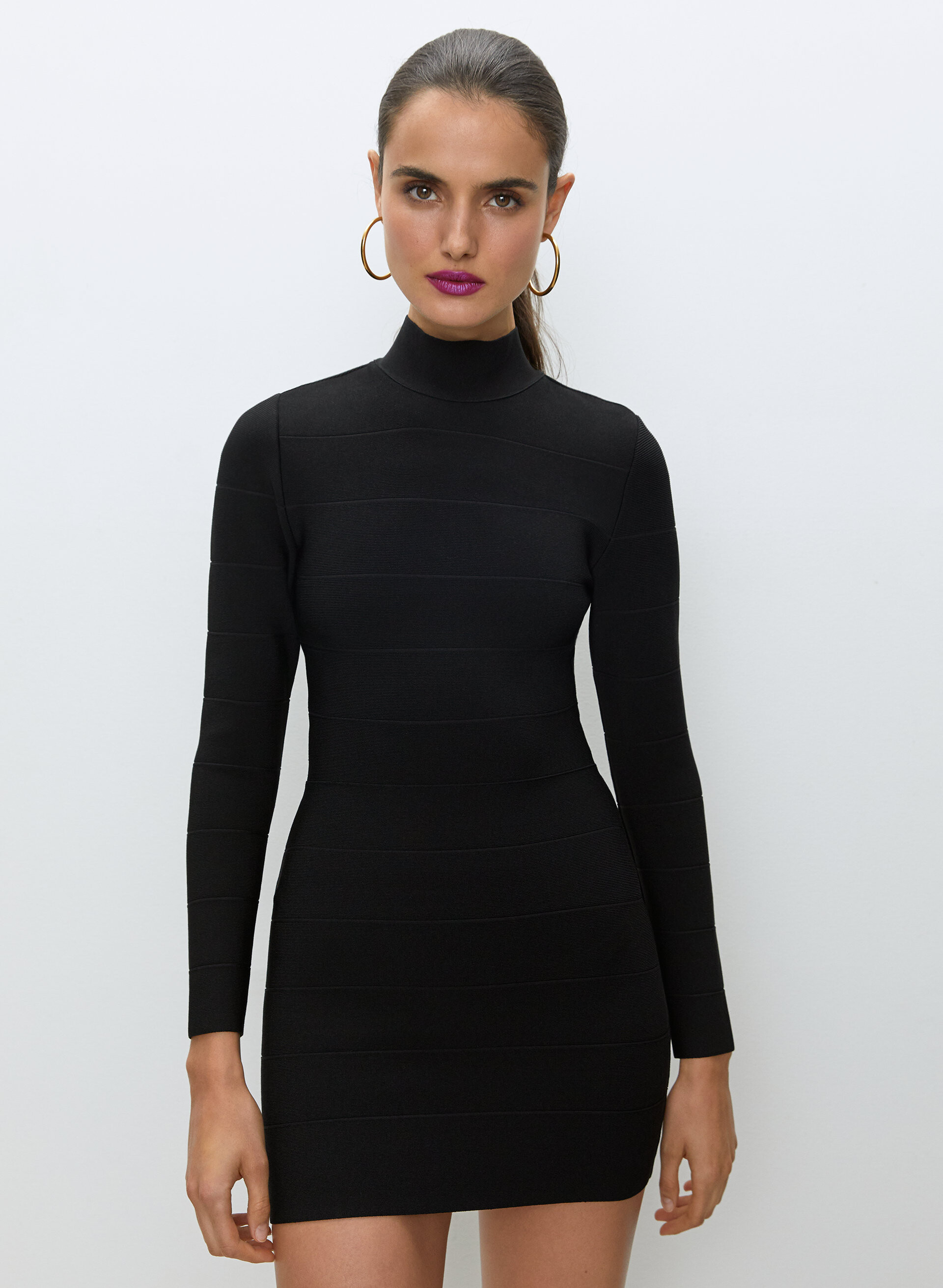
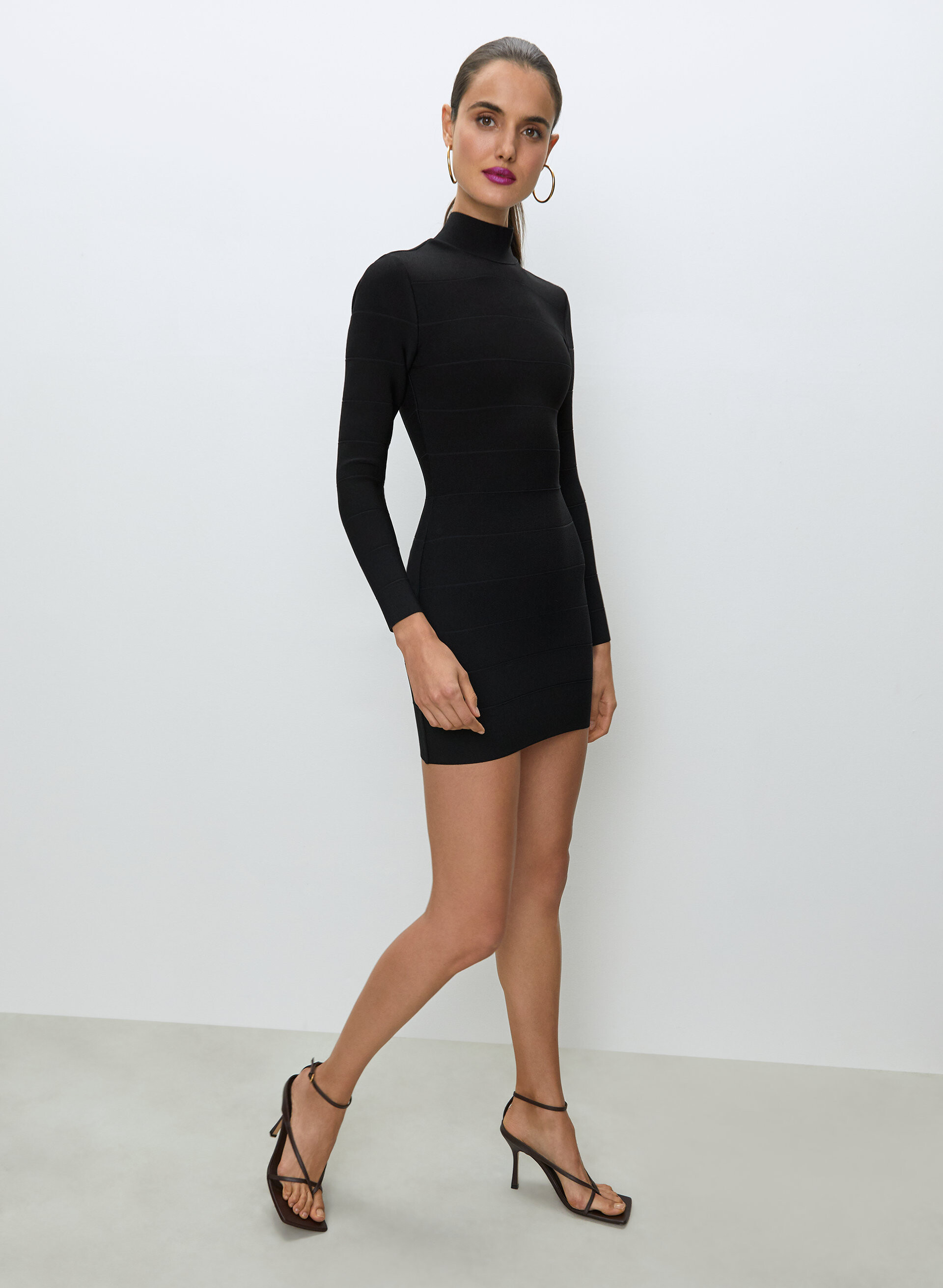
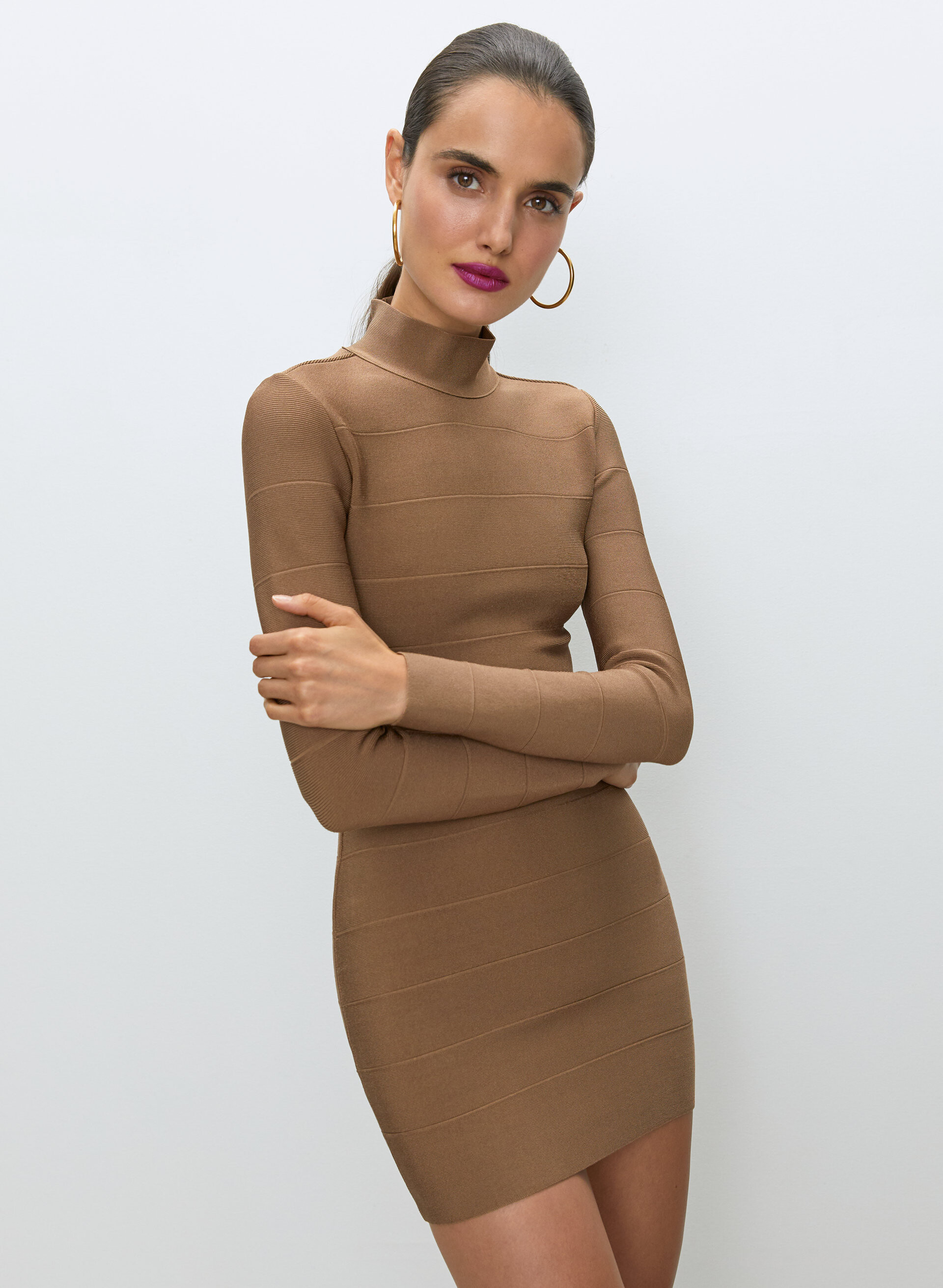
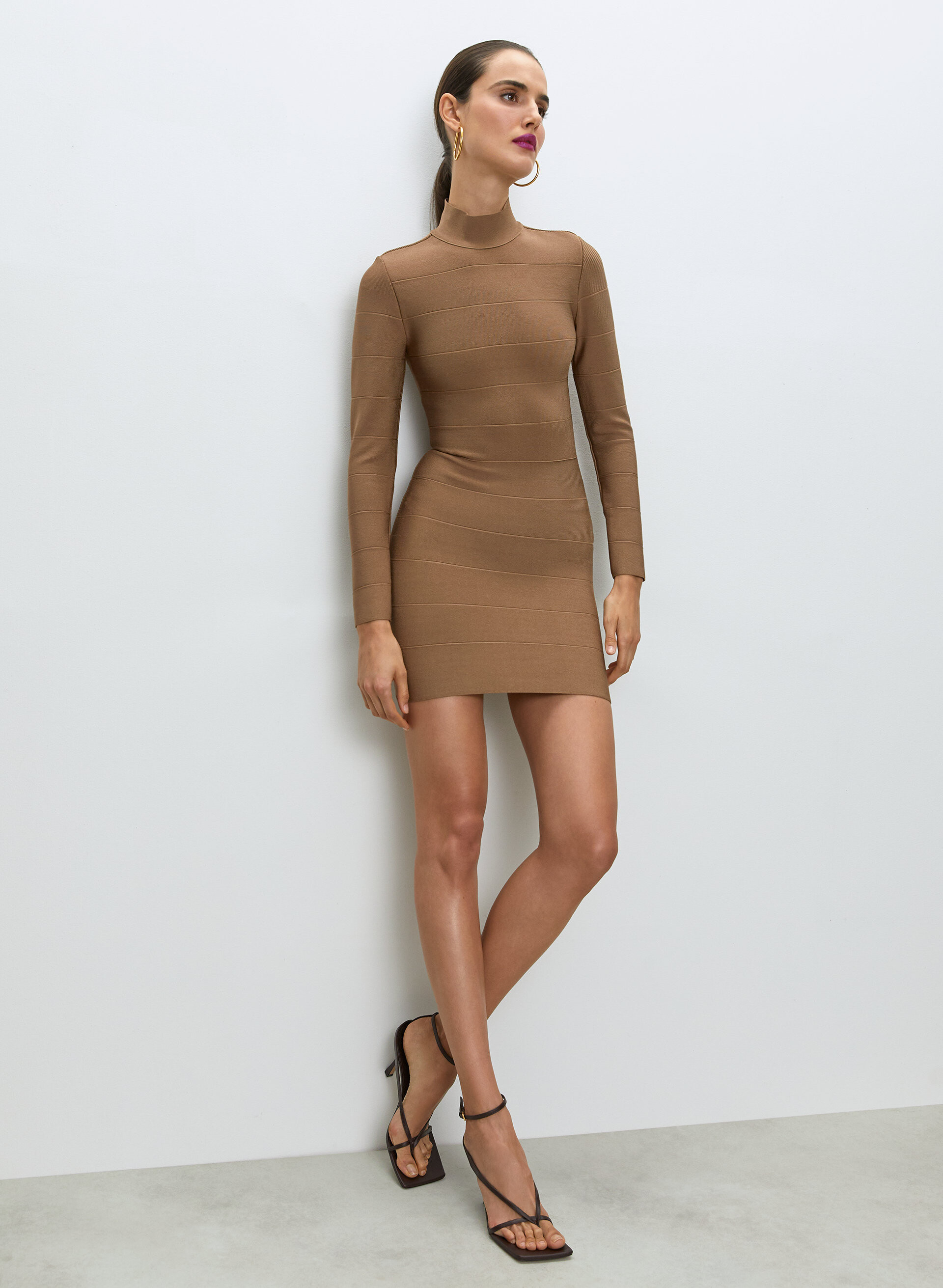
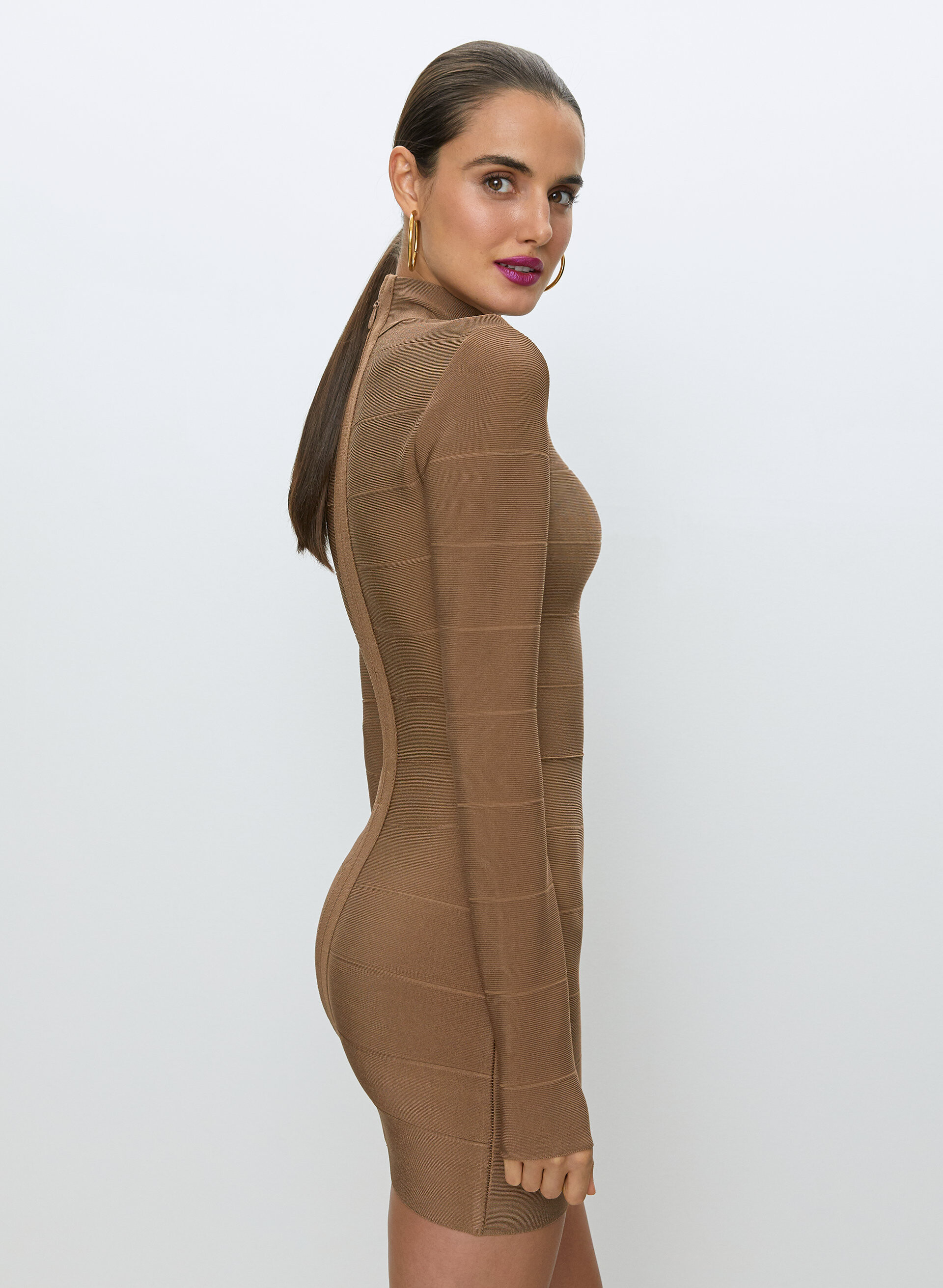
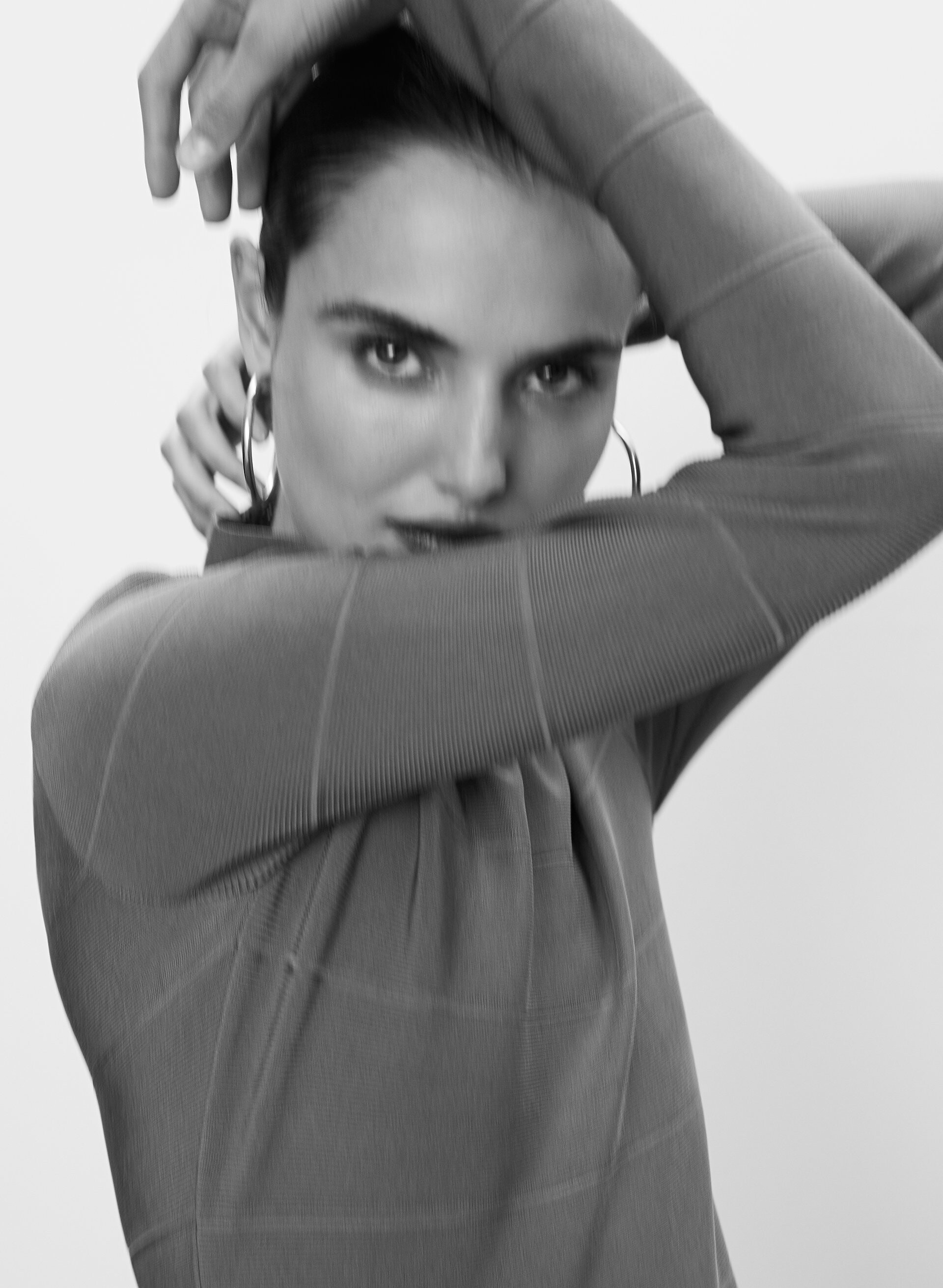
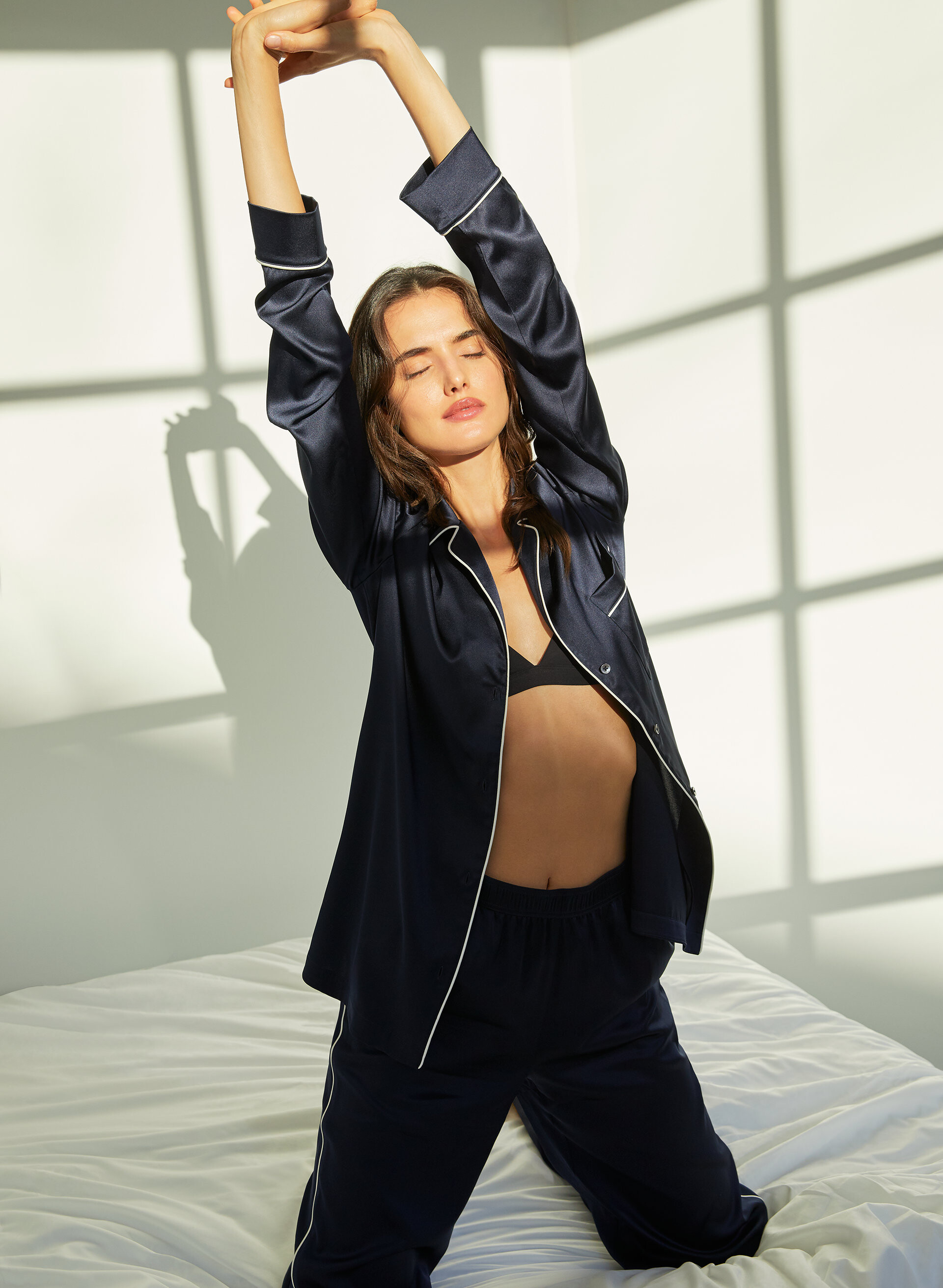
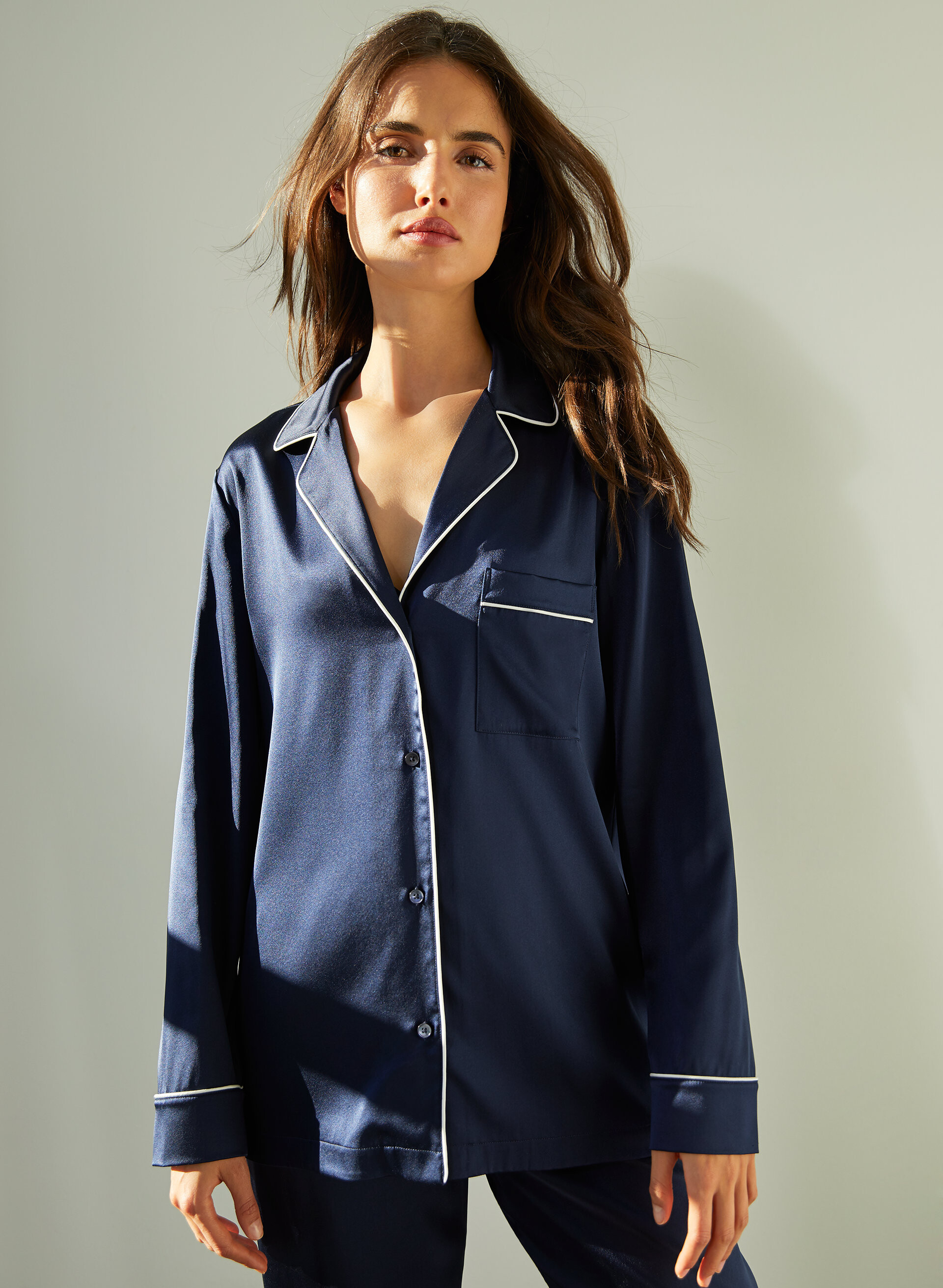
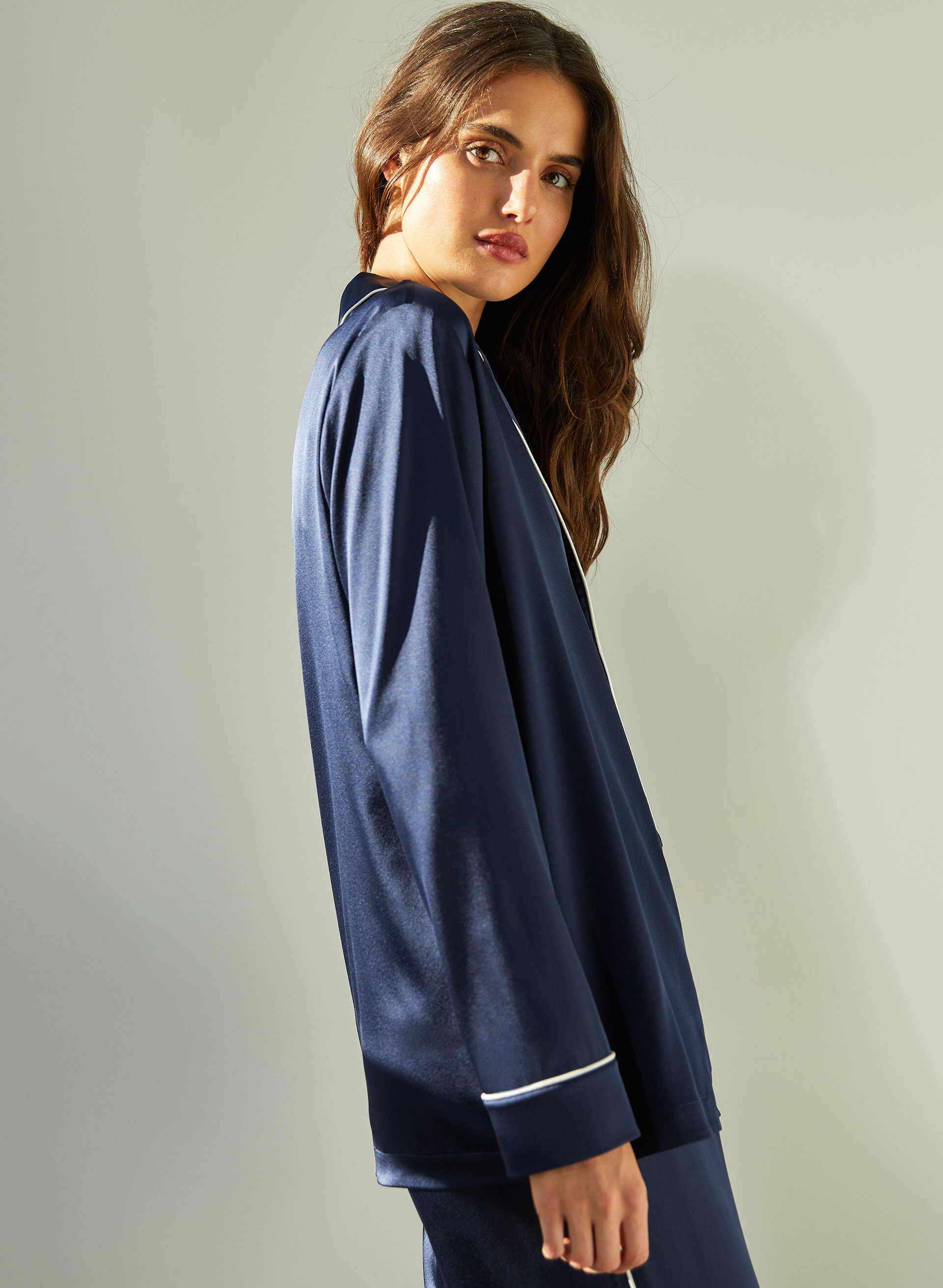
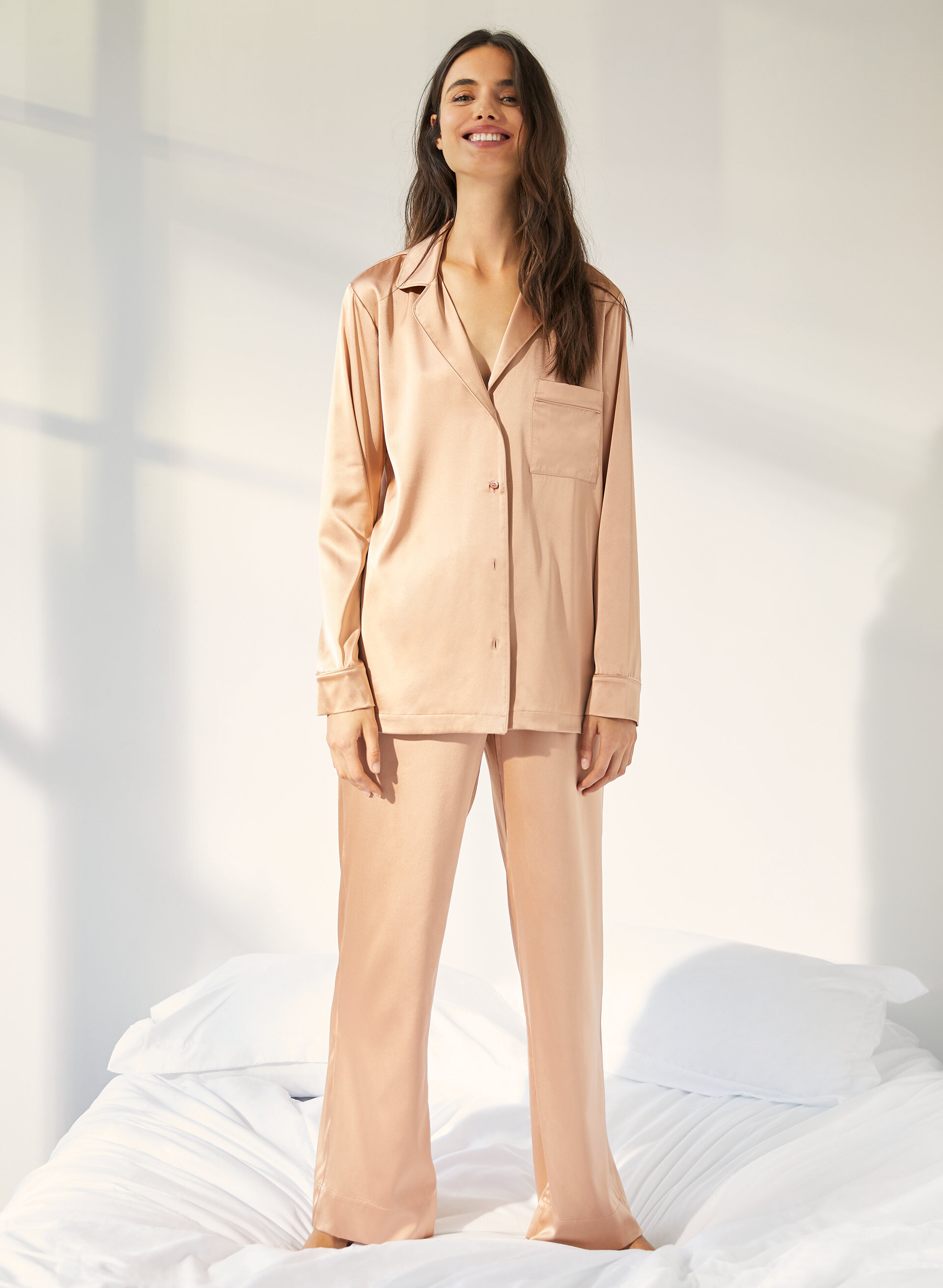
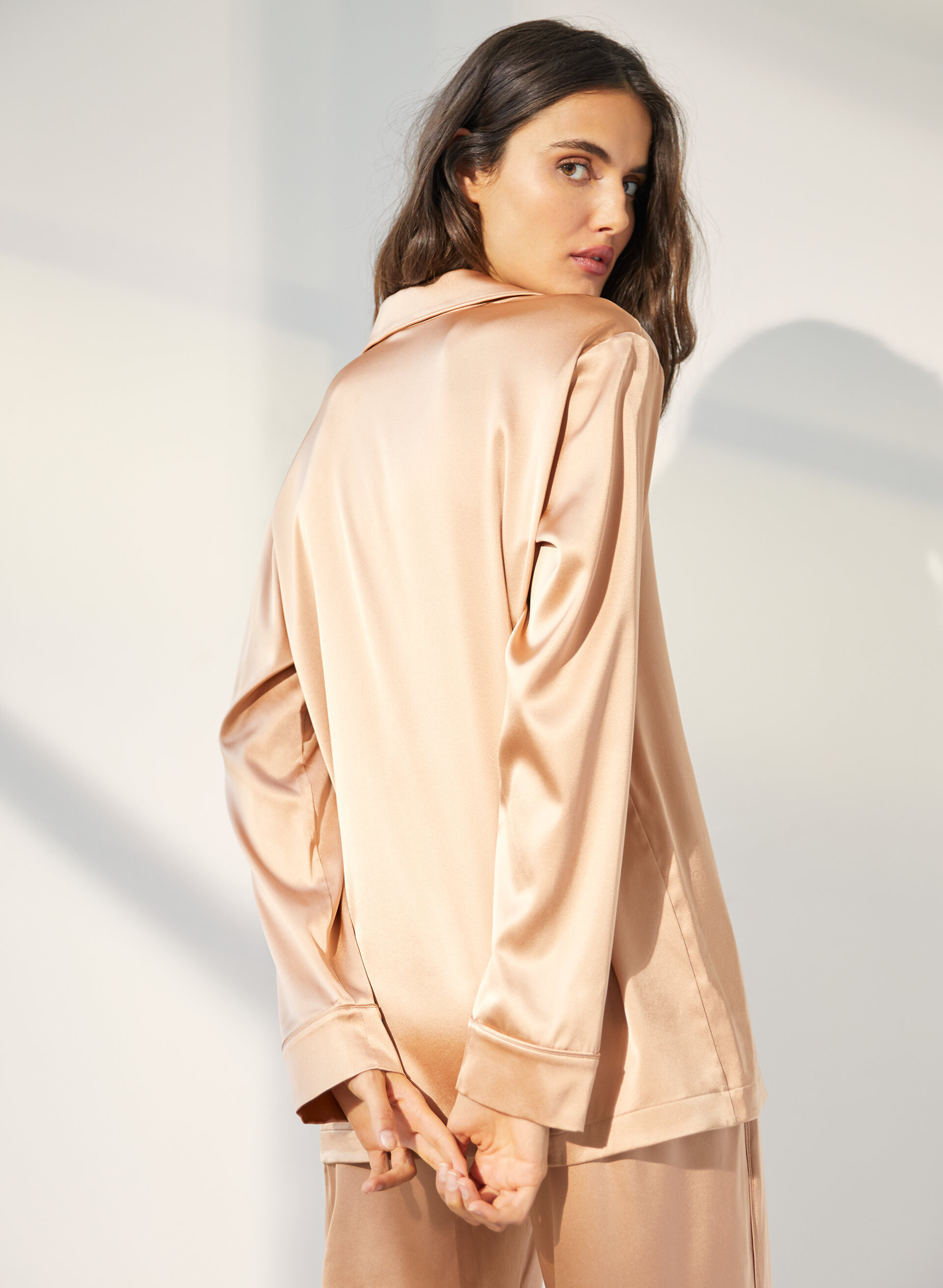
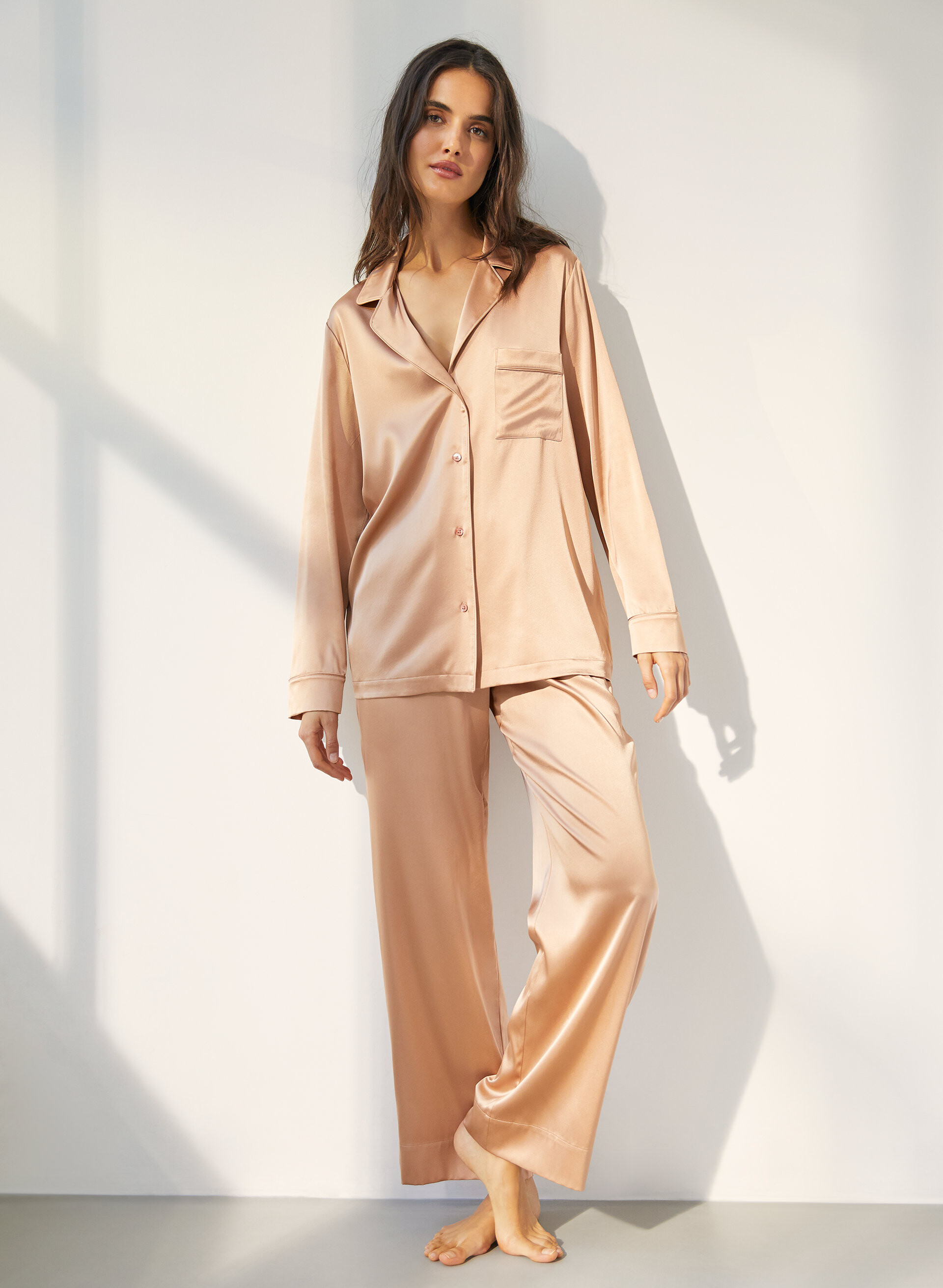
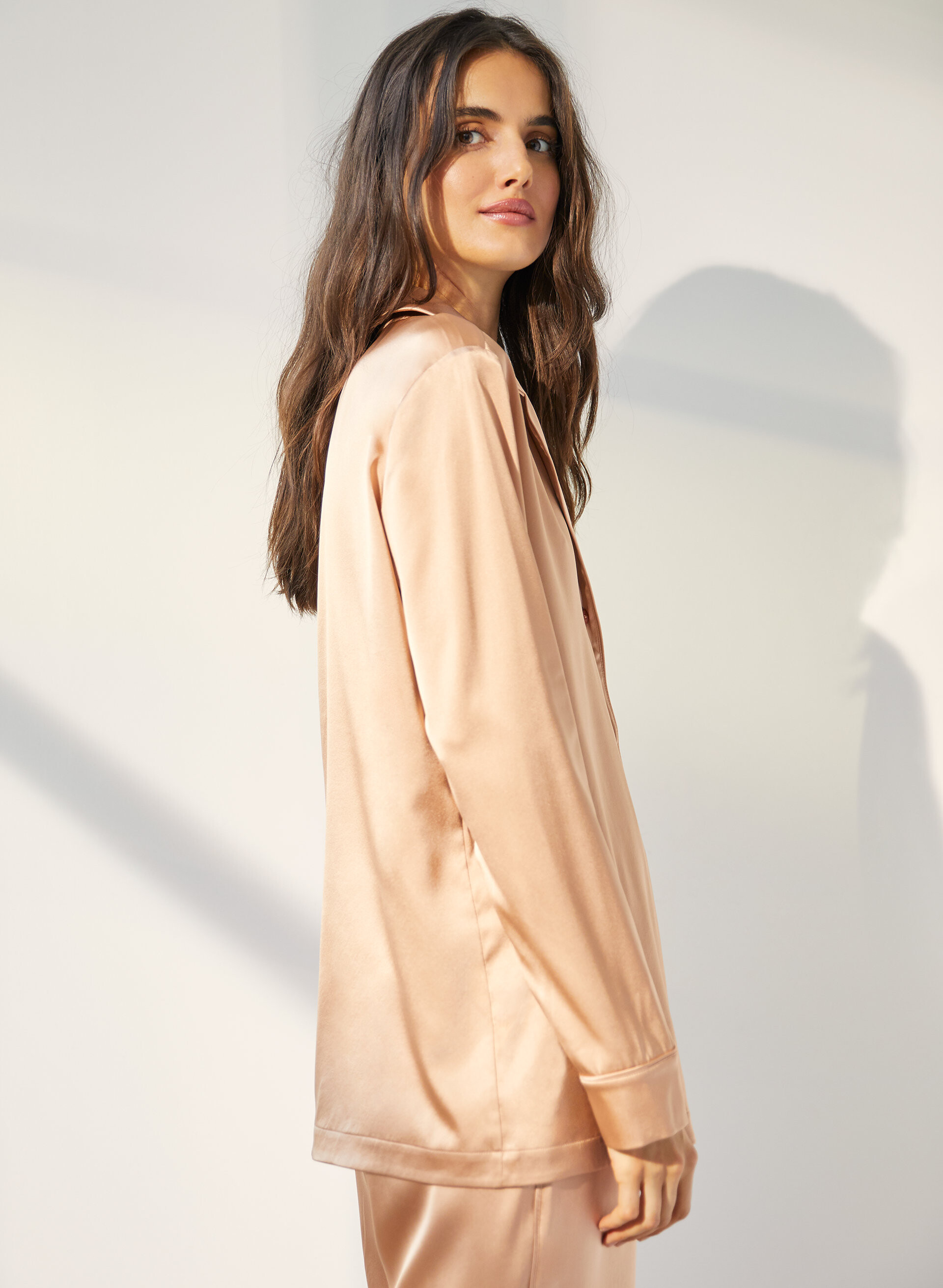
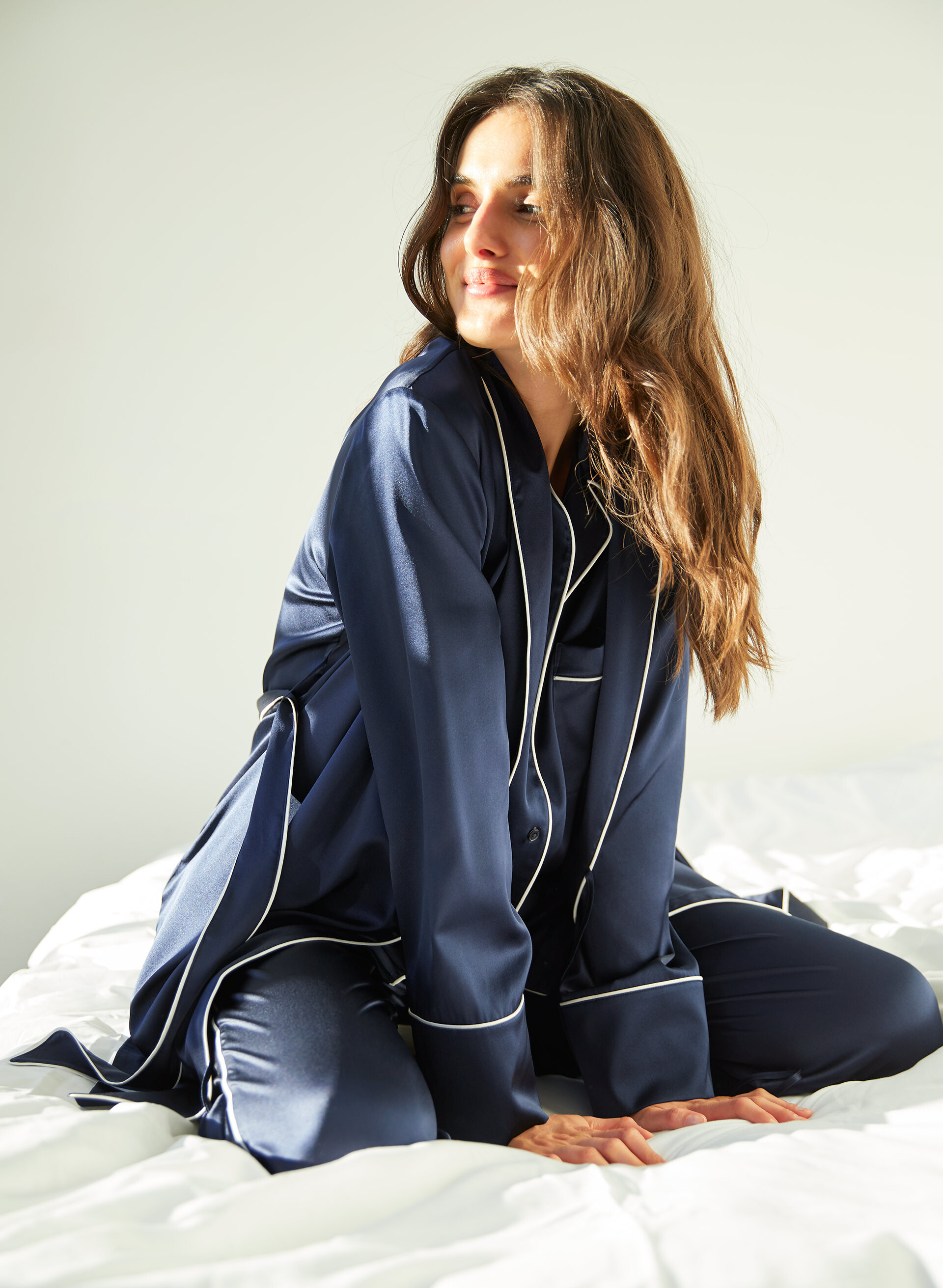
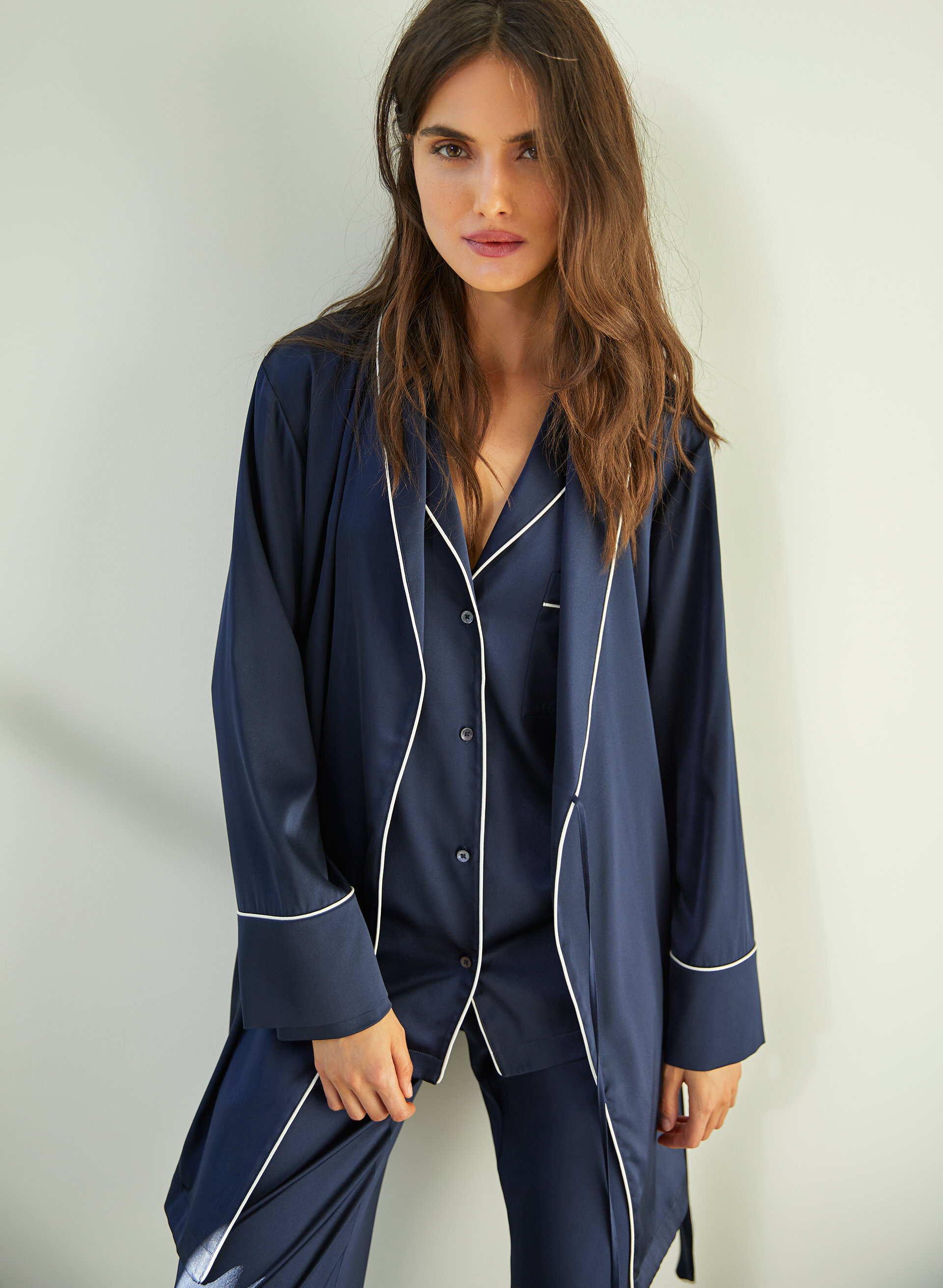
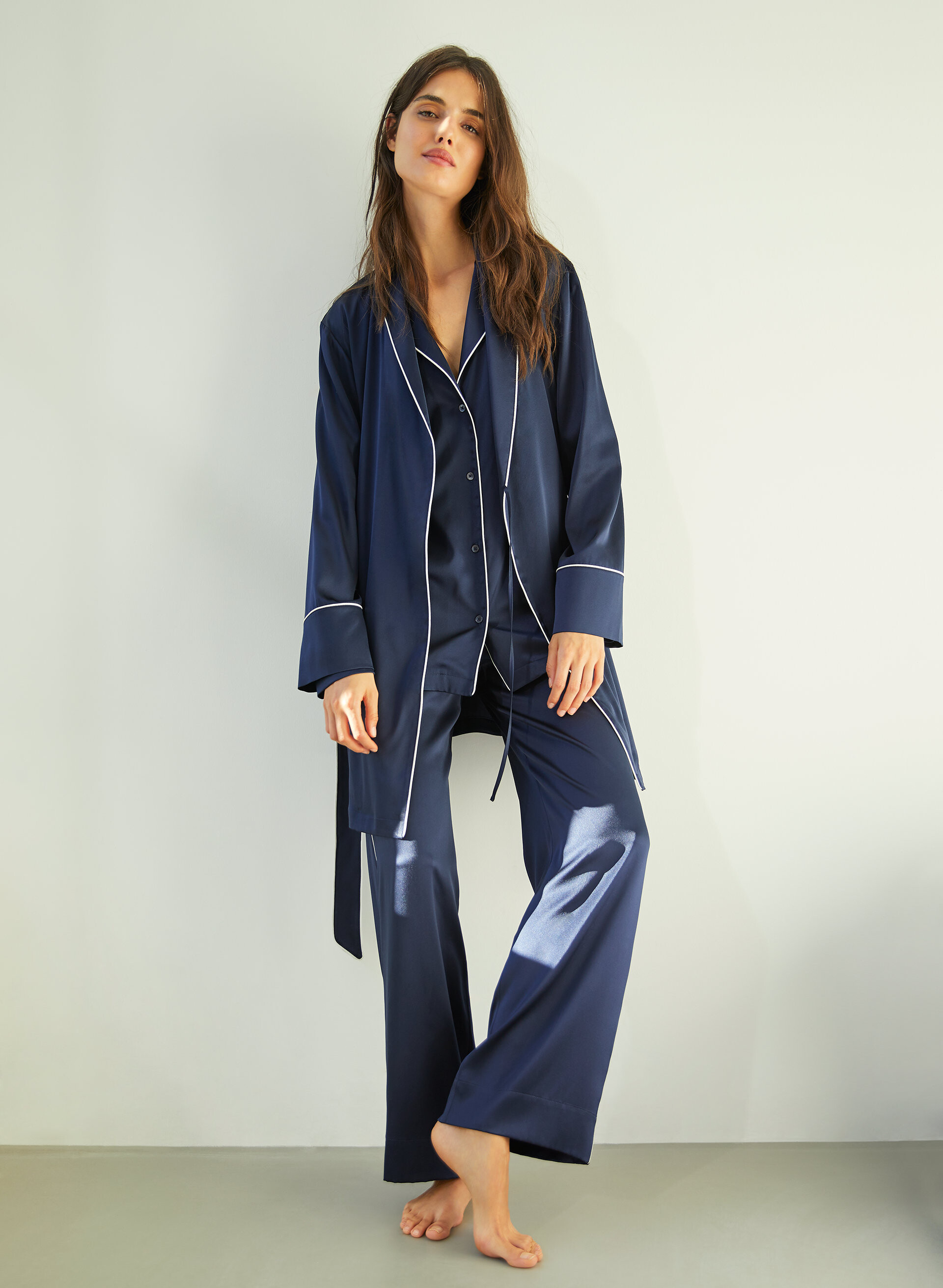
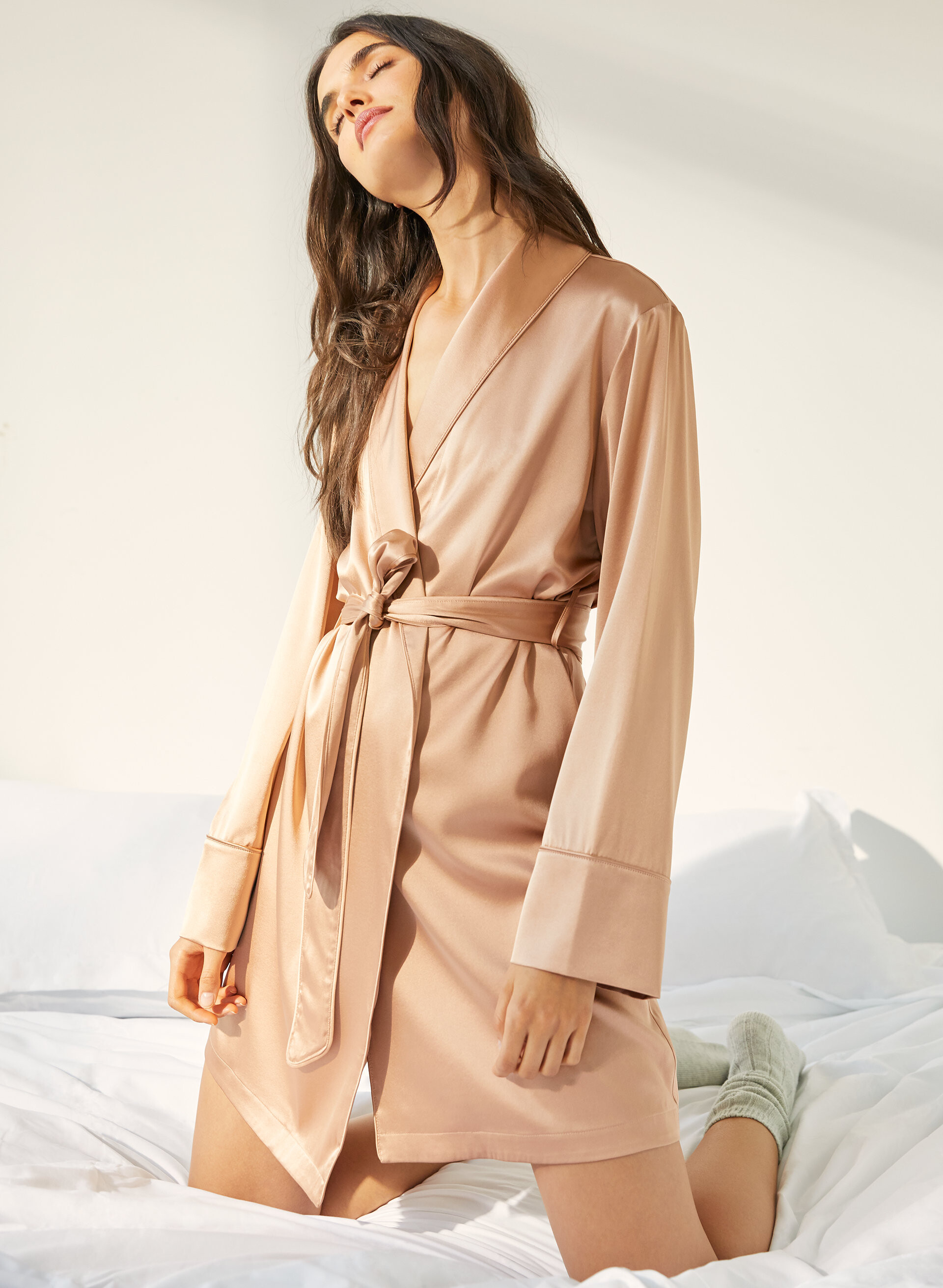
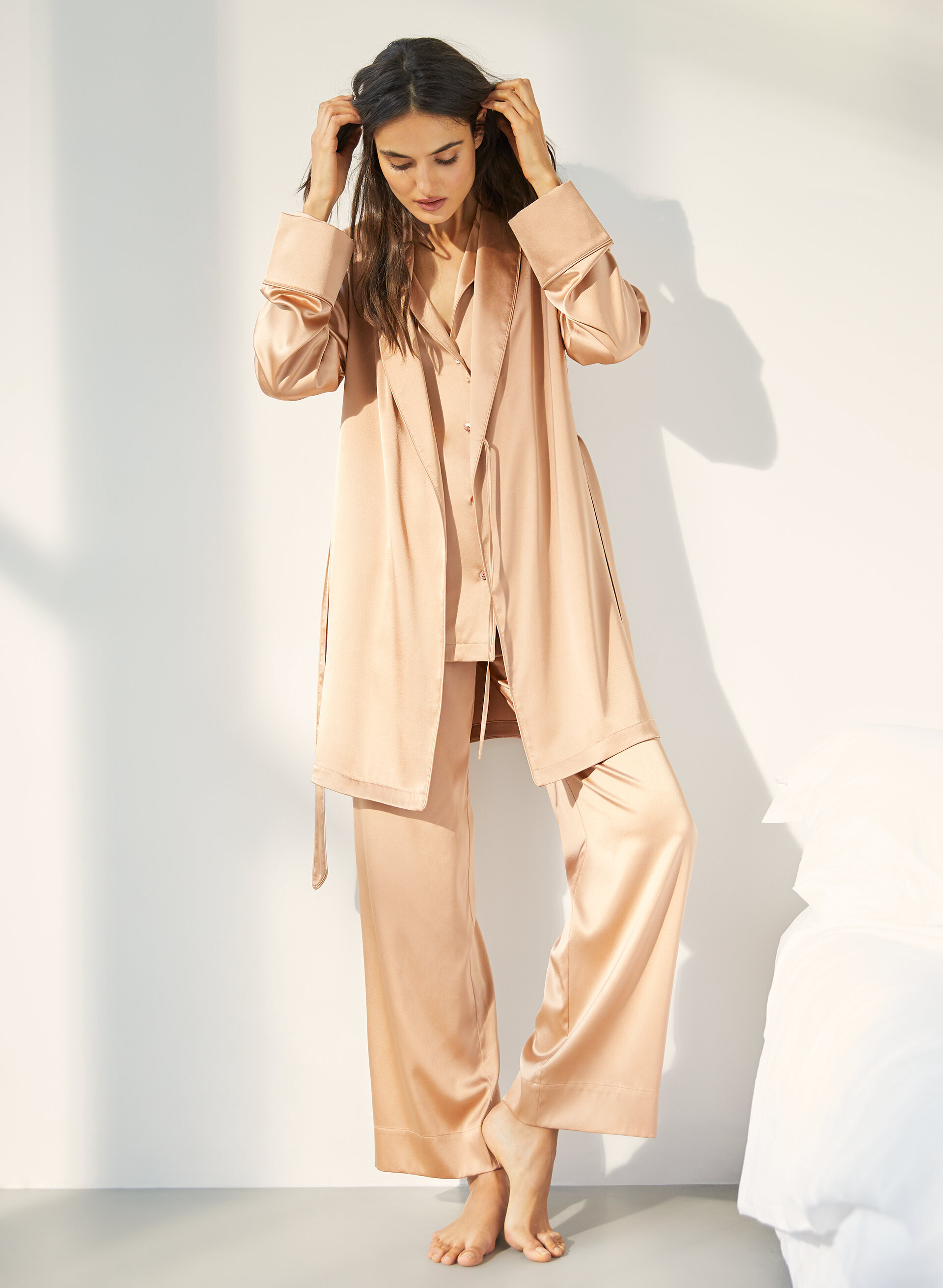
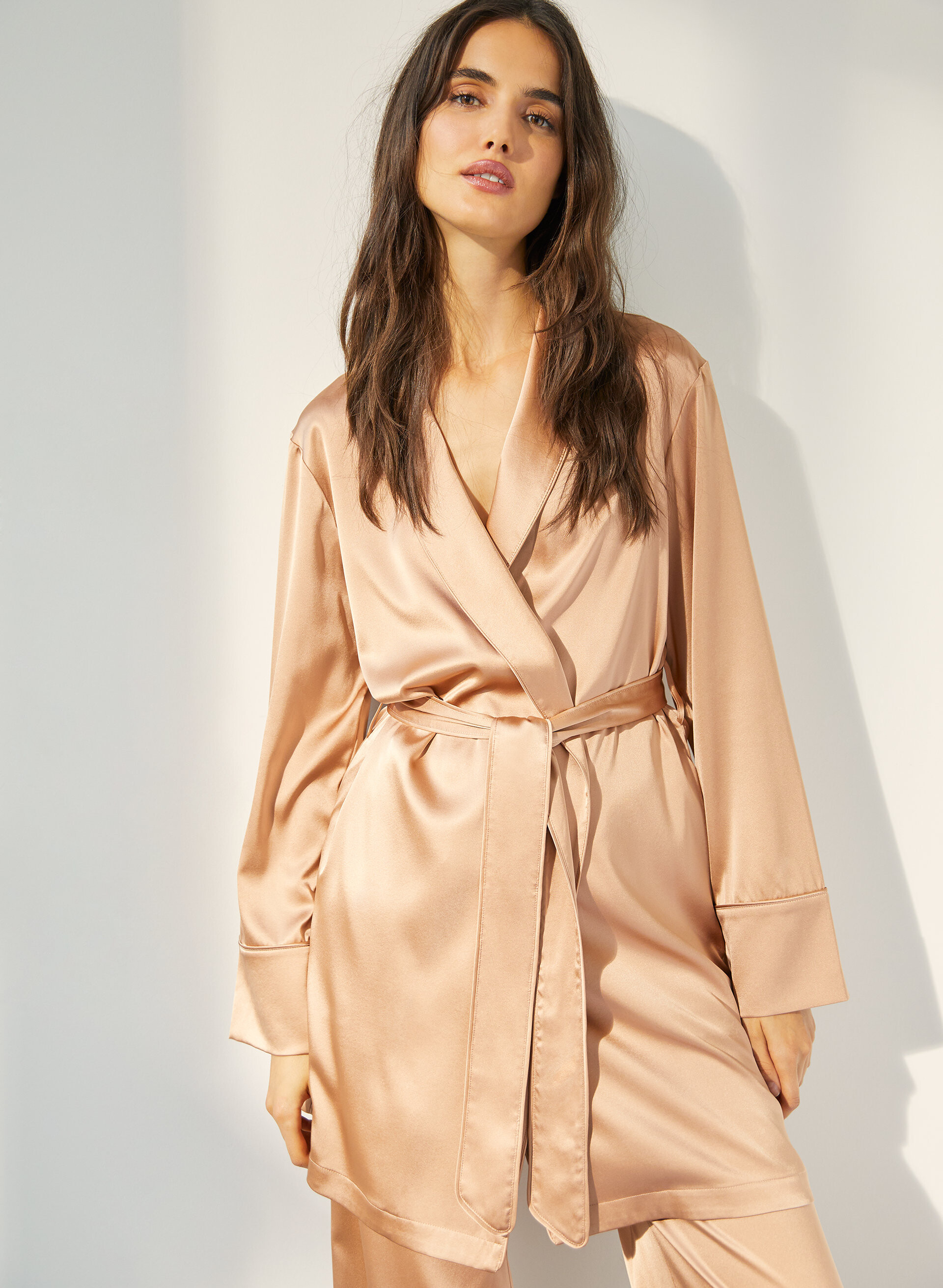
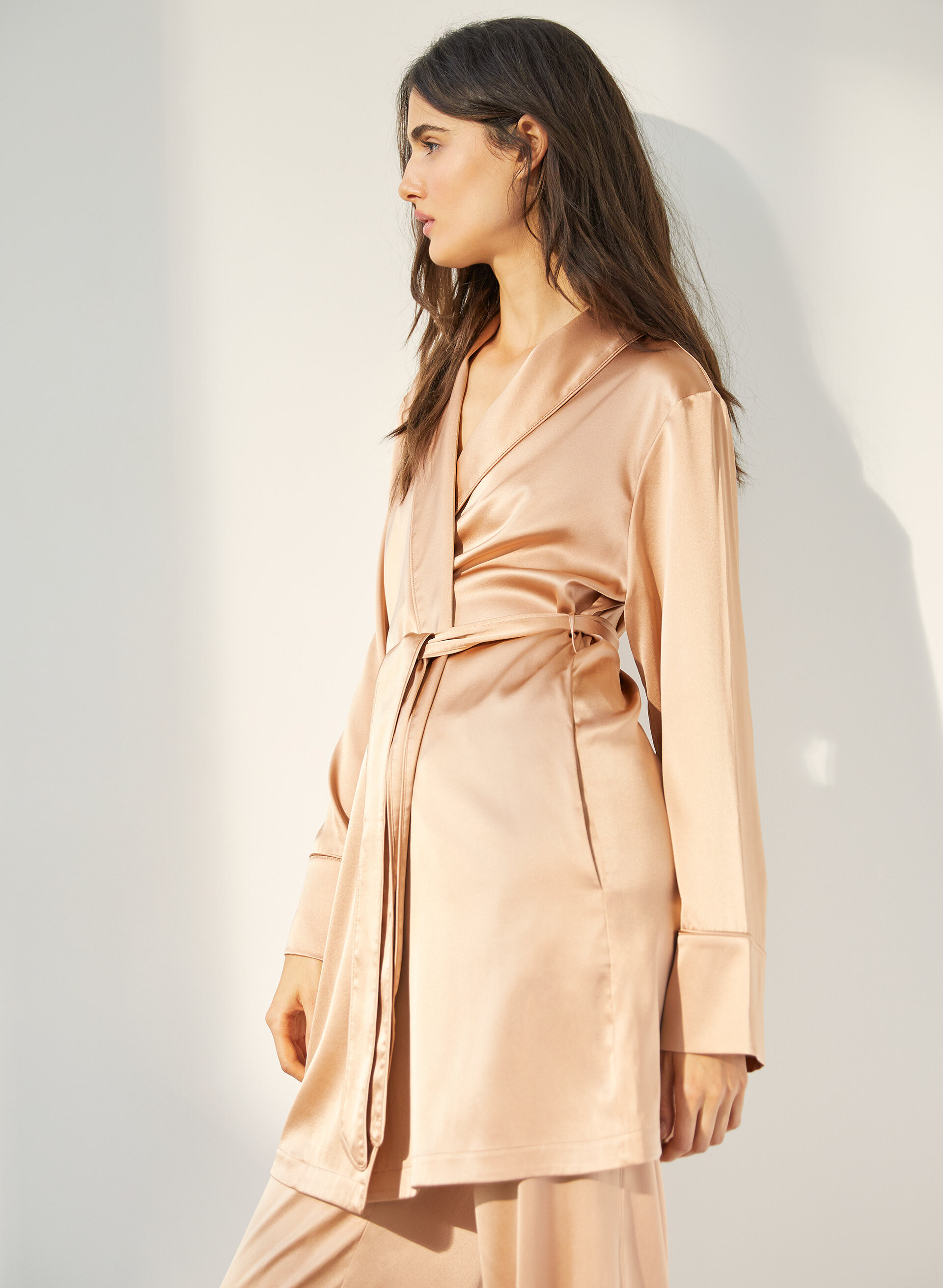
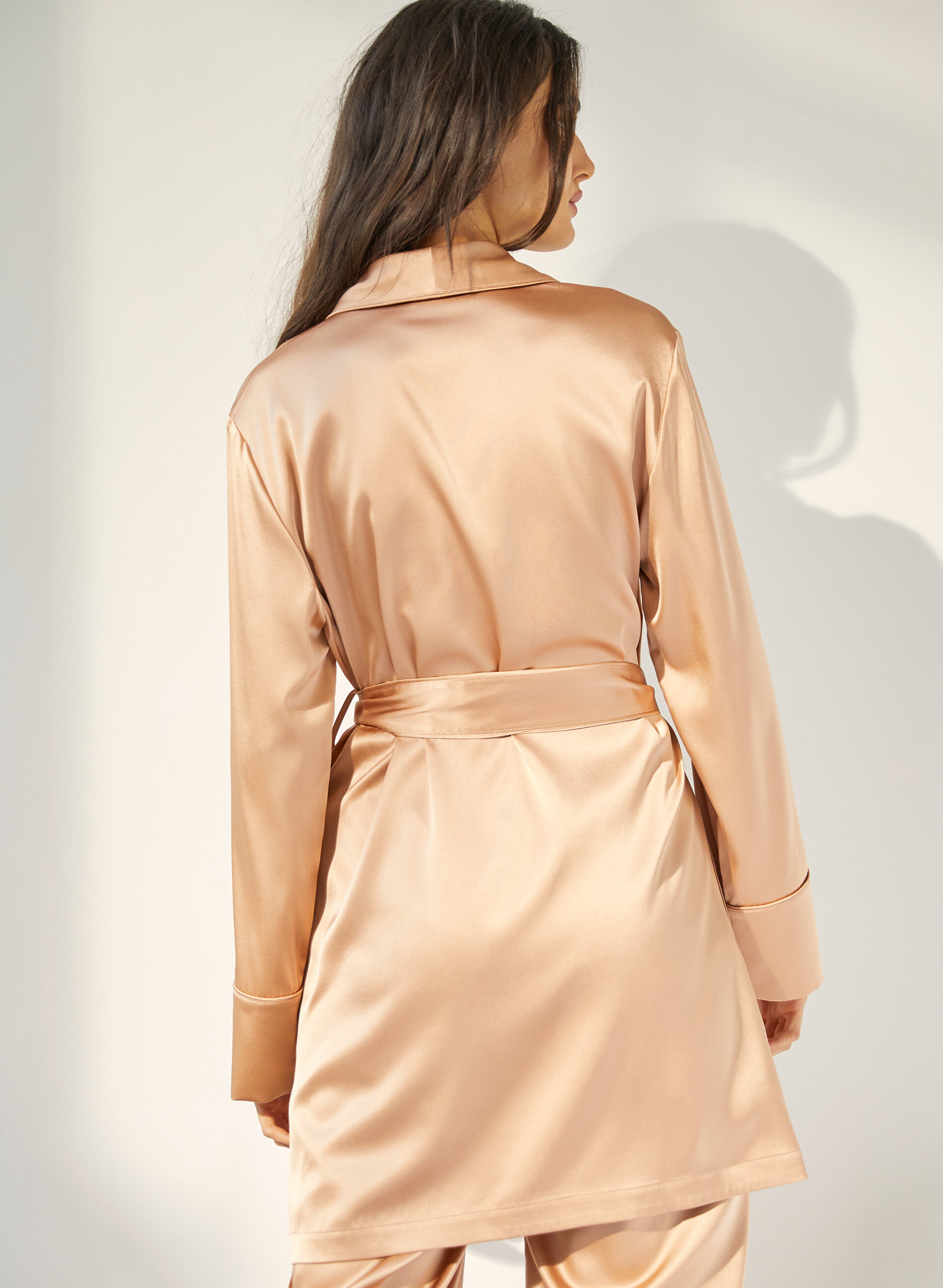
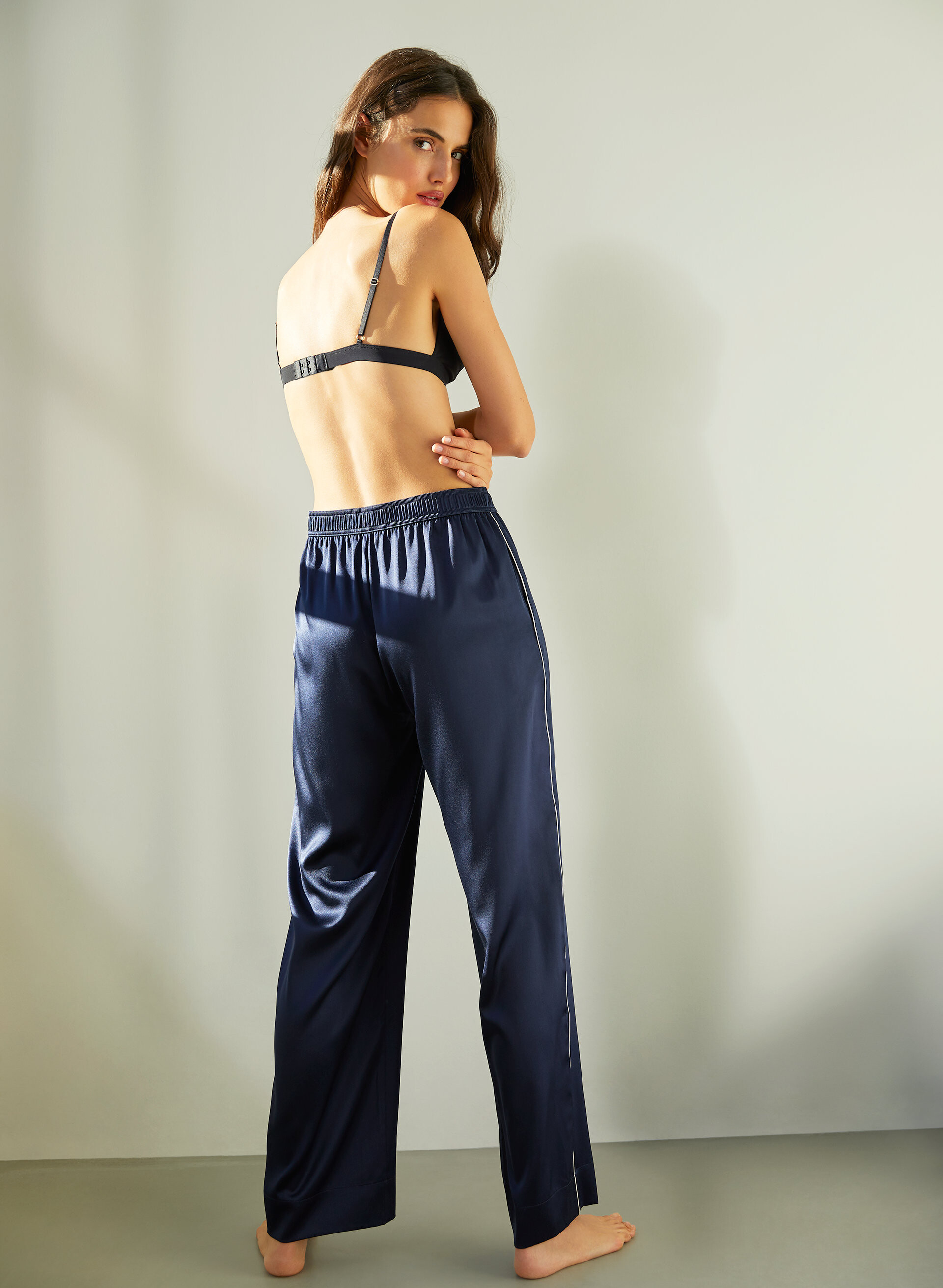
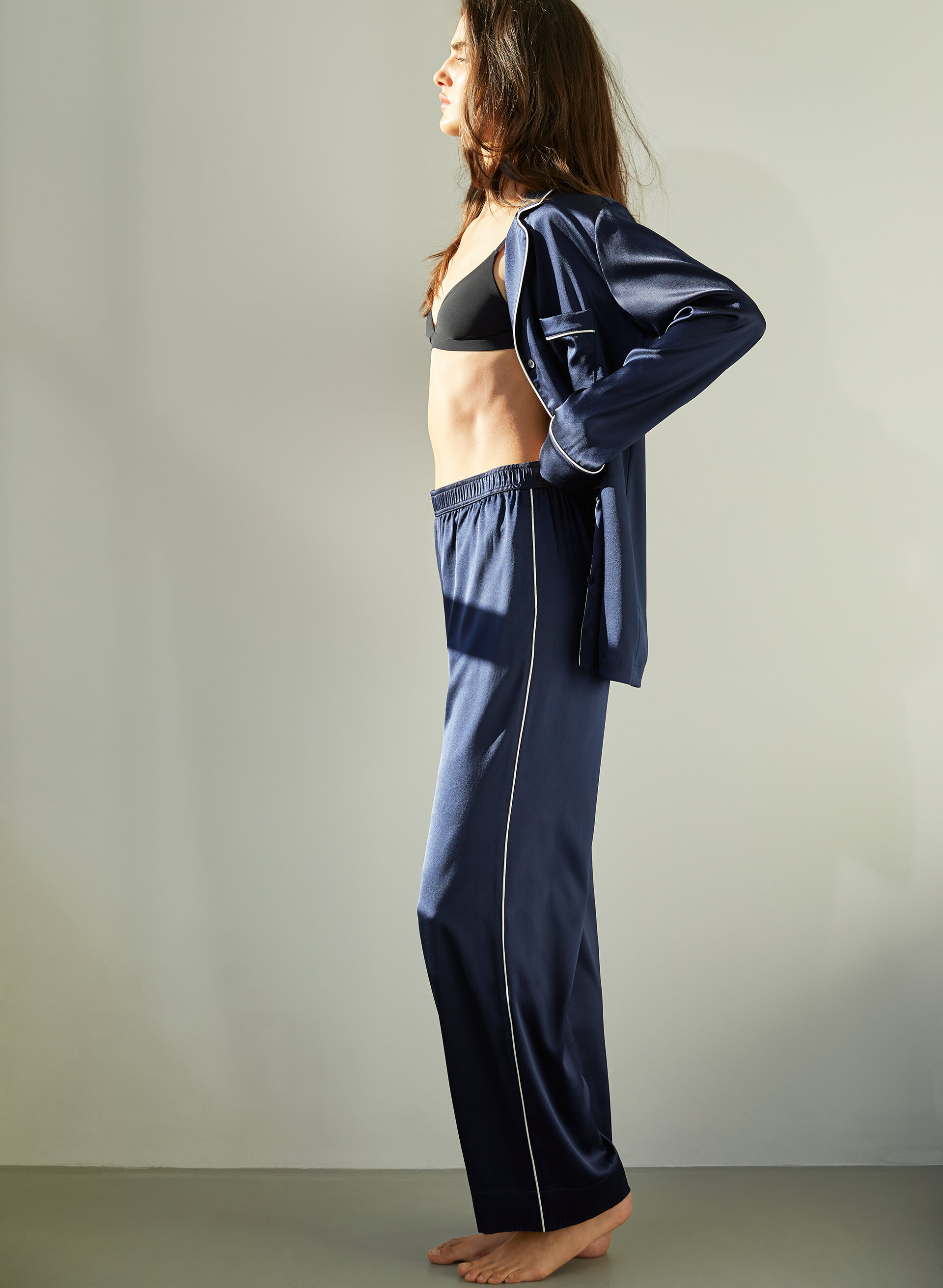
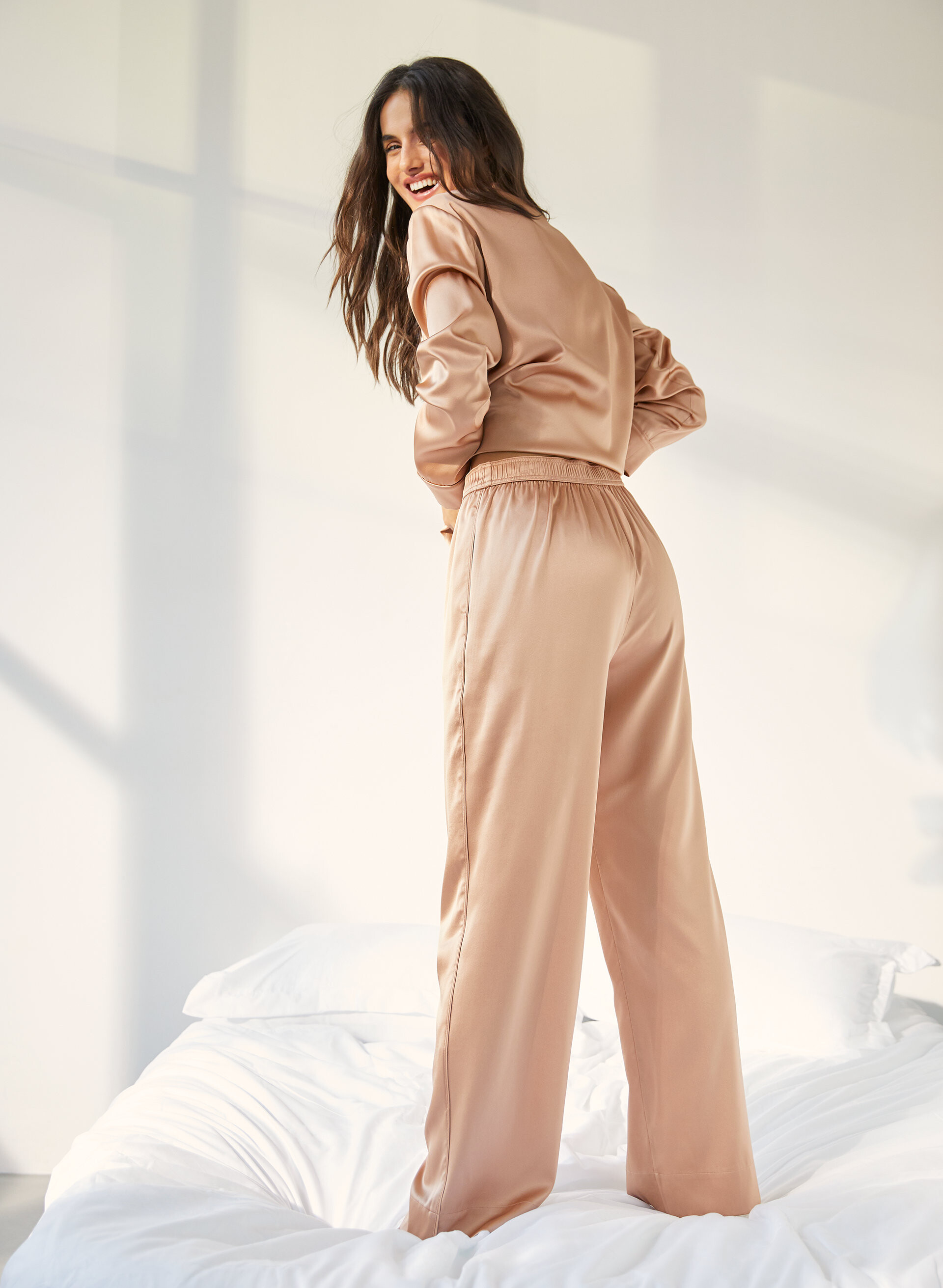
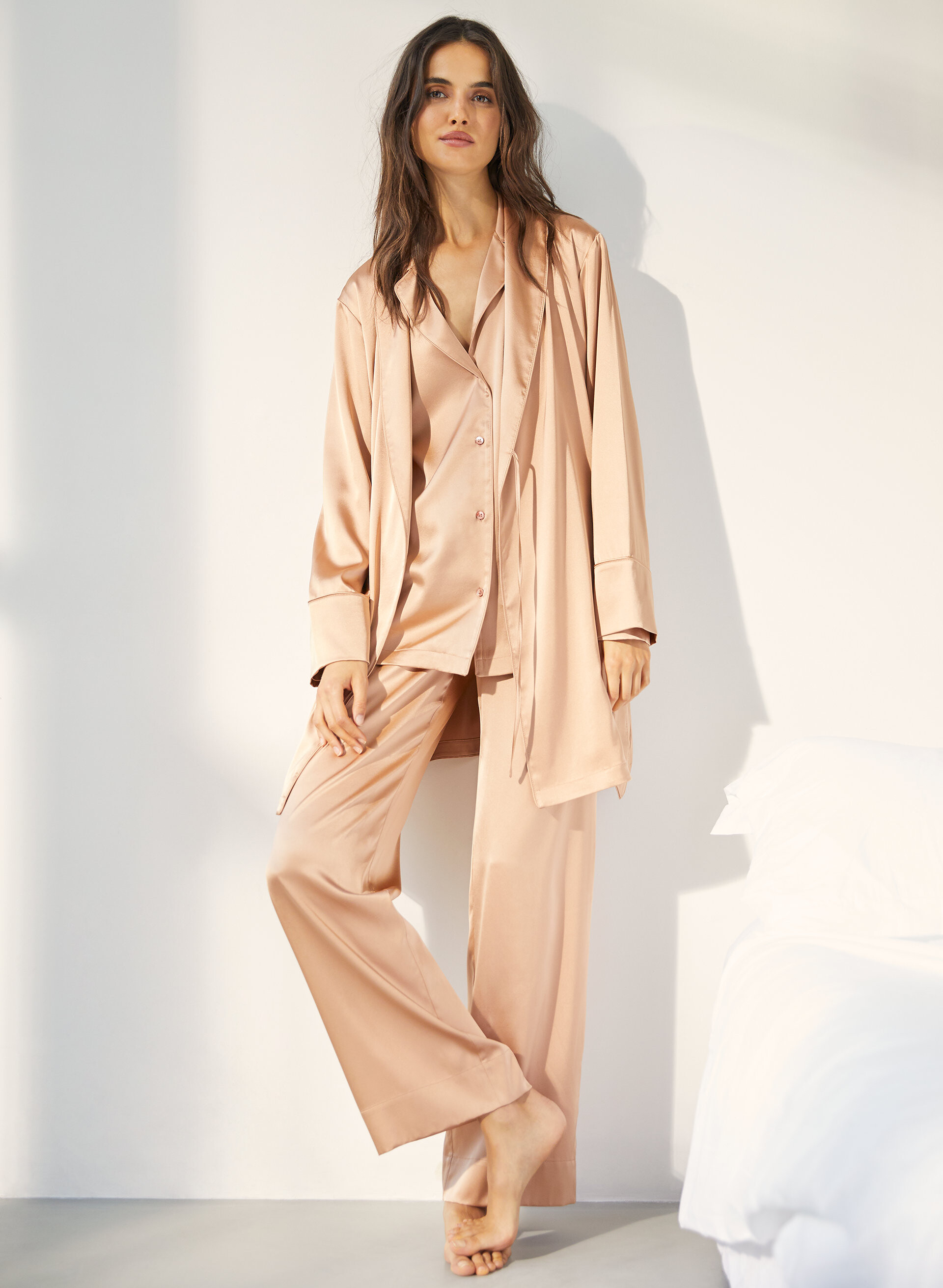
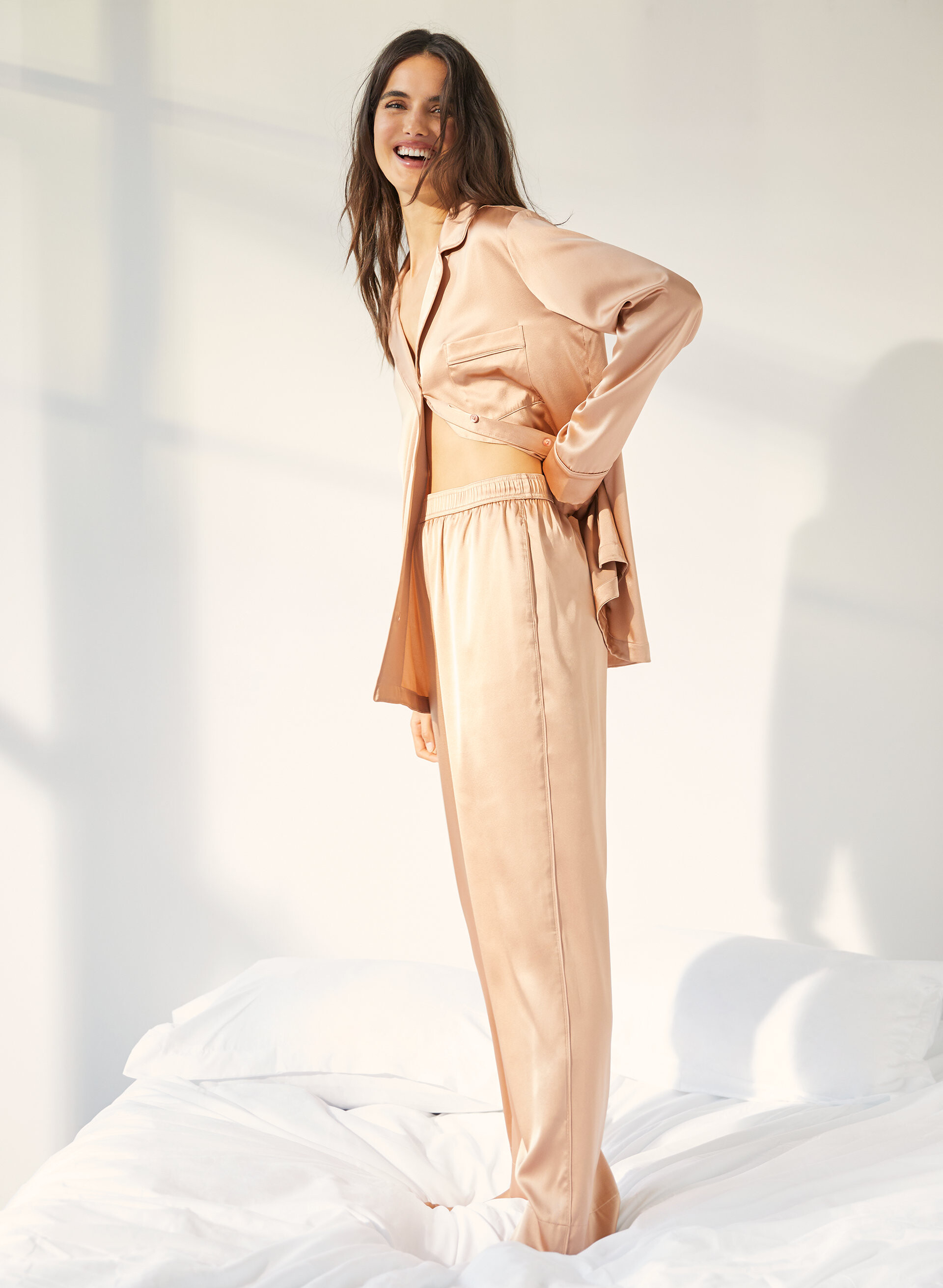
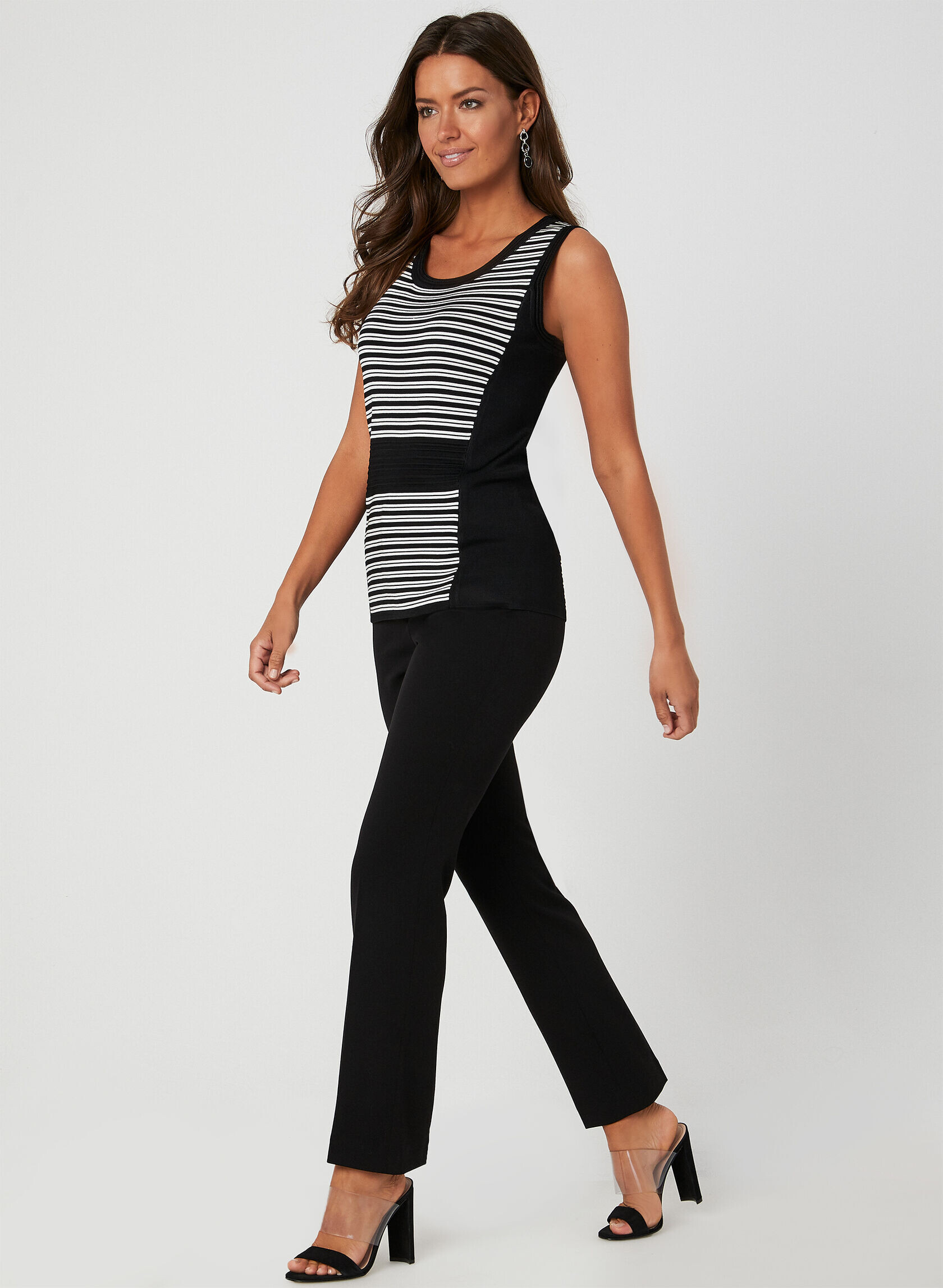
Aritzia - The Group by Babaton December 2019

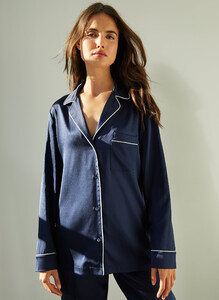


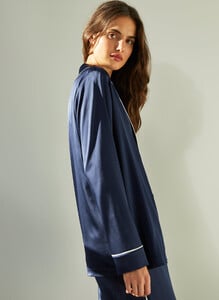











-
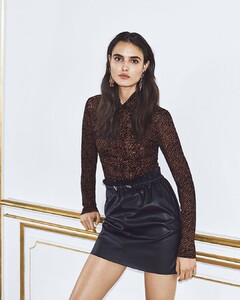
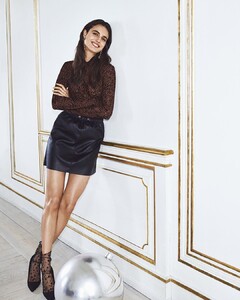
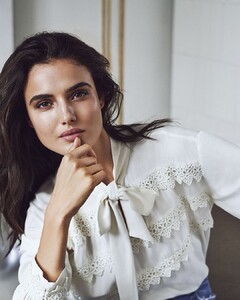
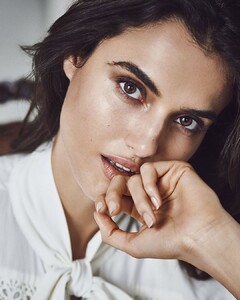
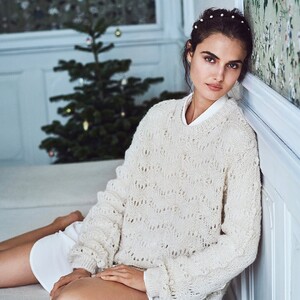
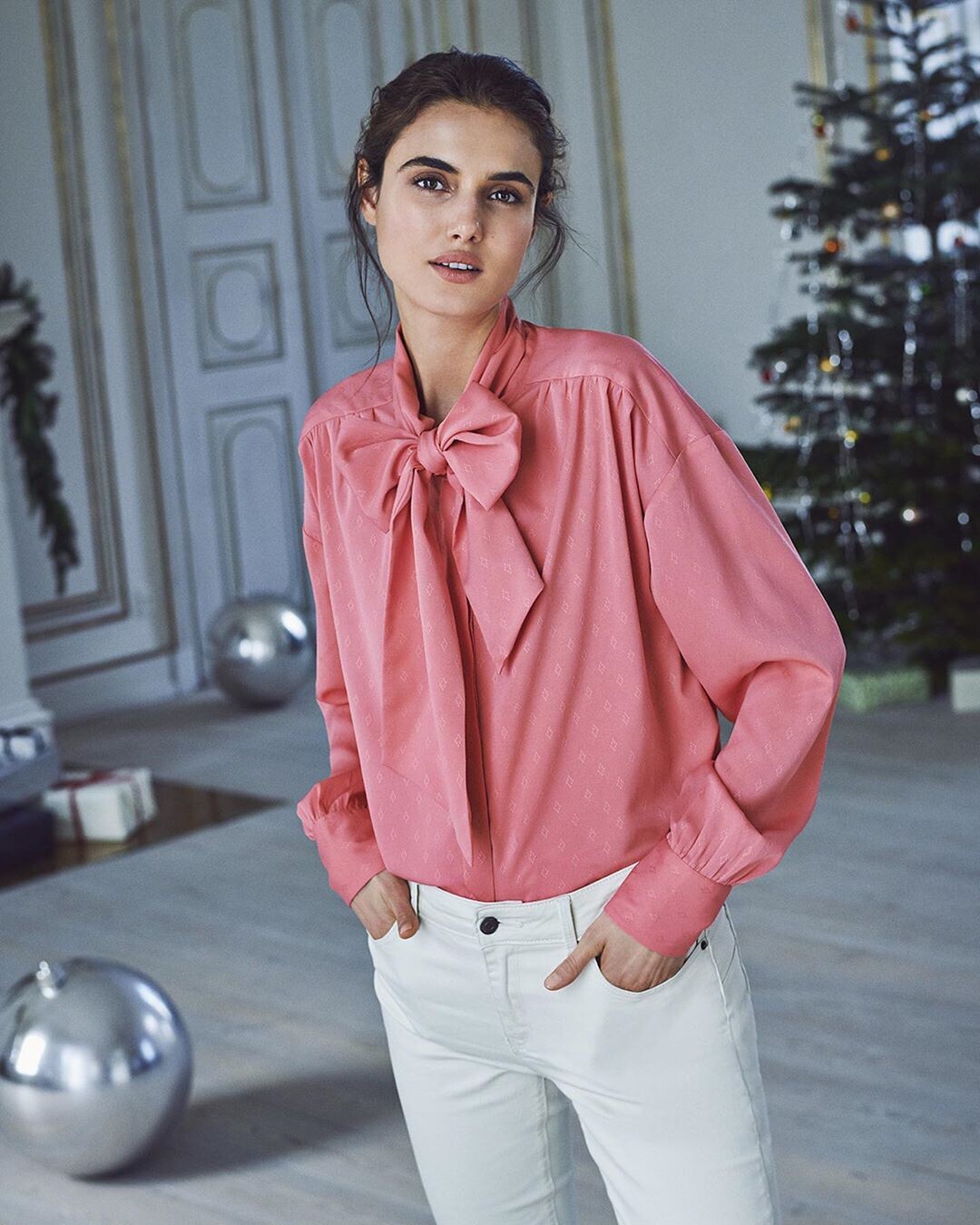
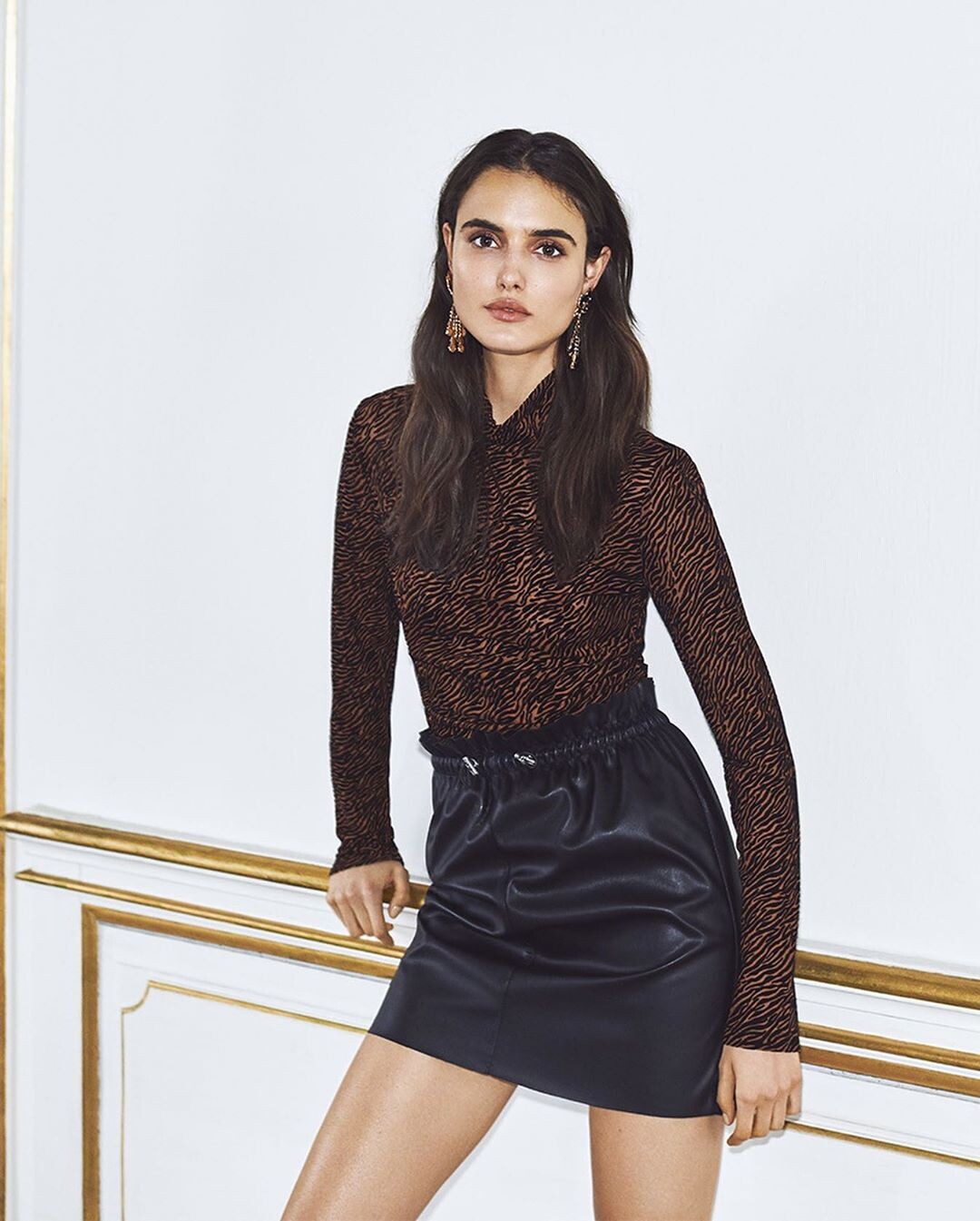
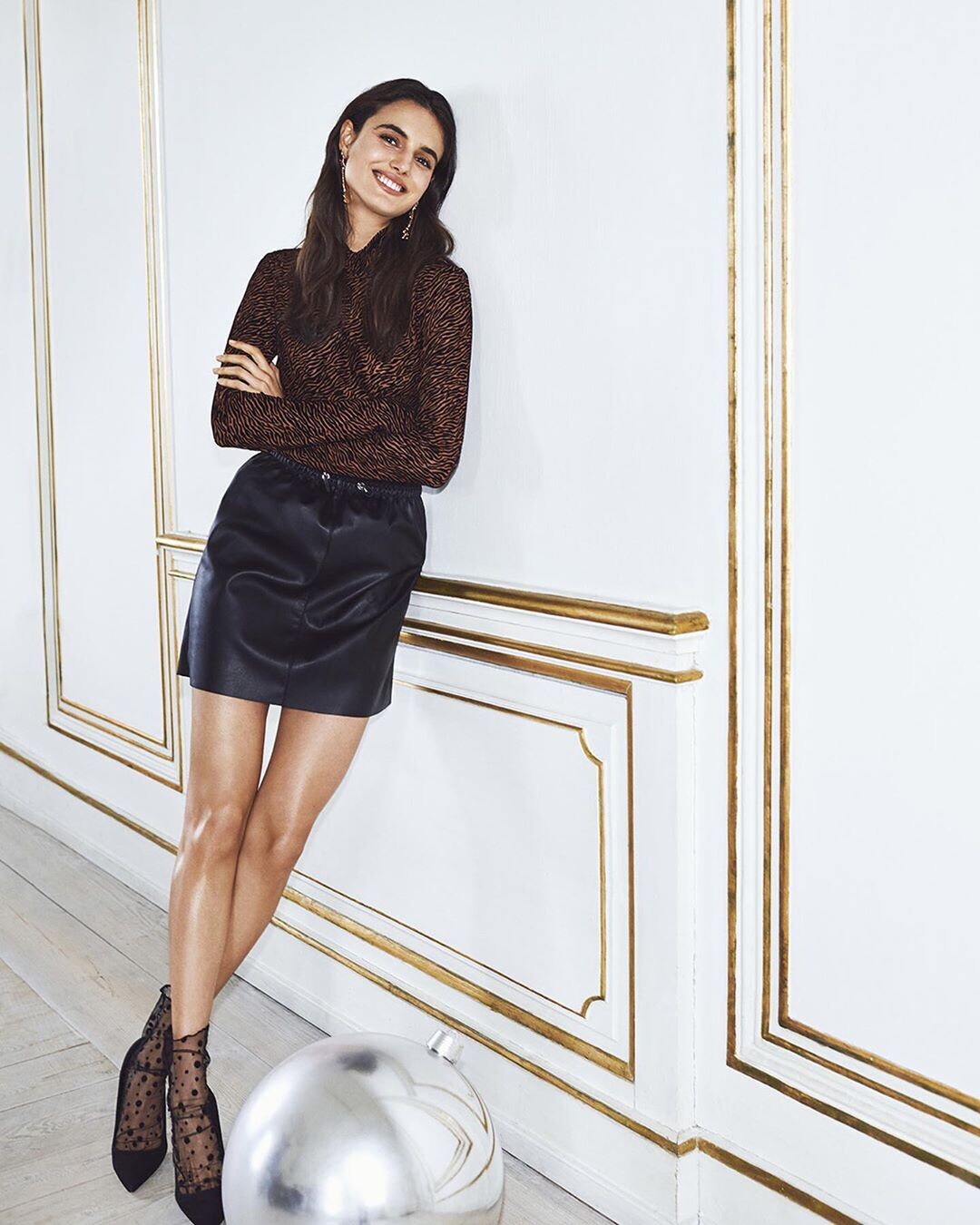
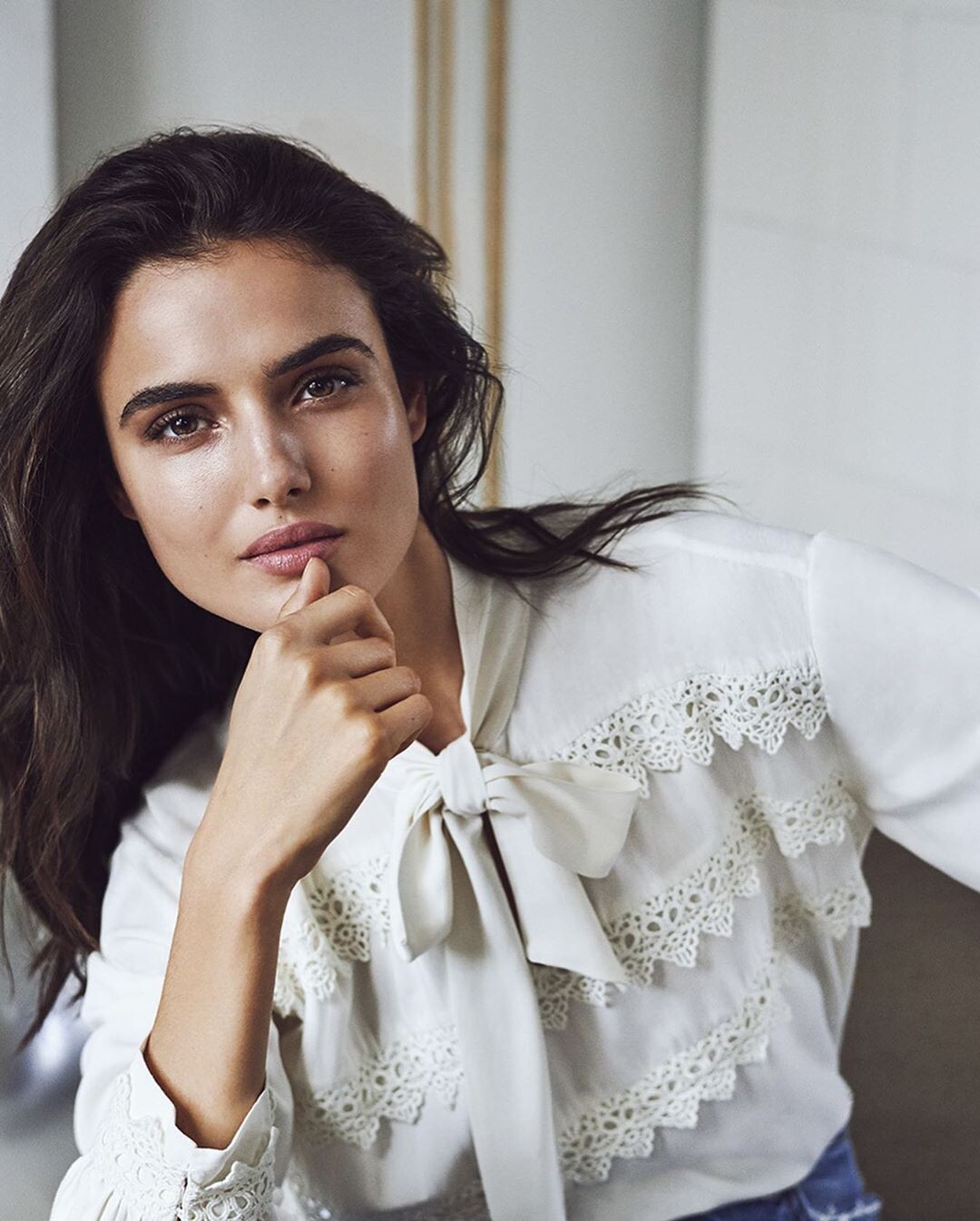
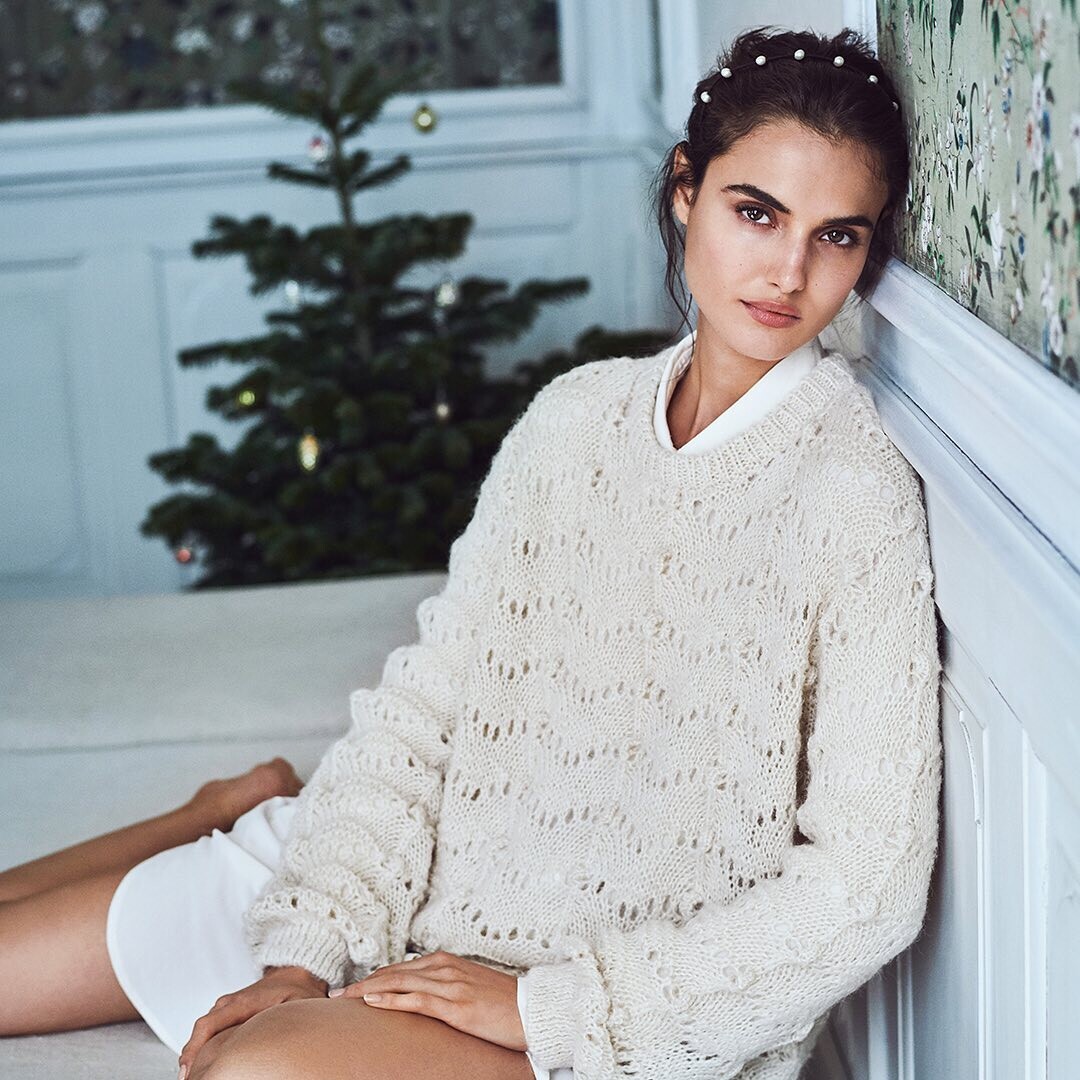
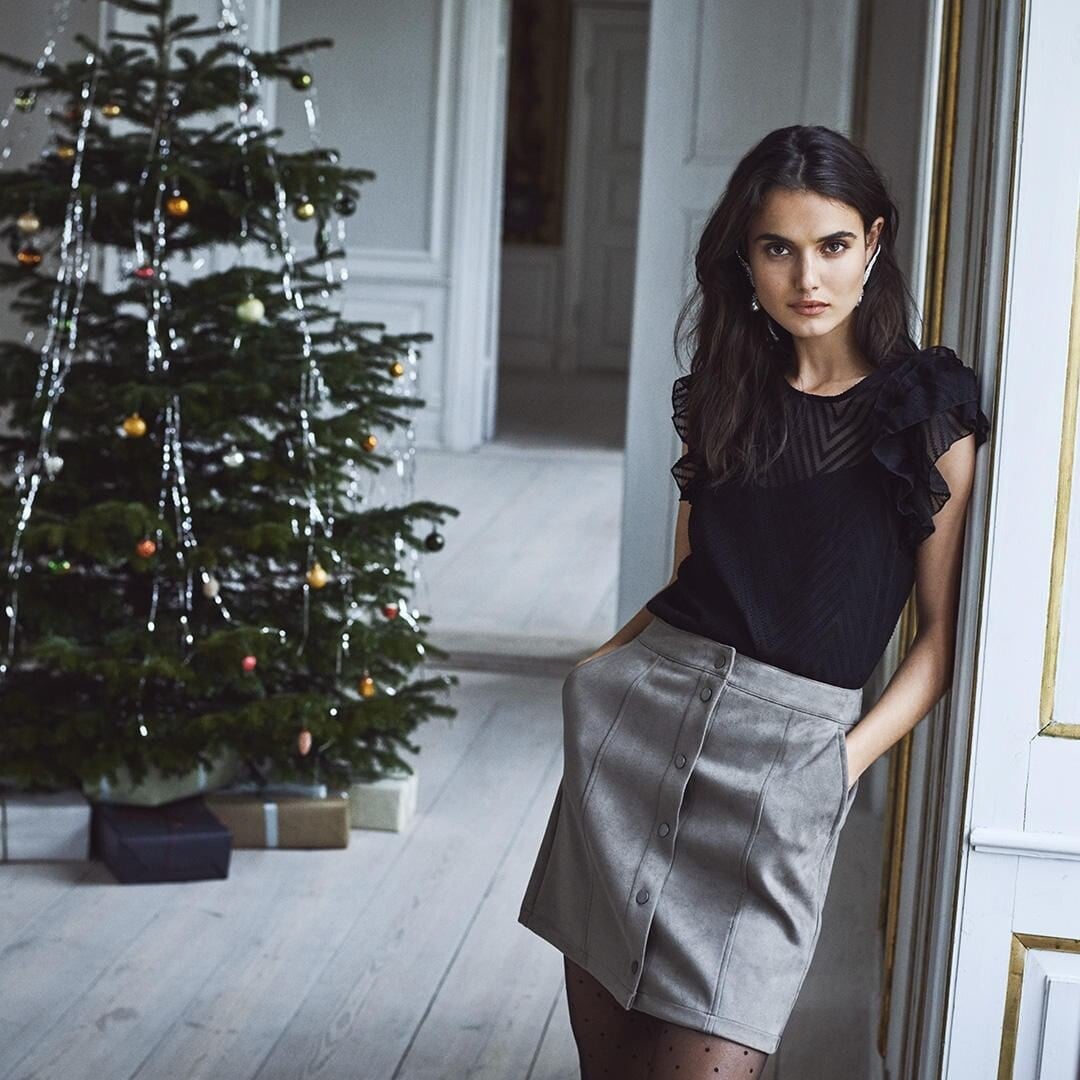
Vero Moda Christmas 2019







-
I.D. Sarrieri 2019/2020




-
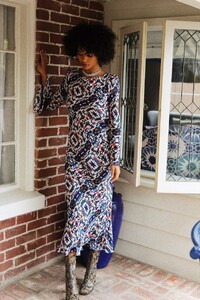
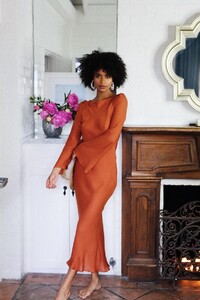
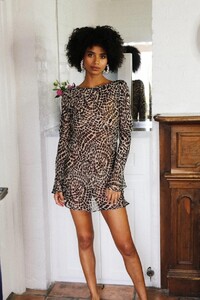
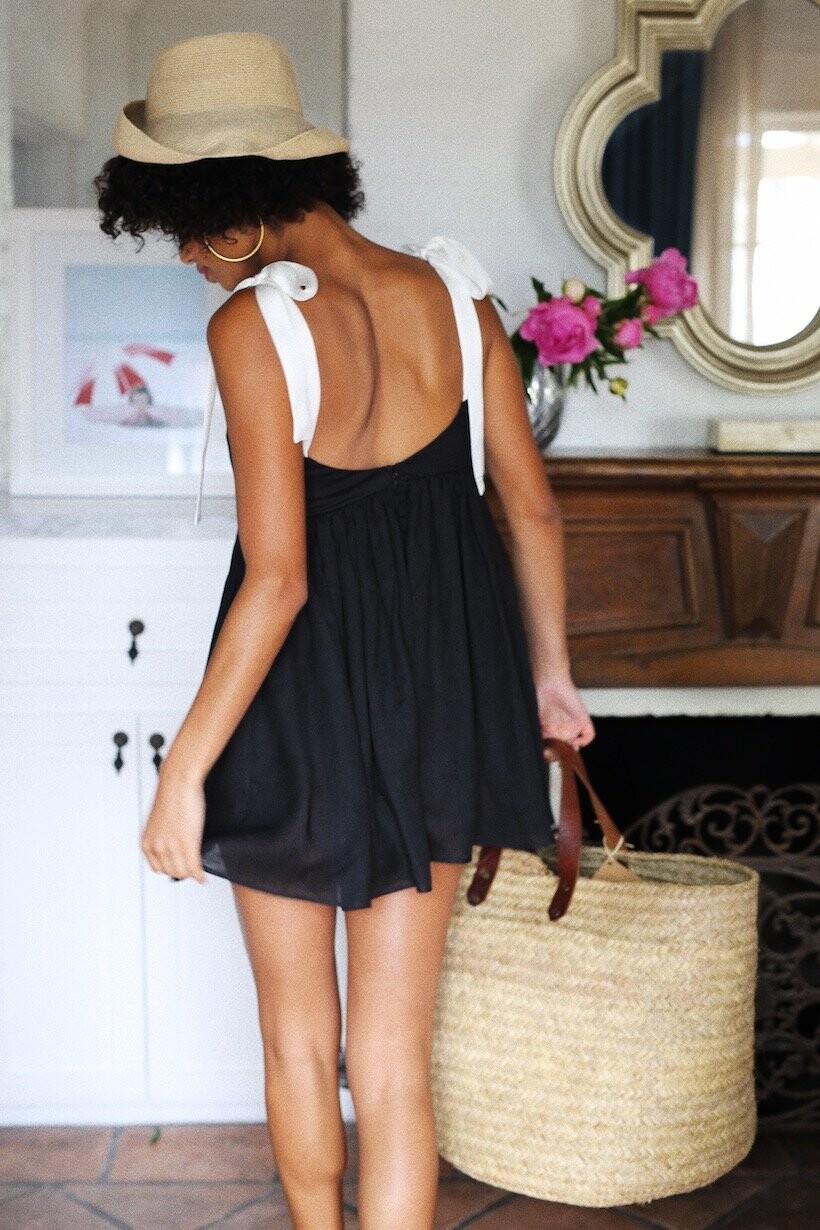
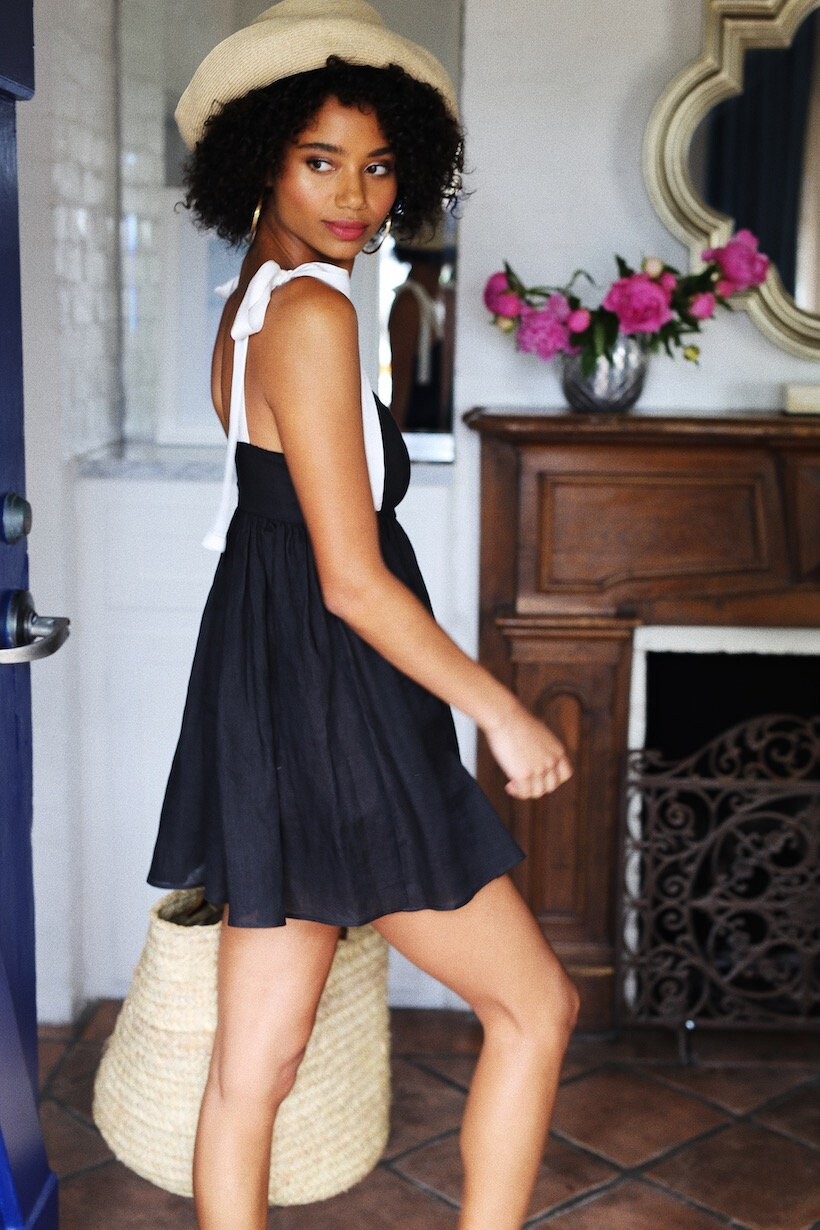
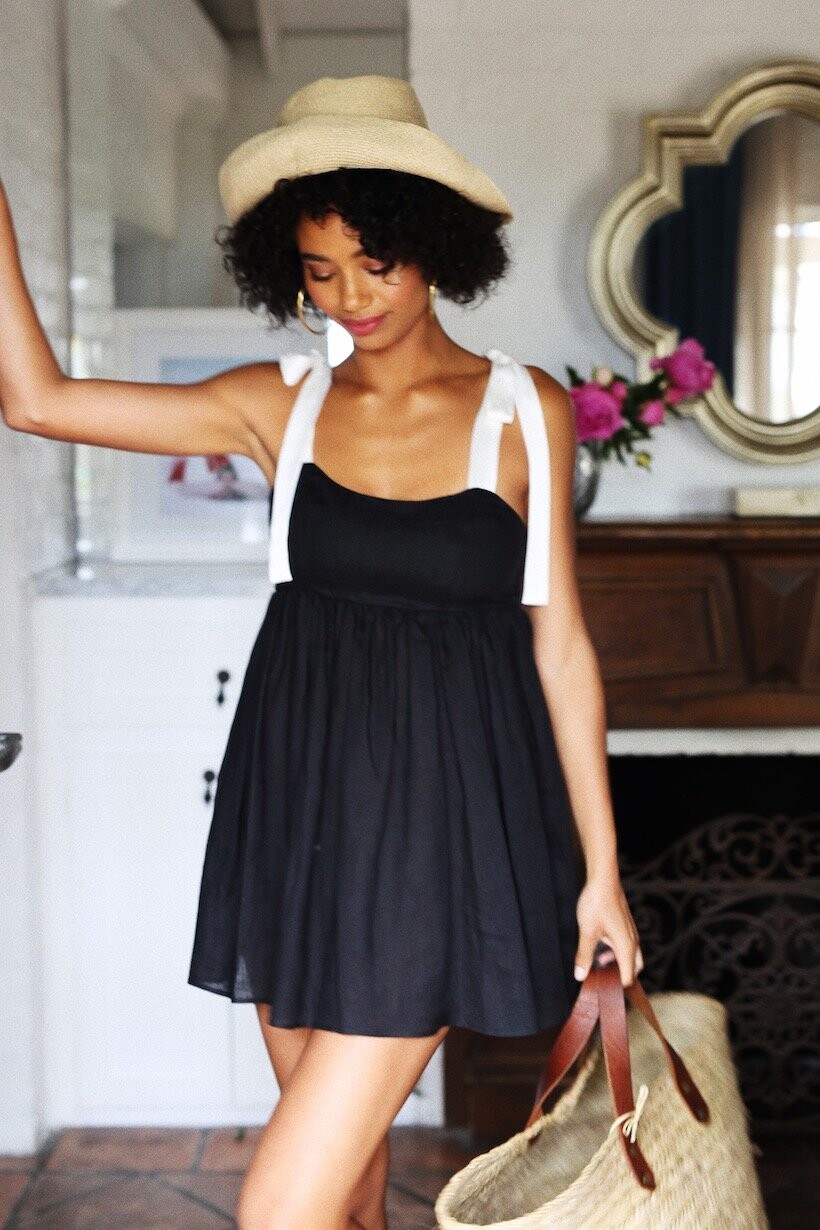
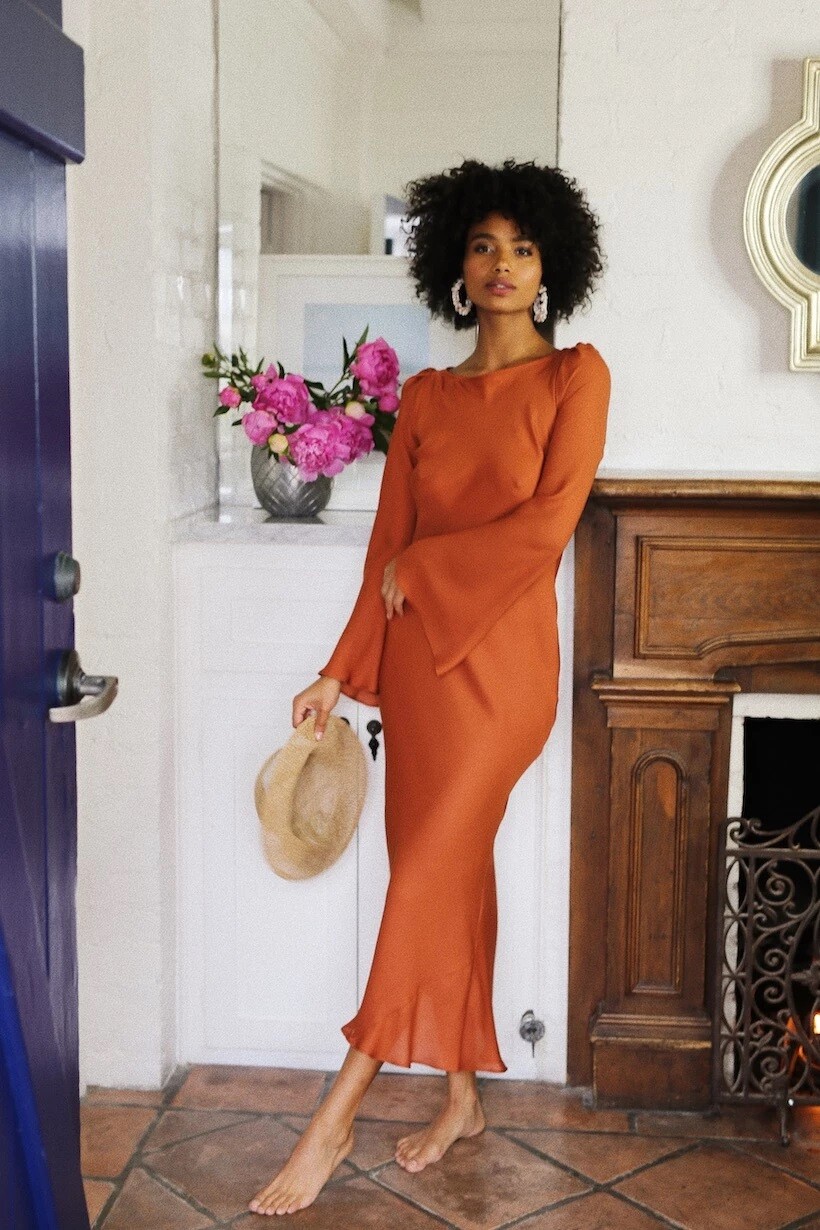
Stone Cold Fox 2019
















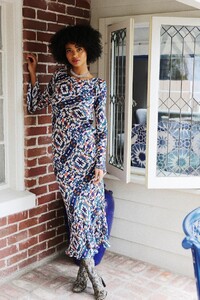
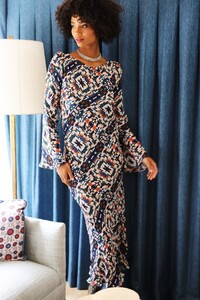
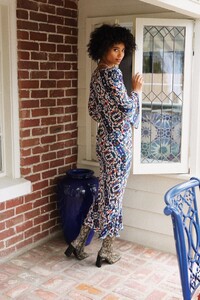



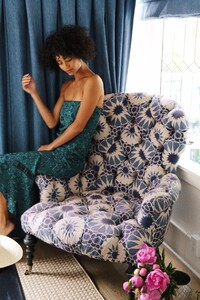































-
Aritzia November 2019
-
Aritzia November 2019
-
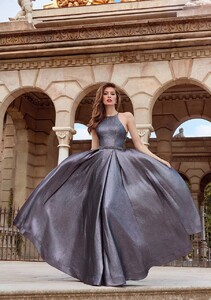
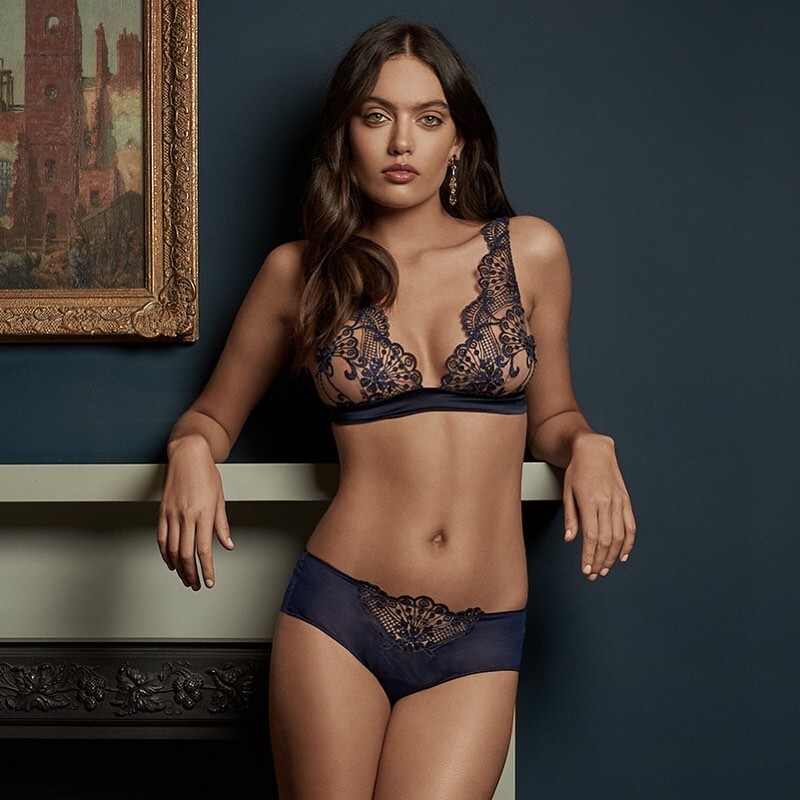
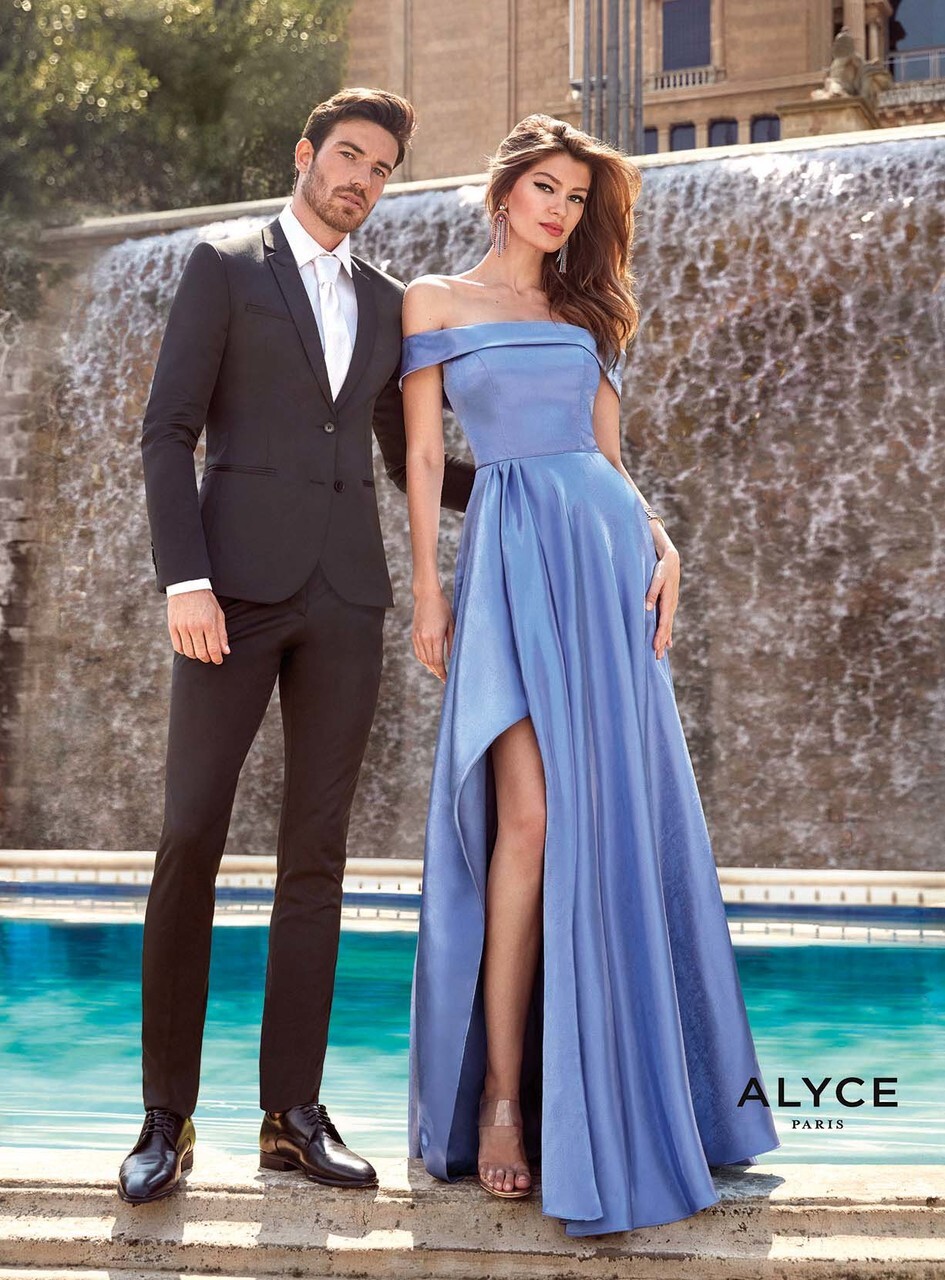
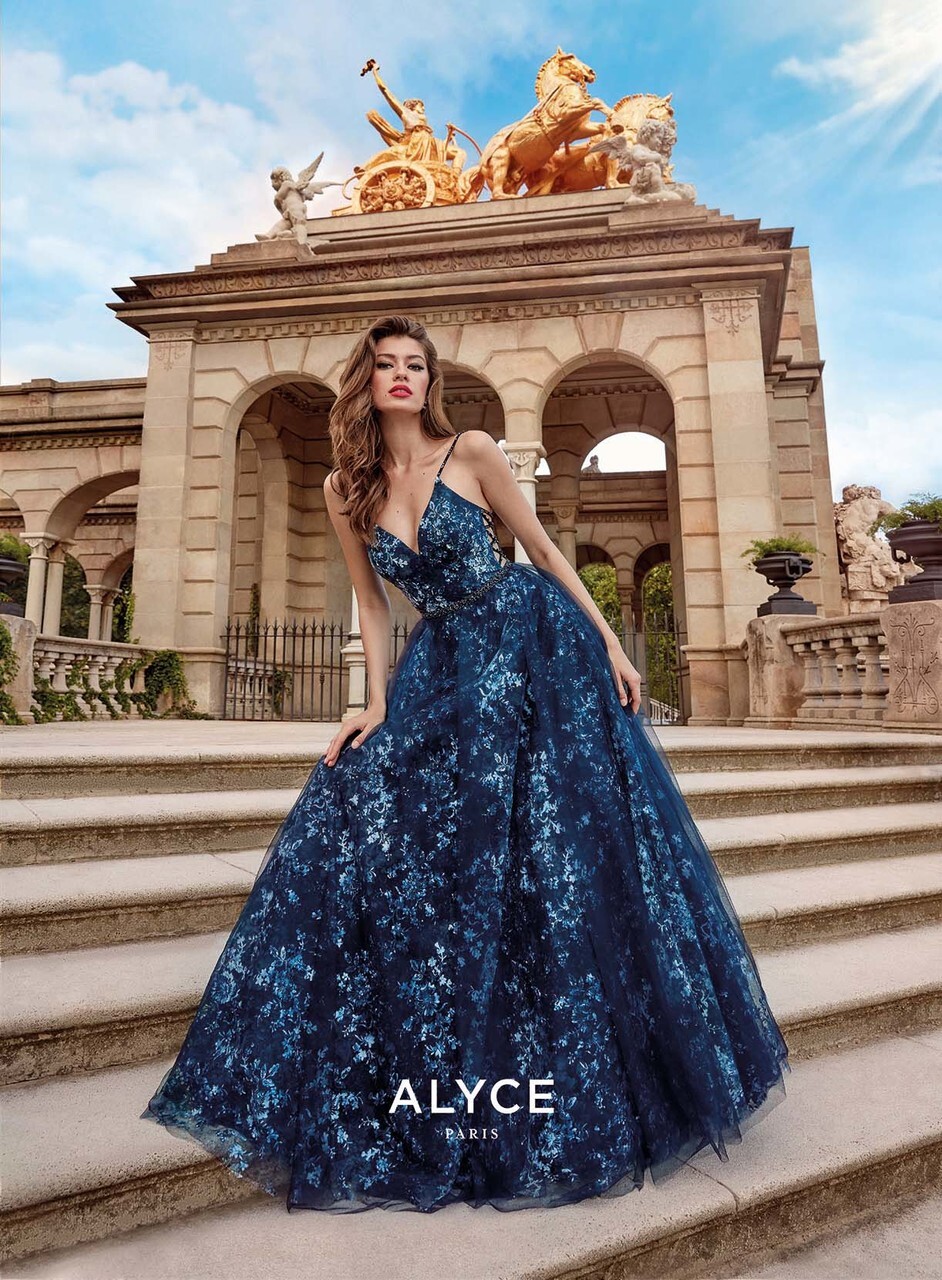
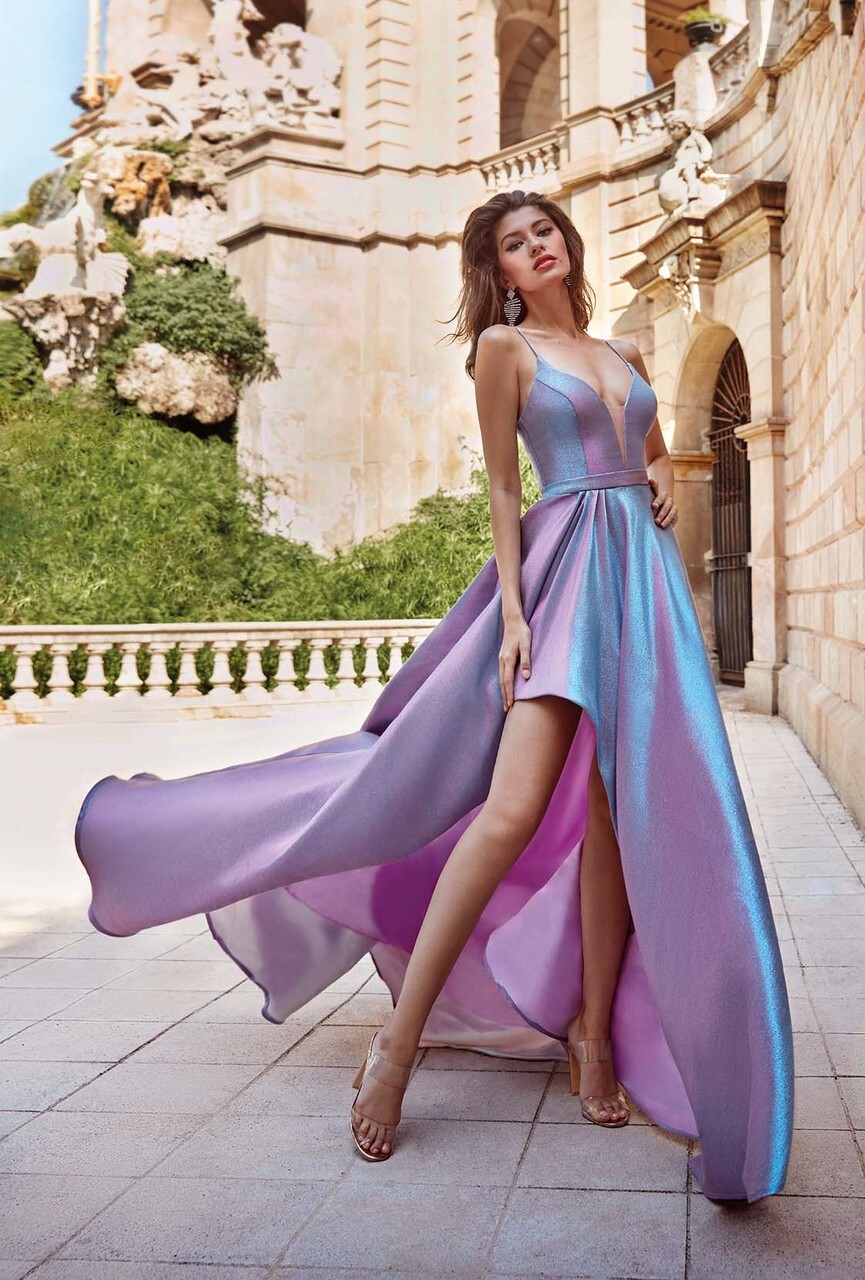
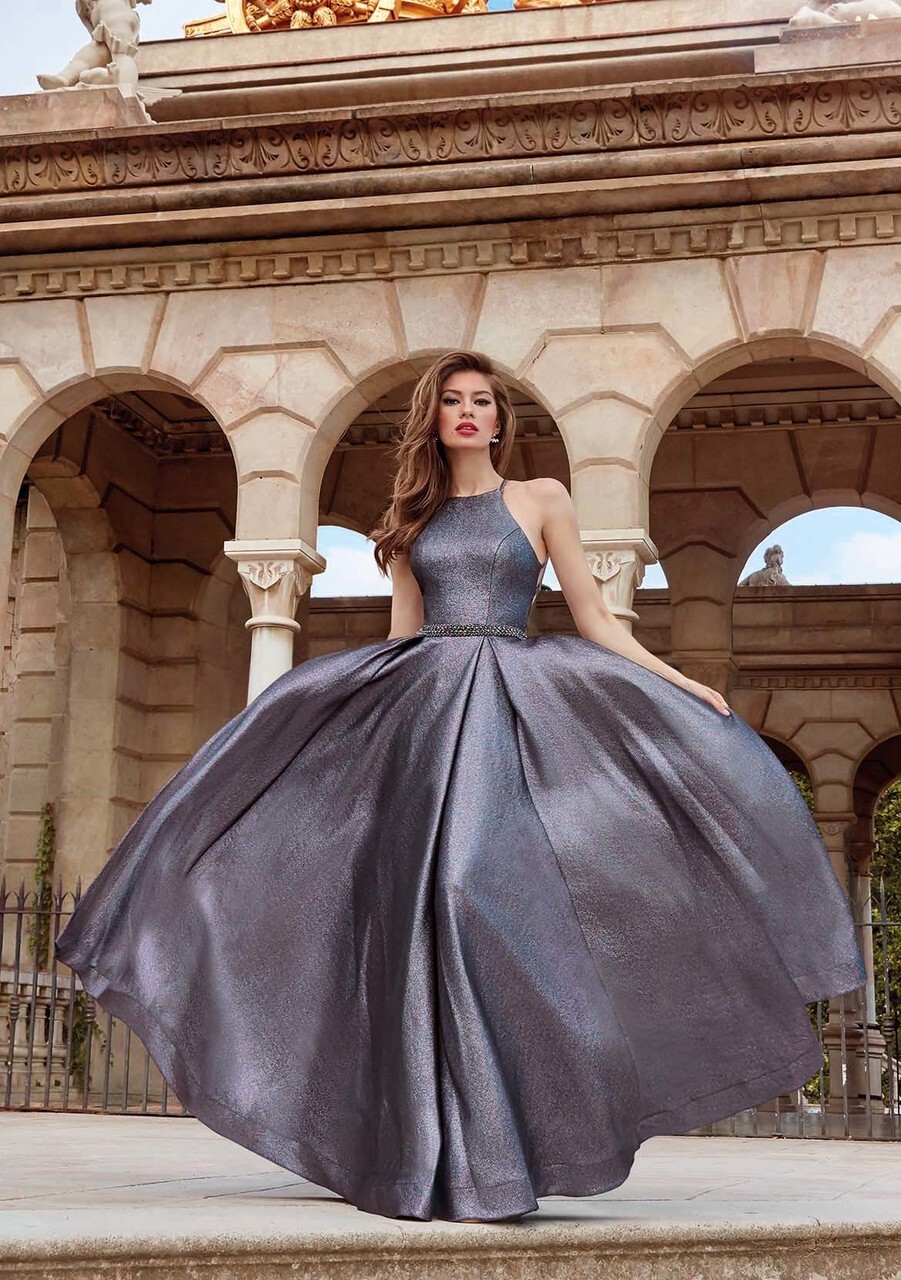
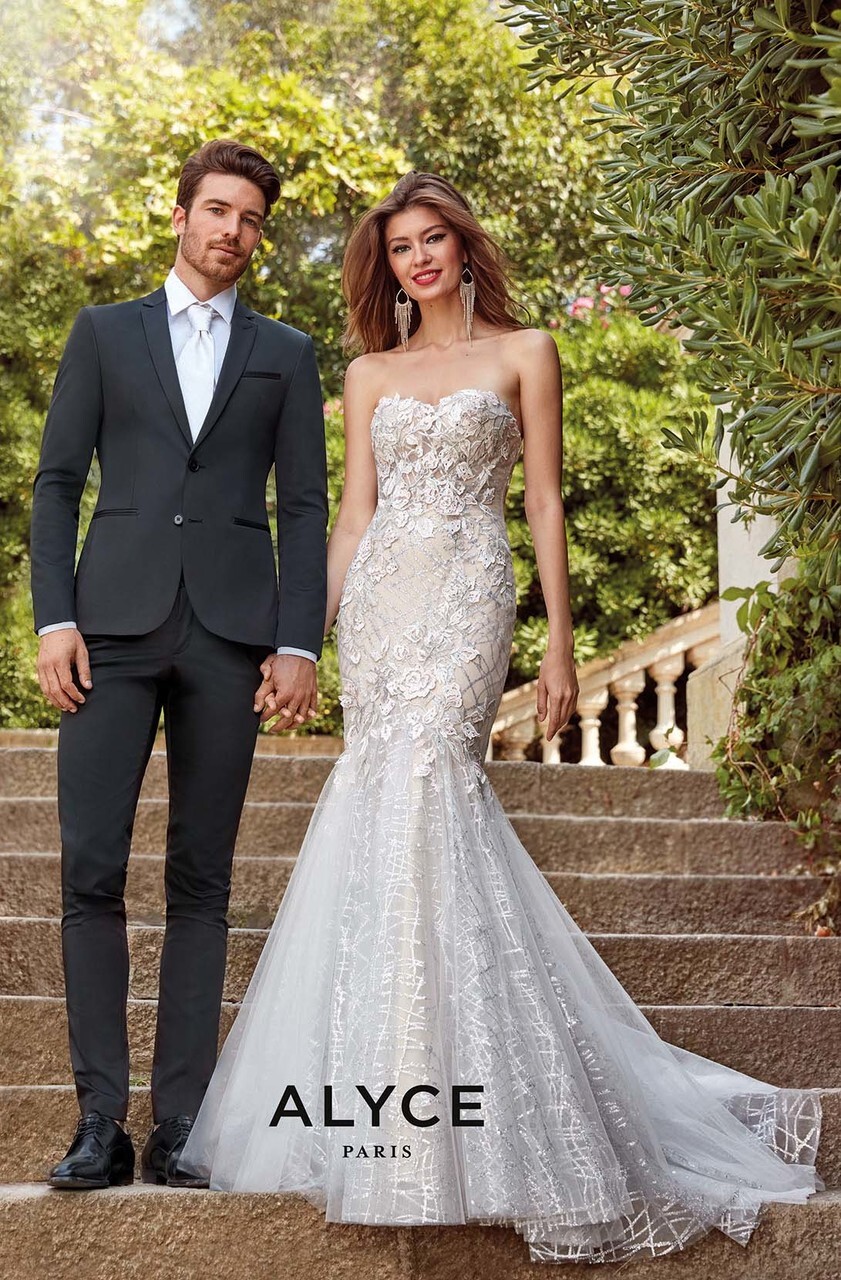
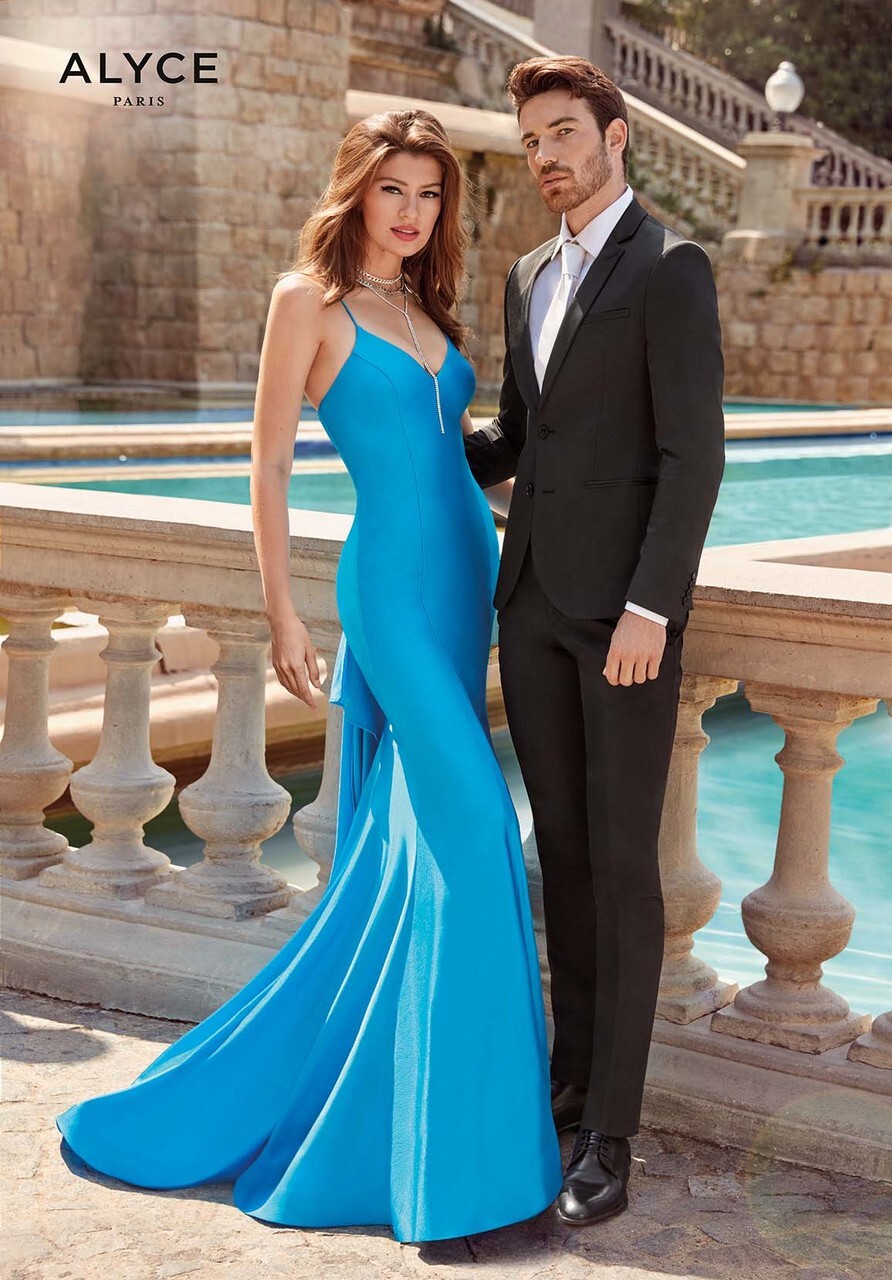
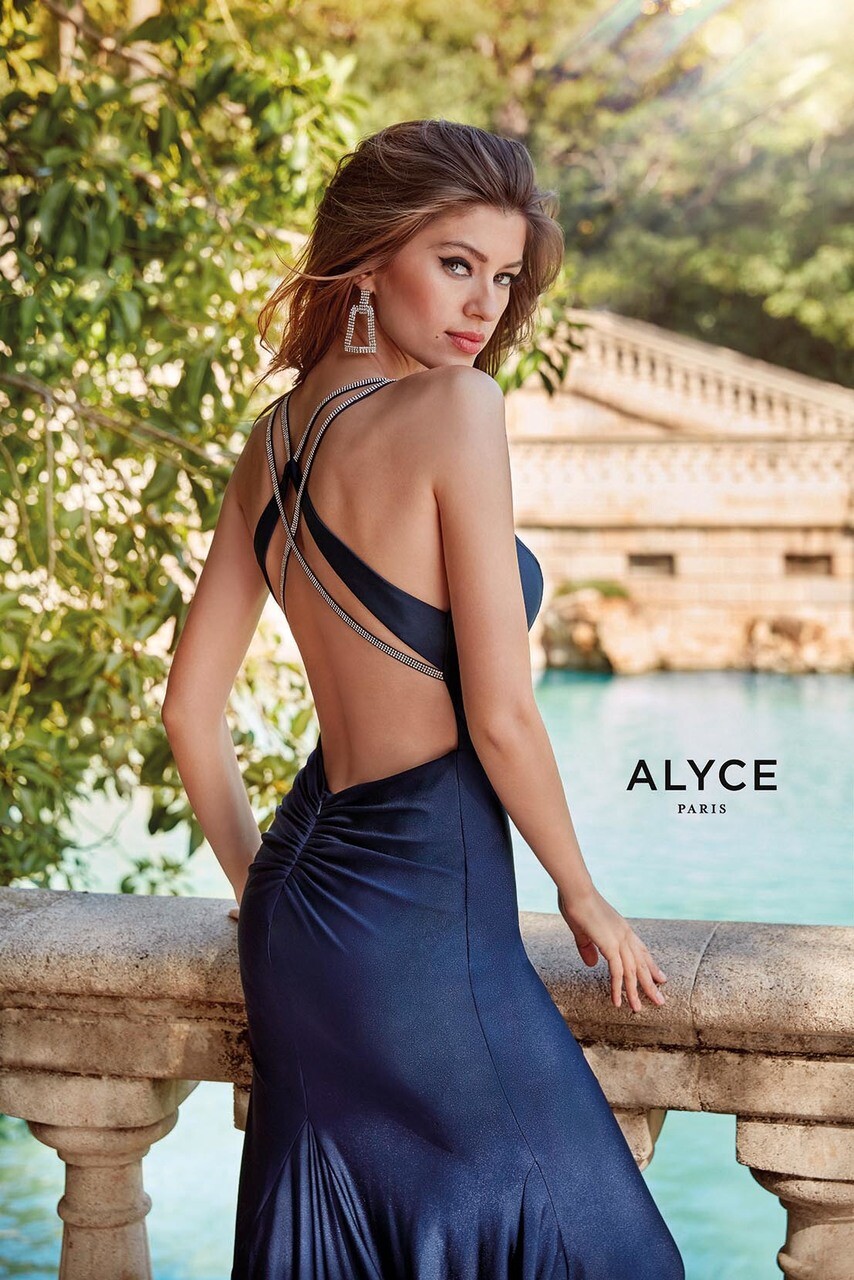
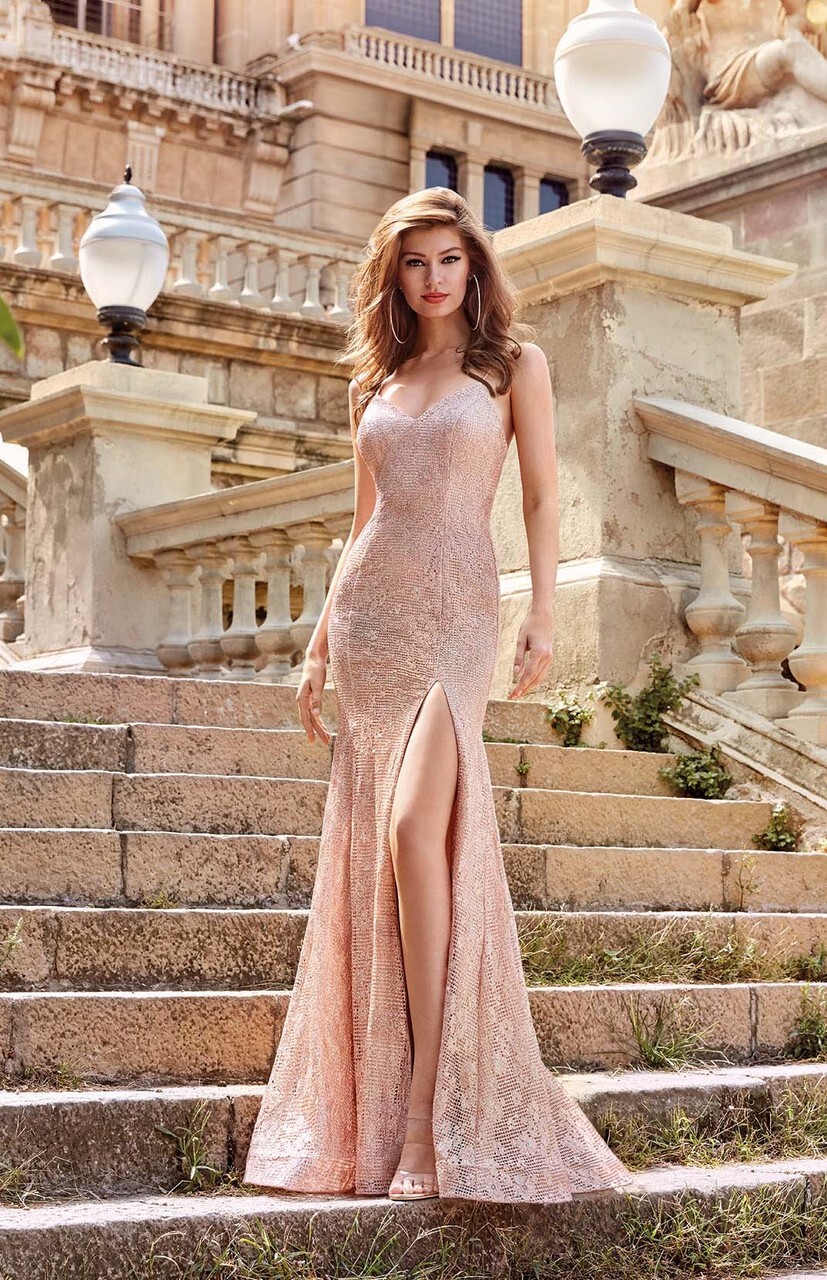
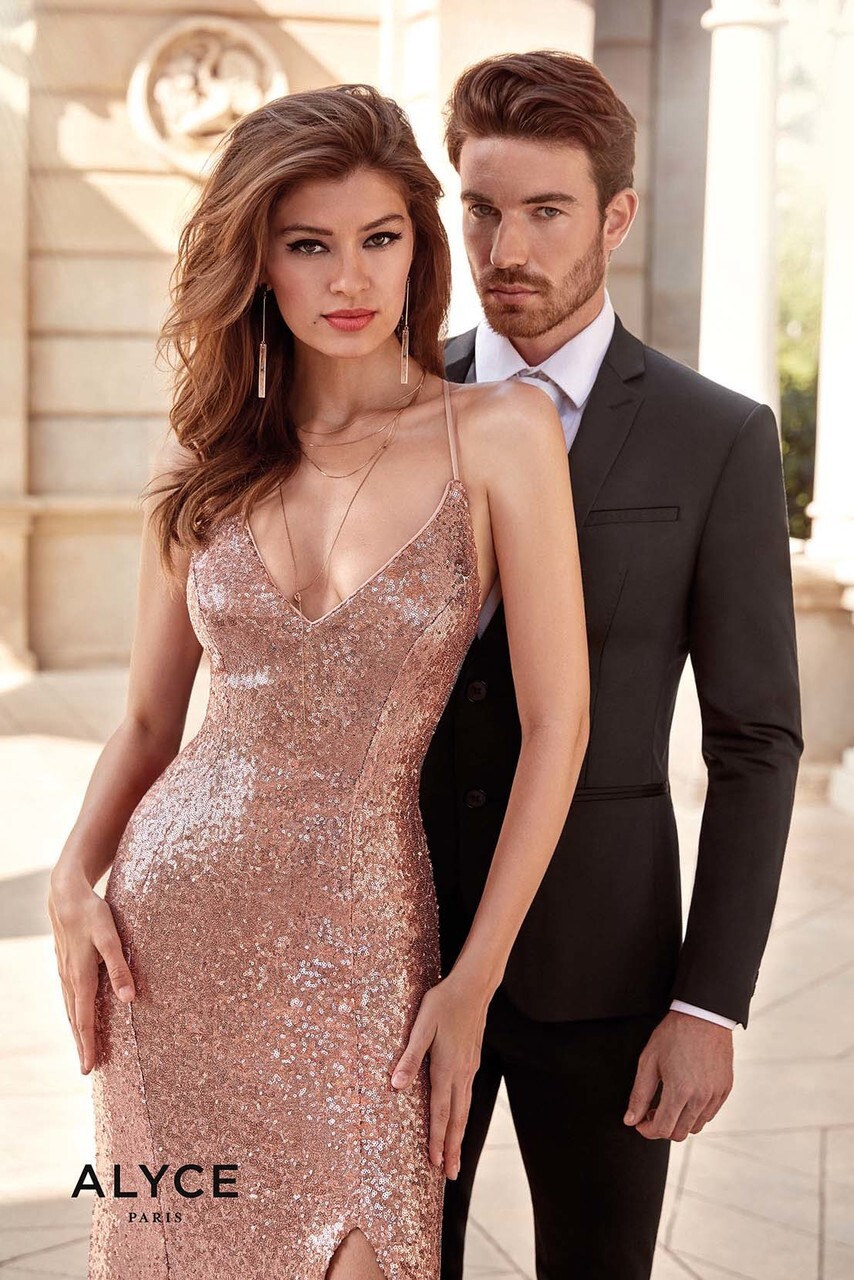
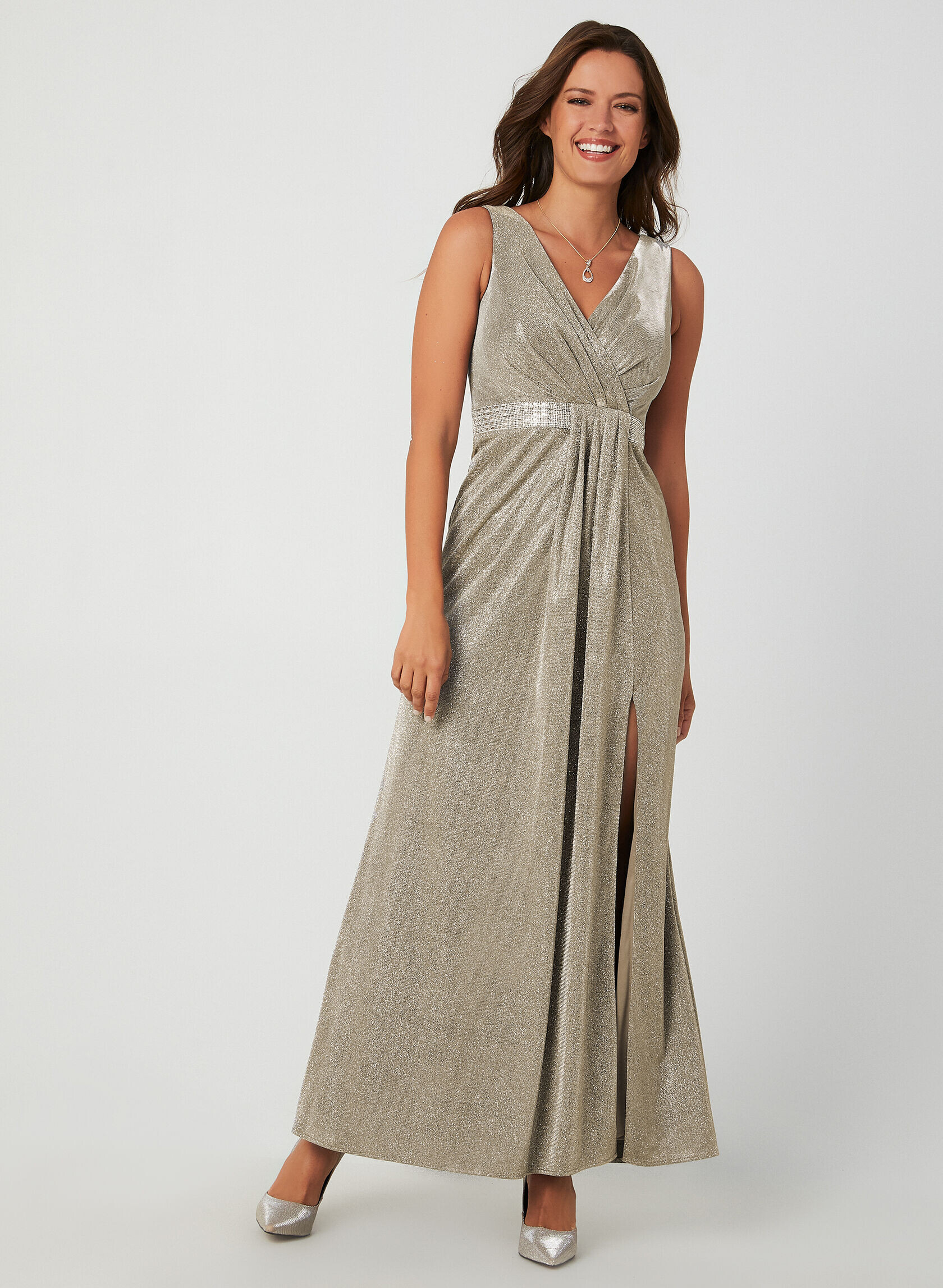
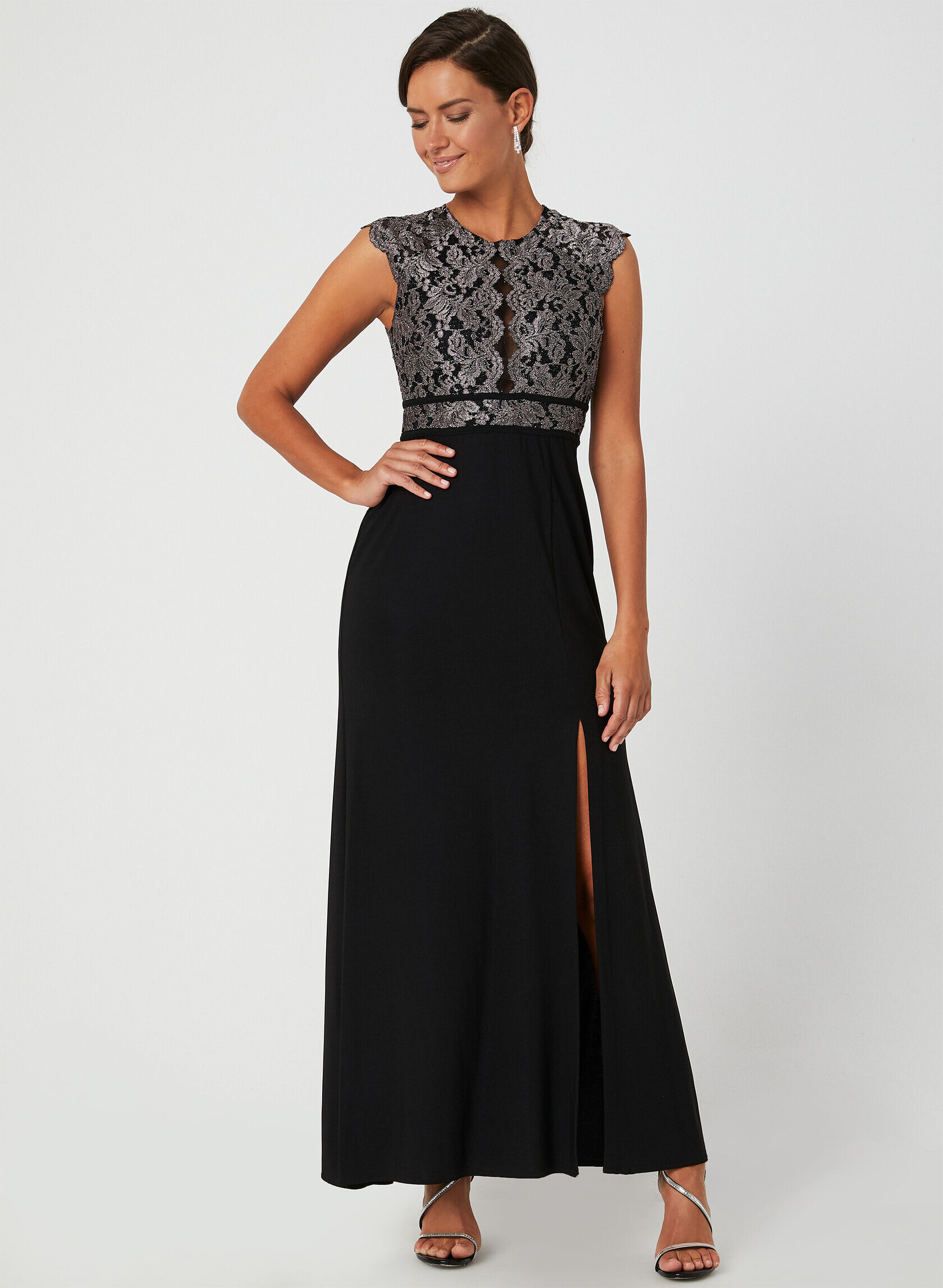
Alyce Paris 2020

















-
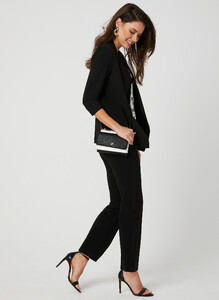
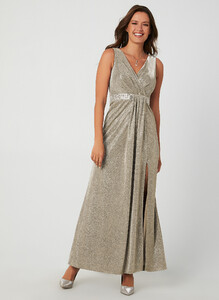
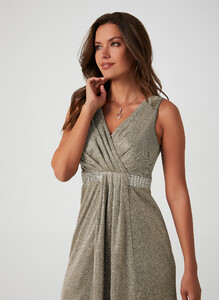
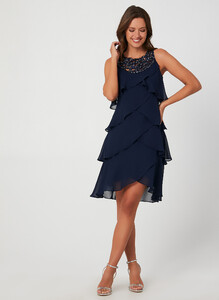
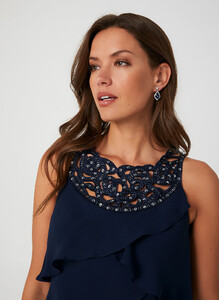
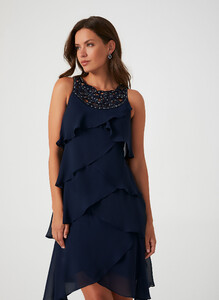
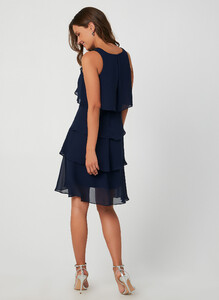
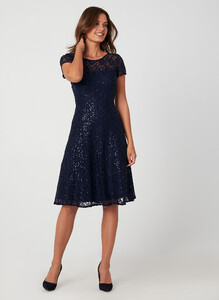
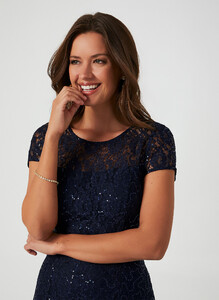
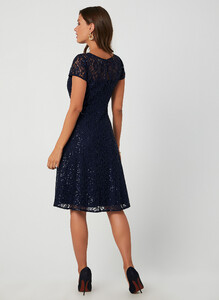
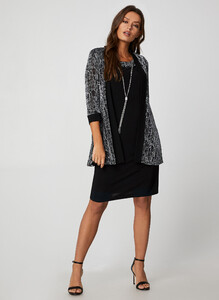
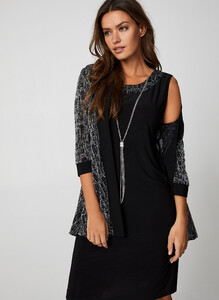
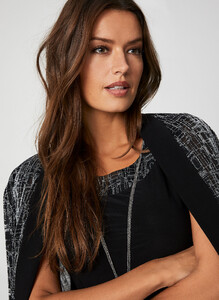
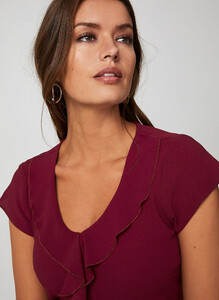
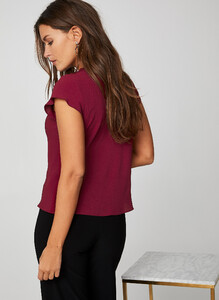
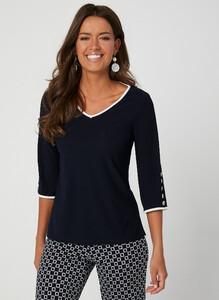
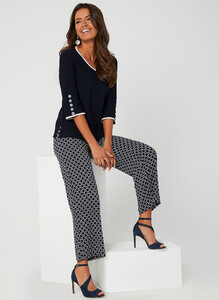
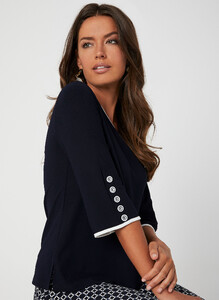
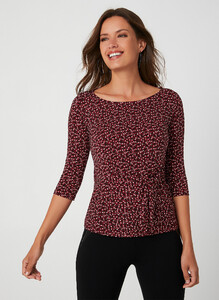
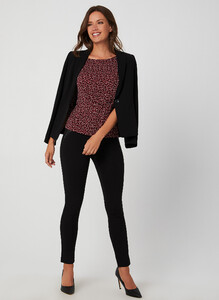
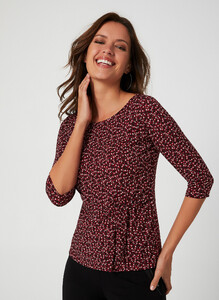
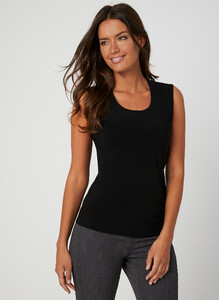
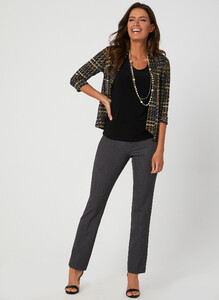
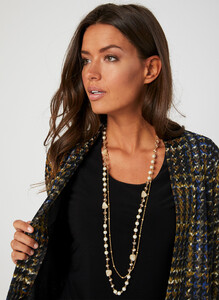
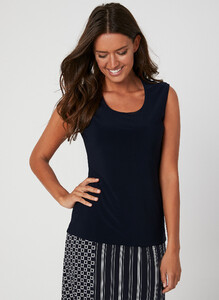
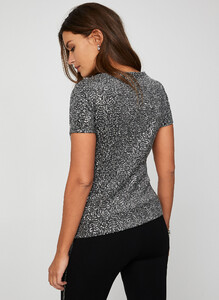
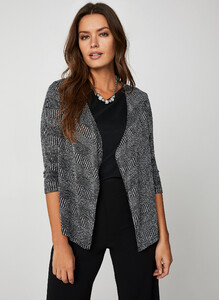
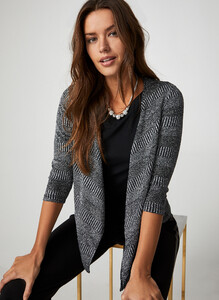
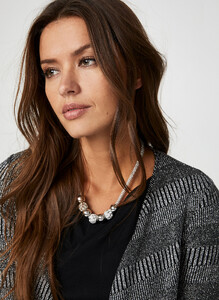
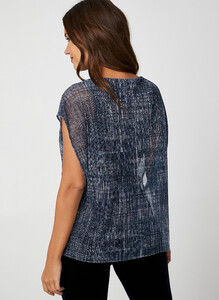
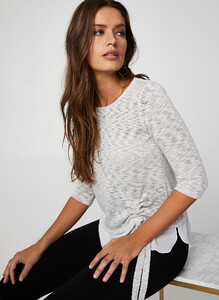
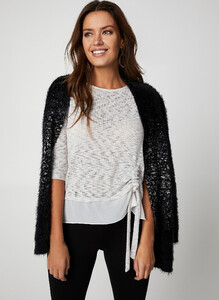
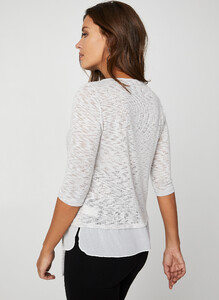
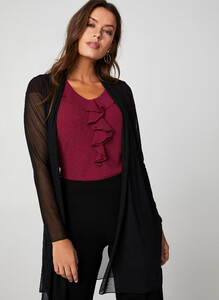
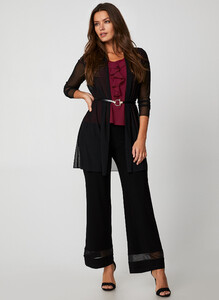
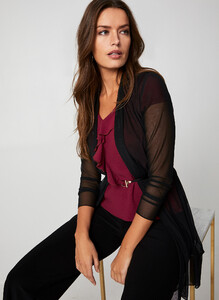
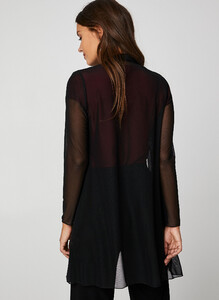
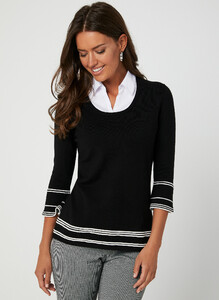
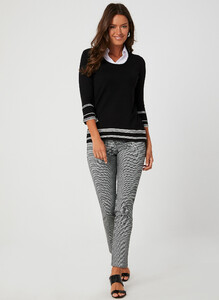
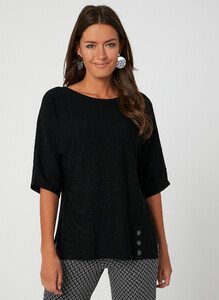
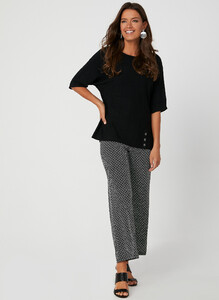
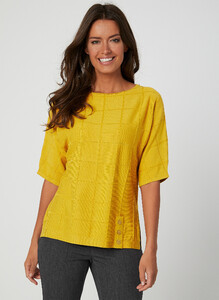
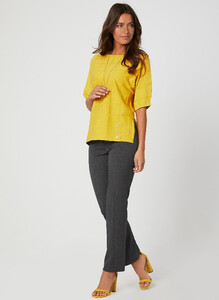
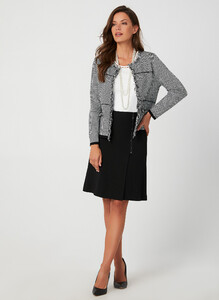
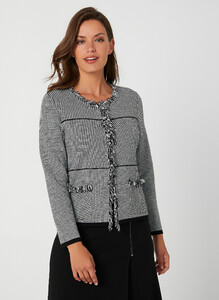
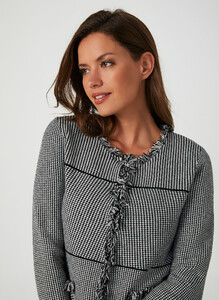
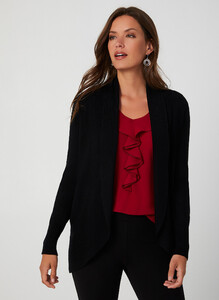
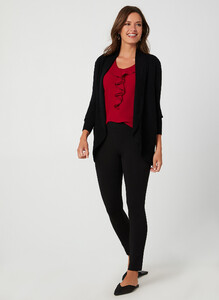
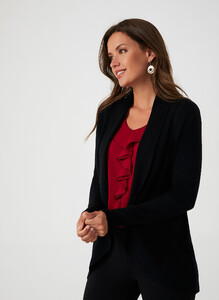
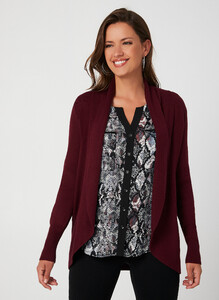
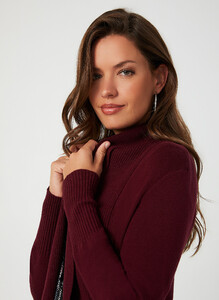
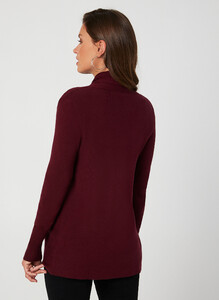
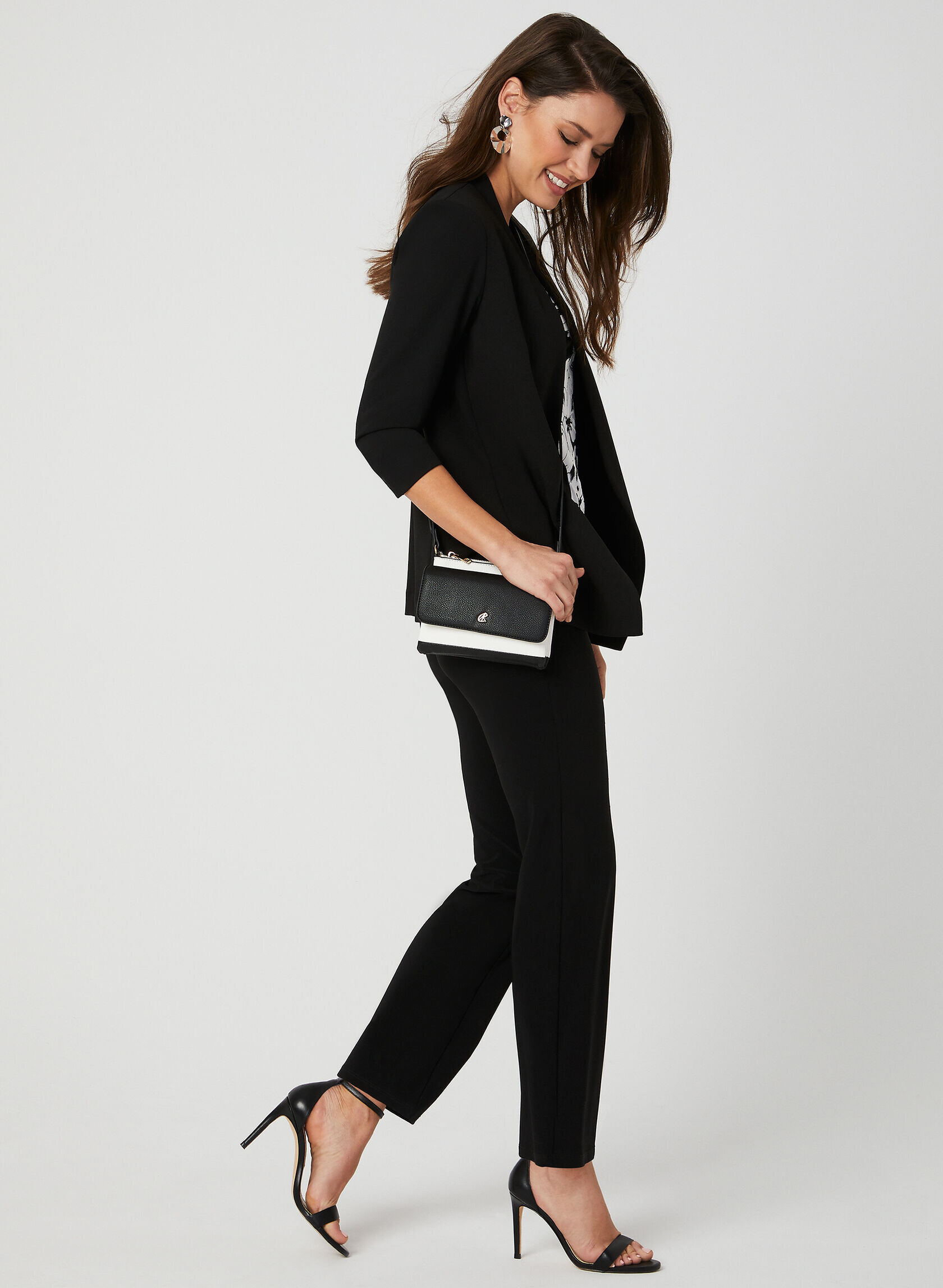
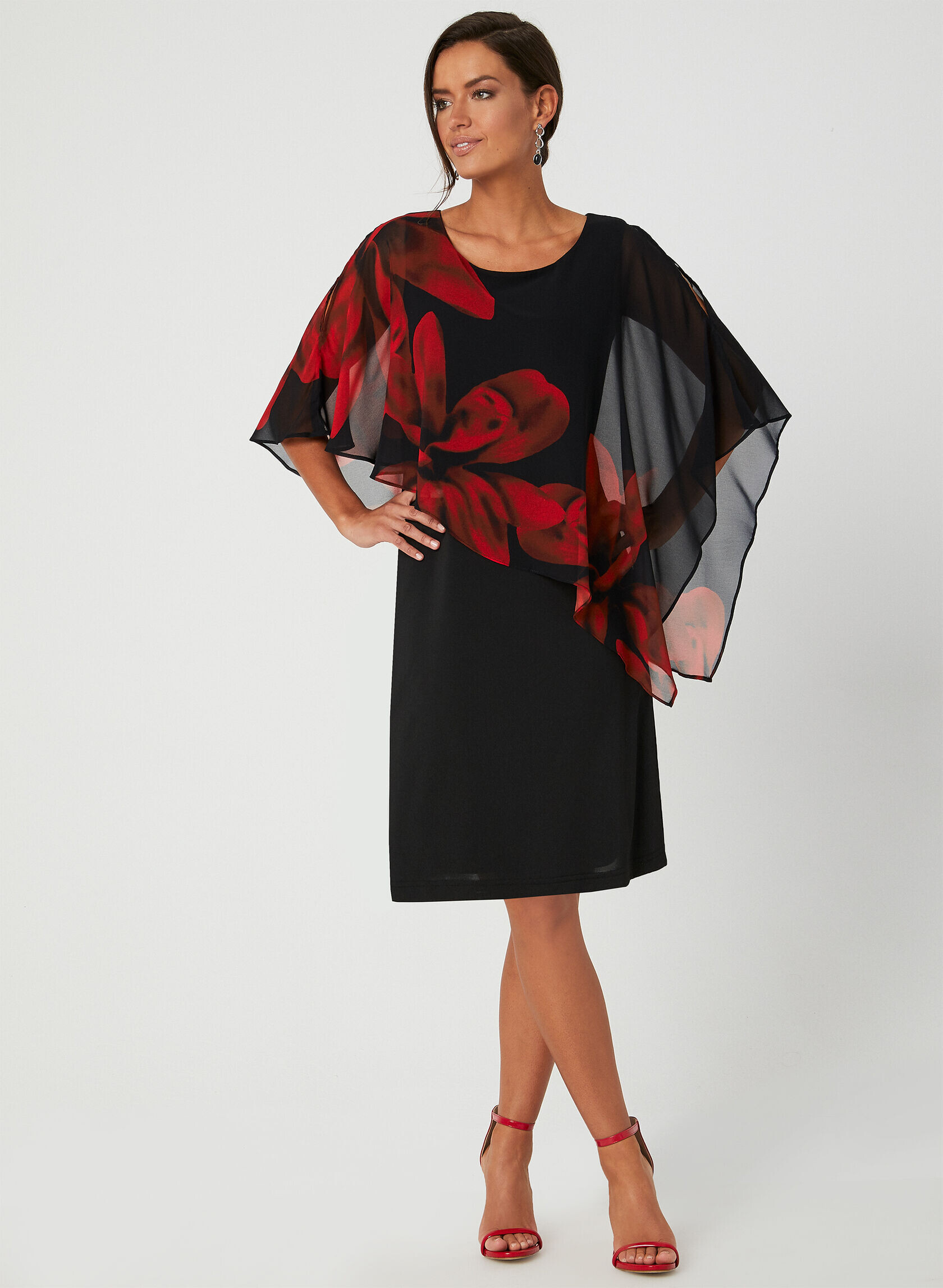
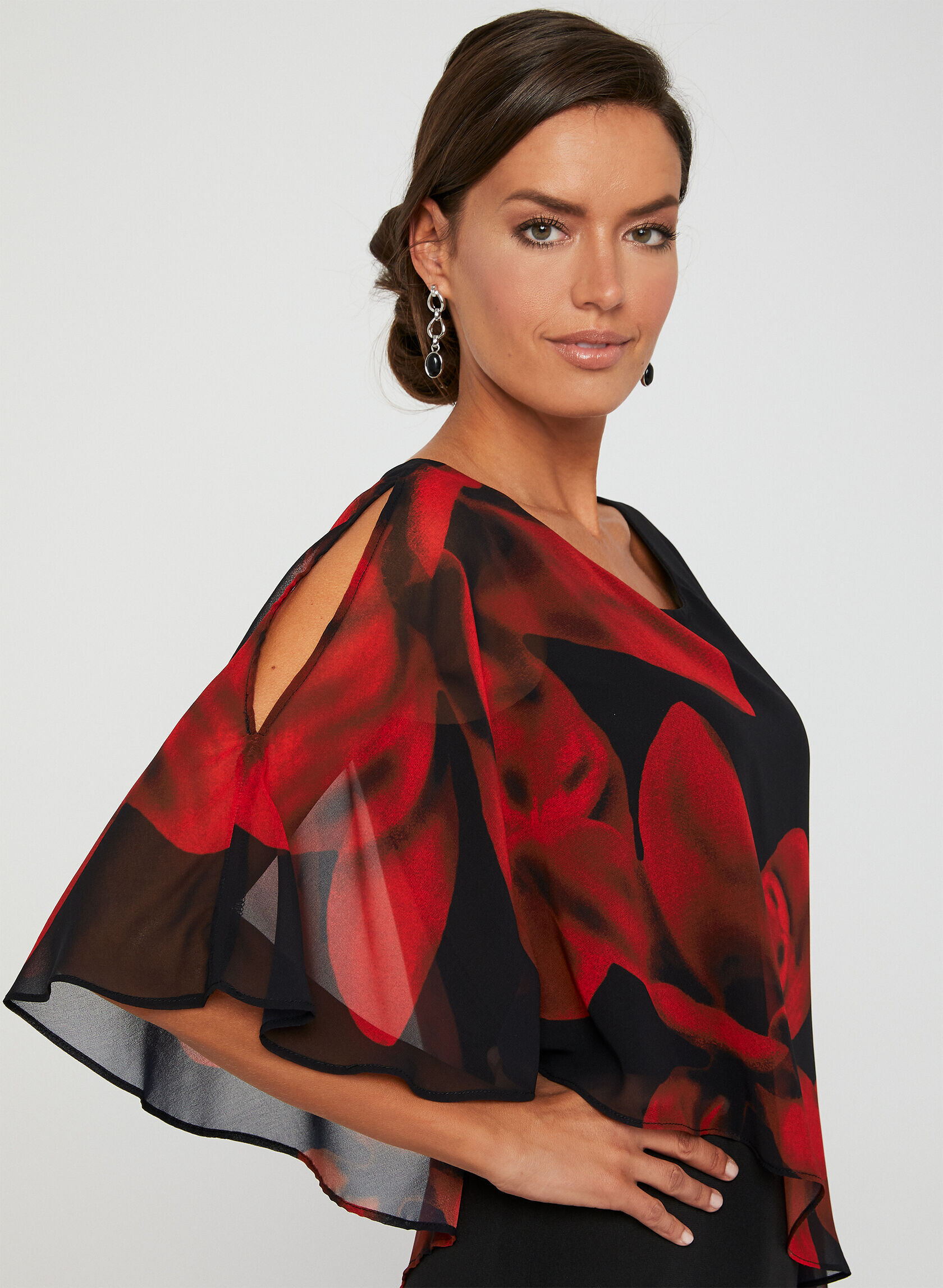
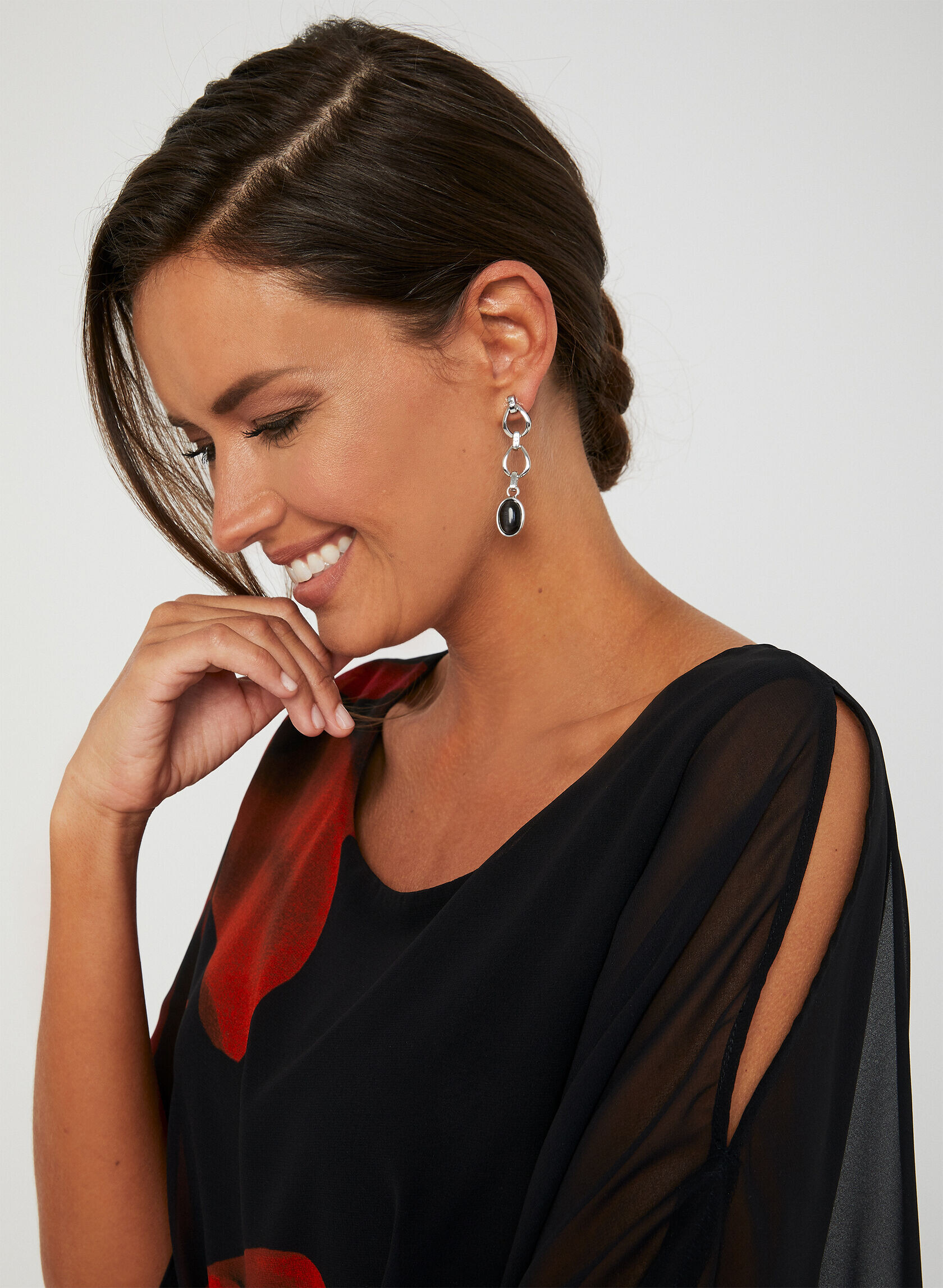
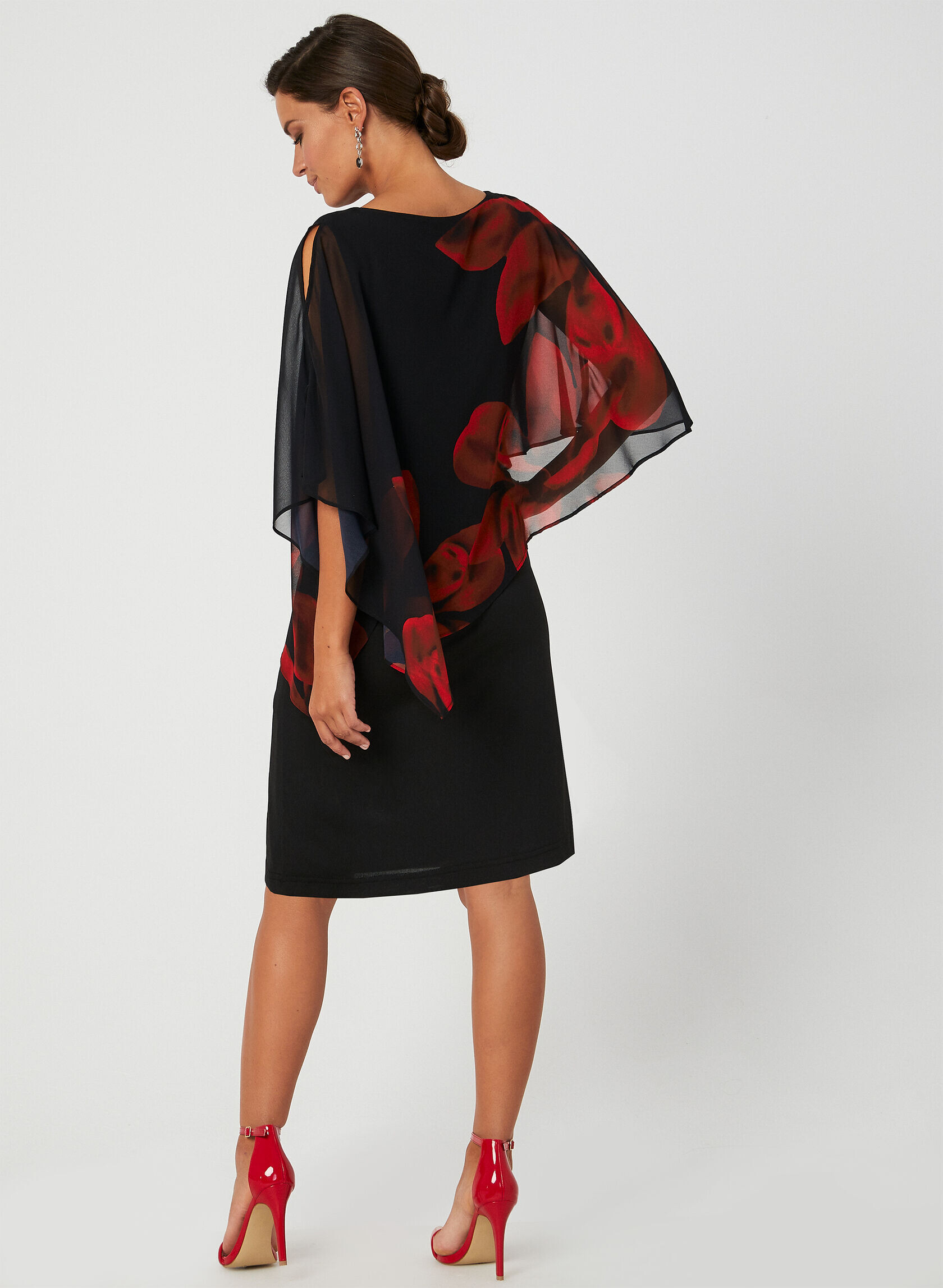
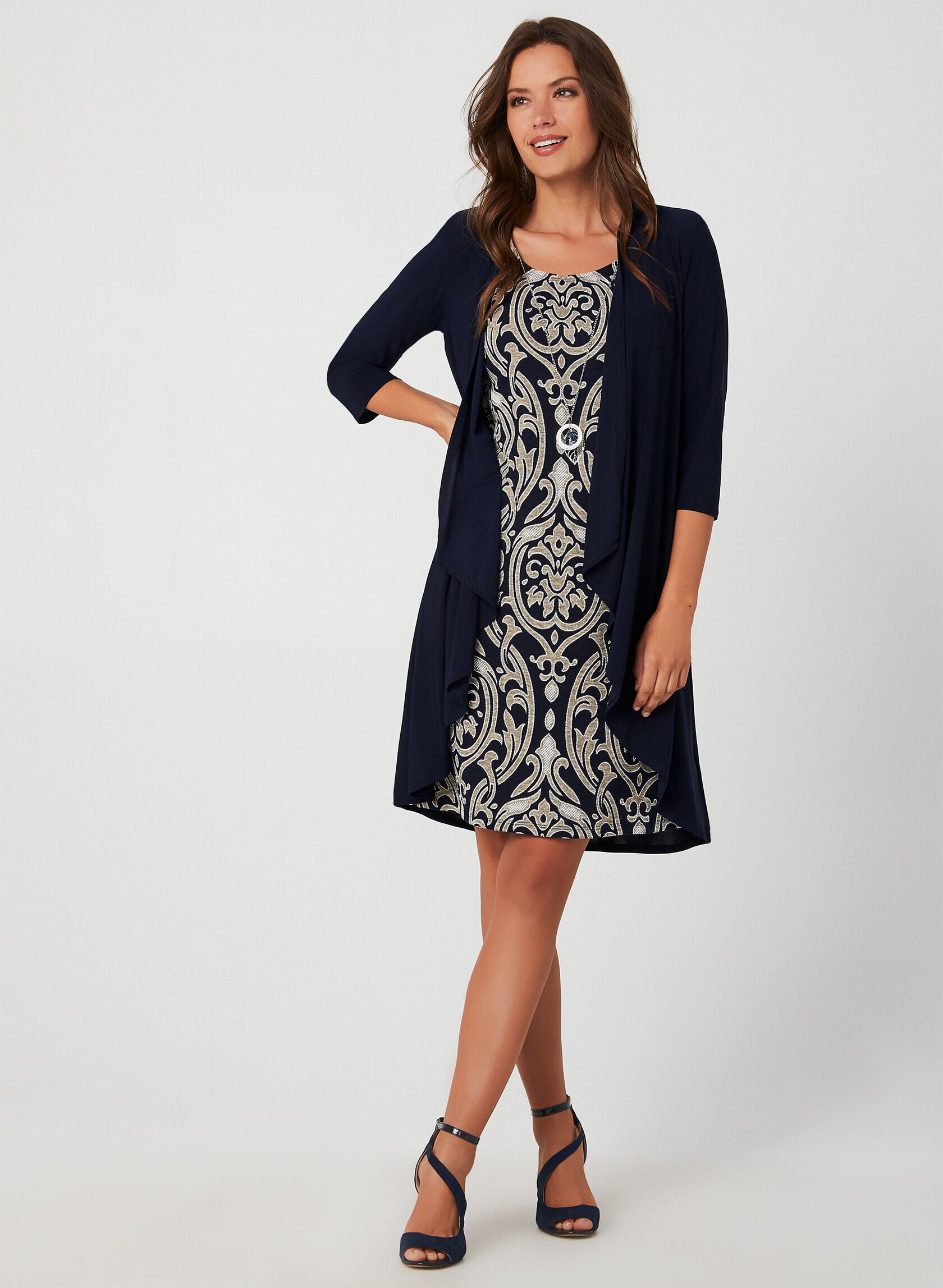
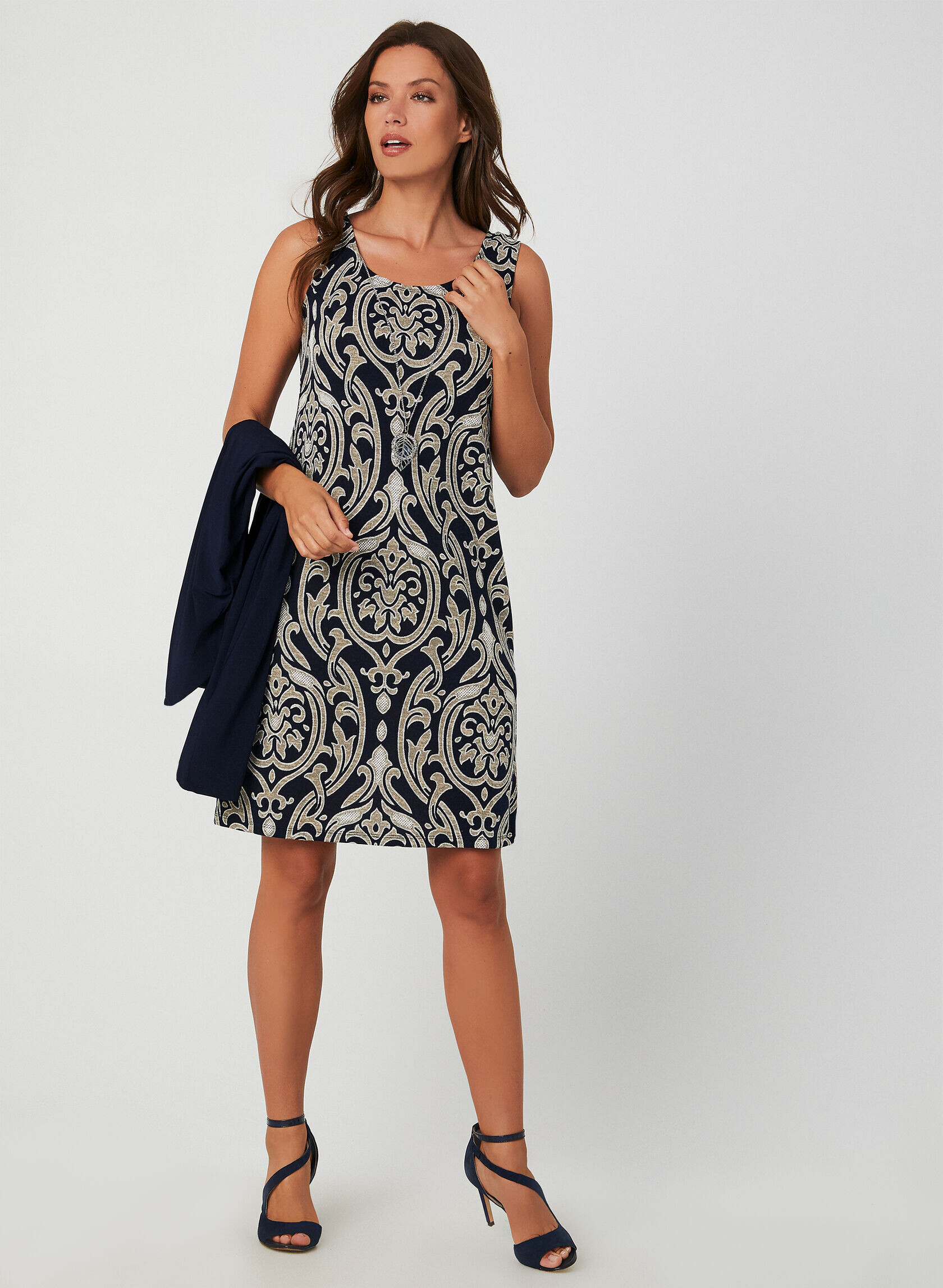
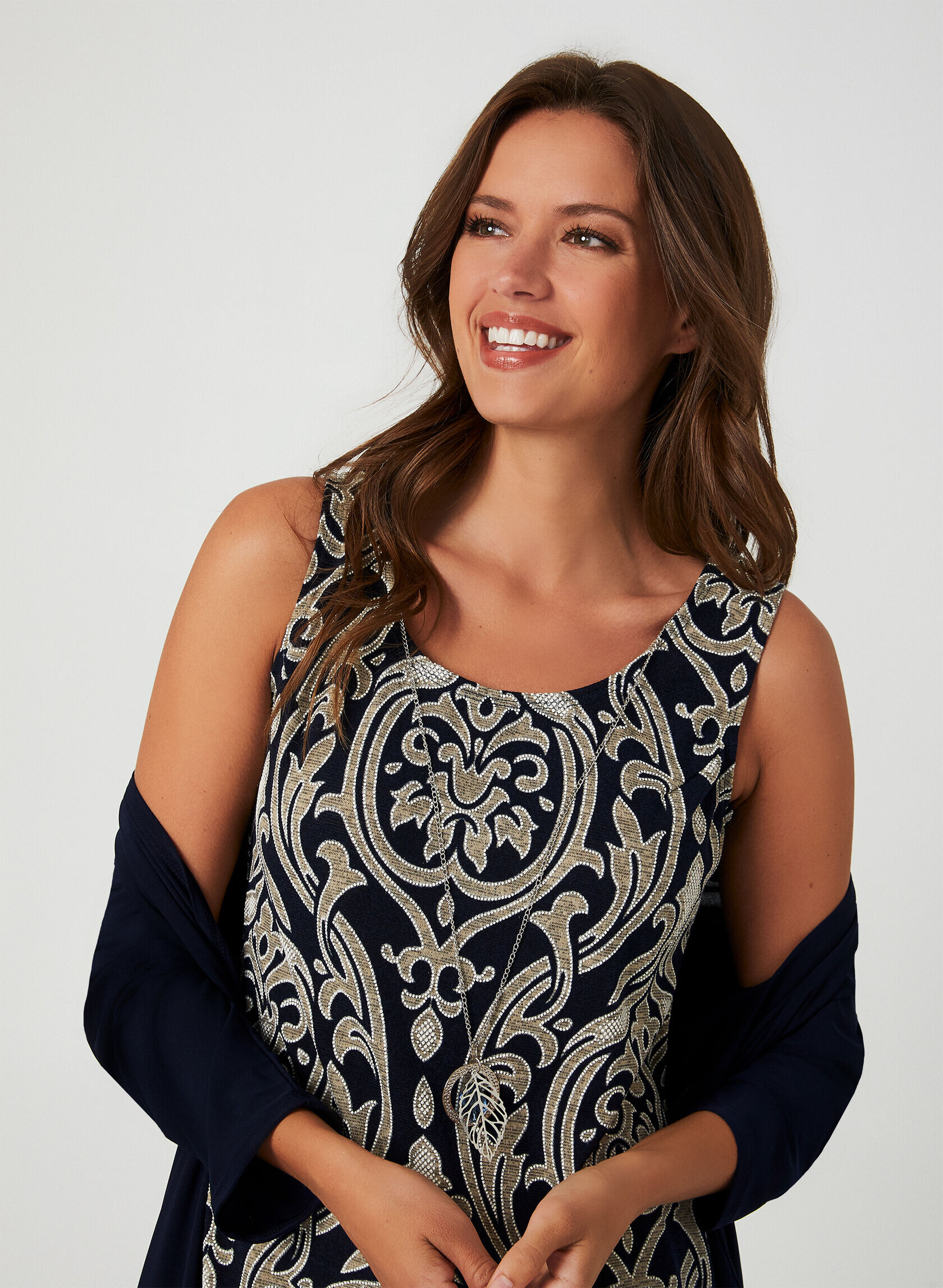
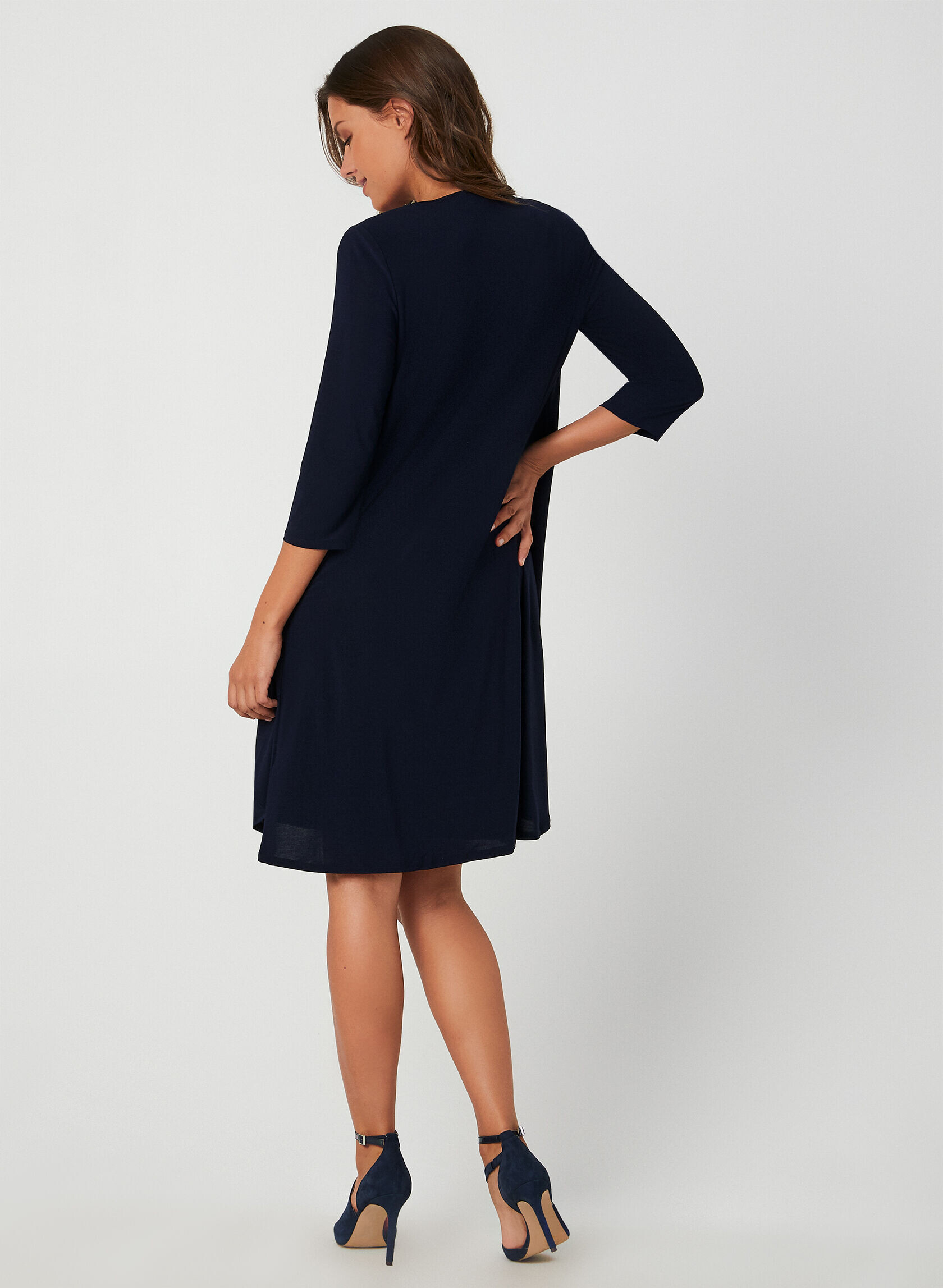
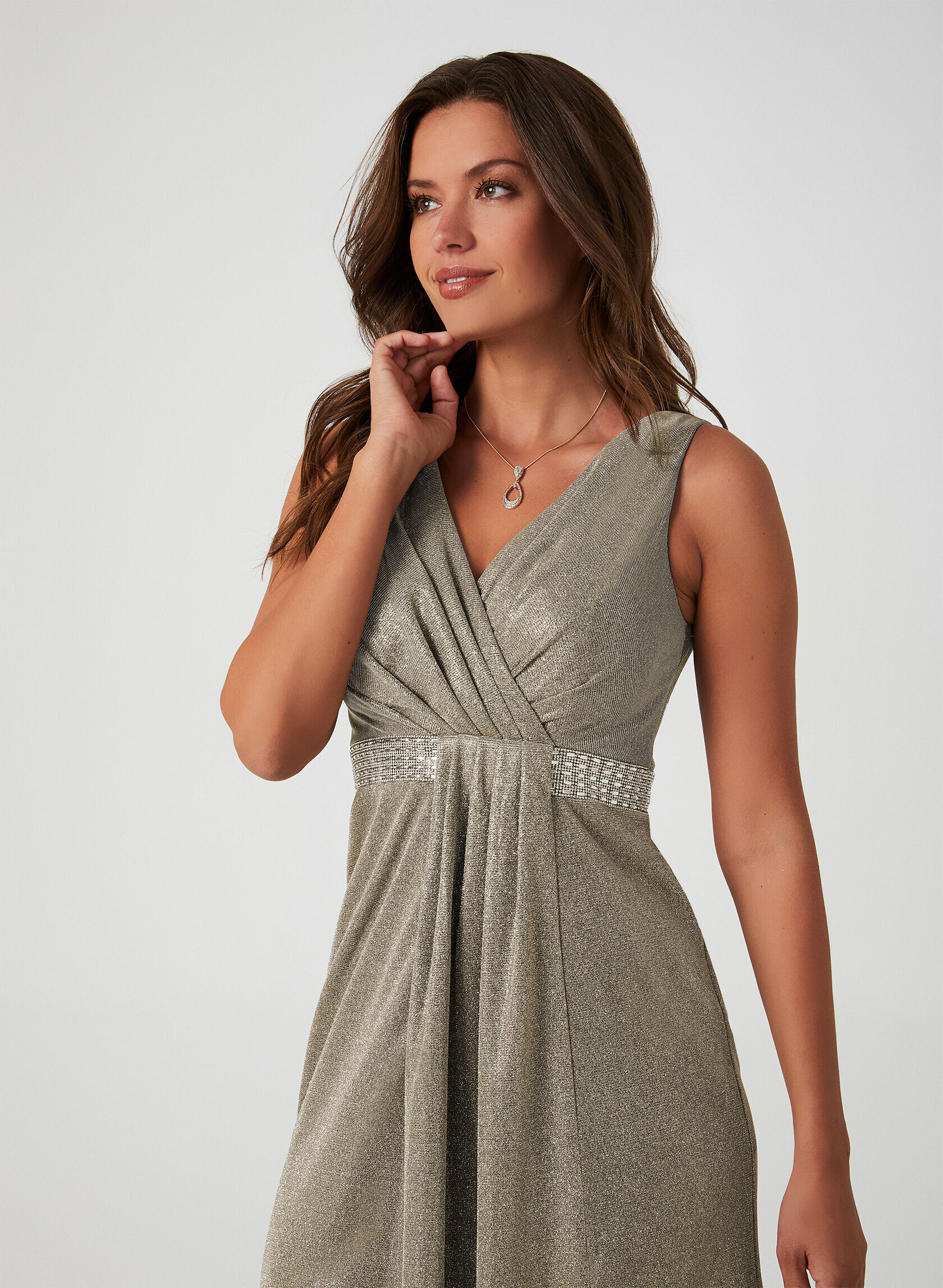
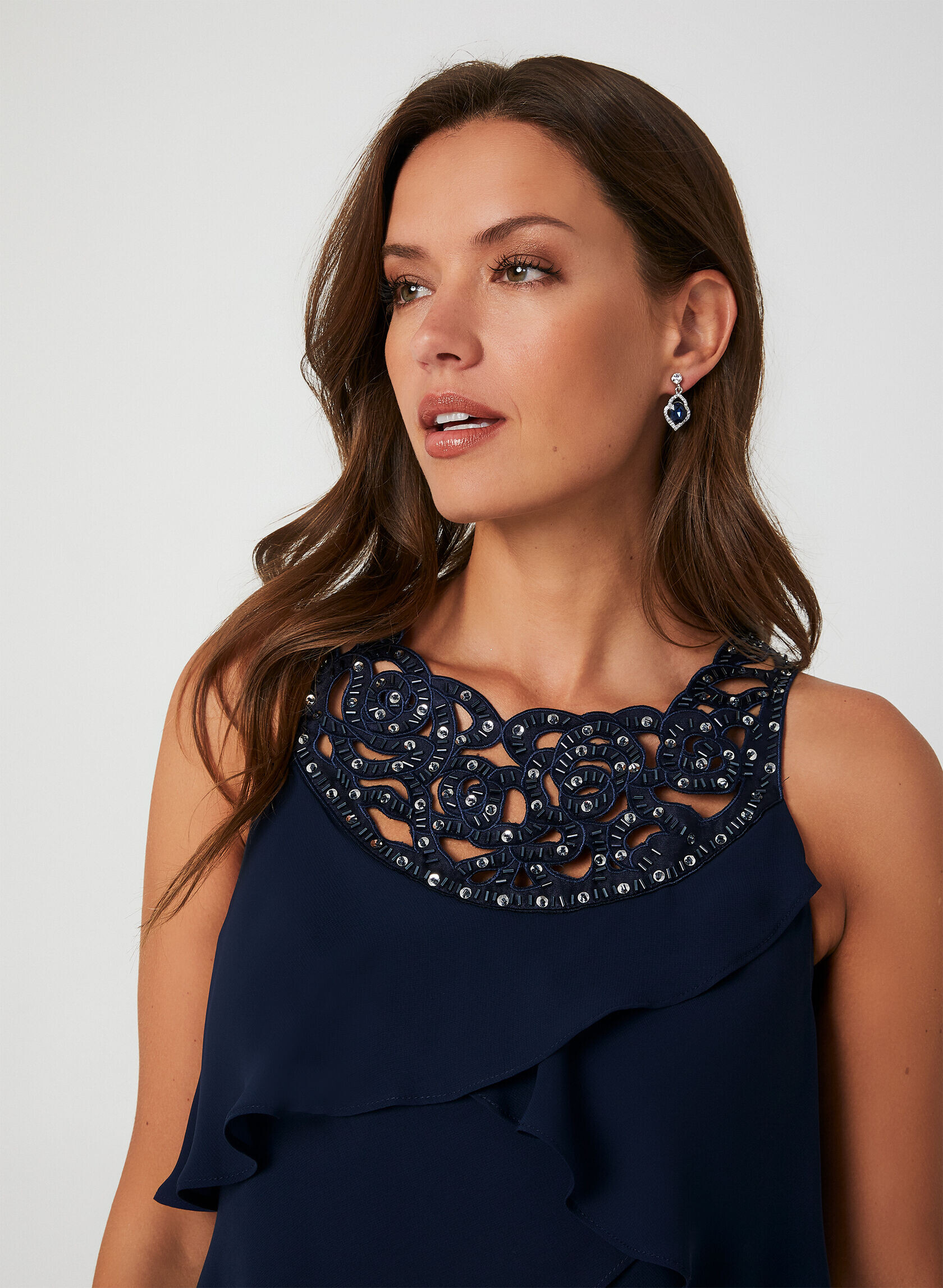
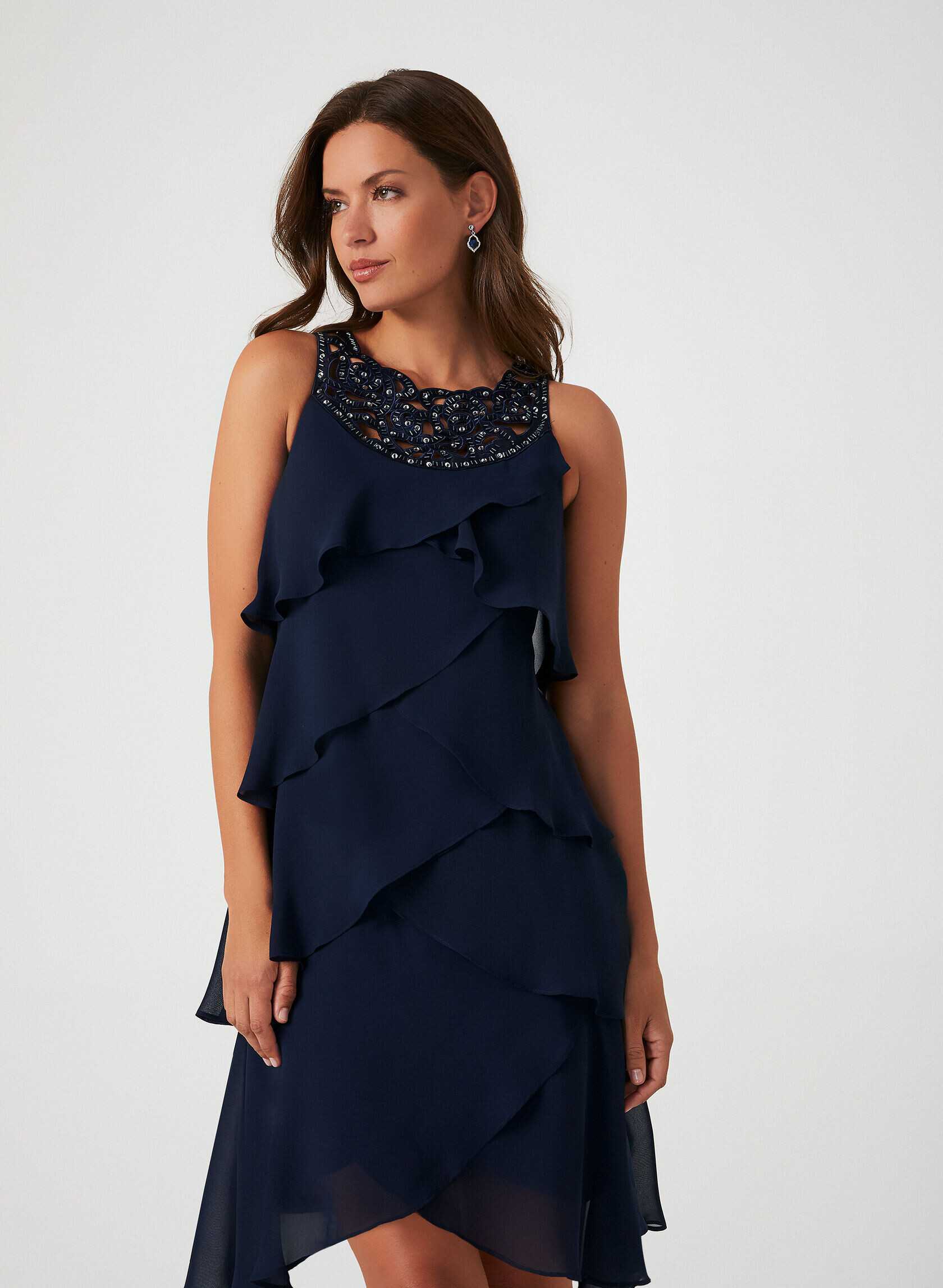
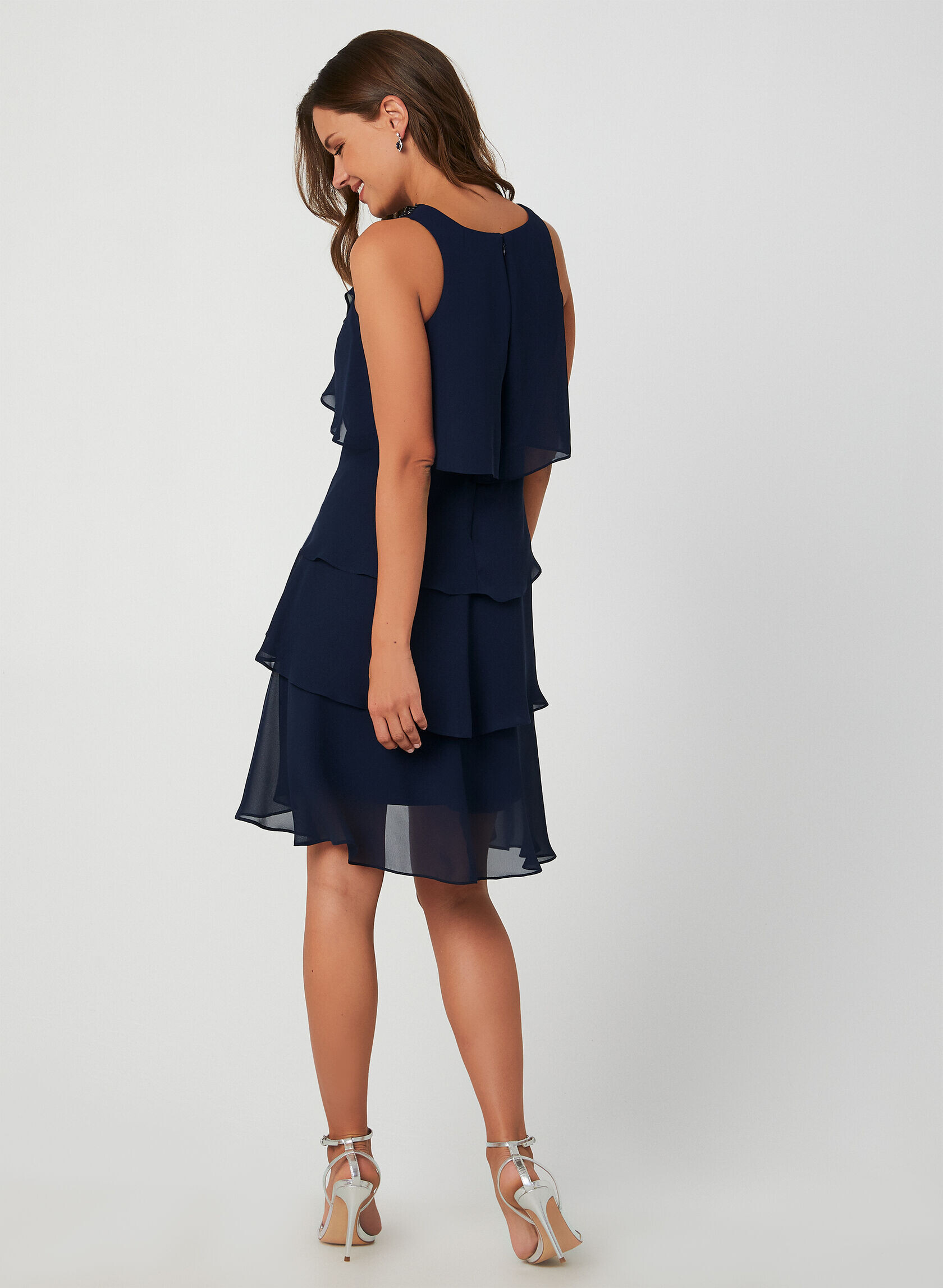
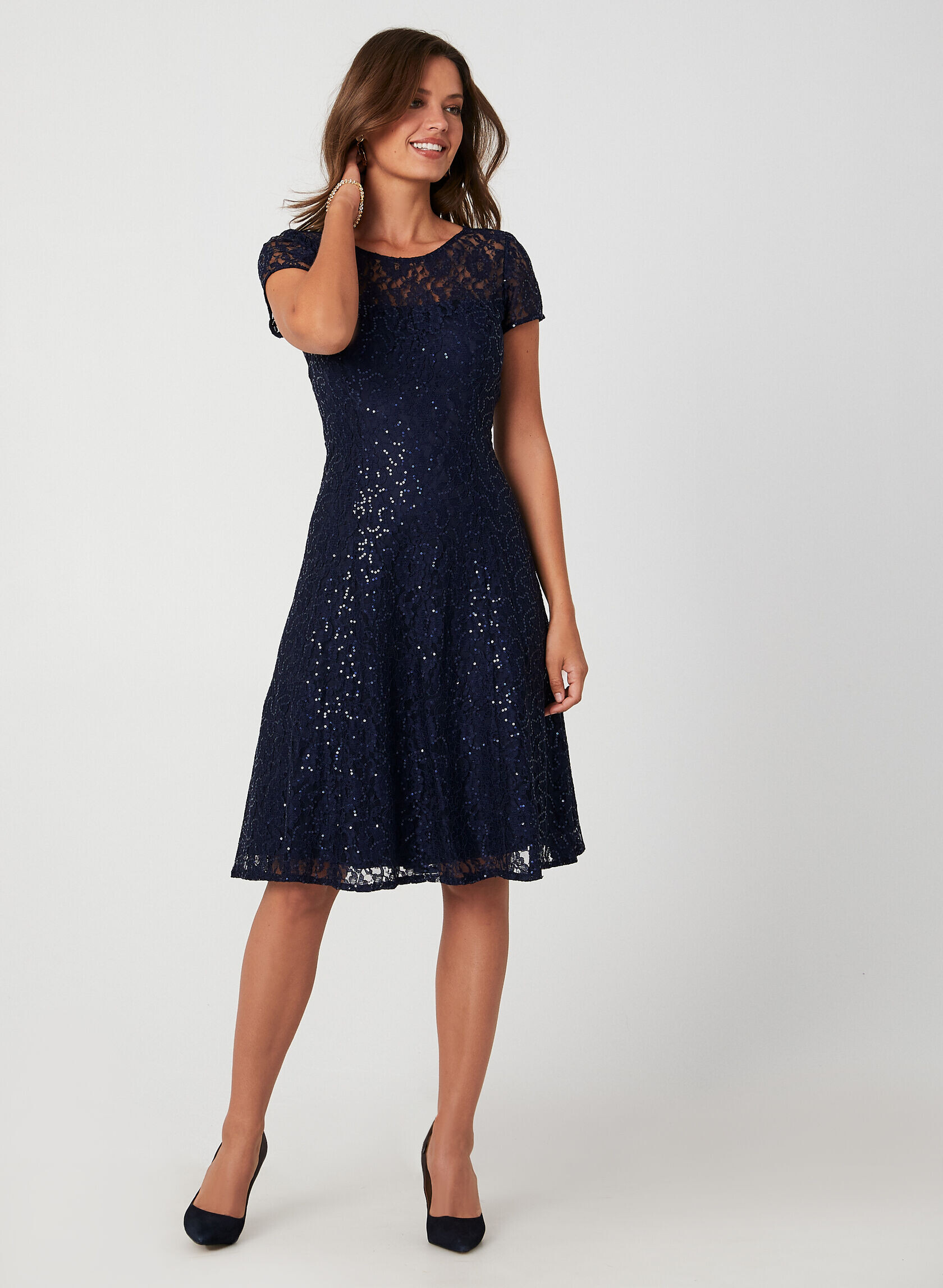
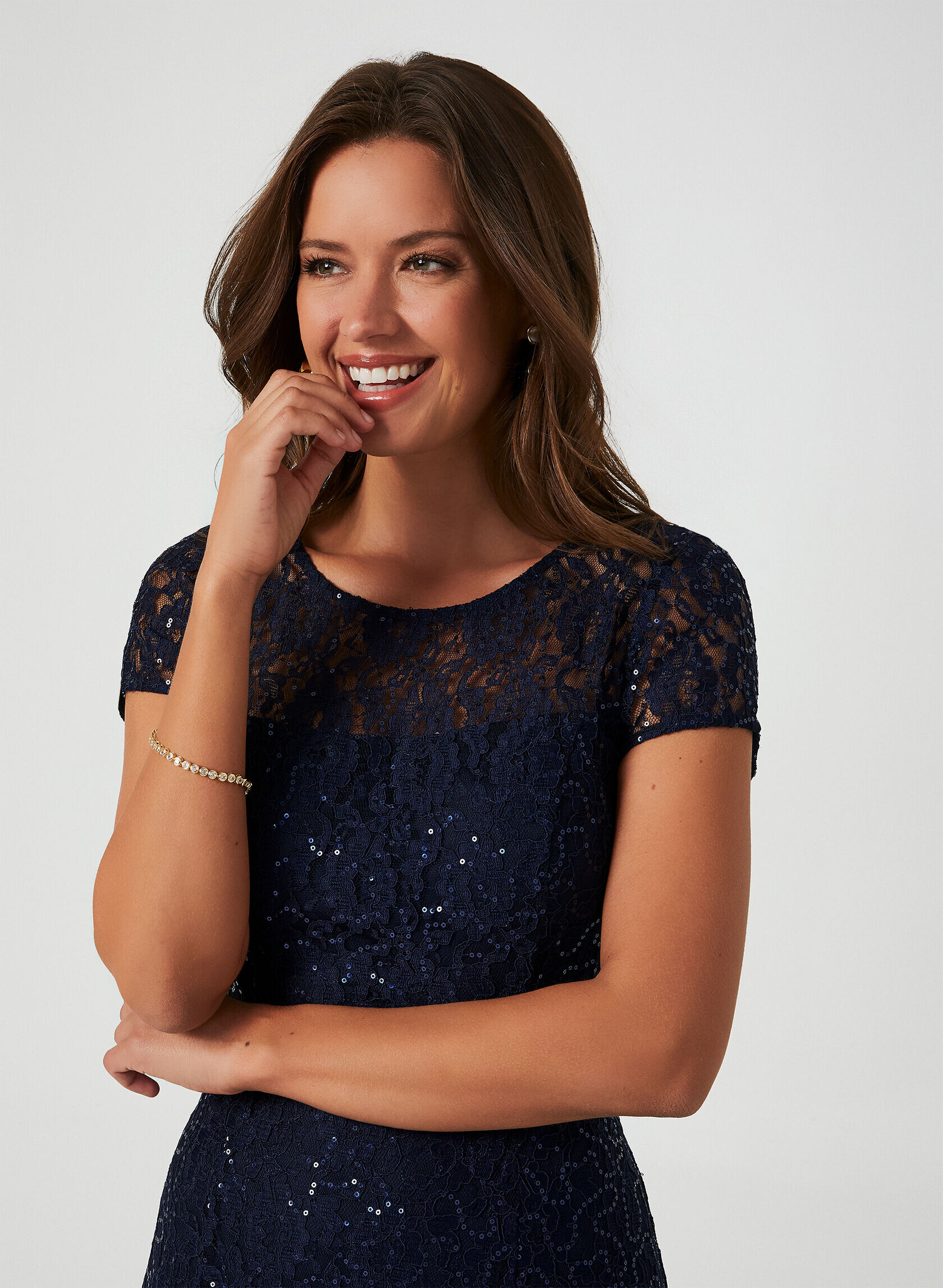
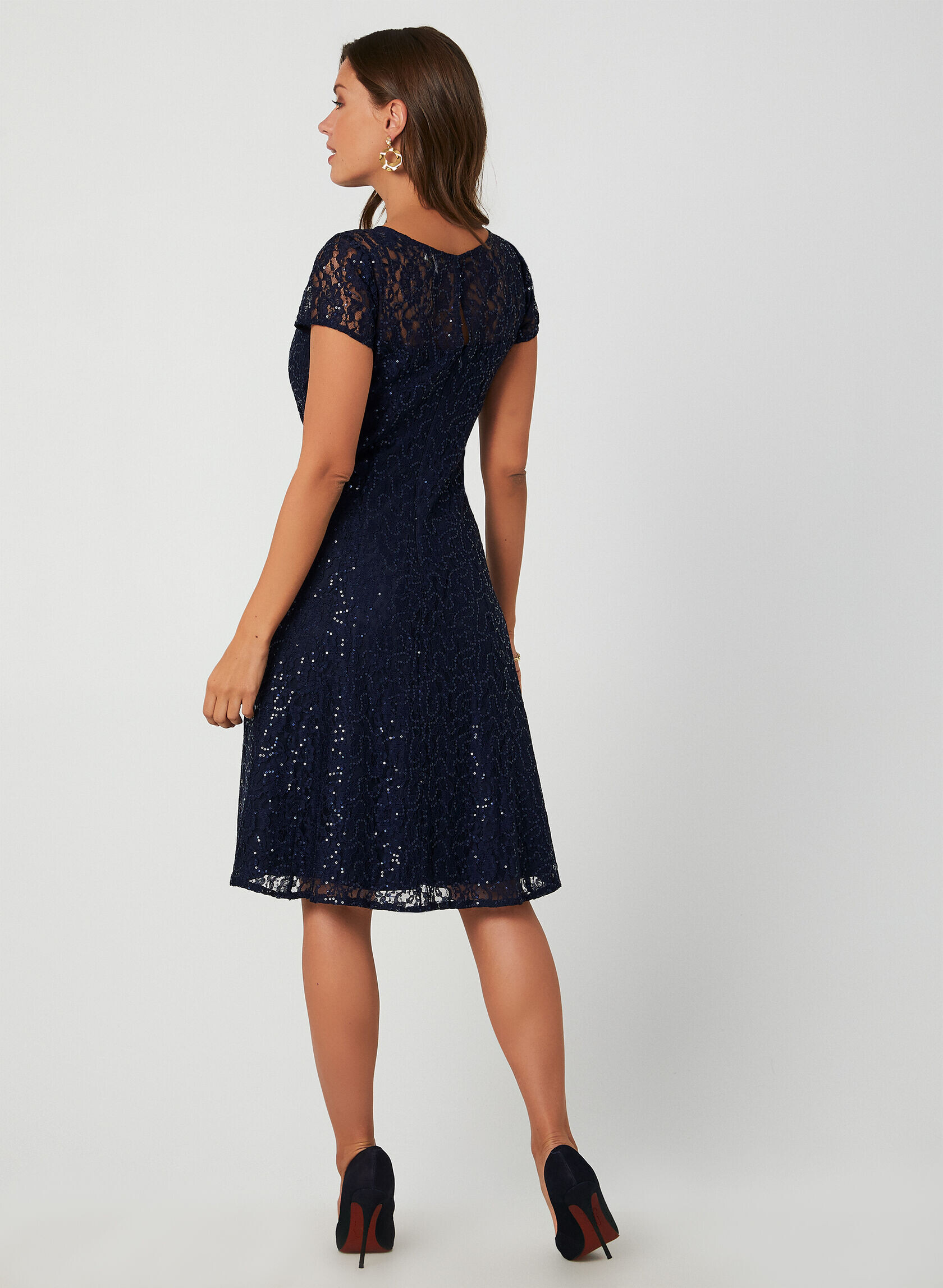
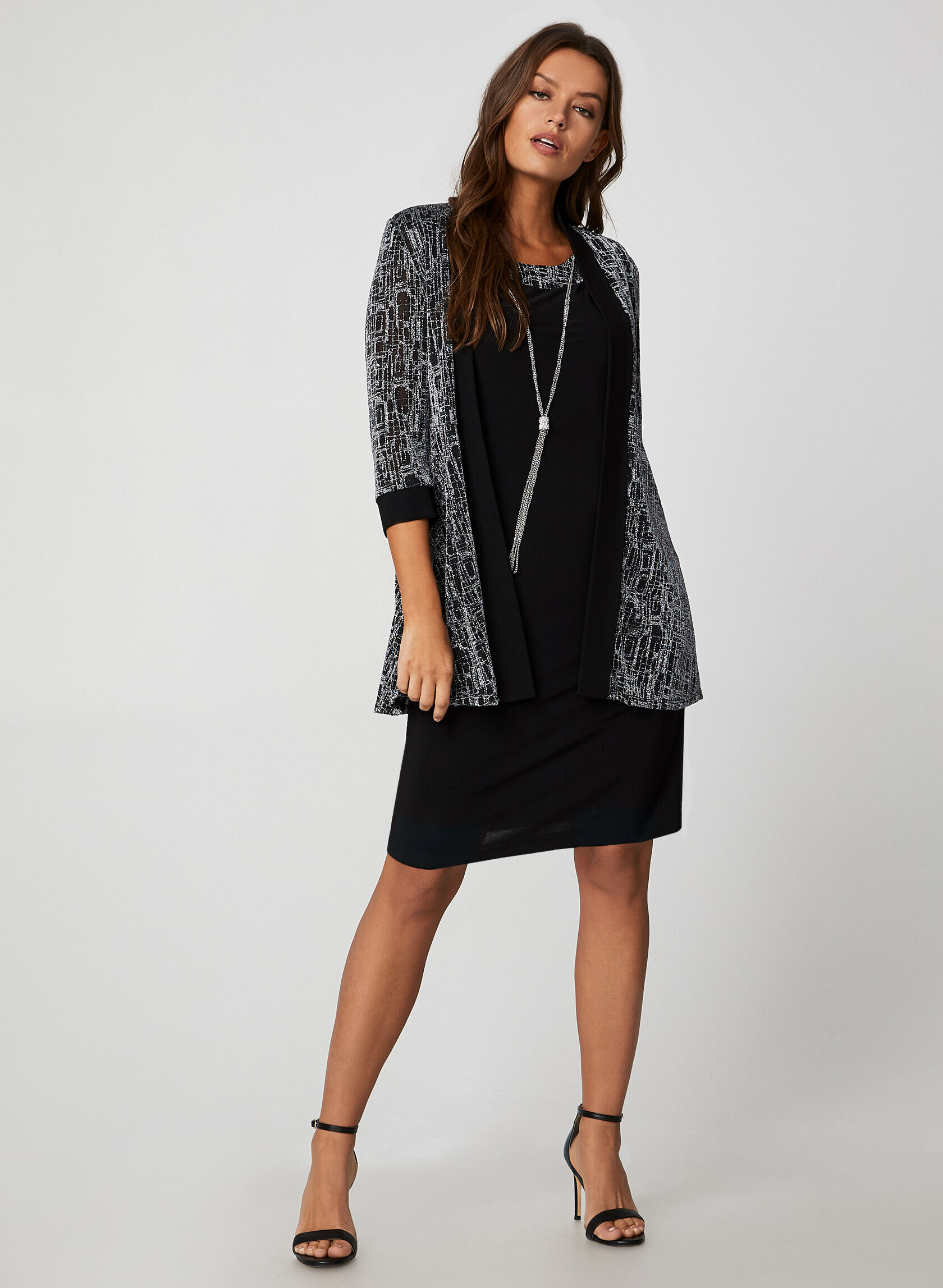
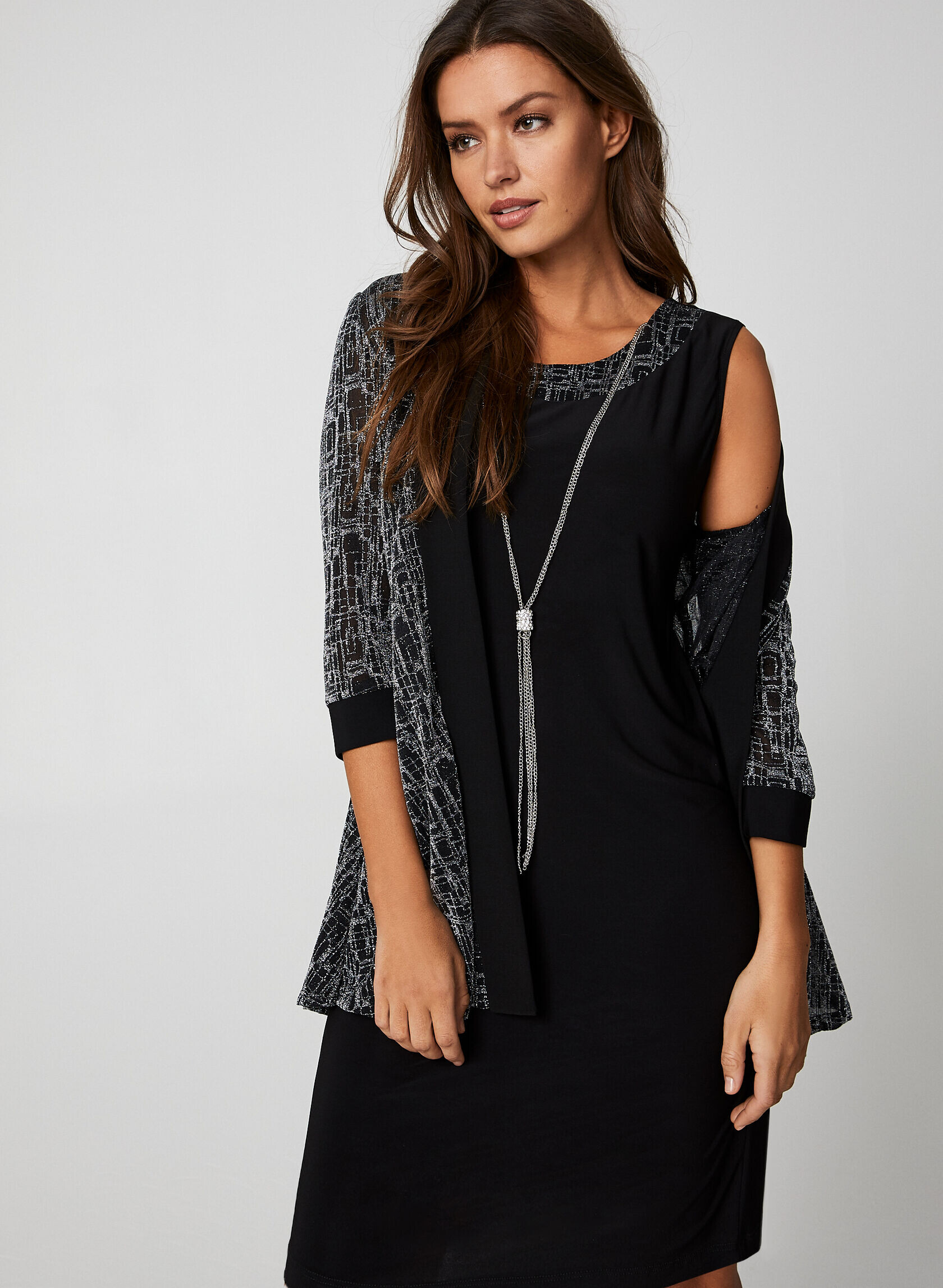
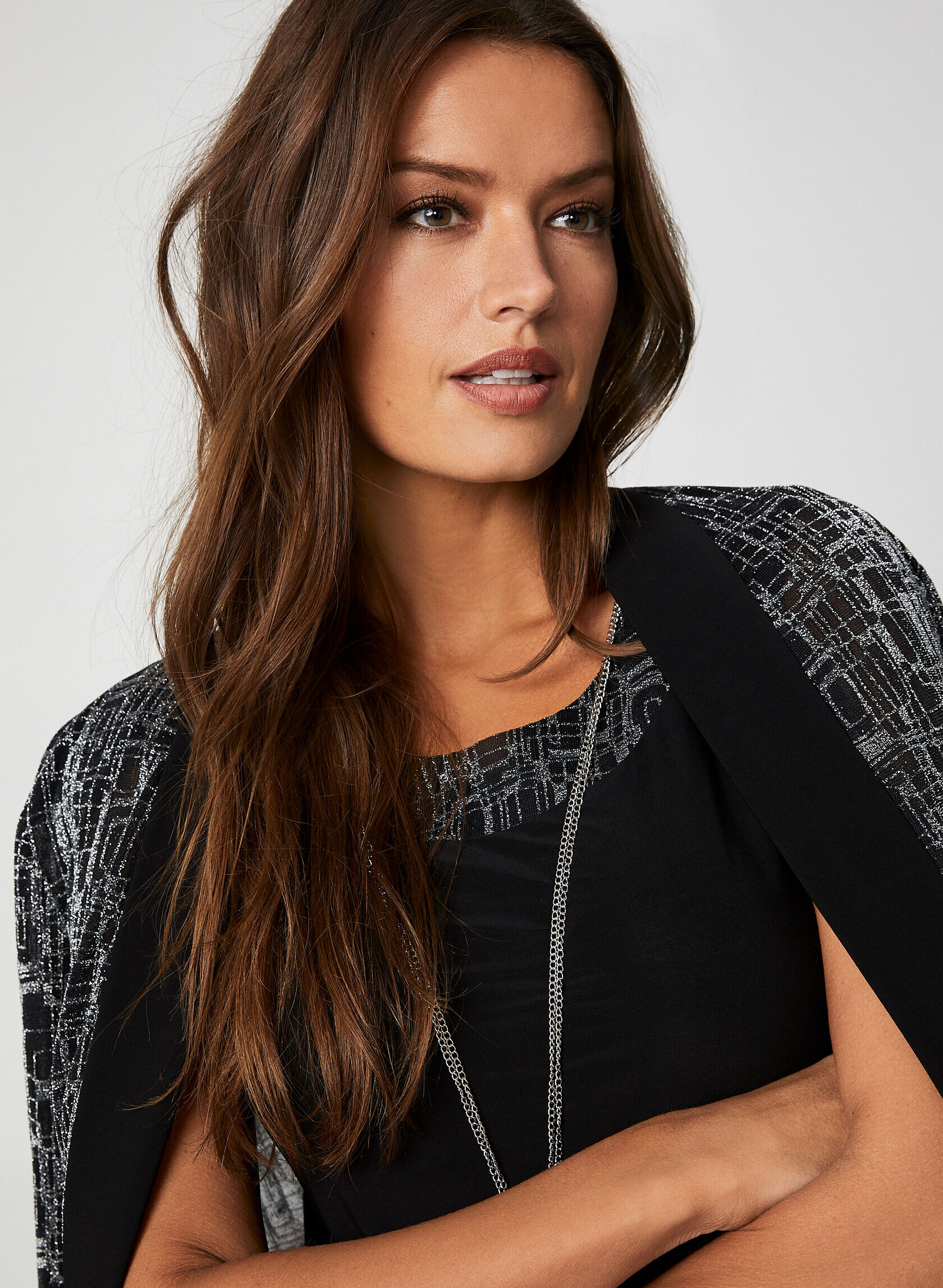
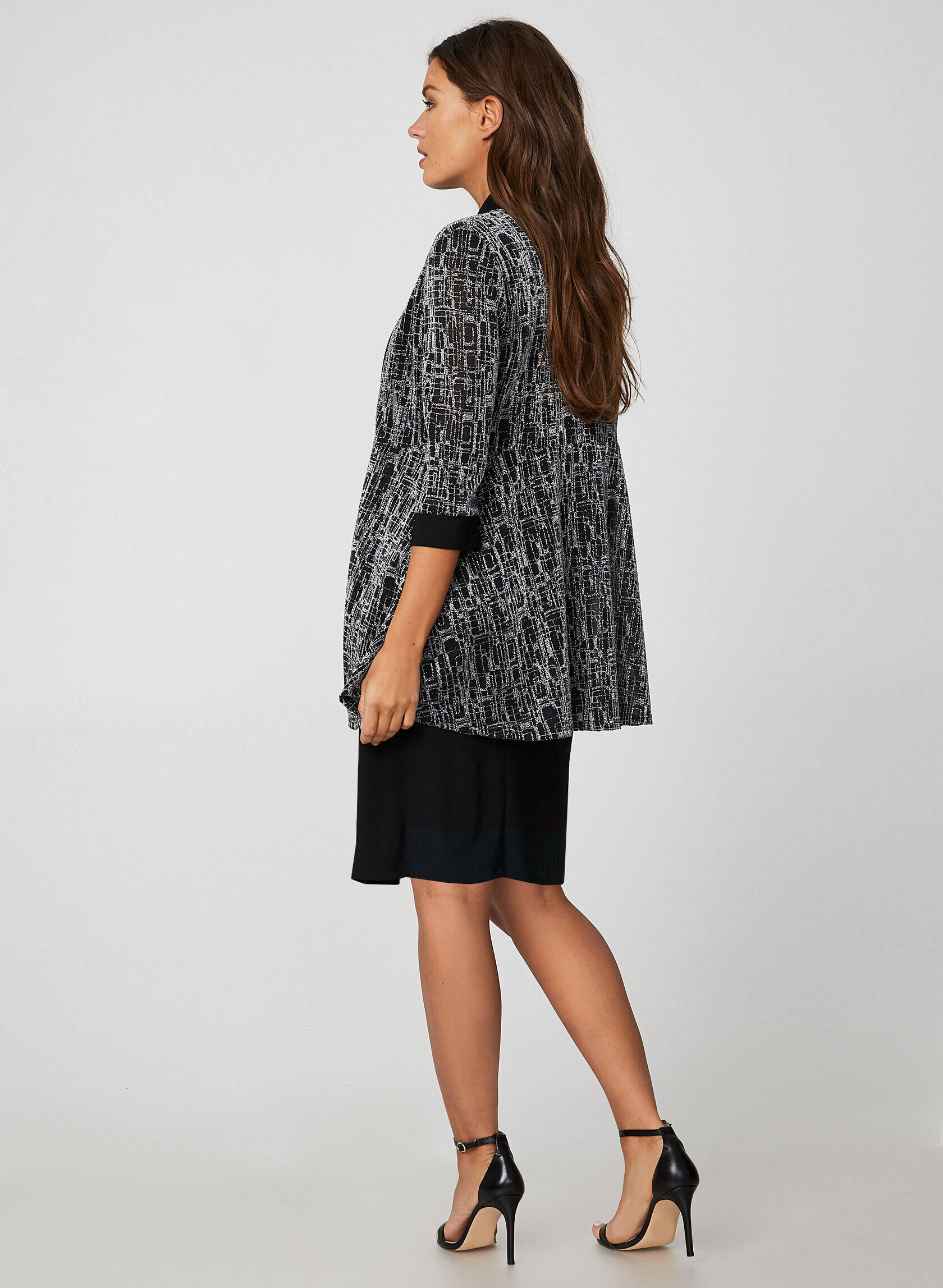
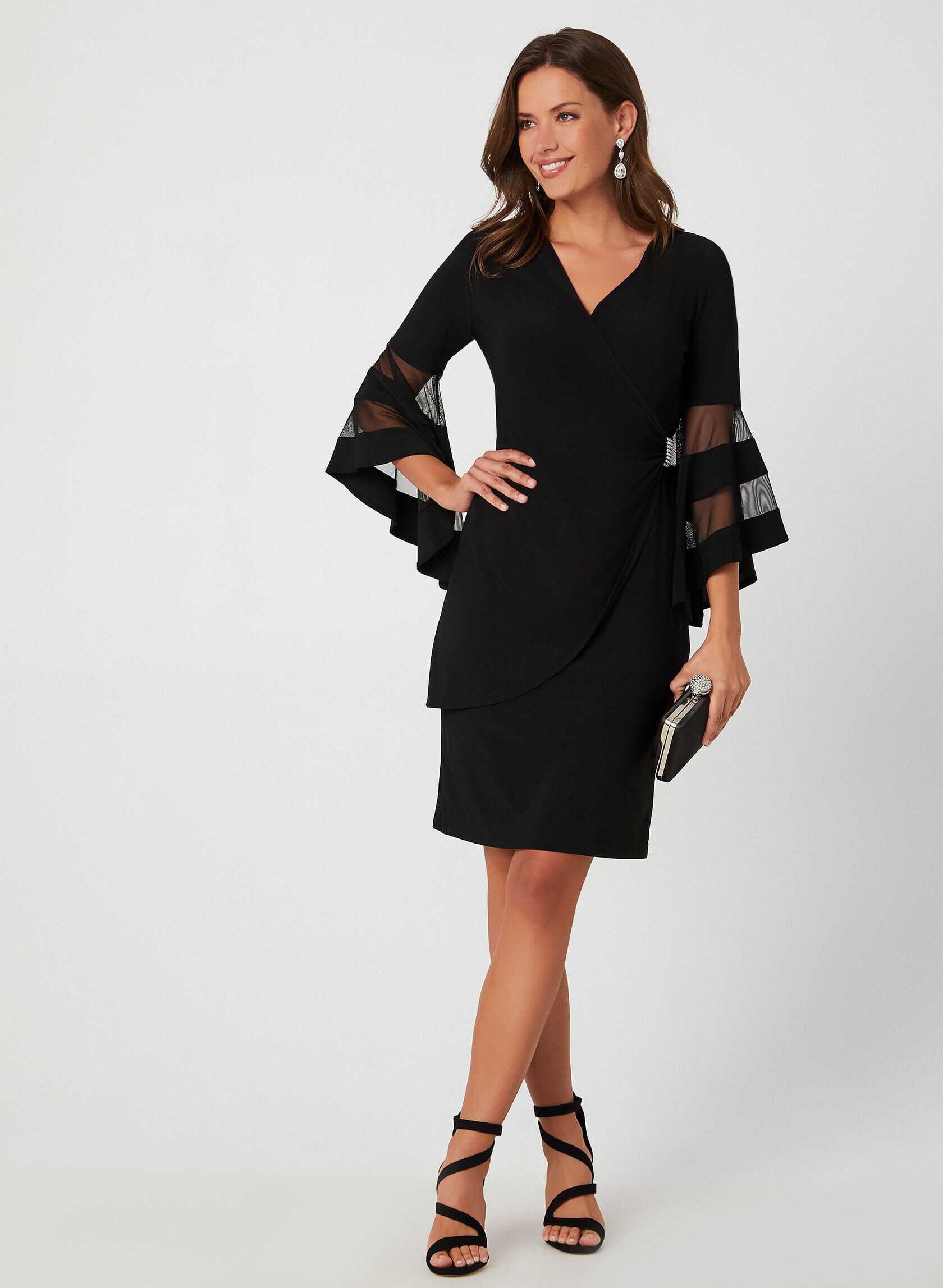
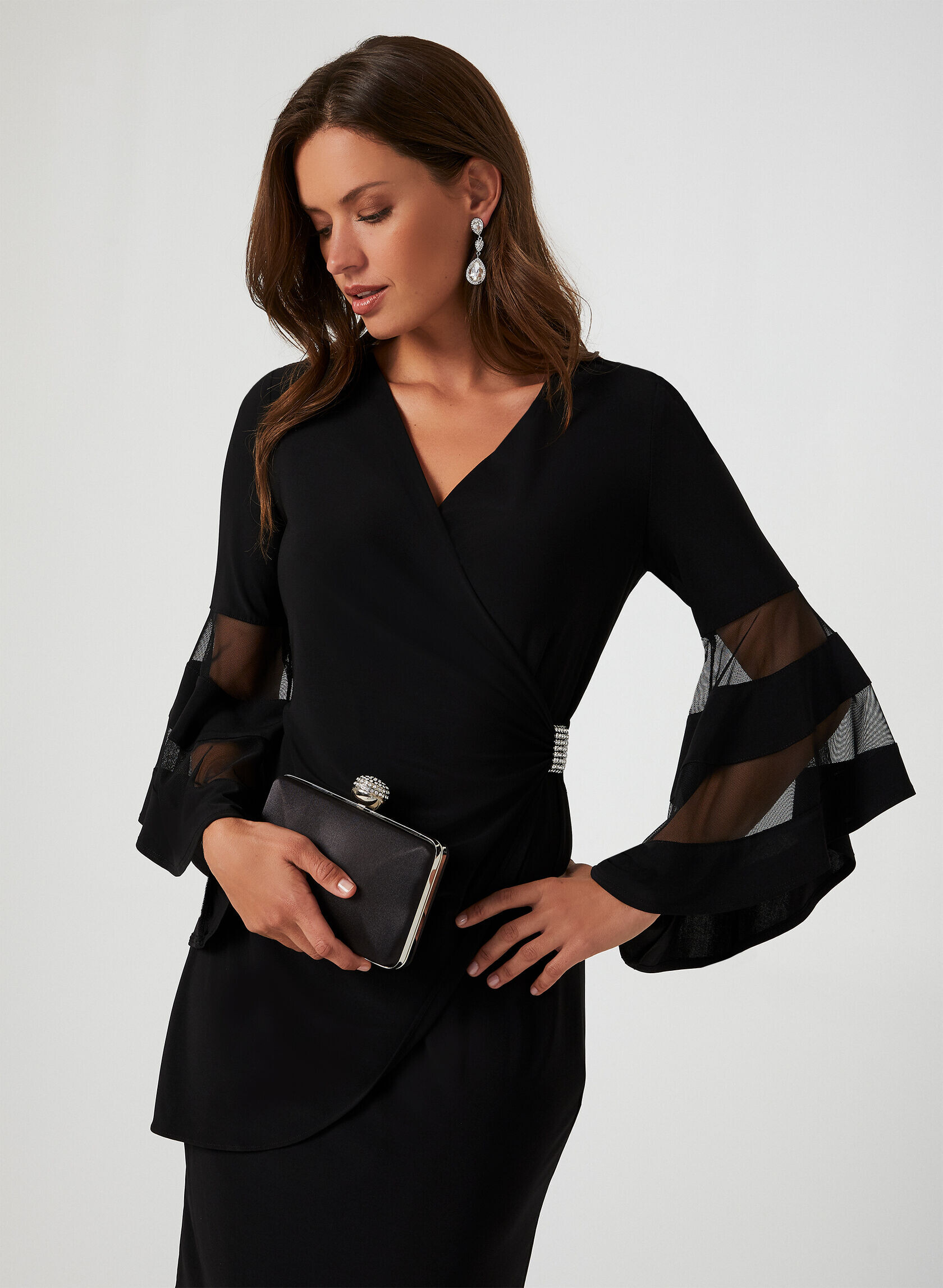
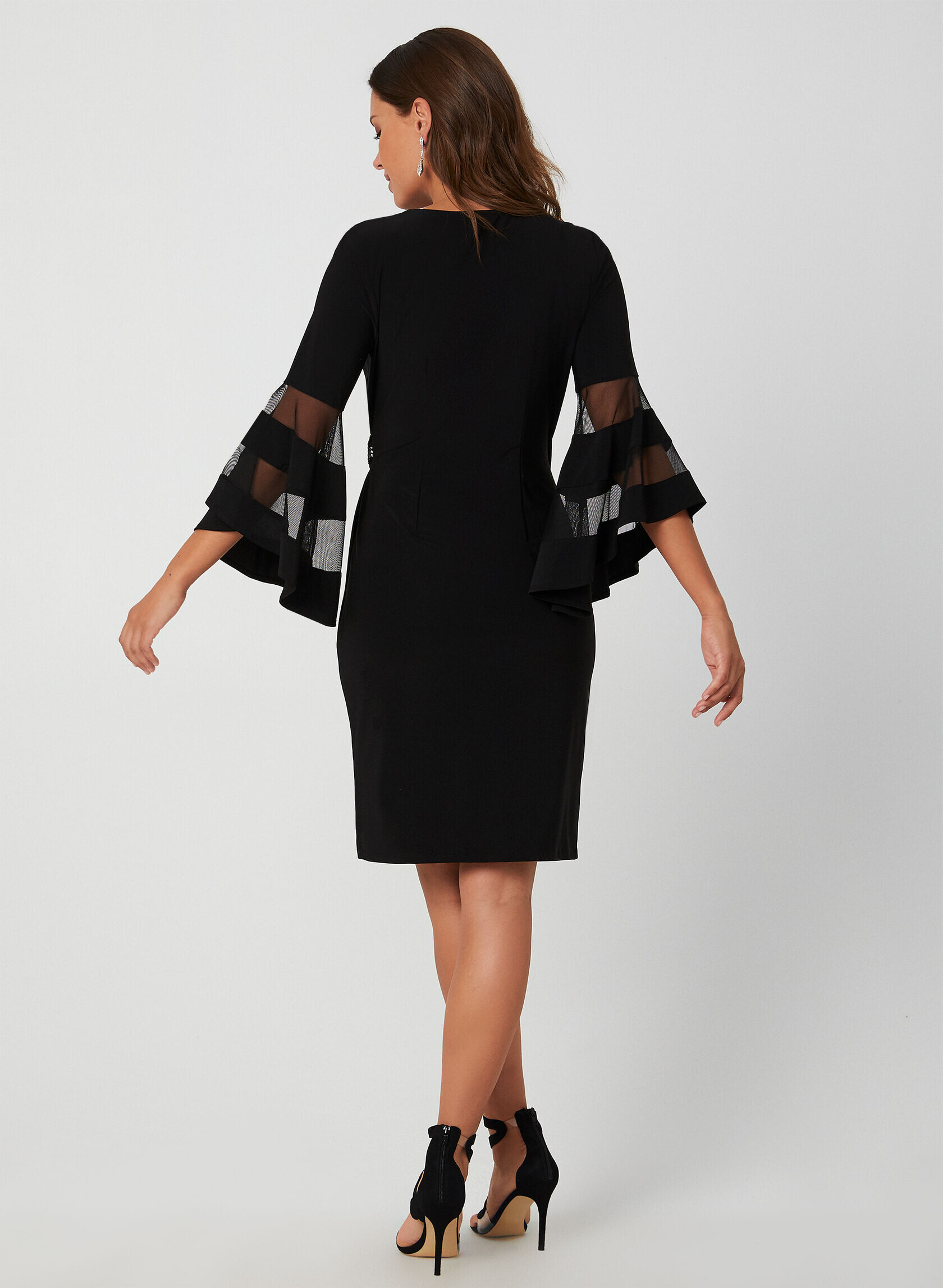
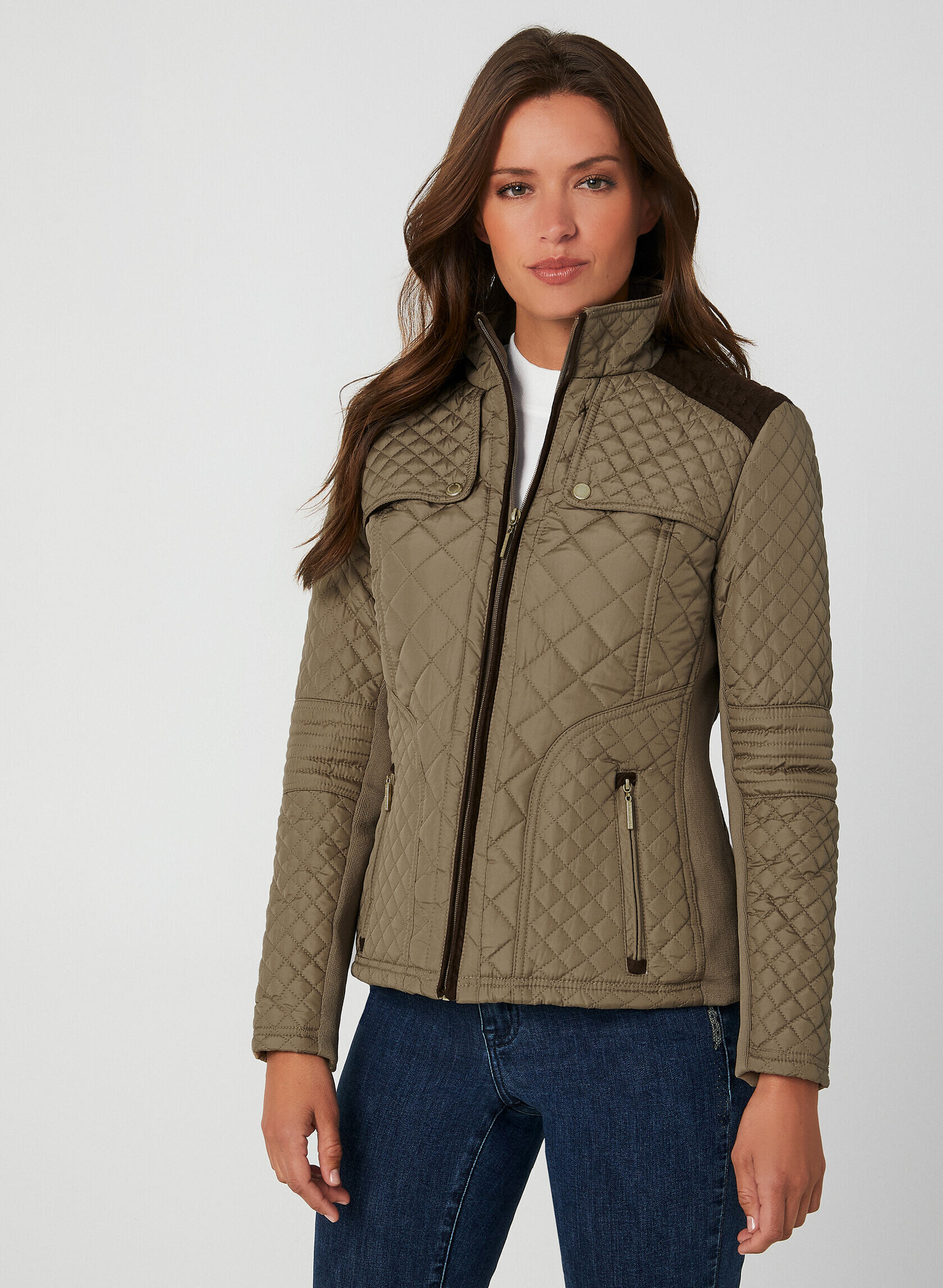
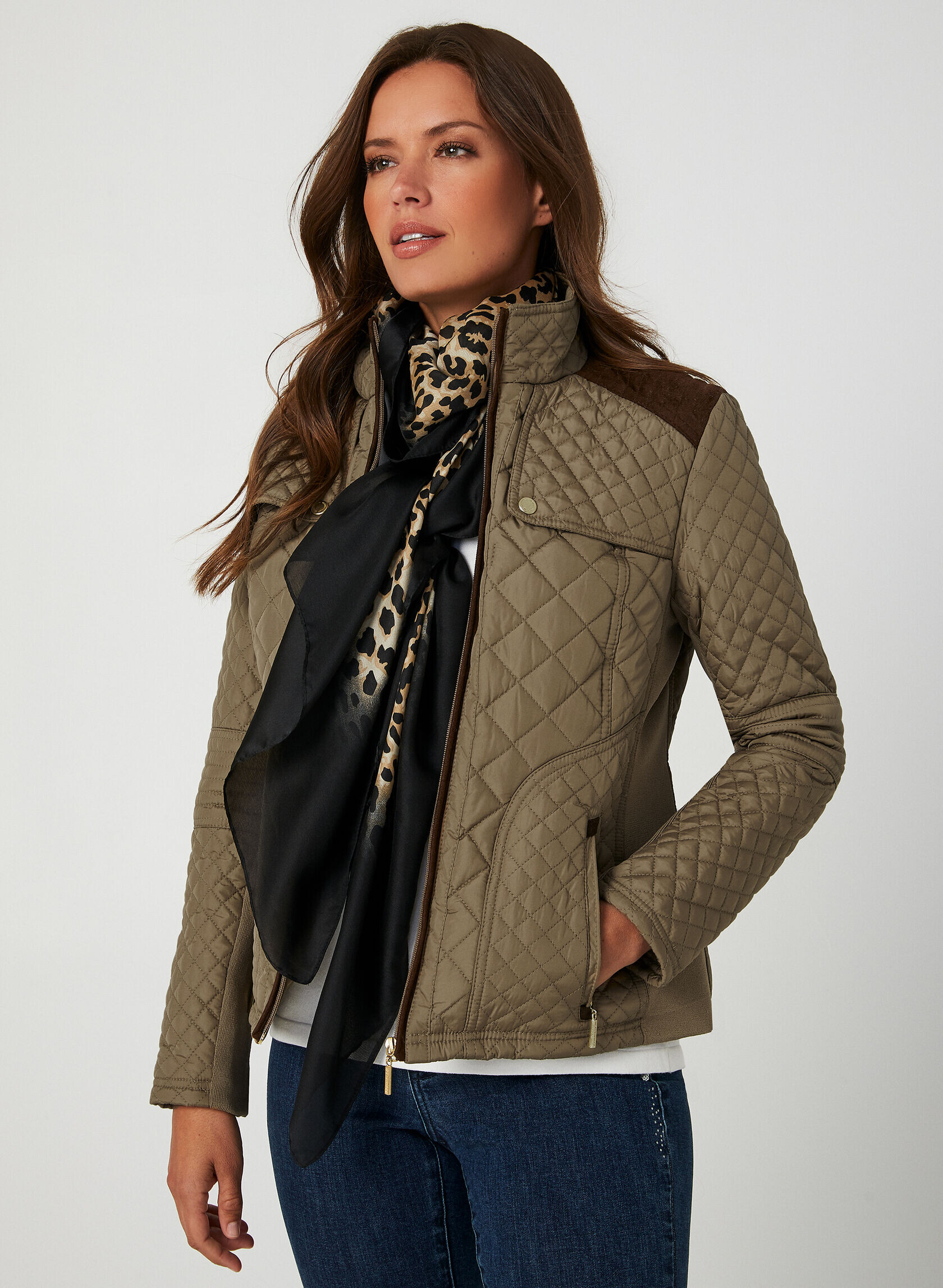
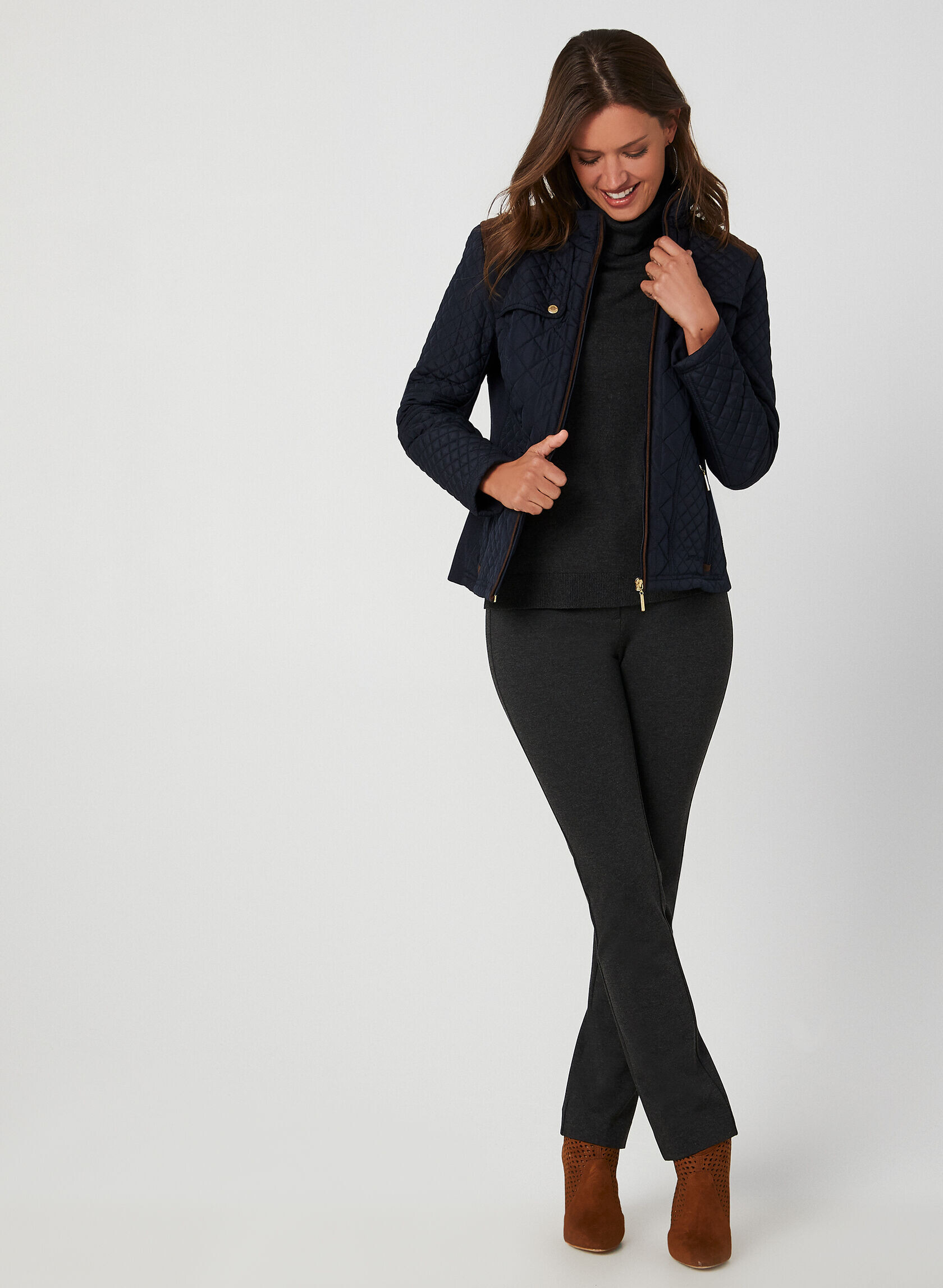
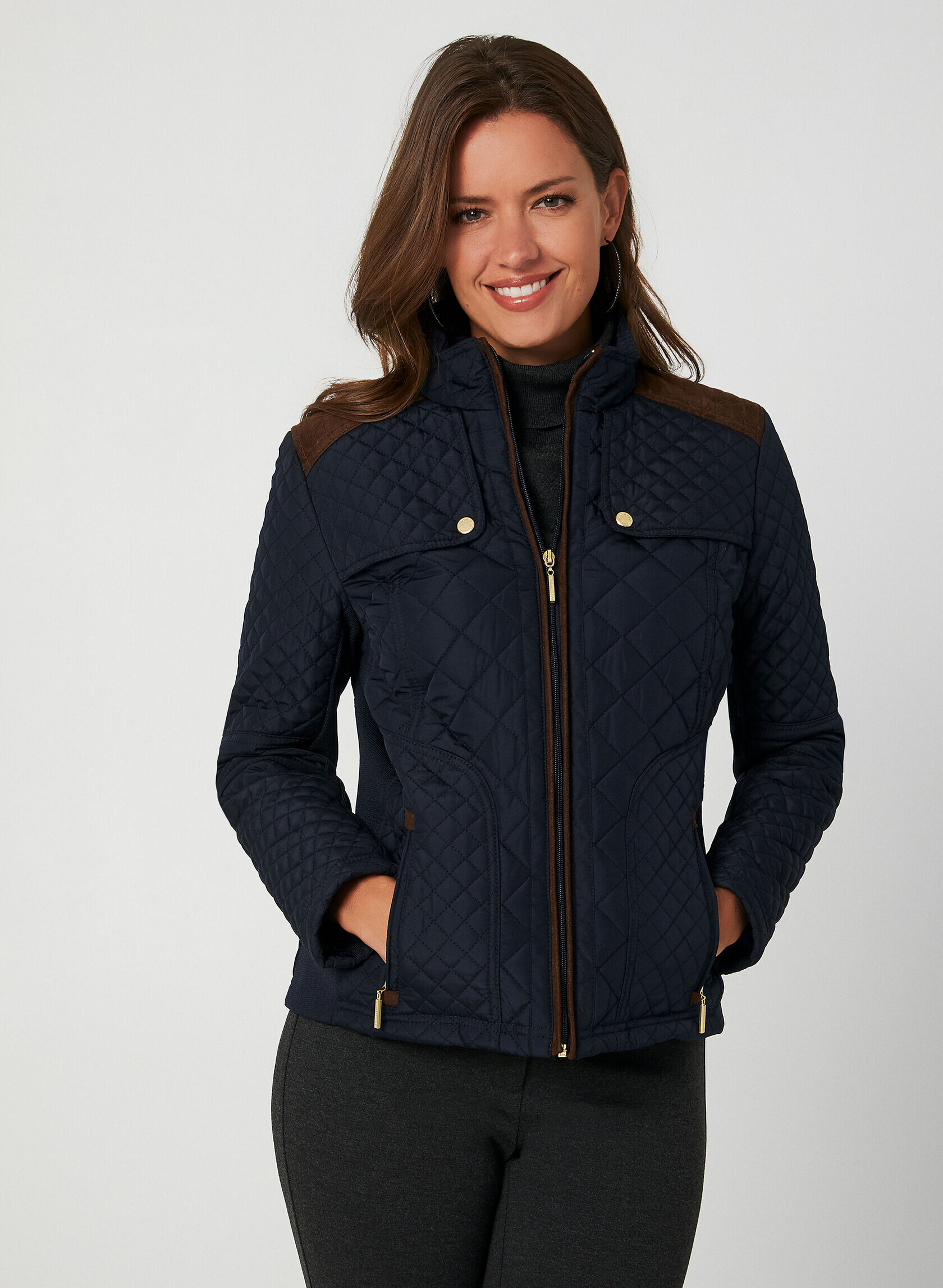
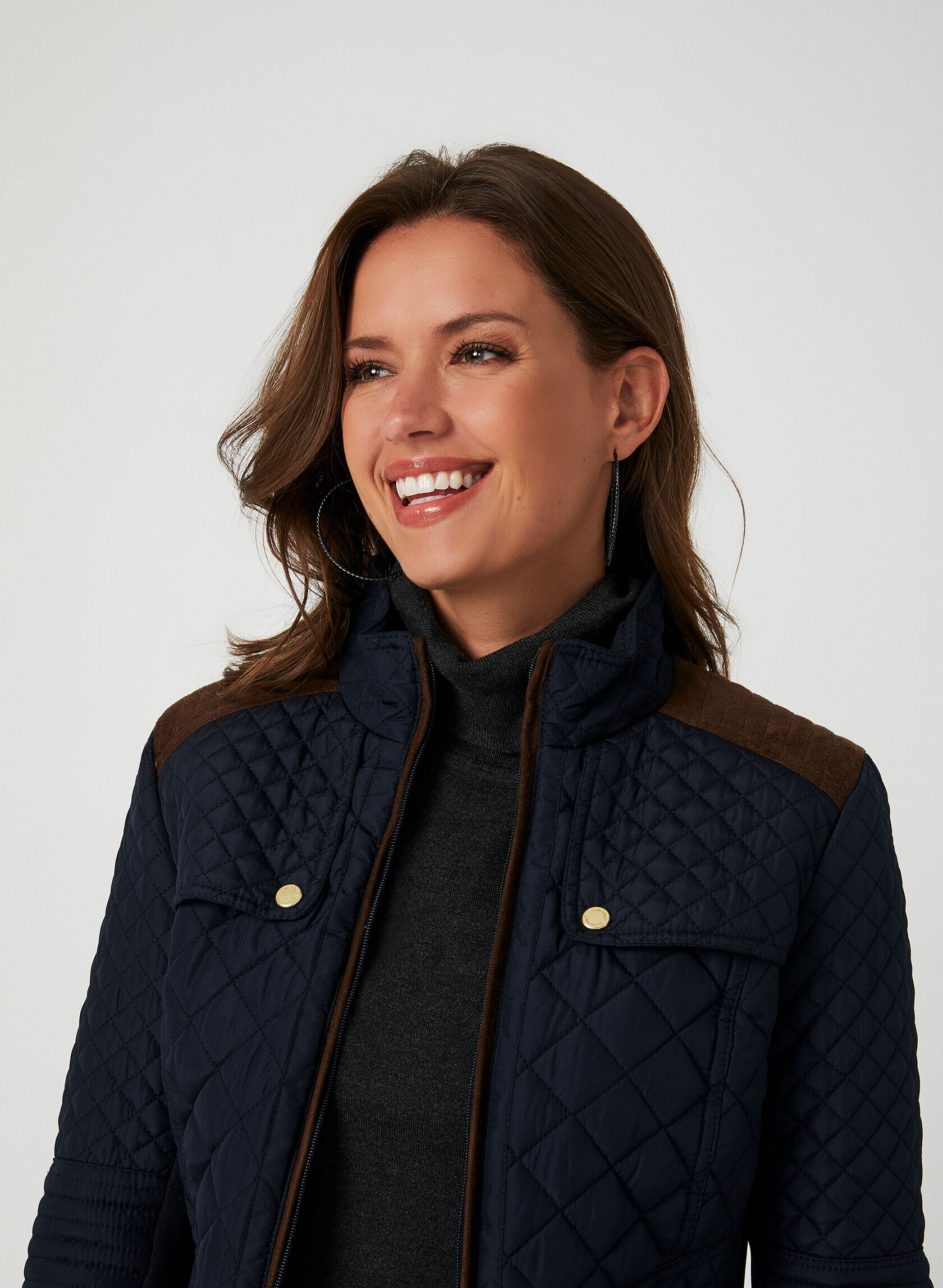
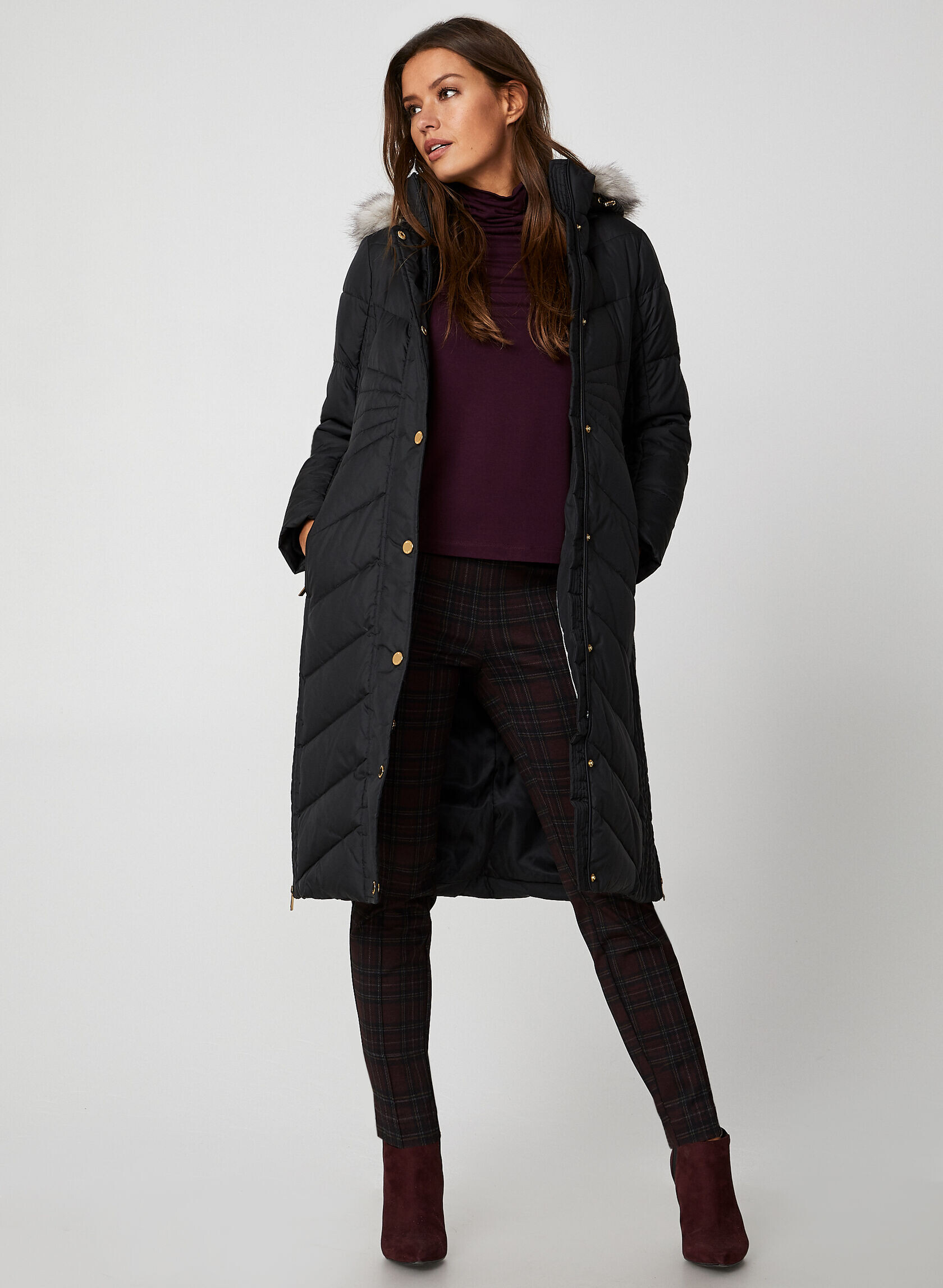
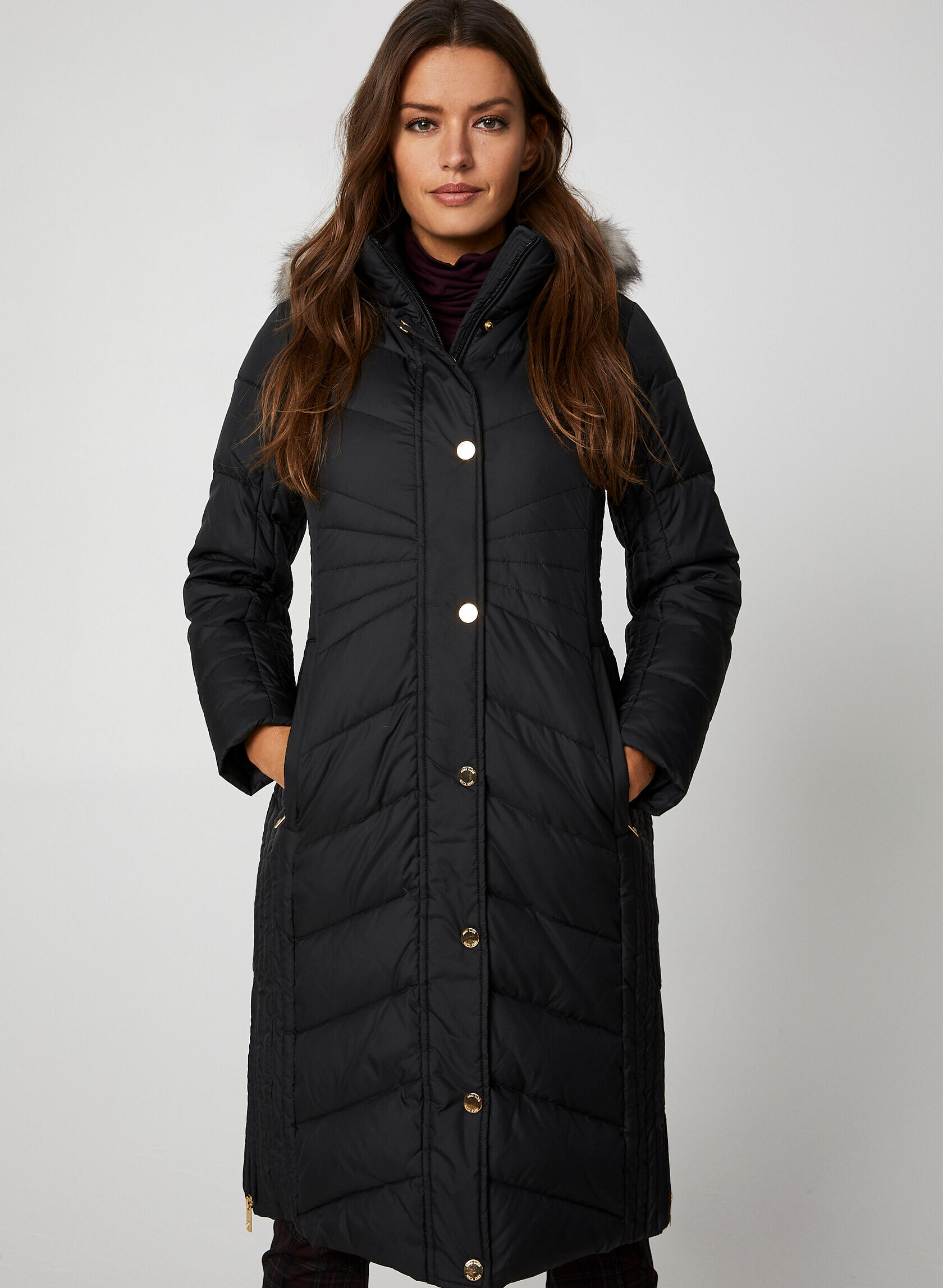
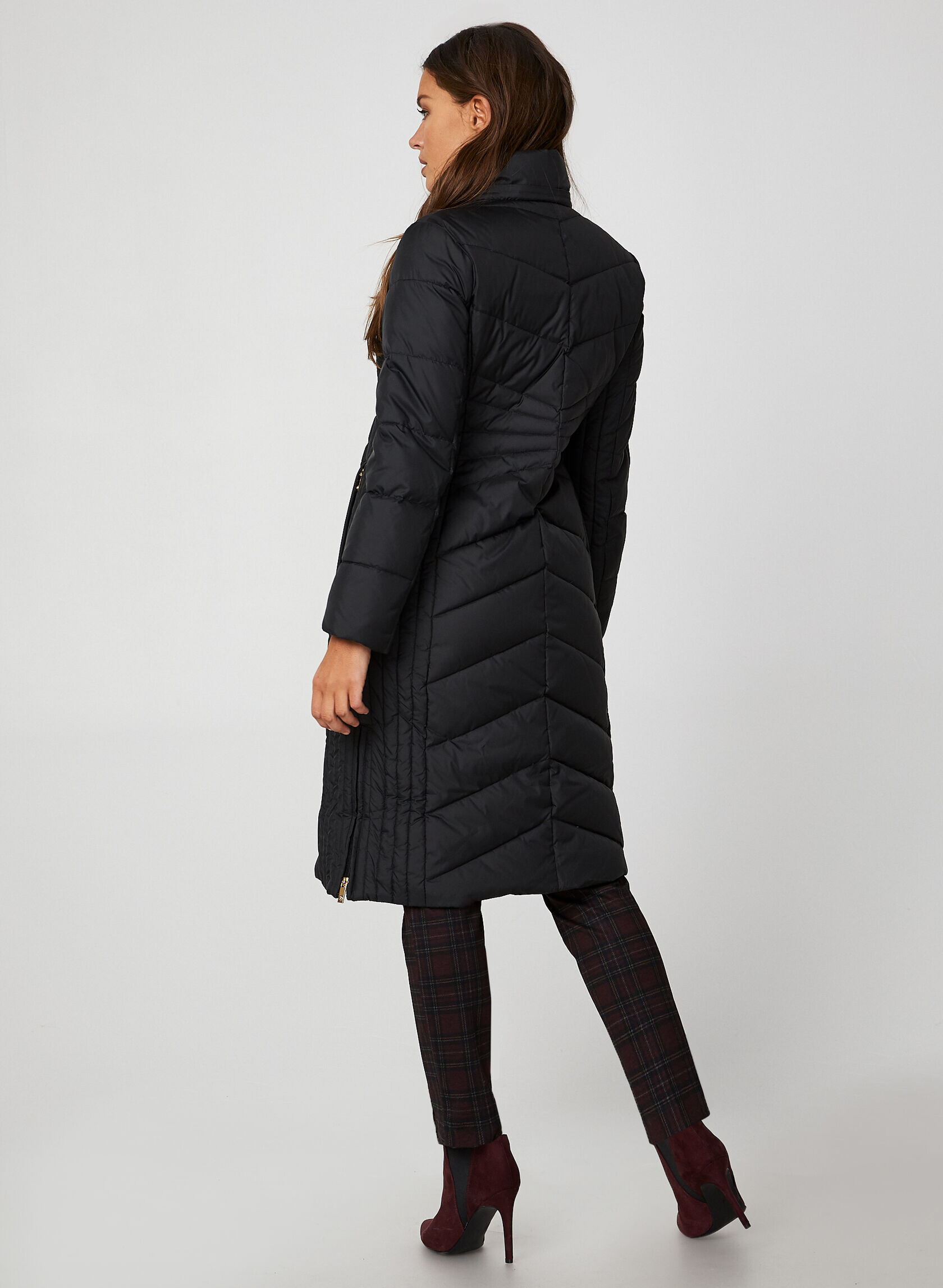
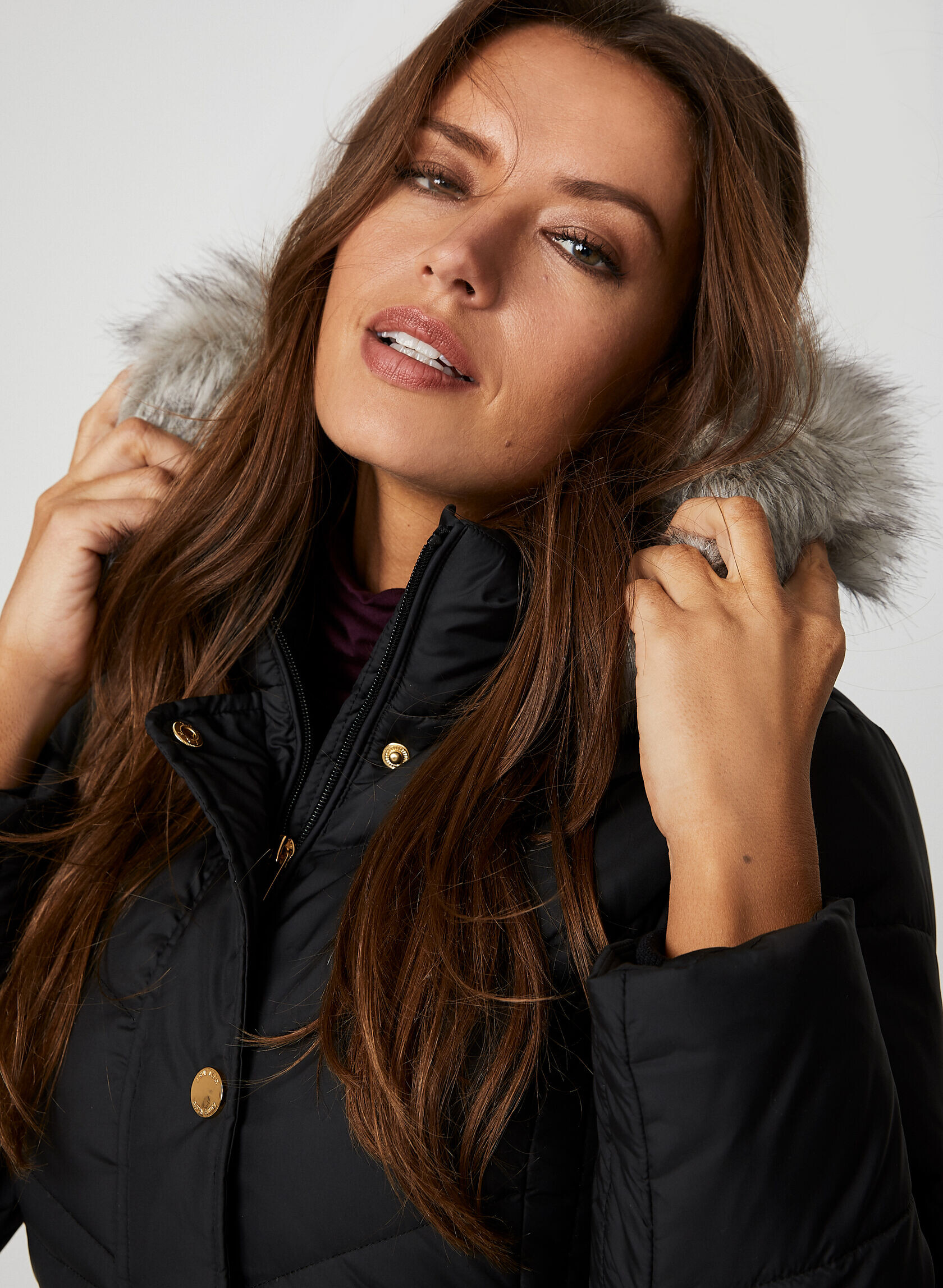
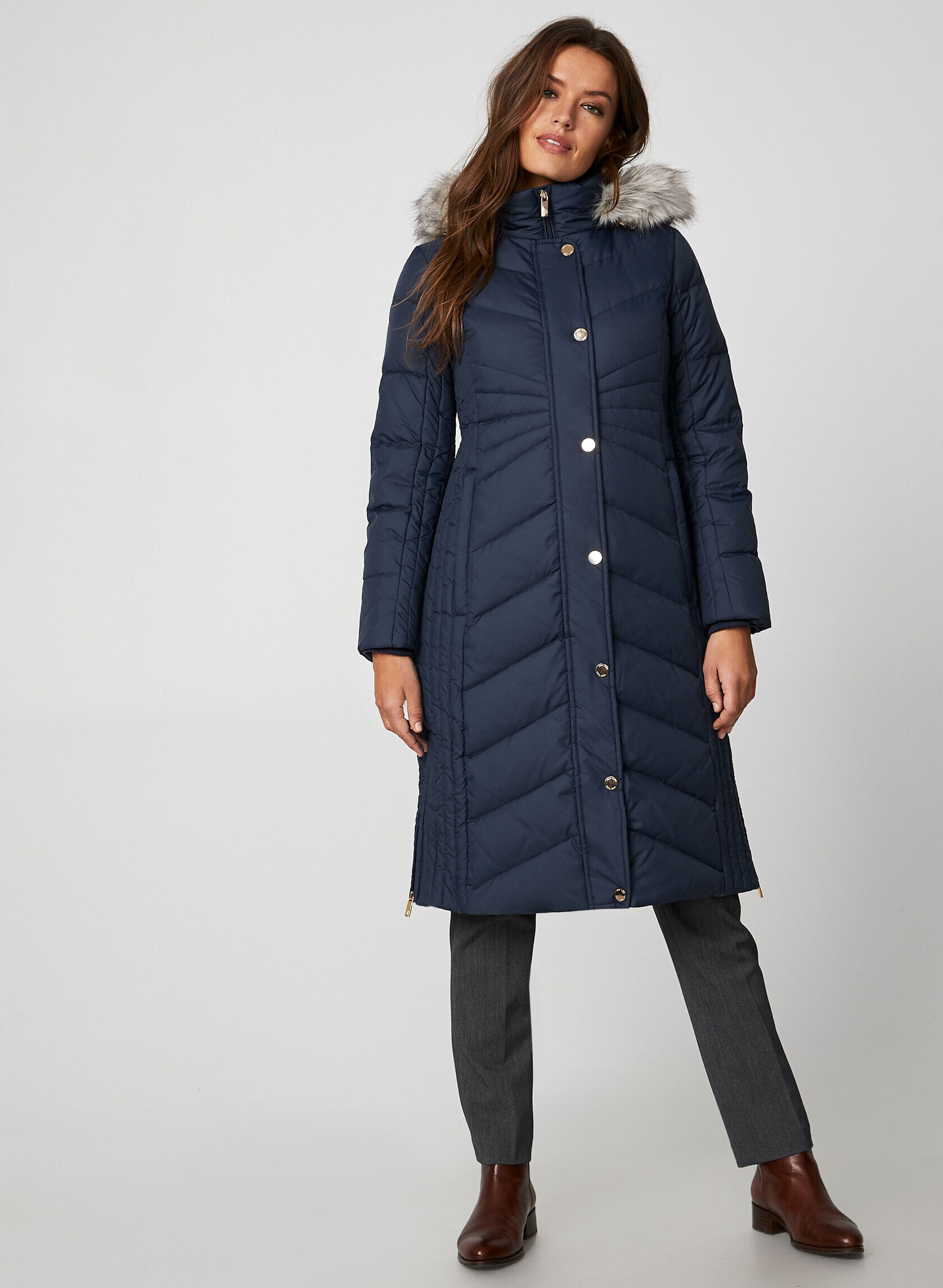
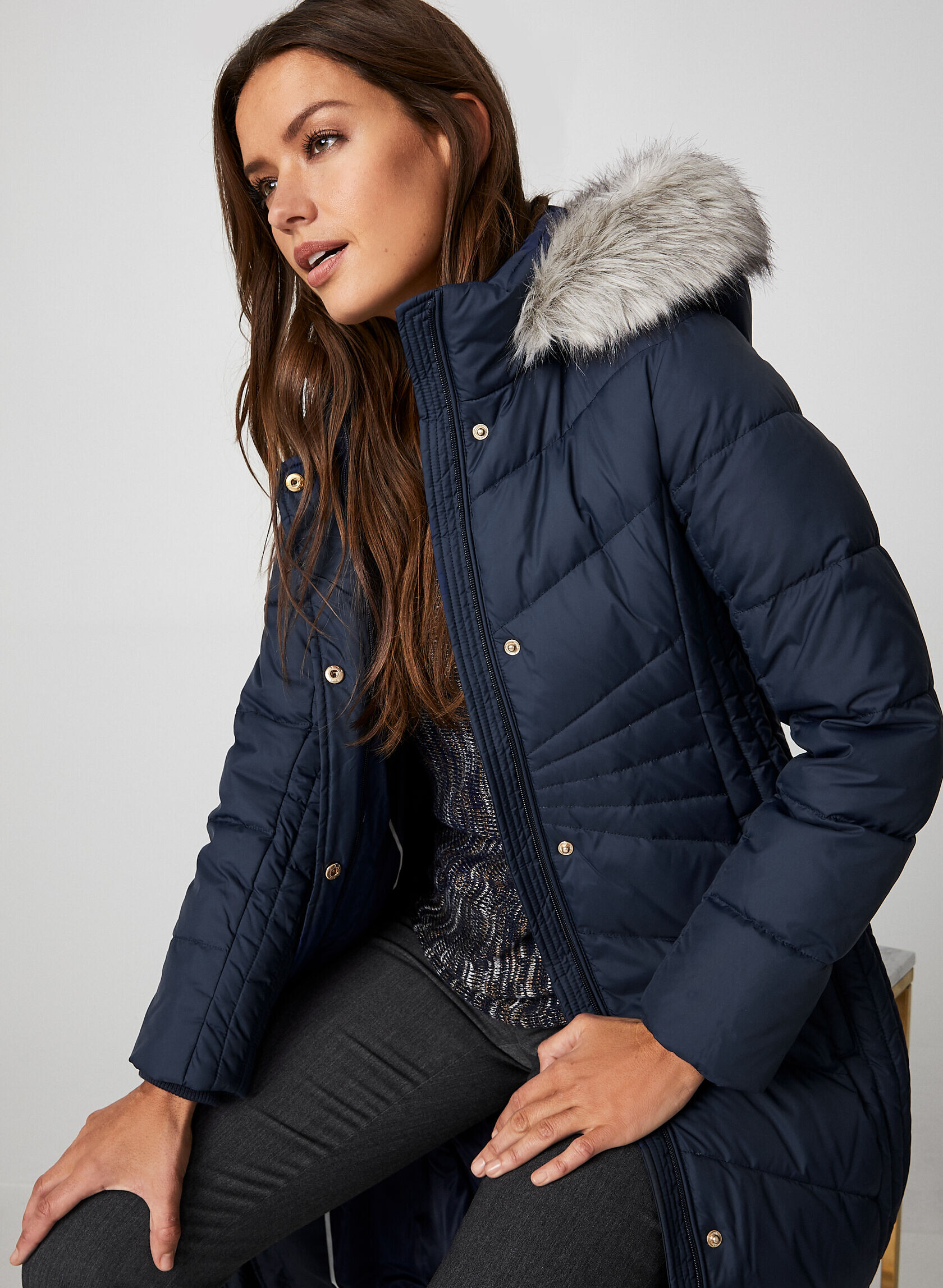
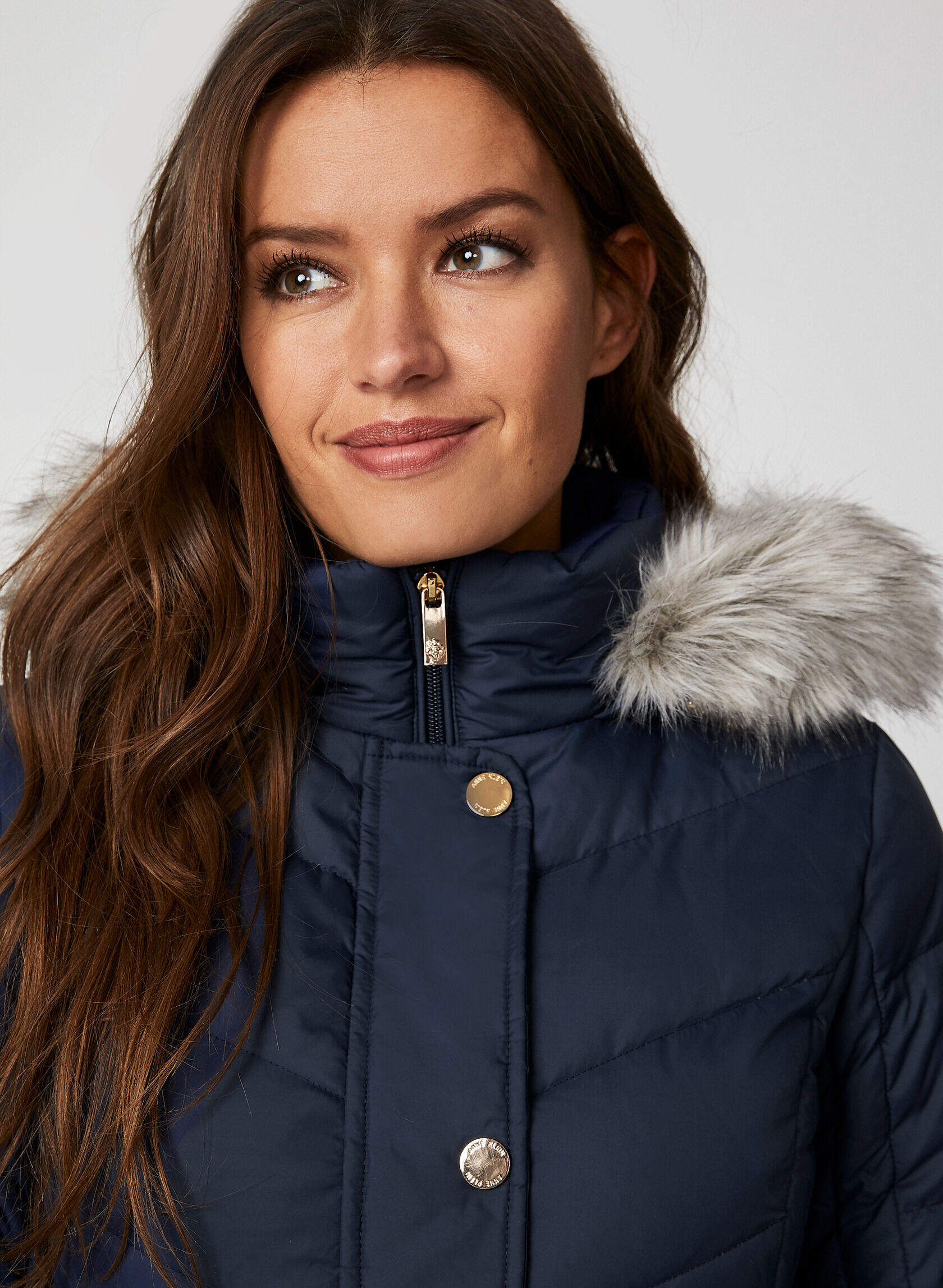
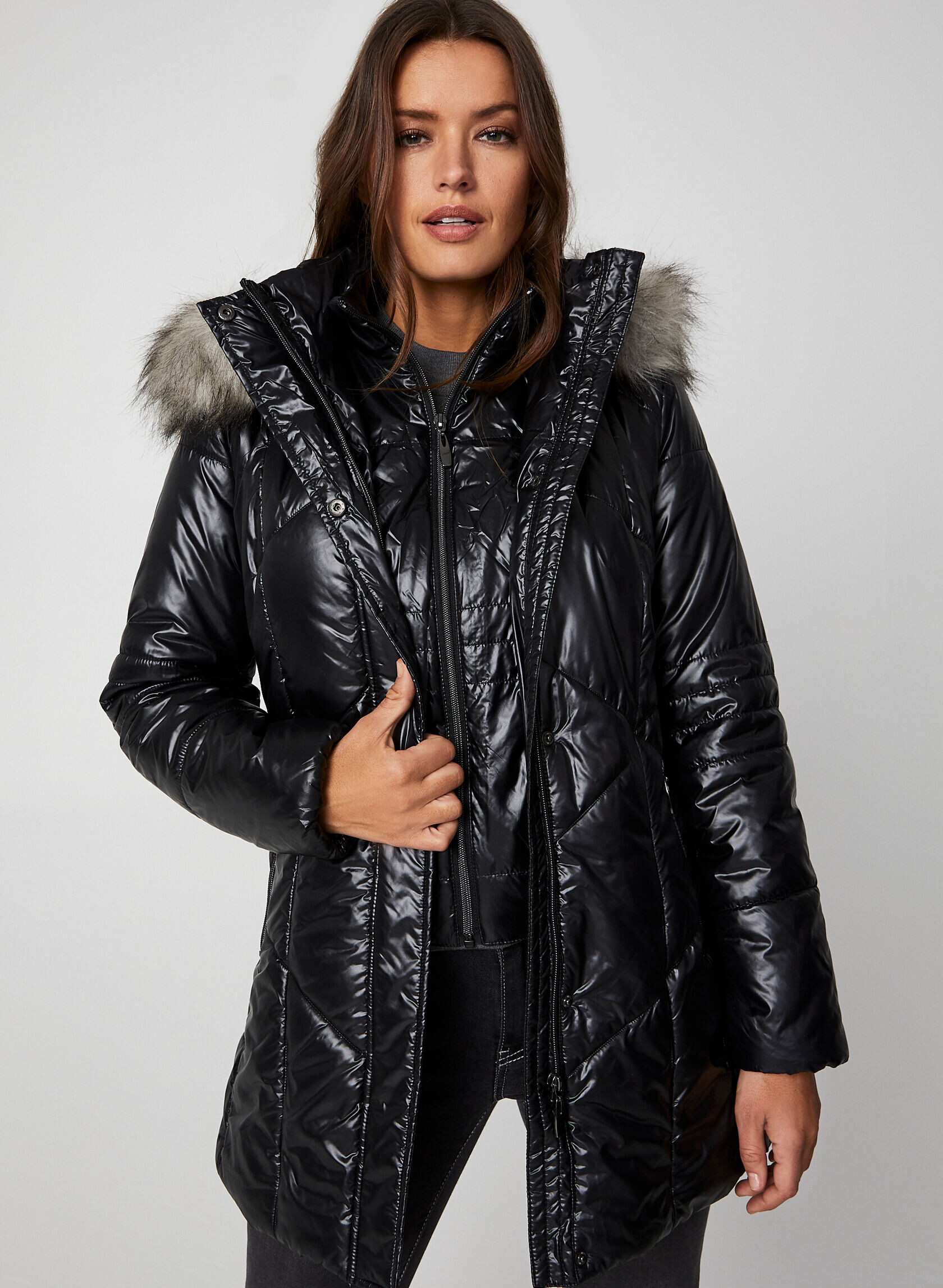
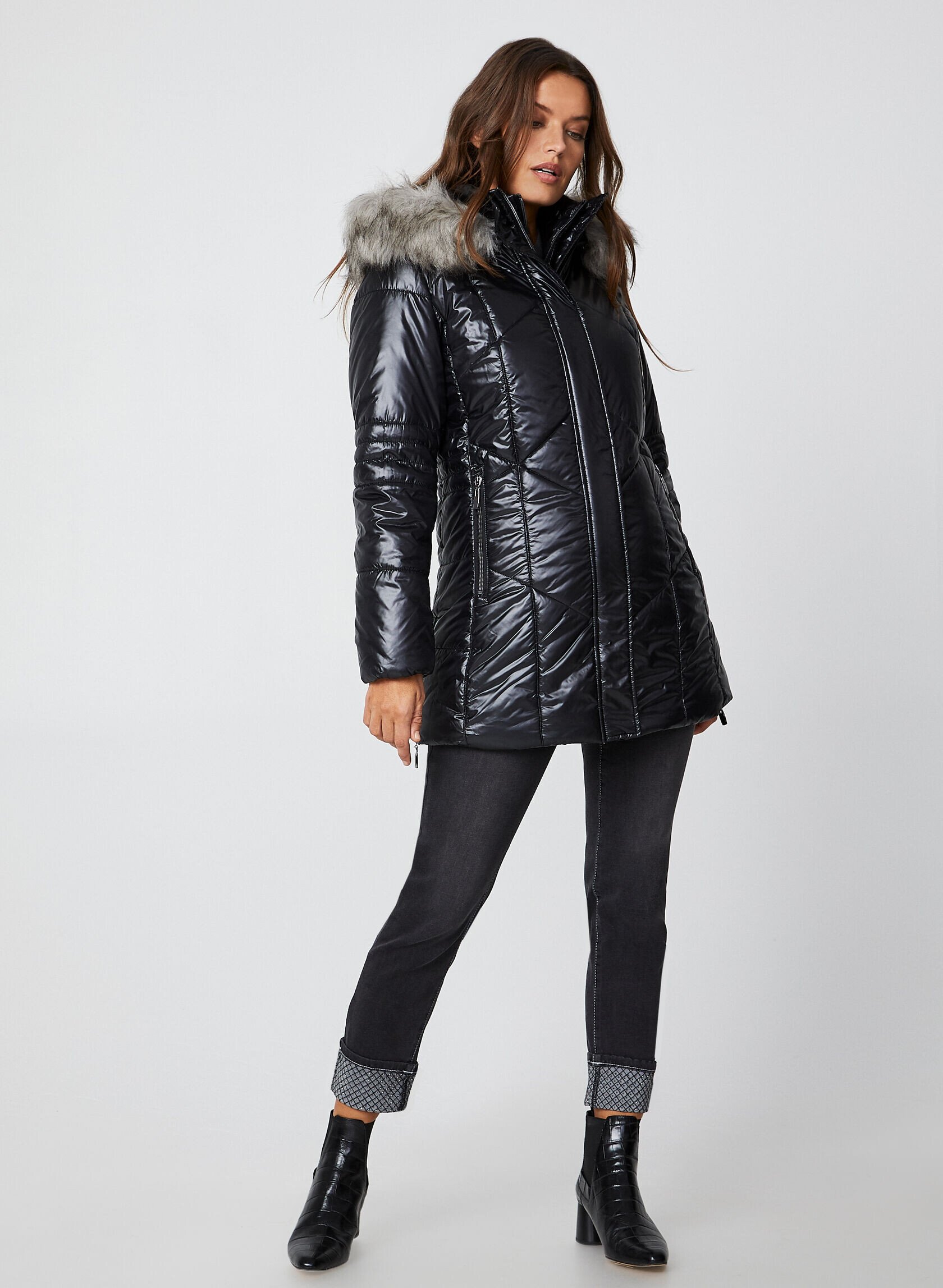
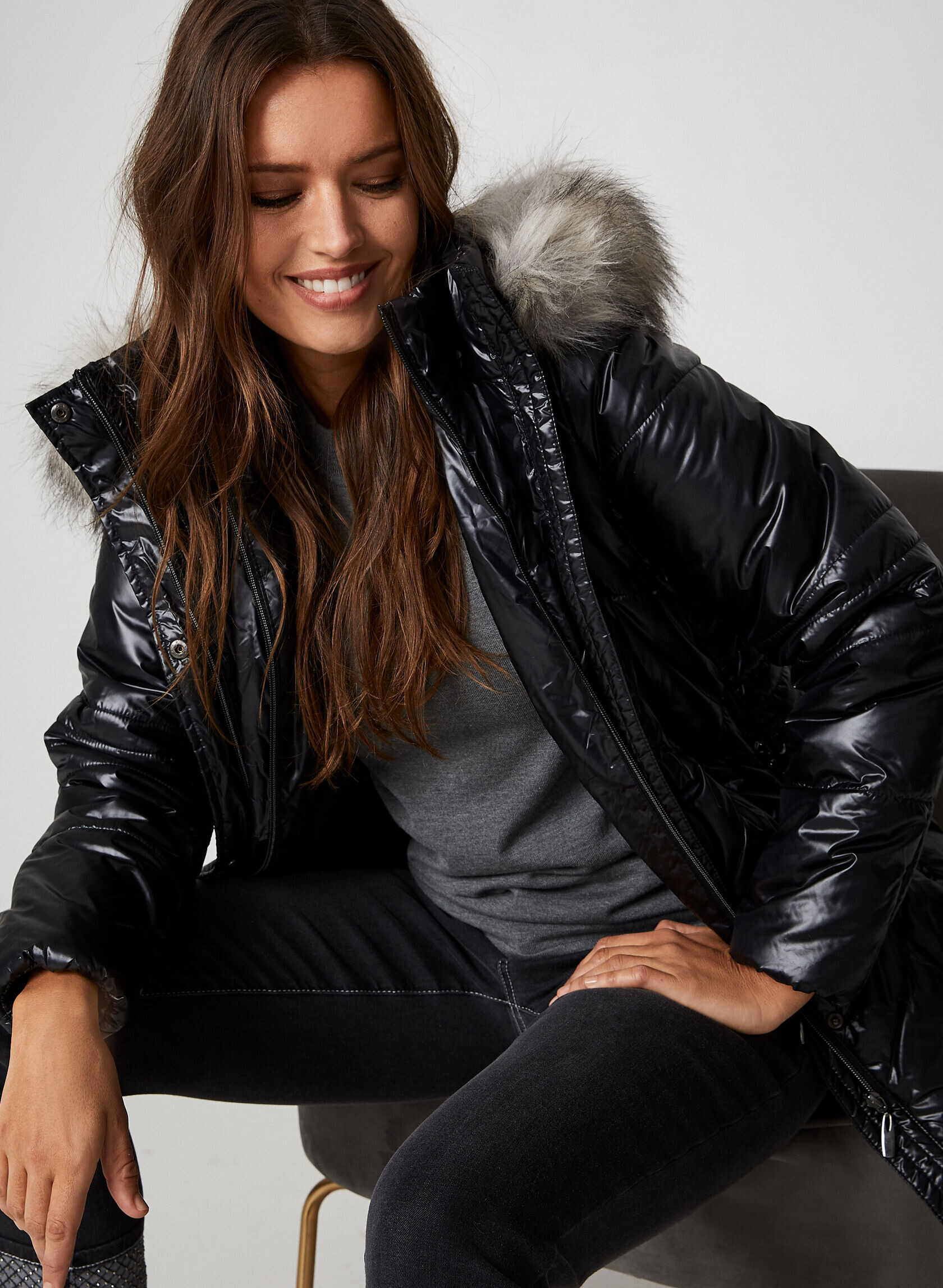
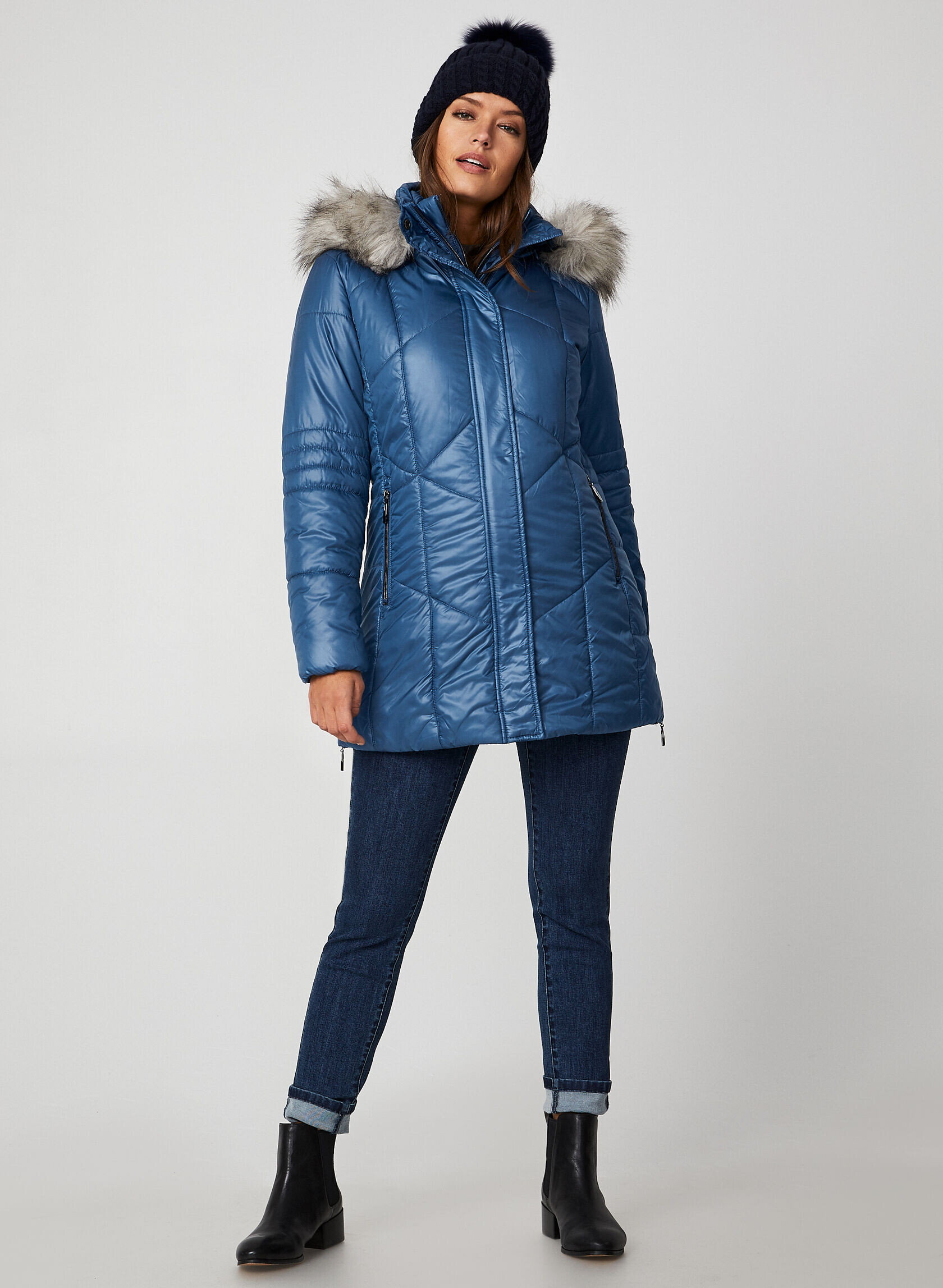
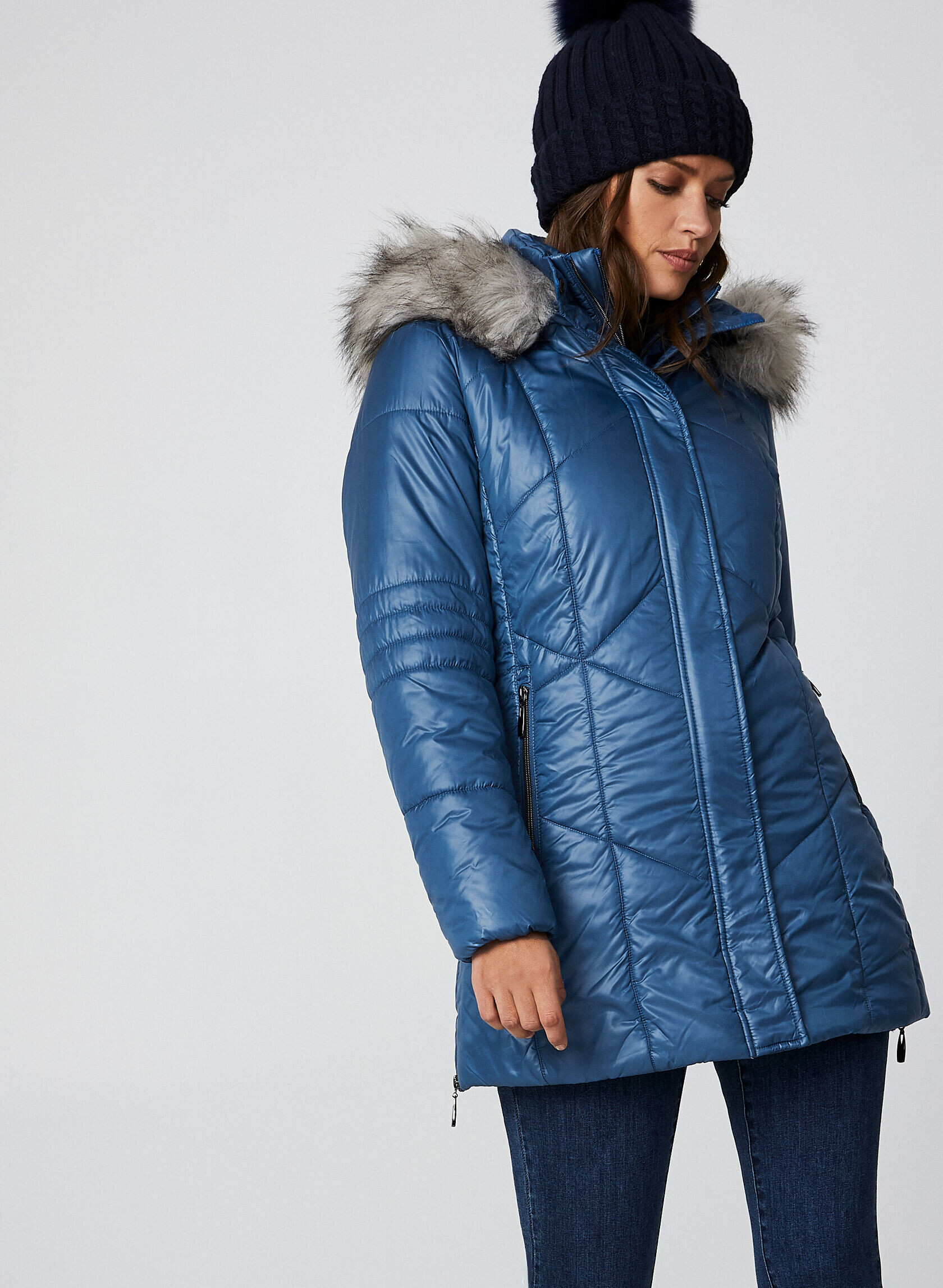
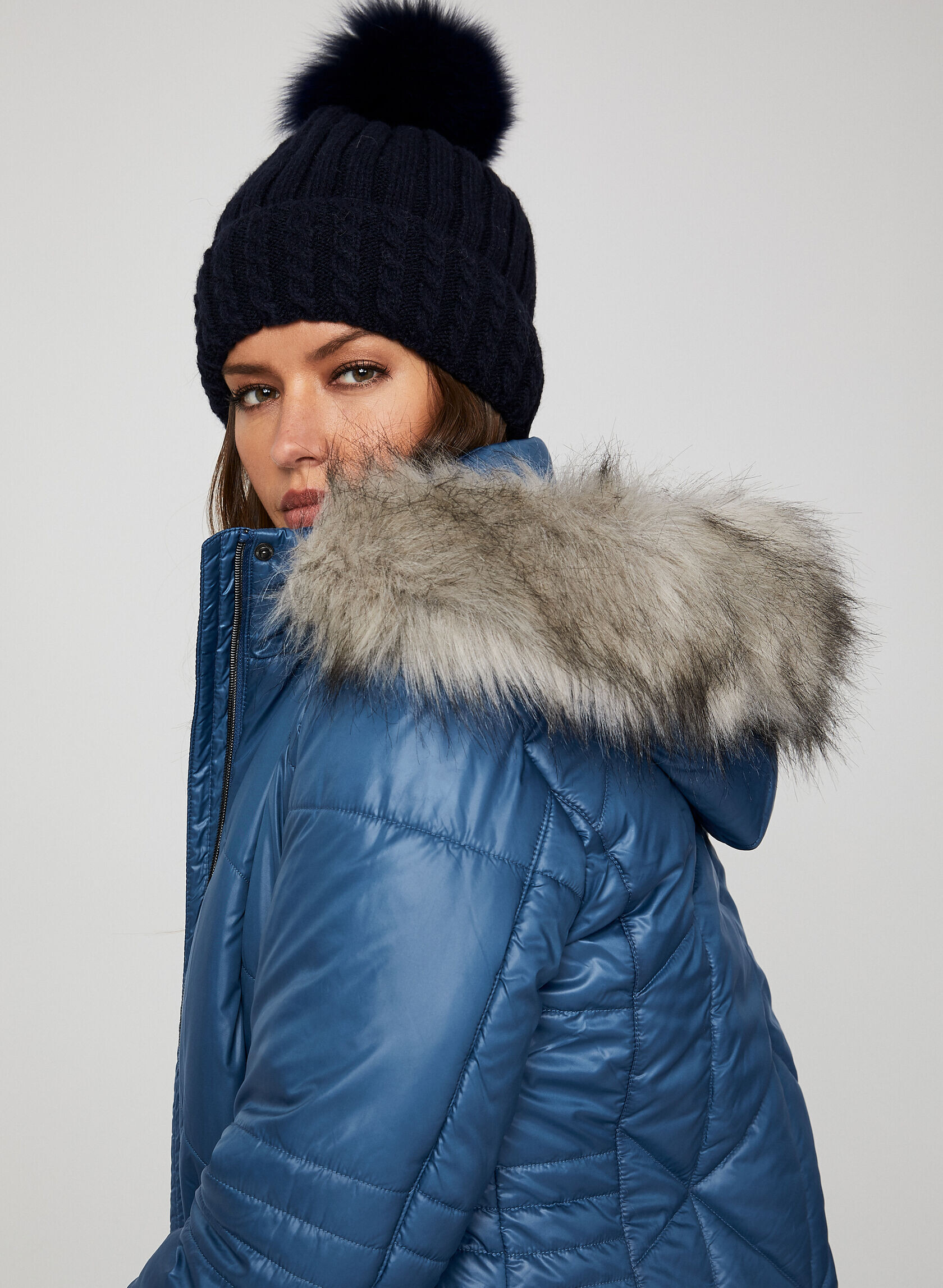
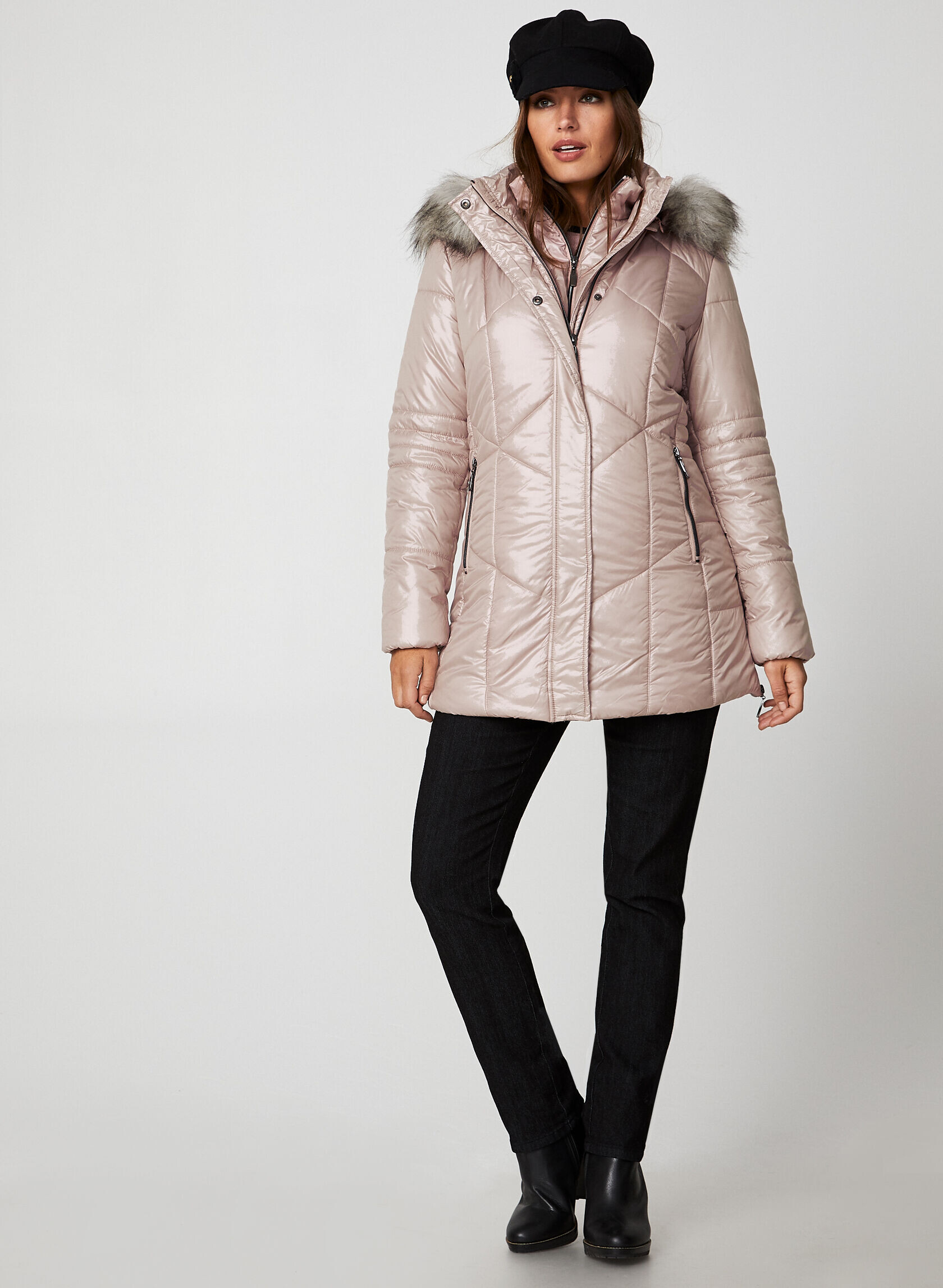
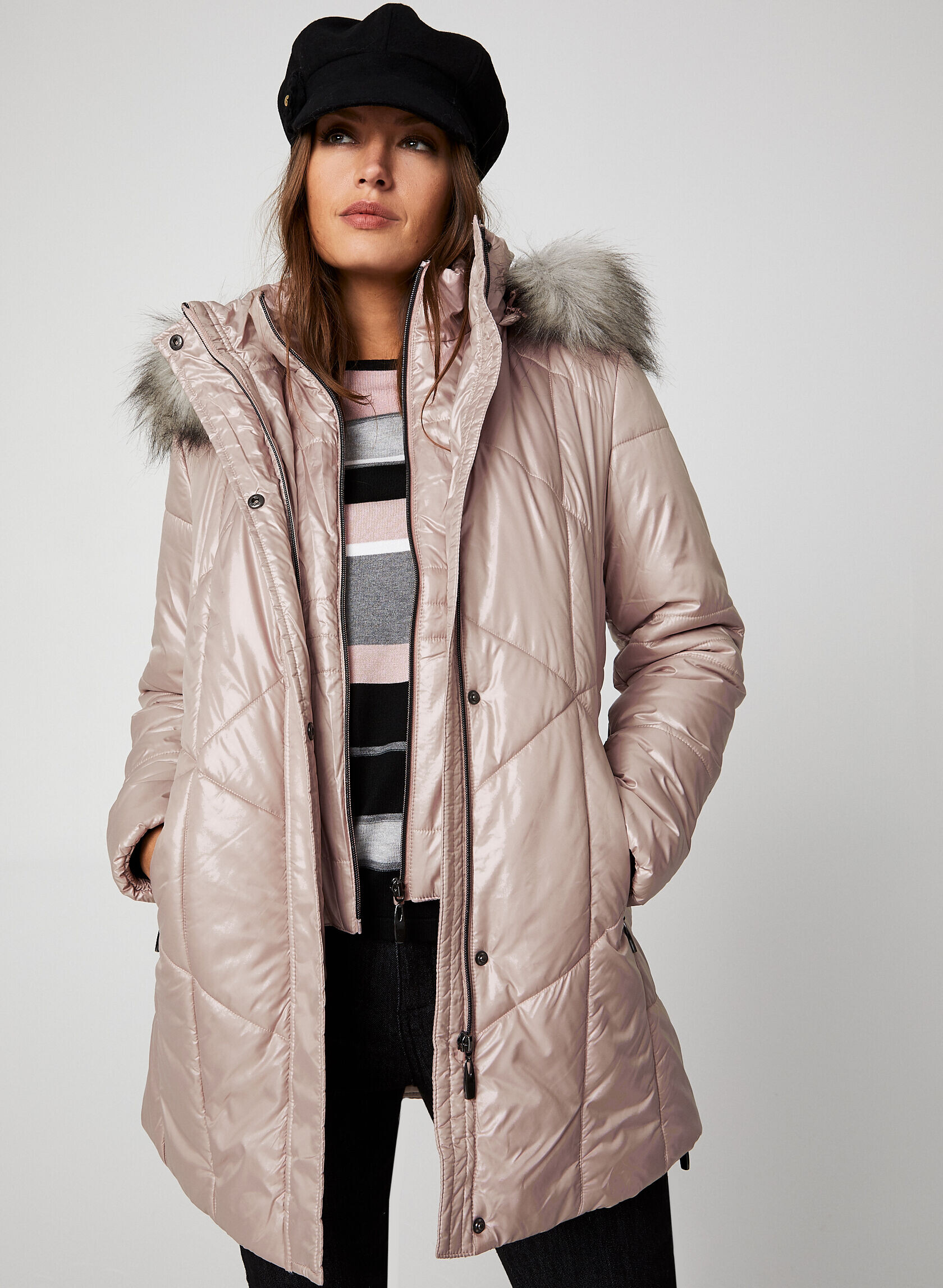
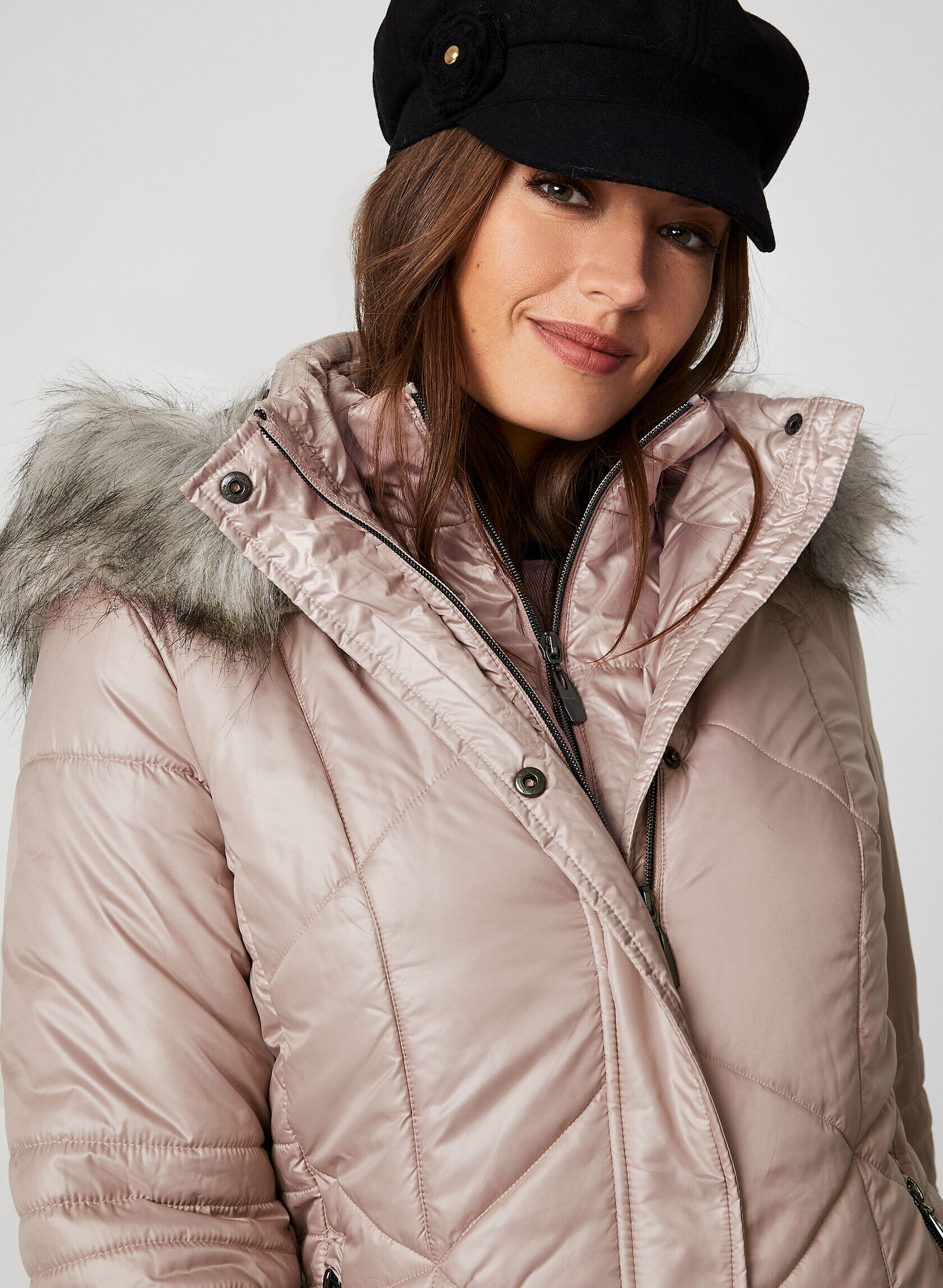
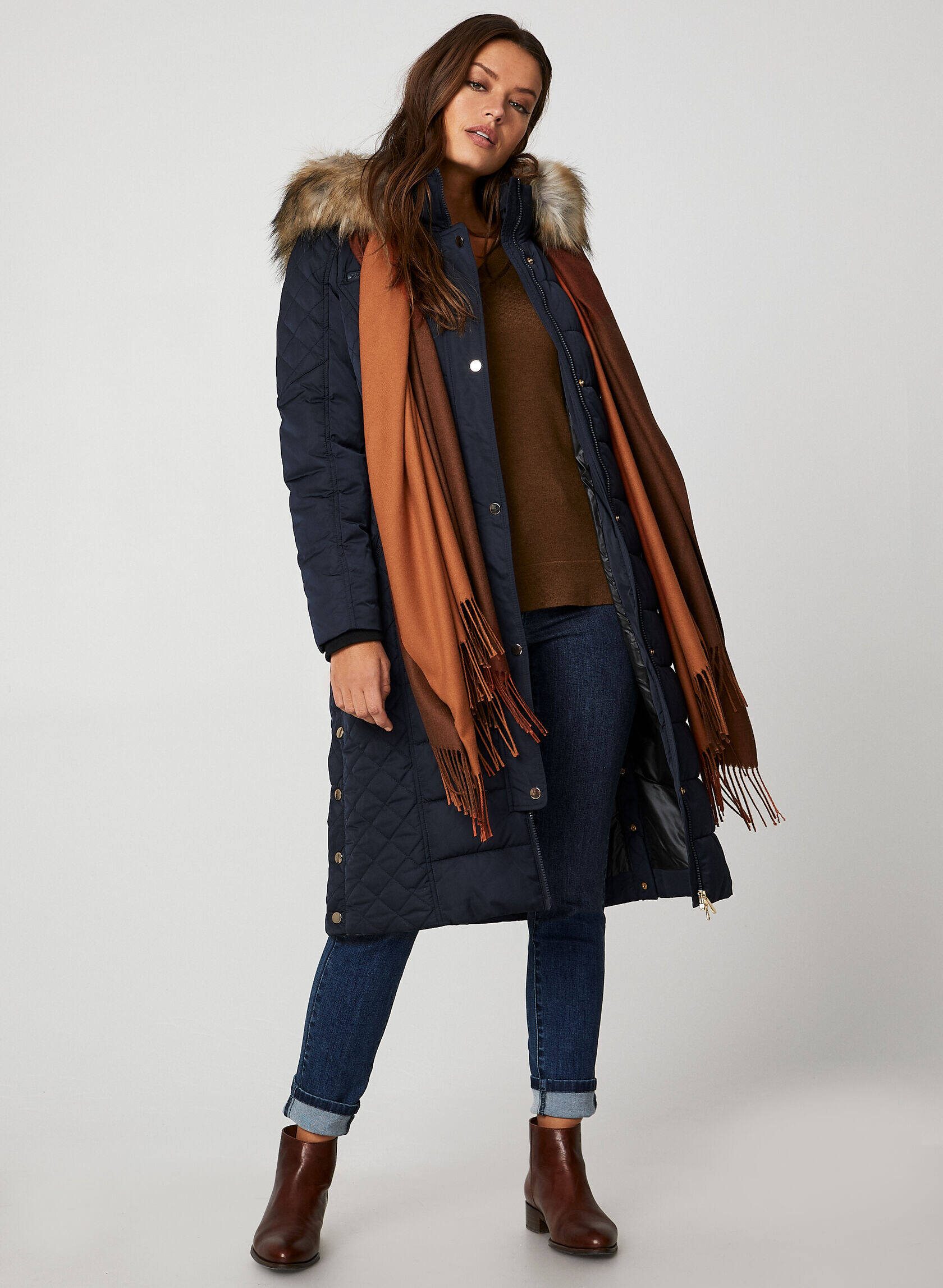
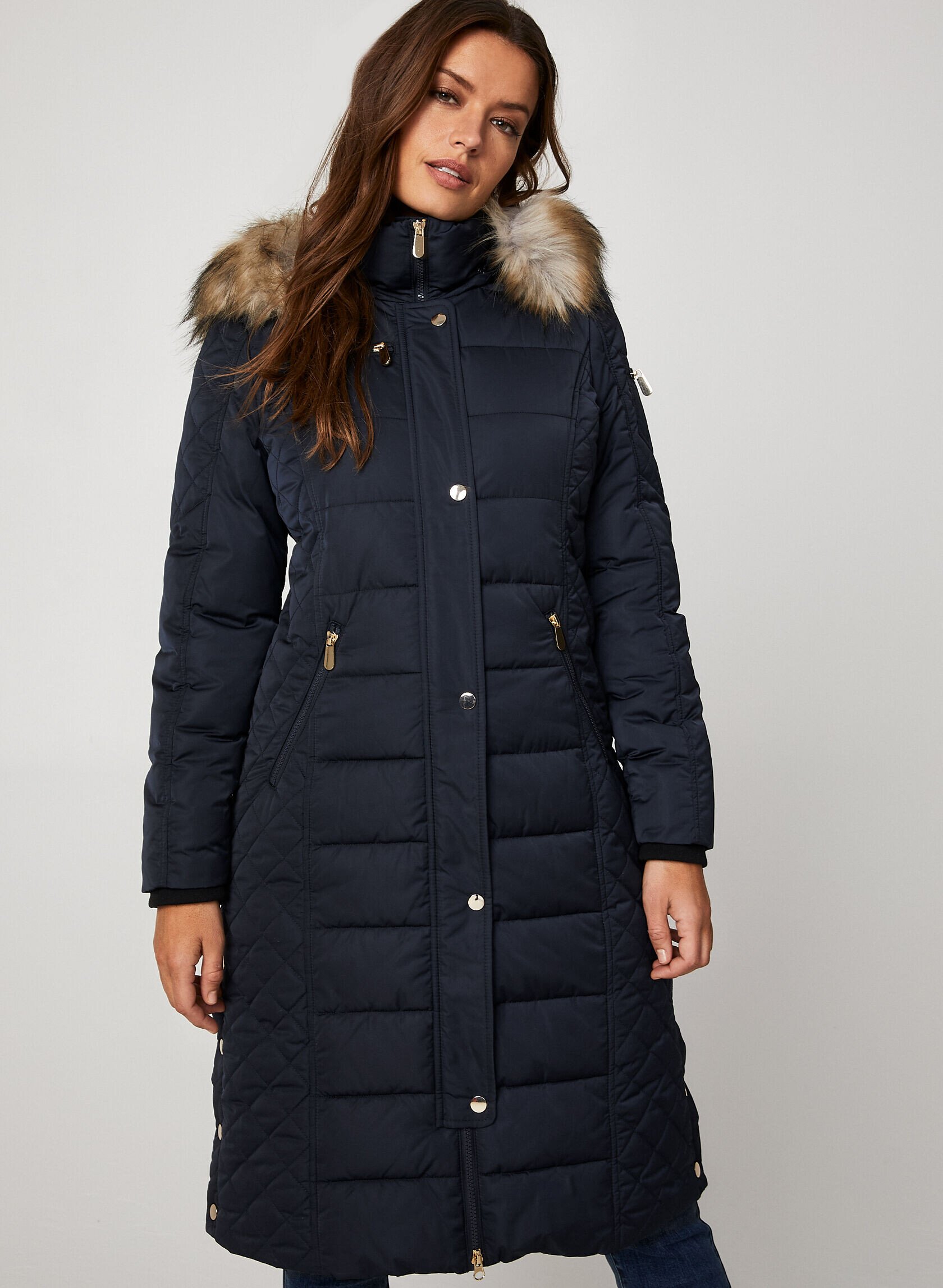
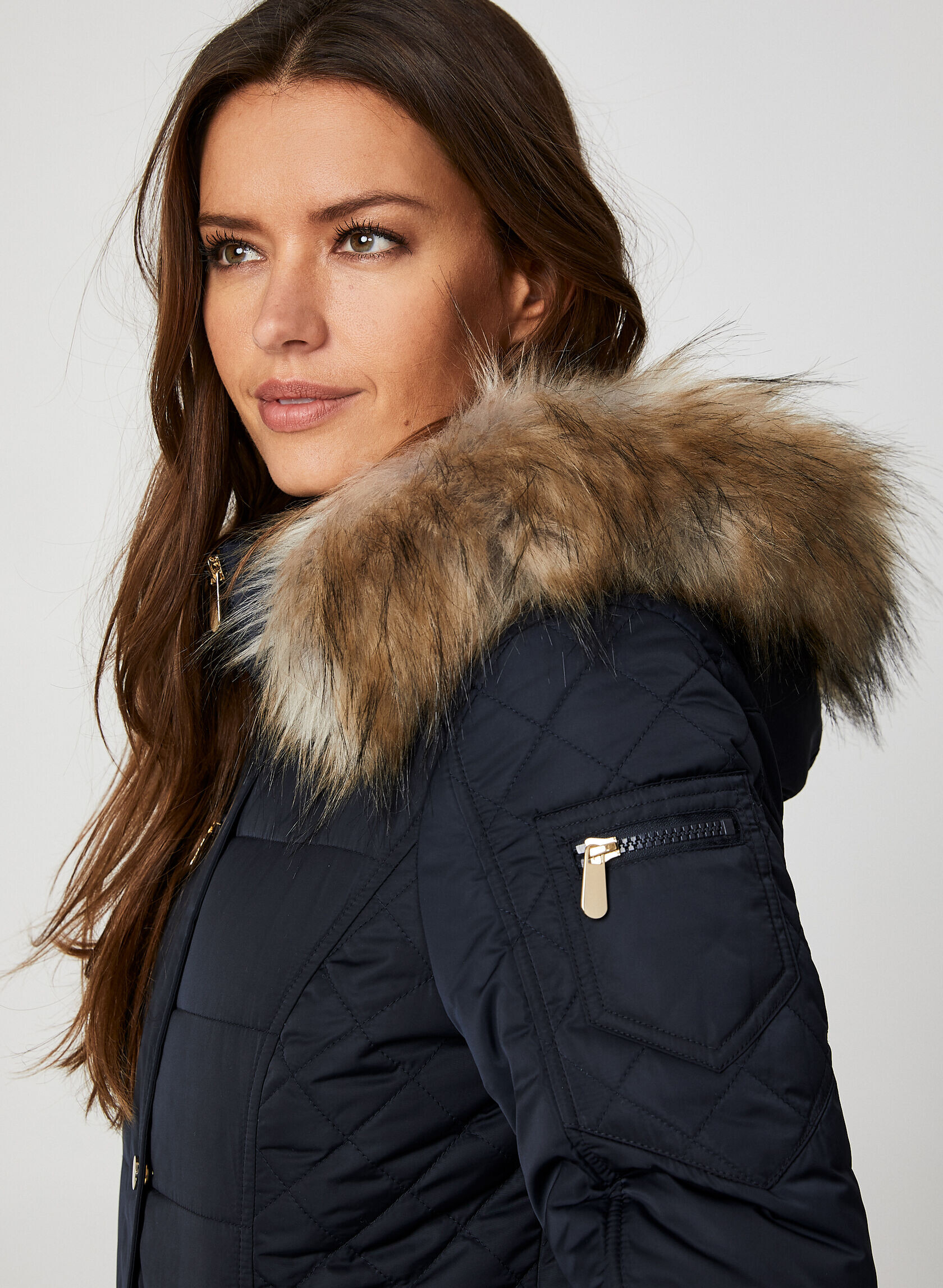
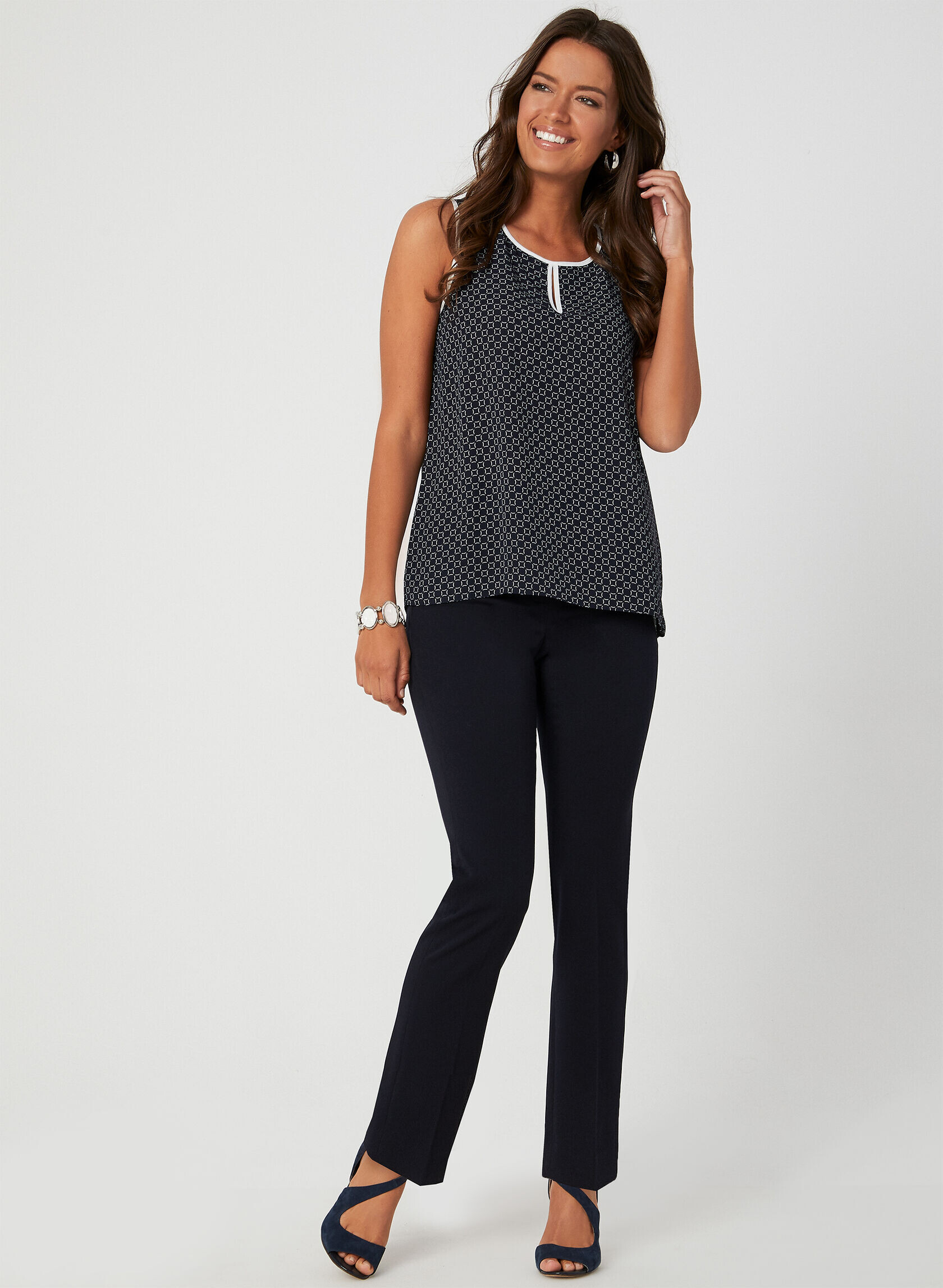
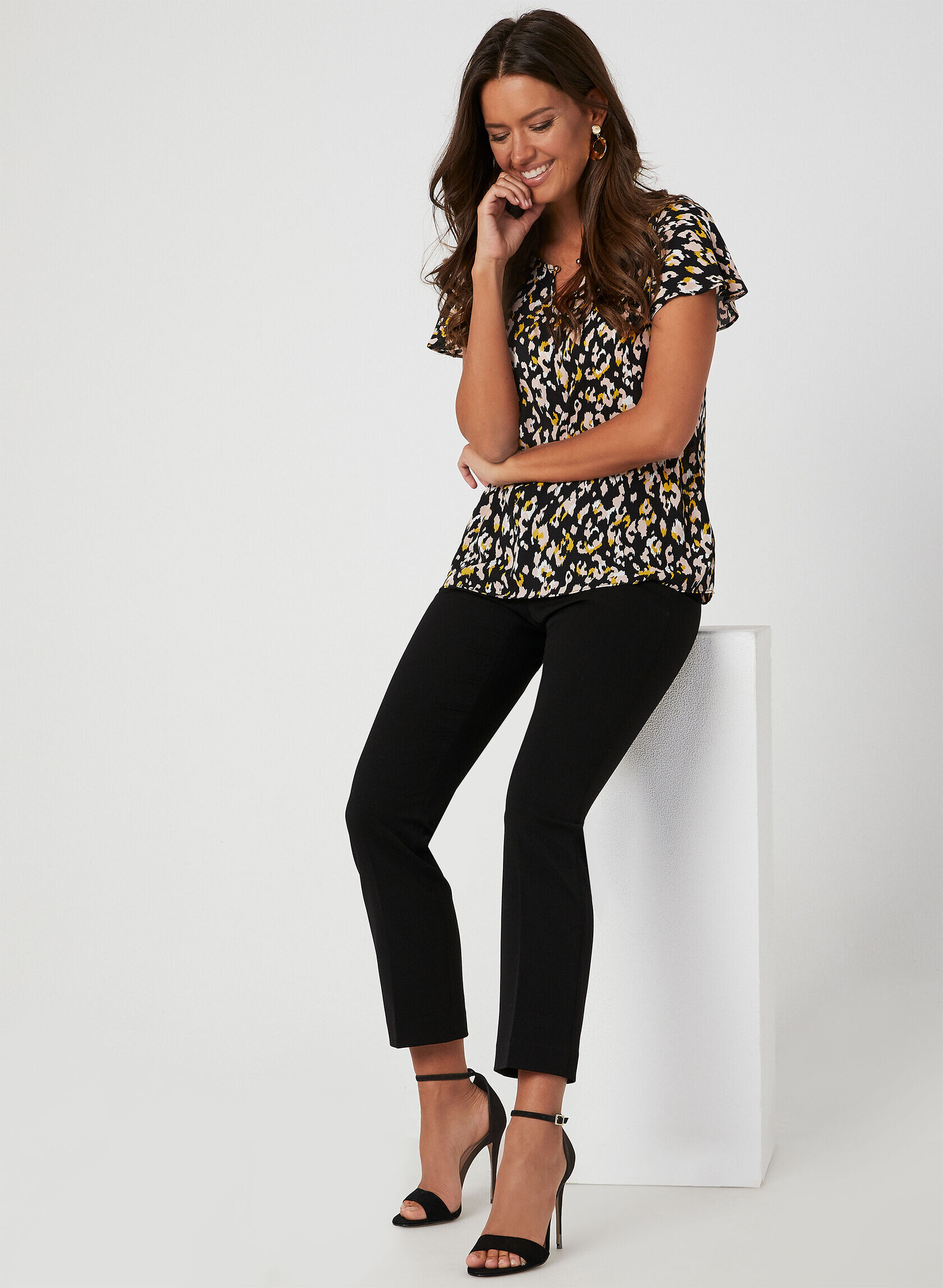
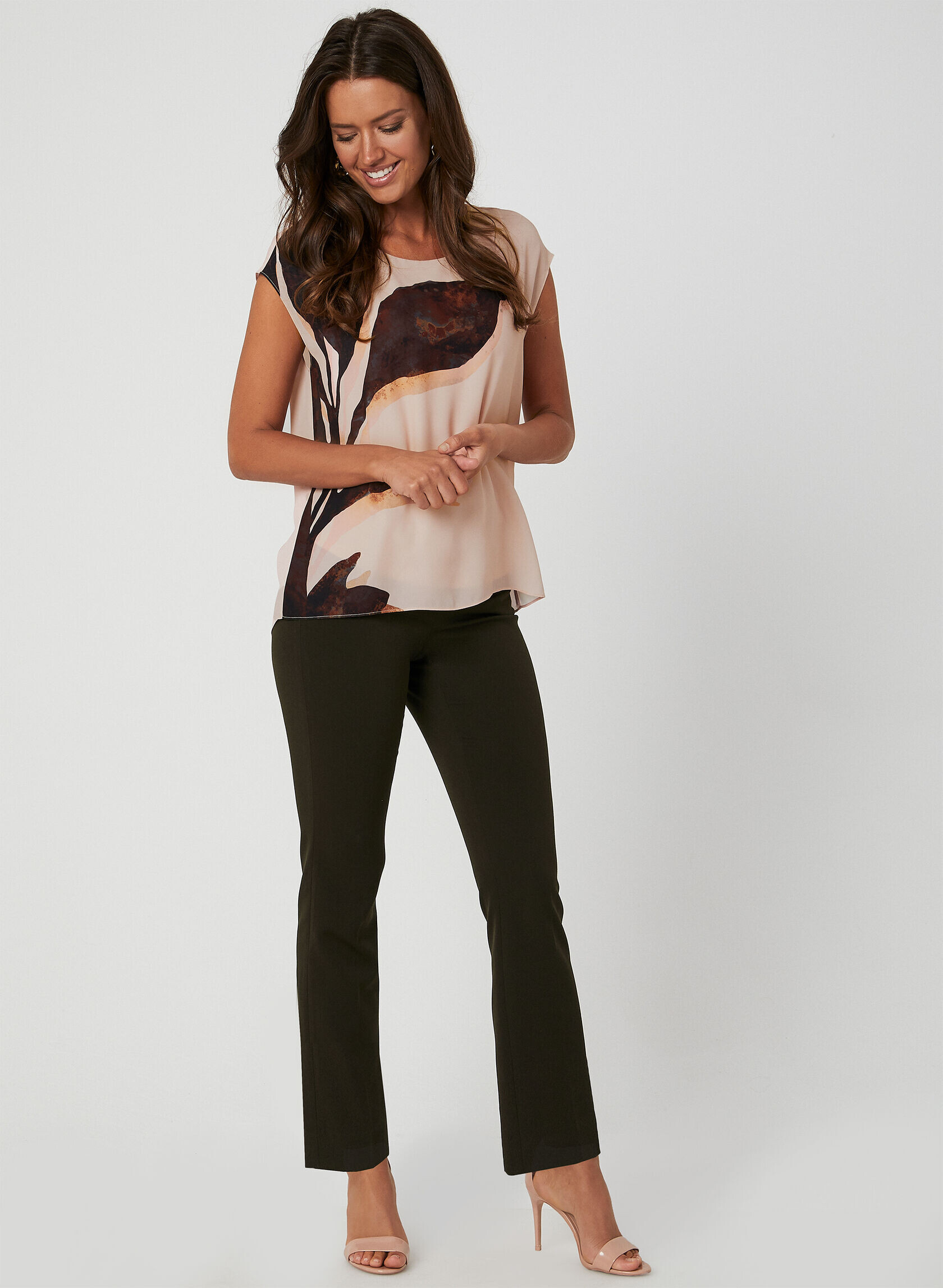
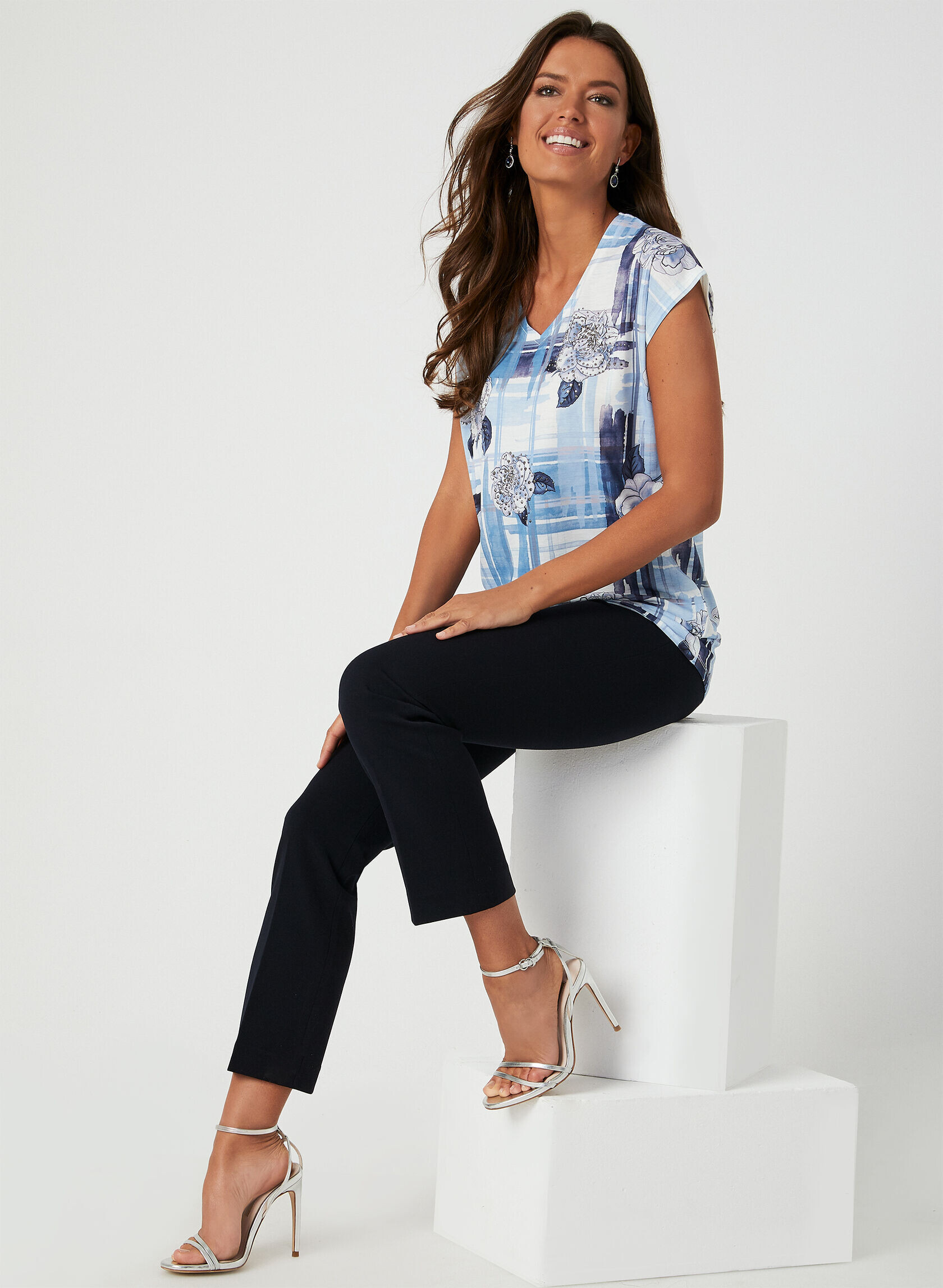
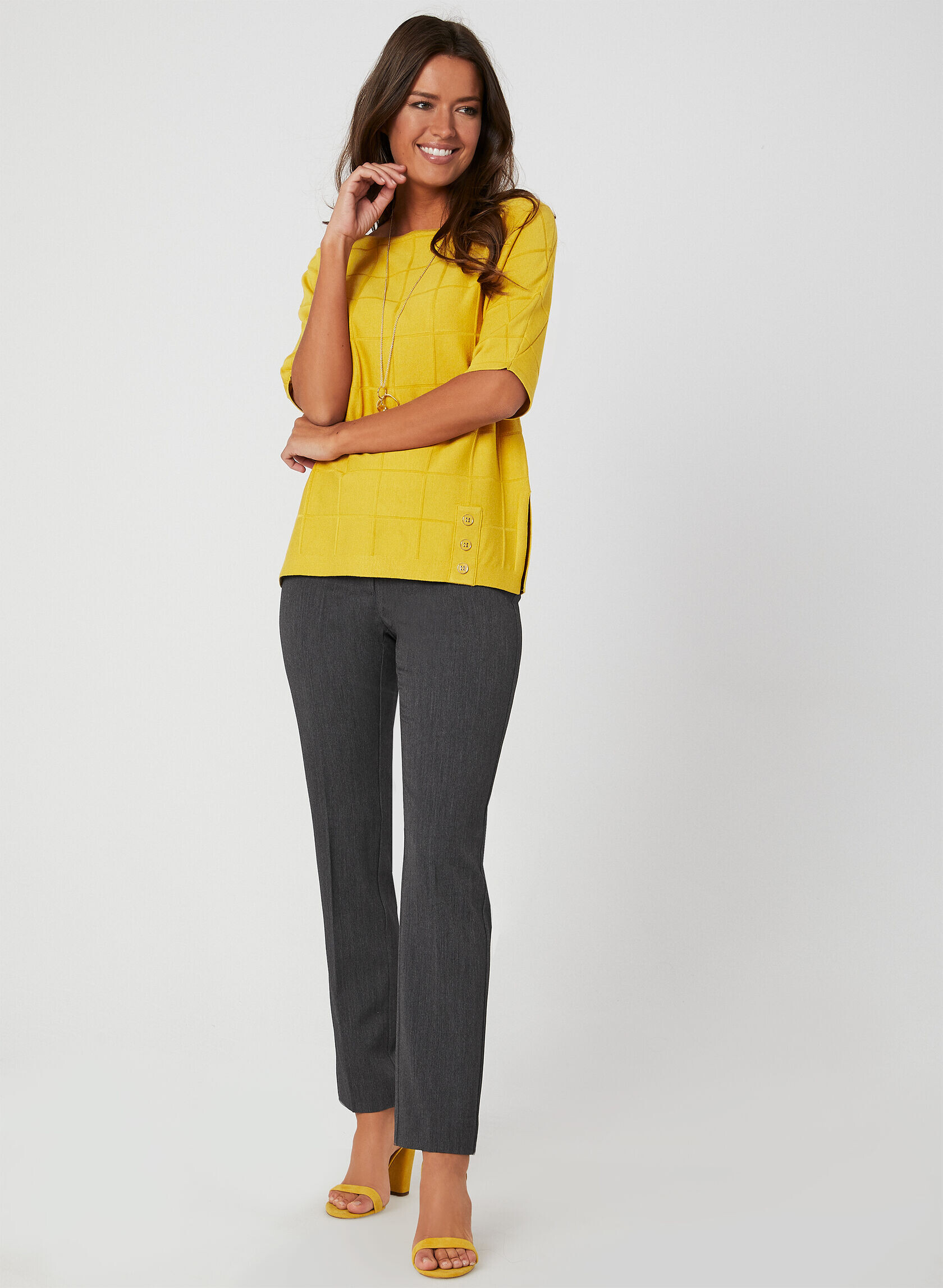
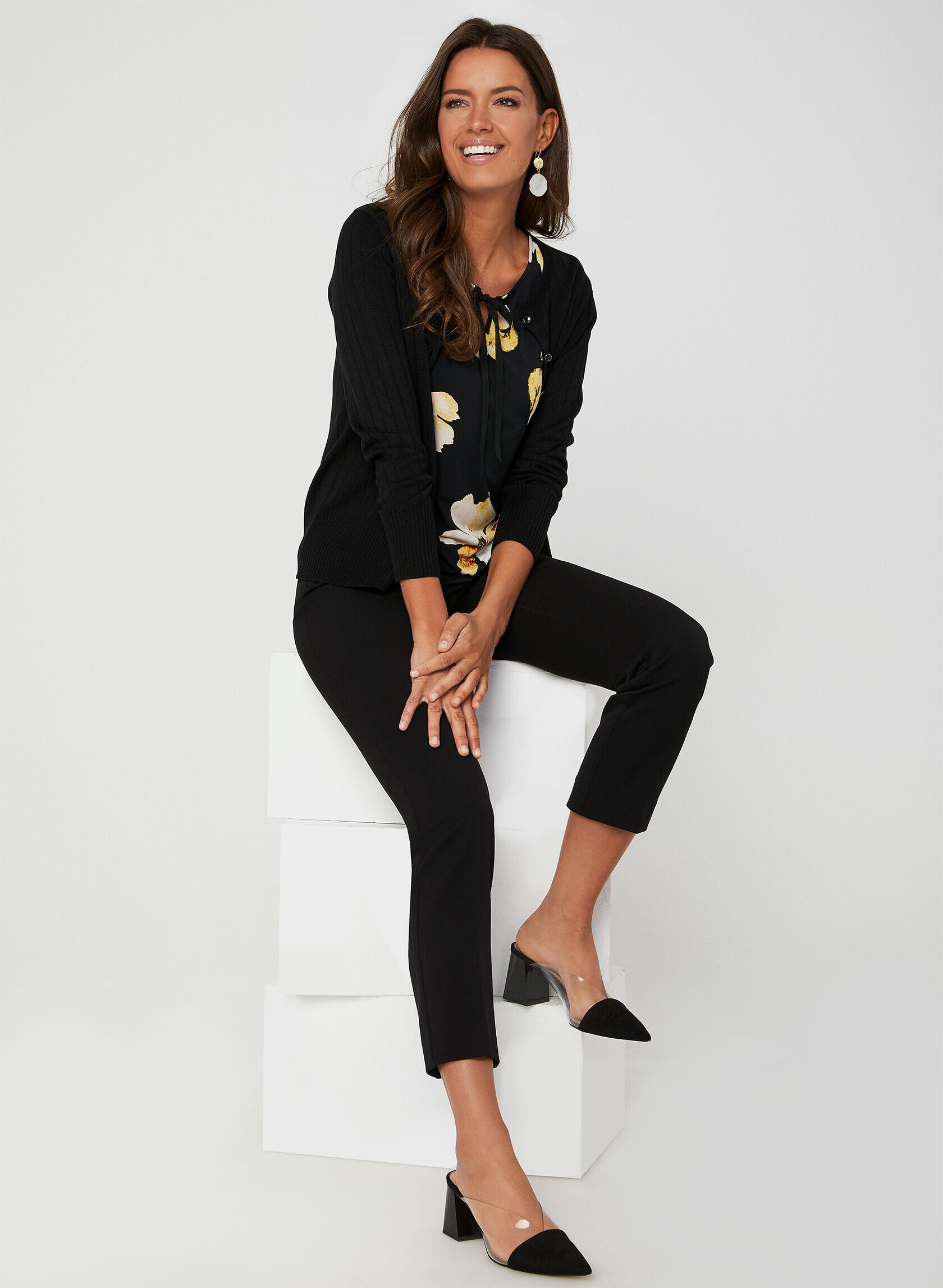
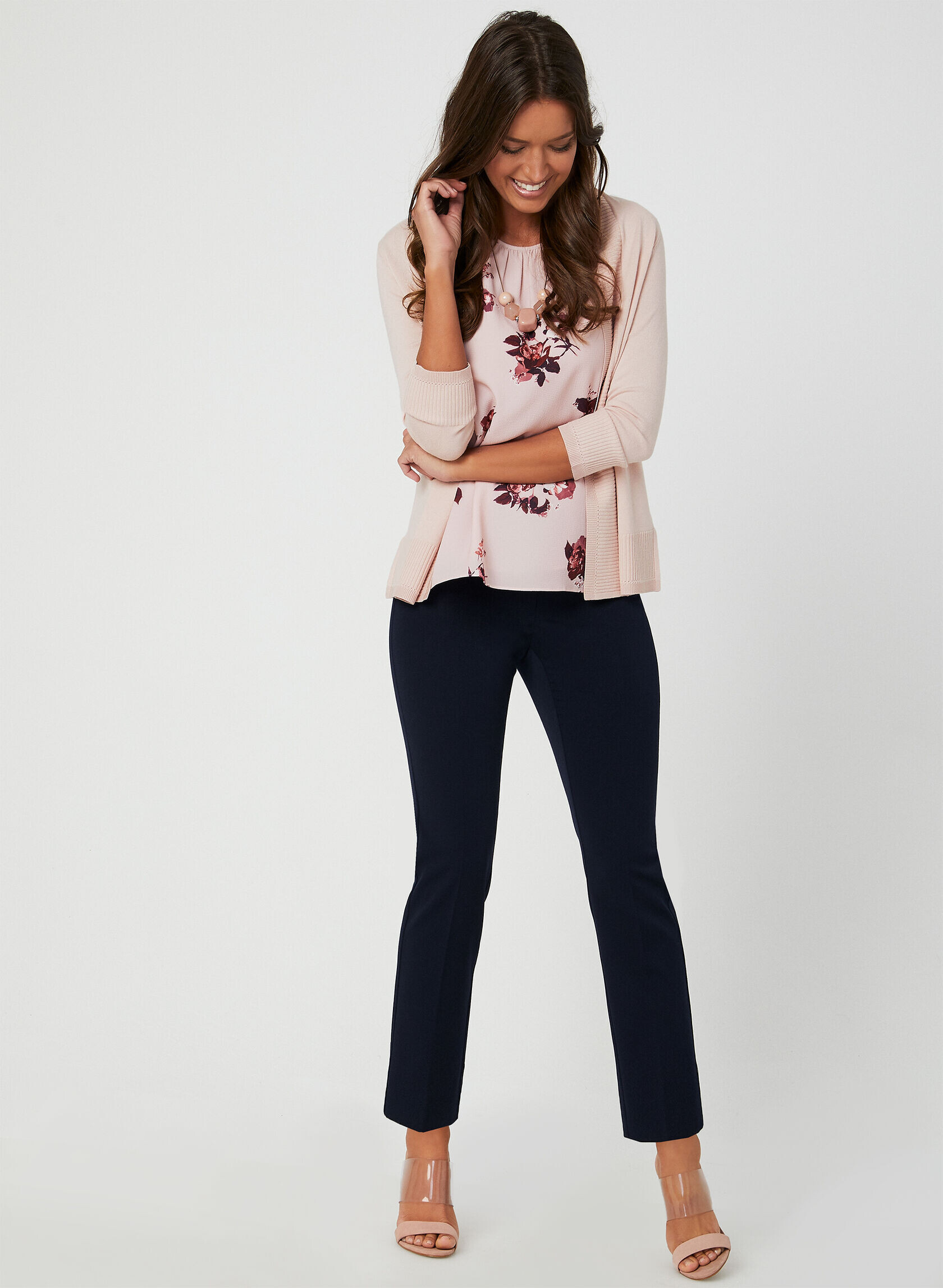
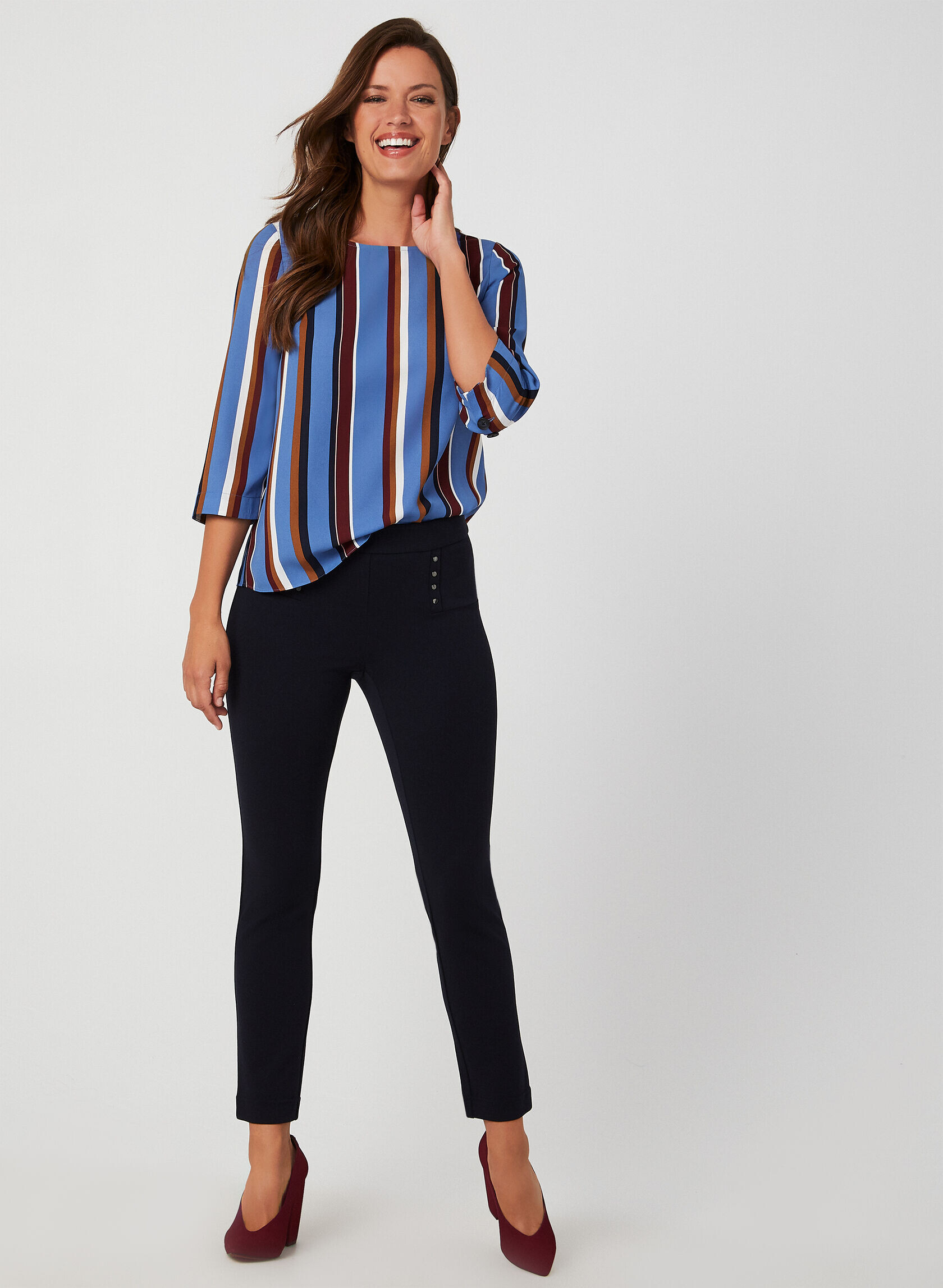
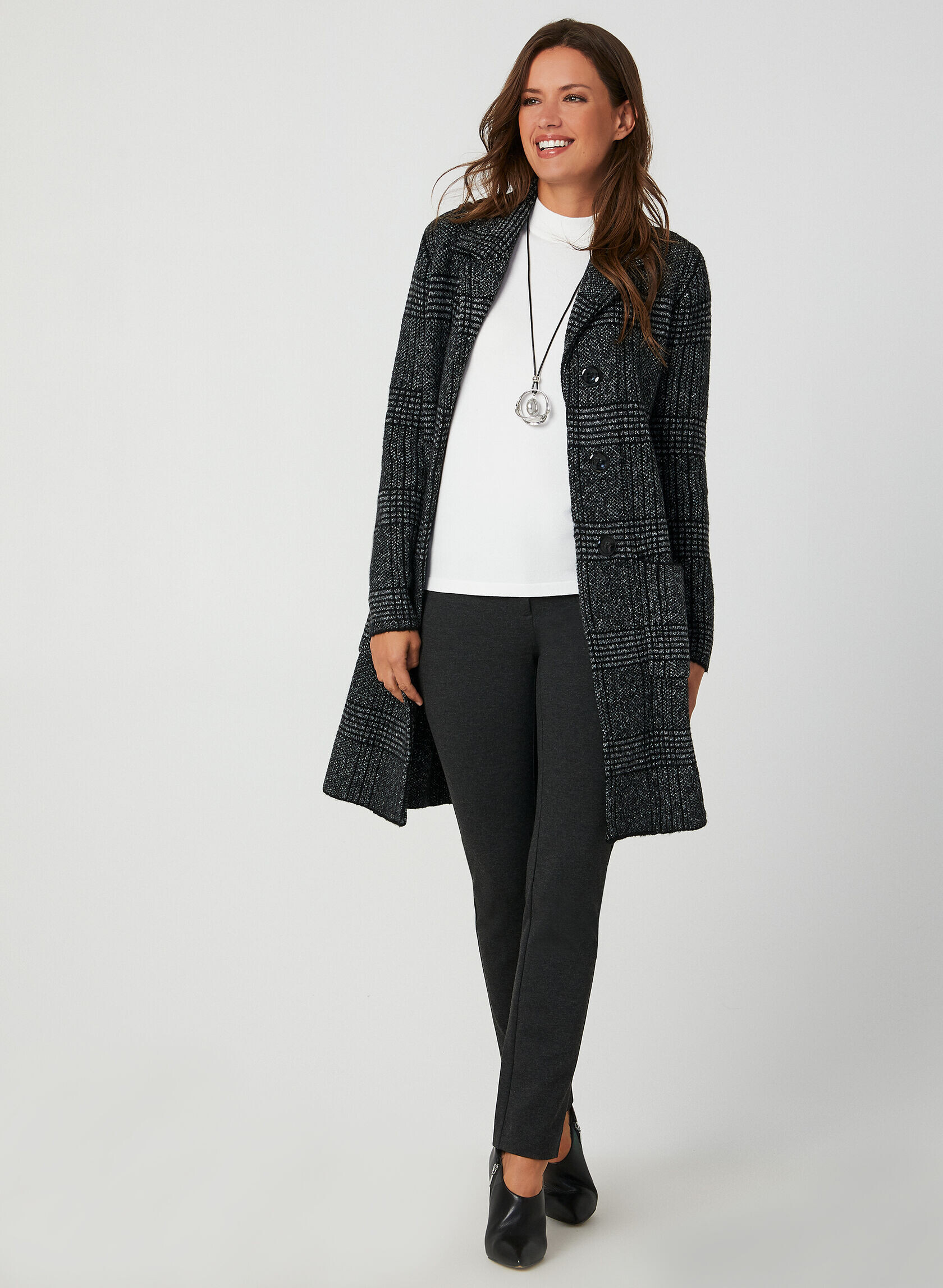
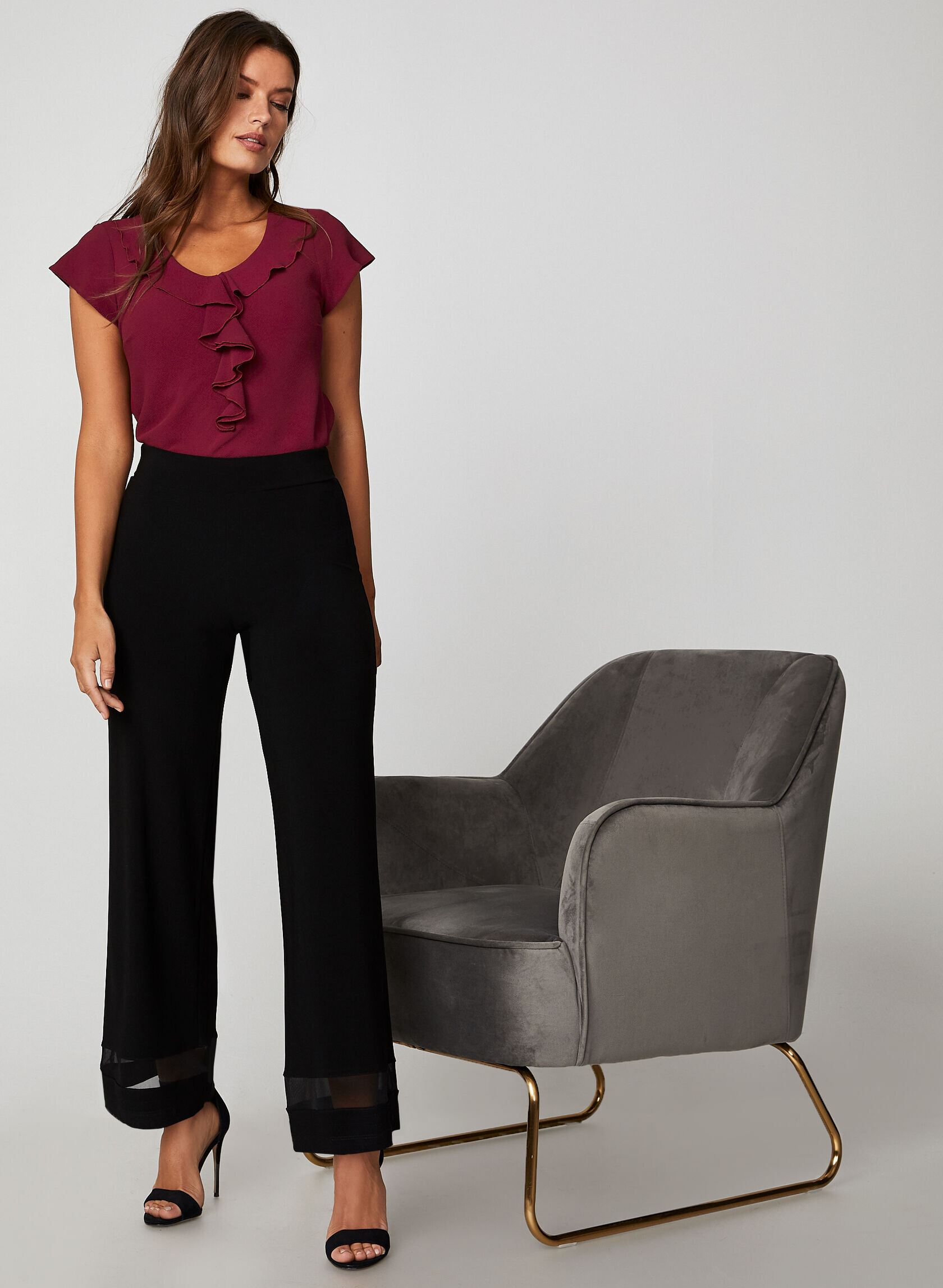
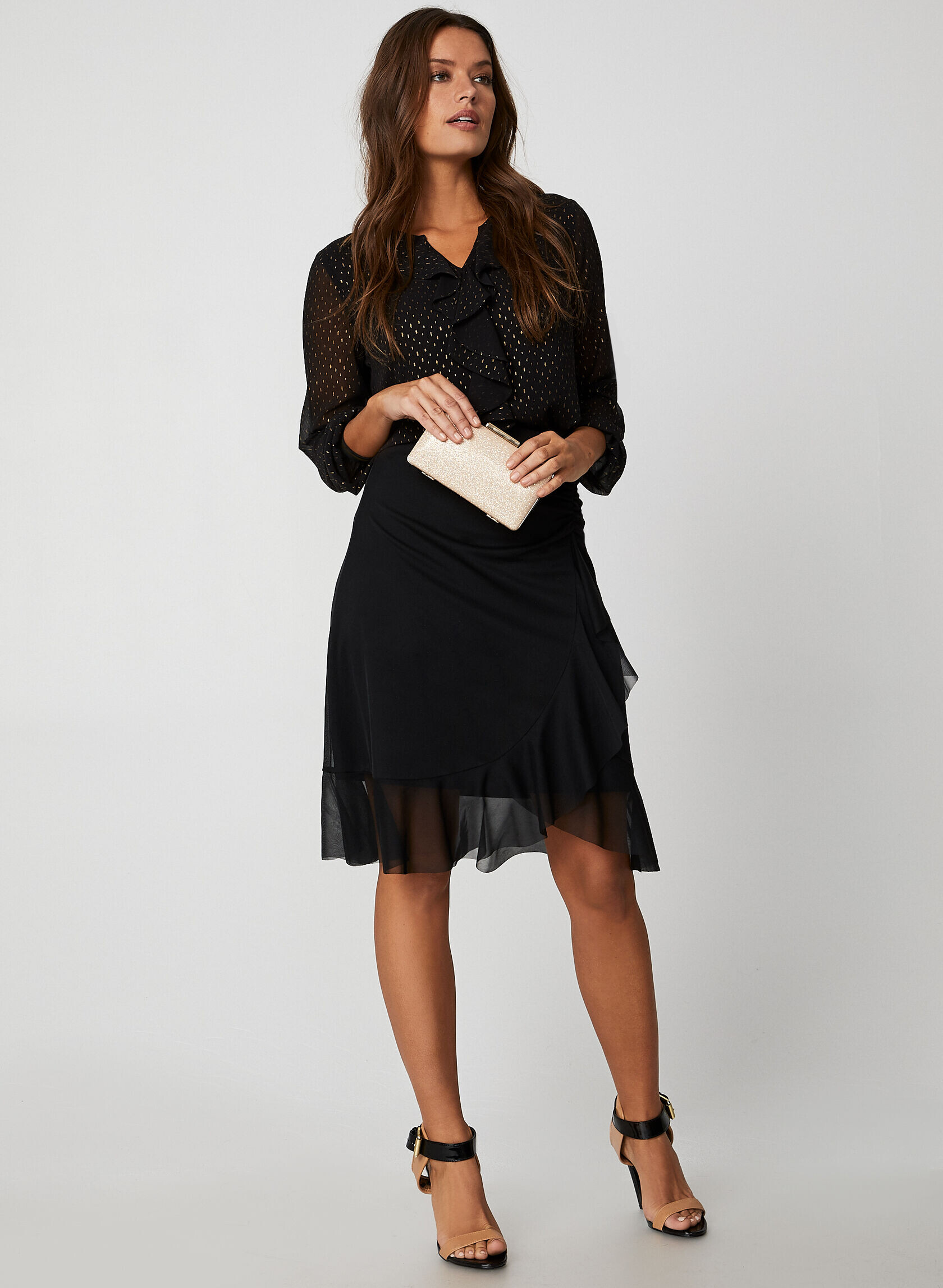
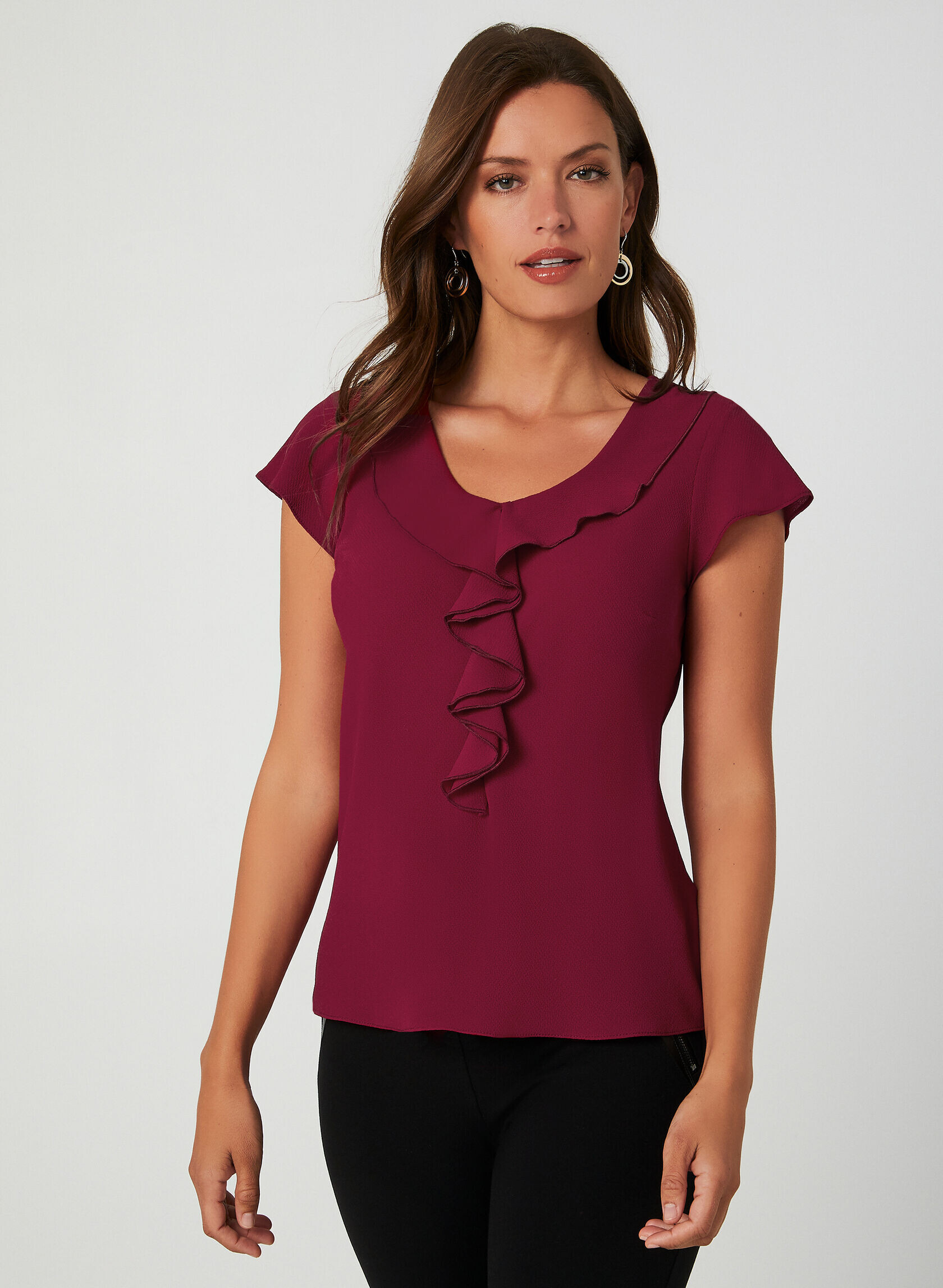
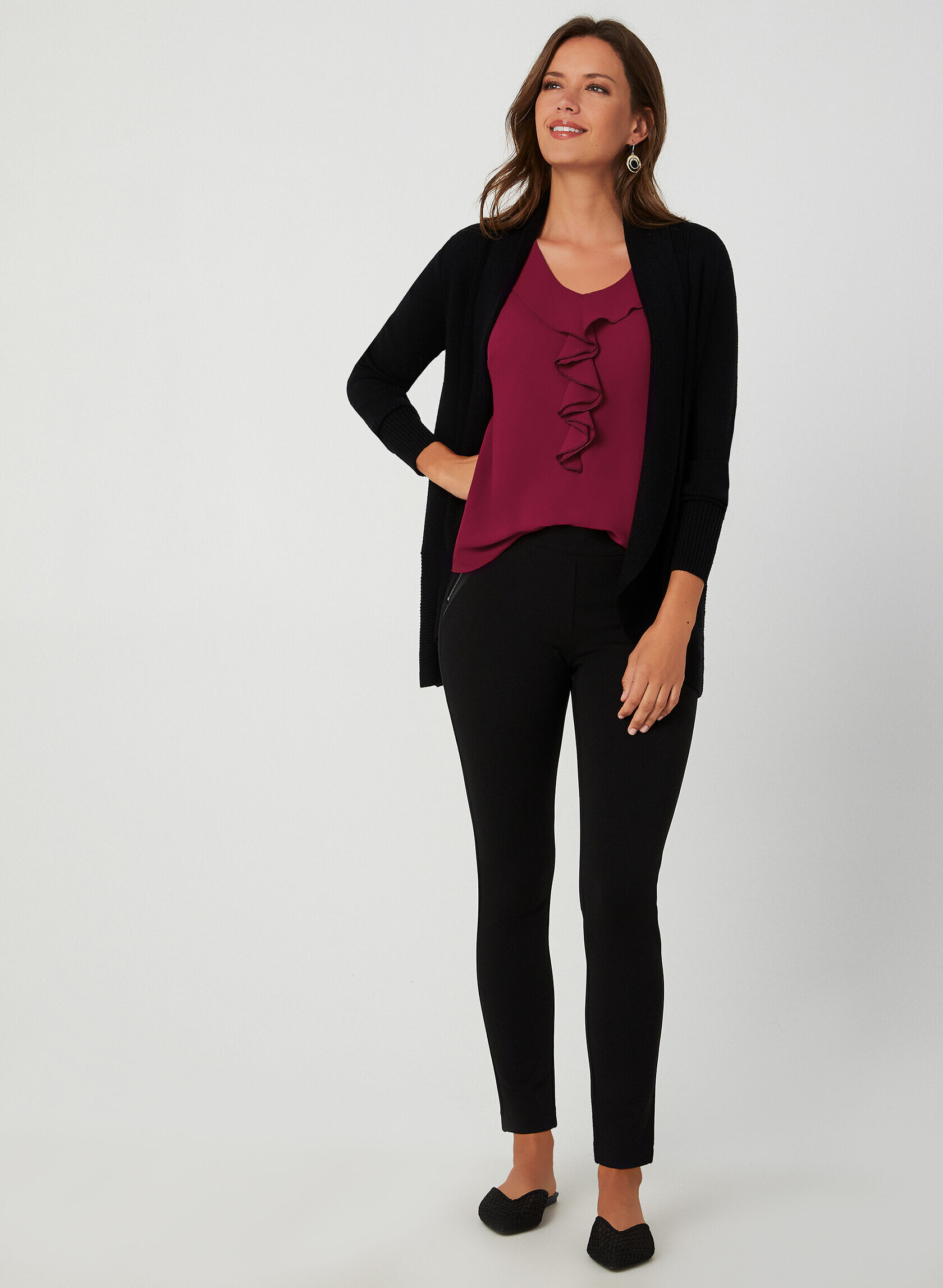
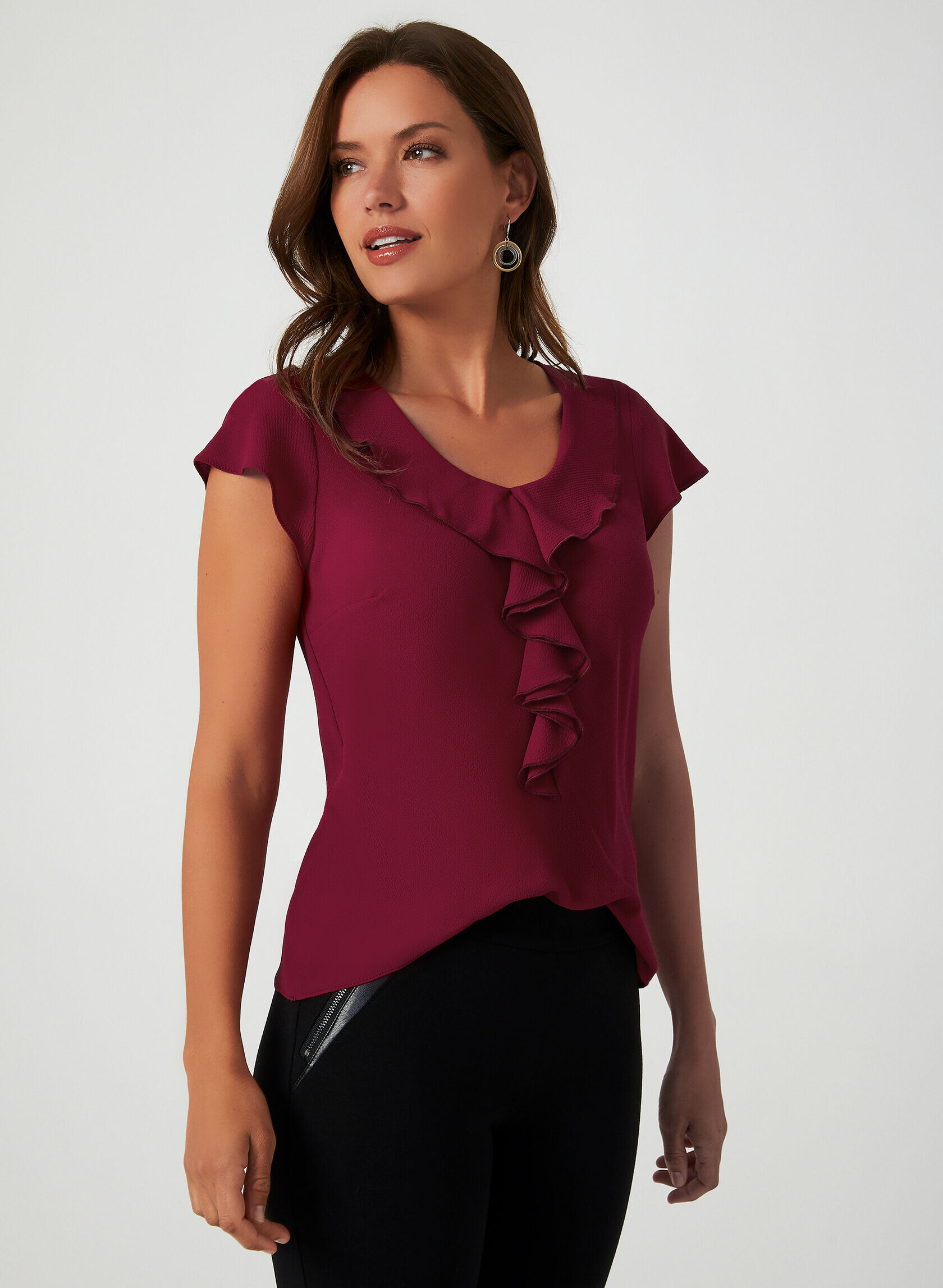
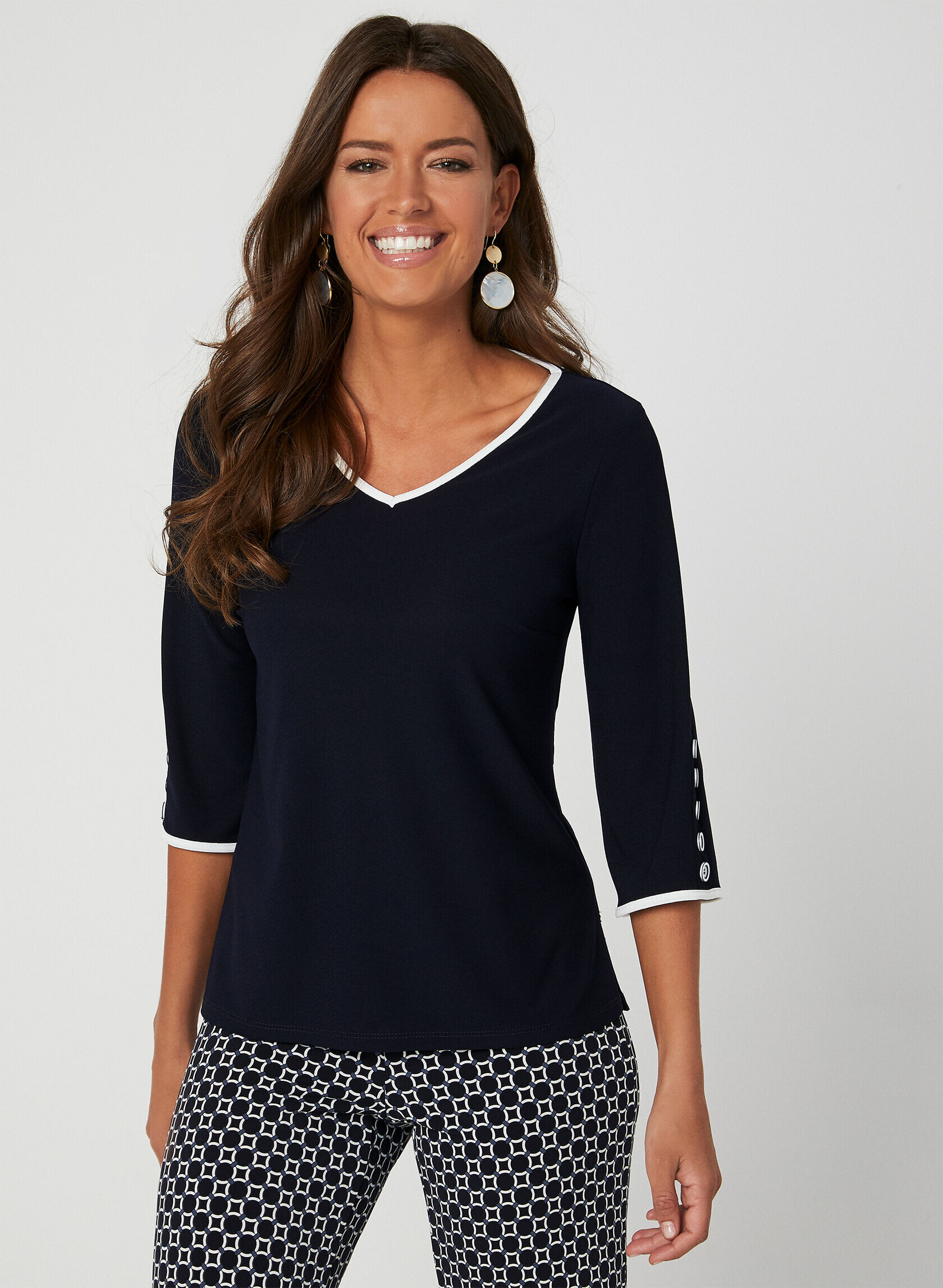
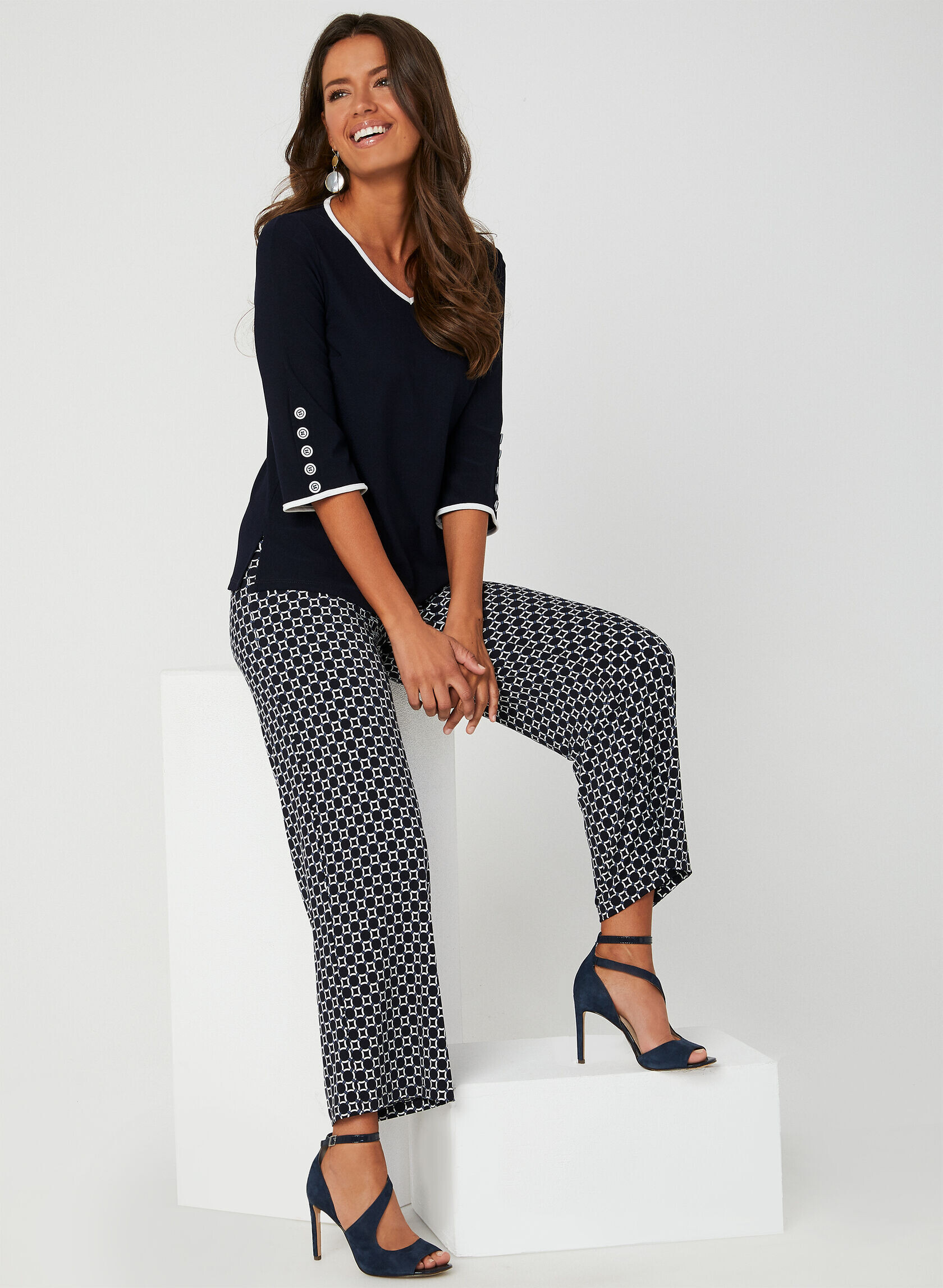
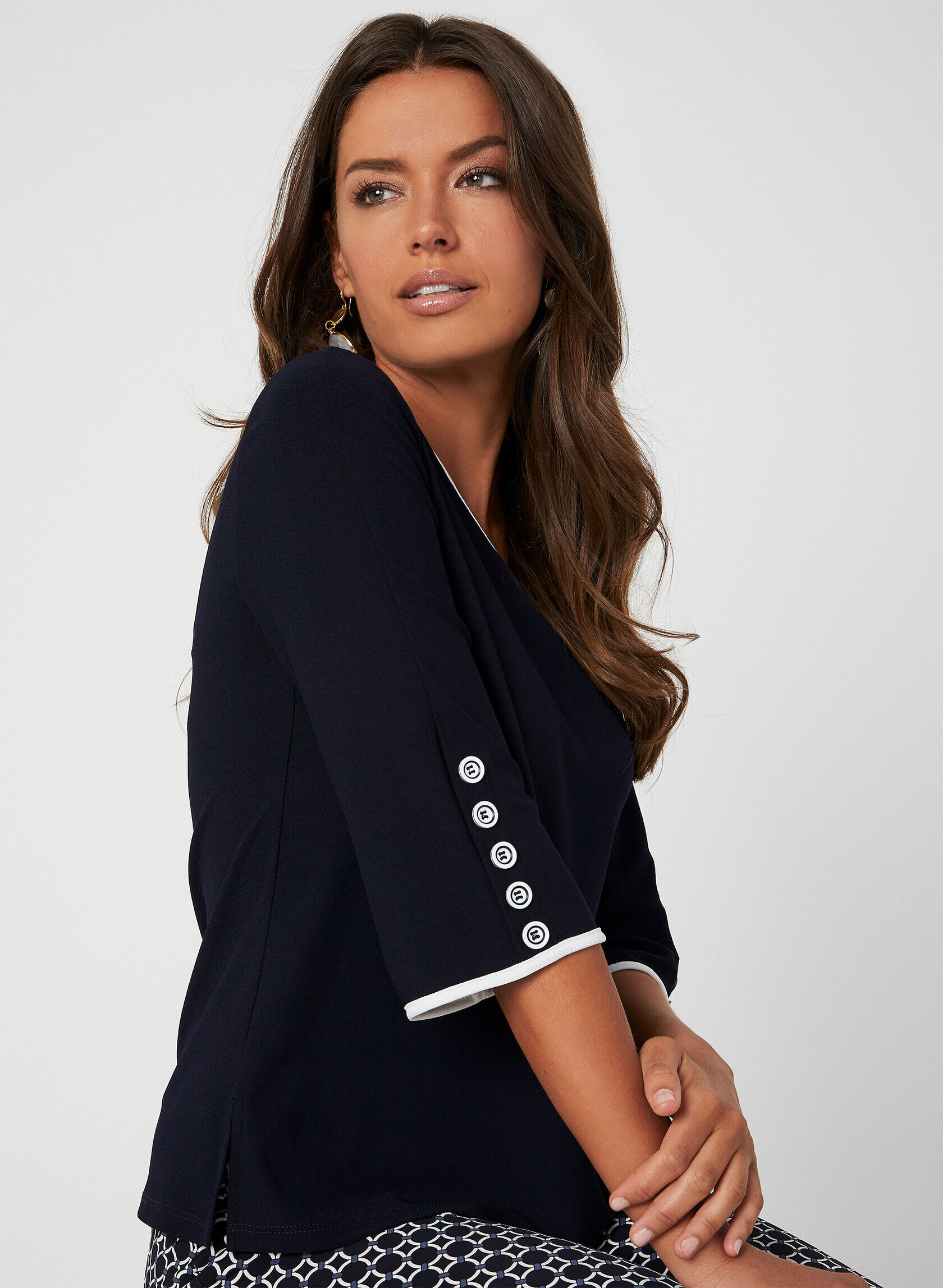
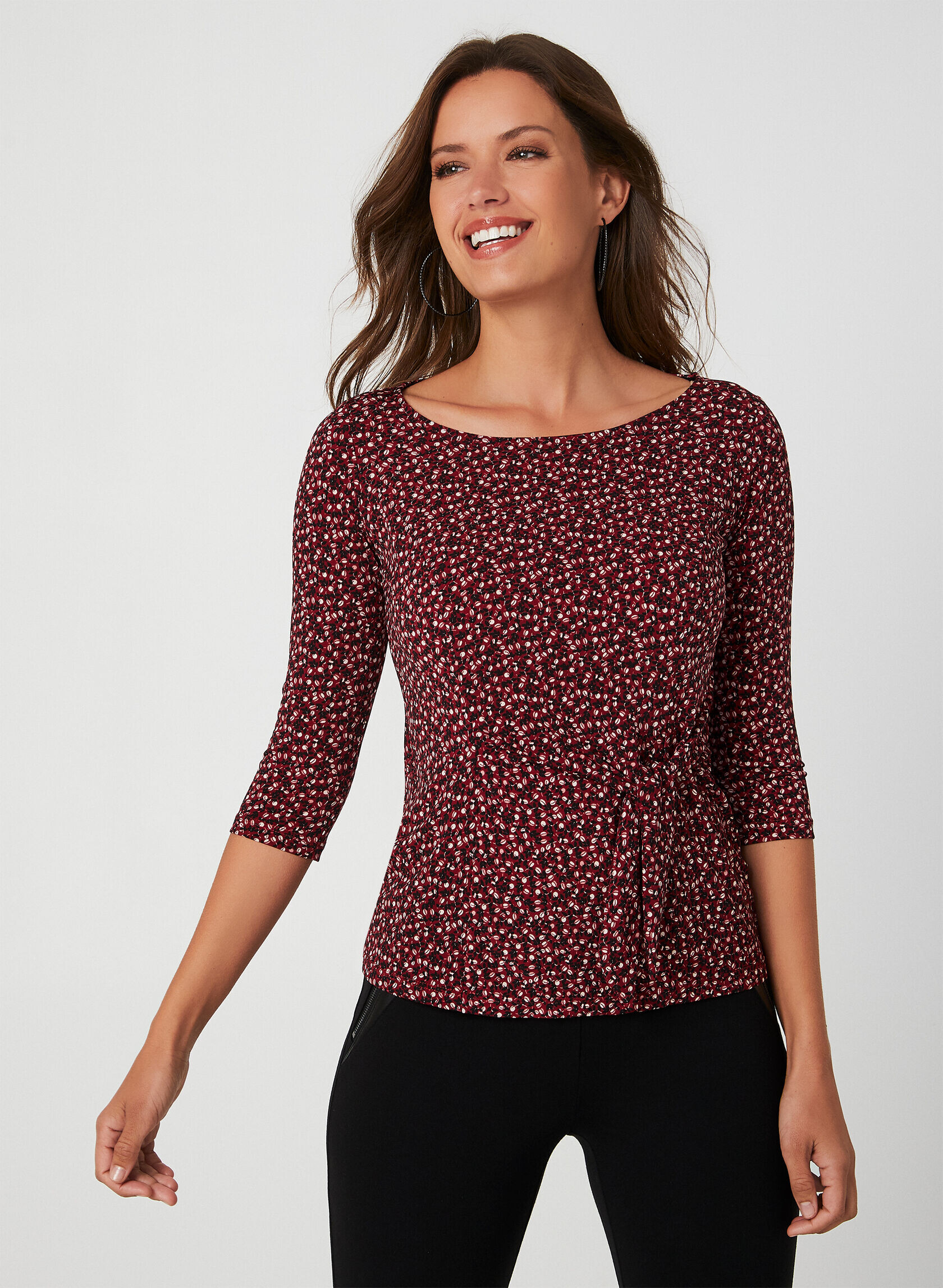
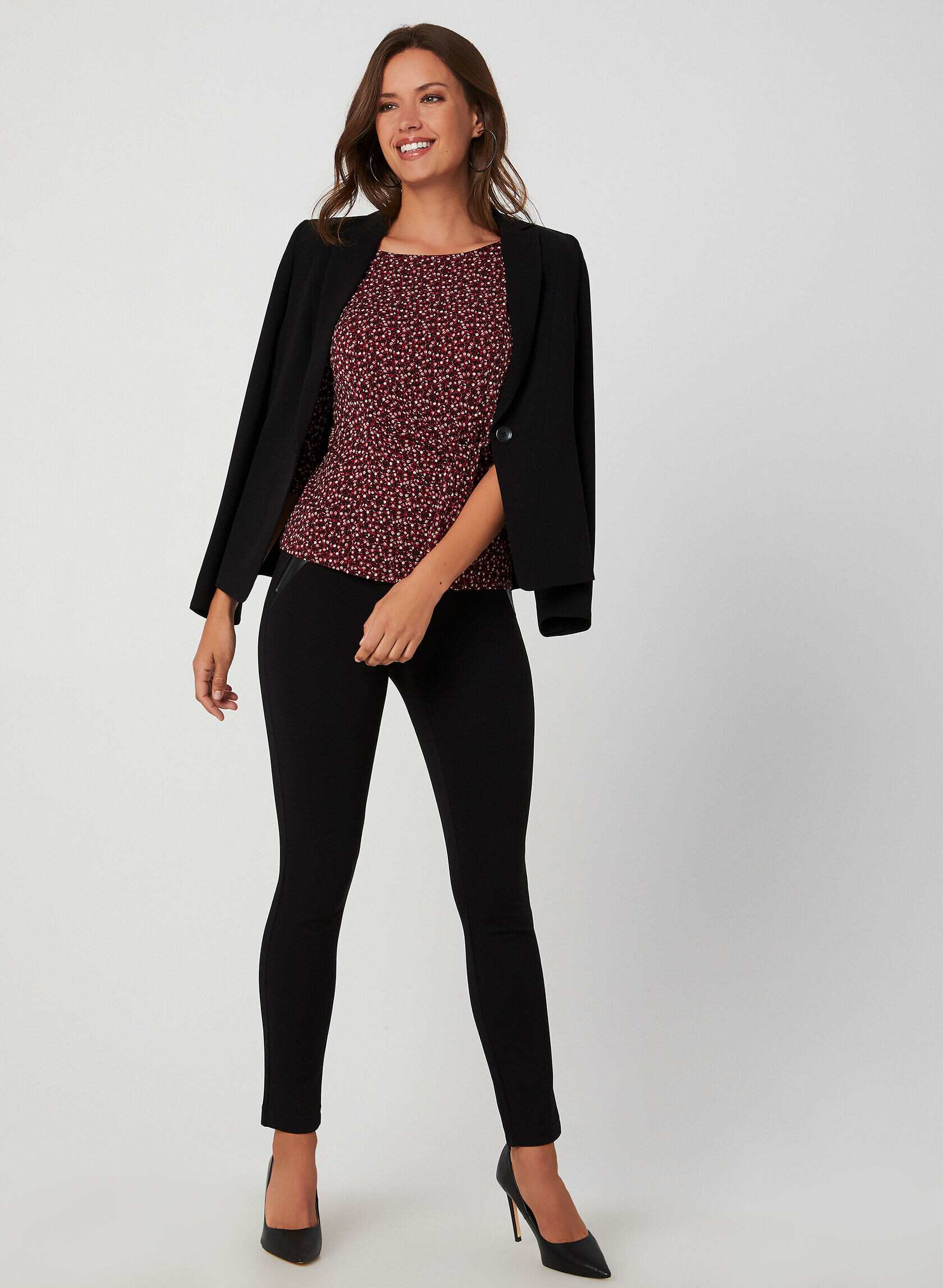
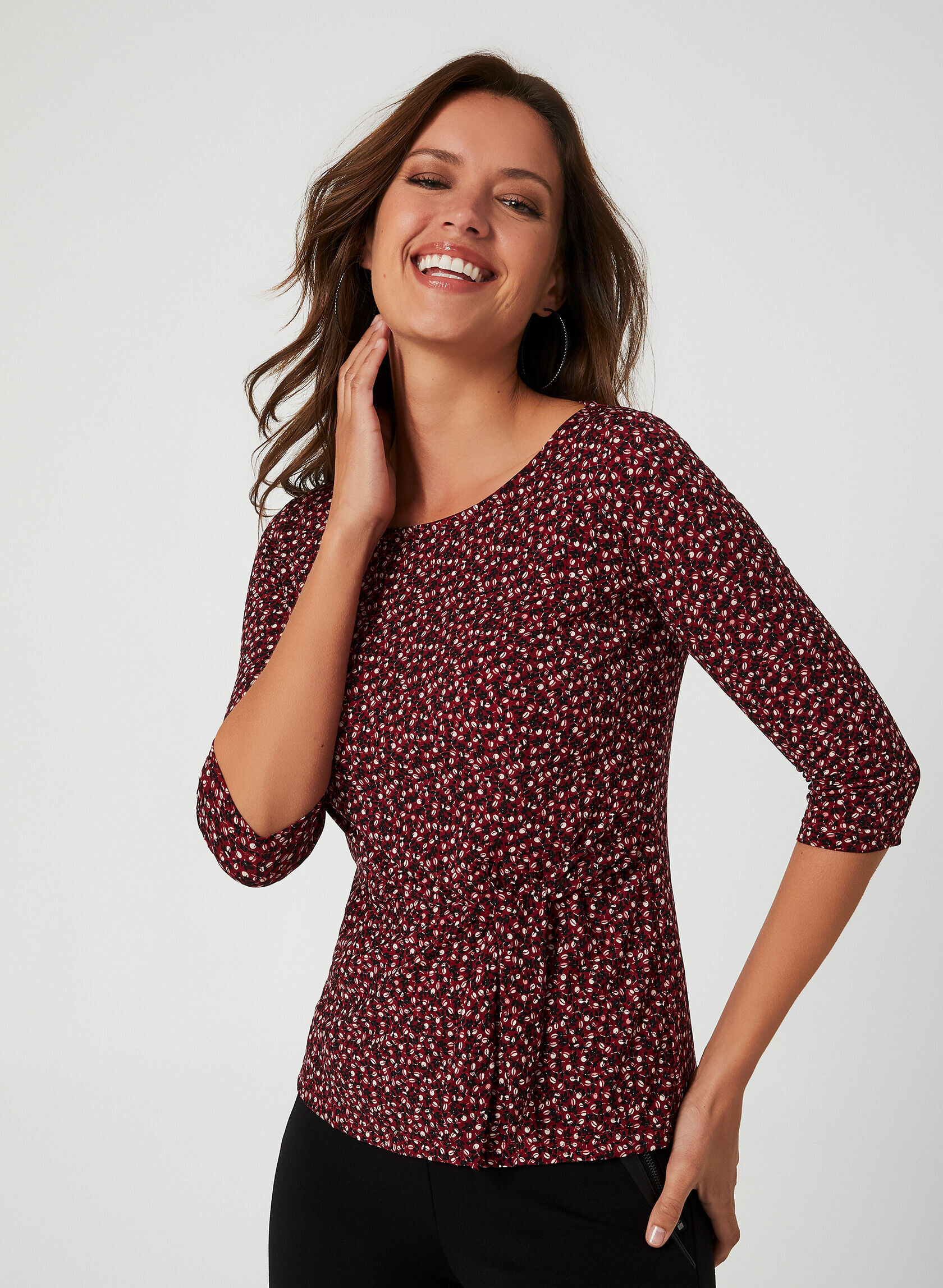
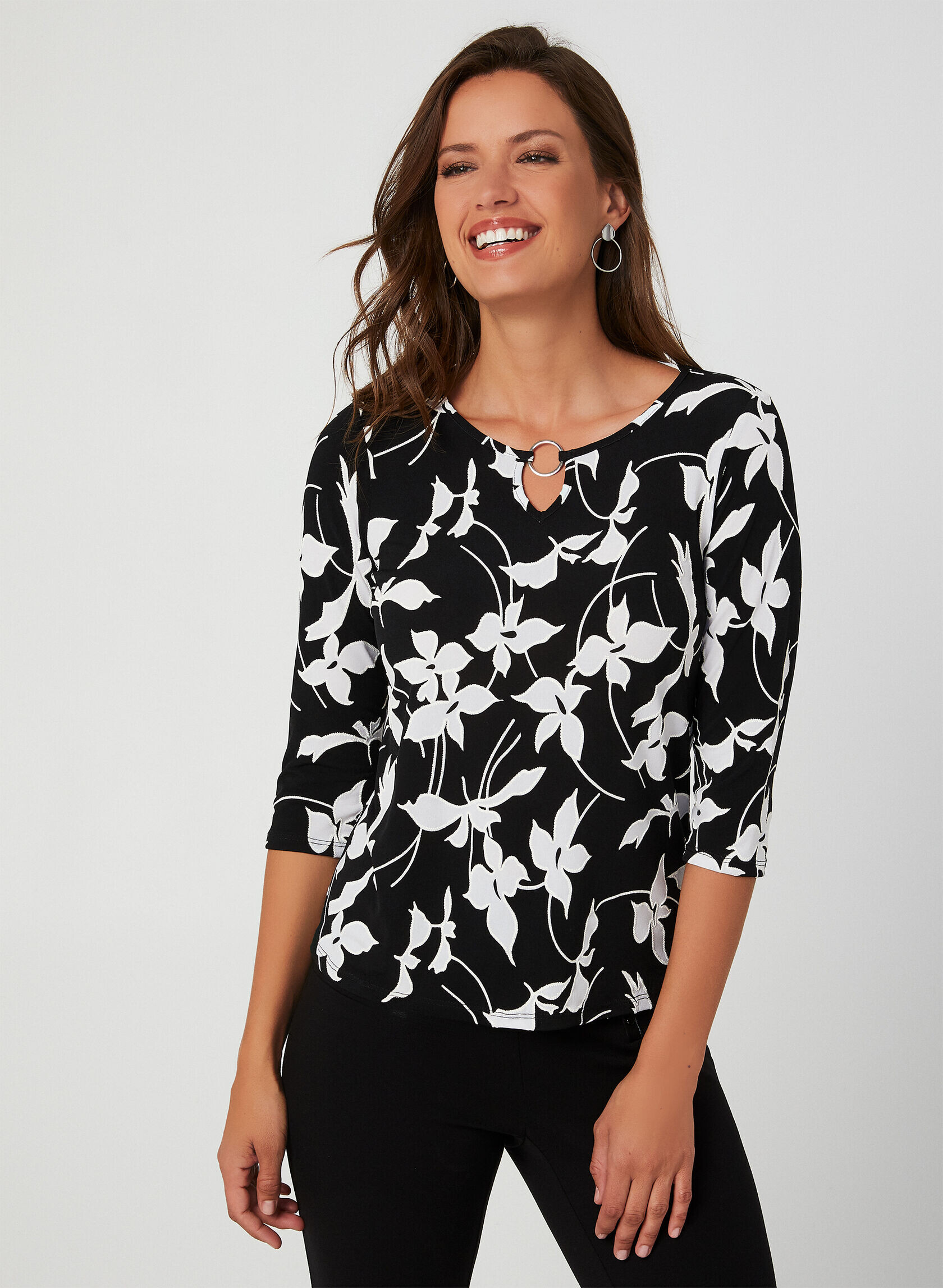
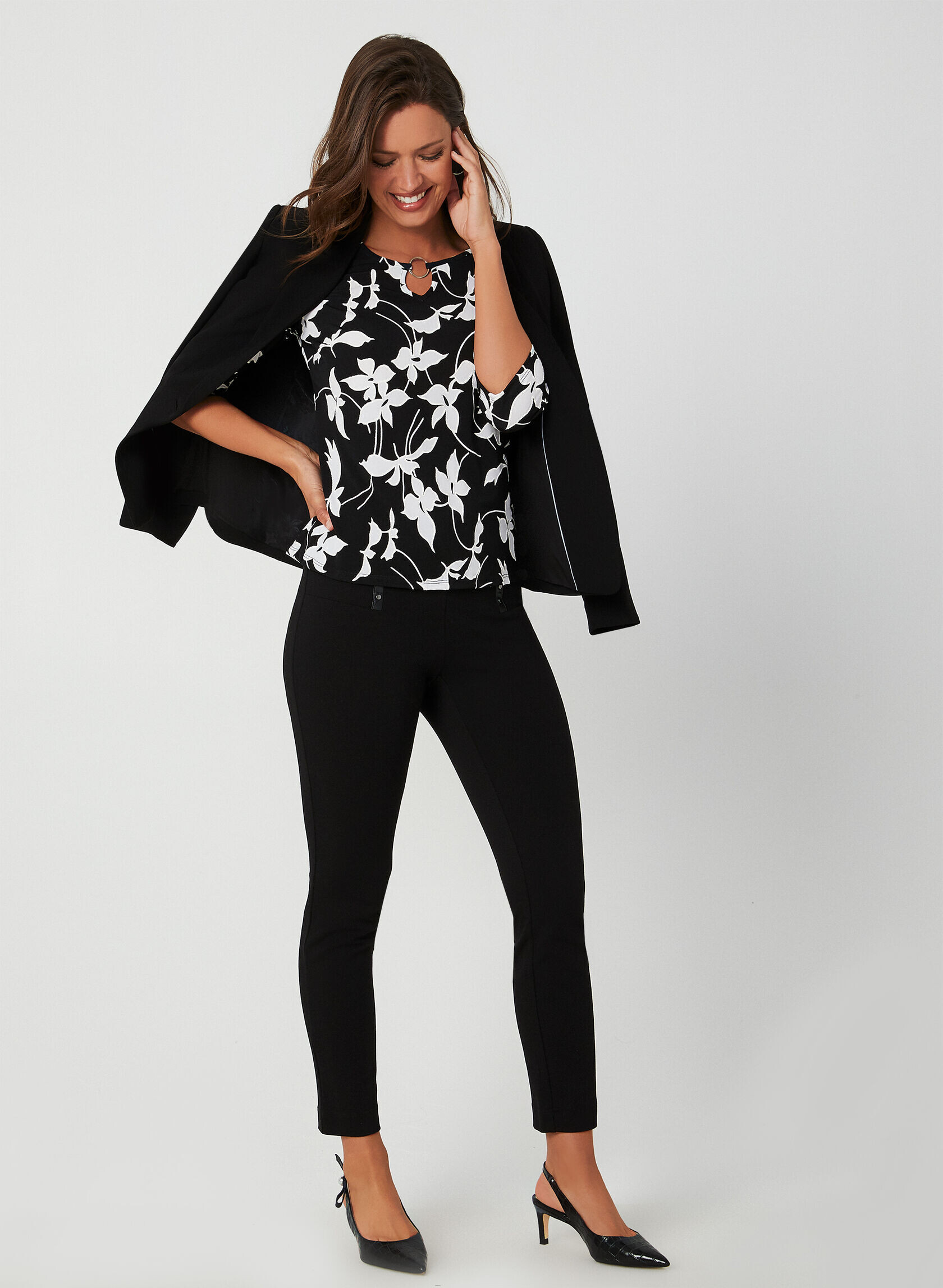
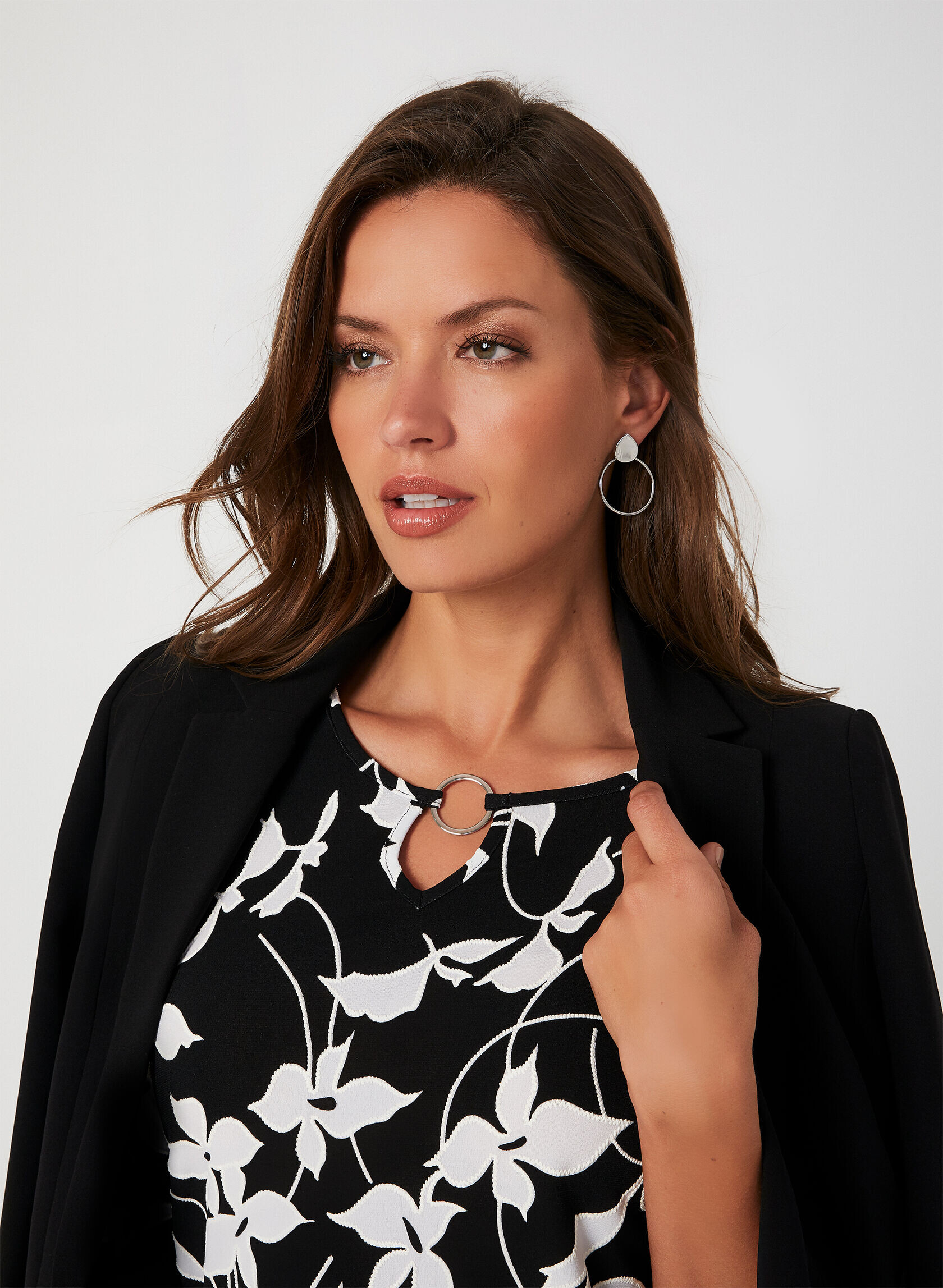
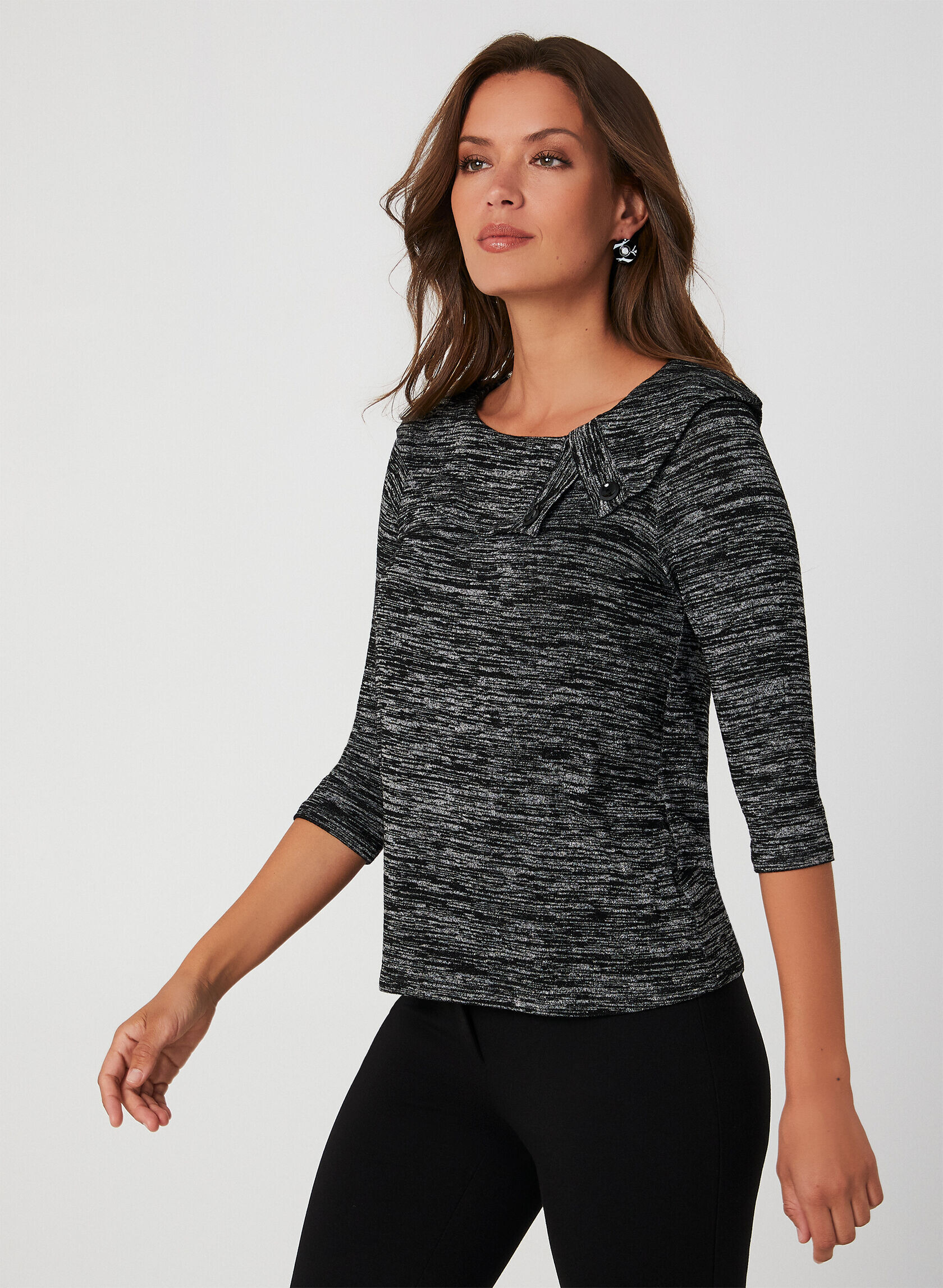
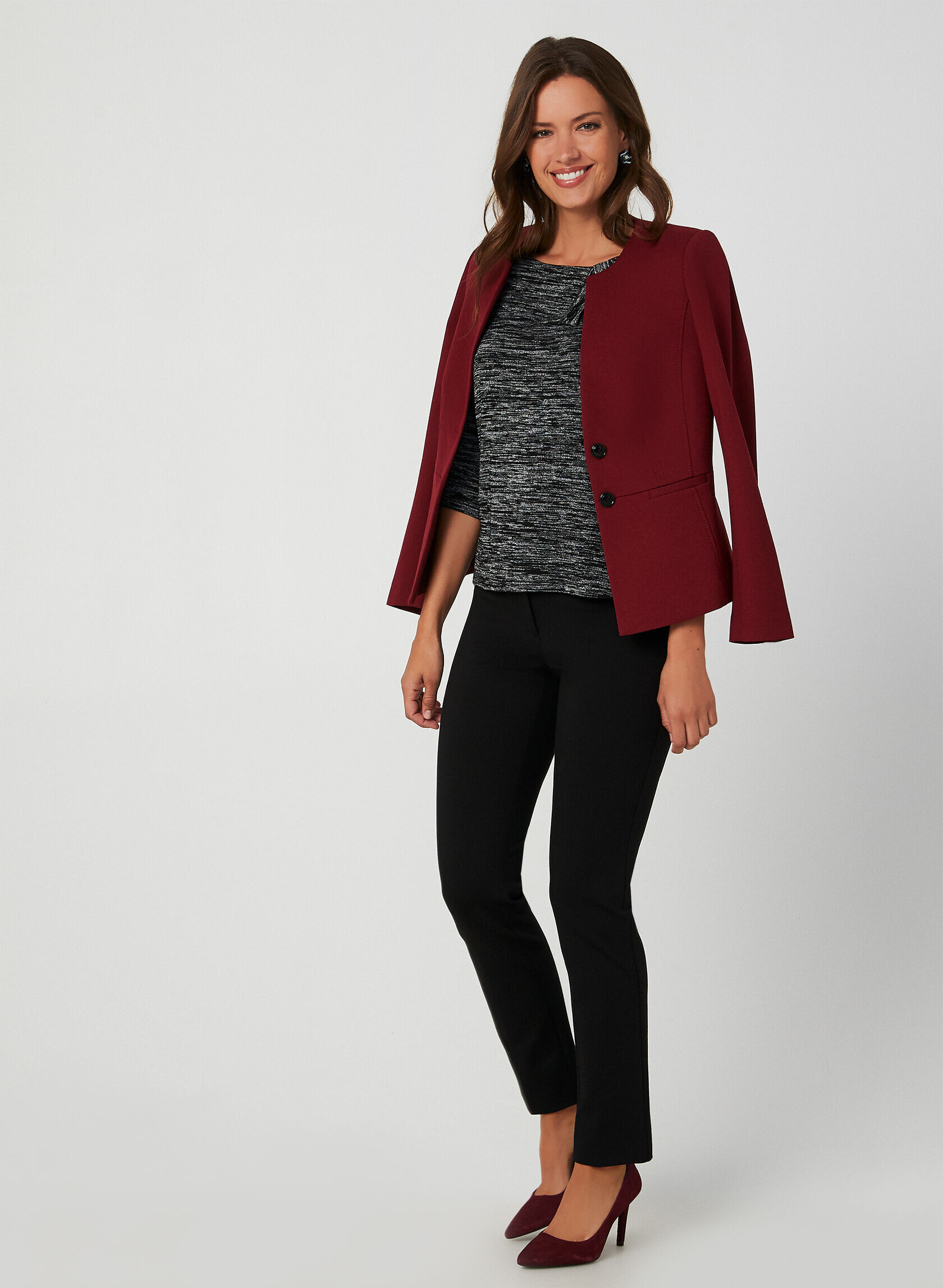
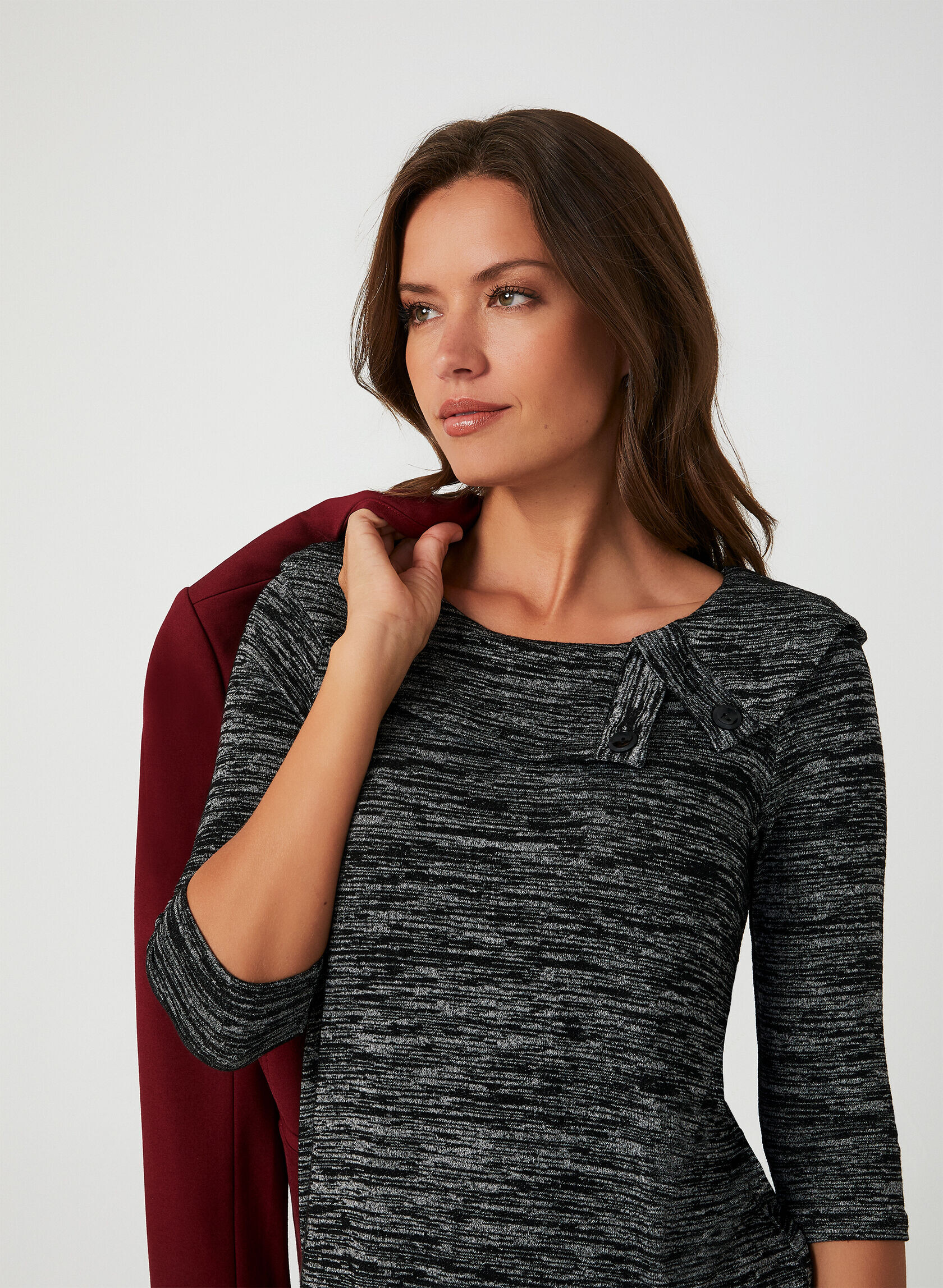
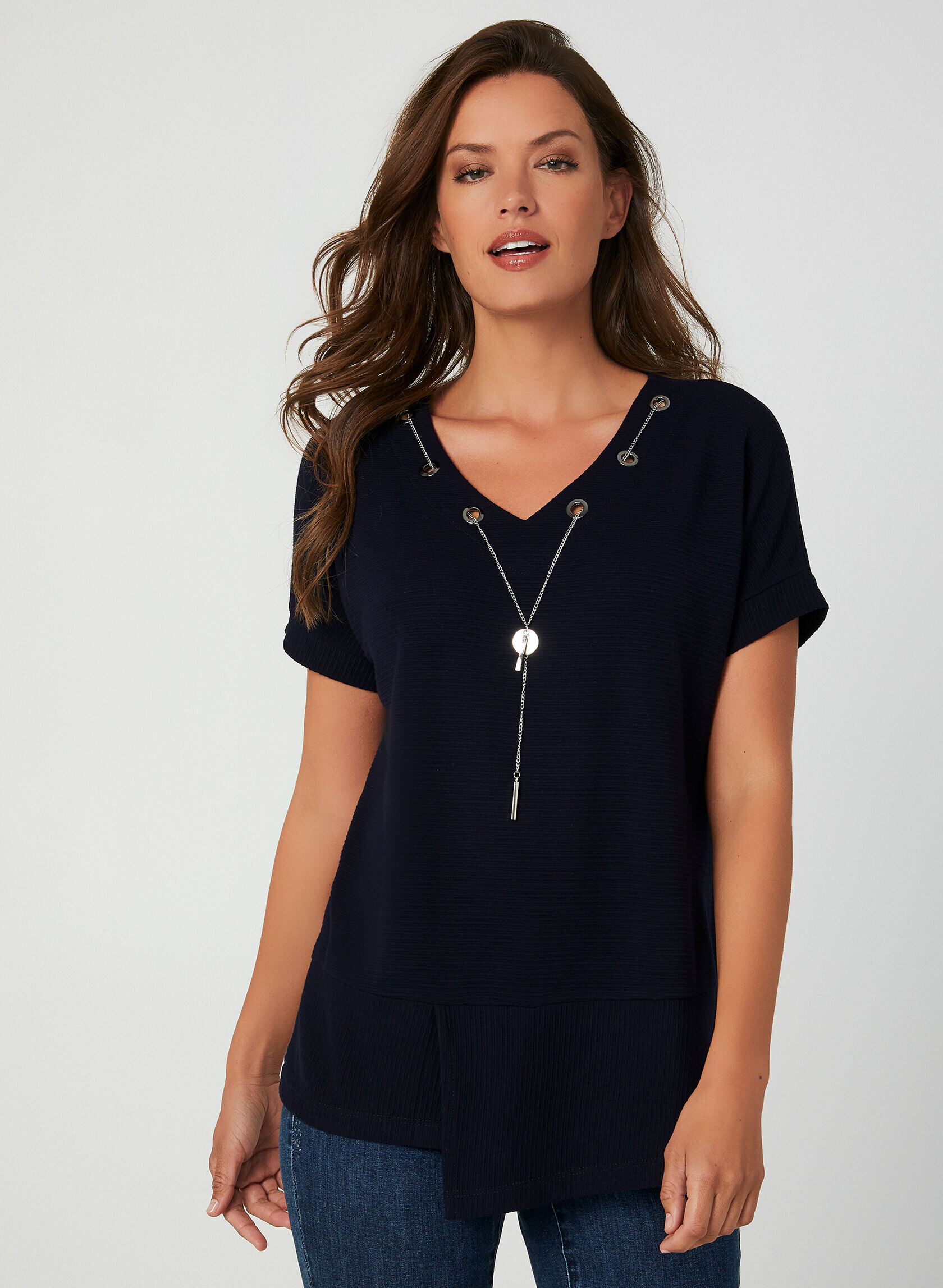
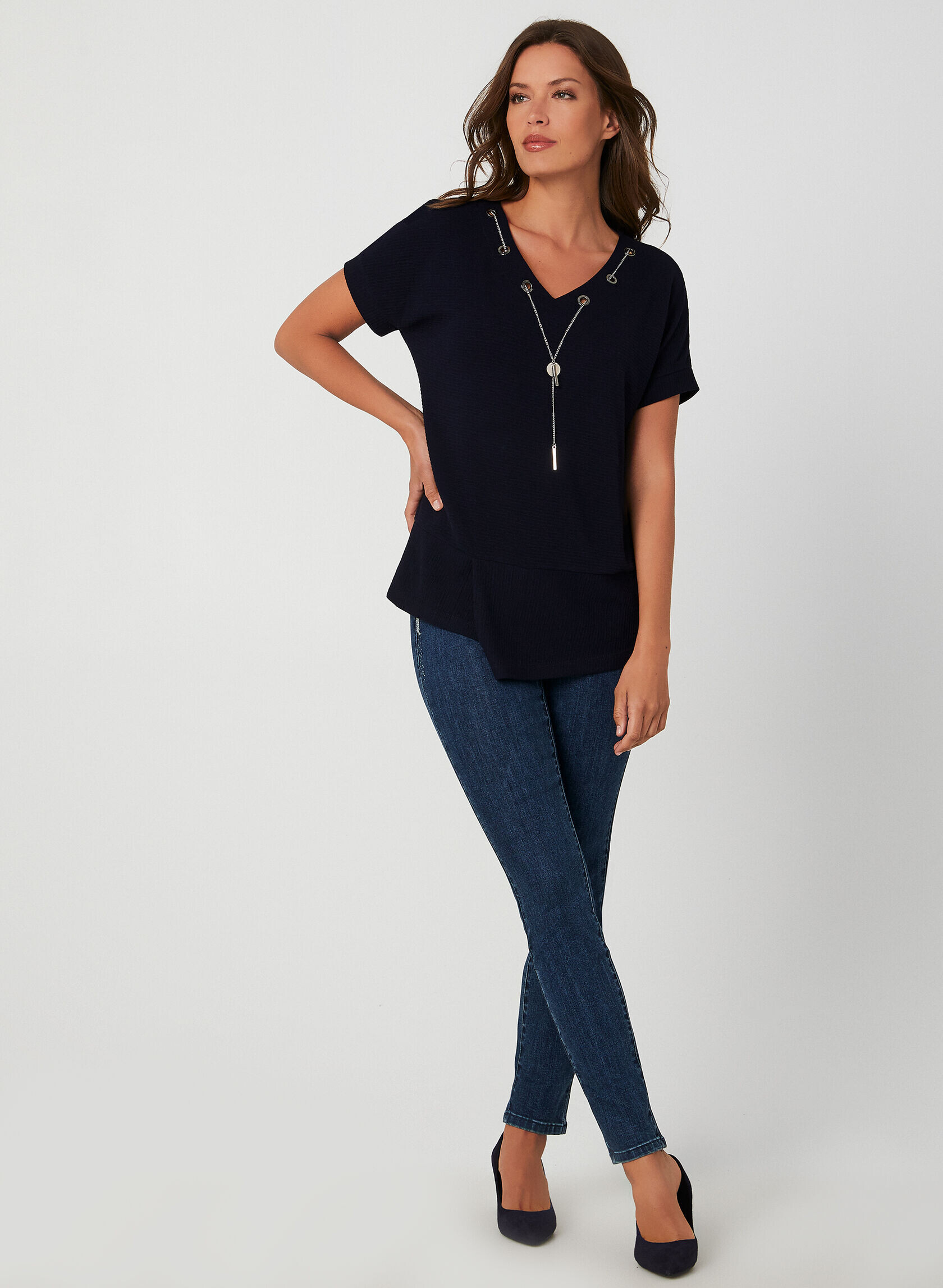
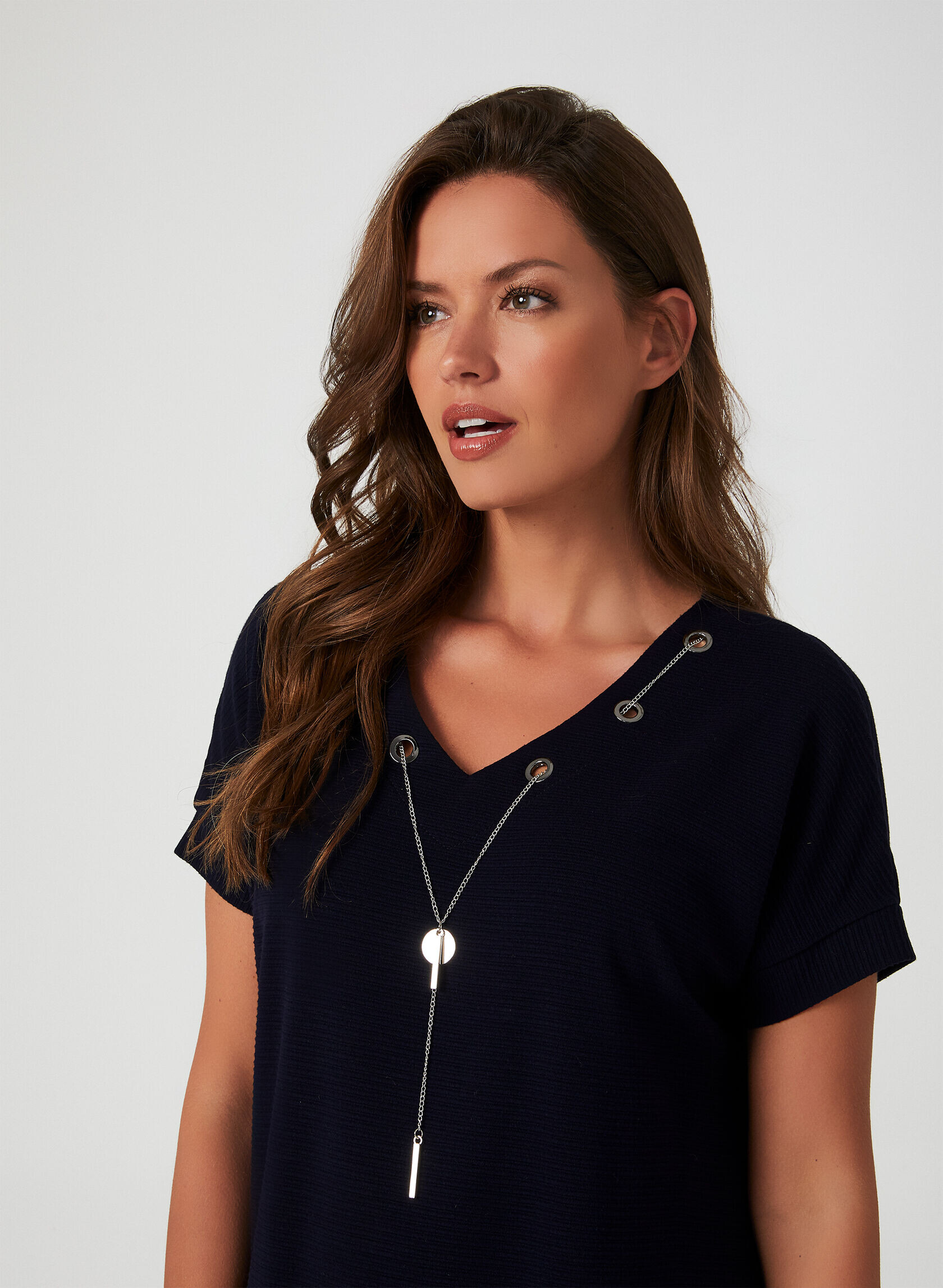
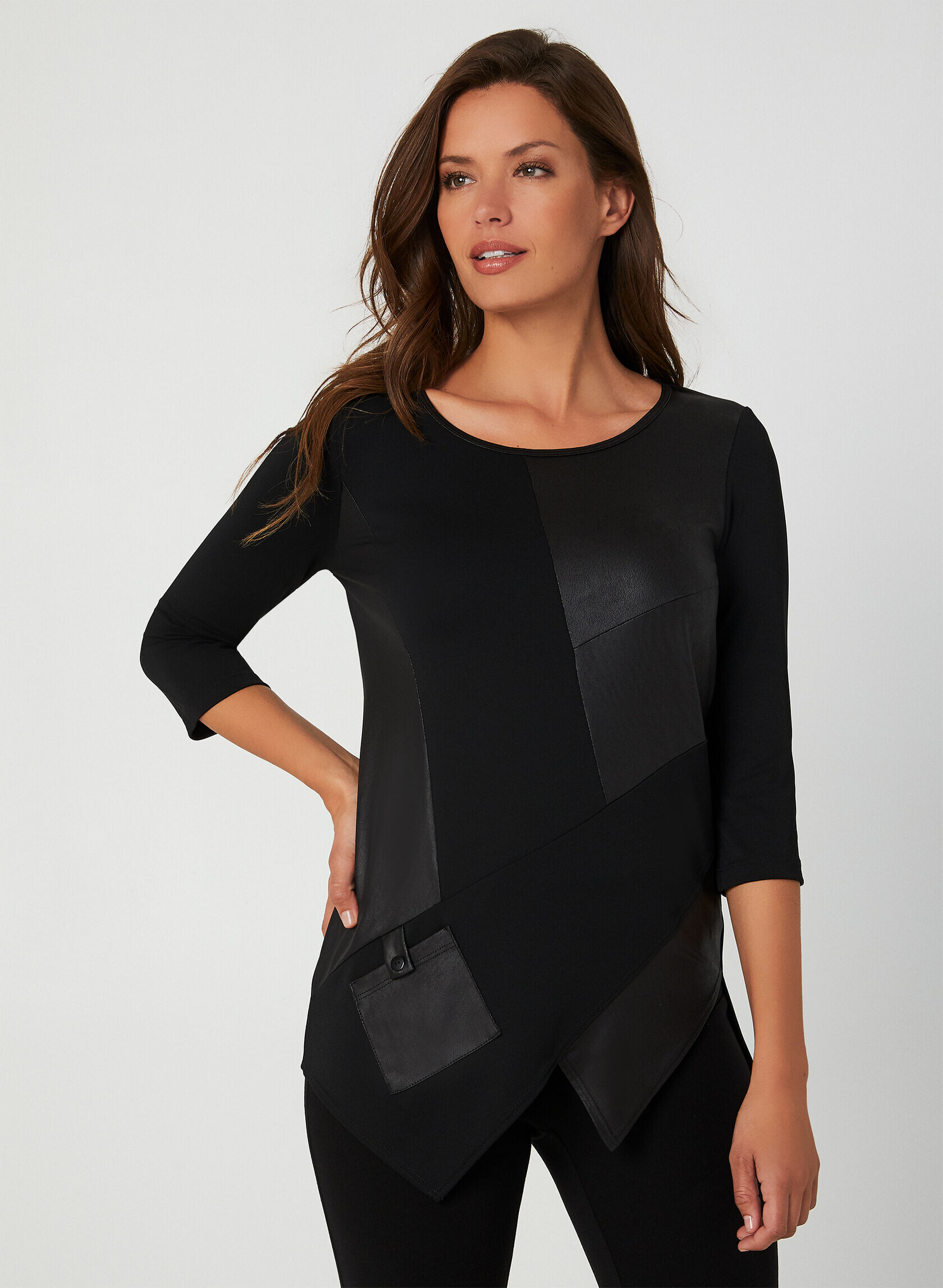
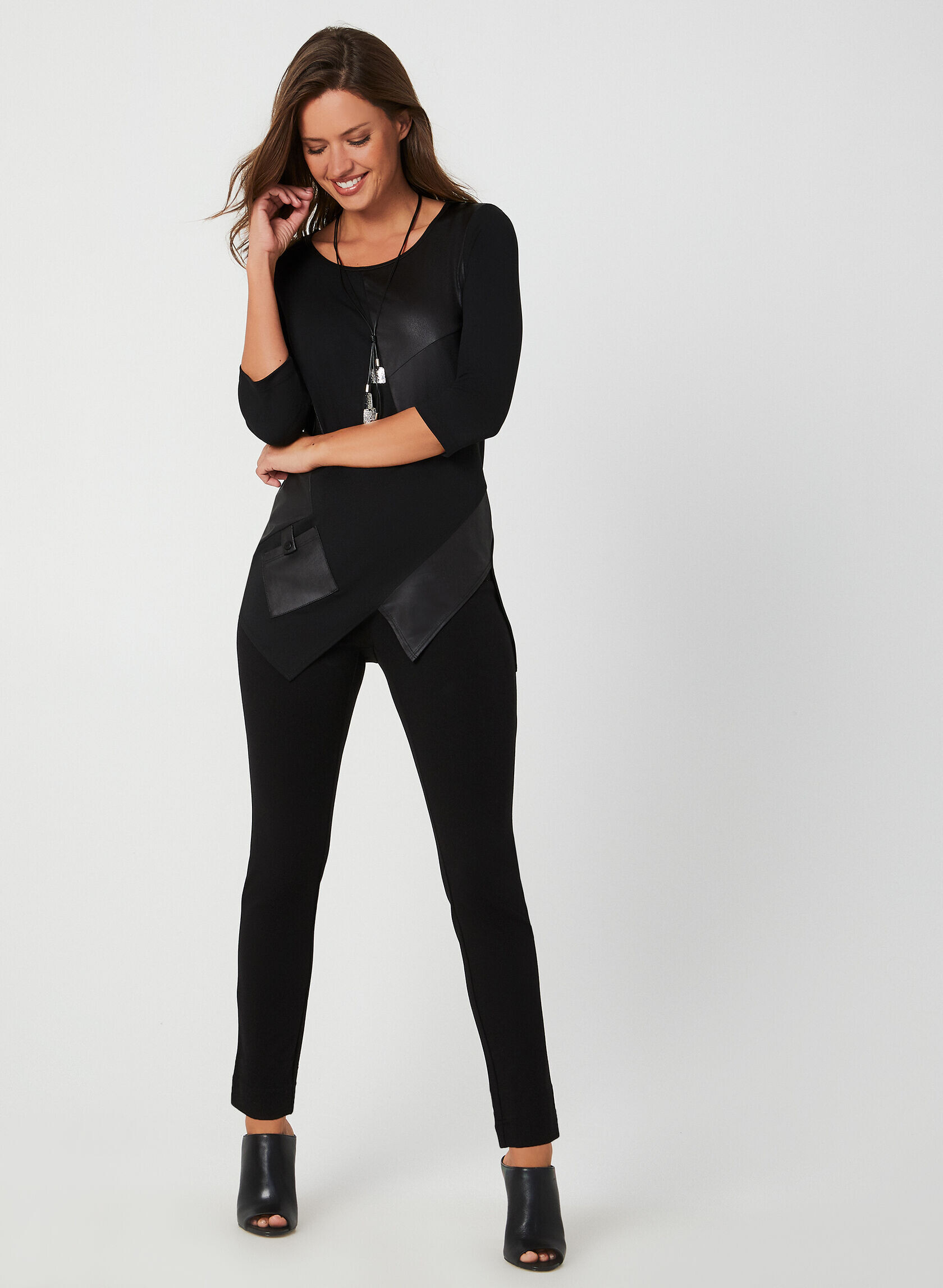
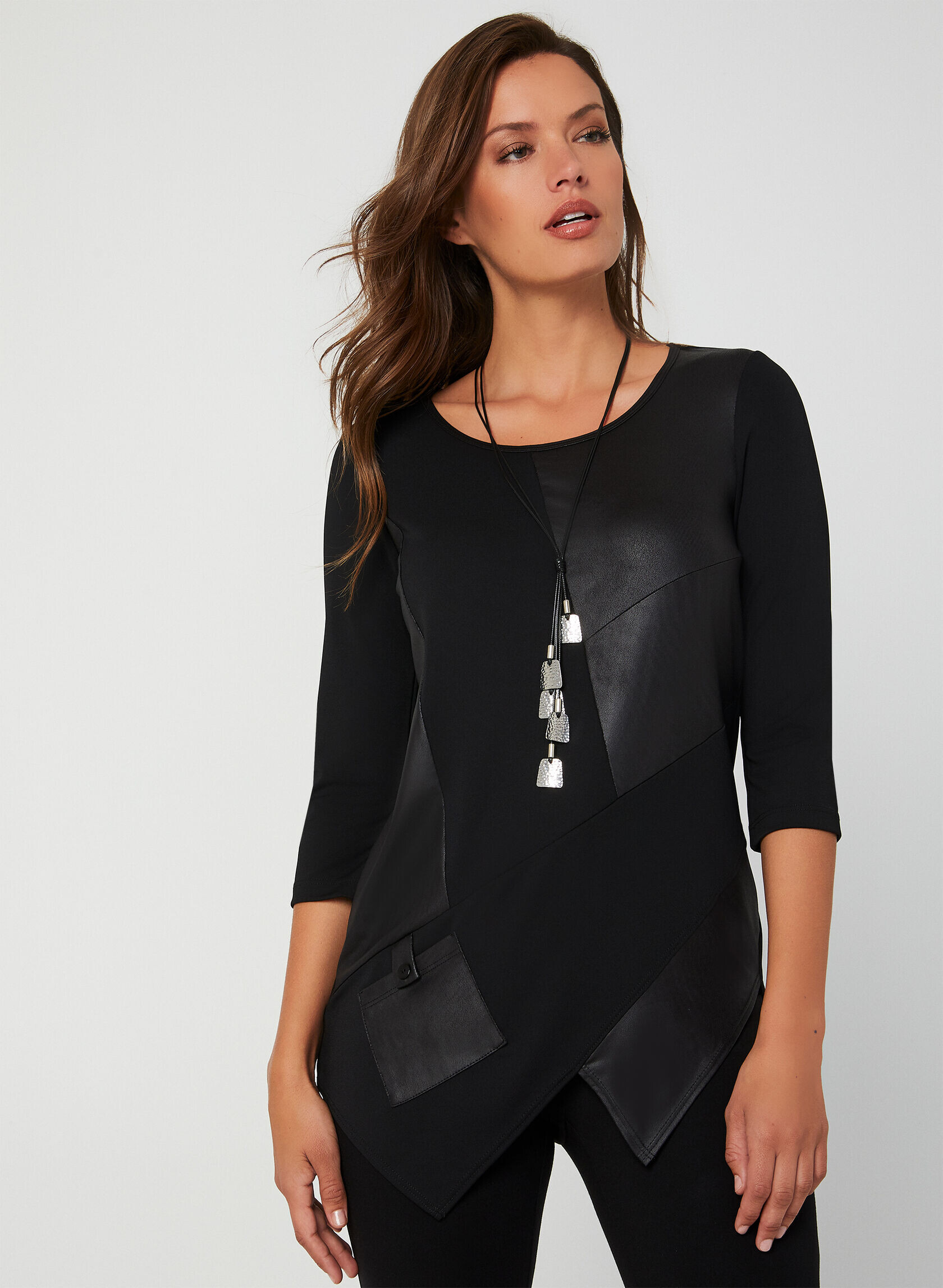
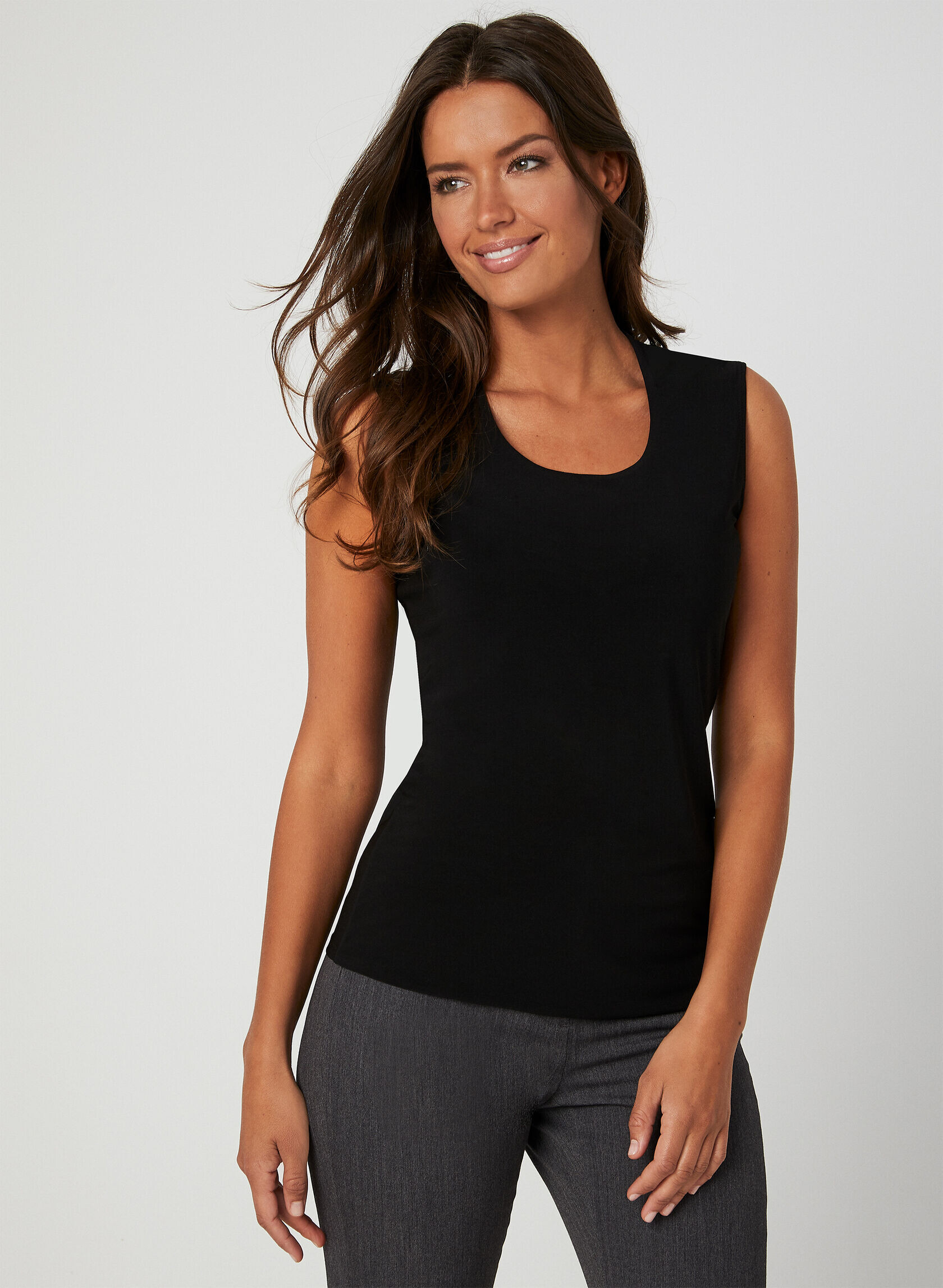
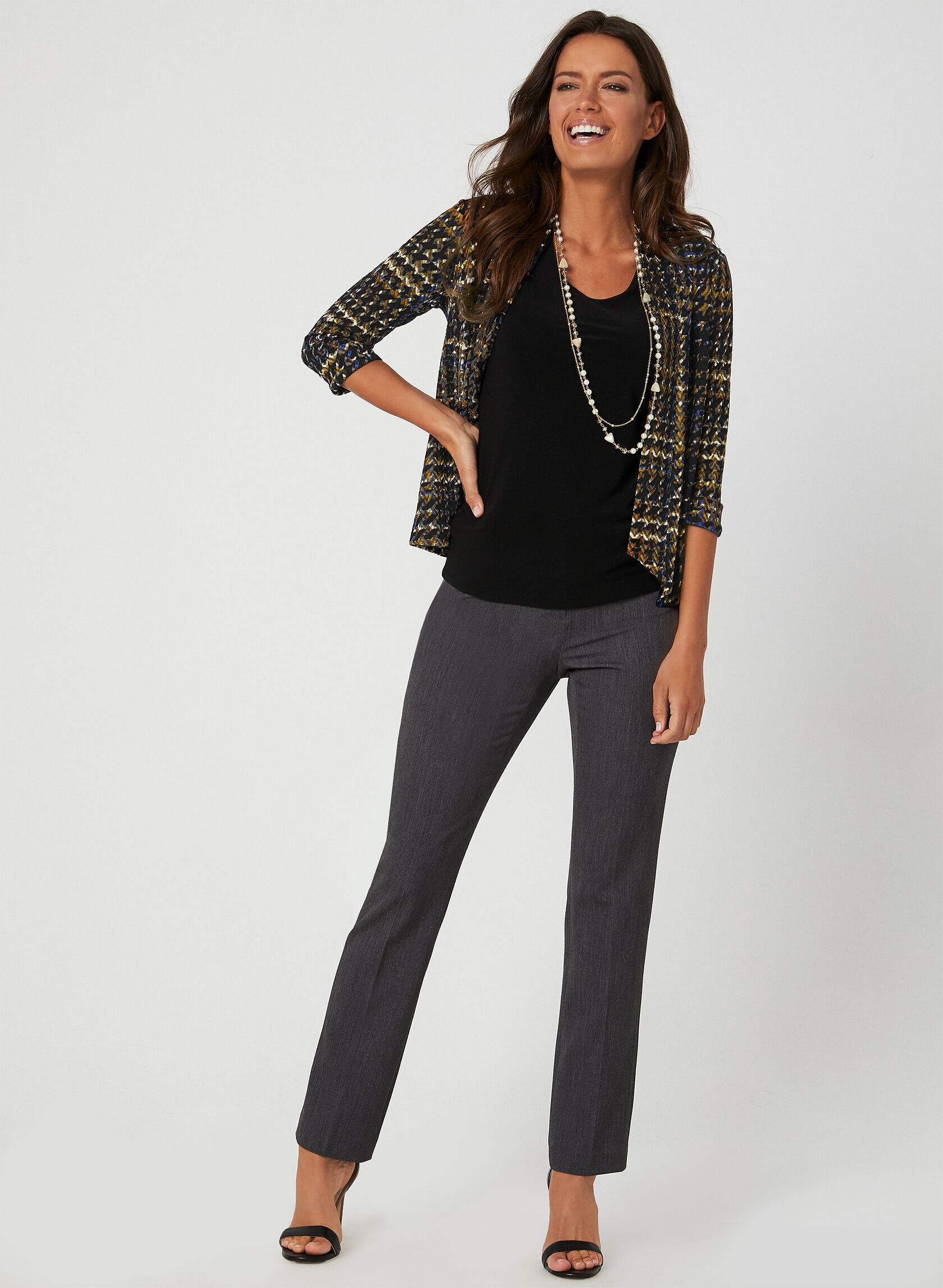
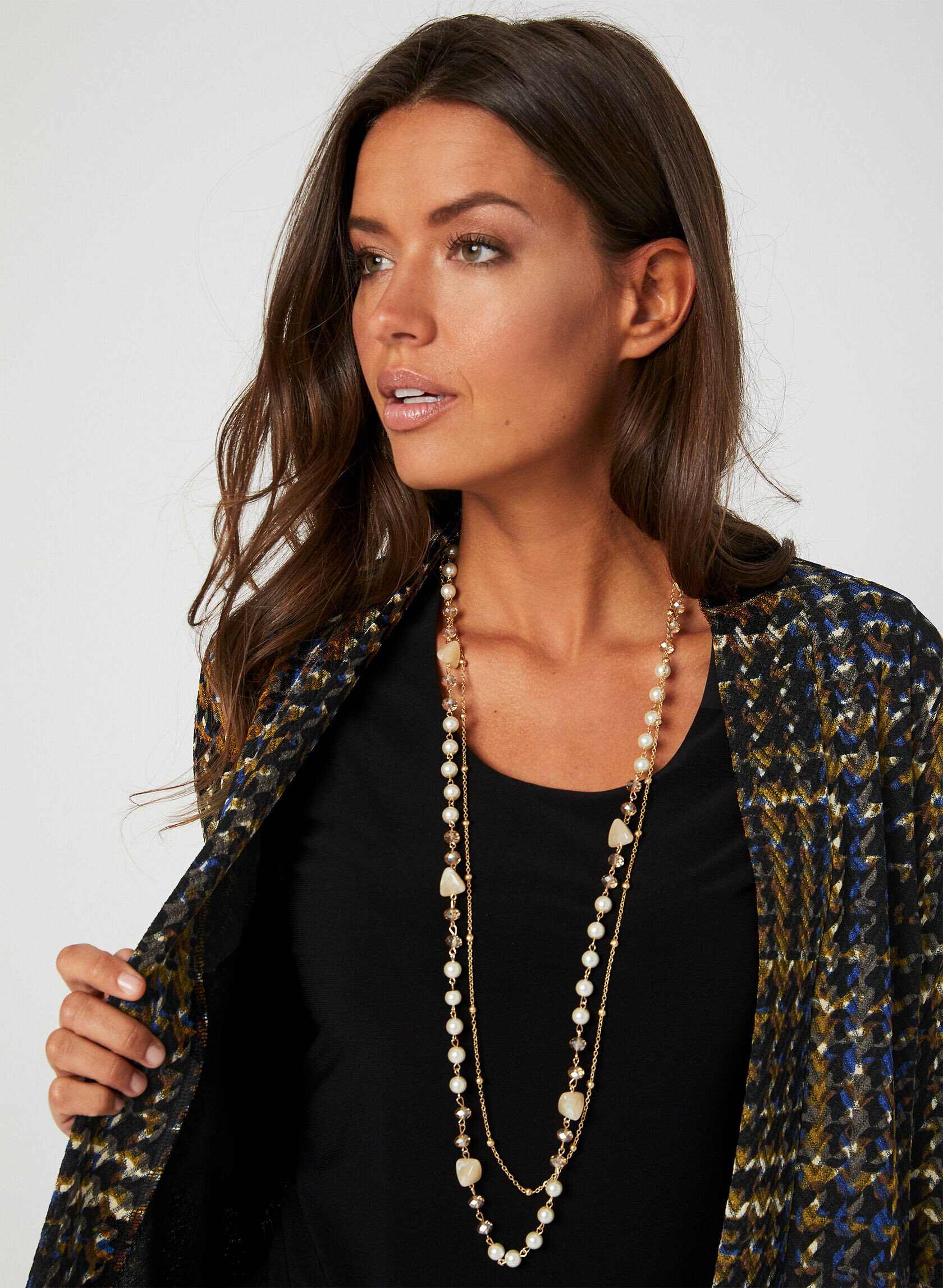
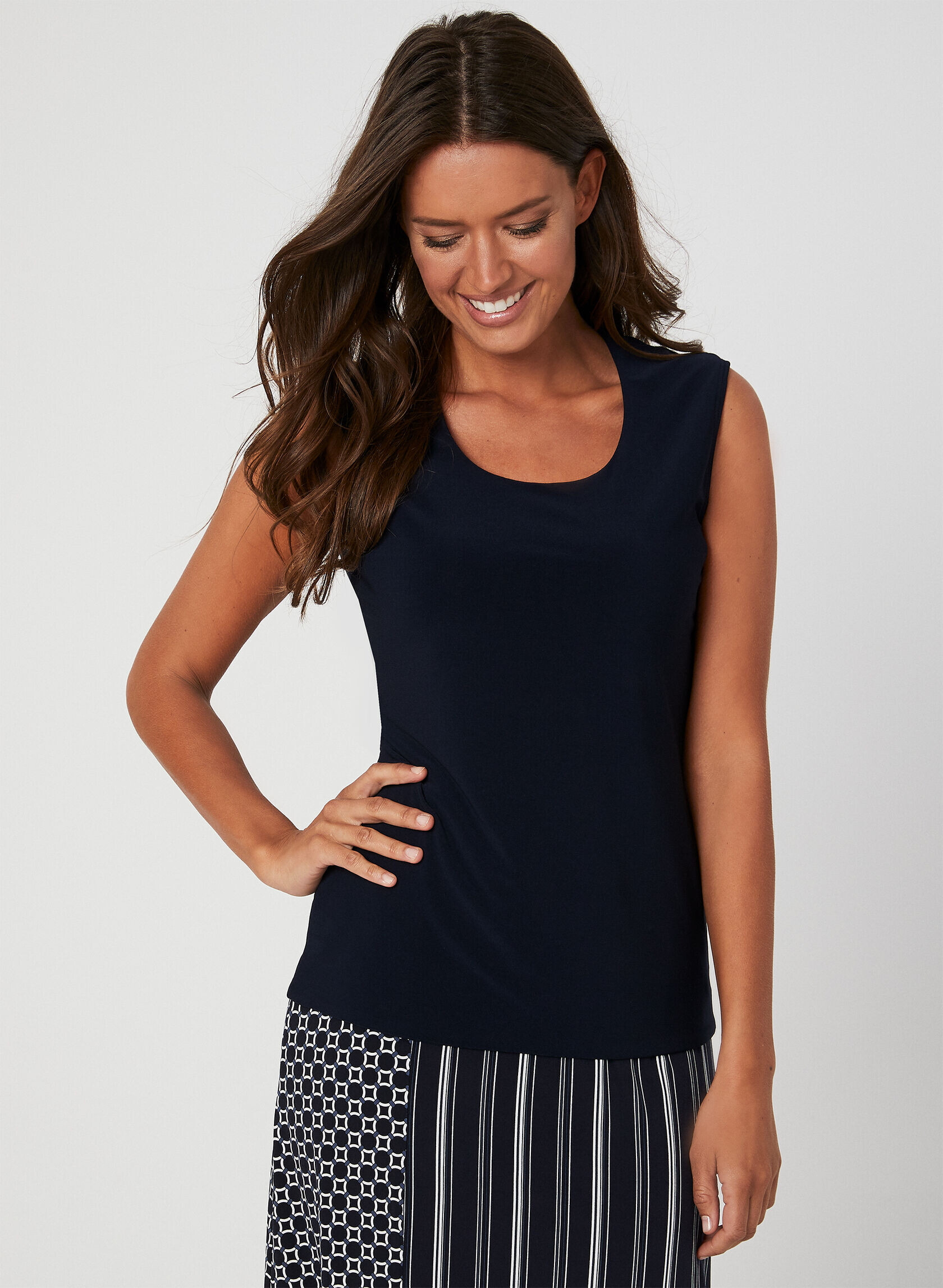
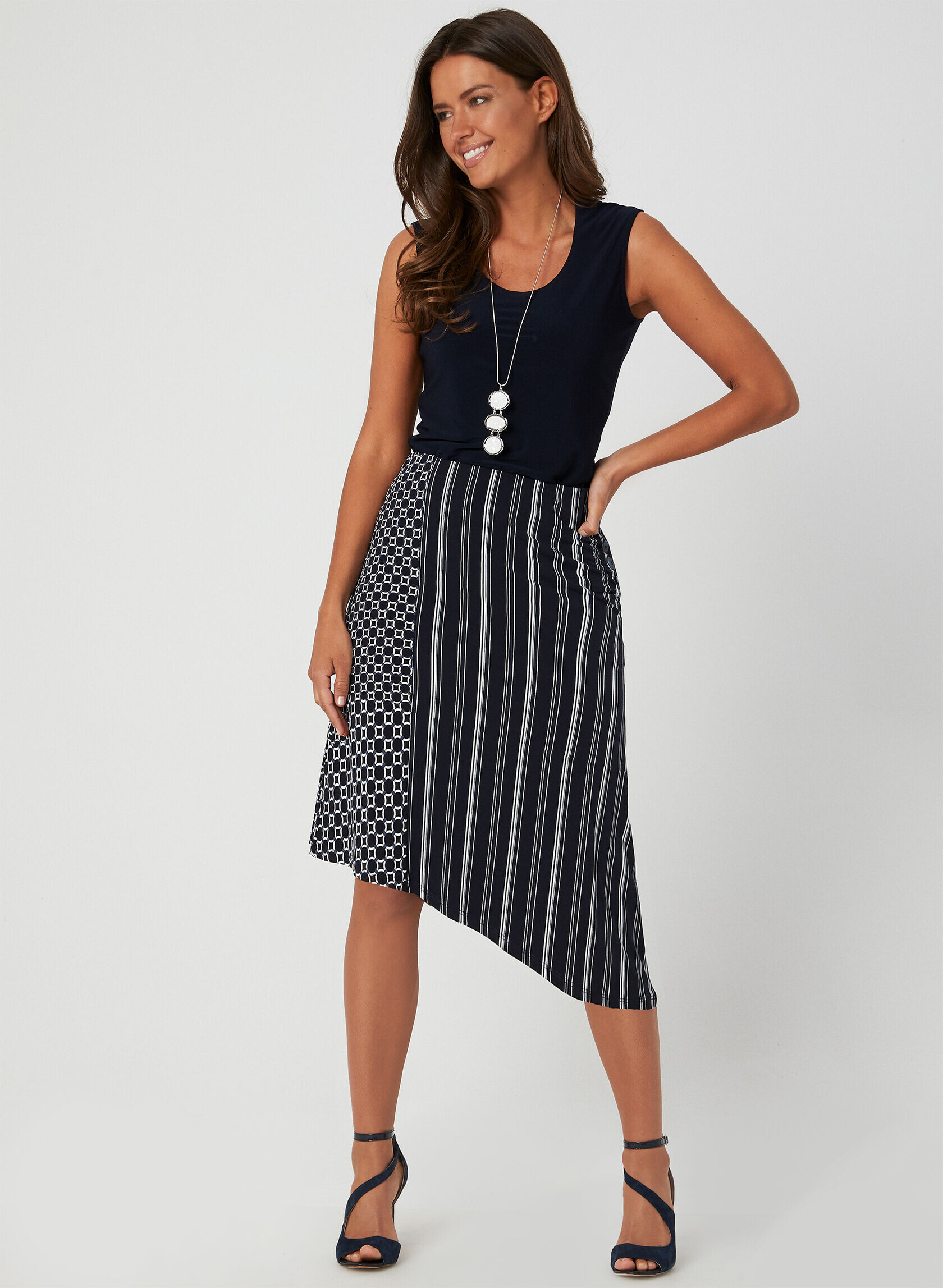
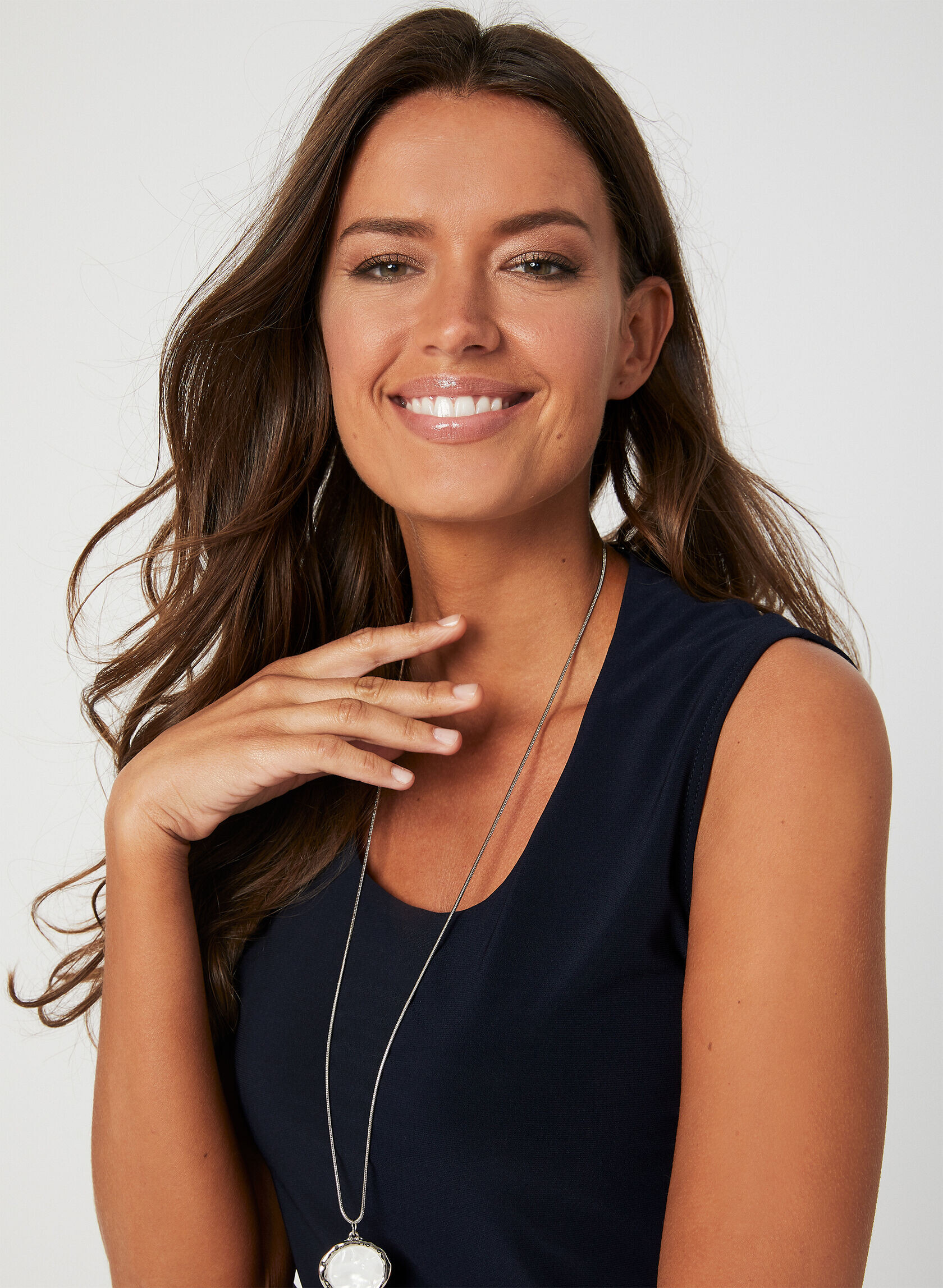
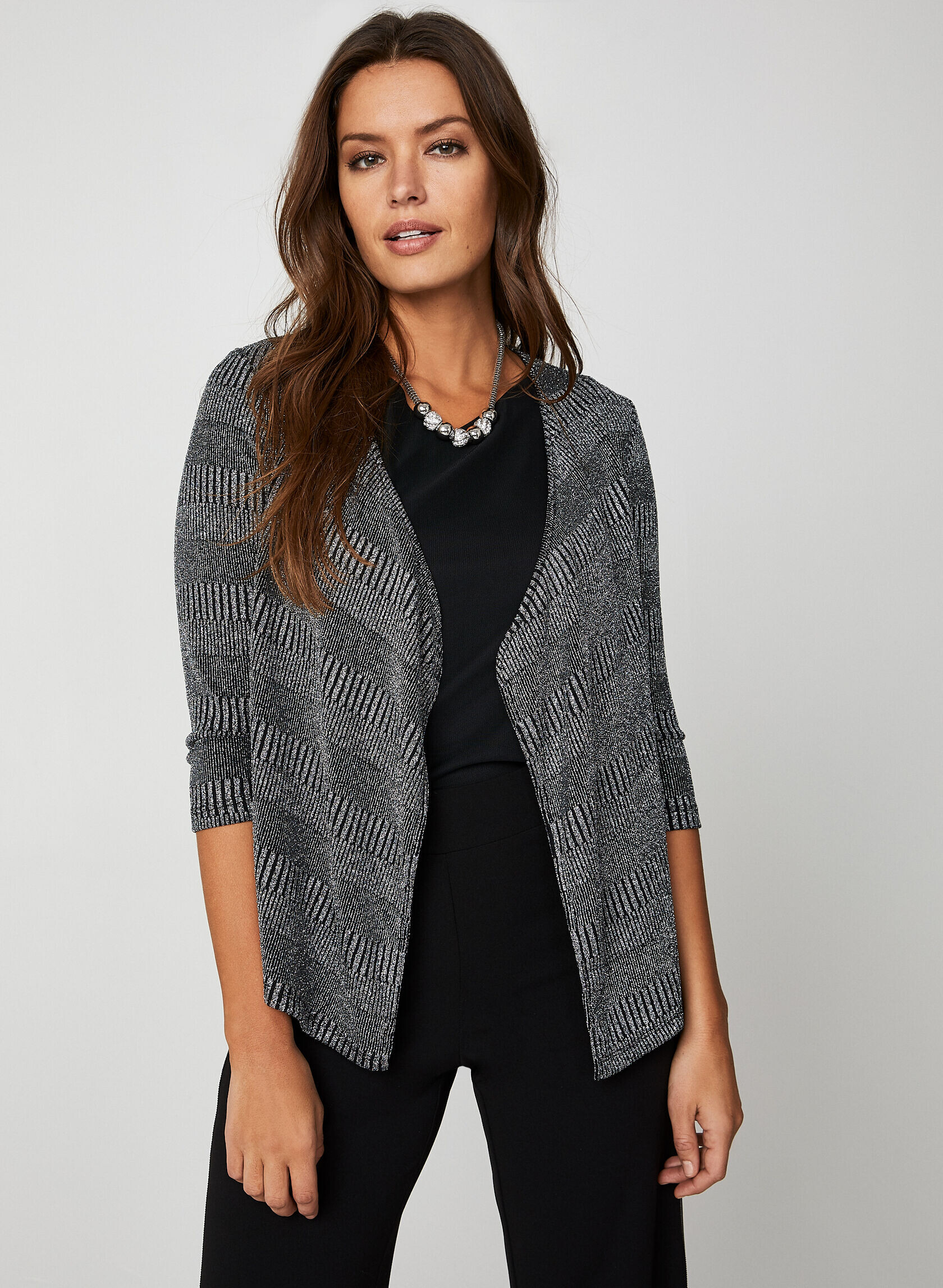
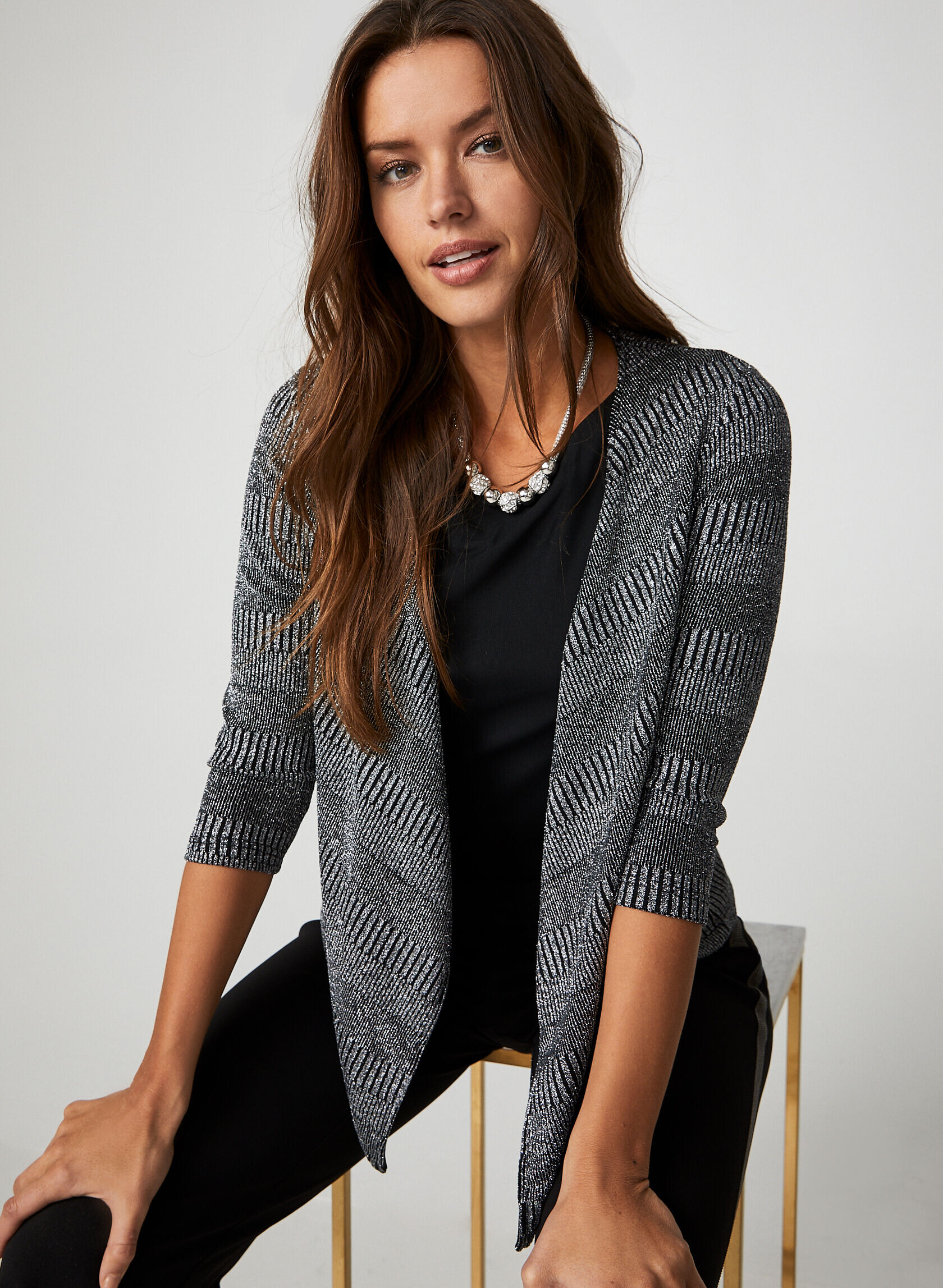
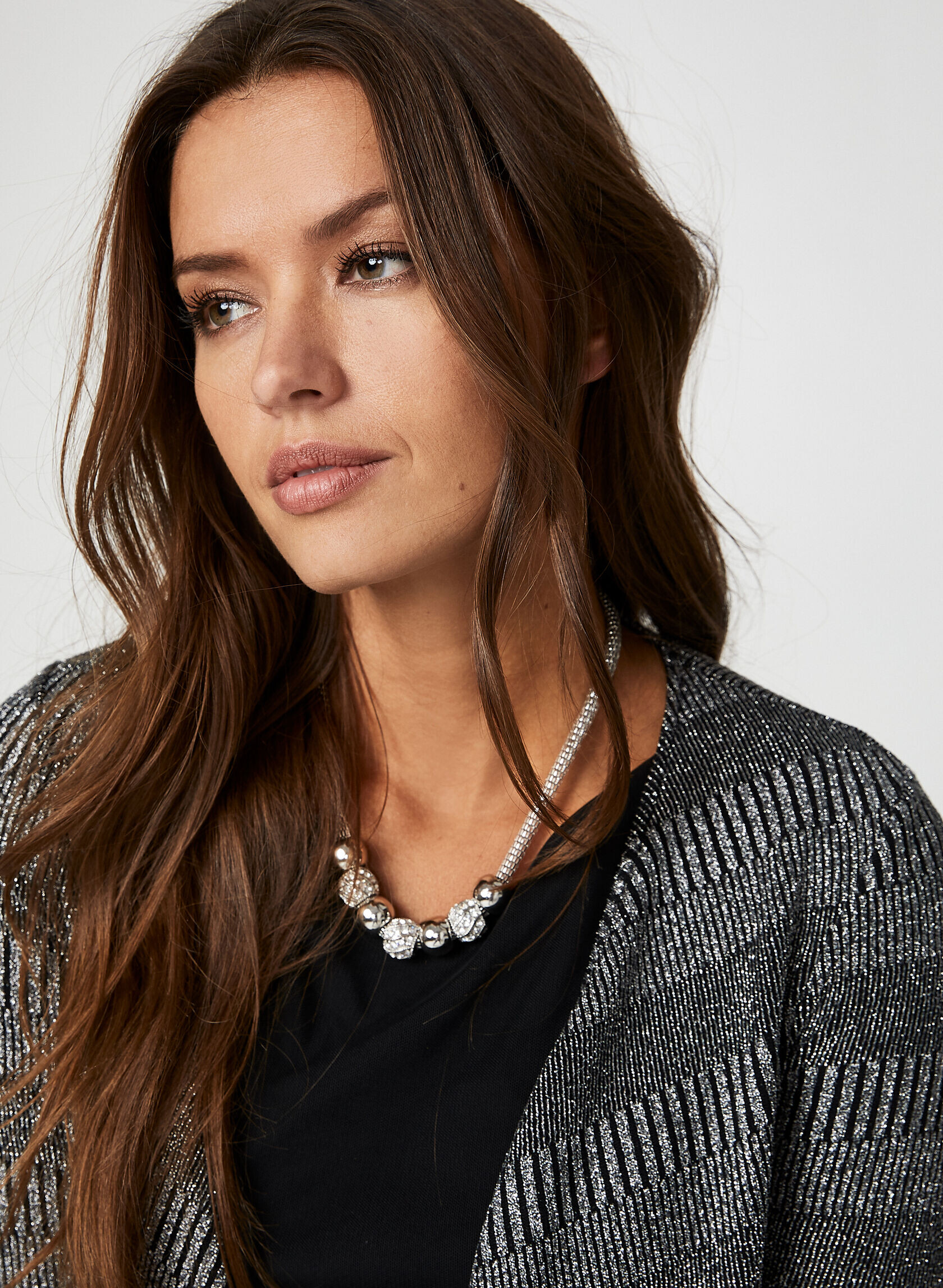
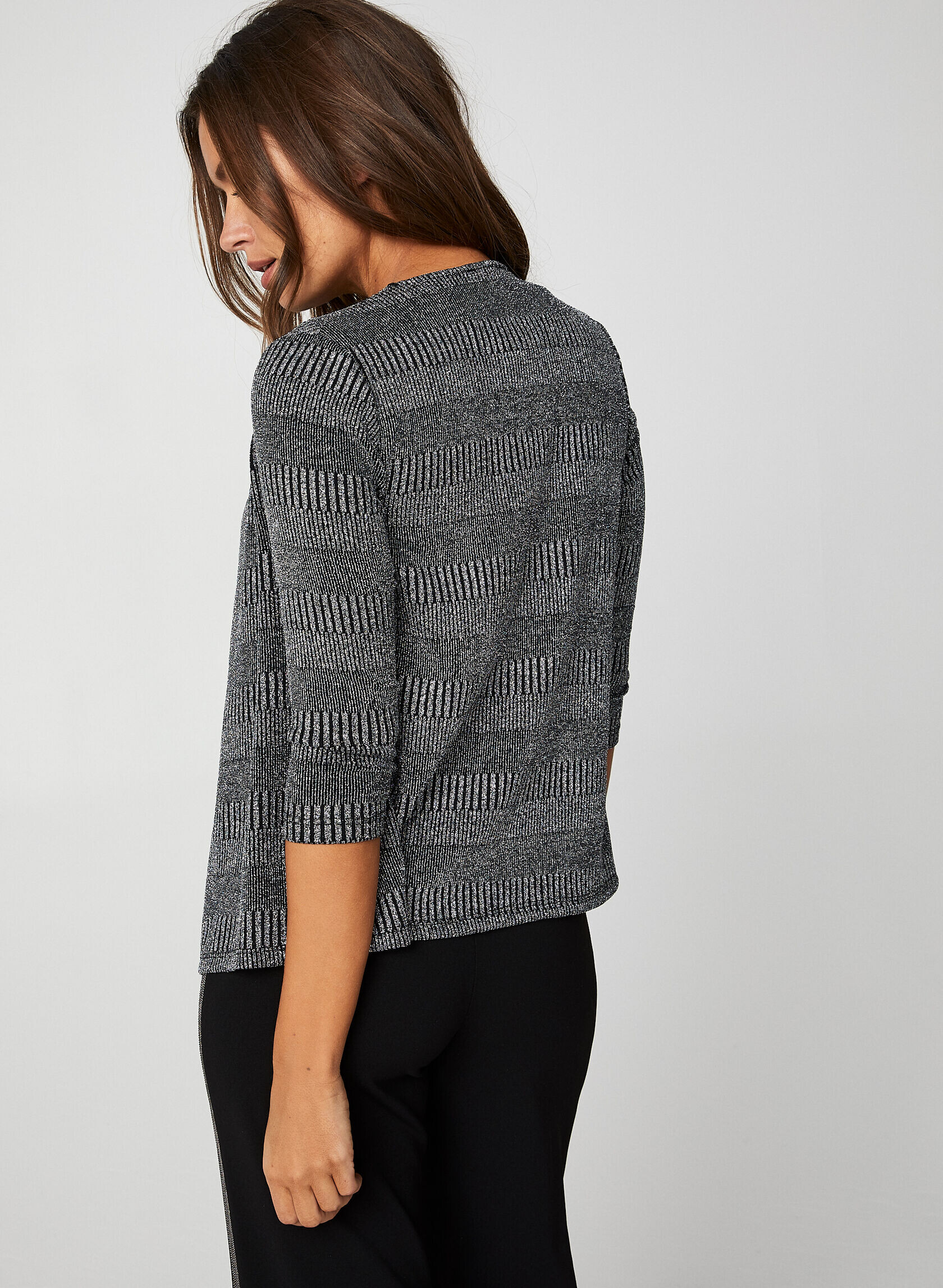
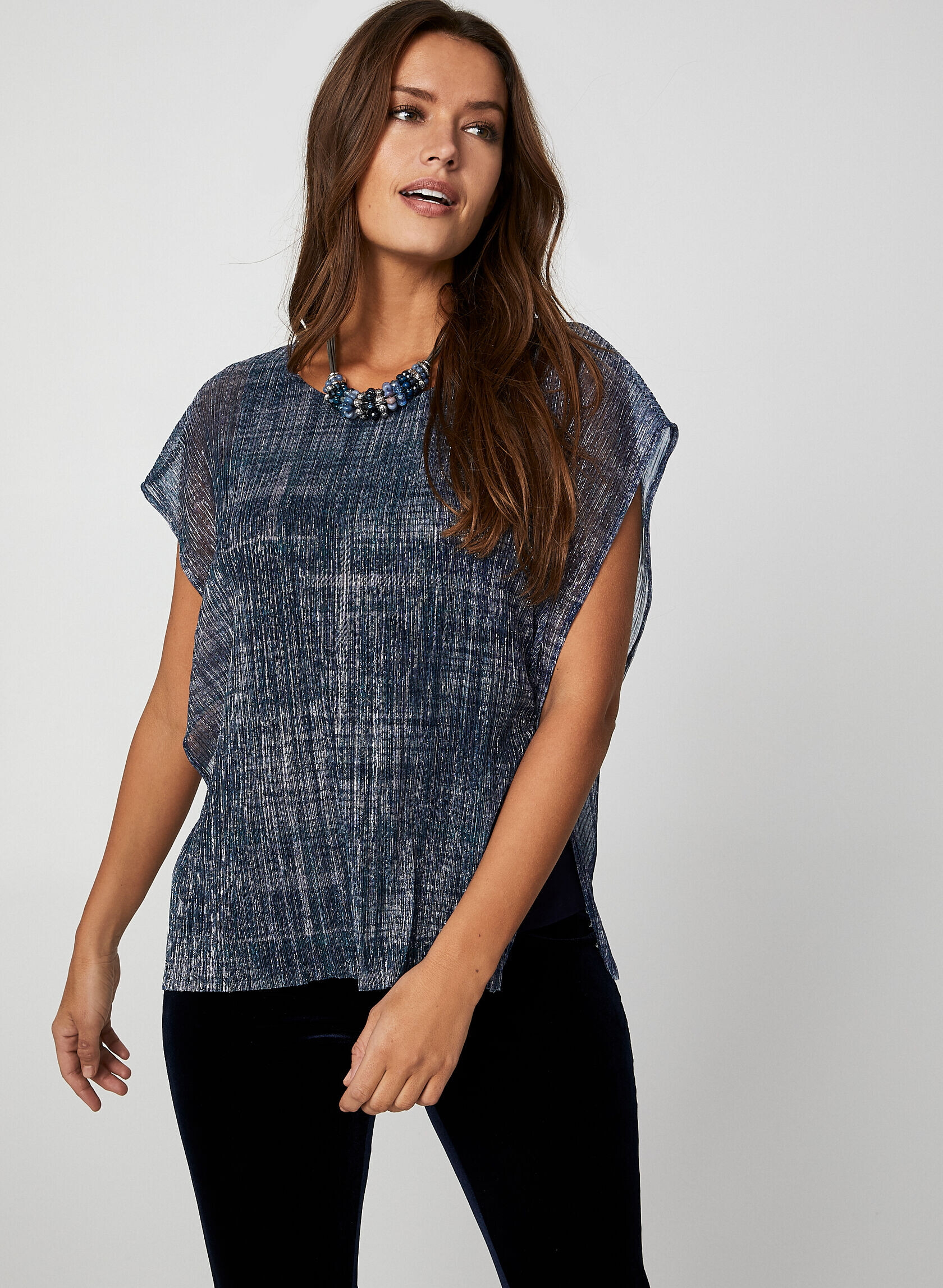
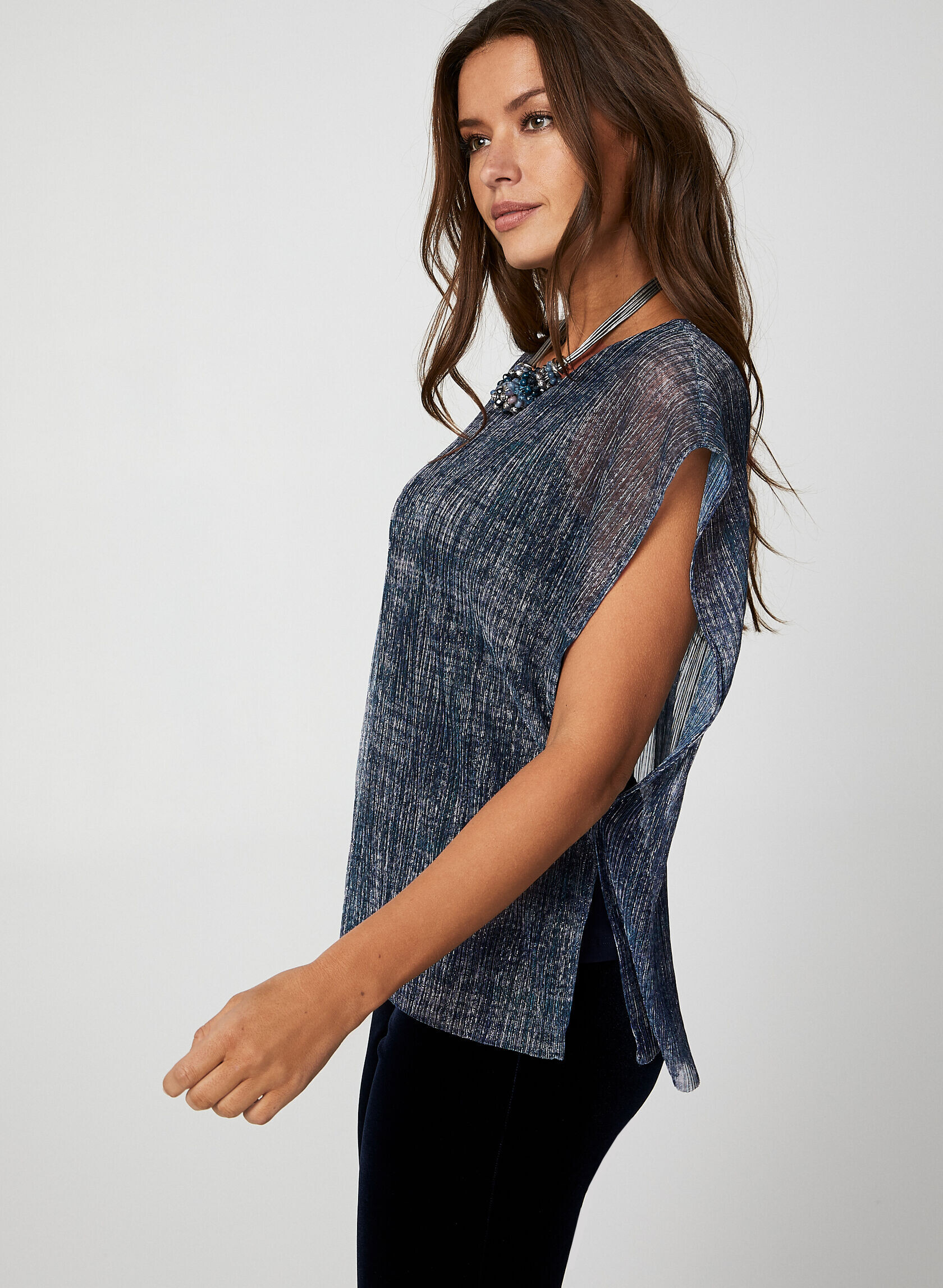
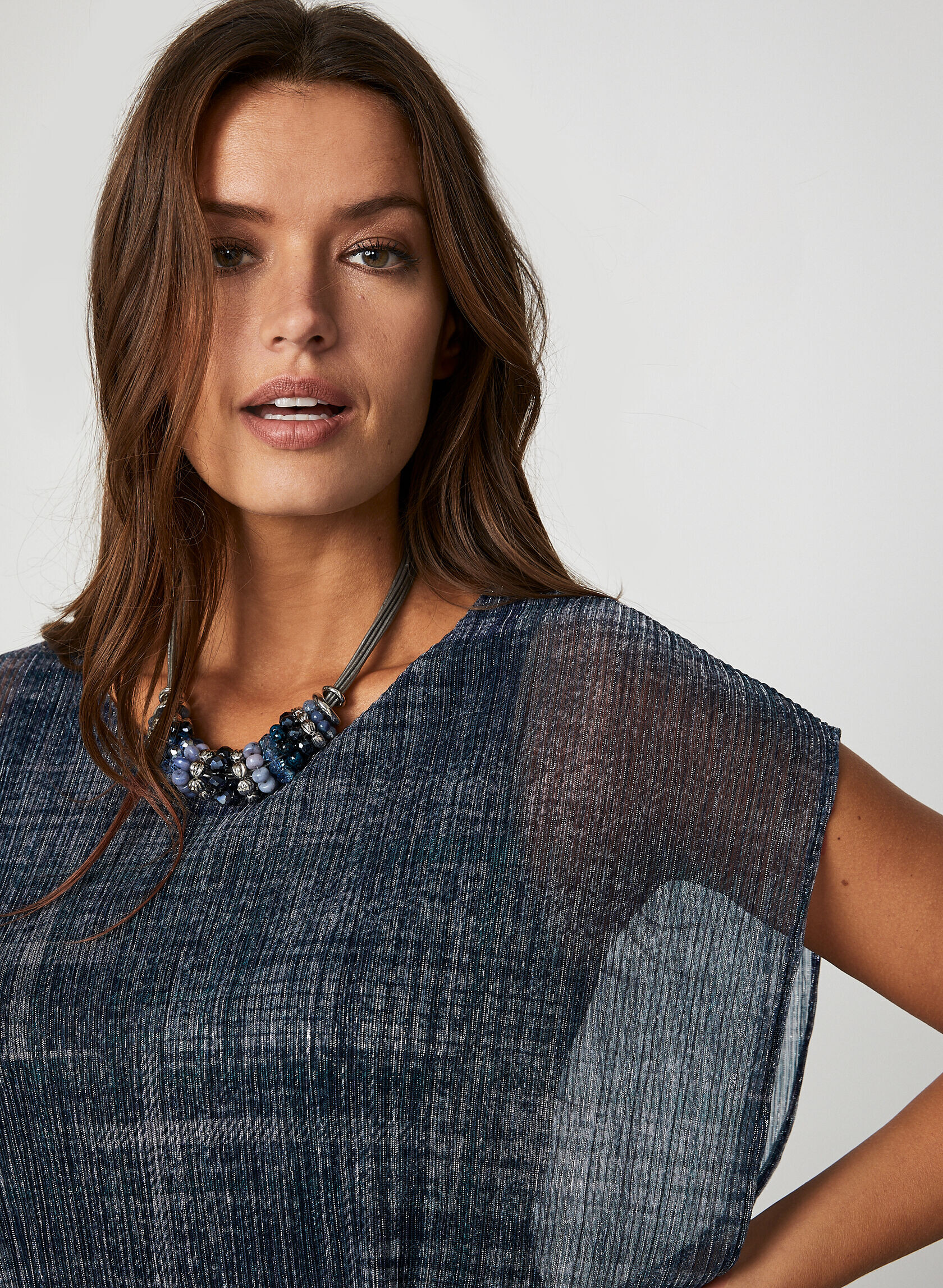
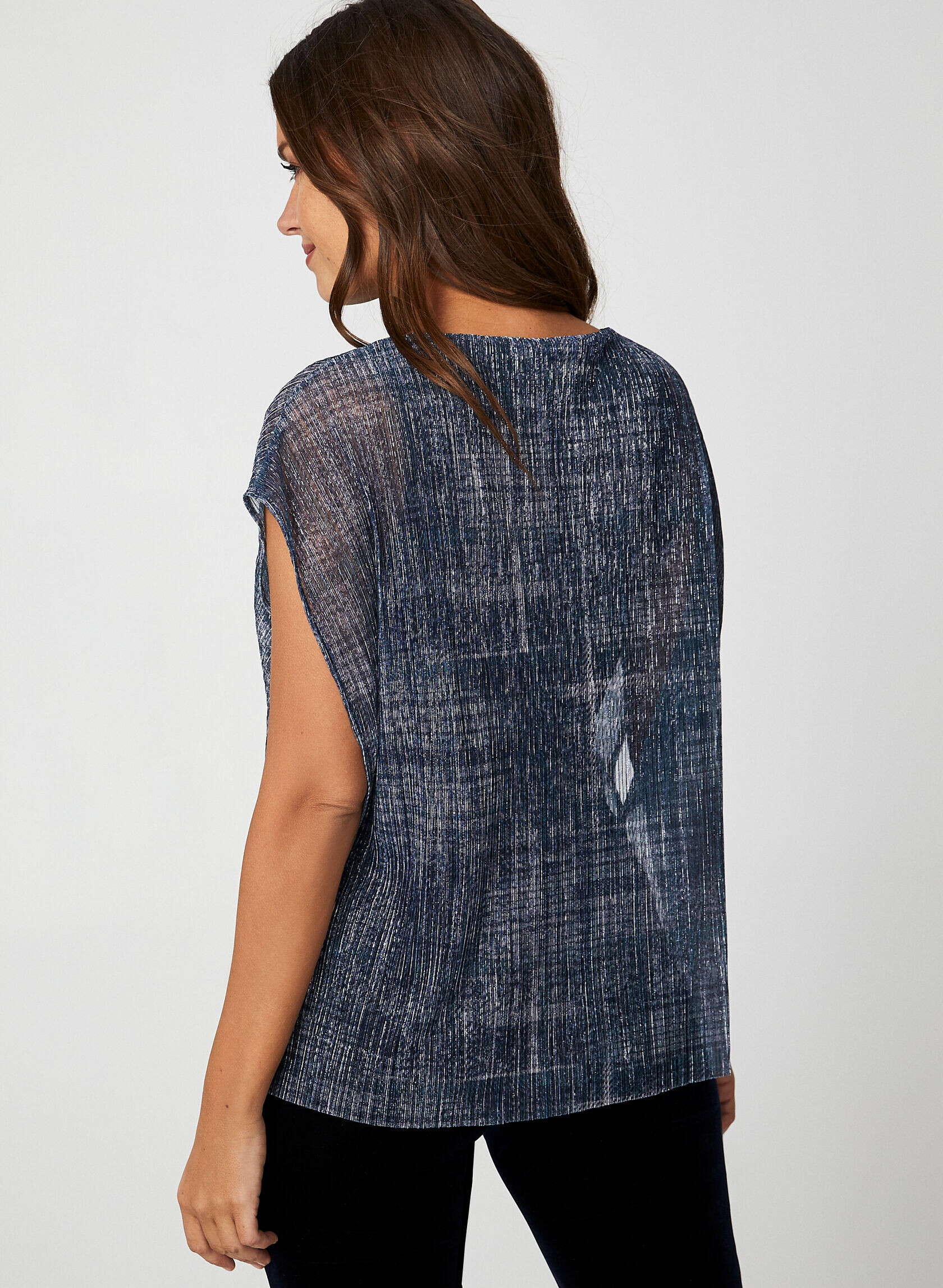
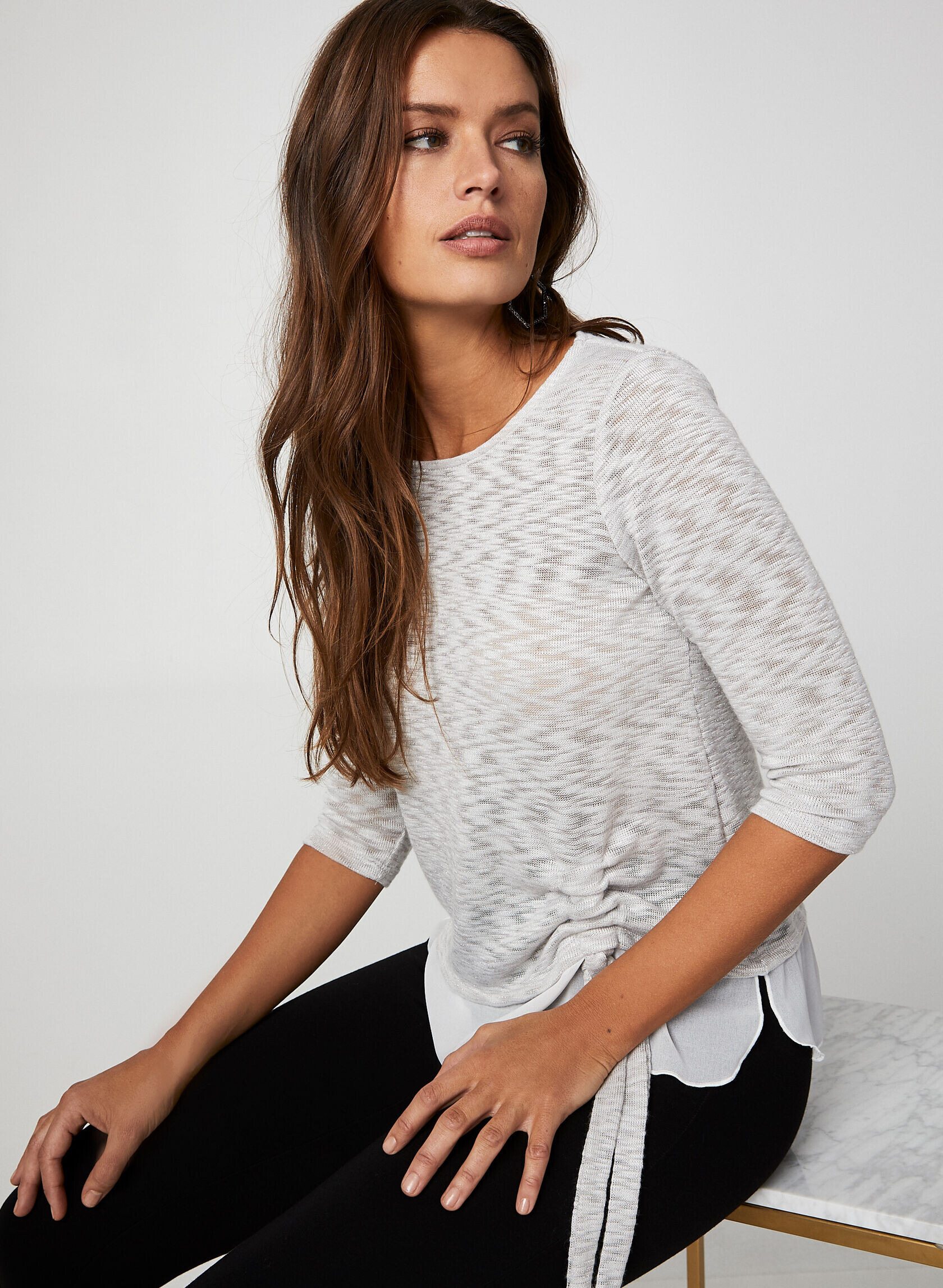
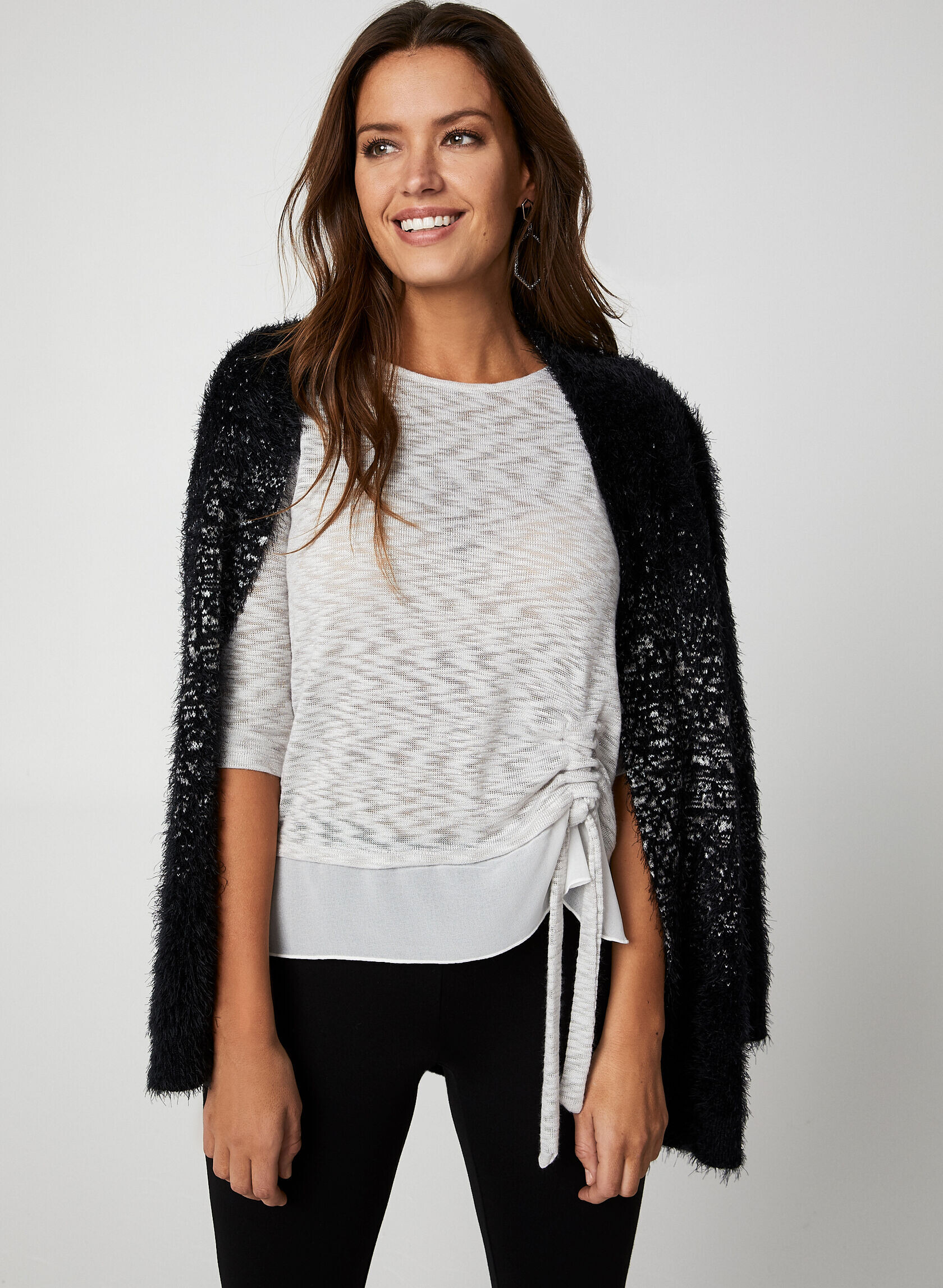
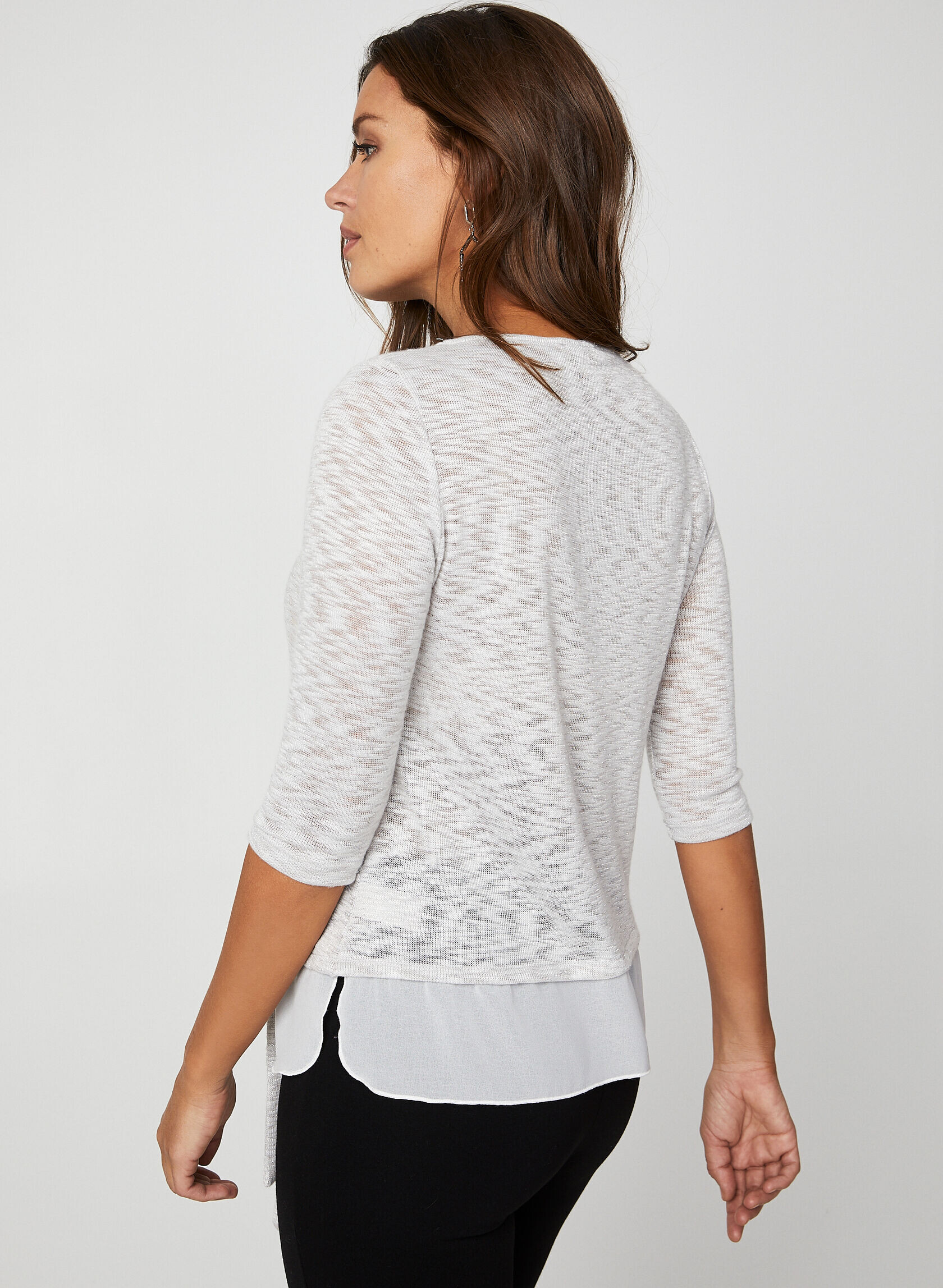
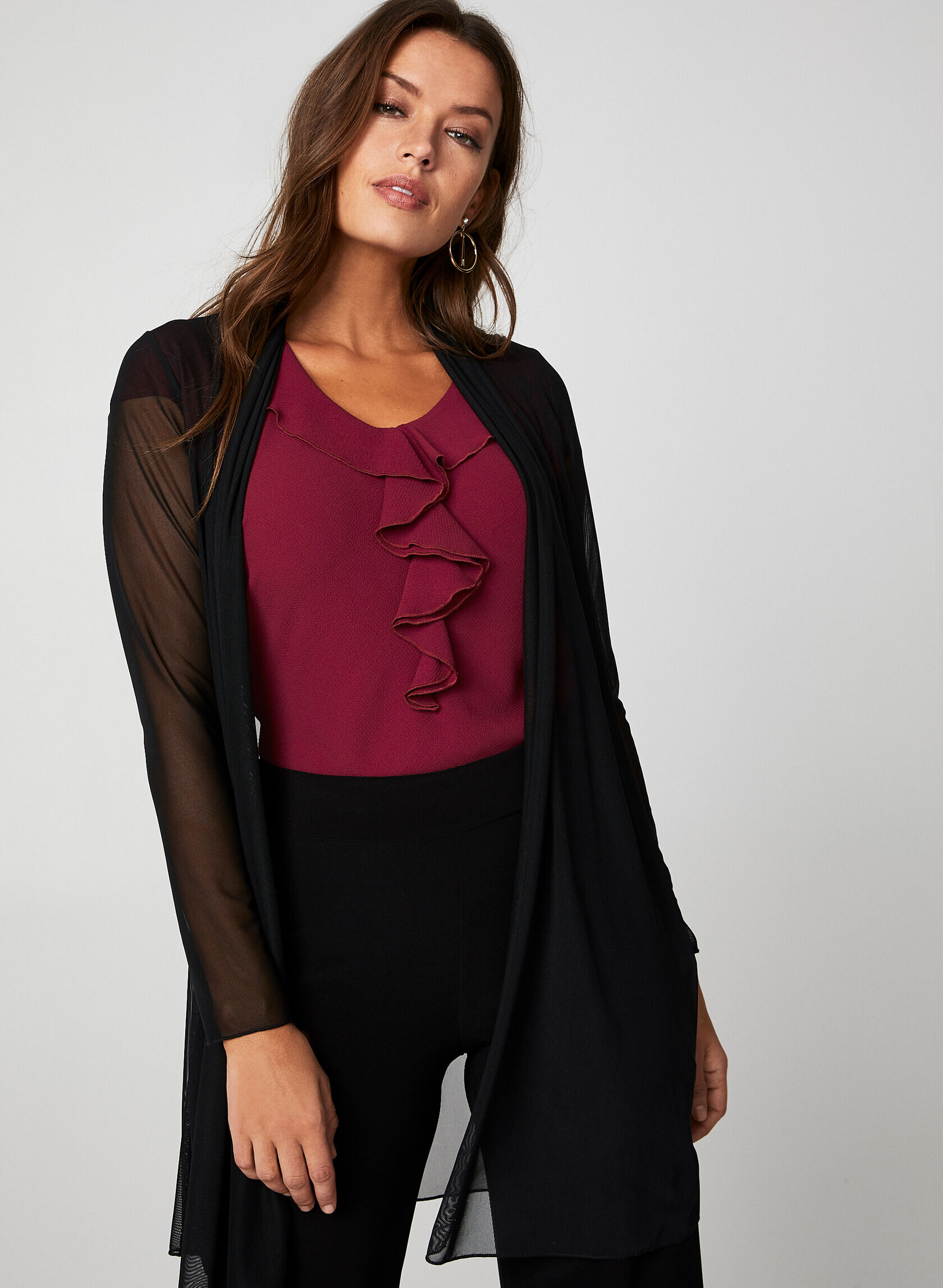
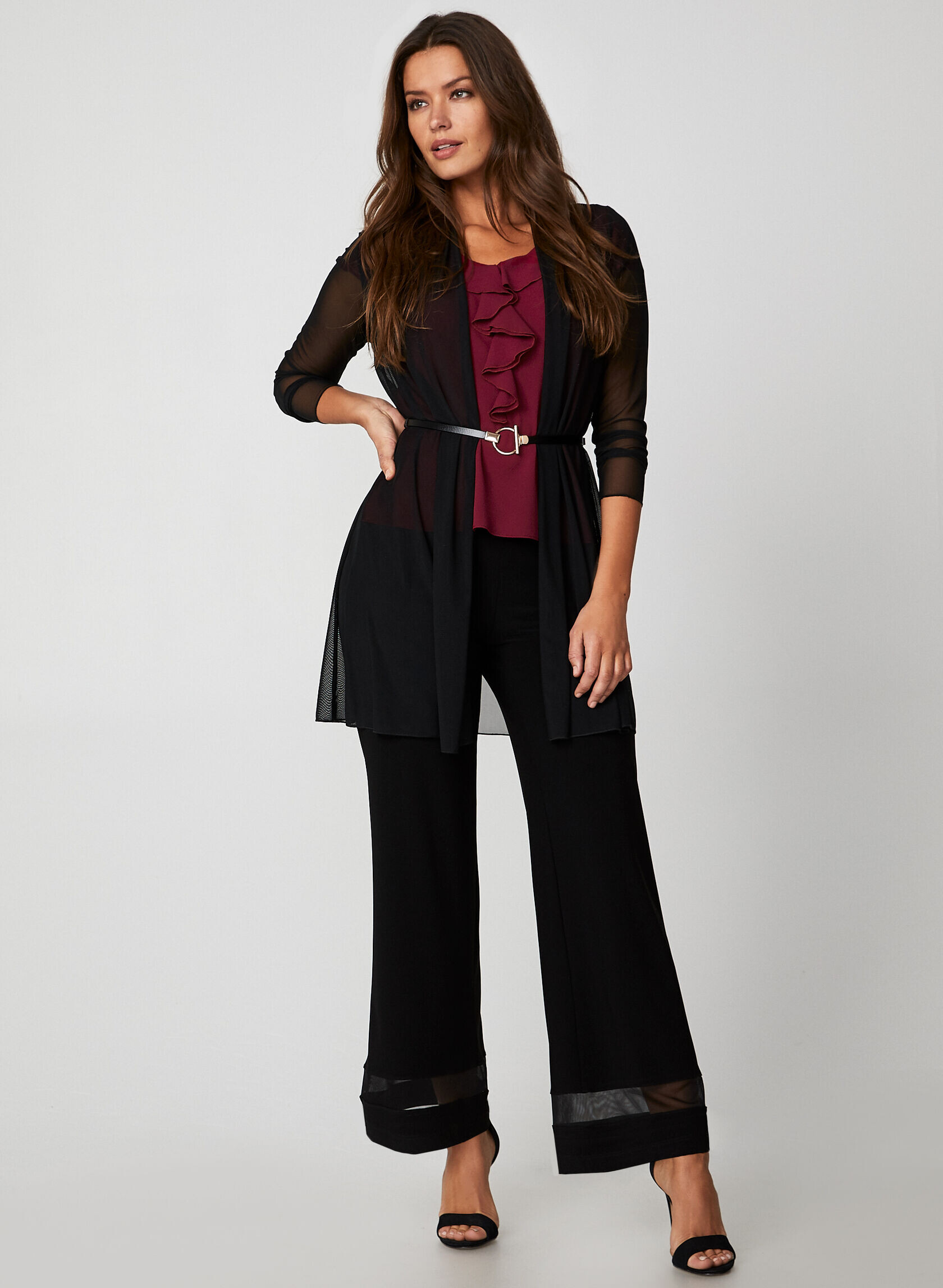
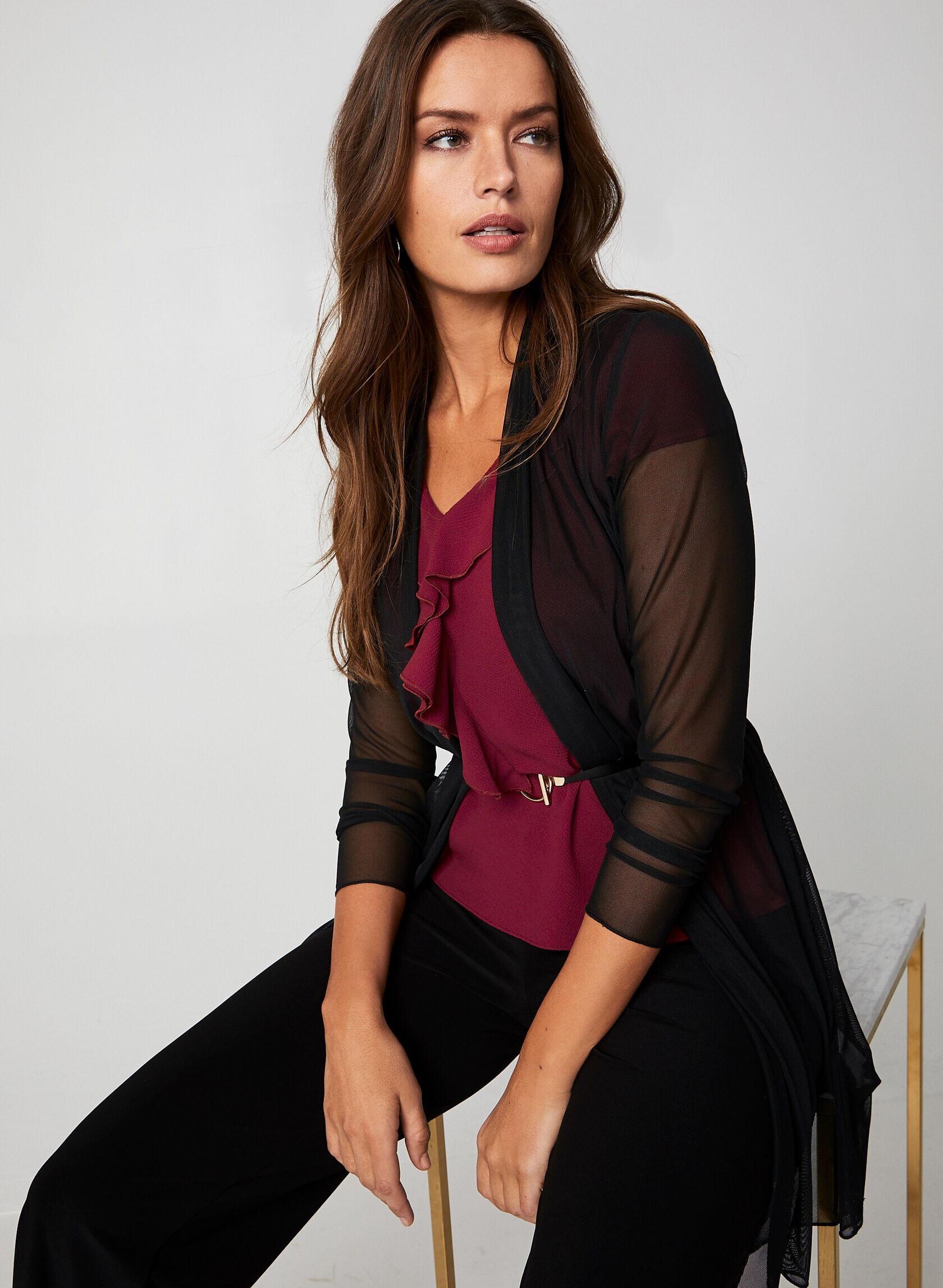
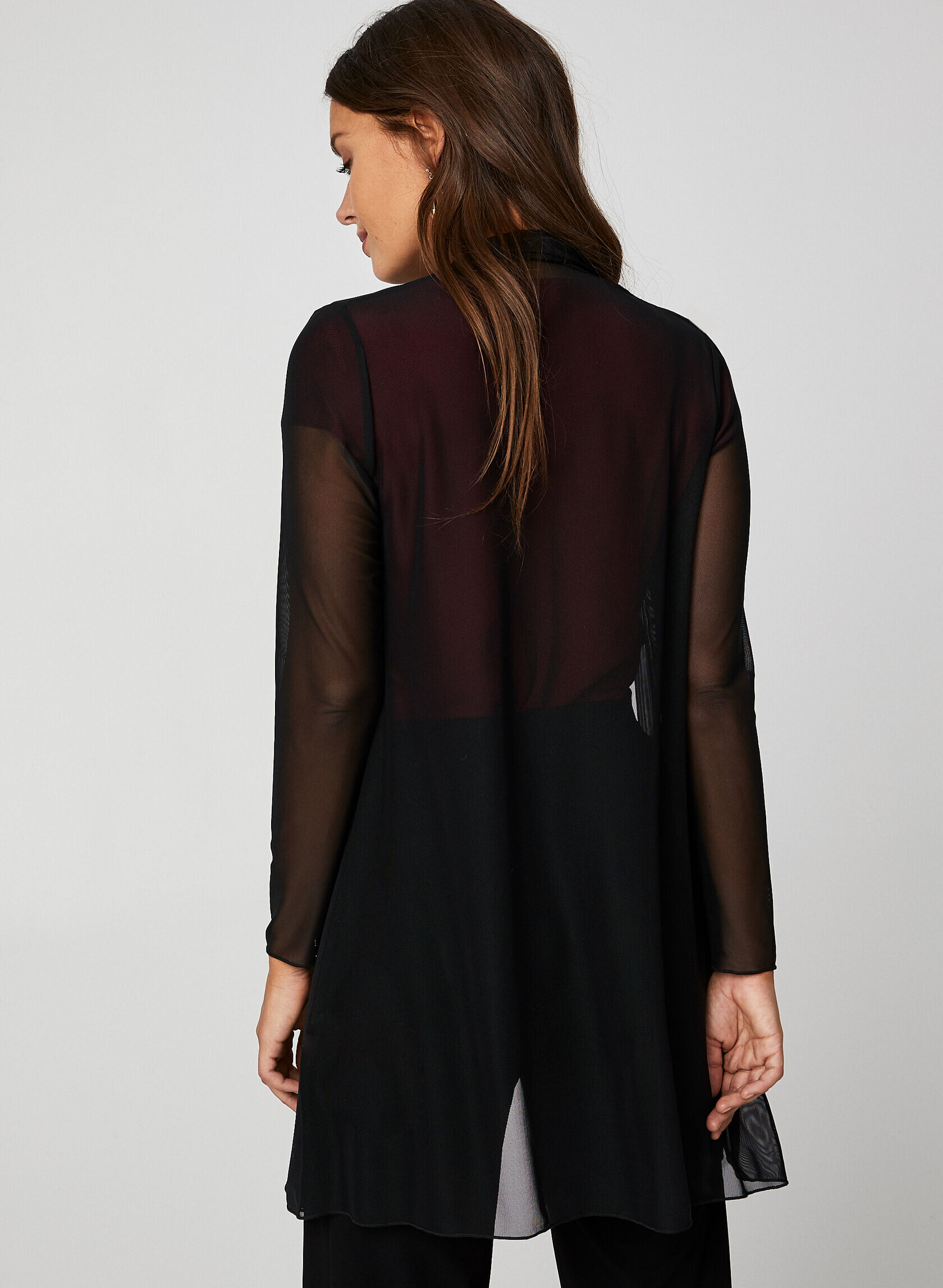
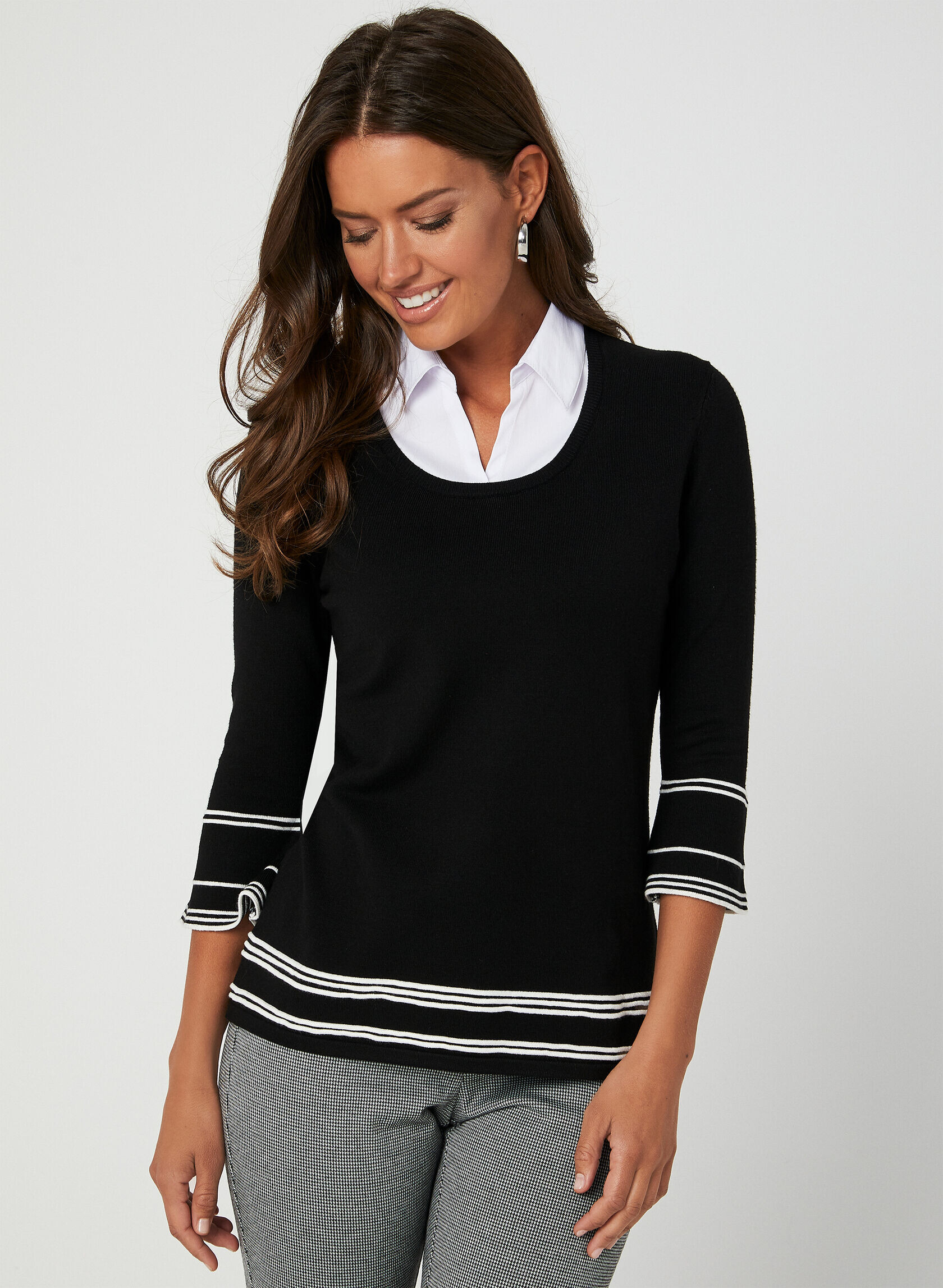
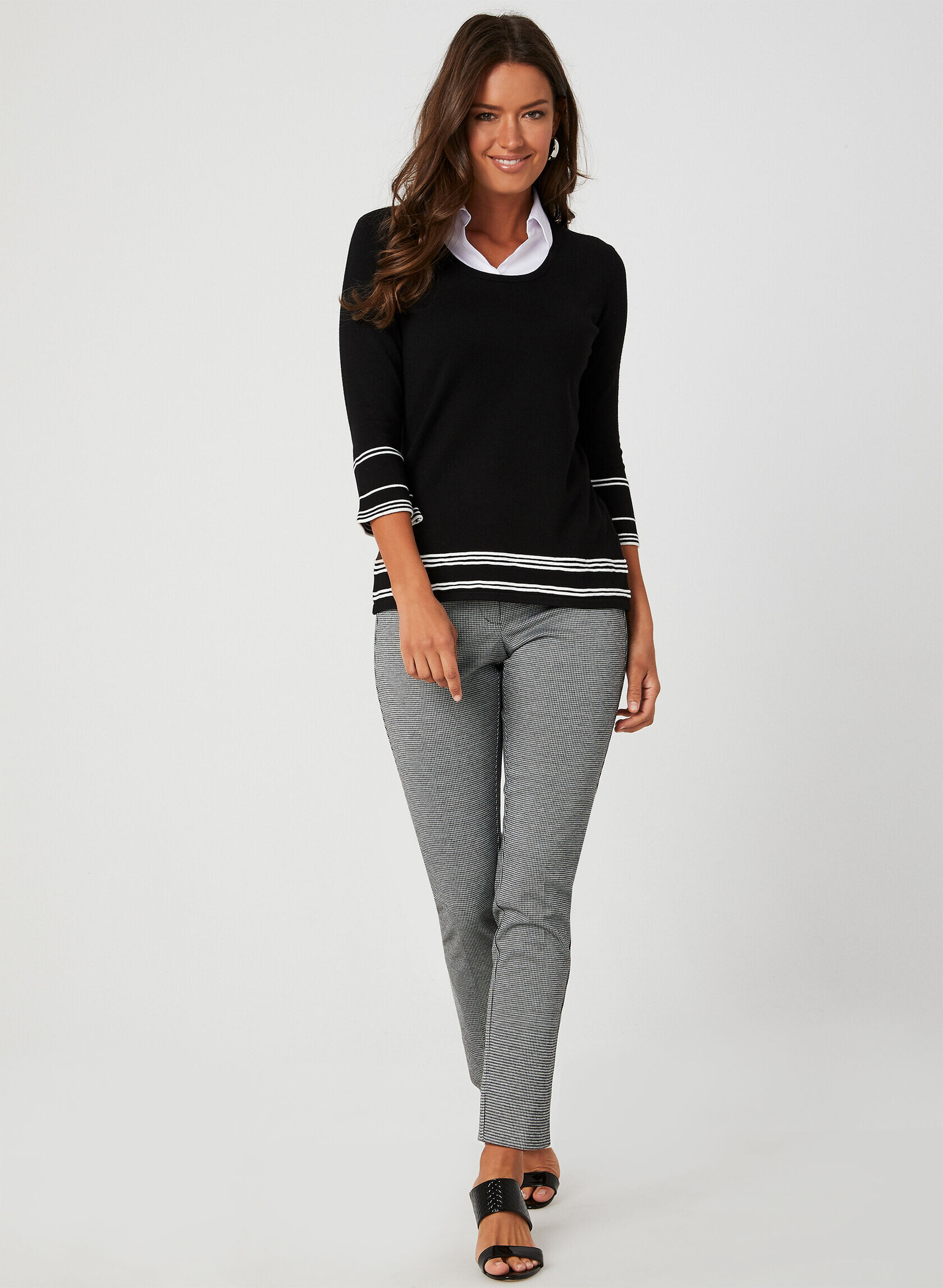
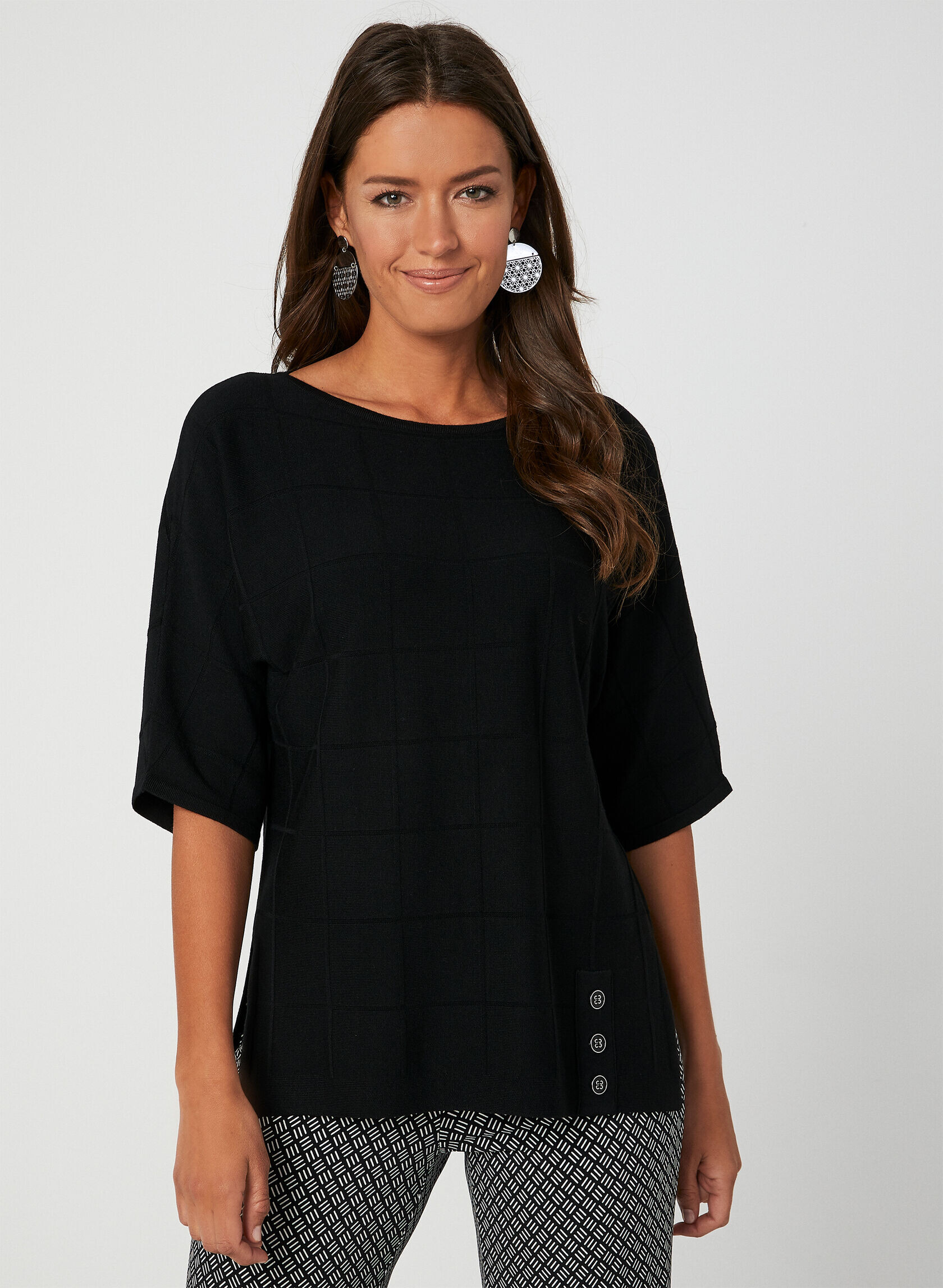
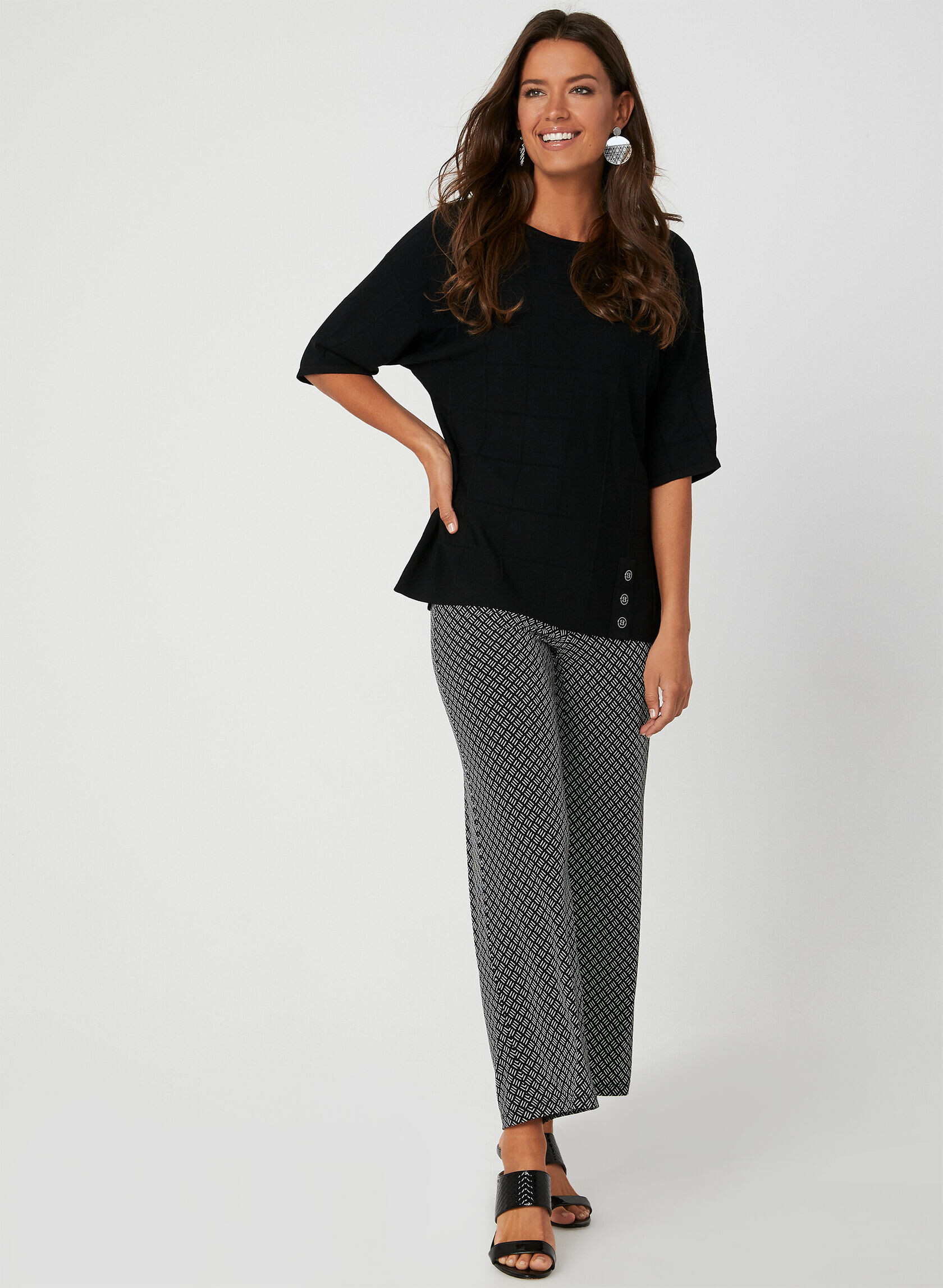
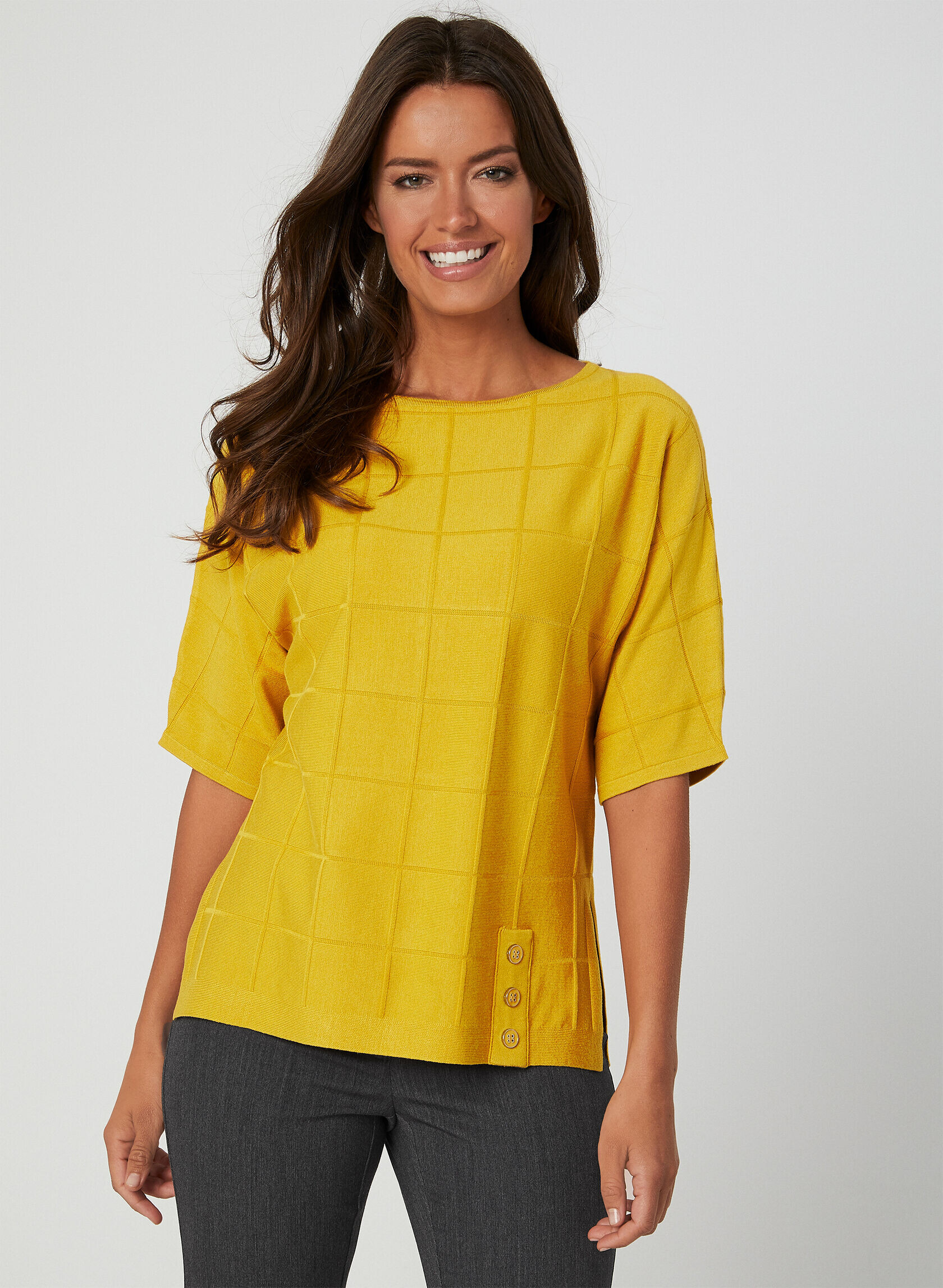
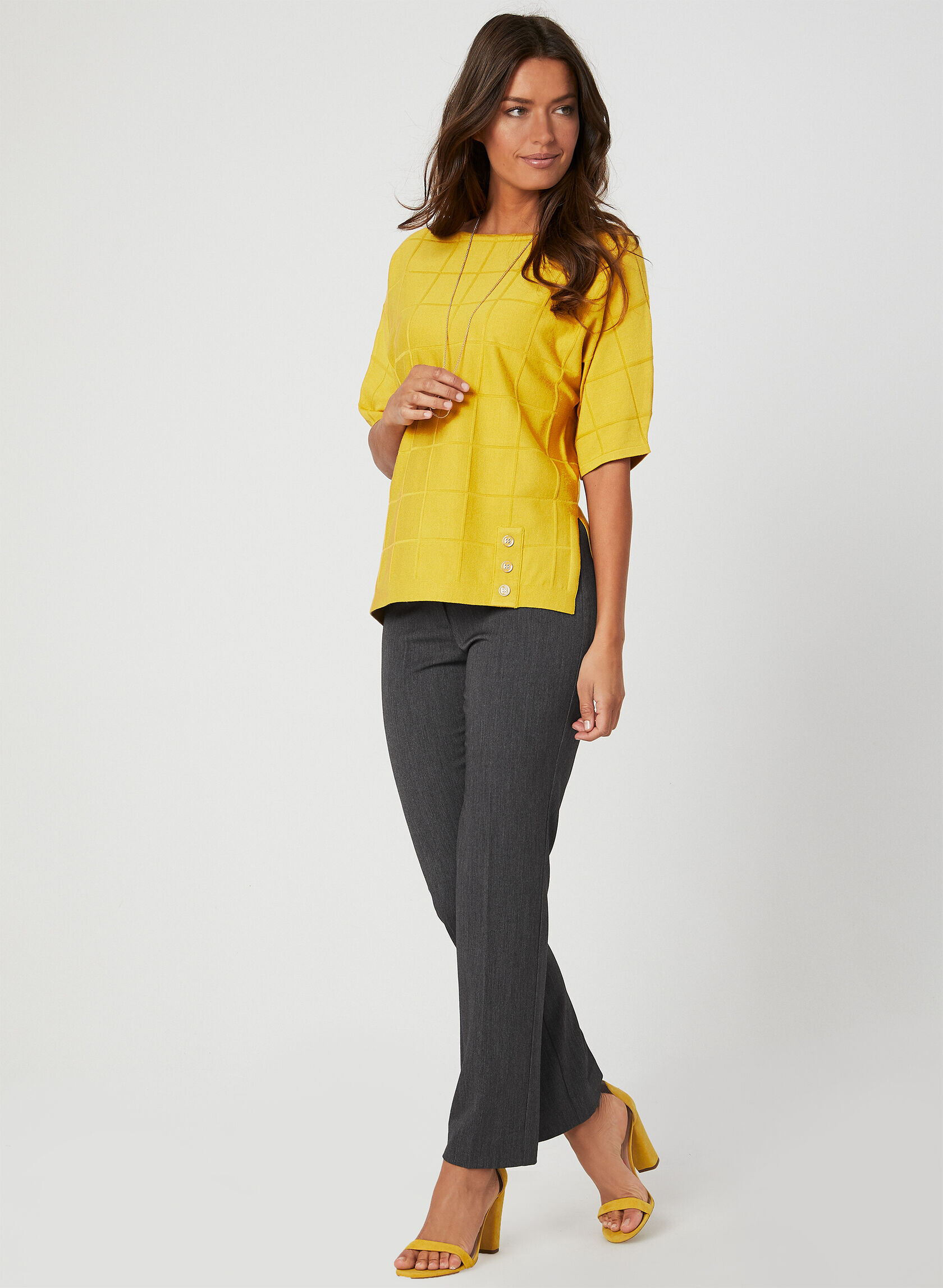
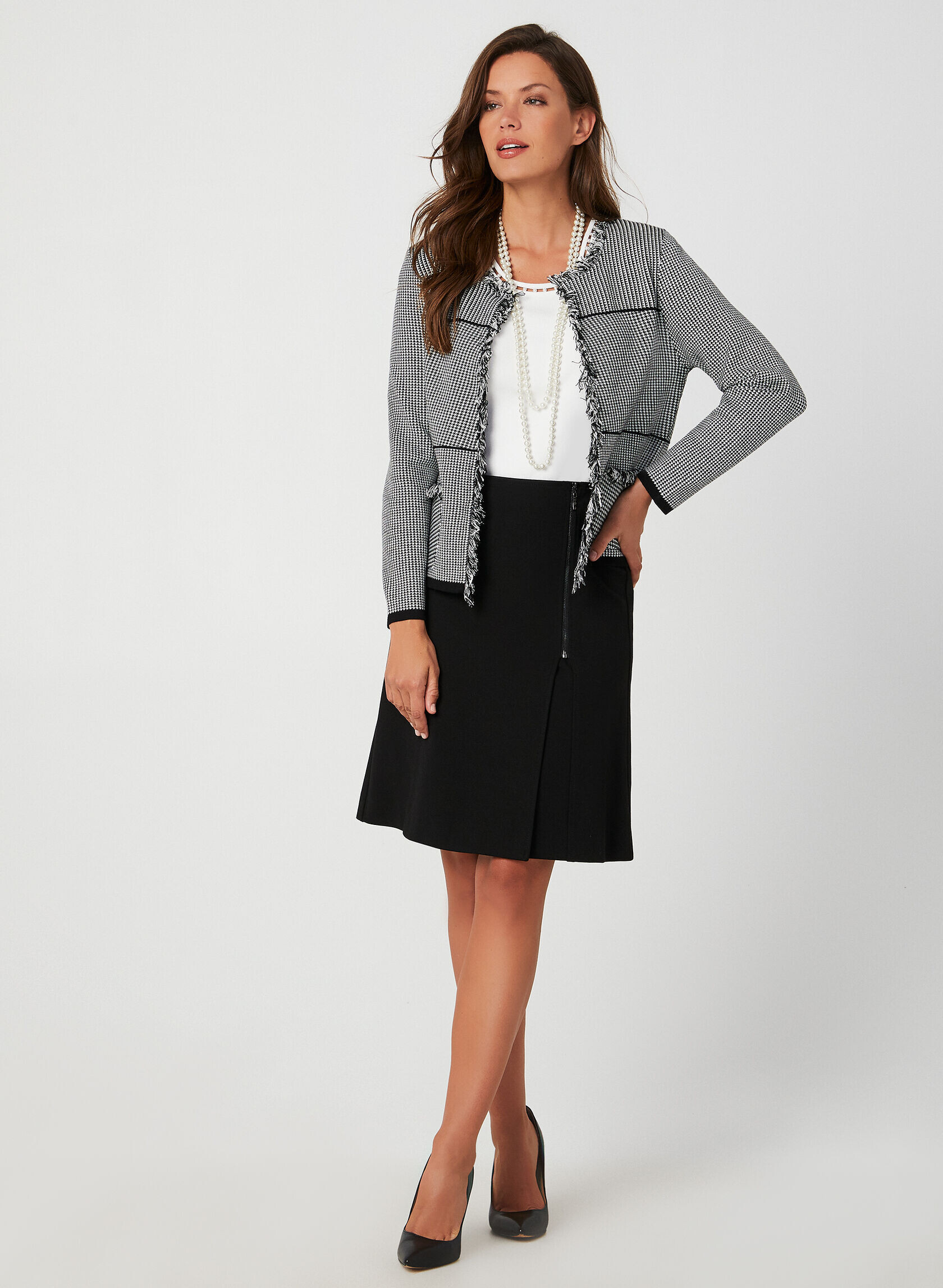
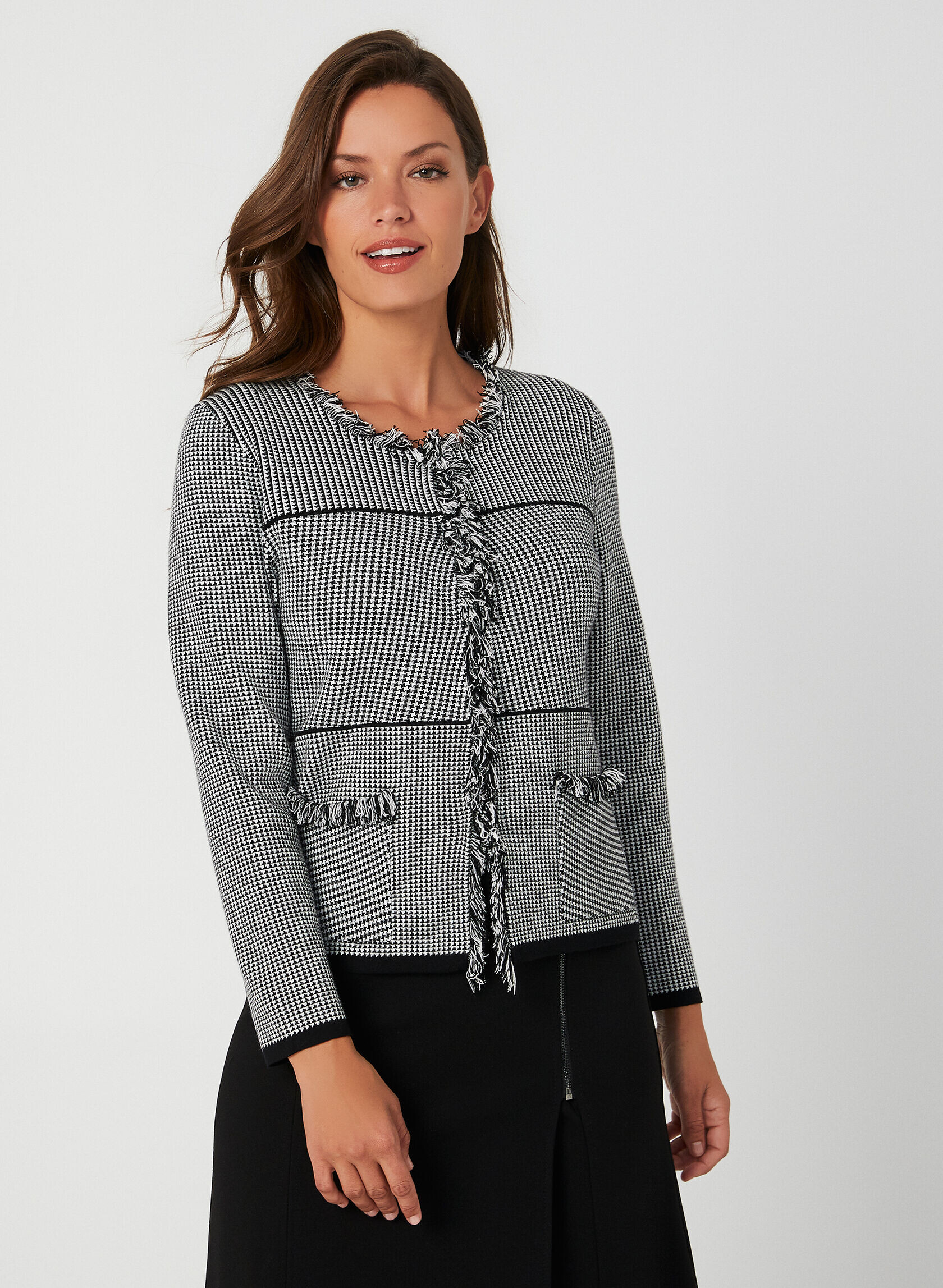
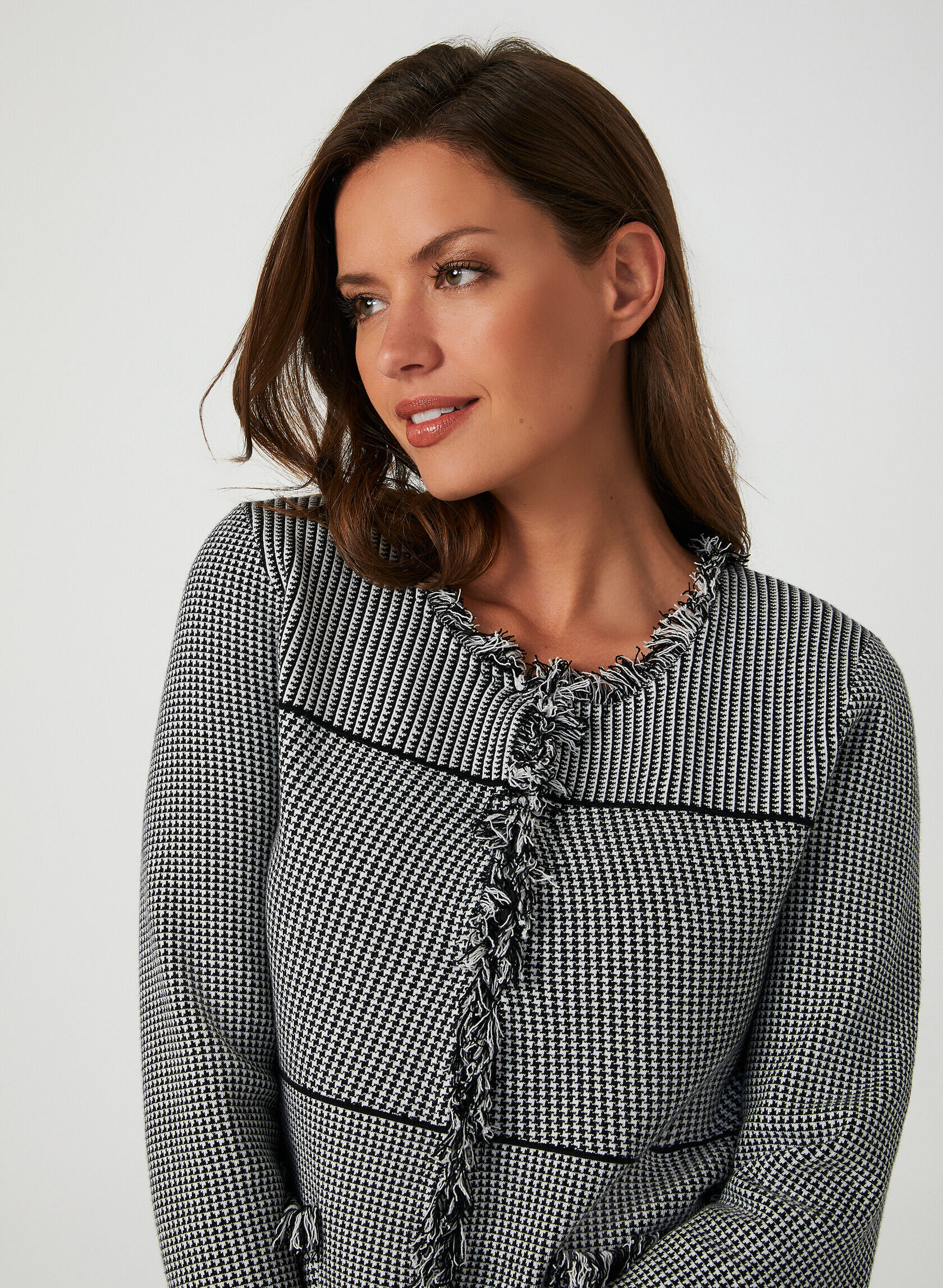
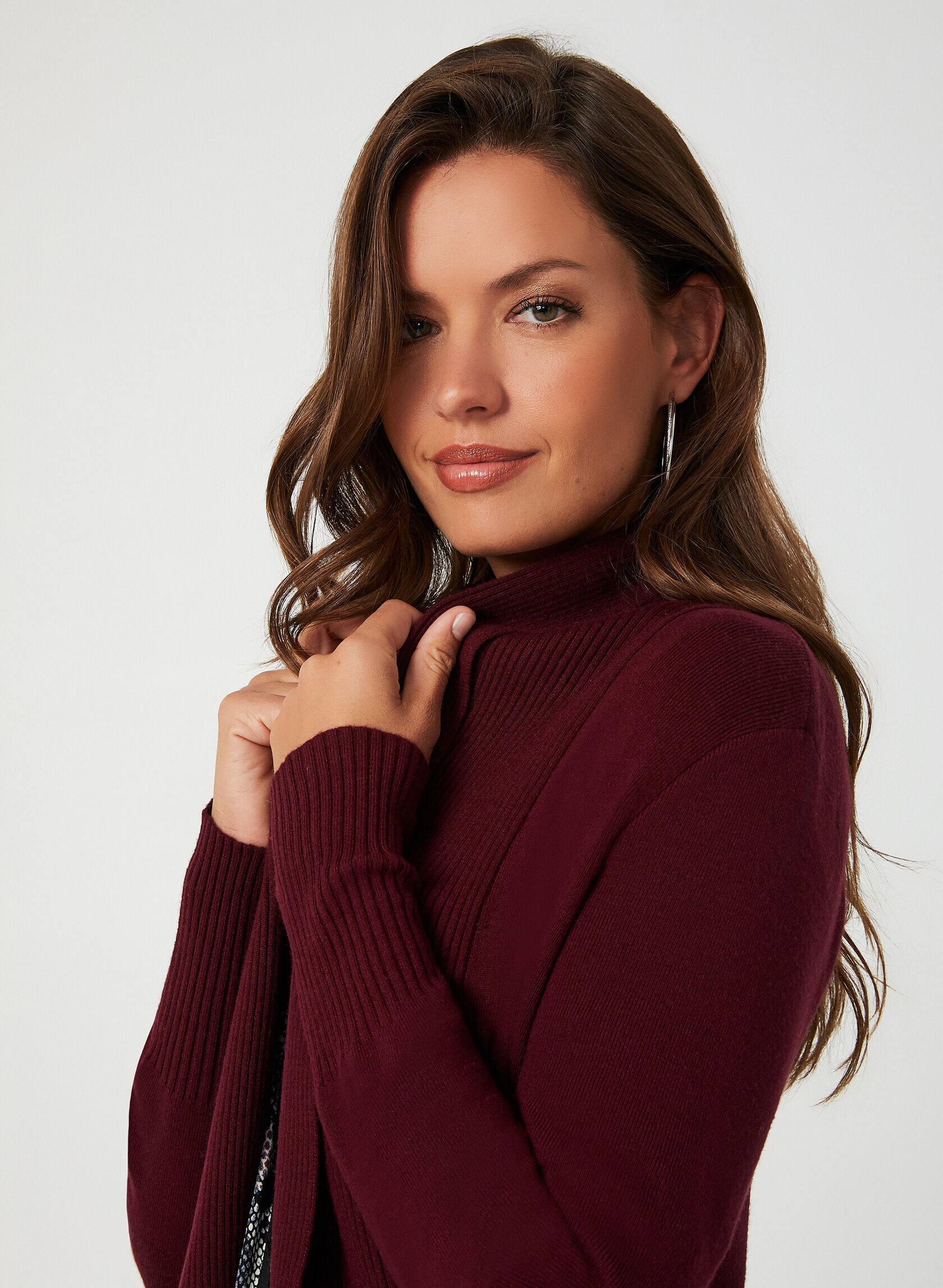
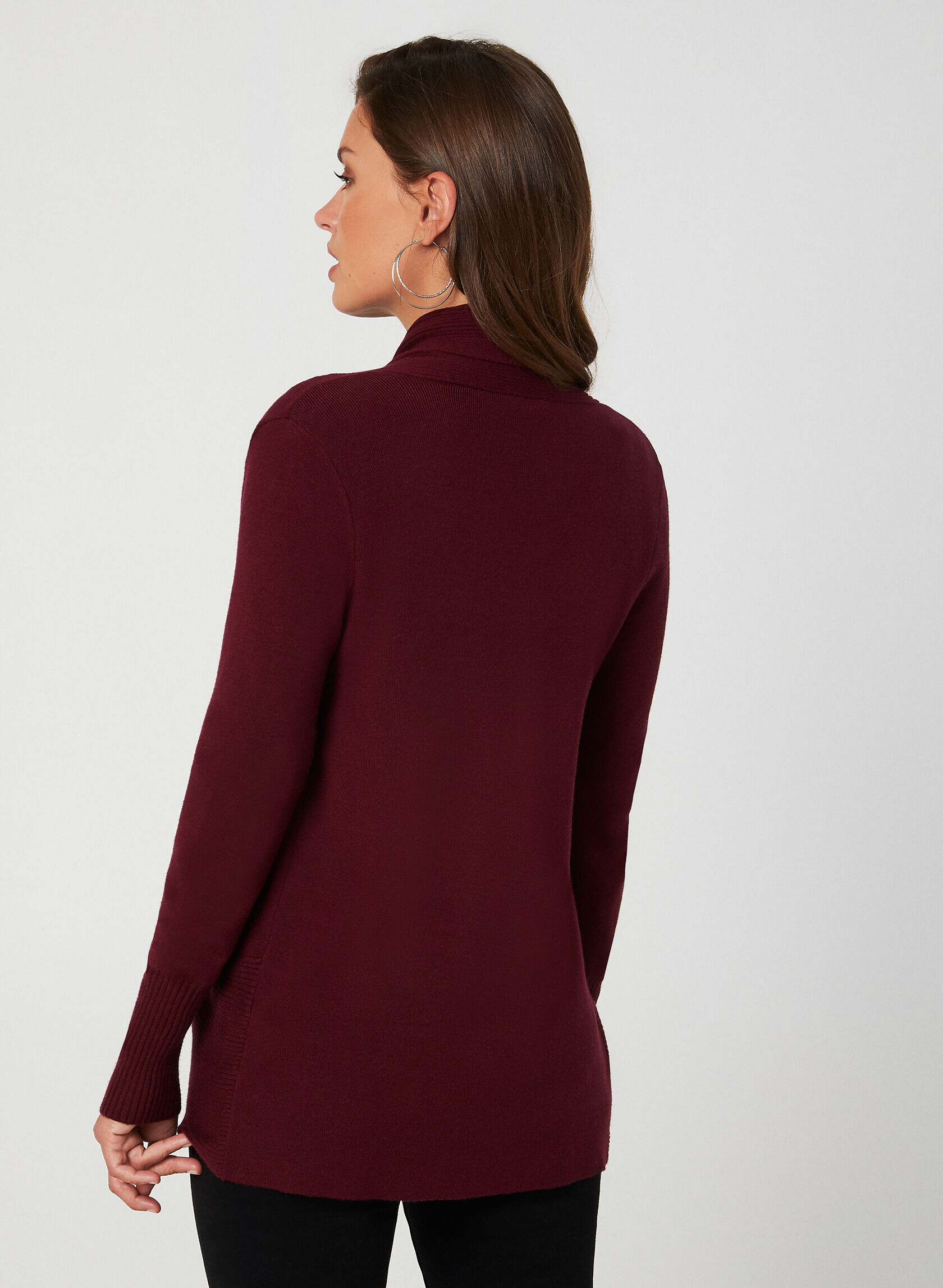
Laura Petites November 2019
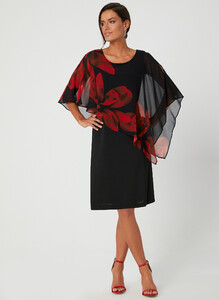
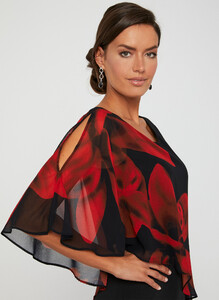
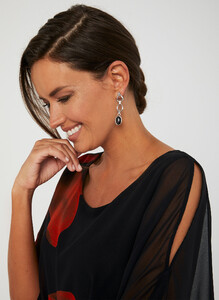
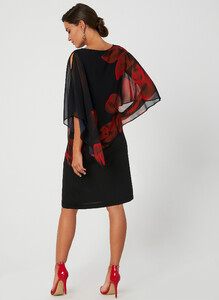
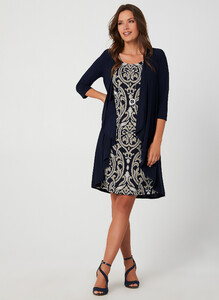
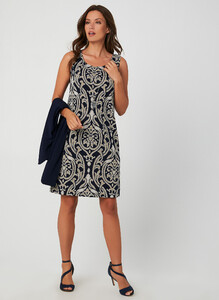
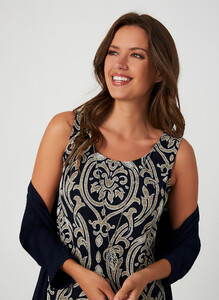
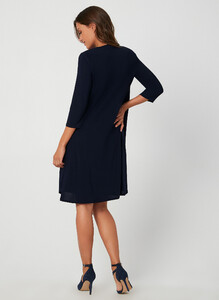
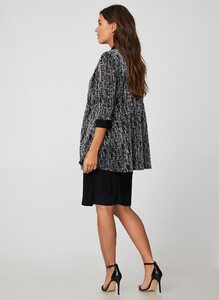
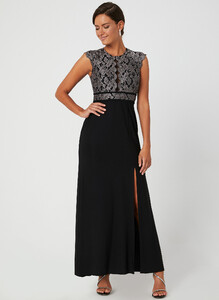
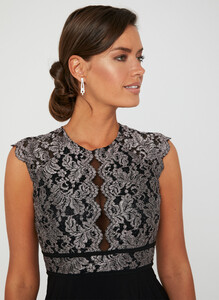
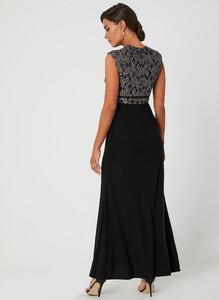
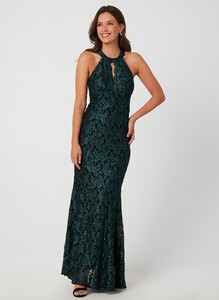
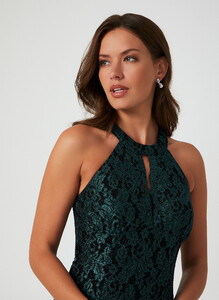
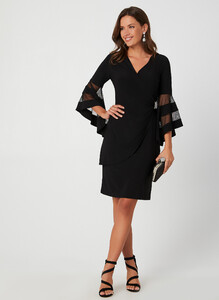
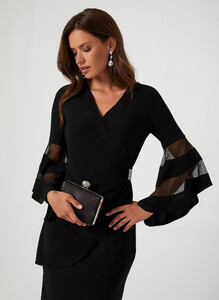

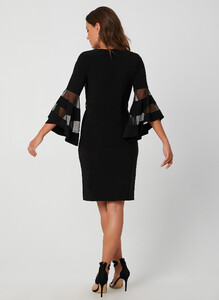
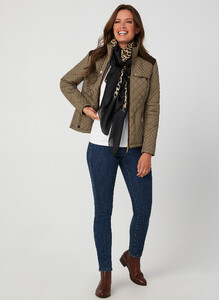
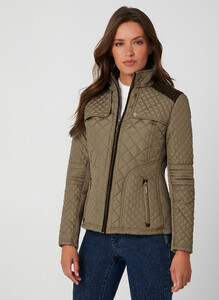
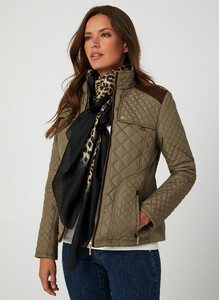
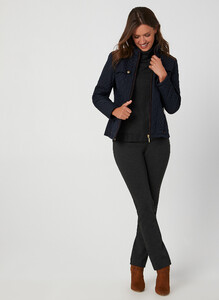
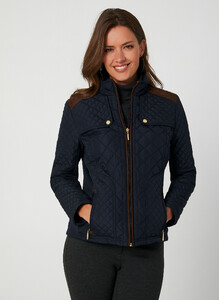
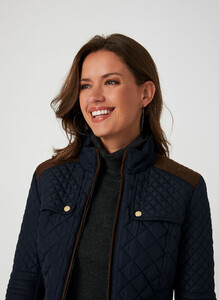
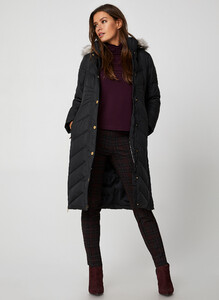
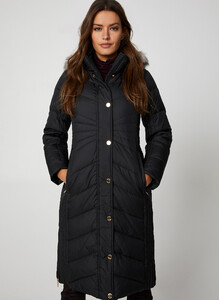
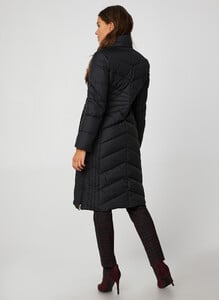
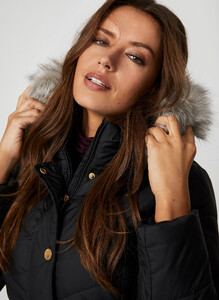
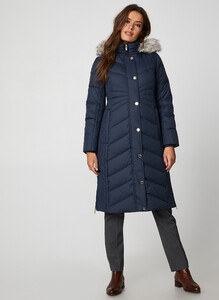
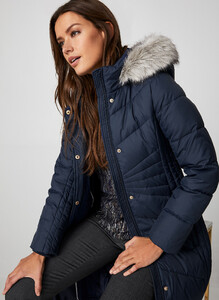
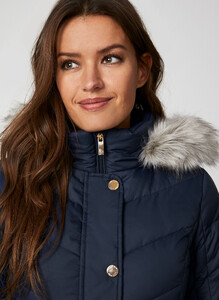
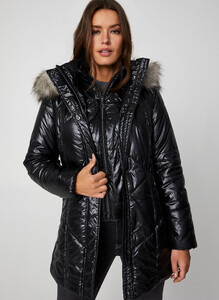
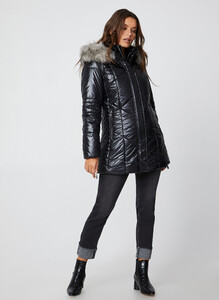
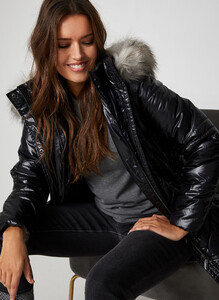
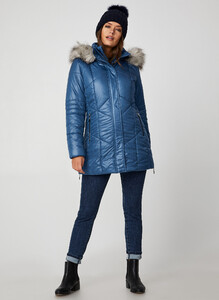
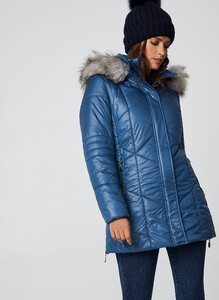
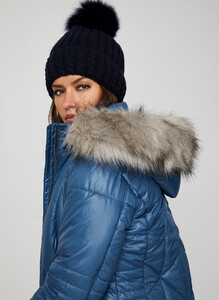
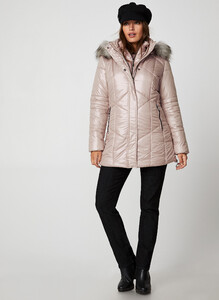
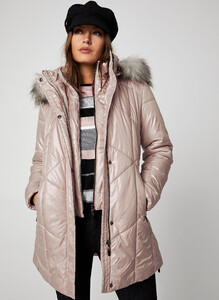
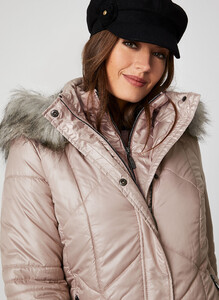
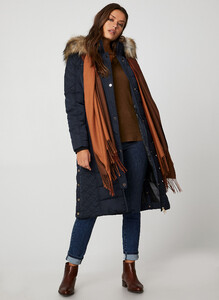
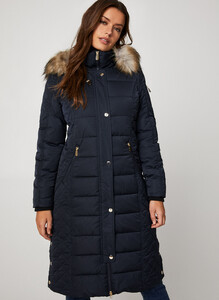
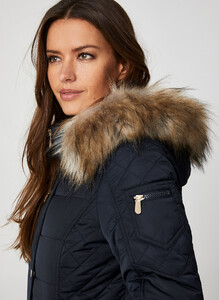
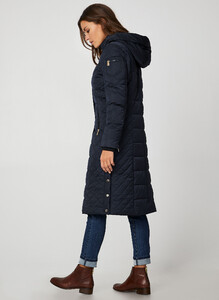
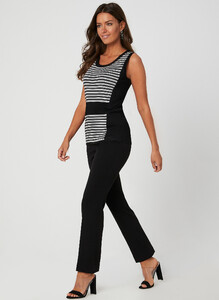
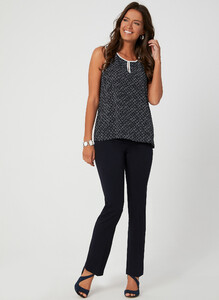
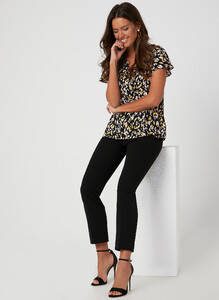
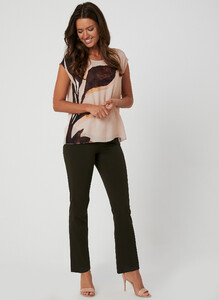
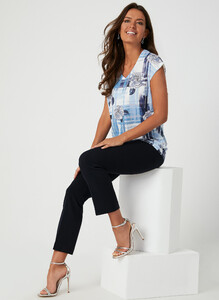
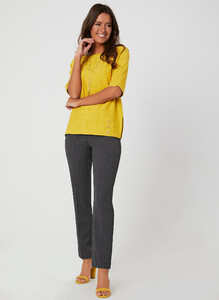
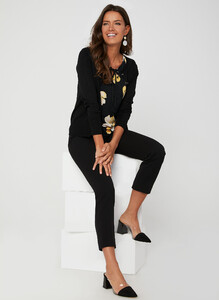
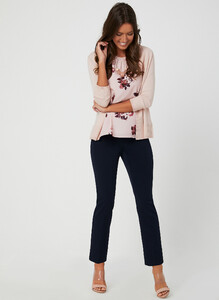
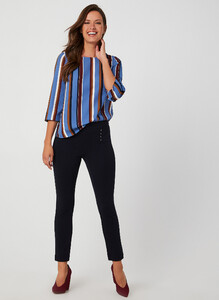
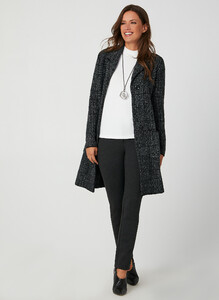
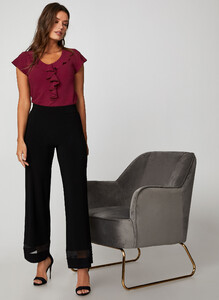
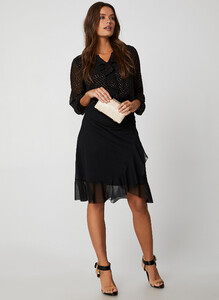
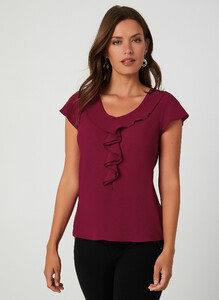
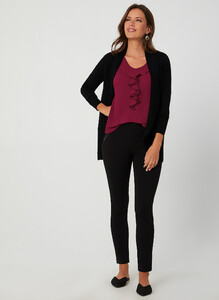
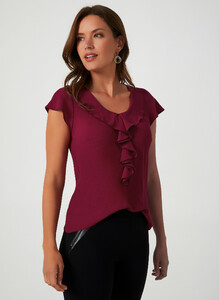
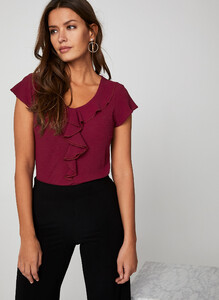
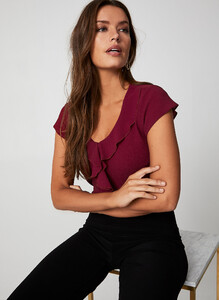
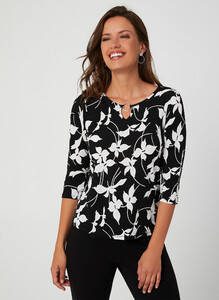
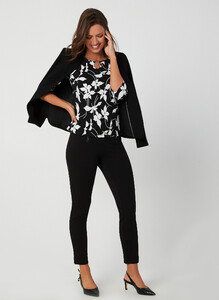
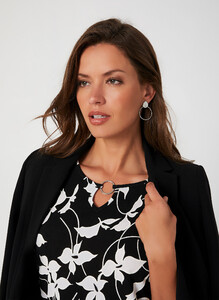
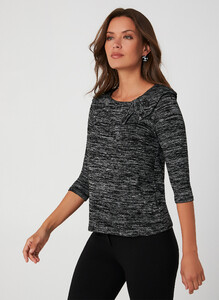
.thumb.jpg.154553d4ba8bc186855f15c7f2bc29c4.jpg)
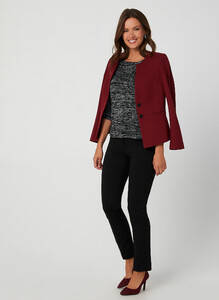
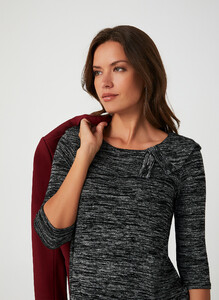
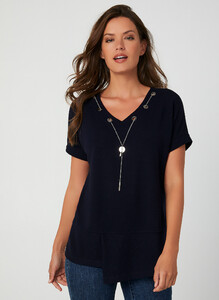
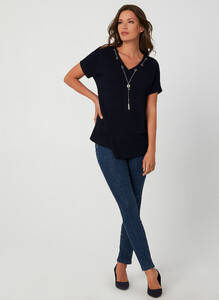
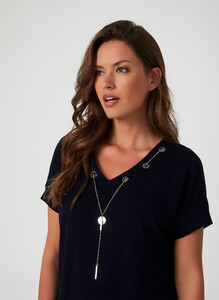
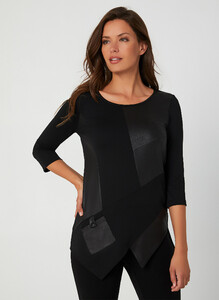
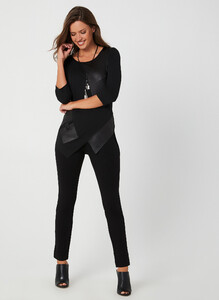
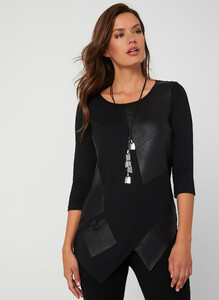
.thumb.jpg.a0bf1ad9246bd26d3f5acc933407ba70.jpg)
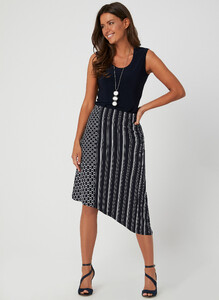

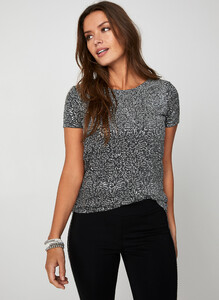
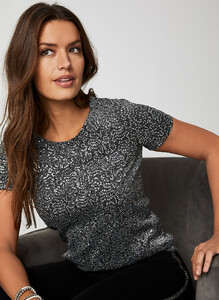
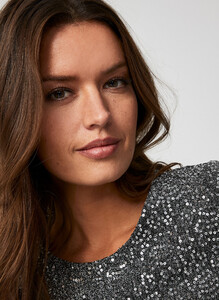
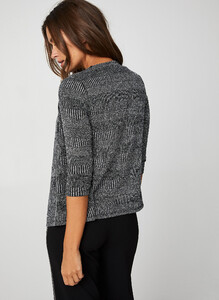
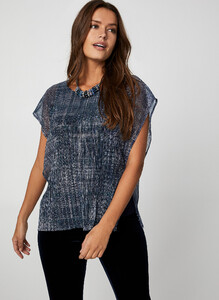
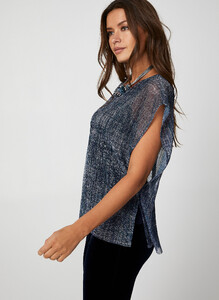
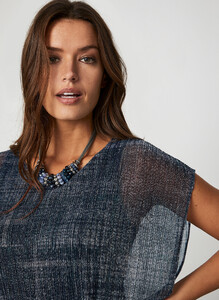


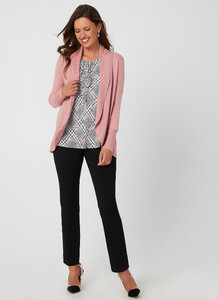
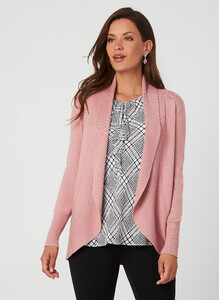
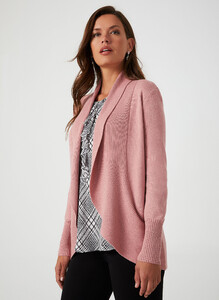
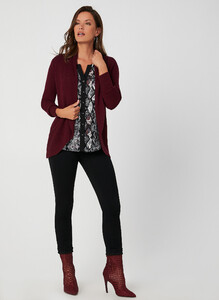
-
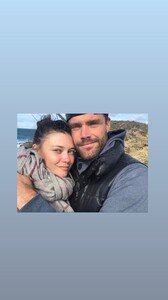
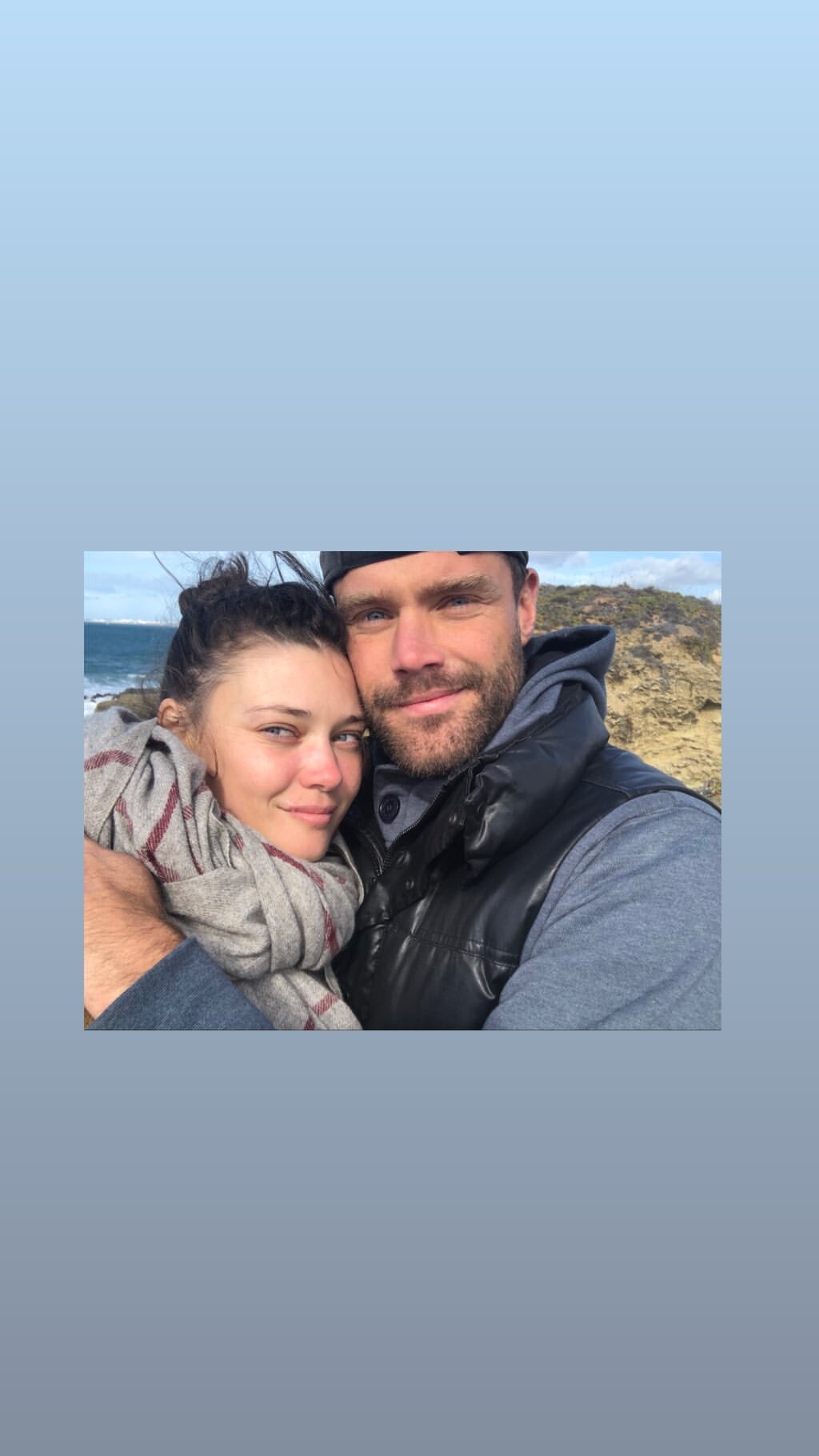
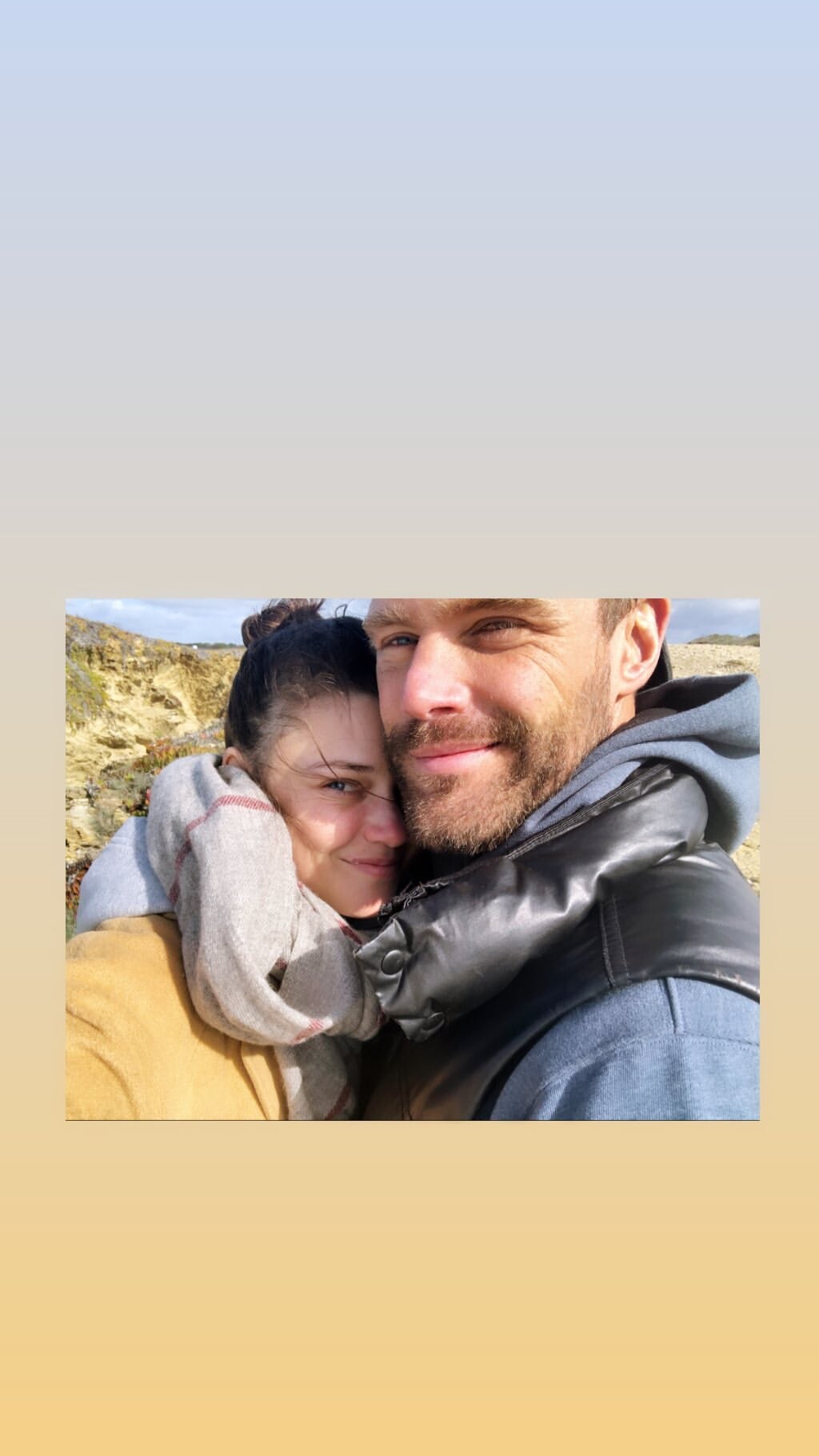
In Portugal, with Nick Youngquest😉
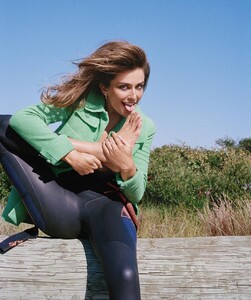
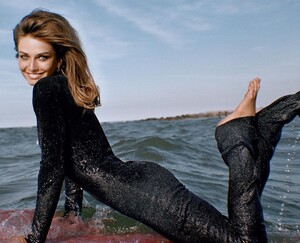
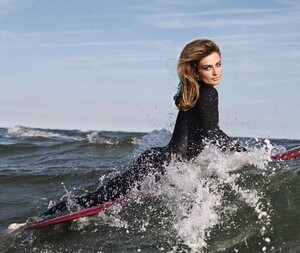
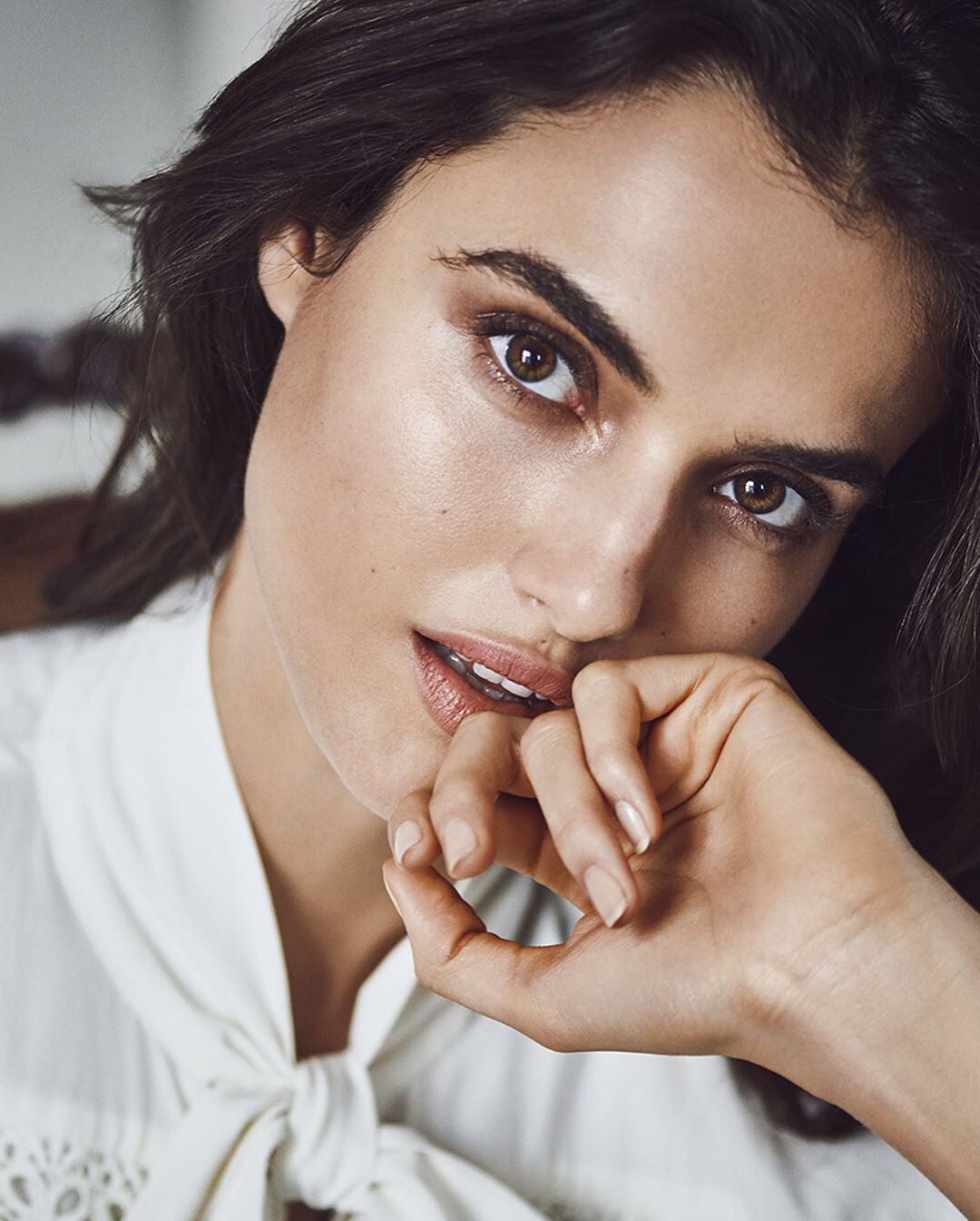
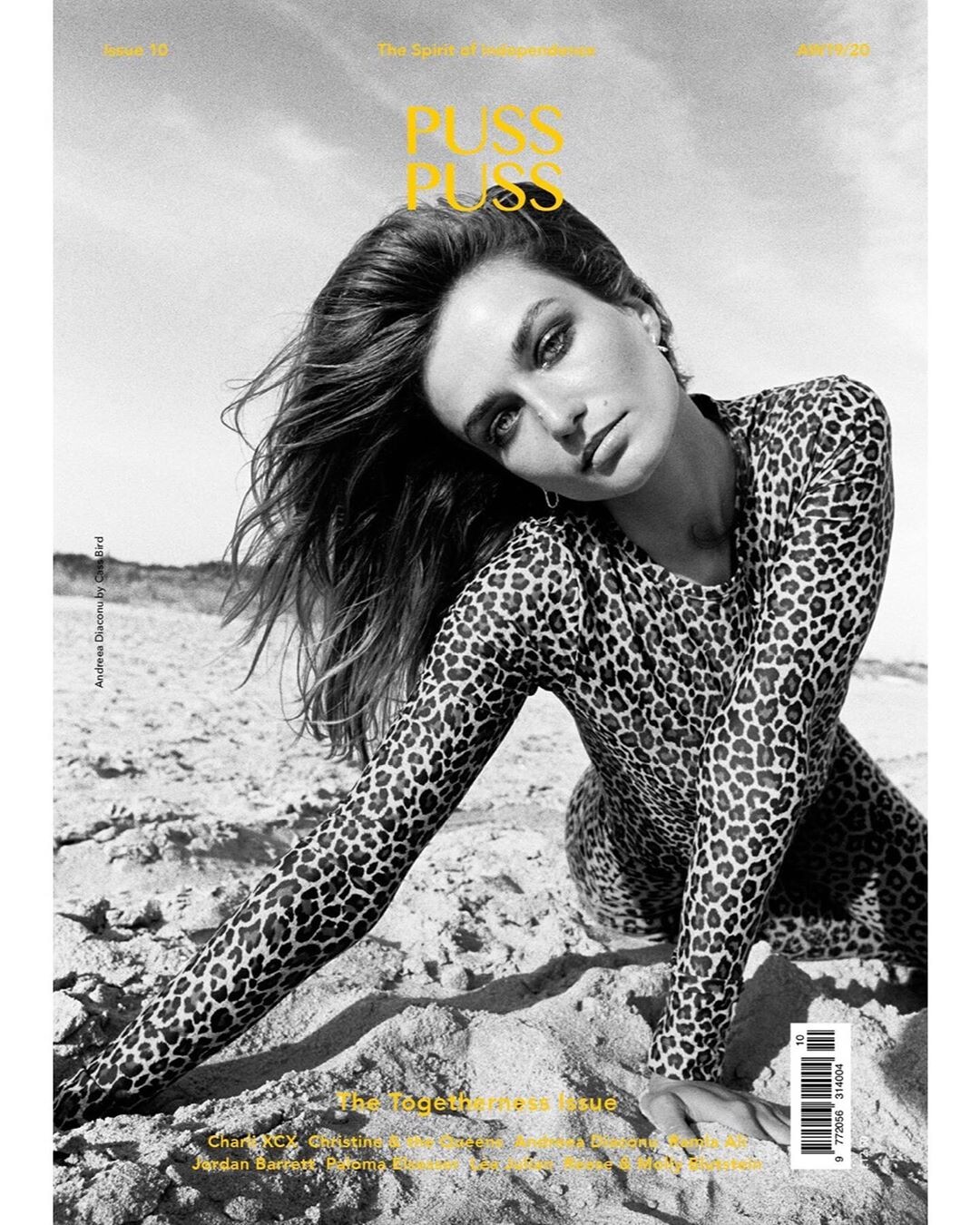
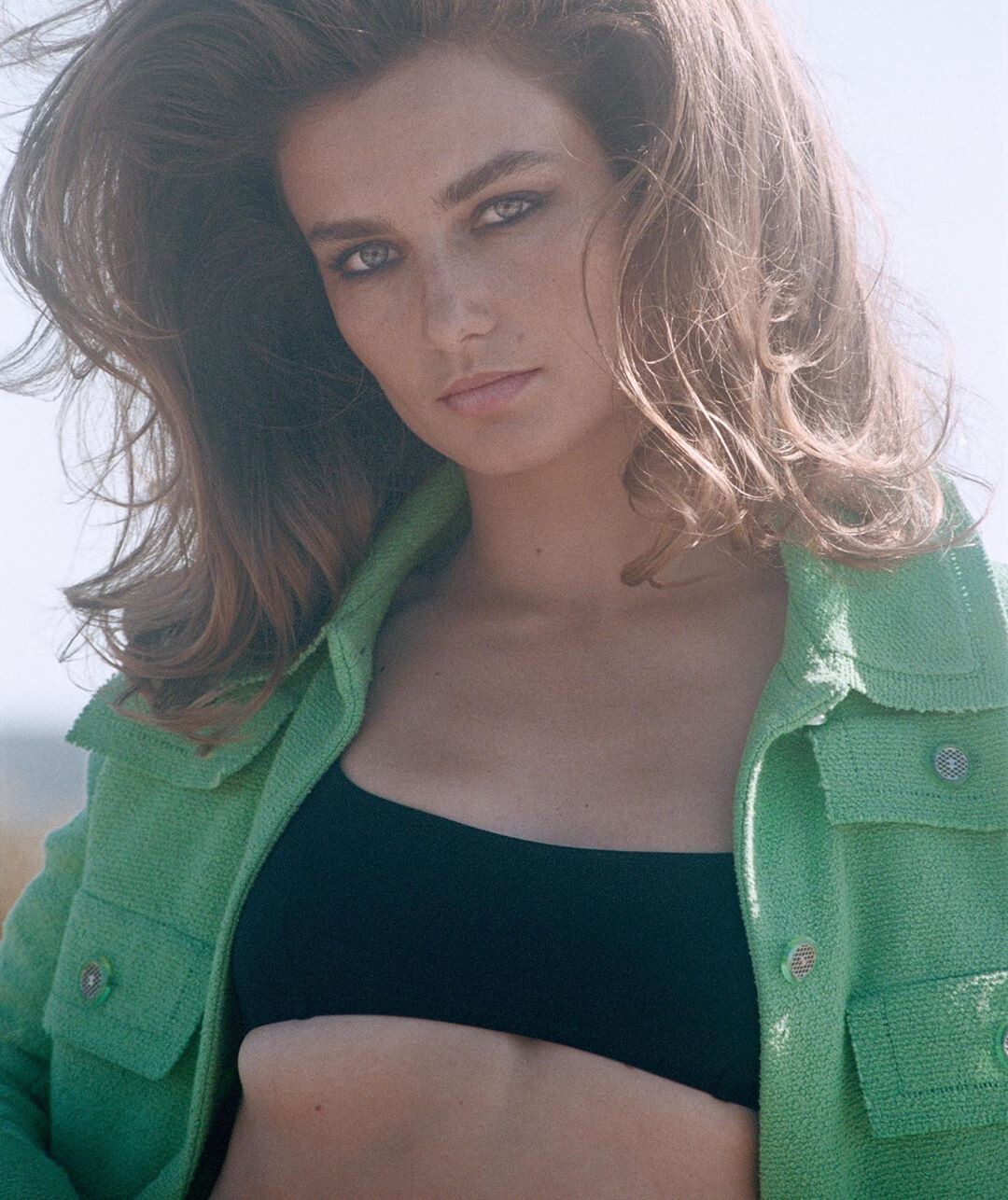
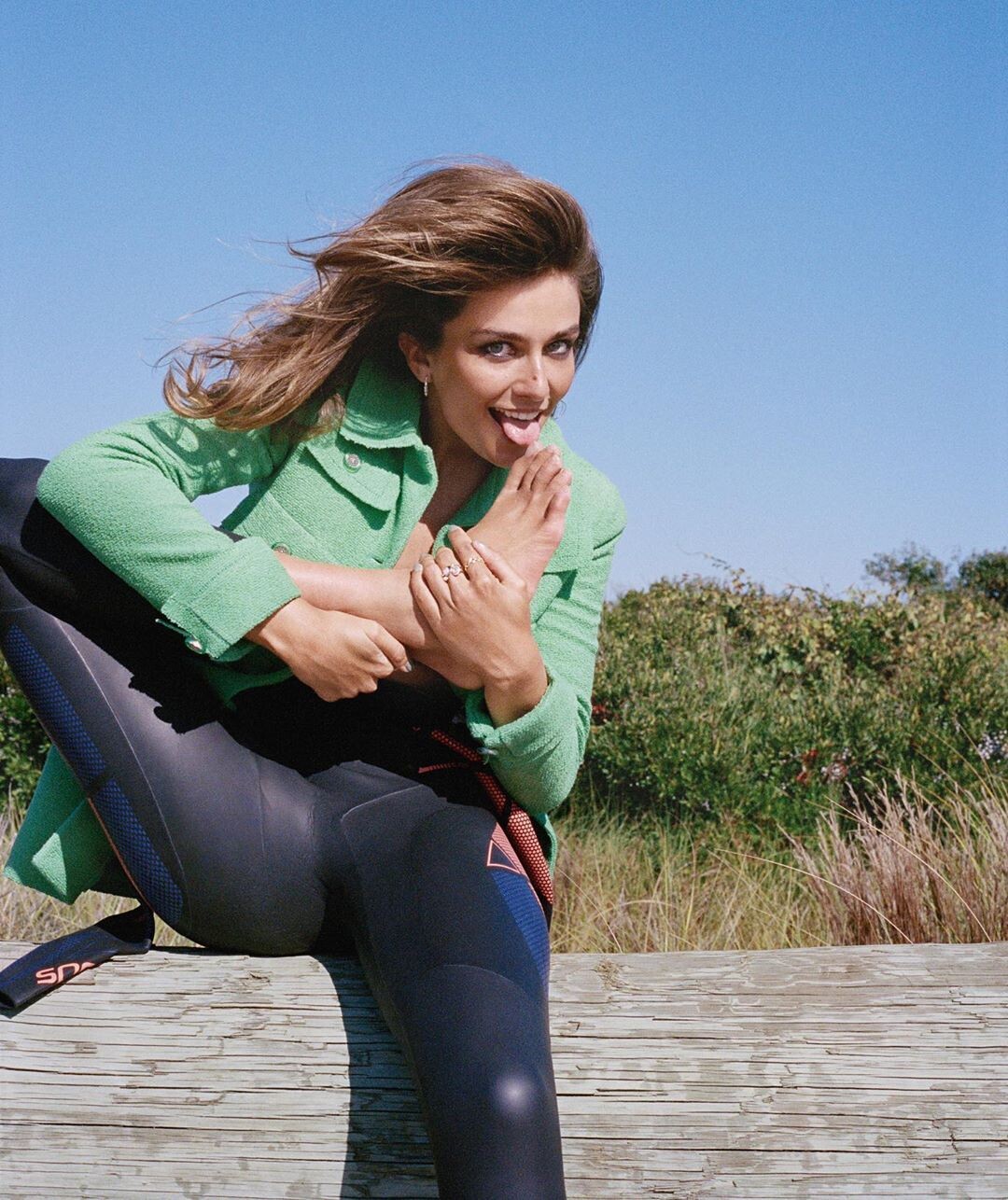
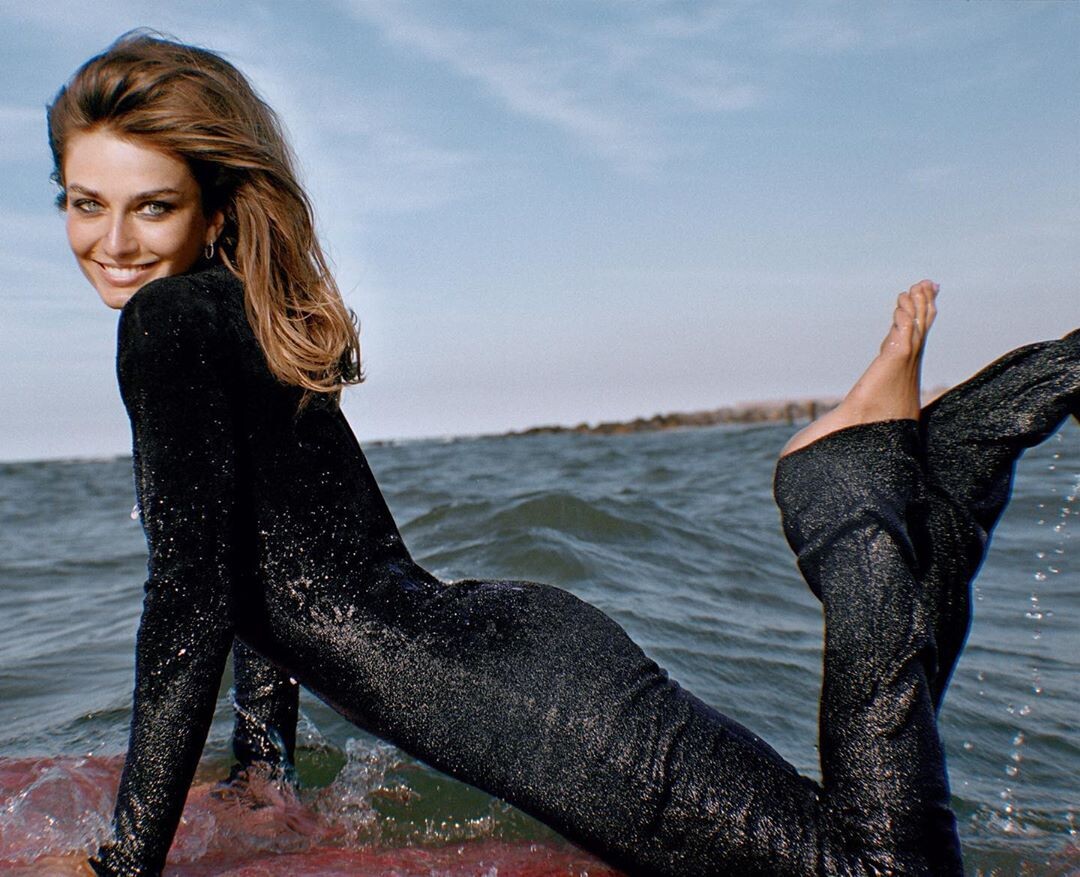
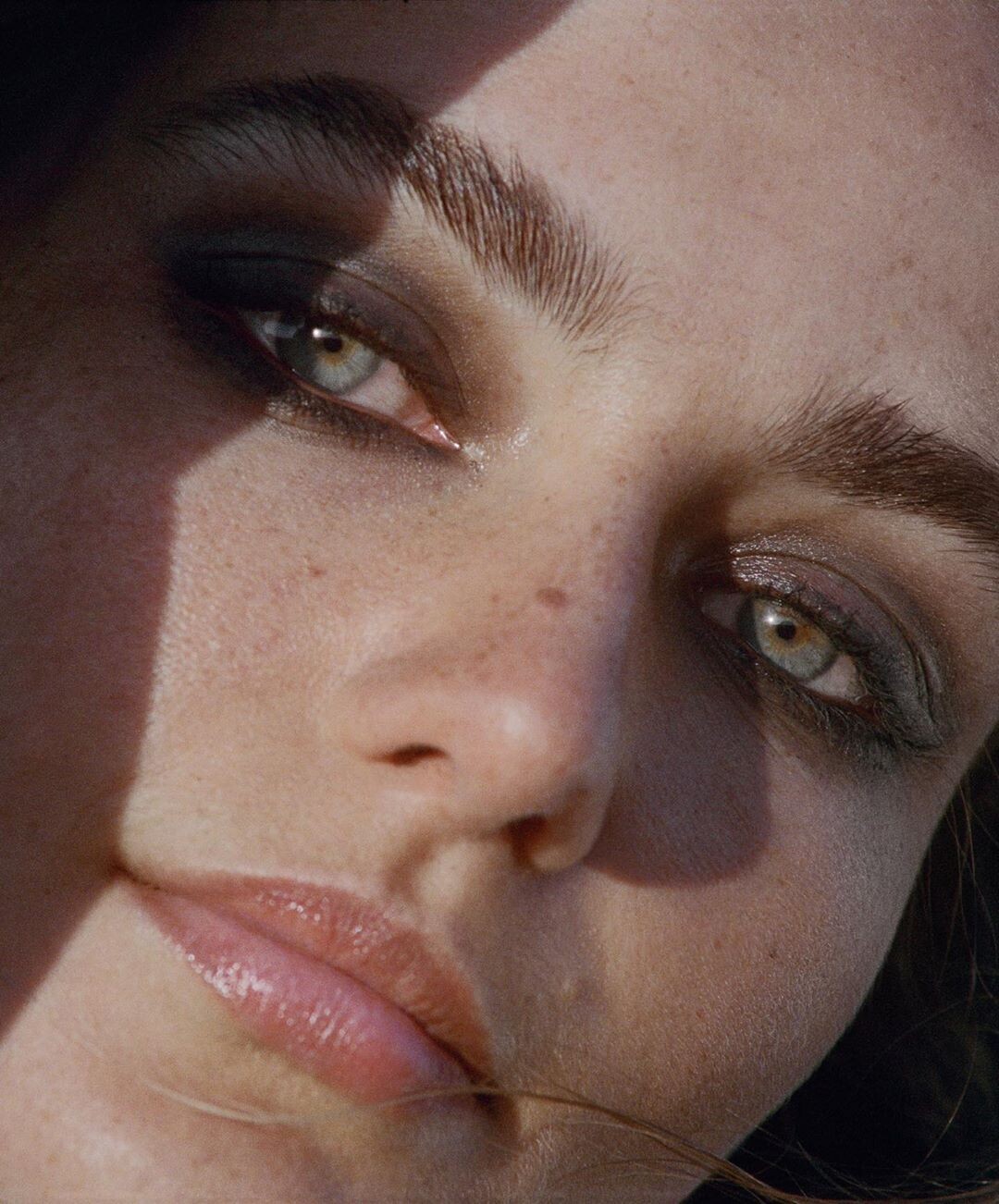
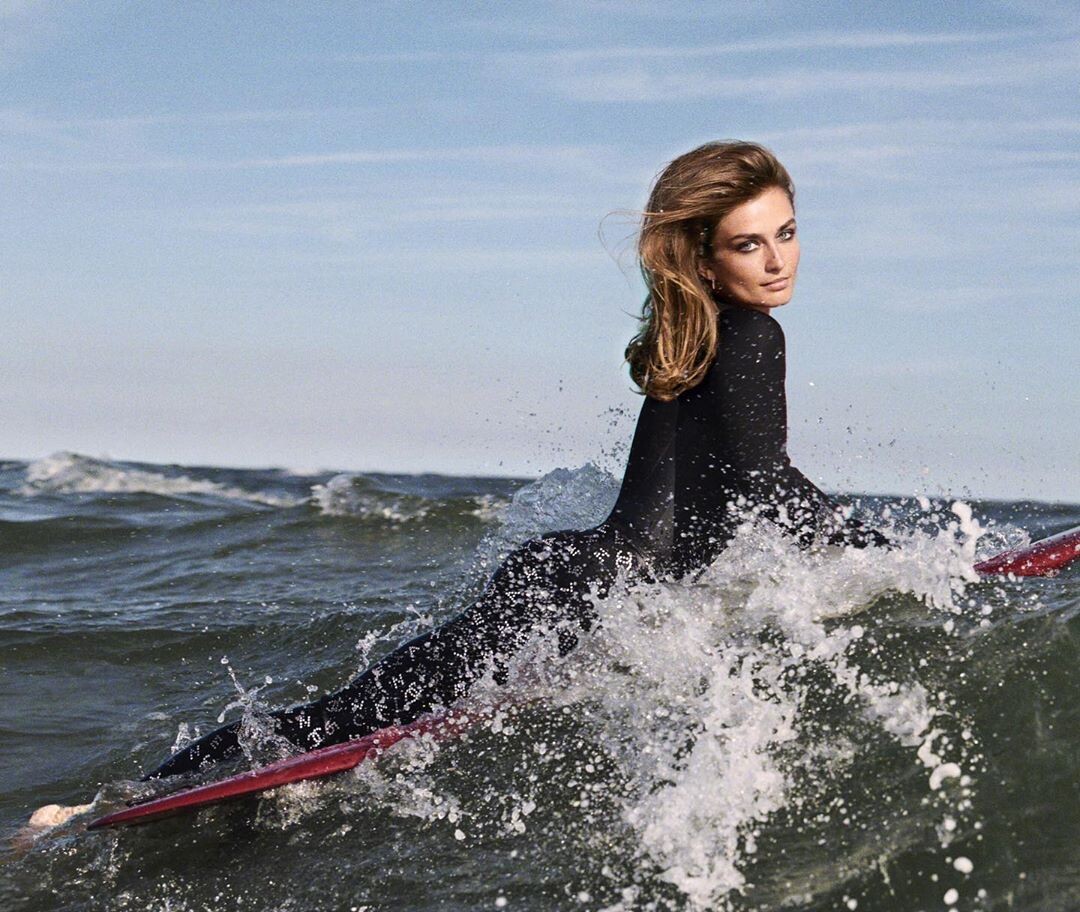
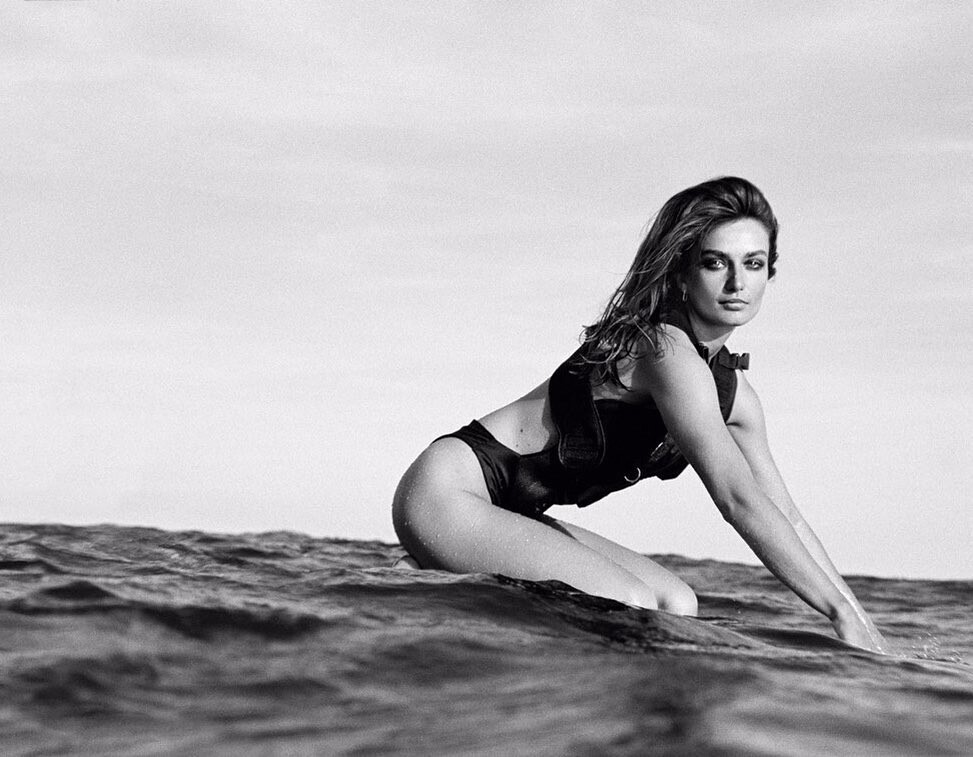
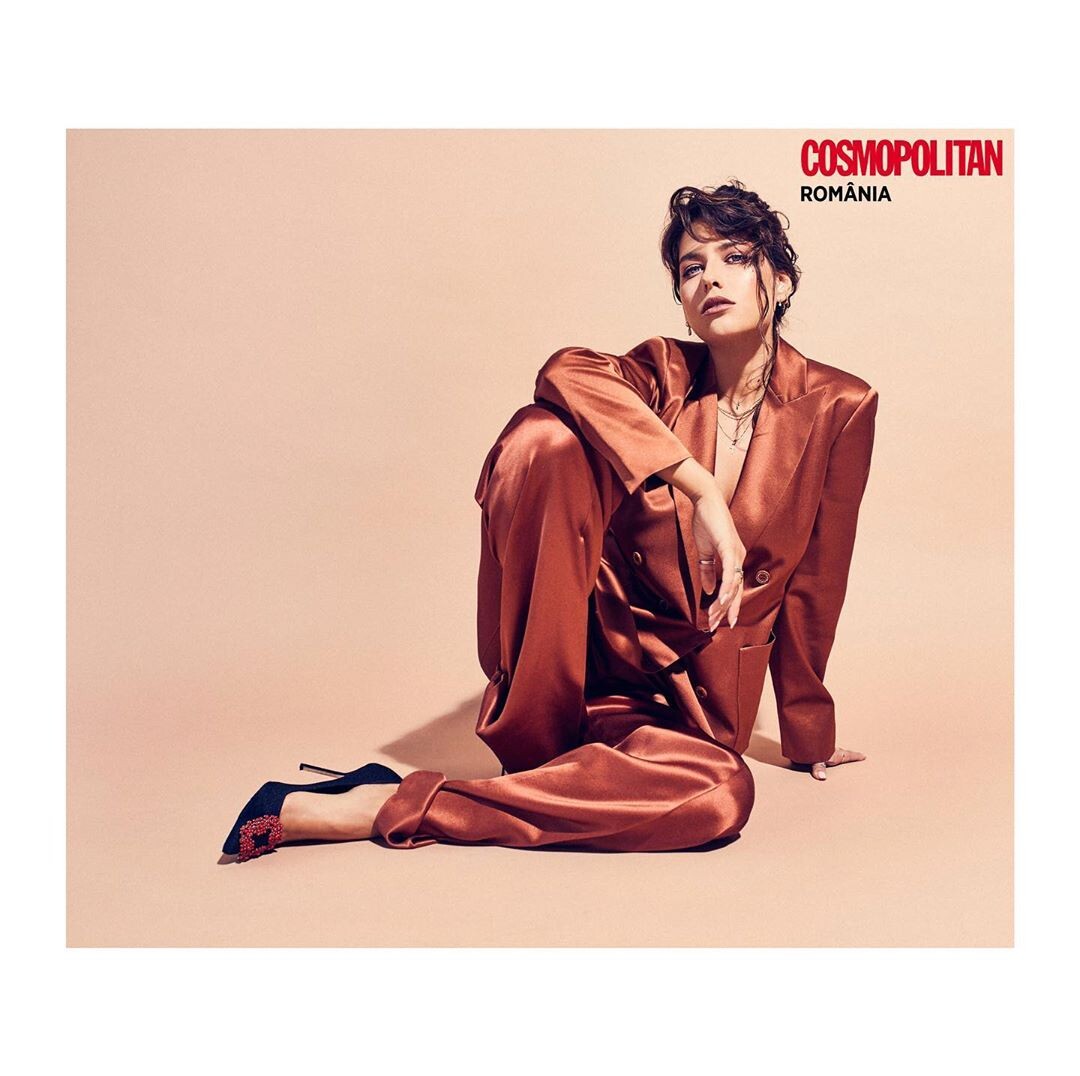
 Andreea Diaconu photographed by Cass Bird for Puss Puss Fall Winter 2019. Fashion Editor: Heather-Mary Jackson. @pusspussmag @andreeadiddy @cassblackbird @heathermaryjackson Hair: @ward_hair Makeup: @romyglow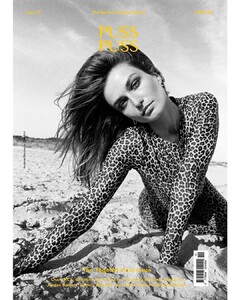







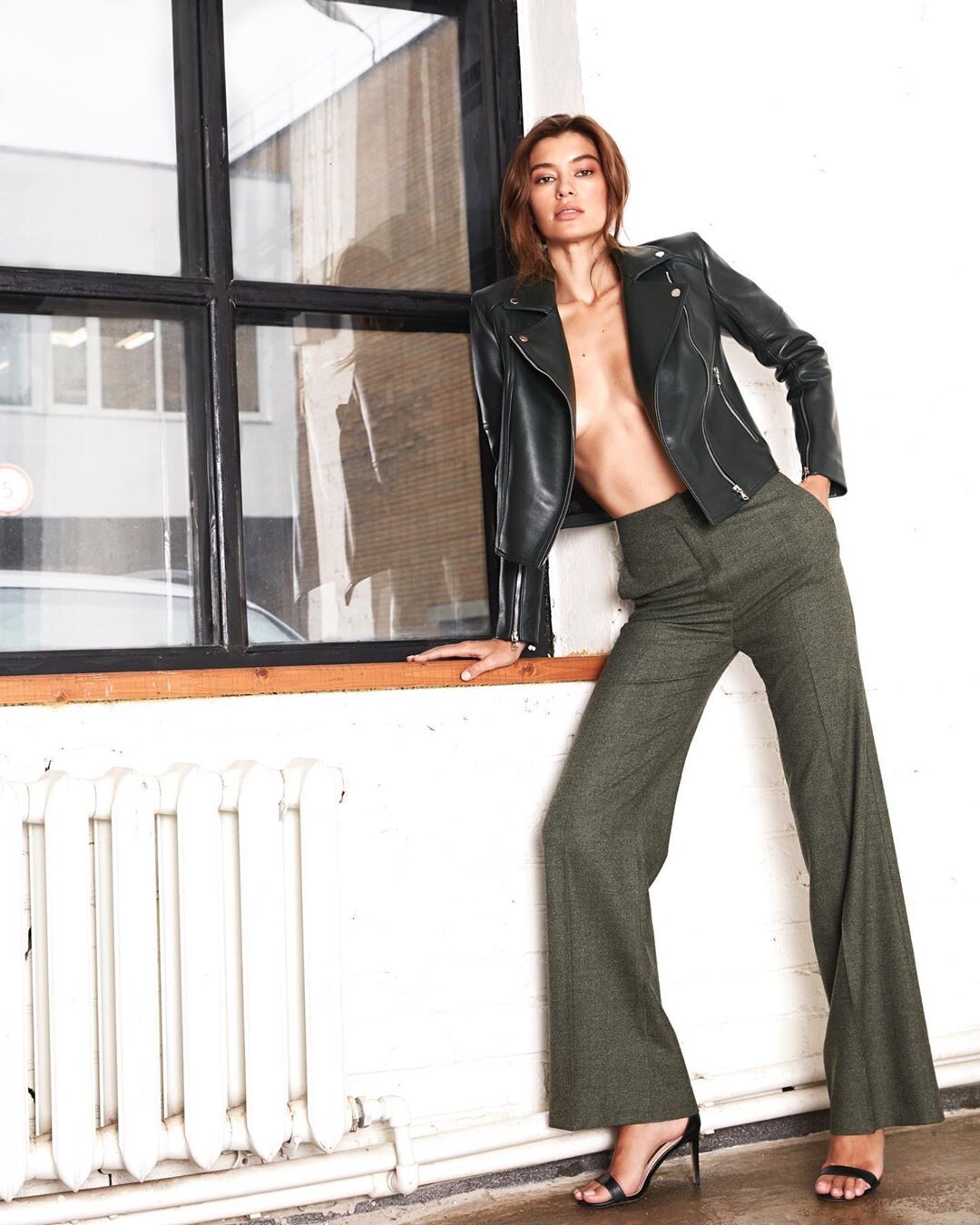
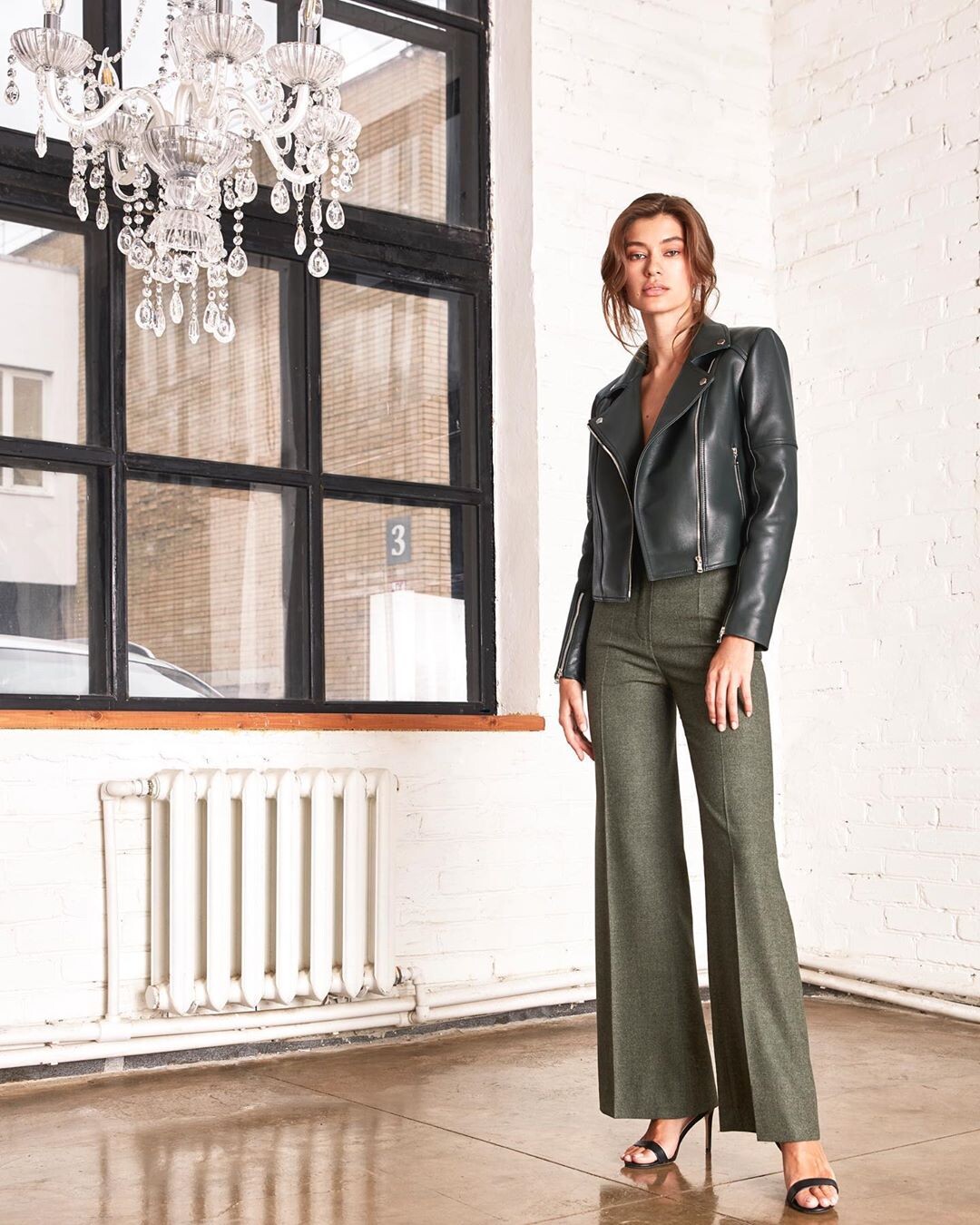
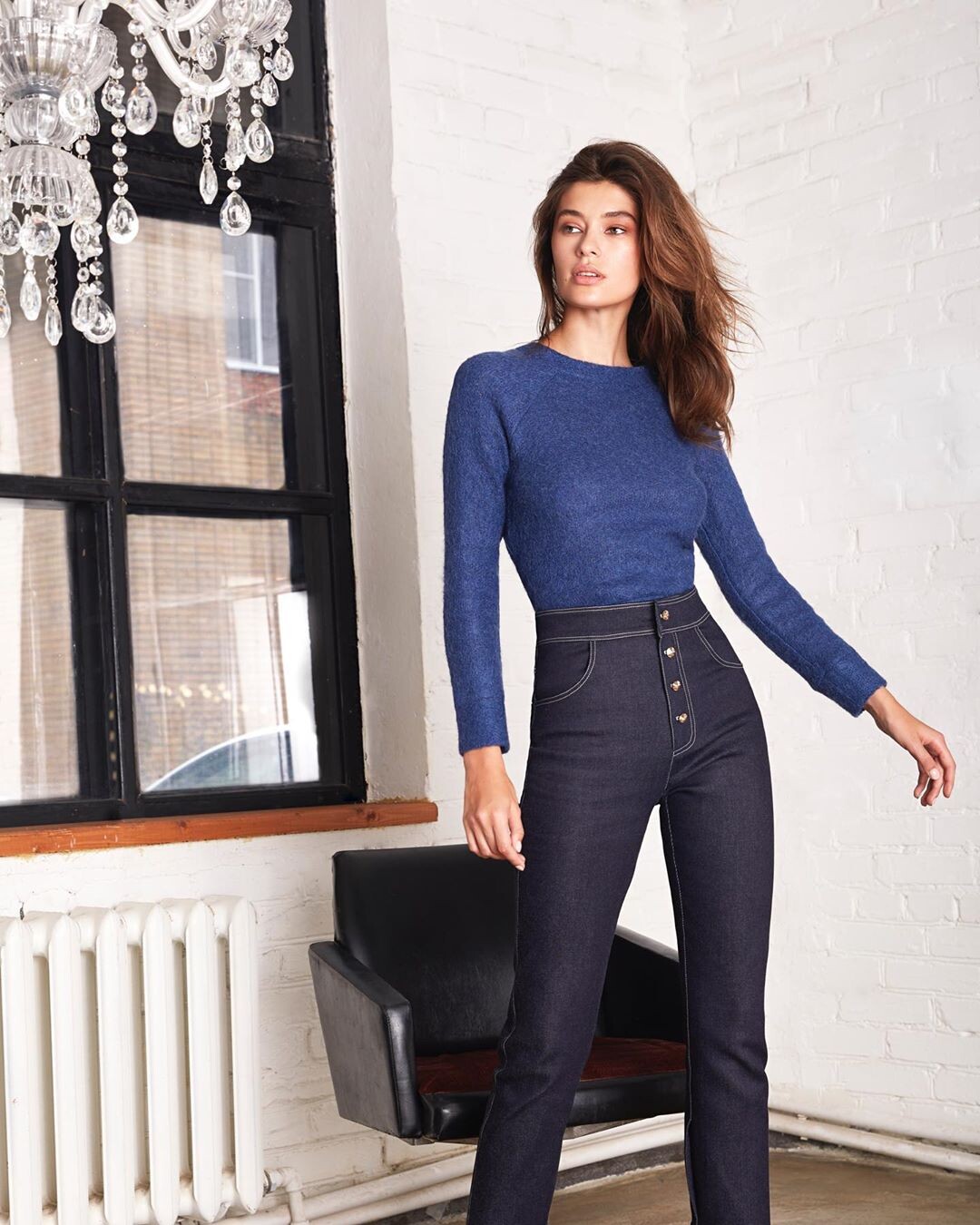
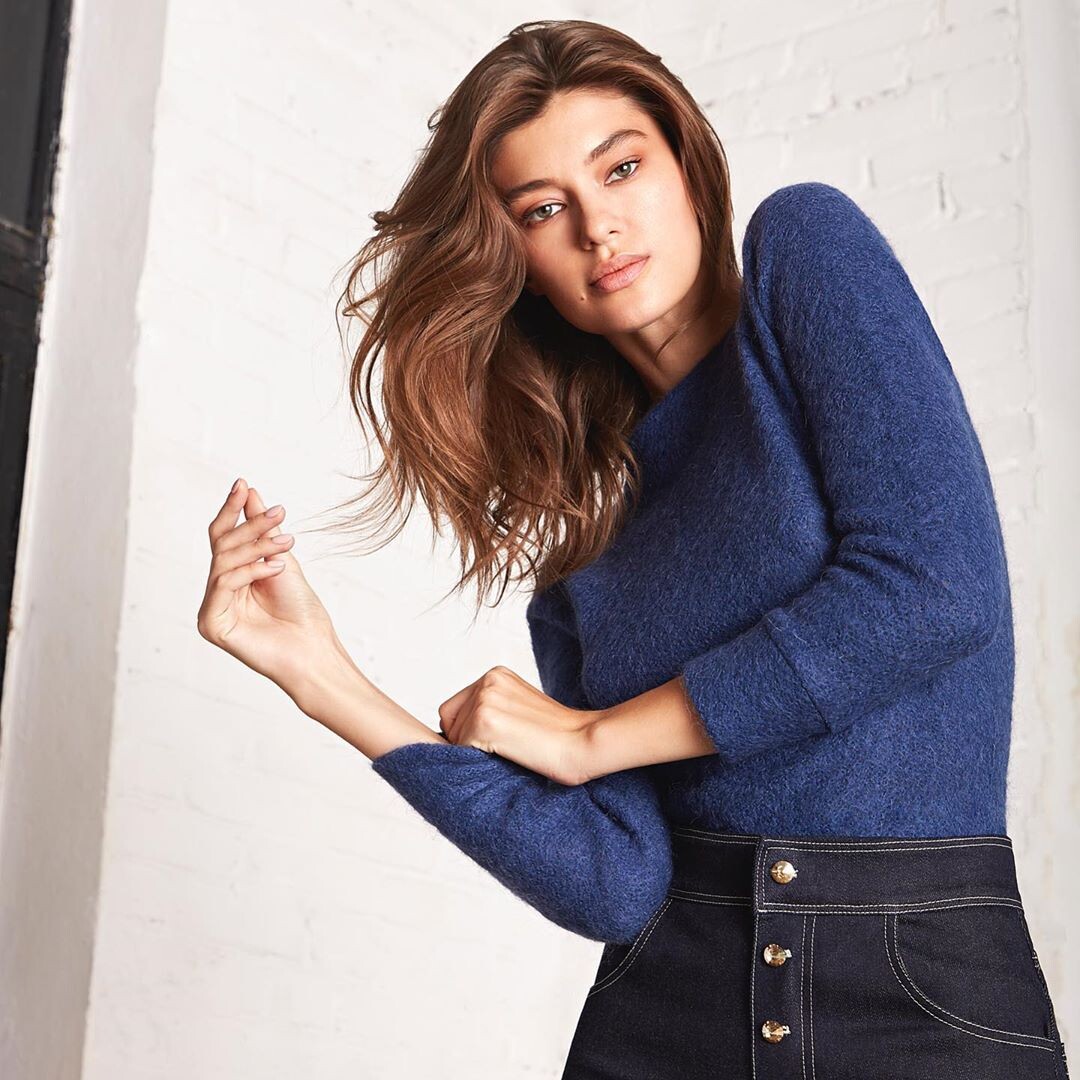
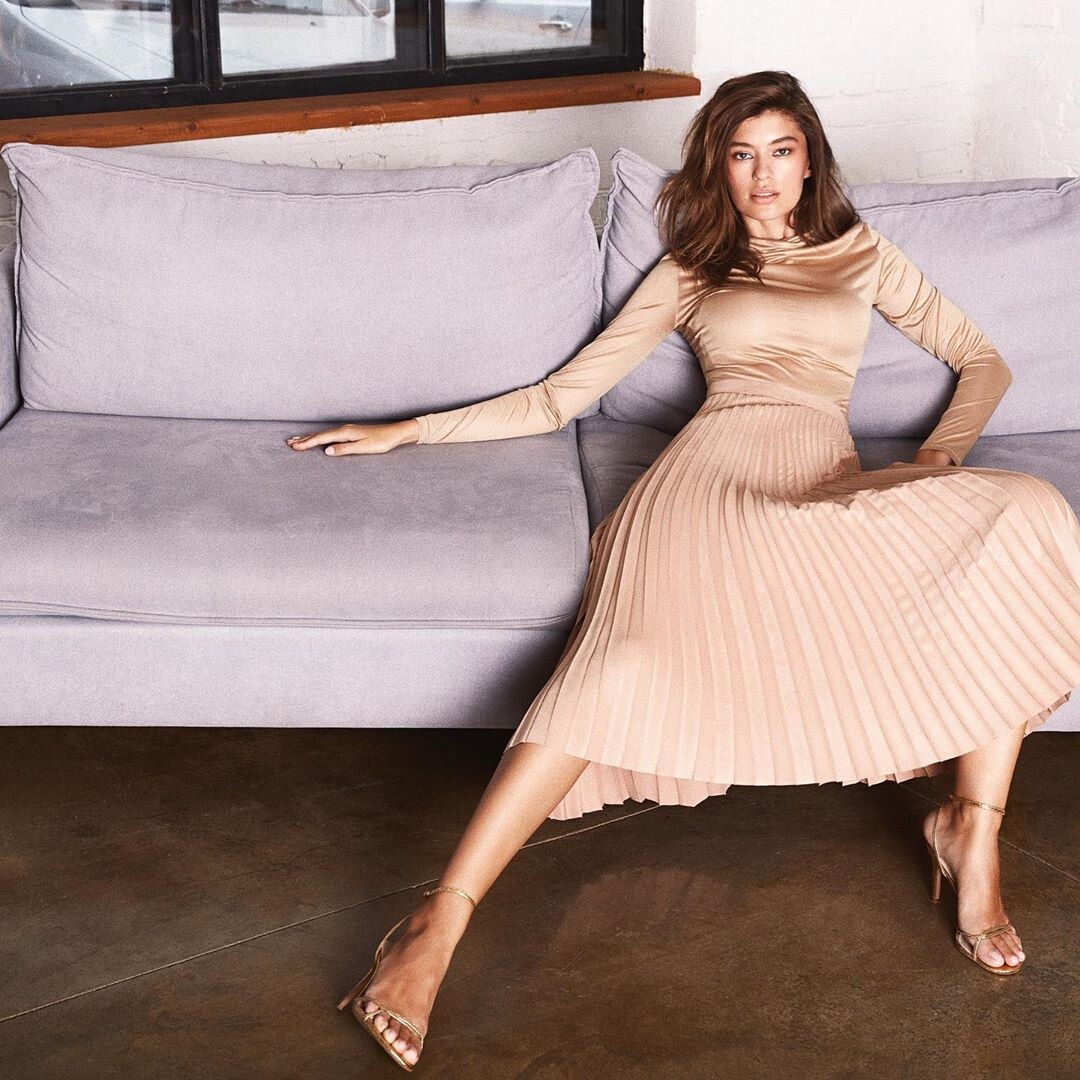
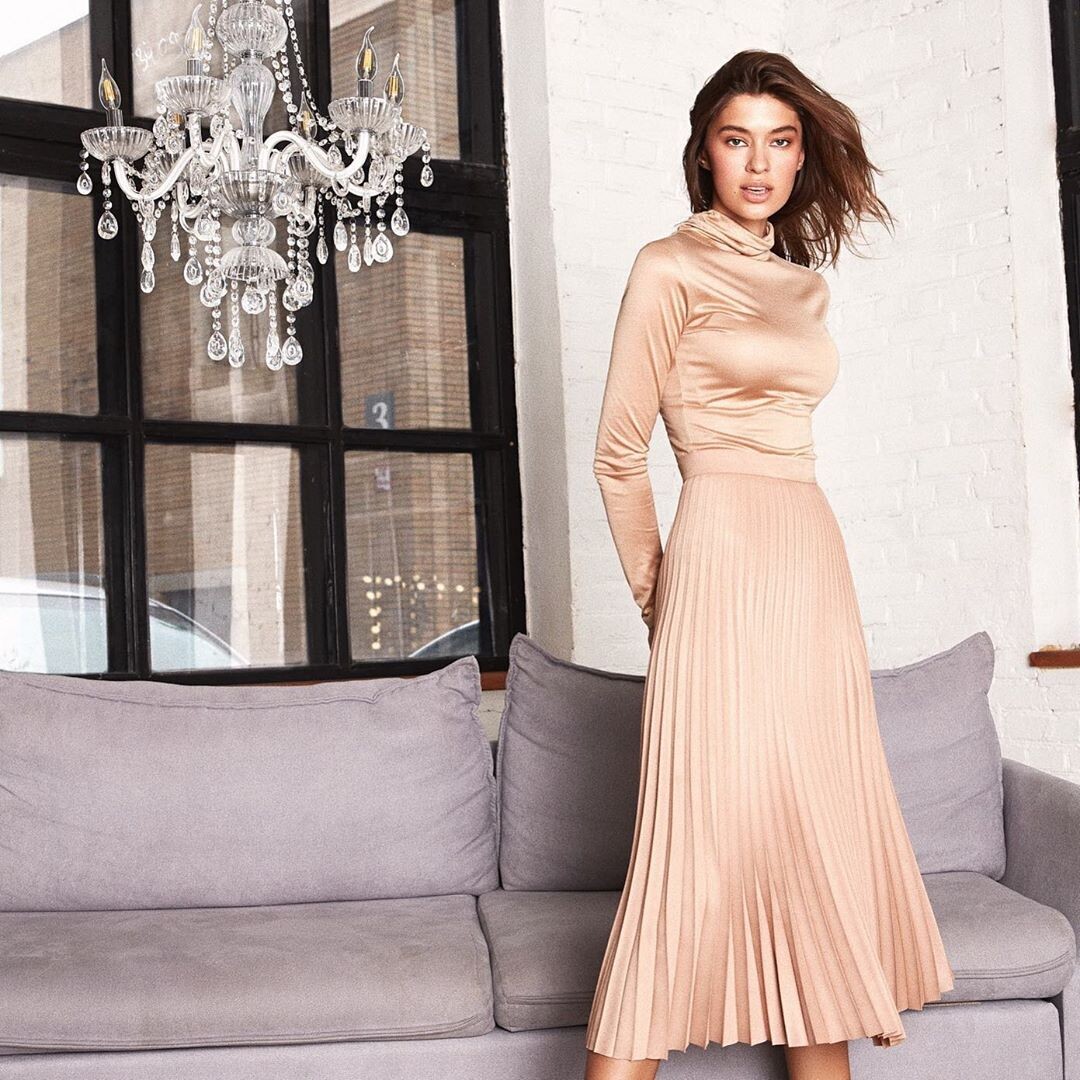

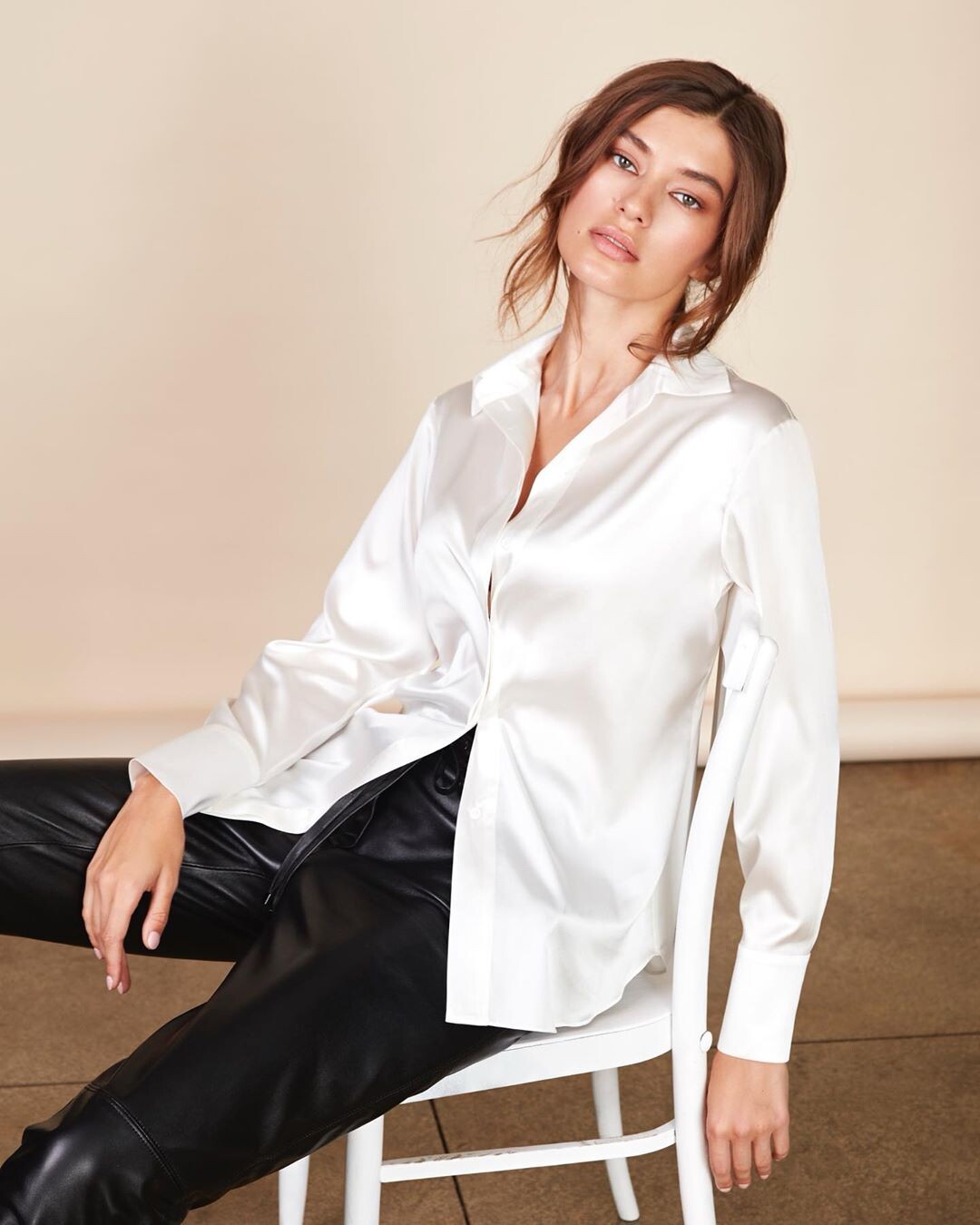
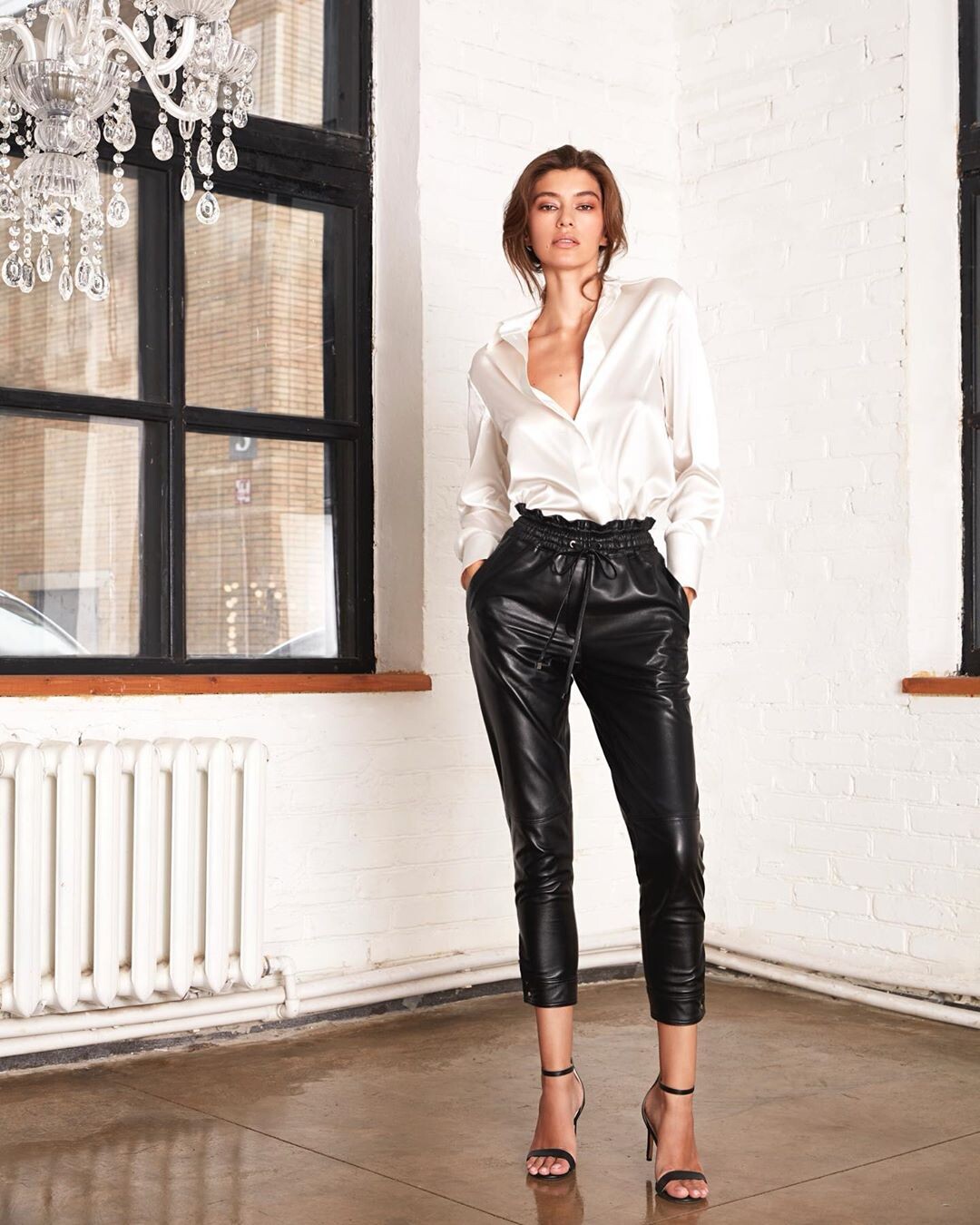
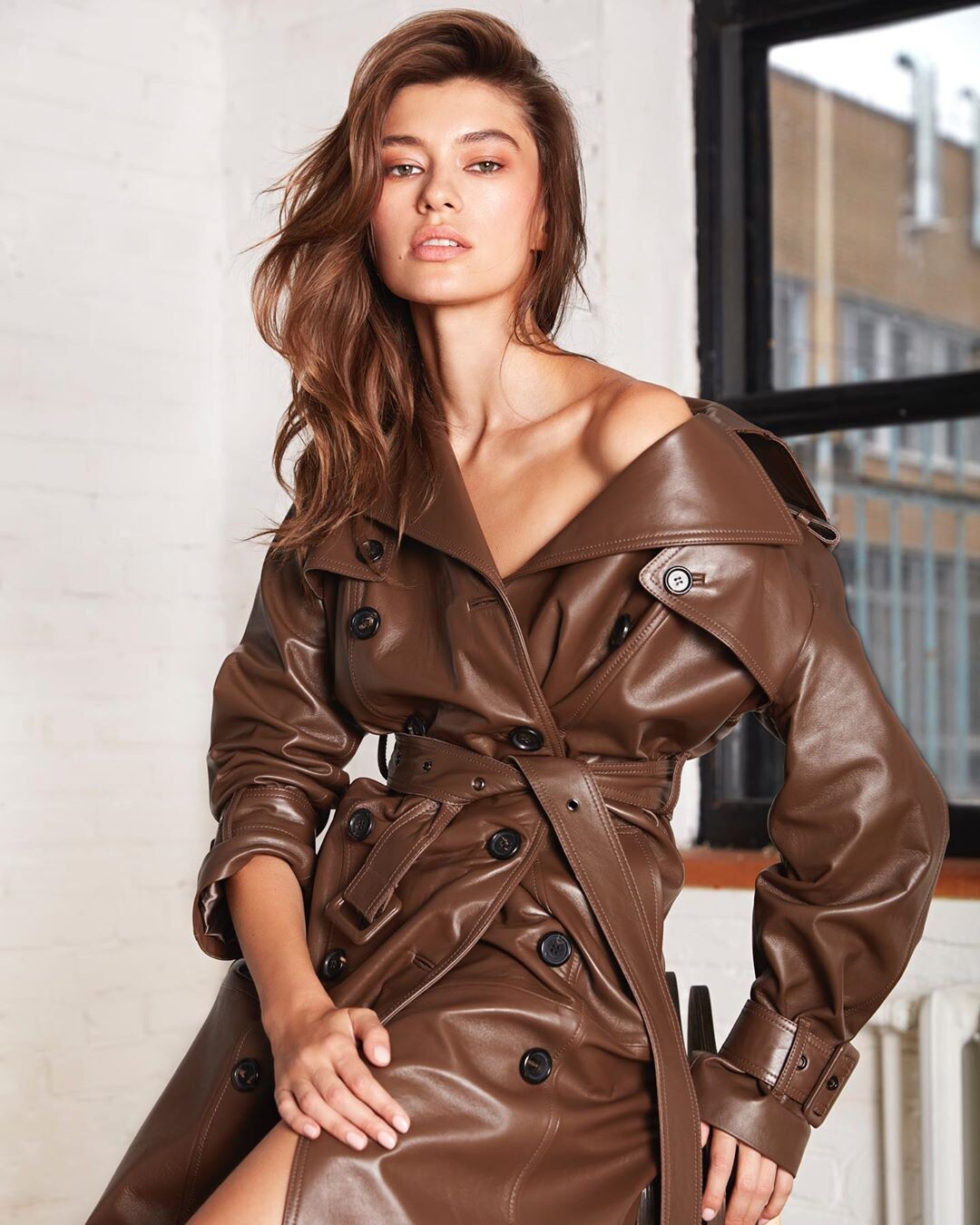
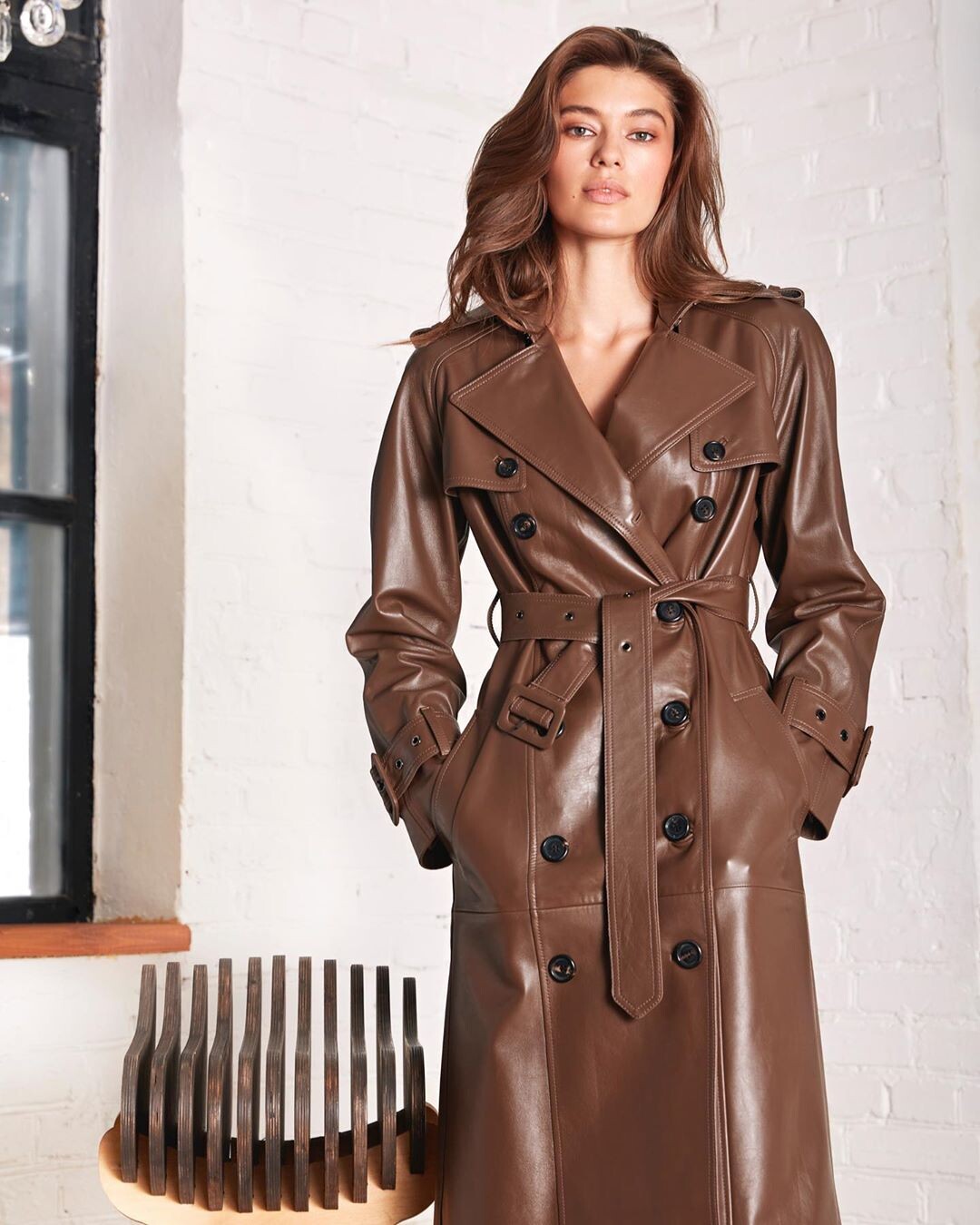
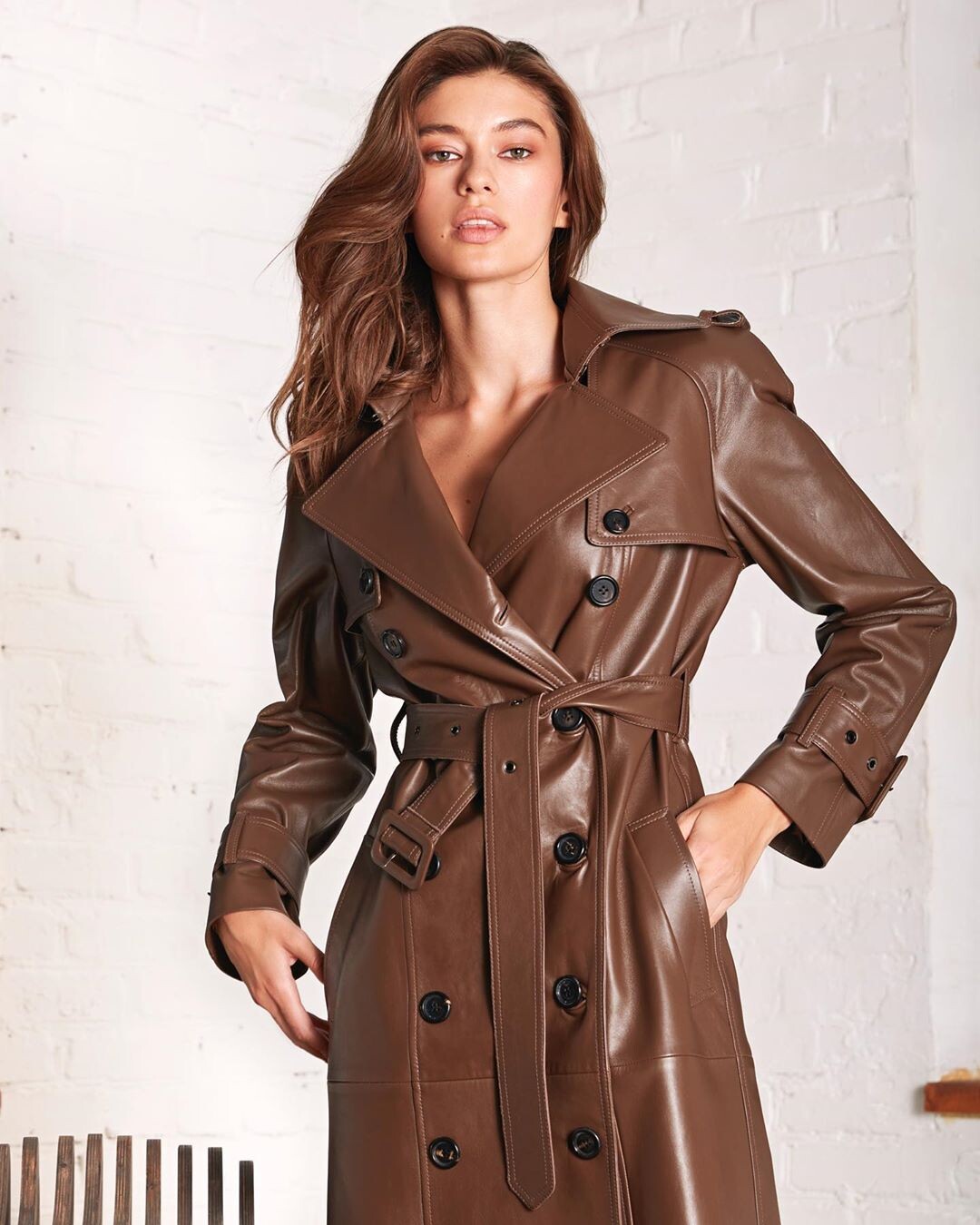



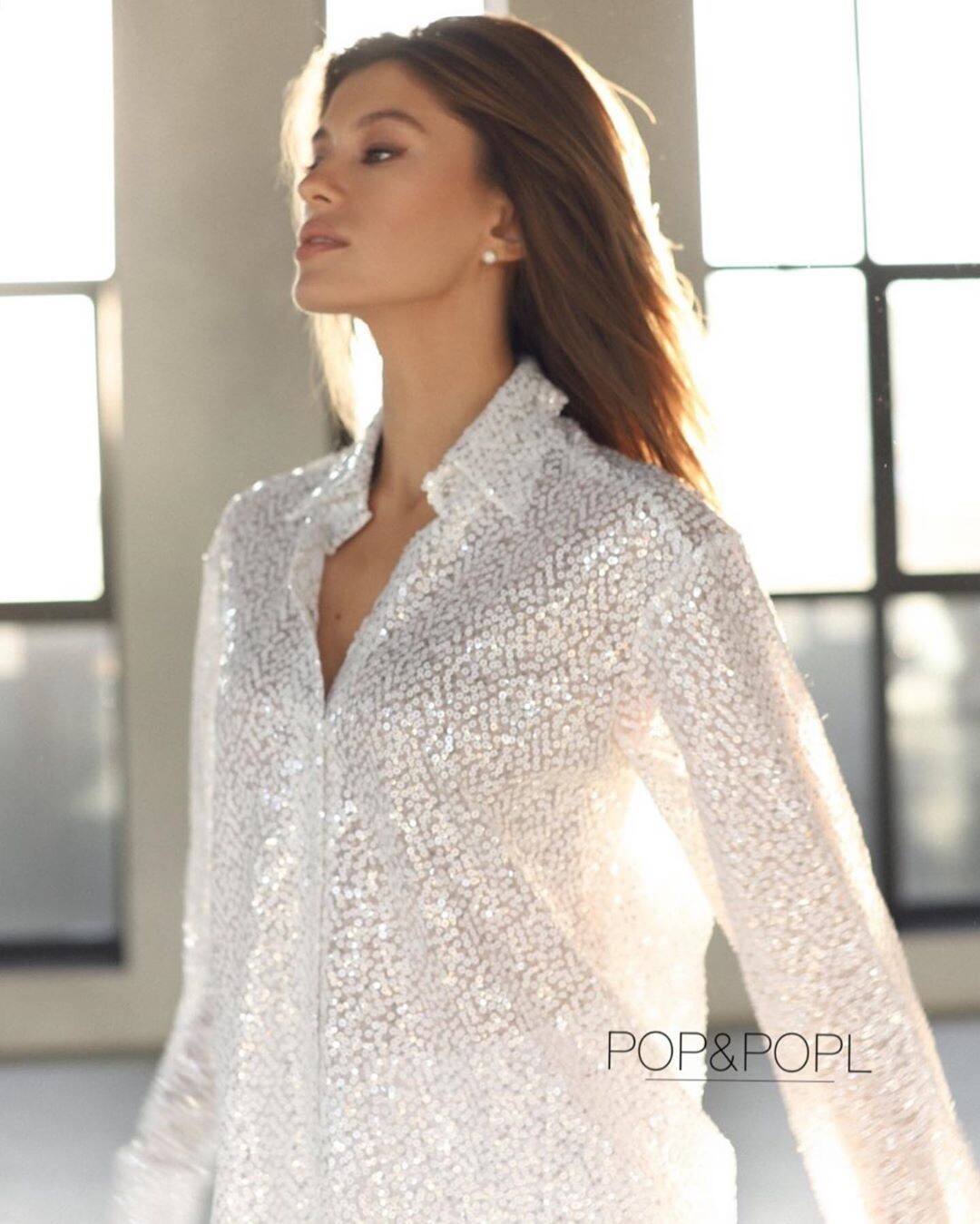







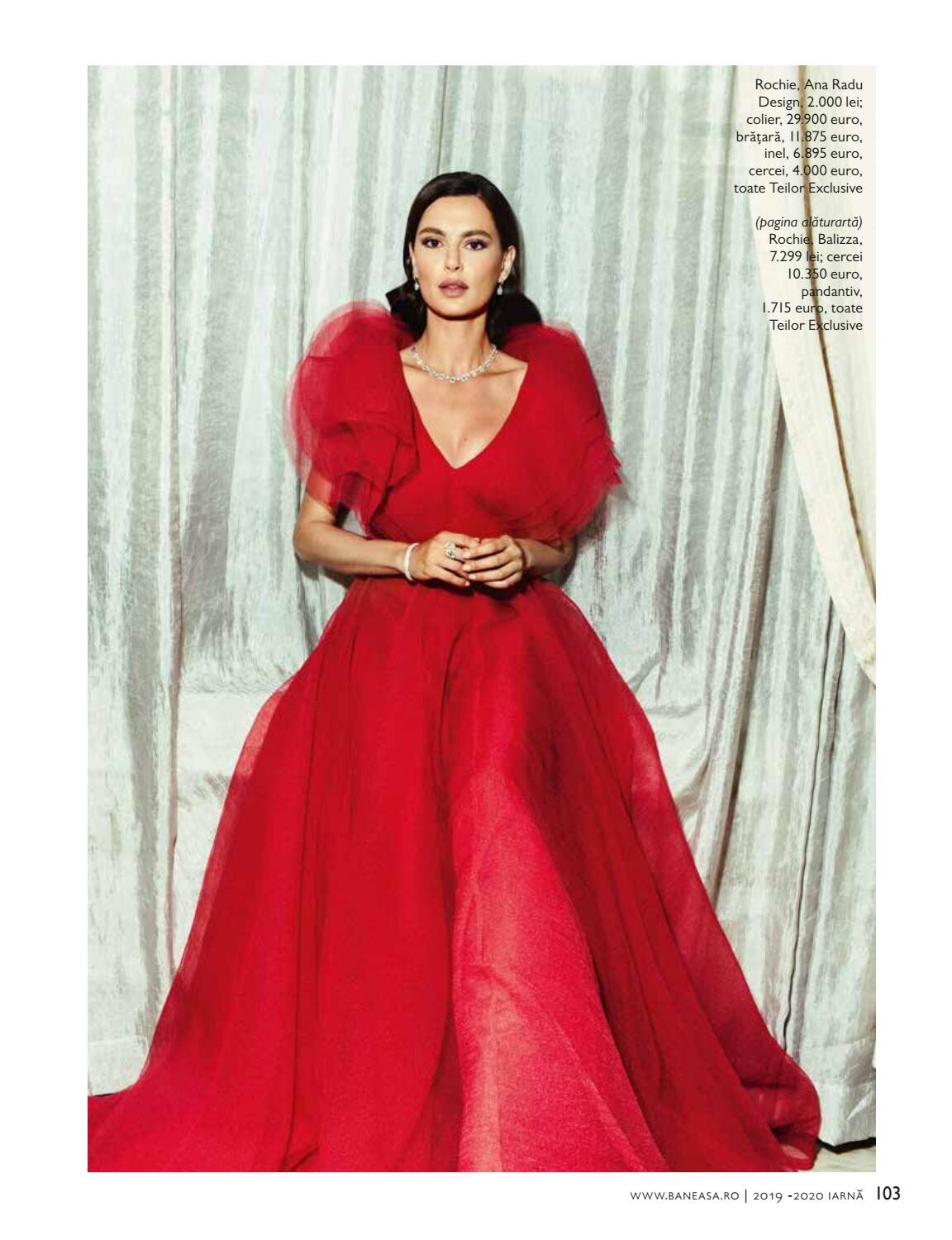
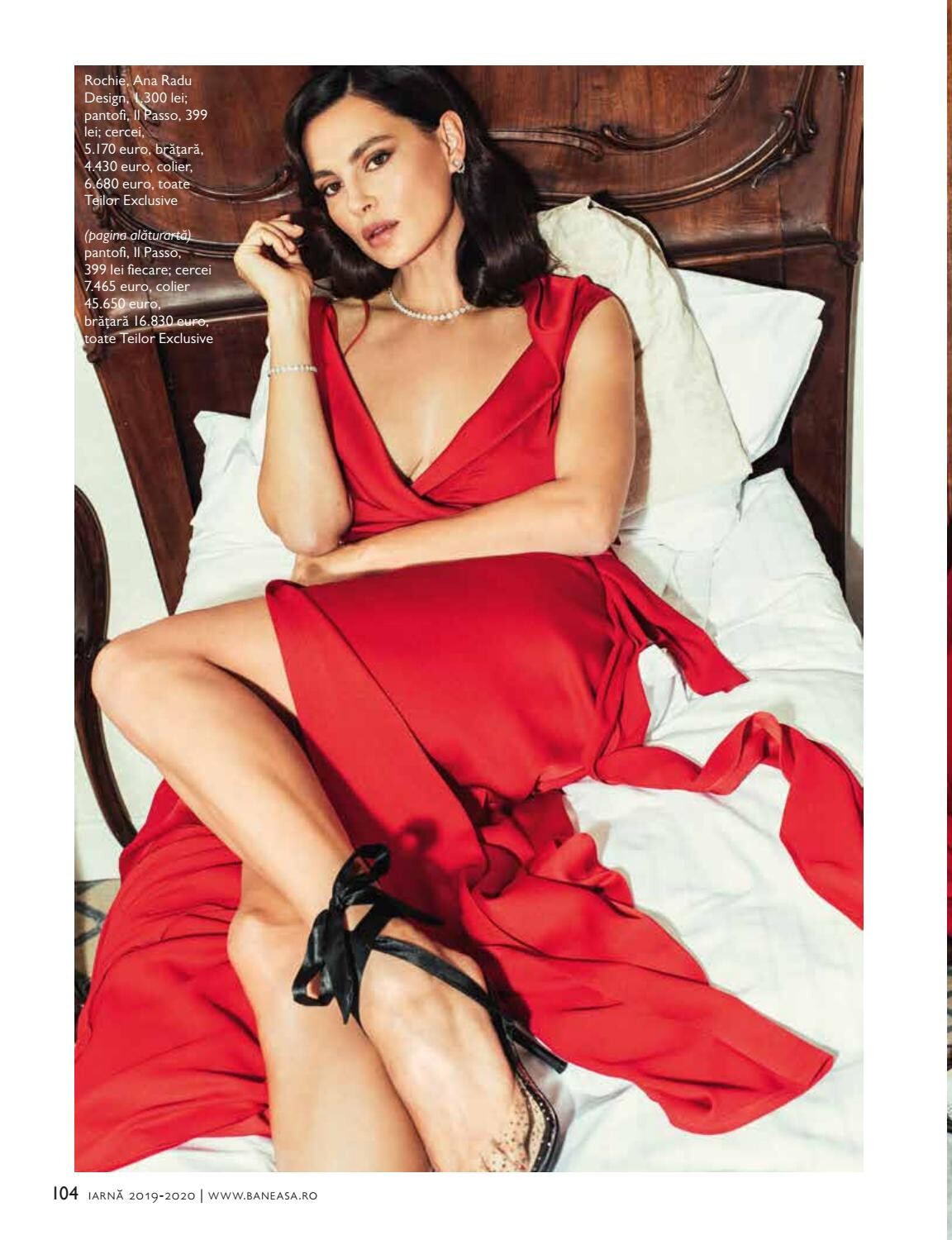
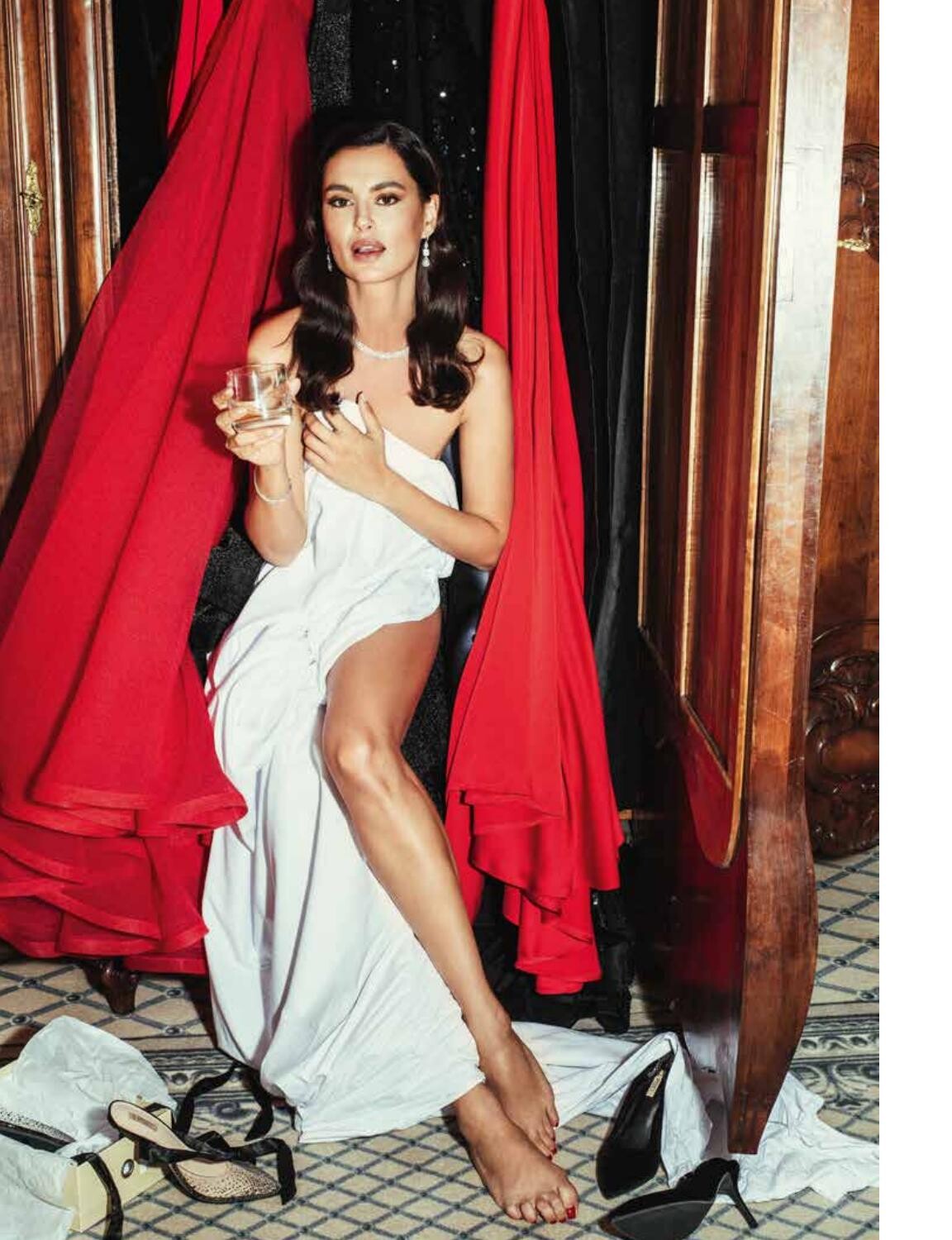
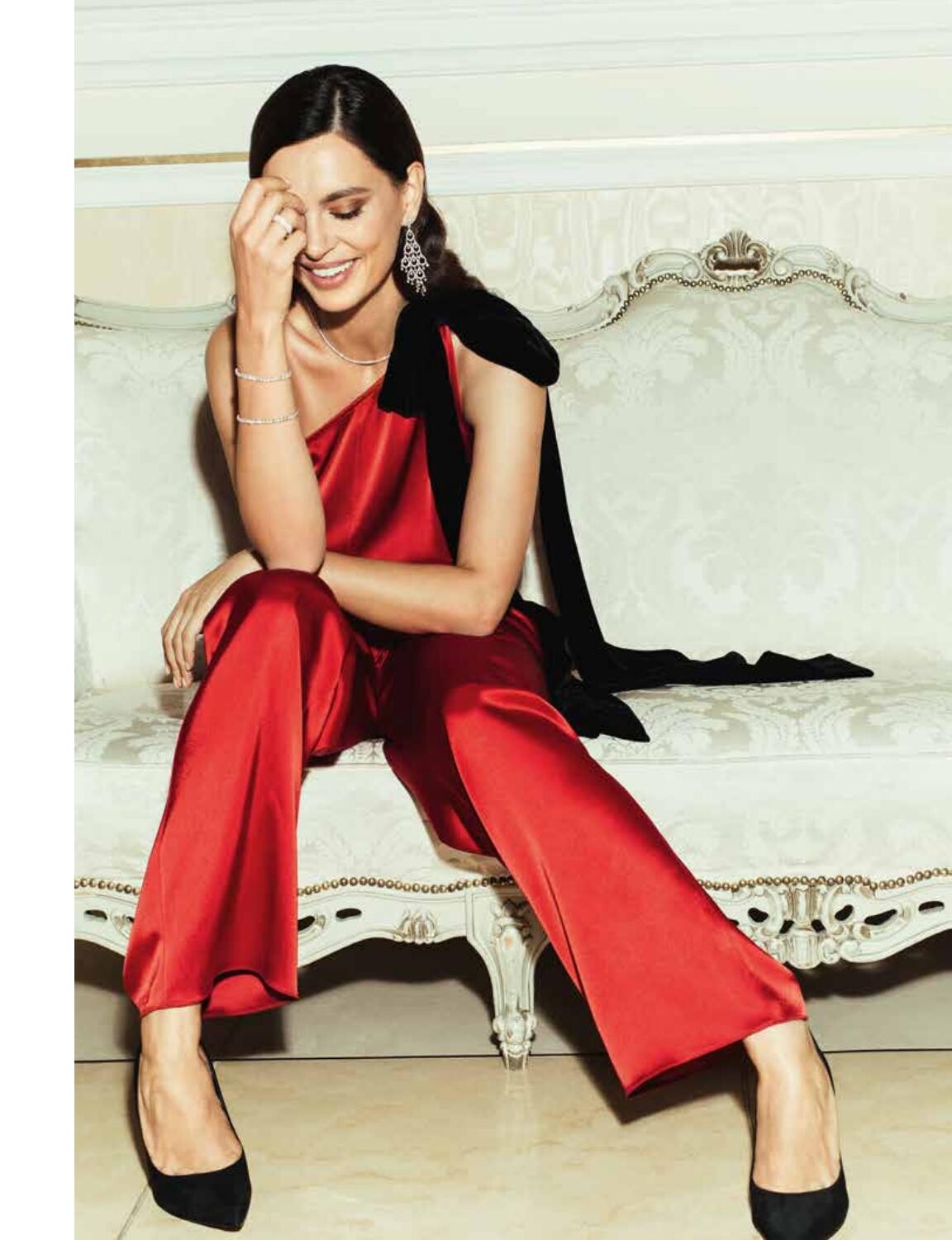
.jpg.40898362692c258840e1f219e21ab473.jpg)

















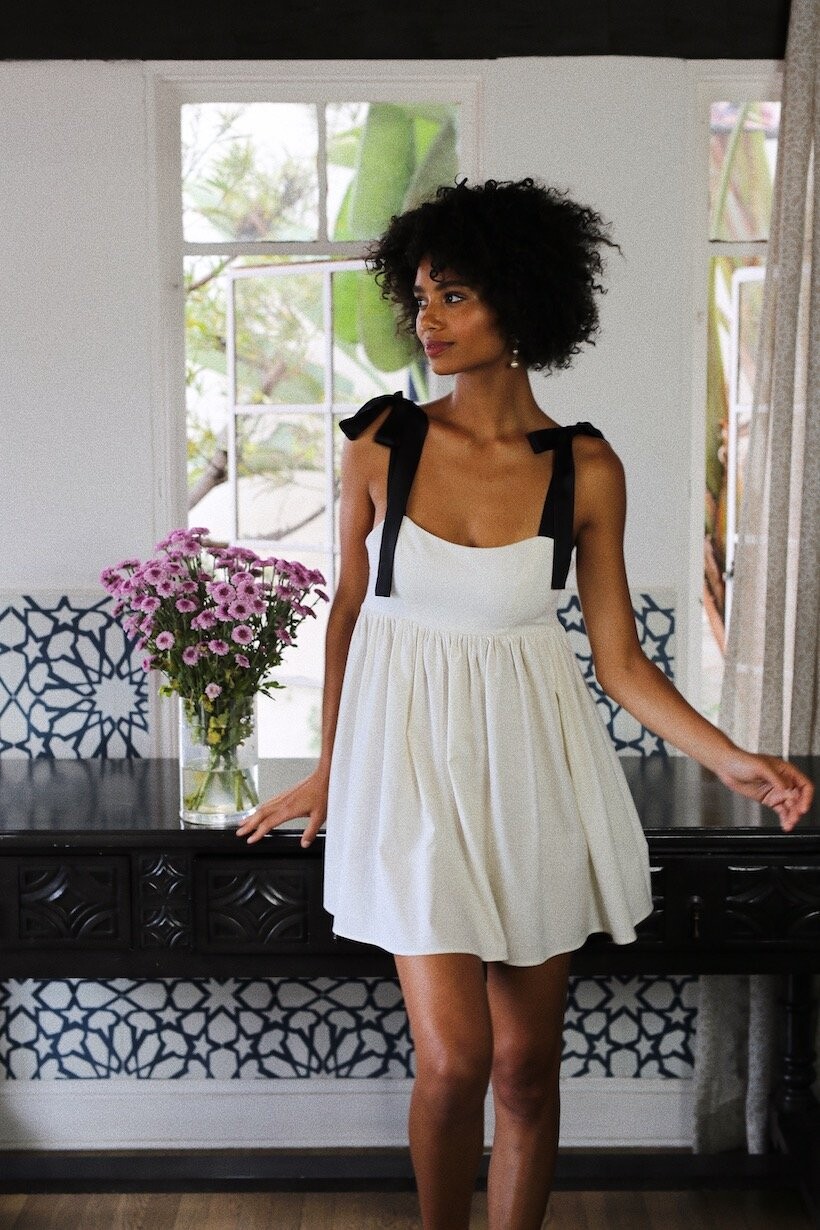
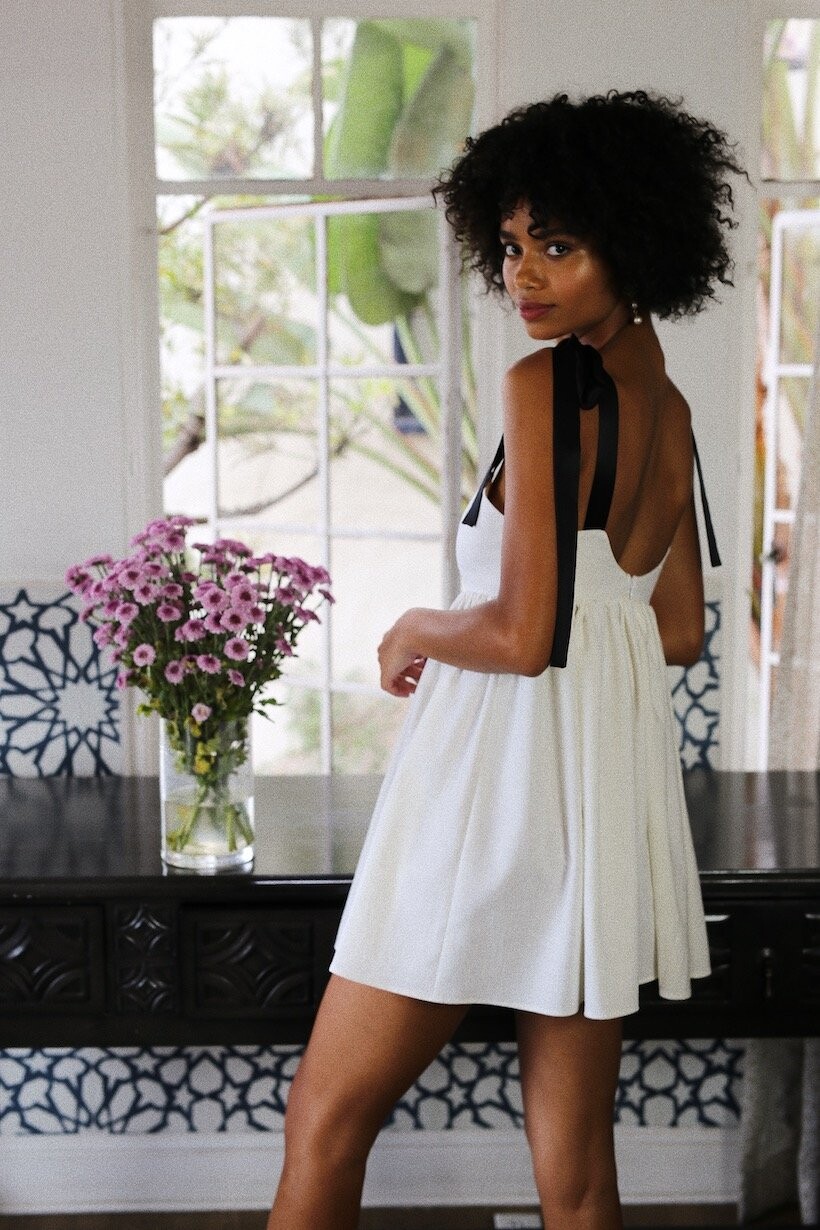
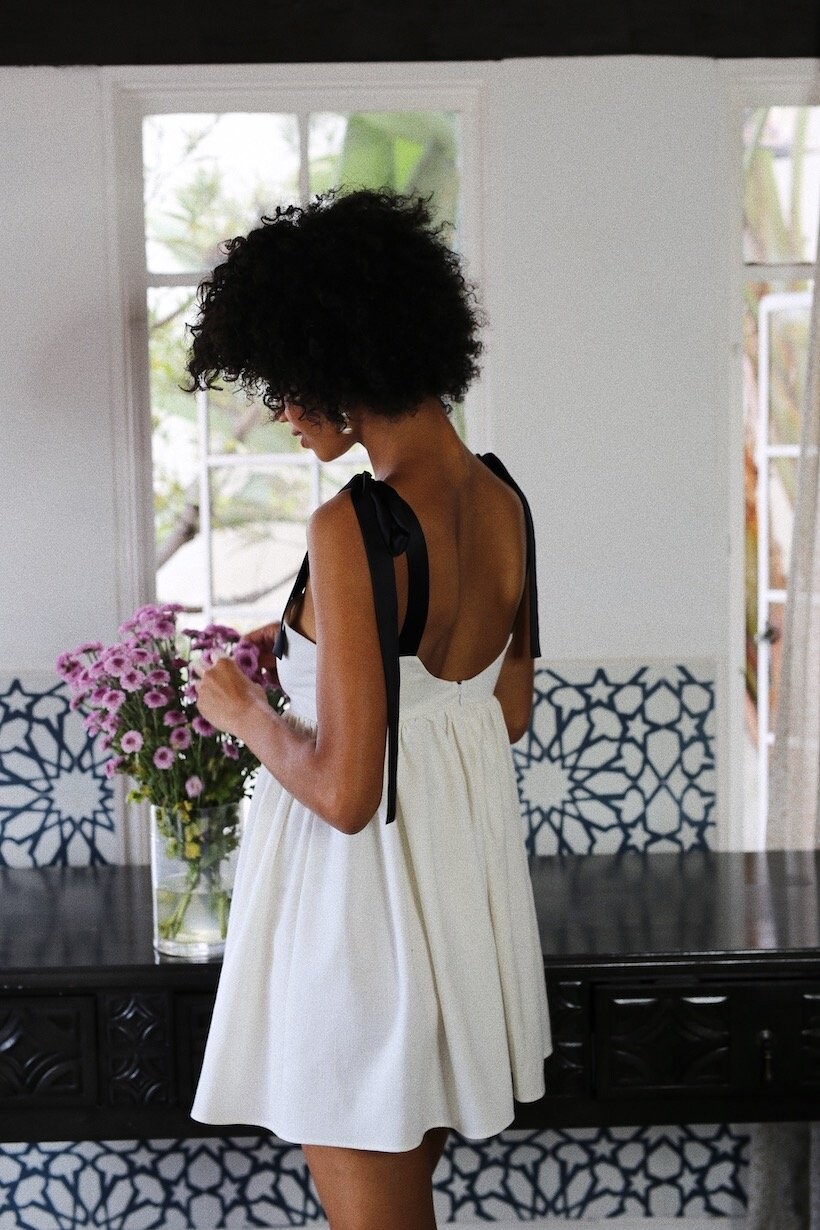

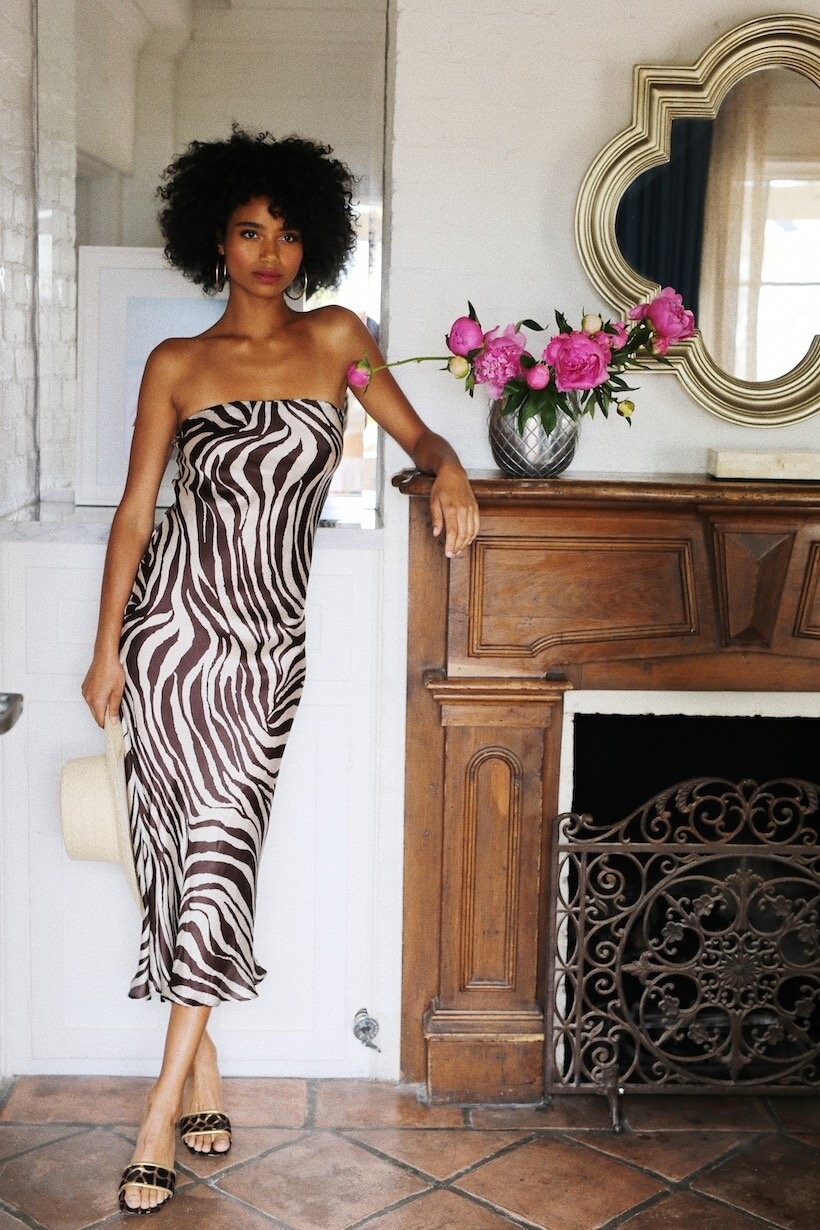


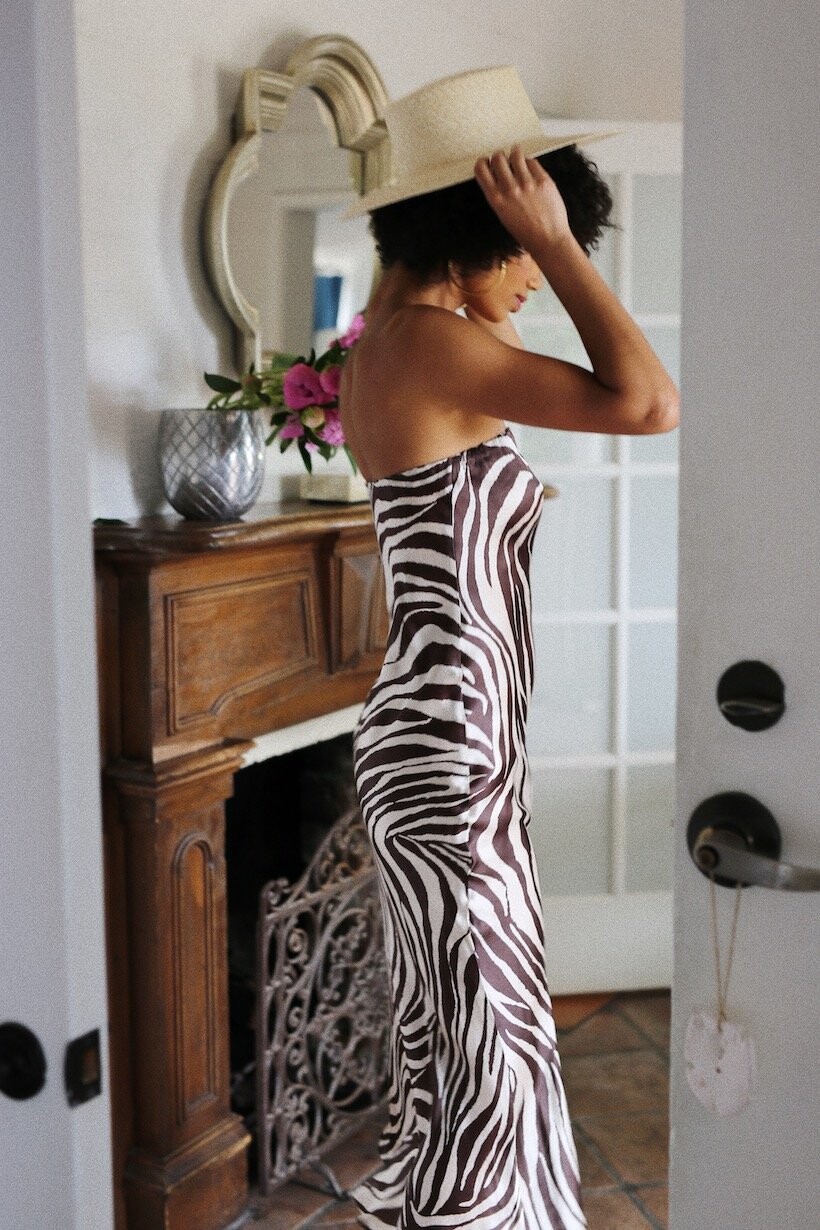
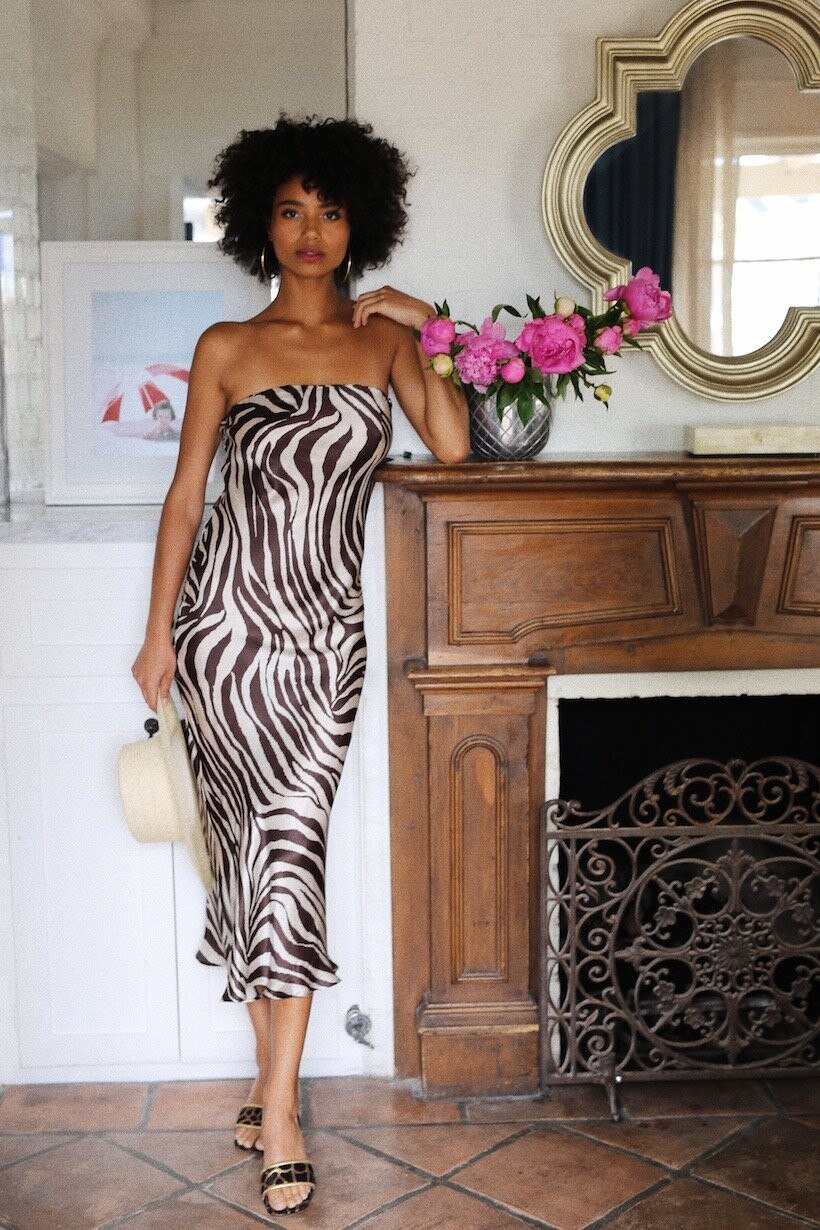



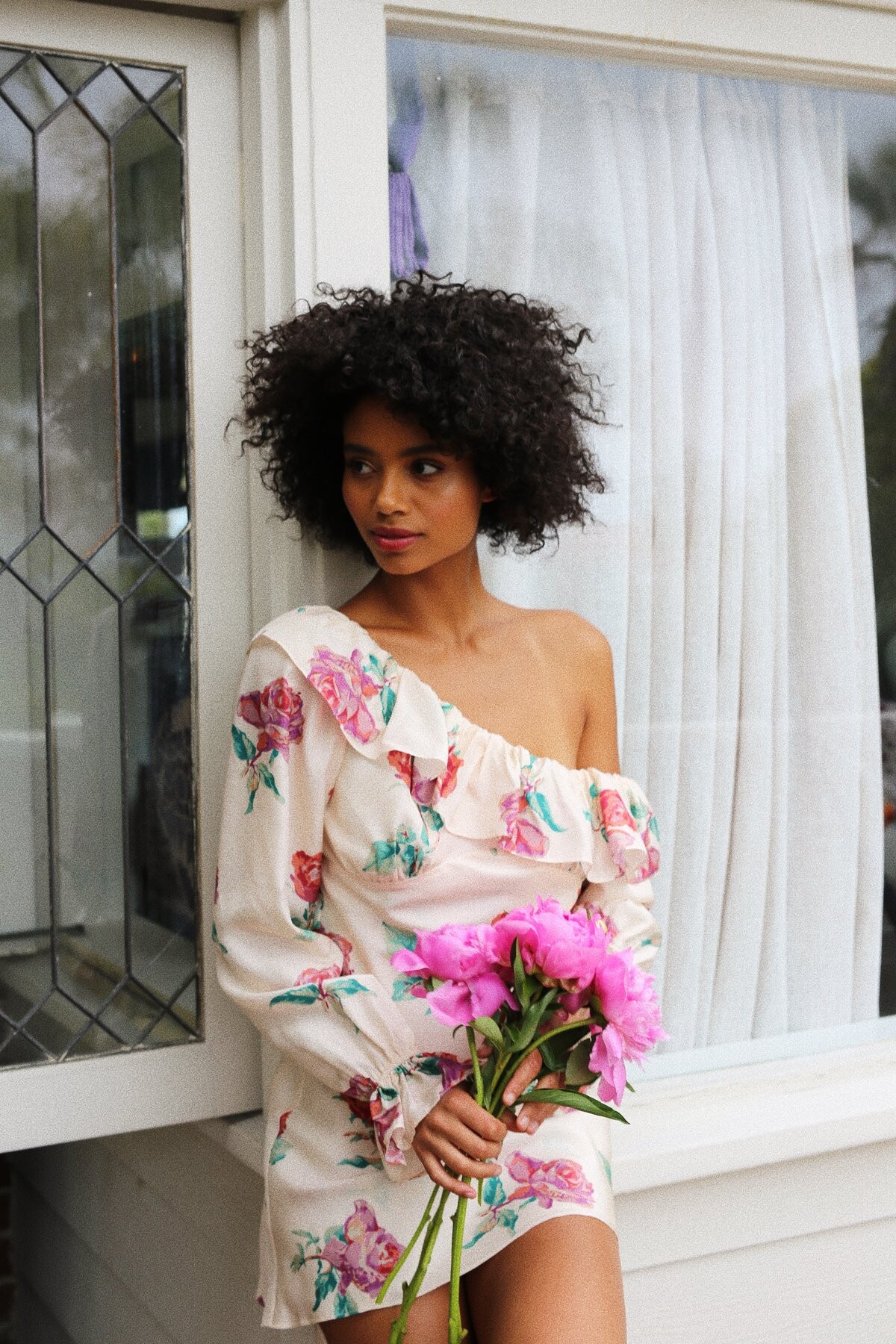
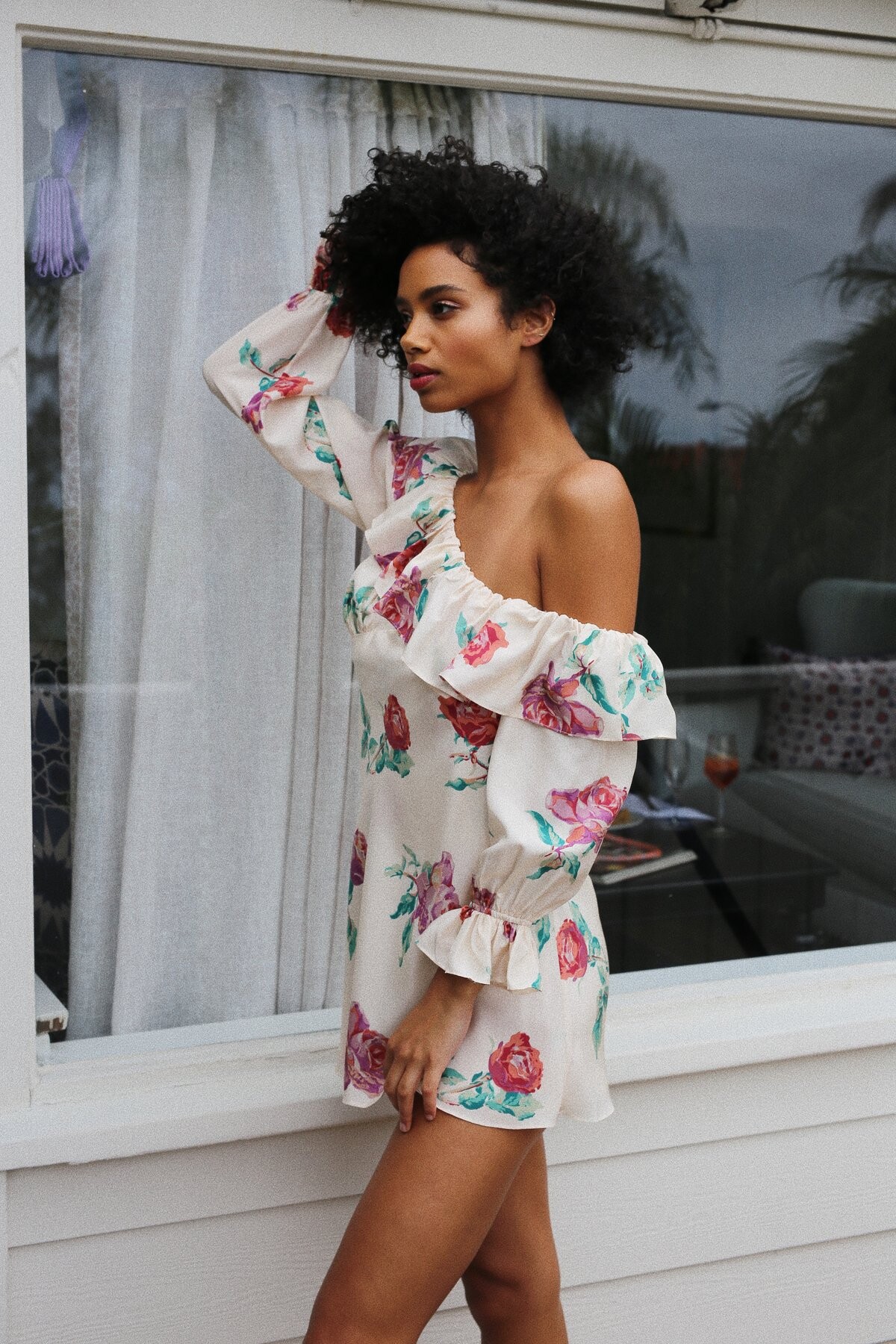


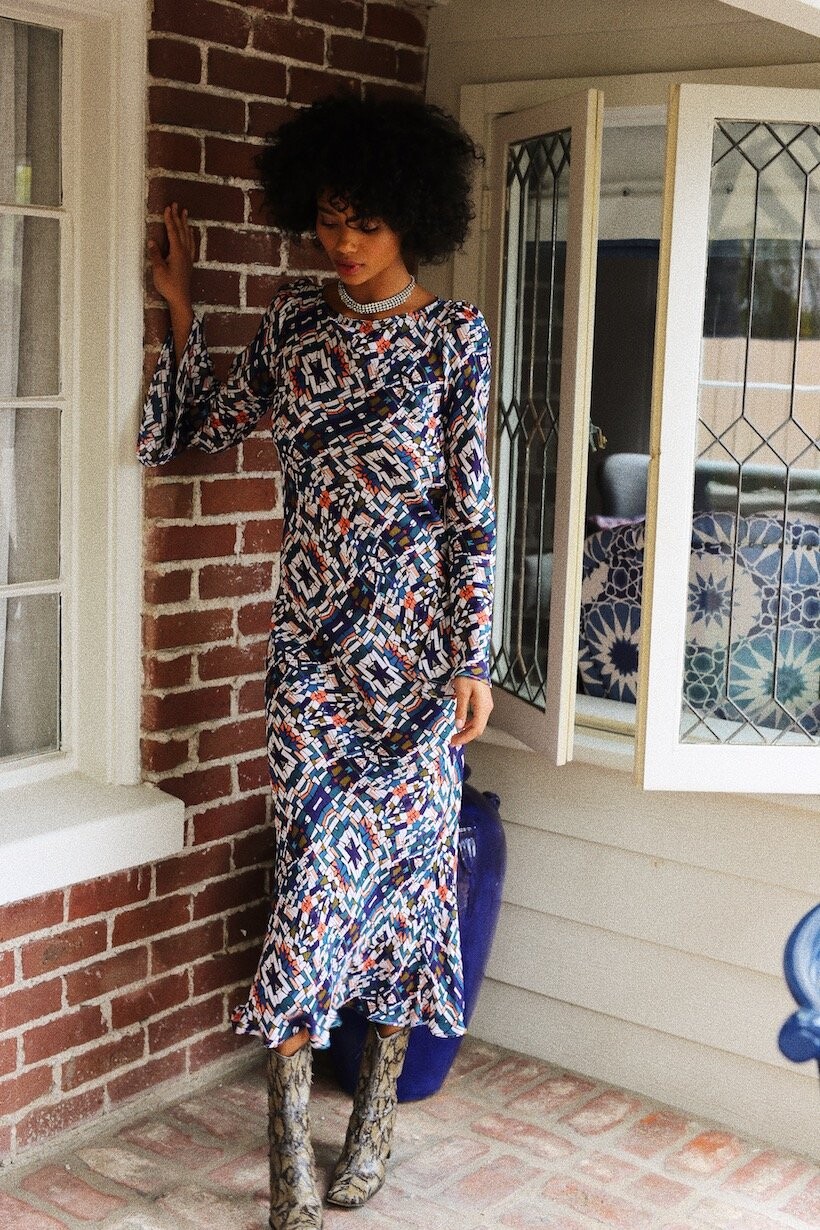
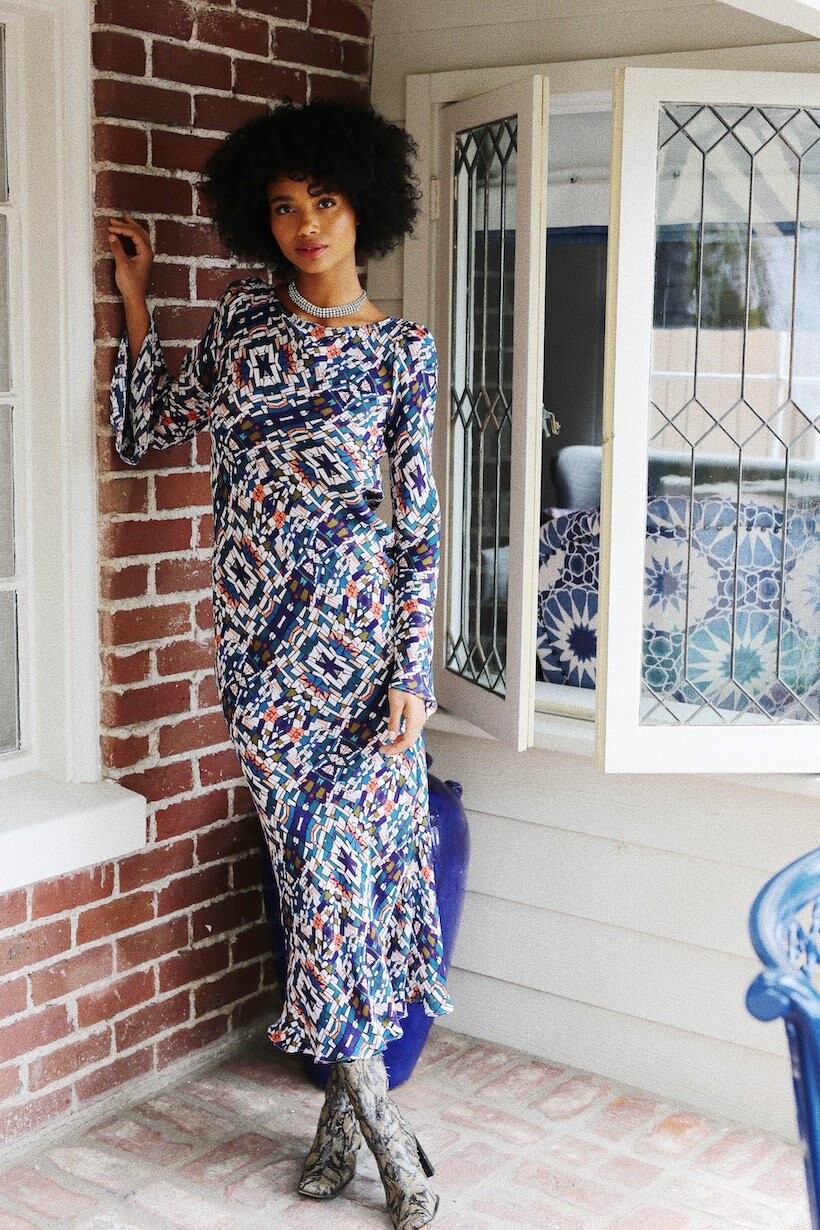
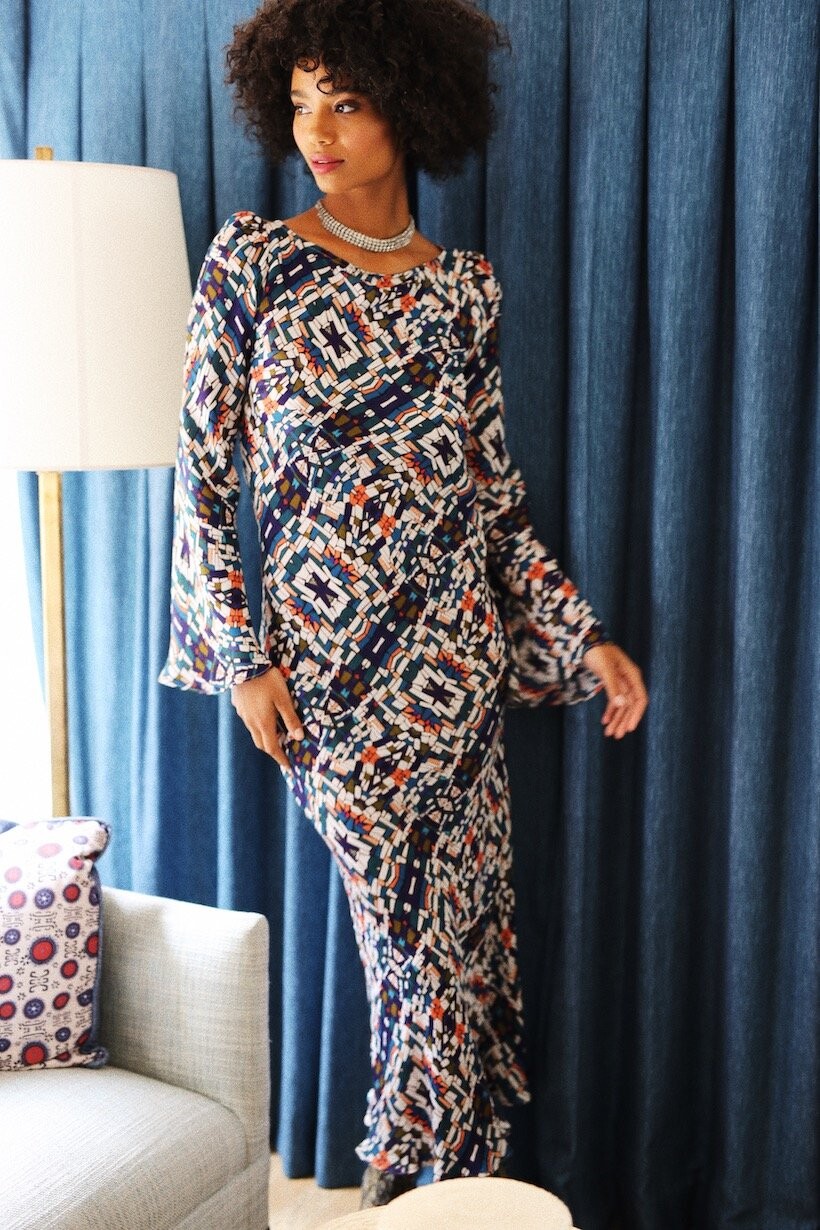
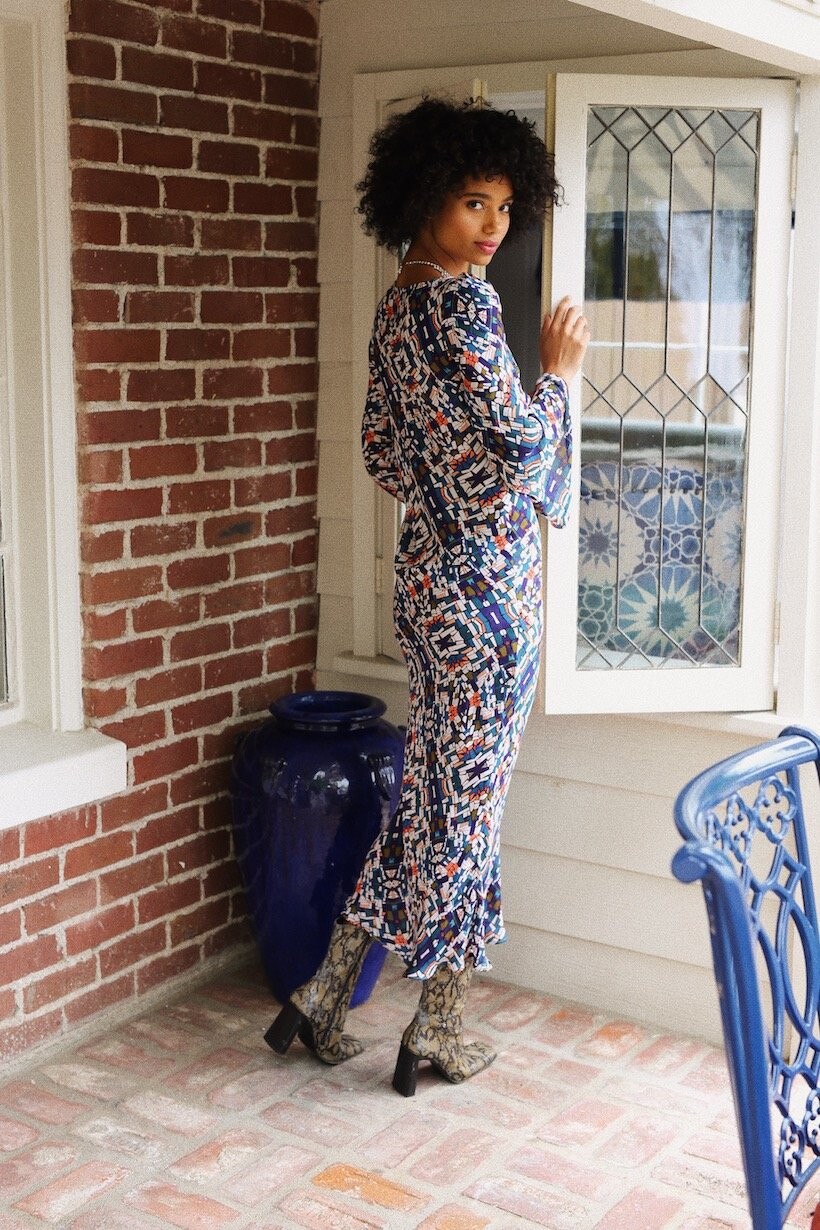

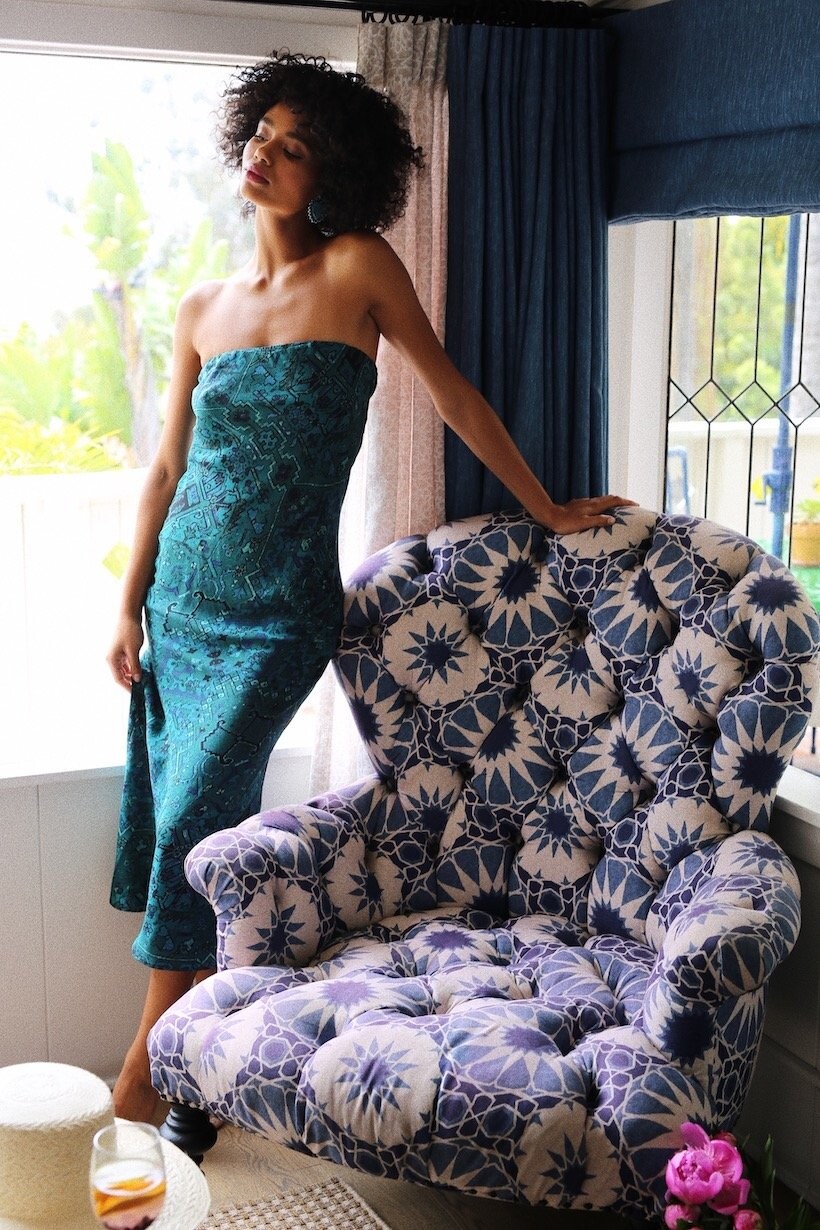
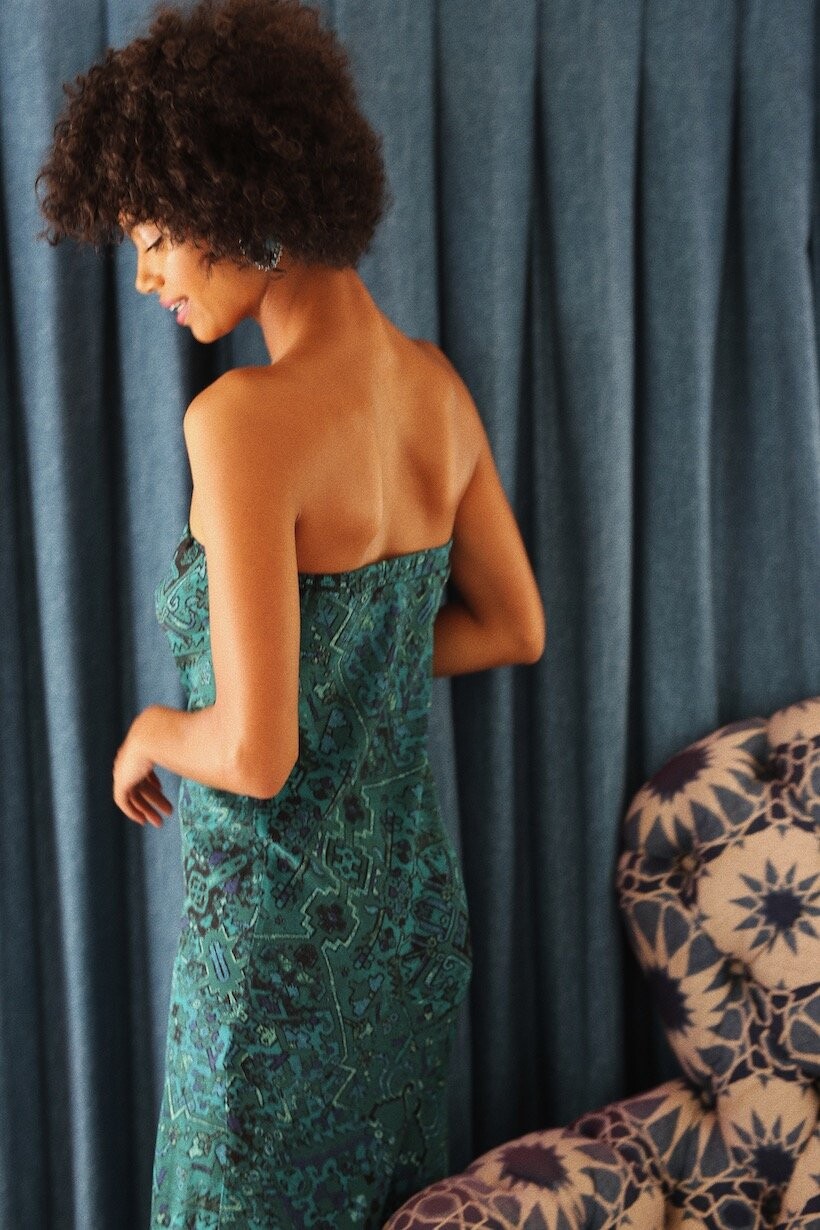
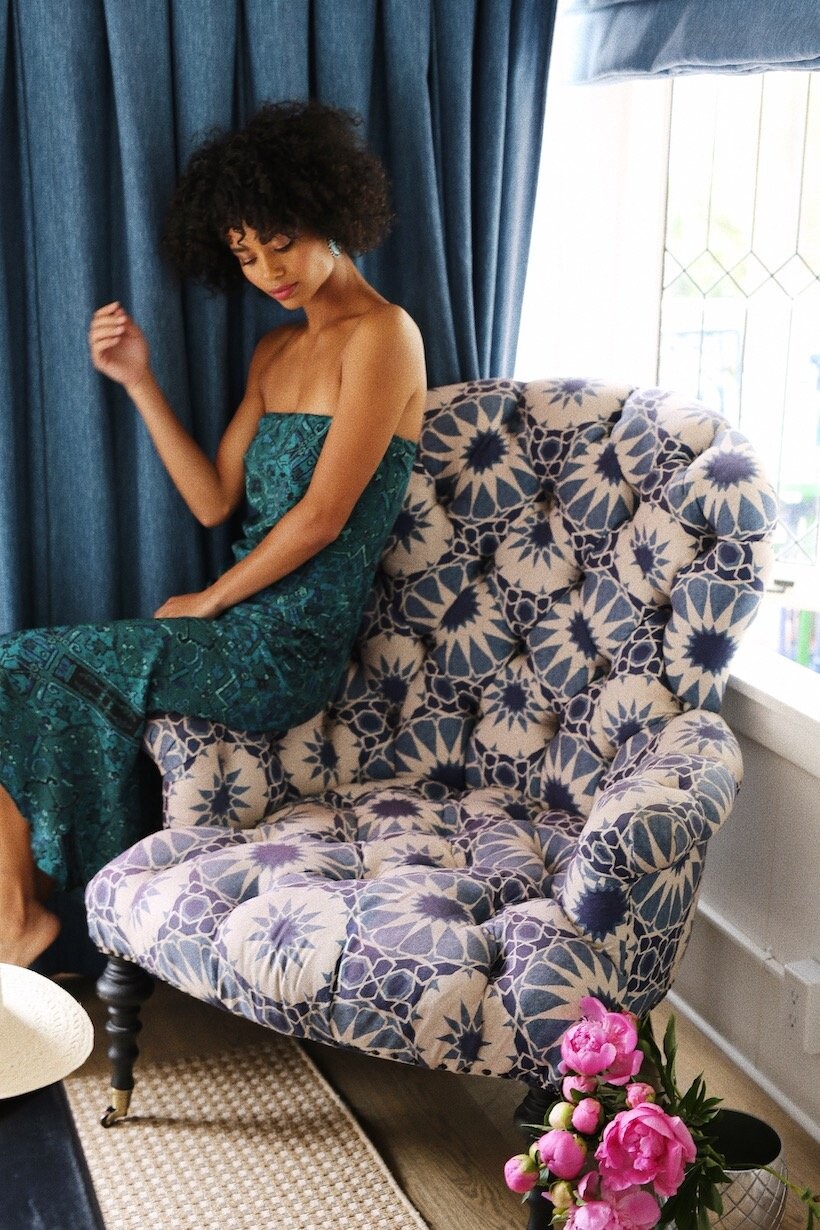
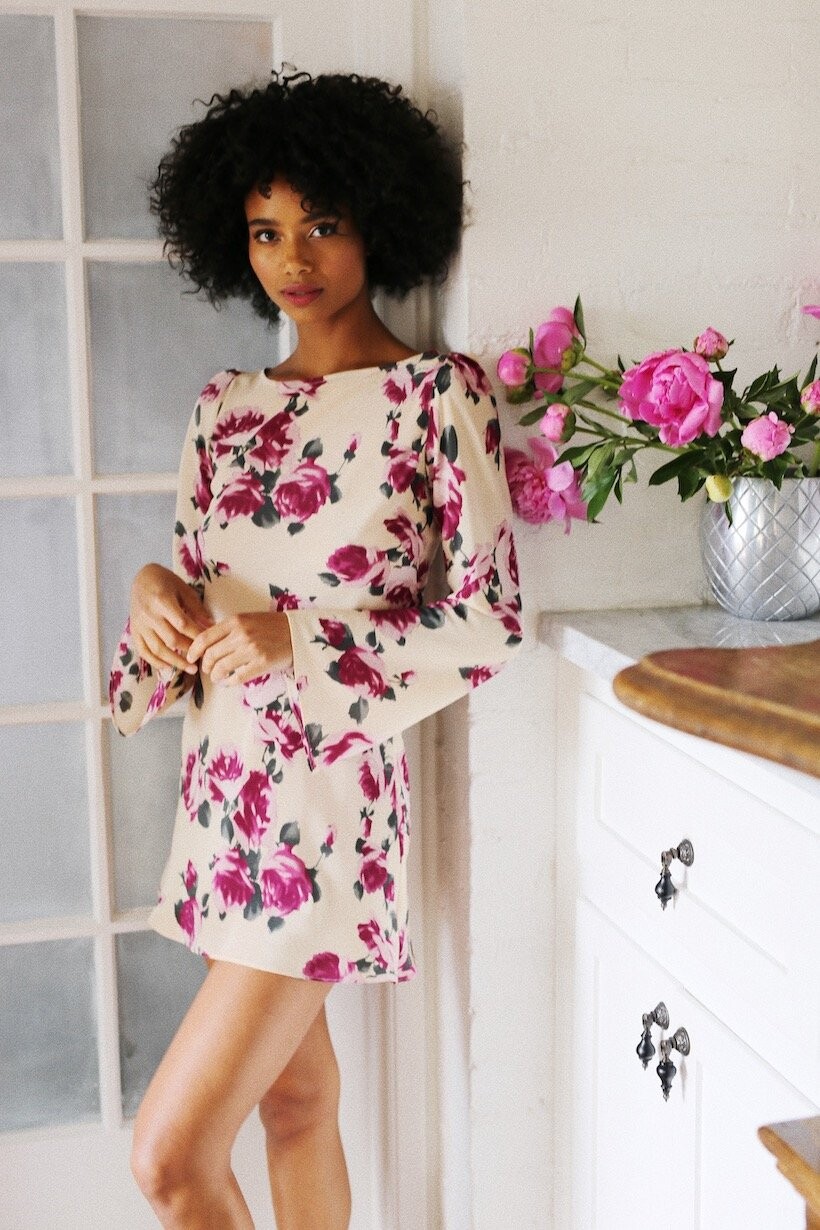

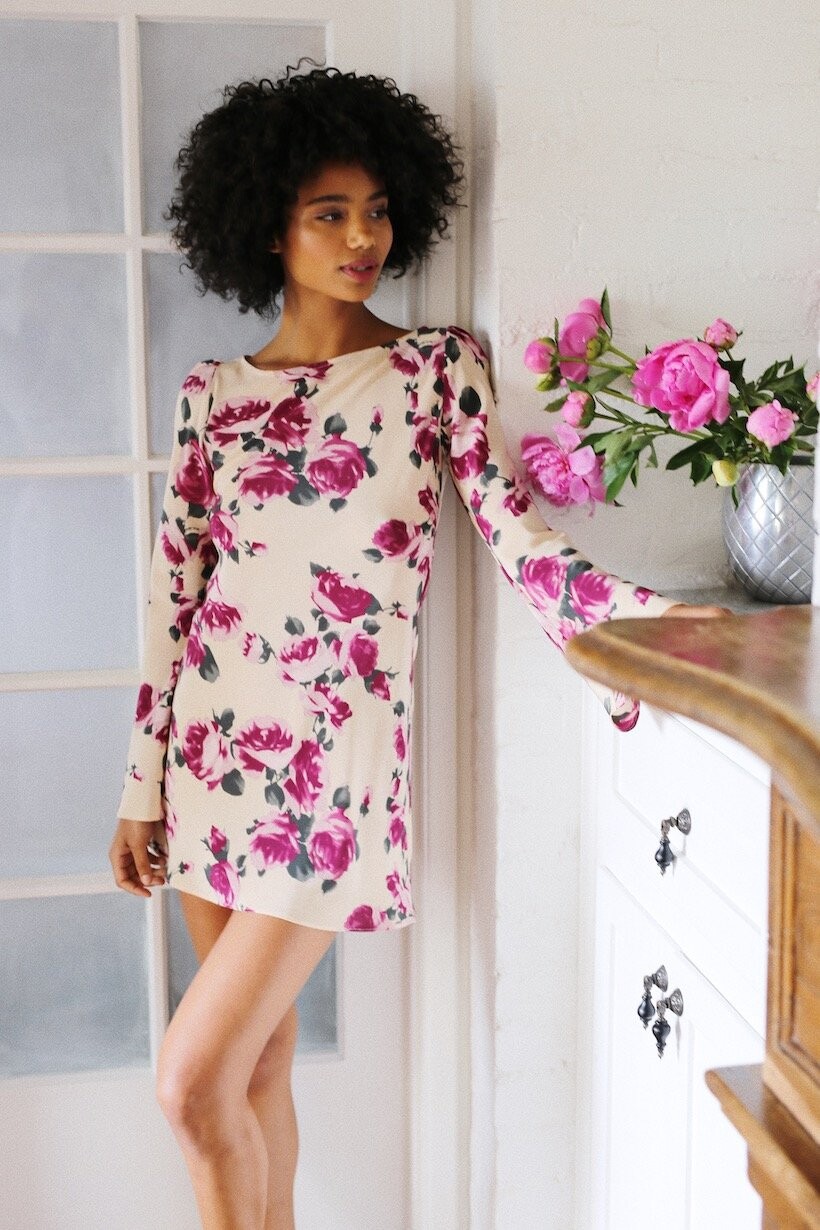
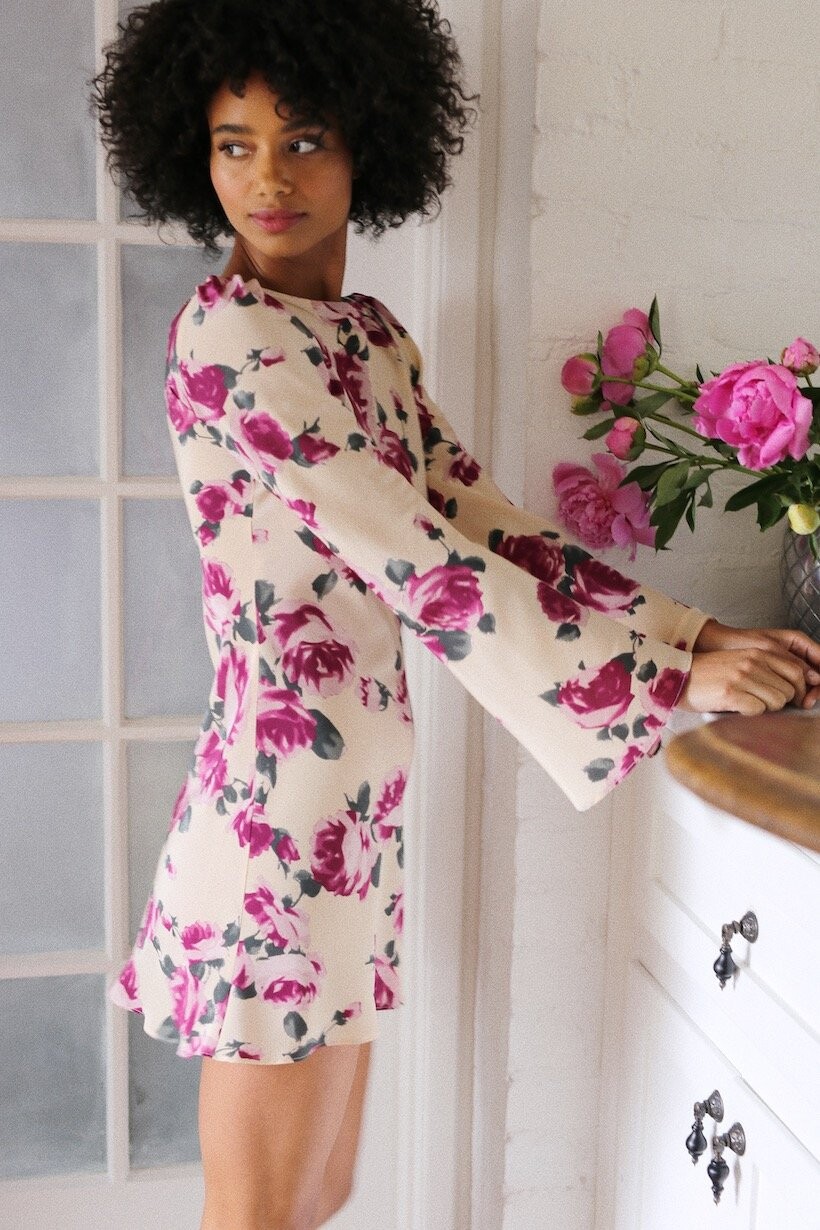


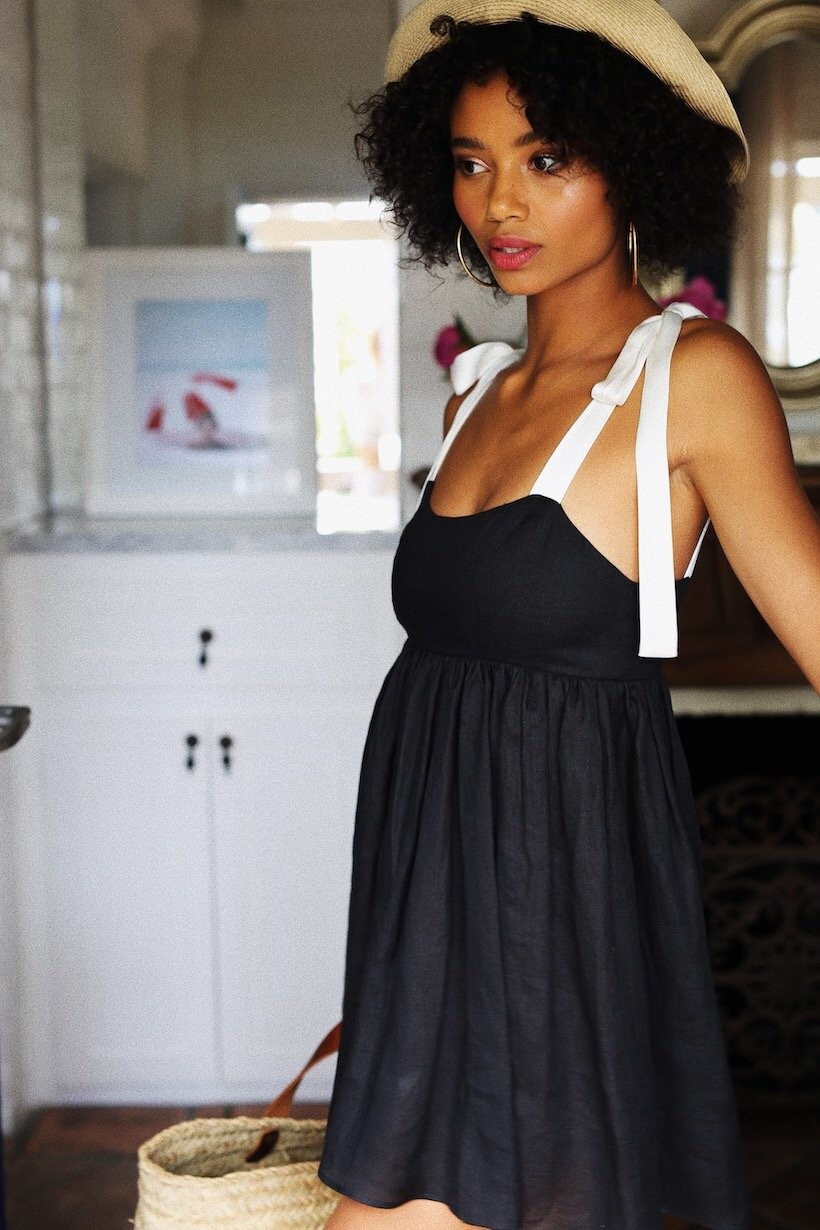
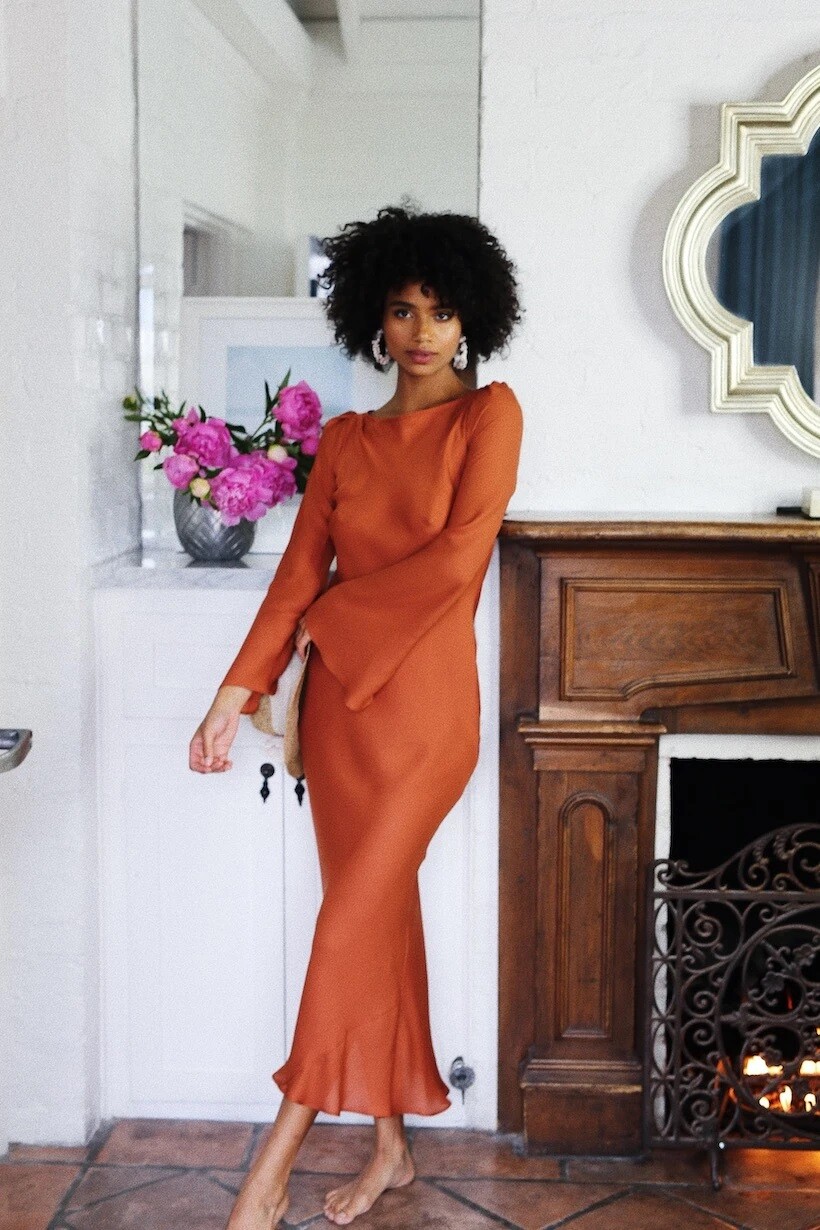
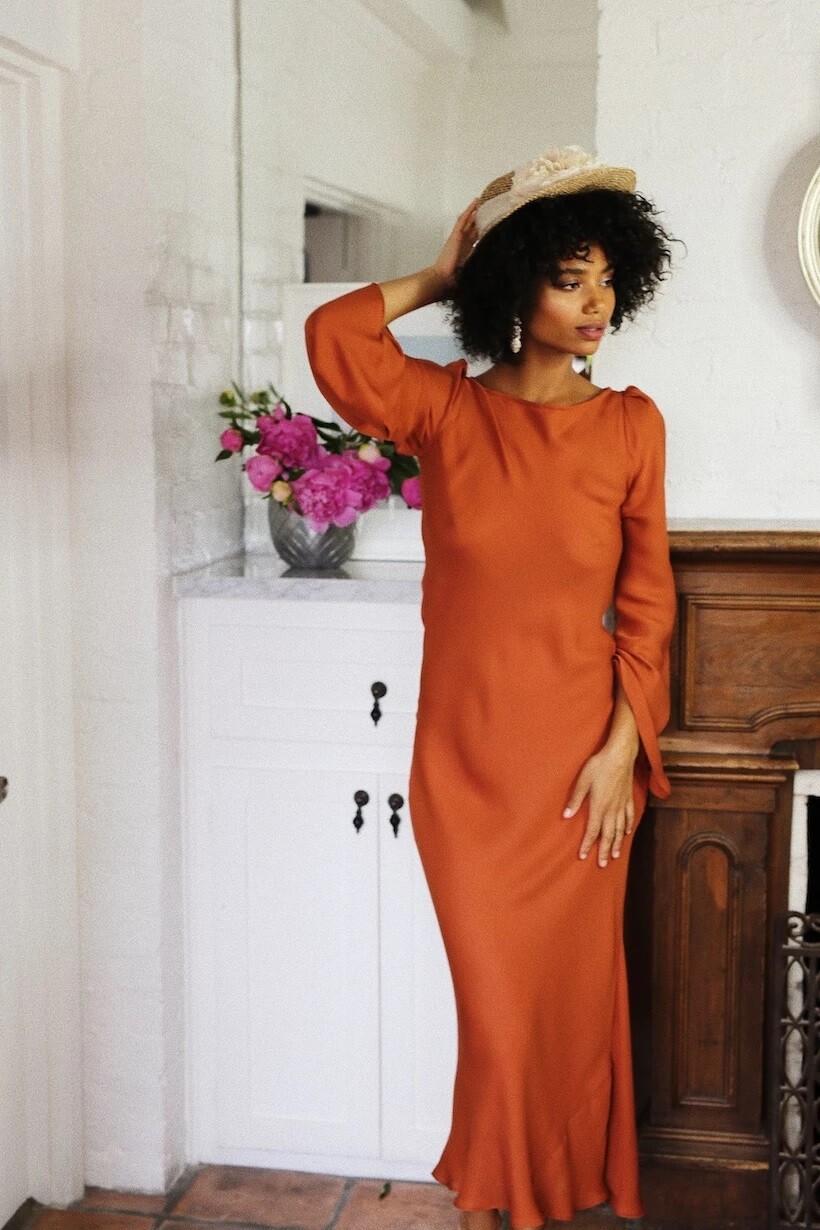
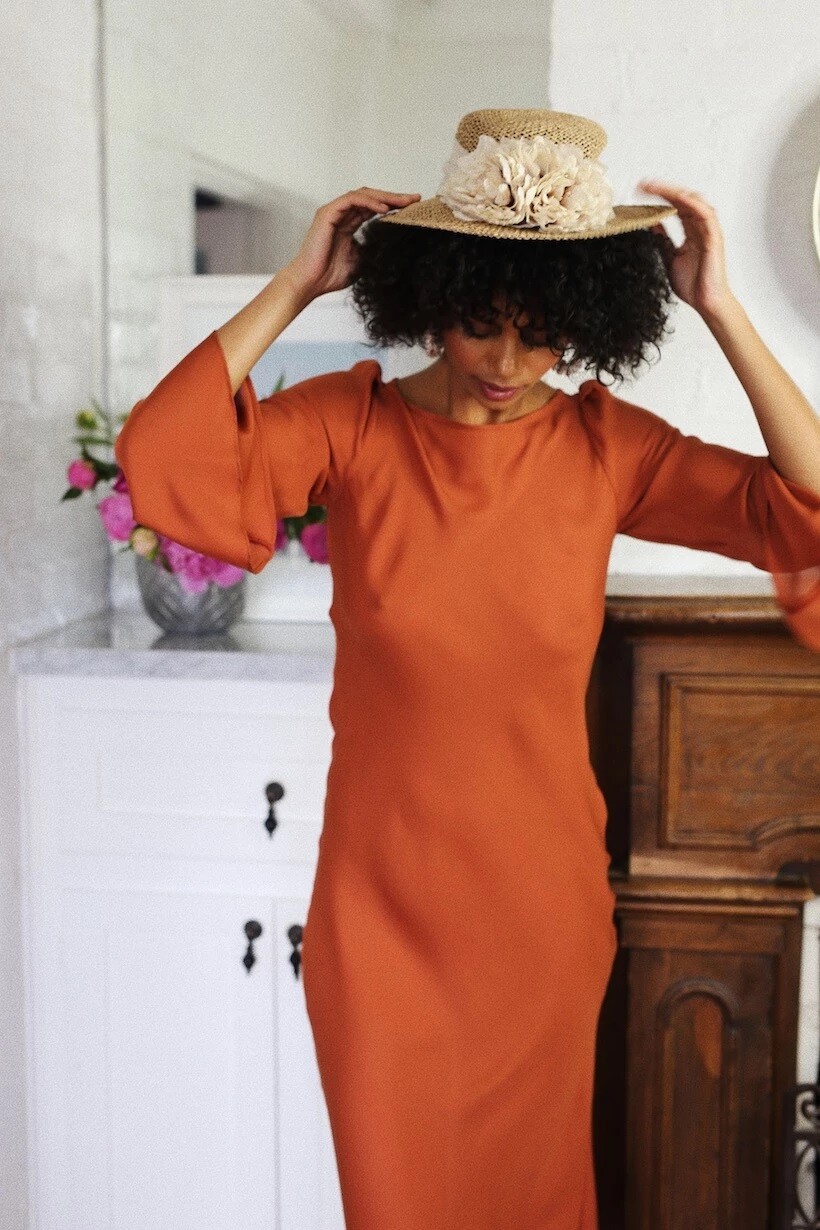
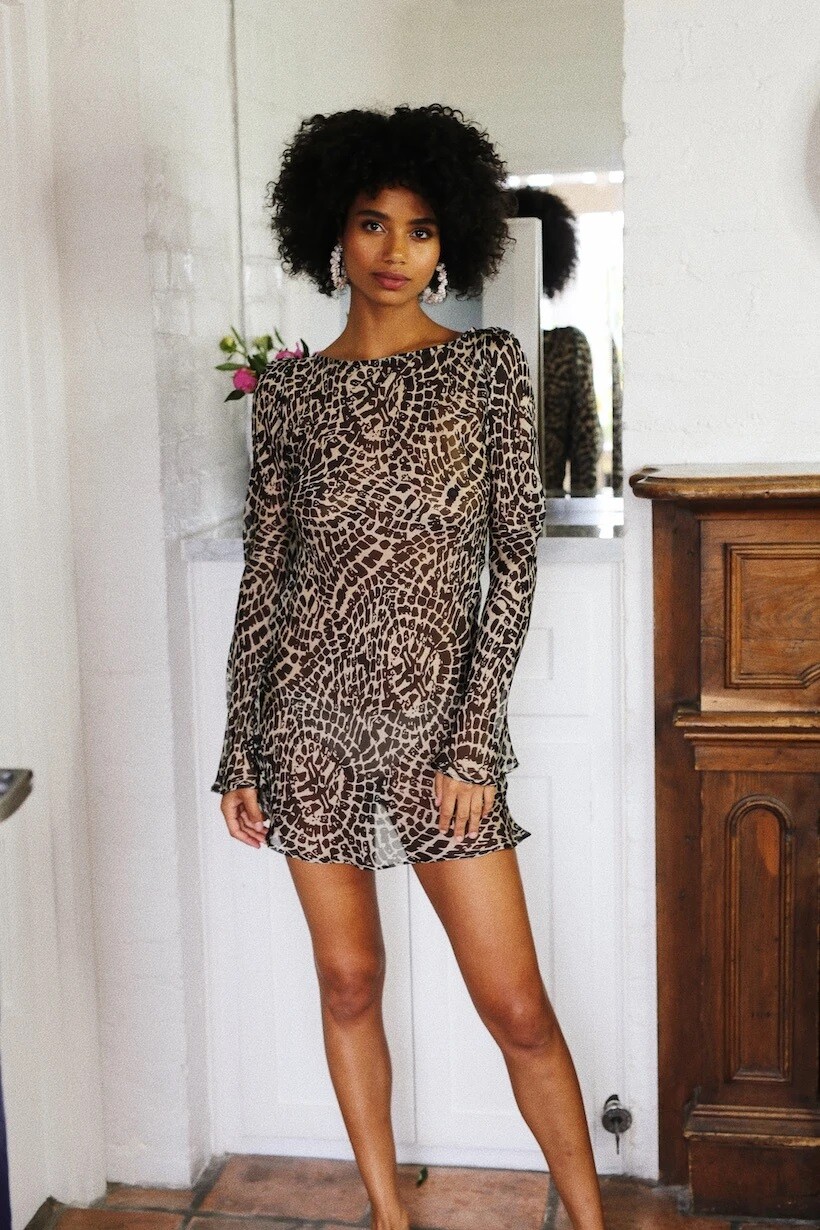
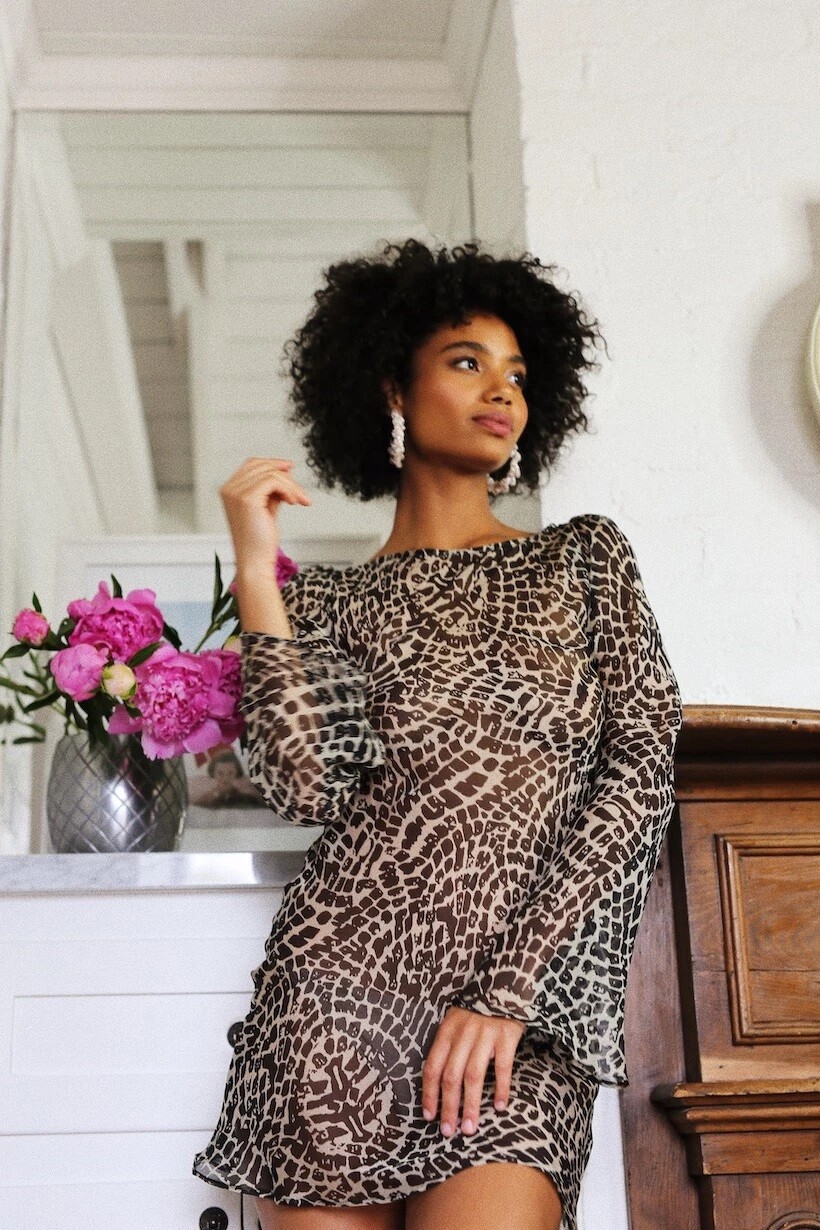
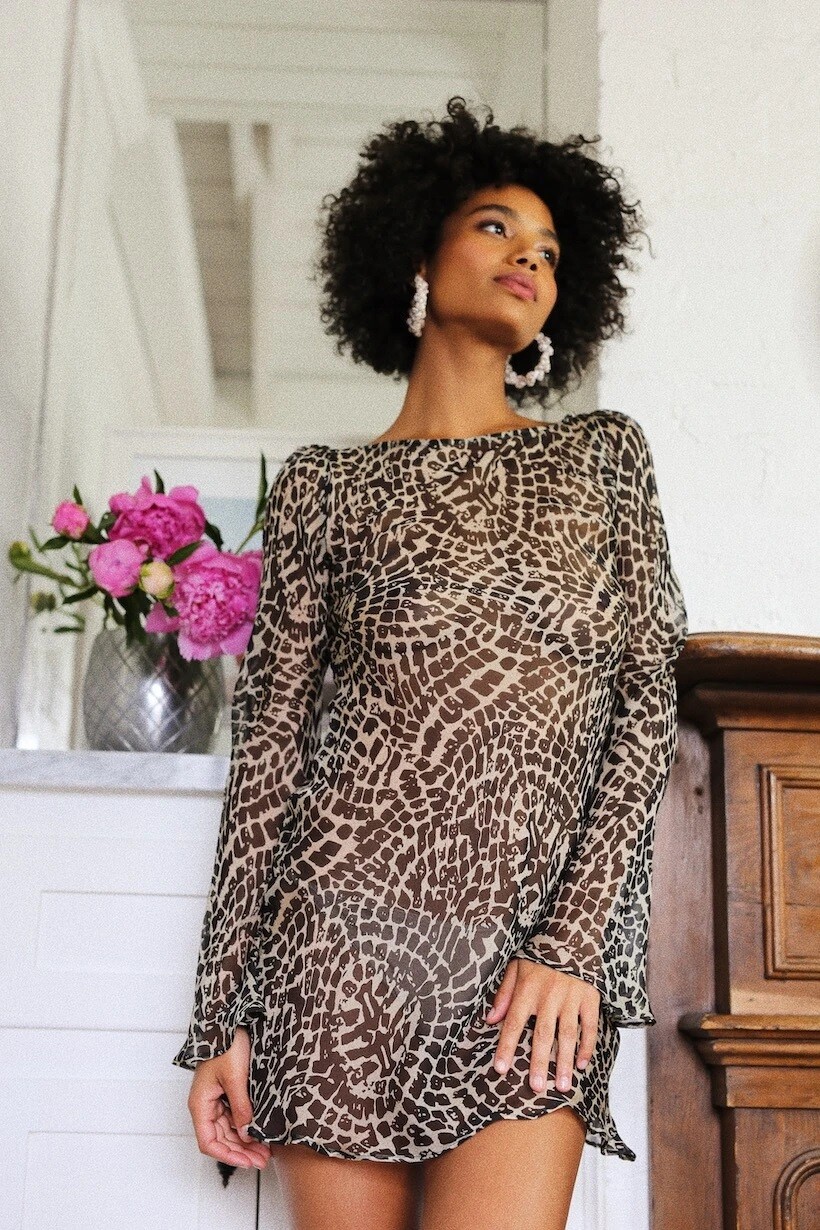
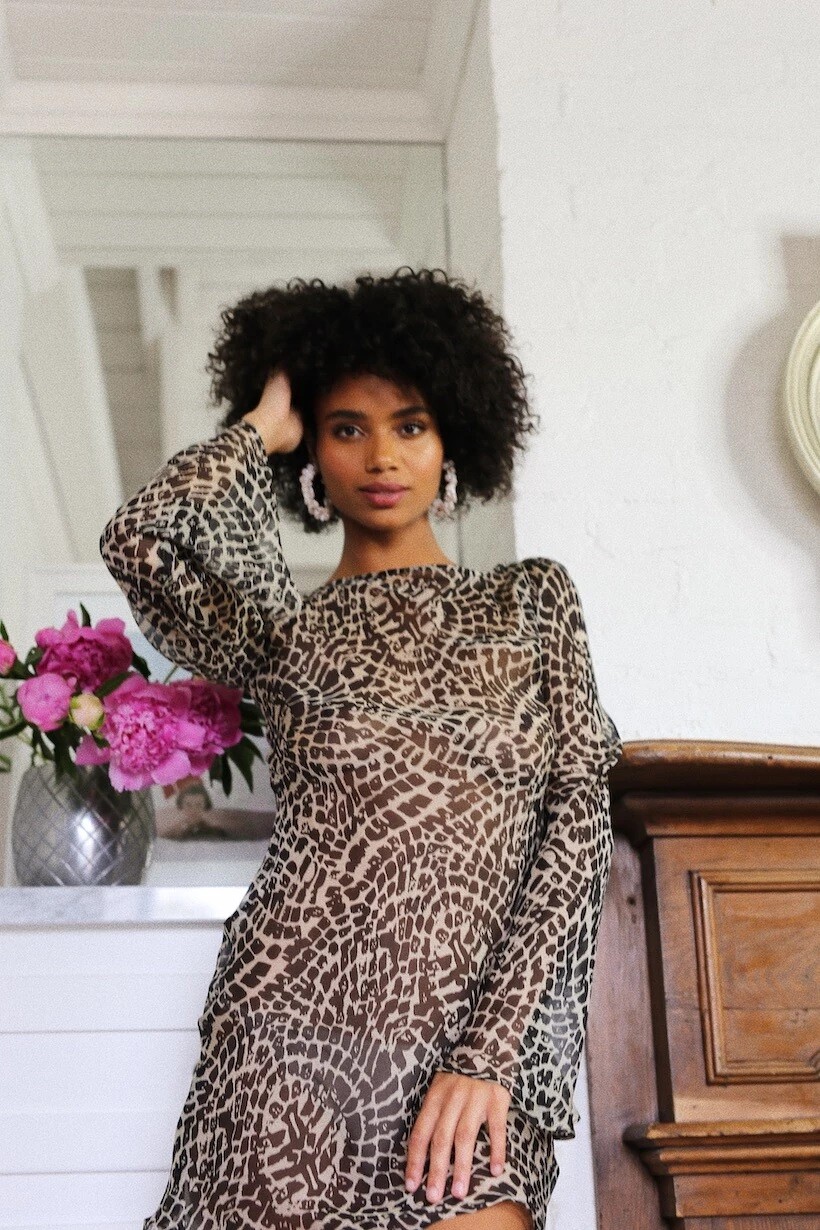
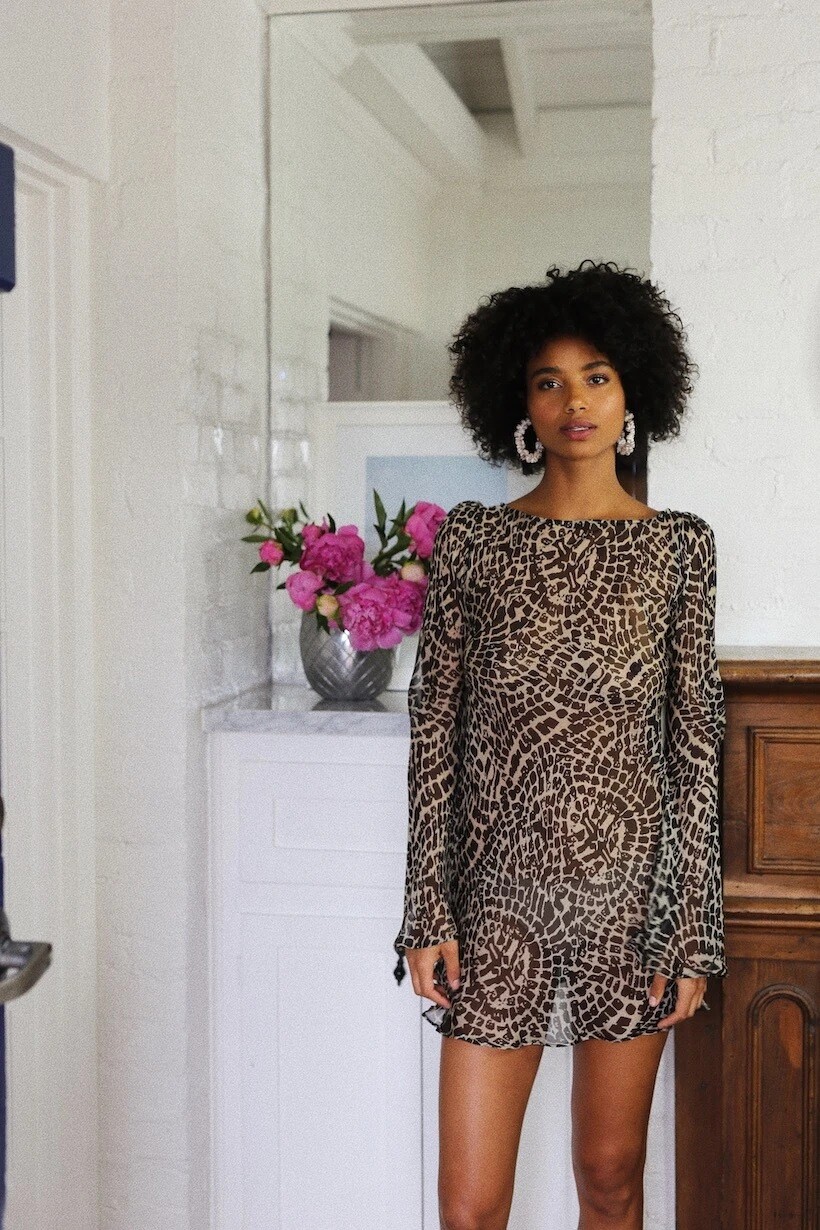

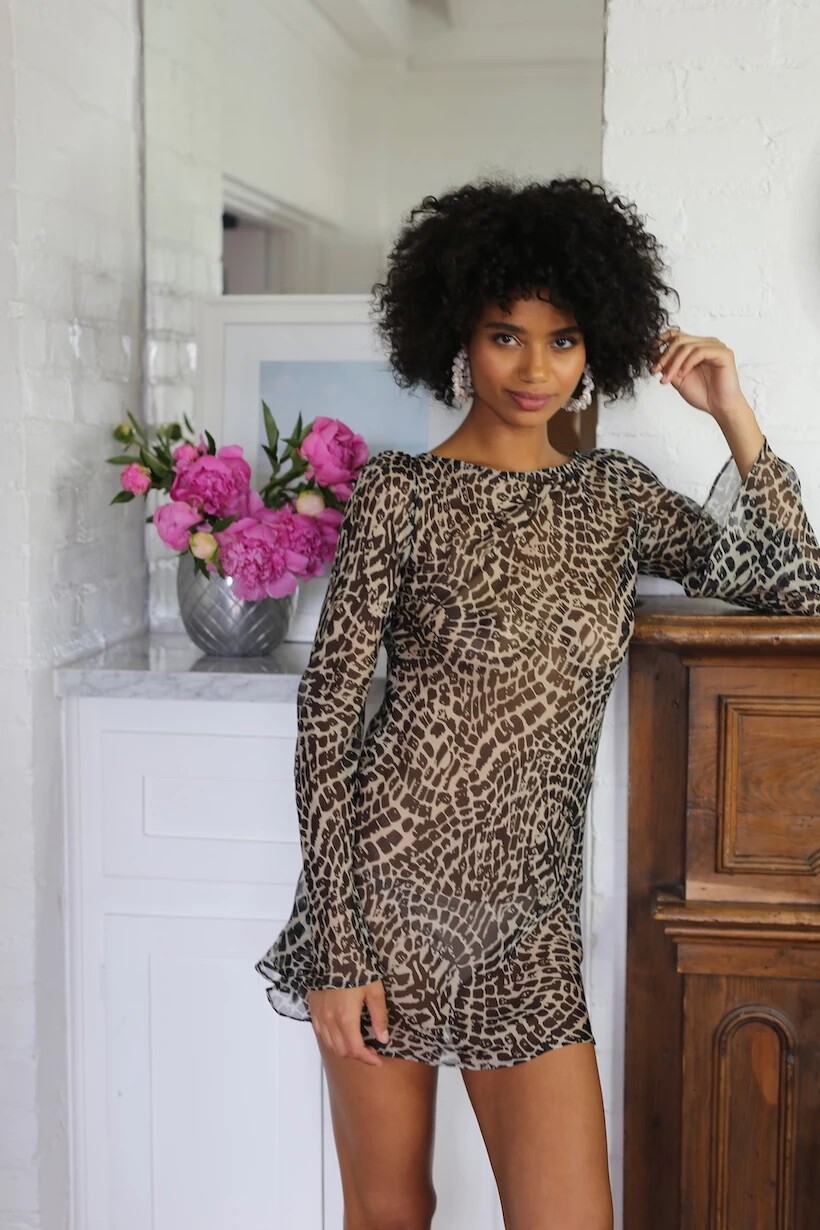
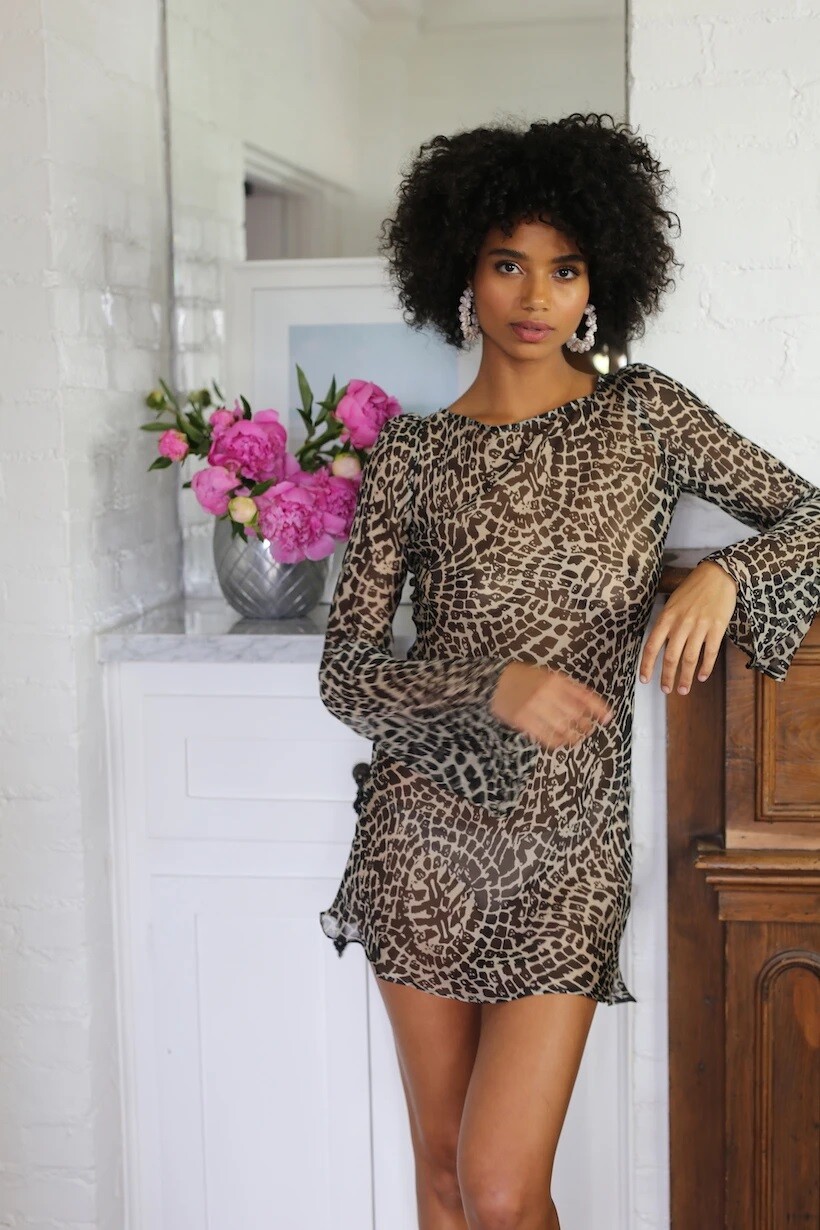
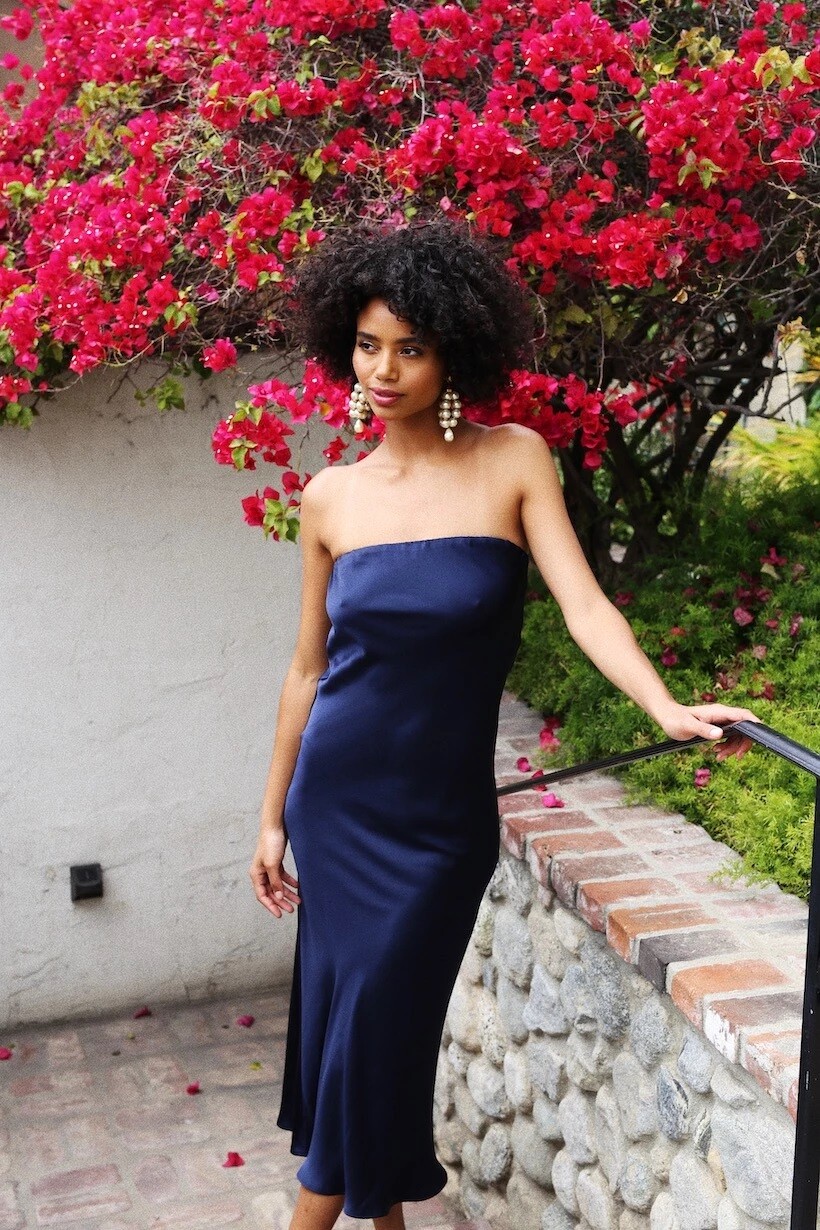
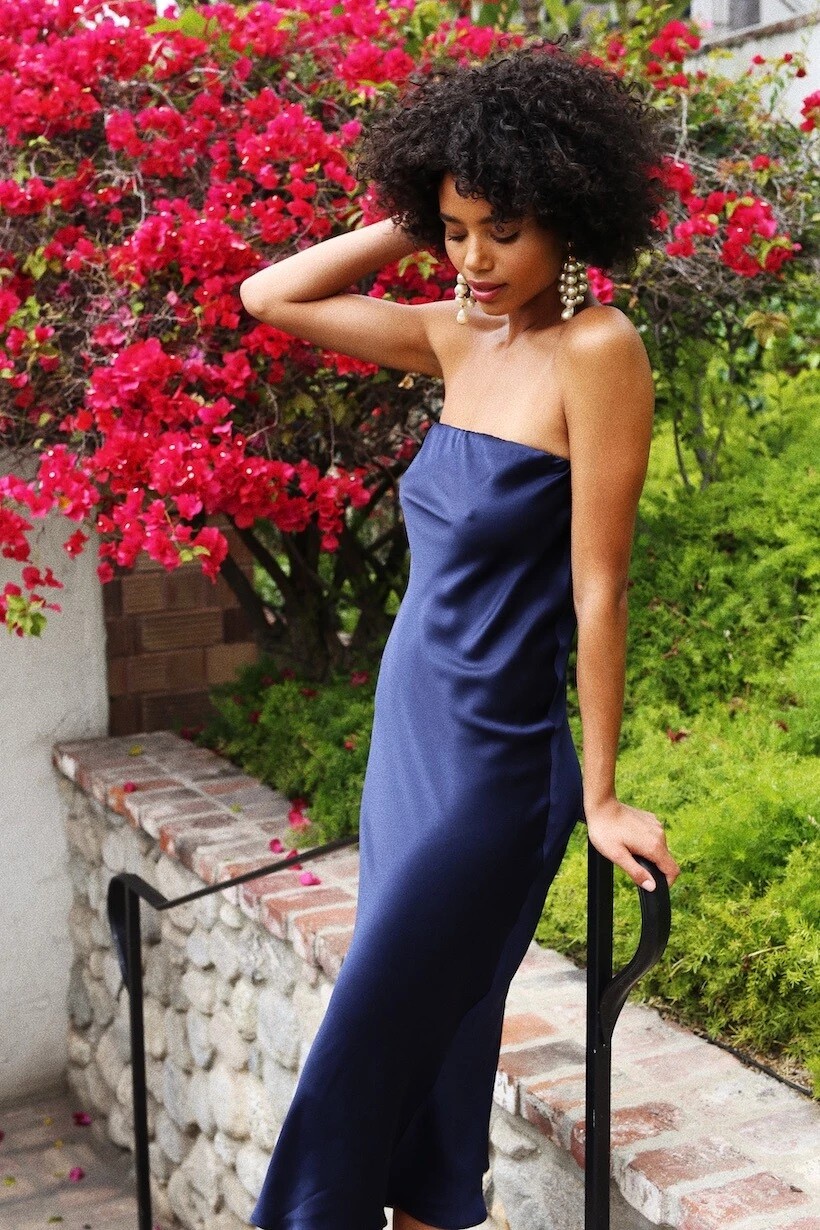
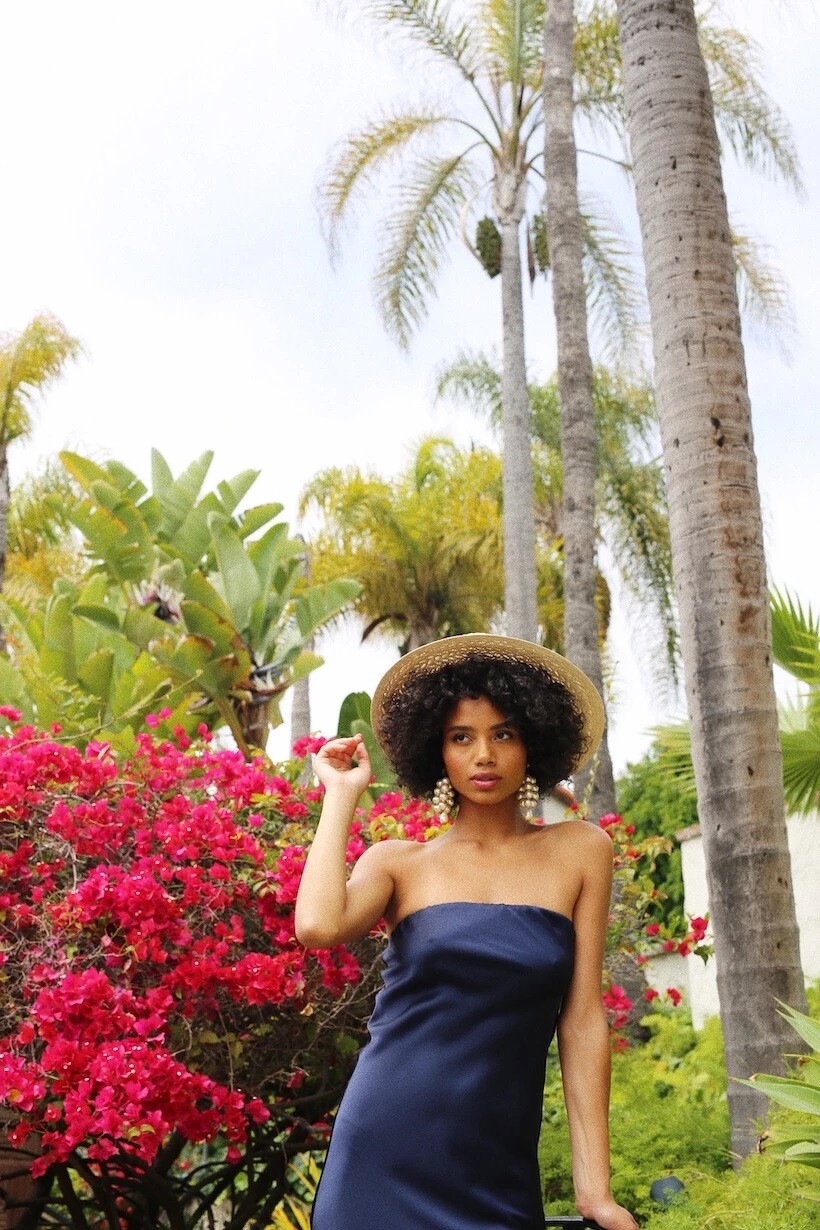
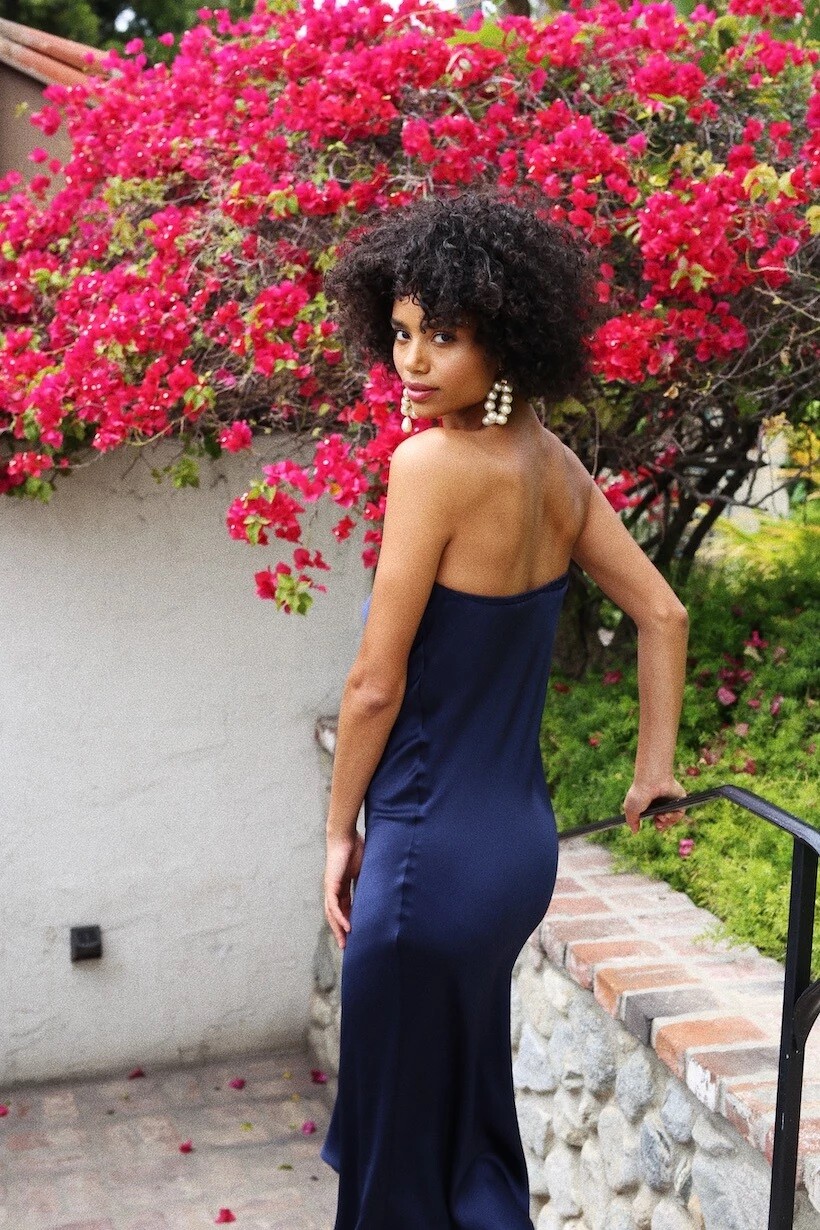

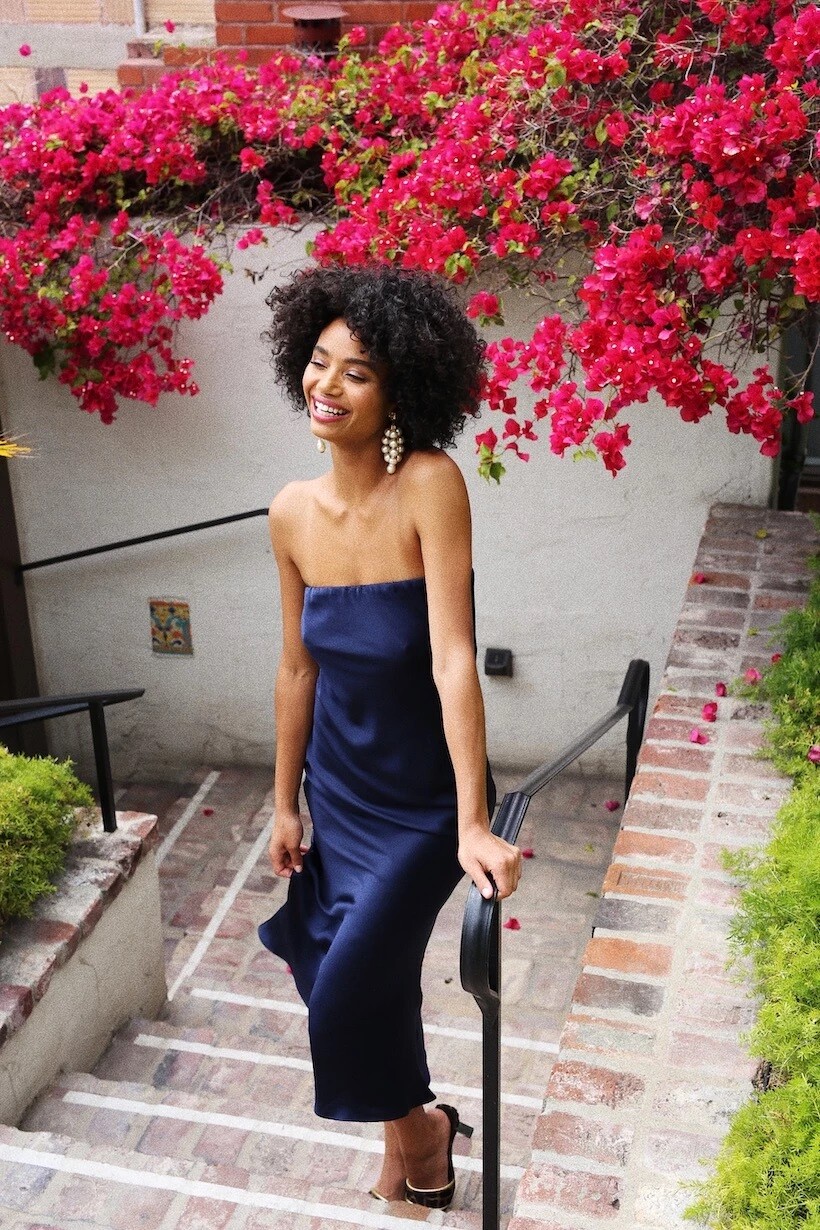

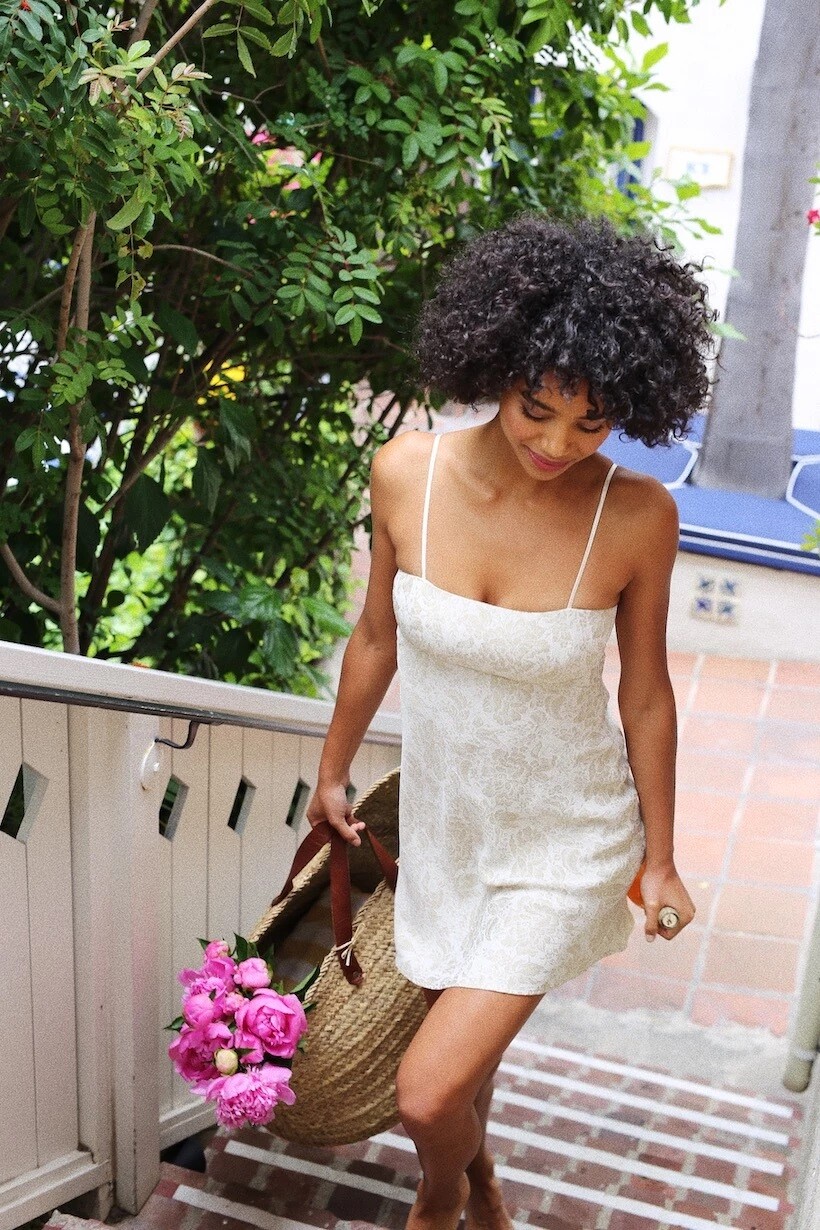












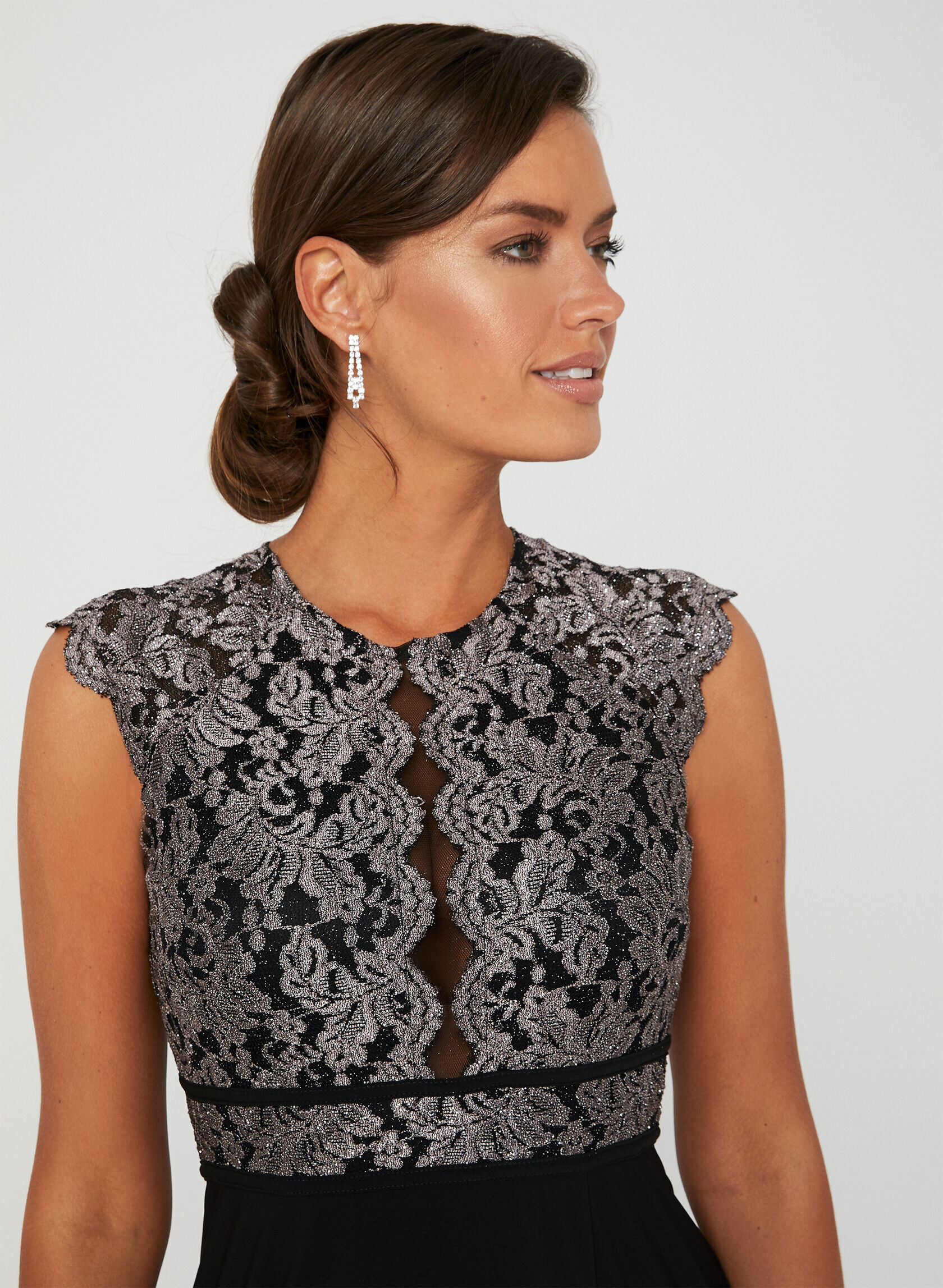
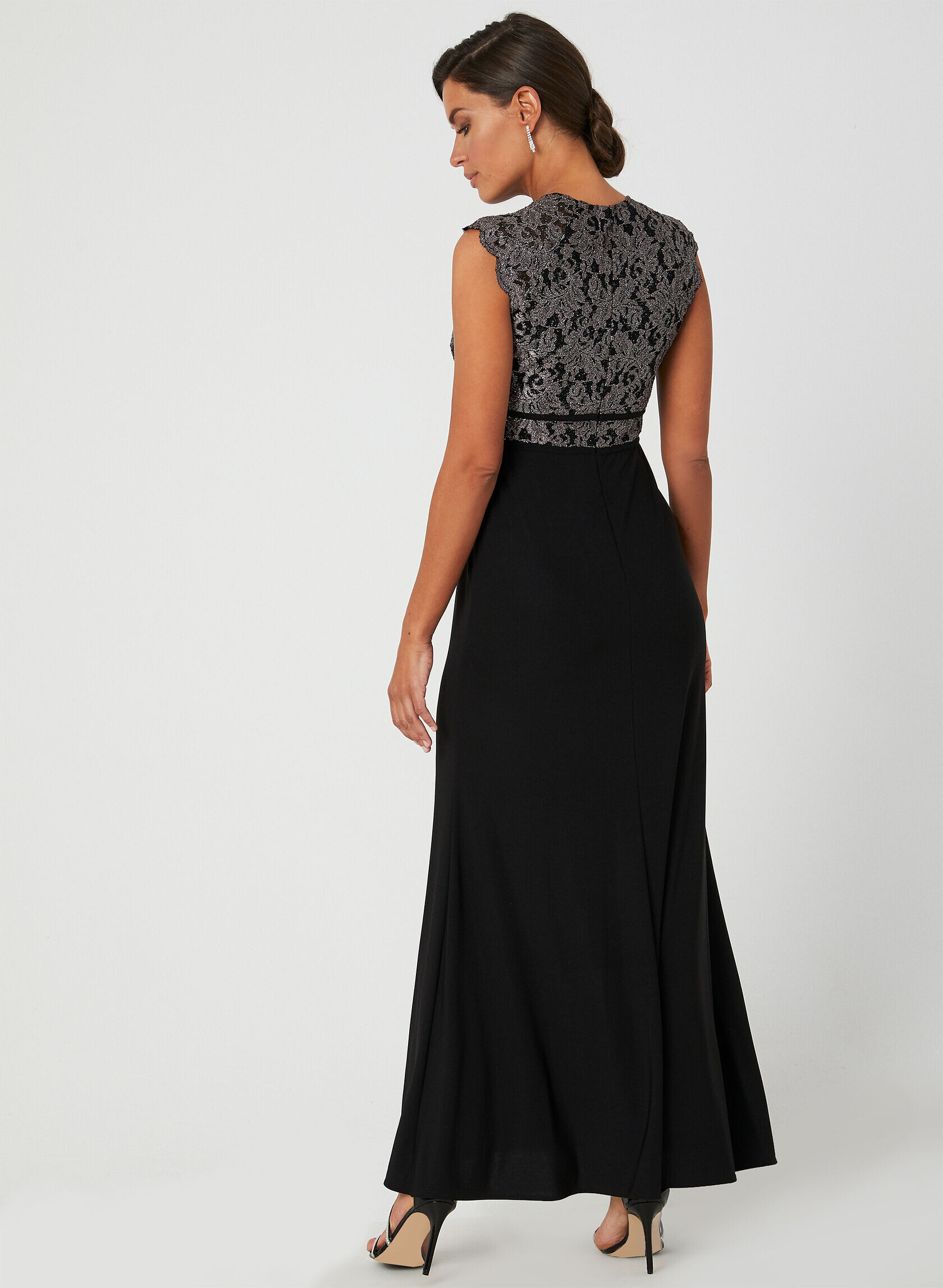
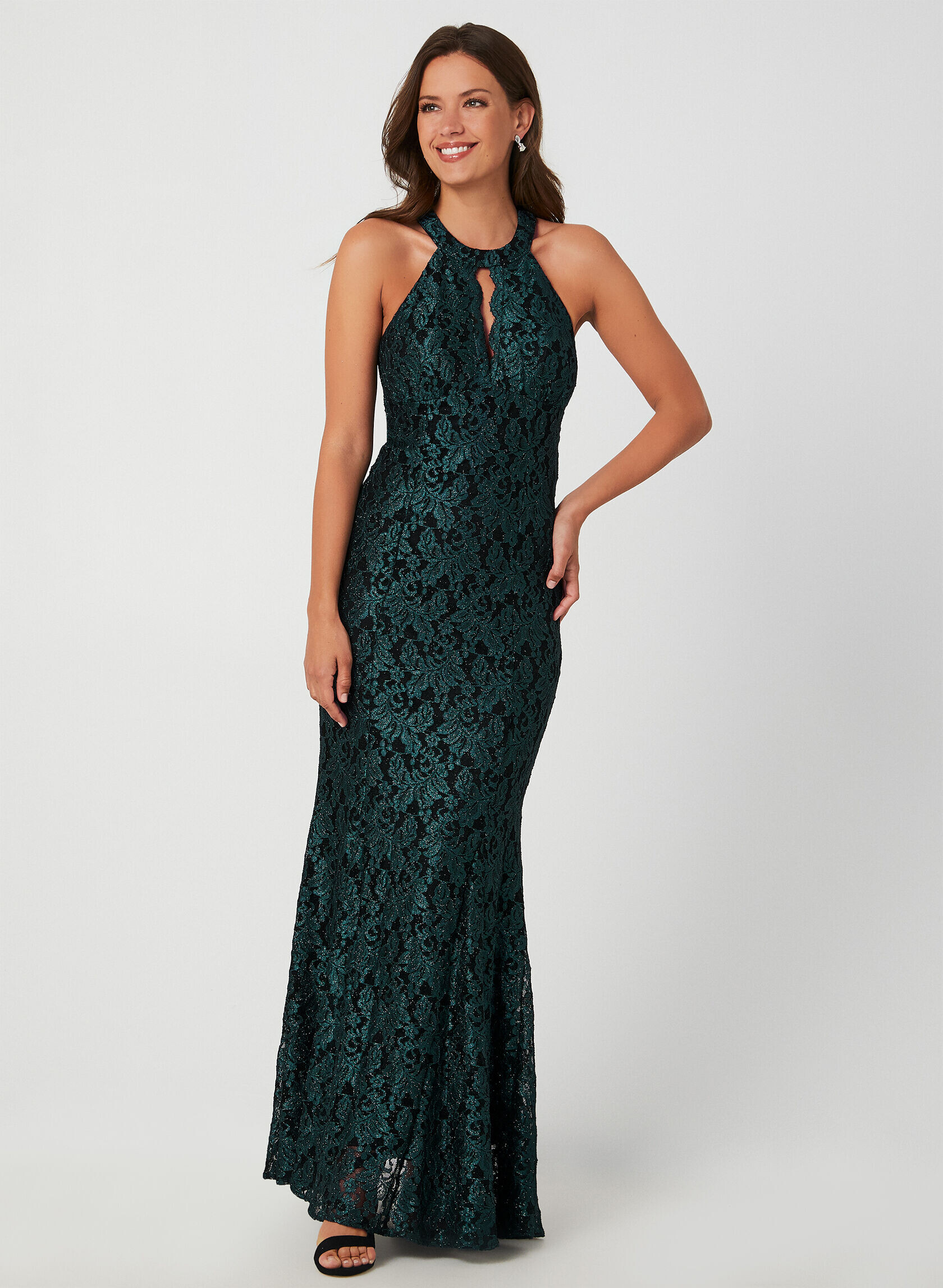
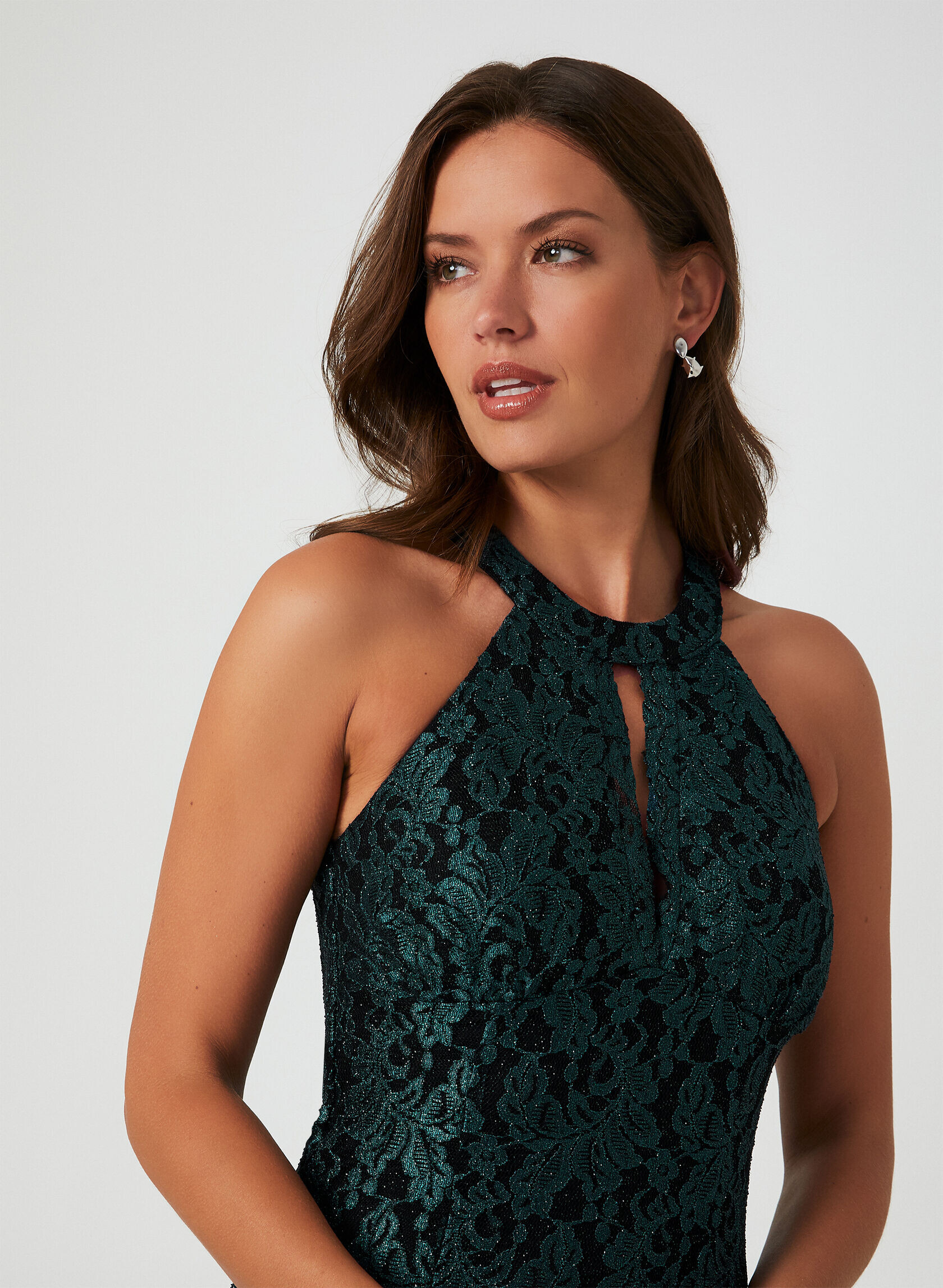

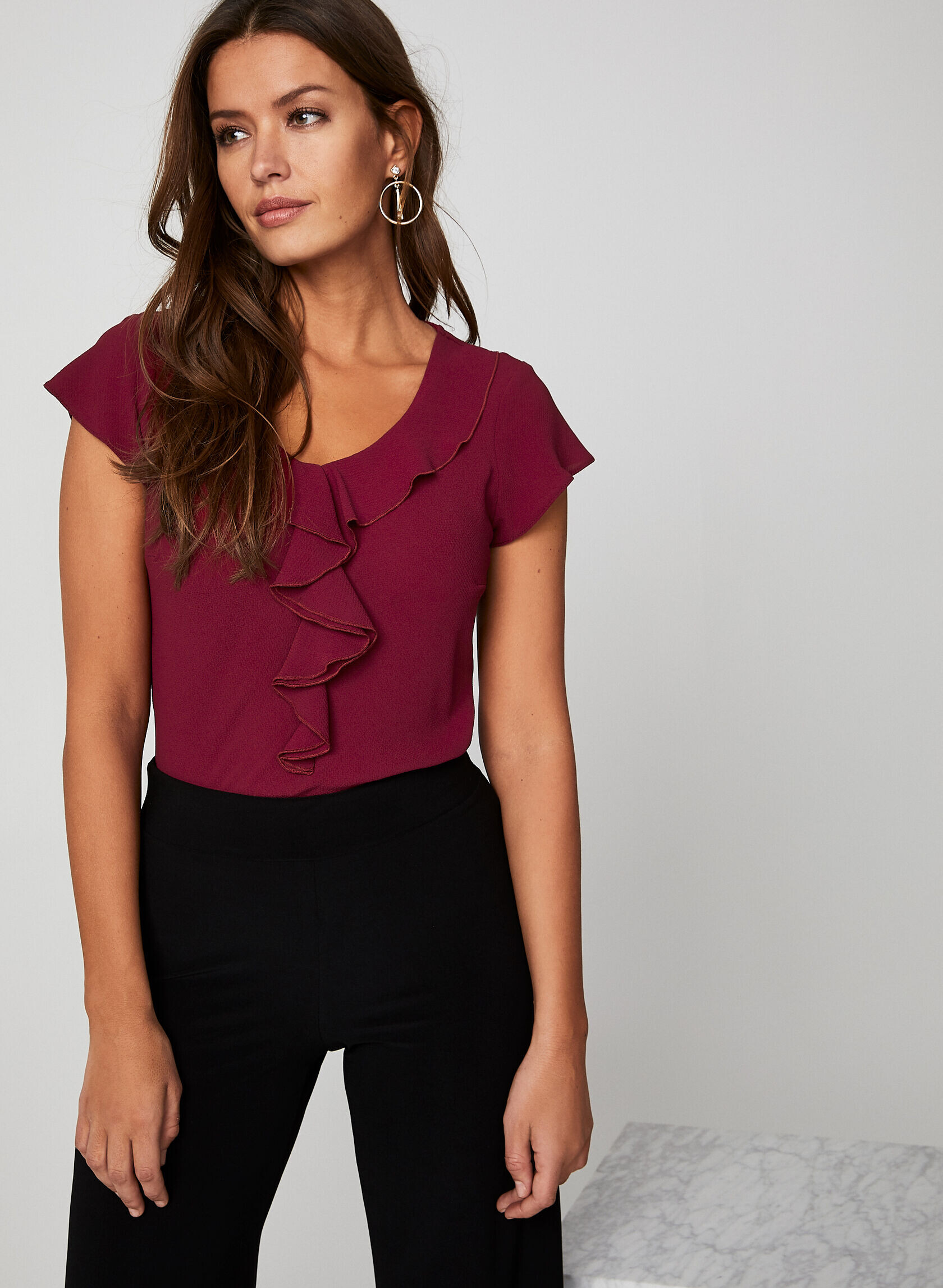
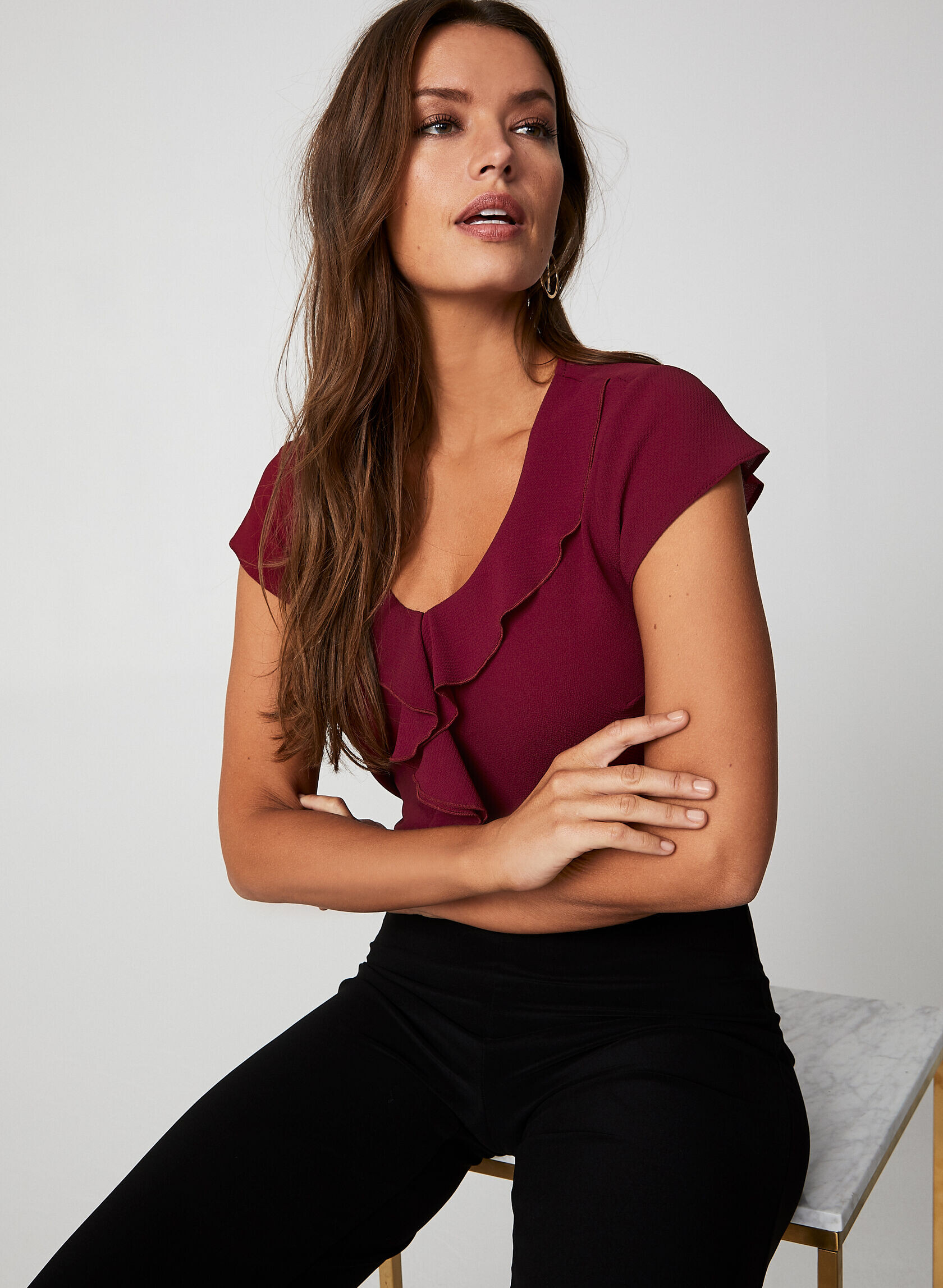
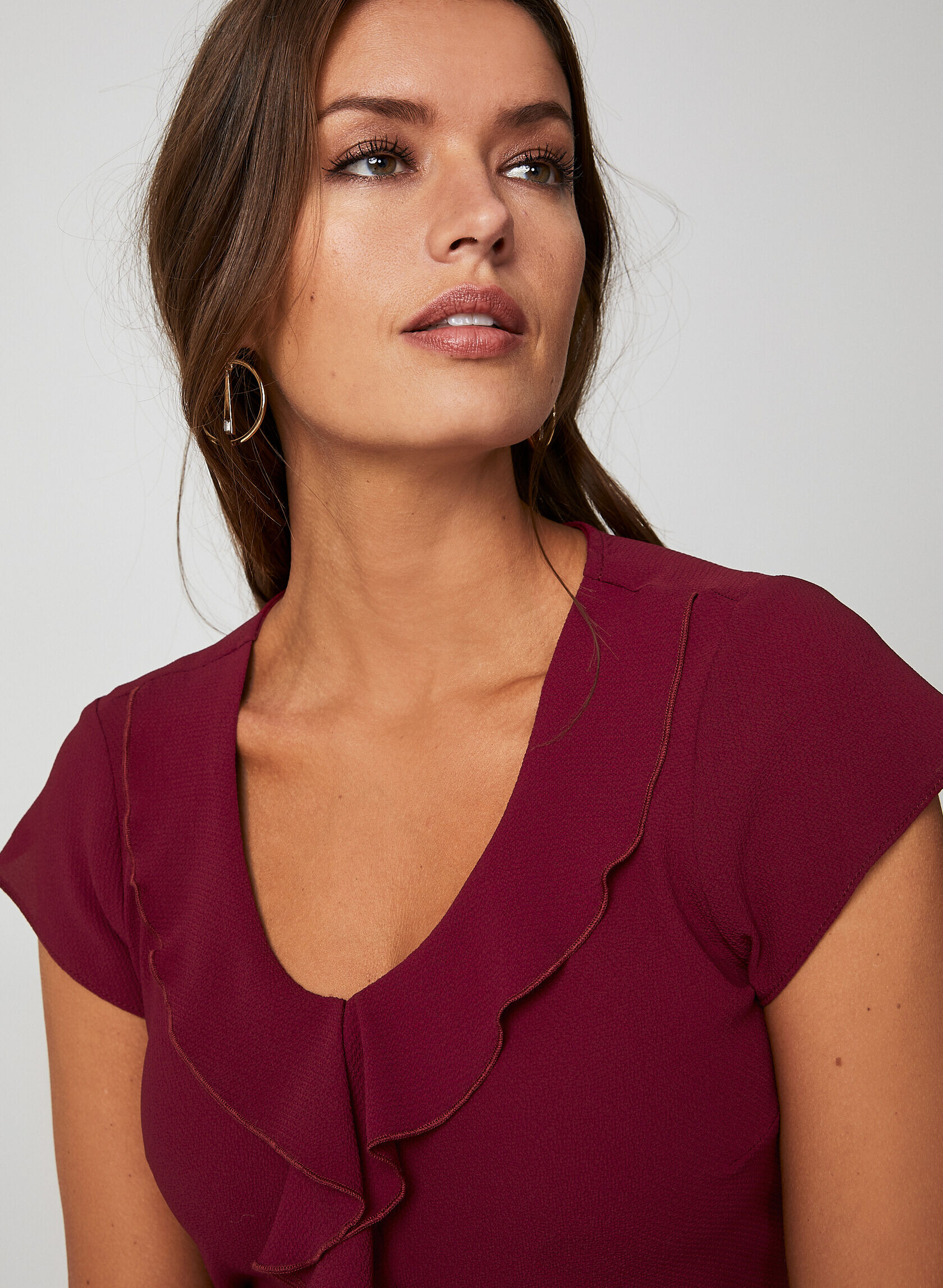
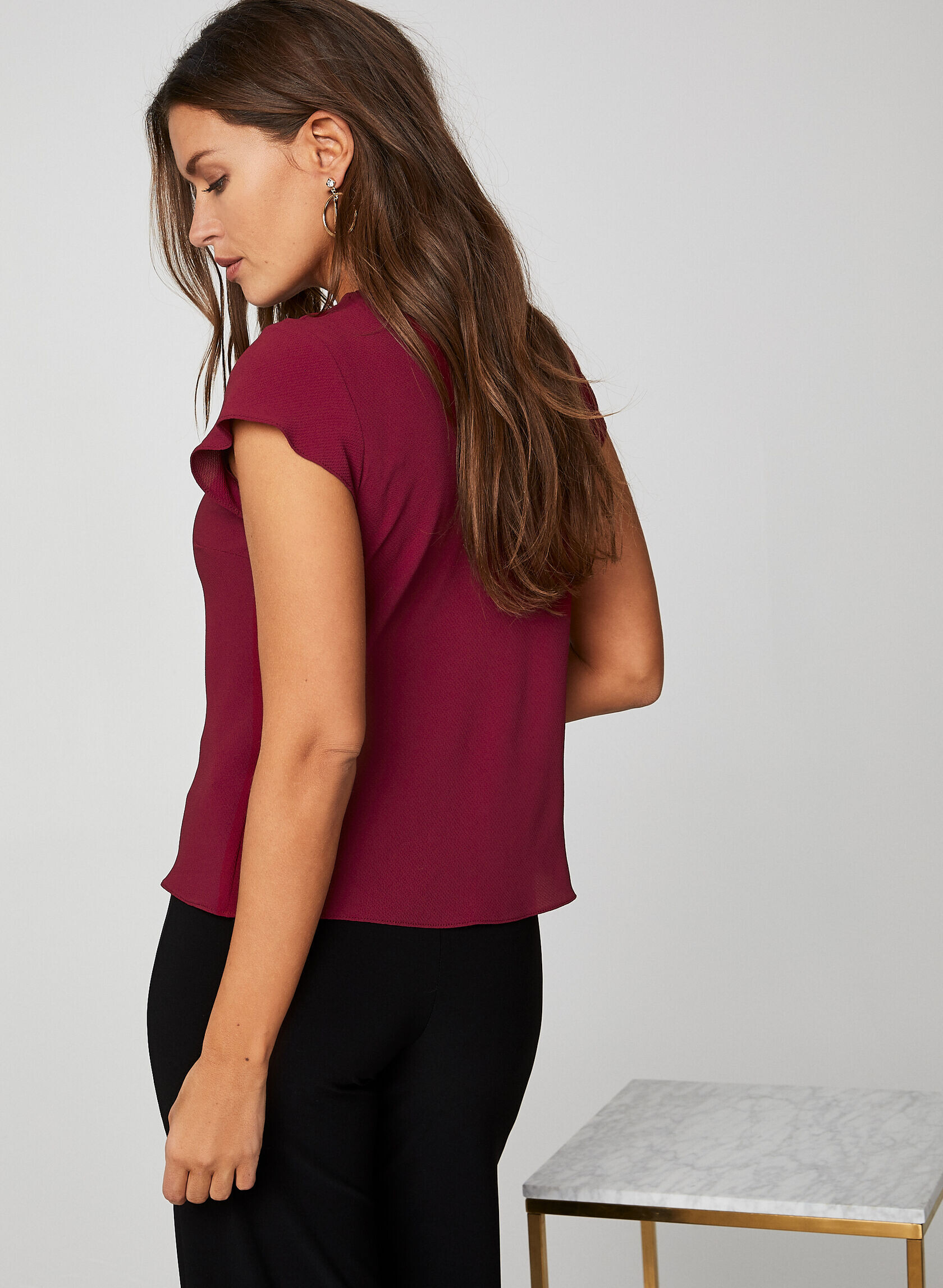
.jpg.256416f29e419d5efbebe914cd52ed7b.jpg)
.jpg.69db3d4dd64e06d6421cf82f5b373de5.jpg)
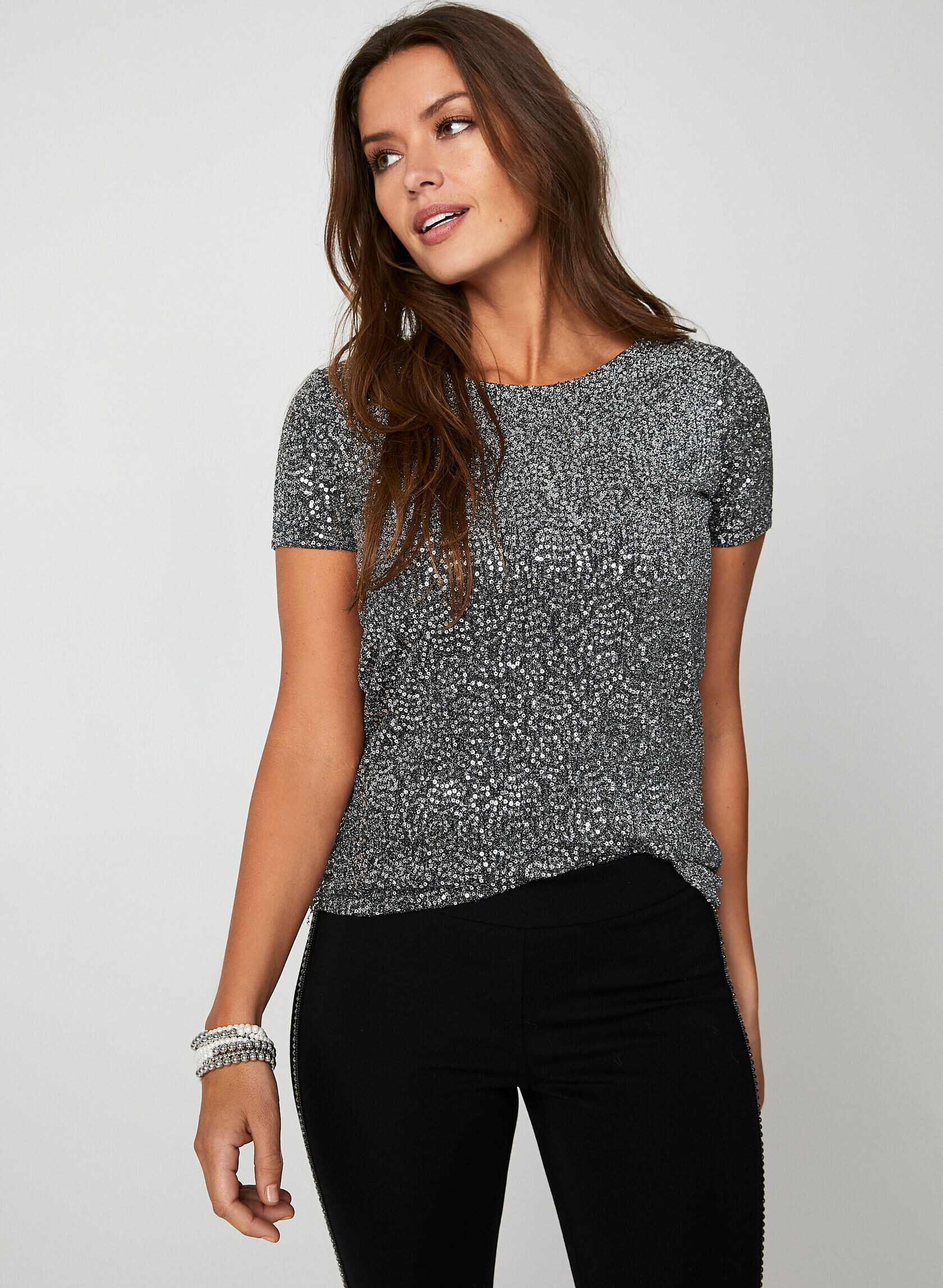
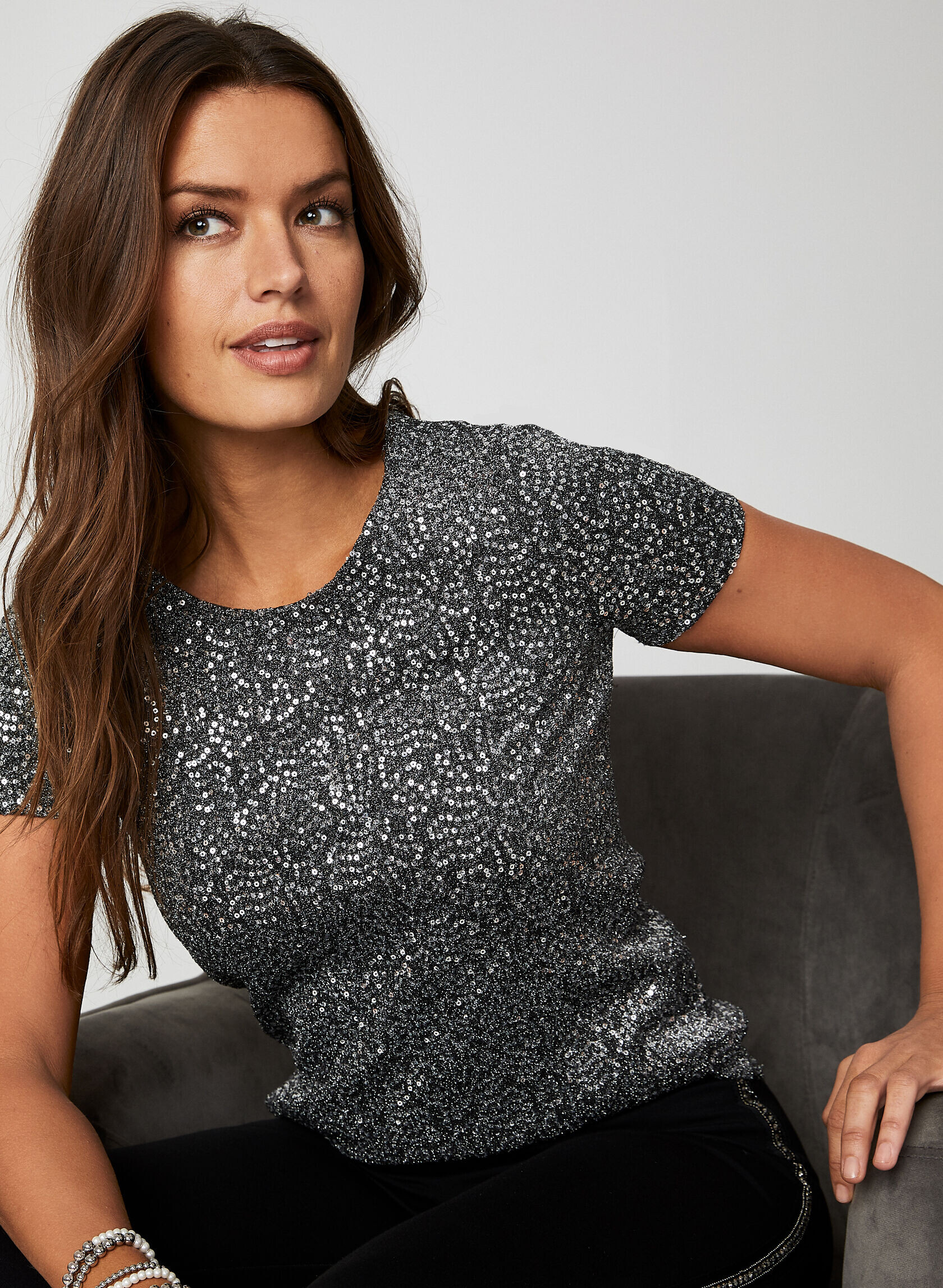
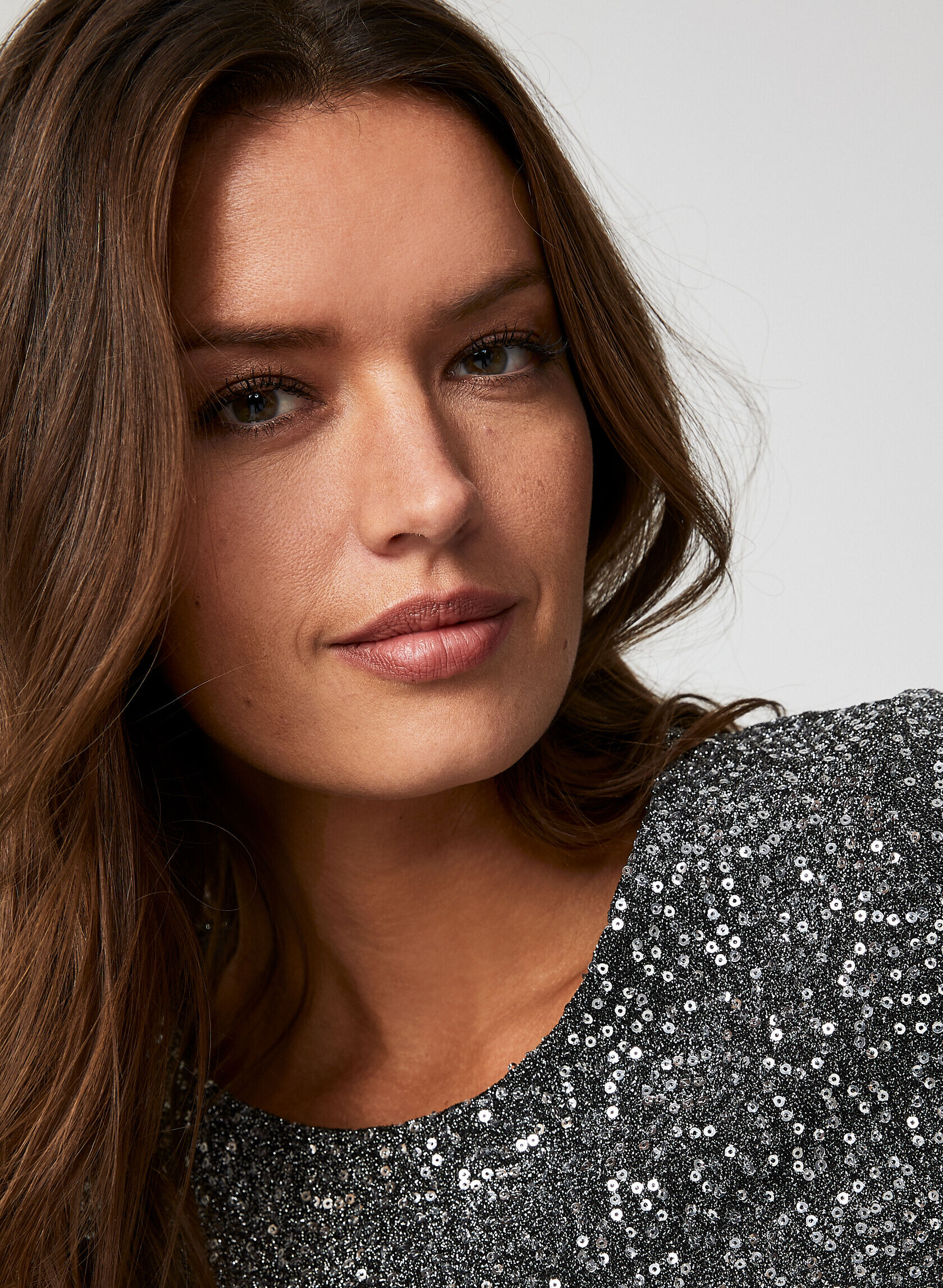
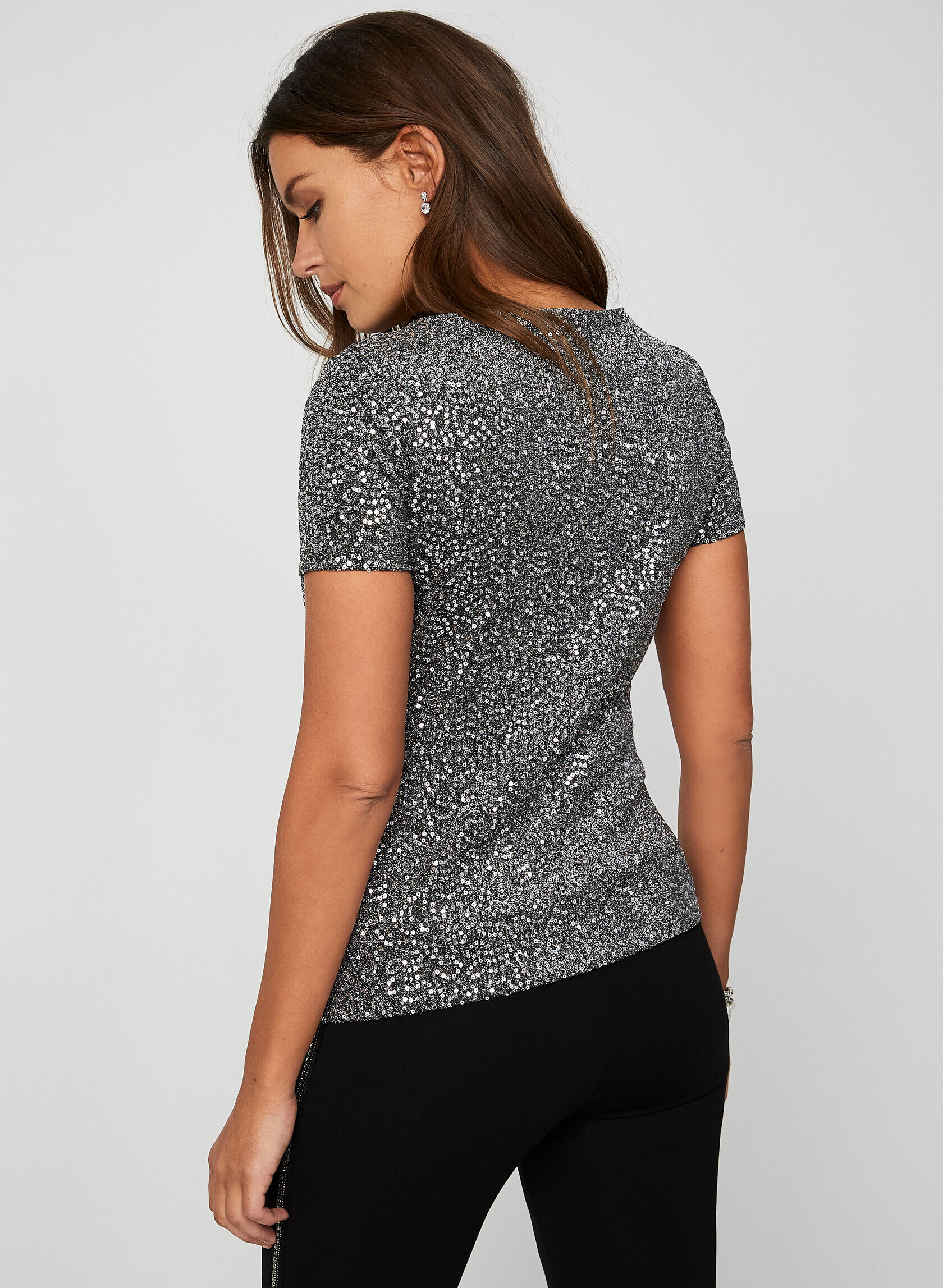


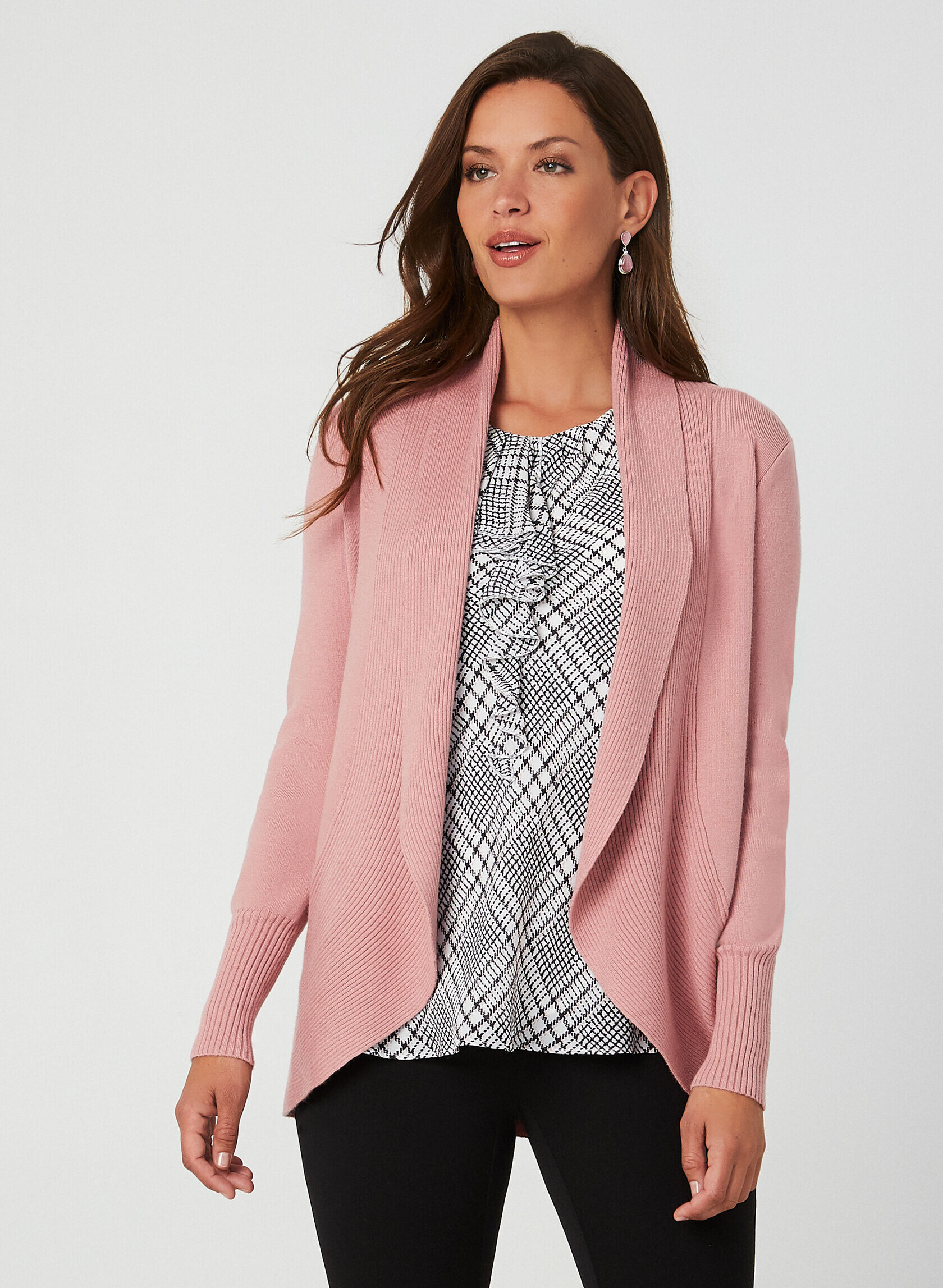
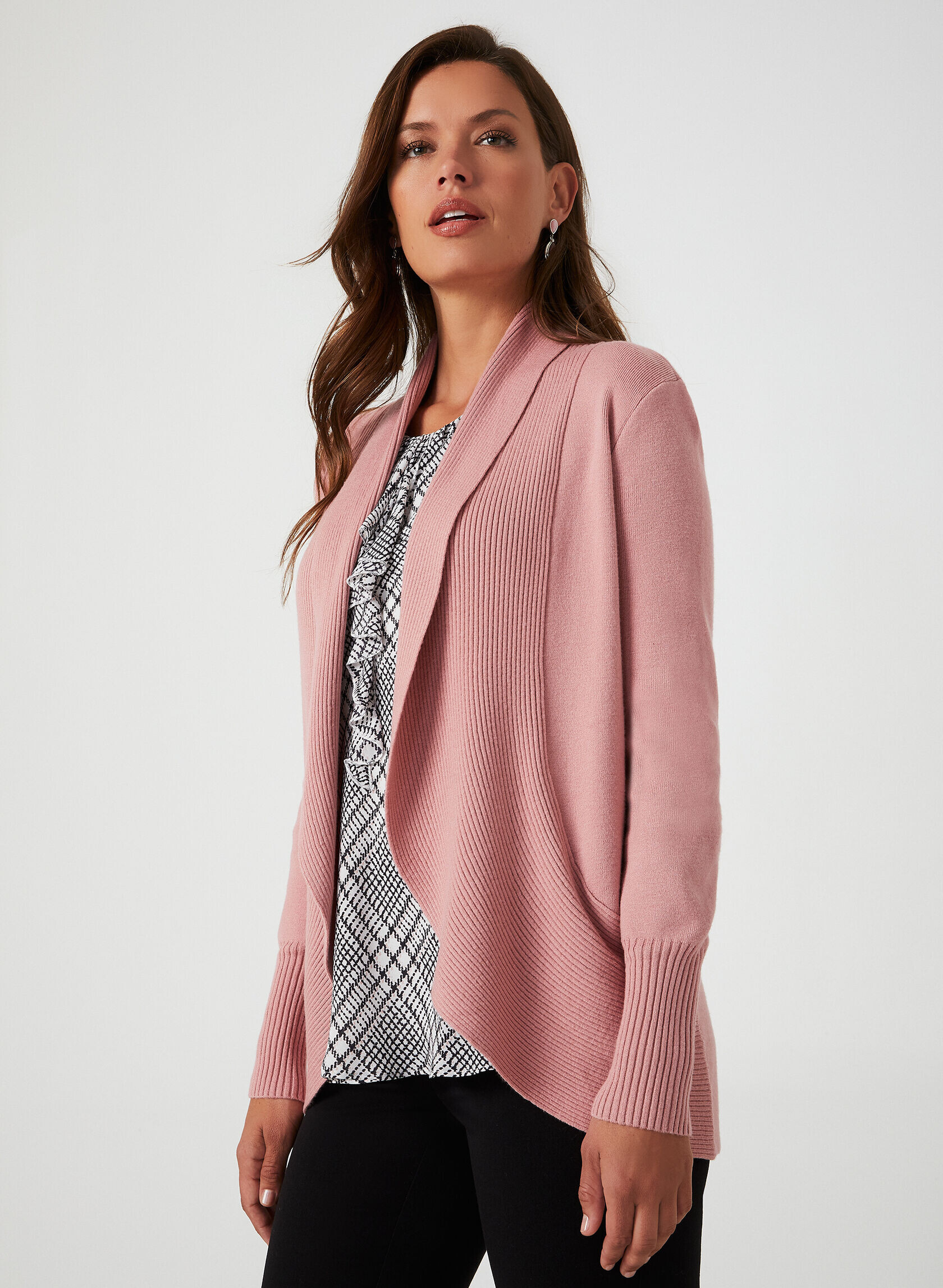
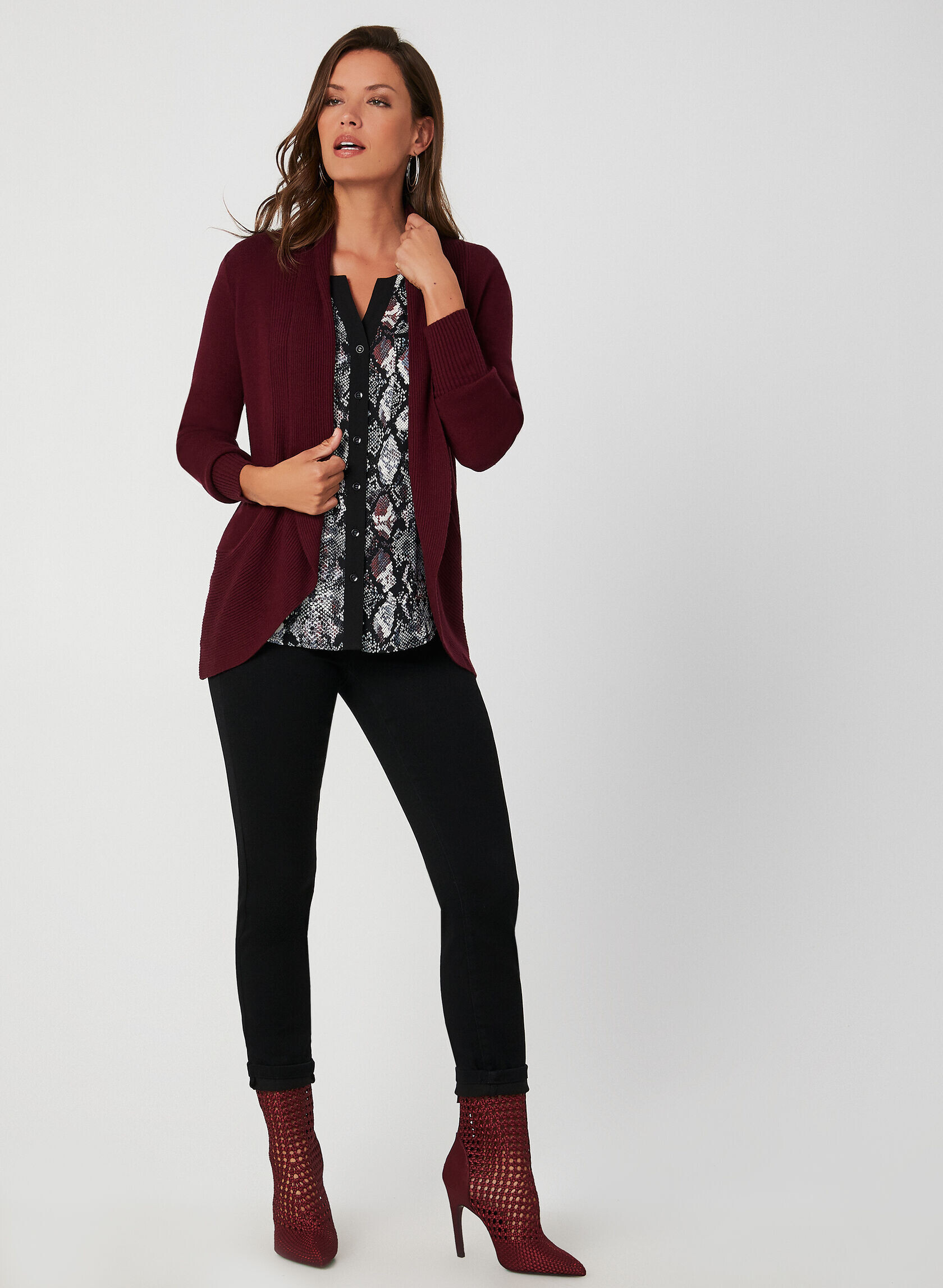
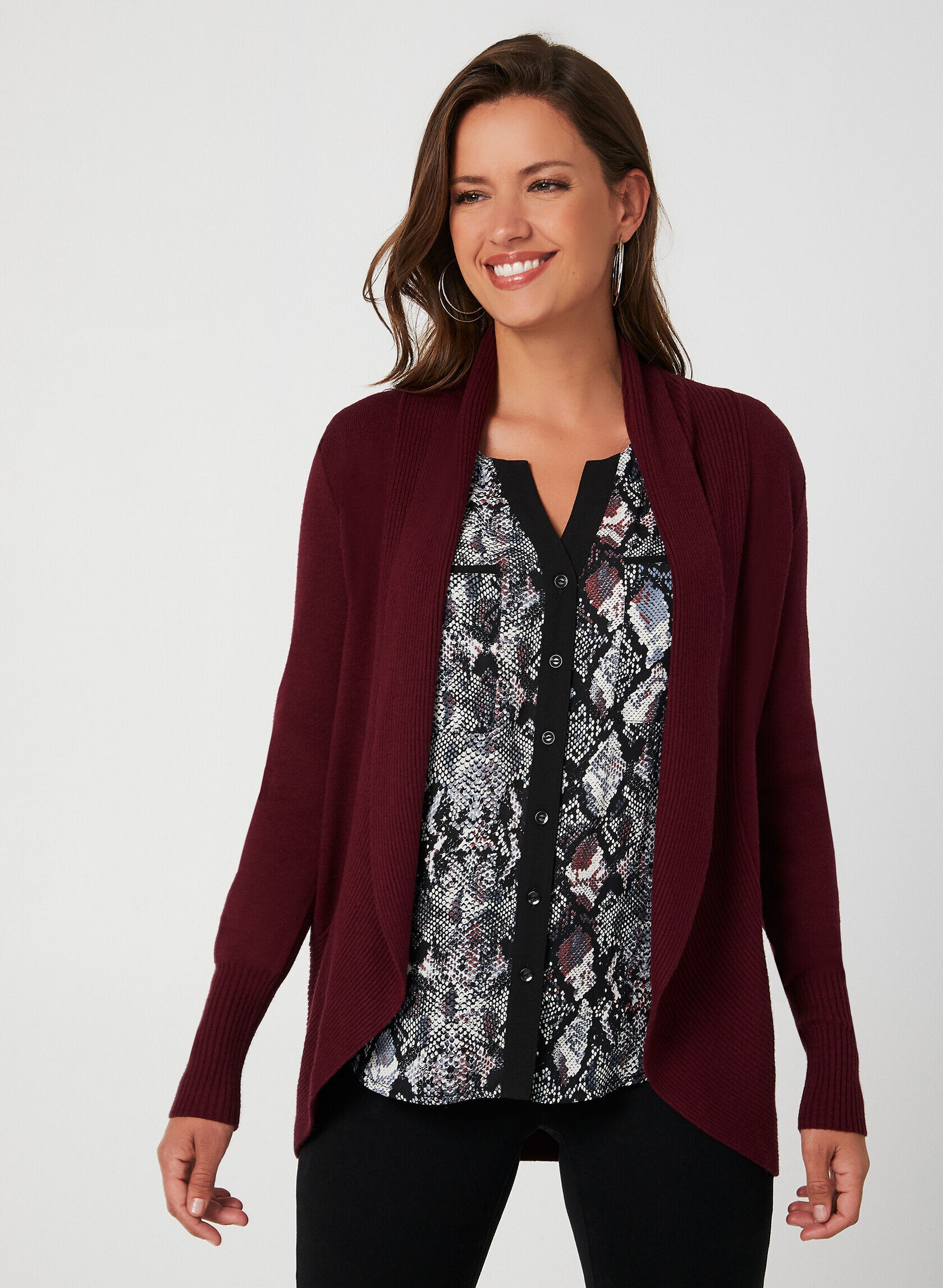


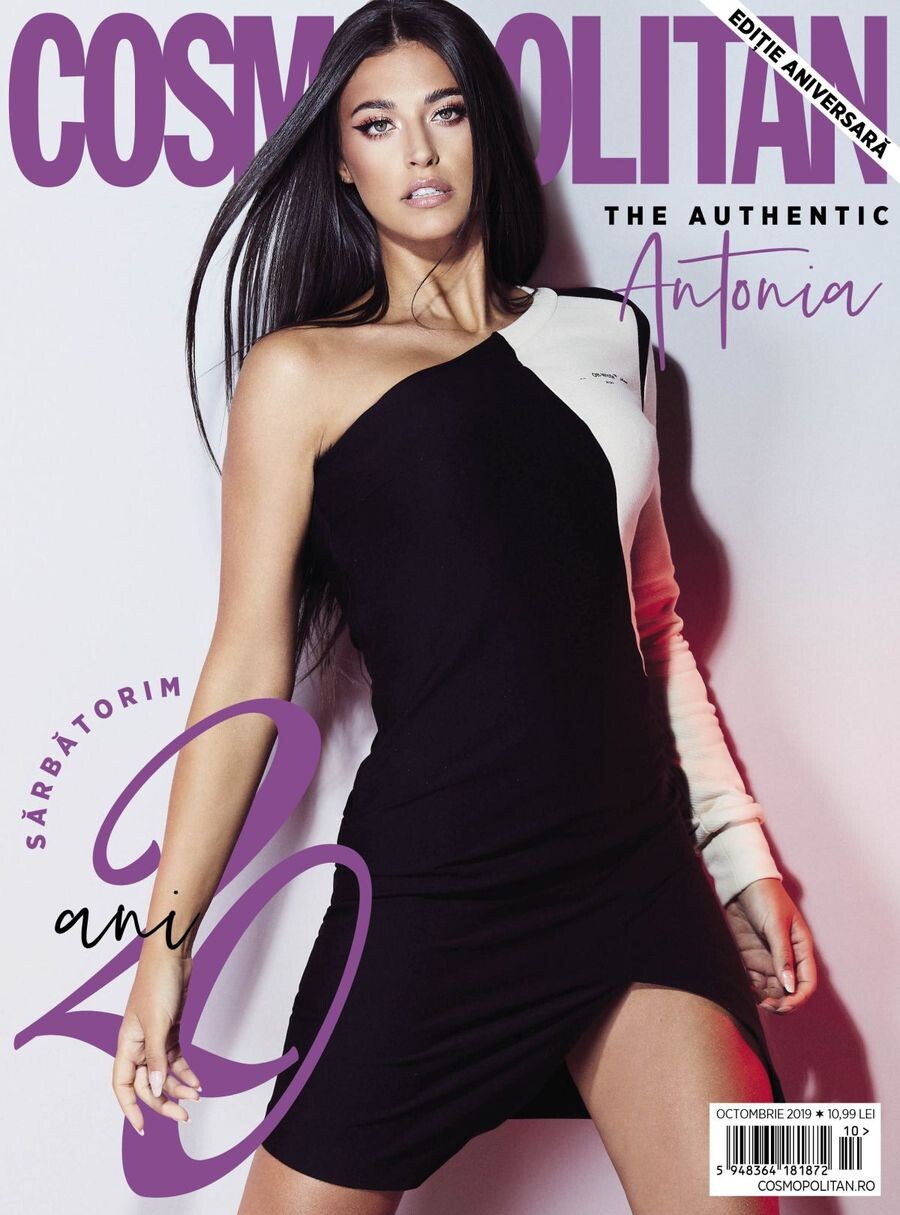
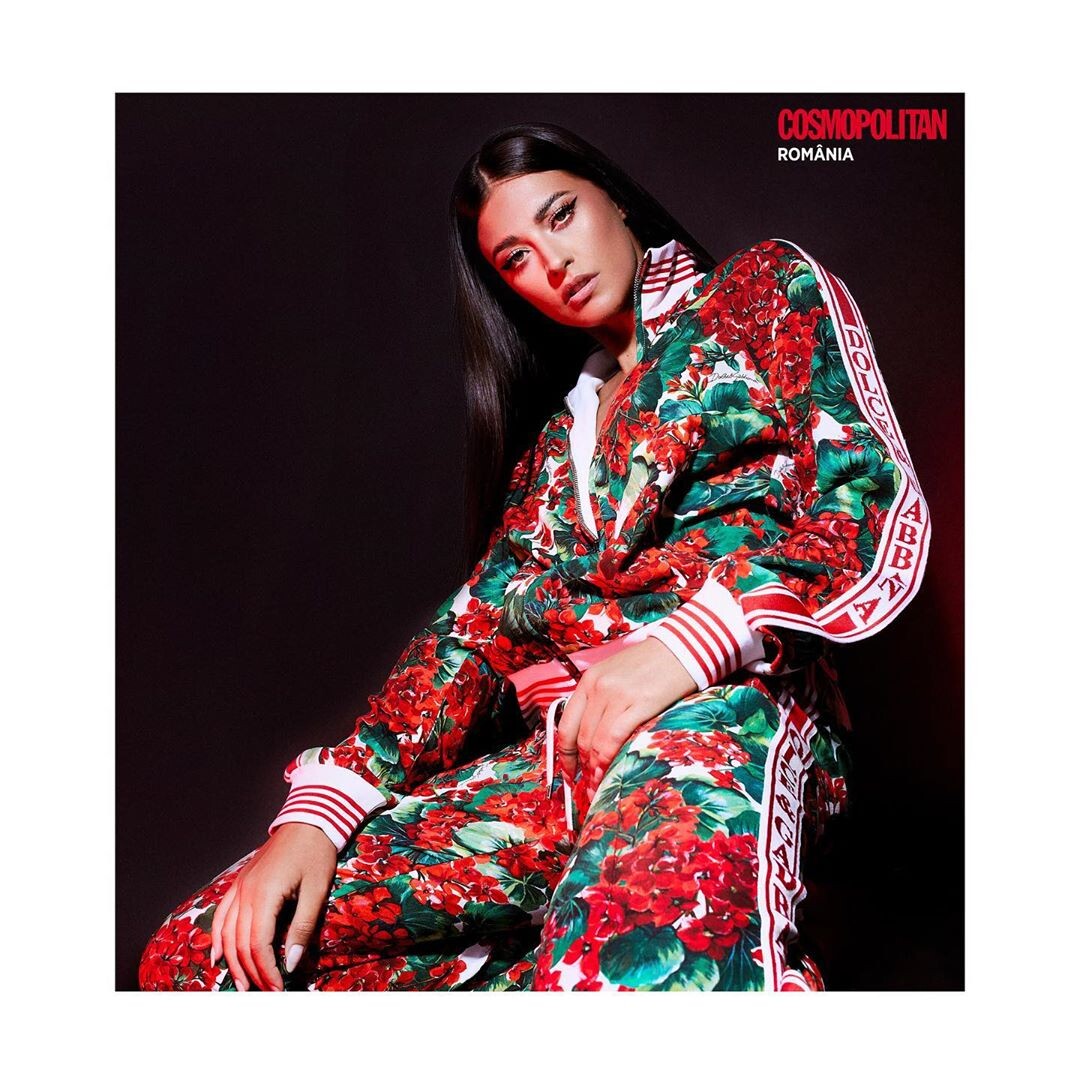
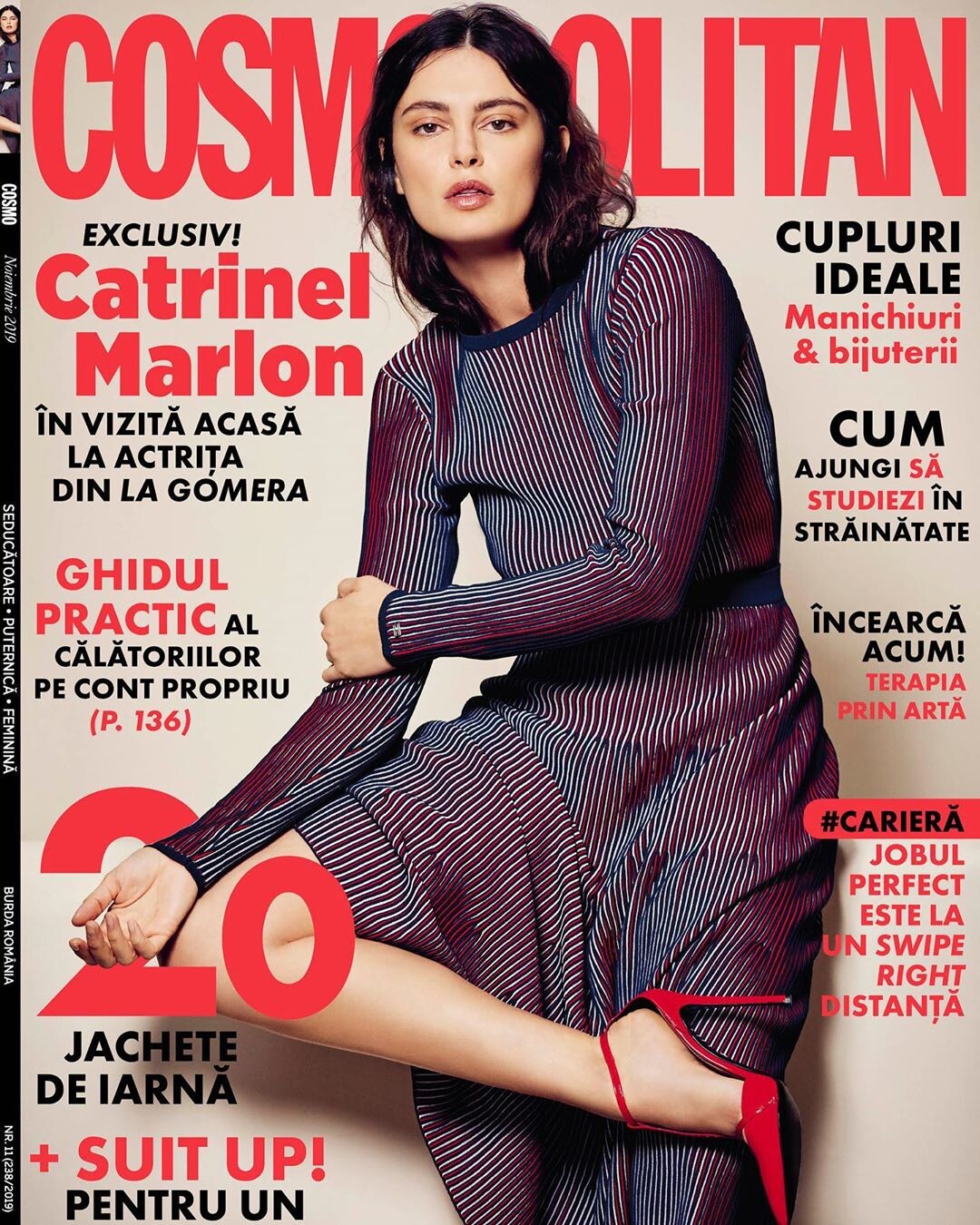
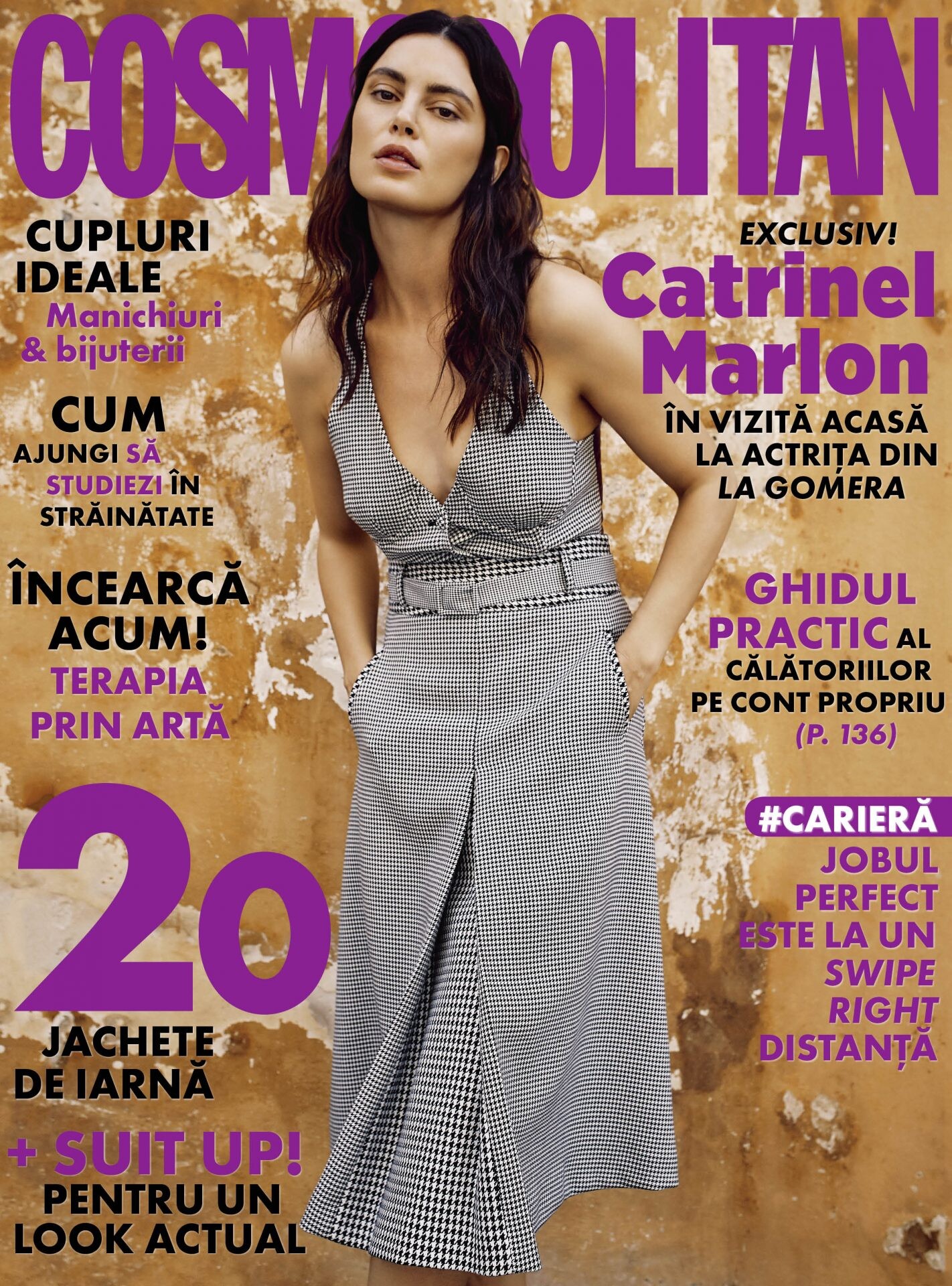




Account
Navigation
Search
Configure browser push notifications
Chrome (Android)
- Tap the lock icon next to the address bar.
- Tap Permissions → Notifications.
- Adjust your preference.
Chrome (Desktop)
- Click the padlock icon in the address bar.
- Select Site settings.
- Find Notifications and adjust your preference.
Safari (iOS 16.4+)
- Ensure the site is installed via Add to Home Screen.
- Open Settings App → Notifications.
- Find your app name and adjust your preference.
Safari (macOS)
- Go to Safari → Preferences.
- Click the Websites tab.
- Select Notifications in the sidebar.
- Find this website and adjust your preference.
Edge (Android)
- Tap the lock icon next to the address bar.
- Tap Permissions.
- Find Notifications and adjust your preference.
Edge (Desktop)
- Click the padlock icon in the address bar.
- Click Permissions for this site.
- Find Notifications and adjust your preference.
Firefox (Android)
- Go to Settings → Site permissions.
- Tap Notifications.
- Find this site in the list and adjust your preference.
Firefox (Desktop)
- Open Firefox Settings.
- Search for Notifications.
- Find this site in the list and adjust your preference.