Jump to content
View in the app

A better way to browse. Learn more.

Bellazon

A full-screen app on your home screen with push notifications, badges and more.

To install this app on iOS and iPadOS
  1. Tap the Share icon in Safari
  2. Scroll the menu and tap Add to Home Screen.
  3. Tap Add in the top-right corner.
To install this app on Android
  1. Tap the 3-dot menu (⋮) in the top-right corner of the browser.
  2. Tap Add to Home screen or Install app.
  3. Confirm by tapping Install.

Ramsfan

Members
  • Joined

  • Last visited

  1. It is her latest post on her Instagram account too. 😄
  2. She is in a magazine for Hurley. It is for Spring 2026. Any previews from it would be appreciated. 😄
  3. Fabulous adds.
  4. Magnificent! ❤️
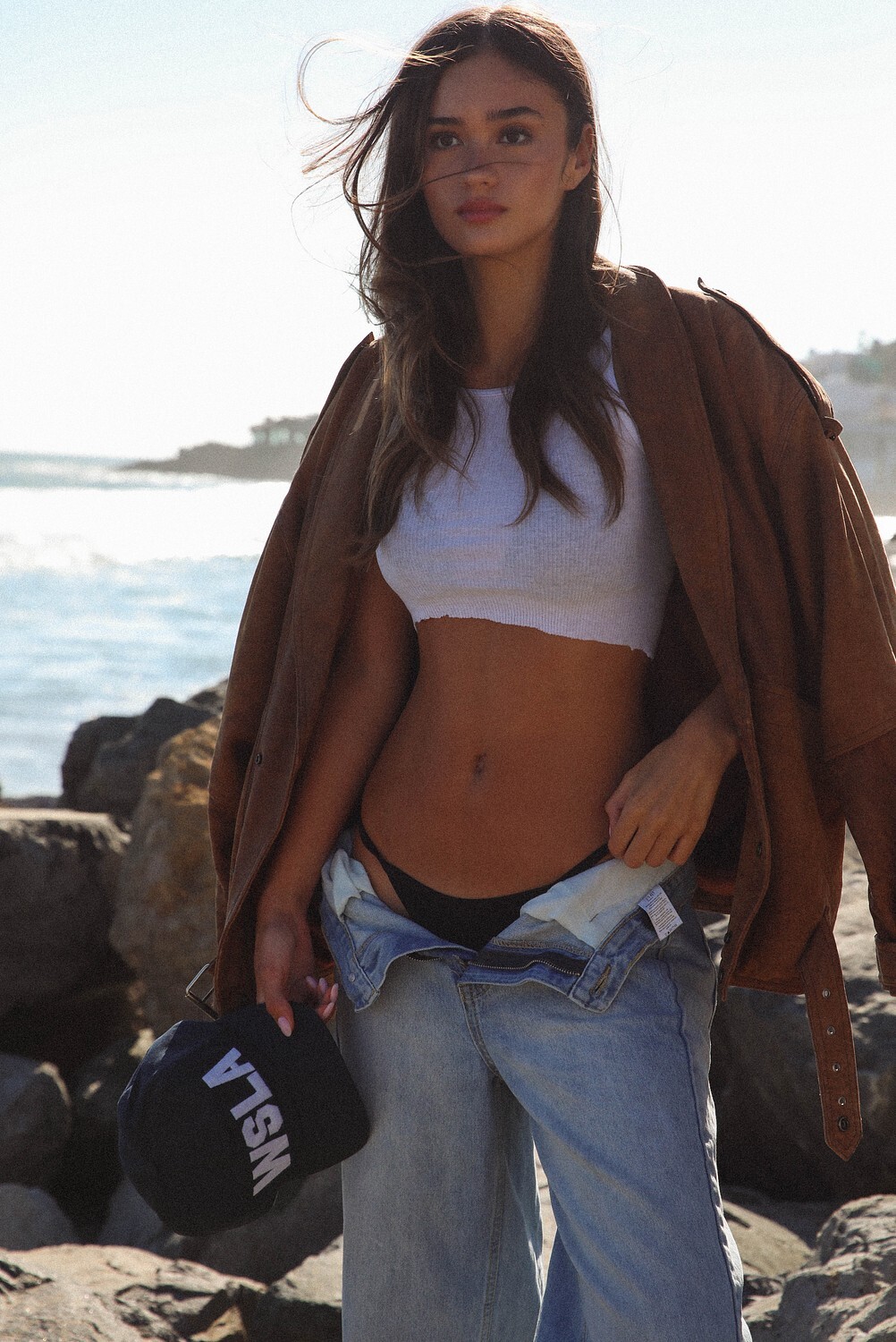
  5. She looks very pretty in the pictures for the Skatie brand! ❤️
  6. Incredible!
  7. Amazing! ❤️
  8. Stunning! ❤️ She was great in SI Swimsuit edition. Hopefully she is in it next year.
  9. Ramsfan replied to Devmor's topic in Female Athletes
    Spectacular! ❤️
  10. Fantastic!
  11. Magnificent! ❤️
  12. Lovely! ❤️
  13. Magnificent! ❤️
  14. I really like her. 😁

Configure browser push notifications

Chrome (Android)
  1. Tap the lock icon next to the address bar.
  2. Tap Permissions → Notifications.
  3. Adjust your preference.
Chrome (Desktop)
  1. Click the padlock icon in the address bar.
  2. Select Site settings.
  3. Find Notifications and adjust your preference.