
Zinner
Members
-
Joined
-
Last visited
-
17
-
Here you are
-
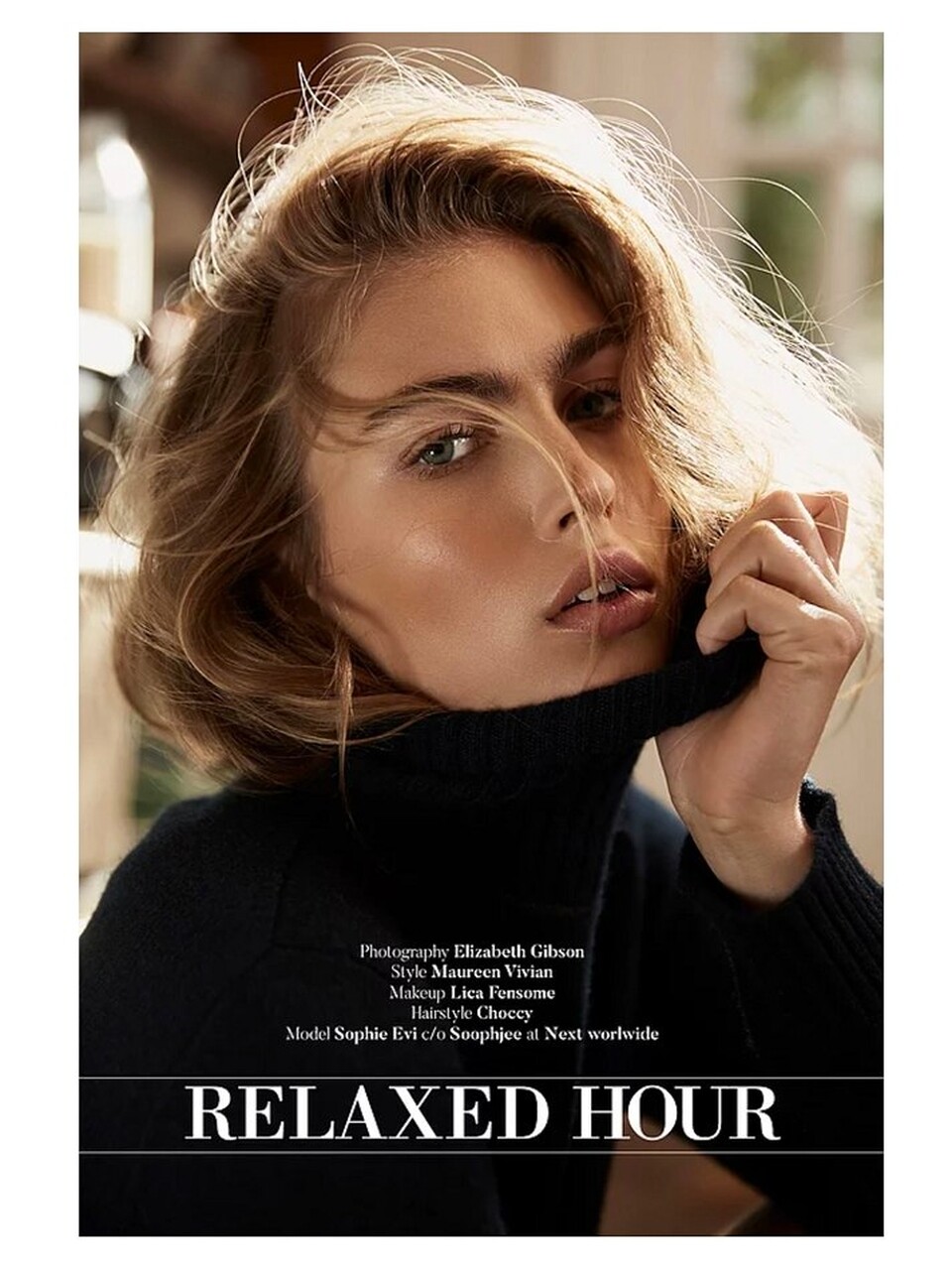
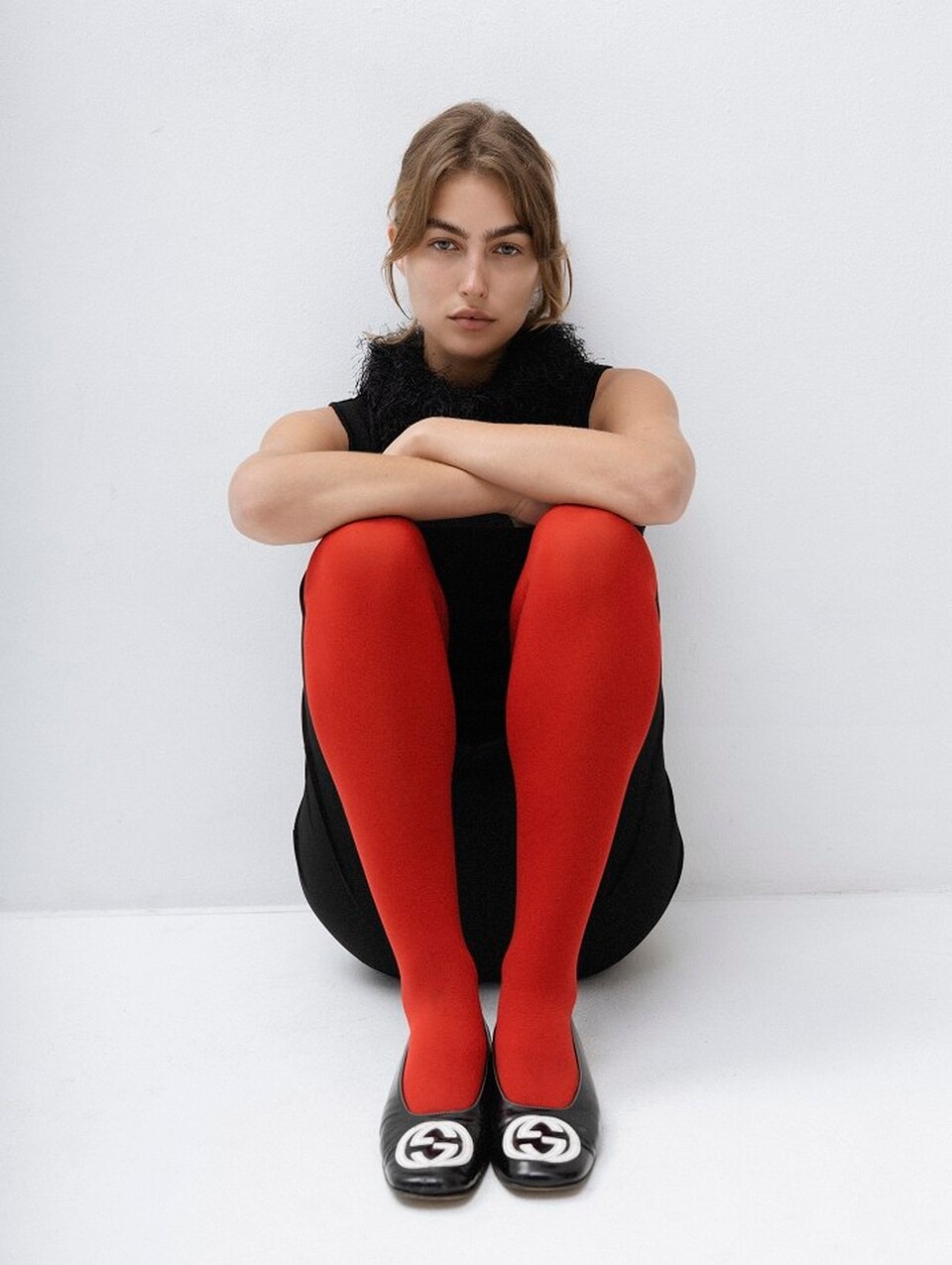
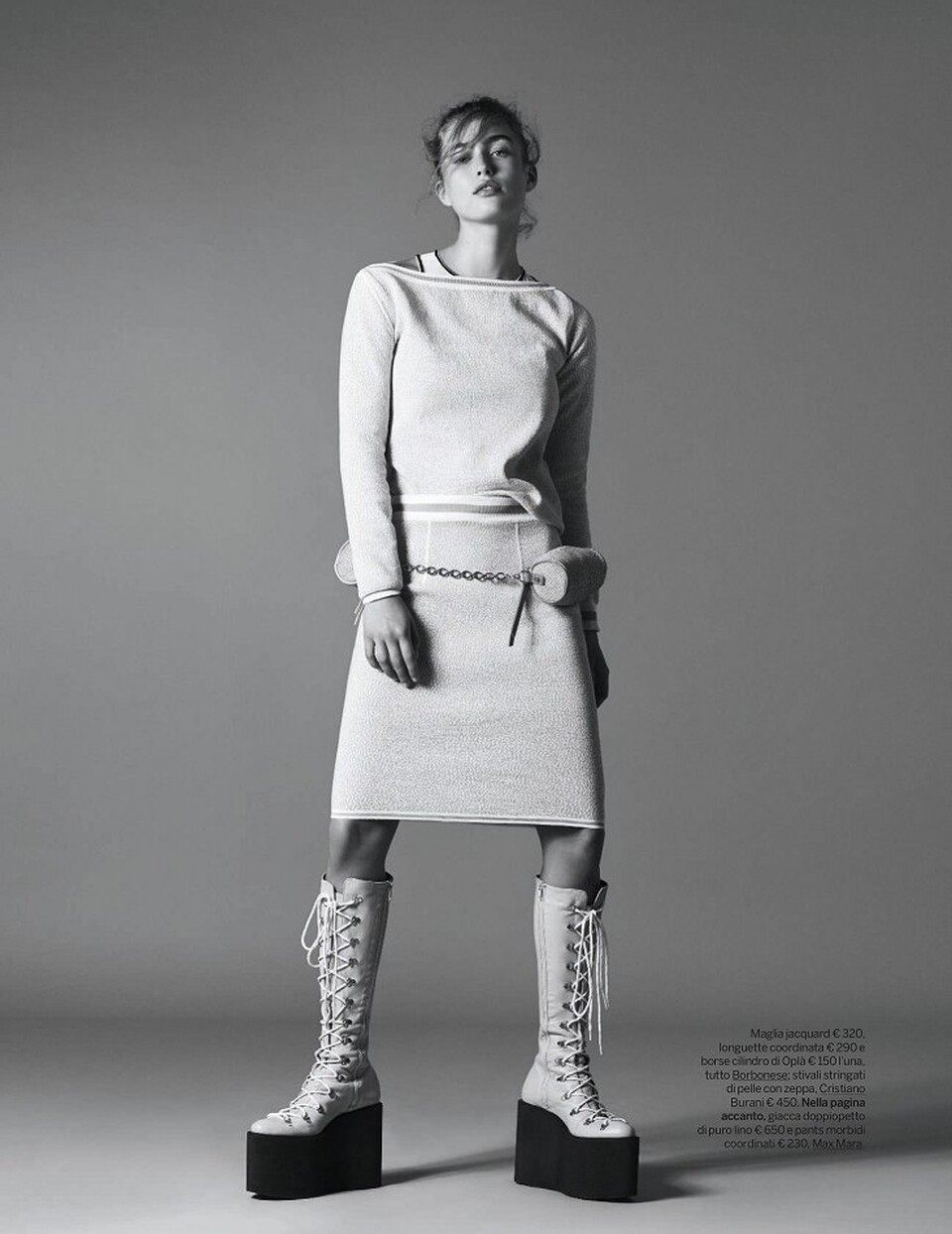
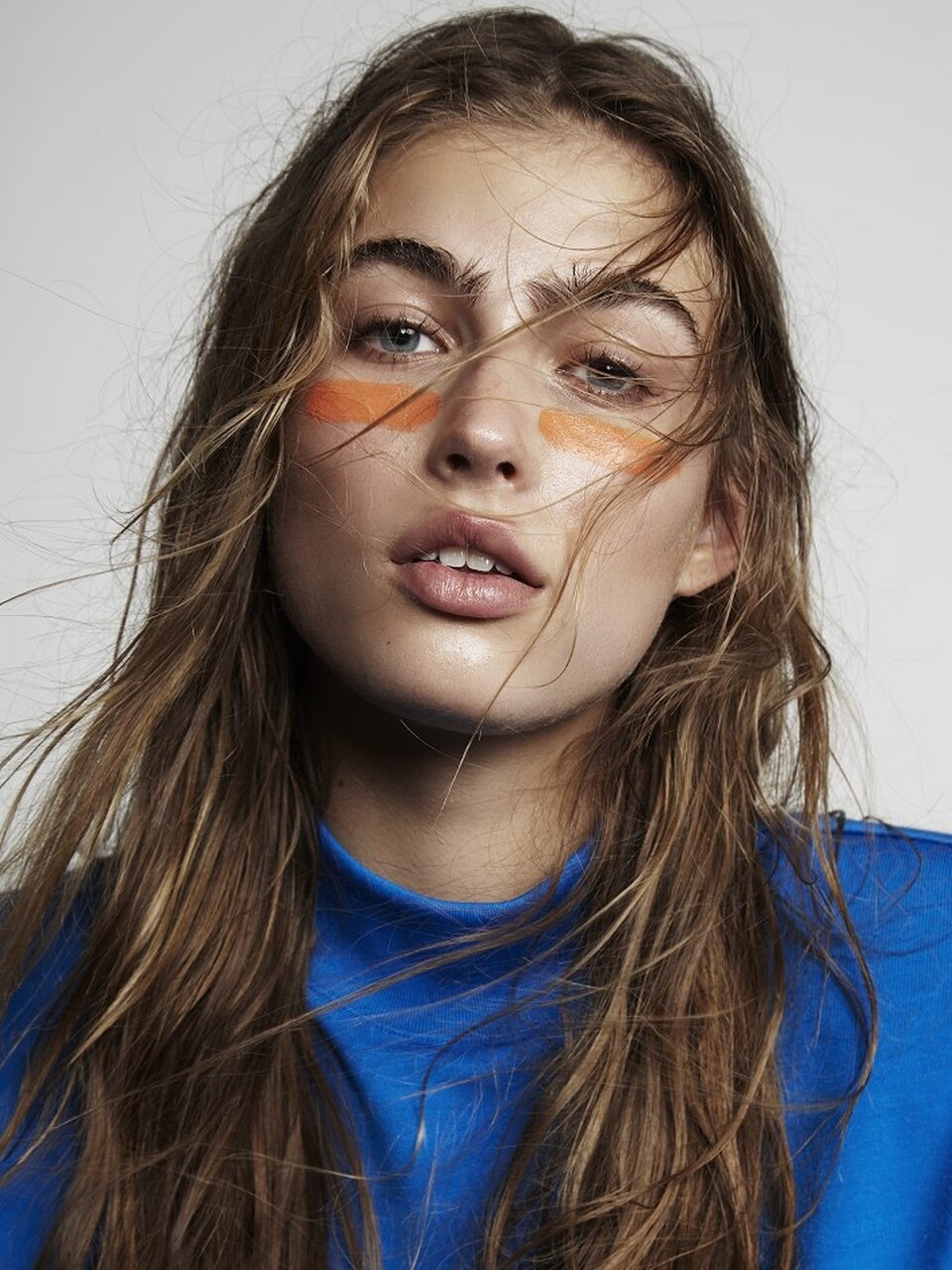
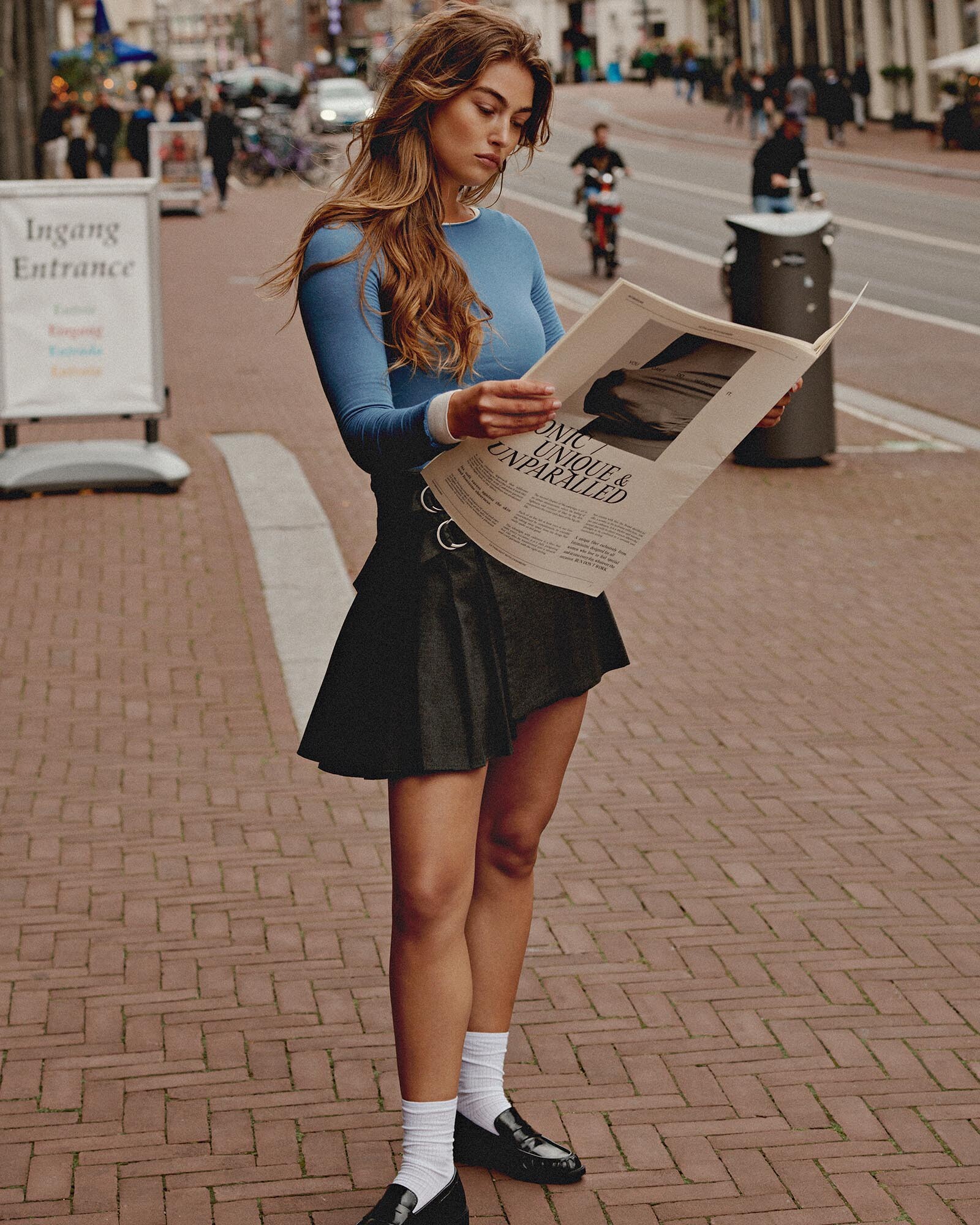
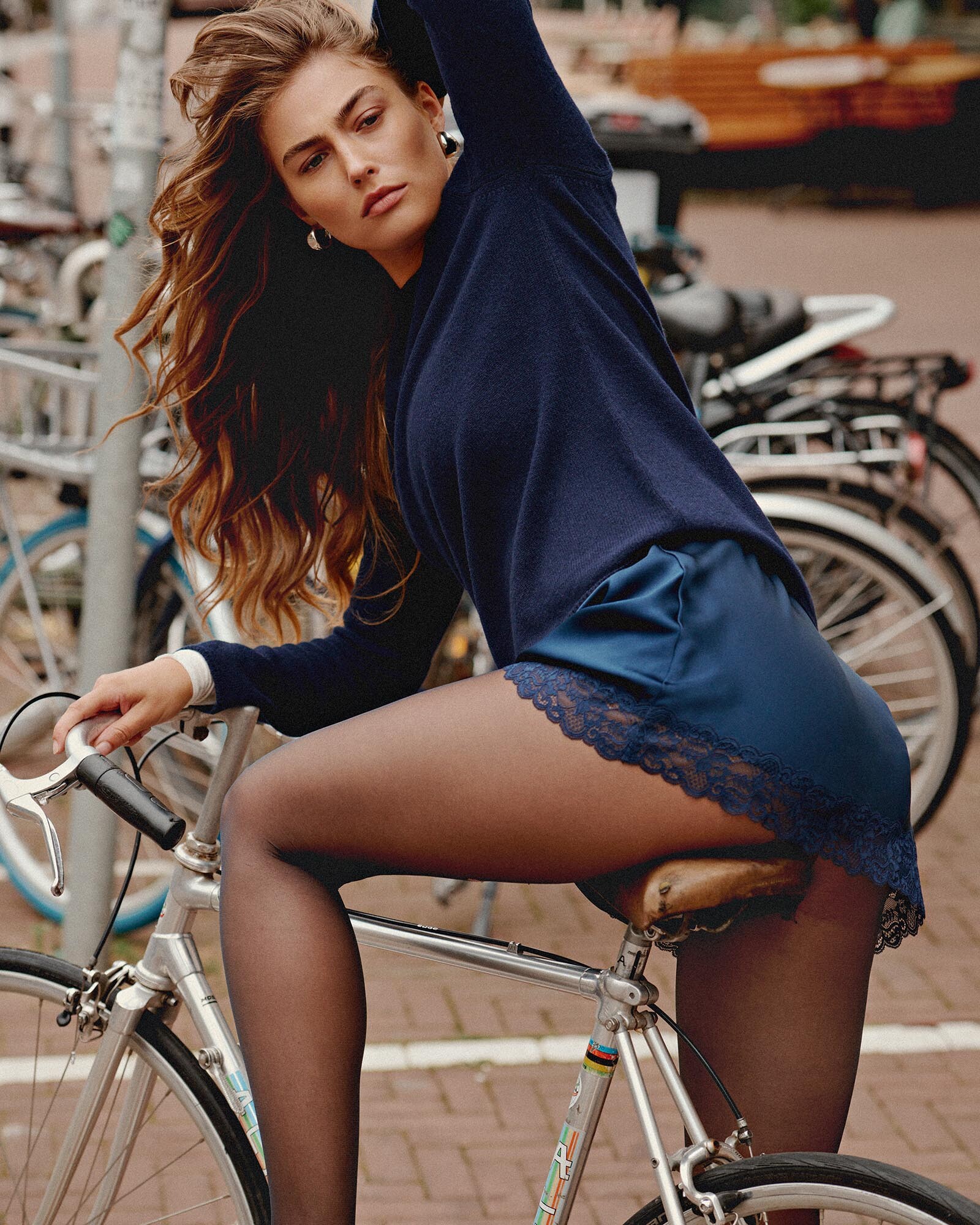
Sophie Evi Marie for Latest Magazine by Elizabeth Gibson - Fashion Editorials https://www.fashioneditorials.com/sophie-evi-marie-latest-magazine-elizabeth-gibson/


 “Sophie” by Elizabeth Gibson - The Fashiongton Post https://fashiongtonpost.com/sophie-evi-marie-by-elizabeth-gibson/
 Η μεγάλη αδικία με την Sophie Evi Marie - RatPack.gr https://www.ratpack.gr/women/story/28519/h-megali-adikia-me-tin-sophie-evi-marie







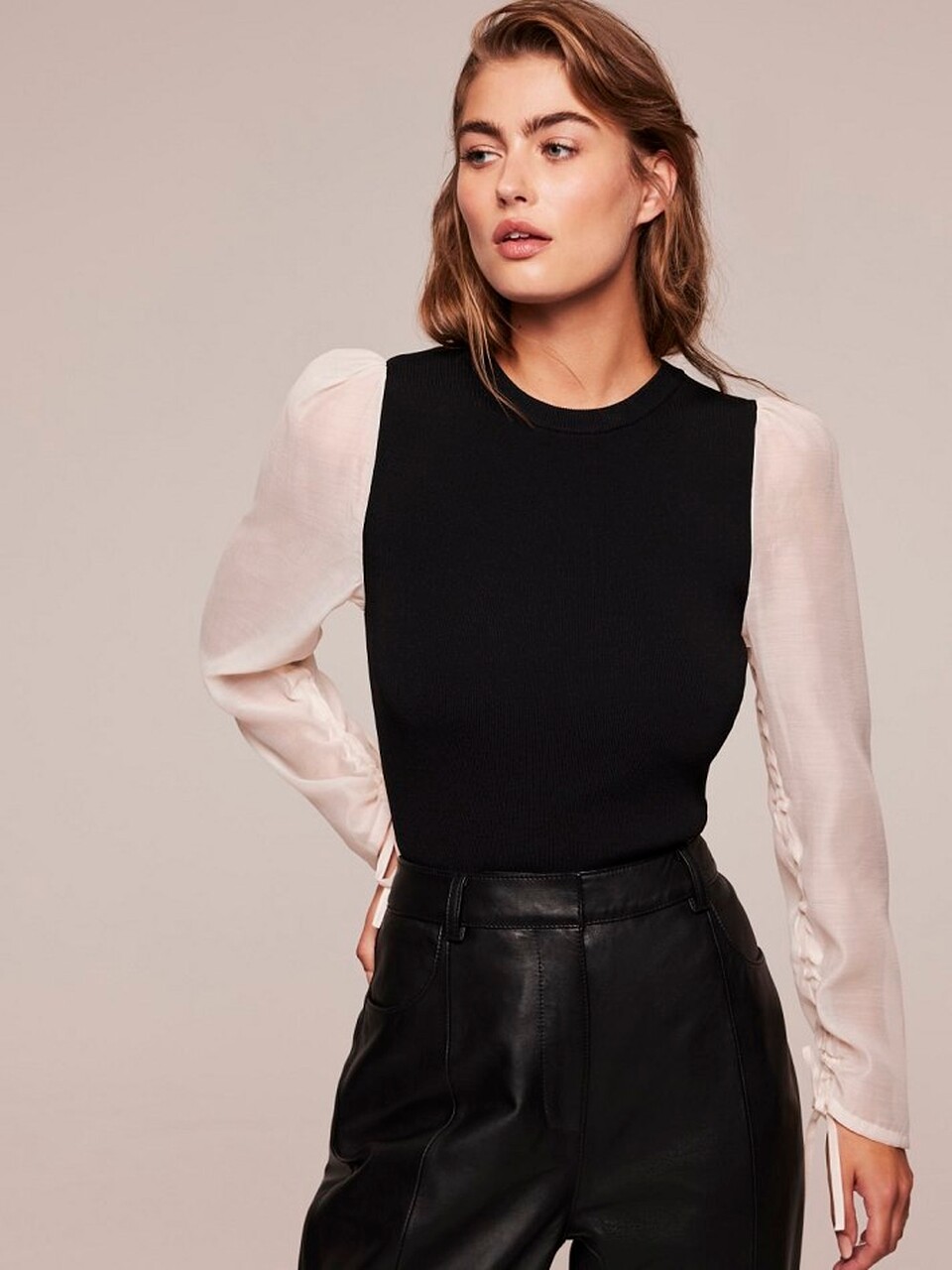
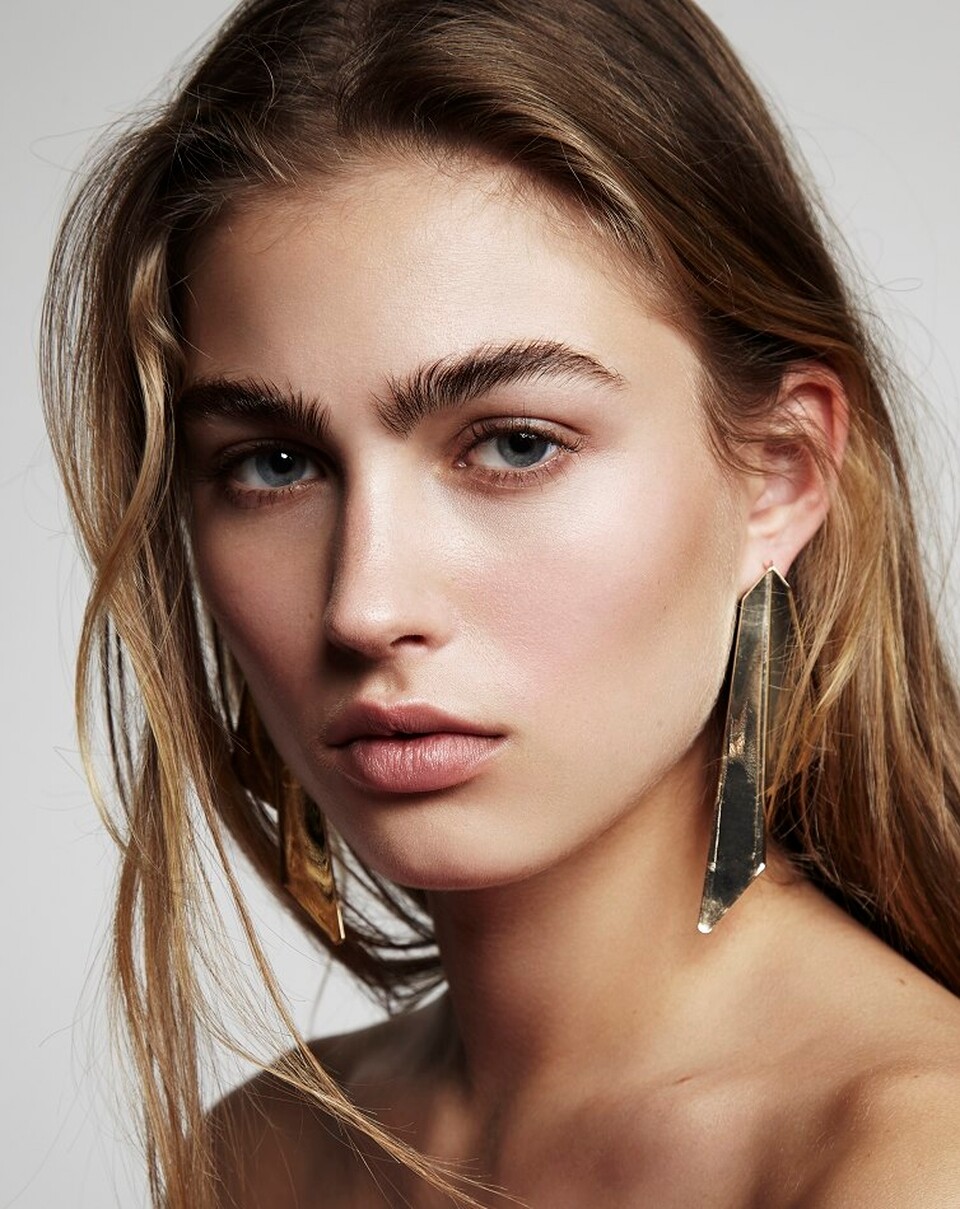
 Sophie Evi | Los Angeles | Next Models https://nextmanagement.com/los-angeles/women/profile/sophie-evi










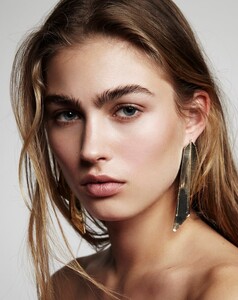









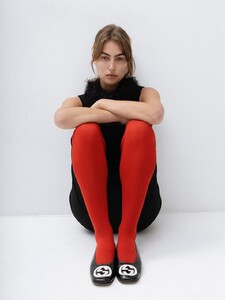









 Sophie Evi - Skins Model Management https://www.skinsmodels.com/2024/11/11/sophie-evi-for-intimissimi/










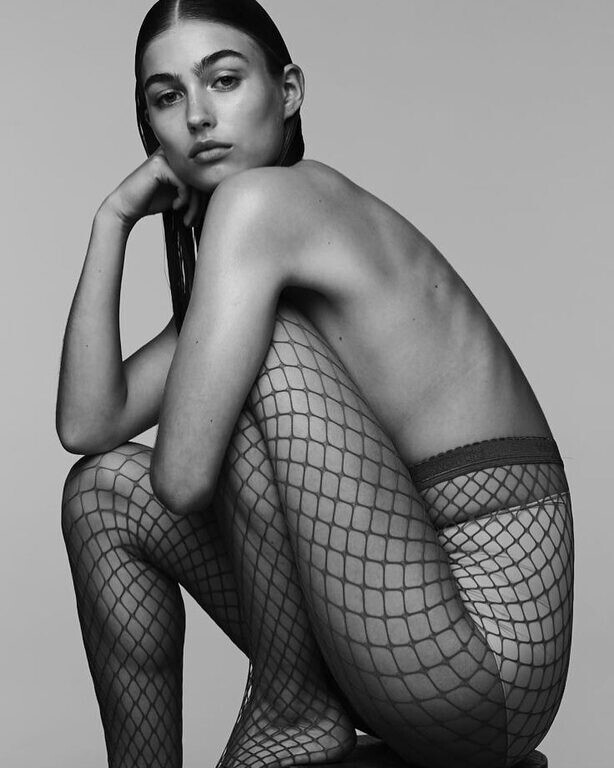
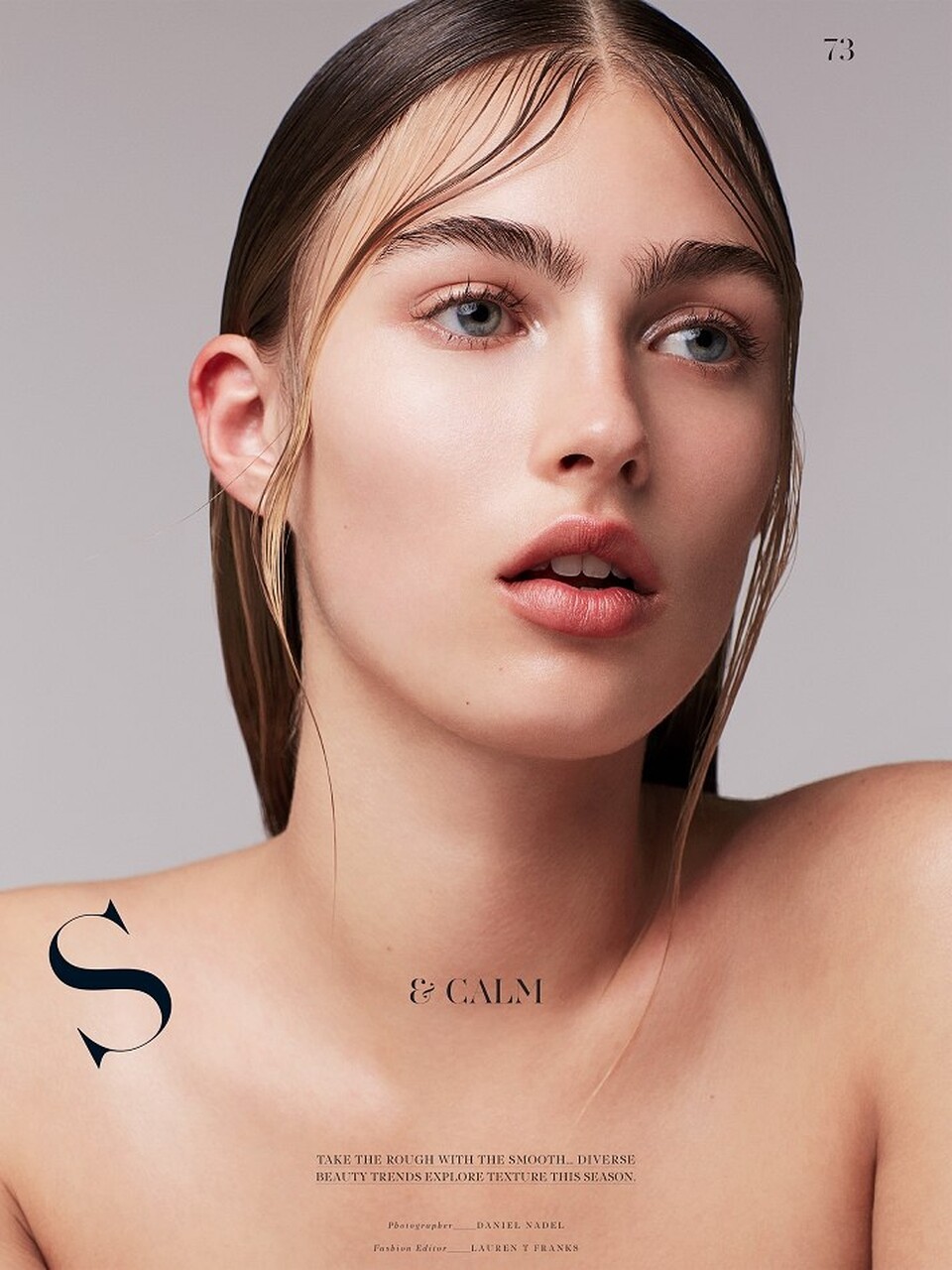
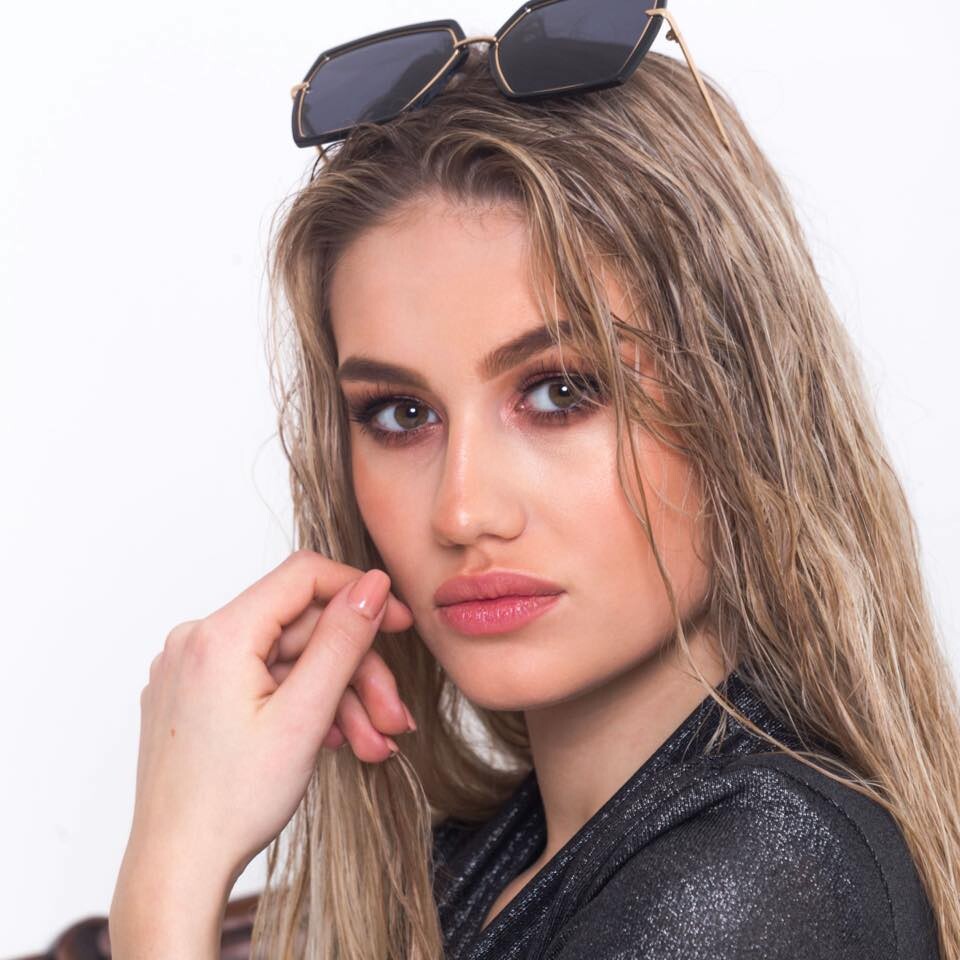
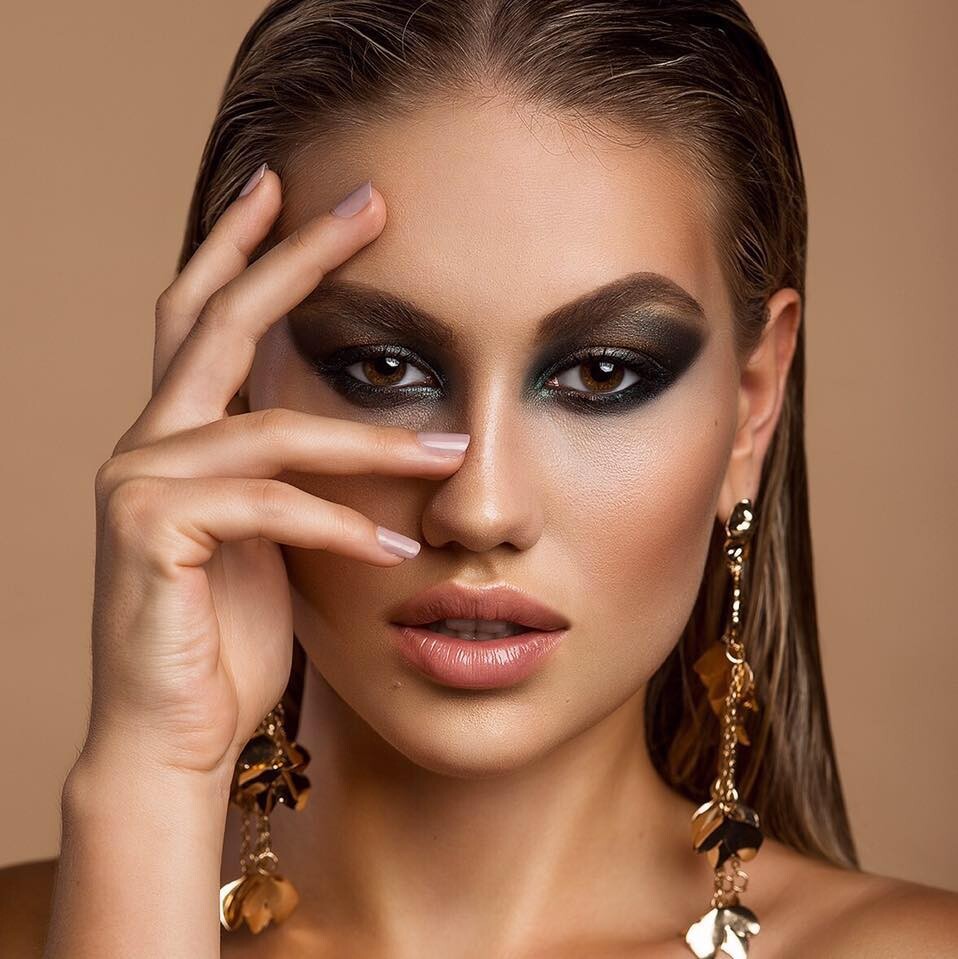
 Adéla Štroffeková | LinkedIn Adéla Štroffeková | Facebook Adéla Štroffeková (@adela_stroffekova) | TikTok Adéla Štroffeková (@personaltrainer_adel) • Instagram Miss Czechia👑🦋 (@adela_stroffekova) • Instagram Adéla Š. - danielamodelsgroup.com Adéla Štroffeková - Recupera Adéla Štroffeková - Listal Adela Stroffekova Height : 172 cm Prsa/Bust : 98 cm Pas/Weist : 62 cm Boky/Hips : 96 cm Eye color : Hnědozelené / Brown green Hair color : Světlo hnědá/Light brown Shoe size : 38 INSTAGRAM FOLLOWERS : 80 K (https://danielamodelsgroup.com/portfolio/adela-s-2/) https://www.facebook.com/adela.stroffekova/photos
















































Account
Navigation
Search
Configure browser push notifications
Chrome (Android)
- Tap the lock icon next to the address bar.
- Tap Permissions → Notifications.
- Adjust your preference.
Chrome (Desktop)
- Click the padlock icon in the address bar.
- Select Site settings.
- Find Notifications and adjust your preference.
Safari (iOS 16.4+)
- Ensure the site is installed via Add to Home Screen.
- Open Settings App → Notifications.
- Find your app name and adjust your preference.
Safari (macOS)
- Go to Safari → Preferences.
- Click the Websites tab.
- Select Notifications in the sidebar.
- Find this website and adjust your preference.
Edge (Android)
- Tap the lock icon next to the address bar.
- Tap Permissions.
- Find Notifications and adjust your preference.
Edge (Desktop)
- Click the padlock icon in the address bar.
- Click Permissions for this site.
- Find Notifications and adjust your preference.
Firefox (Android)
- Go to Settings → Site permissions.
- Tap Notifications.
- Find this site in the list and adjust your preference.
Firefox (Desktop)
- Open Firefox Settings.
- Search for Notifications.
- Find this site in the list and adjust your preference.