
nightowl
Members
-
Joined
-
Last visited
Everything posted by nightowl
-
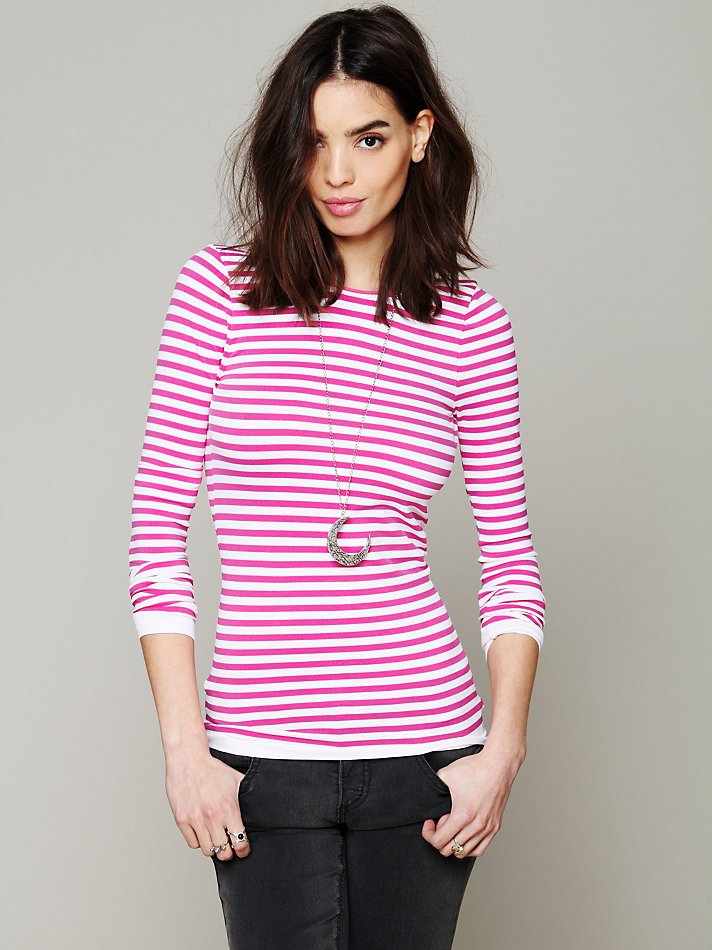
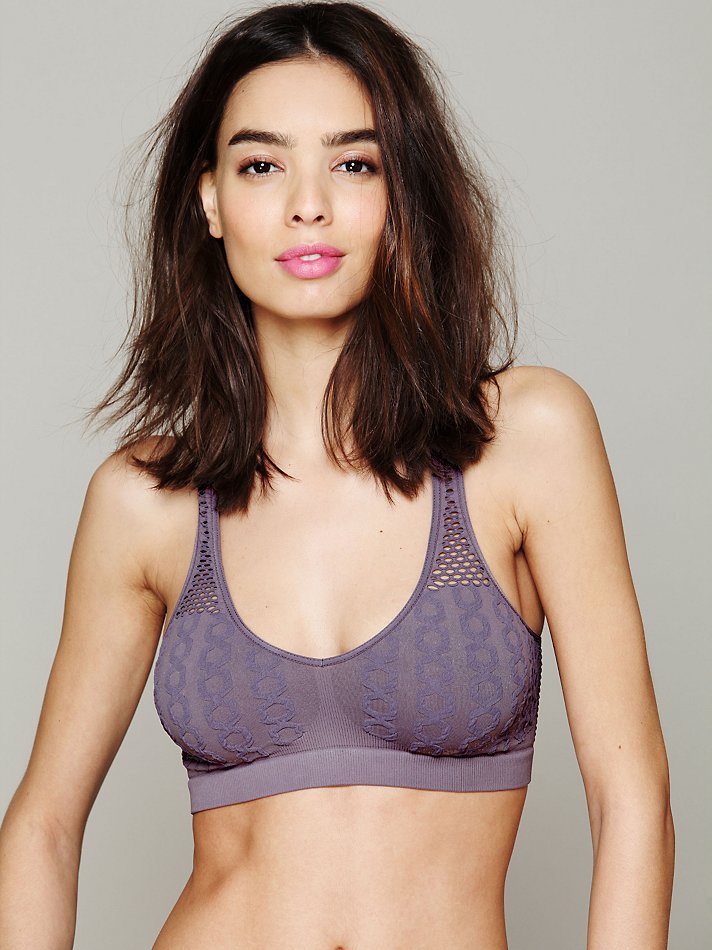
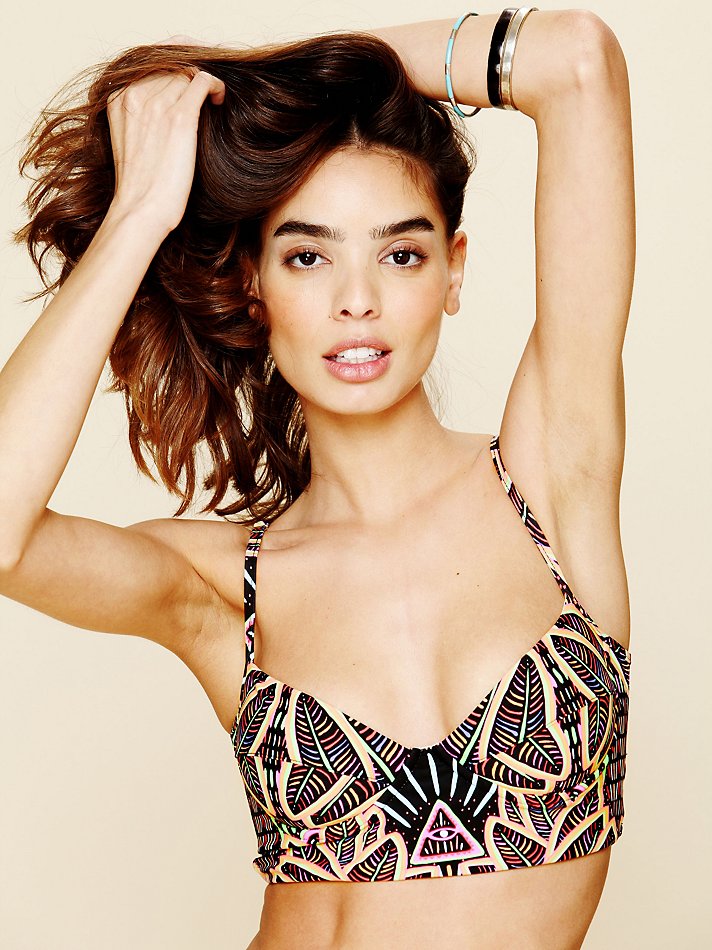
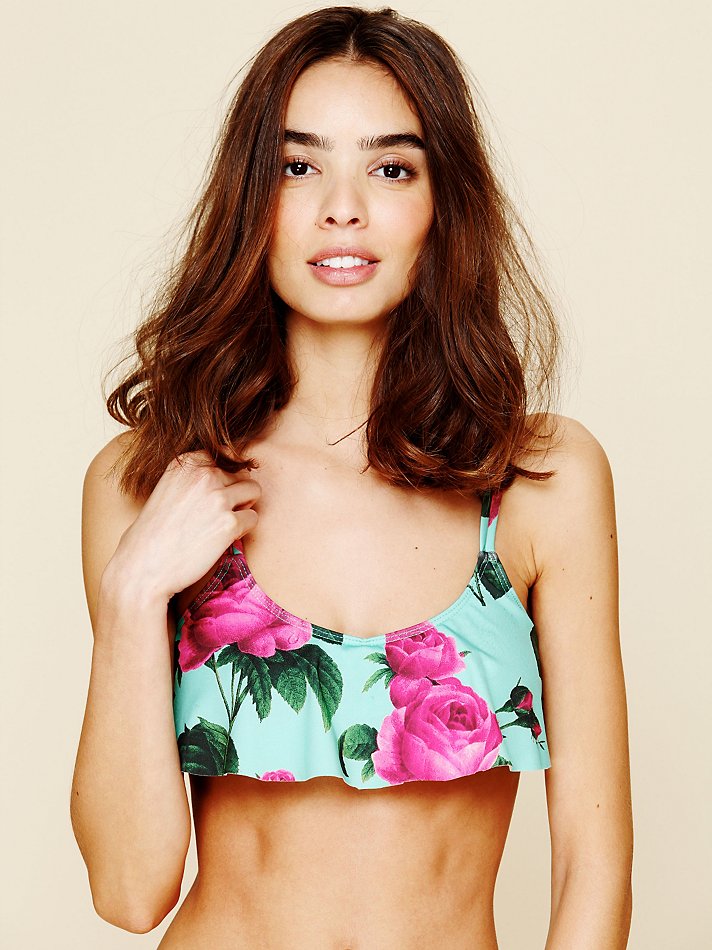
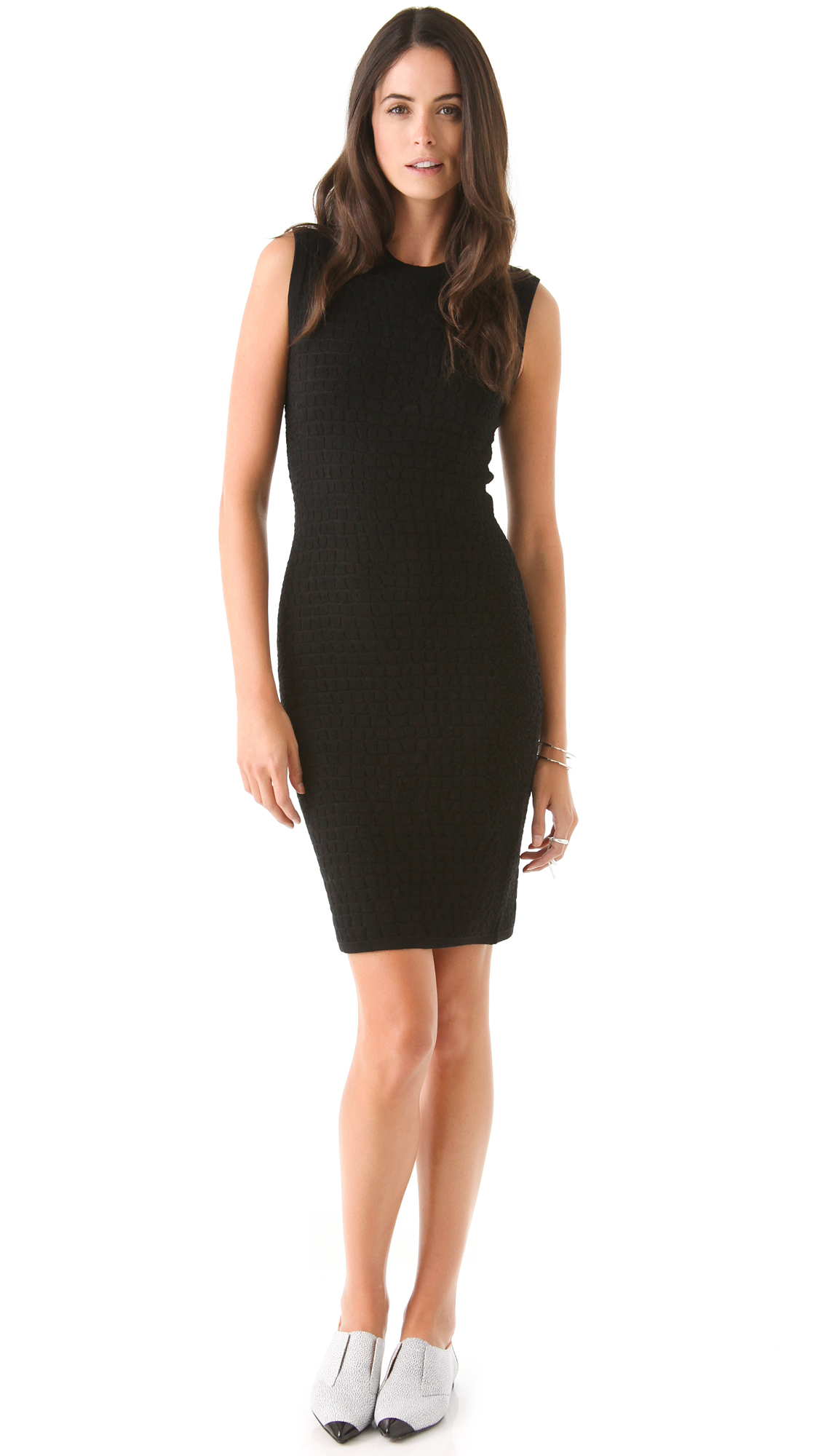
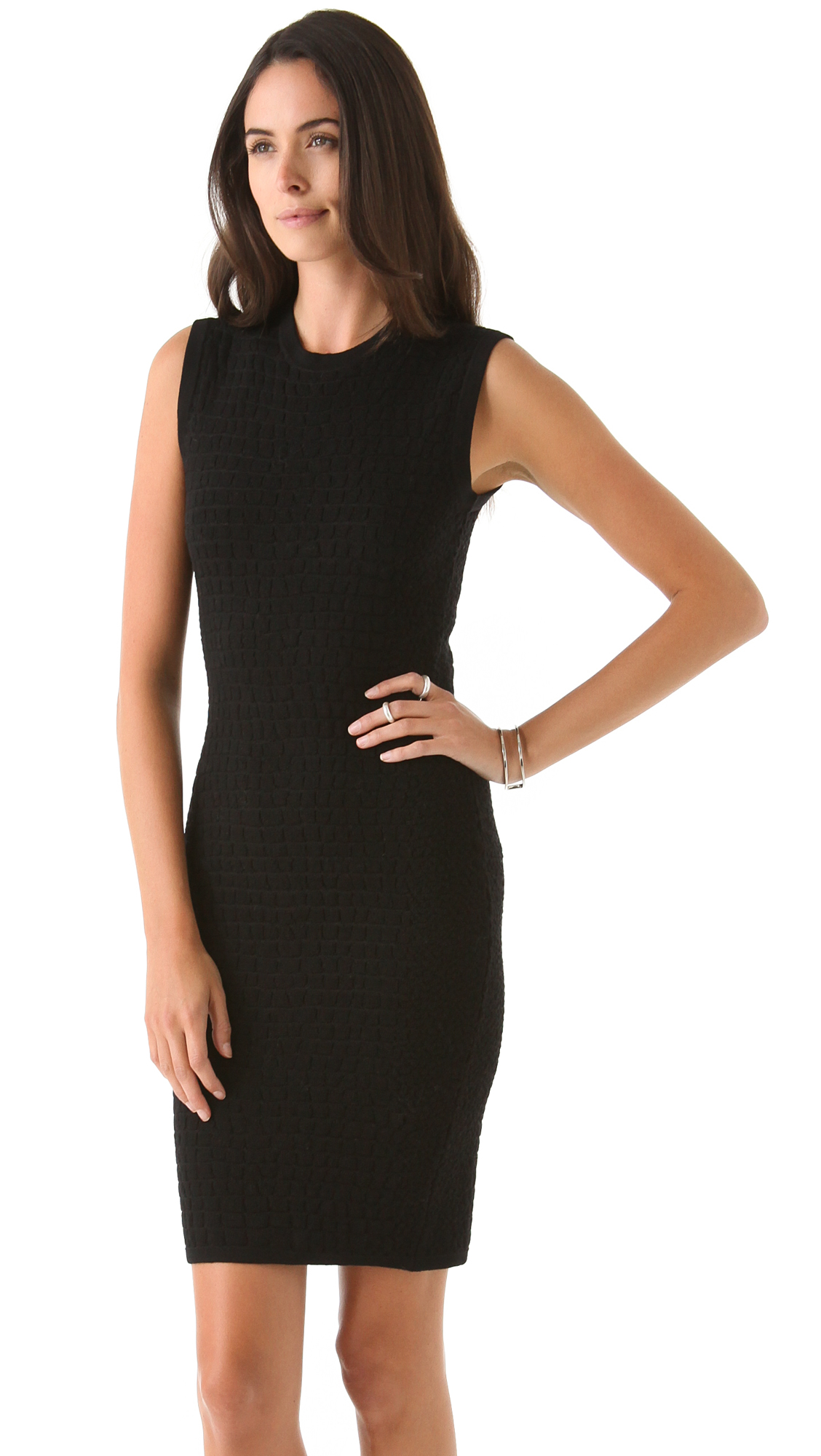
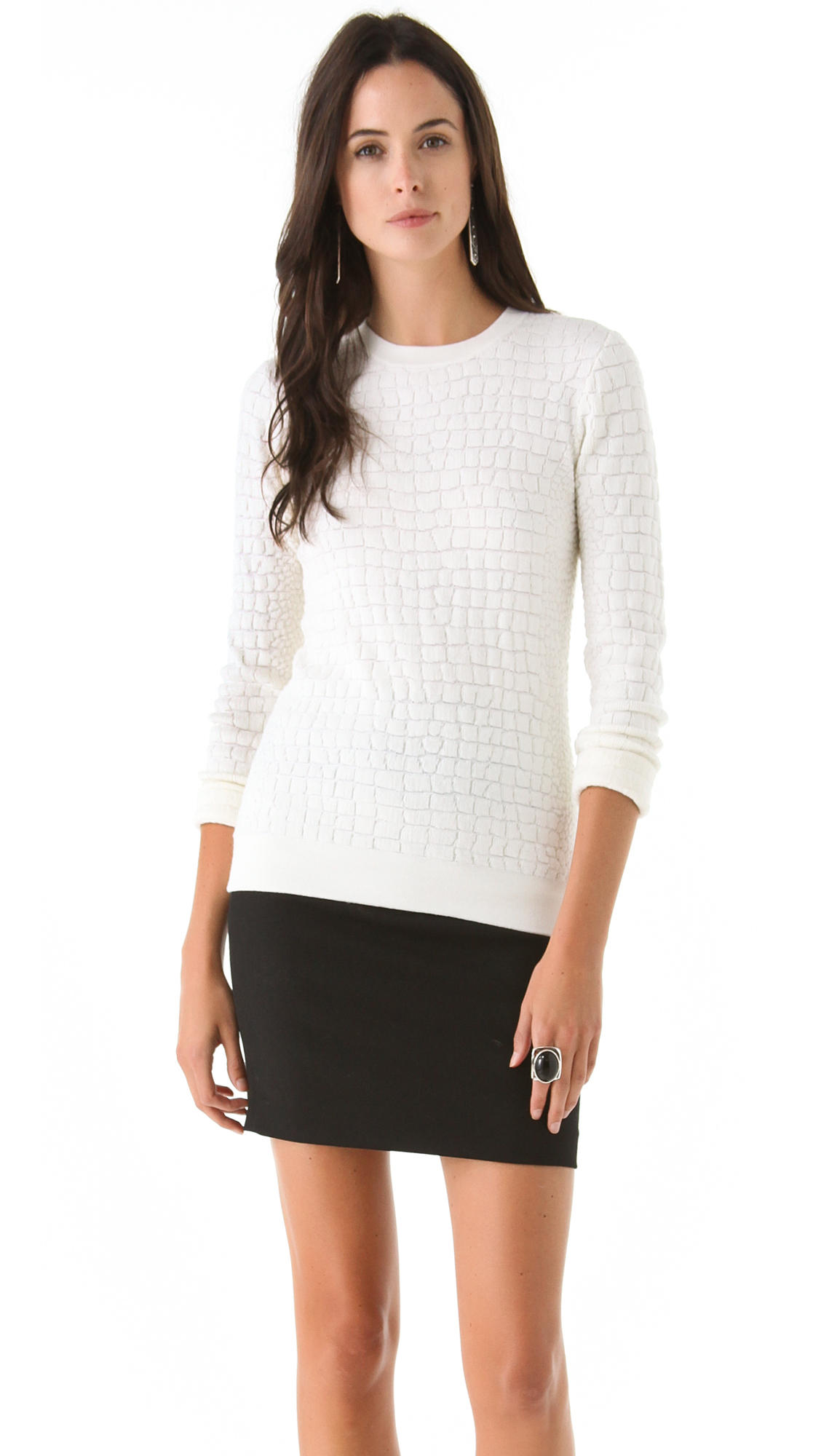
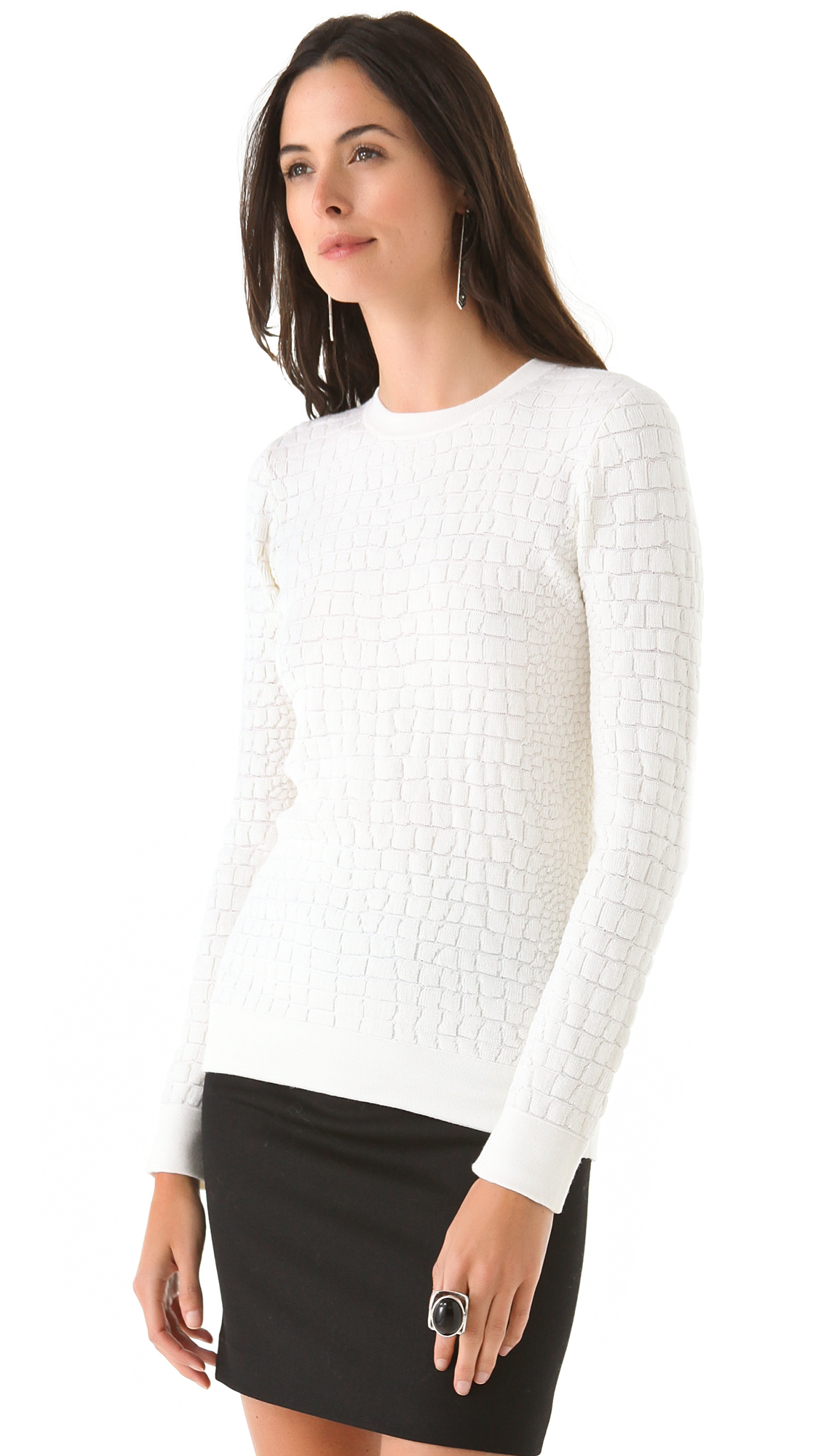
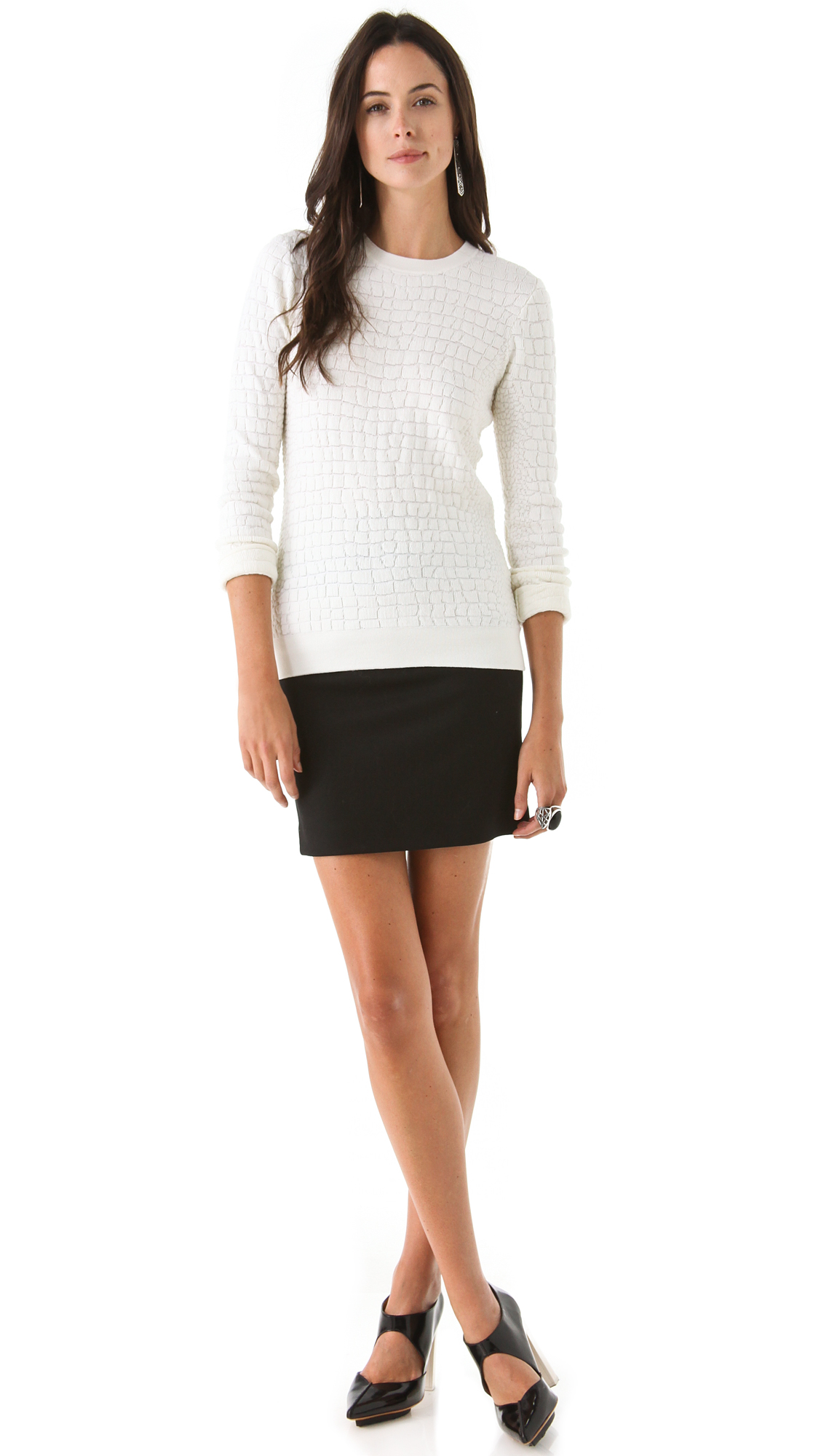
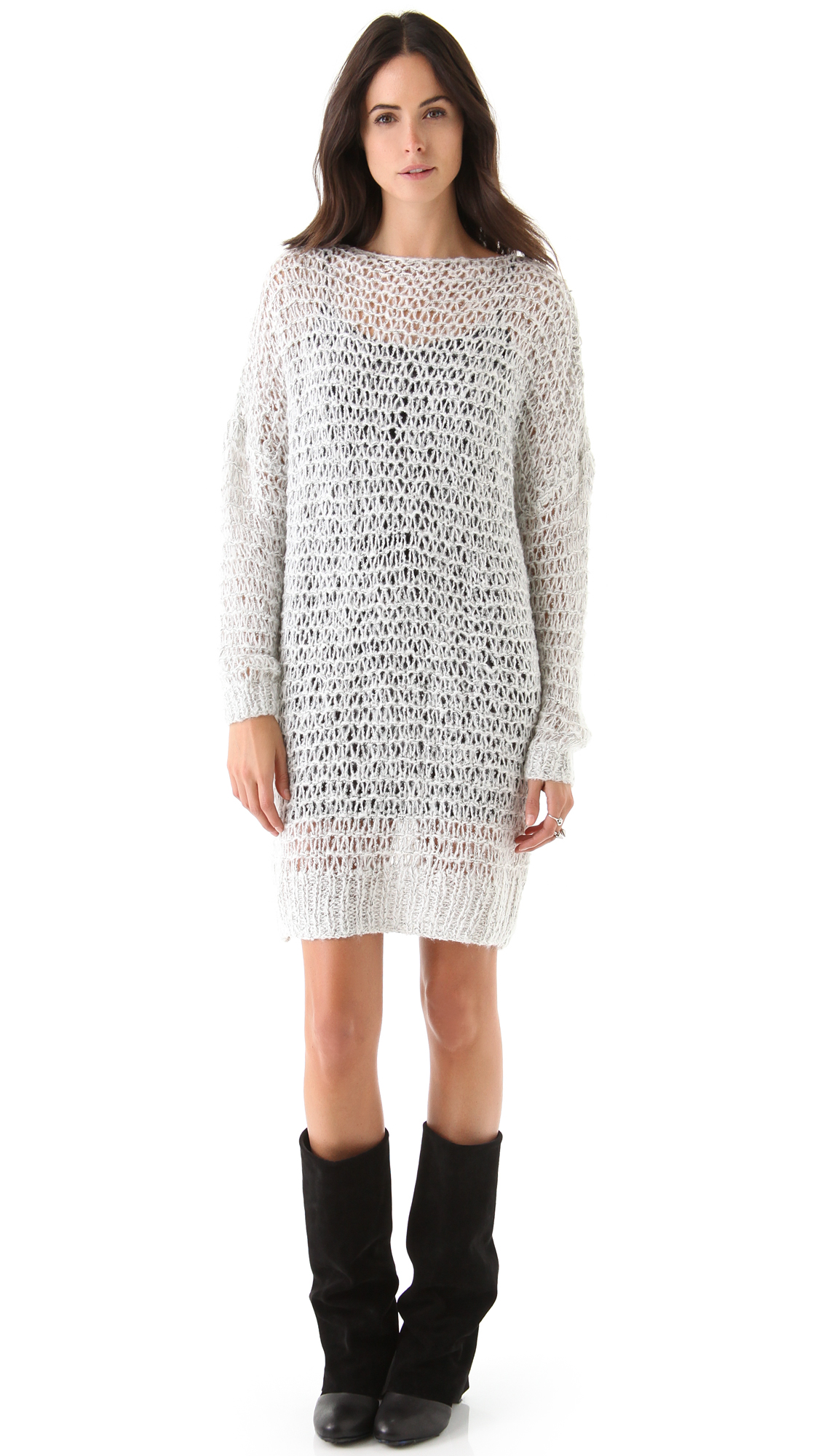
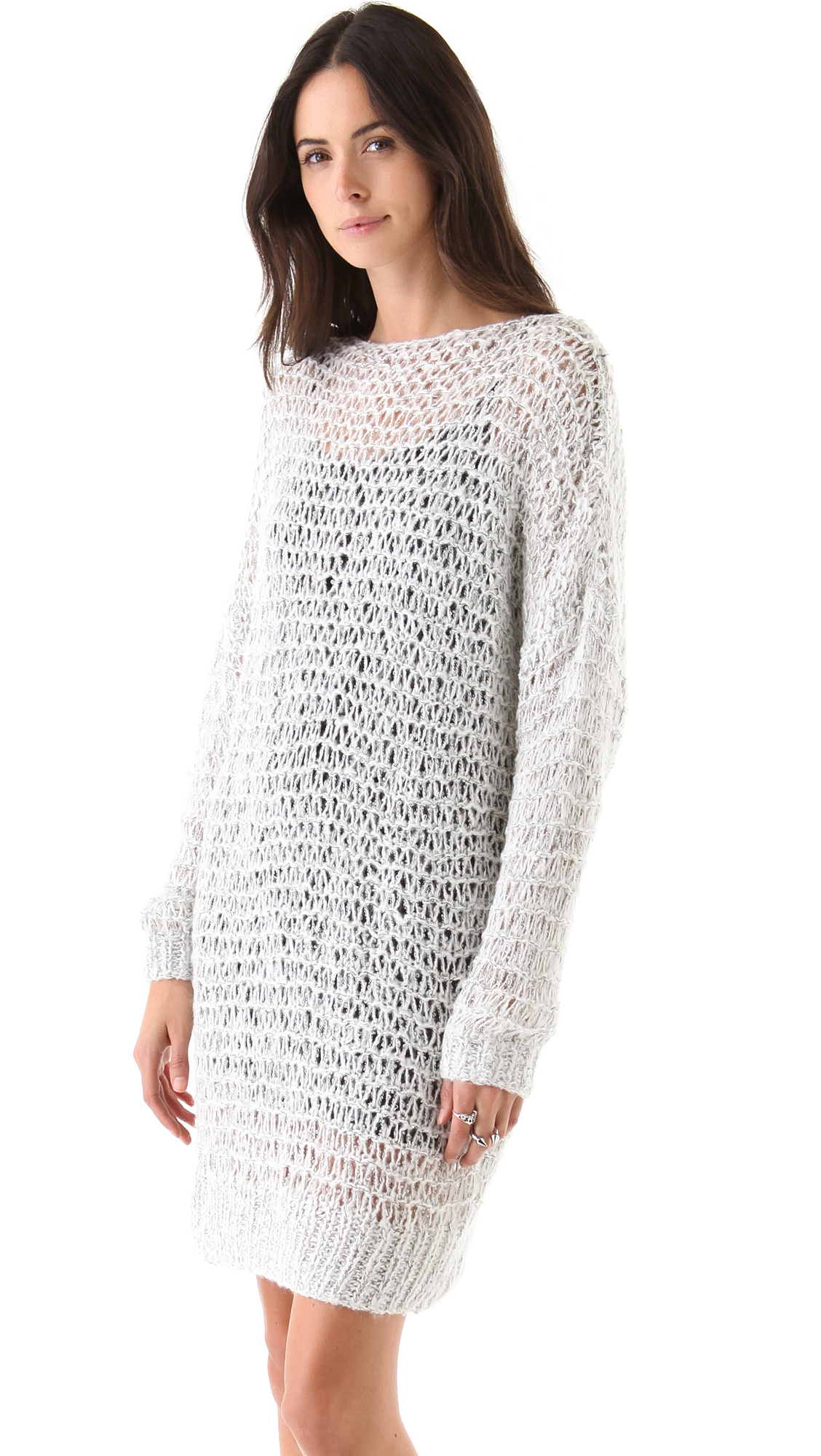
More from Free People








-
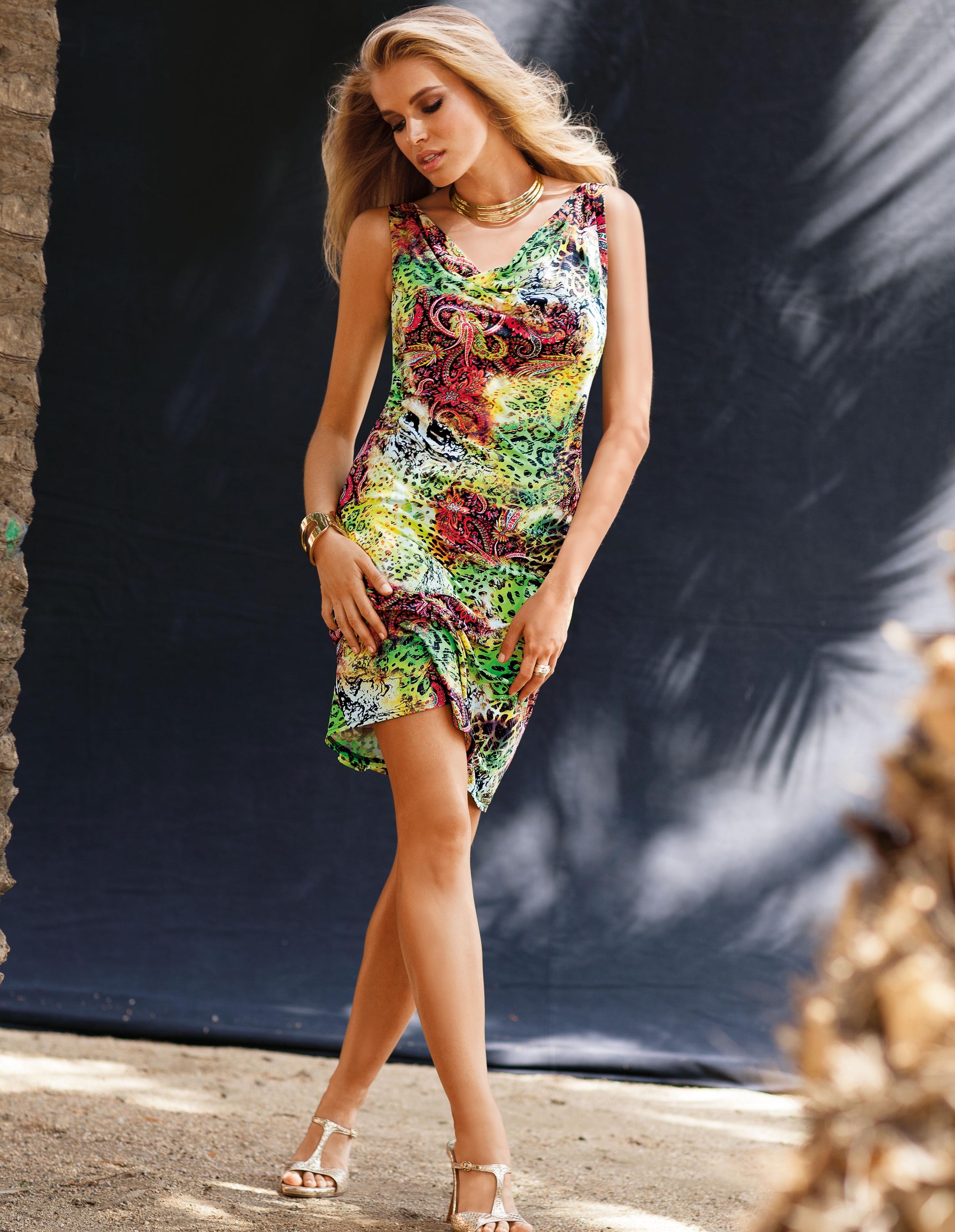
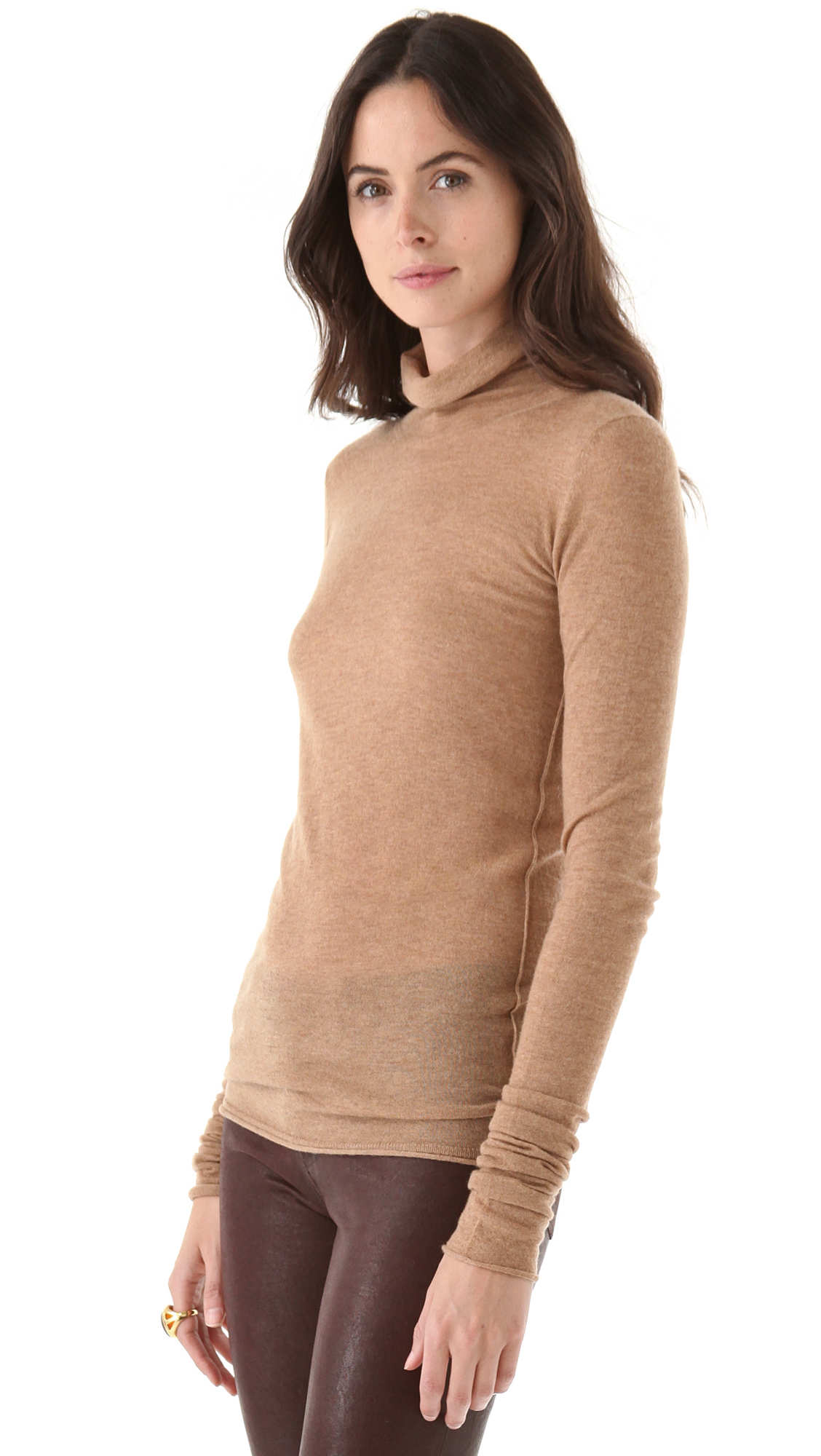
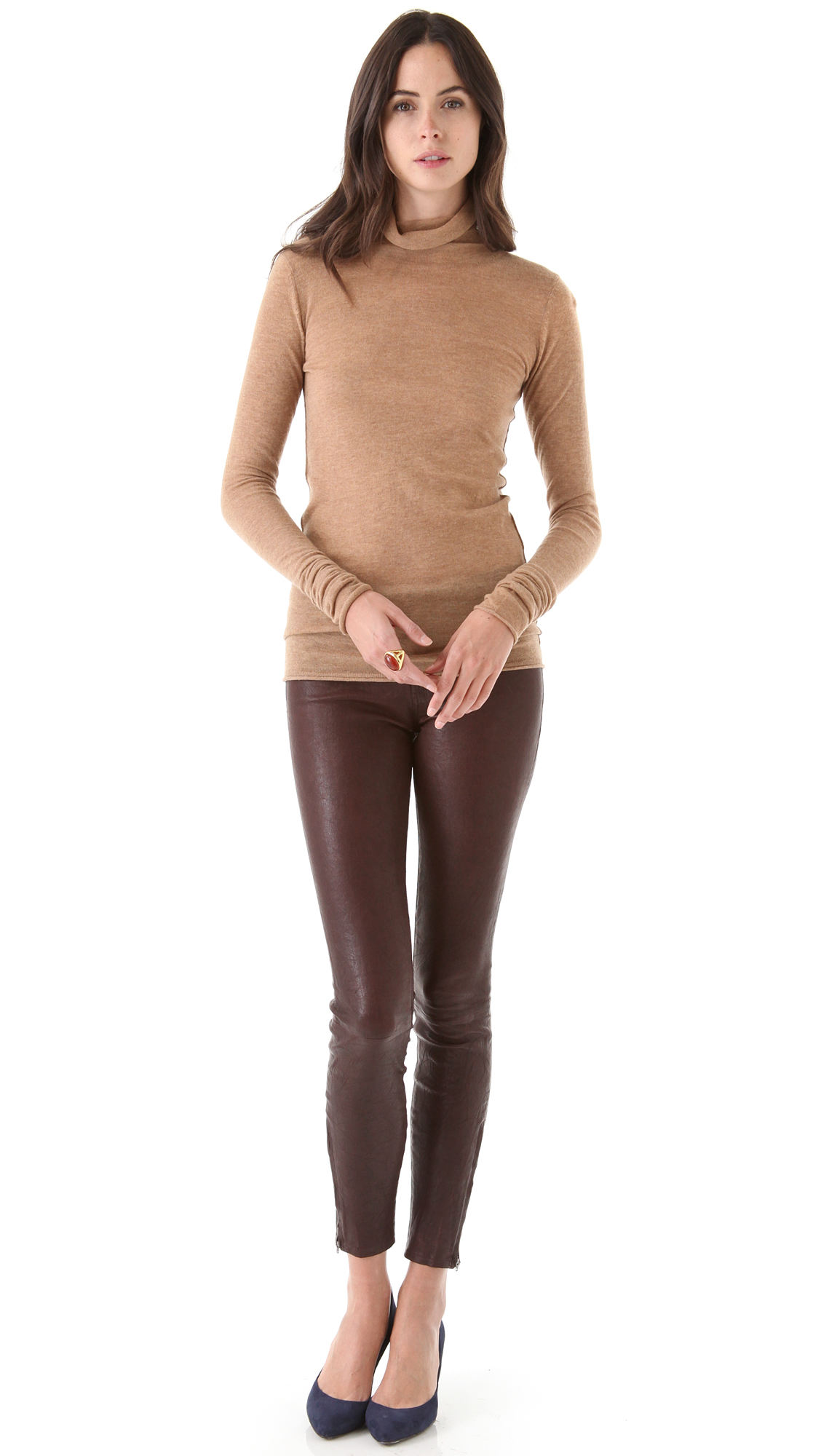
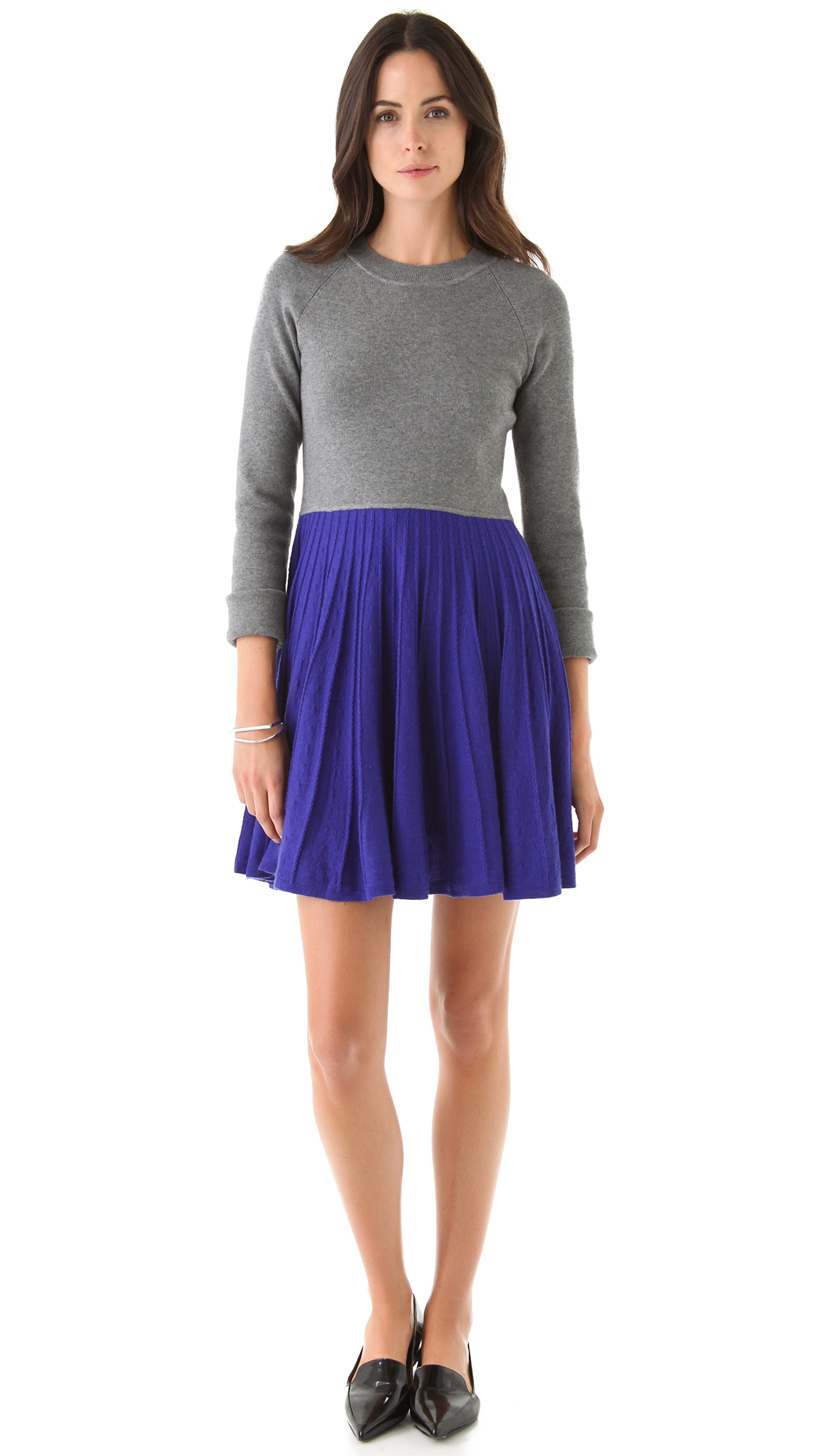
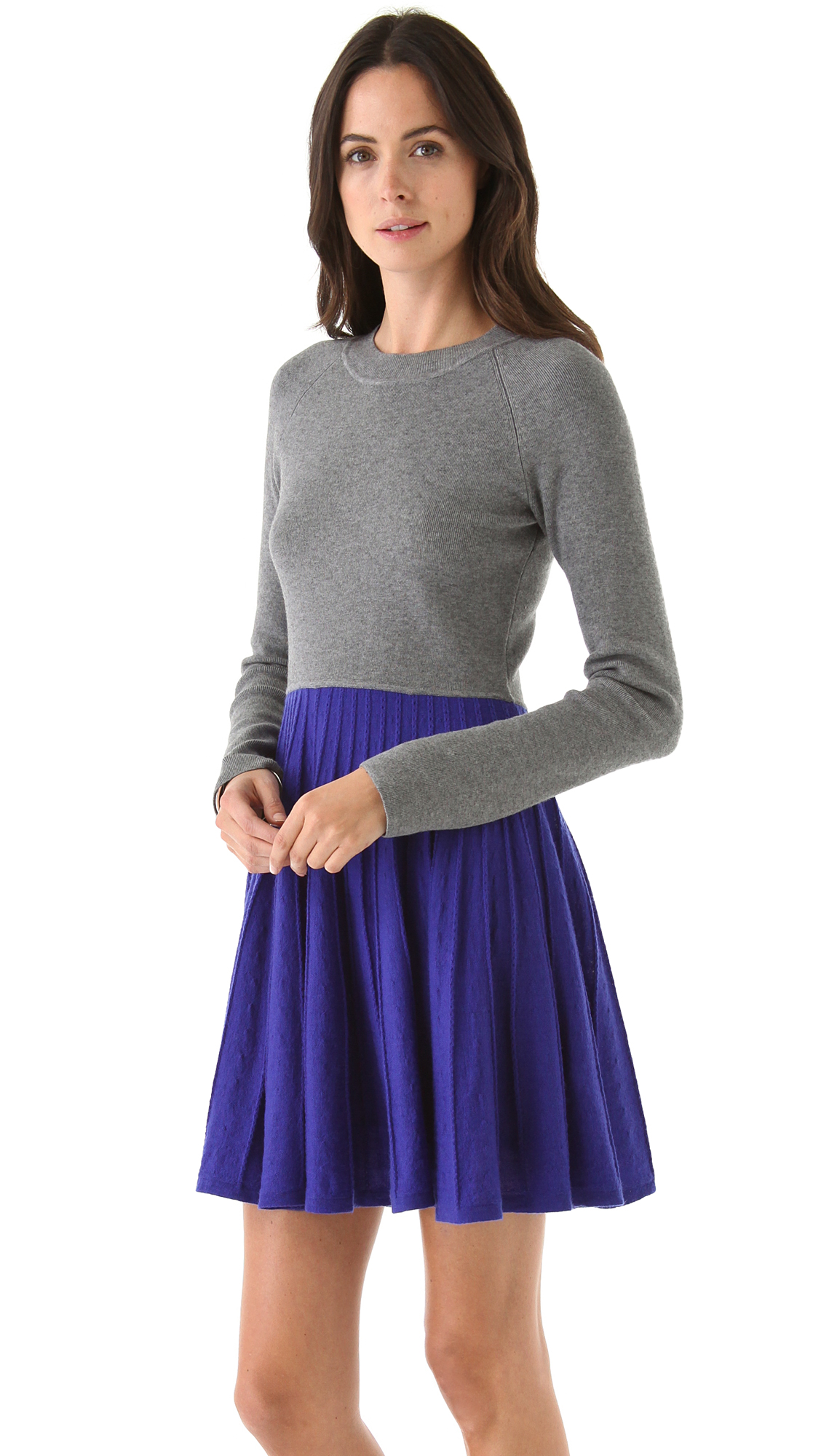
What a goddess! And she should be getting hazard pay for walking in those high-heeled sandals.
-
It's not Ana Beatriz Barrios, who is the only model she reminds me of.
-
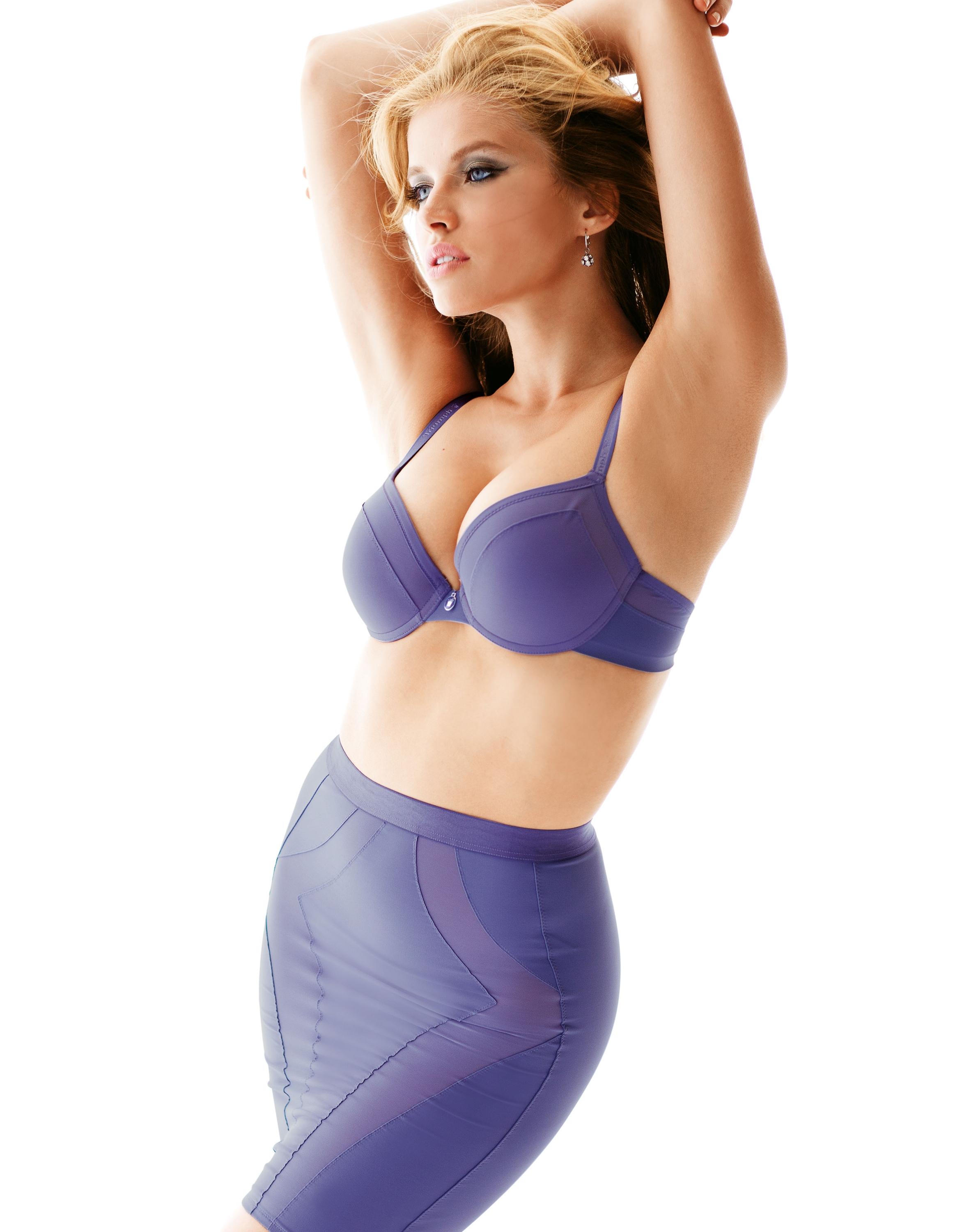
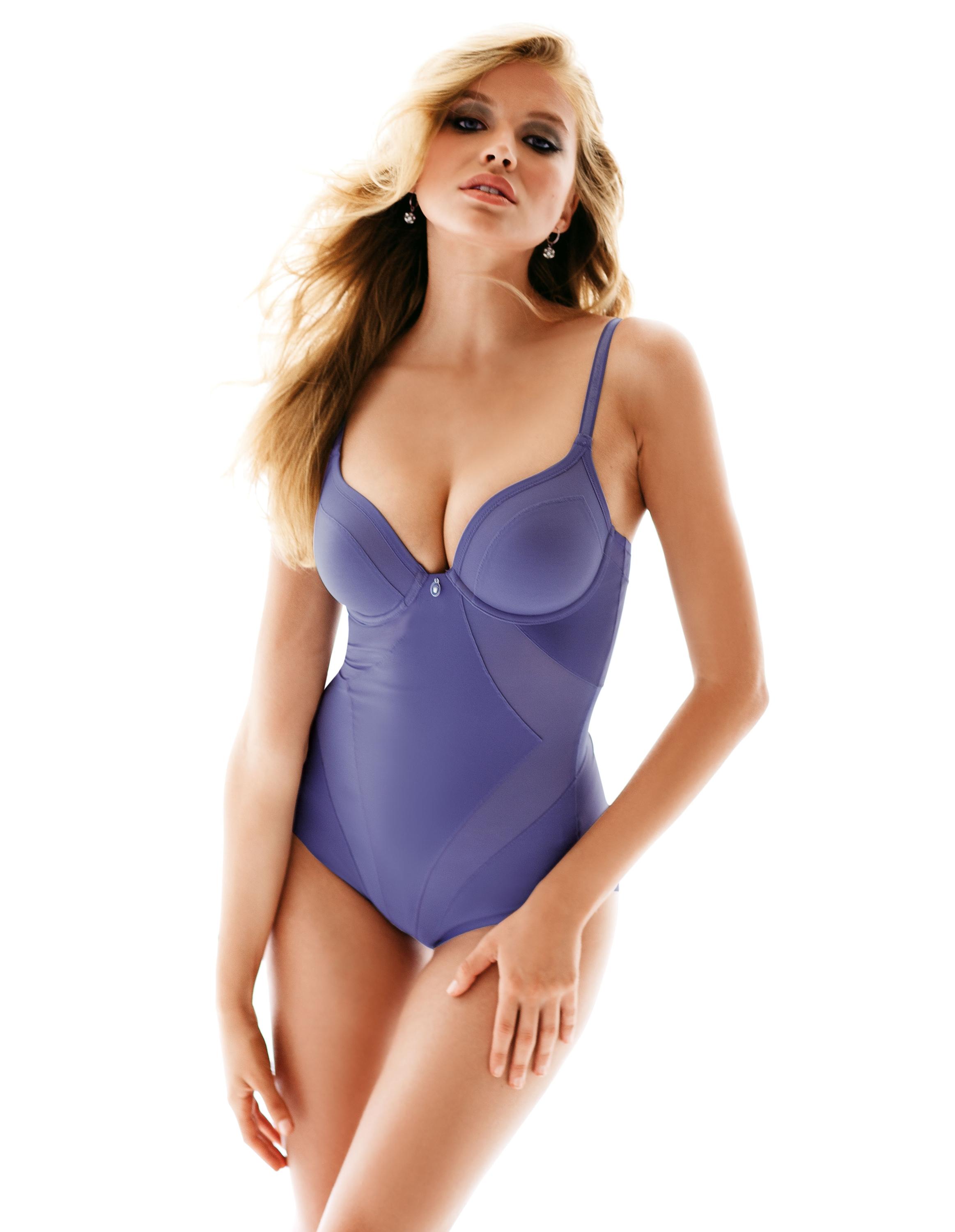
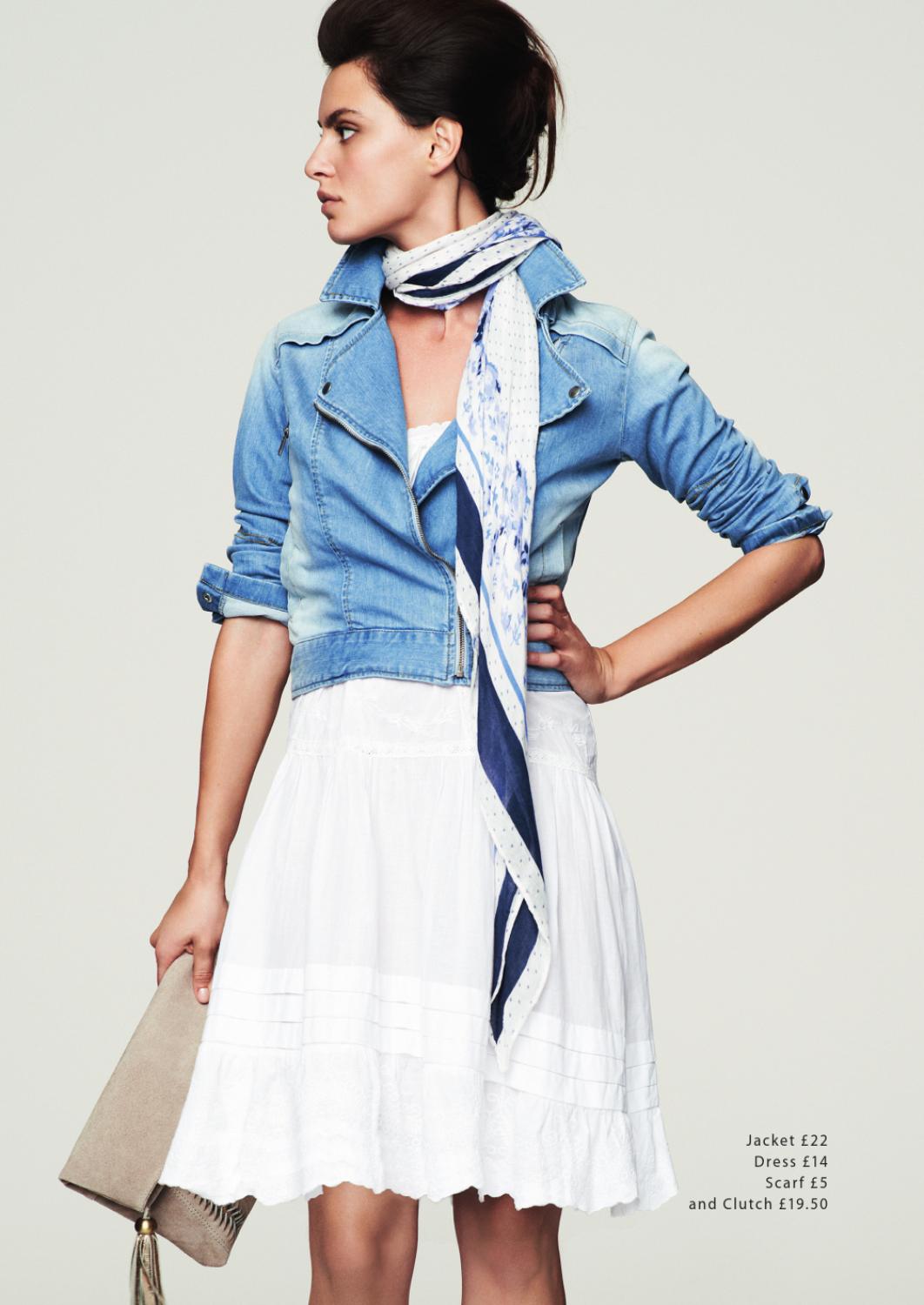
The unknown catalog is most likely La Redoute--look at the bottom of the second posted pic. Outstanding post!
-
-
3. Monica Castillo. I have the name of #1 somewhere, but I can't remember. Thanks.
-
From Madeleine











-
I don't think that's Aurelie
-
-
From Bebe






















-
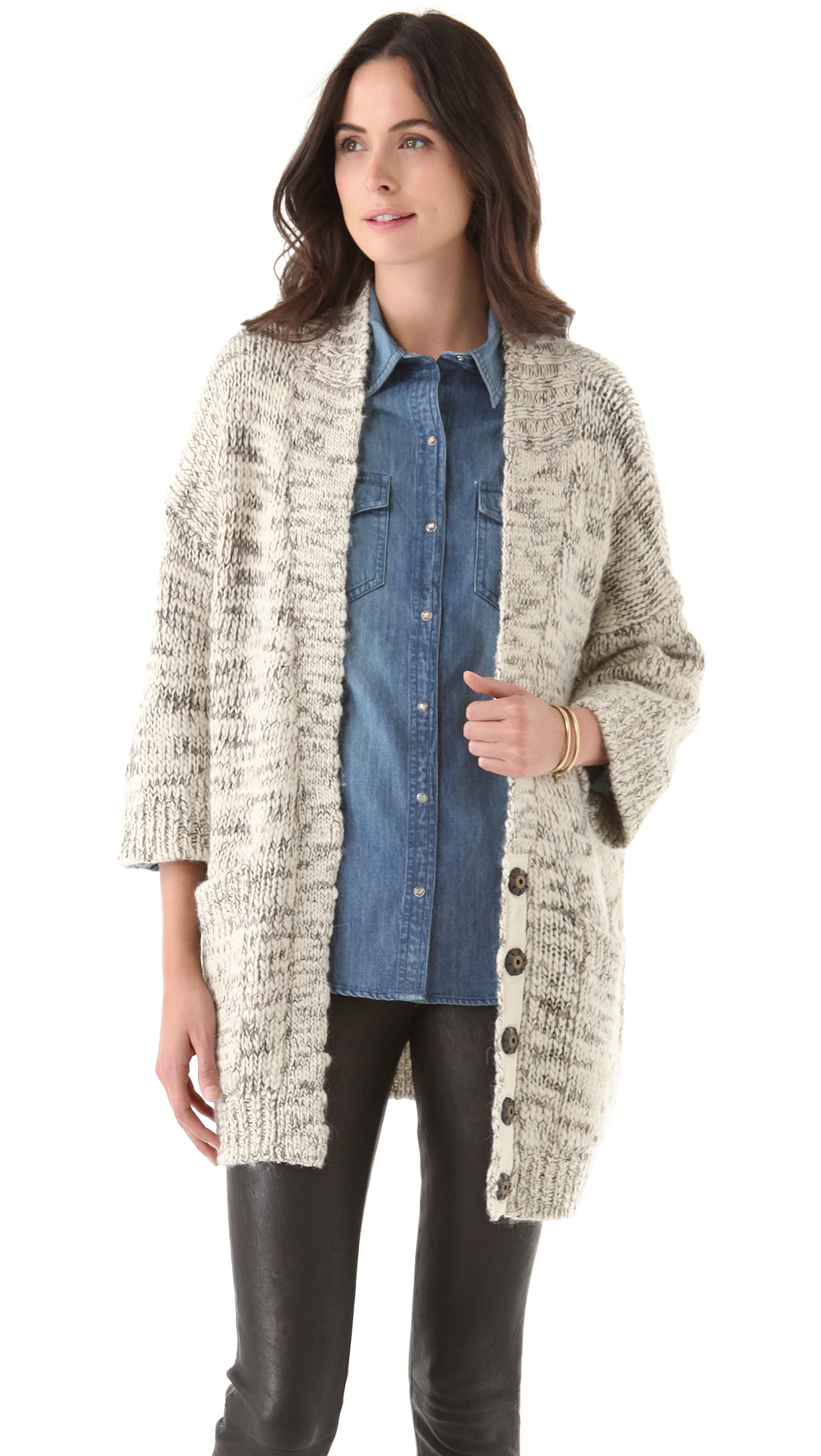
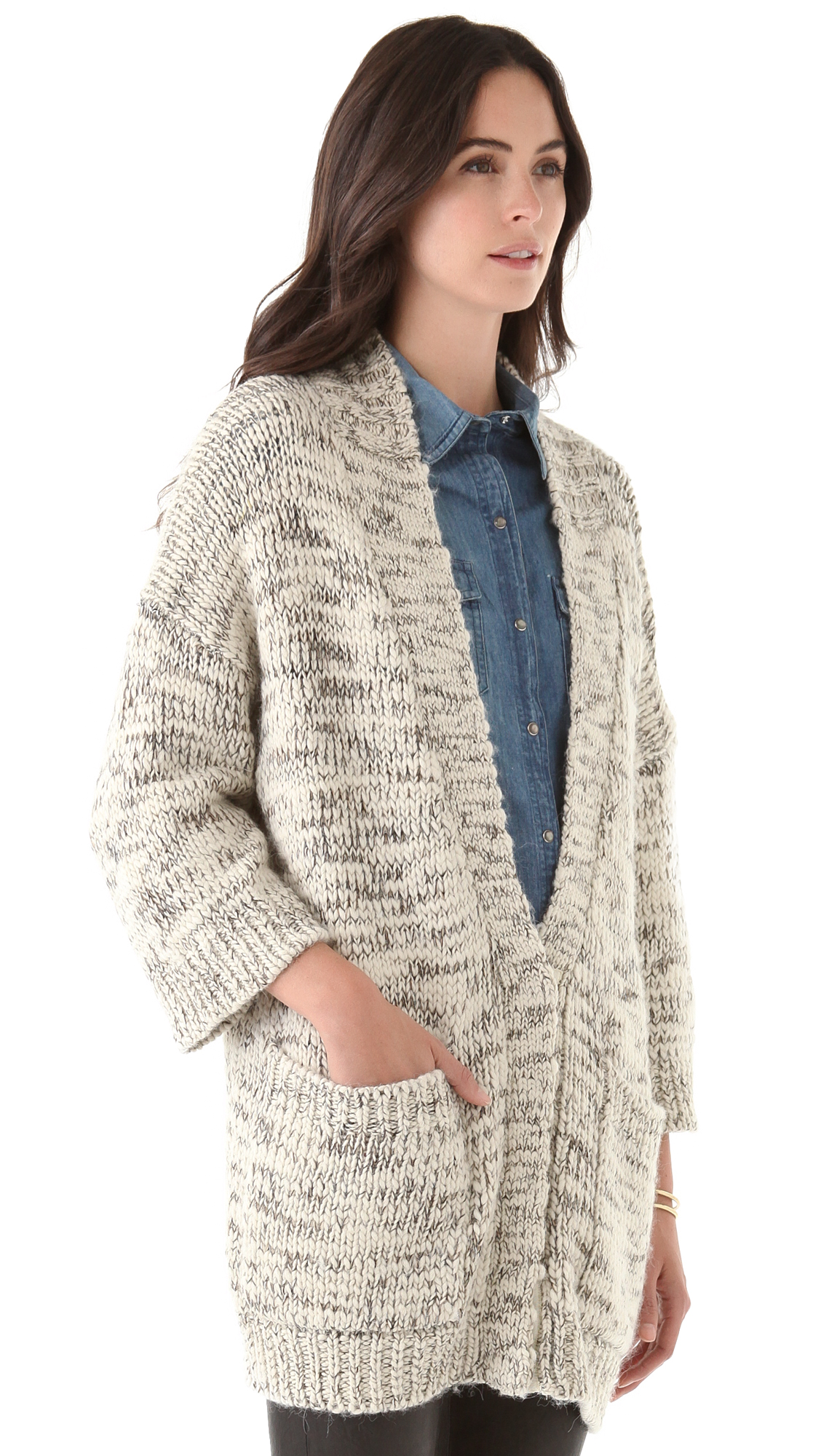
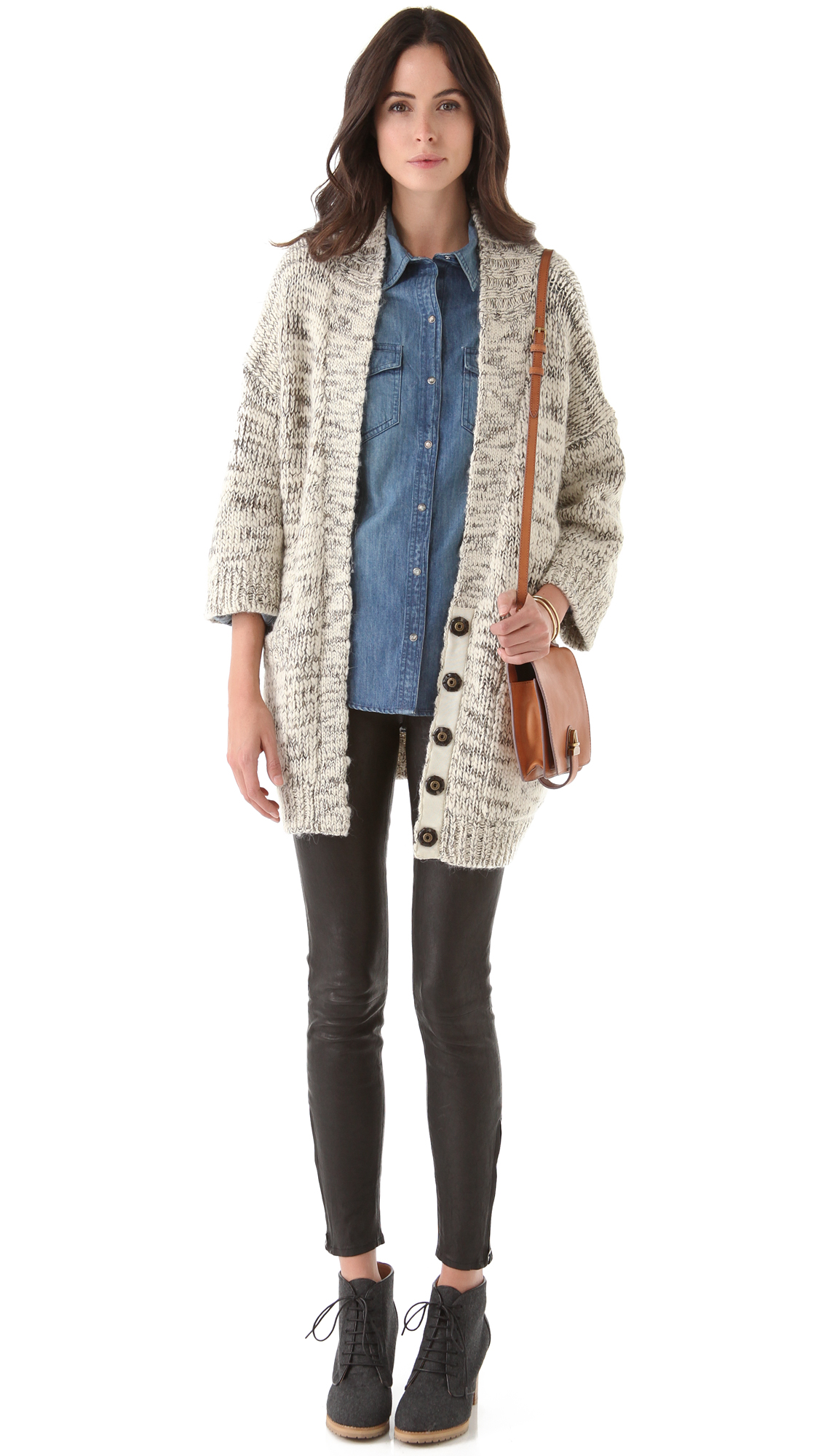
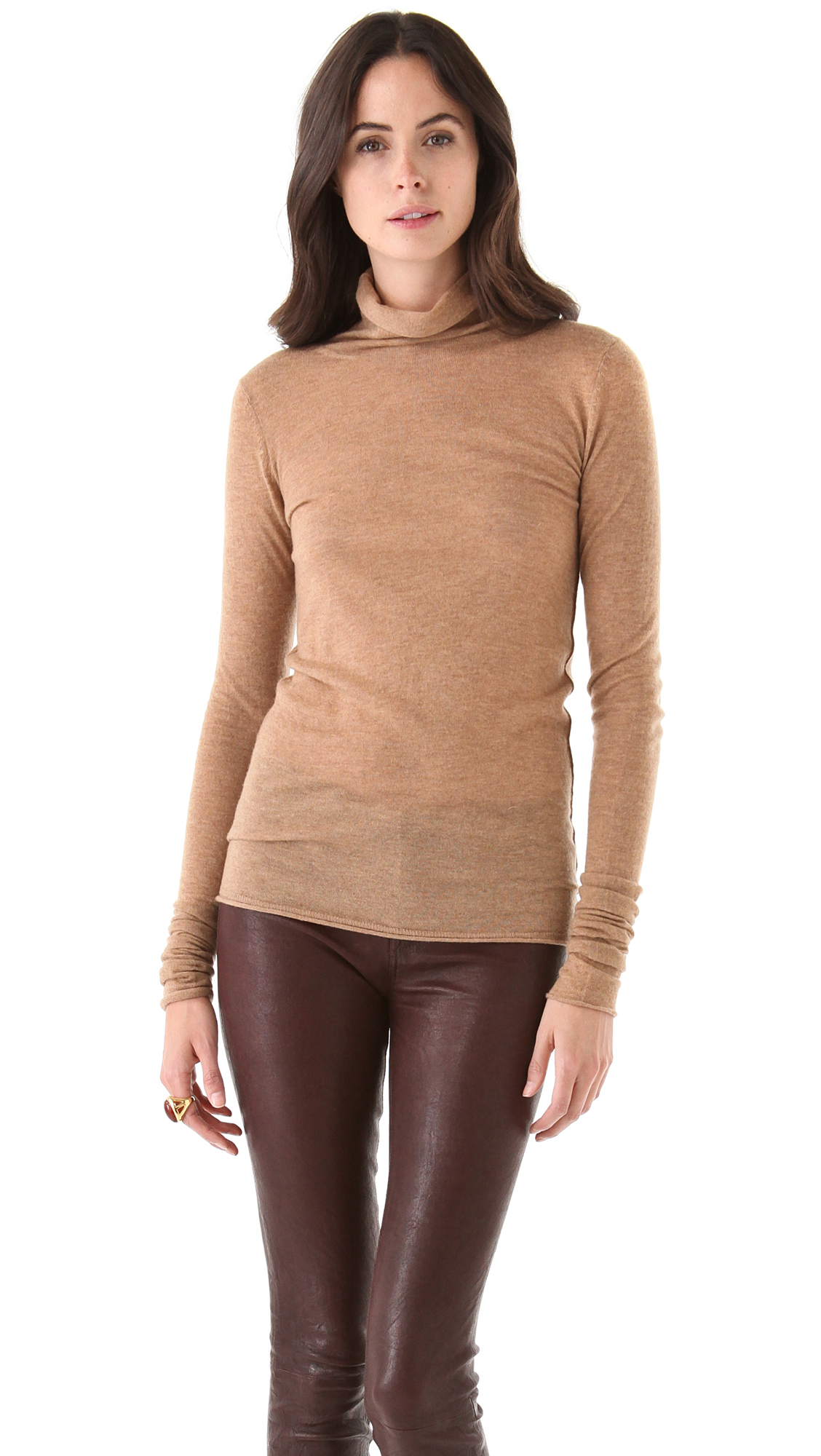
She's very beautiful. Any ideas?

-
AWESOME!!! THANKS!!
-
thanks! I'd love to see the runways of Heather Stewart-Whyte, if you have access to them.
-
-
Renata Maciel
Wonderful--thanks!!
Eddie Bauer /monthly_12_2012/post-4374-0-1446015646-98715_thumb.jpg" data-fileid="2648822" alt="post-4374-0-1446015646-98715_thumb.jpg" data-ratio="125">


 Diana Kovalchuk
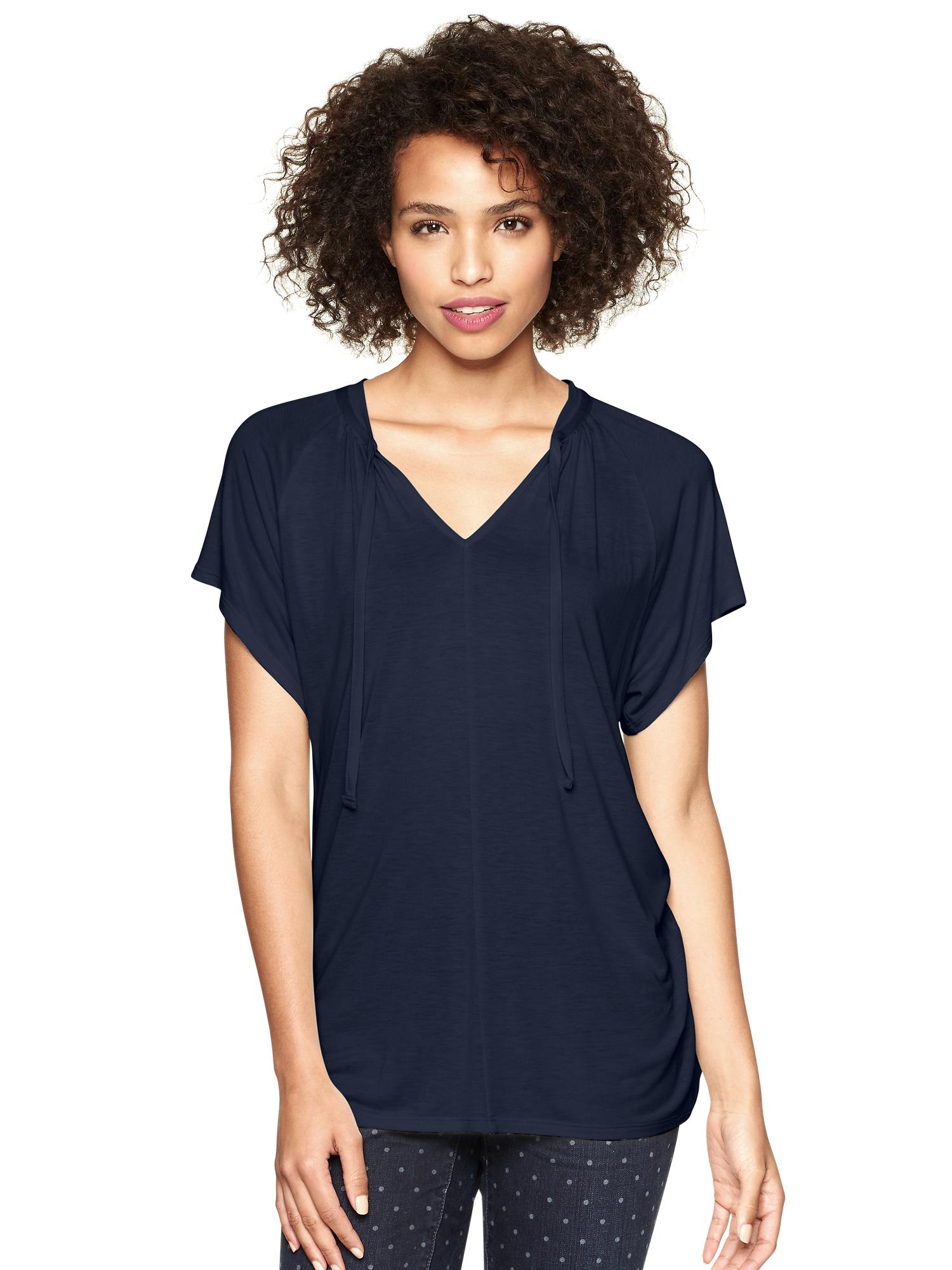
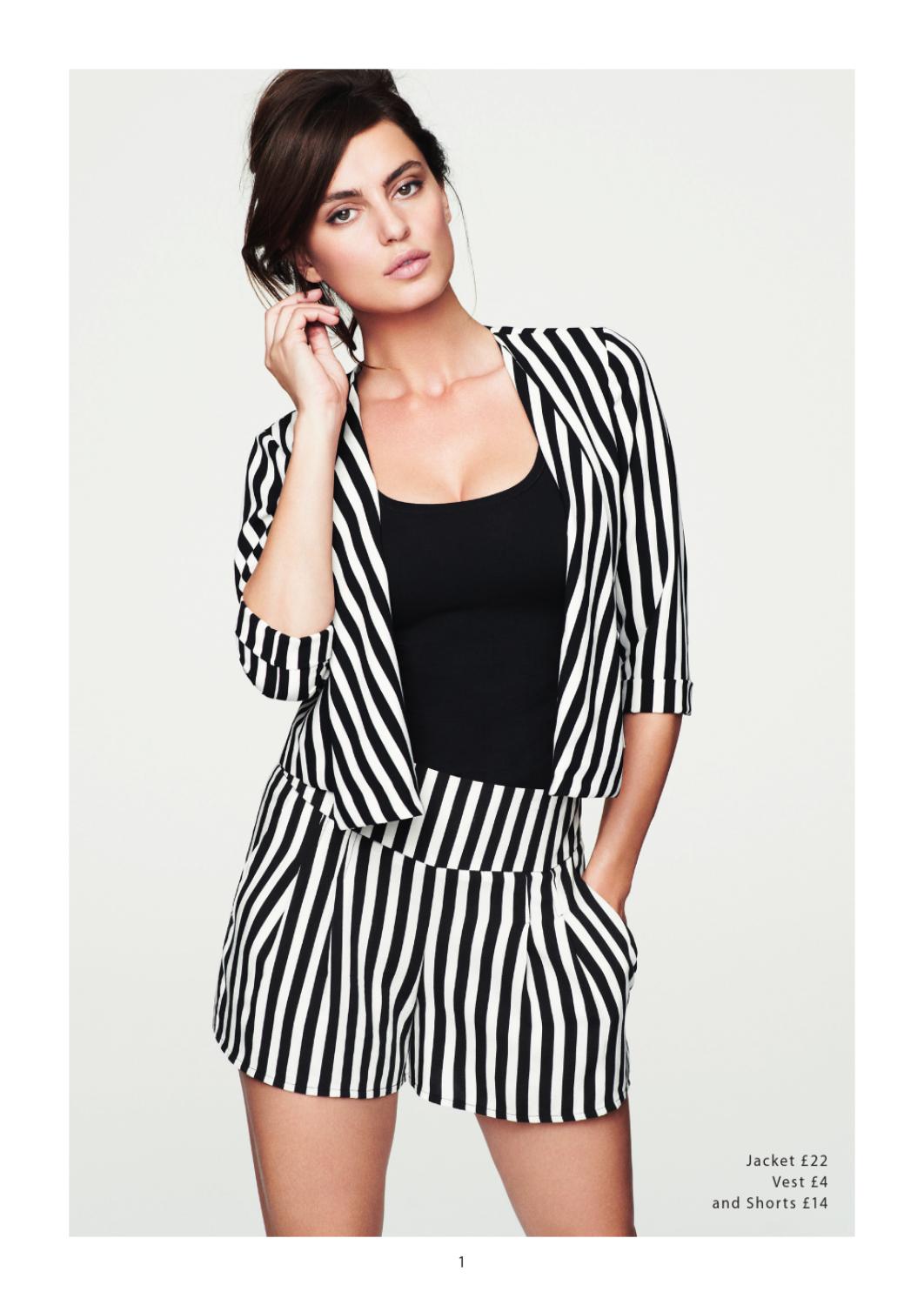
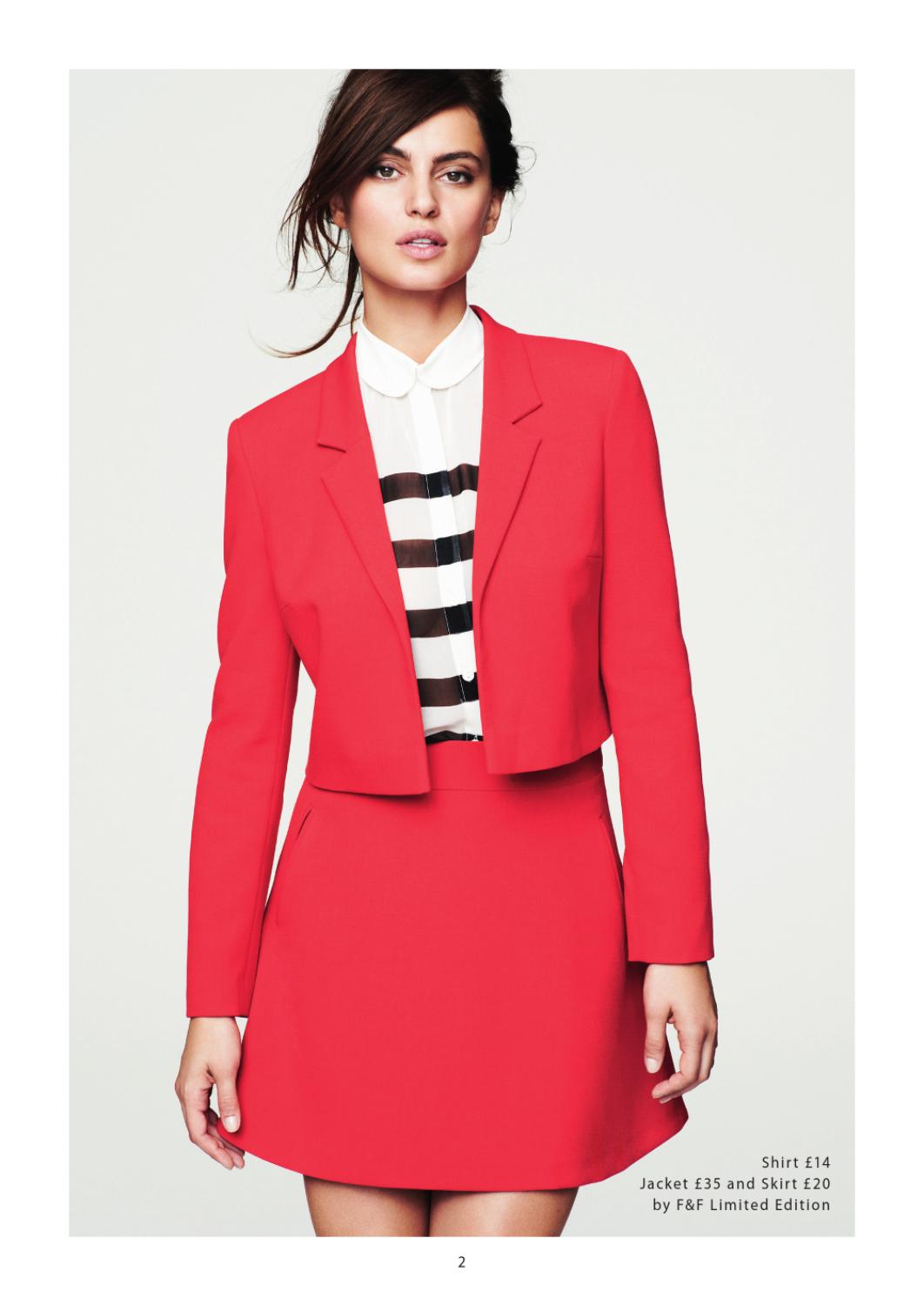
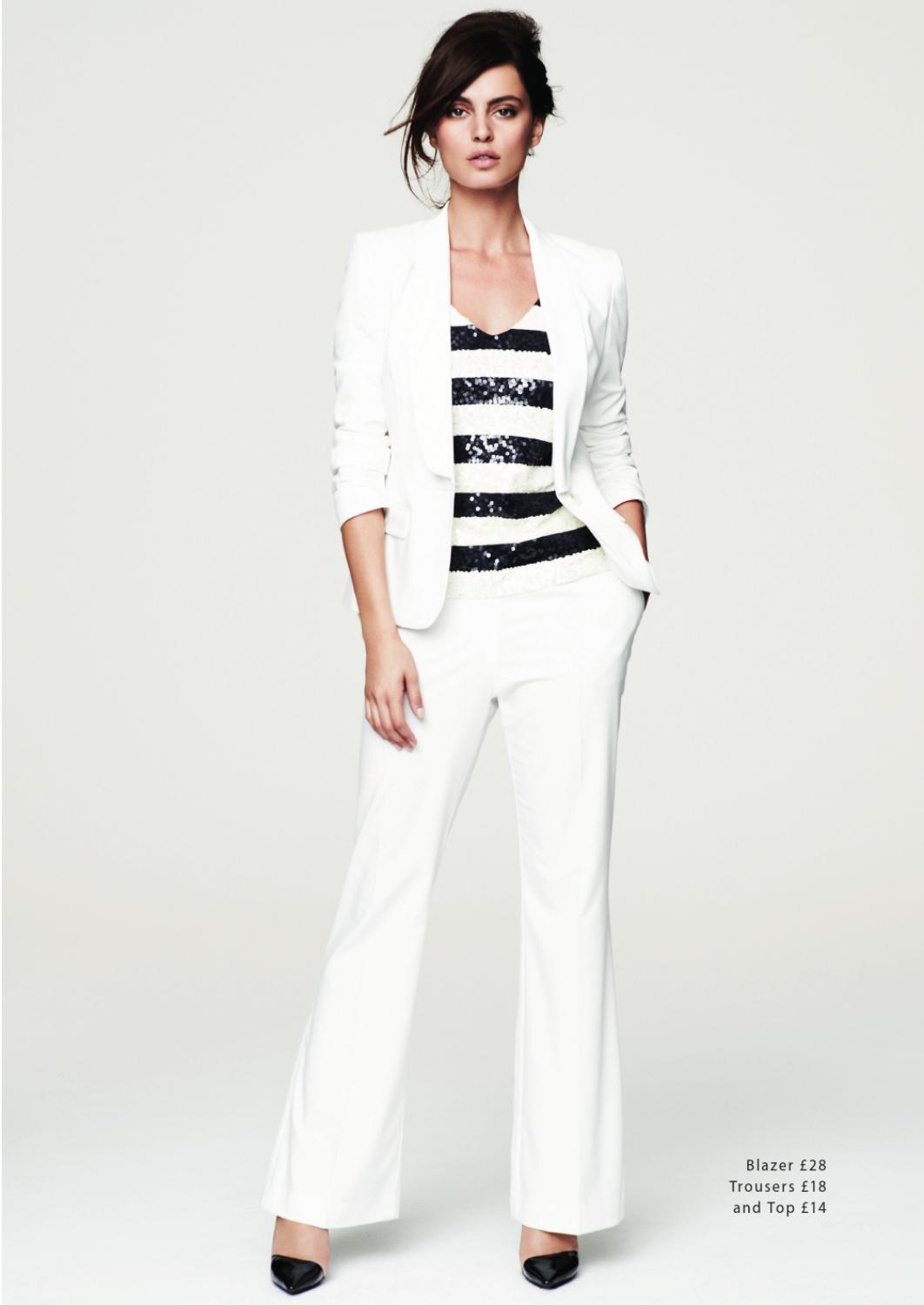
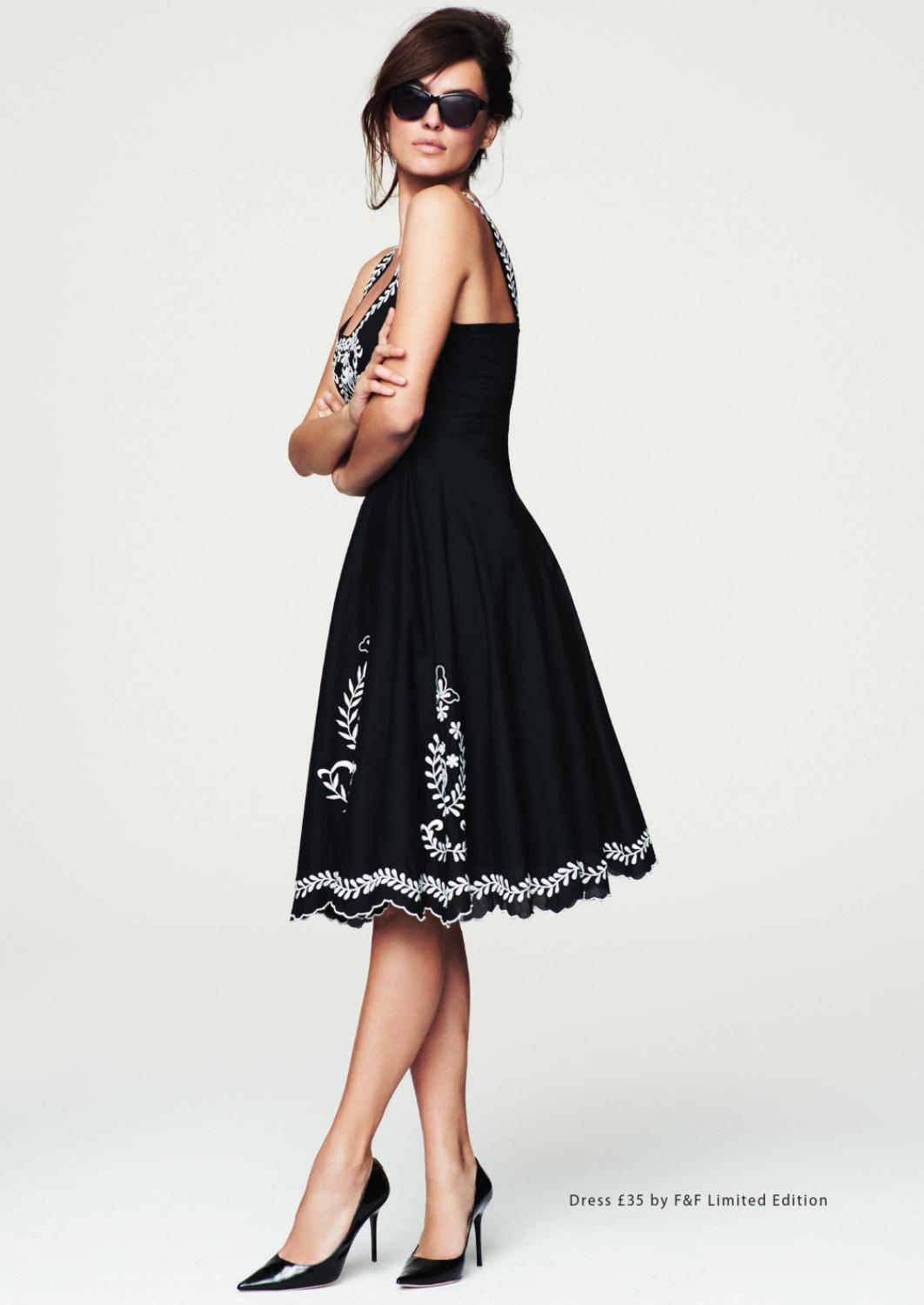
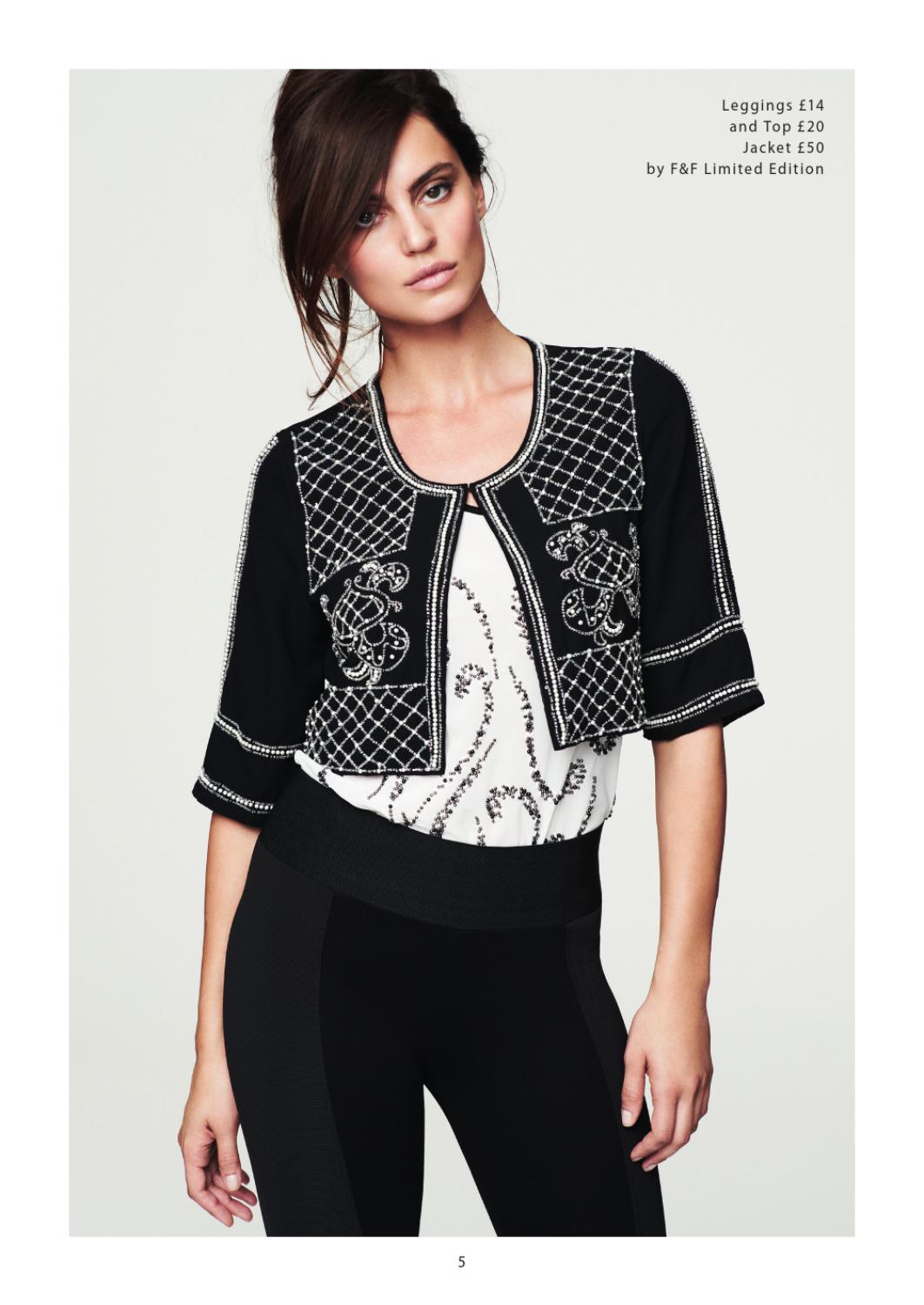
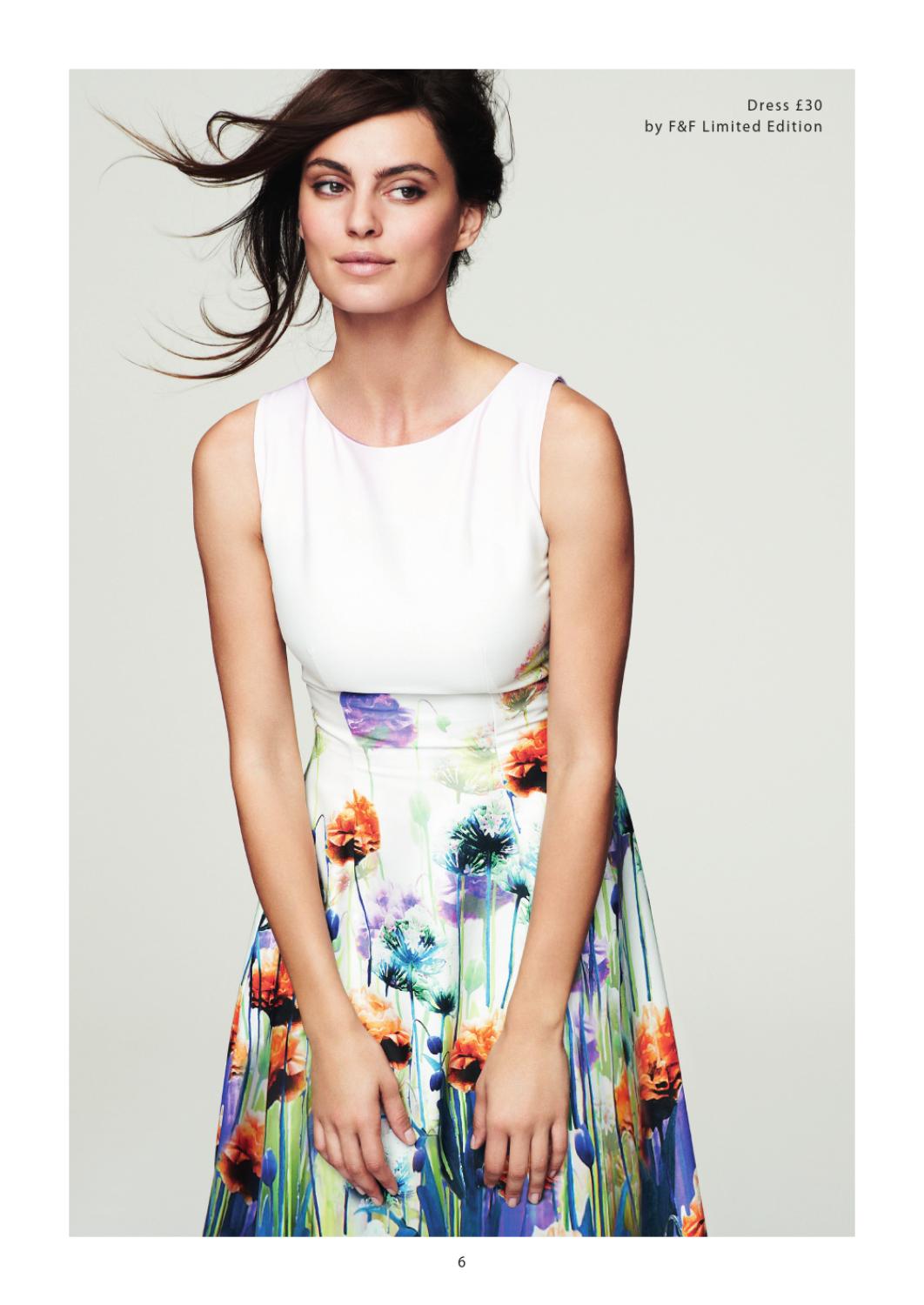
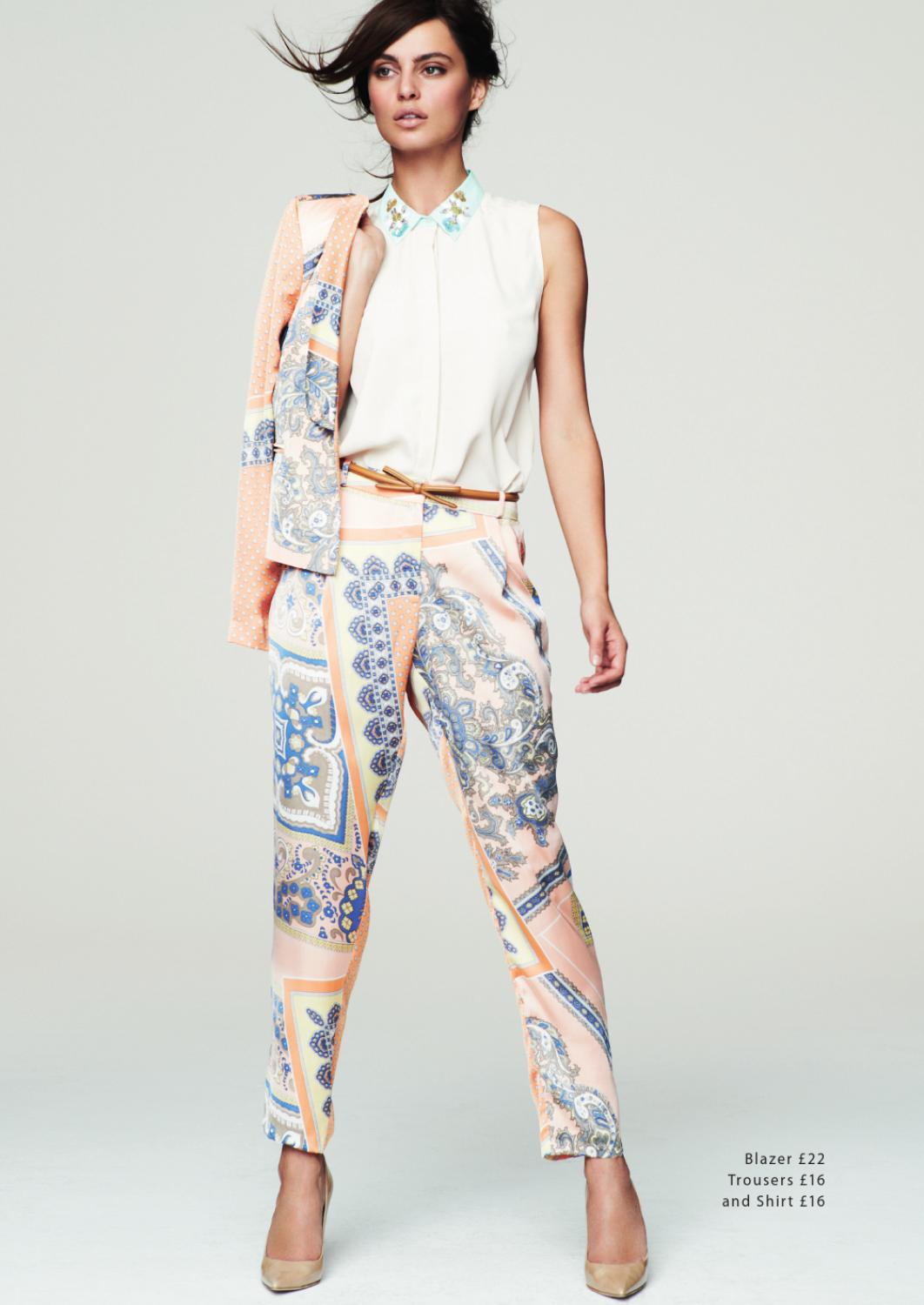
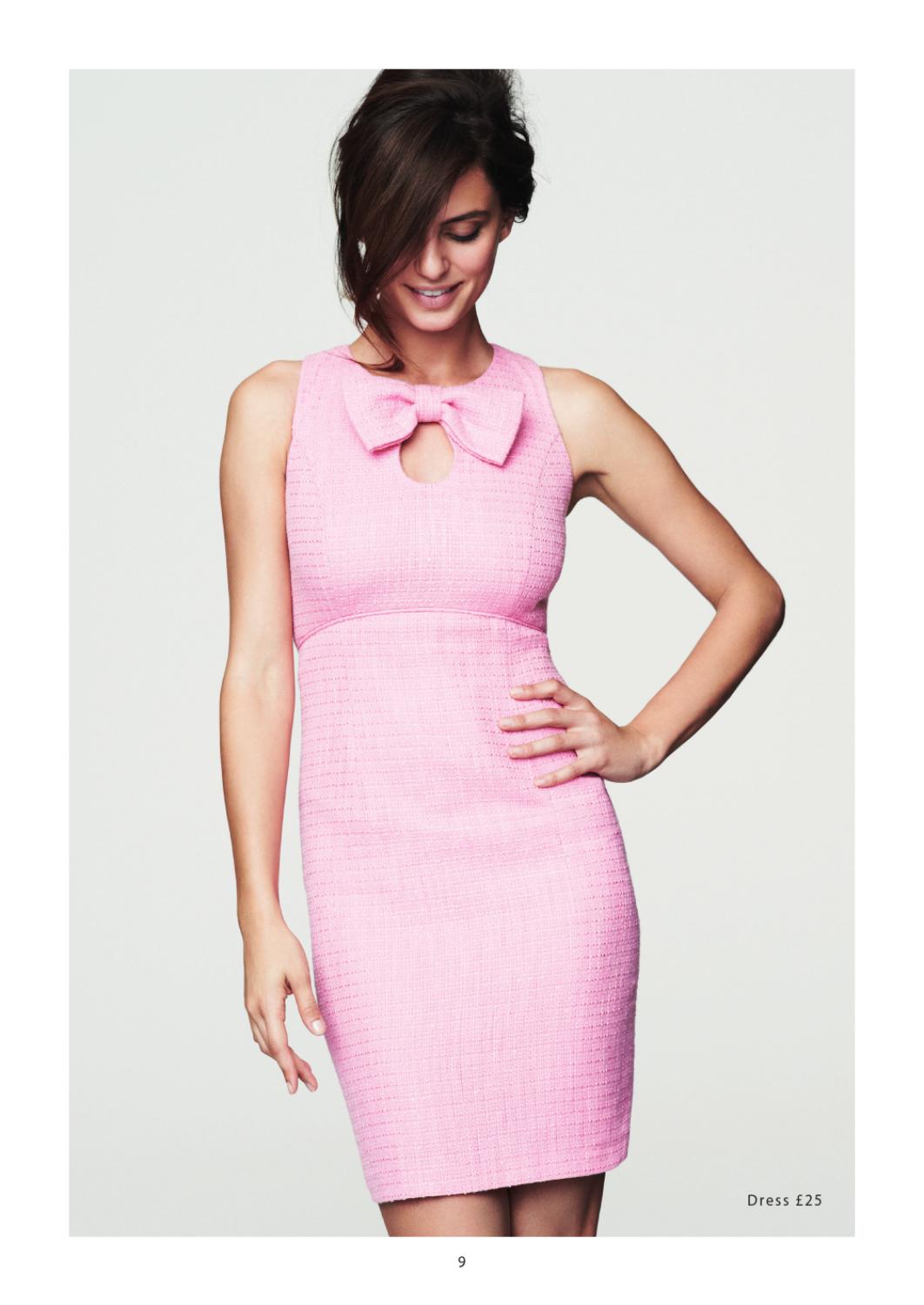
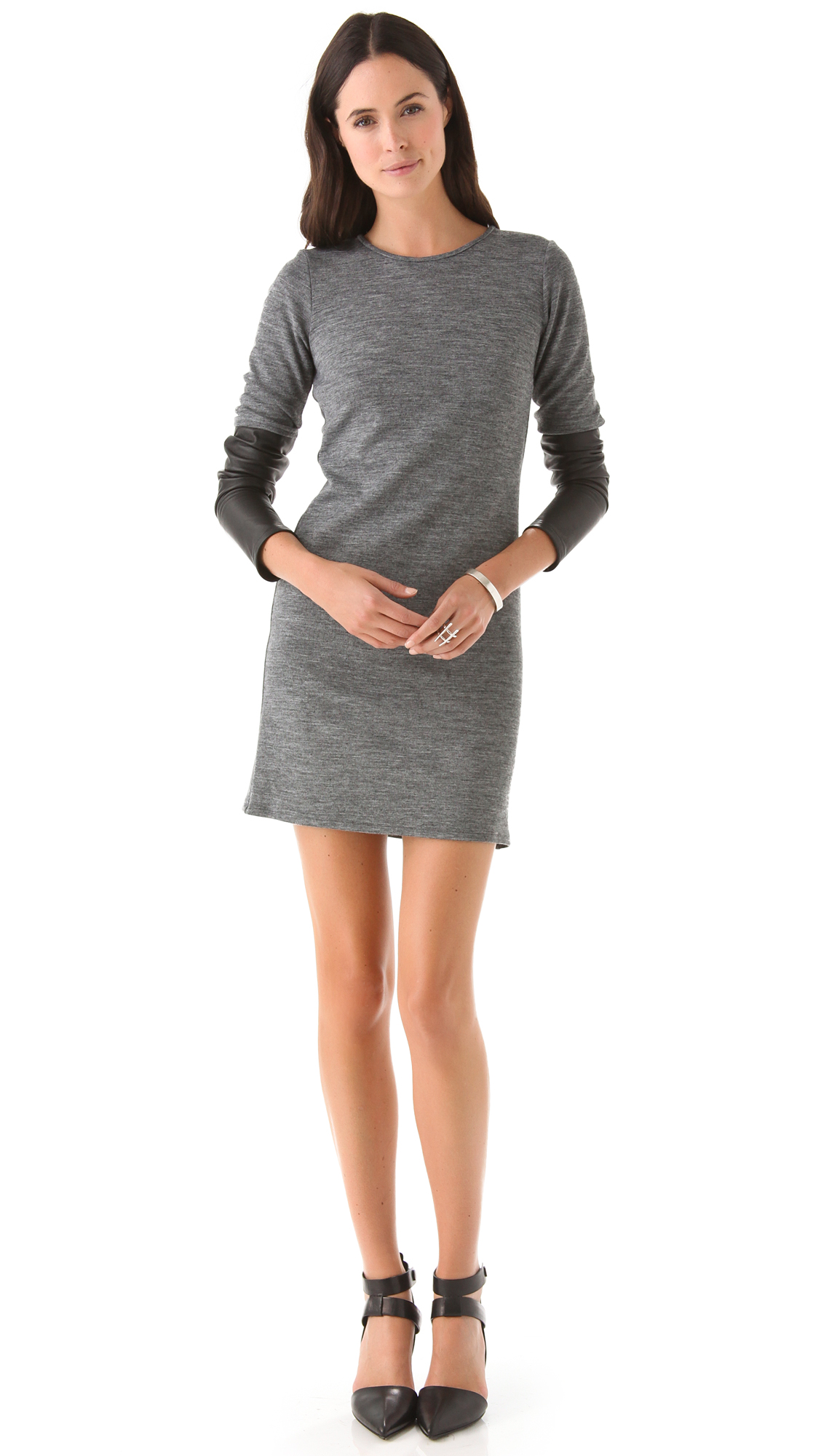
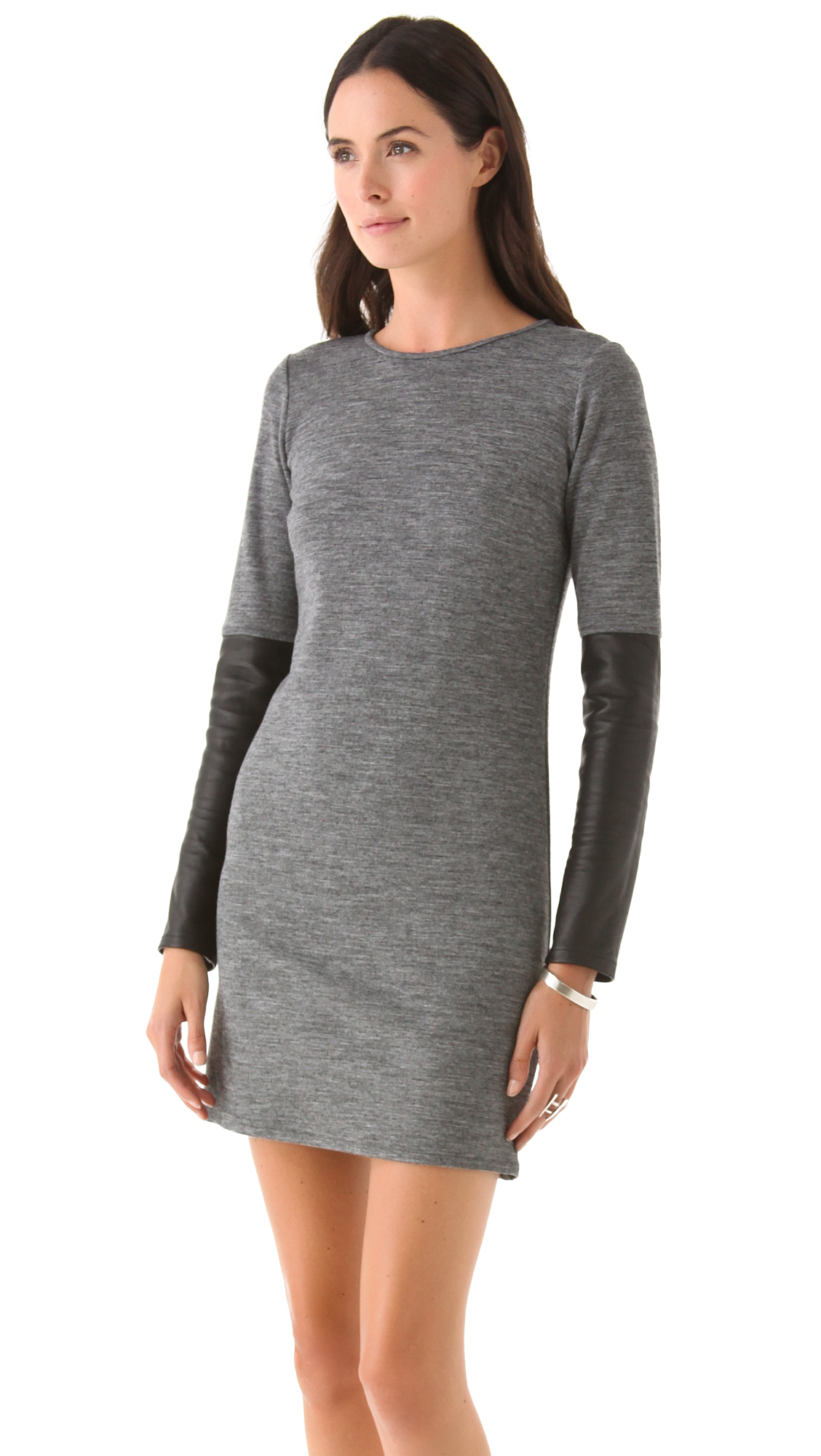
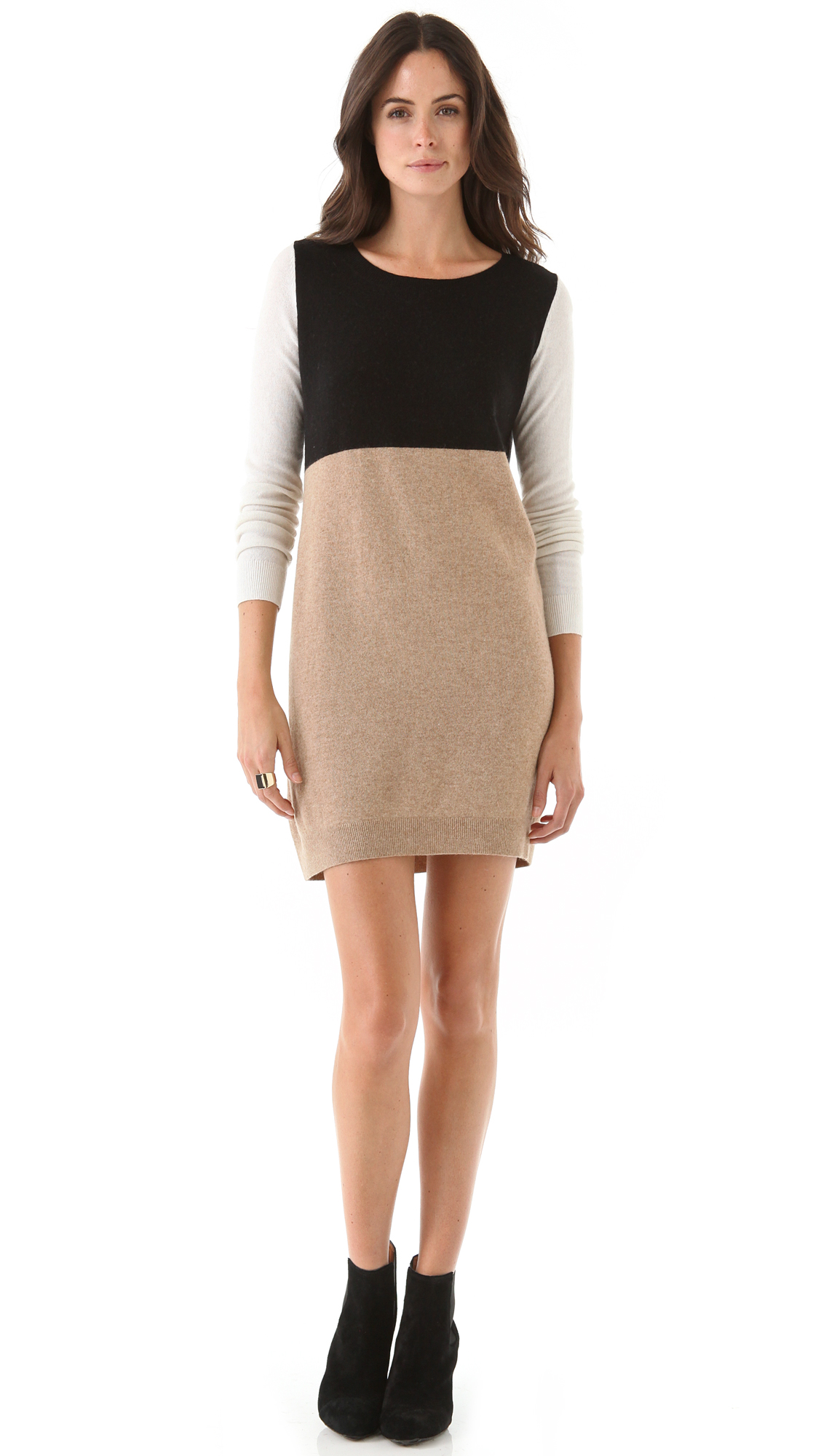
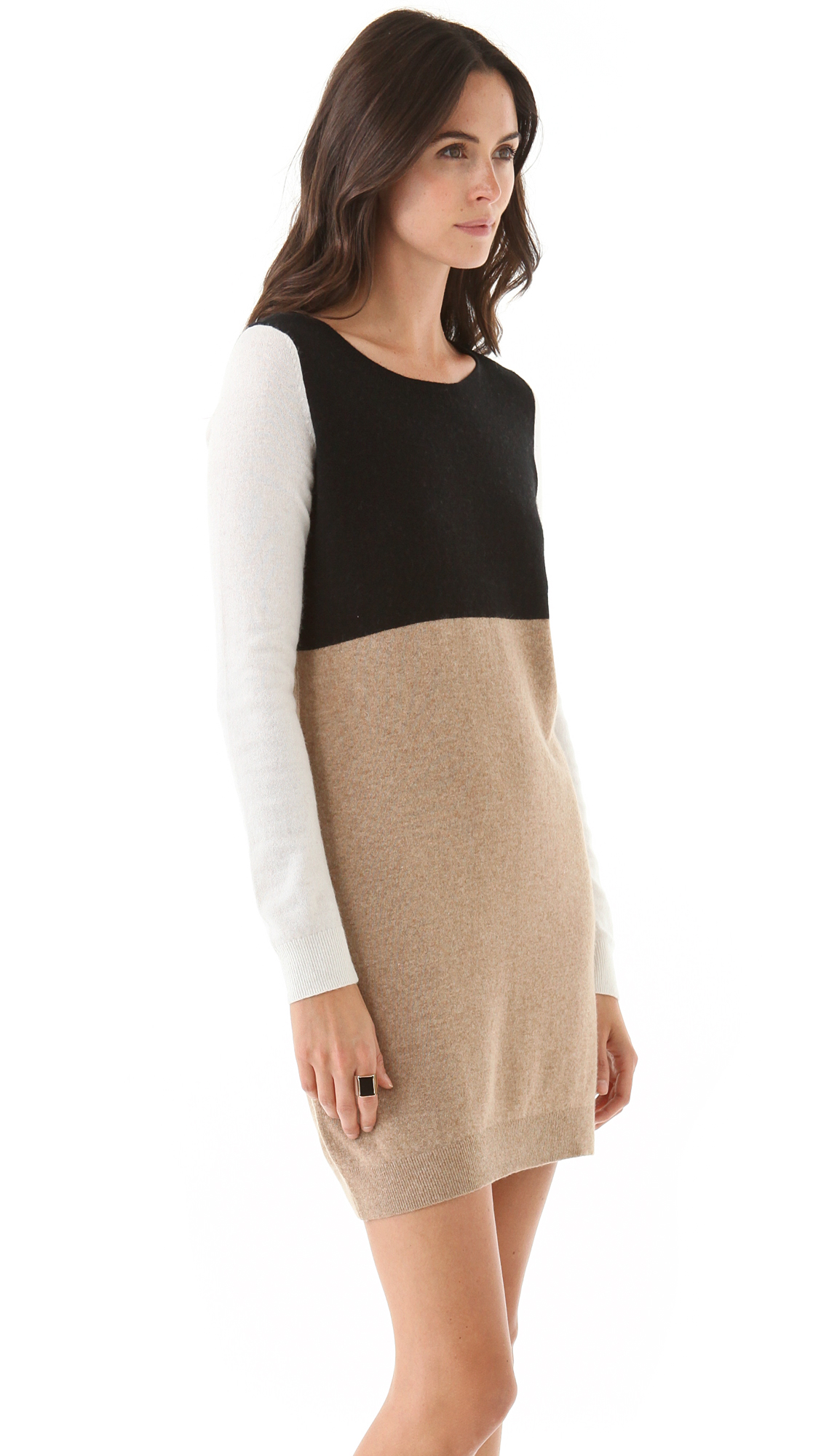
I don't know the first pic, but the second two are Amanda Montoya, who now does work for some of the older-lady catalogs, like Appleseeds and Chicos
Whoa! Nice job!
Diana Kovalchuk
I don't know the first pic, but the second two are Amanda Montoya, who now does work for some of the older-lady catalogs, like Appleseeds and Chicos
Whoa! Nice job!









































Account
Navigation
Search
Configure browser push notifications
Chrome (Android)
- Tap the lock icon next to the address bar.
- Tap Permissions → Notifications.
- Adjust your preference.
Chrome (Desktop)
- Click the padlock icon in the address bar.
- Select Site settings.
- Find Notifications and adjust your preference.
Safari (iOS 16.4+)
- Ensure the site is installed via Add to Home Screen.
- Open Settings App → Notifications.
- Find your app name and adjust your preference.
Safari (macOS)
- Go to Safari → Preferences.
- Click the Websites tab.
- Select Notifications in the sidebar.
- Find this website and adjust your preference.
Edge (Android)
- Tap the lock icon next to the address bar.
- Tap Permissions.
- Find Notifications and adjust your preference.
Edge (Desktop)
- Click the padlock icon in the address bar.
- Click Permissions for this site.
- Find Notifications and adjust your preference.
Firefox (Android)
- Go to Settings → Site permissions.
- Tap Notifications.
- Find this site in the list and adjust your preference.
Firefox (Desktop)
- Open Firefox Settings.
- Search for Notifications.
- Find this site in the list and adjust your preference.