

antoinetteda
Members
-
Joined
-
Last visited
Everything posted by antoinetteda
-
 Erin
Erin -
Drew
-
Natasha Barnard [6] Erika Kundrotaite [6]
-
5
-
3 more chanelitas.com



-
Ligia Nogueira winter 2012 ph. Matheus Avlis ligianogueira.com.br, ivancavalcante.com.br







-
1 design from preschool?
Fabiana Silva tropic 2011 ph.Rodrigo Marini Fabiana Silva FB








 Chek summer 2011





 morningmakeupcall.com











 Elle CZ ph. Lucie Robinson


 Maryna Linchuk (2) Bianca Balti (4) Natalia Vodianova (3) Abbey Lee Kershaw (out)
Maryna Linchuk (4) Bianca Balti (4) Natalia Vodianova (3) Abbey Lee Kershaw (2)
3
Bianca
L'Agence - Rio de Janeiro
Kodifik fall/winter 2012 kodifik FB
Maryna Linchuk (2) Bianca Balti (4) Natalia Vodianova (3) Abbey Lee Kershaw (out)
Maryna Linchuk (4) Bianca Balti (4) Natalia Vodianova (3) Abbey Lee Kershaw (2)
3
Bianca
L'Agence - Rio de Janeiro
Kodifik fall/winter 2012 kodifik FB














 My pleasure
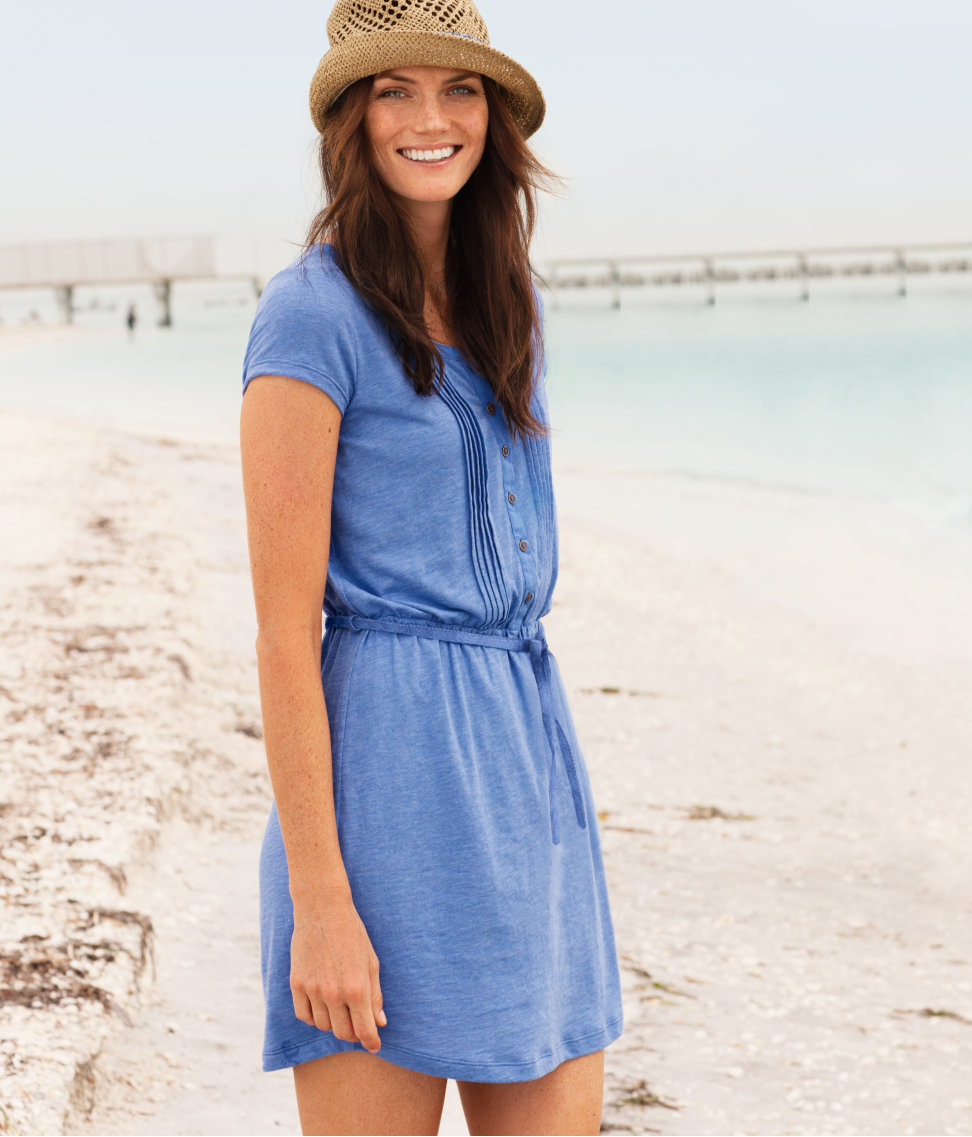
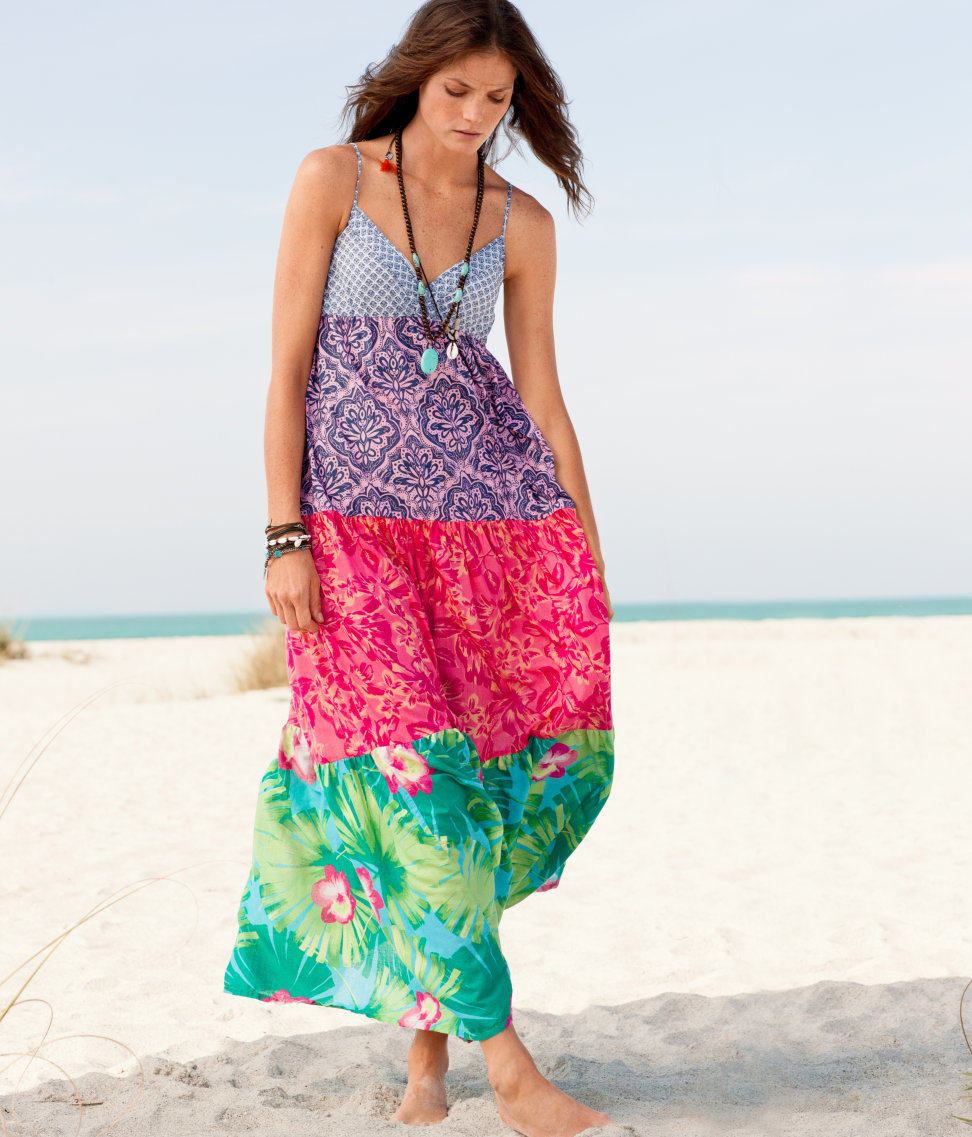
Adriana Lima (2) Maryna Linchuk (8) Bianca Balti (6) Shannan Click (6) Natalia Vodianova (7) Nina Agdal (out) Abbey Lee Kershaw (6)
H&M spring 2012 hm.com/sk
My pleasure
Adriana Lima (2) Maryna Linchuk (8) Bianca Balti (6) Shannan Click (6) Natalia Vodianova (7) Nina Agdal (out) Abbey Lee Kershaw (6)
H&M spring 2012 hm.com/sk







 Adriana Lima (2) Maryna Linchuk (8) Bianca Balti (7) Shannan Click (6) Natalia Vodianova (8) Nina Agdal (1) Abbey Lee Kershaw (6)
Lormar Beachwear summer 2011
Adriana Lima (2) Maryna Linchuk (8) Bianca Balti (7) Shannan Click (6) Natalia Vodianova (8) Nina Agdal (1) Abbey Lee Kershaw (6)
Lormar Beachwear summer 2011








































































































Account
Navigation
Search
Configure browser push notifications
Chrome (Android)
- Tap the lock icon next to the address bar.
- Tap Permissions → Notifications.
- Adjust your preference.
Chrome (Desktop)
- Click the padlock icon in the address bar.
- Select Site settings.
- Find Notifications and adjust your preference.
Safari (iOS 16.4+)
- Ensure the site is installed via Add to Home Screen.
- Open Settings App → Notifications.
- Find your app name and adjust your preference.
Safari (macOS)
- Go to Safari → Preferences.
- Click the Websites tab.
- Select Notifications in the sidebar.
- Find this website and adjust your preference.
Edge (Android)
- Tap the lock icon next to the address bar.
- Tap Permissions.
- Find Notifications and adjust your preference.
Edge (Desktop)
- Click the padlock icon in the address bar.
- Click Permissions for this site.
- Find Notifications and adjust your preference.
Firefox (Android)
- Go to Settings → Site permissions.
- Tap Notifications.
- Find this site in the list and adjust your preference.
Firefox (Desktop)
- Open Firefox Settings.
- Search for Notifications.
- Find this site in the list and adjust your preference.