radolgc
Members
-
Joined
-
Last visited
Everything posted by radolgc
-
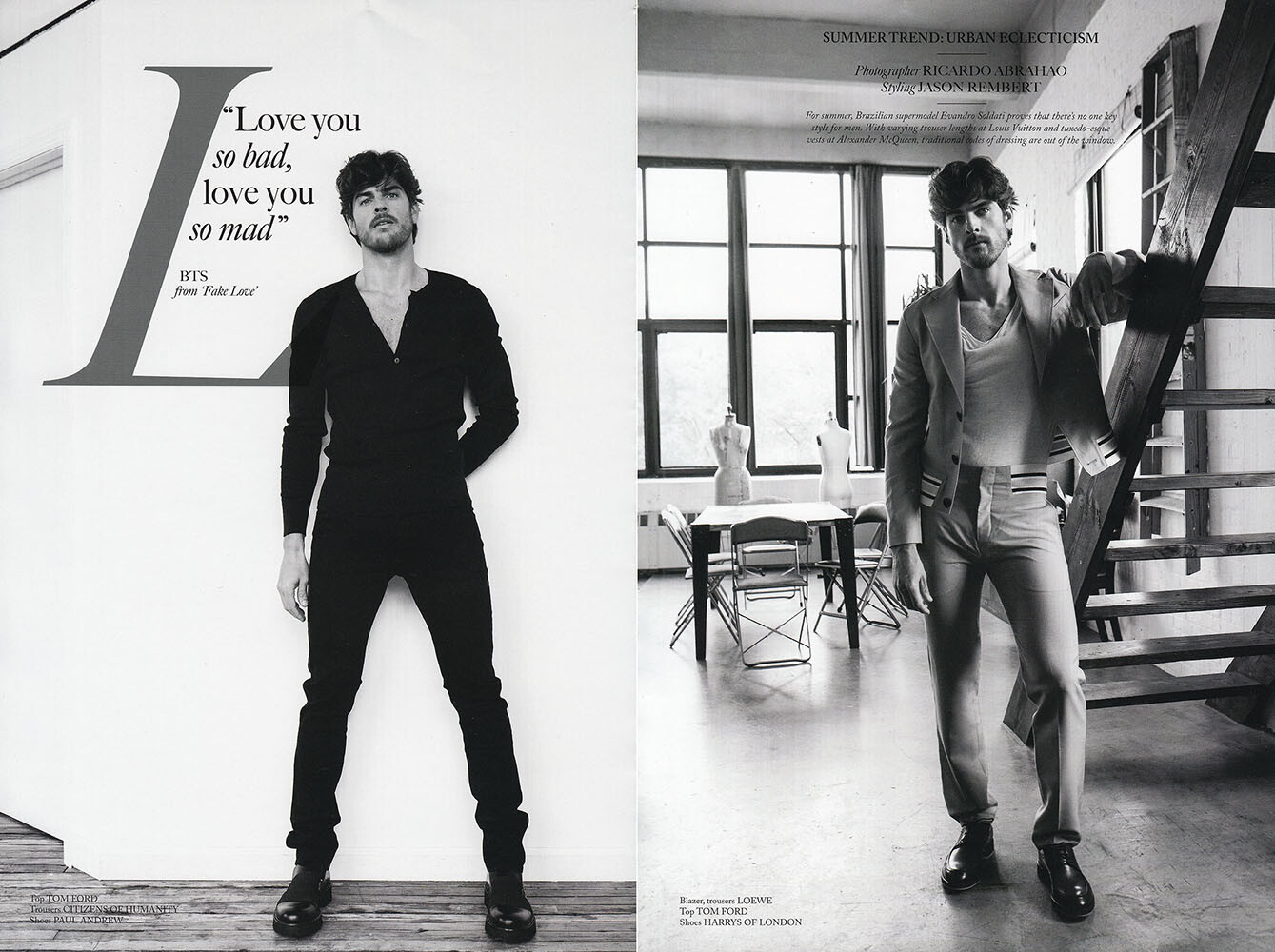
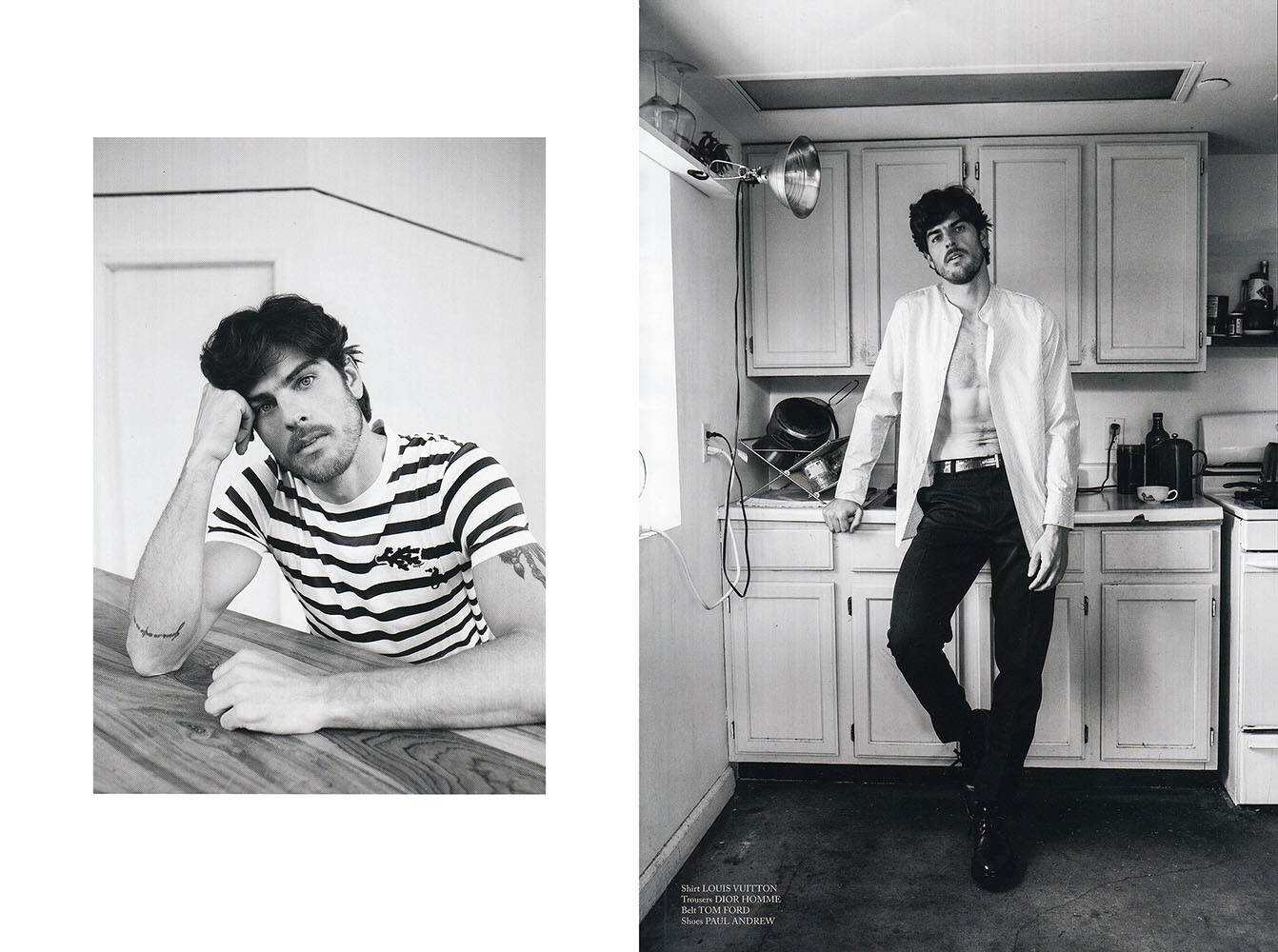
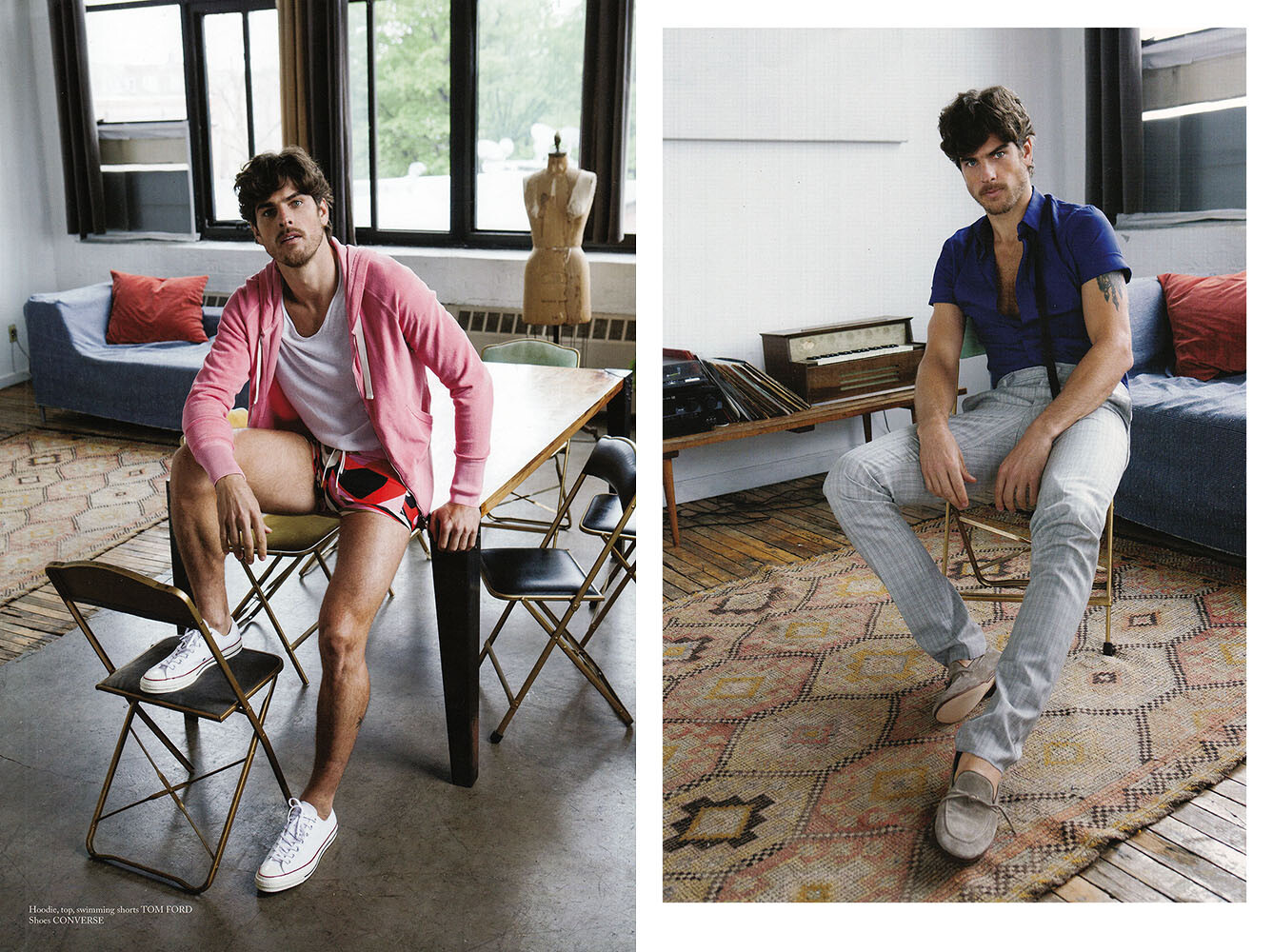
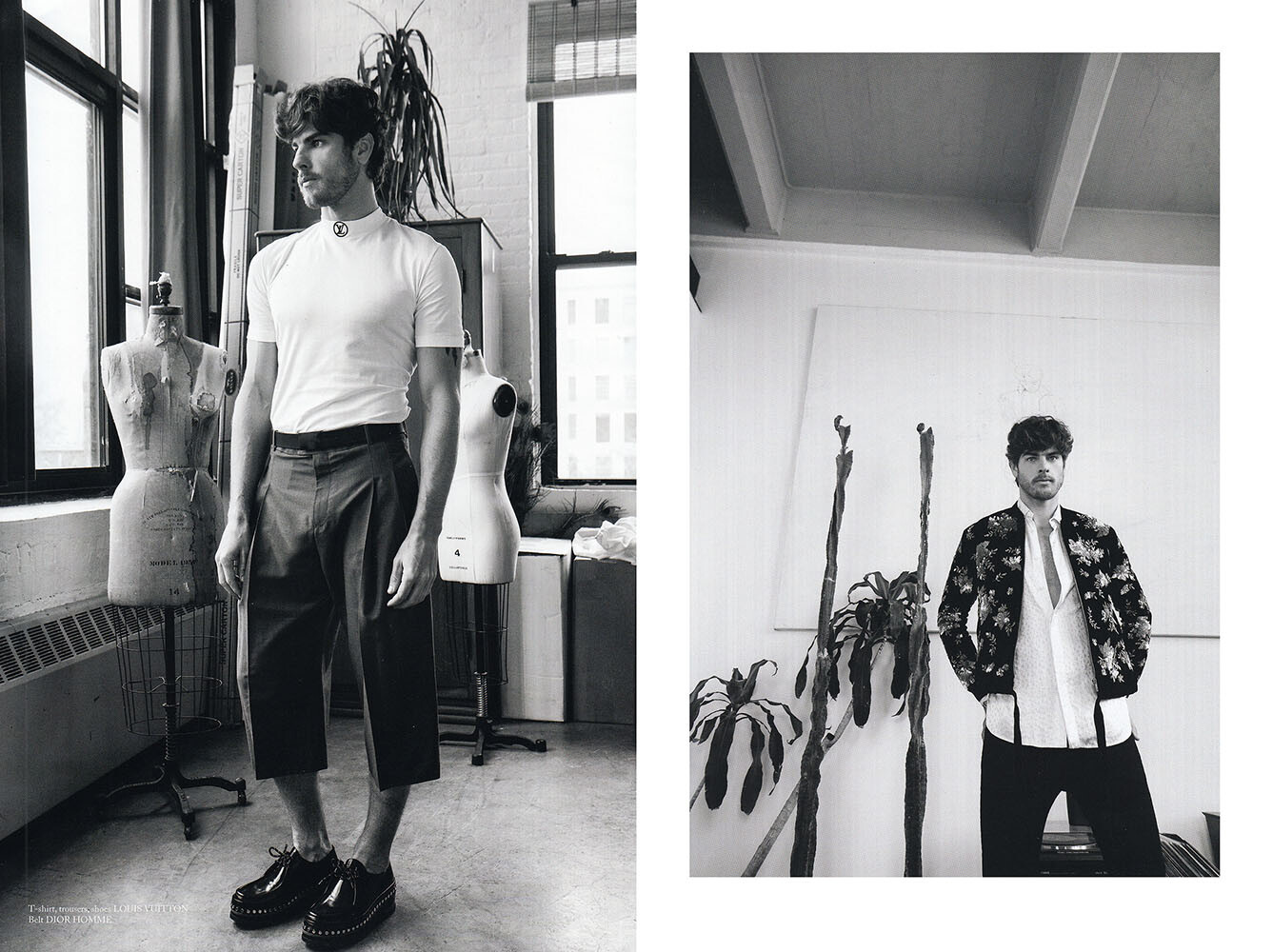
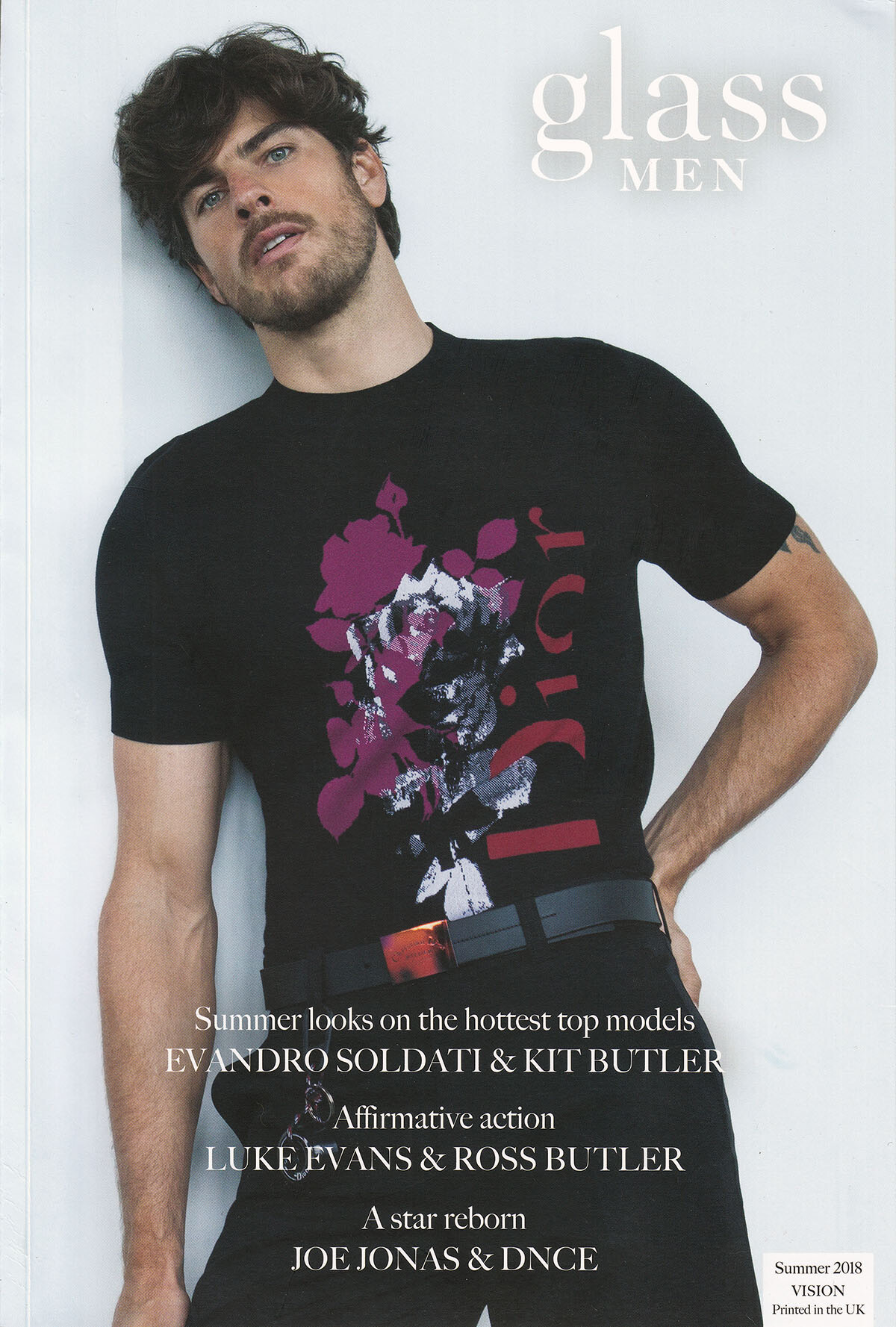
 Glass magazine, summer 2018, scanned by me:
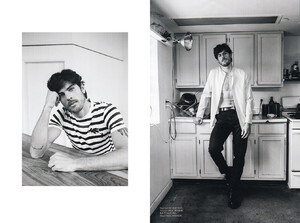
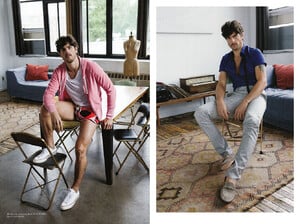
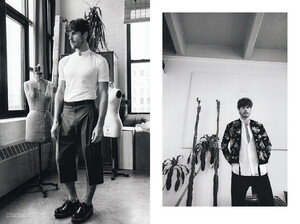
-
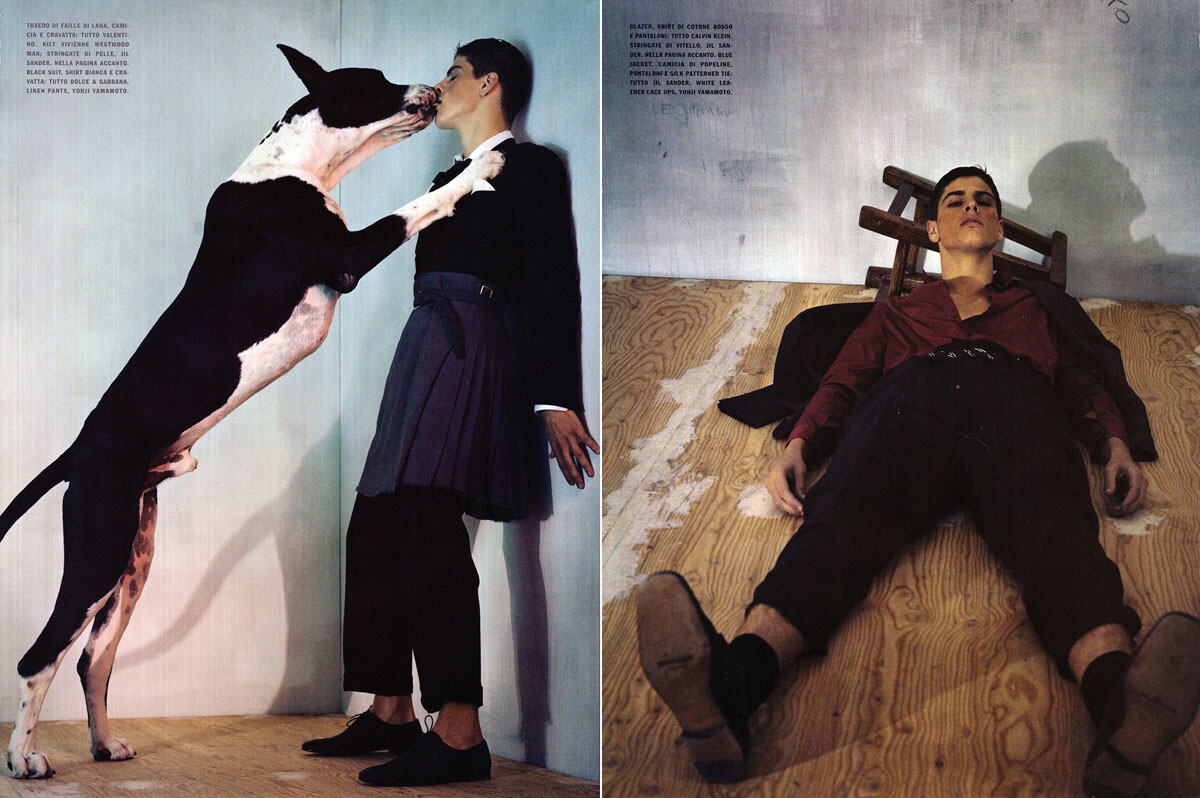
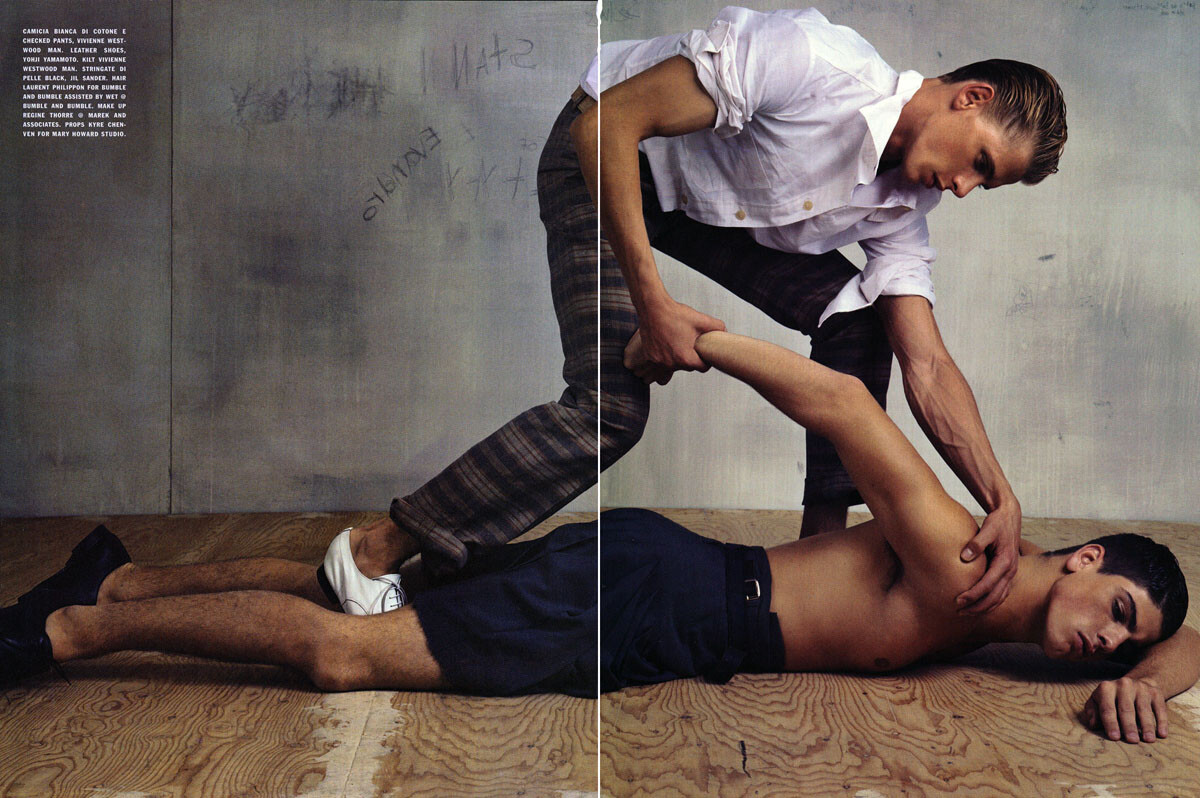
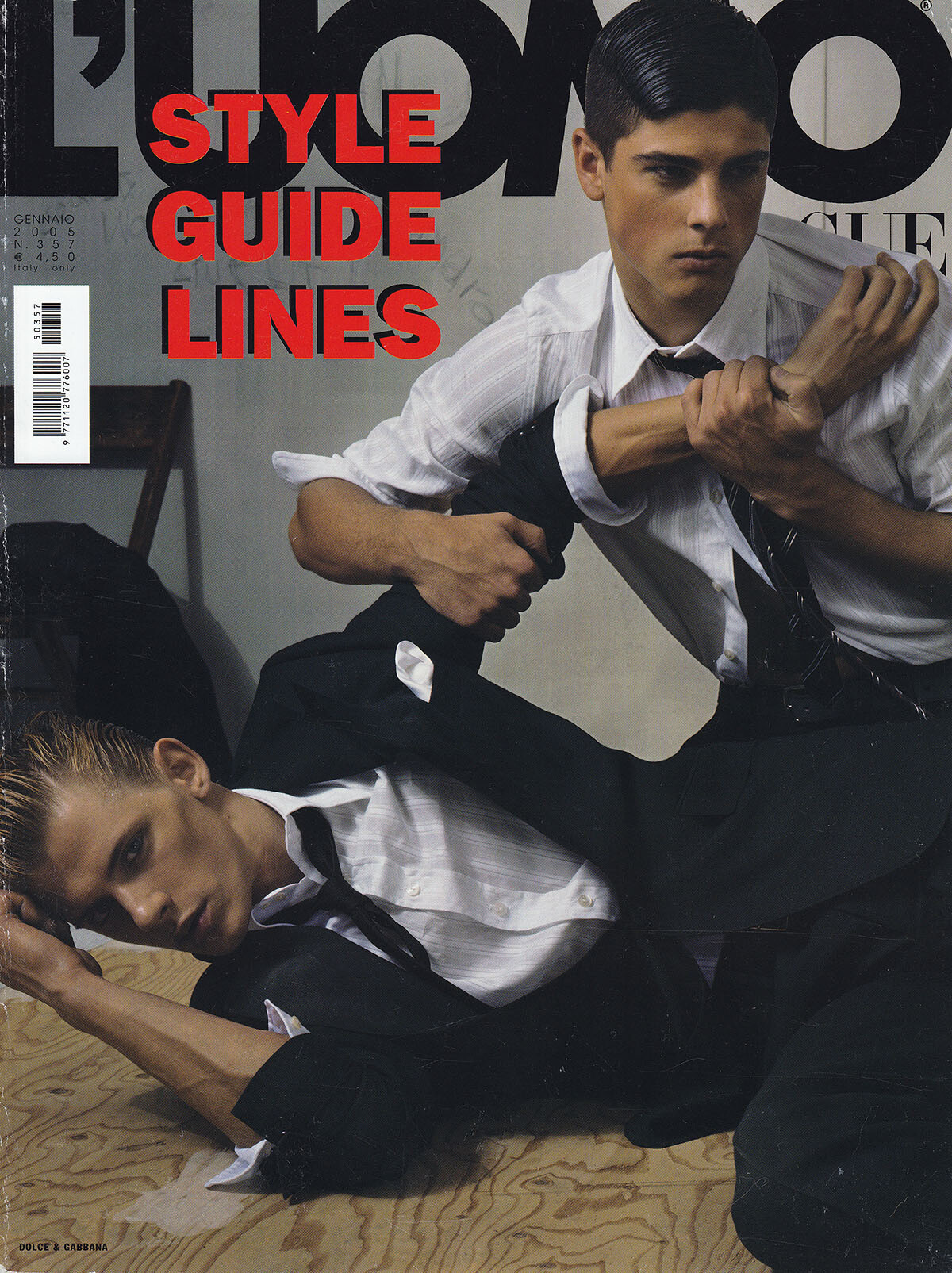
Luomo Vogue, January 2005, scanned by me:

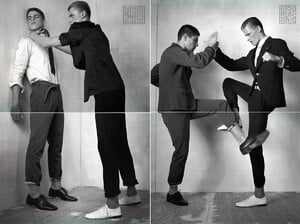


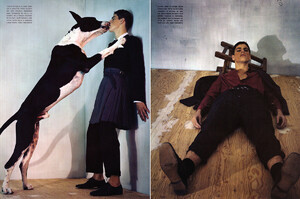
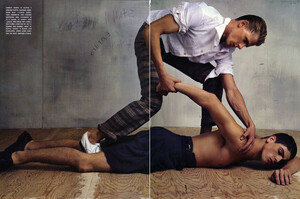
-
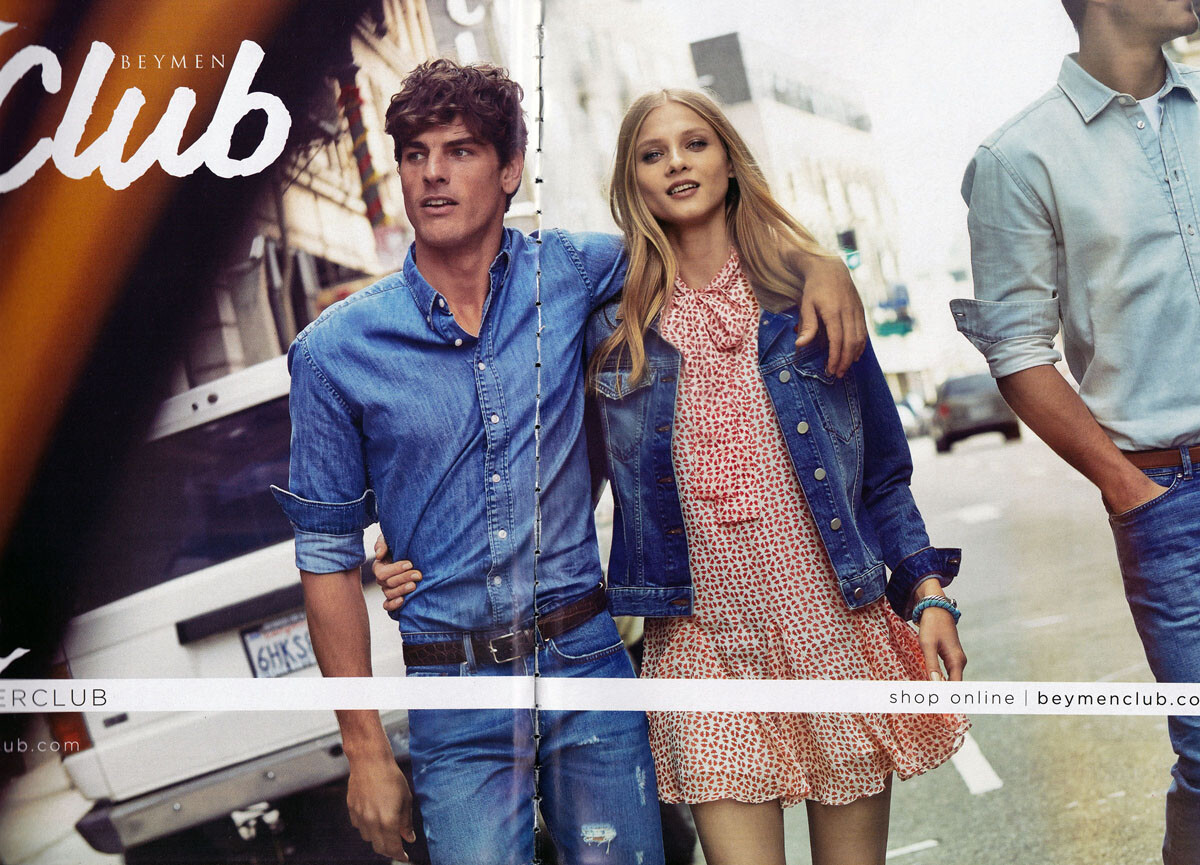
Baymen Club, scanned by me:

-
Luz Da Lua ads, scanned by me:


-
Exte, winter 2006, scanned by me:

-
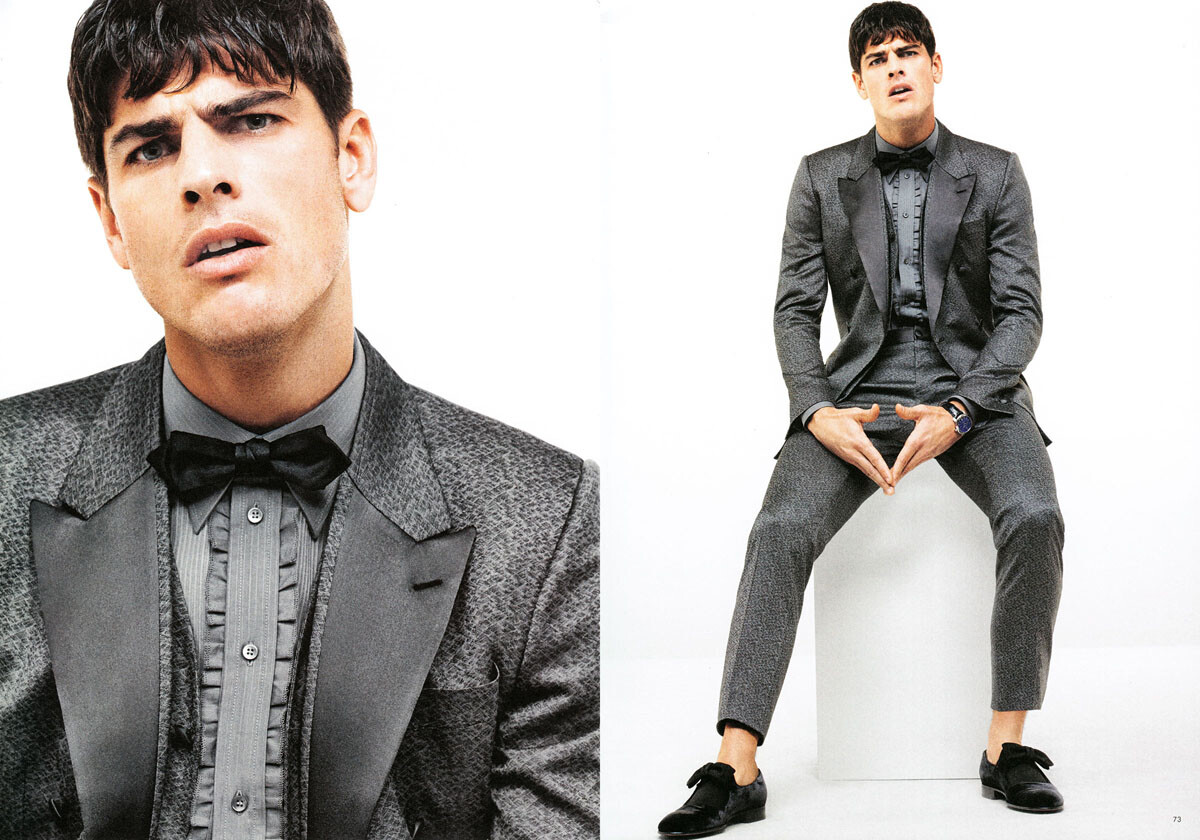
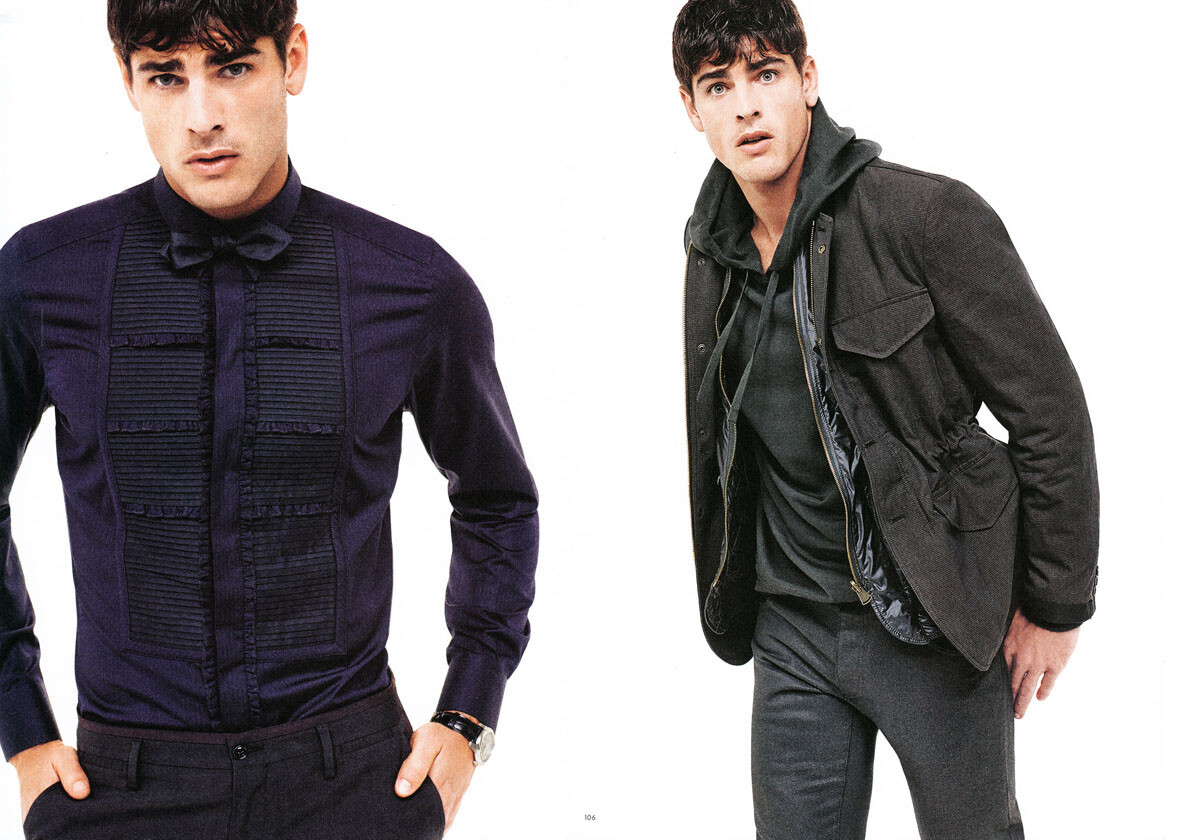
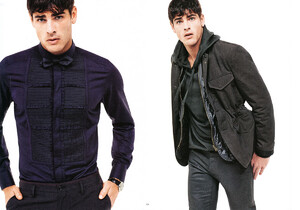
Dolce&Gabbana look book, spring summer 2015, scanned by me:
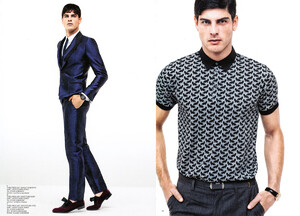

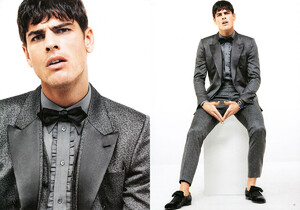
-
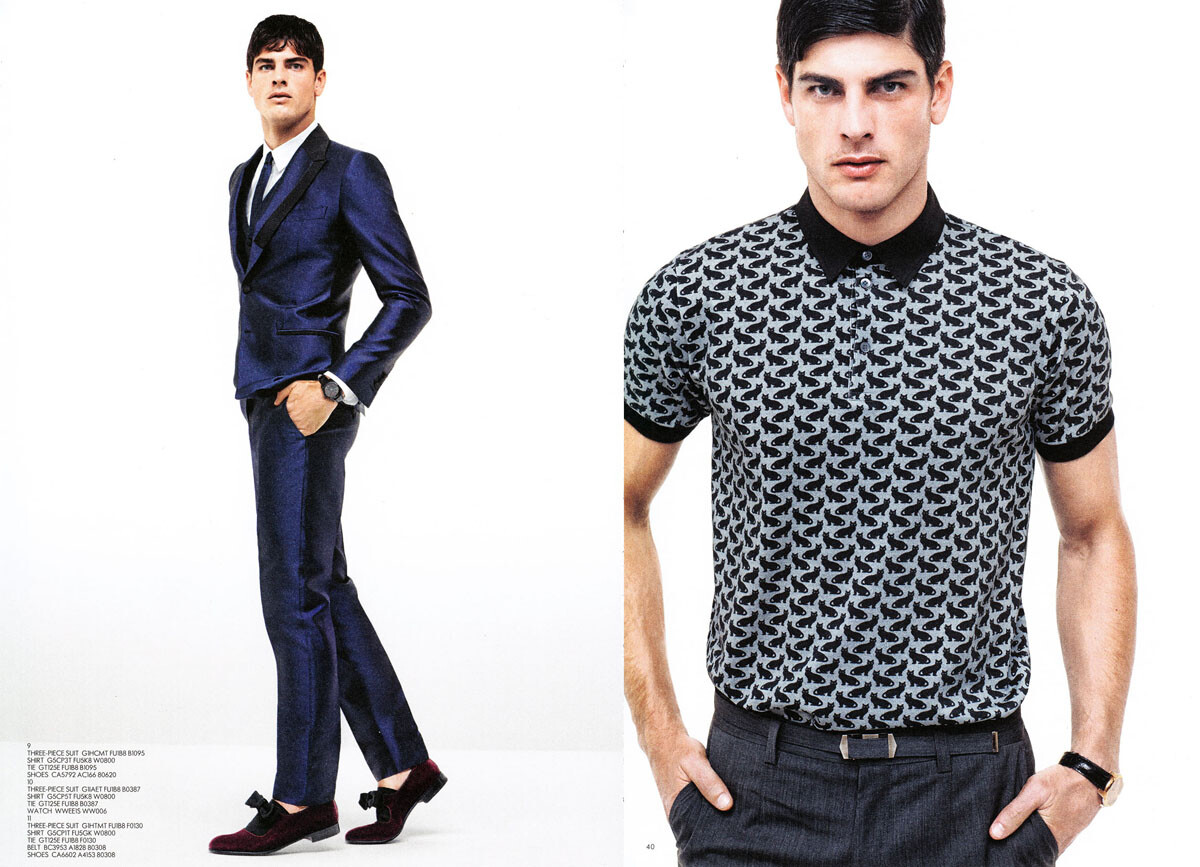
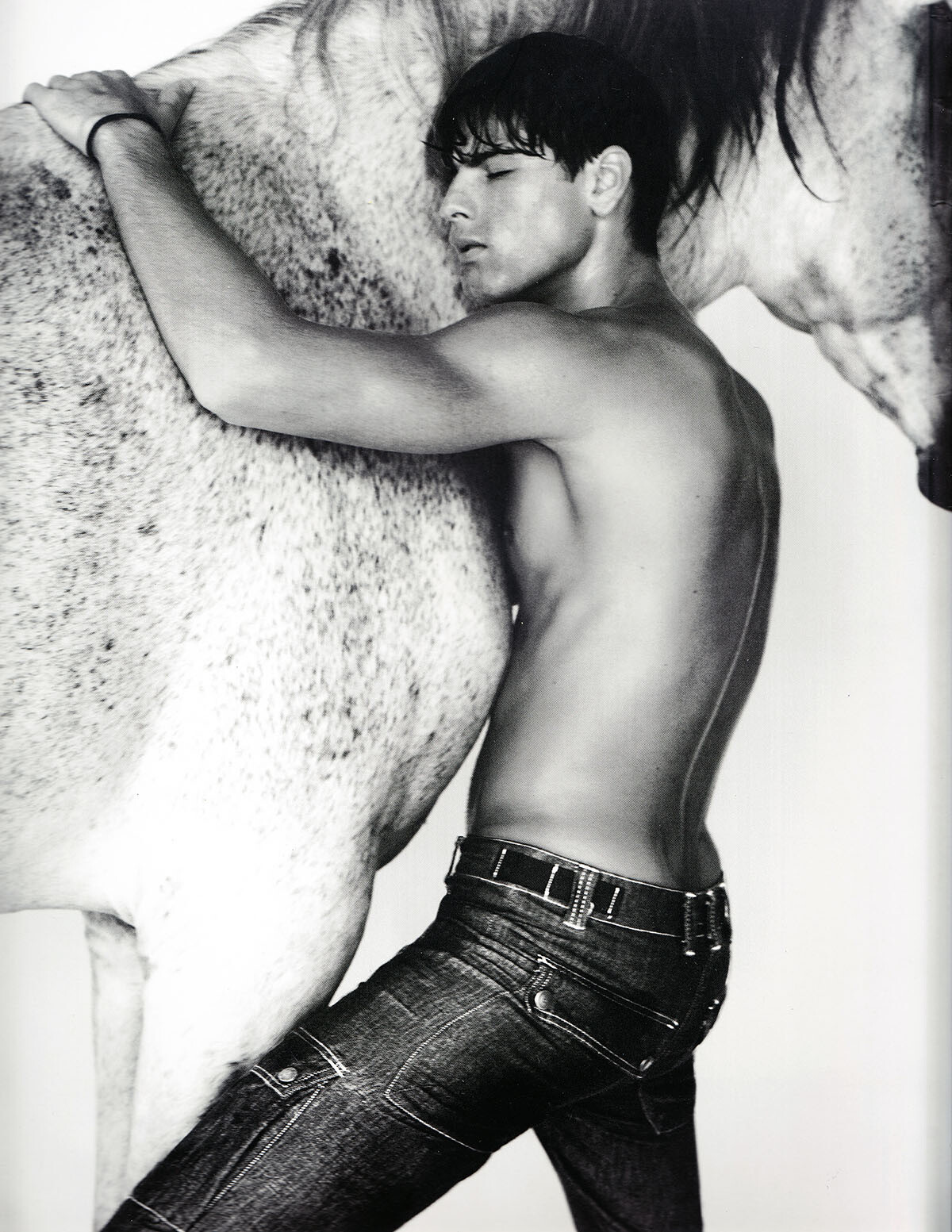
from the Armani spring summer 2007 catalog, scanned by me:


-
Exte, winter 2006, scanned by me:

-
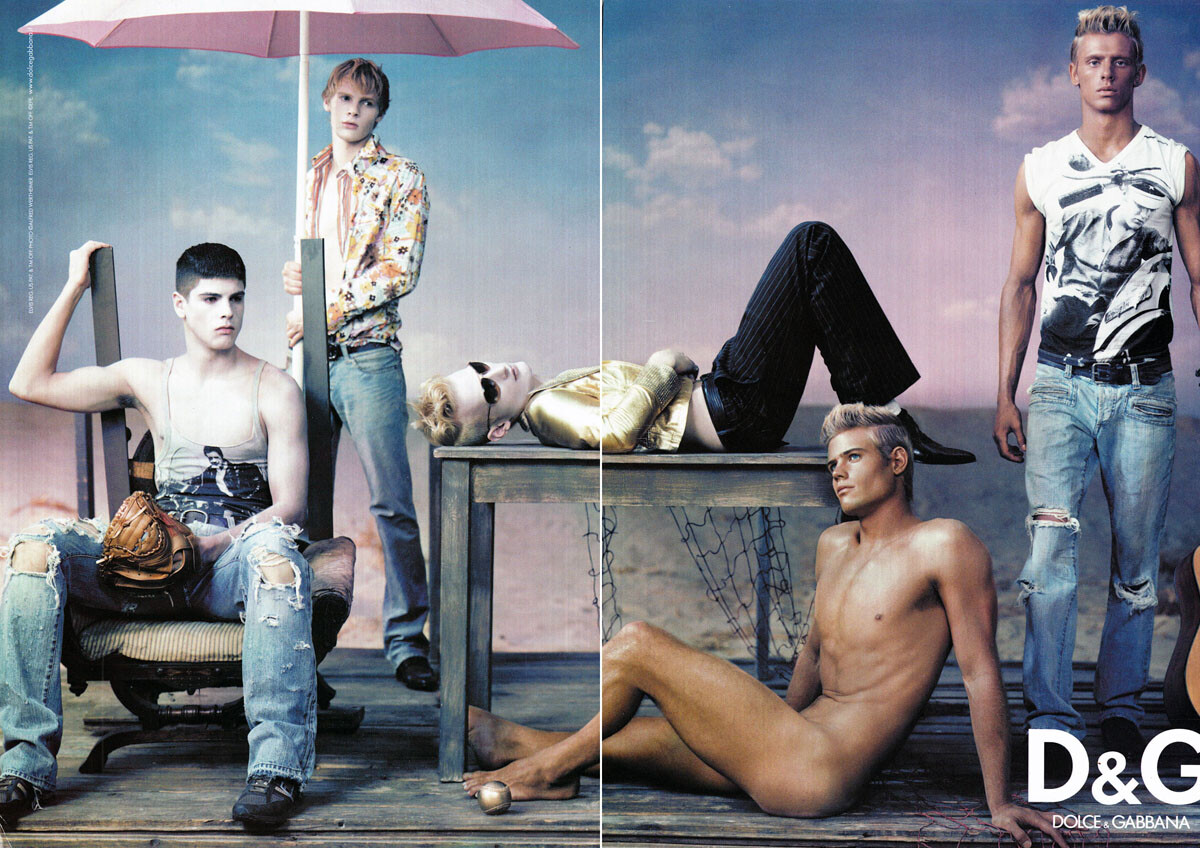
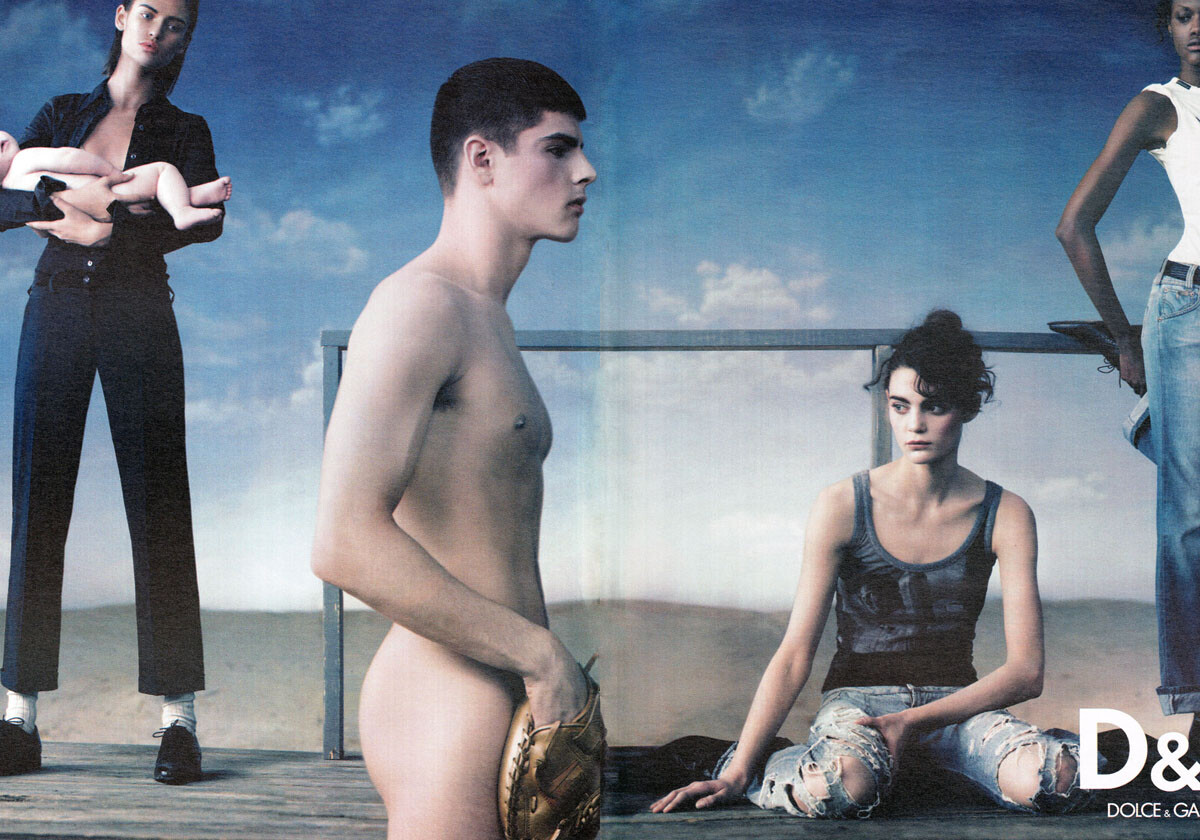
D&G campaign, spring summer 2005, scanned by me:



-
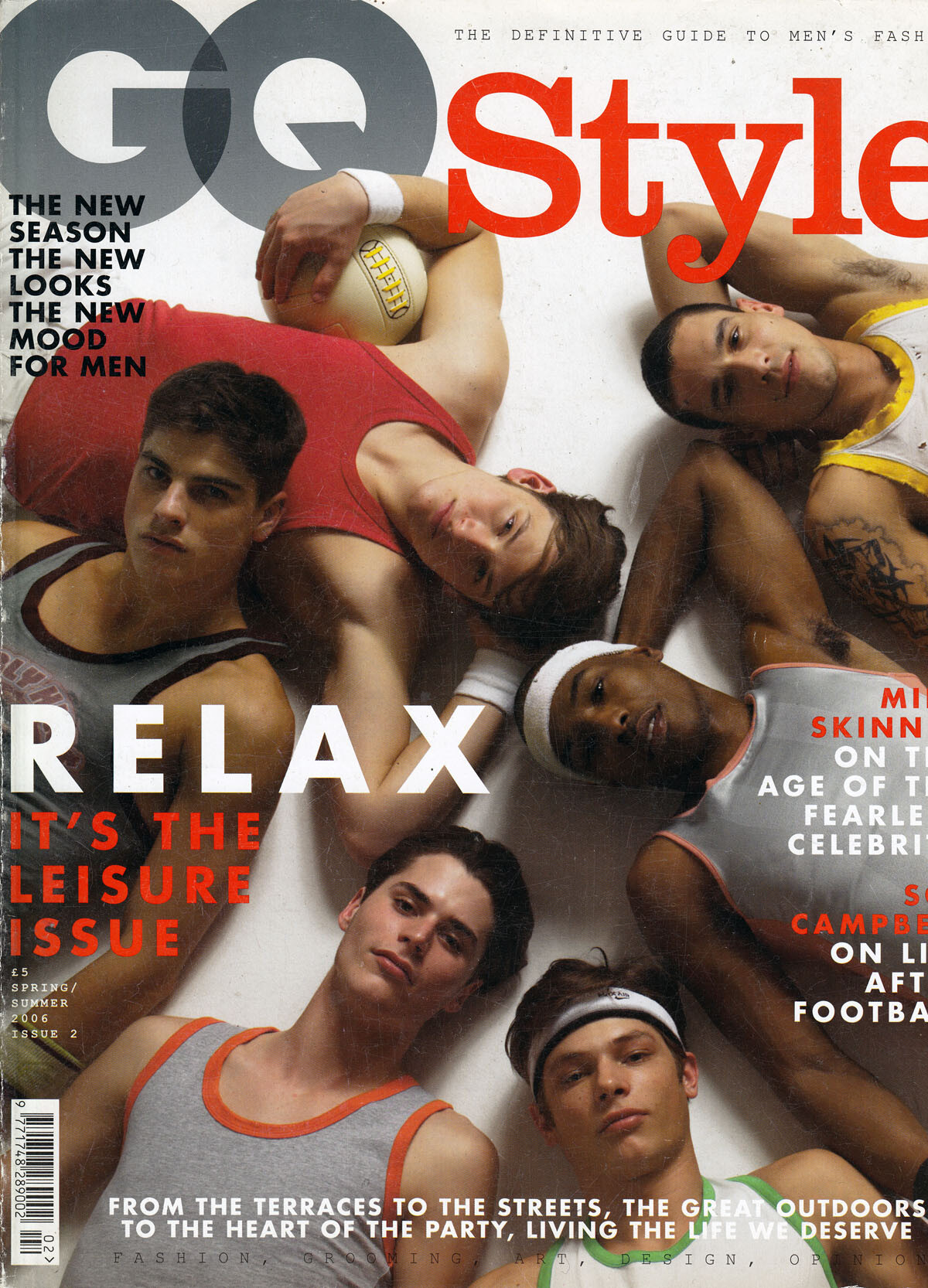
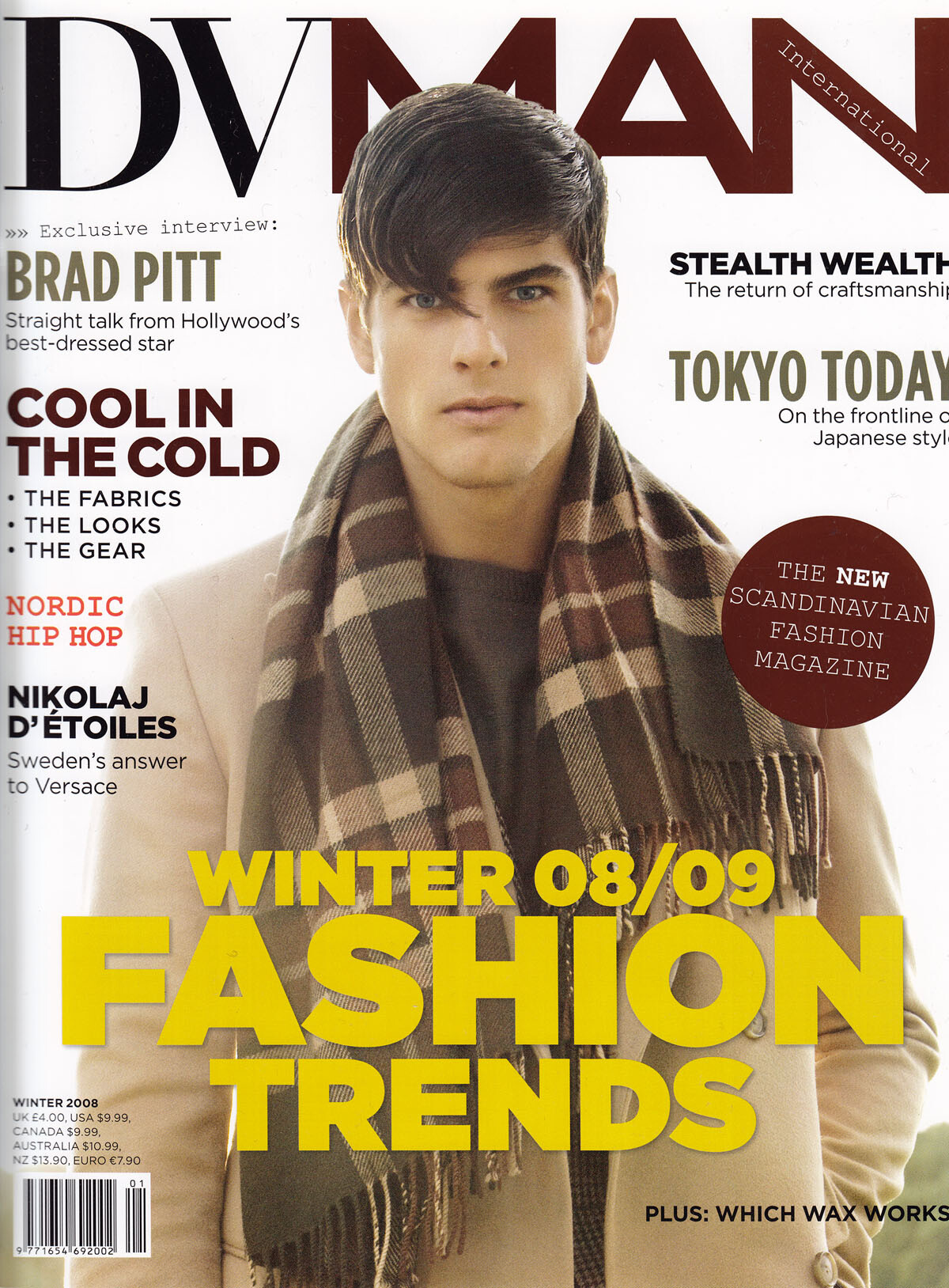
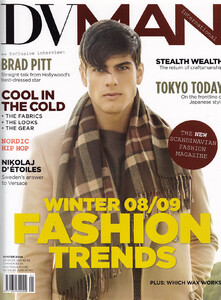
My Evandro covers, scanned by me:




-
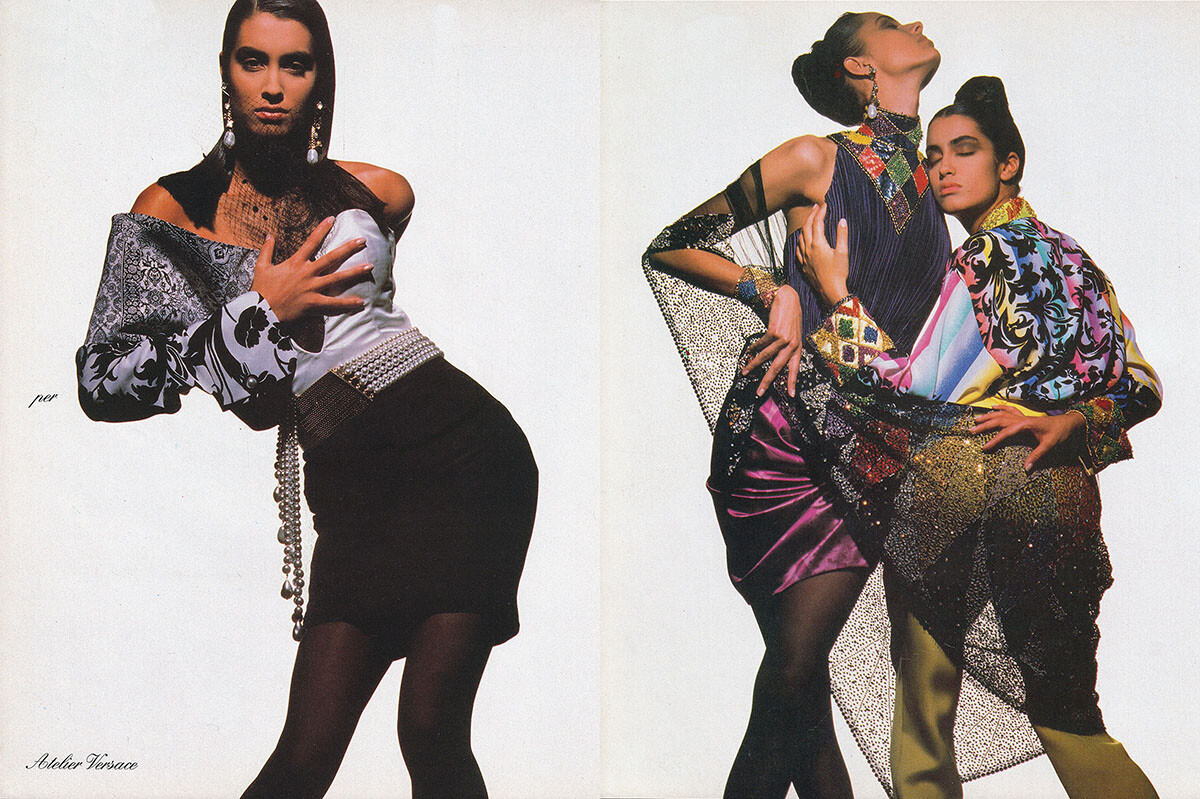
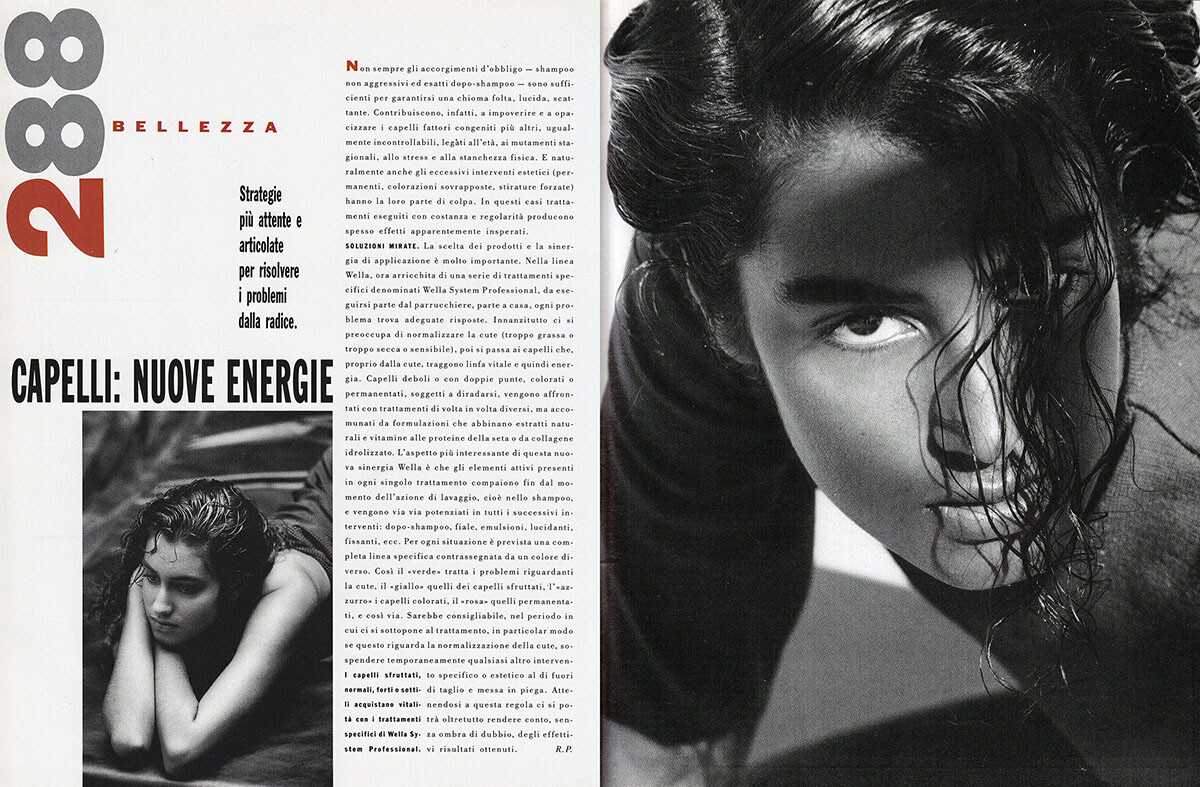
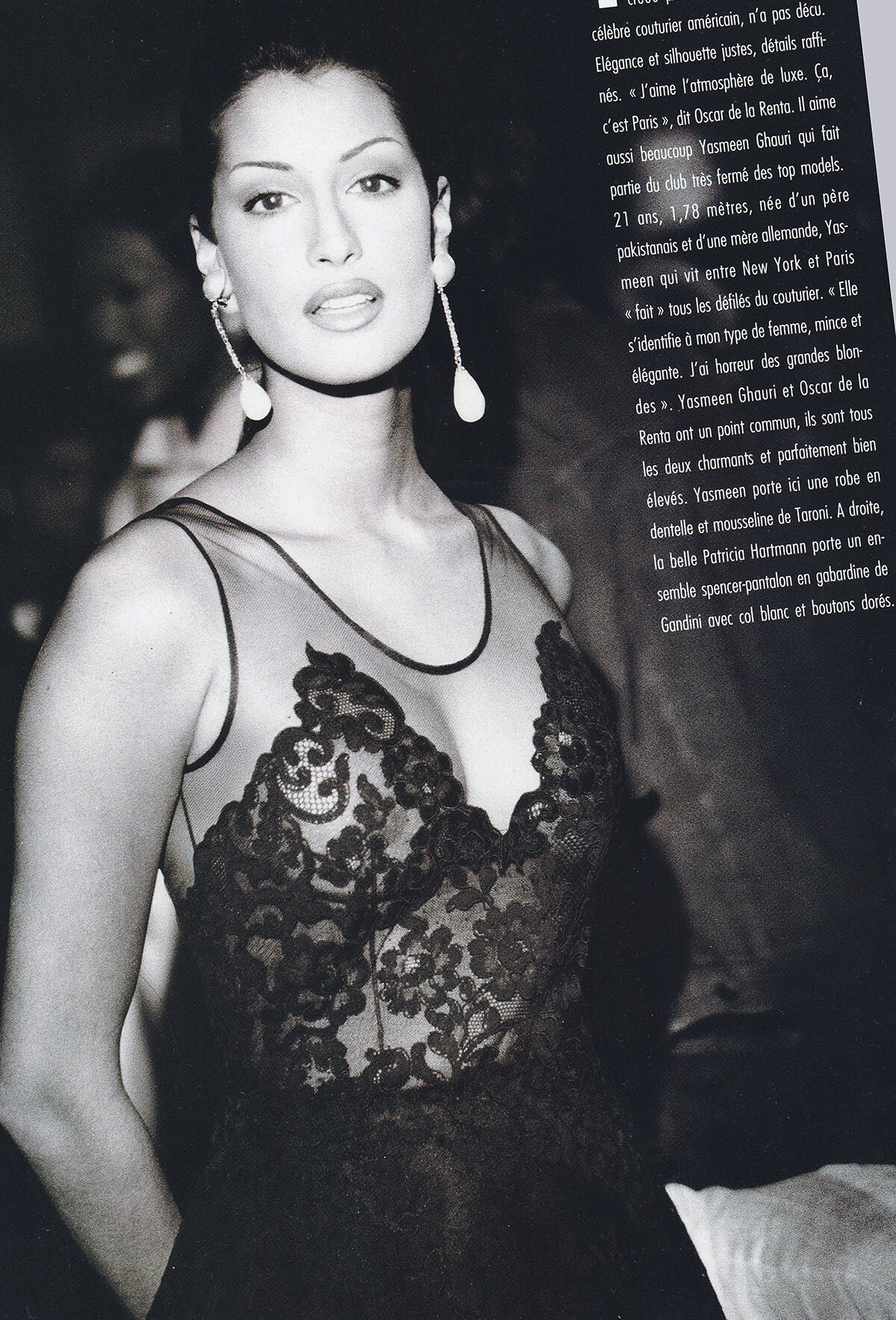
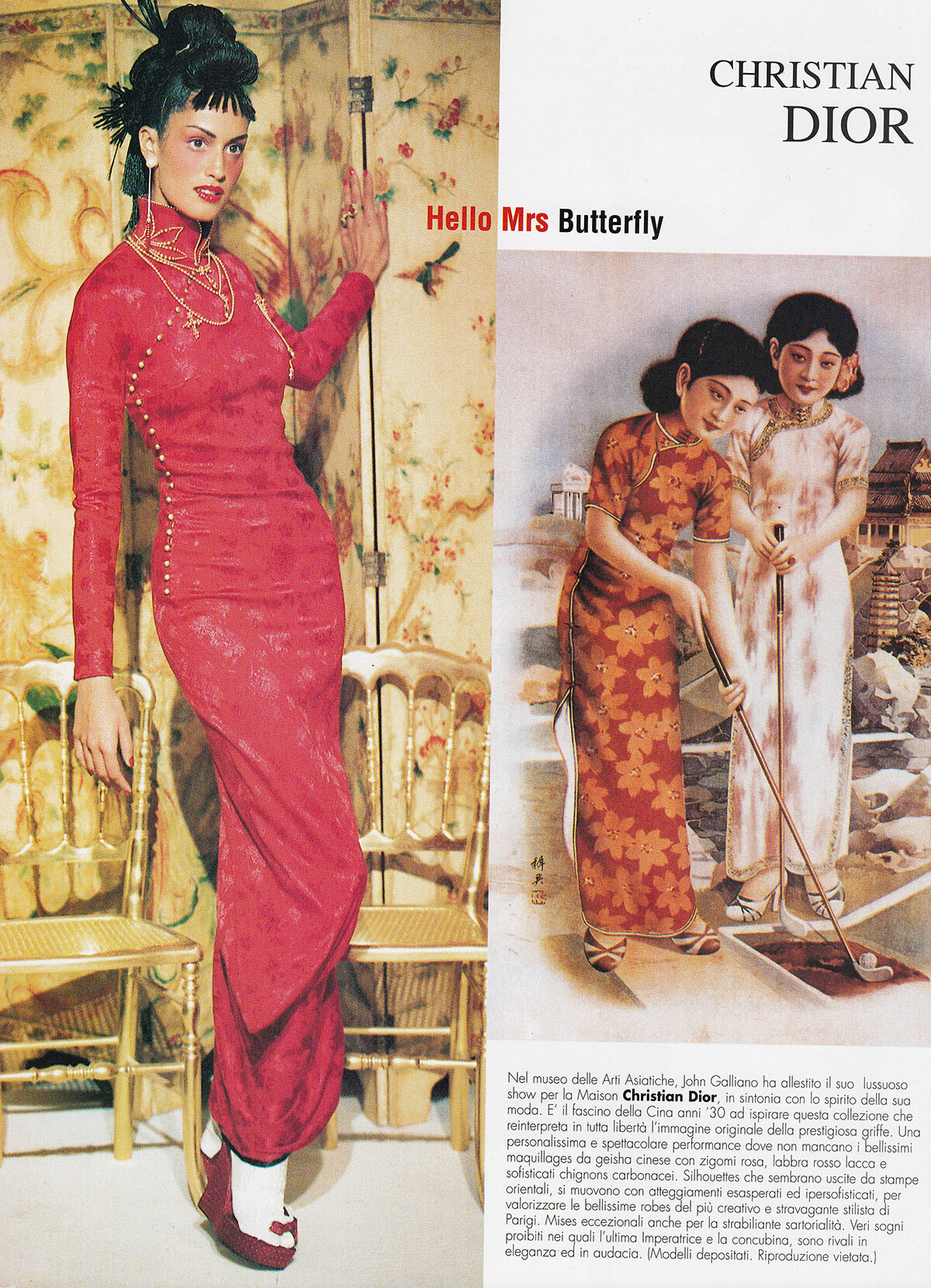
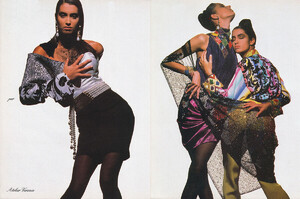
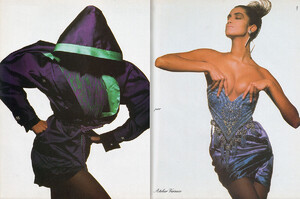
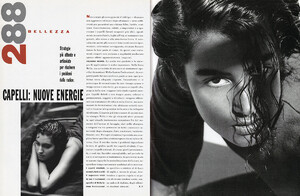
Vogue, Italy, March 1990, scanned by me:
-
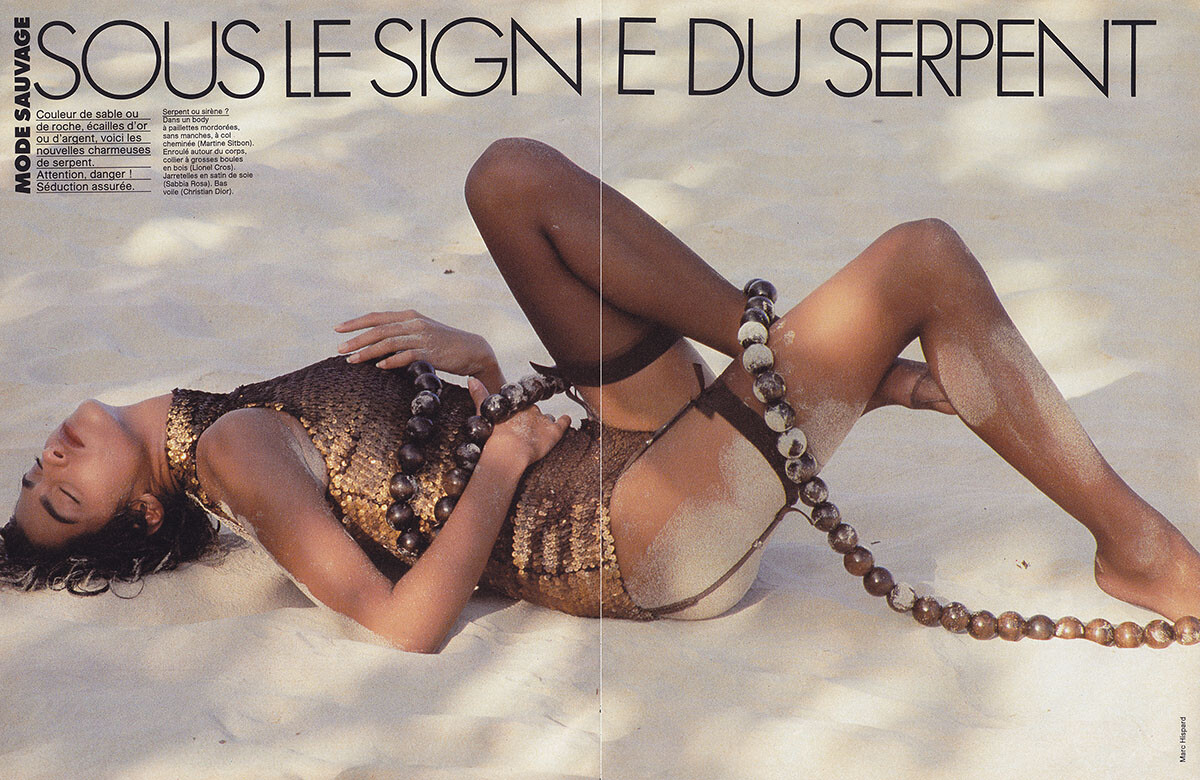
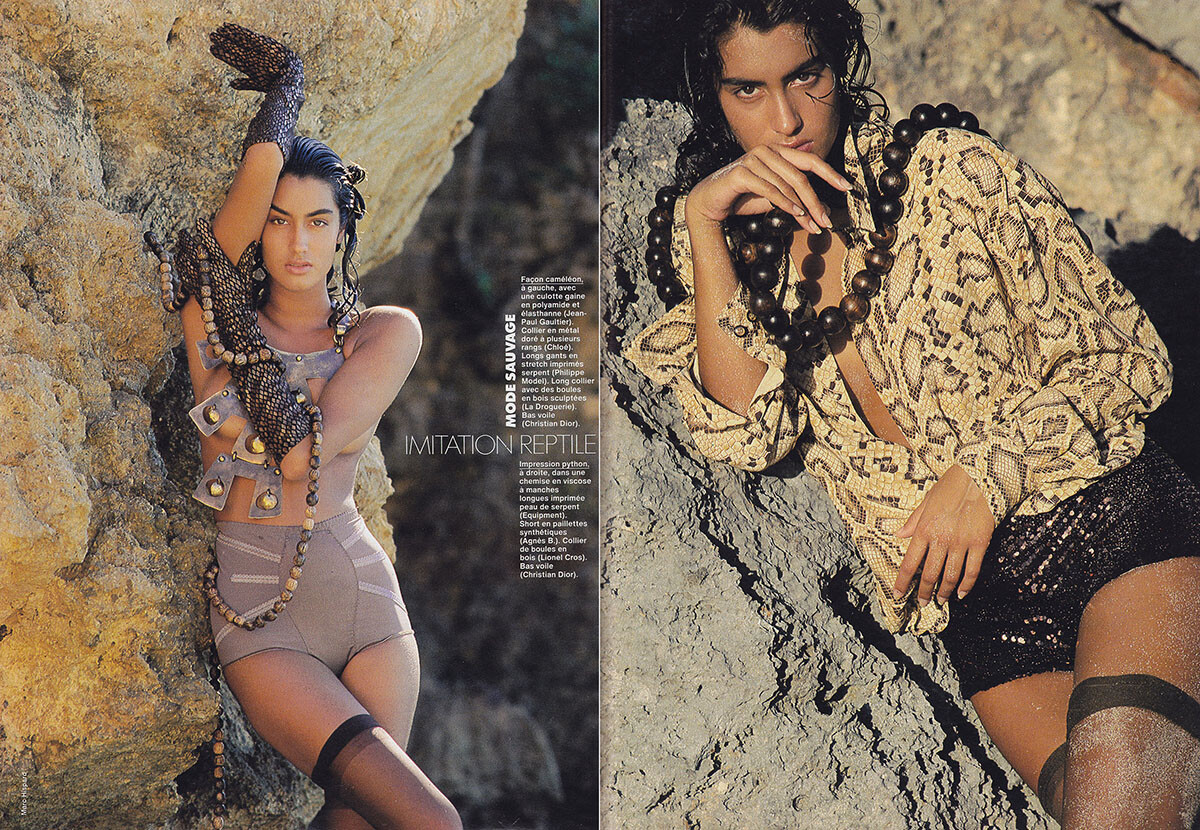
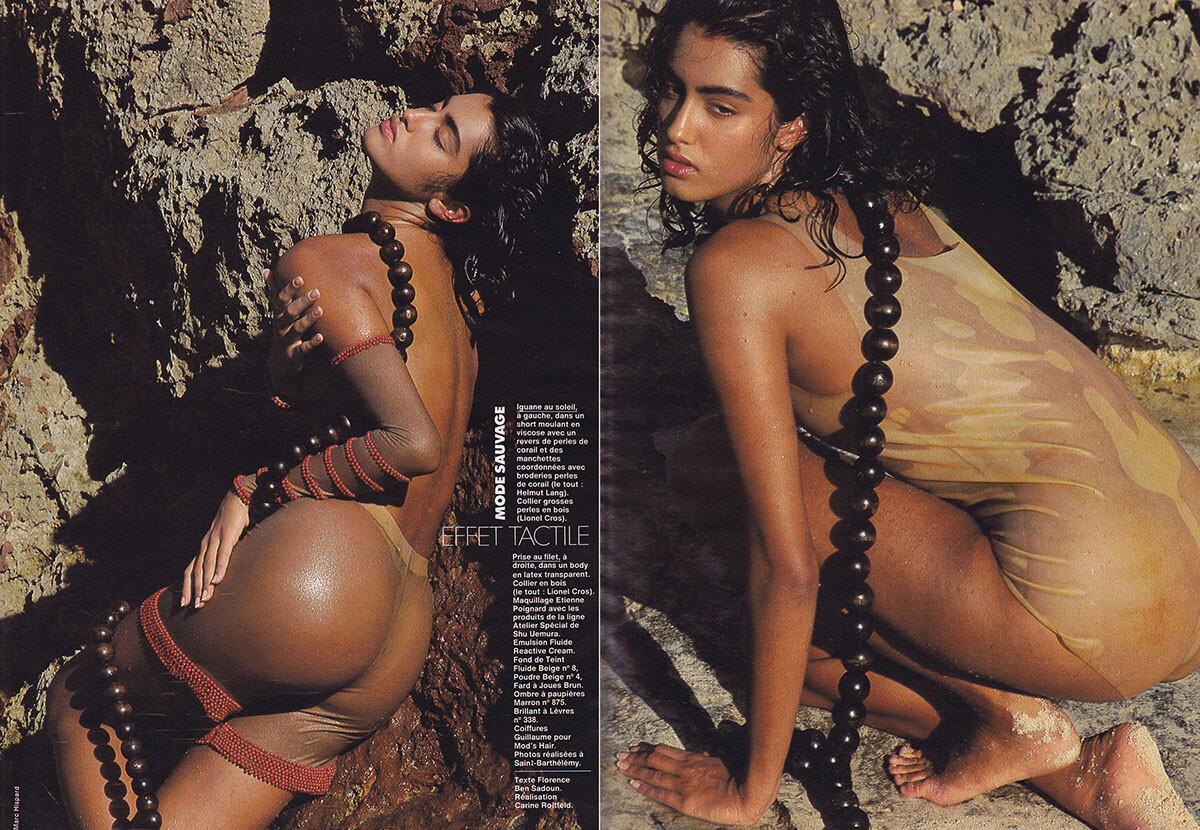
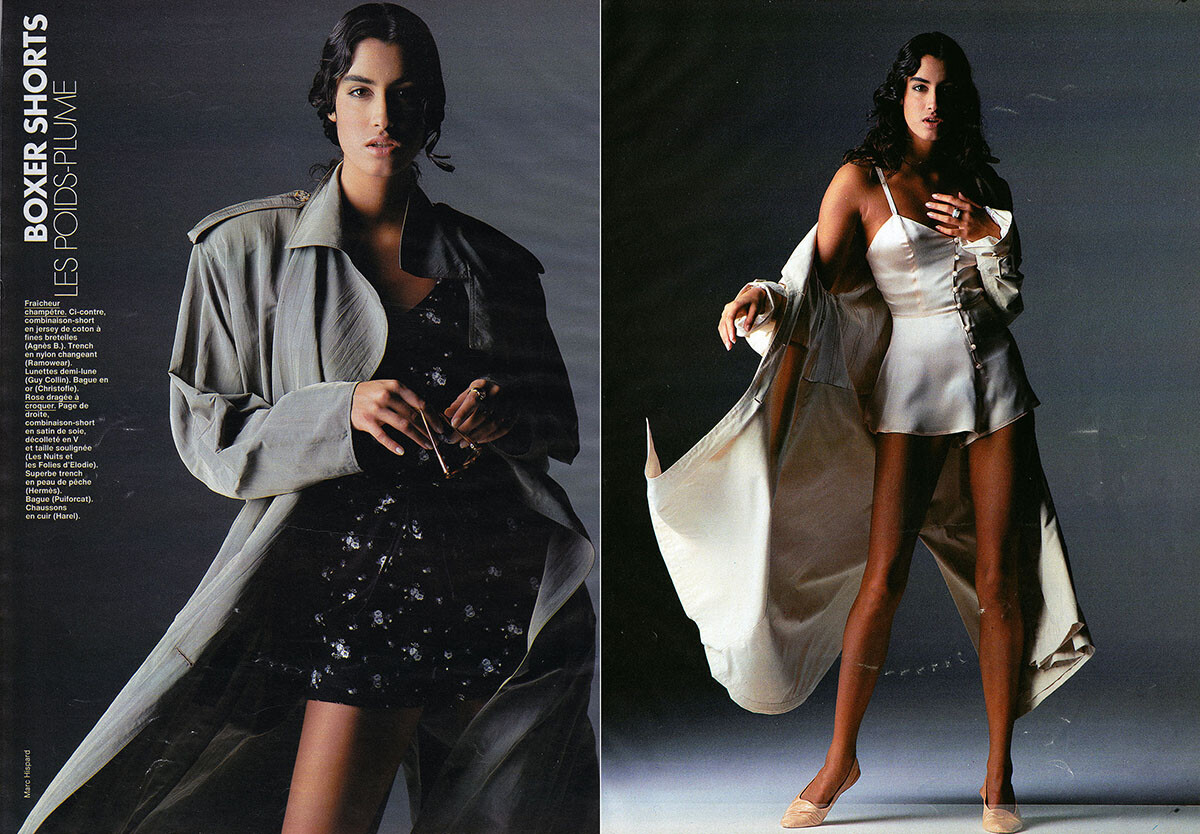
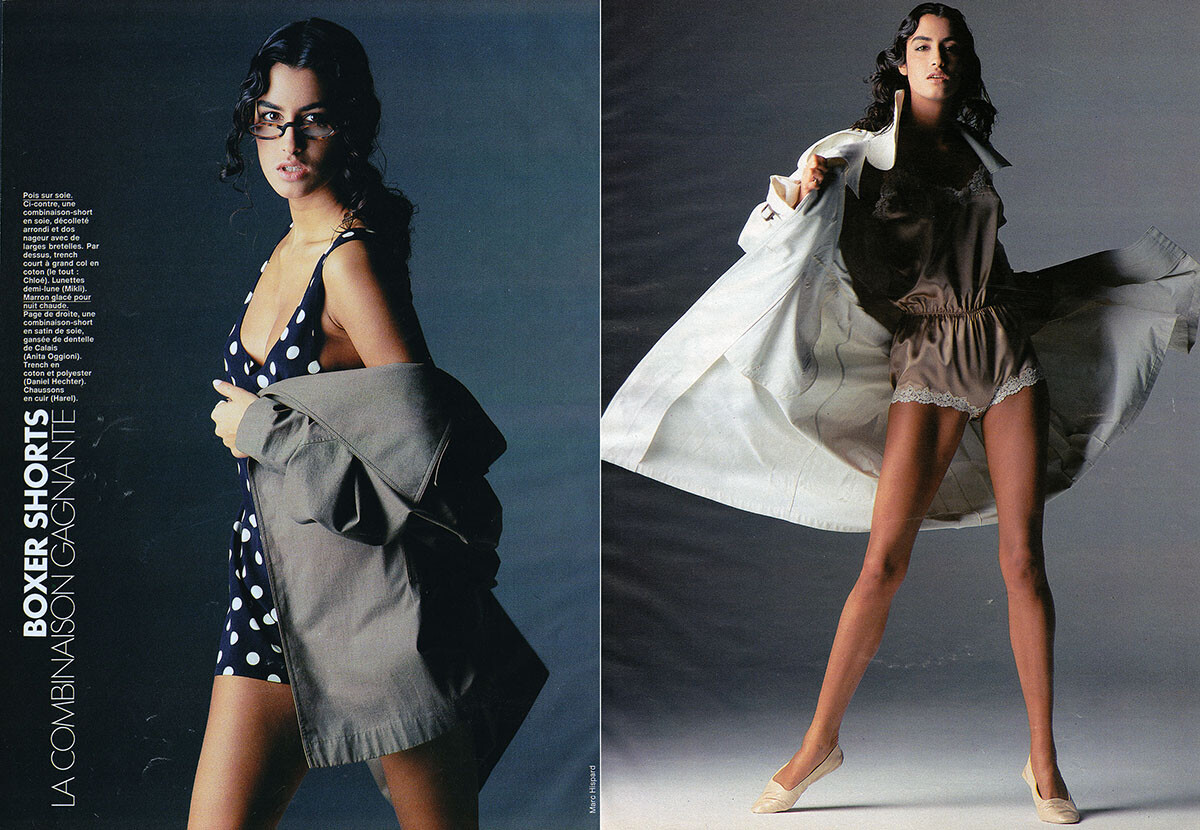
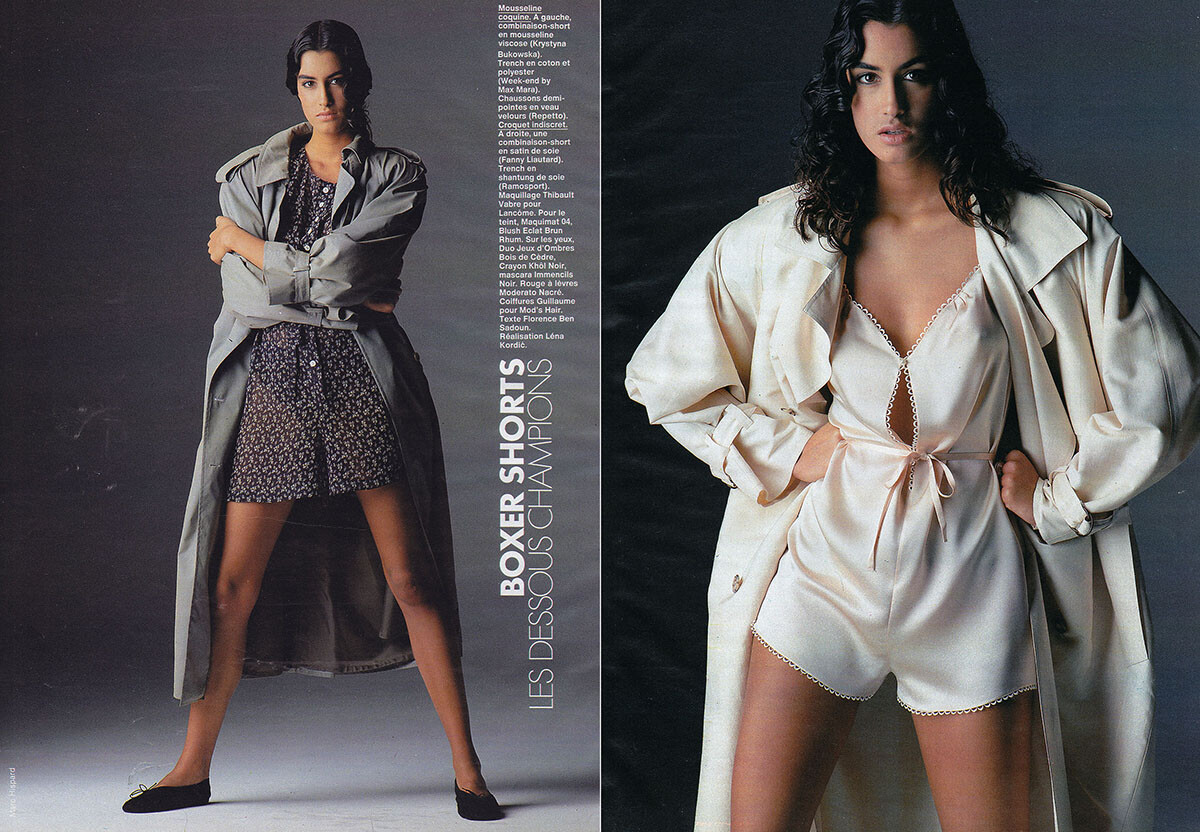
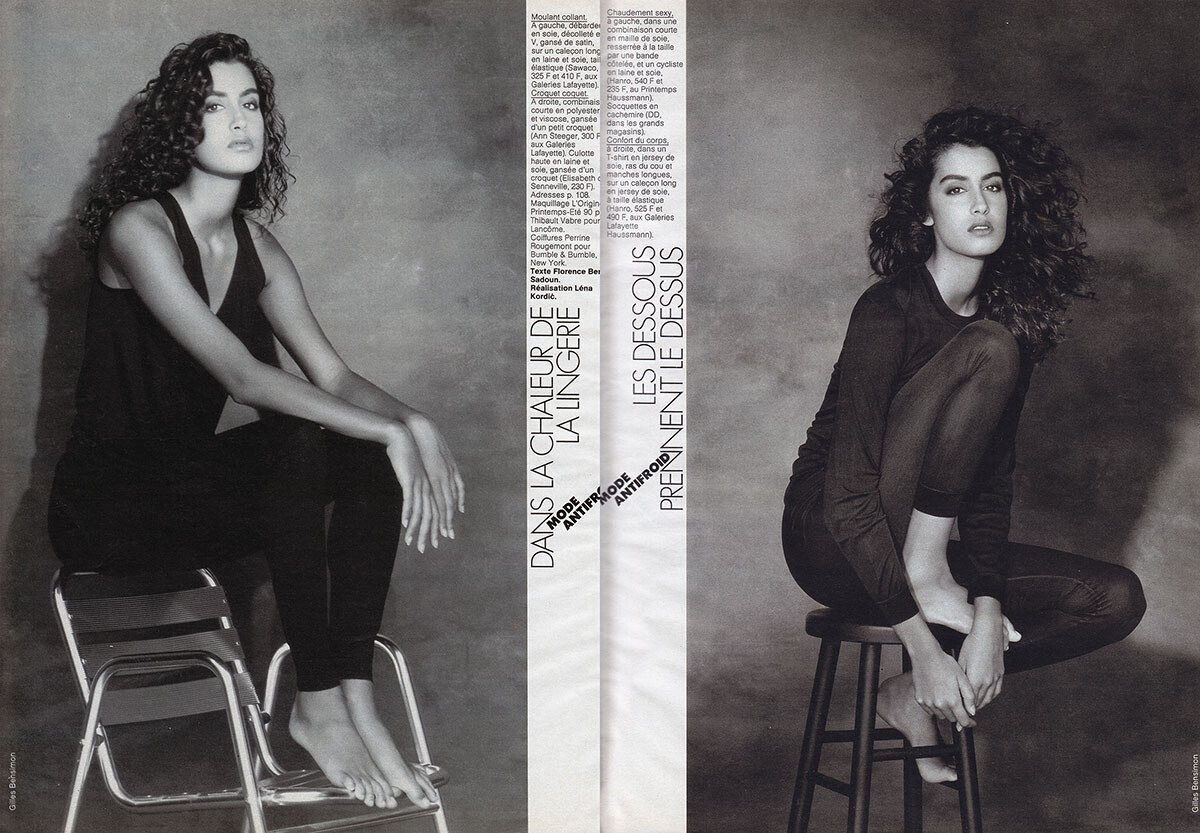
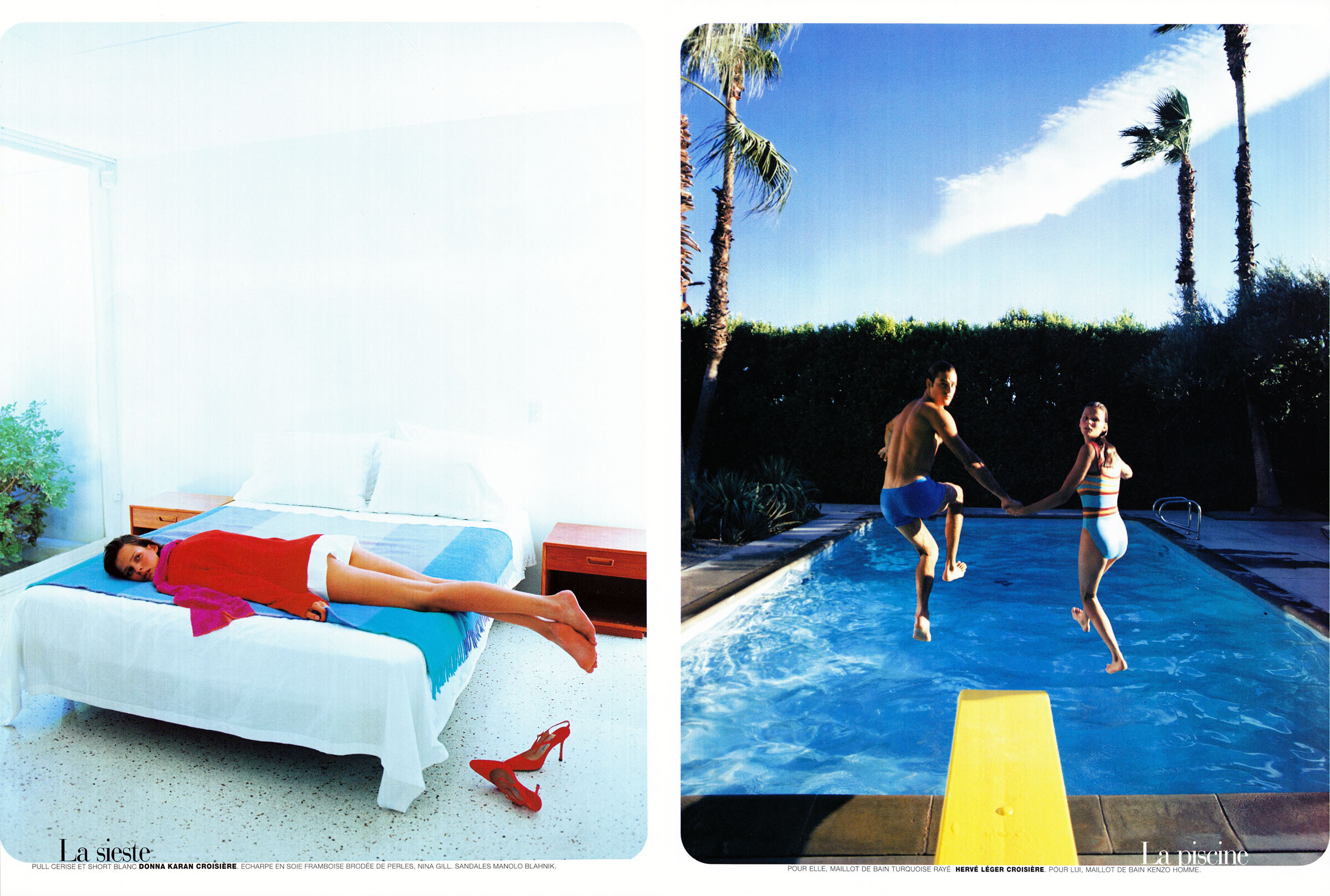
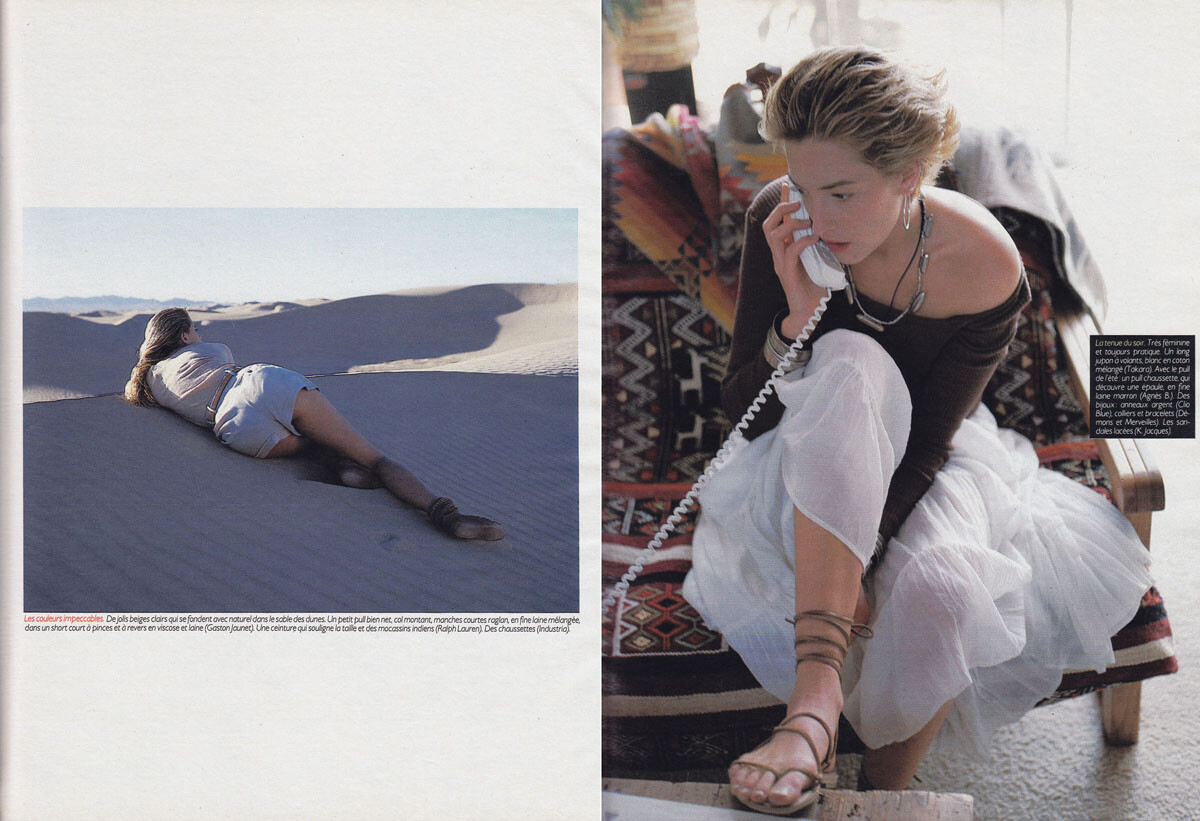
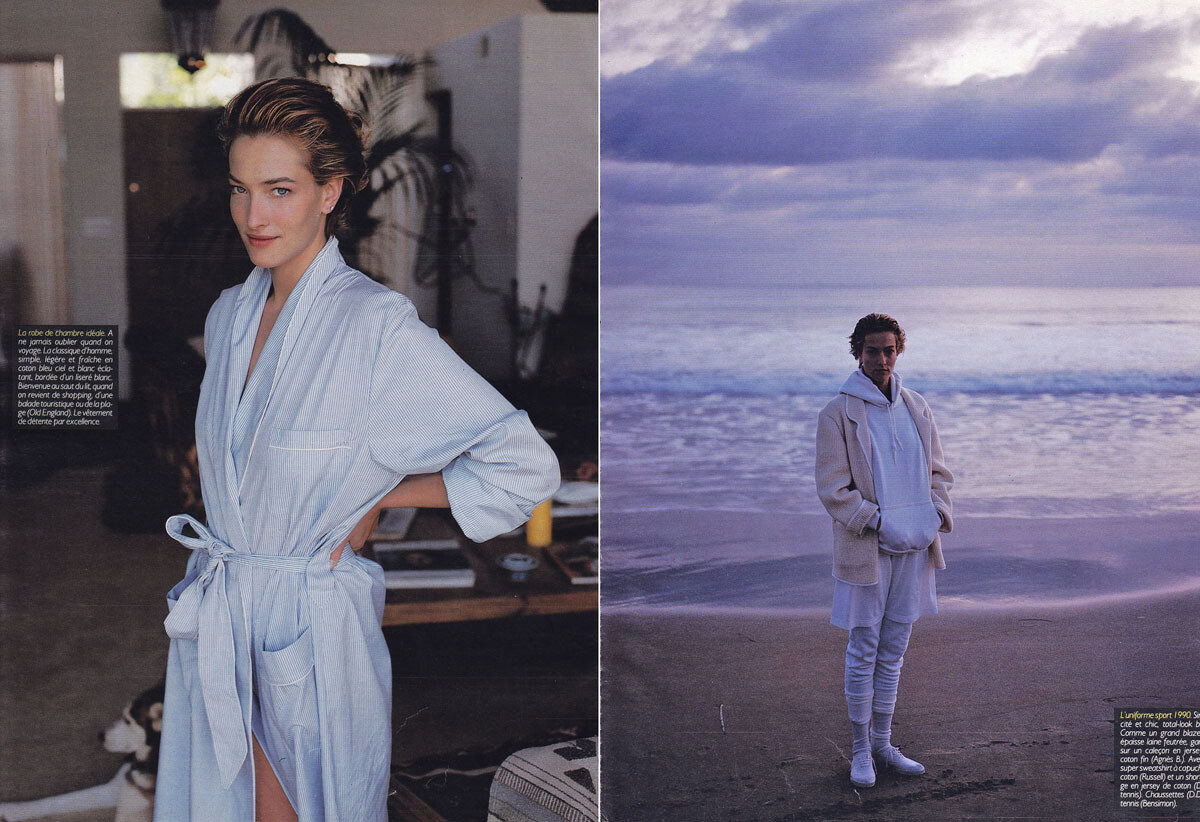
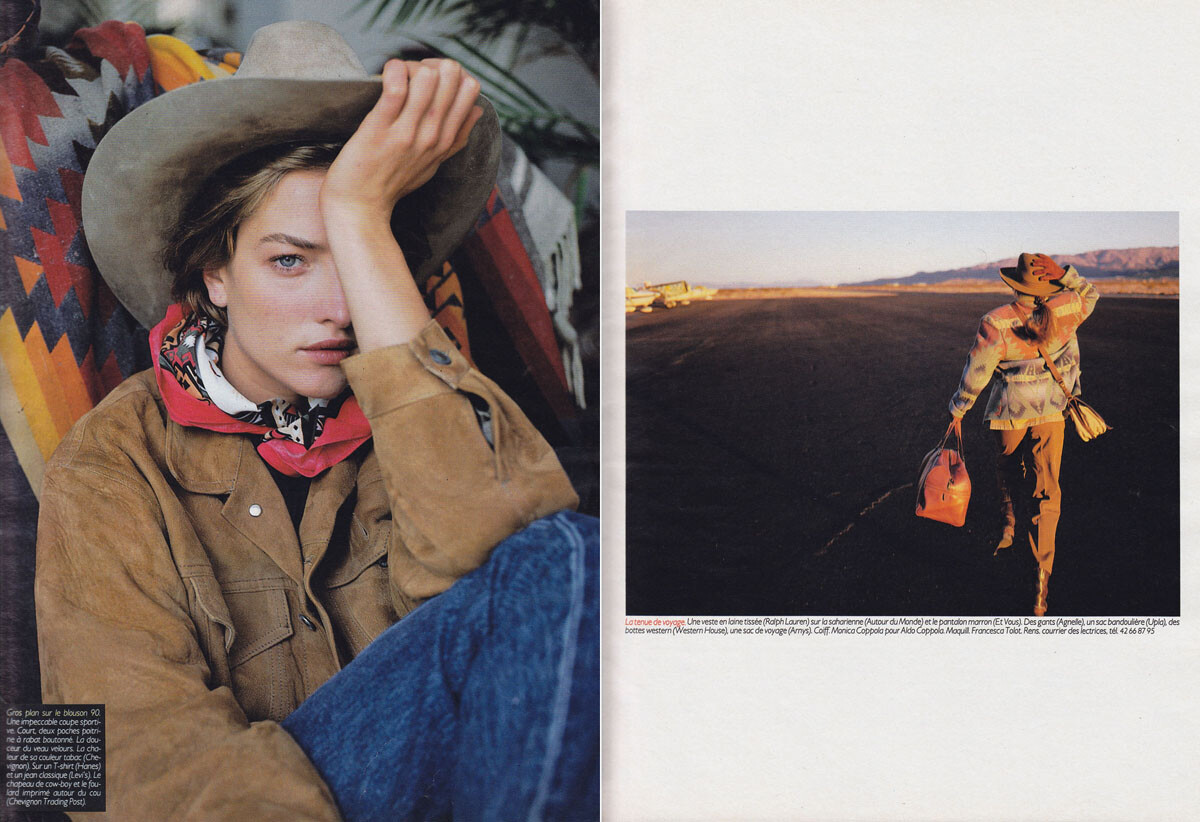
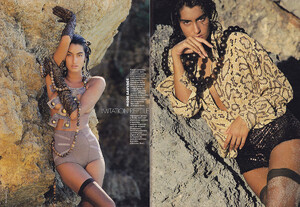
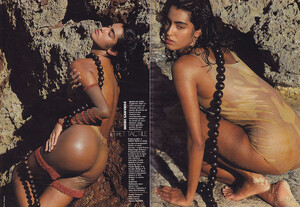
Elle France, March 1990, scanned by me:

-
Elle France, March 1990, scanned by me:




-
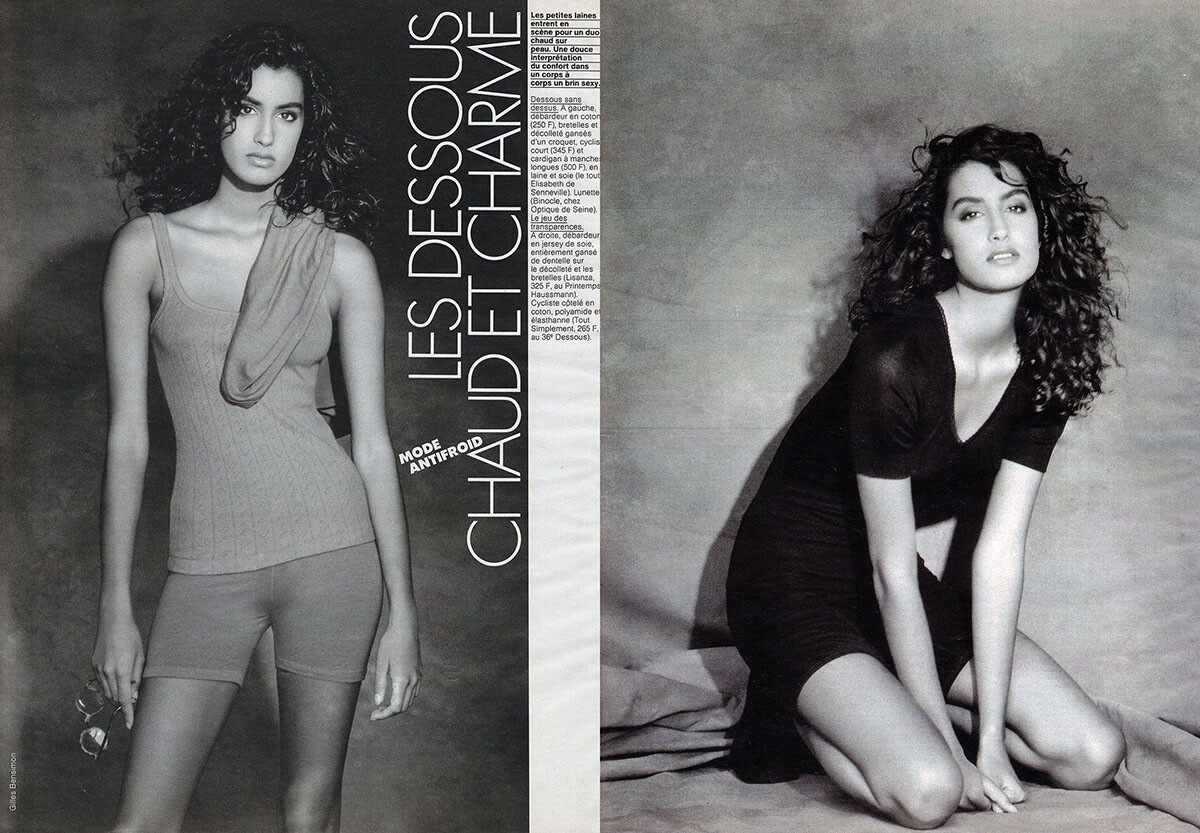
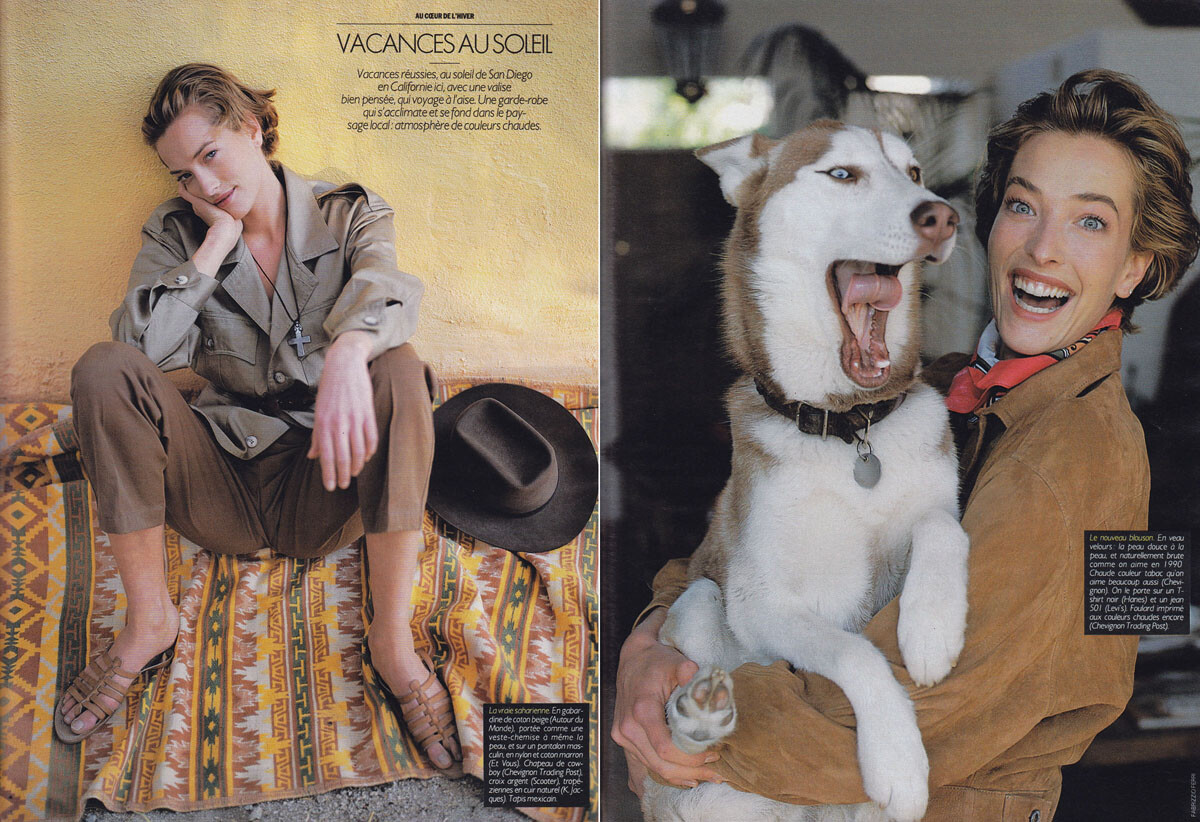
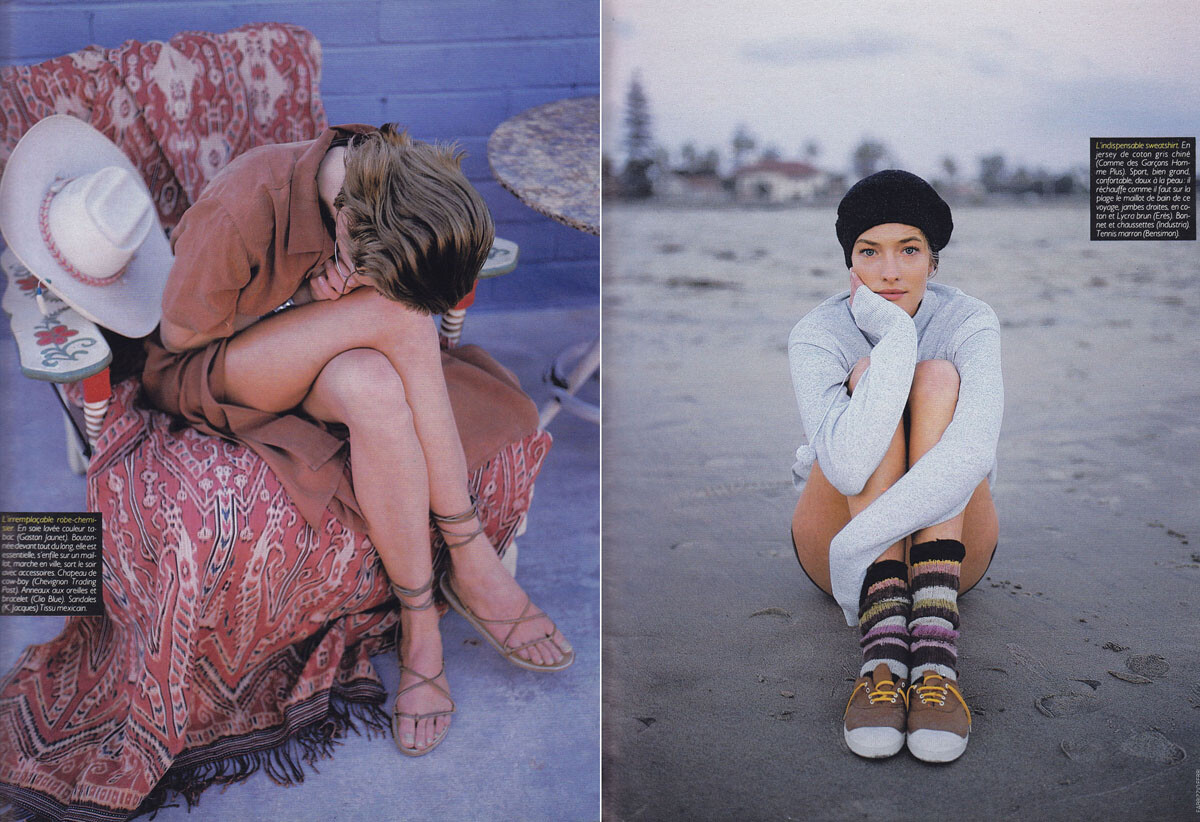
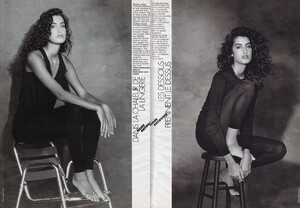
Elle France, February 1990, scanned by me:

-
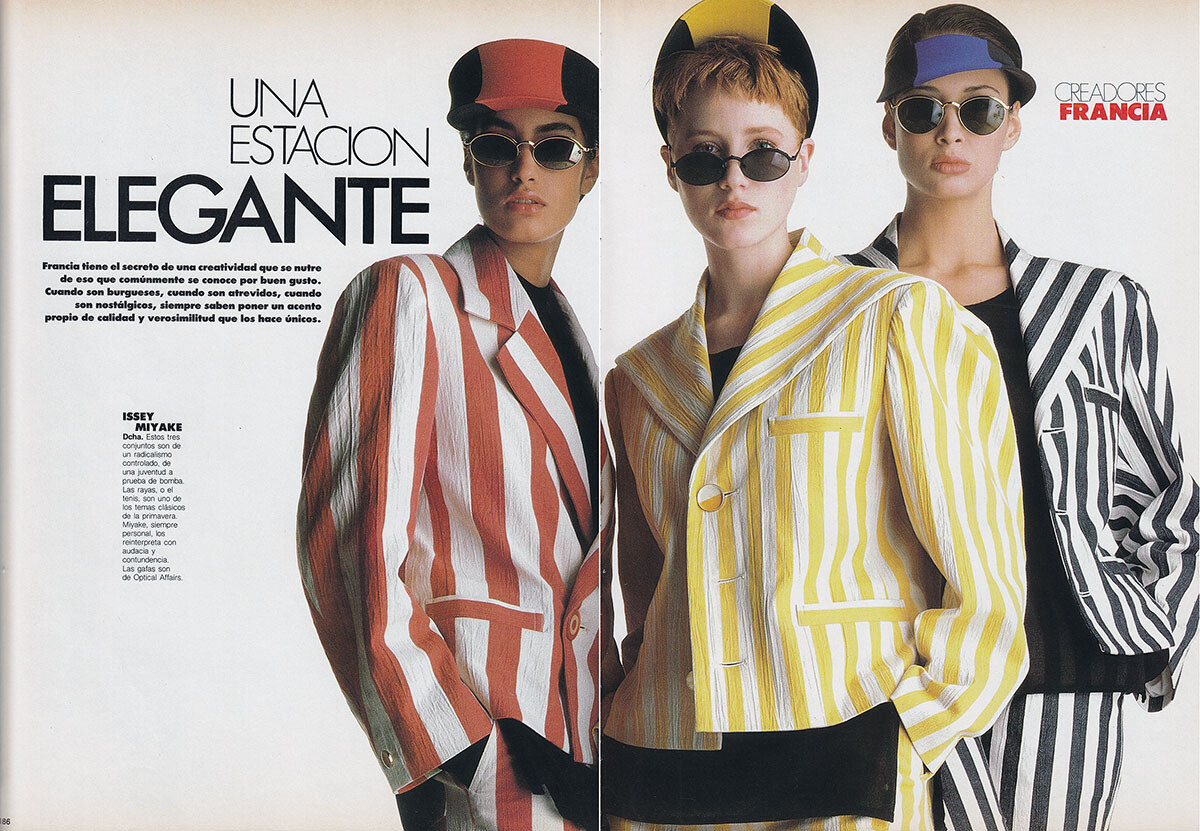
Elle Spain, January 1990, scanned by me:

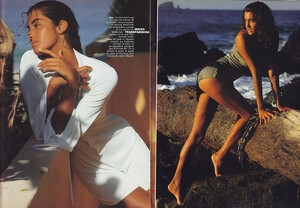
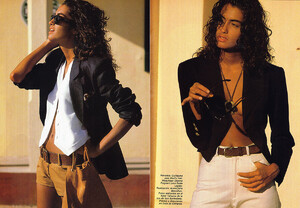
-
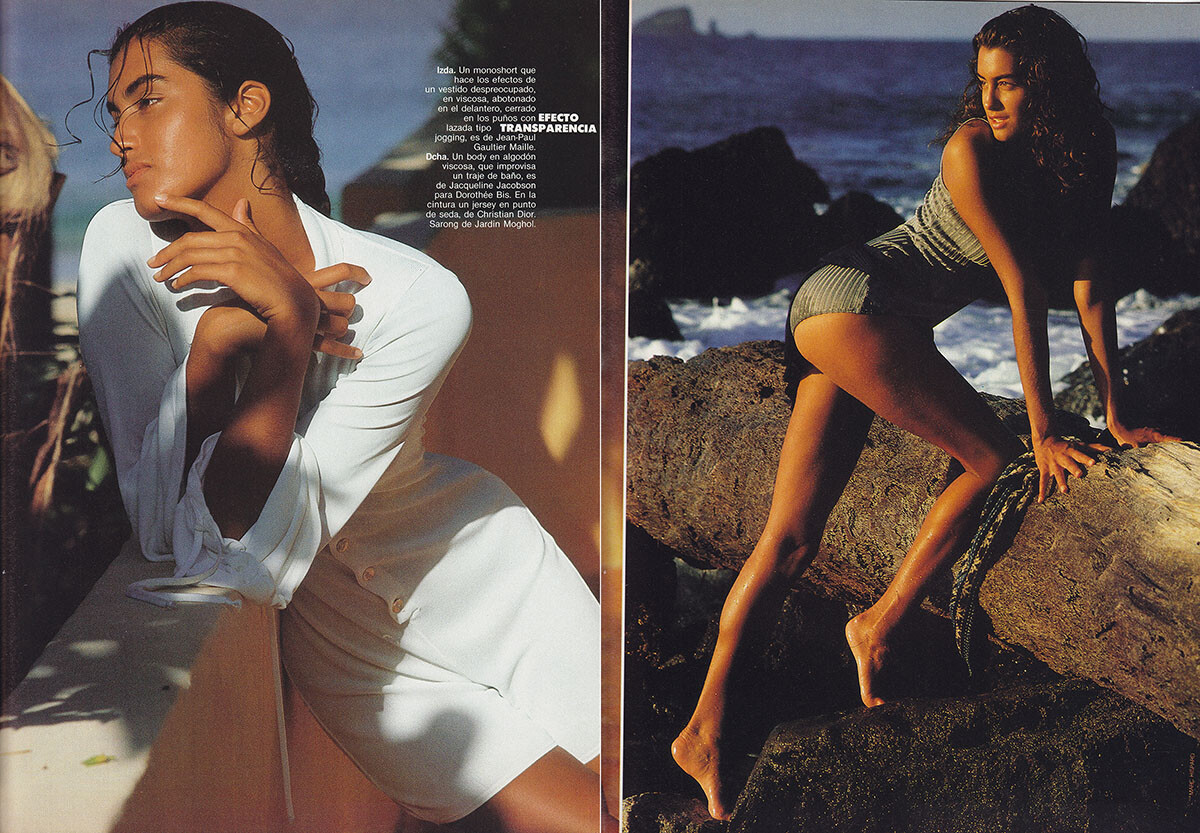
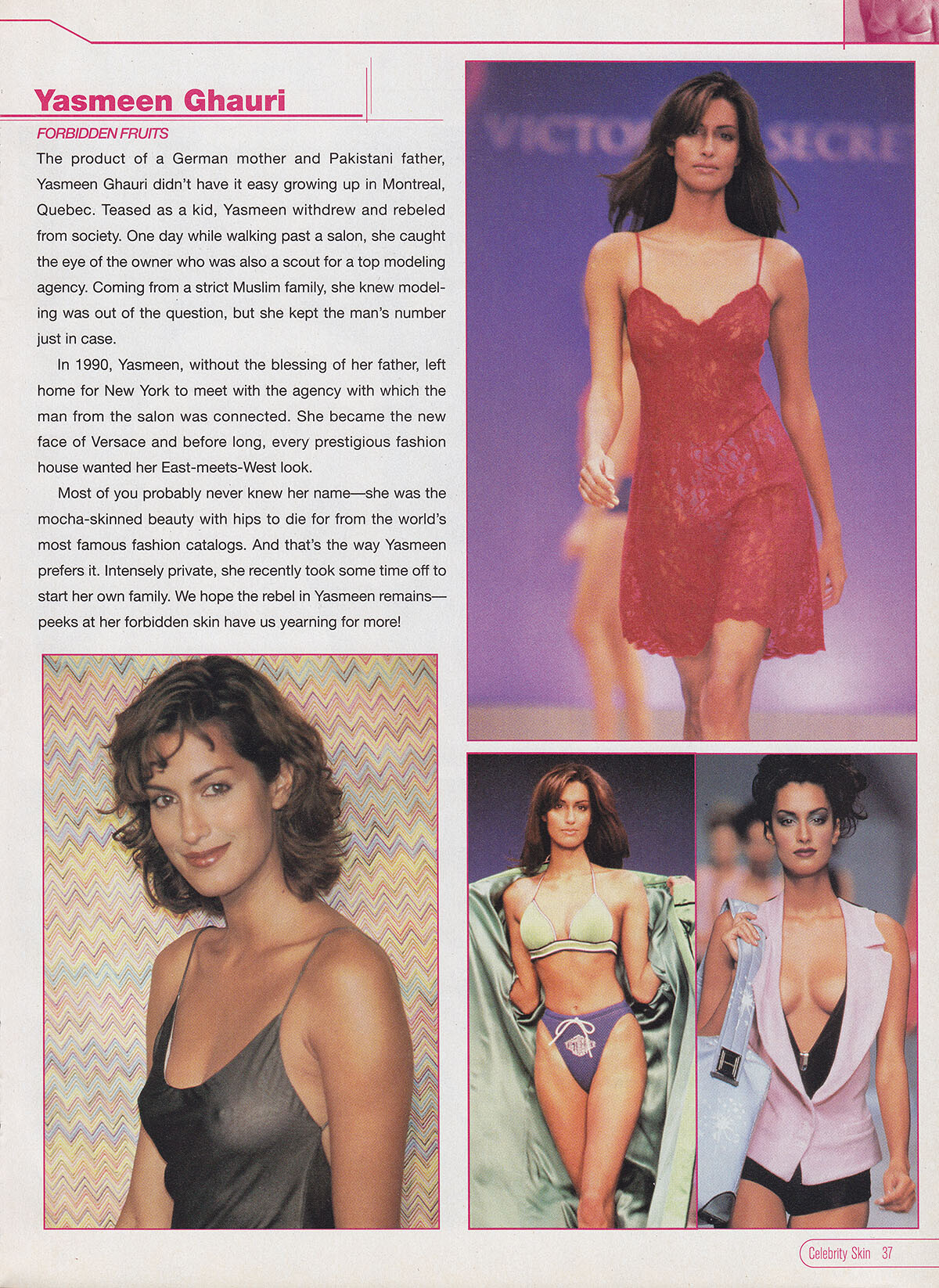
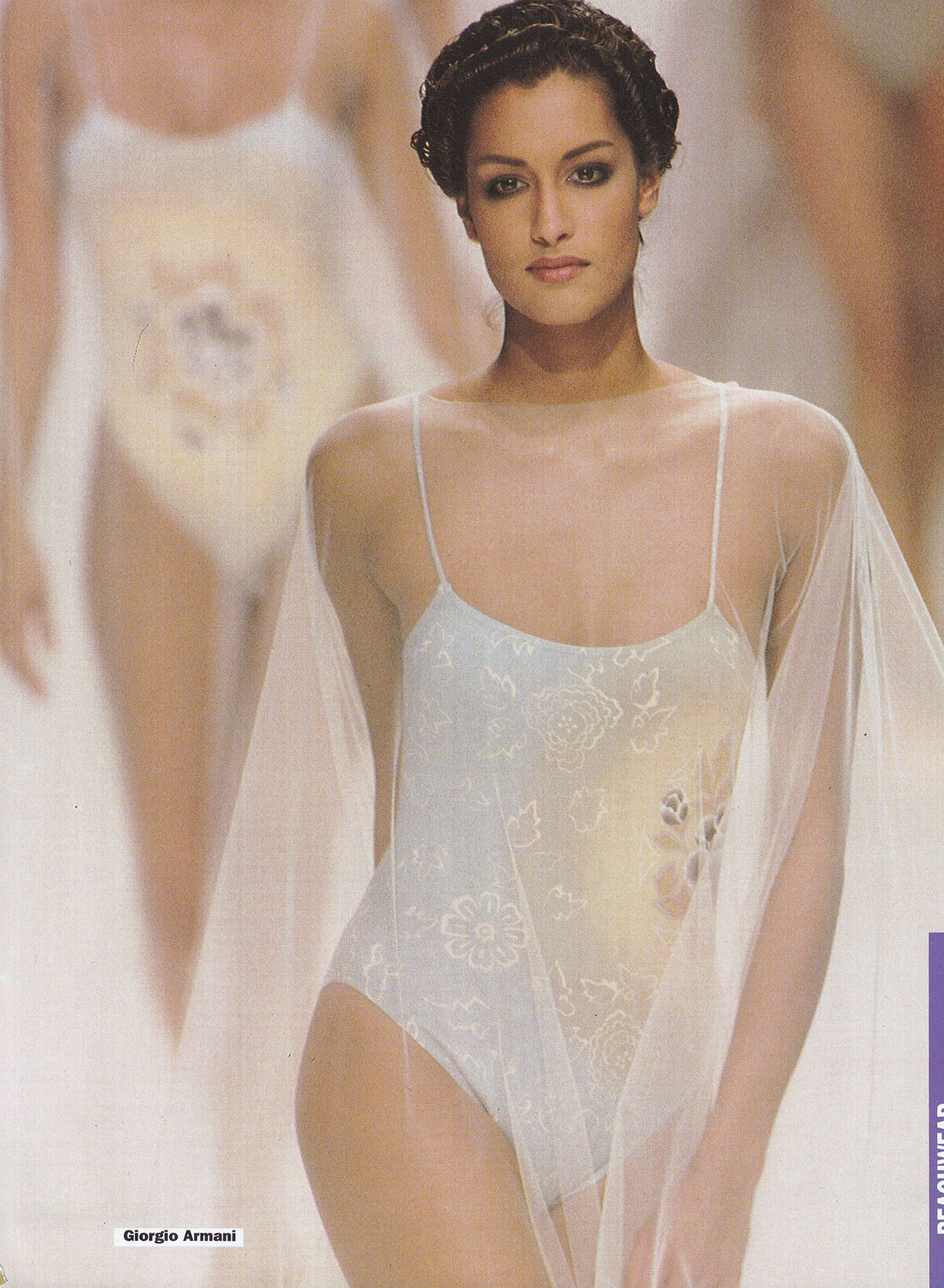
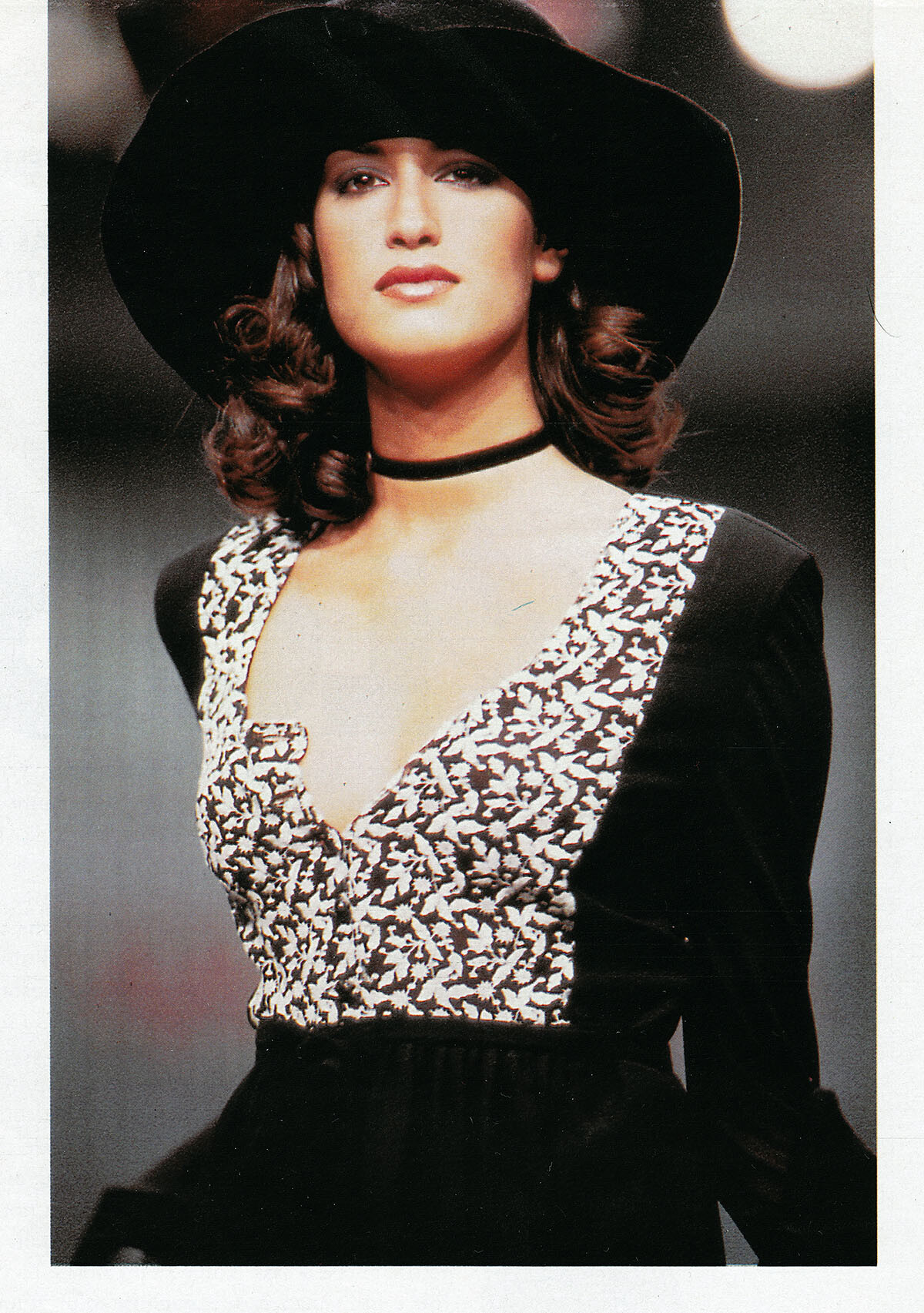
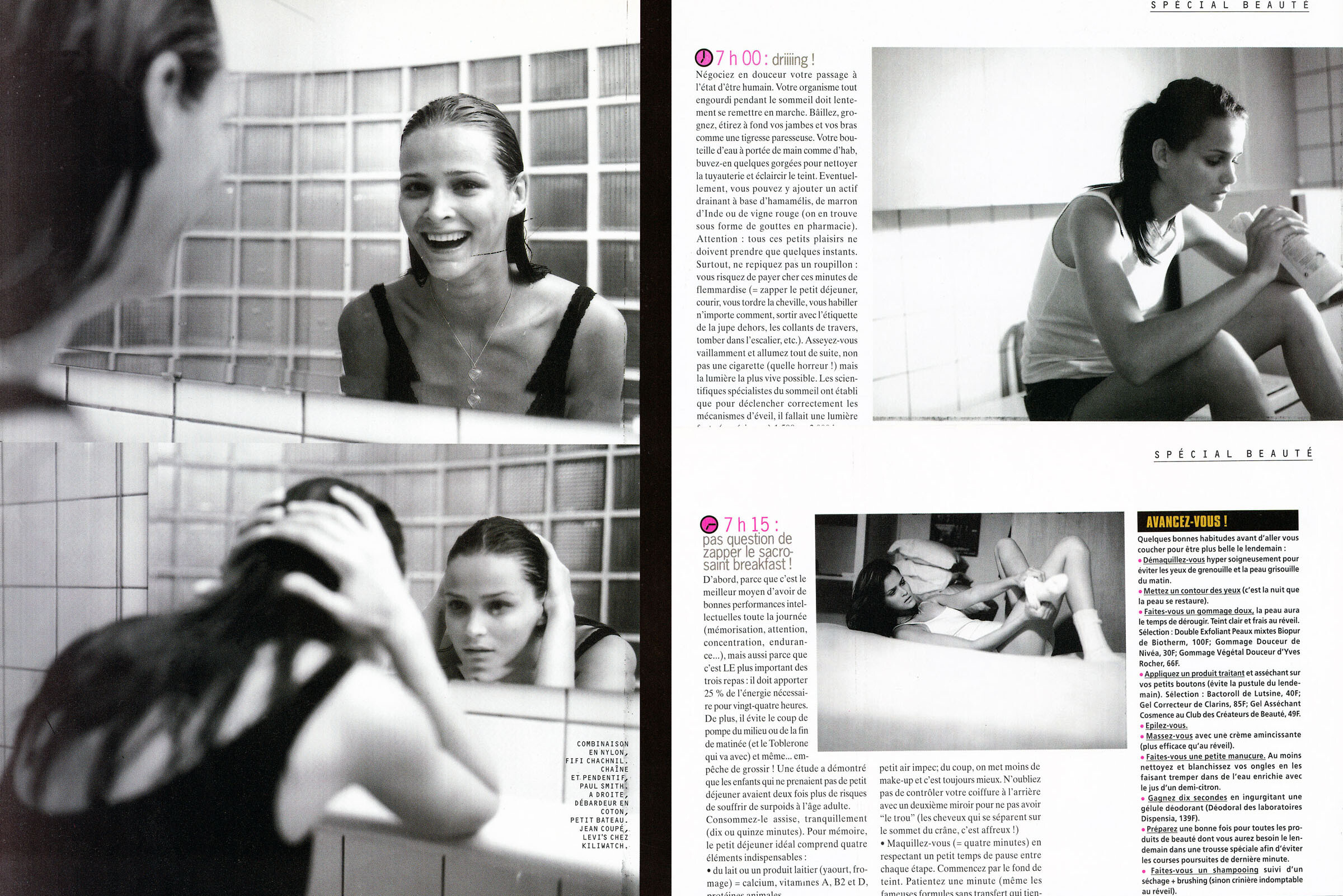
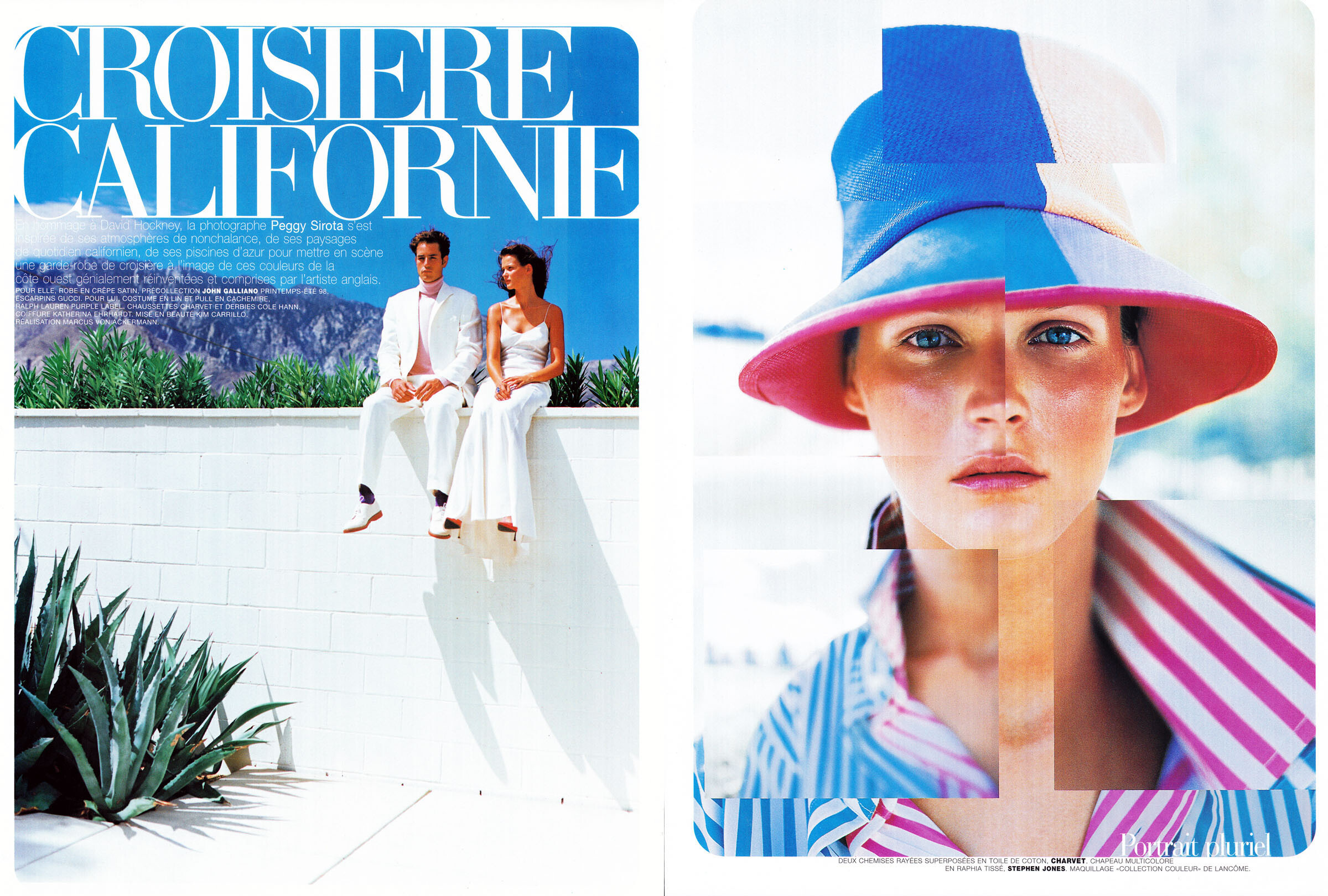
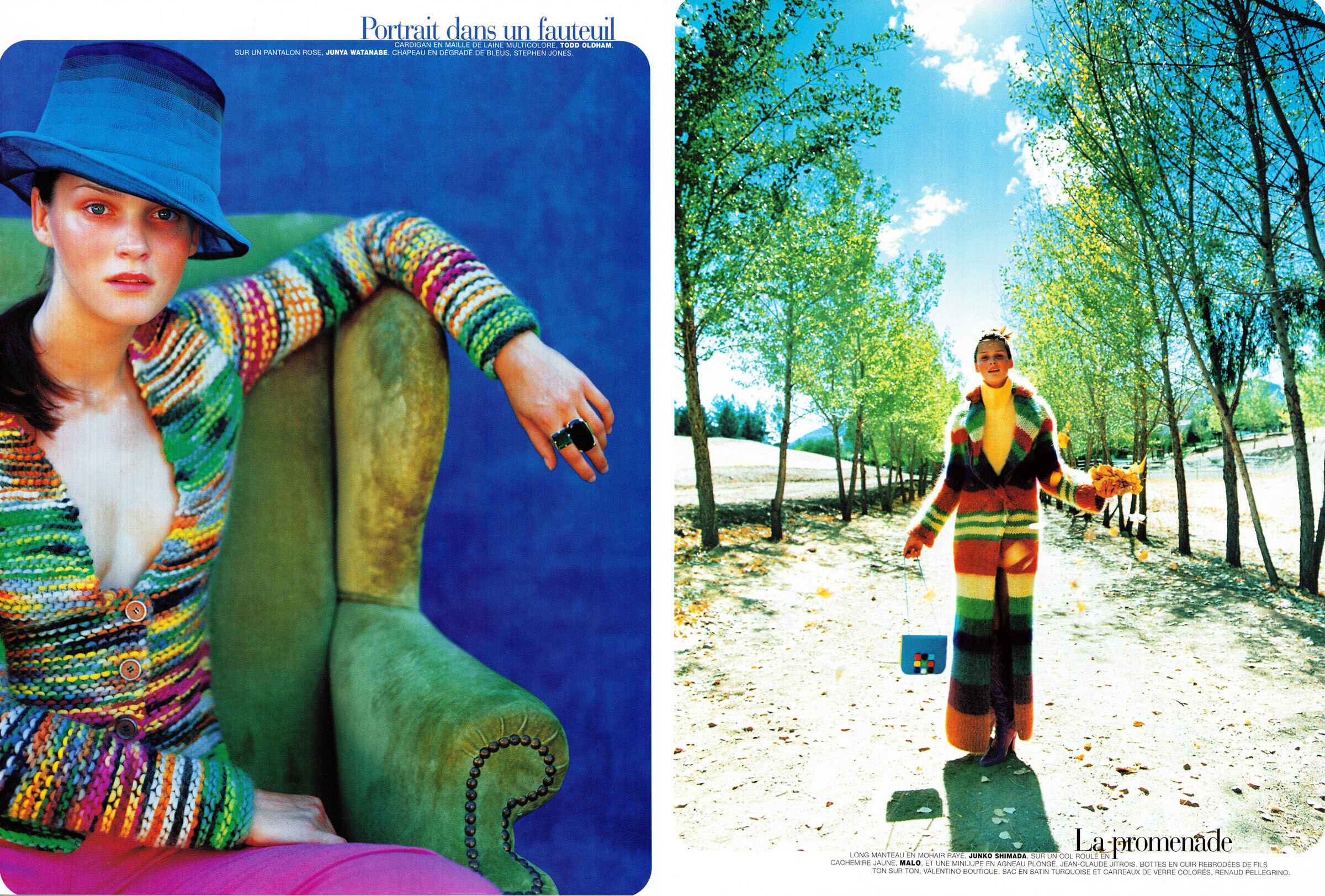
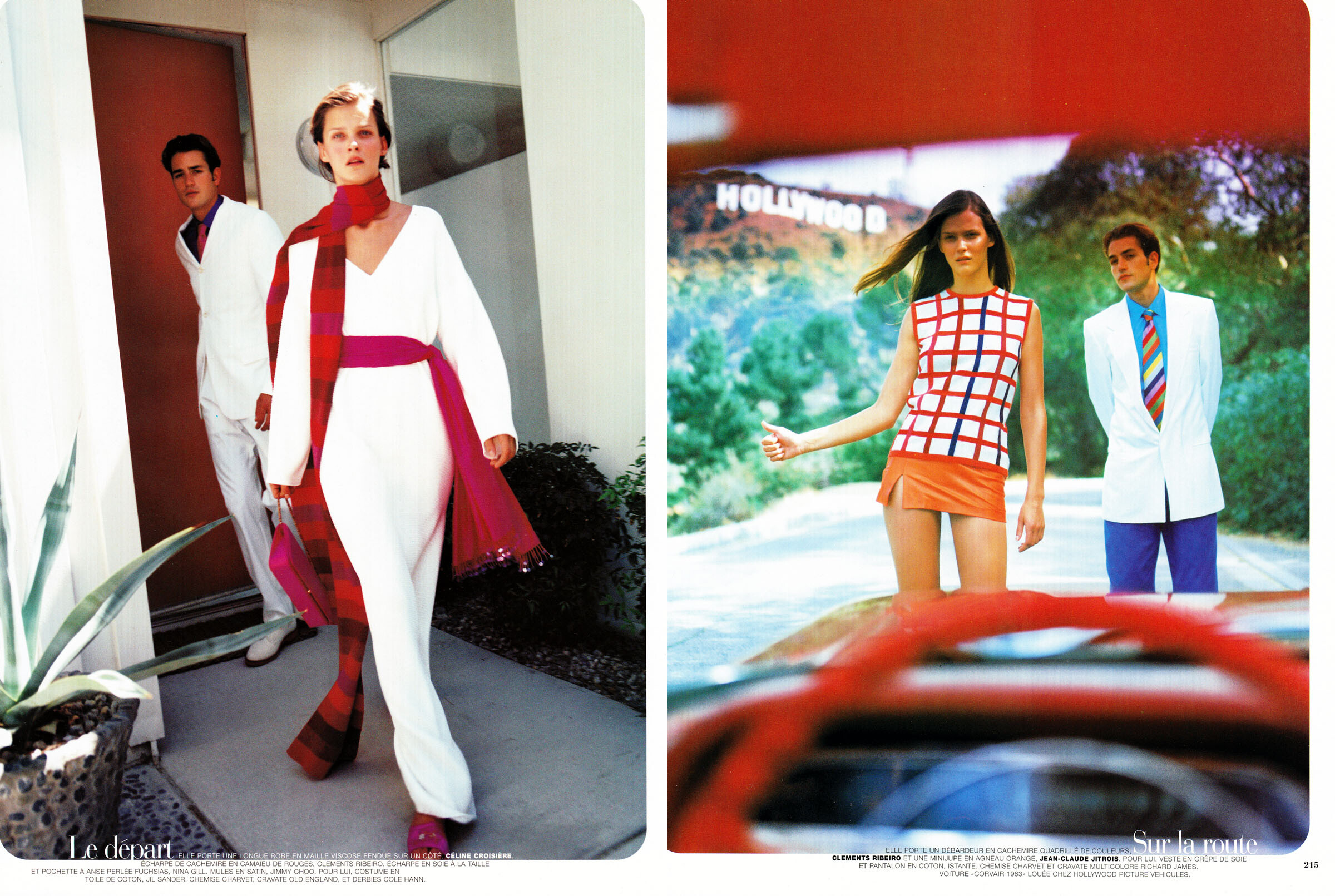
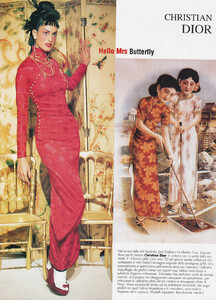
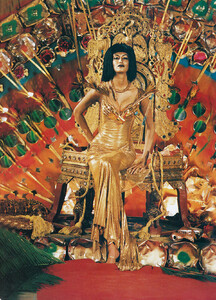
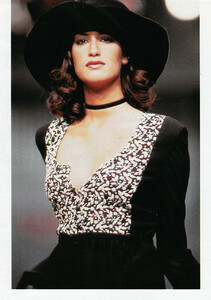
various runway and backstage images from different magazines, scanned by me:
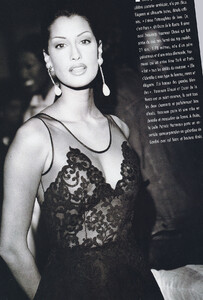
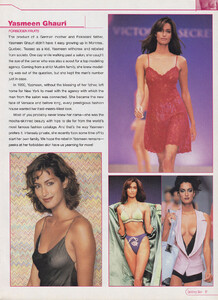


-
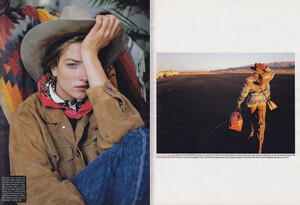
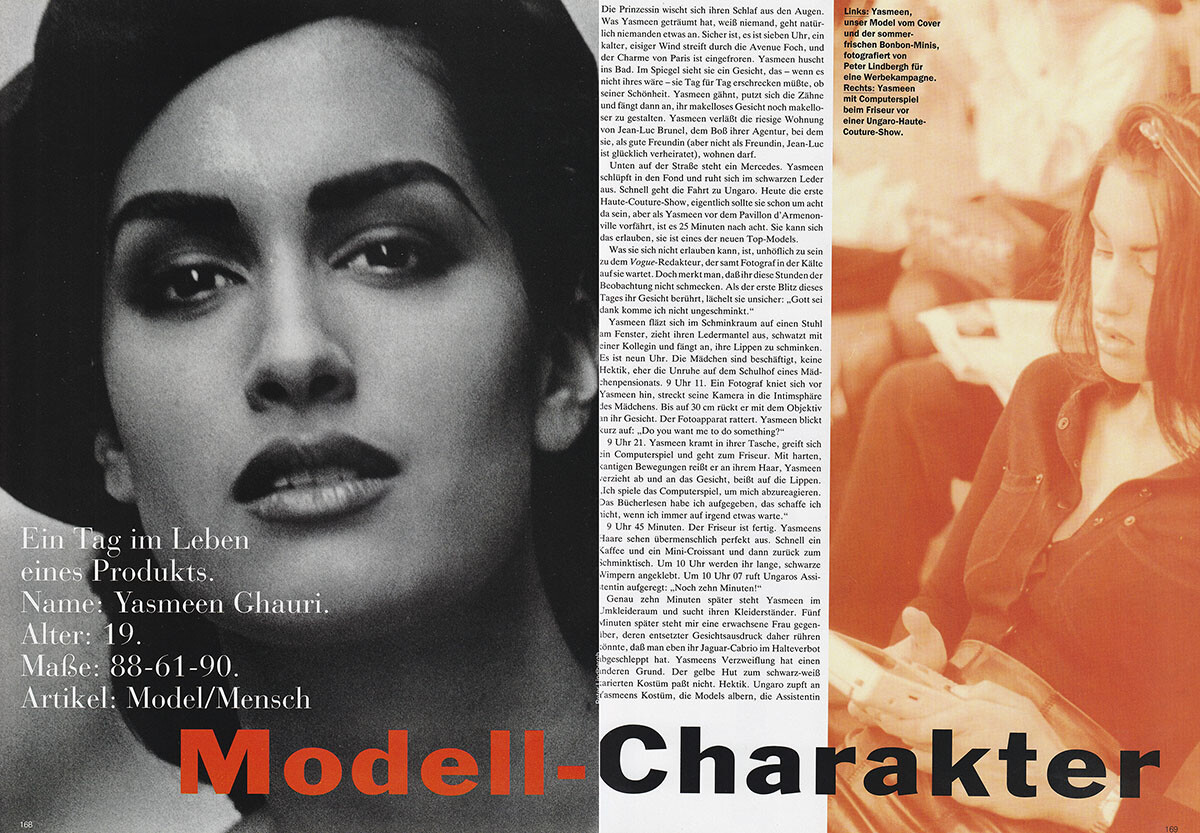
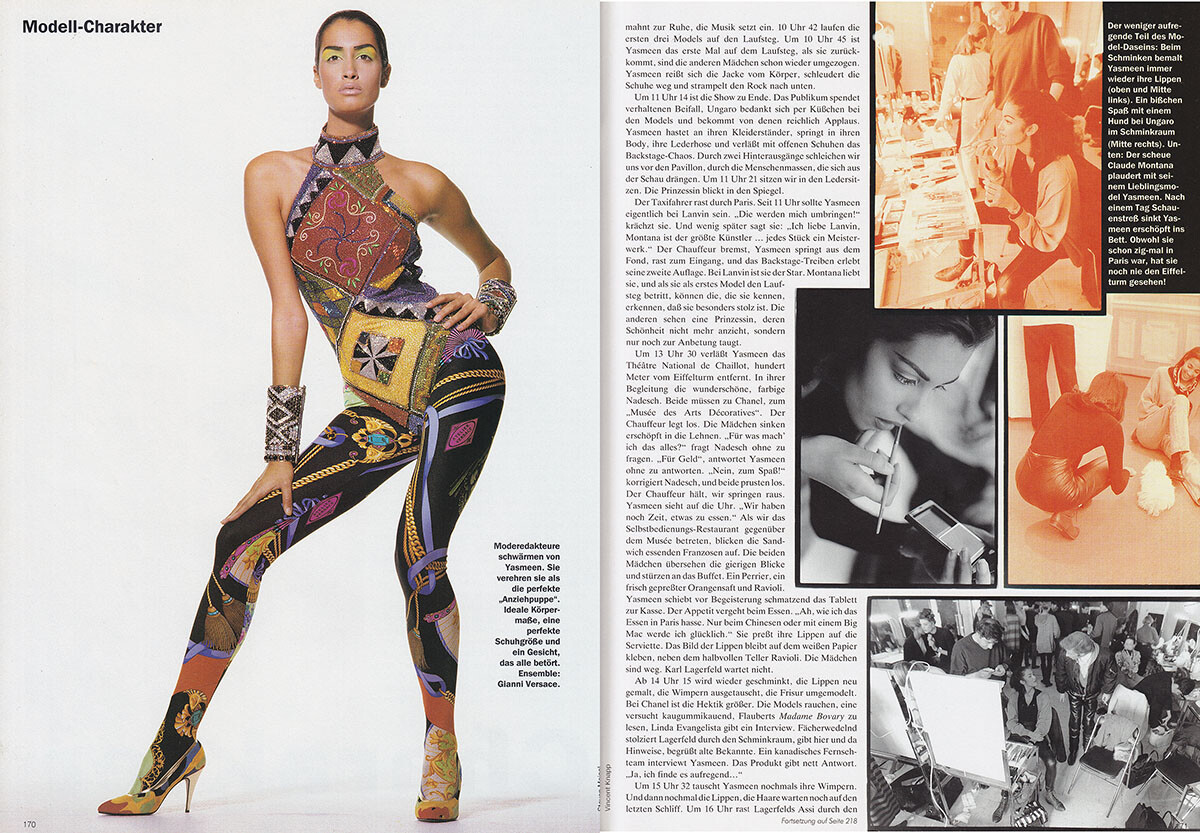
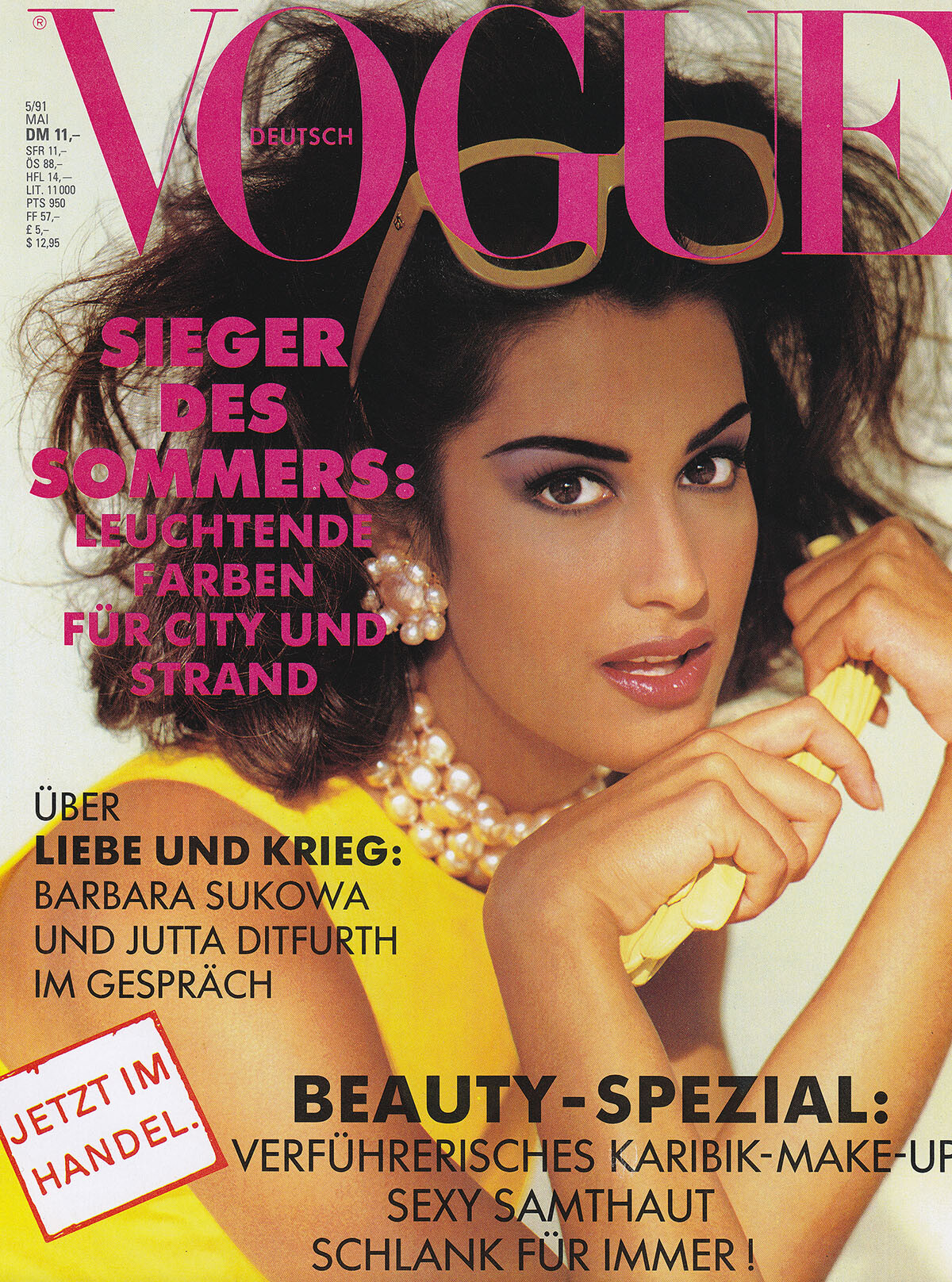
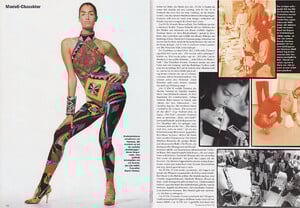
Vogue Germany, May 1991, my scans:


-
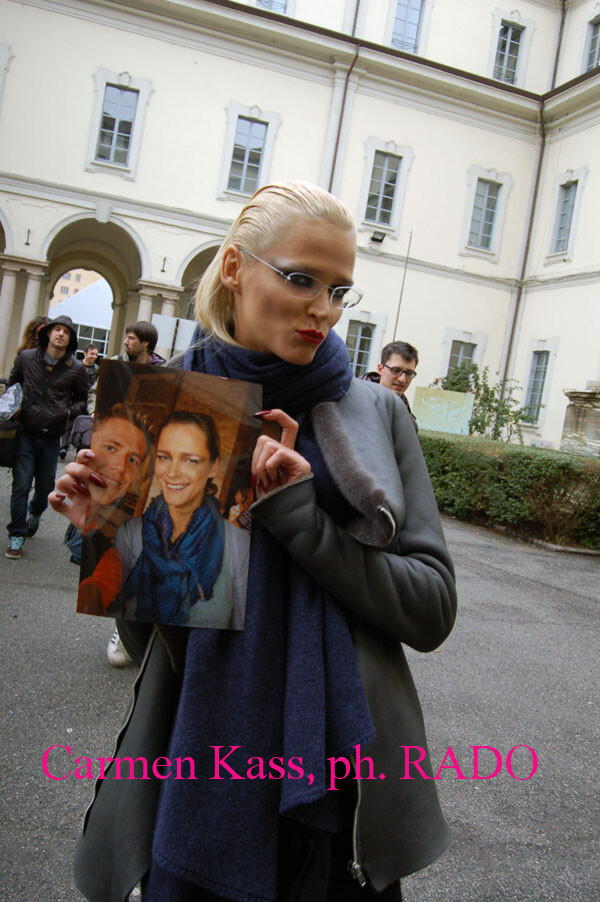
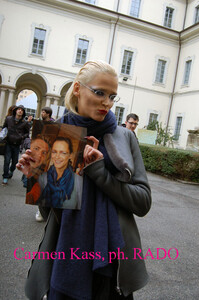
Carmen holding a photo I gave to her with me and her together, after the Dsquared show in Milan in 2010, another dream moment, photo by me:
-
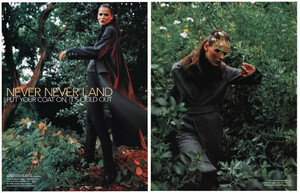
November 1997, Frank UK, scanned by me:


-
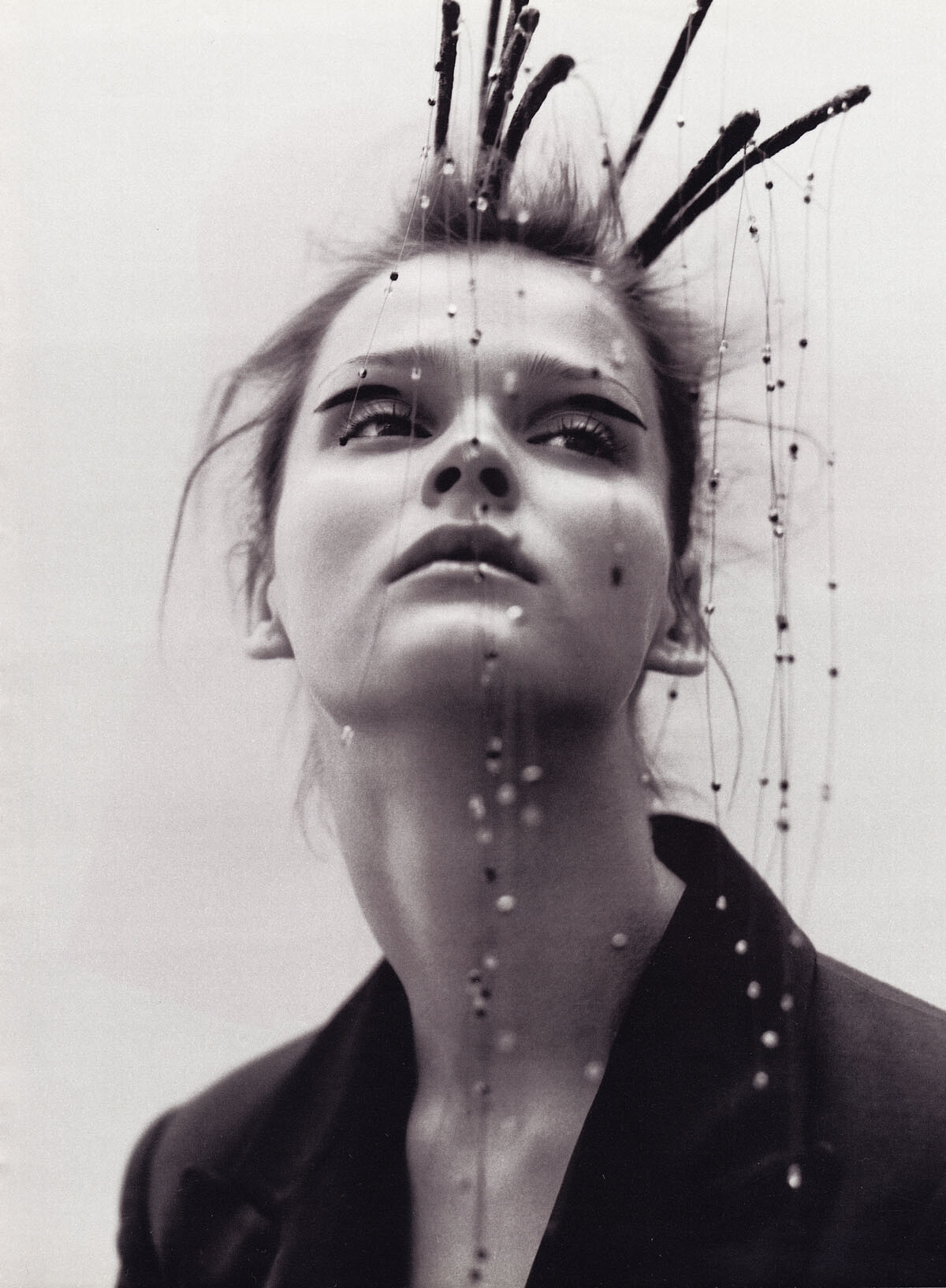
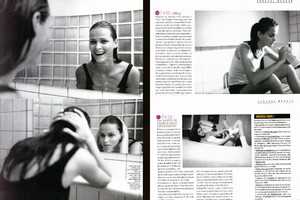
20 ans magazine, October 1997, my scans:

-
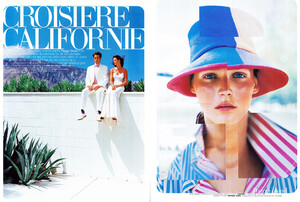
Vogue Paris, December 1997, scanned by me:
-
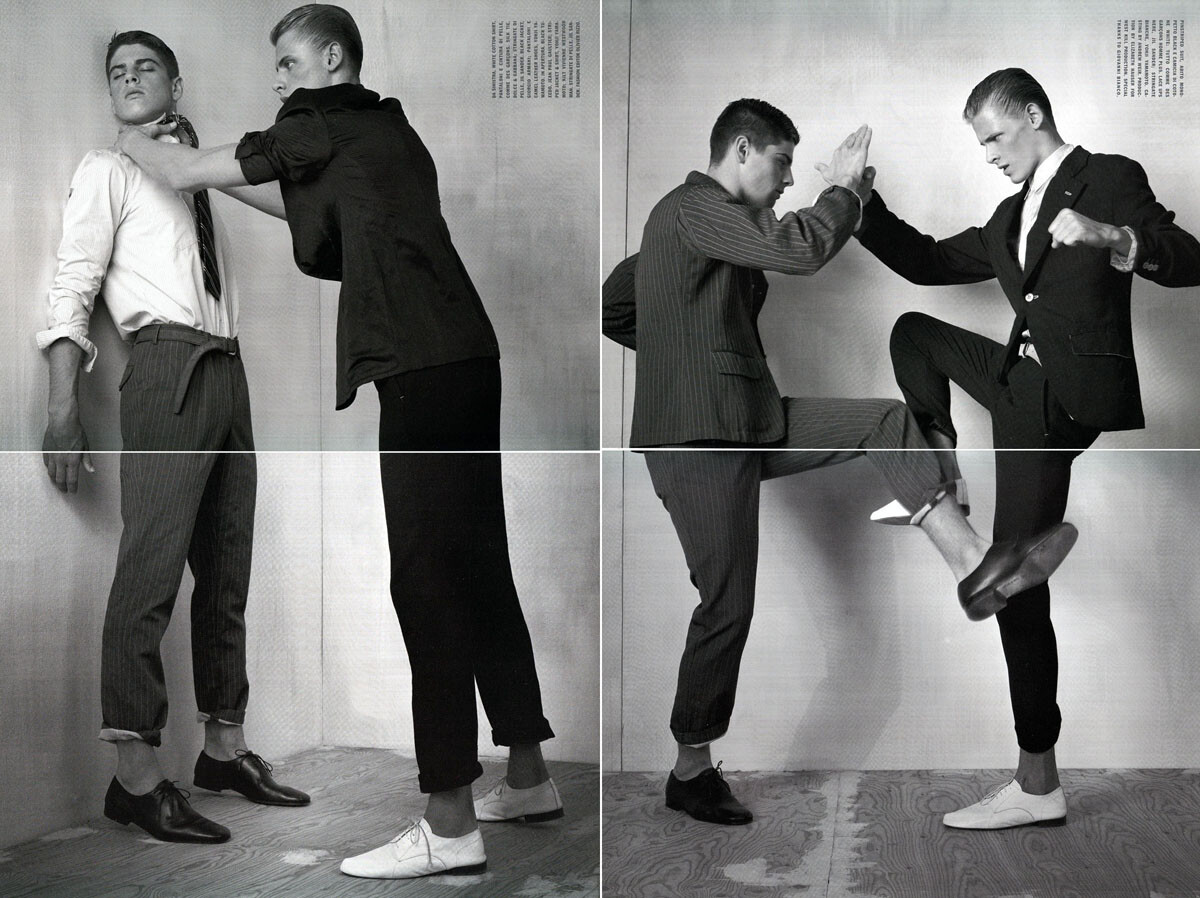
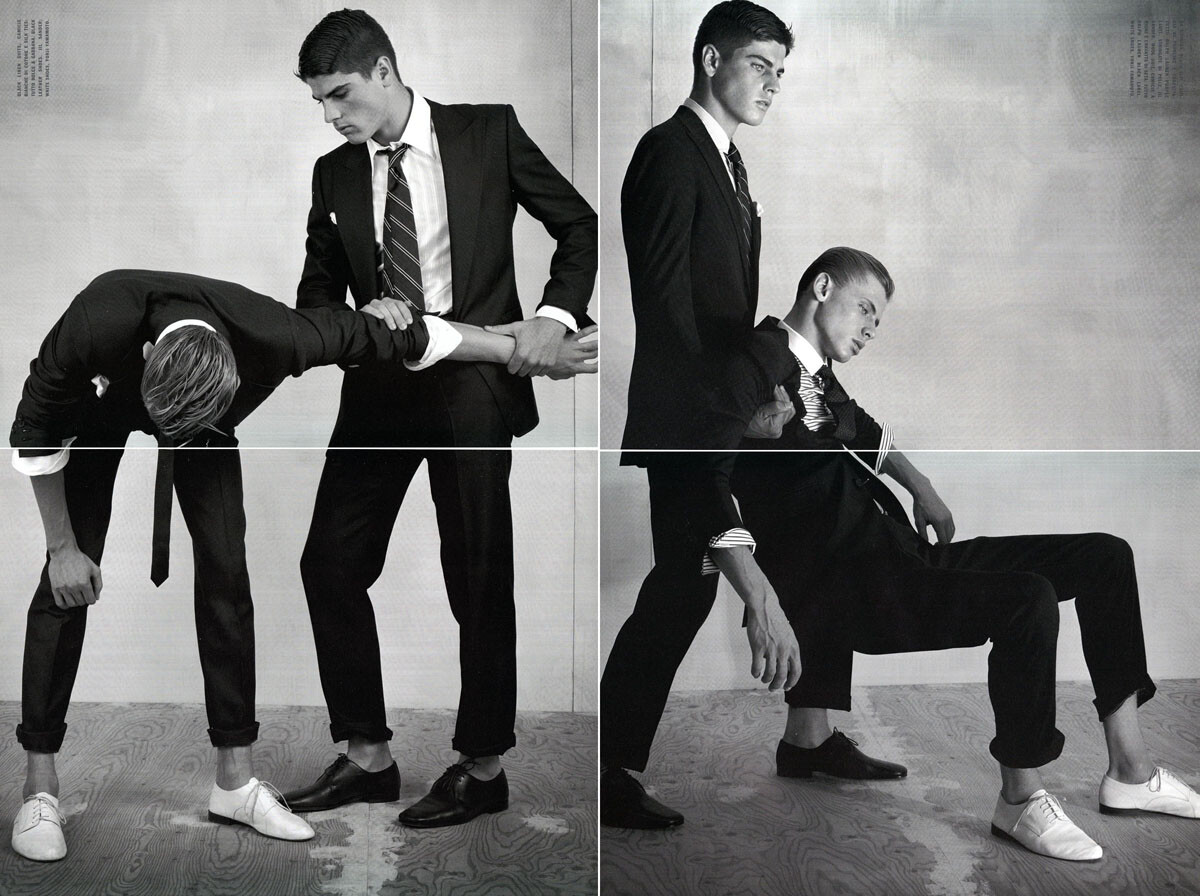
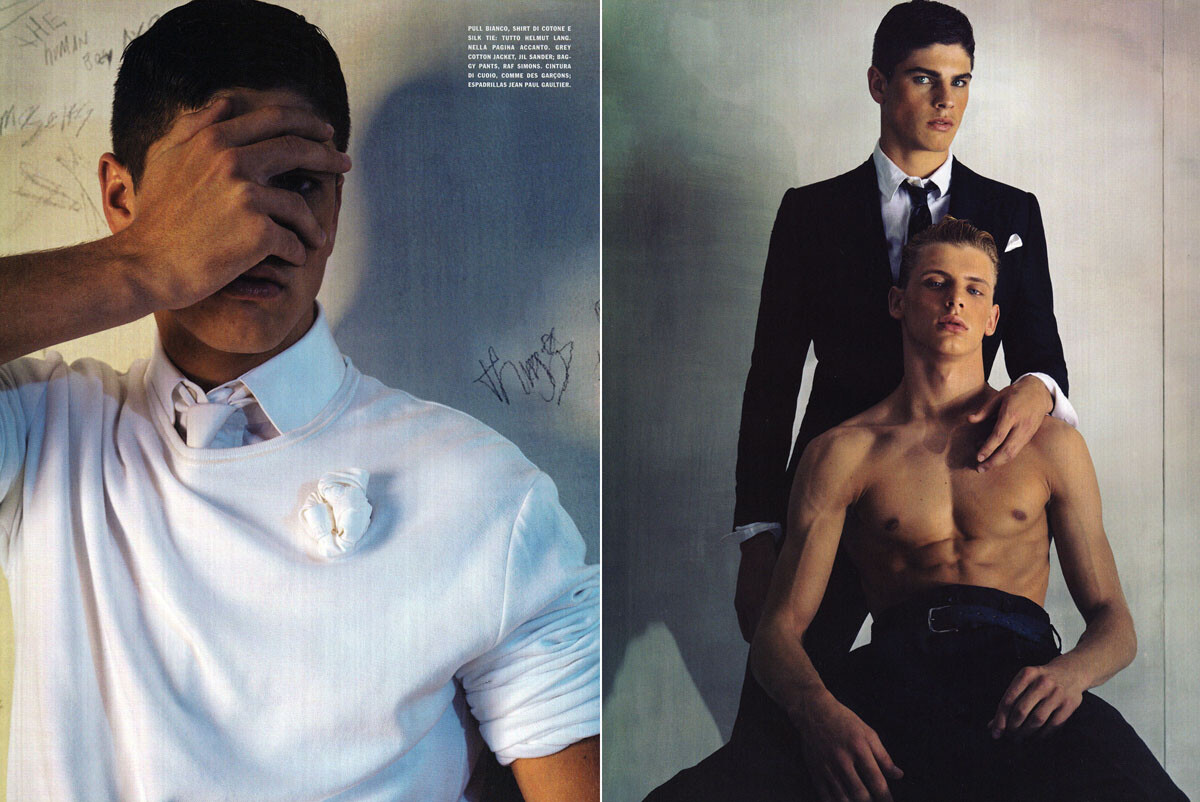
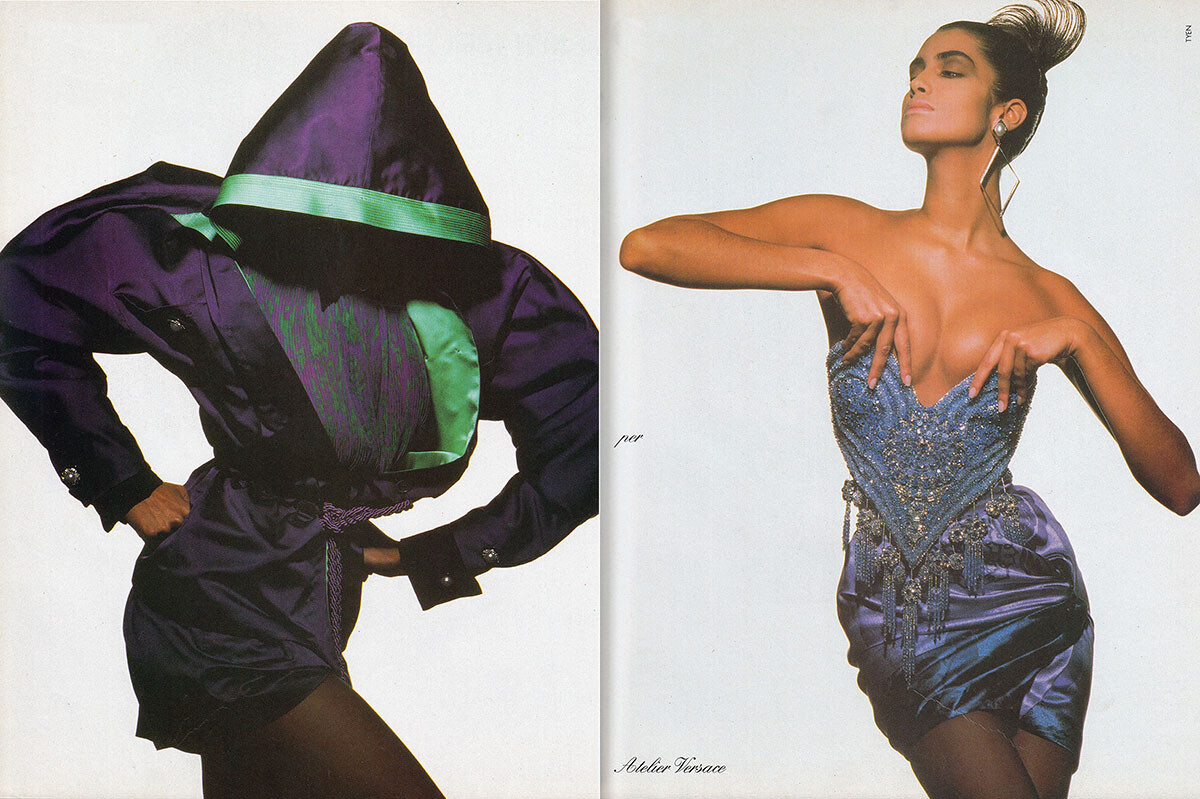
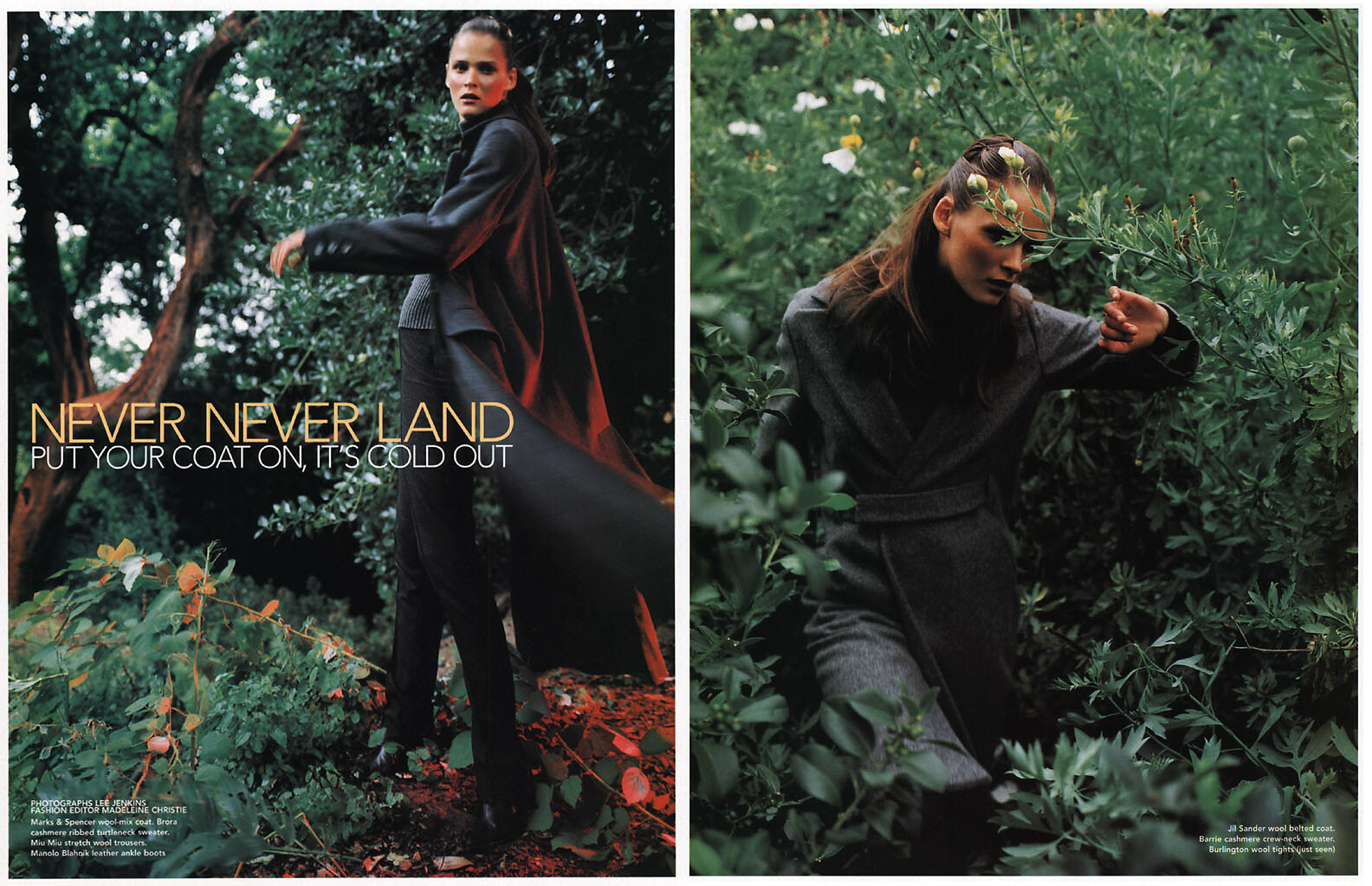
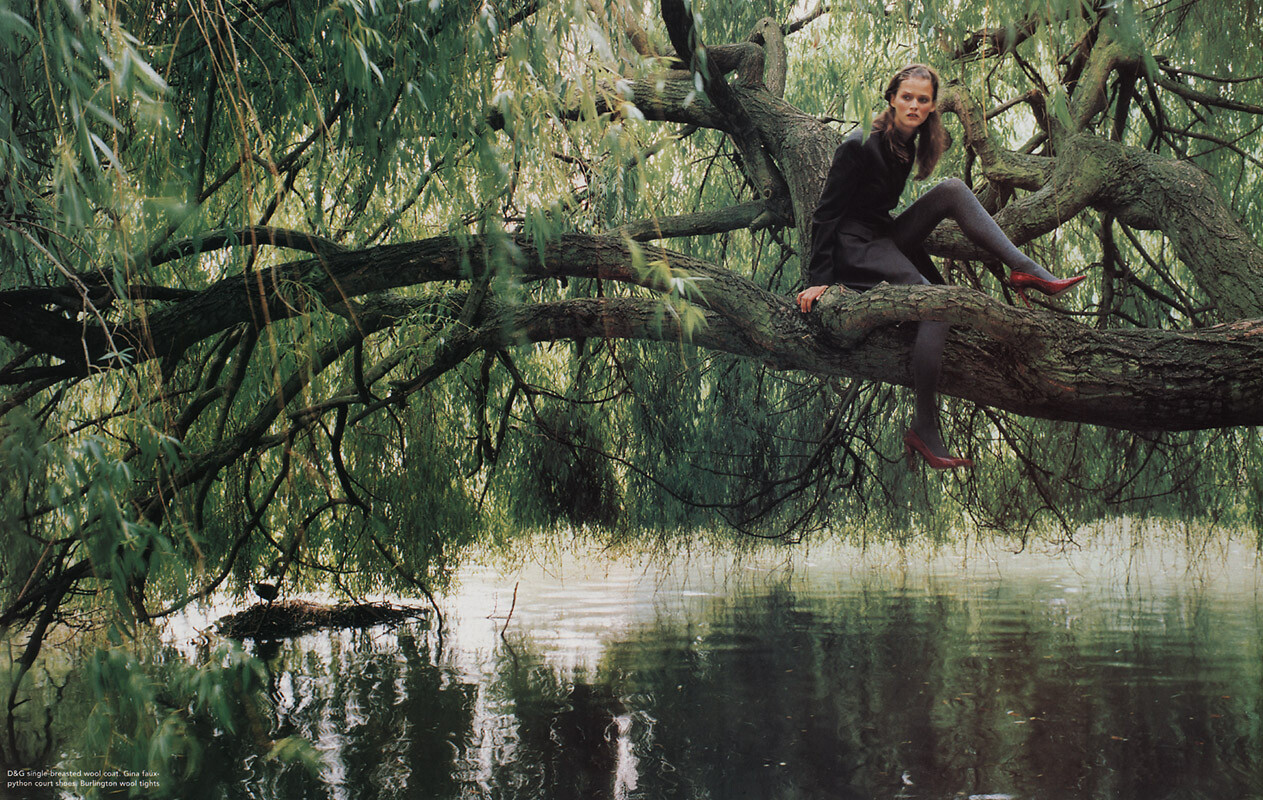
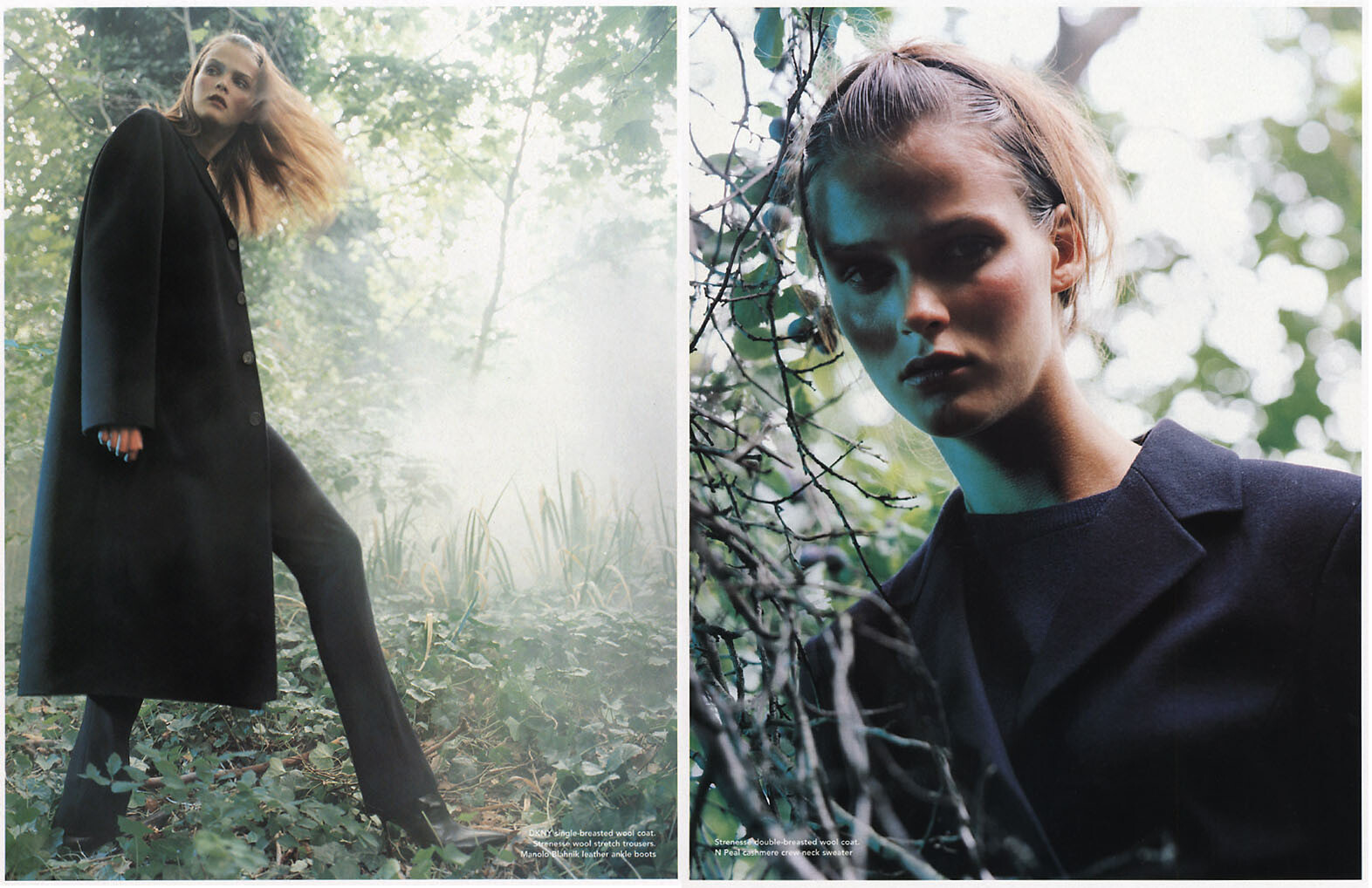
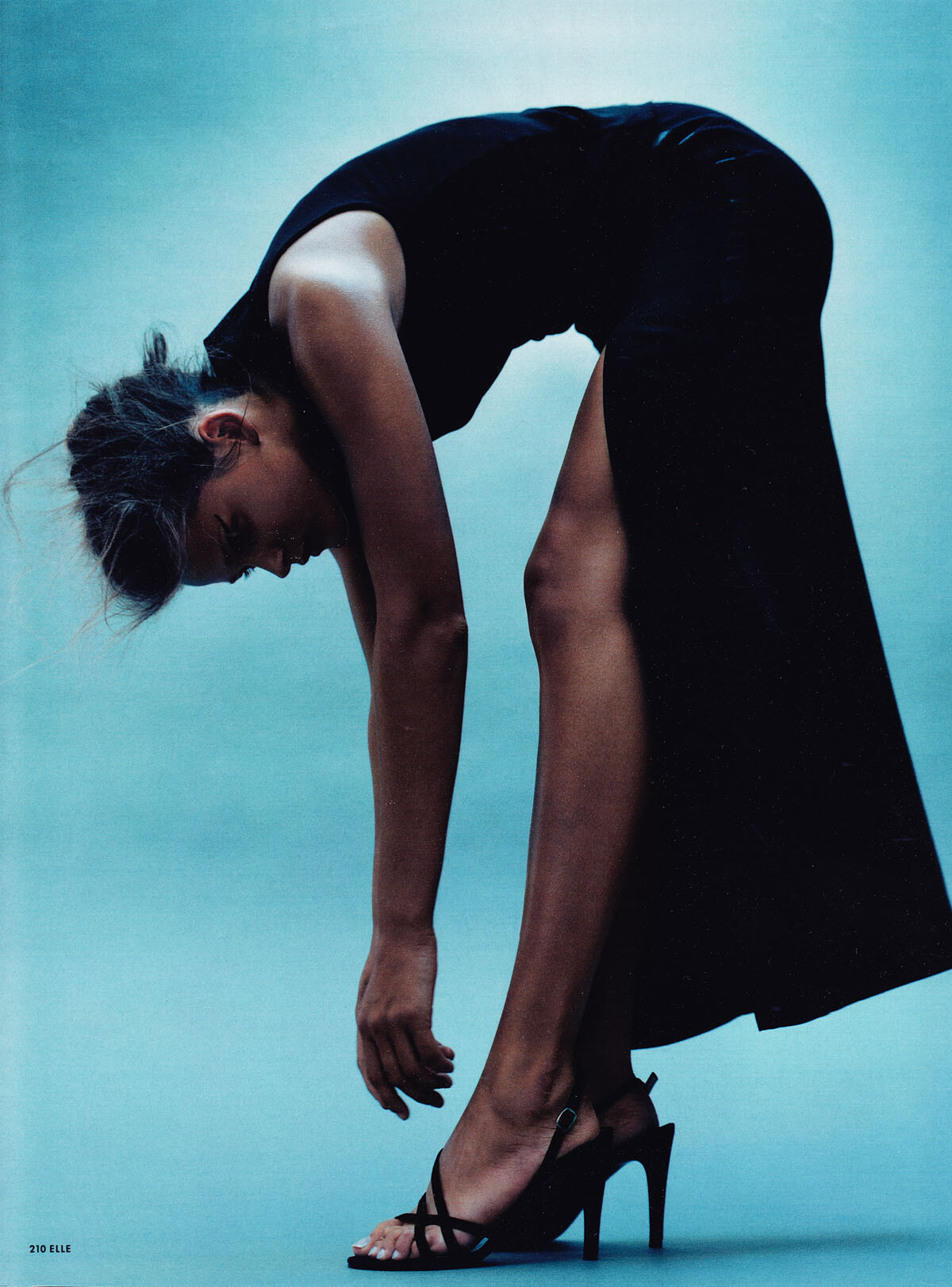
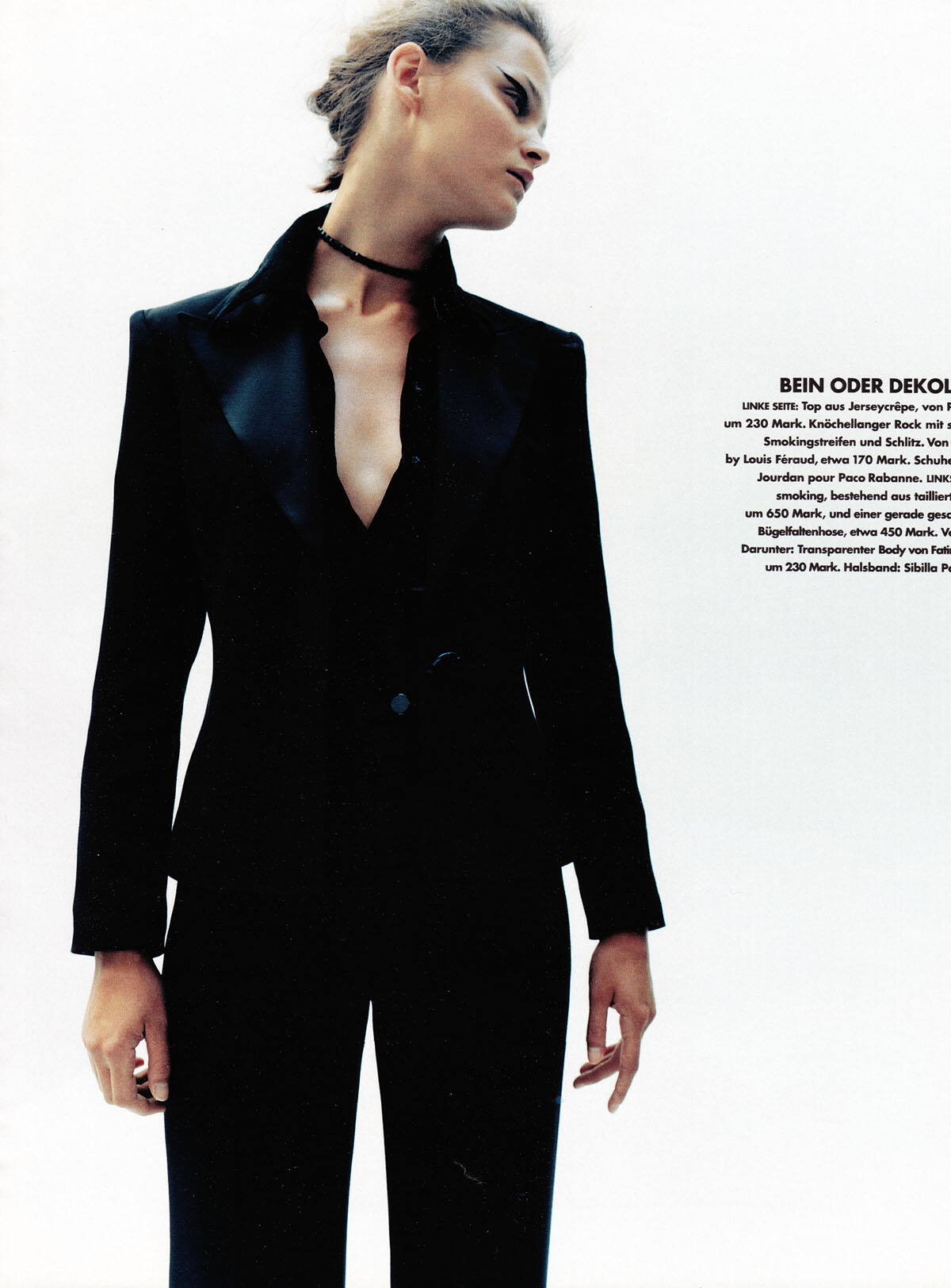
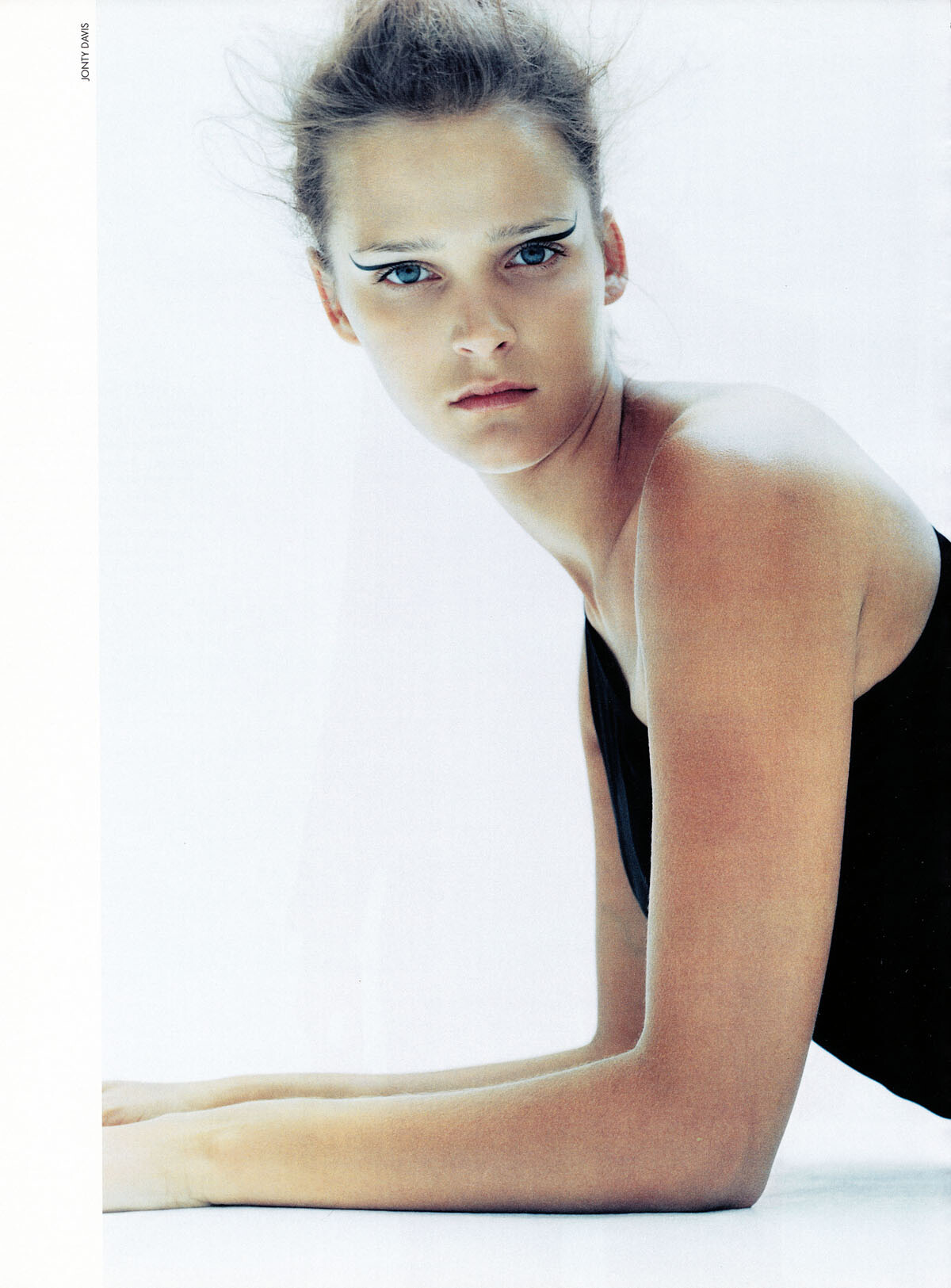
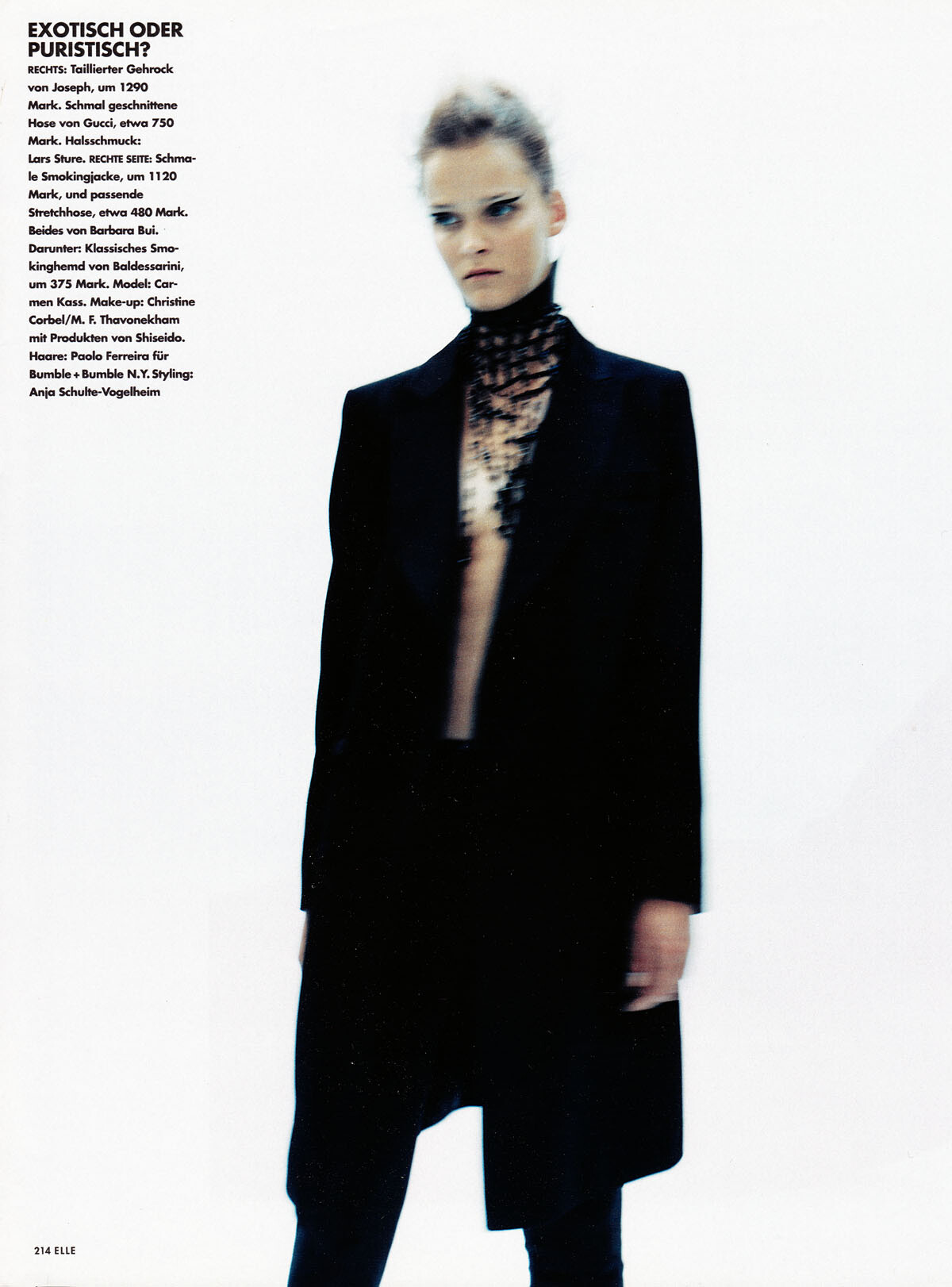
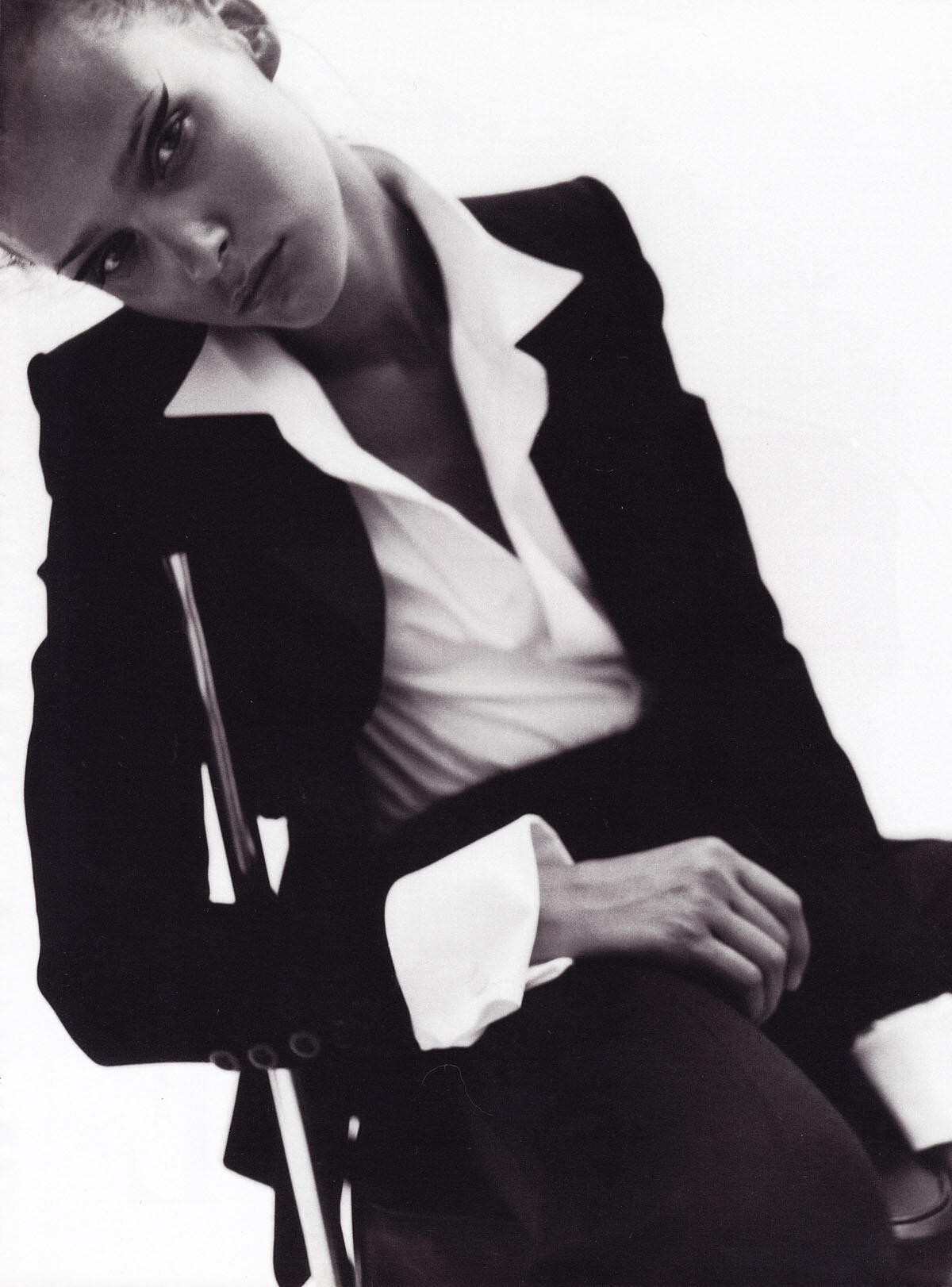
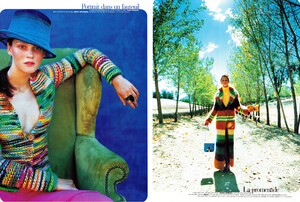
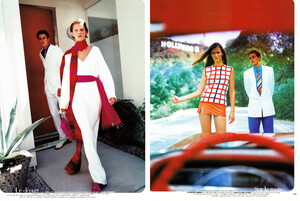
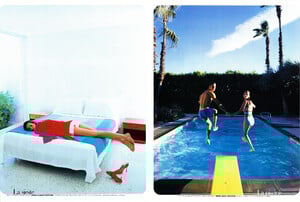
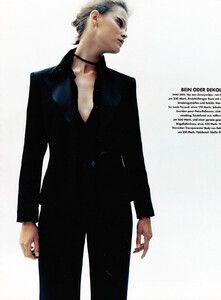
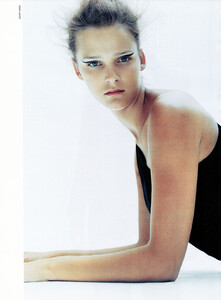
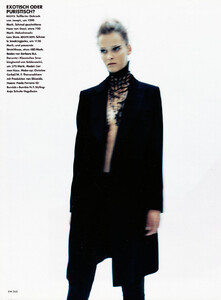
Why must be hard to tear magazine and scan them? I always do that. I never keep complete magazines. But these D magazine early editorials are in bad condition as you can see on the scans, they had water damage...I got them in a trade and the trader was not careful when sending it, so they arrived damaged...that was a lot harder. Scanning is a must for a hard-core collector like me. And you can never scan if you do not tear the magazines apart. I often tear photography books and even catalogs...lol...I love doing that. After all, the pages with my models are the only thing that matter and I better have them in a good place, not surrounded by tons of useless pages of paper, which are magazines;)) The first thing i do after buying a magazine is tearing it apart. Like I did with French Vogue April 2019 today...I do not even look at it, I start ripping it off at once. Here is another early editorial with Carmen I love, Elle Germany, December 1997. My scans:




-
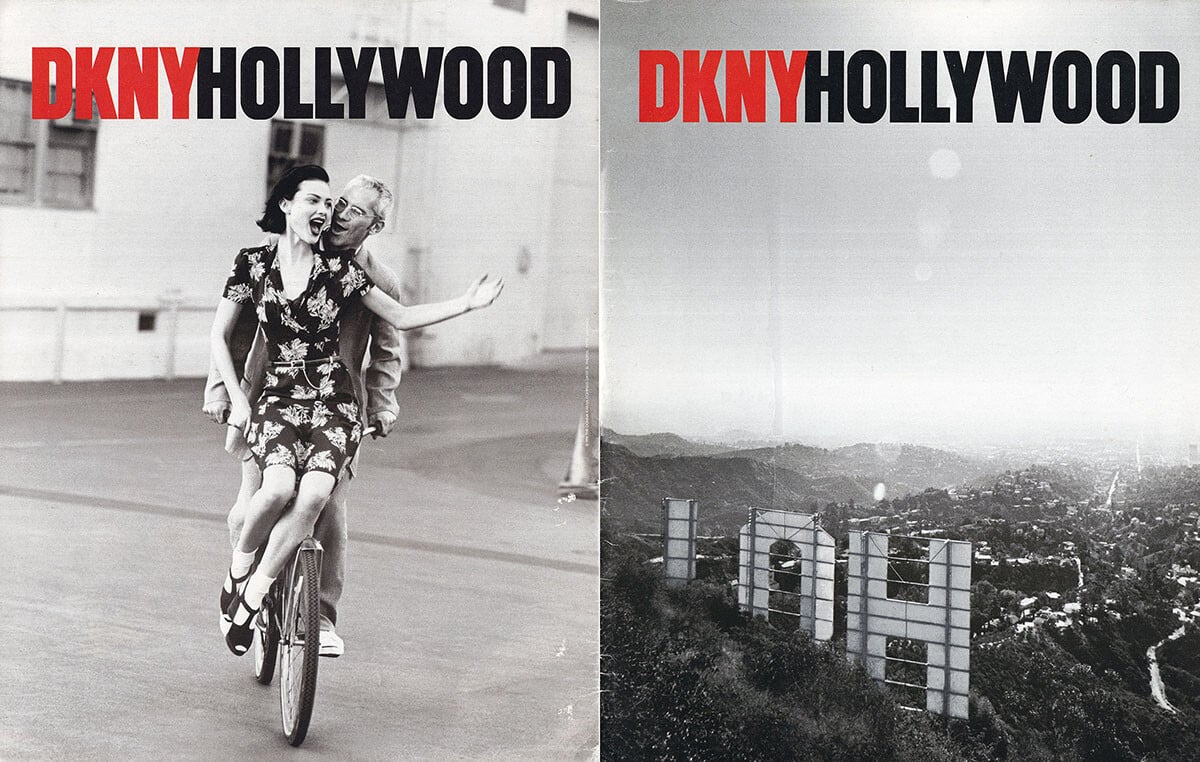
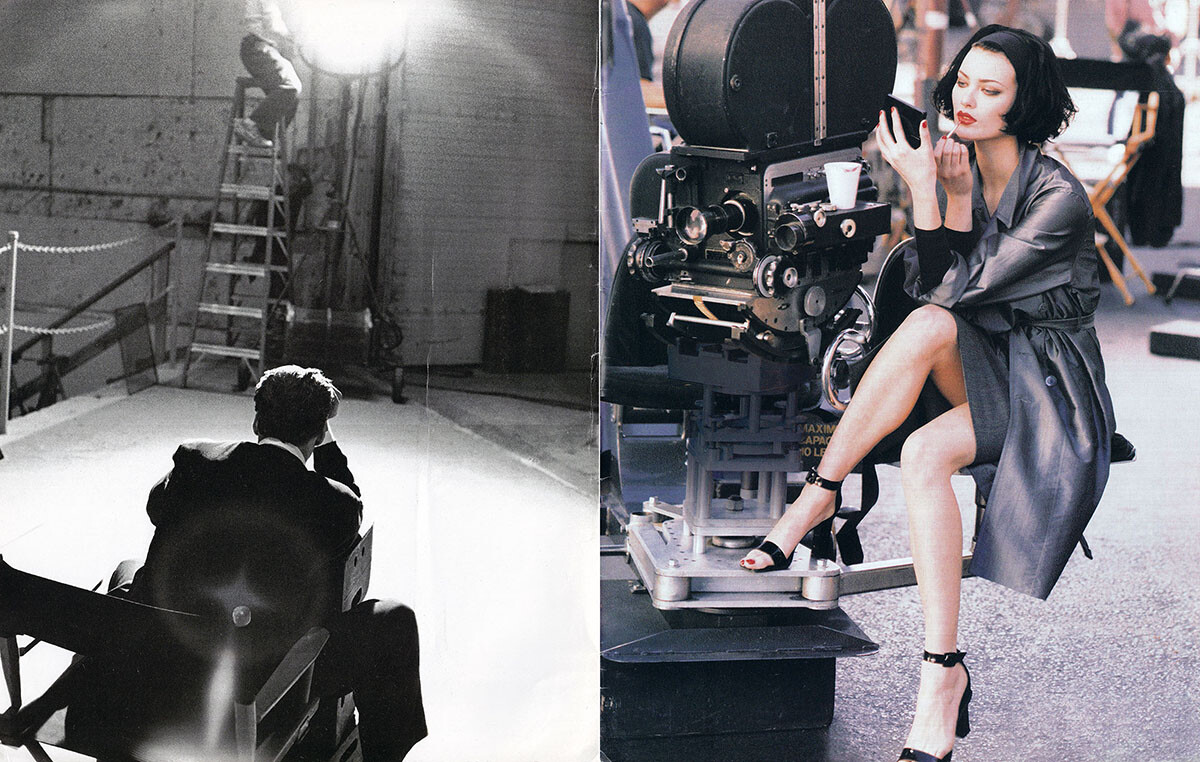
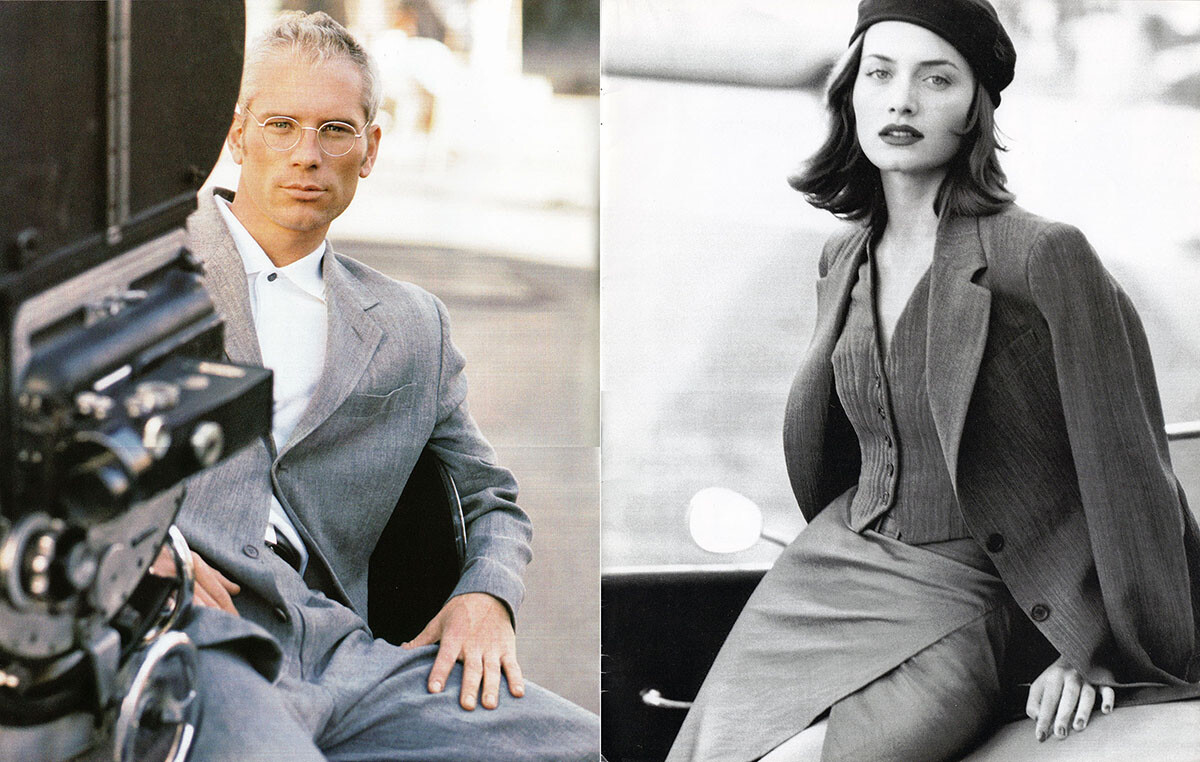
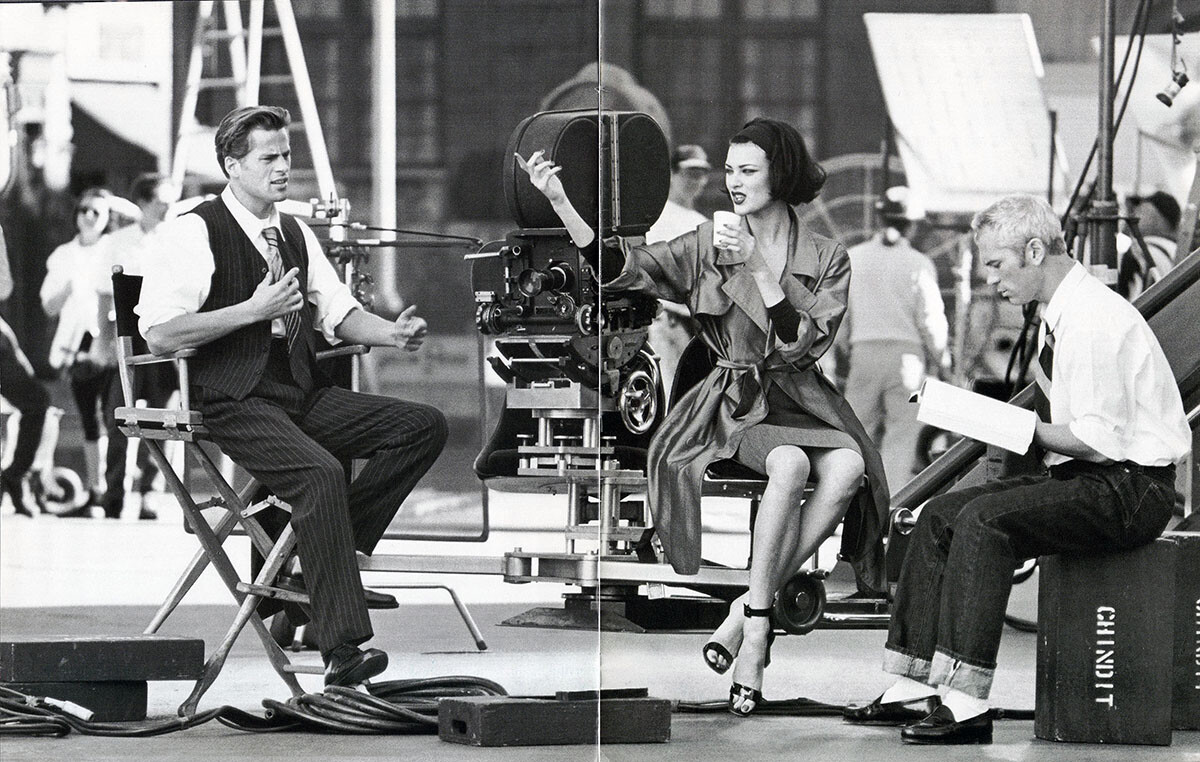
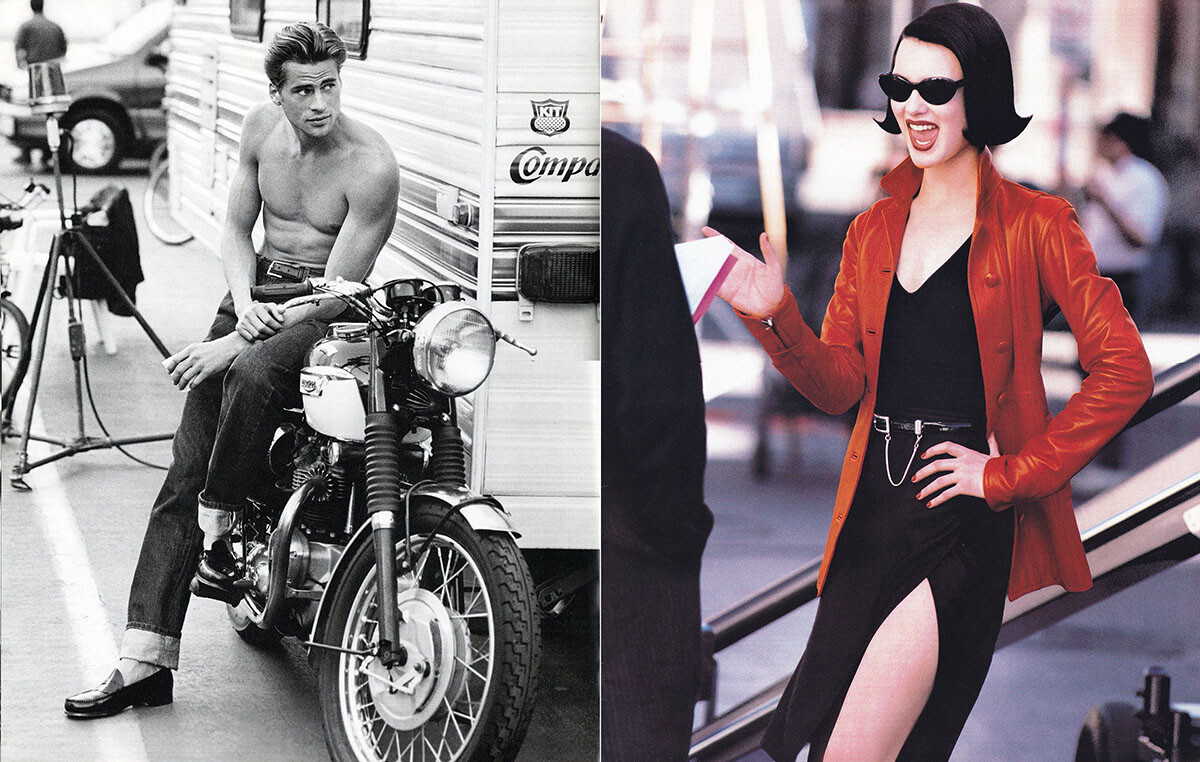
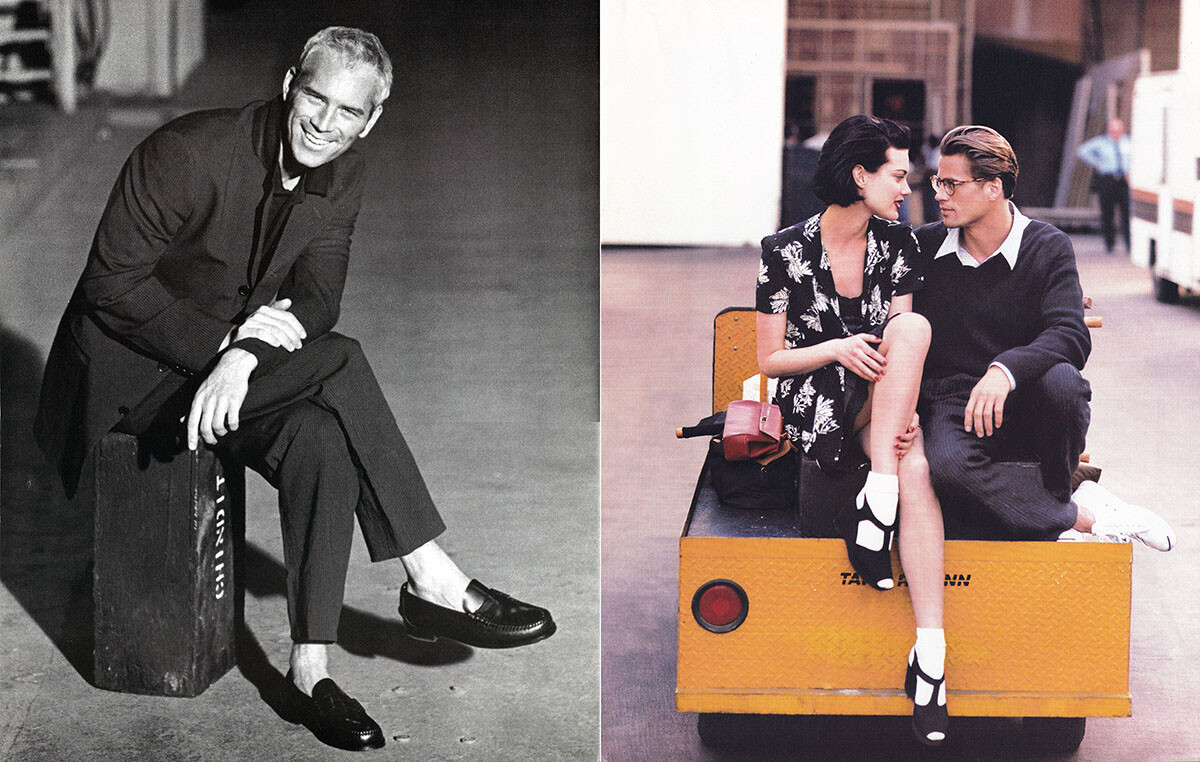
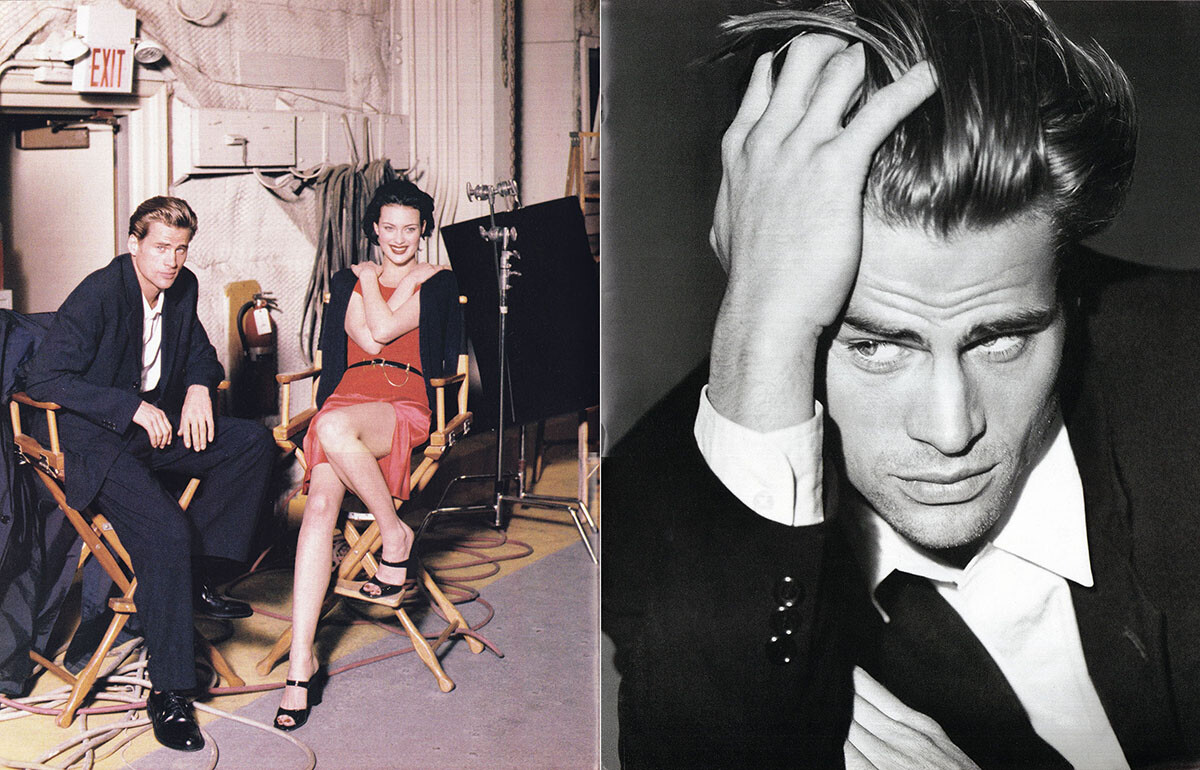
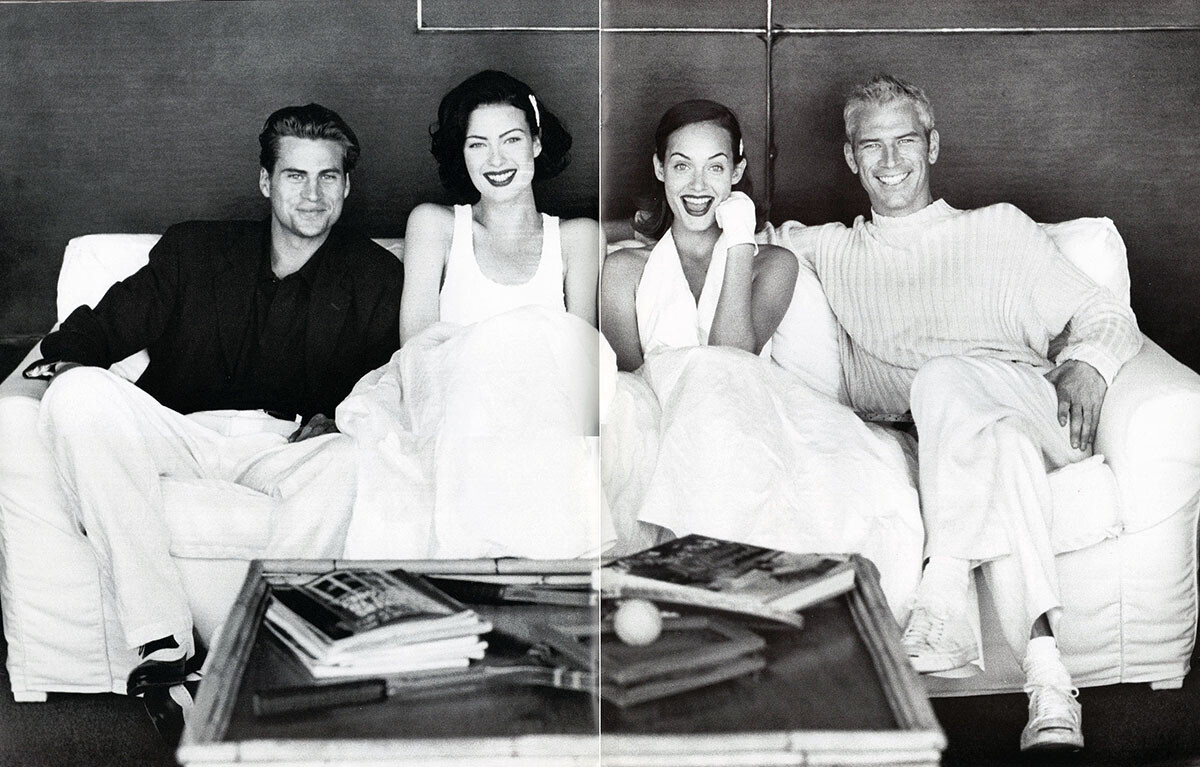
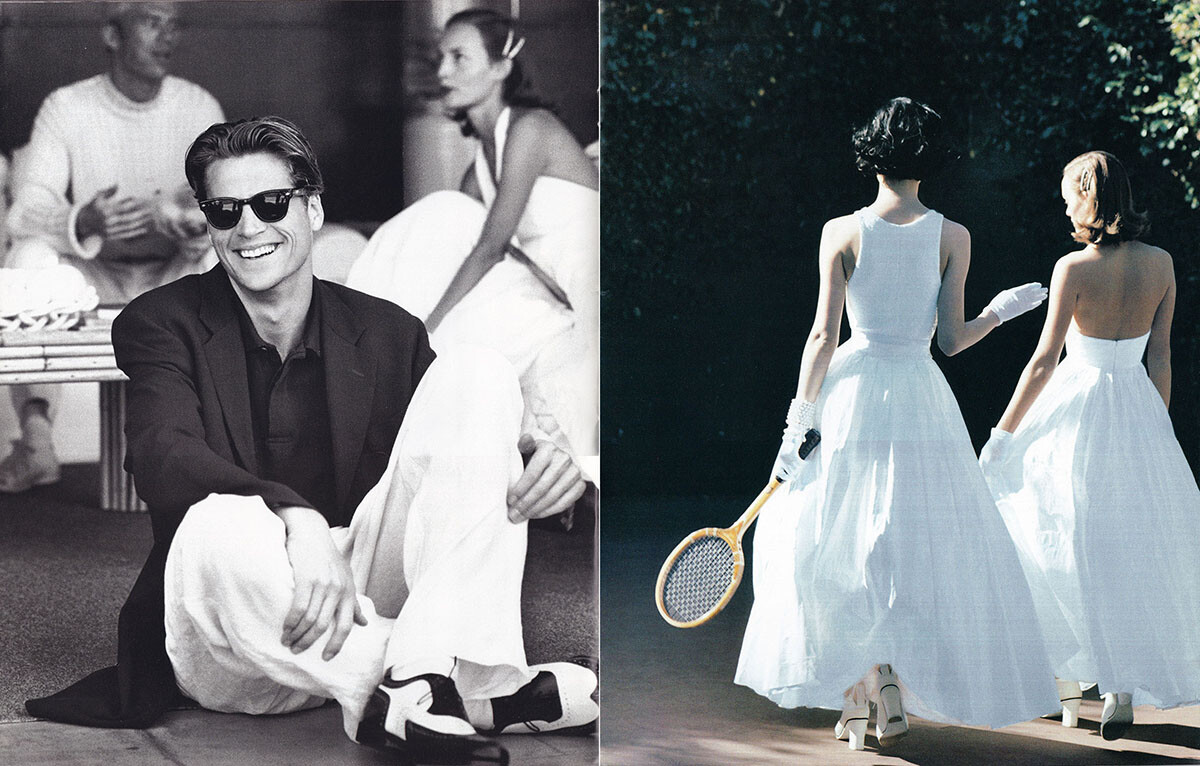
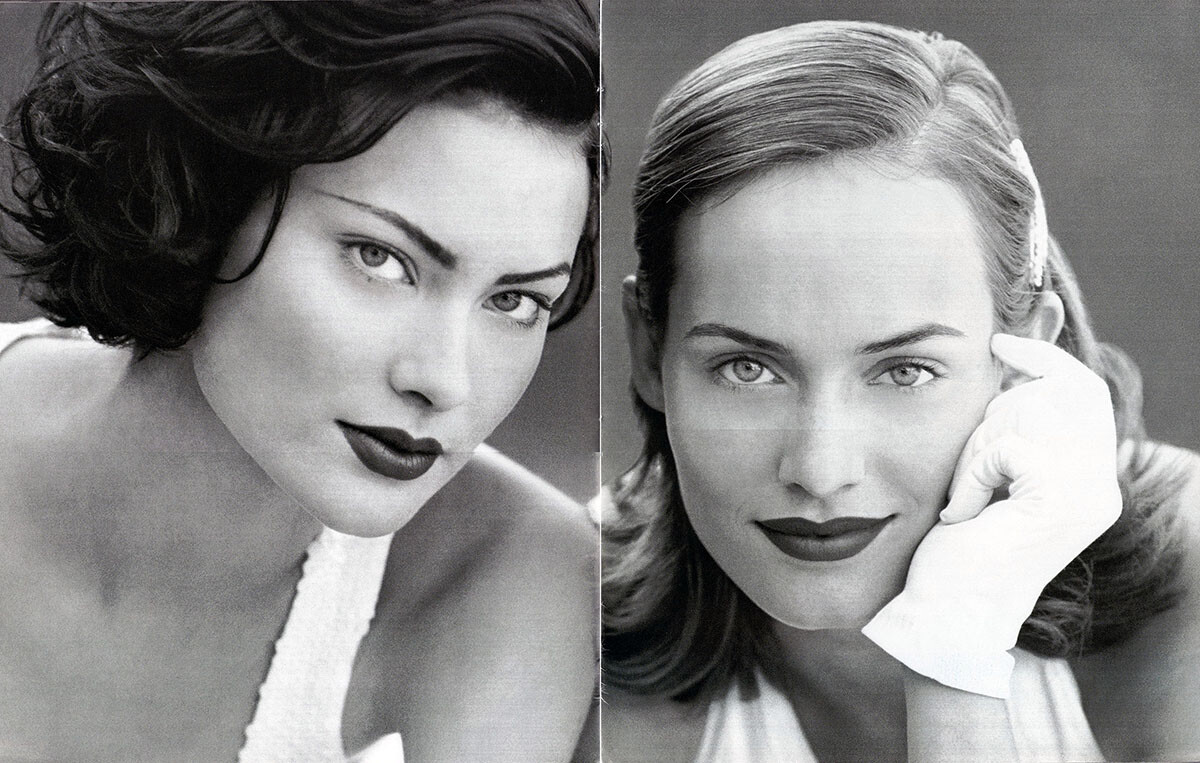
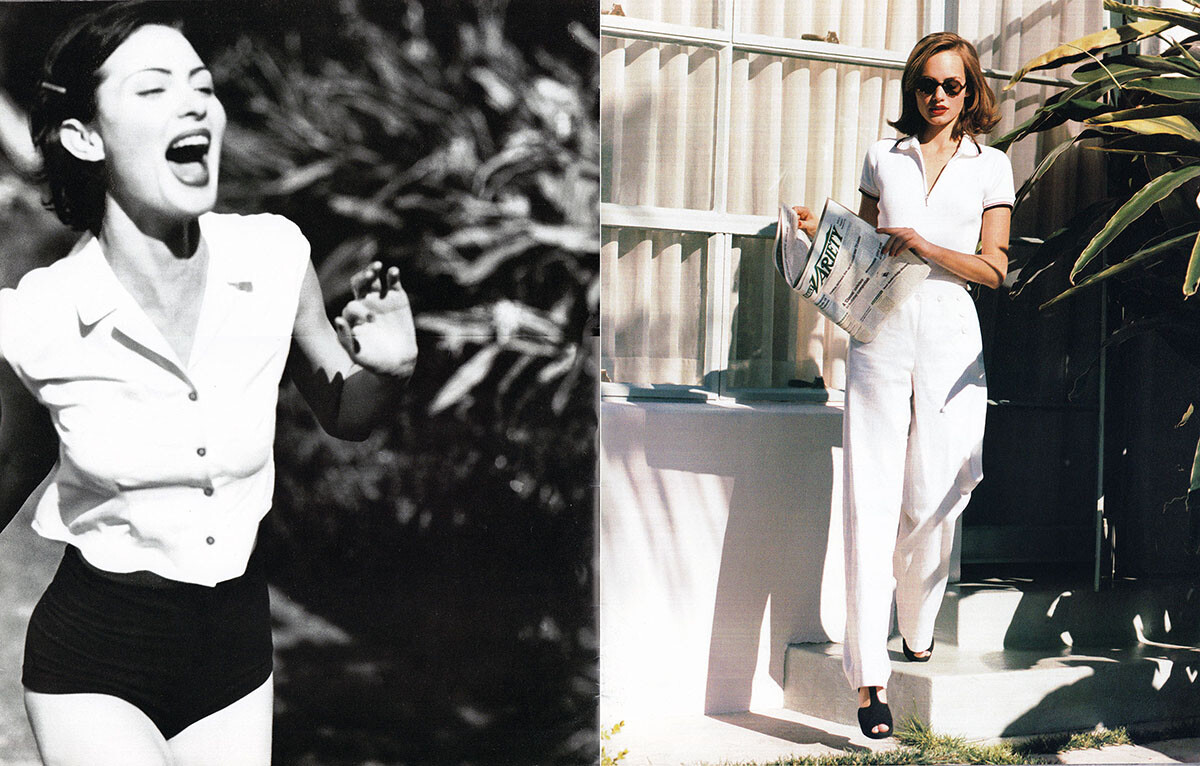
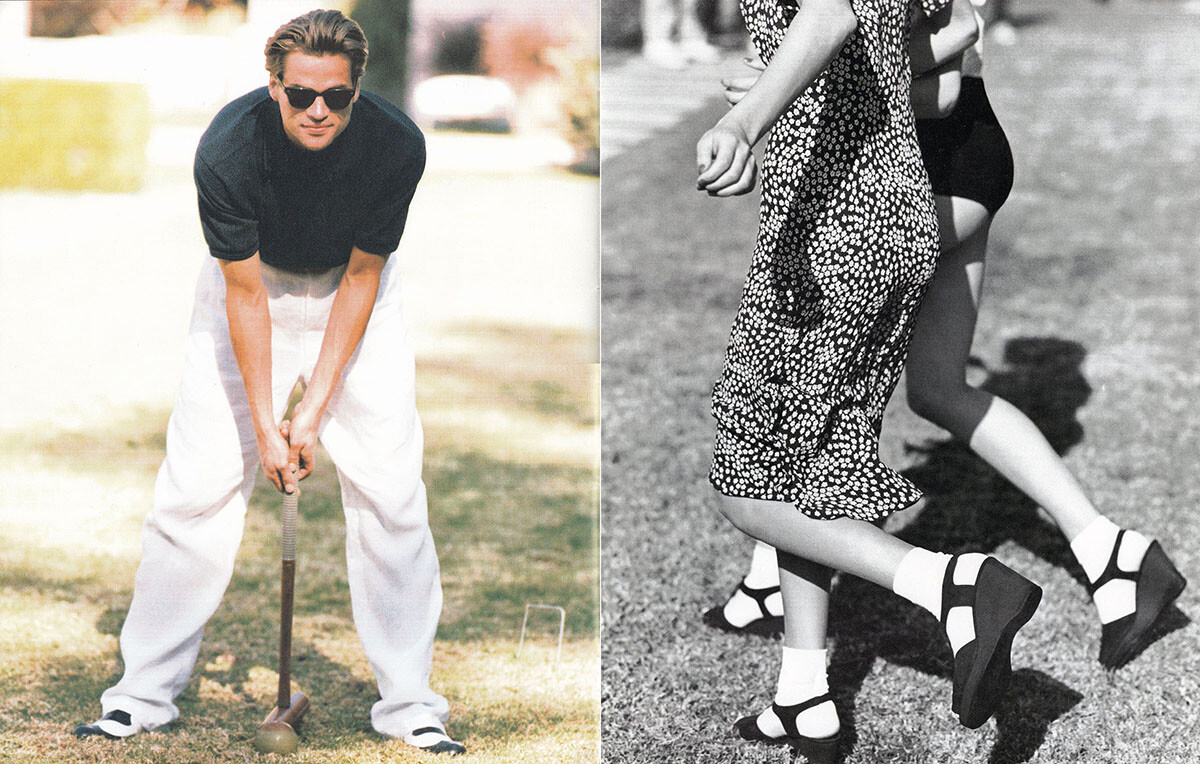
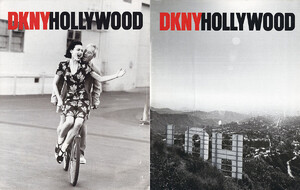
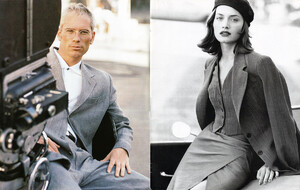
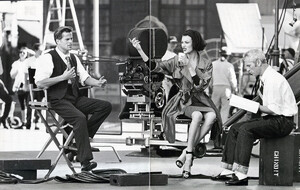
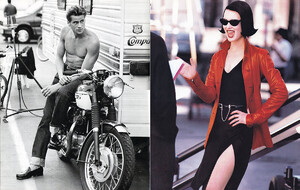
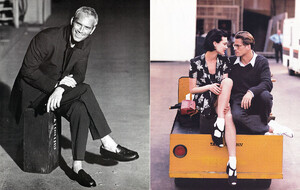
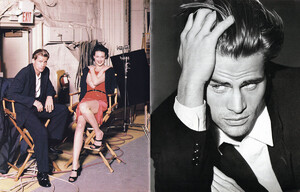
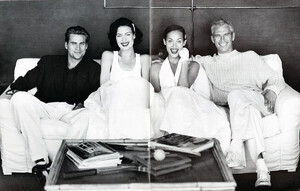
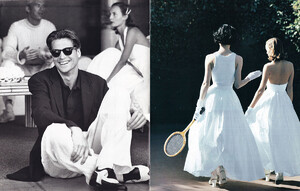
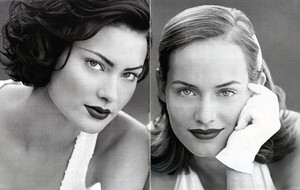
DKNY spring summer 1995 catalog by Peter Lindbergh with Mark, Amber and Shalom, scanned by me:

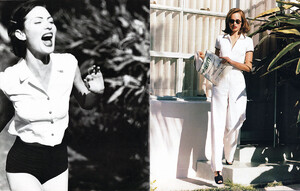
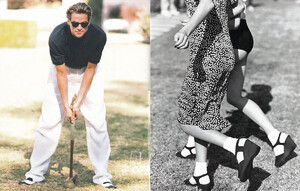
-
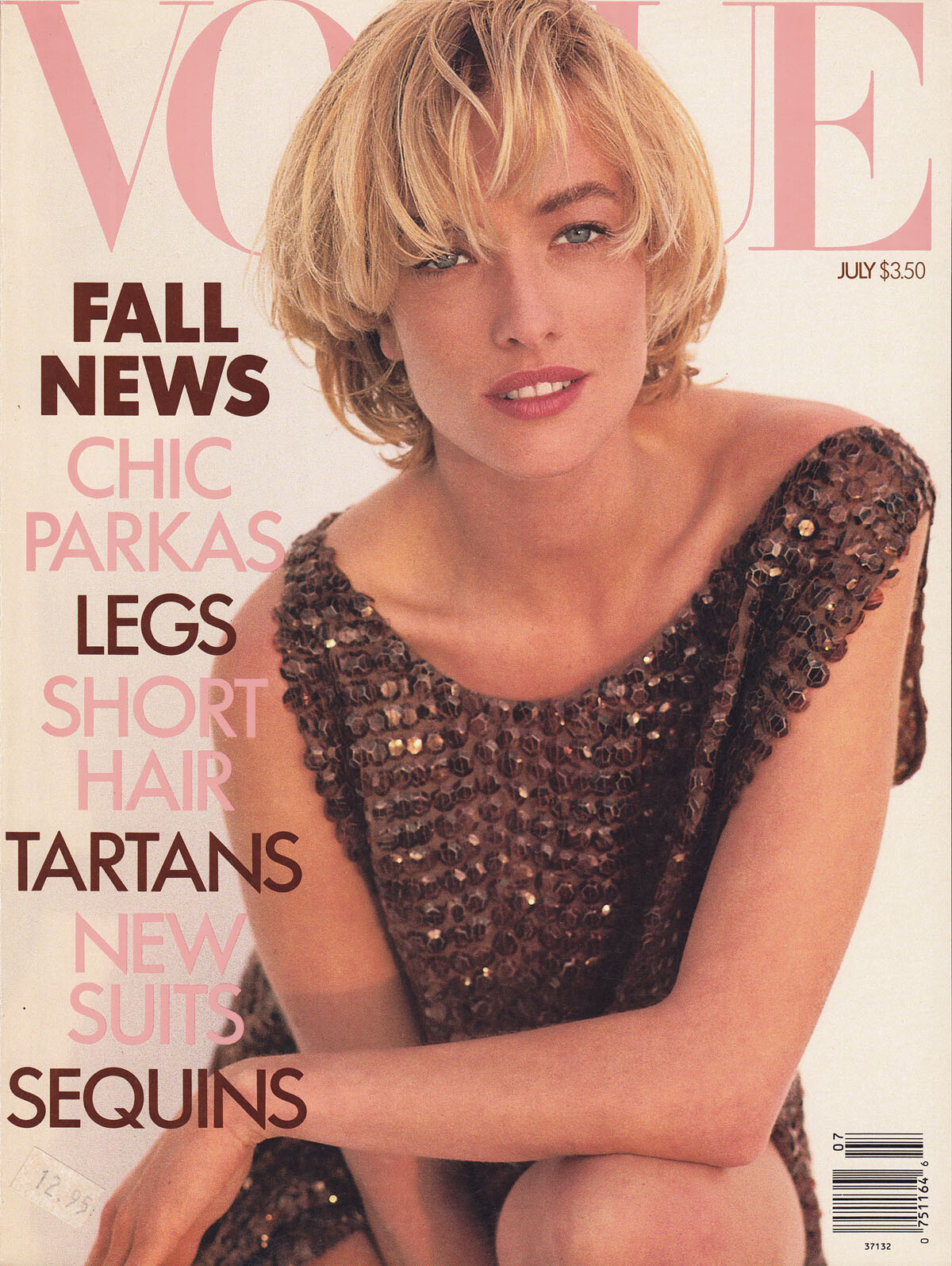
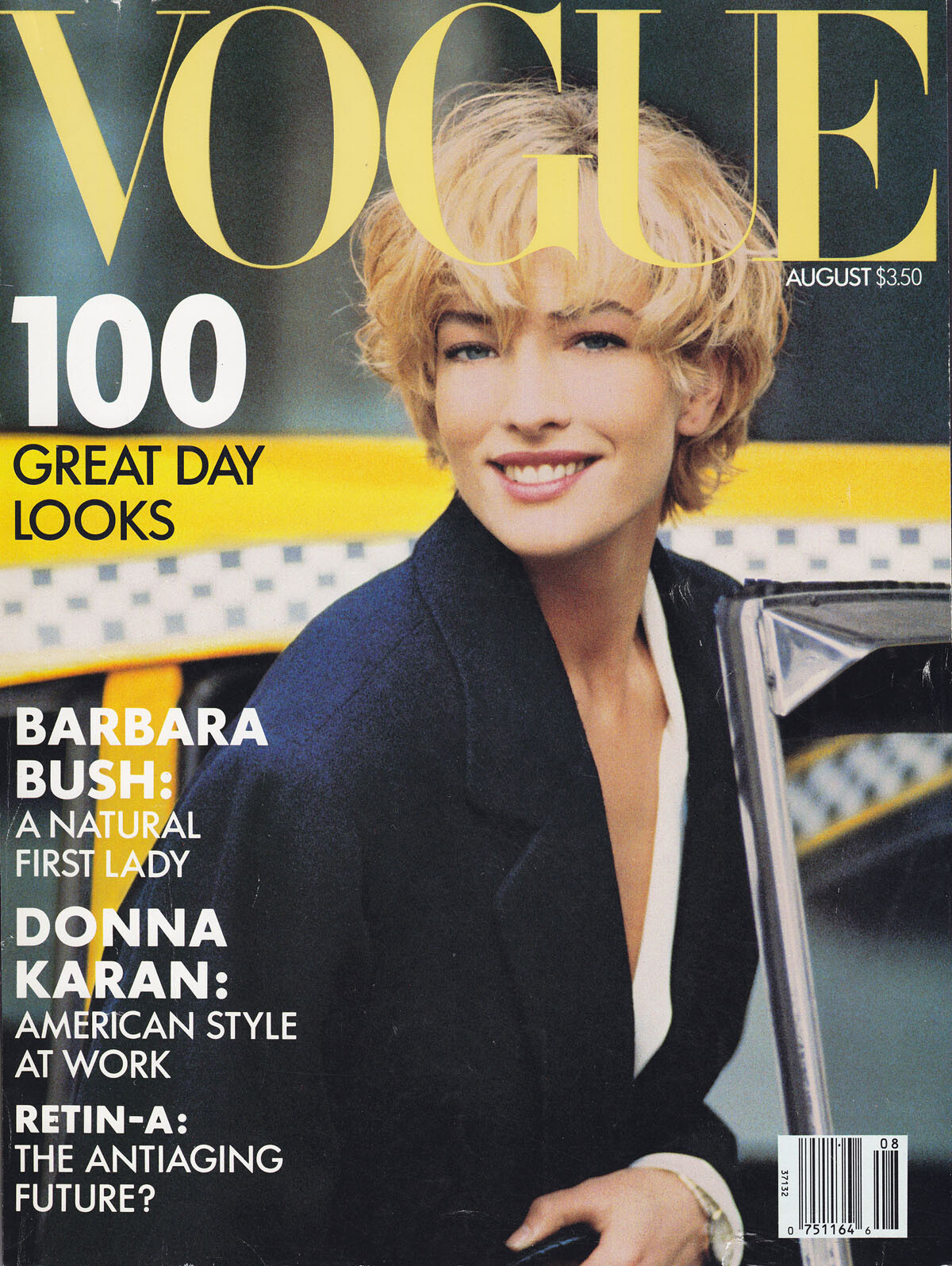
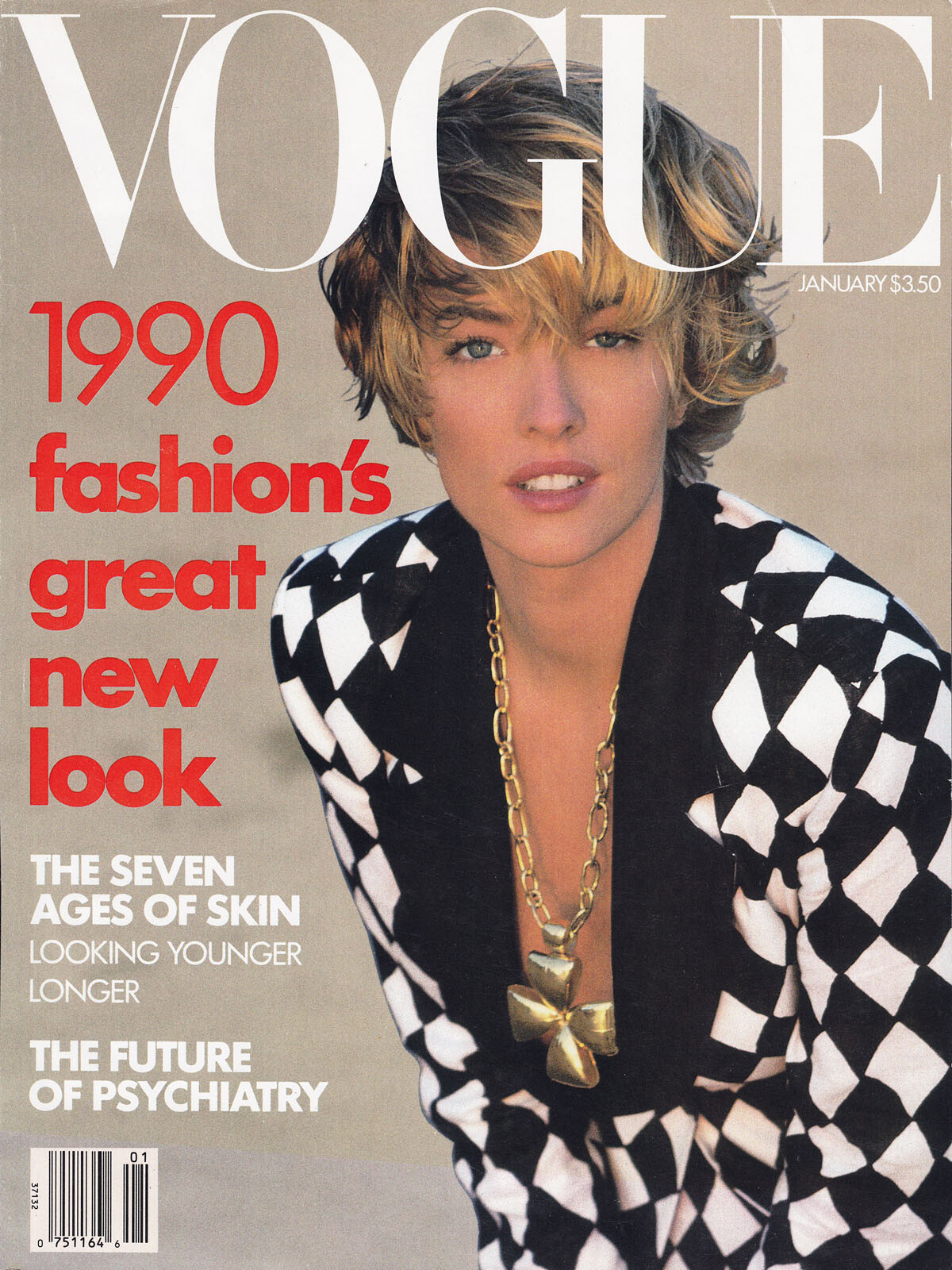
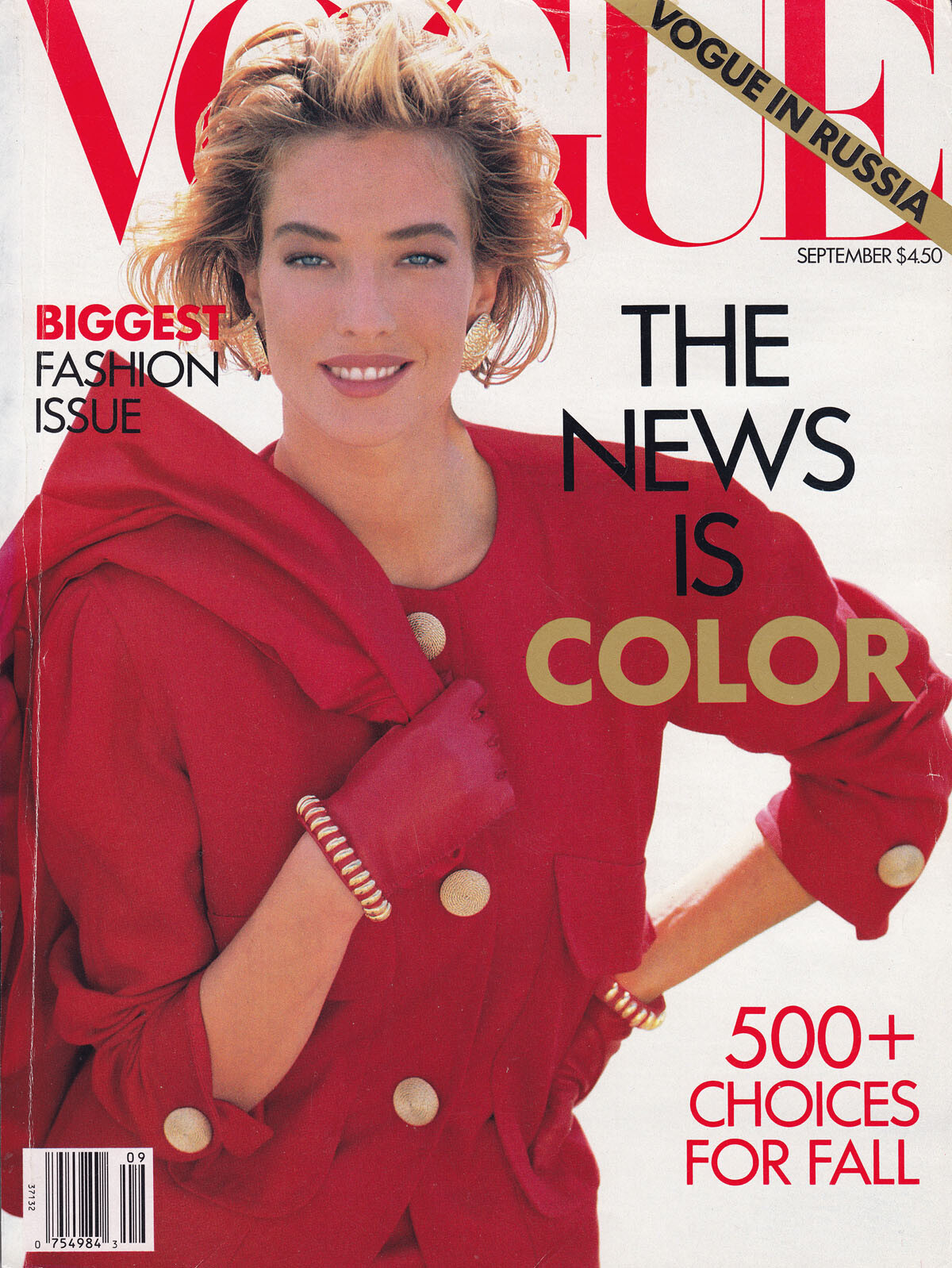
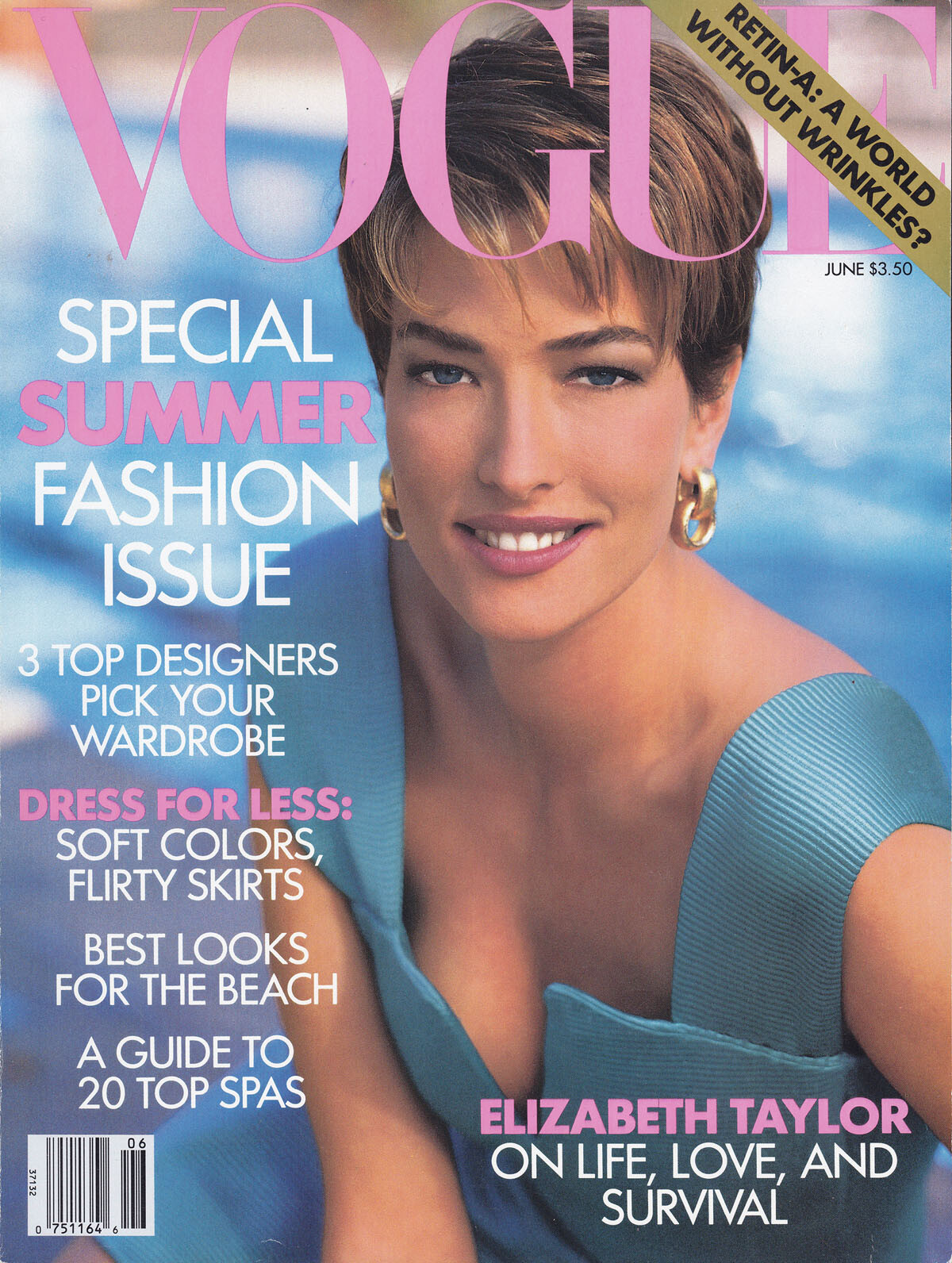
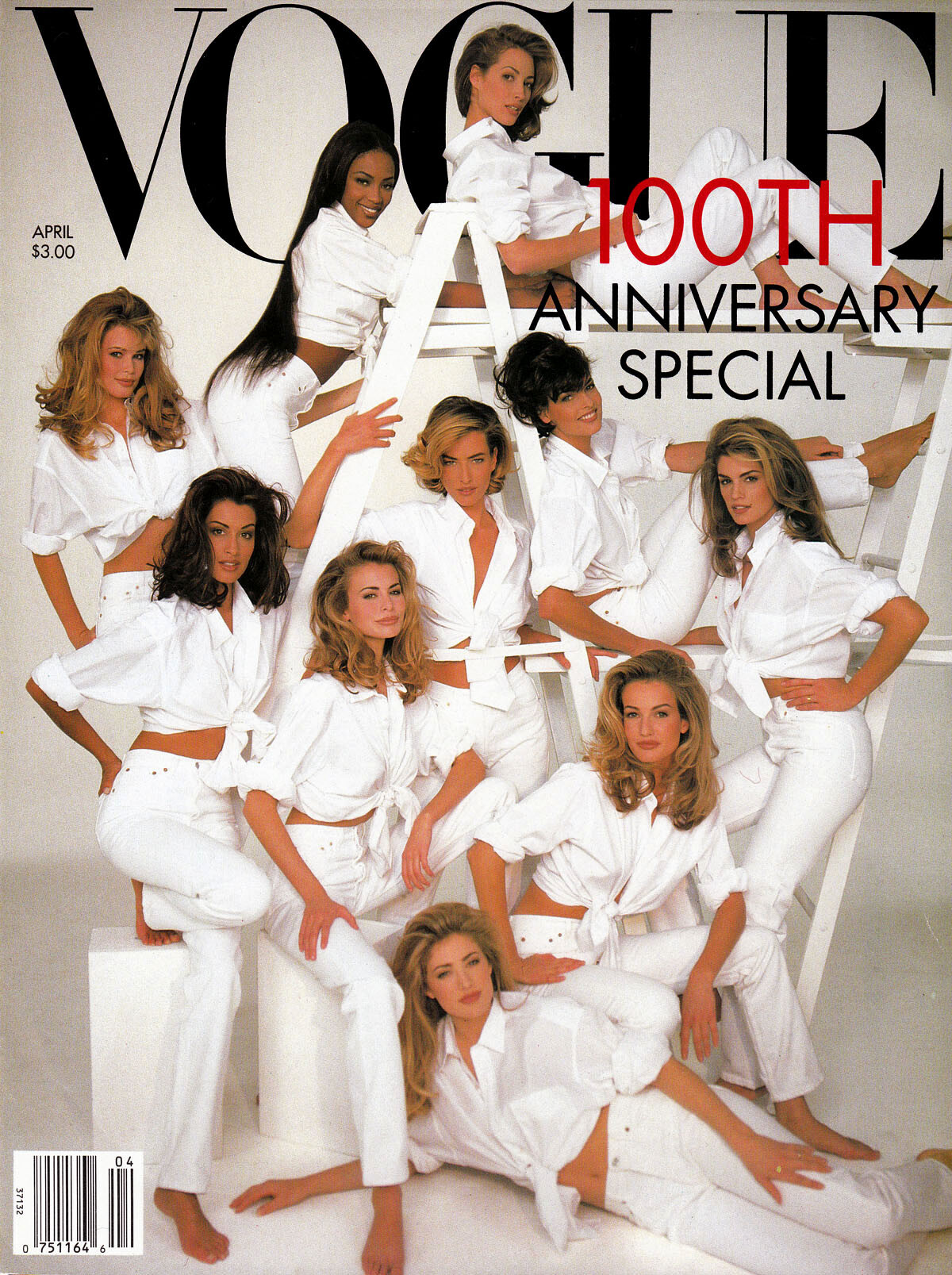
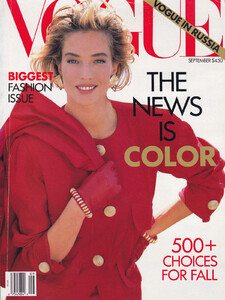
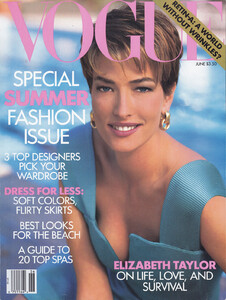
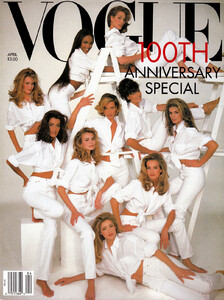
and some covers for US Vogue, scanned by me:
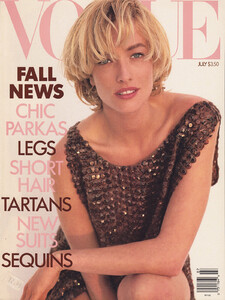
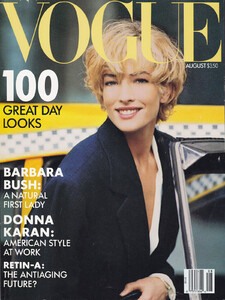

-
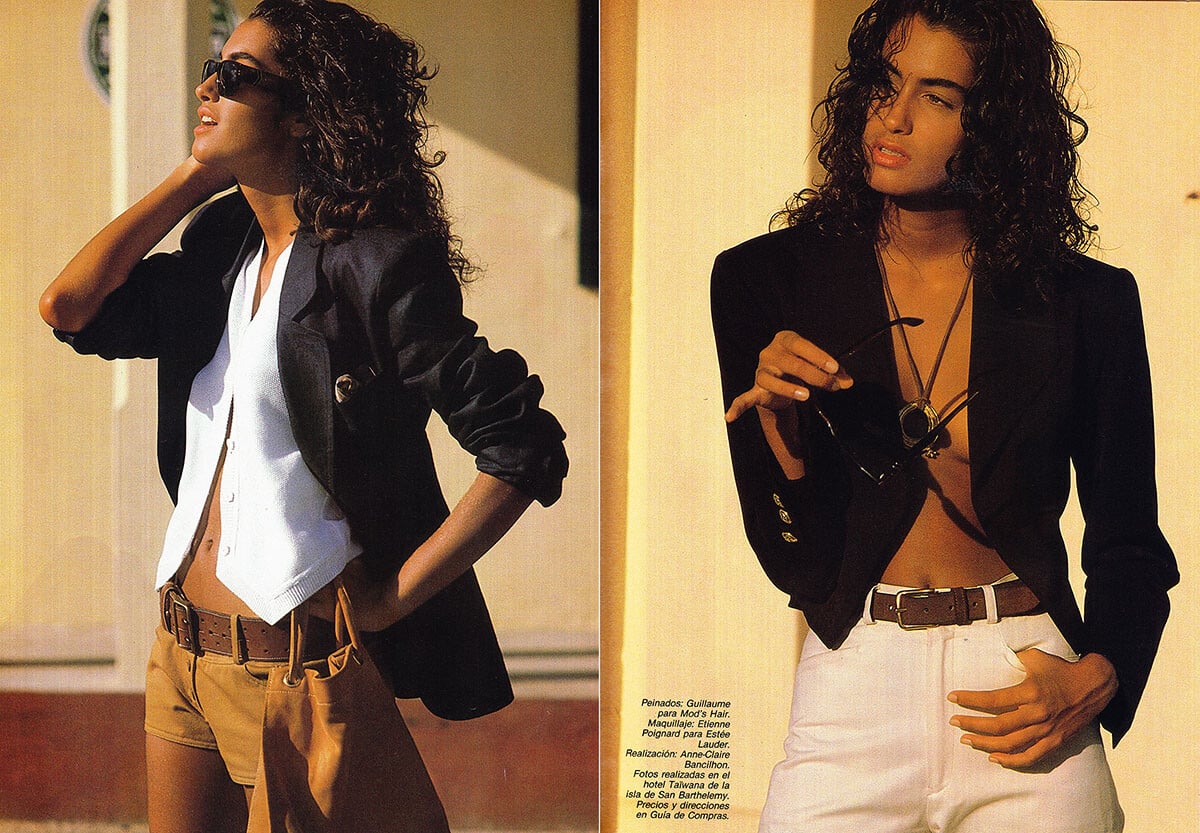
Marie Claire France, January 1990, scanned by me: