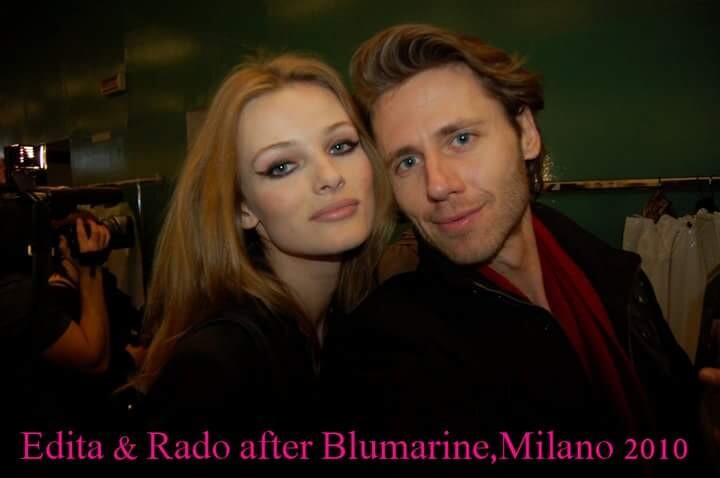
radolgc
Members
-
Joined
-
Last visited
Everything posted by radolgc
-
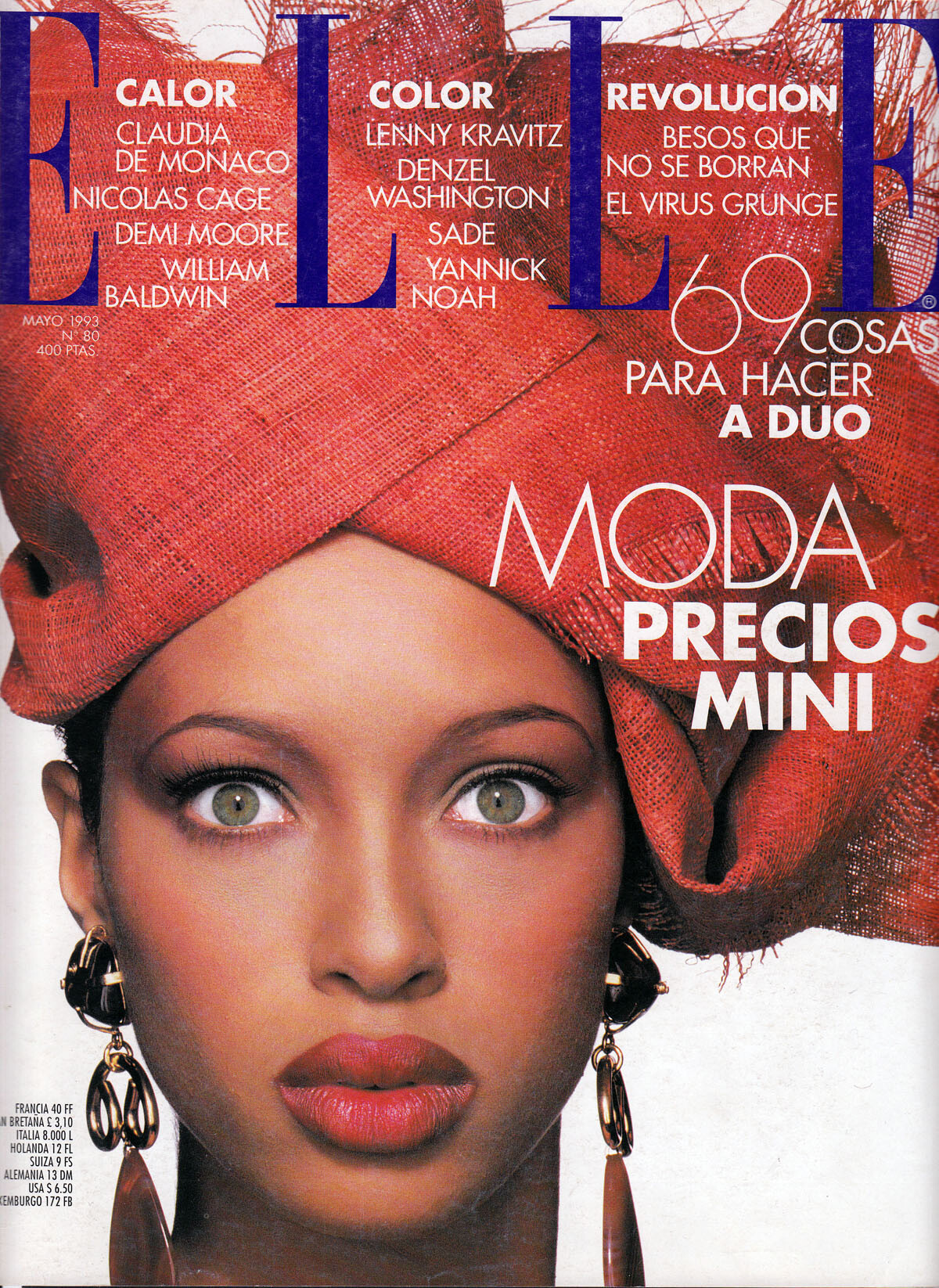
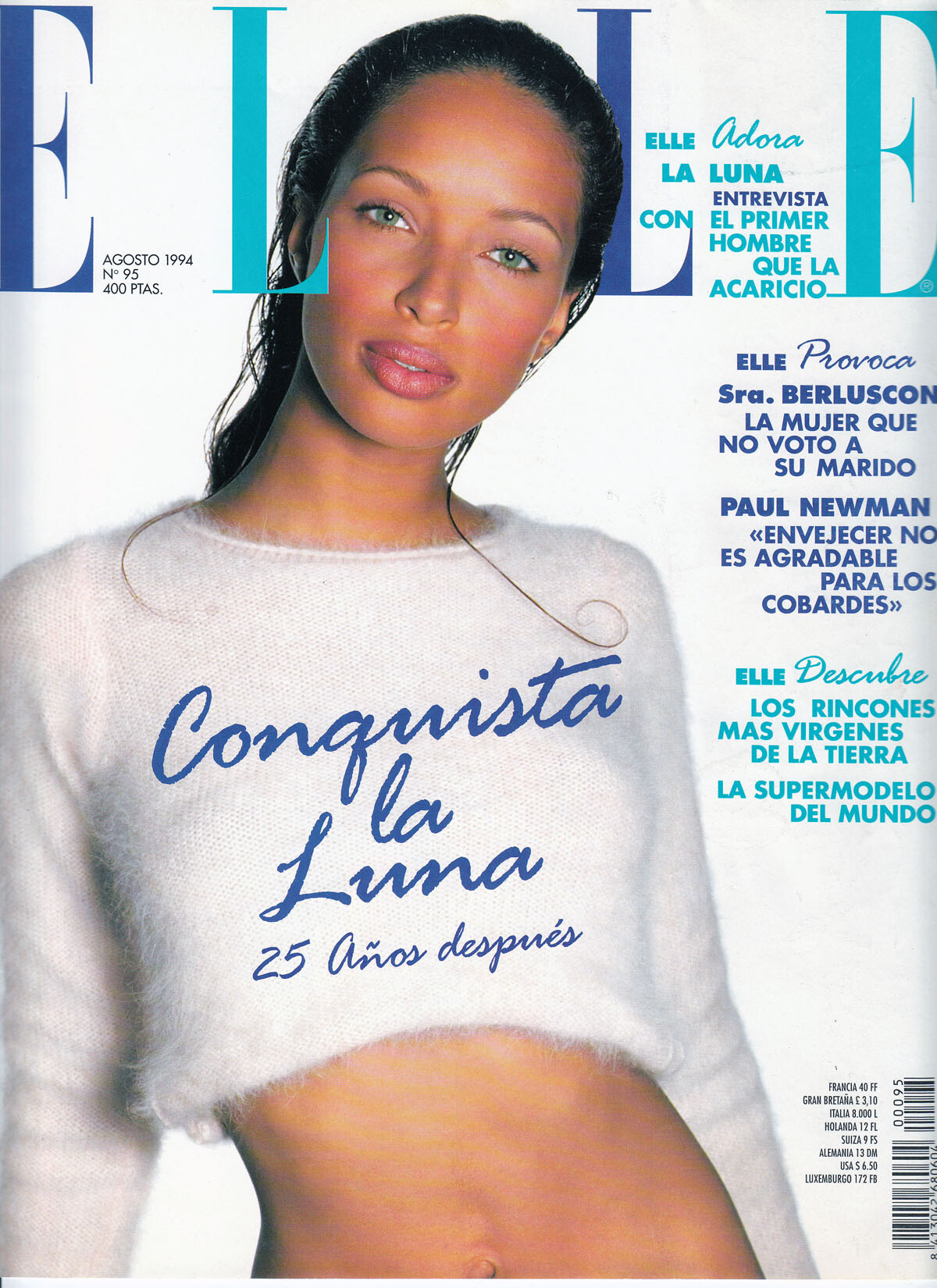
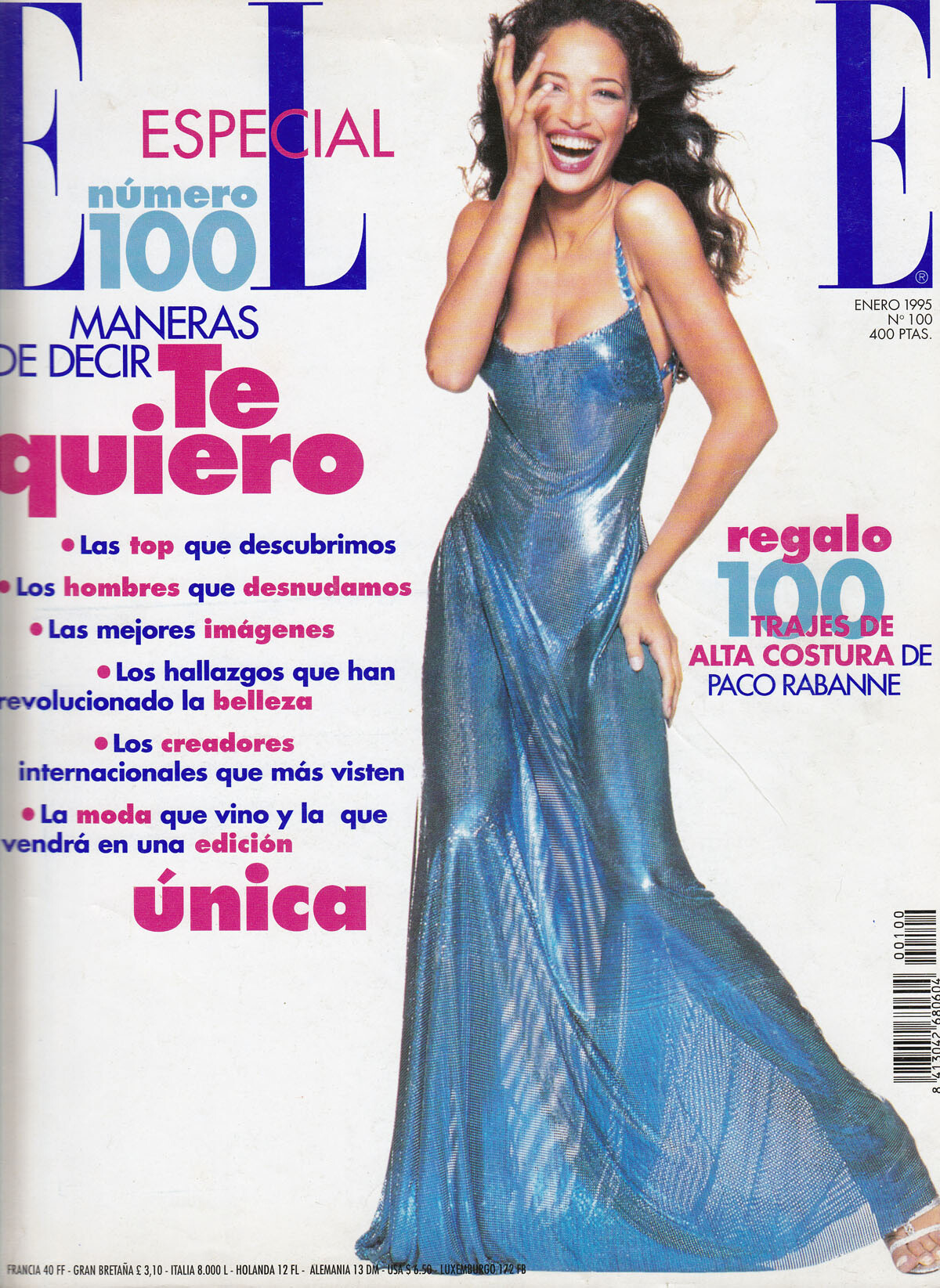
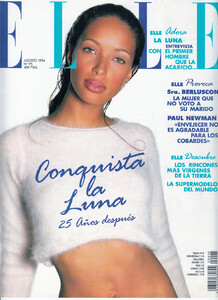
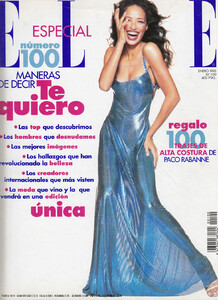
 here are some covers for Elle Spain, my scans: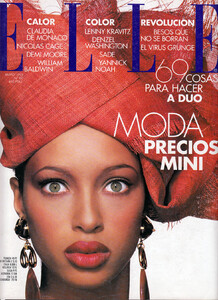
-
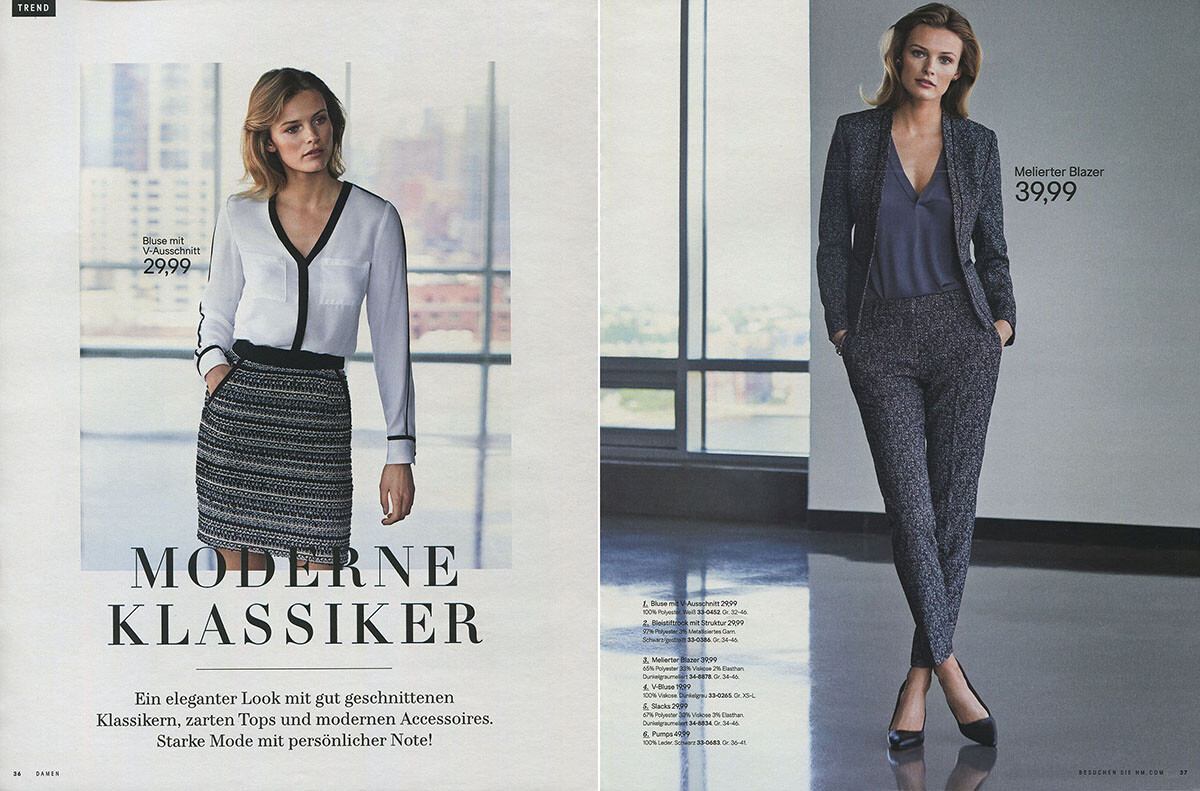
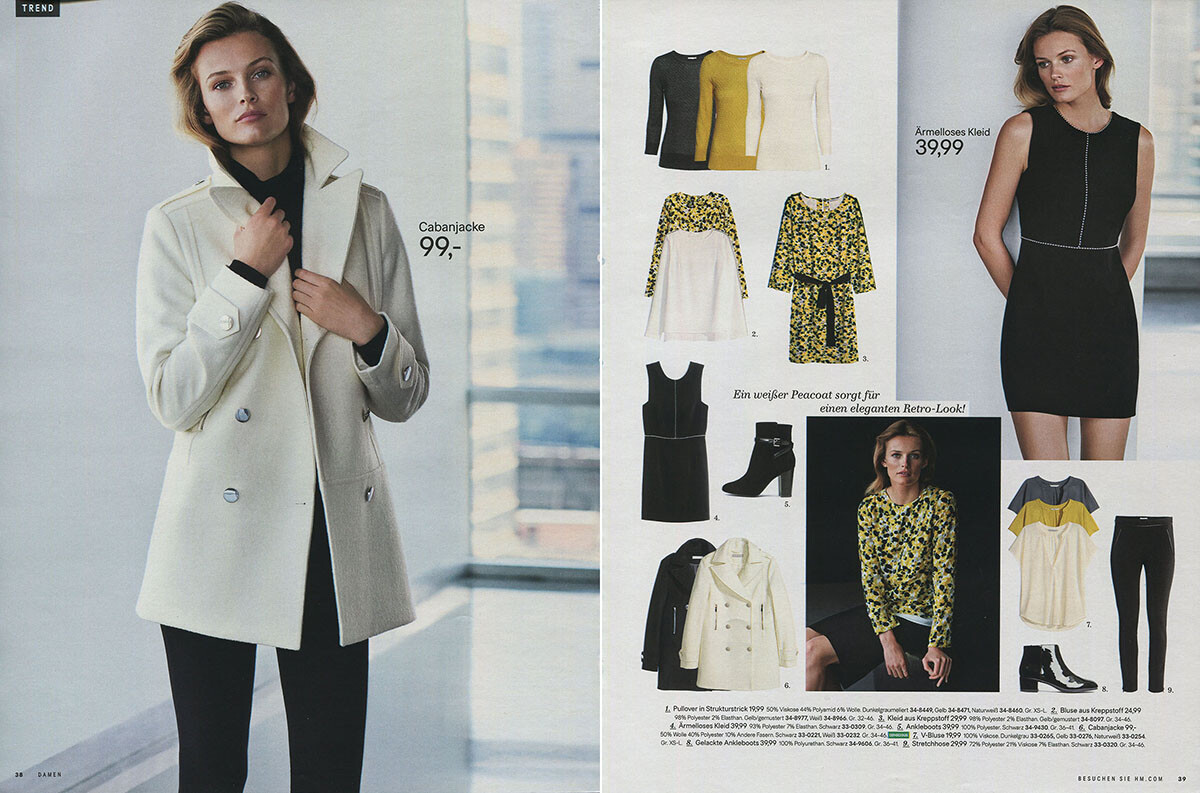
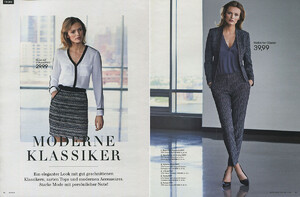
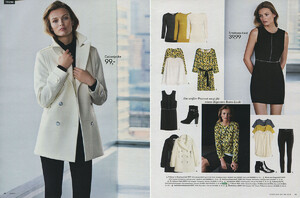
does anyone know the season of these H&M catalog pages? I would appreciate if anyone can tell me the exact date. Scans by me:
-
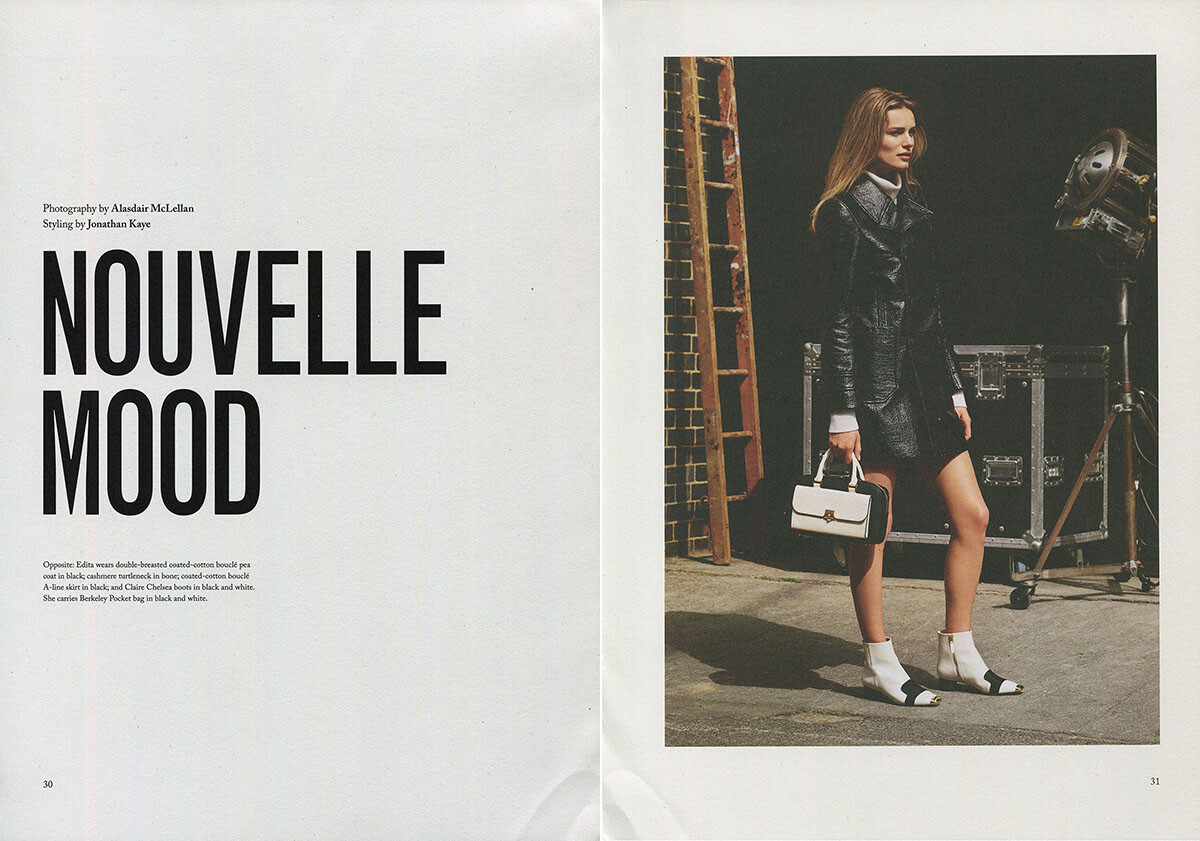
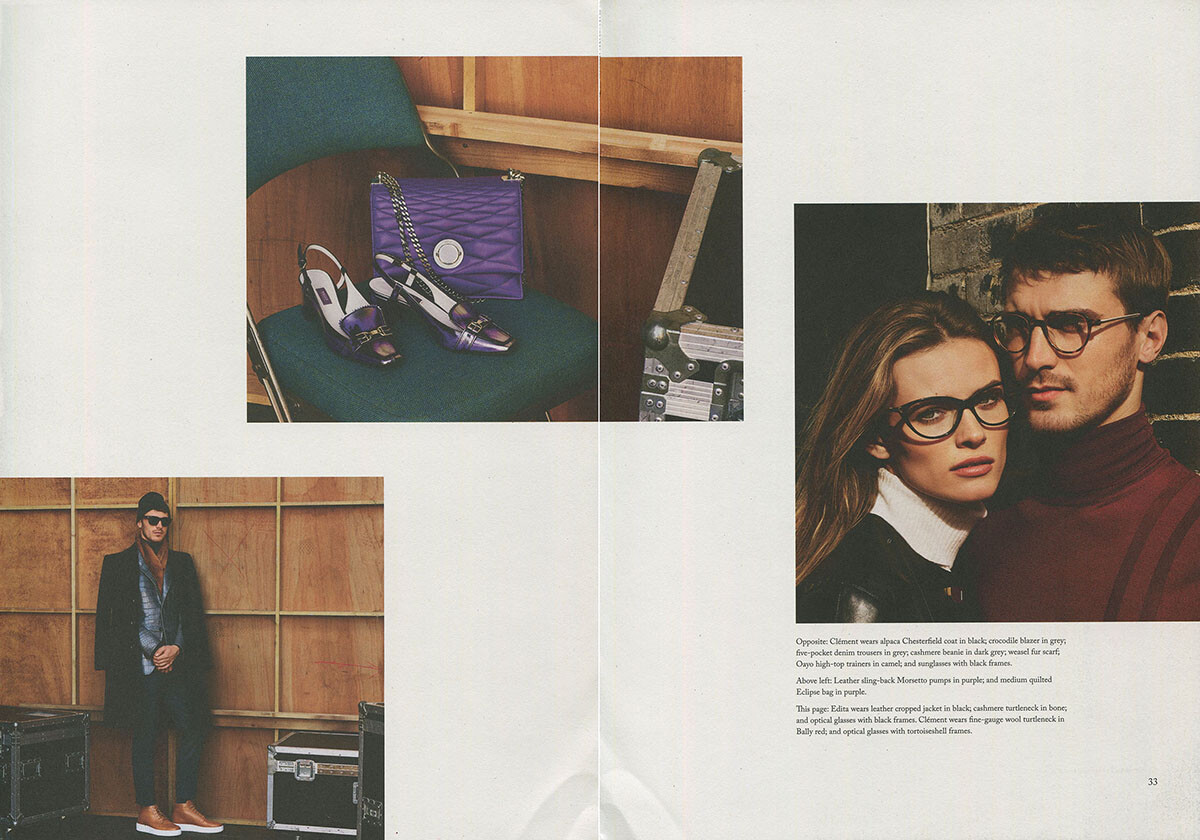
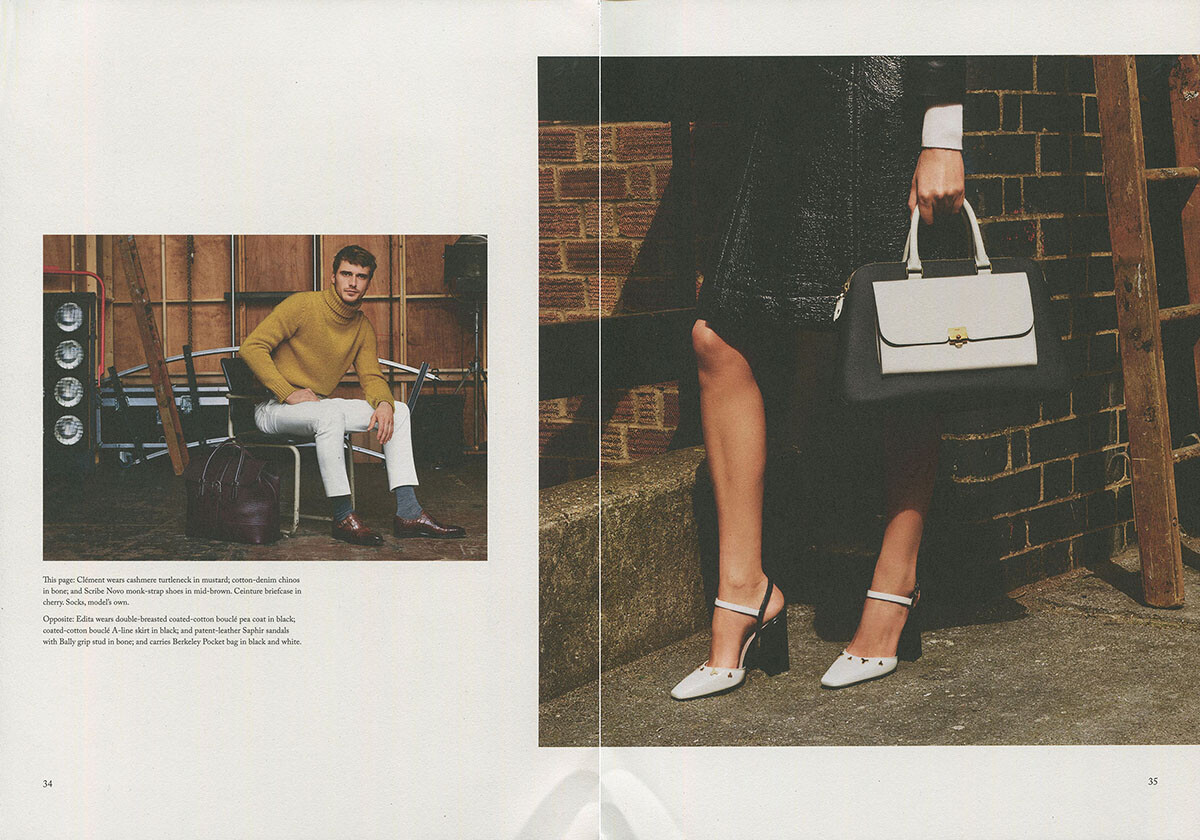
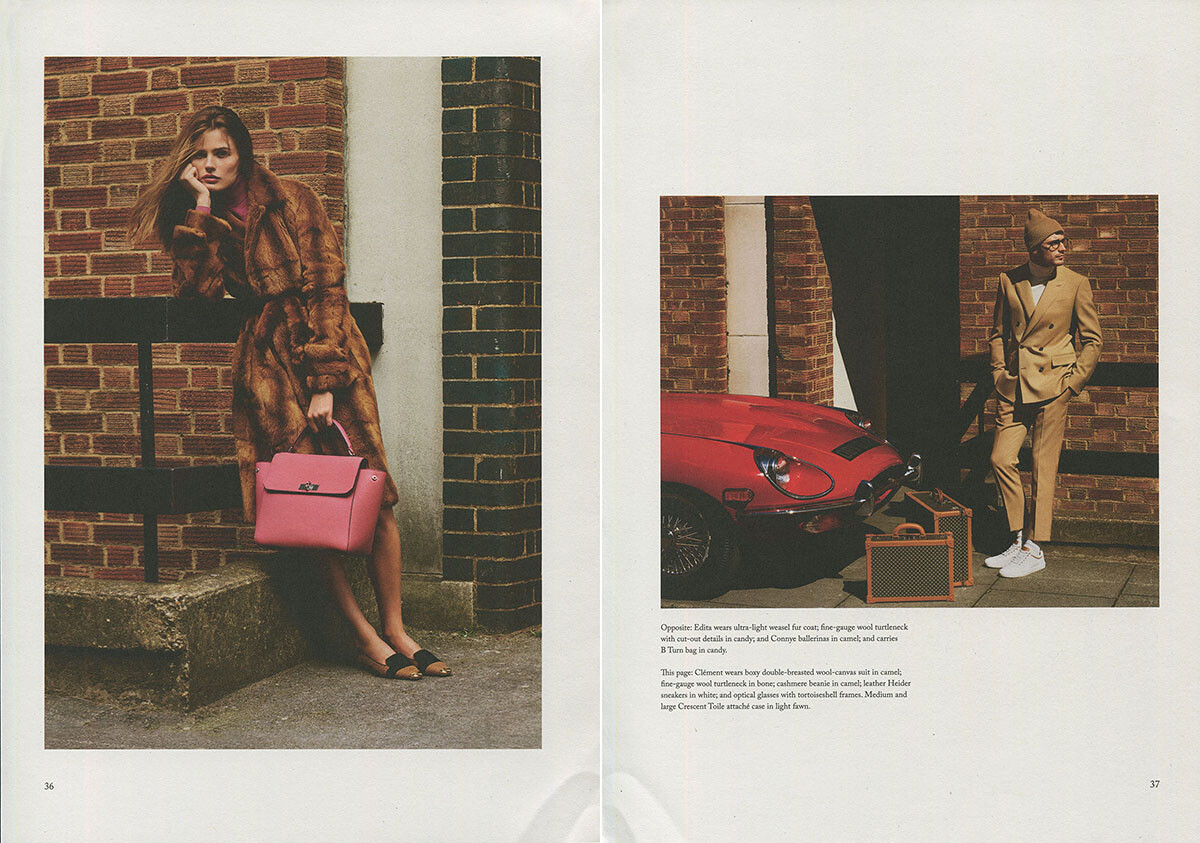
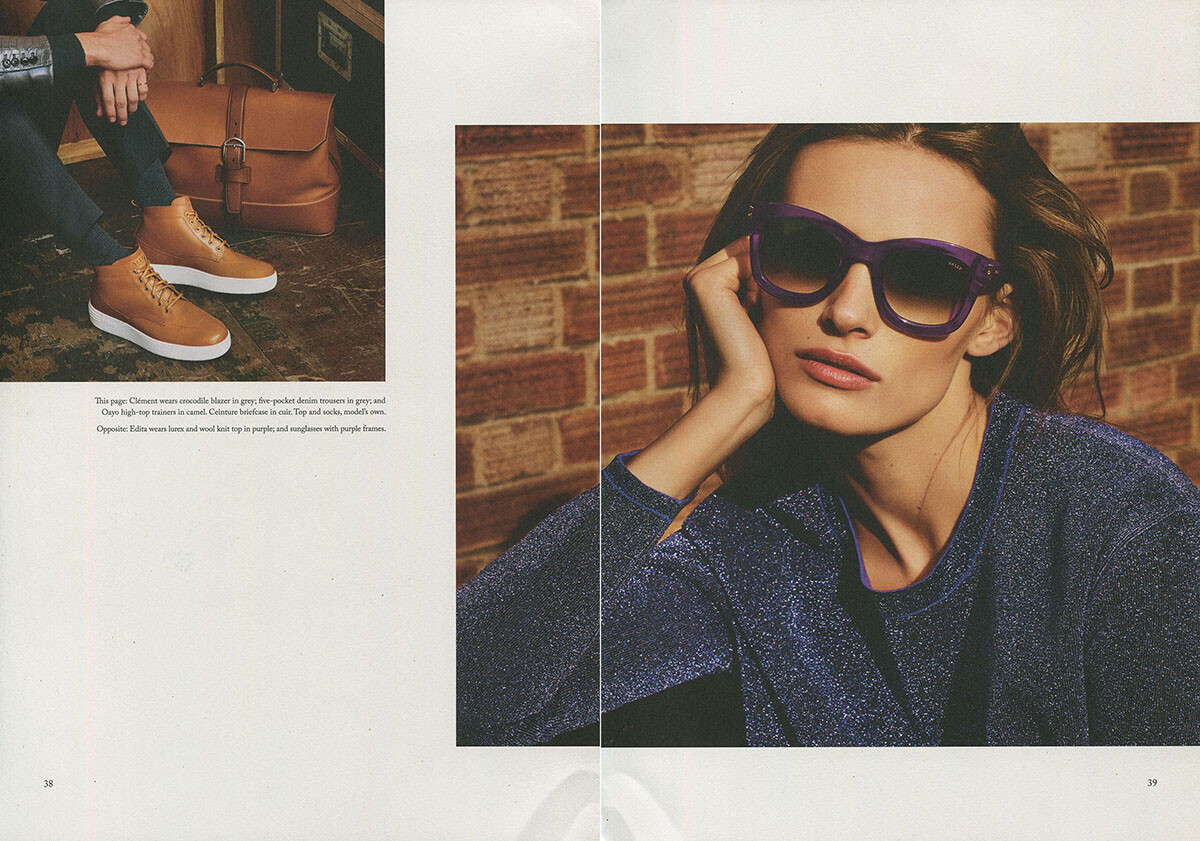
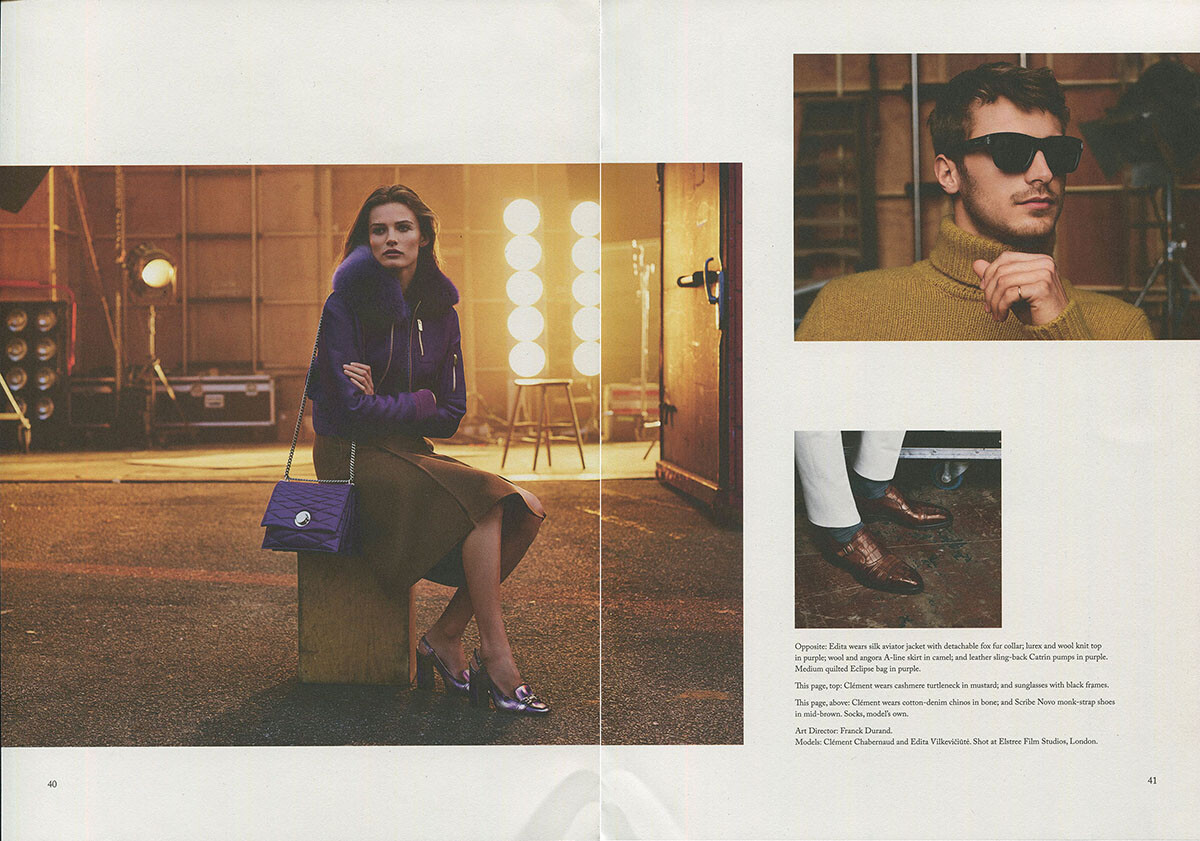
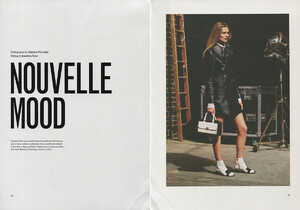
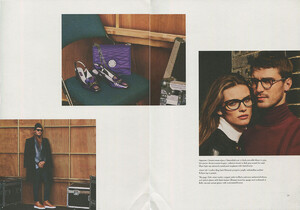
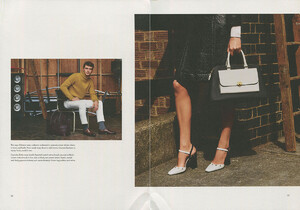
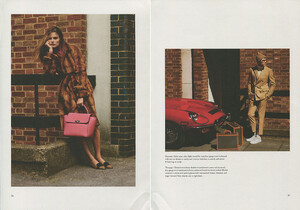
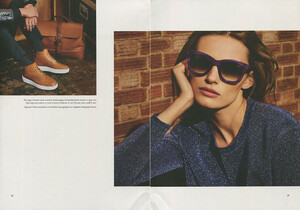
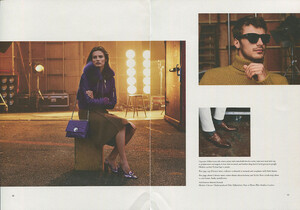
Here is an advertorial from a Bally catalog I got recently, scanned by me:
-
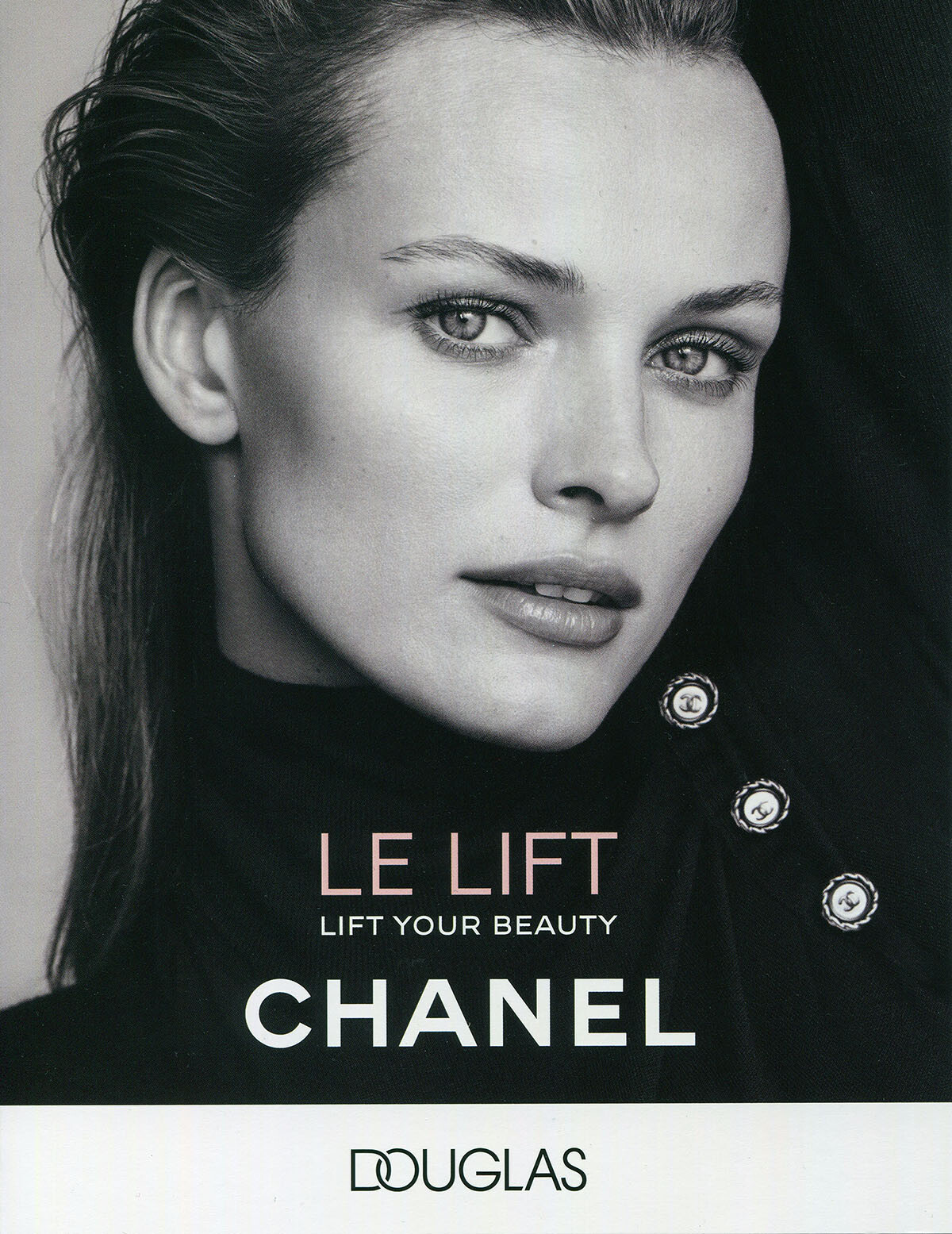
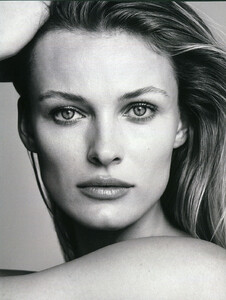
some Chanel ads I found in Germany in February and scanned:

-
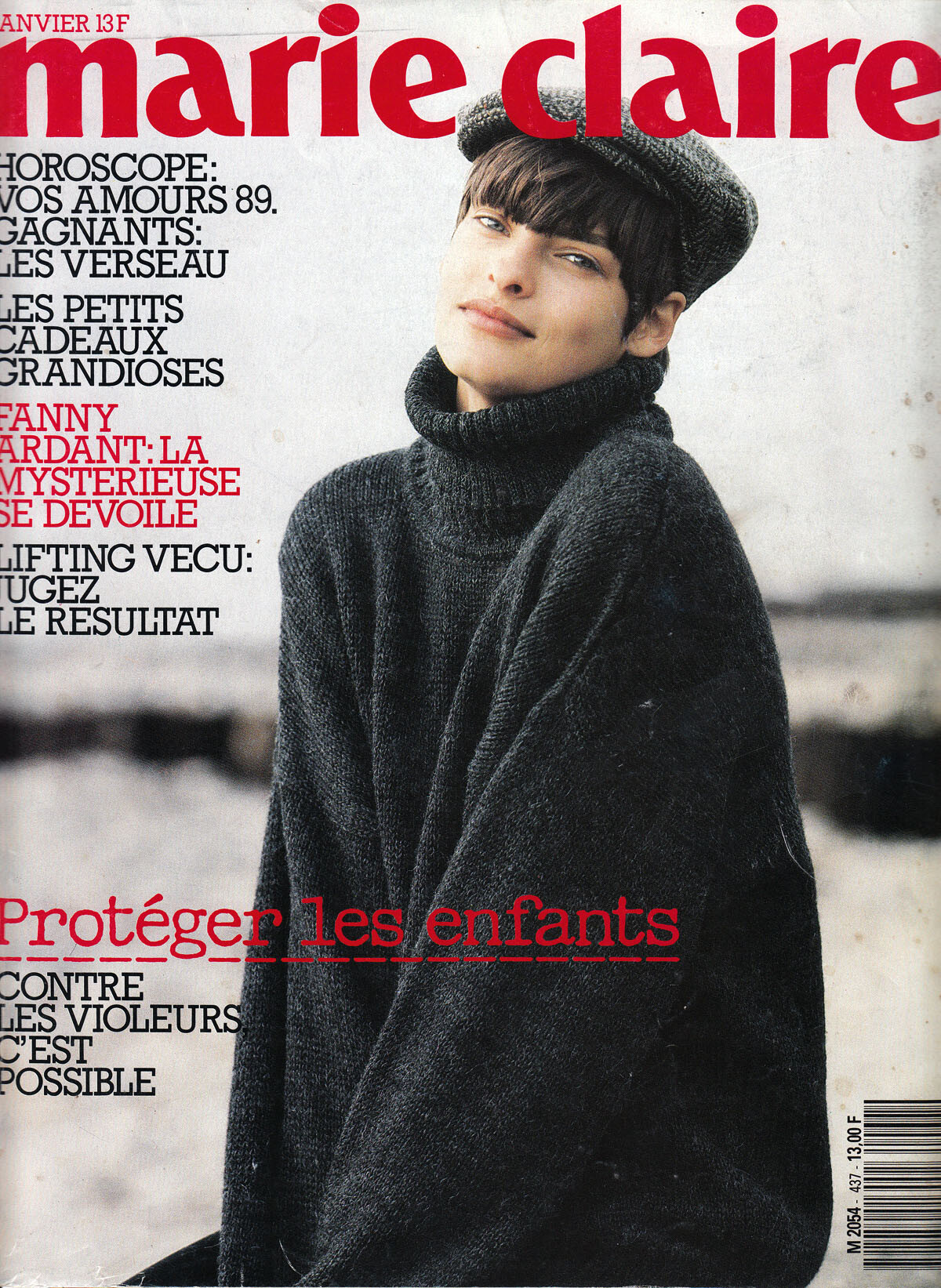
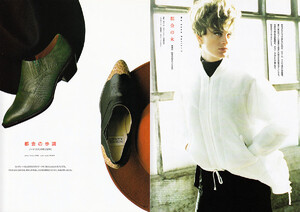
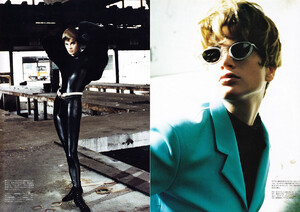
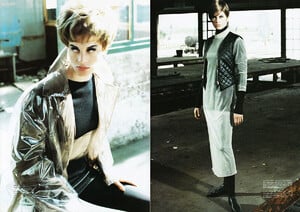
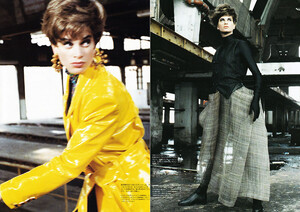
Thank you Fumi!!! I already have this one, here is another one for Marie Claire Japan 10/1990, scanned by me:
-
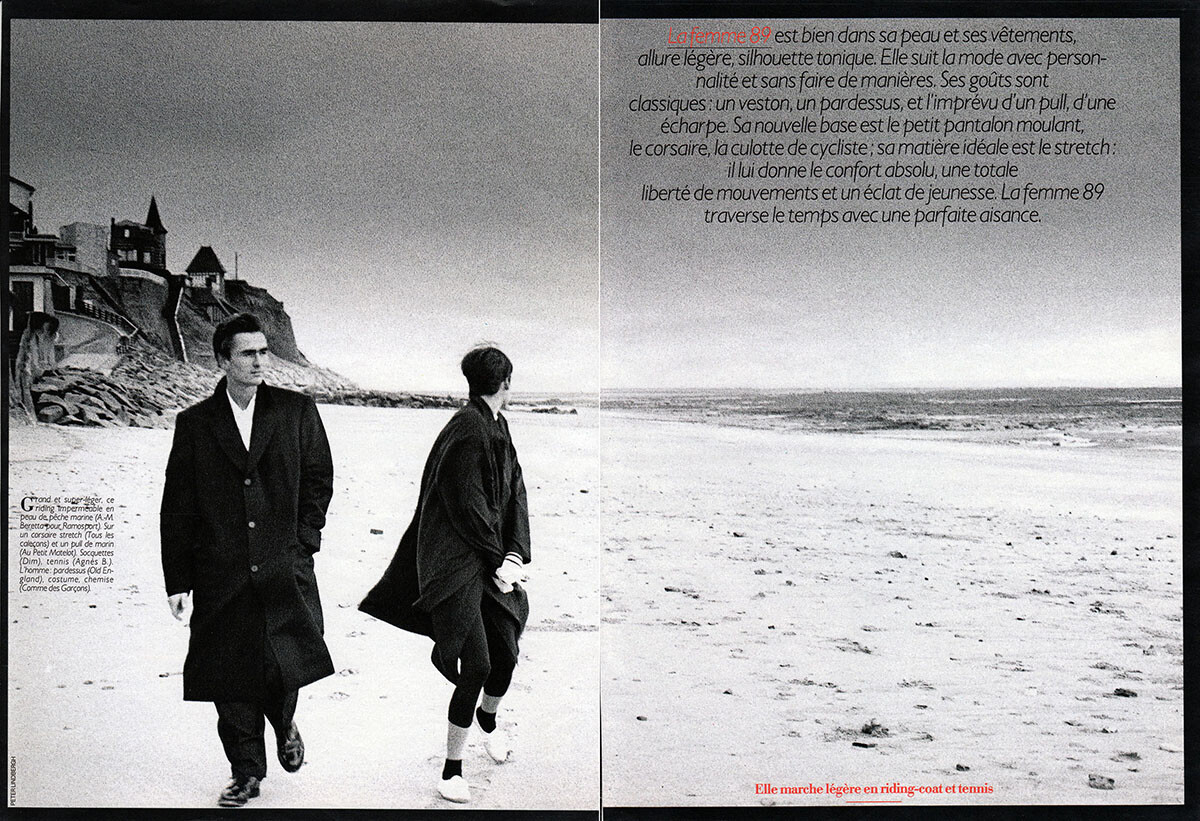
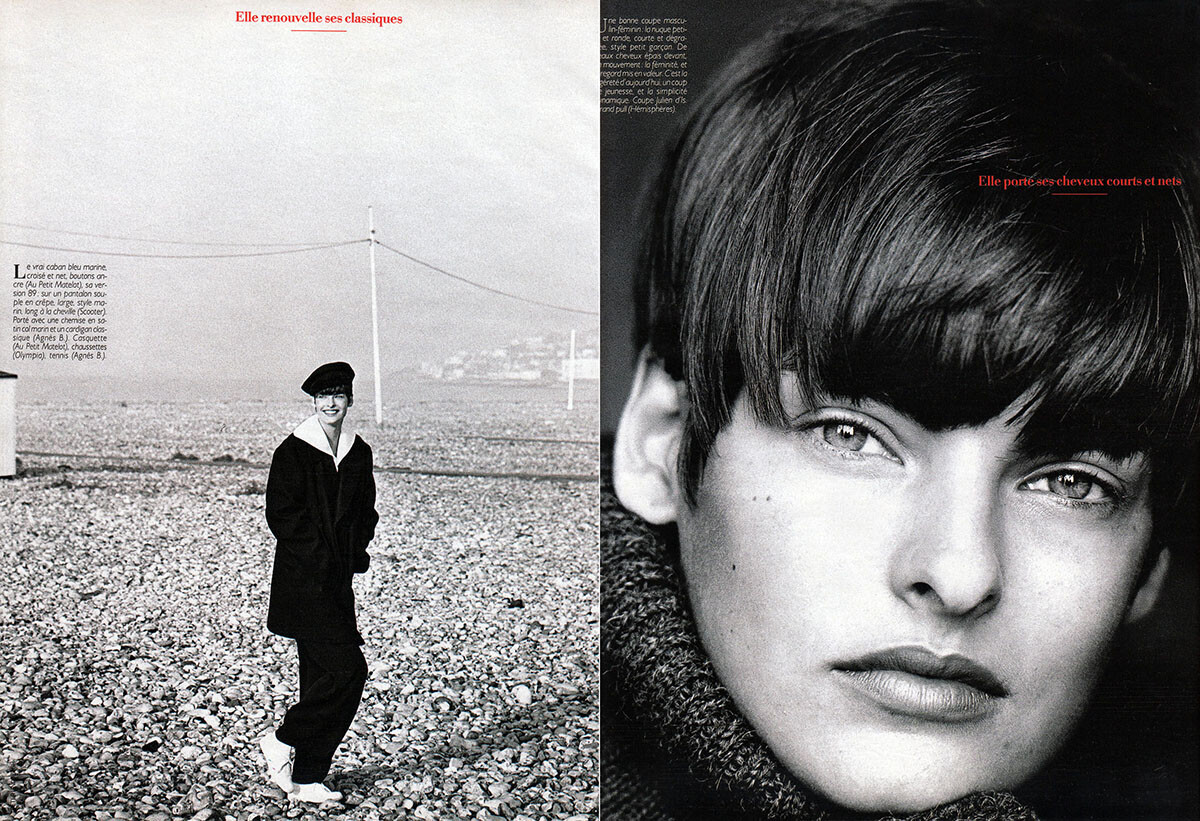
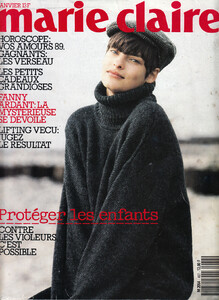
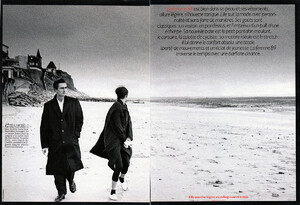
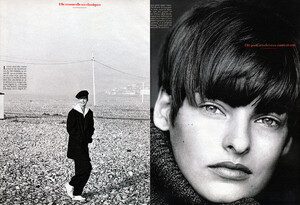
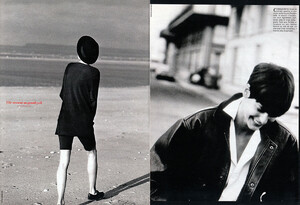
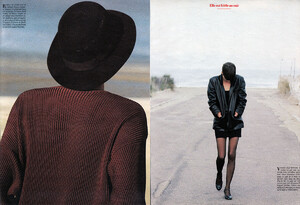
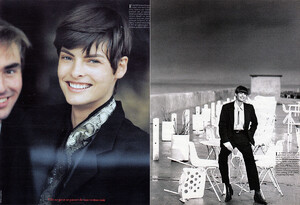
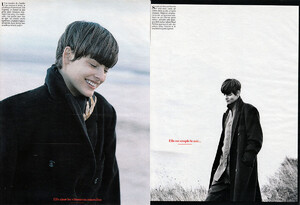
Thank you so much for scanning the japanease edition of Marie Claire...here is the full French version of it, too:
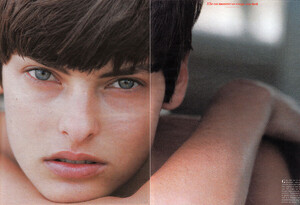
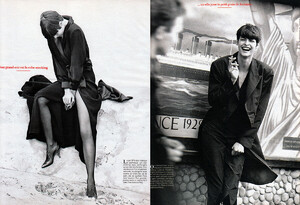
-
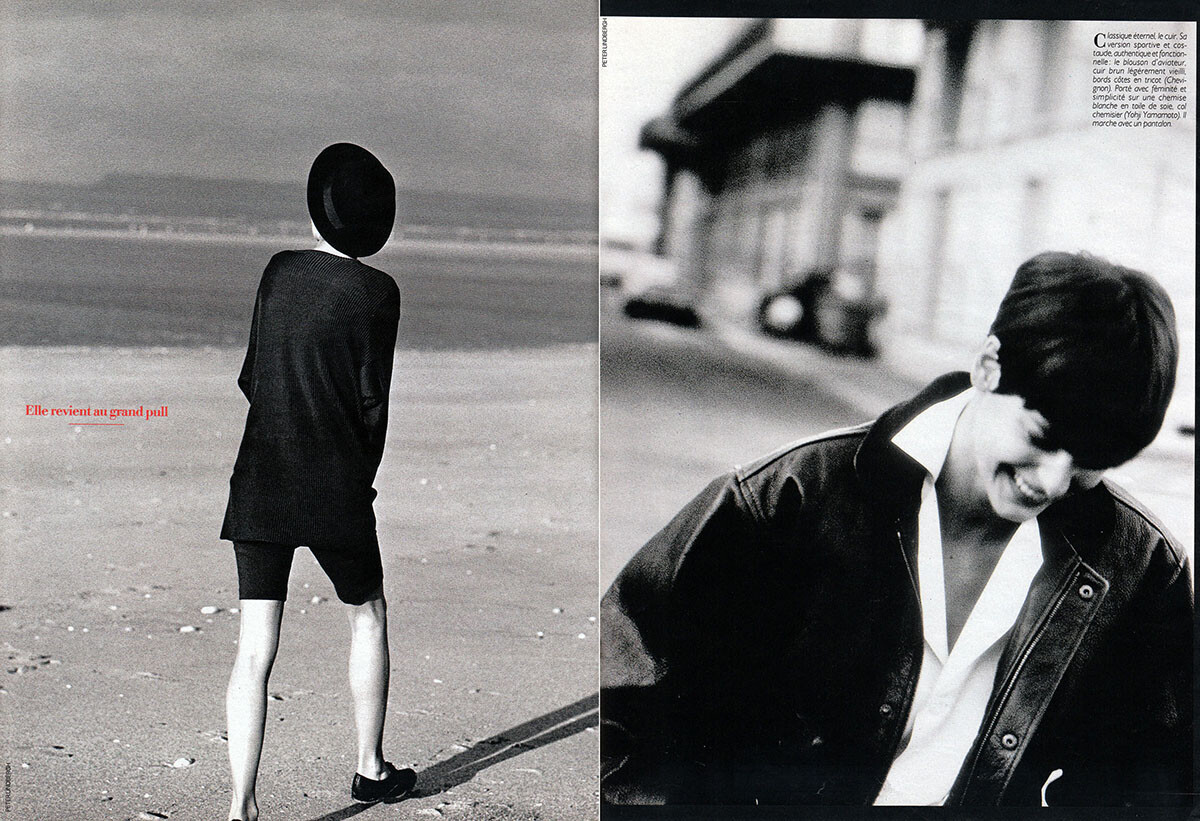
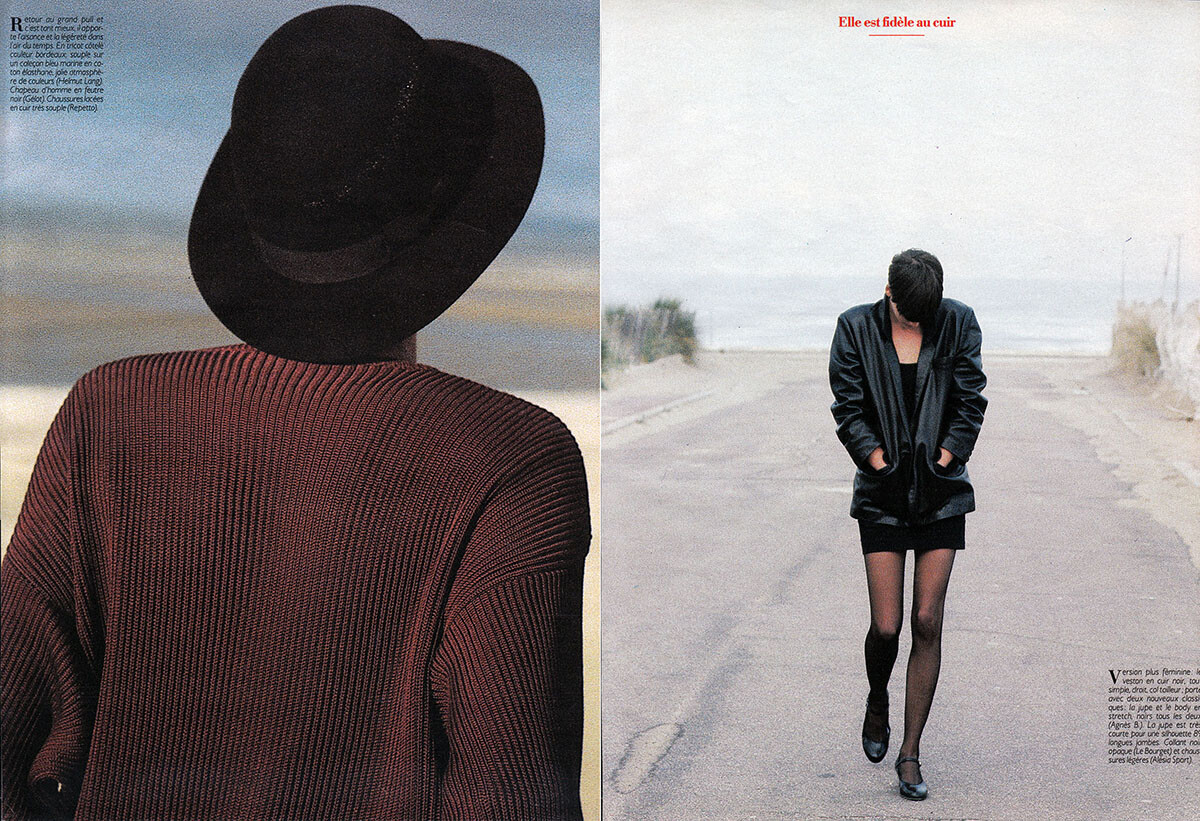
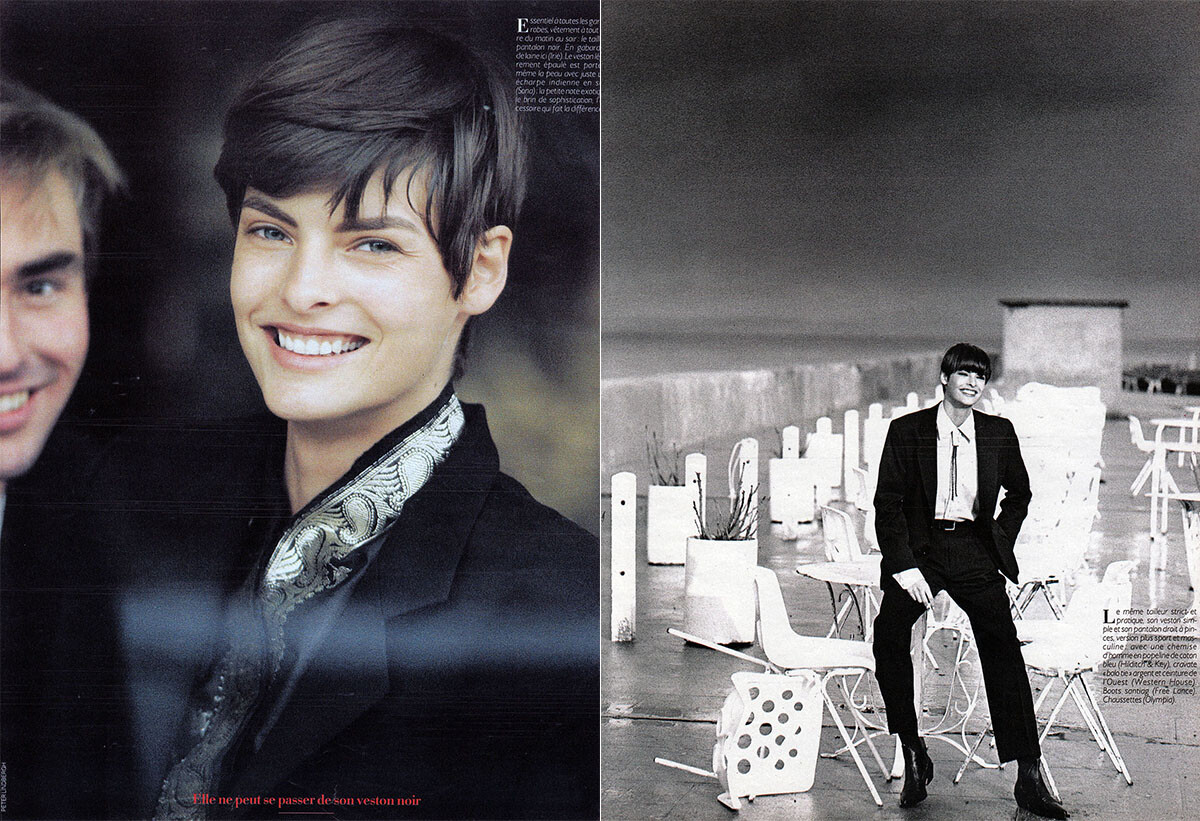
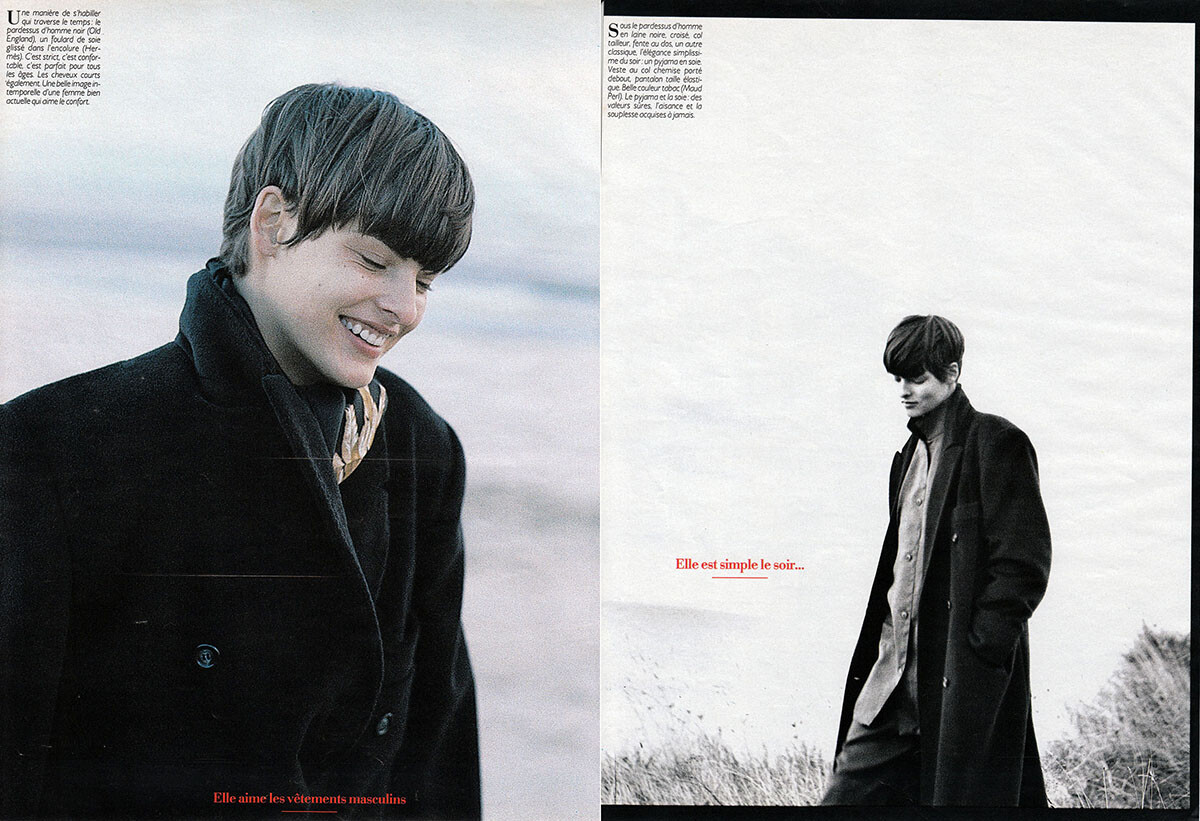
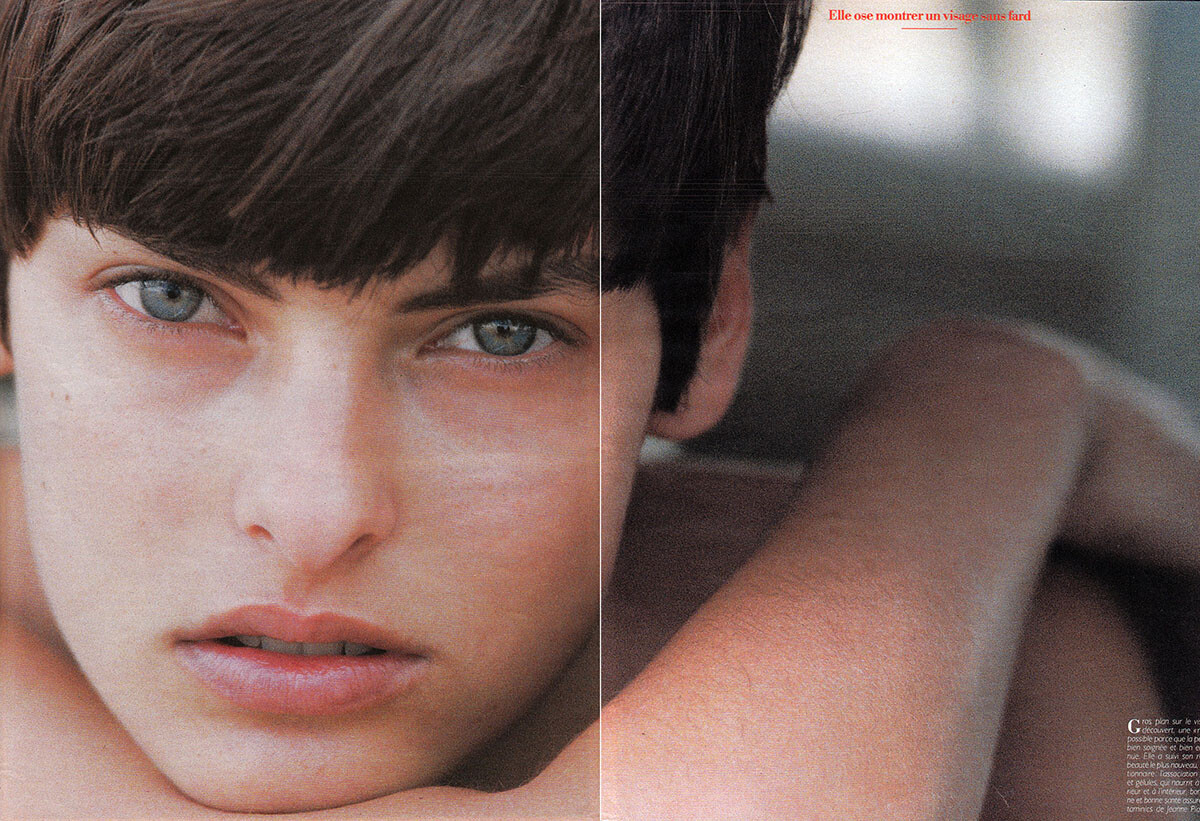
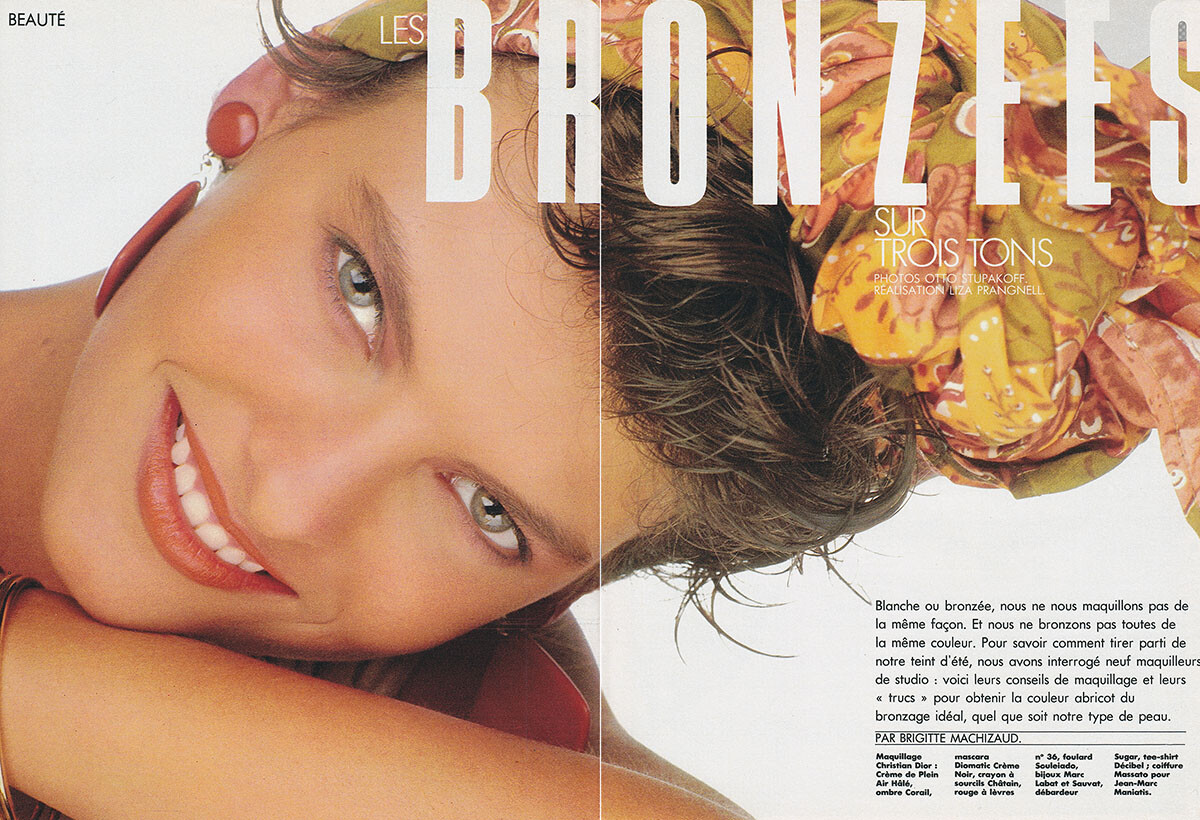
Here is an oldie from June 1985, Madame Figaro France, scanned by me:
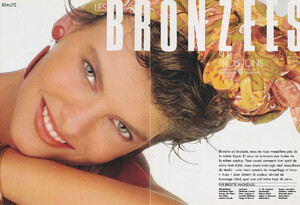
-
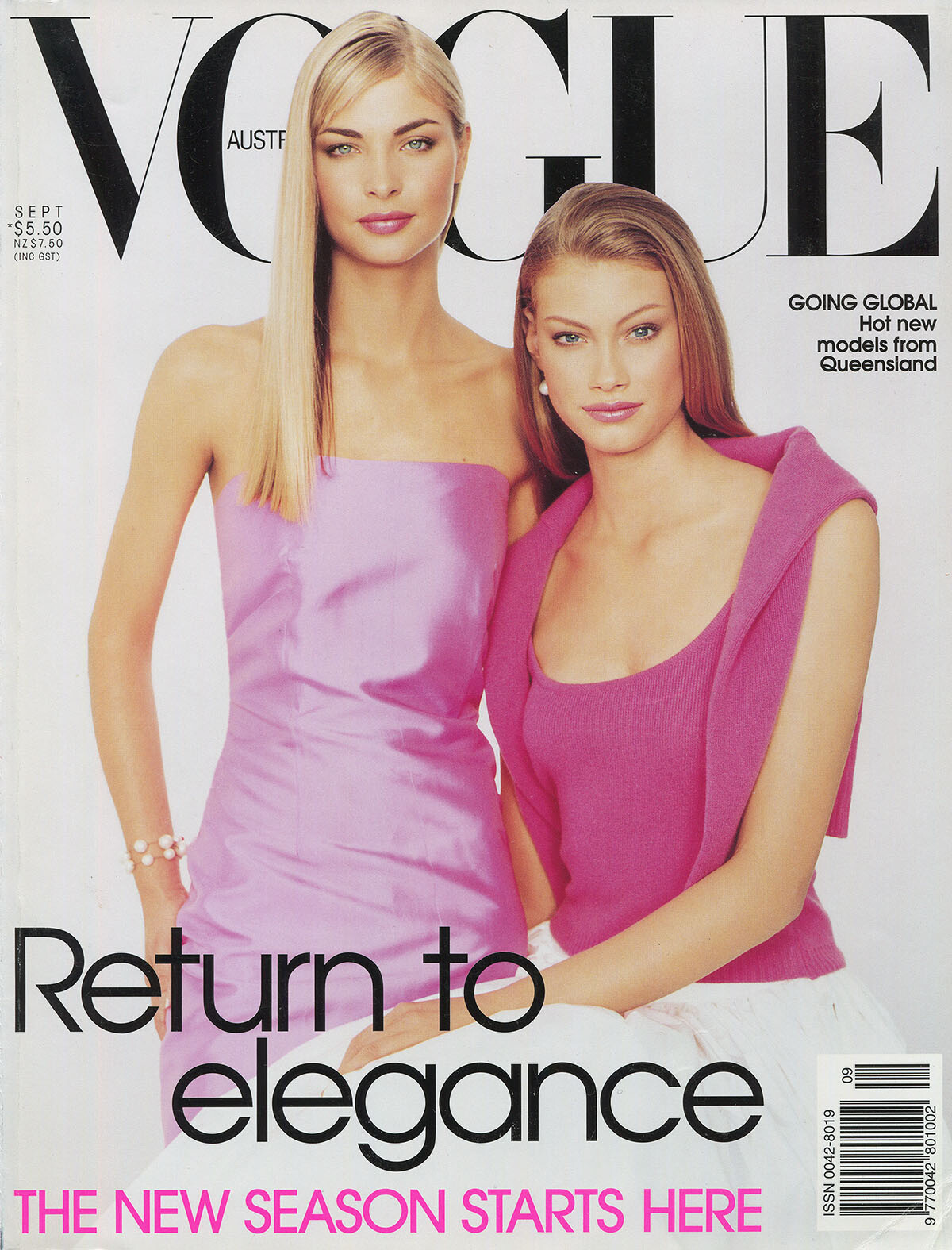
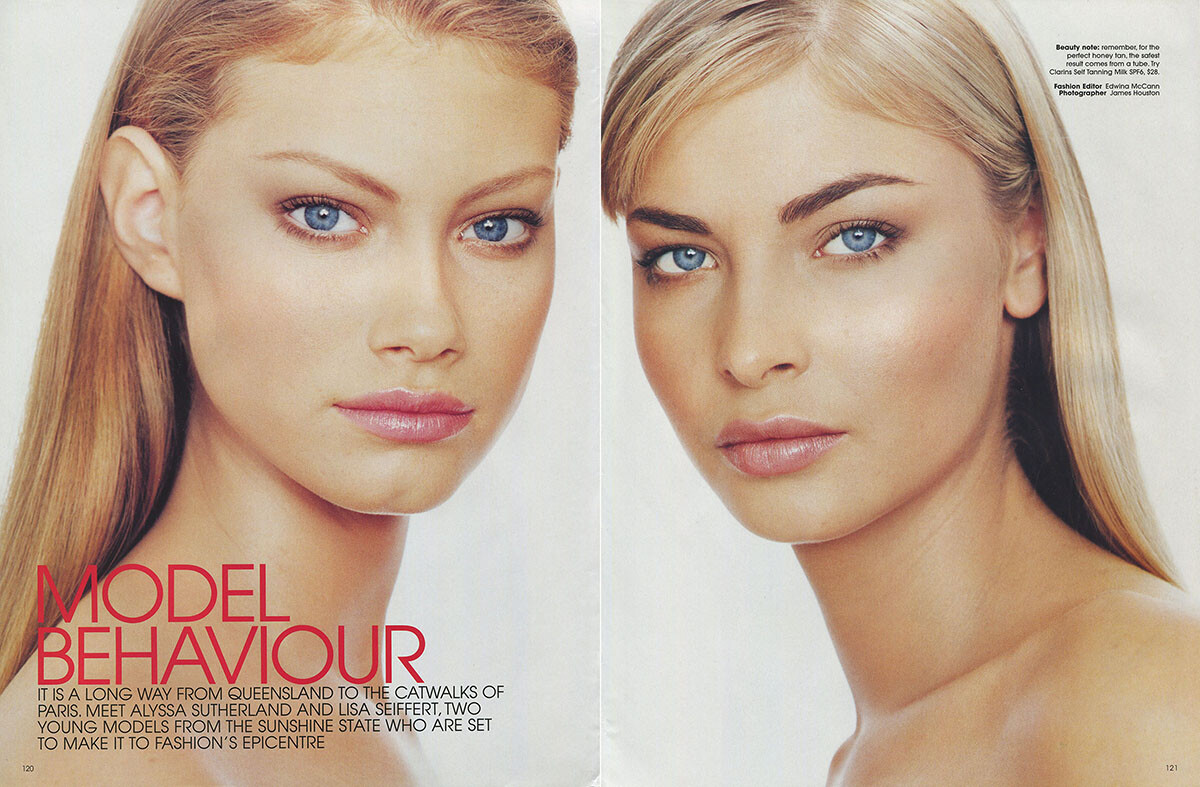
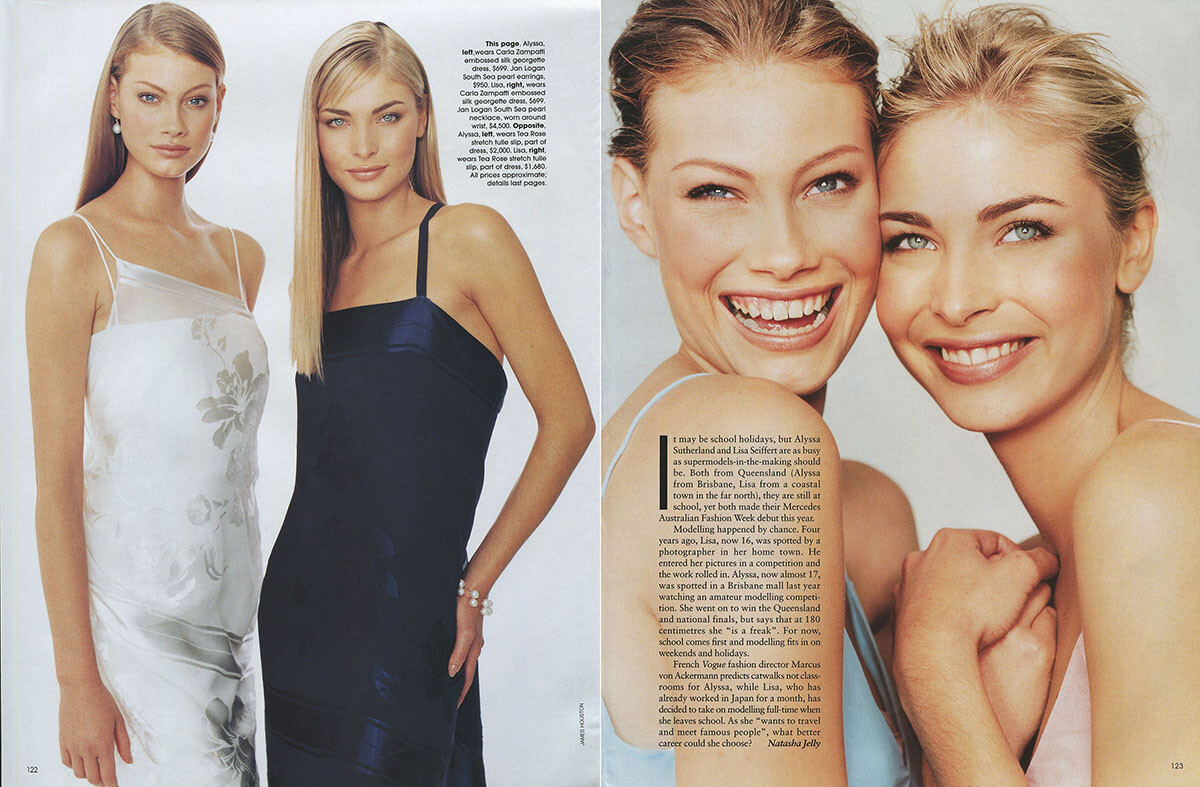
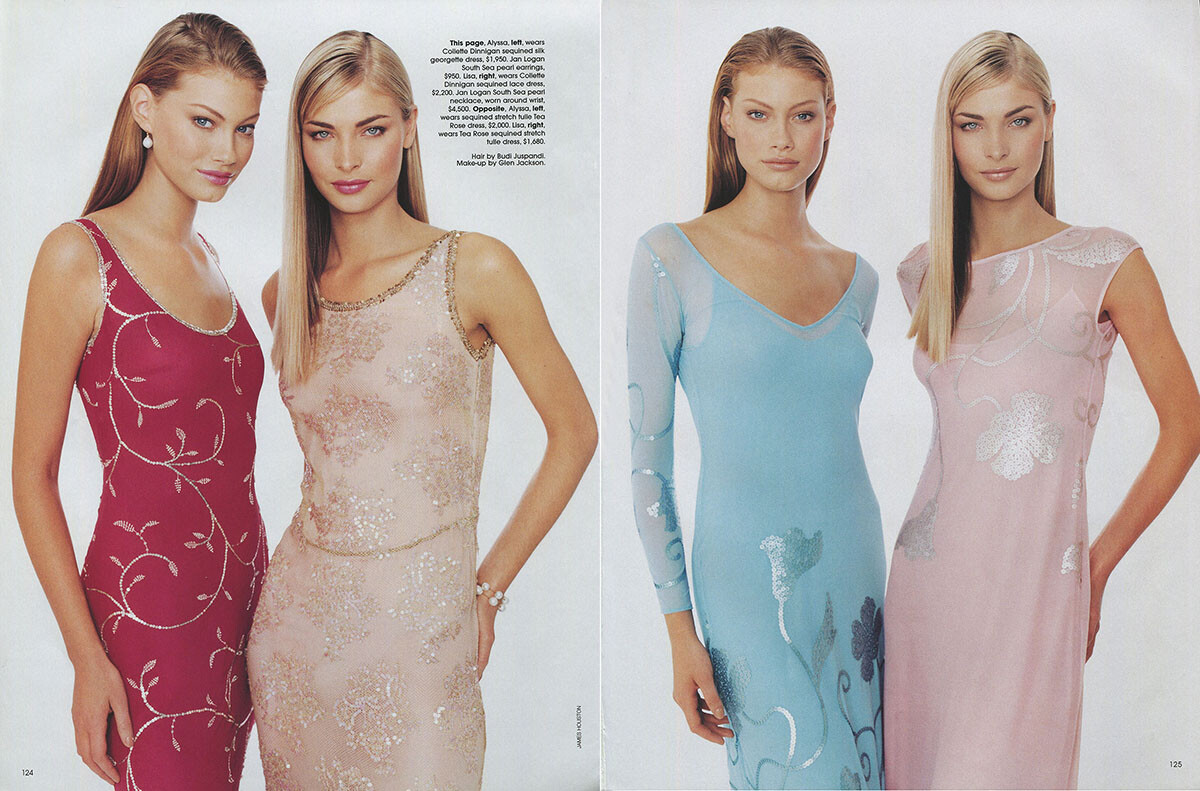
and the cover of Vogue Australia, 9/1998, scanned by me:
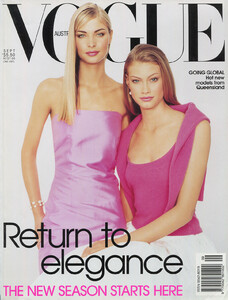
-
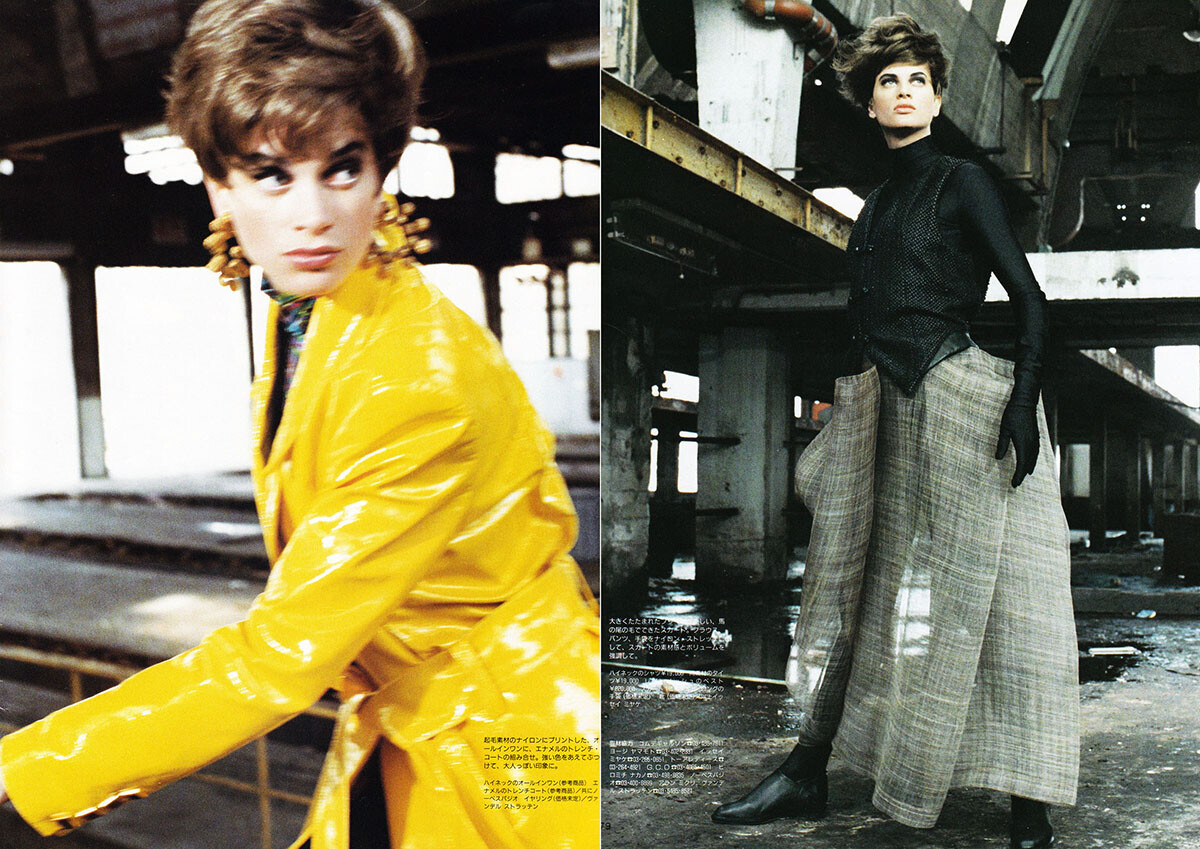
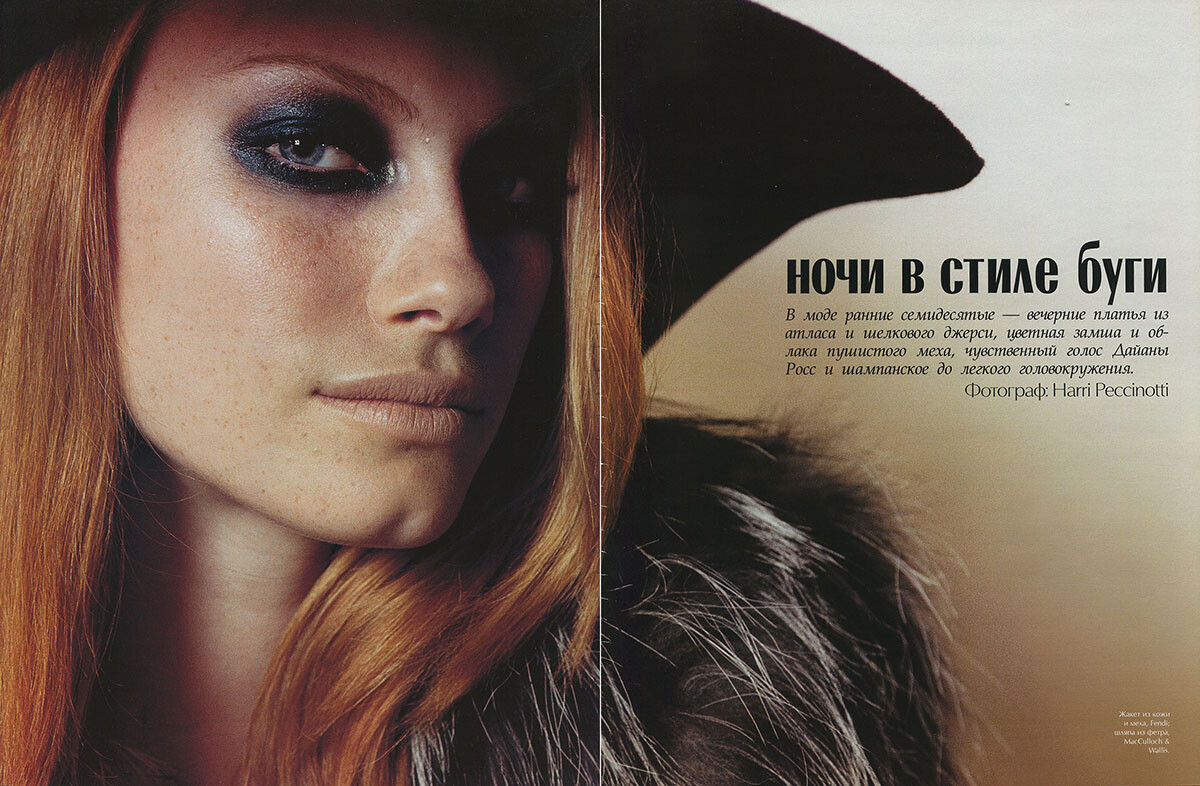
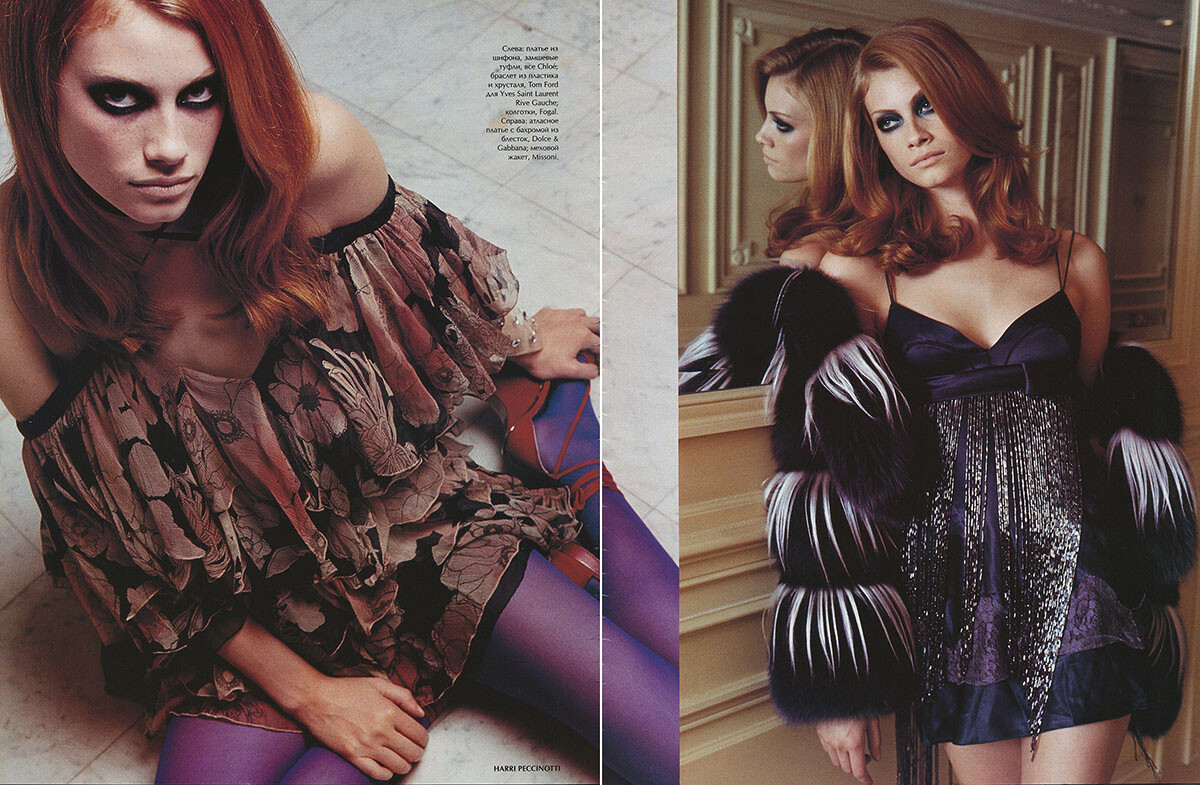
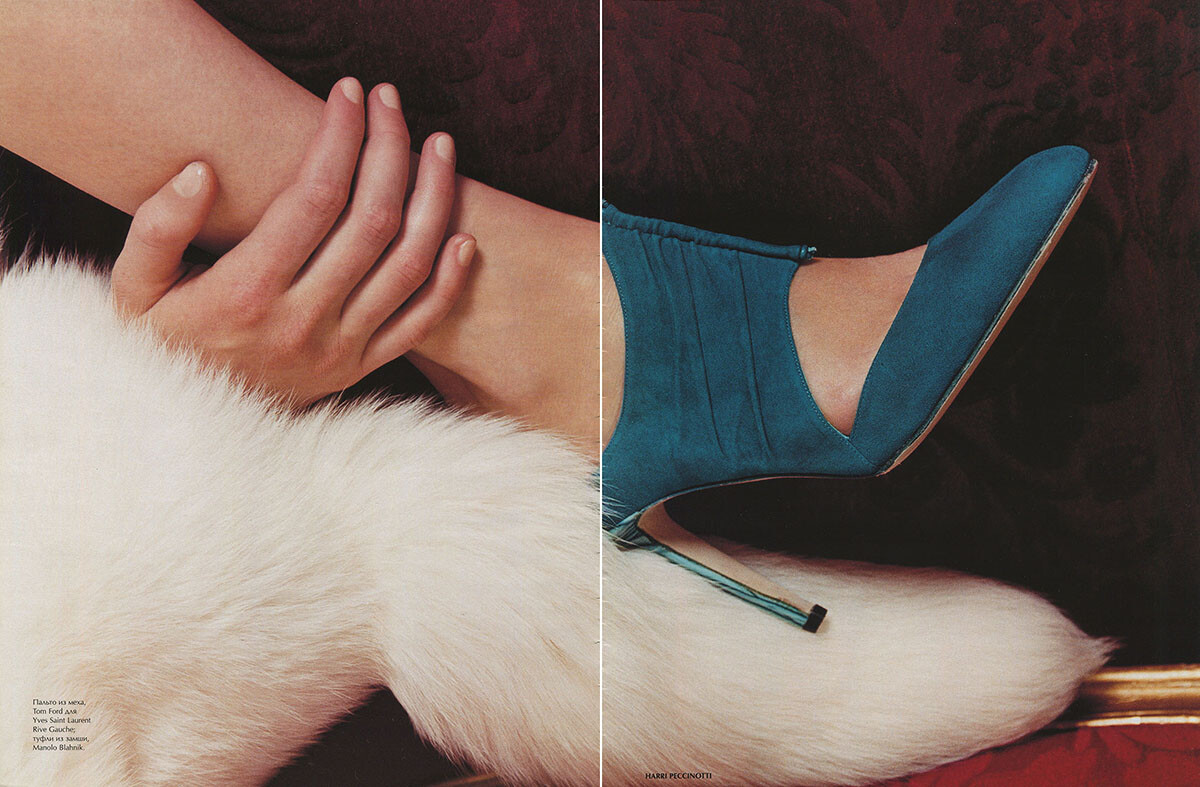
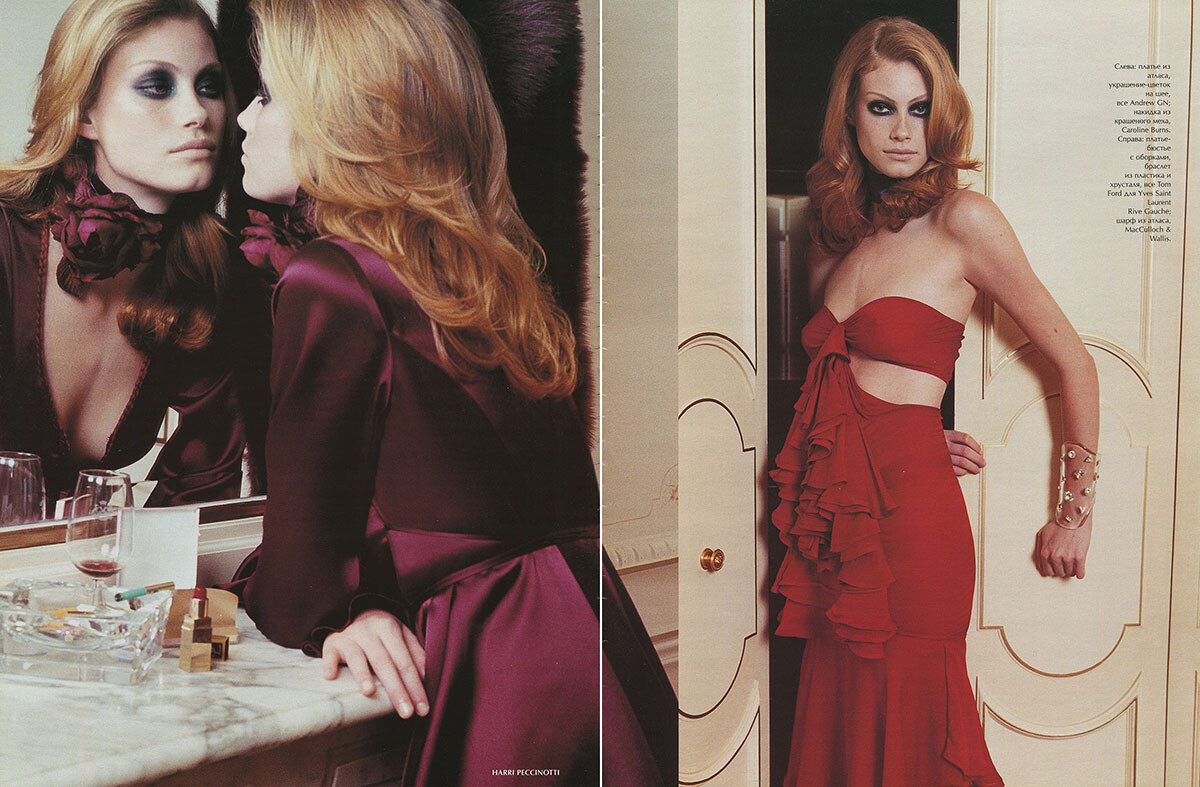
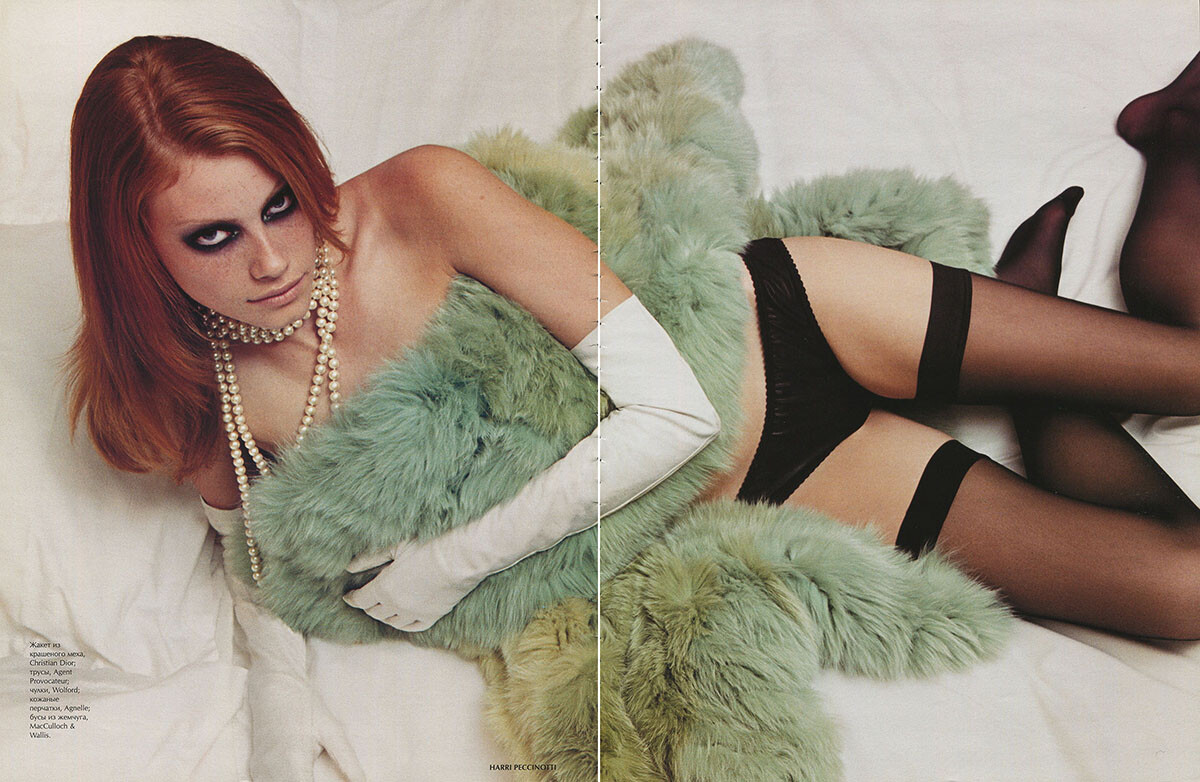
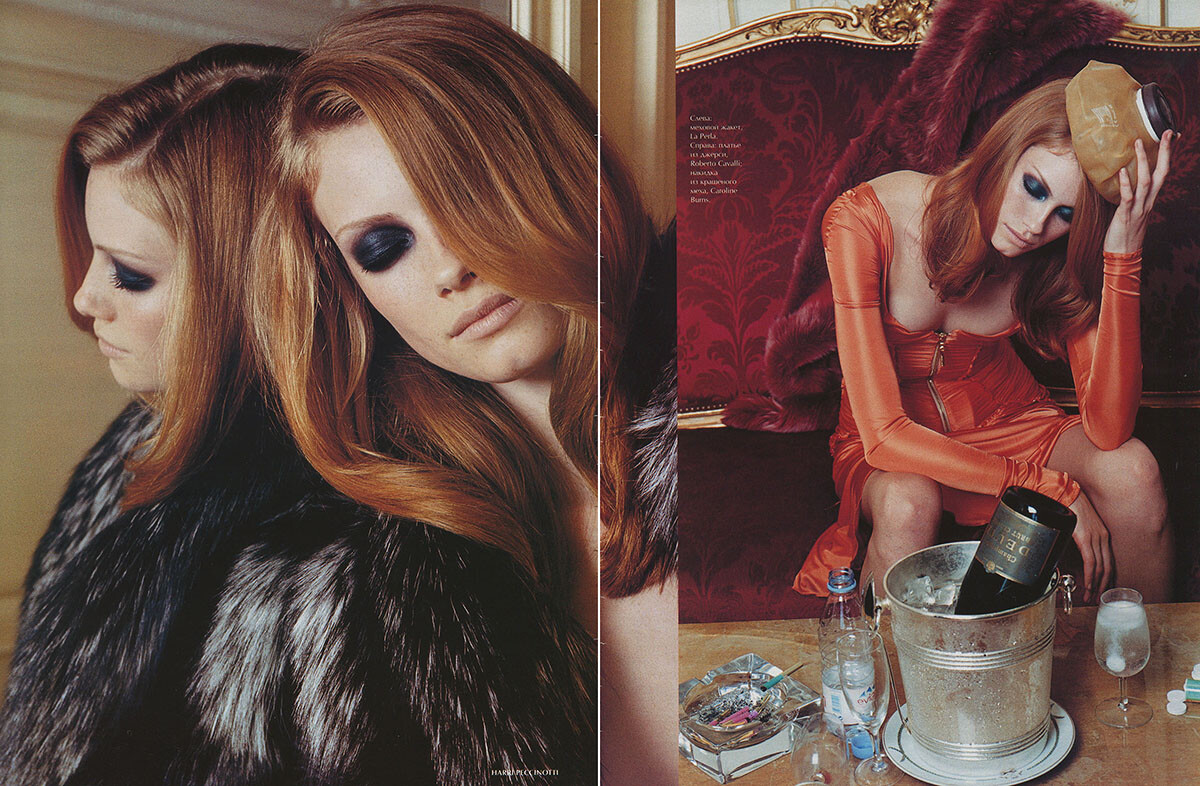
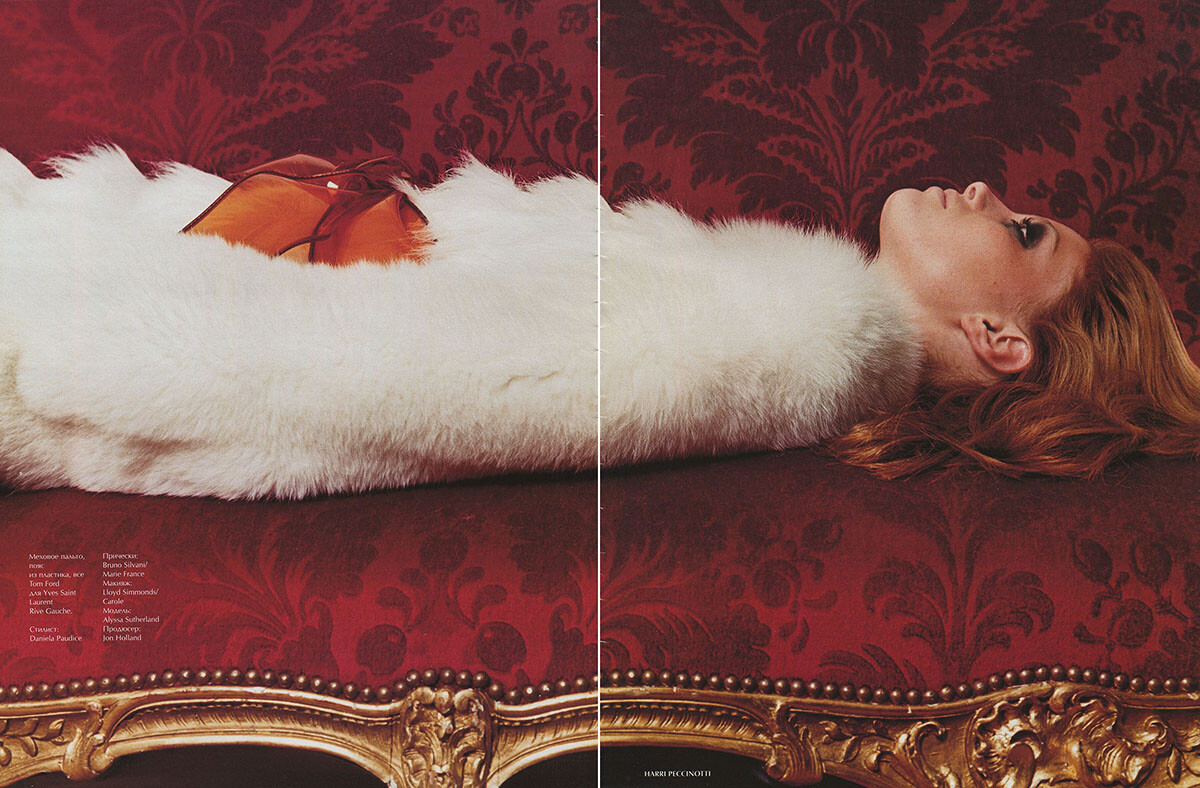
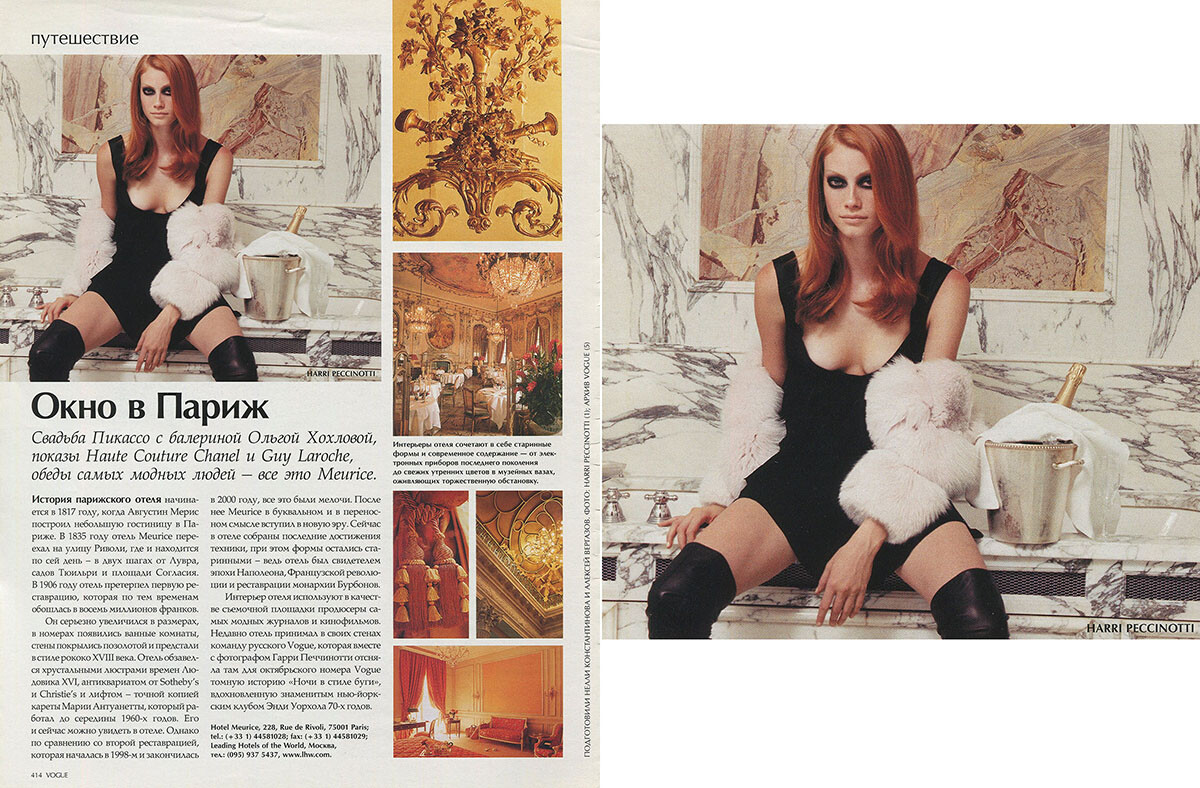
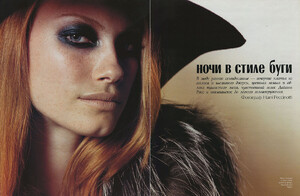
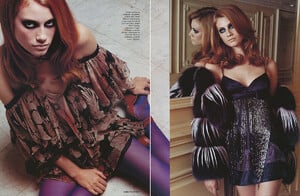
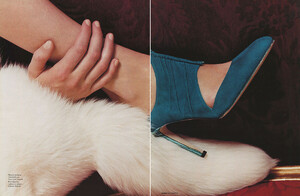
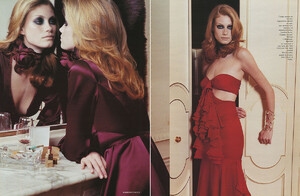
and here is the full editorial from Russian Vogue, 10/2003, scanned by me:
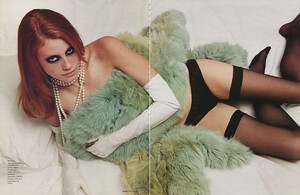
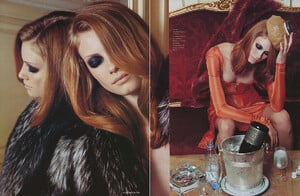
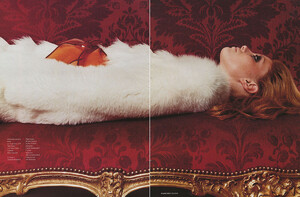
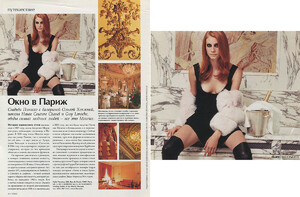
-
Here is the other editorial from Vogue Australia, 9/1998, scanned by me:
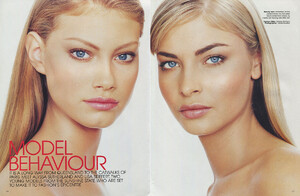
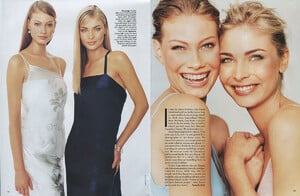
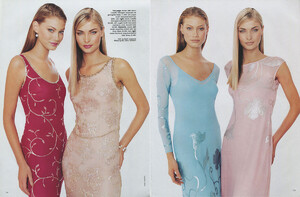
-
This is from Vogue Russia, October 2003, the full editorial has 14 pages
-
It is from Vogue Australia September 1998, there is another ediorial, too and she is also on the cover.
-
-
These images are terrible
-
What the hell wad that? It sounds like a personal attack towards a few members and i do not think it is right to write such things. Everything we discussed was strictly related to the model and if someone subjectively finds it weird, they simply should not pay attention to it as i do not pay attention to many weird posts on this forum and others, too...so i have no idea why you even wrote that! Is this some kind if censorship? We are adults after all and let's respect each other!
-
And by the way, i would not interact with any of the people who comment on my account if i was a supermodel...mainly cause most people who comment are putting silly pointless comments that need no interaction. It would be a total lack of time. Although i got a few replies from big models under my comments. The only model who interacts all the time with the people commenting on her account is snejana onopka and it seems so desperate...just cause she lost her place in the fashion world and is desperate to return, but it will never happen...oh well...i can see why...she is so bitter...but lets talk about Edita...she has been super nice and friendly all the time.
-
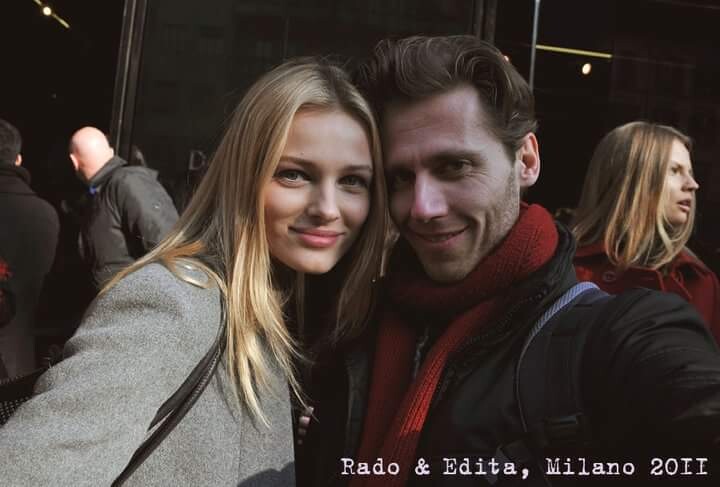
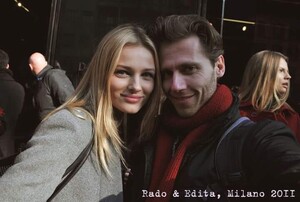
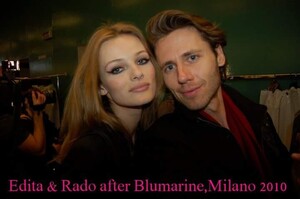
The best way to follow Edita's work is to buy all the magazines featuring her photos, which i have been trying to do for years already. I have also met her many times, took photos of her and had many unforgetable personal moments being around her and many other models i adore. I follow many of my favorite models real instagram accounts and it is not very helpfull if you are a real collector like me...although it is thrilling to be so close to their personal life at moments...however i am mostly interested in having all her work in print in my room:))
-
She does not have to do all this crap, she is already established. It might however be an account, which someone close to her has created. I suspect it could be even her...i started following the account 2 days ago and it was written fansite. It is also followed by big models, so it is likely to be her own, too.
-
Only primitive people care about money.
-
It does not matter only for cheap and poor girls. Edita is neither cheap, neither poor. She is gorgeous, rich and successful and she does not care if the guy has money or not. She can have the best!!!
-
No it can not be her 100%
-
You might not care about, but others might care about it. Not that i care about it, but since i am a huge fan i see no problem in being curious about her private life if there is any info about it available. However i am interested only in her work as a model. And even the model's modelling work can not be a subject of any discussion, but only sharing images and appreciating.
-
I have met Edita many times and if i was straight i see no problem in having a chance of dating her!!! Sometimes models date normal people.
-
It is not an obsession. It is a simple question. Celebrities are always an object of such curiosity, which is pretty normal. I would not mind knowing if Edita is married, divorced or dating someone plus details about it...lol
-
Lol indeed