COP11
Members
-
Joined
Everything posted by COP11
-
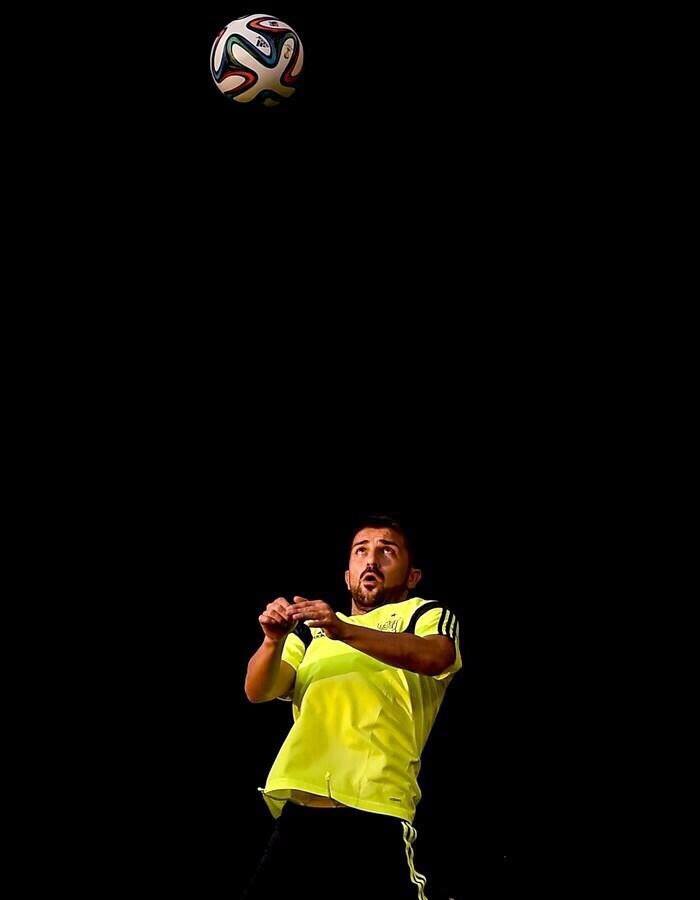
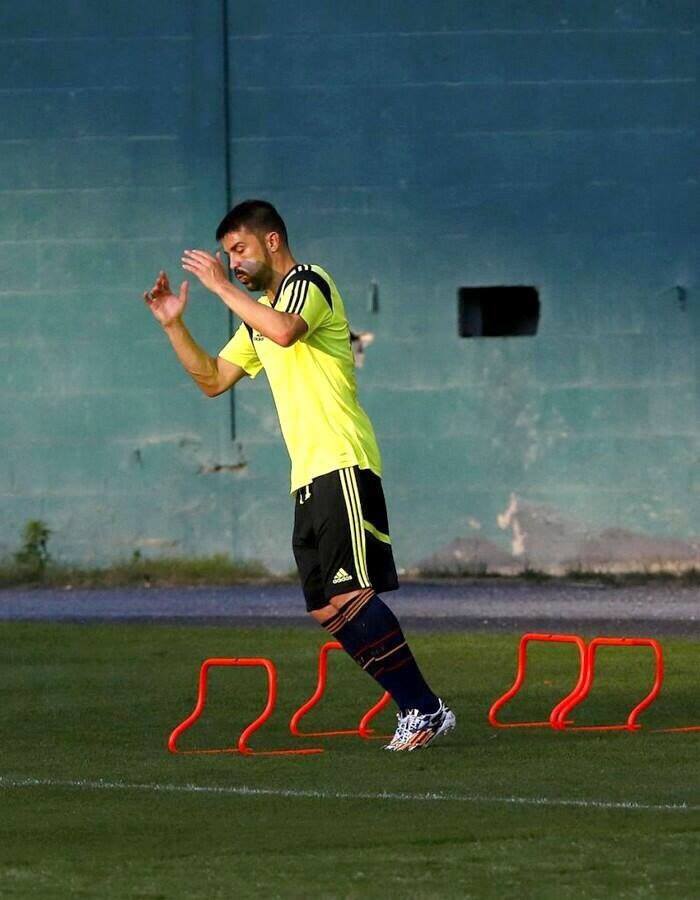
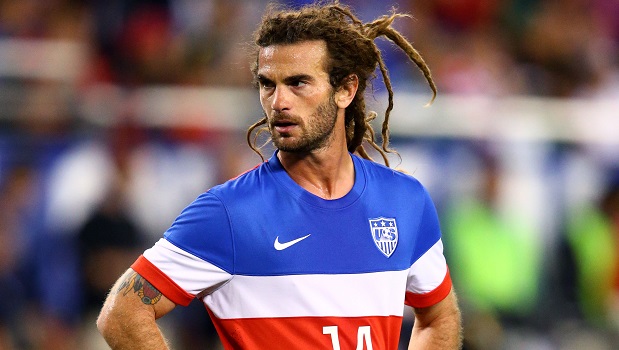
 I'm sure he'll Landon his feet. I was surprised to hear that Donovan hadn't made the cut, until I saw a photo of him at the provisional squad's training camp. Judging by the pictures, his levels of fitness and conditioning are well short of what they should be, so much so that it may have even been dangerous to send him into an intense four-week tournament in such a hot climate. Incidentally, the new US away kit is all kinds of cool. USA 2014 World Cup Away Kit (1).jpg
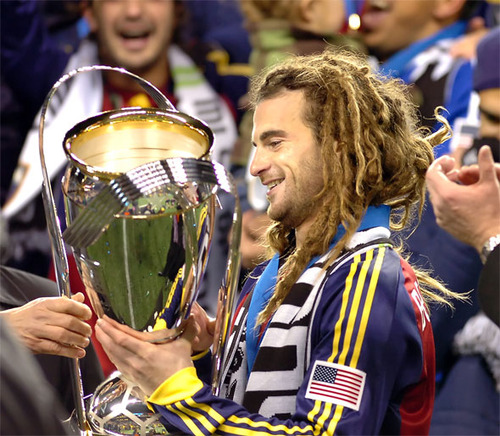
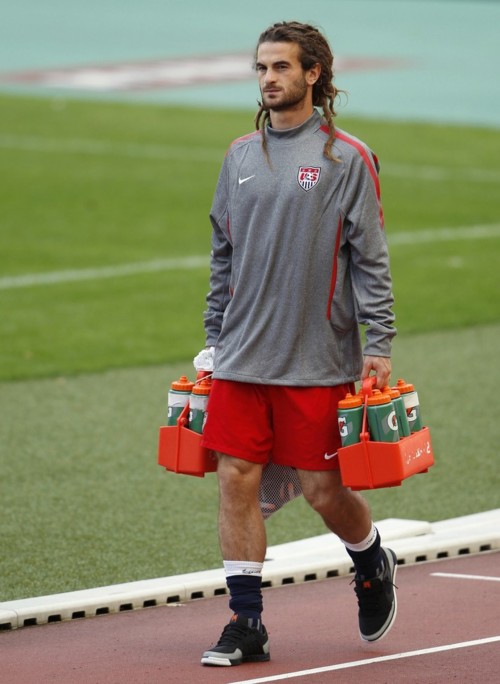
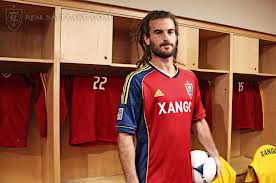
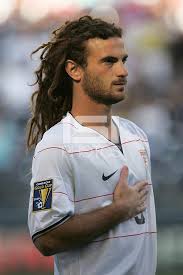
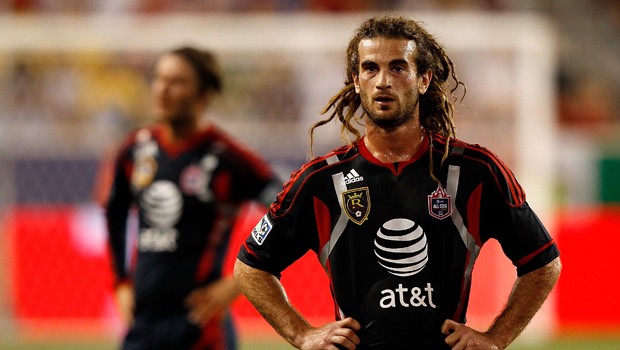
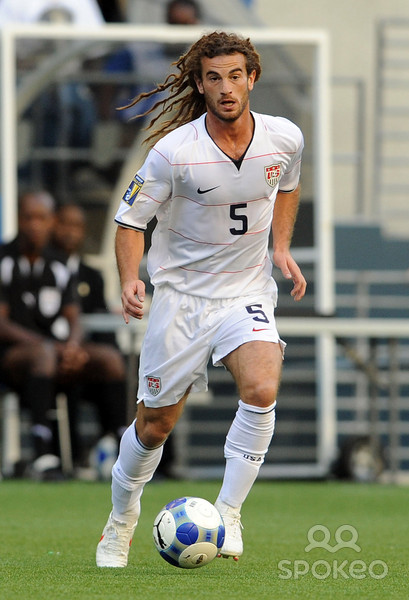
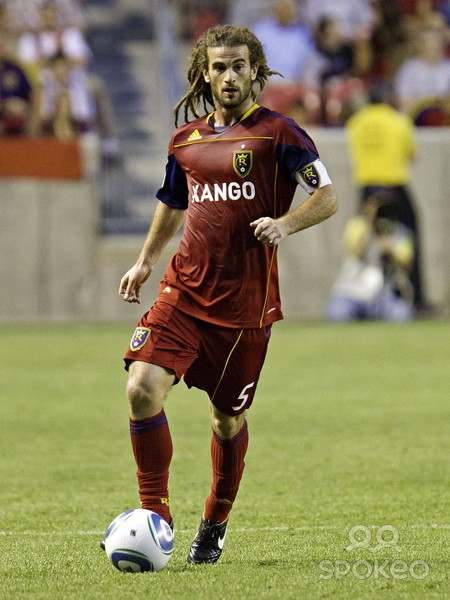
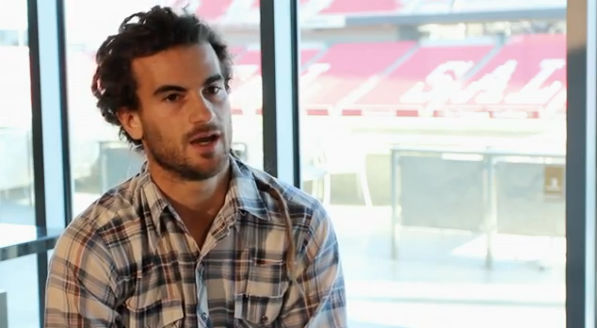
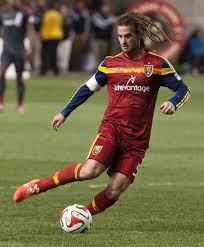
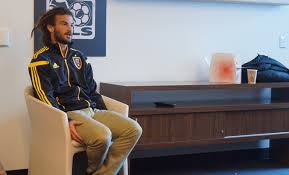
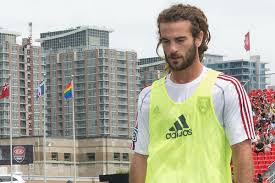
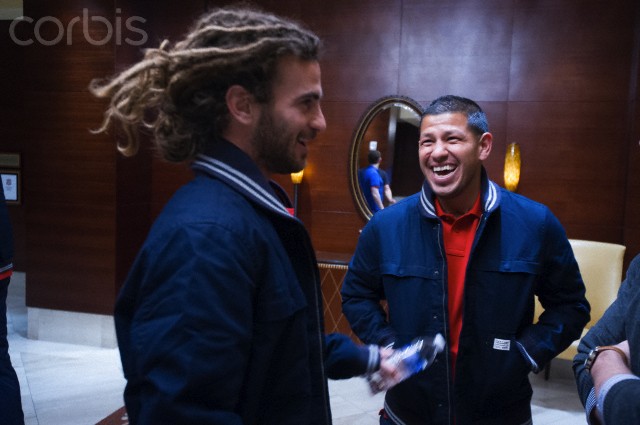
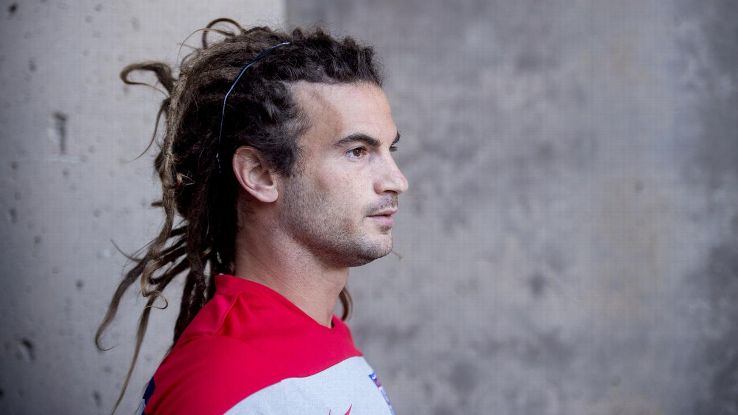
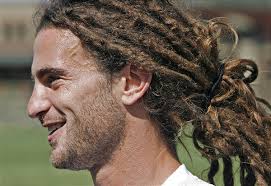
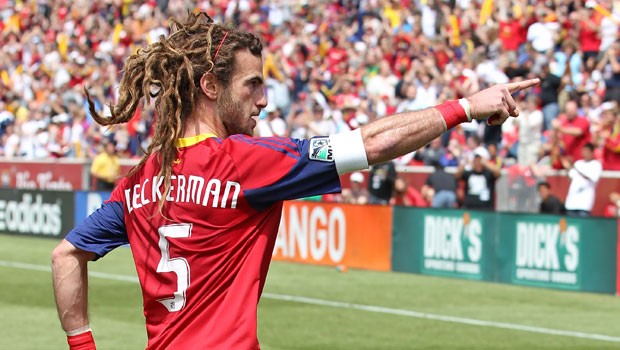
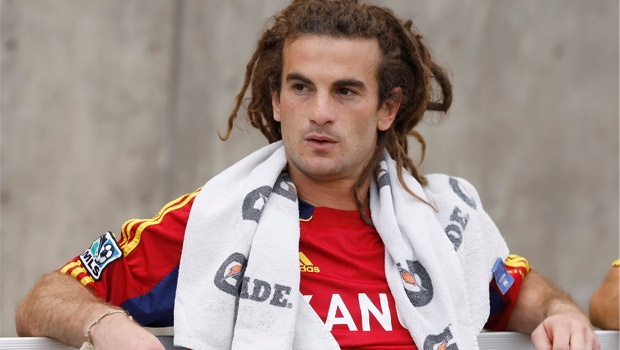
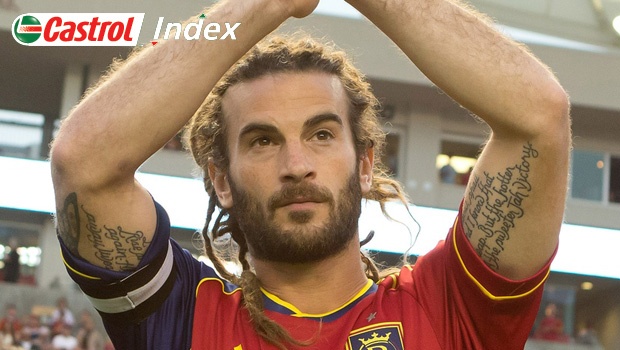
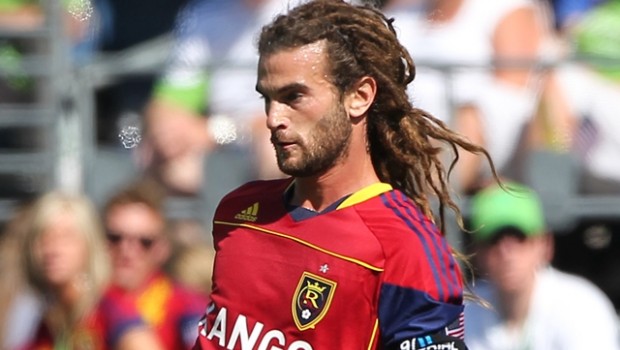
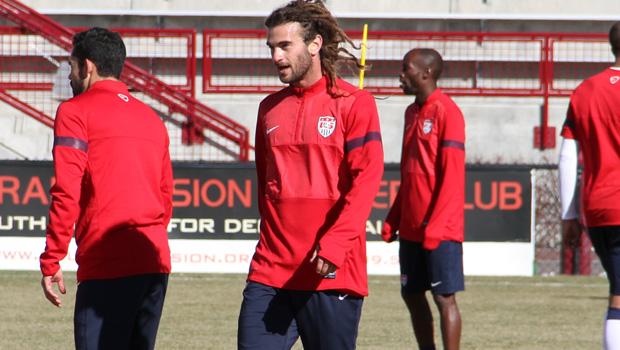
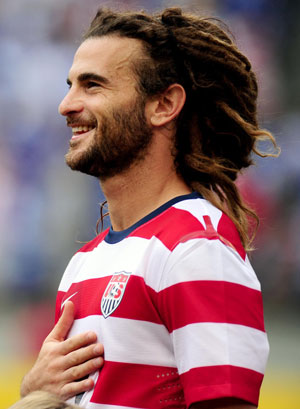
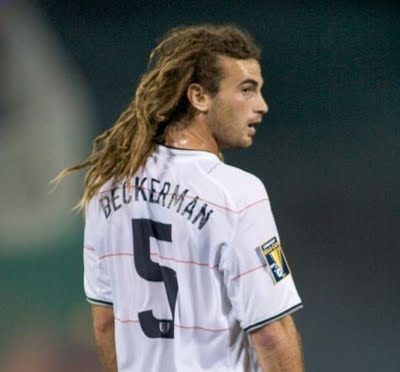
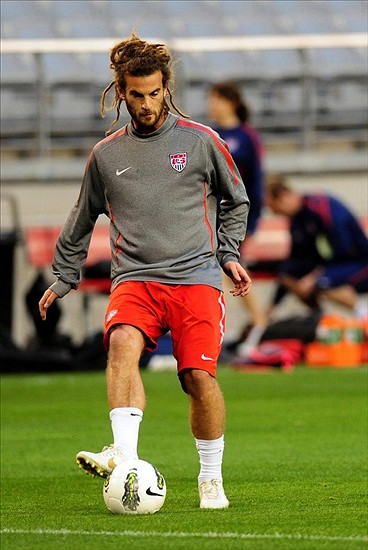
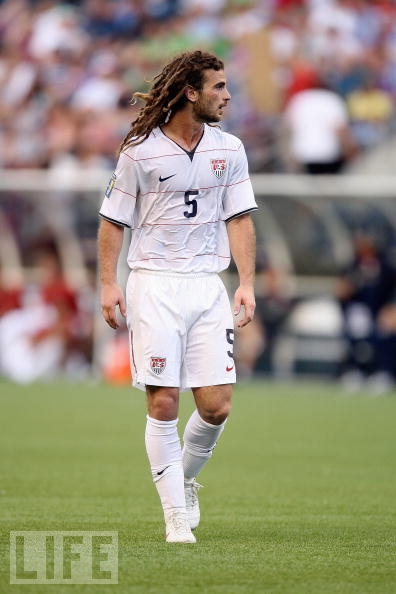
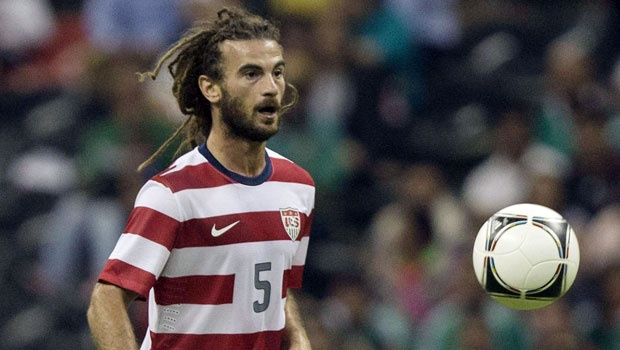
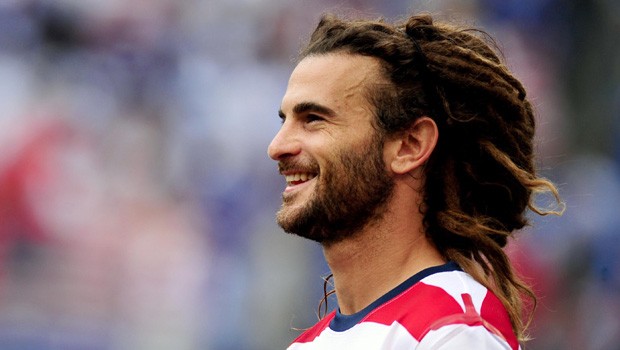
Kyle Robert Beckerman (born April 23, 1982) is an American soccer player who currently plays for Real Salt Lake in Major League Soccerand the United States national team. He is a holding midfielder and also serves as team captain for Real Salt Lake.
I'm sure he'll Landon his feet. I was surprised to hear that Donovan hadn't made the cut, until I saw a photo of him at the provisional squad's training camp. Judging by the pictures, his levels of fitness and conditioning are well short of what they should be, so much so that it may have even been dangerous to send him into an intense four-week tournament in such a hot climate. Incidentally, the new US away kit is all kinds of cool. USA 2014 World Cup Away Kit (1).jpg
Kyle Robert Beckerman (born April 23, 1982) is an American soccer player who currently plays for Real Salt Lake in Major League Soccerand the United States national team. He is a holding midfielder and also serves as team captain for Real Salt Lake.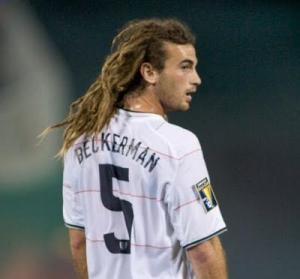






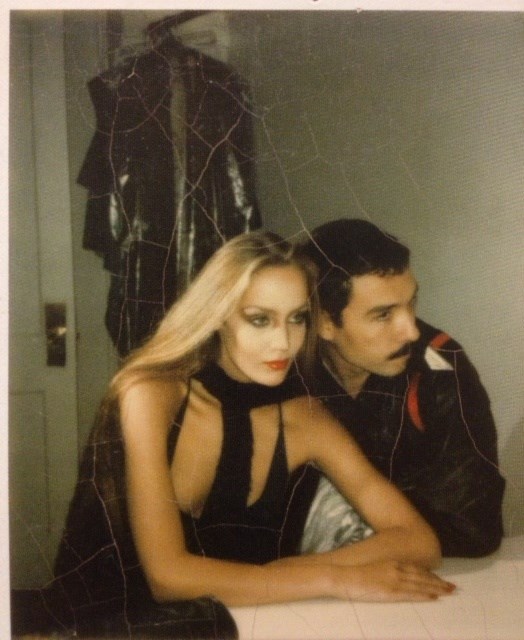
 Best Swimsuit/Lingerie: Merethe Best Cosmetics/Face: Cindy Best High Fashion: Luma Best Catalogue/Clothing: Jessica
And no Landon Donovan for the U.S.? That could be interesting.
Best Swimsuit/Lingerie: Merethe Best Cosmetics/Face: Cindy Best High Fashion: Luma Best Catalogue/Clothing: Jessica
And no Landon Donovan for the U.S.? That could be interesting.
Account
Search
Configure browser push notifications
Chrome (Android)
- Tap the lock icon next to the address bar.
- Tap Permissions → Notifications.
- Adjust your preference.
Chrome (Desktop)
- Click the padlock icon in the address bar.
- Select Site settings.
- Find Notifications and adjust your preference.
Safari (iOS 16.4+)
- Ensure the site is installed via Add to Home Screen.
- Open Settings App → Notifications.
- Find your app name and adjust your preference.
Safari (macOS)
- Go to Safari → Preferences.
- Click the Websites tab.
- Select Notifications in the sidebar.
- Find this website and adjust your preference.
Edge (Android)
- Tap the lock icon next to the address bar.
- Tap Permissions.
- Find Notifications and adjust your preference.
Edge (Desktop)
- Click the padlock icon in the address bar.
- Click Permissions for this site.
- Find Notifications and adjust your preference.
Firefox (Android)
- Go to Settings → Site permissions.
- Tap Notifications.
- Find this site in the list and adjust your preference.
Firefox (Desktop)
- Open Firefox Settings.
- Search for Notifications.
- Find this site in the list and adjust your preference.