COP11
Members
-
Joined
Everything posted by COP11
-
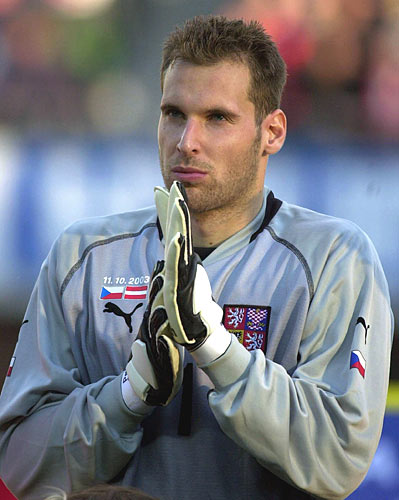
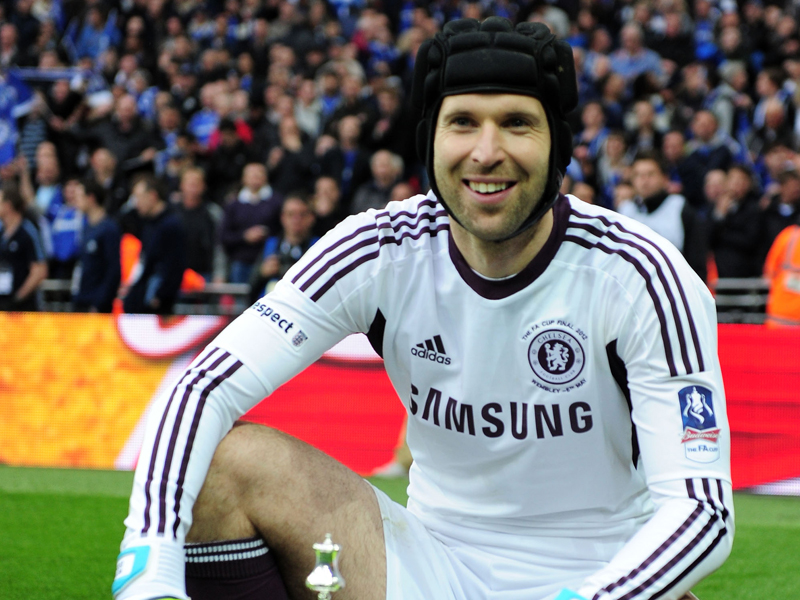
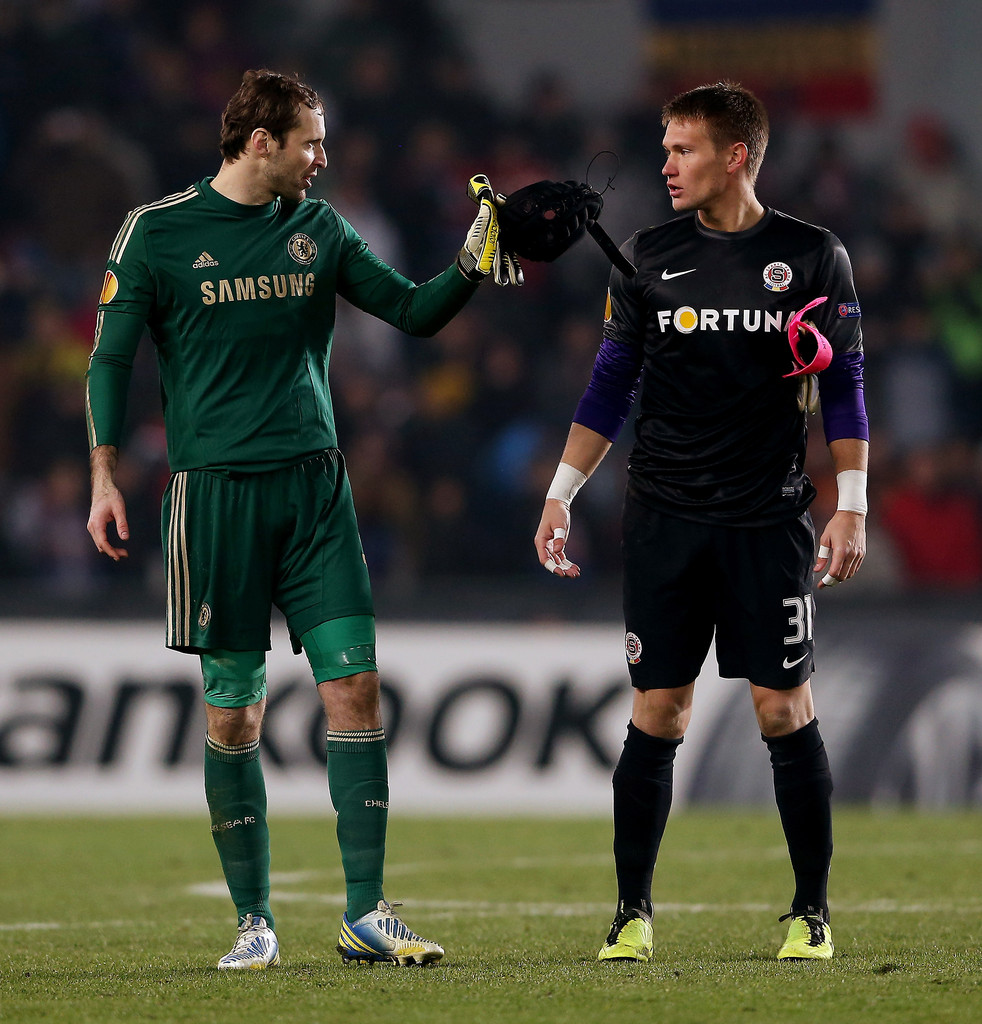
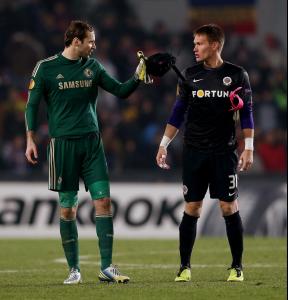
 Petr Čech born 20 May 1982) is a Czech footballer, who plays for Chelsea and the Czech Republic as agoalkeeper. Čech previously played for Chmel Blšany, Sparta Prague, and Rennes. He was voted into the all-star team of Euro 2004 after helping his country reach the semi-finals. Čech also received the individual award of Best Goalkeeper in the 2004–05, 2006–07 and 2007–08 seasons of the UEFA Champions League. In addition, he was named in the FIFPro and UEFA Champions League teams of the season in 2006. He is considered to be one of the best and most respected goalkeepers of his generation. Čech holds a number of goalkeeping records, including the Premier League record for fewest appearances required to reach 100 clean sheets, having done so in 180 league appearances. He also holds a Czech professional league record of not conceding a goal in 903 competitive minutes. In addition, he has a club record at his former club Sparta Prague, having gone 928 minutes unbeaten in all competitions in 2001–02, when his unbeaten run in Czech league competition was combined with his performances in the UEFA Champions League. During the 2004–05 season, Čech went 1,025 minutes without conceding a goal – a Premier League record, until it was surpassed by Edwin van der Sar of Manchester United on 27 January 2009. Čech also won theGolden Glove in both the 2004–05 and 2009–10 seasons. As of 21 September 2013, Čech has kept 145 clean sheets for Chelsea in the Premier League.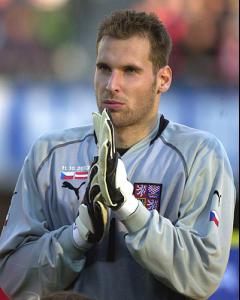






-
Tony Ben
Waris Sibylla
Elsa Hosk or Liraz Charhi
Account
Search
Configure browser push notifications
Chrome (Android)
- Tap the lock icon next to the address bar.
- Tap Permissions → Notifications.
- Adjust your preference.
Chrome (Desktop)
- Click the padlock icon in the address bar.
- Select Site settings.
- Find Notifications and adjust your preference.
Safari (iOS 16.4+)
- Ensure the site is installed via Add to Home Screen.
- Open Settings App → Notifications.
- Find your app name and adjust your preference.
Safari (macOS)
- Go to Safari → Preferences.
- Click the Websites tab.
- Select Notifications in the sidebar.
- Find this website and adjust your preference.
Edge (Android)
- Tap the lock icon next to the address bar.
- Tap Permissions.
- Find Notifications and adjust your preference.
Edge (Desktop)
- Click the padlock icon in the address bar.
- Click Permissions for this site.
- Find Notifications and adjust your preference.
Firefox (Android)
- Go to Settings → Site permissions.
- Tap Notifications.
- Find this site in the list and adjust your preference.
Firefox (Desktop)
- Open Firefox Settings.
- Search for Notifications.
- Find this site in the list and adjust your preference.