
pitounsky
Members
-
Joined
-
Last visited
Everything posted by pitounsky
-
 Lots of canadian models will participate to a lingerie book for the Cure Fondation (breast cancer). This is a preview with Jessiann of "The Stockings project" by Anthony Turano!
-
Photographer: Piper Rastello




























-
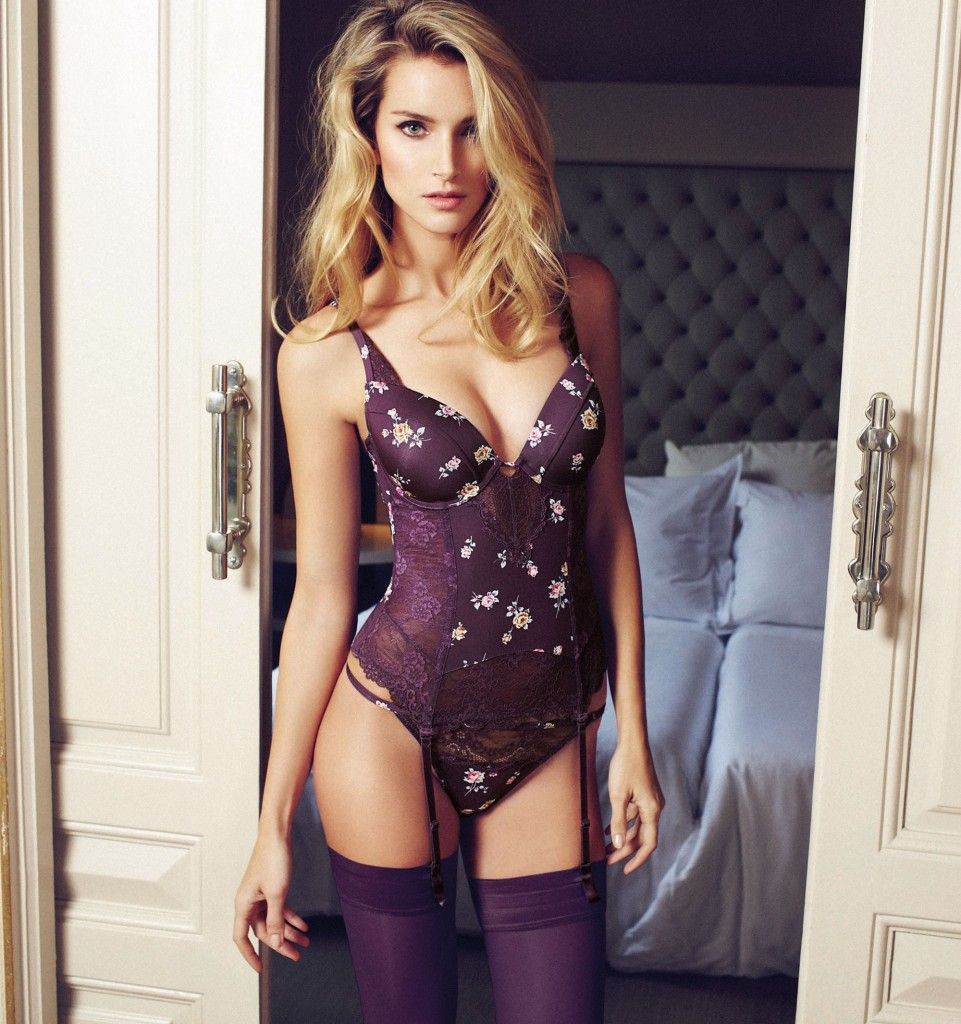
Lise Charmel Epure SS 2014 Collection Slight nudity: http://postimg.org/image/fkccuzx3v/ http://postimg.org/image/qpai7r9ln/ http://postimg.org/image/urscfcoyj/ http://postimg.org/image/fn5f9bfiz/

















-
Under Adriana P. with : Ice Model Management Cape Town Exit Model Management Uno Models Barcelona & Madrid
-
Love her! Thanks!
-
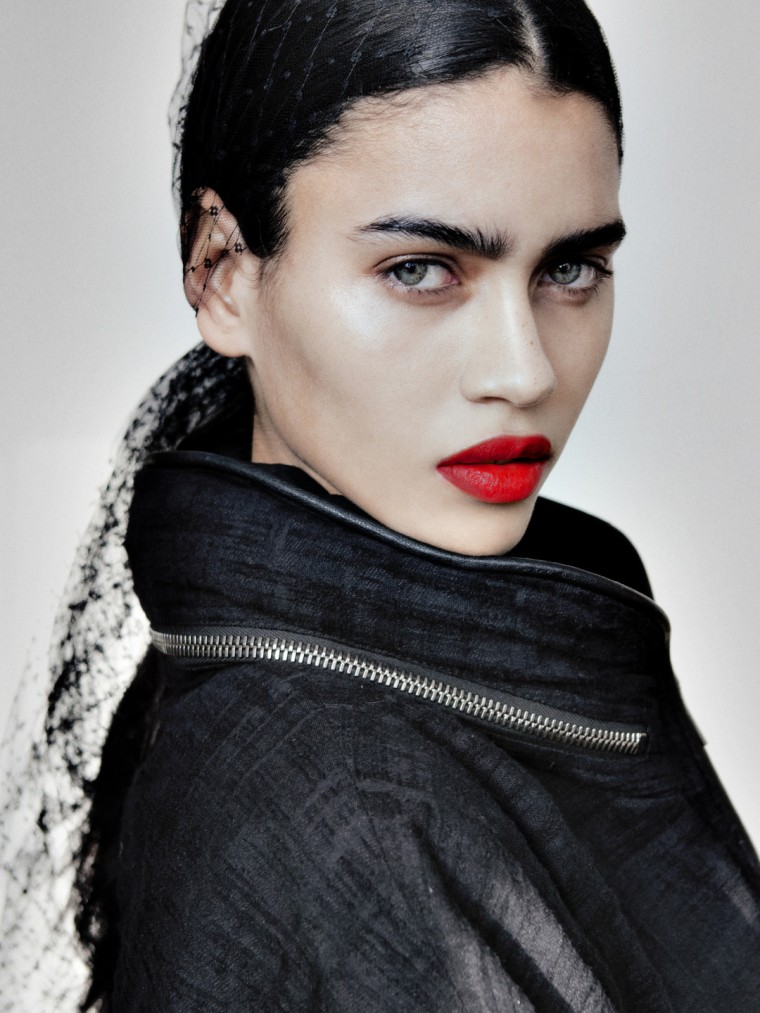
iMUTE Mag / Webitorial "Cloth + Metal" / Photographer: Trever Hoehne
-
Pretty girl! Thanks!
-
-
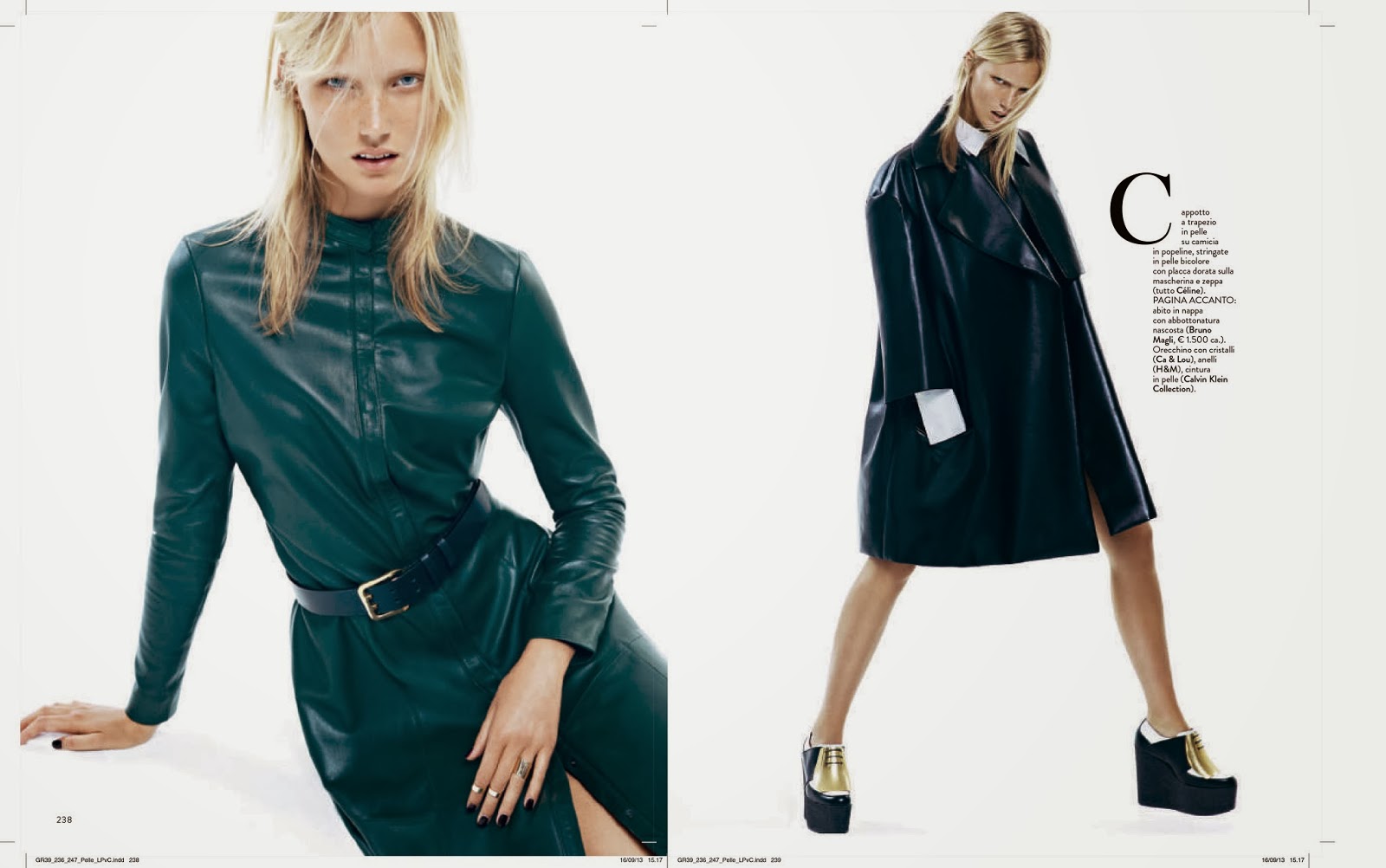
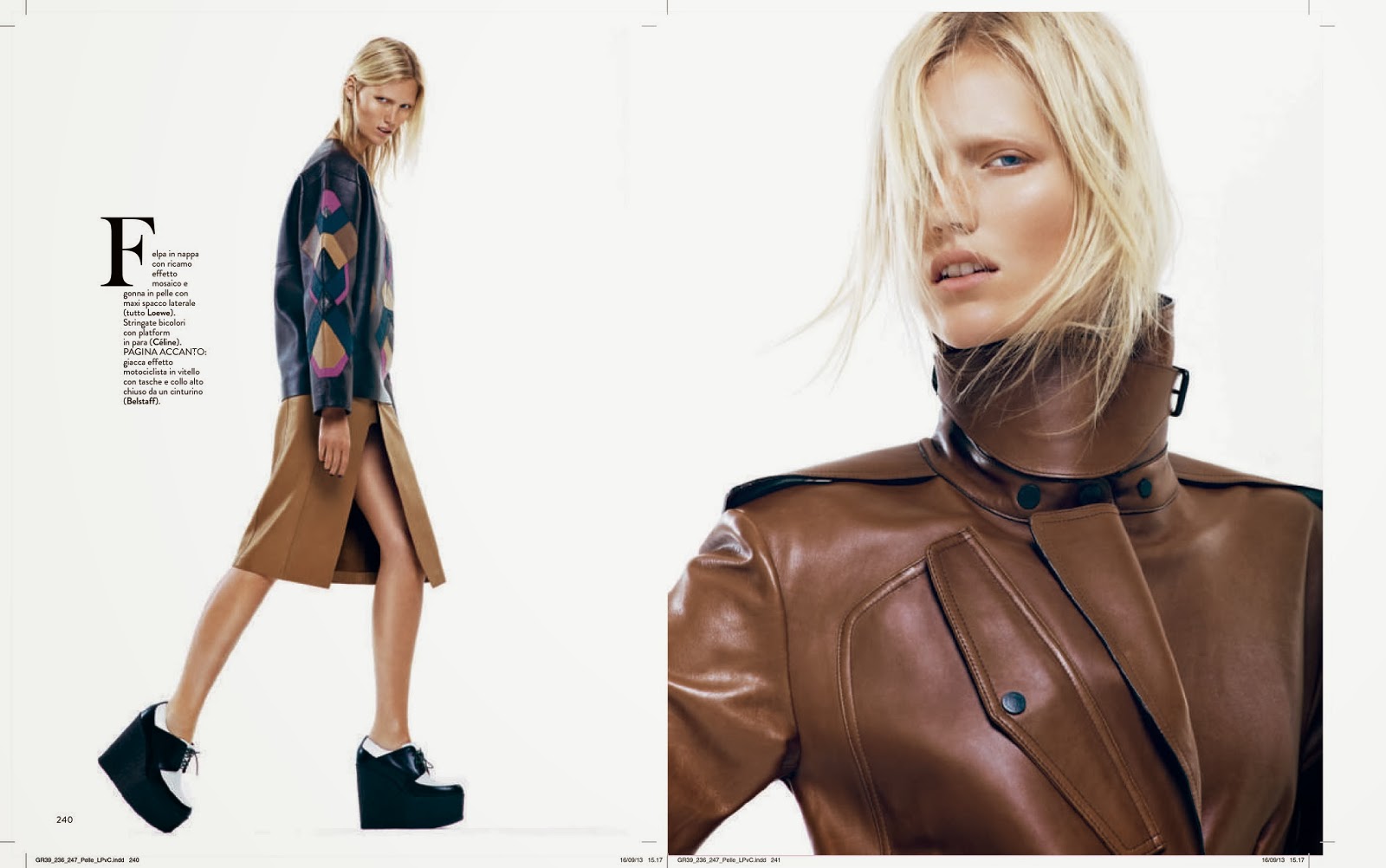
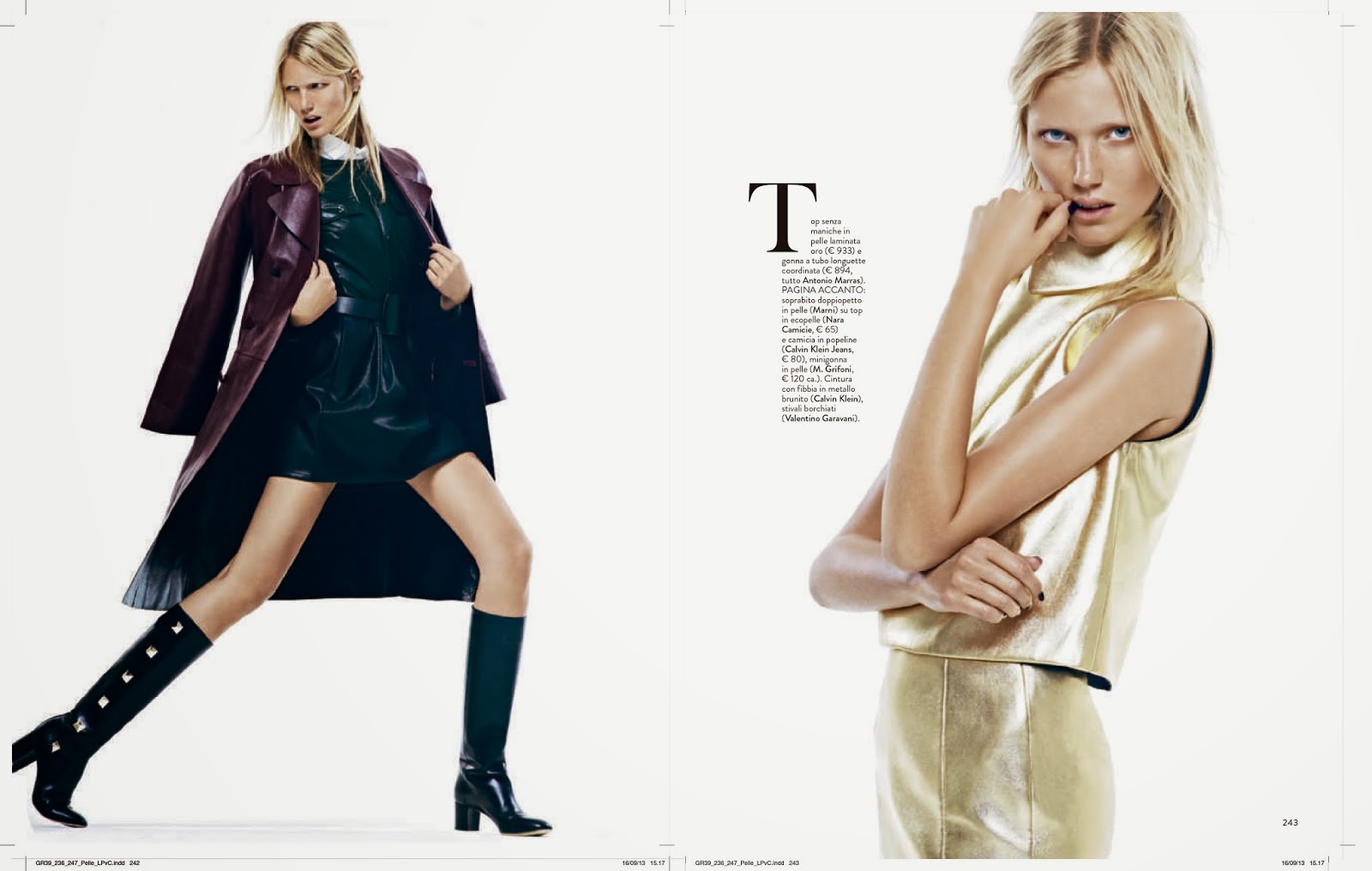
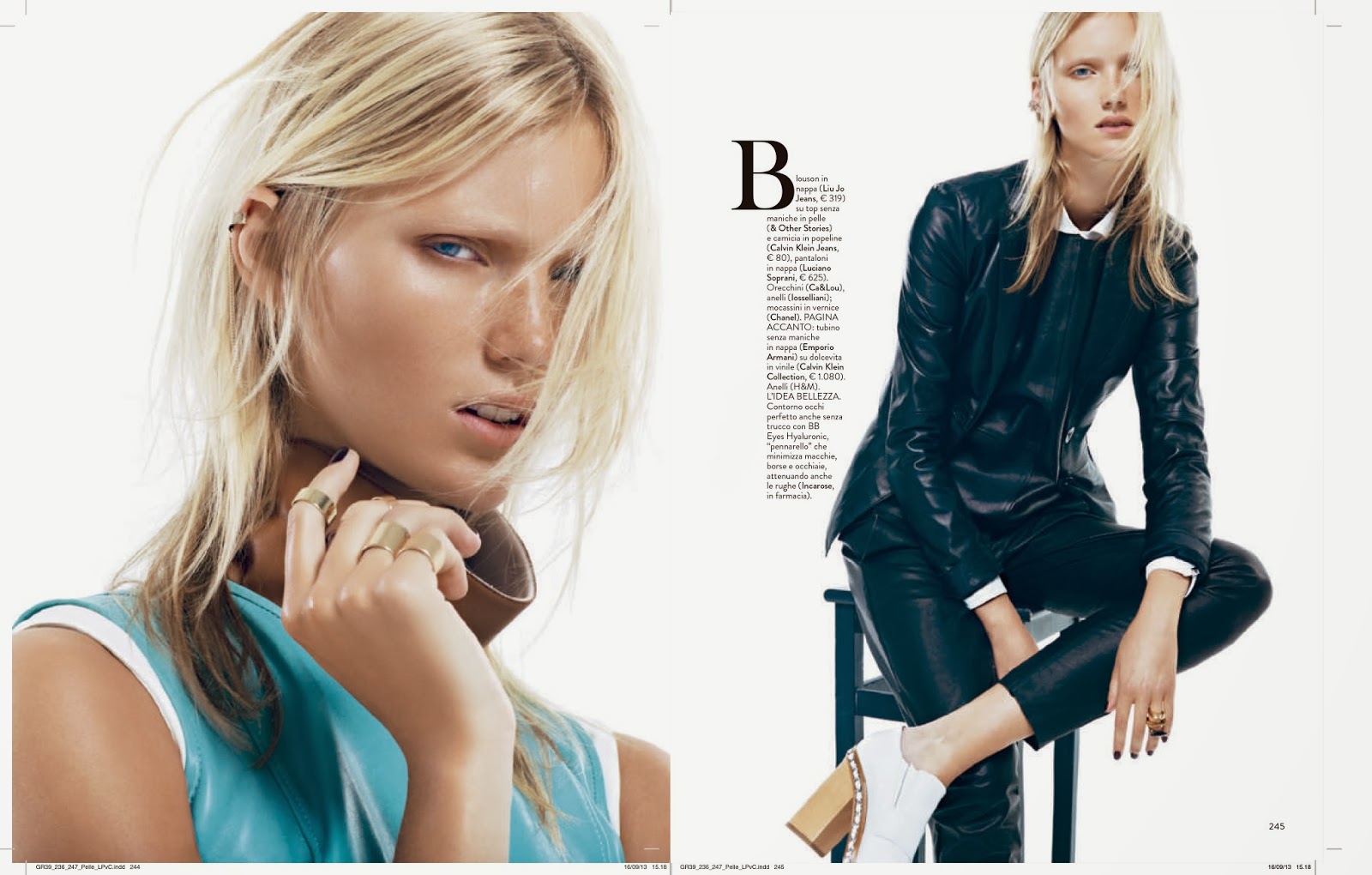
Grazia Italia September 2013 by Andoni & Arantxa






-
RAMP STYLE Magazine shot by MAX VON TREU / Other model: Samuel Trepanier








-
Photographer: Manuel Pandalis Nudity: http://postimg.org/image/9t3are257/
-
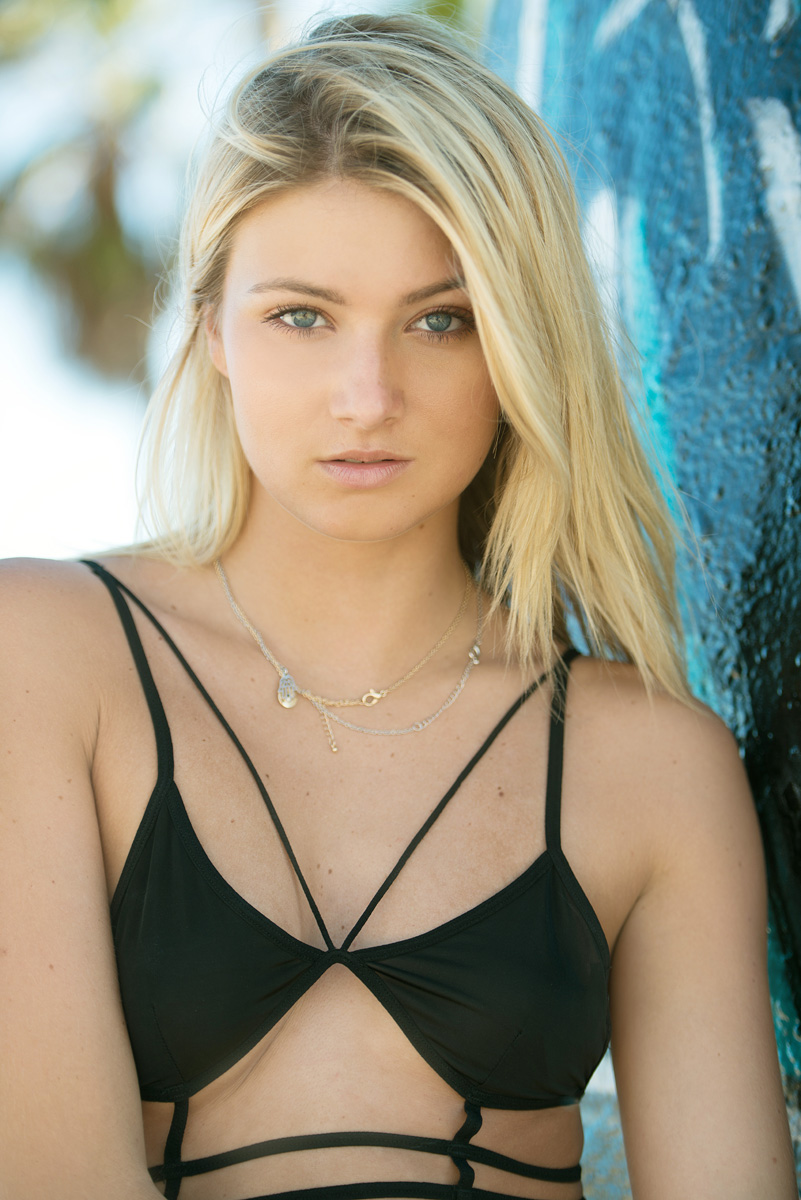
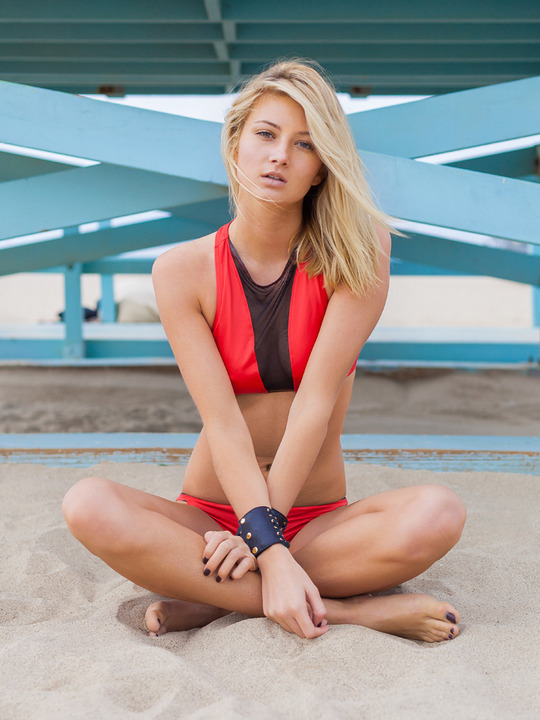
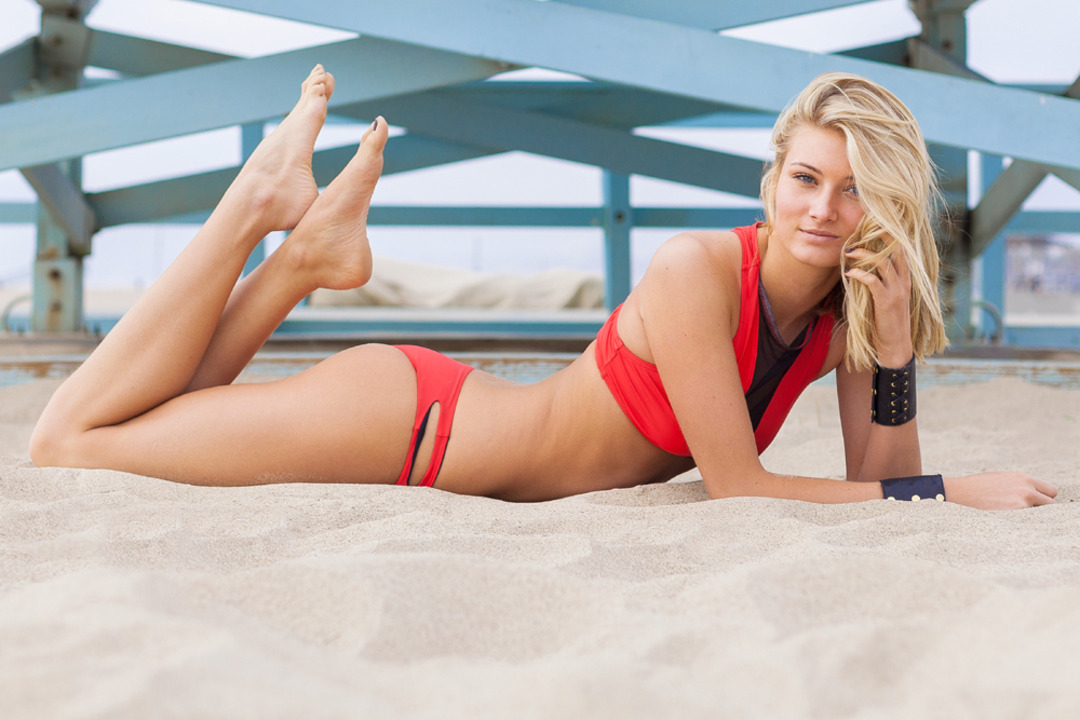
Lise Charmel Swimwear collection 2014












-









































































































































Account
Navigation
Search
Configure browser push notifications
Chrome (Android)
- Tap the lock icon next to the address bar.
- Tap Permissions → Notifications.
- Adjust your preference.
Chrome (Desktop)
- Click the padlock icon in the address bar.
- Select Site settings.
- Find Notifications and adjust your preference.
Safari (iOS 16.4+)
- Ensure the site is installed via Add to Home Screen.
- Open Settings App → Notifications.
- Find your app name and adjust your preference.
Safari (macOS)
- Go to Safari → Preferences.
- Click the Websites tab.
- Select Notifications in the sidebar.
- Find this website and adjust your preference.
Edge (Android)
- Tap the lock icon next to the address bar.
- Tap Permissions.
- Find Notifications and adjust your preference.
Edge (Desktop)
- Click the padlock icon in the address bar.
- Click Permissions for this site.
- Find Notifications and adjust your preference.
Firefox (Android)
- Go to Settings → Site permissions.
- Tap Notifications.
- Find this site in the list and adjust your preference.
Firefox (Desktop)
- Open Firefox Settings.
- Search for Notifications.
- Find this site in the list and adjust your preference.