
pitounsky
Members
-
Joined
-
Last visited
Everything posted by pitounsky
-
 MadMenMag / Photographer: Daniel Smith / Other model: Carolina Gonzalez
 -
MadMenMag / Photographer: Daniel Smith / Other model: Benoit Marechal
-
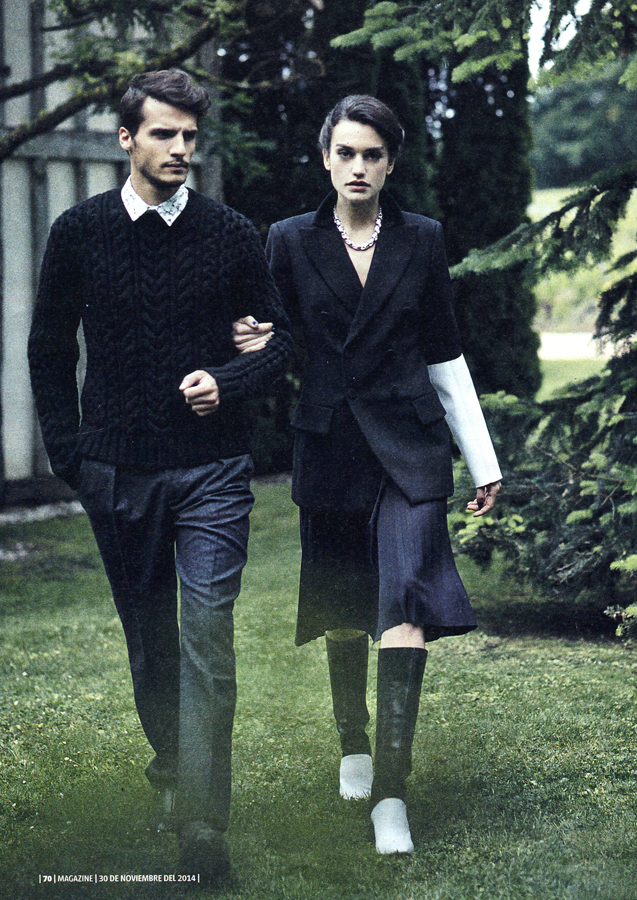
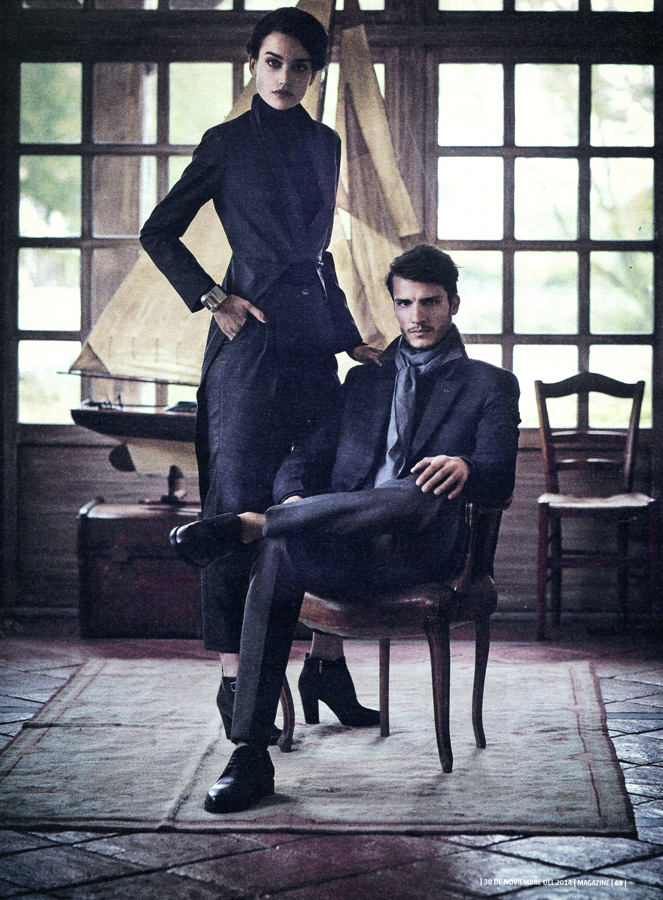
La Vanguardia Magazine (30 November 2014) / Photographer: Pep Ãvila / Other model: Alexander Ardid






-
Photographer: Claire Curran Corbett



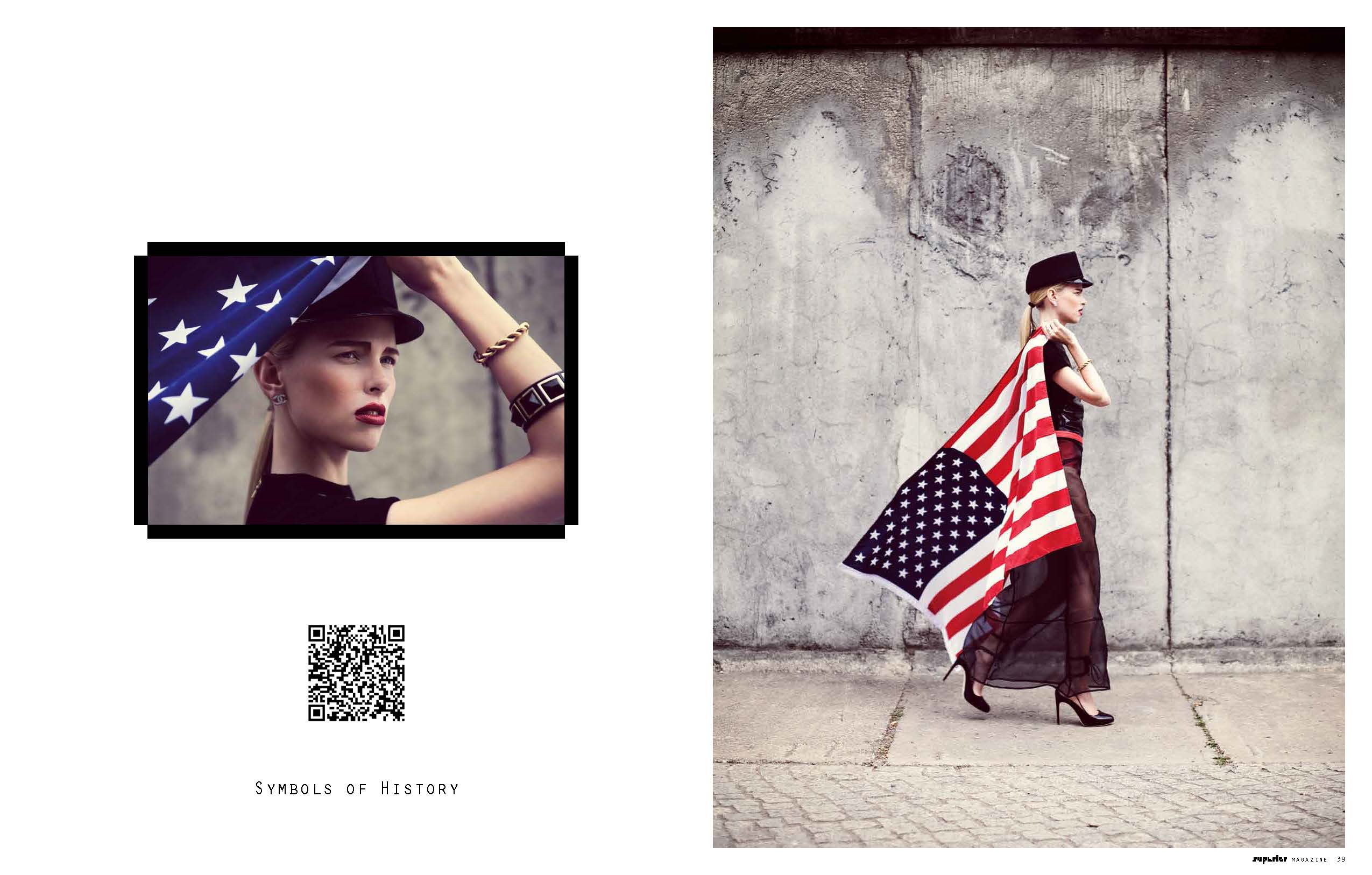
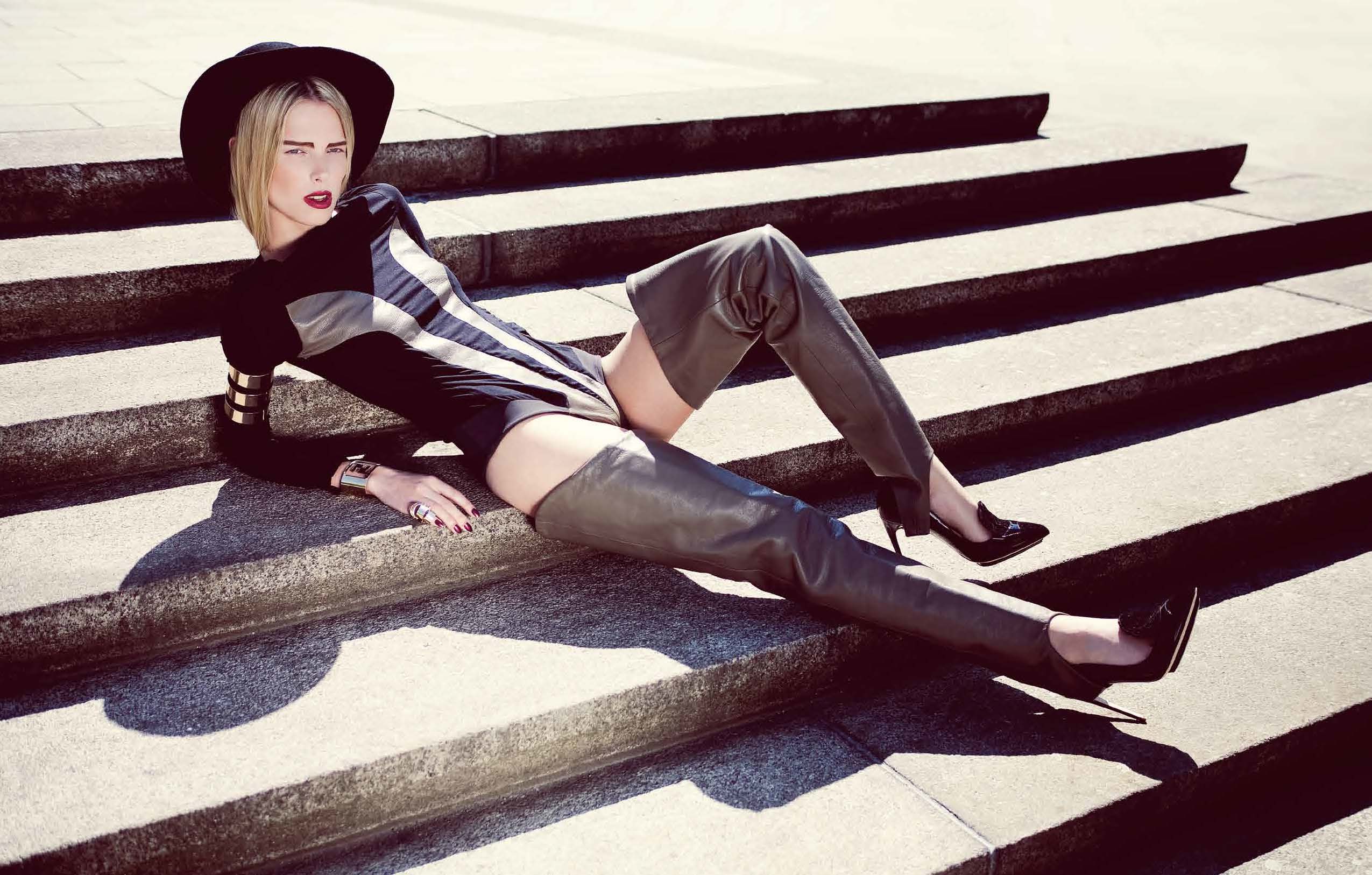
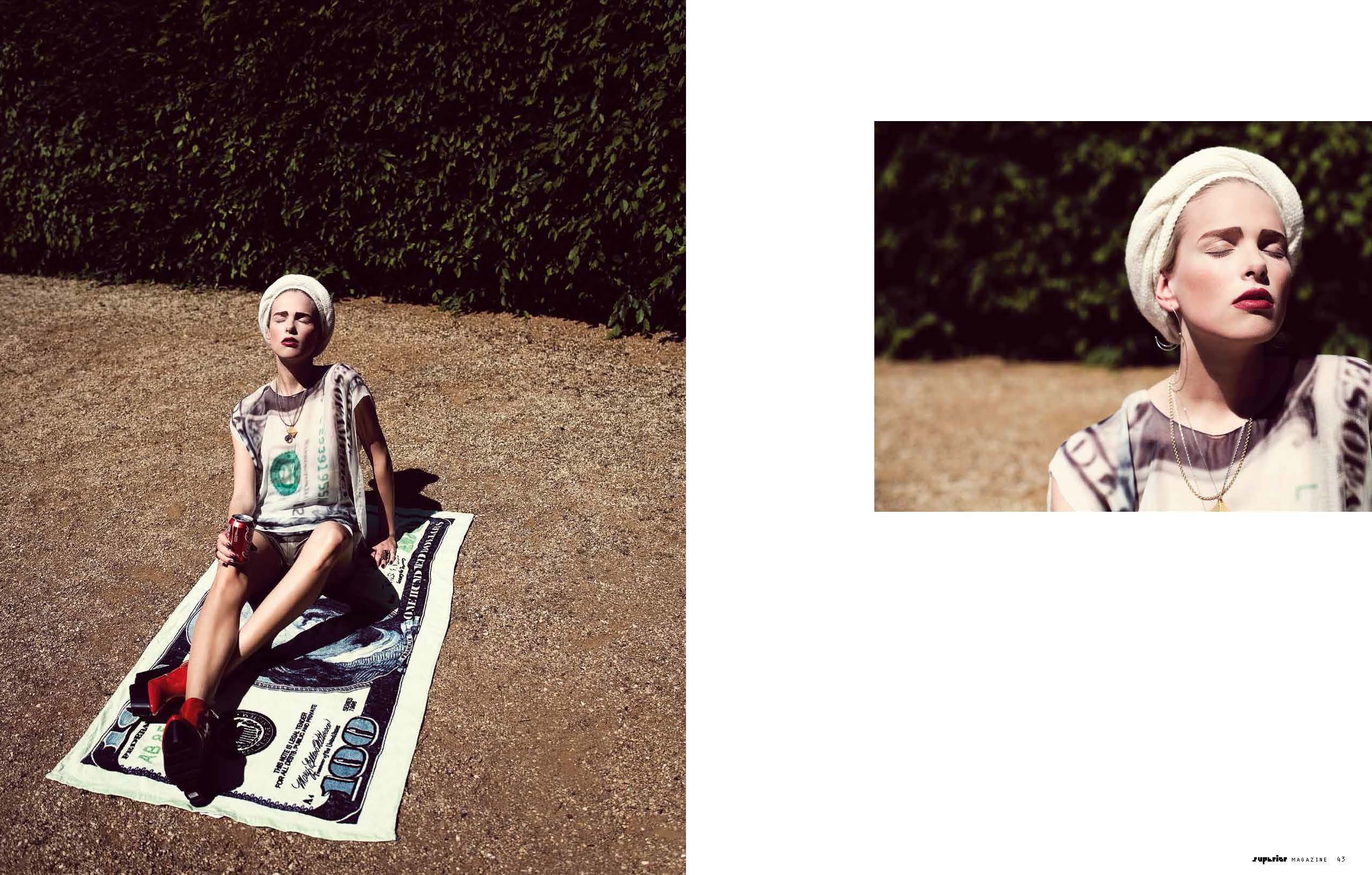
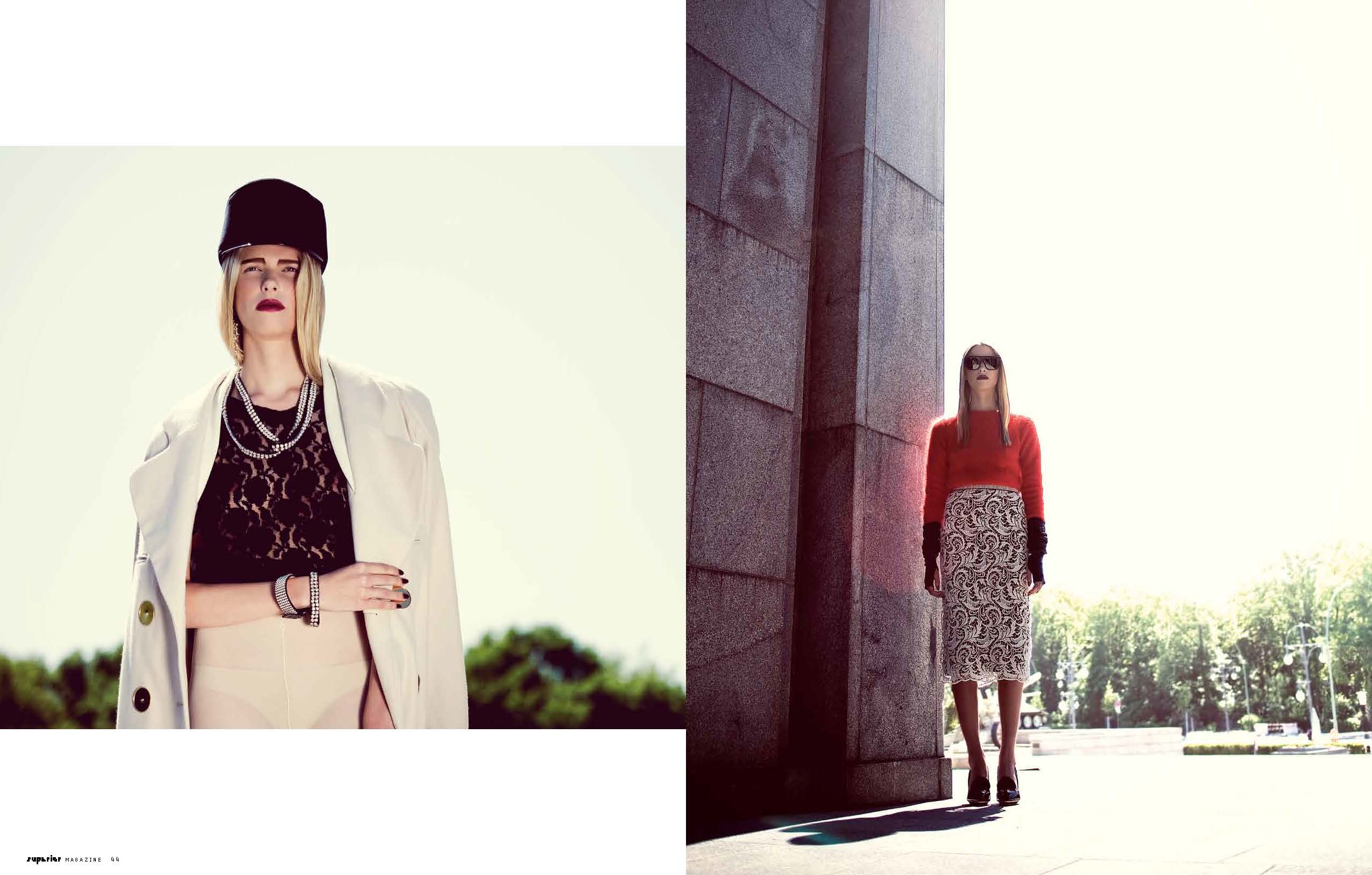
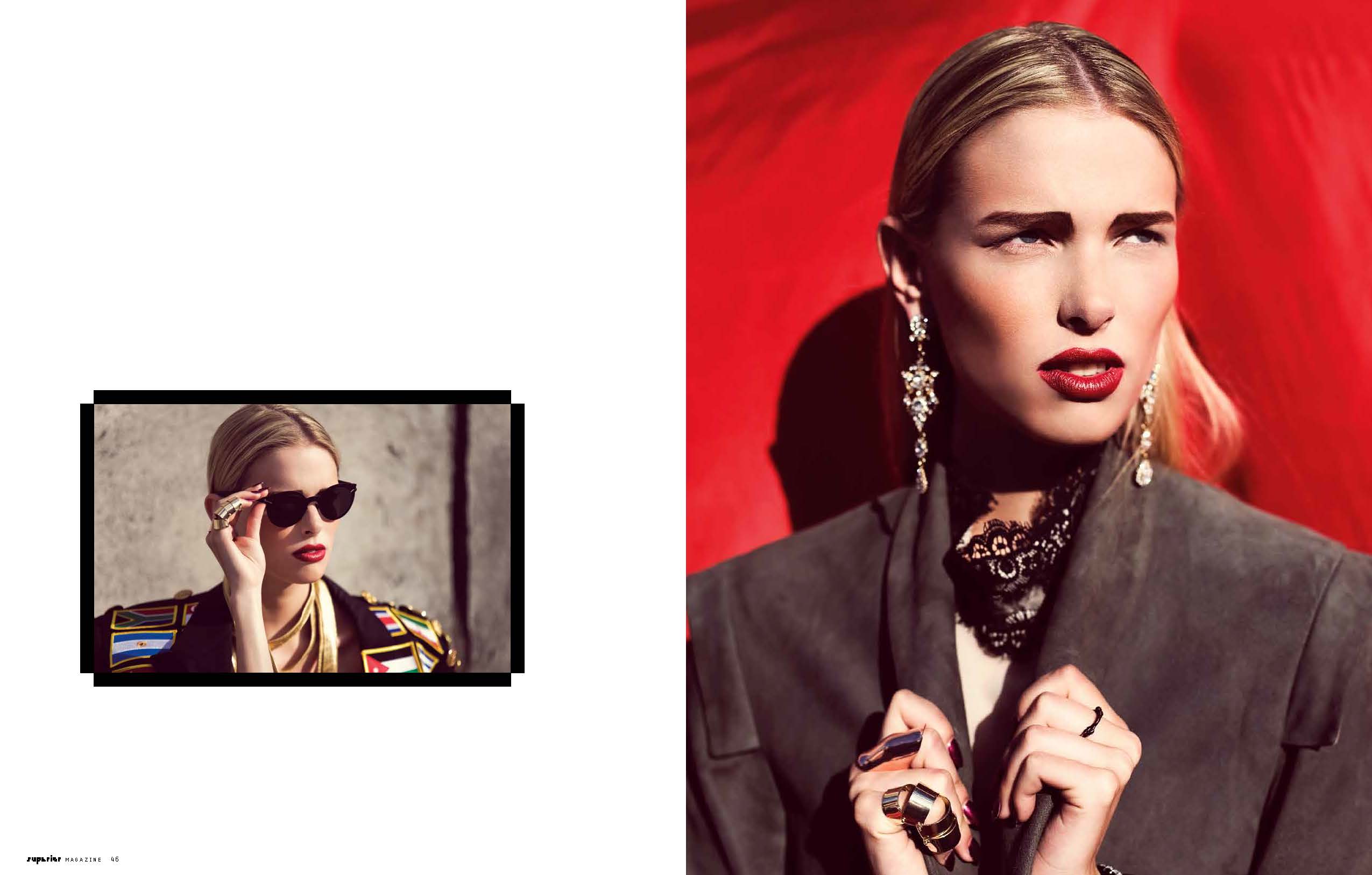
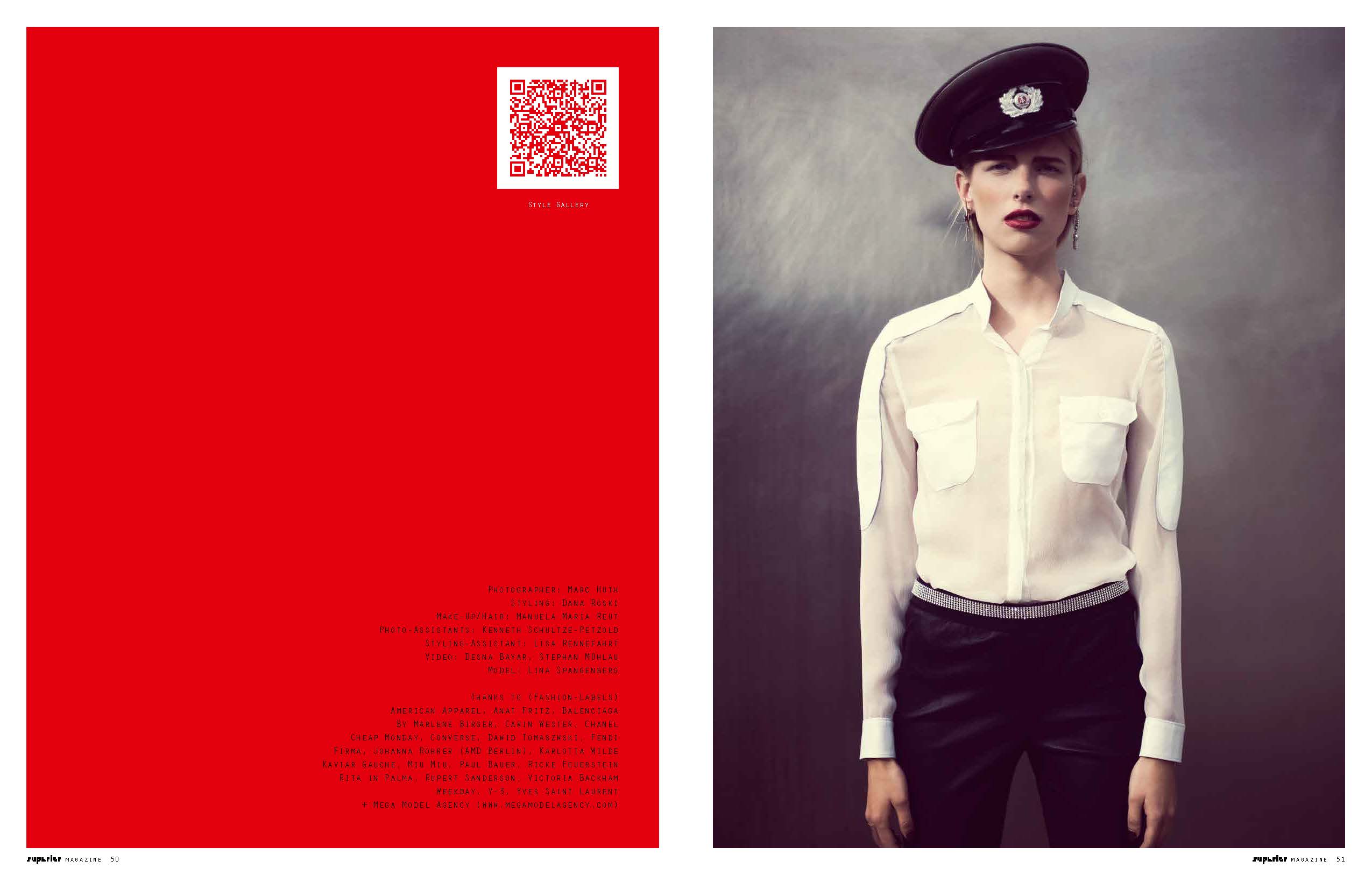
 Superior Magazine / Symbols of history / Photographer: Marc Huth

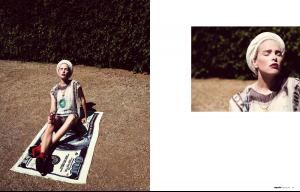



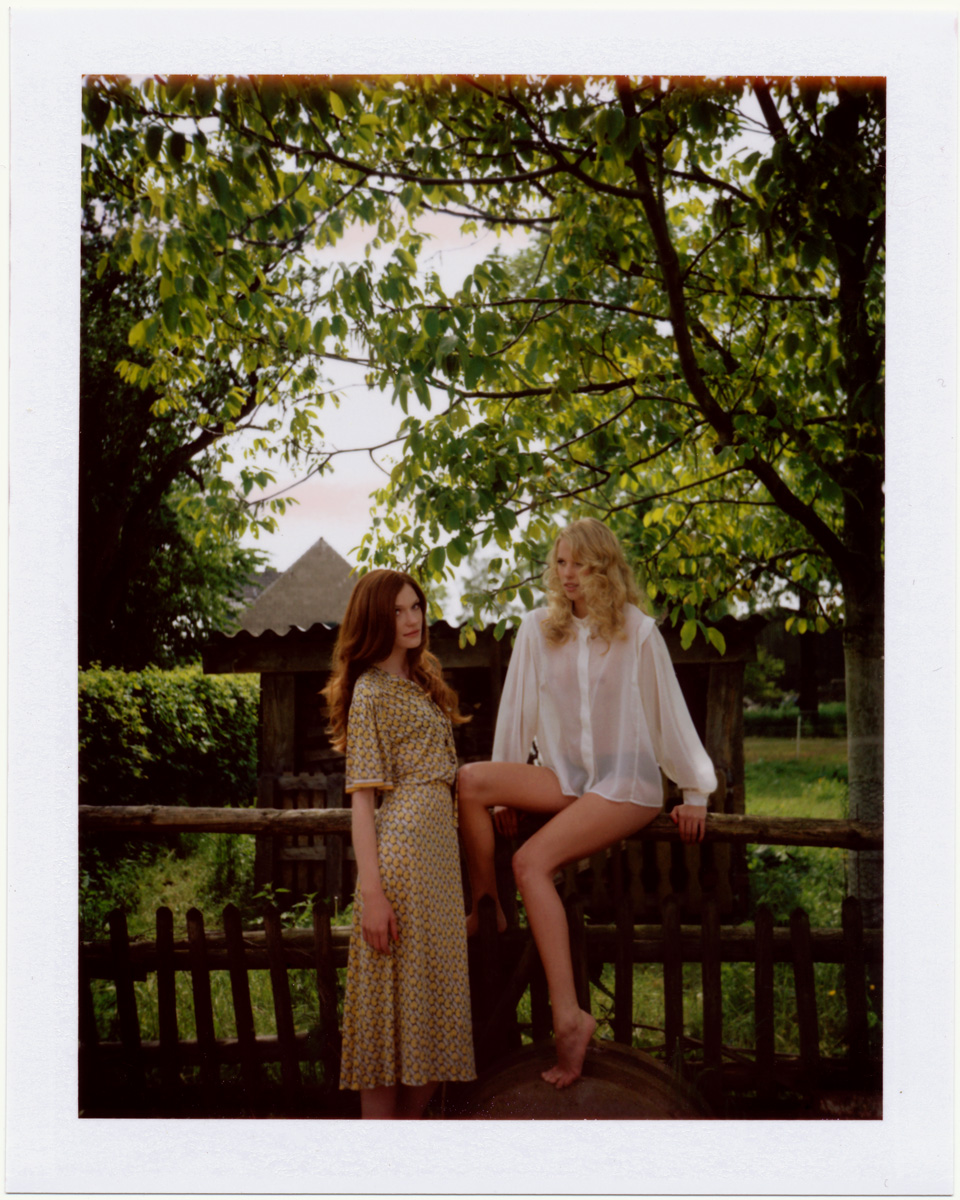
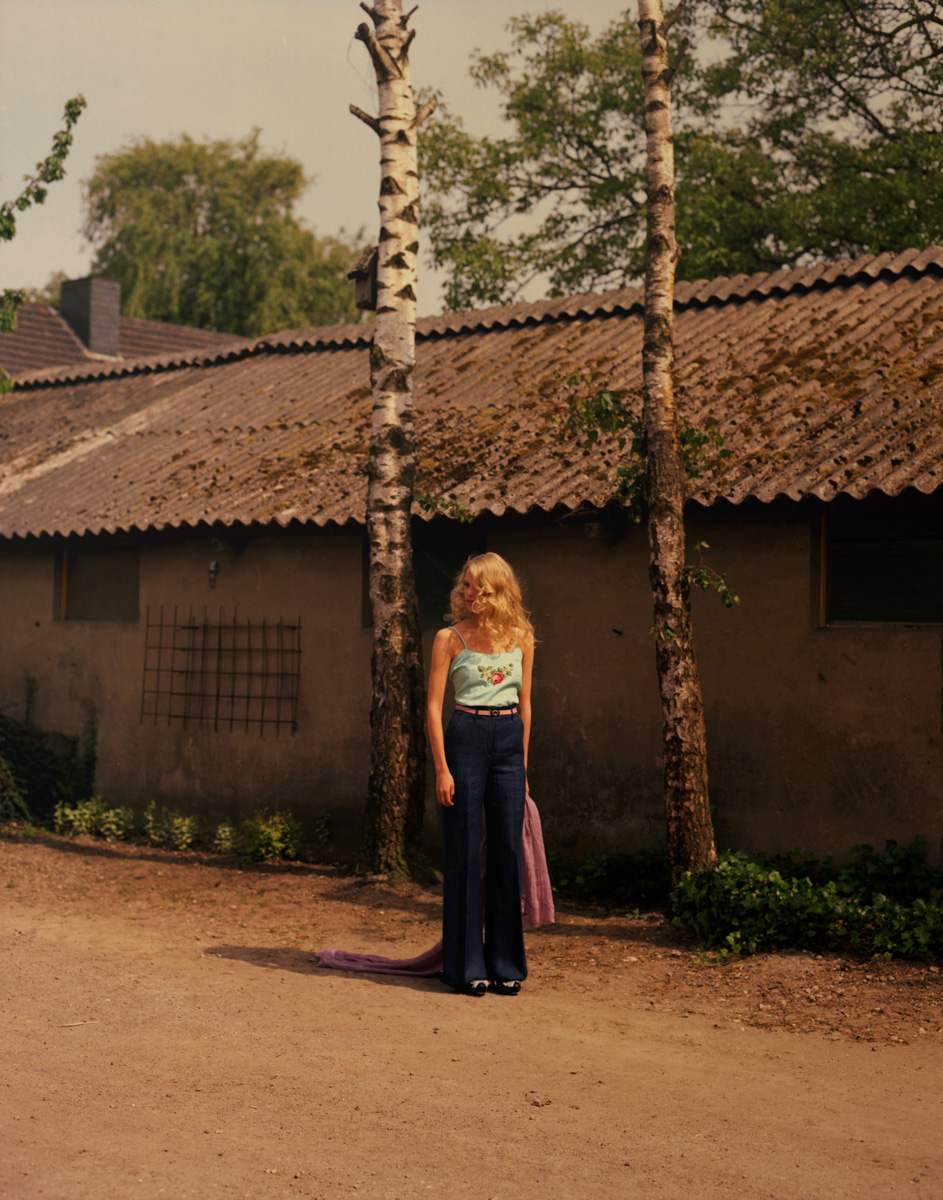
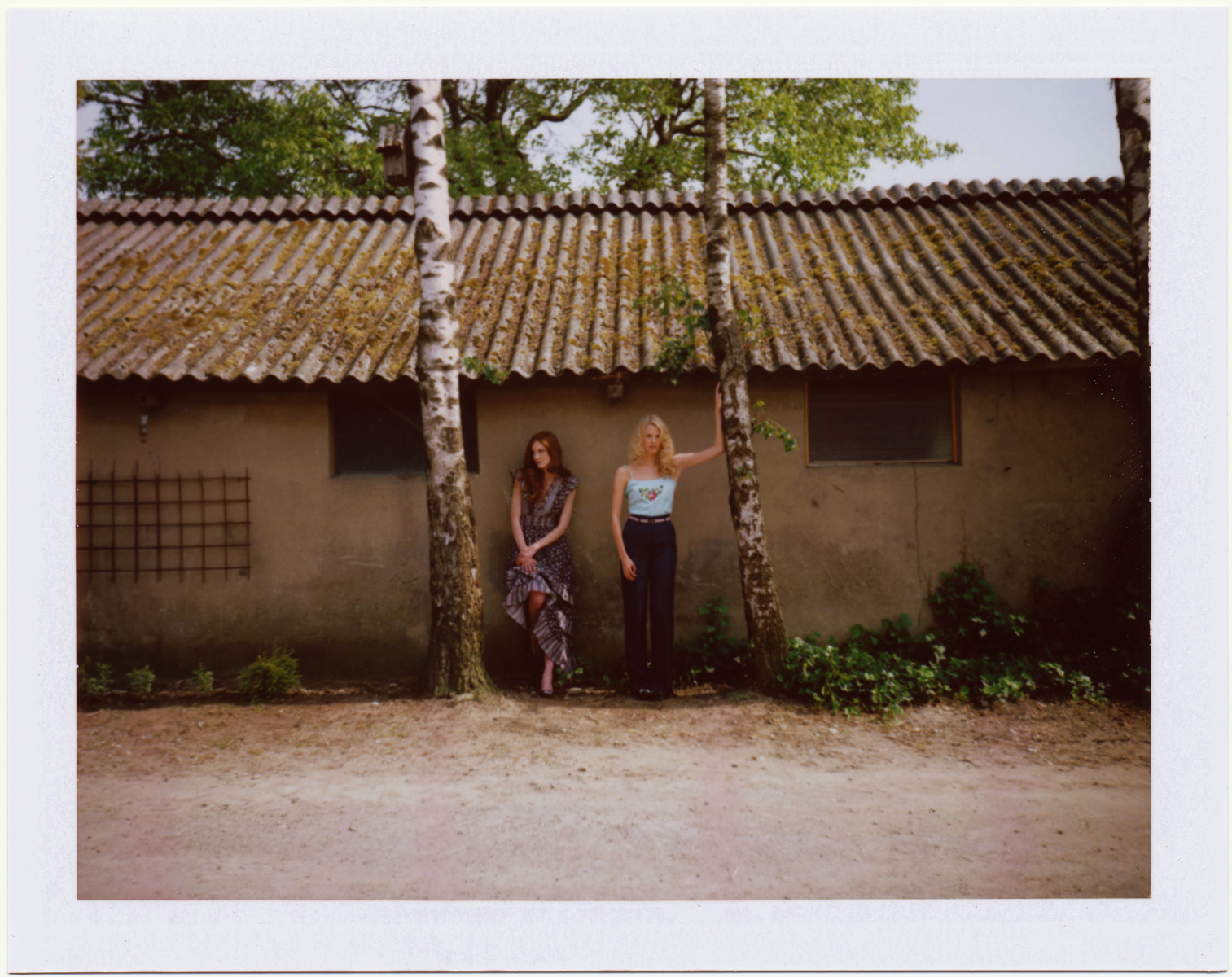
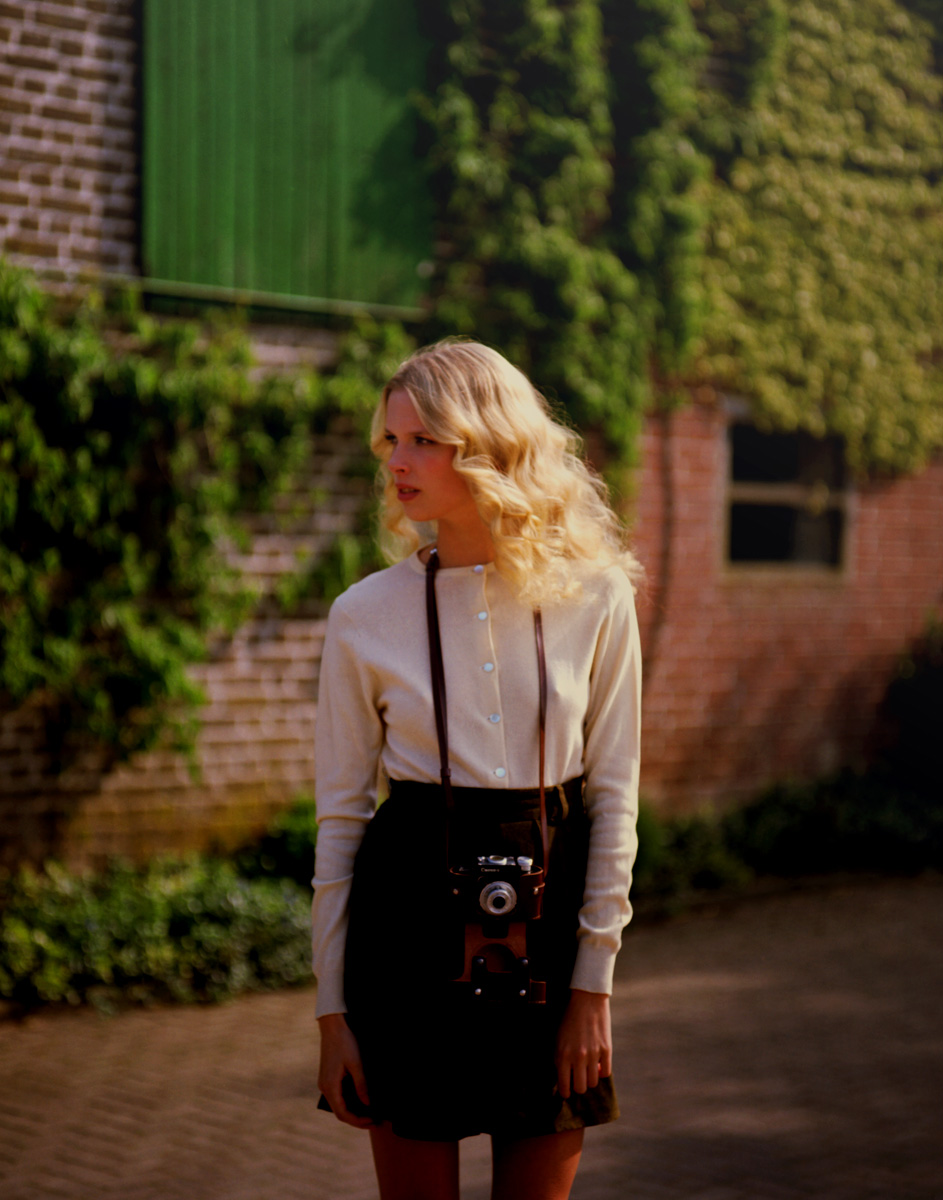
 BITE Magazine / The Green House / Photographer: Charlotte Schreiber / Other model: Laura Rademacher




 Also with Da Banda Model Management
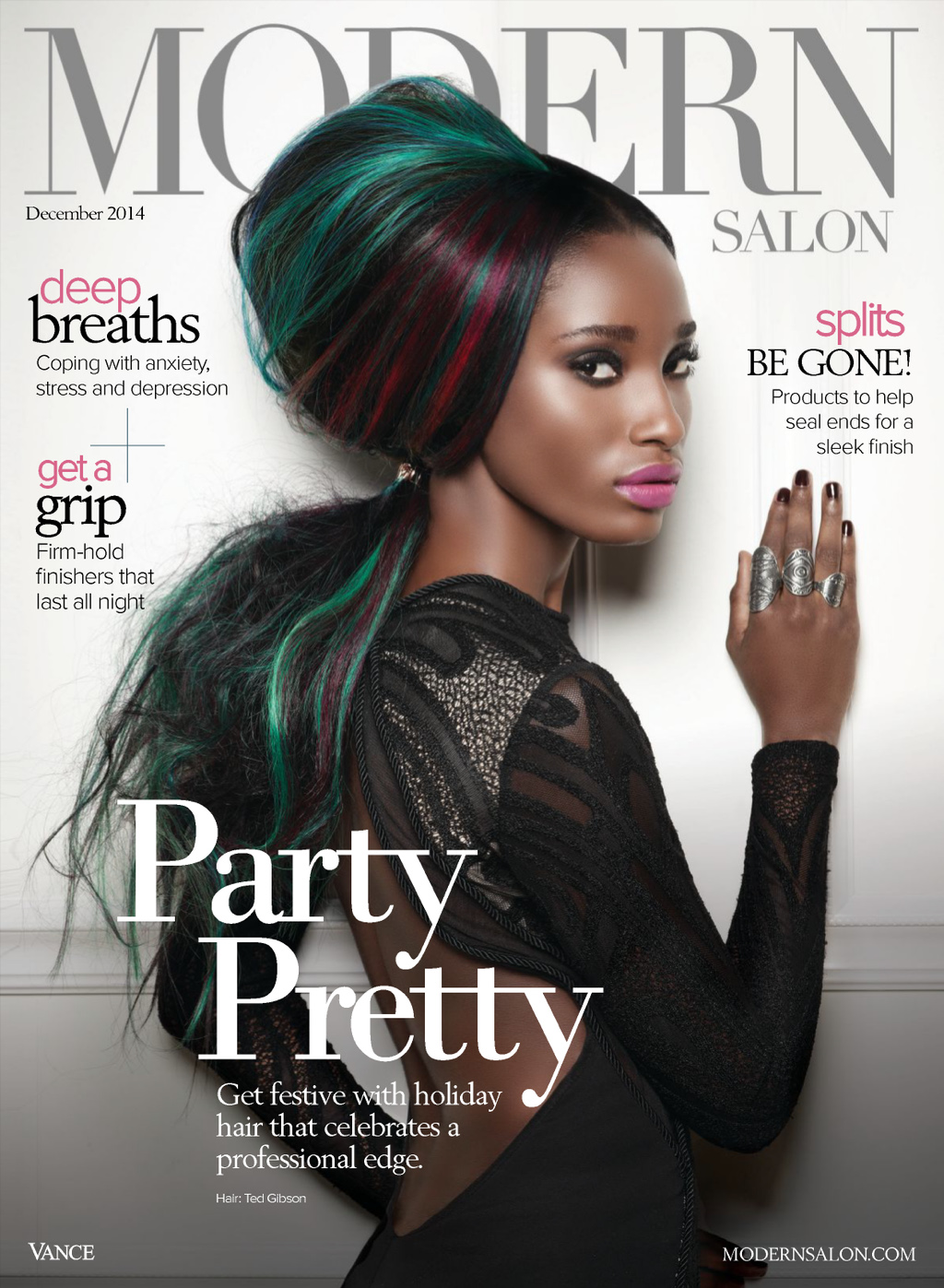
Modern Salon December 2014
Also with Da Banda Model Management
Modern Salon December 2014 Photographer: Goncalo Claro







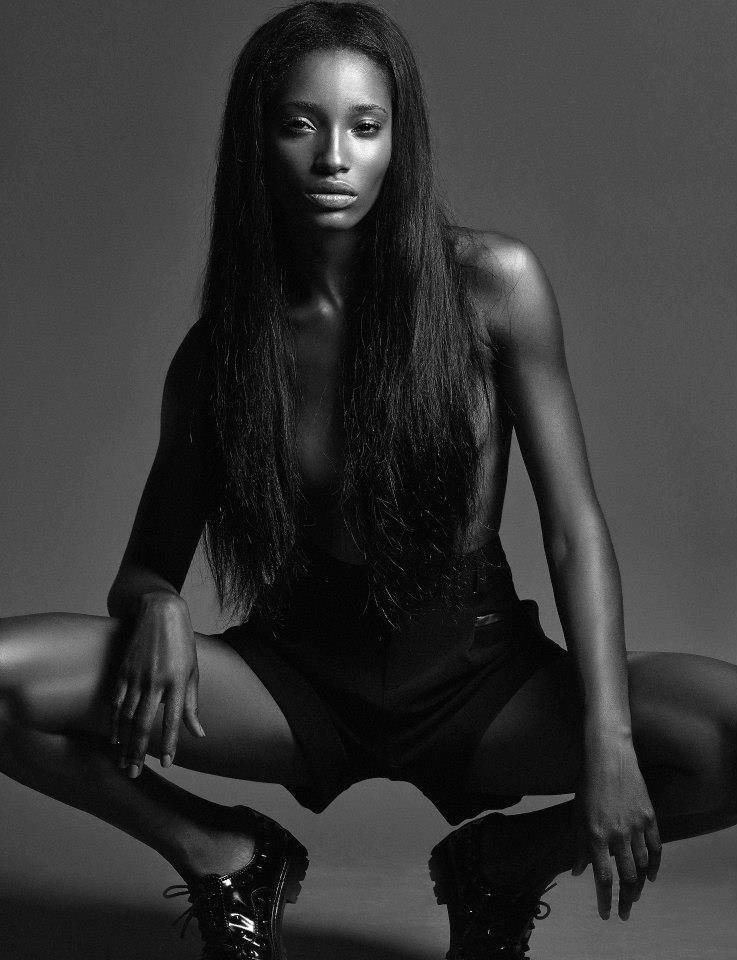
 Unknown photoshoot







 Remi Kozdra & Kasia Baczulis Slight nudity: http://postimg.org/image/ciblvdkuz/ http://postimg.org/image/8n87st1p7/



 More Soleil Blue










 One more from Treats
 T Magazine Women's Fashion Spring 2015 / Just Kids / Photographer: Matthew Kristall Slight nudity:



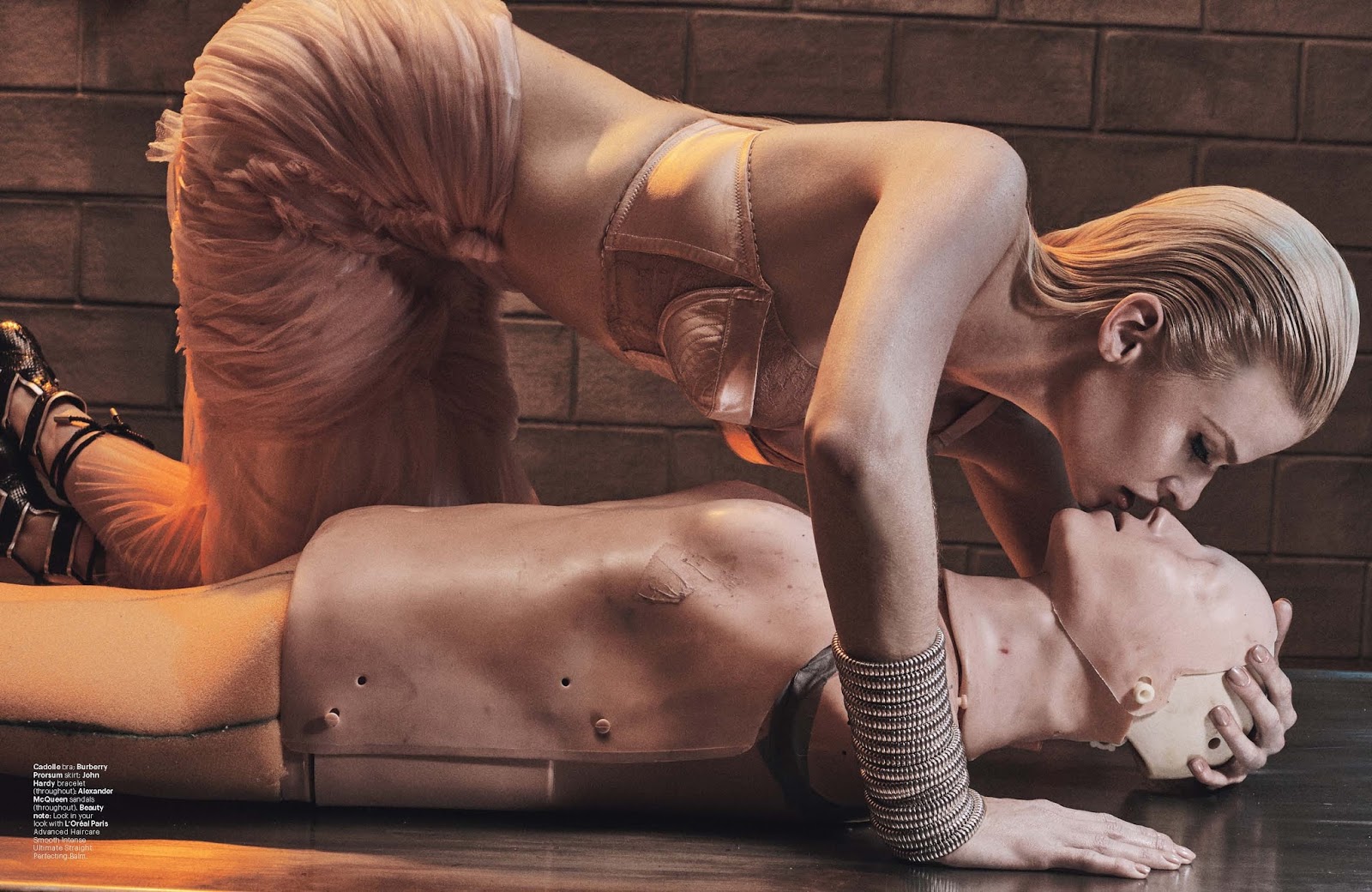
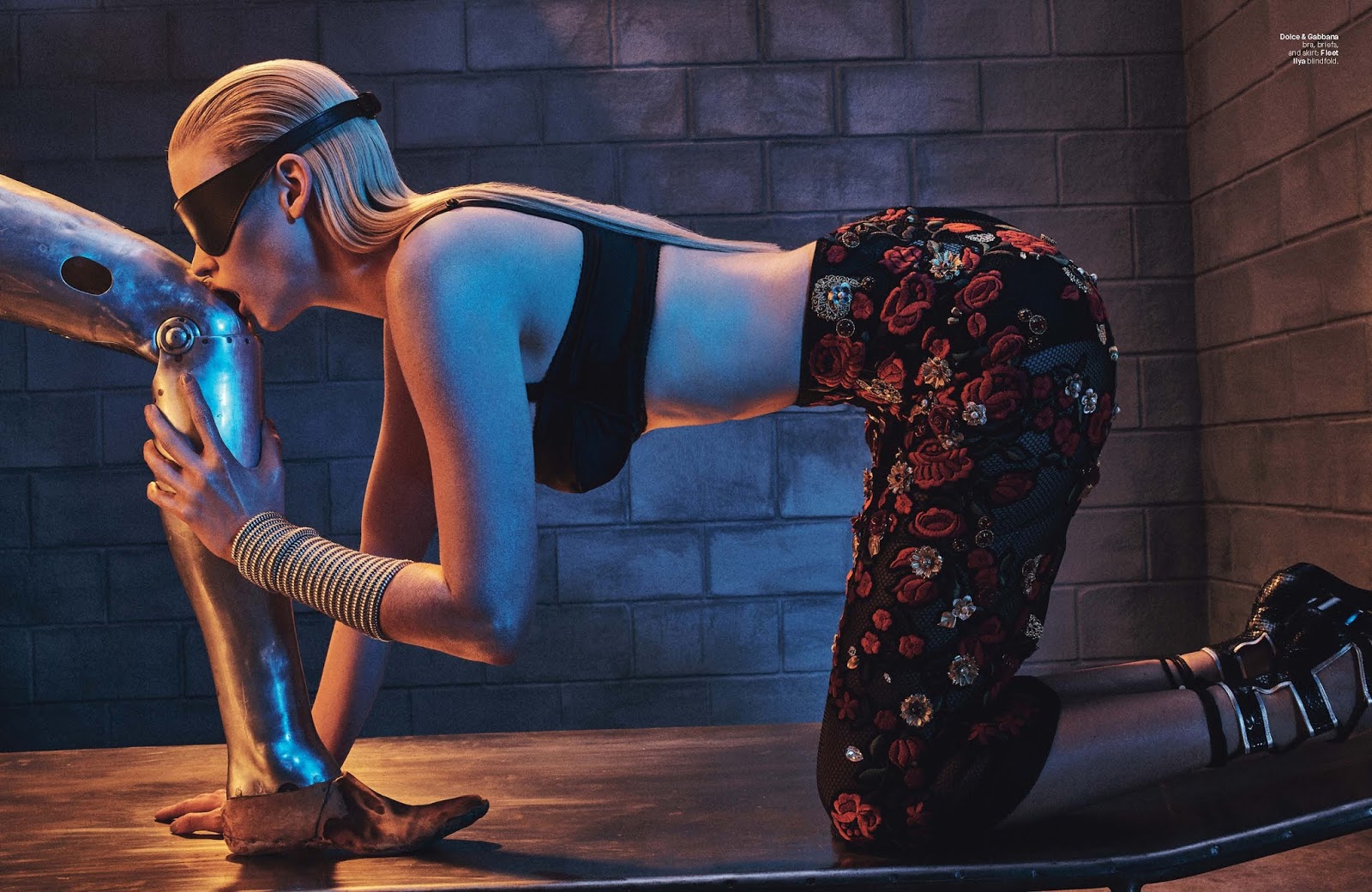
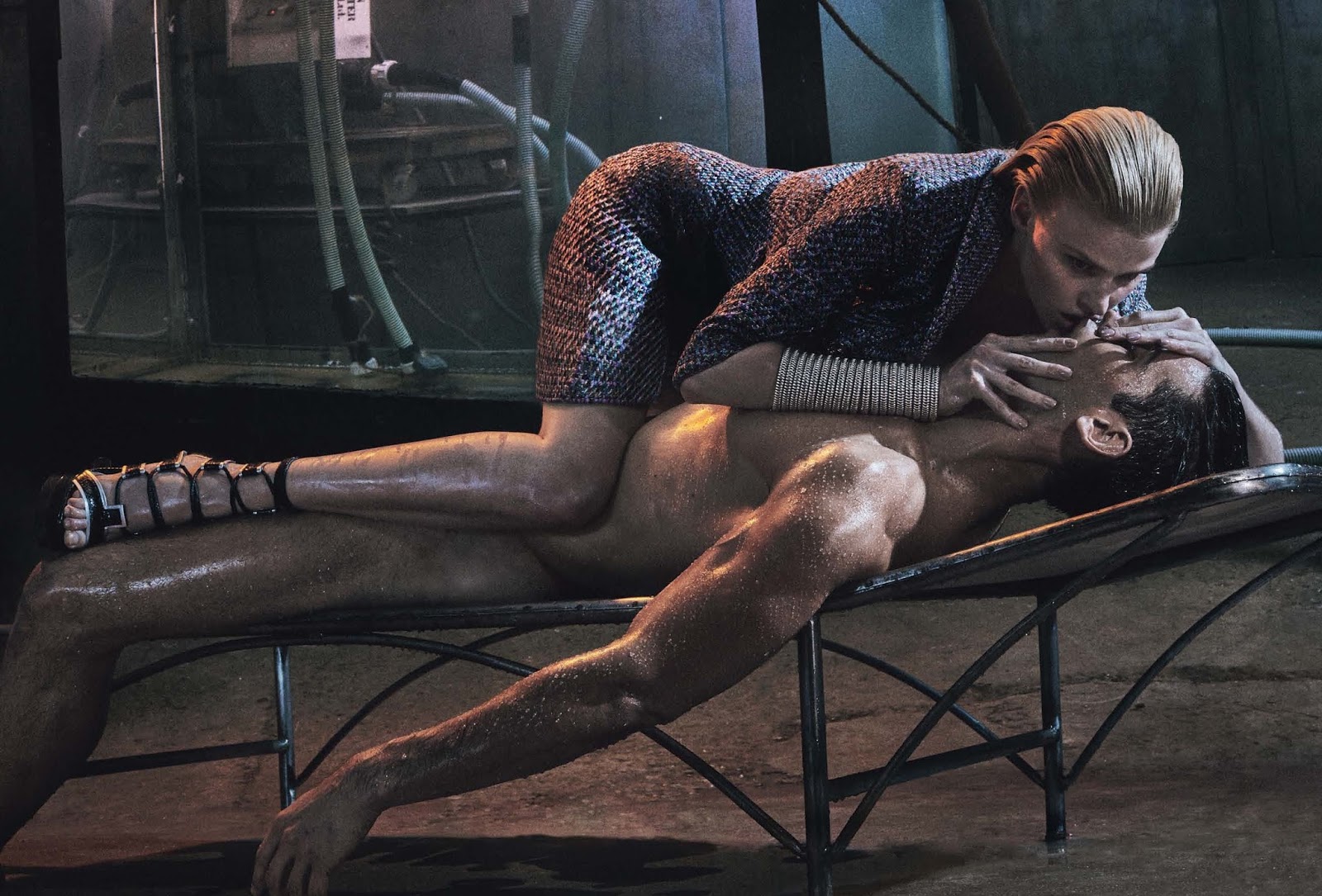
 W March 2015 / Love Machine / Photographer: Steven Klein / Other models: Filip Hrivnak & Bryce Thompson Nudity: http://postimg.org/image/538hxruu3/






 Russh February March 2015 by Daniella Rech (male model: Chris Gooris) Nudity: http://postimg.org/image/nxv1wpg4b/









 The Last Magazine Spring 2015 by Maciek Kobielski
 Nudity: http://postimg.org/image/esdibcxy3/ http://postimg.org/image/lmseesfyz/ http://postimg.org/image/fkg6ak257/ http://postimg.org/image/ux4iibqor/ http://postimg.org/image/7udzj5p7f/ http://postimg.org/image/6o5e6mbiz/


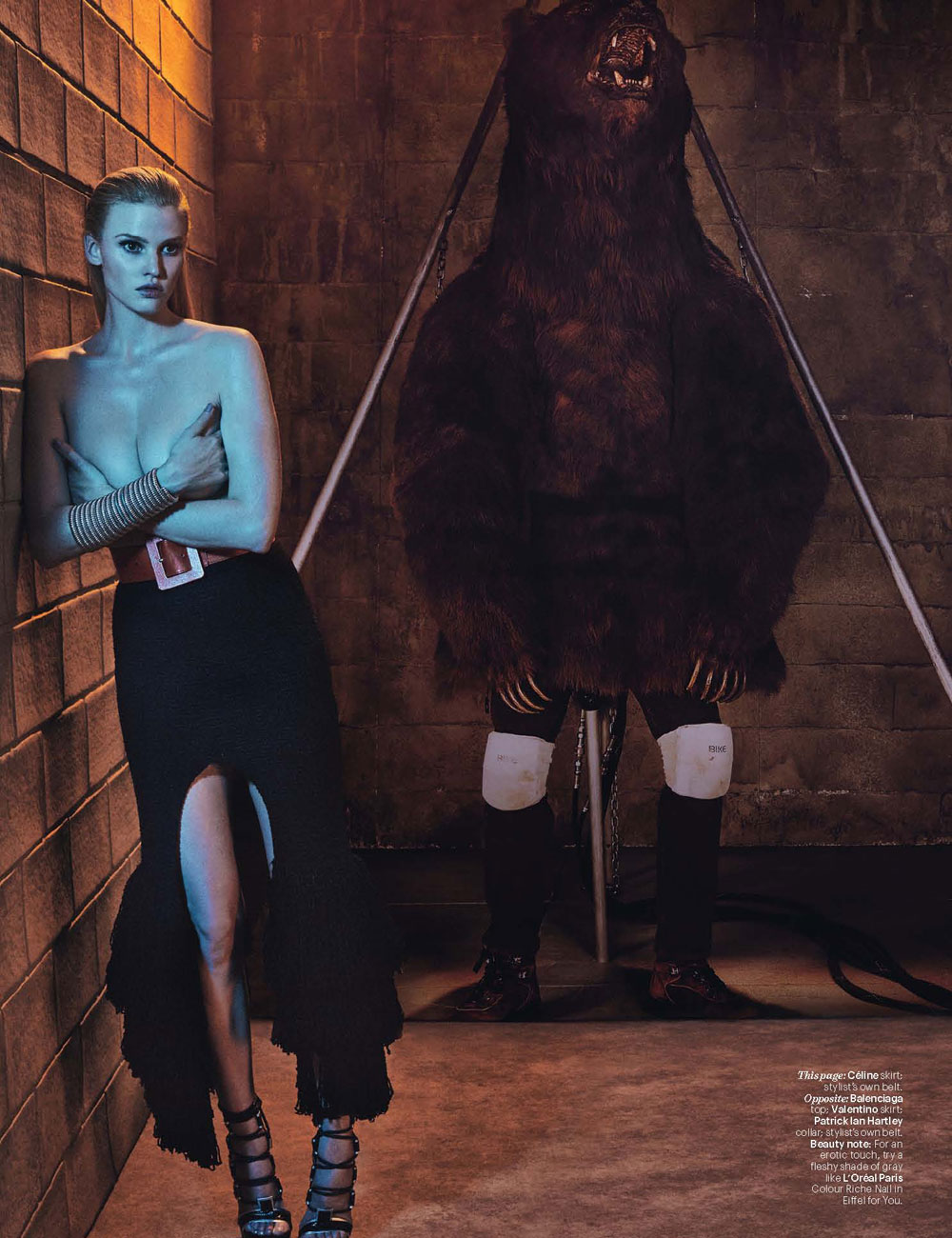
 Wow! Doutzen is more beautiful than ever. Her pregnancies left her some curves... and she's a goddess!

































































Account
Navigation
Search
Configure browser push notifications
Chrome (Android)
- Tap the lock icon next to the address bar.
- Tap Permissions → Notifications.
- Adjust your preference.
Chrome (Desktop)
- Click the padlock icon in the address bar.
- Select Site settings.
- Find Notifications and adjust your preference.
Safari (iOS 16.4+)
- Ensure the site is installed via Add to Home Screen.
- Open Settings App → Notifications.
- Find your app name and adjust your preference.
Safari (macOS)
- Go to Safari → Preferences.
- Click the Websites tab.
- Select Notifications in the sidebar.
- Find this website and adjust your preference.
Edge (Android)
- Tap the lock icon next to the address bar.
- Tap Permissions.
- Find Notifications and adjust your preference.
Edge (Desktop)
- Click the padlock icon in the address bar.
- Click Permissions for this site.
- Find Notifications and adjust your preference.
Firefox (Android)
- Go to Settings → Site permissions.
- Tap Notifications.
- Find this site in the list and adjust your preference.
Firefox (Desktop)
- Open Firefox Settings.
- Search for Notifications.
- Find this site in the list and adjust your preference.