
puma
Members
-
Joined
-
Last visited
Everything posted by puma
-
Interviewen in “Het Vermoeden”.





-
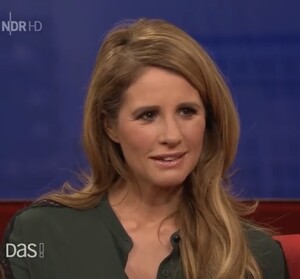
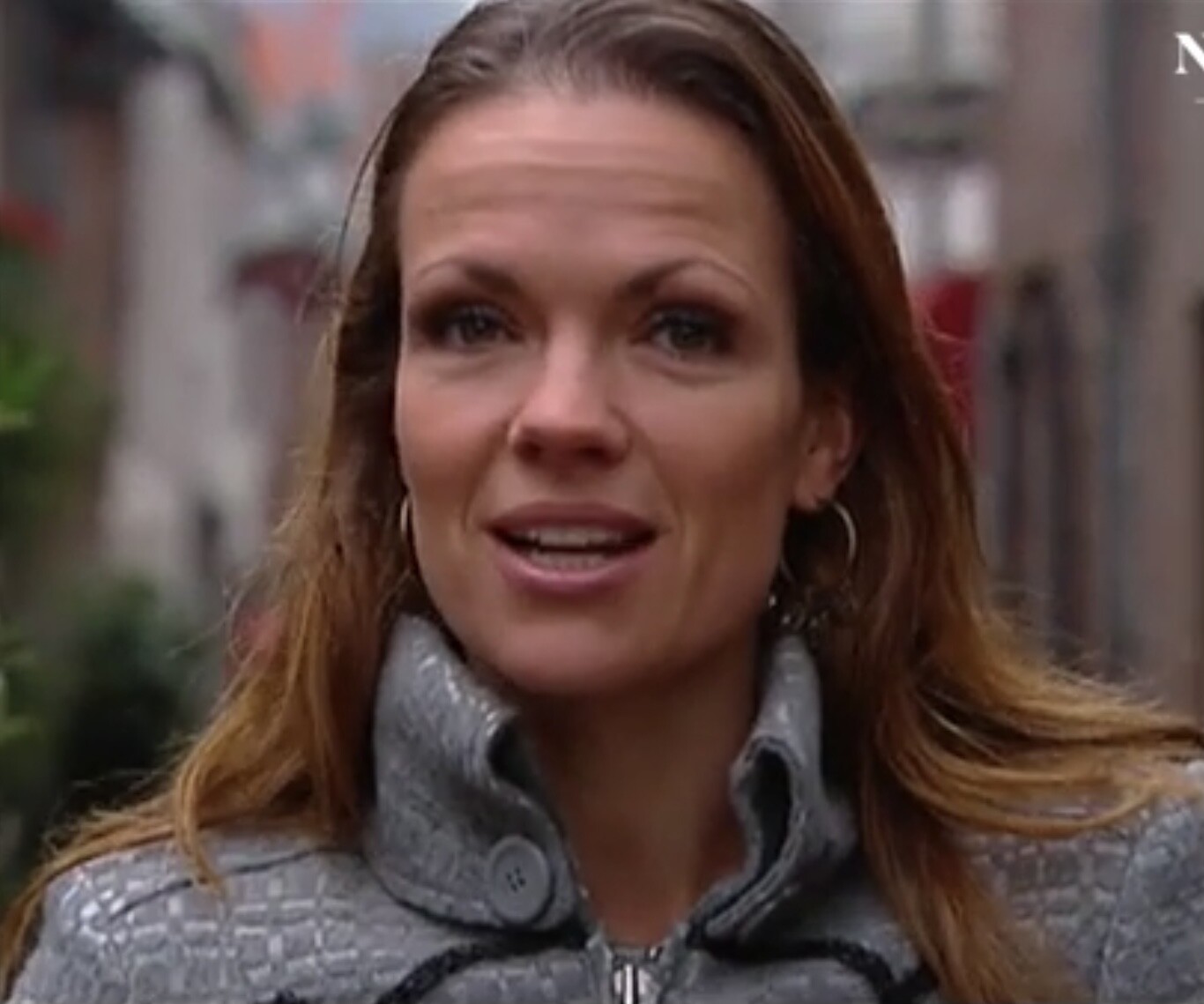
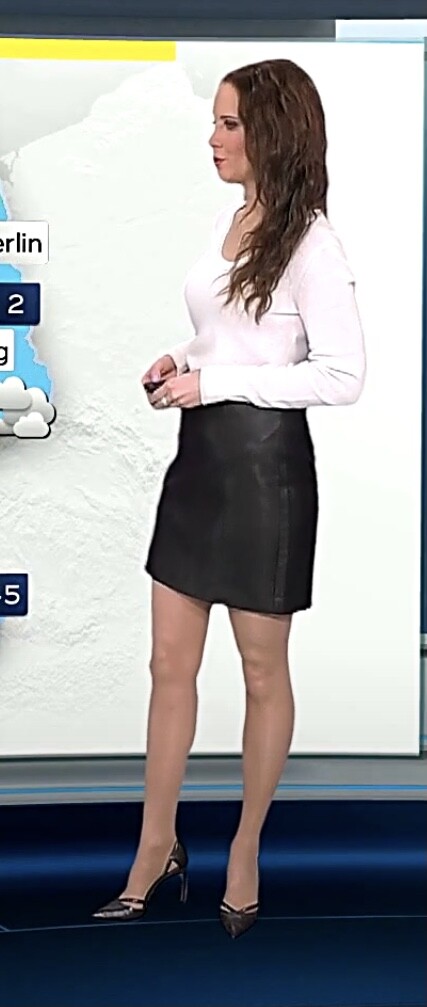
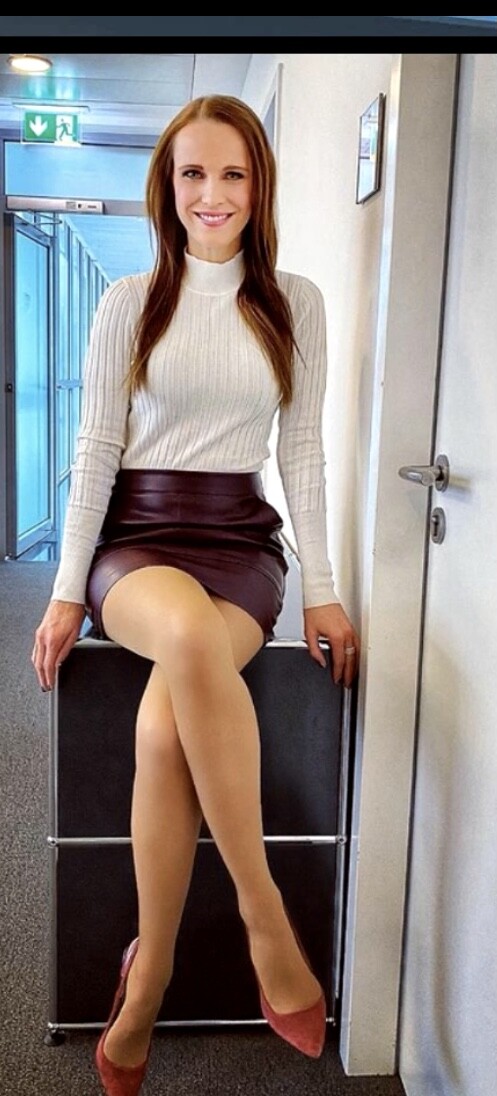
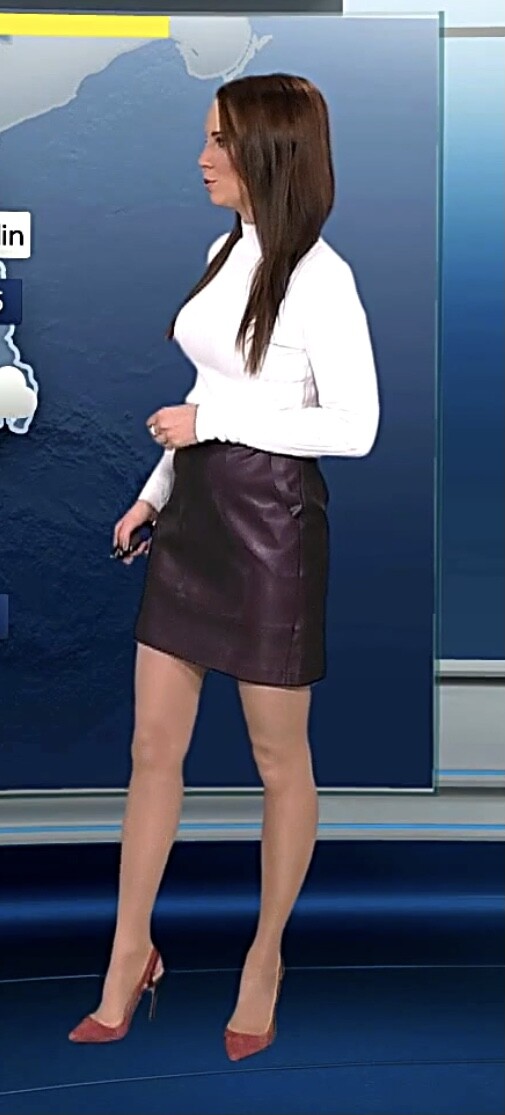
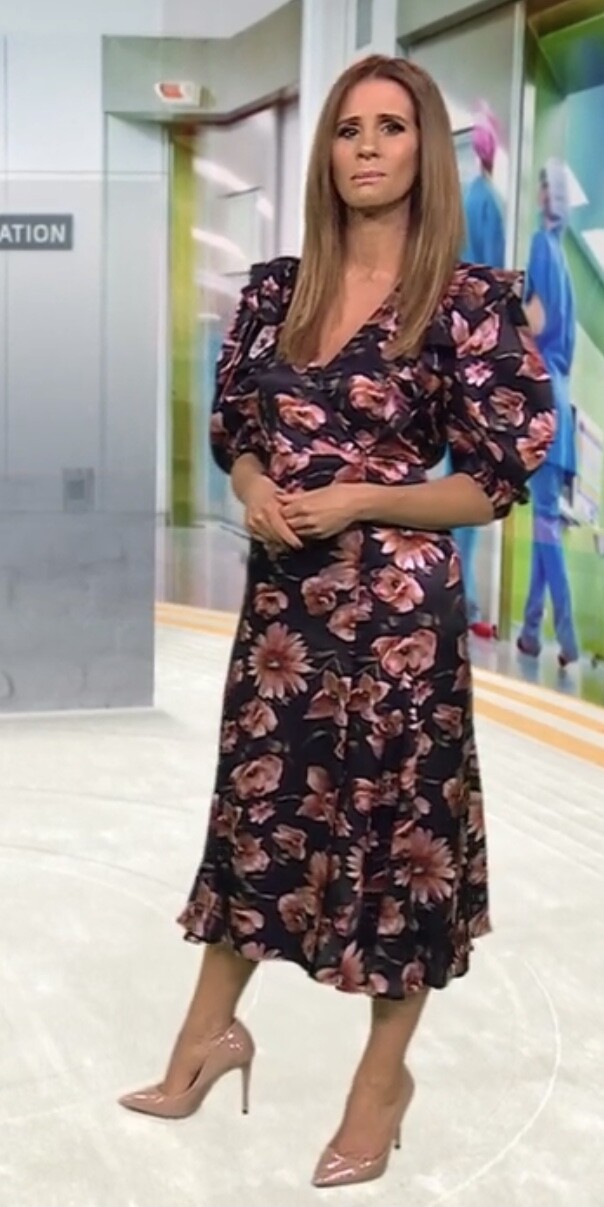
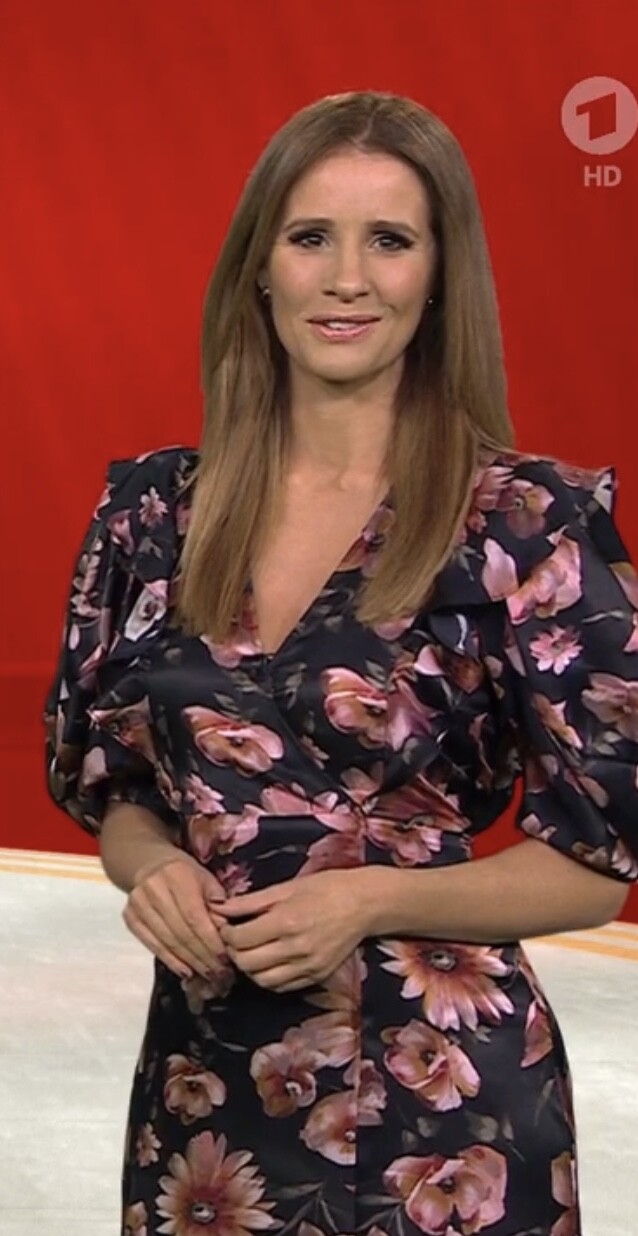
German weathergirls Susanne Schöne and 1 of Katja Retso.
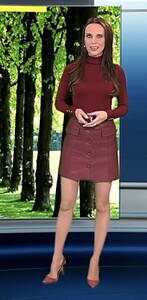
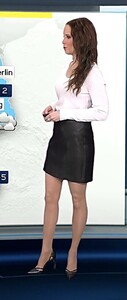


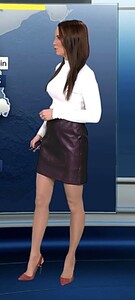
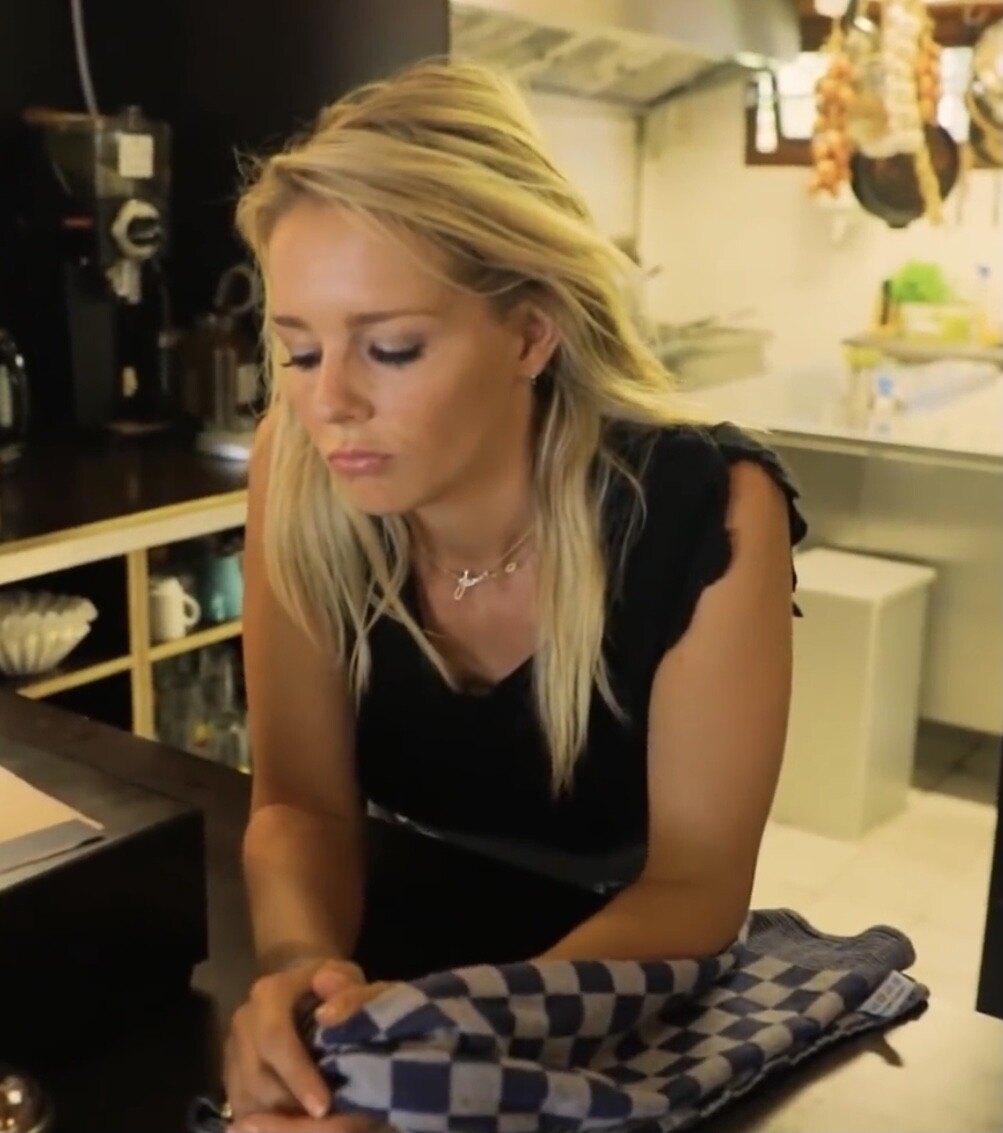
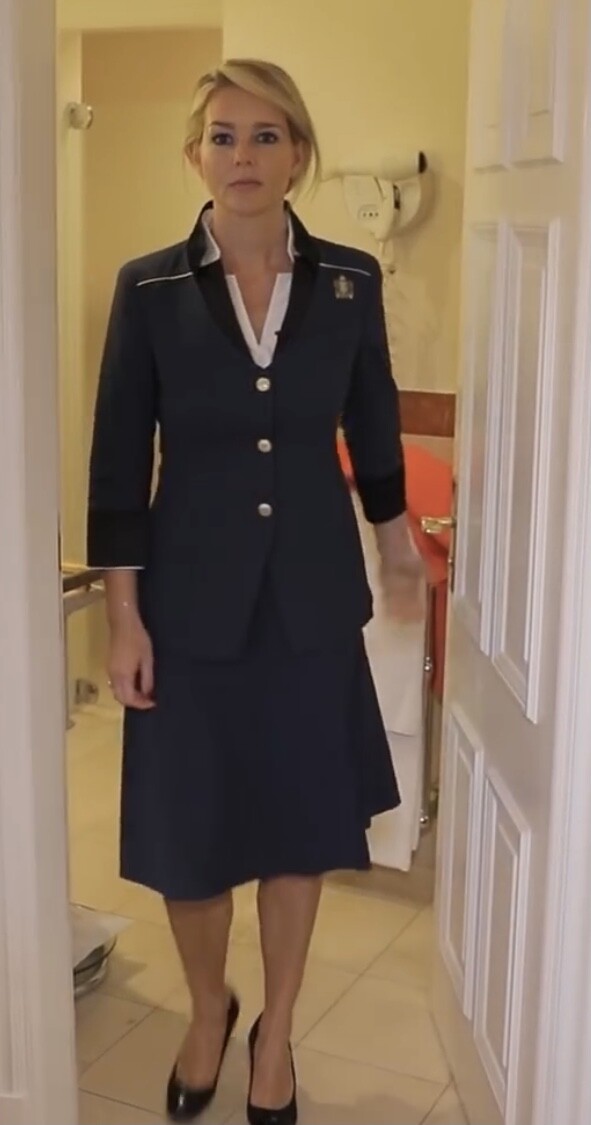
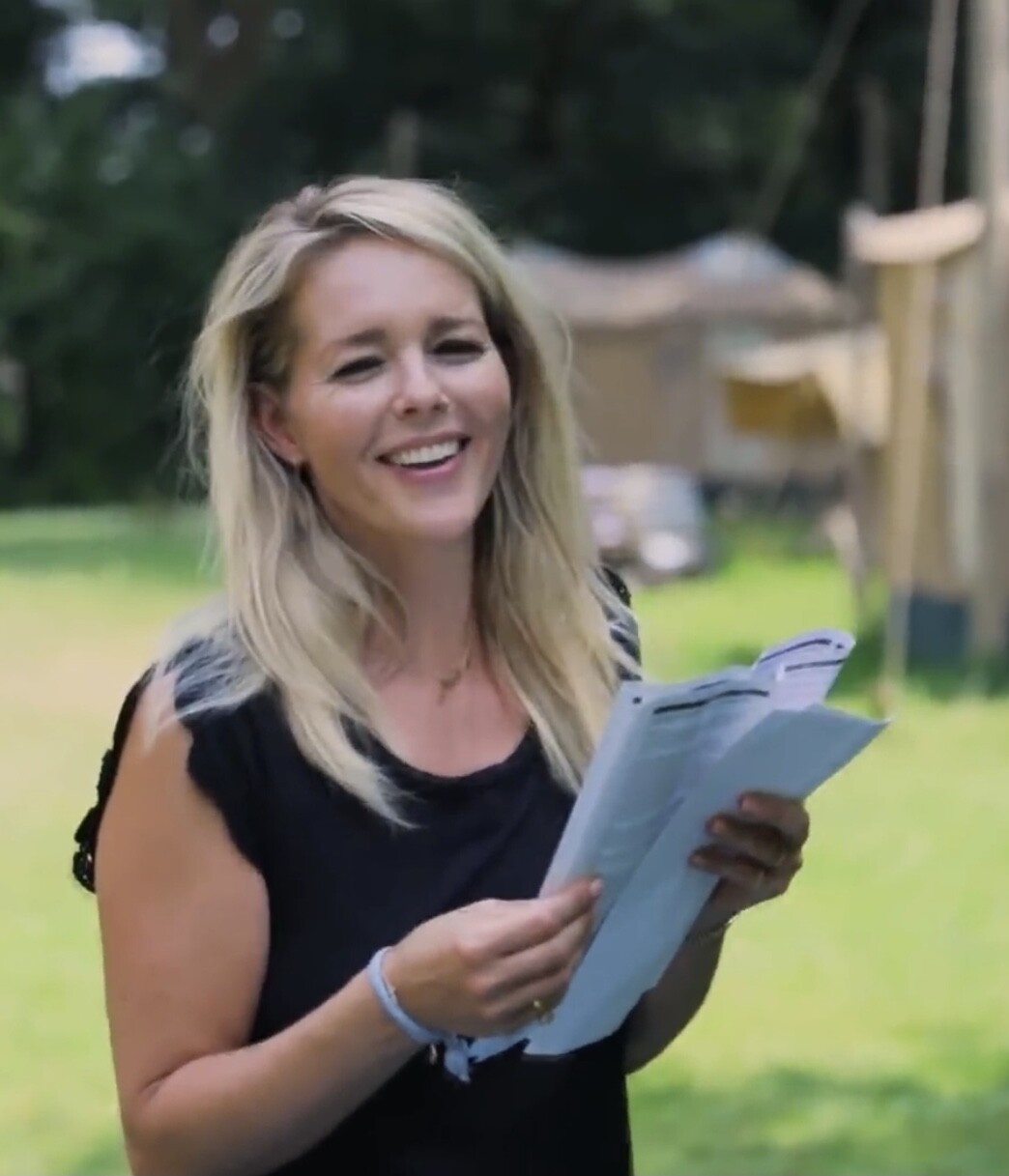
 In The Voice, and in Coming to Work.
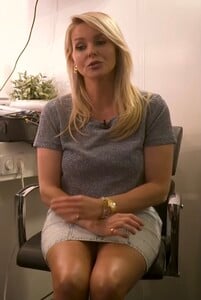
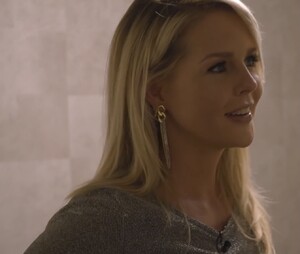
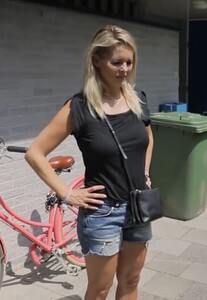
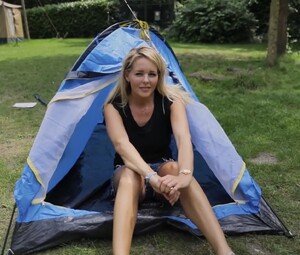
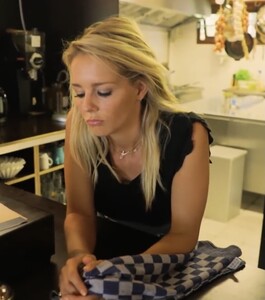
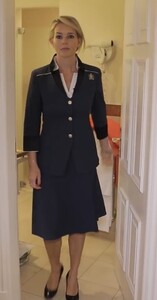
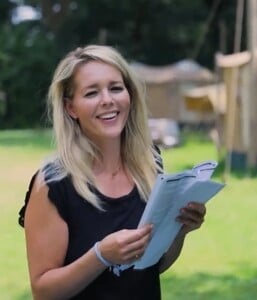
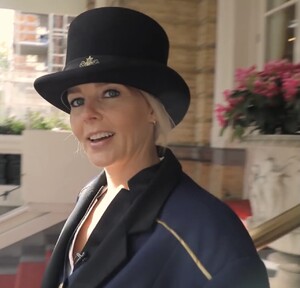


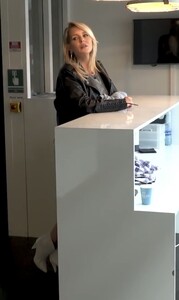





 Ella-June Henrard is a Belgian actress, born 1993 in Antwerp. She studied in The Netherlands at the Institute of Performing Arts in Maastricht. She was nominated for the Golden Calf, Dutch film price for her role in Boy 7. She played in Belgian and Dutch film and TV productions like: Boy 7 Michiel de Ruyter Renesse Torpedo Façades








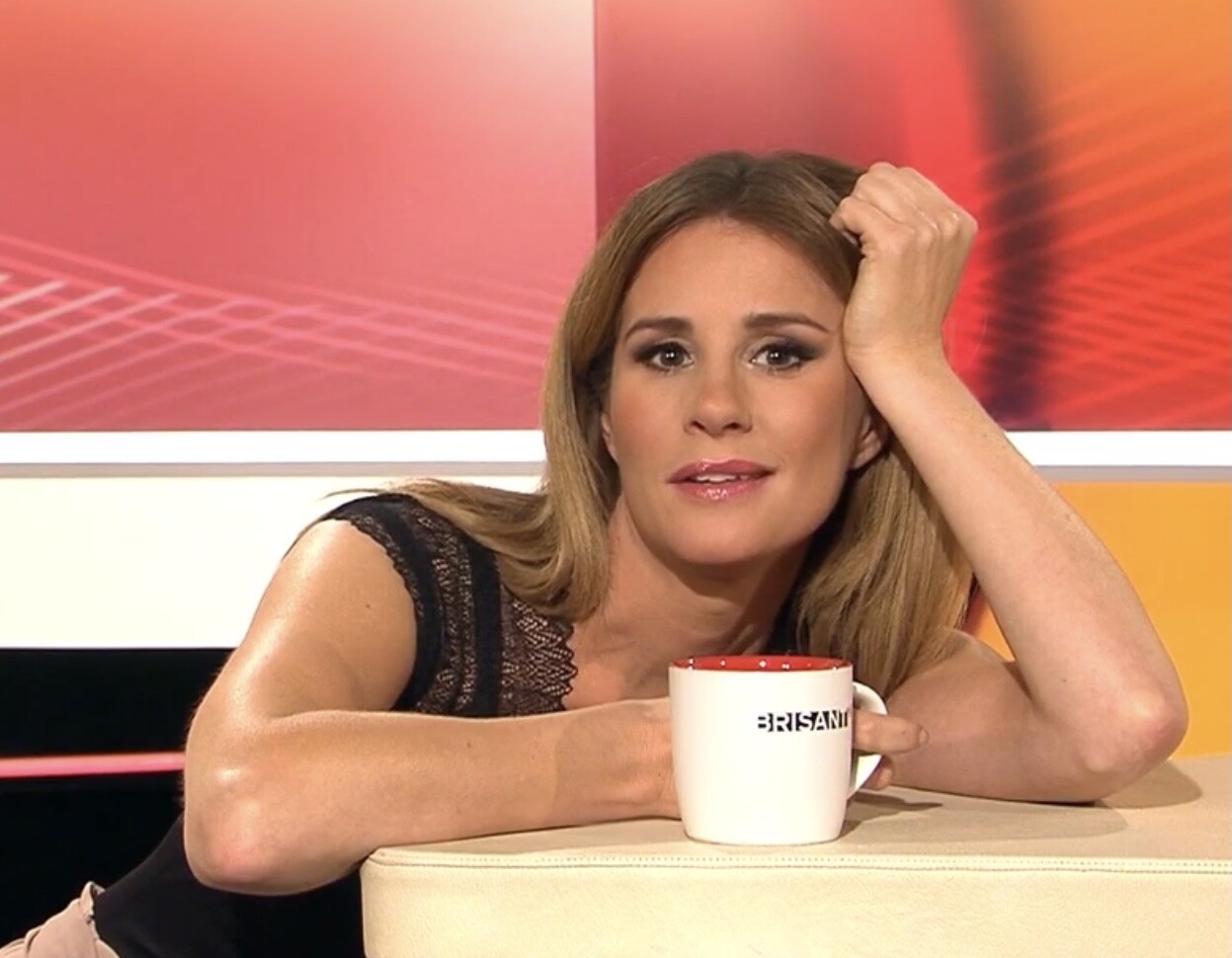
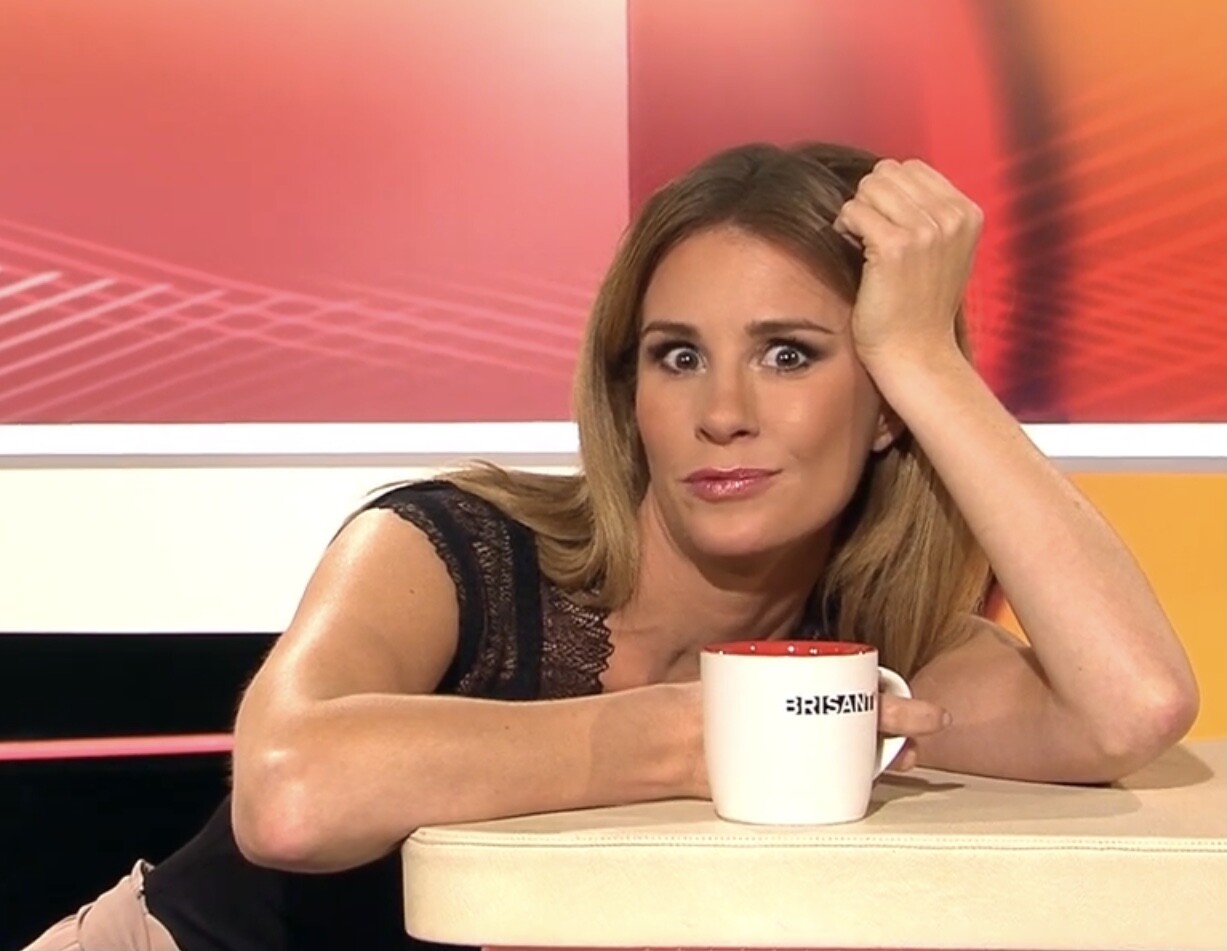
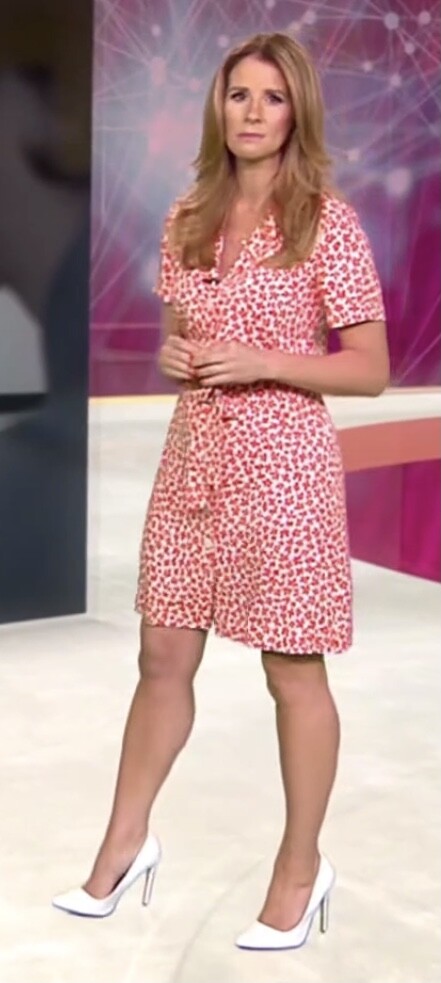
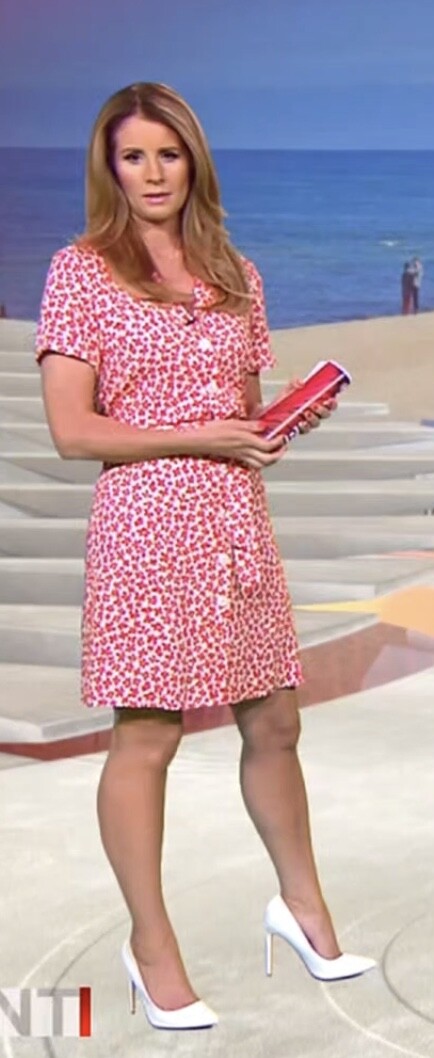
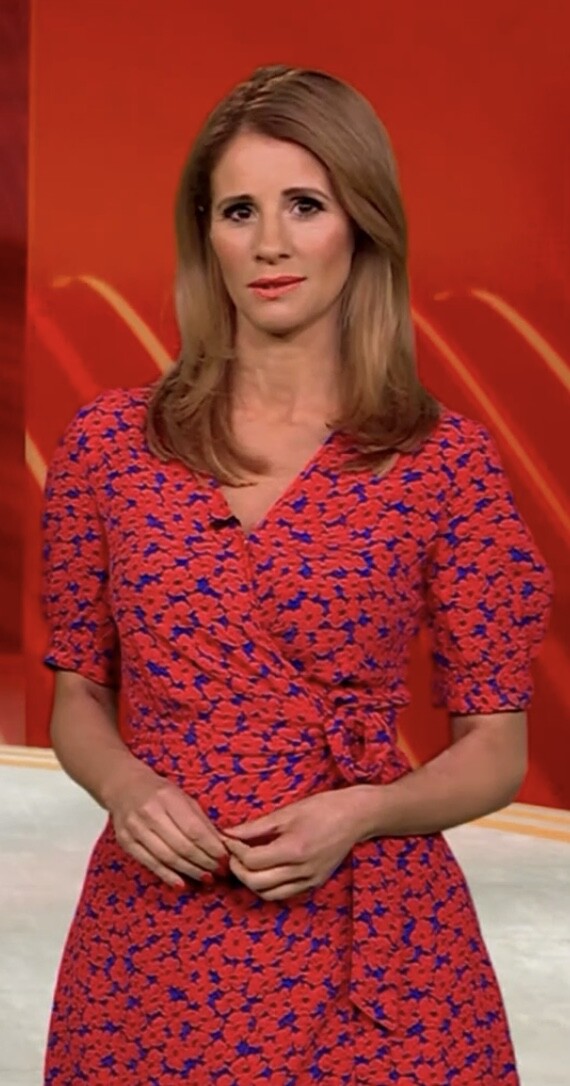
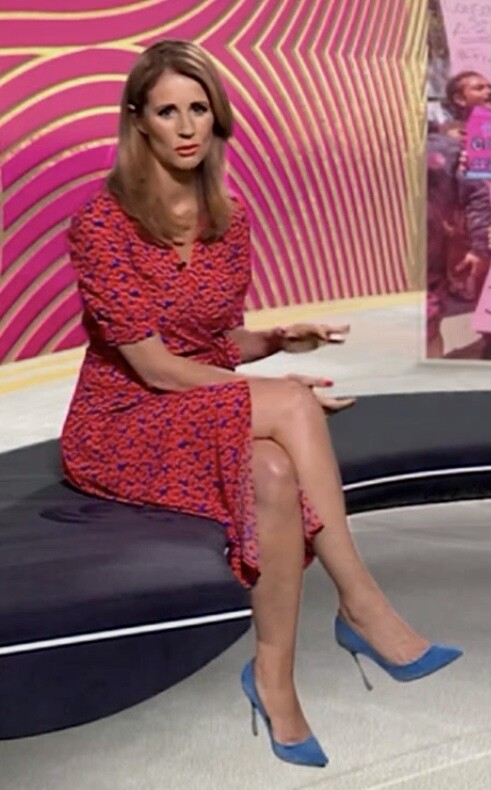
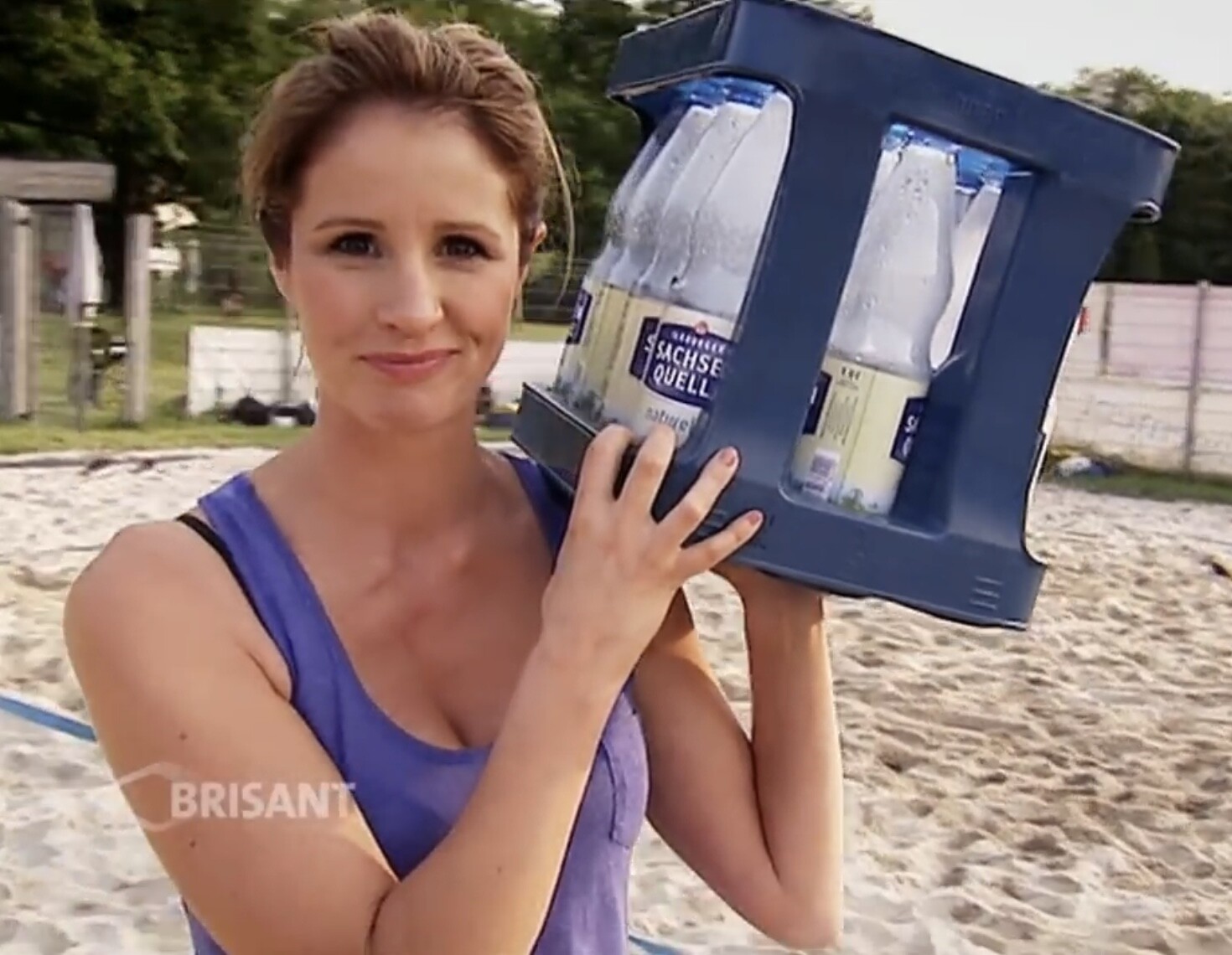
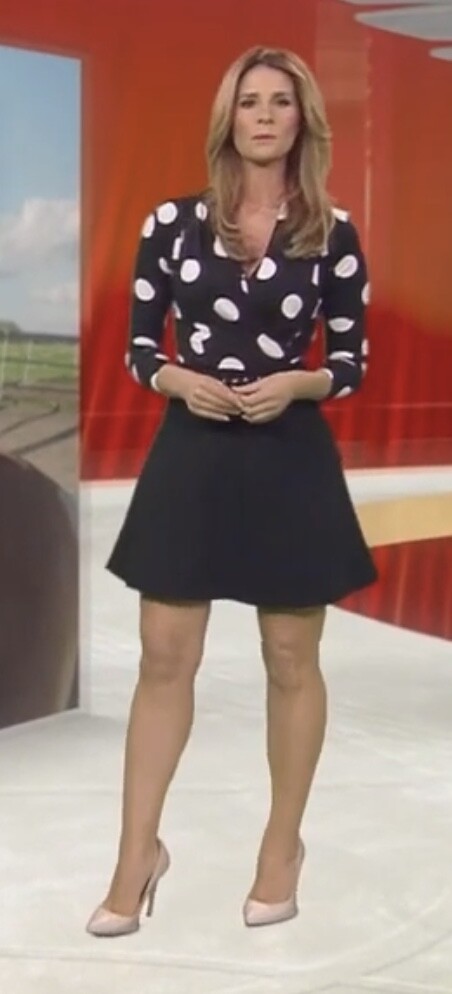
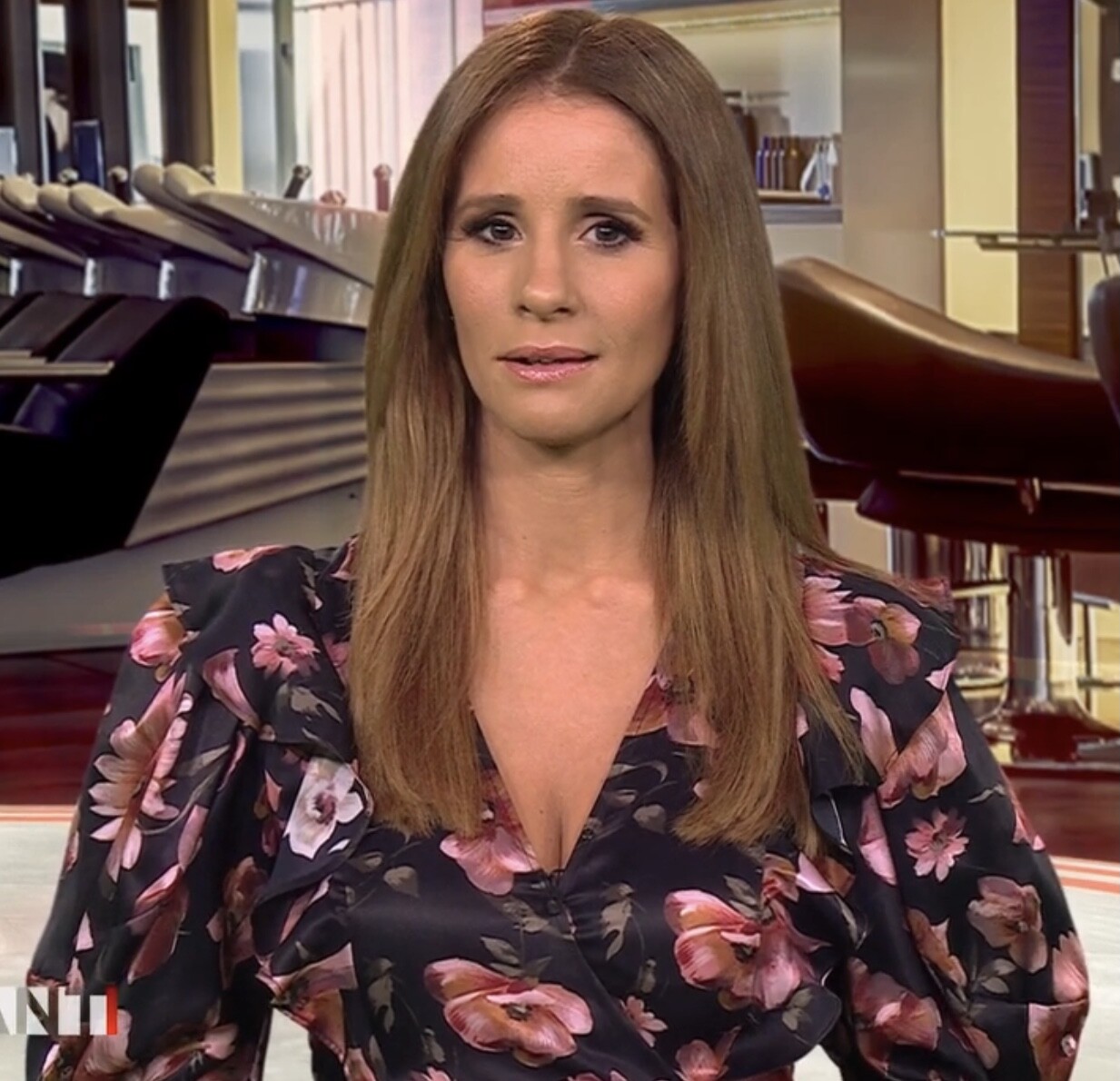
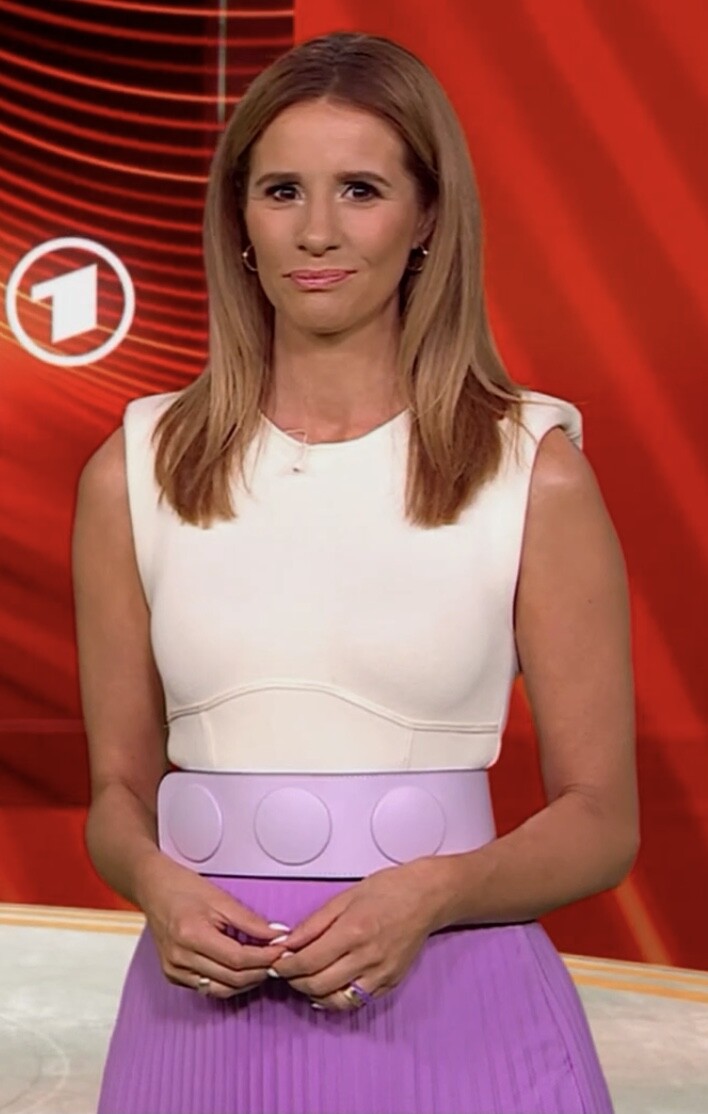
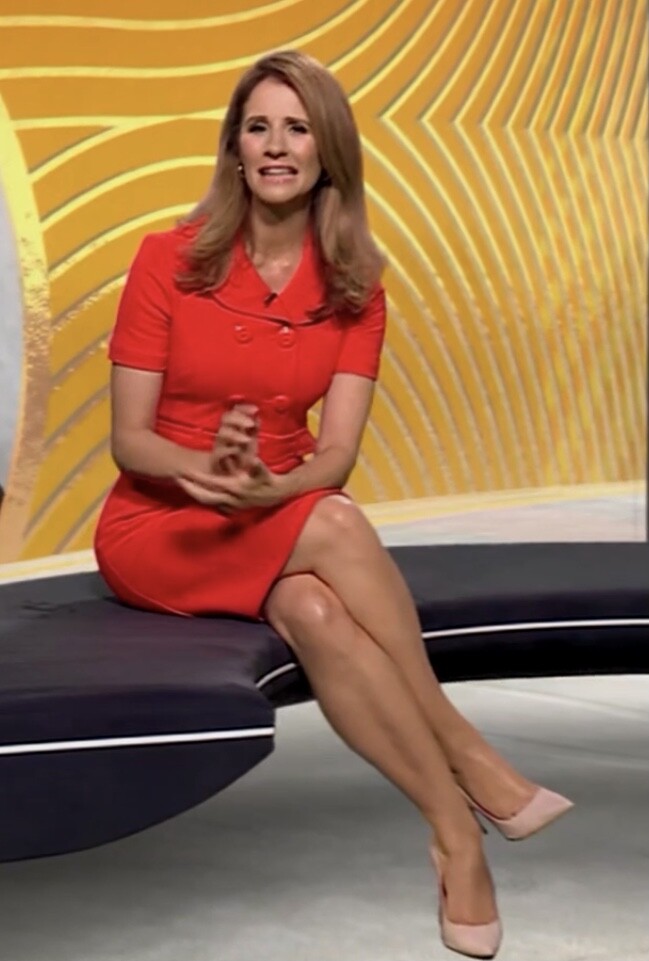
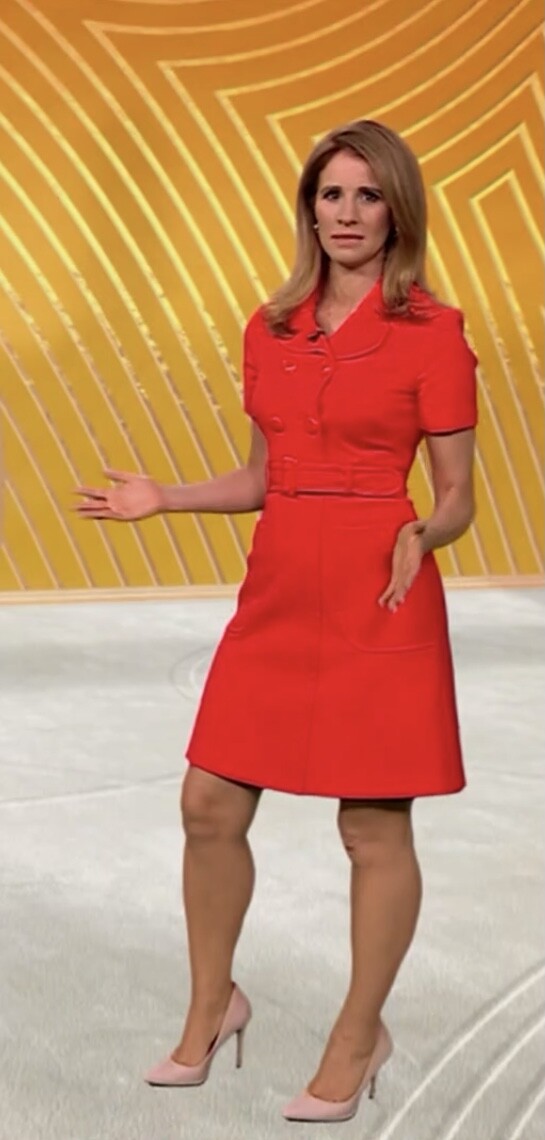
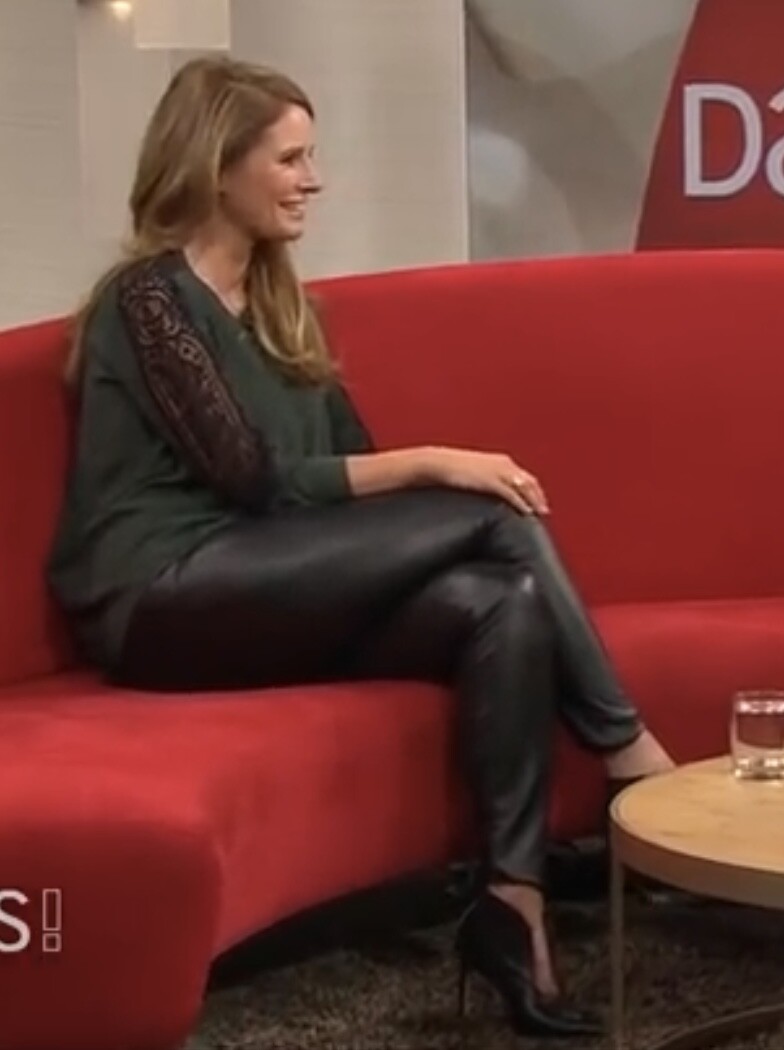
 Moderator of Brisant



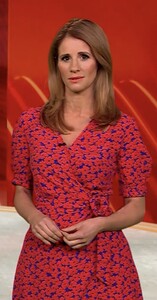



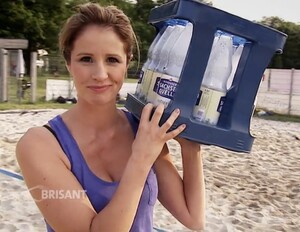
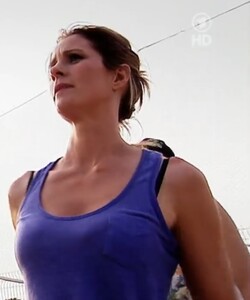





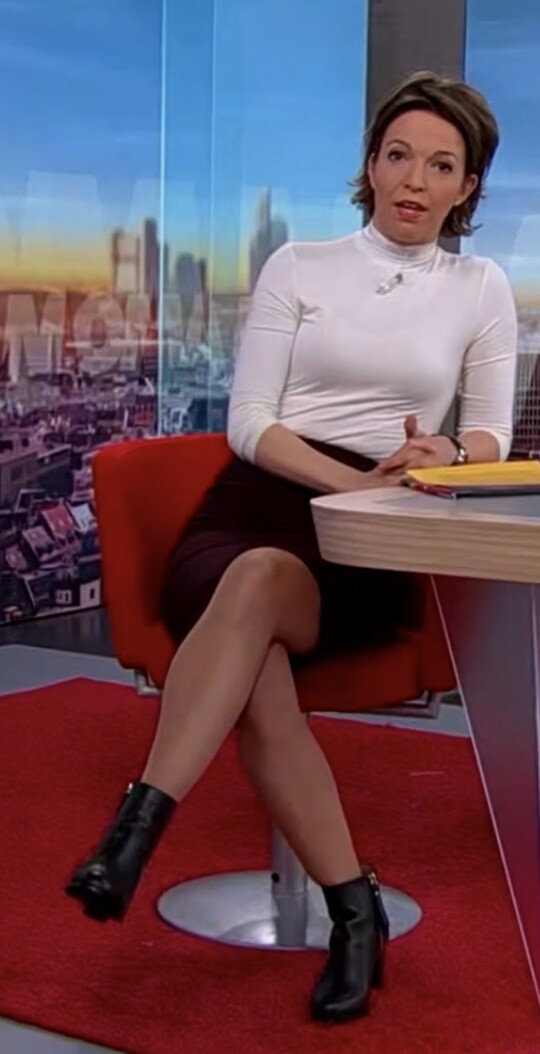
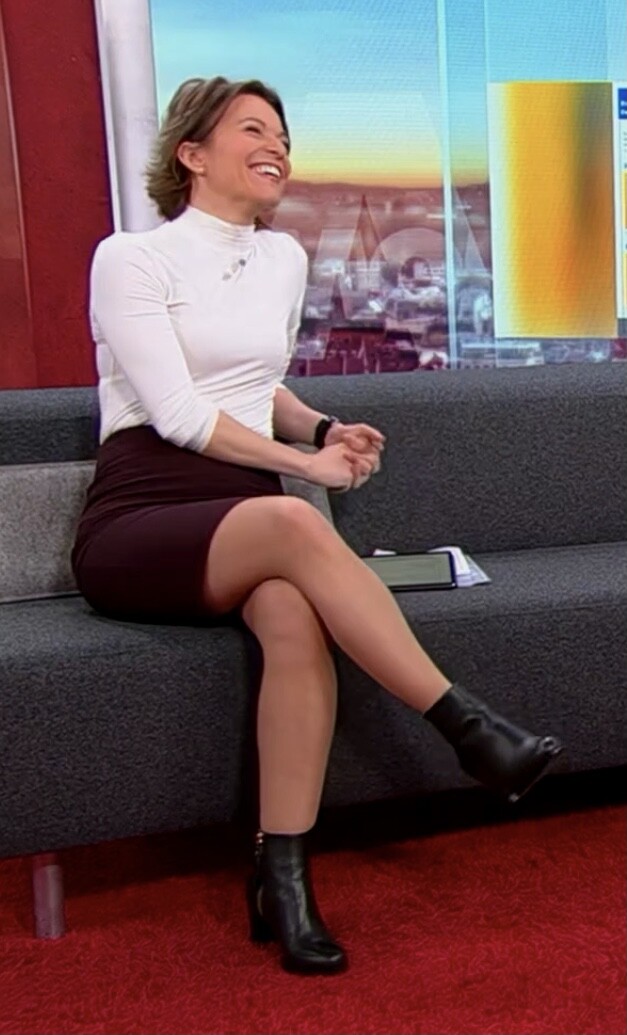
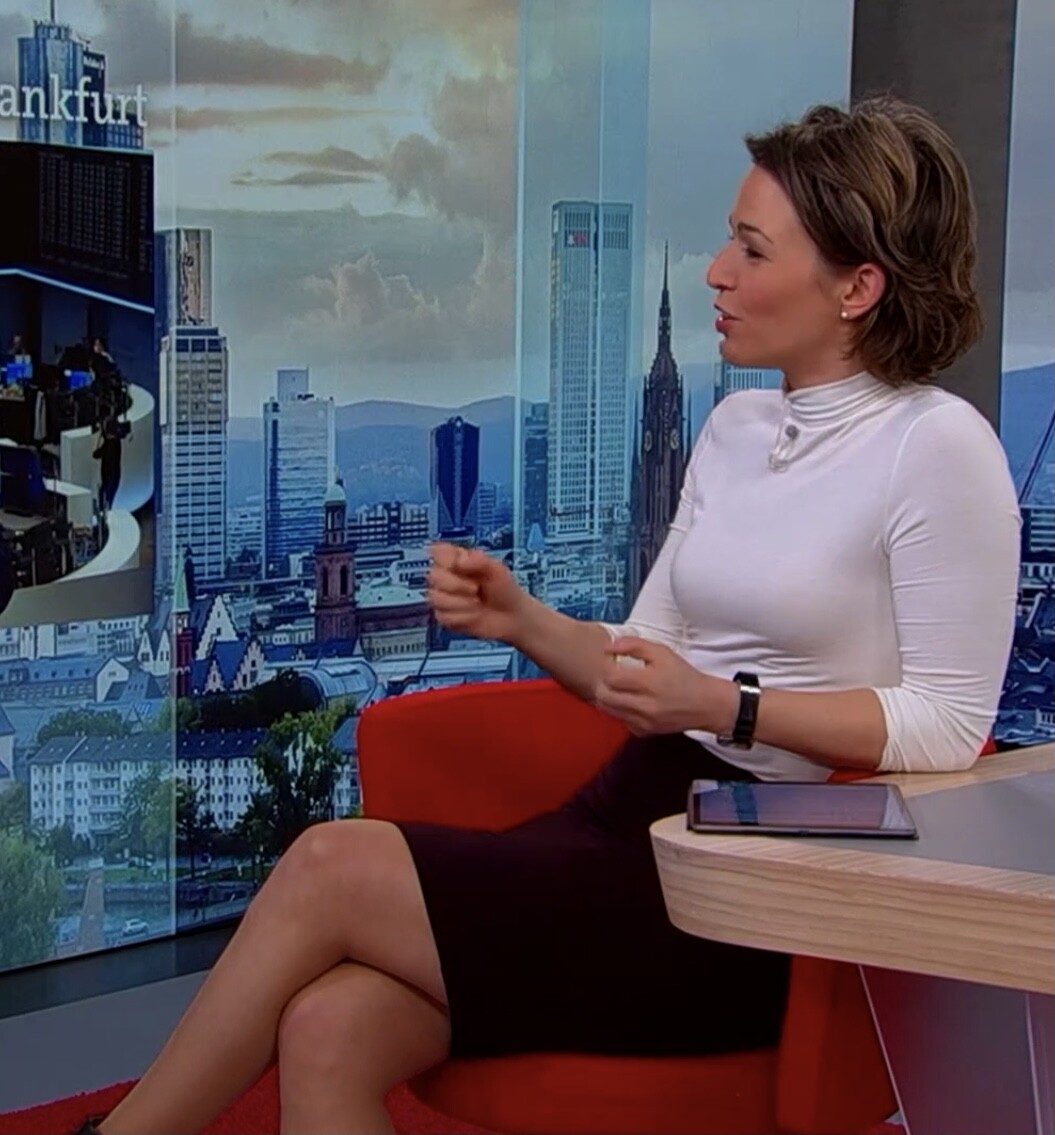
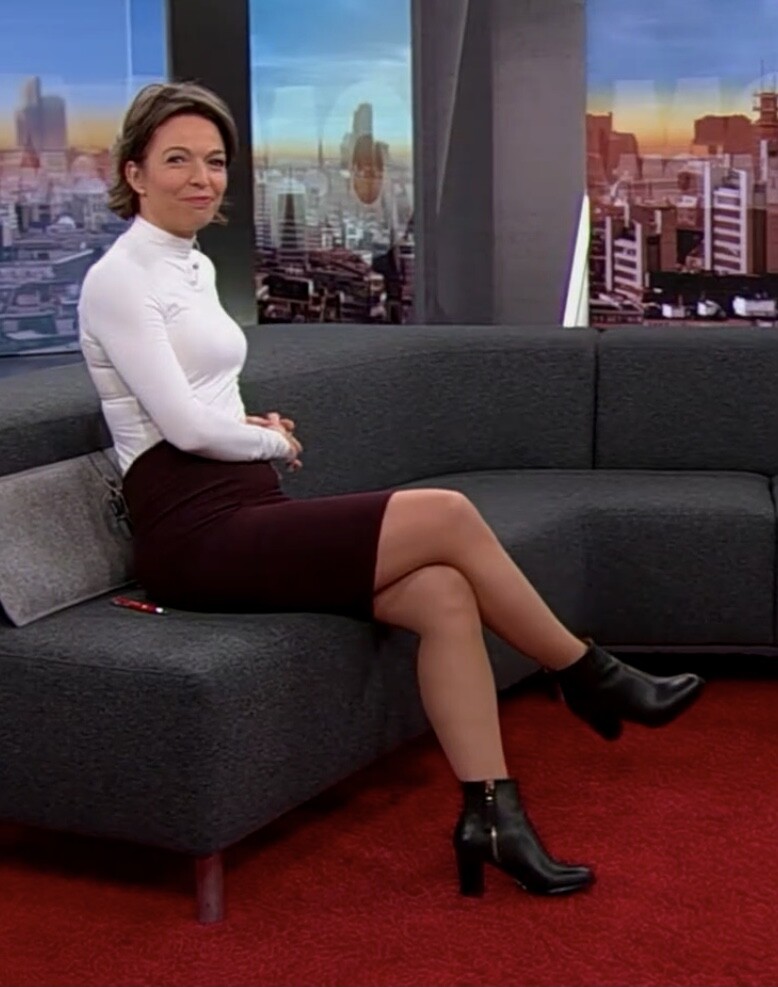
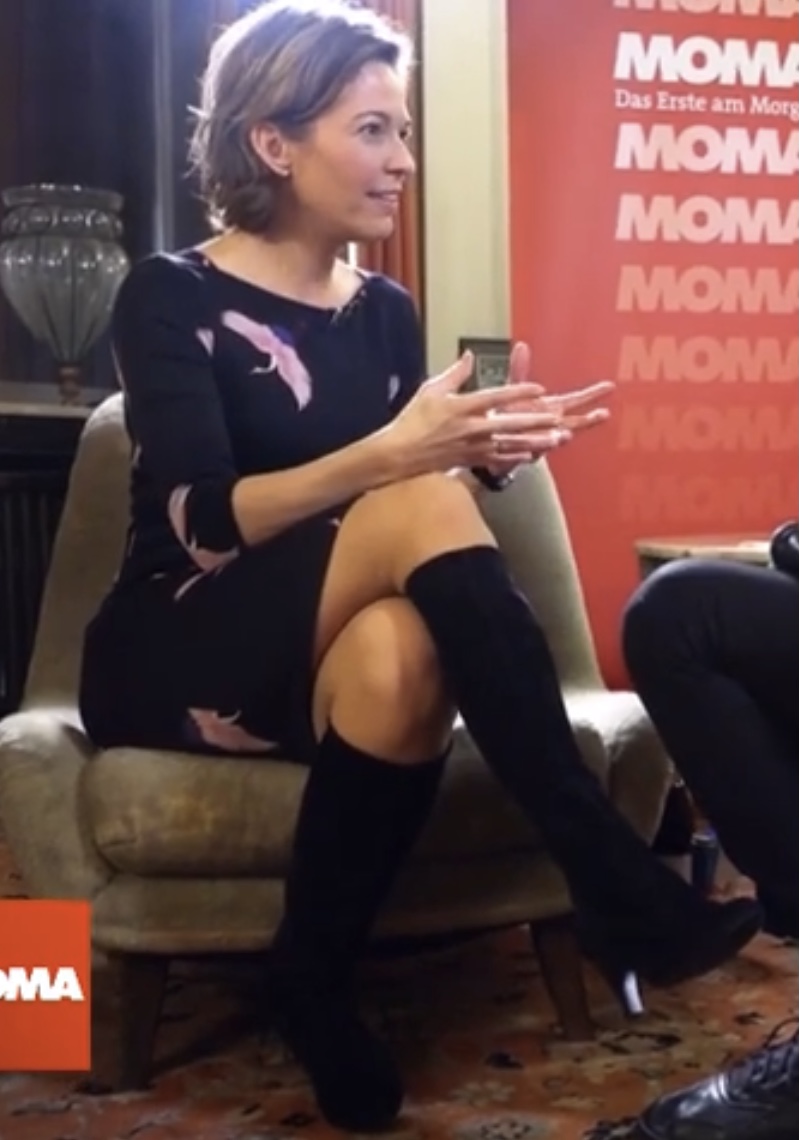
 Anna Planken in Moma

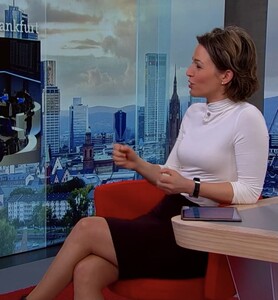
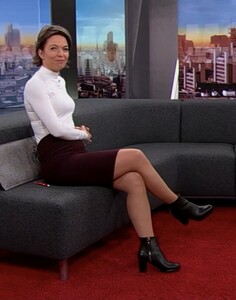

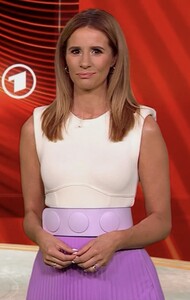




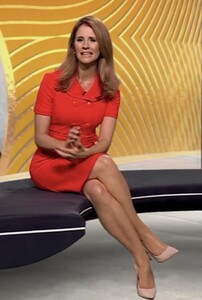





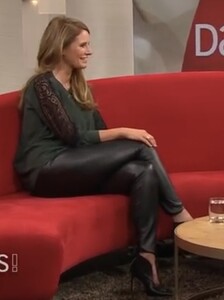

 Shoot for Women’s Health.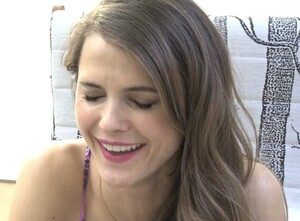
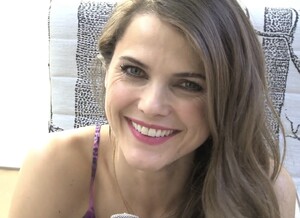





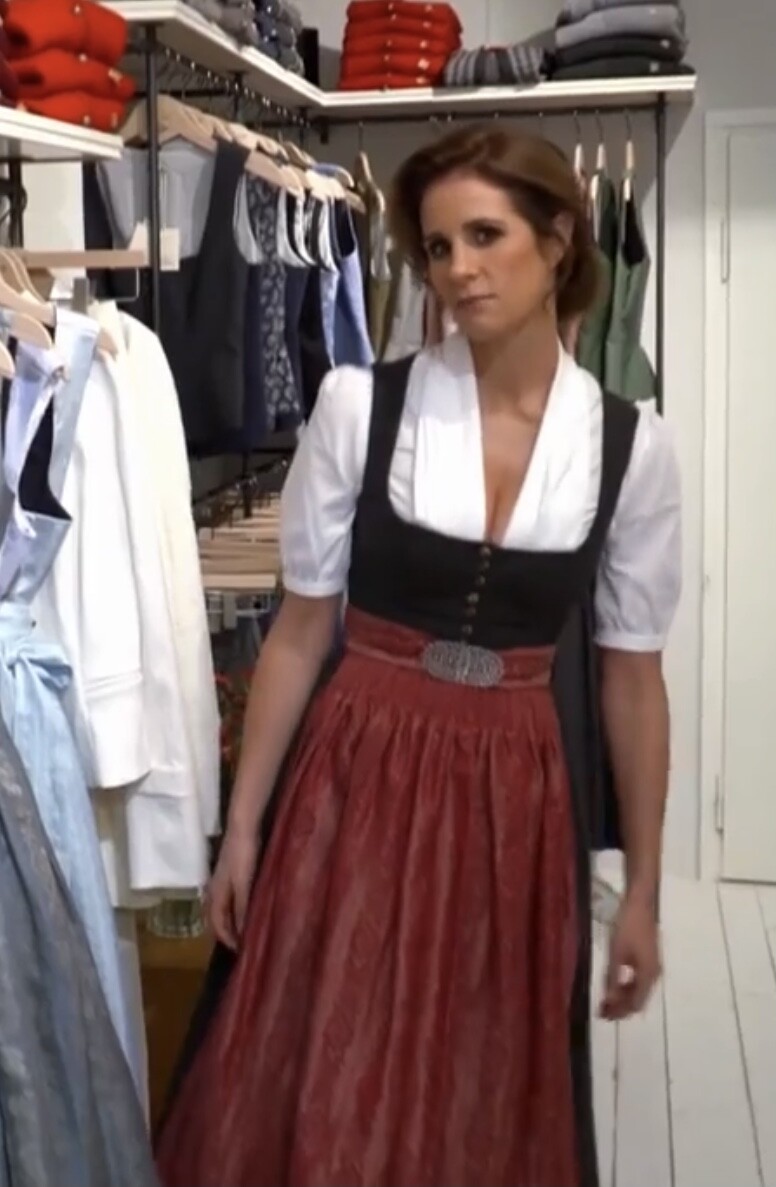
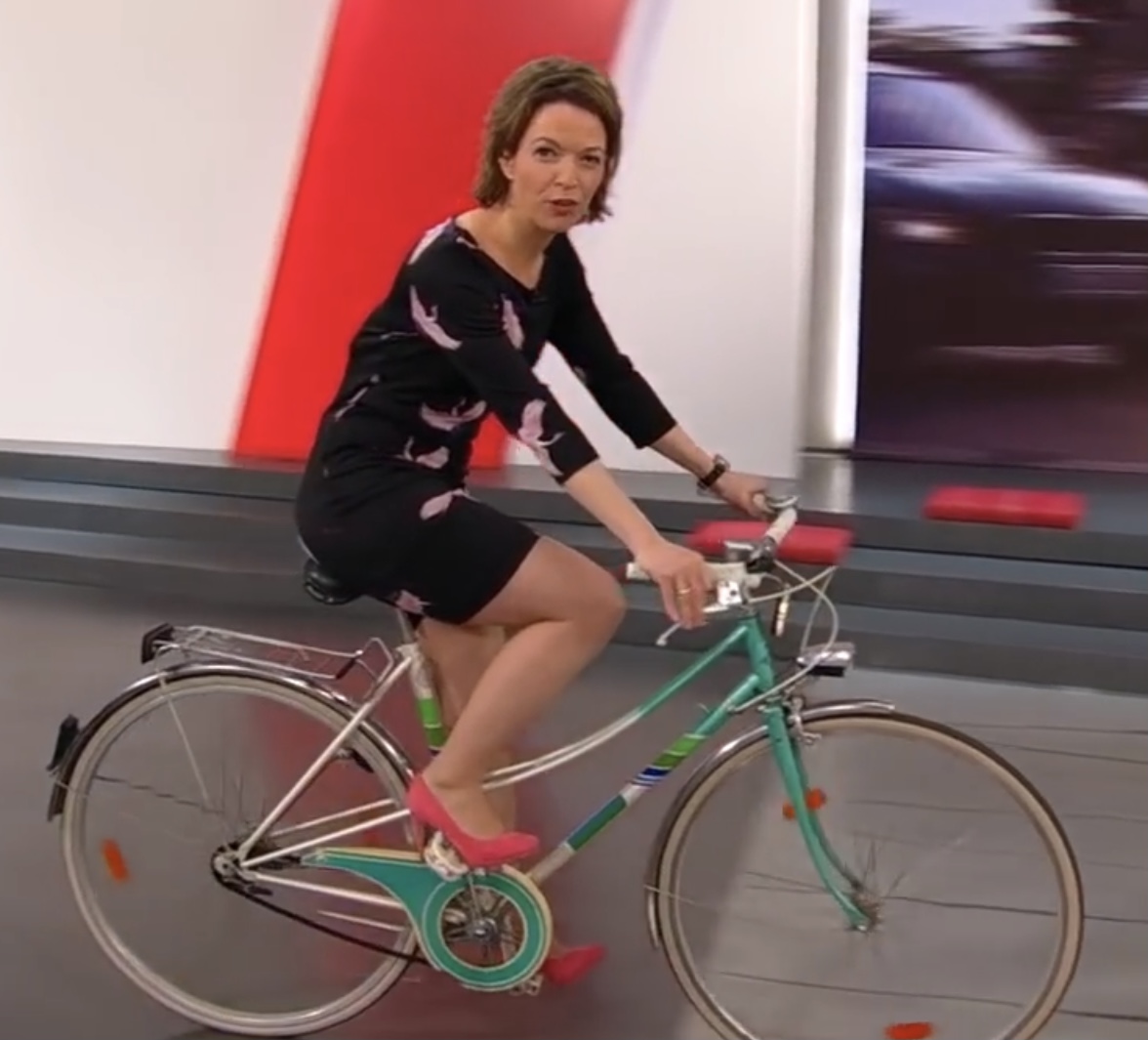
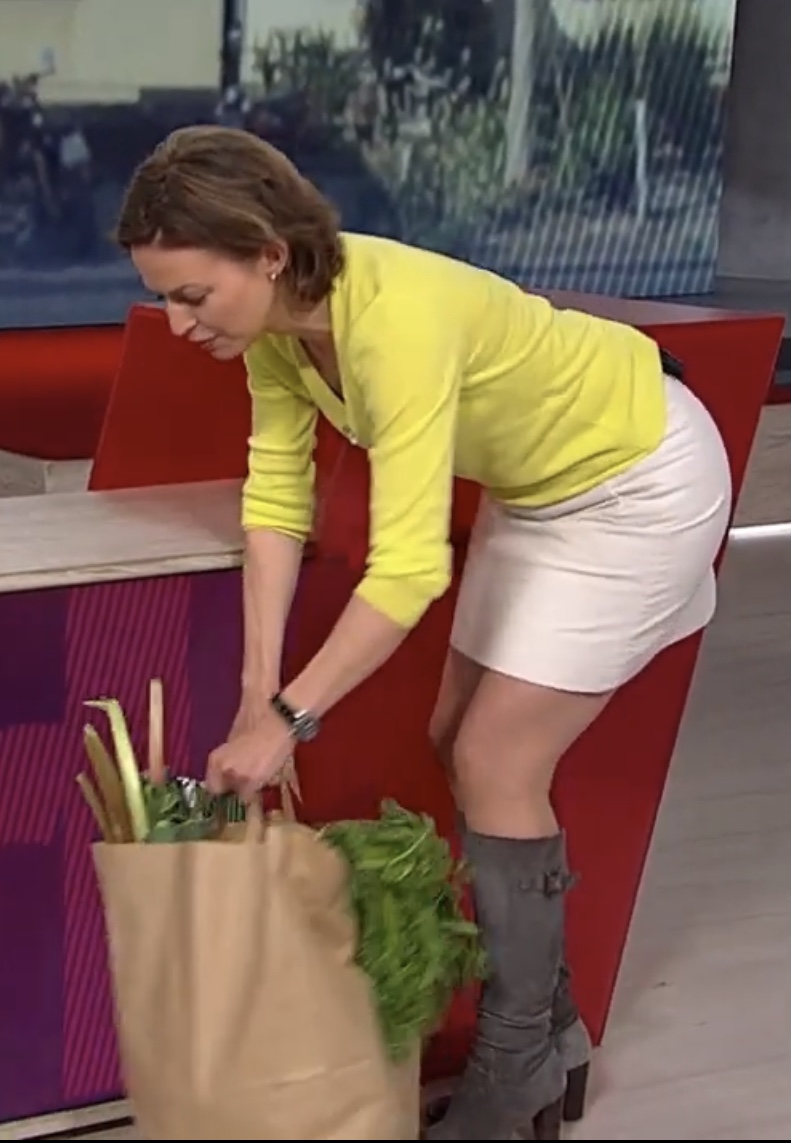
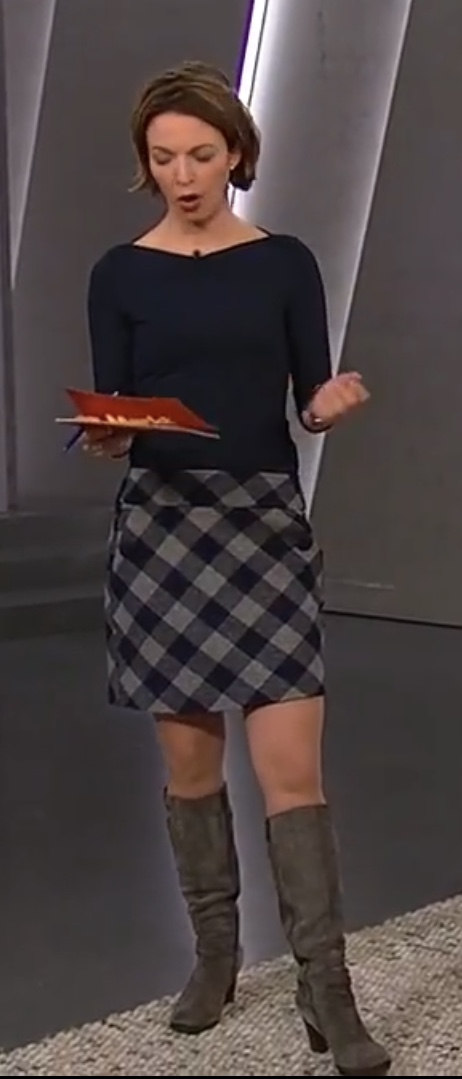
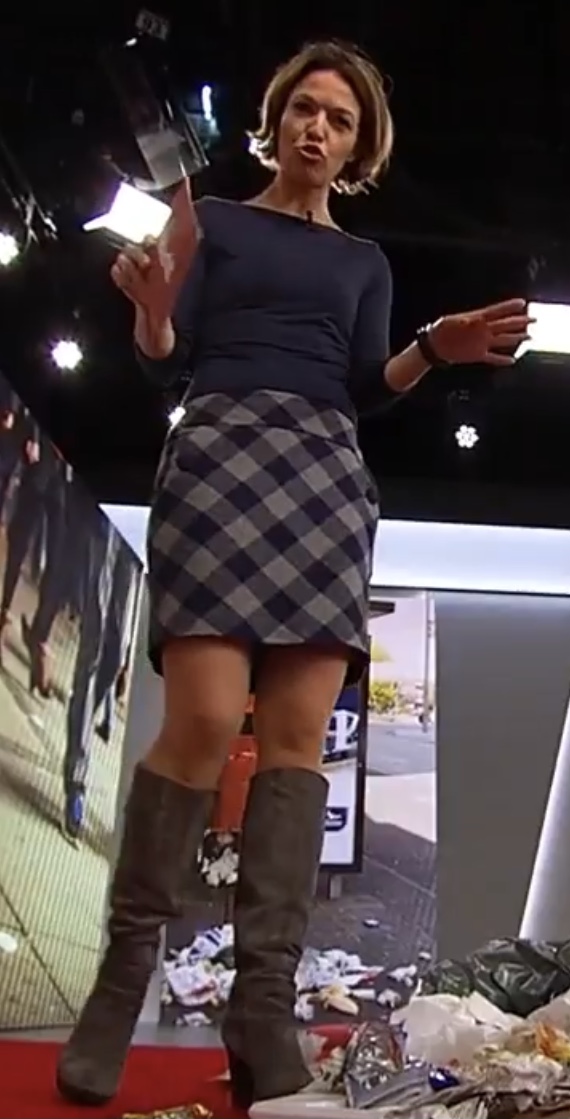
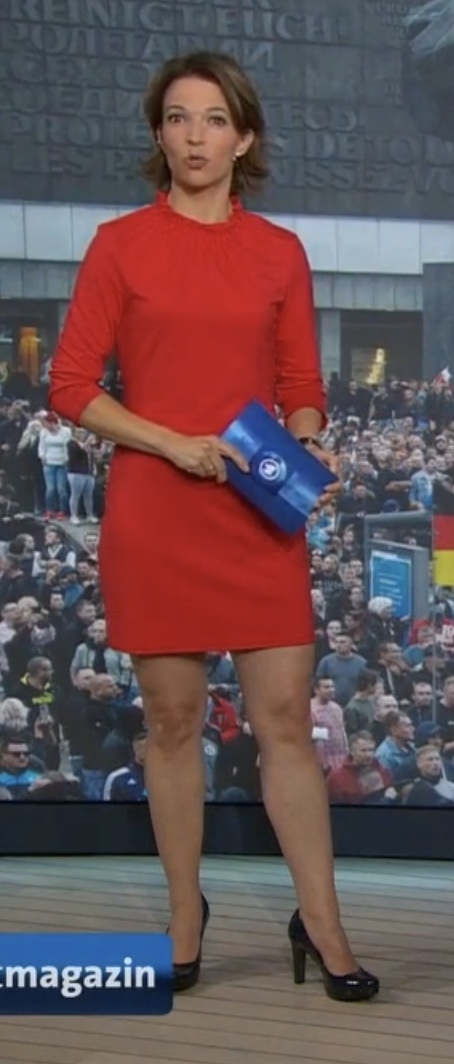
 German anchor of MOMA, Nachtmagazin, etc.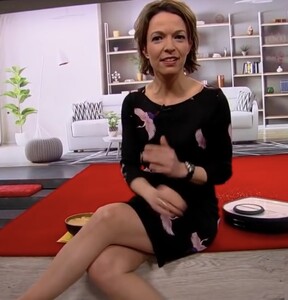


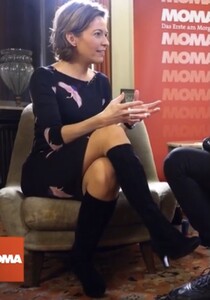
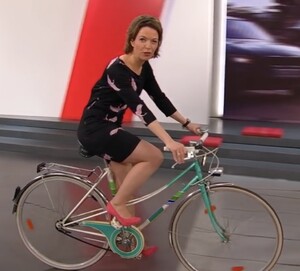
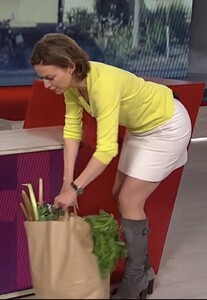





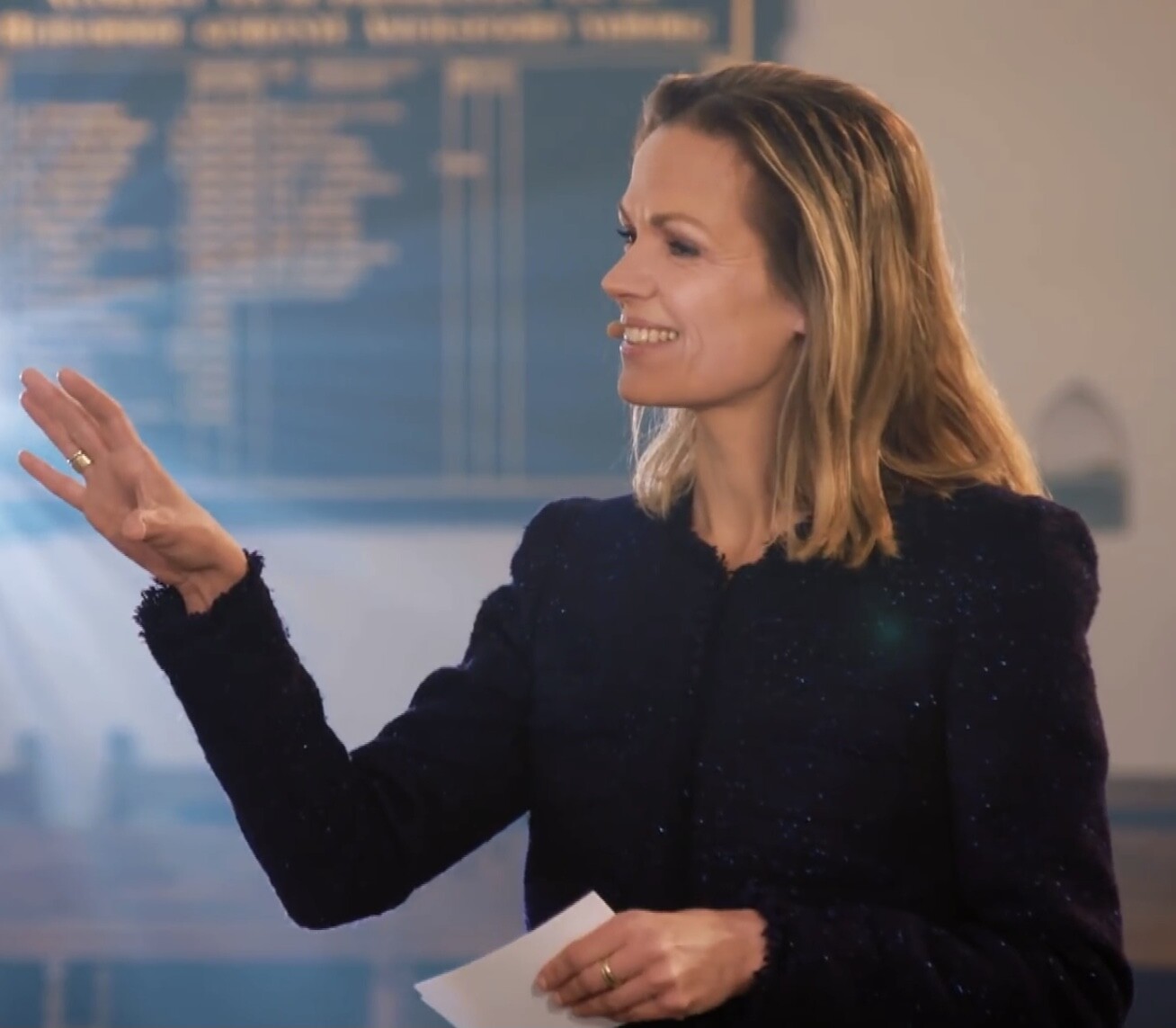
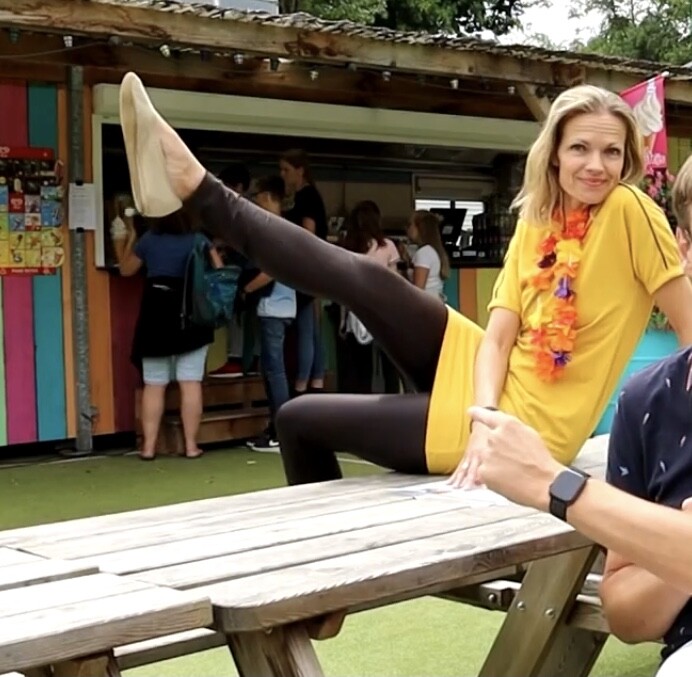
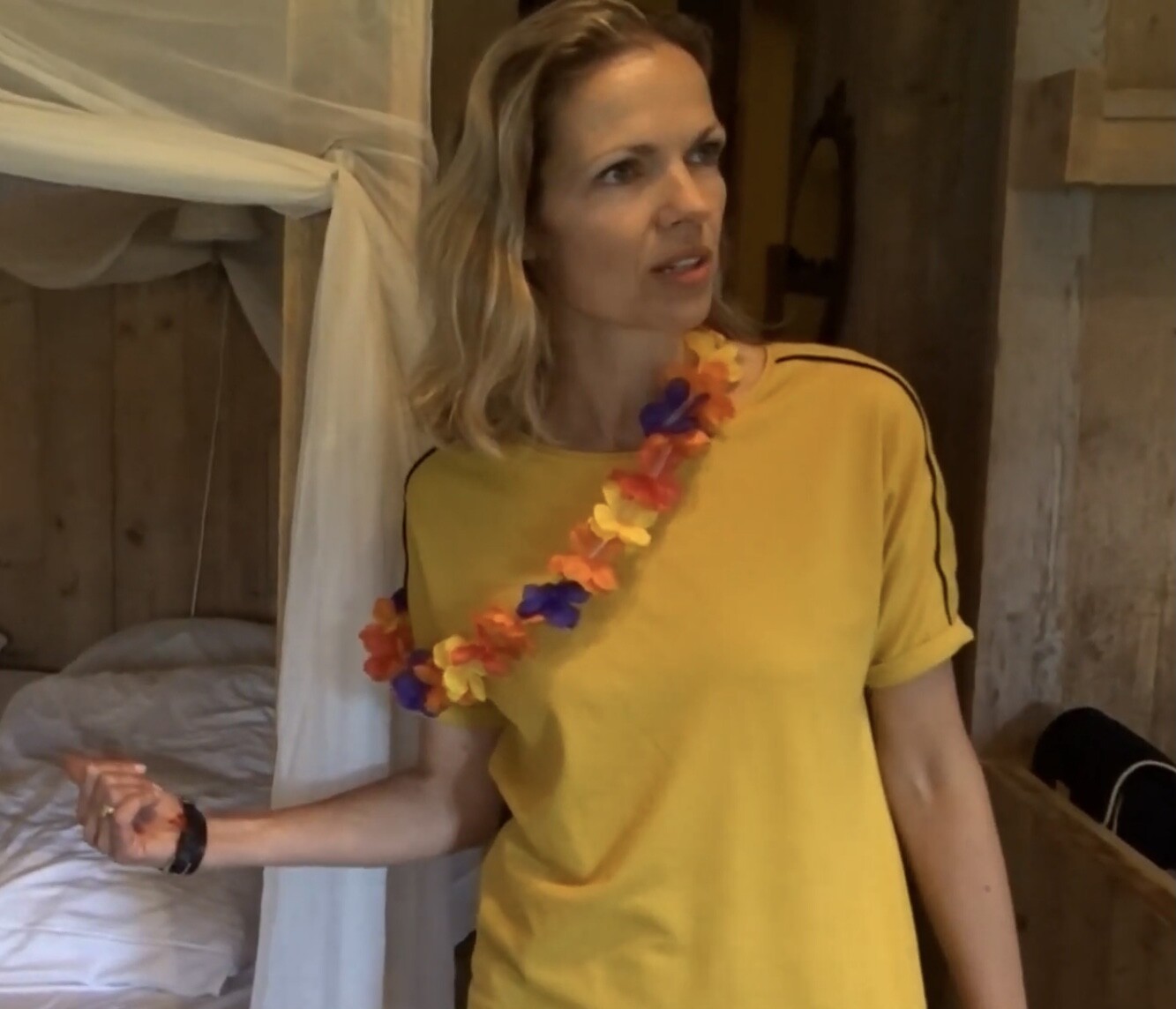
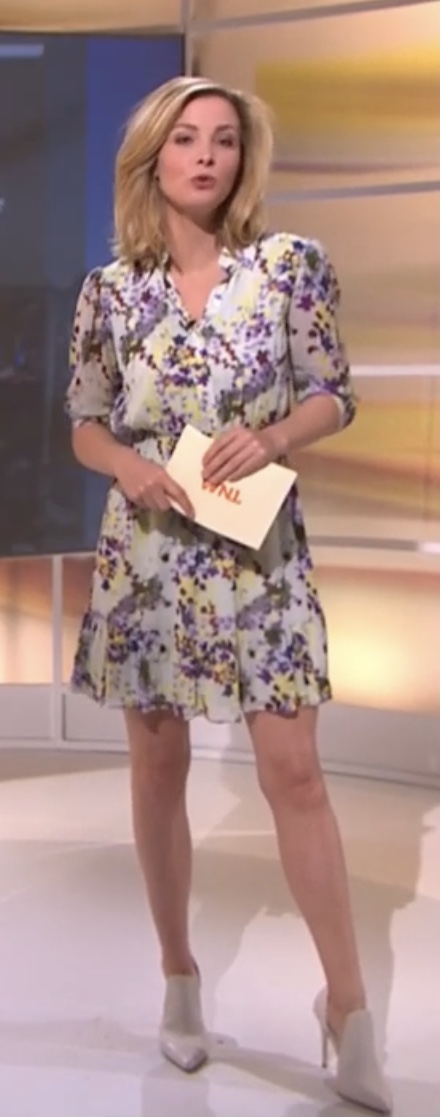
 The Leggy Queen, Welmoed Sijtsma








































































































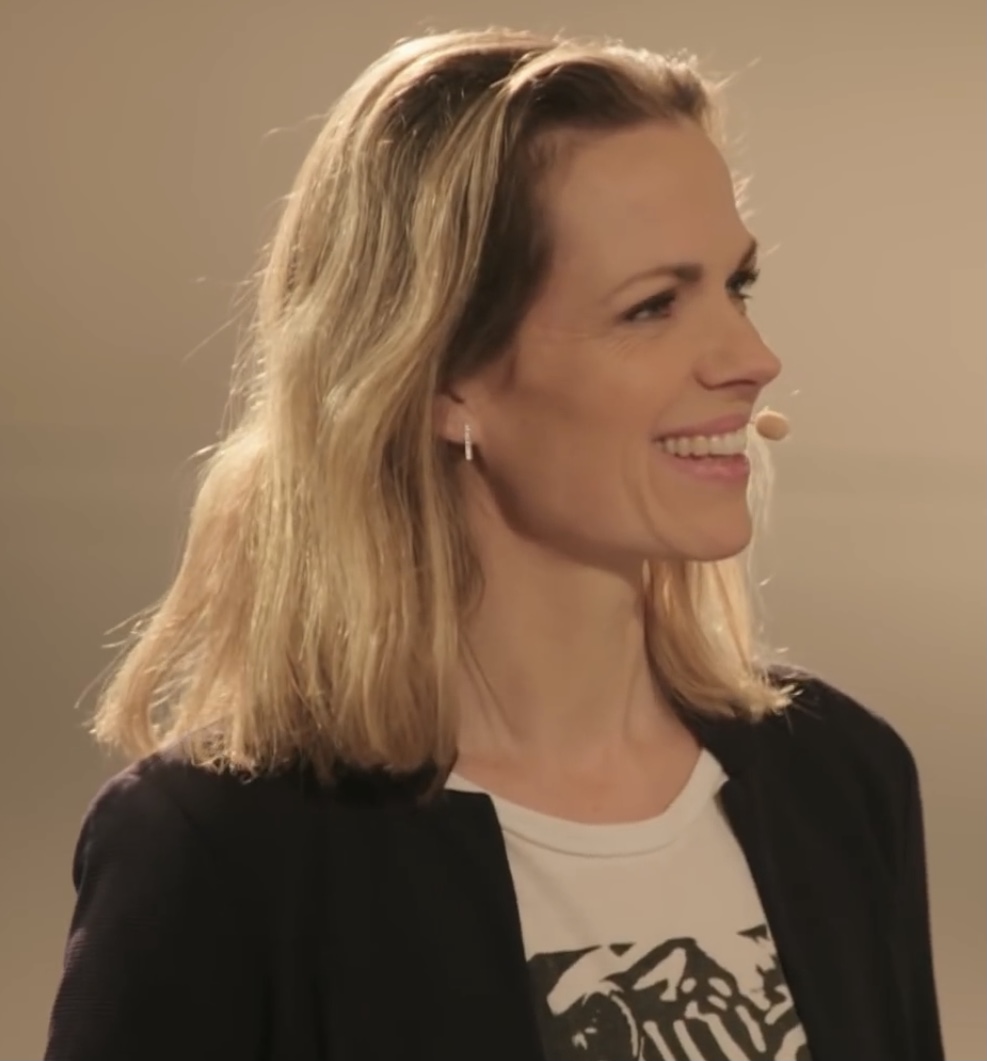
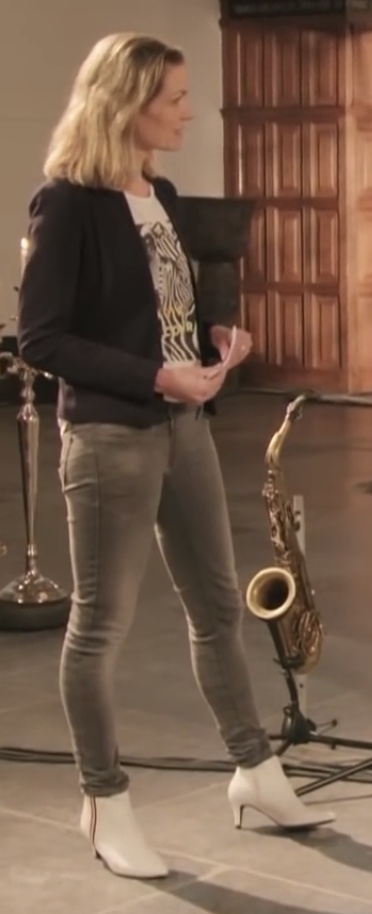

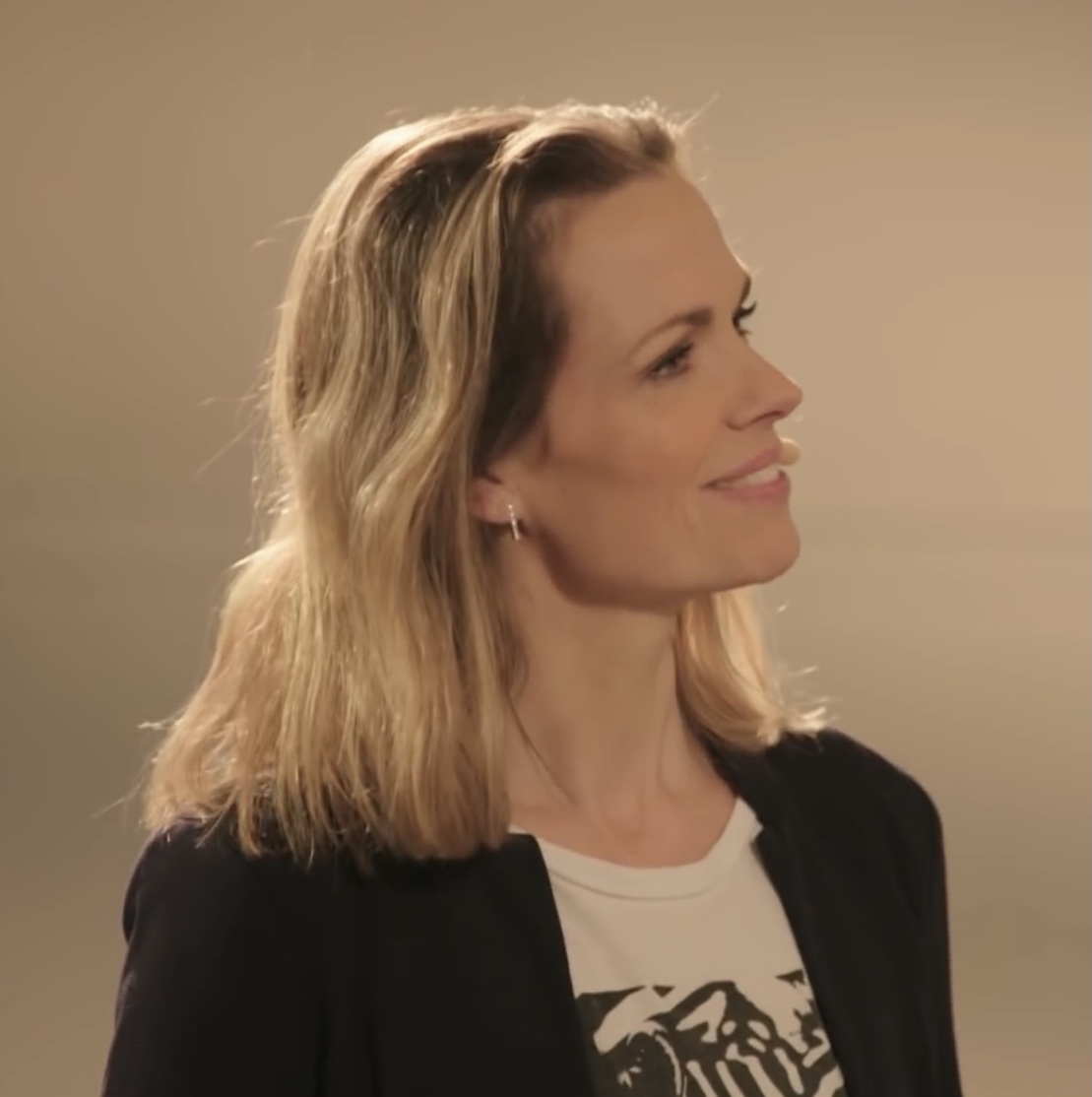
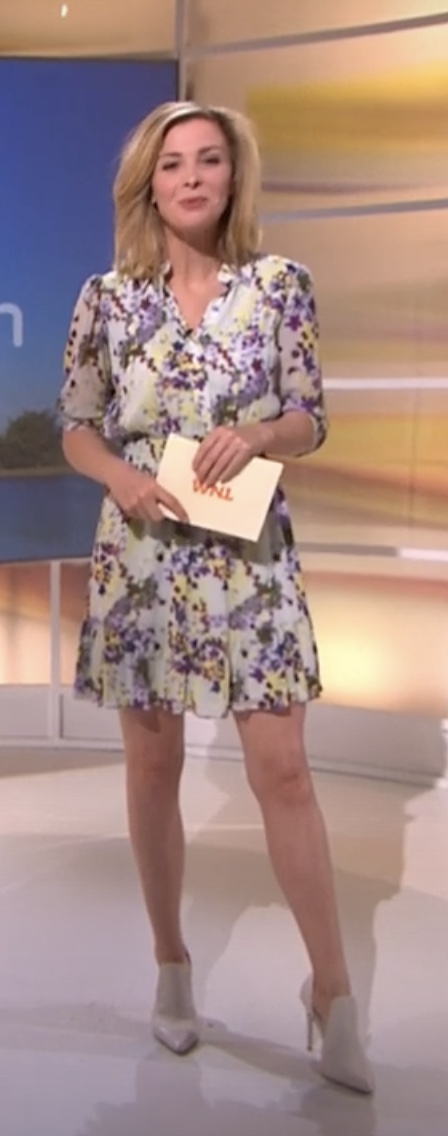
Account
Navigation
Search
Configure browser push notifications
Chrome (Android)
- Tap the lock icon next to the address bar.
- Tap Permissions → Notifications.
- Adjust your preference.
Chrome (Desktop)
- Click the padlock icon in the address bar.
- Select Site settings.
- Find Notifications and adjust your preference.
Safari (iOS 16.4+)
- Ensure the site is installed via Add to Home Screen.
- Open Settings App → Notifications.
- Find your app name and adjust your preference.
Safari (macOS)
- Go to Safari → Preferences.
- Click the Websites tab.
- Select Notifications in the sidebar.
- Find this website and adjust your preference.
Edge (Android)
- Tap the lock icon next to the address bar.
- Tap Permissions.
- Find Notifications and adjust your preference.
Edge (Desktop)
- Click the padlock icon in the address bar.
- Click Permissions for this site.
- Find Notifications and adjust your preference.
Firefox (Android)
- Go to Settings → Site permissions.
- Tap Notifications.
- Find this site in the list and adjust your preference.
Firefox (Desktop)
- Open Firefox Settings.
- Search for Notifications.
- Find this site in the list and adjust your preference.