
puma
Members
-
Joined
-
Last visited
Everything posted by puma
-
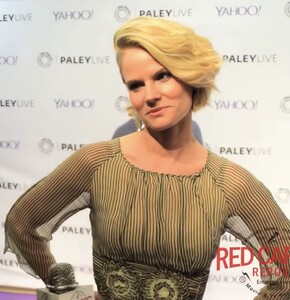
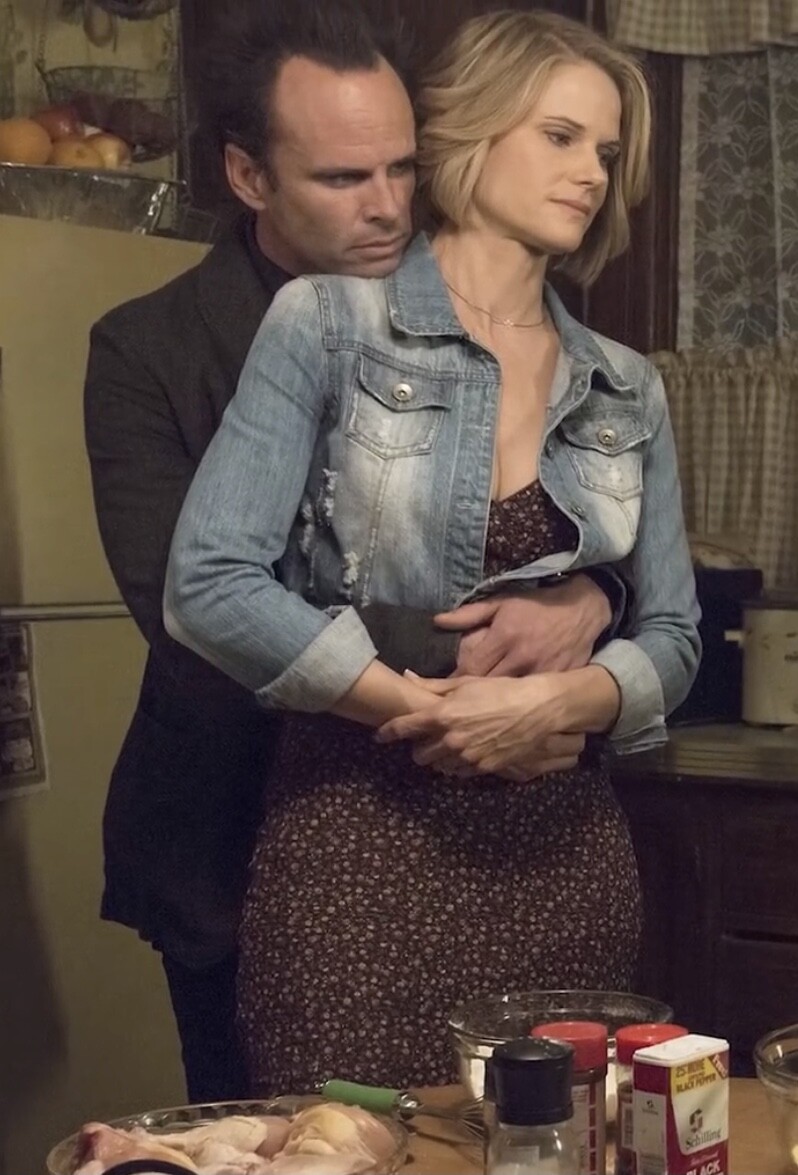
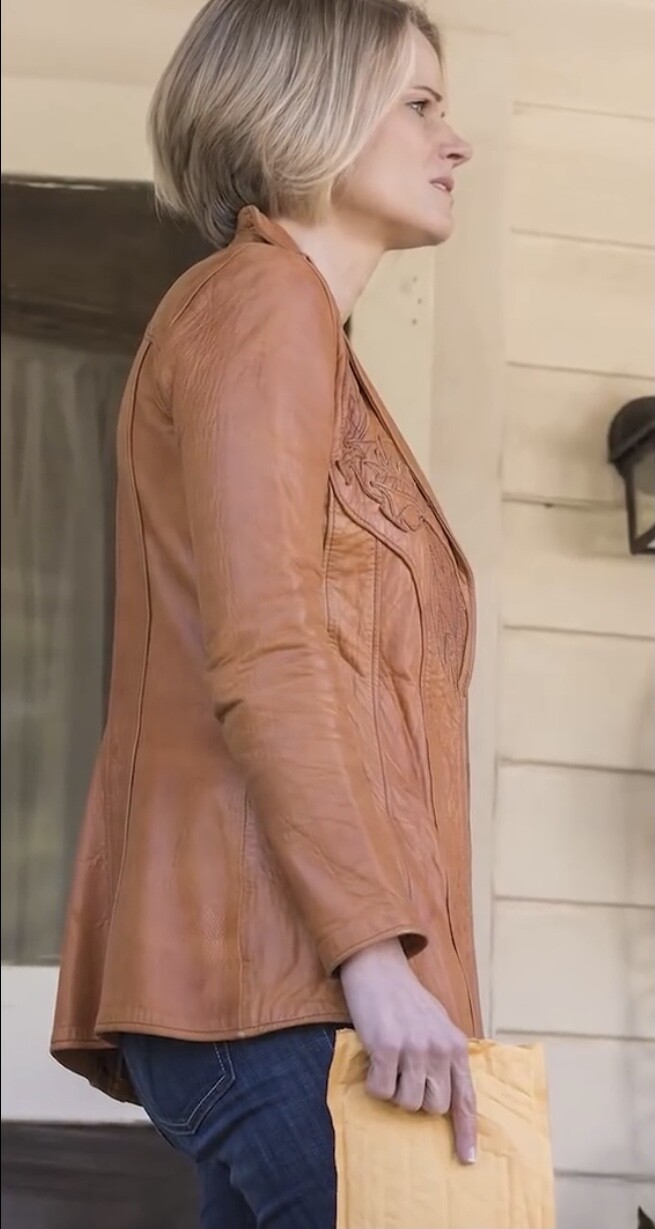
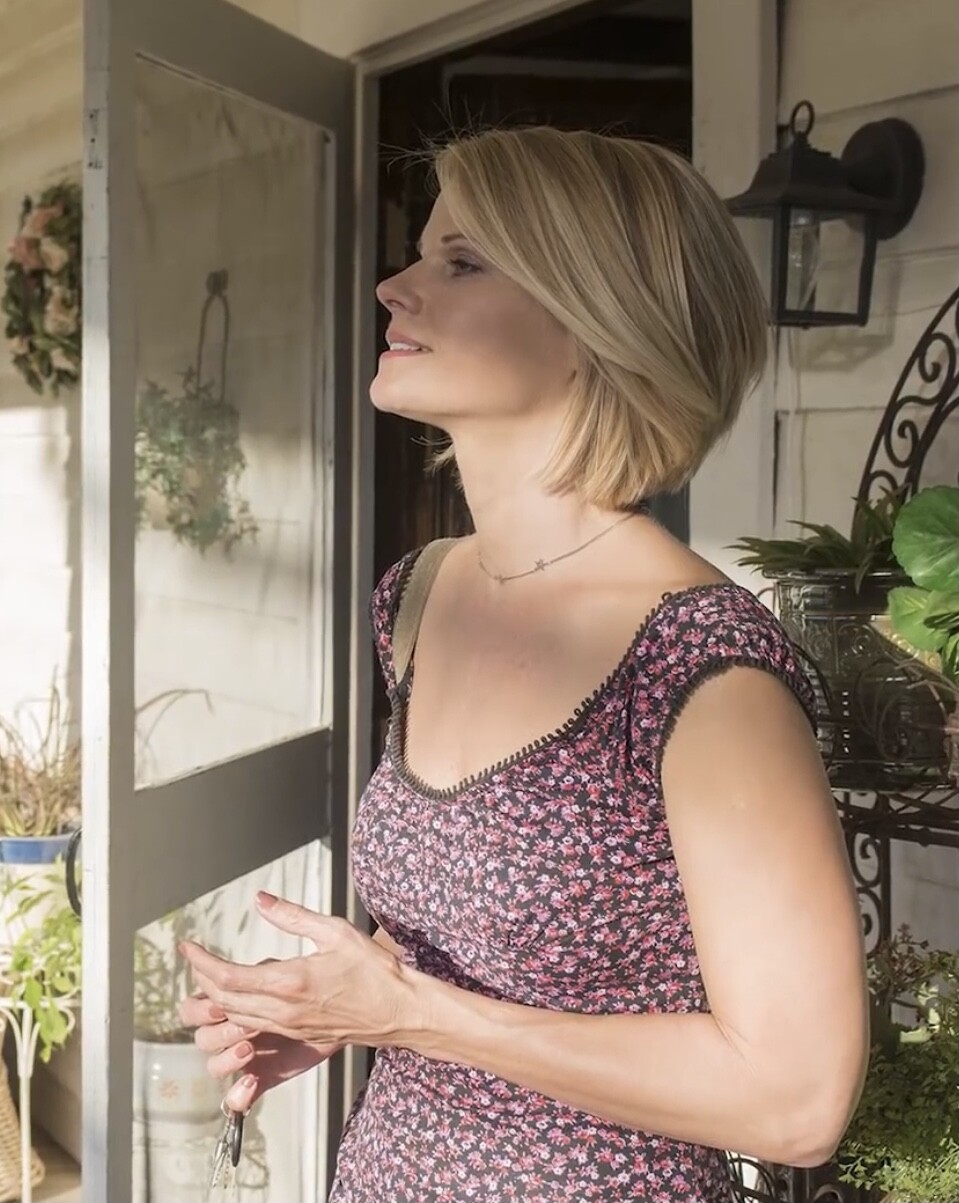
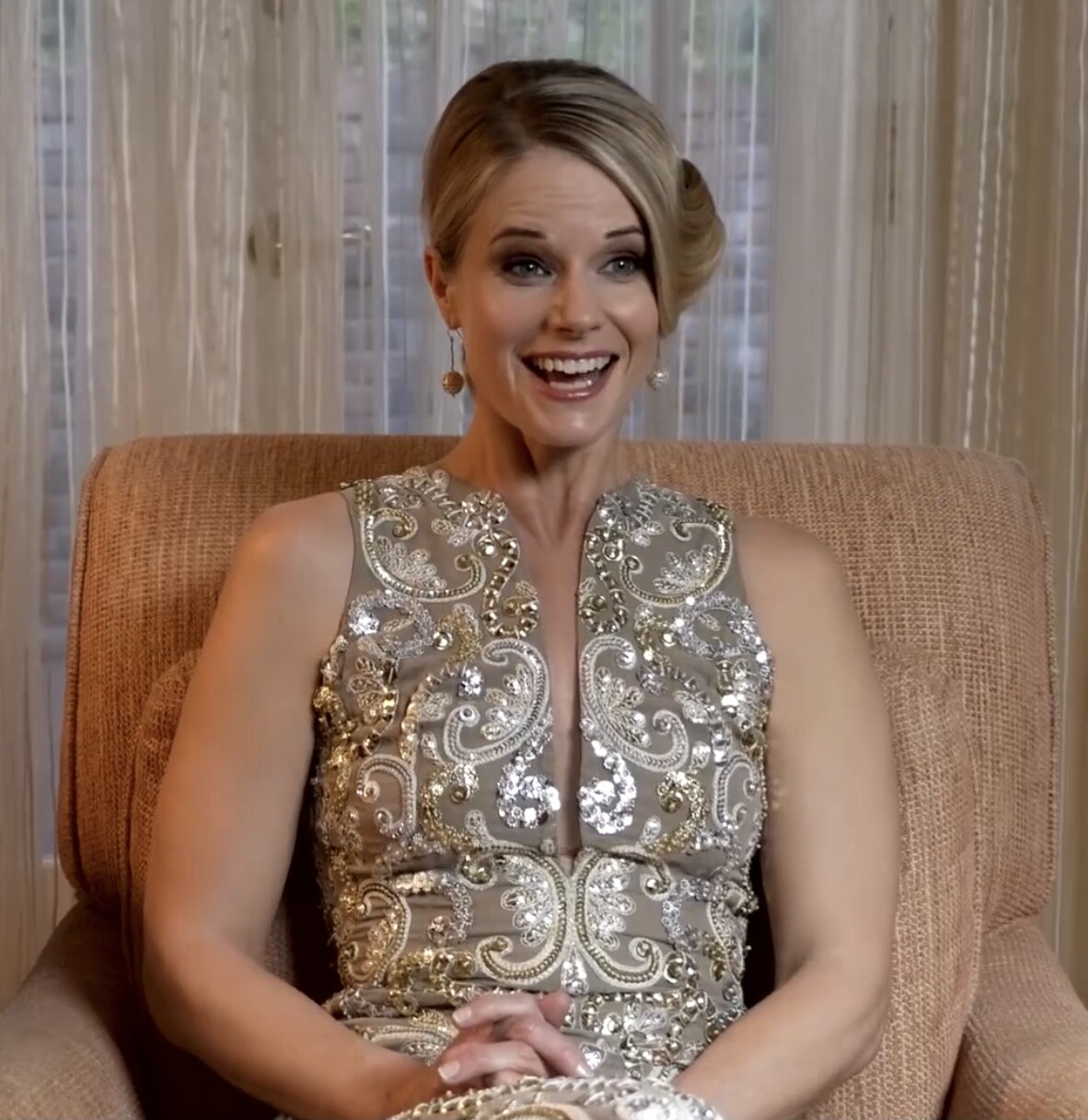
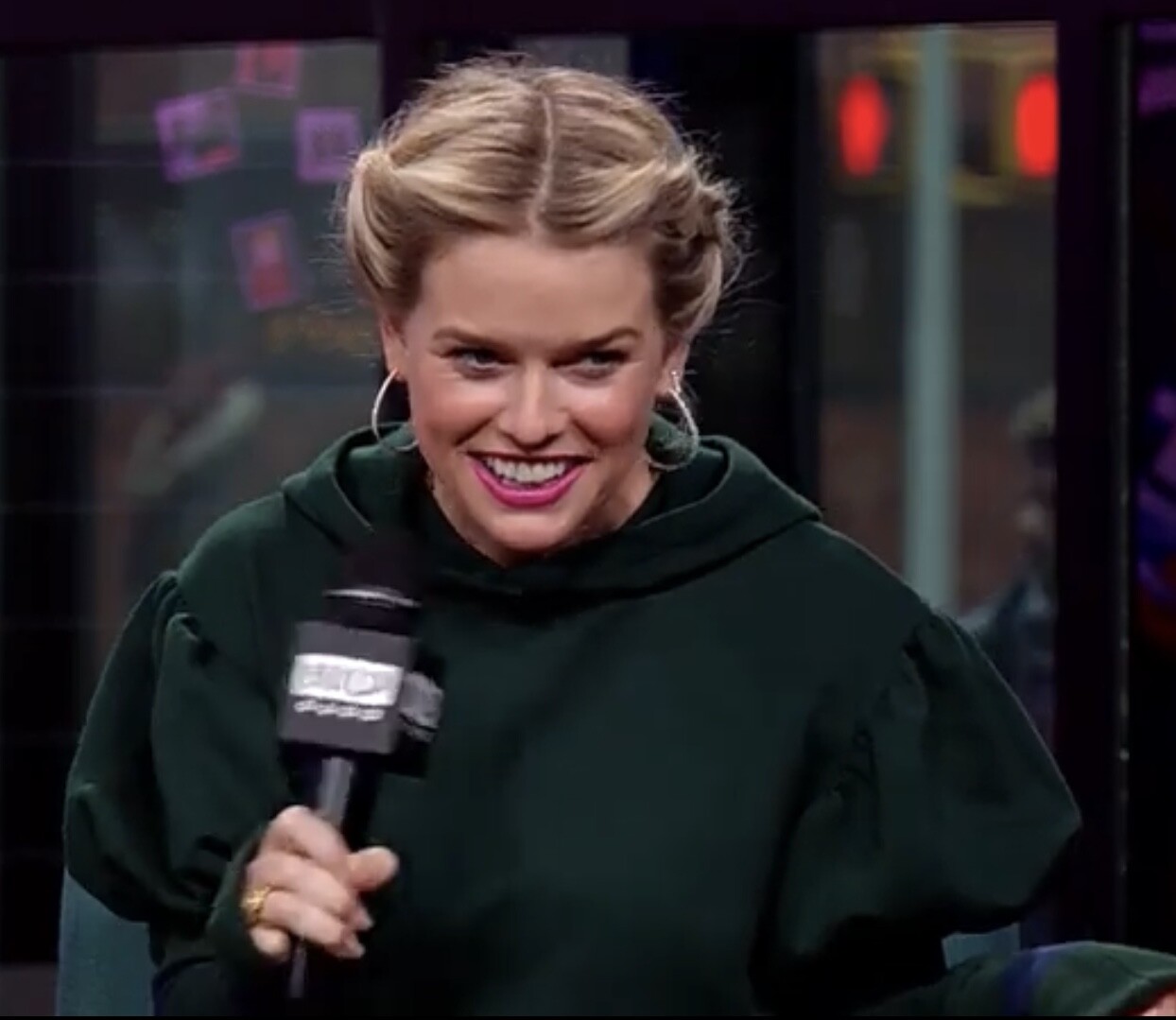
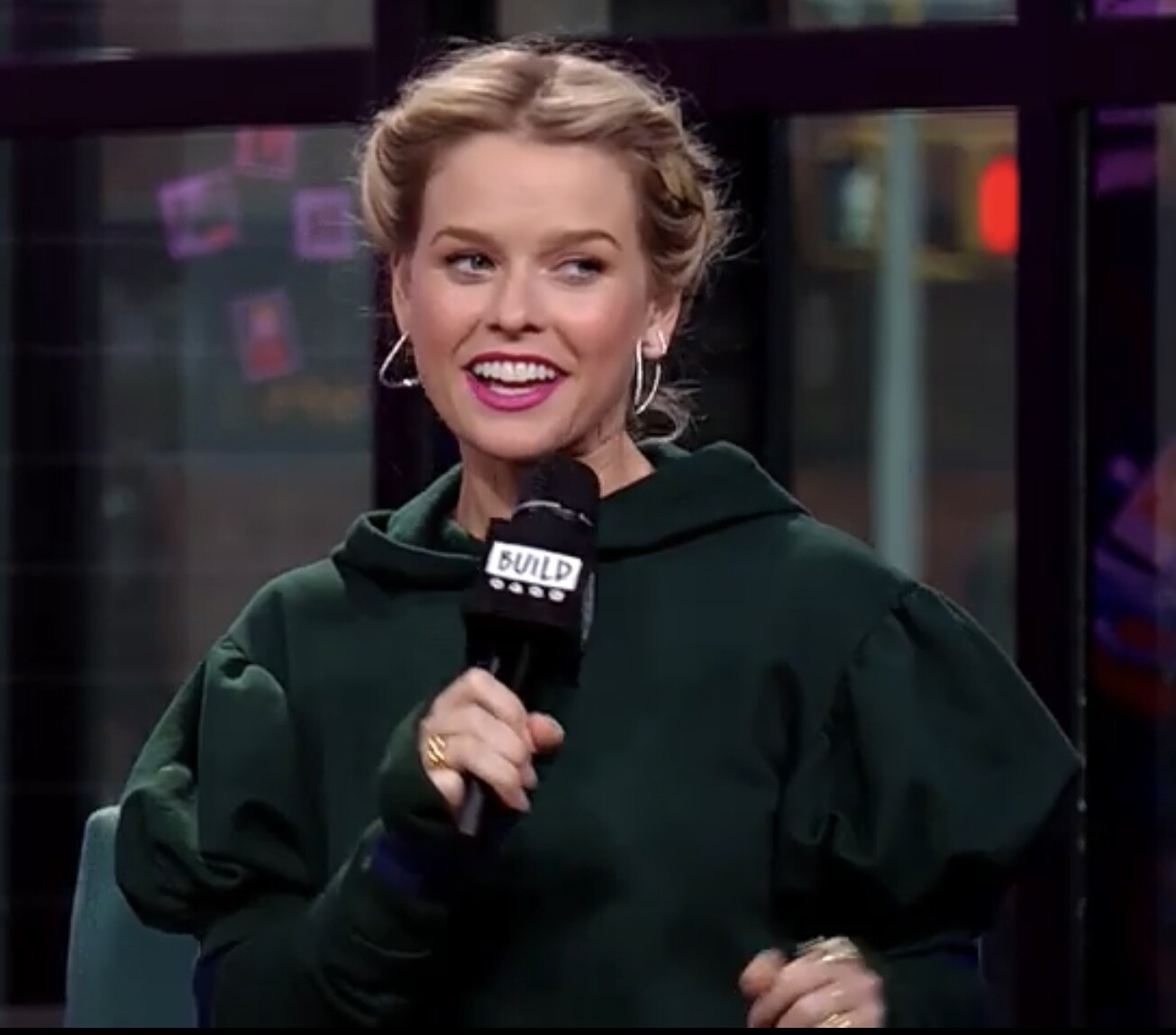
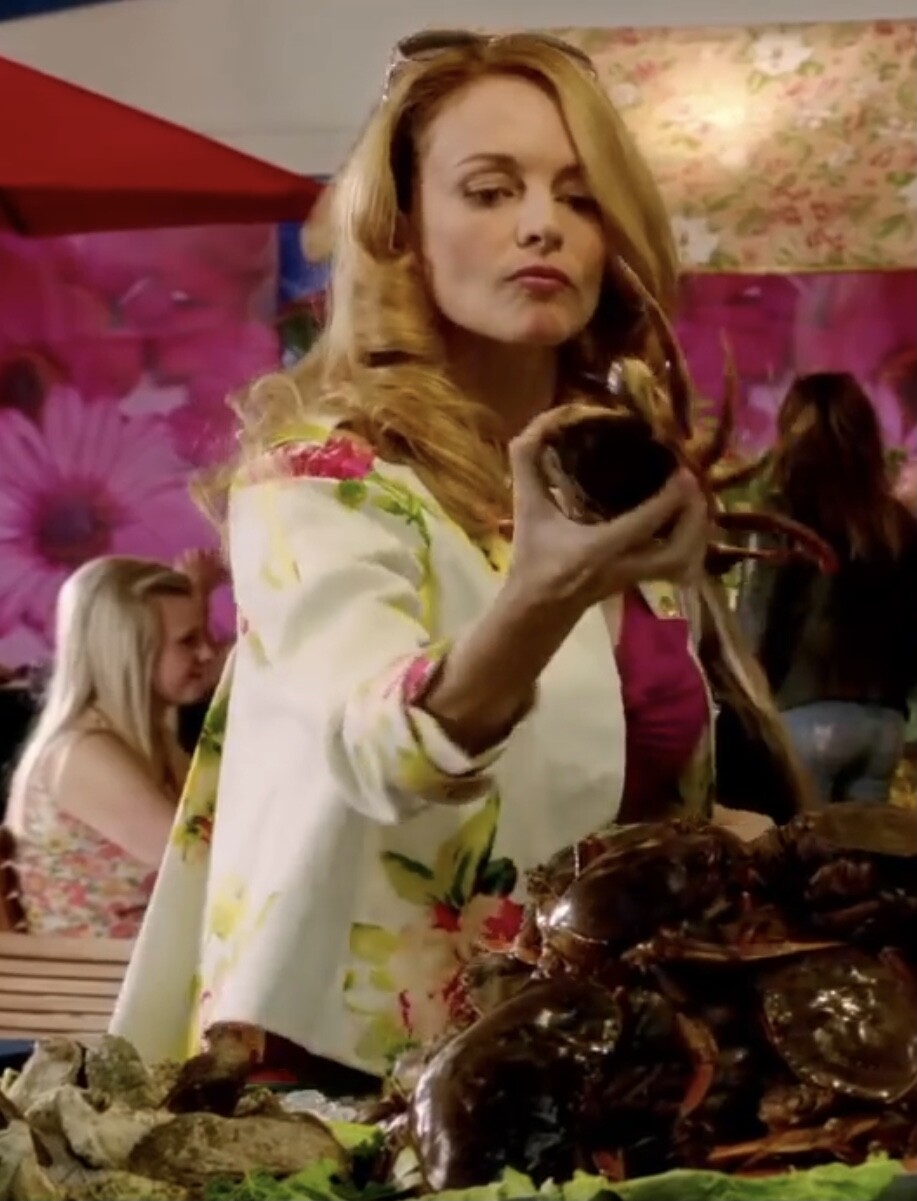
Ava in Justified, and interviews.






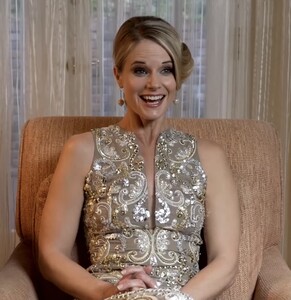
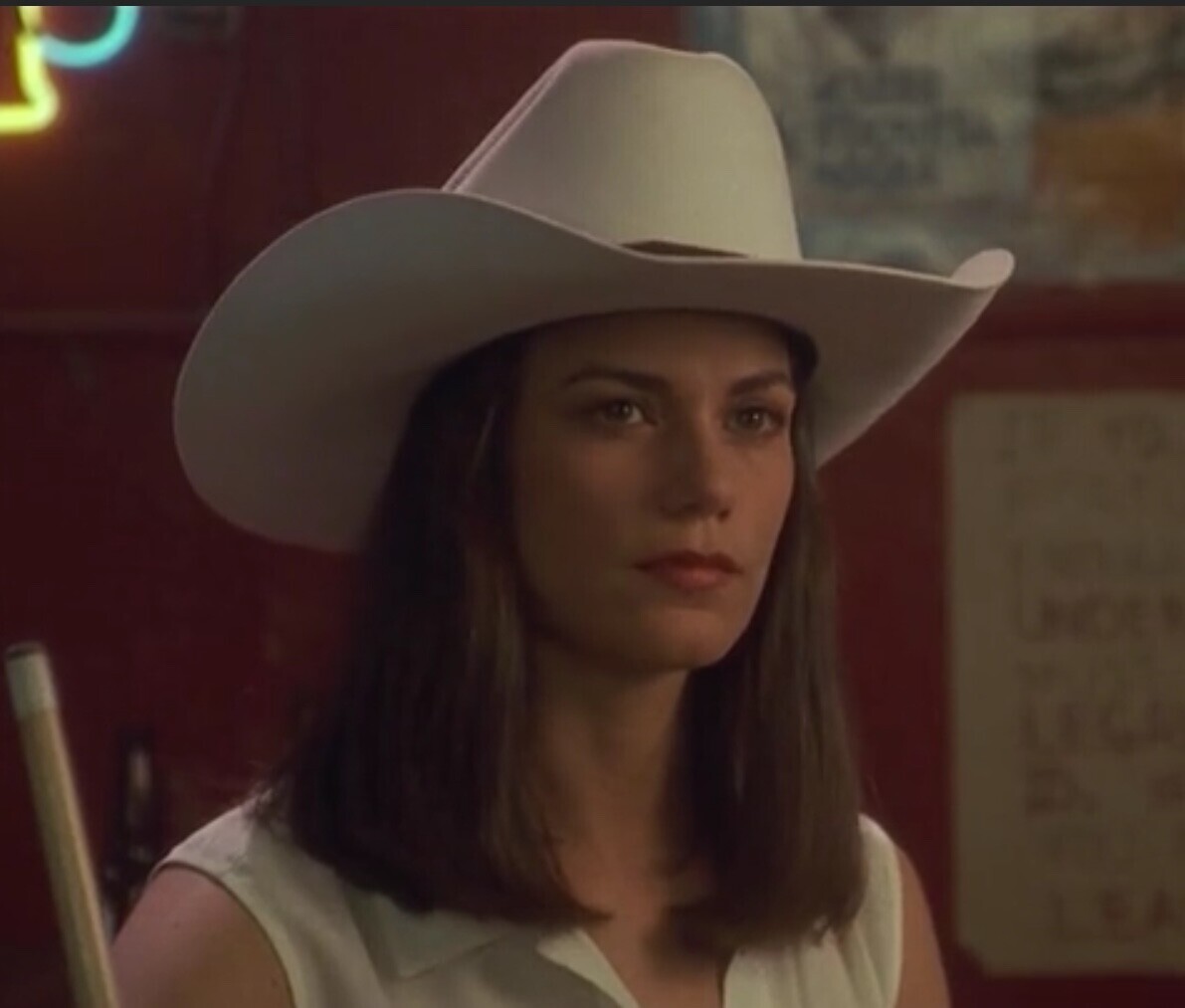
 Liberty Stands Still and Where the Money is. And Gotcha poster.


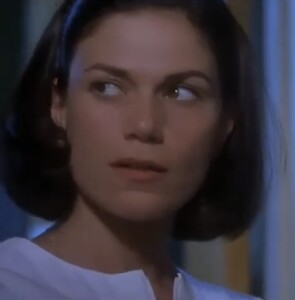

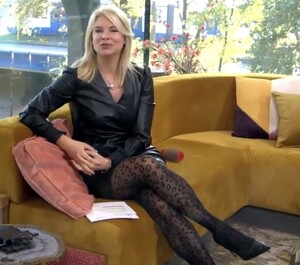
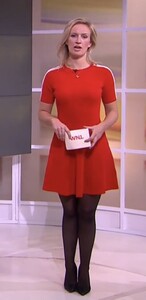
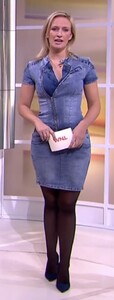
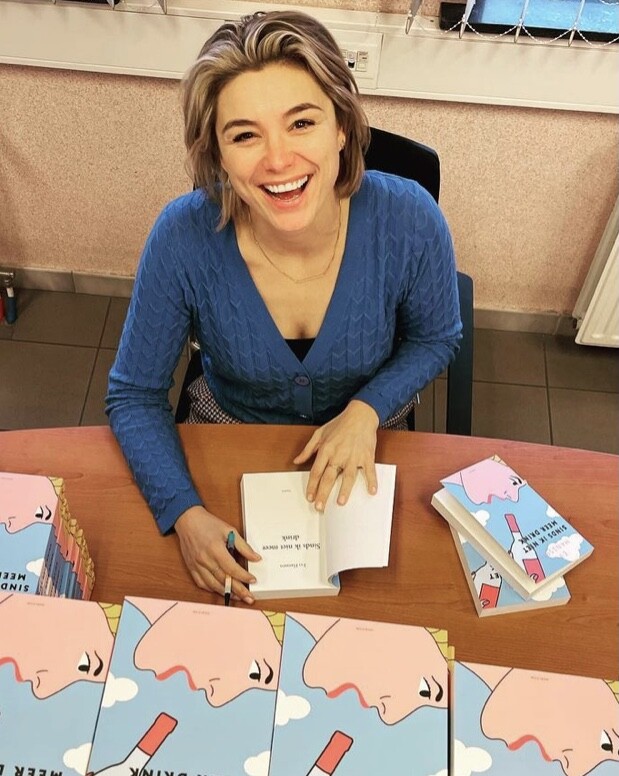
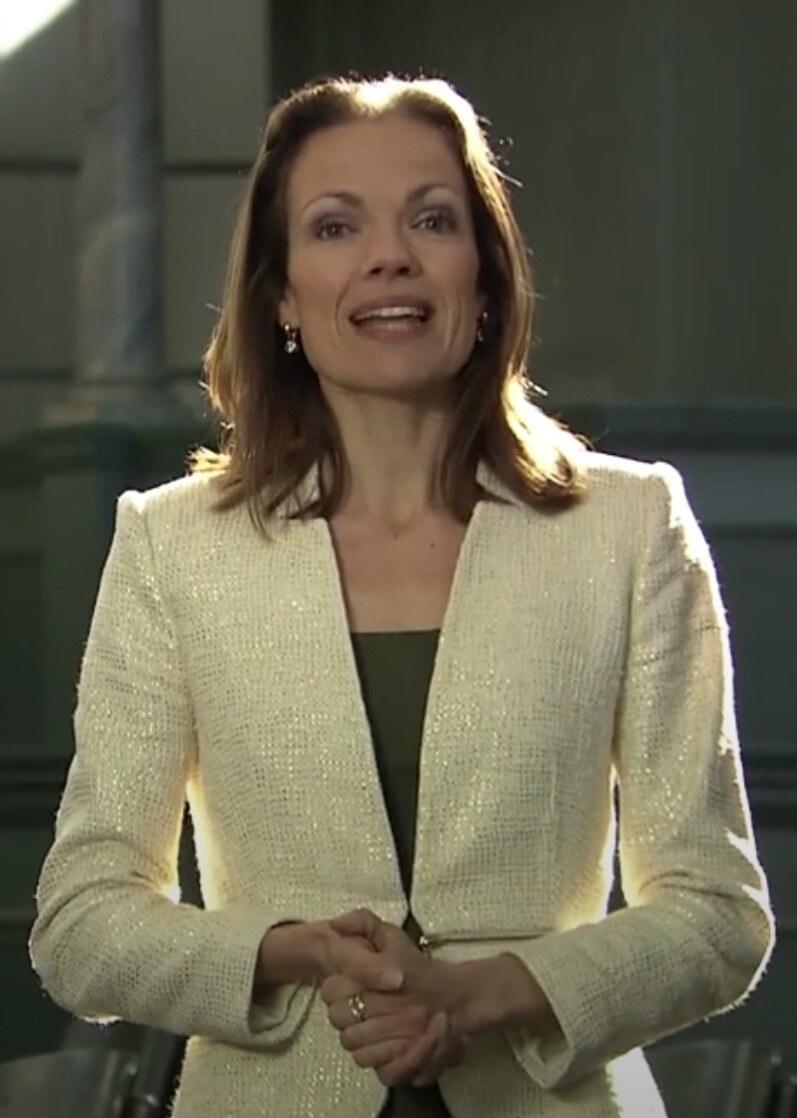
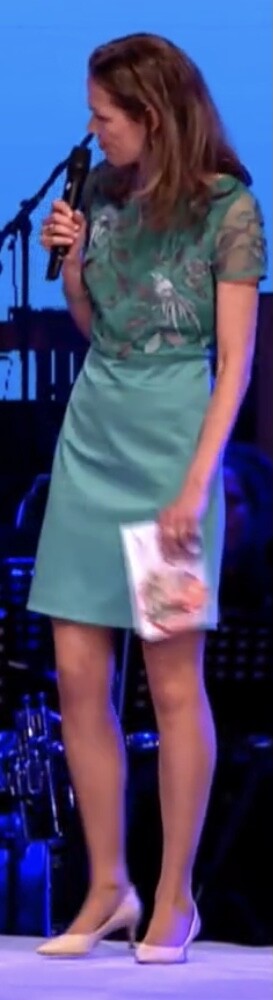
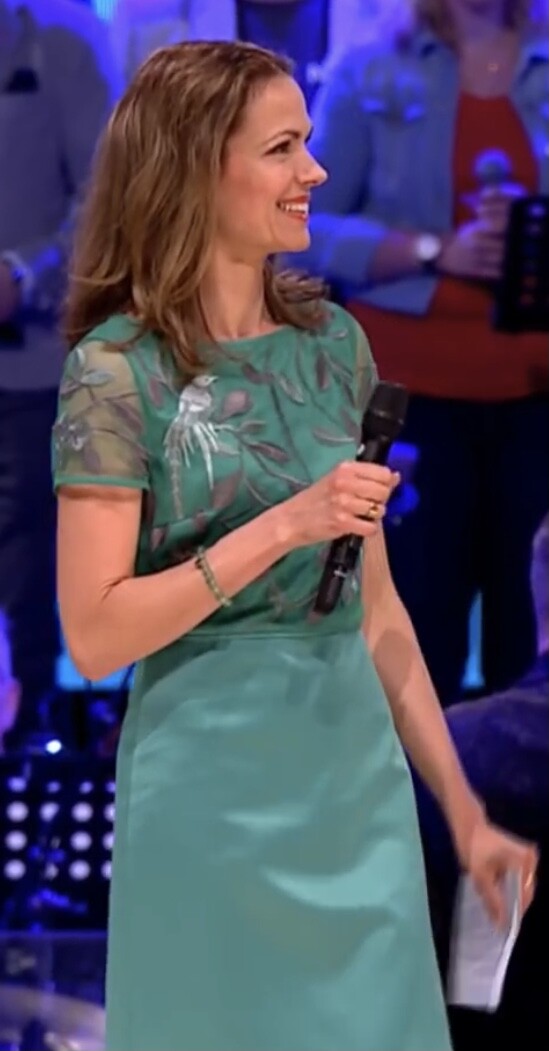
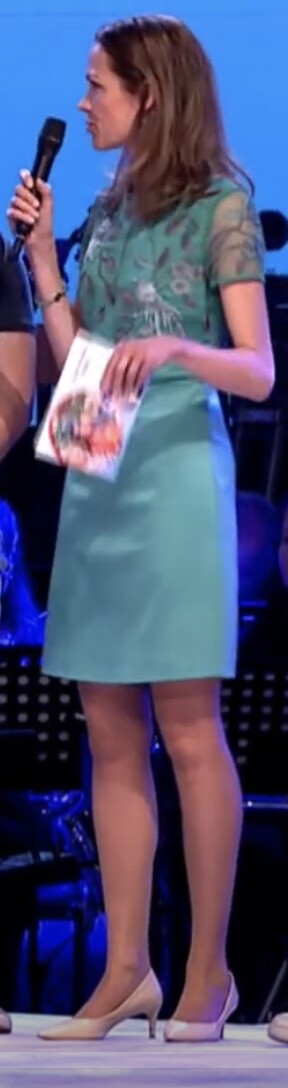
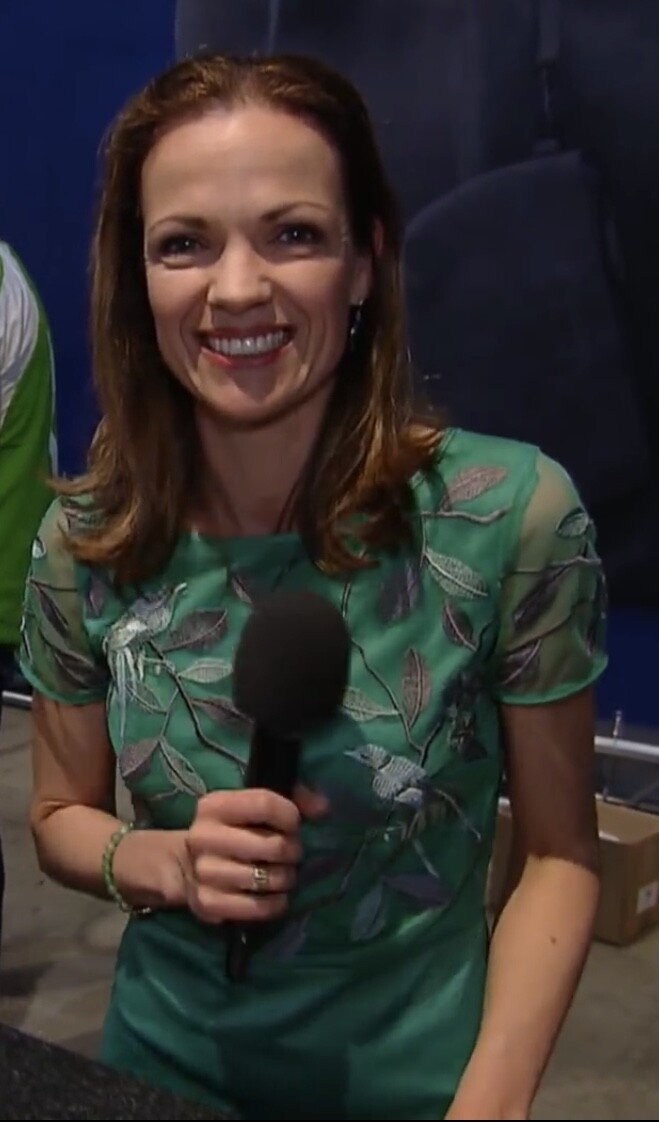
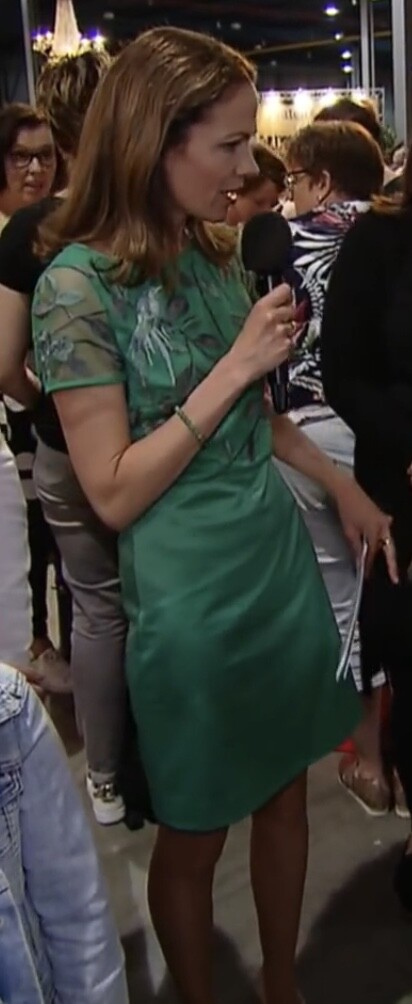
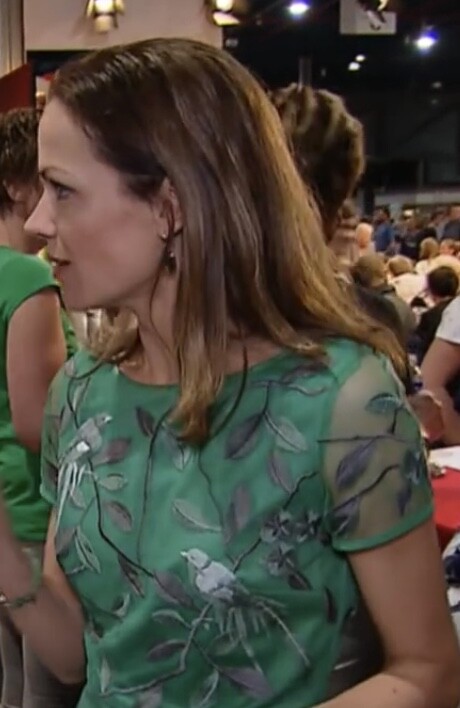
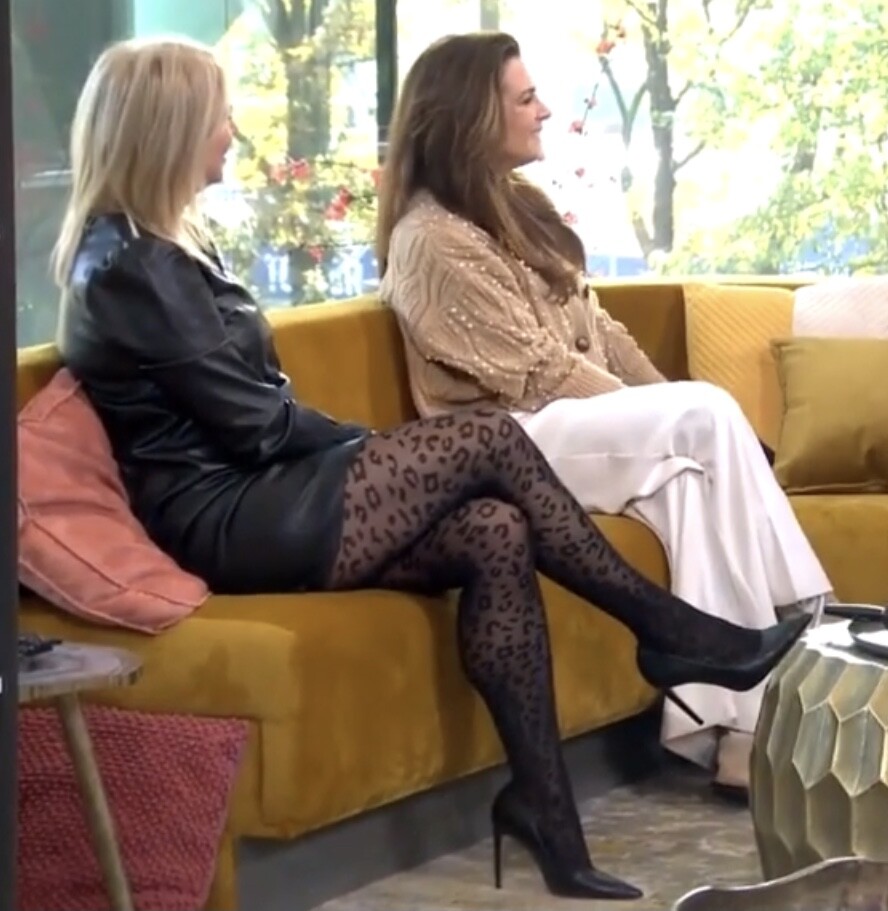
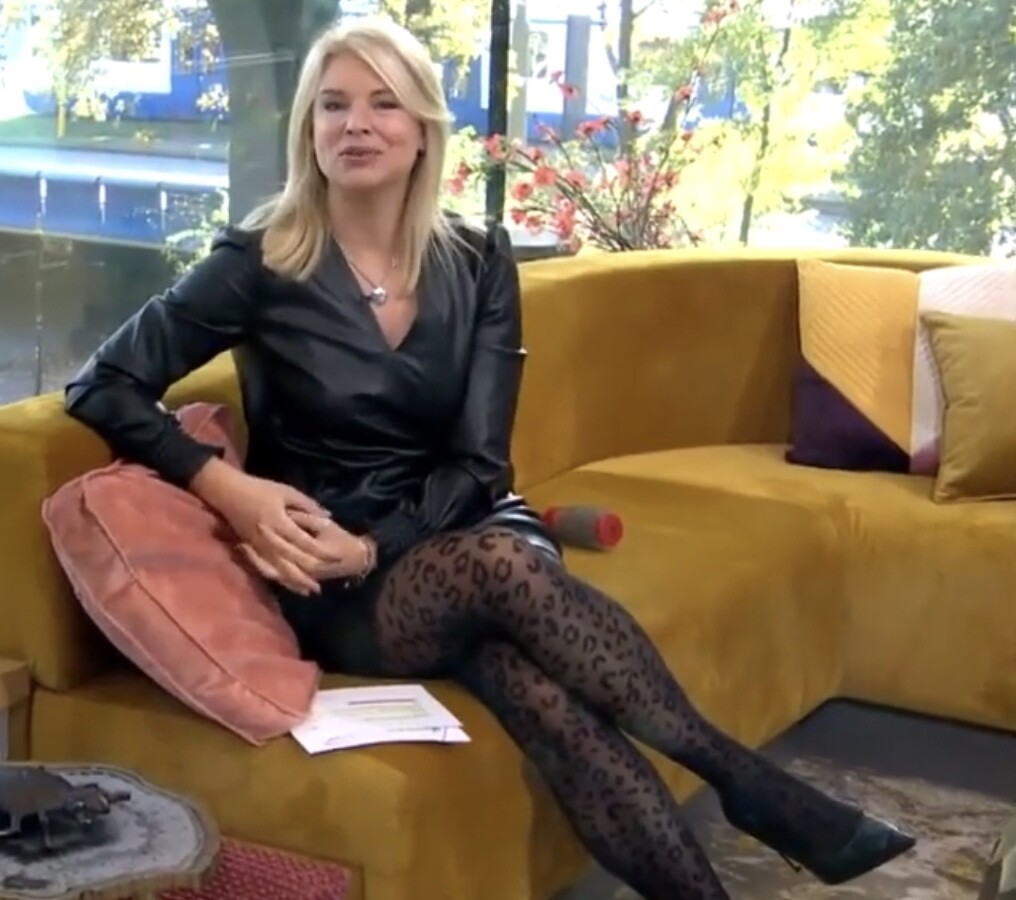
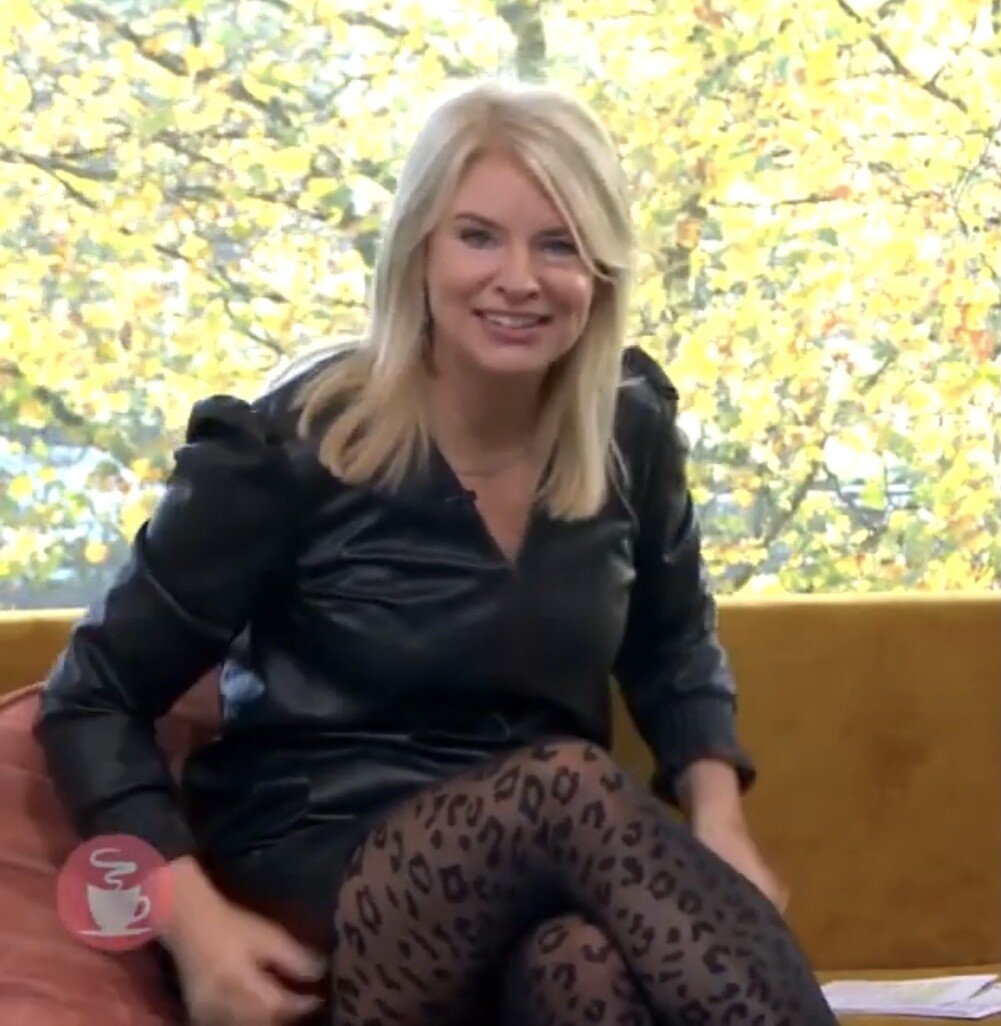
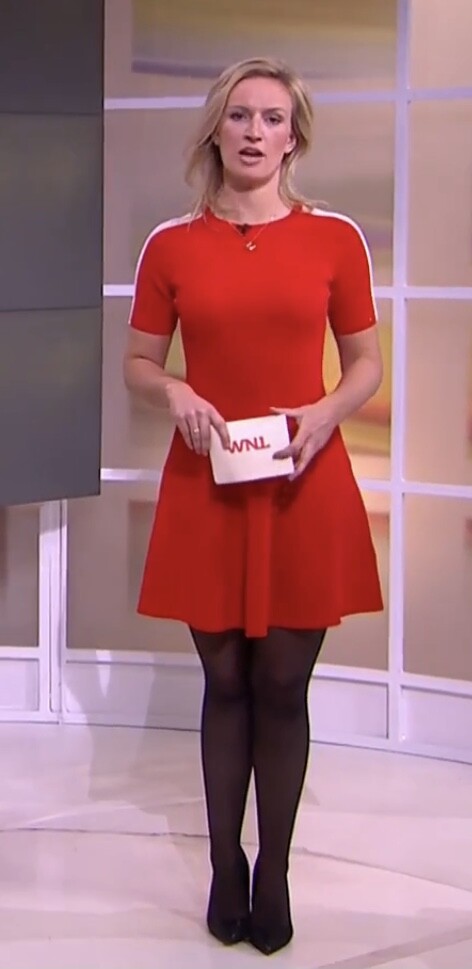
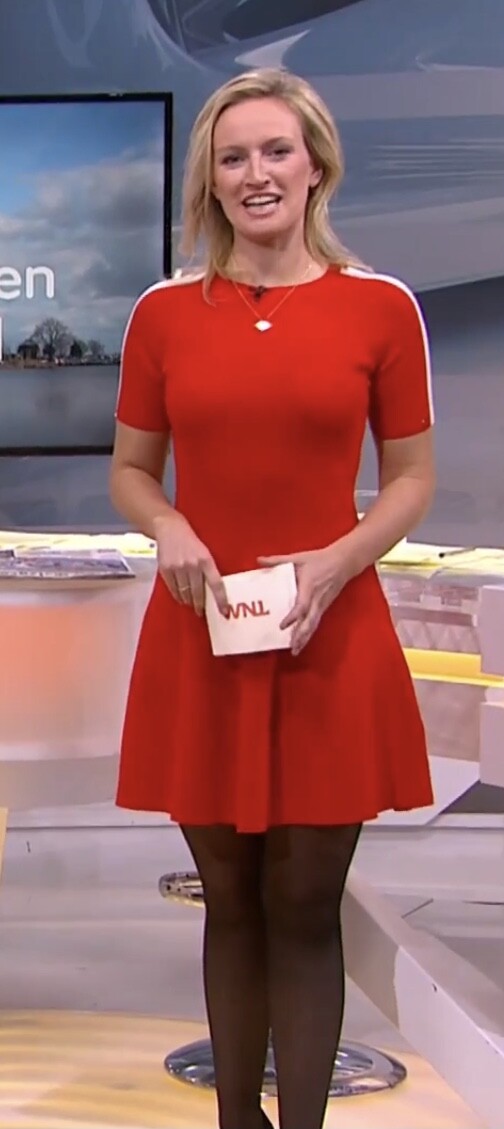
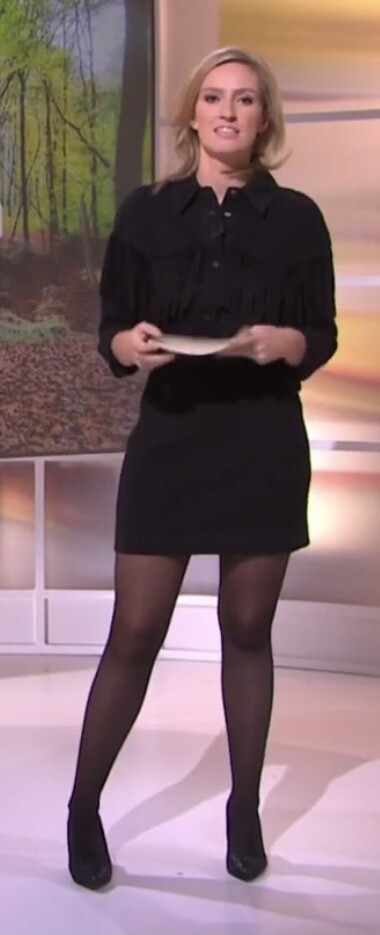
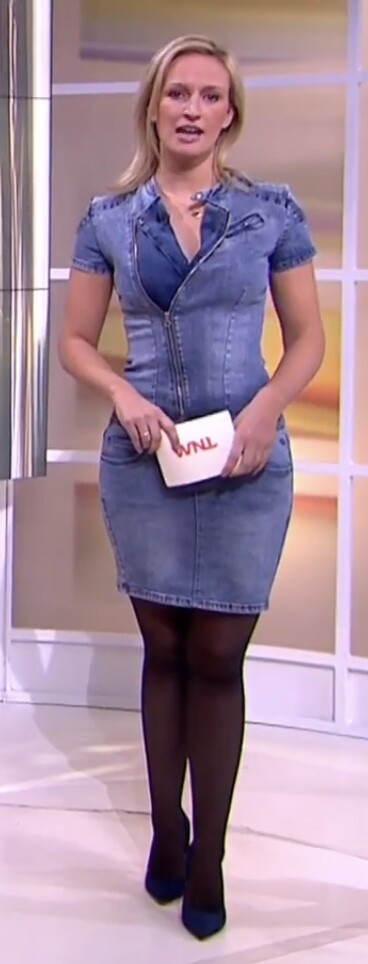
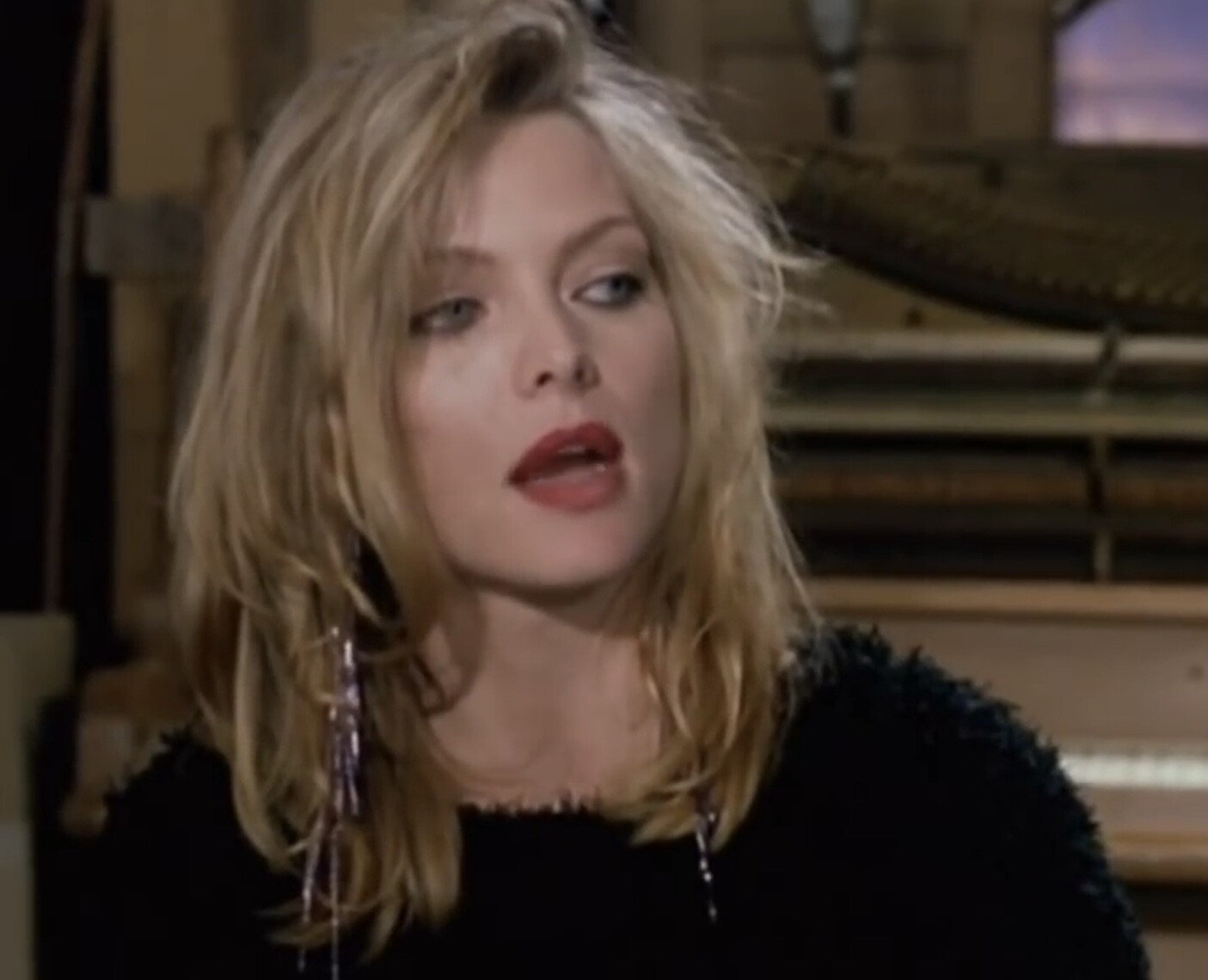
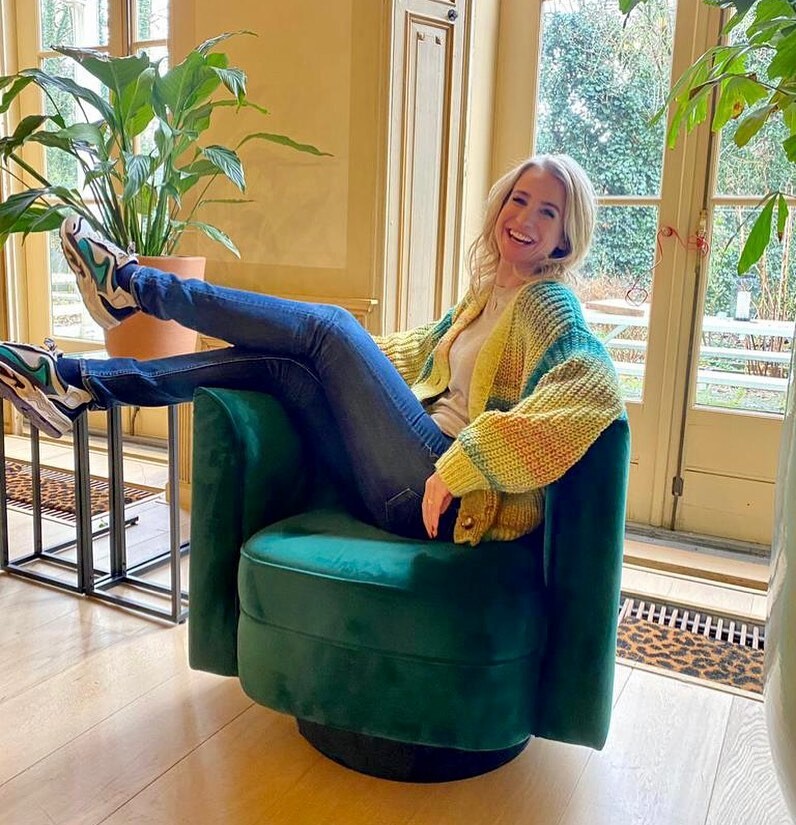
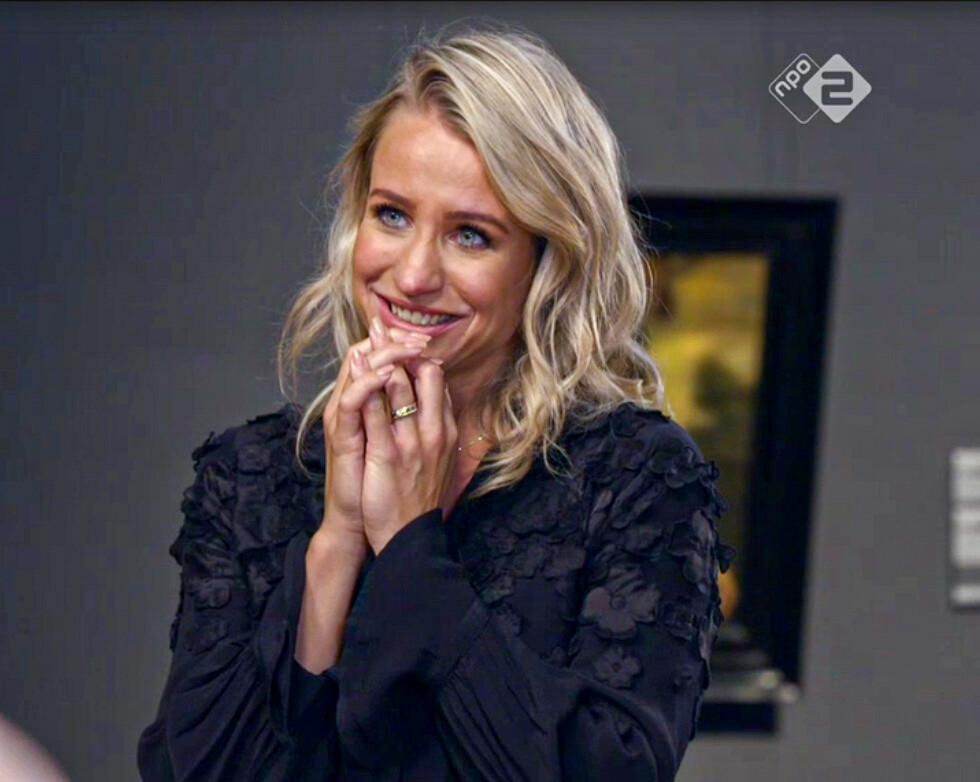
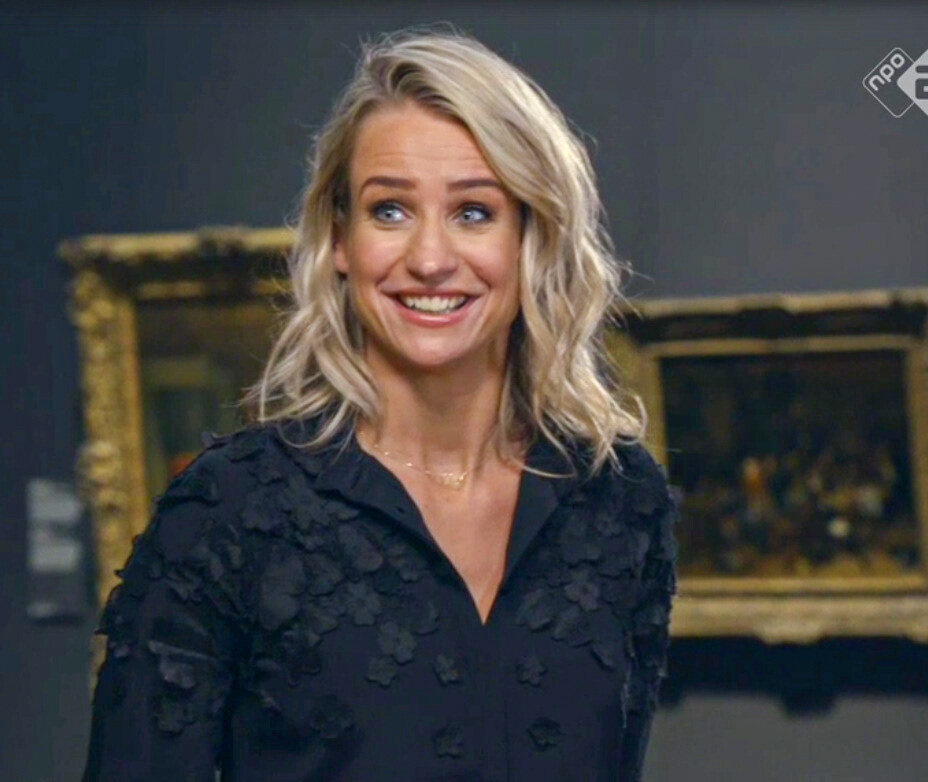
 Pernille la Lau and one Brecht van Hulten (green dress). and Nikki Herr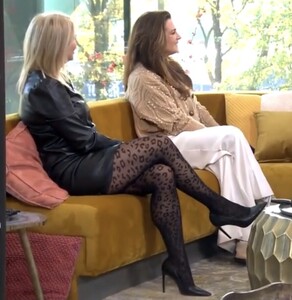




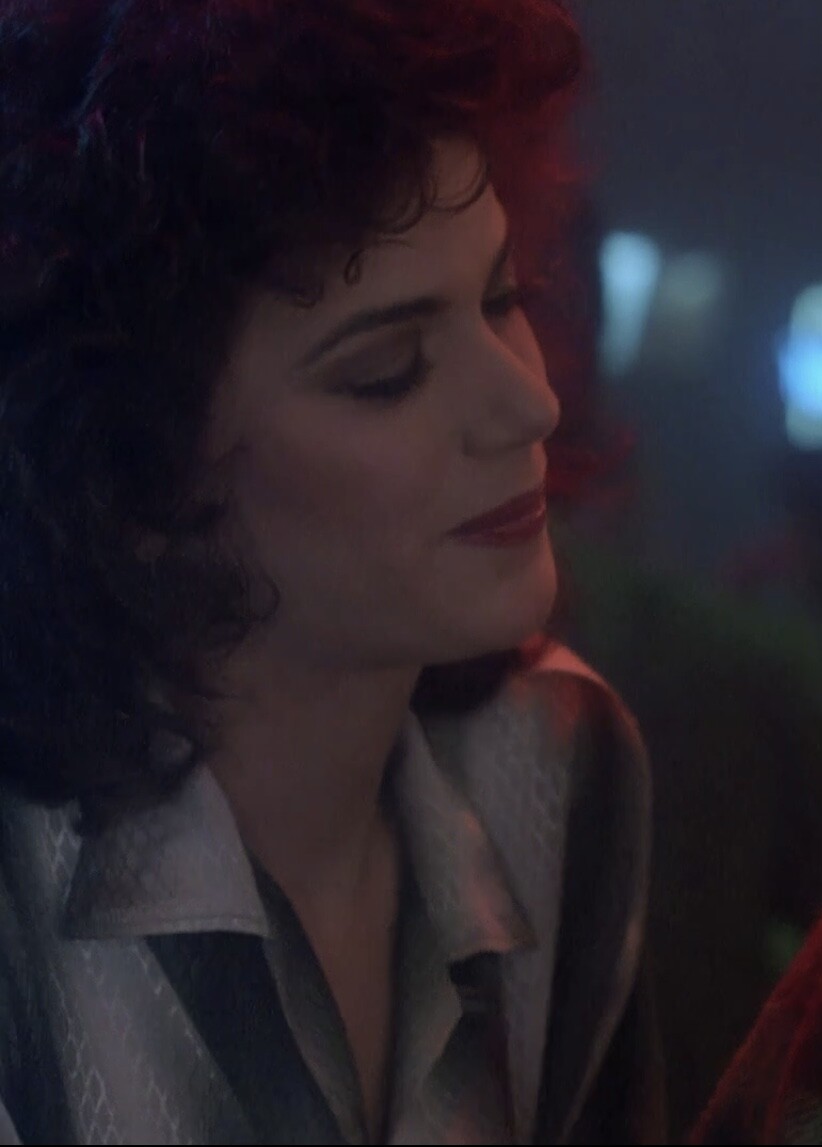
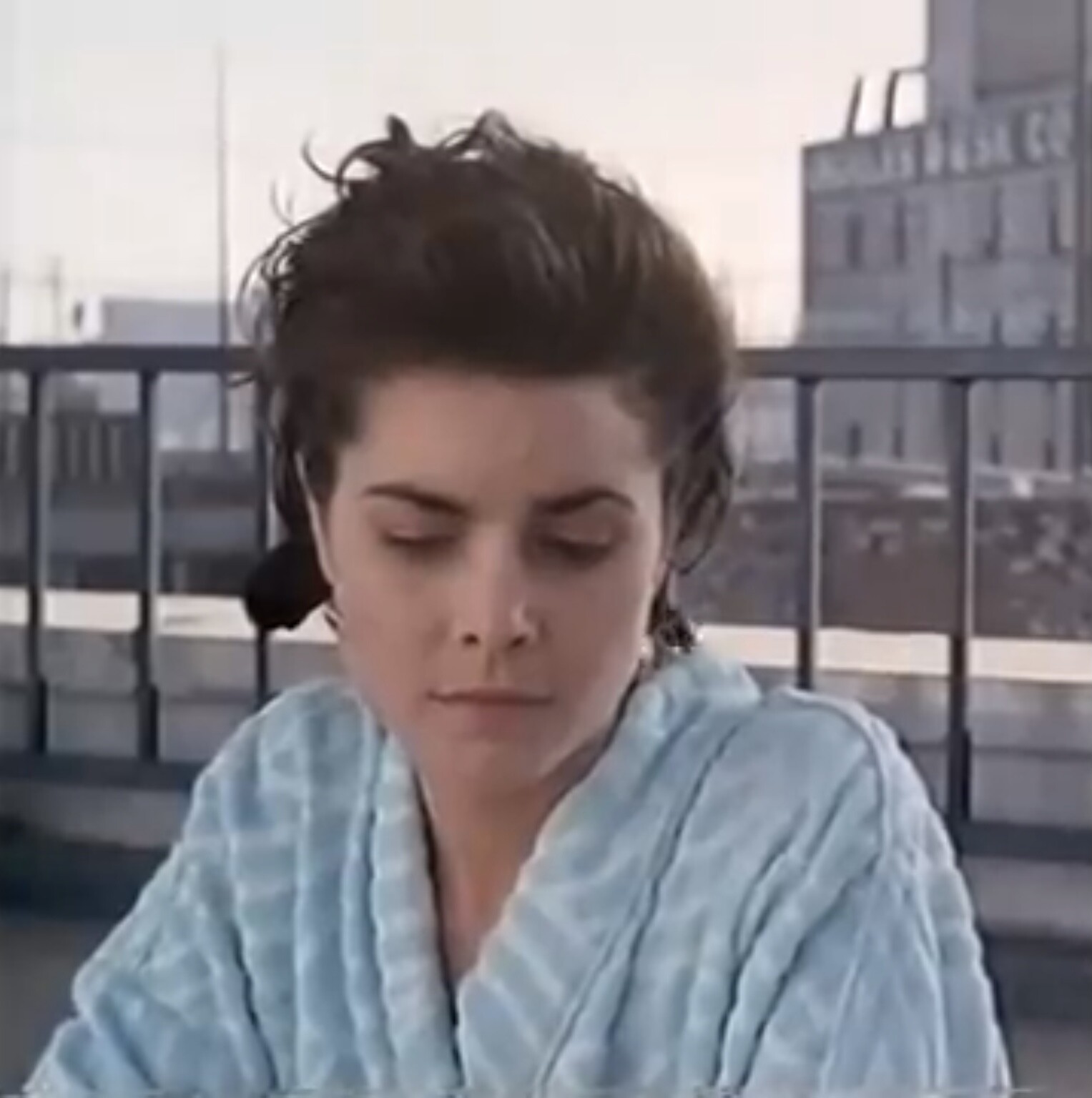
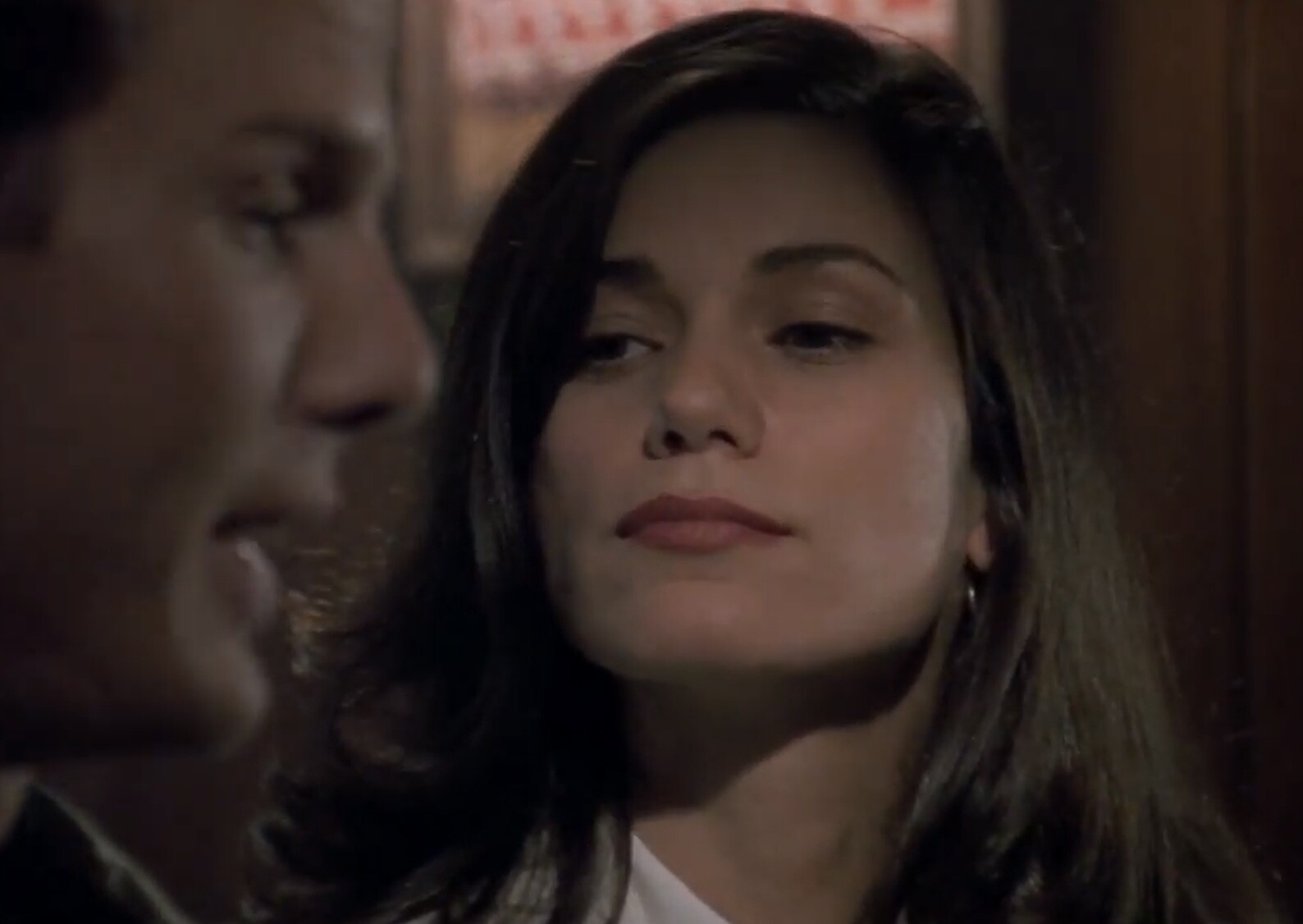
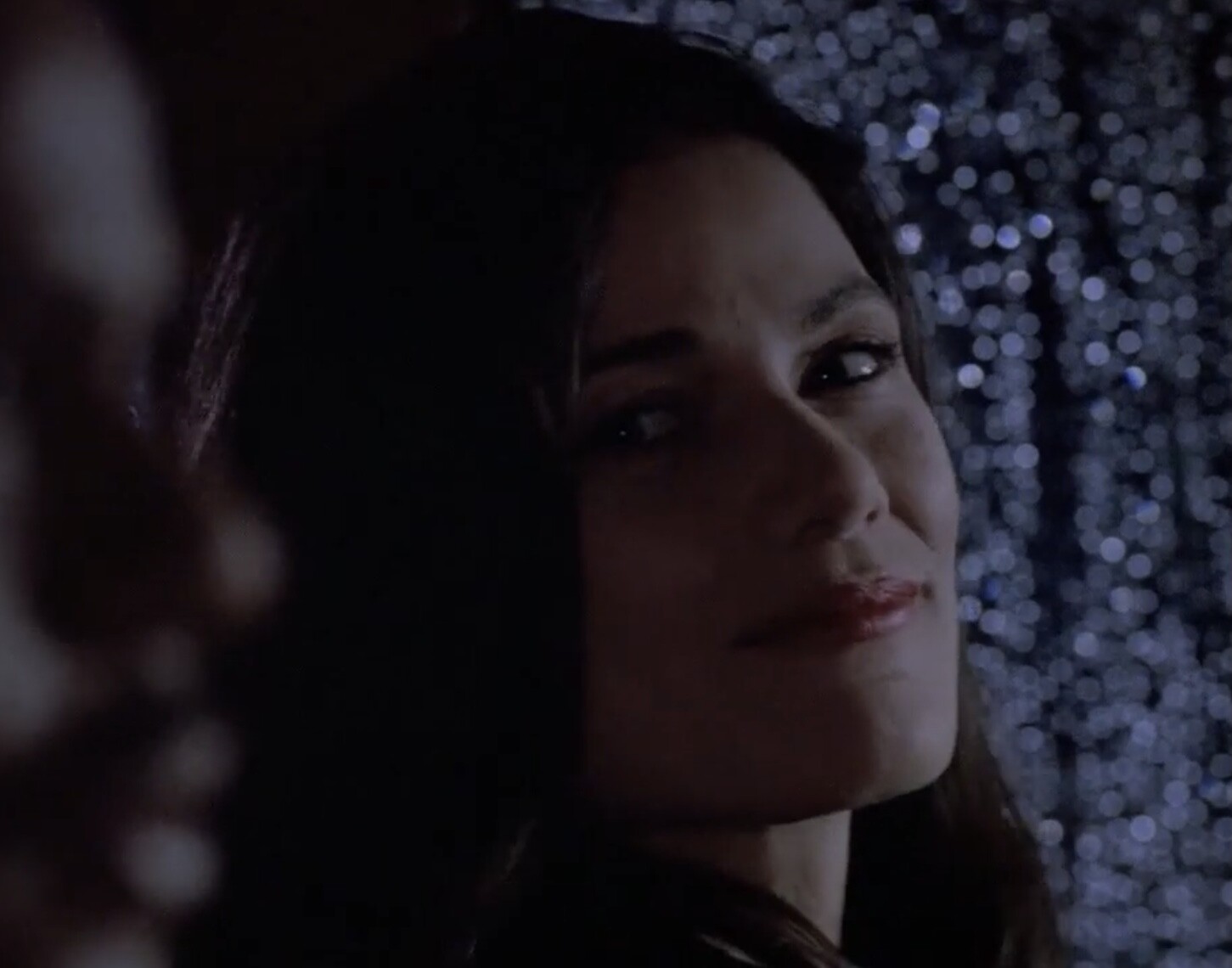
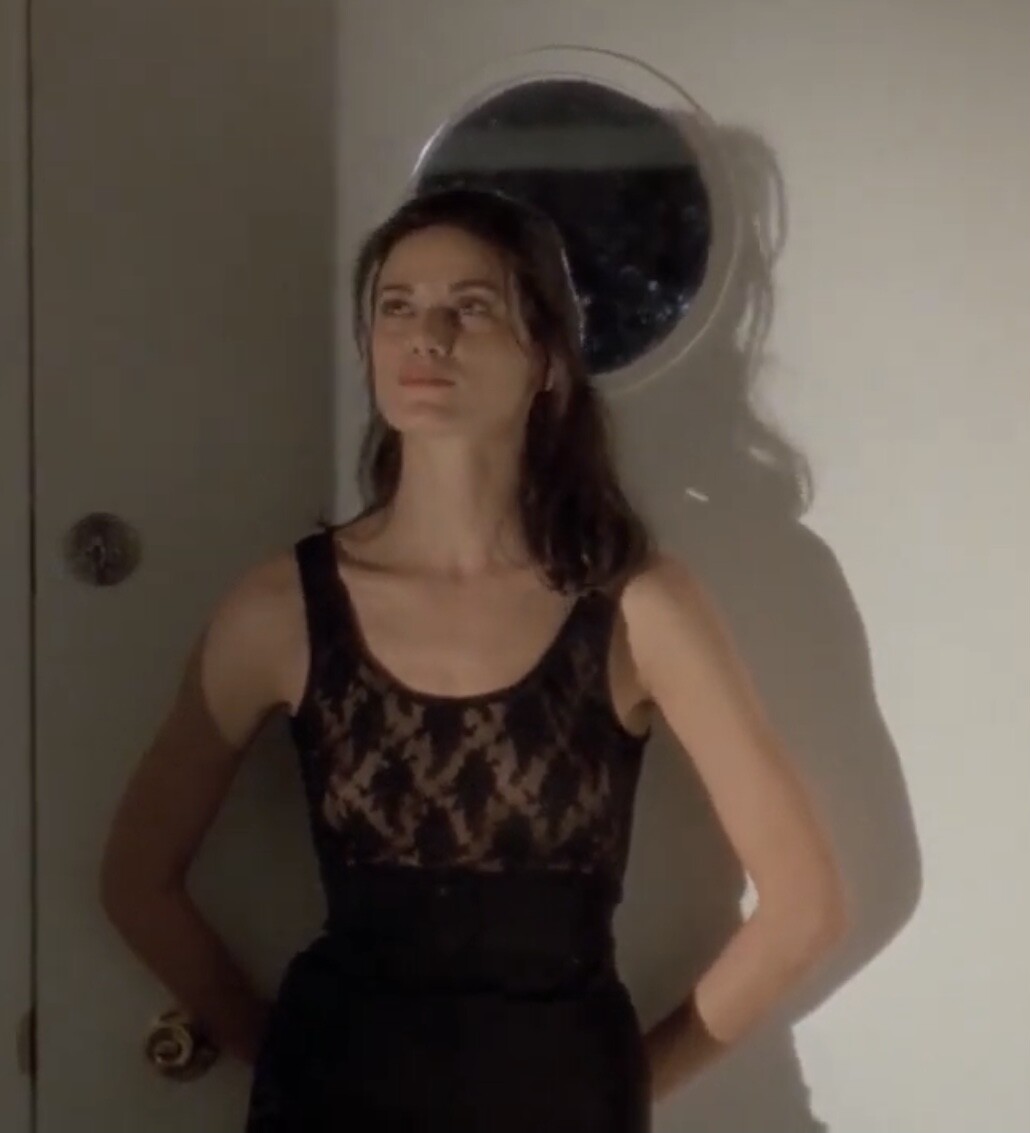
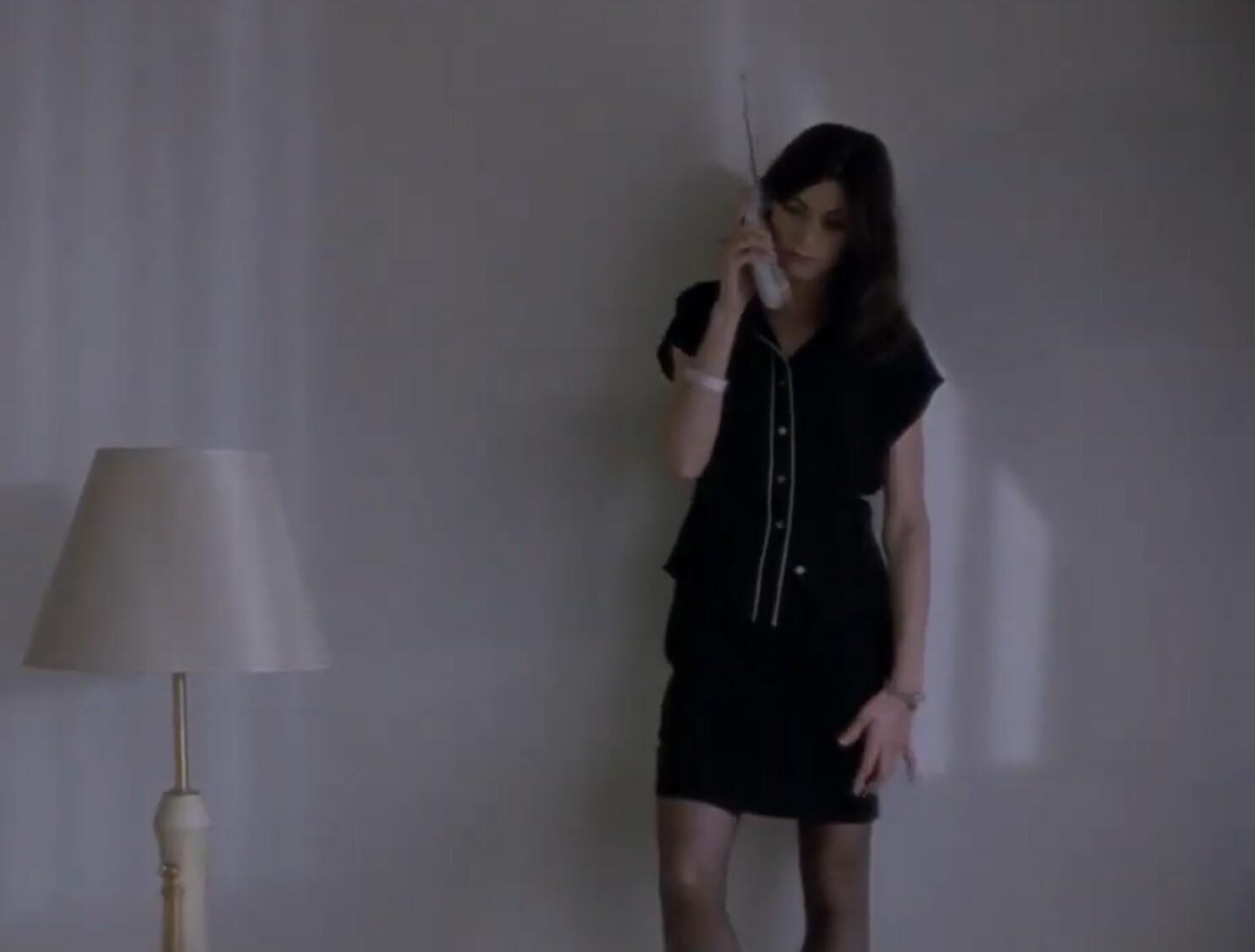
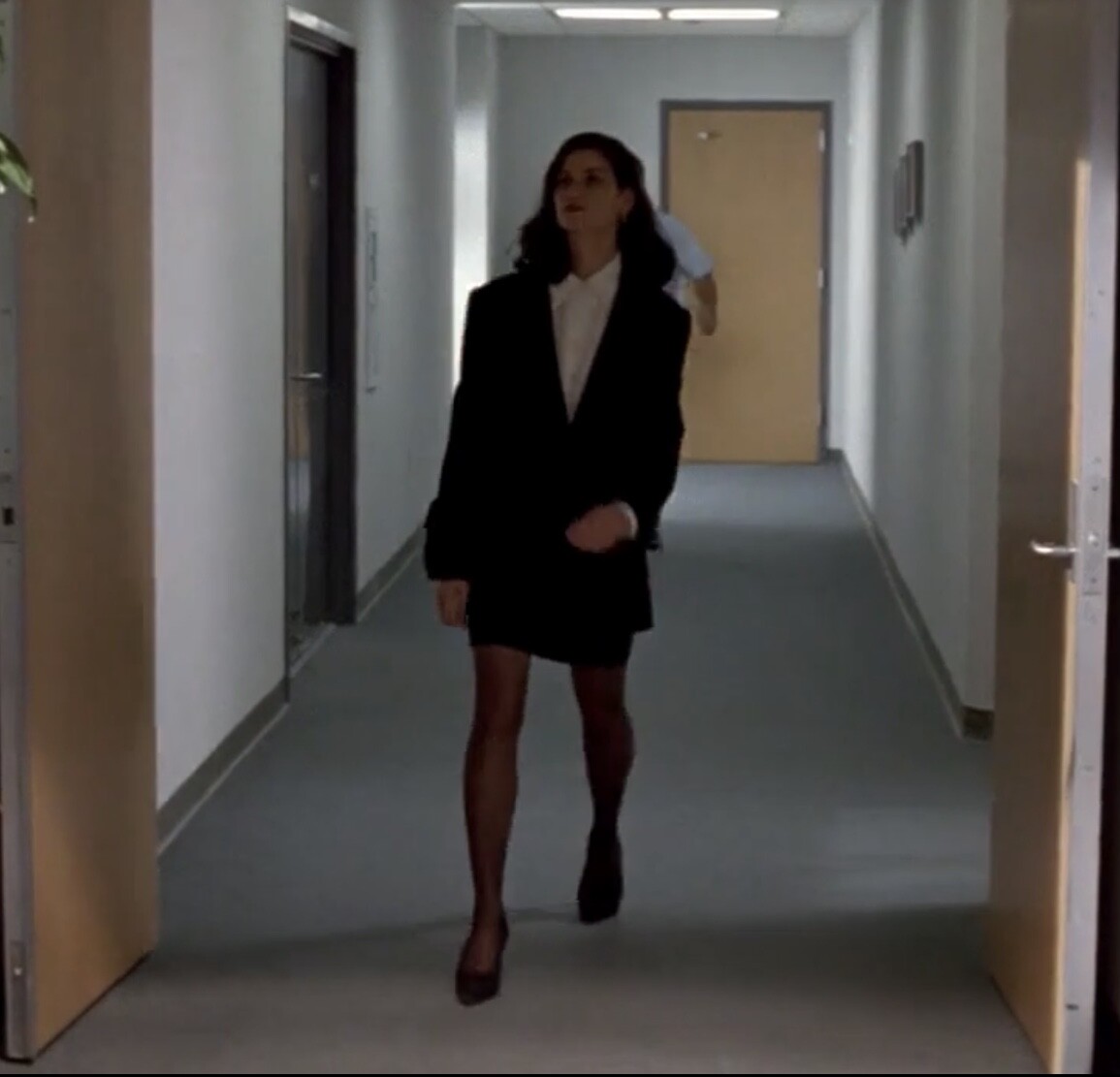
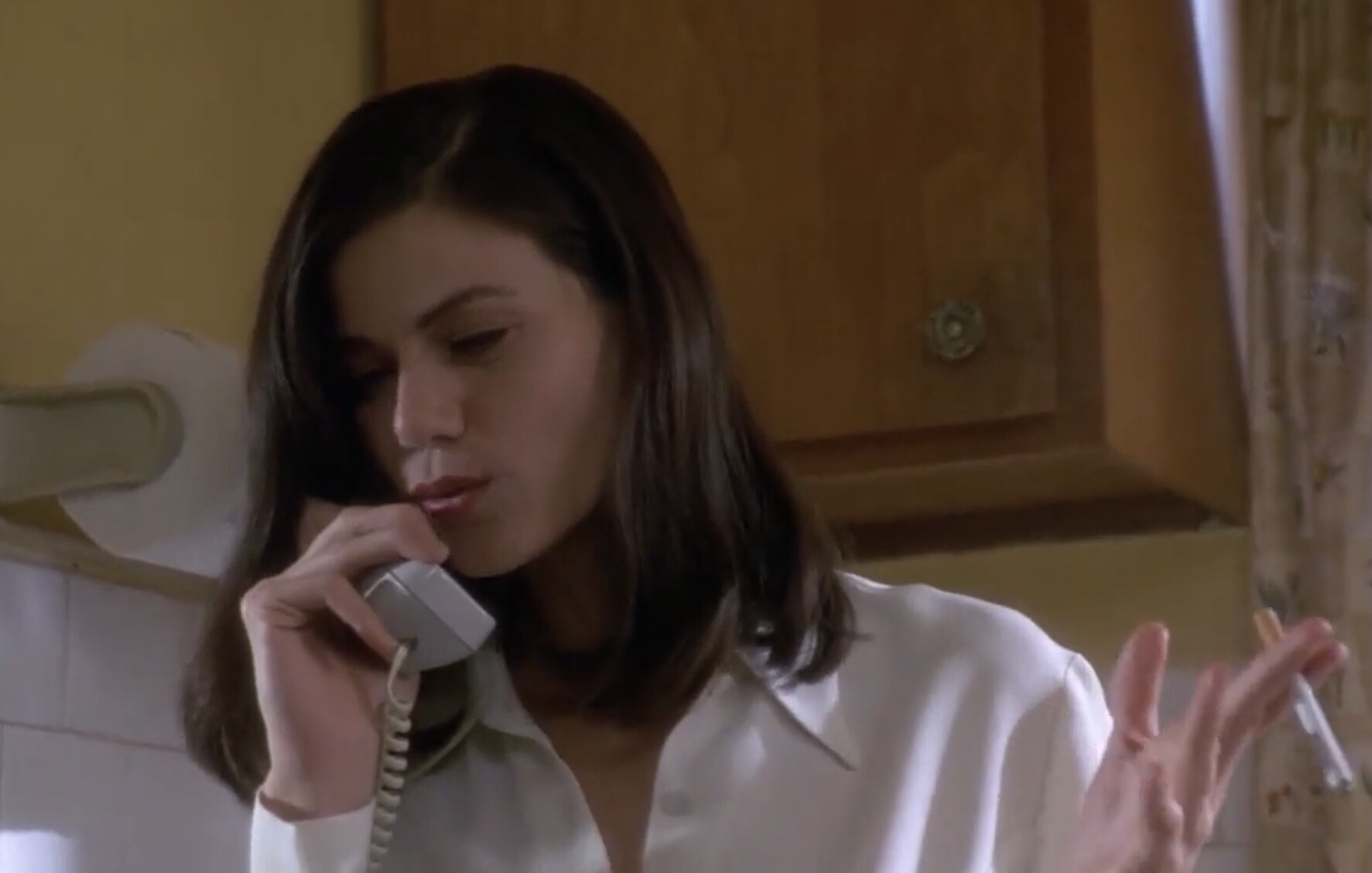
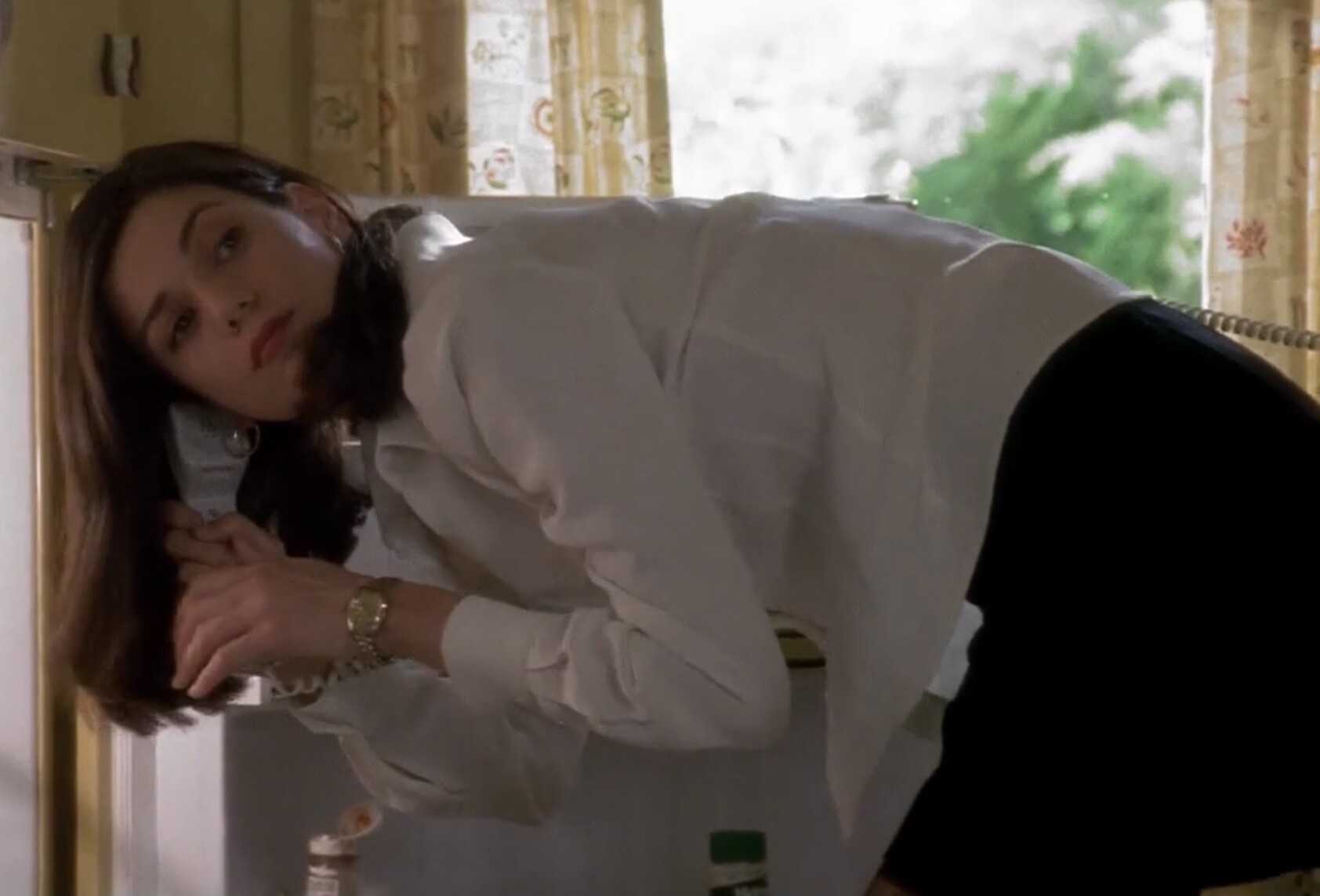
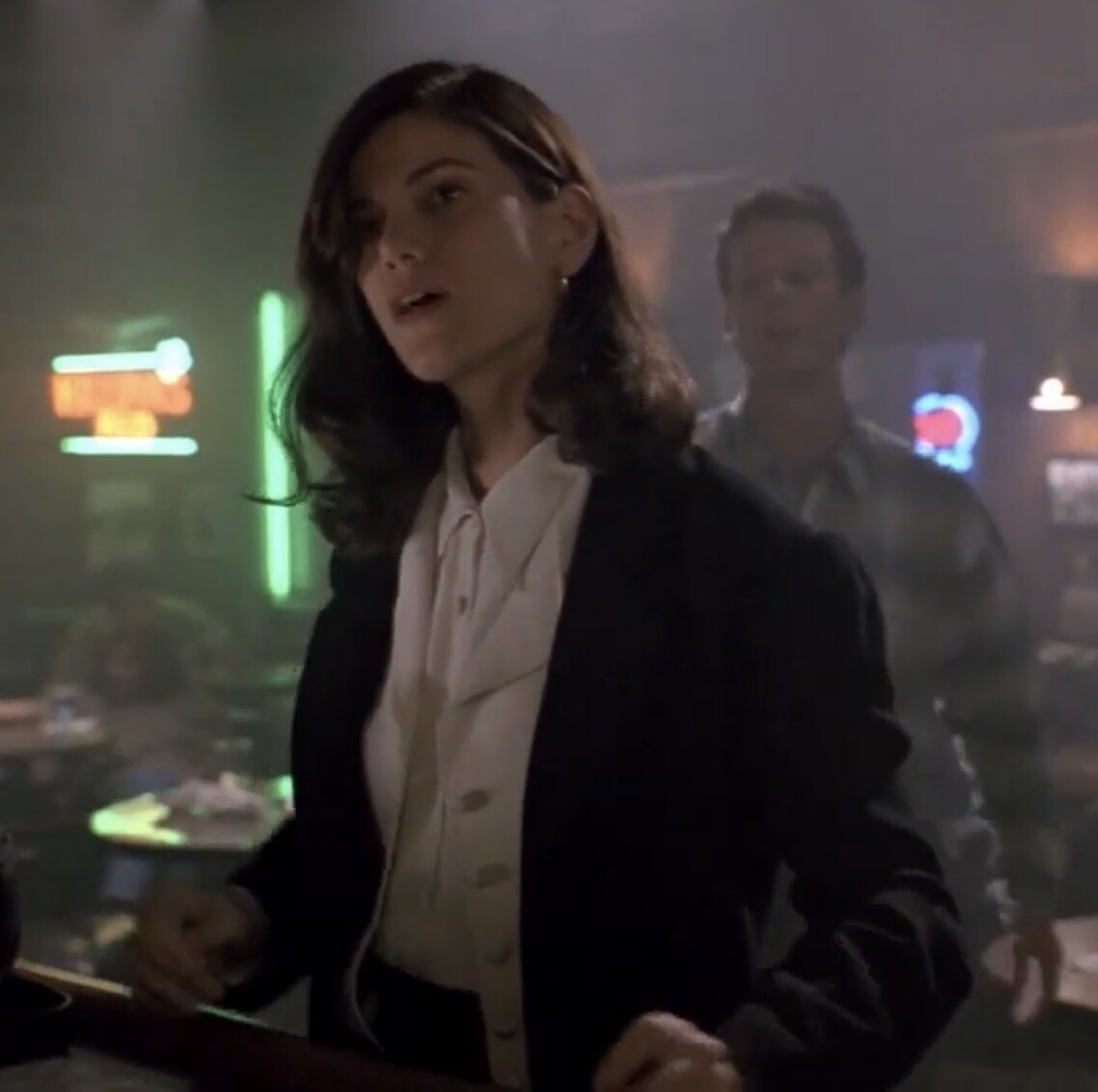
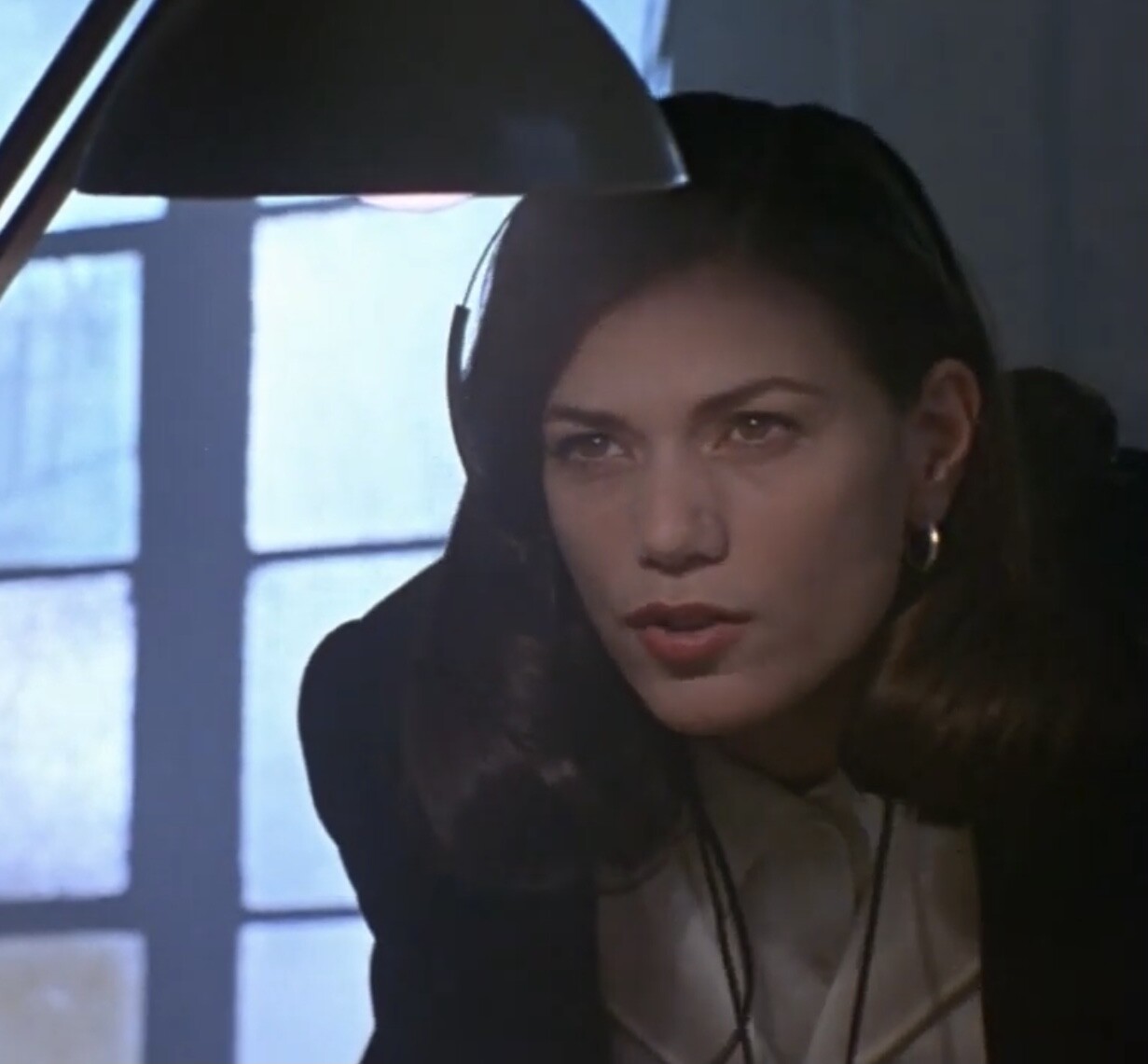
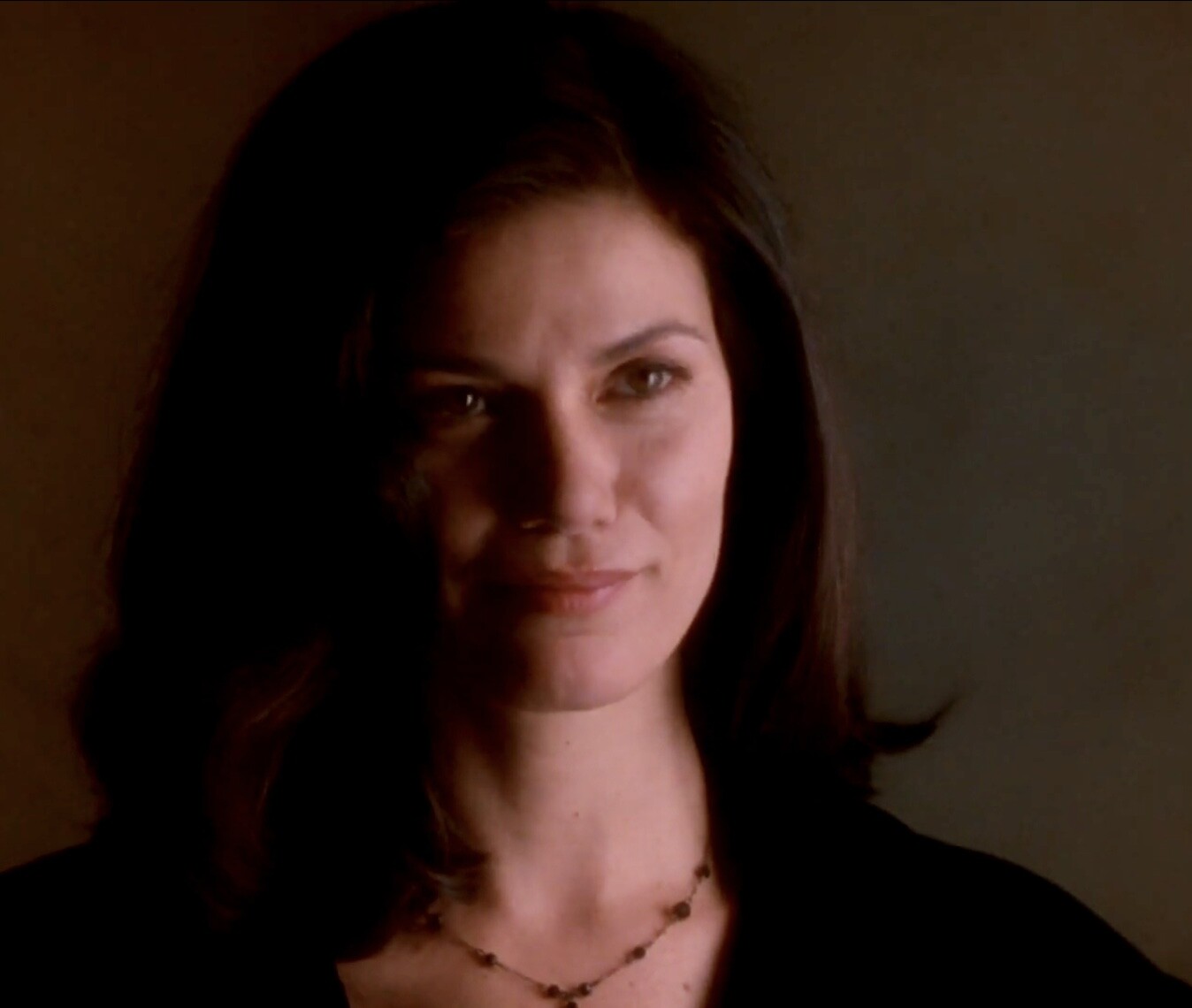
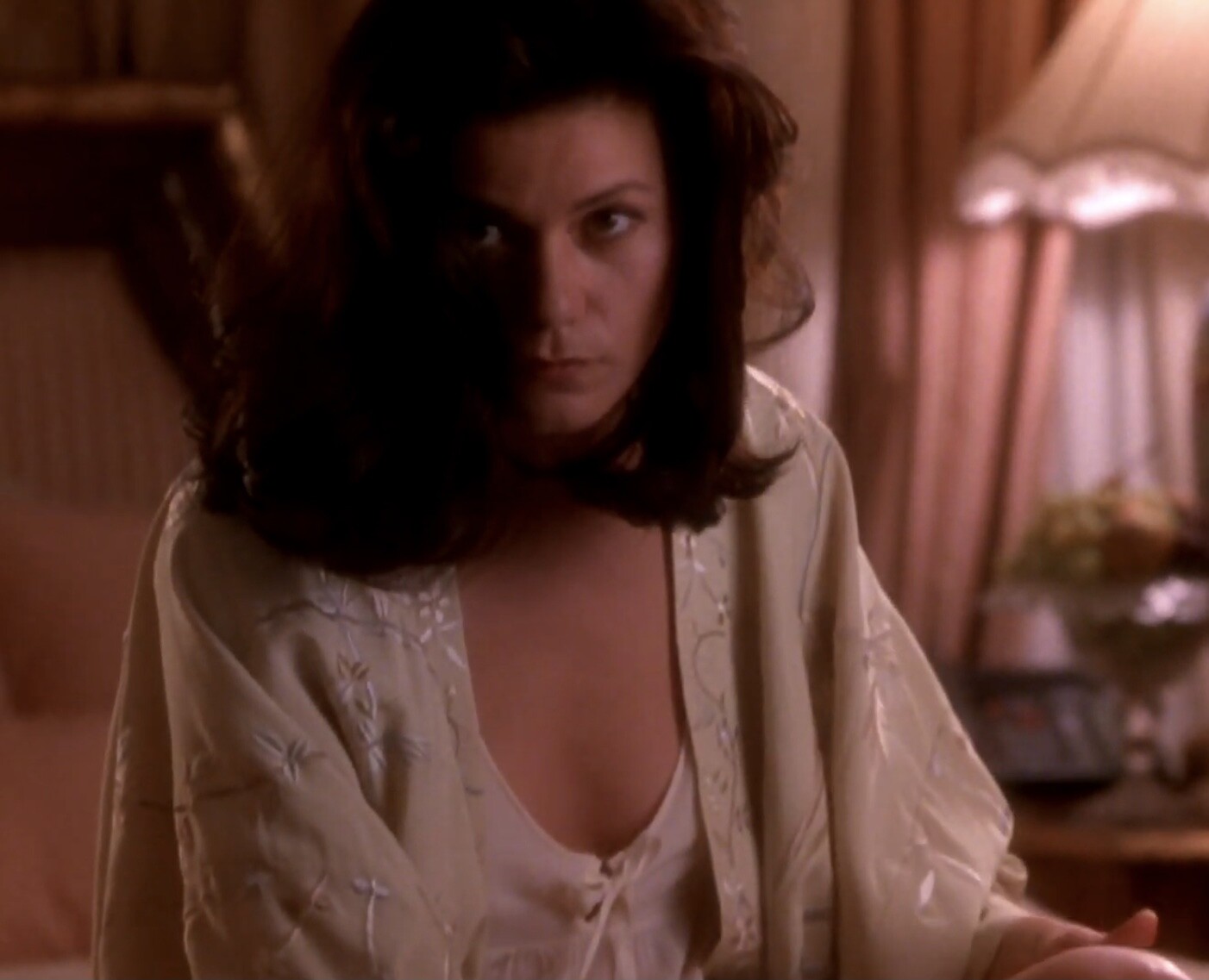
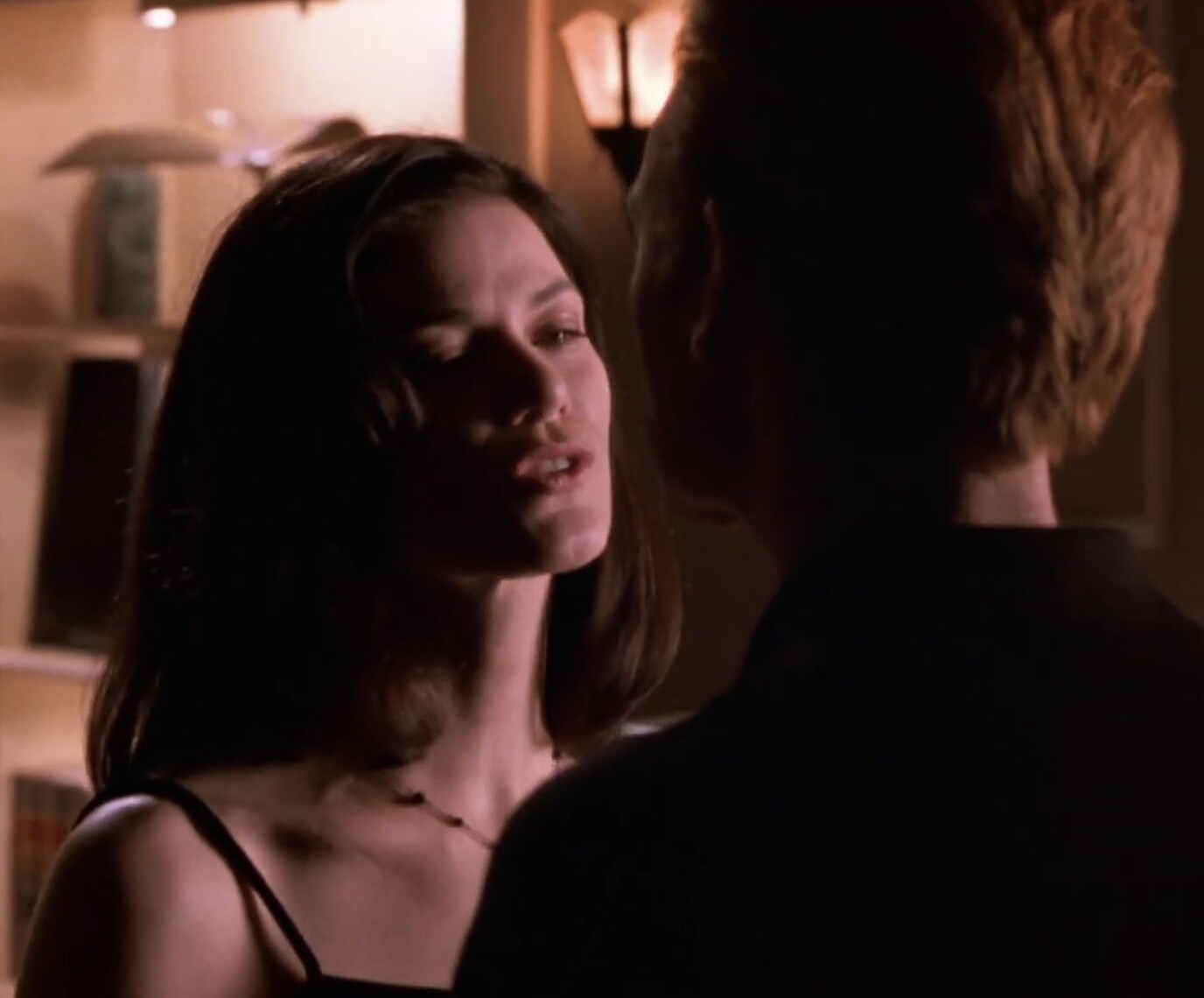
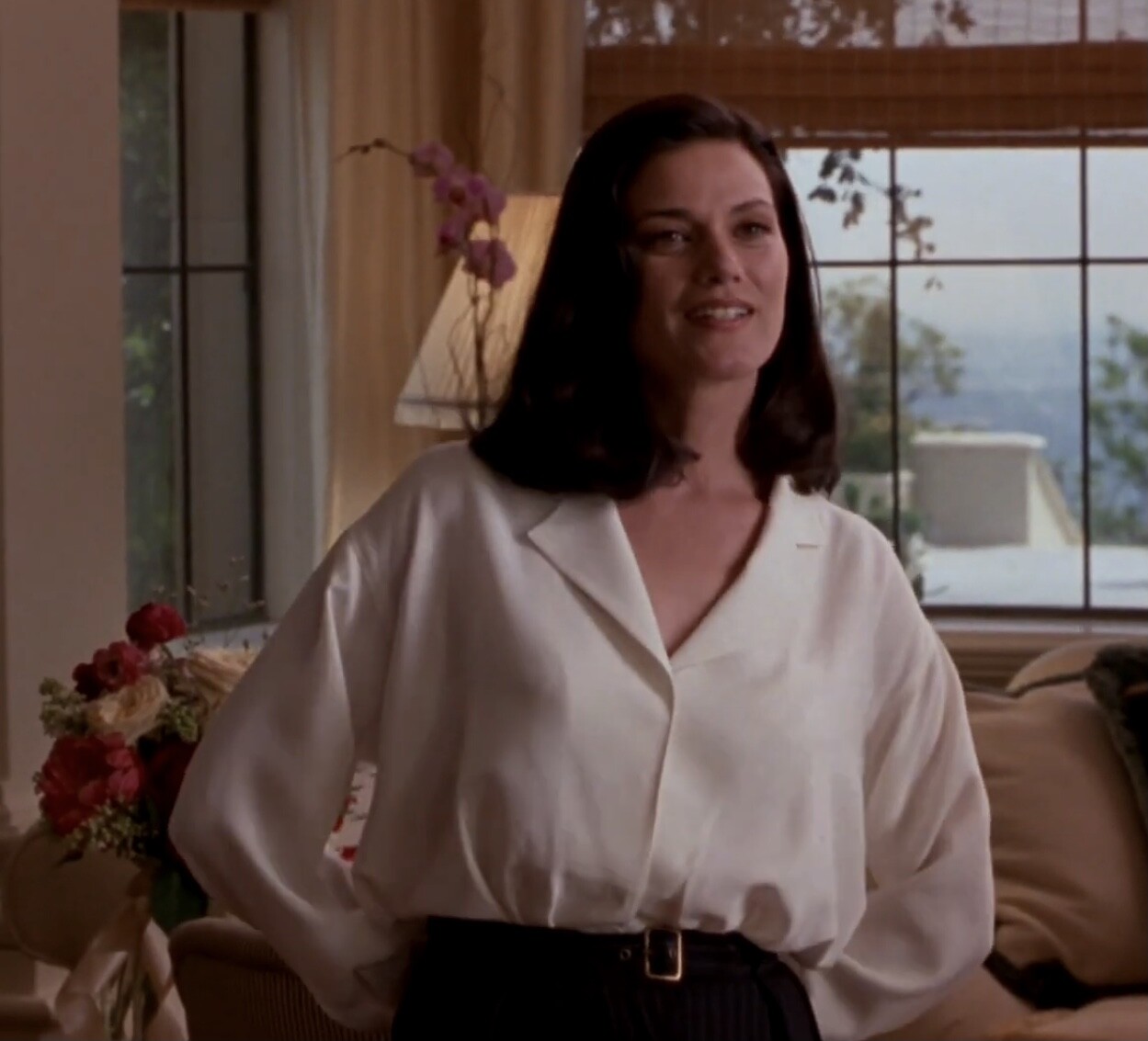
 As Bridget Gregory in “The Last Seduction”



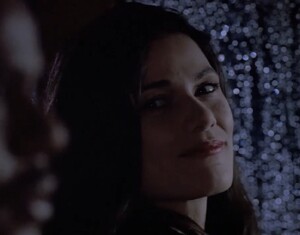
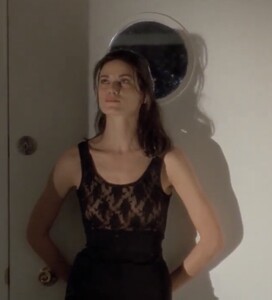



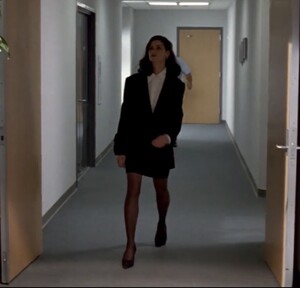





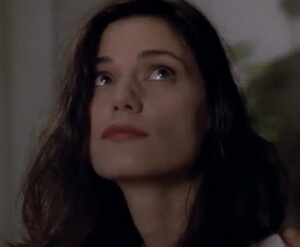
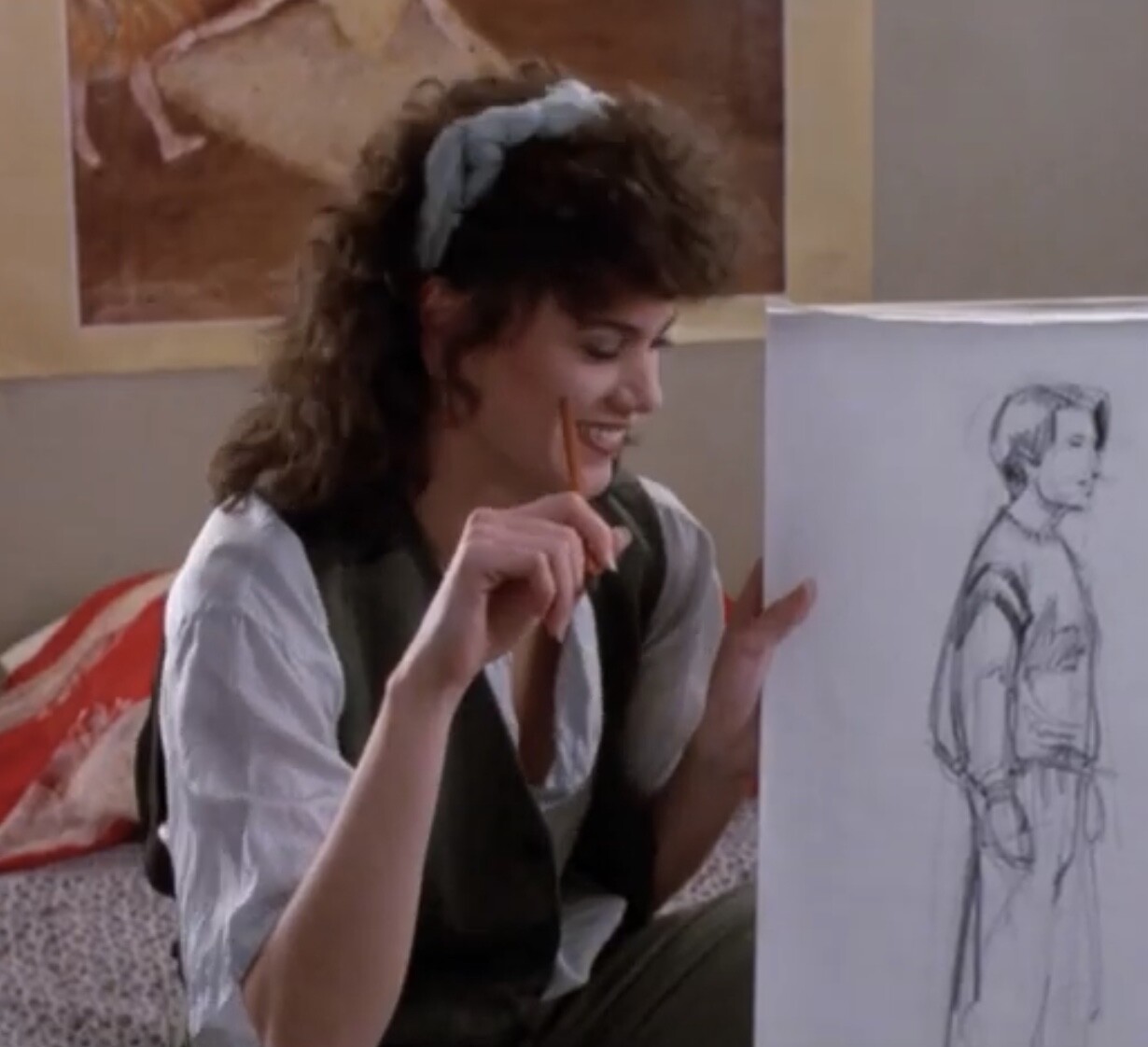
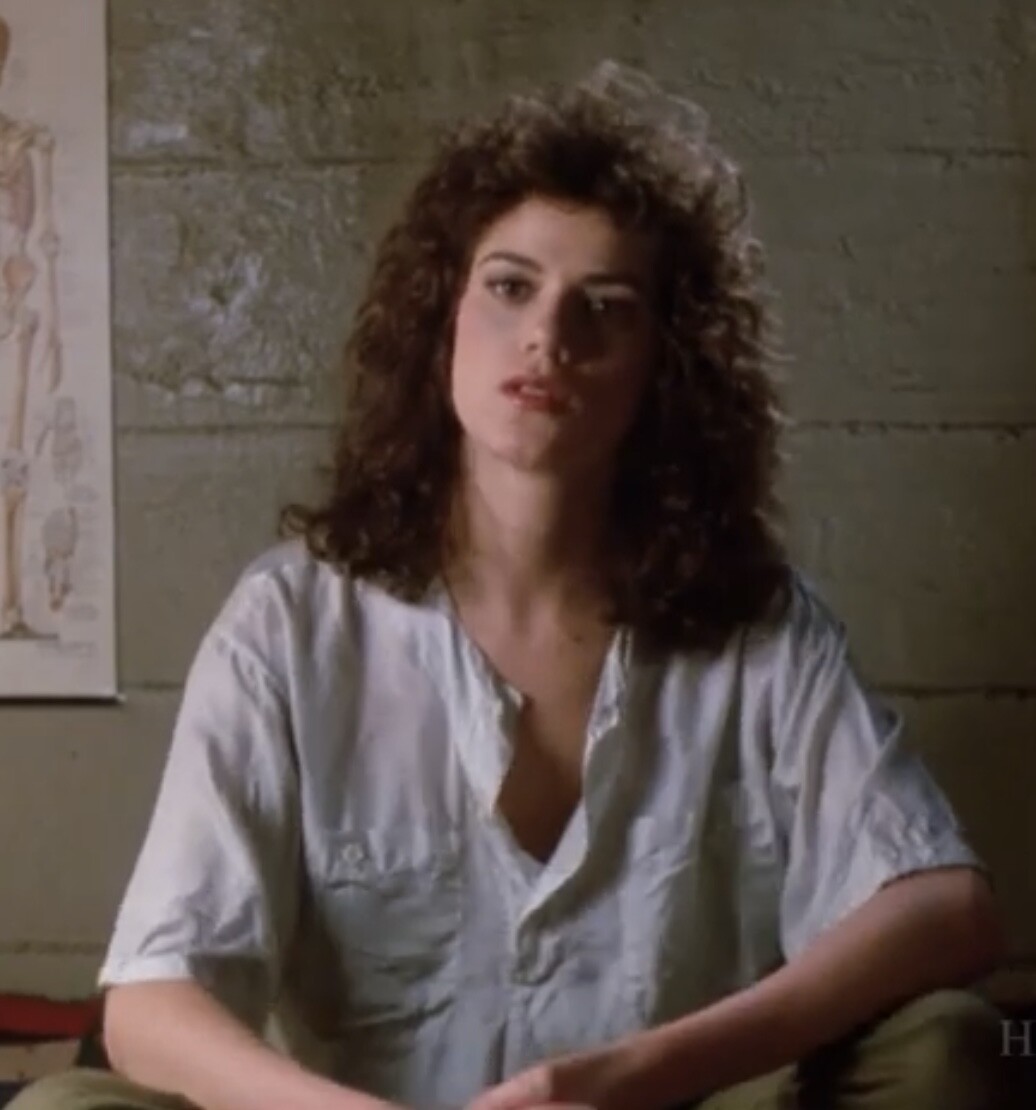
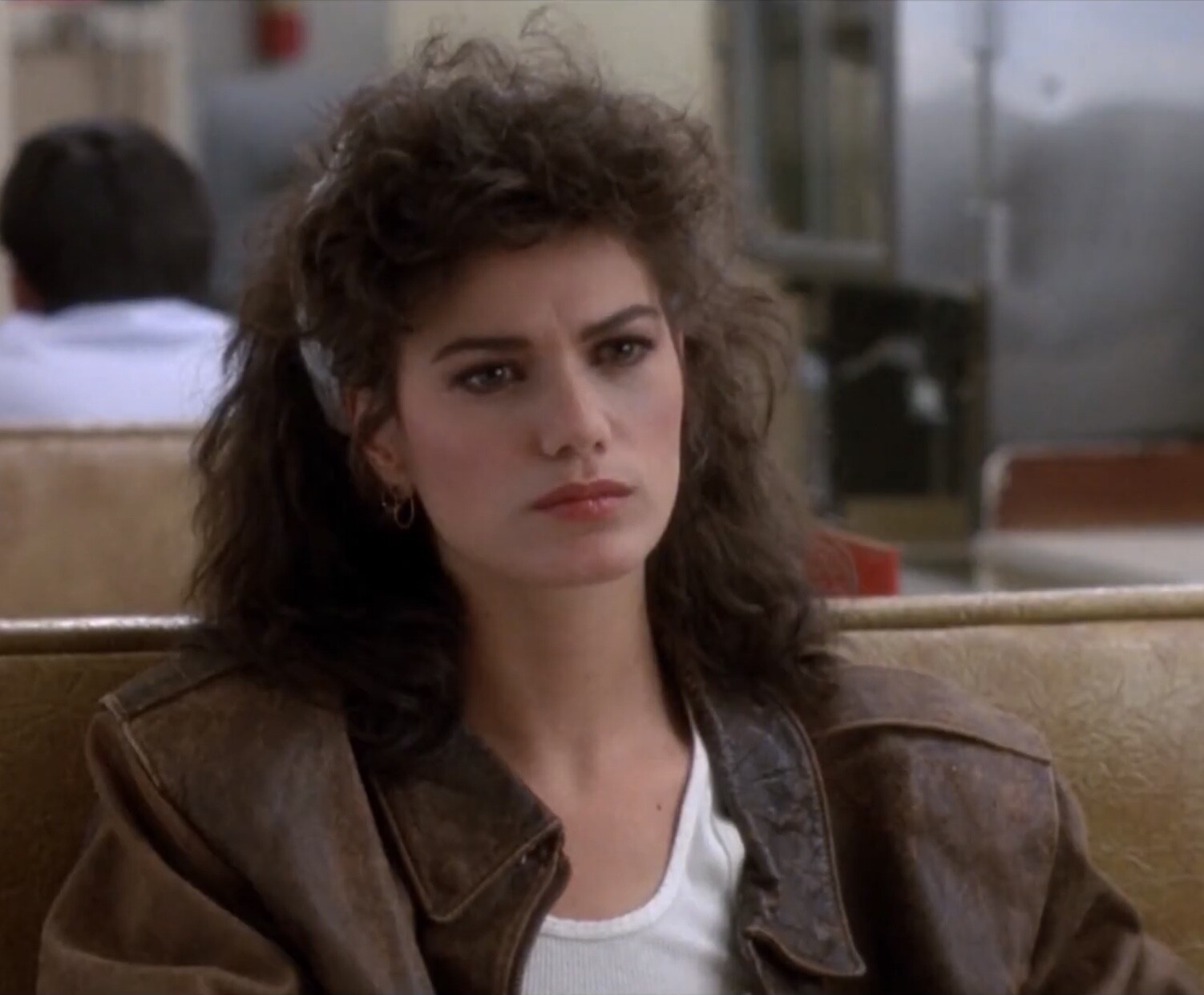
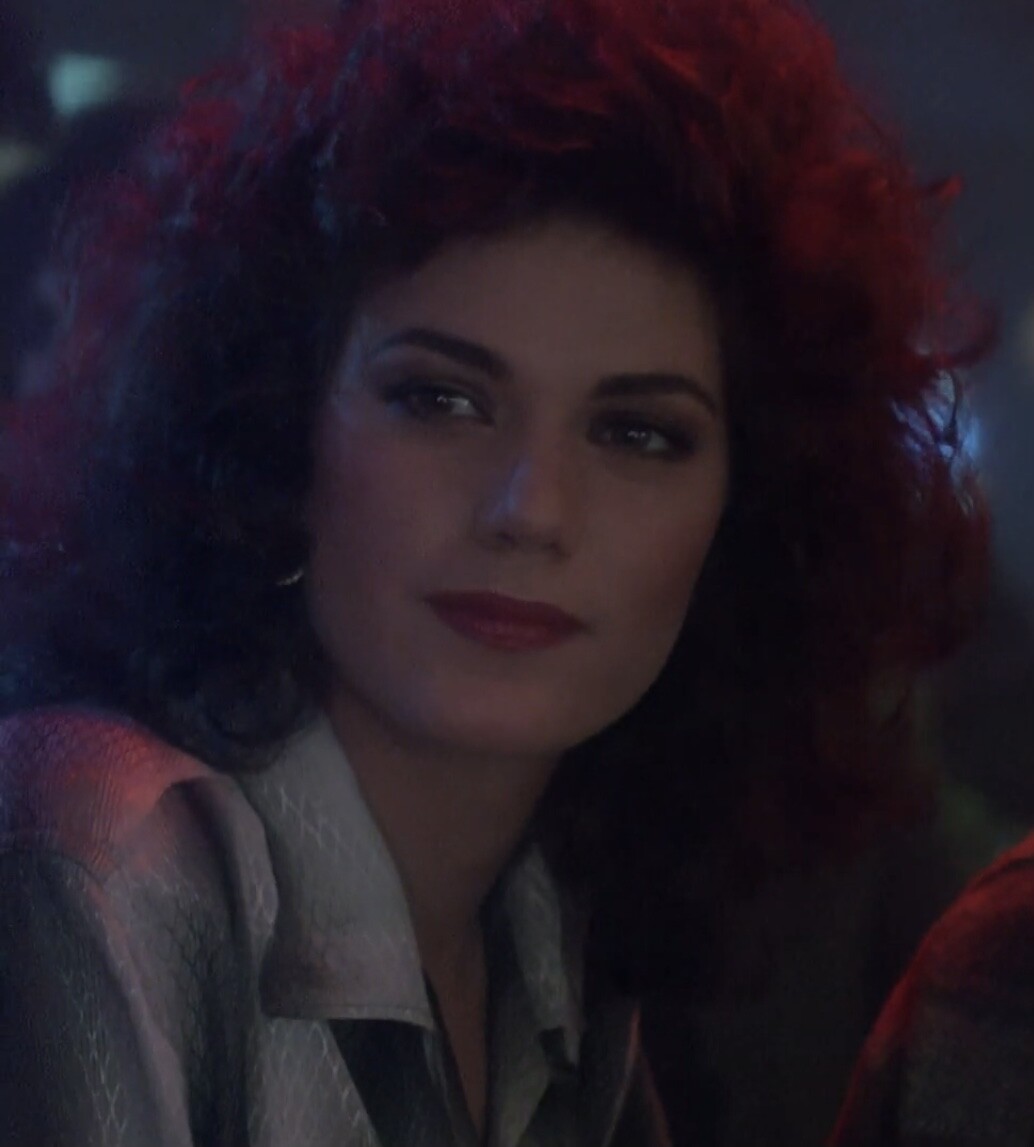
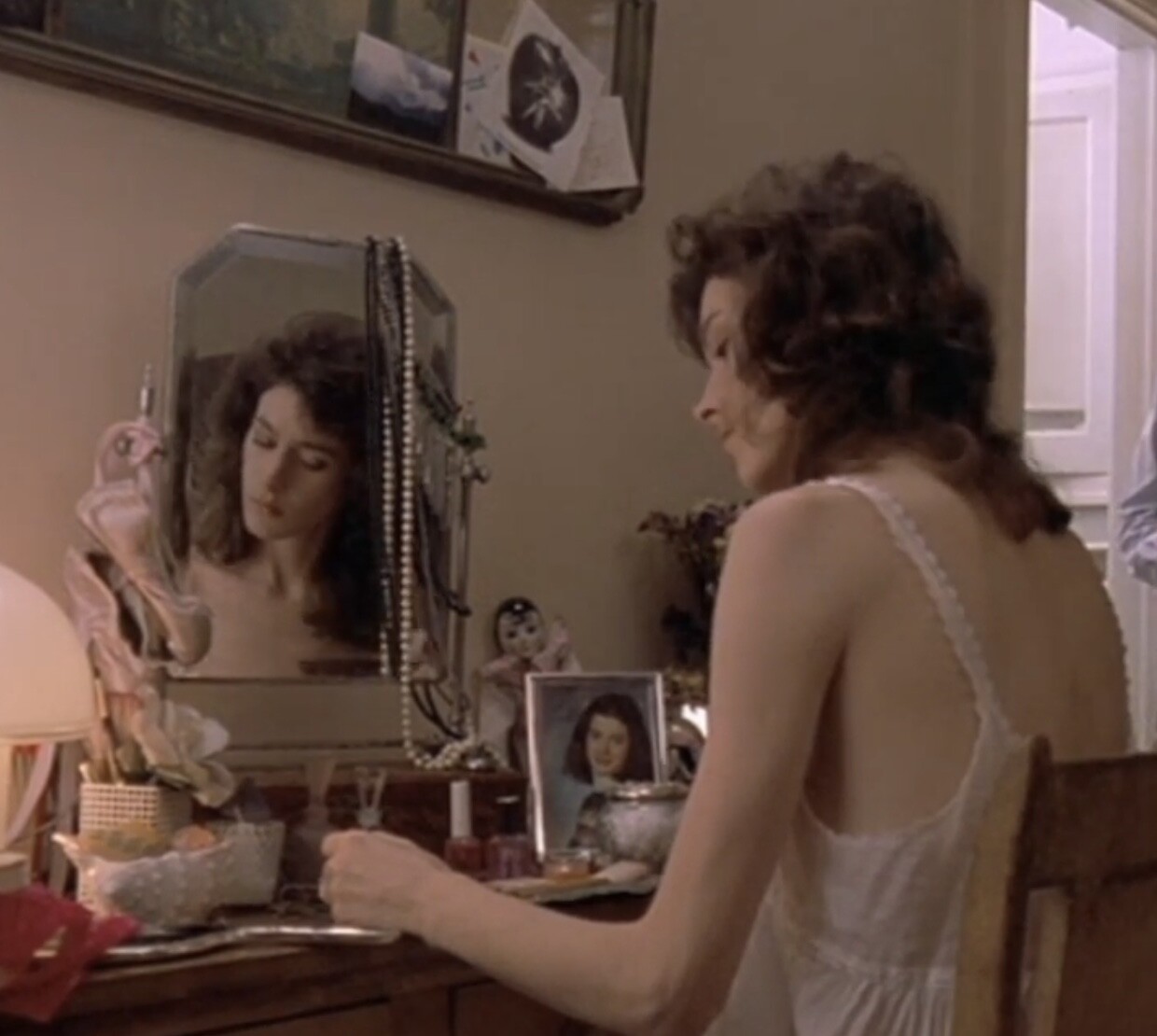
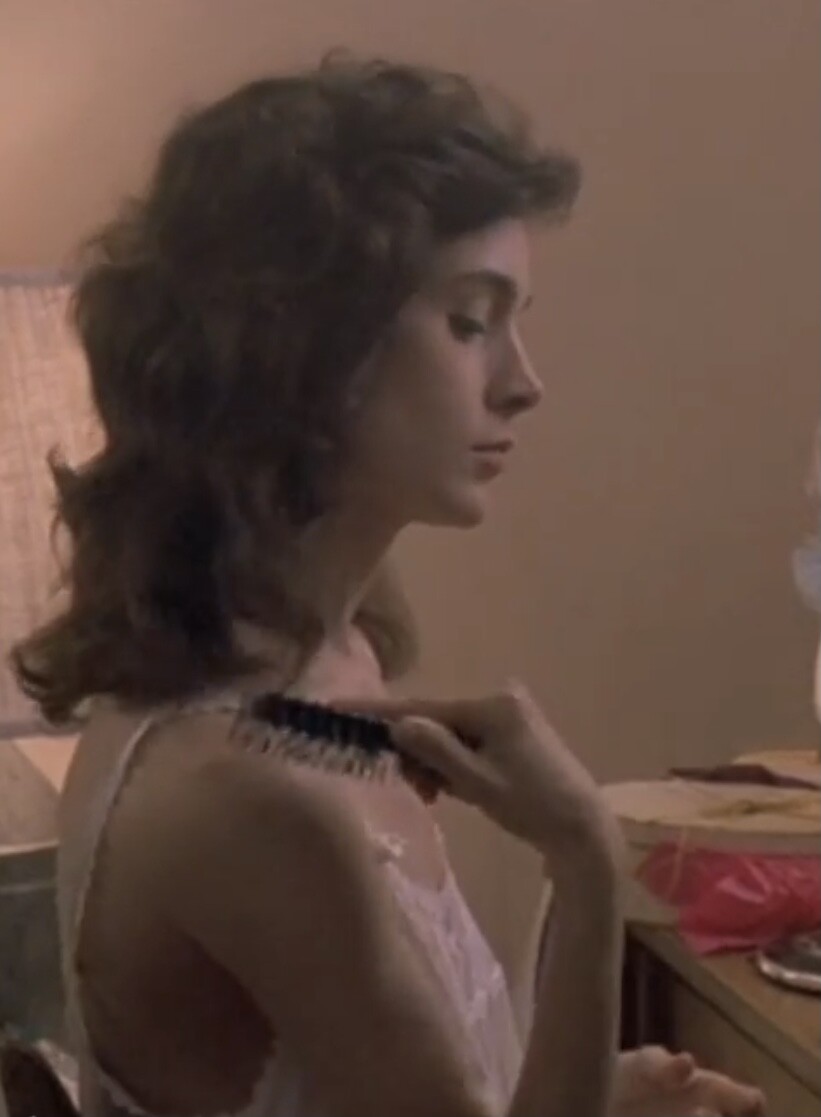
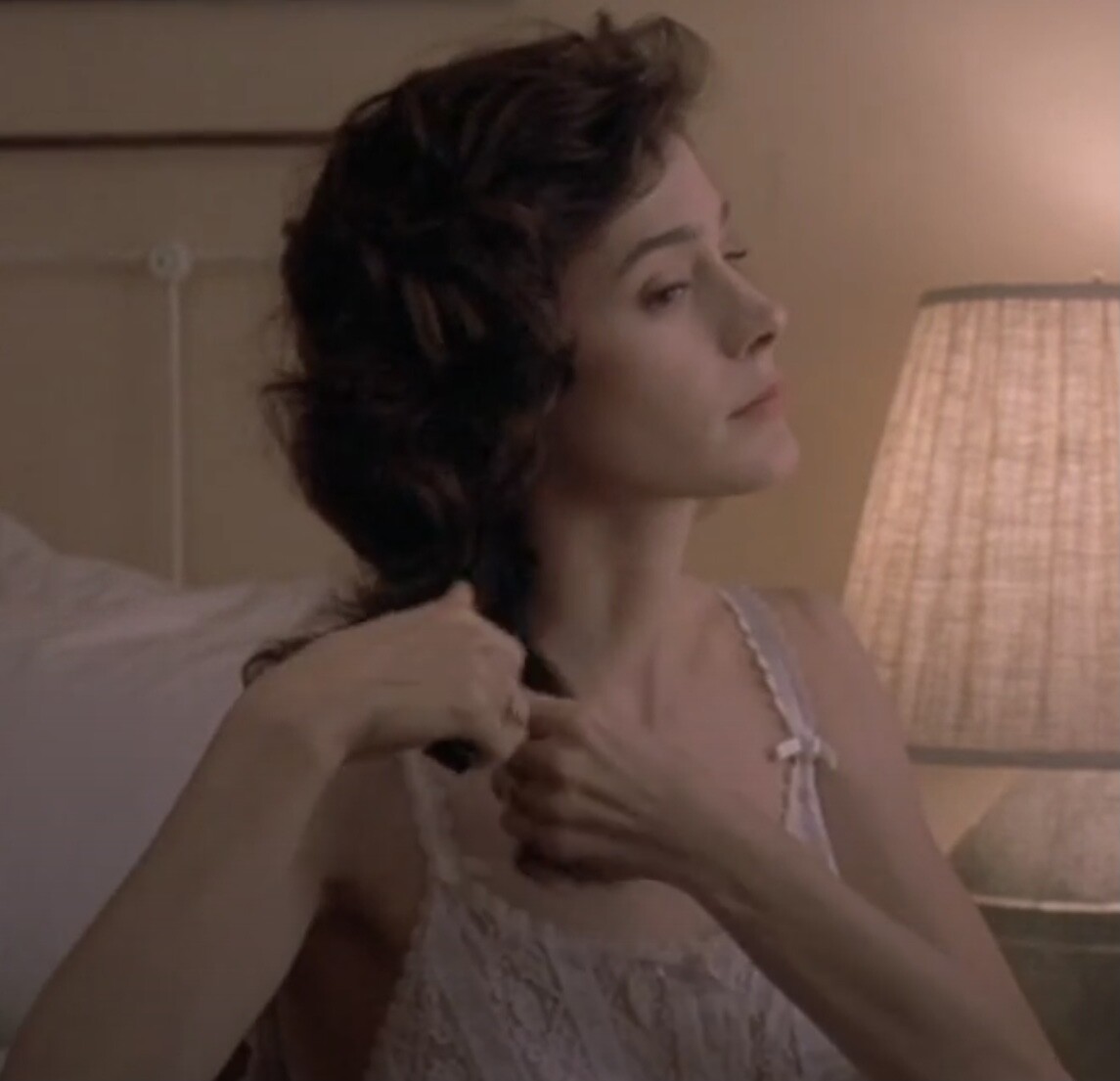
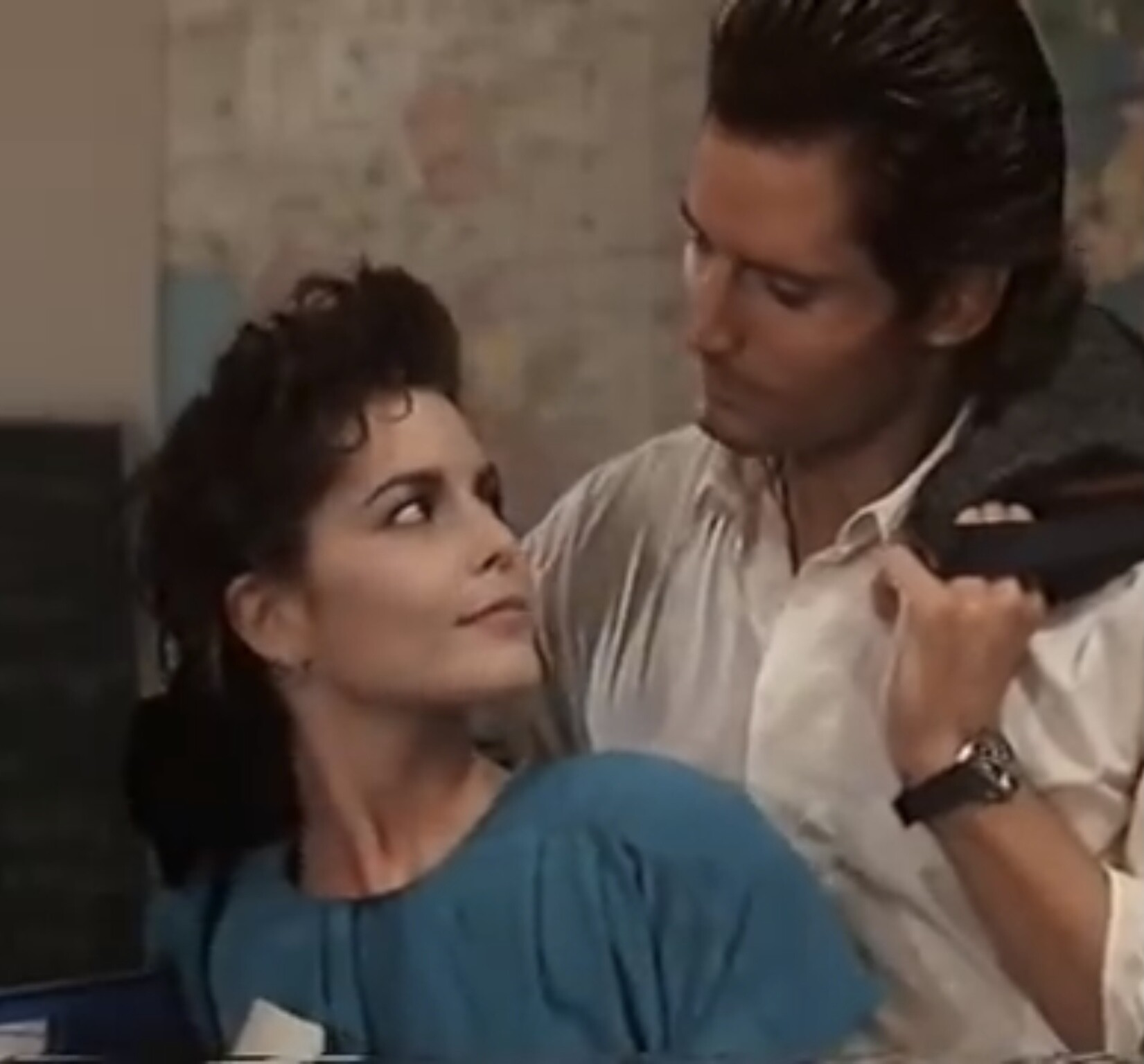
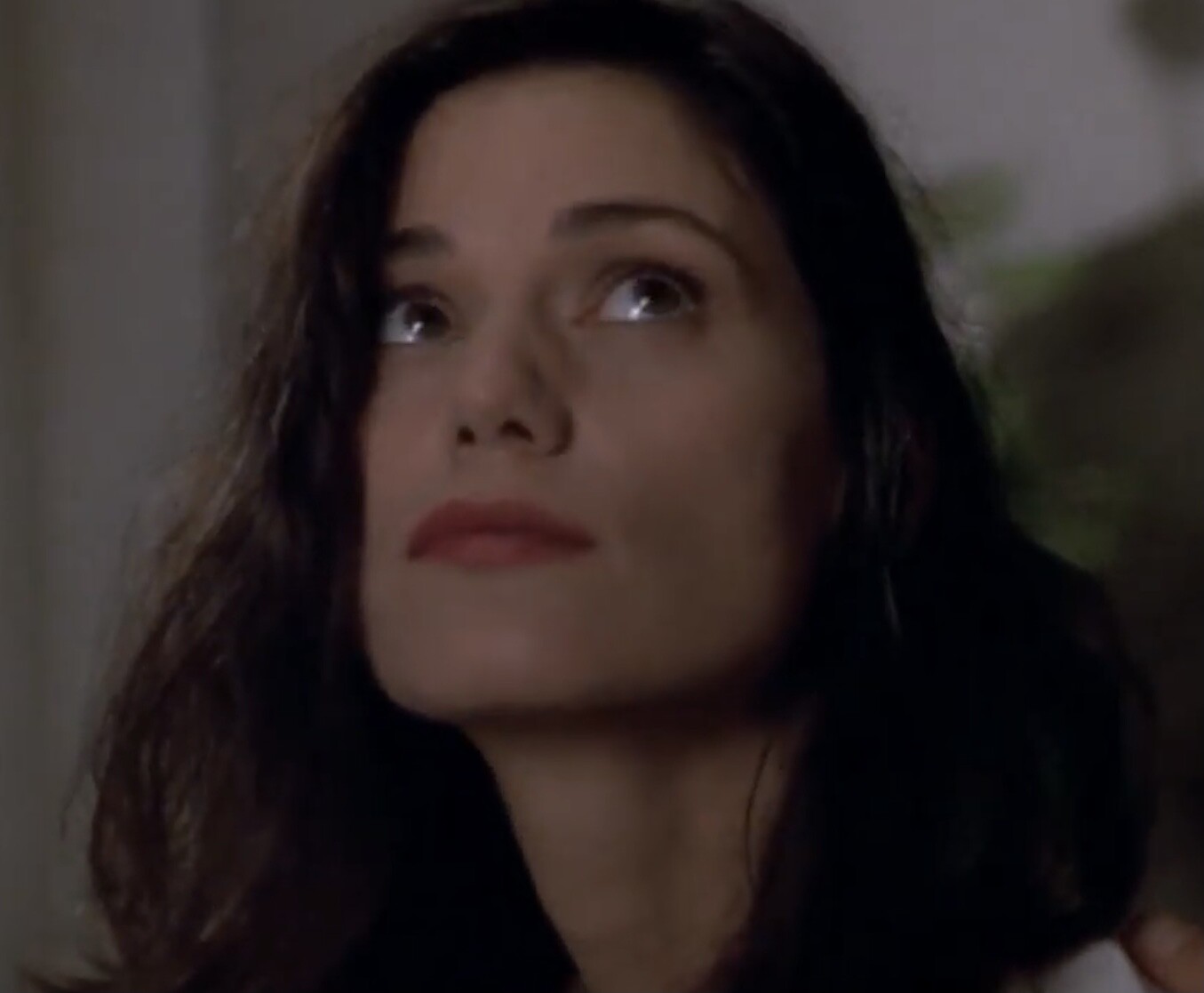
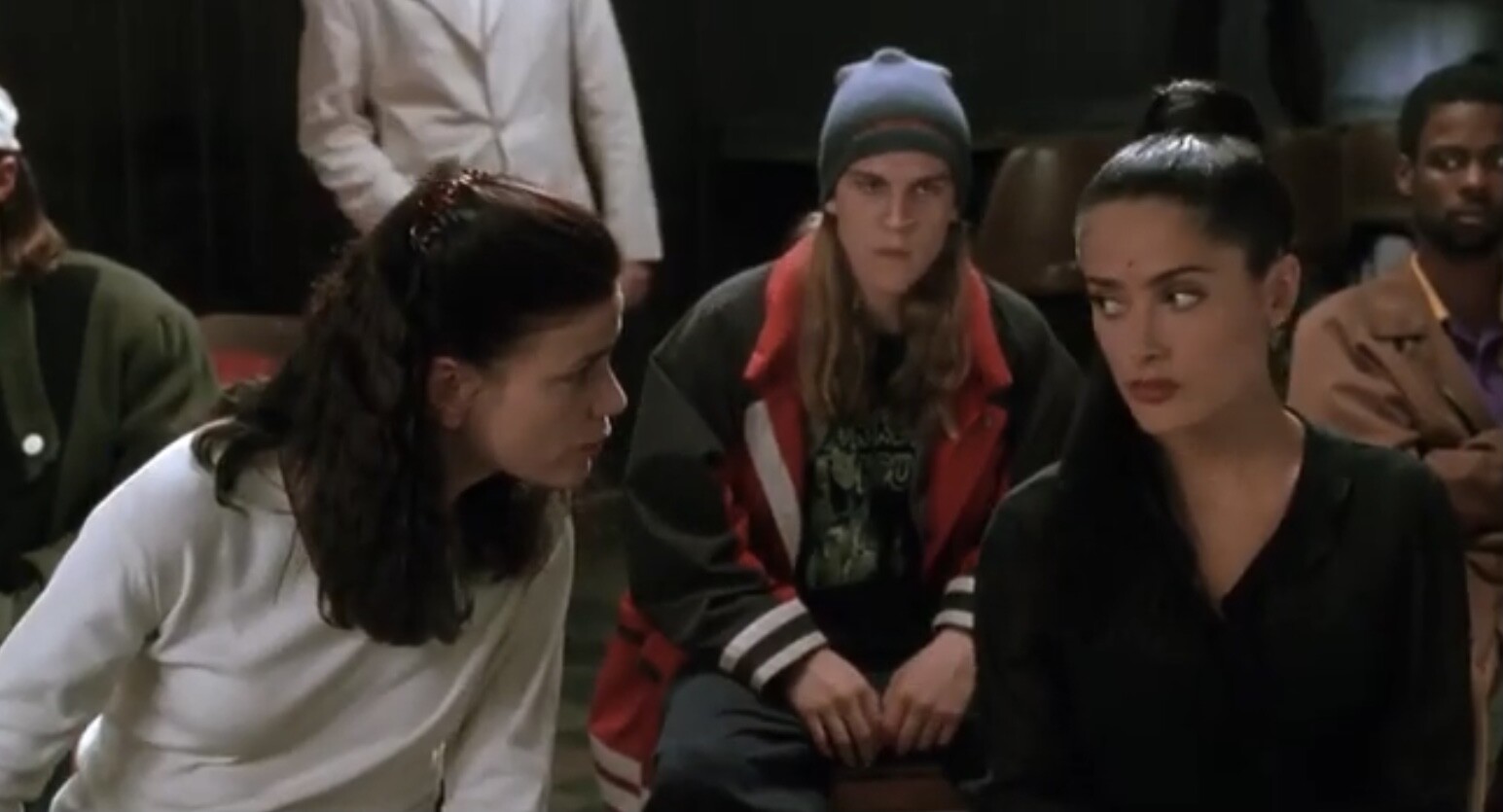
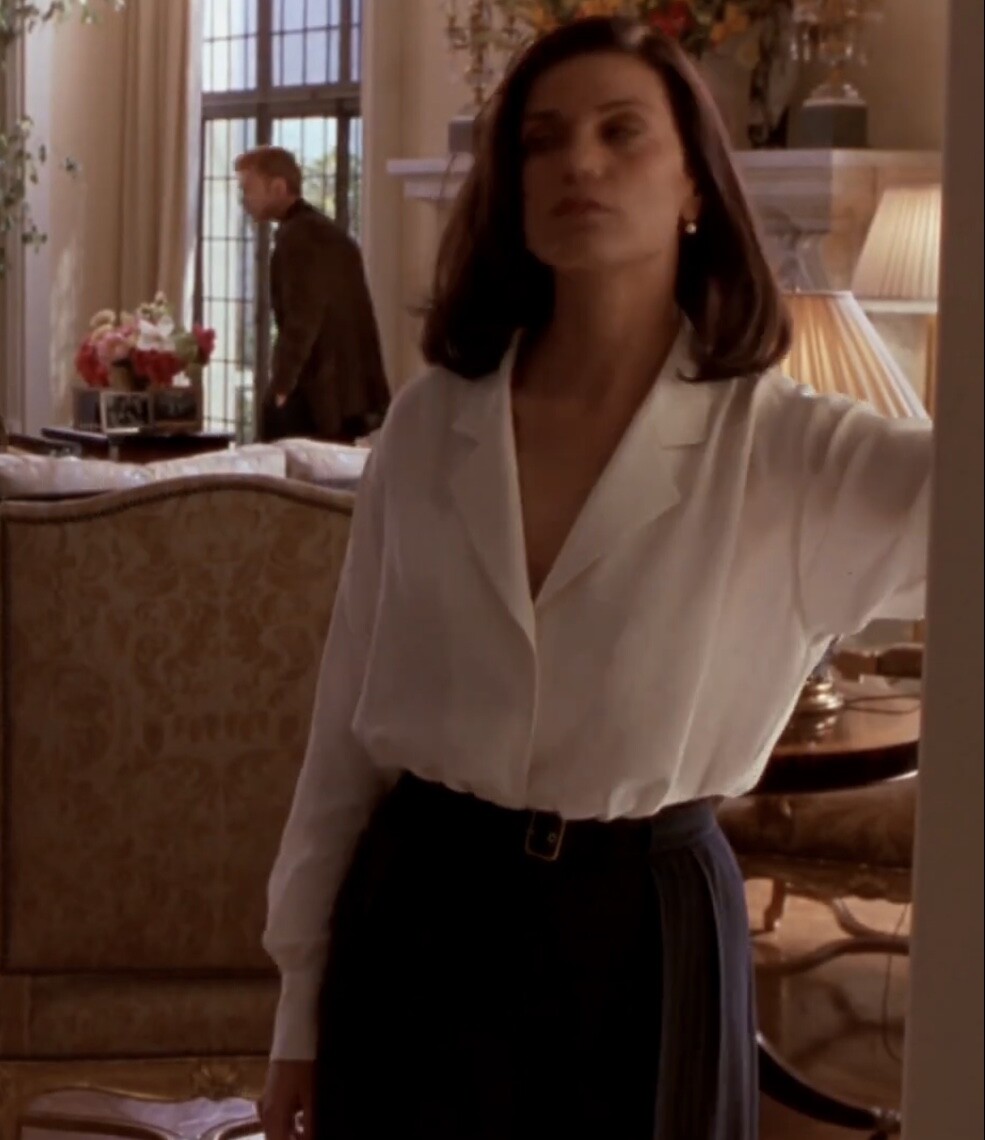
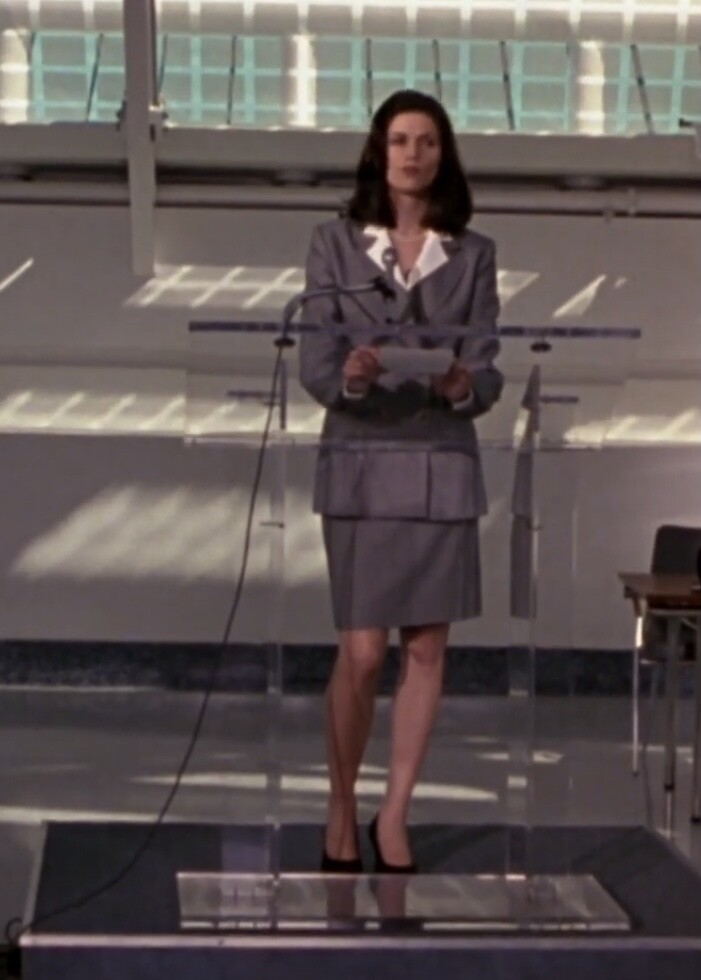
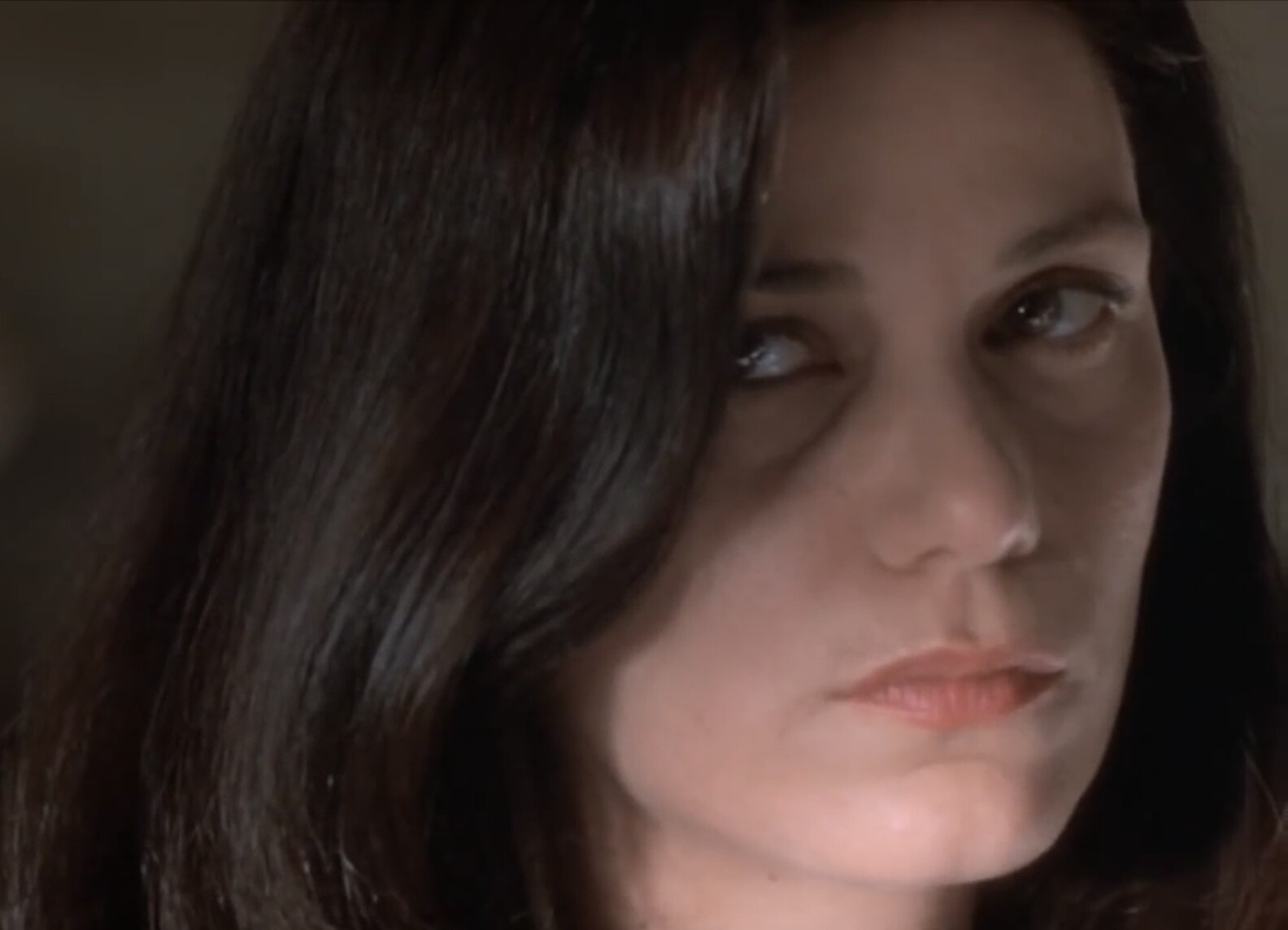
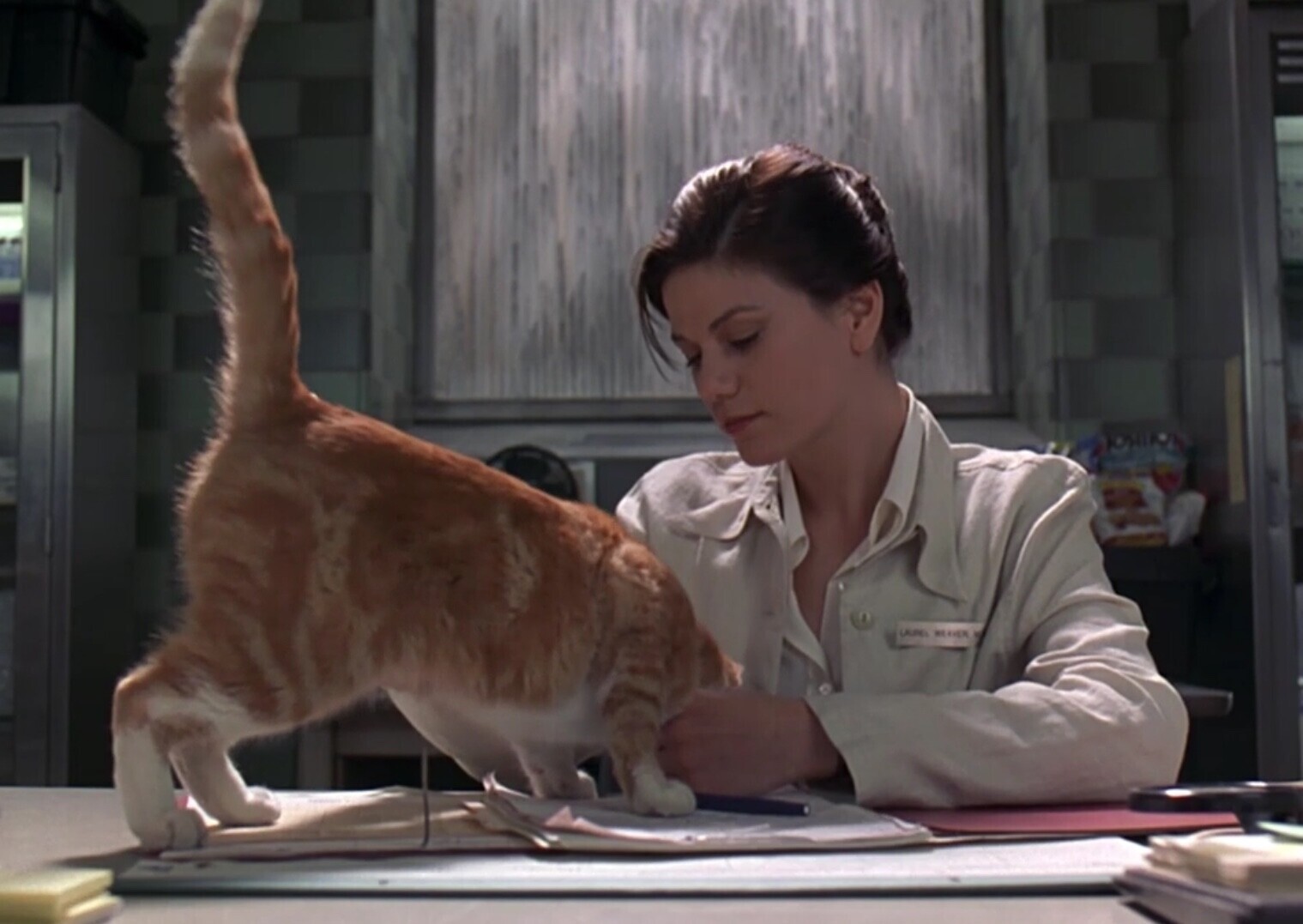
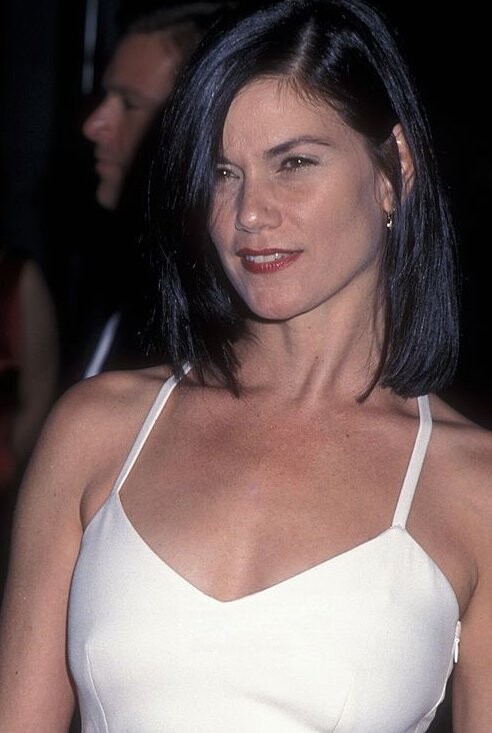
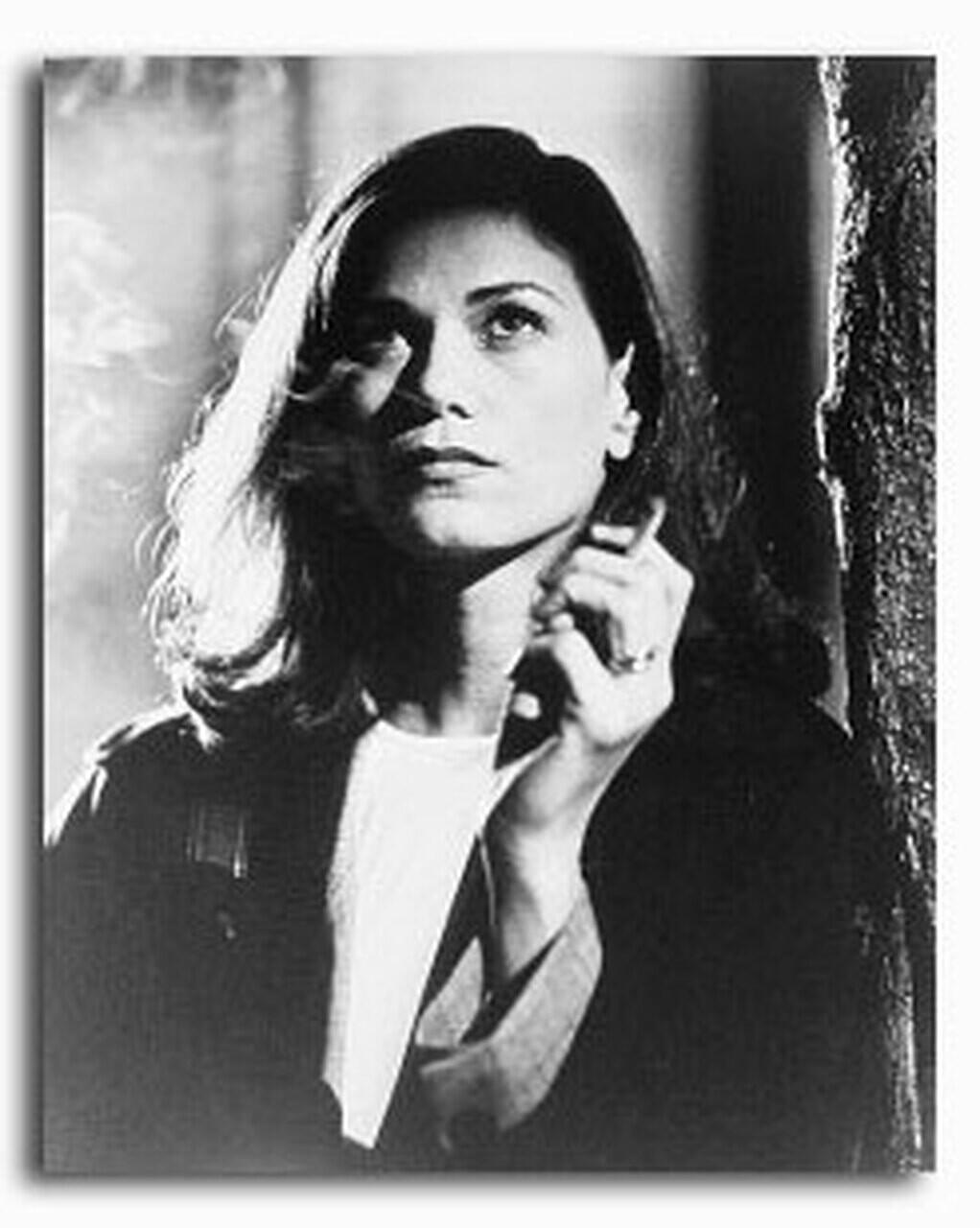
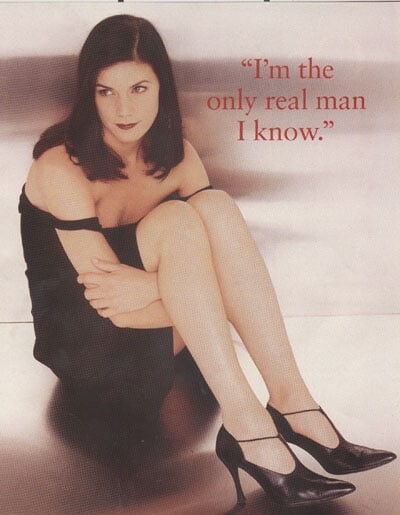
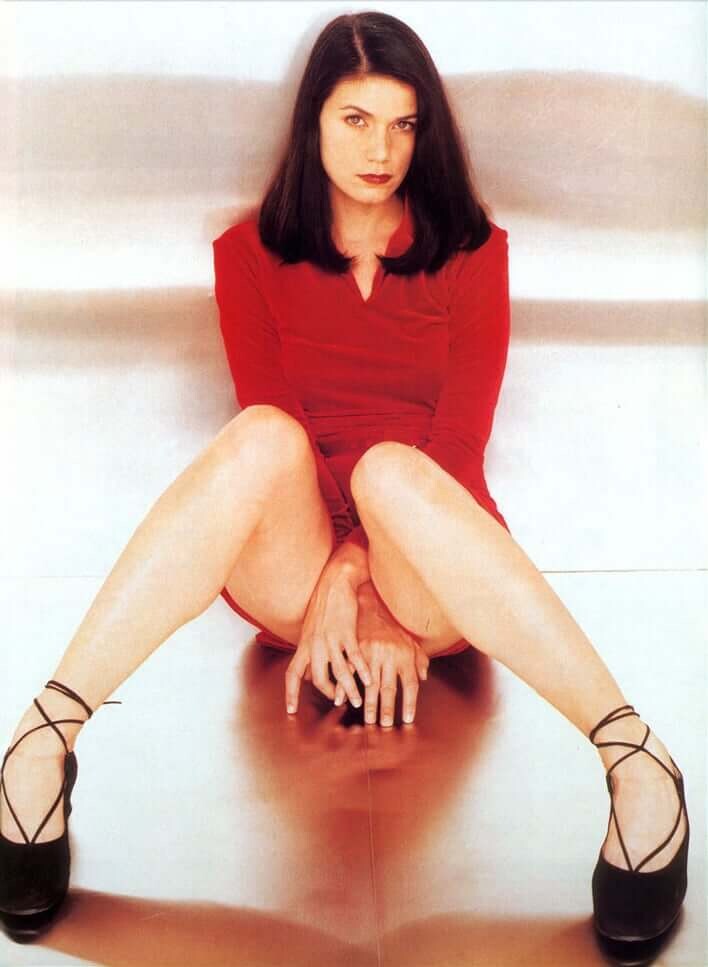
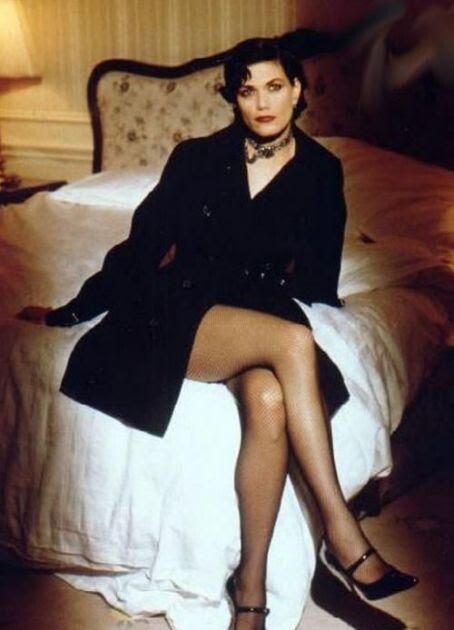
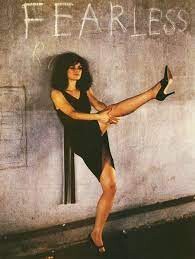
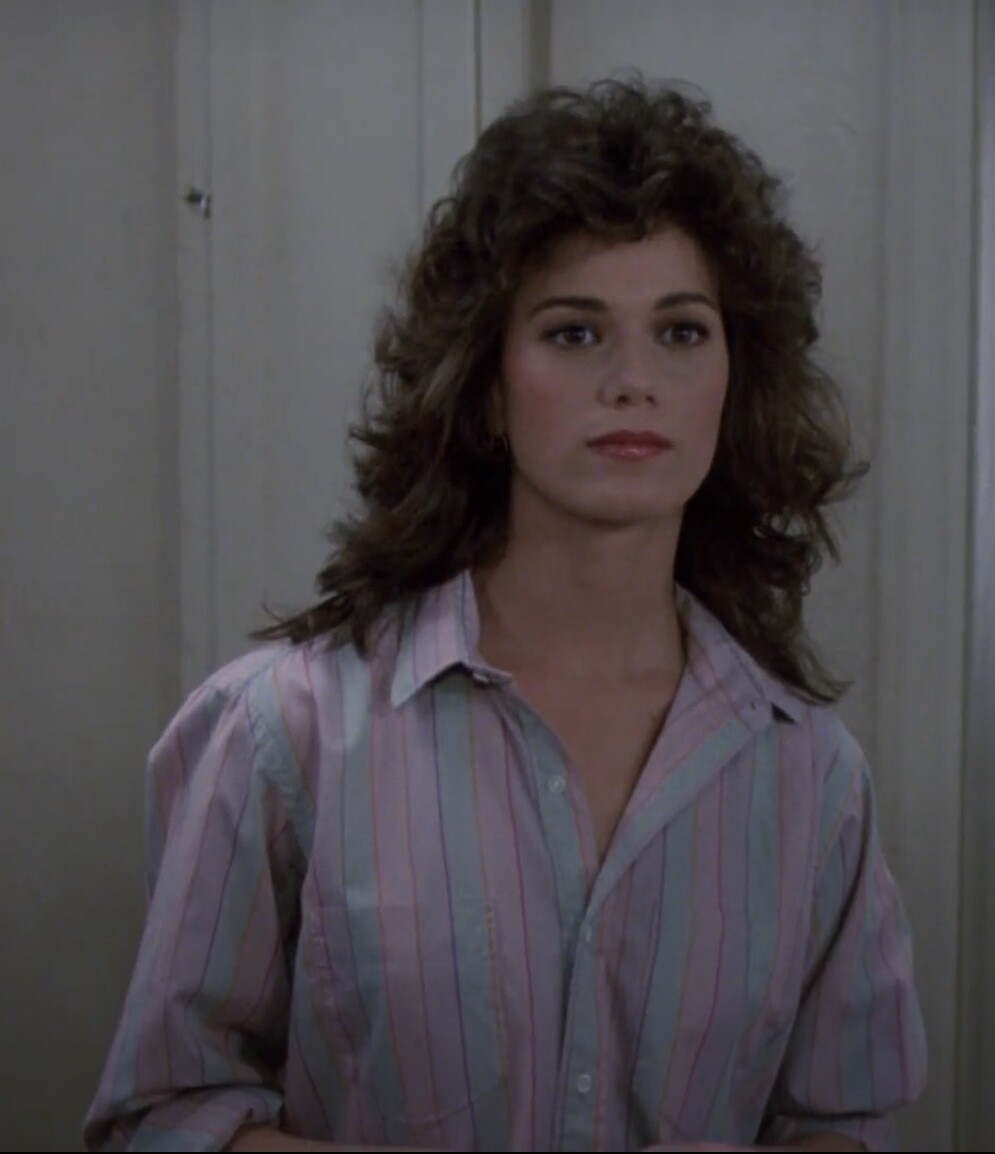
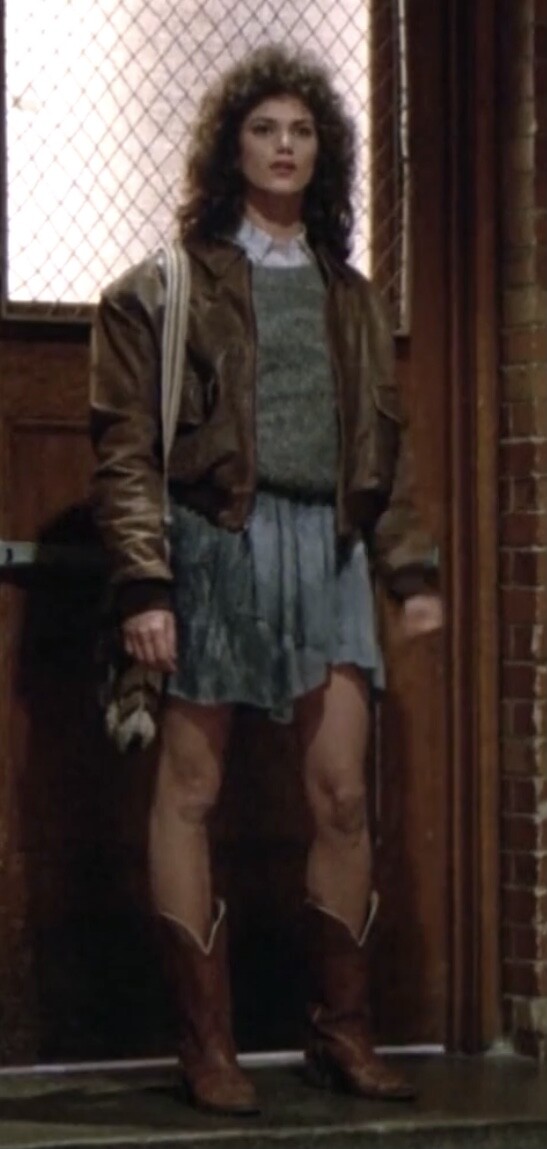
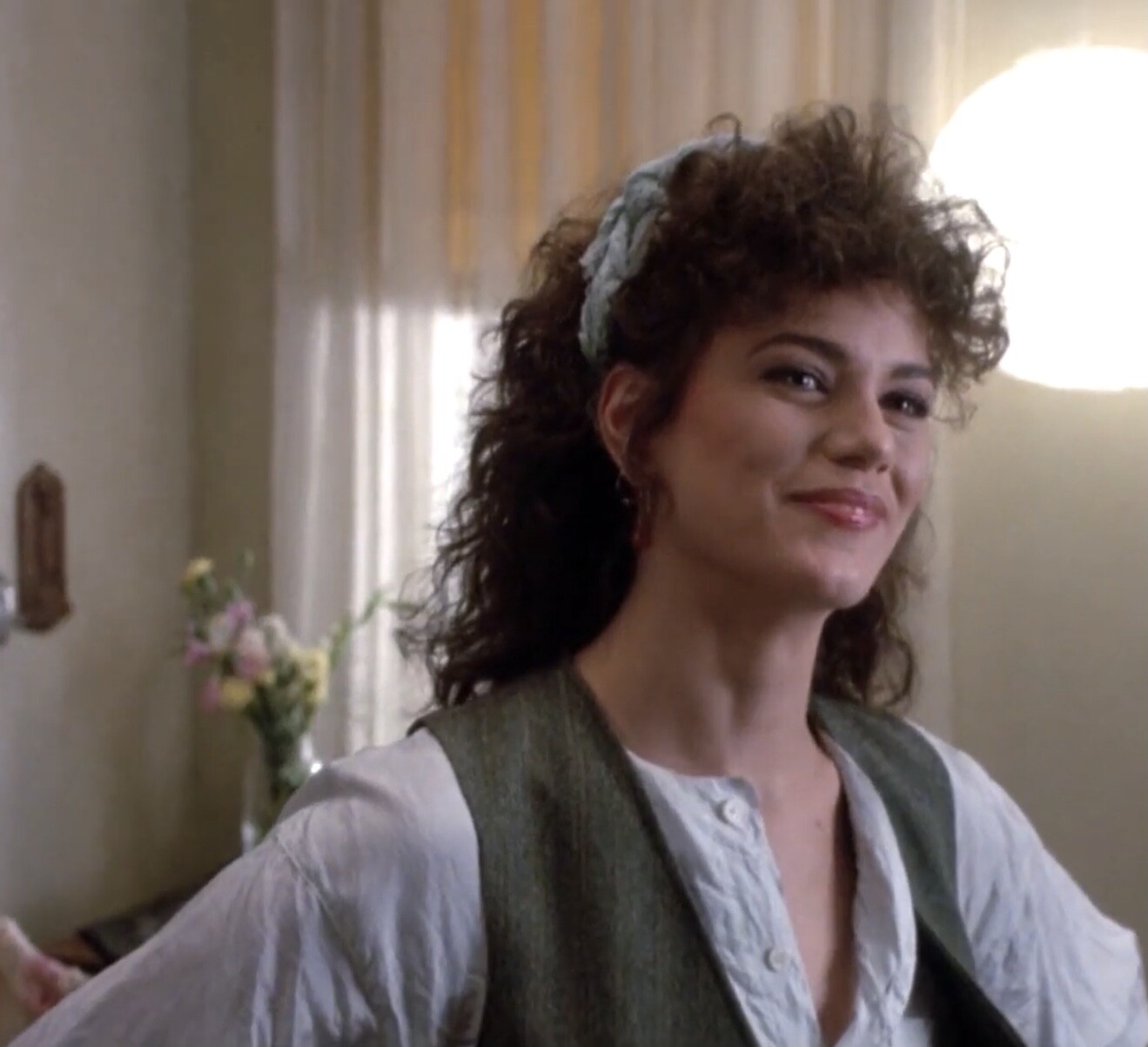
 I’m amazed there’s no page on Bellazon for this great actress. Not a big star or someone who likes the spotlights, but she had roles in very good movies and earned respect for her acting. A woman who certainly made impression in Hollywood. She has not been active for many years and that’s sad. There is hardly any news about her recent activities. Last movie was in 2009, Once More With Feeling. From iMDB: Linda Fiorentino born March 9, 1958 or 1960 is an American actress. She has starred in the films Crazy for You (1985), Gotcha! (1985), After Hours (1985), Jade(1995), Men in Black (1997) and Dogma (1999). For her performance in The Last Seduction (1994), she won the New York Film Critics Circle Award for Best Actress, the London Film Critics' Circle Award for Actress of the Year, and was nominated for the BAFTA Award for Best Actress in a Leading Role.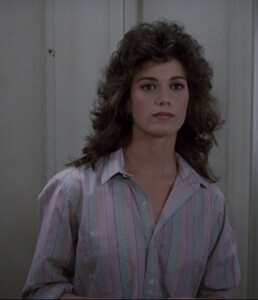


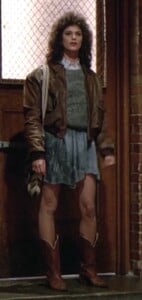

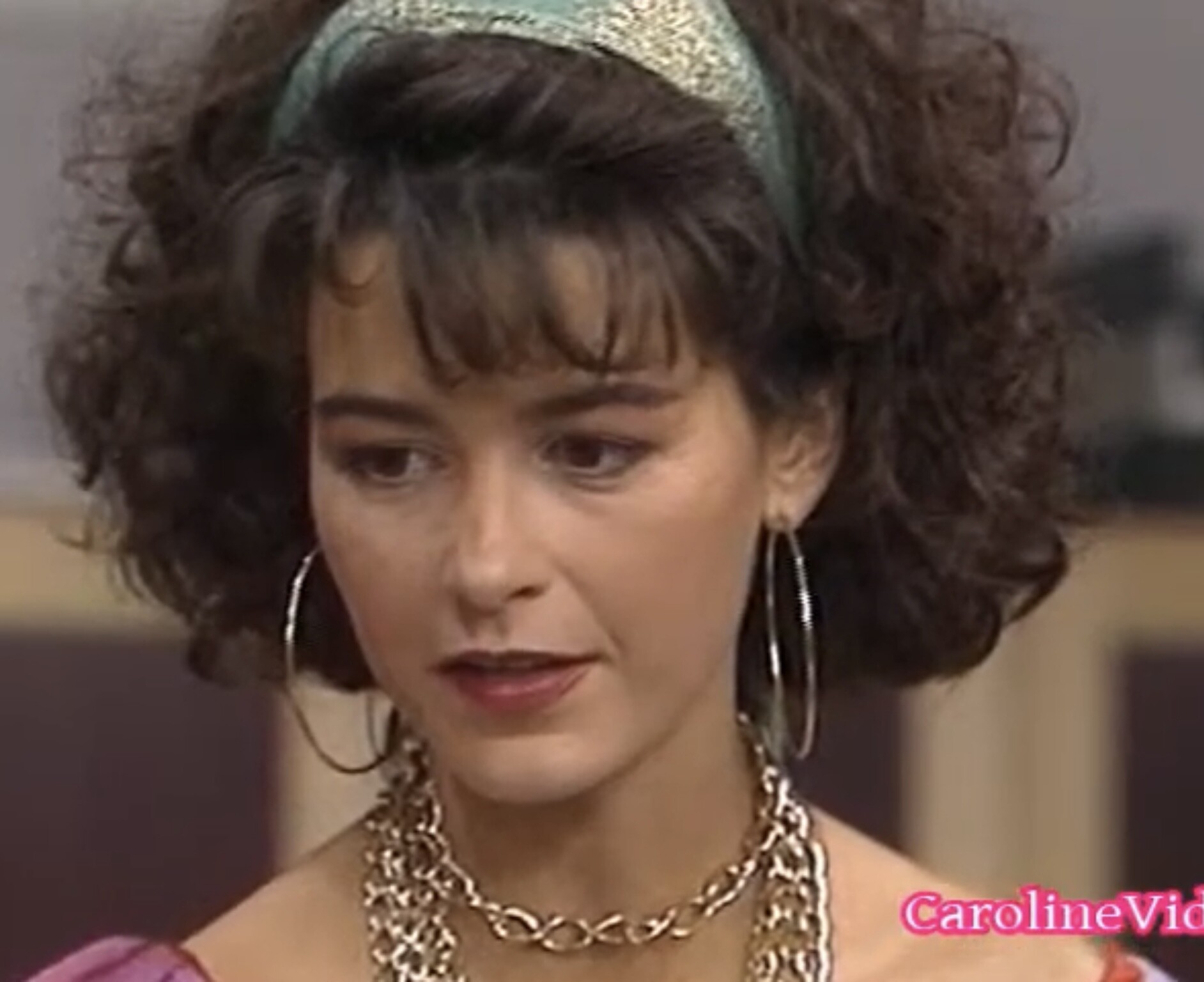
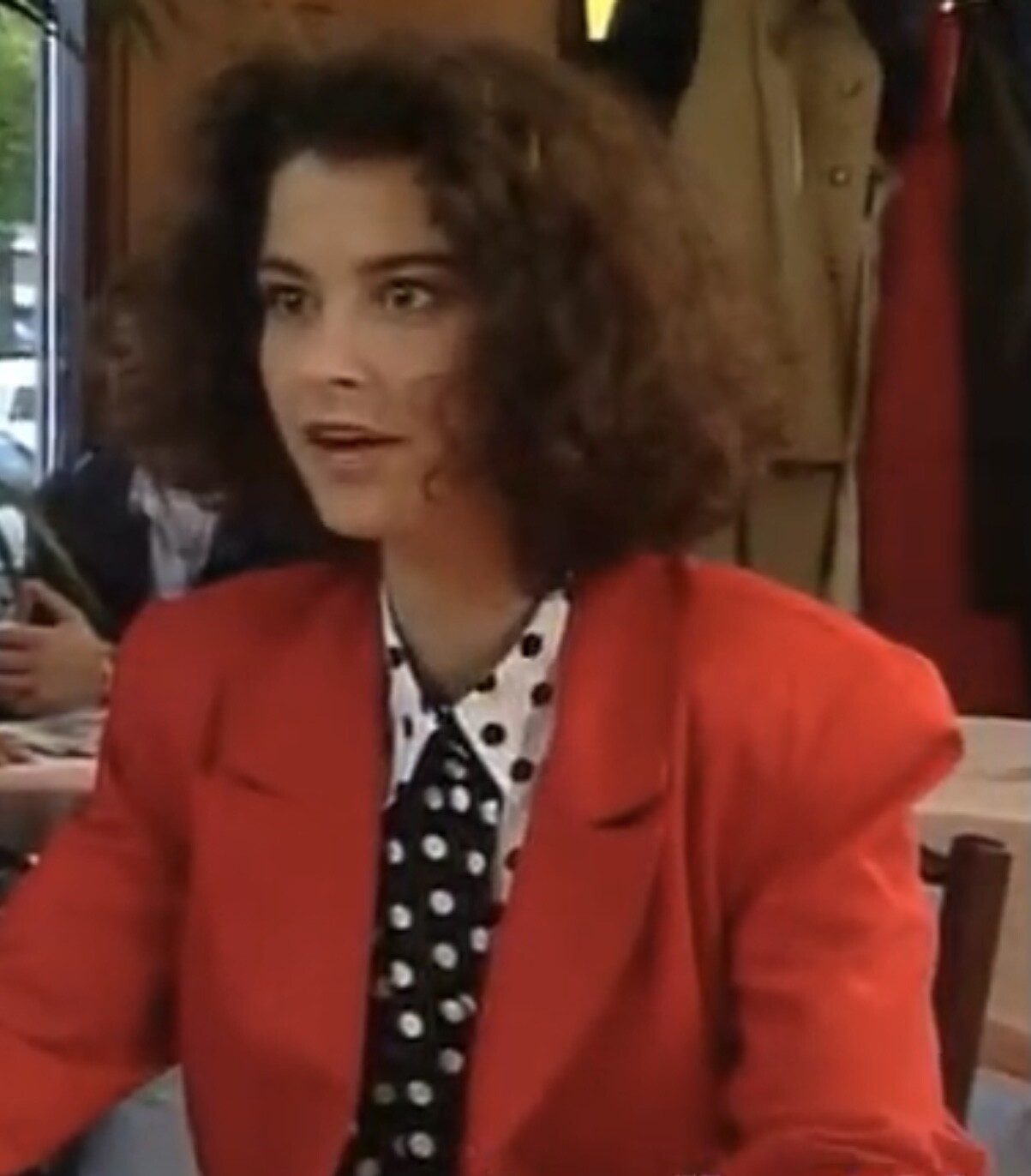
 Oldies, with thanks to Caroline Vids
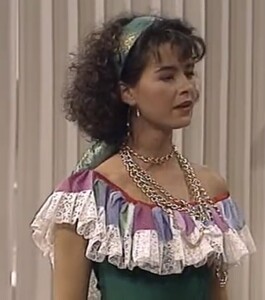
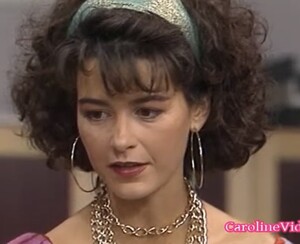





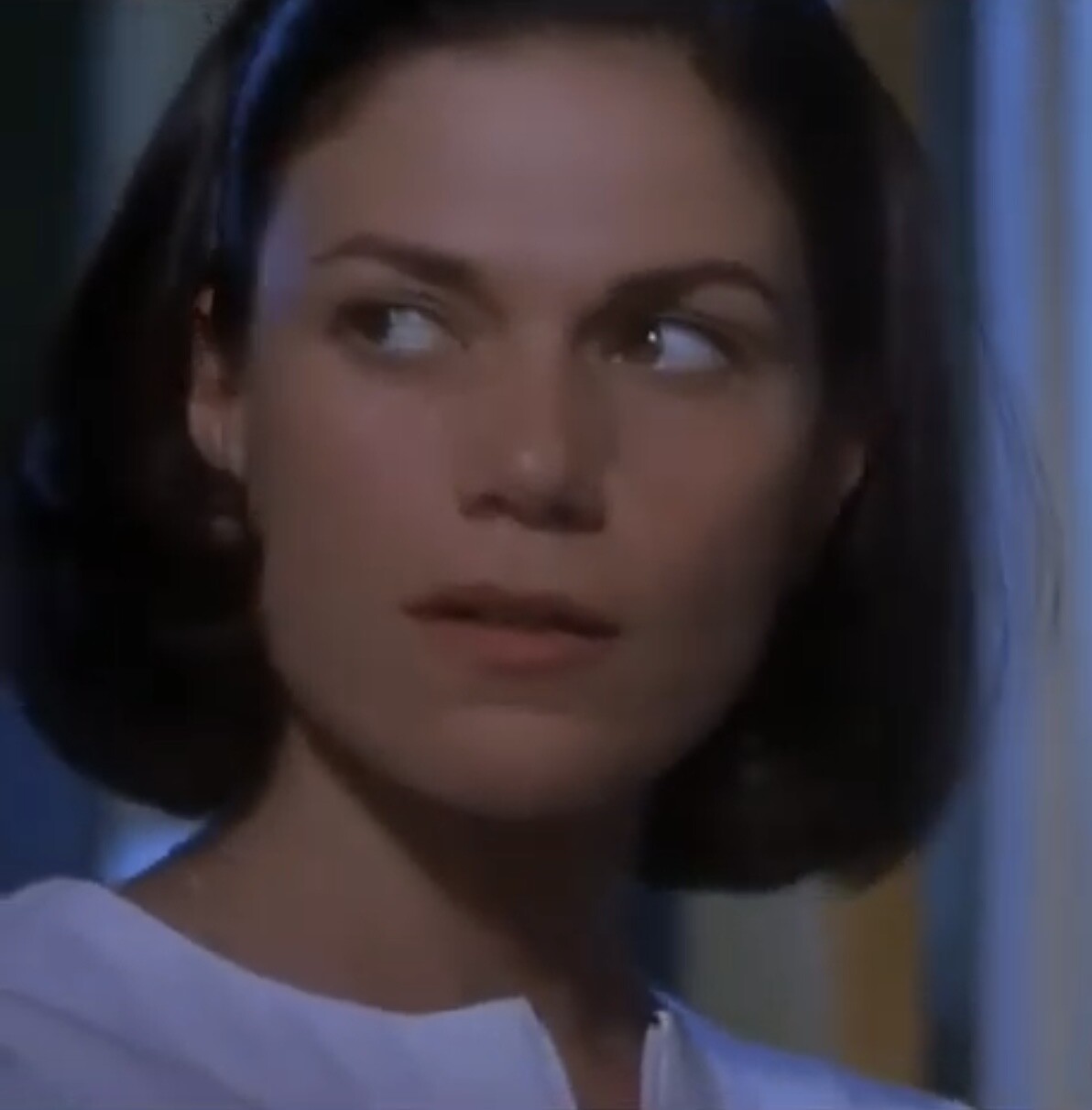
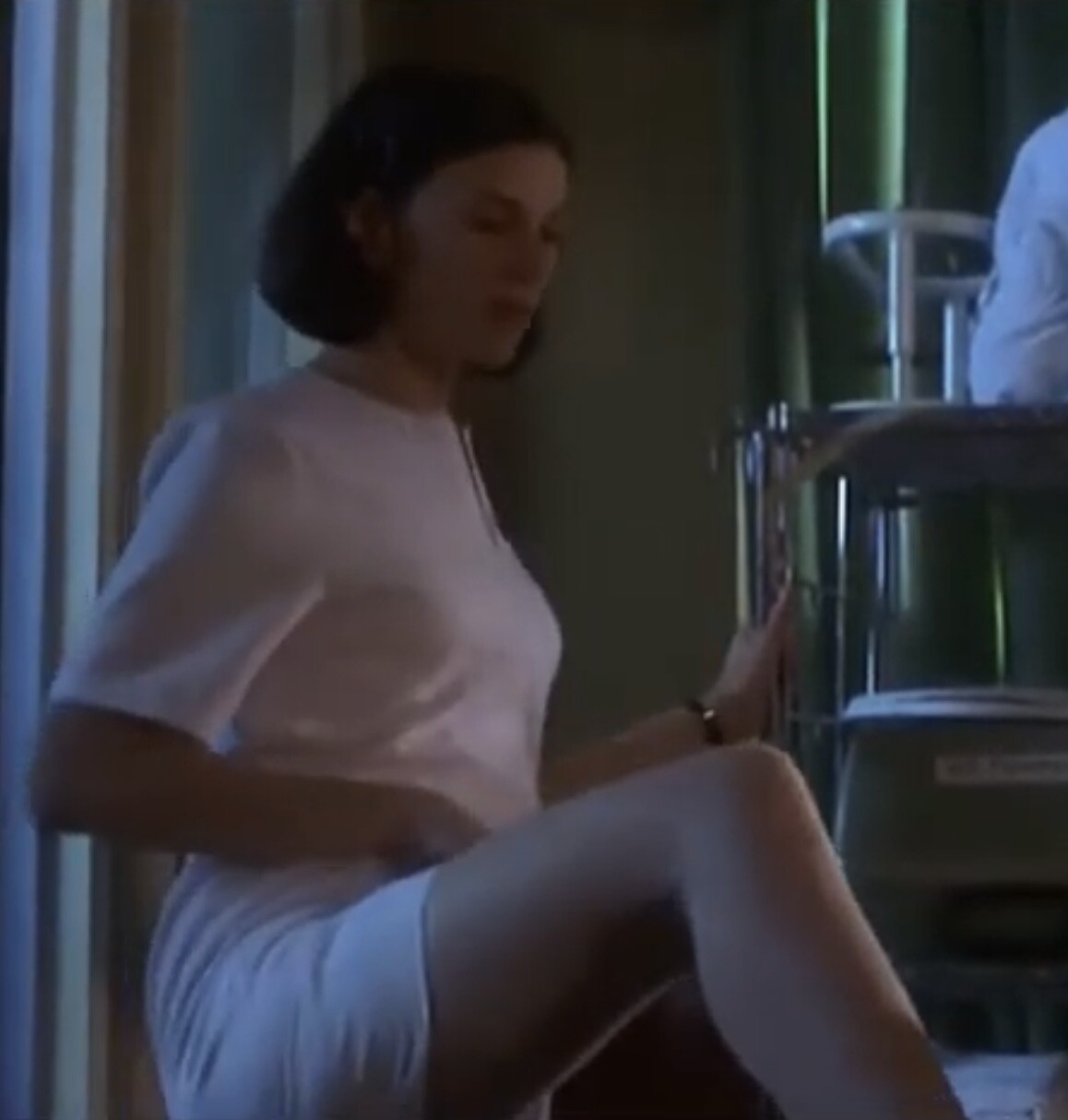
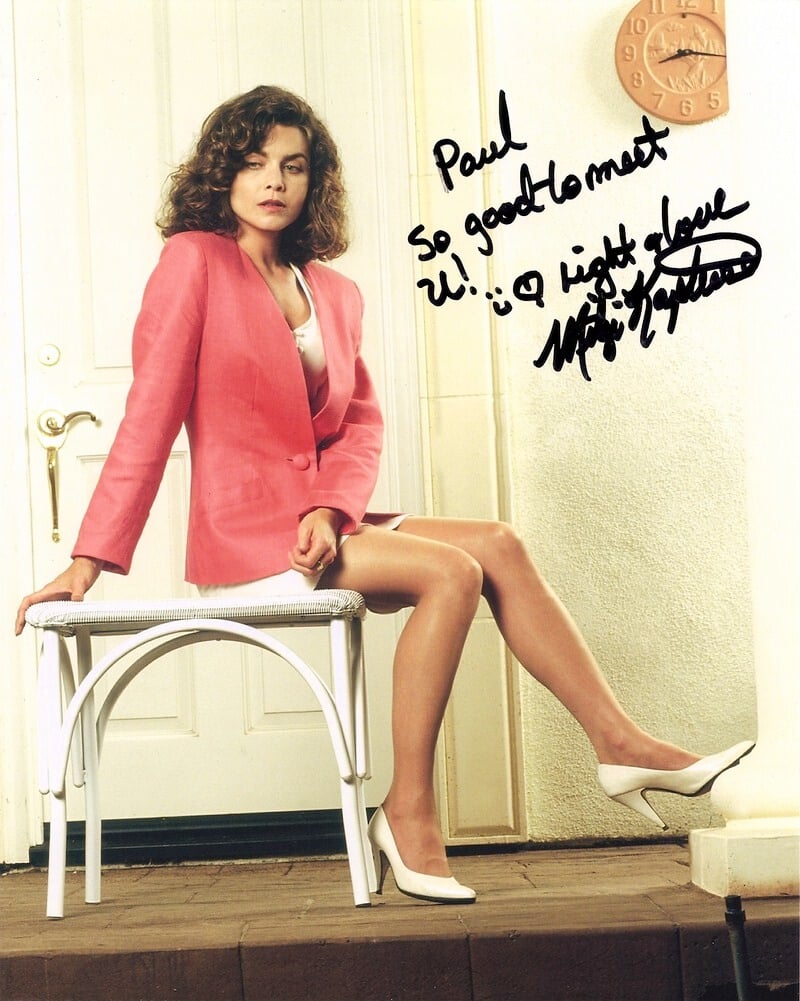
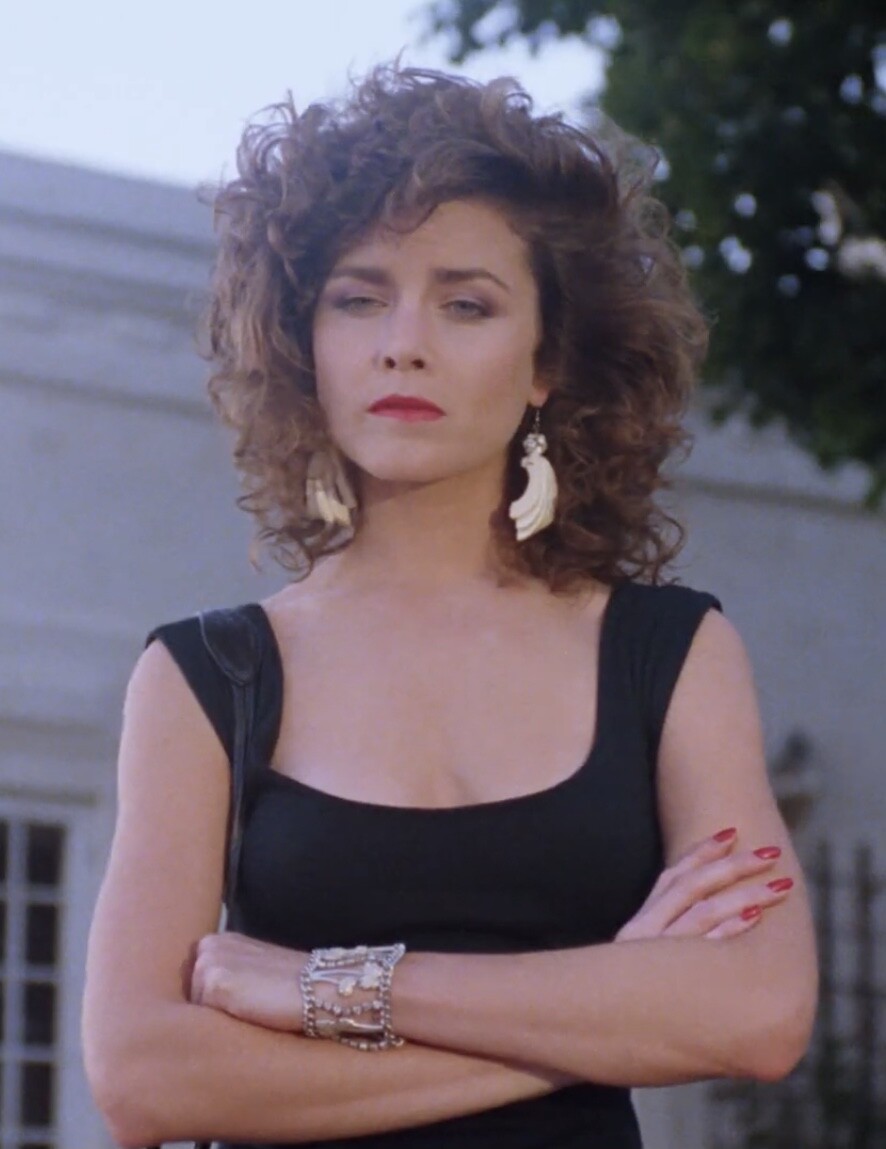
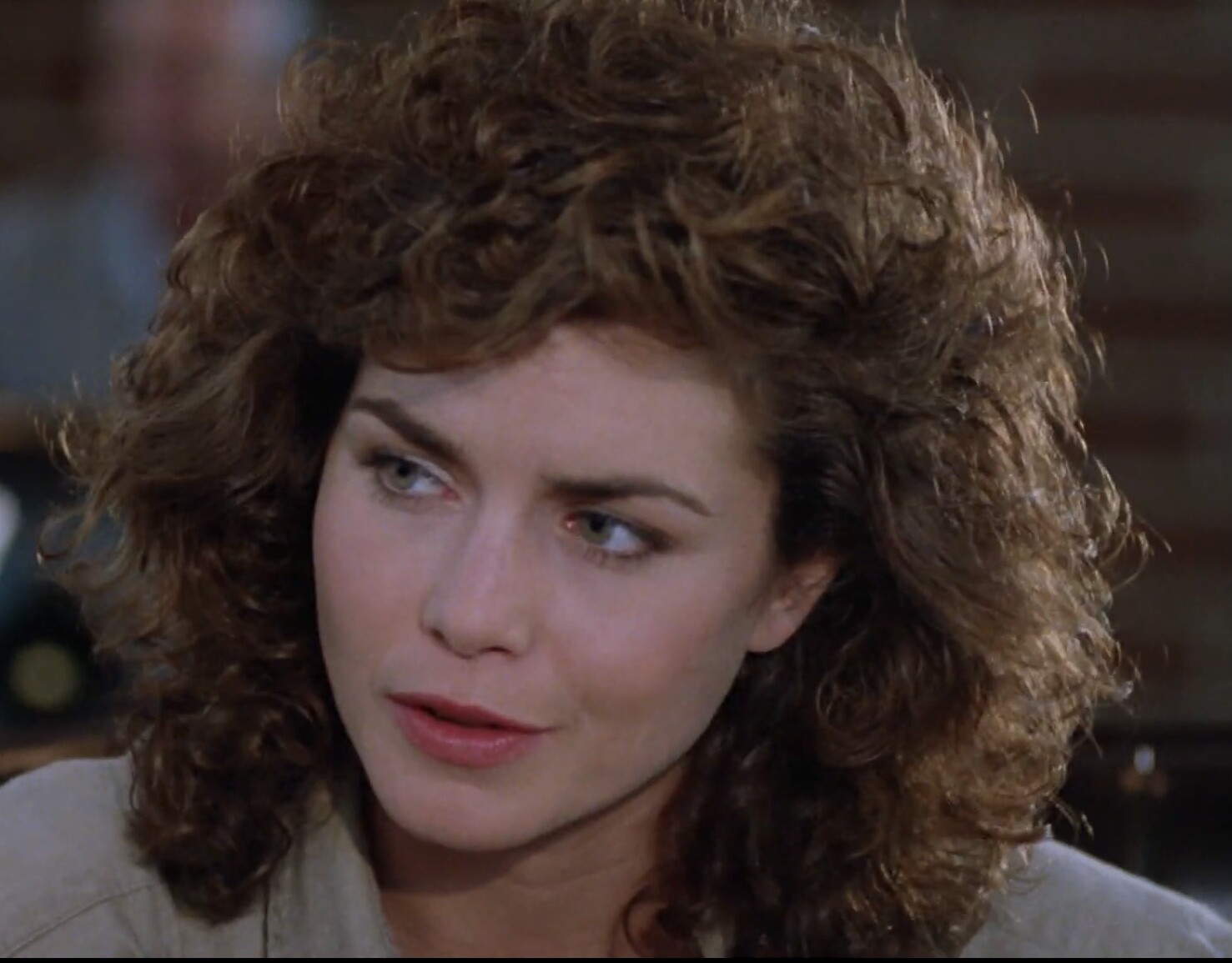
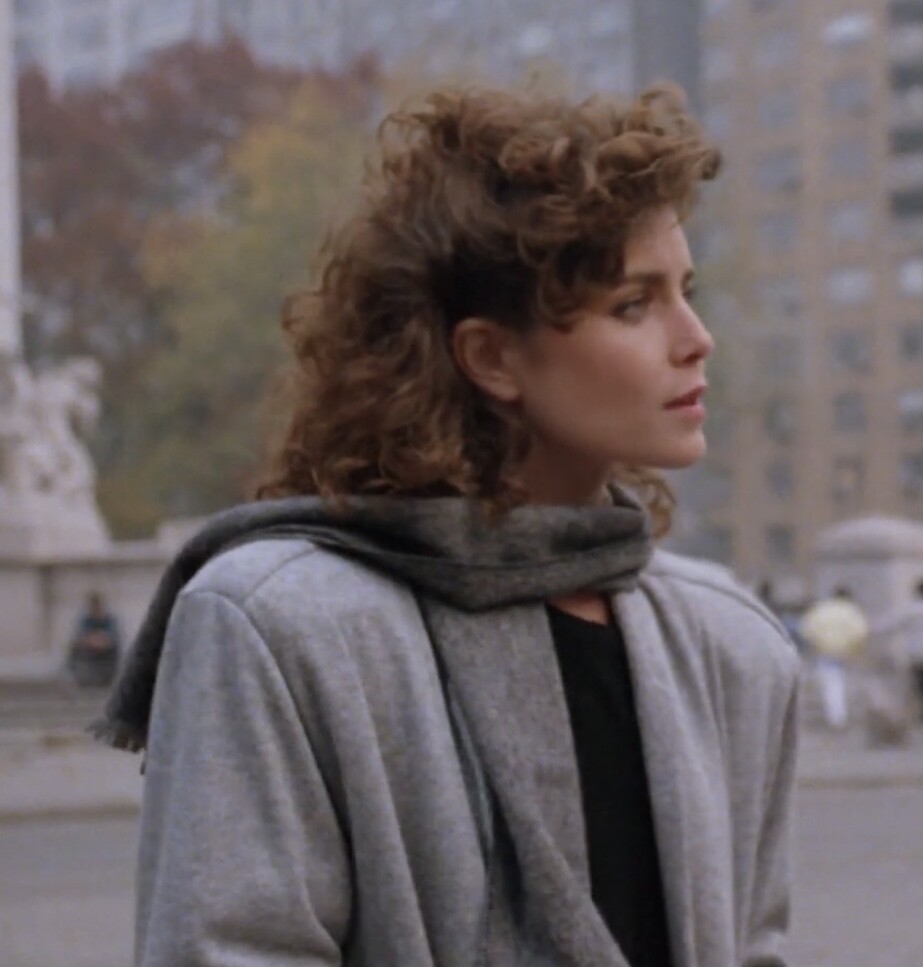
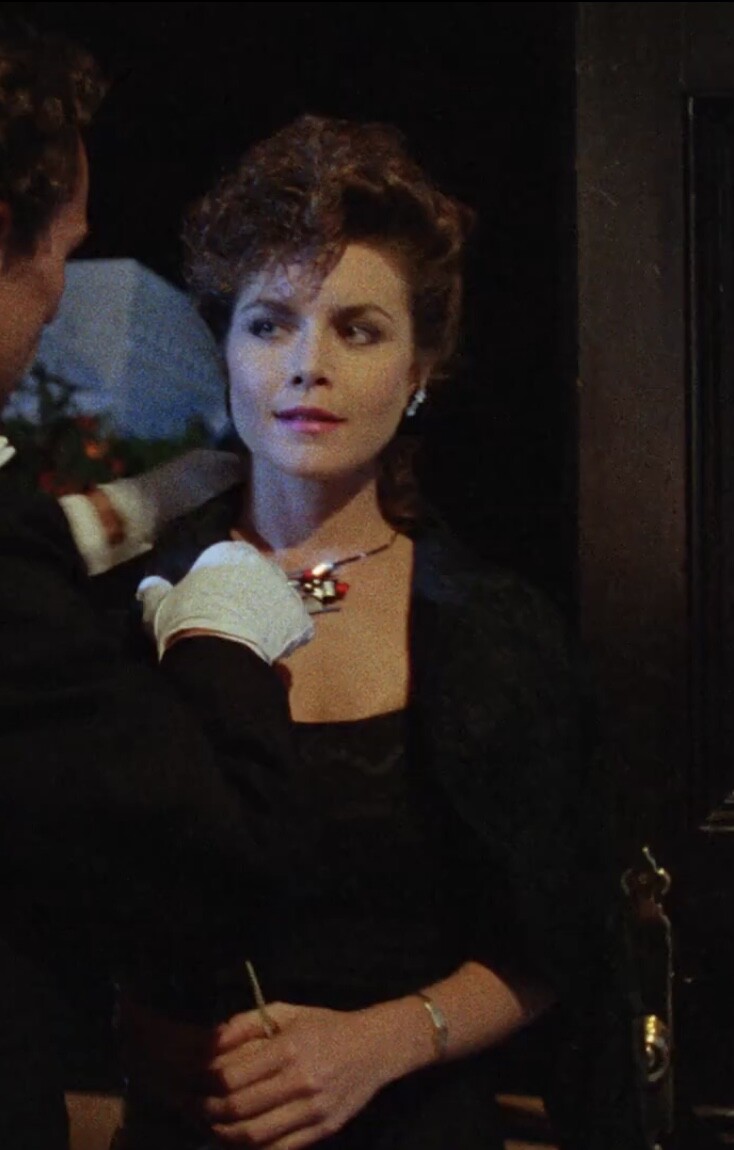
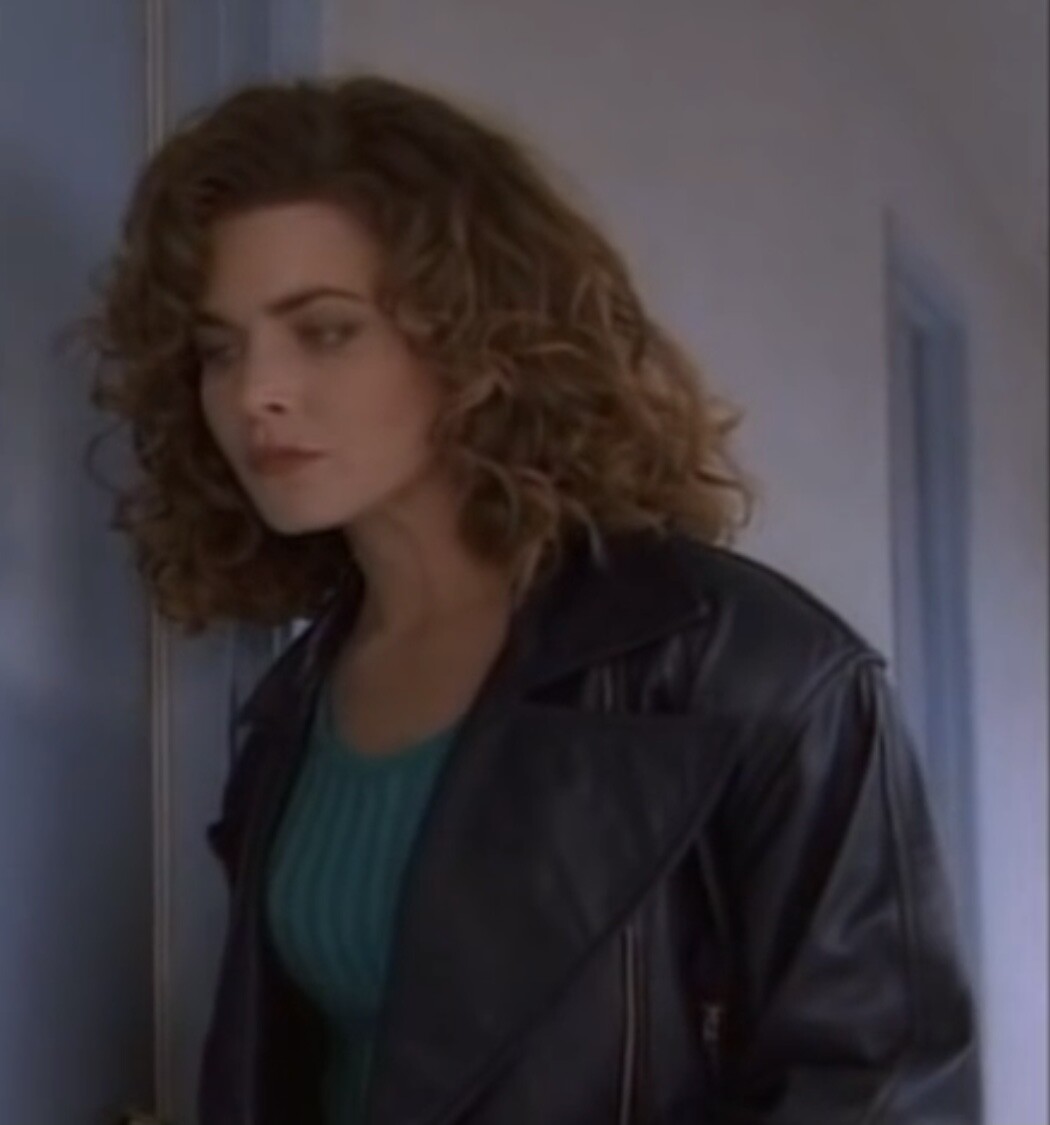
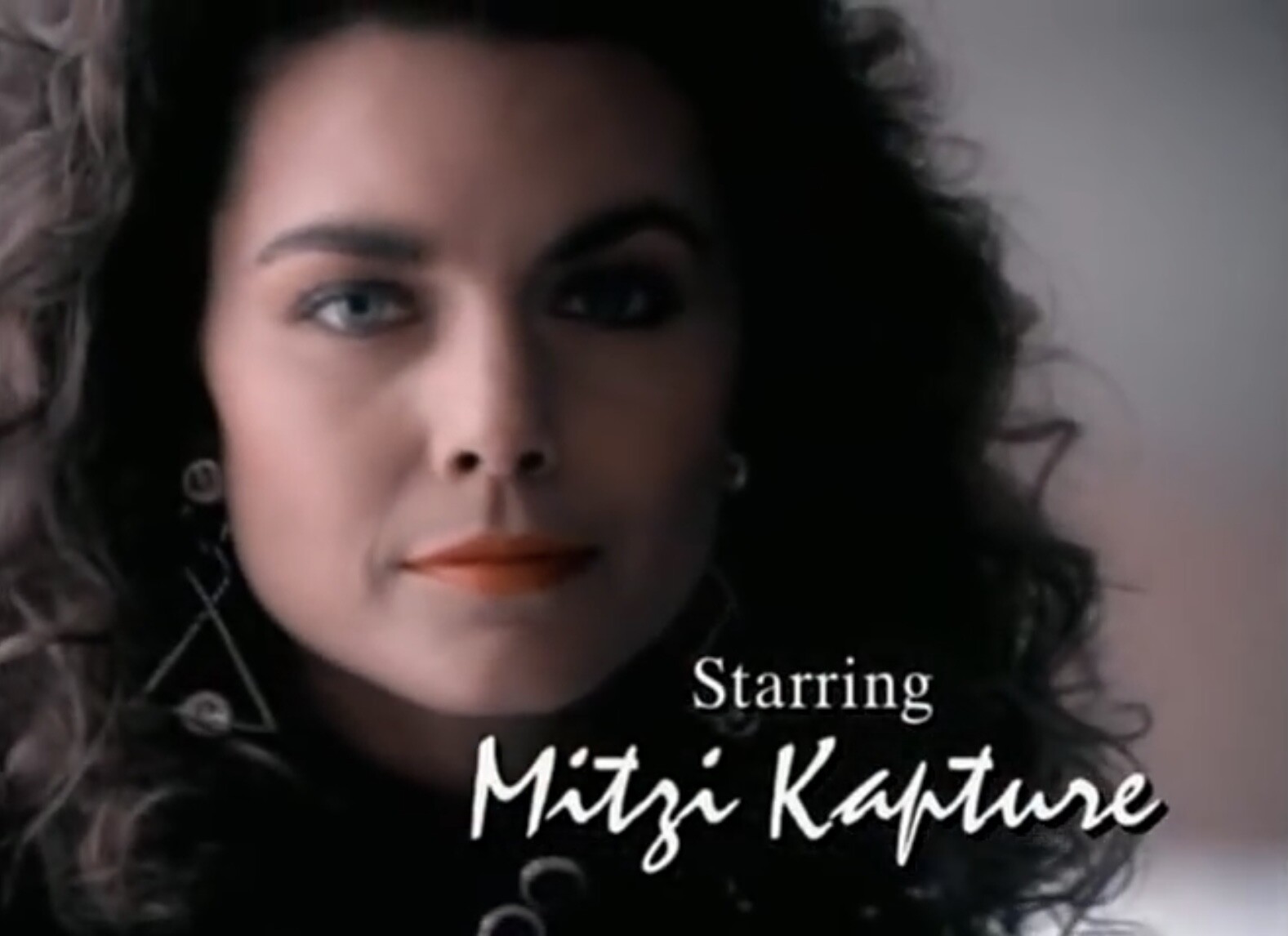
 Mitzi Kapture is an American actress, best known for her role as sgt Rita Lance in TV police series Silk Stalkings. She was born in Yoruba Linda, California, 2 may 1962. She started her acting career in movies. Lethal Pursuit 1988 Angel III 1988 Liberty and Bash 1989 The Vagrant 1992 Than moved over tot TV and rose to fame in Silk Stalkings. She also directed episodes for this show.



























































































































Account
Navigation
Search
Configure browser push notifications
Chrome (Android)
- Tap the lock icon next to the address bar.
- Tap Permissions → Notifications.
- Adjust your preference.
Chrome (Desktop)
- Click the padlock icon in the address bar.
- Select Site settings.
- Find Notifications and adjust your preference.
Safari (iOS 16.4+)
- Ensure the site is installed via Add to Home Screen.
- Open Settings App → Notifications.
- Find your app name and adjust your preference.
Safari (macOS)
- Go to Safari → Preferences.
- Click the Websites tab.
- Select Notifications in the sidebar.
- Find this website and adjust your preference.
Edge (Android)
- Tap the lock icon next to the address bar.
- Tap Permissions.
- Find Notifications and adjust your preference.
Edge (Desktop)
- Click the padlock icon in the address bar.
- Click Permissions for this site.
- Find Notifications and adjust your preference.
Firefox (Android)
- Go to Settings → Site permissions.
- Tap Notifications.
- Find this site in the list and adjust your preference.
Firefox (Desktop)
- Open Firefox Settings.
- Search for Notifications.
- Find this site in the list and adjust your preference.