catullus
Members
-
Joined
-
Last visited
Everything posted by catullus
-
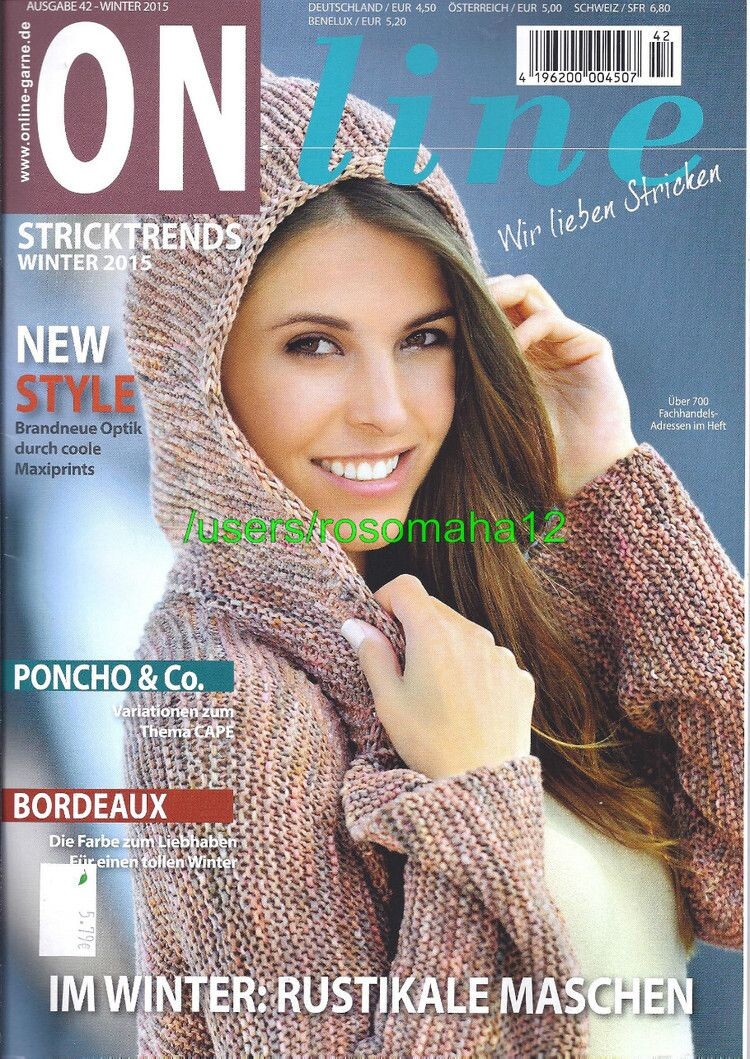
 Here is another cover, for ONline magazine, winter 2015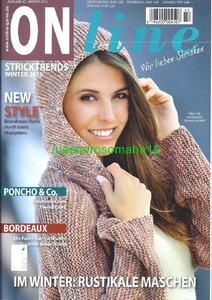
-
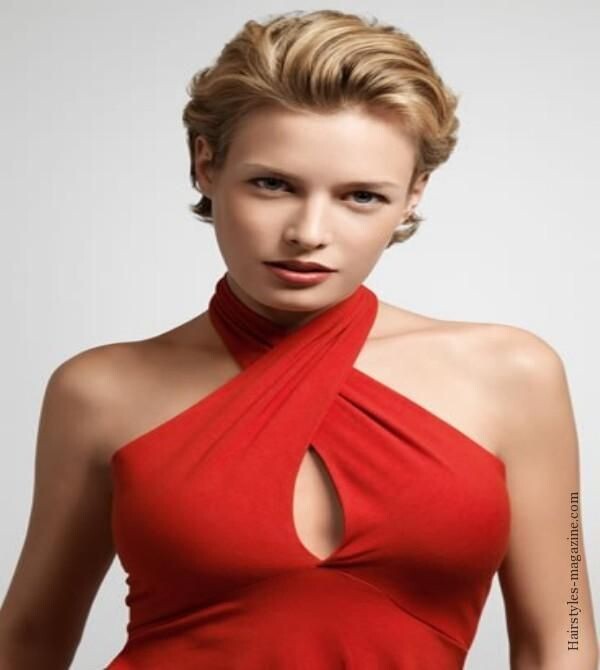
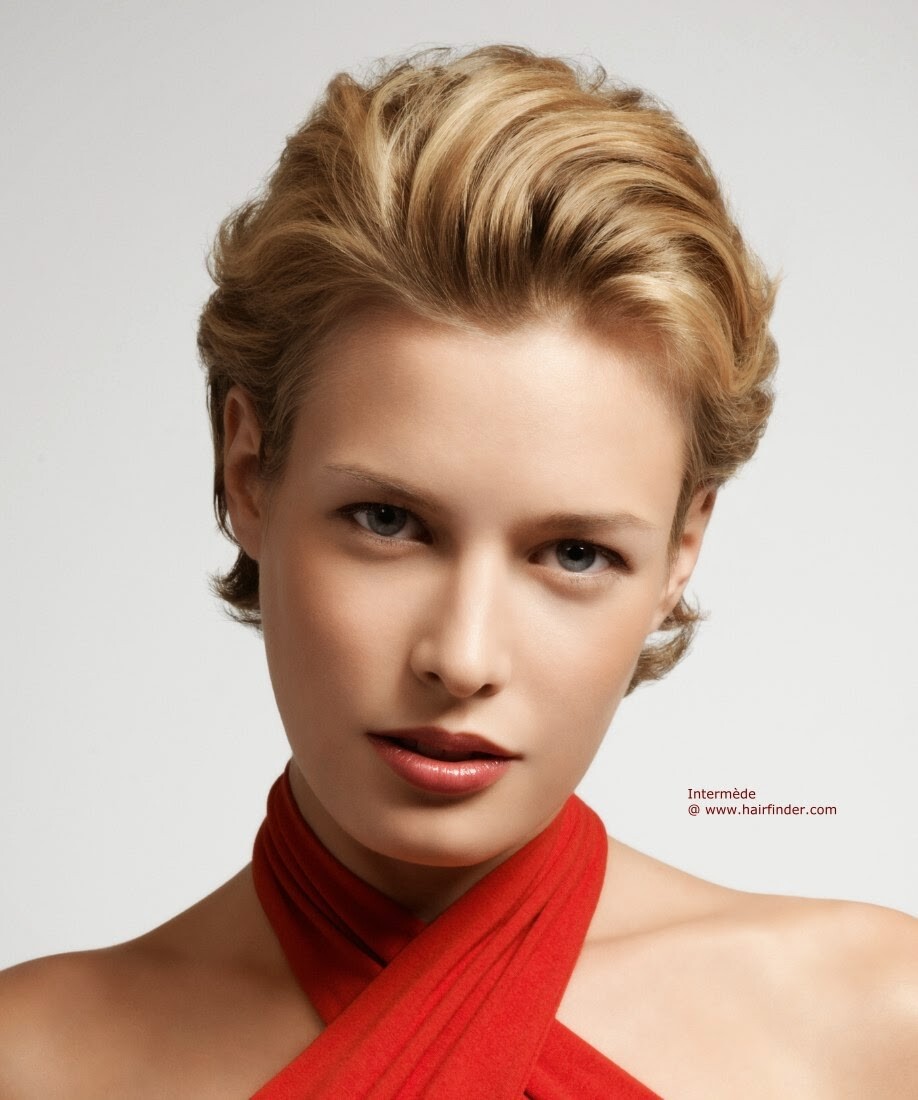
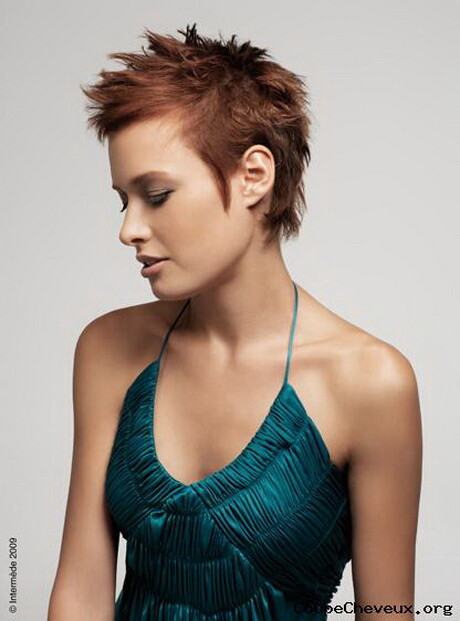
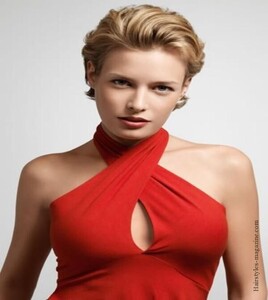
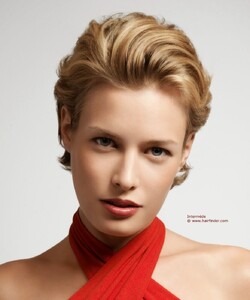
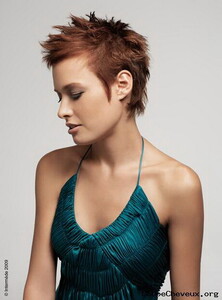
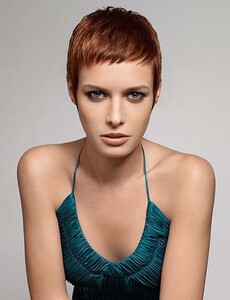
A bit more information The photos with the red and green dresses seem to have been originally for a French company, L'atelier intermède or Intermède coiffure. Both are from their spring summer 2009 styles or product lines.
-
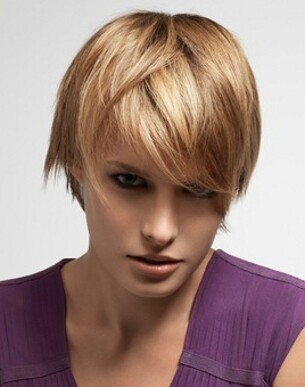
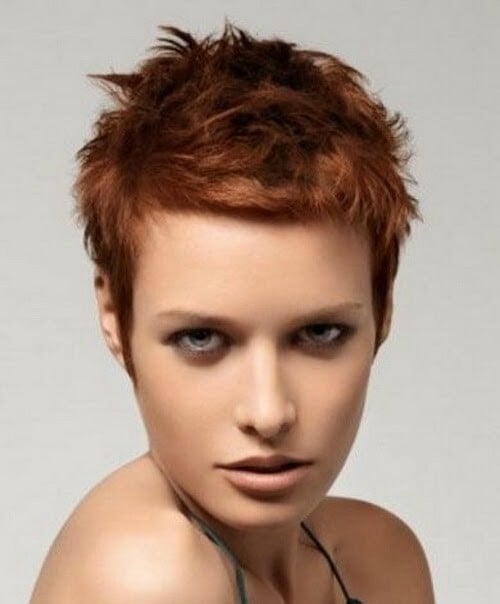
Hair model This might be a long shot, but you never know. I don't know any information about these images, I stumbled upon them online some time ago, if I had to guess I'd say they're from 10 years ago or so. These are also the biggest images I have. Thanks in advance!


-
#13 Rafaelly Rocha
-
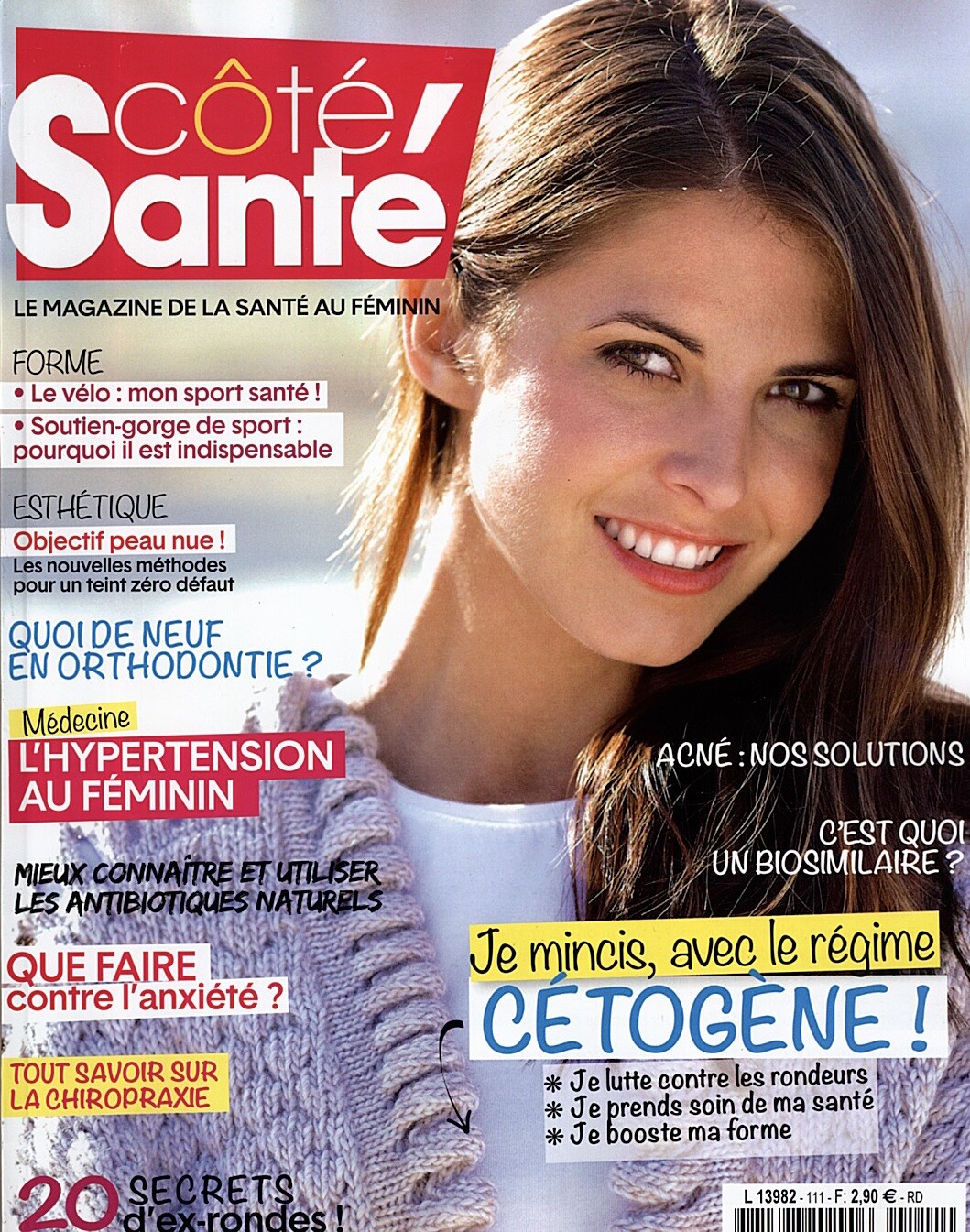
Hi everybody Wondering who this Côté Santé model is. The issue is Oct/Nov 2017.

-
You're welcome!
-
-
Dafne Rotolo
-
-
Hayley Hunt
-
I believe that #1 and #2 are Charis Buchinhoren
-
-
2. Emeline Ponthieu
-
-
-
-
Verity Hensey, I think
-
Deborah Martin Reis
-
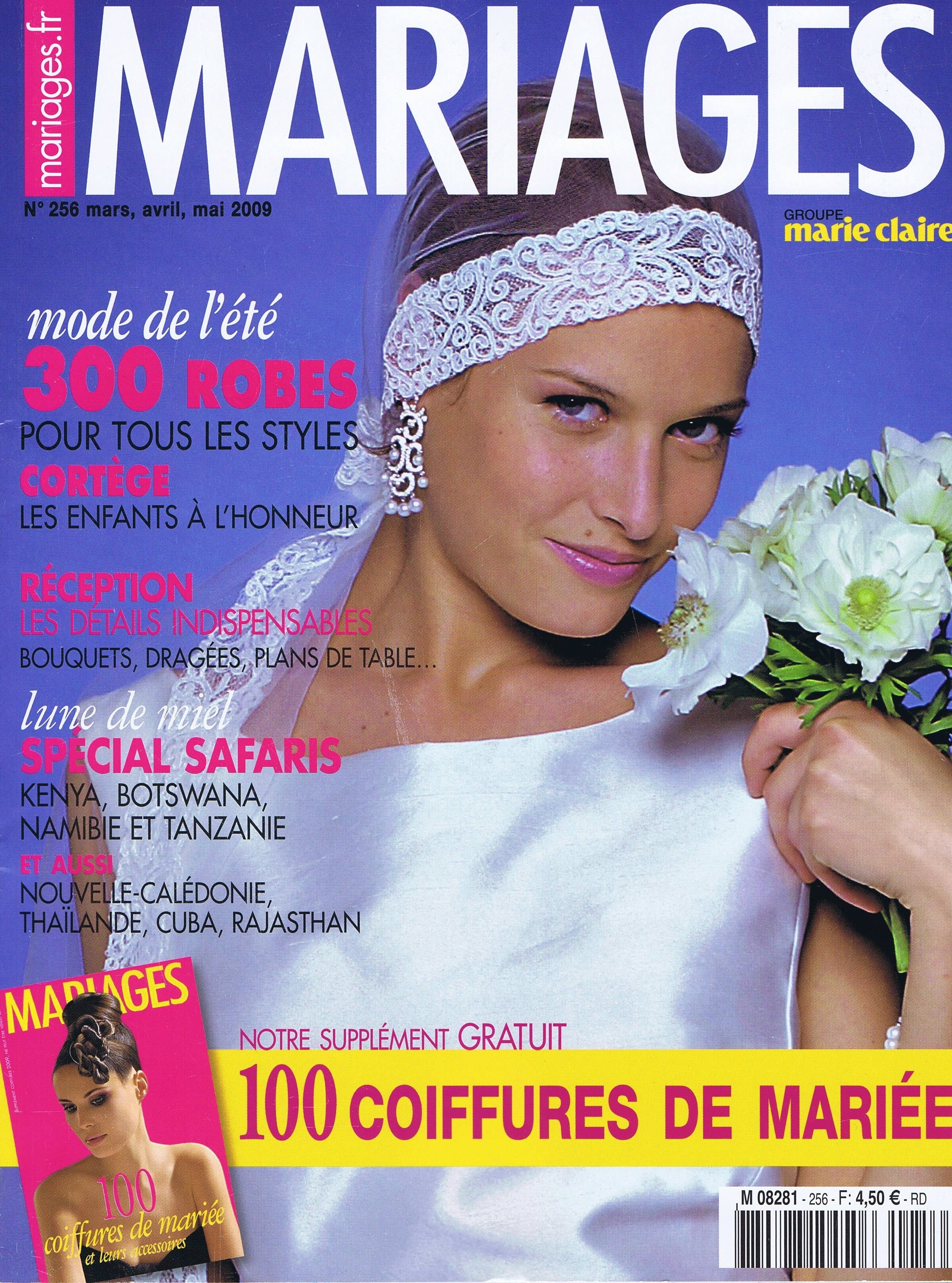
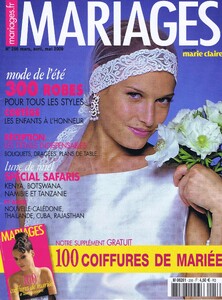
Mariages magazine (France) cover model March April May issue of 2009 Thanks very much!
-
#4 Amanda Pizziconi
-
I believe #1 is Anna Vaisman
-
Marie Claire Perrault
-
You're very welcome!
-
1. Marie Claire Perreault 3. Andrea Pelletier-Cordoba
-
Maybe it's Jolie Myatt, aka Jolie Lennon. I'm not quite sure.