
Marchessa
Members
-
Joined
-
Last visited
Everything posted by Marchessa
-
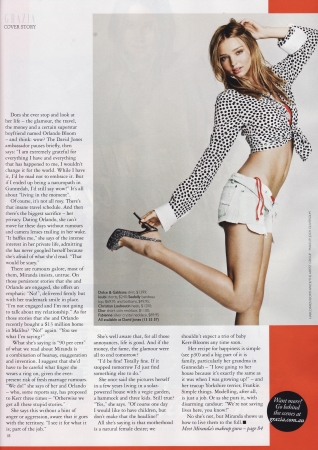
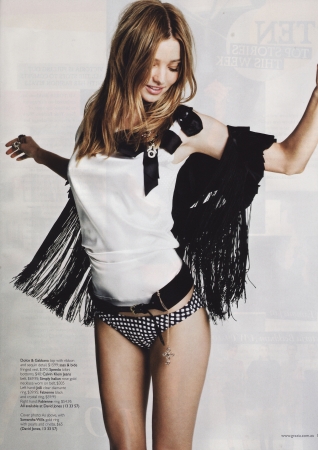
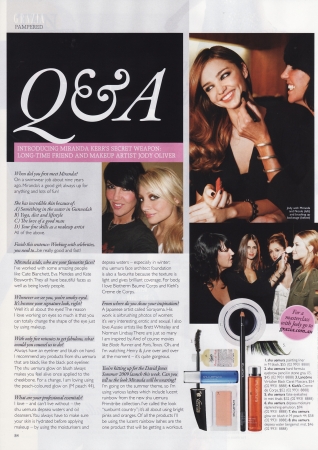
 Grazia Magazine, credit





-
thanks, she's amazing
-
sorry if reposts, she's just so beautiful in those






-
wow welcome, Eva!
-
-
-
great pics Max got some more







 me neither
thanks Matute, those are awesome!
love love love love her!
MODELS: 1. Rosie Huntington-Whiteley 2. Candice Swanepoel 3. Miranda Kerr 4. Toni Garrn 5. Arlenis Souza 6. Doutzen Kroes 7. Bar Refaeli 8. Michaela Kocianova 9. Julia Stegner 10. Izabel Goulart ACTRESSES: 1. Audrey Hepburn 2. Julianne Hough 3. Natalie Portman 4. Anna Friel 5. Nikki Reed 6. Kristin Cavallari 7. Carlize Theron 8. Kristen Bell 9. Eliza Dushku 10. Emmy Rossum
Rosie Huntington-Whiteley, my favourite model
me neither
thanks Matute, those are awesome!
love love love love her!
MODELS: 1. Rosie Huntington-Whiteley 2. Candice Swanepoel 3. Miranda Kerr 4. Toni Garrn 5. Arlenis Souza 6. Doutzen Kroes 7. Bar Refaeli 8. Michaela Kocianova 9. Julia Stegner 10. Izabel Goulart ACTRESSES: 1. Audrey Hepburn 2. Julianne Hough 3. Natalie Portman 4. Anna Friel 5. Nikki Reed 6. Kristin Cavallari 7. Carlize Theron 8. Kristen Bell 9. Eliza Dushku 10. Emmy Rossum
Rosie Huntington-Whiteley, my favourite model found some more







 you're welcome Max my favourite is Rosie's pic
and some more
you're welcome Max my favourite is Rosie's pic
and some more






















































































Account
Navigation
Search
Configure browser push notifications
Chrome (Android)
- Tap the lock icon next to the address bar.
- Tap Permissions → Notifications.
- Adjust your preference.
Chrome (Desktop)
- Click the padlock icon in the address bar.
- Select Site settings.
- Find Notifications and adjust your preference.
Safari (iOS 16.4+)
- Ensure the site is installed via Add to Home Screen.
- Open Settings App → Notifications.
- Find your app name and adjust your preference.
Safari (macOS)
- Go to Safari → Preferences.
- Click the Websites tab.
- Select Notifications in the sidebar.
- Find this website and adjust your preference.
Edge (Android)
- Tap the lock icon next to the address bar.
- Tap Permissions.
- Find Notifications and adjust your preference.
Edge (Desktop)
- Click the padlock icon in the address bar.
- Click Permissions for this site.
- Find Notifications and adjust your preference.
Firefox (Android)
- Go to Settings → Site permissions.
- Tap Notifications.
- Find this site in the list and adjust your preference.
Firefox (Desktop)
- Open Firefox Settings.
- Search for Notifications.
- Find this site in the list and adjust your preference.