
Marchessa
Members
-
Joined
-
Last visited
Everything posted by Marchessa
-
 another one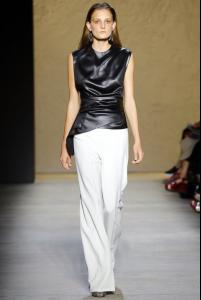
-
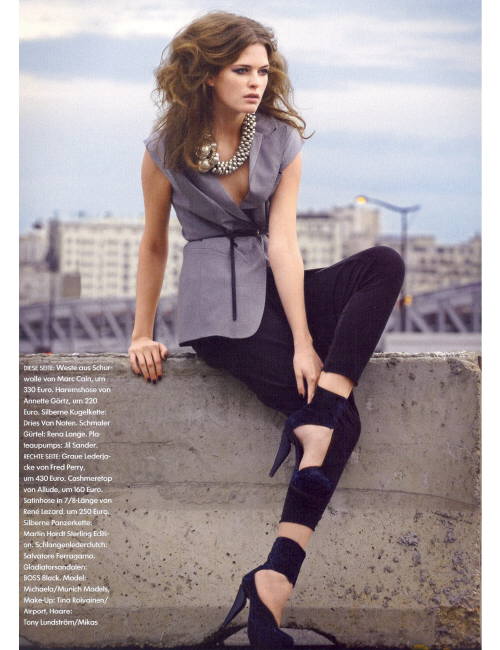
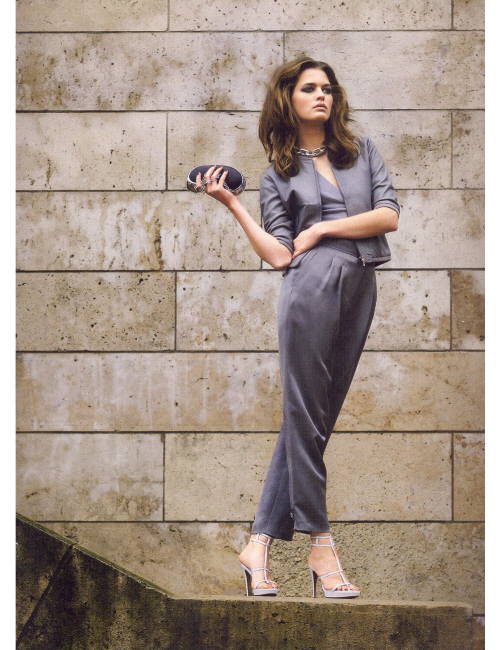
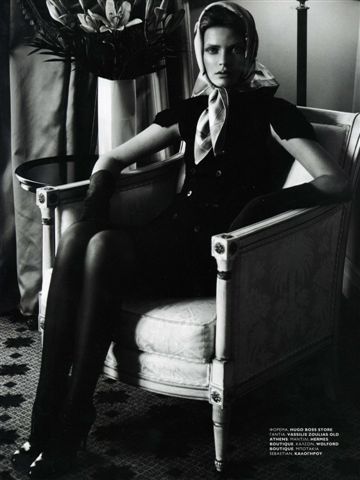
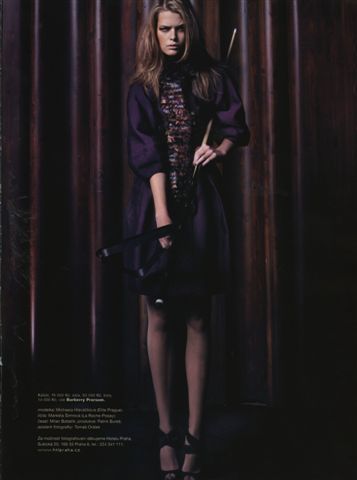
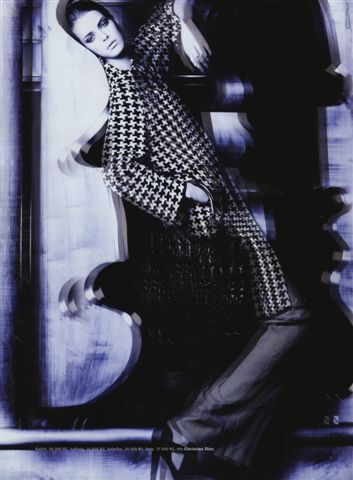
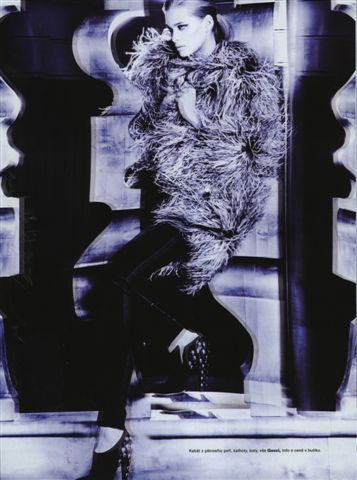
MICHAELA HLAVÁČKOVÁ
-
haven't seen these yet so here we go
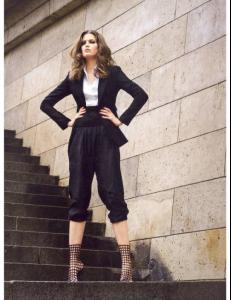
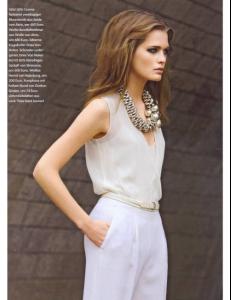
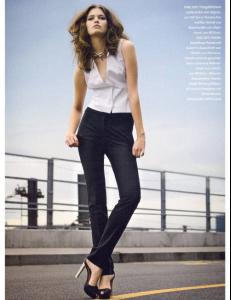
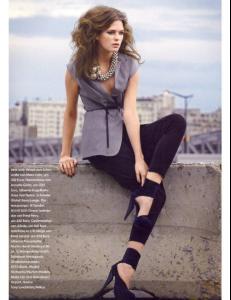
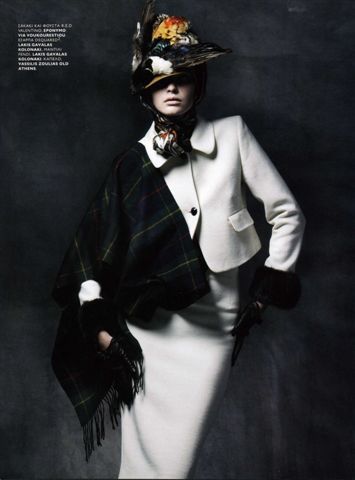
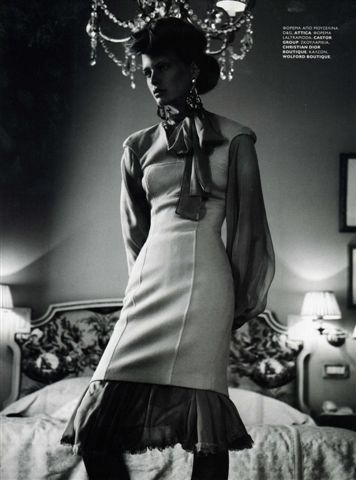
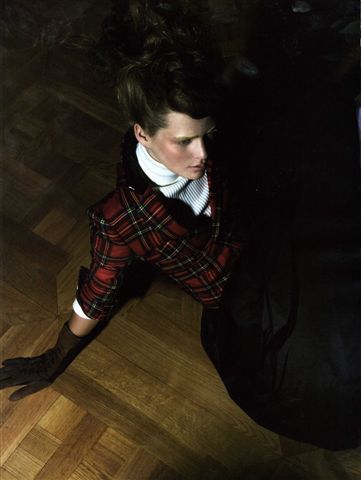
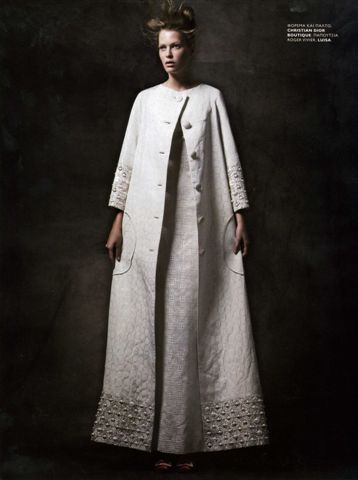
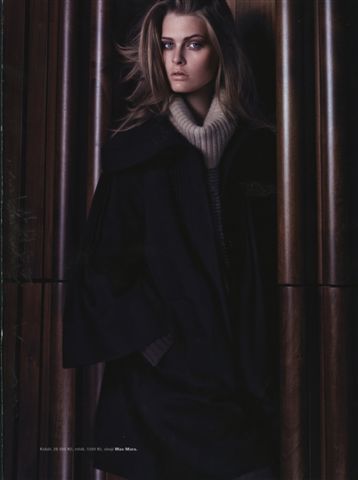
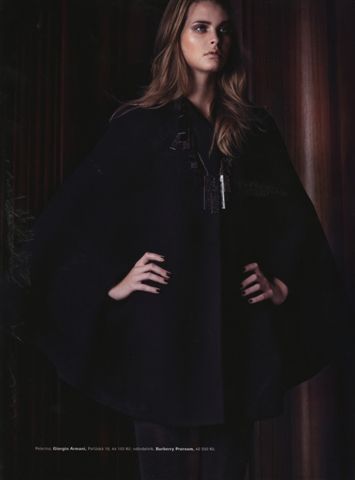
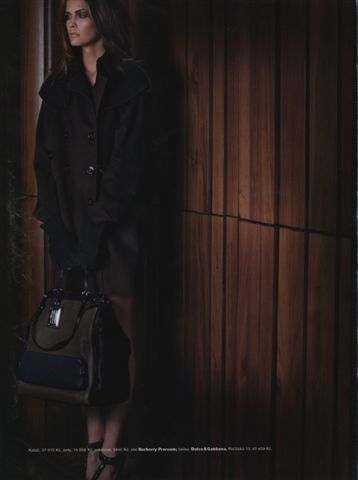
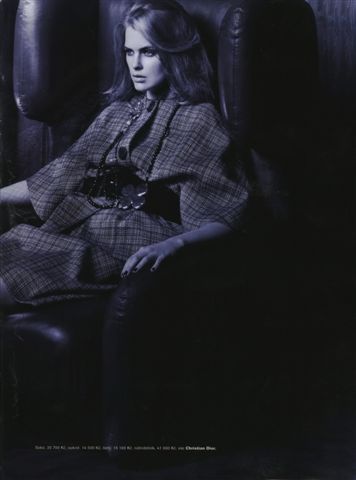
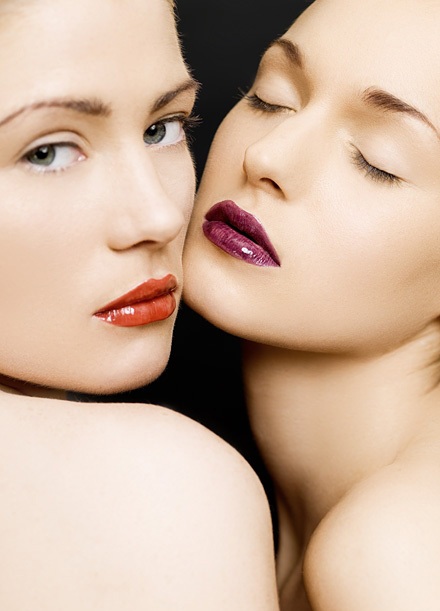
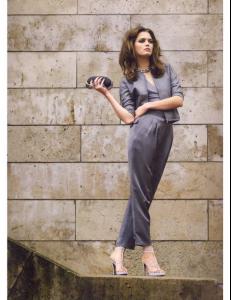 Dolce Vita & L´Officiel remix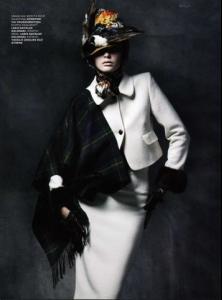

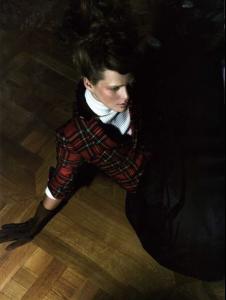
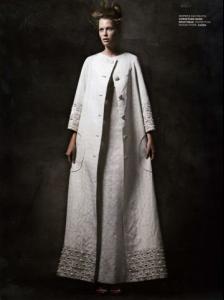
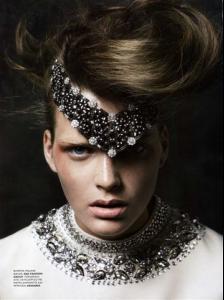
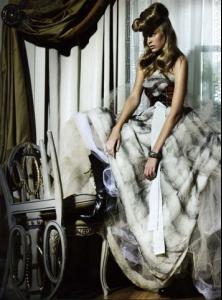
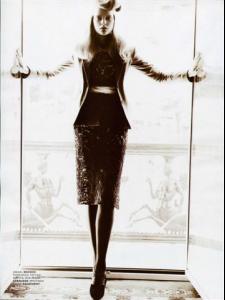


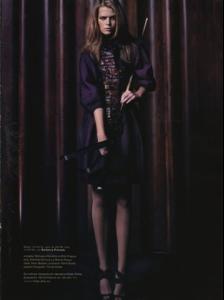
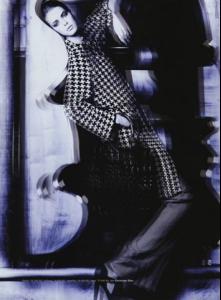
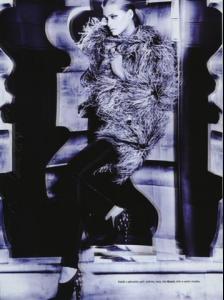
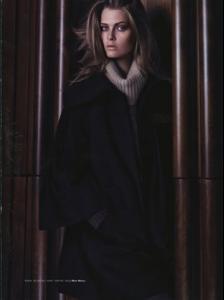
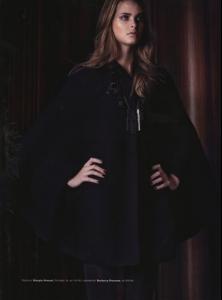
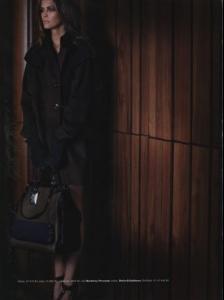
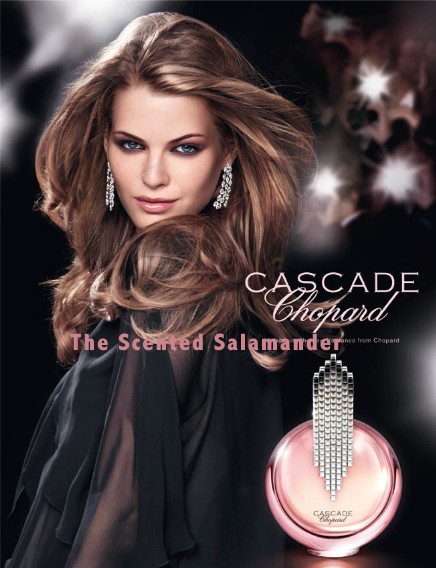
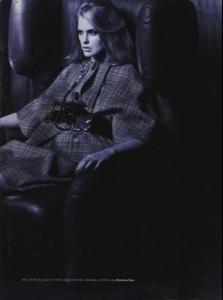 Michaela for Chopard Cascade
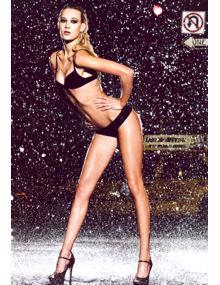
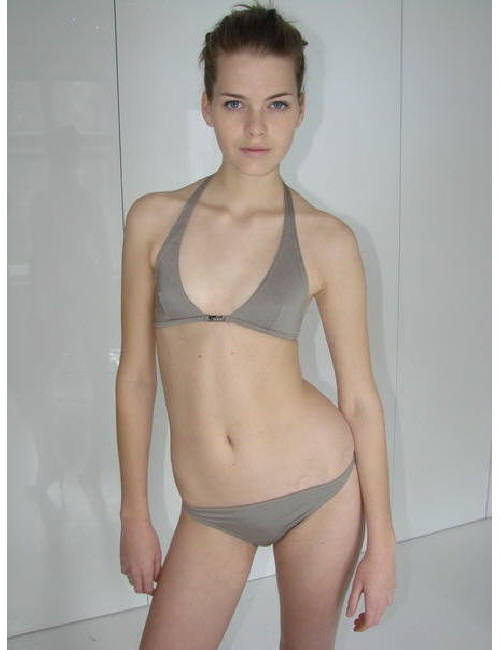
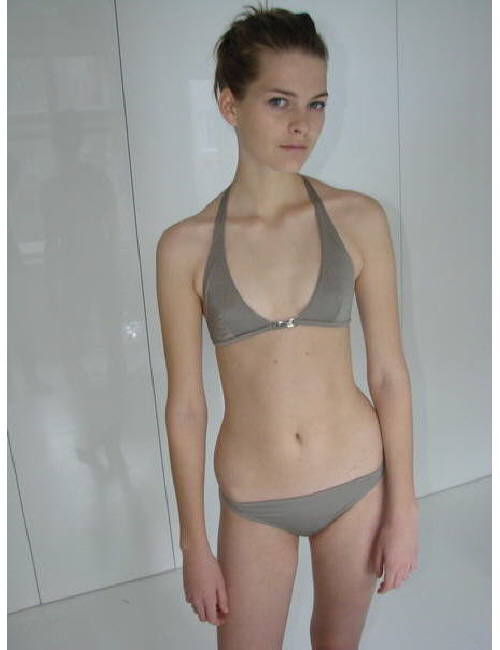
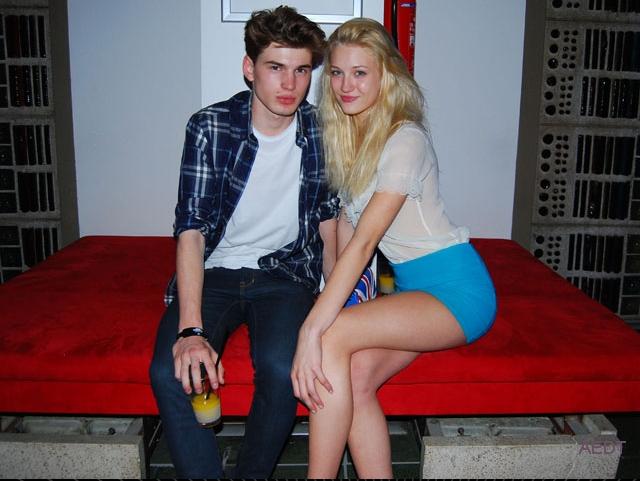
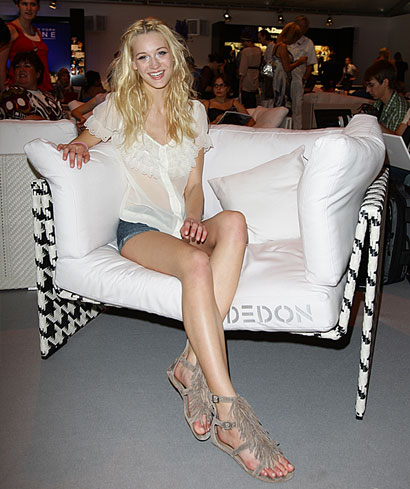
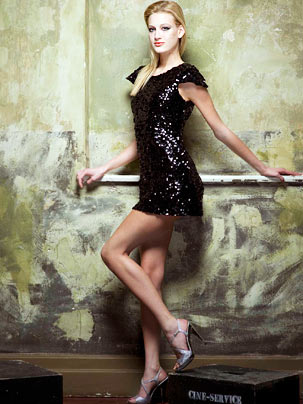
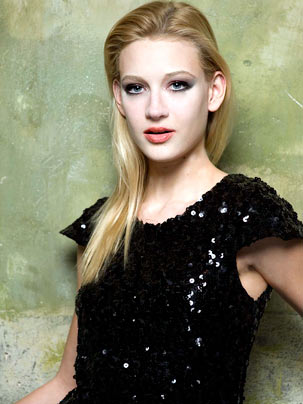
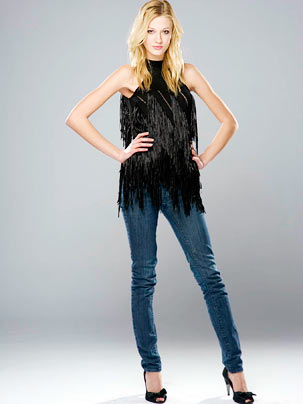
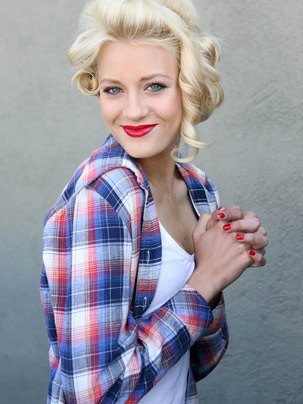
 Mandy Bork
 lol, I KNOW! dito, Max
no, I'm sorry but she is really beautiful, isn't she?
...and the last bunch from tfs
lol, I KNOW! dito, Max
no, I'm sorry but she is really beautiful, isn't she?
...and the last bunch from tfs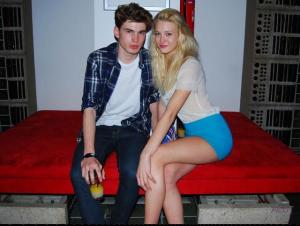

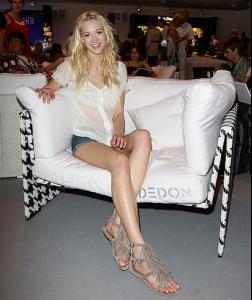
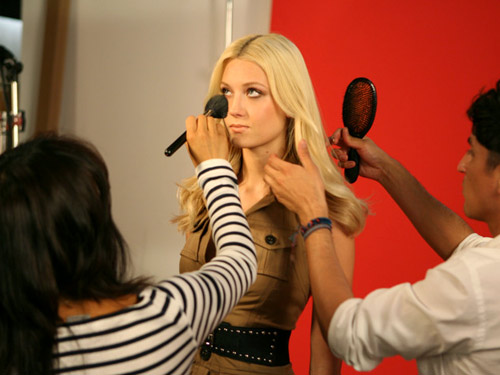
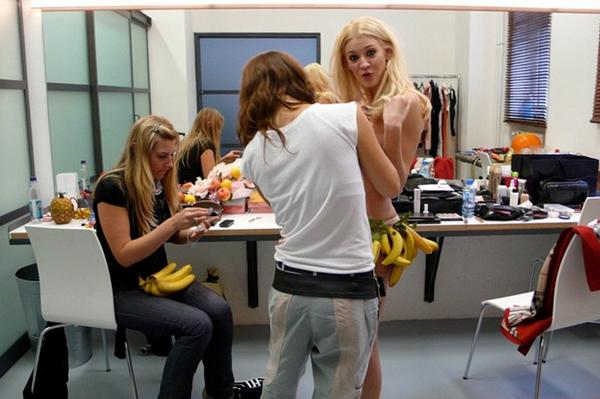
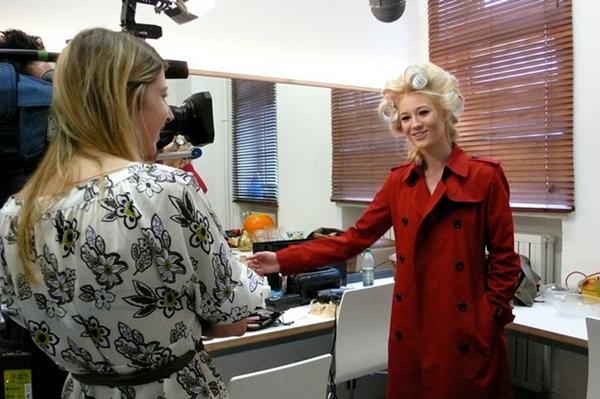
 GQ Germany - backstage

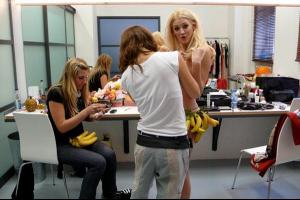
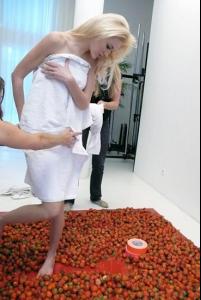
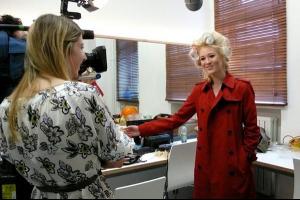 via munich-models.de


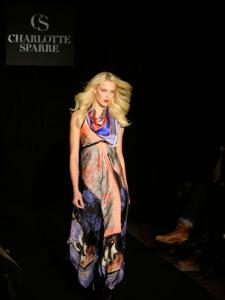
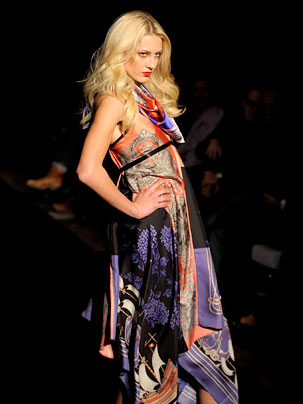
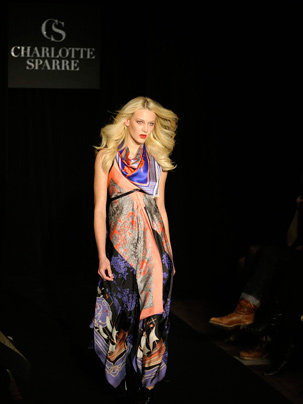
 @ Charlotte Sparre
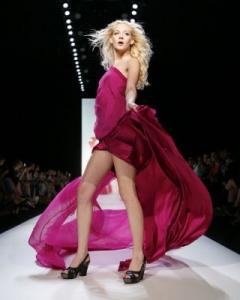
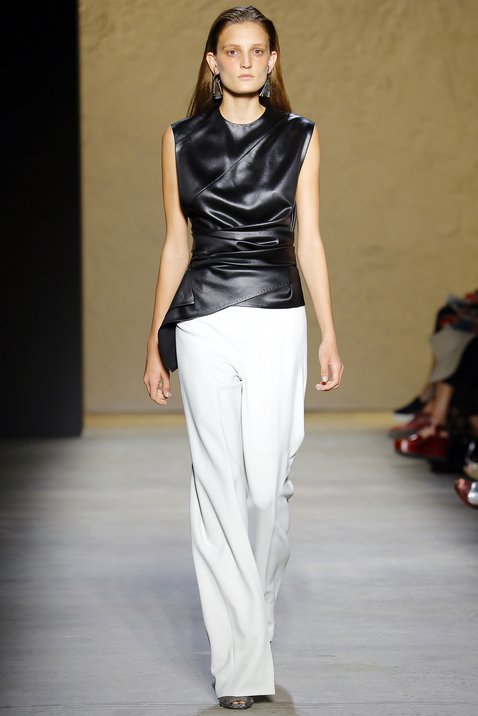
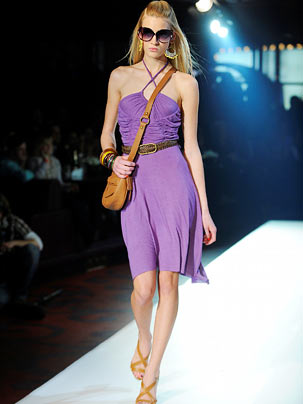
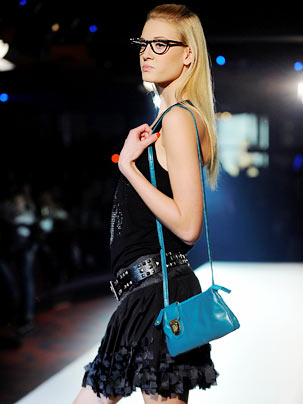
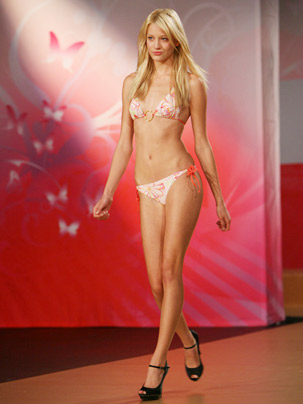
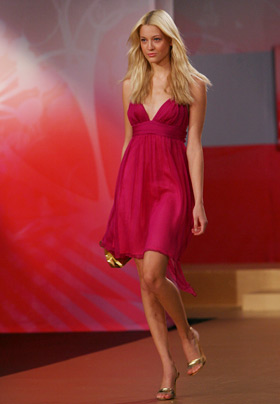
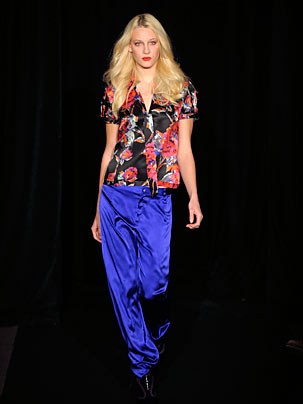
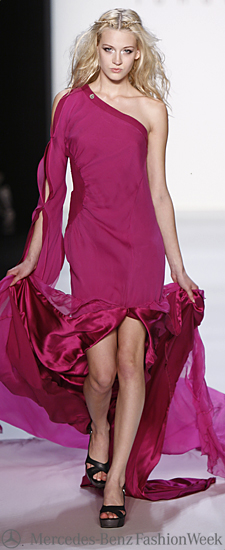
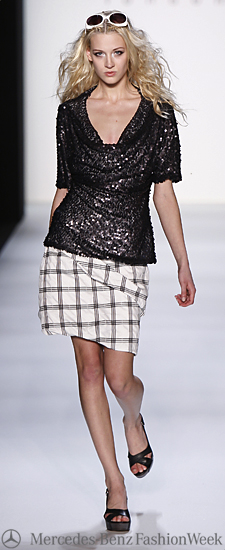
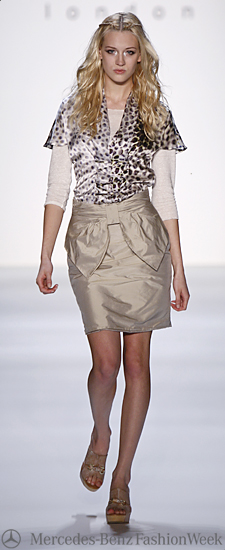
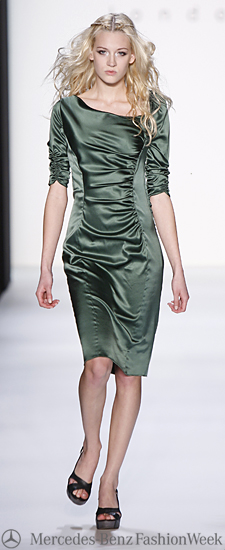
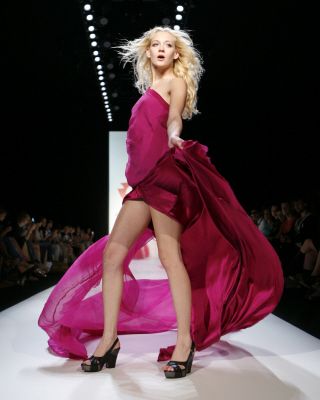
 Mercedes Benz Fashionweek Berlin Spring/Summer 2010 Designer: Anja Gockel





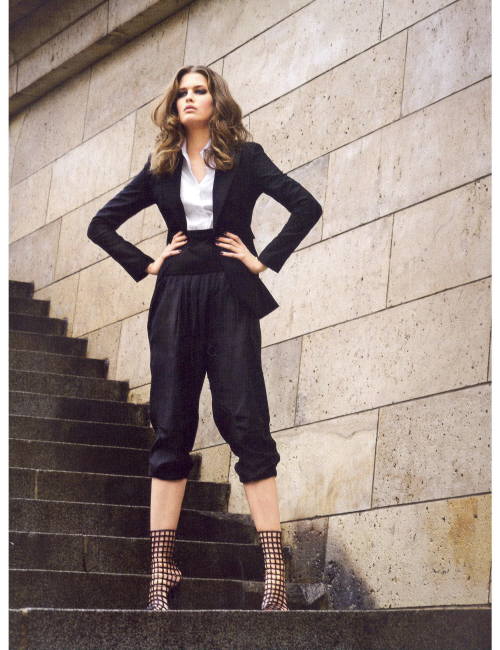
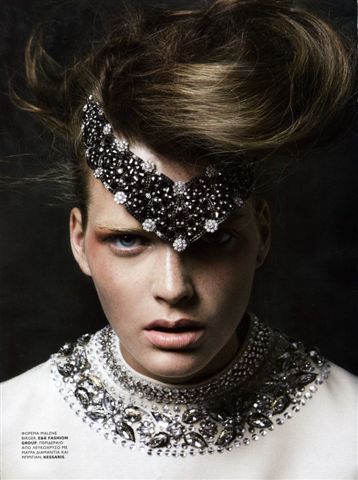
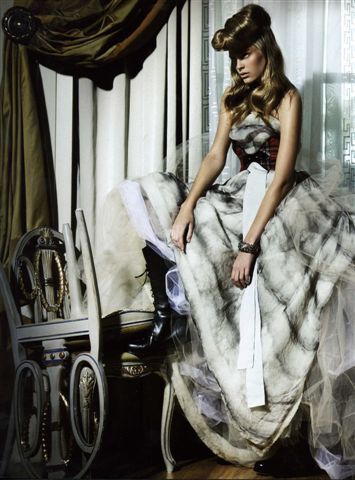
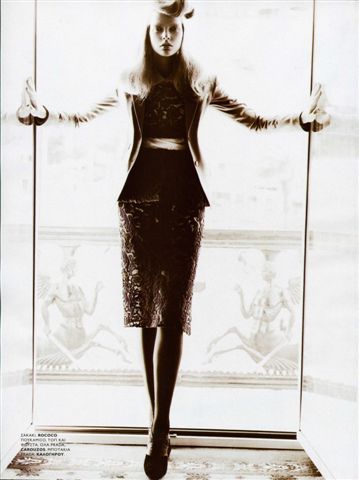
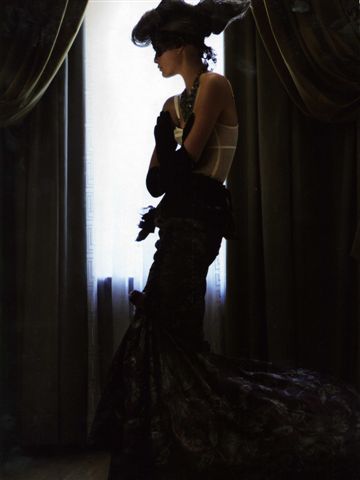
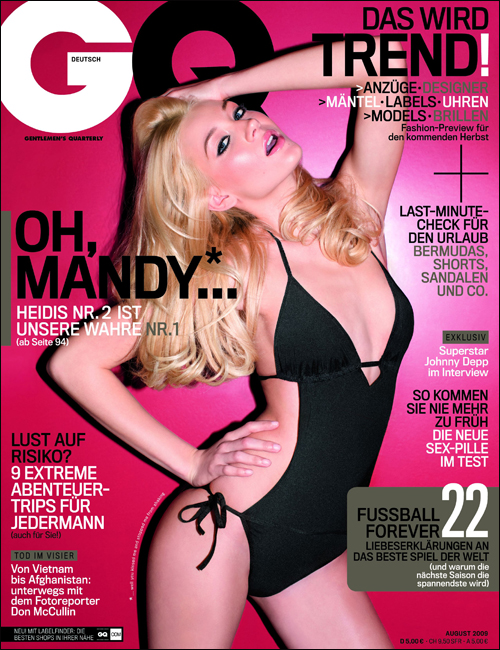
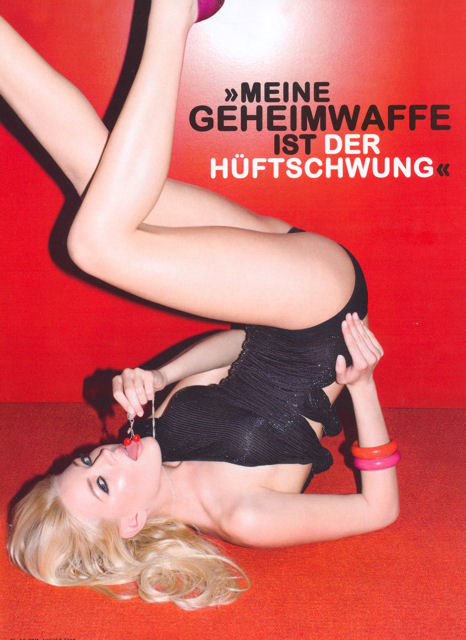
 Germany GQ August 2009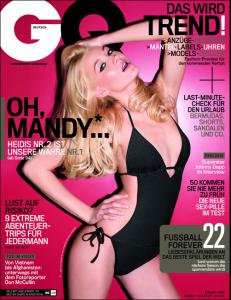
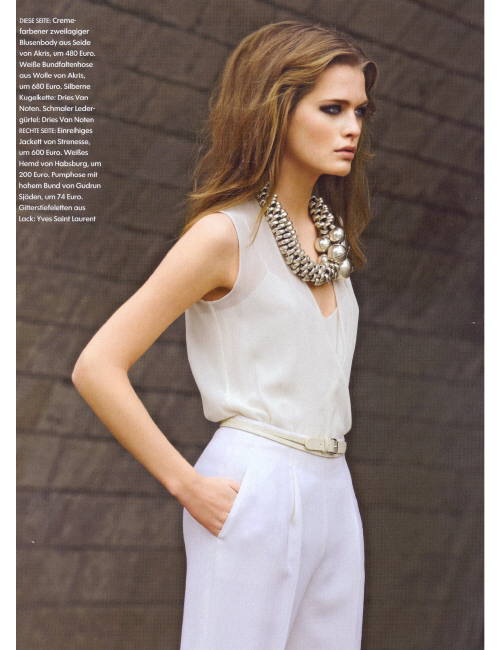
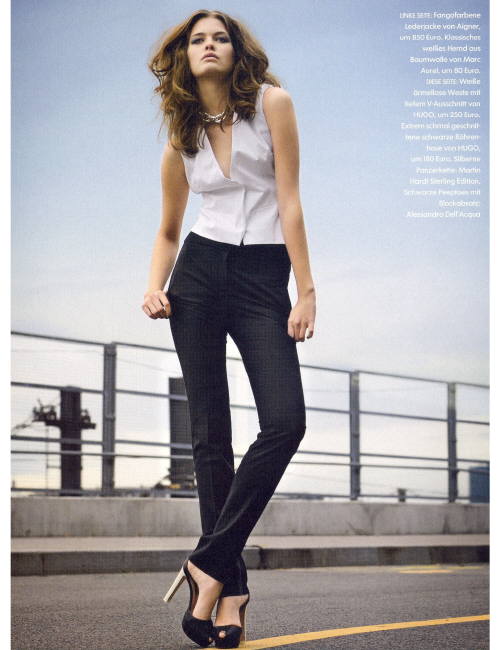
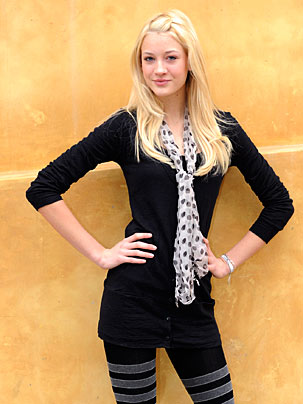
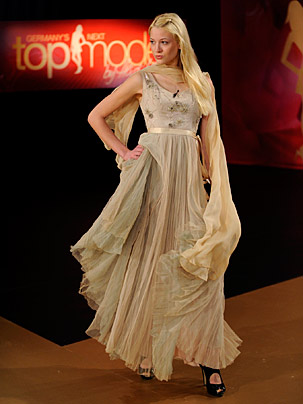
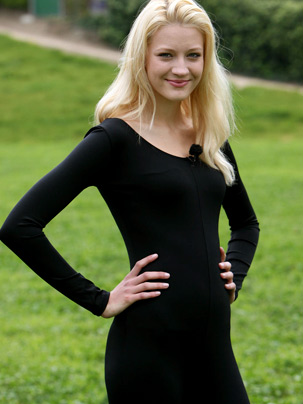
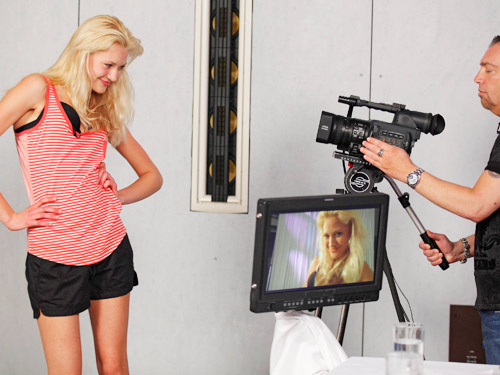
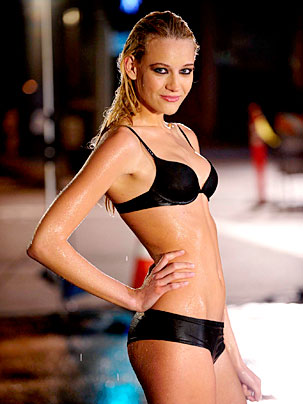
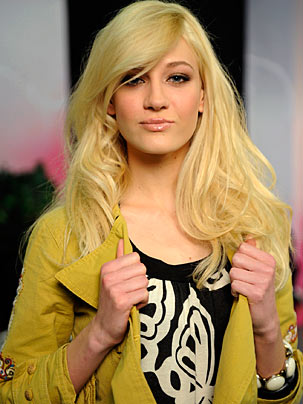
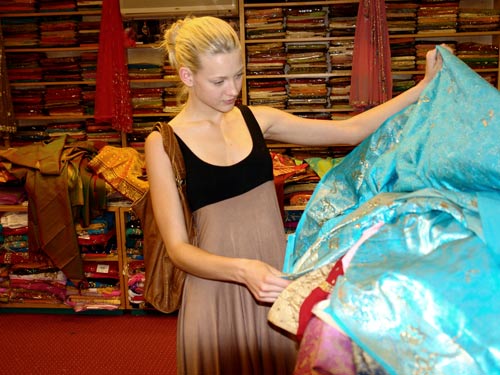
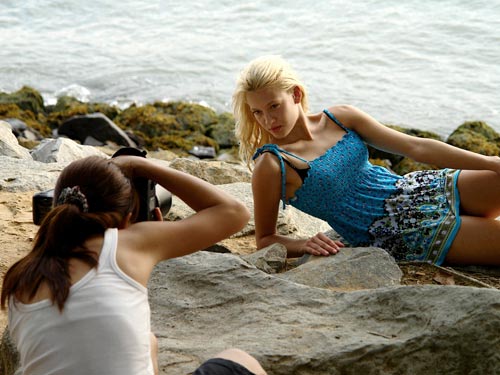
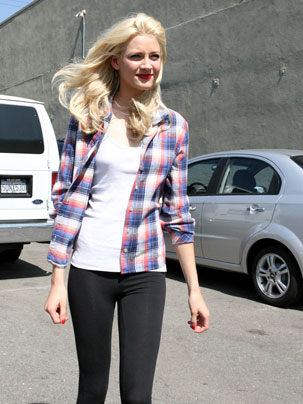
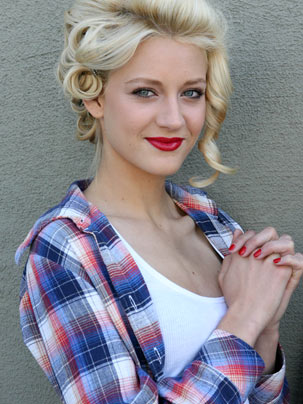
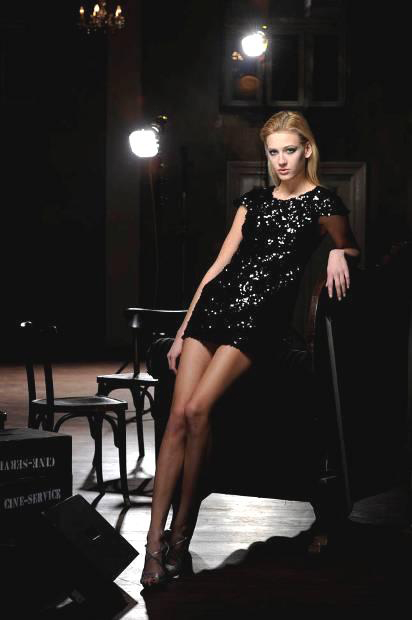
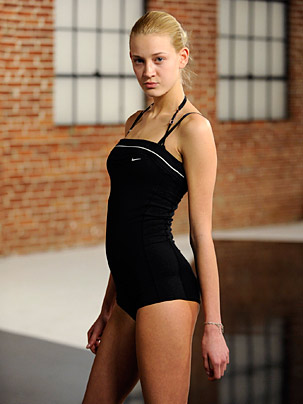
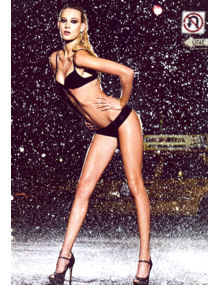
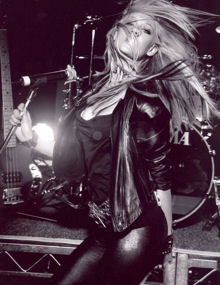
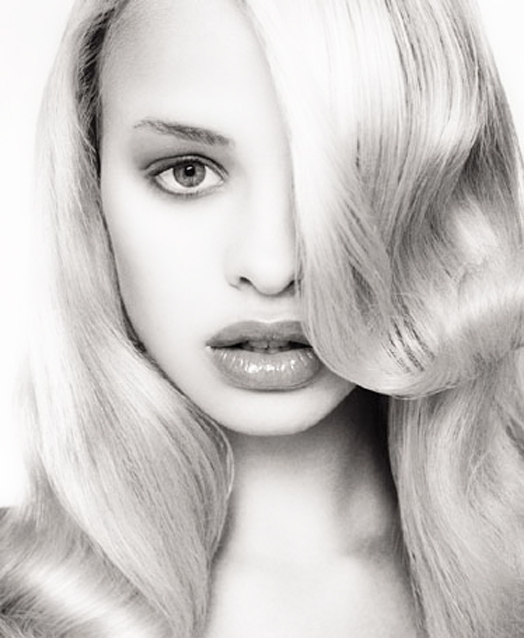
 Mandy Bork Contestant of Germany's Next Topmodel IV, 2nd height: 175 dress: 36 bust: 80 waist: 60 hips: 85 shoes: 38 hair: blonde eyes: blue agency: Munich Models

















Account
Navigation
Search
Configure browser push notifications
Chrome (Android)
- Tap the lock icon next to the address bar.
- Tap Permissions → Notifications.
- Adjust your preference.
Chrome (Desktop)
- Click the padlock icon in the address bar.
- Select Site settings.
- Find Notifications and adjust your preference.
Safari (iOS 16.4+)
- Ensure the site is installed via Add to Home Screen.
- Open Settings App → Notifications.
- Find your app name and adjust your preference.
Safari (macOS)
- Go to Safari → Preferences.
- Click the Websites tab.
- Select Notifications in the sidebar.
- Find this website and adjust your preference.
Edge (Android)
- Tap the lock icon next to the address bar.
- Tap Permissions.
- Find Notifications and adjust your preference.
Edge (Desktop)
- Click the padlock icon in the address bar.
- Click Permissions for this site.
- Find Notifications and adjust your preference.
Firefox (Android)
- Go to Settings → Site permissions.
- Tap Notifications.
- Find this site in the list and adjust your preference.
Firefox (Desktop)
- Open Firefox Settings.
- Search for Notifications.
- Find this site in the list and adjust your preference.