
jelansis
Members
-
Joined
Everything posted by jelansis
-
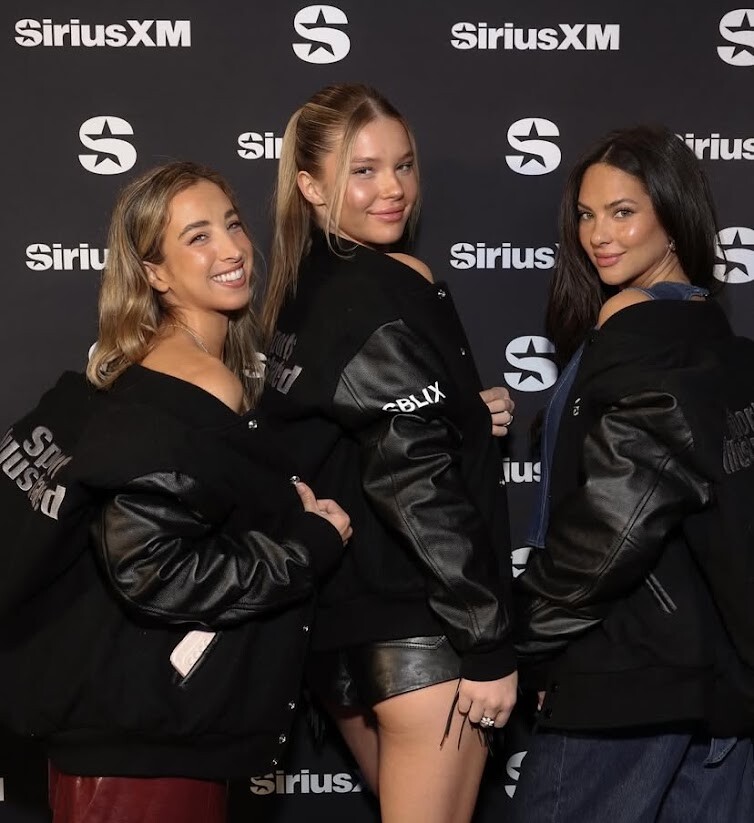
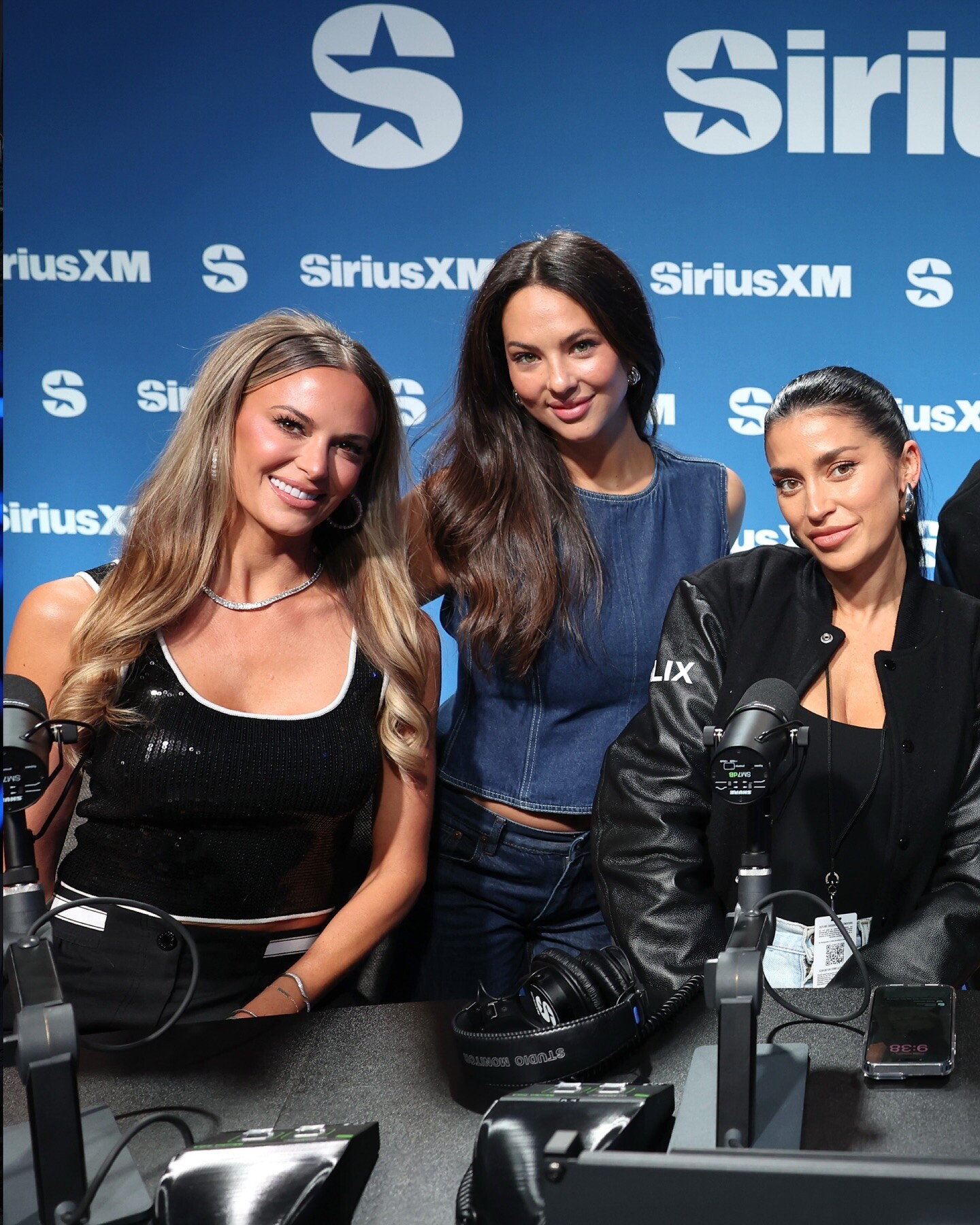
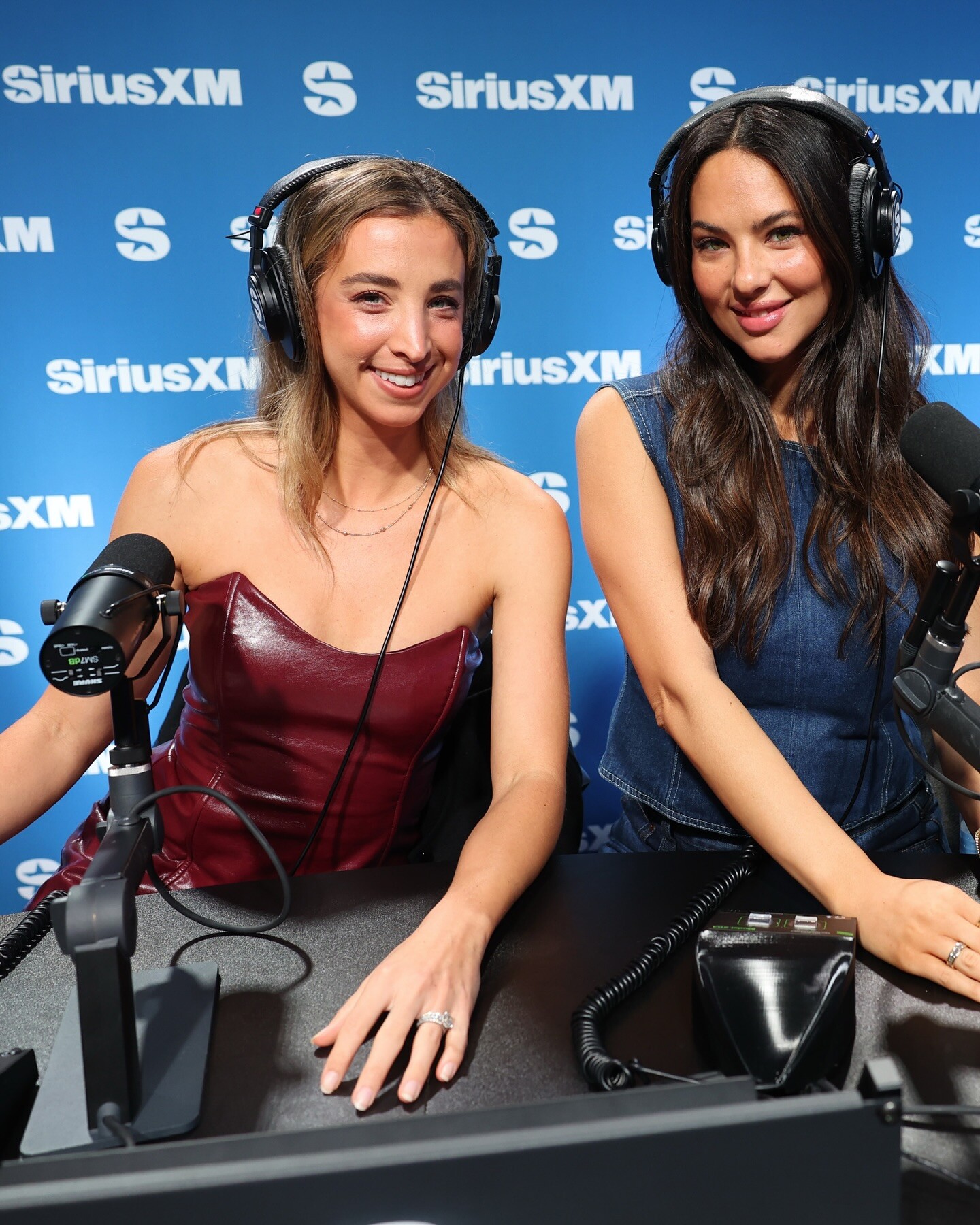
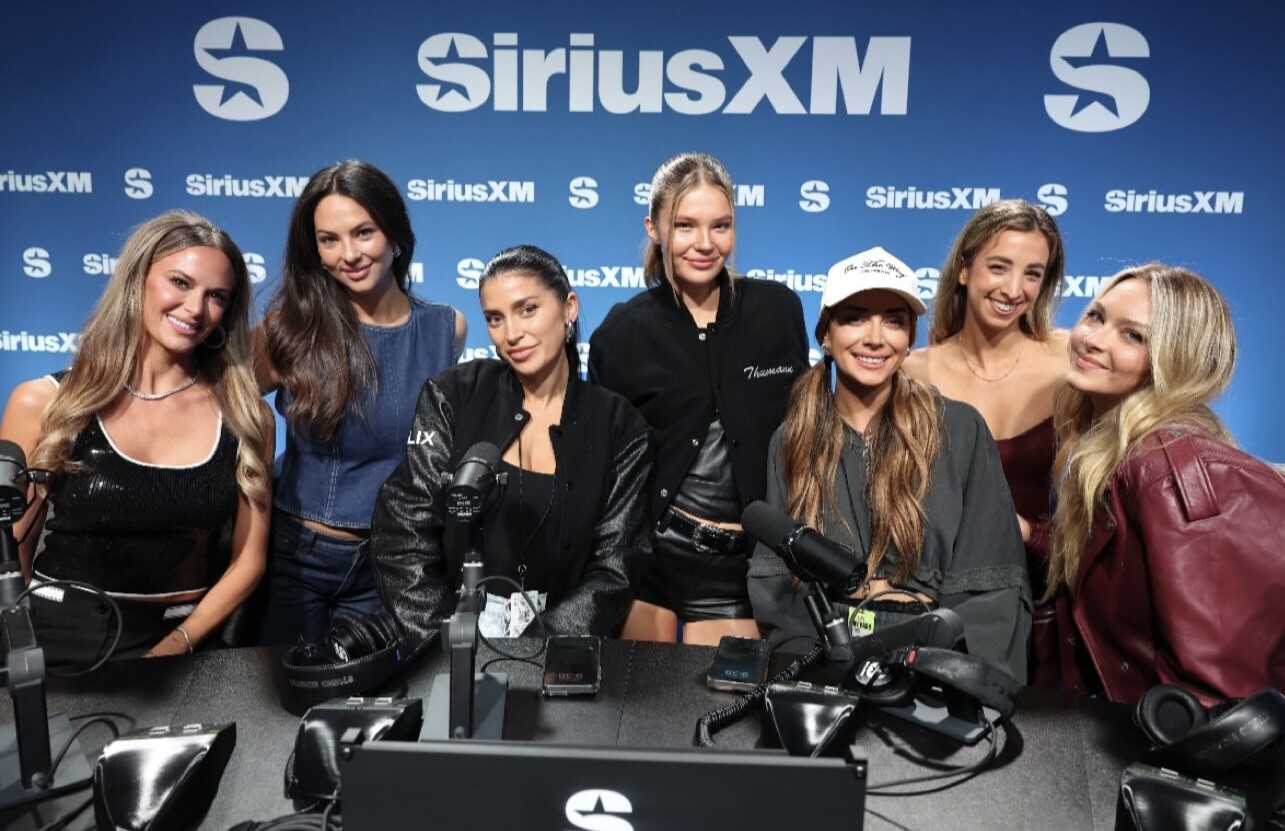
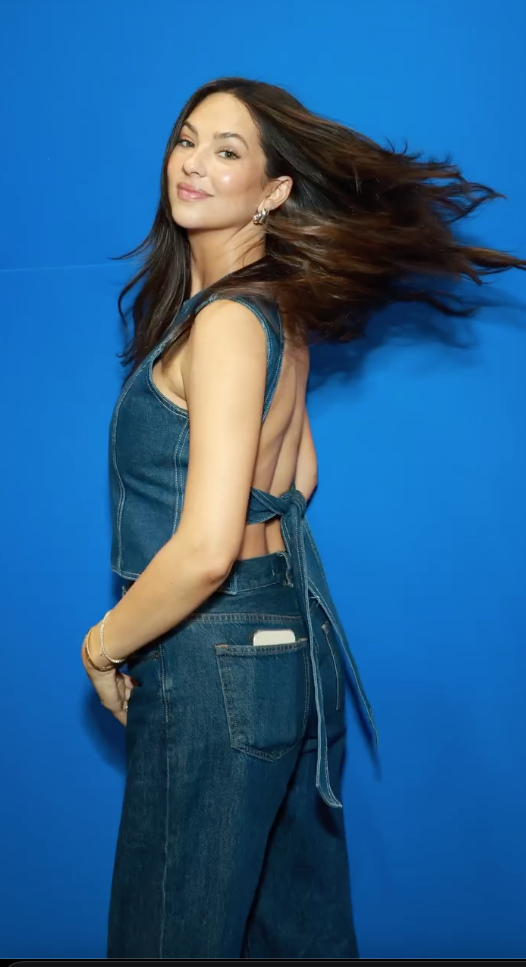
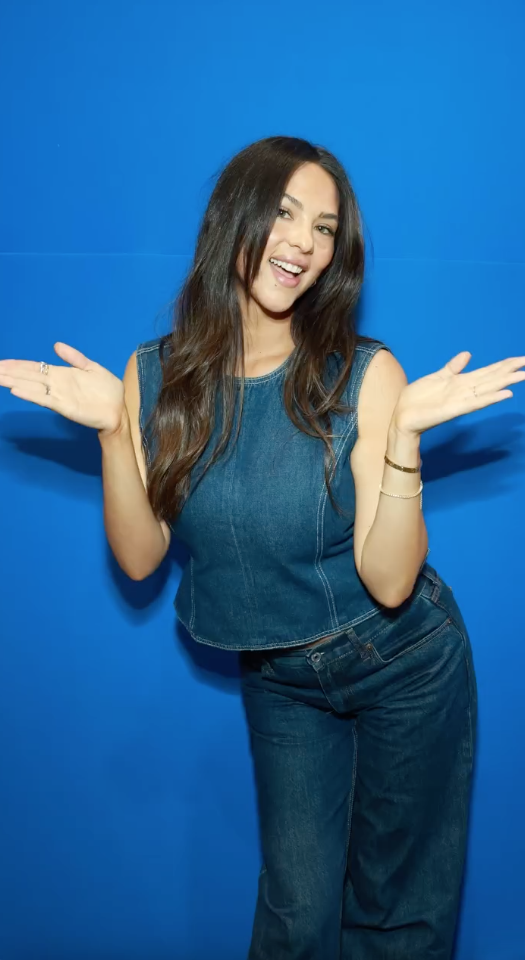
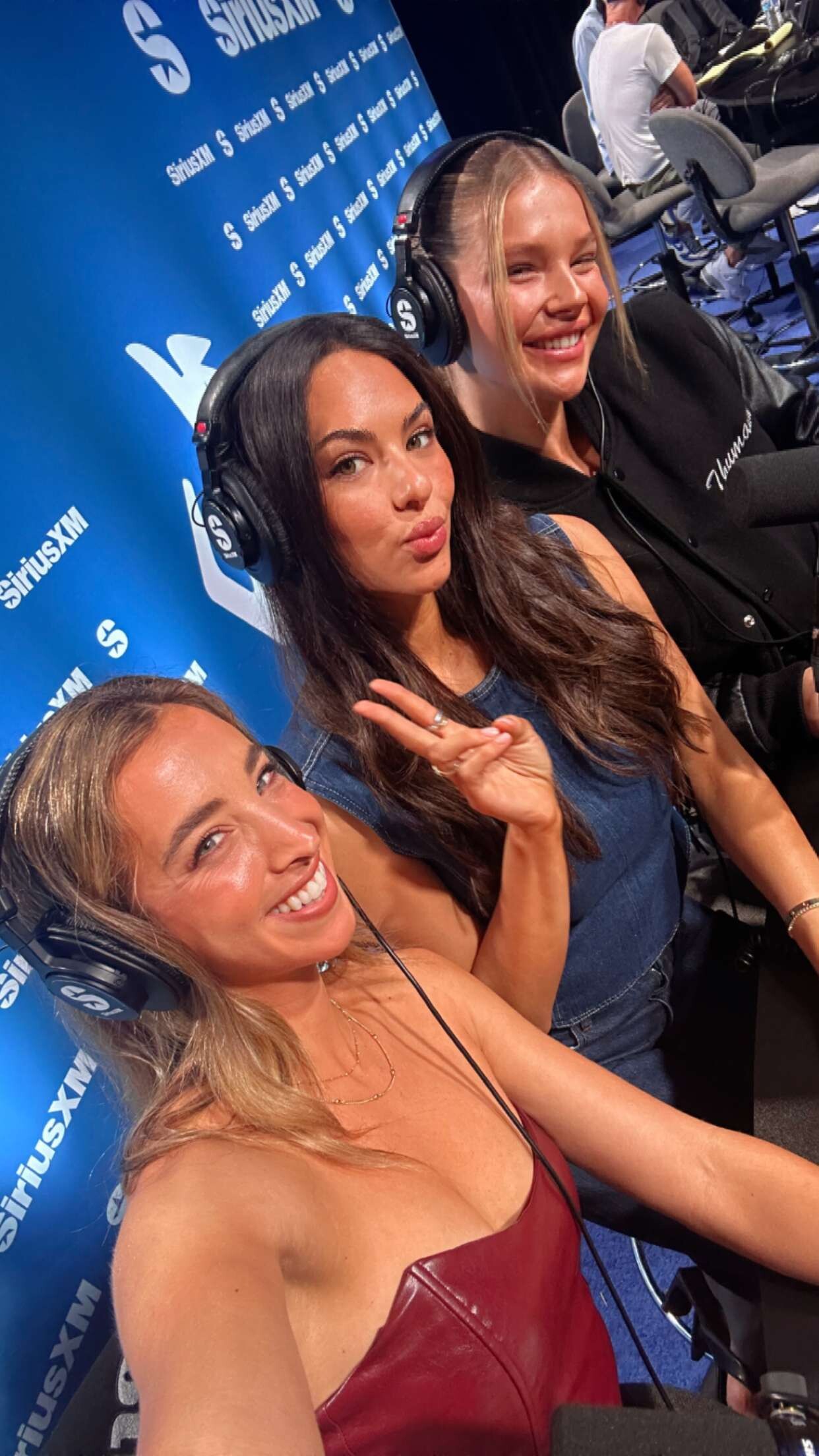
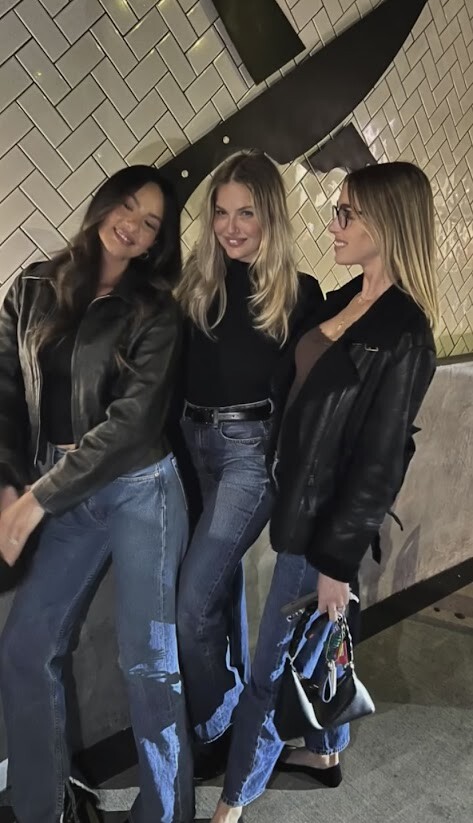
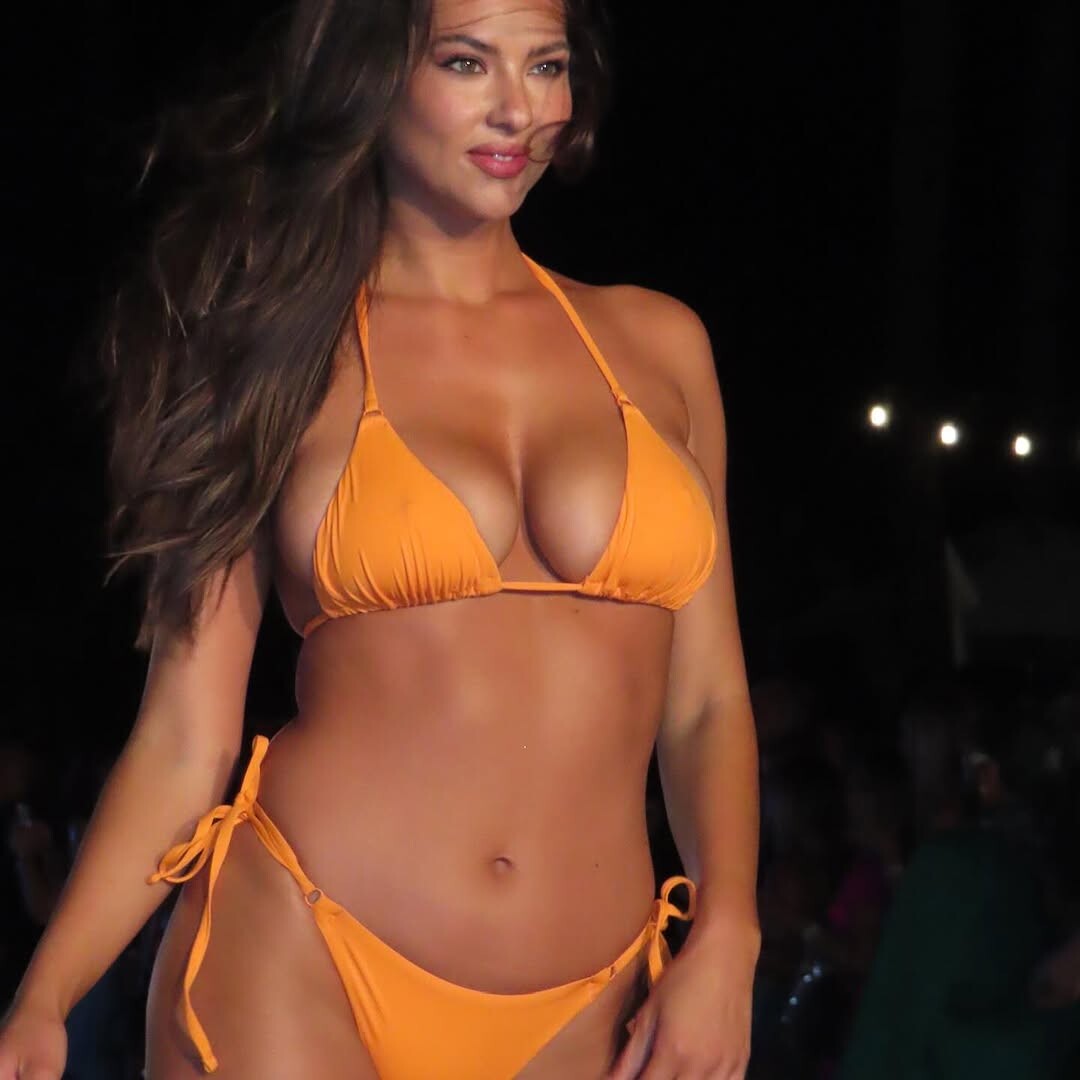
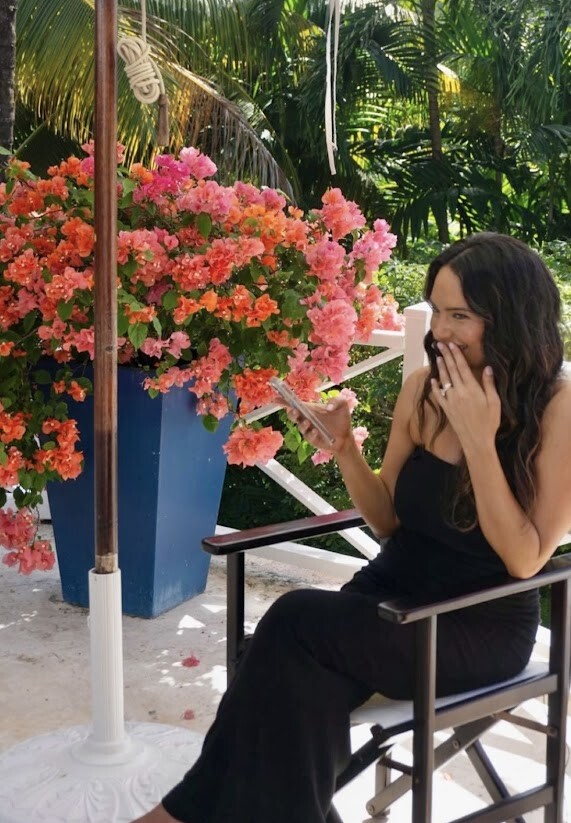
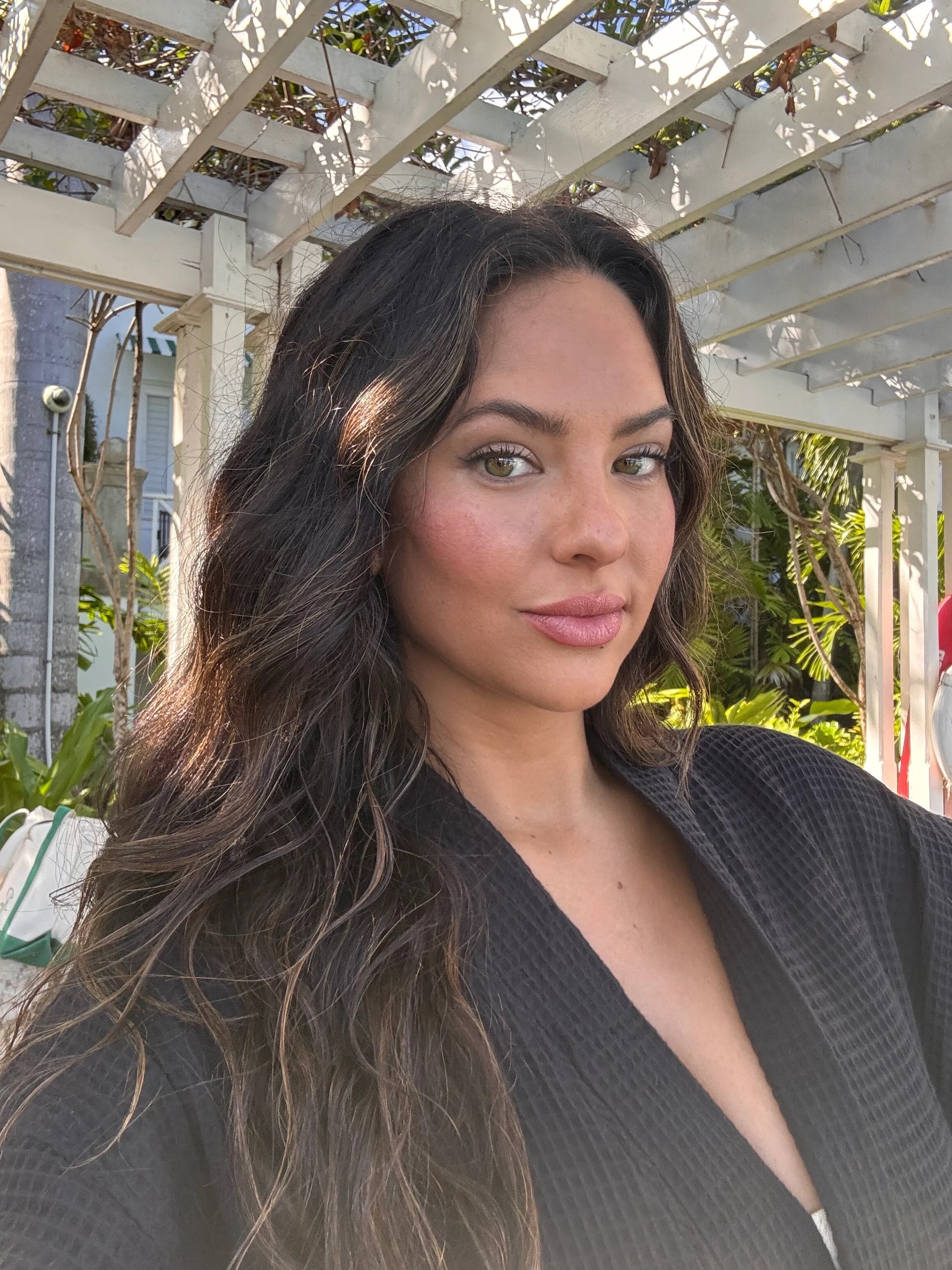
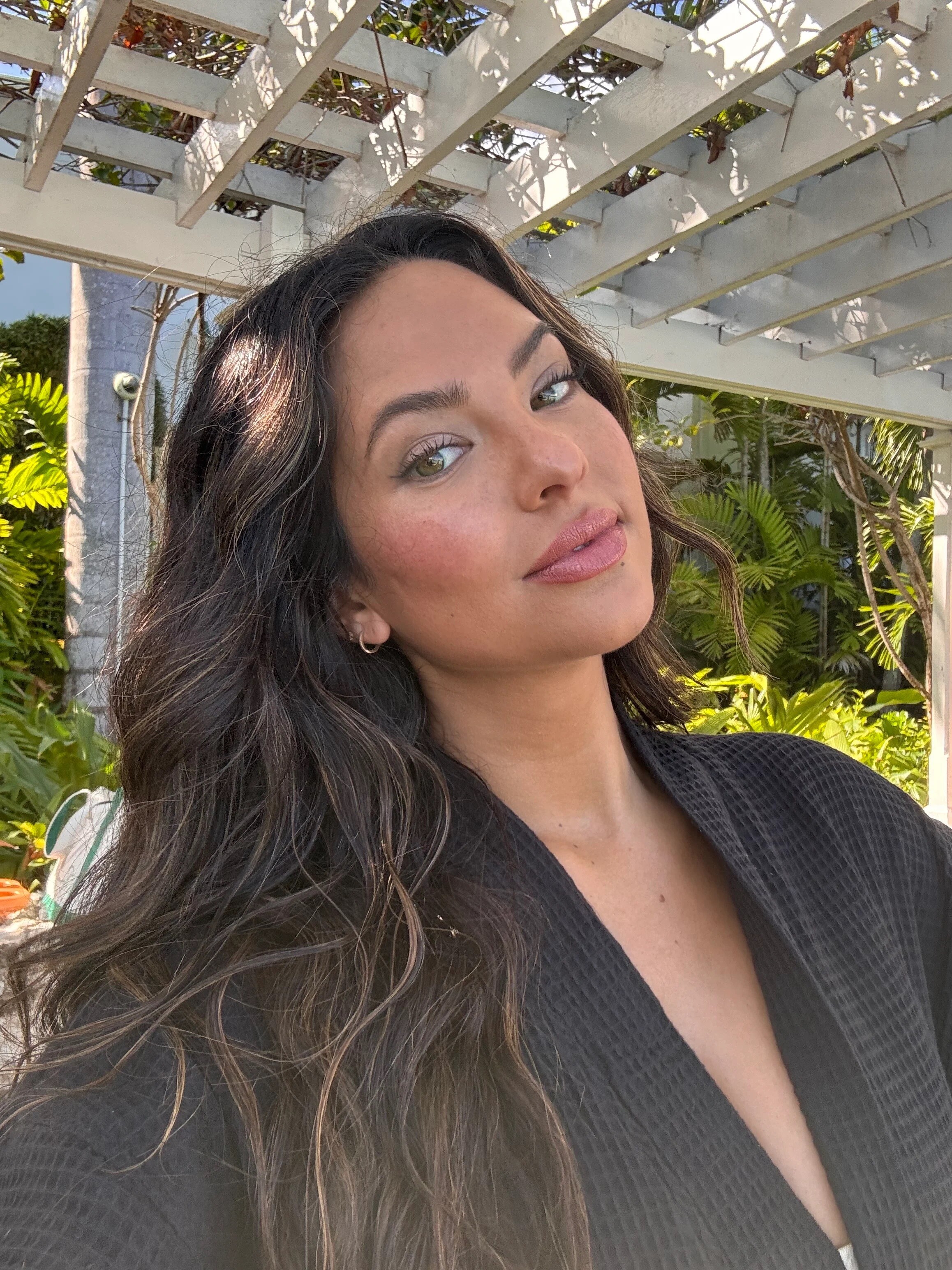
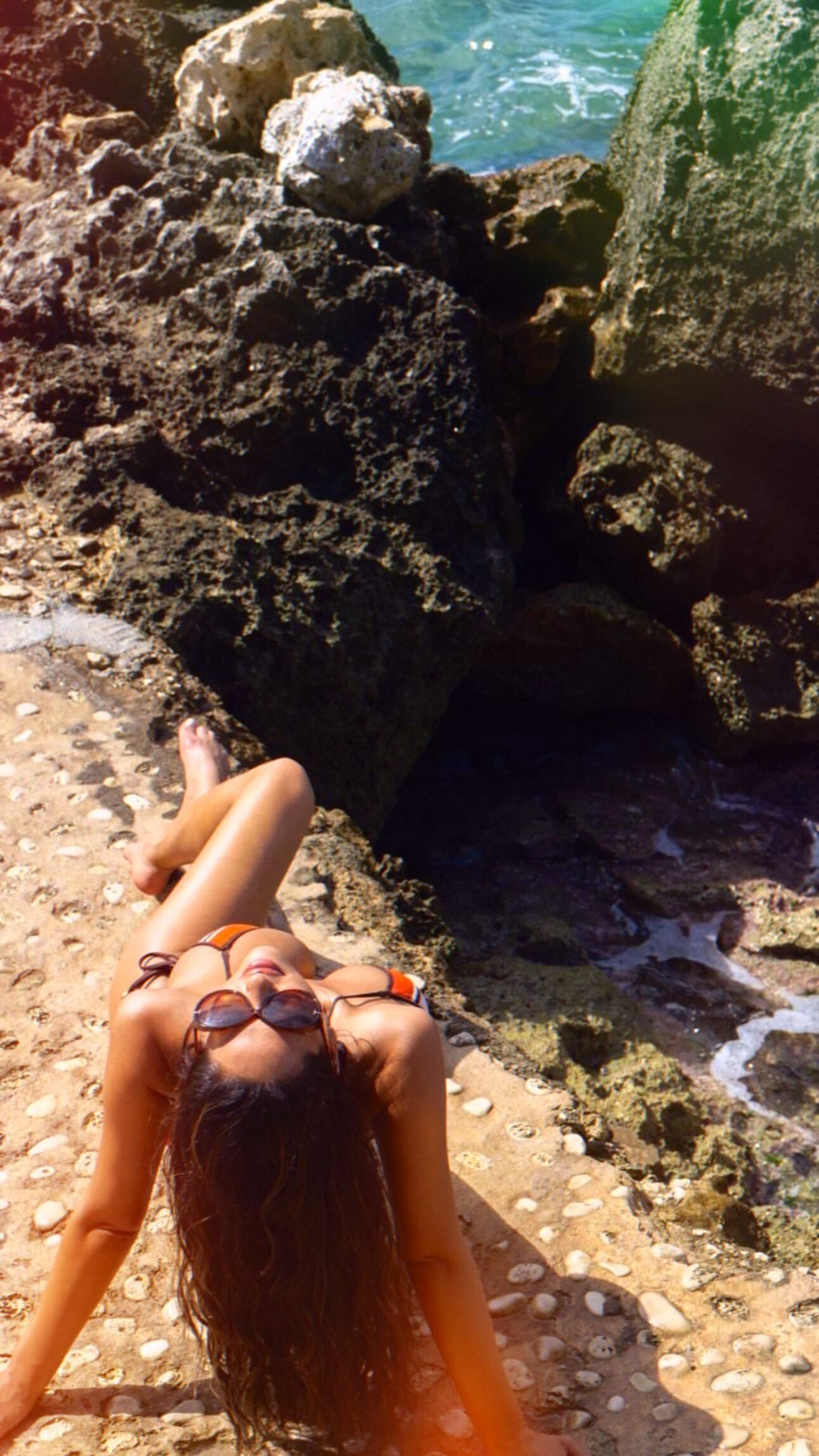
 new/old pics from event in oct:



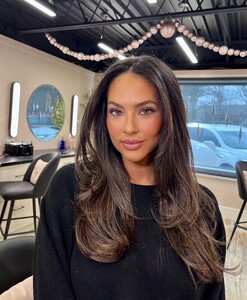
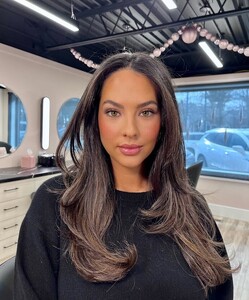
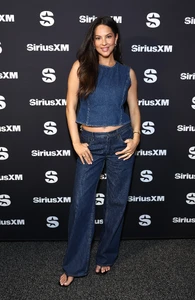
 Video-813.mp4
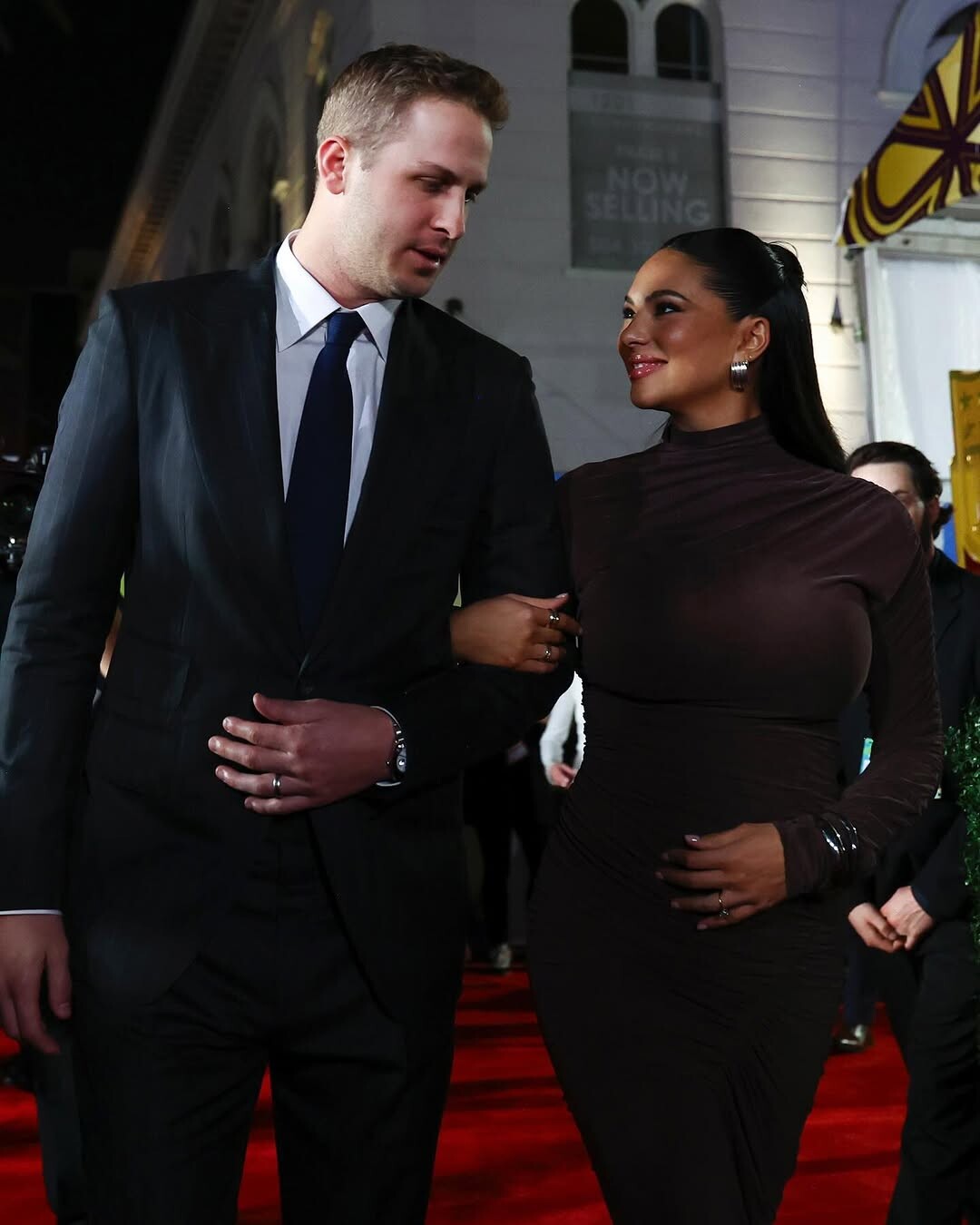
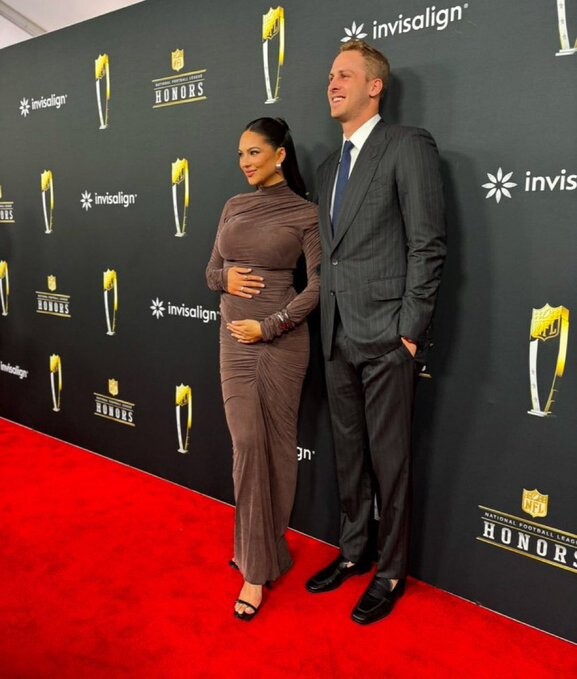
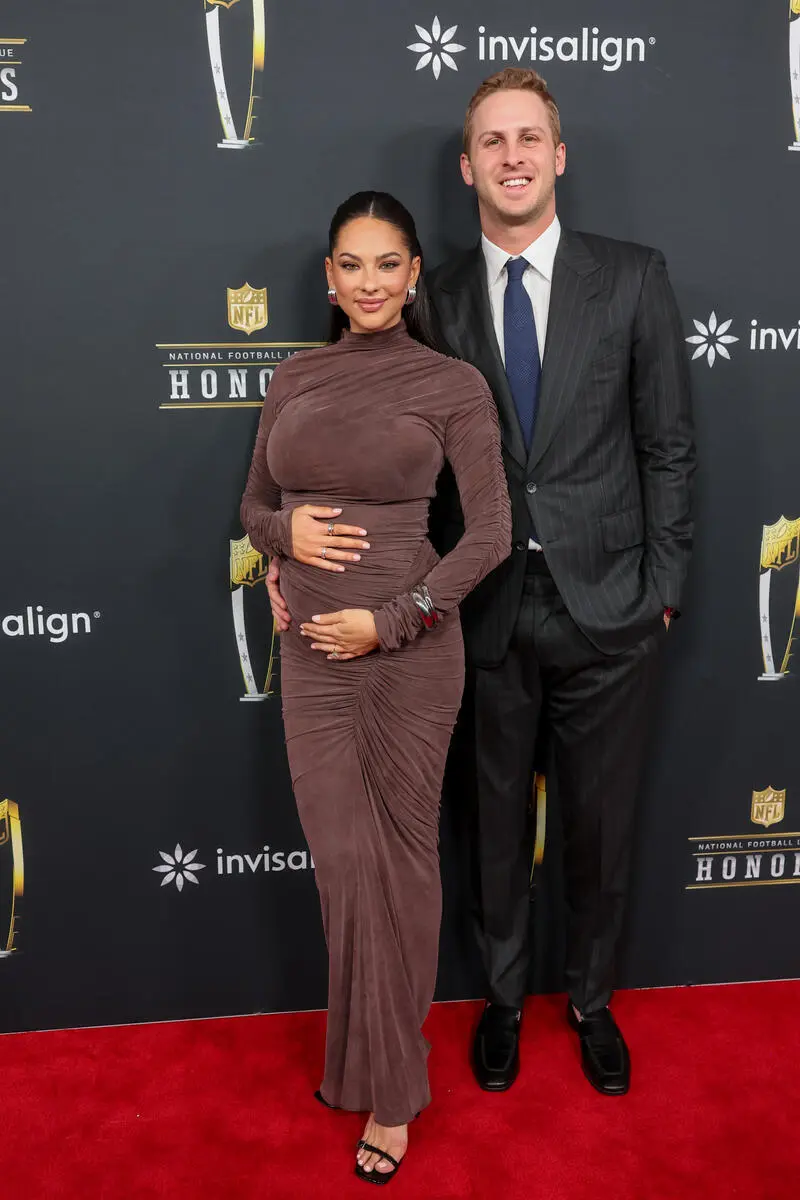
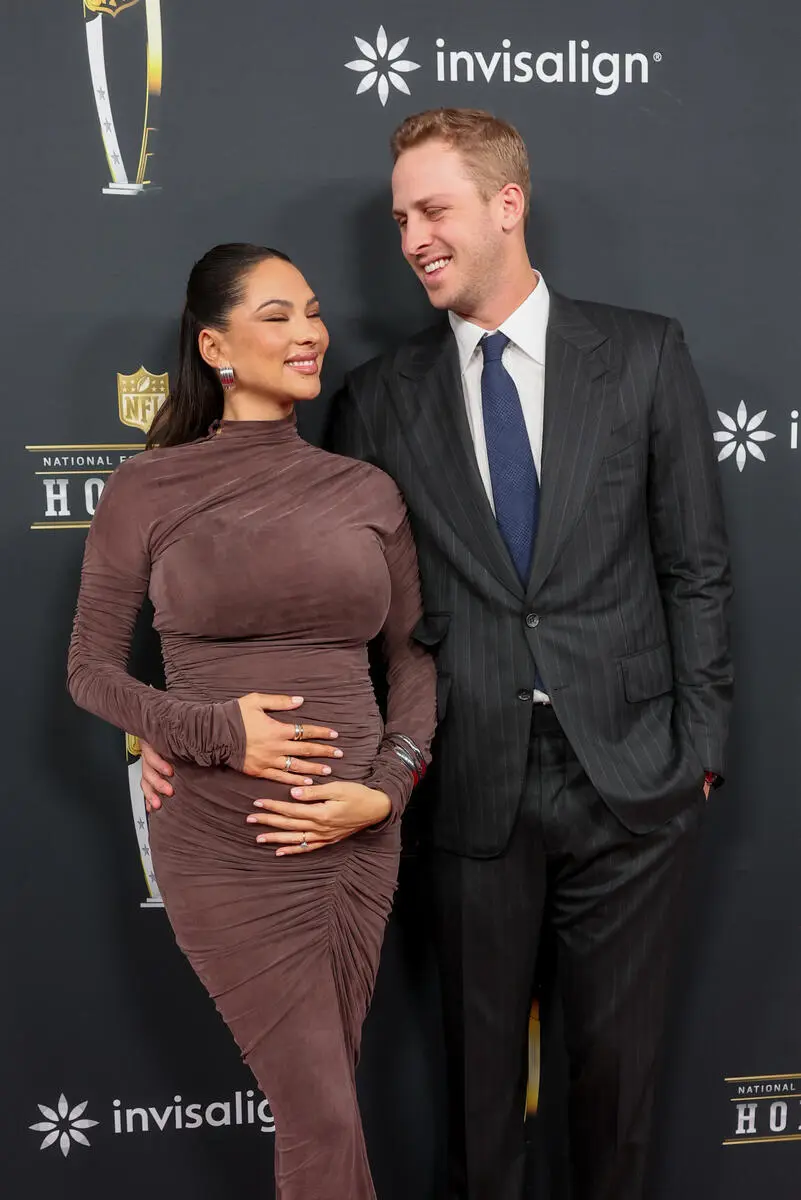
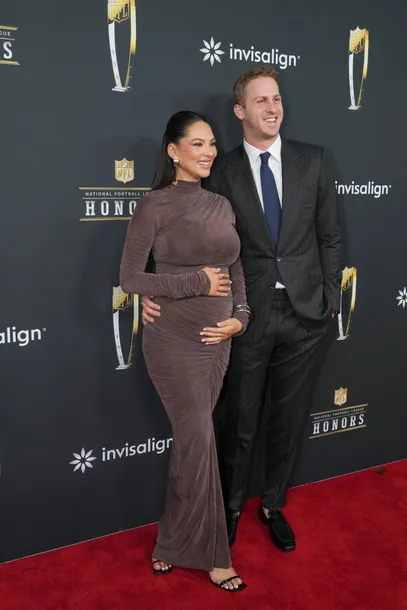
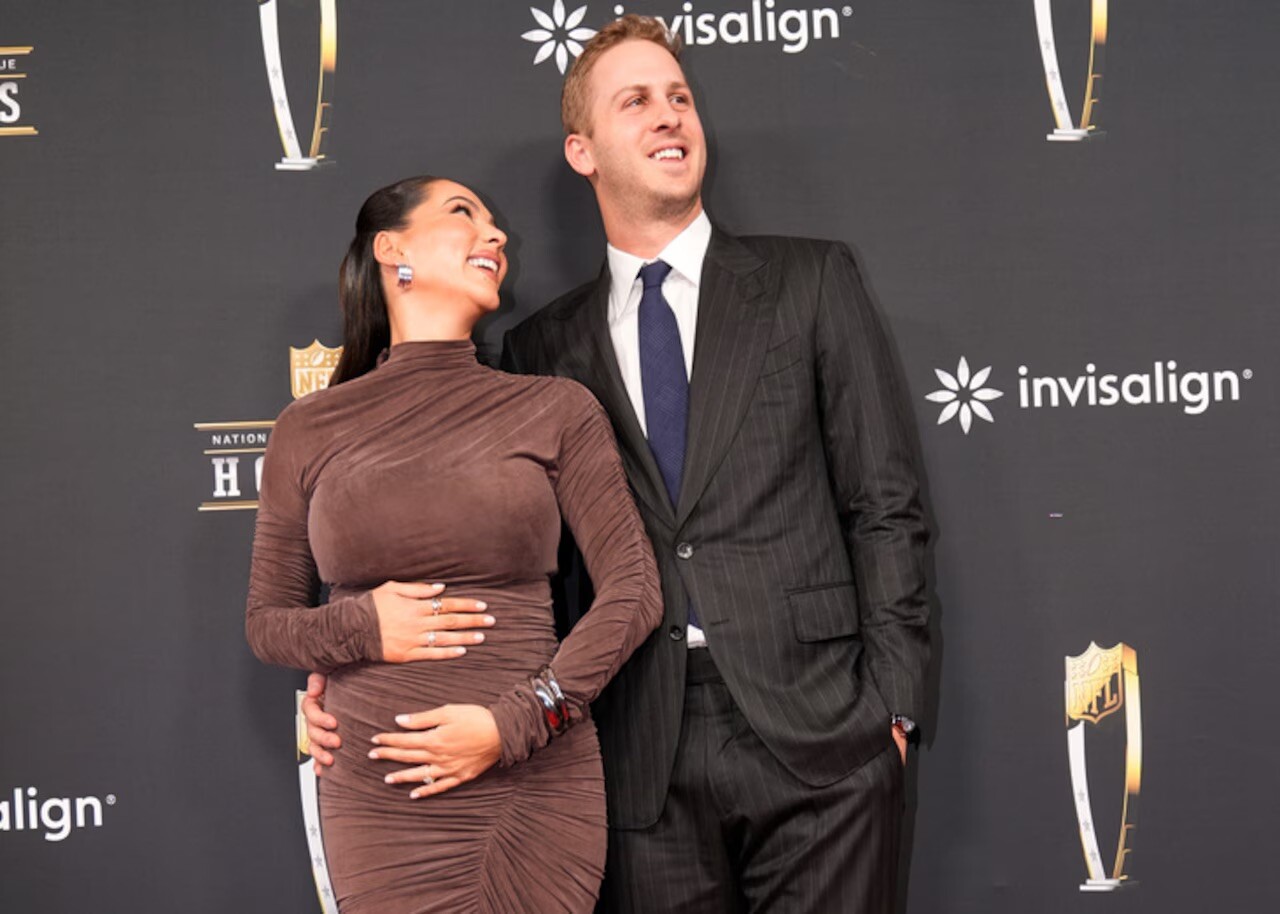
Christen reveals she is pregnant at the NFL Honors. I KNEW IT!
Video-813.mp4
Christen reveals she is pregnant at the NFL Honors. I KNEW IT!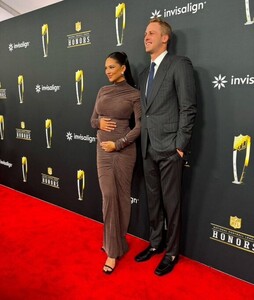
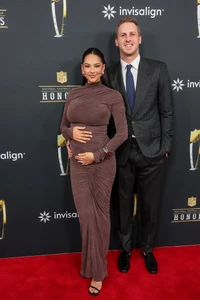
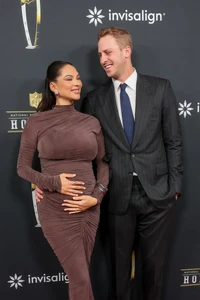
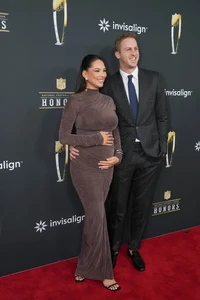
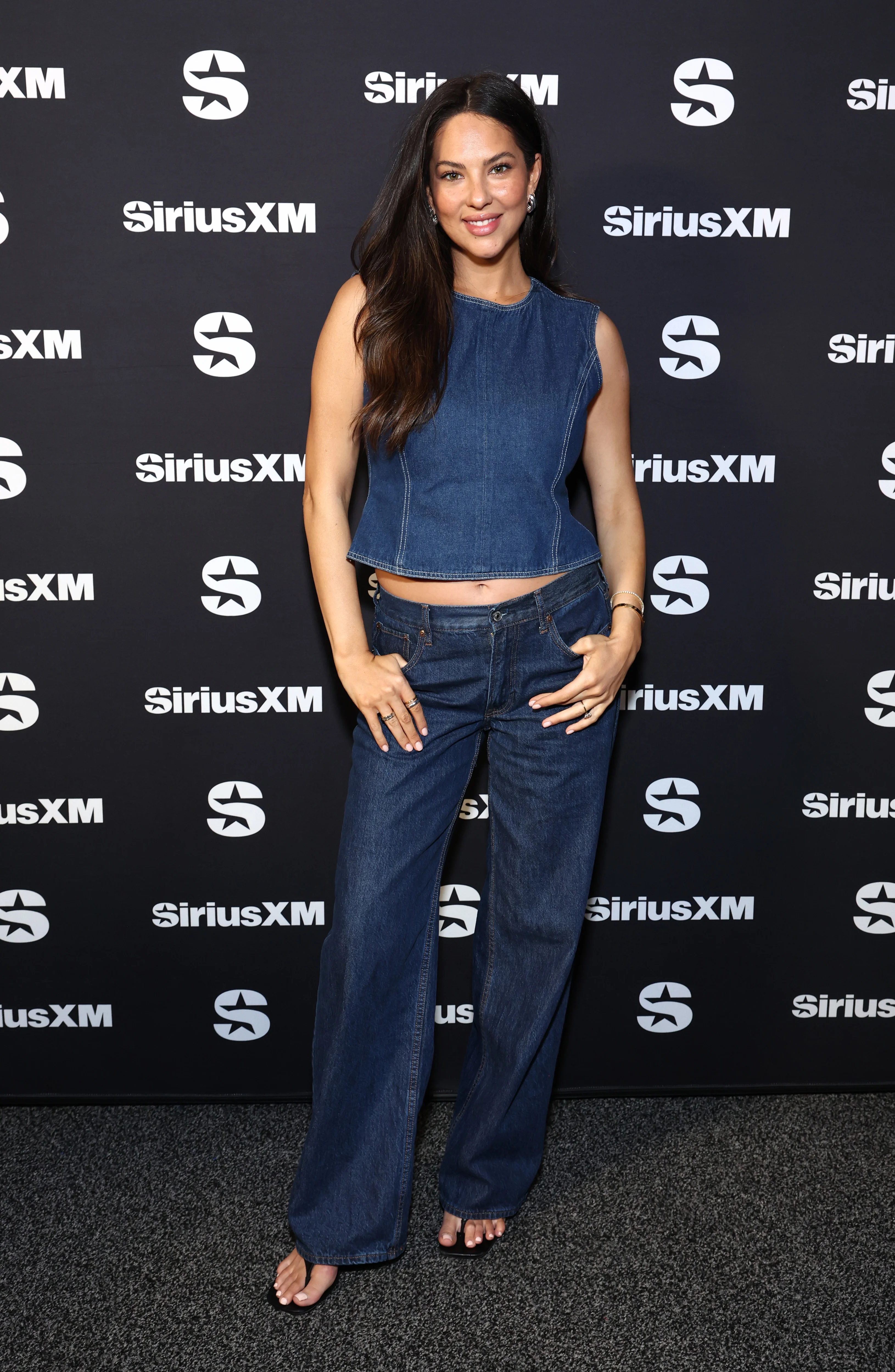
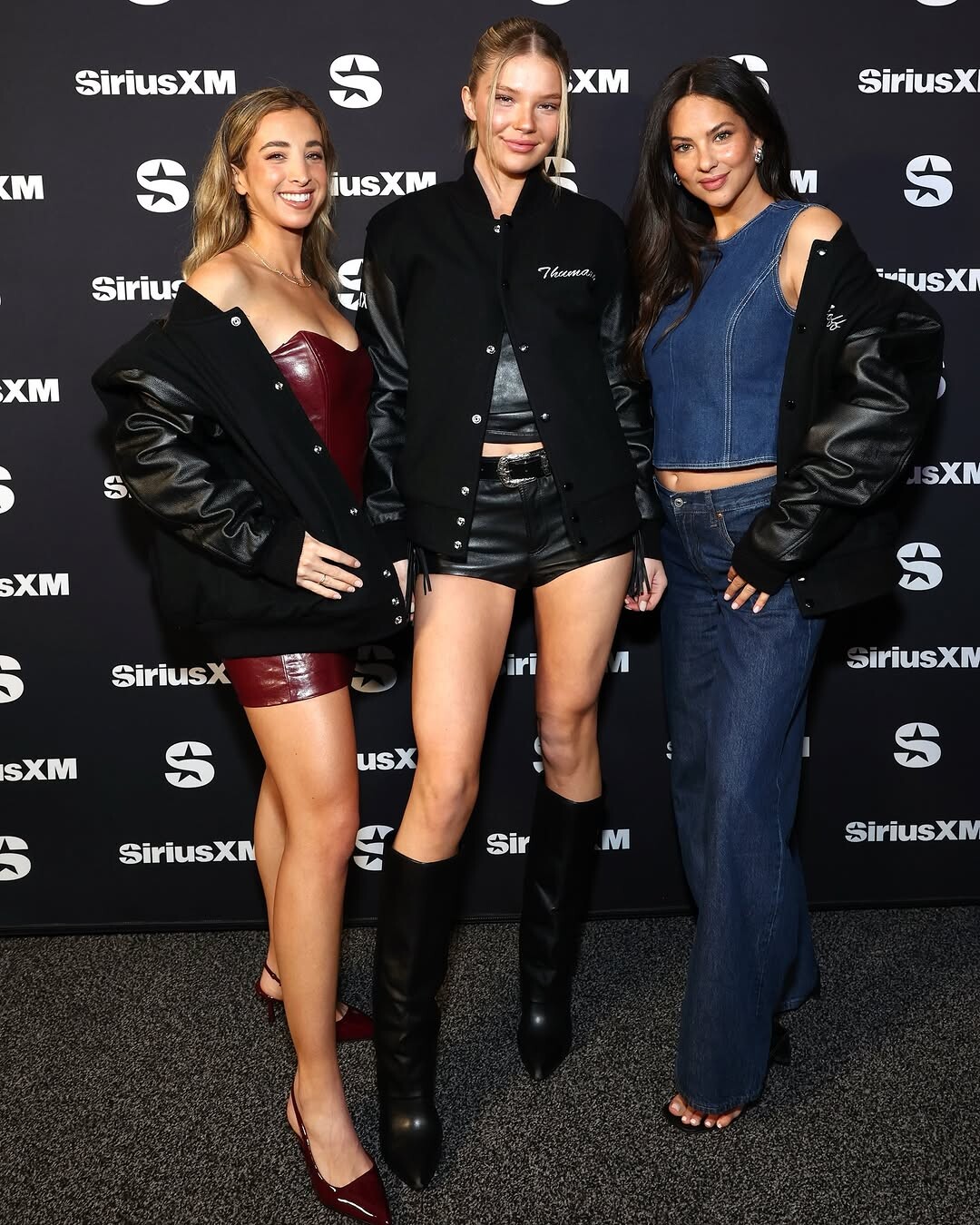
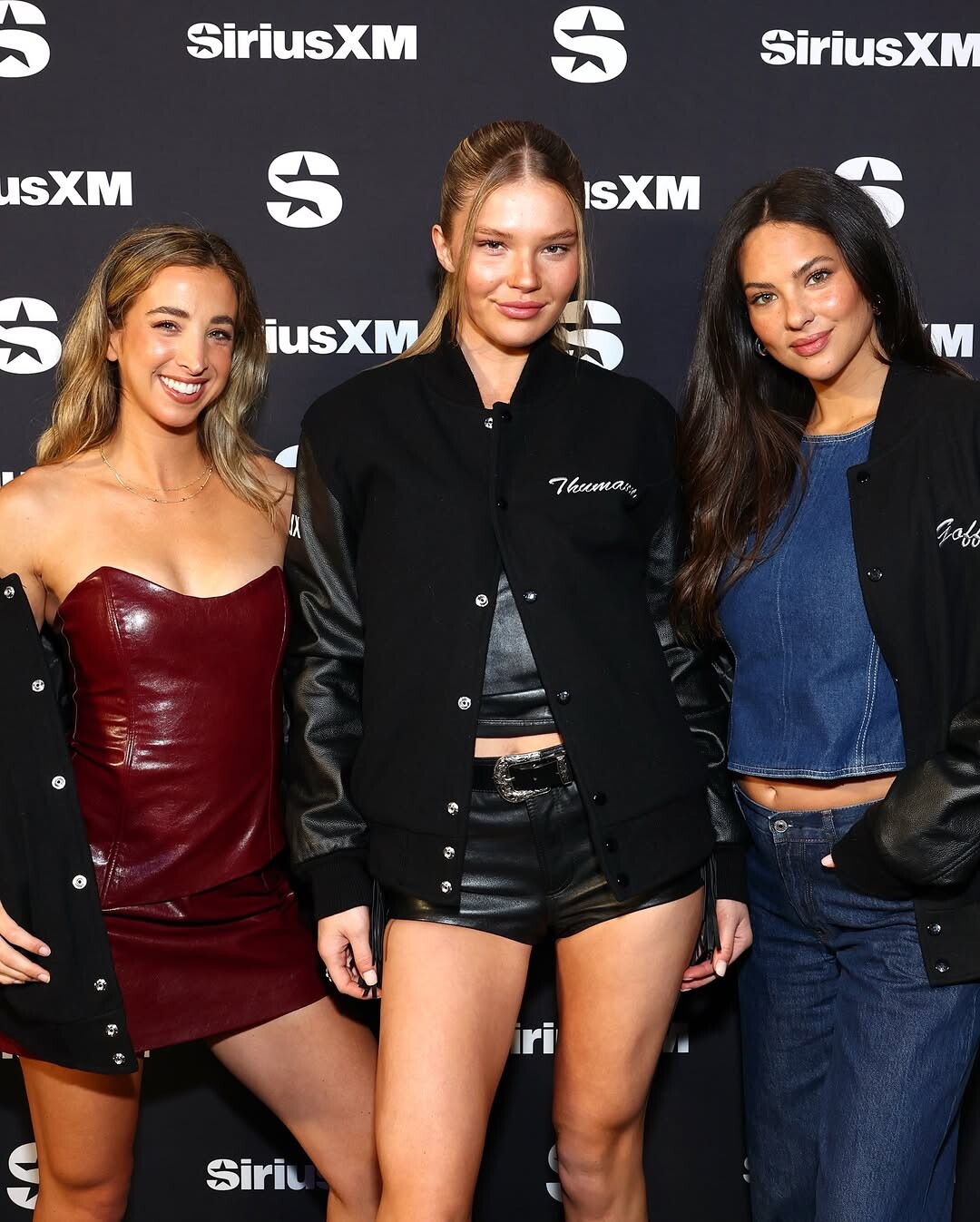
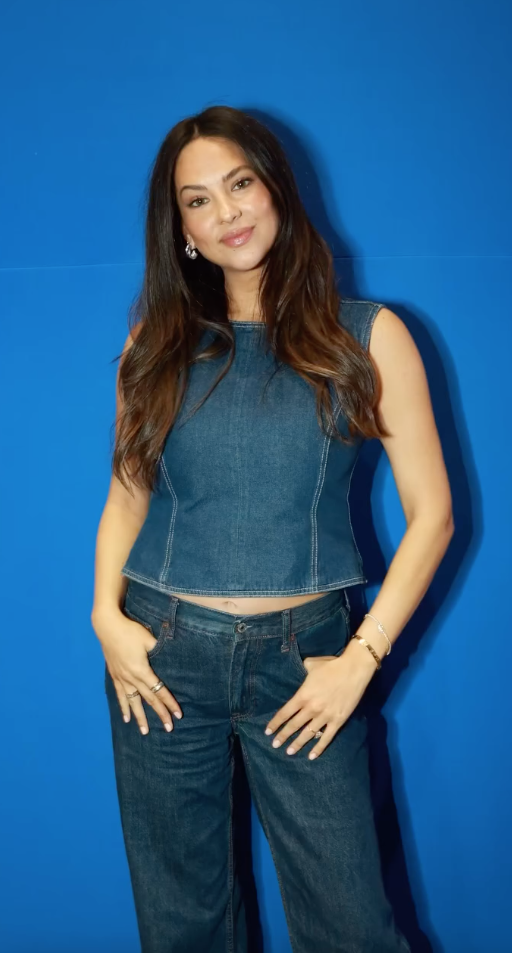
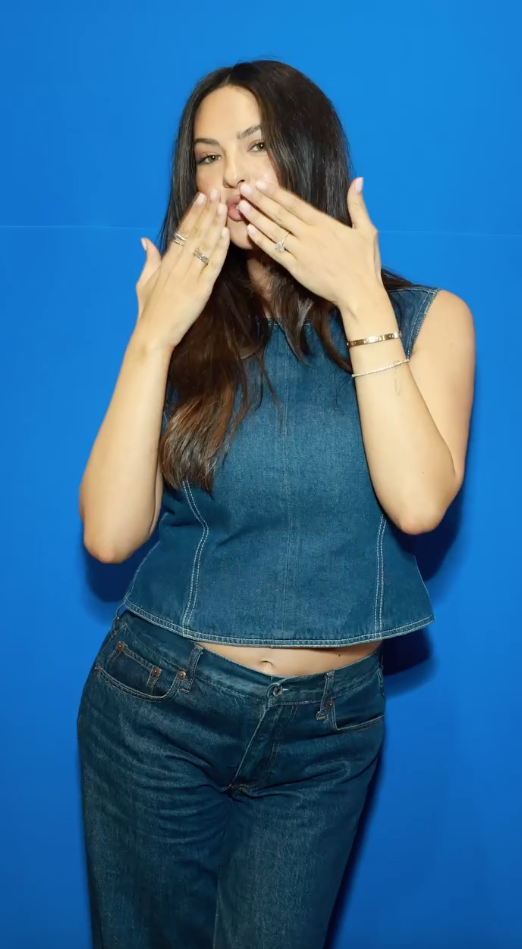
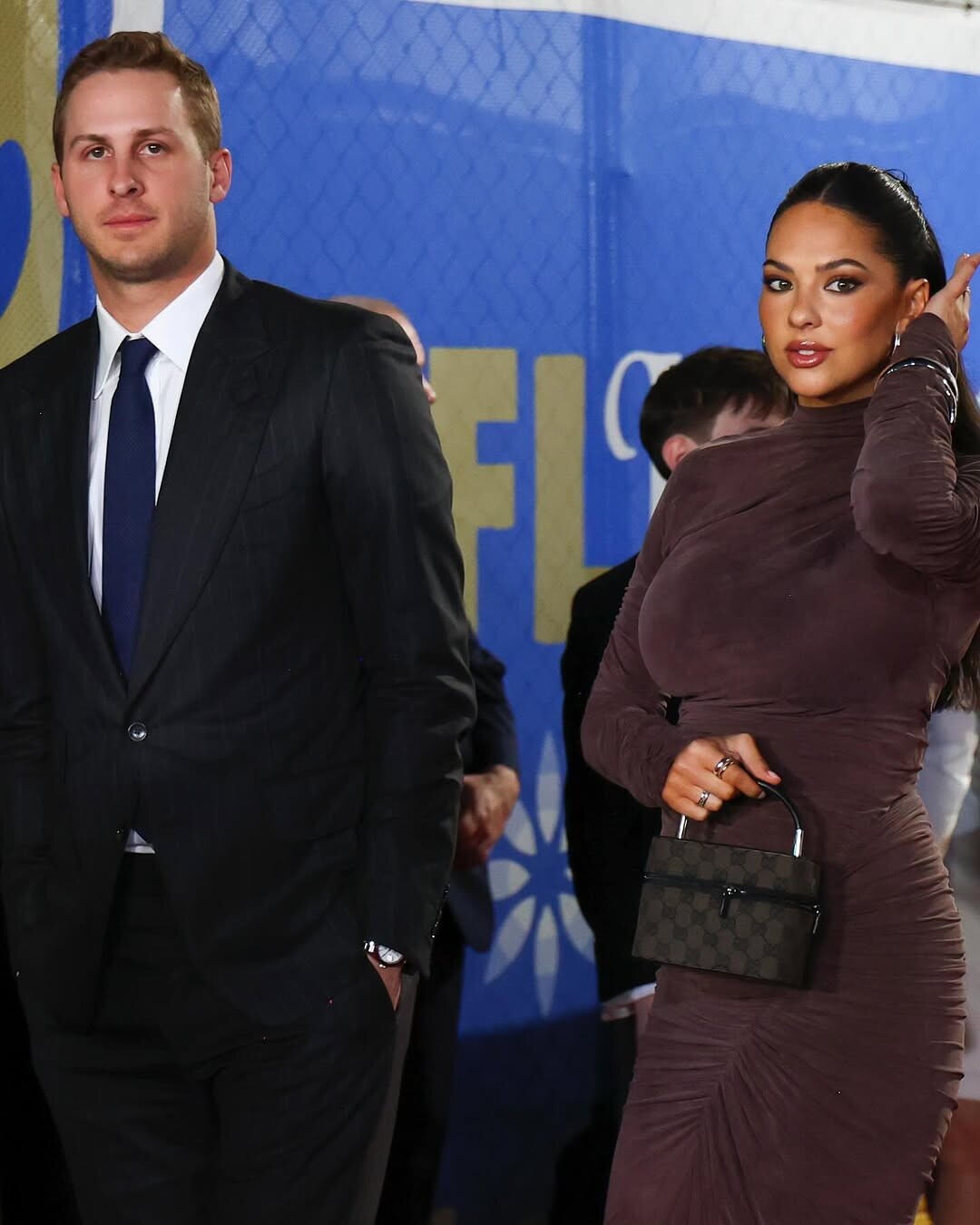
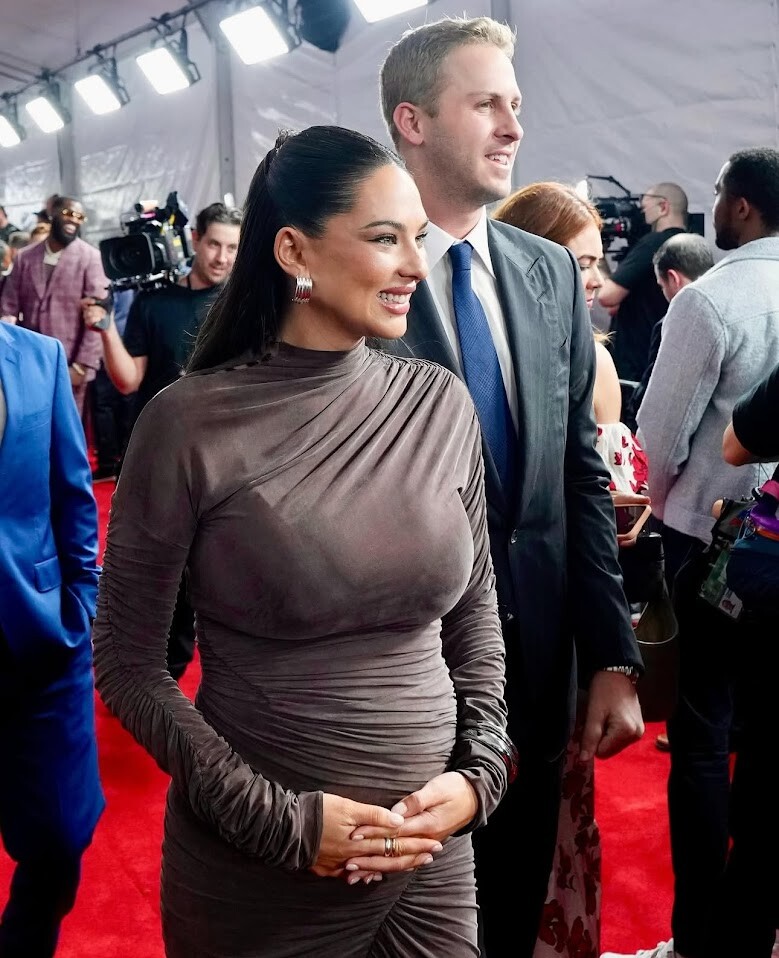
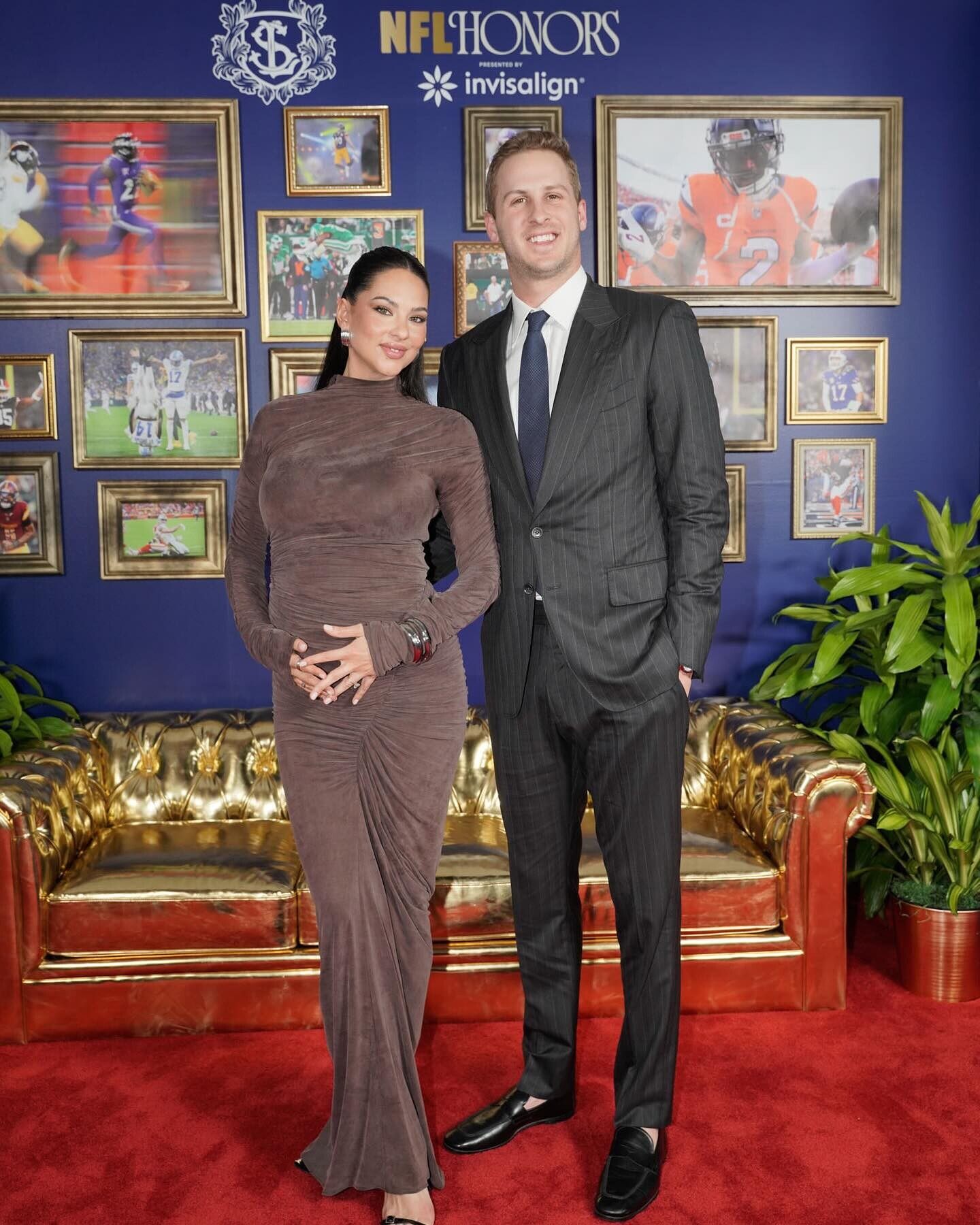
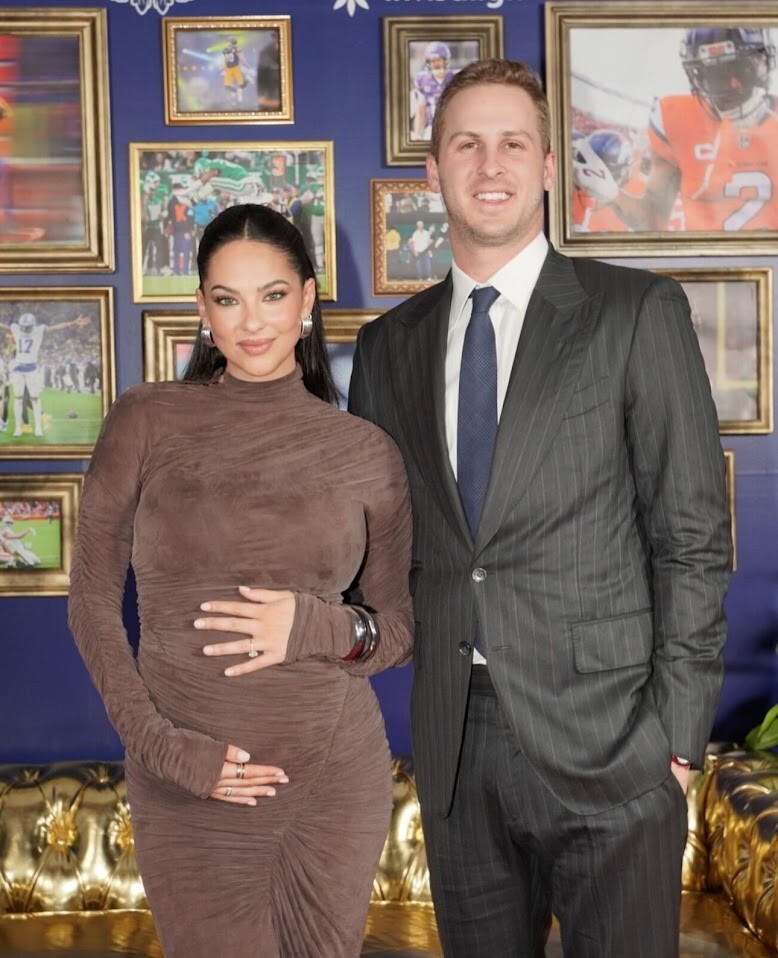
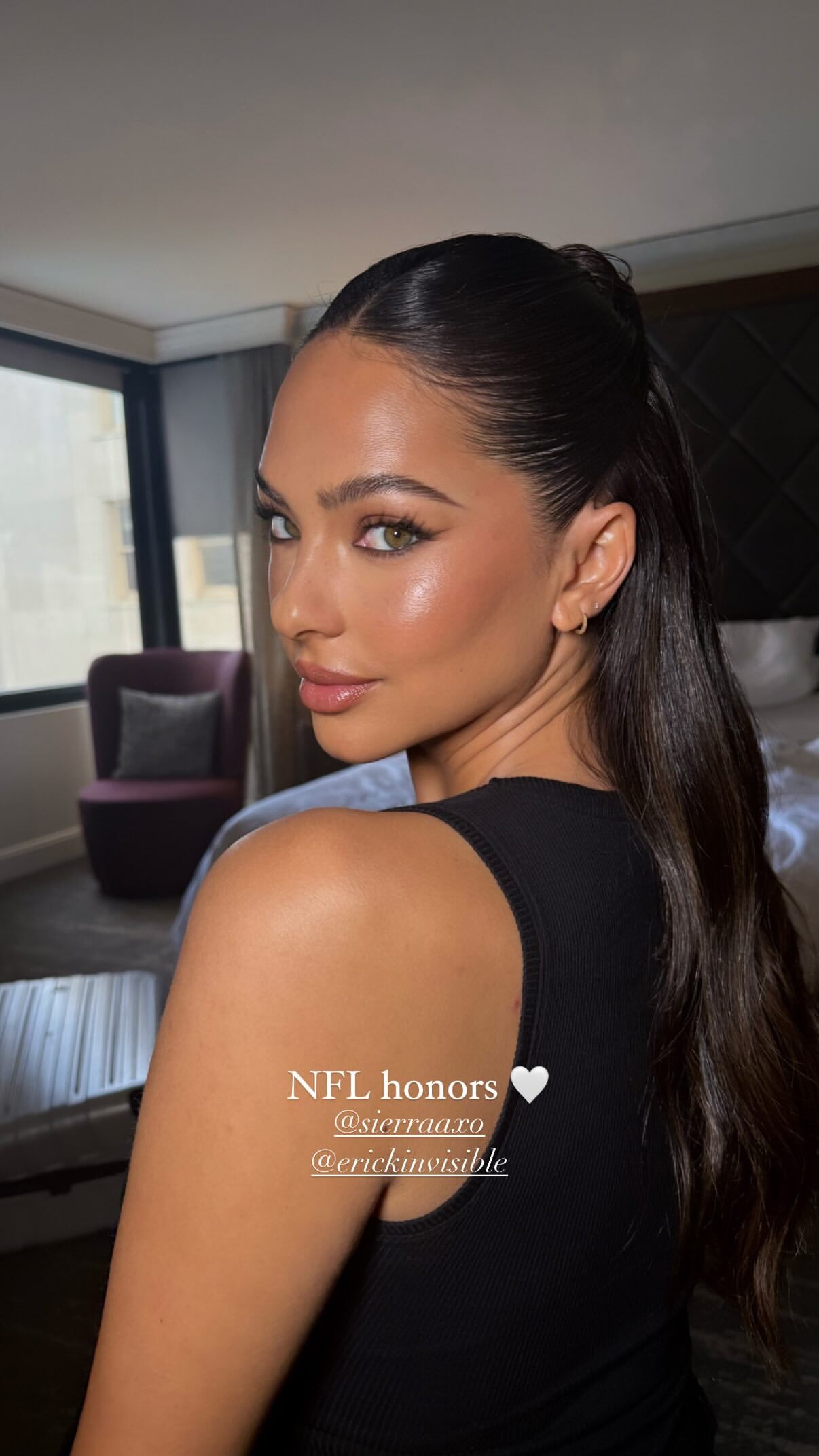
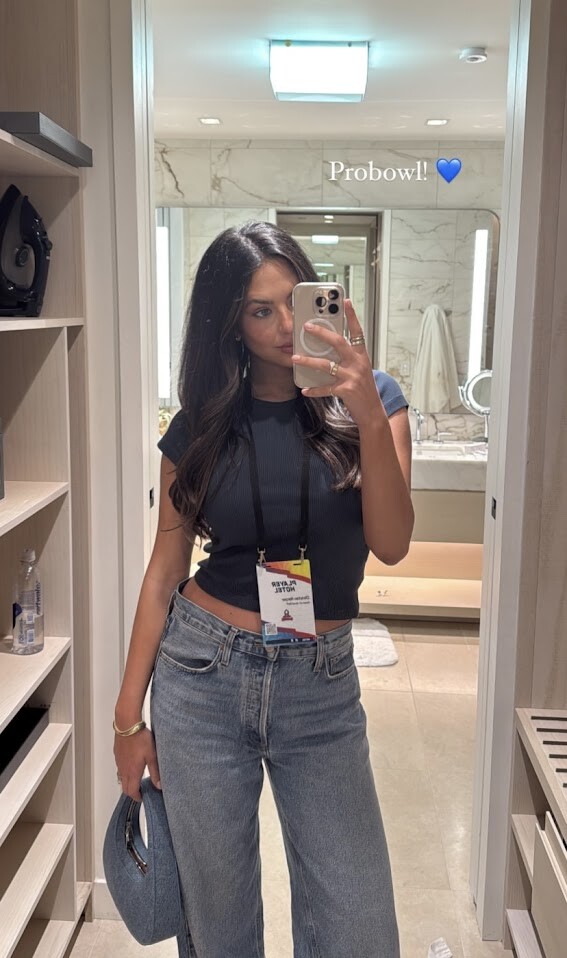
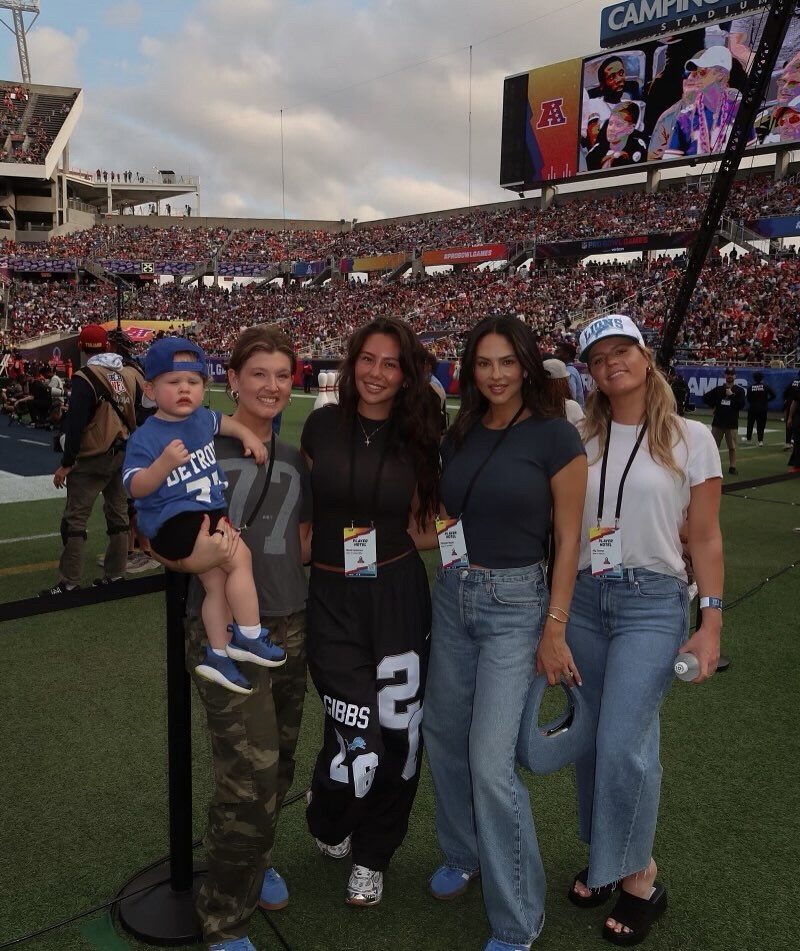
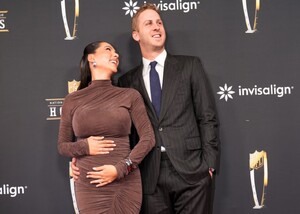 NFL Honors tonight. Will update as more pics come out!
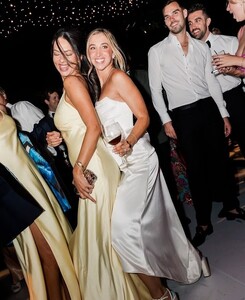
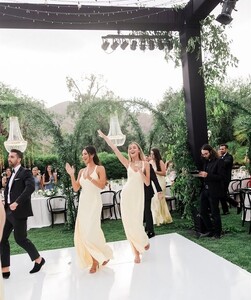
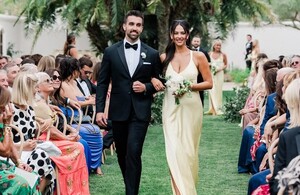
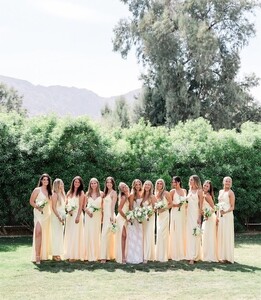
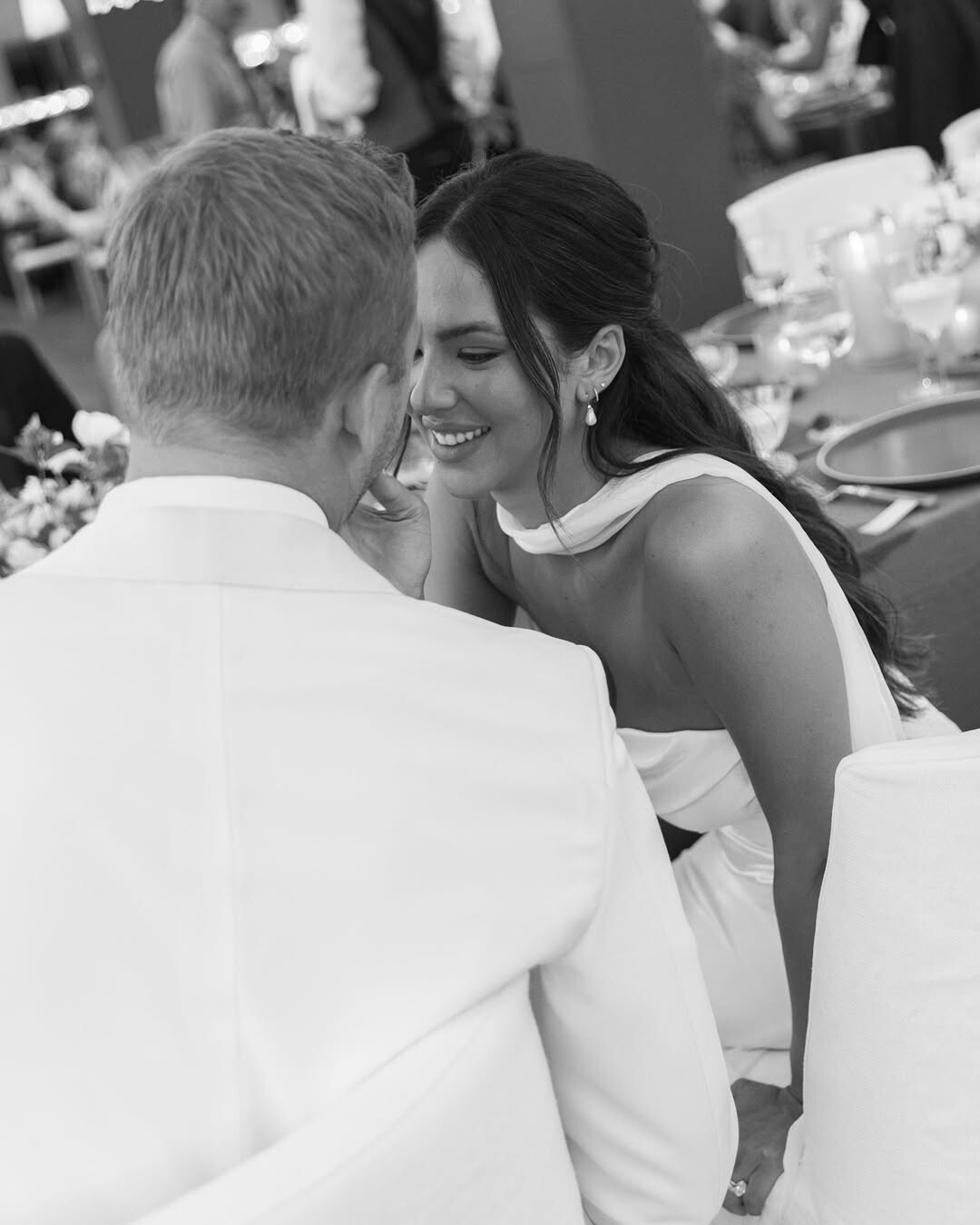
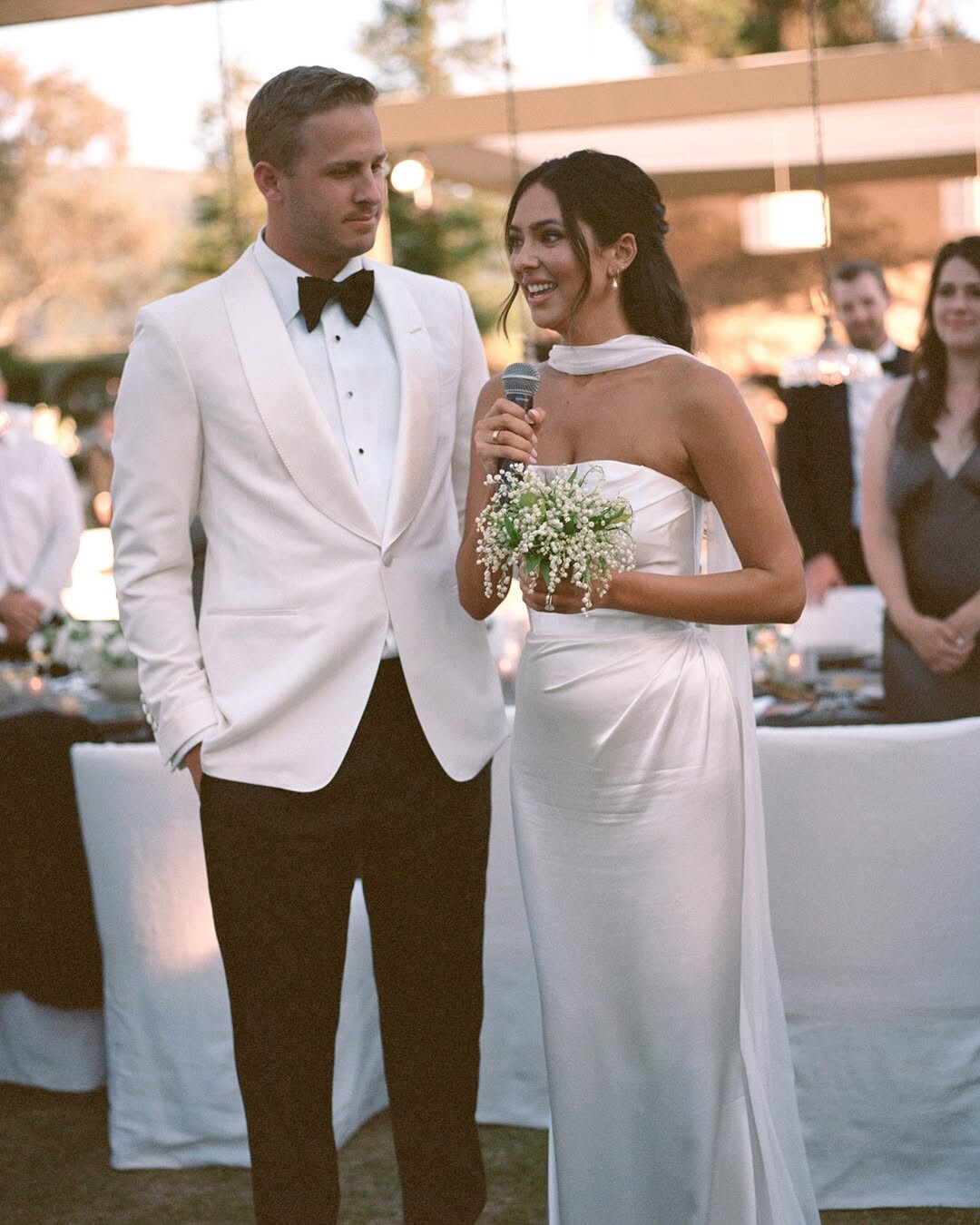
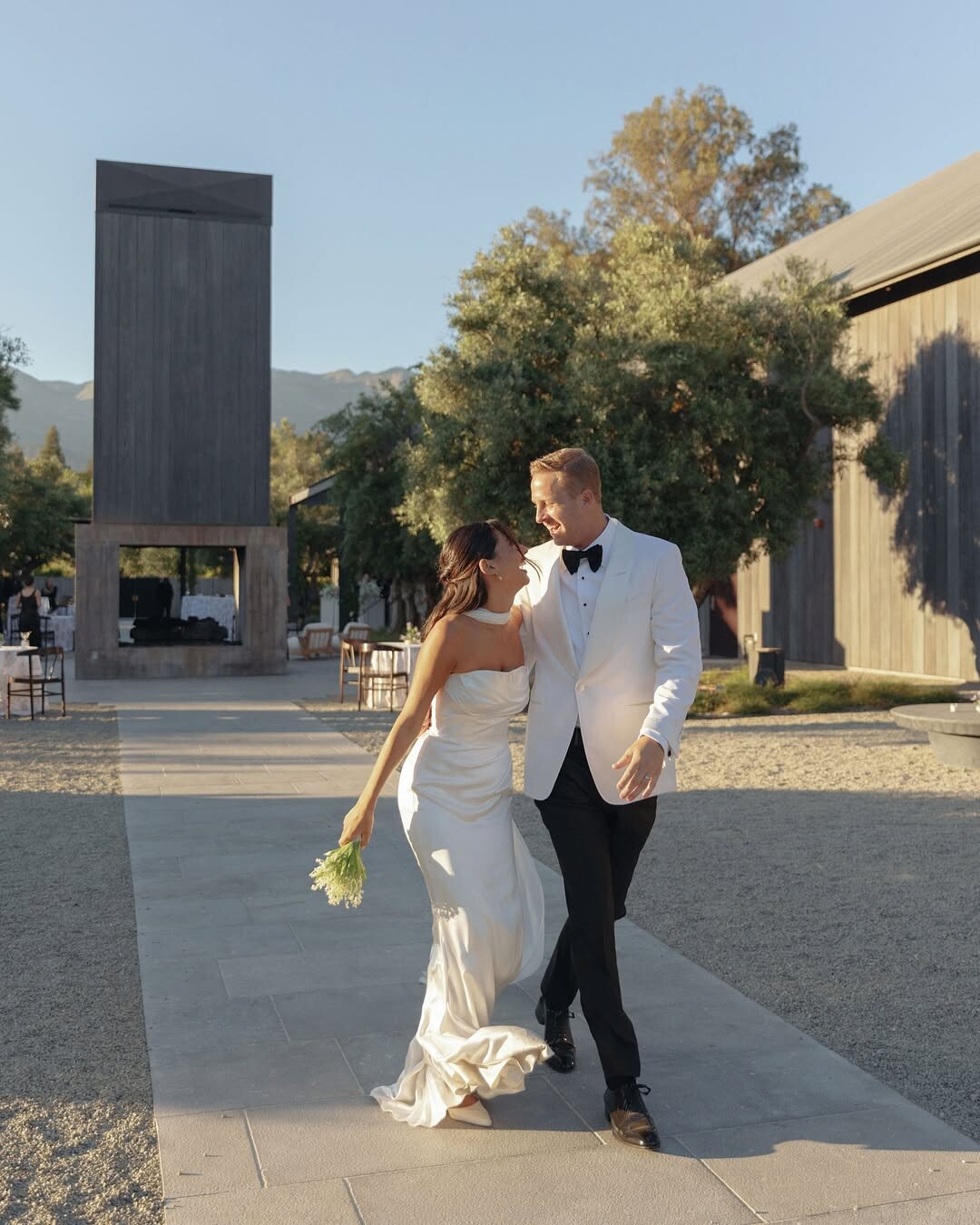
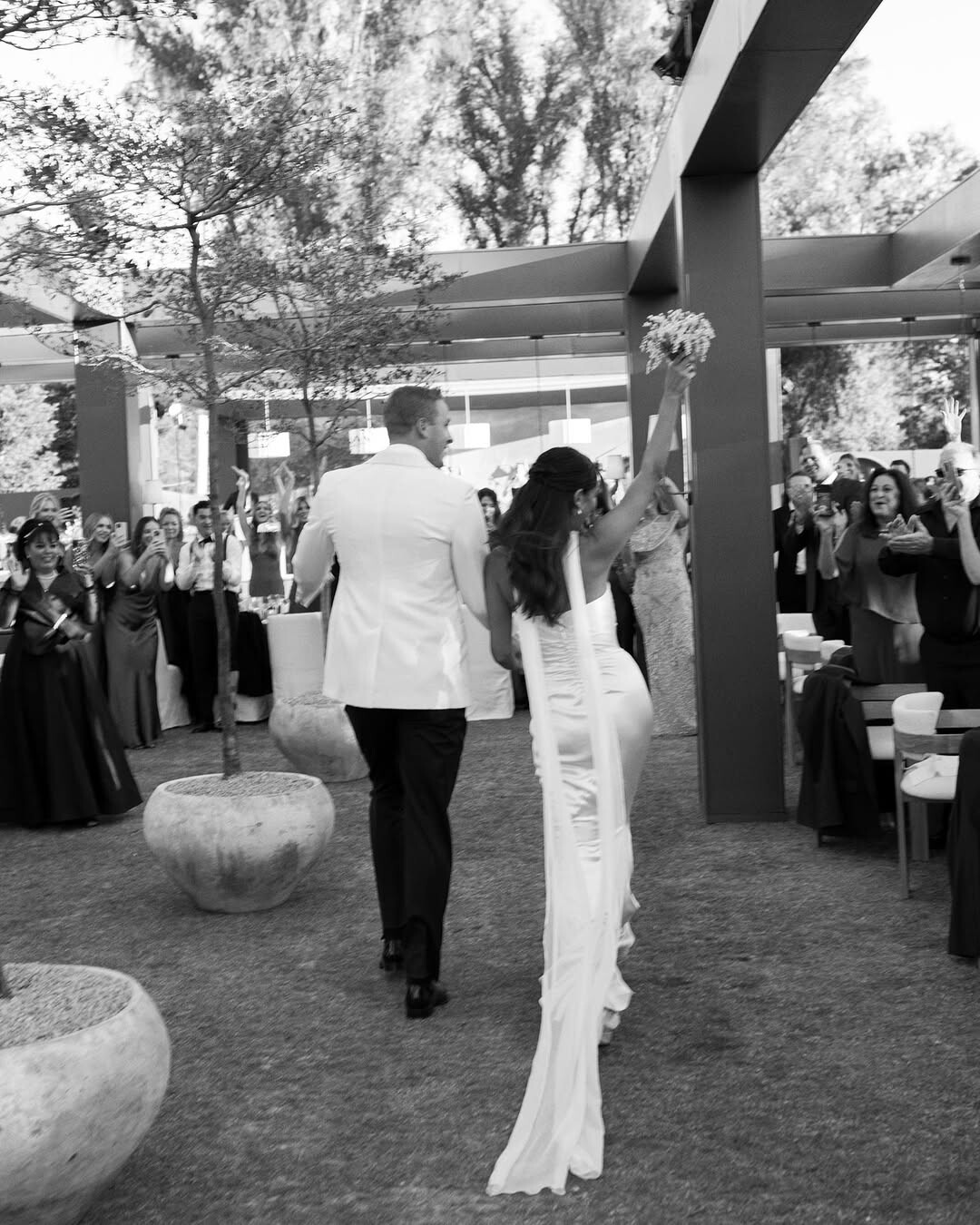
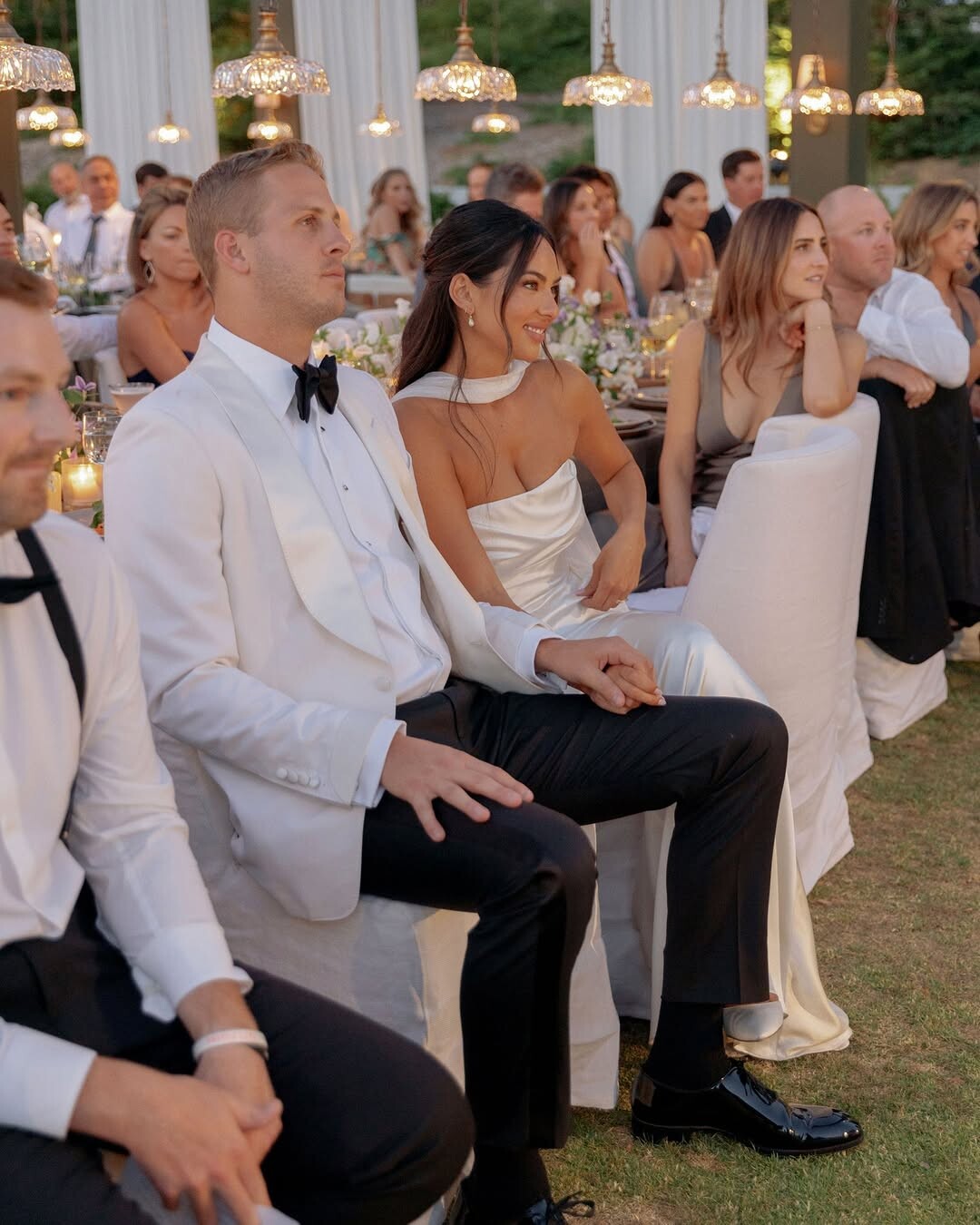
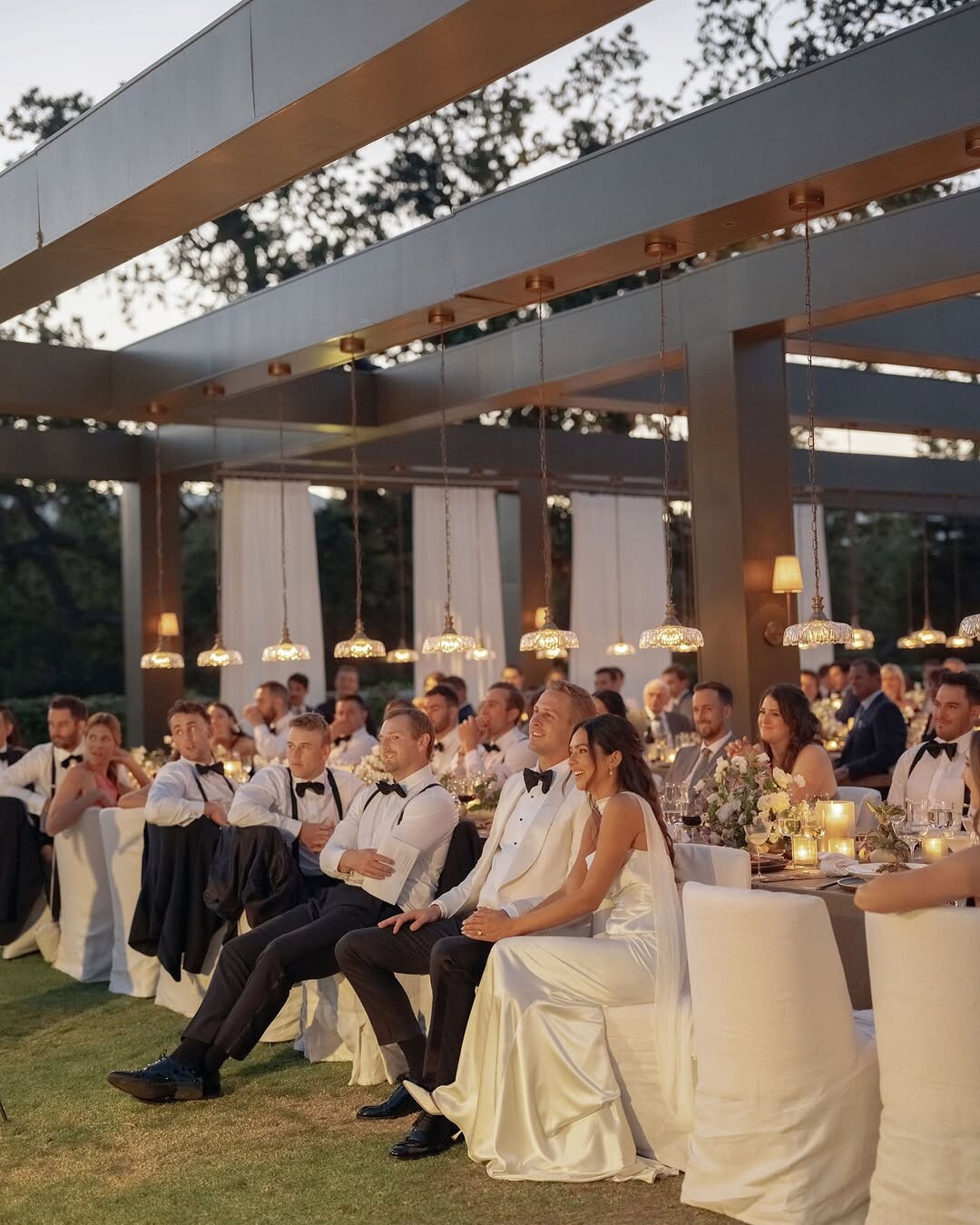
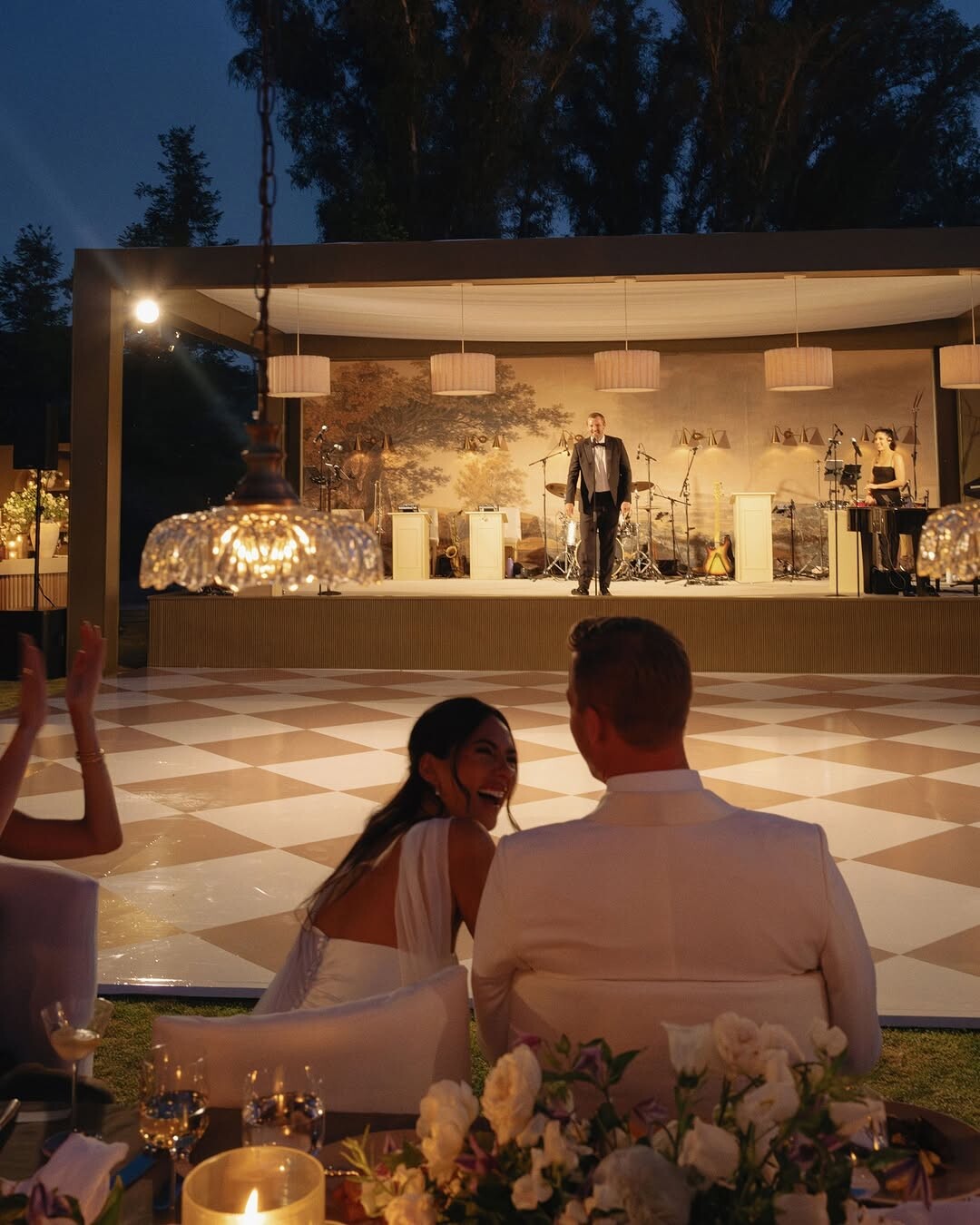
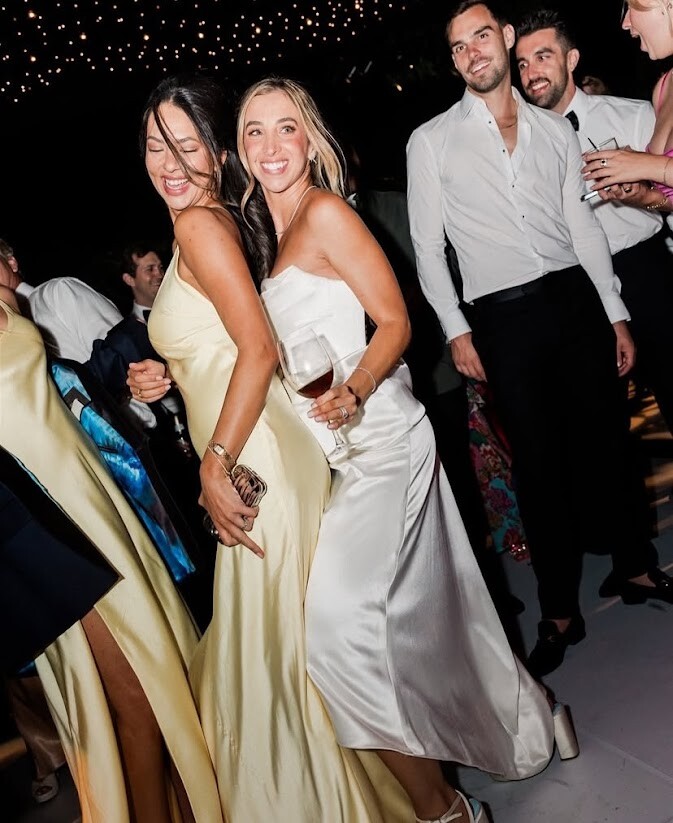
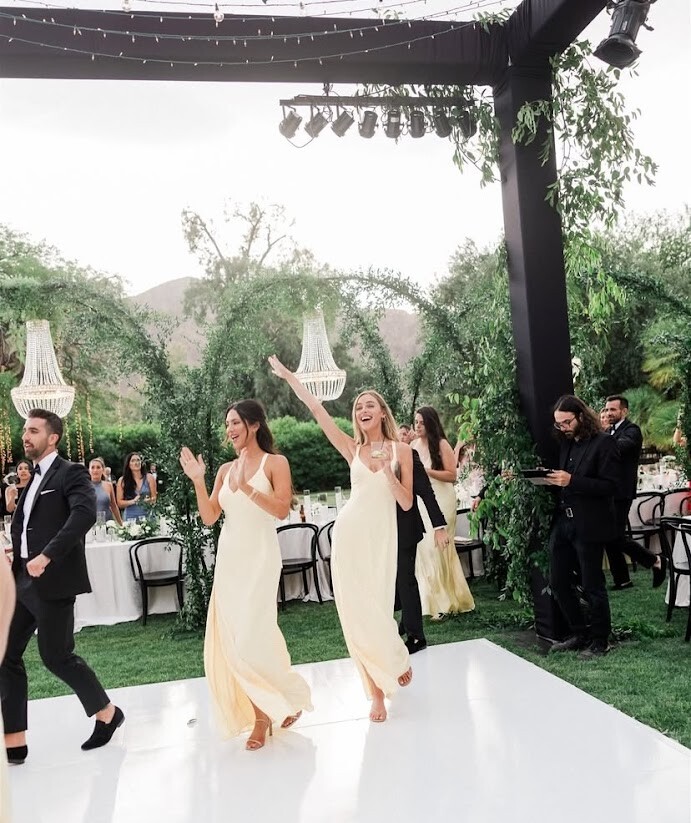
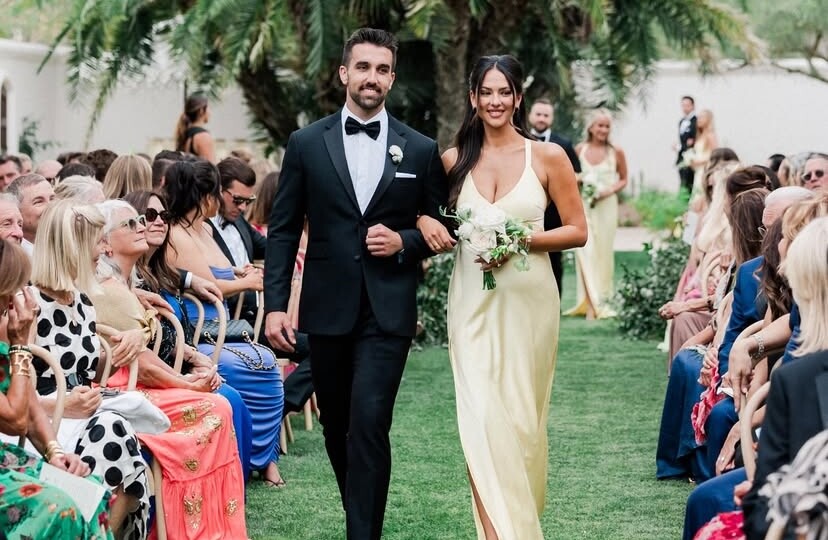
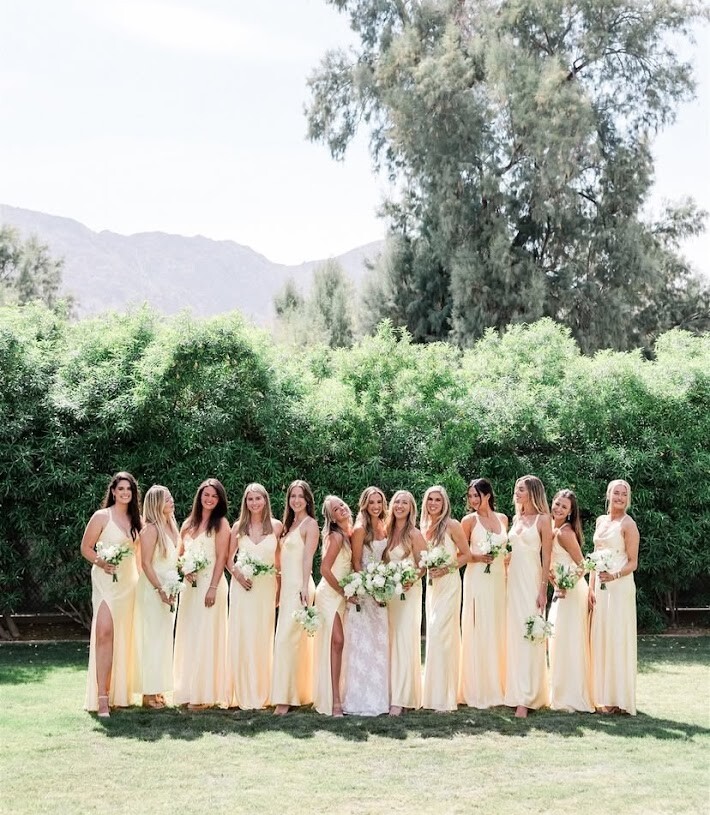
 More wedding pics: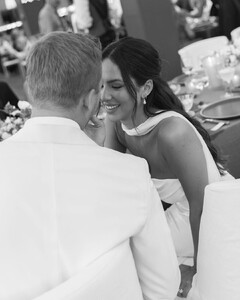
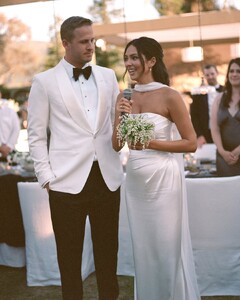
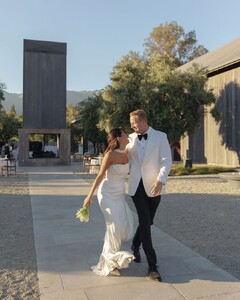



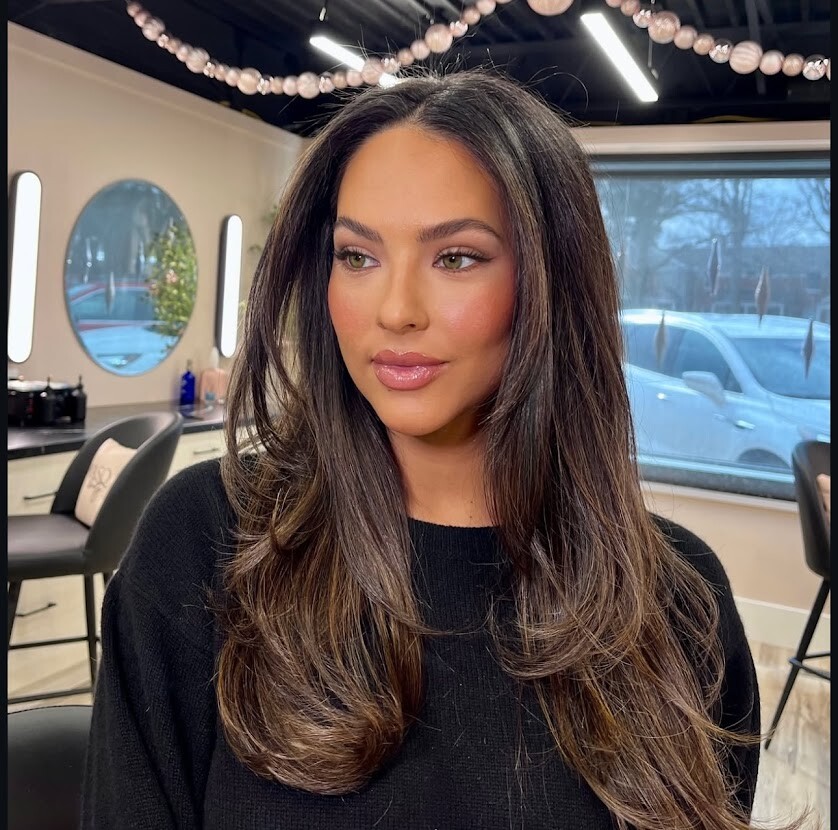
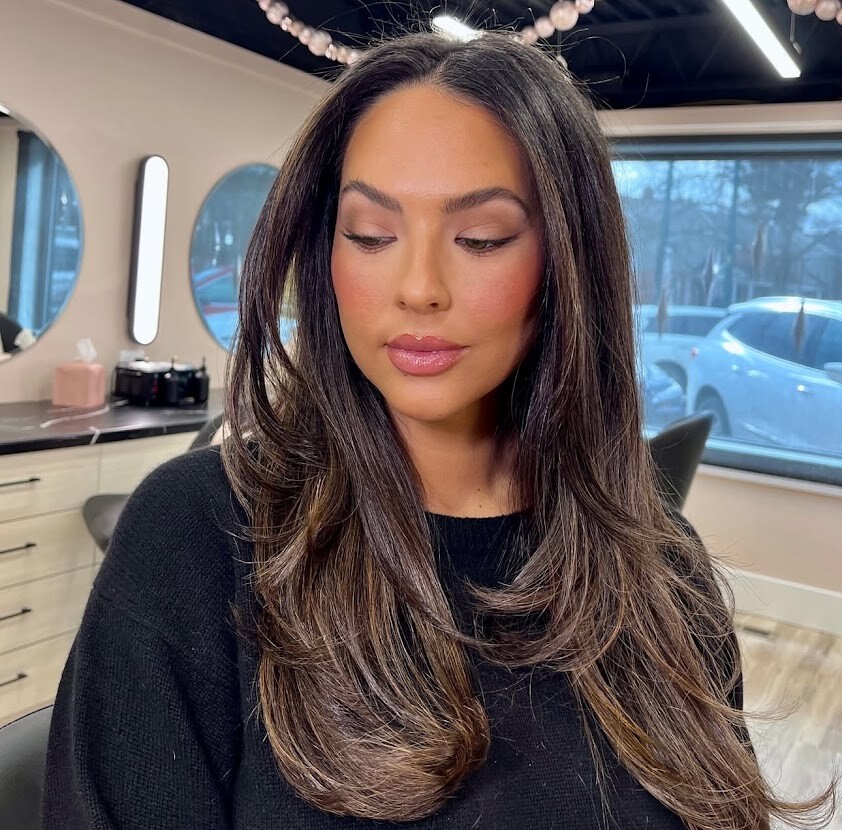
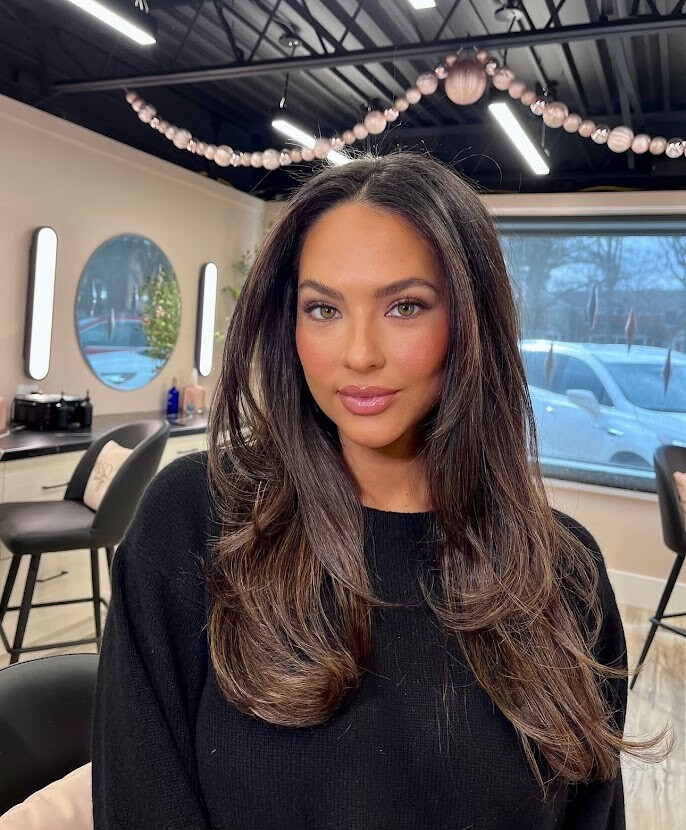
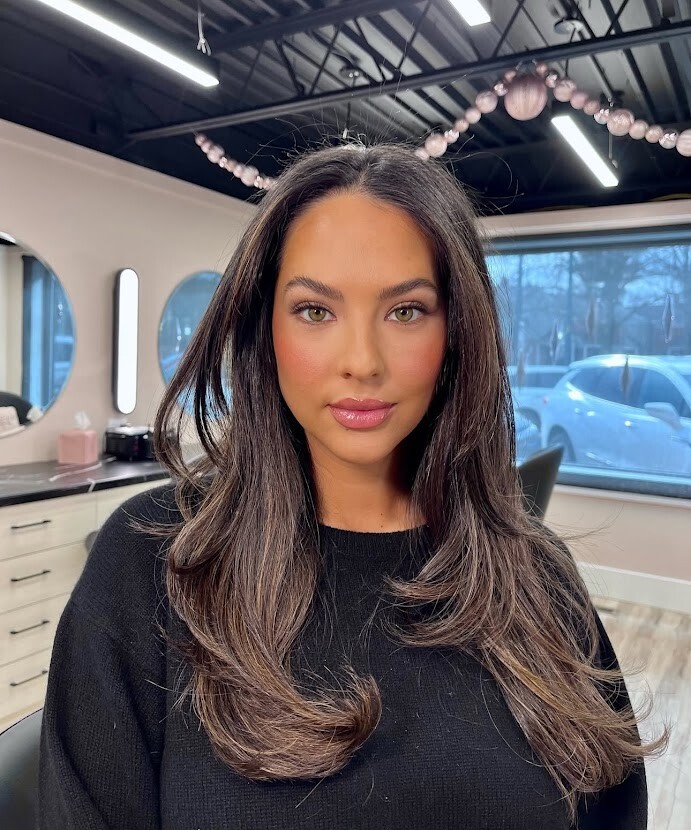
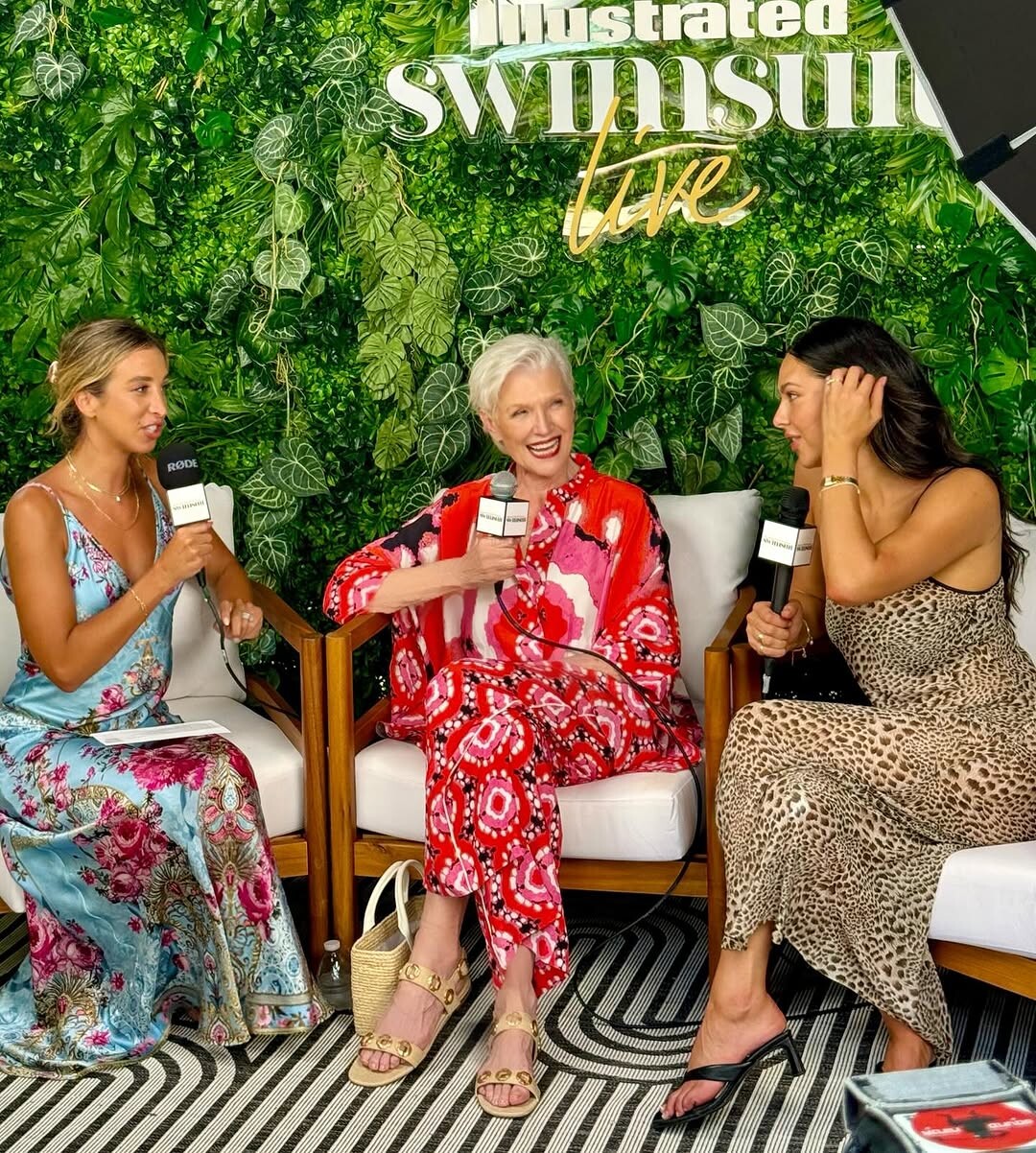
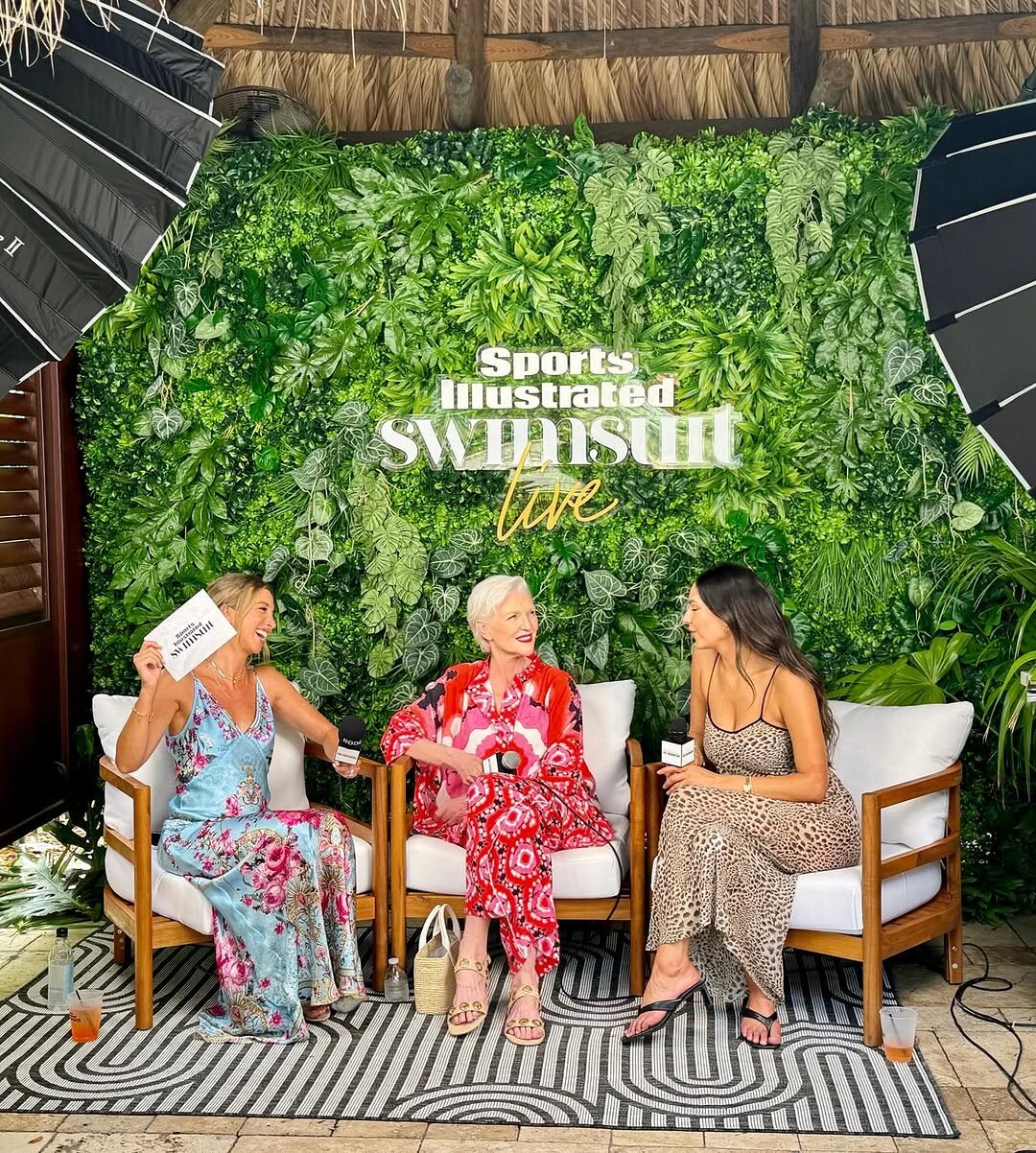
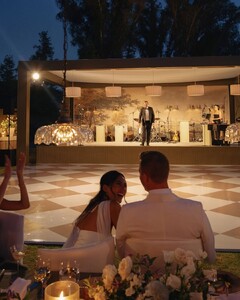 My girl Christen is back for year 5
 Another from cocktail collection: new/old pics: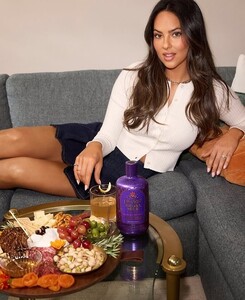



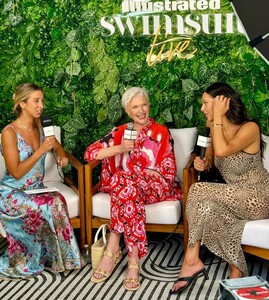
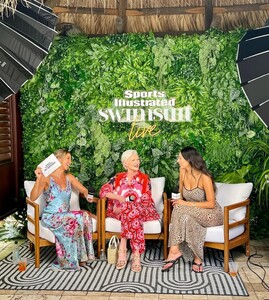
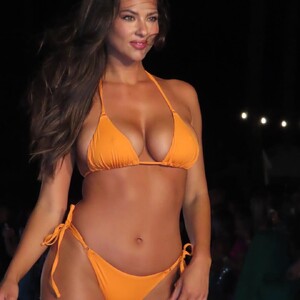 AQMK3RJs5FBLjmh8_Ww9dSL03W3pExhdceQfRgW3KbV1FqqgNp1RXWIyUZBMQ2pXC9g-iMplkO4pOxhOfmo_6ezn0_YTqyEMtlH9Y98.mp4
AQP_w8PgtidscRAK8Y_1B81pEioQoWyJC8cI9Y6F8LmVNw3X1dlf2gzpOtsB7U_kcVe_SvoG_rV2DDqh1vgvzHXl3TFgpmE1EUPT1Hs.mp4
AQMB4Q6fZsIL8EjPXGWU6q52tSyCM2Yz8bmAfObqM-CemJjs14r9ujcJEJ3bSjVWJNesOCCC-dj0g5fuVpVwHaoQGa2kU9miegB02QQ.mp4 AQMoLRUElUO4bECloviz9jg5iMKcmzAgryjG9gPXaZObCFxo0UG7SWPTlFpk5yrtBiyfD-c4CPkzzpJfBICjrzi59KjBWIcCYX8Cljc..mp4
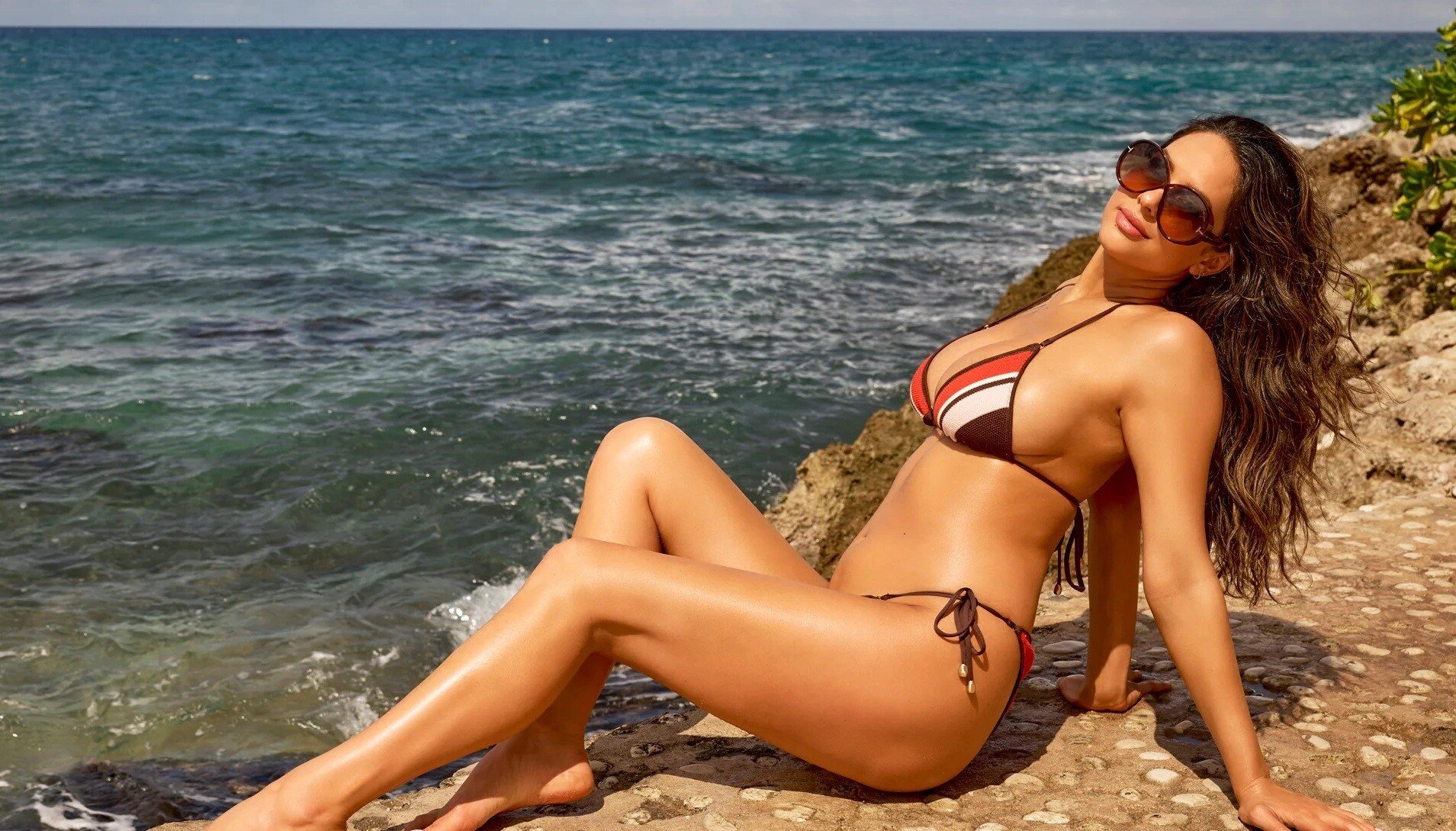
https://swimsuit.si.com/reveal/introducing-christen-goff-si-swimsuit-2025?fbclid=PAZXh0bgNhZW0CMTEAAabdvgxDIOGAb94K2uddgNGqs5-SEsB4lbDaRbbVqTdHuN8pZZZj_g1Stww_aem_P3lYxSASlj_ksp9z7AQwFw
AQMK3RJs5FBLjmh8_Ww9dSL03W3pExhdceQfRgW3KbV1FqqgNp1RXWIyUZBMQ2pXC9g-iMplkO4pOxhOfmo_6ezn0_YTqyEMtlH9Y98.mp4
AQP_w8PgtidscRAK8Y_1B81pEioQoWyJC8cI9Y6F8LmVNw3X1dlf2gzpOtsB7U_kcVe_SvoG_rV2DDqh1vgvzHXl3TFgpmE1EUPT1Hs.mp4
AQMB4Q6fZsIL8EjPXGWU6q52tSyCM2Yz8bmAfObqM-CemJjs14r9ujcJEJ3bSjVWJNesOCCC-dj0g5fuVpVwHaoQGa2kU9miegB02QQ.mp4 AQMoLRUElUO4bECloviz9jg5iMKcmzAgryjG9gPXaZObCFxo0UG7SWPTlFpk5yrtBiyfD-c4CPkzzpJfBICjrzi59KjBWIcCYX8Cljc..mp4
https://swimsuit.si.com/reveal/introducing-christen-goff-si-swimsuit-2025?fbclid=PAZXh0bgNhZW0CMTEAAabdvgxDIOGAb94K2uddgNGqs5-SEsB4lbDaRbbVqTdHuN8pZZZj_g1Stww_aem_P3lYxSASlj_ksp9z7AQwFw Our girl is back for SI year four! @christengoff returns for her fourth year in the 2025 SI Swimsuit issue. Tap the link in our bio to see her first official image from this year’s shoot. @visitjamaica #visitjamaica@breathlessmontegobay @breathlessresorts@roundhillresort #.mp4
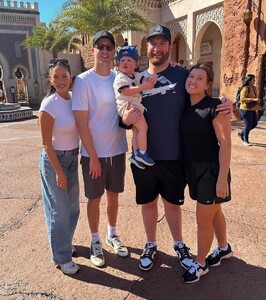
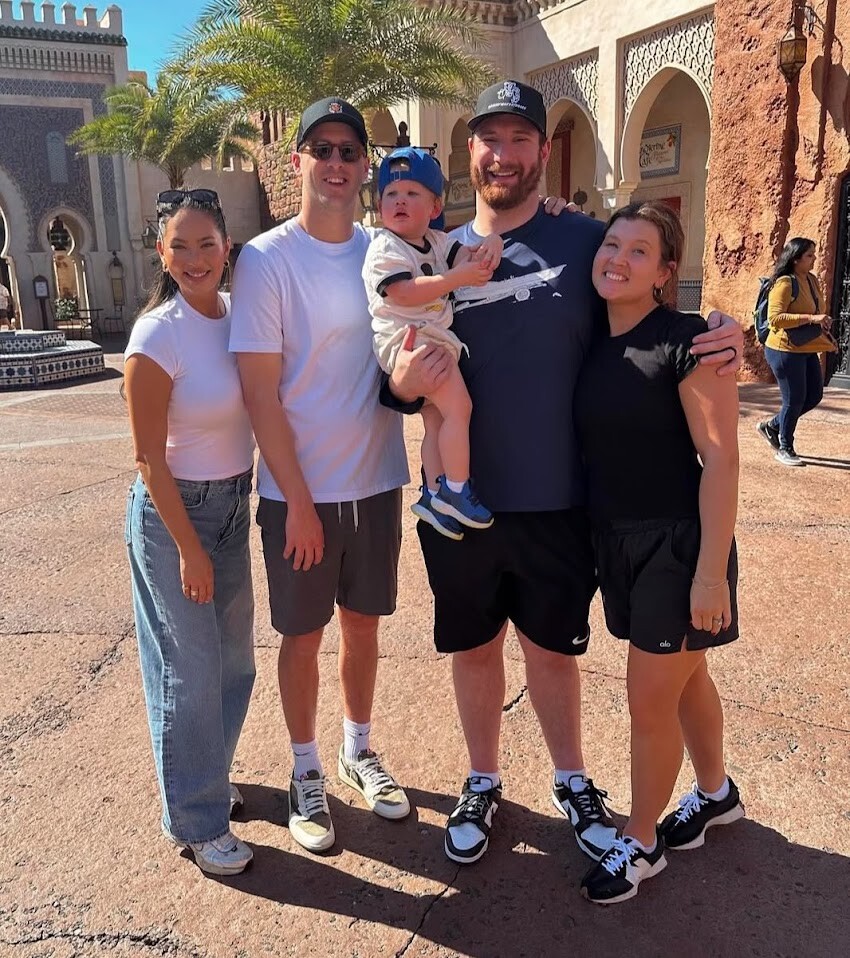
At Disney with Jared and his teammate
Our girl is back for SI year four! @christengoff returns for her fourth year in the 2025 SI Swimsuit issue. Tap the link in our bio to see her first official image from this year’s shoot. @visitjamaica #visitjamaica@breathlessmontegobay @breathlessresorts@roundhillresort #.mp4
At Disney with Jared and his teammate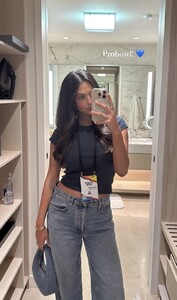
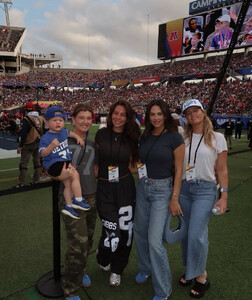 Christen is back in LA after the Lions loss. She is off helping the victims of the fire! Video-459.mp4
Video-141.mp4 223316561_1201169110367764_1314582069150097465_n.mp4 SI SWIMSUIT 👙_6988647629936676102.mp4 SI SWIMSUIT 👙_6960320945600859398.mp4 Katie Austin_6966822615268822277.mp4
I think all of the 2024 tiktoks were posted in real time last year but if I missed something i'll double back!
Olivia Dunne_7370853802909388078-no-watermark.mp4
Katie Austin_7227623434648292650.mp4
Christen is back in LA after the Lions loss. She is off helping the victims of the fire! Video-459.mp4
Video-141.mp4 223316561_1201169110367764_1314582069150097465_n.mp4 SI SWIMSUIT 👙_6988647629936676102.mp4 SI SWIMSUIT 👙_6960320945600859398.mp4 Katie Austin_6966822615268822277.mp4
I think all of the 2024 tiktoks were posted in real time last year but if I missed something i'll double back!
Olivia Dunne_7370853802909388078-no-watermark.mp4
Katie Austin_7227623434648292650.mp4











Account
Navigation
Search
Configure browser push notifications
Chrome (Android)
- Tap the lock icon next to the address bar.
- Tap Permissions → Notifications.
- Adjust your preference.
Chrome (Desktop)
- Click the padlock icon in the address bar.
- Select Site settings.
- Find Notifications and adjust your preference.
Safari (iOS 16.4+)
- Ensure the site is installed via Add to Home Screen.
- Open Settings App → Notifications.
- Find your app name and adjust your preference.
Safari (macOS)
- Go to Safari → Preferences.
- Click the Websites tab.
- Select Notifications in the sidebar.
- Find this website and adjust your preference.
Edge (Android)
- Tap the lock icon next to the address bar.
- Tap Permissions.
- Find Notifications and adjust your preference.
Edge (Desktop)
- Click the padlock icon in the address bar.
- Click Permissions for this site.
- Find Notifications and adjust your preference.
Firefox (Android)
- Go to Settings → Site permissions.
- Tap Notifications.
- Find this site in the list and adjust your preference.
Firefox (Desktop)
- Open Firefox Settings.
- Search for Notifications.
- Find this site in the list and adjust your preference.