
jelansis
Members
-
Joined
Everything posted by jelansis
-
 From Liz's ig:

-
I can't wait for MJ to be fired. IDK why it has taken so long.
-
Another plus sized girlie for your liking! https://www.instagram.com/reel/DHfTaVMJKBb/?igsh=MXgzanVqZDFwdm9qbw==
-
Even us women want to see beautiful things! I thought the point of these magazines, initially, was to aspire to look like someone. These women were supposed to be a fantasy. It's the same as VS. All of these companies have lost their minds.
-
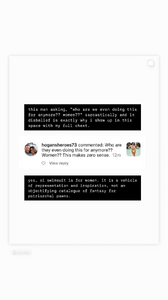
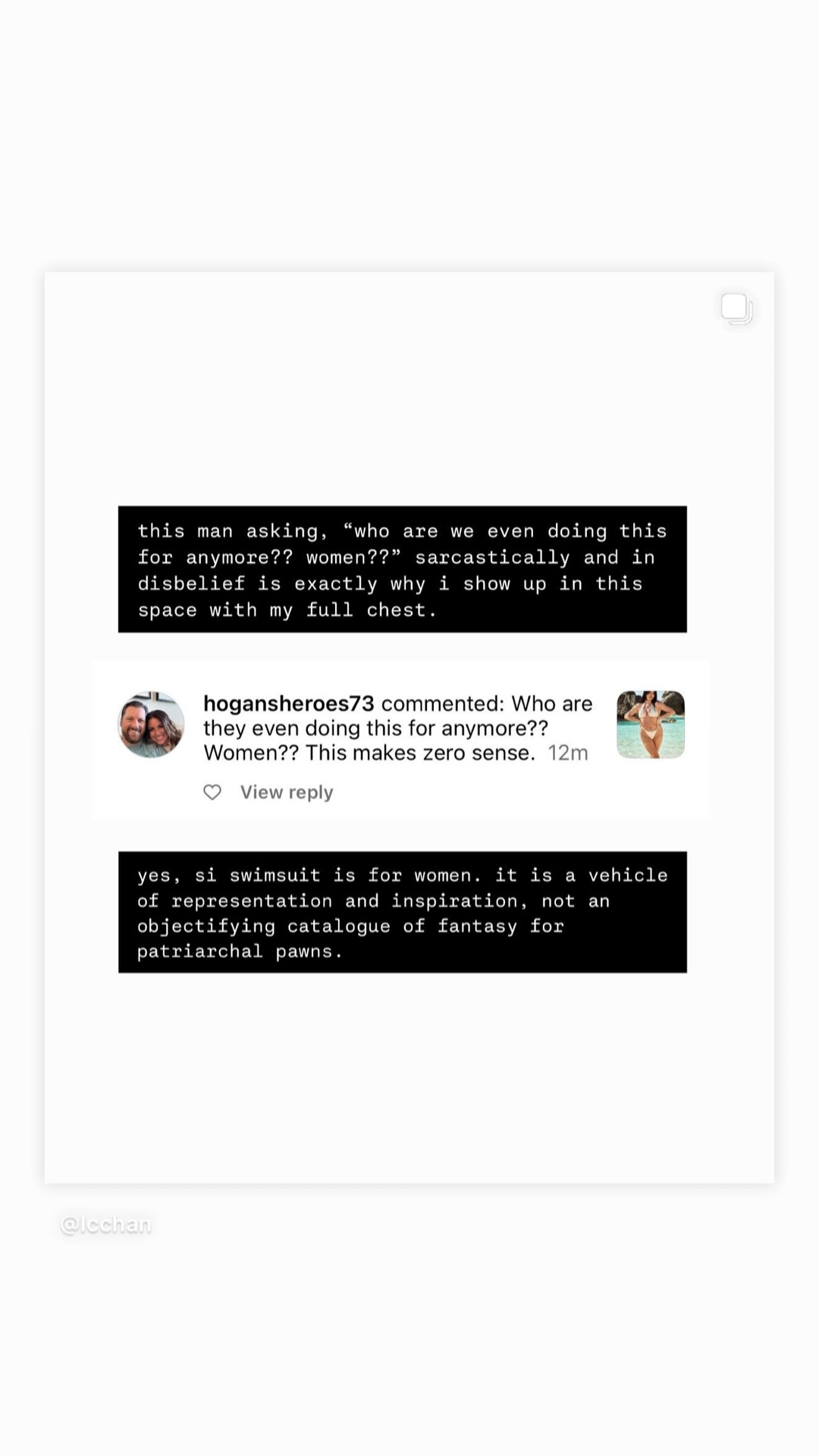
This was a story MJ posted today on her ig, responding to a comment lol I think she has lost the plot
-
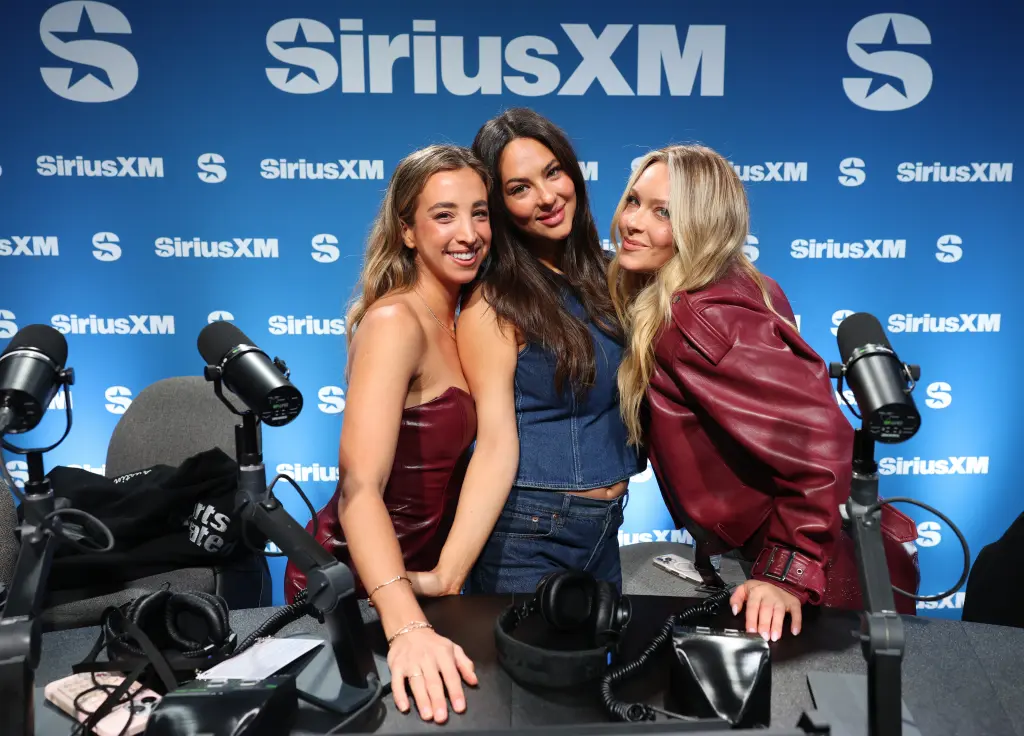
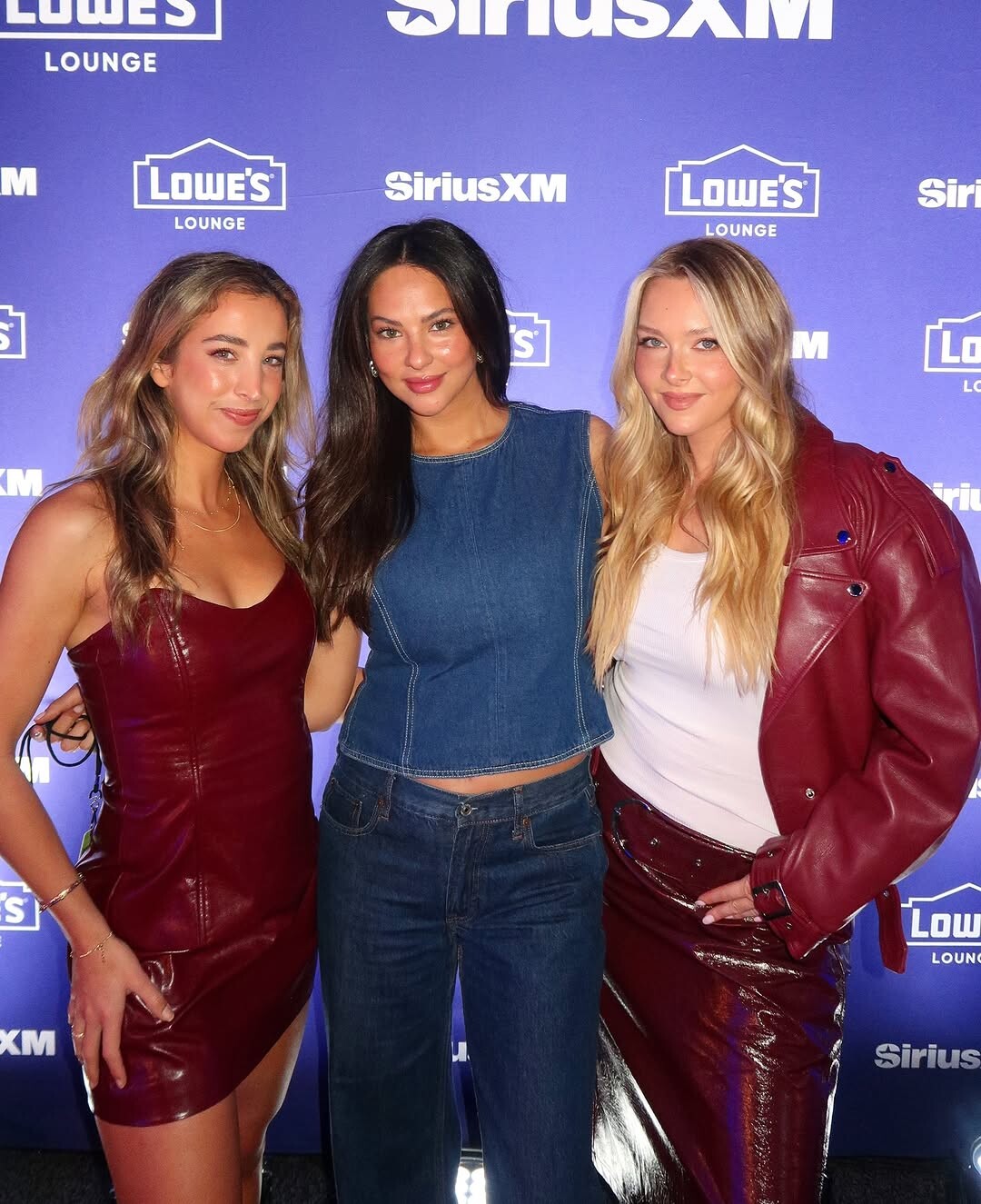
Jena Sims just confirmed and I’m sure Katie Austin is next. They keep using the same boring women.
-
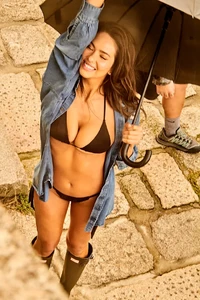
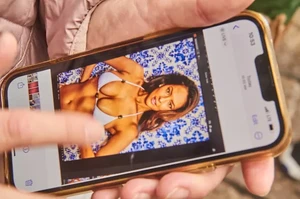
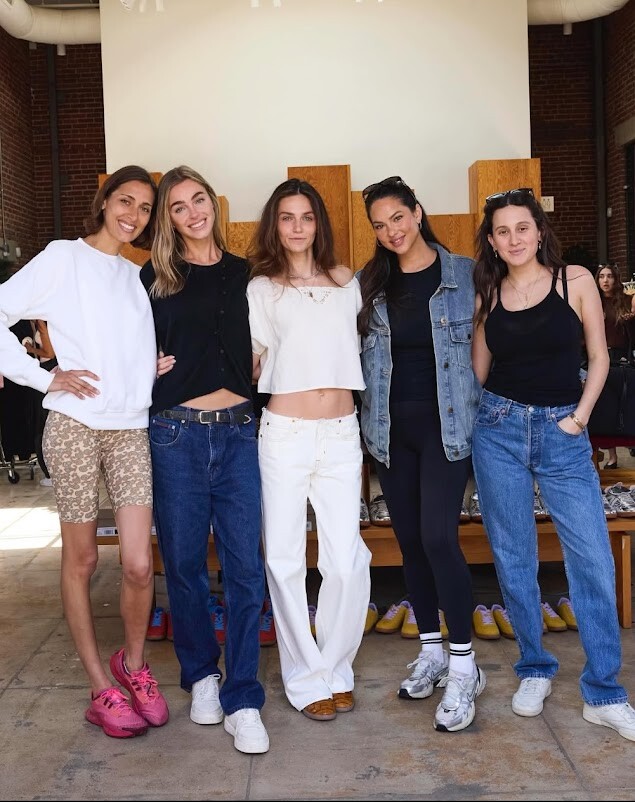
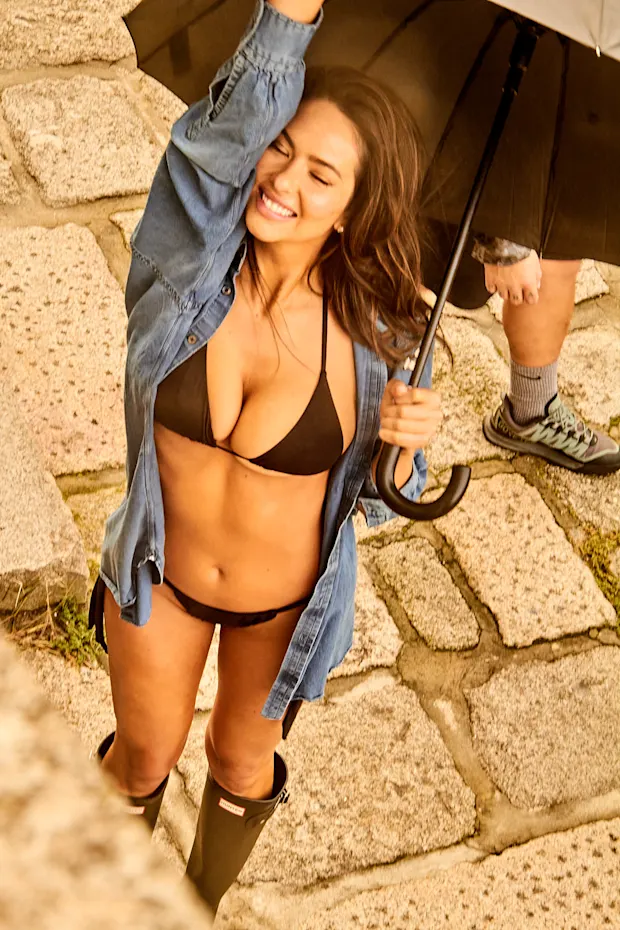
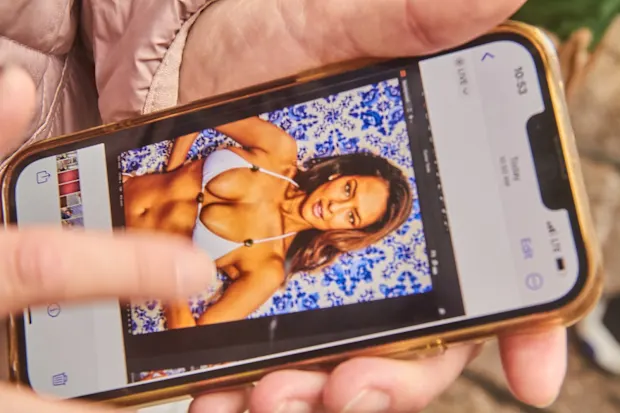
New BTS shots from last years SI shoot in Portugal:



-
From Liz's ig:


-
Penny Lane was confirmed too: https://www.instagram.com/p/DHLxwahtWj0/
-
Hunter McGrady was confirmed. She filmed in Switzerland.
-
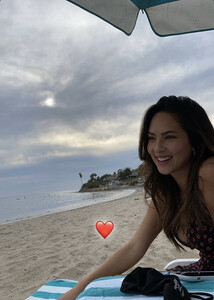
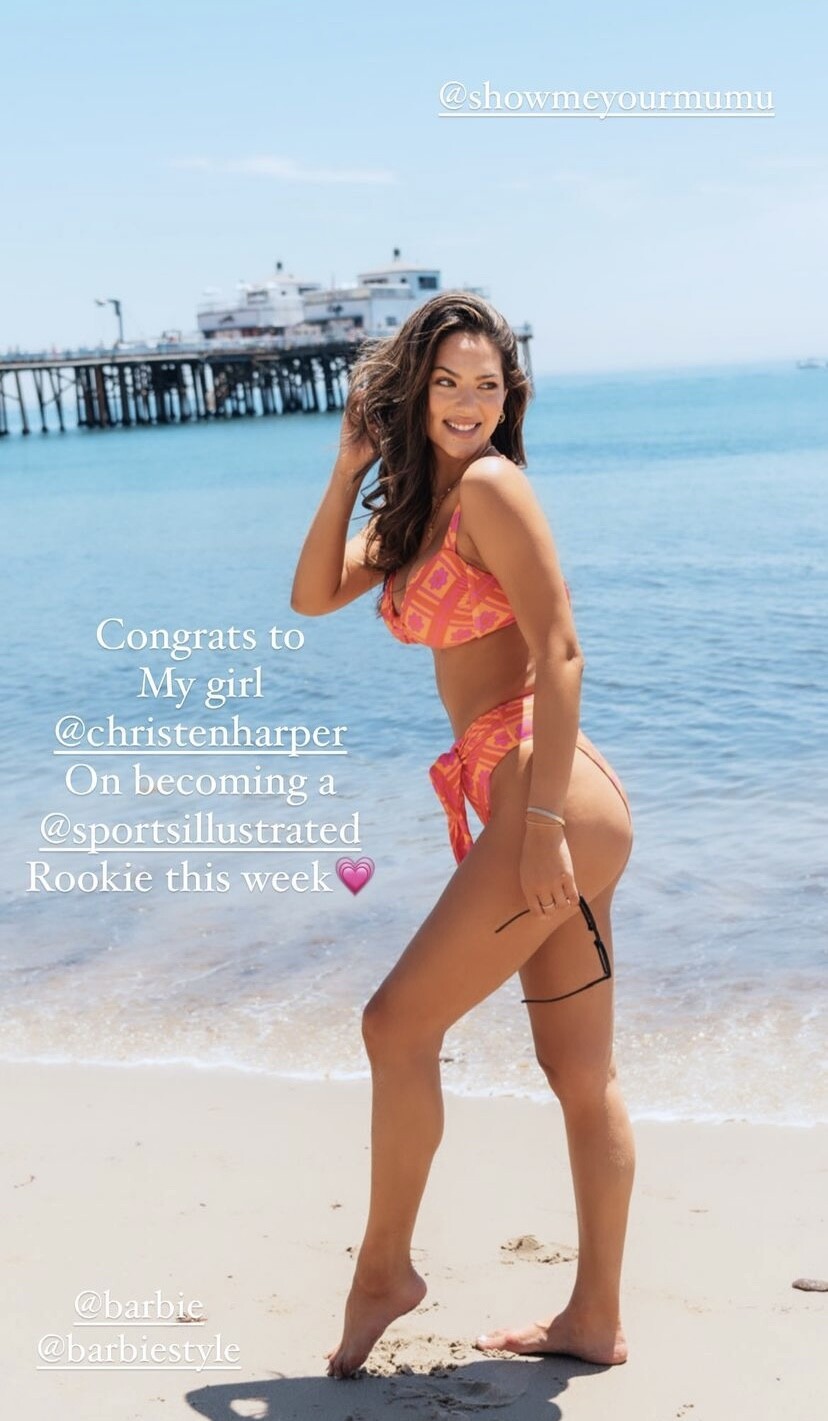
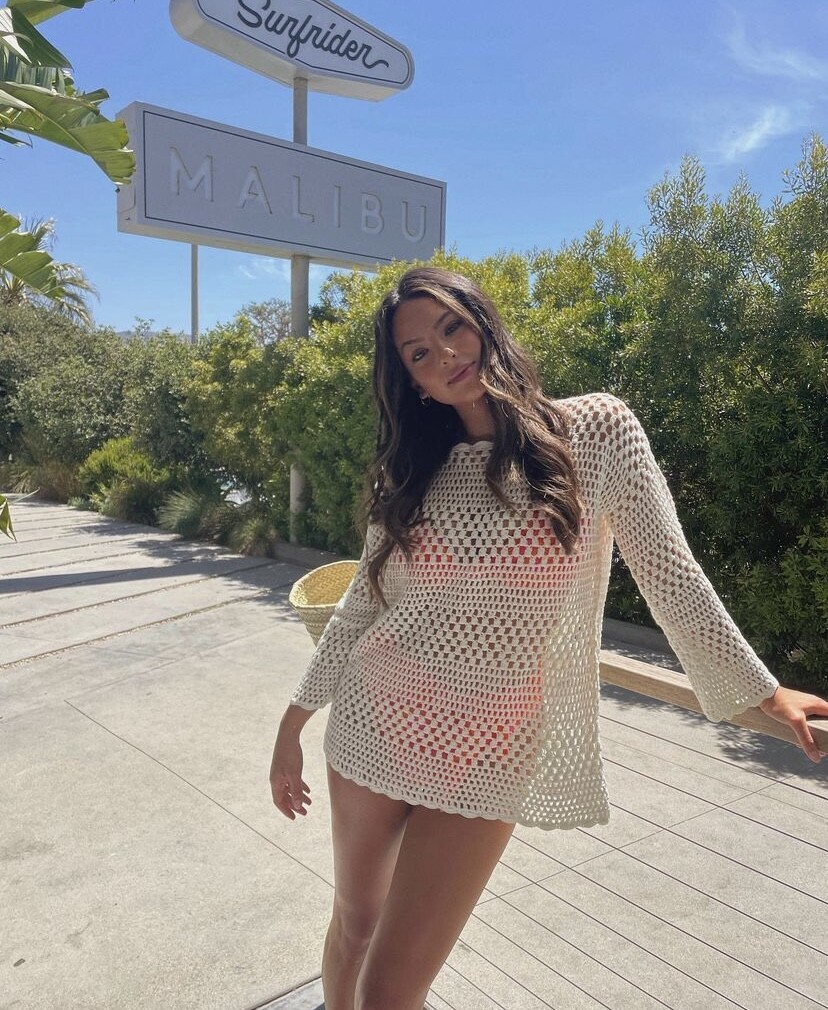
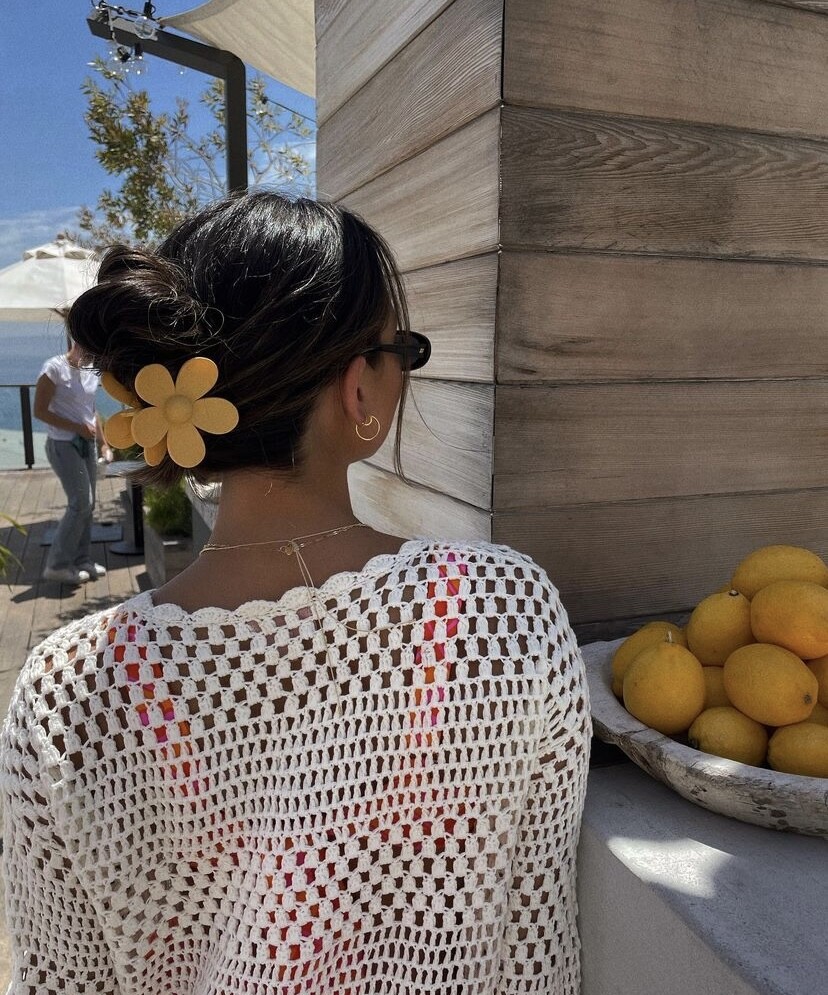
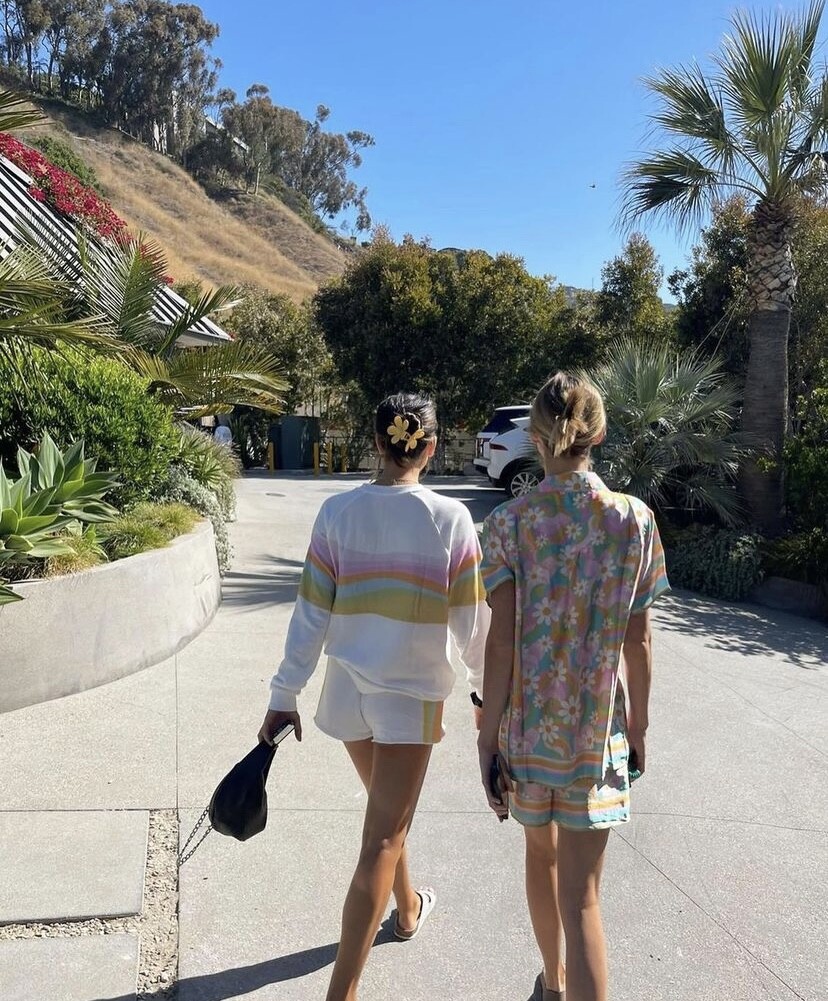
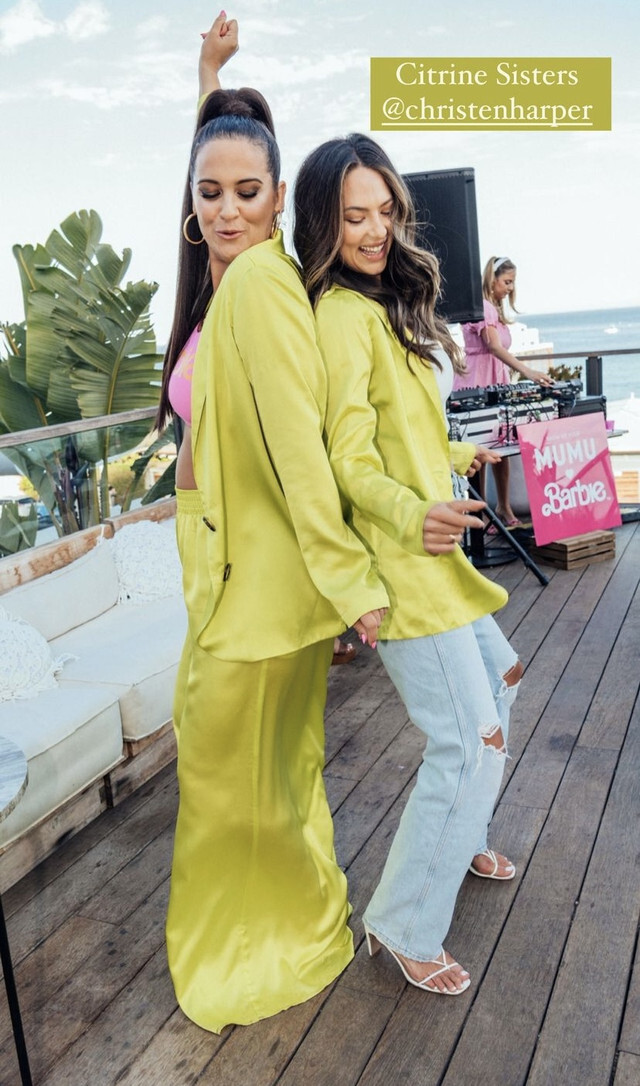
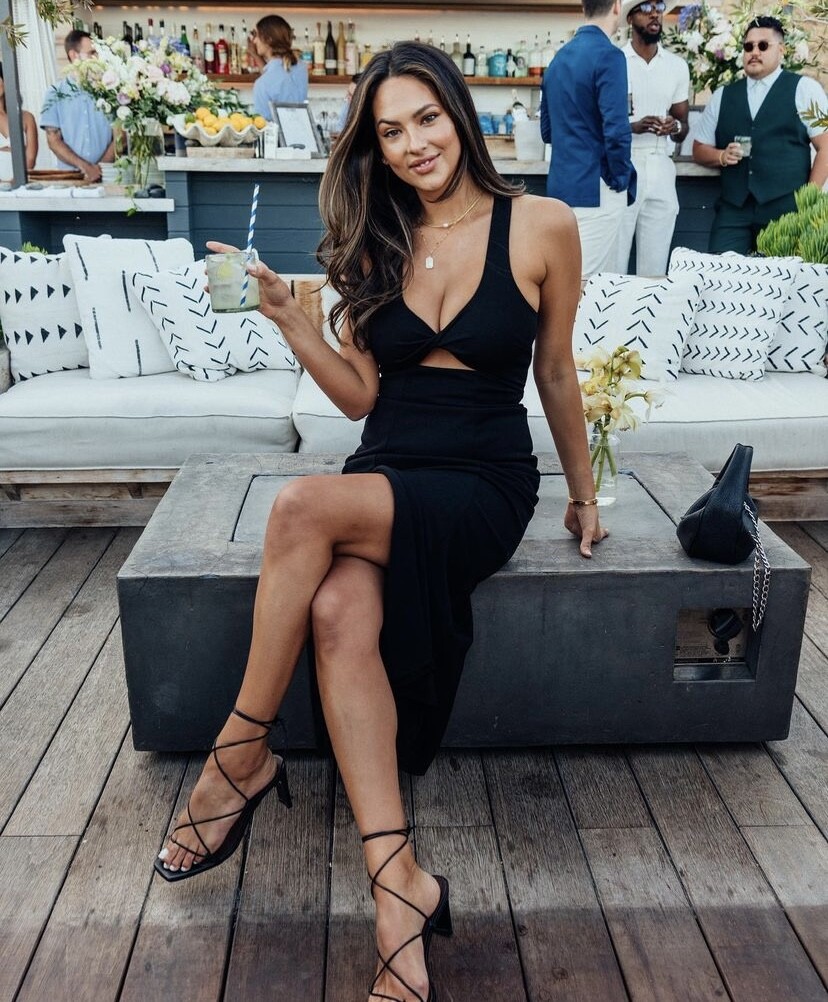
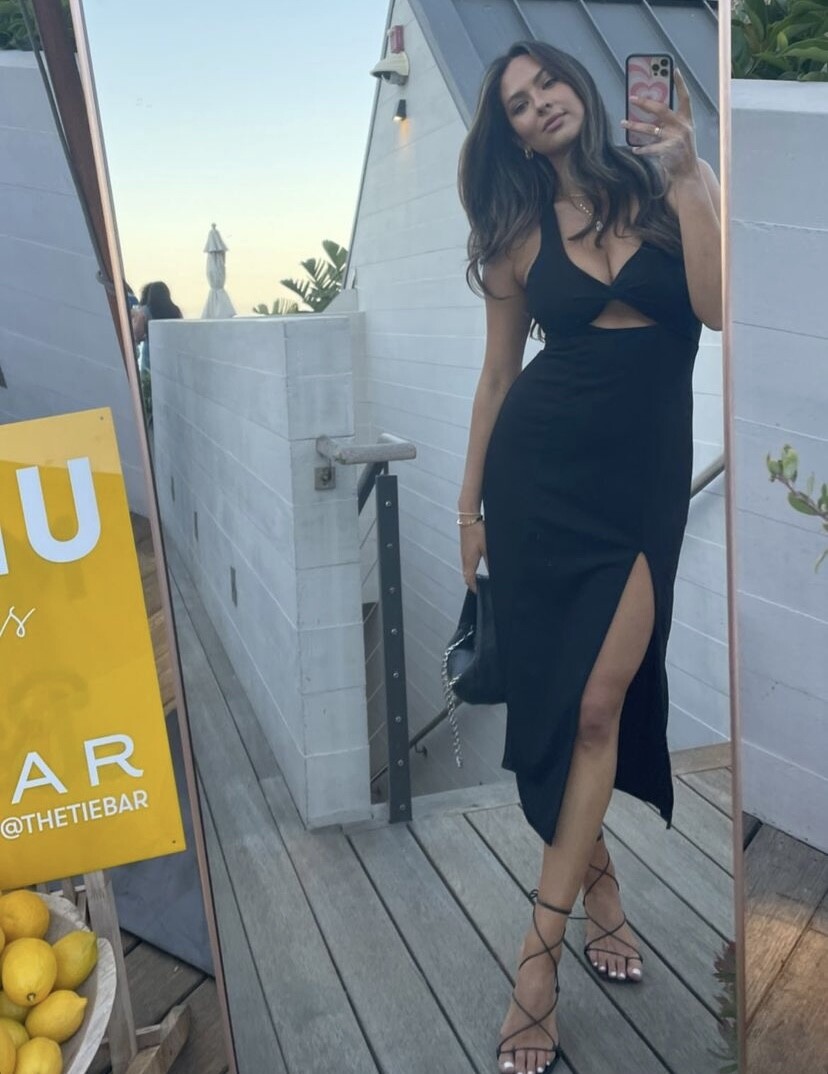
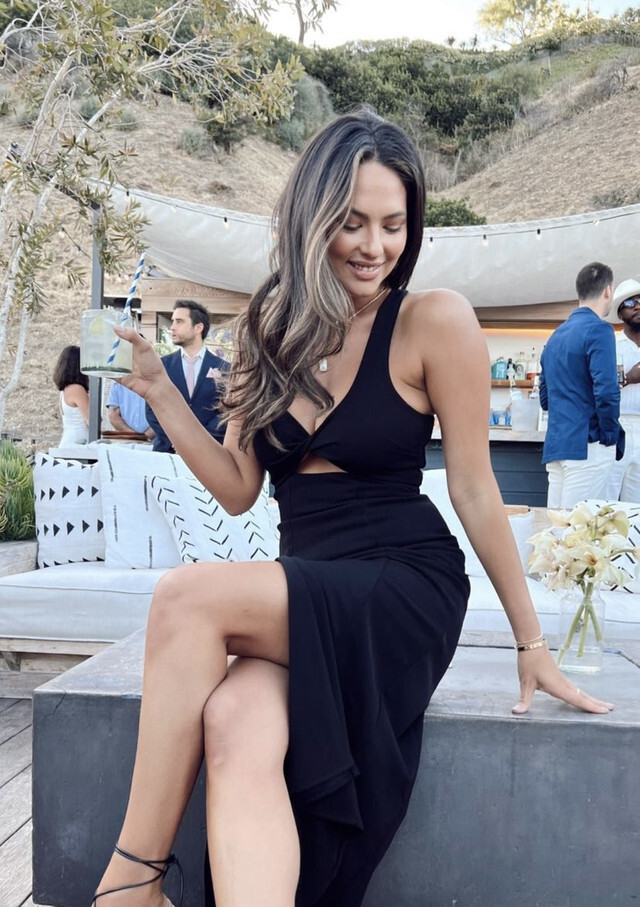
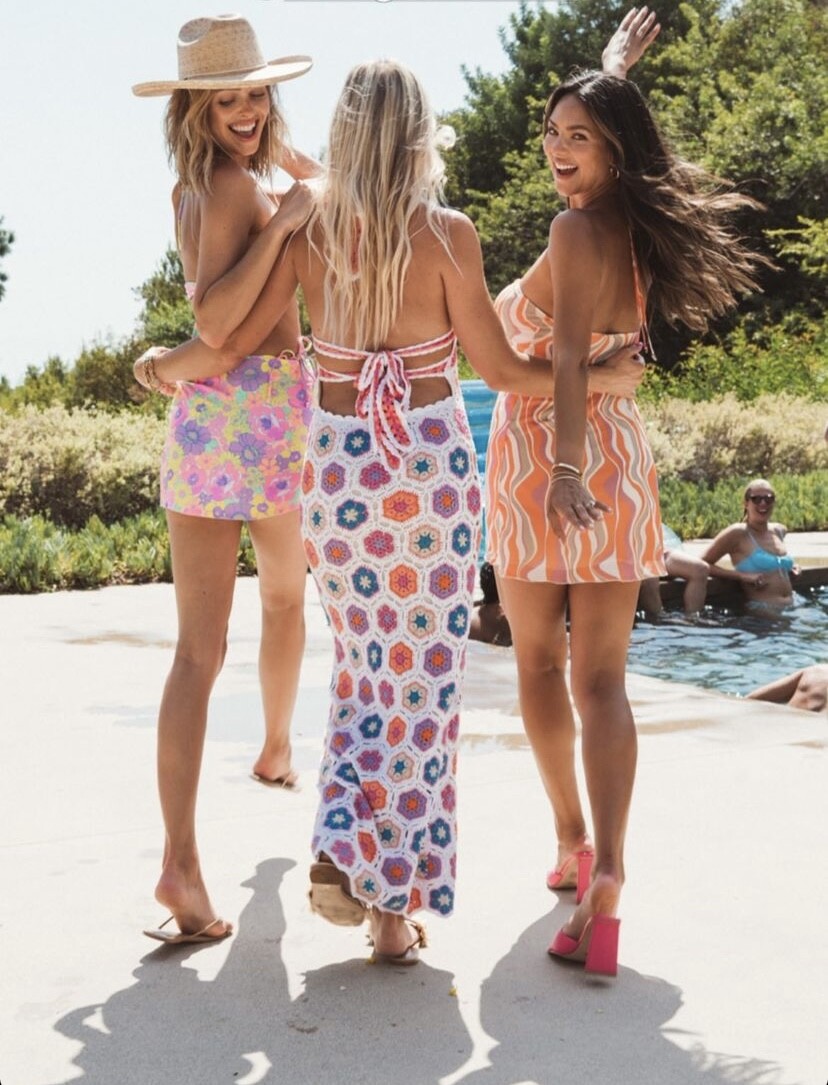
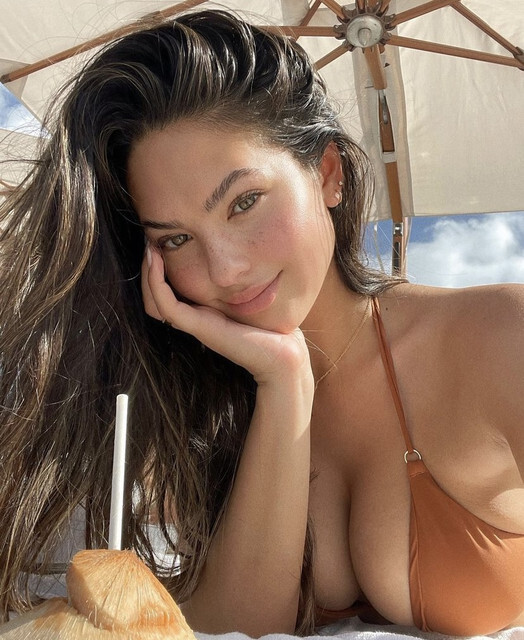
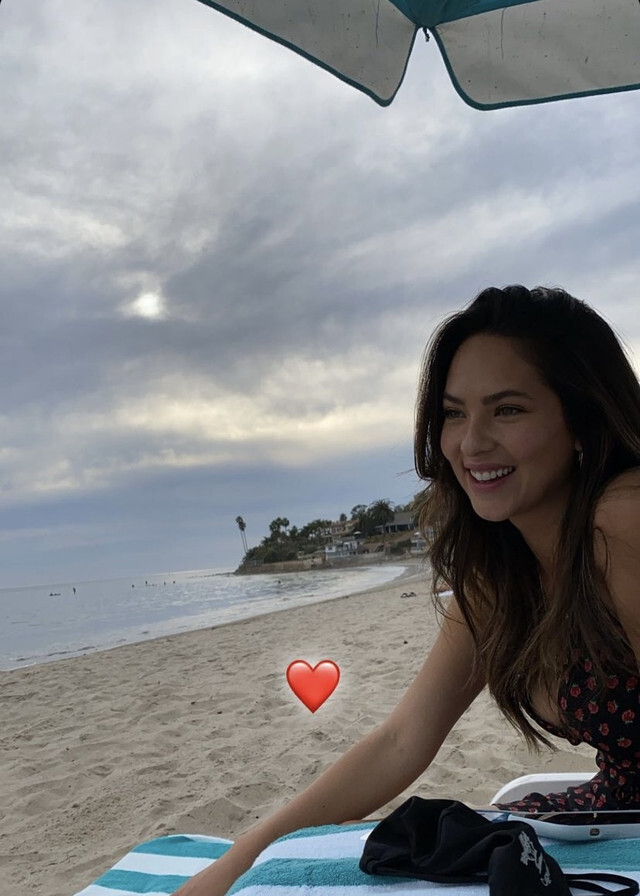
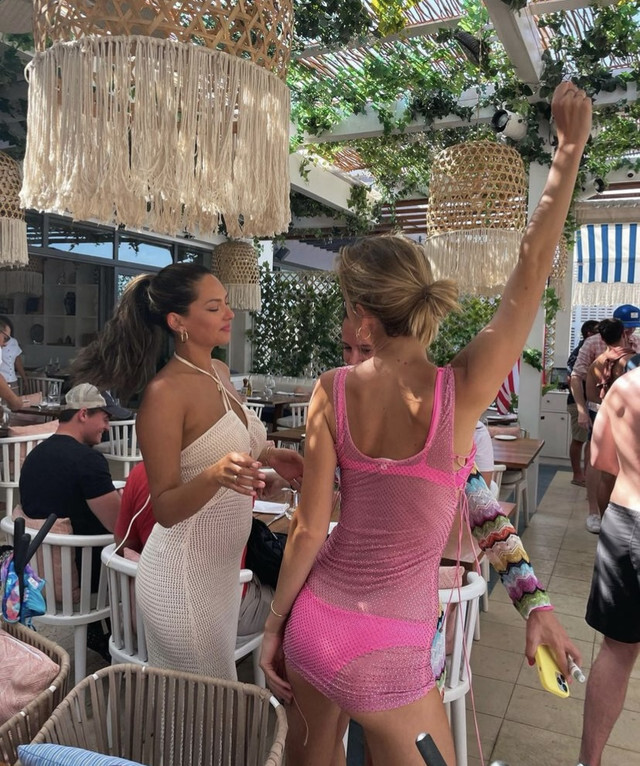
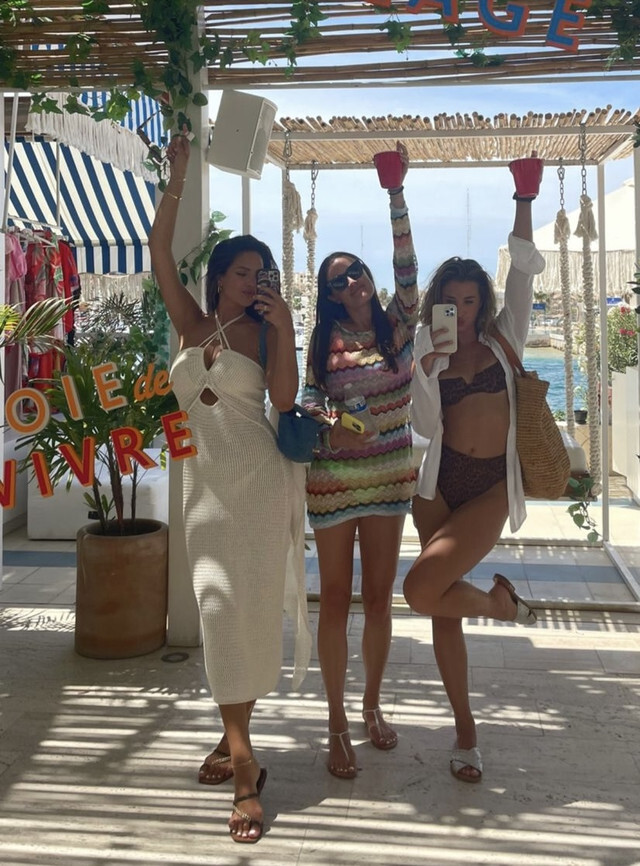
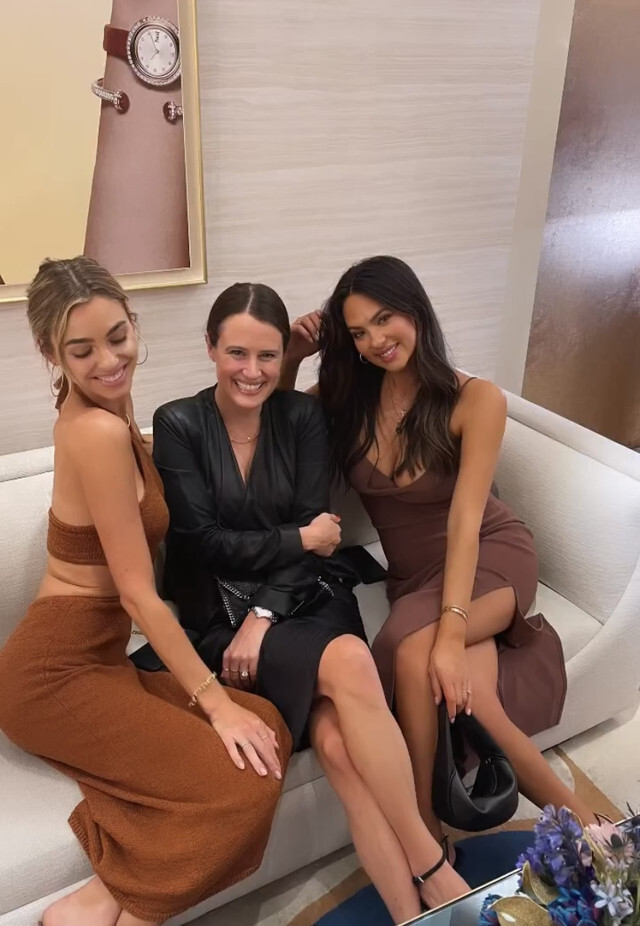
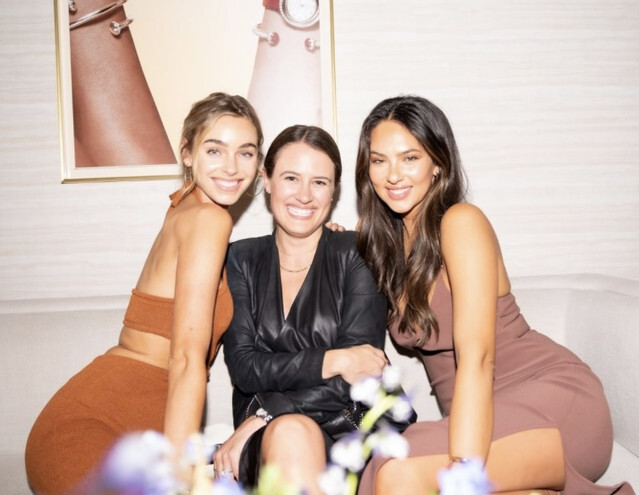
Malibu barbie mumu event 2022:

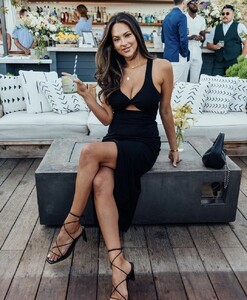
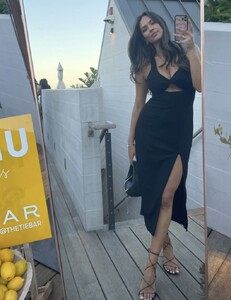




 Just gonna keep adding some random things during our drought lol Show me your mumu event in 2022











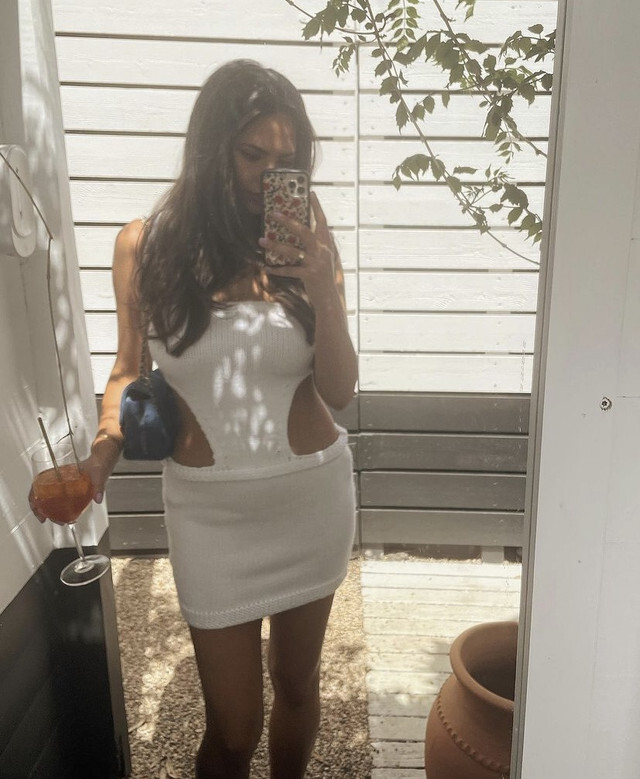
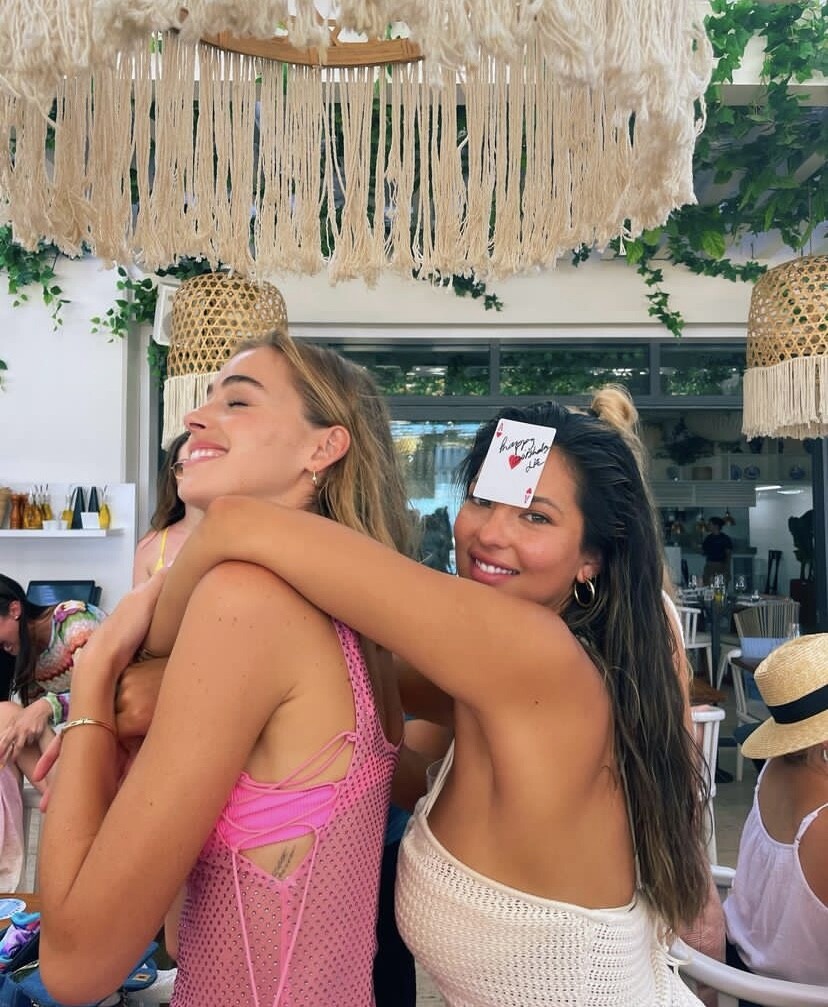
 Birthday weekend in Hamptons in 2022: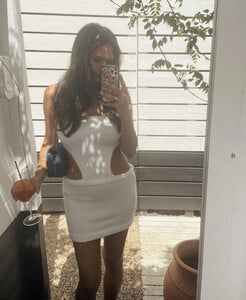
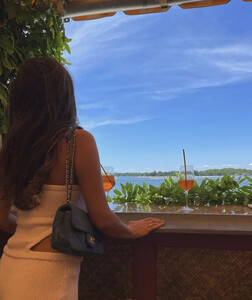
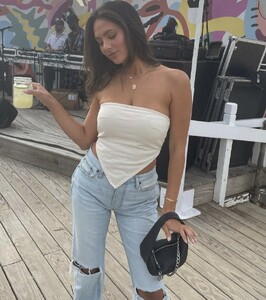



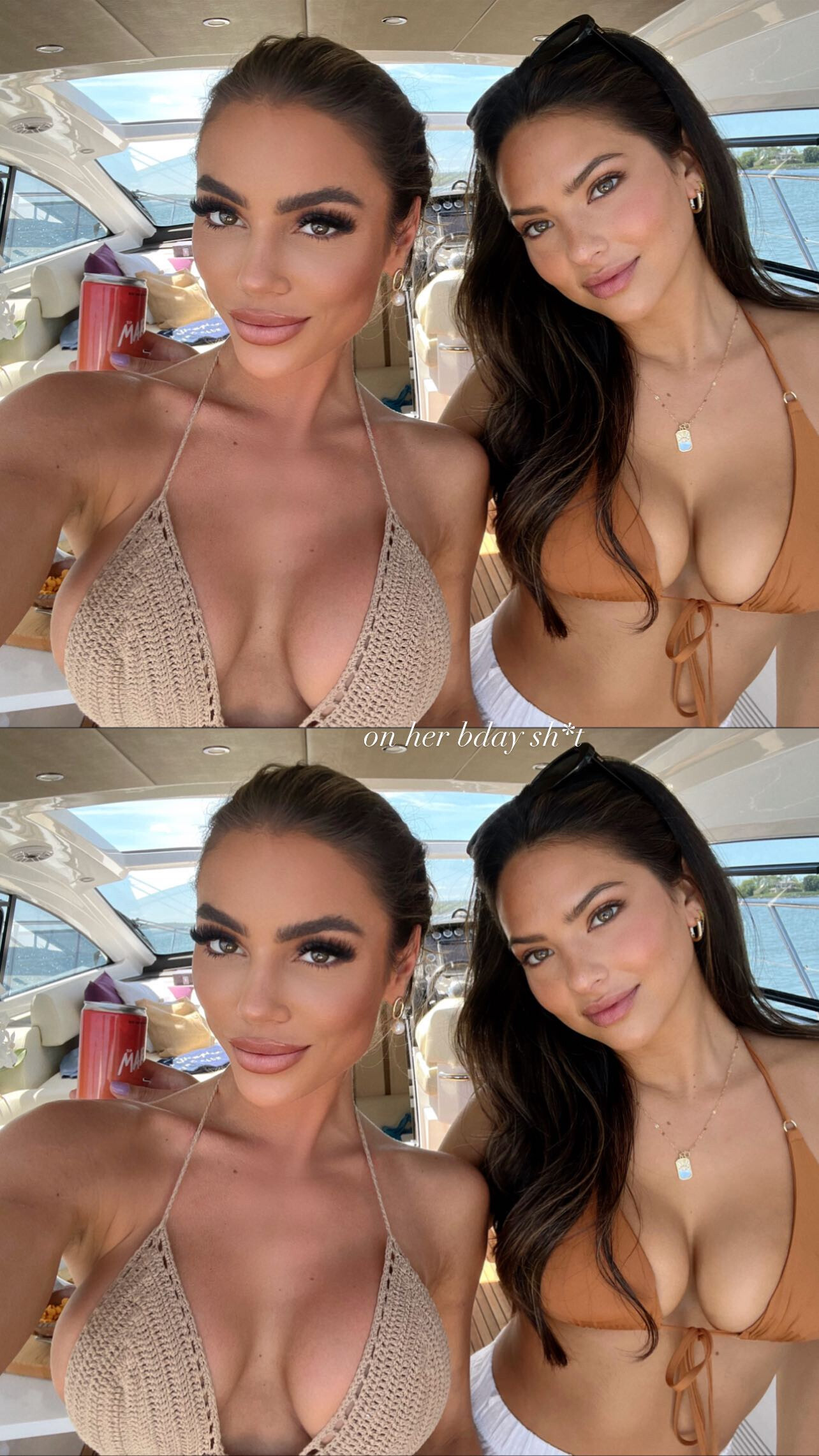
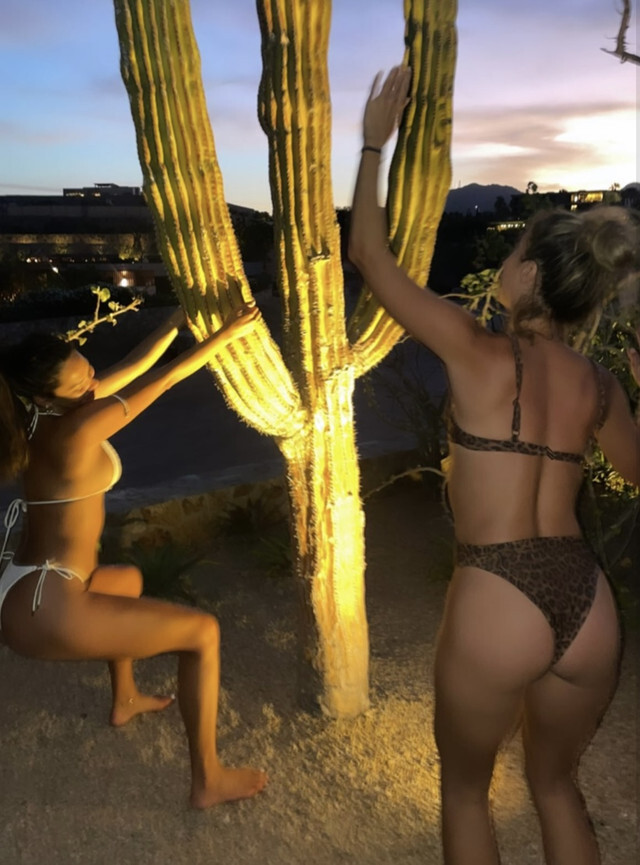
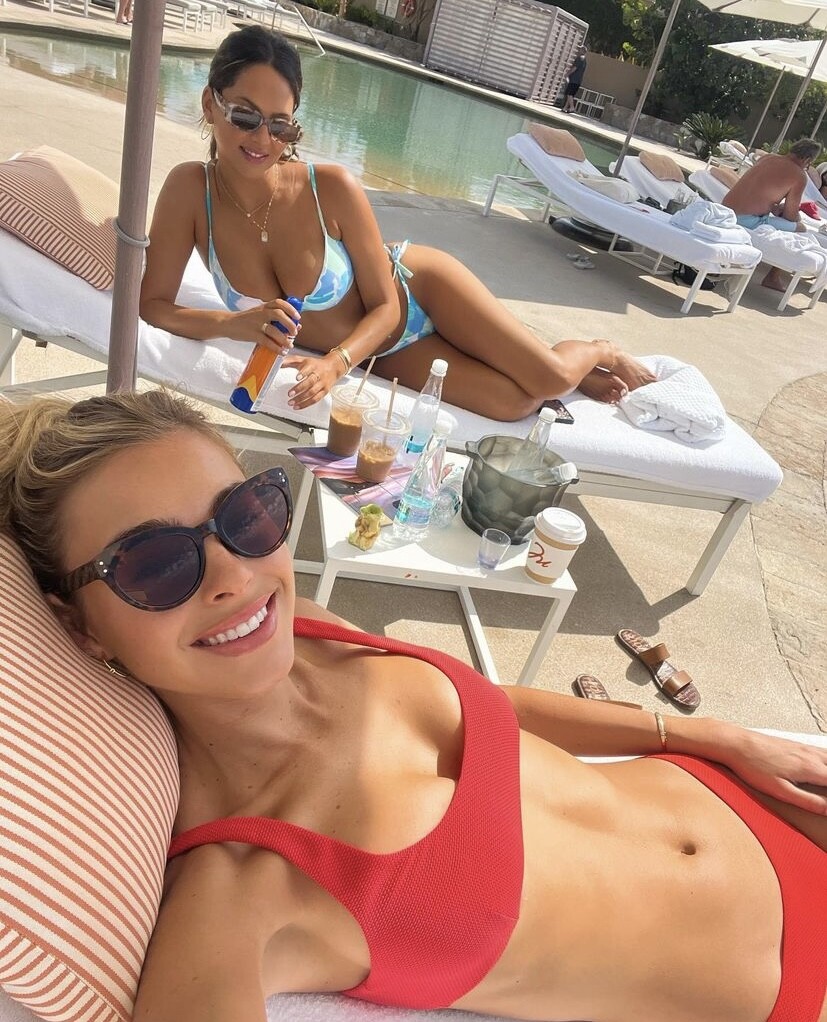
 Liz's 30th bday weekend in Cabo 2022:



















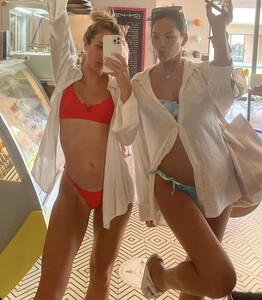



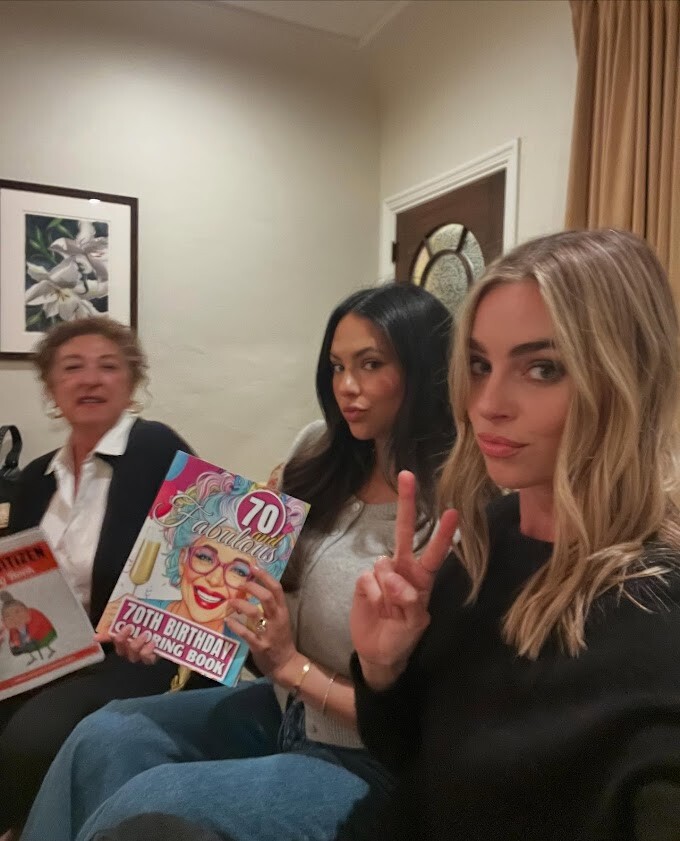
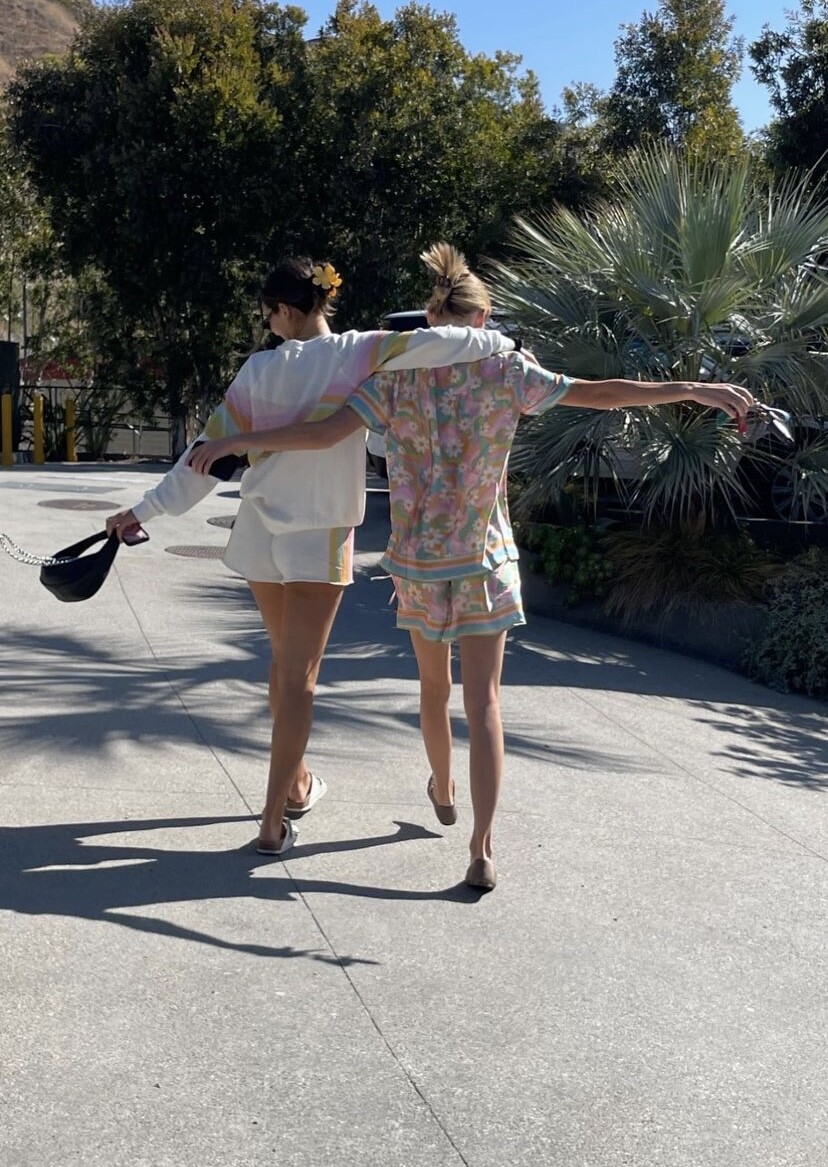
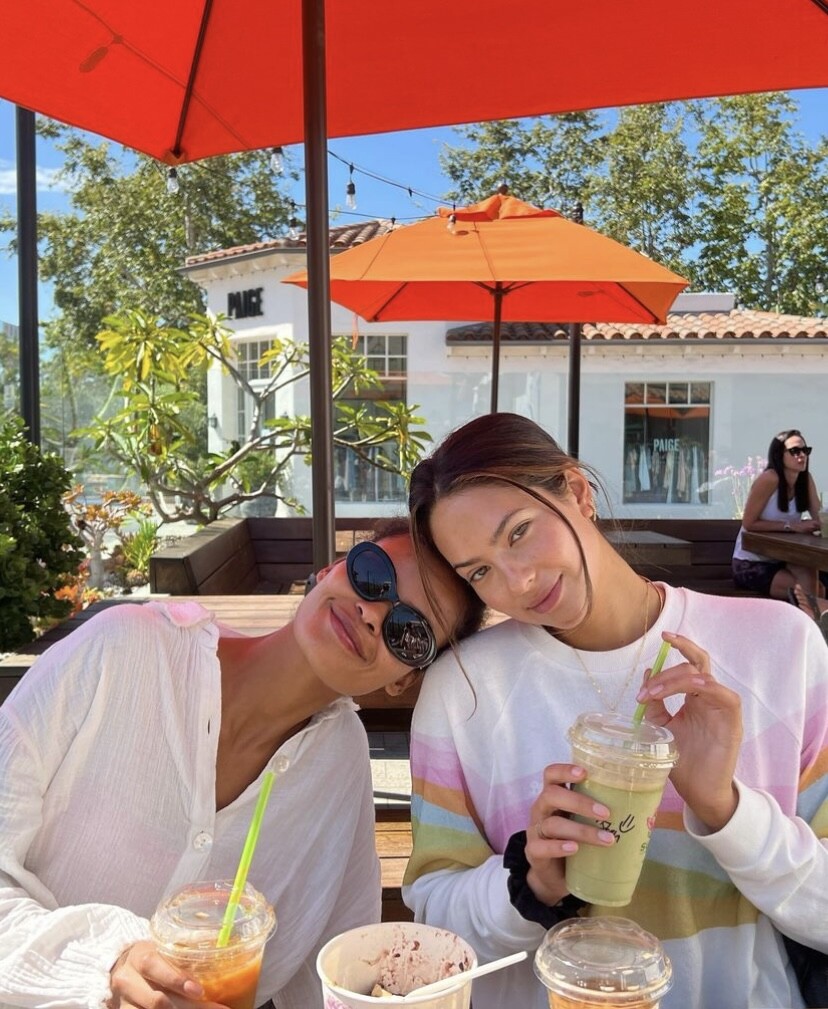
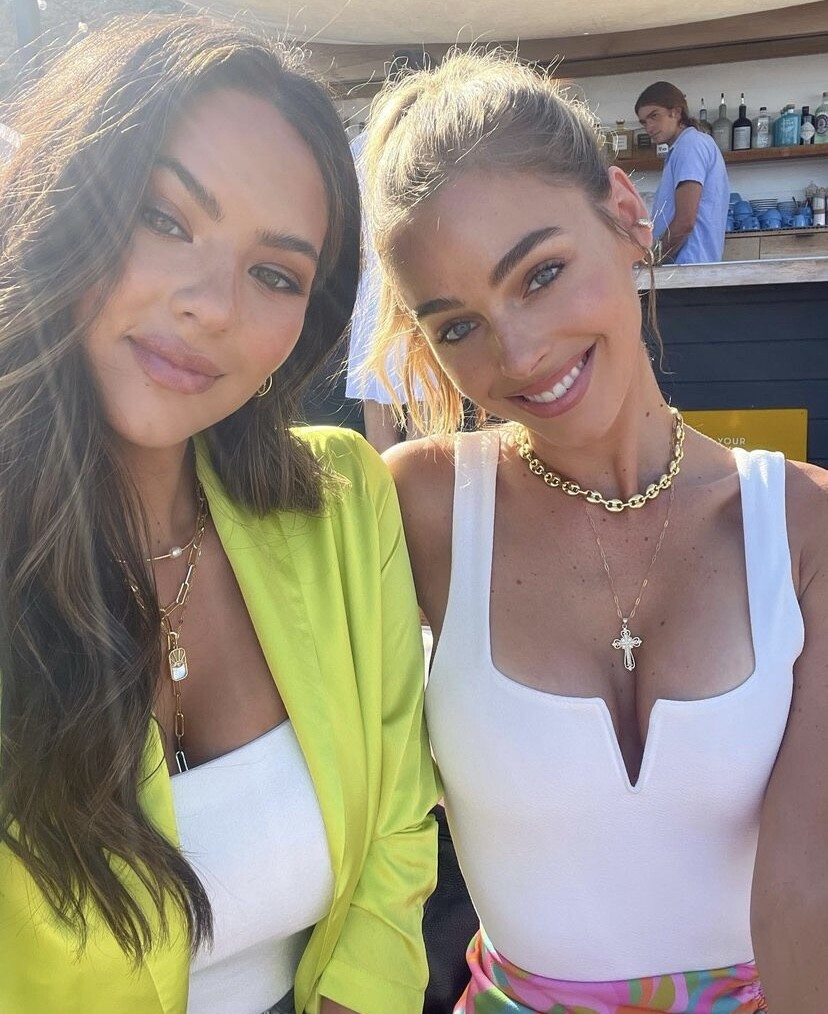
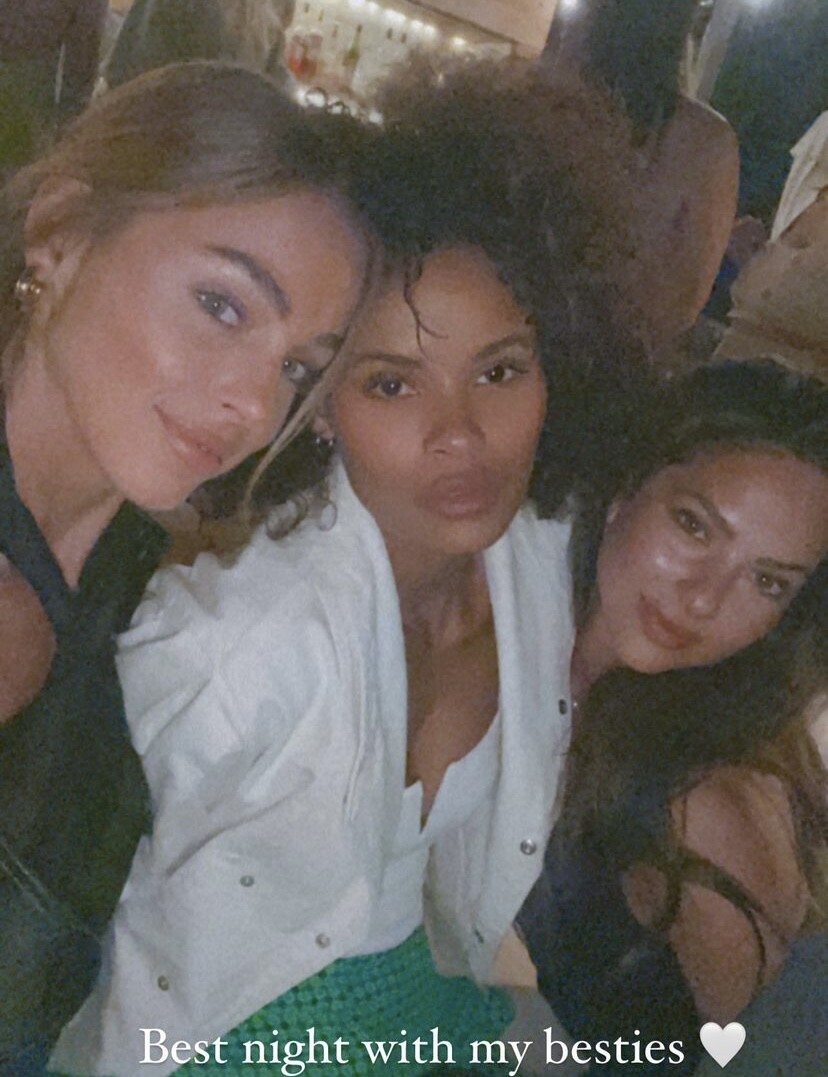
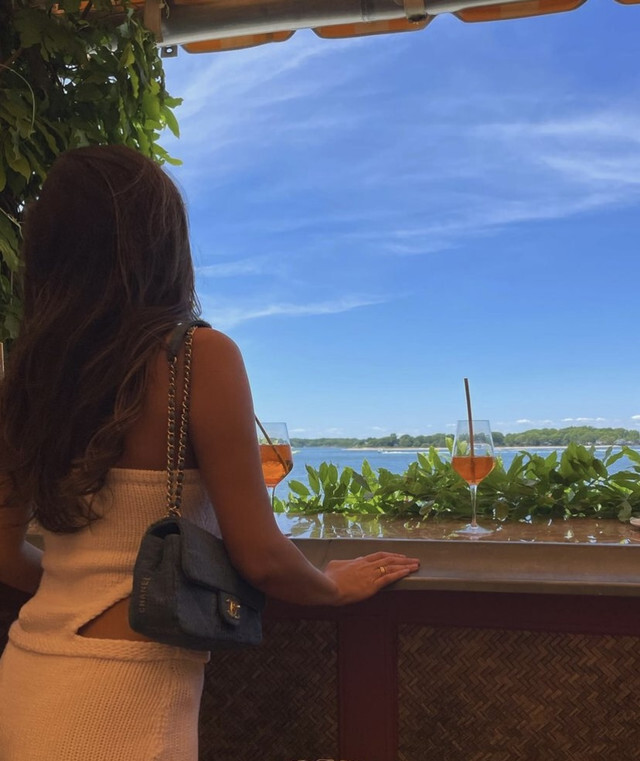
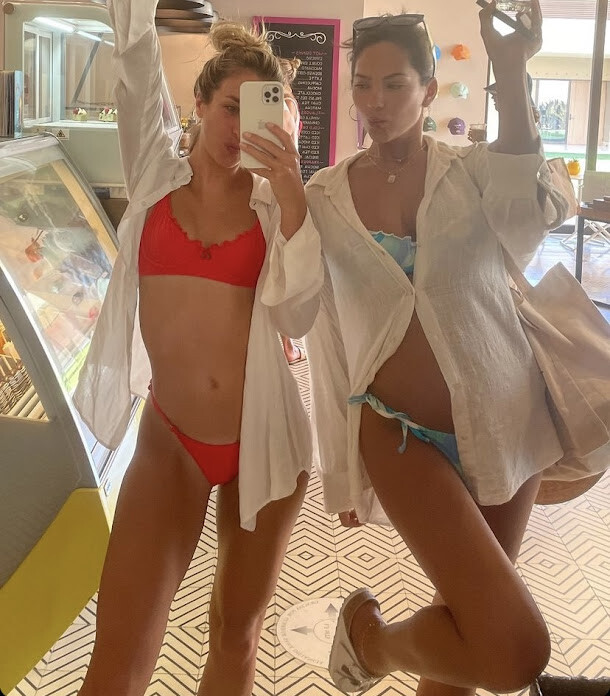
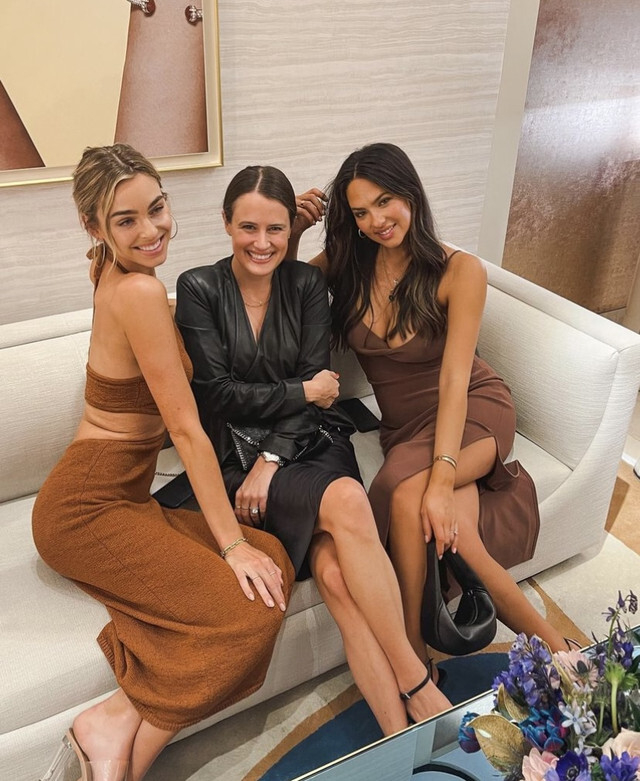
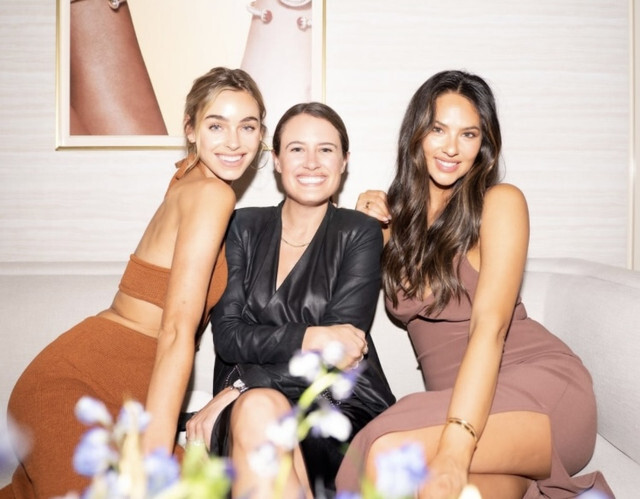
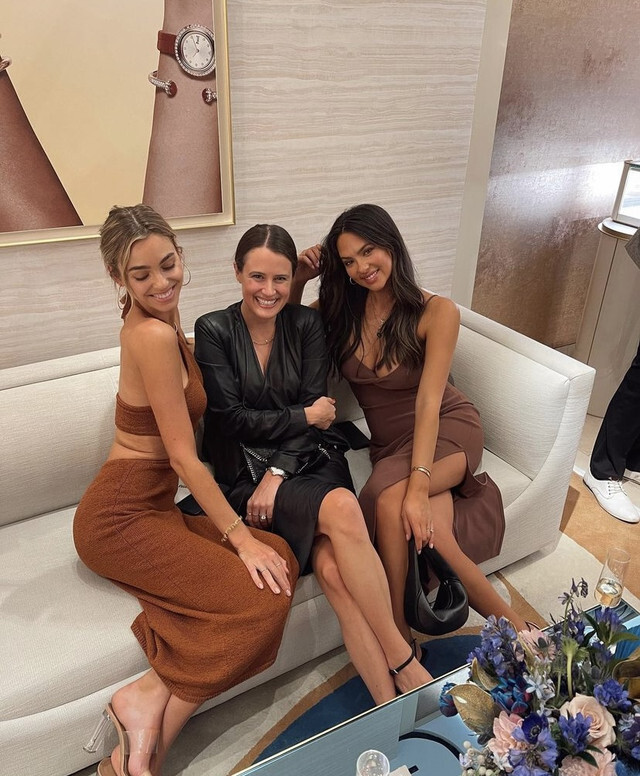
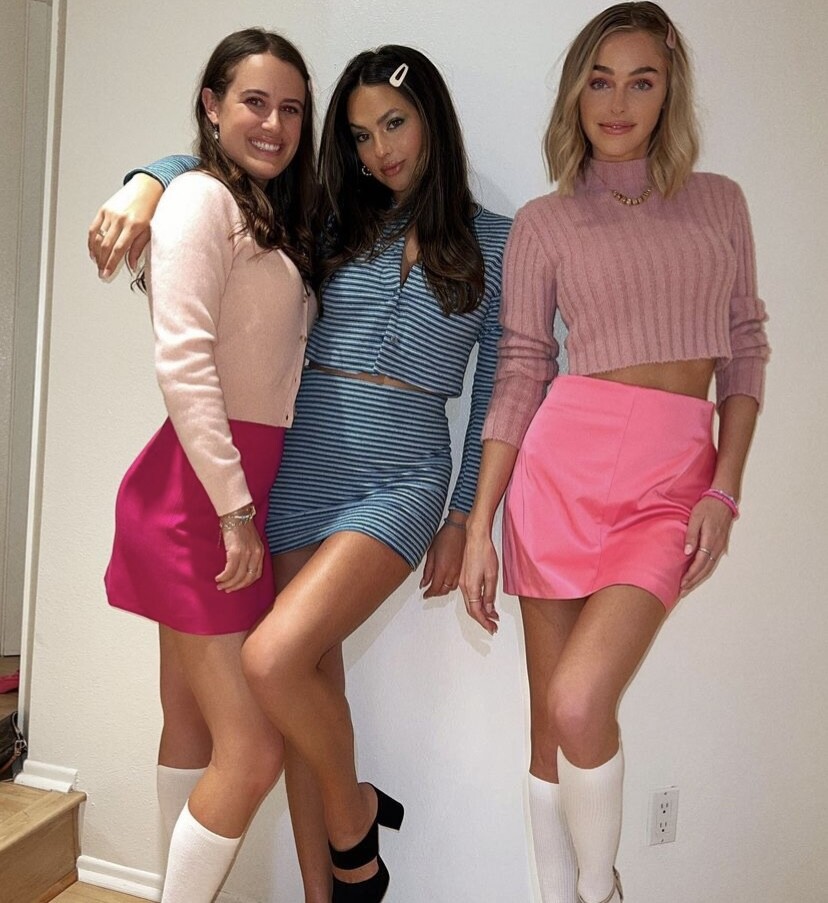
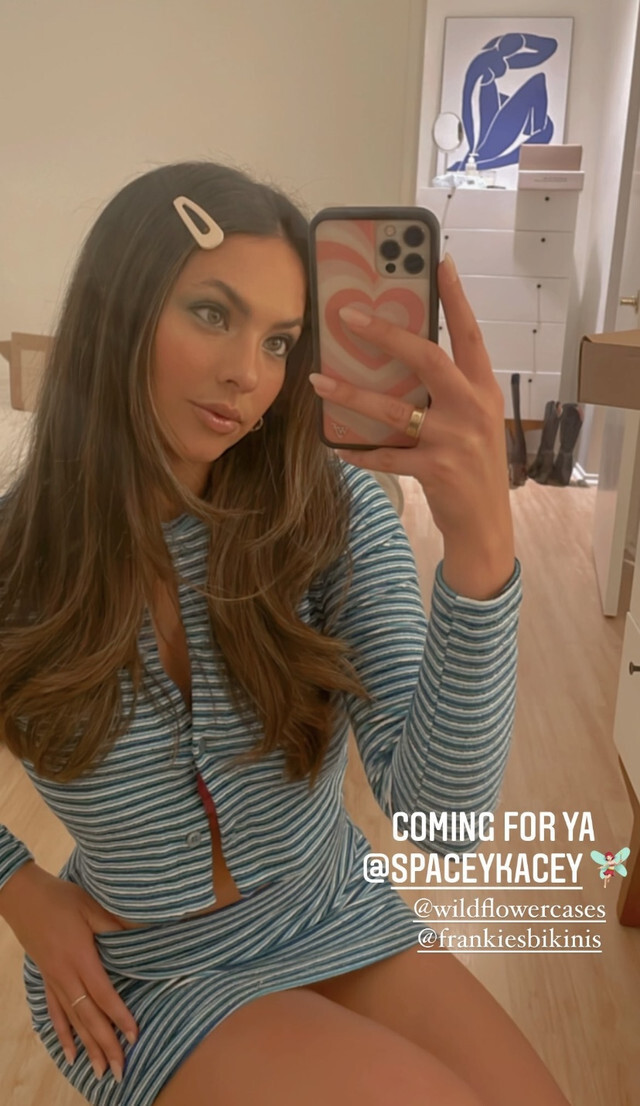
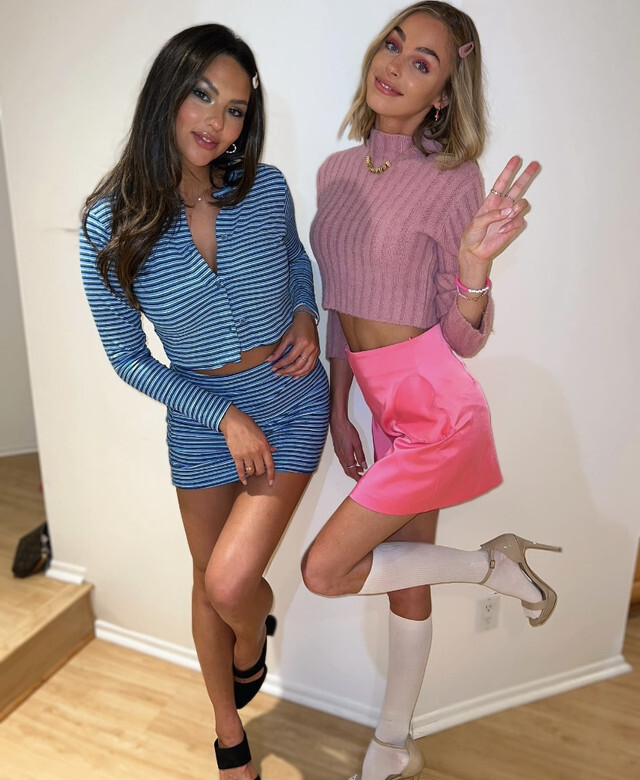
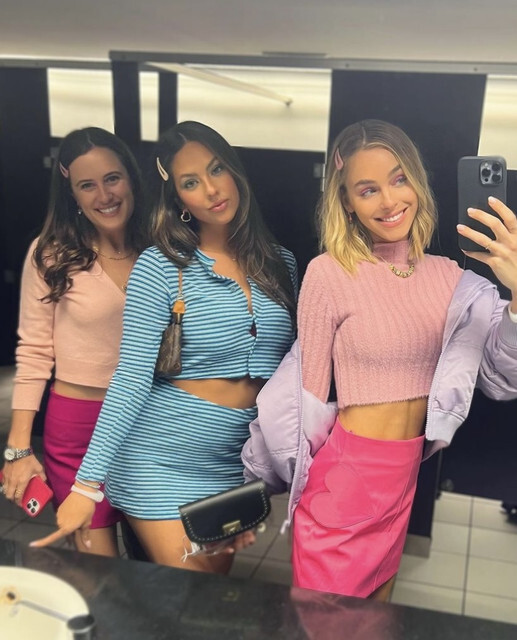
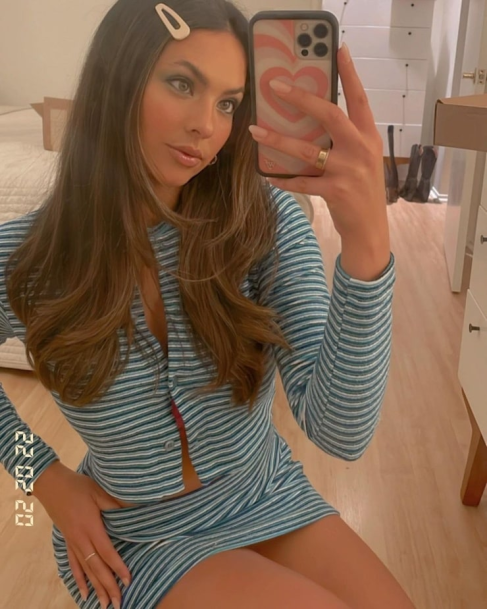
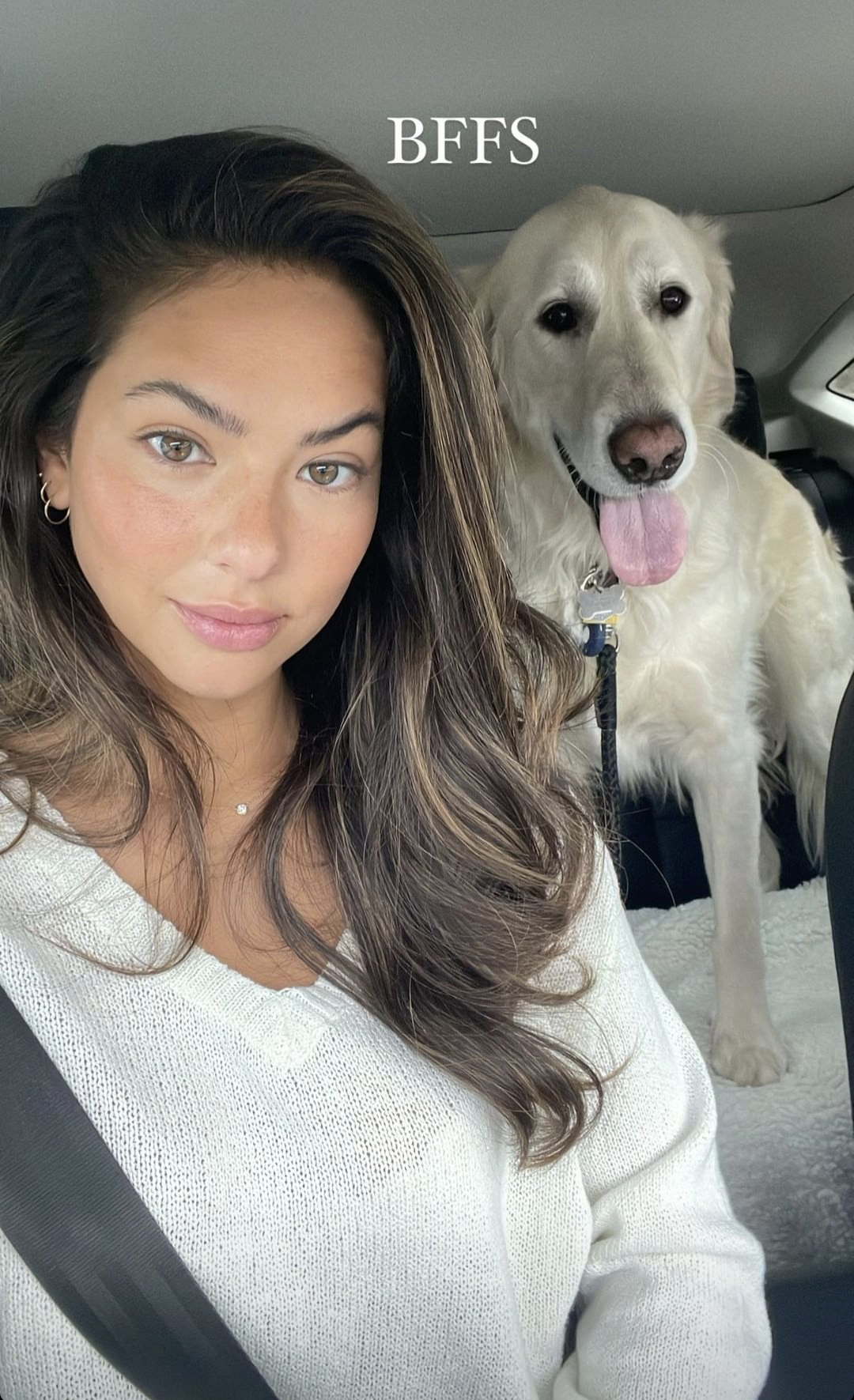
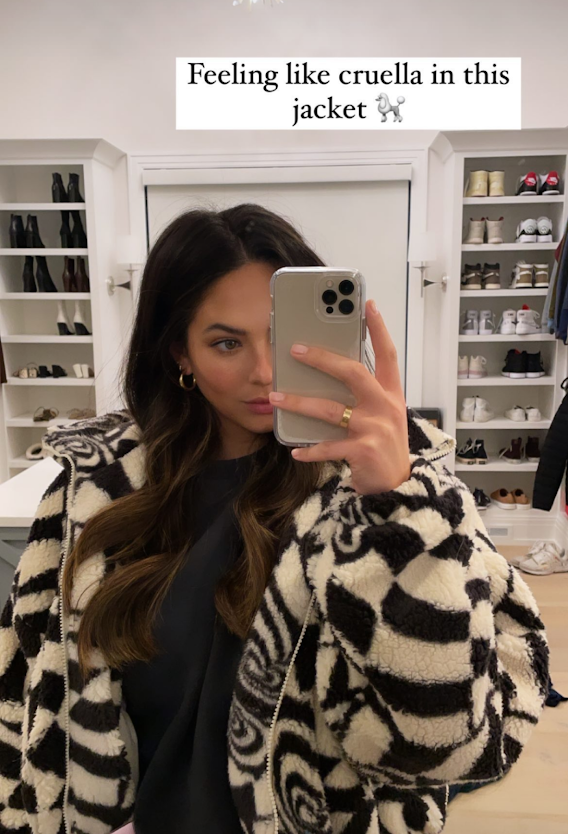
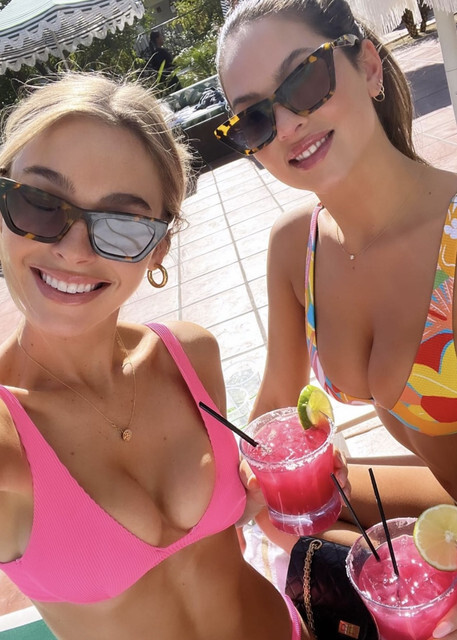
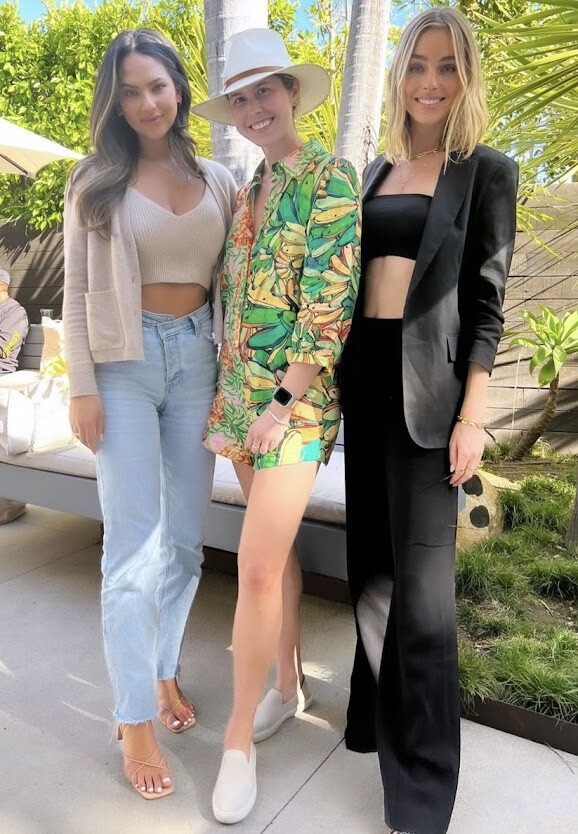
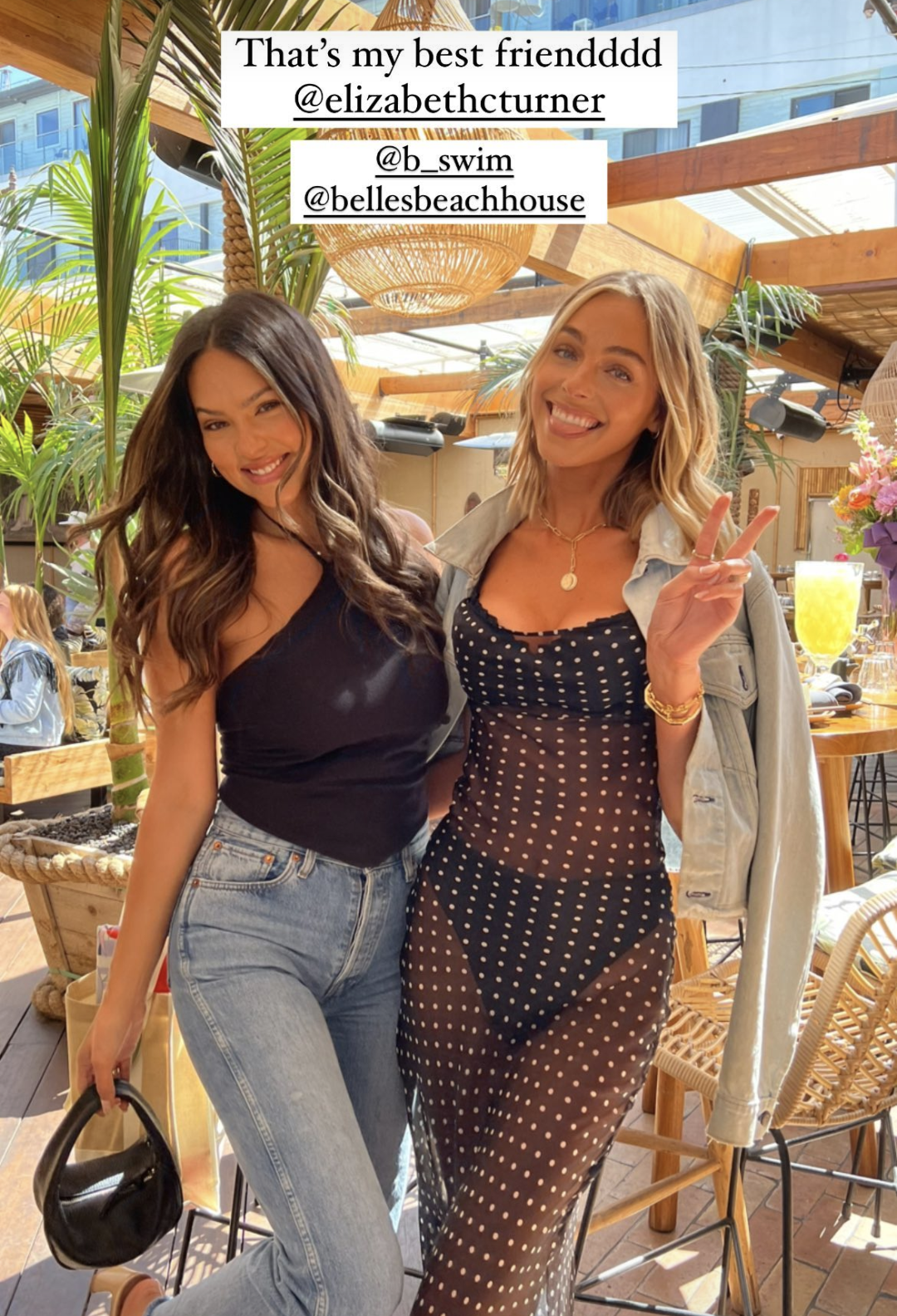
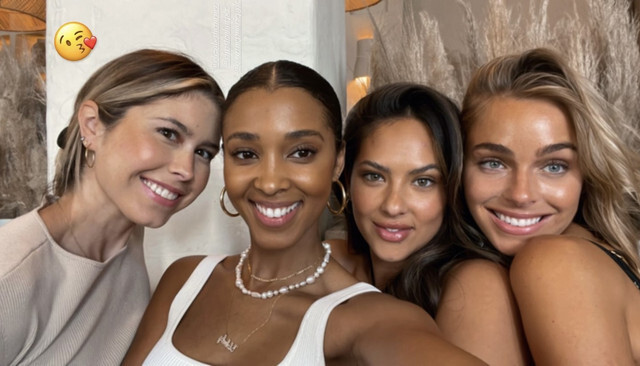
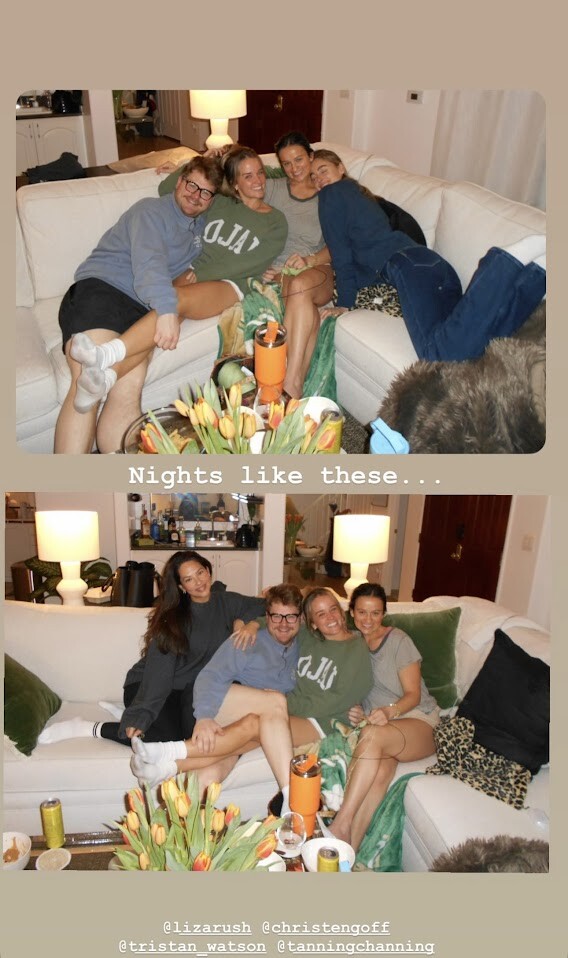
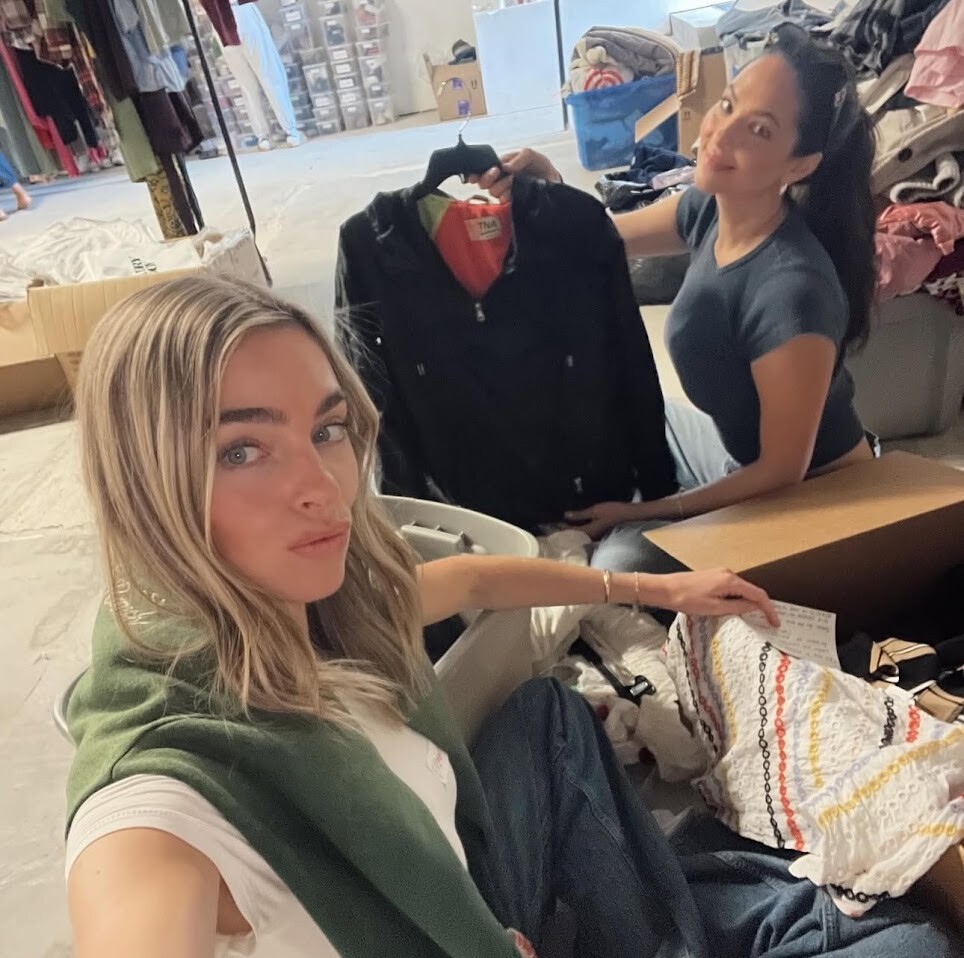
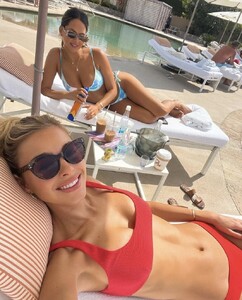 Some candid shots from 2022: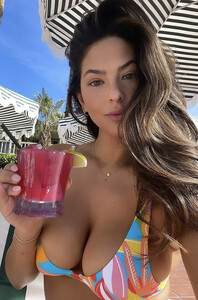
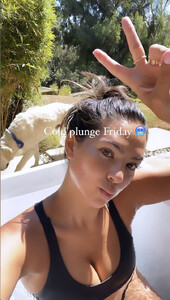
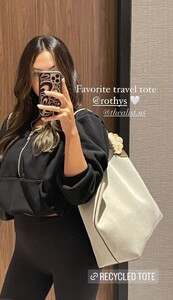
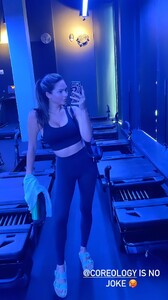
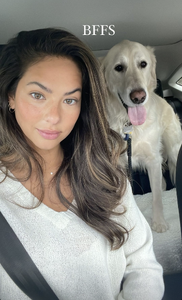
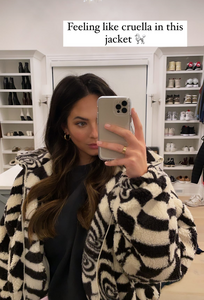
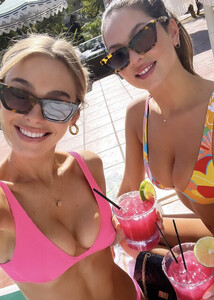





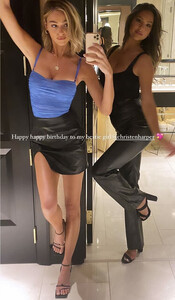

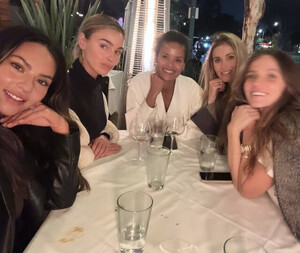
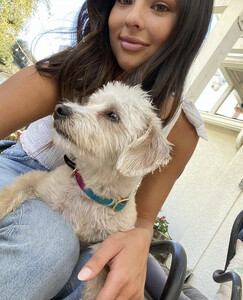


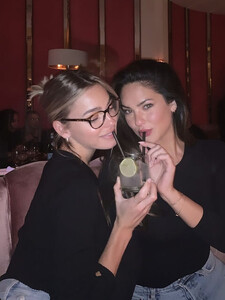
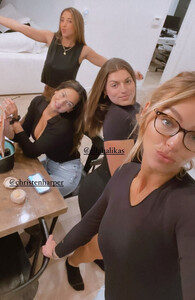

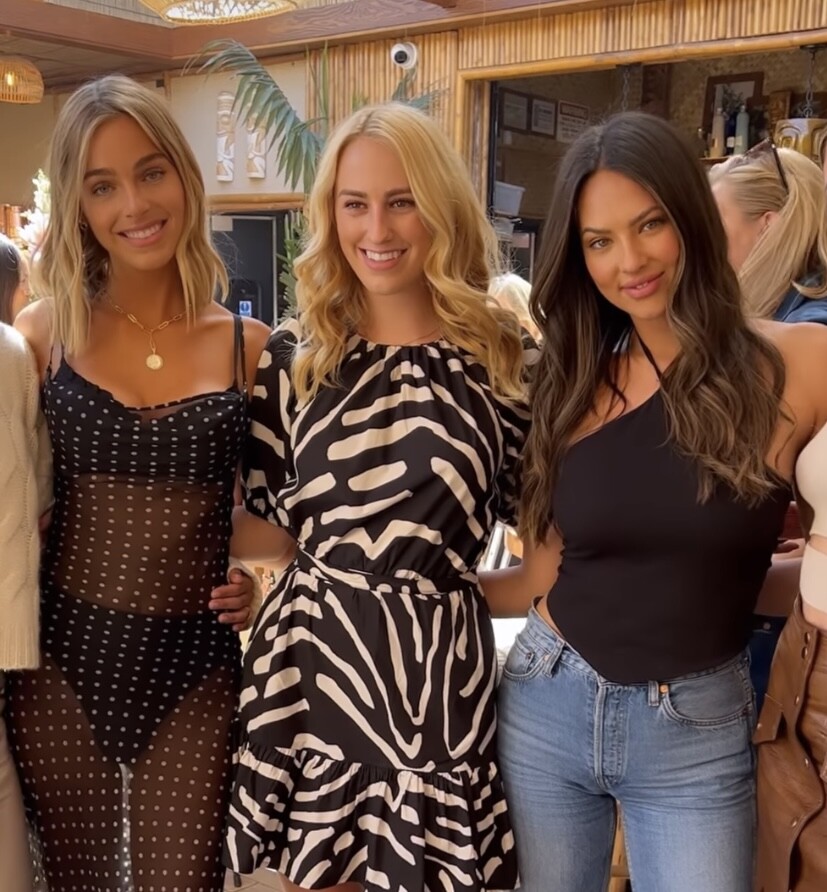
 Liz's BSWIM brunch from 2022
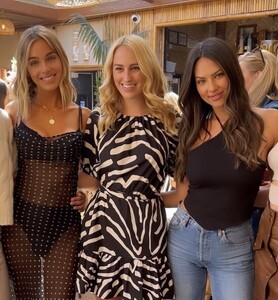
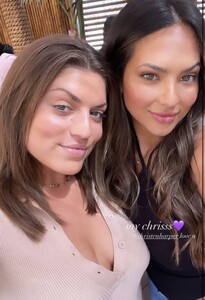




 Video-581.mp4
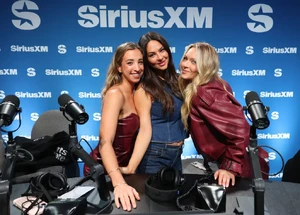
Last night from Liz's ig: new tiktok:
Video-581.mp4
Last night from Liz's ig: new tiktok:
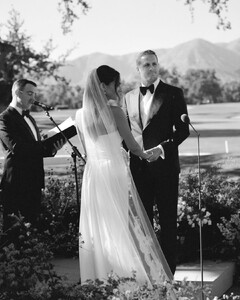
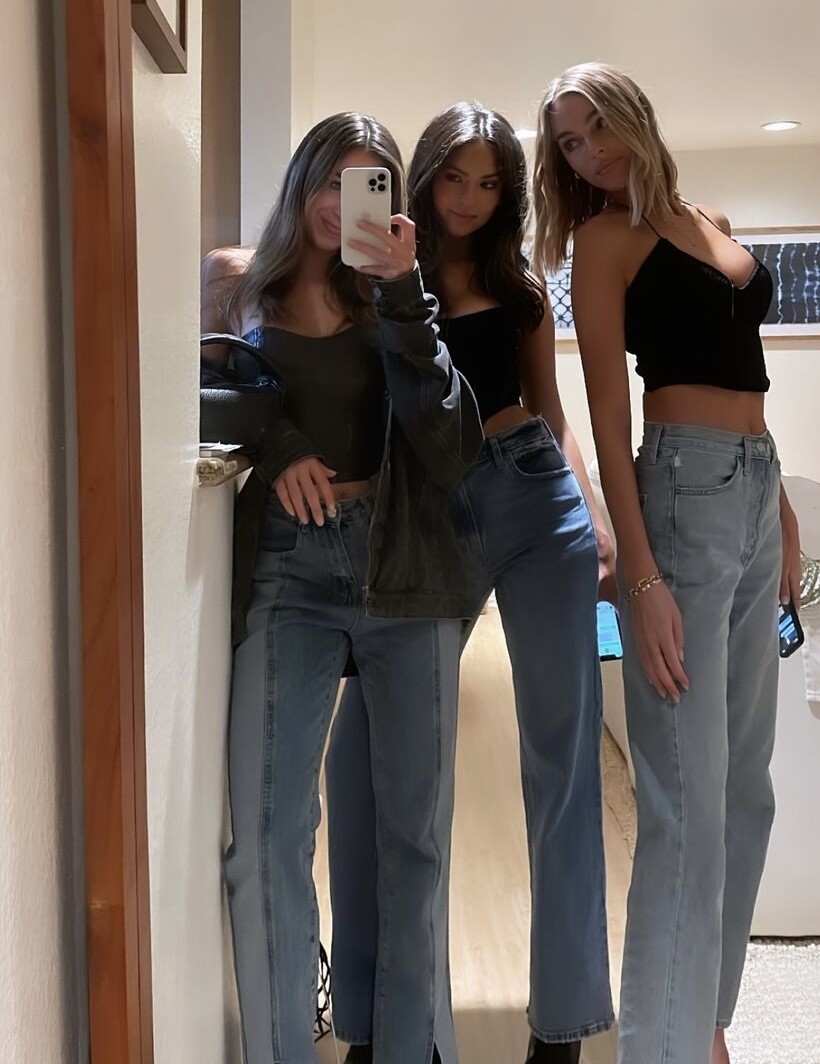
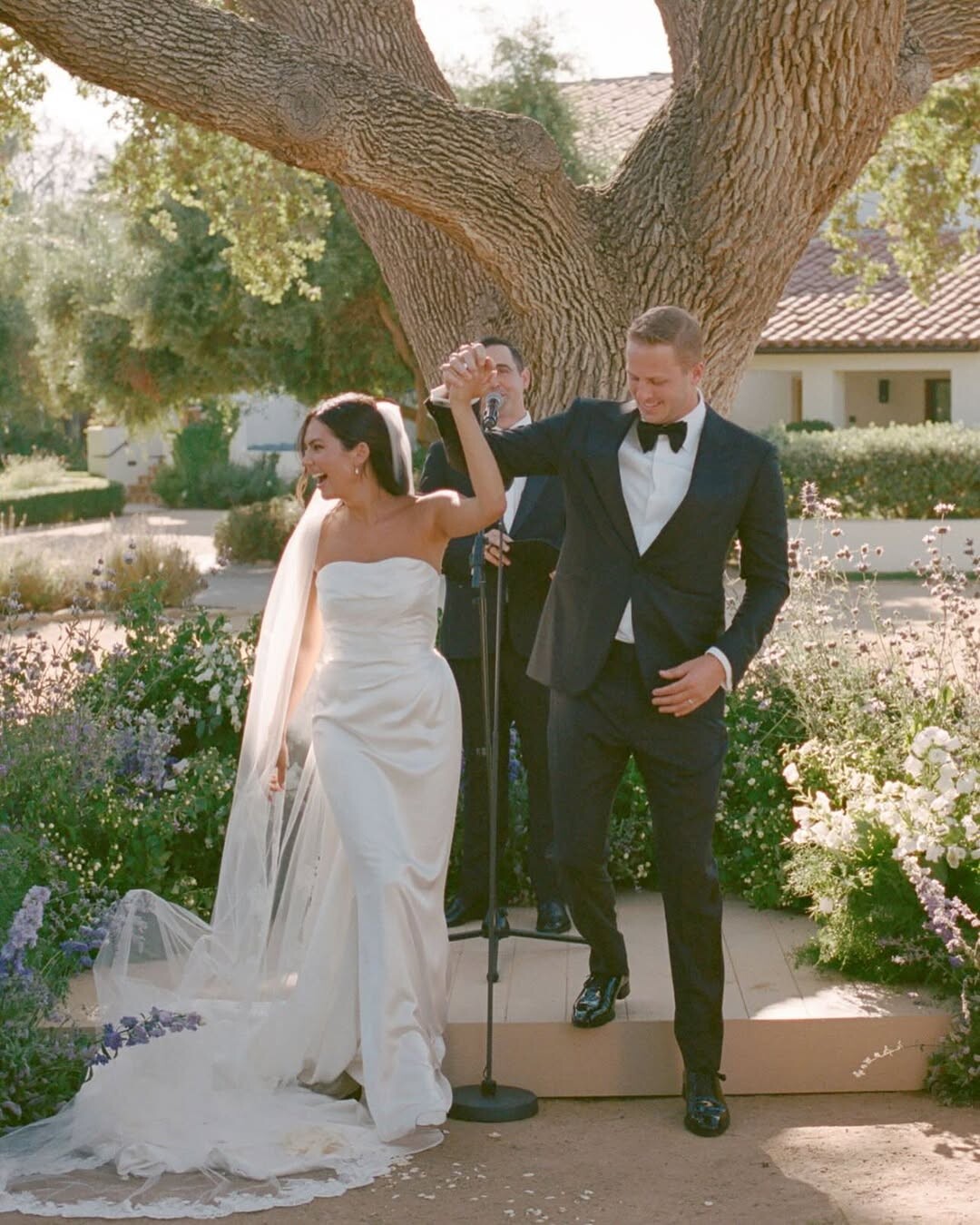
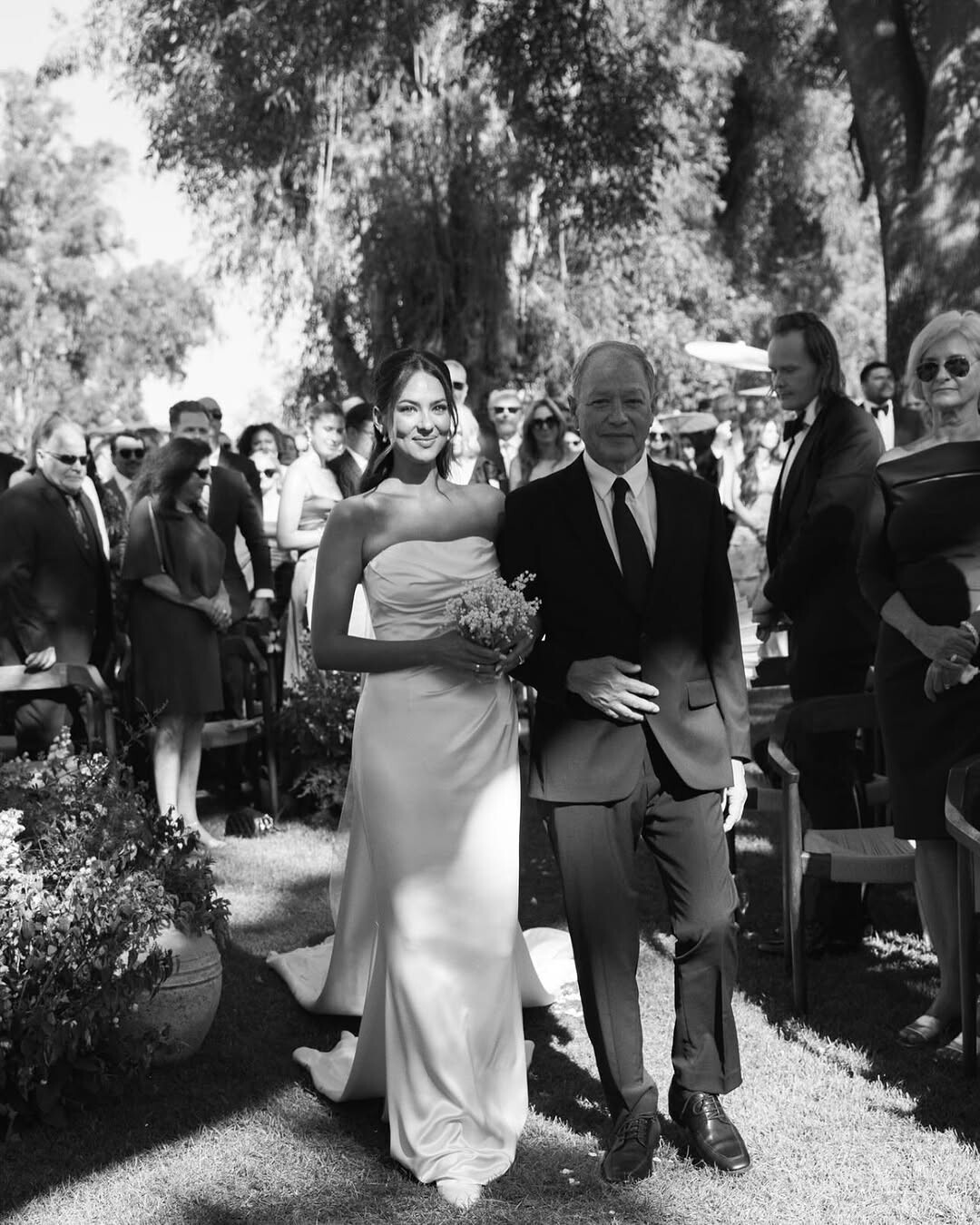
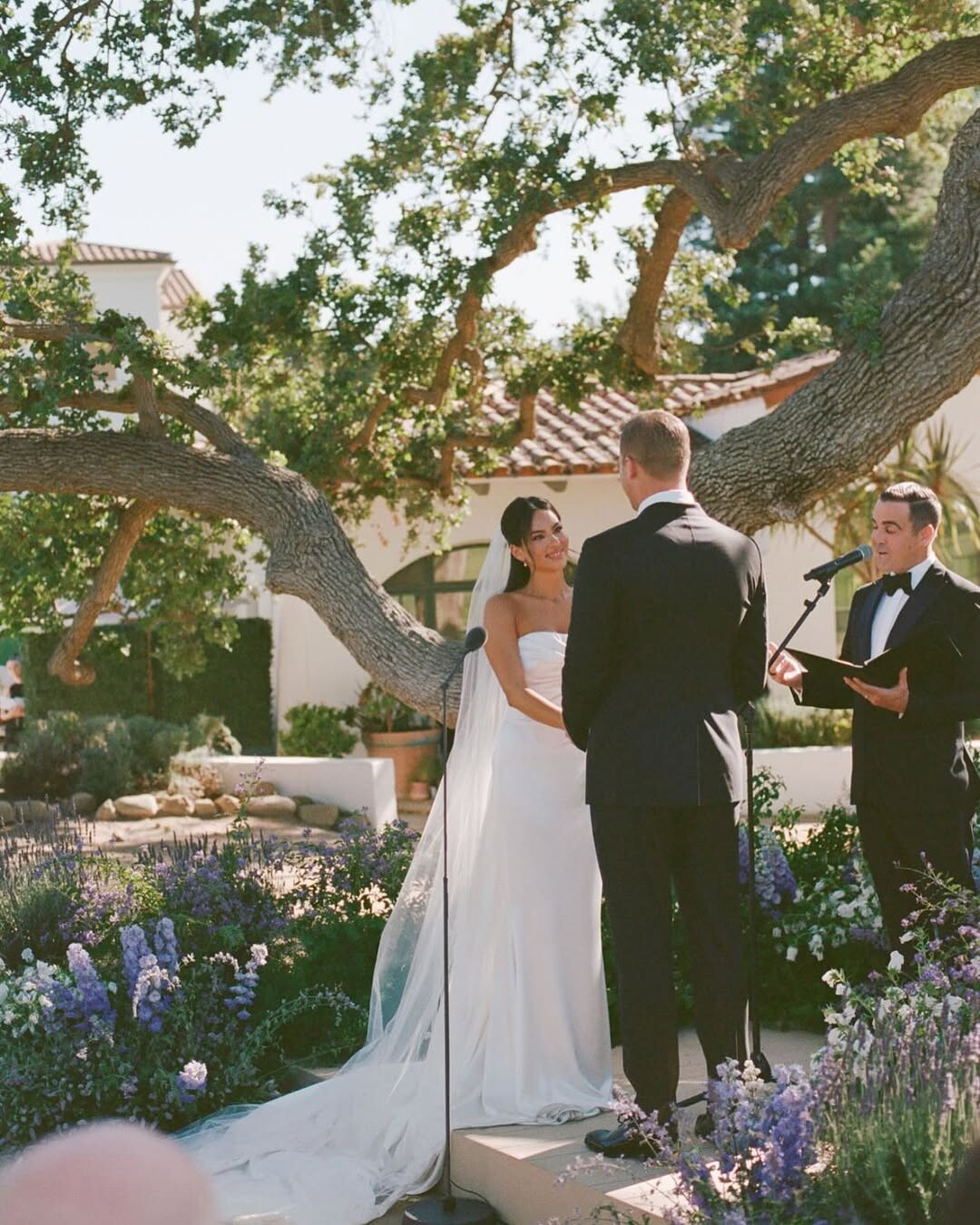
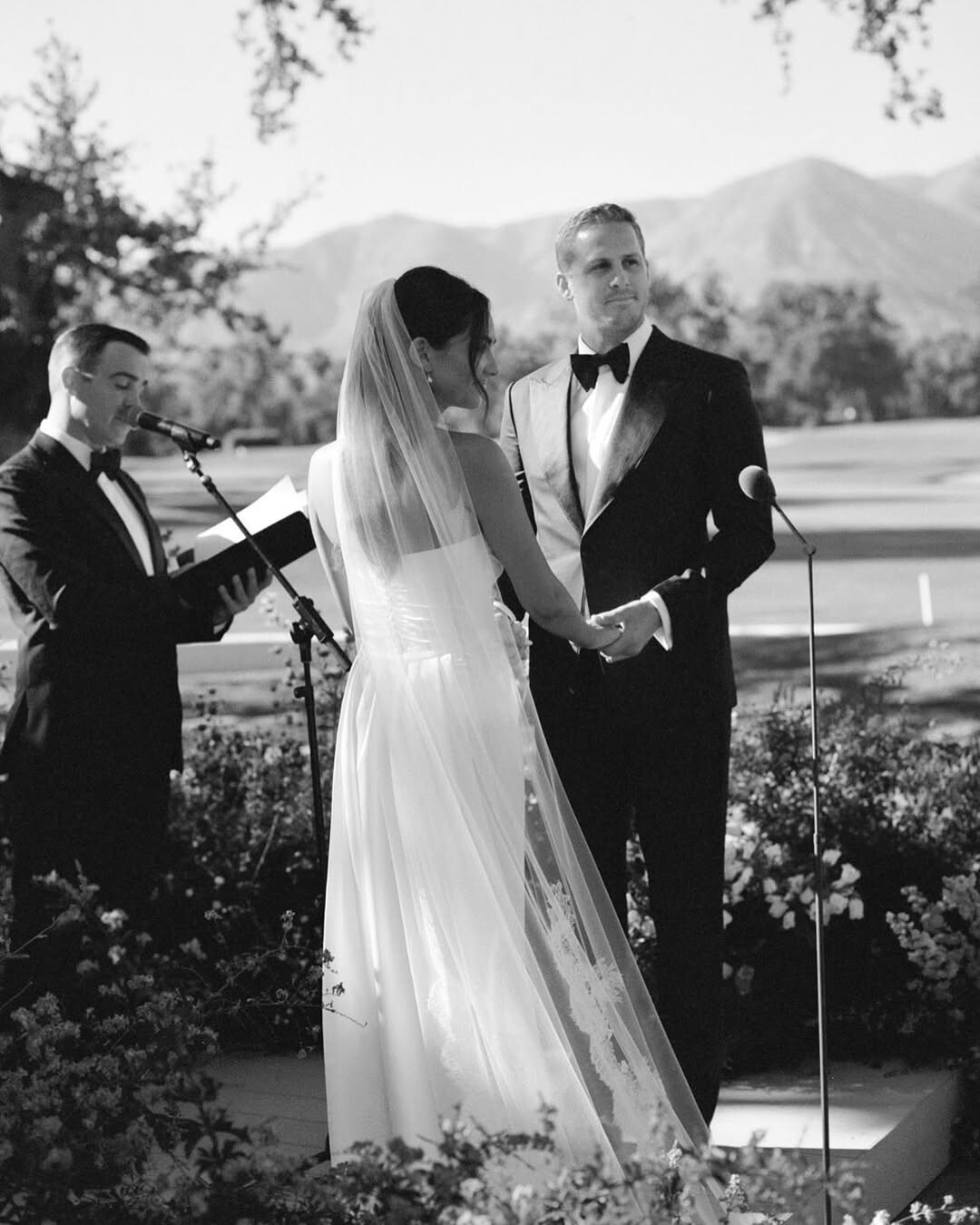
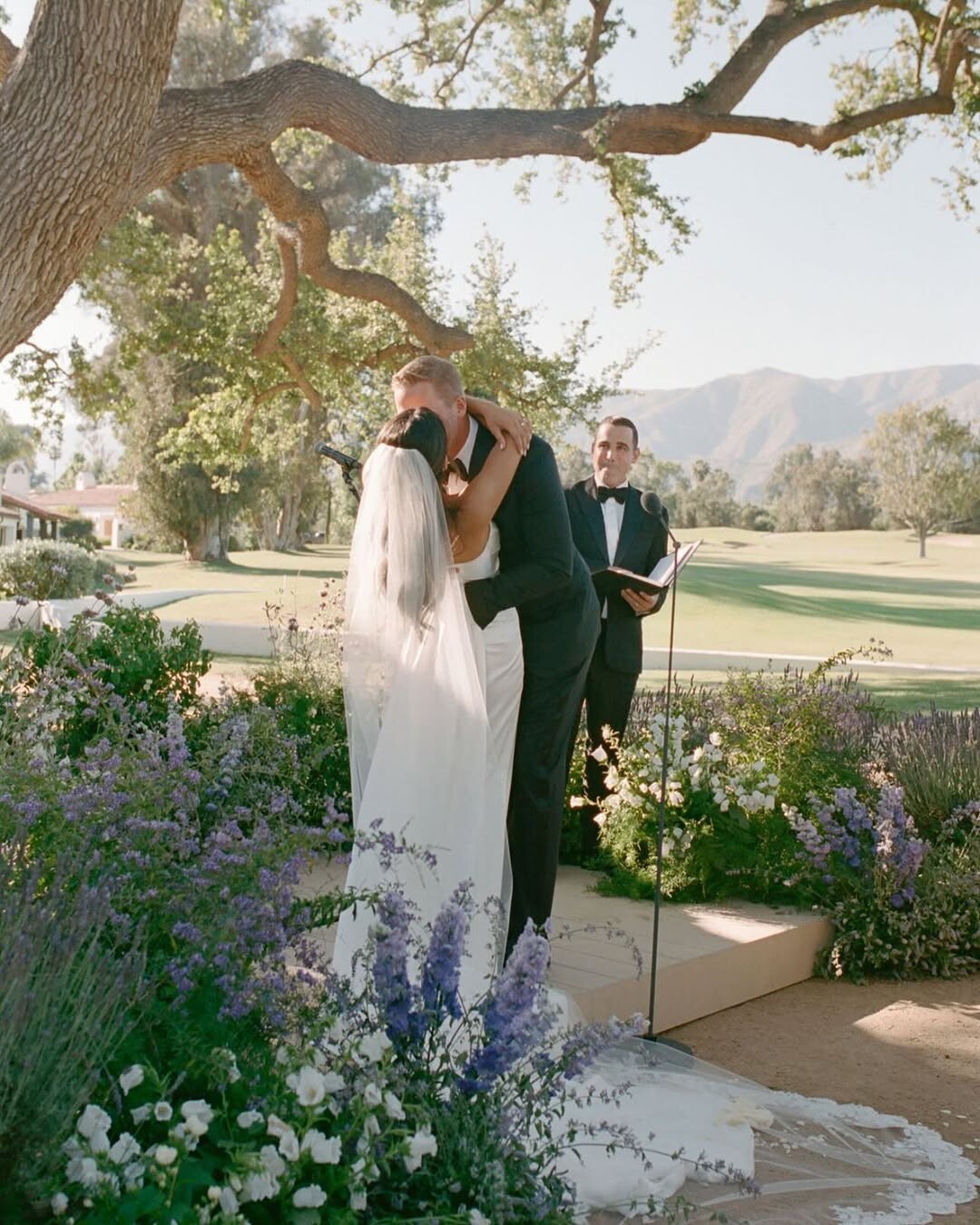
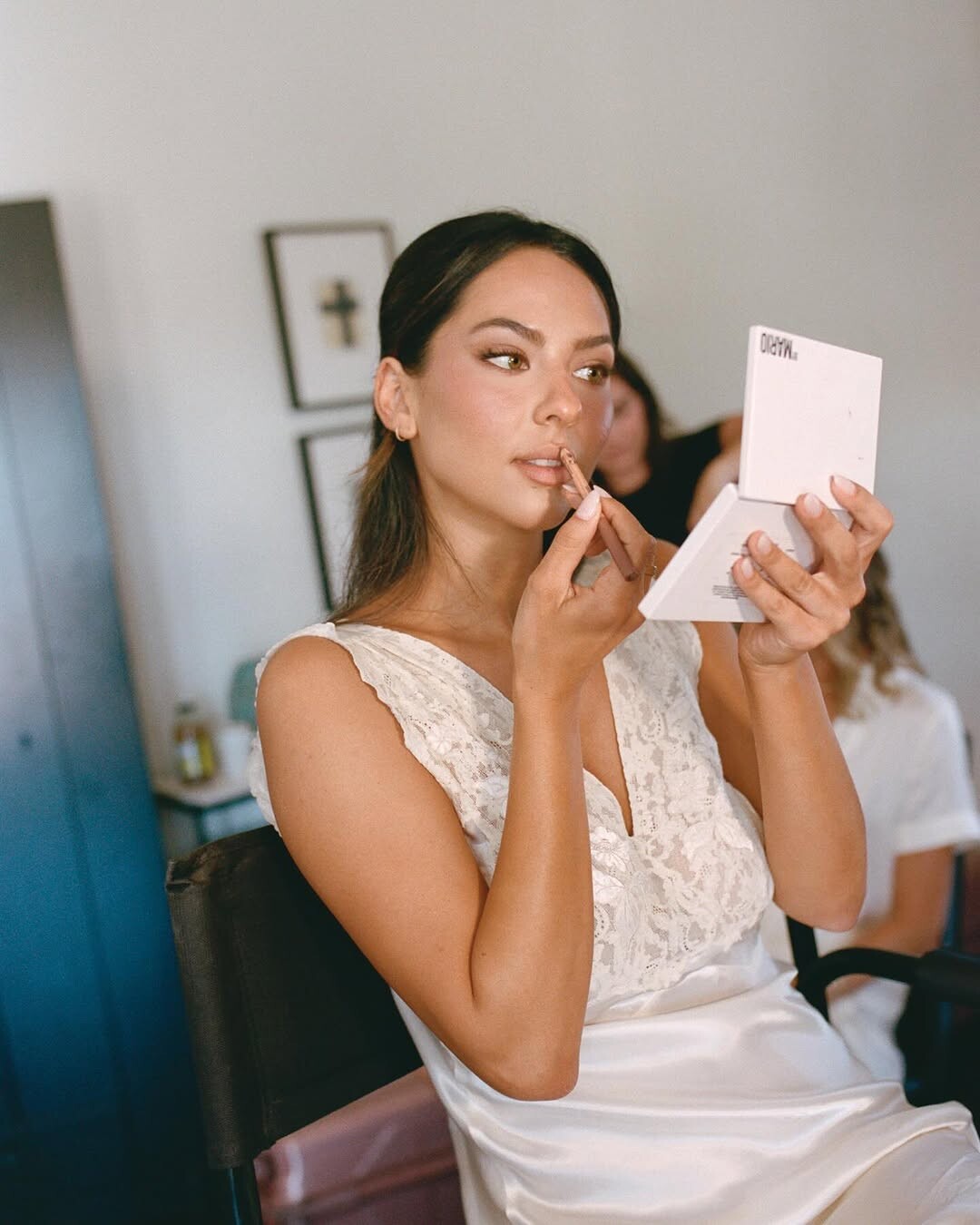
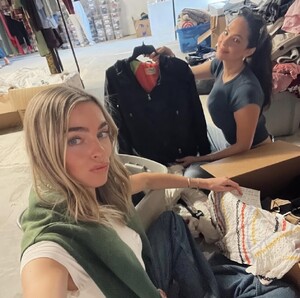 More wedding pics from the wedding planner:



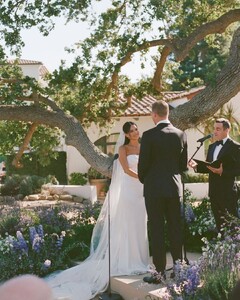




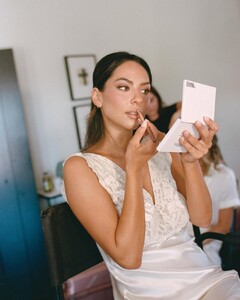


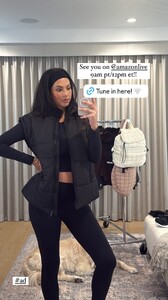
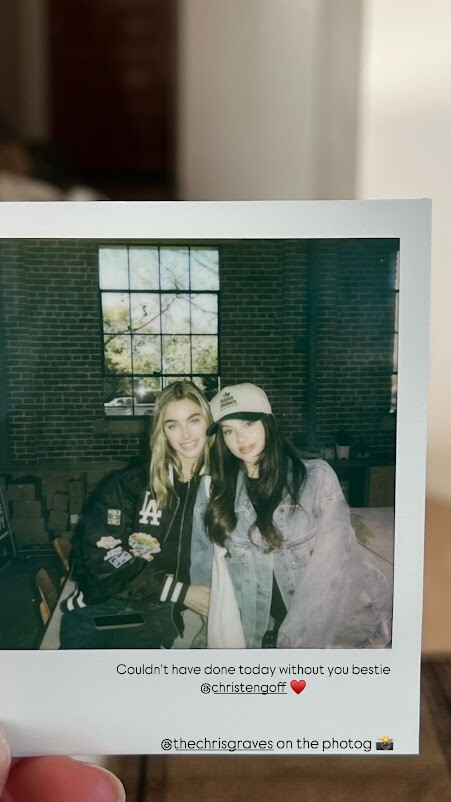
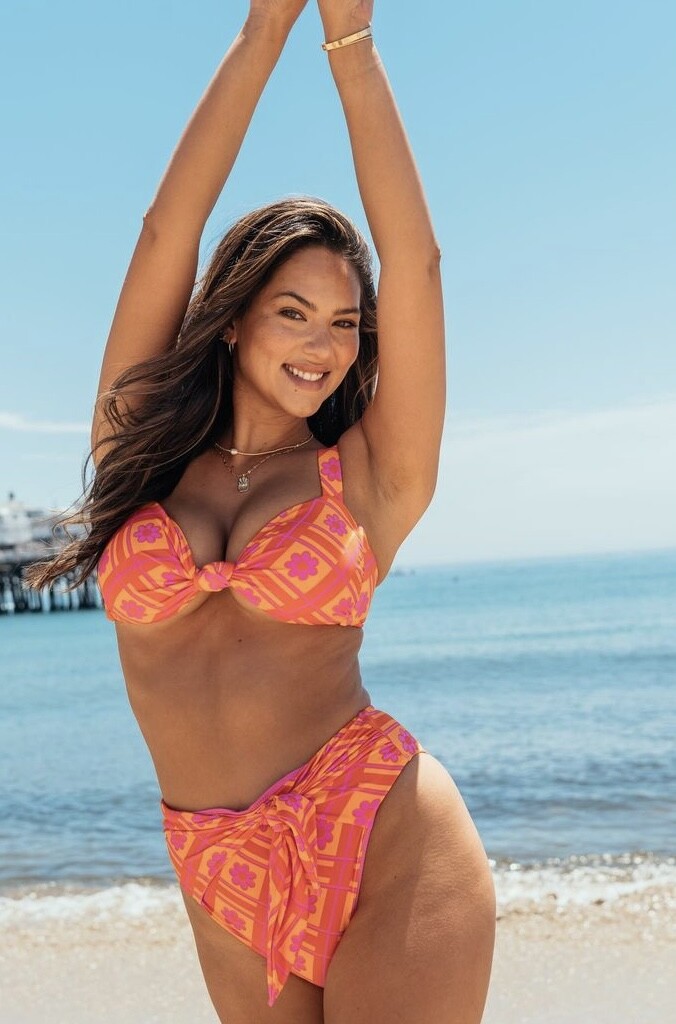
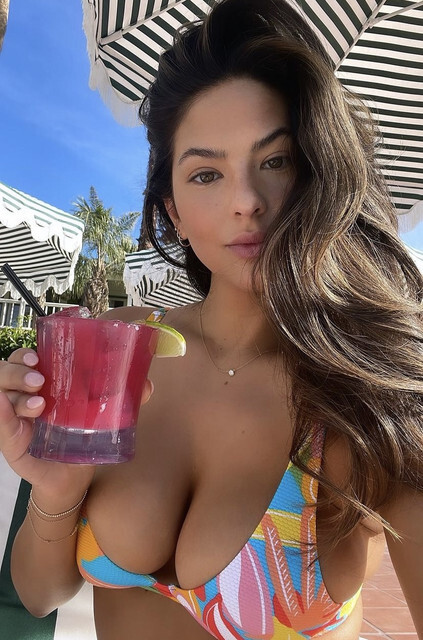
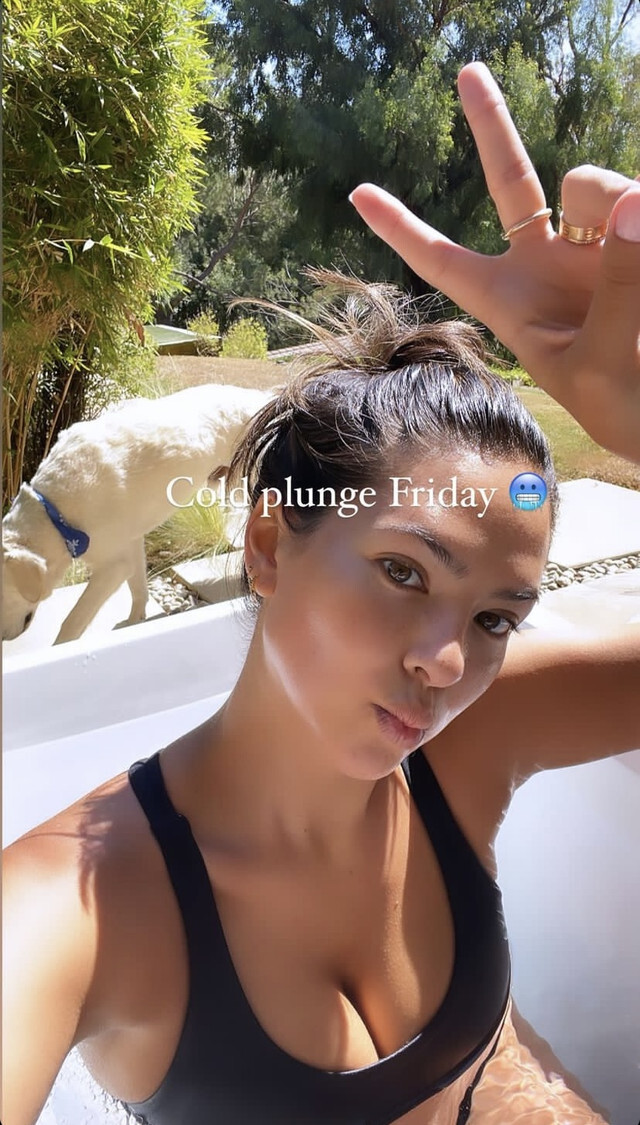
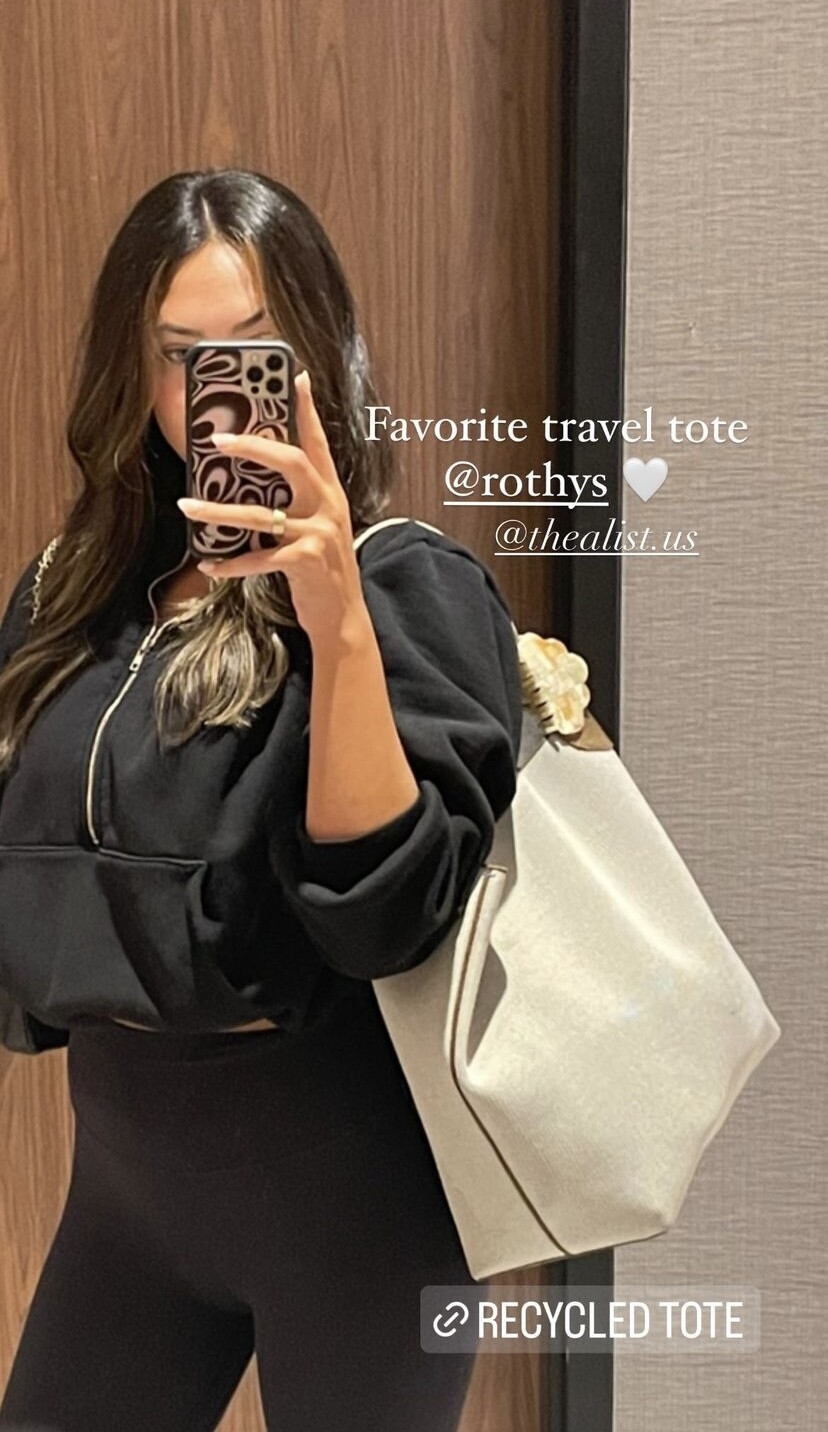
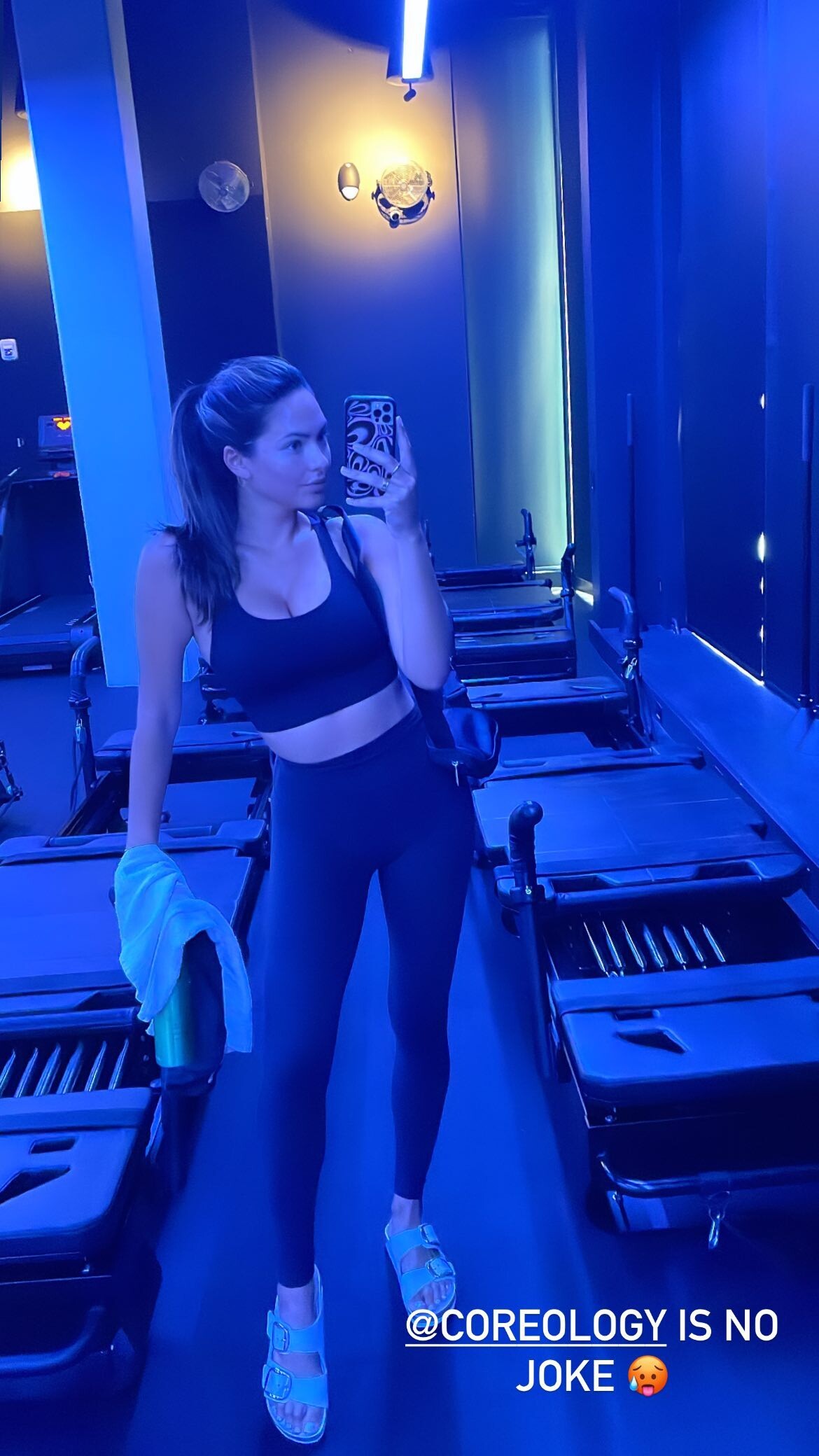
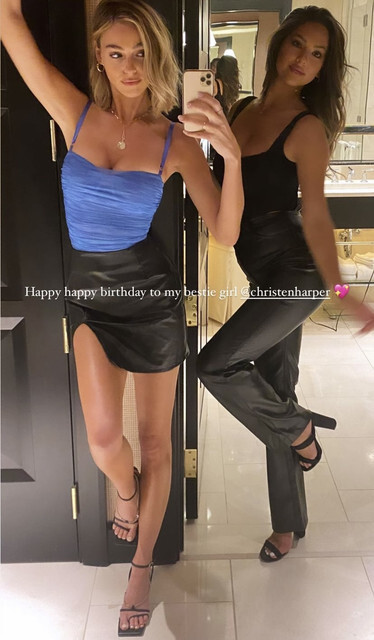
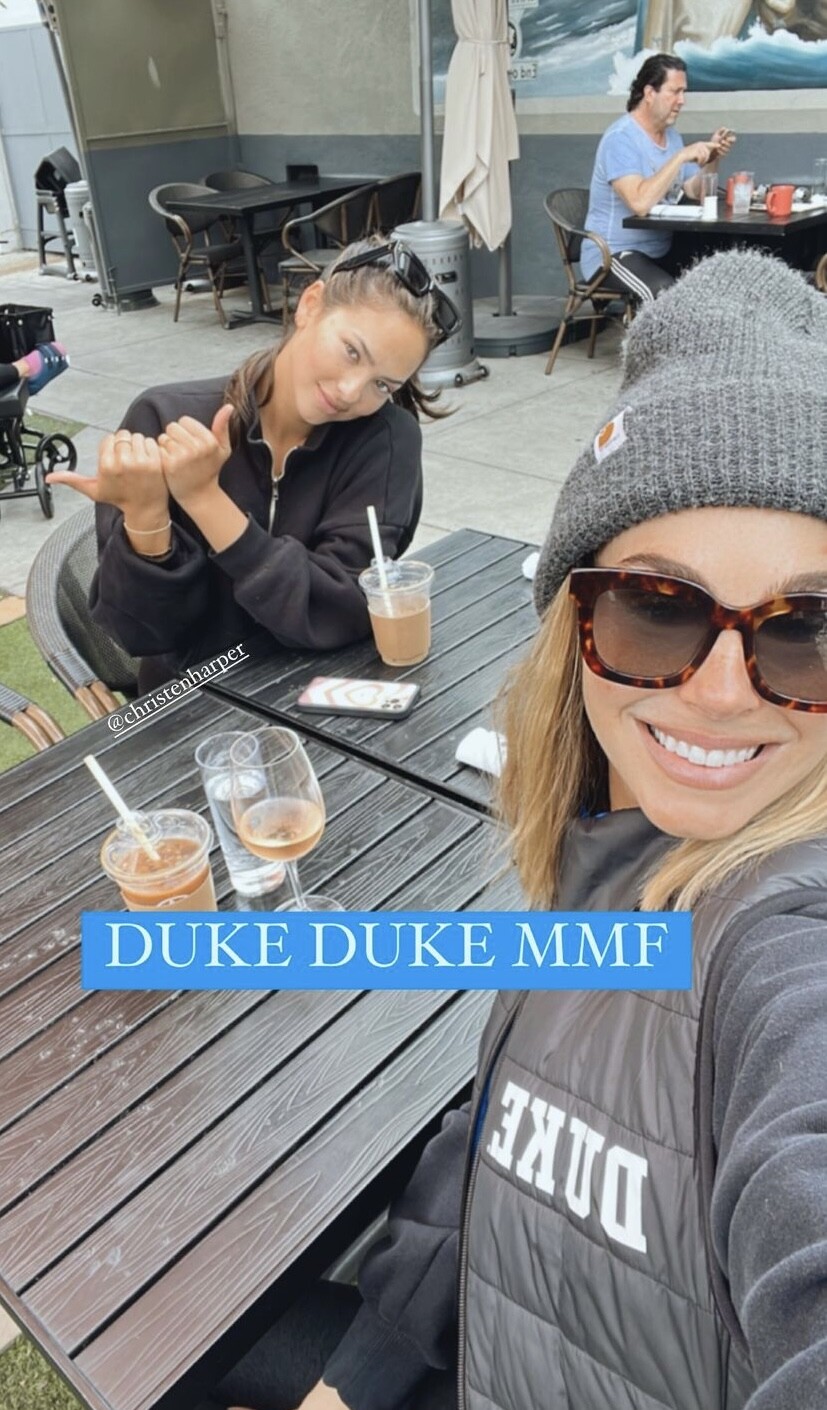
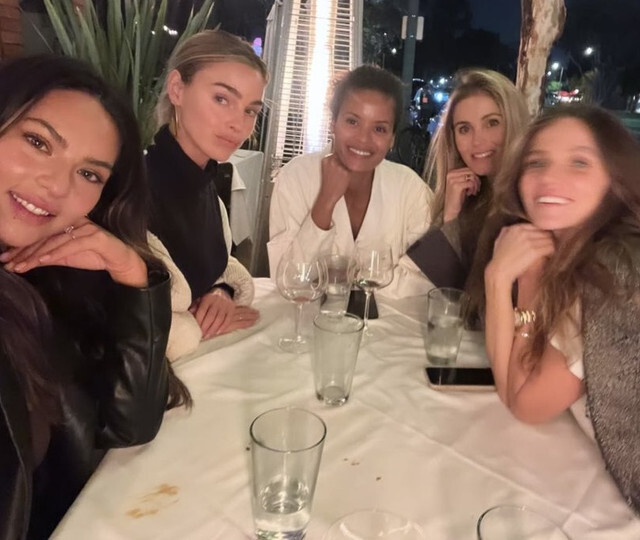
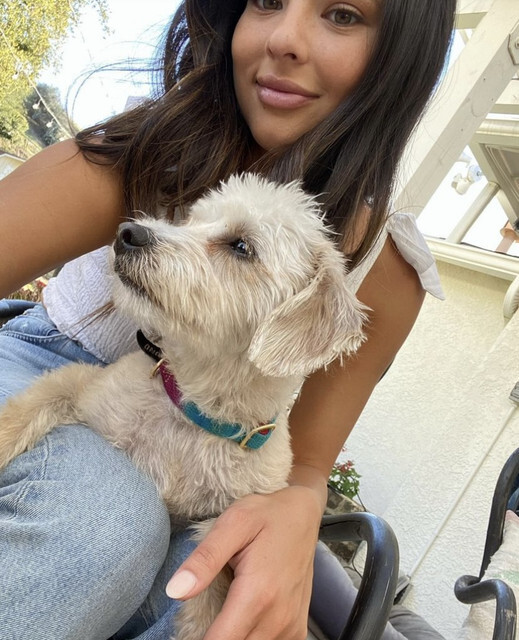
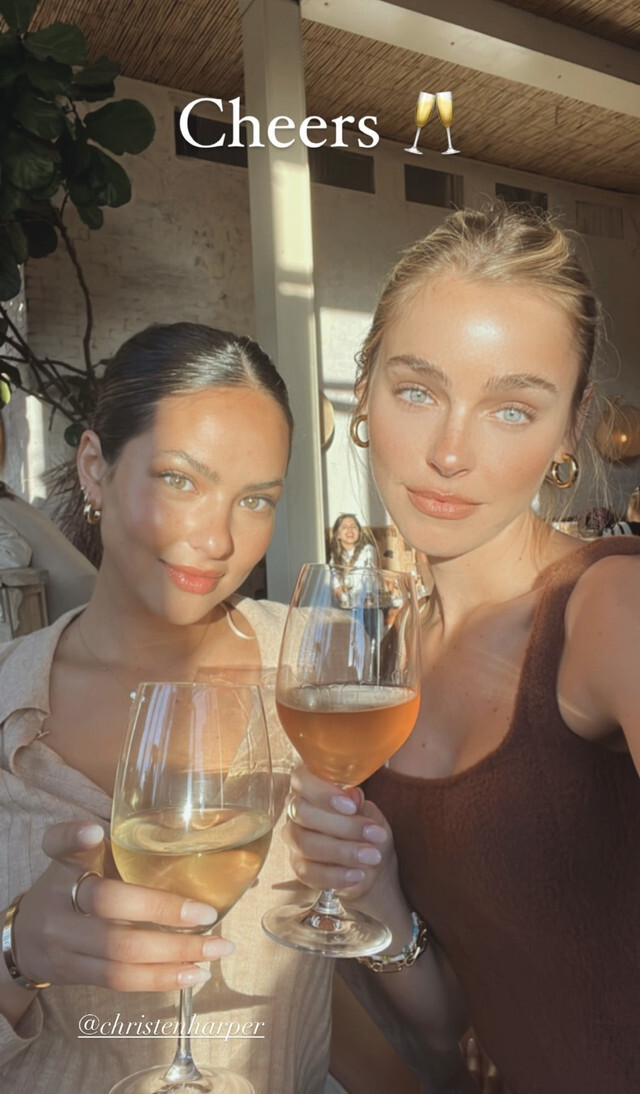
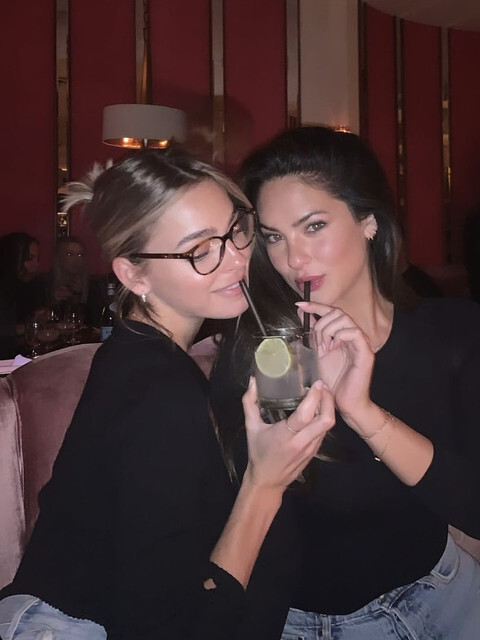
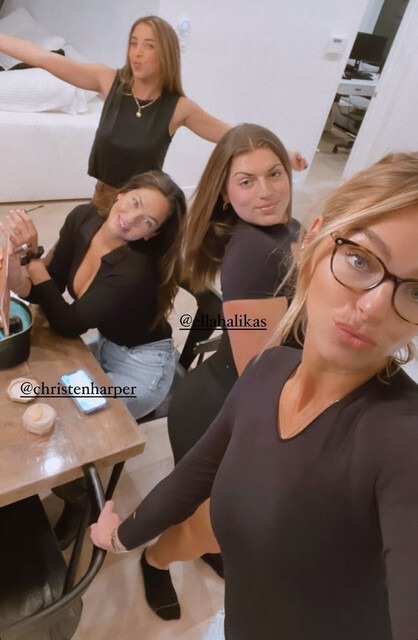
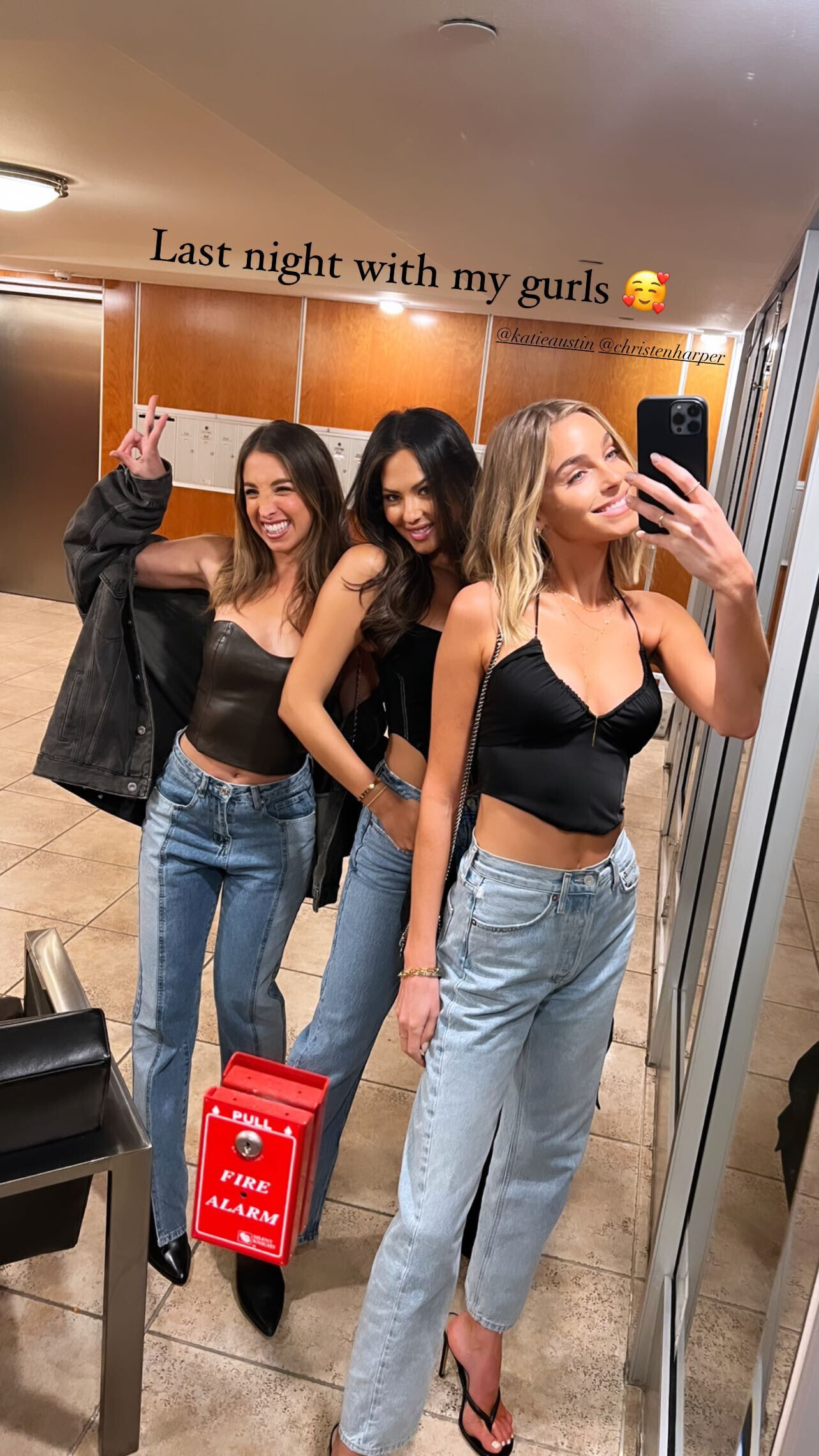
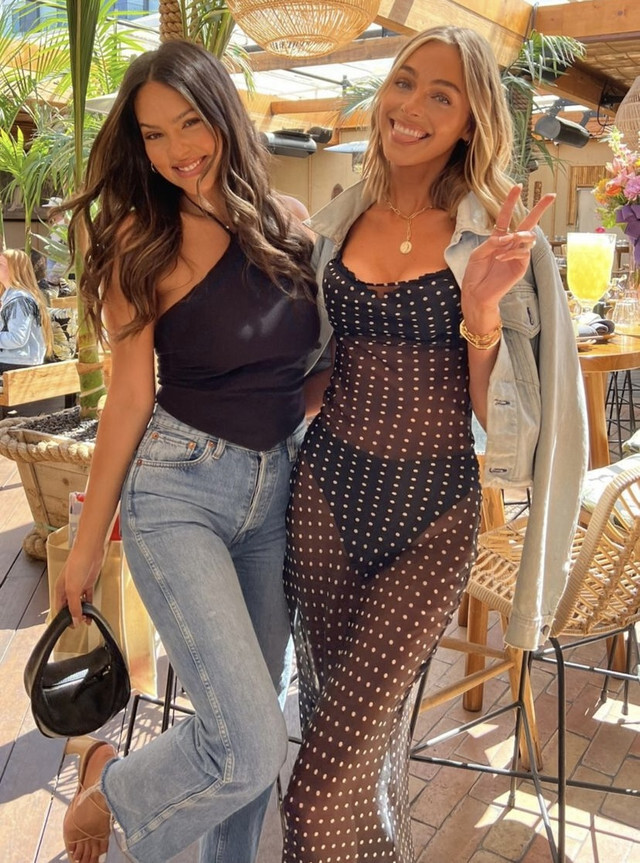
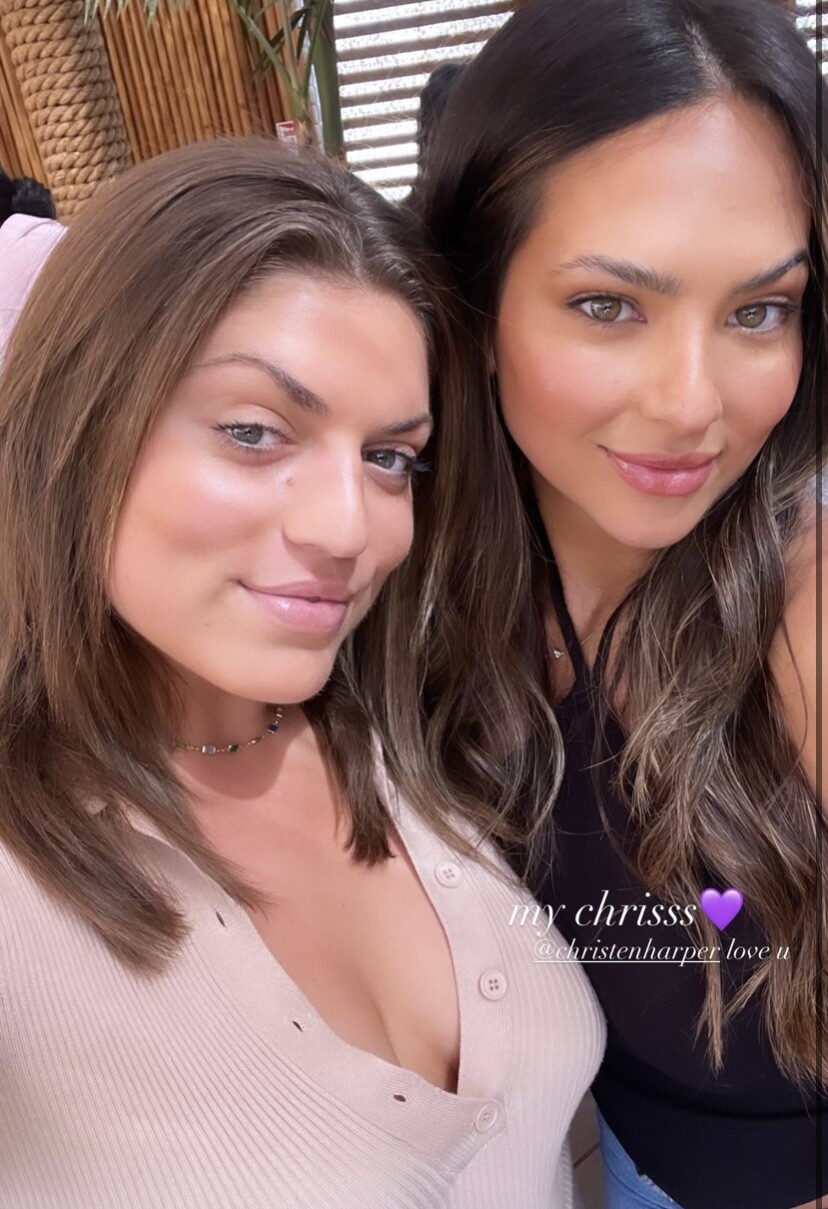
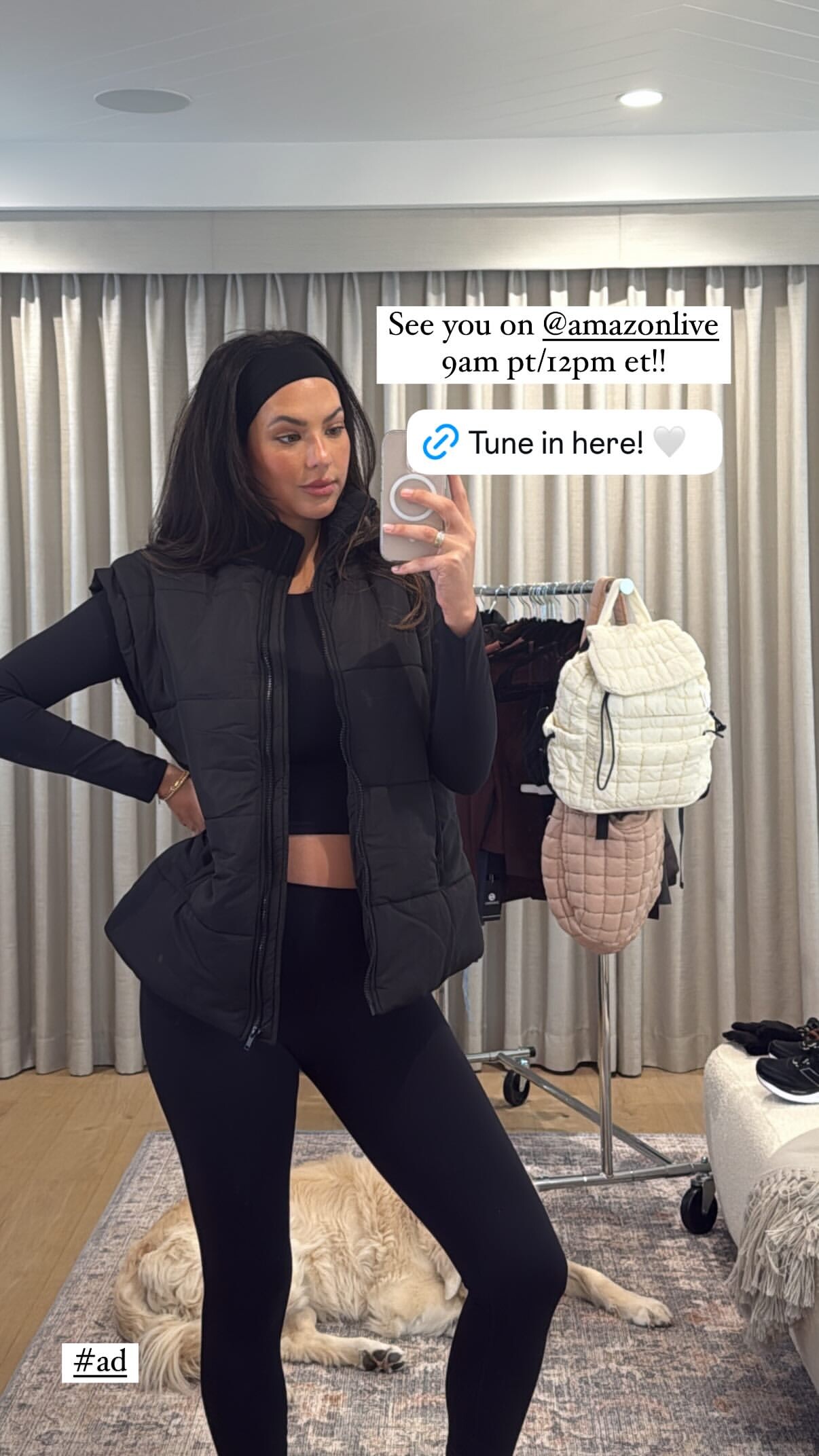
 from her ig yesterday: Christen will be on Amazon live today at 12PM EST/ 9AM PST for anyone interested: https://www.amazon.com/live/broadcast/ae691852-be26-4f0b-b976-8de3254bdff8?ref=al_desktop_flex_immersive_title_bar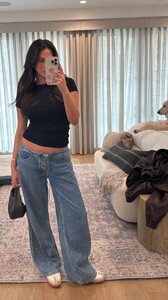














































































Account
Navigation
Search
Configure browser push notifications
Chrome (Android)
- Tap the lock icon next to the address bar.
- Tap Permissions → Notifications.
- Adjust your preference.
Chrome (Desktop)
- Click the padlock icon in the address bar.
- Select Site settings.
- Find Notifications and adjust your preference.
Safari (iOS 16.4+)
- Ensure the site is installed via Add to Home Screen.
- Open Settings App → Notifications.
- Find your app name and adjust your preference.
Safari (macOS)
- Go to Safari → Preferences.
- Click the Websites tab.
- Select Notifications in the sidebar.
- Find this website and adjust your preference.
Edge (Android)
- Tap the lock icon next to the address bar.
- Tap Permissions.
- Find Notifications and adjust your preference.
Edge (Desktop)
- Click the padlock icon in the address bar.
- Click Permissions for this site.
- Find Notifications and adjust your preference.
Firefox (Android)
- Go to Settings → Site permissions.
- Tap Notifications.
- Find this site in the list and adjust your preference.
Firefox (Desktop)
- Open Firefox Settings.
- Search for Notifications.
- Find this site in the list and adjust your preference.