

PinkCouture
Admin
-
Joined
Everything posted by PinkCouture
-
Brooks Brothers Video
















-
Imad Izemrane. He's a Moroccan business man who was married to Yfke Sturm and dated Constance Jablonski.
-
Thanks in advance

-
Are you referring in general or on BZ? The screenshot you provided didn't show any BZ video links so I suspecting you are asking in general. This thread is for "Problems and Suggestions for BZ". Also, I tested it with videos on BZ and everything was fine.
-
Yes, it for shorten to 48 hours bc in the past we have had disgruntled members who would edit/delete the contents of their post bc they were upset about something. We didn’t want to totally take away the ability for members to edit their post, so we decided that 48 hrs is a fair amount of time for members to edit their posts if necessarily. If you have other any other questions or would like to further discuss this, feel free to PM me. Thank you😊
-
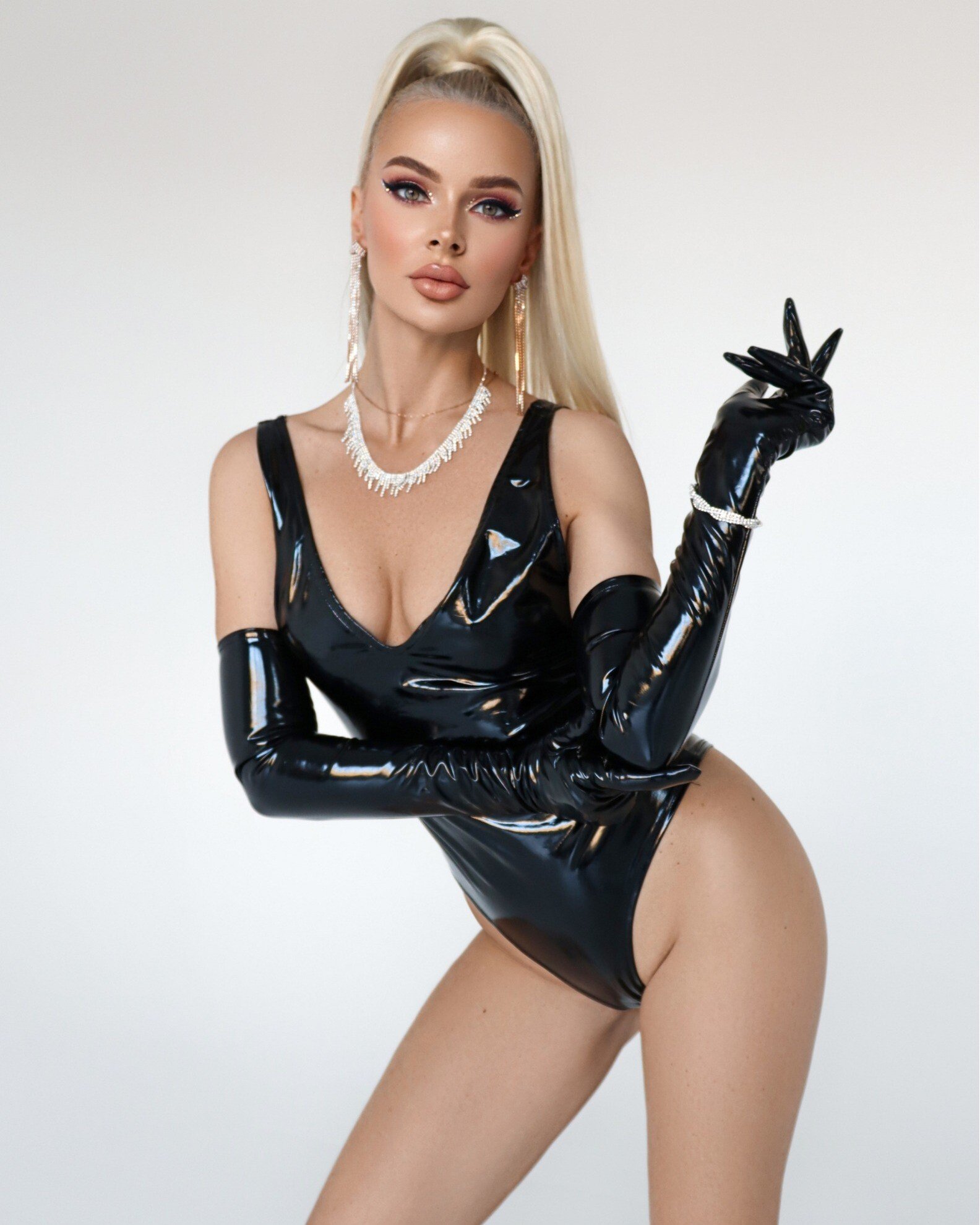
Raene Collection | Honey Birdette (Holiday 2023) Raene _ Honey Birdette _ DESKTOP (1080p with 25fps) (1).mp4Yana Weiman Date of Birth: March 20, 1992 Place of Birth: Yaroslavl, Russia Height: 5' 8" Bust: 34" Waist: 24" Hips: 34" Dress: 2 Shoe: 8 Notes: Model, Influencer, Miss Yaroslavl 2011, Vice-Miss Russia 2011, Editor in Chief of Brilliant magazine
 Taken by Cong He:
 The Fashion Awards 2023 in London (12/4/2023)


 GQ China: Man of the Year Gala (12/7/2023) Video









 Pradasphere II Event in Shanghai, China (12/6/2023)








































































Account
Navigation
Search
Configure browser push notifications
Chrome (Android)
- Tap the lock icon next to the address bar.
- Tap Permissions → Notifications.
- Adjust your preference.
Chrome (Desktop)
- Click the padlock icon in the address bar.
- Select Site settings.
- Find Notifications and adjust your preference.
Safari (iOS 16.4+)
- Ensure the site is installed via Add to Home Screen.
- Open Settings App → Notifications.
- Find your app name and adjust your preference.
Safari (macOS)
- Go to Safari → Preferences.
- Click the Websites tab.
- Select Notifications in the sidebar.
- Find this website and adjust your preference.
Edge (Android)
- Tap the lock icon next to the address bar.
- Tap Permissions.
- Find Notifications and adjust your preference.
Edge (Desktop)
- Click the padlock icon in the address bar.
- Click Permissions for this site.
- Find Notifications and adjust your preference.
Firefox (Android)
- Go to Settings → Site permissions.
- Tap Notifications.
- Find this site in the list and adjust your preference.
Firefox (Desktop)
- Open Firefox Settings.
- Search for Notifications.
- Find this site in the list and adjust your preference.