Jump to content
View in the app

A better way to browse. Learn more.

Bellazon

A full-screen app on your home screen with push notifications, badges and more.

To install this app on iOS and iPadOS
  1. Tap the Share icon in Safari
  2. Scroll the menu and tap Add to Home Screen.
  3. Tap Add in the top-right corner.
To install this app on Android
  1. Tap the 3-dot menu (⋮) in the top-right corner of the browser.
  2. Tap Add to Home screen or Install app.
  3. Confirm by tapping Install.

kimflorida

Members
  • Joined

  • Last visited

Everything posted by kimflorida

  1. Noor Mutsaers
  2. looks like Giulia Maenza
  3. you're welcome
  4. she is Jocelyn Corona
  5. She is Jocelyn Corona
  6. nevermind - I found her! Marie Lindfors
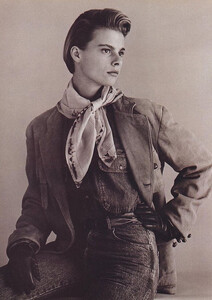
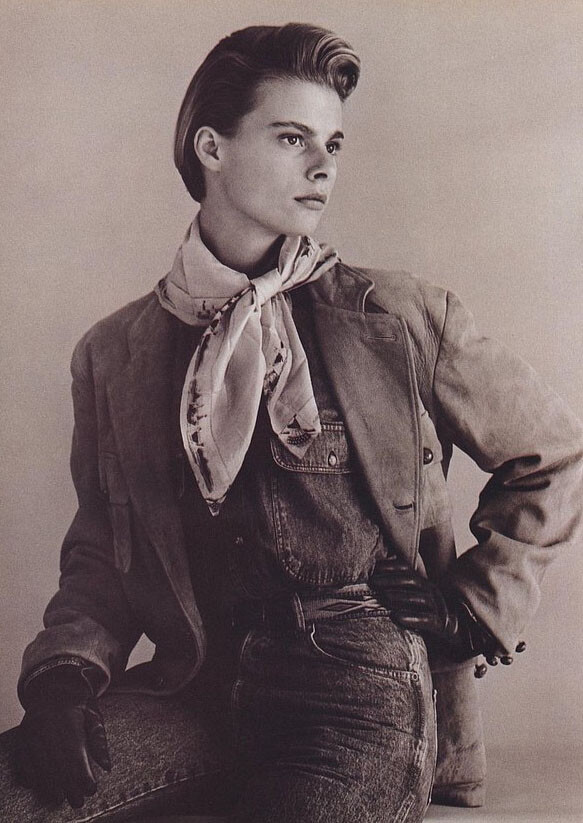
  7. Calvin Klein Spring 1986 Josie Borain??
  8. 7. maybe, Kristine Lindseth? I can't tell if it's her or not.
  9. 6. Tess Breeden
  10. 5. Iza Dantas
  11. 1. Yoonmi Sun 3. Ella Rattigan A few more of them are familiar, but I’m on my work phone right now and can’t check IG. I’ll check back later when I’m home ☺️
  12. You’re welcome ☺️
  13. you're welcome
  14. 1. Naomi Eliav 2. Scarllath Lopez
  15. Caroline Eggert??
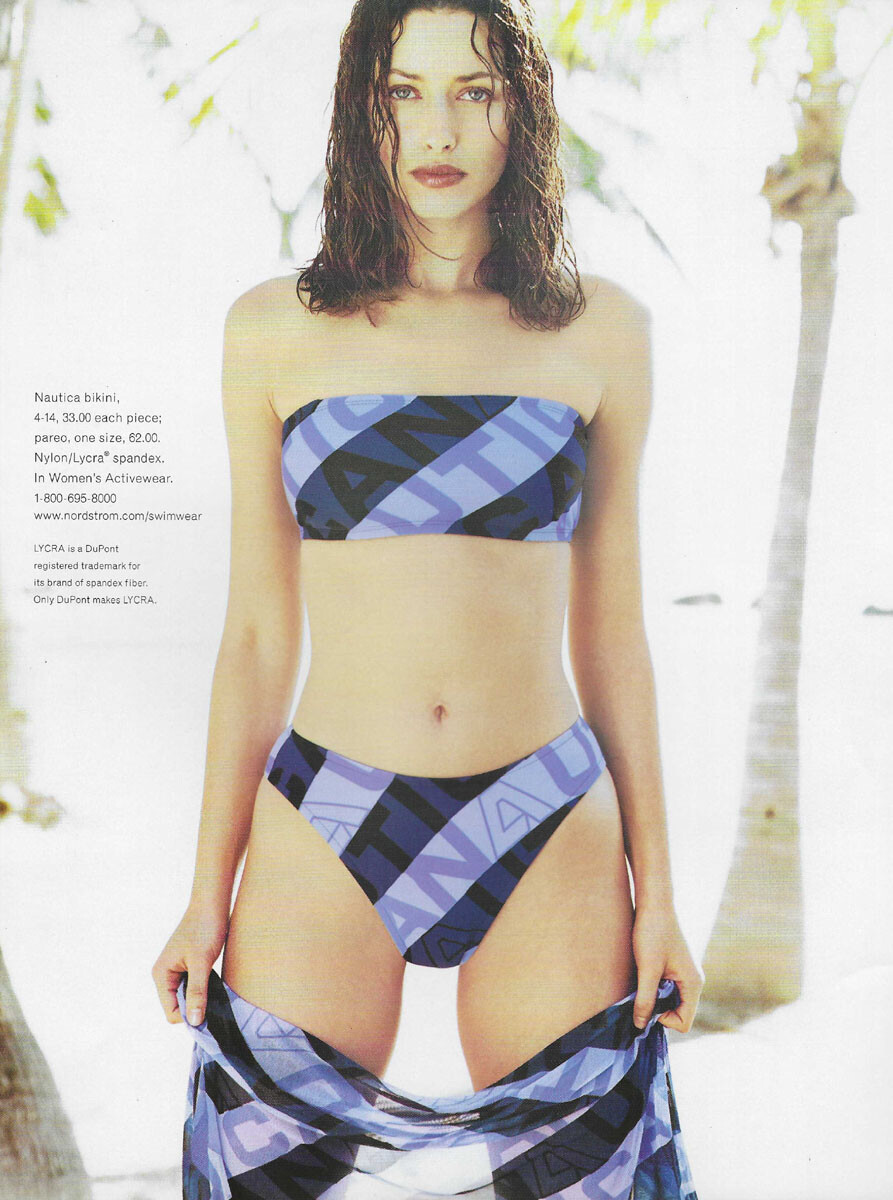
  16. NORDSTROM Summer 1999 my scan TIA
  17. Esther Heesch
  18. Cara Taylor
  19. Emmy Rappe Greta Varlese
  20. Olivia Lefebre - her Instagram
  21. You’re welcome ☺️
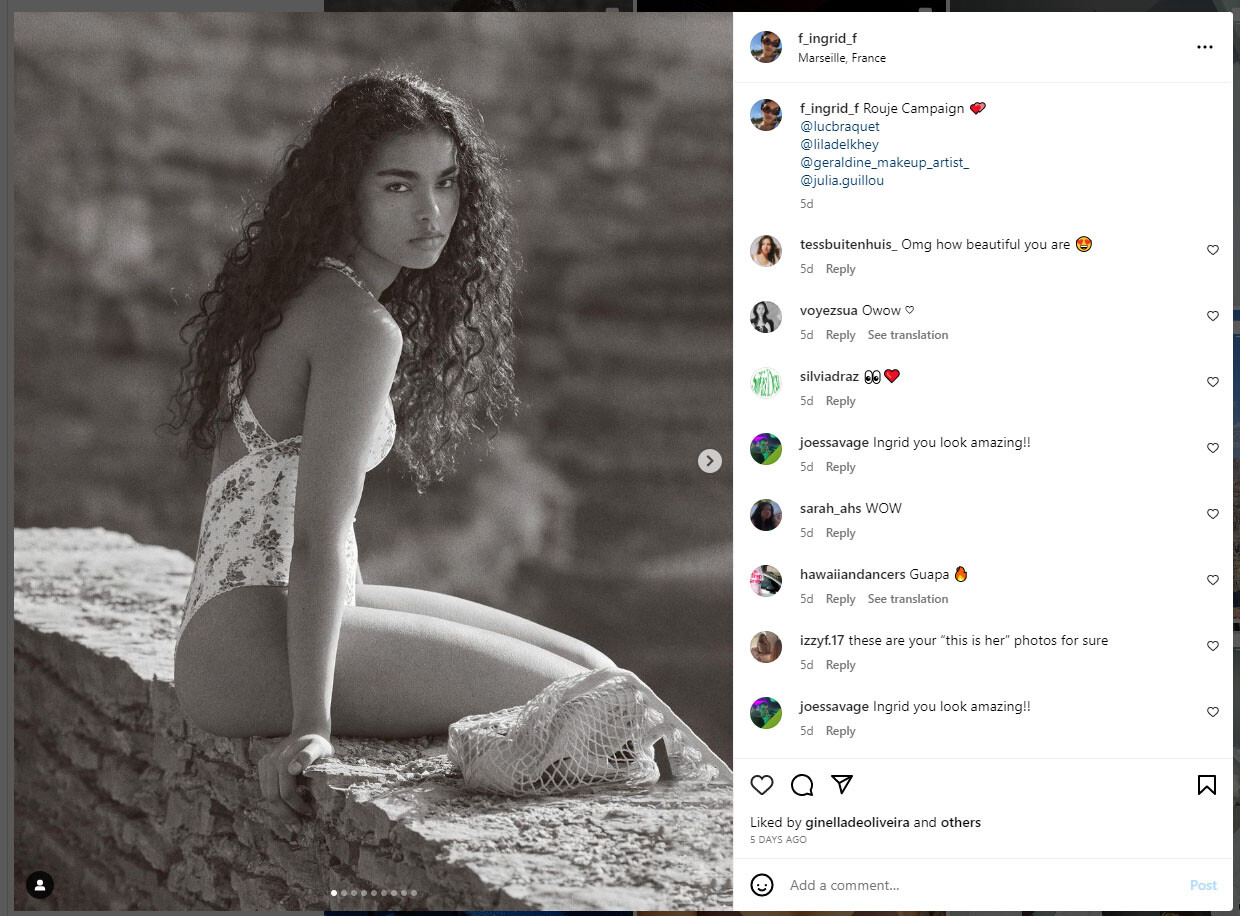
  22. Confirmed on her IG -

Account

Navigation

Search

Configure browser push notifications

Chrome (Android)
  1. Tap the lock icon next to the address bar.
  2. Tap Permissions → Notifications.
  3. Adjust your preference.
Chrome (Desktop)
  1. Click the padlock icon in the address bar.
  2. Select Site settings.
  3. Find Notifications and adjust your preference.