sha
Members
-
Joined
-
Last visited
Everything posted by sha
-

-
yes the trailor or wherever i can get that vid where she is getting out of the water
-
Pampita
 huge
huge
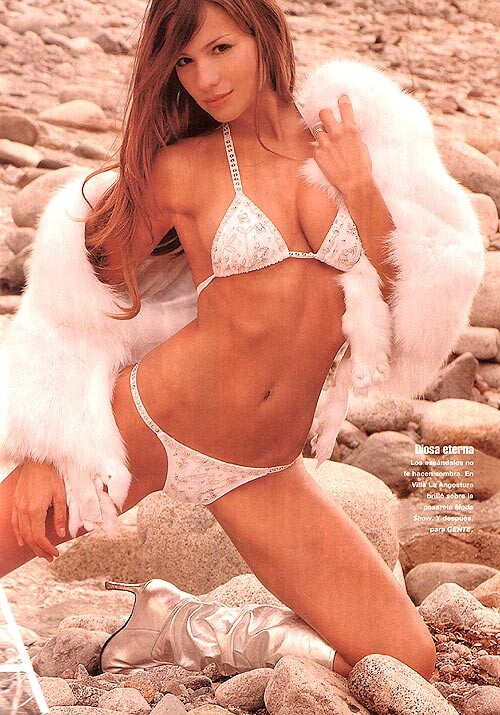
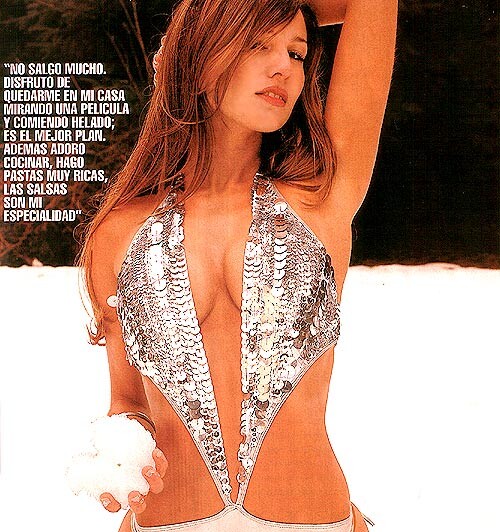
 Does anyone have a bigger version of this pic, or one without the graphic overlay? She looks stunning. <{POST_SNAPBACK}> which tim spot is that from
lullaby those are the hottest pics of adriana ever taken thanks
she does have the WHOLE package doesnt she....
your welcome
wow time for me to slip in there. i wonder if my wife would be mad
Does anyone have a bigger version of this pic, or one without the graphic overlay? She looks stunning. <{POST_SNAPBACK}> which tim spot is that from
lullaby those are the hottest pics of adriana ever taken thanks
she does have the WHOLE package doesnt she....
your welcome
wow time for me to slip in there. i wonder if my wife would be madAccount
Navigation
Search
Configure browser push notifications
Chrome (Android)
- Tap the lock icon next to the address bar.
- Tap Permissions → Notifications.
- Adjust your preference.
Chrome (Desktop)
- Click the padlock icon in the address bar.
- Select Site settings.
- Find Notifications and adjust your preference.
Safari (iOS 16.4+)
- Ensure the site is installed via Add to Home Screen.
- Open Settings App → Notifications.
- Find your app name and adjust your preference.
Safari (macOS)
- Go to Safari → Preferences.
- Click the Websites tab.
- Select Notifications in the sidebar.
- Find this website and adjust your preference.
Edge (Android)
- Tap the lock icon next to the address bar.
- Tap Permissions.
- Find Notifications and adjust your preference.
Edge (Desktop)
- Click the padlock icon in the address bar.
- Click Permissions for this site.
- Find Notifications and adjust your preference.
Firefox (Android)
- Go to Settings → Site permissions.
- Tap Notifications.
- Find this site in the list and adjust your preference.
Firefox (Desktop)
- Open Firefox Settings.
- Search for Notifications.
- Find this site in the list and adjust your preference.