
sha
Members
-
Joined
-
Last visited
Everything posted by sha
-
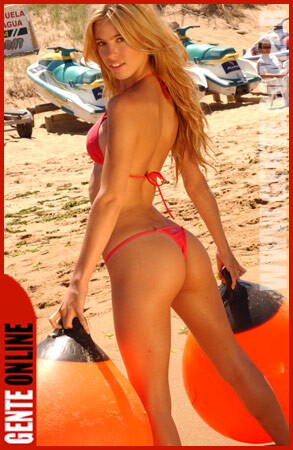
 More than just "very". It's very very very sexxxy. :evil: true
 -
she has an amzing body
-
this is great! YEAAAAH THIS IS REALY GREAAAAAAAAAAAAAAAT thanks for the wallpaper
-
wow thanks hiro she is just gorgous she really does have some nice breasts
-
indeed she does have an outstanding body
-
ya a c cup is probably perfect
-
these are neroscans Please do not post images side by side that will equal greater than 600 pixels in width. Thank You - Capt Snow
who is the girl in the middle
very nice
 awesome calender
great pics
this is all i can find right now but i am still looking
i love petra
awesome calender
great pics
this is all i can find right now but i am still looking
i love petra





Account
Navigation
Search
Configure browser push notifications
Chrome (Android)
- Tap the lock icon next to the address bar.
- Tap Permissions → Notifications.
- Adjust your preference.
Chrome (Desktop)
- Click the padlock icon in the address bar.
- Select Site settings.
- Find Notifications and adjust your preference.
Safari (iOS 16.4+)
- Ensure the site is installed via Add to Home Screen.
- Open Settings App → Notifications.
- Find your app name and adjust your preference.
Safari (macOS)
- Go to Safari → Preferences.
- Click the Websites tab.
- Select Notifications in the sidebar.
- Find this website and adjust your preference.
Edge (Android)
- Tap the lock icon next to the address bar.
- Tap Permissions.
- Find Notifications and adjust your preference.
Edge (Desktop)
- Click the padlock icon in the address bar.
- Click Permissions for this site.
- Find Notifications and adjust your preference.
Firefox (Android)
- Go to Settings → Site permissions.
- Tap Notifications.
- Find this site in the list and adjust your preference.
Firefox (Desktop)
- Open Firefox Settings.
- Search for Notifications.
- Find this site in the list and adjust your preference.