maddog107
Admin
-
Joined
-
Last visited
Everything posted by maddog107
-
 The Transporter (2002) was awsome and the The Bourne Identity (2002) a close second
 -
thx bluered
-
she looks soooo pretty in this :wub: Hopefully not a repost
-
Credit: julesrules and vogue_addiction @tFS
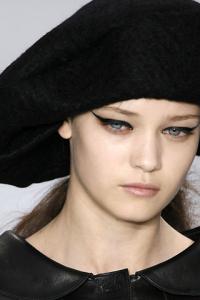
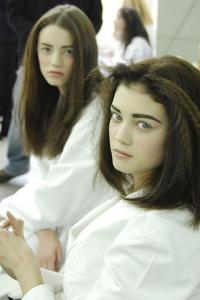
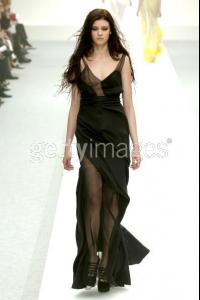
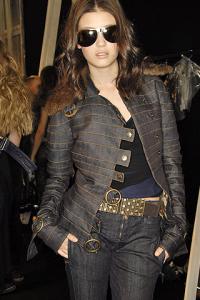
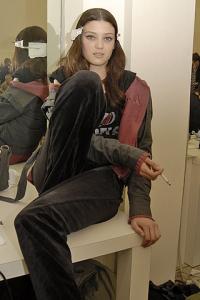
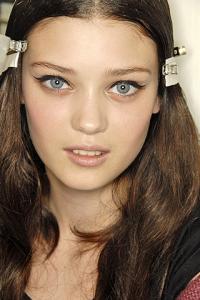
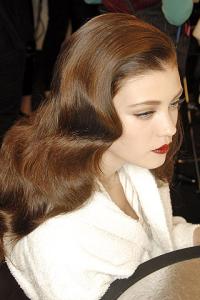
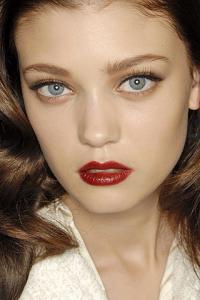
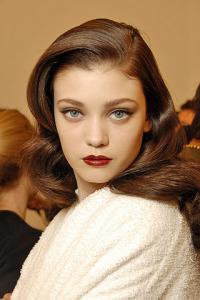 Credit Sweet Rus @ tFS Diana Moldovan & Andreea Diaconu - fashion diary part1 part2
credit: Charllotte@tFS really like this pic
Credit Sweet Rus @ tFS Diana Moldovan & Andreea Diaconu - fashion diary part1 part2
credit: Charllotte@tFS really like this pic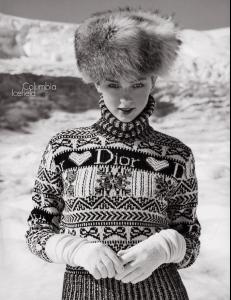
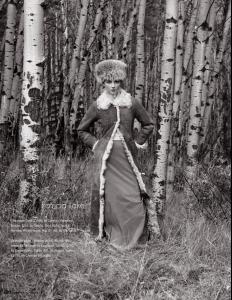
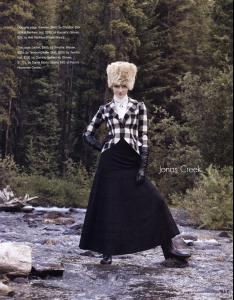
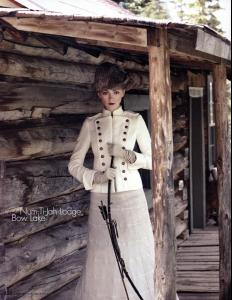
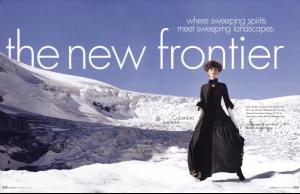
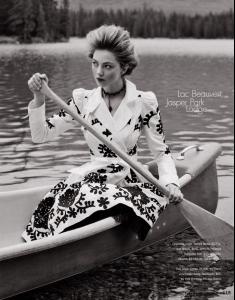 broken flowers
she looks fantastic in that pic, thx sahara
I dont like the short hair look on her
everyone falls for trentini eventualy welcome to the club (and welcome to BZ too )
thx jey and ReginaS she looks great in that last candid jey thanks again
she looks thanks jey for them pics
broken flowers
she looks fantastic in that pic, thx sahara
I dont like the short hair look on her
everyone falls for trentini eventualy welcome to the club (and welcome to BZ too )
thx jey and ReginaS she looks great in that last candid jey thanks again
she looks thanks jey for them pics
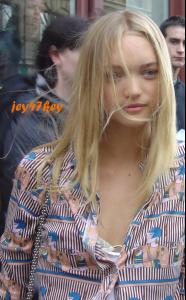 good choice, shan is great (Y)
thx zee
yes the girl on the left is indeed not her imo. and 2 girls i think are awesome, but ill go with Stammy
thx (but which one? it changes everytime you refresh )
Gemma
thx paok and cyp
im assuming you totaly digging the red hair wickedcrazyness? red heads are cute
thx Sahara and jey
good choice, shan is great (Y)
thx zee
yes the girl on the left is indeed not her imo. and 2 girls i think are awesome, but ill go with Stammy
thx (but which one? it changes everytime you refresh )
Gemma
thx paok and cyp
im assuming you totaly digging the red hair wickedcrazyness? red heads are cute
thx Sahara and jey