maddog107
Admin
-
Joined
-
Last visited
Everything posted by maddog107
-
 I am not sure is permanent or temporary. I think it was set up that way to resolve the issue of the board loading too slow Maybe that's why it's faster now.It's ok as long as its for my lovely Bz's sake. btw I'm happy that you and frenchkiki had your avatars back,both are of my favs avis. No since thumnails are generated for all images regardless of size it shouldnt affect performance. I have removed the limit. Please test and let us know, thanks!
 -
I am not sure is permanent or temporary. I think it was set up that way to resolve the issue of the board loading too slow That was a default setting that overwrote our old settings. I have removed the limit. Can you please try again? It should not be resized (we love HQ at BZ )
-
Have you tried the "forgot password" link when you are trying to log in, it should send you a password reset to your email associated with that account.
-
That is something we will address but is not urgent since as you said the number of mobile users is relatively low for now. (I am using mobile at the moment)
-
I havent been able to reproduce, so on the front page you click "View New Content" at the top and it highlights "Members" on the left hand side by default?
-
Ok I just made some more changes to the config. Hopefully it should be a bit faster now. Please let me know! The more feedback the better.
-
Yea I think I am going to remove the button, all the groups are currently set to 0 likes a day so thats why you get the error. I just need to decide if it adds any value to BZ to "like" (not sure what it does or where its displayed if people "like" this.
-
Ok so I made some tweaks to apache and now the forum seems to be faster. Acording to my data, we went from an average load time of 23.6seconds to 4.6sec for the uncached main page I will continue to play with the settings. Please let me know if you also notice the improvement or if it is the same. Thanks
-
cool
-
I use the regular version on the iPad and before the current update it ran okay but was very choppy at times. Now it's running noticeably smoother and with less lag. I can try the mobile version on the iPad to see how it goes if available? Its a "hidden" skin that only loads if you have a mobile device, I didnt know if the Ipad was considered a mobile device. Thanks for the info
-
its ok, once I get these major performance issues and other bugs out of the way I will start messing with getting the ad code back in place. Thanks though Glad to hear that, do you see the "Mobile" layout or the regular version? Click the little like *lightswitch* thingy on the top left corner of the editor. It will send you to the "code" editor.
-
its ok, once I get these major performance issues and other bugs out of the way I will start messing with getting the ad code back in place. Thanks though Glad to hear that, do you see the "Mobile" layout or the regular version?
-
its ok, once I get these major performance issues and other bugs out of the way I will start messing with getting the ad code back in place. Thanks though
-
hmm its not *that* slow, it can be sluggish at times but if you refresh or something its ok again. Anyways I will work on it a bit more tonight.
-
The lightbox has been temporarily been disabled until our new lightbox is in place.
-
Yes it will be faster, I am still tuning everything. Last night I reduced the disk utilization quite a bit, I have already tweeked Mysql, I need to fix Apache and php. We will get there, please be patient
-
The messenger button is now fixed
-
Ah strange, works fine on Chrome . Ok I will look into that as well
-
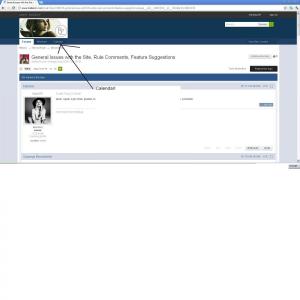
Page Numbers: Click on Page X of X and itll ask you what page number you wish to jump to. oh, thank you mad And where can I see the birthday list?
-
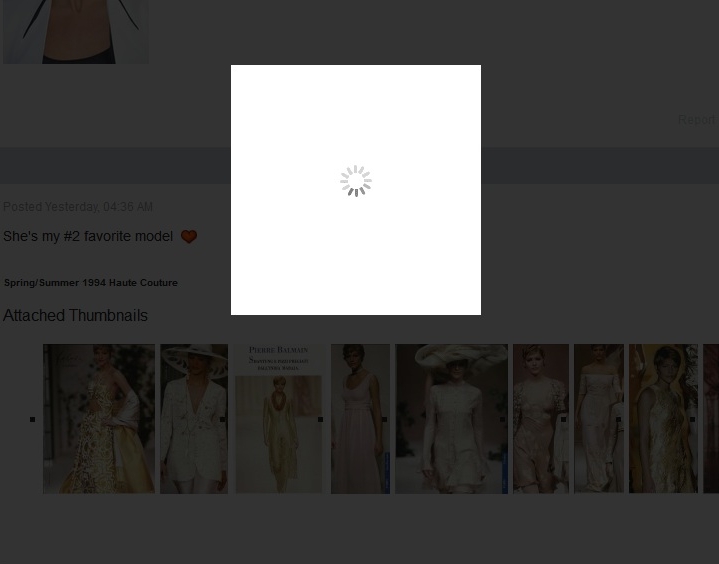
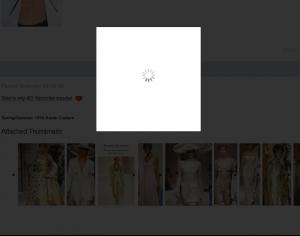
Yes, I'm having the same problem! This is what happens when you click on an attachment: Is there a way to open the attachments as before? In other words, to have the attachments open up in a separate window, rather than having the white loading screen (which takes forever)? To me, this is a fatal problem with the new design. Instead of center-clicking on 20 new thumbnails and having them all open at once in separate windows, I would need to open the first one, then choose to save it (which means it opens yet again), then close al lthat and start over with the next image. Downloading those images has grown from two minutes to 20 minutes. I hope this will be fixed ASAP. This is a serious degradation of the basic function of this forum. If you right click -> Open in new window/tab it works correctly. The CTRL+click doesnt seem to work. It appears you somehow *can* override it but it will take me a while to go through the vBulletin code and figure out how they did it. Also this Lightbox is not that great, but we will be updating to a nicer one in the near future once we get all these bugs fixed up.
-
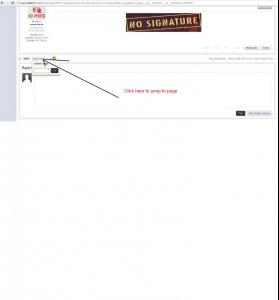
Page Numbers: Click on Page X of X and itll ask you what page number you wish to jump to.
-
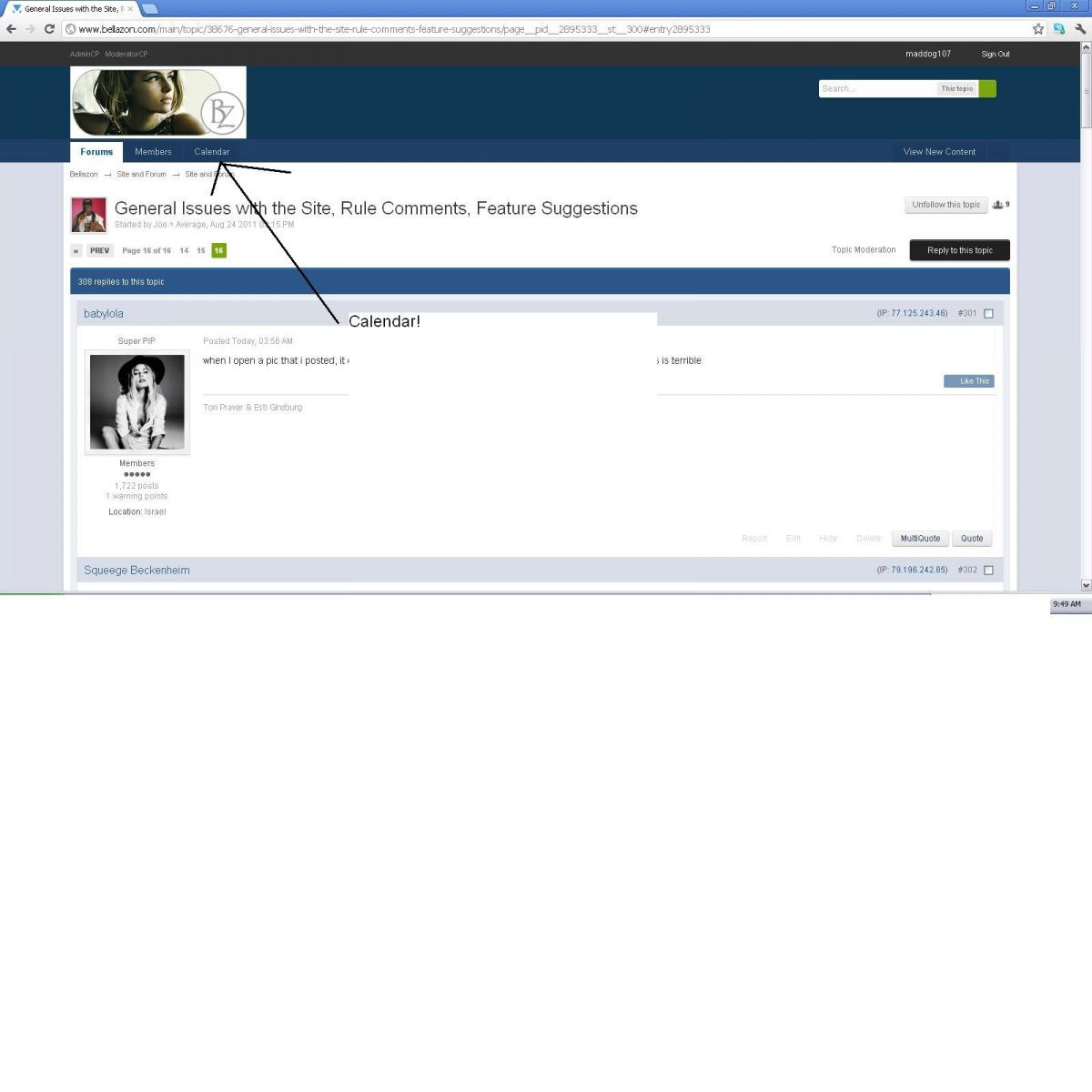
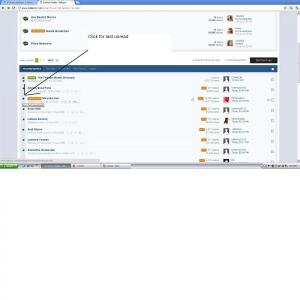
Should still work, least it works for me. See attachment.
-
The new version automatically "imports" your avatar hosted on external sites onto our server. So technically you cannot link anymore b/c it is not neccessary Yea, apparently they completely removed externally hosted avatars. Oh well lets try this for now.
-
You should be able to link your avatar from a hosting site. If not, let us know. Can you? It downloads it to BZ, I didnt find the option to leave it on an external site. If I could then I would definitively reduce the size back to say 1.5mb
-
Well we have 2.1TB space now, but the problem is obviously going to be bandwidth. I need to balance that, but for now lets just get it working then I will deal with it later when I get a giant bill