

maddog107
Admin
-
Joined
-
Last visited
Everything posted by maddog107
-
 thx to proximity i belive.


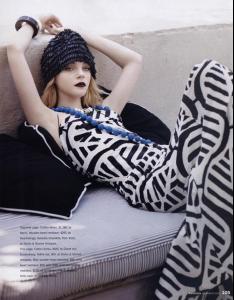

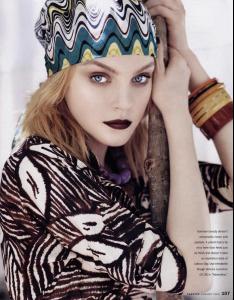
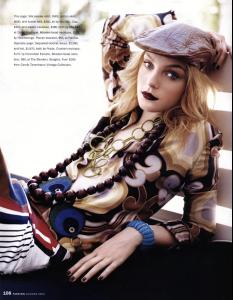 thanks man, awsome pic
HQ stuff nice, thanks. If only celebworld was back i could get HQ runway stuff
Thanks (Y), fixed some of the links that the other mod accidently broke.
thanks man, awsome pic
HQ stuff nice, thanks. If only celebworld was back i could get HQ runway stuff
Thanks (Y), fixed some of the links that the other mod accidently broke.


 no
what you doing in this thread, dont worry your secret is safe with me
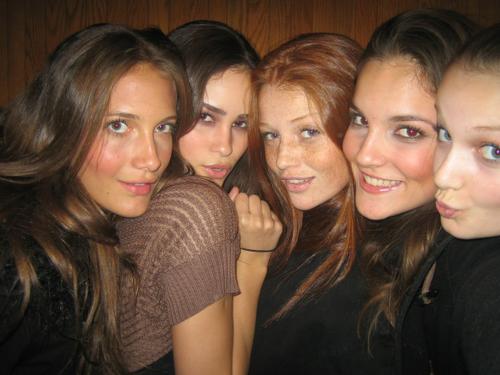
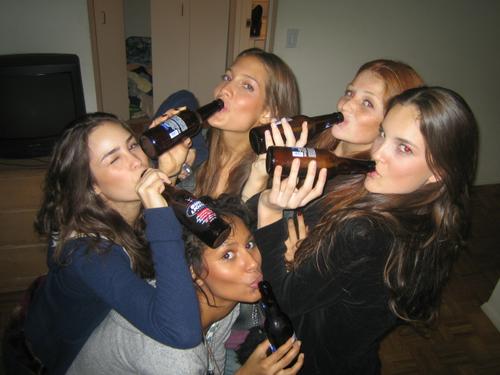
Can anyone tell me who the girl to the right of cintia (in the first pic) and far right on second, is please. Thanks (unless shes not a model, then disregard )
no
what you doing in this thread, dont worry your secret is safe with me
Can anyone tell me who the girl to the right of cintia (in the first pic) and far right on second, is please. Thanks (unless shes not a model, then disregard )
 do not belive I have ever seen her neekid before, she has a beautiful body, thx persuazn. and thx lullaby for all them pics
thx lullaby for all them pics
Im shalow as well, I have to put looks before personality.
welcome to BZ, im sure ull feel right at home with all the adriana fans here
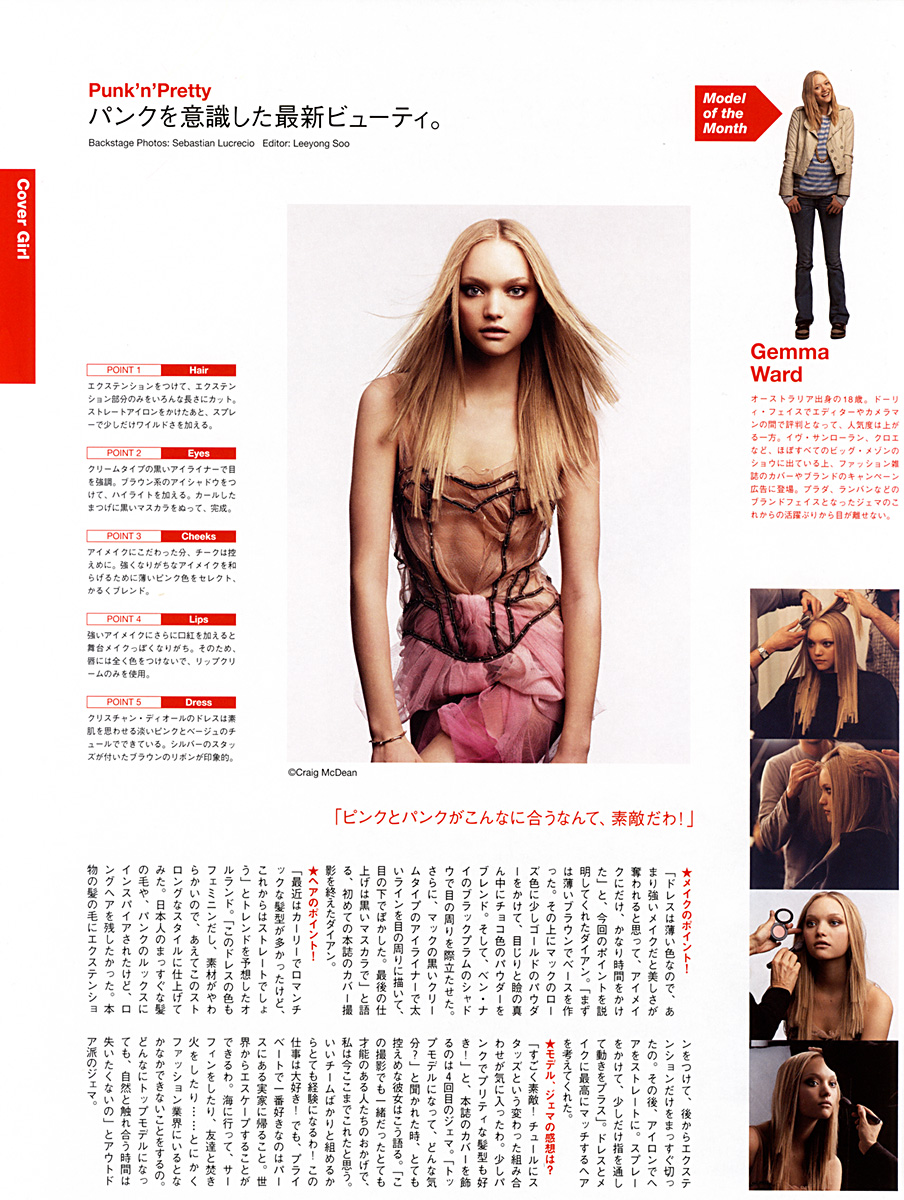
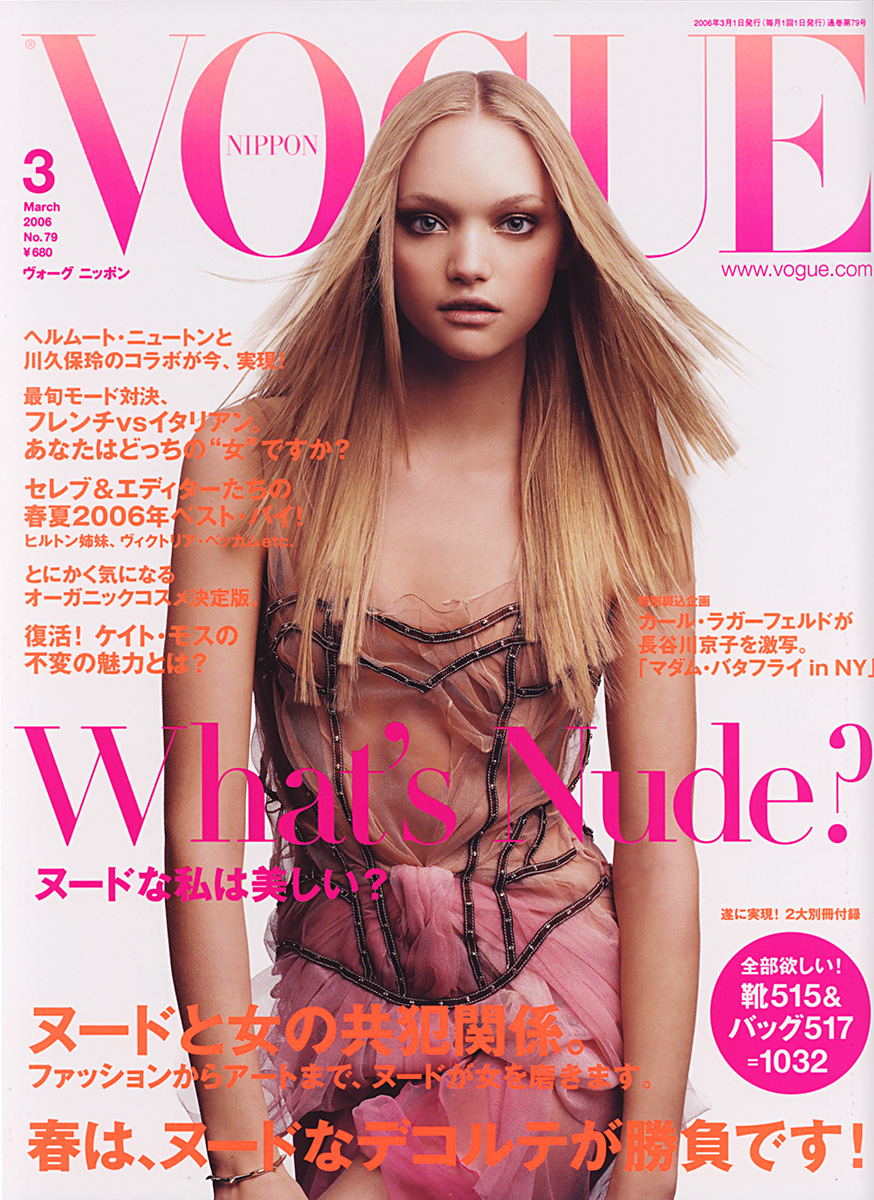
another gemma fan welcome to BZ
welcome
I dont think guys can make suggestions since ussualy we go to the gym to gain weight (bulk), not to lose it Thanks, I live in SD aswell, Srcipps ranch if you know where that is, what part are you at? Since when we get so many peoples from SD round here. Im in the UTC area Think that makes 4 peoples from SD
awww poor stammy
do not belive I have ever seen her neekid before, she has a beautiful body, thx persuazn. and thx lullaby for all them pics
thx lullaby for all them pics
Im shalow as well, I have to put looks before personality.
welcome to BZ, im sure ull feel right at home with all the adriana fans here
another gemma fan welcome to BZ
welcome
I dont think guys can make suggestions since ussualy we go to the gym to gain weight (bulk), not to lose it Thanks, I live in SD aswell, Srcipps ranch if you know where that is, what part are you at? Since when we get so many peoples from SD round here. Im in the UTC area Think that makes 4 peoples from SD
awww poor stammy



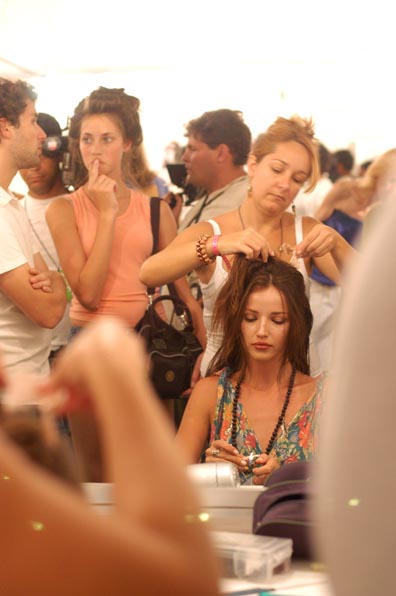
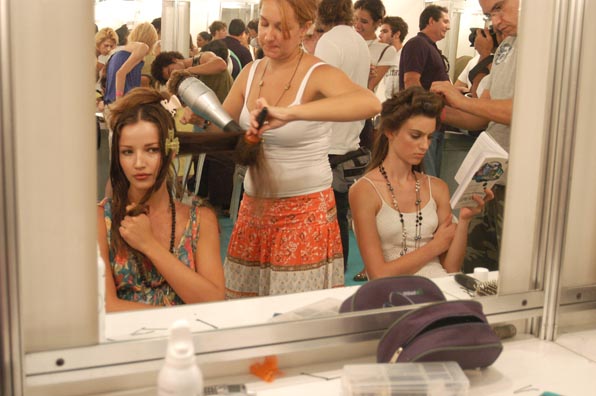
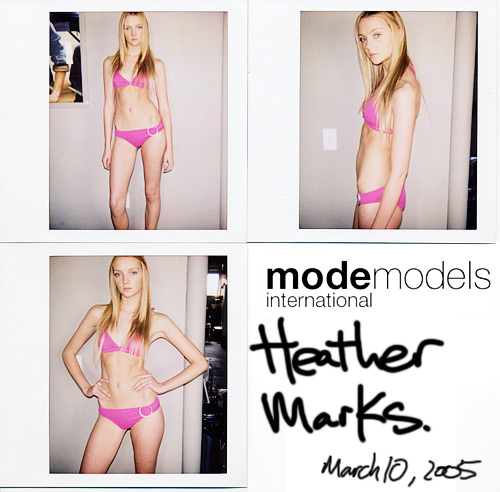
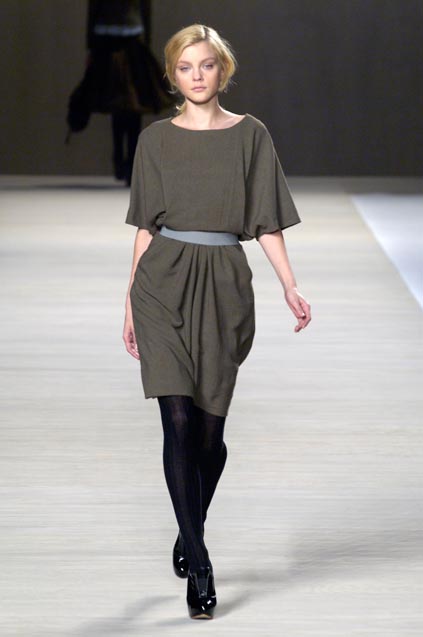
Account
Navigation
Search
Configure browser push notifications
Chrome (Android)
- Tap the lock icon next to the address bar.
- Tap Permissions → Notifications.
- Adjust your preference.
Chrome (Desktop)
- Click the padlock icon in the address bar.
- Select Site settings.
- Find Notifications and adjust your preference.
Safari (iOS 16.4+)
- Ensure the site is installed via Add to Home Screen.
- Open Settings App → Notifications.
- Find your app name and adjust your preference.
Safari (macOS)
- Go to Safari → Preferences.
- Click the Websites tab.
- Select Notifications in the sidebar.
- Find this website and adjust your preference.
Edge (Android)
- Tap the lock icon next to the address bar.
- Tap Permissions.
- Find Notifications and adjust your preference.
Edge (Desktop)
- Click the padlock icon in the address bar.
- Click Permissions for this site.
- Find Notifications and adjust your preference.
Firefox (Android)
- Go to Settings → Site permissions.
- Tap Notifications.
- Find this site in the list and adjust your preference.
Firefox (Desktop)
- Open Firefox Settings.
- Search for Notifications.
- Find this site in the list and adjust your preference.