
Everything posted by kereakp
-

-
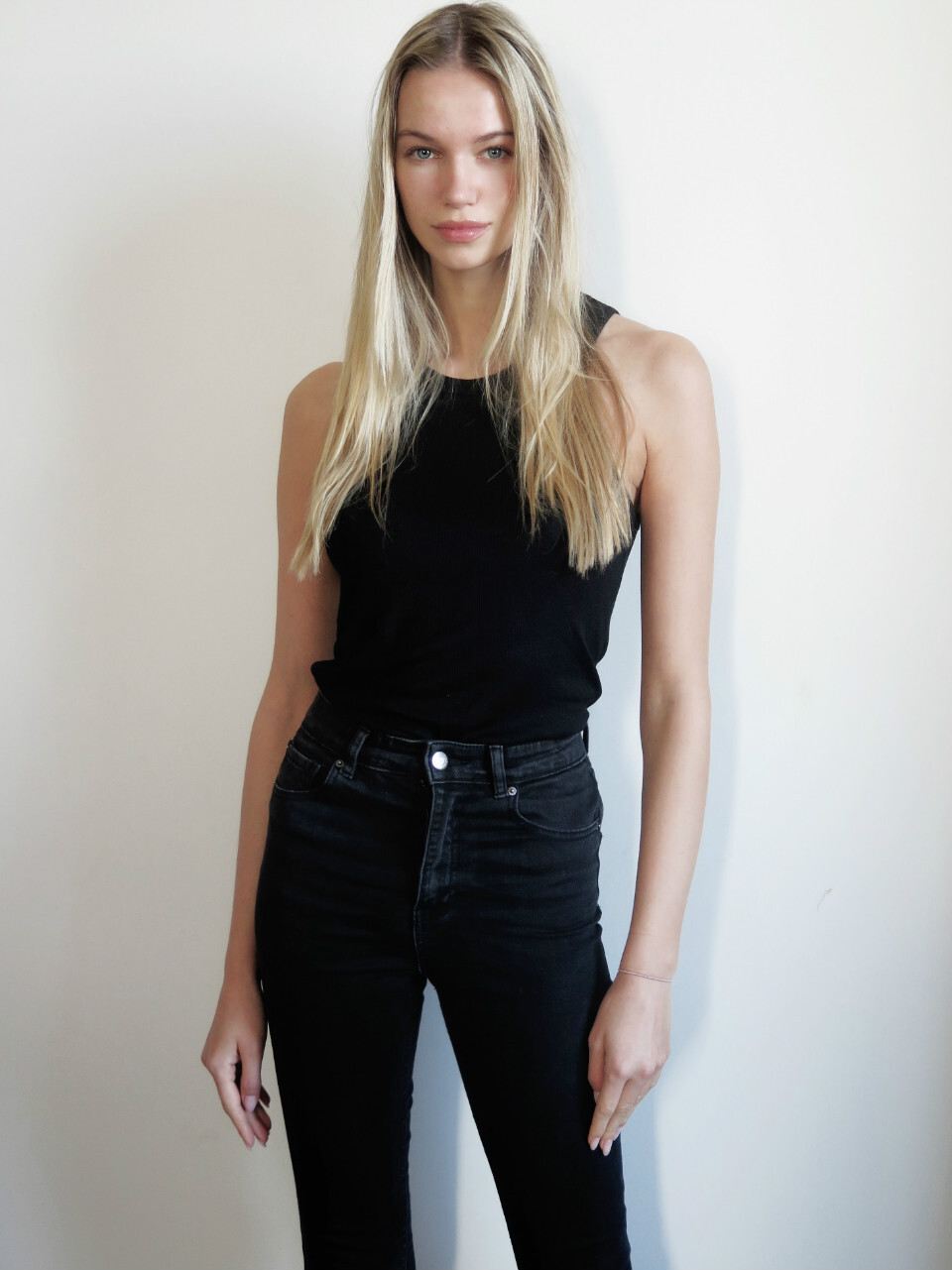
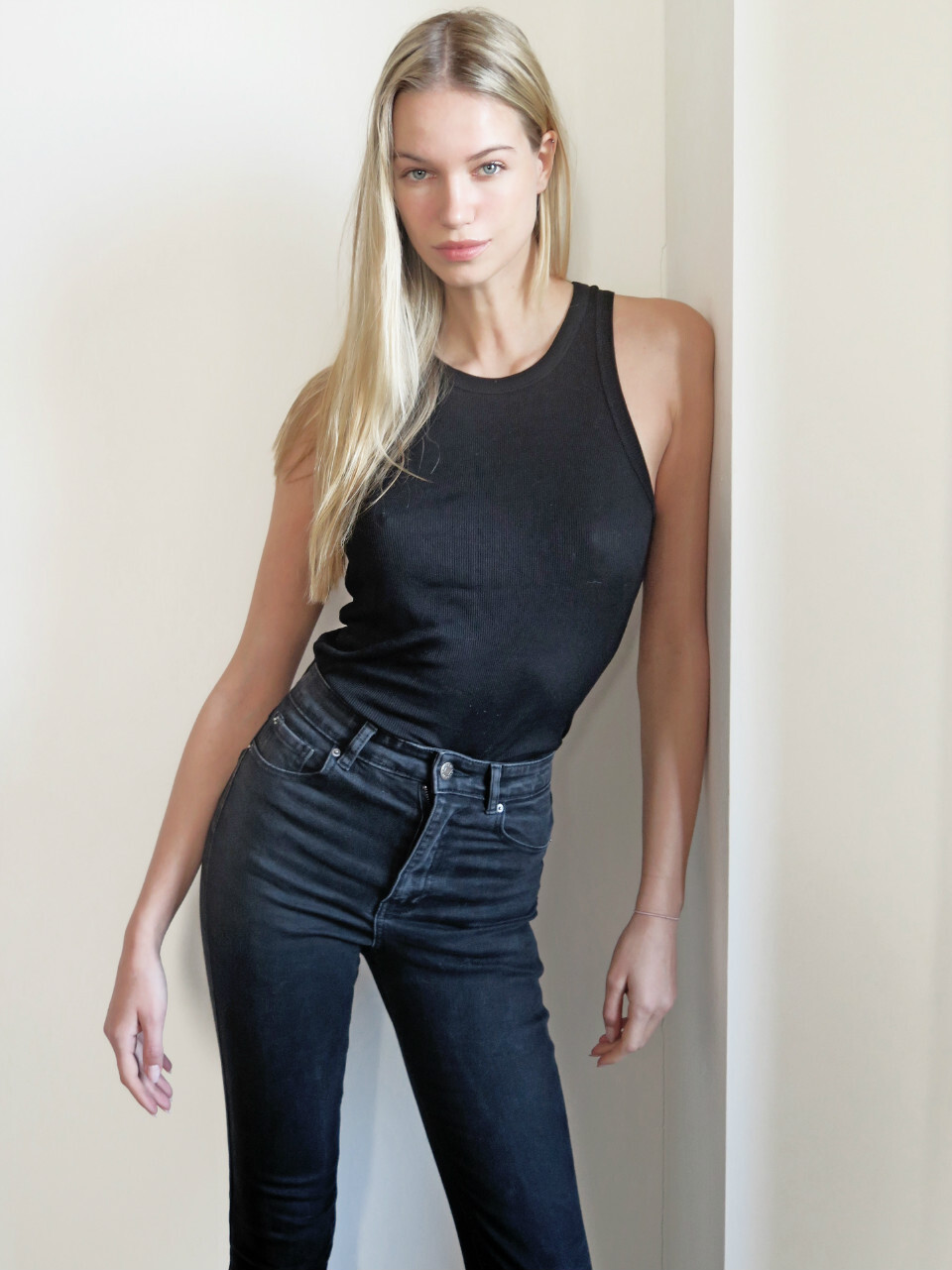
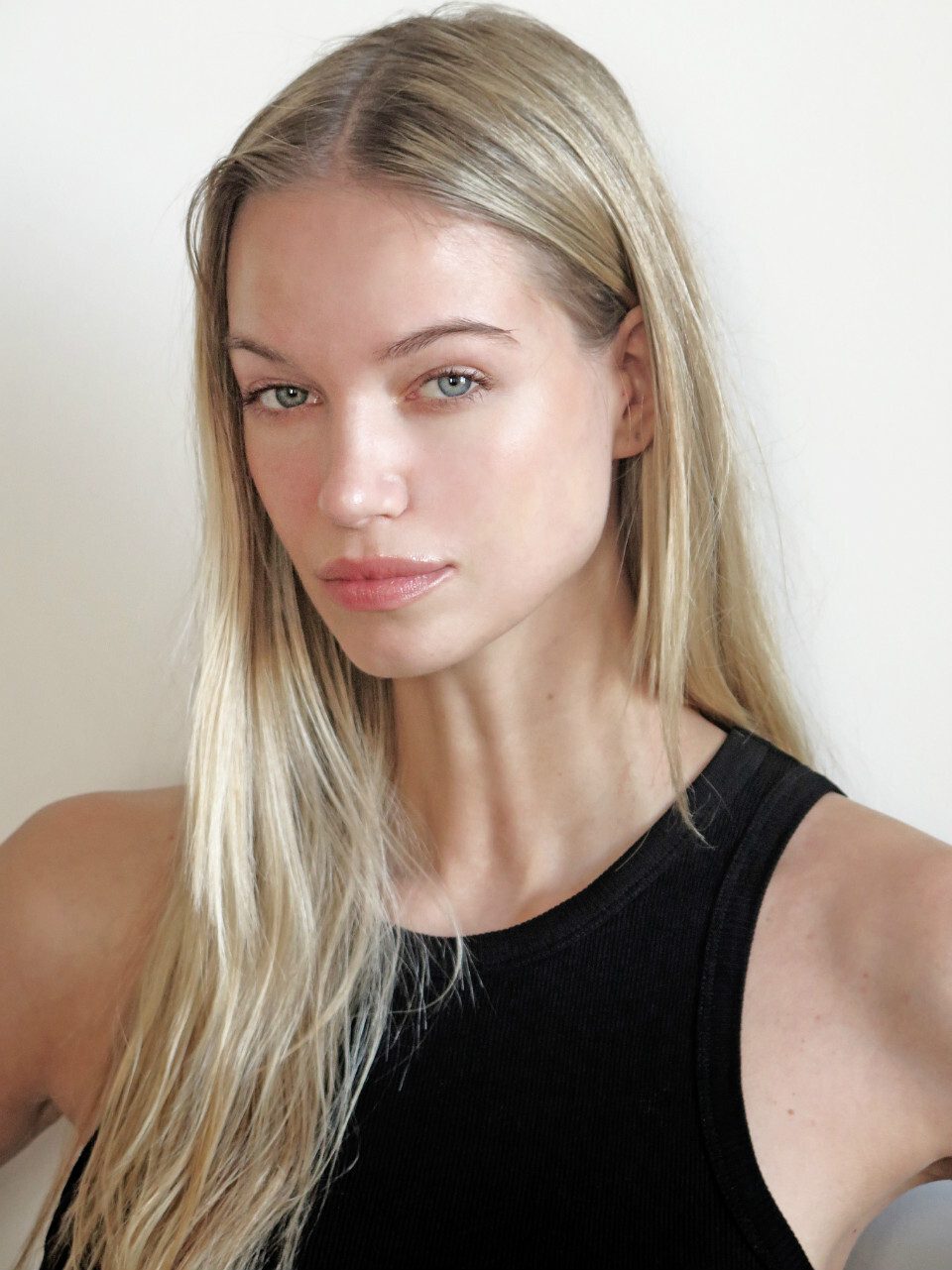
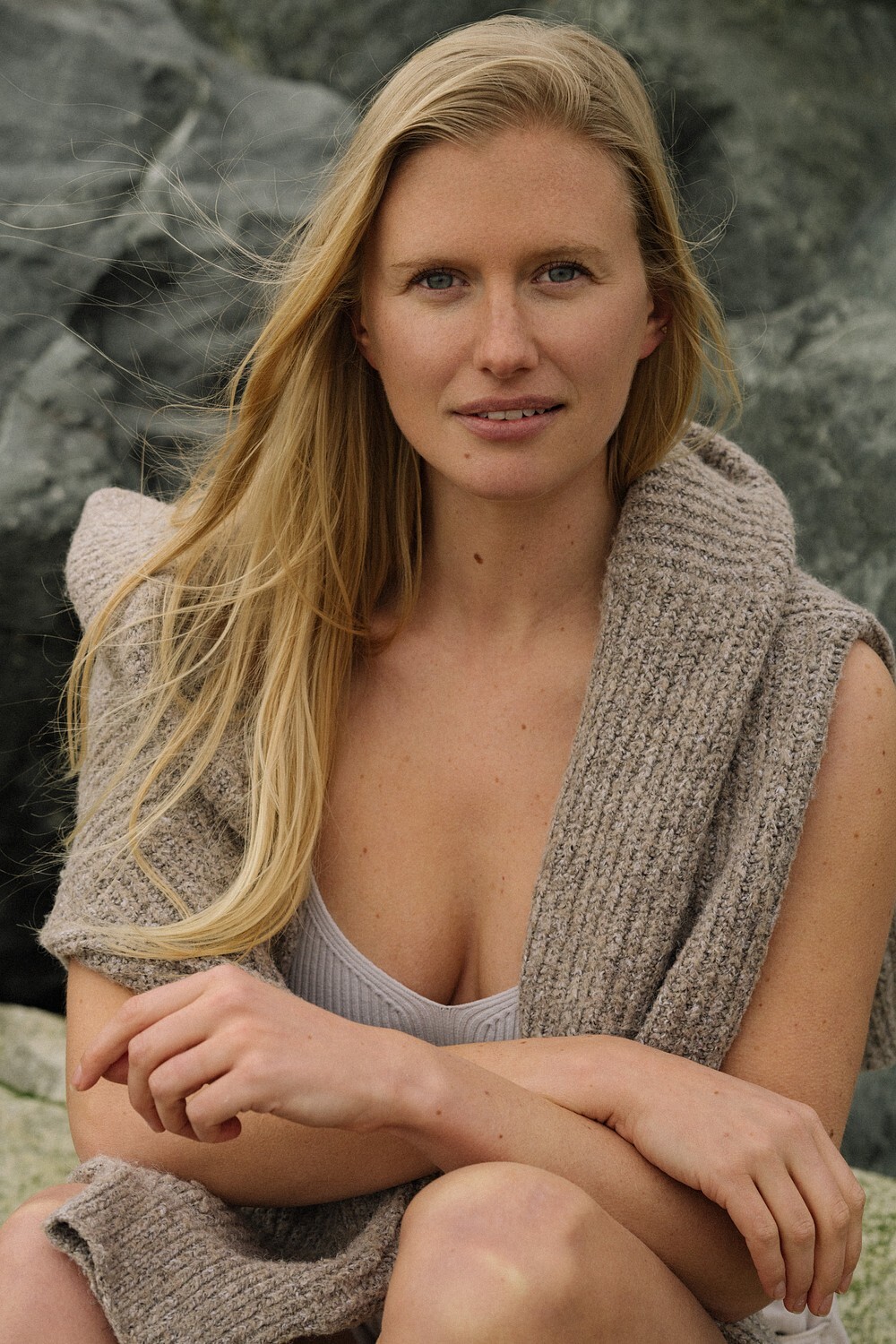
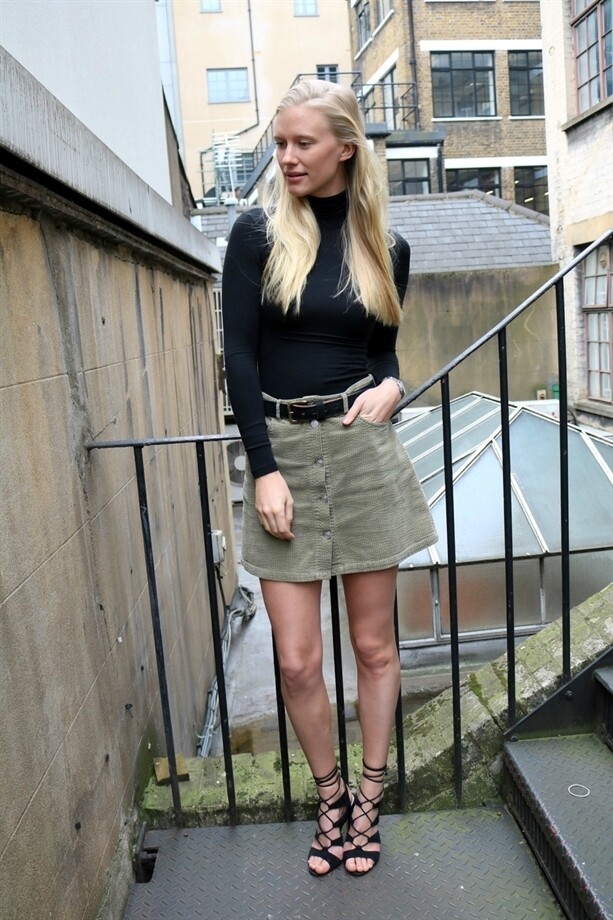
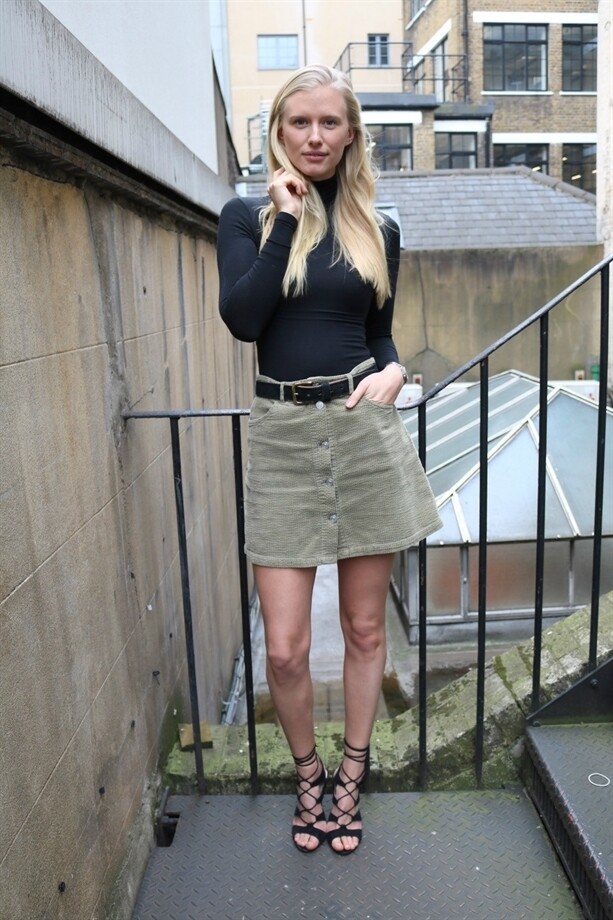
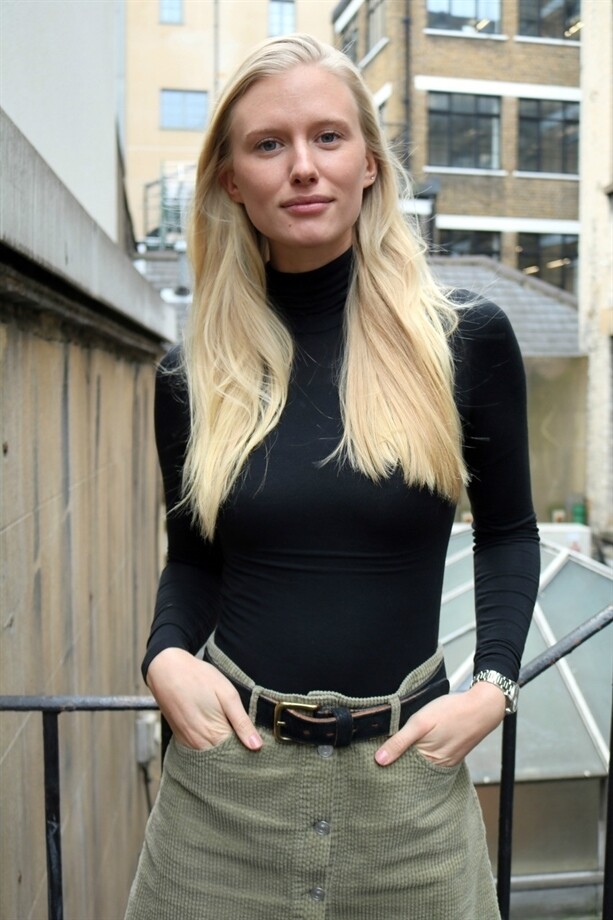
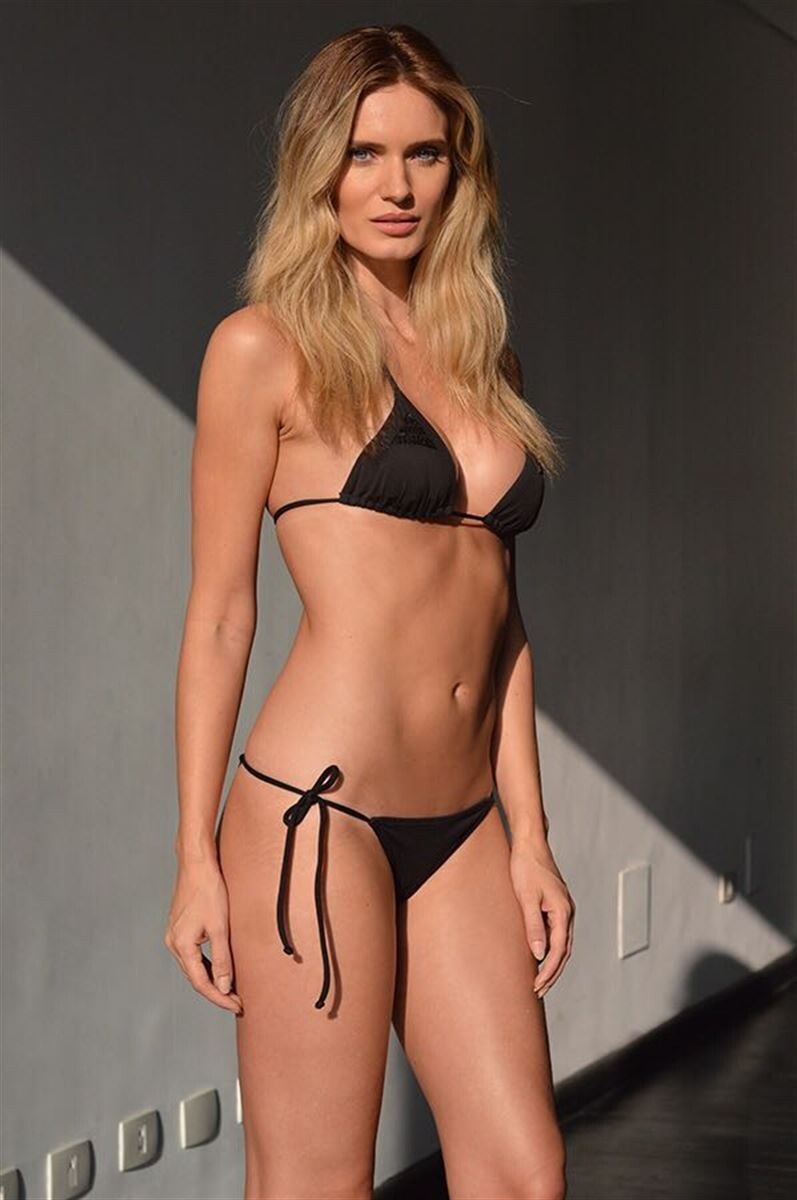
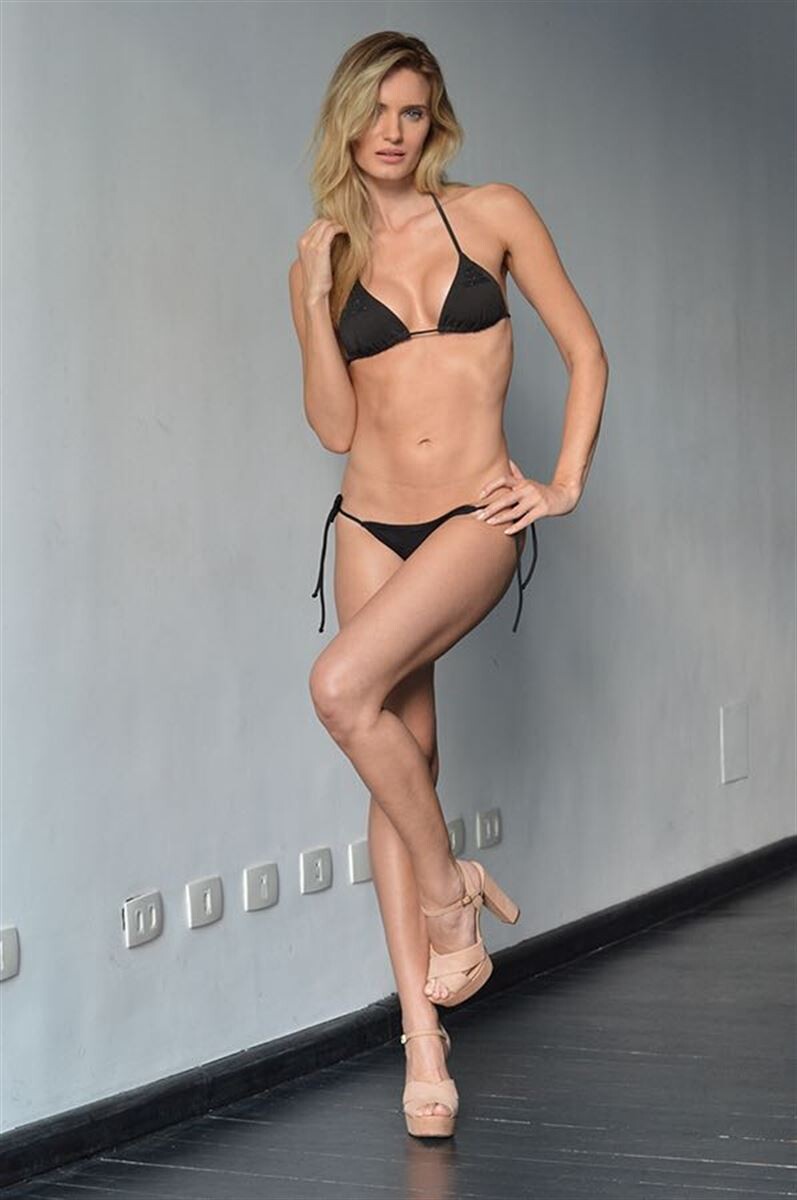
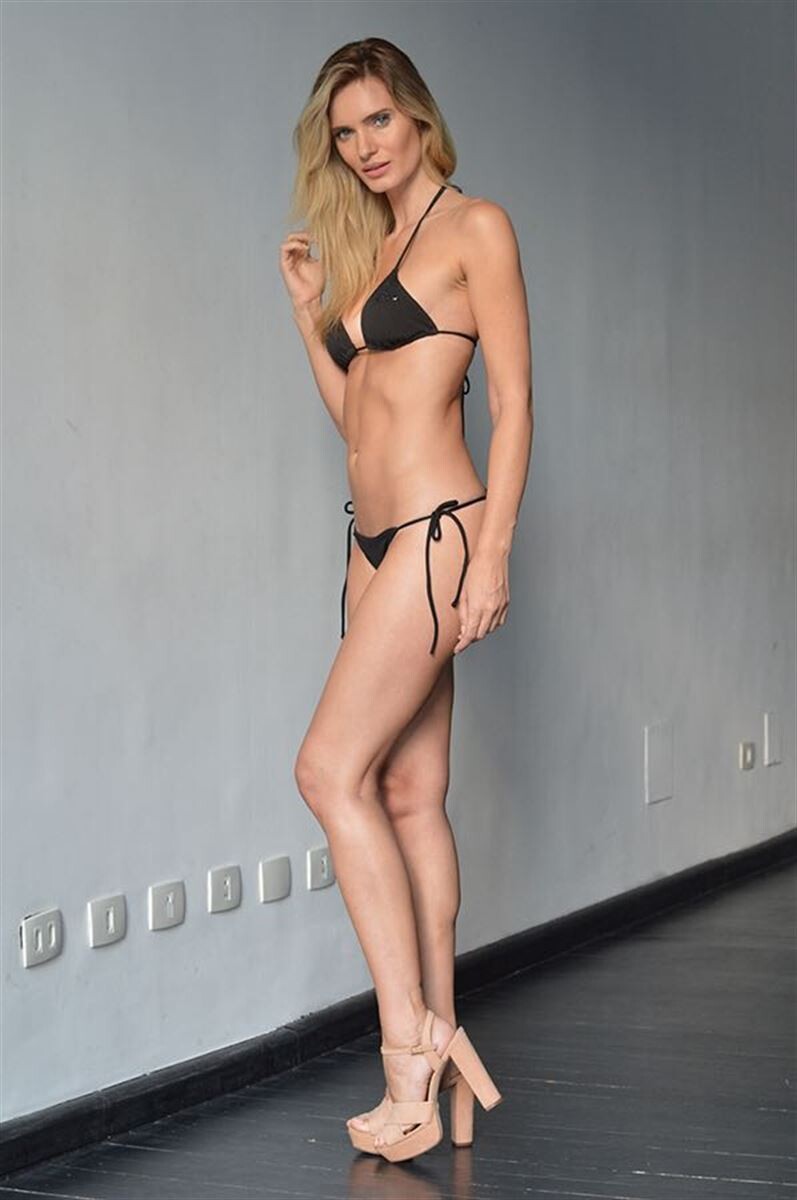
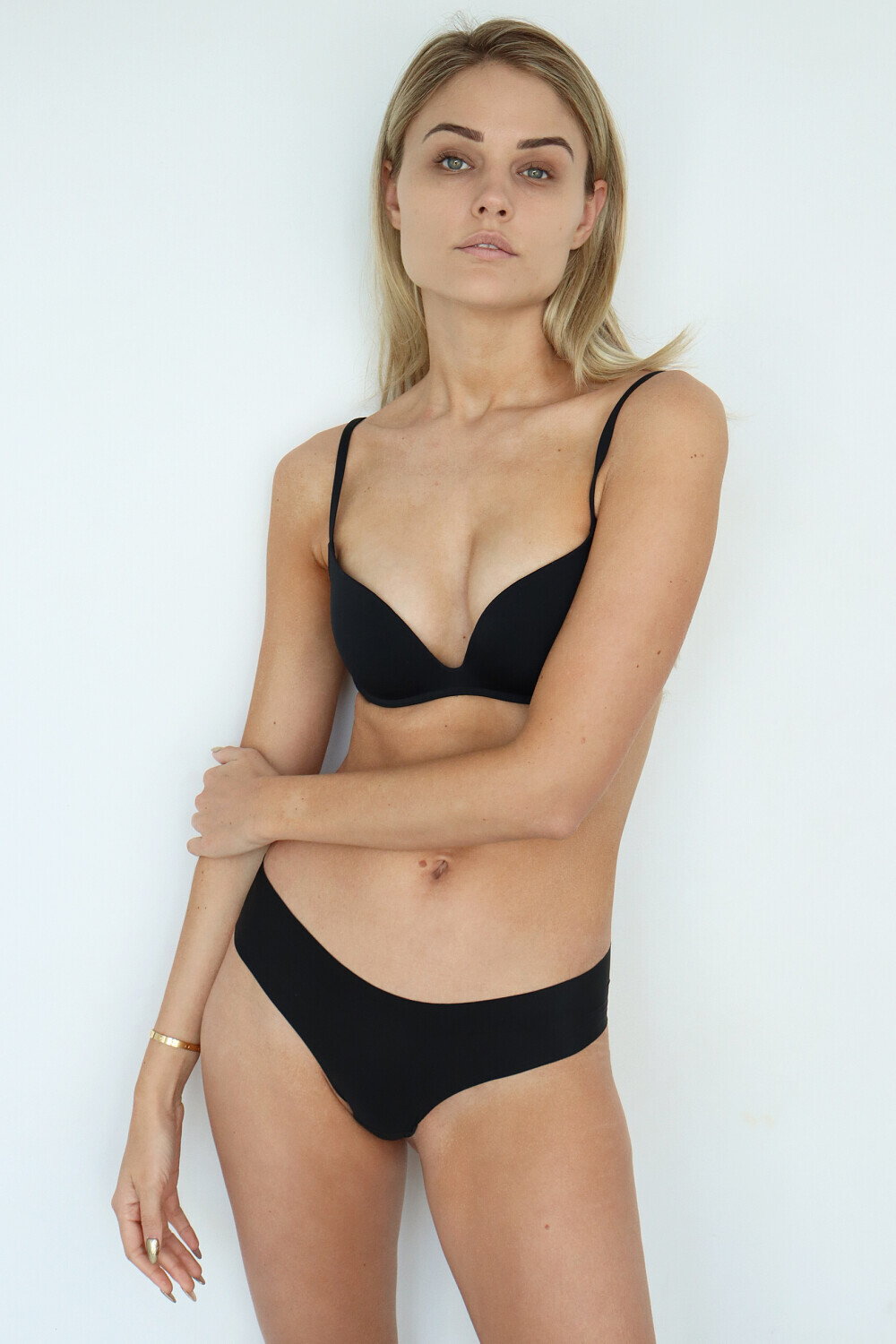
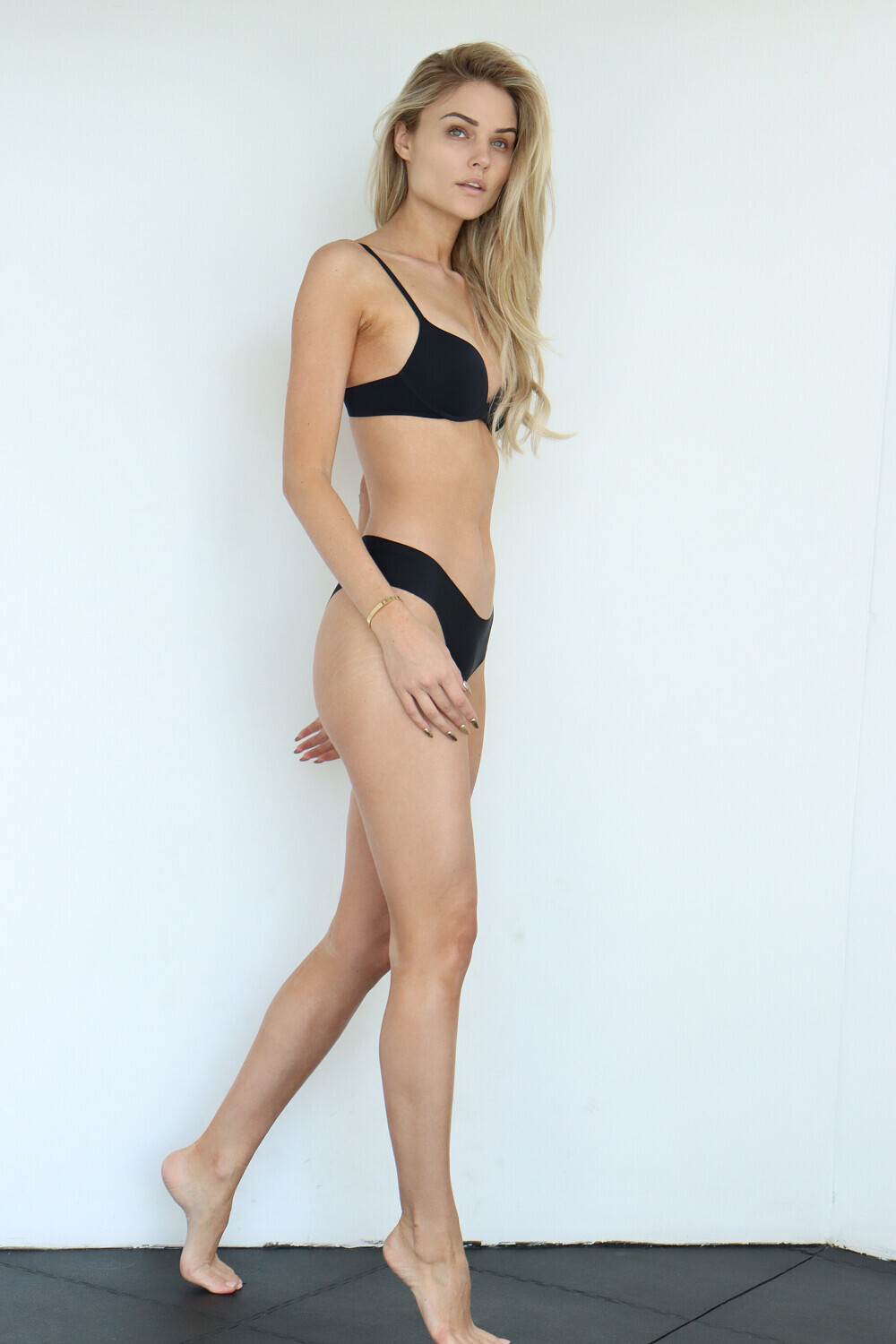
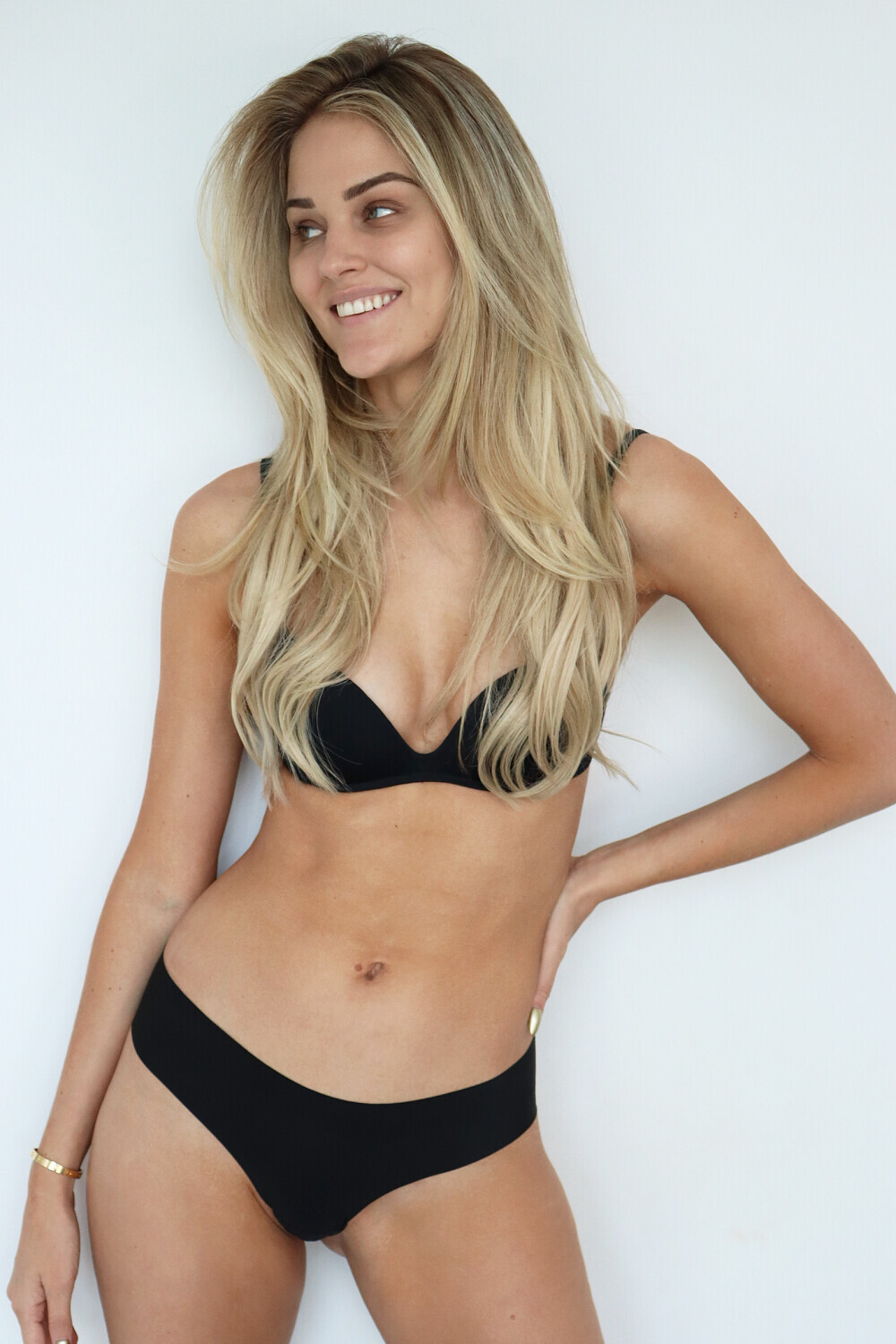
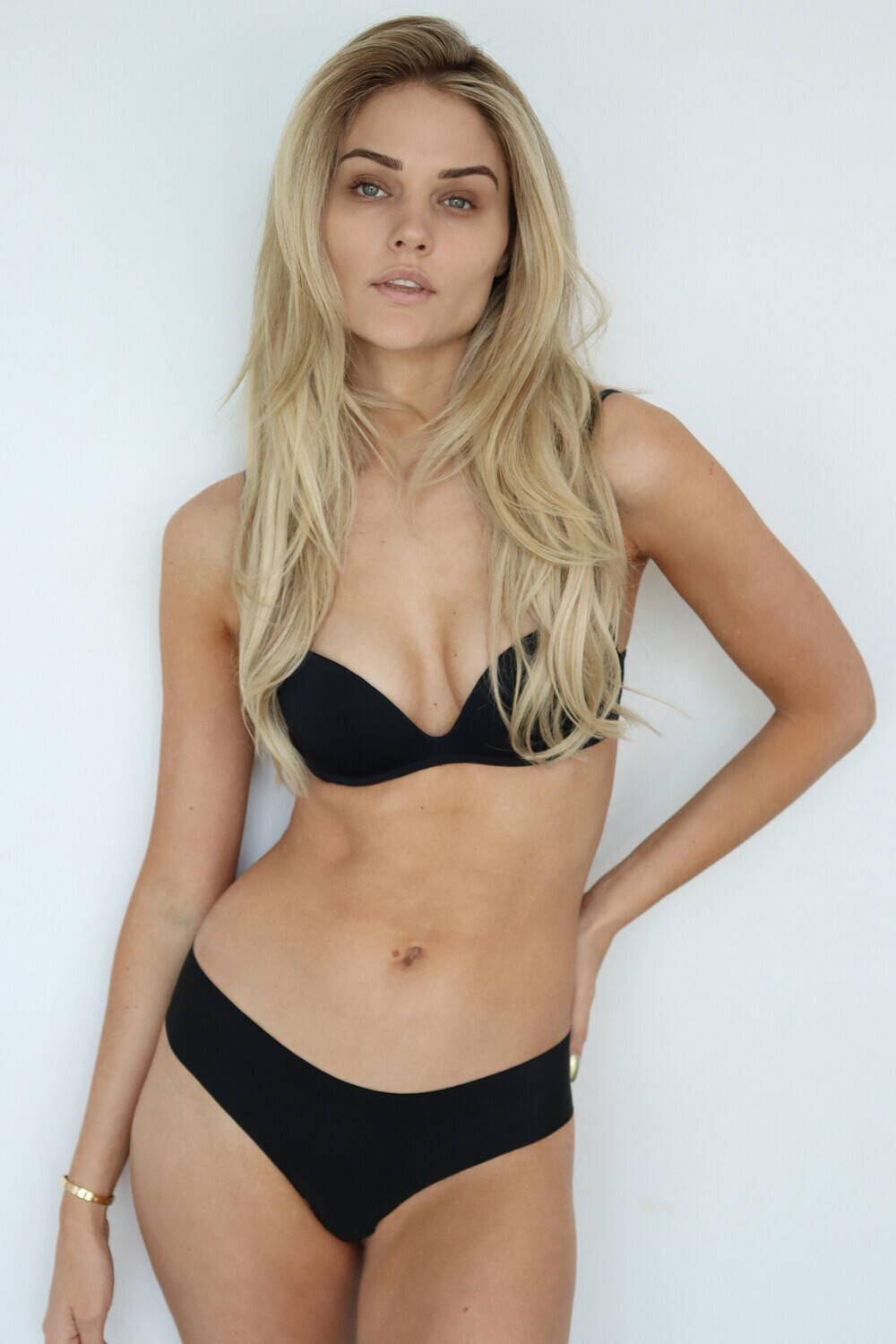
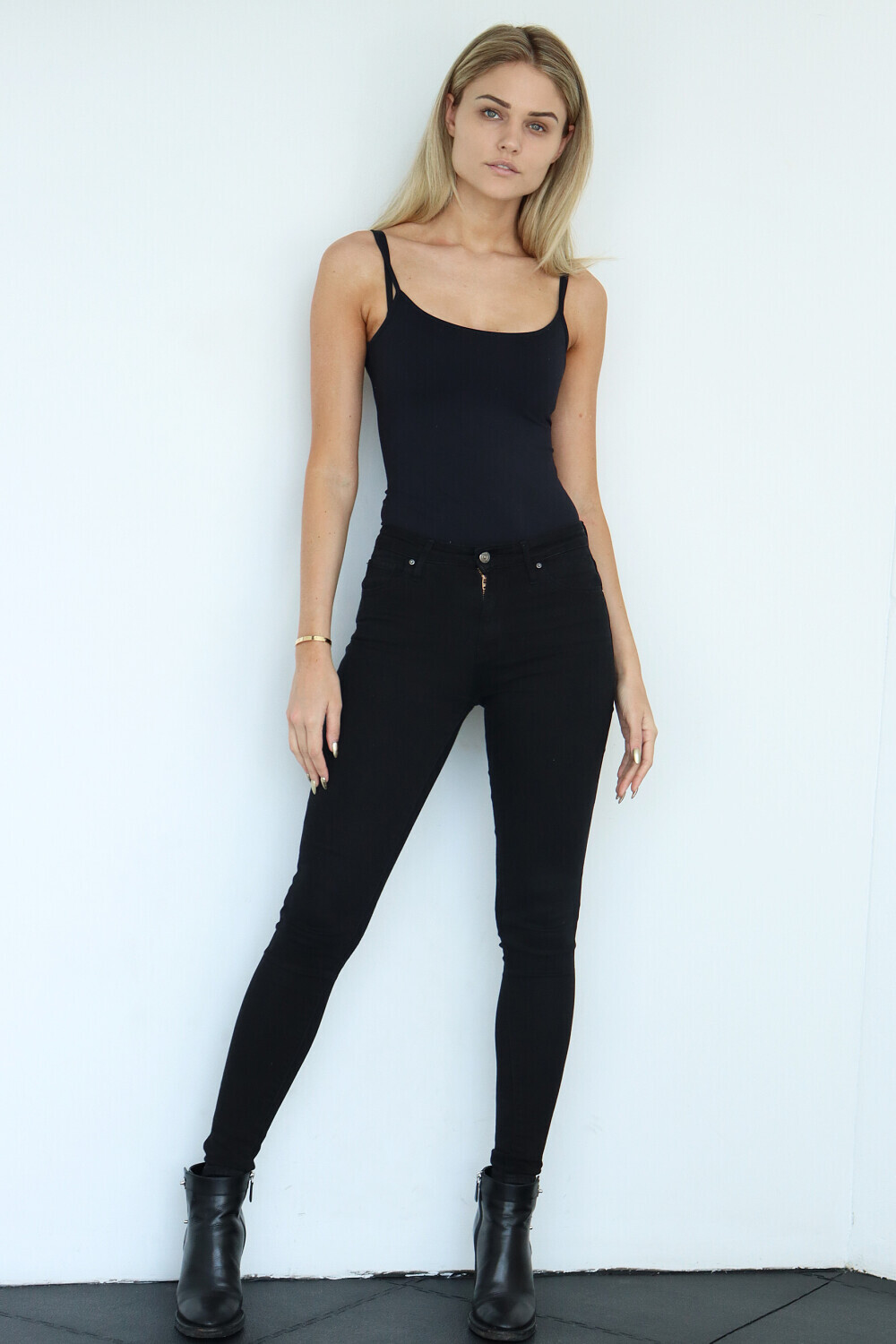
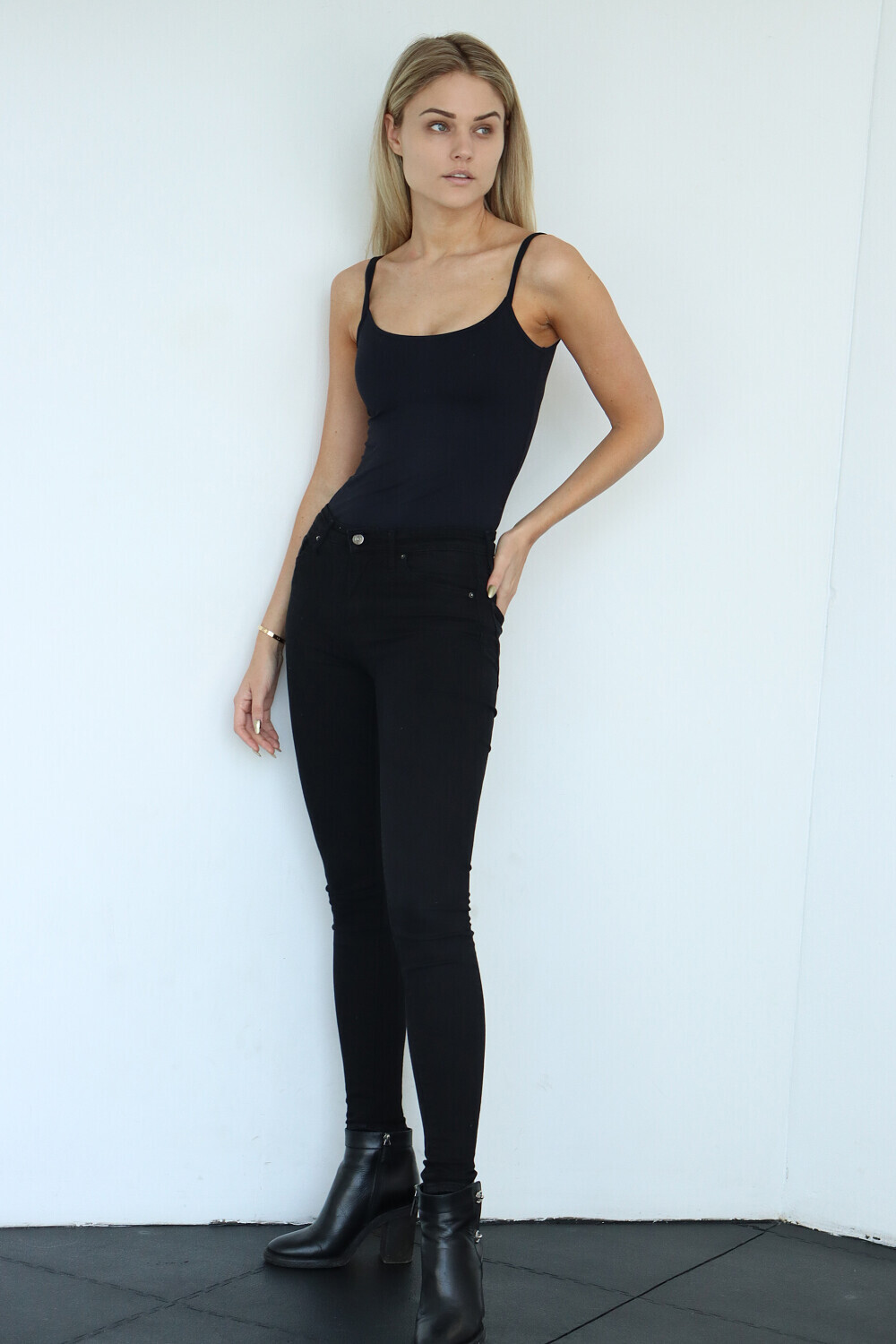
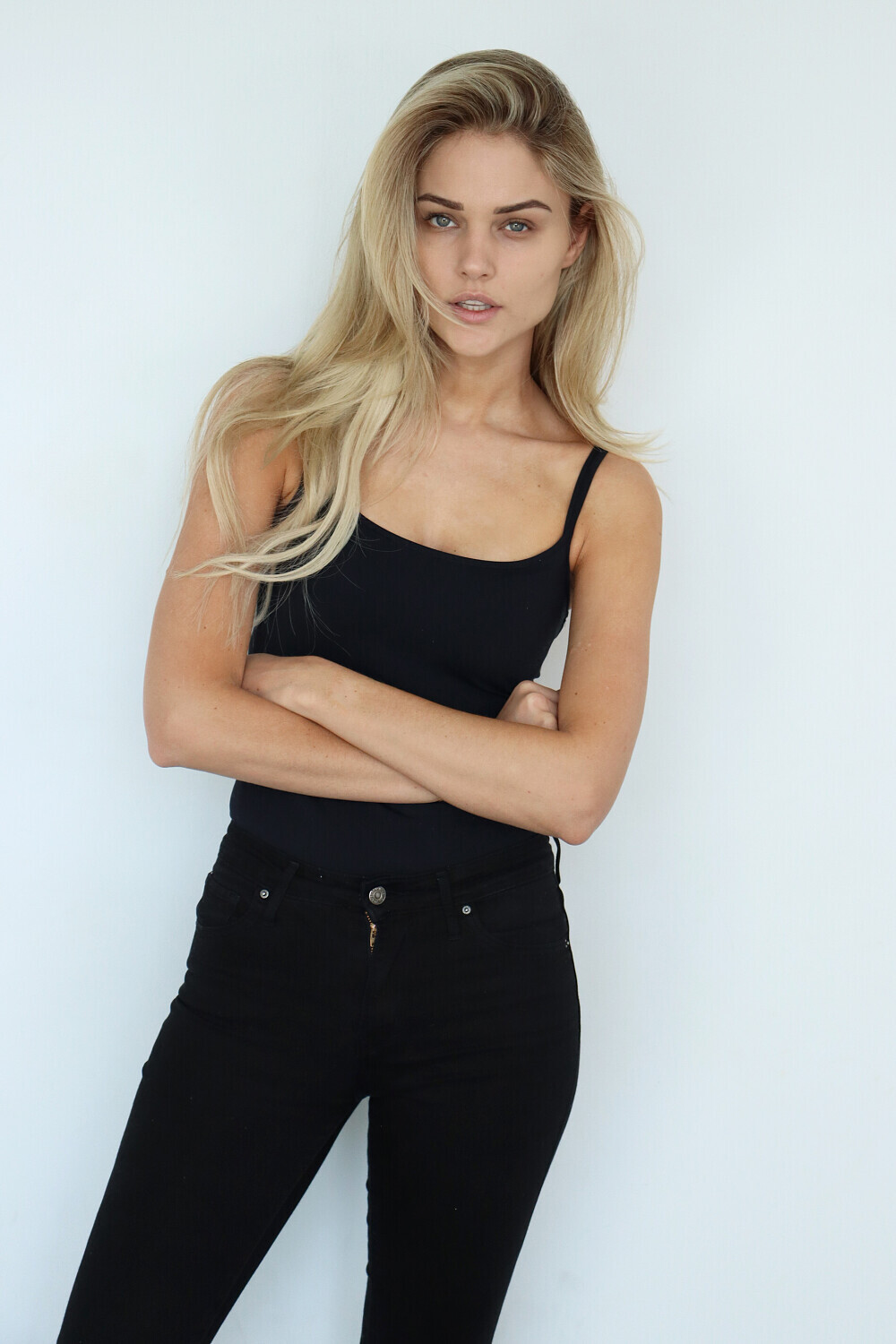
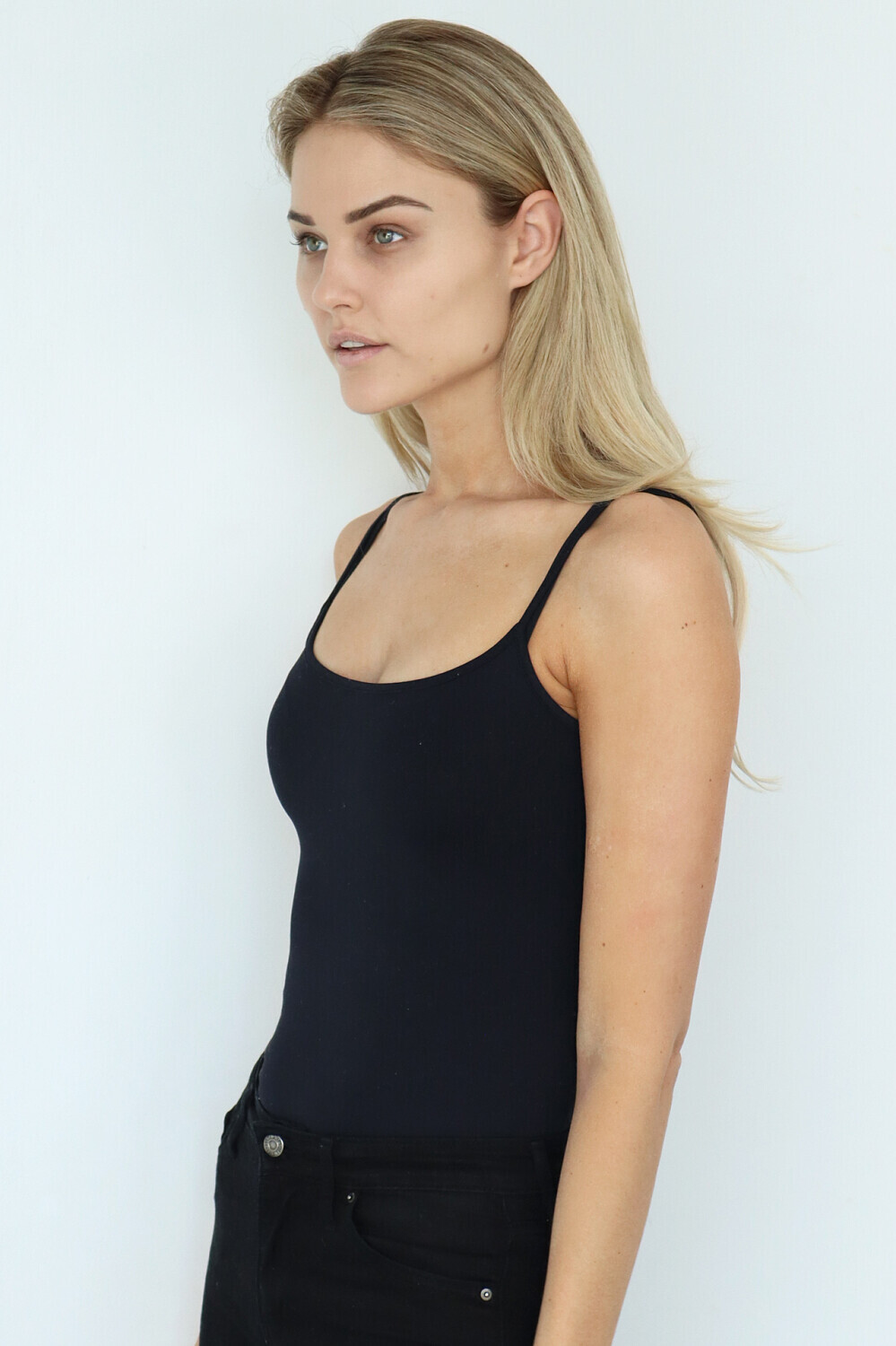
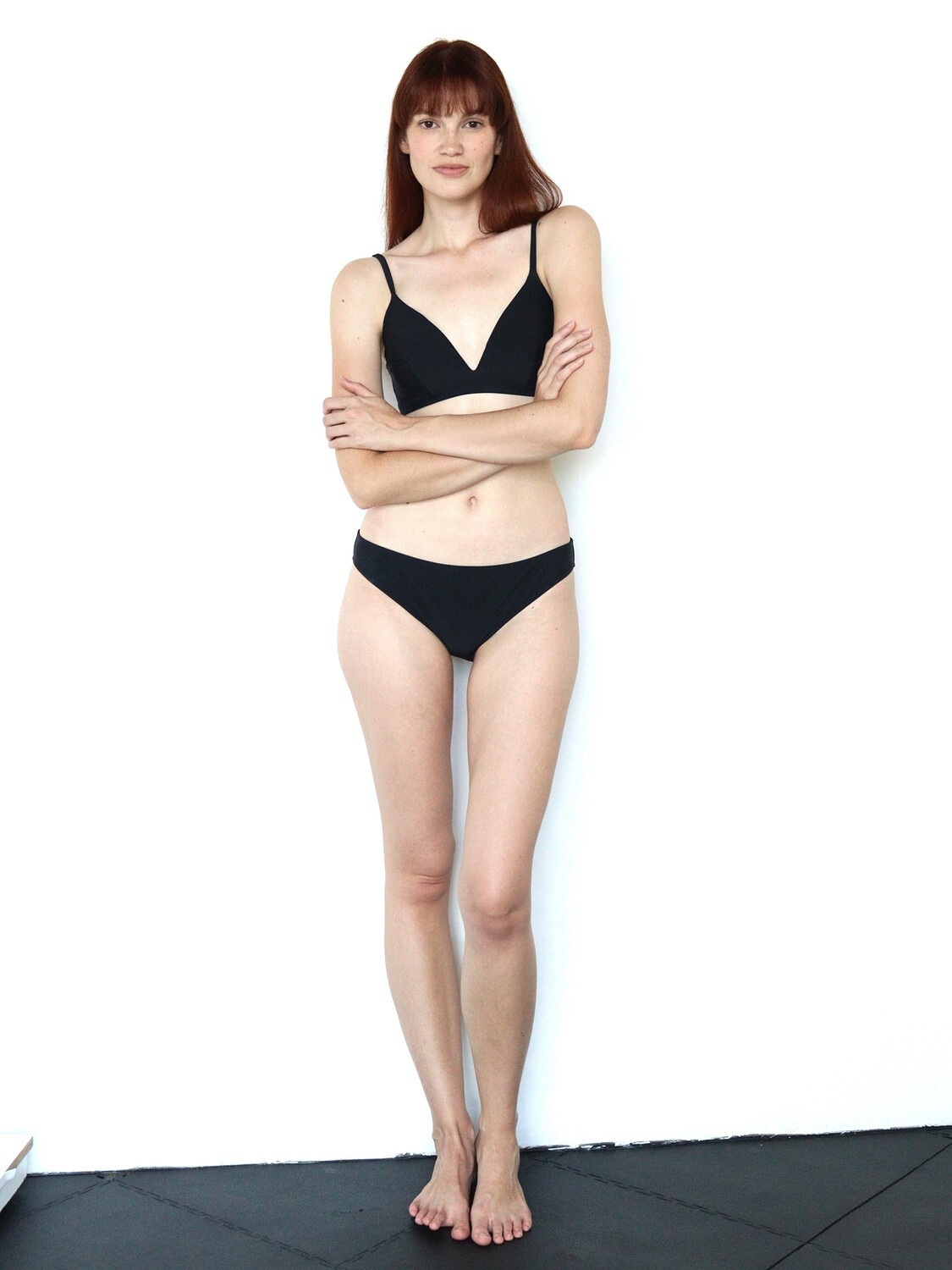
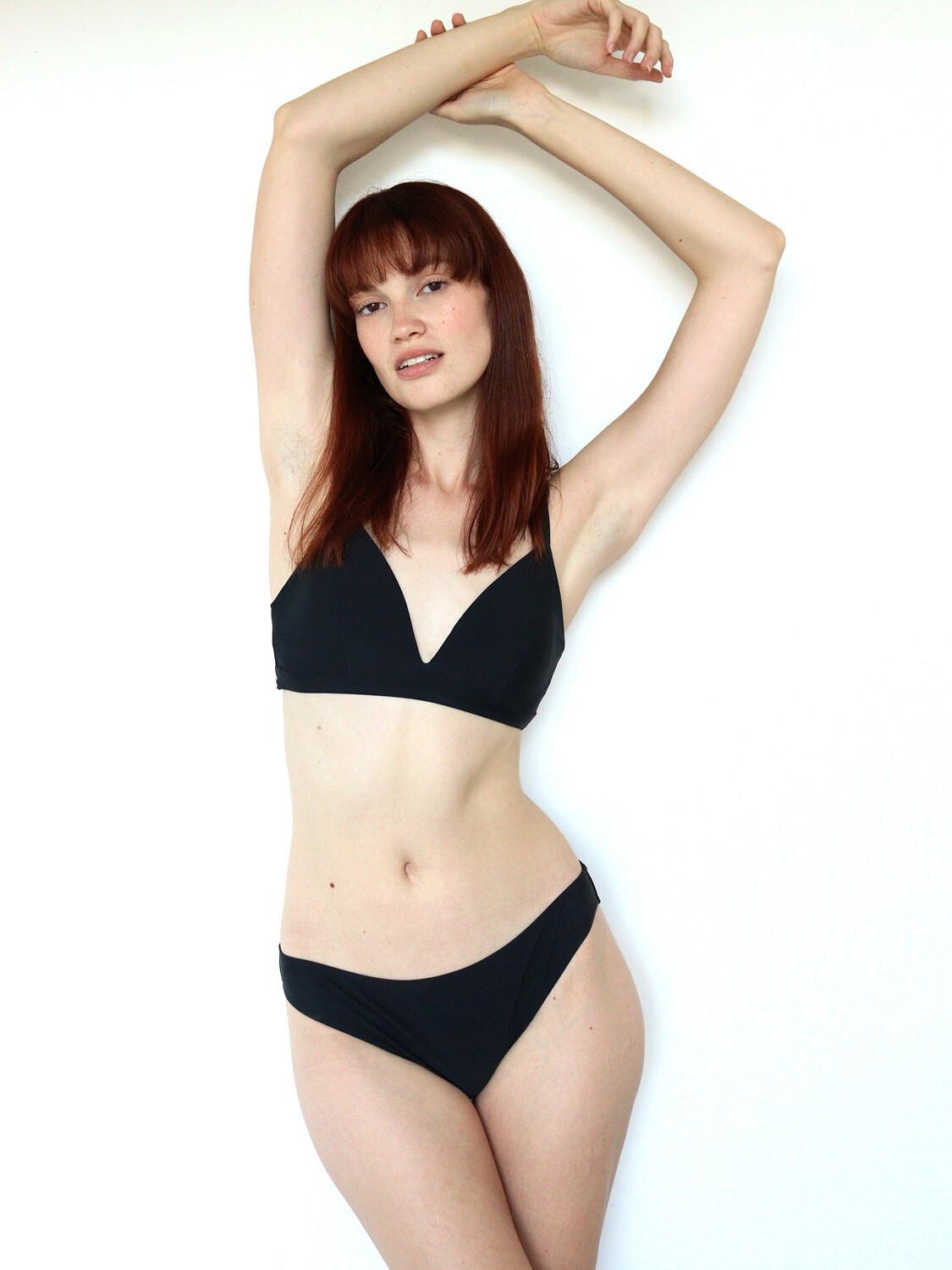
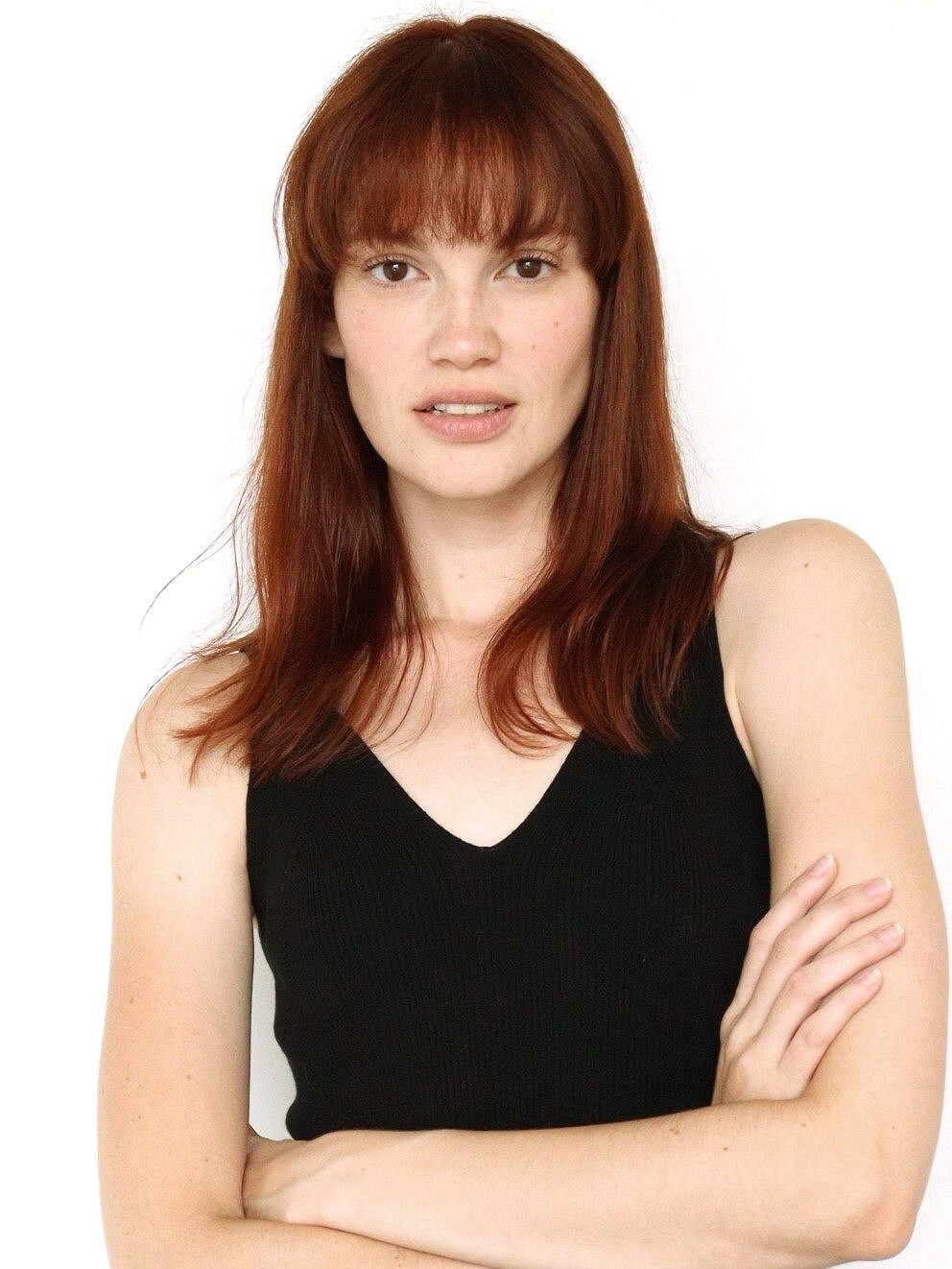
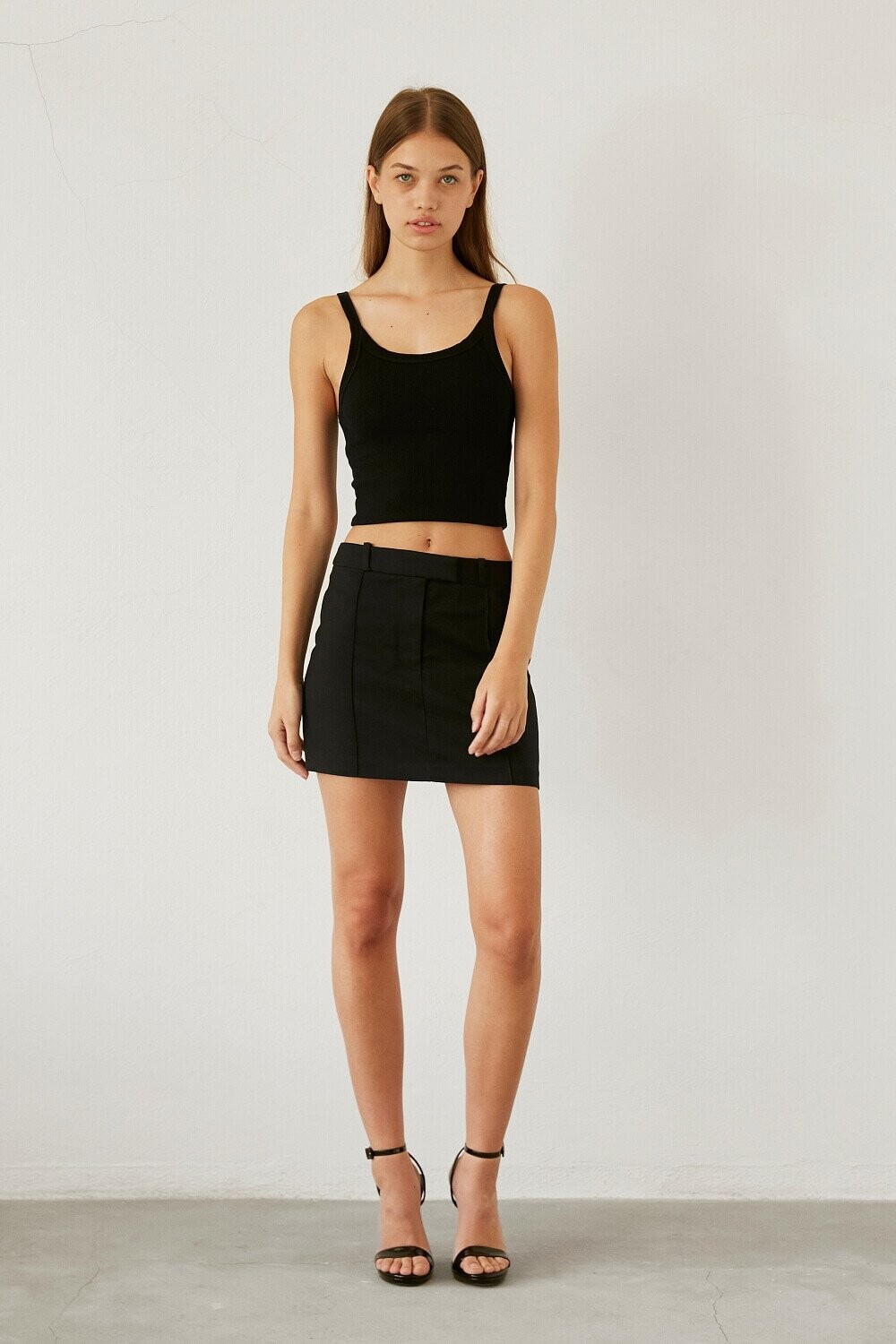
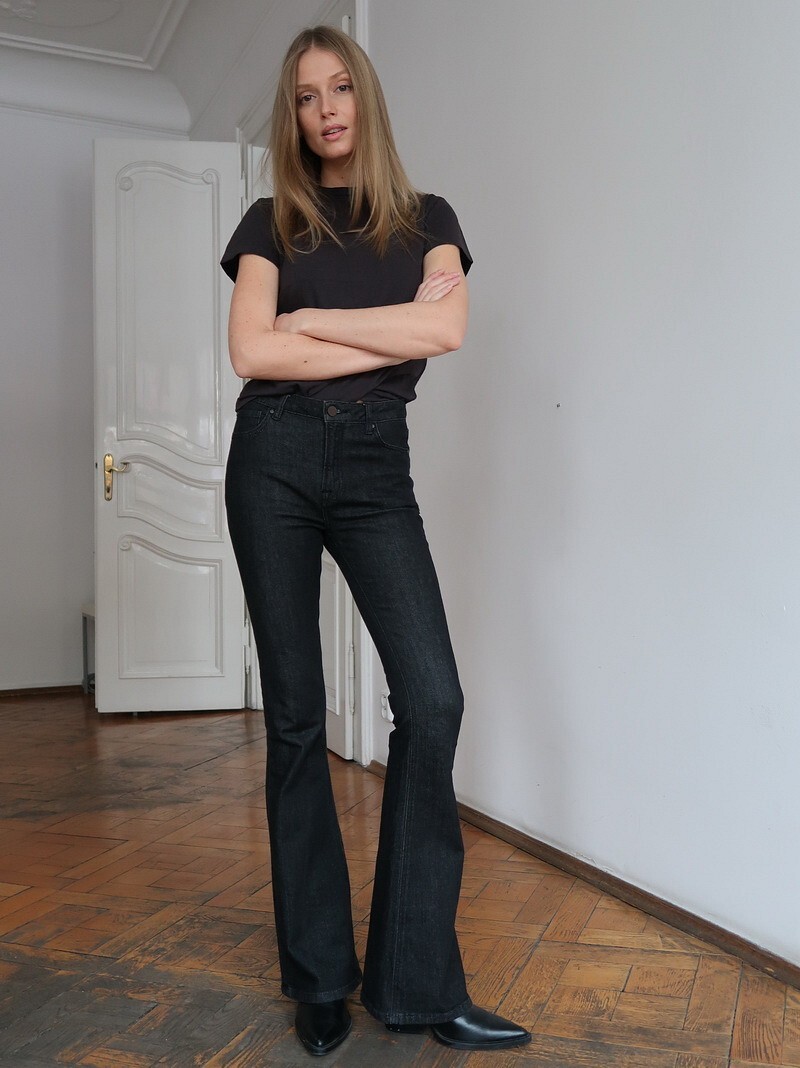
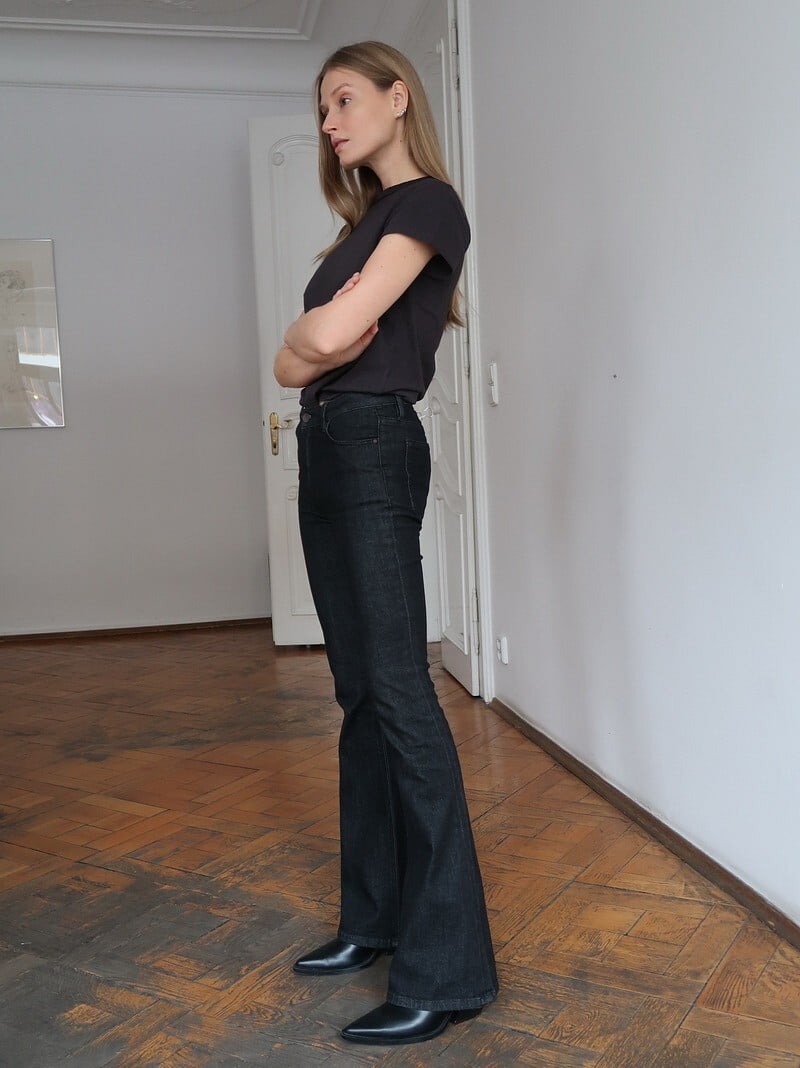
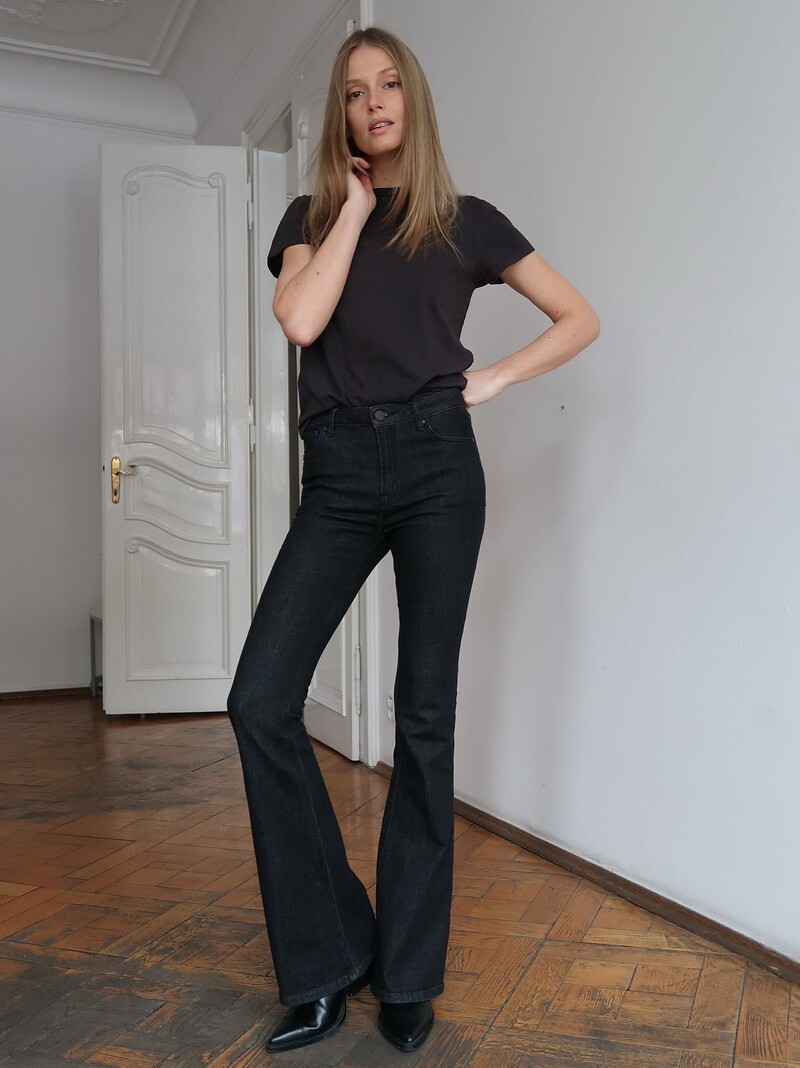
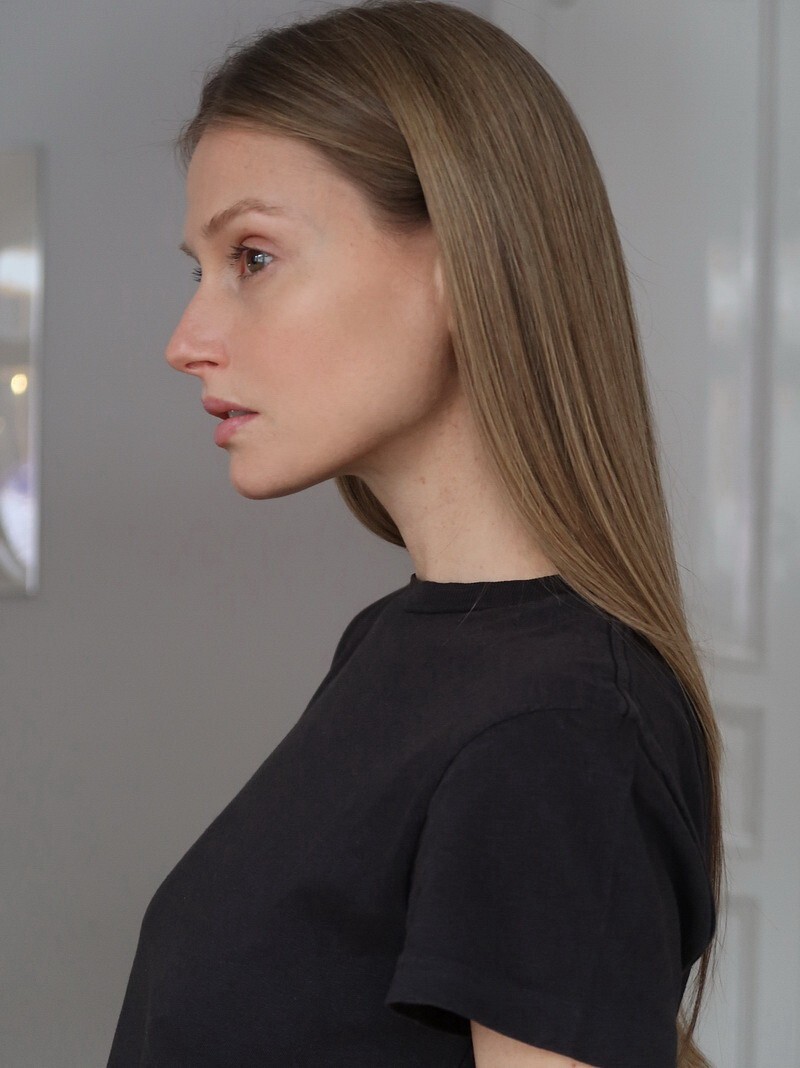
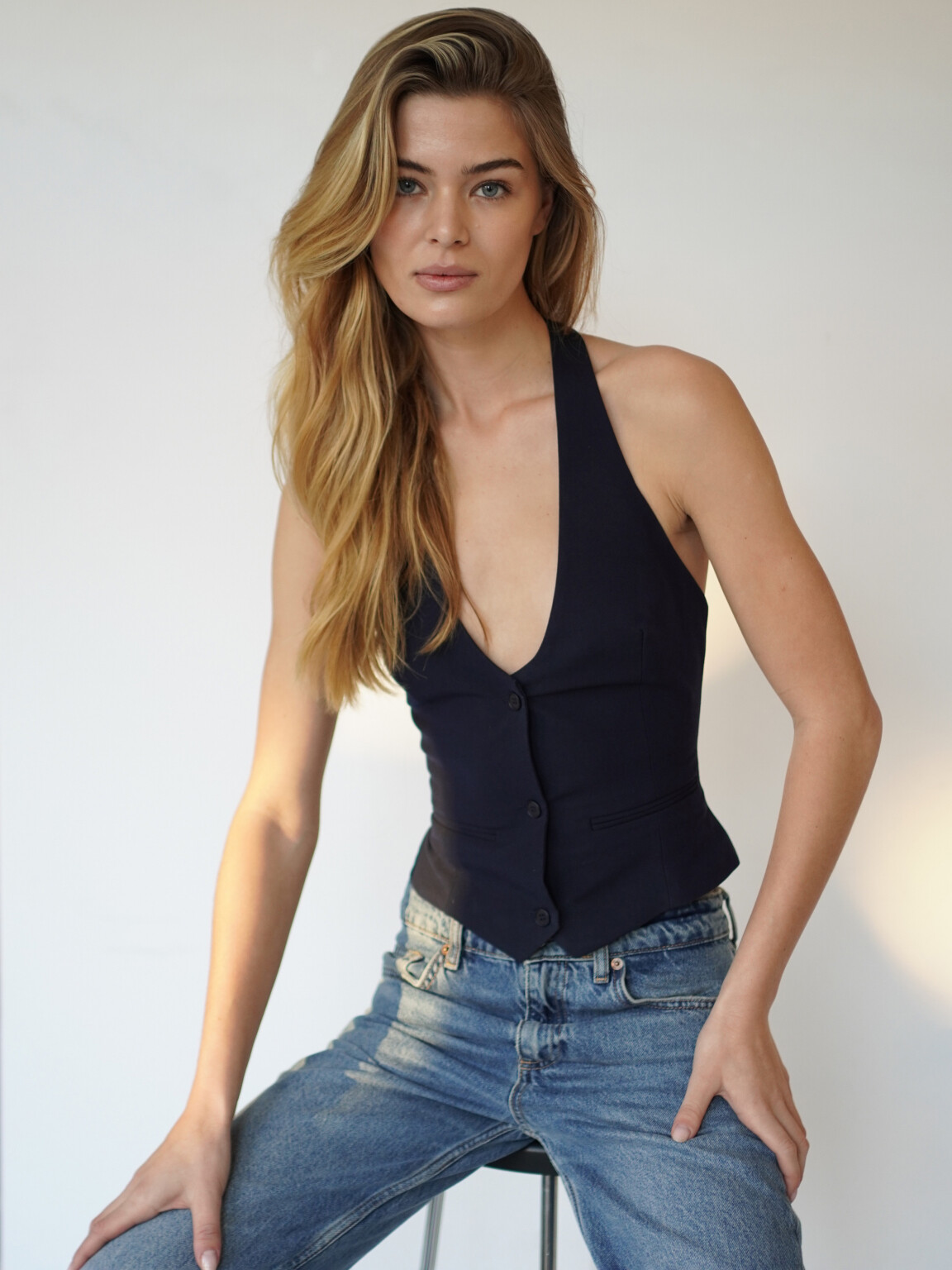
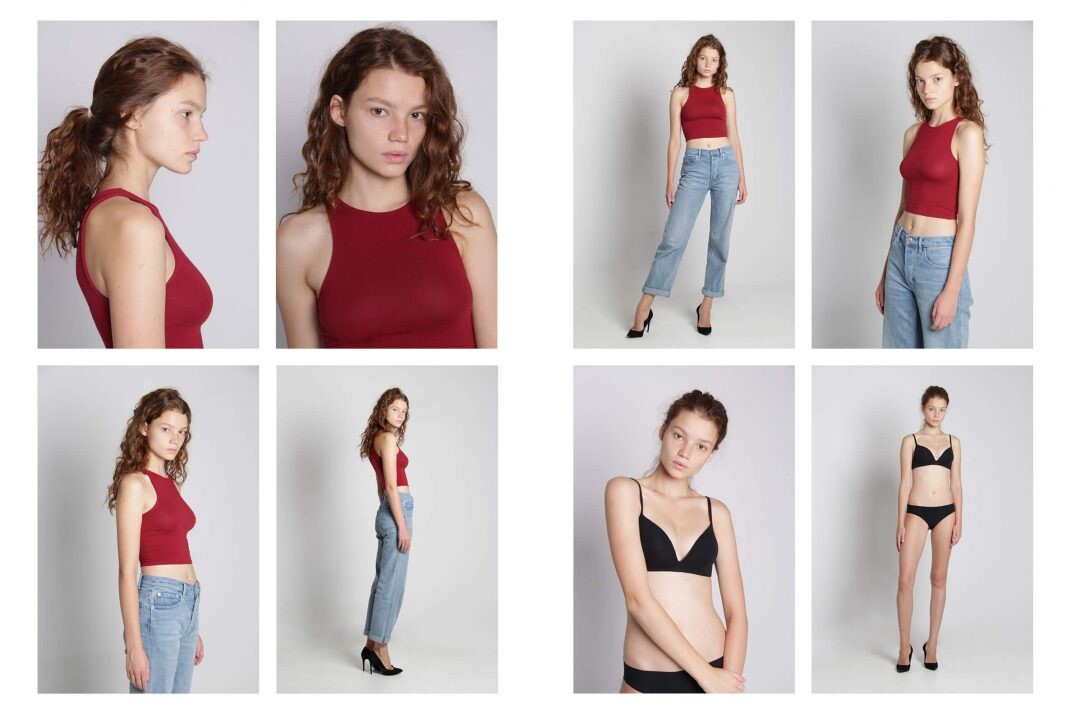
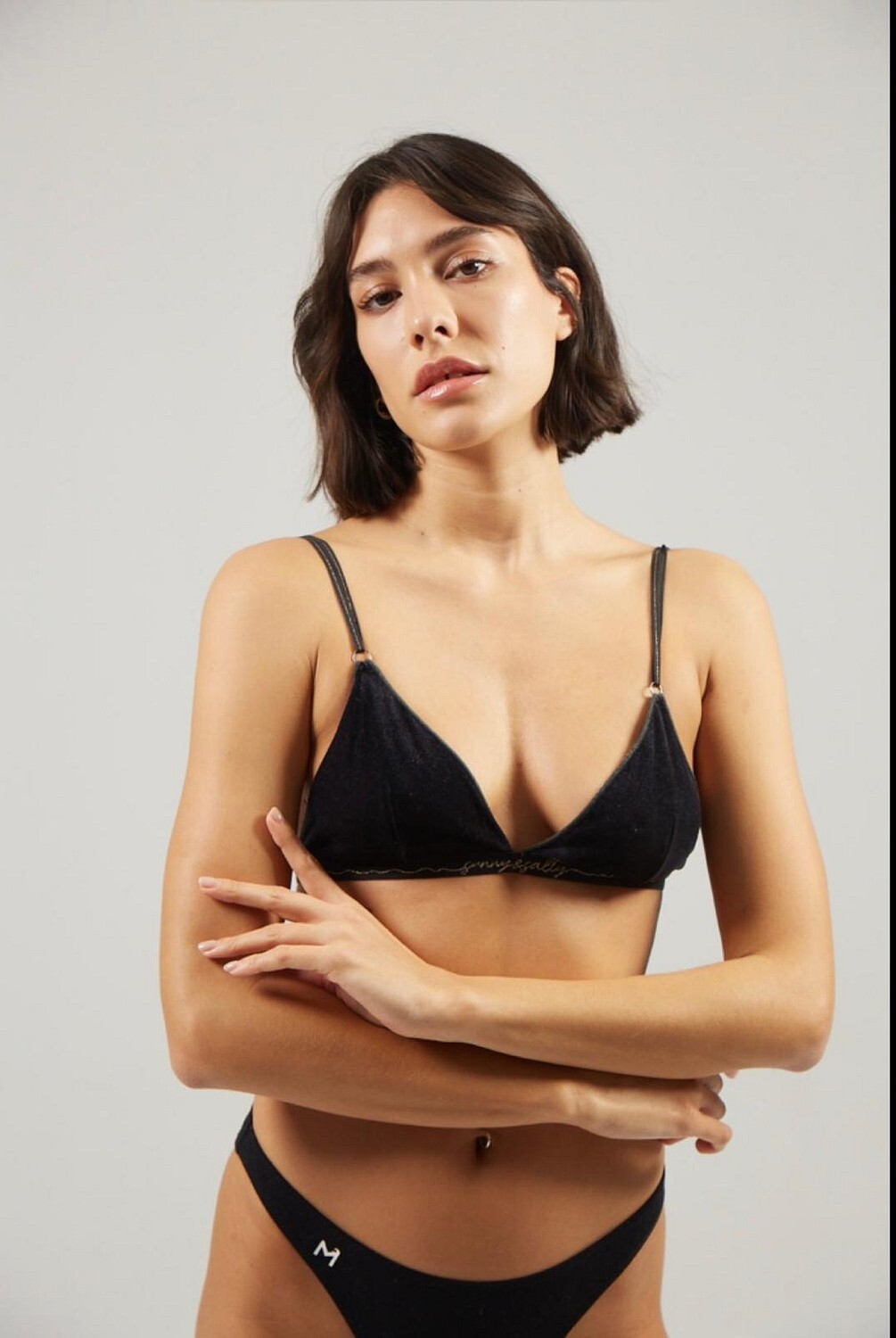
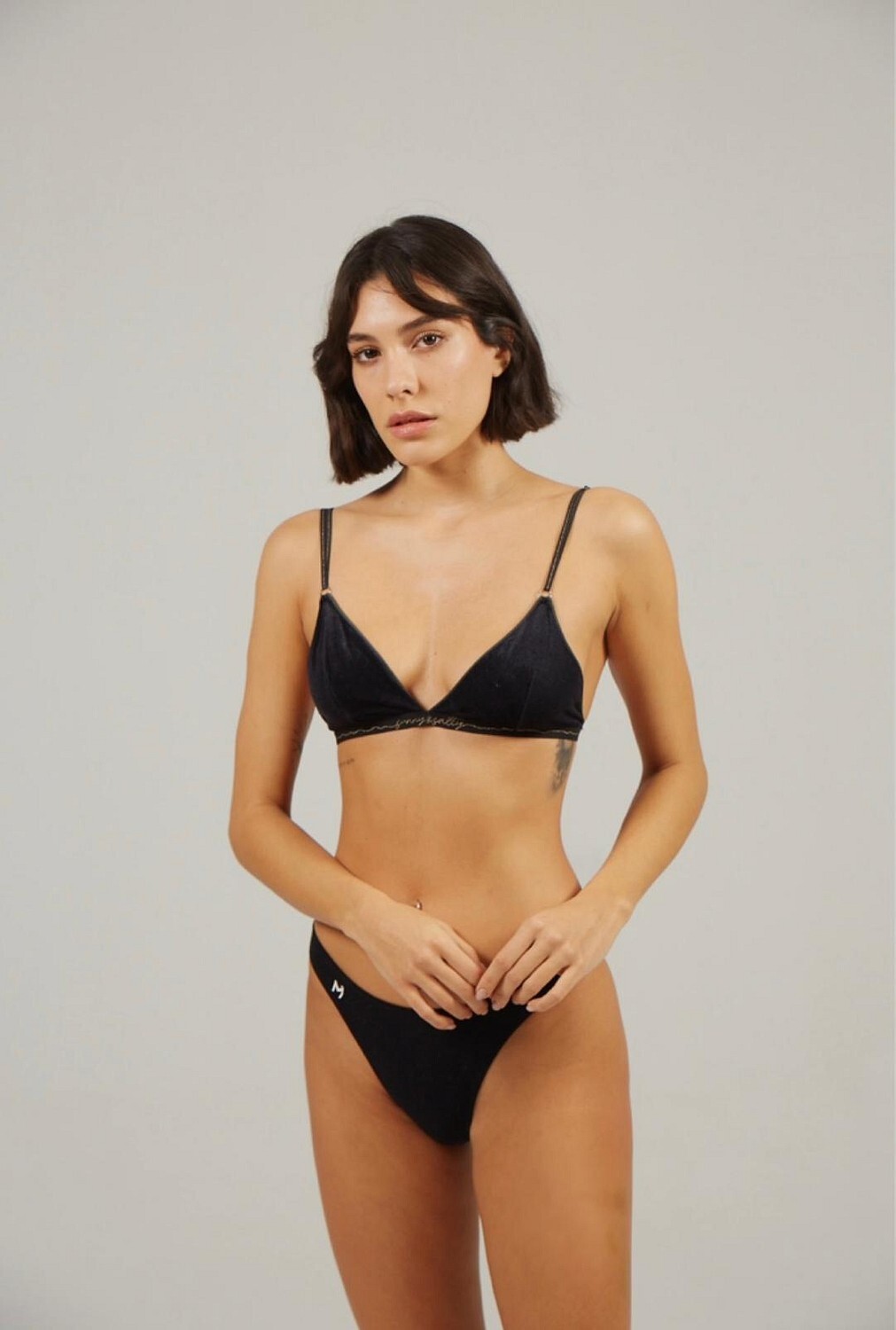
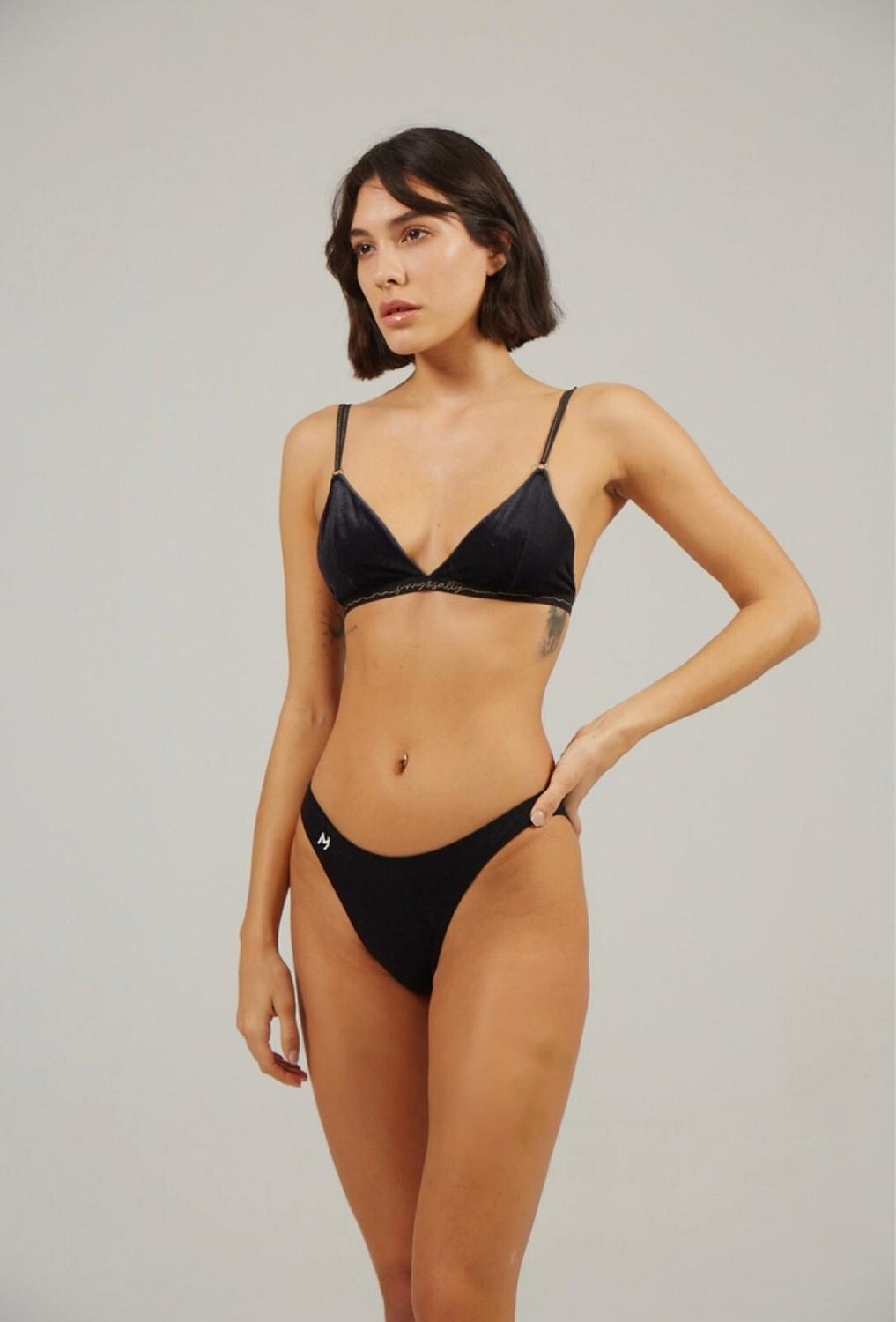
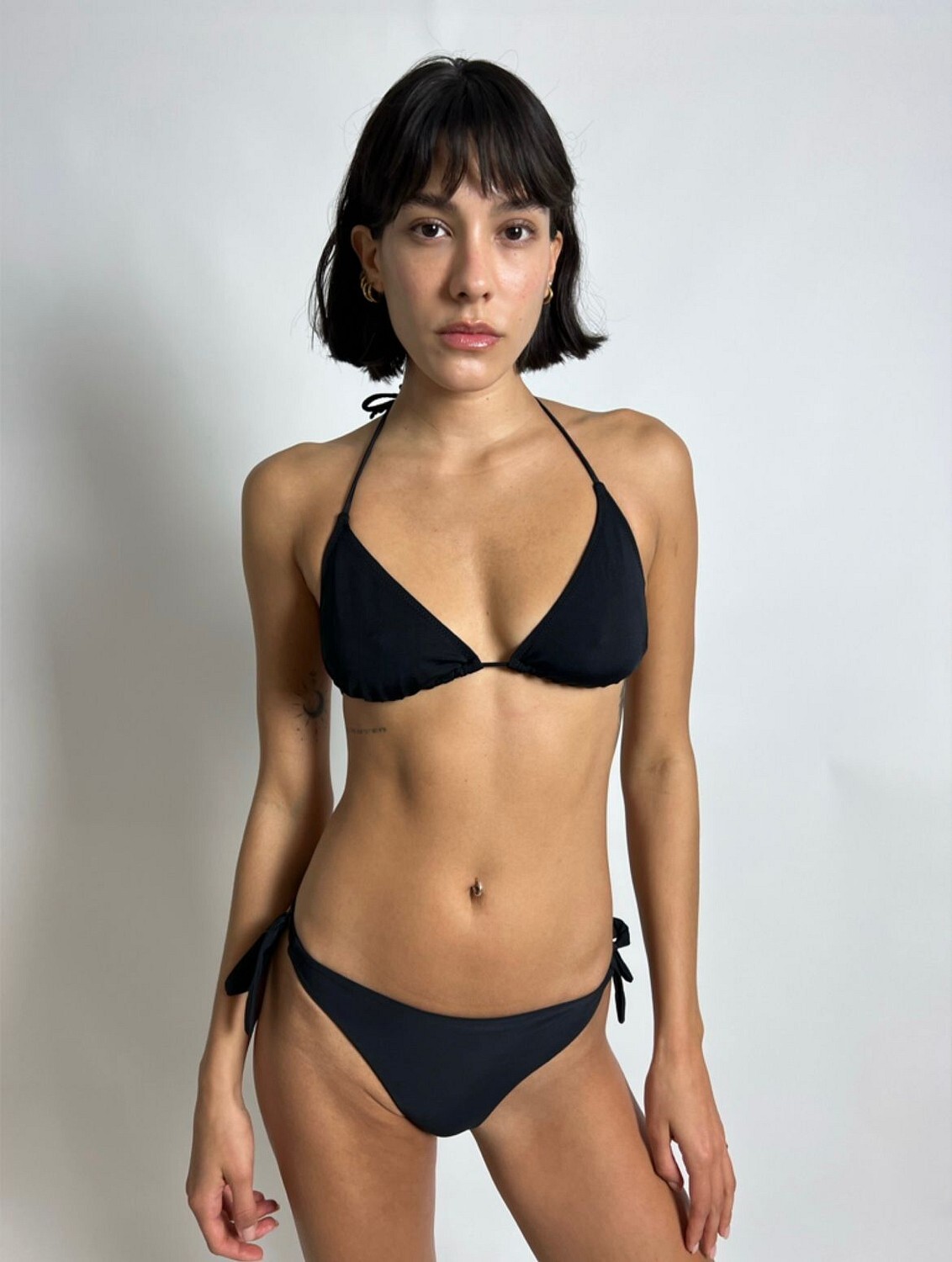
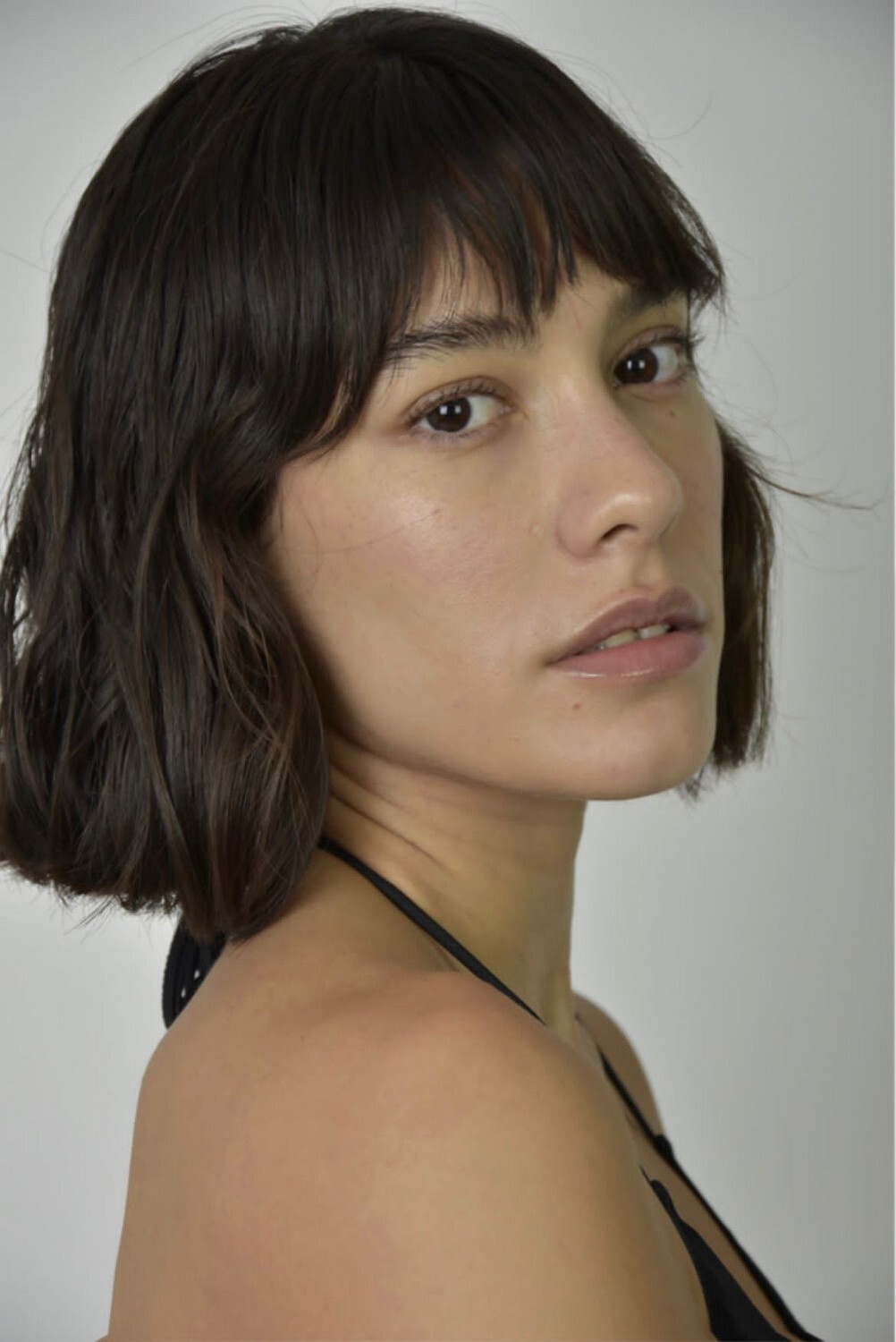
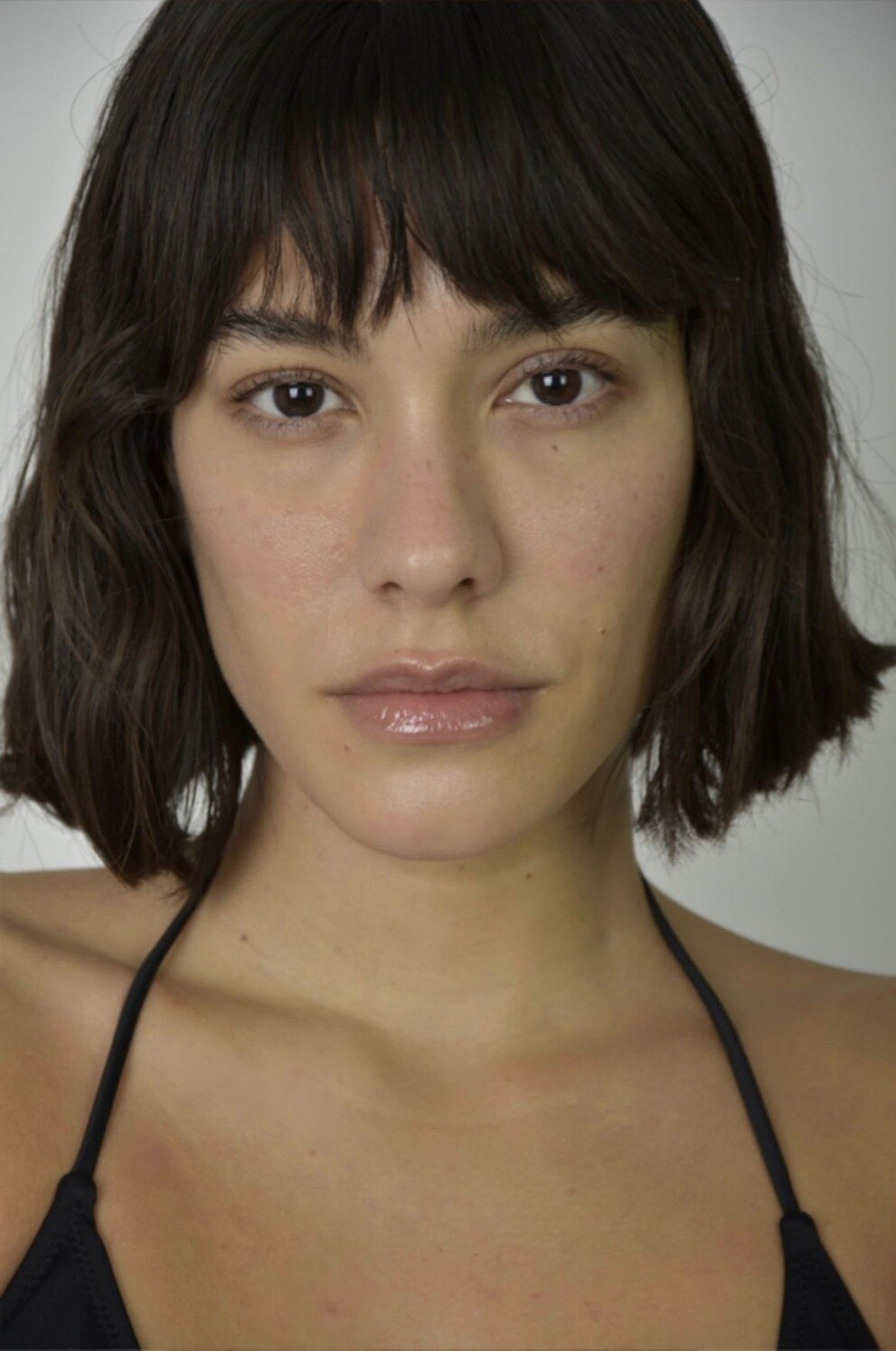
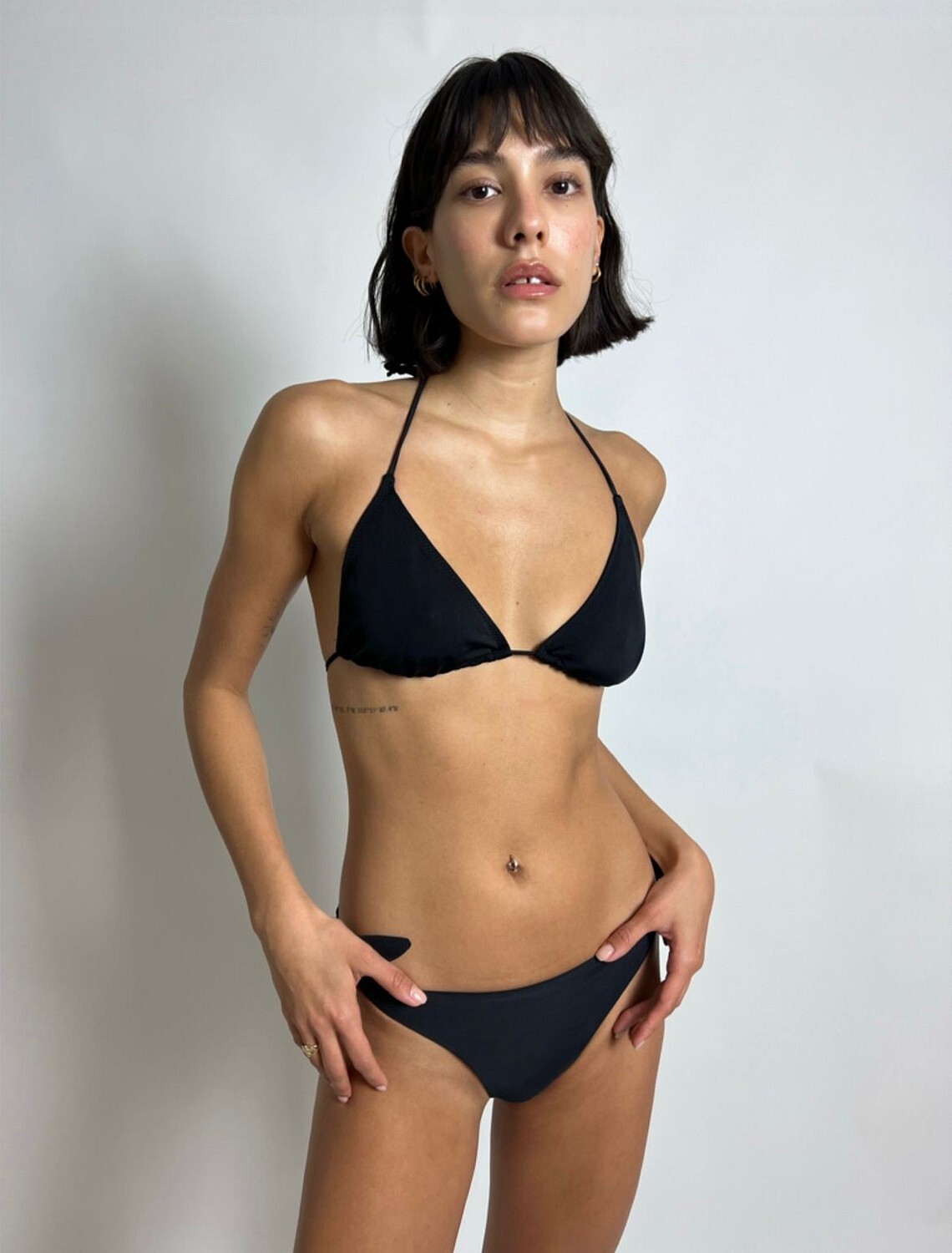
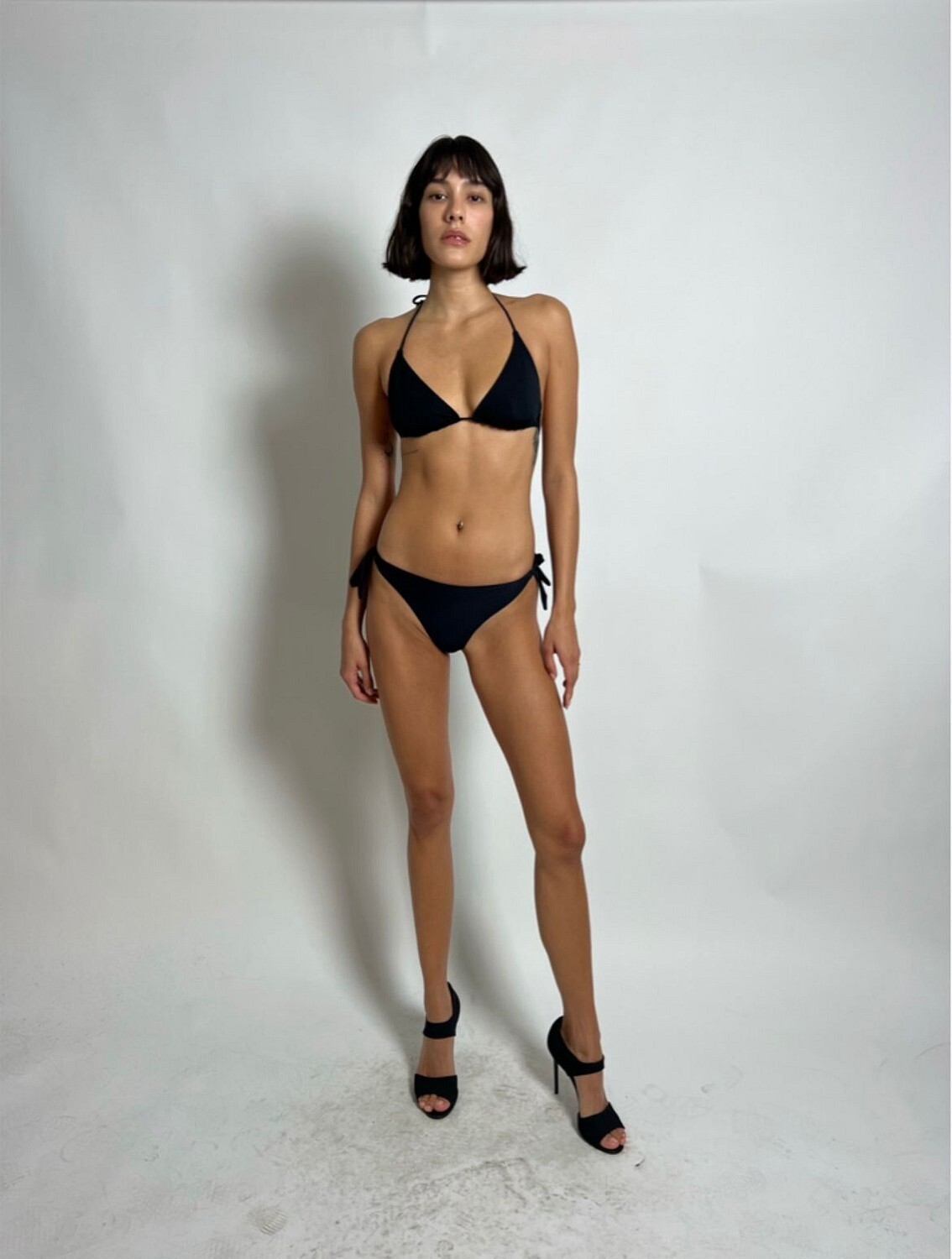
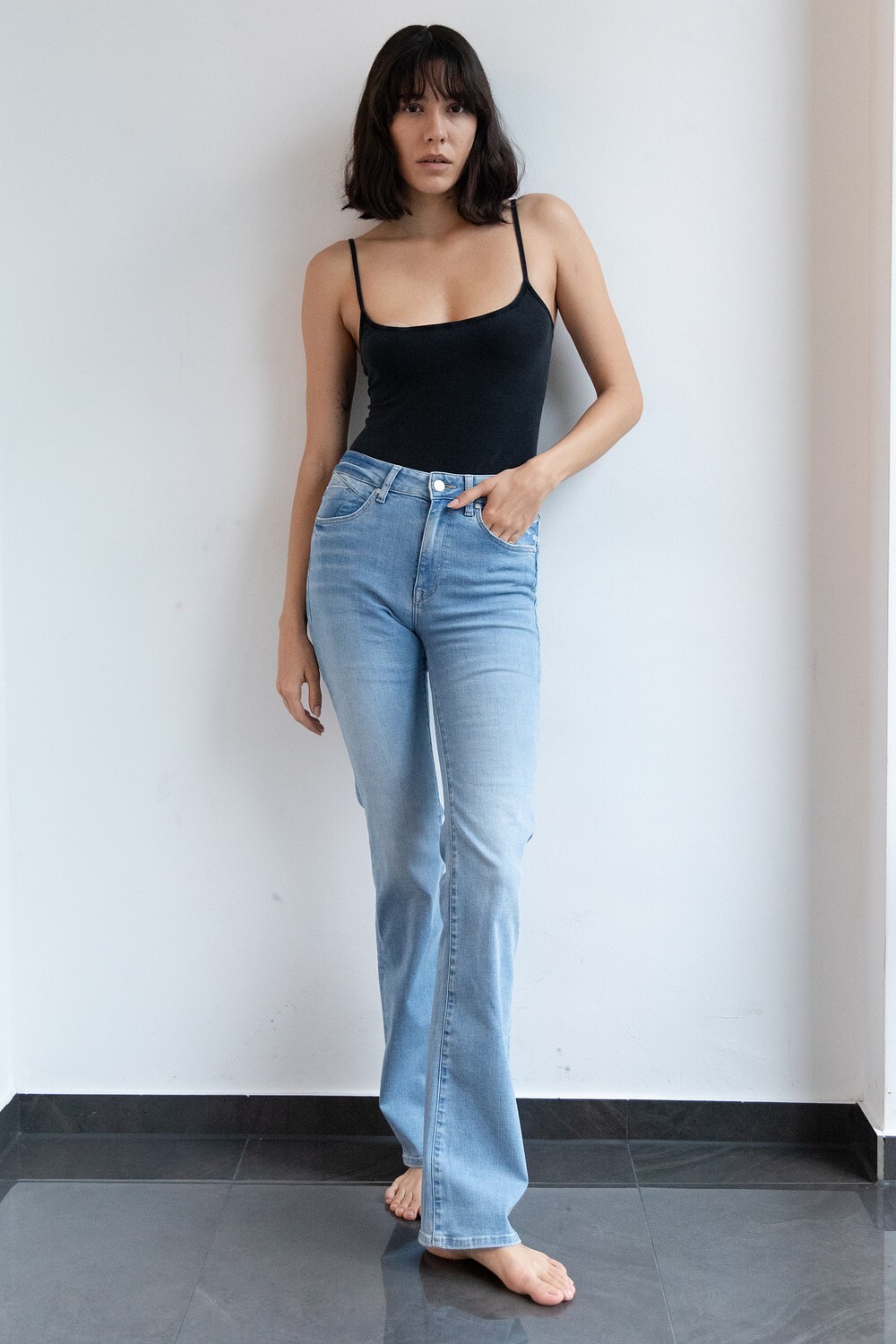
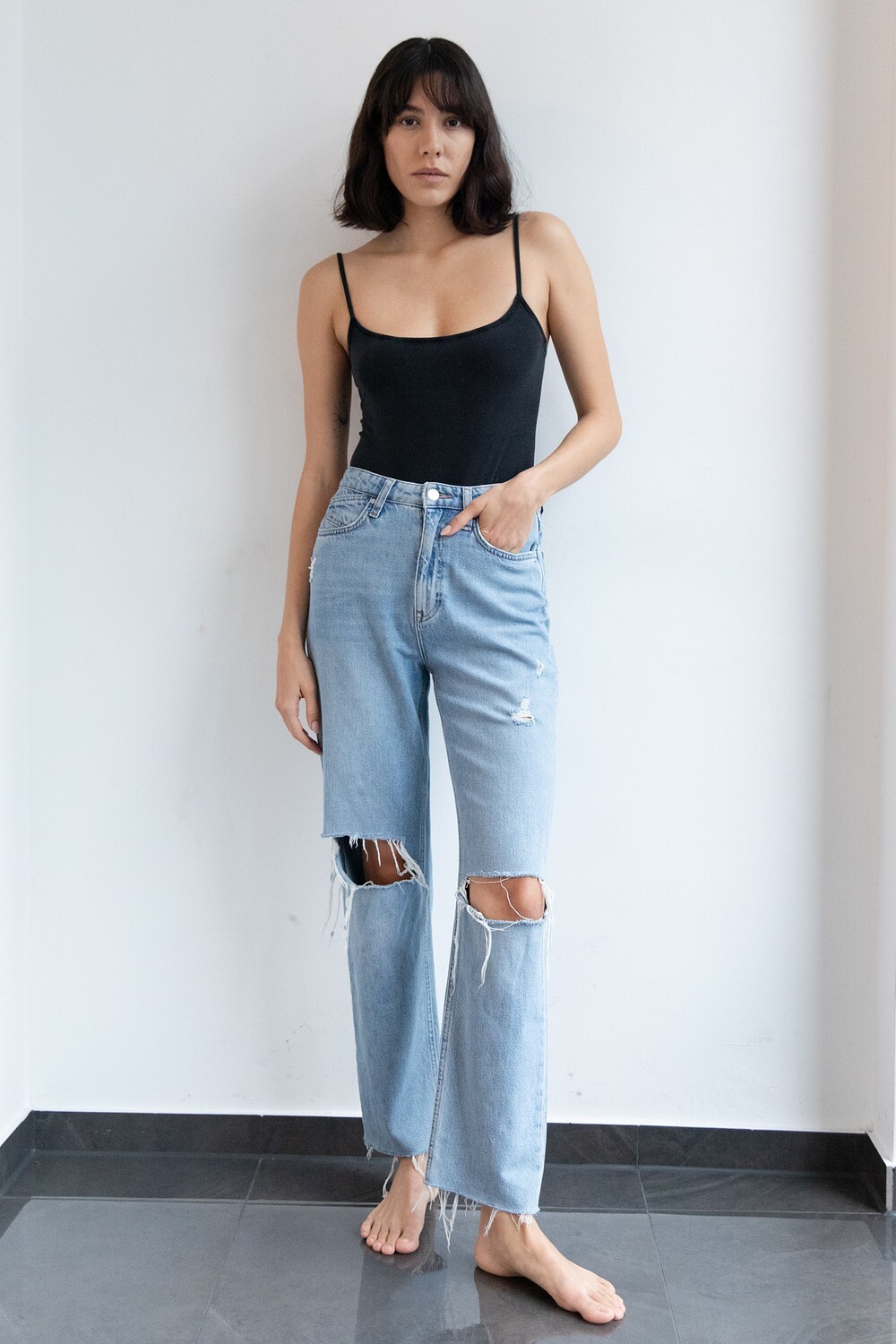
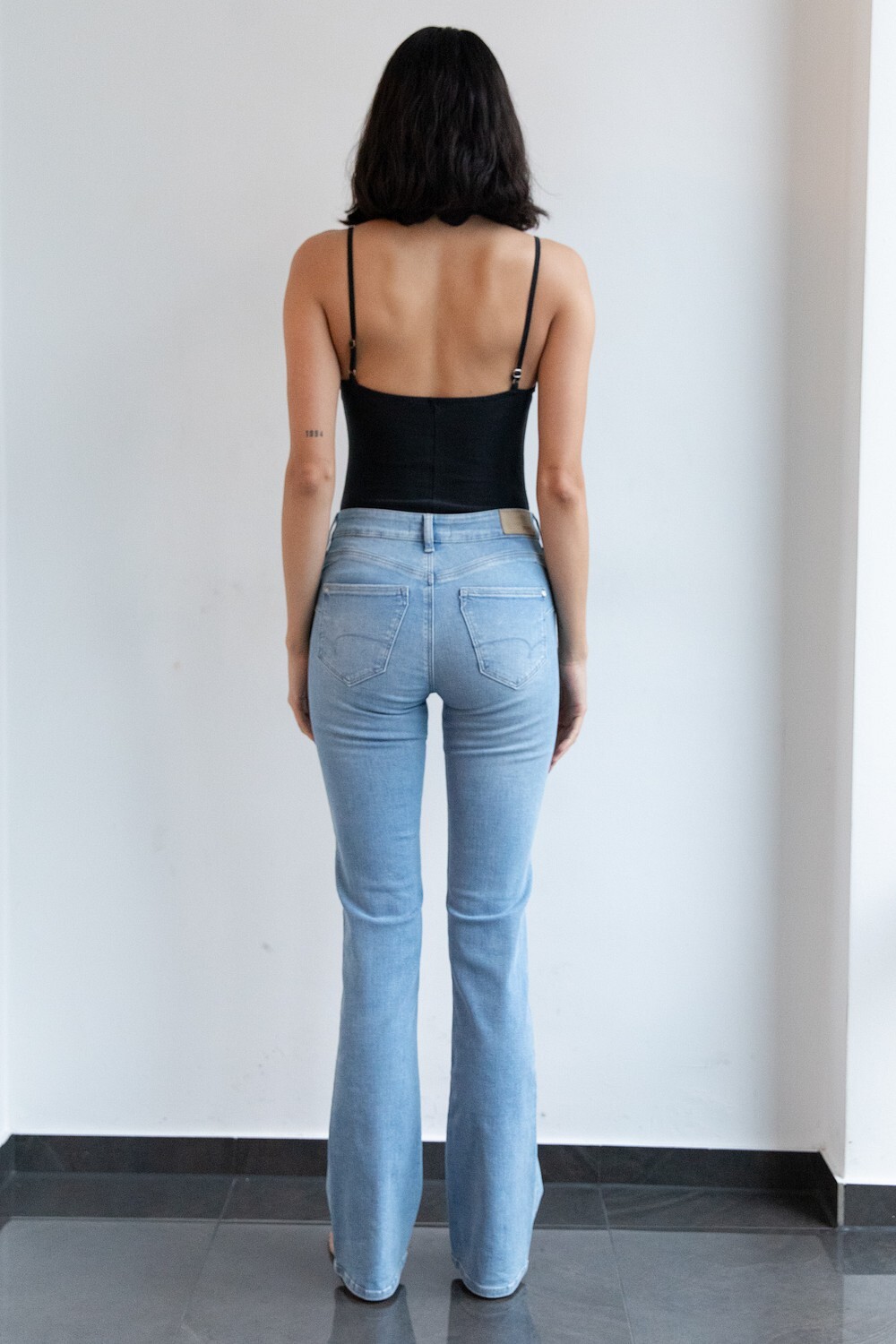
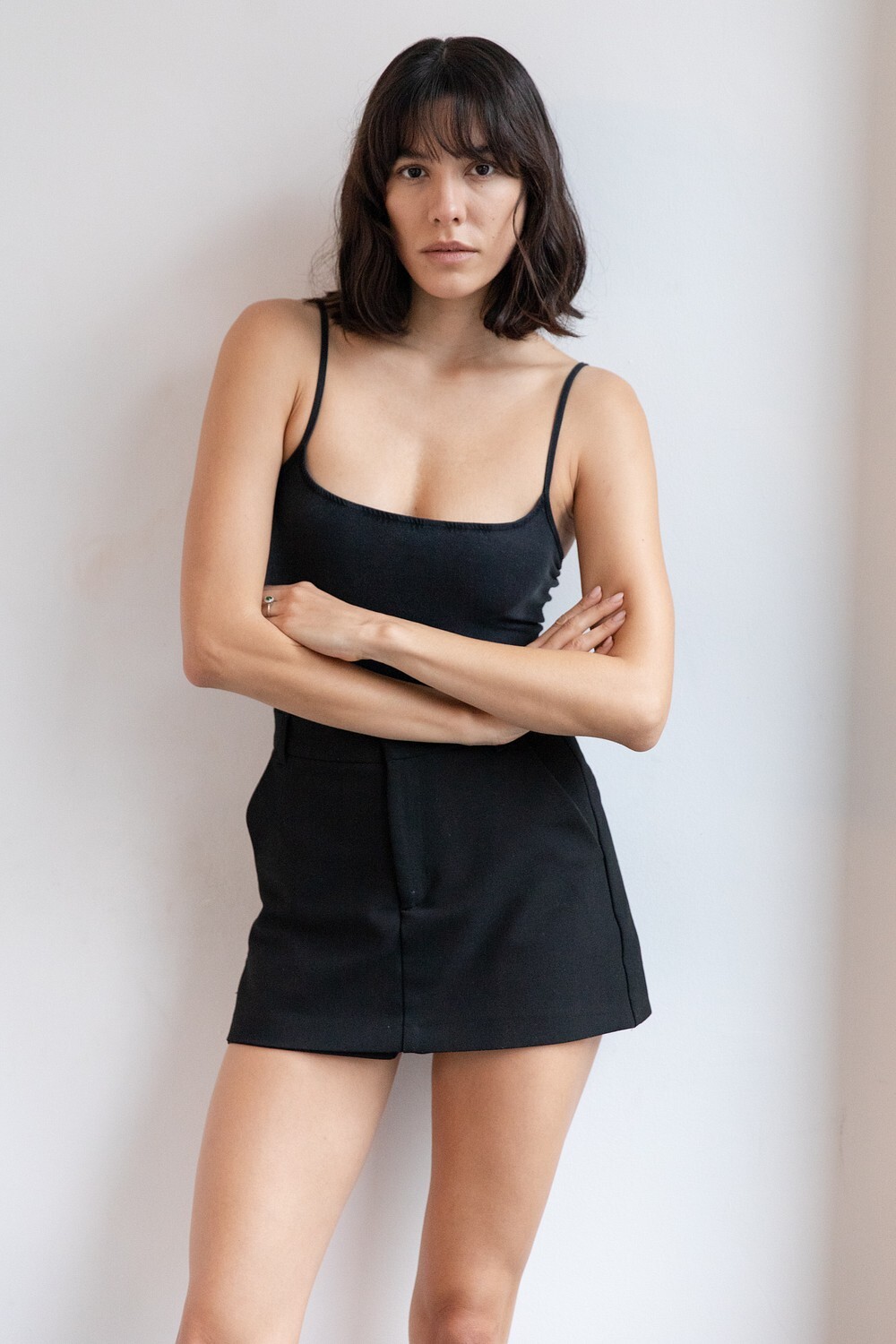
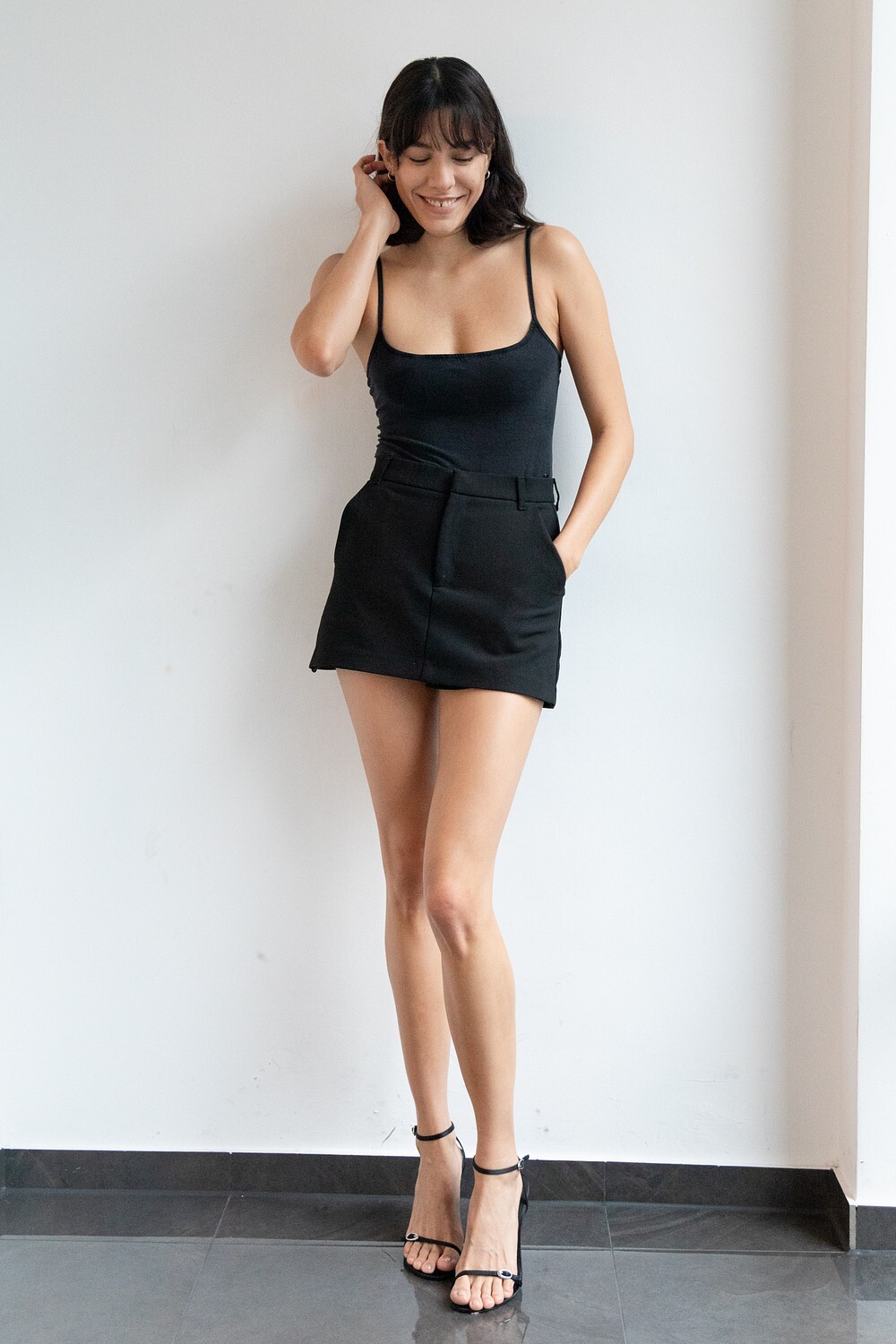
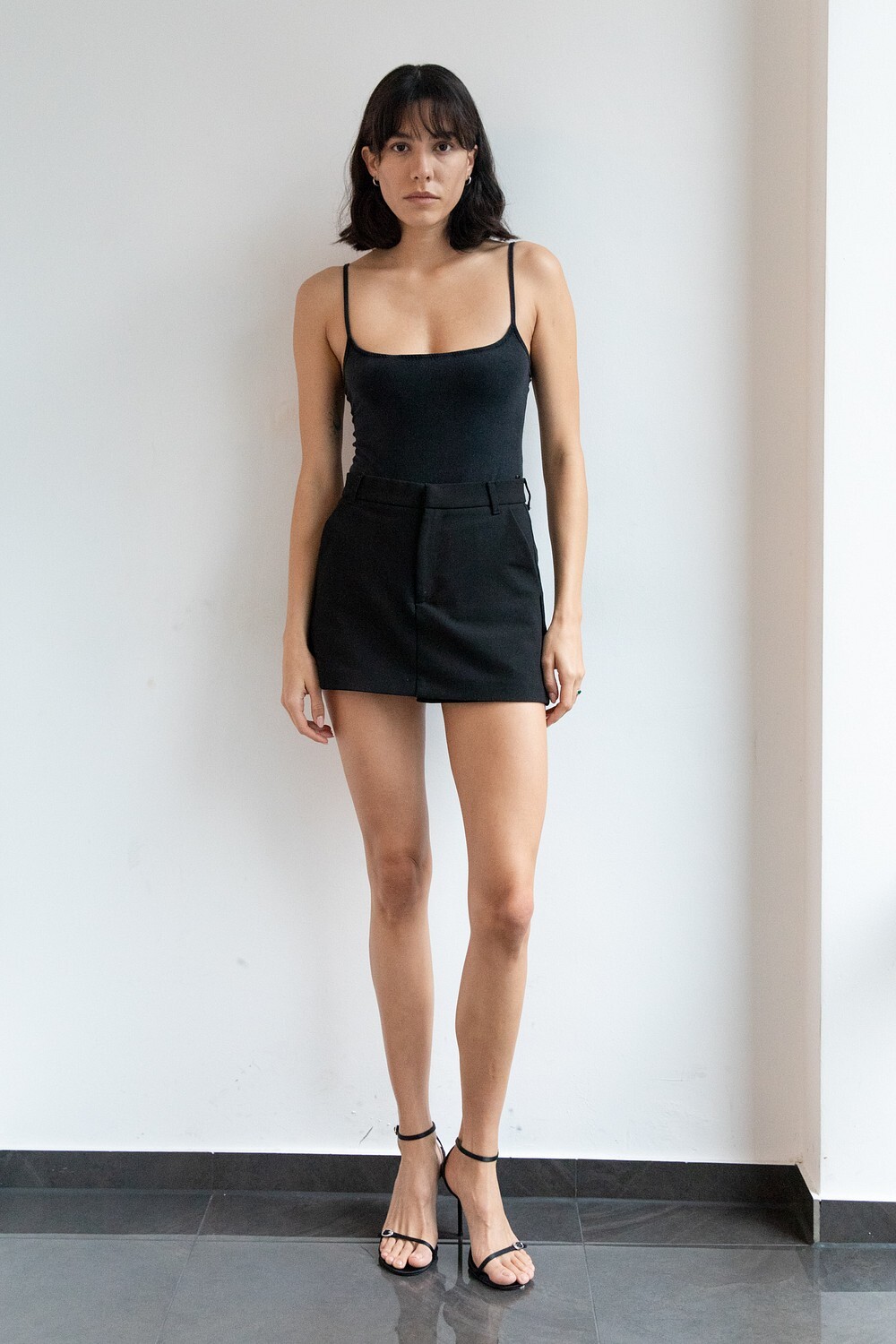
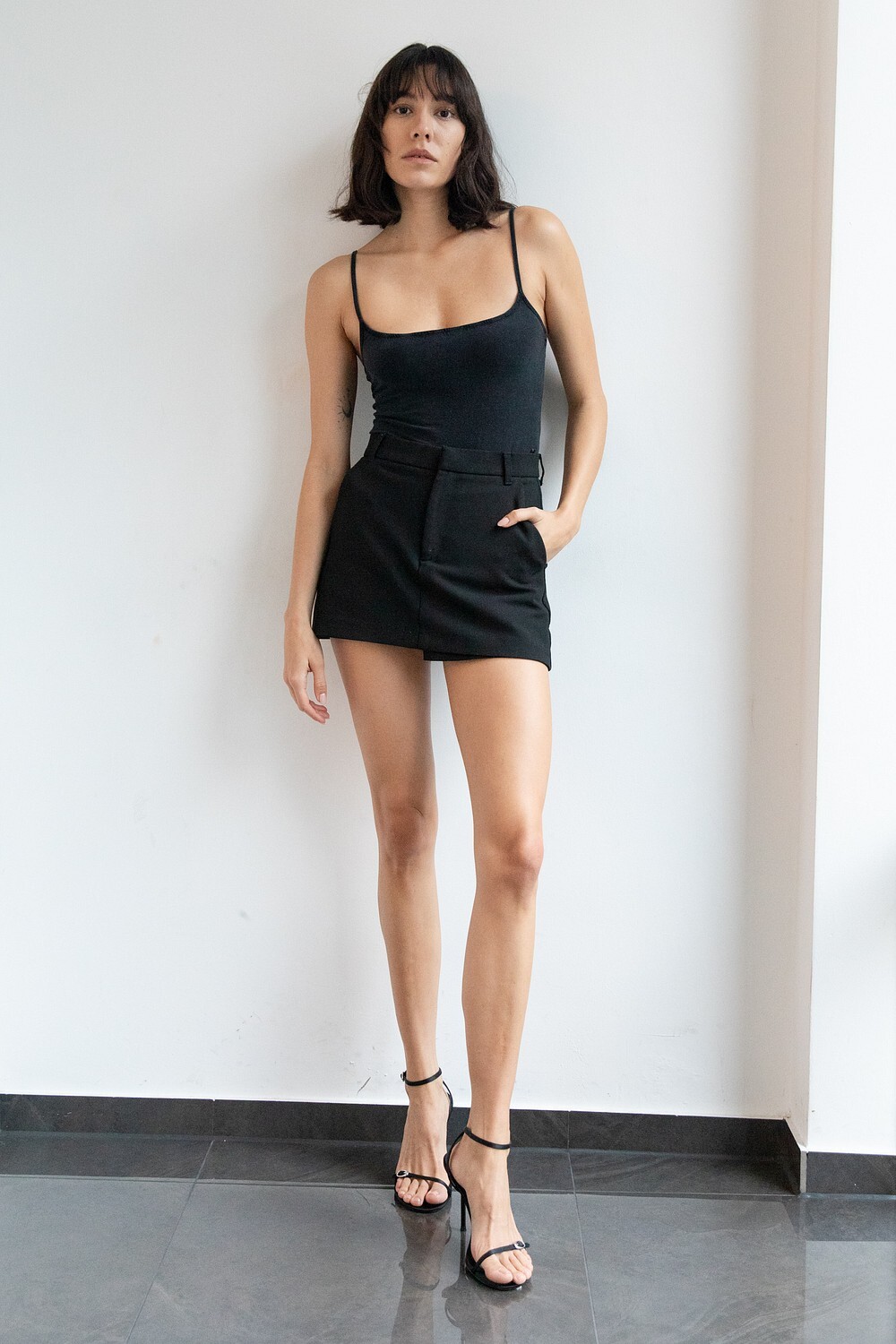
Snaps from her MP Models portfolio. Seems to be more recent shoots







-
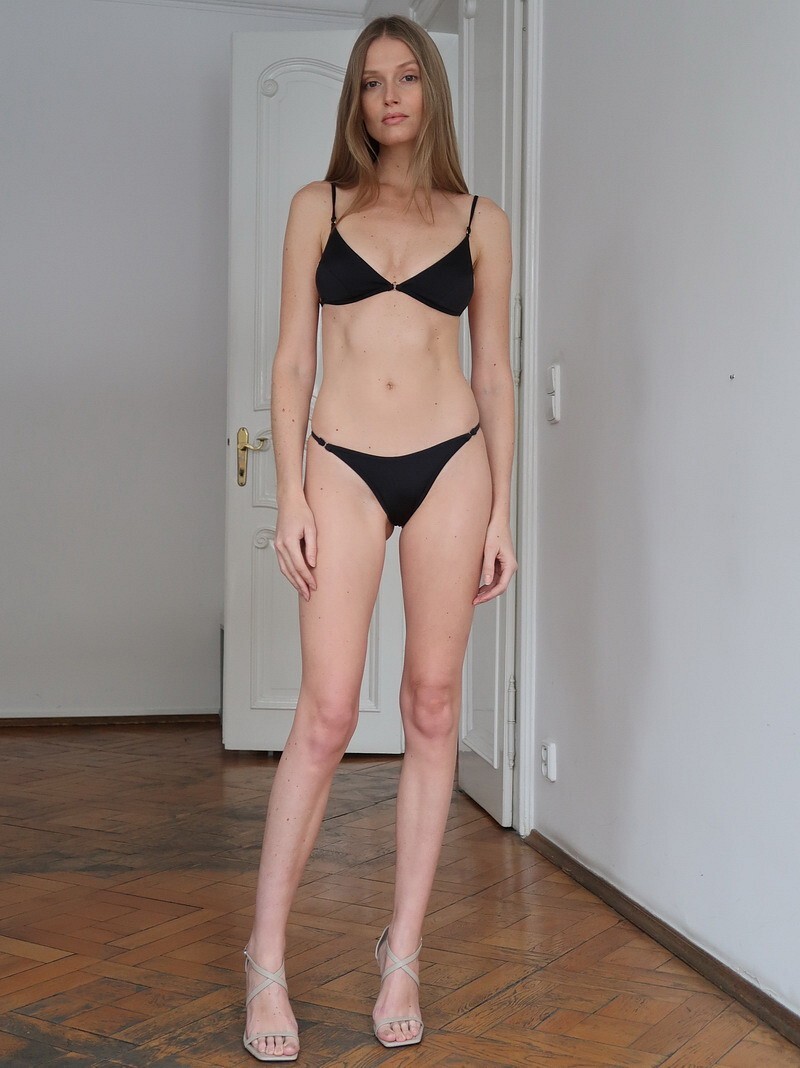
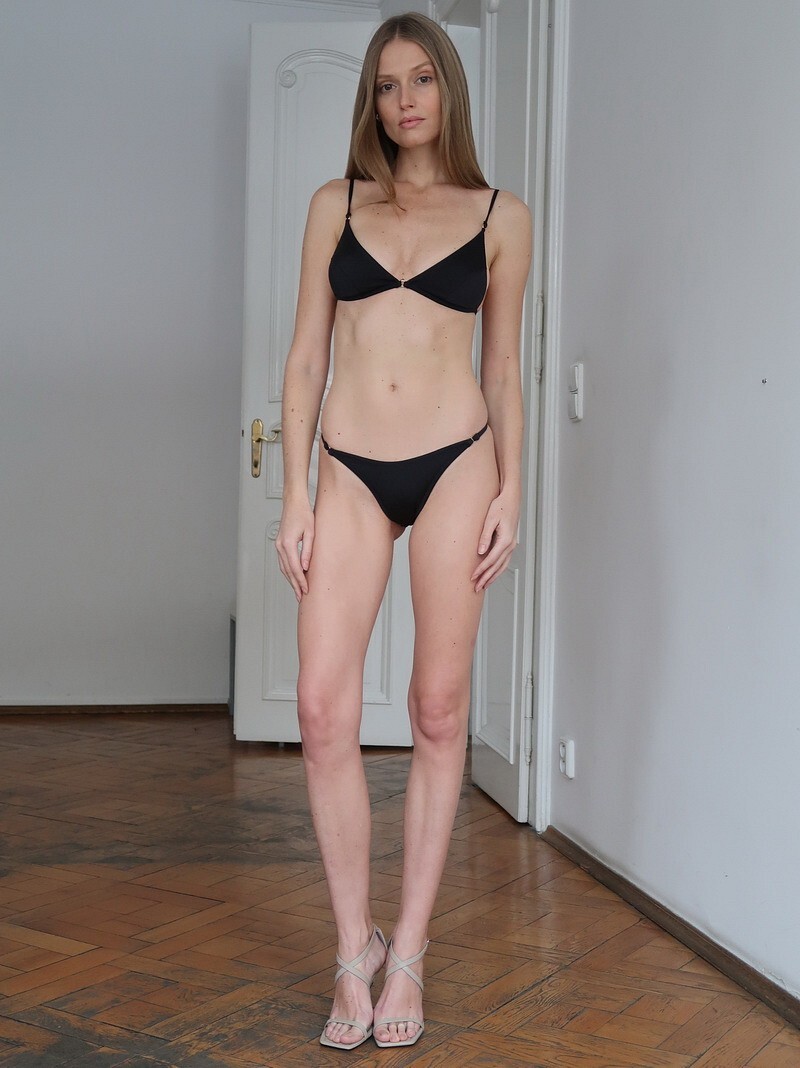
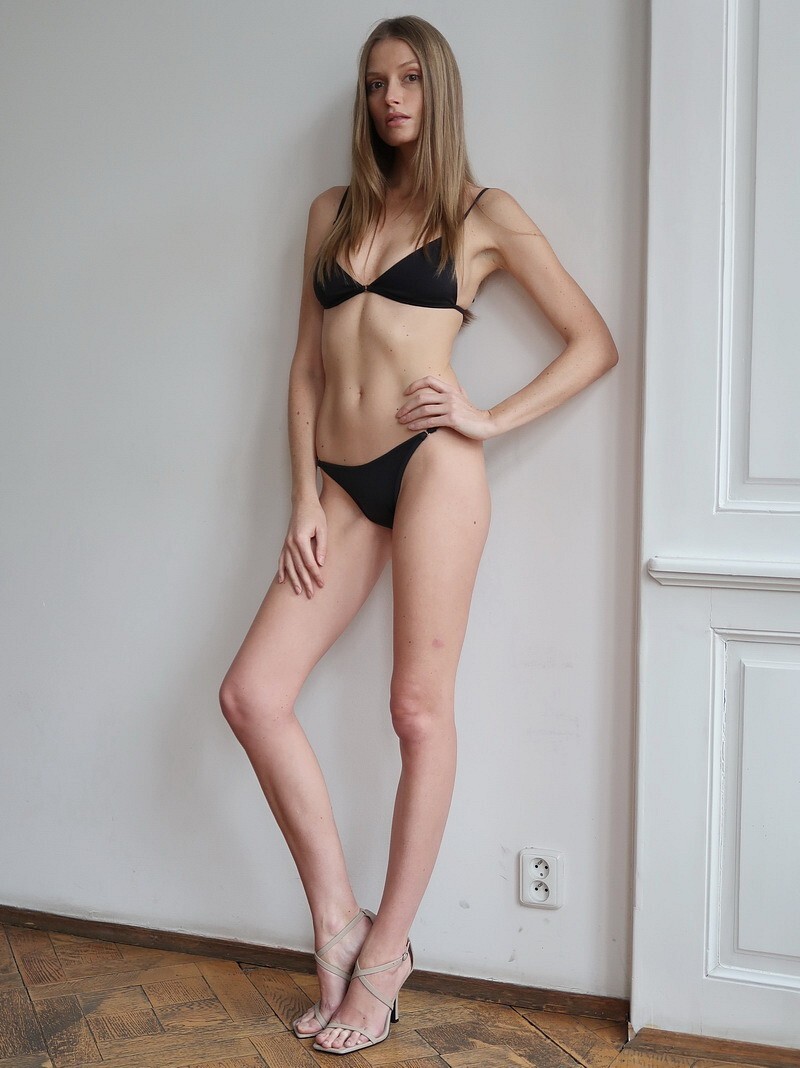
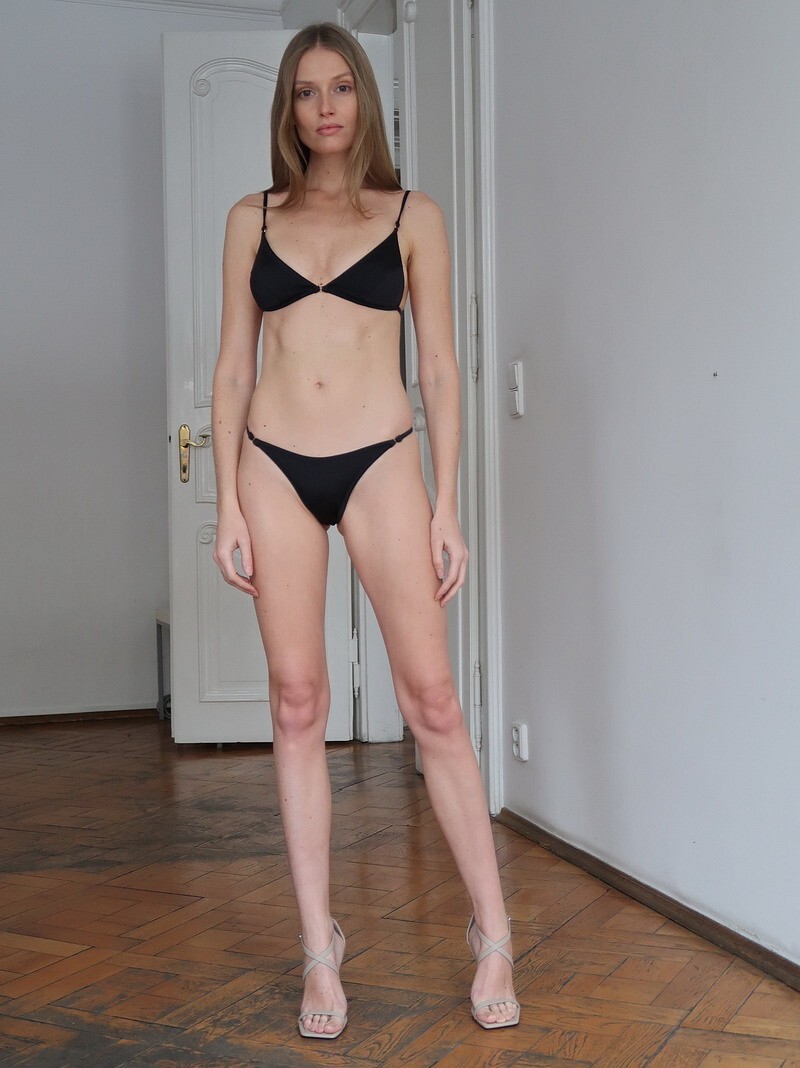
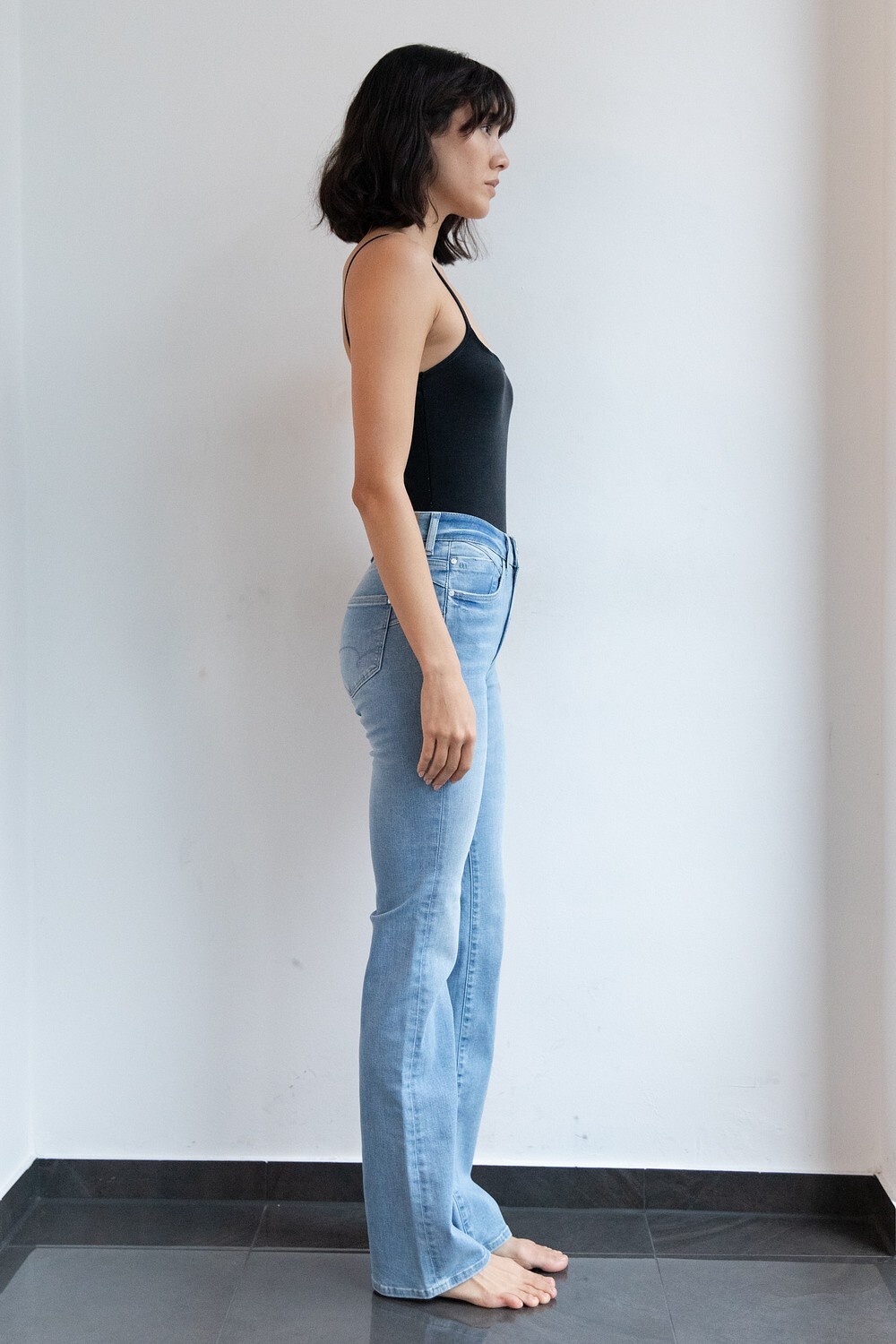
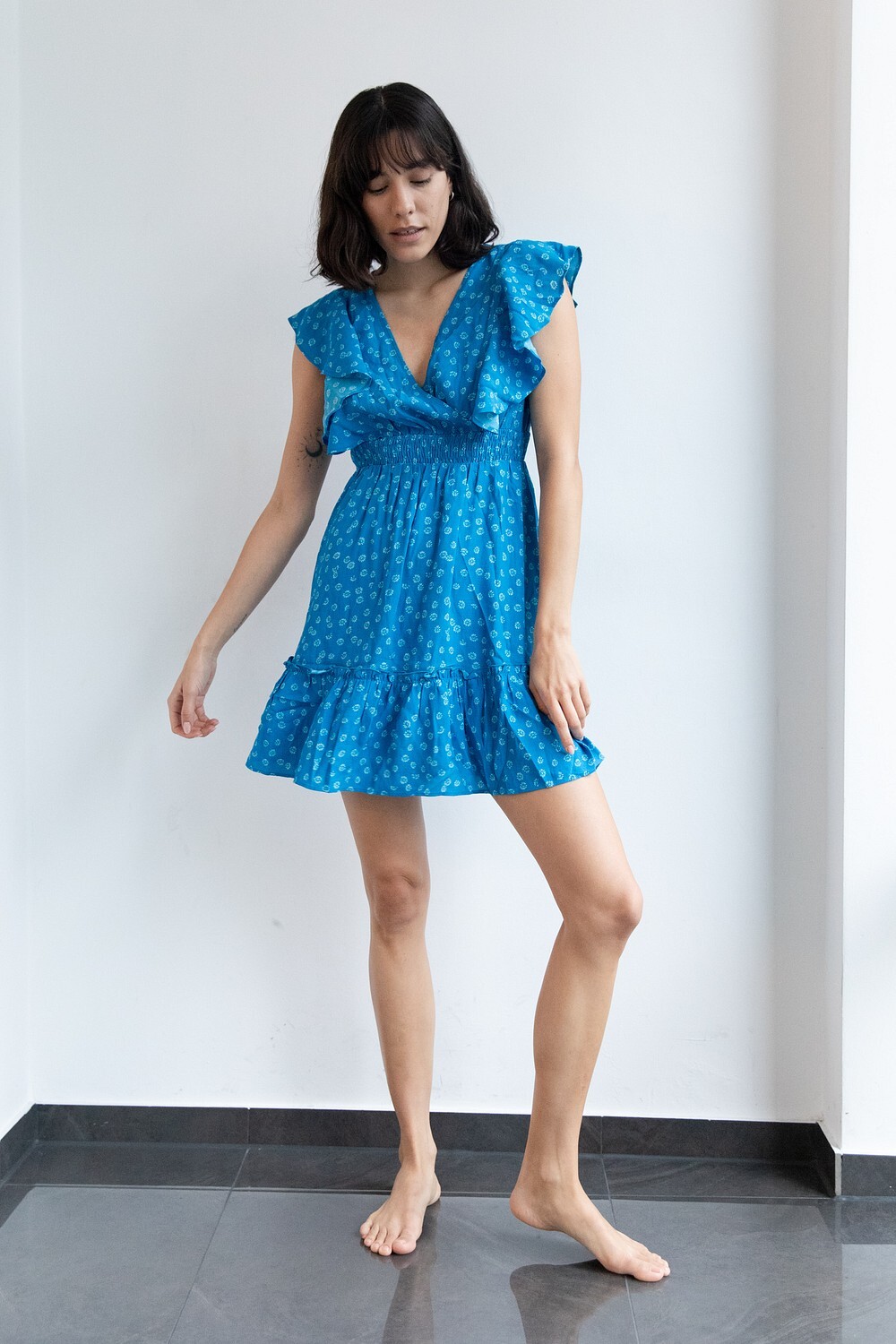
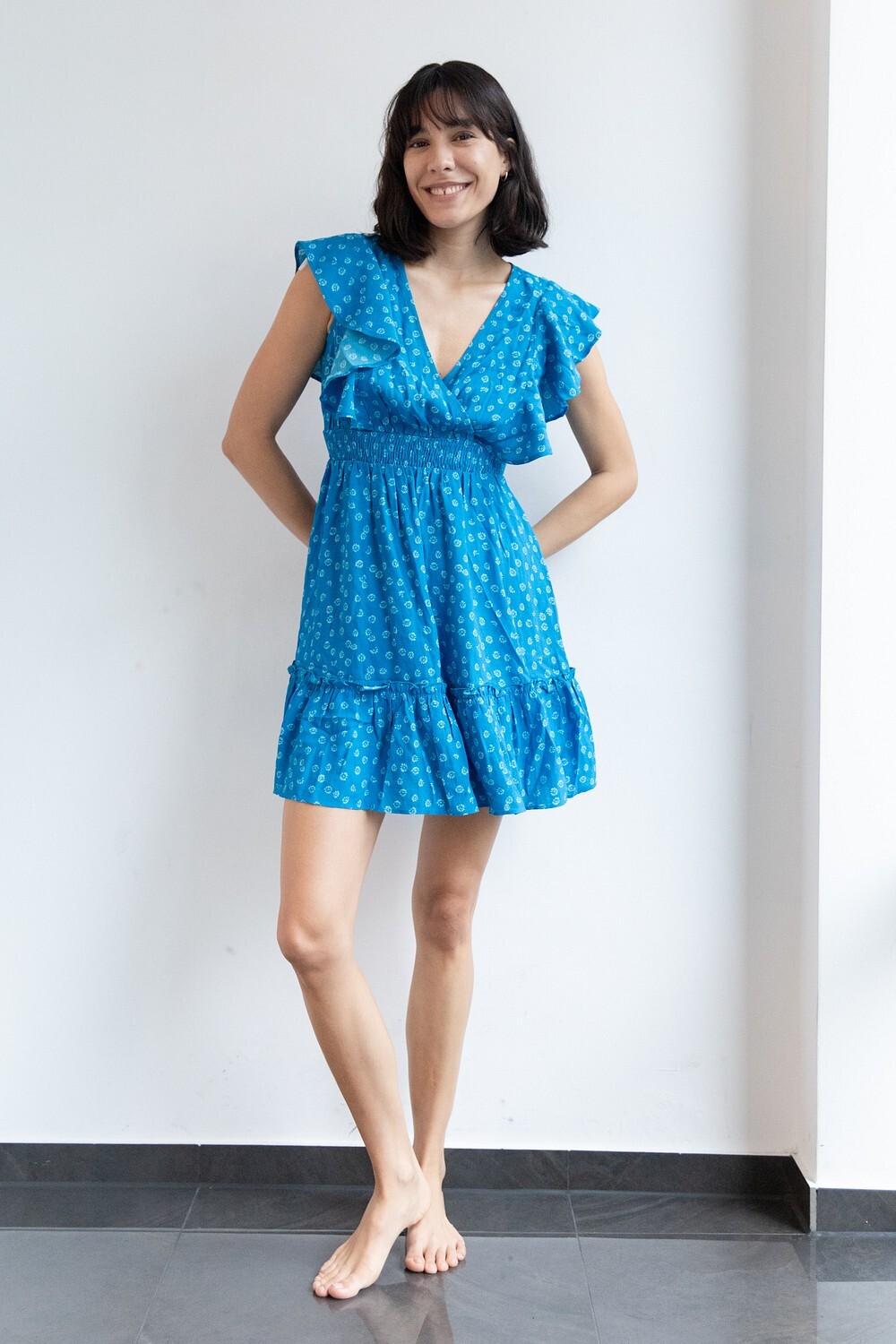
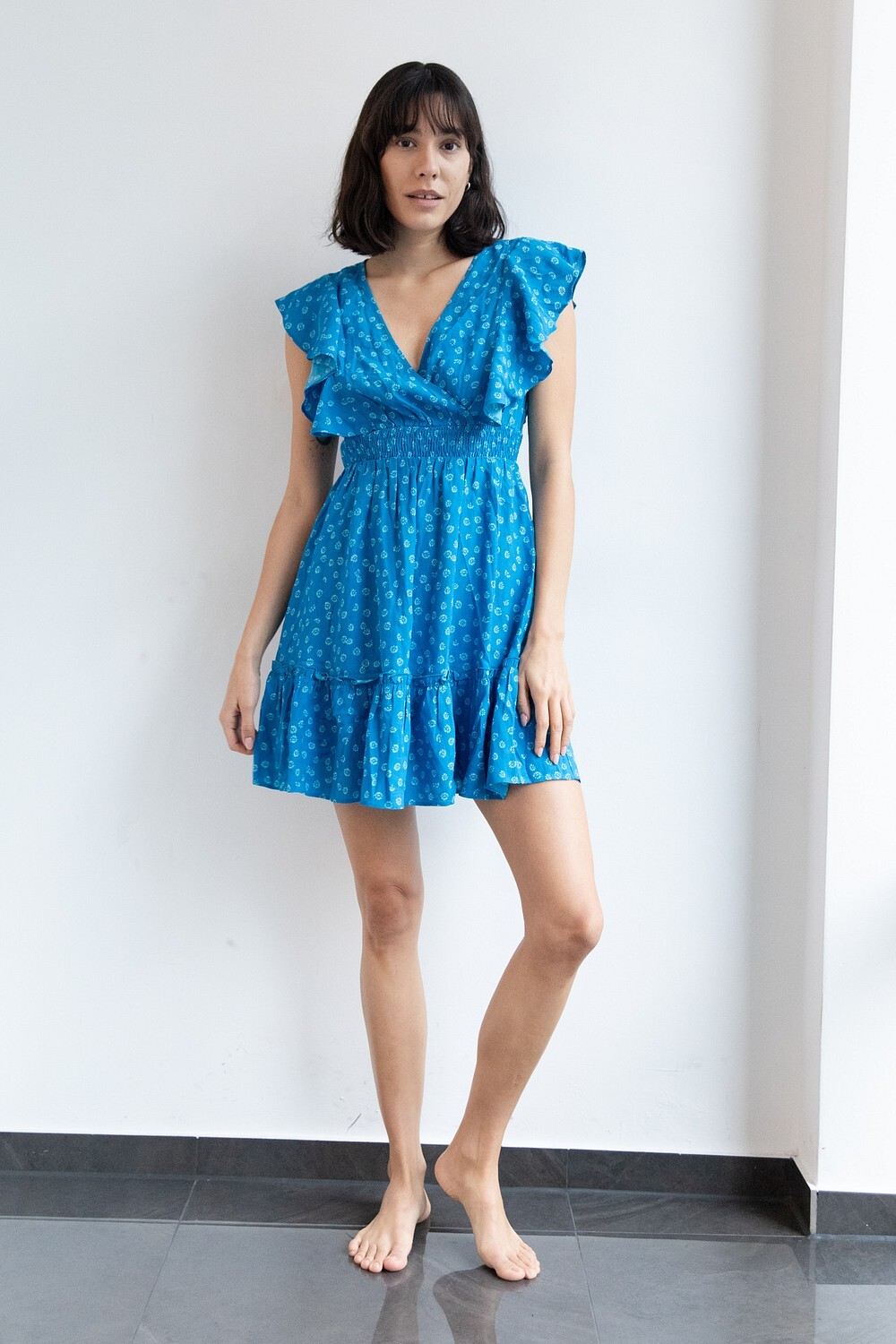
Polaroids, years old








-
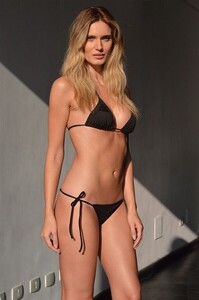
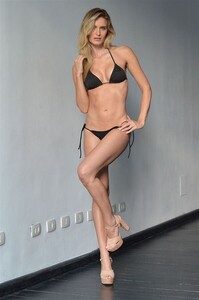
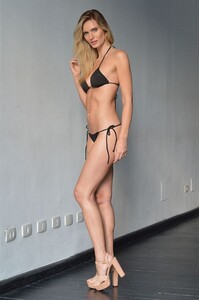
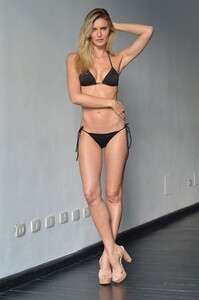
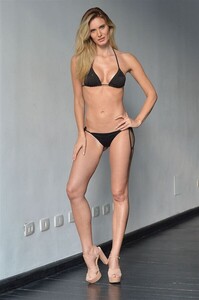
T2M Torchia Management polas
-
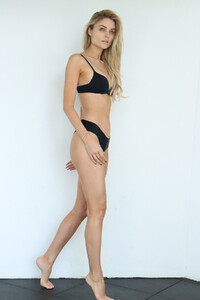
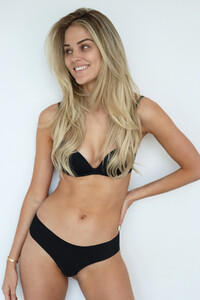
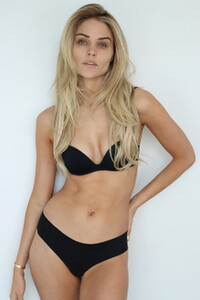
Polaroids - BOSS Cape Town











-
-
-
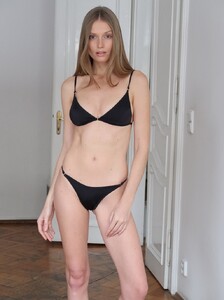
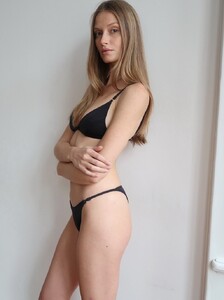
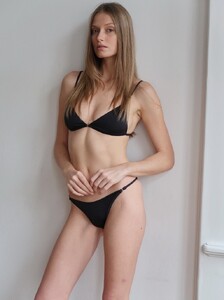
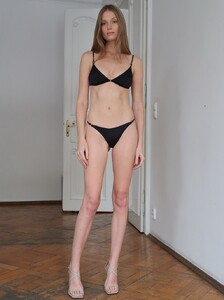
Digitals with bikini Erika Palkovicova.mp4
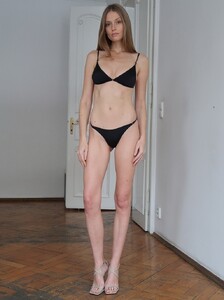
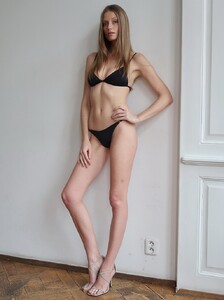
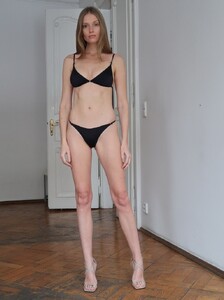

-
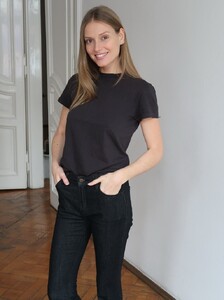
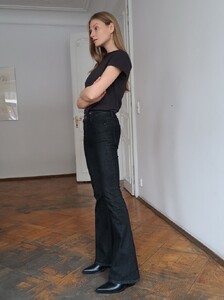
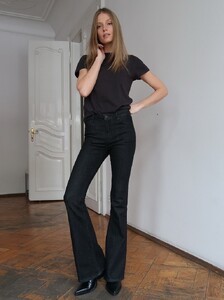
New digitals - 📷 Martin Gonda / Elite Model CZ Erika Palkovicova.mp4




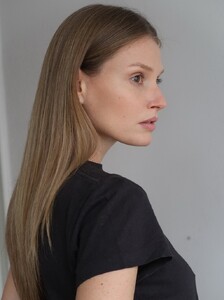




-
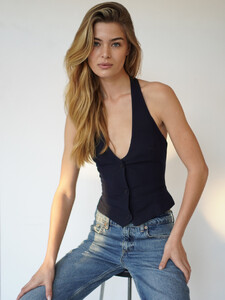
Digitals - polas from MIKAs Stockholm, vid from We Are Models Lizbon diana_tavares_presentation (1080p).mp4



-
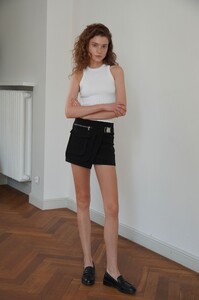
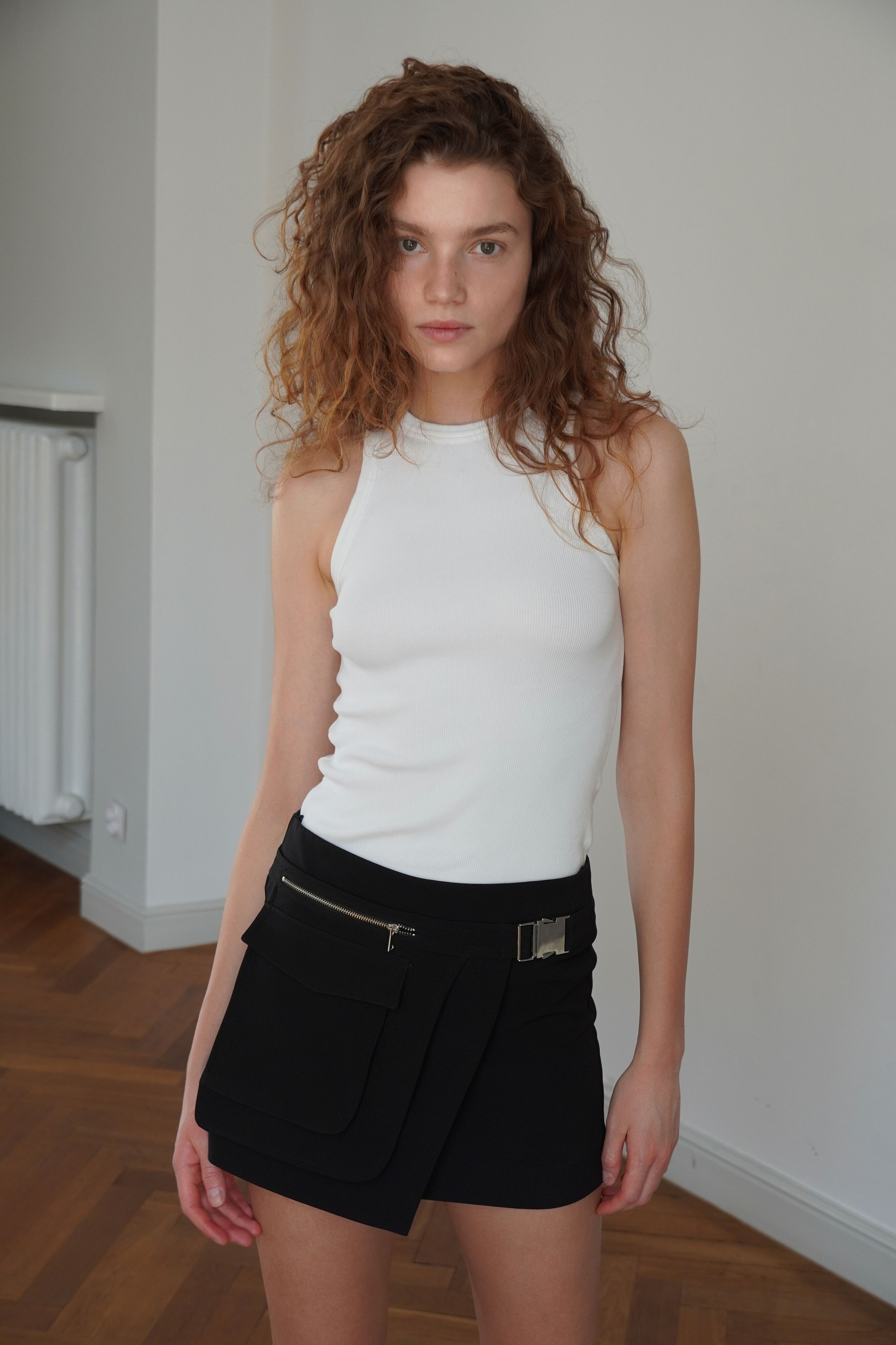
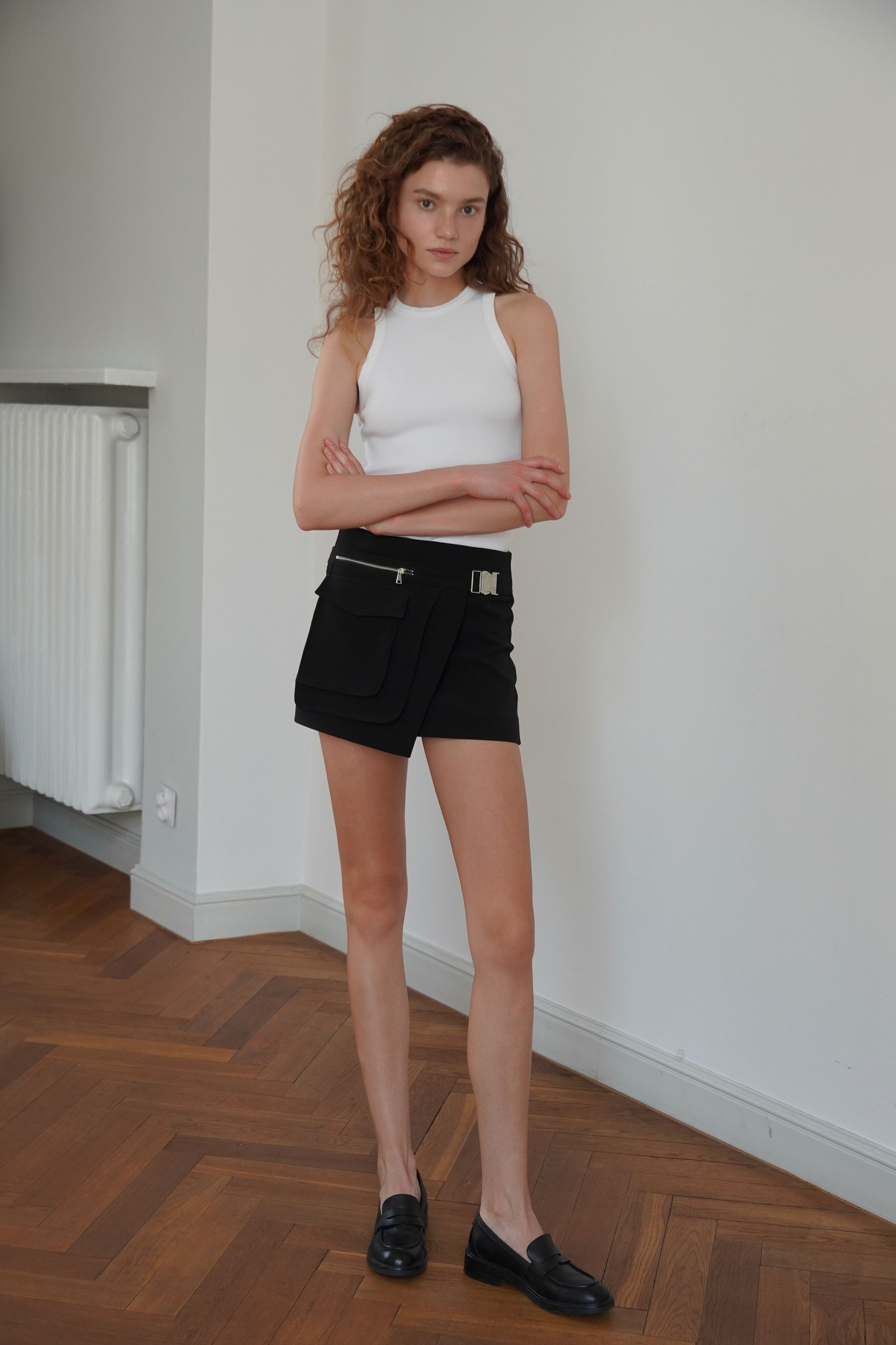
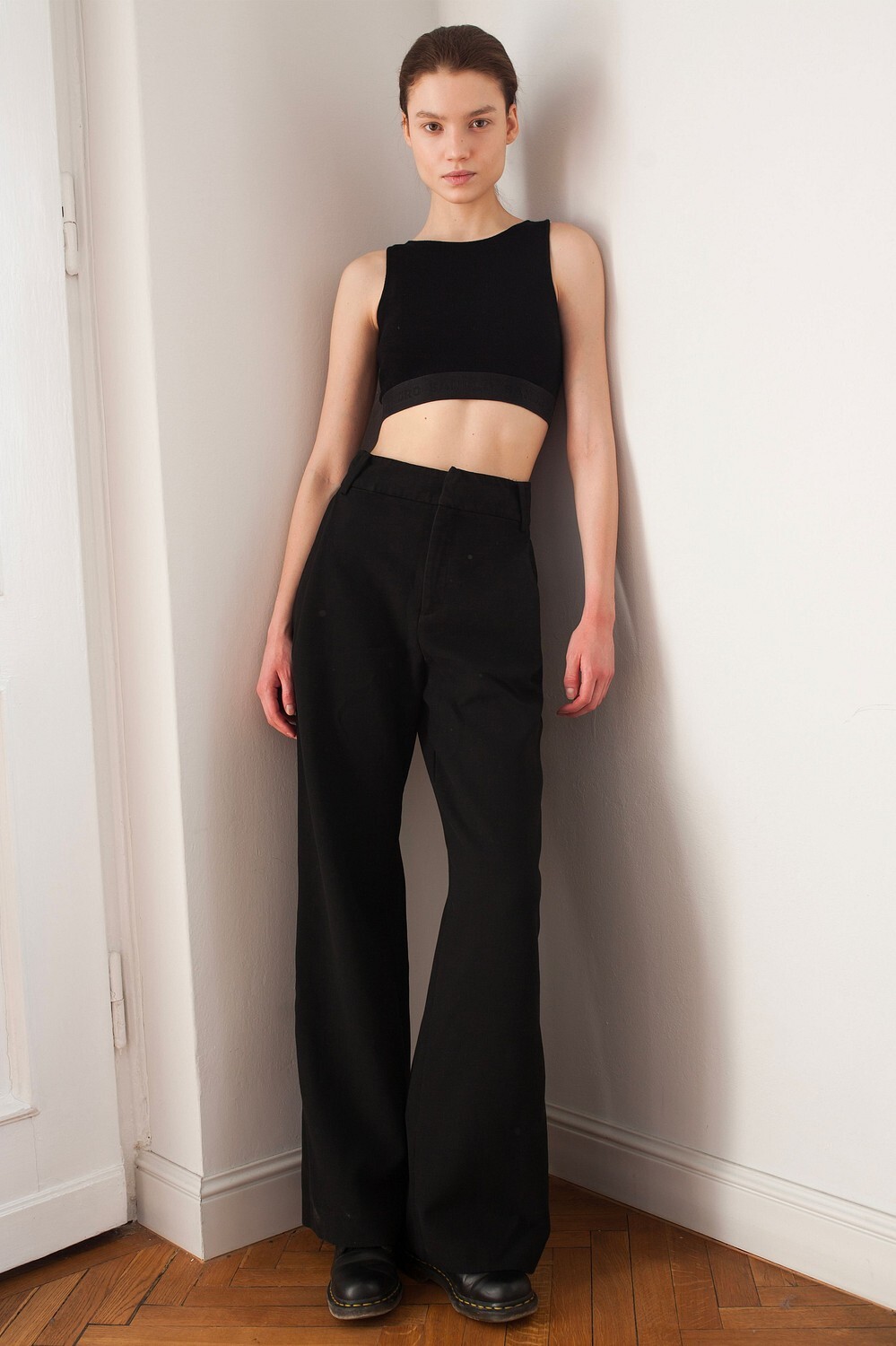
Polaroids - IMM Bruxelles



-
Liza for lcwaikiki 2025
-
Profiles & walk - curly hair Lizaveta Karol.mp4 Lizaveta Karol 1.2.mp4
-
Lizaveta Karol 1.1.mp4
-
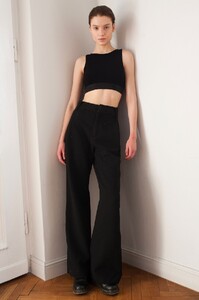
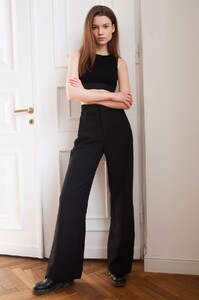
Polaroids - Selective Warsaw










-
Polas & bikini walk Lizaveta Karol.mp4



-
Intro & profiles + polas - We Are Models 2019 Lizaveta Karol.mp4

-
-
















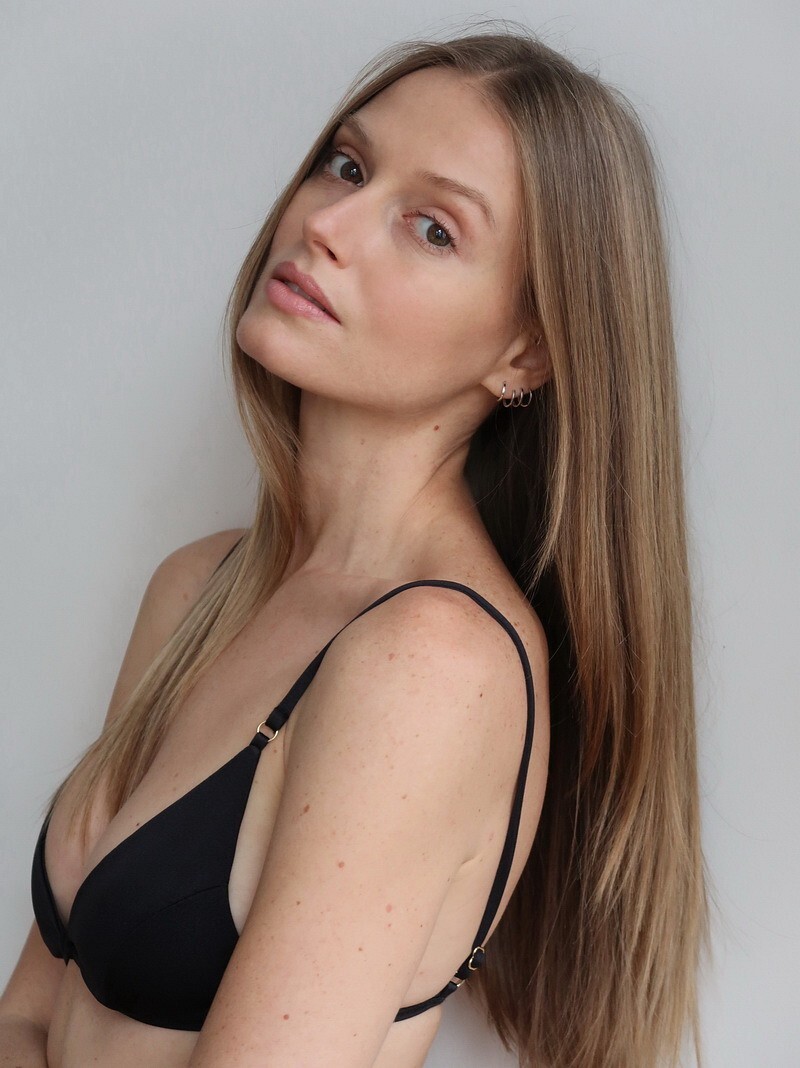


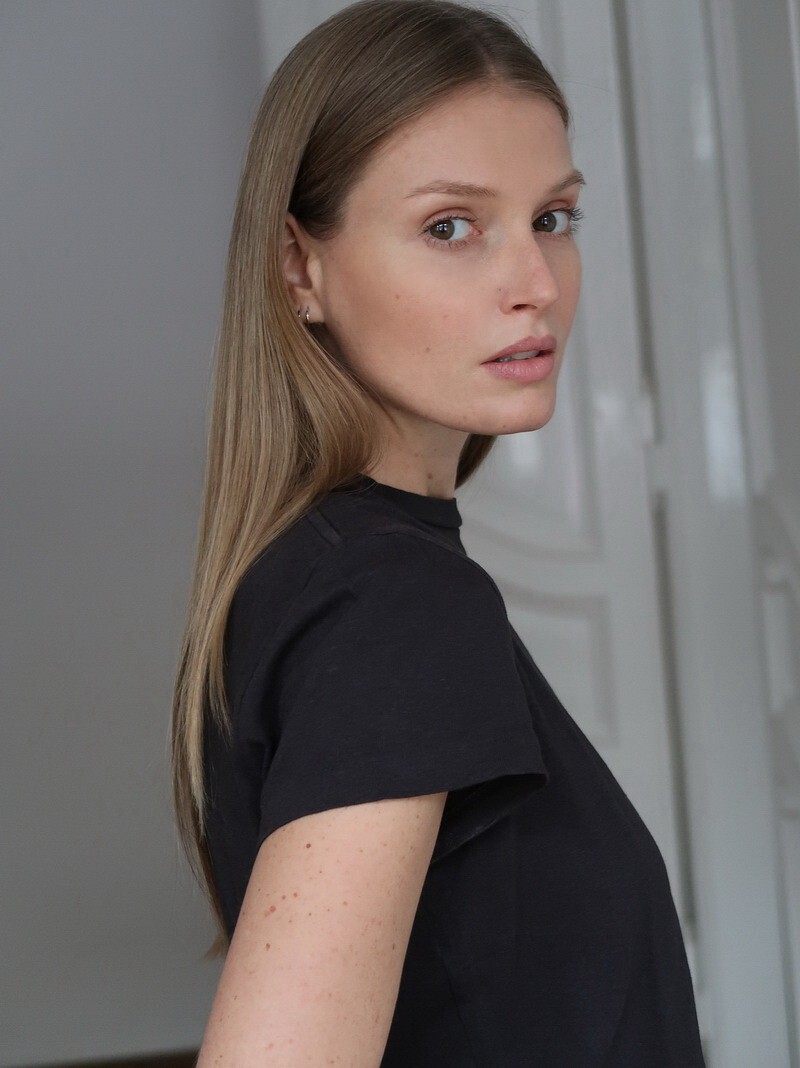

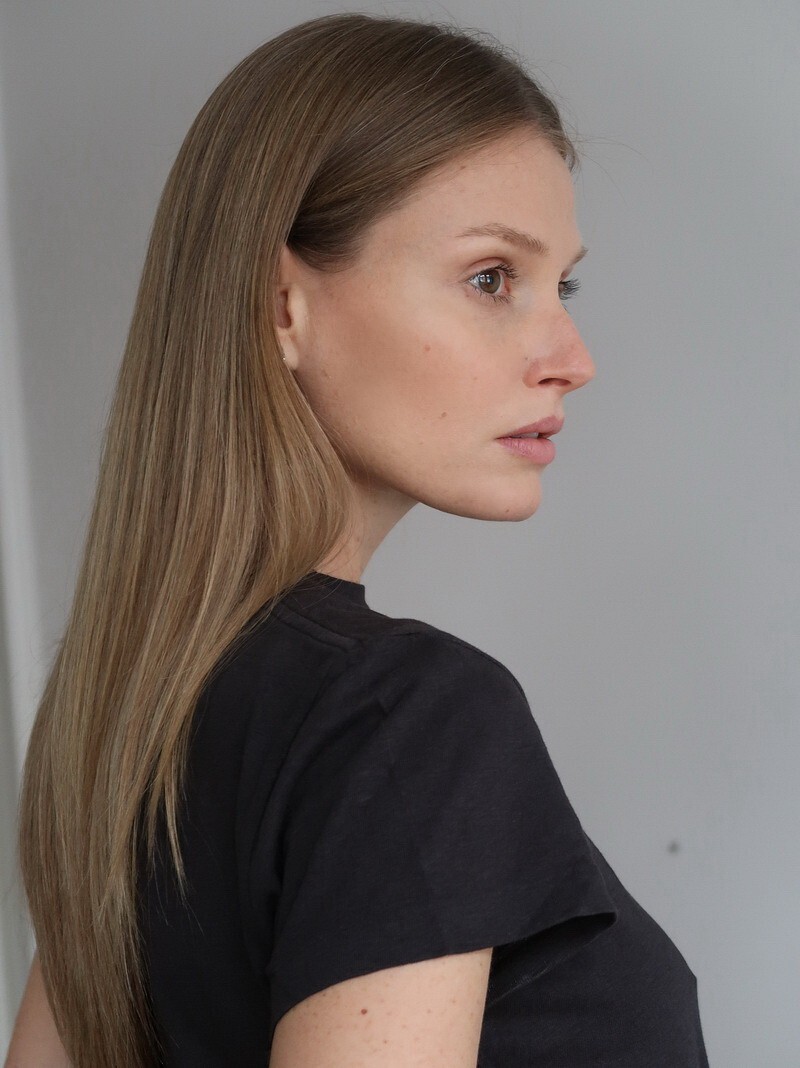
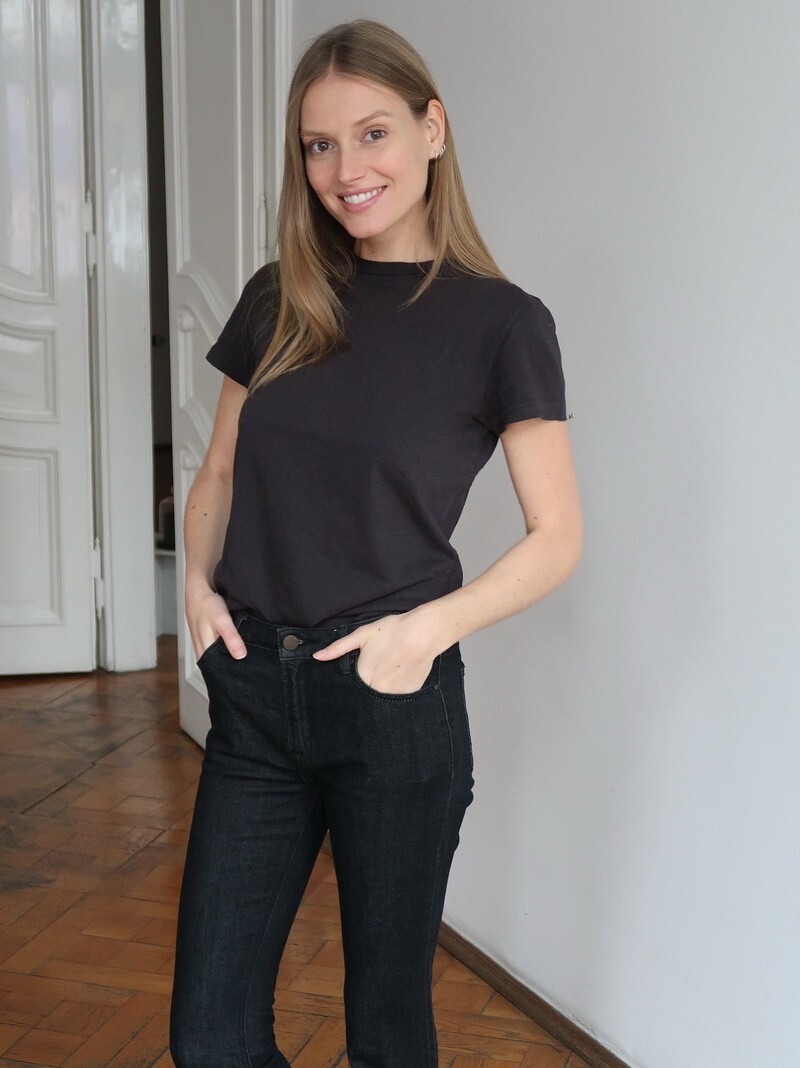









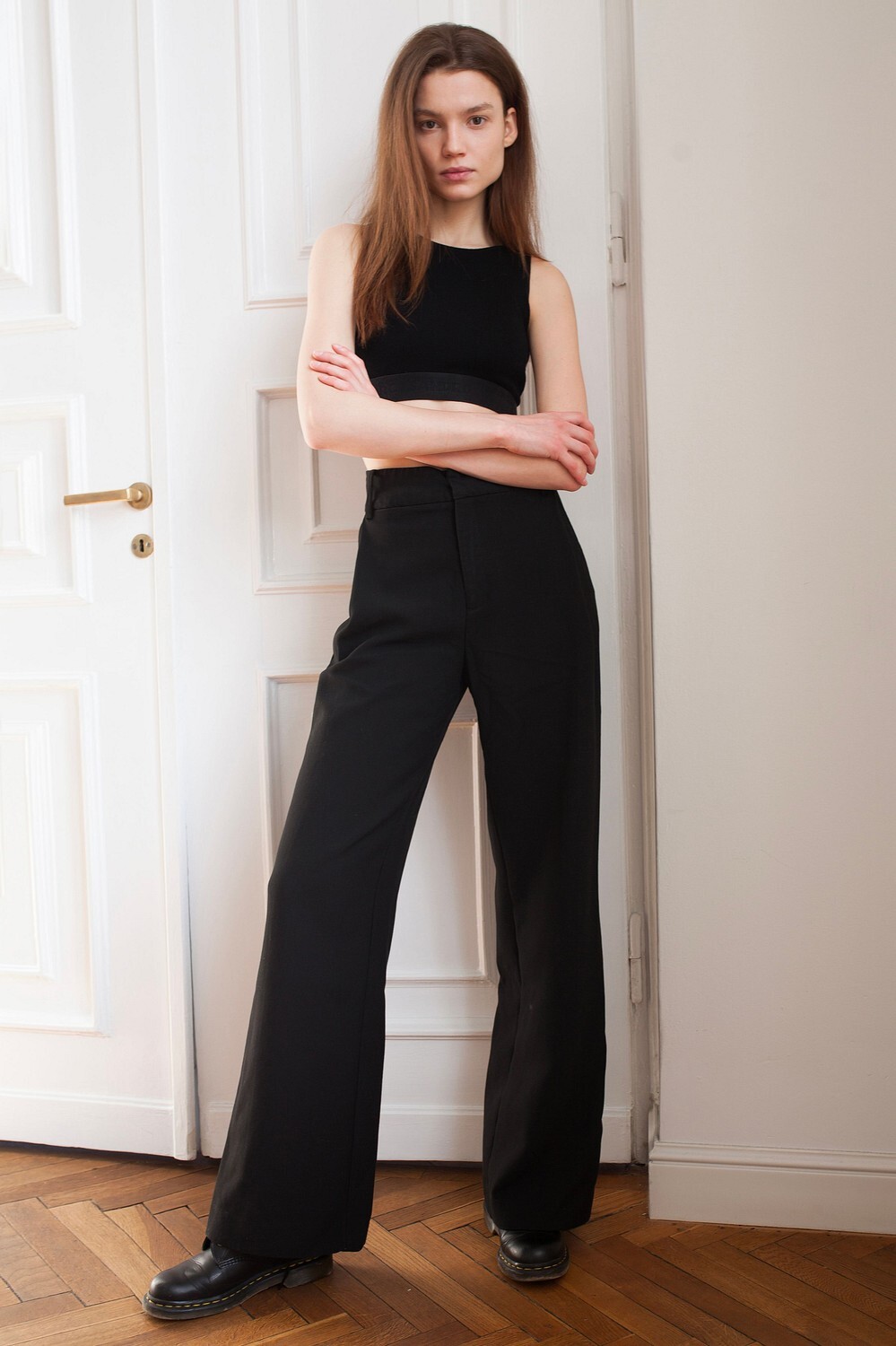
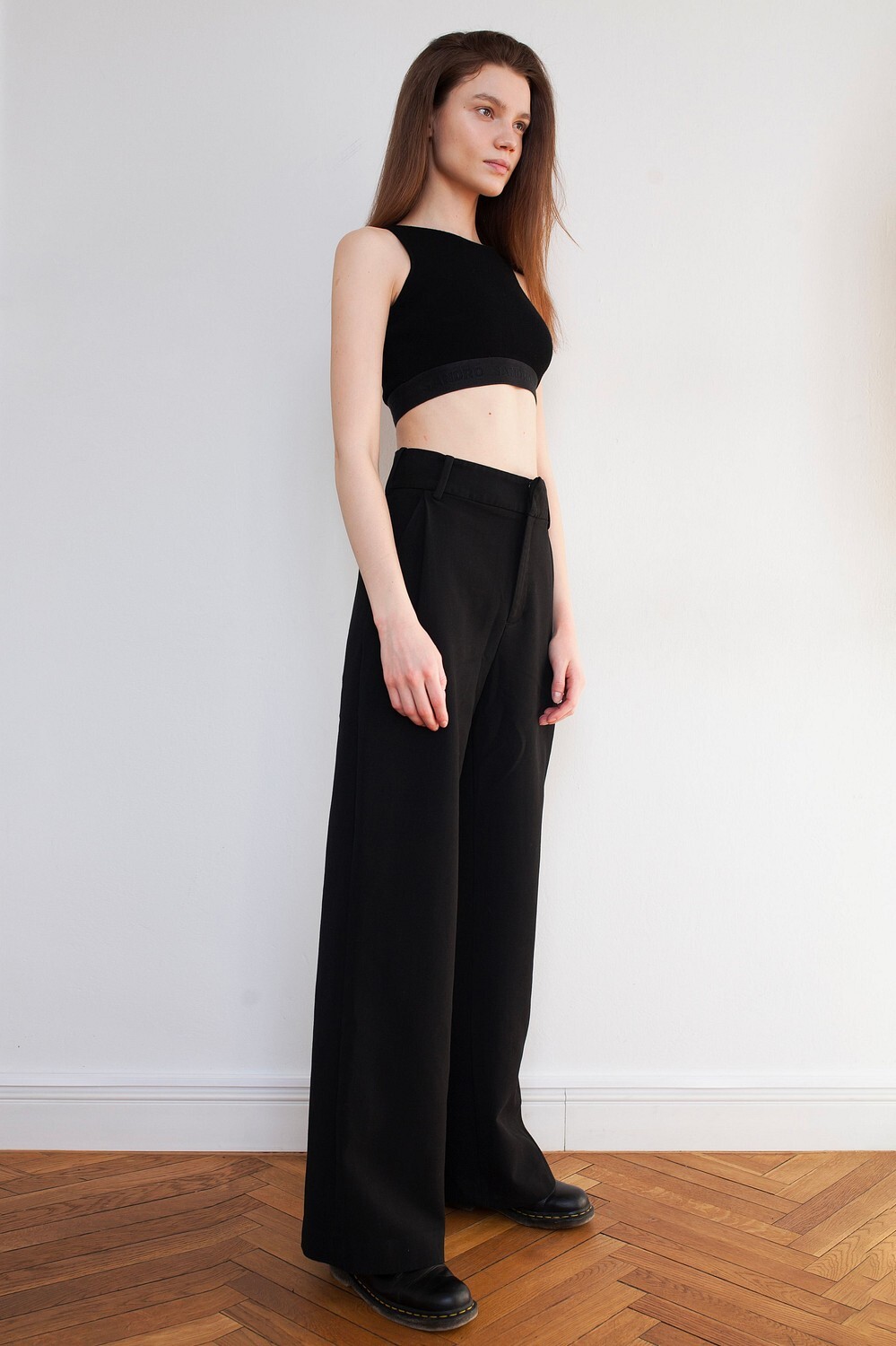

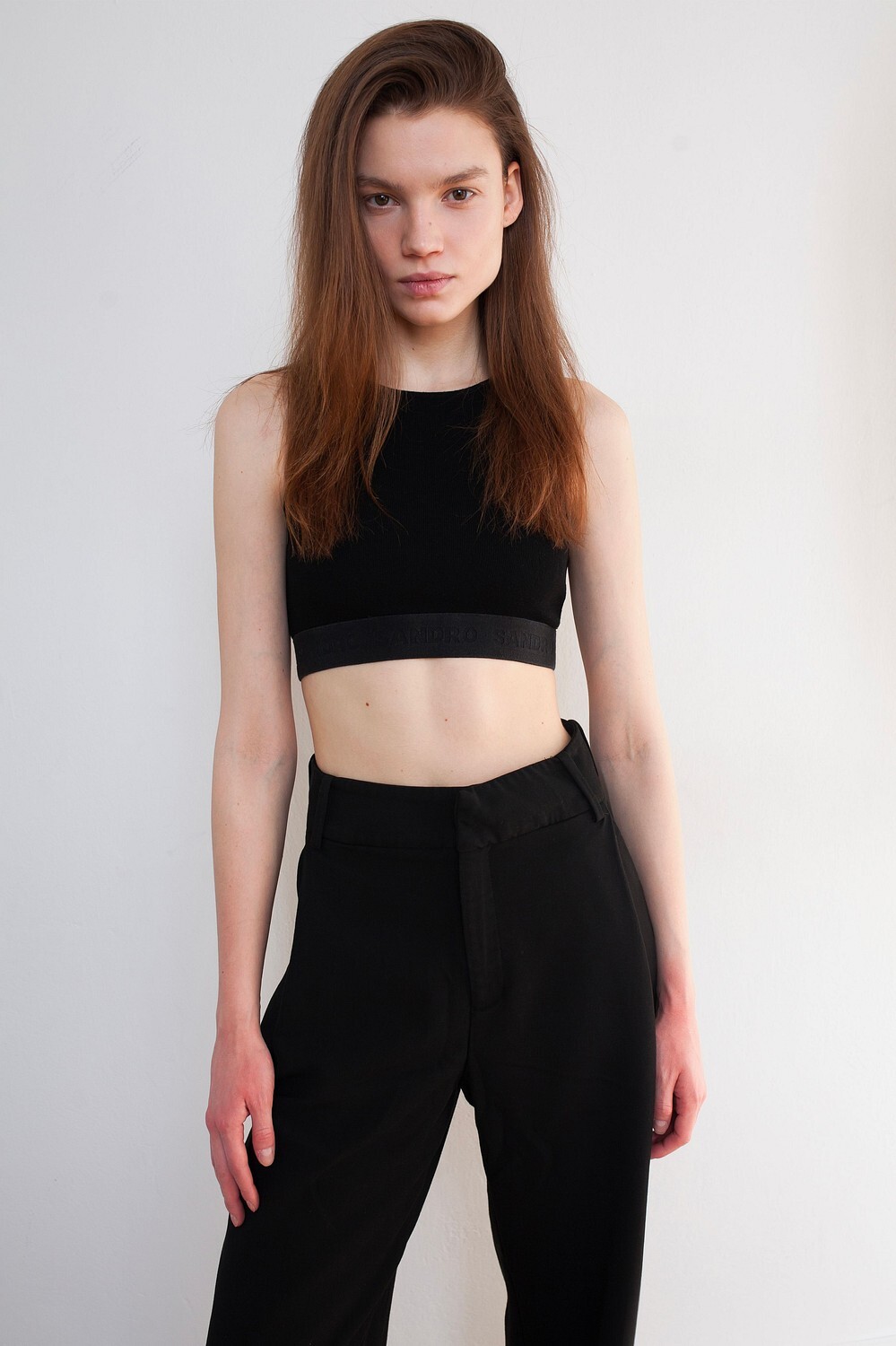


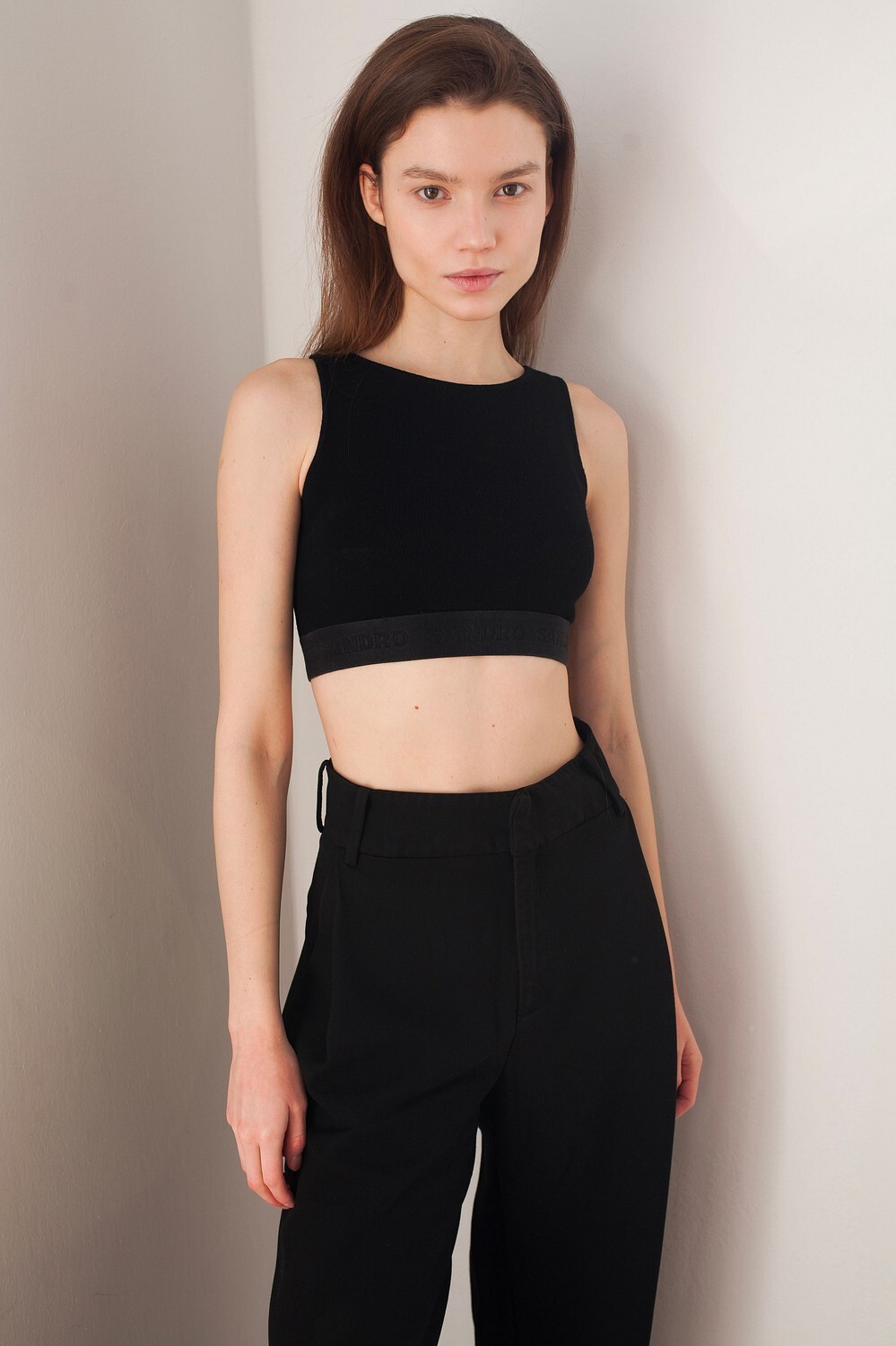





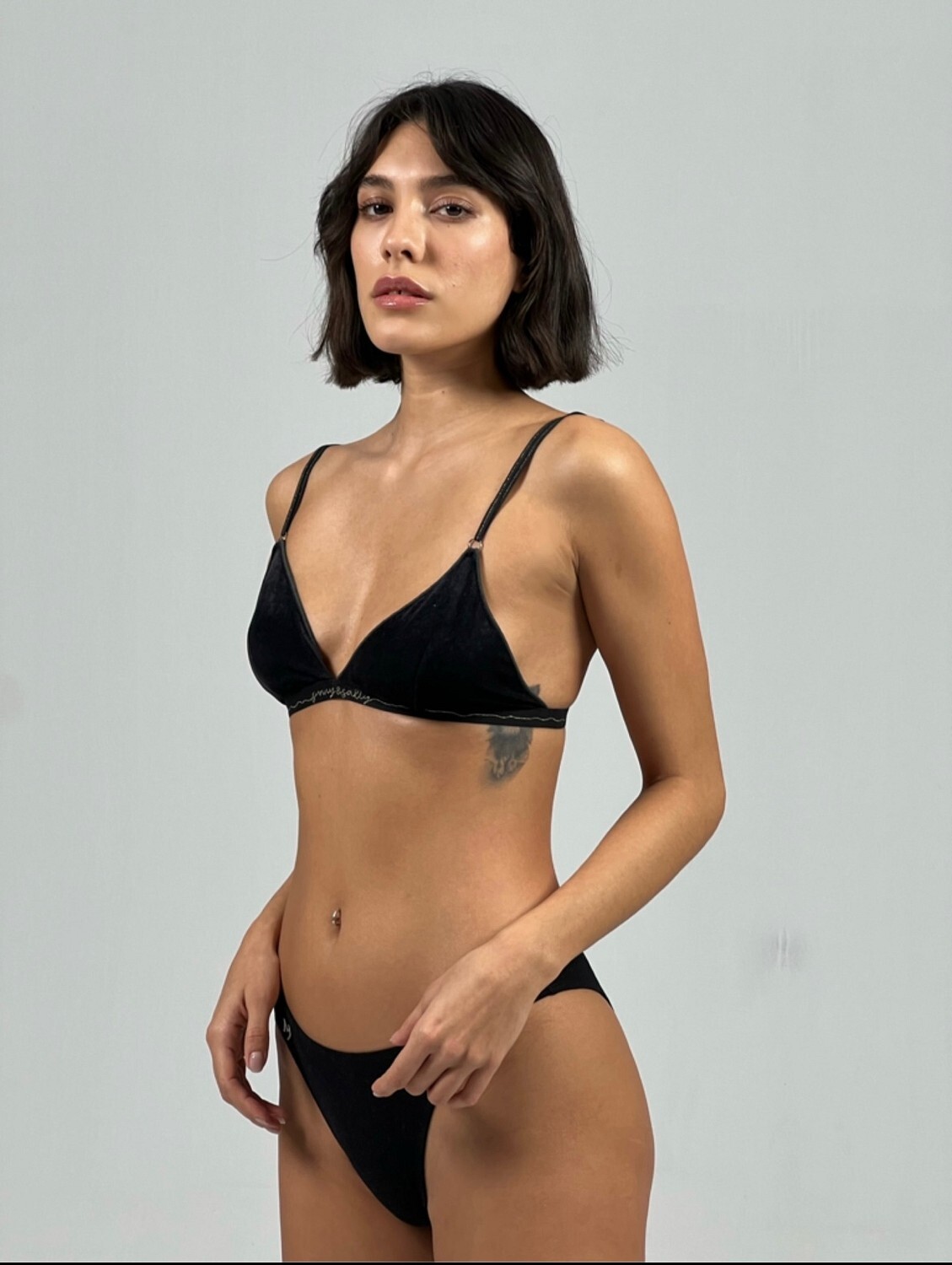
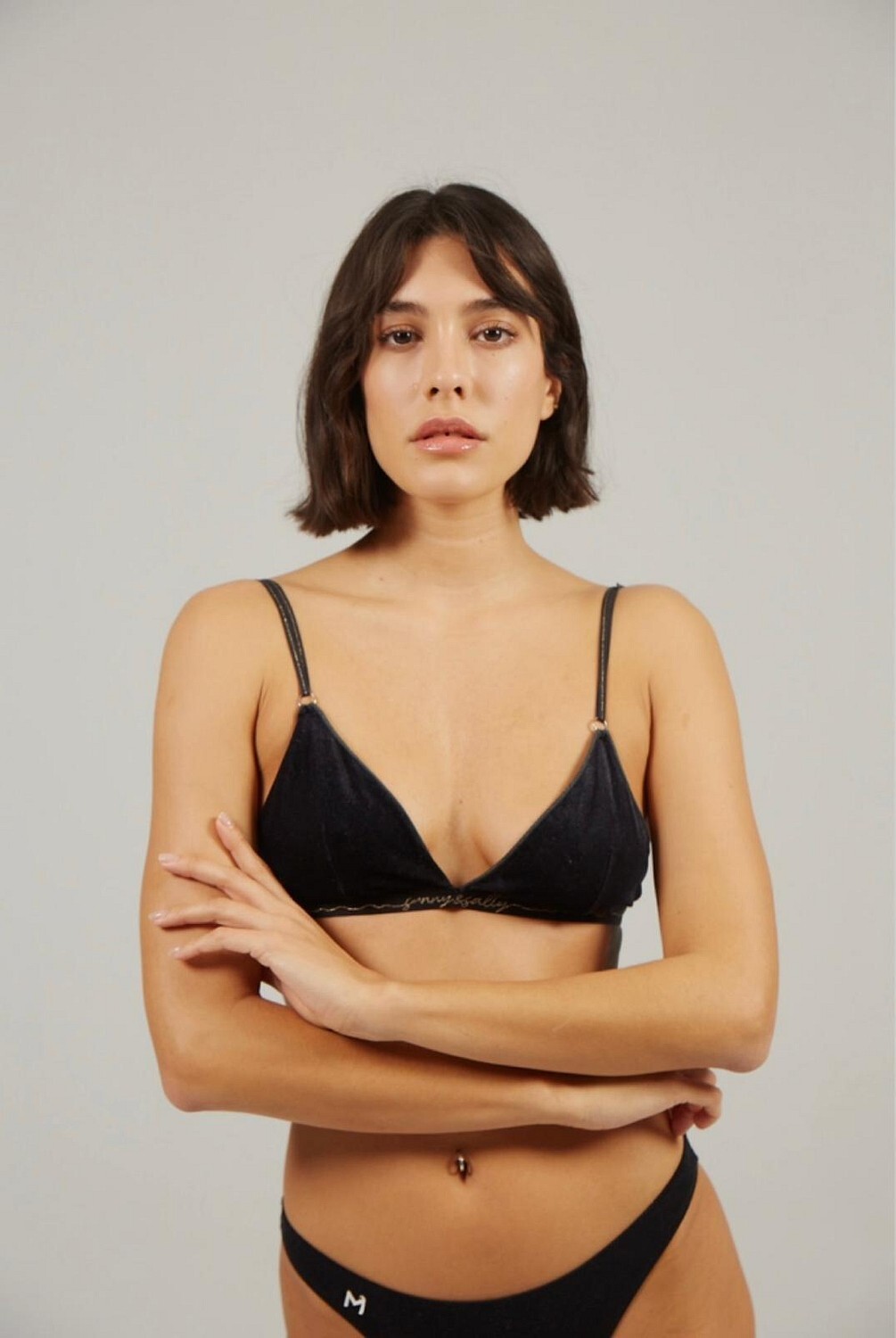
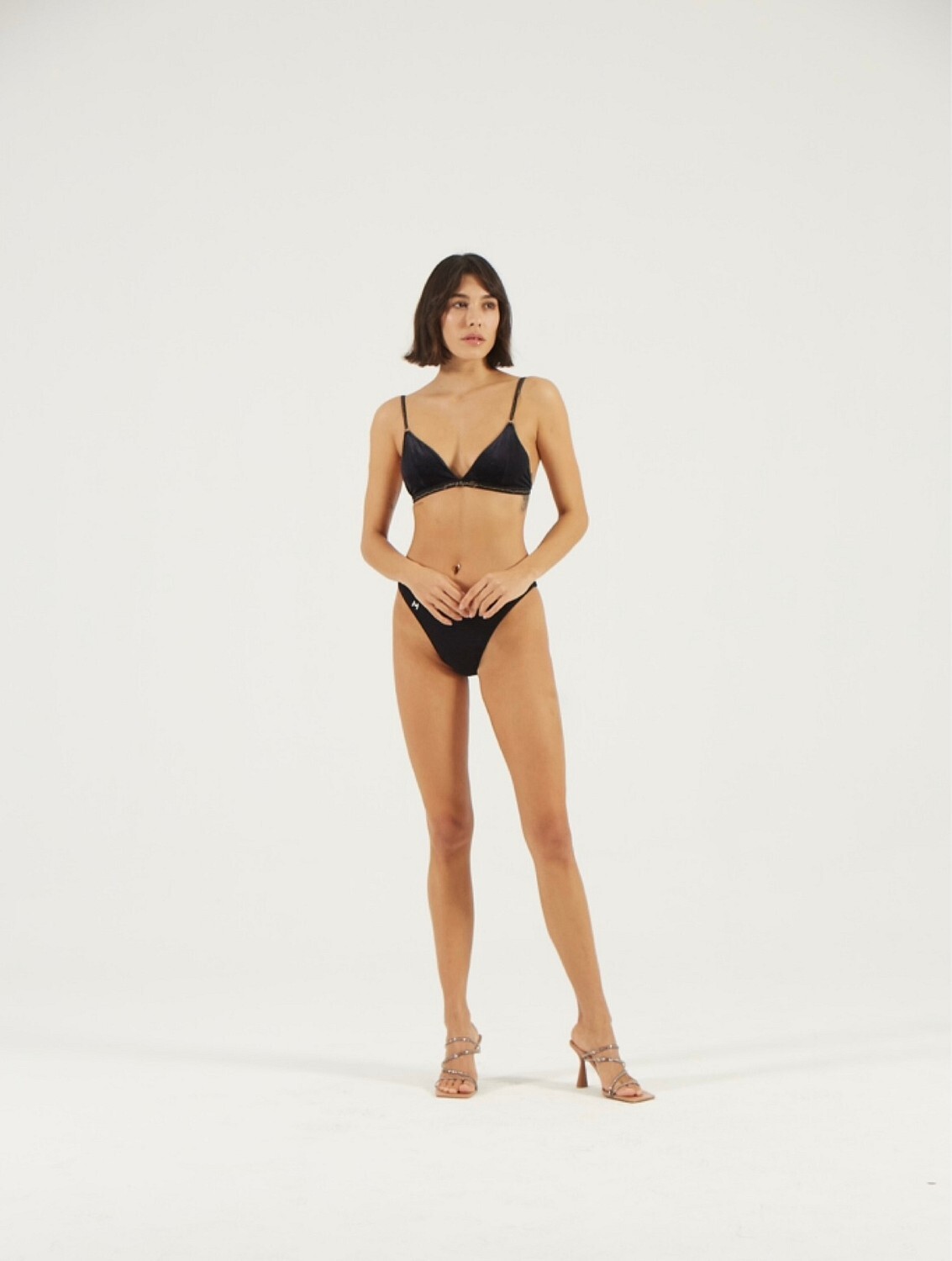
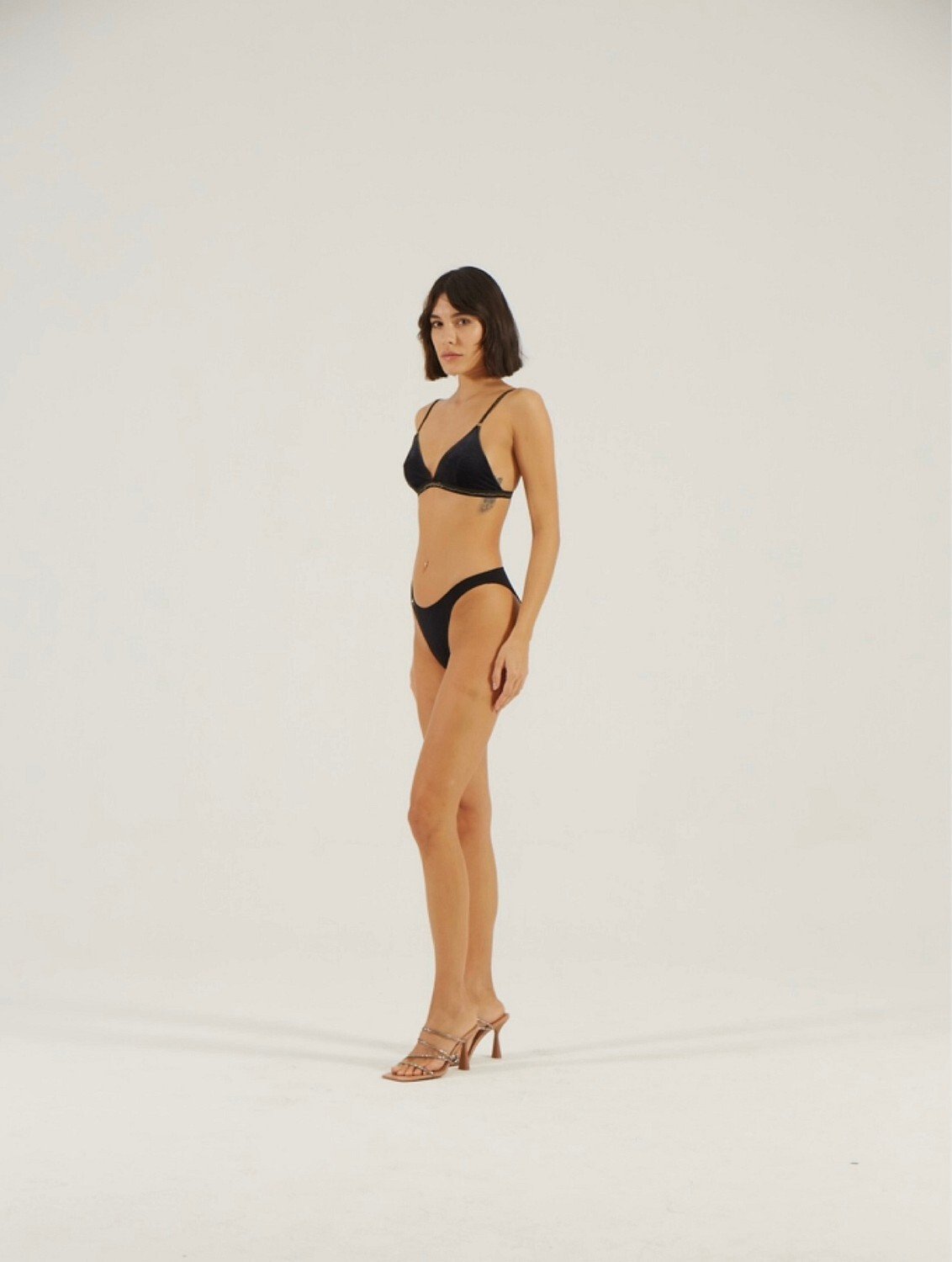






Account
Search
Configure browser push notifications
Chrome (Android)
- Tap the lock icon next to the address bar.
- Tap Permissions → Notifications.
- Adjust your preference.
Chrome (Desktop)
- Click the padlock icon in the address bar.
- Select Site settings.
- Find Notifications and adjust your preference.
Safari (iOS 16.4+)
- Ensure the site is installed via Add to Home Screen.
- Open Settings App → Notifications.
- Find your app name and adjust your preference.
Safari (macOS)
- Go to Safari → Preferences.
- Click the Websites tab.
- Select Notifications in the sidebar.
- Find this website and adjust your preference.
Edge (Android)
- Tap the lock icon next to the address bar.
- Tap Permissions.
- Find Notifications and adjust your preference.
Edge (Desktop)
- Click the padlock icon in the address bar.
- Click Permissions for this site.
- Find Notifications and adjust your preference.
Firefox (Android)
- Go to Settings → Site permissions.
- Tap Notifications.
- Find this site in the list and adjust your preference.
Firefox (Desktop)
- Open Firefox Settings.
- Search for Notifications.
- Find this site in the list and adjust your preference.