tarsier41
Members
-
Joined
-
Last visited
Everything posted by tarsier41
-
-
-
vicky andren
-
yes she is ! thanks !
-
-
agatha relota
-
thanks : 2 more runway beauties that i do not know, in my frame time ID (2000-2005)
-
good finds !
-
#1 looks a bit like Maria del Cerro, Nadine Lima, Elizabeta Shmakova, Biljana Starcevic, but i do not think she is...
-
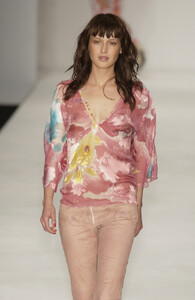
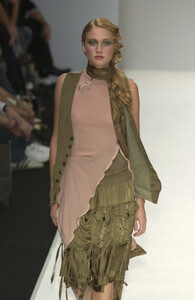
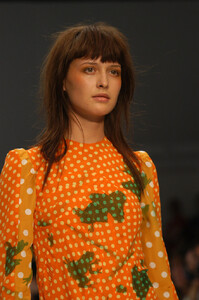
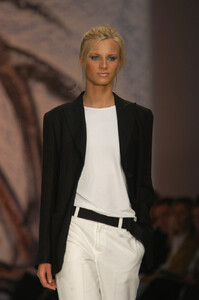
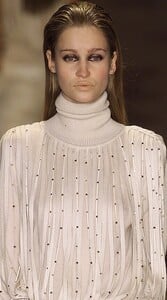
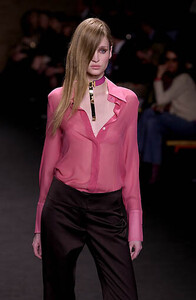
London 2003 #358, 359, 360
-
#3 looks like Laetitia Venezia T. (credited here) #2 looks like my #33 (f/w 2001 Milan)
-
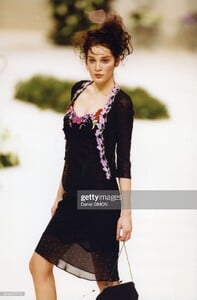
@nightowl #357 Lolita Lempicka, spring 1999 (tanya ilieva ?) i am not sure, but - 3 moles fit... her right clavicule #1 #2 / face #3; - the nose / nostrils are not the same (1999 vs 2001). Maybee at 14 or 16 y.o., her face was rounder ? it's Minerva13, the specialist of late 1990s VS
-
i watched all the video on yt : #4 Ujjwala: yes #1 she looks Brazilian like Fernanda Tavares & Teresa Lourenco, but they are not credited fmd nor runwaymayhem (here). Maybee Lujan Fernandez ? #2 i though she was nika globokar, she is not; Priscila de Gustin is credited here, but i did not recognize her... #5 Barbara Temova: at 5'11, she is taller than the 2 others in final line (Vicky Andren & Ujjwala)
-
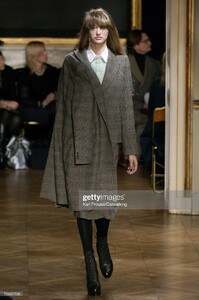
A F Vandevorst, fall 2007 - addition
-
-
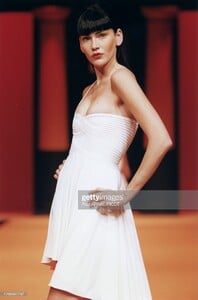
Herve Leger, spring 1998 Hervé Léger
-
-
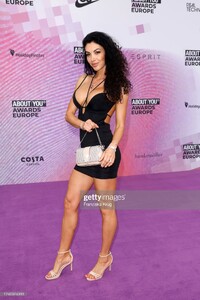
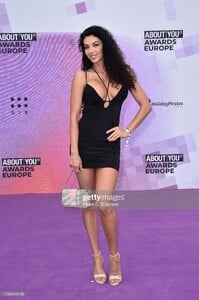
Milano, 2022

-
-
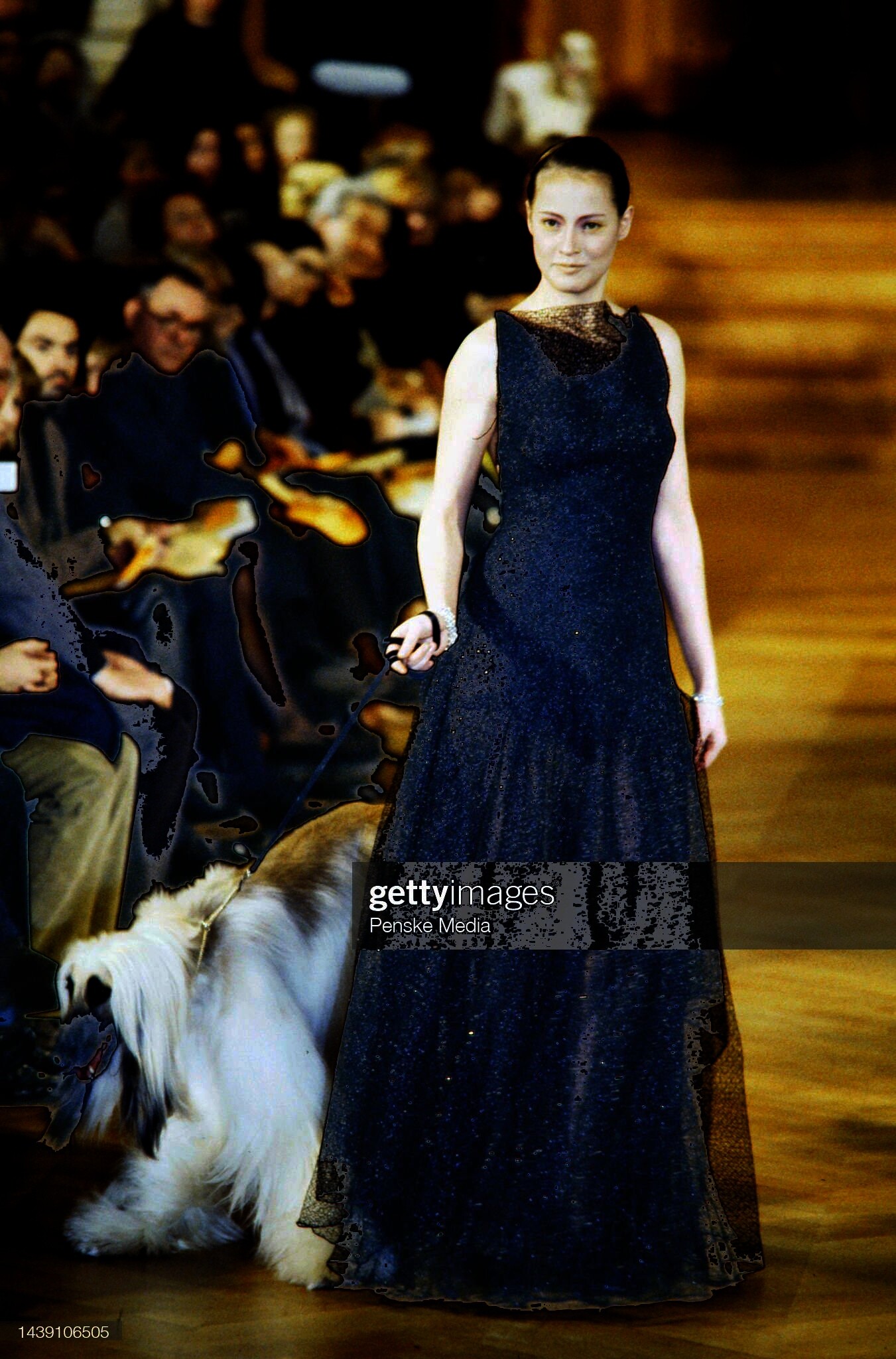
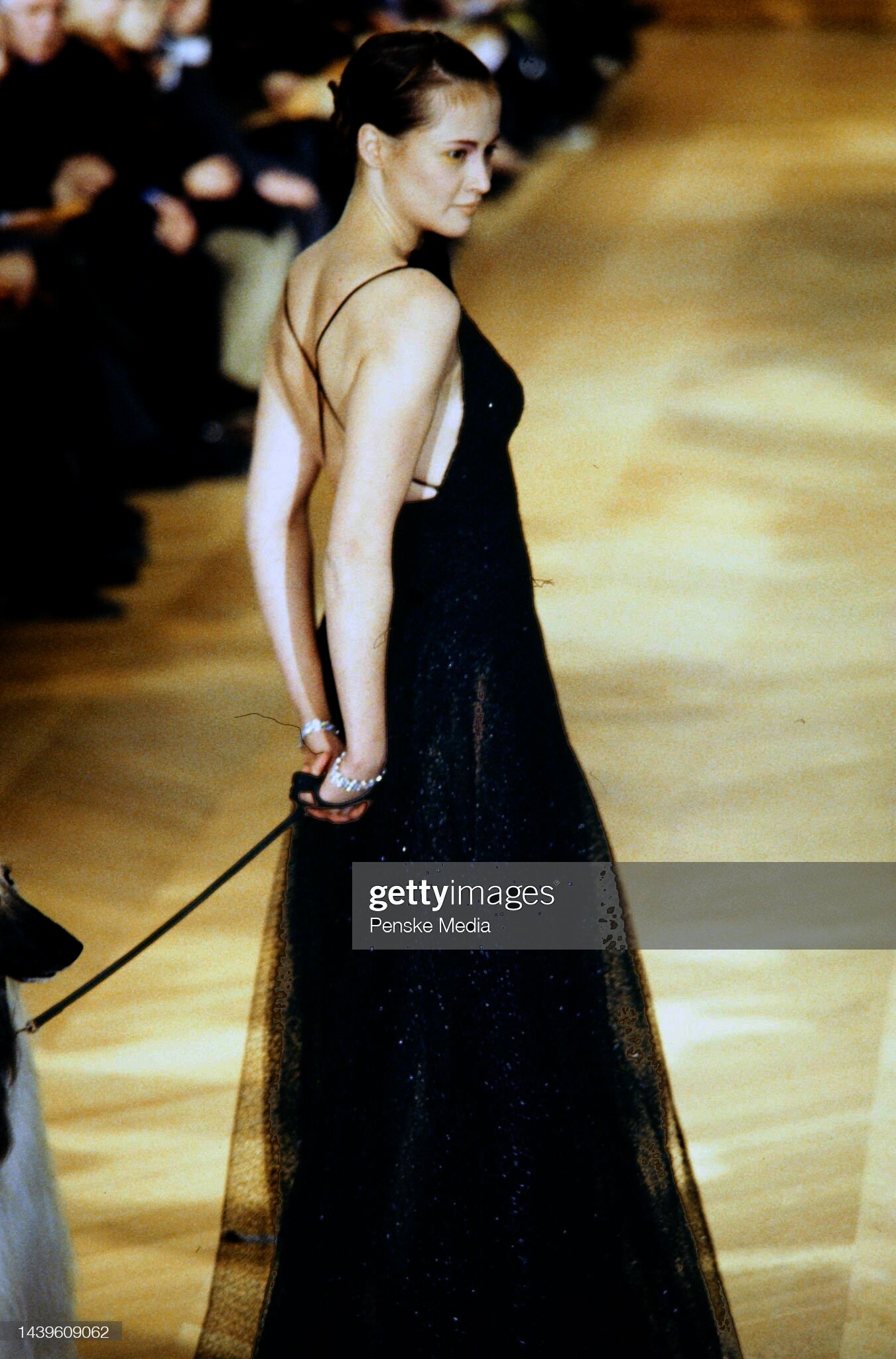
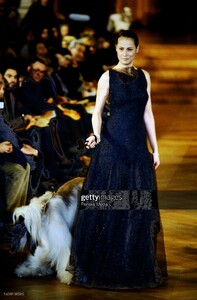
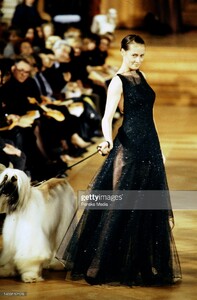
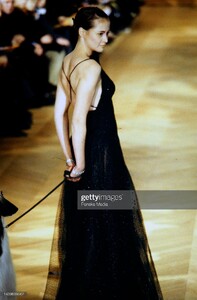
Franck Sorbier (Paris couture) fall 2000
-
-
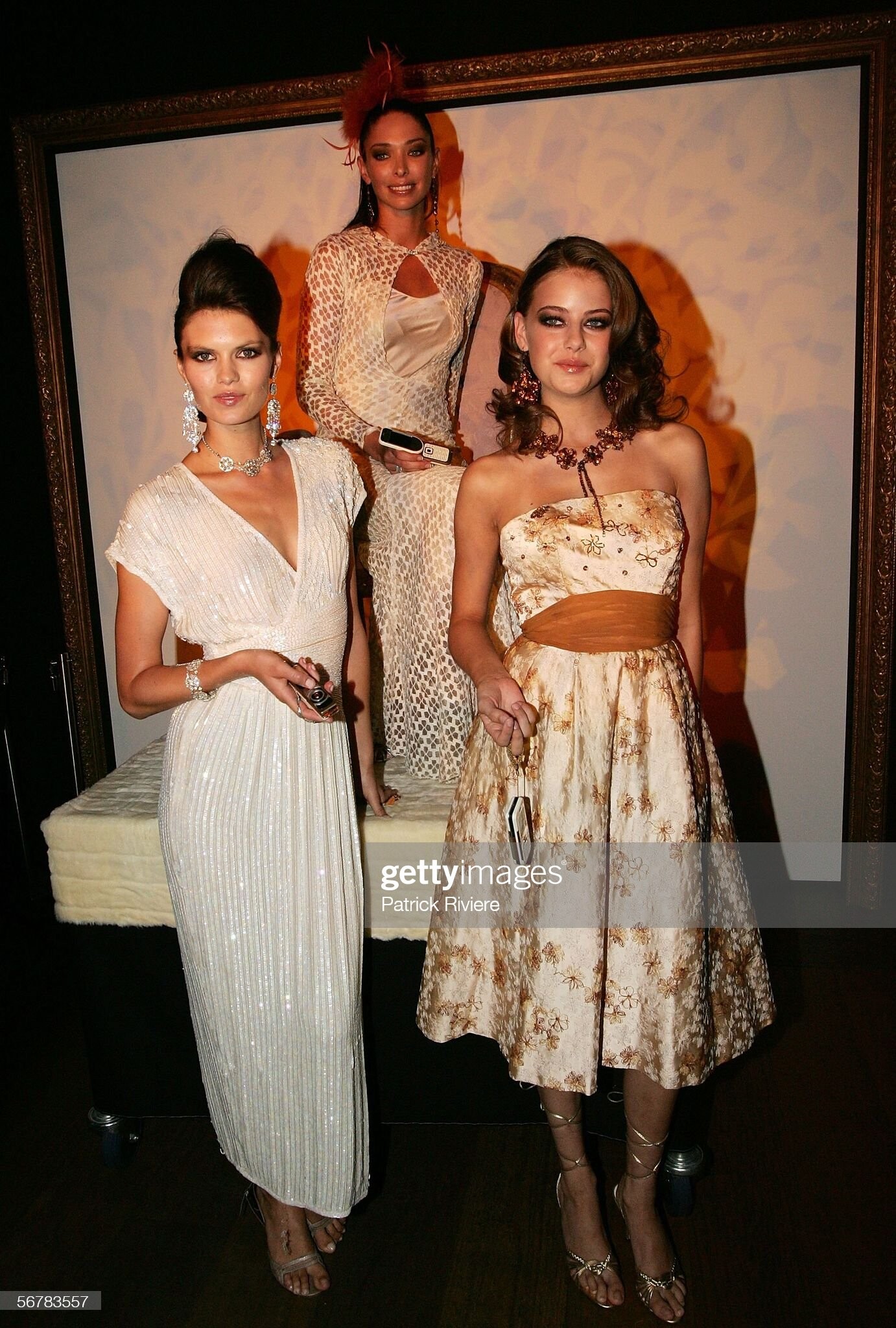
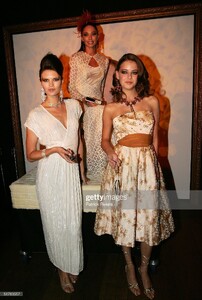
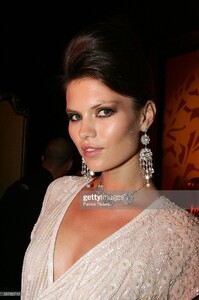
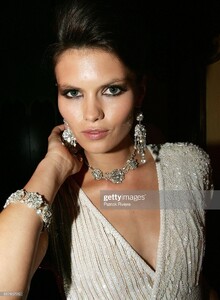
Nokia L'Amour (Sydney, Autralia) fall 2006 with Erica Baxter & April Rose (R)
-
-
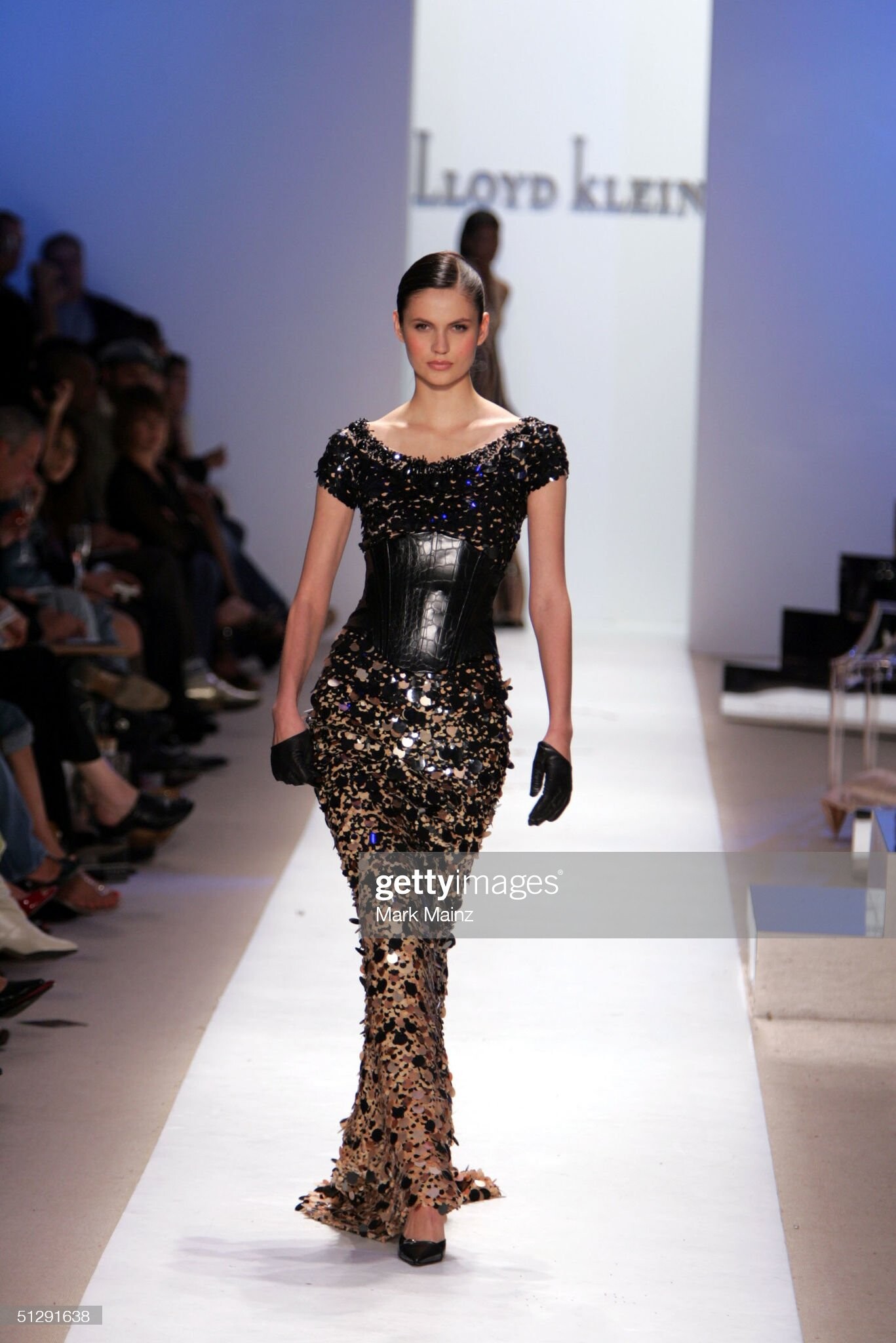
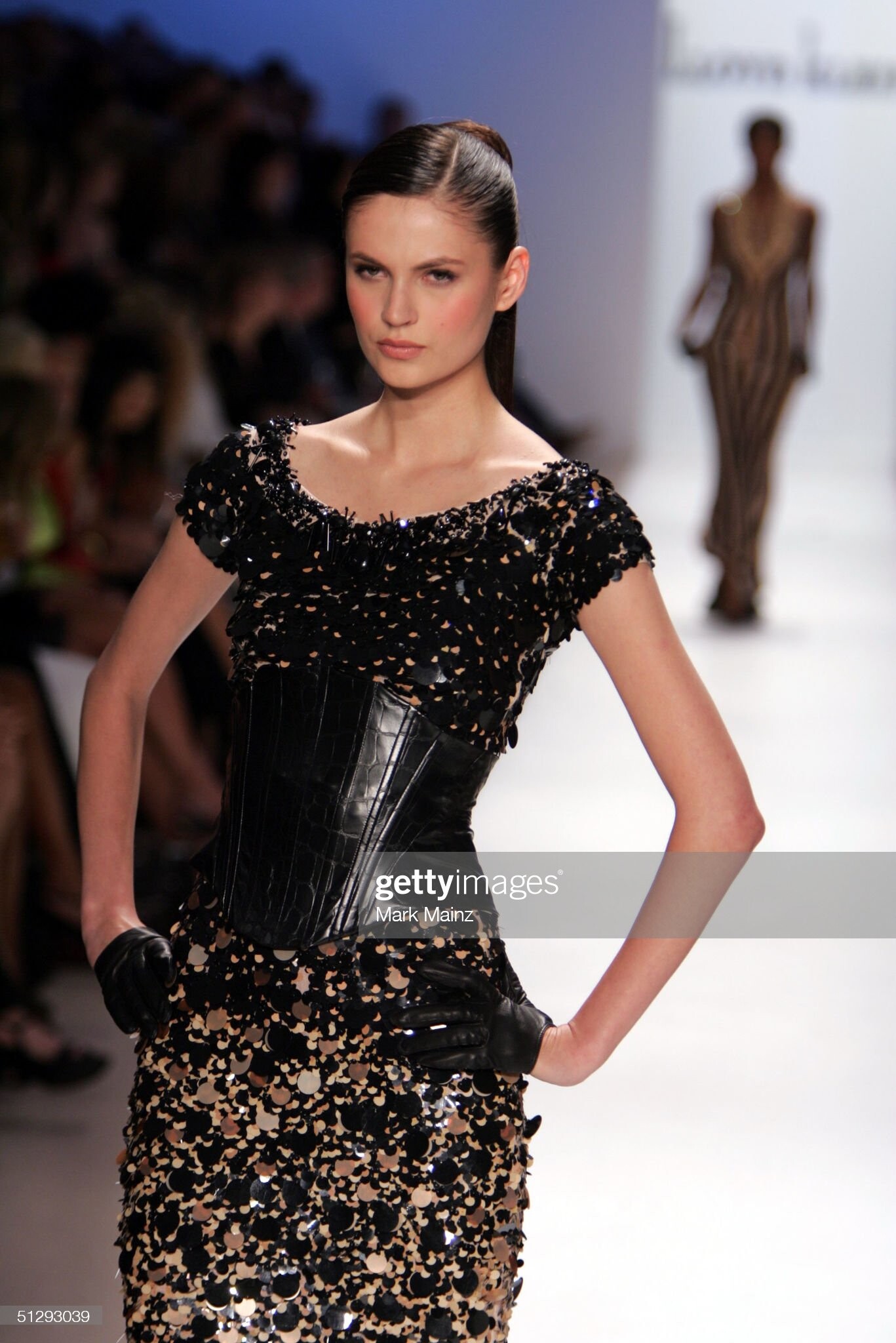
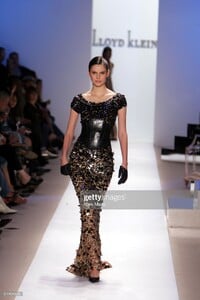
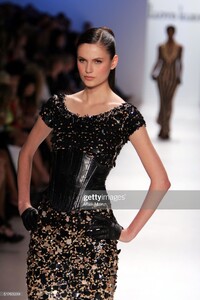
Lloyd Klein (NYC) spring 2006
-
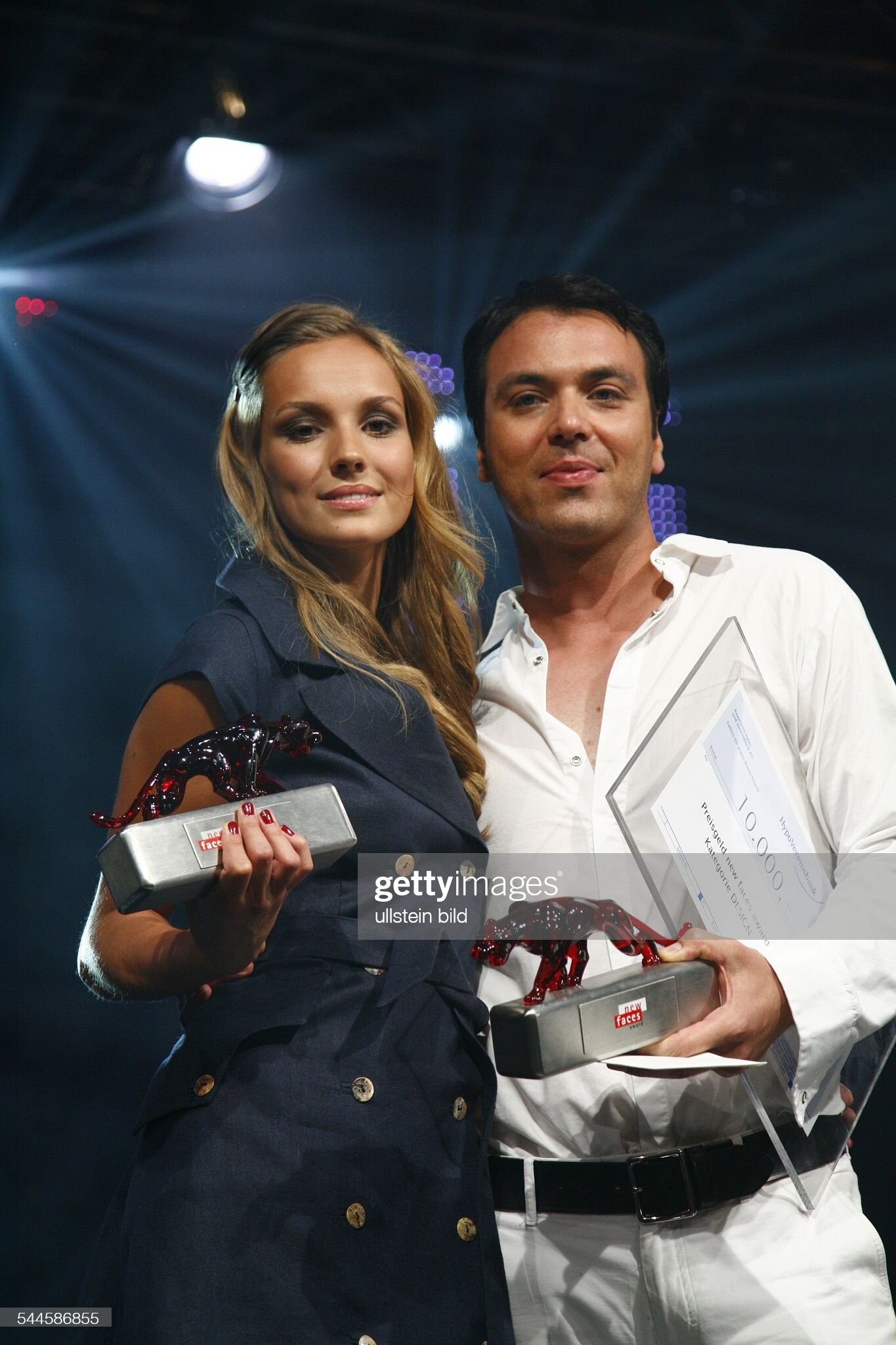
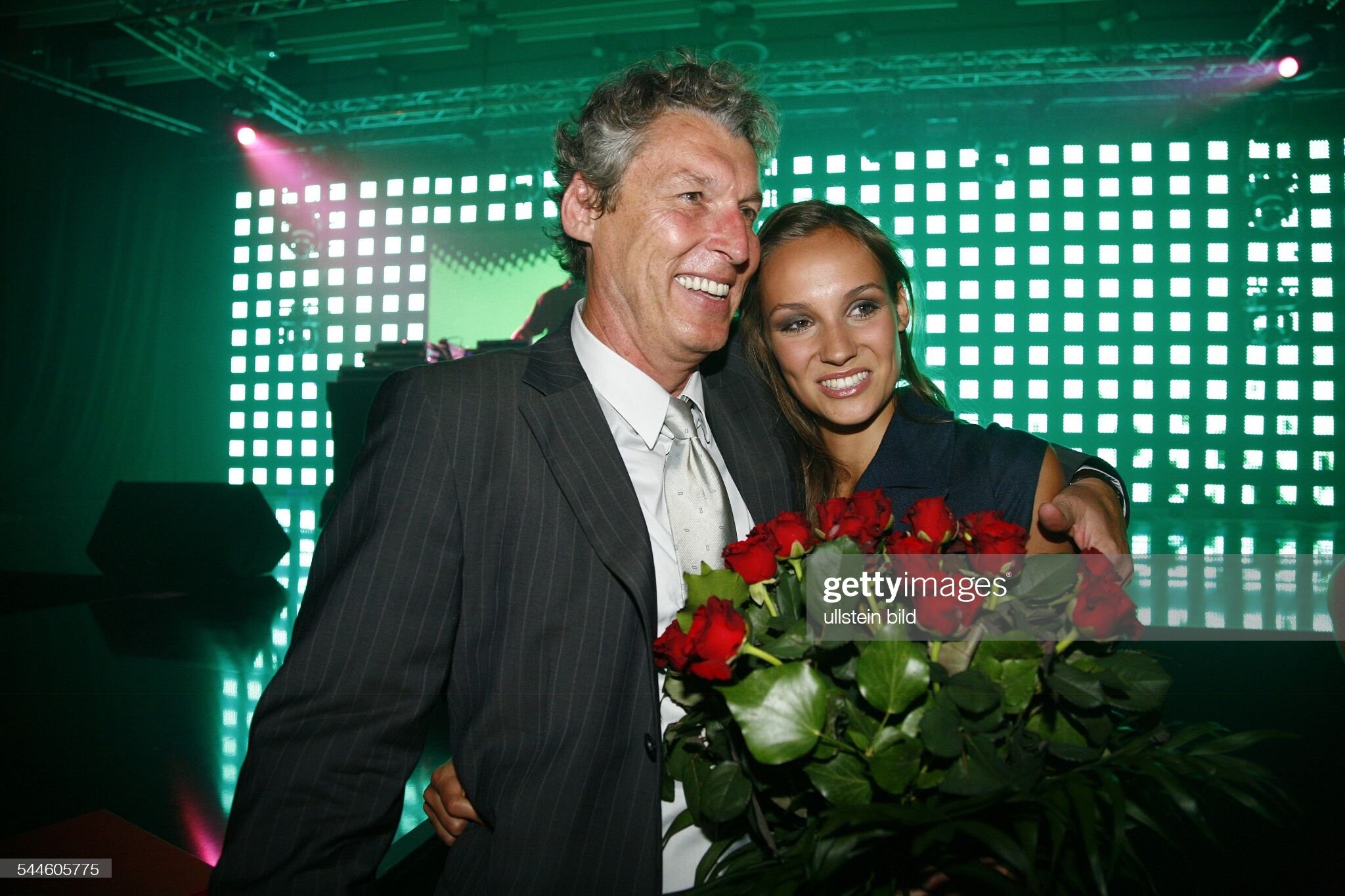
Germany 2006