Jump to content
View in the app

A better way to browse. Learn more.

Bellazon

A full-screen app on your home screen with push notifications, badges and more.

To install this app on iOS and iPadOS
  1. Tap the Share icon in Safari
  2. Scroll the menu and tap Add to Home Screen.
  3. Tap Add in the top-right corner.
To install this app on Android
  1. Tap the 3-dot menu (⋮) in the top-right corner of the browser.
  2. Tap Add to Home screen or Install app.
  3. Confirm by tapping Install.

tarsier41

Members
  • Joined

  • Last visited

Everything posted by tarsier41

  1. tarsier41 replied to Anouk's topic in Actresses
    DS France, February 1999 scanned by sanja (here)
  2. DS France, February 1999 " 2nd skin " scanned by sanja (here) ID help from Minerva13 ph.: Javier Pla models: Lucie Rottova, Giuliana Masiviero
  3. DS France, February 1999 " Pocahontas " scanned by sanja (here) ph.: Andre Rau
  4. Armanda Barten DS France, April 1998 " nylon touch " (reposted) scanned by sanja (here) ph.: Patrick James Michel
  5. DS France, April 1998 " nylon touch " scanned by sanja (here) ph.: Patrick James Michel
  6. DS France, November 2001 " Jules " scanned by sanja (here) models: Suzanne Szenasiava, Valentine Filol-Cordier (reposted) 4 others = utm
  7. DS France, November 2001 " Jules " scanned by sanja (here) models: 1-3 : Suzanne Szenasiava, Valentine Filol-Cordier; 4 others = utm
  8. DS France, November 2001 scanned by sanja (here) models: 1-3 : Suzanne Szenasiava, Valentine Filol-Cordier; 4 others = utm
  9. Sophia Raafat ?? (fmd), but blue eyes... DS France, April 2001 " pinkedelic " by Martine Marcowith scanned by sanja (here) ph.: Tan Kadam
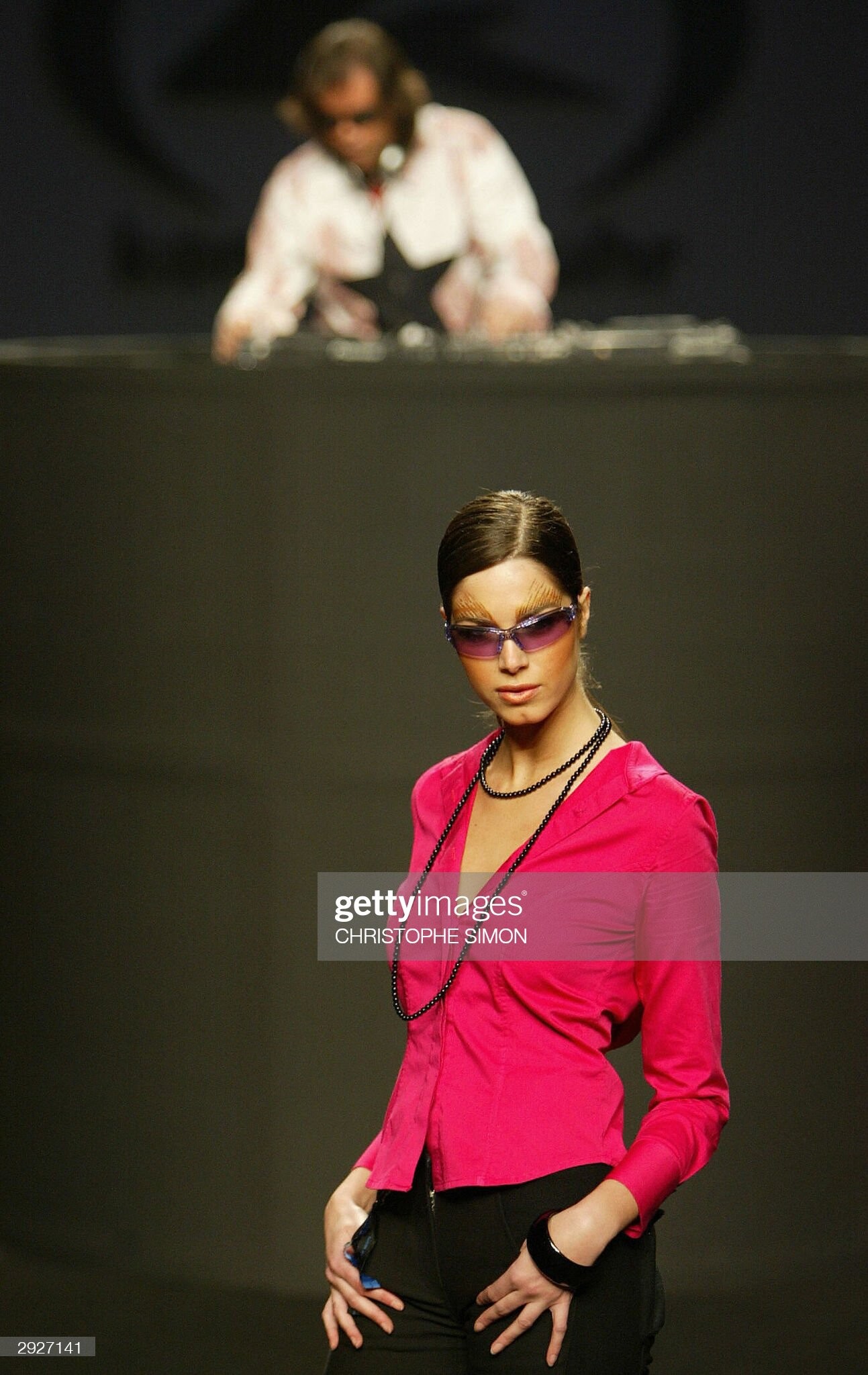
  10. Txell Miras (Barcelone) fall 2005
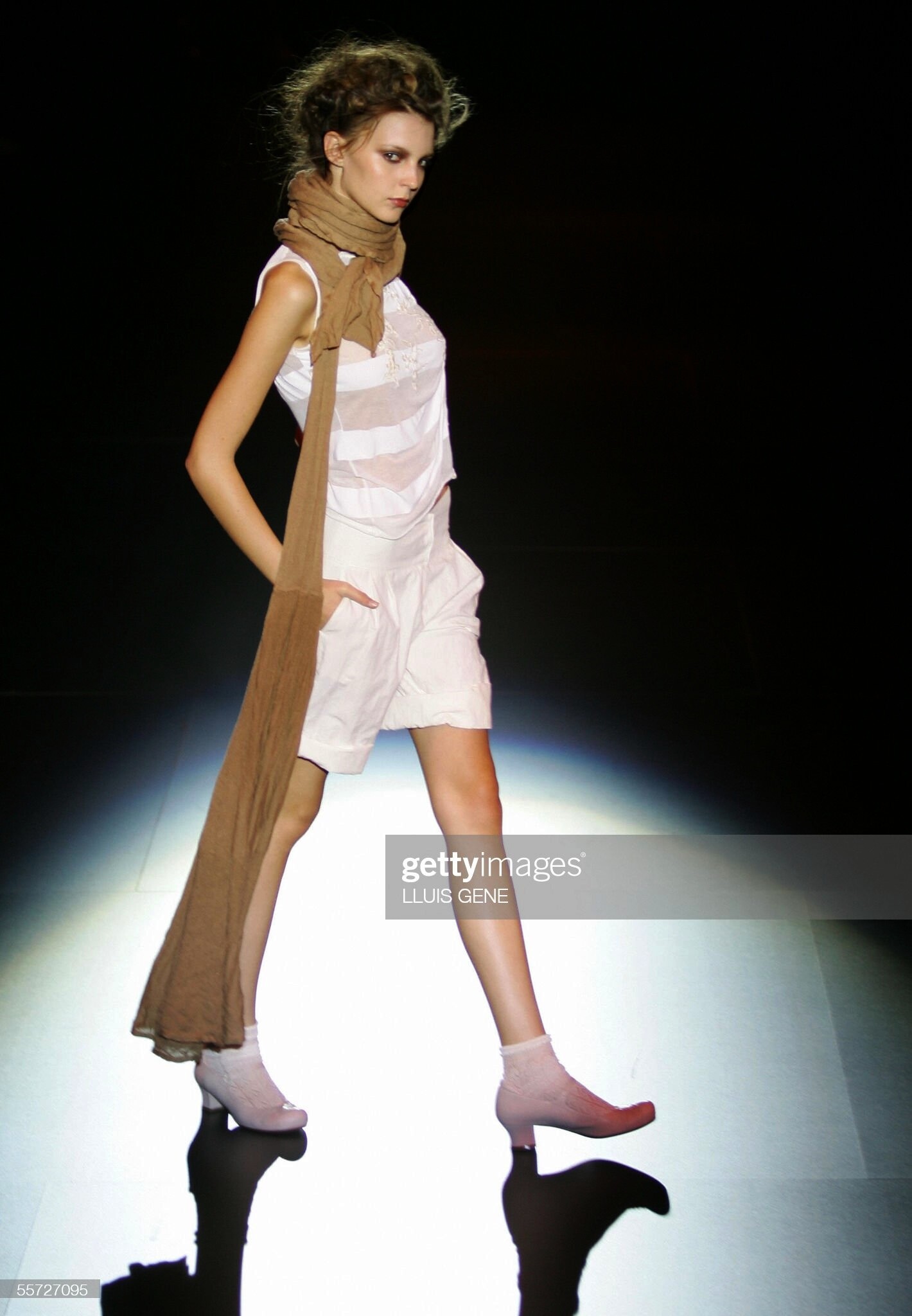
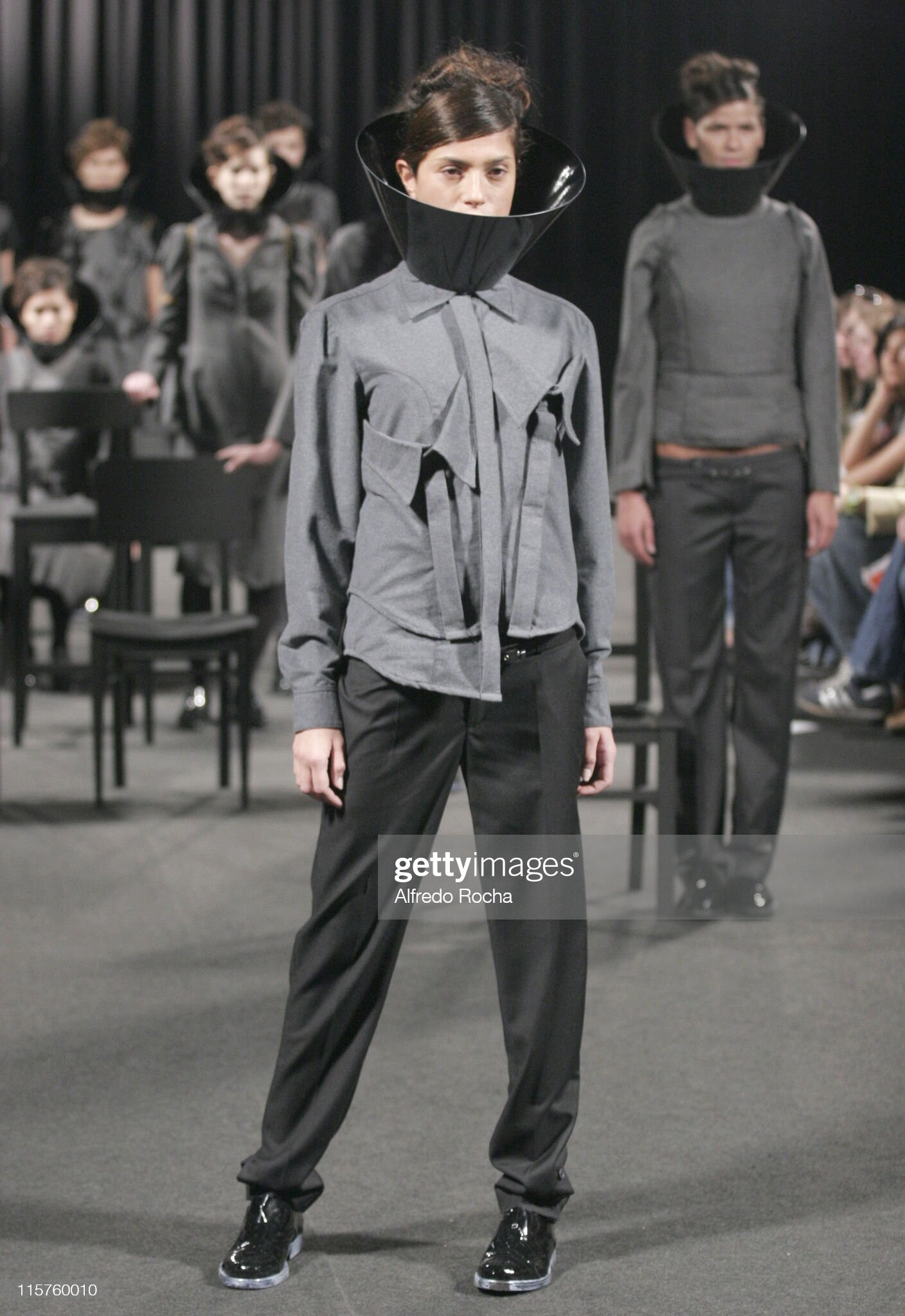
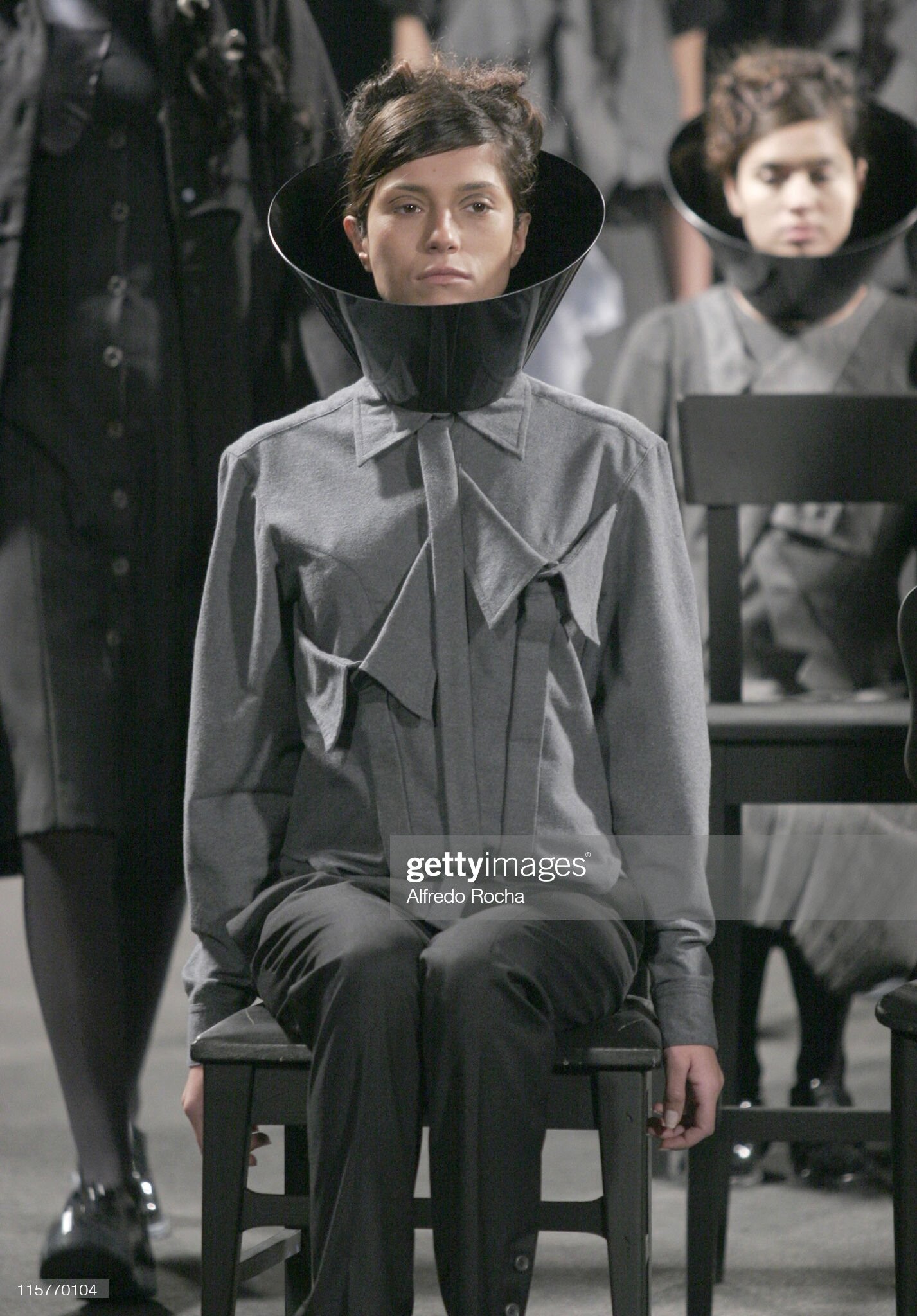
  11. Joaquim Verdu (Barcelone) Fall 2006 - part 2

  12. Armand Basi & TCN (Barcelone)fall 2006
  13. Konrad Muhr (Barcelone) fall 2004
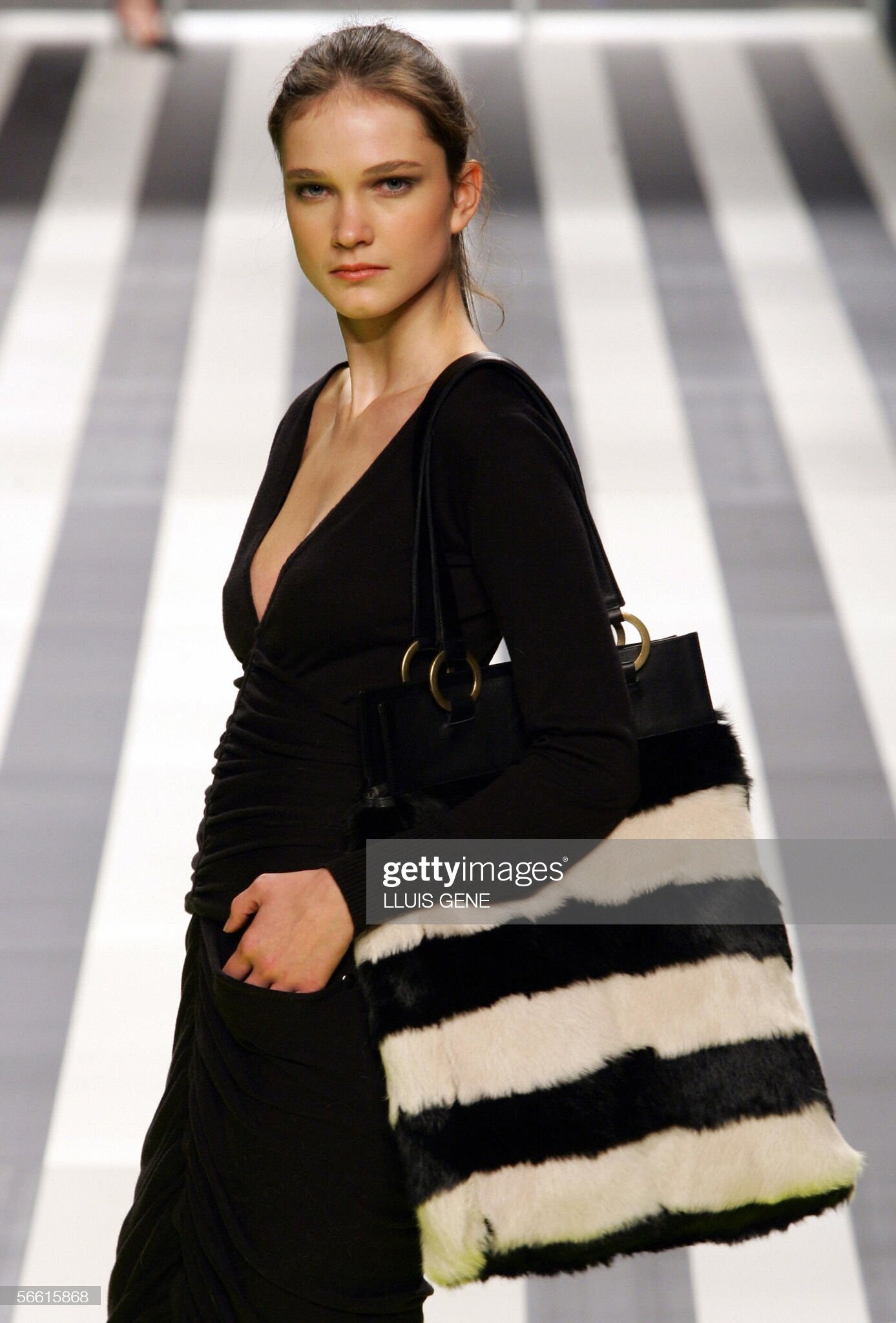
  14. Sita Murt (Barcelona) spring 2006
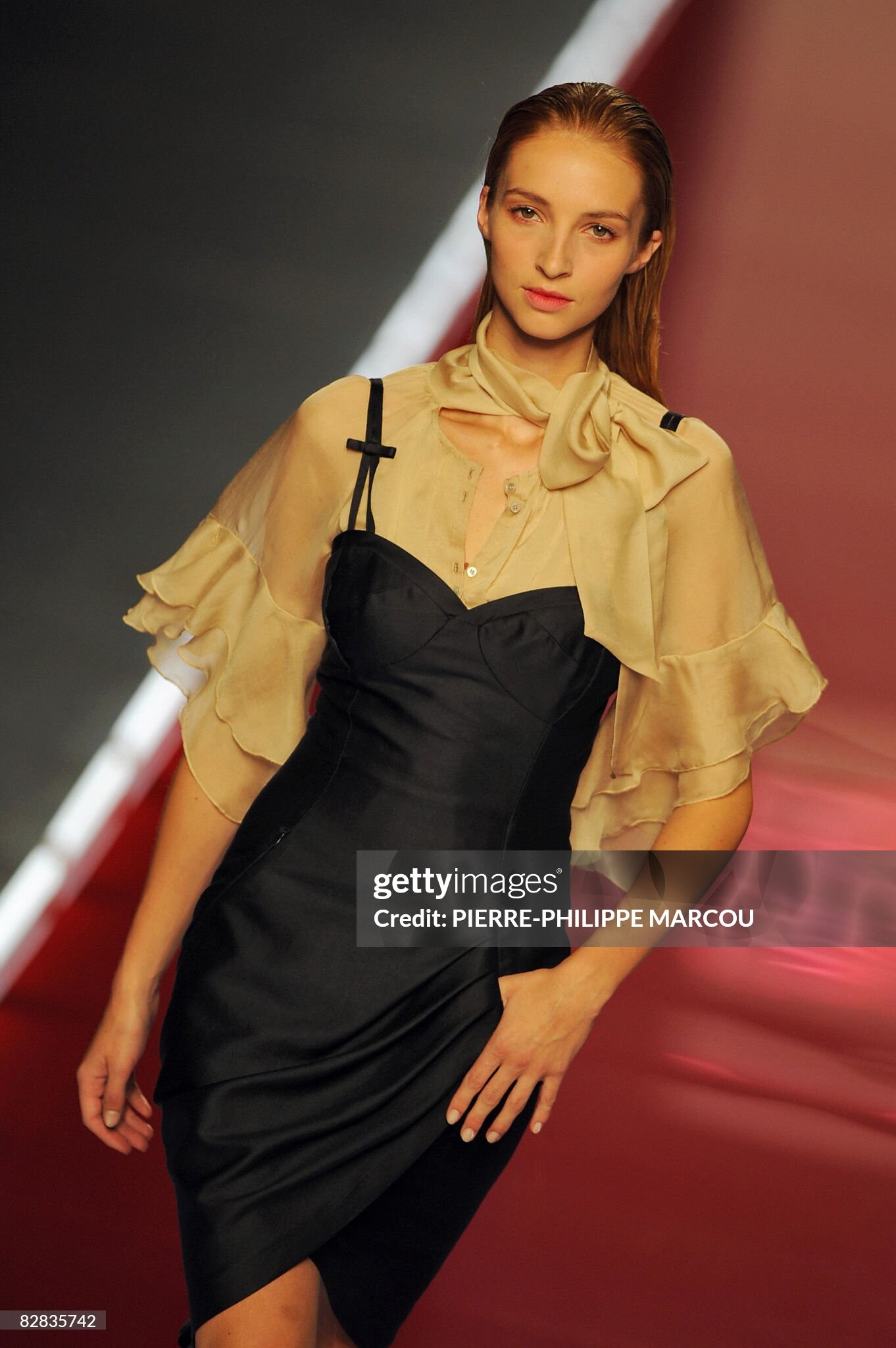
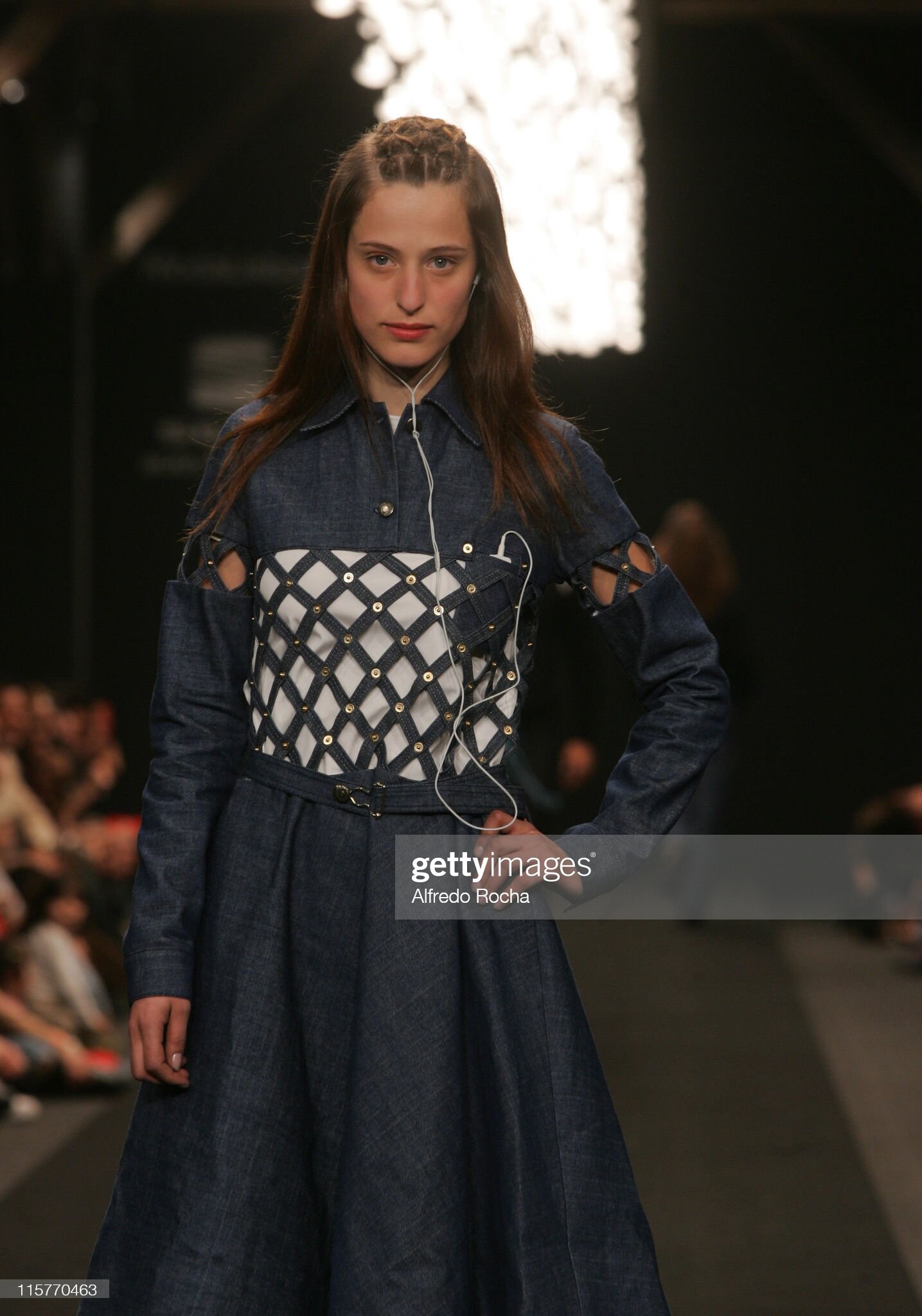
  15. Miriam Ocariz (Madrid) spring 2009
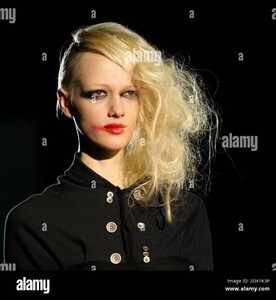
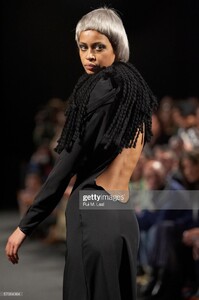
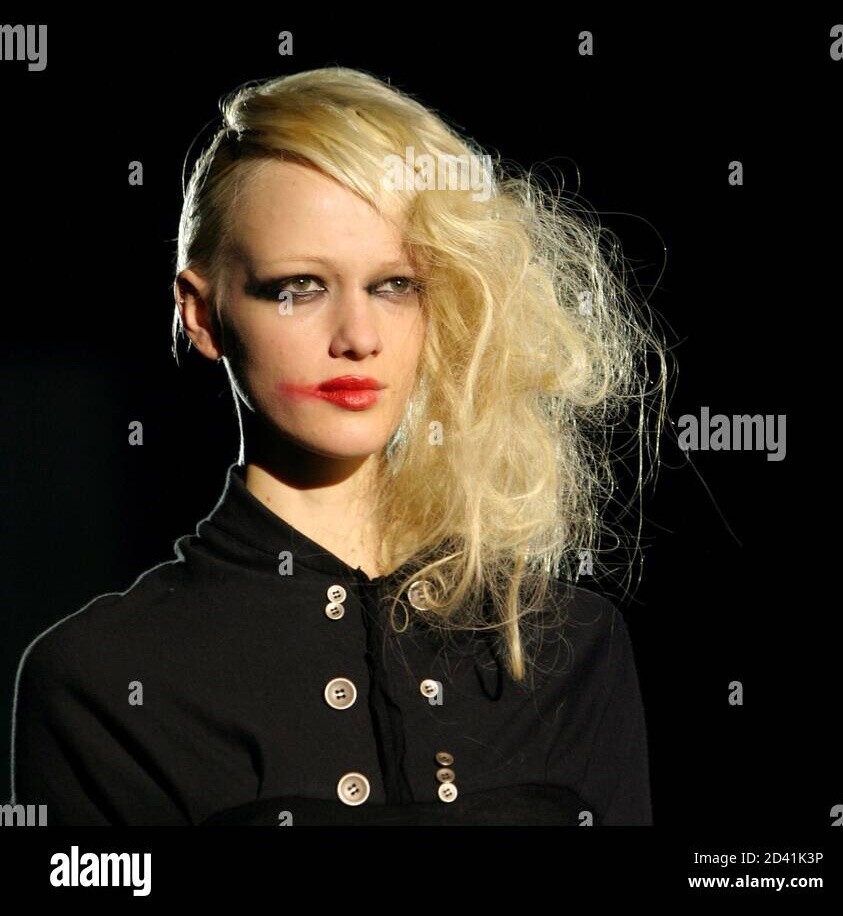
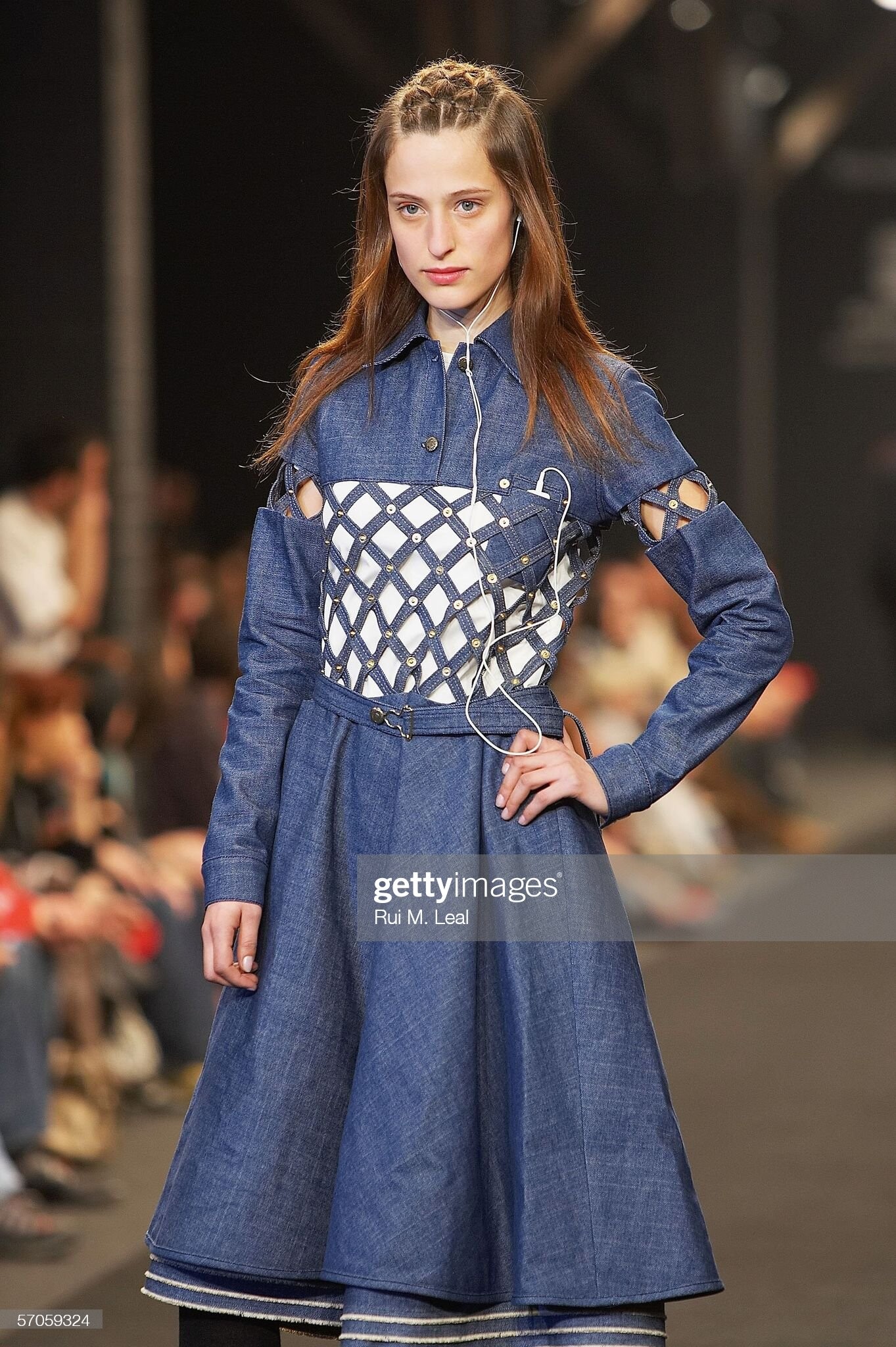
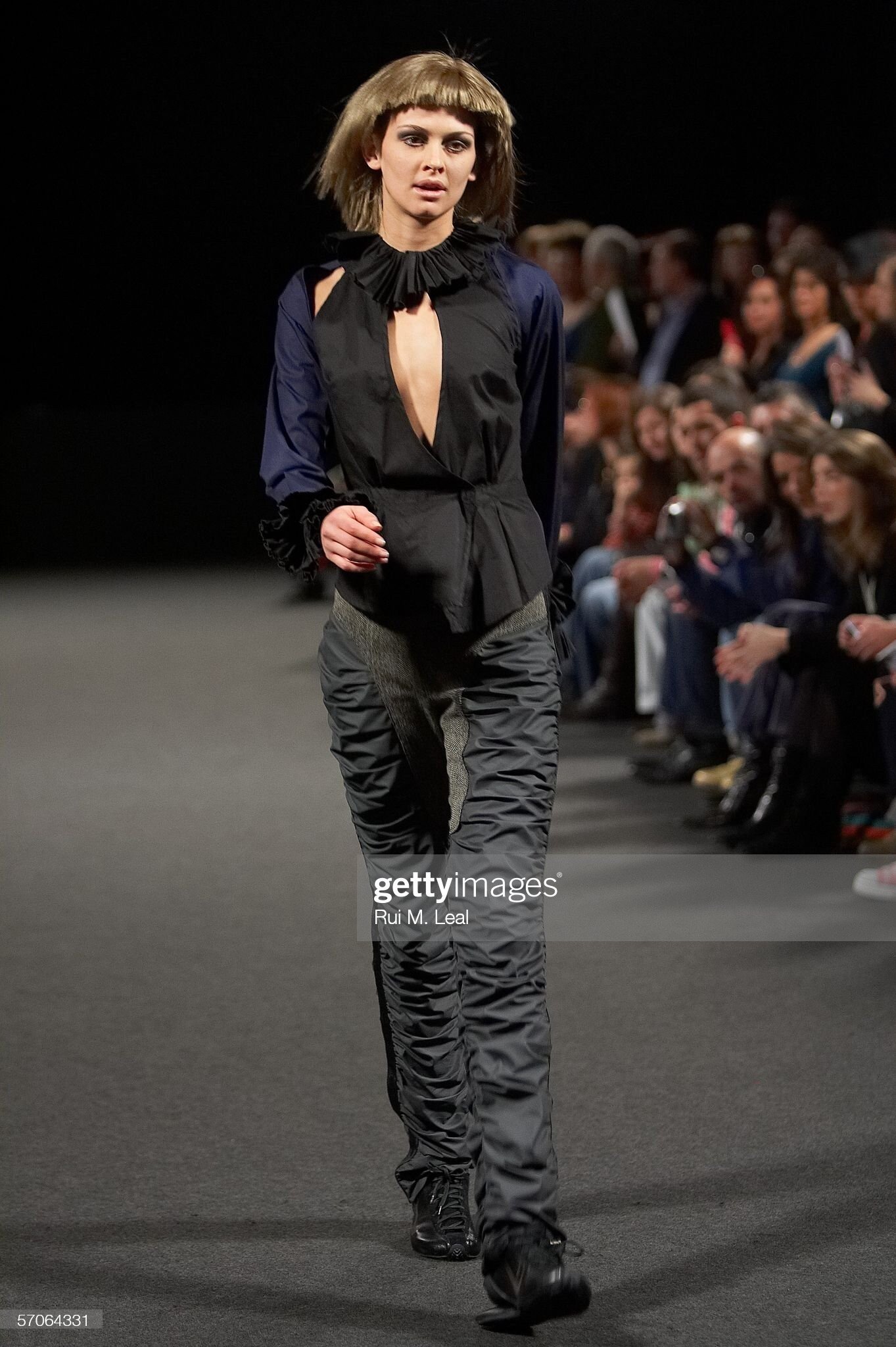
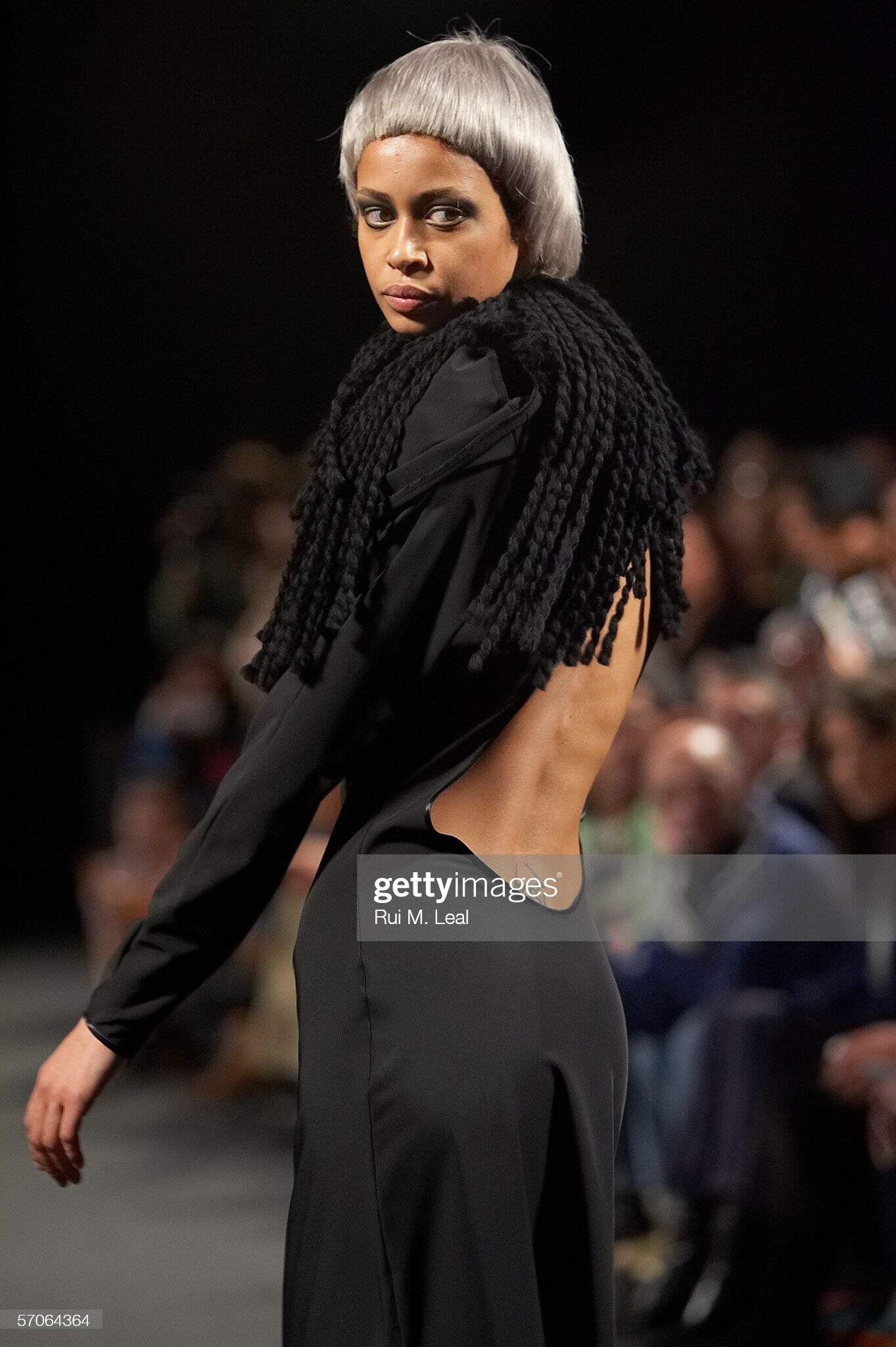
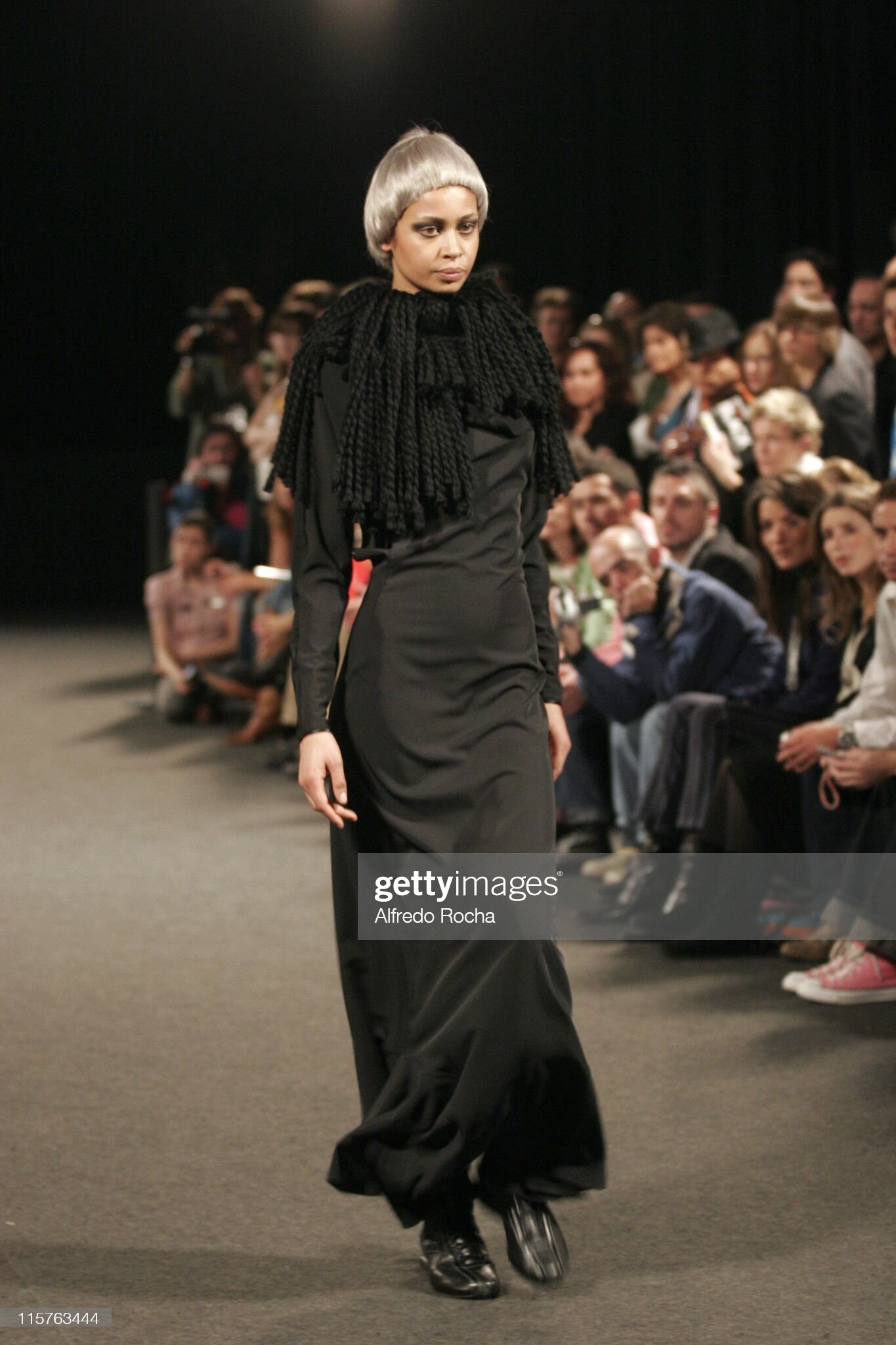
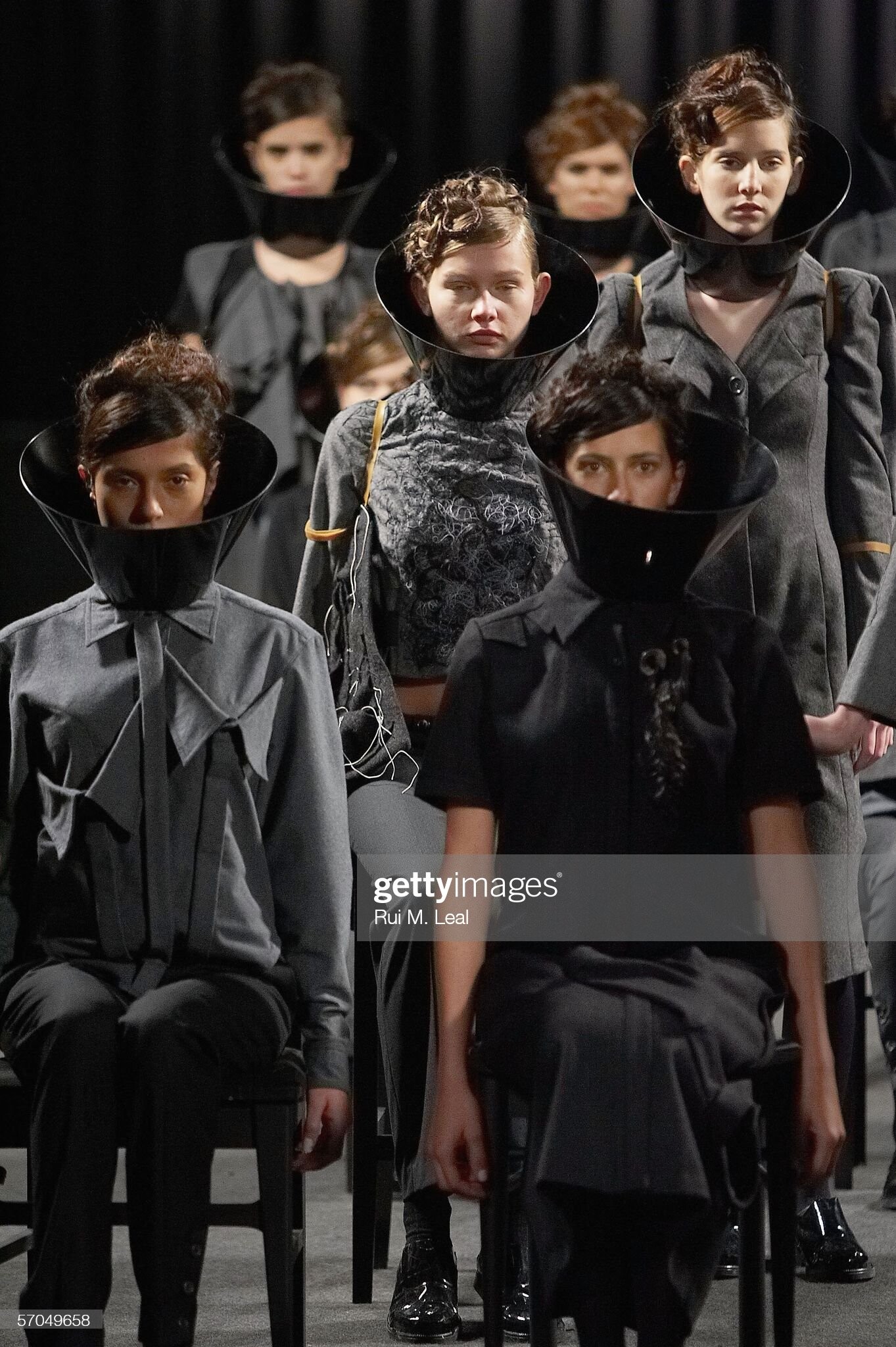
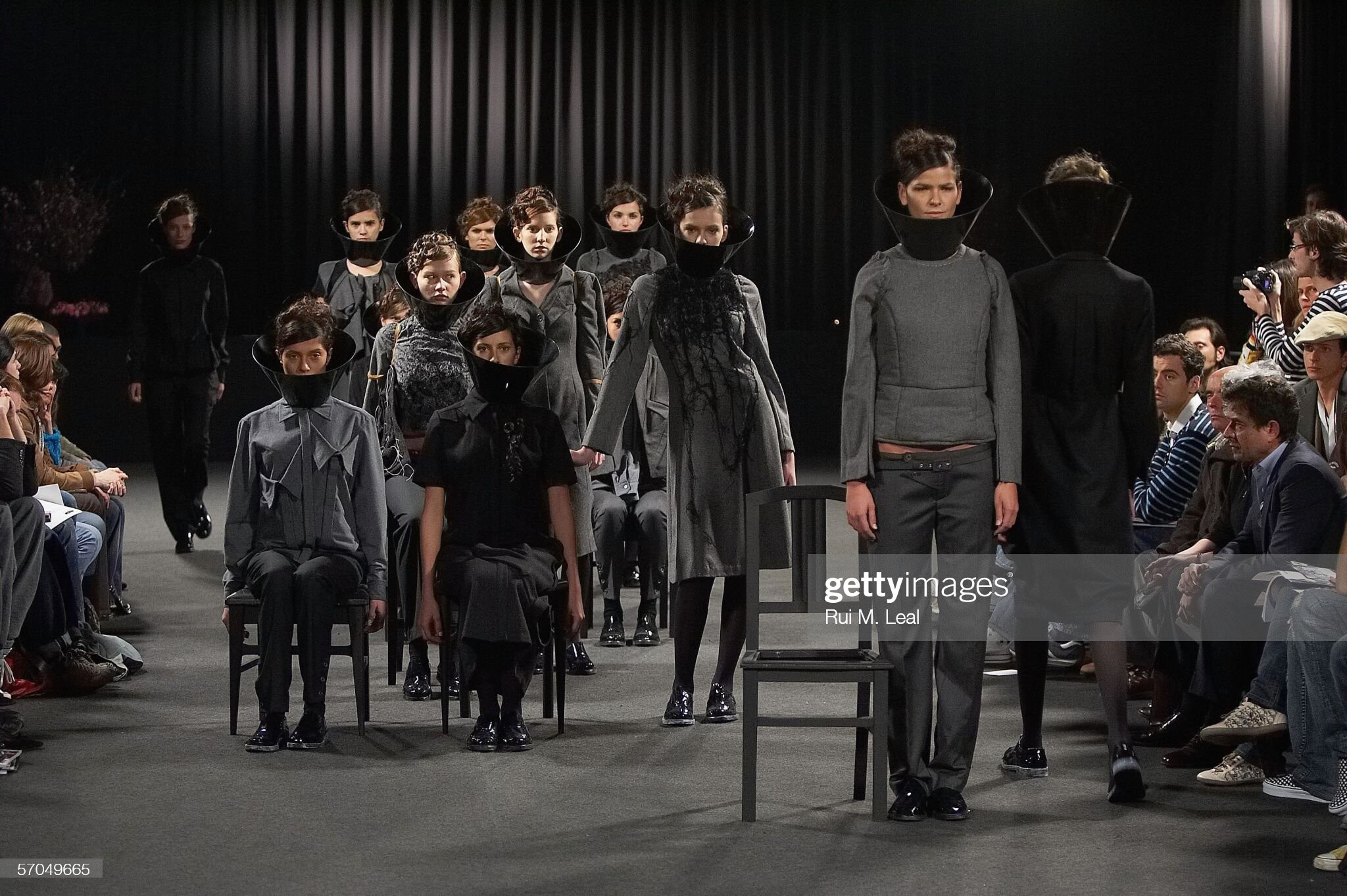
  16. Ricardo Preto, fall 2006 (Portugal)
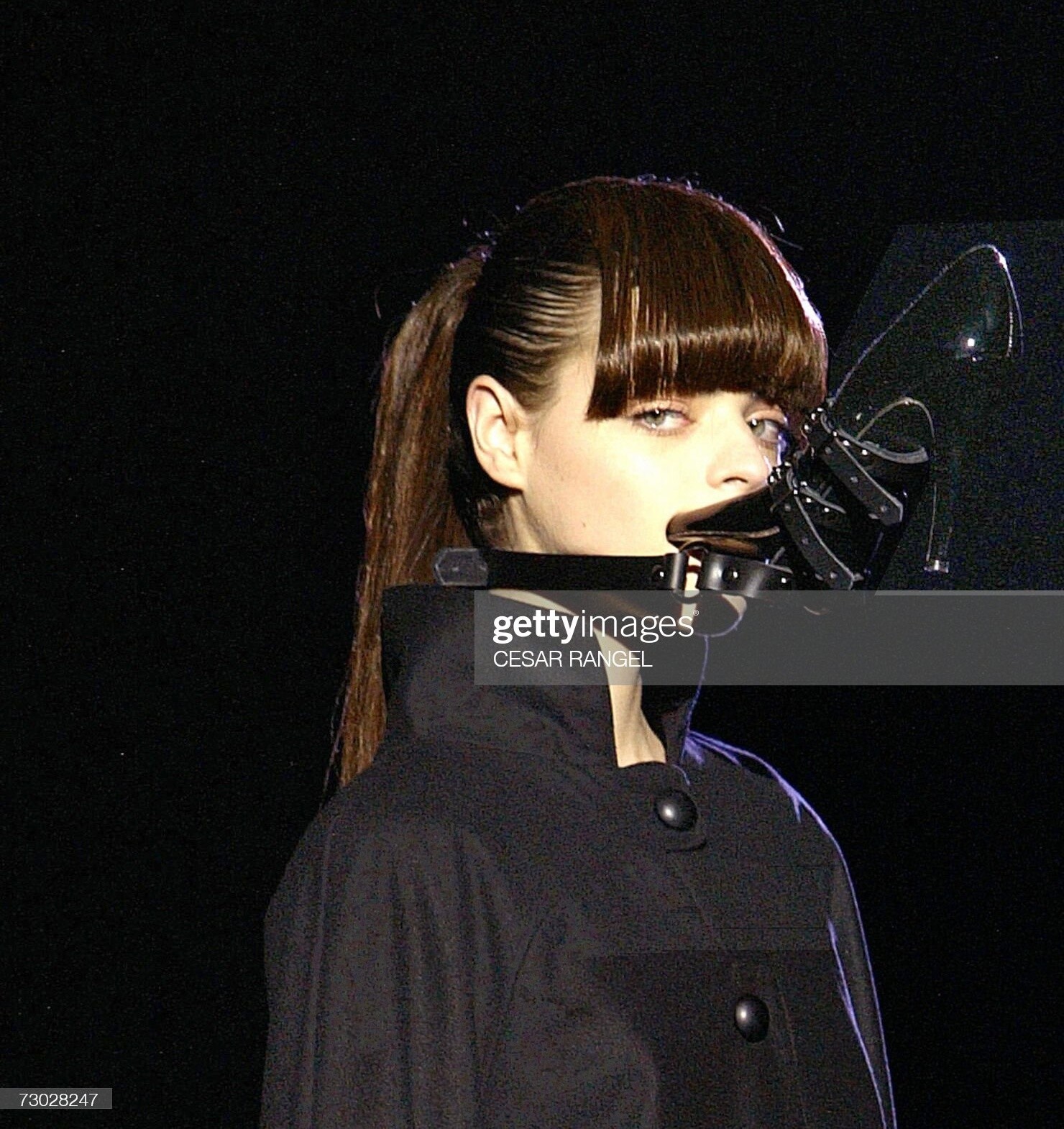
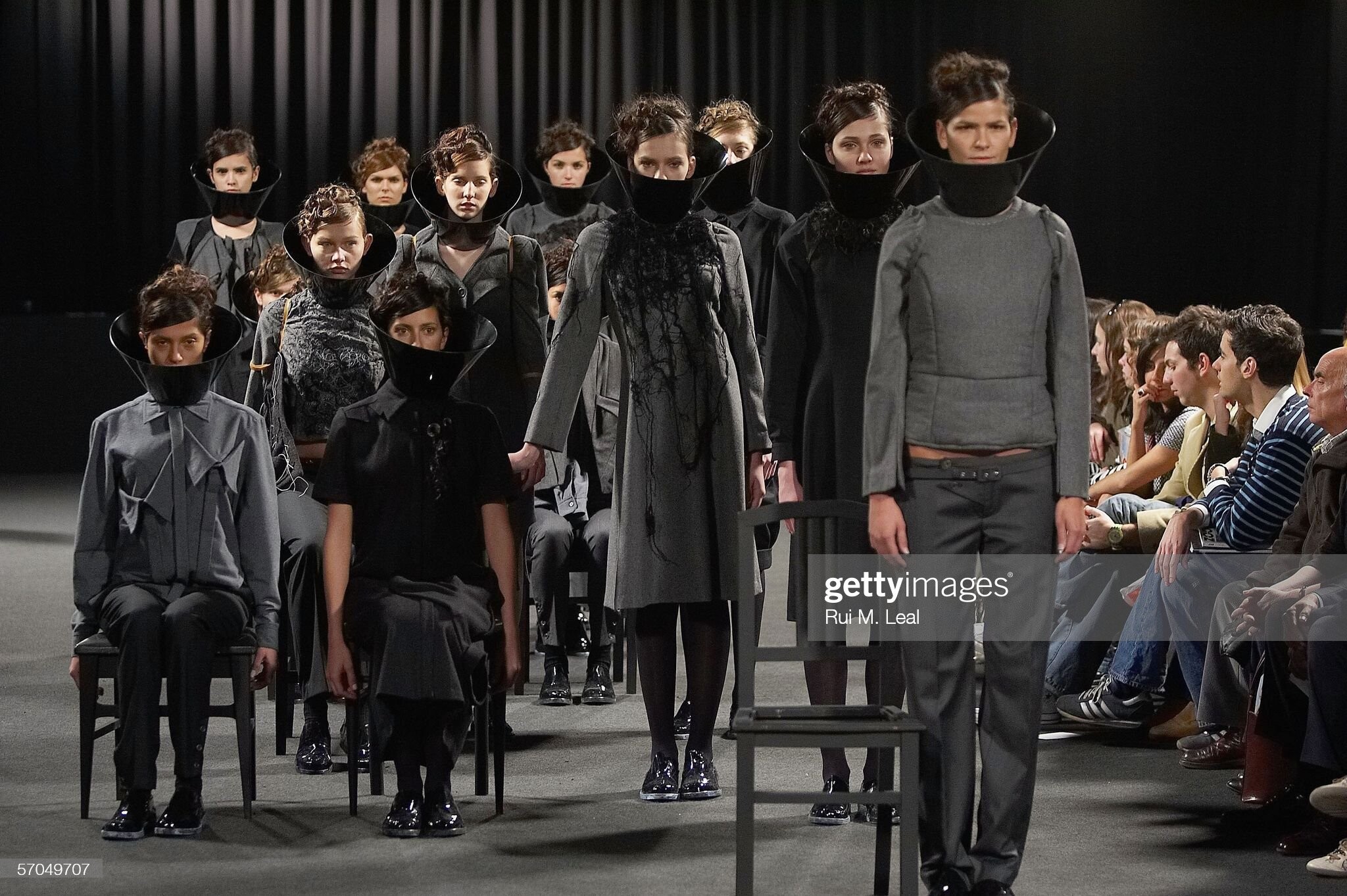
  17. Ricardo Preto, fall 2006 (Portugal)

Account

Navigation

Search

Configure browser push notifications

Chrome (Android)
  1. Tap the lock icon next to the address bar.
  2. Tap Permissions → Notifications.
  3. Adjust your preference.
Chrome (Desktop)
  1. Click the padlock icon in the address bar.
  2. Select Site settings.
  3. Find Notifications and adjust your preference.