Jump to content
View in the app

A better way to browse. Learn more.

Bellazon

A full-screen app on your home screen with push notifications, badges and more.

To install this app on iOS and iPadOS
  1. Tap the Share icon in Safari
  2. Scroll the menu and tap Add to Home Screen.
  3. Tap Add in the top-right corner.
To install this app on Android
  1. Tap the 3-dot menu (⋮) in the top-right corner of the browser.
  2. Tap Add to Home screen or Install app.
  3. Confirm by tapping Install.

tarsier41

Members
  • Joined

  • Last visited

Everything posted by tarsier41

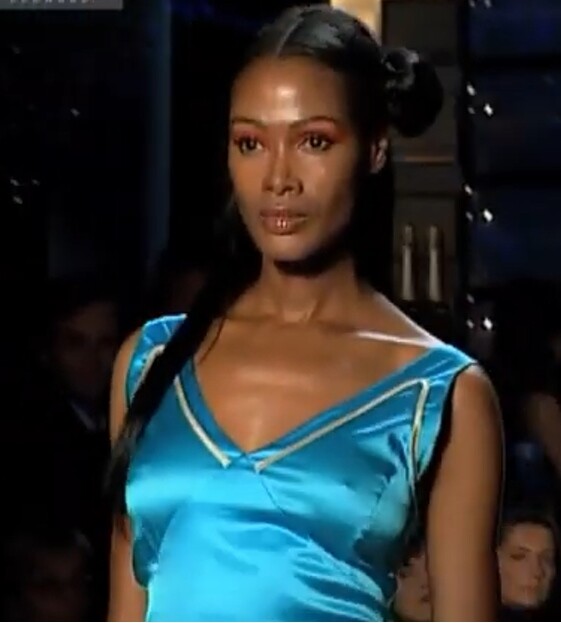
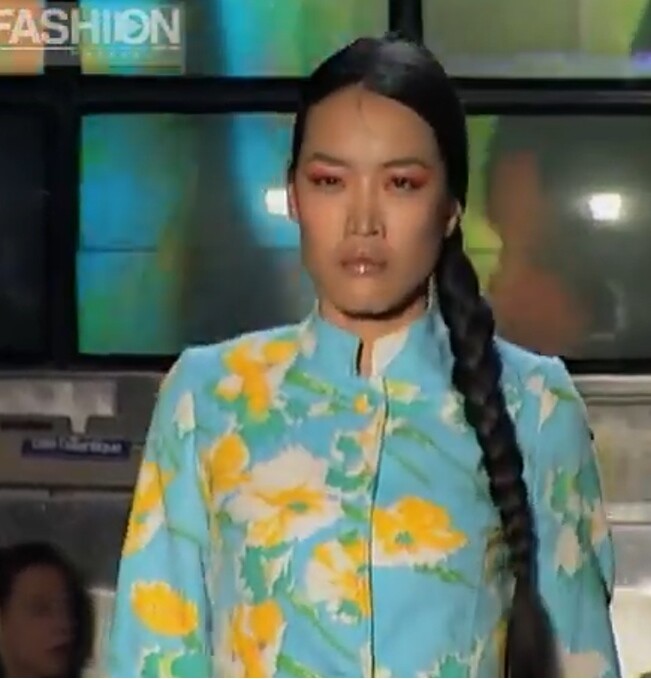
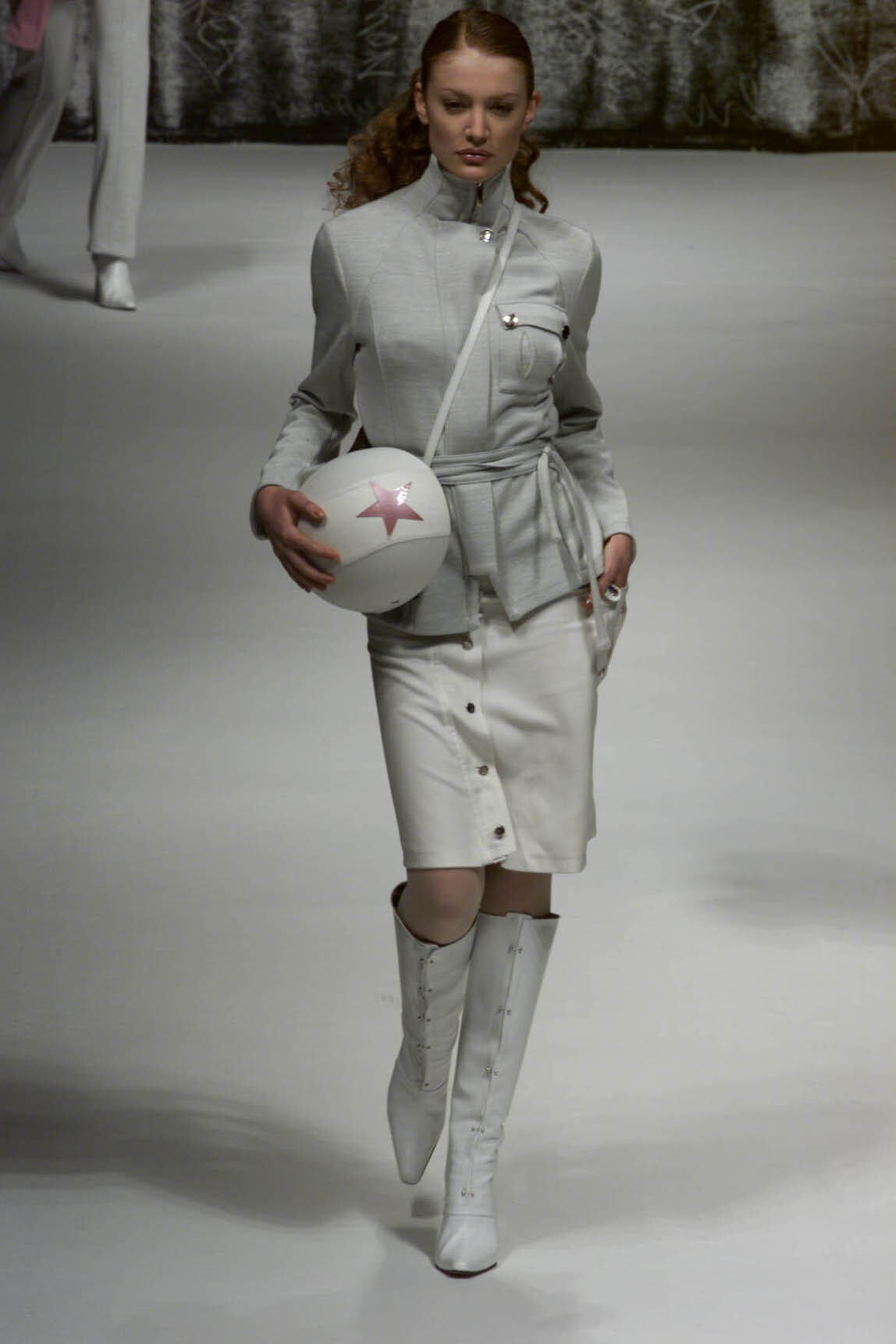
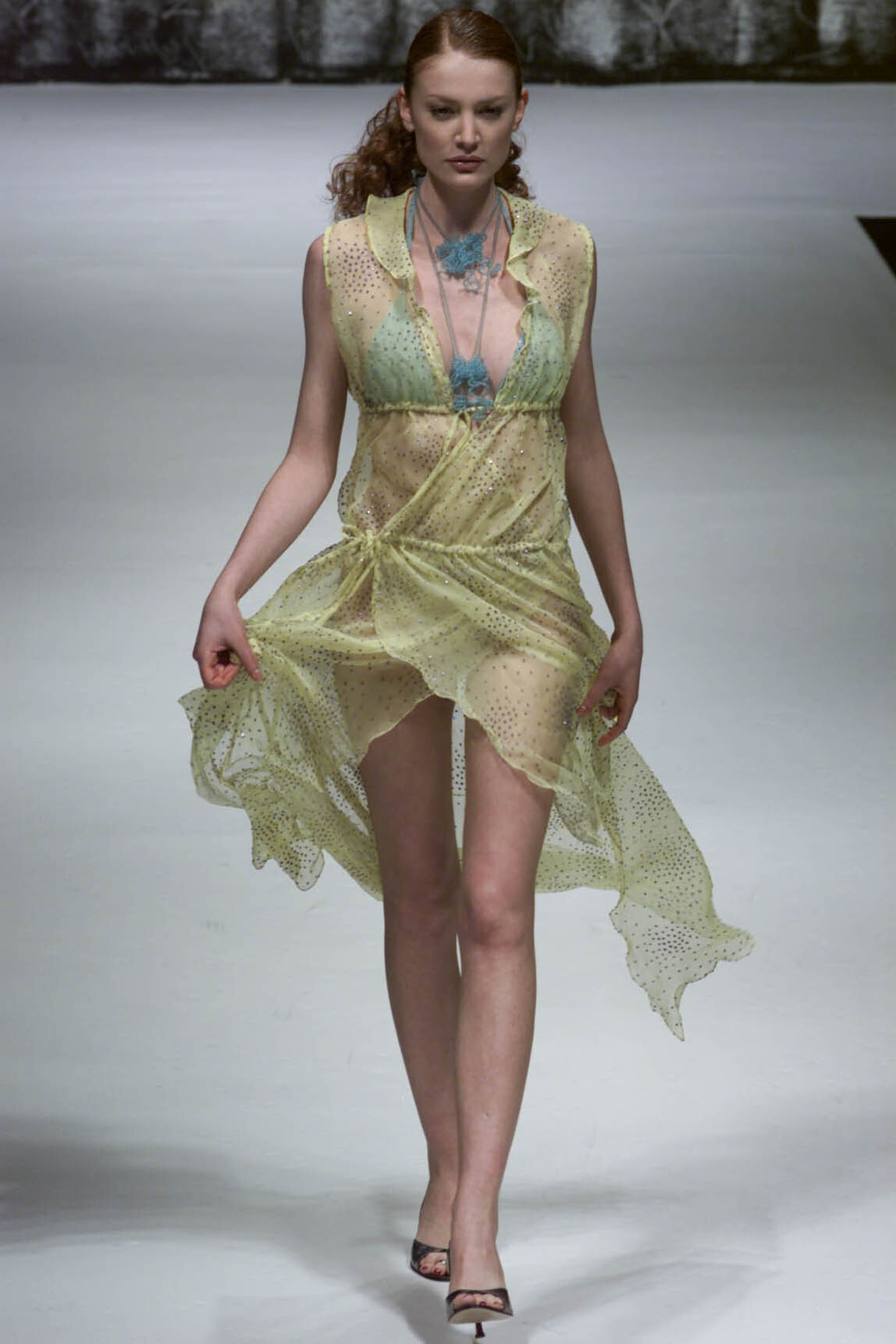
  1. Patty Shelaberger (Milan) s/s 2002 - LQ cap video
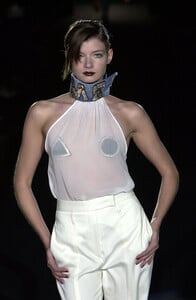
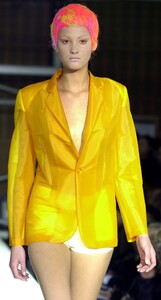
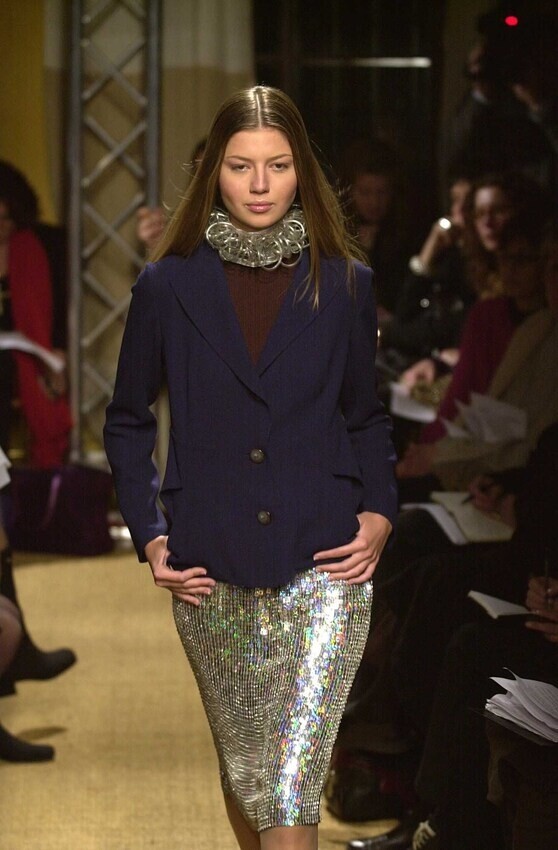
  2. Milan f/w 2001 John Richmond
  3. thanks !! i already tried to change name of Danika; i will wait for this one
  4. Patty Shelaberger (Milan) s/s 2002 - LQ cap video note: 1537y = 15min37 youtube
  5. Patty Shelaberger (Milan) s/s 2002 - LQ cap video
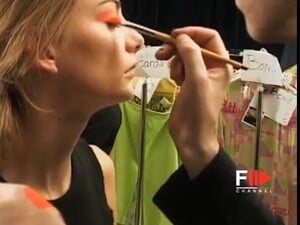
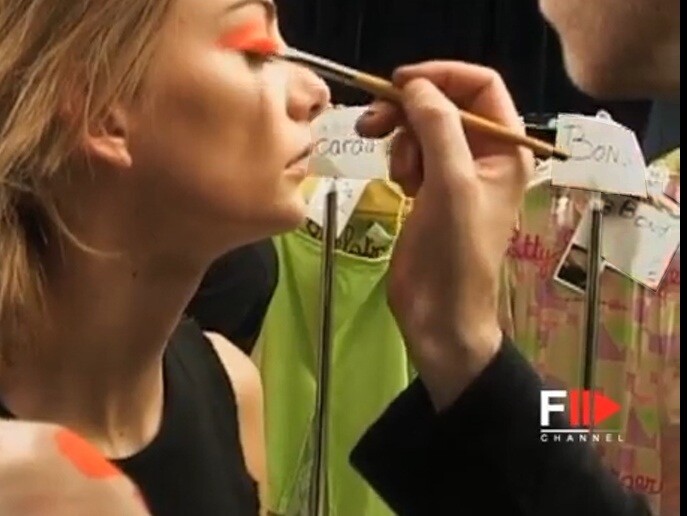
  6. Milan s/s 2002 Patty Shelaberger cali rand ?? Renske Leunk note: backstage cards info - _____carda OR ____darda and Bond
  7. #5 kristen pazik #2 eva jay kubatova #3 is a mix of marina dias & aline serpa; not found; about 8 times seen in Milan
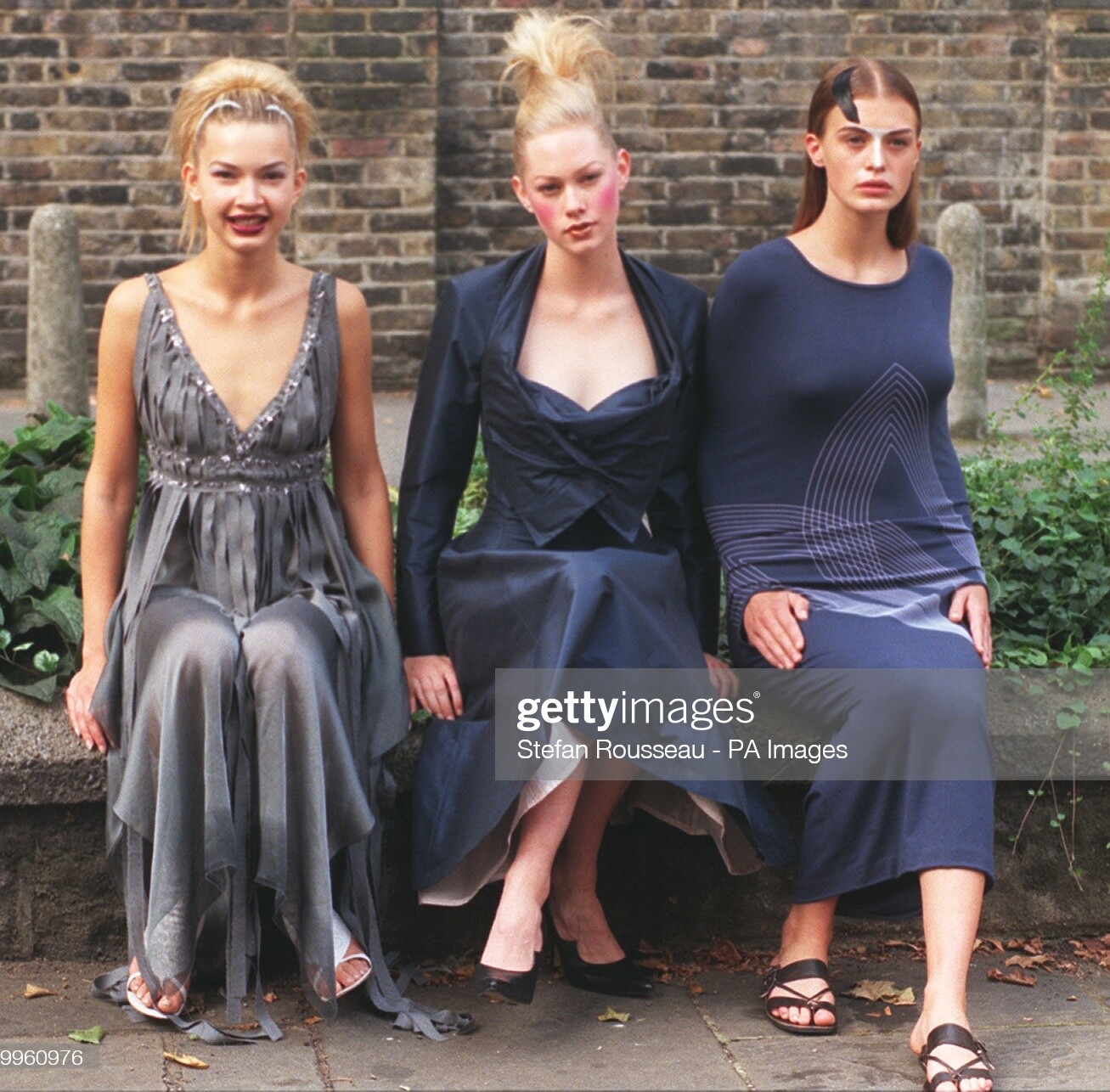
  8. British Designer of the Year 1997 - (September 1997). - Lana Ivanioukhina (L) models a dress by design duo Clements Ribeiro; - Kate Lillecrap wears an evening dress by Vivienne Westwood; - Amy Wear (R) is dressed in a design by Hussein Chalayan. photo by Stefan Rousseau (repost)
  9. Dominique Sirop (Paris couture) f/w 1997 (repost) ID corrected by bintempi
  10. kristina de koninck ??
  11. nusa senk & annie henley
  12. Donatella Salvatico
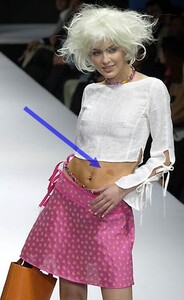
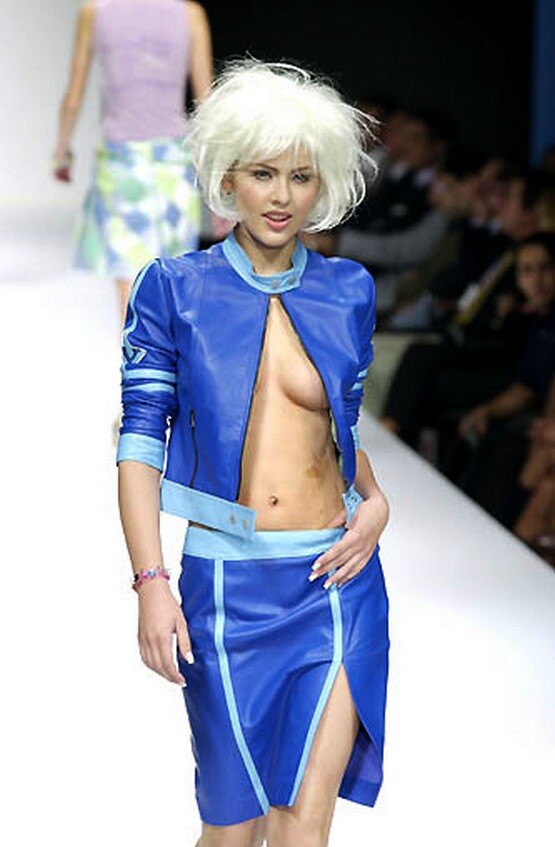
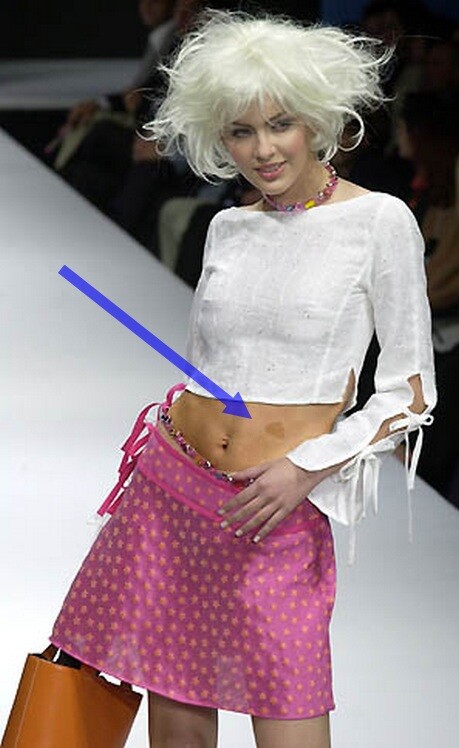
  13. who has this mole ? Milan s/s 2001 wigs

  14. no little chance she is caroline fowler
  15. natalia andreeva
  16. #3 beatrice borromeo #3 elisabeth maymo
  17. could be ruza madarevic
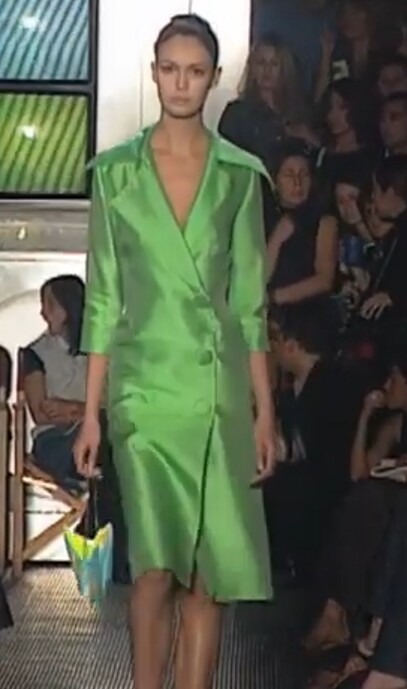
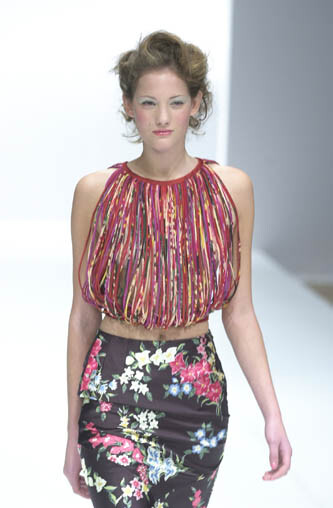
  18. Alviero Martini - 1a classe (Milan) f/w 2000

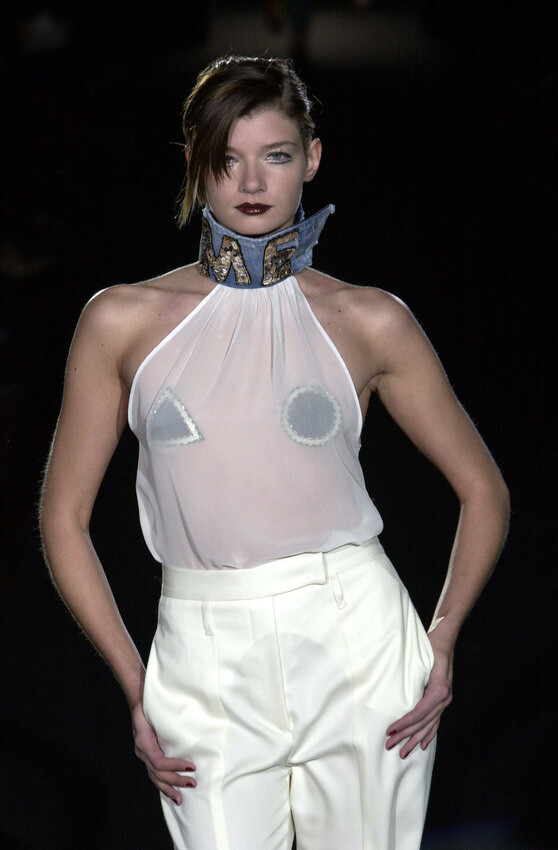
  19. Kina Fernandez, (Madrid) s/s 2002
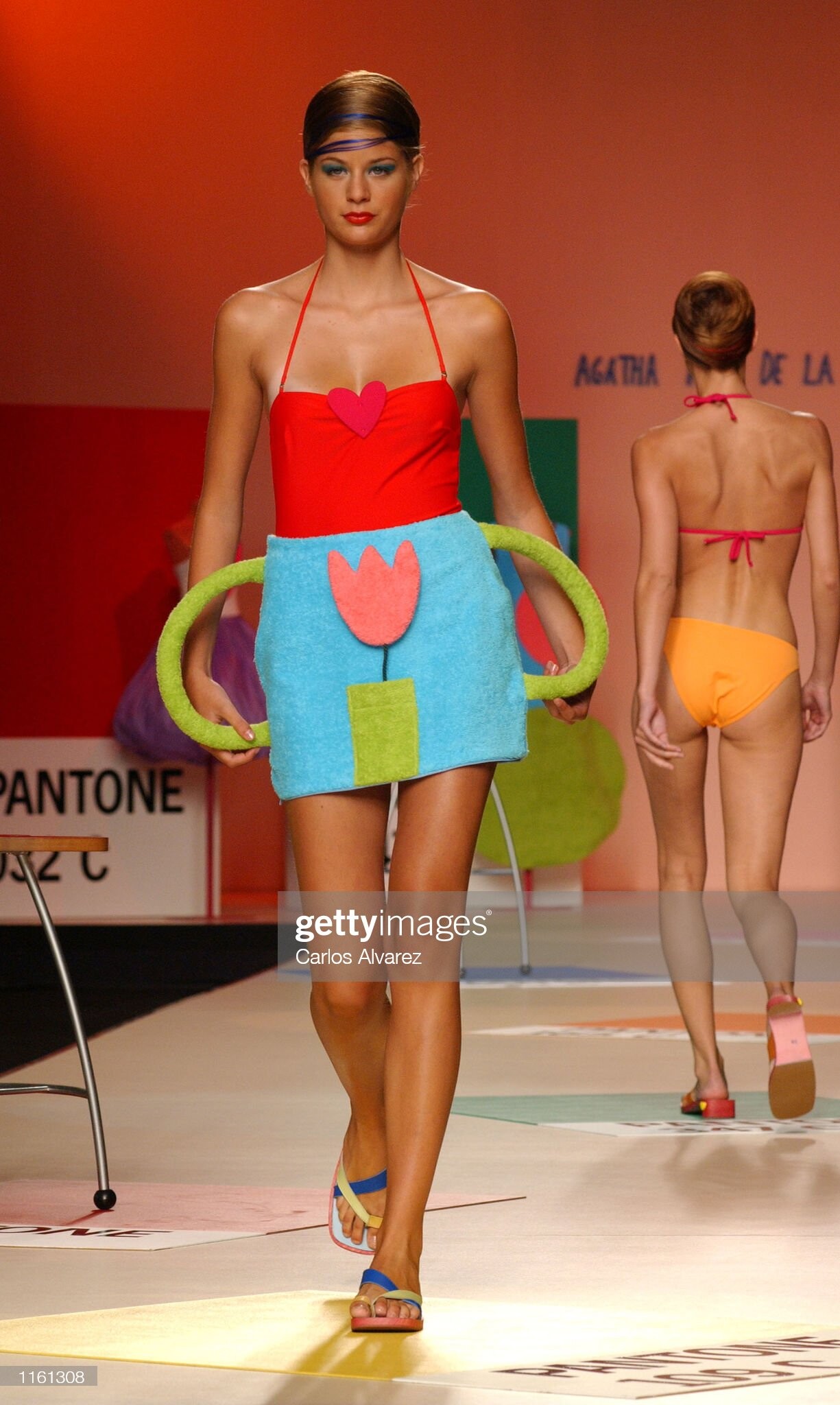
  20. Agatha Ruiz de la Prada, (Madrid) s/s 2002

Account

Navigation

Search

Configure browser push notifications

Chrome (Android)
  1. Tap the lock icon next to the address bar.
  2. Tap Permissions → Notifications.
  3. Adjust your preference.
Chrome (Desktop)
  1. Click the padlock icon in the address bar.
  2. Select Site settings.
  3. Find Notifications and adjust your preference.