Jump to content
View in the app

A better way to browse. Learn more.

Bellazon

A full-screen app on your home screen with push notifications, badges and more.

To install this app on iOS and iPadOS
  1. Tap the Share icon in Safari
  2. Scroll the menu and tap Add to Home Screen.
  3. Tap Add in the top-right corner.
To install this app on Android
  1. Tap the 3-dot menu (⋮) in the top-right corner of the browser.
  2. Tap Add to Home screen or Install app.
  3. Confirm by tapping Install.

Dayrell

Members
  • Joined

  • Last visited

Everything posted by Dayrell

  1. german TV Top
  2. new italian Anna
  3. new italian Diva
  4. Dayrell replied to Qball's topic in Actresses
    In Style Weddings
  5. Dayrell replied to GoodFoot's topic in Actresses
    Fabulous UK
  6. Beautiful cover, thanks Isabeli & Inguna!
  7. Dayrell replied to a post in a topic in Alessandra Ambrosio
    Love too...my pleasure share guys!!
  8. Dayrell replied to tinkerbelle's topic in Male Actors
    new magazine cover
  9. My pleasure!
  10. Dayrell replied to a post in a topic in Female Fashion Models
    she is again on the cover of C&A magazine
  11. Dayrell replied to sanja's topic in Actresses
    the magazine from Bloomingdales
  12. Dayrell replied to sanja's topic in Actresses
    in Star Trek
  13. Dayrell replied to sanja's topic in Actresses
    britsh Easy Living
  14. Dayrell replied to sanja's topic in Actresses
    Orange Coast
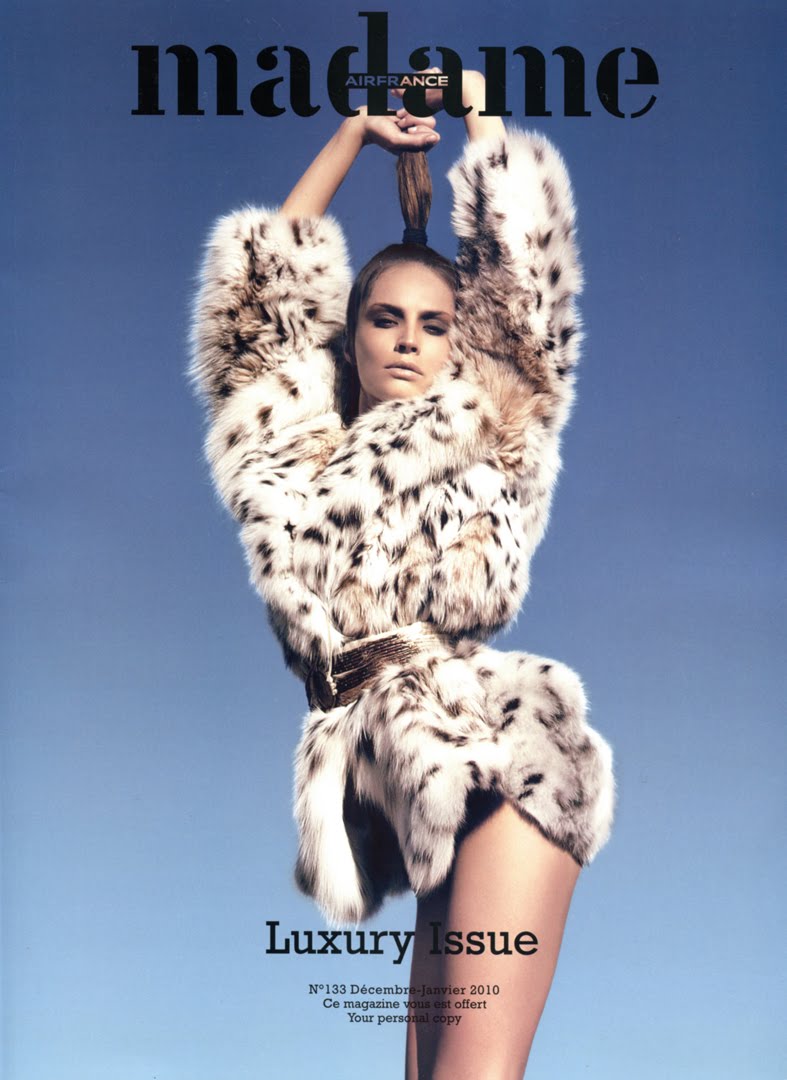
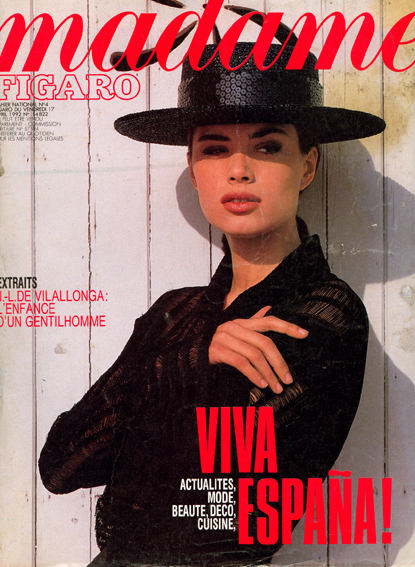
  15. Madame Figaro
  16. Love new covers, thanks Louis and Vanessaaa!
  17. Amazing collection for an amazing model. Thanks Cop11. More one cover:
  18. french Image et son
  19. britsh Queen
  20. The guys who love male models can help to ID these five boys on cover of Guapo magazine:
  21. Dayrell replied to a post in a topic in Alessandra Ambrosio
    Fashion Life, Brasil
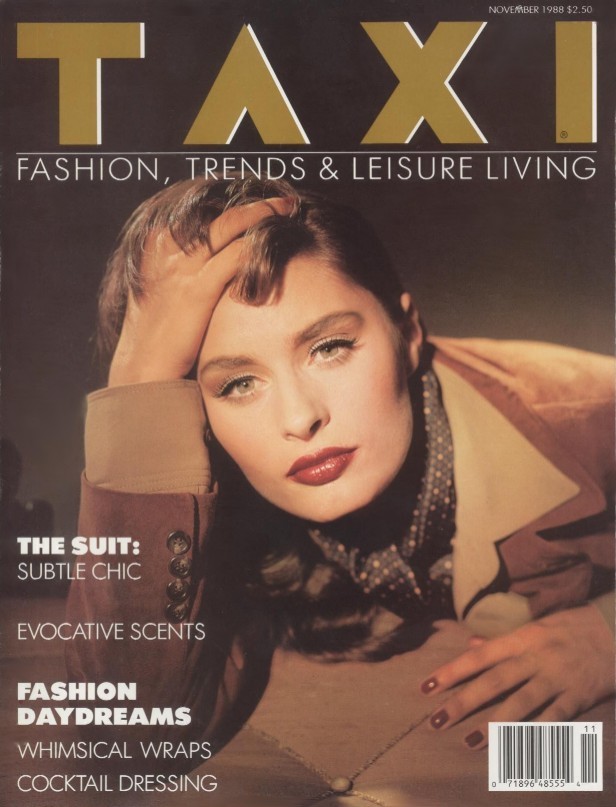
  22. Taxi, Italia
  23. american Vanity Fair
  24. american Self
  25. american Playboy

Configure browser push notifications

Chrome (Android)
  1. Tap the lock icon next to the address bar.
  2. Tap Permissions → Notifications.
  3. Adjust your preference.
Chrome (Desktop)
  1. Click the padlock icon in the address bar.
  2. Select Site settings.
  3. Find Notifications and adjust your preference.