
Jump to content
View in the app

A better way to browse. Learn more.

Bellazon

A full-screen app on your home screen with push notifications, badges and more.

To install this app on iOS and iPadOS
  1. Tap the Share icon in Safari
  2. Scroll the menu and tap Add to Home Screen.
  3. Tap Add in the top-right corner.
To install this app on Android
  1. Tap the 3-dot menu (⋮) in the top-right corner of the browser.
  2. Tap Add to Home screen or Install app.
  3. Confirm by tapping Install.

Beautiful Women lover

Members
  • Joined

  • Last visited

Everything posted by Beautiful Women lover

  1. limited.cl (IG) obscurethought100_12f61a75d24a4a47a19782175b2d77f9.mp4
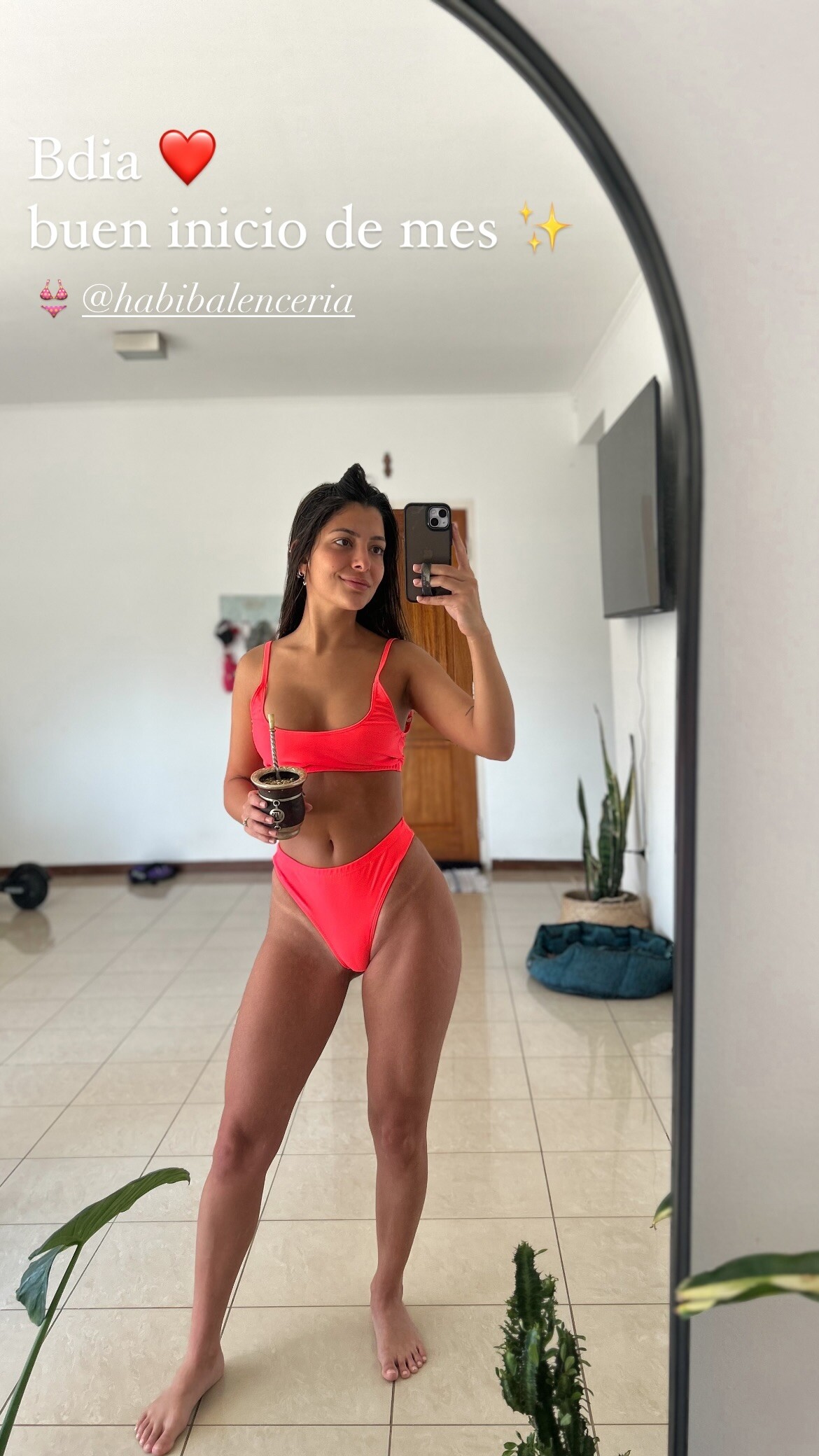
  2. habibalenceria (IG stories) obscurethought100_703f6f791afc47b4bece49c2fbe58cfd.mp4
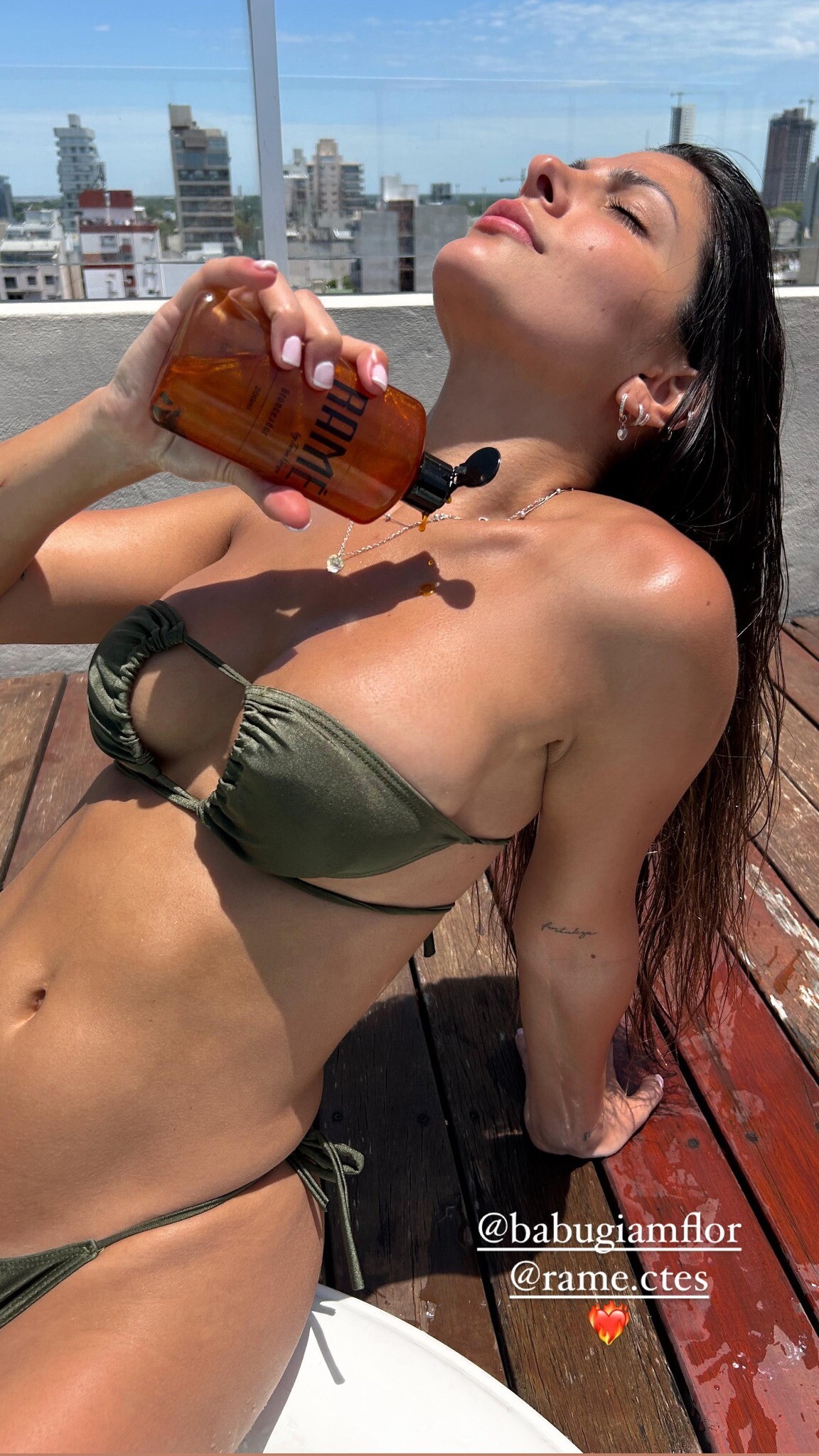
  3. rame.ctes (IG reel) obscurethought100_23ef87f5cb60418db6a449072c43614a.mp4
  4. IG story obscurethought100_31055c9329a04bedbc2c4dff45e43251.mp4
  5. IG stories obscurethought100_177d3c29215d43e28e78dad7eca10f30.mp4
  6. IG story obscurethought100_74364005015c428bb2ae13a93162aa65.mp4
  7. habibalenceria (IG) obscurethought100_038aba89b6a04669b5424bddcd181435.mp4

Account

Navigation

Search

Configure browser push notifications

Chrome (Android)
  1. Tap the lock icon next to the address bar.
  2. Tap Permissions → Notifications.
  3. Adjust your preference.
Chrome (Desktop)
  1. Click the padlock icon in the address bar.
  2. Select Site settings.
  3. Find Notifications and adjust your preference.