
memories
Members
-
Joined
-
Last visited
Everything posted by memories
-
thank you Francy.
-
Happy Birthday Sasha! hope im not late yeah its a great present, im jealous, i would love to have that as my birthday present
-
Another magazine # 15 fw 2008 source: tfs scan: alien sex friend amazing ed! thank you
-
uhmm..how to vote for this poll?
-
curvy yet slim
-
Gisele x2 Isabeli x1
-
-
Claudia Casta Casta Natasha x3
-
-
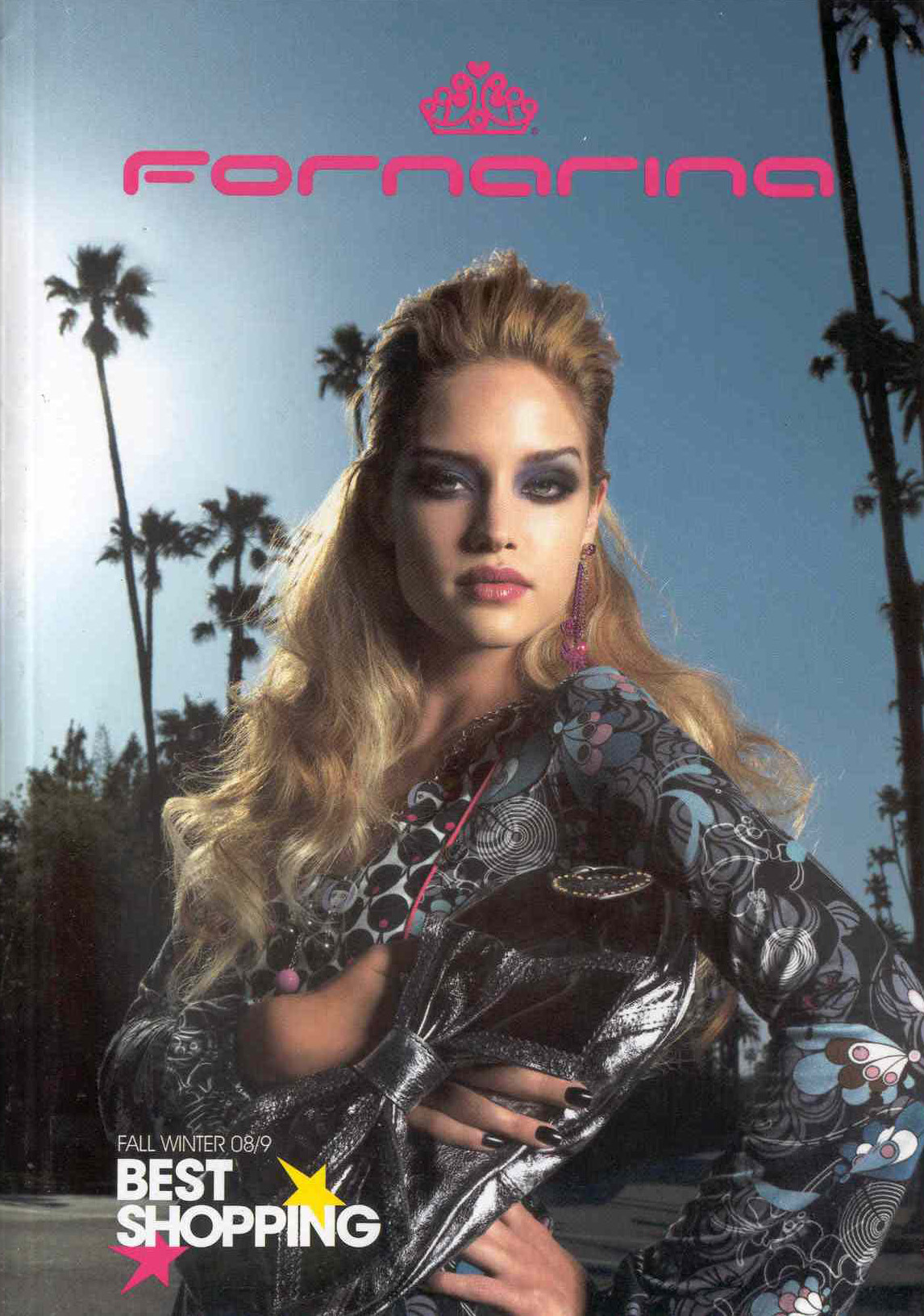
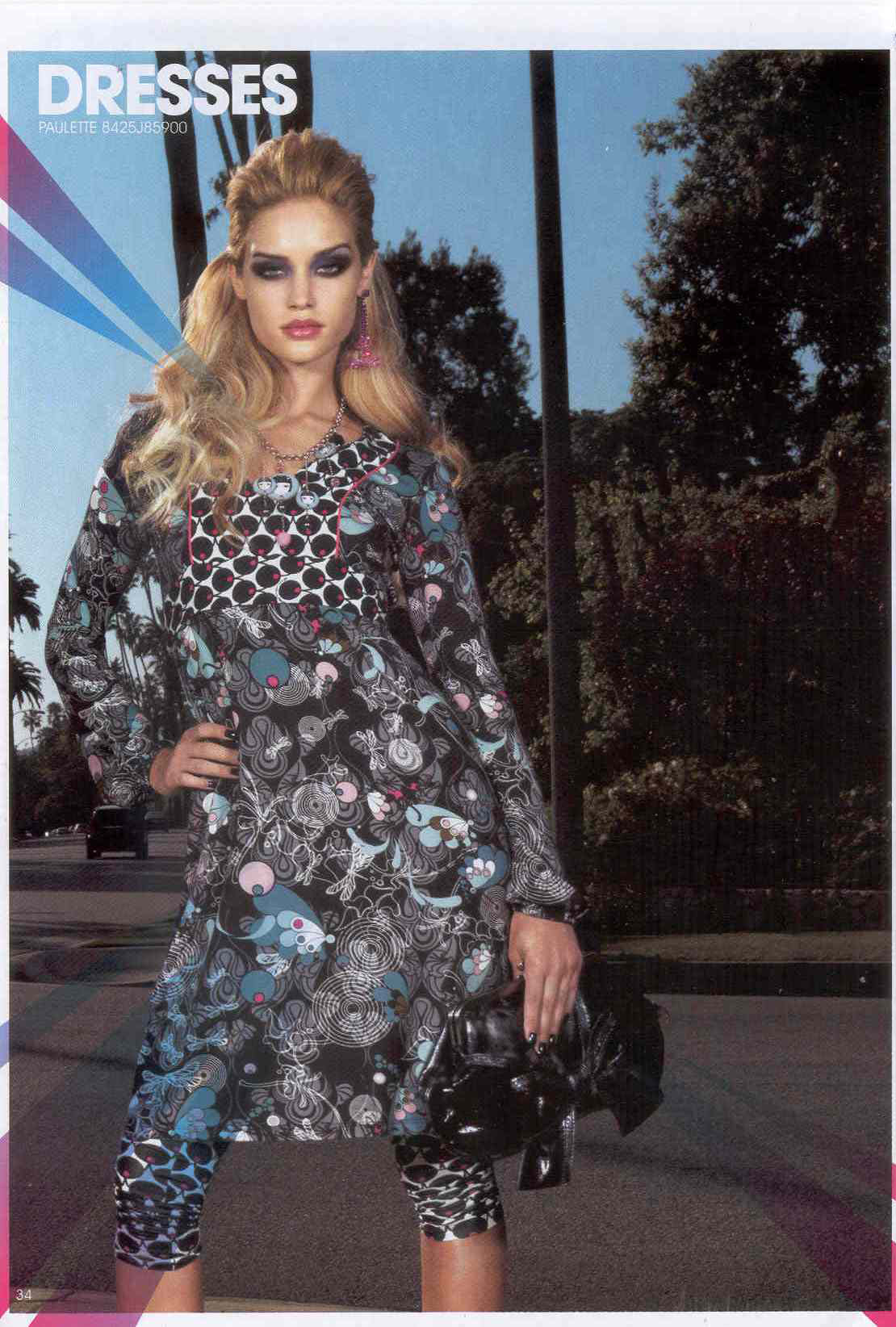
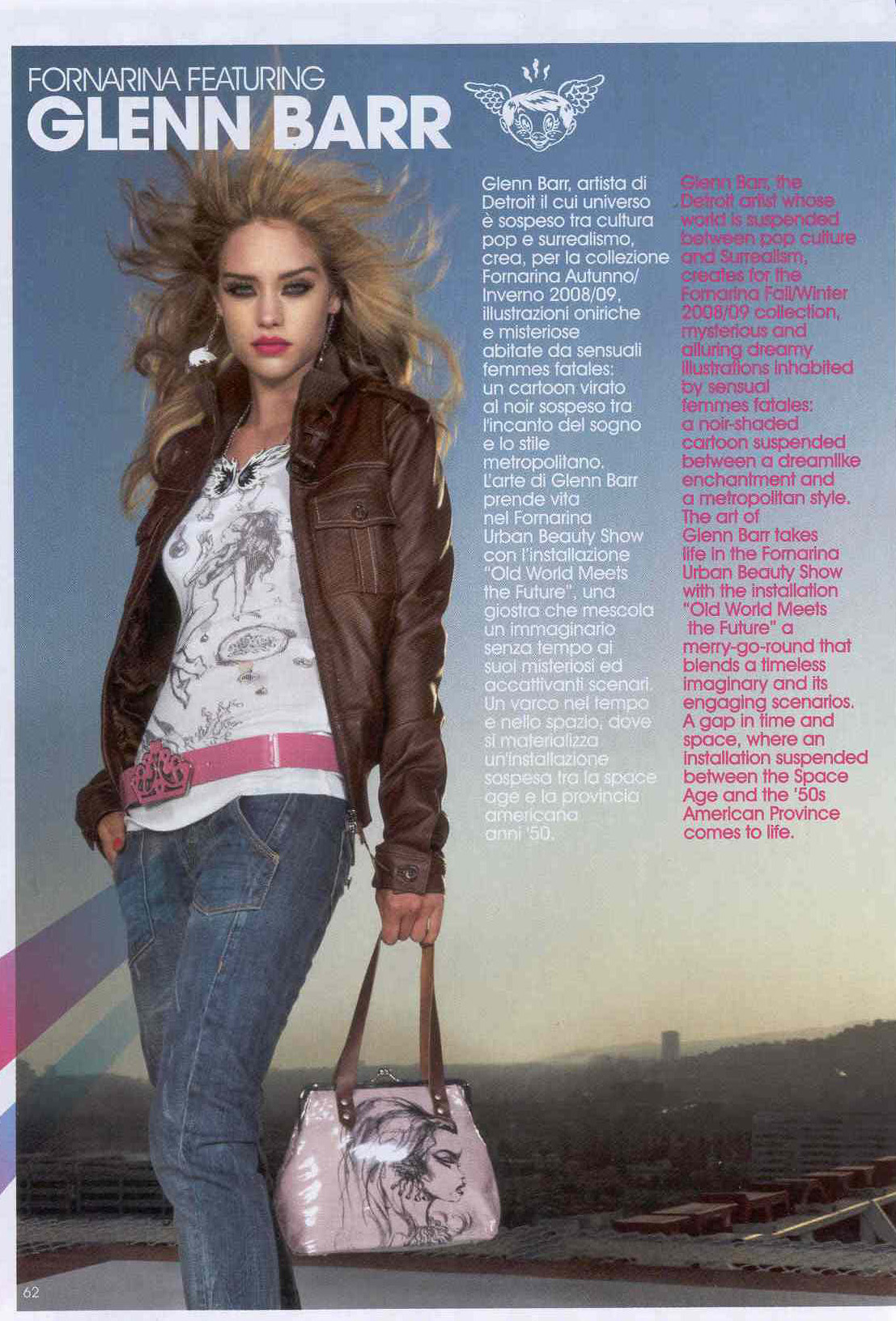
she looks so beautiful in those pictures
-
thanks Jal and finchesthalia for the scans
-
-
she looks so gorgeous in those outfits thanks
its not her fault and her recovery is good..her smile
Diane Natalie
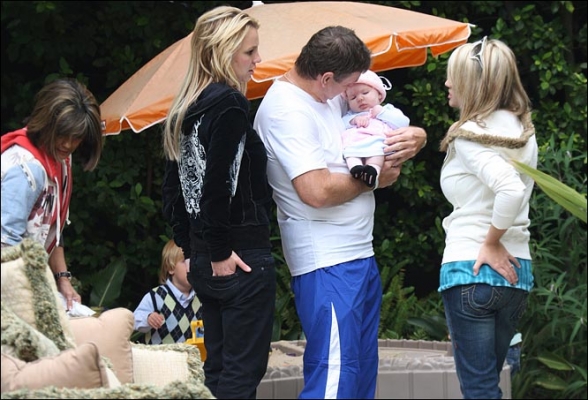
you mean this one Berno?













Account
Navigation
Search
Configure browser push notifications
Chrome (Android)
- Tap the lock icon next to the address bar.
- Tap Permissions → Notifications.
- Adjust your preference.
Chrome (Desktop)
- Click the padlock icon in the address bar.
- Select Site settings.
- Find Notifications and adjust your preference.
Safari (iOS 16.4+)
- Ensure the site is installed via Add to Home Screen.
- Open Settings App → Notifications.
- Find your app name and adjust your preference.
Safari (macOS)
- Go to Safari → Preferences.
- Click the Websites tab.
- Select Notifications in the sidebar.
- Find this website and adjust your preference.
Edge (Android)
- Tap the lock icon next to the address bar.
- Tap Permissions.
- Find Notifications and adjust your preference.
Edge (Desktop)
- Click the padlock icon in the address bar.
- Click Permissions for this site.
- Find Notifications and adjust your preference.
Firefox (Android)
- Go to Settings → Site permissions.
- Tap Notifications.
- Find this site in the list and adjust your preference.
Firefox (Desktop)
- Open Firefox Settings.
- Search for Notifications.
- Find this site in the list and adjust your preference.