danny-19
Members
-
Joined
Everything posted by danny-19
-
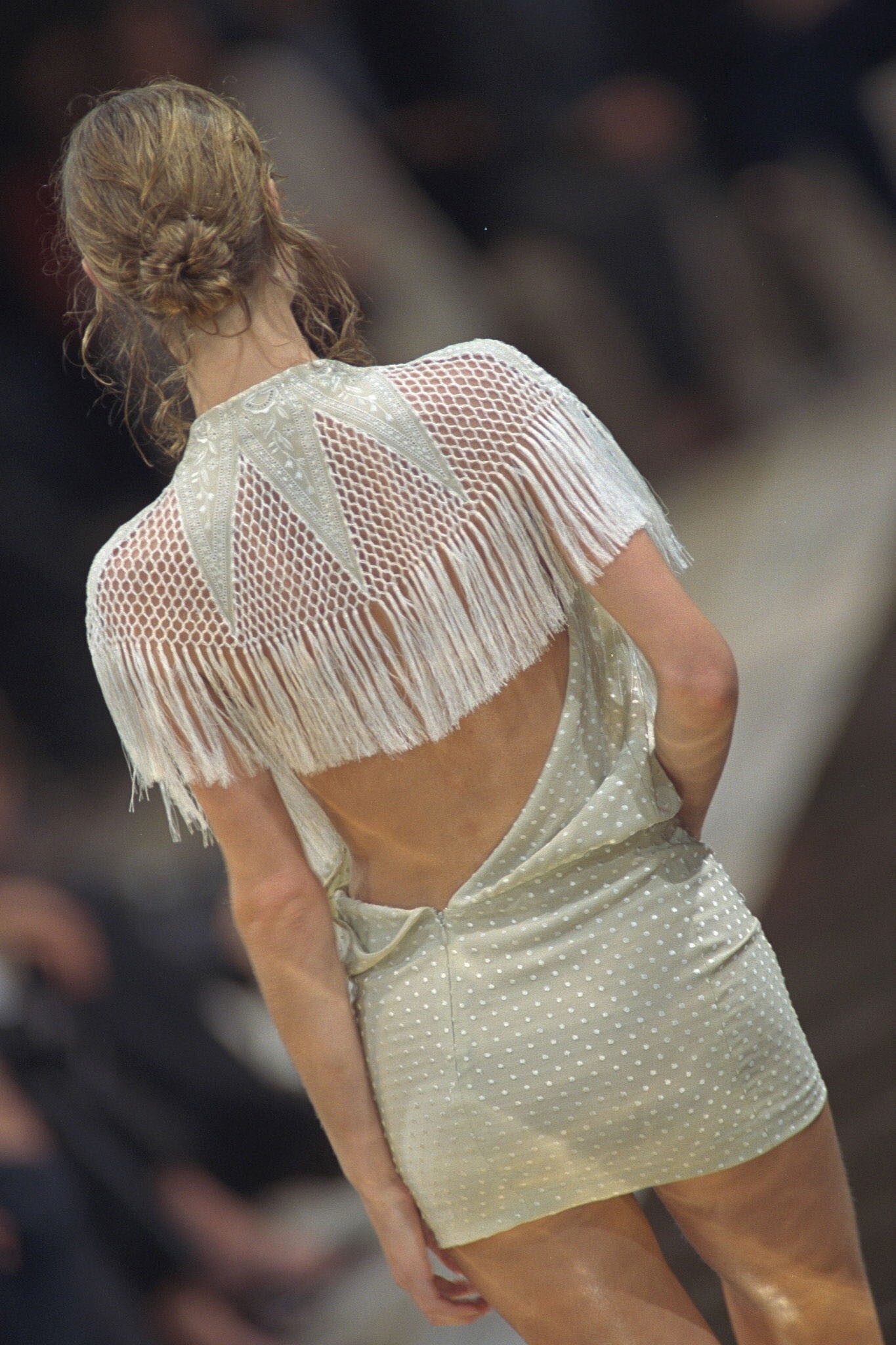
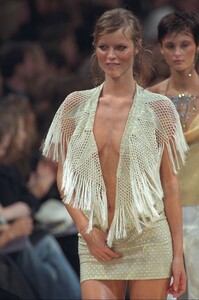
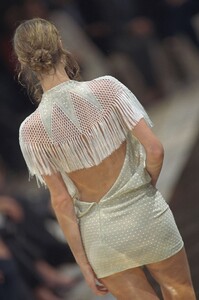
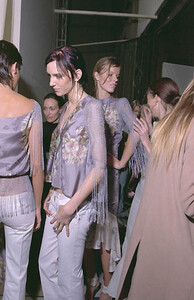
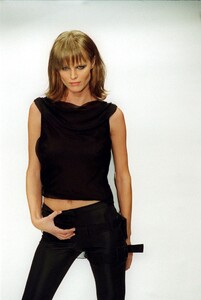
 ^ You are welcome! Chloe S/S 2000 - runway HQs and really small backstage pic Paco Rabanne S/S 2000: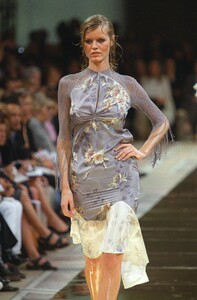
-
Thank you so much for all the amazing rarities you post @ArianaVSCouture
-
Oops, I didn't check Irina's thread for quite some time and missed such wonderful updates! Thank you so much, my dear friend @ArianaVSCouture
-
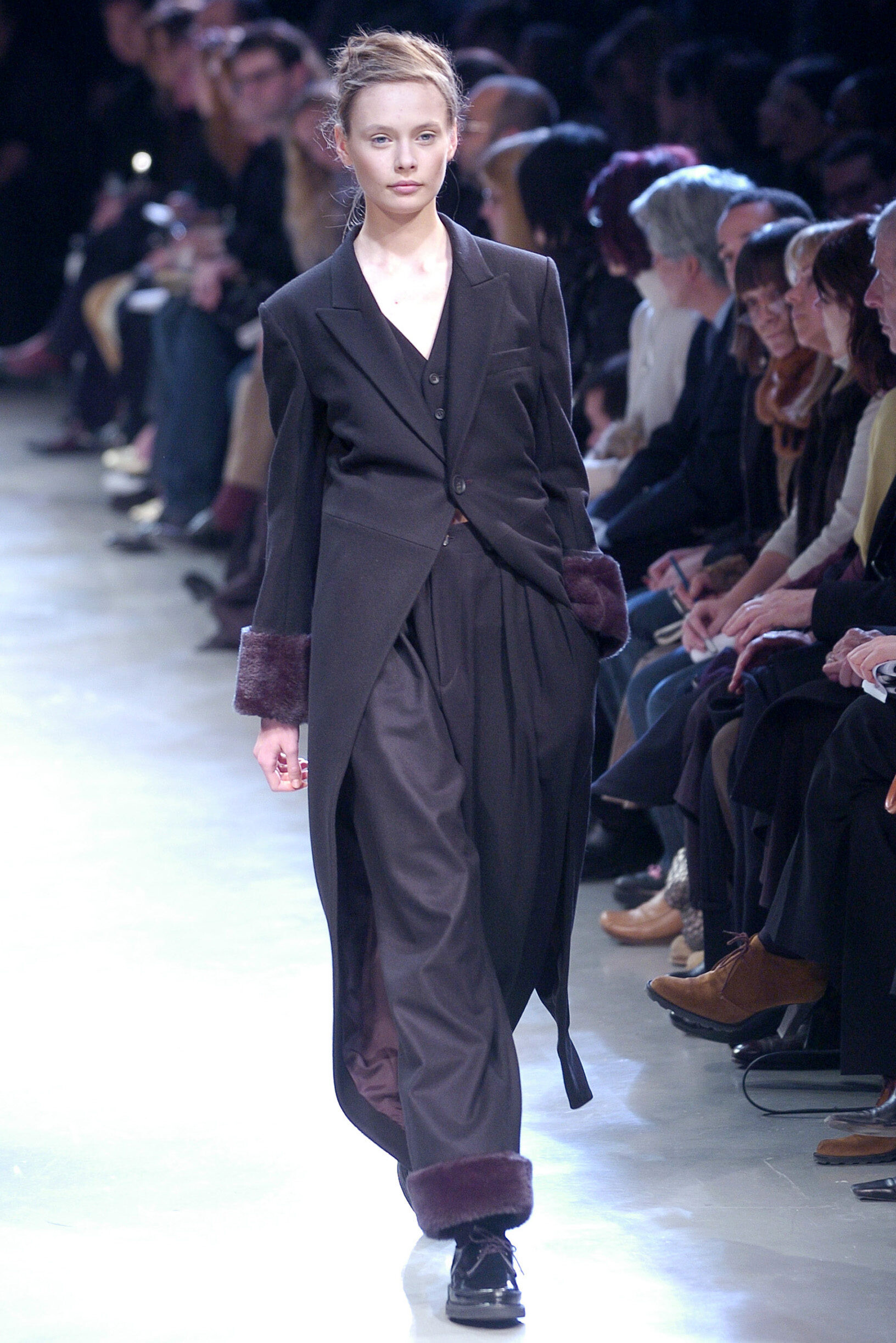
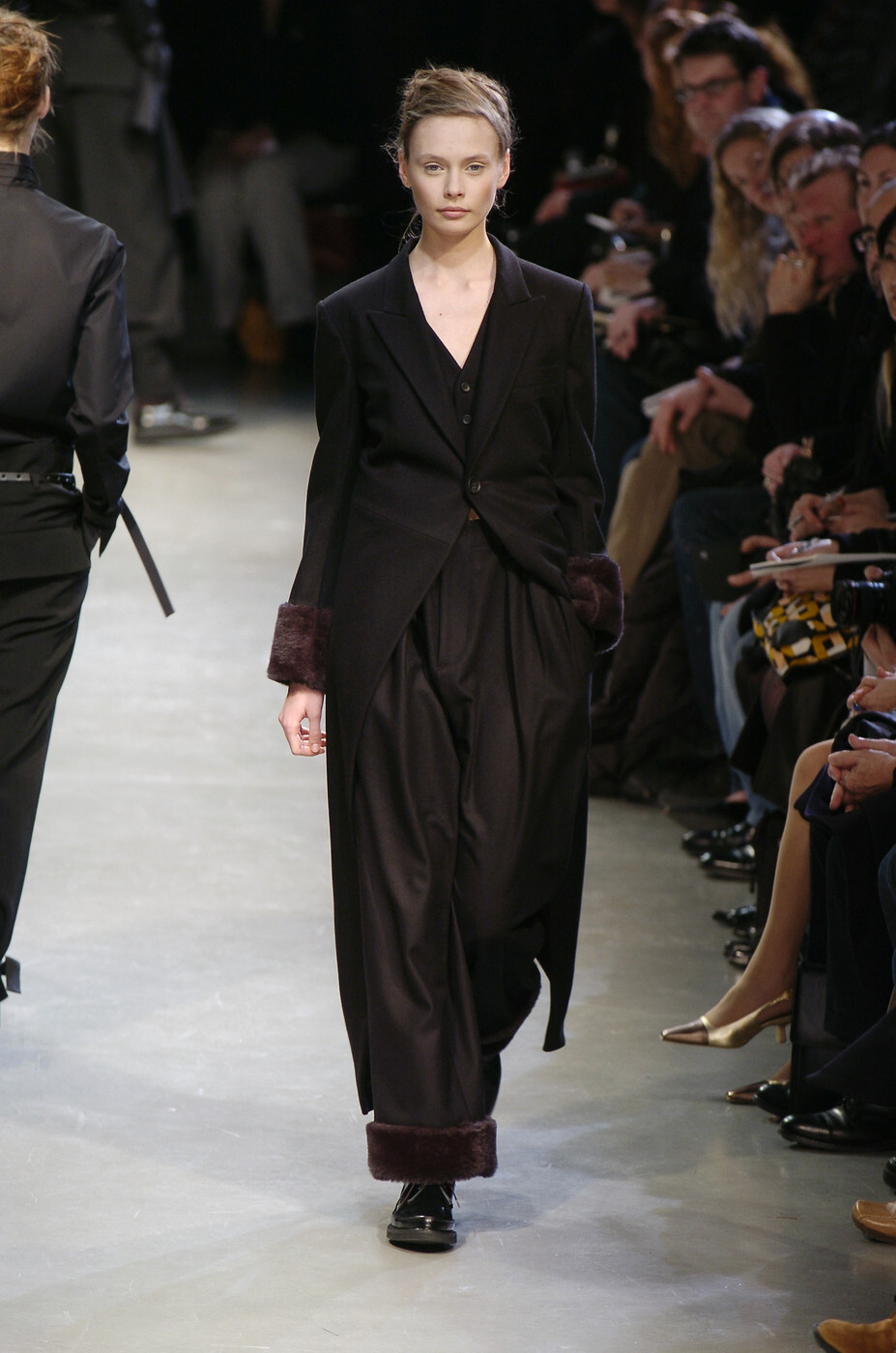
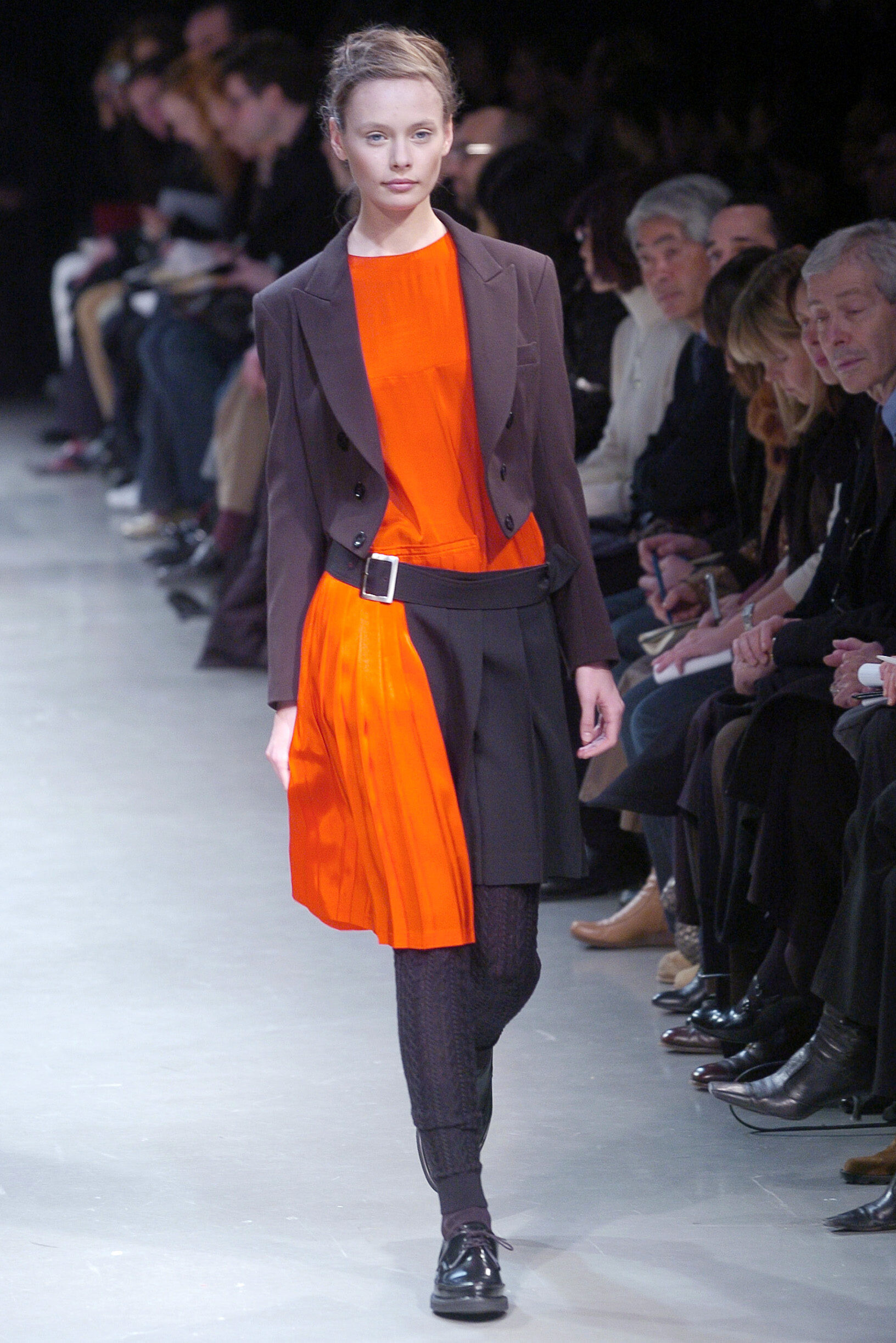
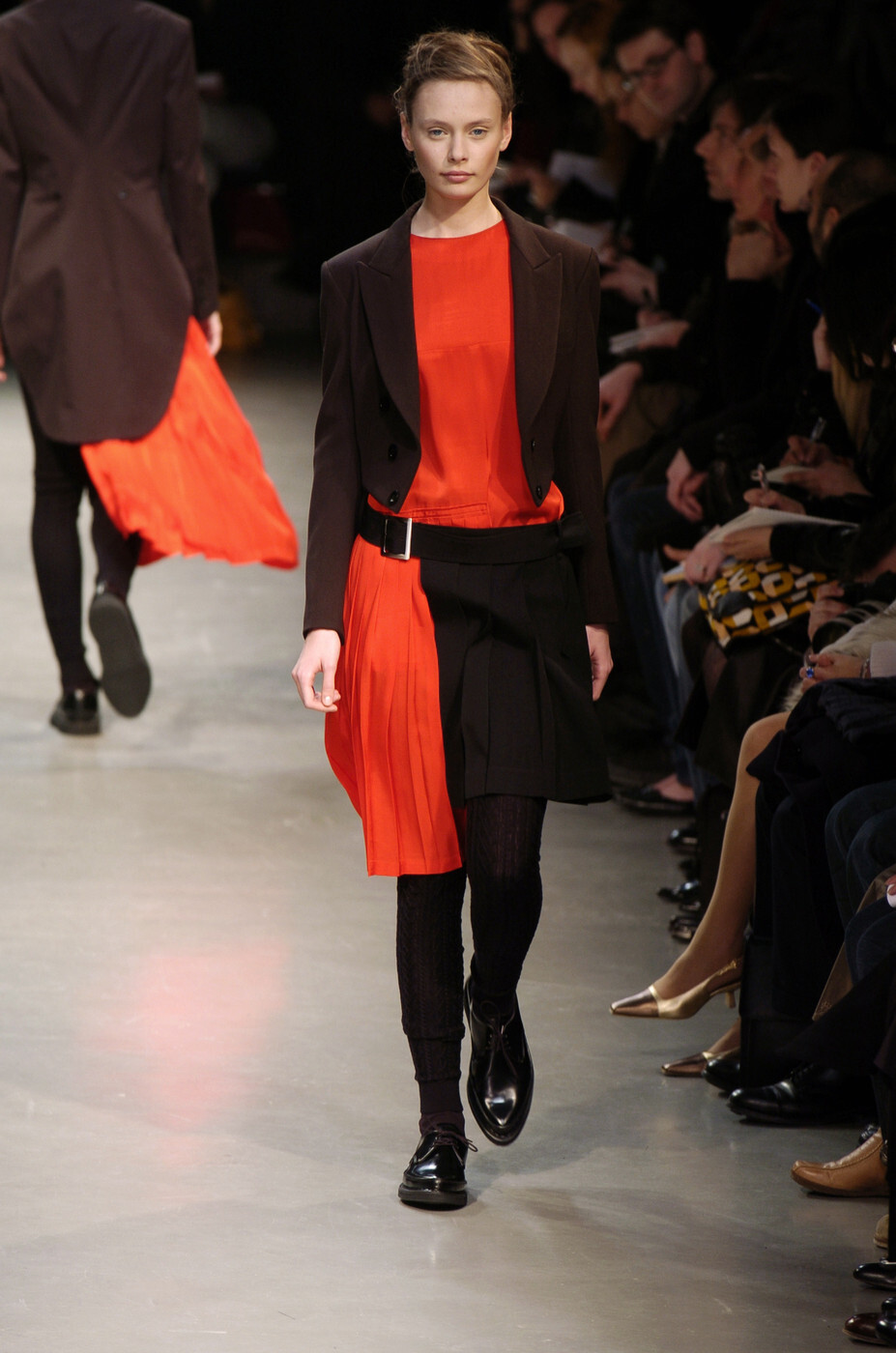
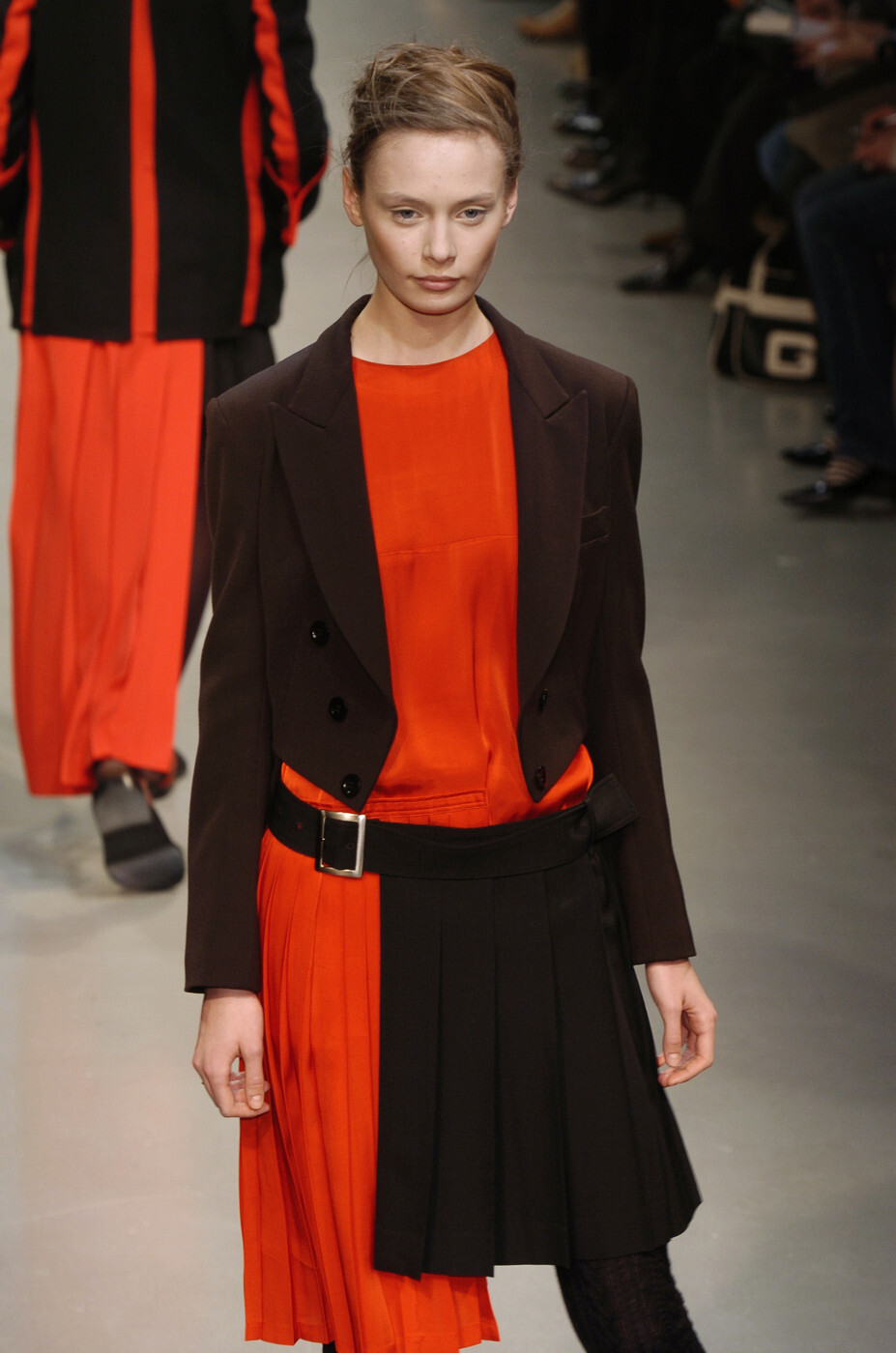
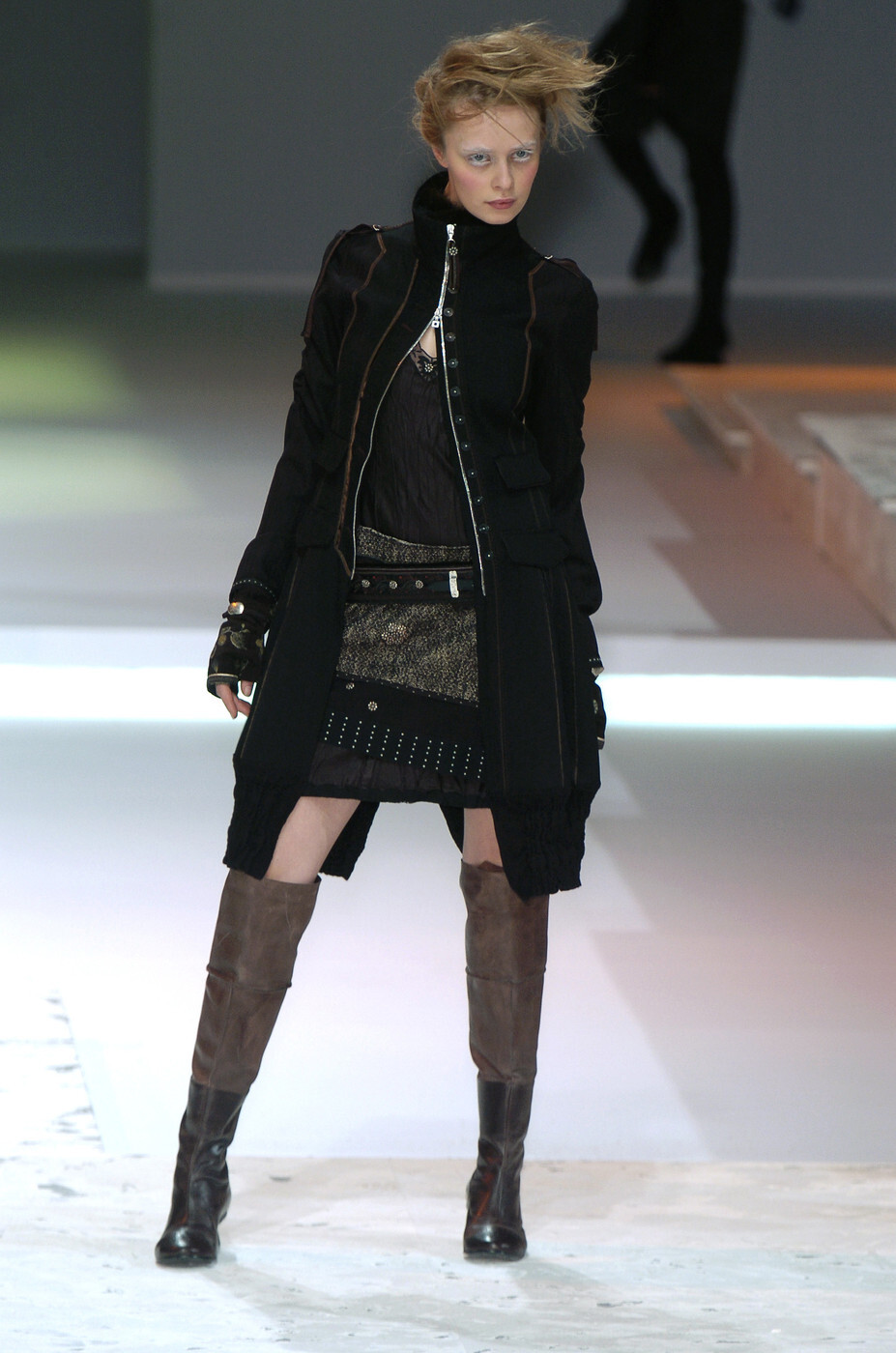
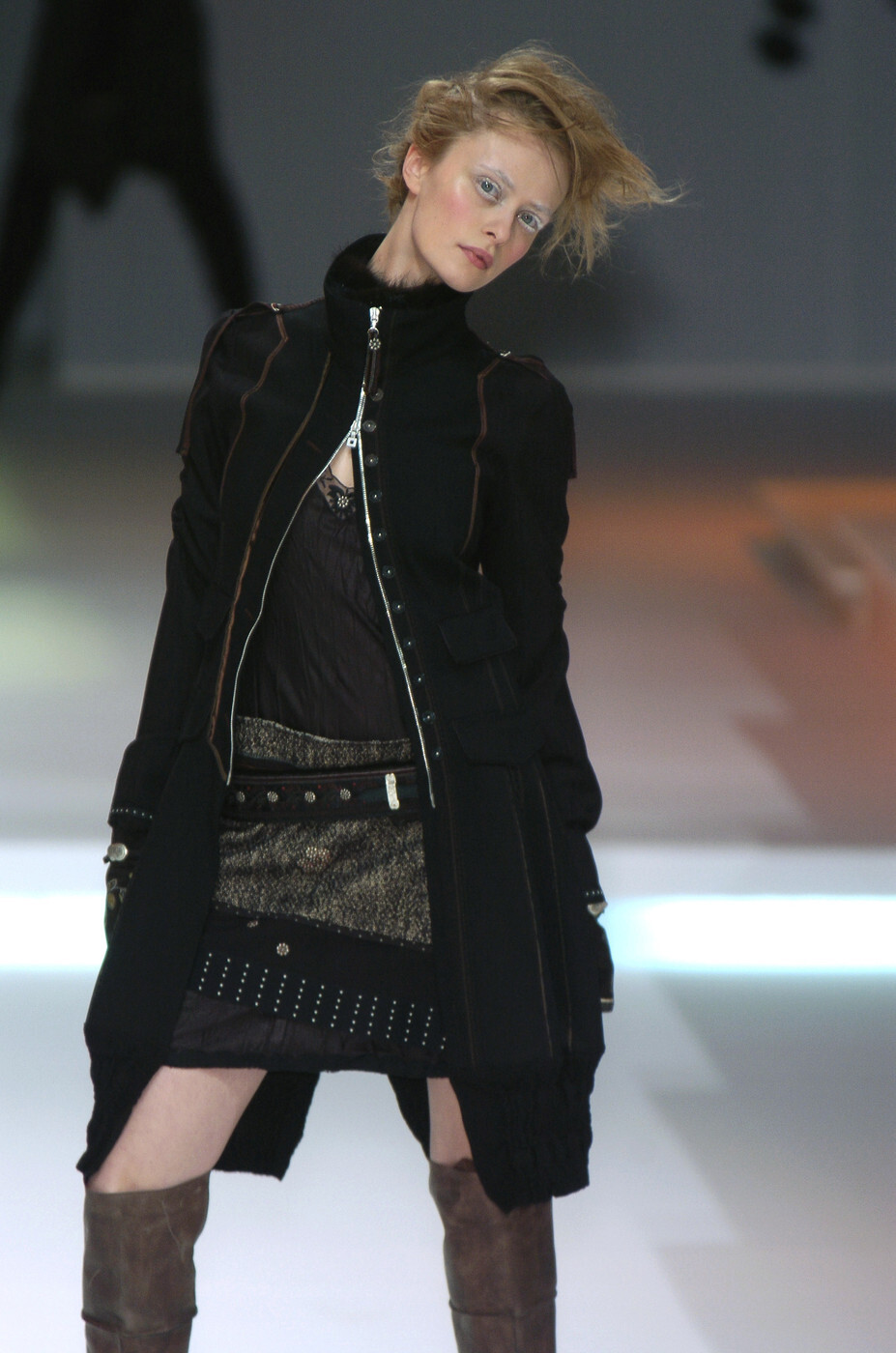
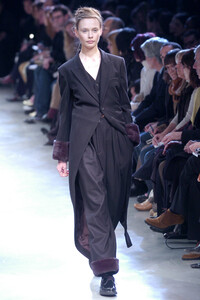
Y's F/W 2004:
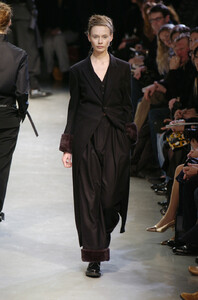
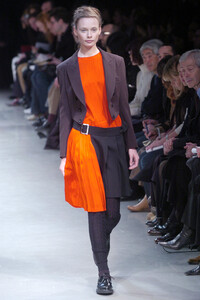
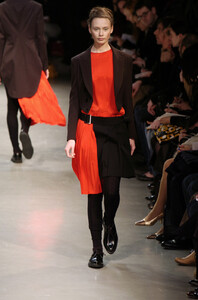
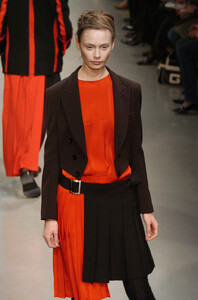
-
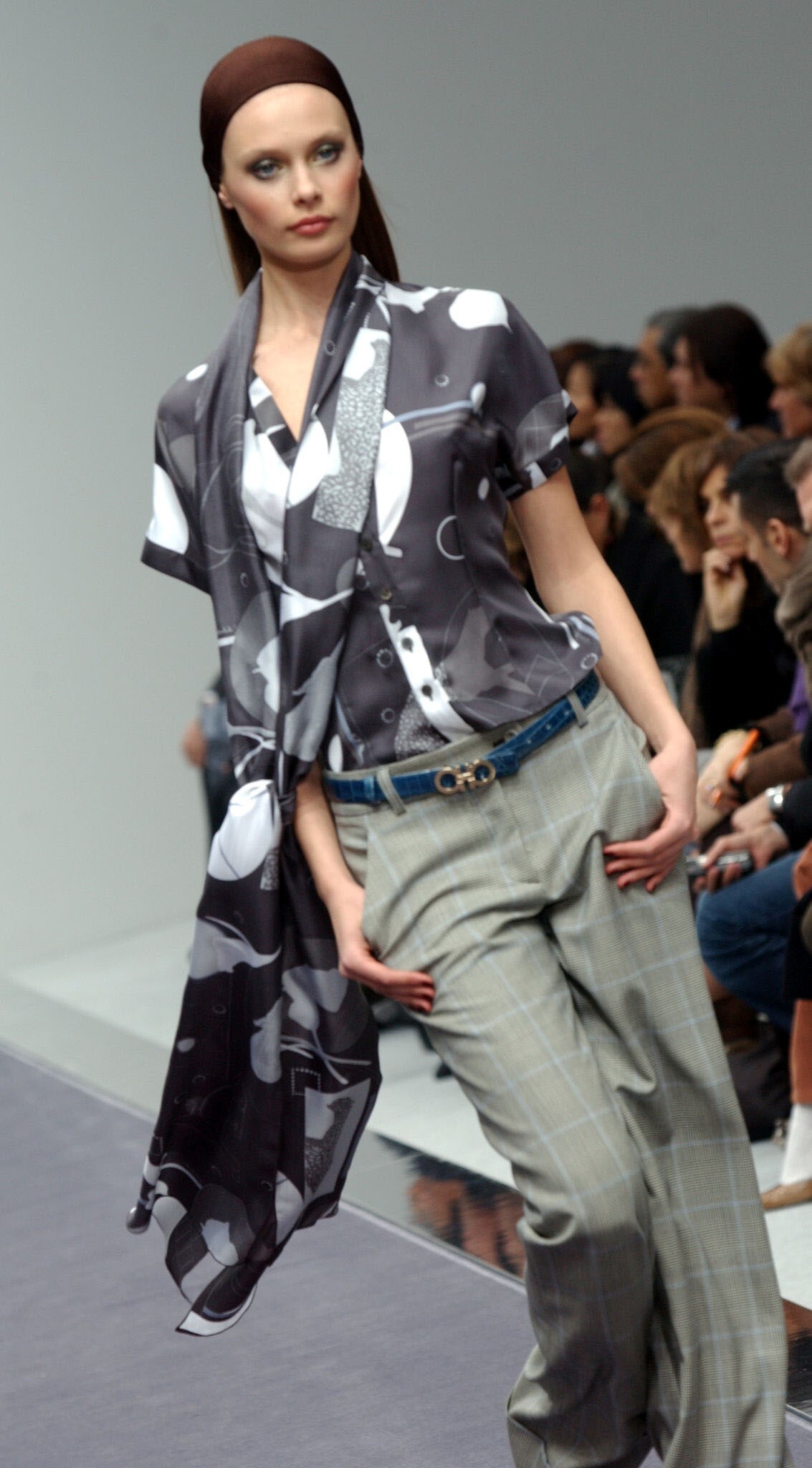
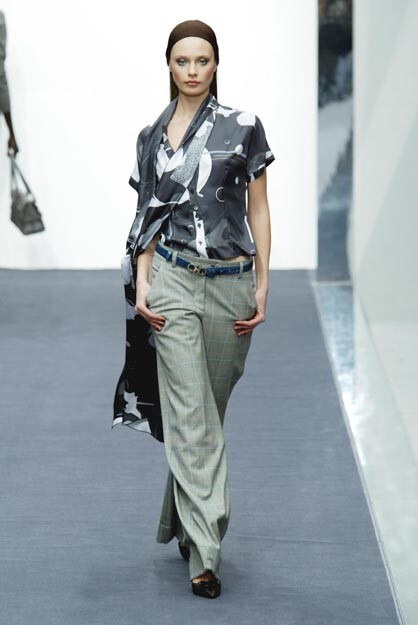
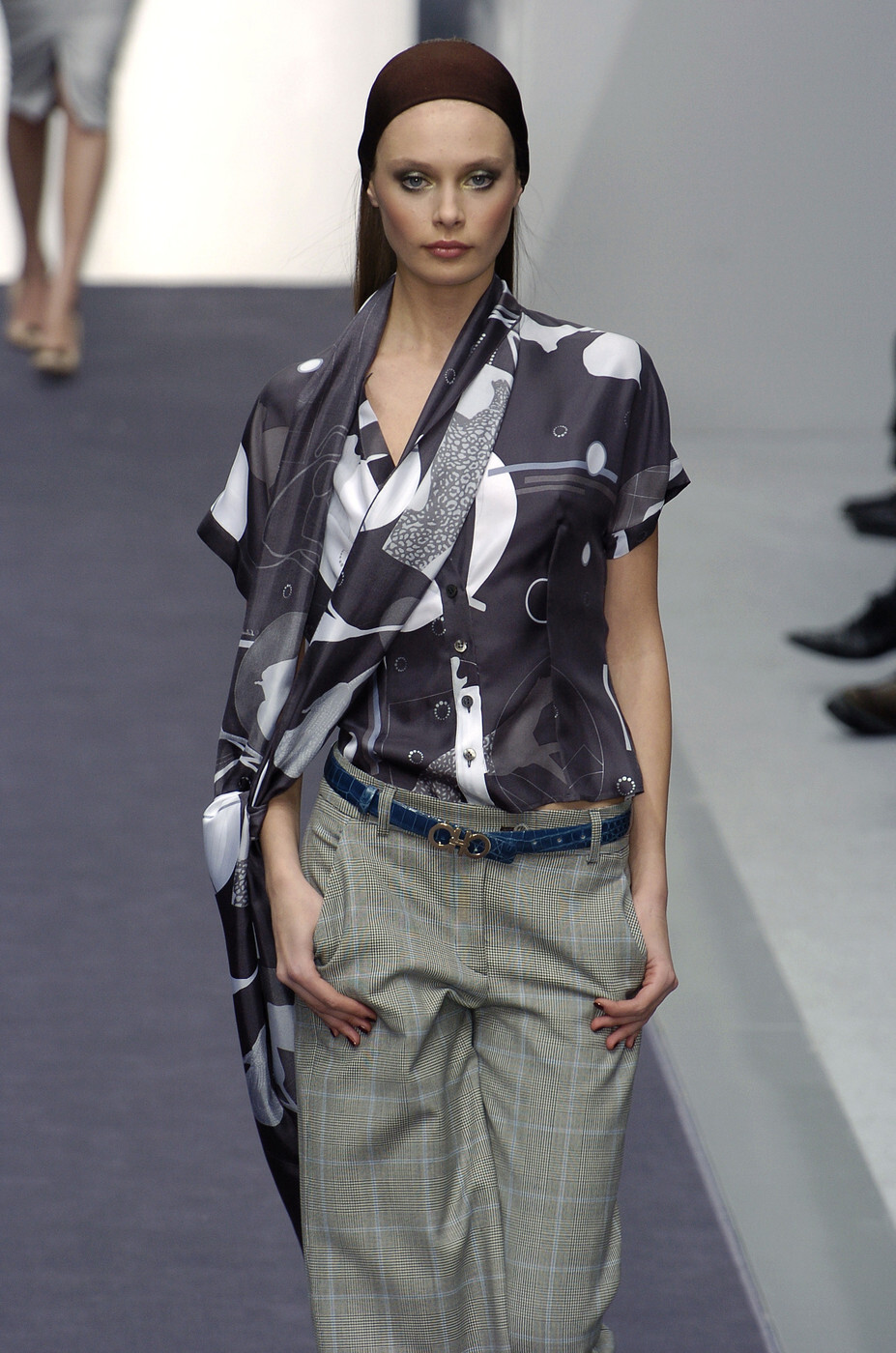
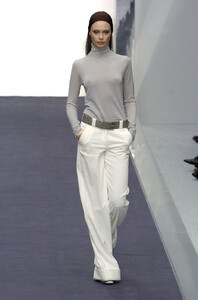
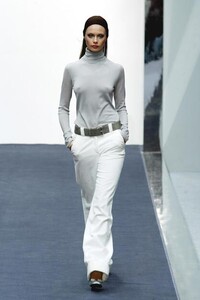
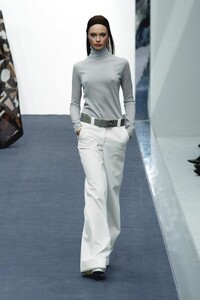
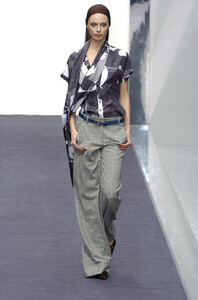
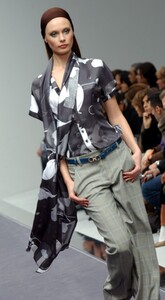
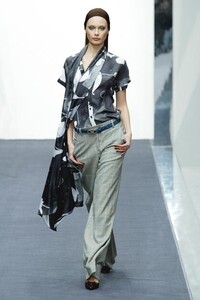
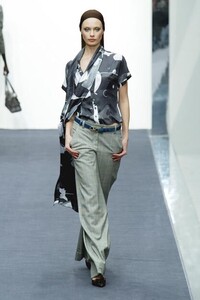
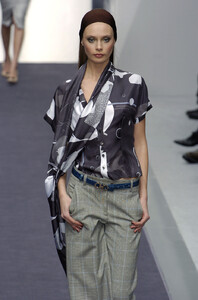
Salvatore Ferragamo F/W 2004 WARNING: SLIGHT SEE-THROUGH
-
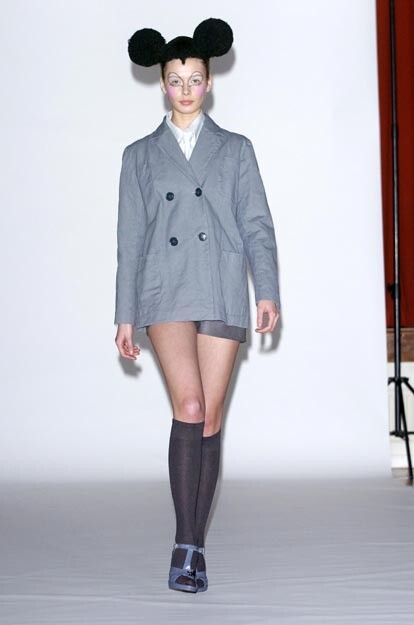
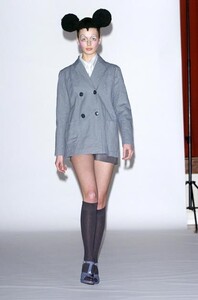
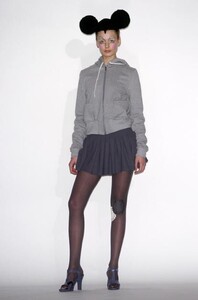
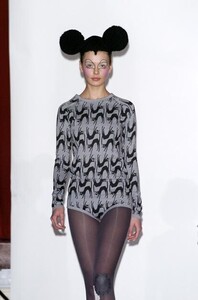
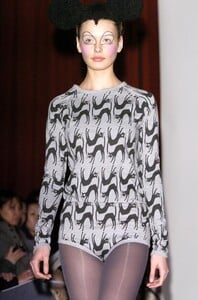
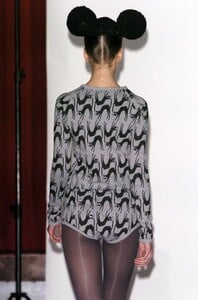
Peter Jensen F/W 2004:
-
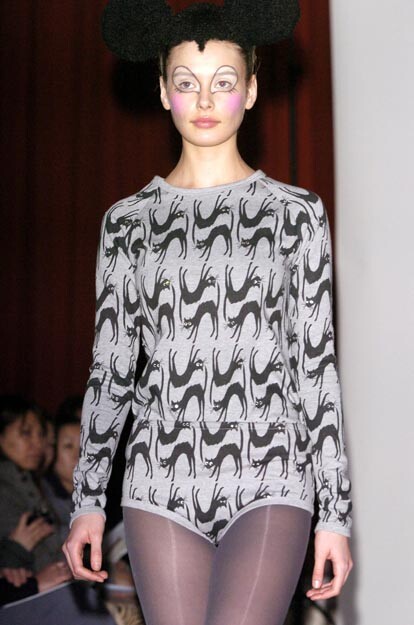
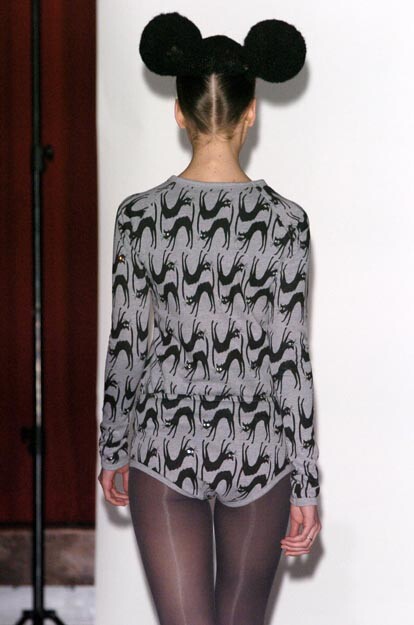
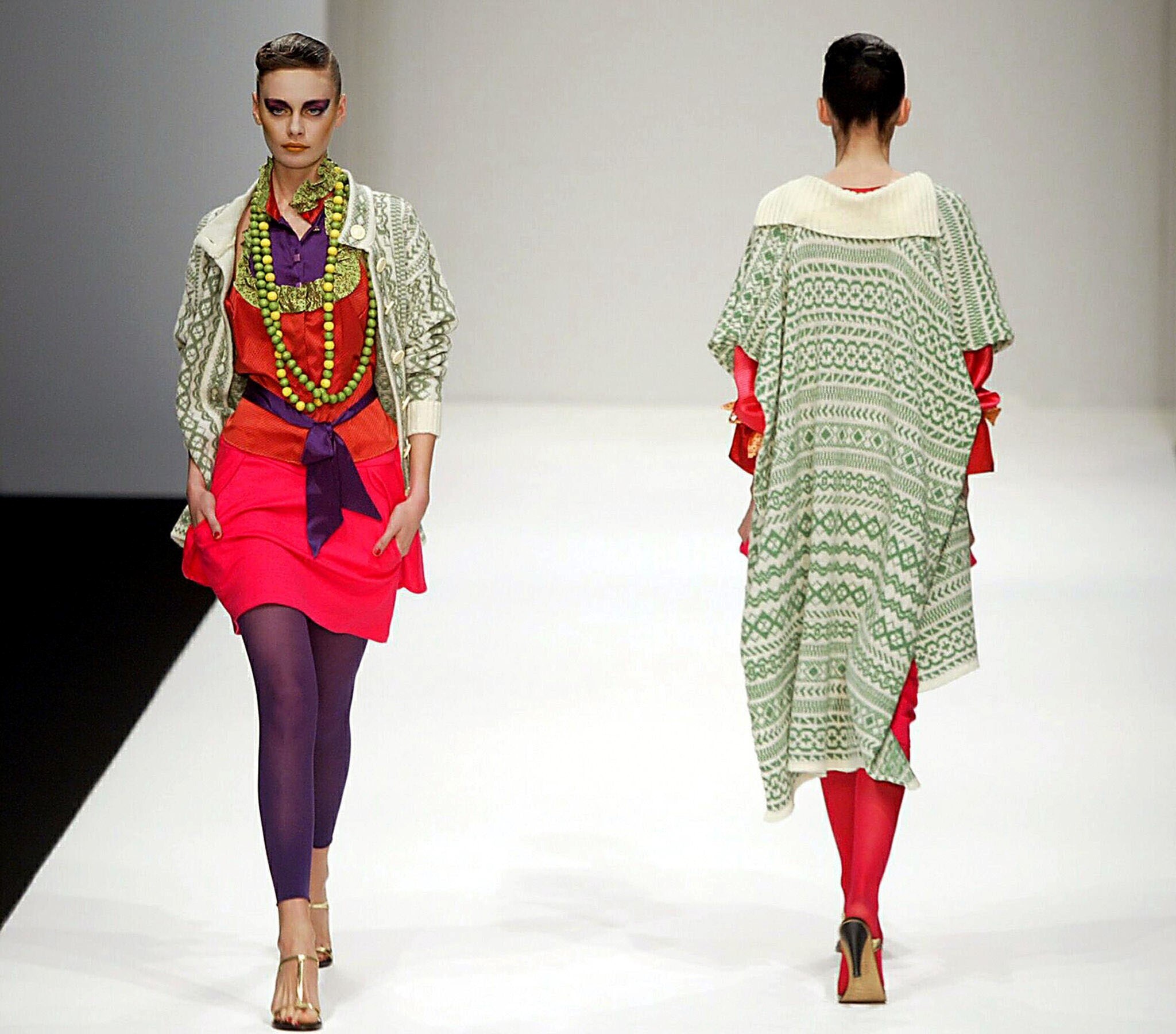
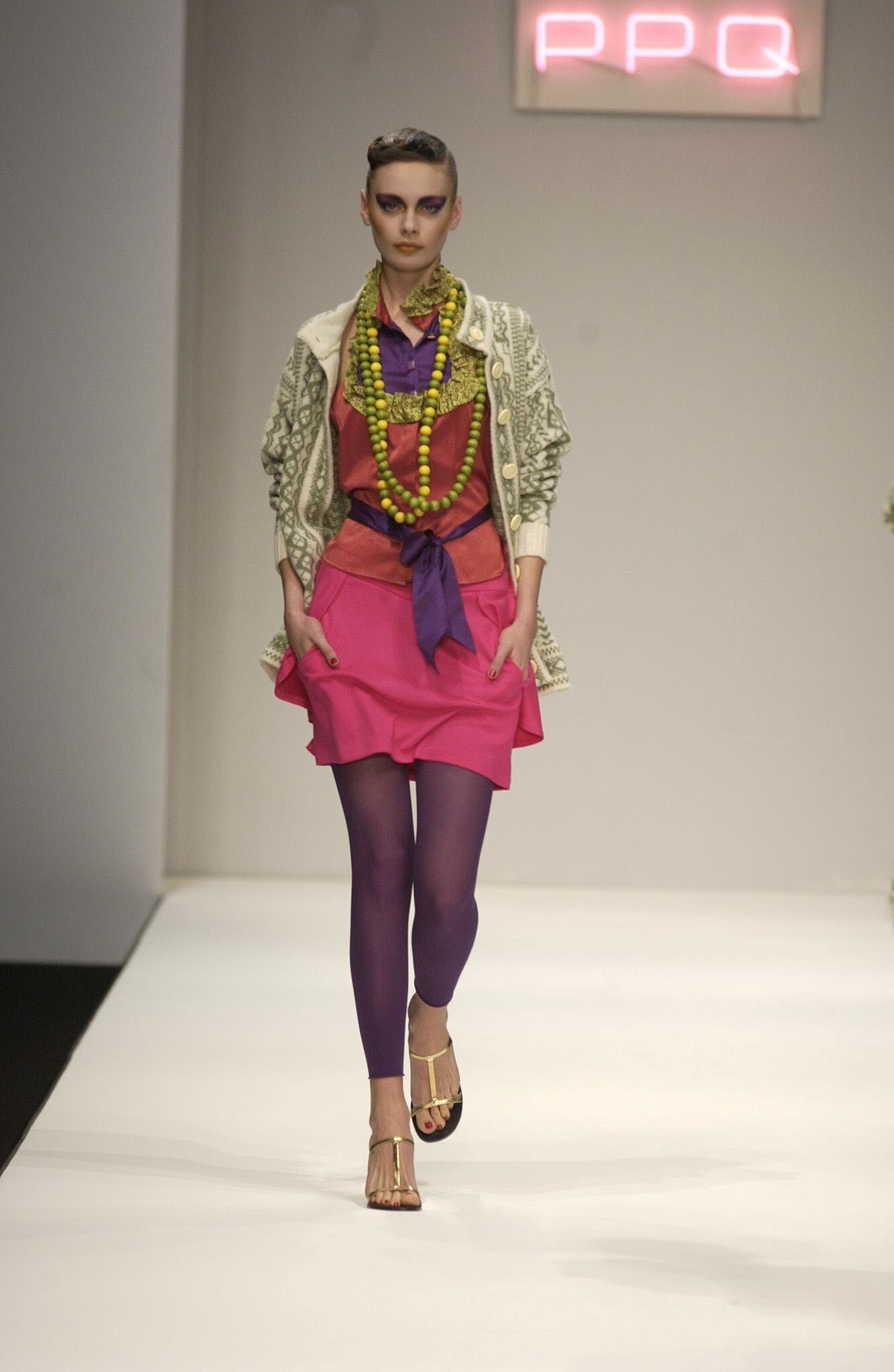
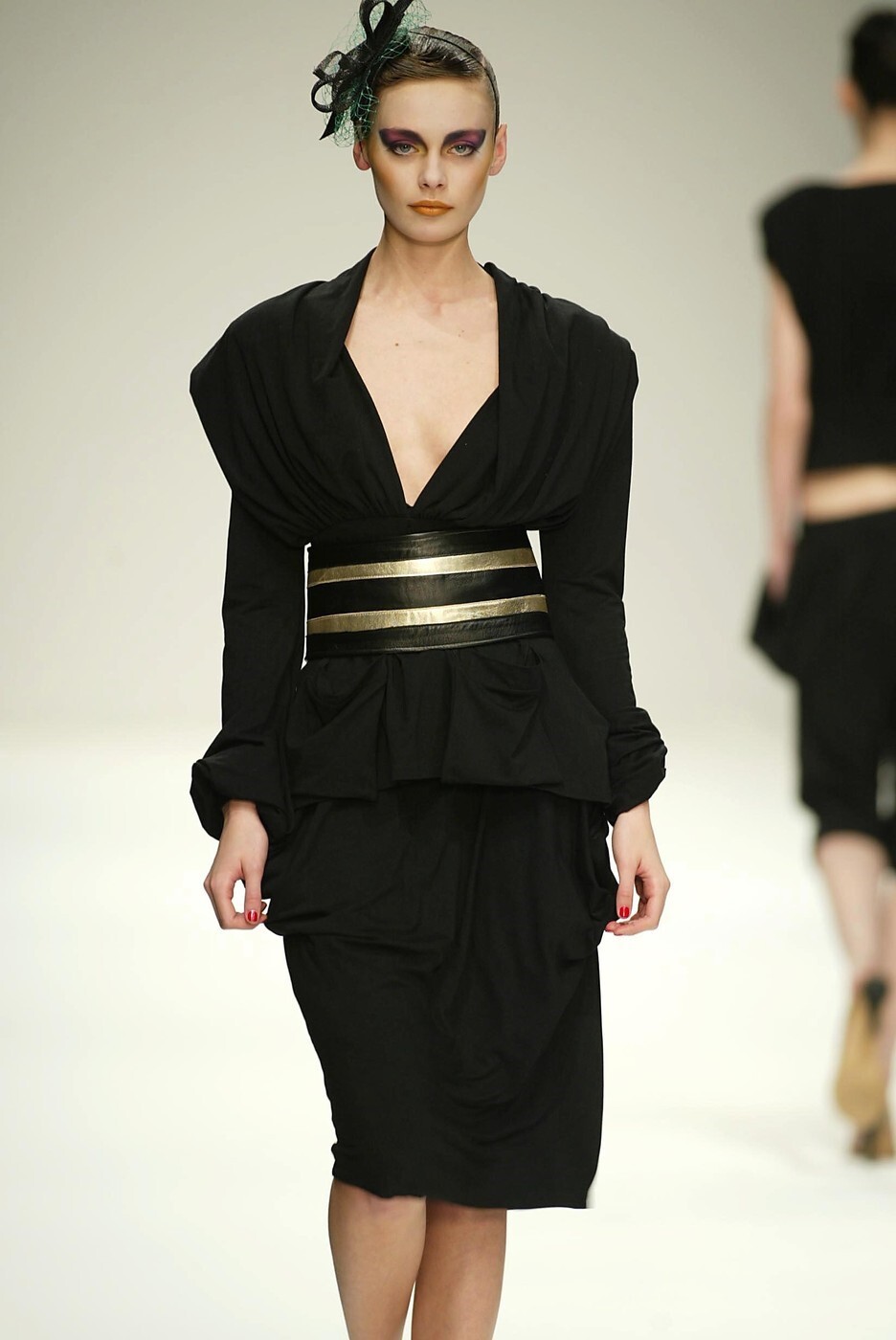
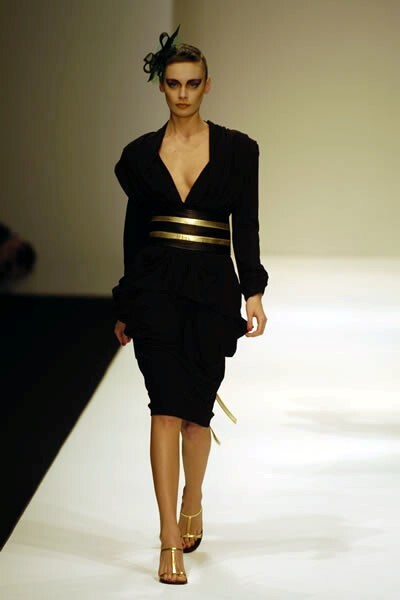
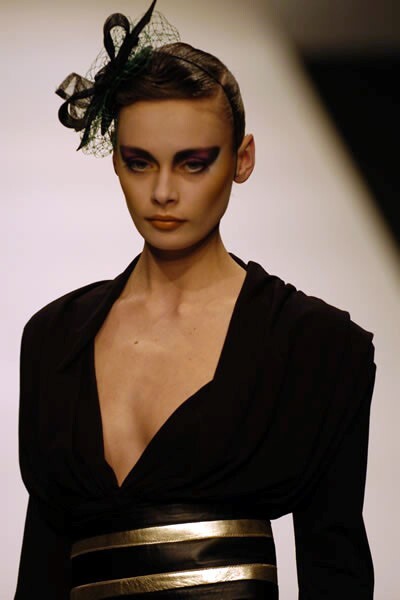
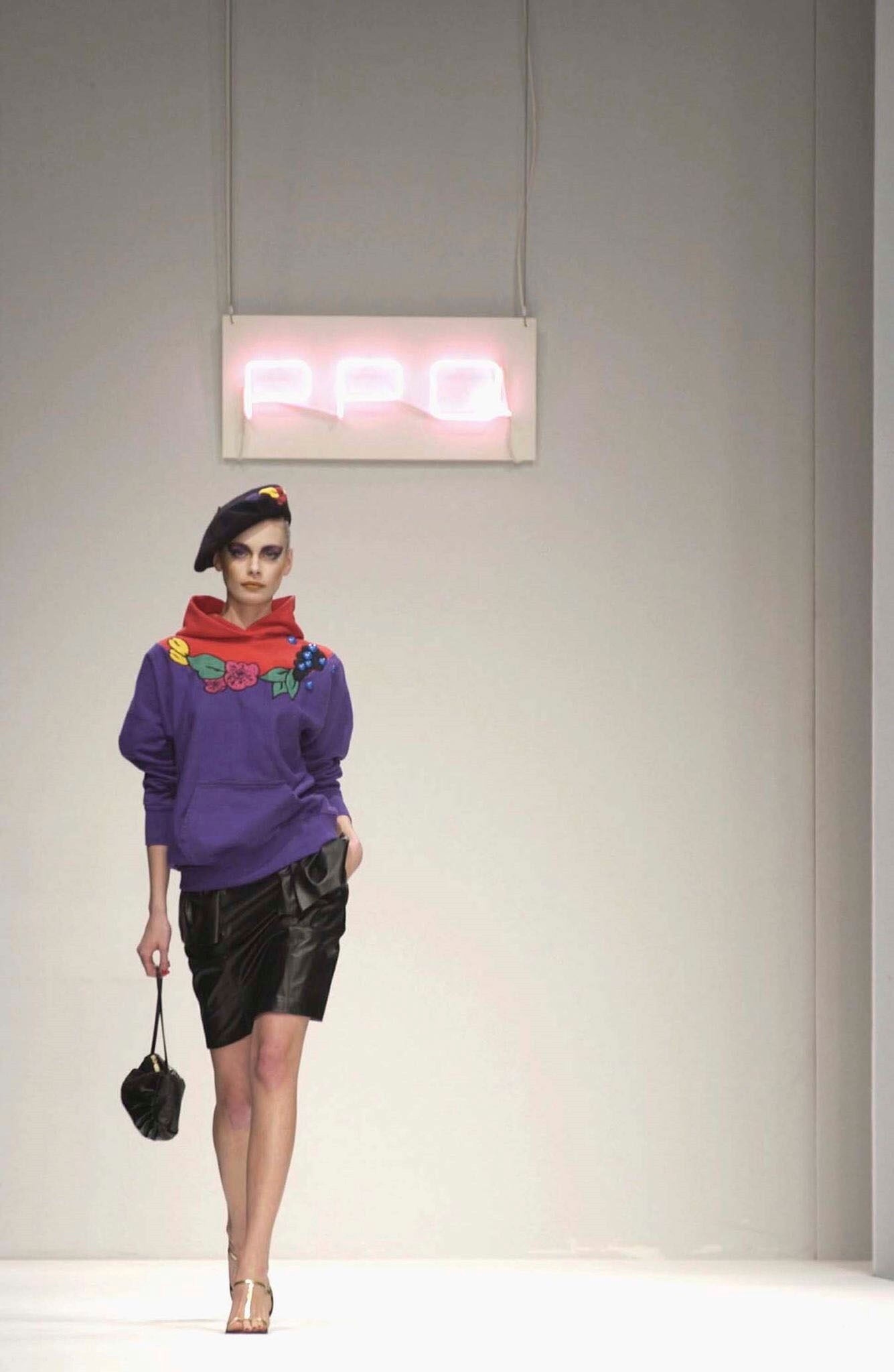
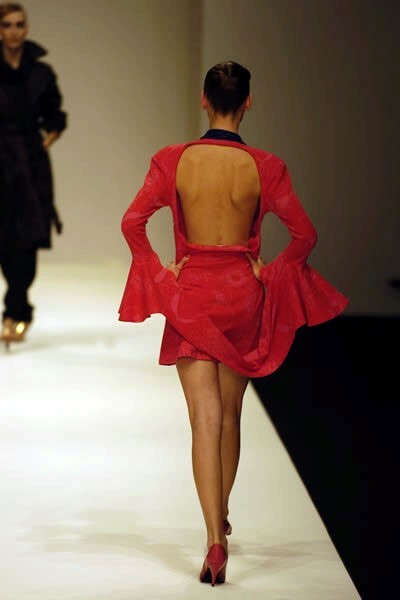
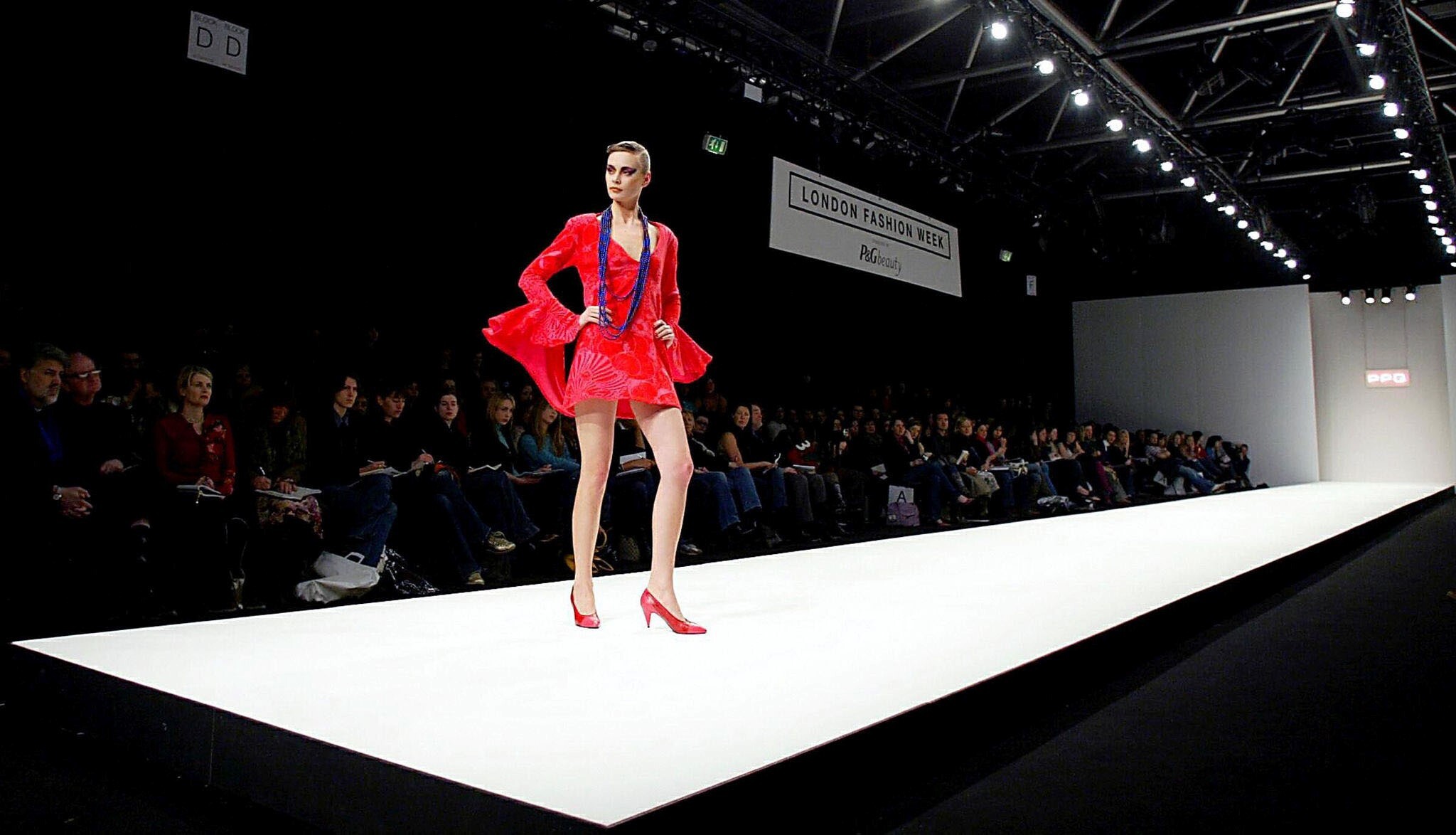
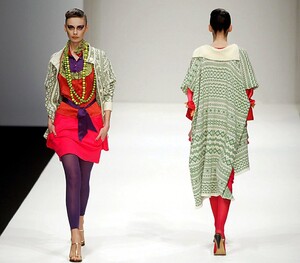
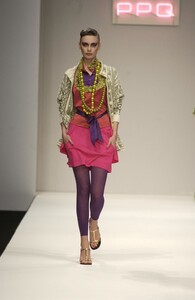
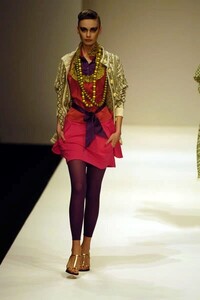
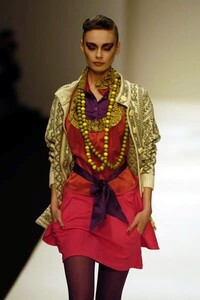
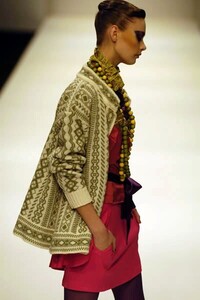
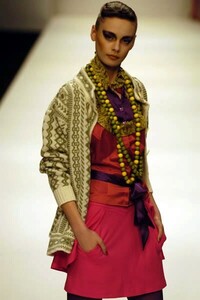
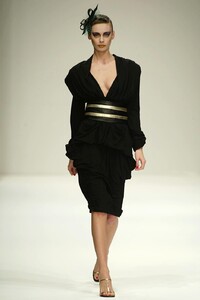
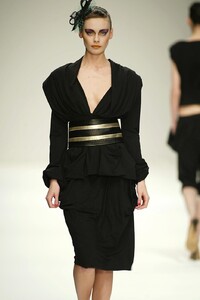
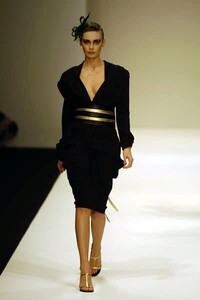
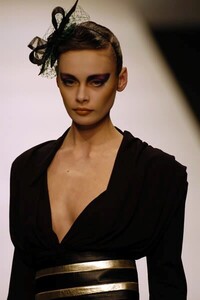
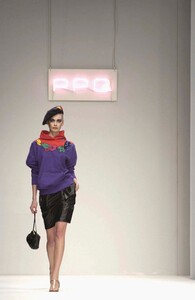
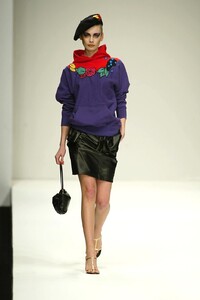
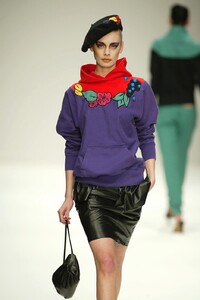
PPQ F/W 2004:
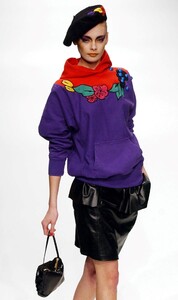
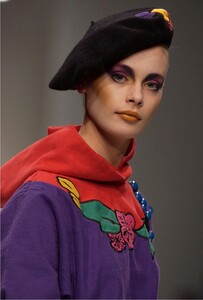
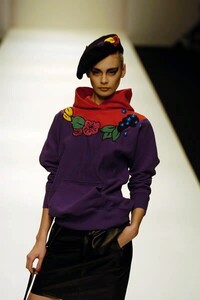
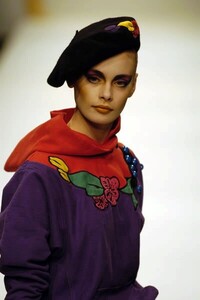
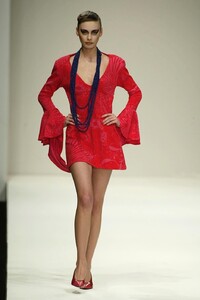
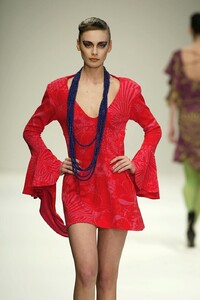
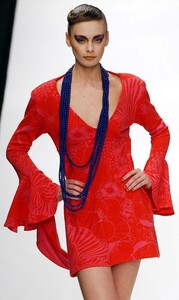
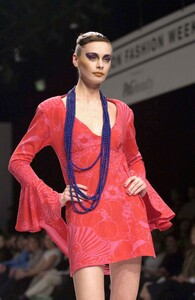
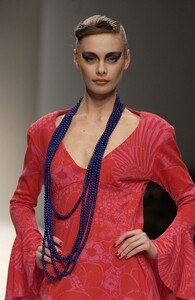
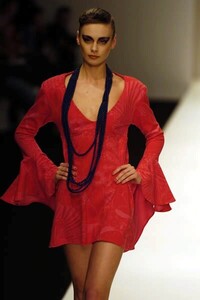
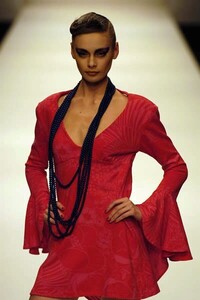
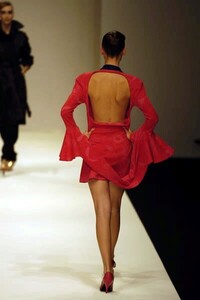
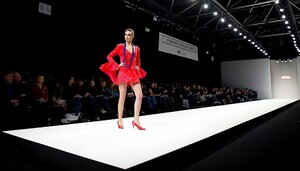
-
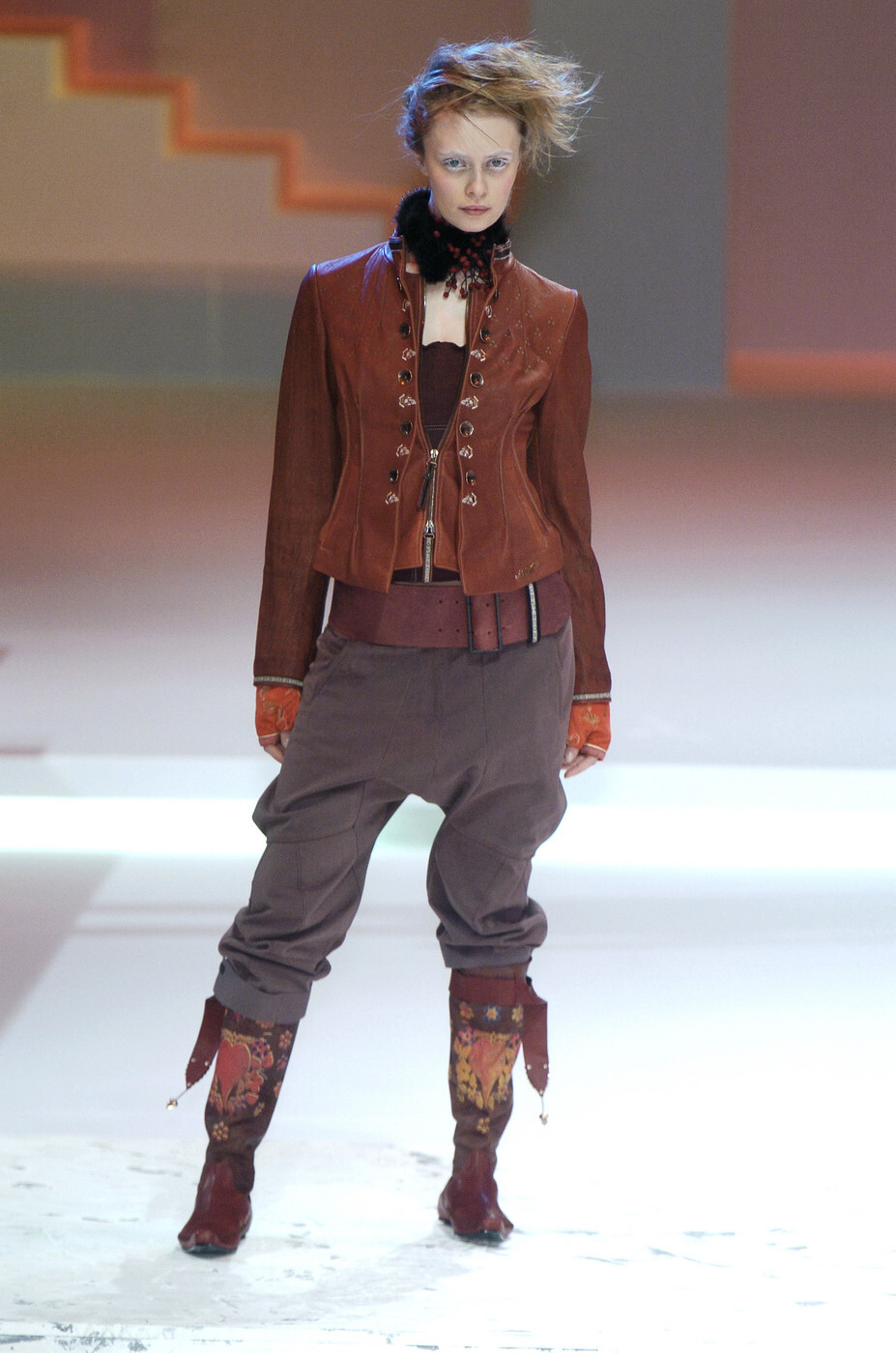
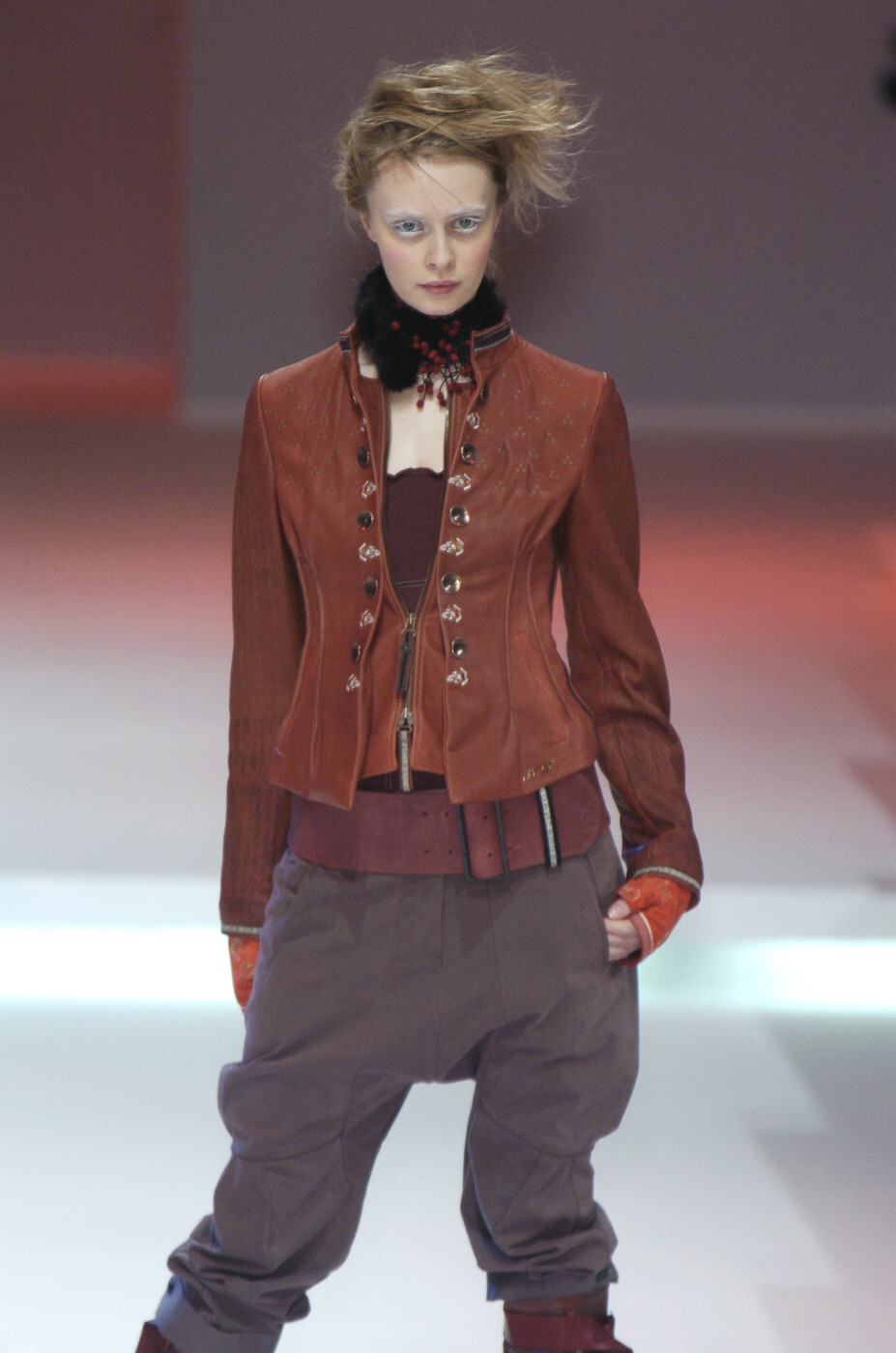
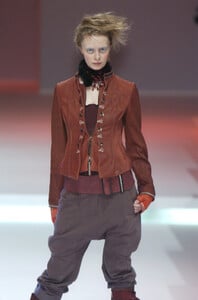
This must be Inguna, though she looks completely unrecognizable with this hair and make-up Marithe + Francois Girbaud F/W 2004:
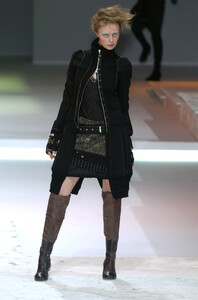
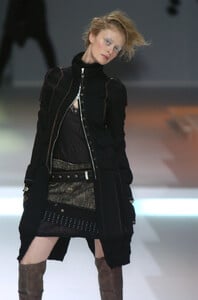
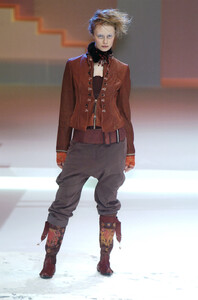
-
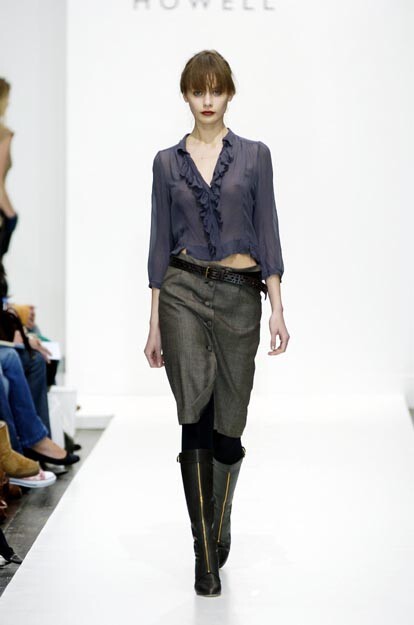
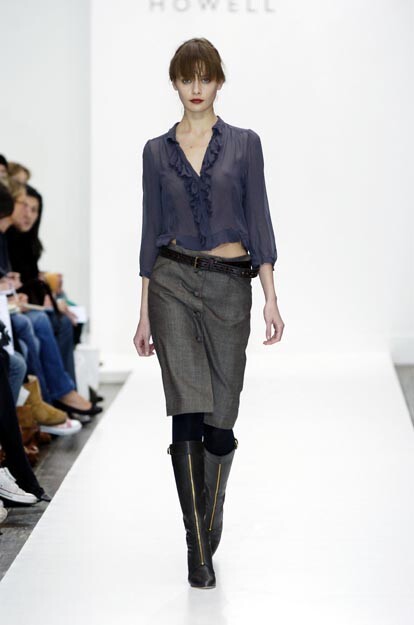
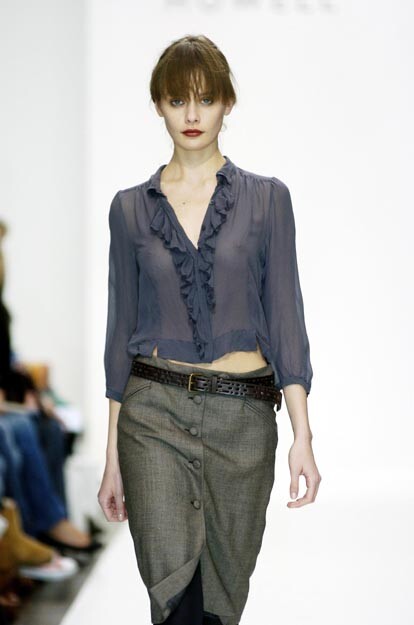
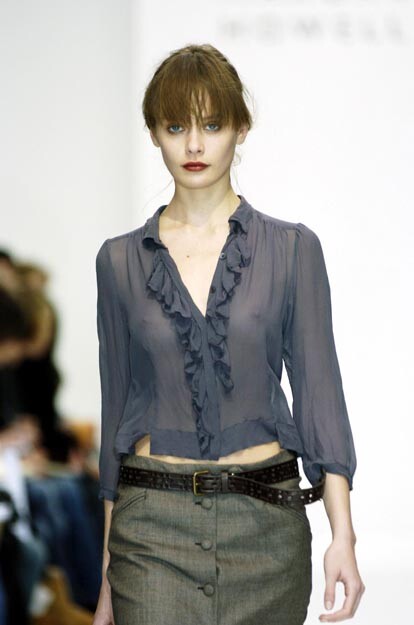
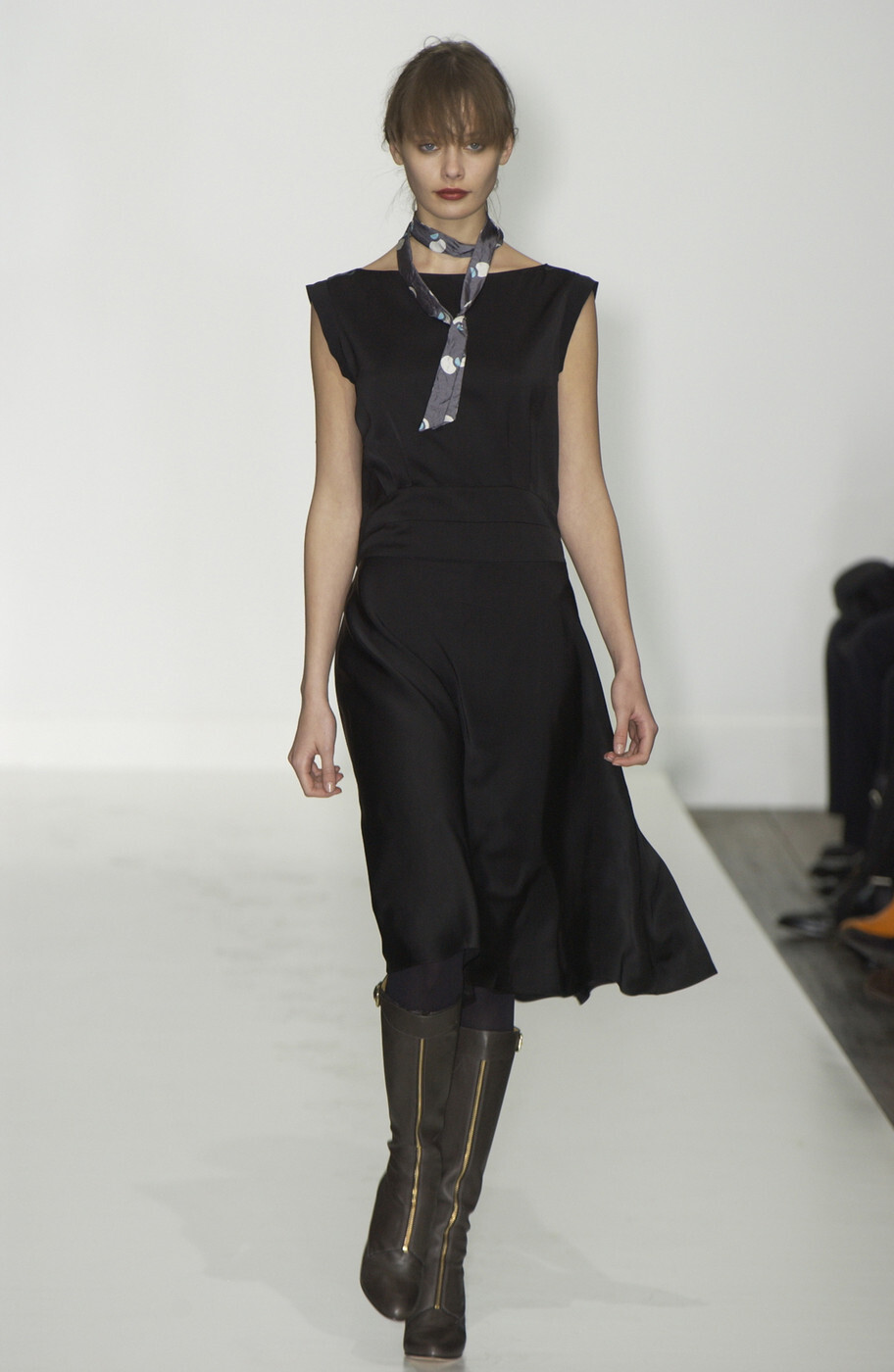
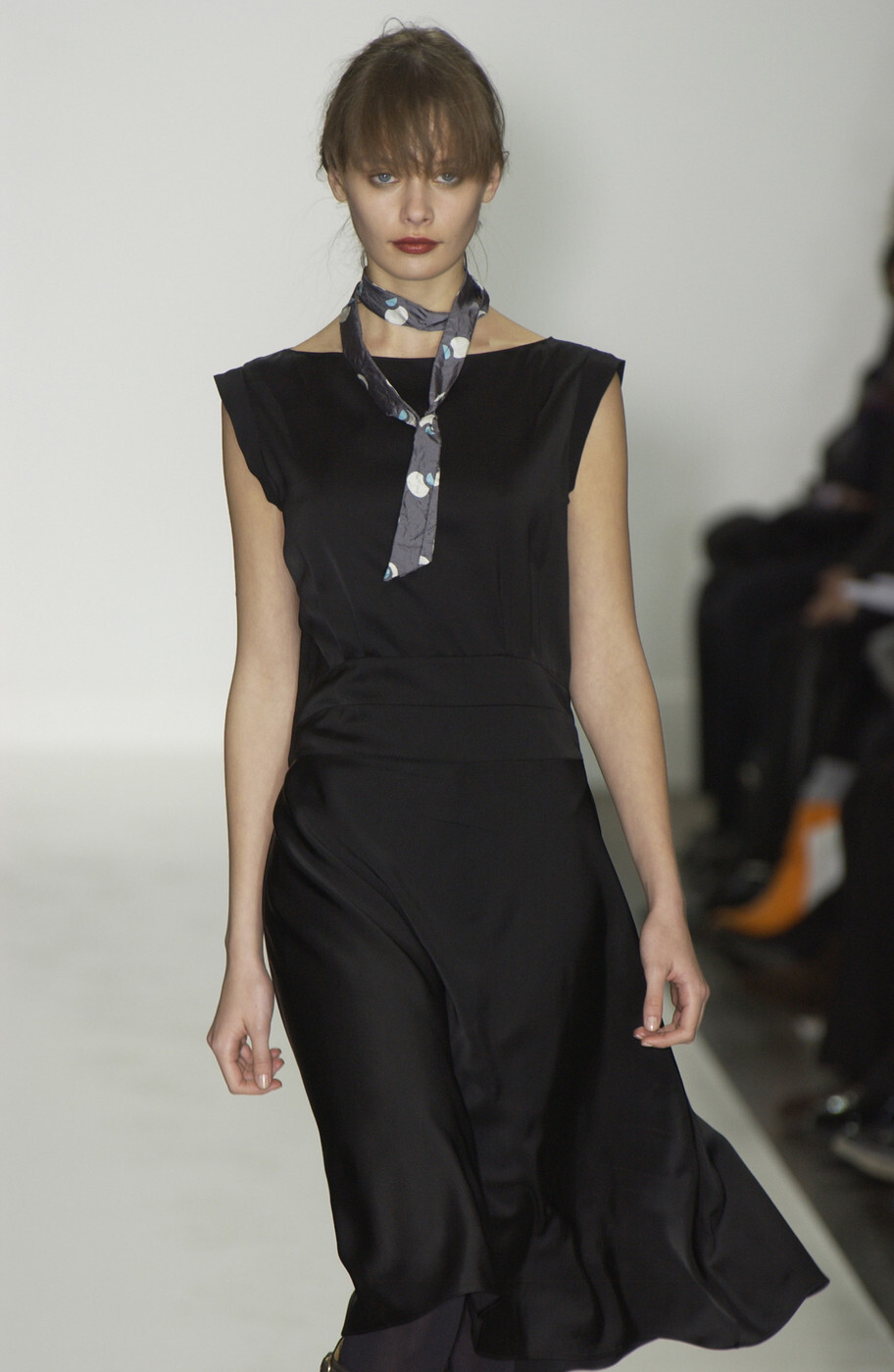
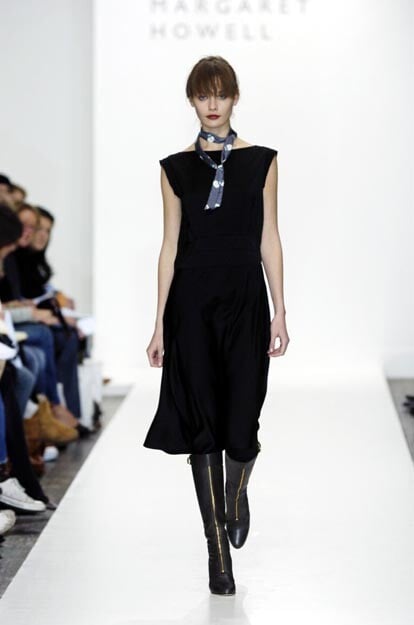
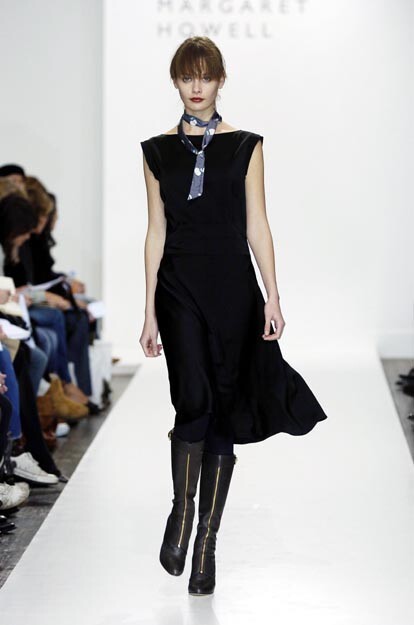
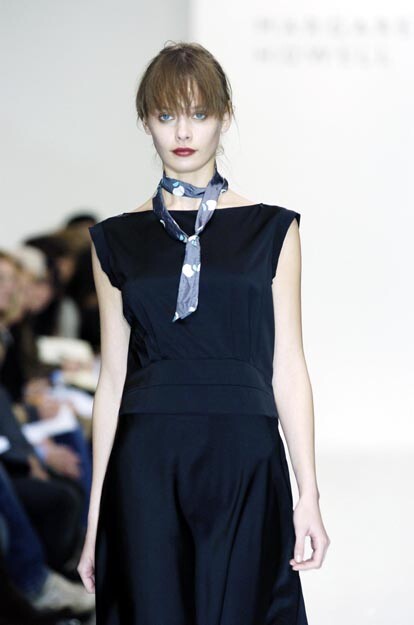
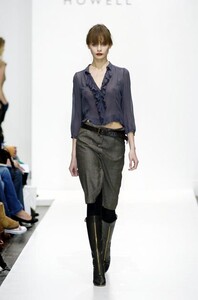
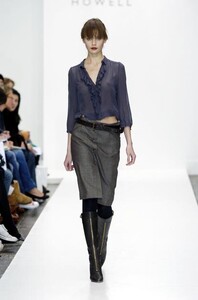
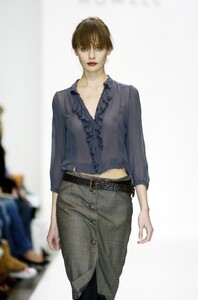
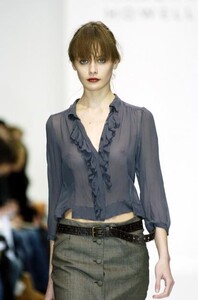
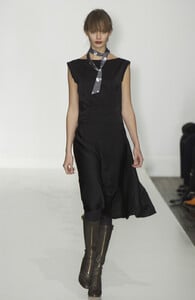
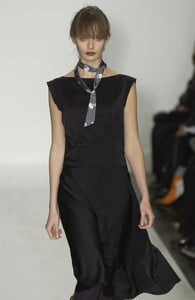
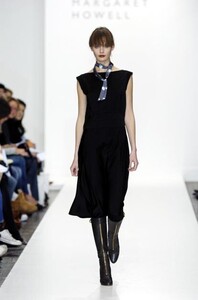
Margaret Howell F/W 2004 WARNING: SEE-THROUGH
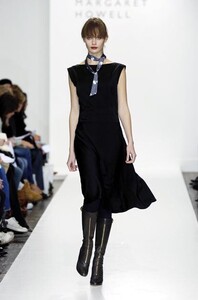
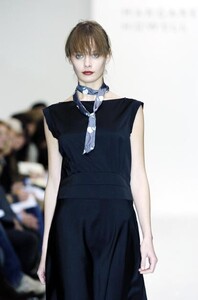
-
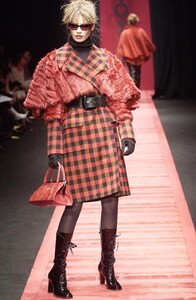
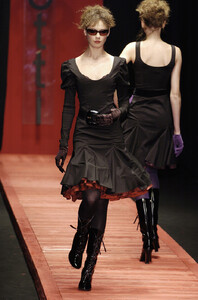
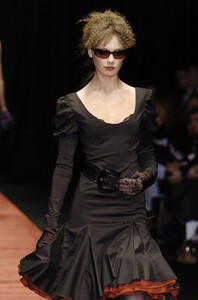
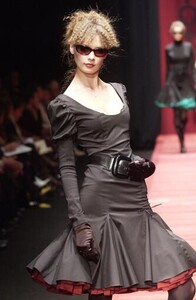
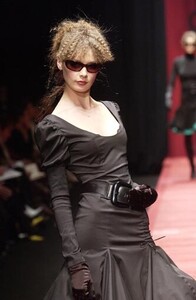
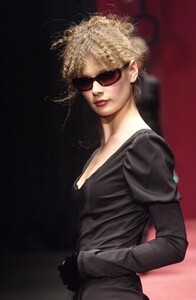
Laura Biagiotti F/W 2004:
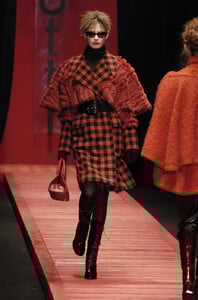
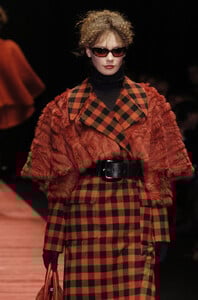
-
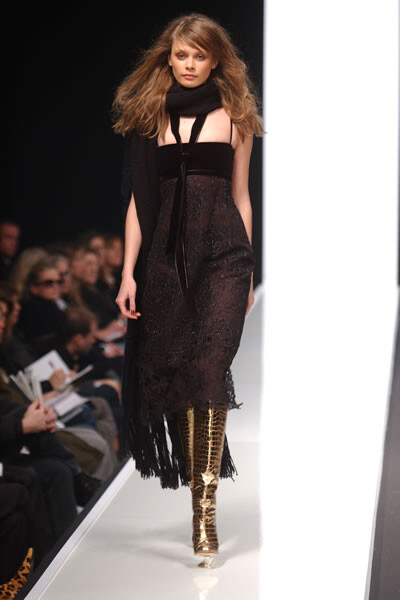
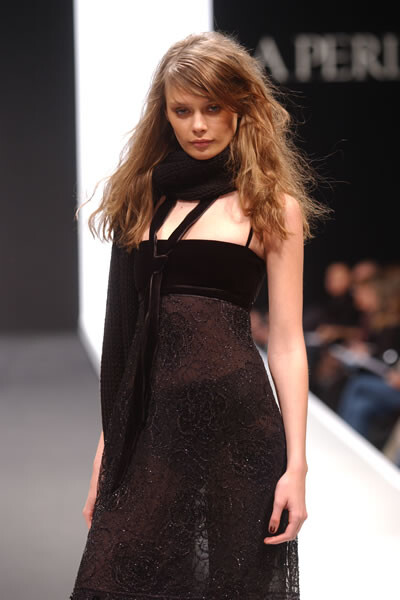
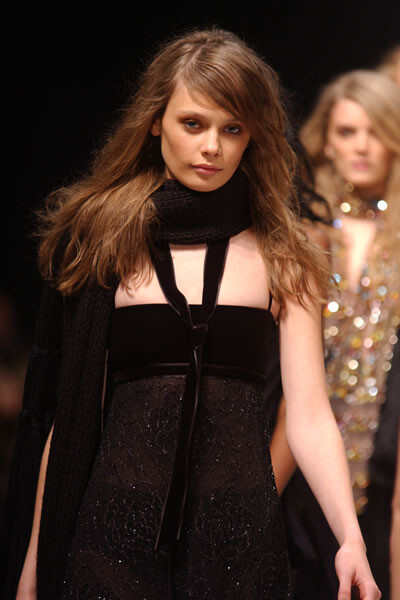
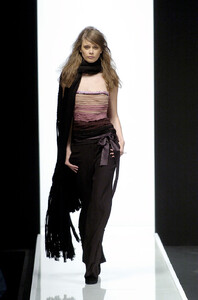
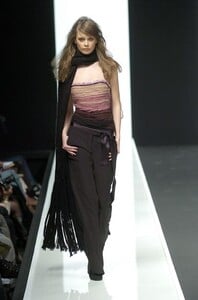
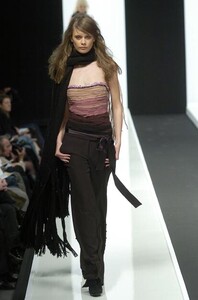
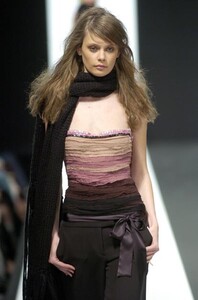
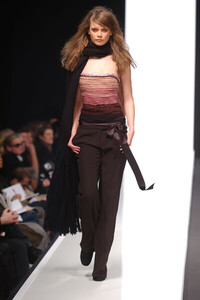
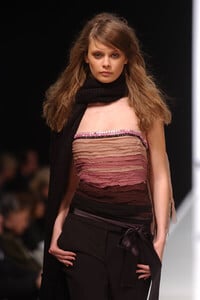
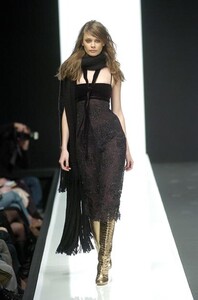
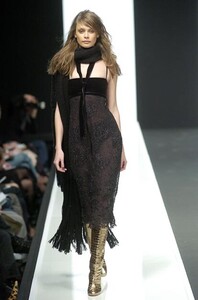
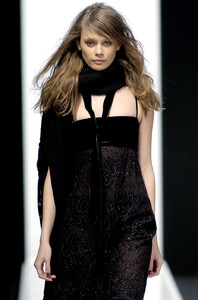
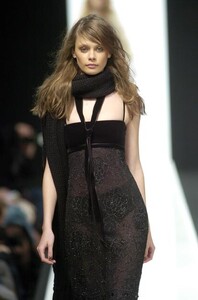
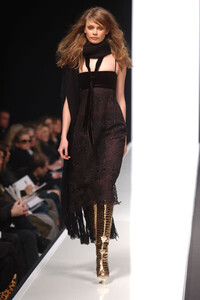
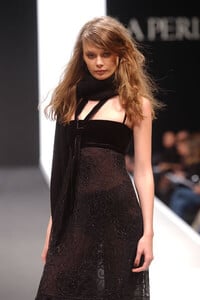
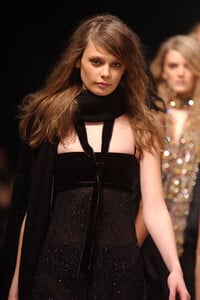
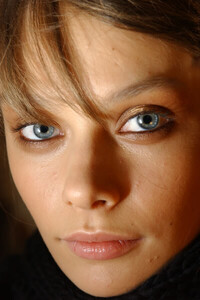
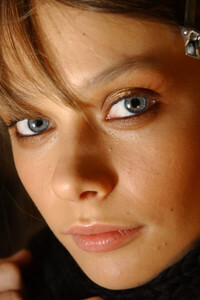
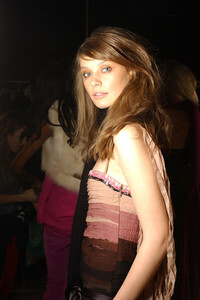
La Perla F/W 2004: Backstage:
-
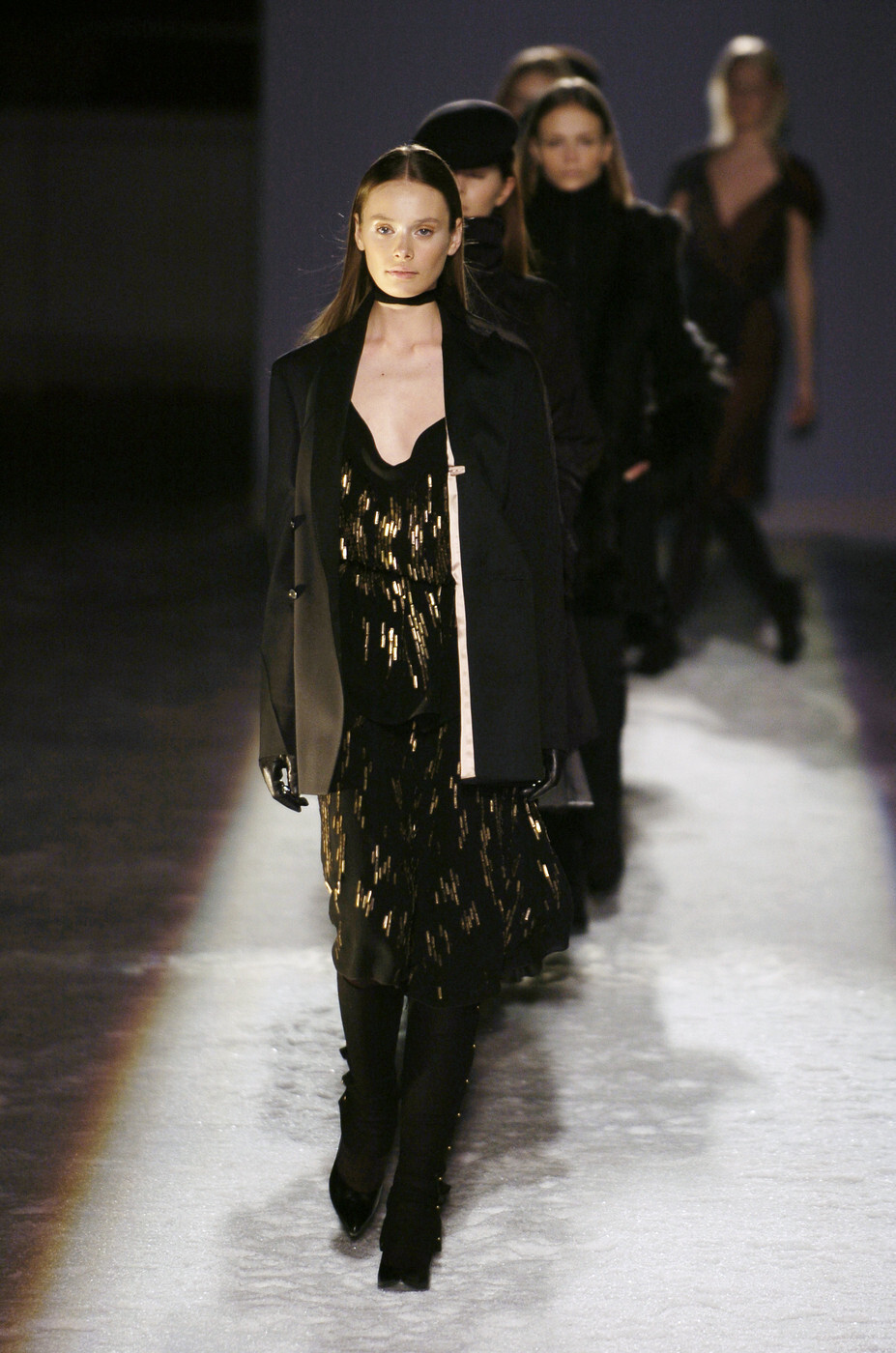
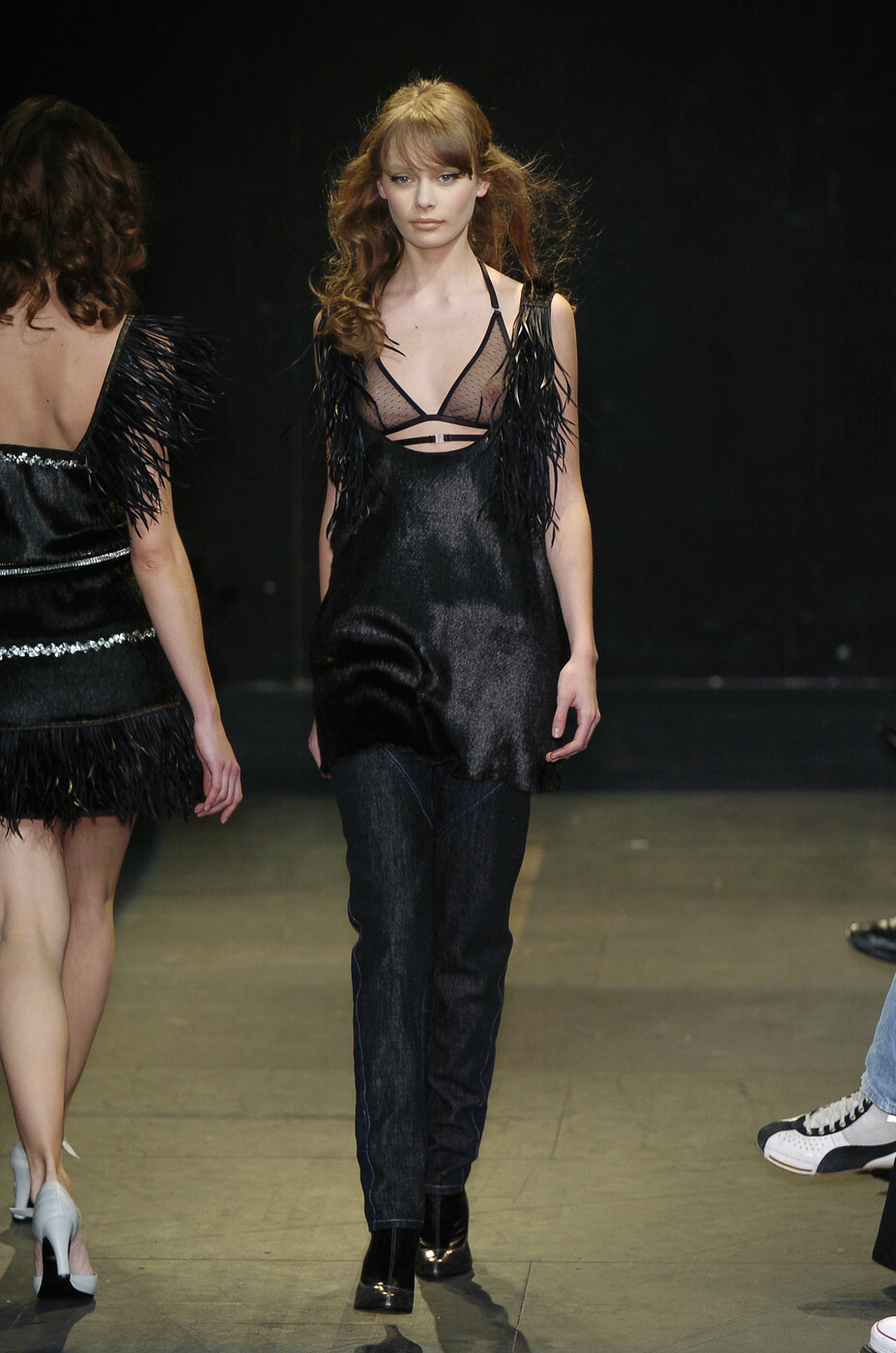
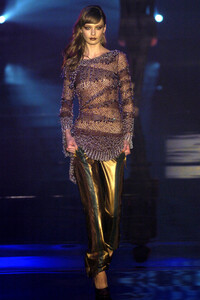
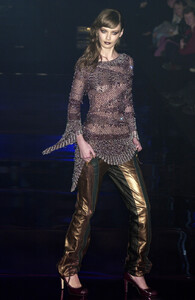
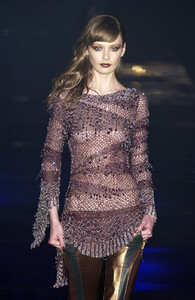
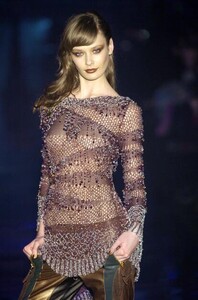
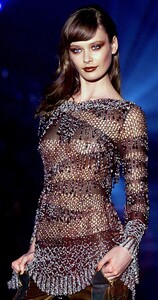
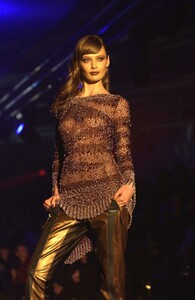
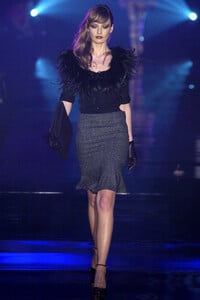
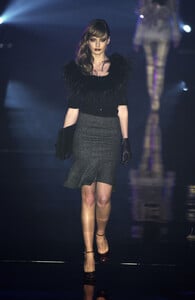
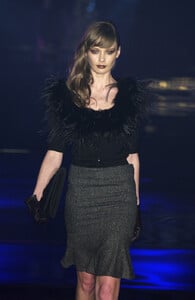
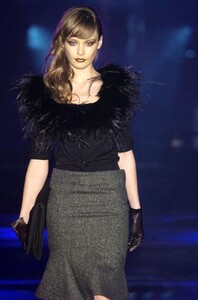
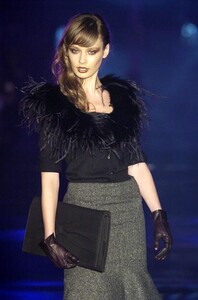
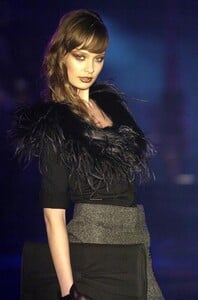
Julien Macdonald F/W 2004:
-
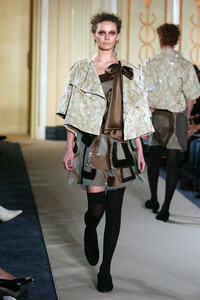
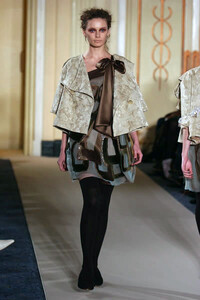
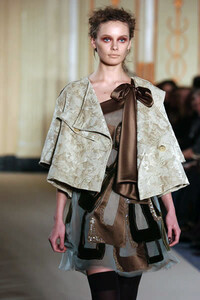
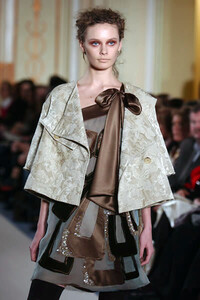
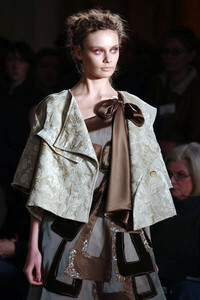
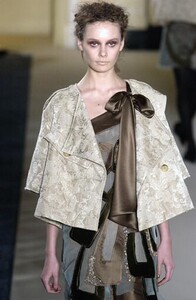
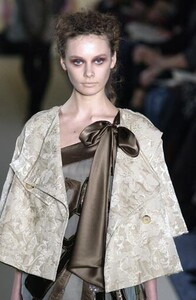
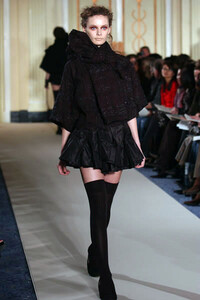
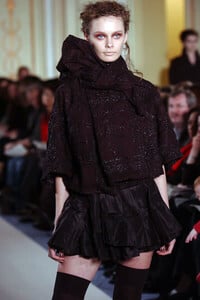
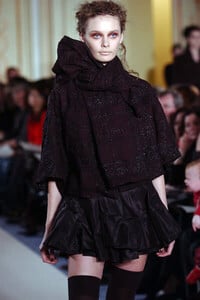
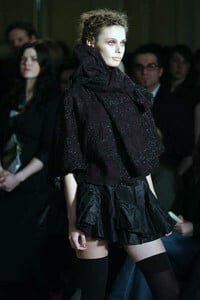
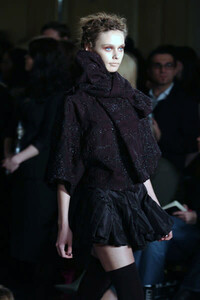
John Rocha F/W 2004:
-
History-inspired styling and Sasha were meant for each other
-
So stories about aliens were true? You must be one of them, you know too much!
-
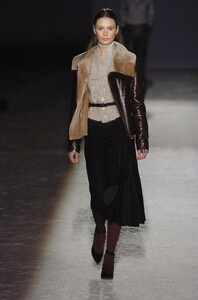
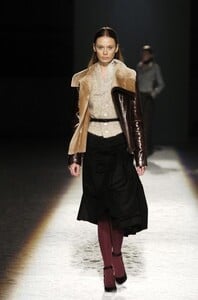
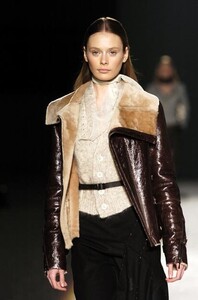
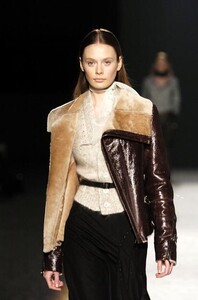
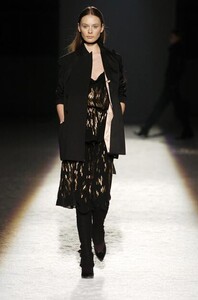
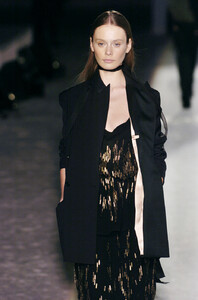
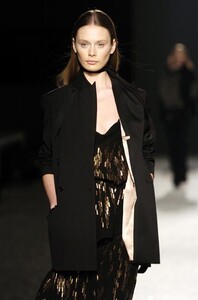
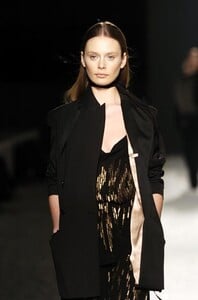
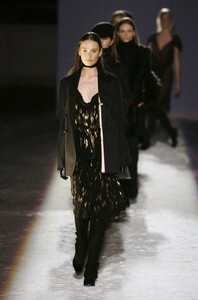
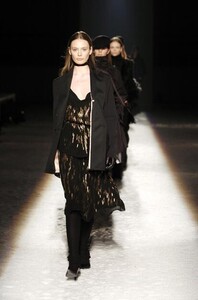
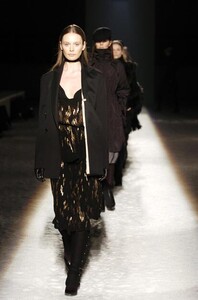
Gilles Rosier F/W 2004:
-
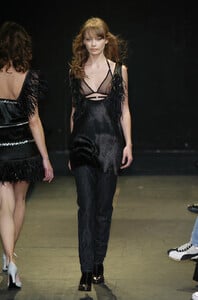
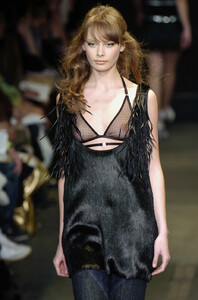
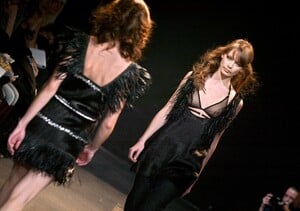
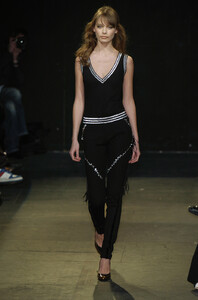
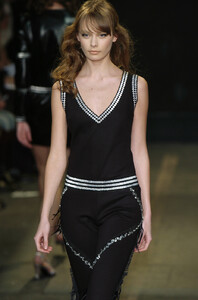
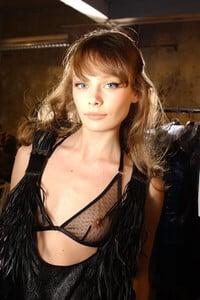
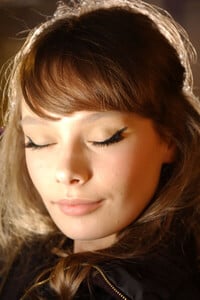
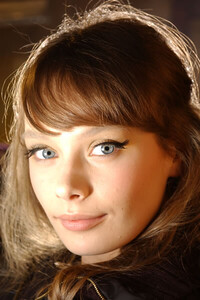
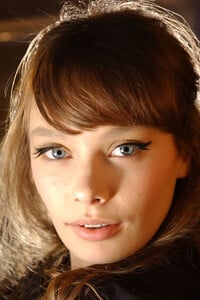
Gaspard Yurkievich F/W 2004 WARNING: NUDITY
-
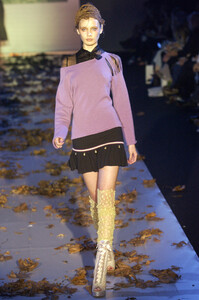
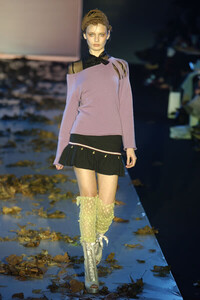
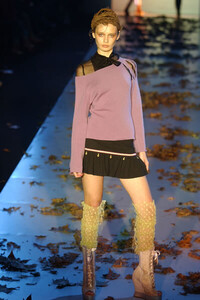
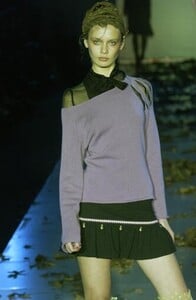
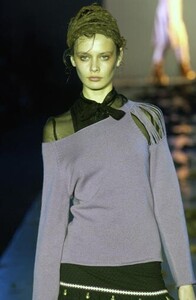
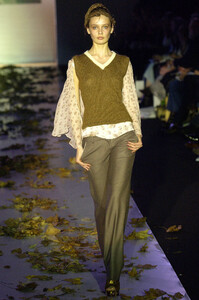
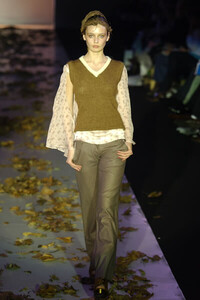
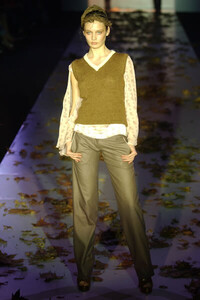
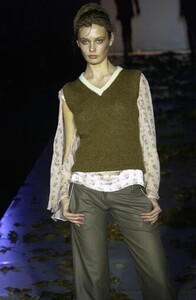
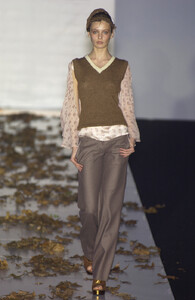
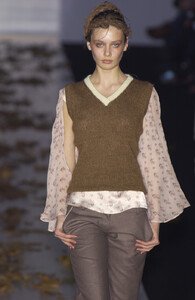
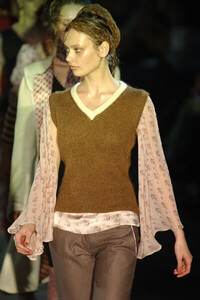
FrostFrench F/W 2004:
-
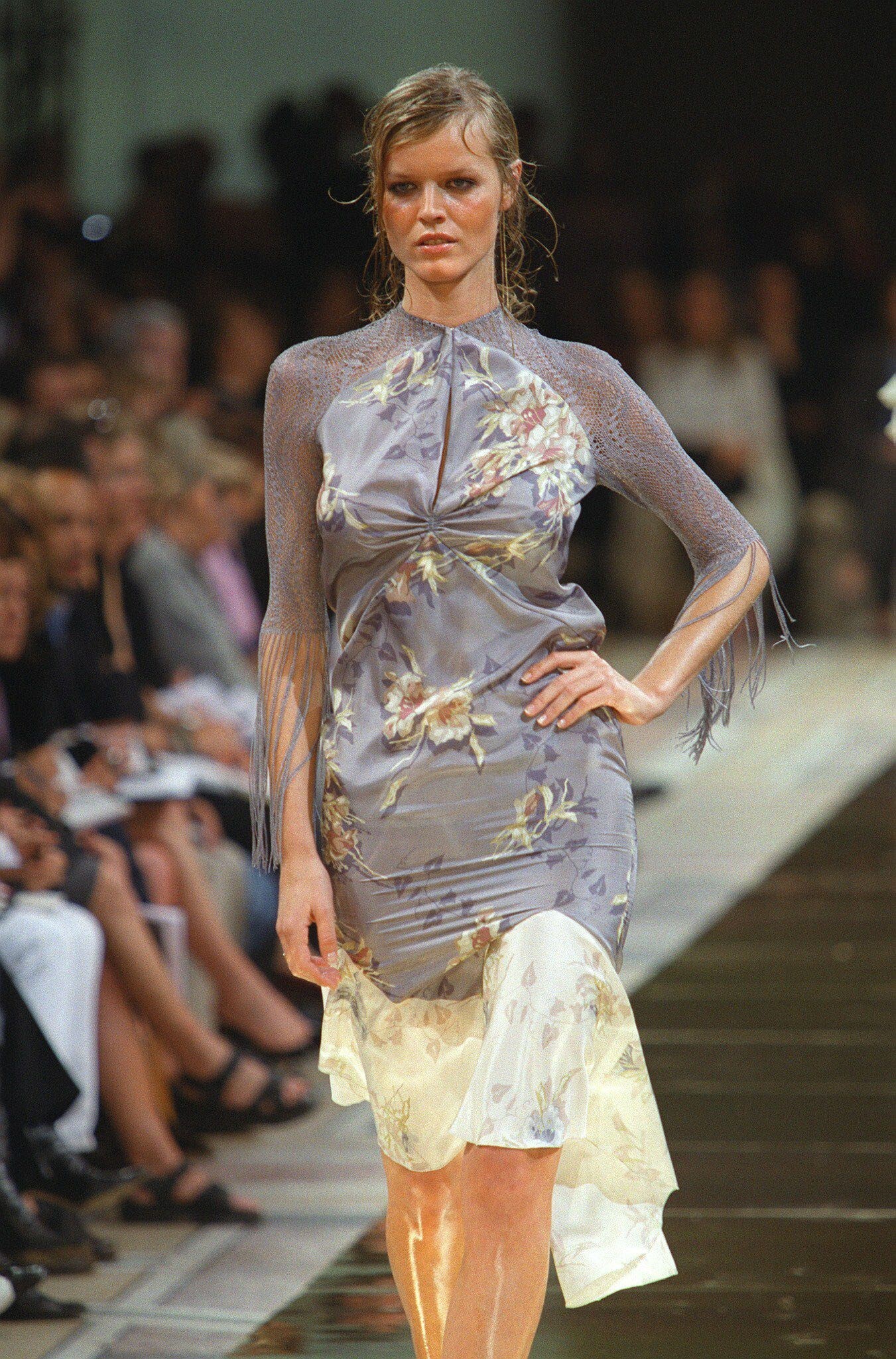
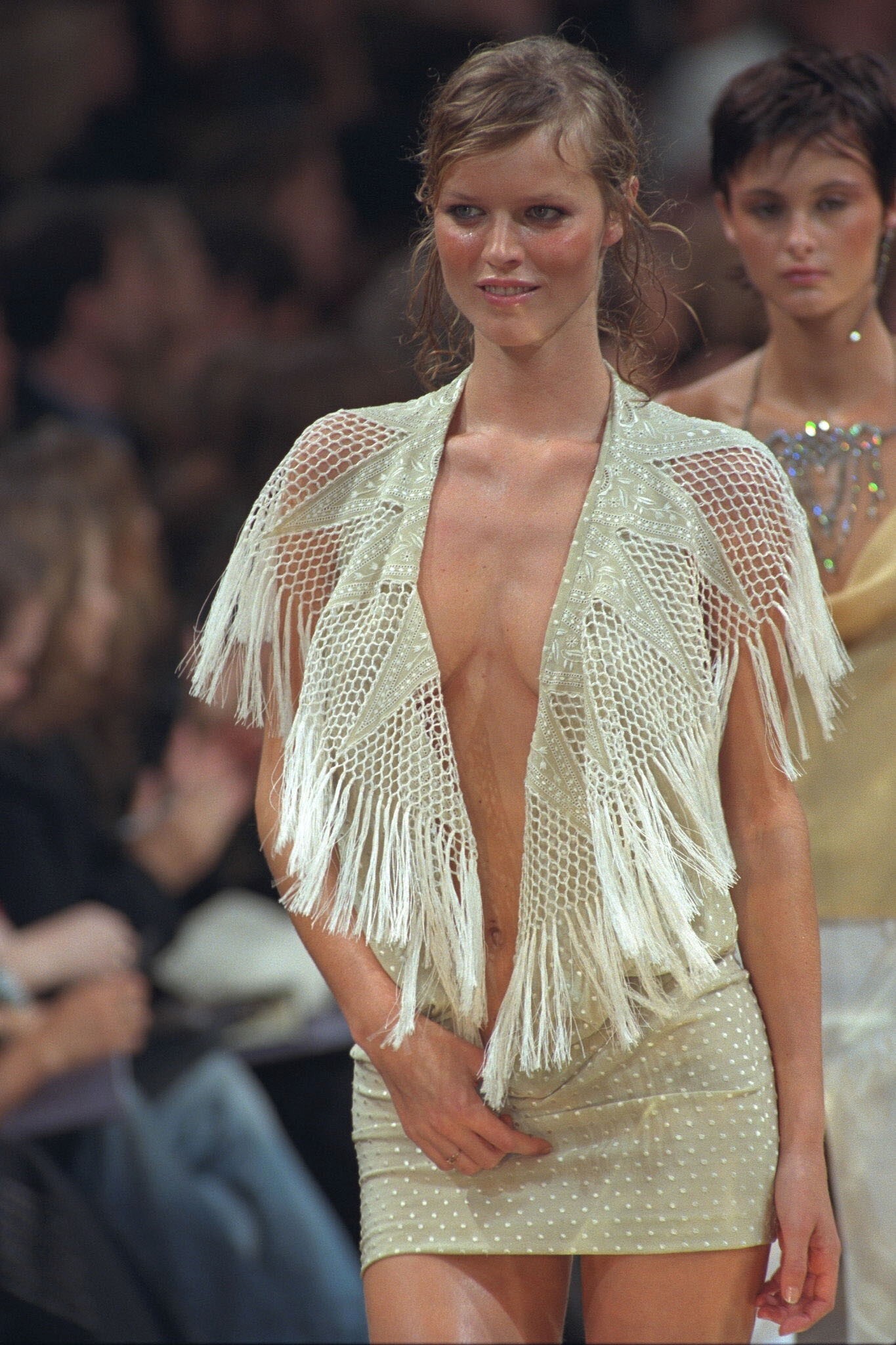
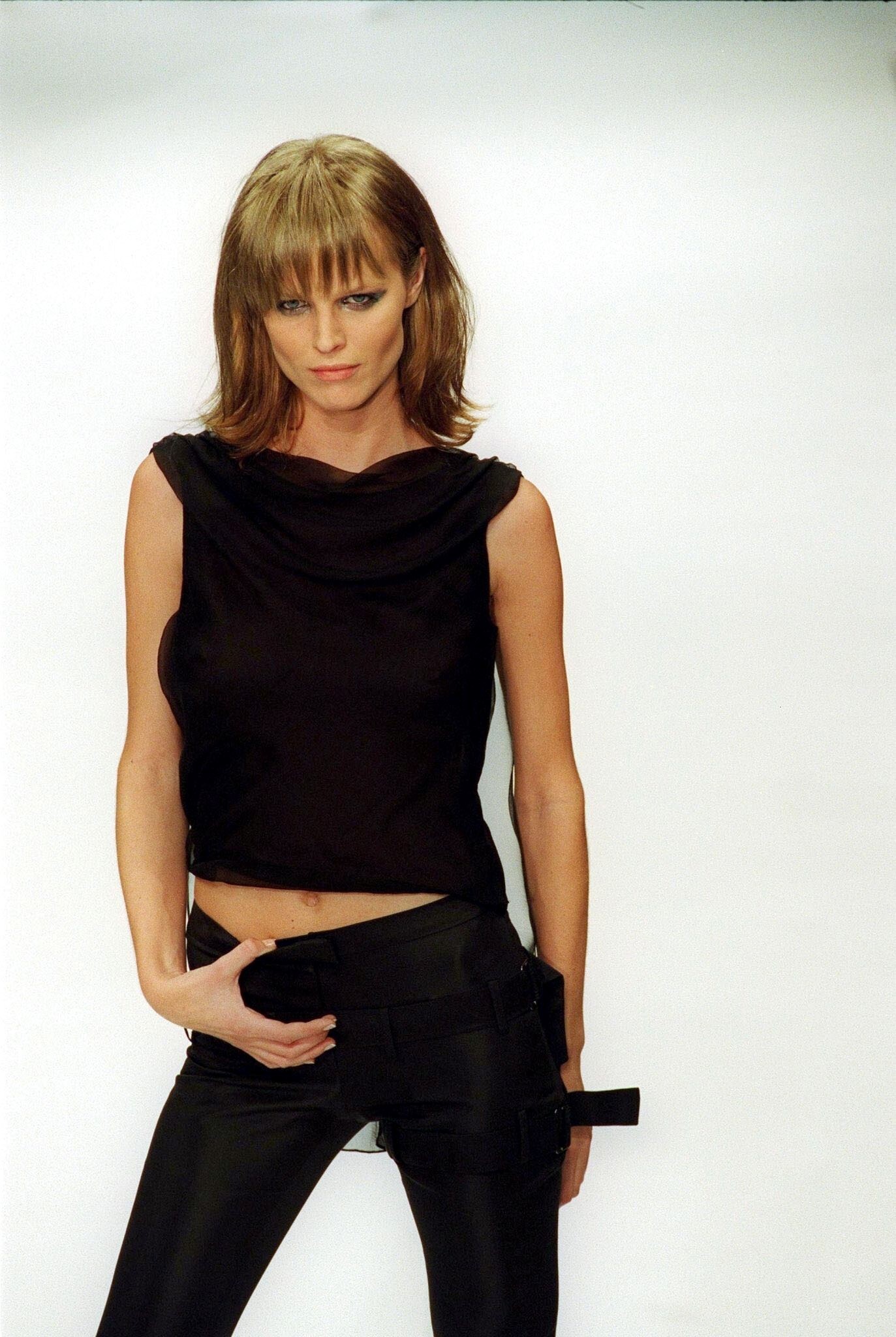
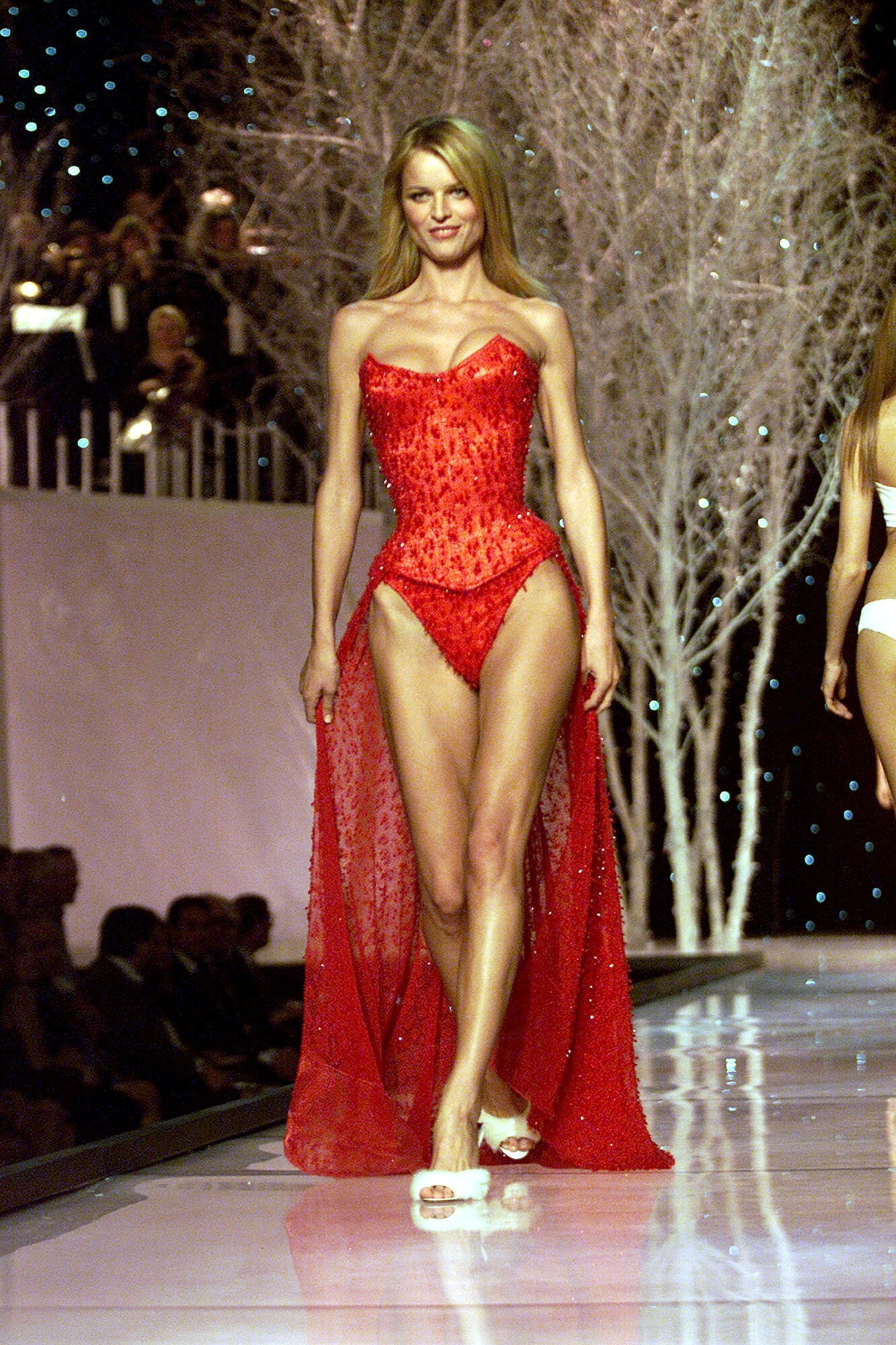
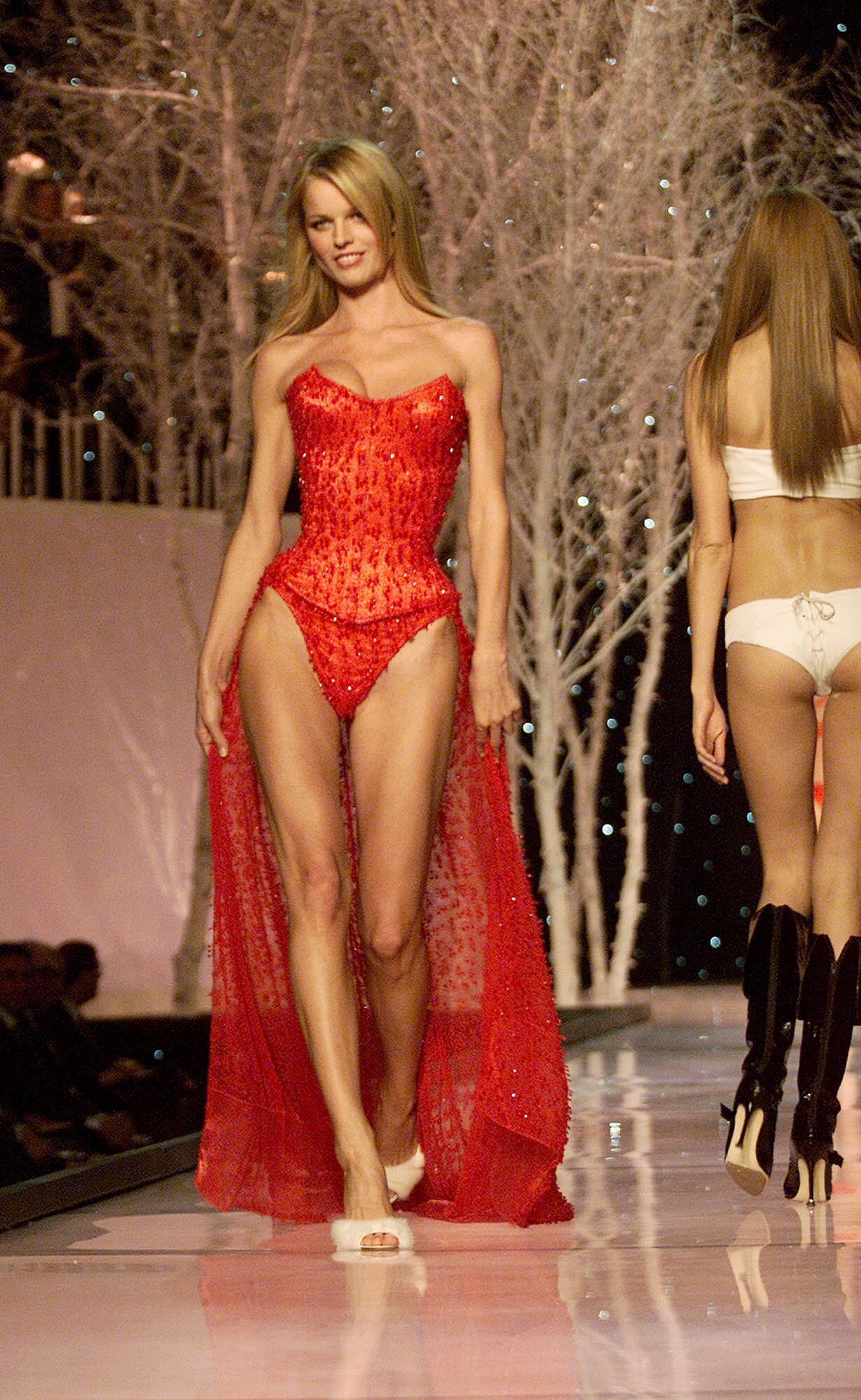
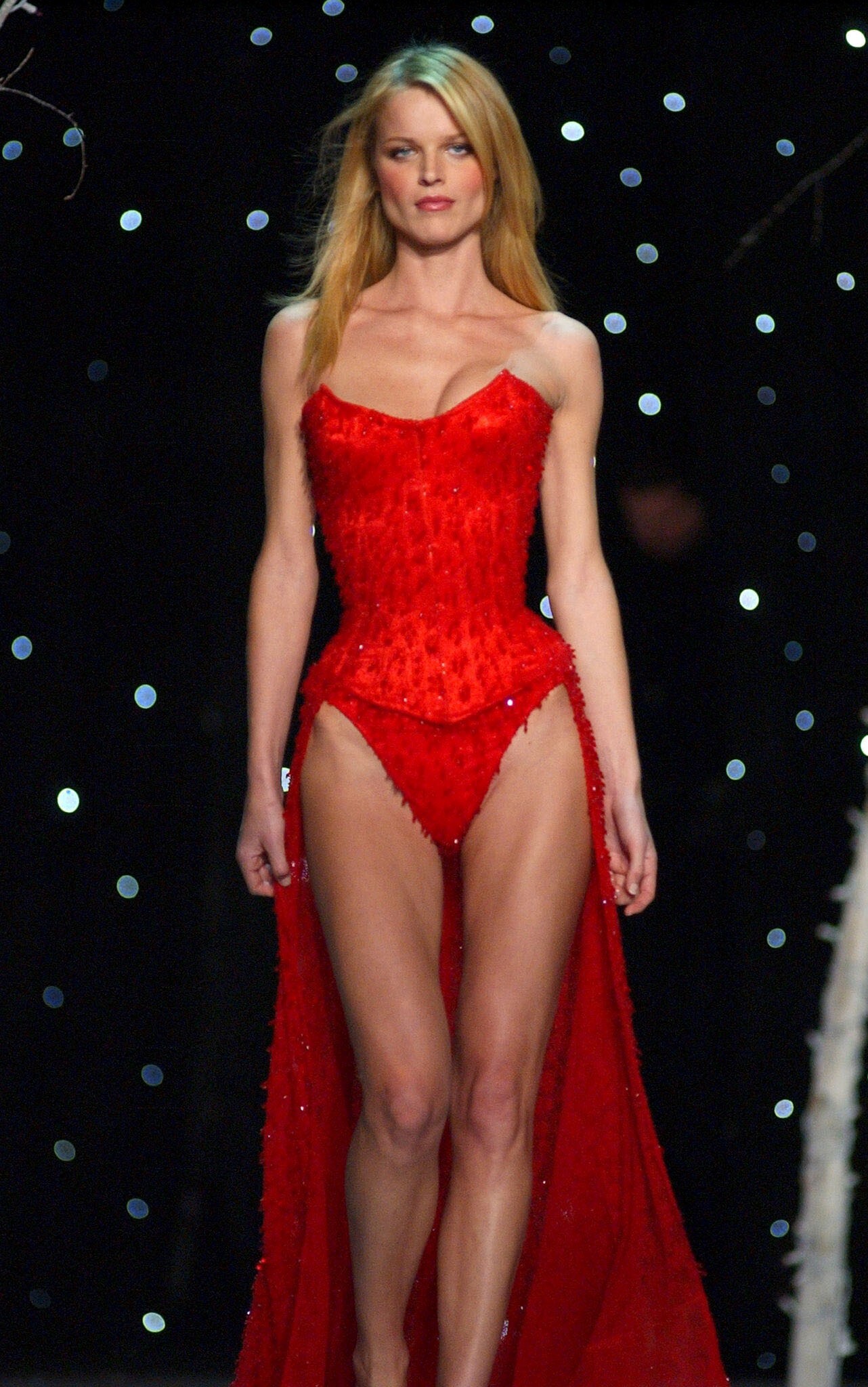
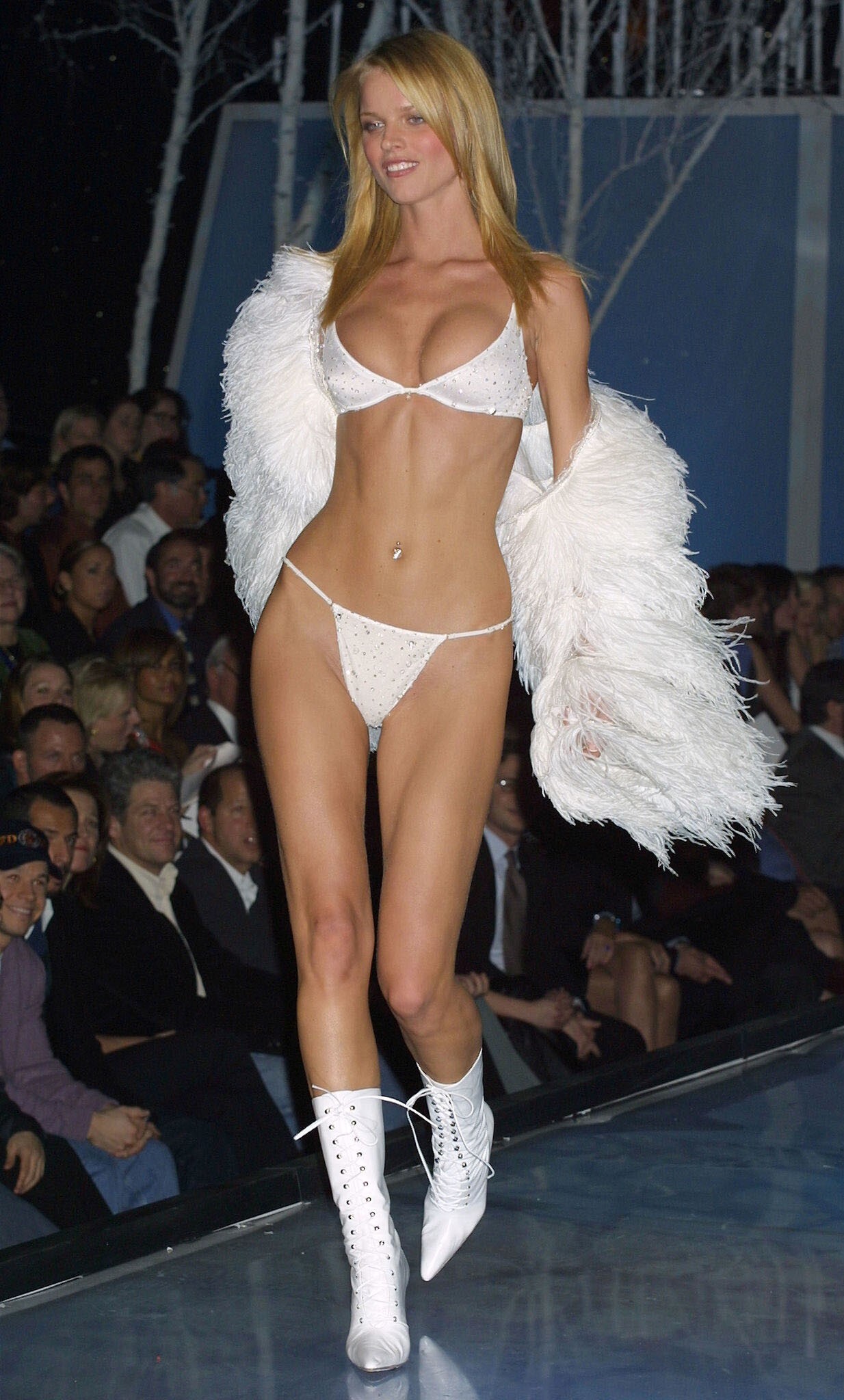
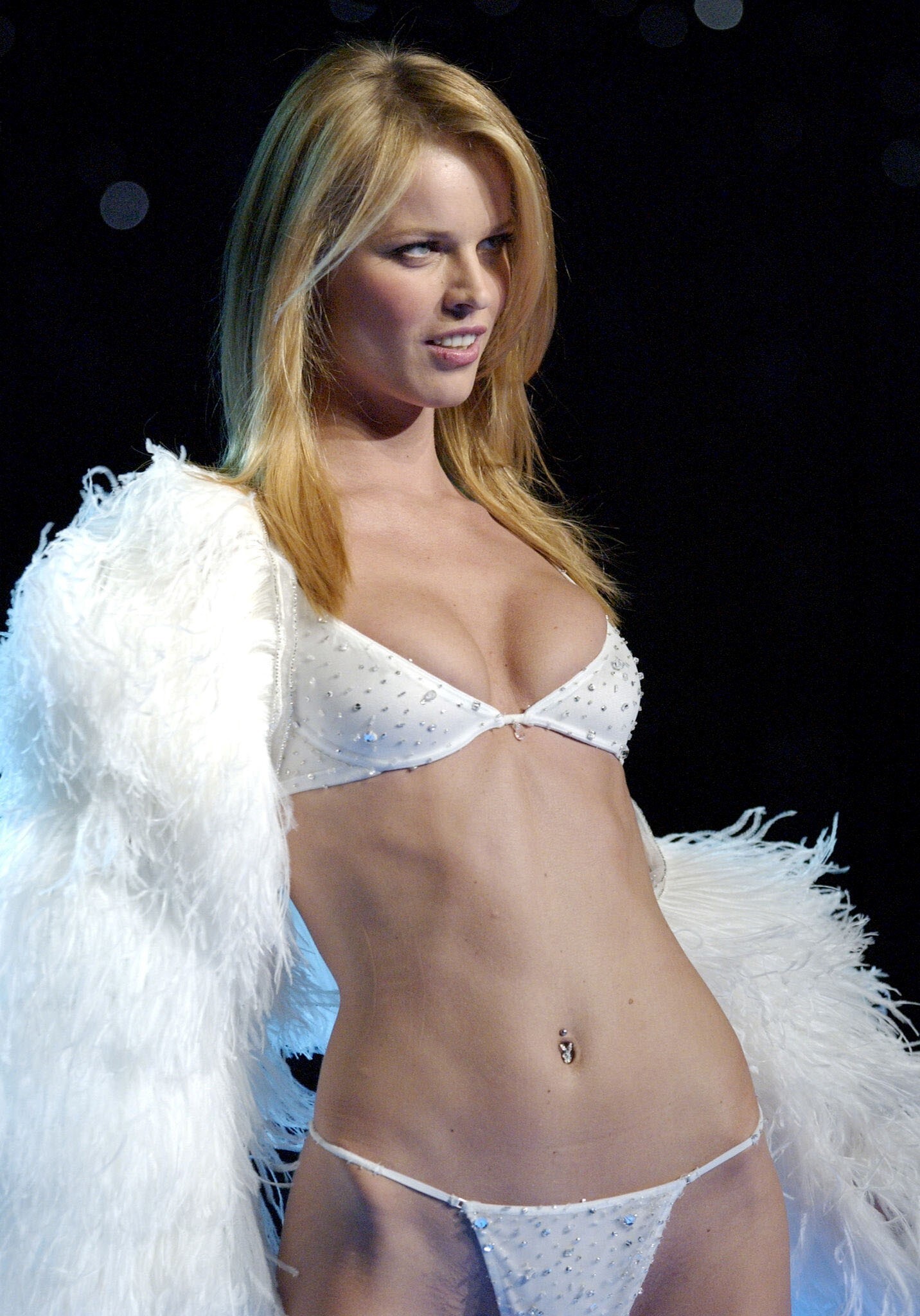
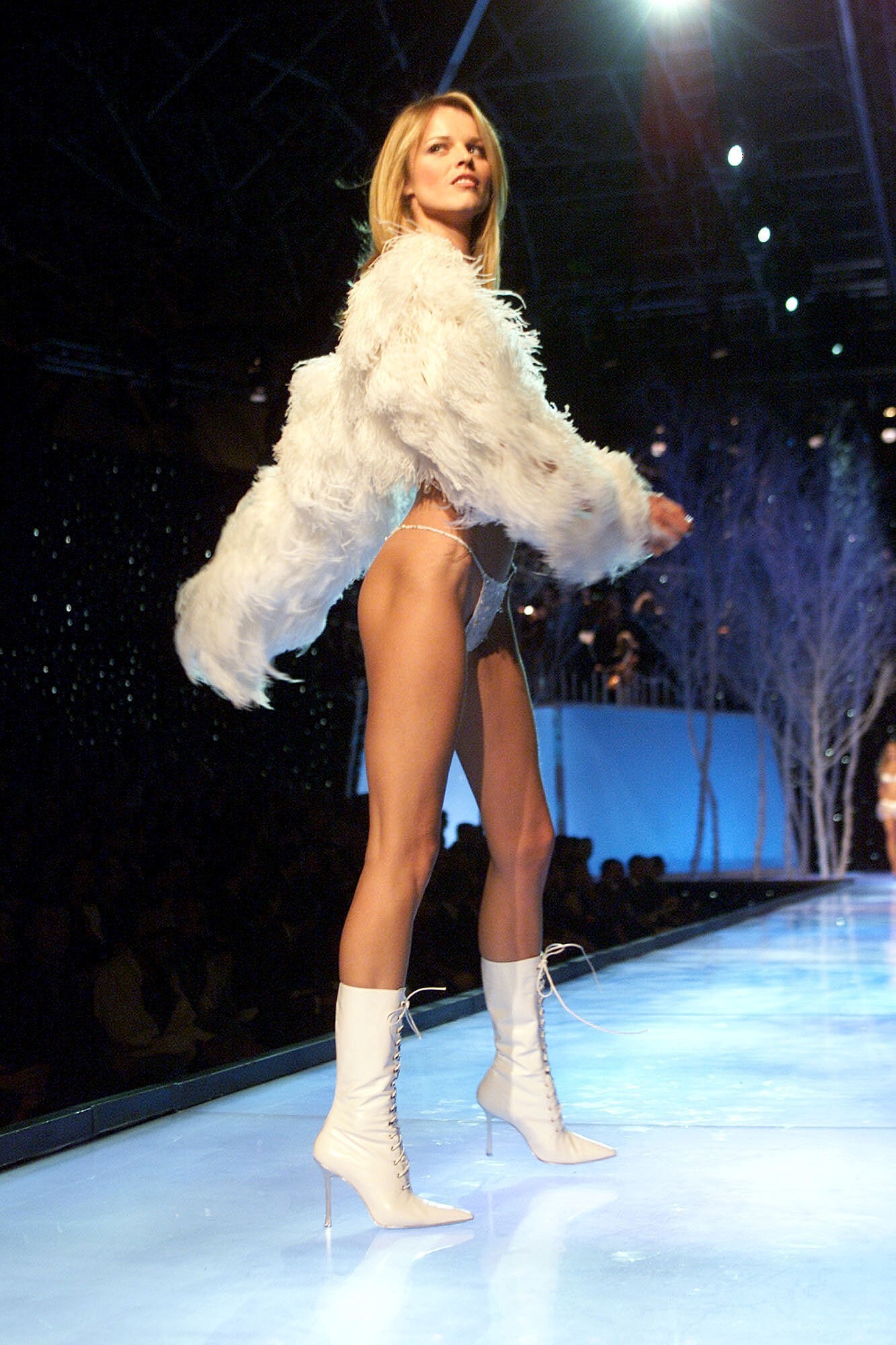
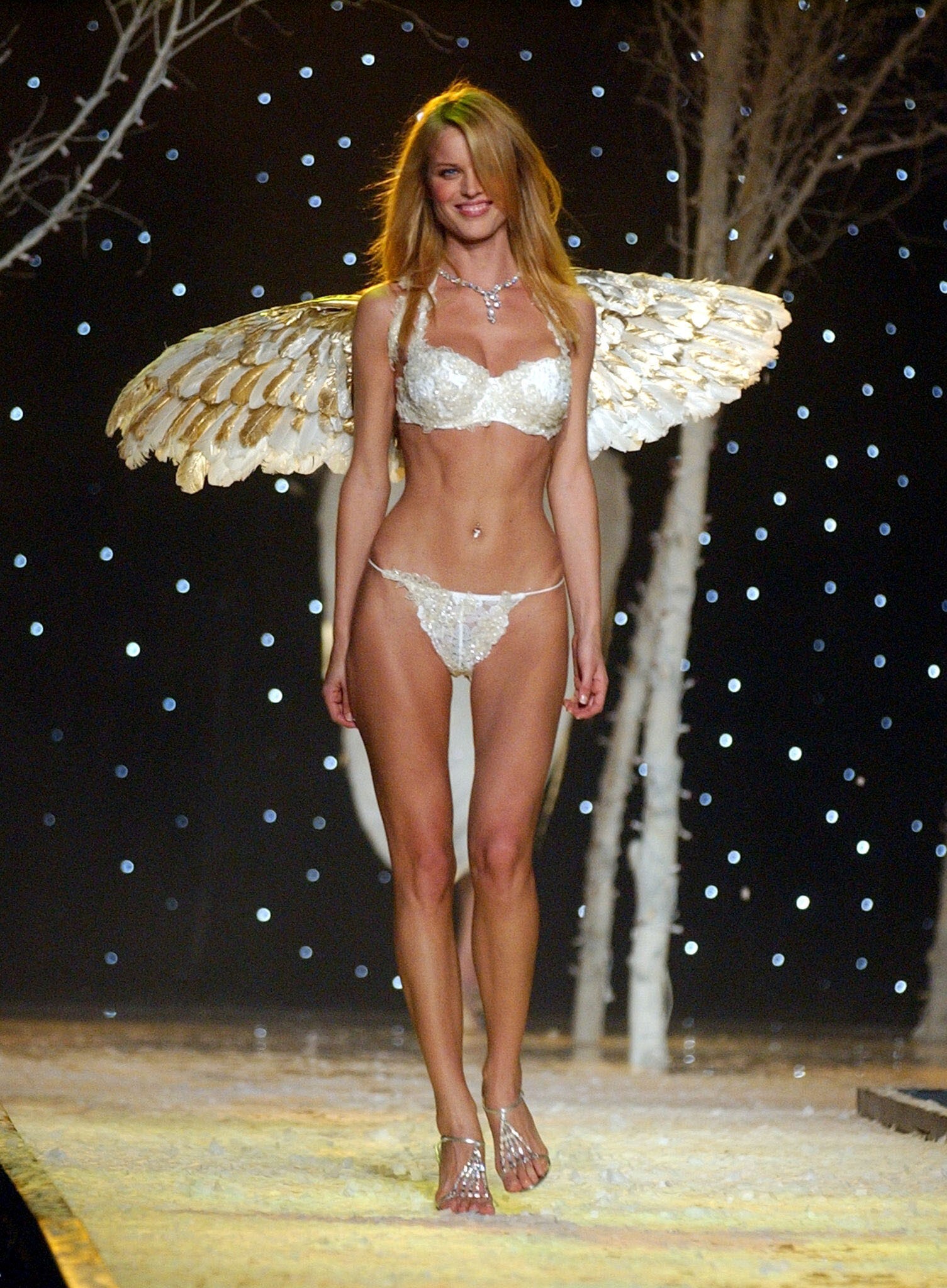
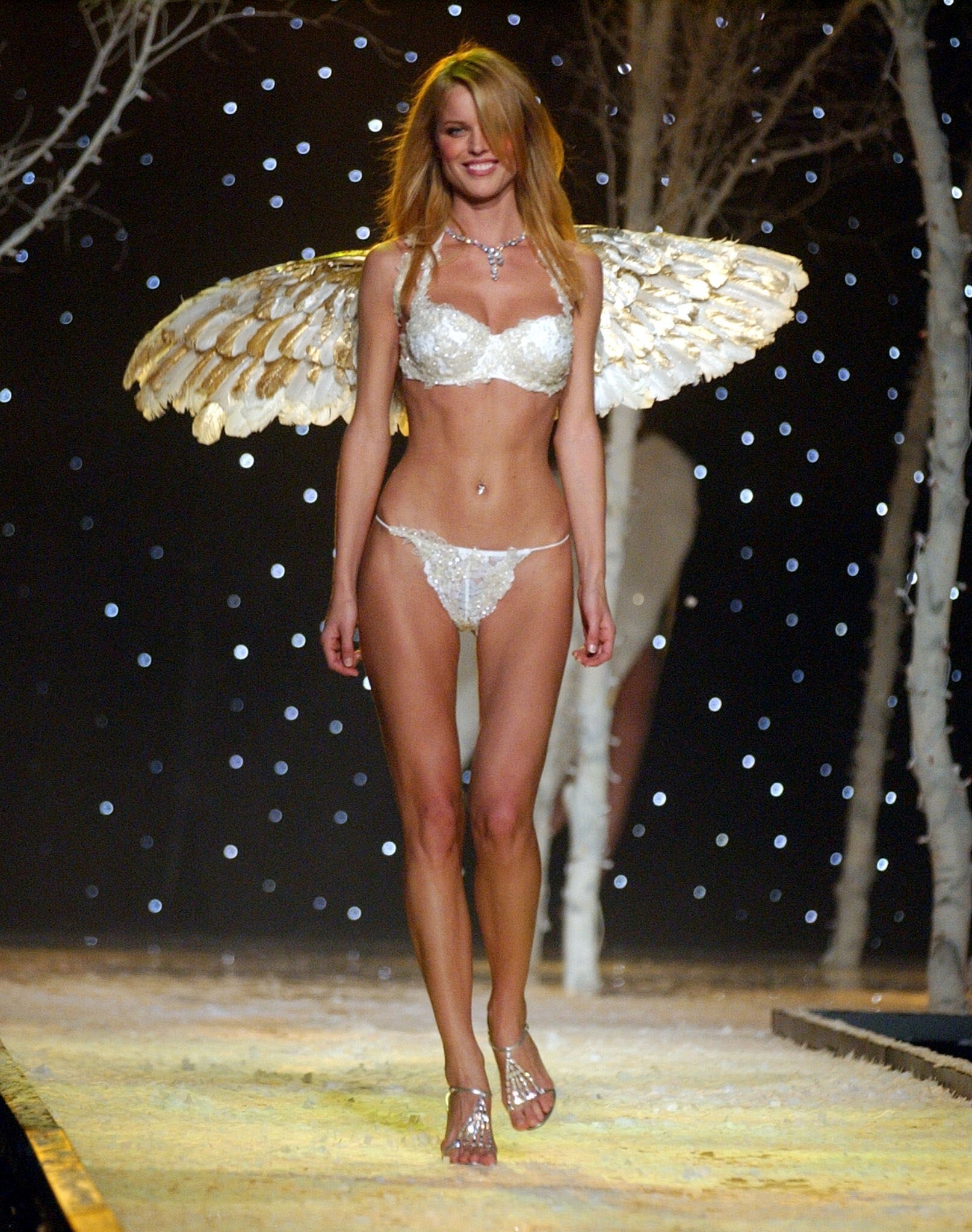
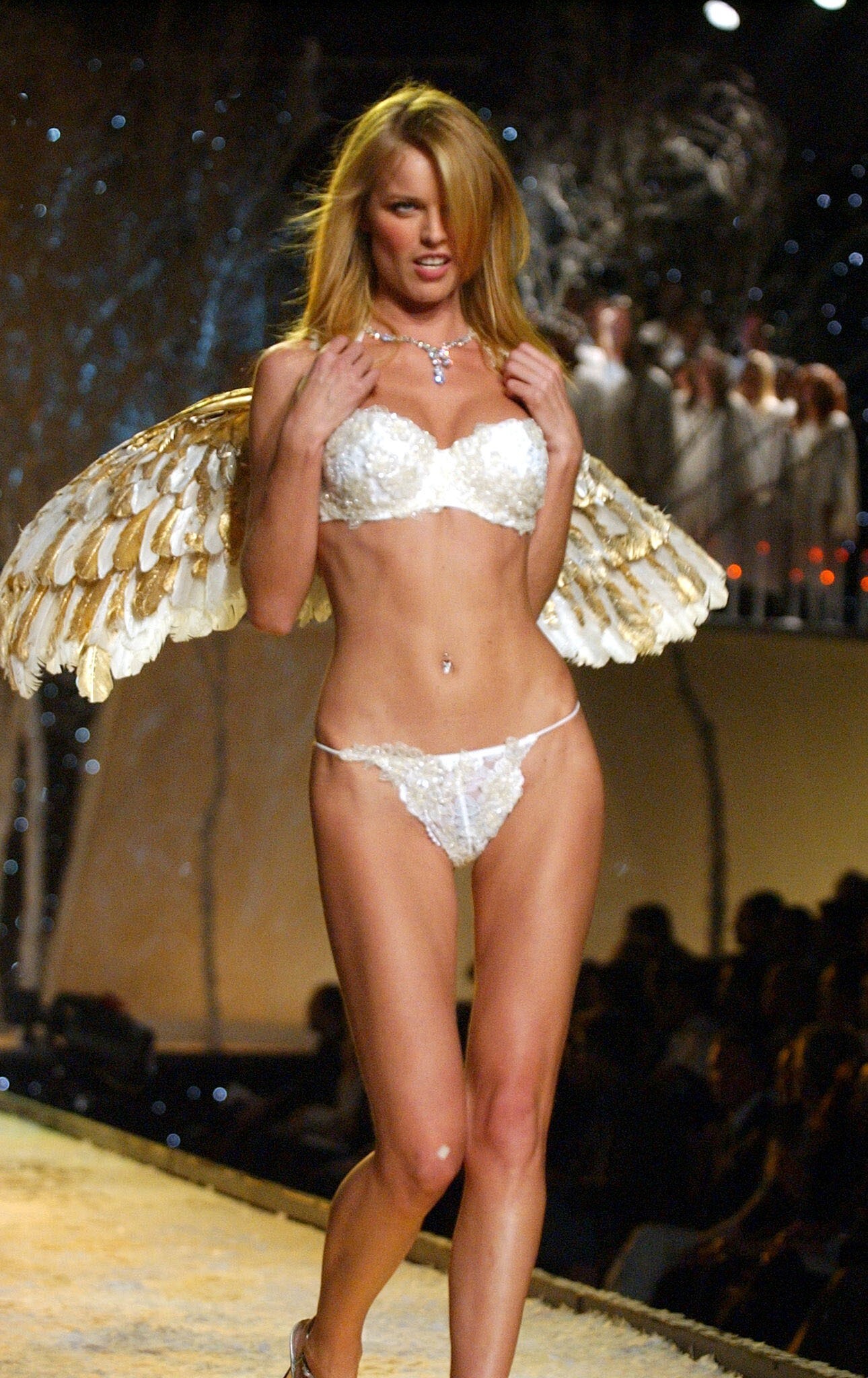
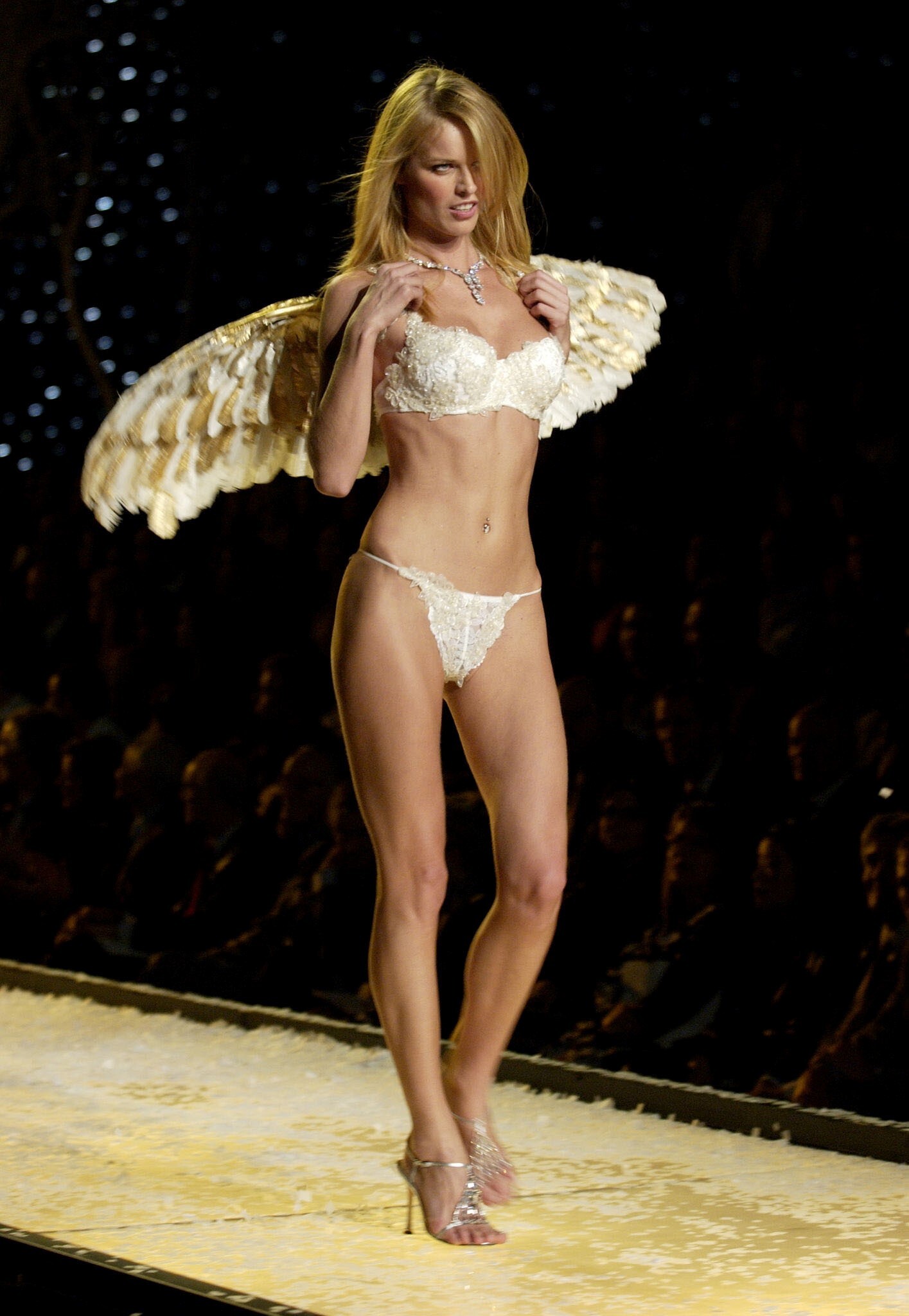
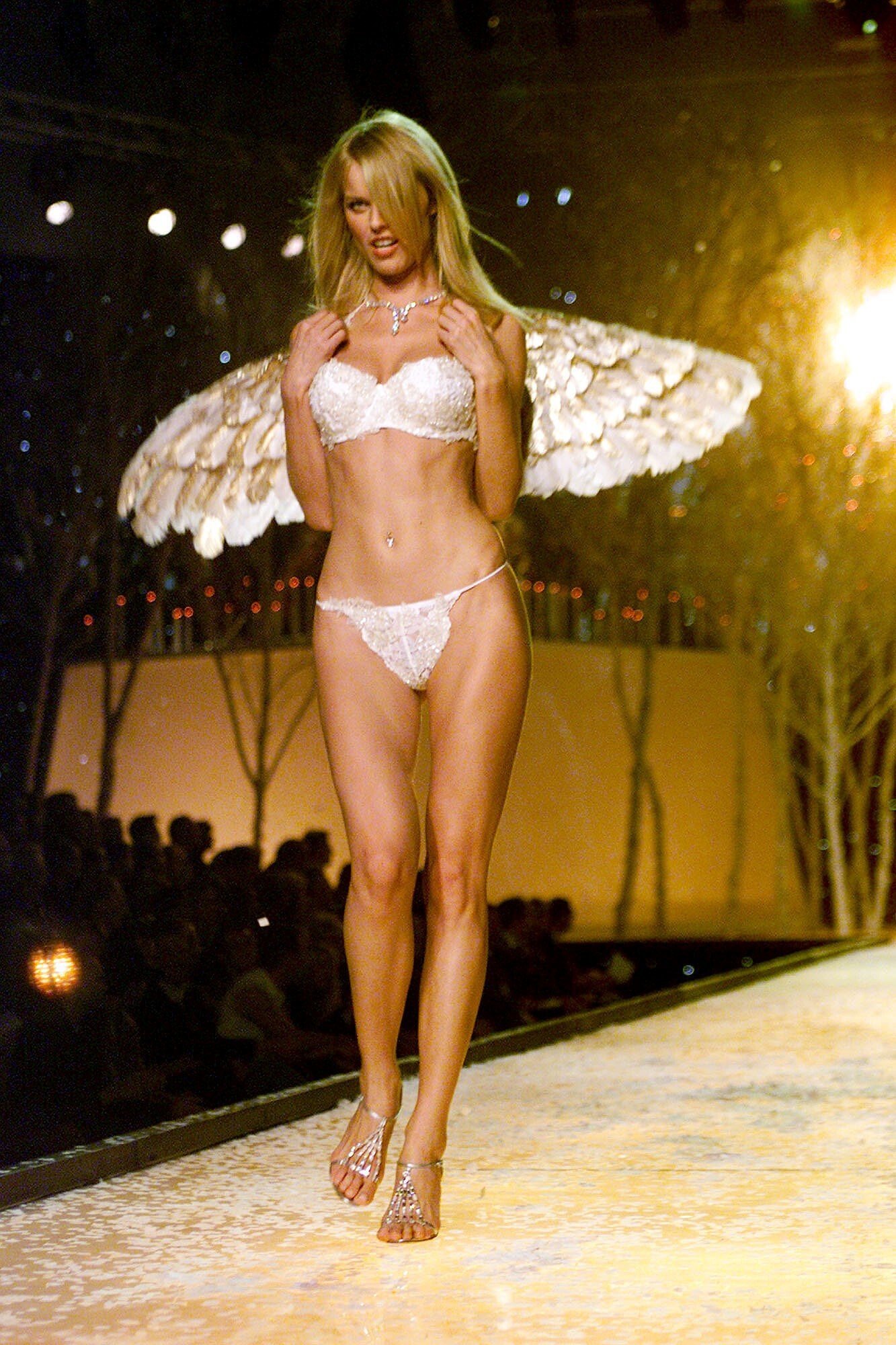
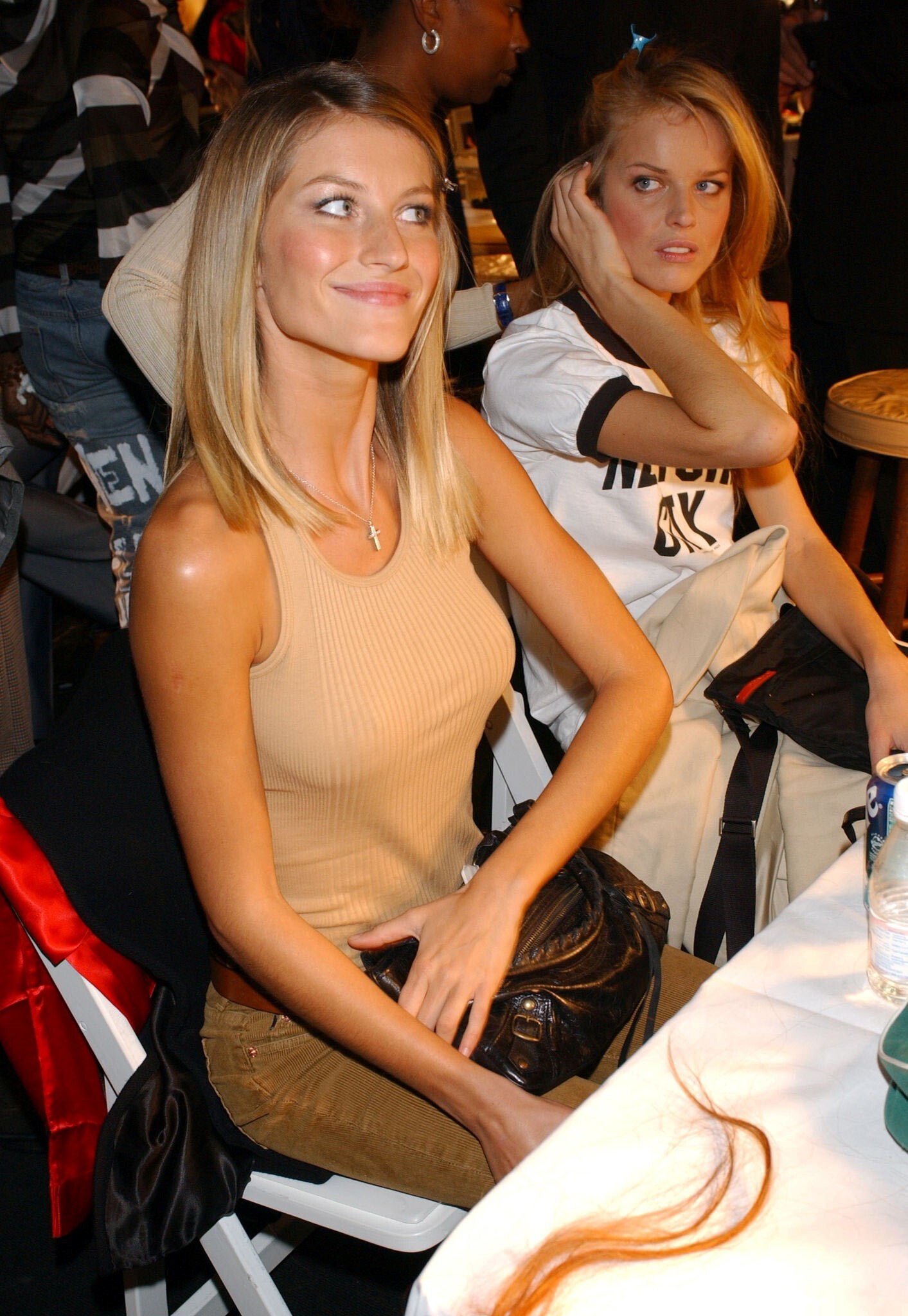
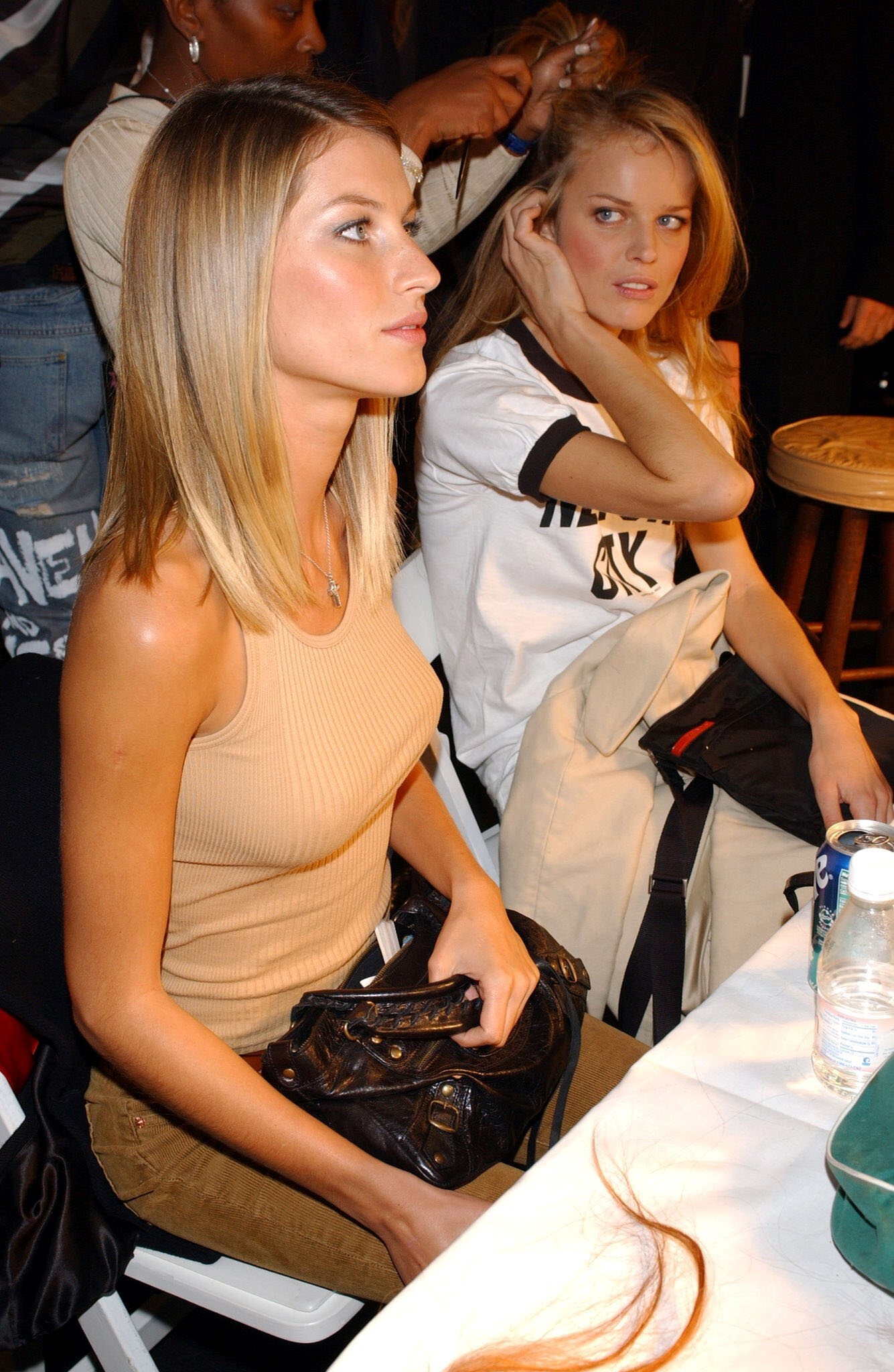
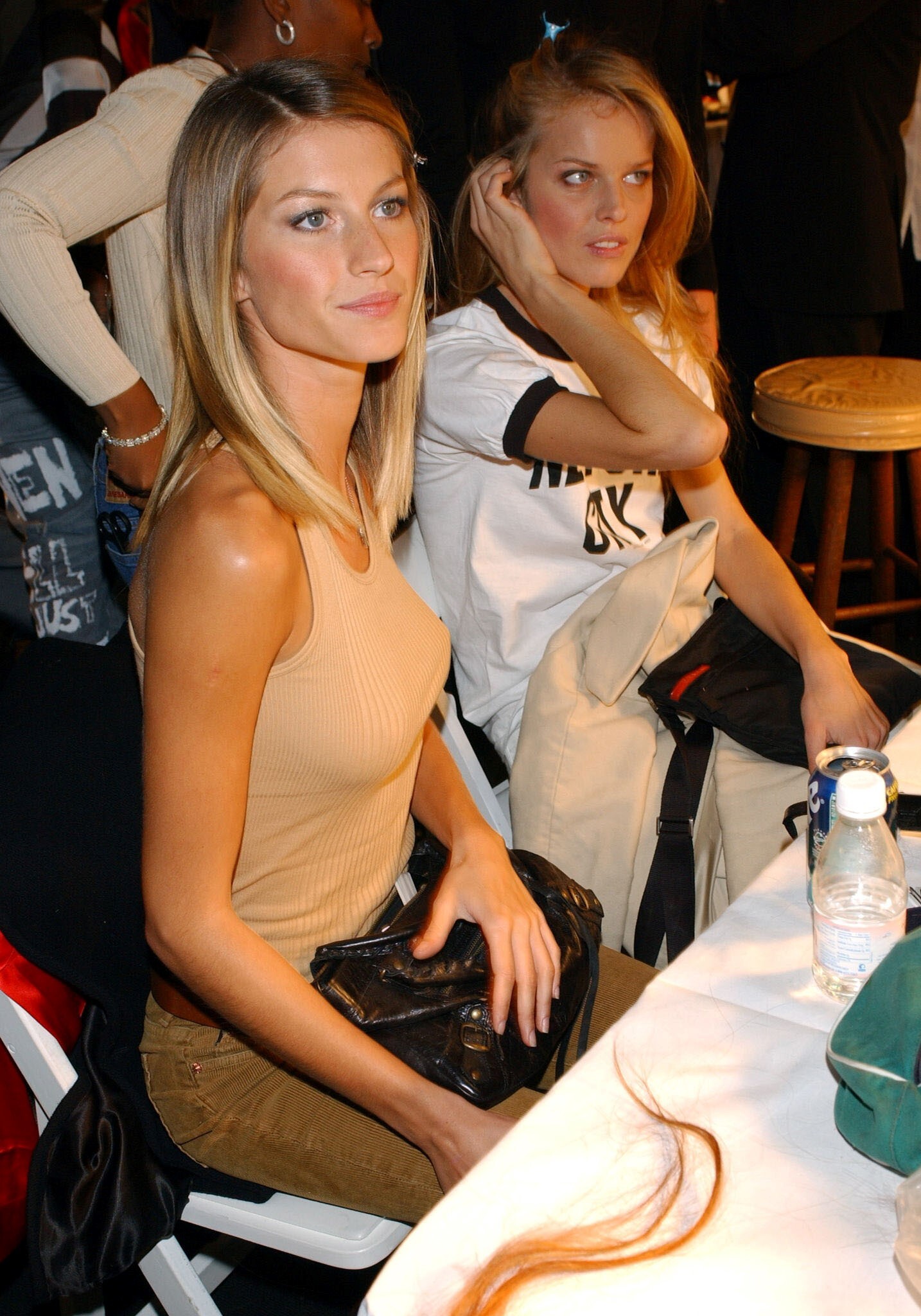
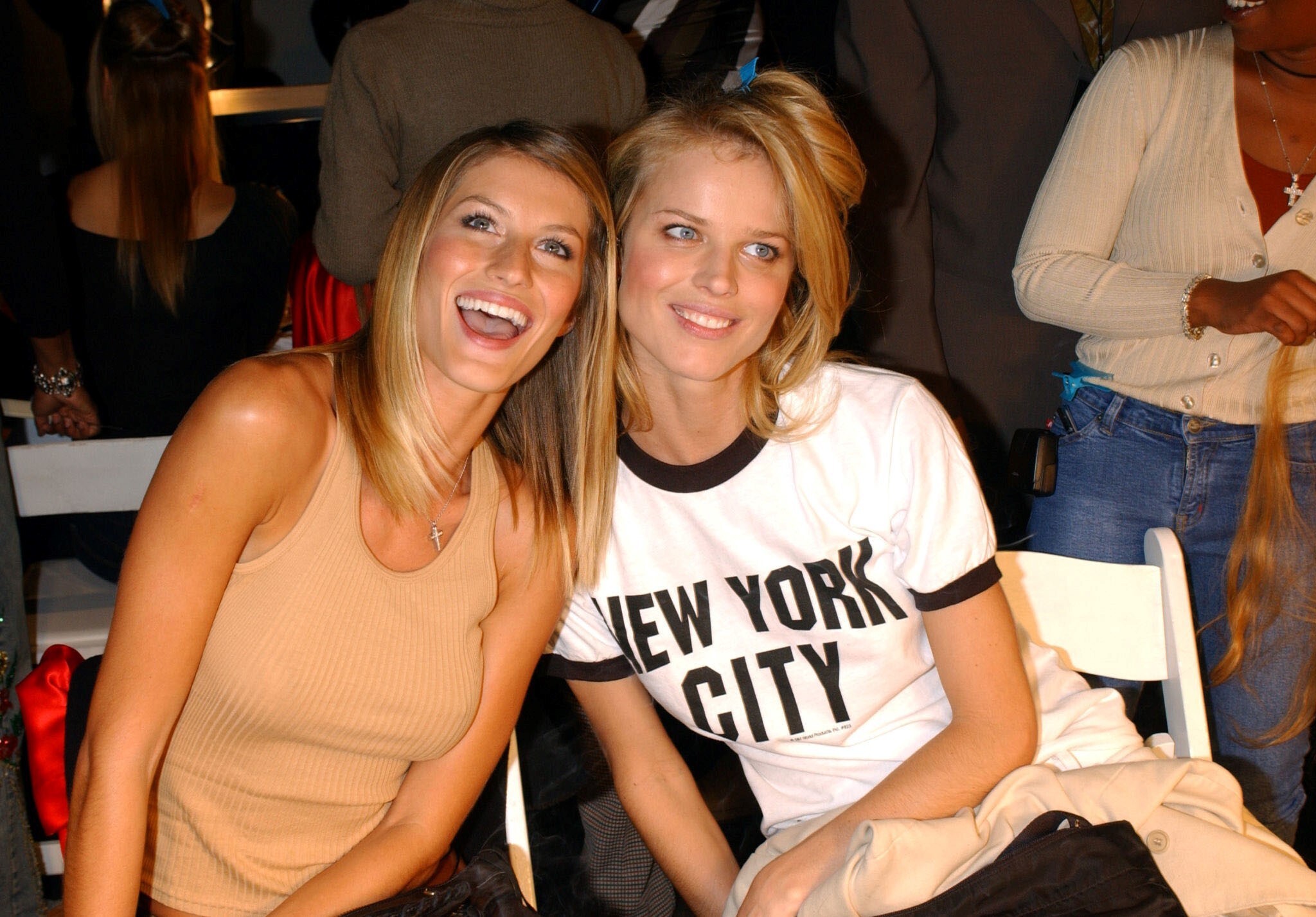
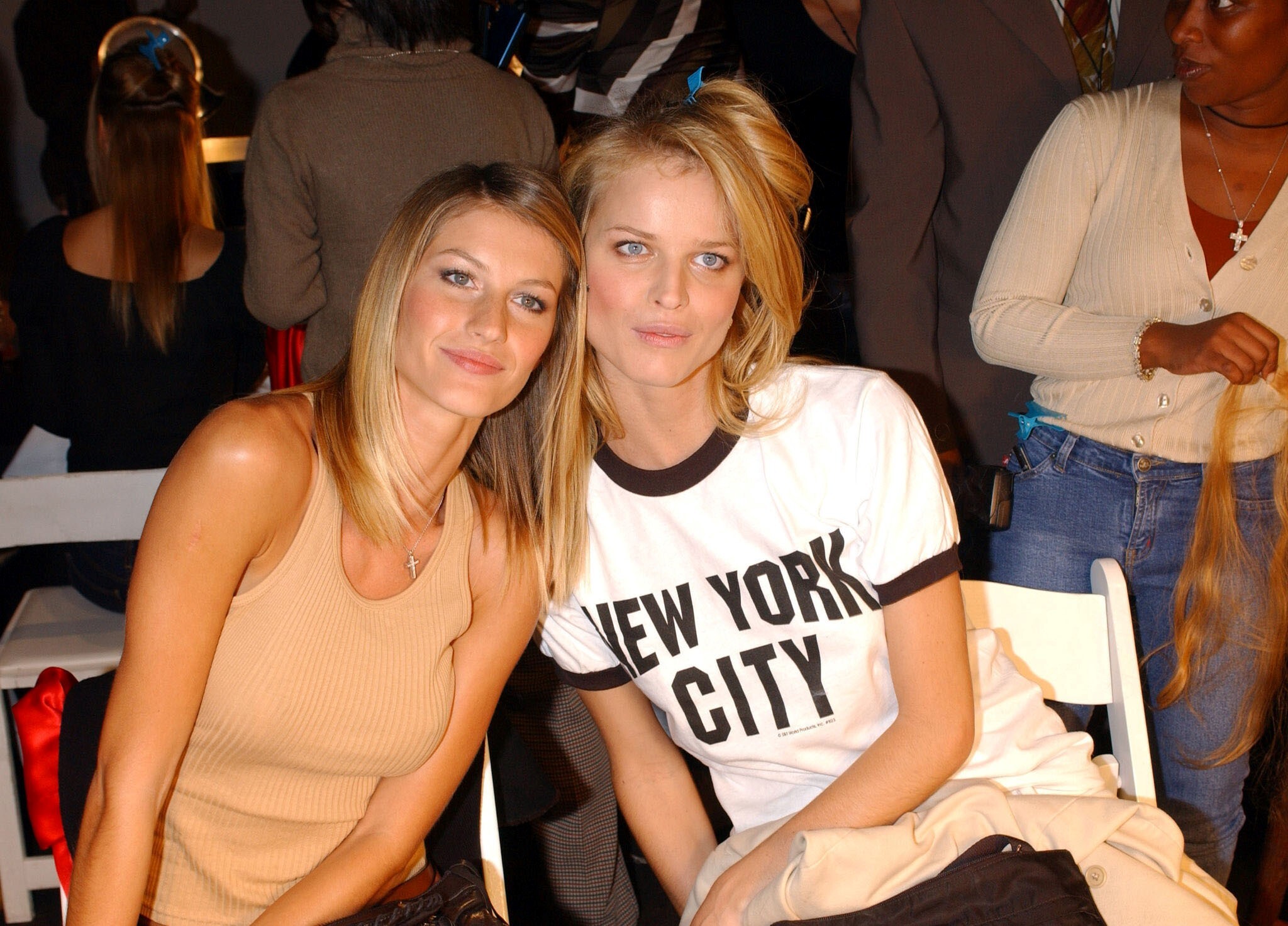
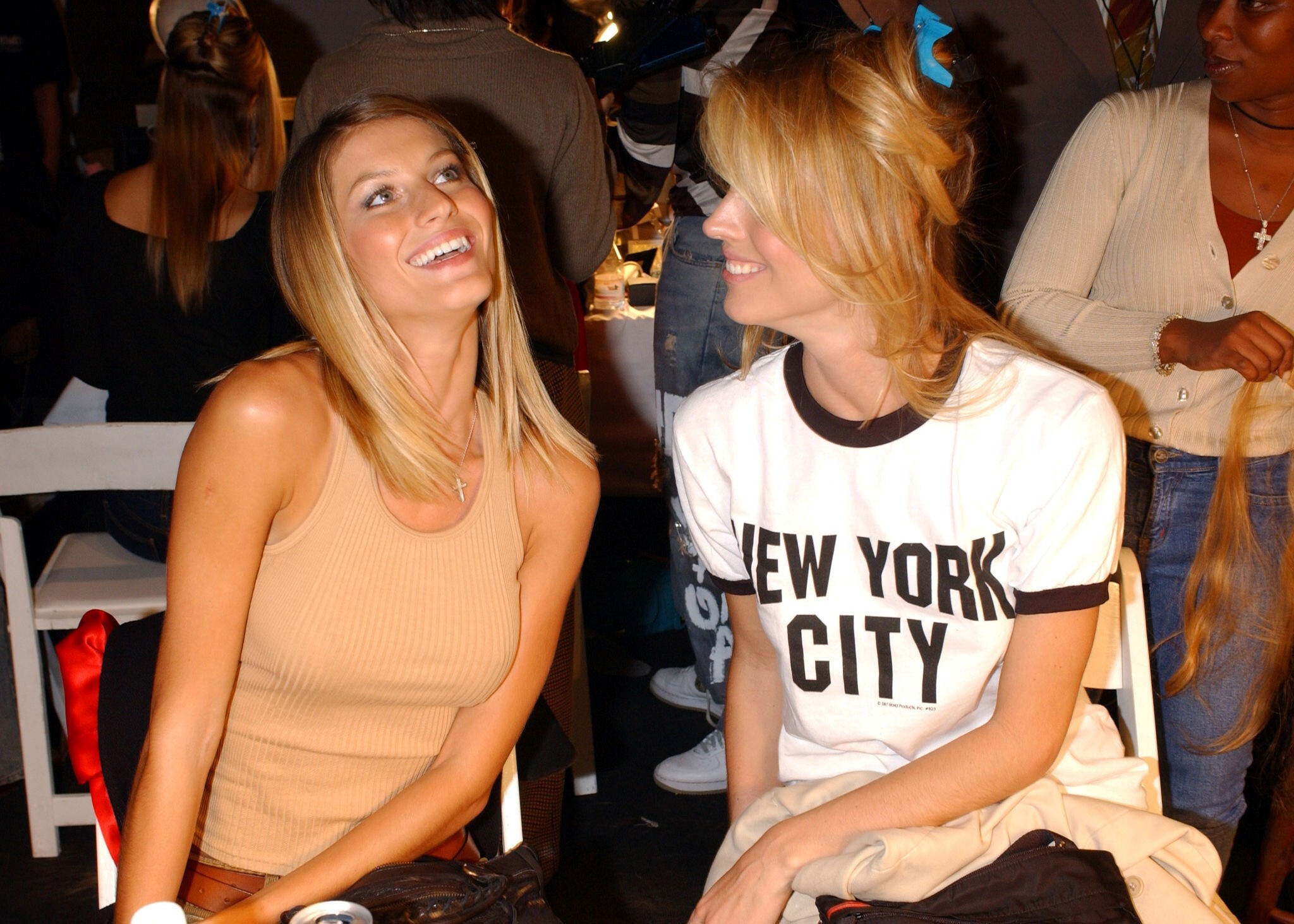
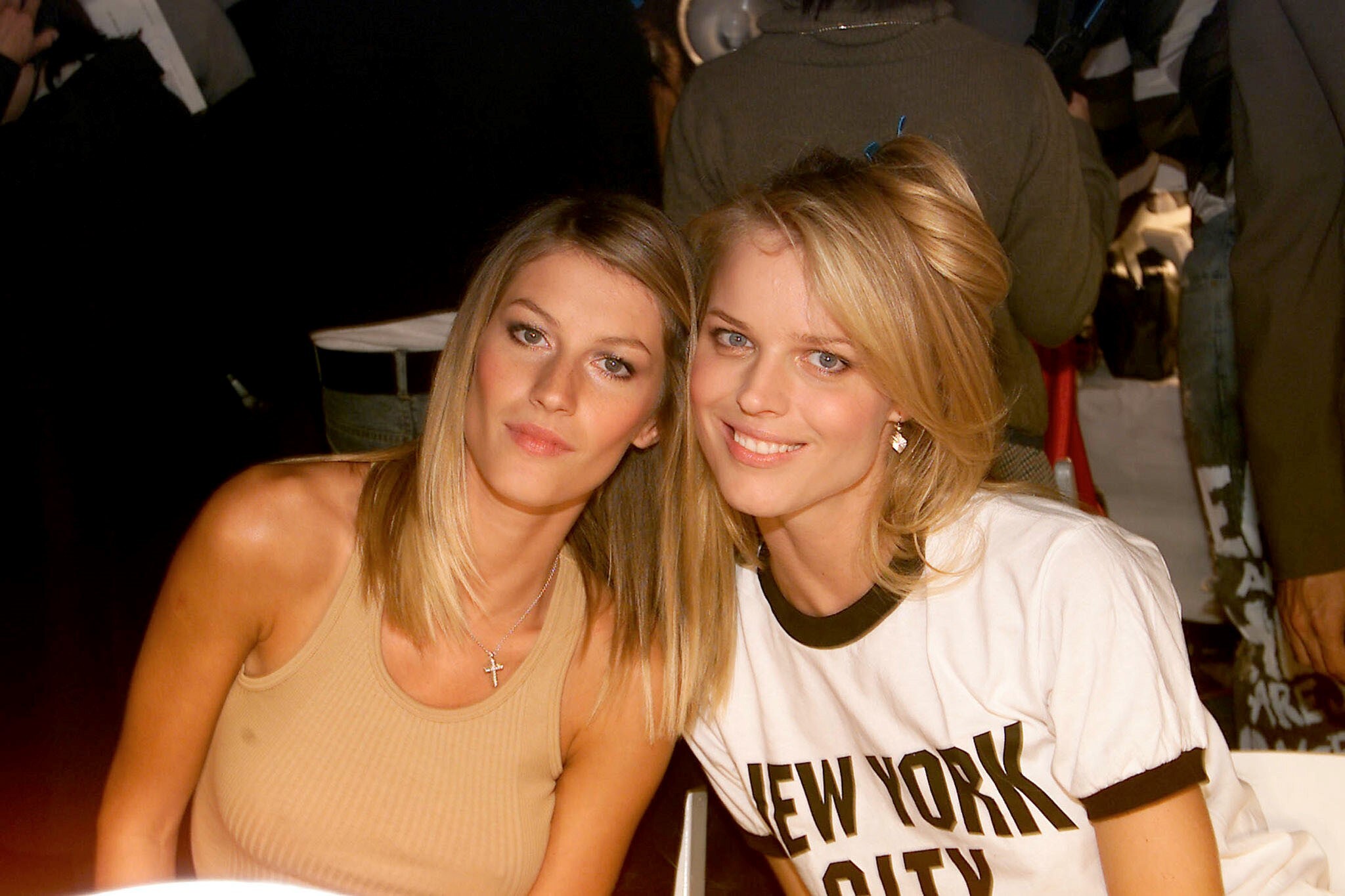
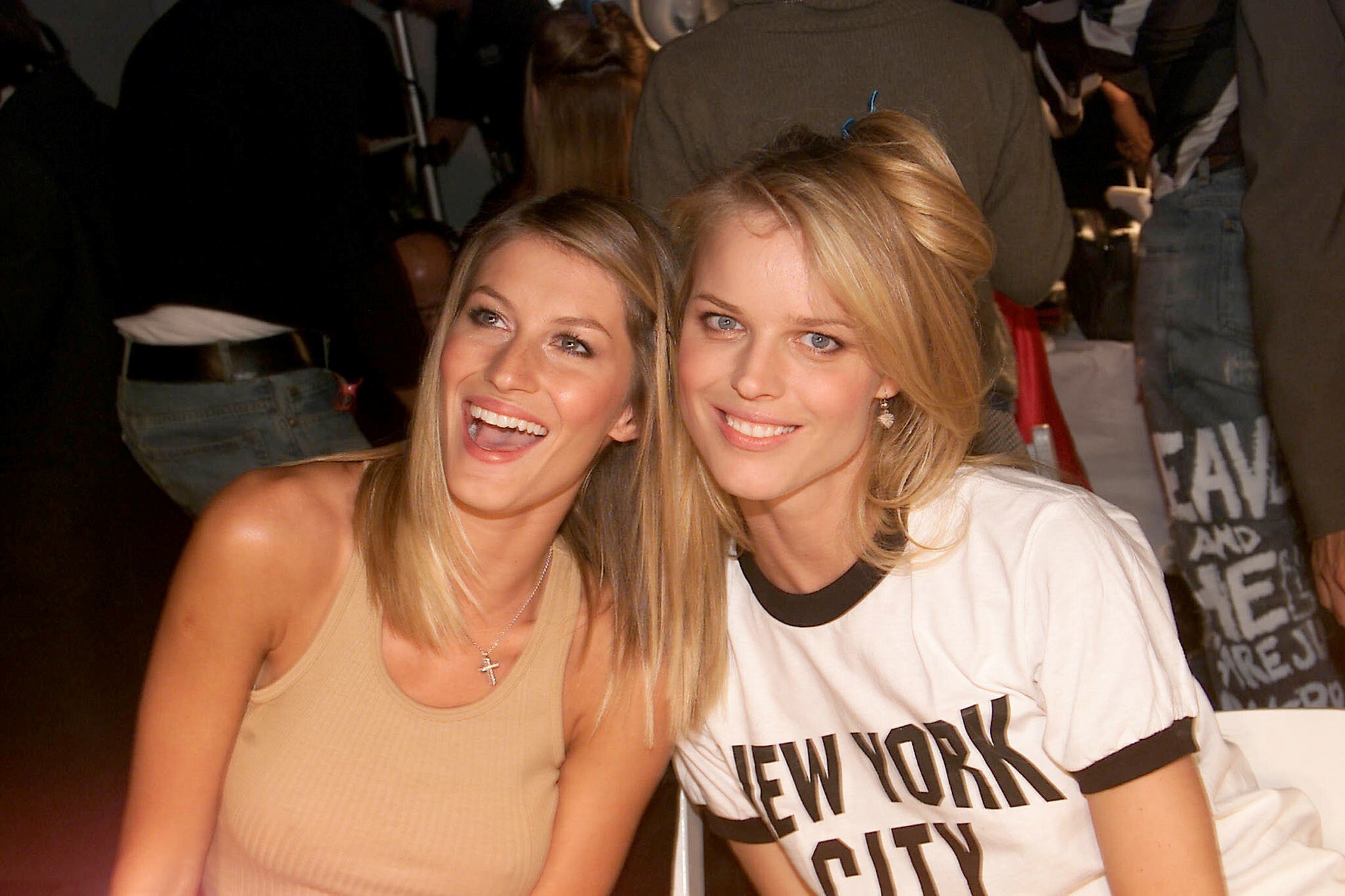
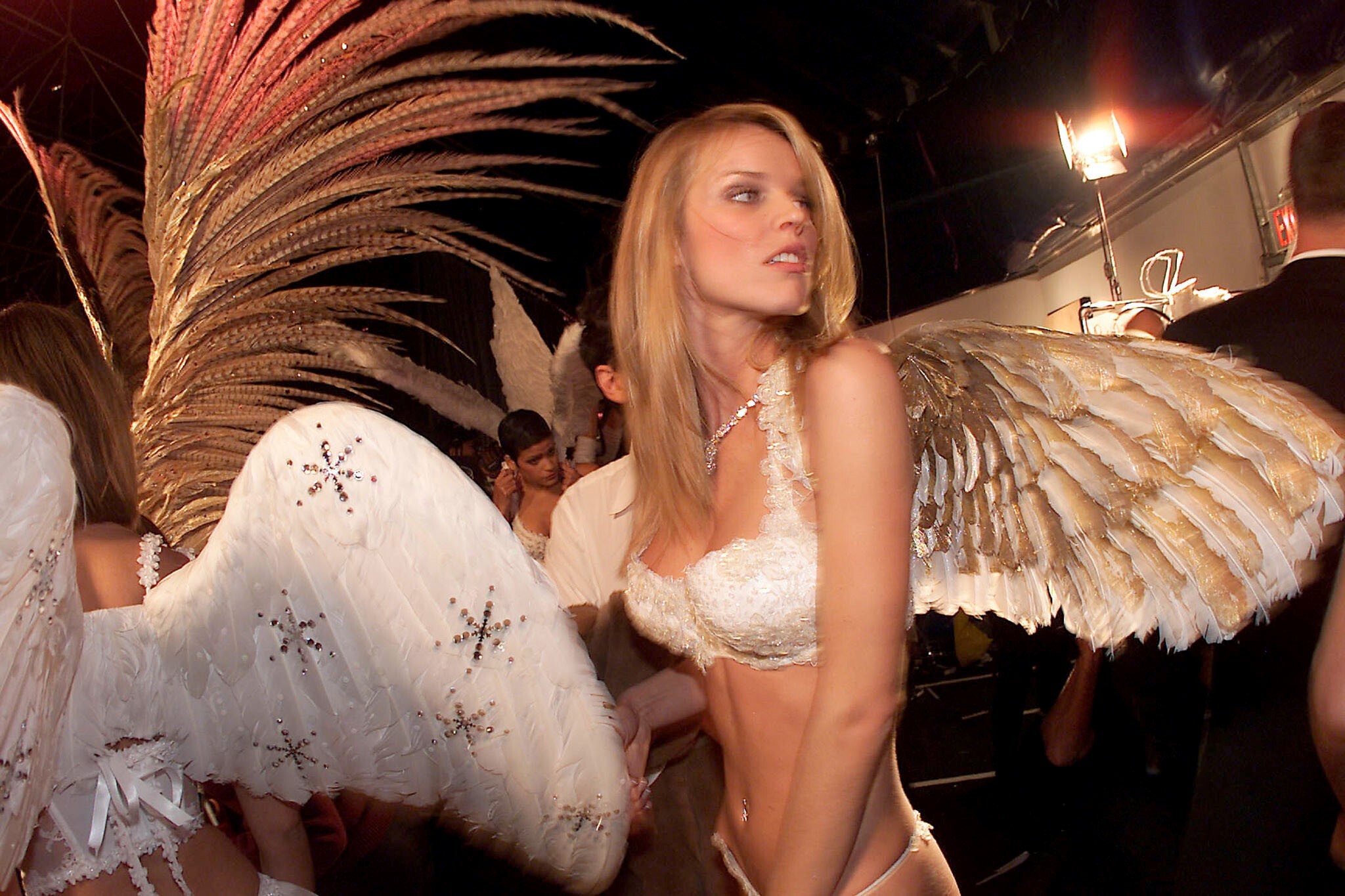
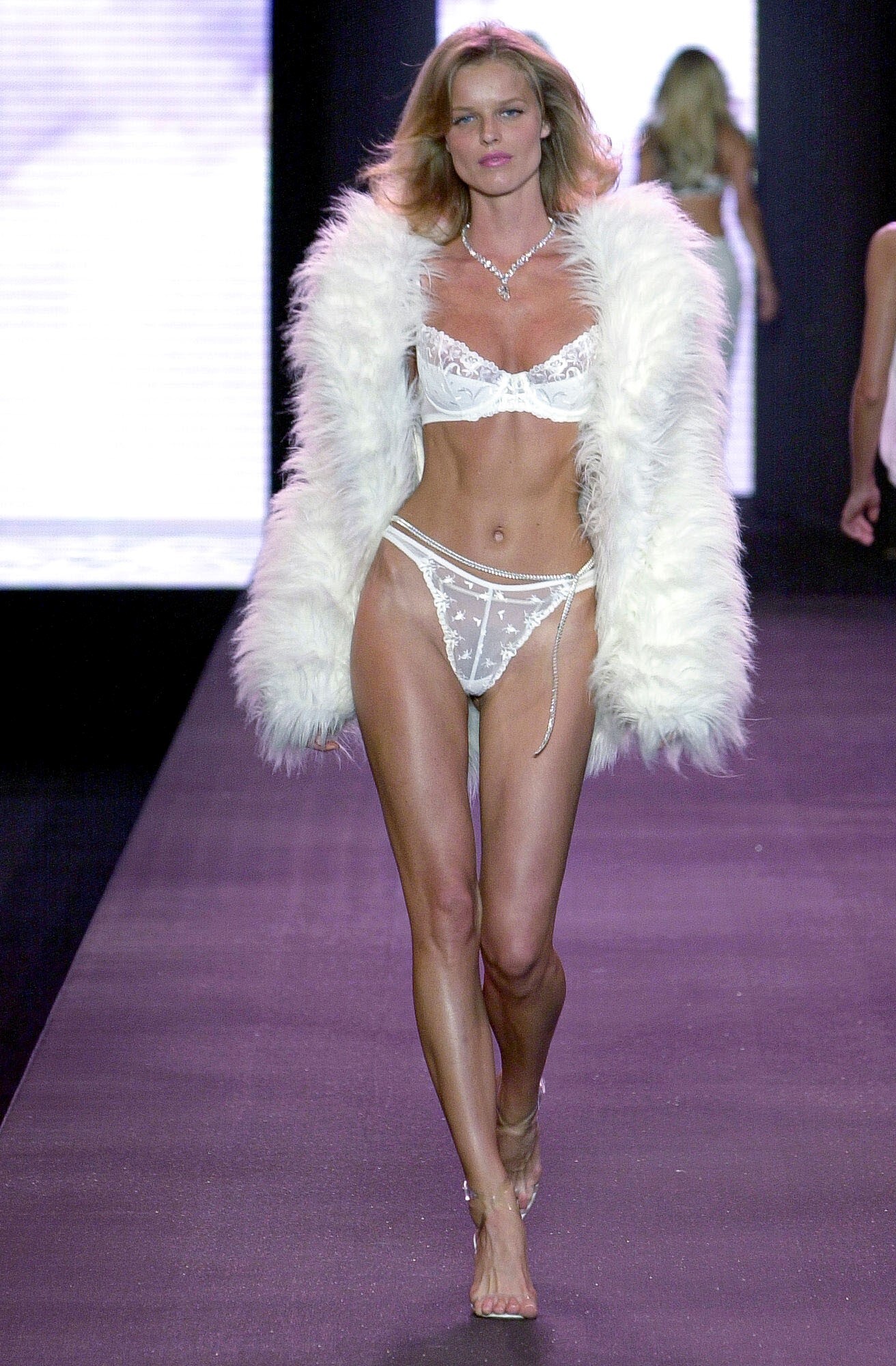
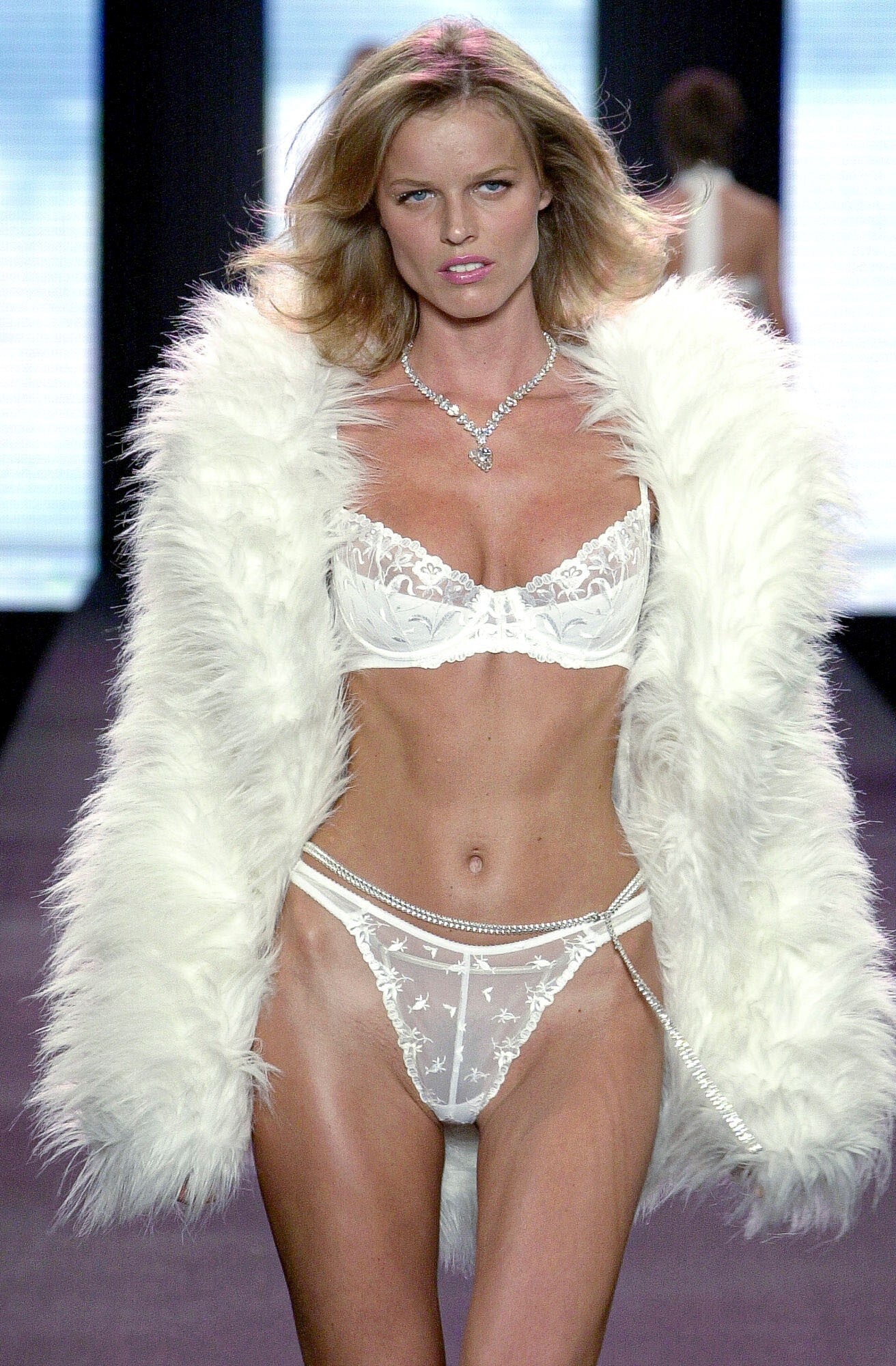
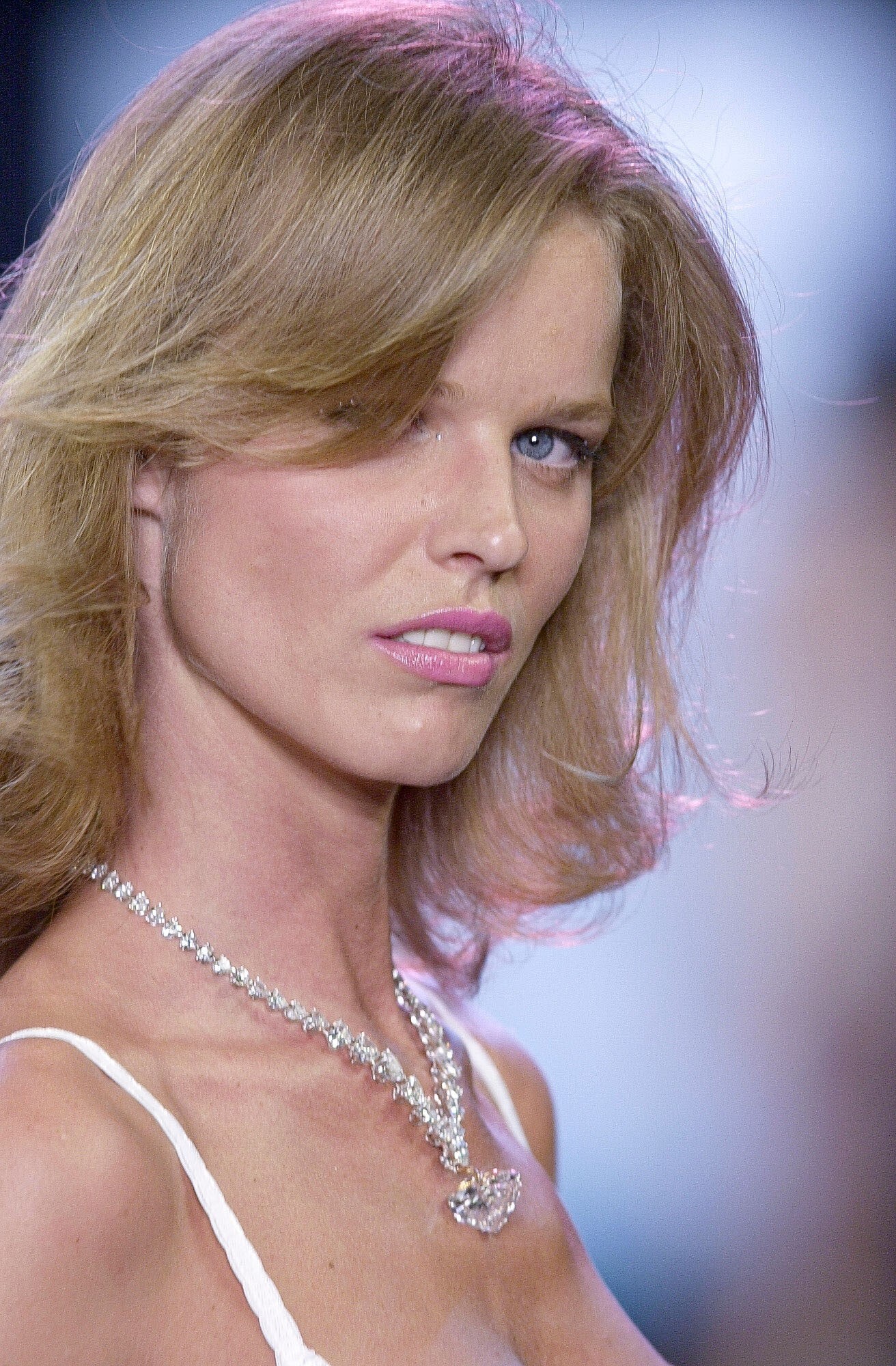
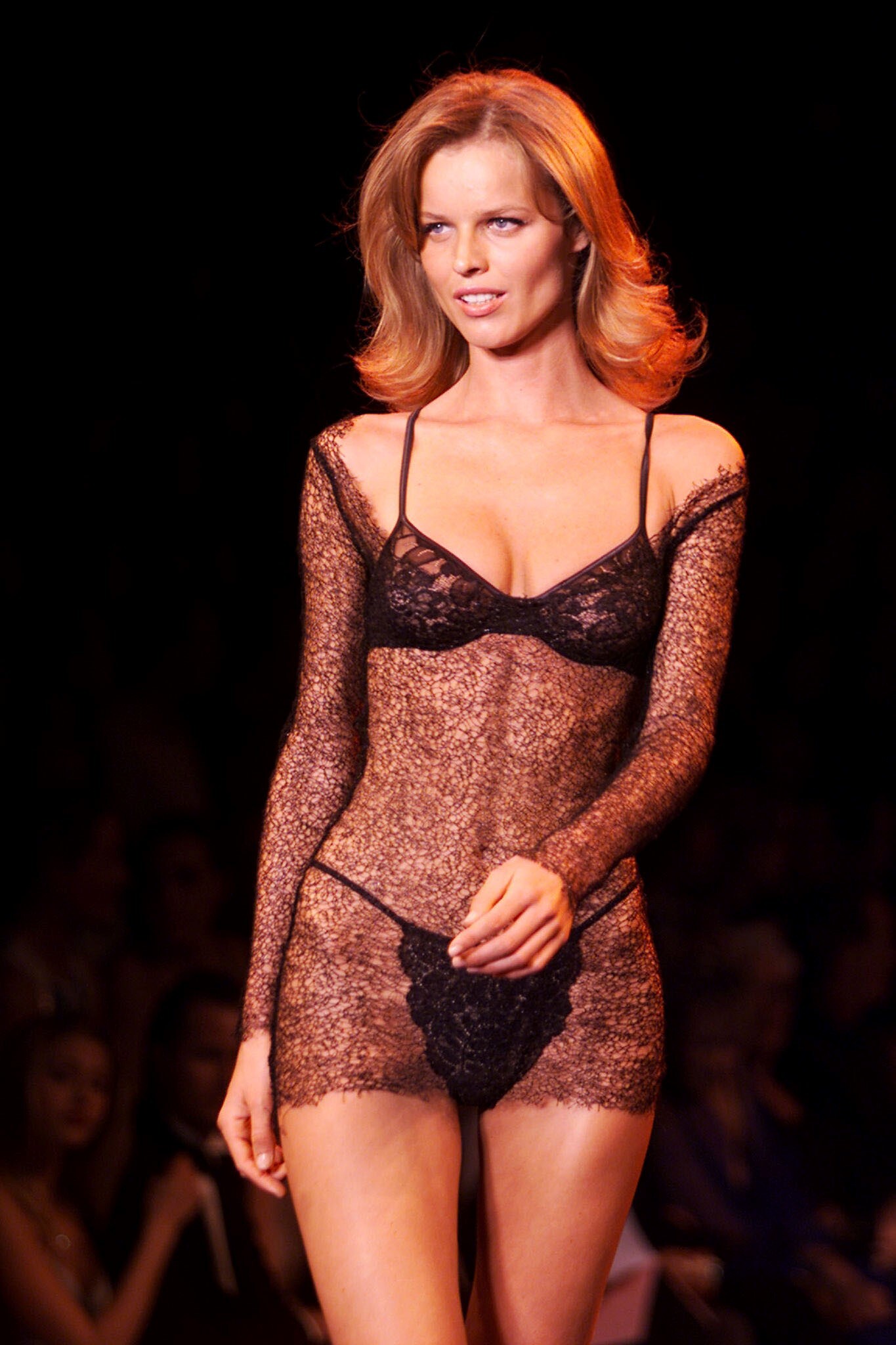
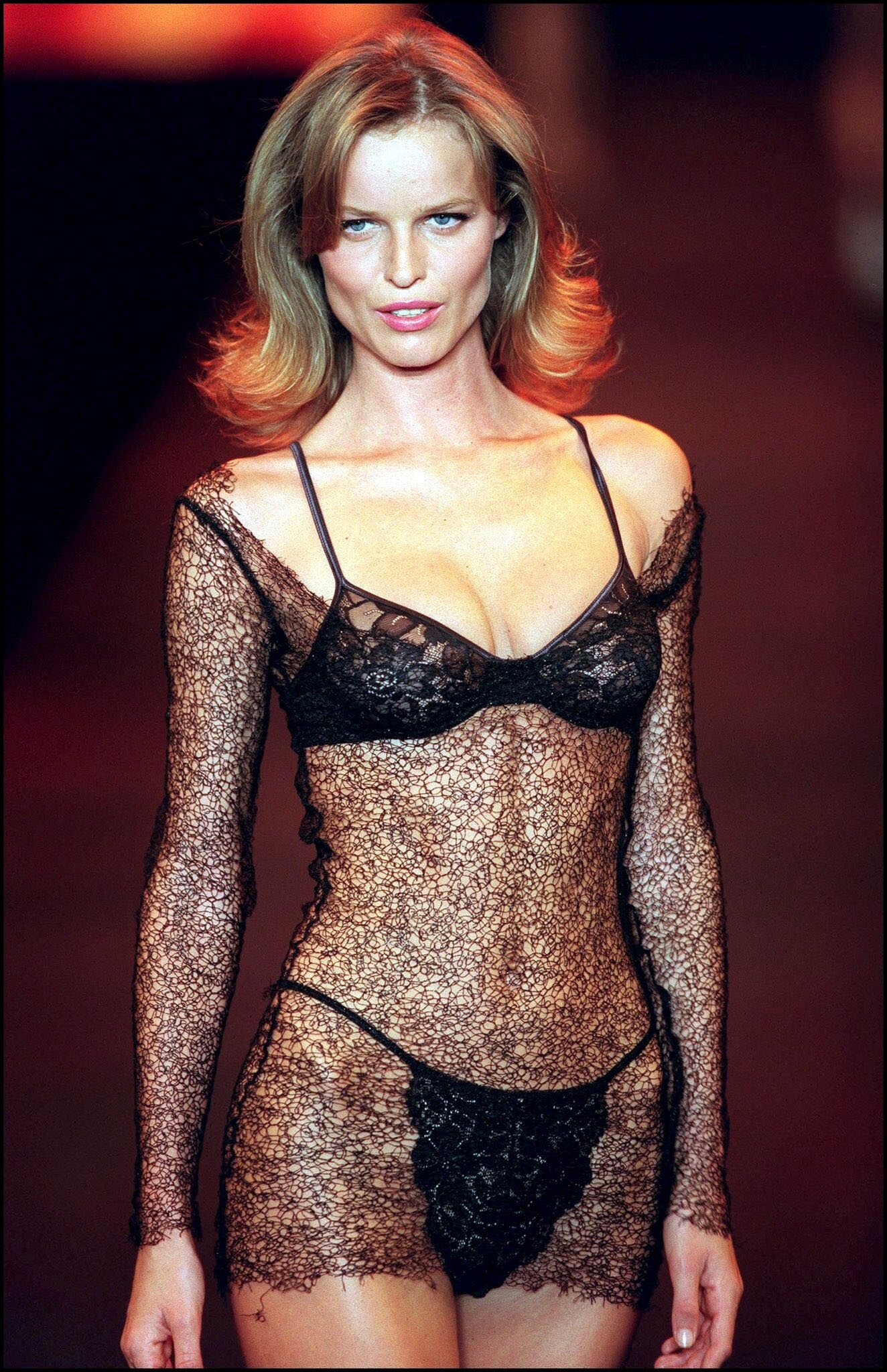
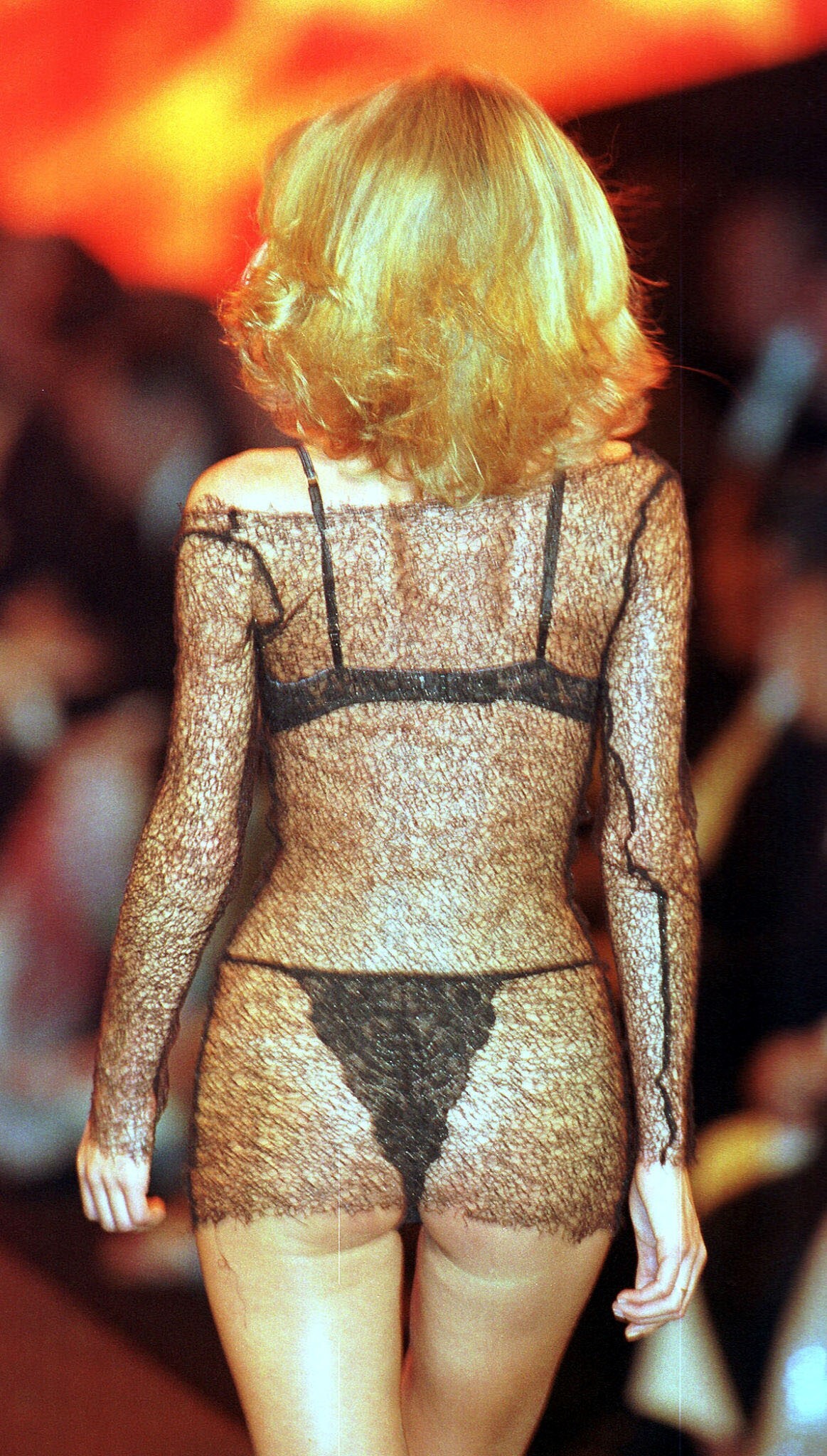
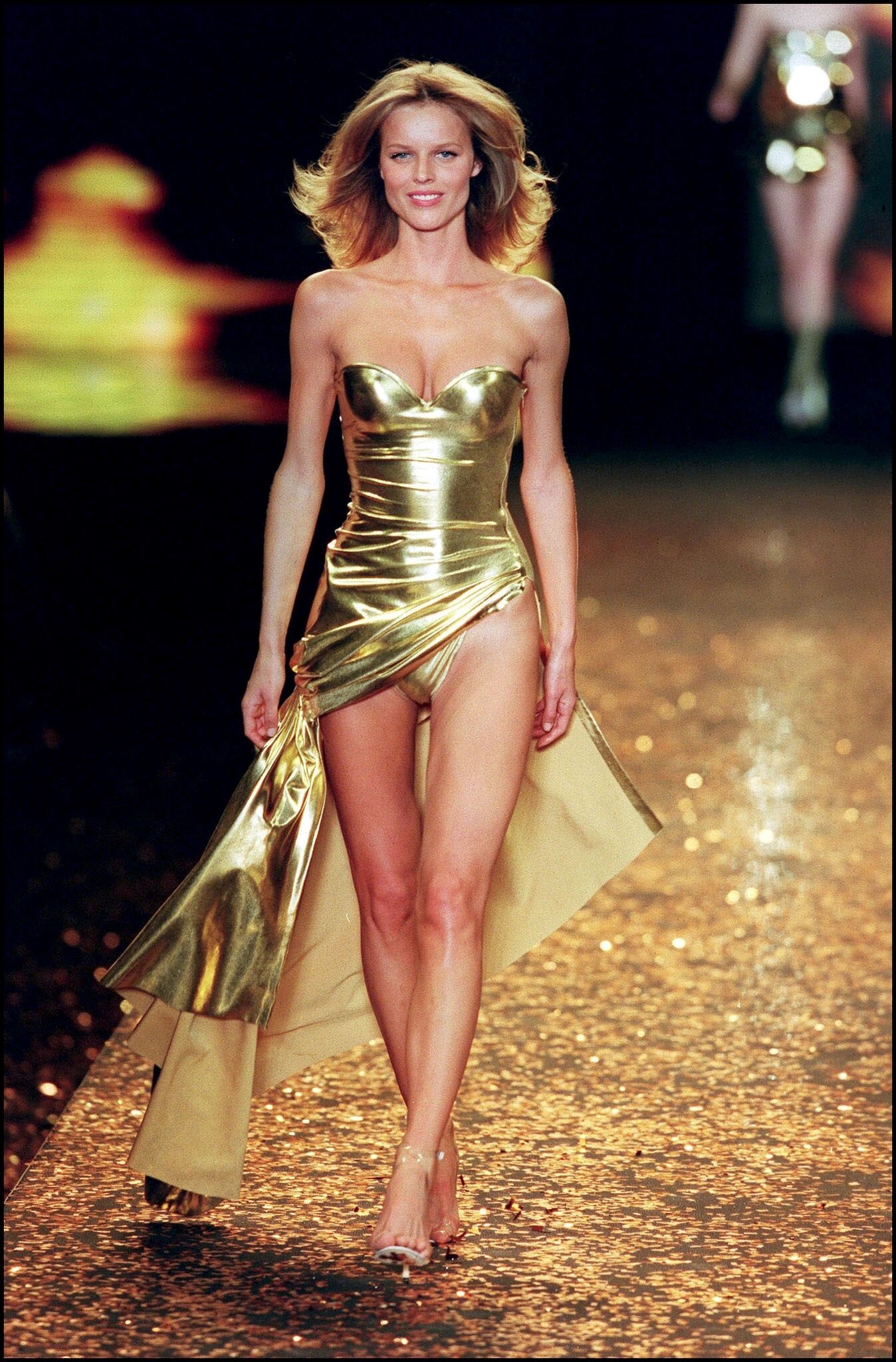
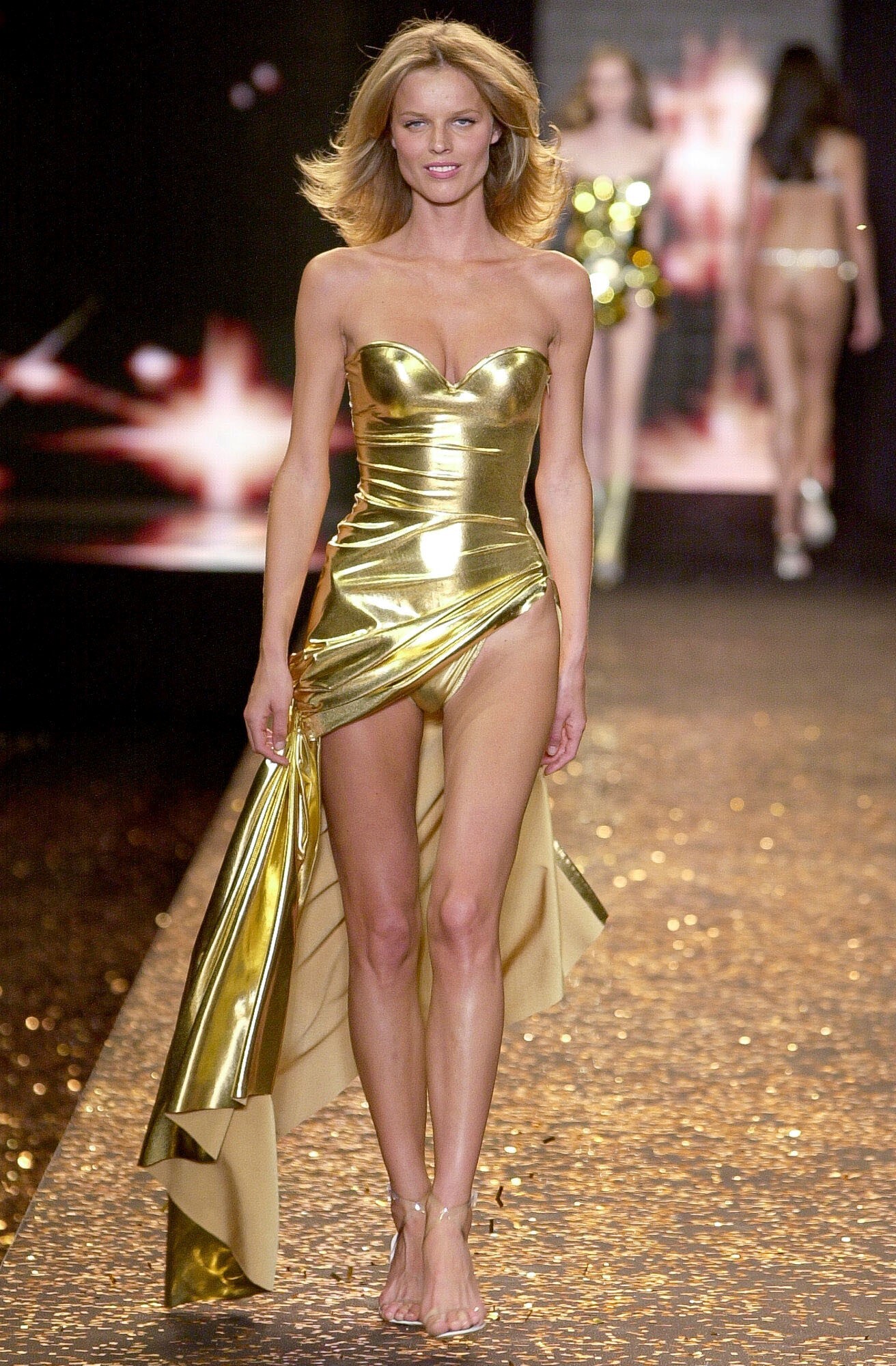
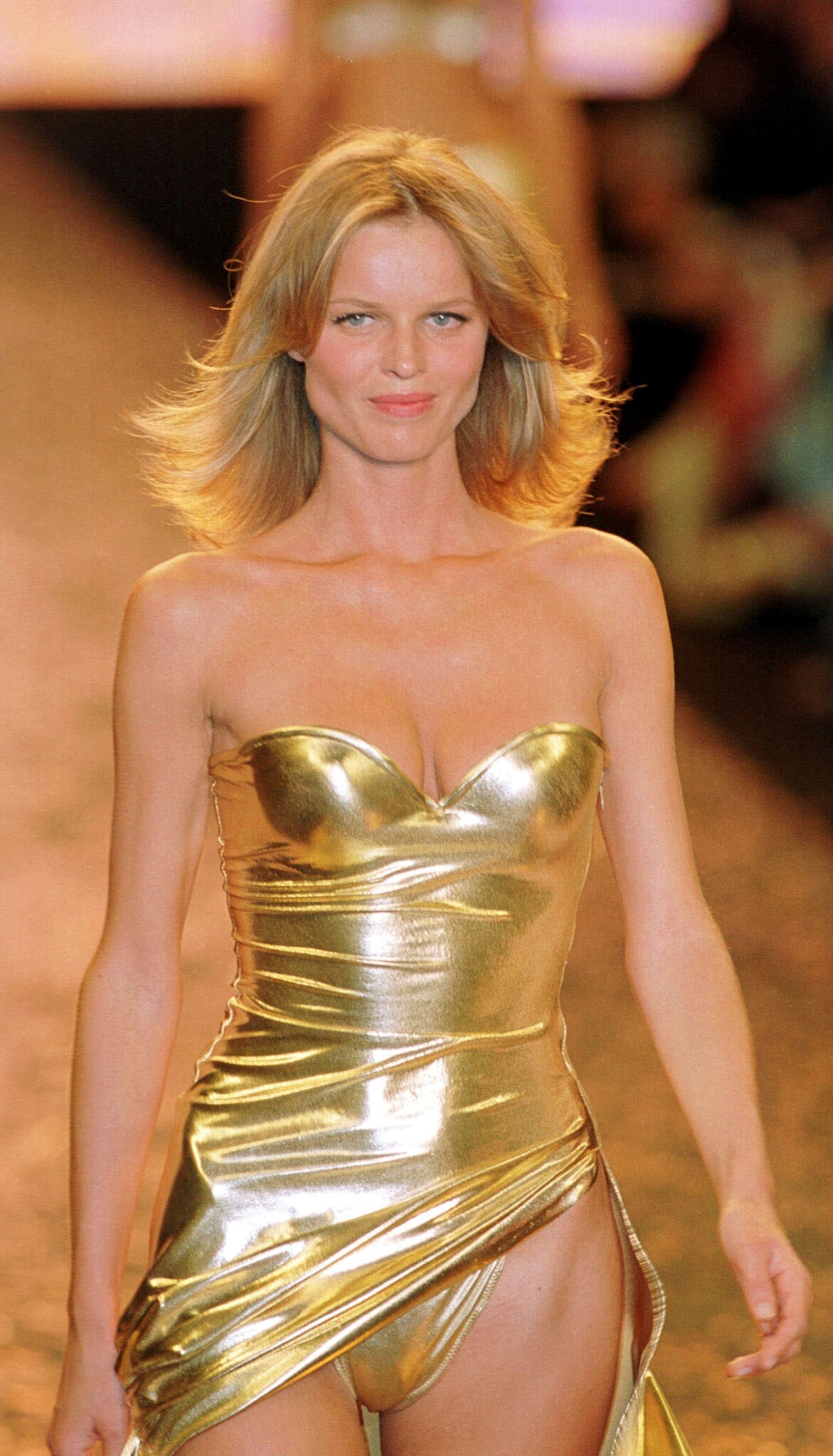
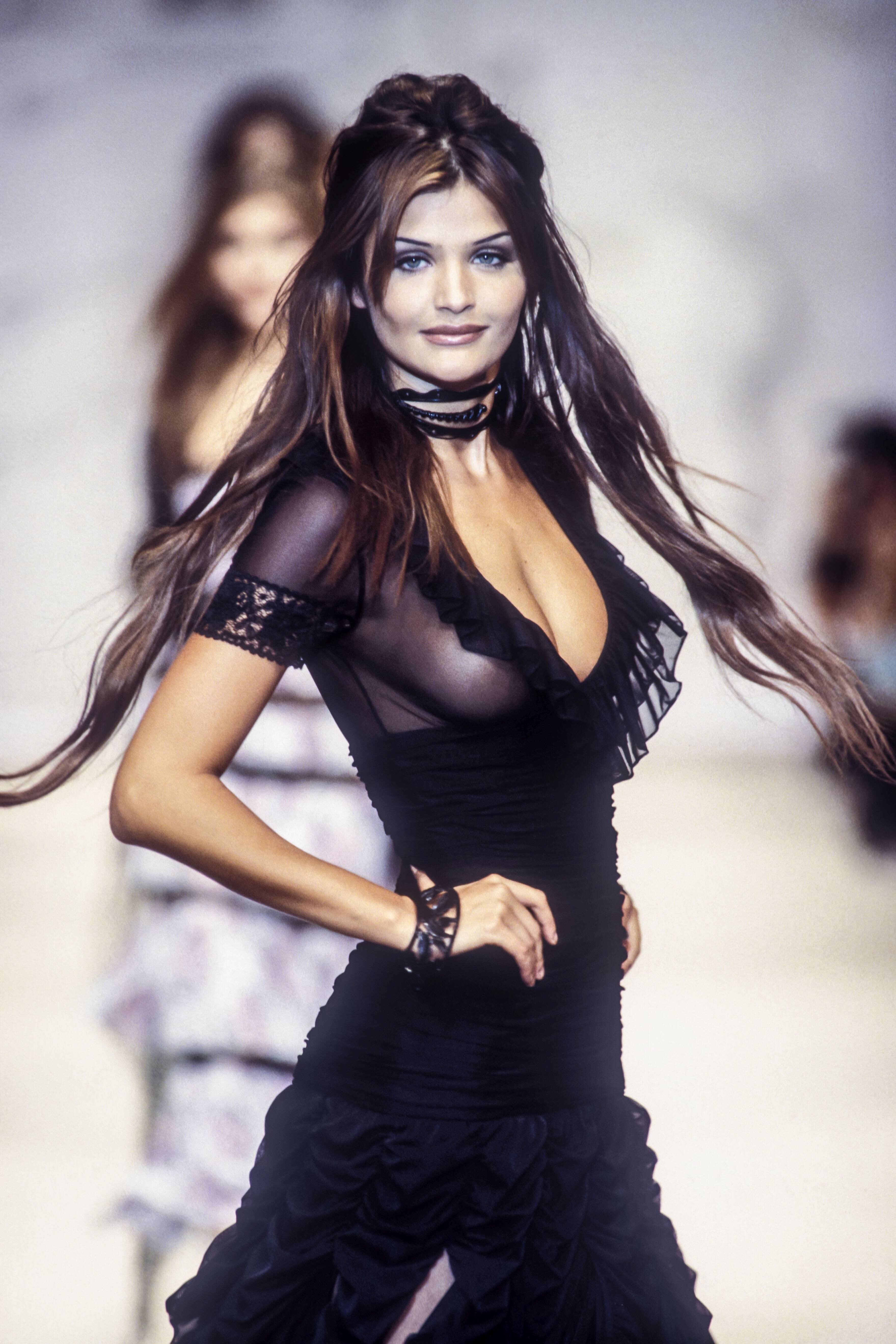
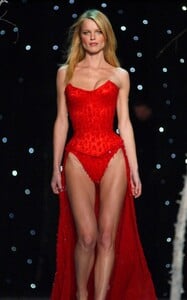
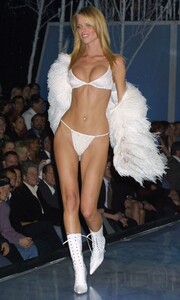
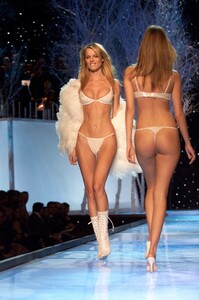
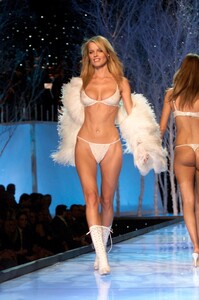
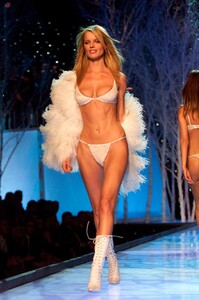
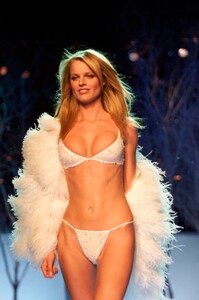
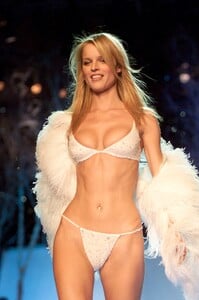
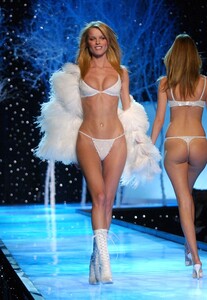
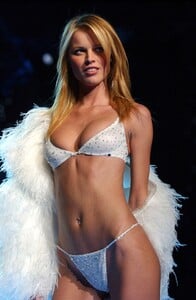
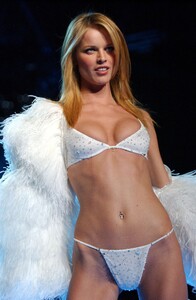
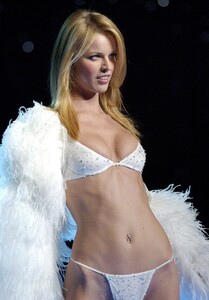
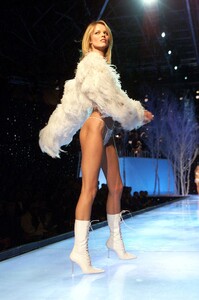
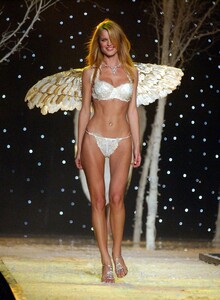
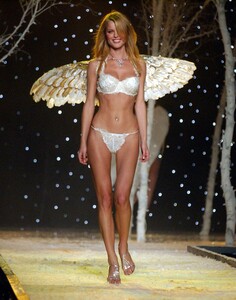
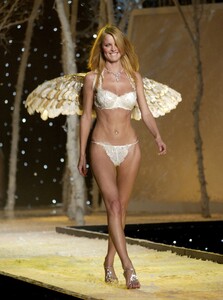
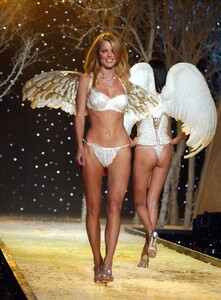
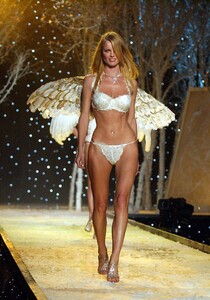
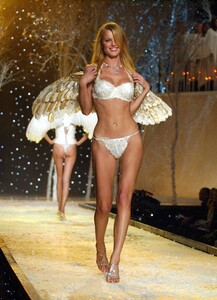
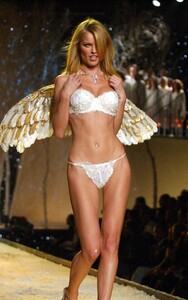
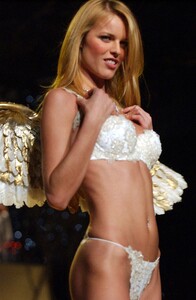
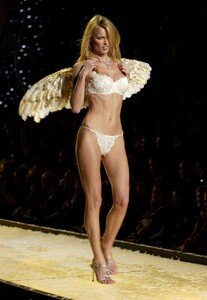
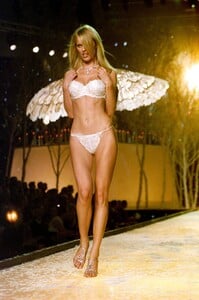
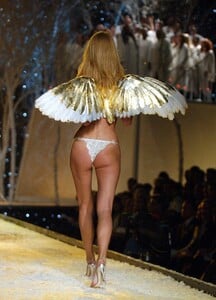
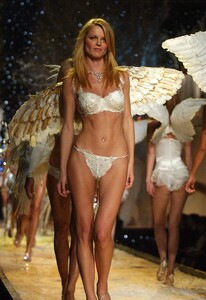
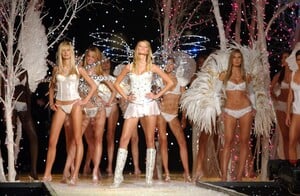
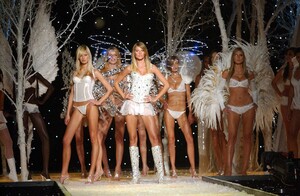
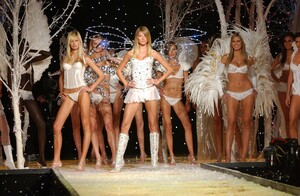
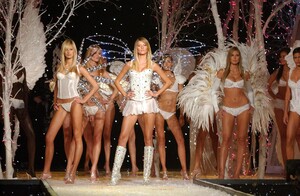
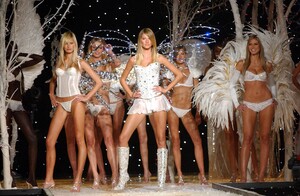
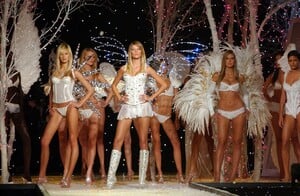
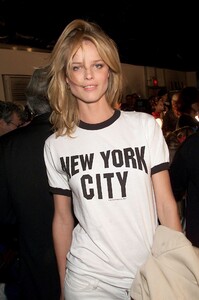
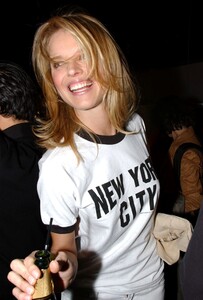
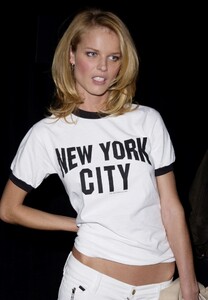
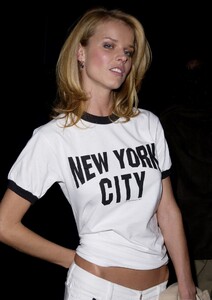
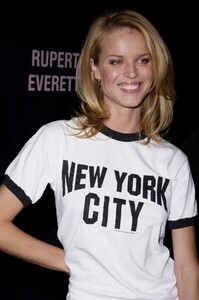
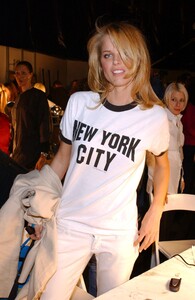
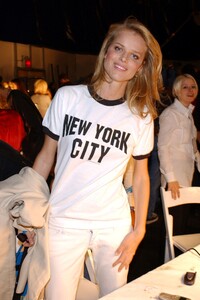
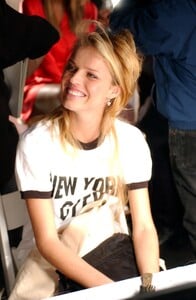
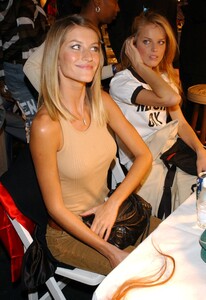
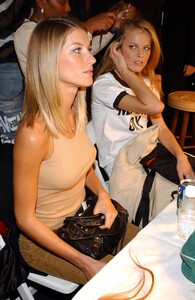
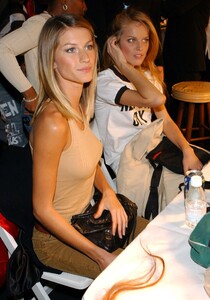
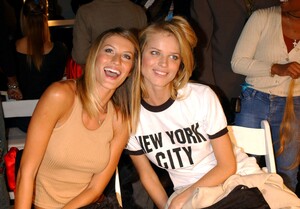
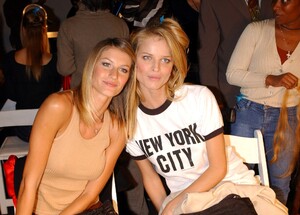
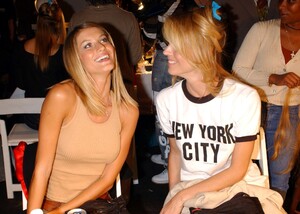
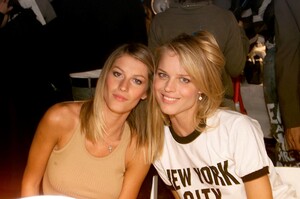
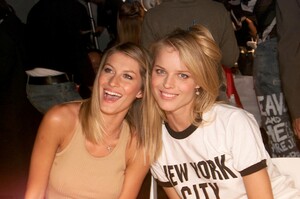
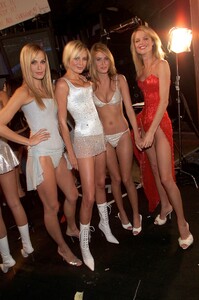
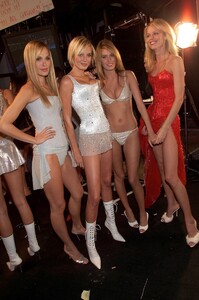
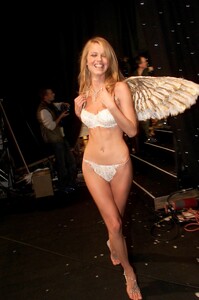
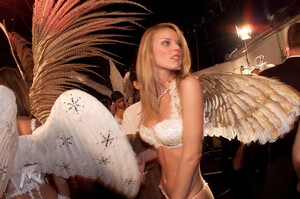
Eva Herzigova - Runway & backstage Also: Gisele Bundchen, Molly Sims, Bridget Hall, Rhea Durham
-
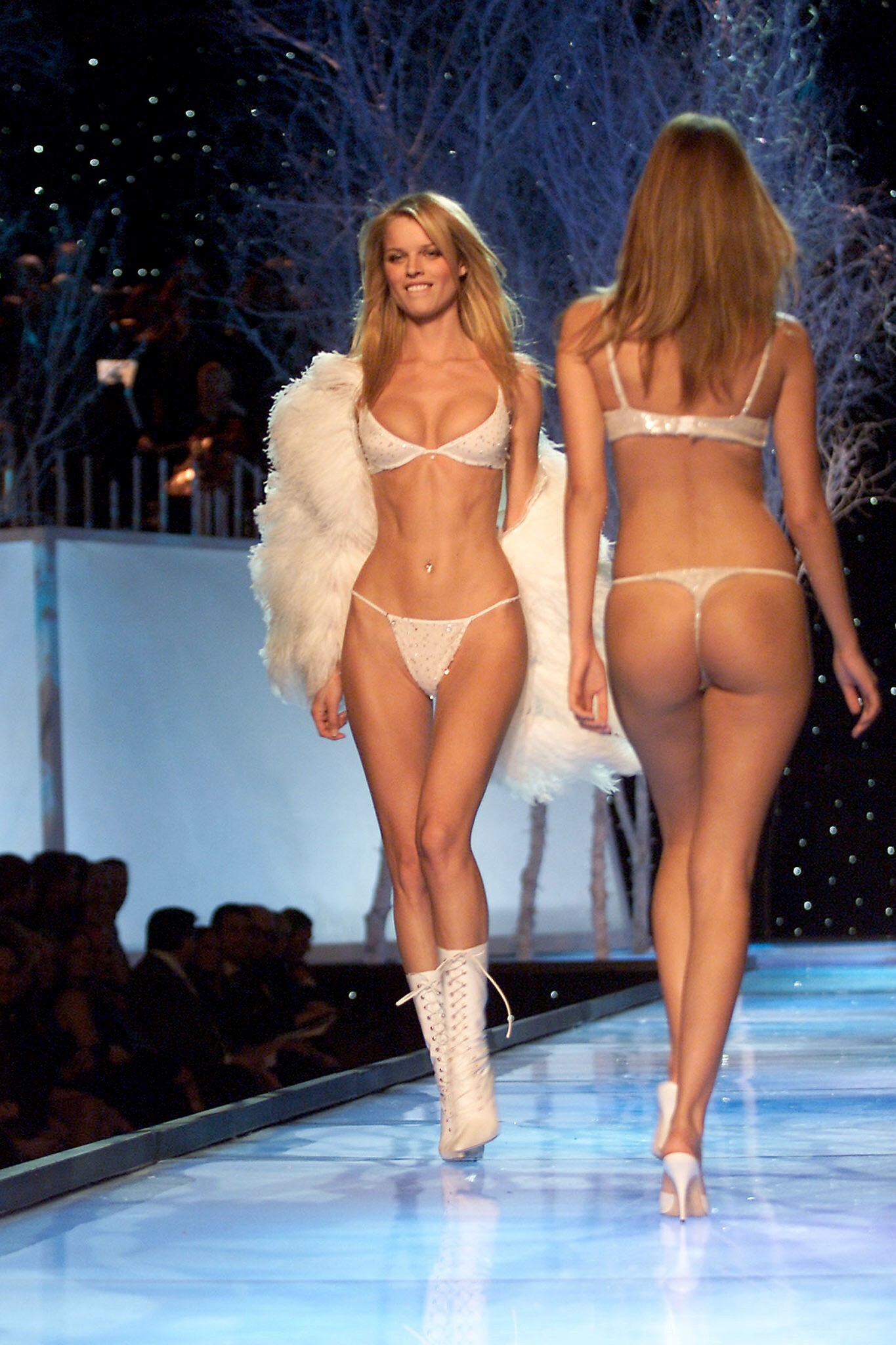
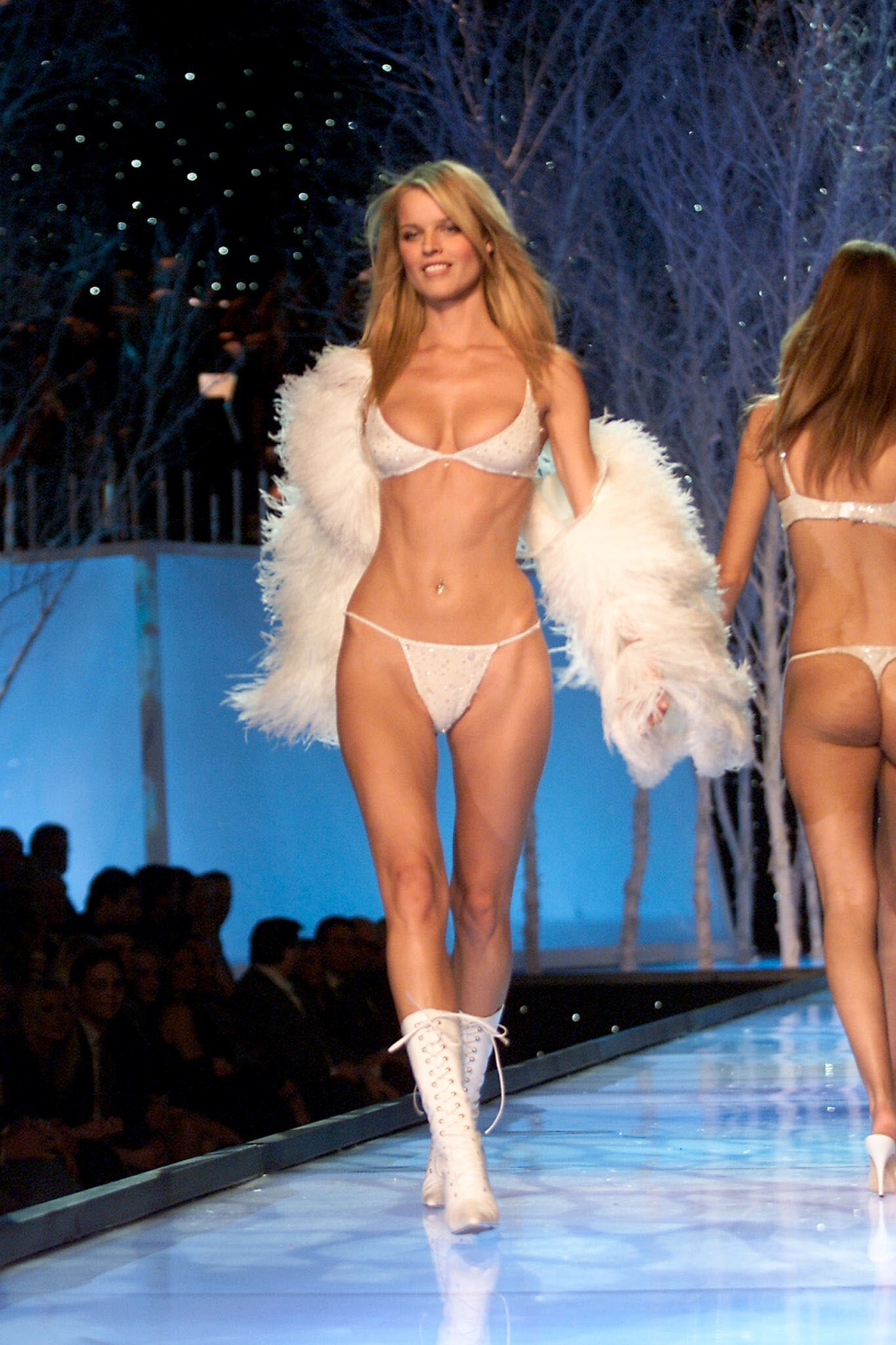
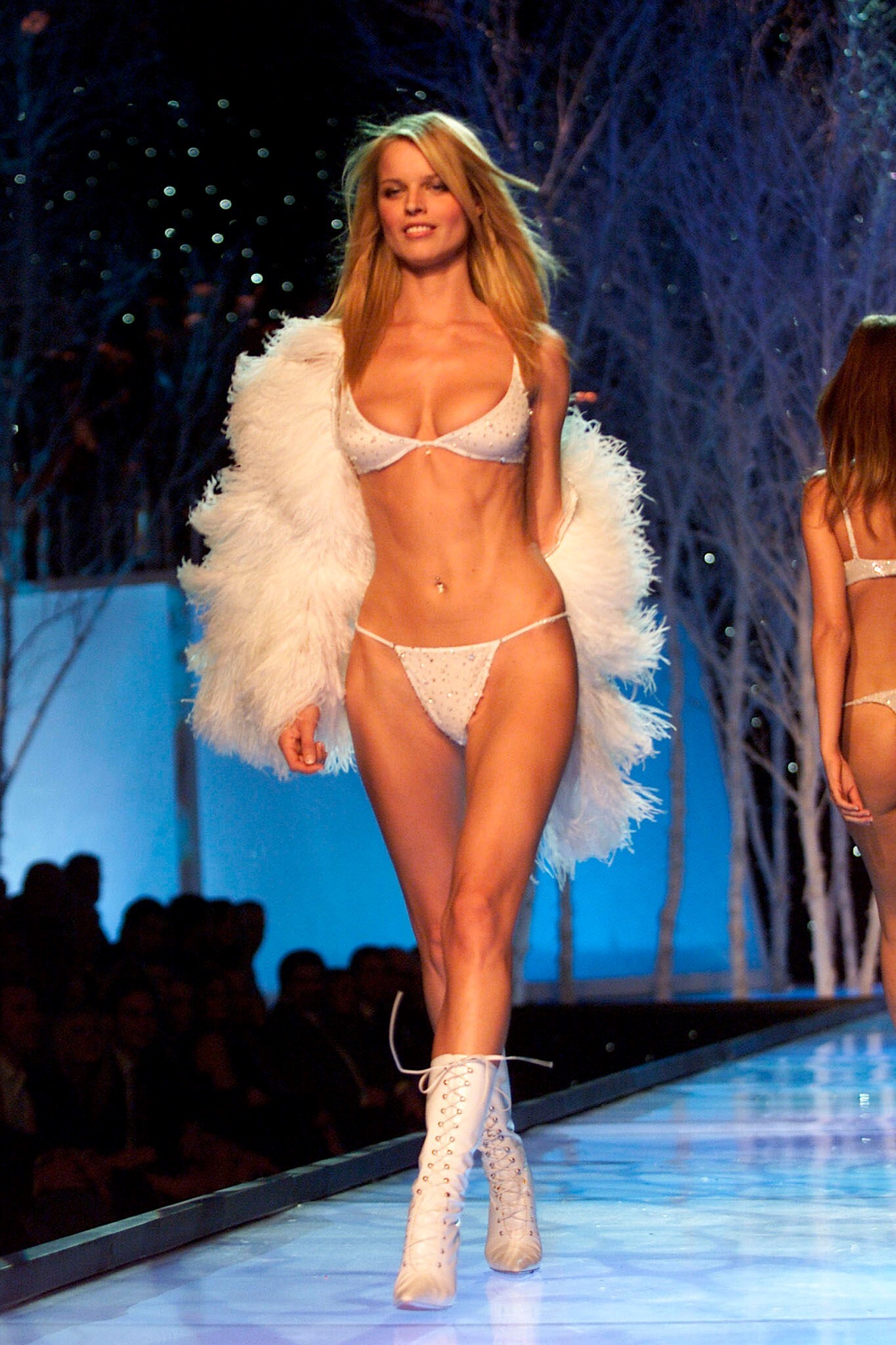
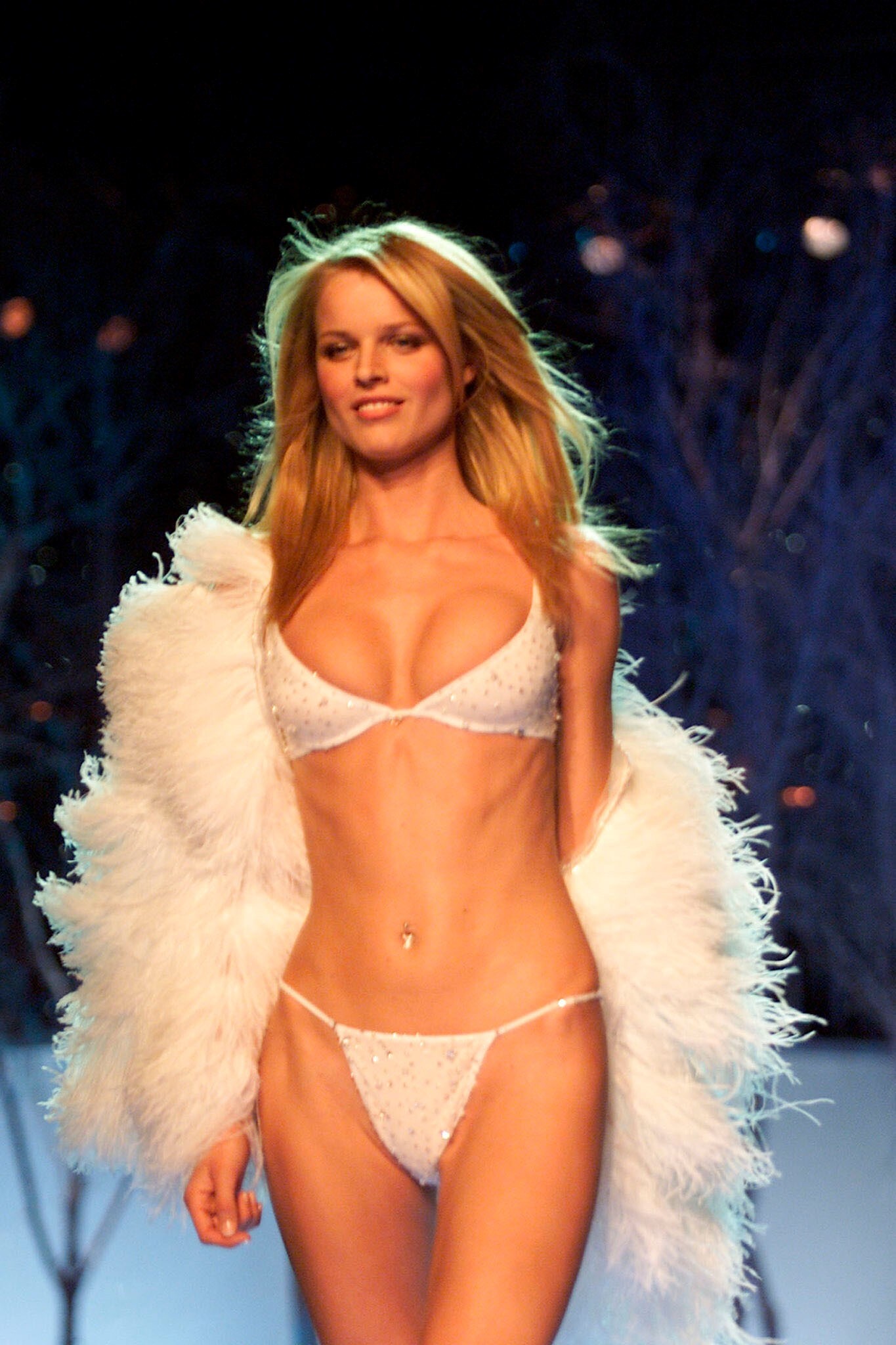
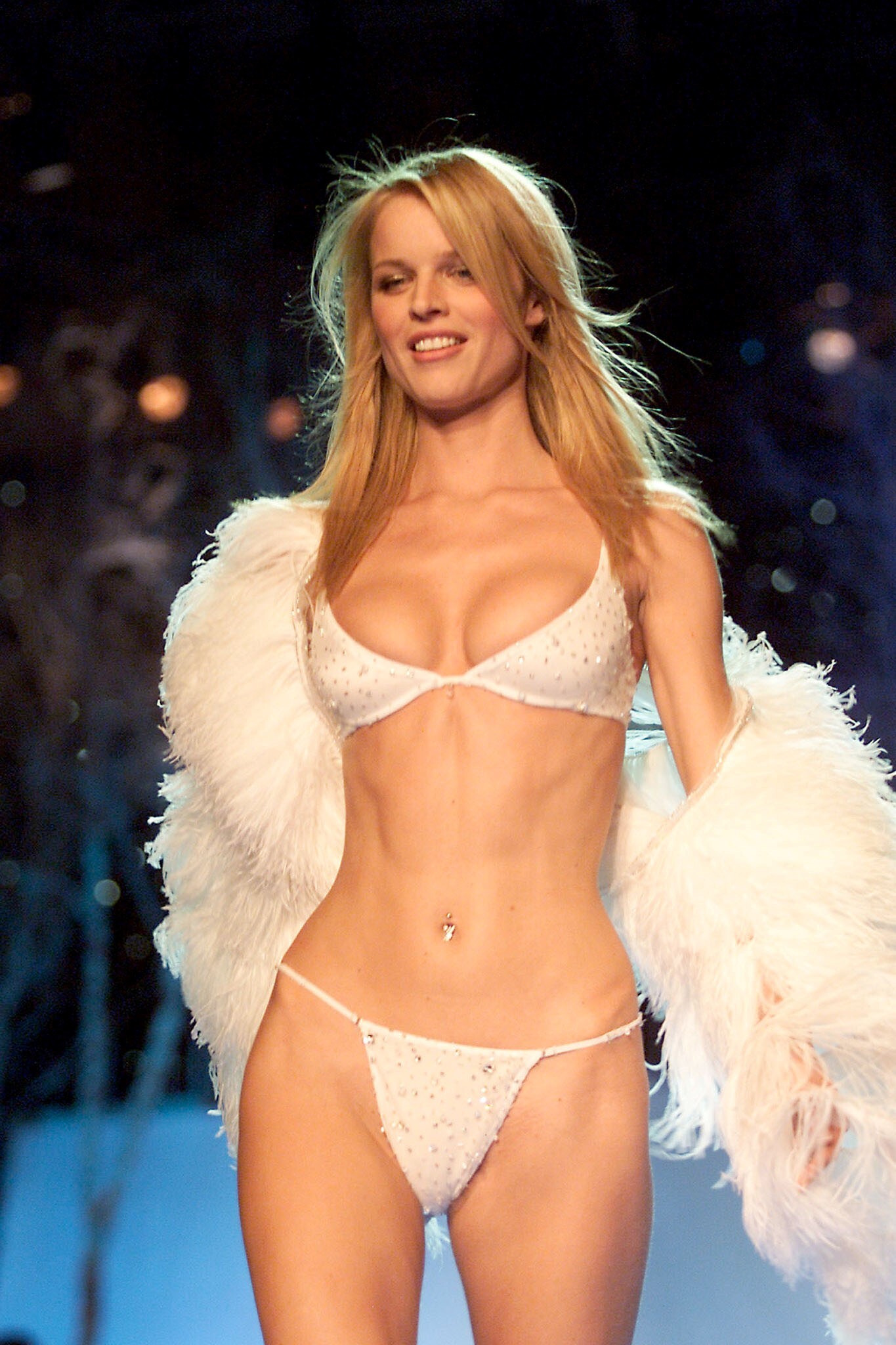
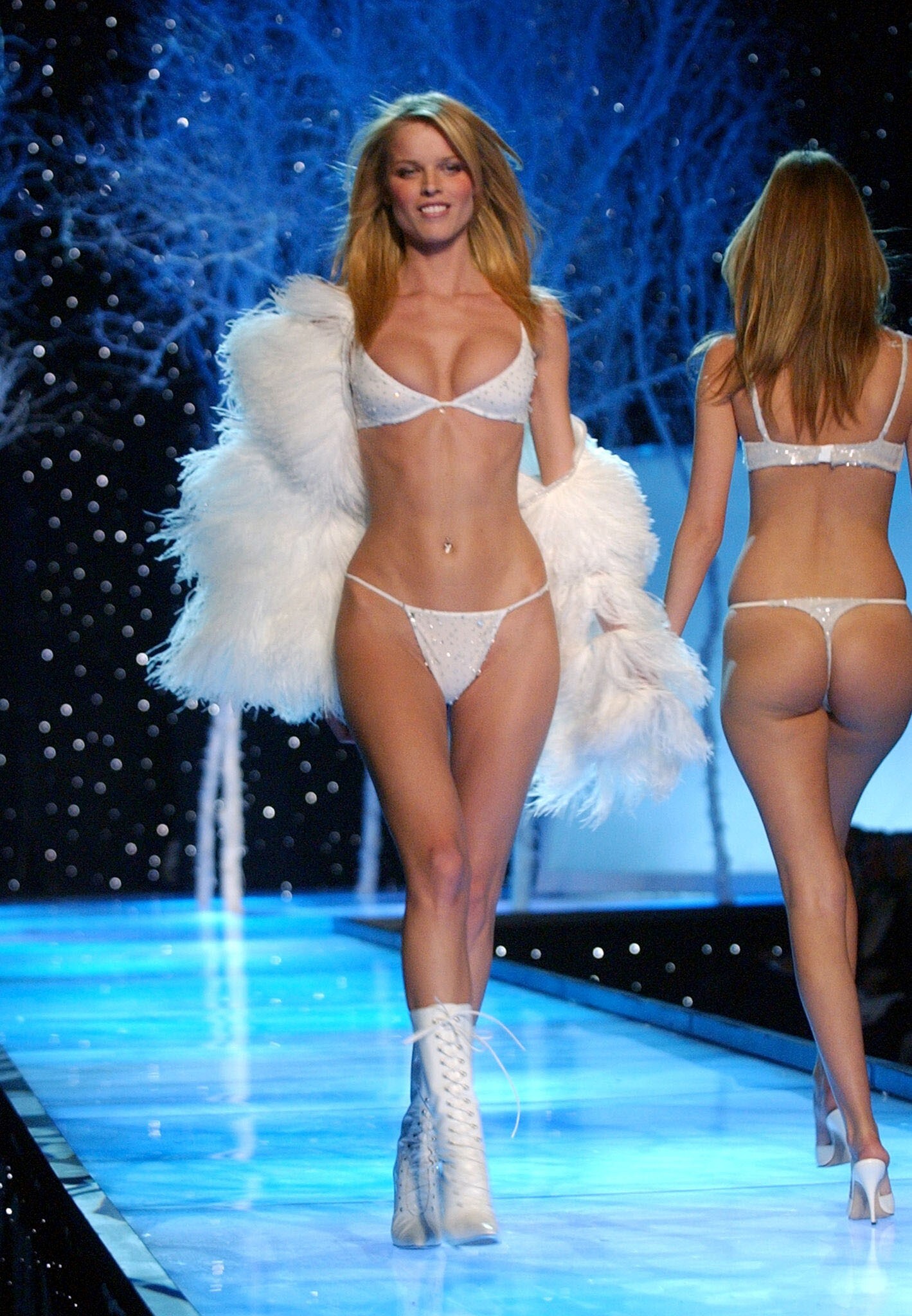
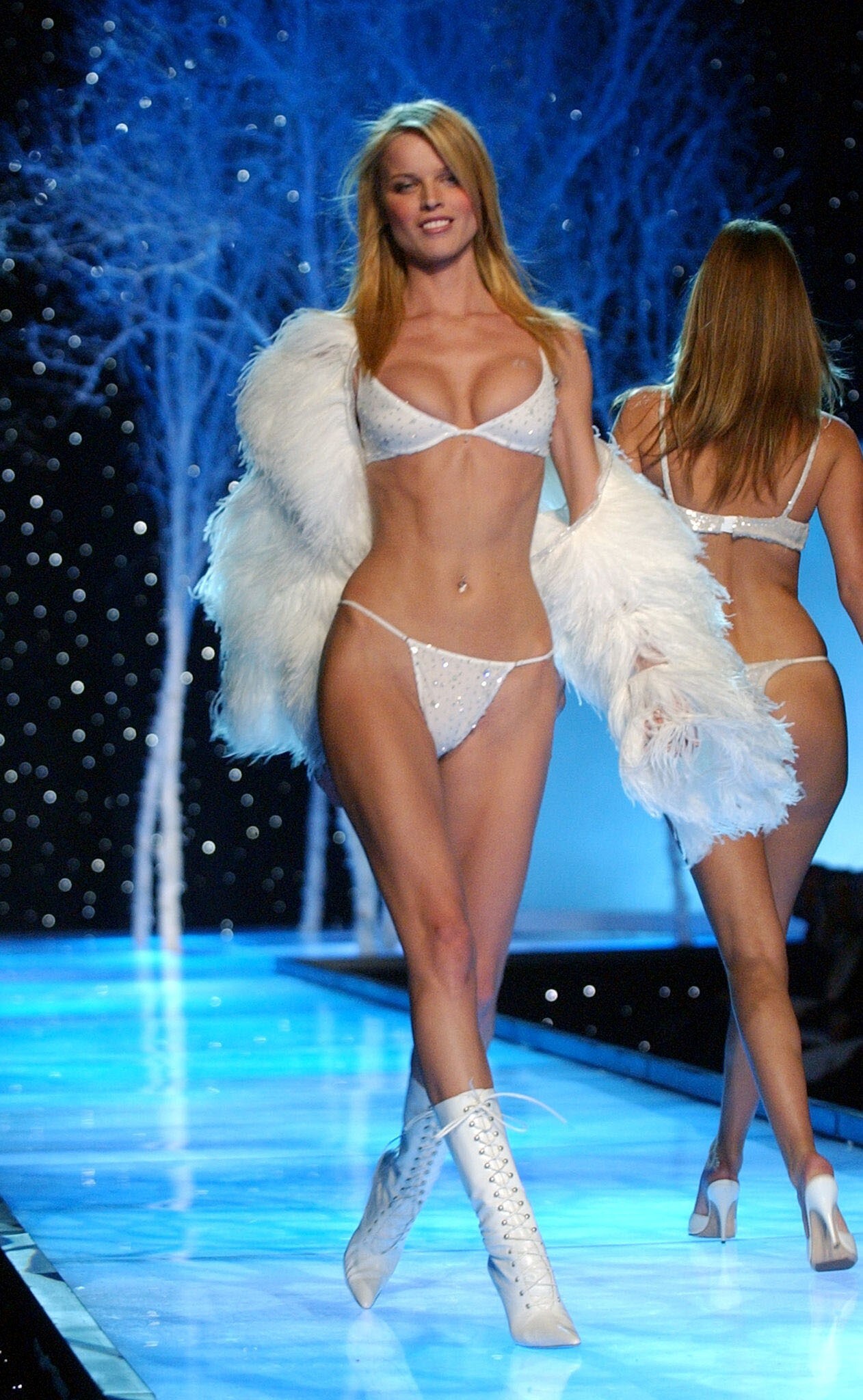
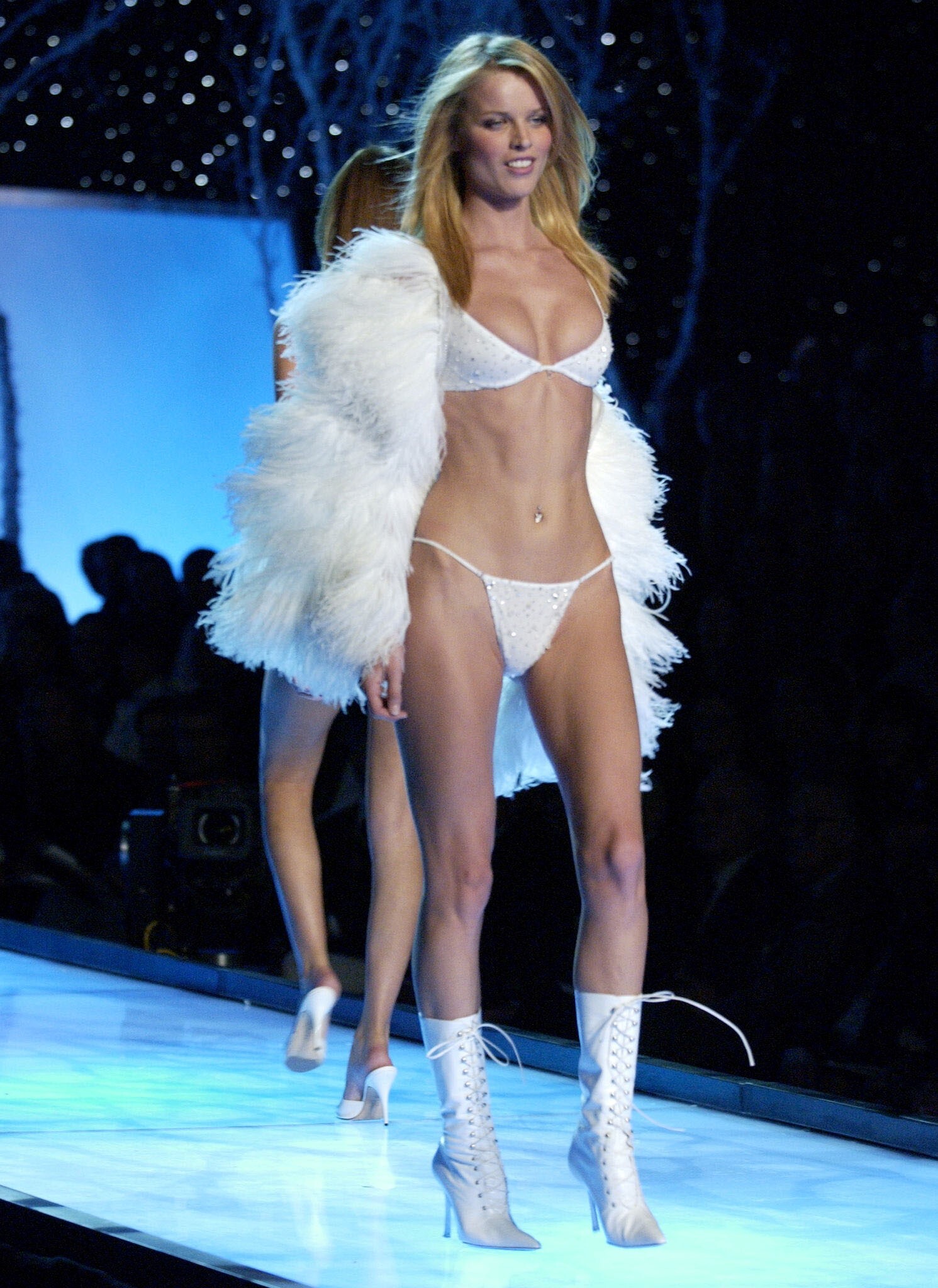
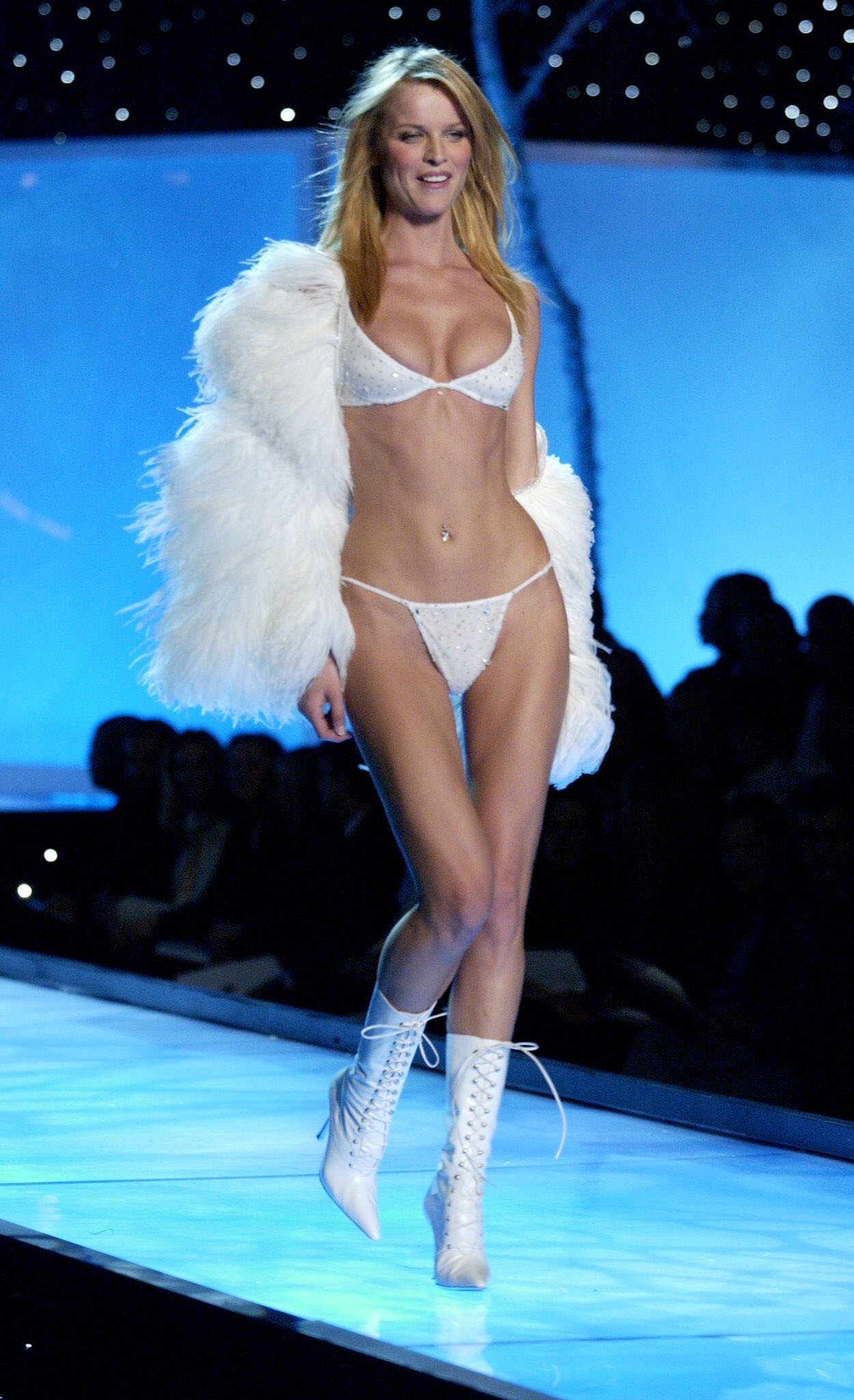
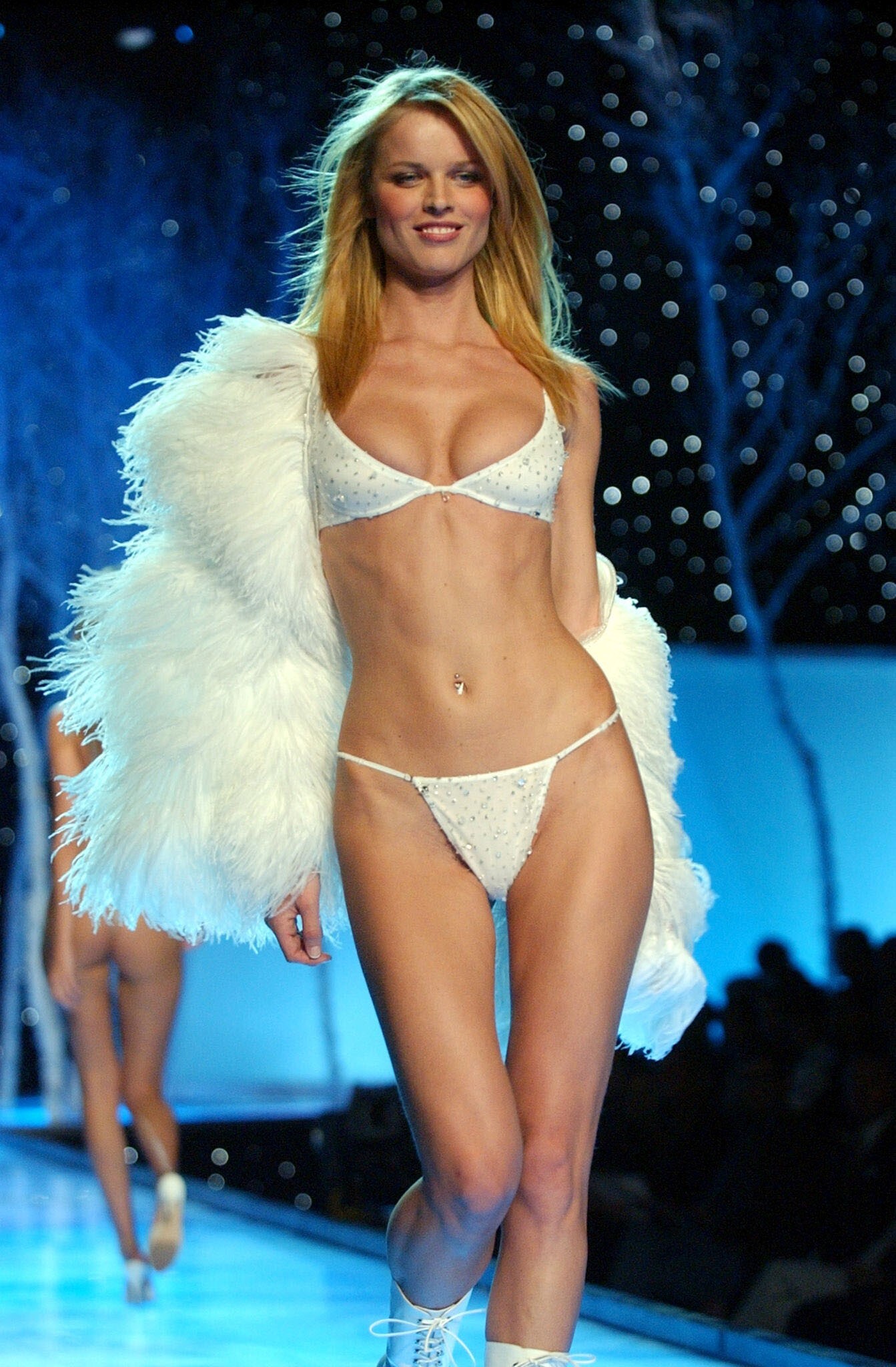
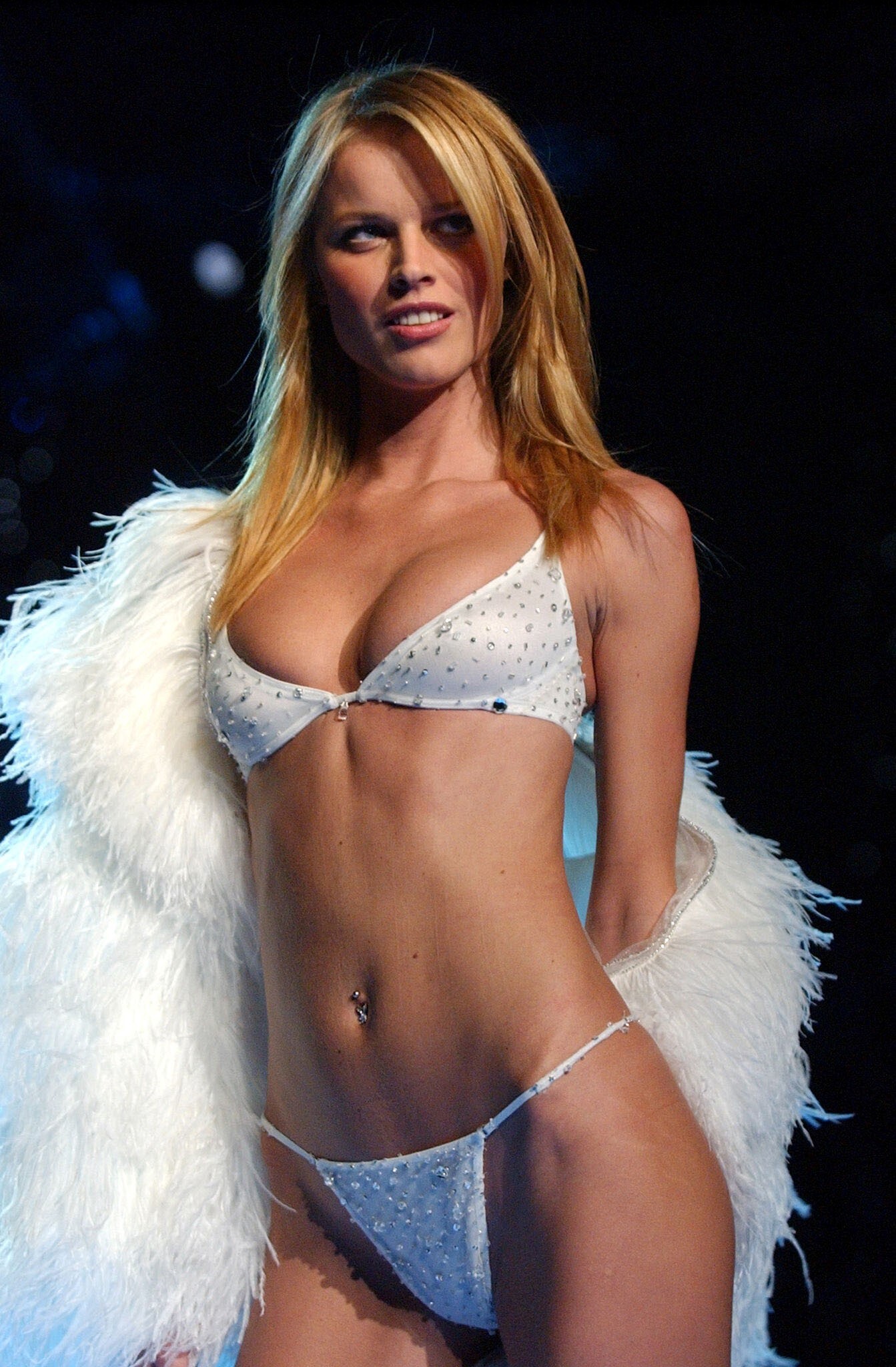
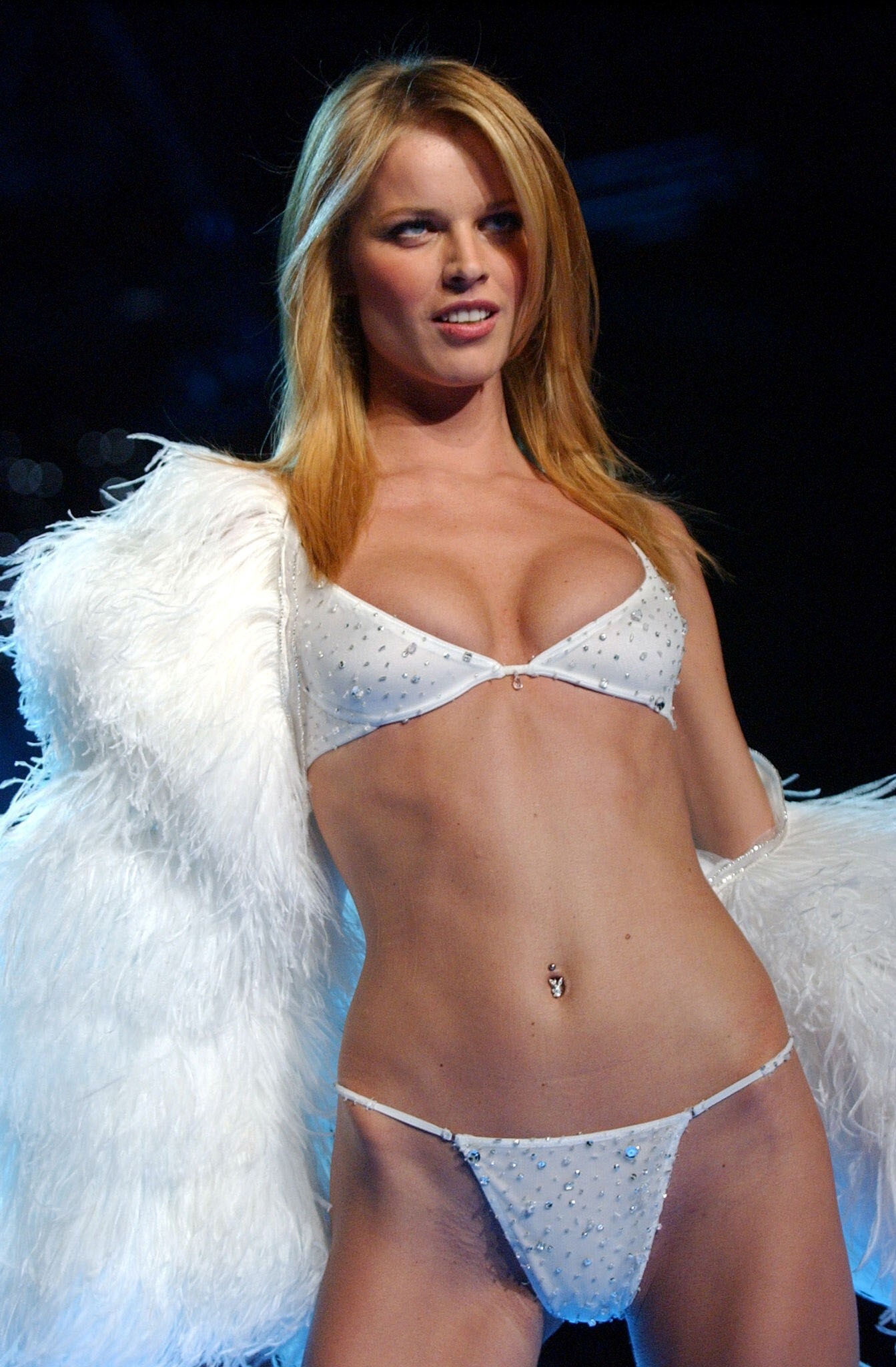
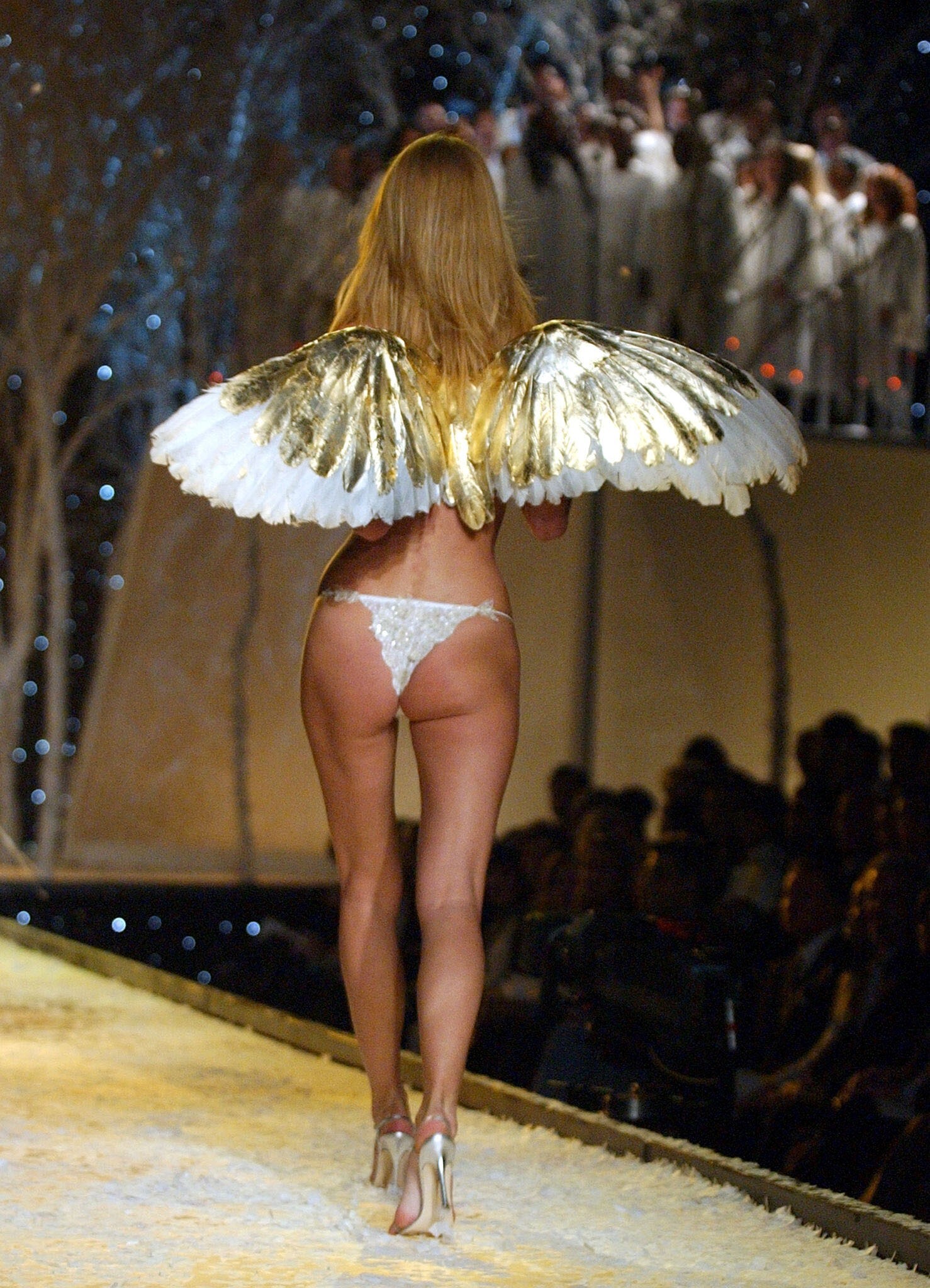
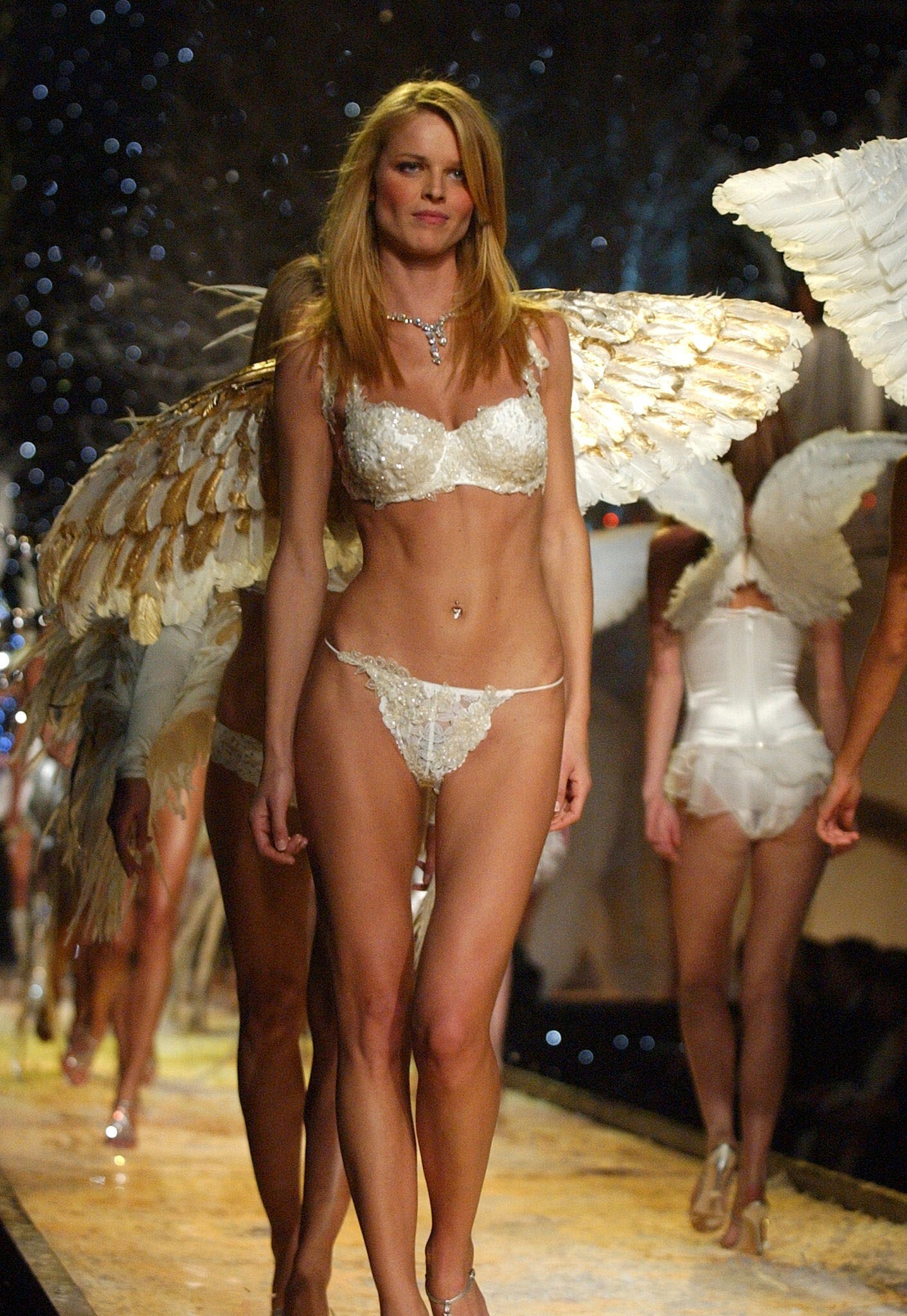
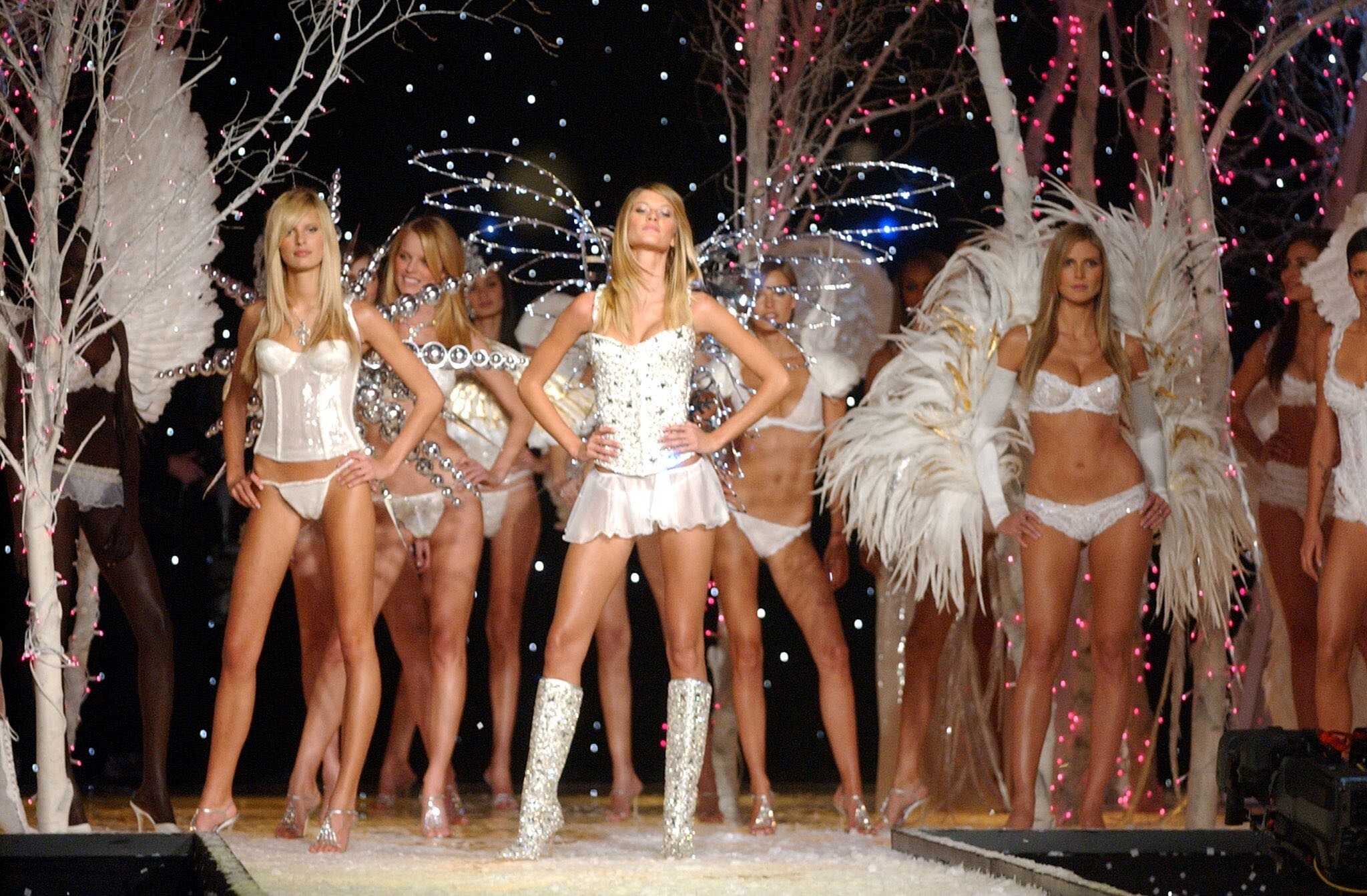
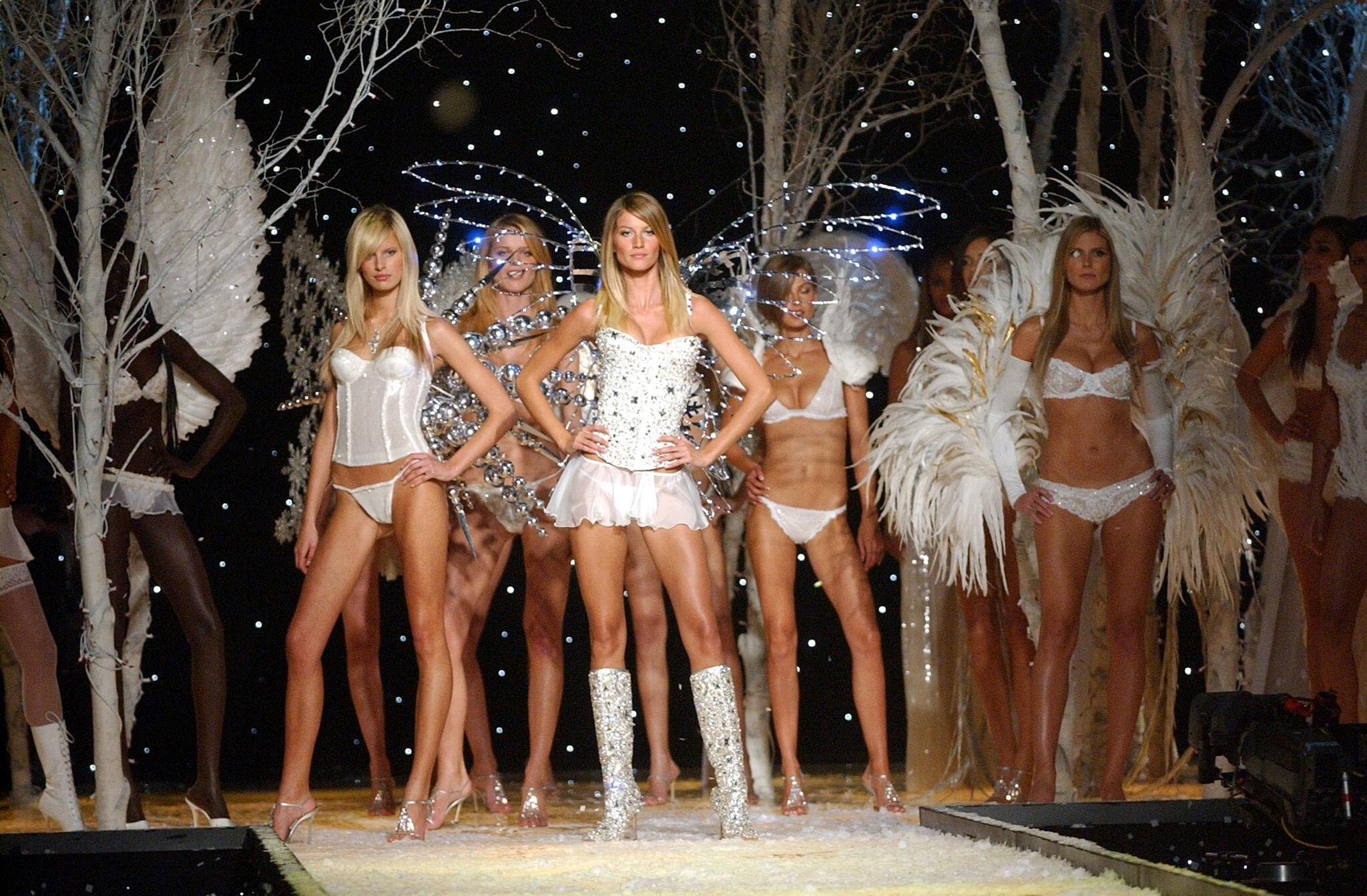
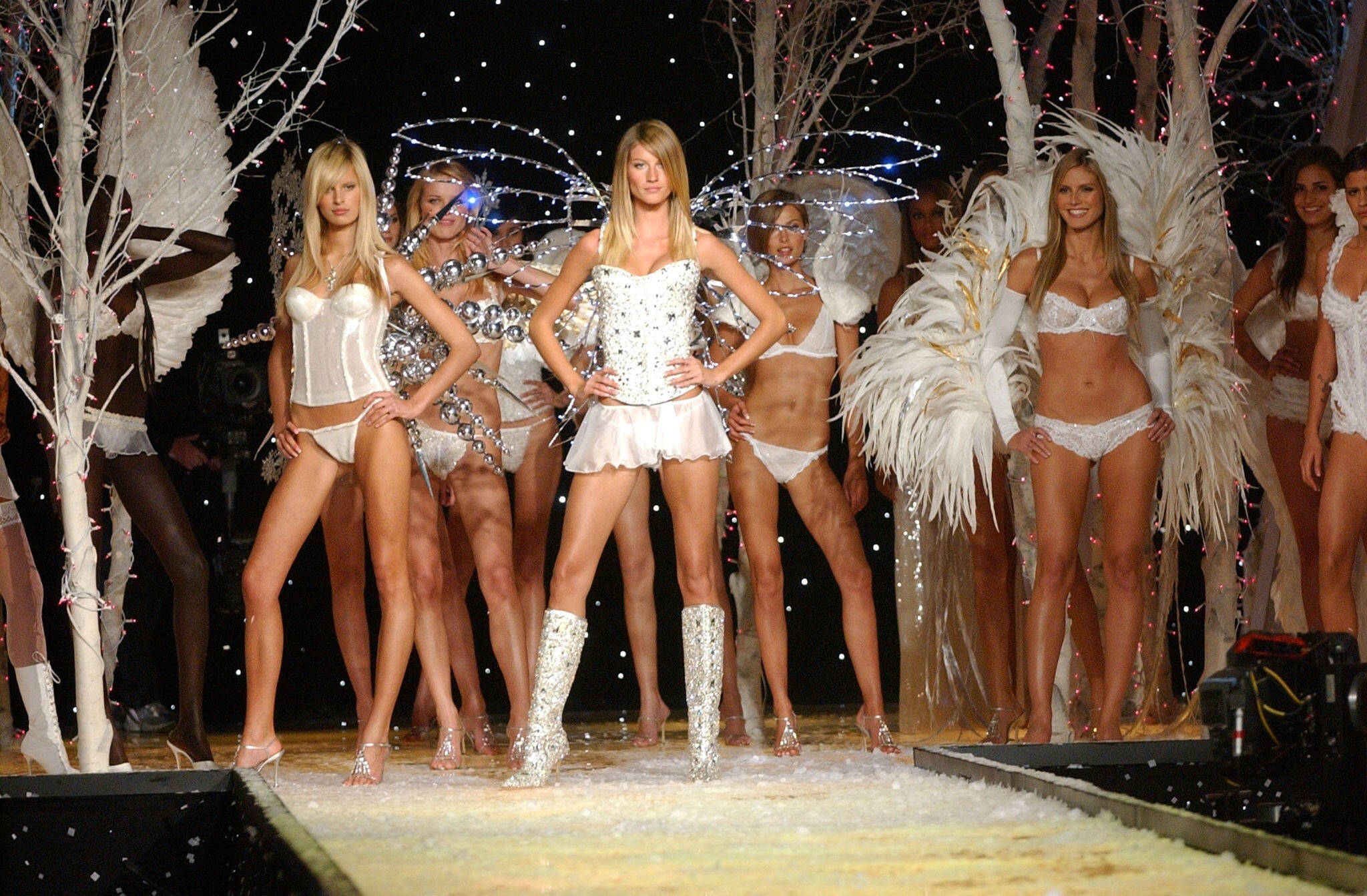
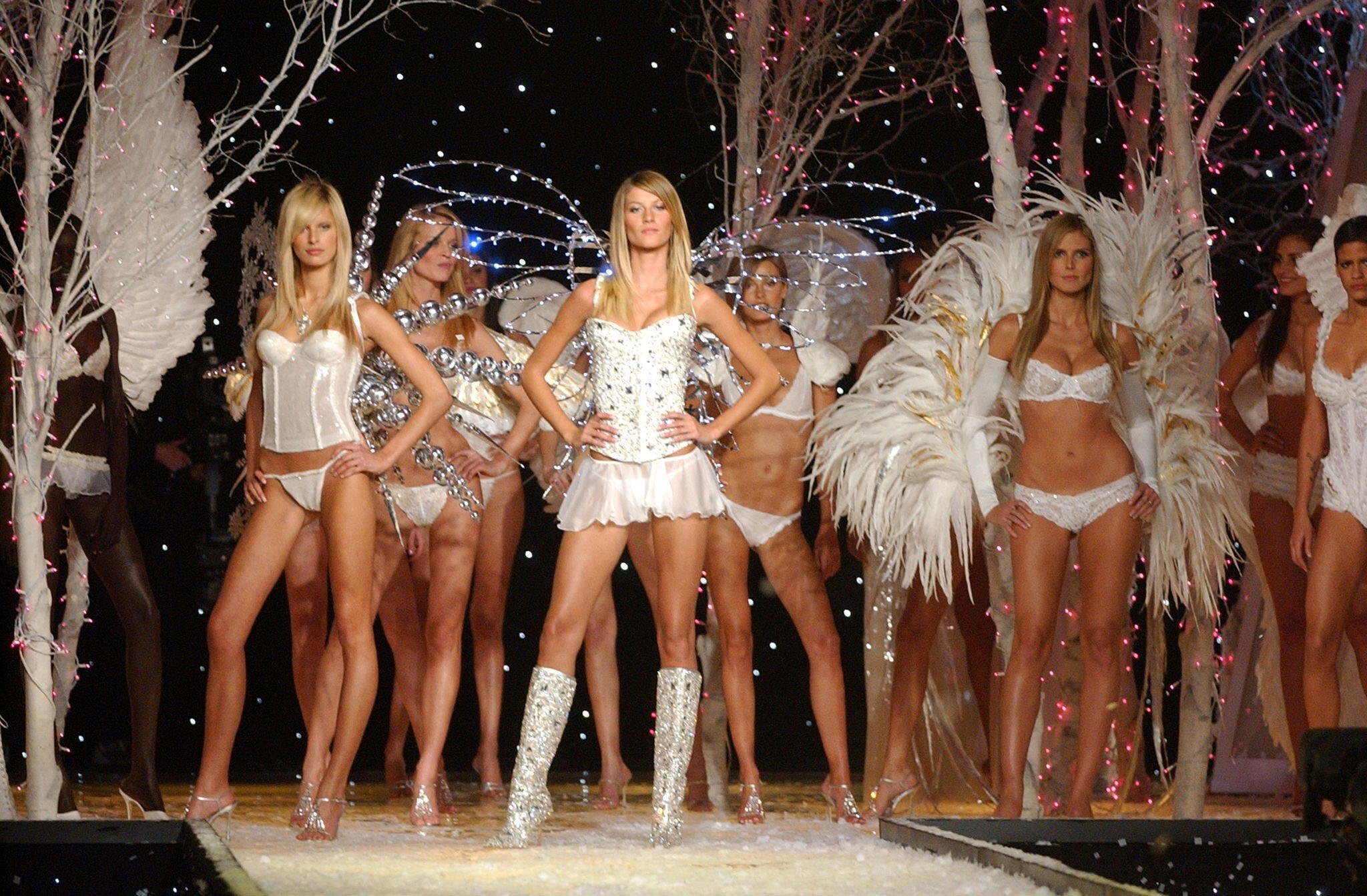
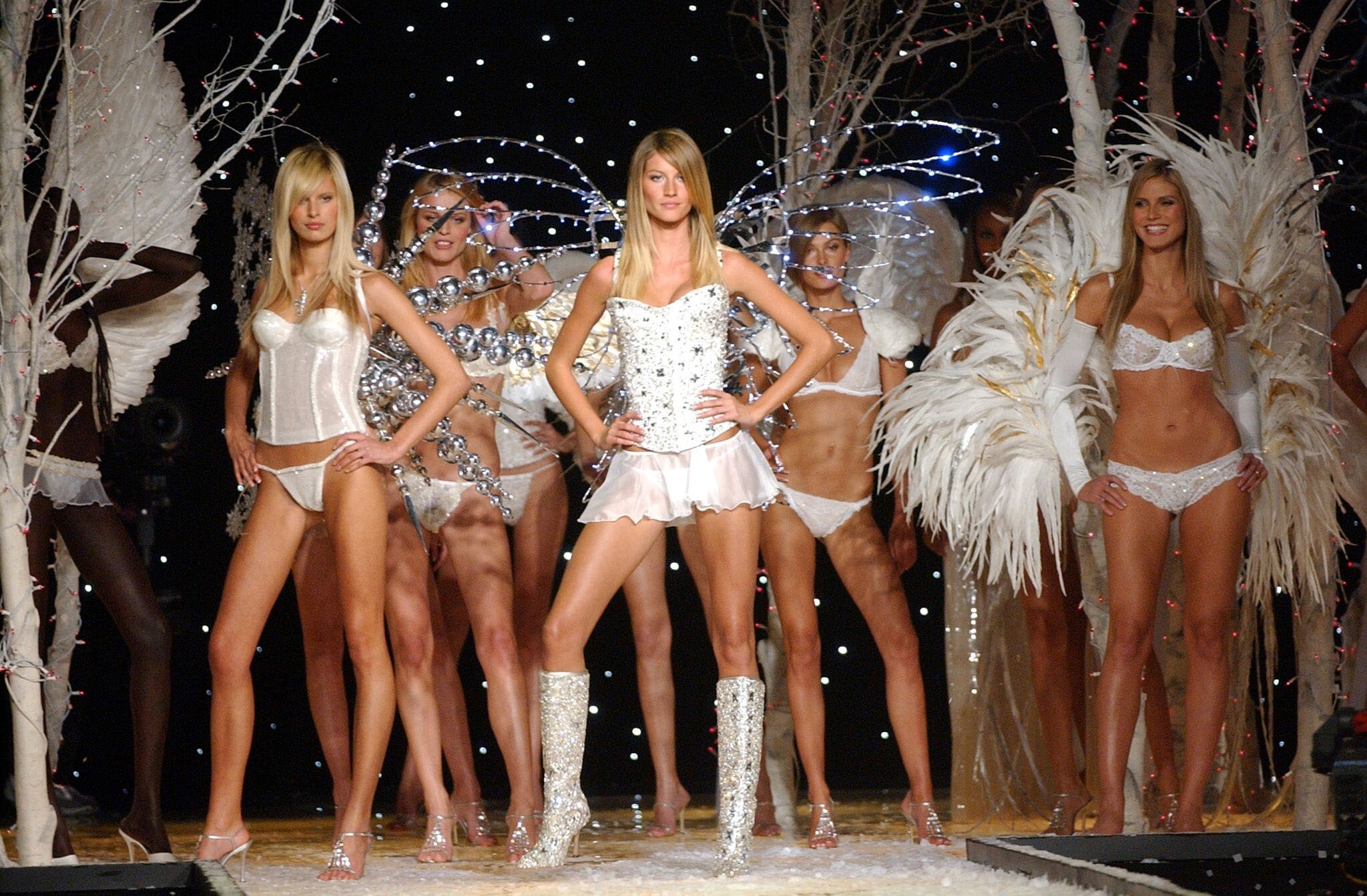
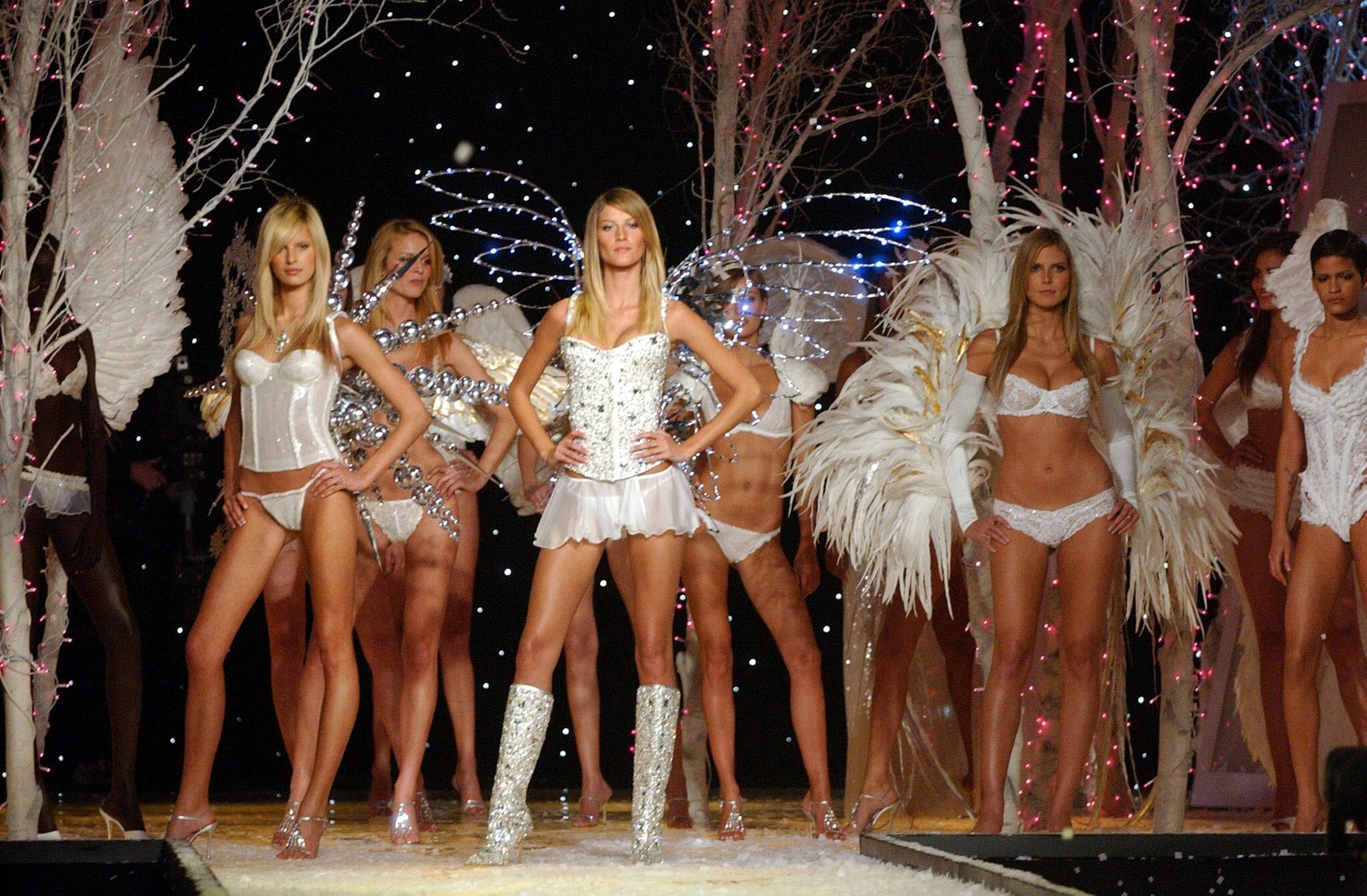
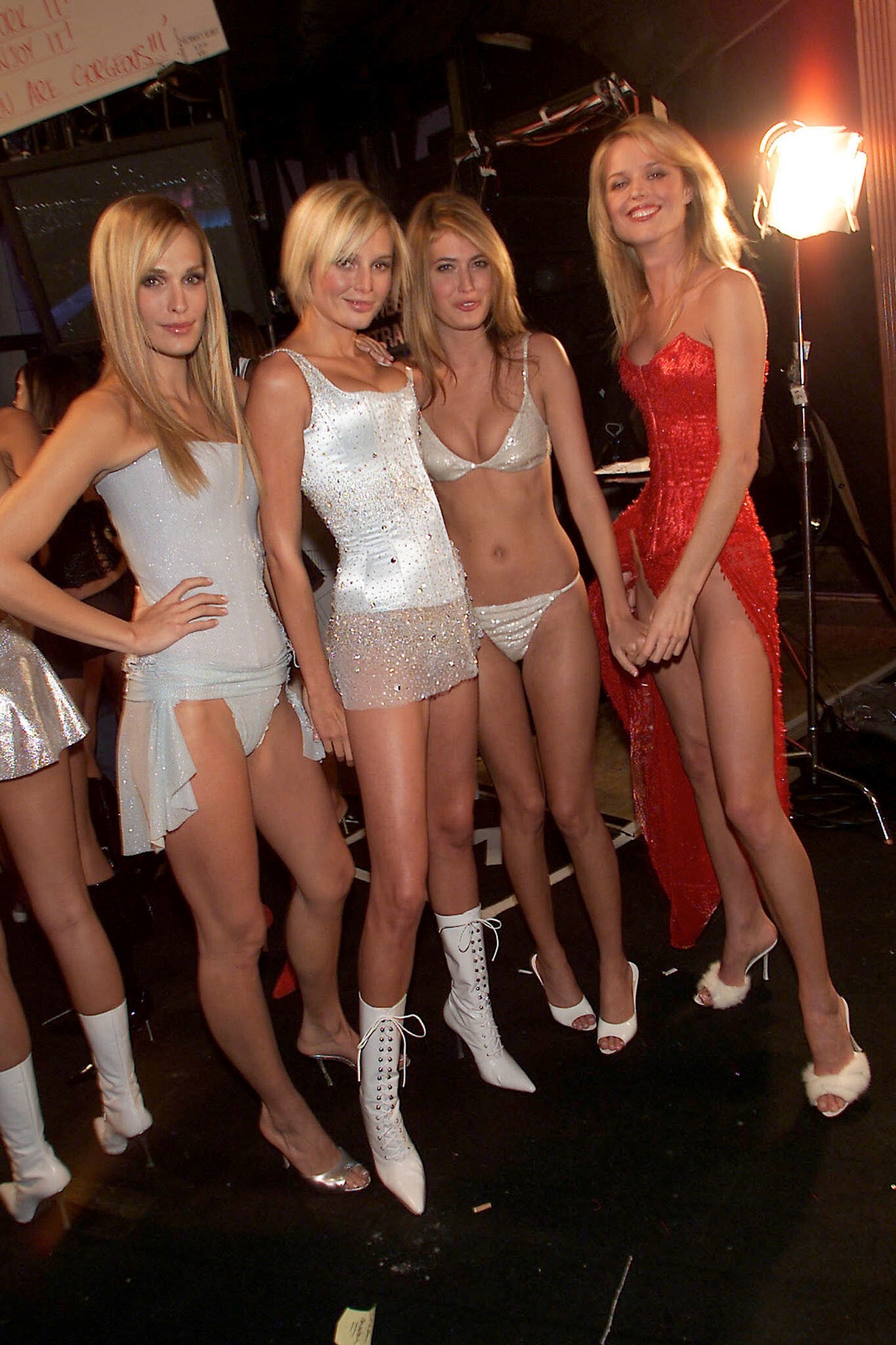
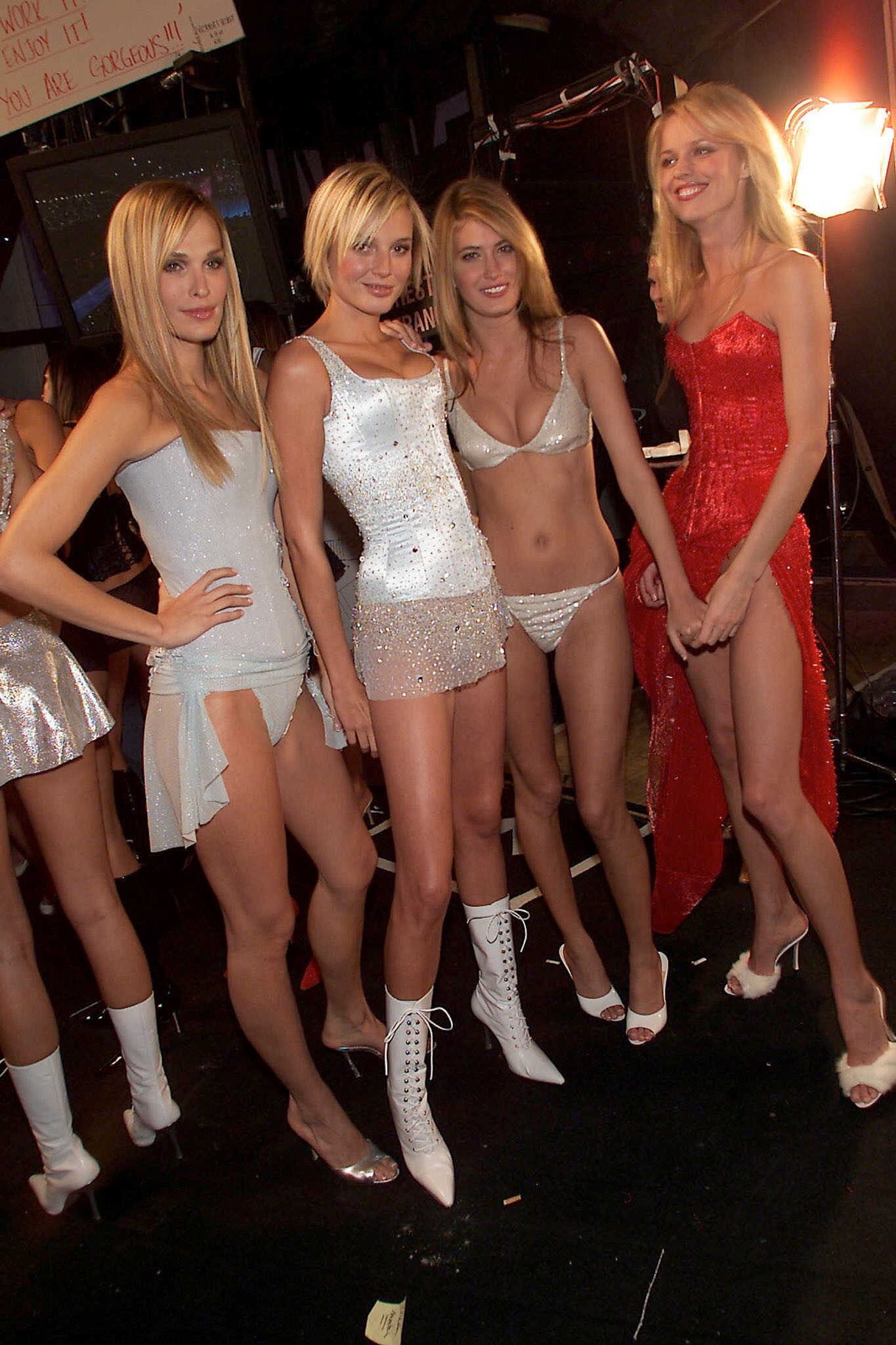
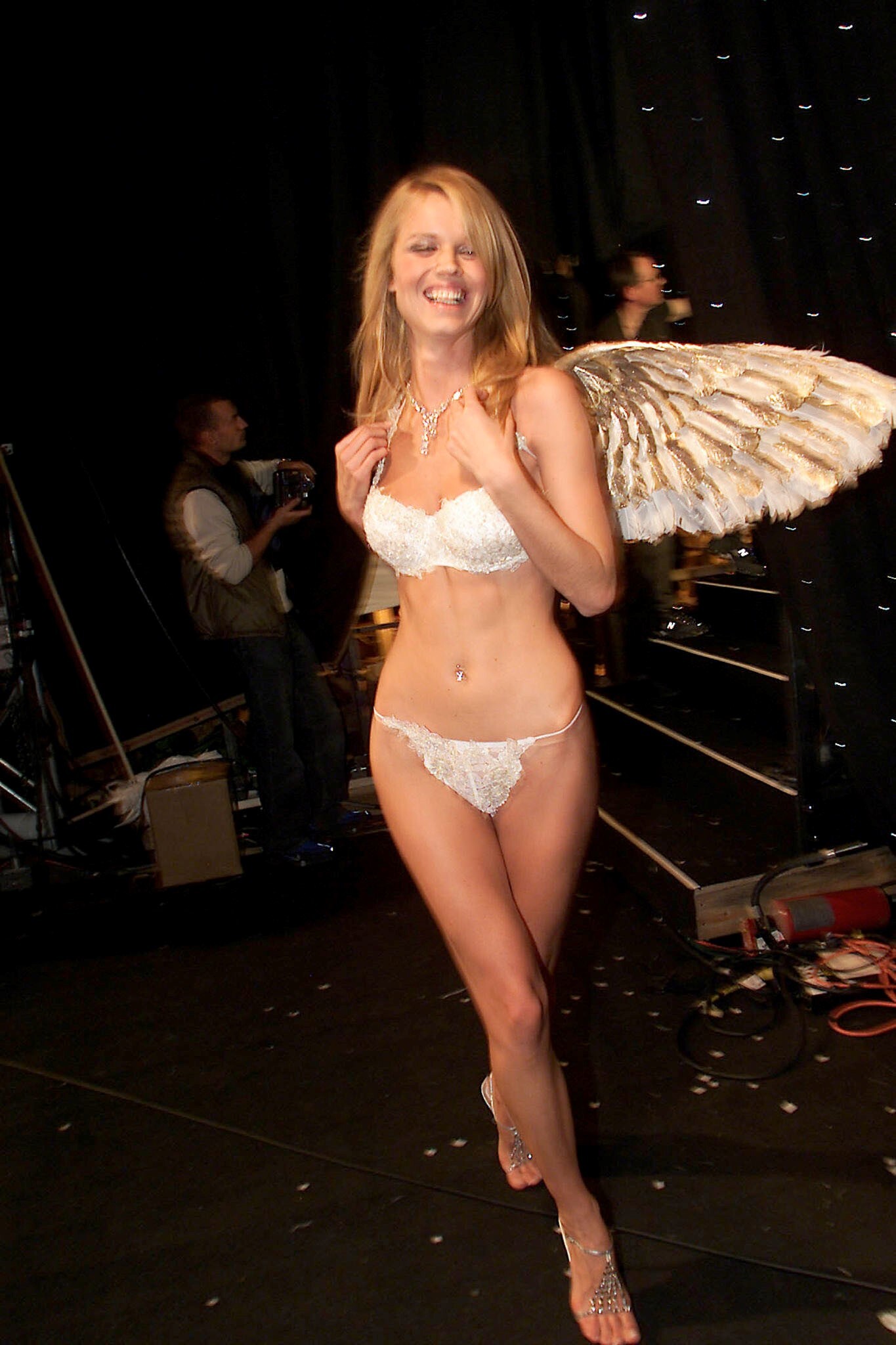
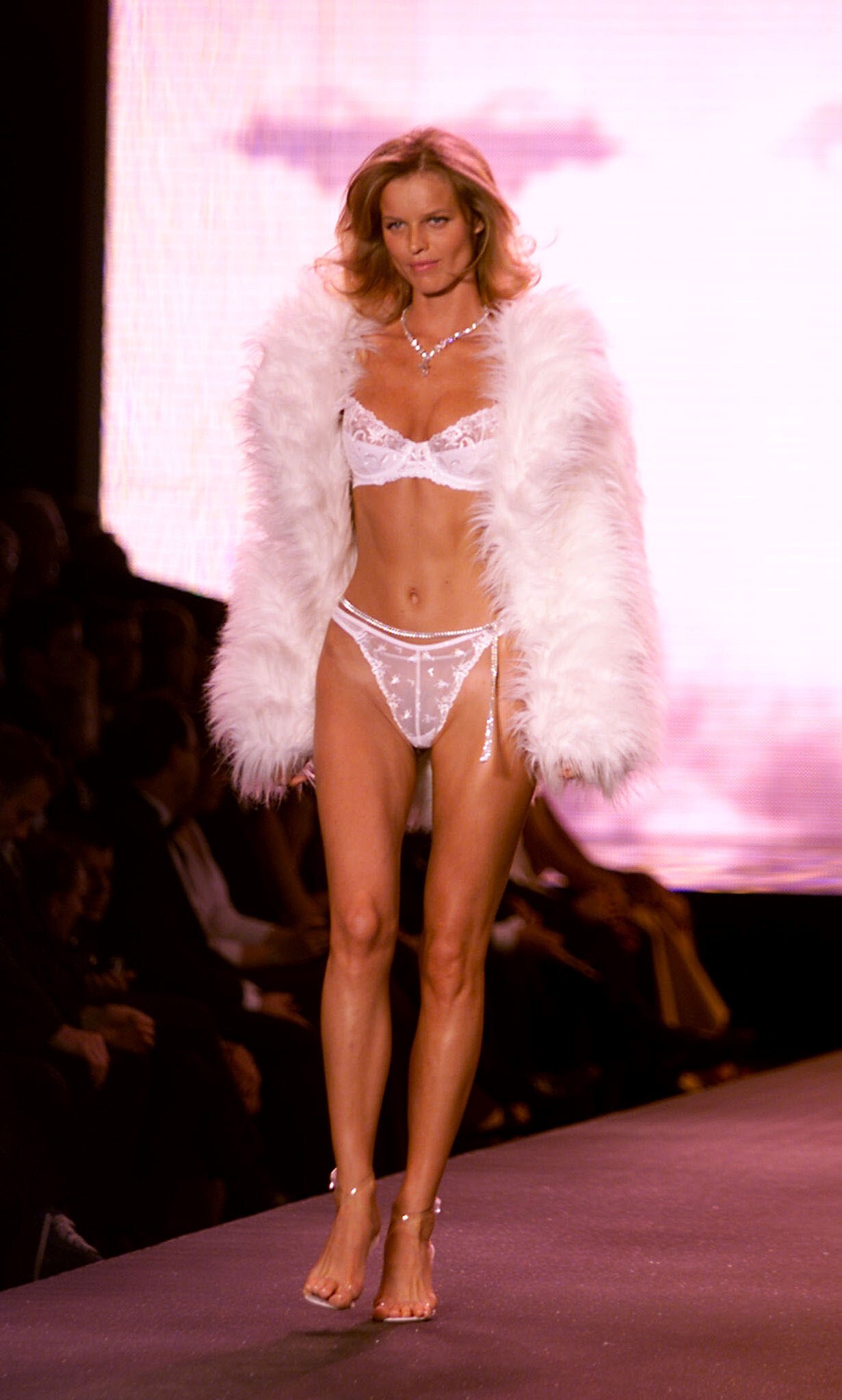
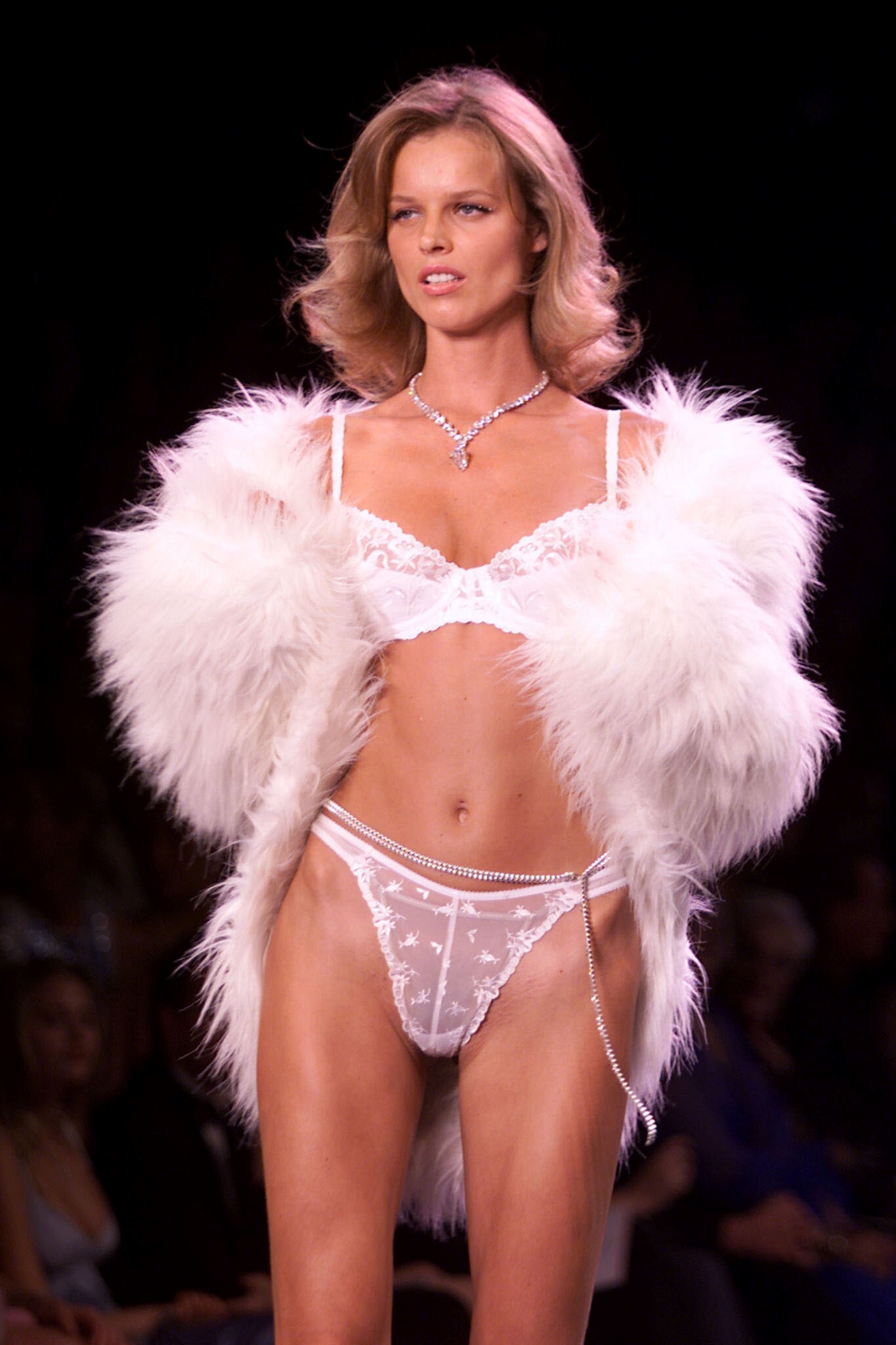
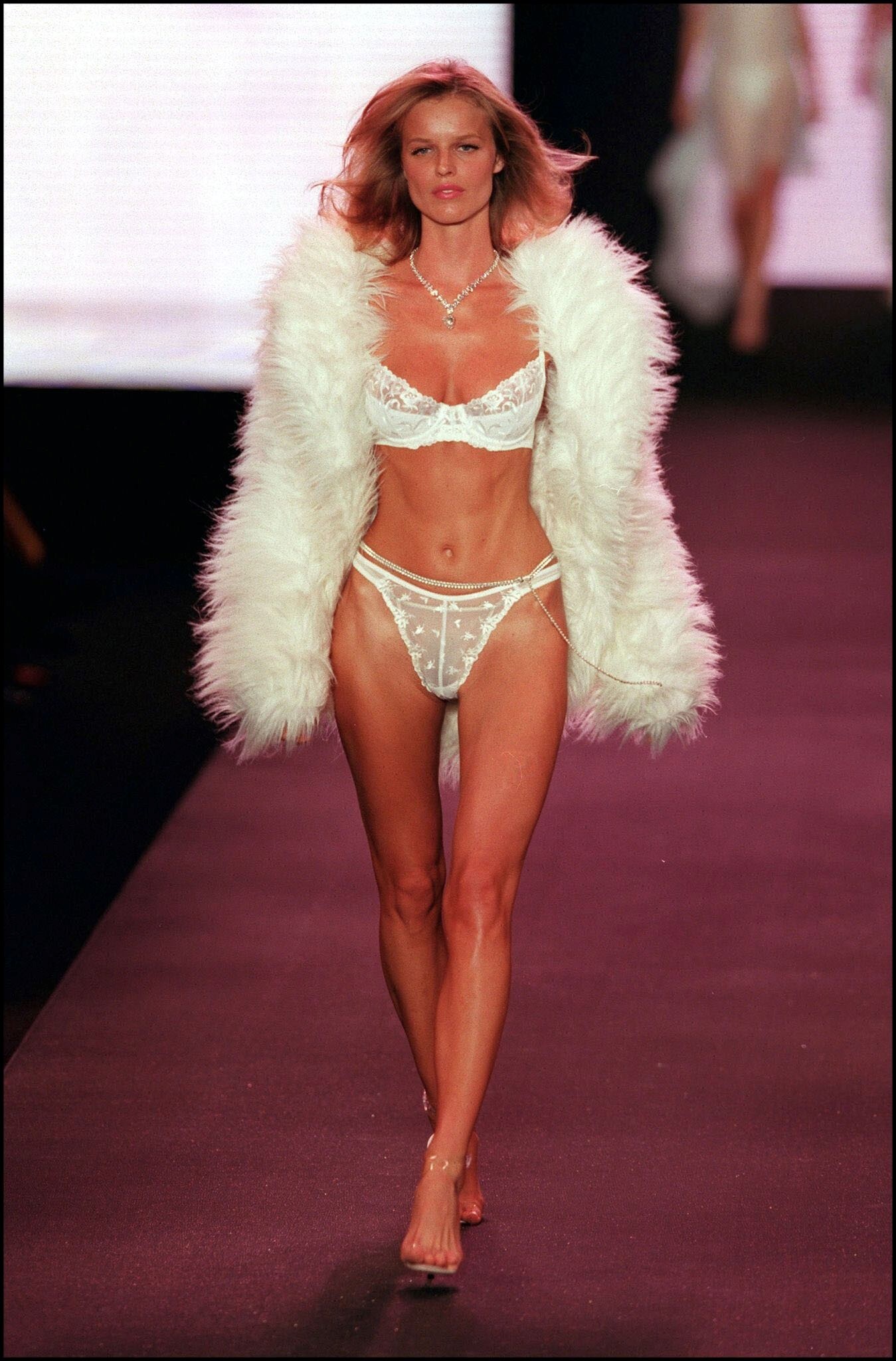
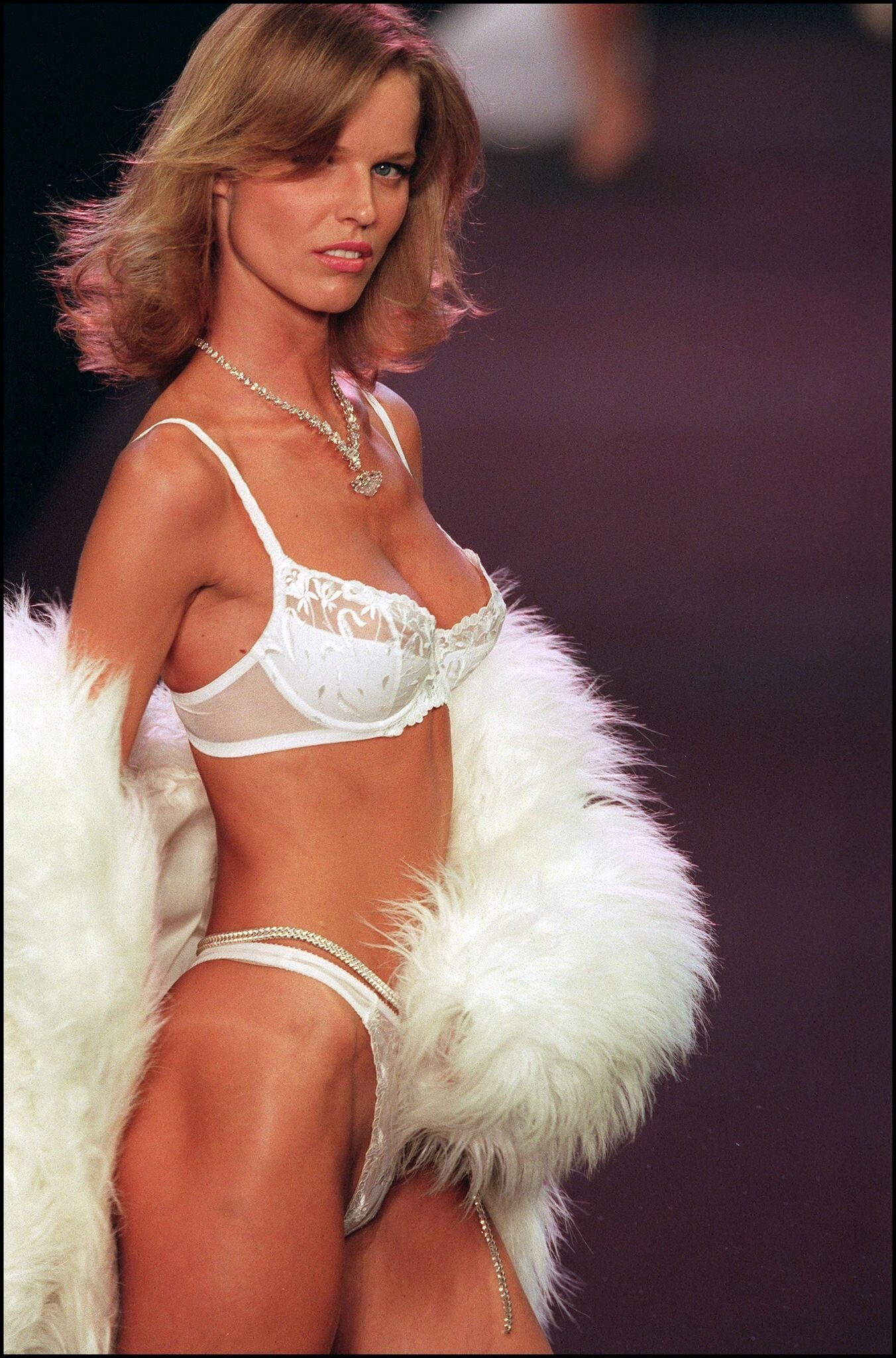
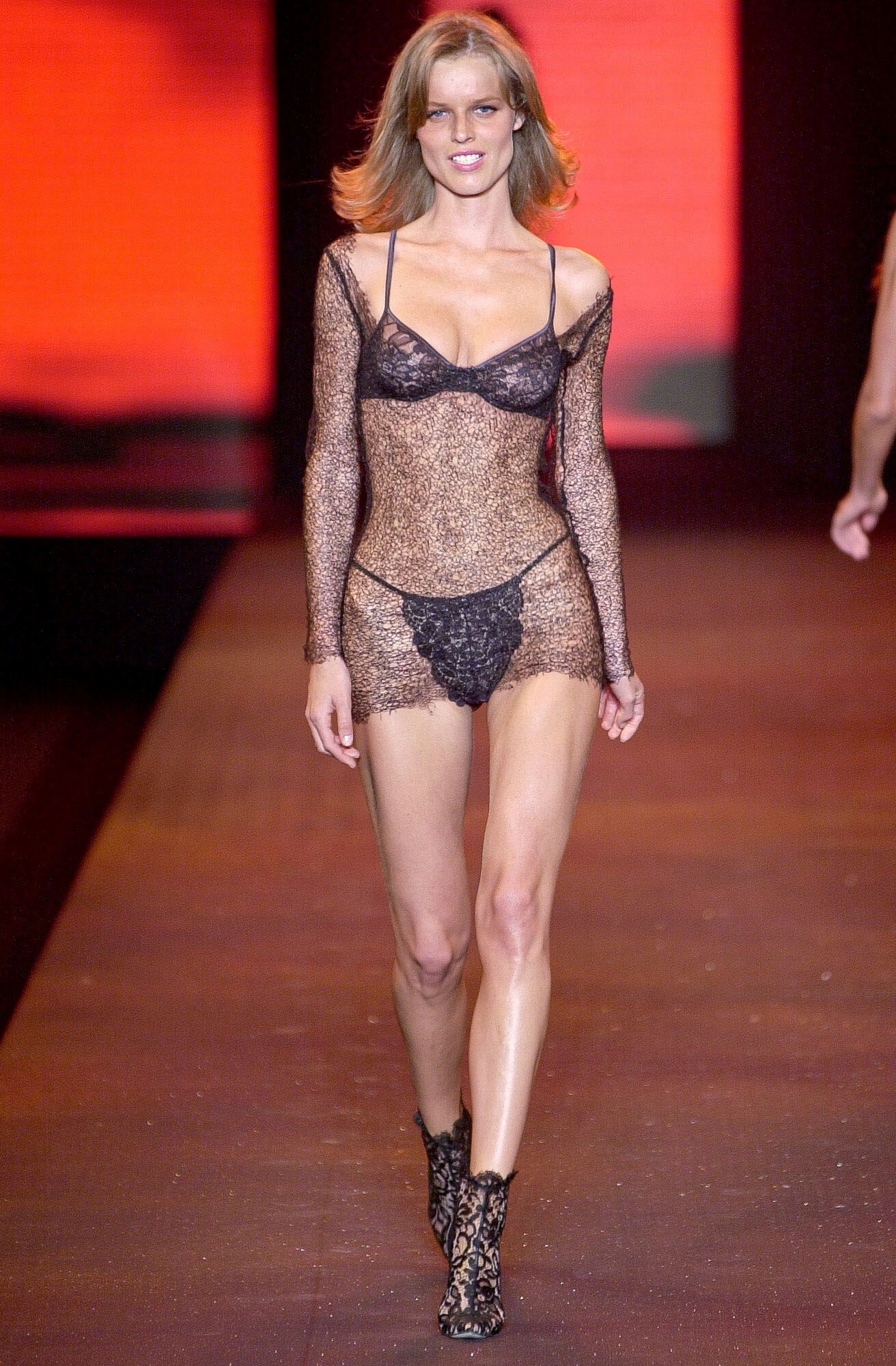
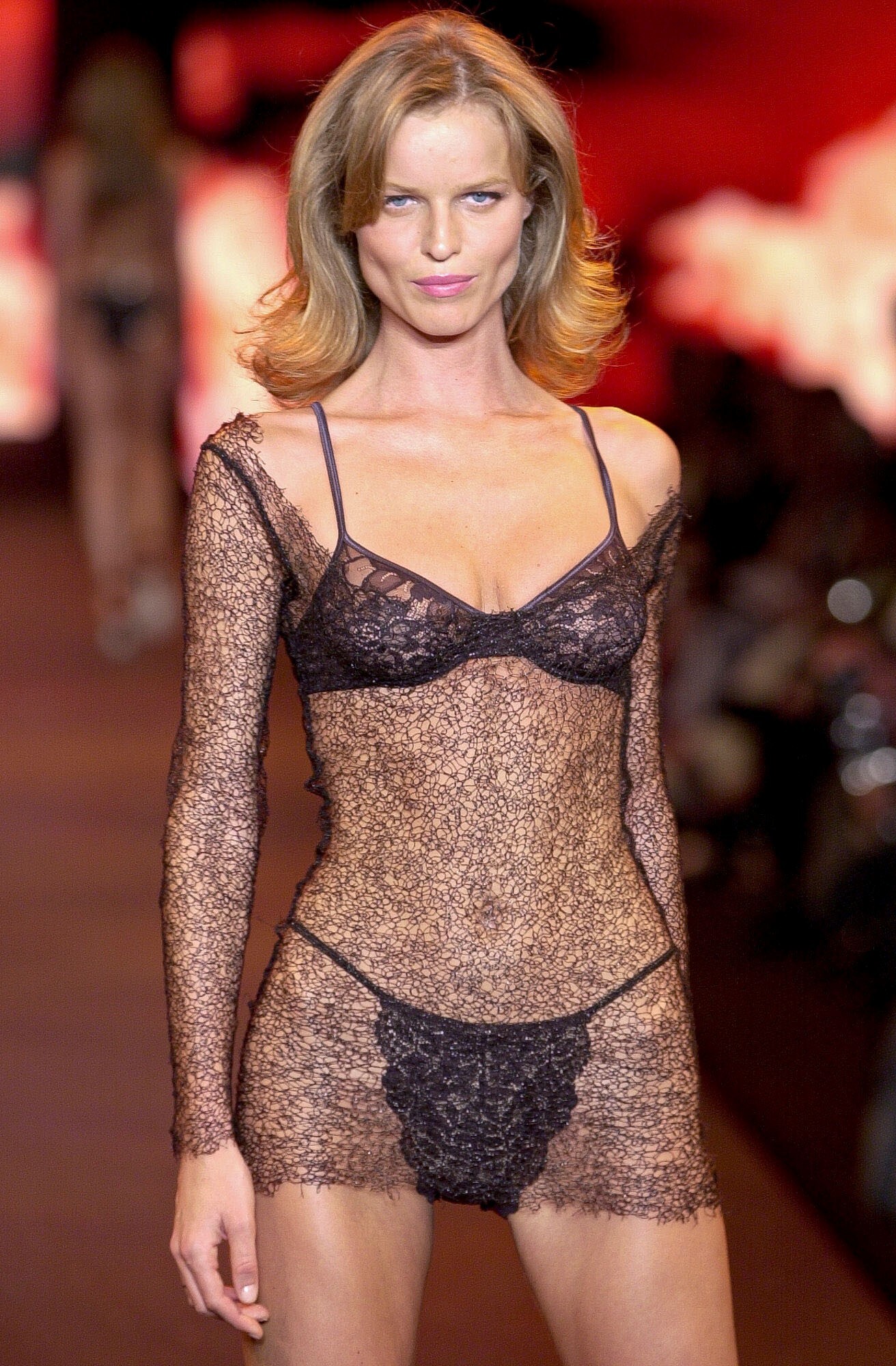
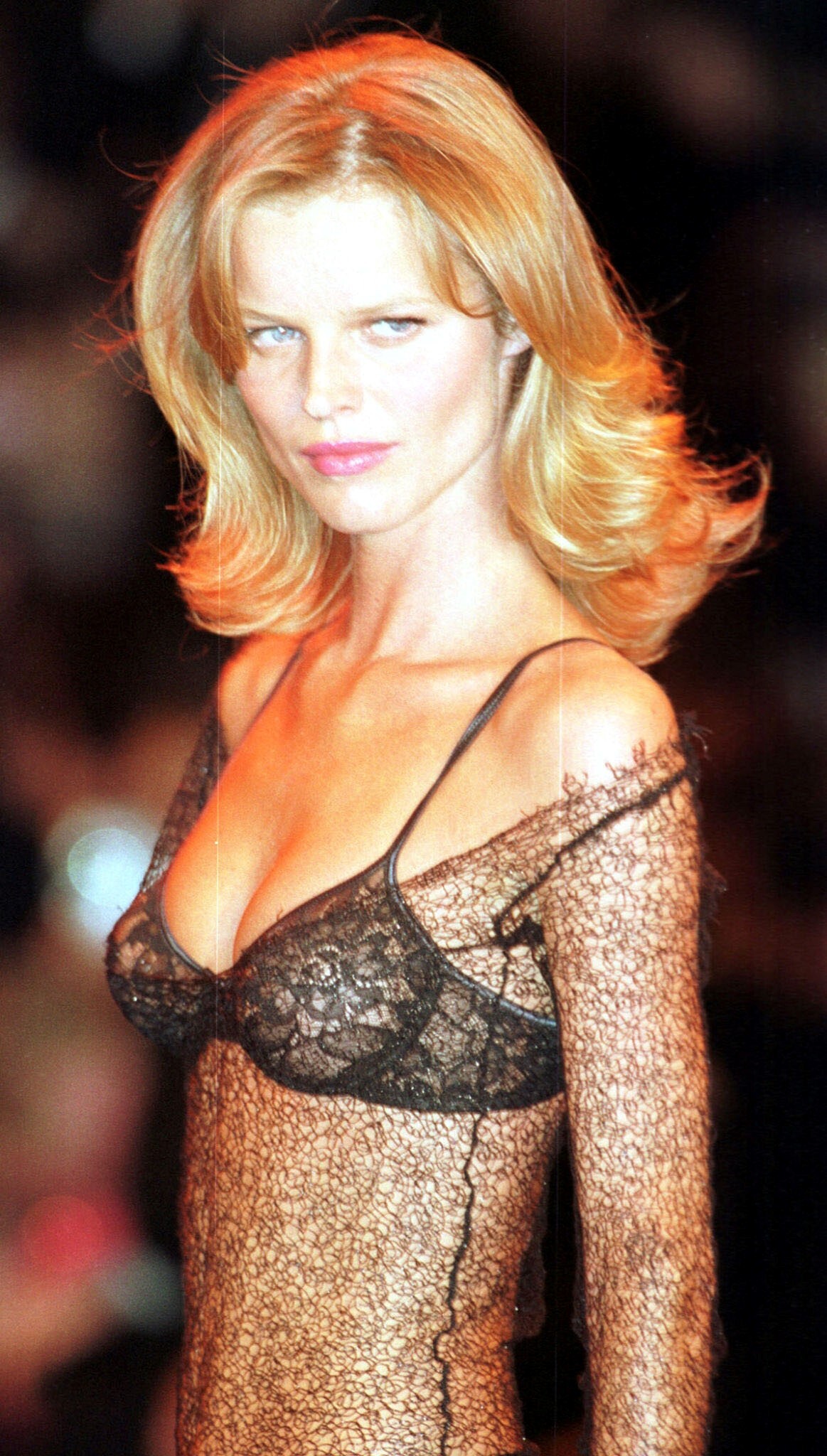
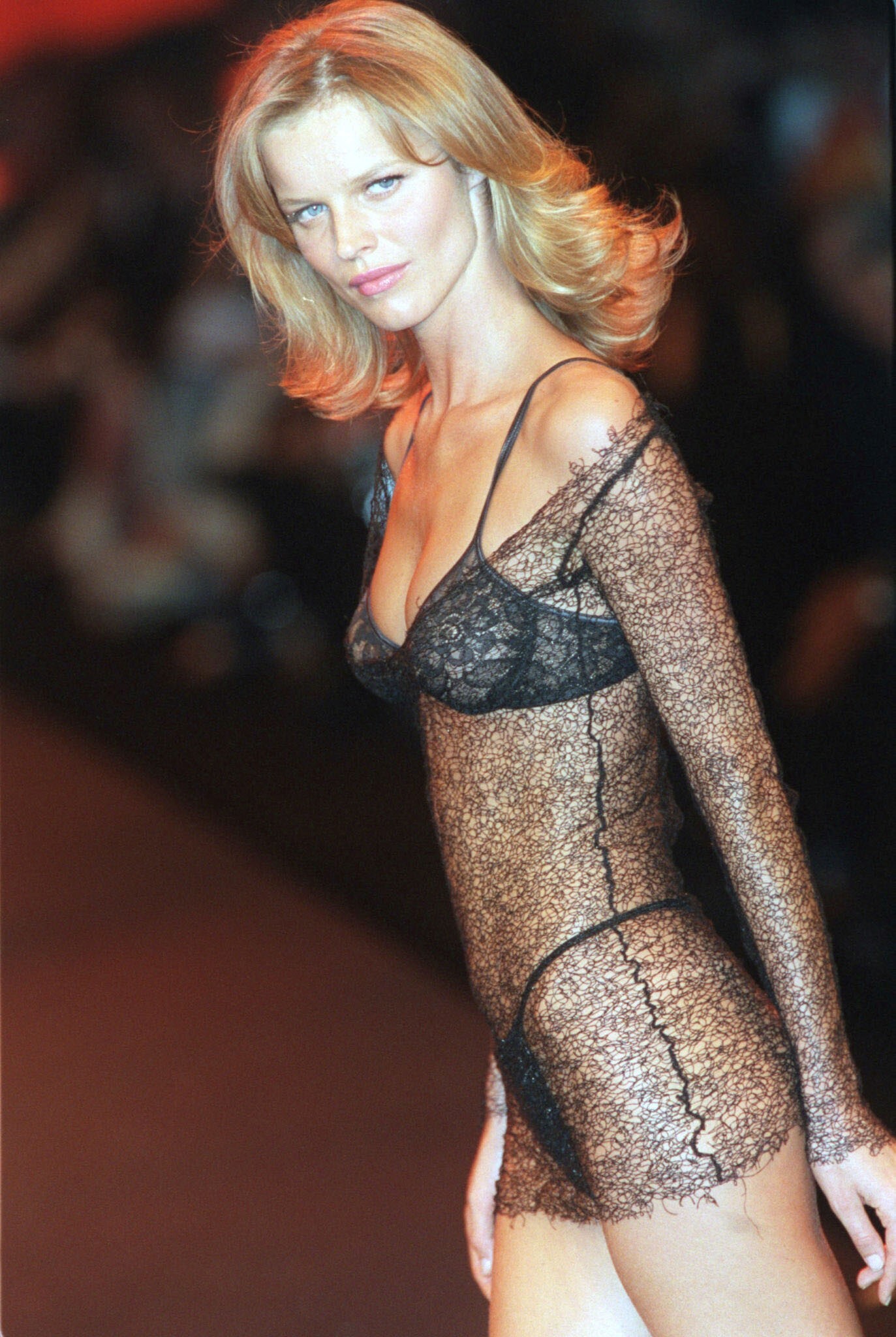
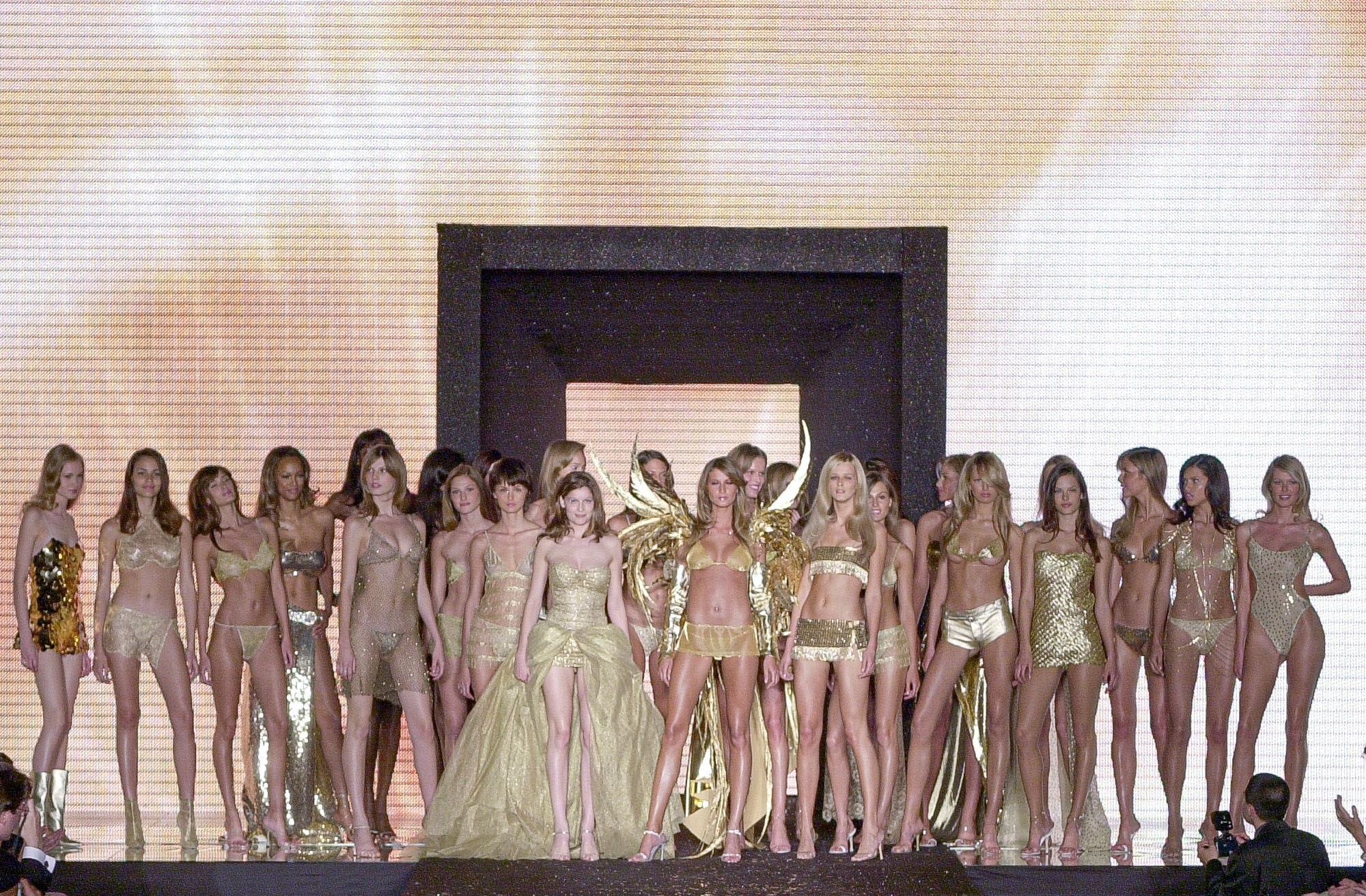
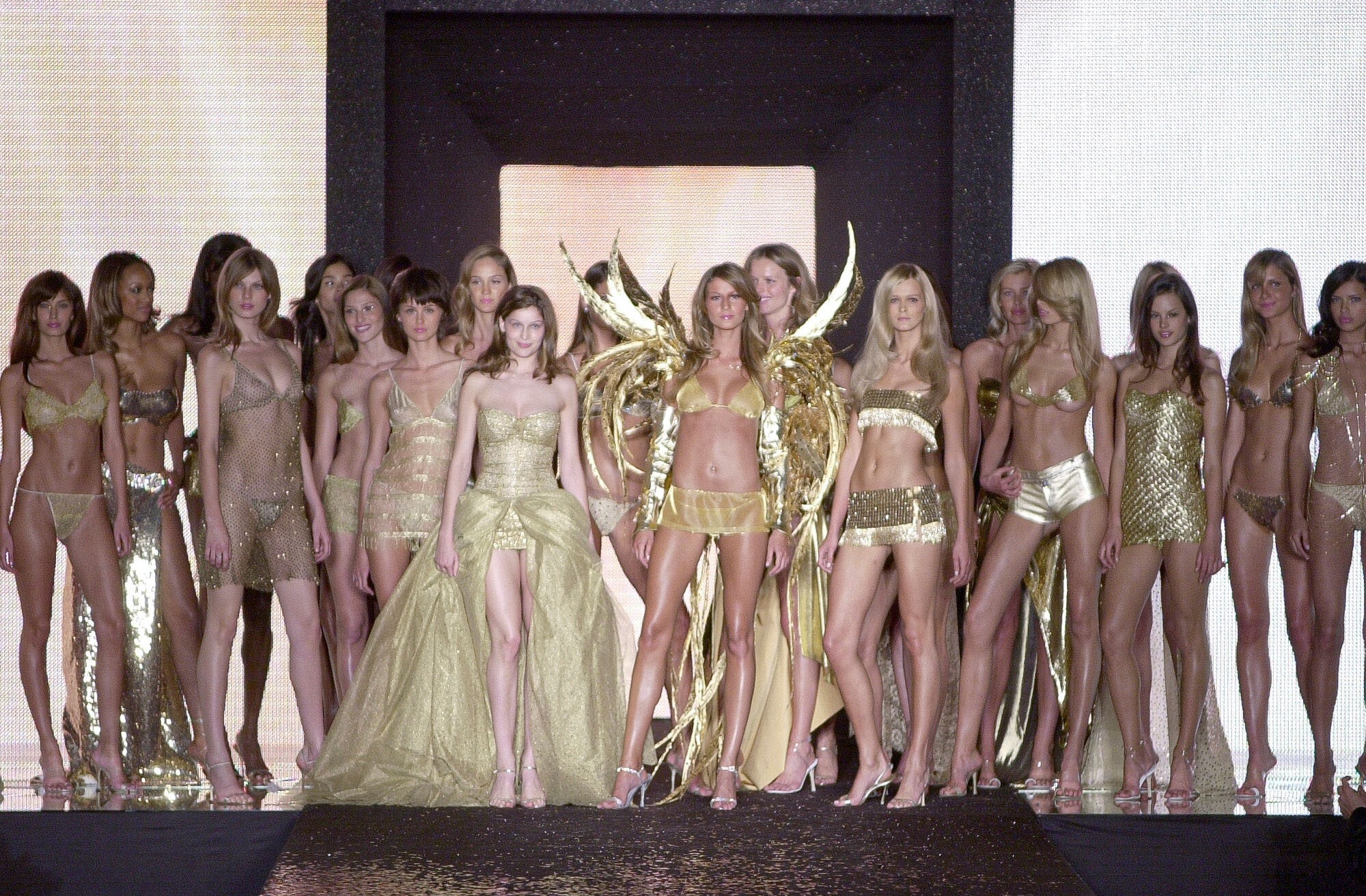
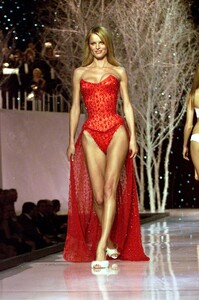
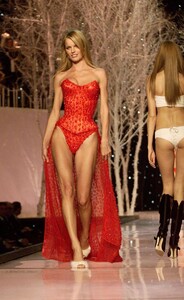
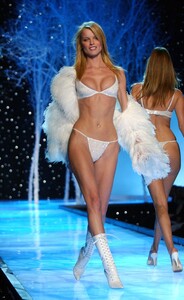
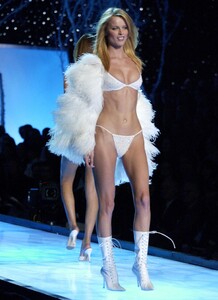
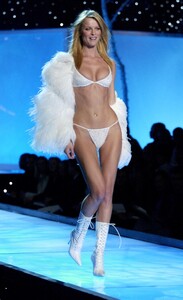
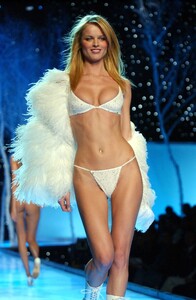
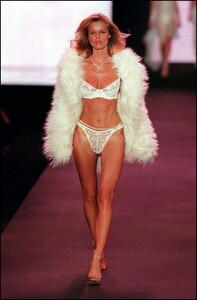
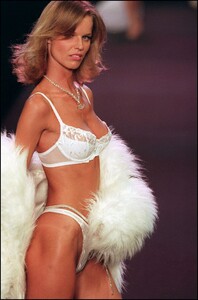
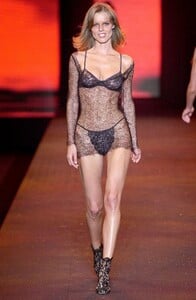
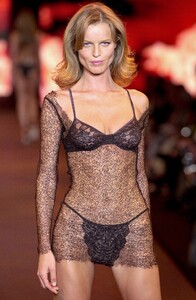
Victoria's Secret 2001:
-
-
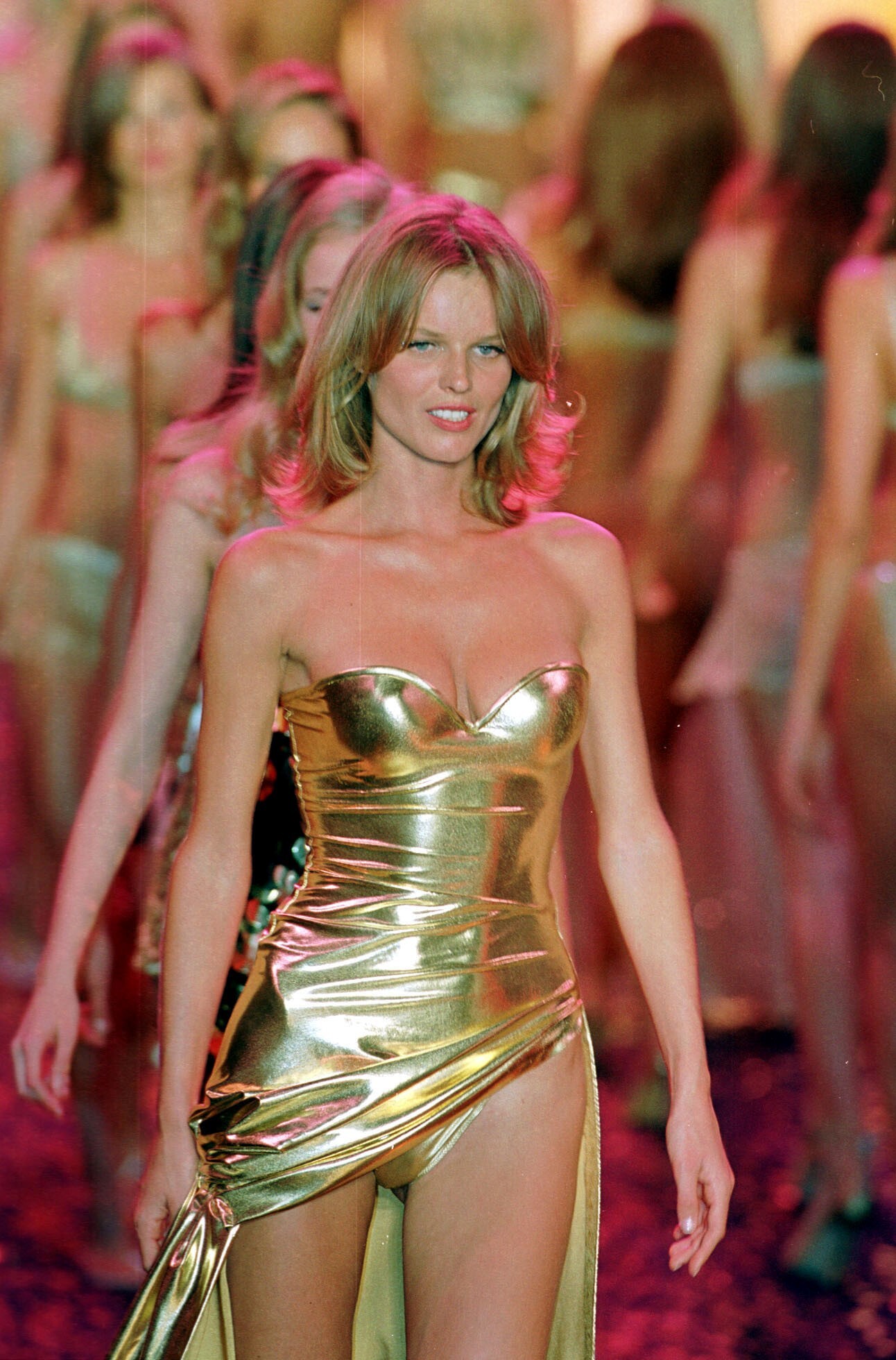
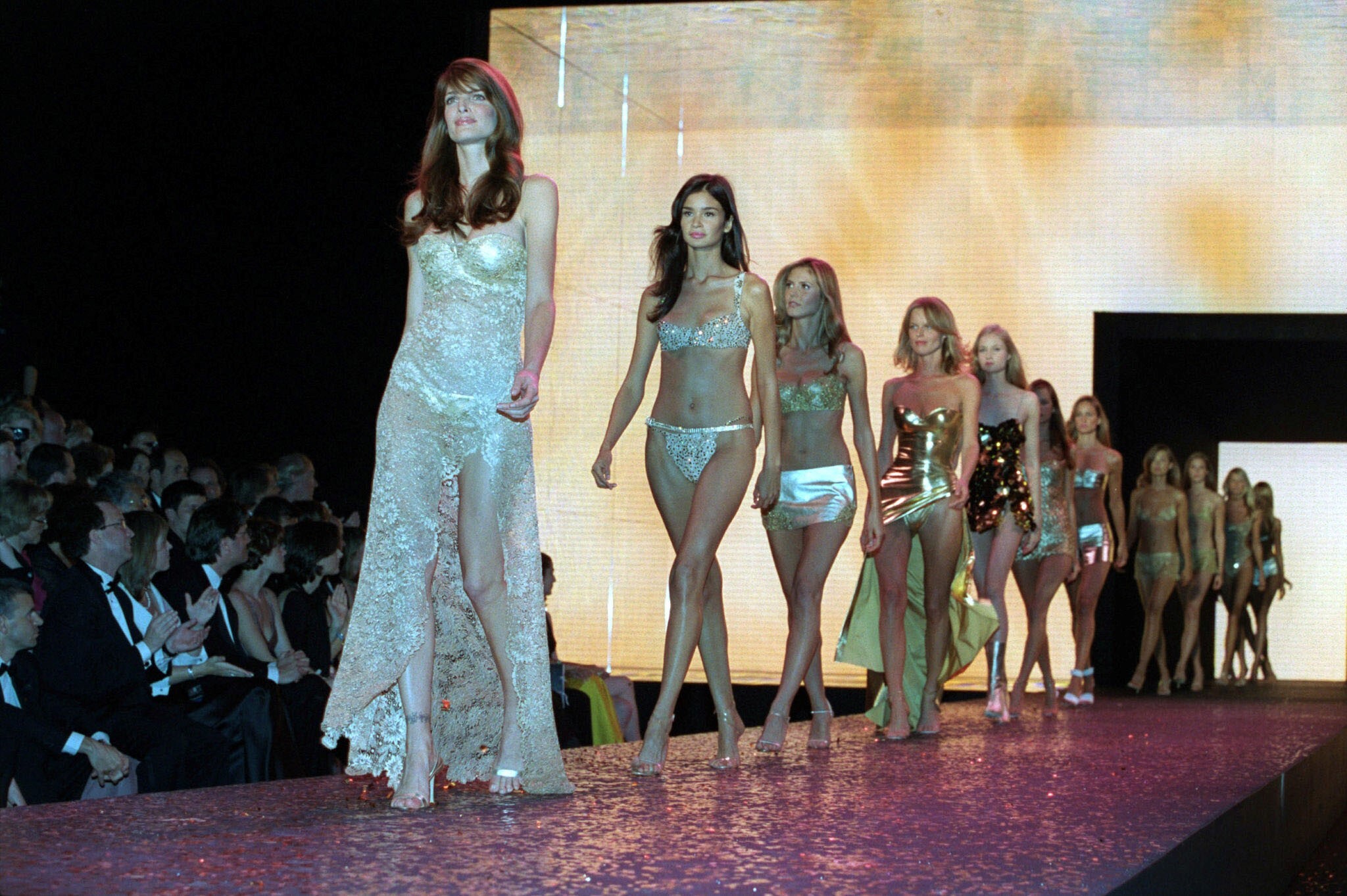
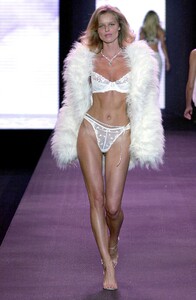
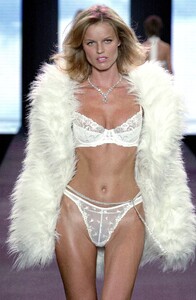
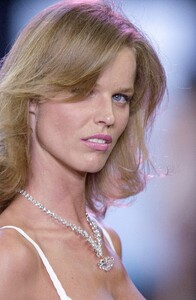
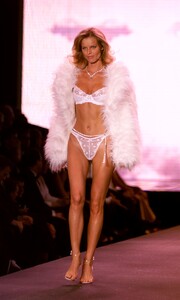
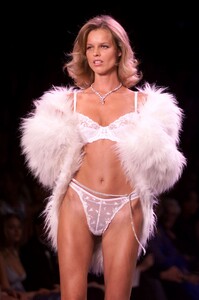
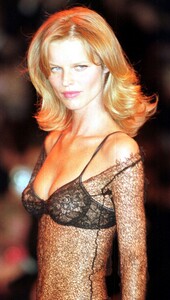
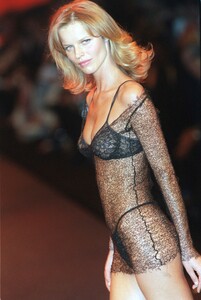
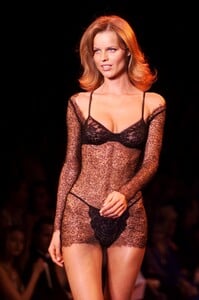
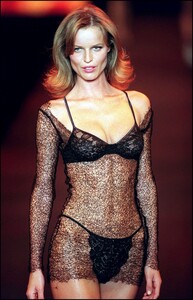
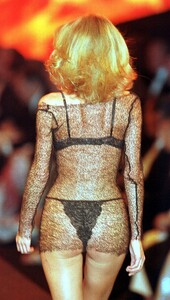
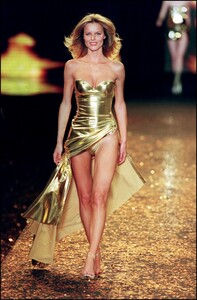
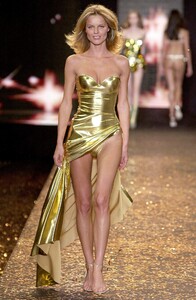
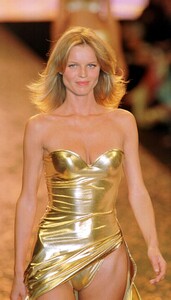
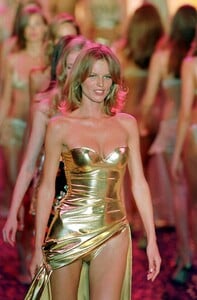
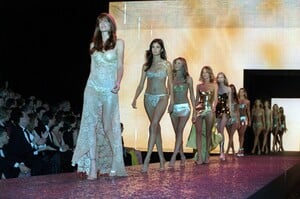
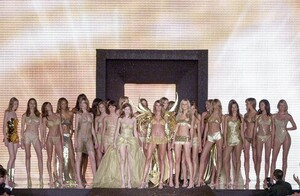
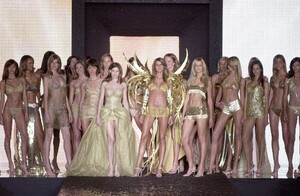
Victoria's Secret 2000:
-
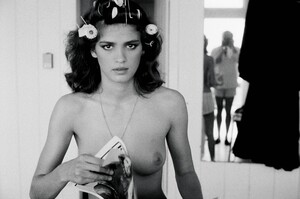
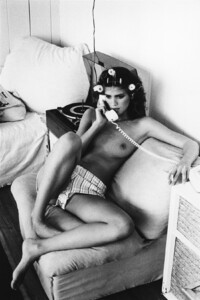
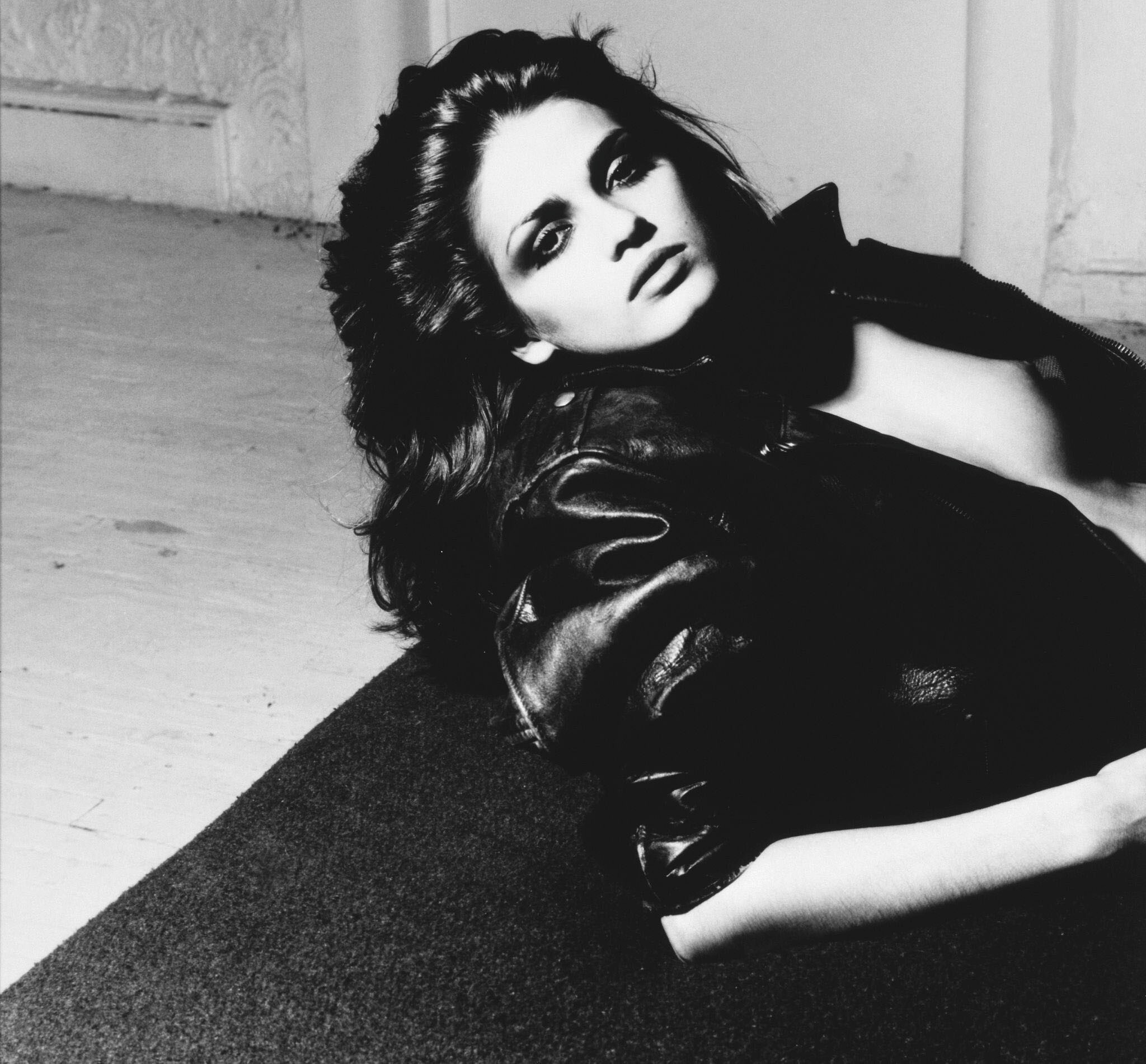
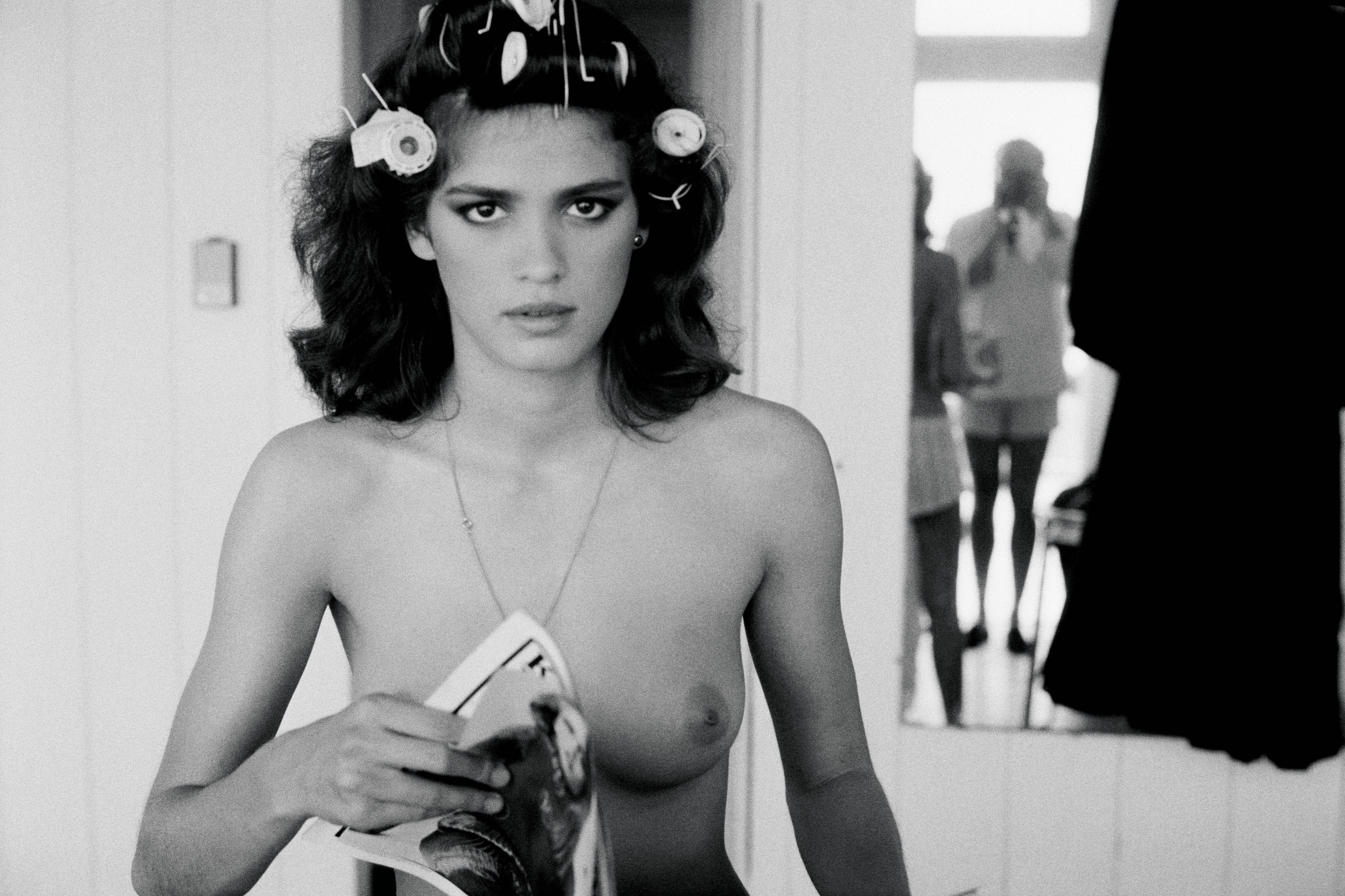
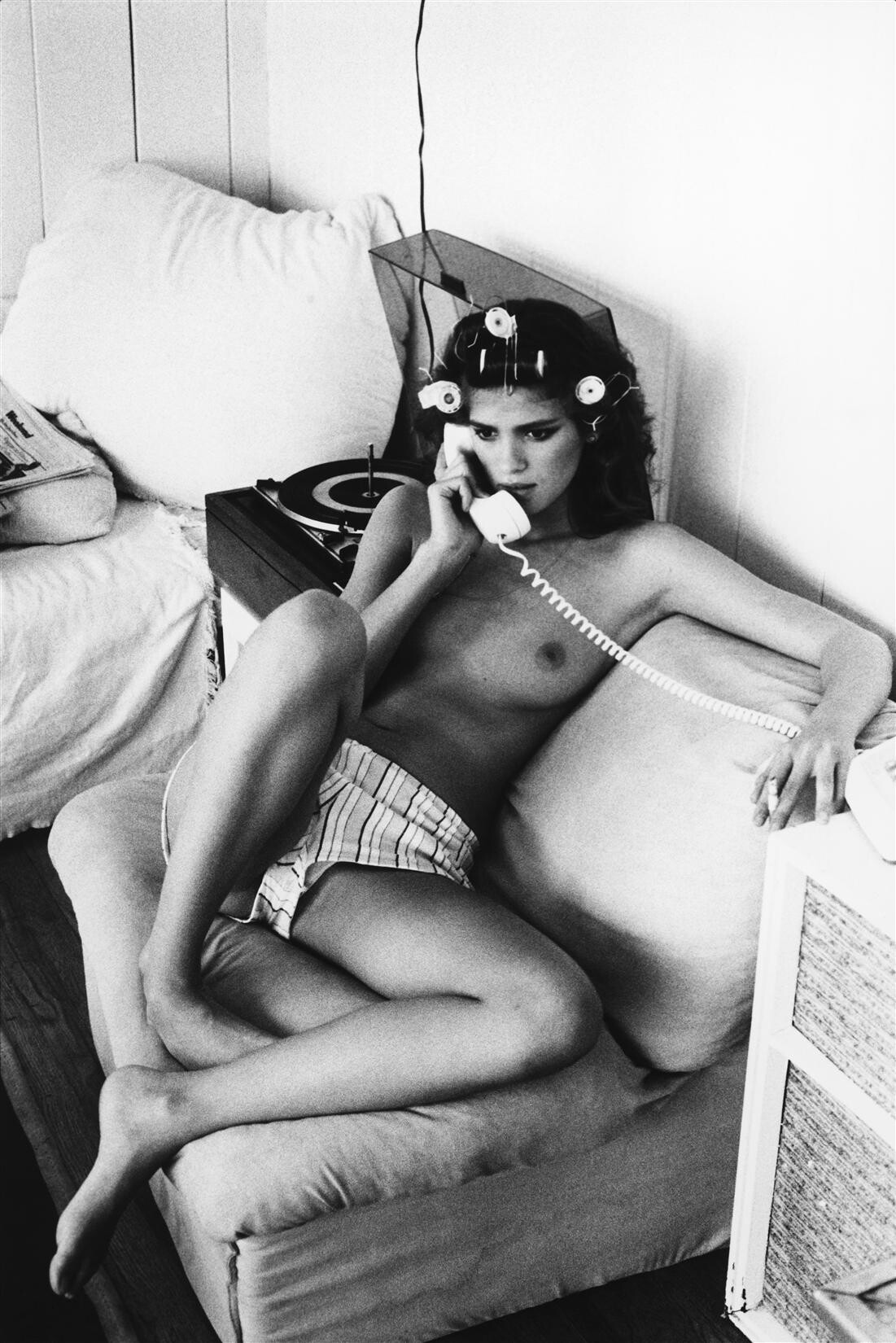
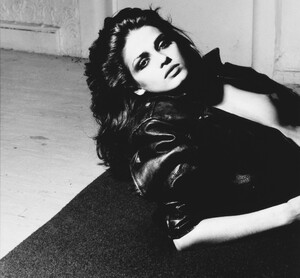
Gia by Lance Staedler WARNING: NUDITY
-
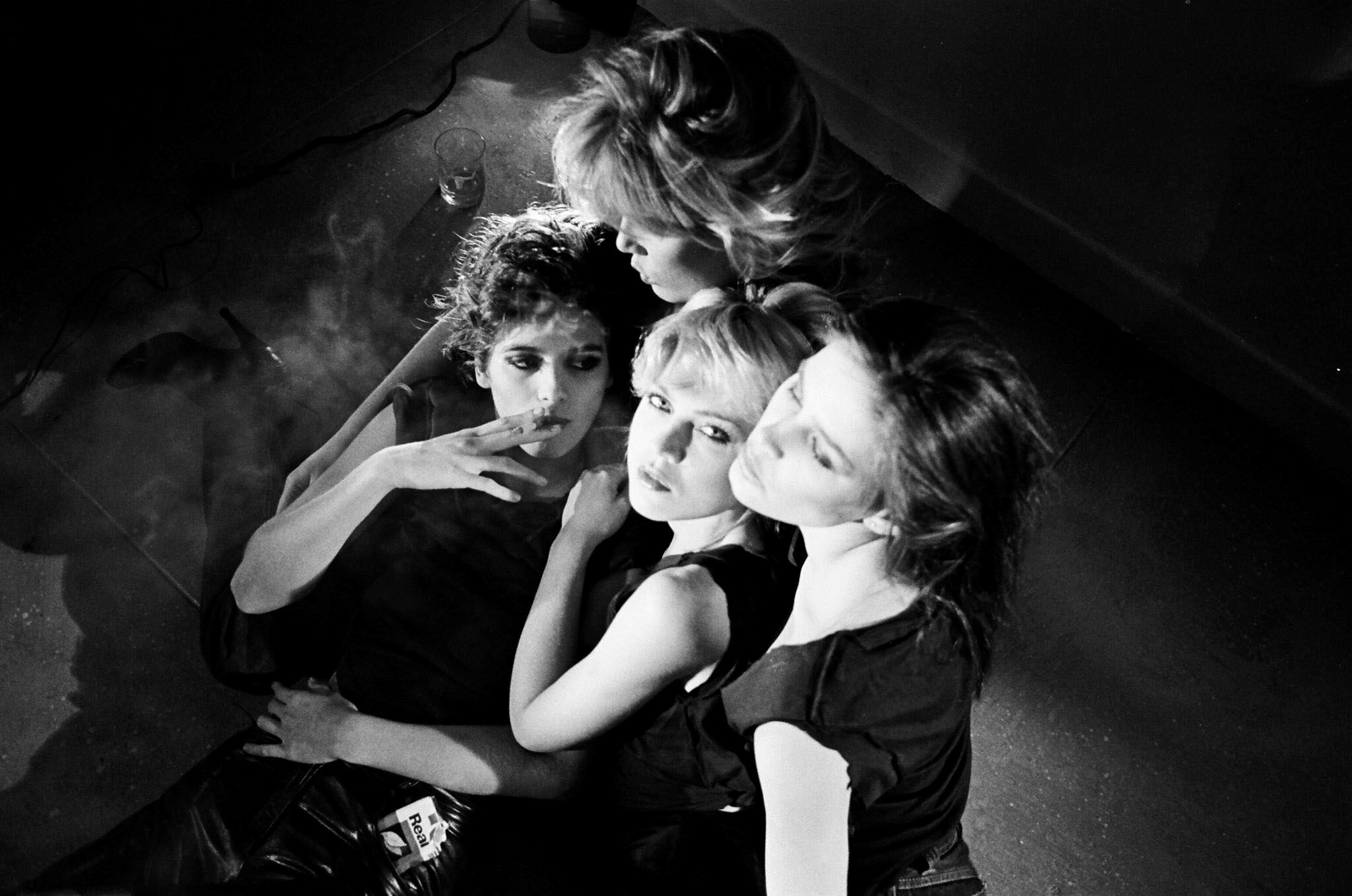
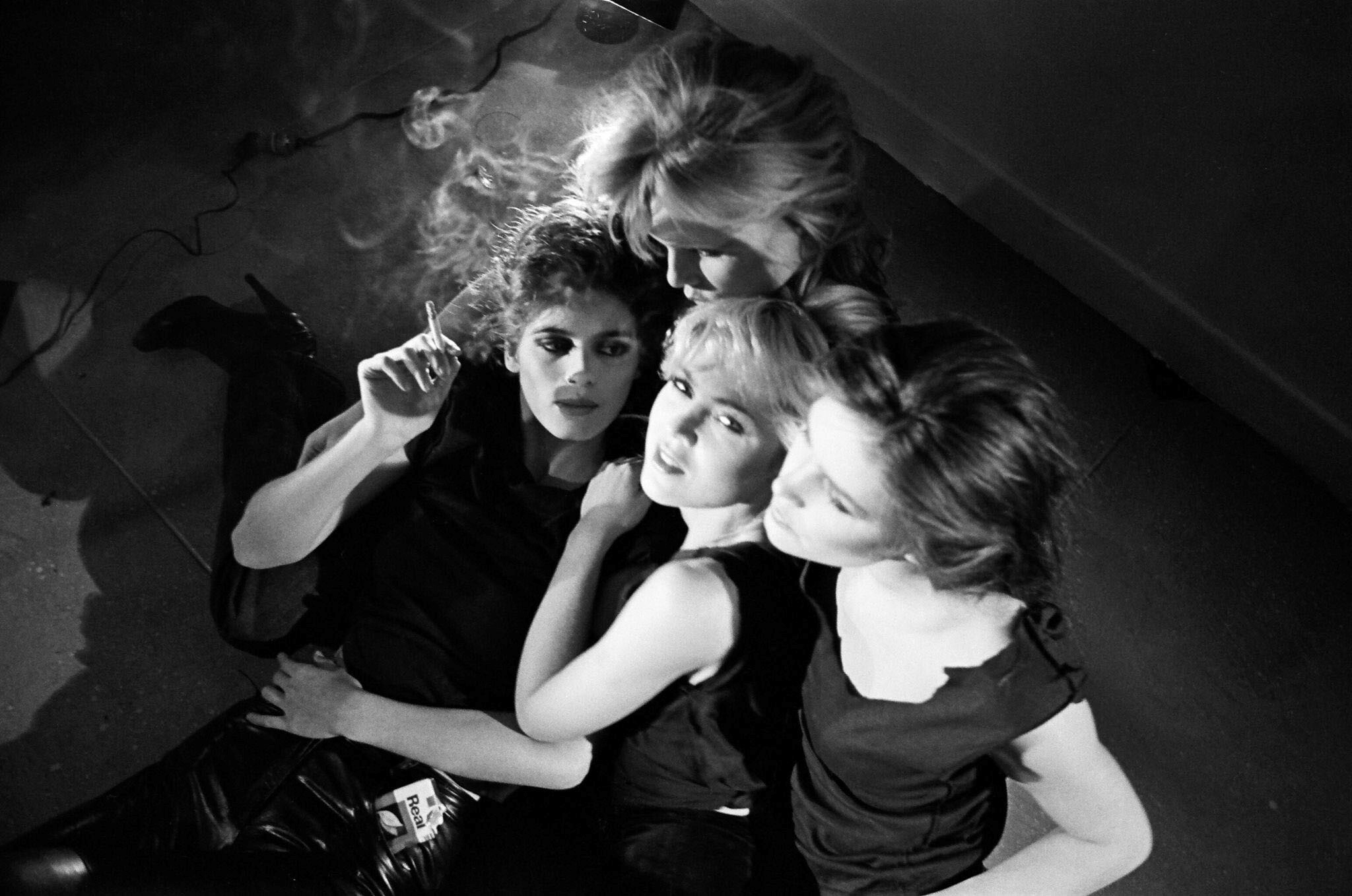
Gia by Andrea Blanch: Gia, Patty Hansen, Sandy Linter and Julie Foster pose during an interview held in 1980 in New York Photographer: Michael Tighe
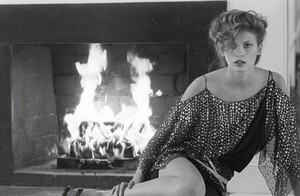
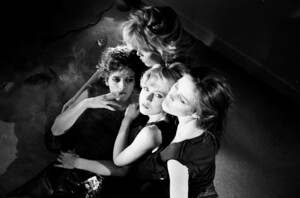
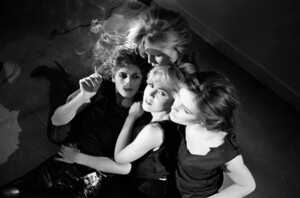
-
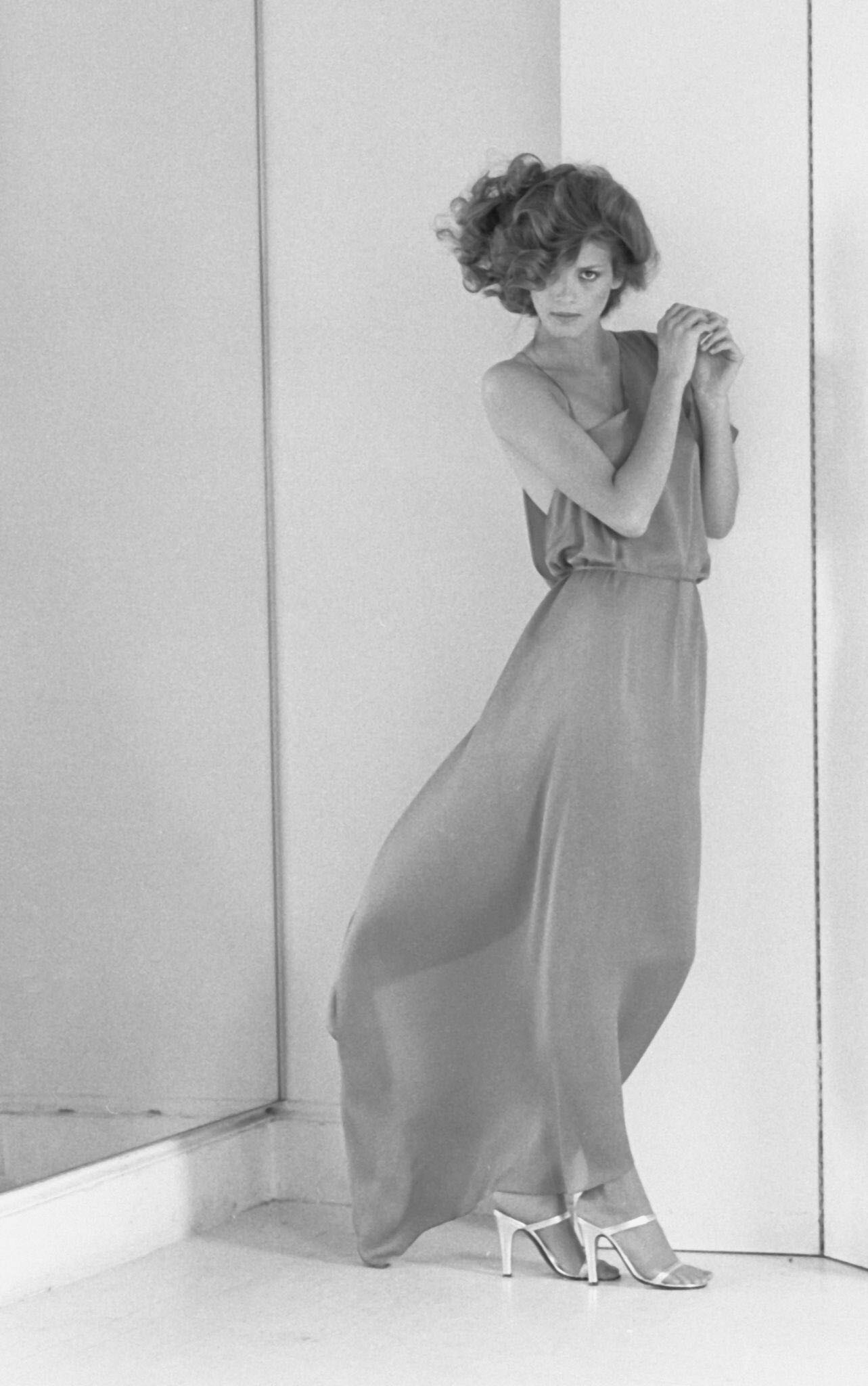
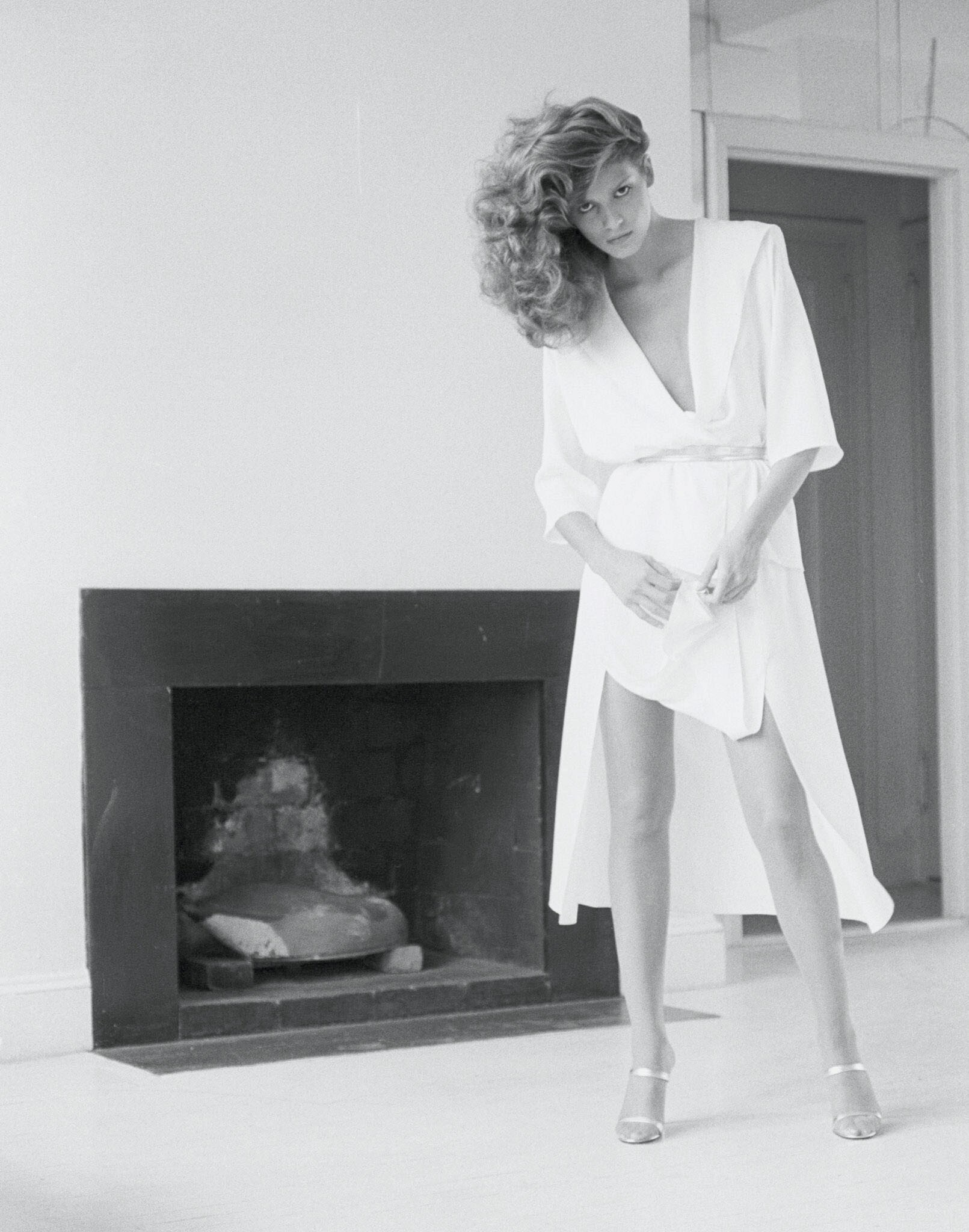
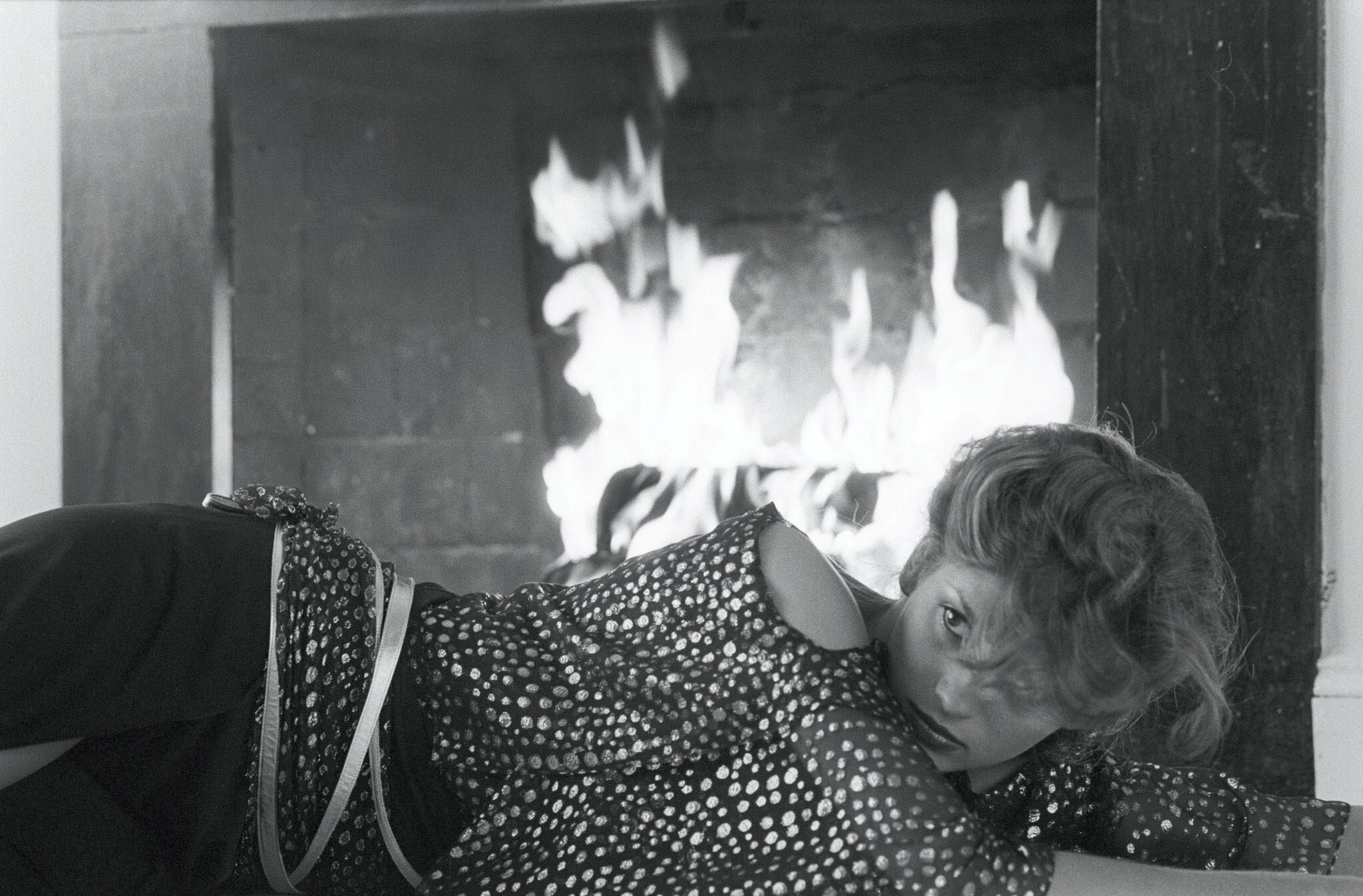
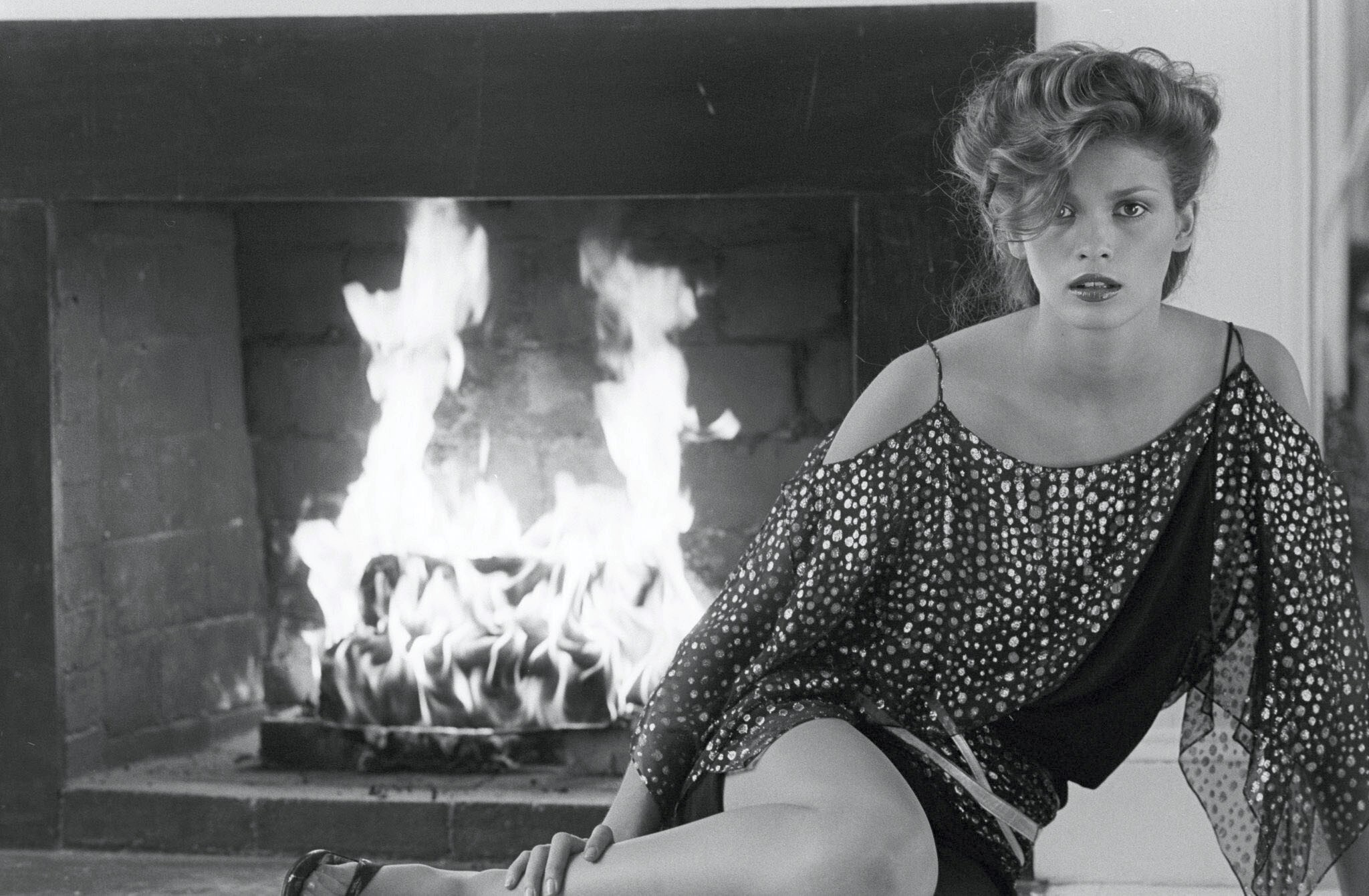
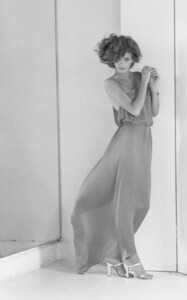
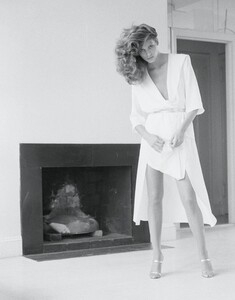
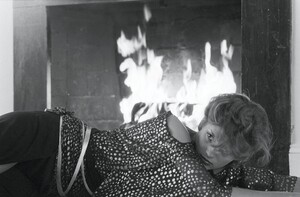
Gia by Arthur Elgort, 1980 “I worked with Gia first for a Bloomingdale’s ad. After that, we did a job for Italian Vogue and then another thing and then another thing… we used her all the time. She was a beautiful model, one of the greatest. (Richard) Avedon said he had to go after her out of his window, but I never had any trouble with her. She always liked me, so I was very lucky!” WARNING: NUDITY