BlueAcadia
Members
-
Joined
-
Last visited
Everything posted by BlueAcadia
-
-
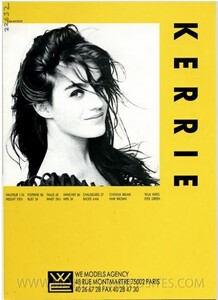
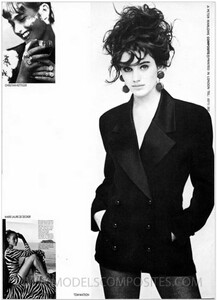
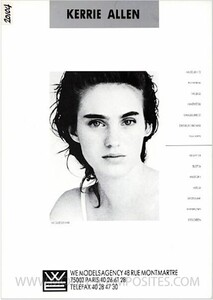
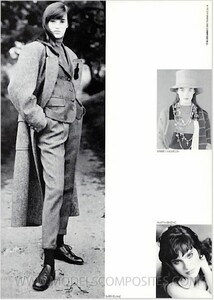
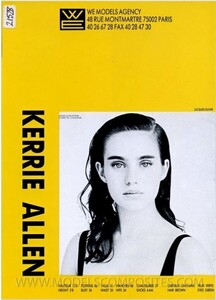
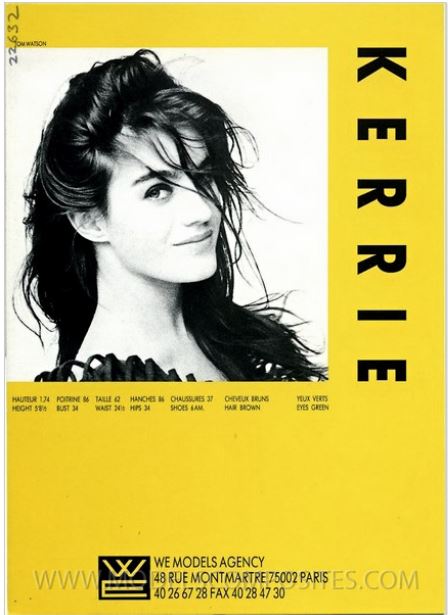
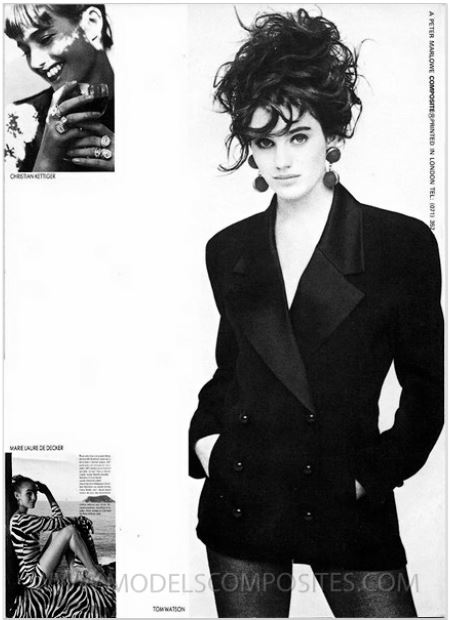
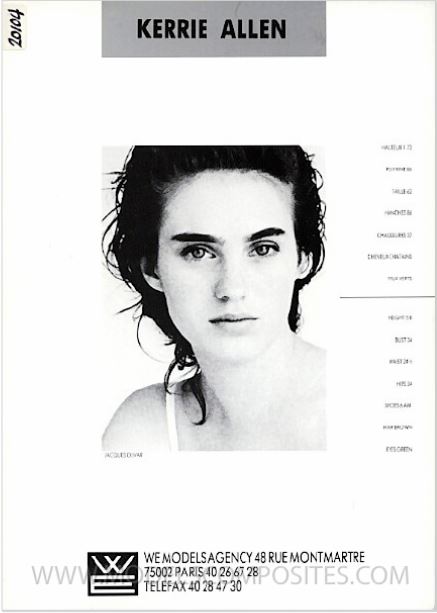
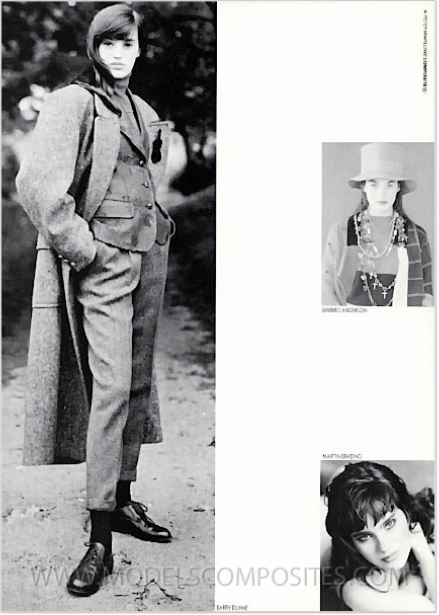
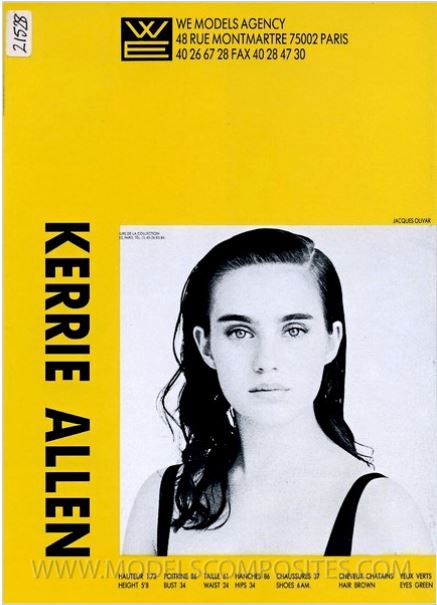
Aussie Kerrie Allen is a lovely international fashion model that worked professionally in the late 80s, through the 90s and still is a professional model today! She was represented by WE (Paris), Storm (London) and also worked in Tokyo and New York. She is currently represented by Vivien's (Sydney) and Quest (Hong Kong). Additional links about Kerrie: http://www.modelscomposites.com/getlist.php?list=wld&choice=Kerrie+Allen&year=all&id= http://www.modelscomposites.com/getlist.php?list=wld&choice=Kerrie+2&year=all&id= https://viviensmodels.com.au/models/kerrie-allen/ https://www.starnow.com.au/kerrieallen/ Height: 5'10" (1.76) Hair: Brown Eyes: Green Nationality: Australian From Peter Marlowe Composites:
-
Jinsey Dauk
-
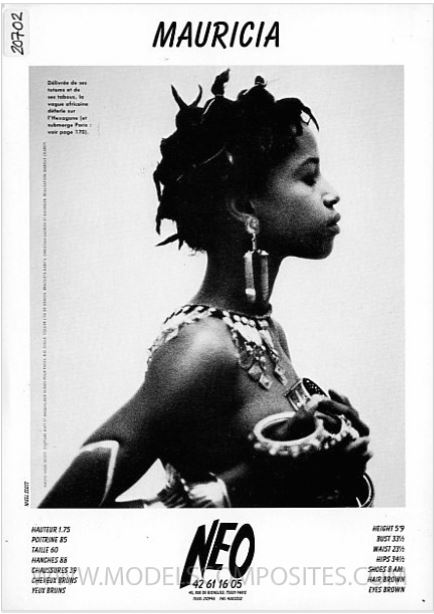
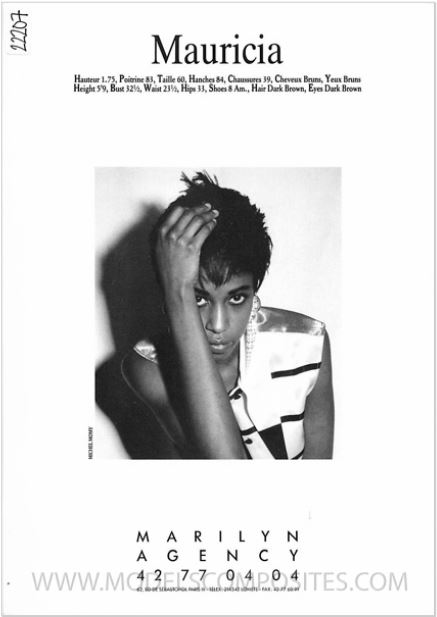
MAURICIA
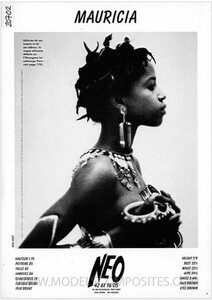
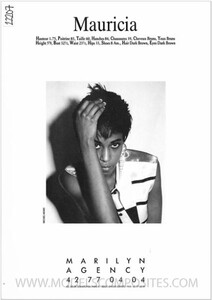
-
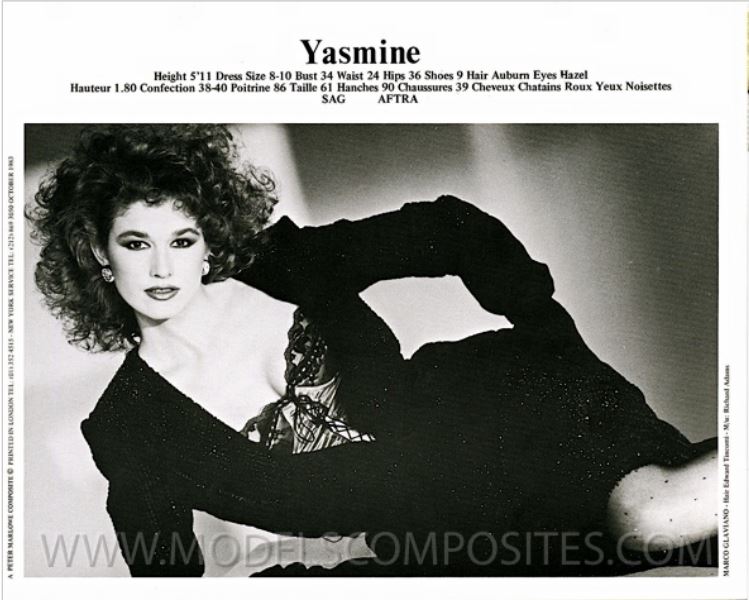
YASMINE
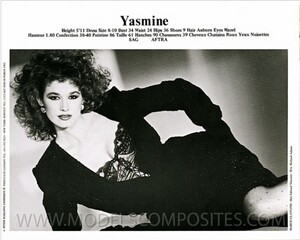
-
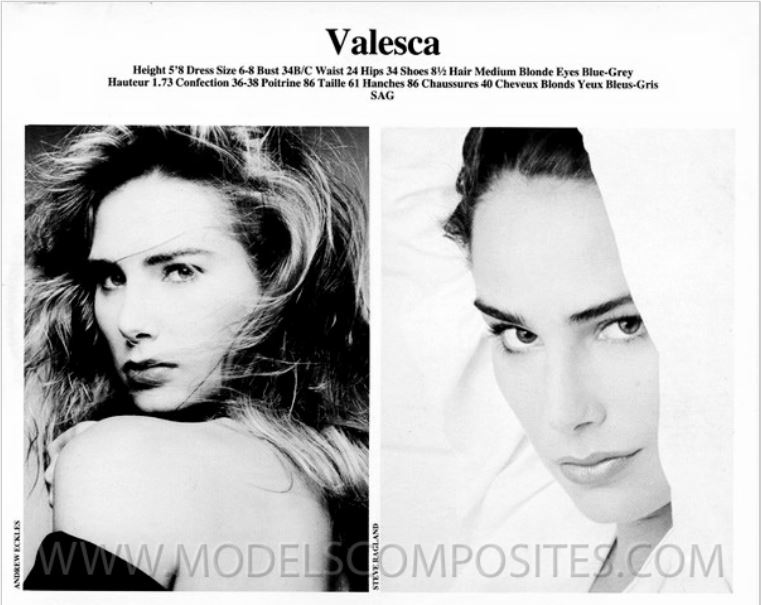
VALESCA
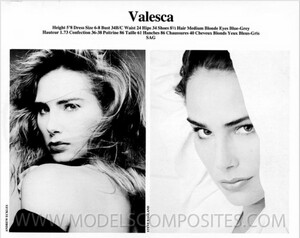
-
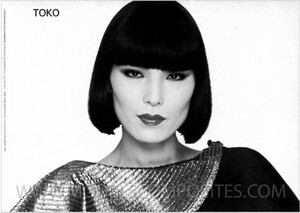
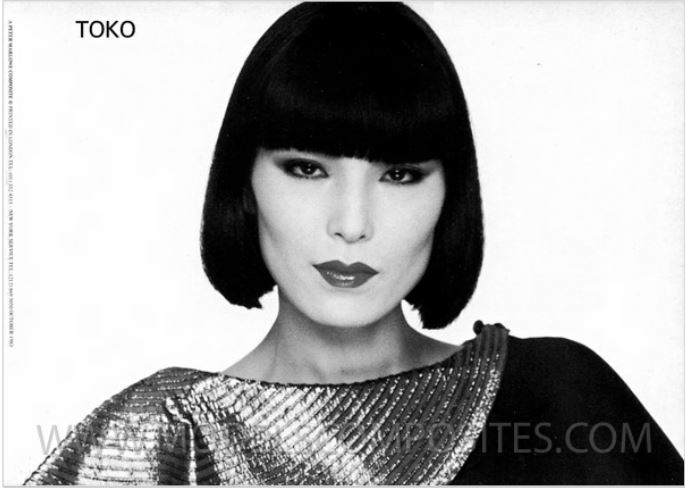
TOKO

-
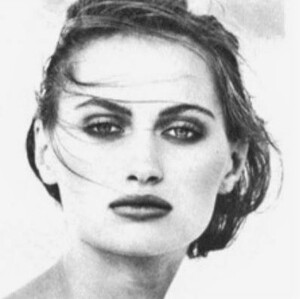
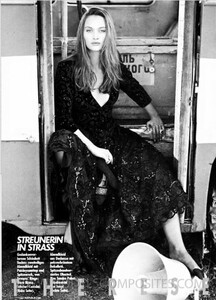
THERESE
-
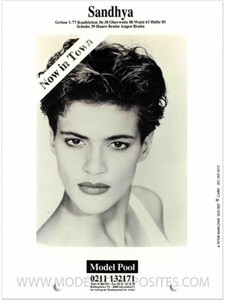
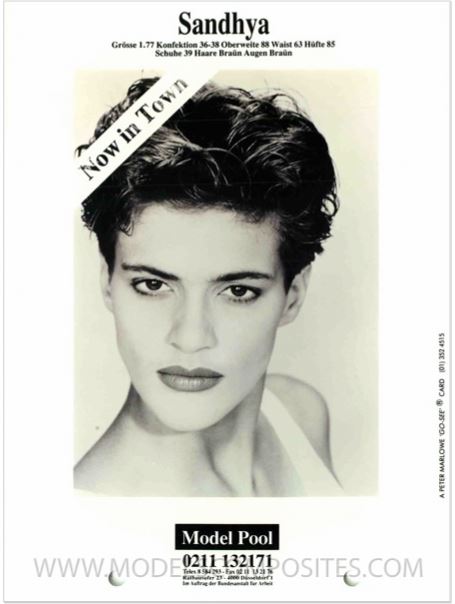
SANDHYA
-
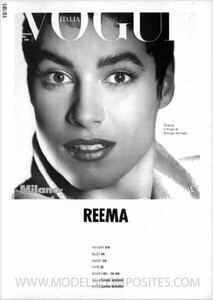
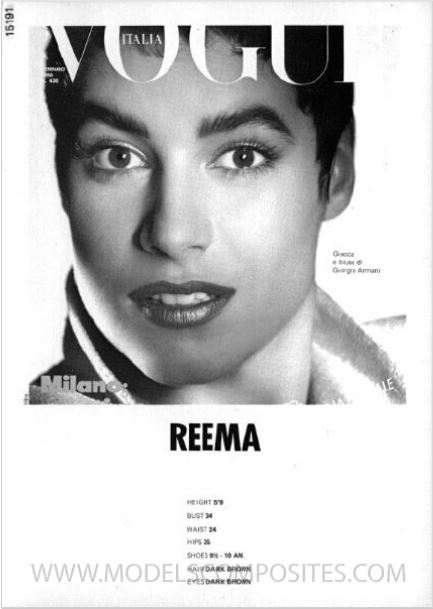
REEMA
-
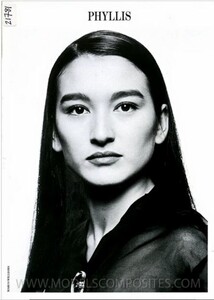
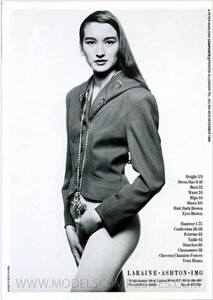
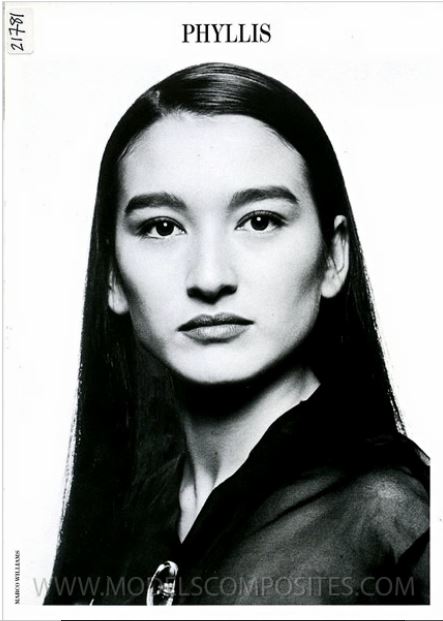
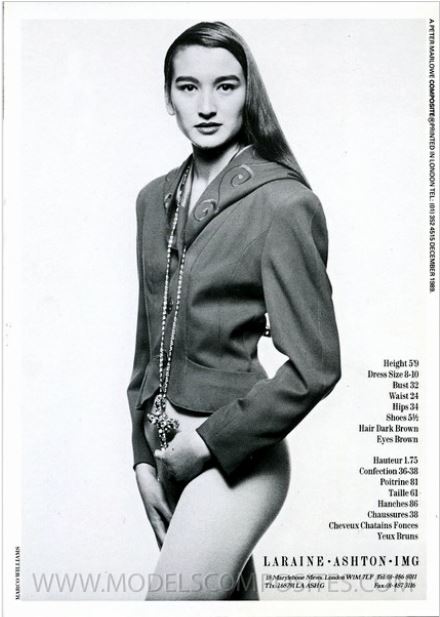
PHYLLIS
-
Hey @elephant!! The models that you are suggesting are ones that are pretty well known...I think these are waaaaay more obscure girls.
-
METTE
-
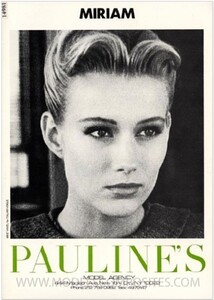
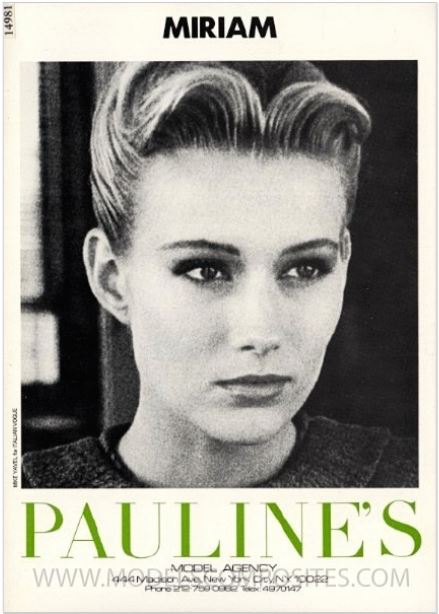
MIRIAM
-
That's the one!!
-
Yes! Her too I think!
-
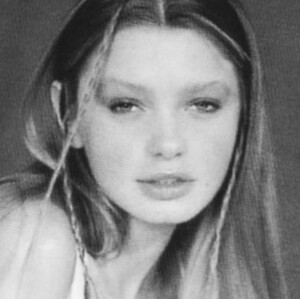
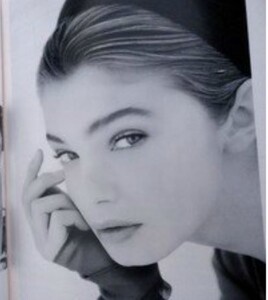
Monika Isabela Figured this one out last night...she ended up at FORD in early 1990s
-
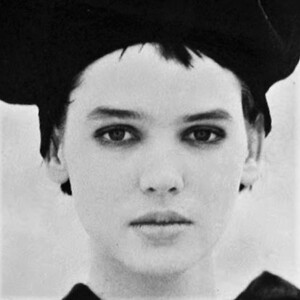
MICHELLE
.thumb.jpg.4adbe95bc56364bf8520f565054e2e7f.jpg)
-
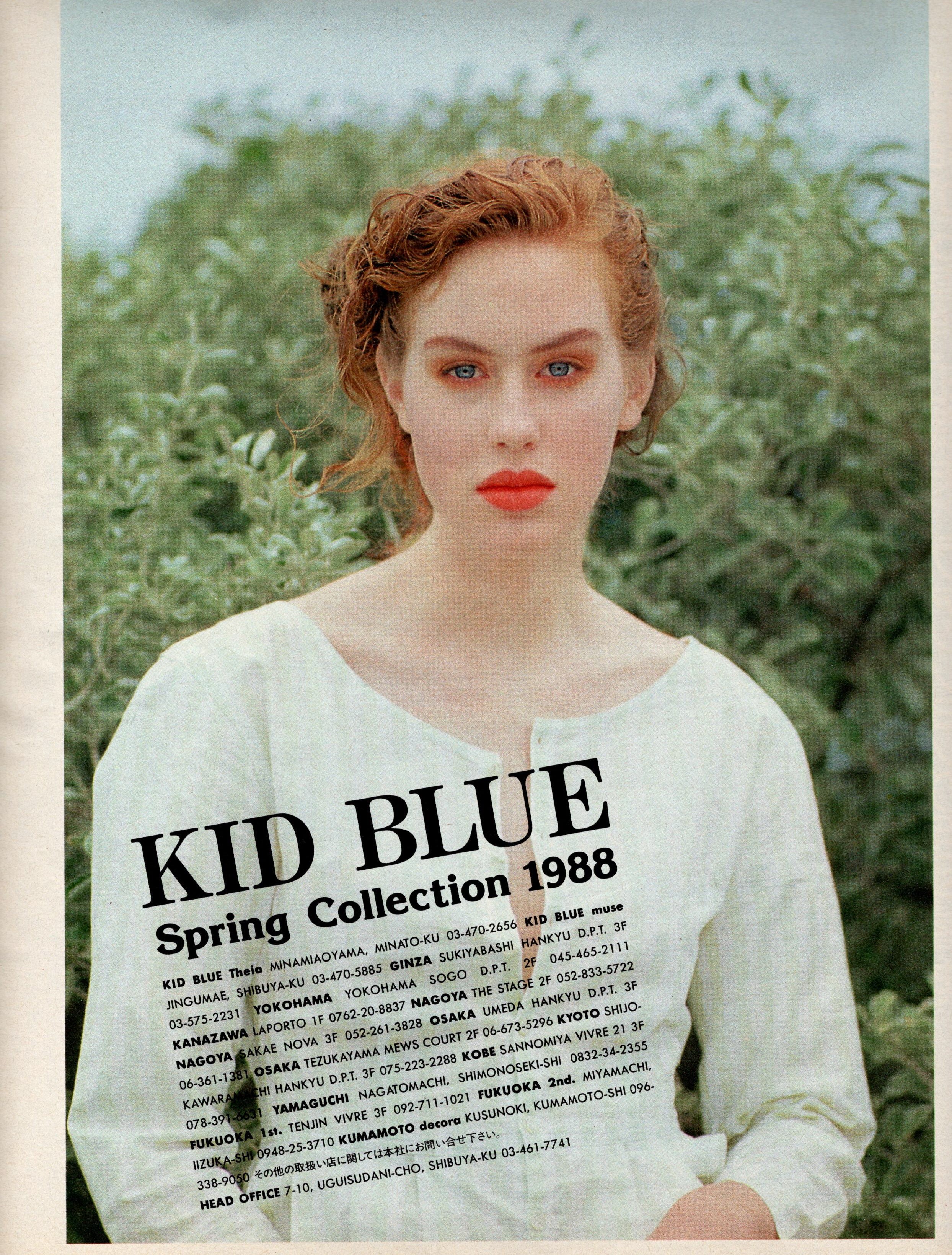
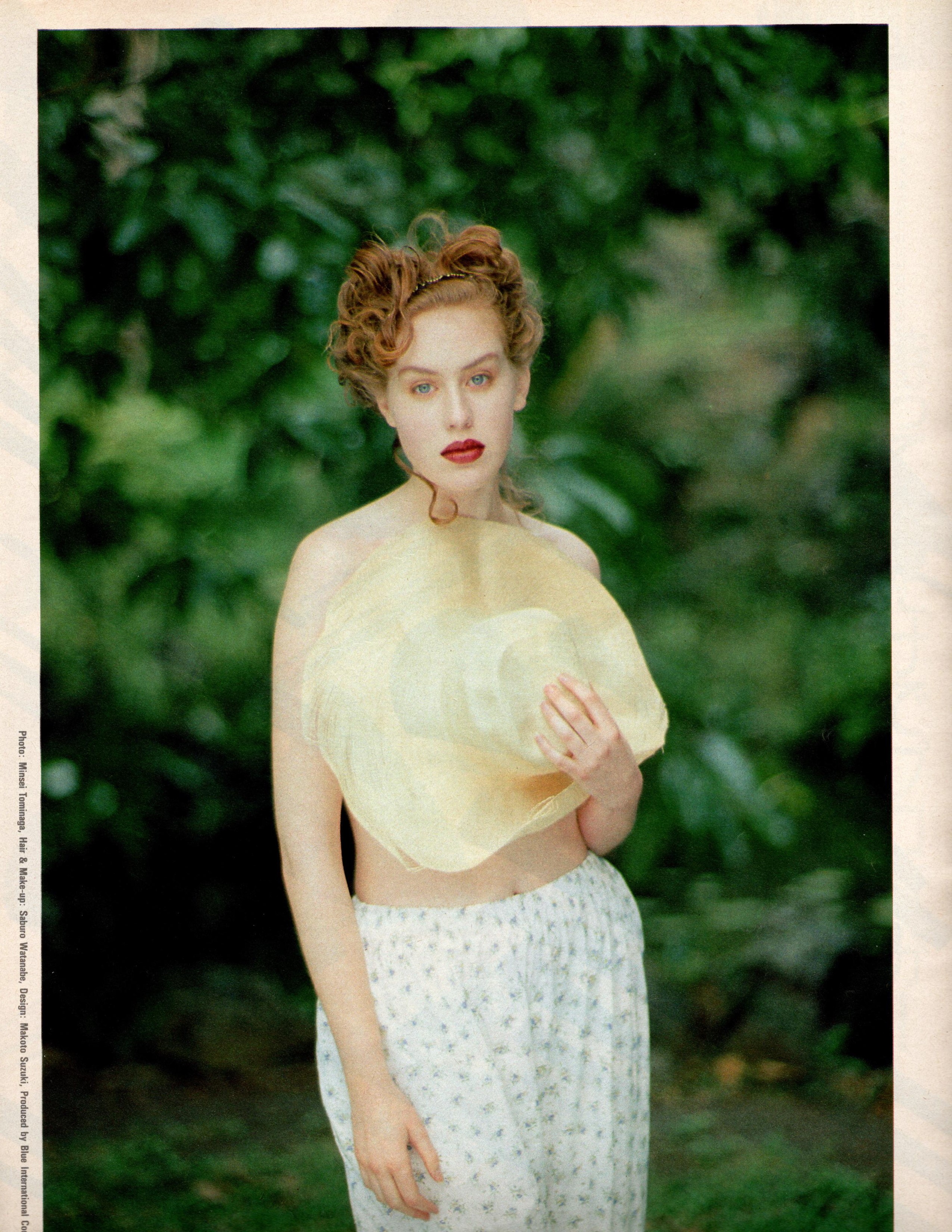
STELLA Elle Japon, 8-89, My Scan
.thumb.jpg.6d1ccb362471394eb31210aae3c02eb3.jpg)
.thumb.jpg.f788438c430541ab4c243d9ce9fd2ee3.jpg)
-
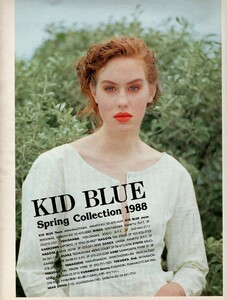
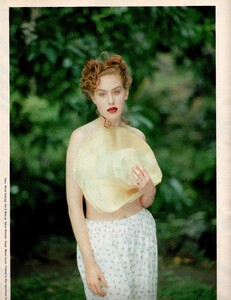
SARAH Elle Japon, 2-88, My scan
-
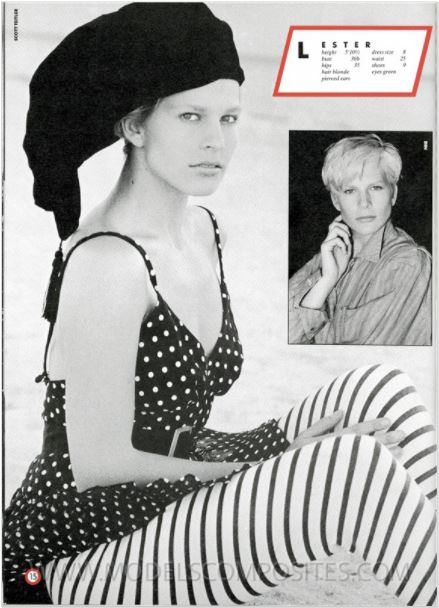
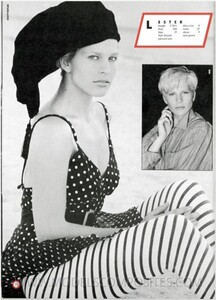
LESTER
-
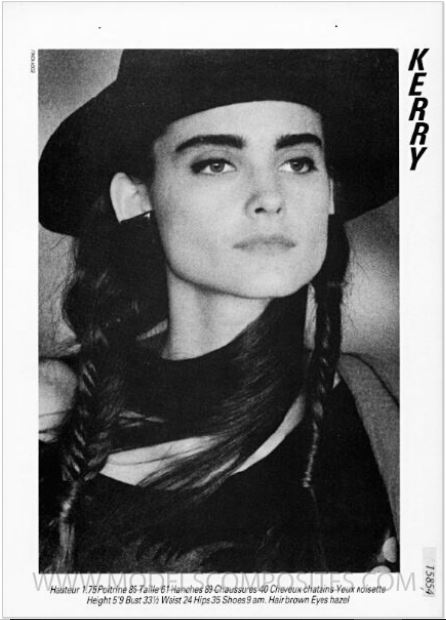
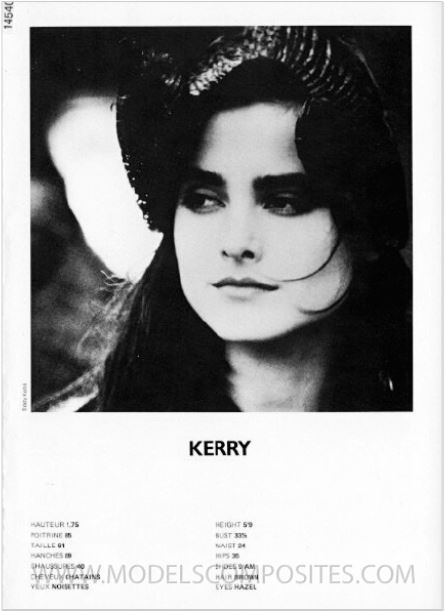
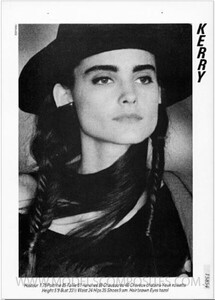
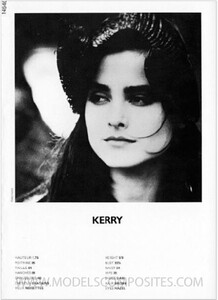
KERRY
-
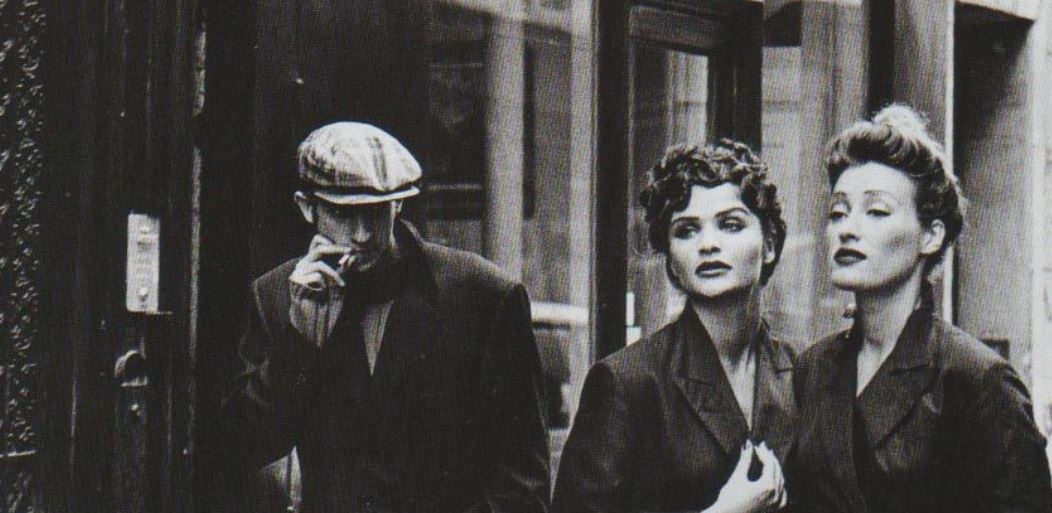
#1 I think is Cherie and #2 super familiar
-
Yes! Meredith, Girl in center of #2 is VERY familiar, we'll get it. BTW- What a fantastic Group shot!!! I was thinking Group shots would be a great new thread too.
-
Ahhhh a mystery solved for me as well!
.jpg.087d78bb287cbd95cb0c824ab0cf2aa7.jpg)
.jpg.fd7d756506cb3b341f575dcd7824553b.jpg)
.jpg.44f31eb095742cf0ed2567b4474c7f8f.jpg)
.jpg.cdf1b39418101422c3285e741b1d43c2.jpg)
.jpg.db02f95f58281d6fc698afa3e9c0b820.jpg)
.jpg.9bfa1f6b1564e1a0560bcbc532bae539.jpg)
.jpg.c74a56a4724c4ad5b12cbde256e61ebe.jpg)