
sanja
Members
-
Joined
-
Last visited
Everything posted by sanja
-
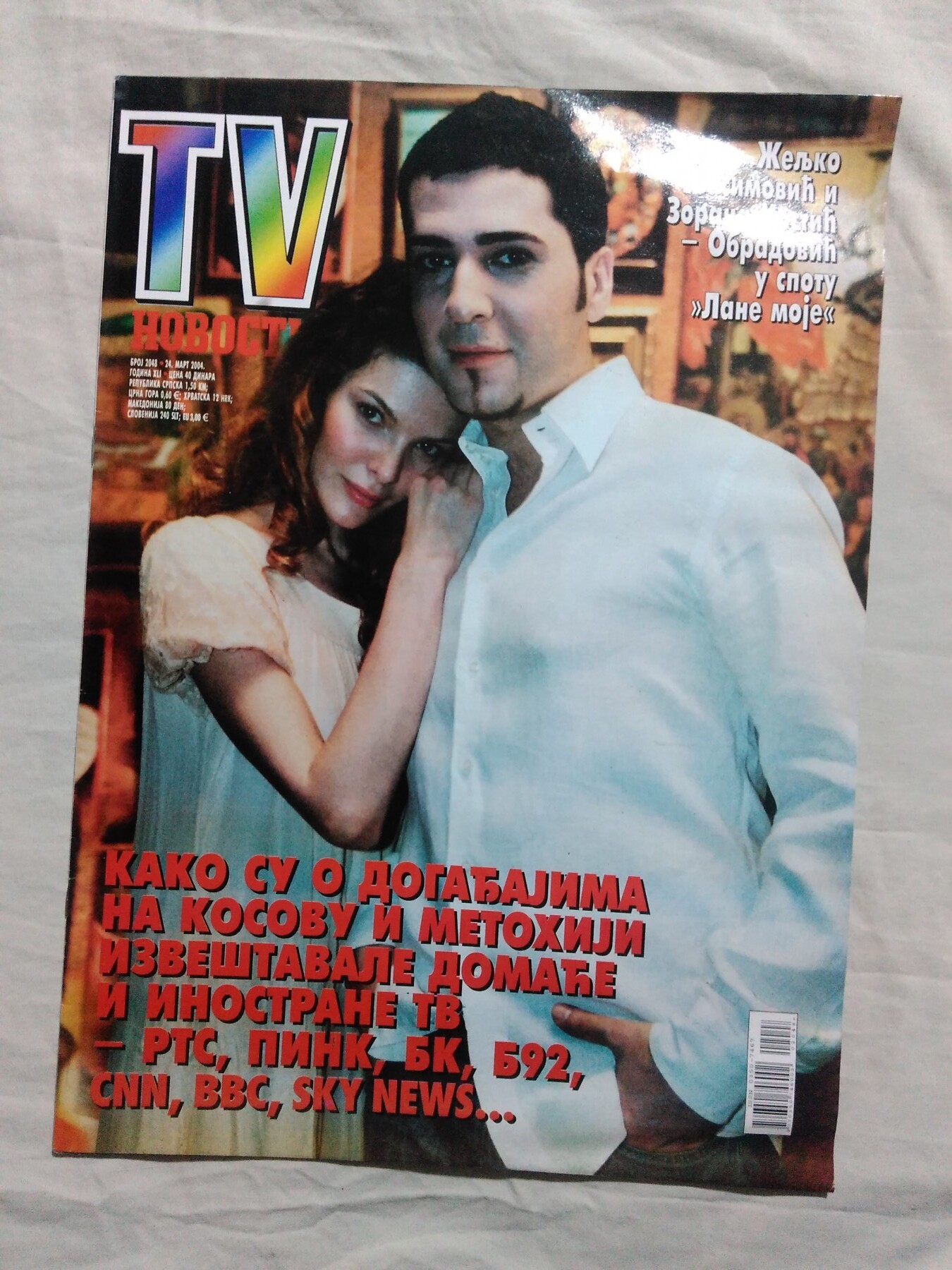
 TV Novosti Serbia 24 March 2004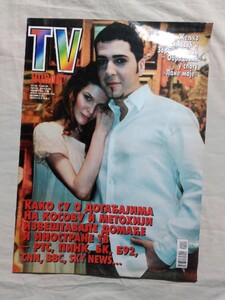
-
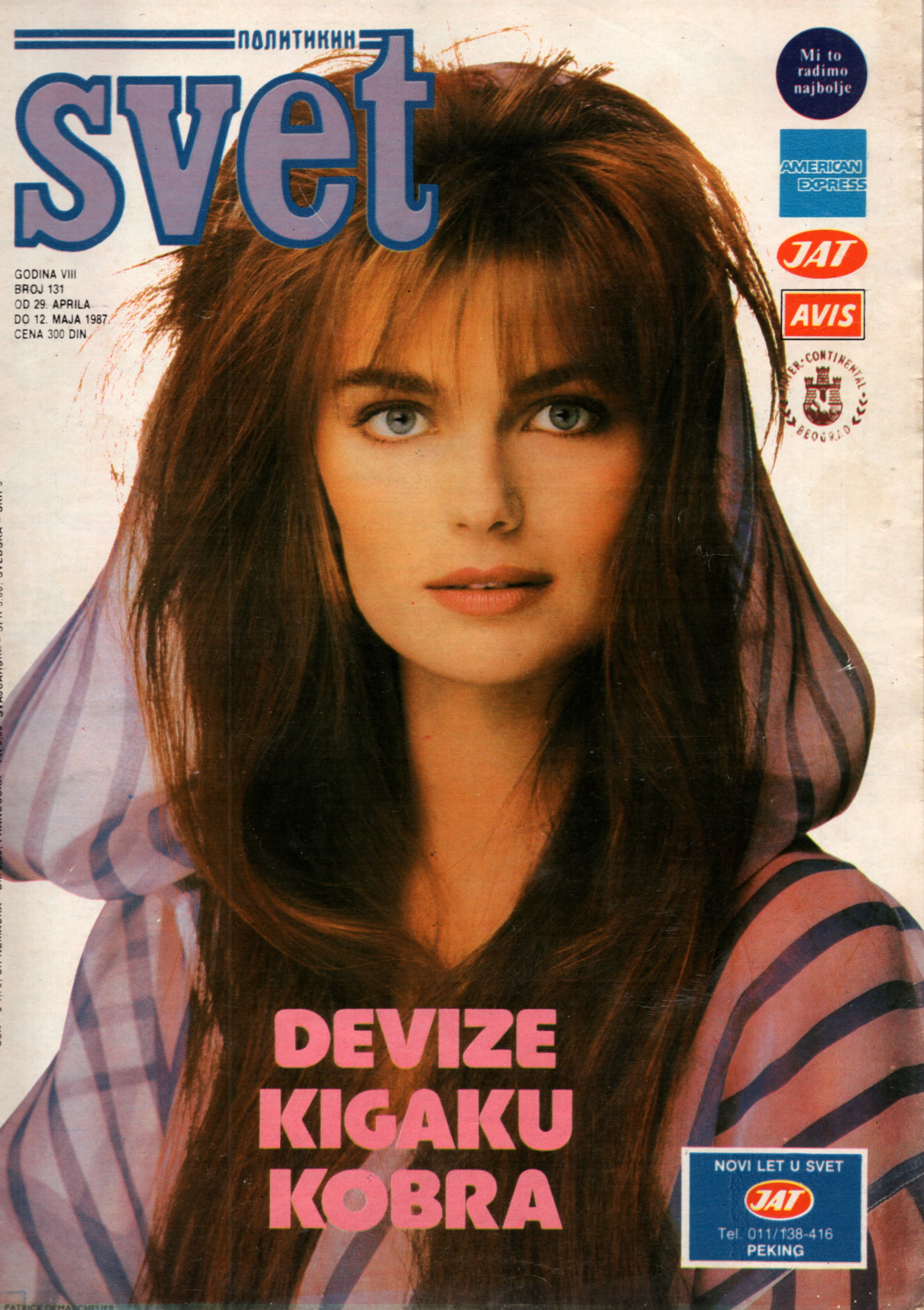
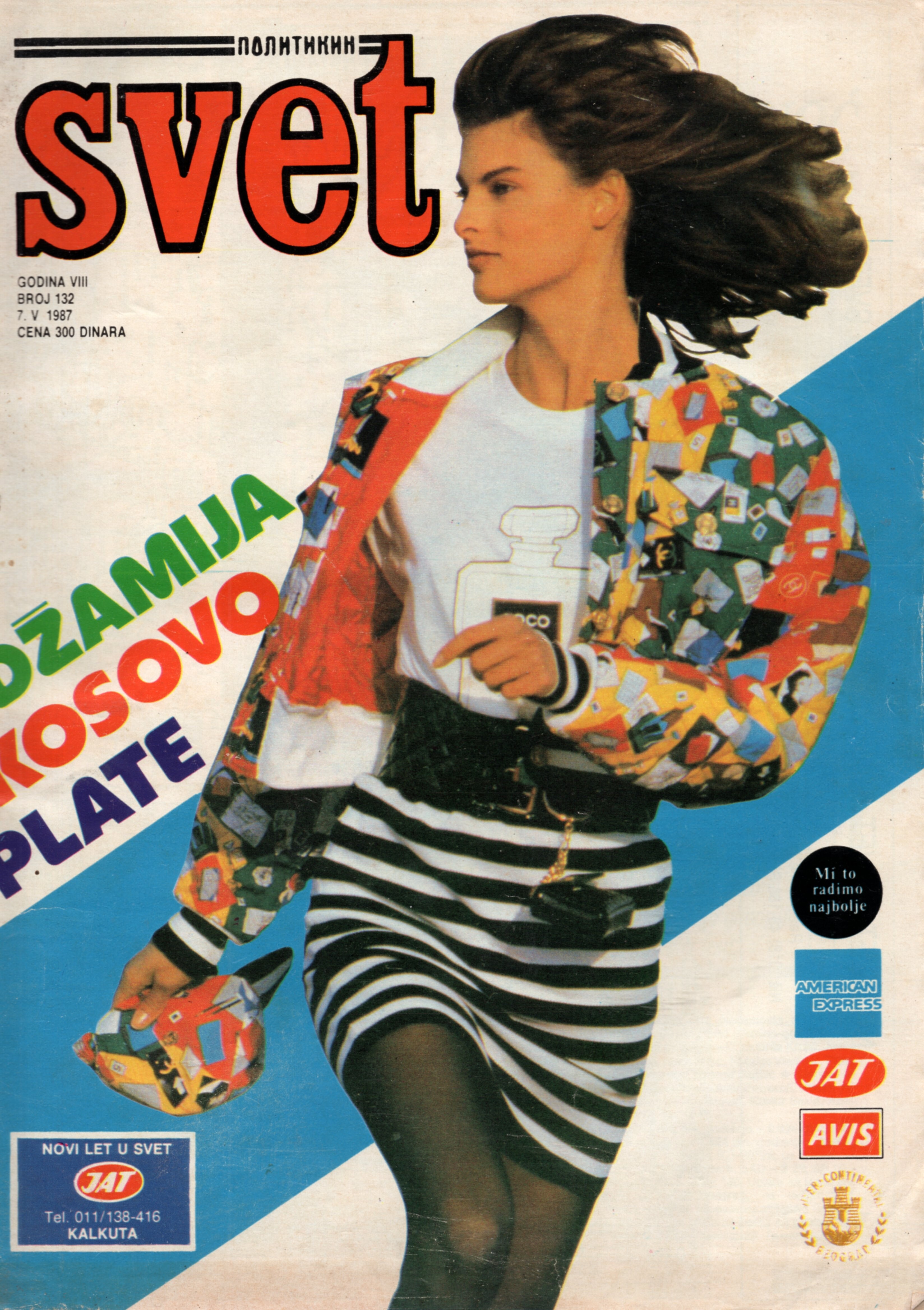
Politikin Svet 29 April 1987 Scanned by me and for sale
 Scanned by me
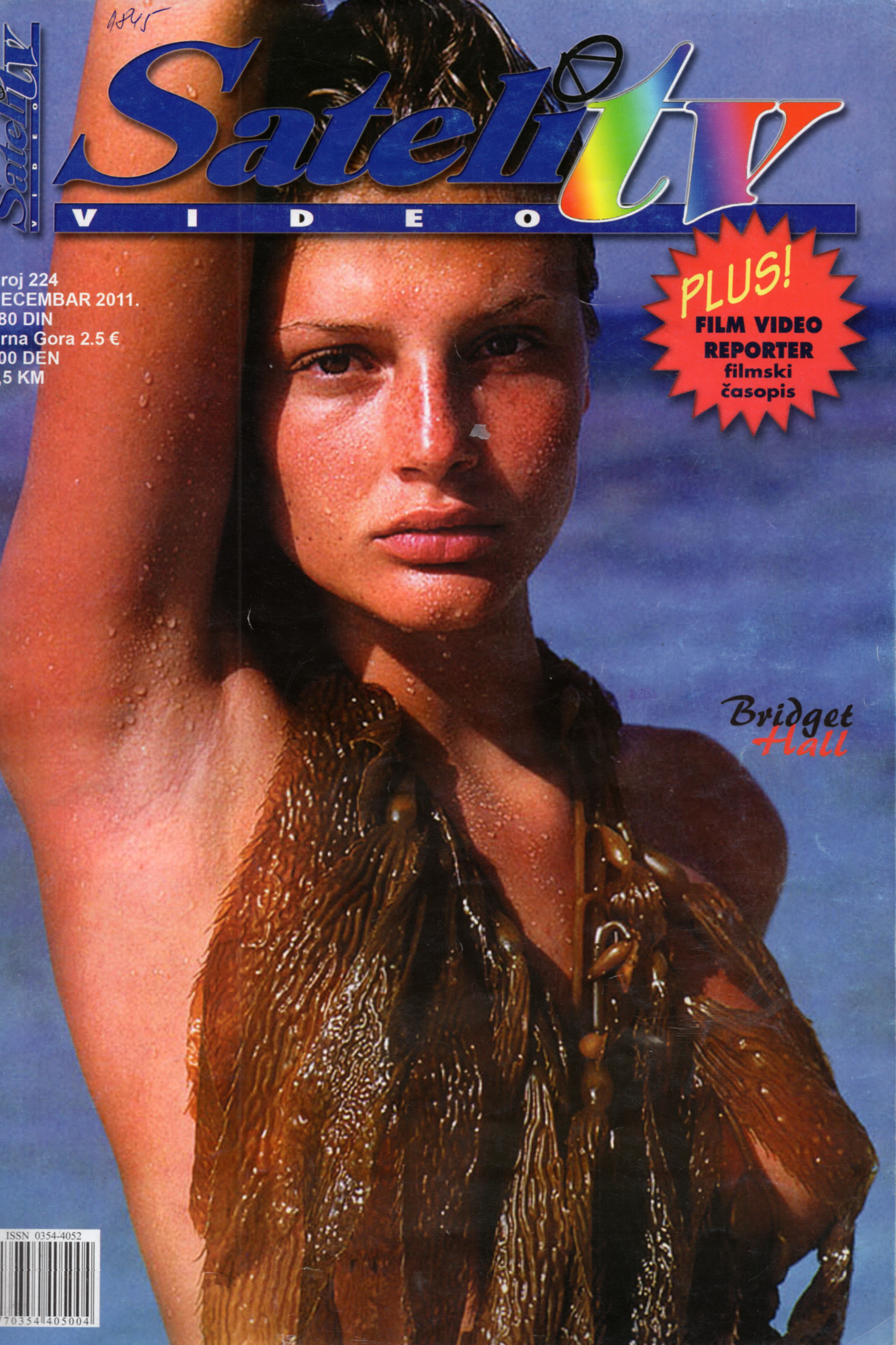
 Satelit Tv December 2011 Scanned by me
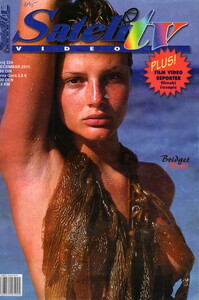 Looks like her, thank you so much
This cover was reprinted on Serbian Grazia 2010. Who is cover model please? Big thanks
Looks like her, thank you so much
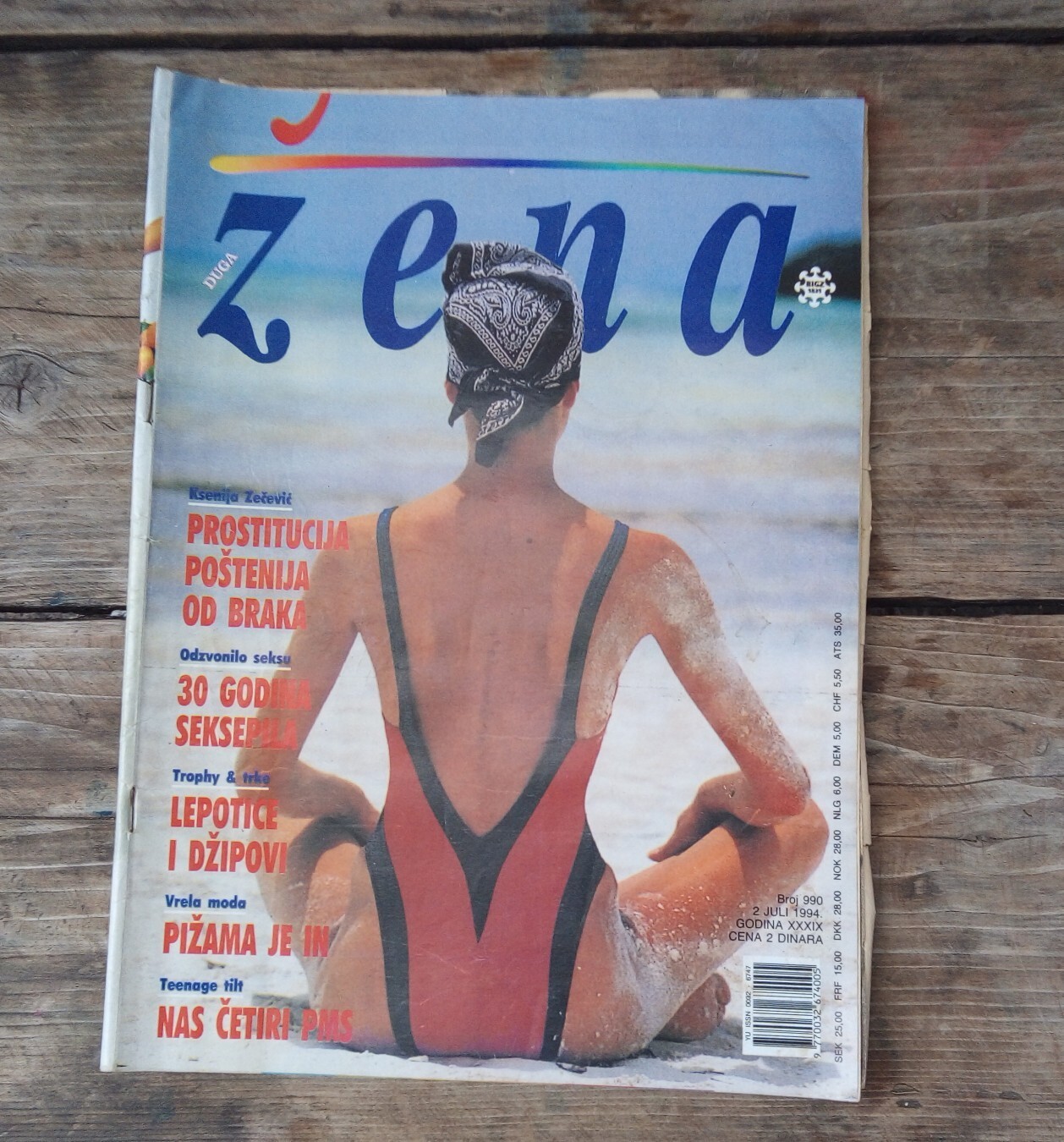
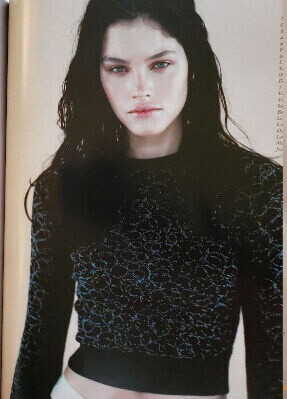
This cover was reprinted on Serbian Grazia 2010. Who is cover model please? Big thanks Any idea who this model is from 1994, it is from a Yugoslavian magazine, but I am sure it is a reprint, maybe someone will recognize it from some famous editorial/cover? Many thanks
 Hello Serbia 26 February 2025
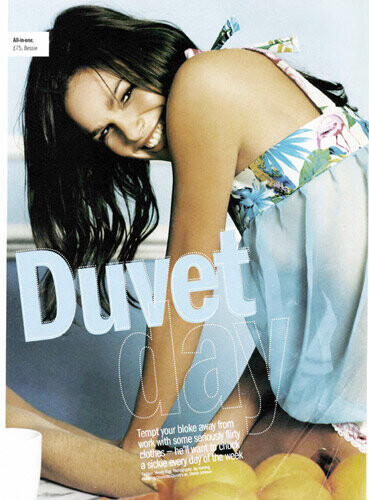
 @modelknowledgeany idea which British magazine can this be please?
.thumb.jpg.725a74378ac9e3eb82833c18ed023609.jpg)
.thumb.jpg.2bf8d11bfda84d63c95c85c0d25f8376.jpg)
.thumb.jpg.118d668f4f72418ba7a3560d5071ed64.jpg)

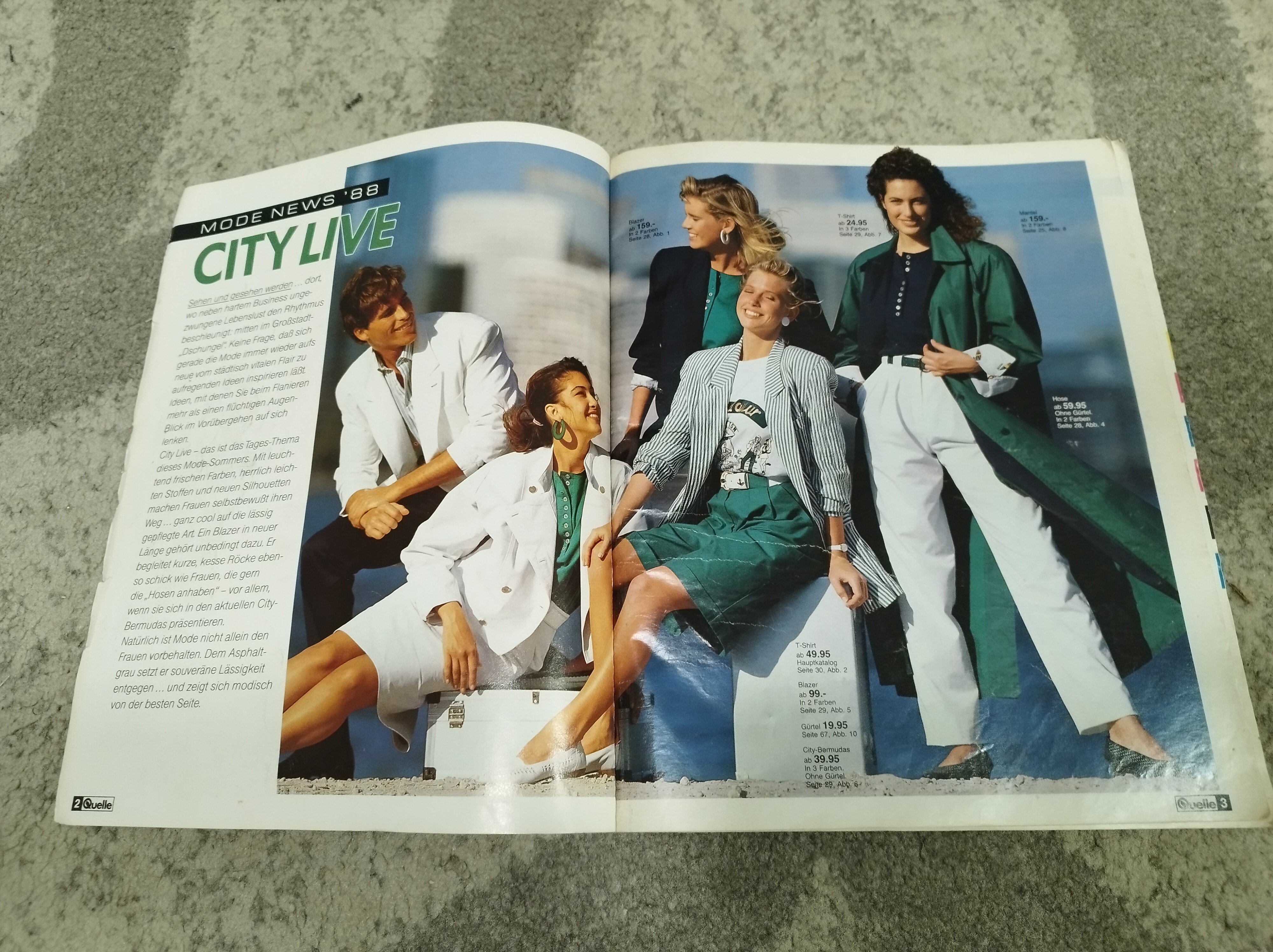
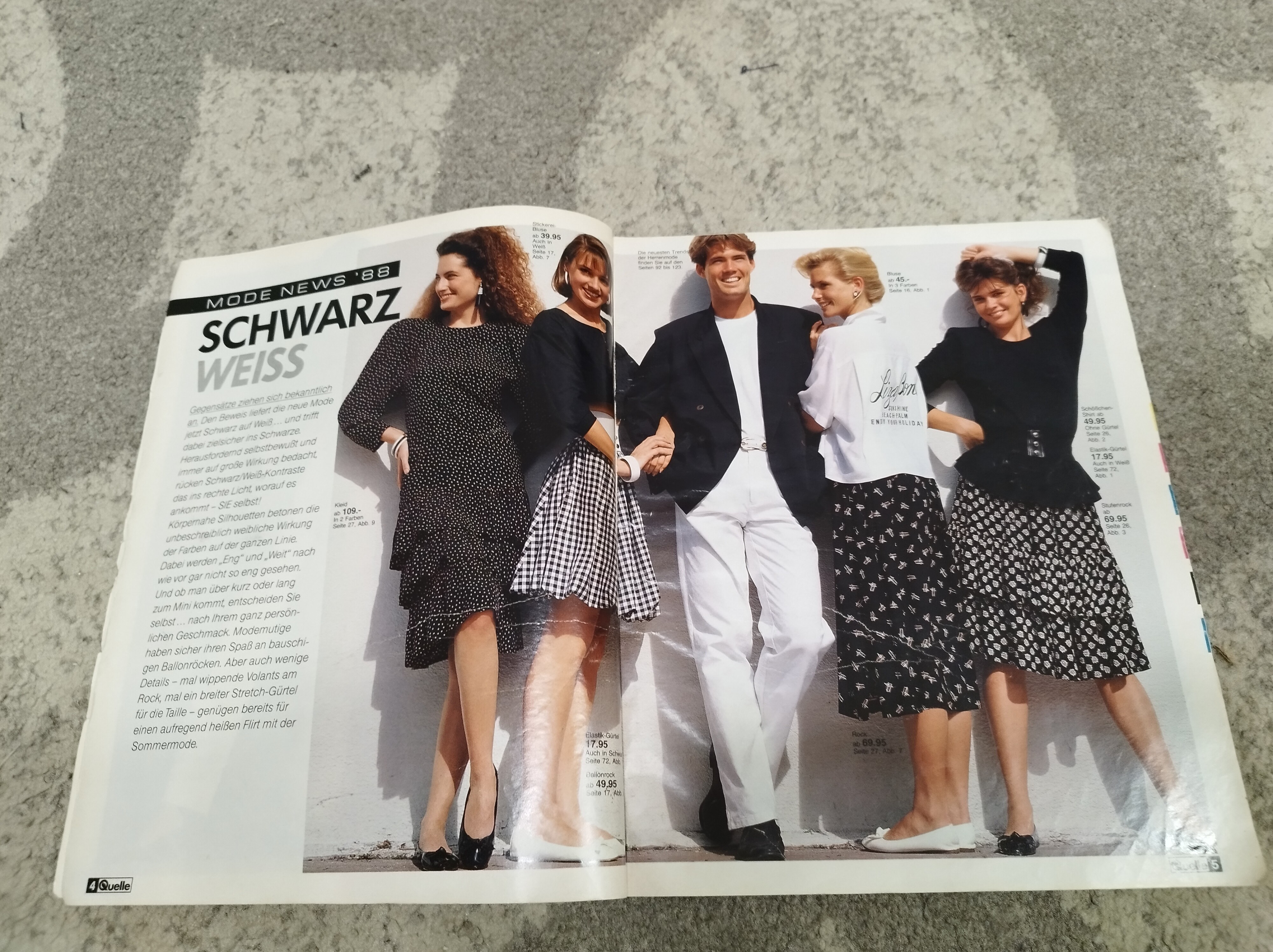
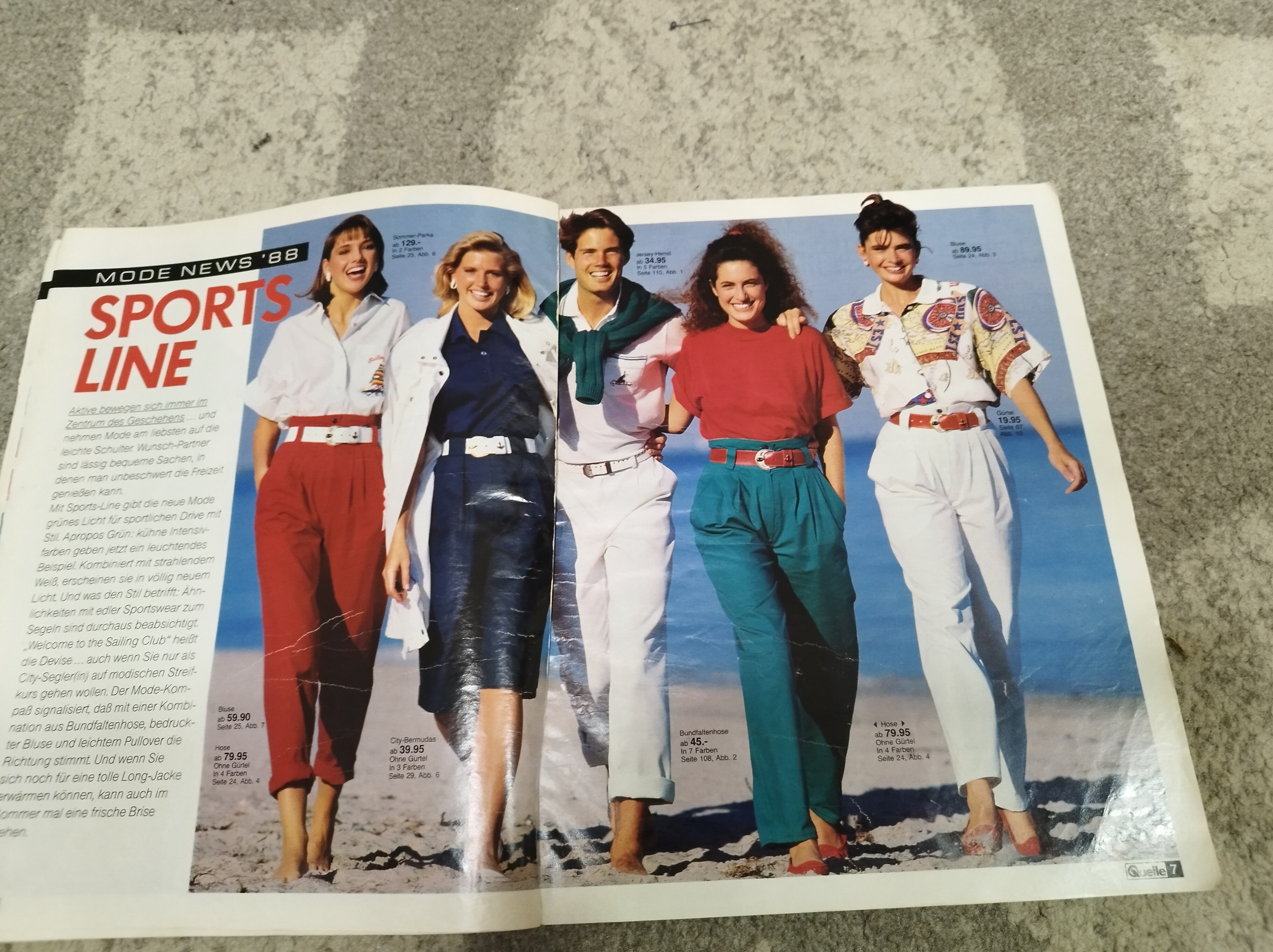
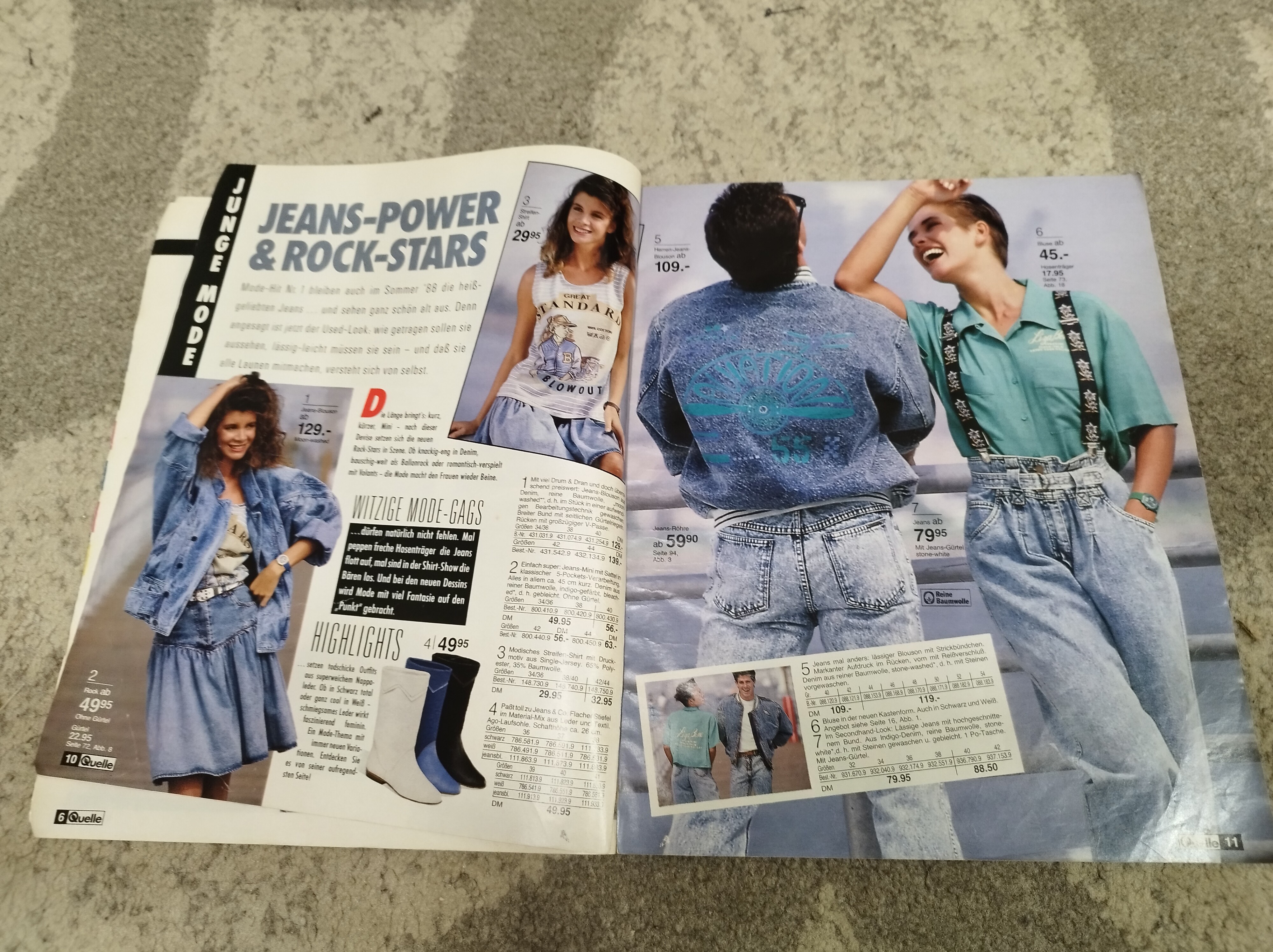
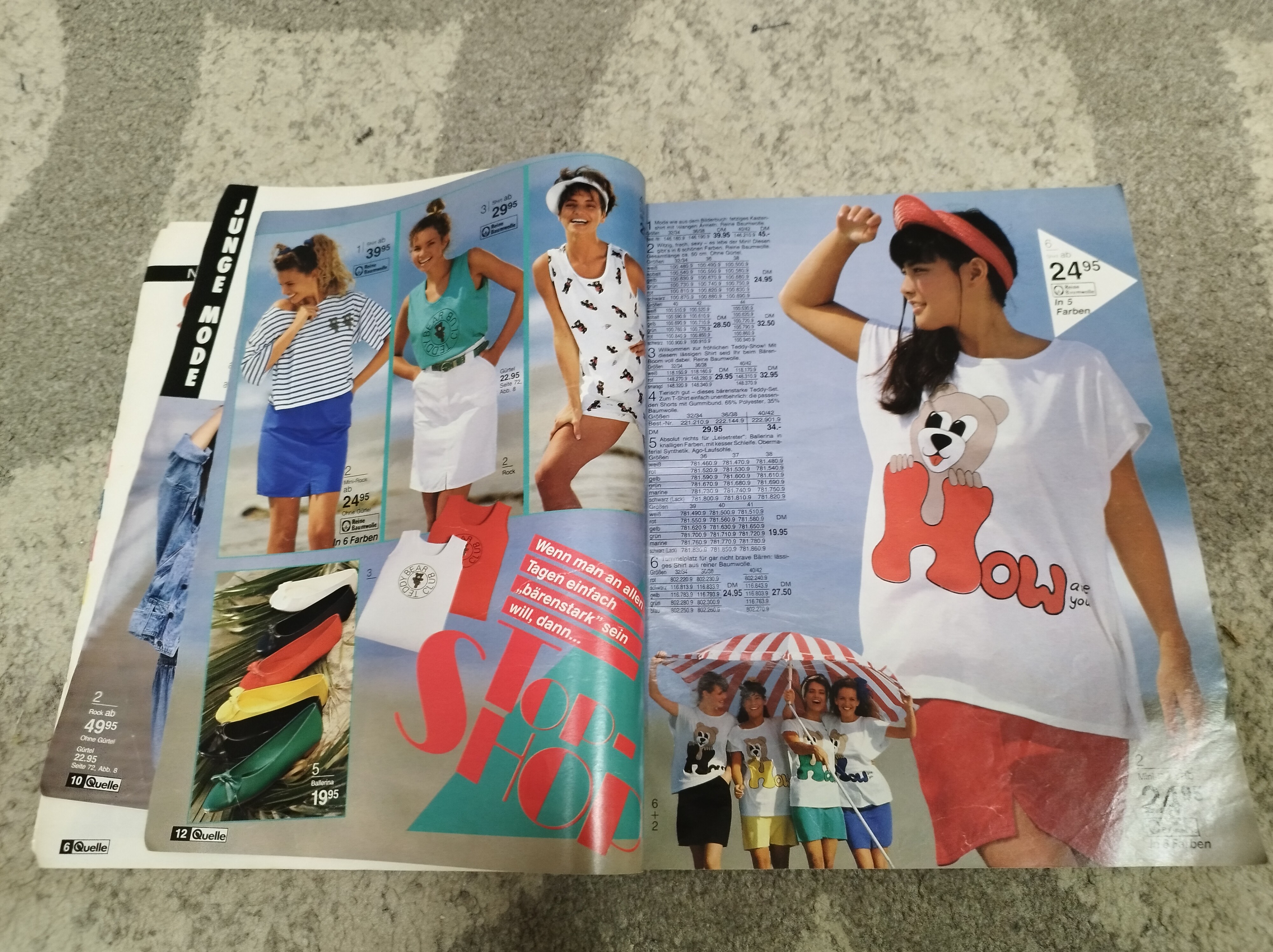
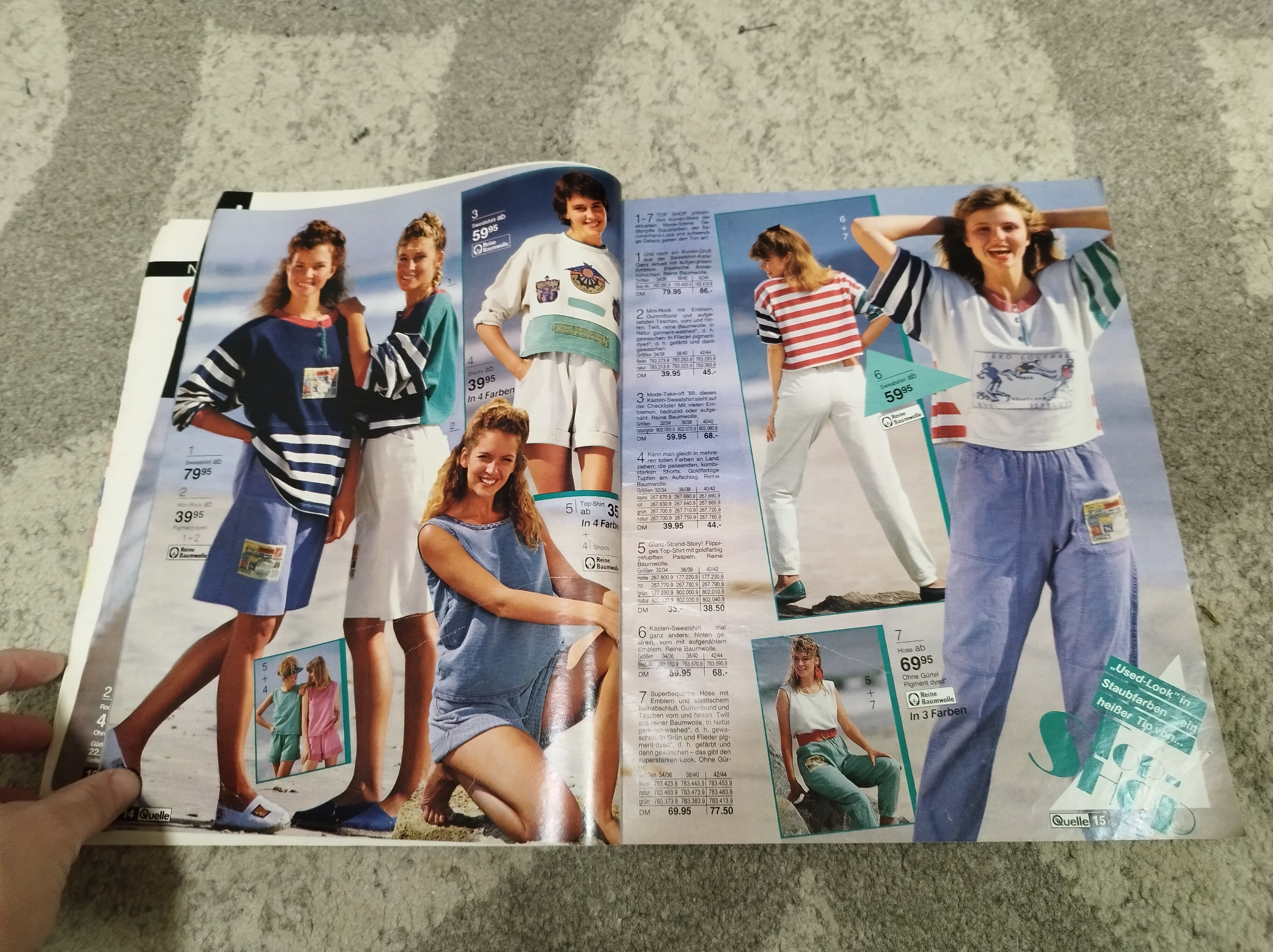
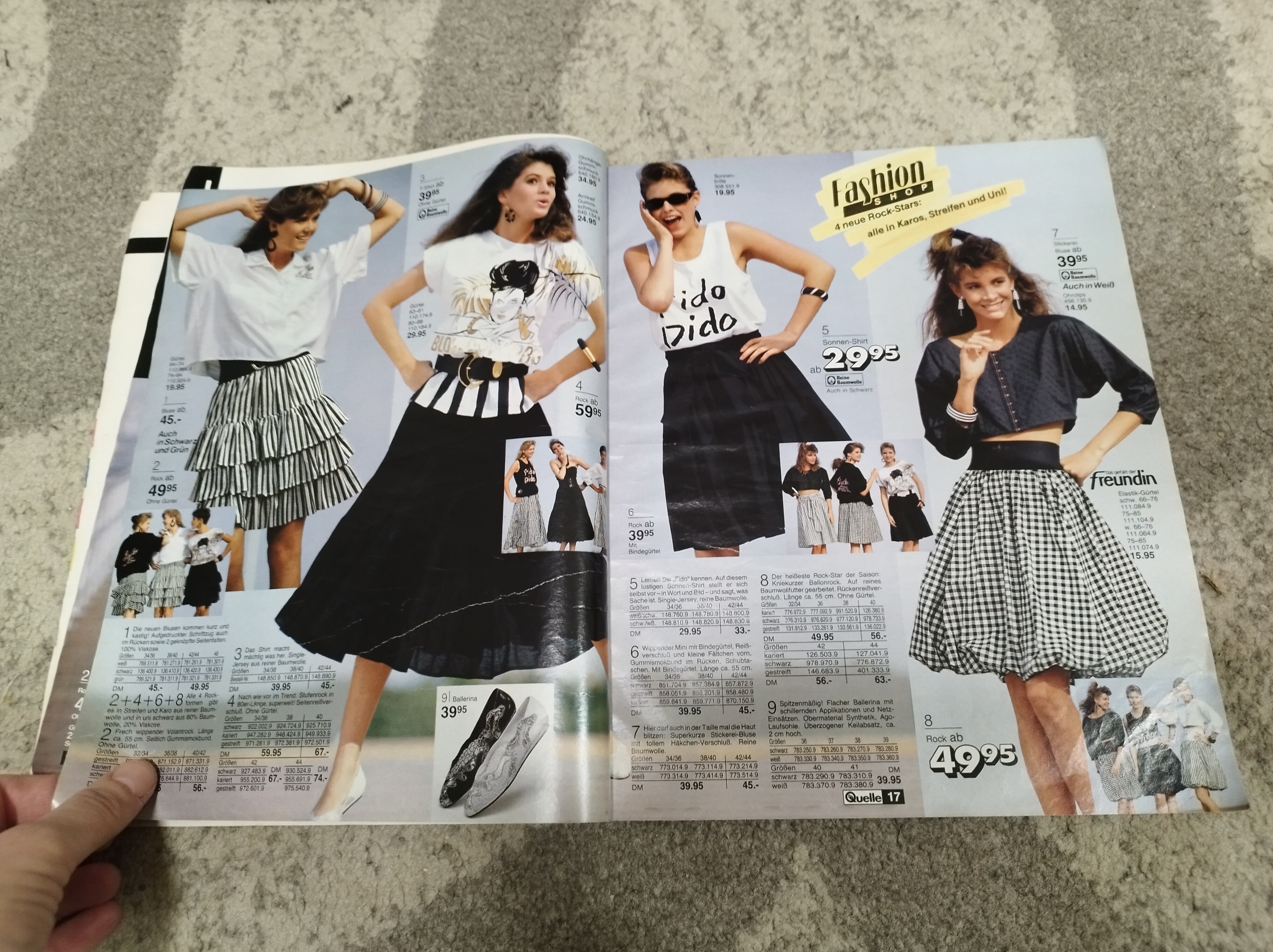
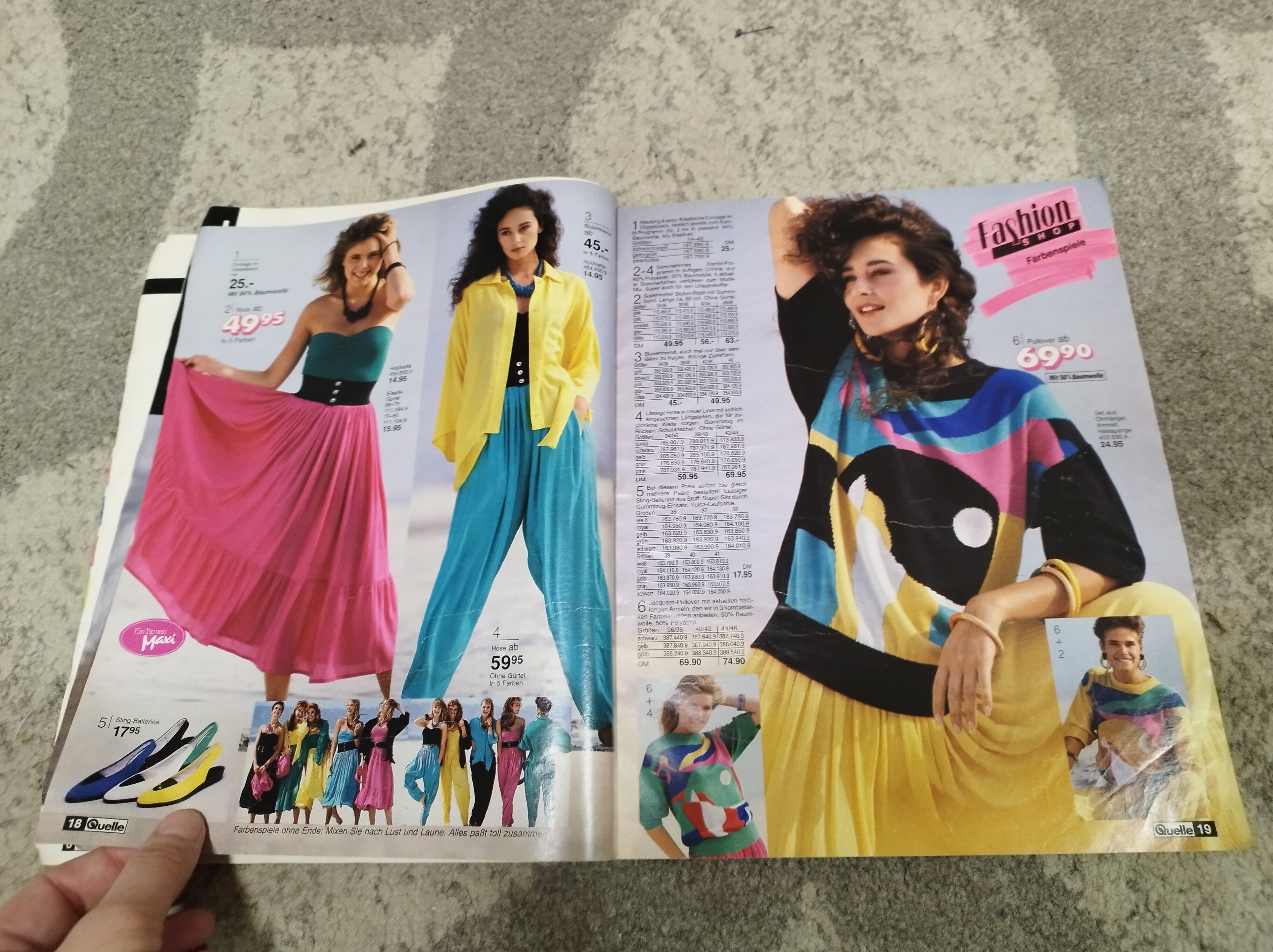
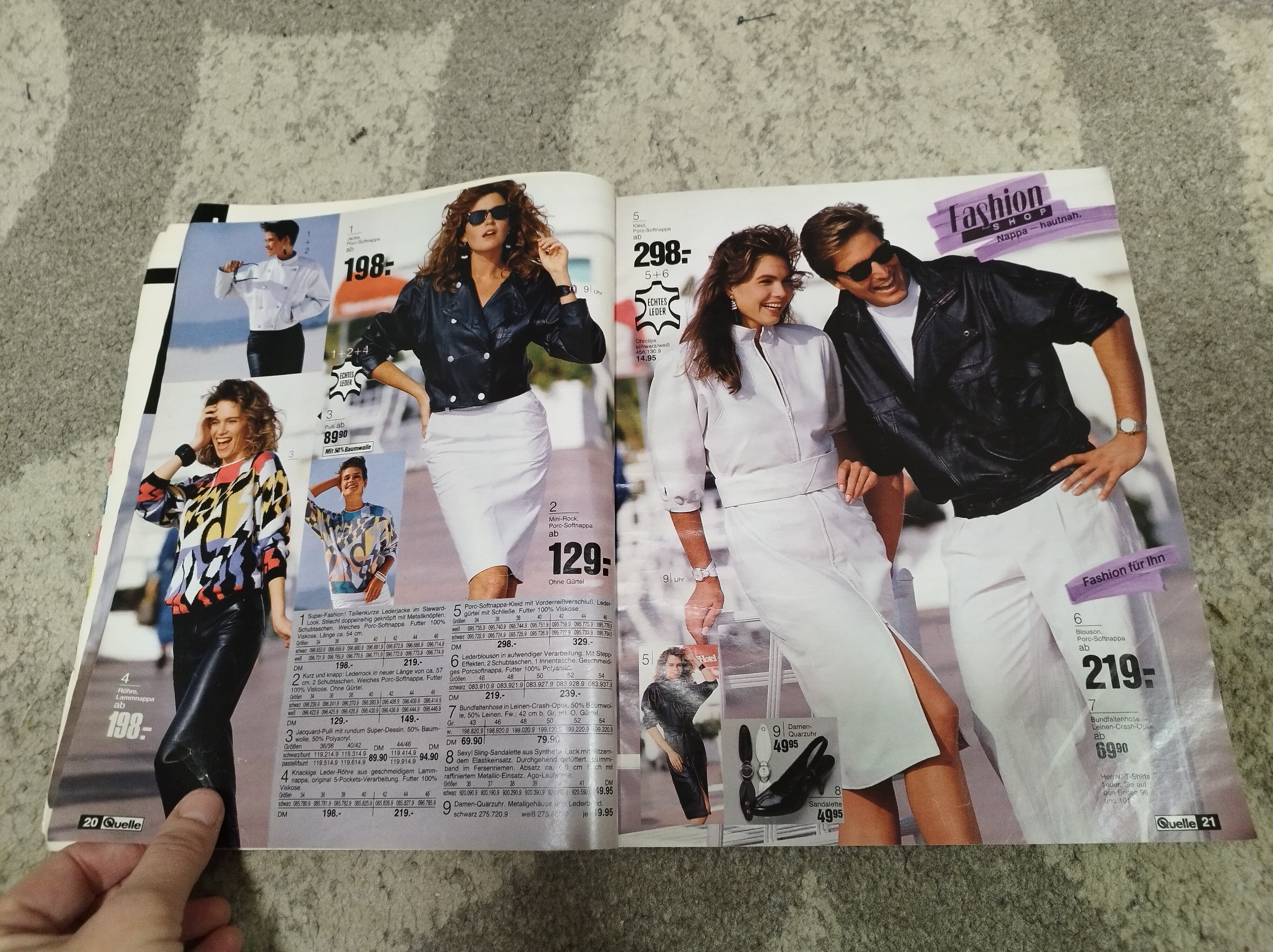
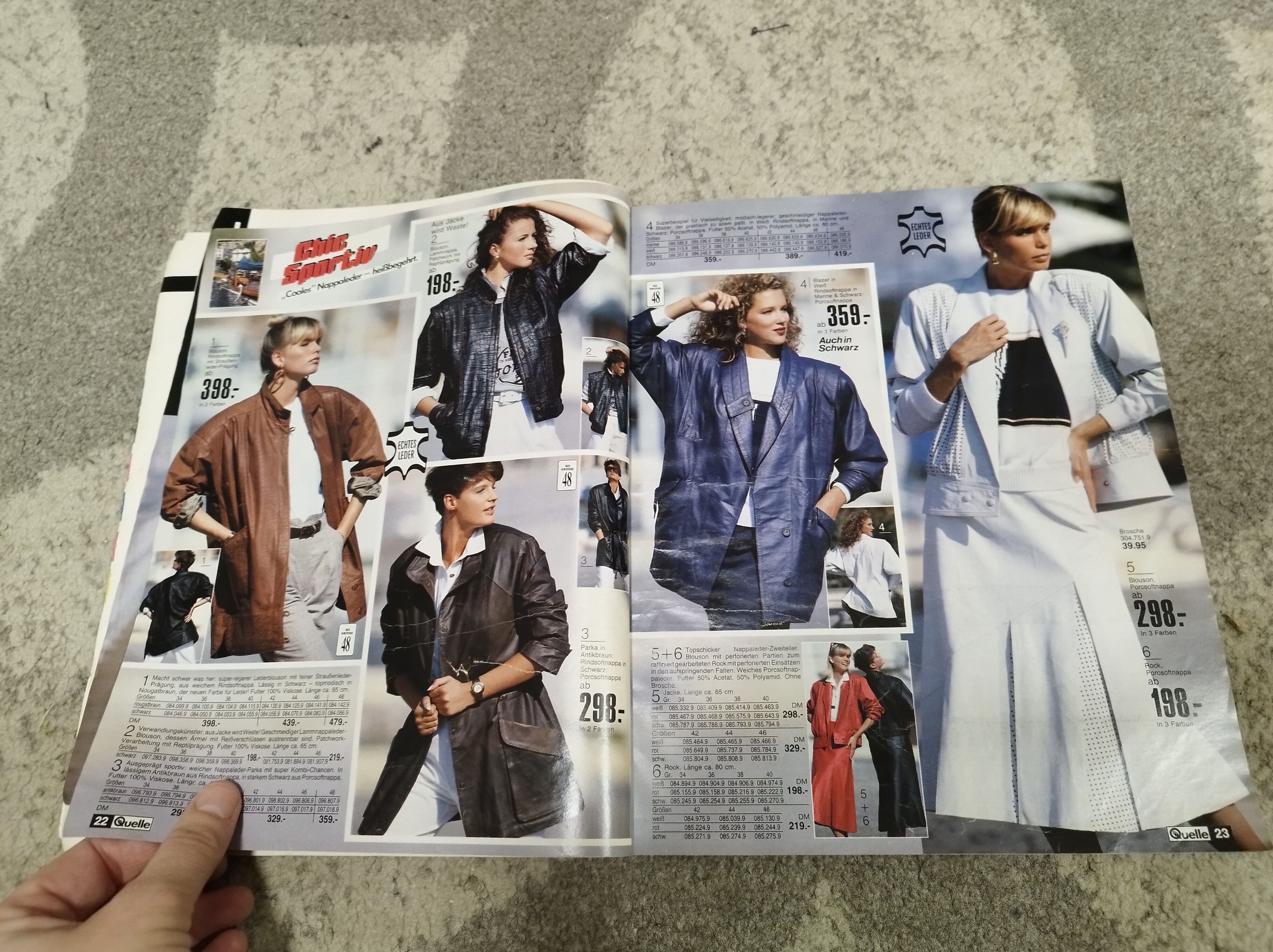
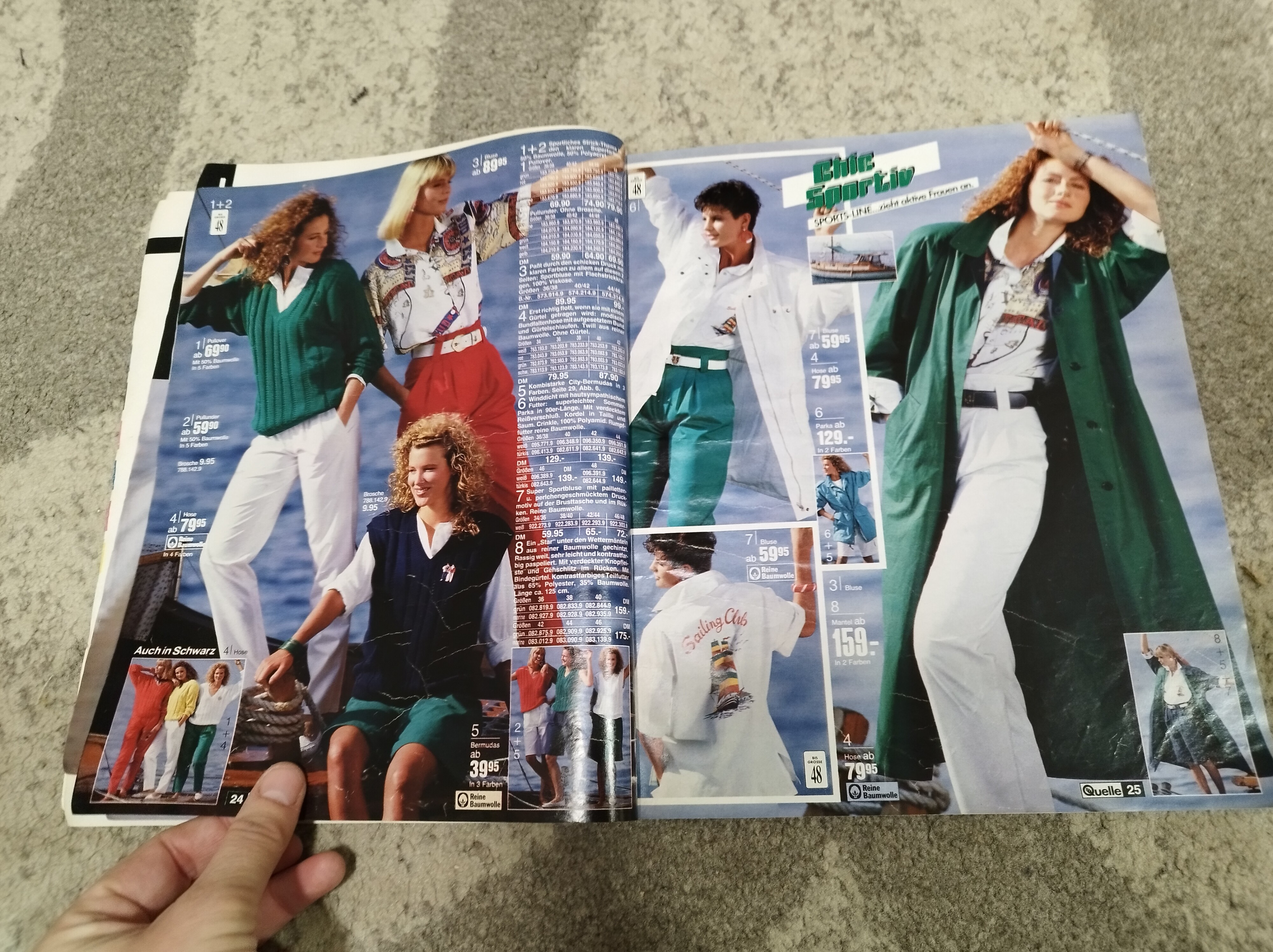
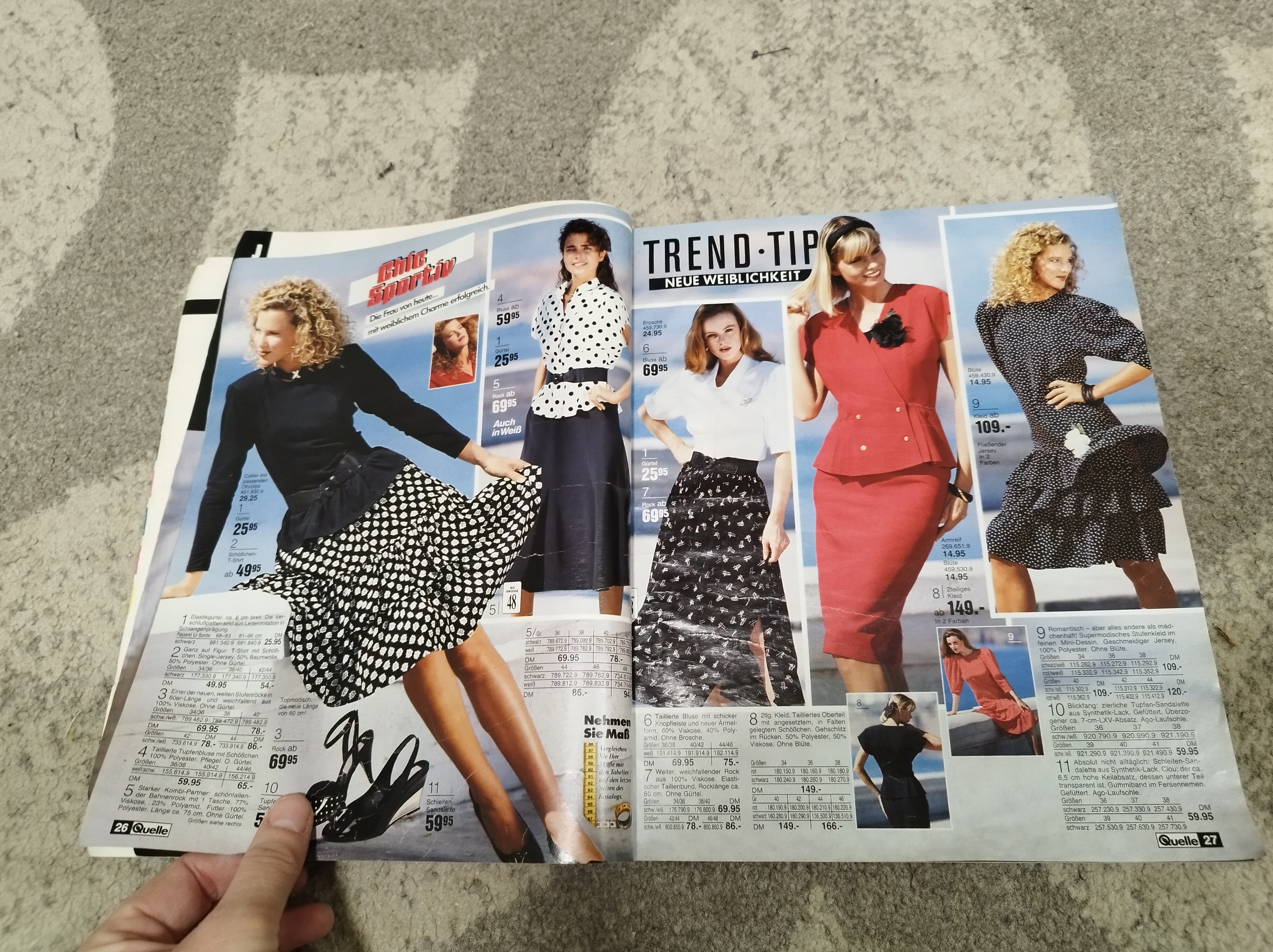
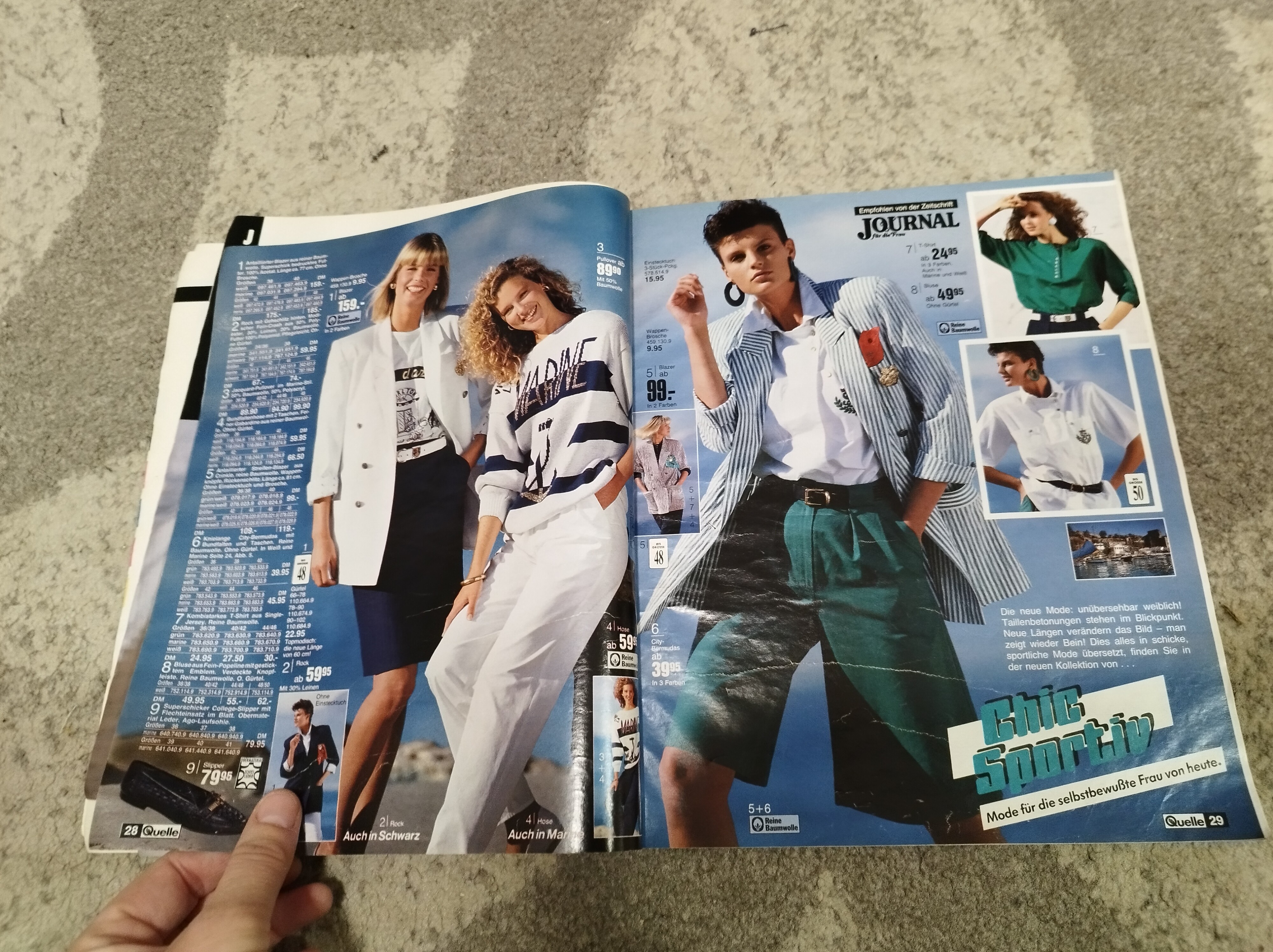
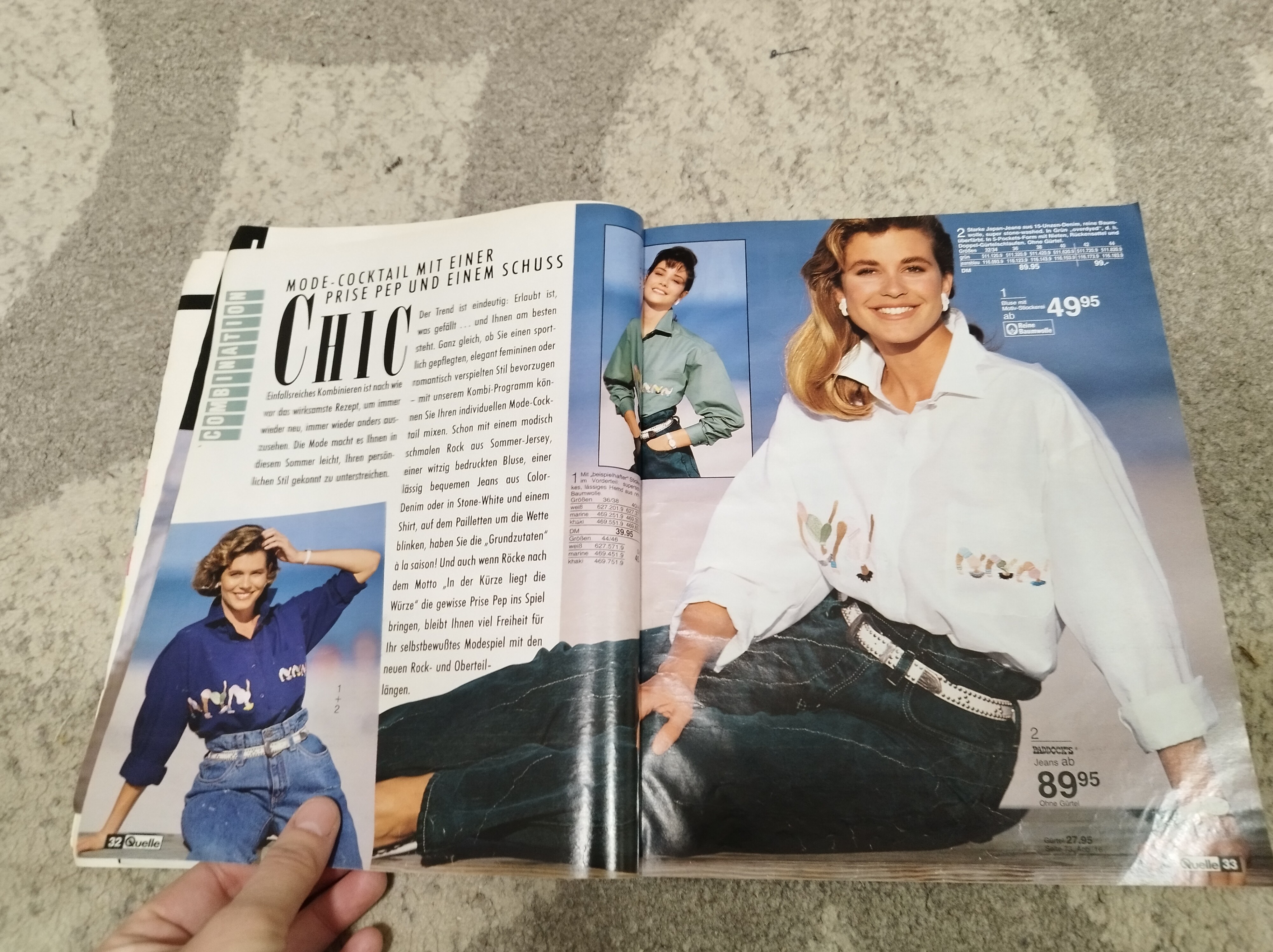
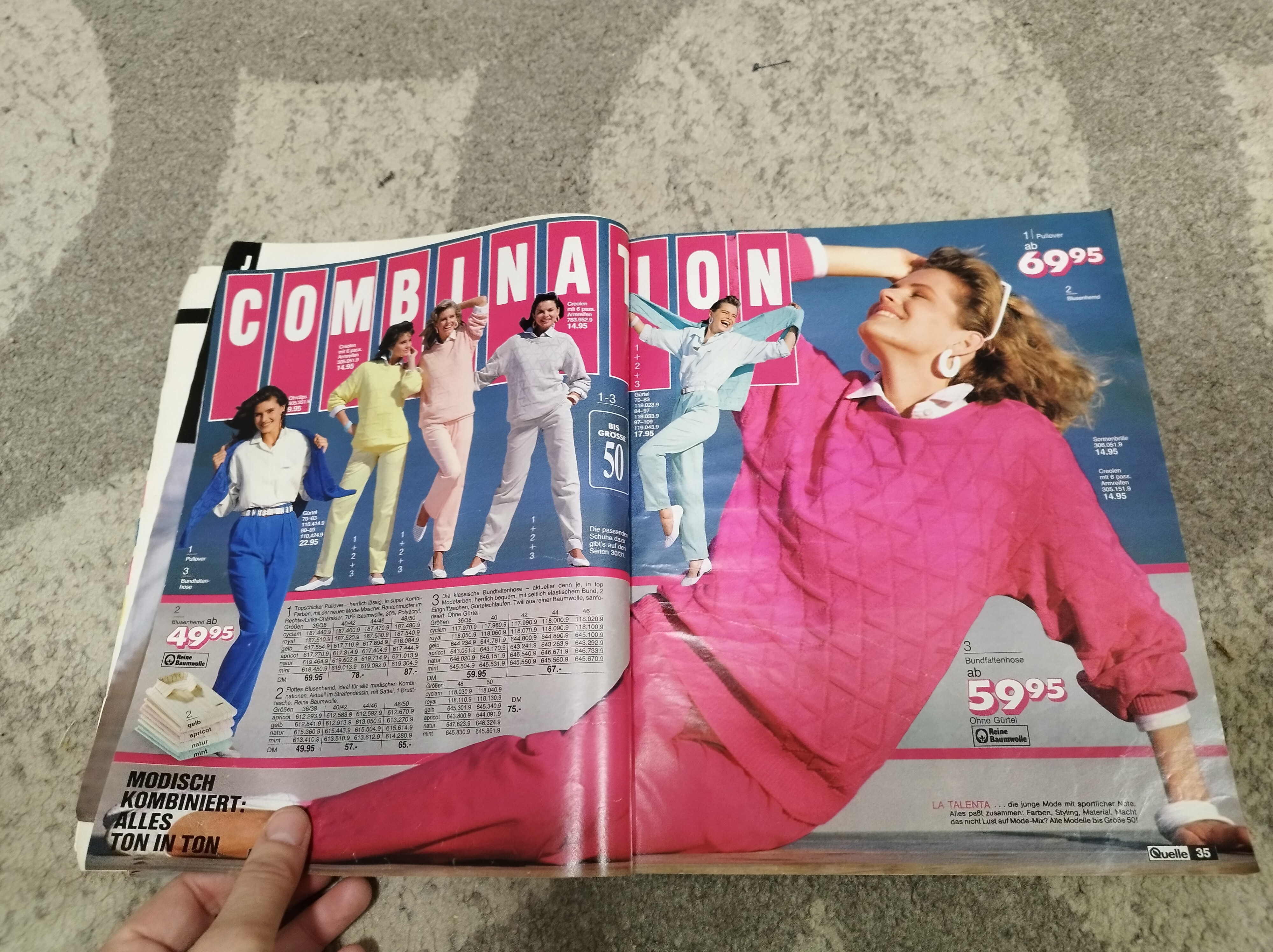
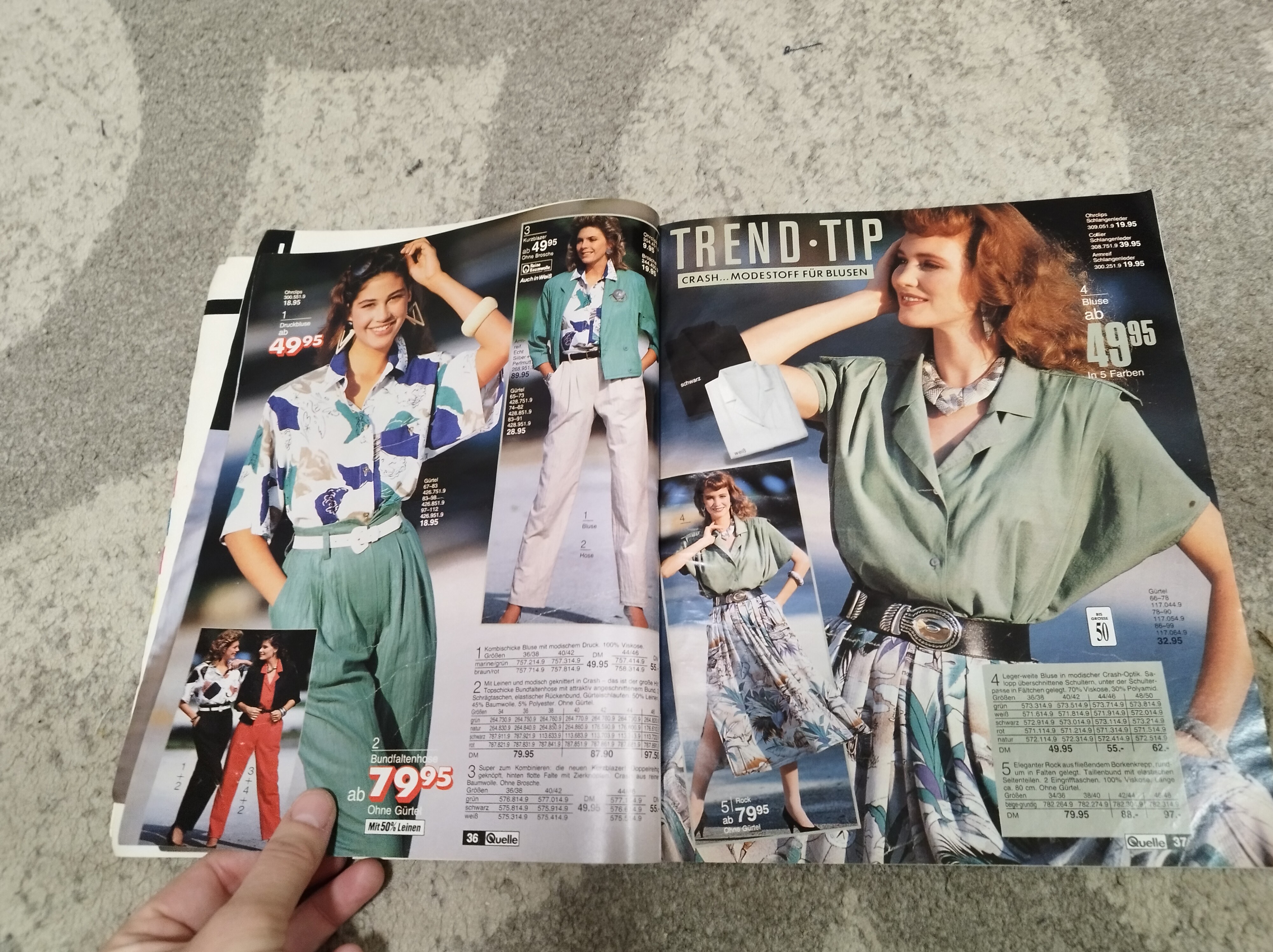
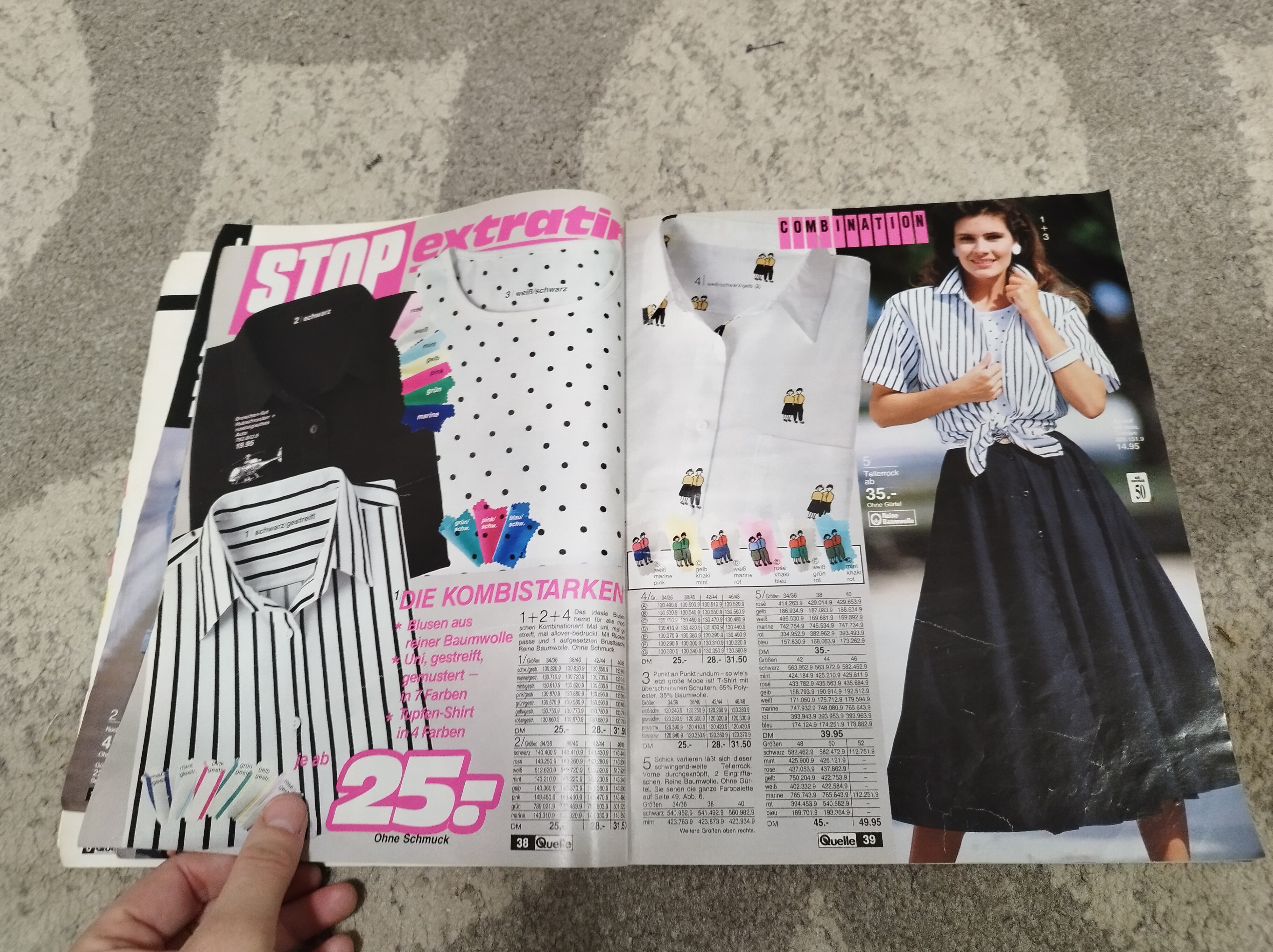
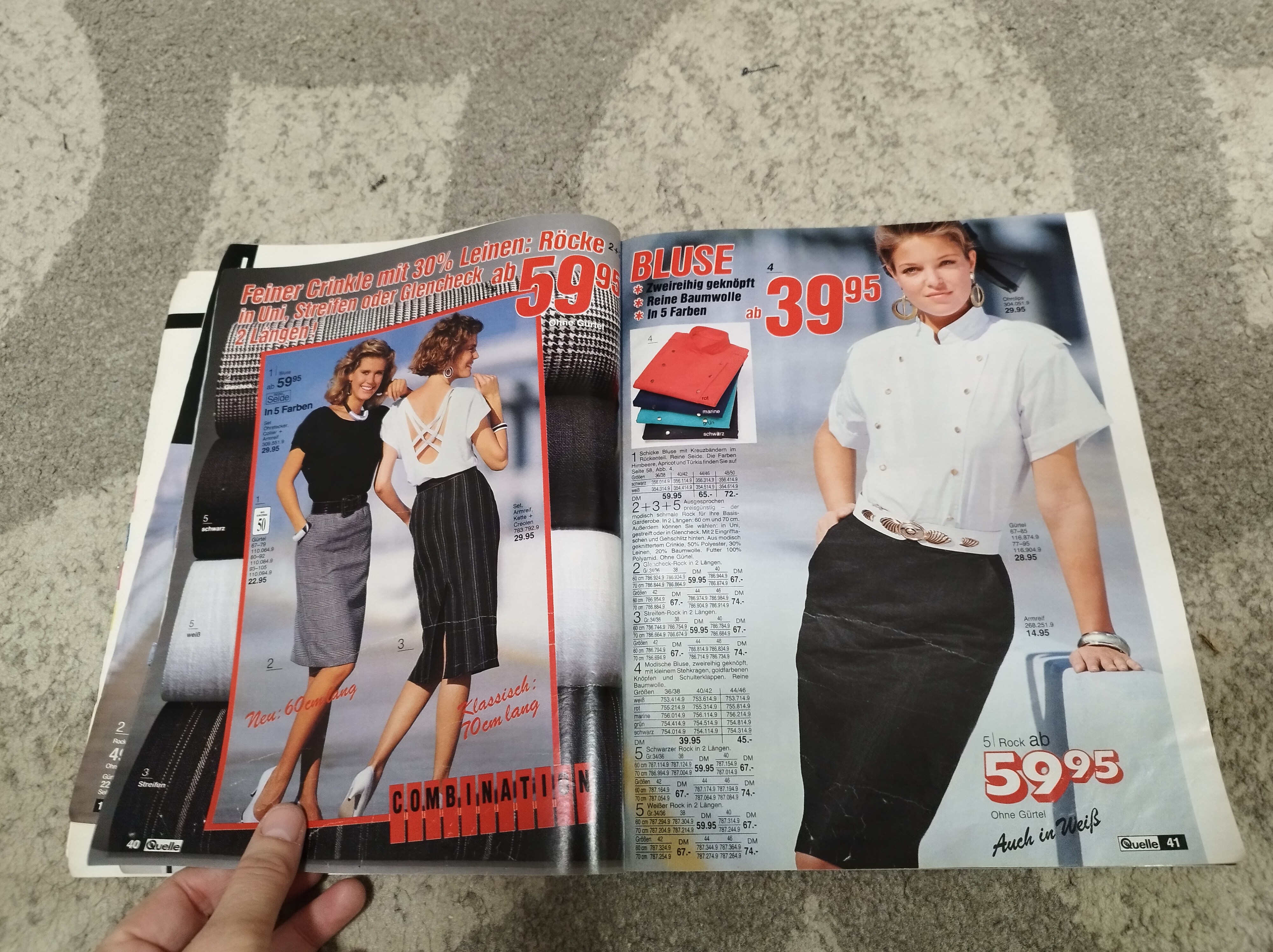
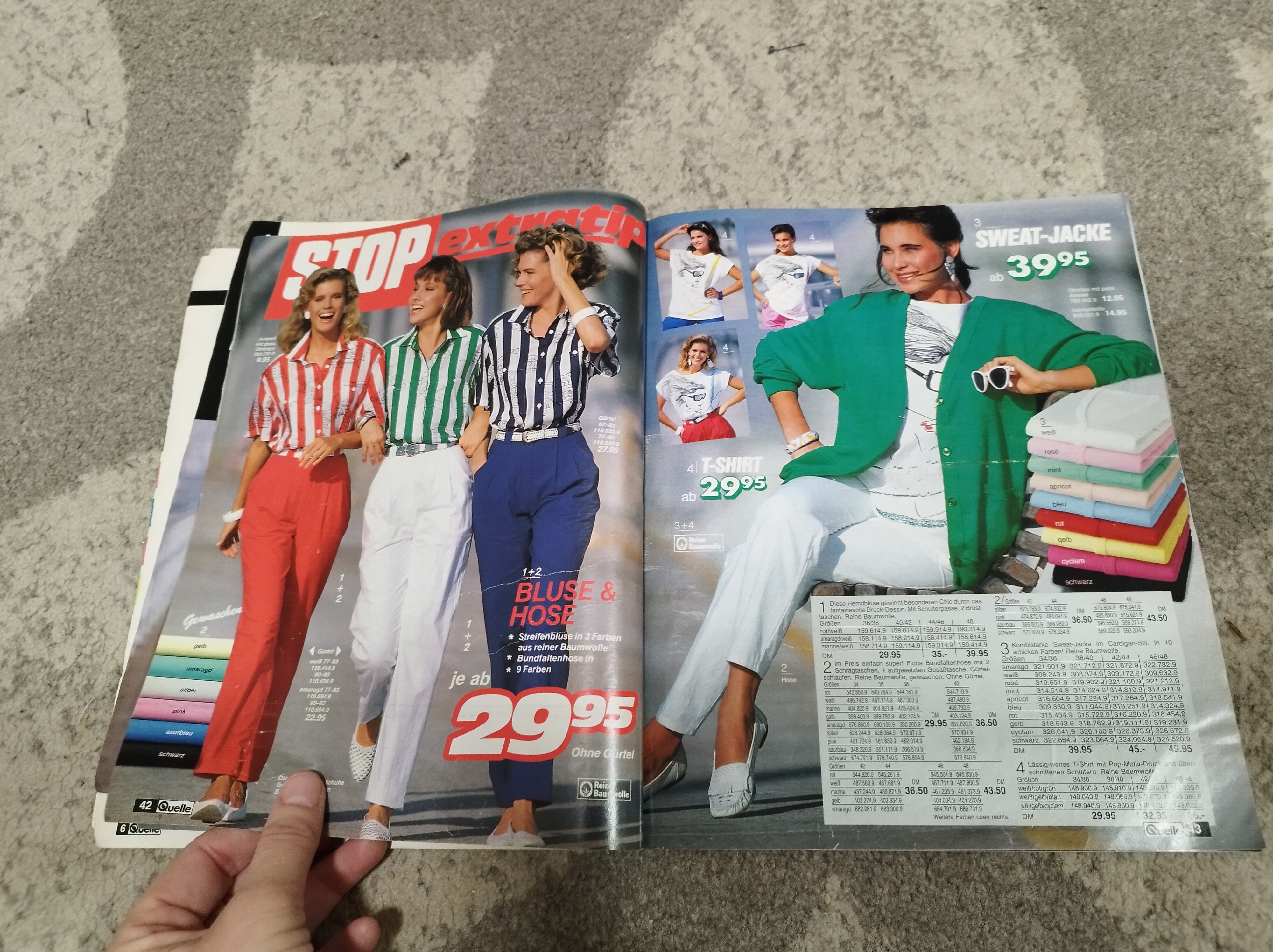
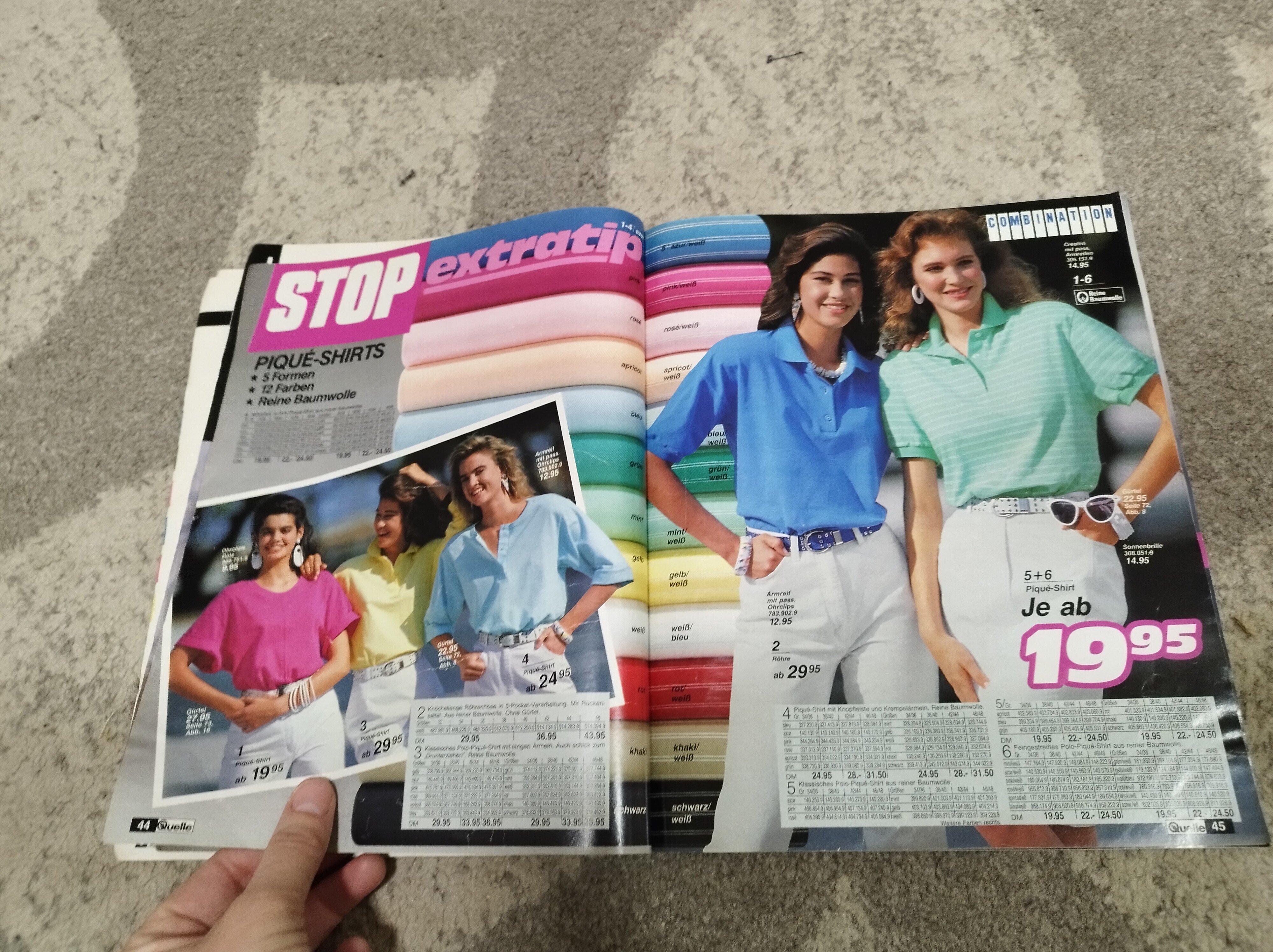
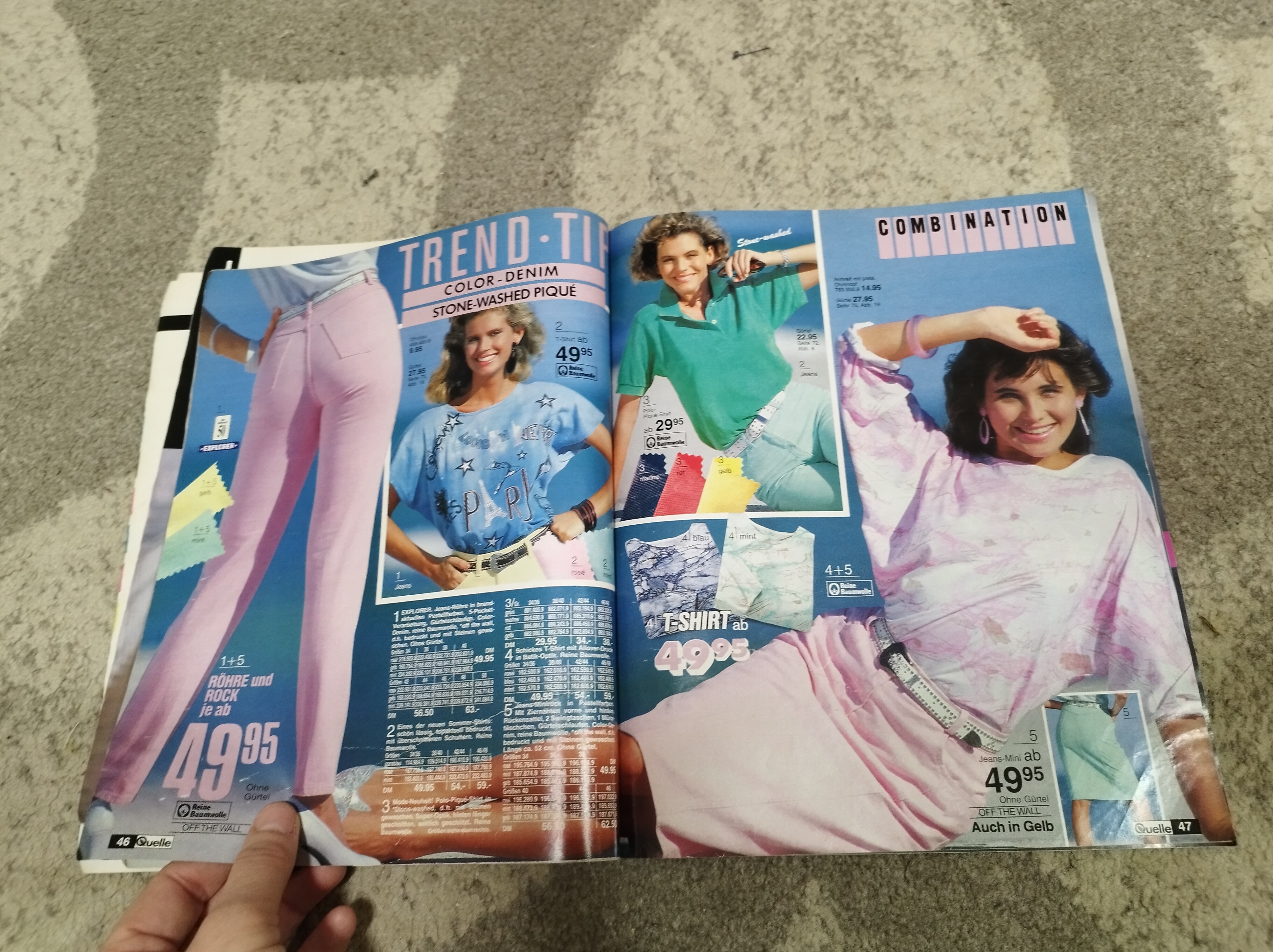
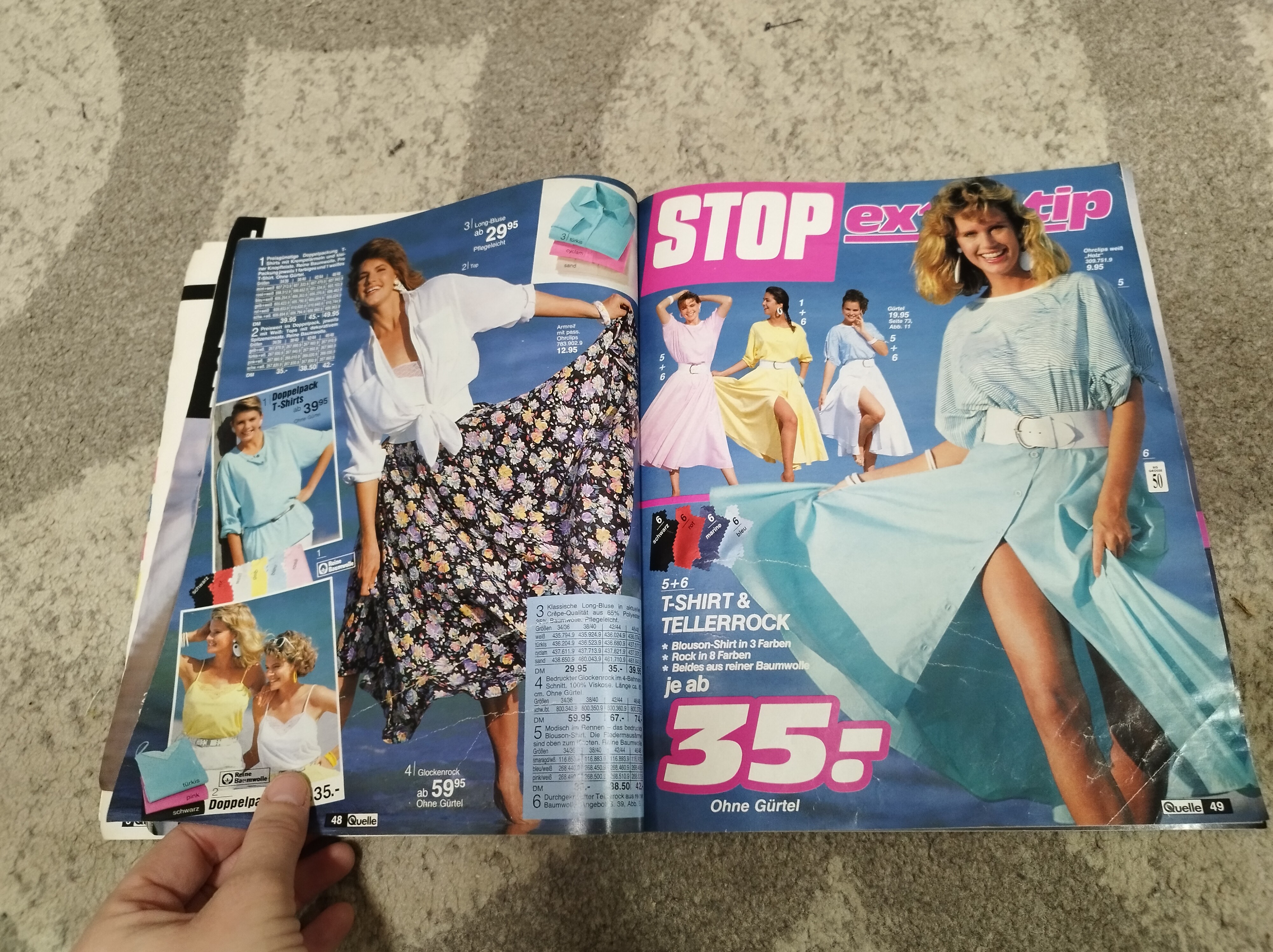
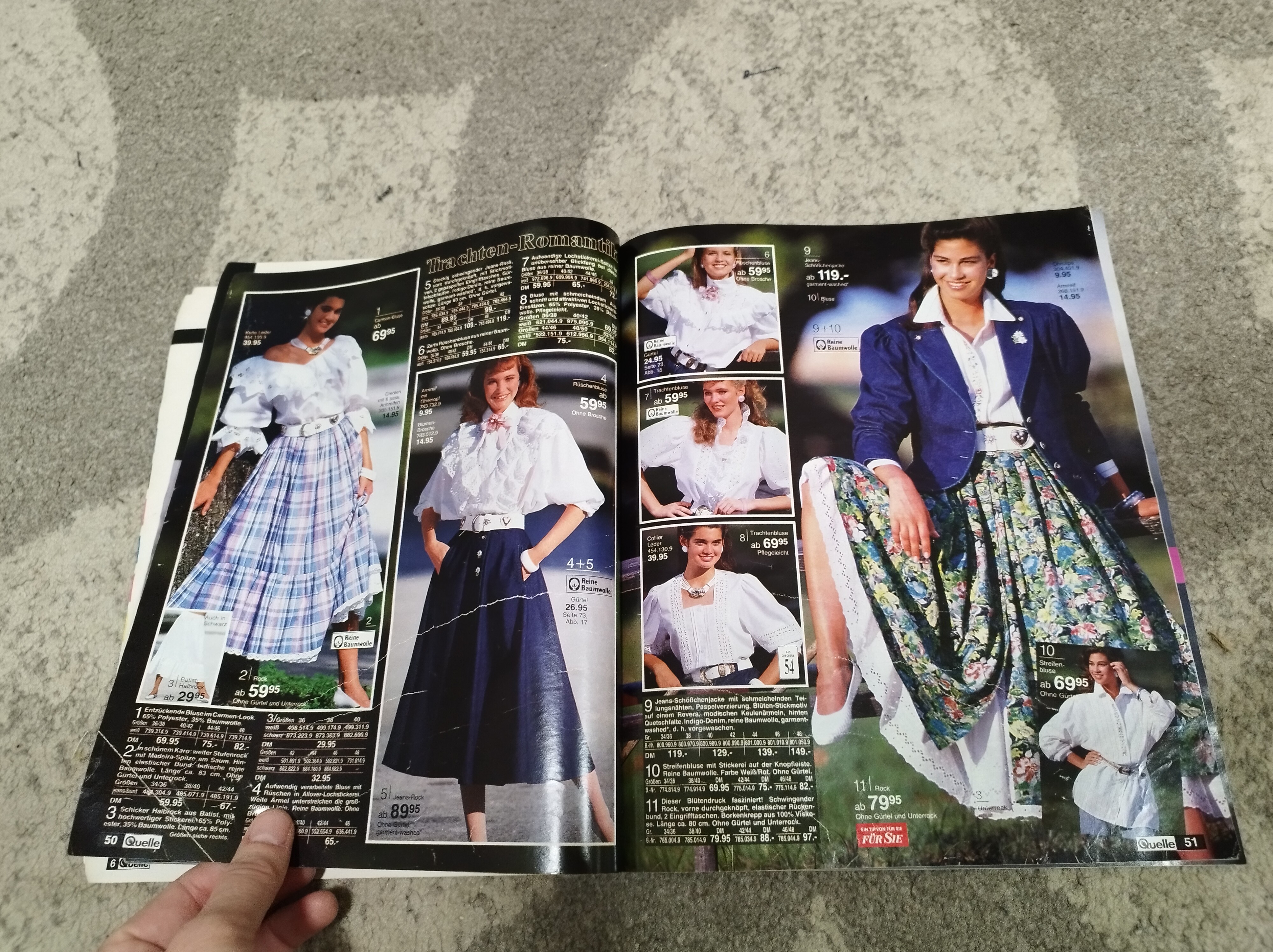
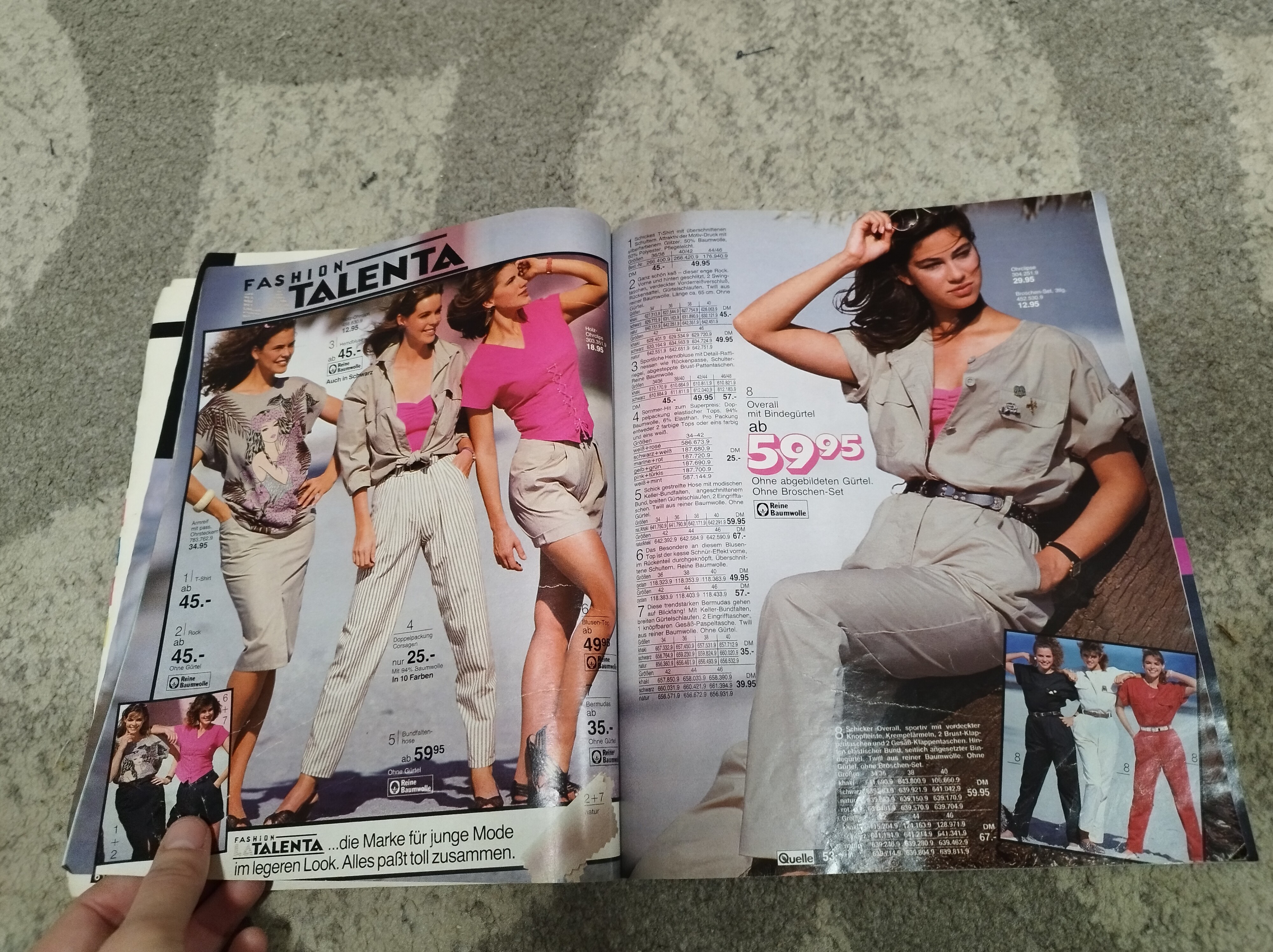
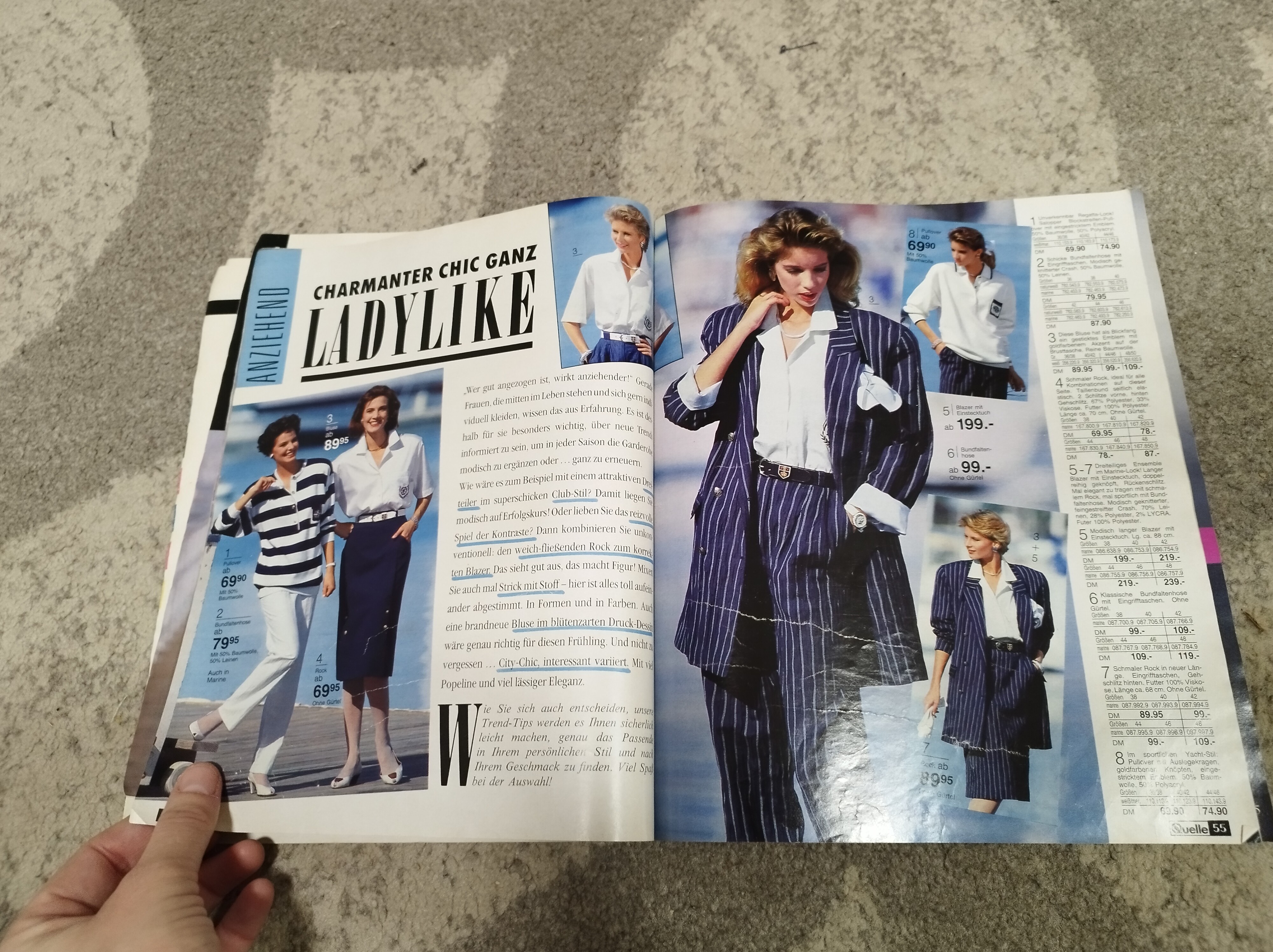
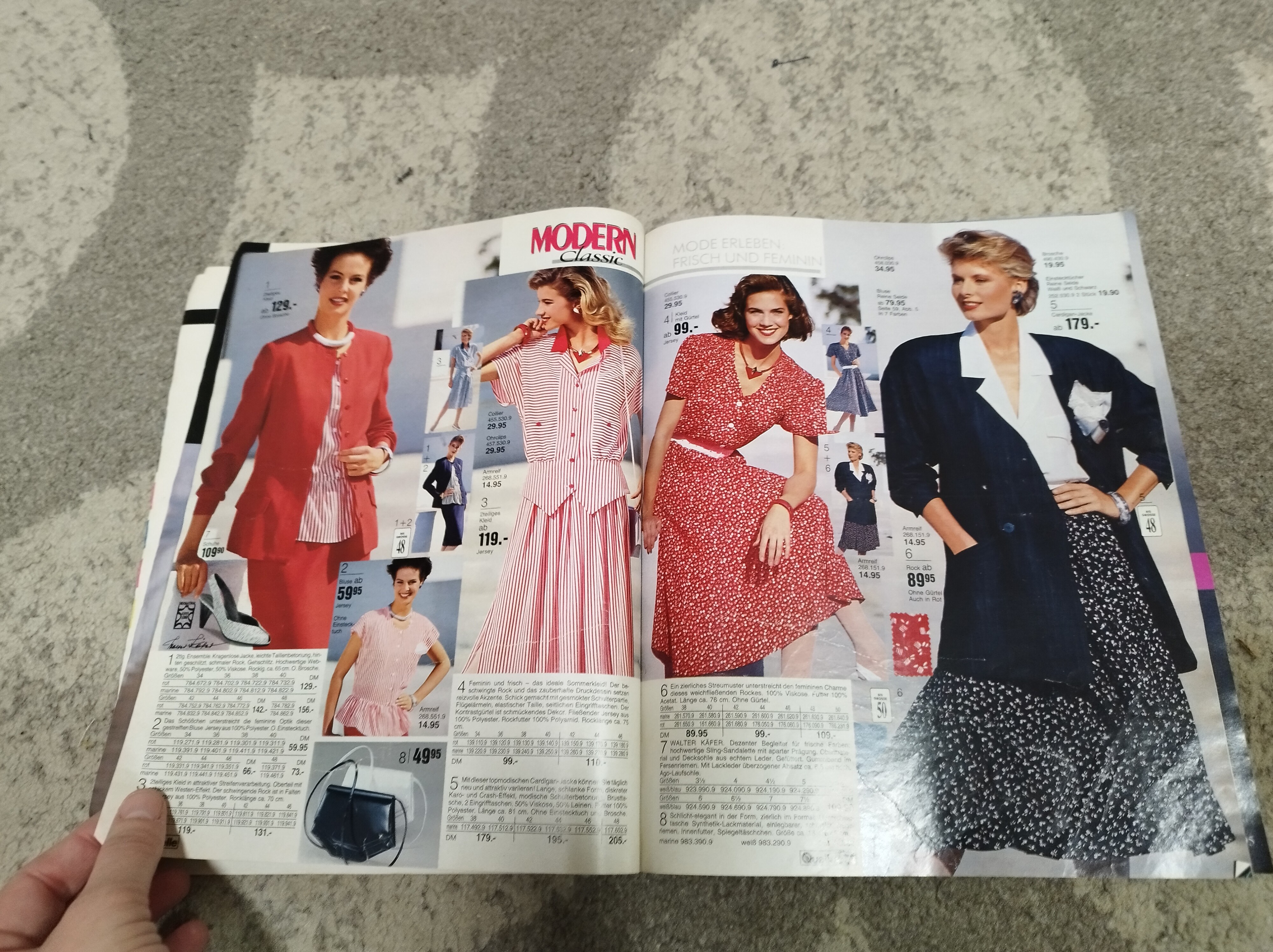
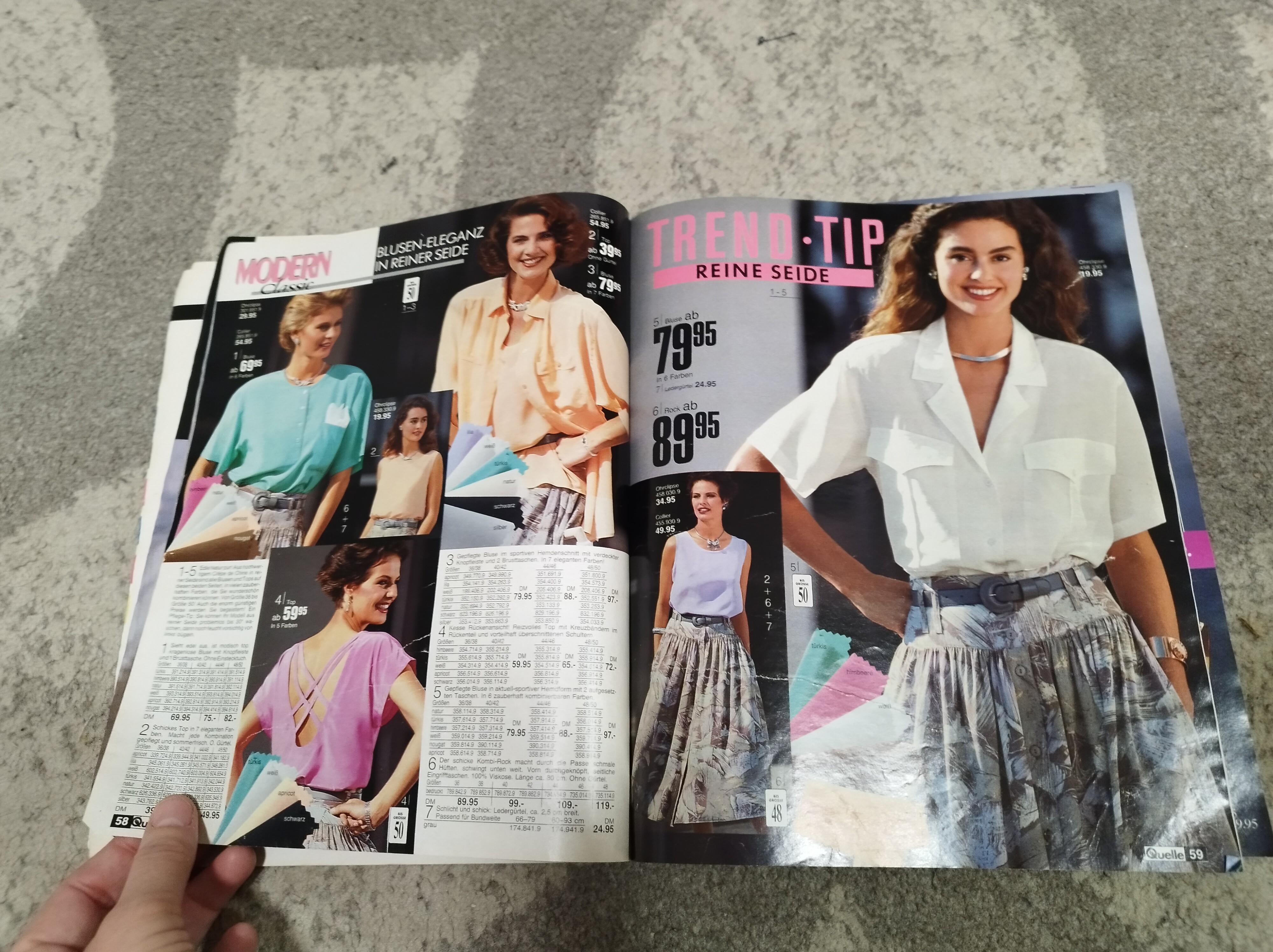
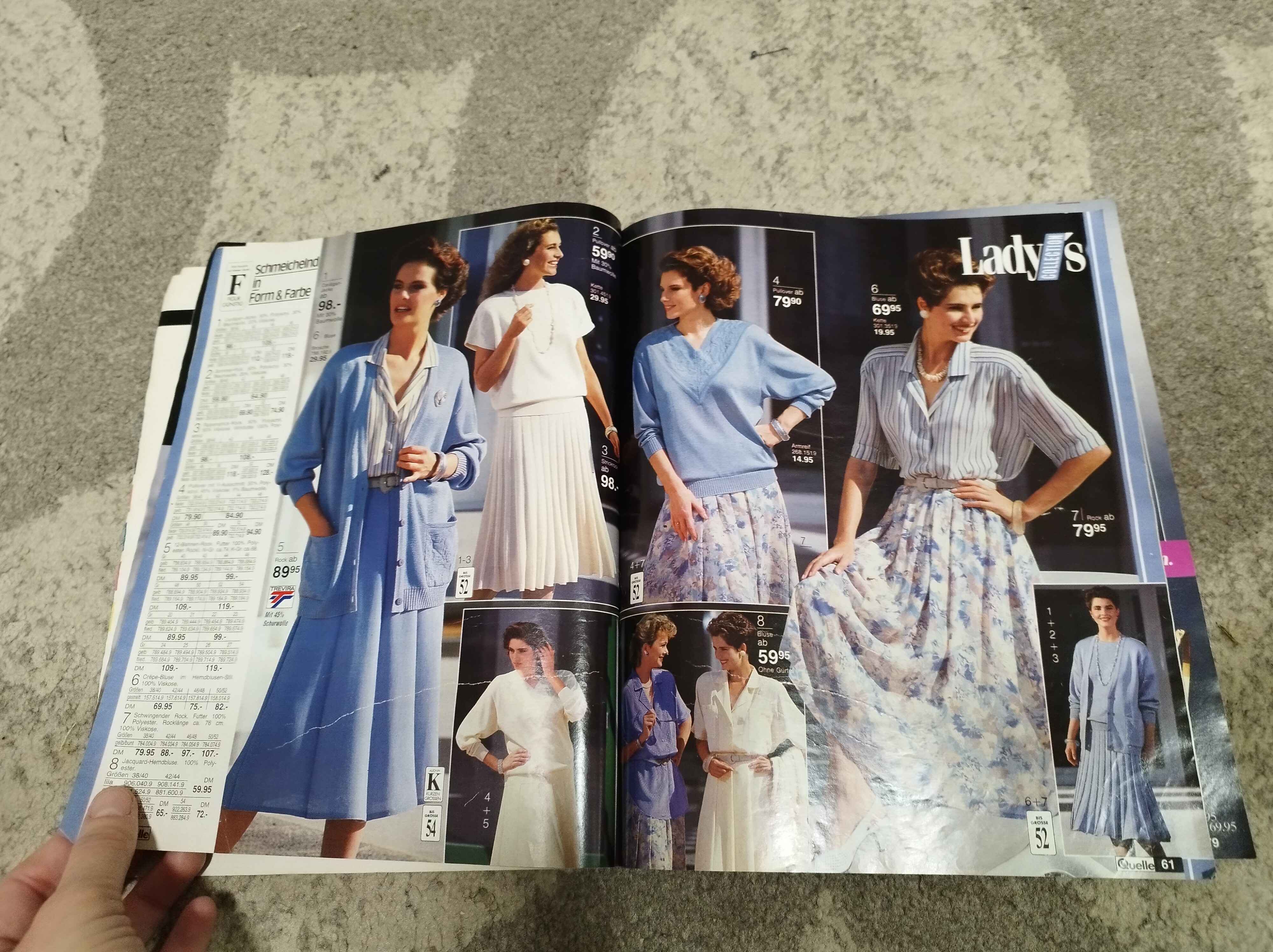
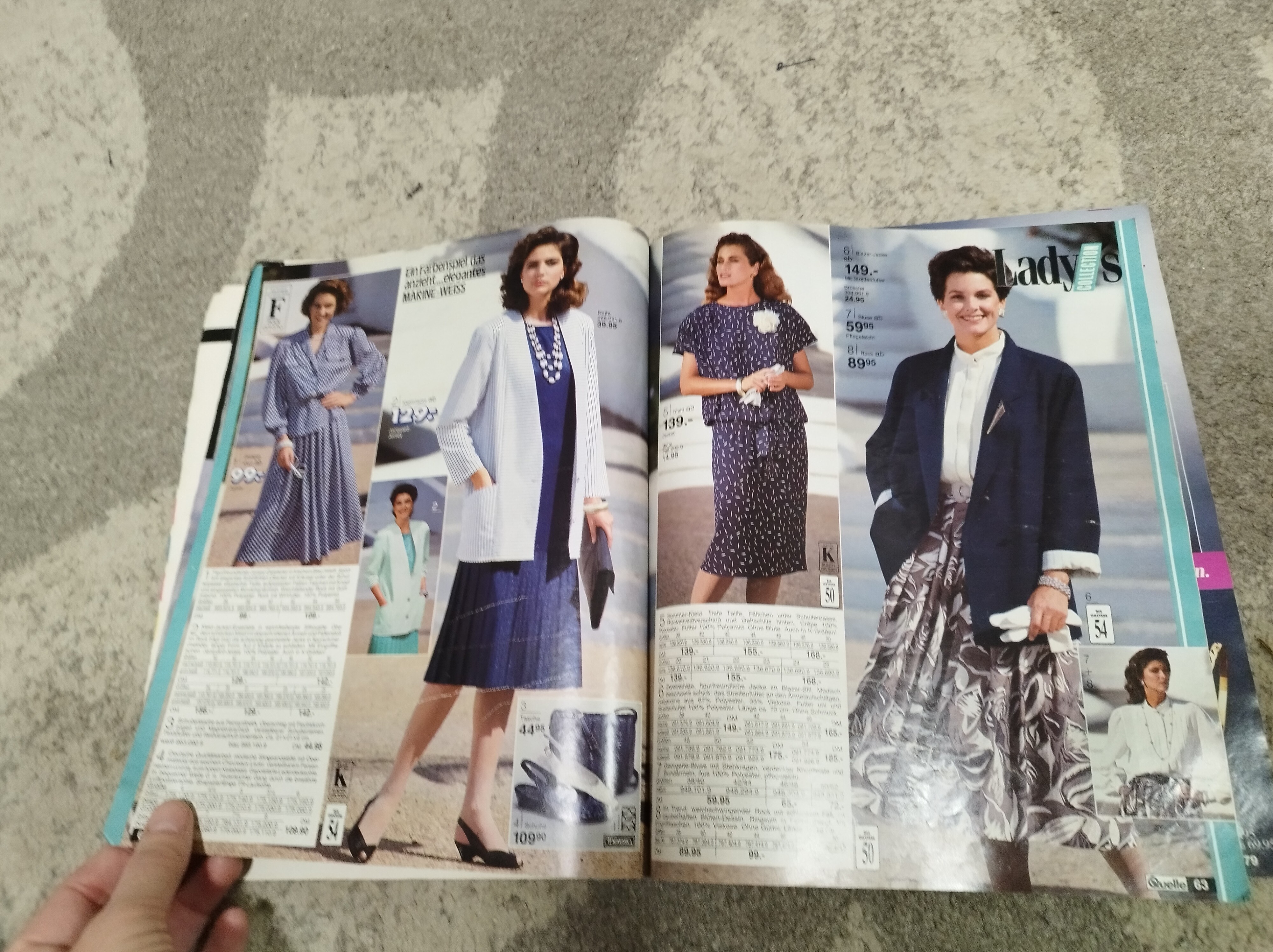
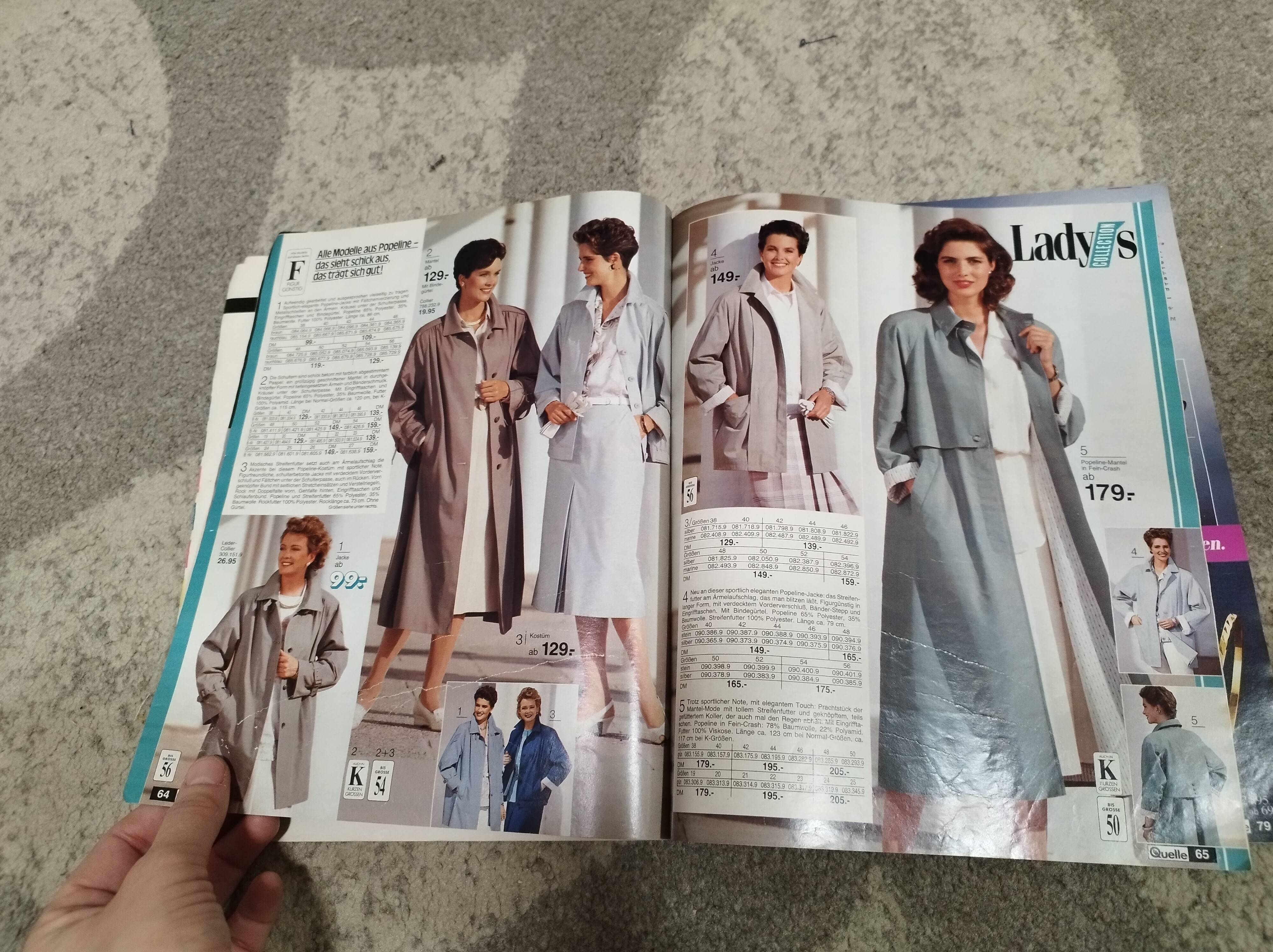
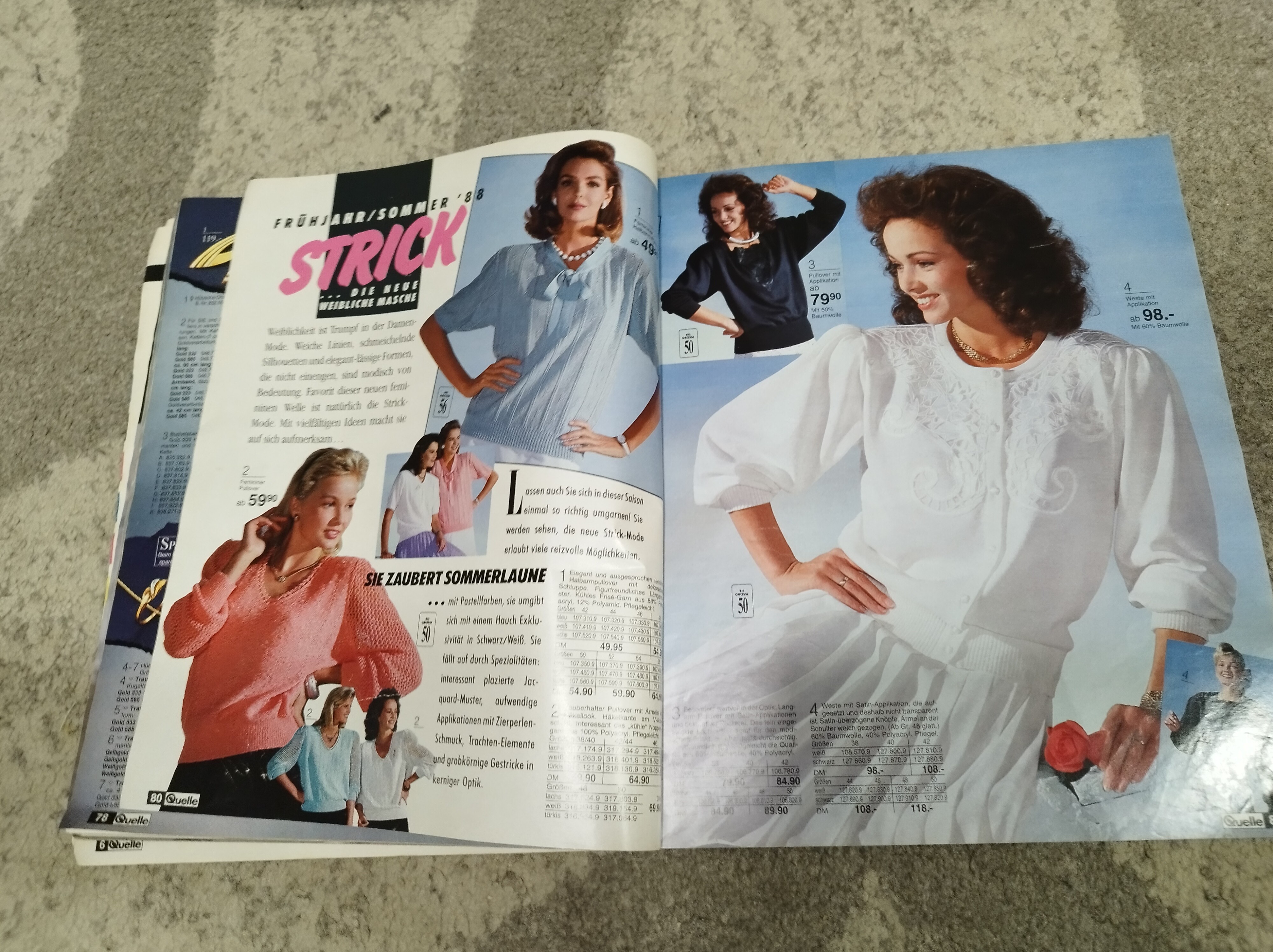
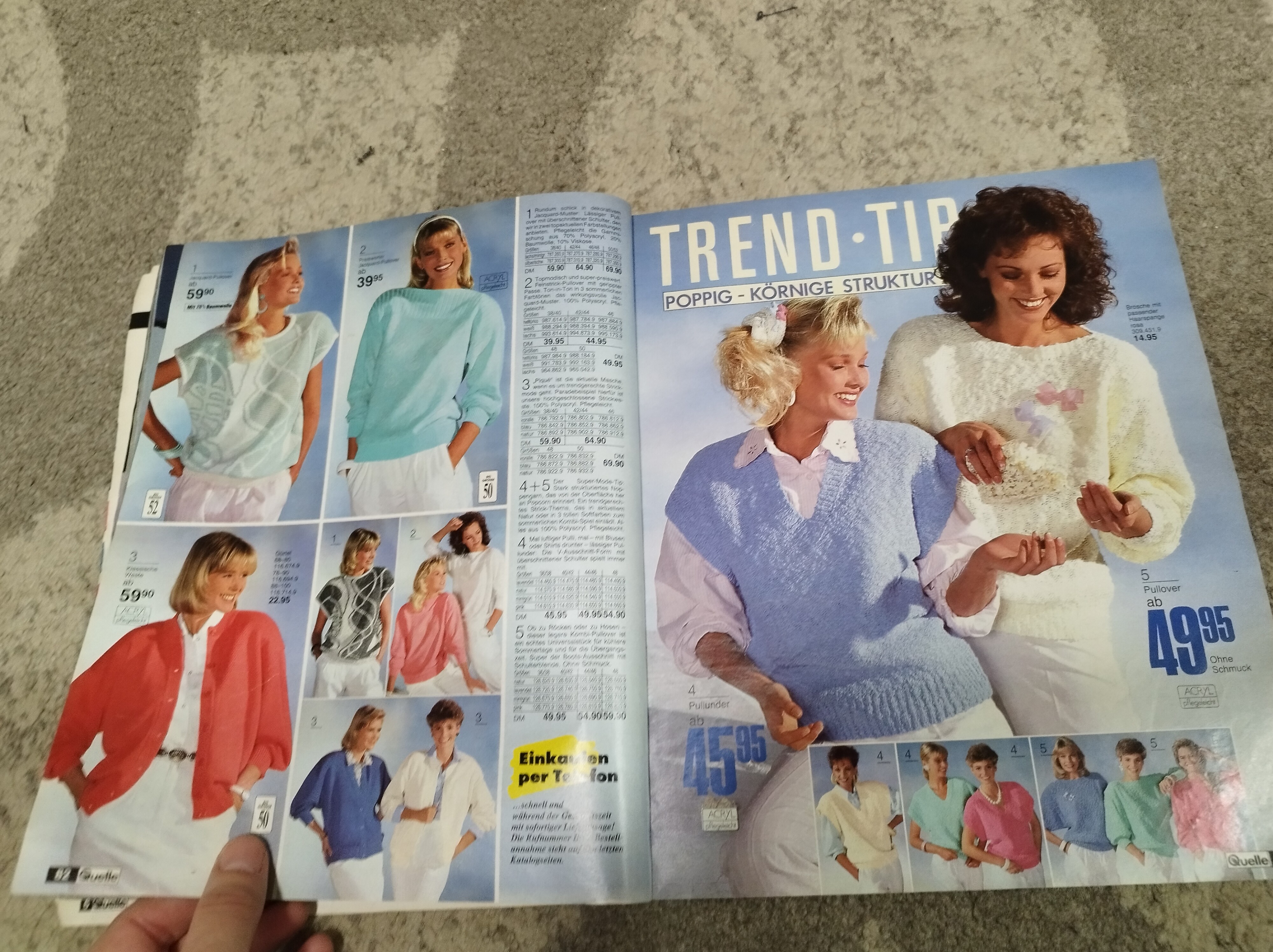
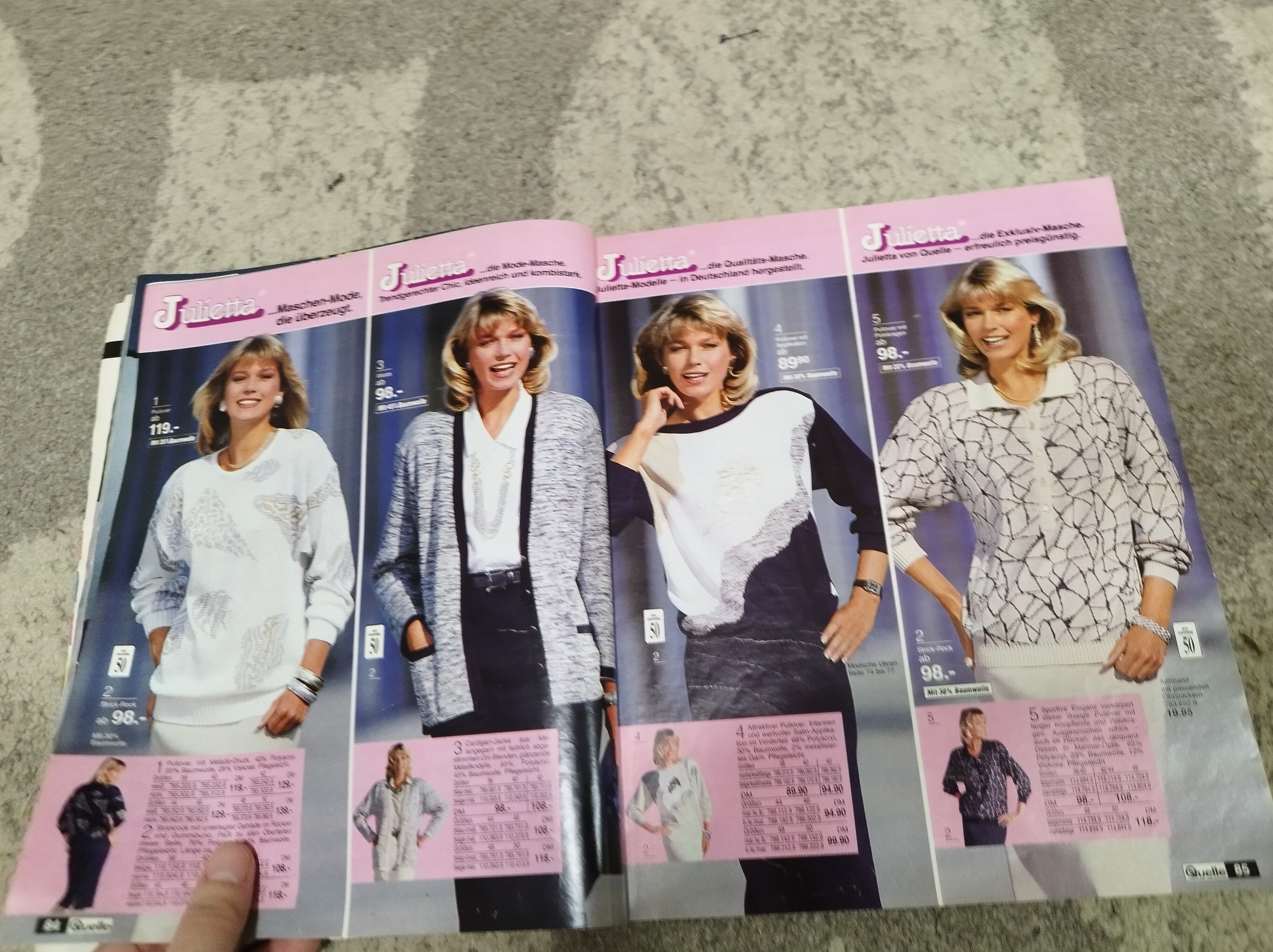
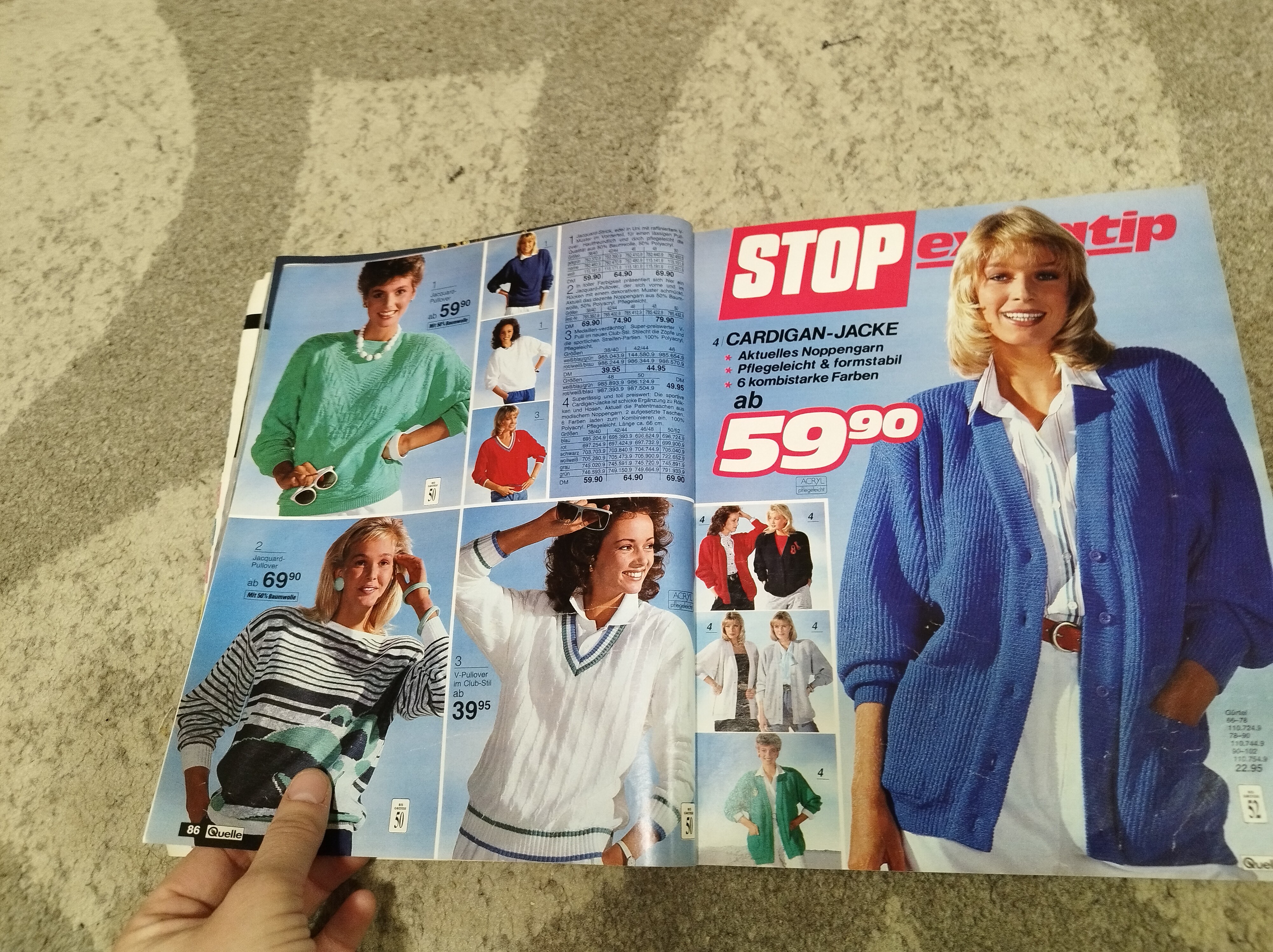
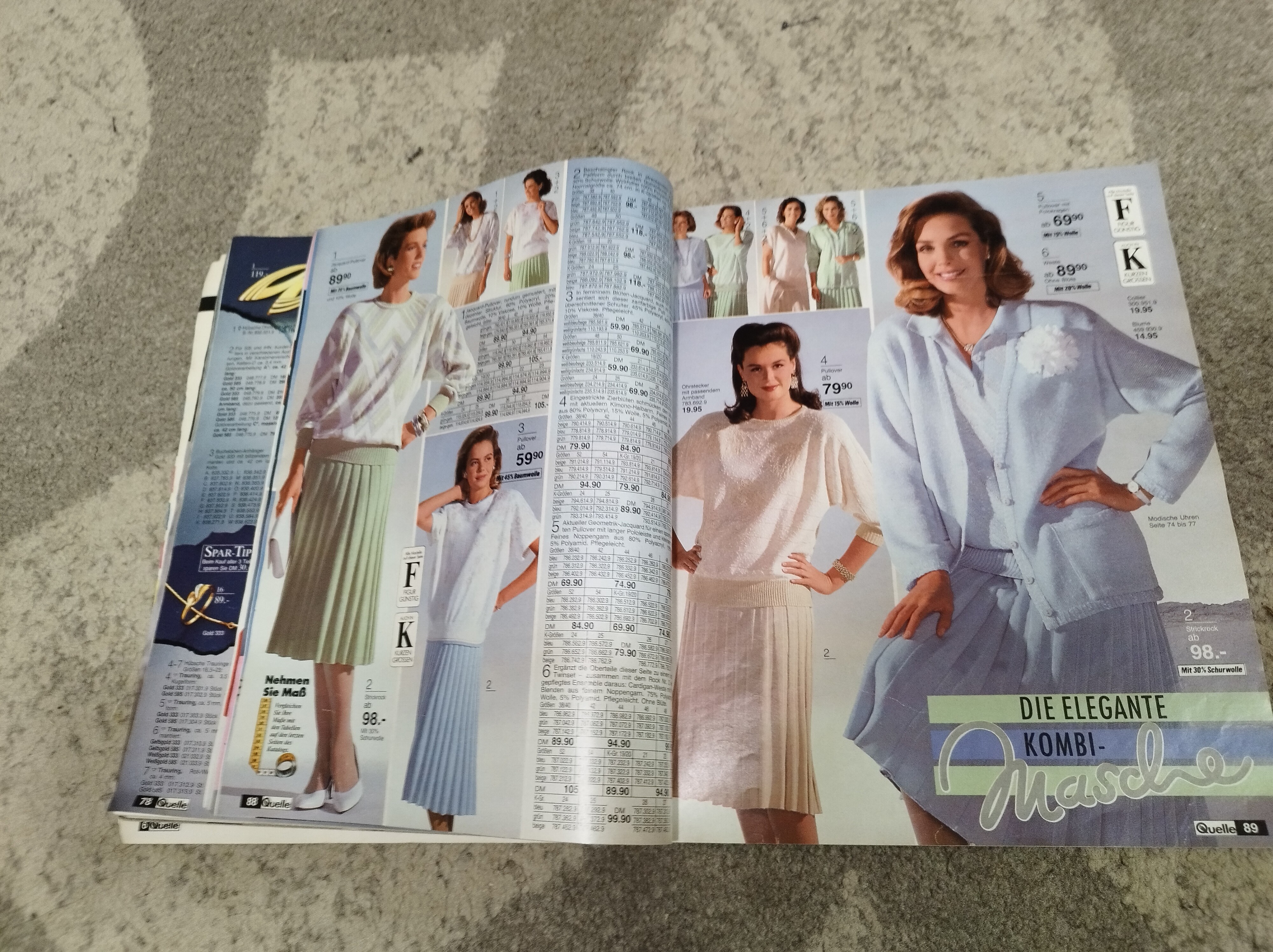
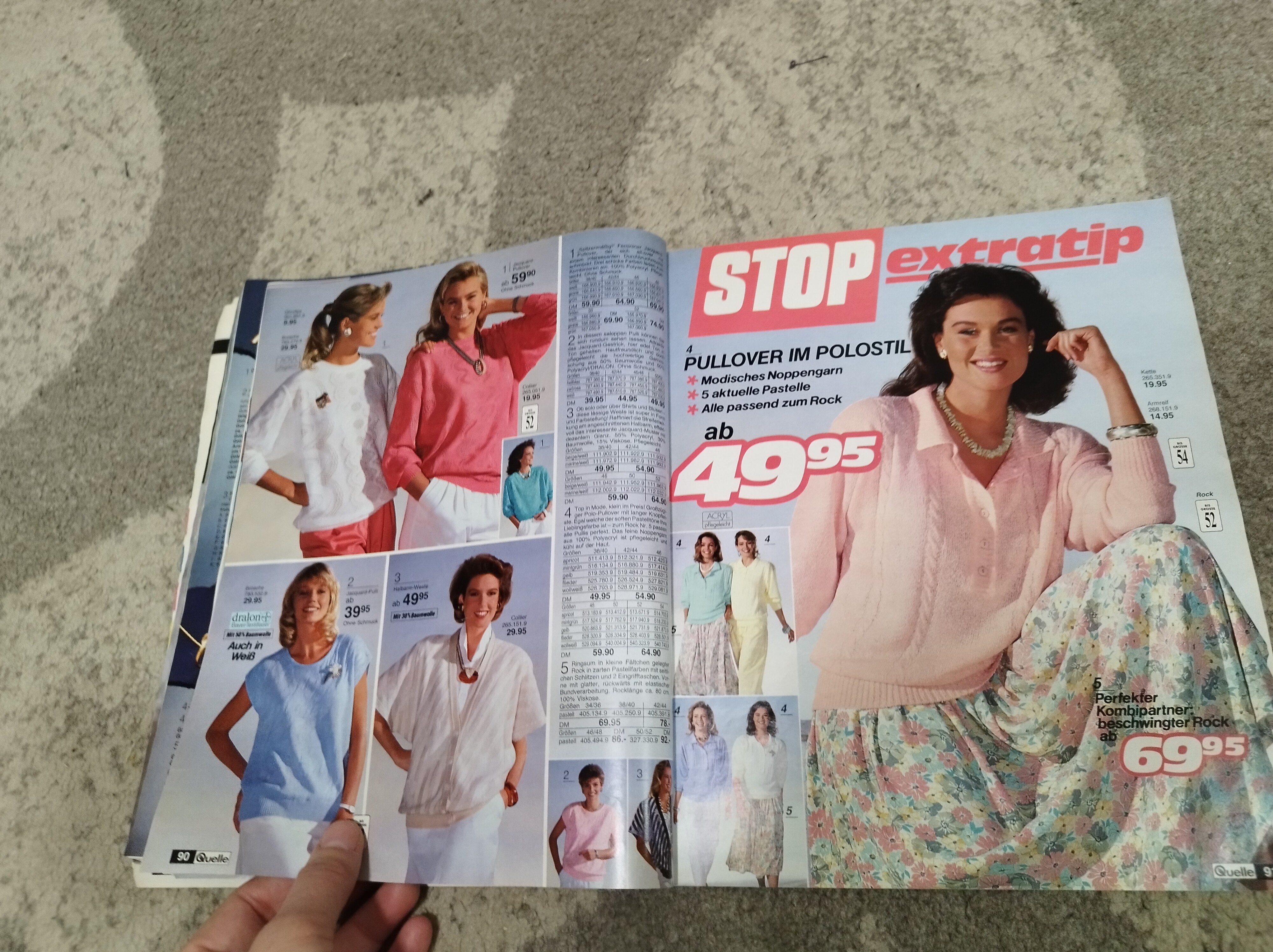
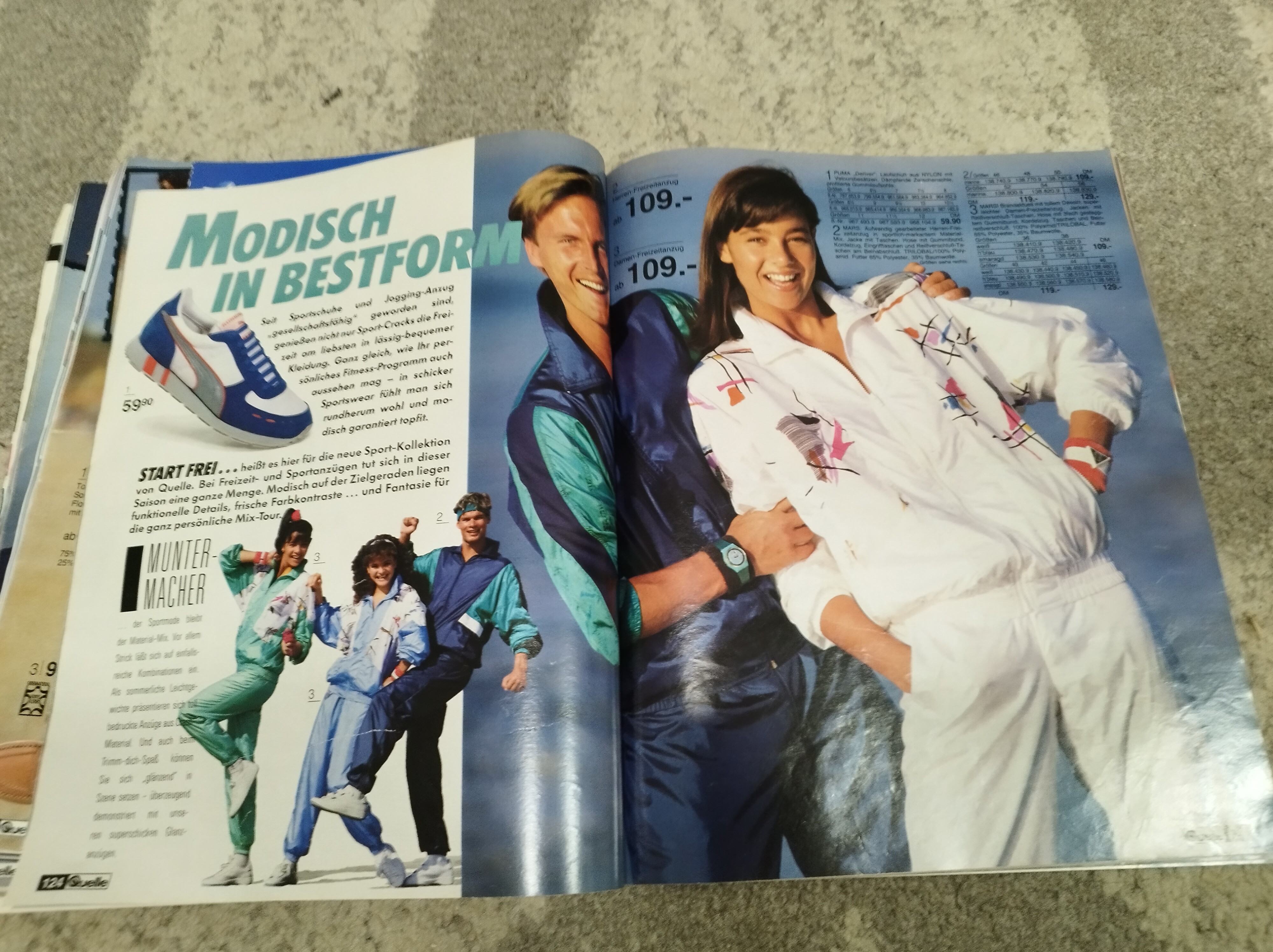
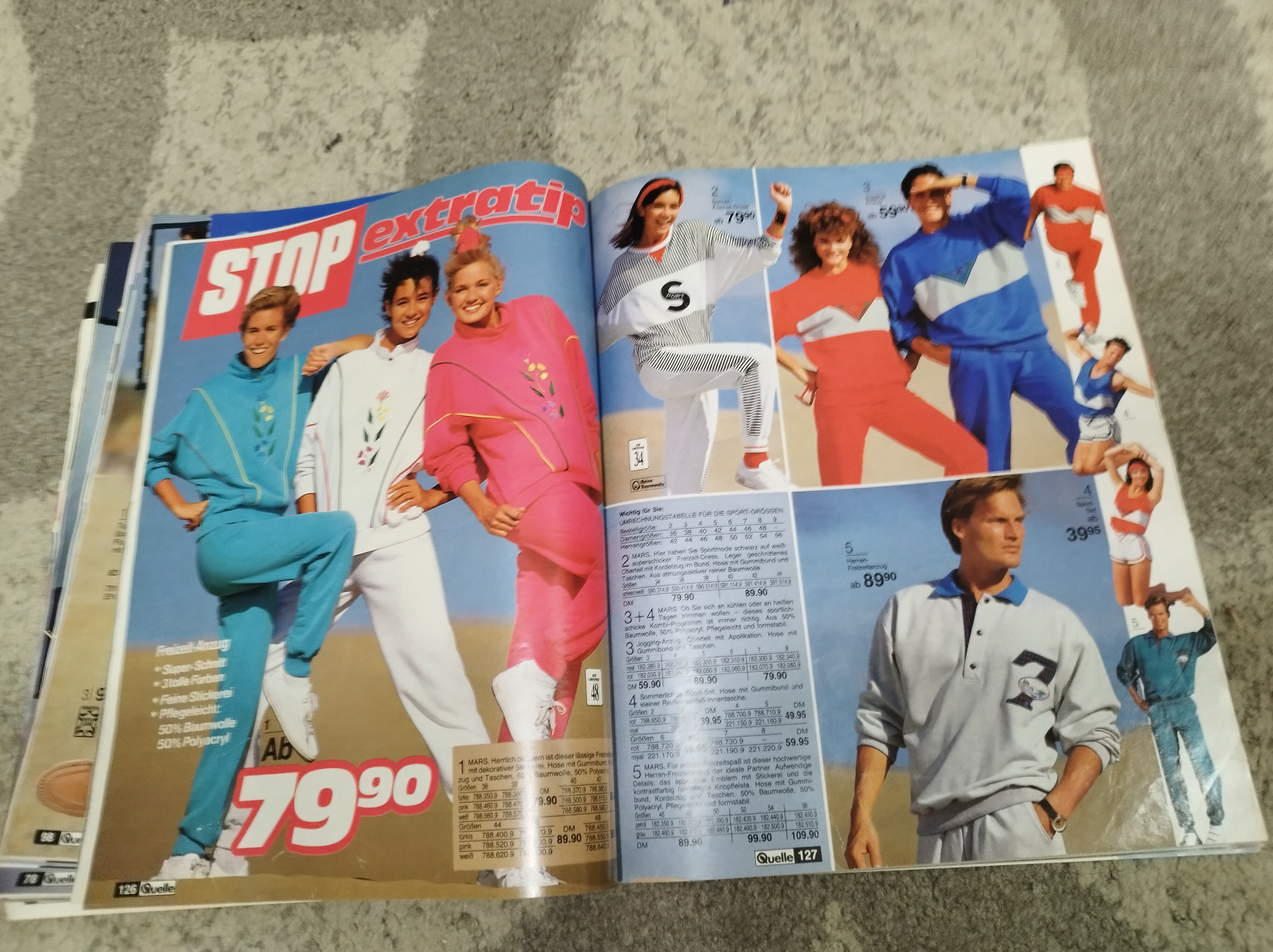
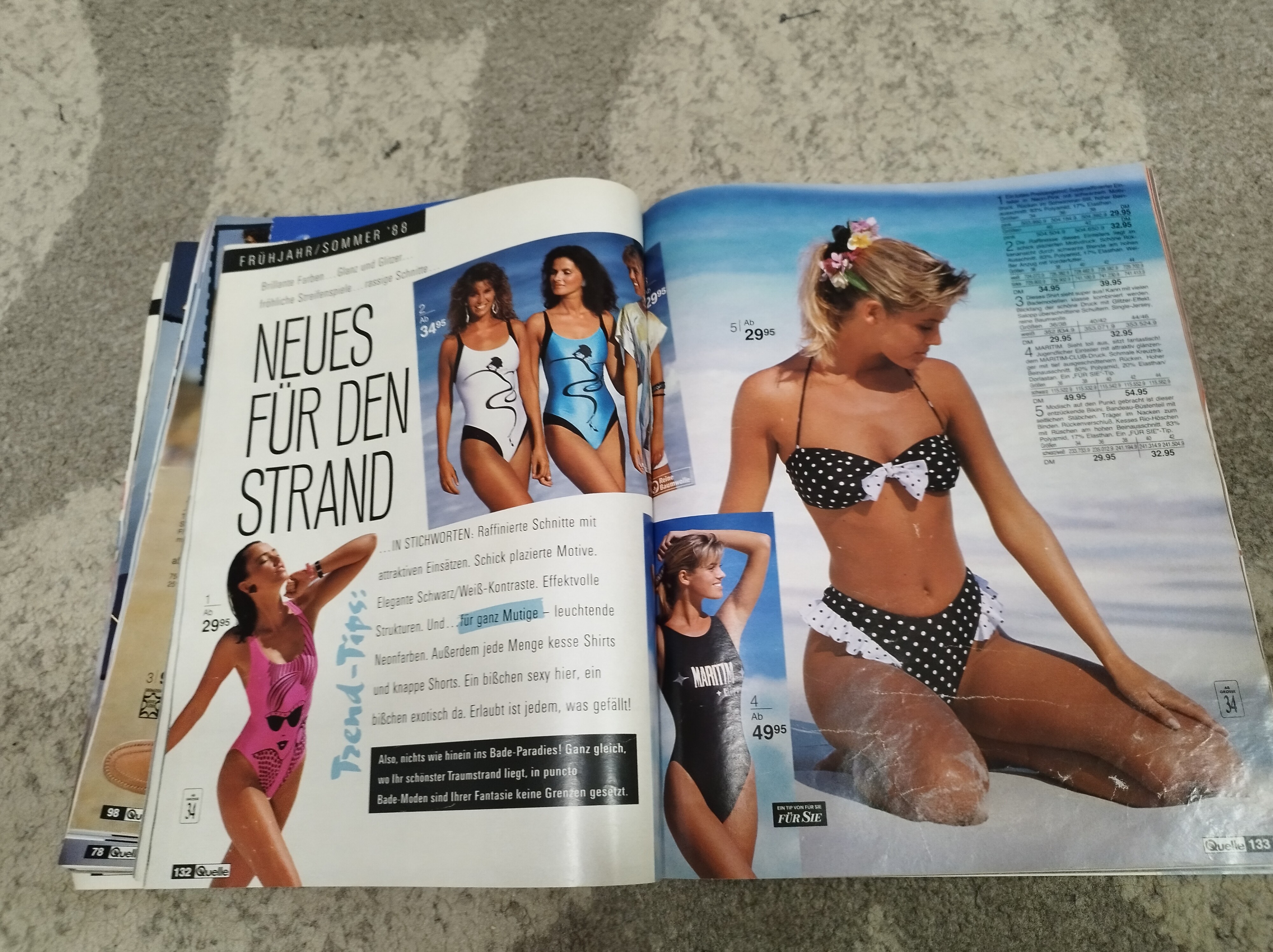
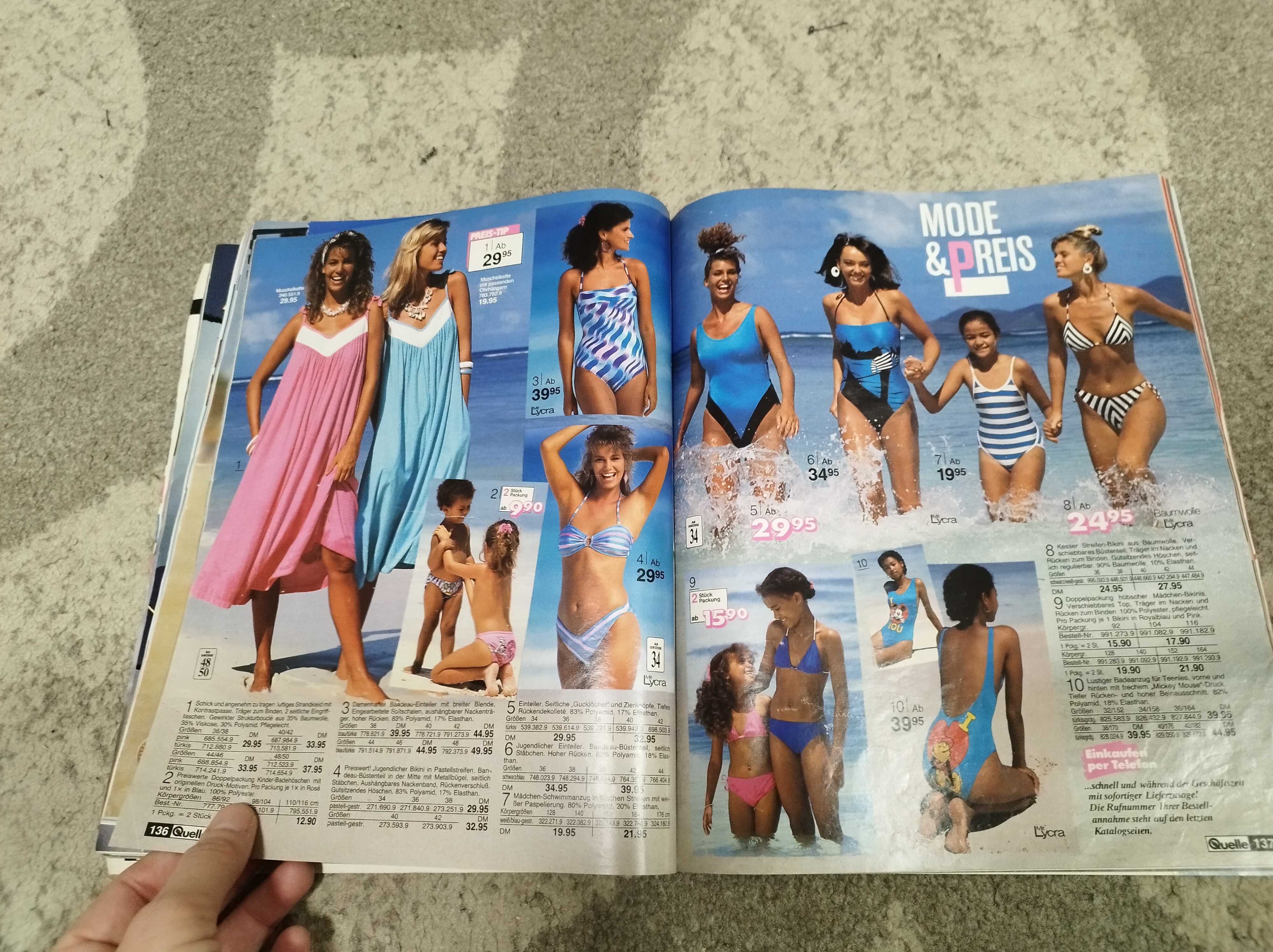
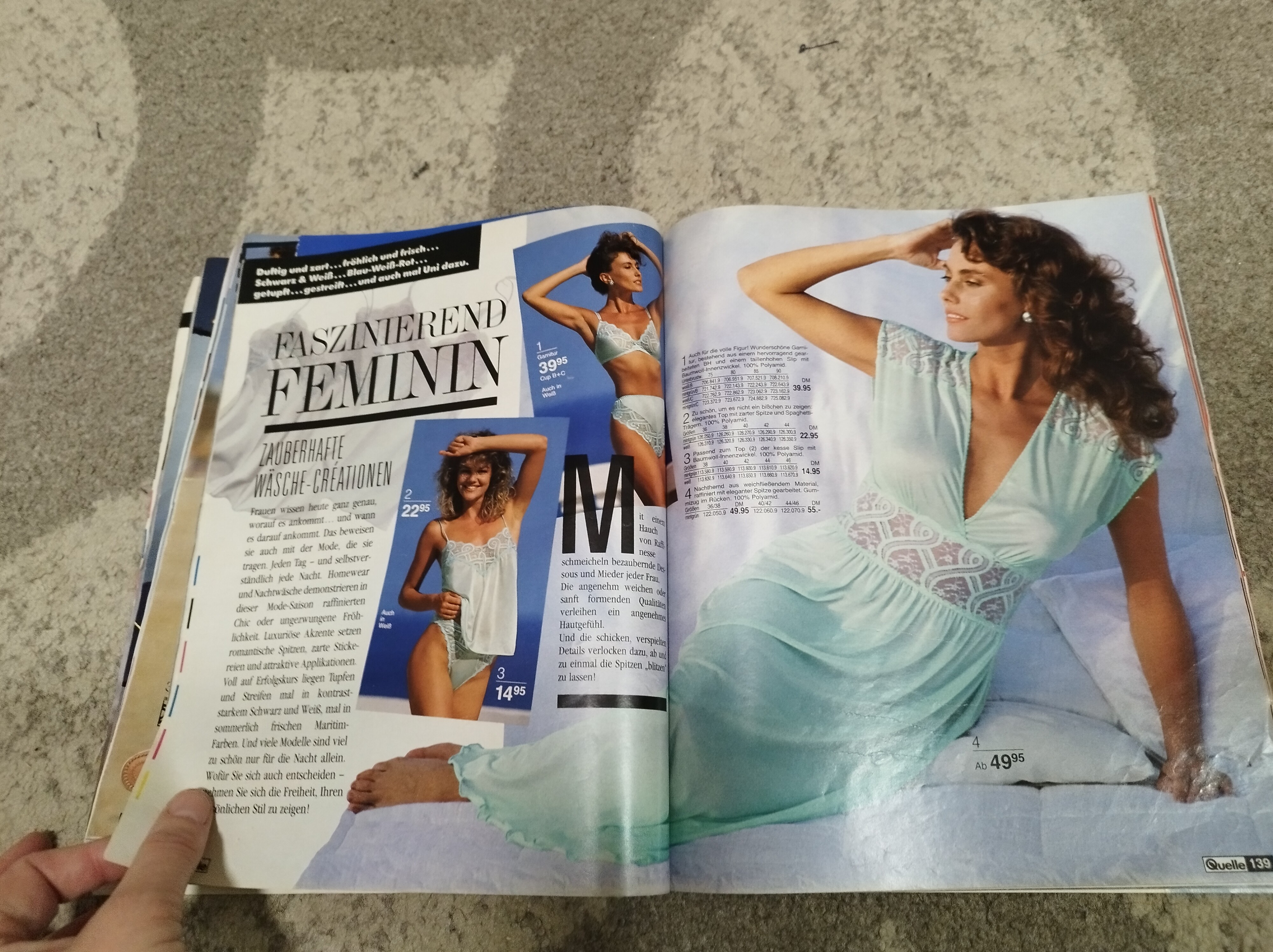
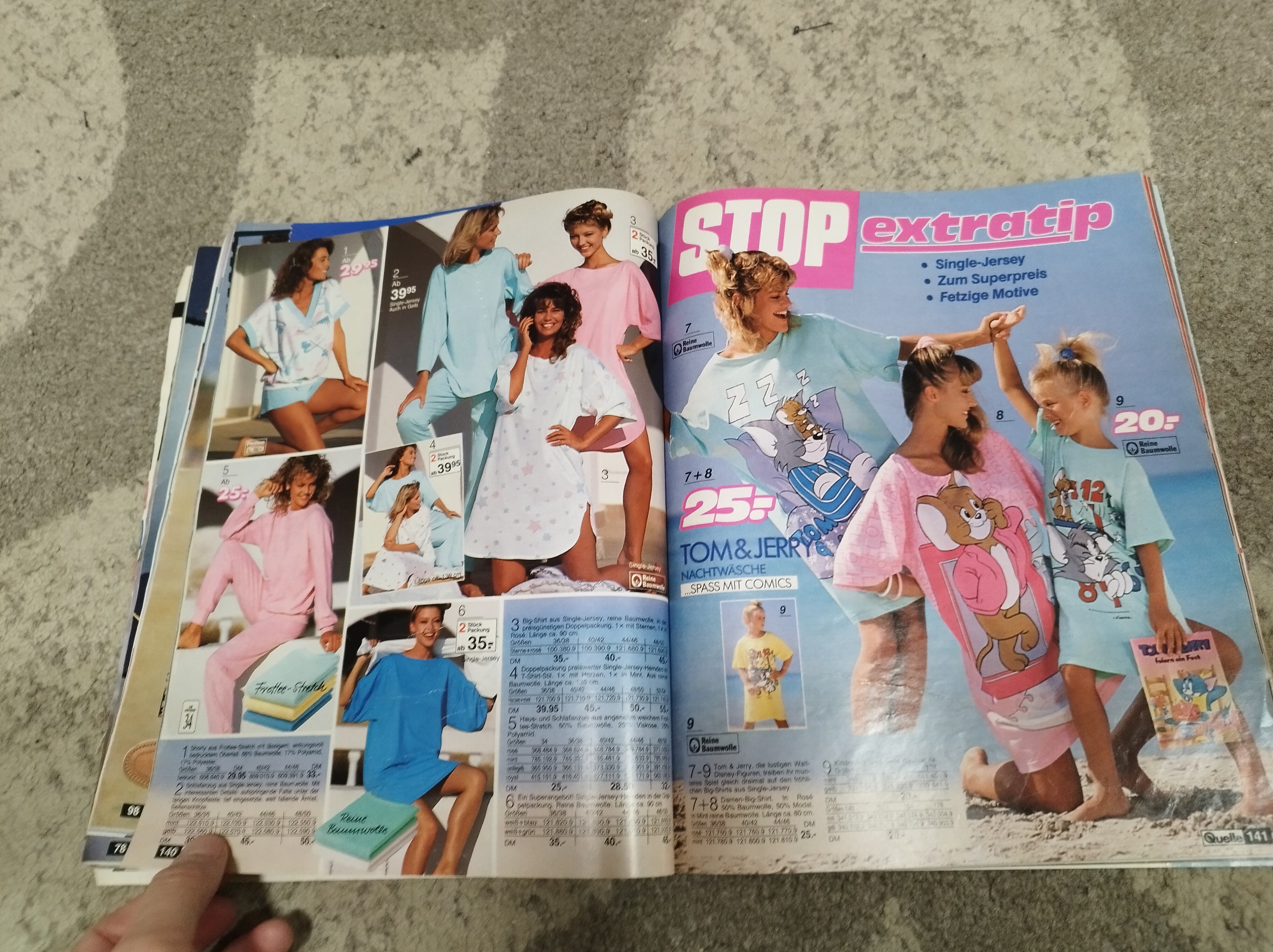
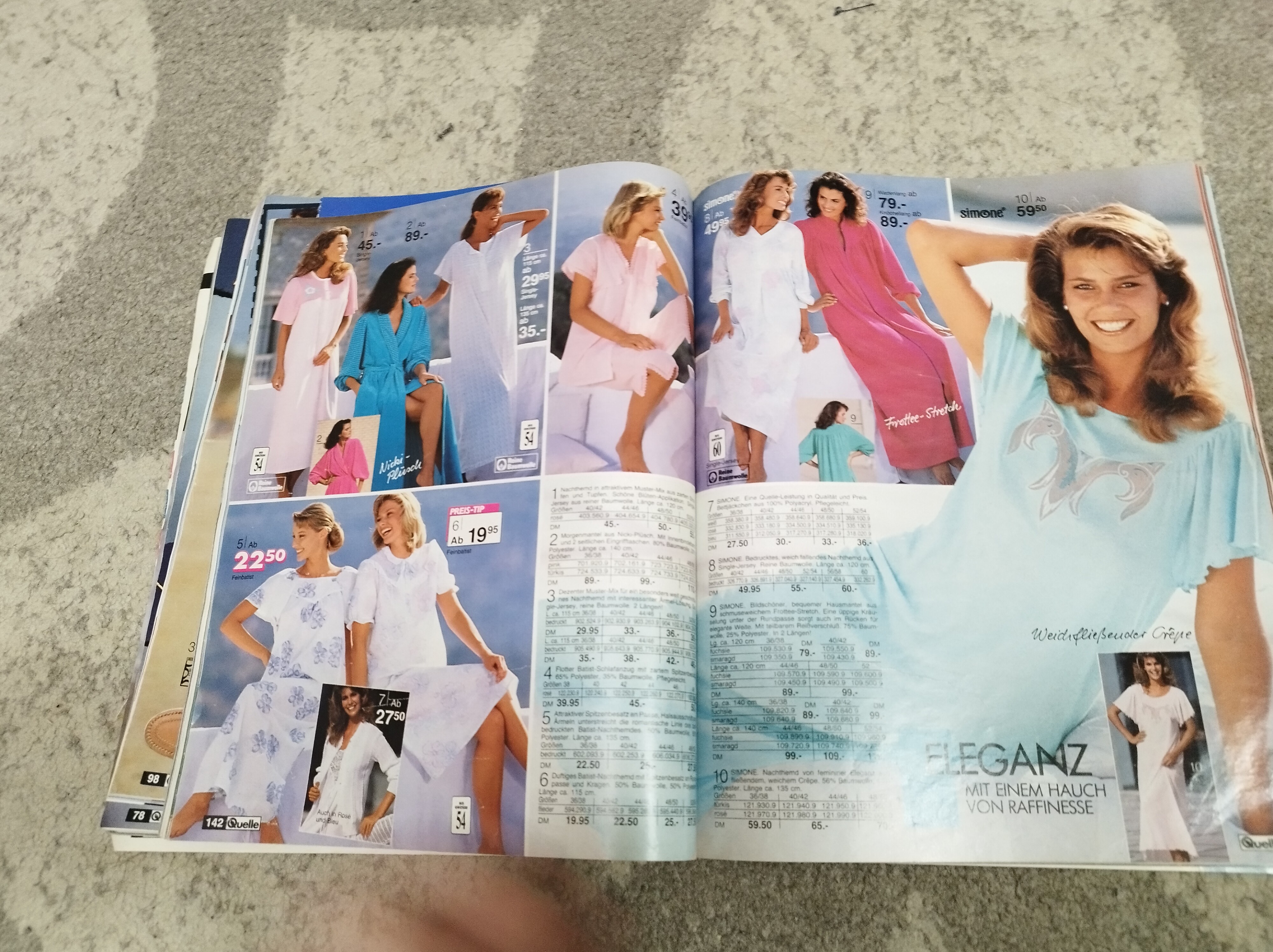
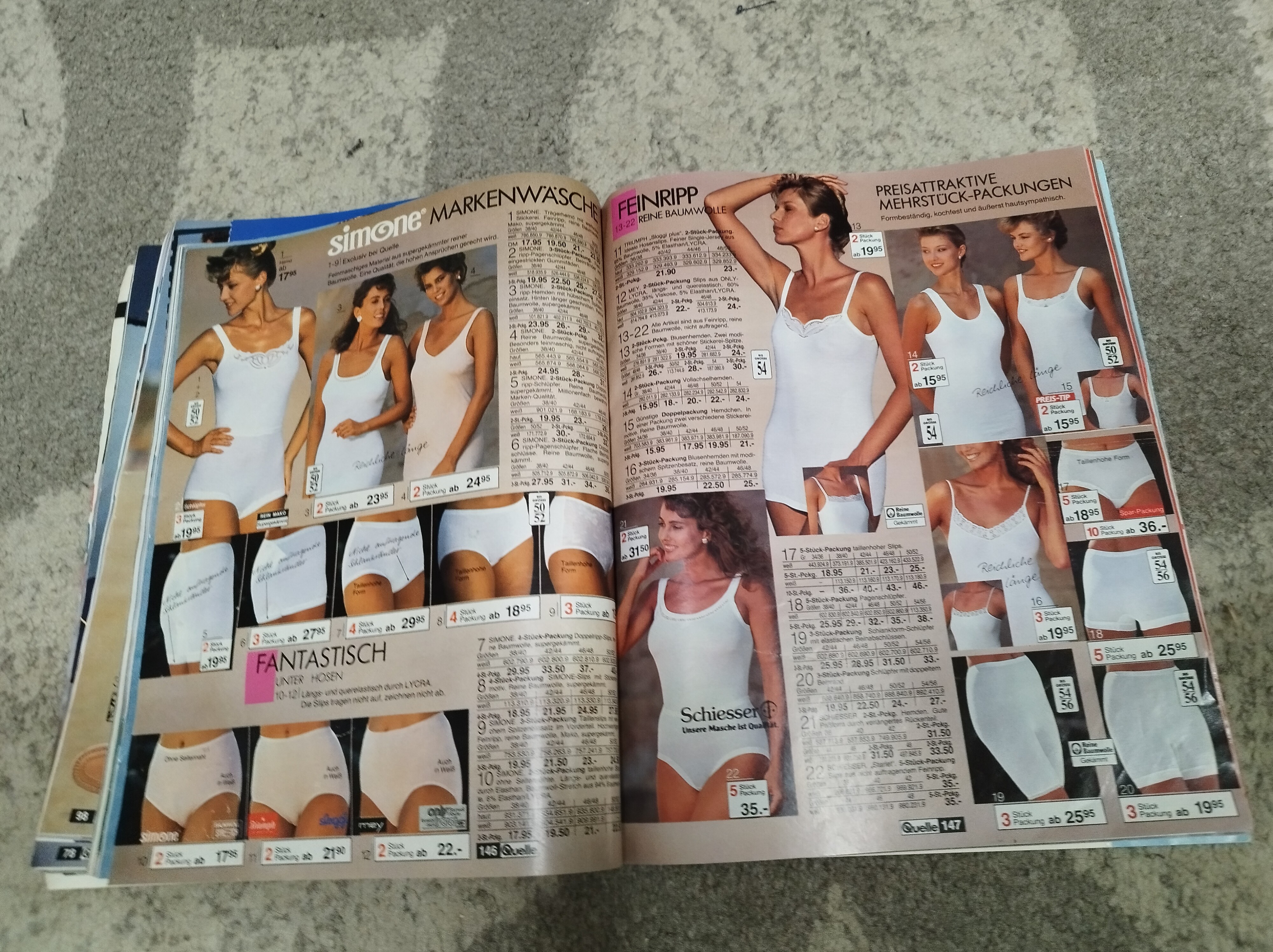
 Thank you so much for cover ID Here is the rest of this Quelle catalog, so I hope someone can help me with models IDs Snapped by me
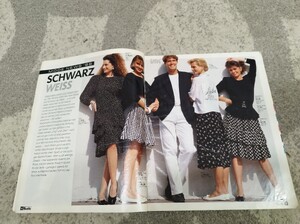
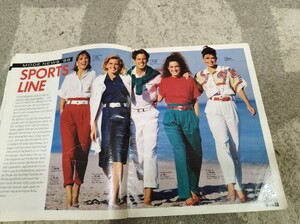
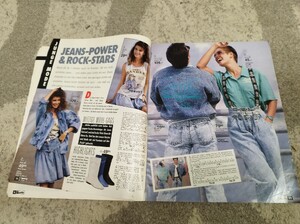
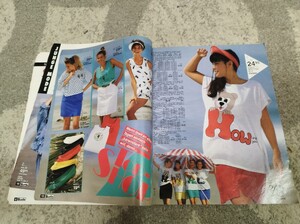
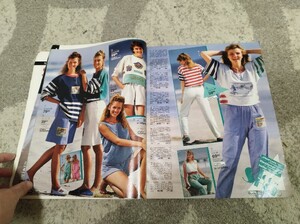
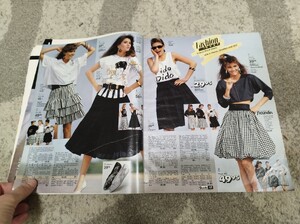
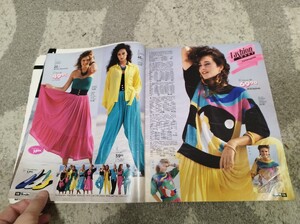
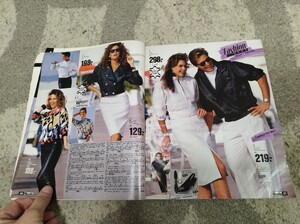

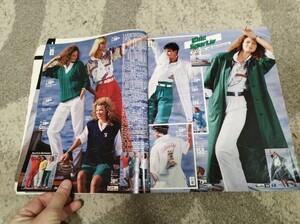
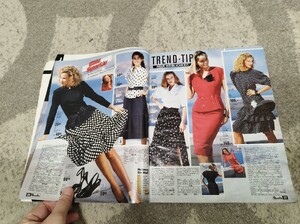
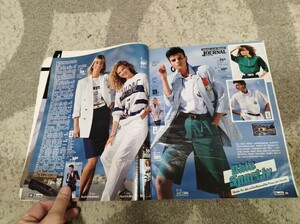
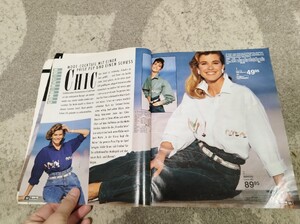
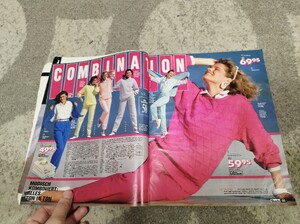
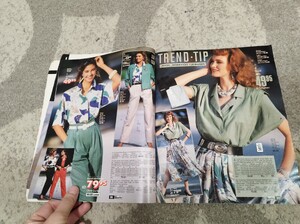
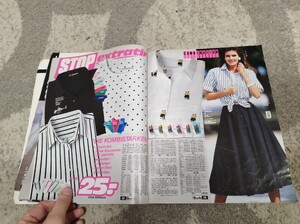
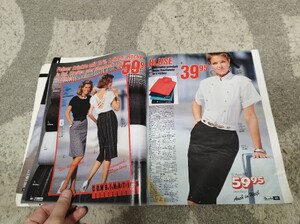
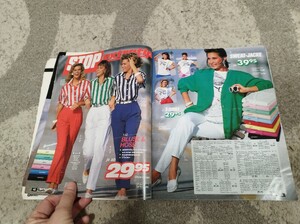

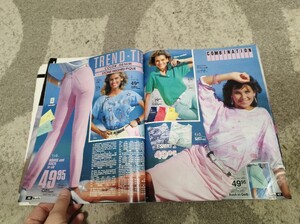
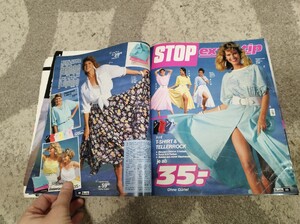
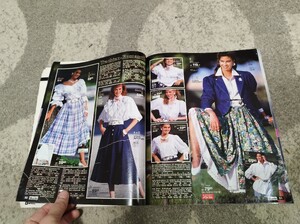

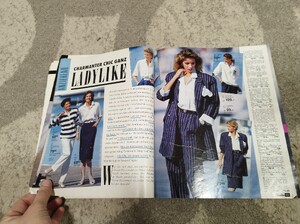
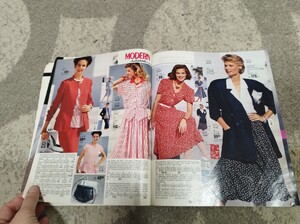
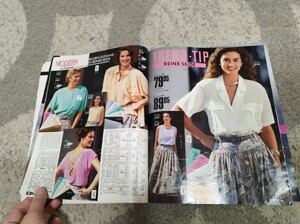
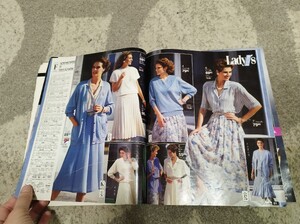
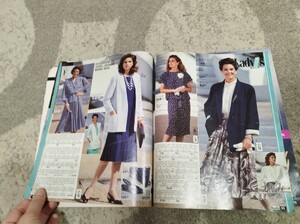
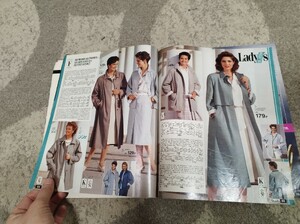
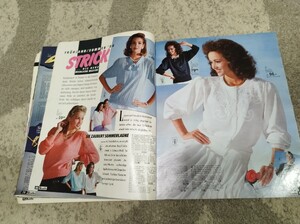
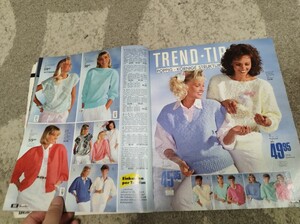
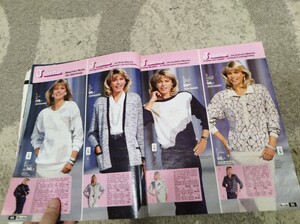
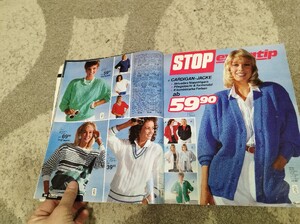
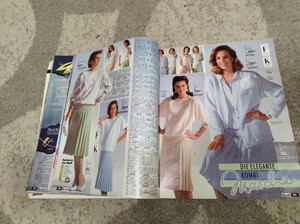
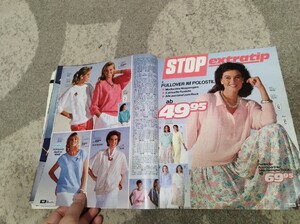
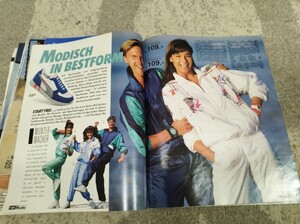
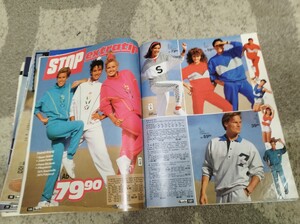
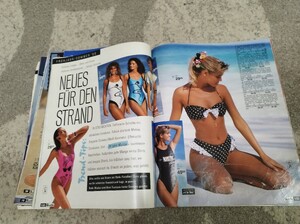
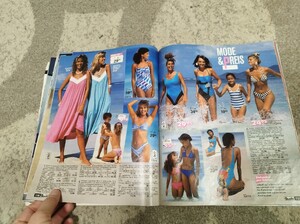
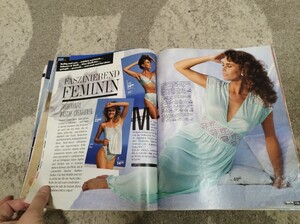
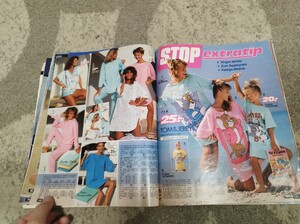
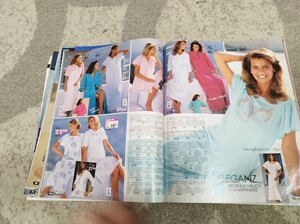
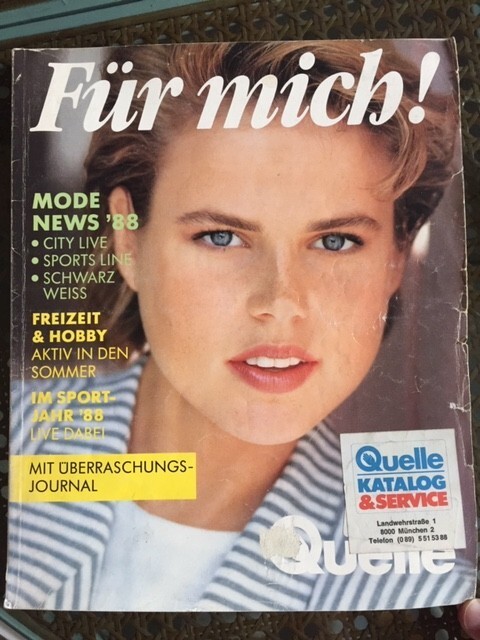
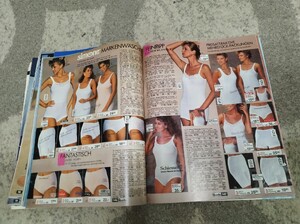 I got this Quelle catalog from 1988 Who is cover model please? I will snap the rest of the pages soon
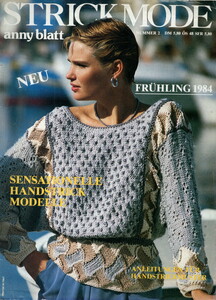
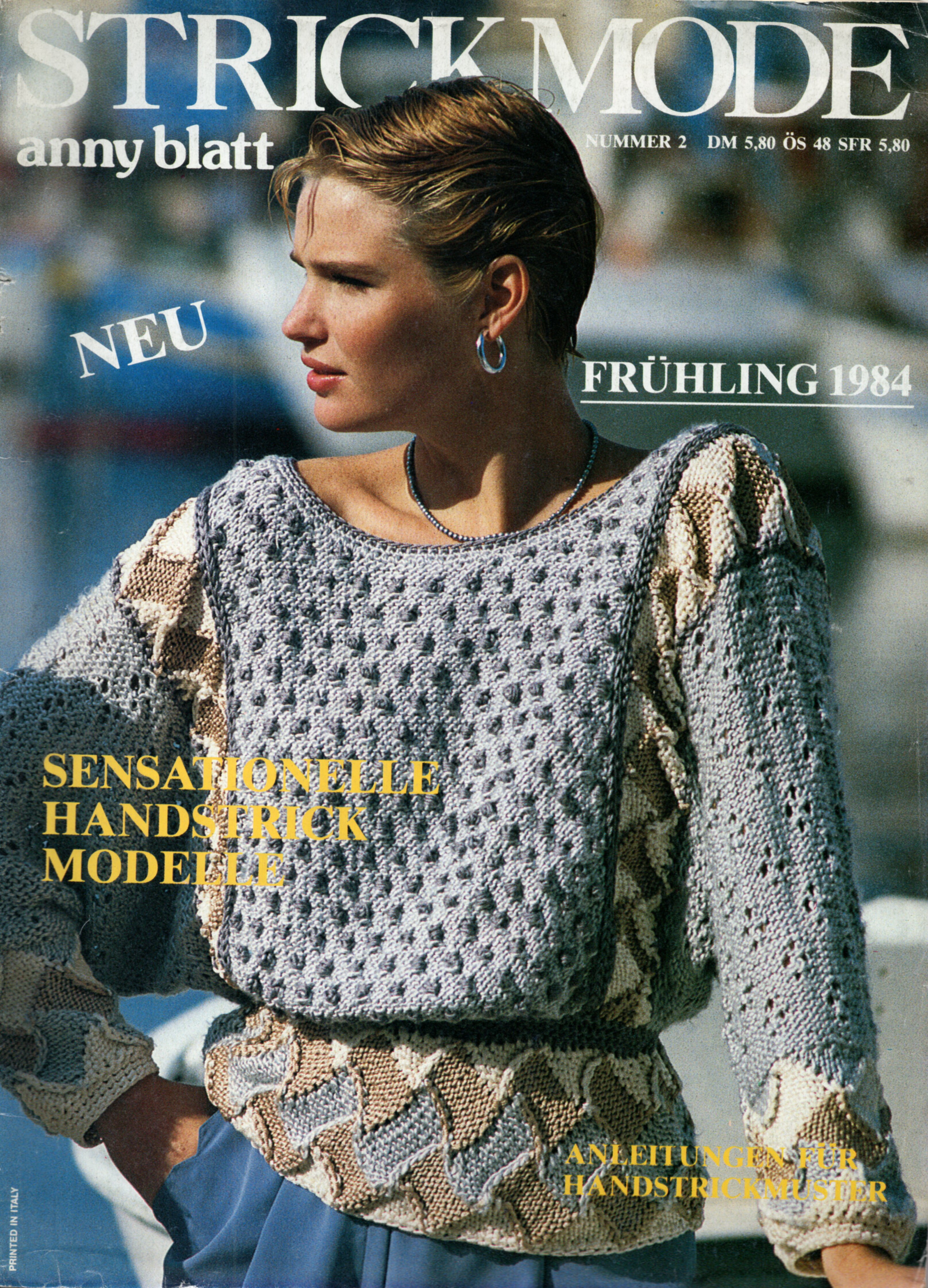
 Strick mode Germany spring 1984 Scanned by me and for sale
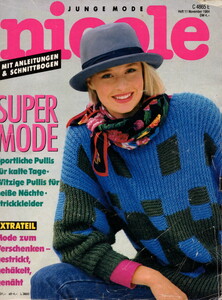
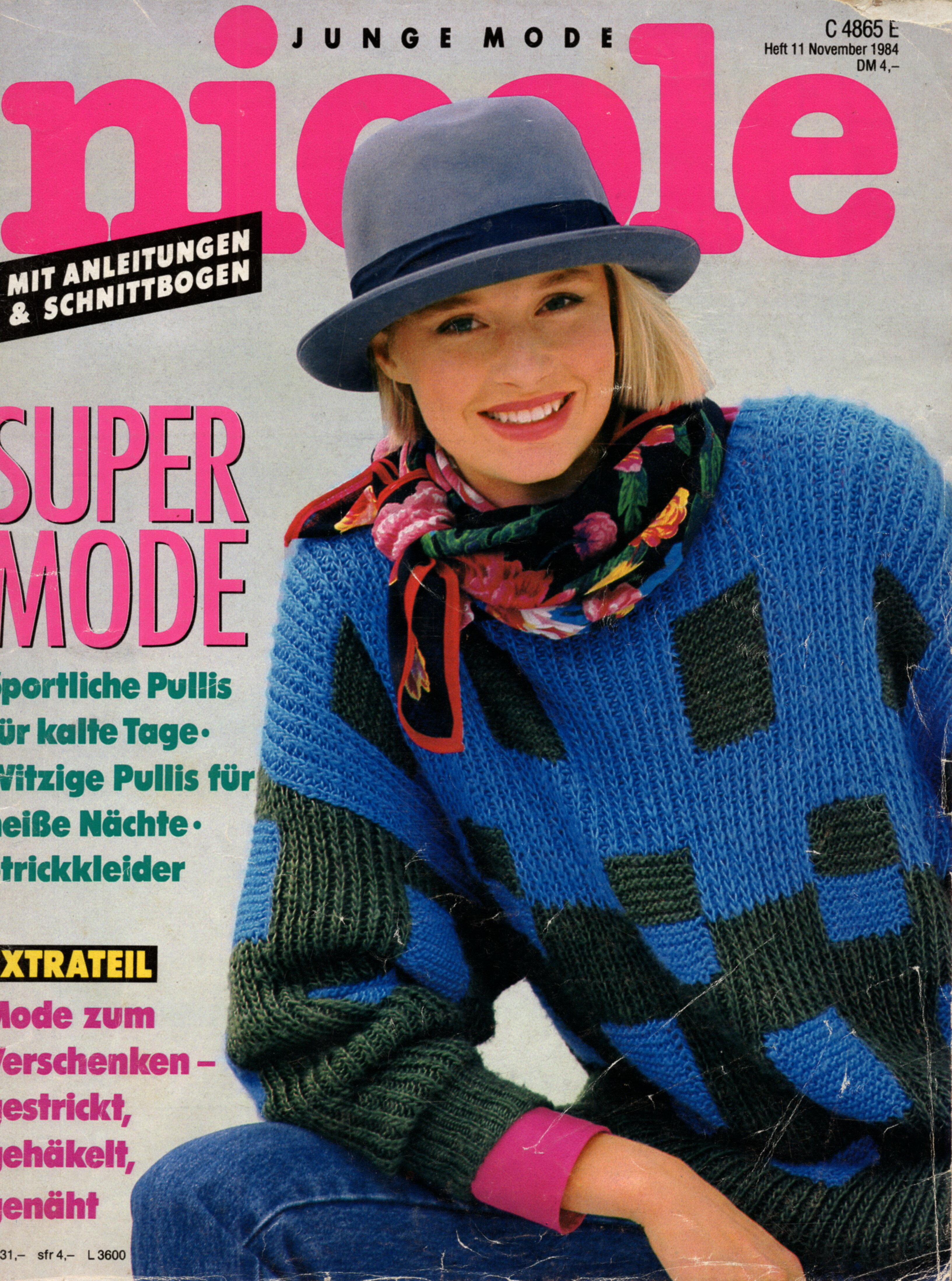
 Junge mode Nicole Germany November 1984 Scanned by me and for sale
 Elle France 29 December 1997
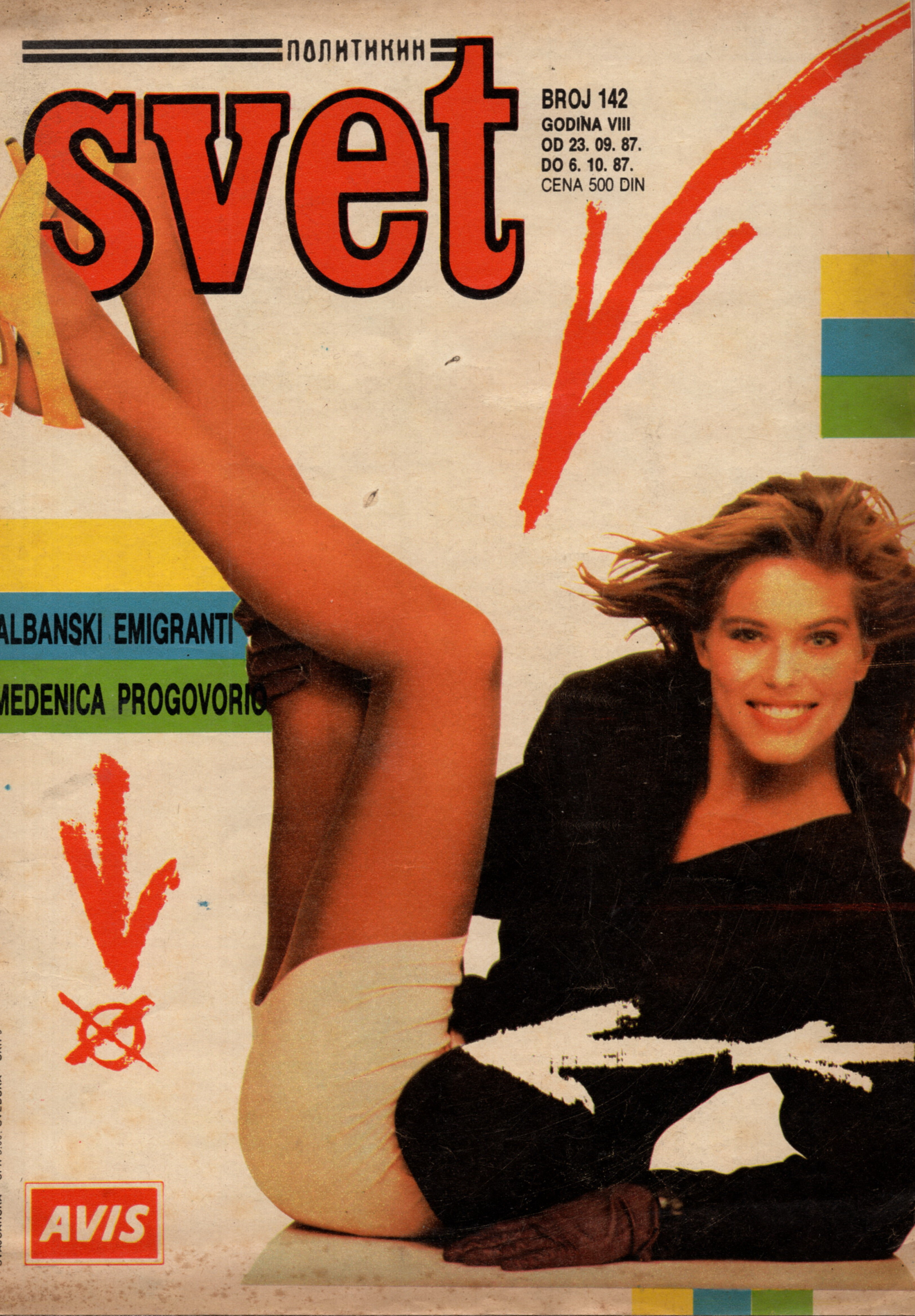
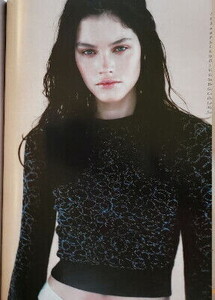 Scanned by me Correct date is 23 September 1987
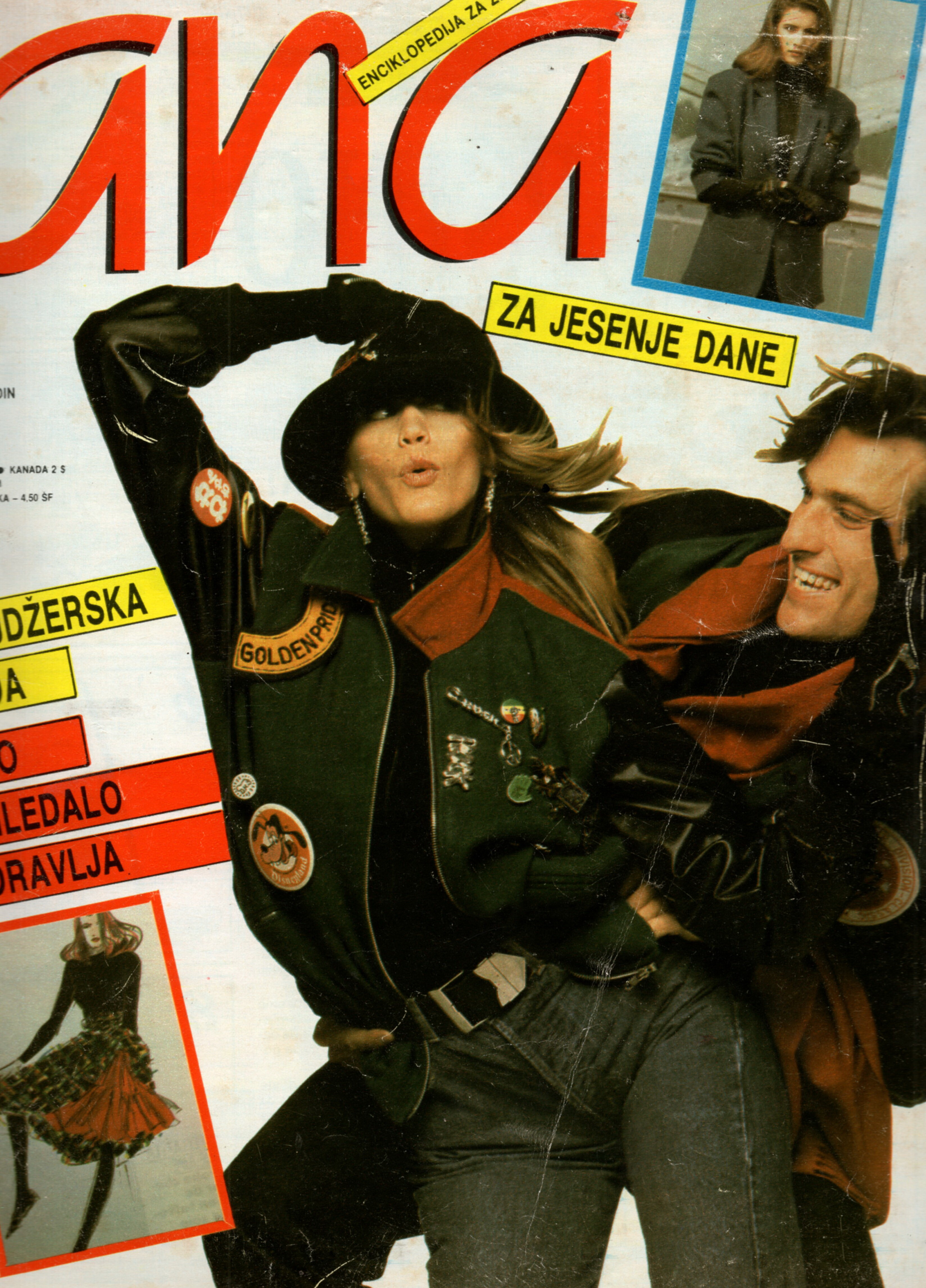
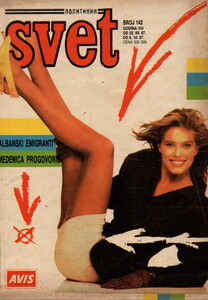 Ana Yugoslavia October 1987 Scanned by me and for sale
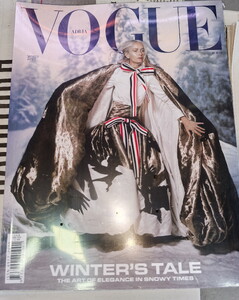
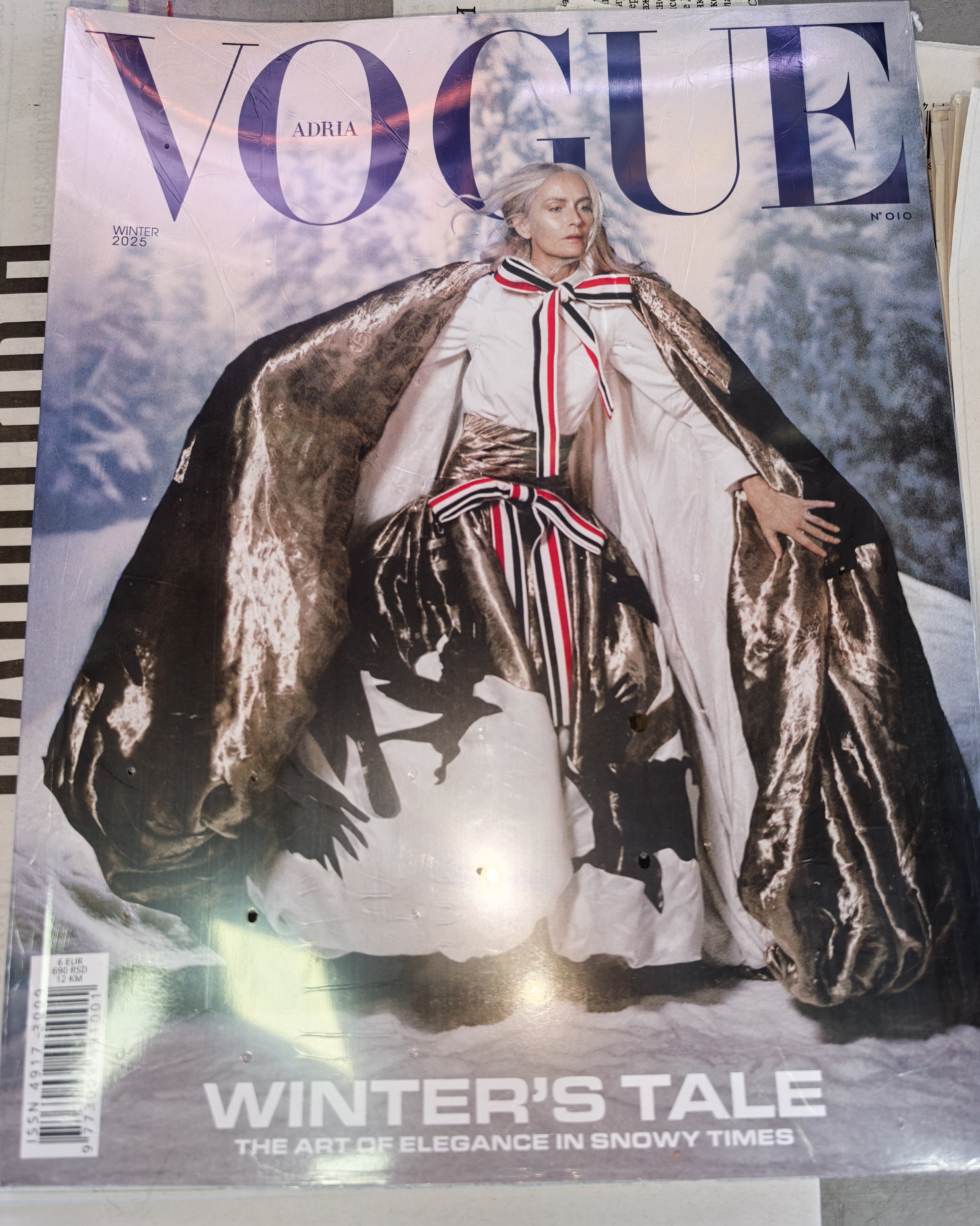
 Vogue Adria winter 20025 I have this magazine for sale, if anyone needs it, you can contact me
 I still have very rare Lonneke pages from her covers, editorials, ads and catalogs for sale if there is some Lonneke fan who would like to buy them Some of those pages I already sold to Lonneke, but I still have more left
I still have very rare Jovana pages from her covers, editorials, ads and catalogs for sale if there is some Jovana fan who would like to buy them
I still have very rare Korina pages from her covers, editorials, ads and catalogs for sale if there is some Korina fan who would like to buy them
I still have very rare Dewi pages from her covers, editorials, ads and catalogs for sale if there is some Dewi fan who would like to buy them
I still have very rare Elsa pages from her covers, editorials, ads and catalogs for sale if there is some Elsa fan who would like to buy them
I still have very rare Lonneke pages from her covers, editorials, ads and catalogs for sale if there is some Lonneke fan who would like to buy them Some of those pages I already sold to Lonneke, but I still have more left
I still have very rare Jovana pages from her covers, editorials, ads and catalogs for sale if there is some Jovana fan who would like to buy them
I still have very rare Korina pages from her covers, editorials, ads and catalogs for sale if there is some Korina fan who would like to buy them
I still have very rare Dewi pages from her covers, editorials, ads and catalogs for sale if there is some Dewi fan who would like to buy them
I still have very rare Elsa pages from her covers, editorials, ads and catalogs for sale if there is some Elsa fan who would like to buy them





.jpg.5edf7e64999c663b6f6bd583ba1c01f8.jpg)
.jpg.366b3b56590b3e53906ca45a18b6e8be.jpg)
.jpg.18889516b4ed23df4bf16d7d6fff5614.jpg)

Account
Navigation
Search
Configure browser push notifications
Chrome (Android)
- Tap the lock icon next to the address bar.
- Tap Permissions → Notifications.
- Adjust your preference.
Chrome (Desktop)
- Click the padlock icon in the address bar.
- Select Site settings.
- Find Notifications and adjust your preference.
Safari (iOS 16.4+)
- Ensure the site is installed via Add to Home Screen.
- Open Settings App → Notifications.
- Find your app name and adjust your preference.
Safari (macOS)
- Go to Safari → Preferences.
- Click the Websites tab.
- Select Notifications in the sidebar.
- Find this website and adjust your preference.
Edge (Android)
- Tap the lock icon next to the address bar.
- Tap Permissions.
- Find Notifications and adjust your preference.
Edge (Desktop)
- Click the padlock icon in the address bar.
- Click Permissions for this site.
- Find Notifications and adjust your preference.
Firefox (Android)
- Go to Settings → Site permissions.
- Tap Notifications.
- Find this site in the list and adjust your preference.
Firefox (Desktop)
- Open Firefox Settings.
- Search for Notifications.
- Find this site in the list and adjust your preference.