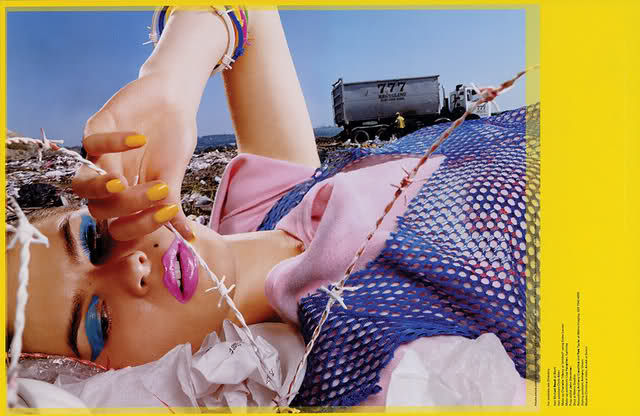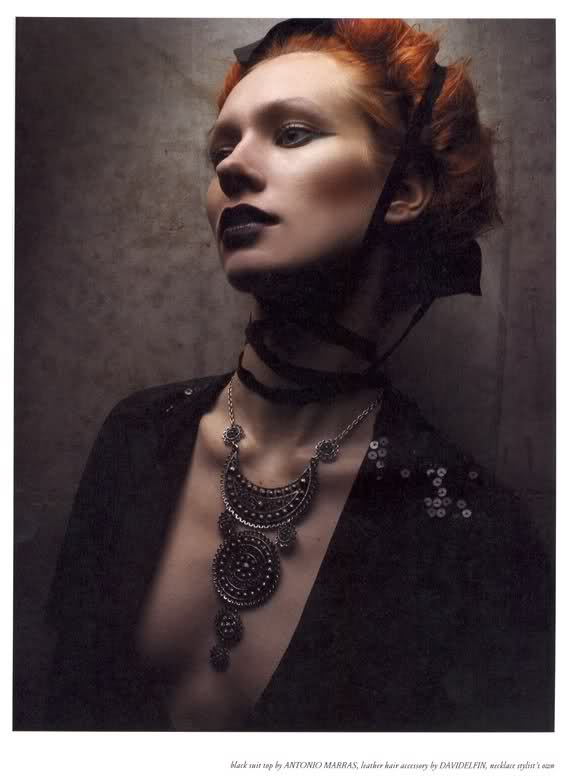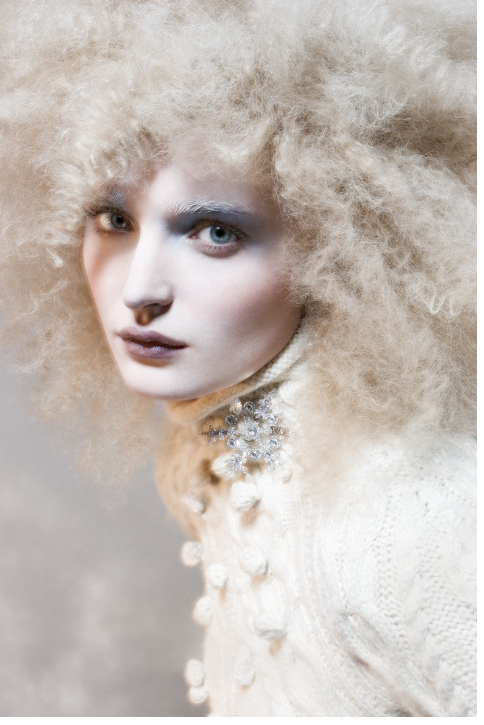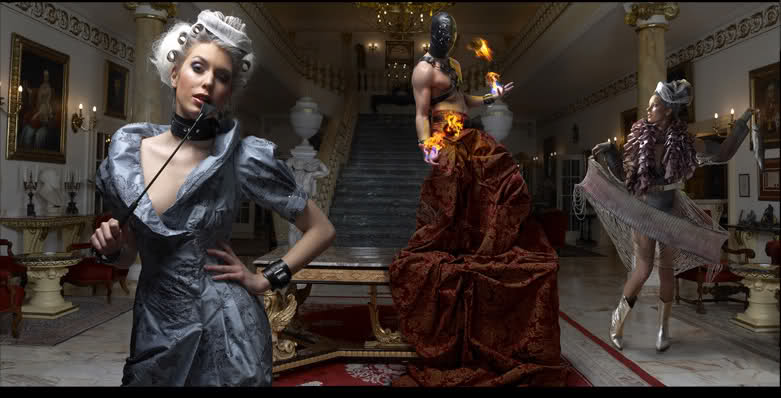
penny-dreaddfull
Members
-
Joined
-
Last visited
Everything posted by penny-dreaddfull
-
 i like it too, i dig the neon colors
well , interesting is good, ill take it!! hope you visit more, az girl
i like it too, i dig the neon colors
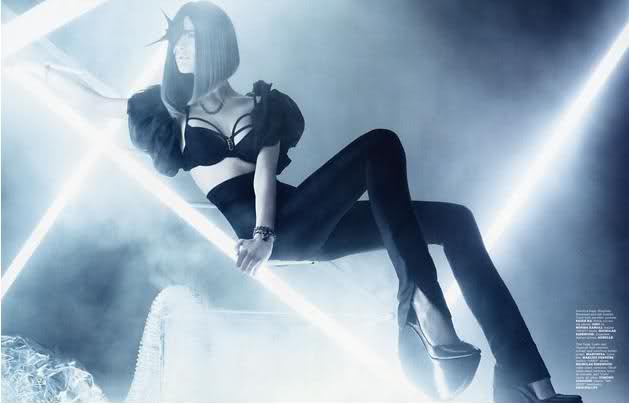
well , interesting is good, ill take it!! hope you visit more, az girl written in blood x5 as pretty says.... the hunger ref. is undeniable..... it had darker more intense sexuality much more erotic than a isabeli riding a horse in her panties <though i was intrigued that the horse was made of ice>
Mmmmm dirty jobs guy
the westwood dress is spectacular!!!!! heres model kemp muhl modeling bridal gowns
written in blood x5 as pretty says.... the hunger ref. is undeniable..... it had darker more intense sexuality much more erotic than a isabeli riding a horse in her panties <though i was intrigued that the horse was made of ice>
Mmmmm dirty jobs guy
the westwood dress is spectacular!!!!! heres model kemp muhl modeling bridal gowns
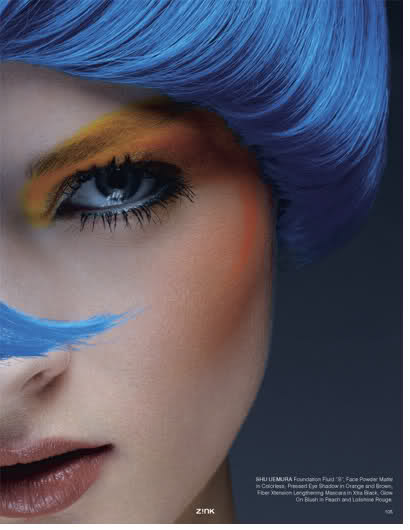
 heres a blue haired girl for joe
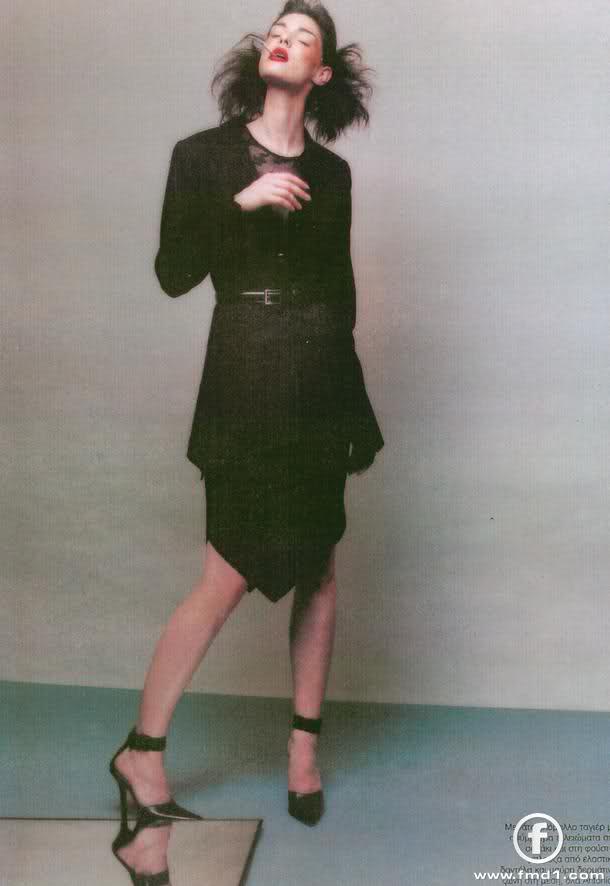
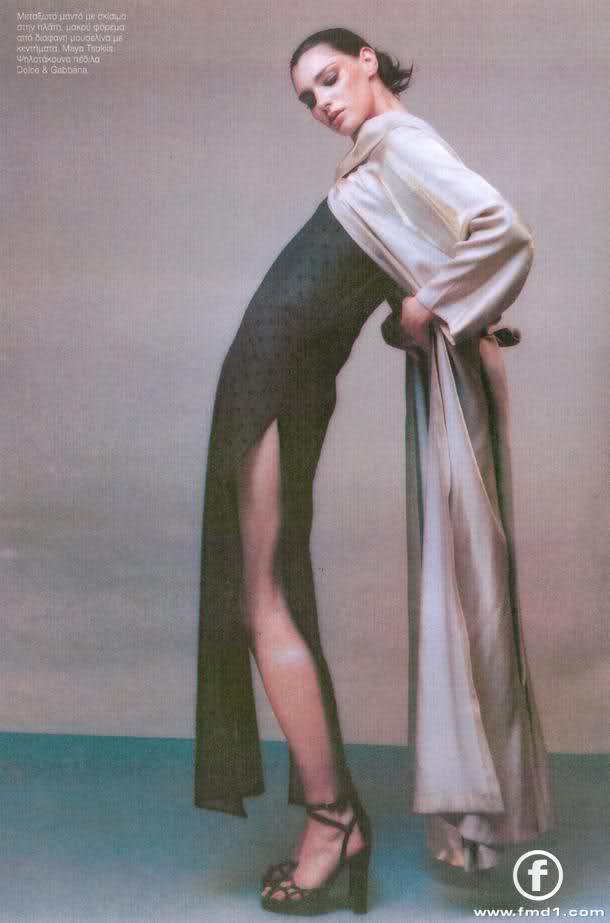
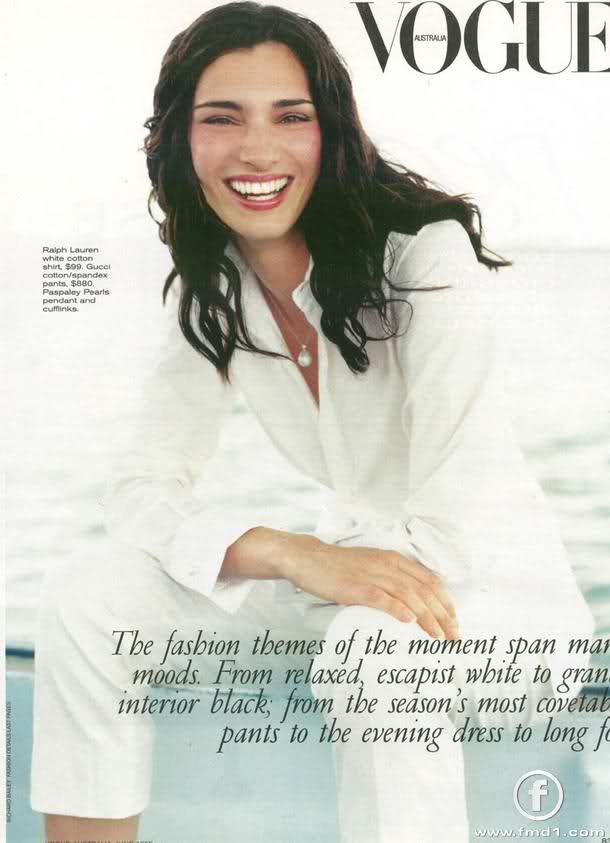
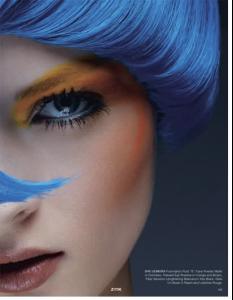 im so glad you guys agree bout the resemblance.. i thought id hear ' um no, i dont see it at all' lolol i found these on fashion model directory
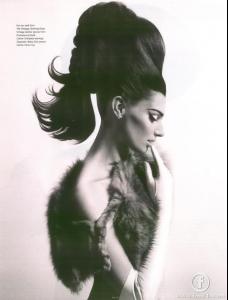 never heard of her before.,.. shes a cutie-pie thanks for introducing her to me!
purty pics, baron i just went through the thread to make sure this wasnt a repost.. saw the terry richardson lee ads.... had to have a few 'private' moments hot damn this girl is such a hottie found this on the see management site
never heard of her before.,.. shes a cutie-pie thanks for introducing her to me!
purty pics, baron i just went through the thread to make sure this wasnt a repost.. saw the terry richardson lee ads.... had to have a few 'private' moments hot damn this girl is such a hottie found this on the see management site
Account
Navigation
Search
Configure browser push notifications
Chrome (Android)
- Tap the lock icon next to the address bar.
- Tap Permissions → Notifications.
- Adjust your preference.
Chrome (Desktop)
- Click the padlock icon in the address bar.
- Select Site settings.
- Find Notifications and adjust your preference.
Safari (iOS 16.4+)
- Ensure the site is installed via Add to Home Screen.
- Open Settings App → Notifications.
- Find your app name and adjust your preference.
Safari (macOS)
- Go to Safari → Preferences.
- Click the Websites tab.
- Select Notifications in the sidebar.
- Find this website and adjust your preference.
Edge (Android)
- Tap the lock icon next to the address bar.
- Tap Permissions.
- Find Notifications and adjust your preference.
Edge (Desktop)
- Click the padlock icon in the address bar.
- Click Permissions for this site.
- Find Notifications and adjust your preference.
Firefox (Android)
- Go to Settings → Site permissions.
- Tap Notifications.
- Find this site in the list and adjust your preference.
Firefox (Desktop)
- Open Firefox Settings.
- Search for Notifications.
- Find this site in the list and adjust your preference.