Jump to content
View in the app

A better way to browse. Learn more.

Bellazon

A full-screen app on your home screen with push notifications, badges and more.

To install this app on iOS and iPadOS
  1. Tap the Share icon in Safari
  2. Scroll the menu and tap Add to Home Screen.
  3. Tap Add in the top-right corner.
To install this app on Android
  1. Tap the 3-dot menu (⋮) in the top-right corner of the browser.
  2. Tap Add to Home screen or Install app.
  3. Confirm by tapping Install.

jal718

Members
  • Joined

  • Last visited

Everything posted by jal718

  1. jal718 replied to Qball's topic in Actresses
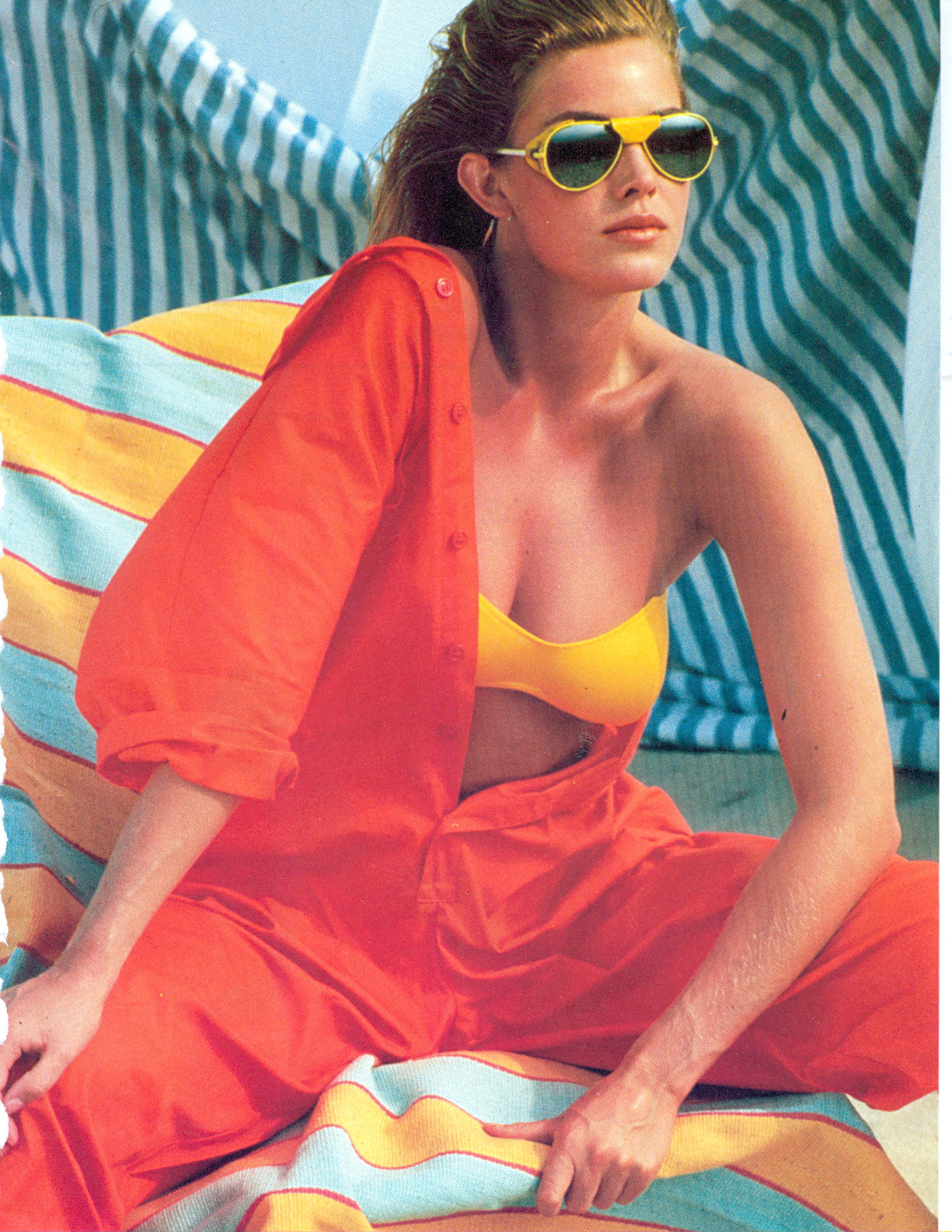
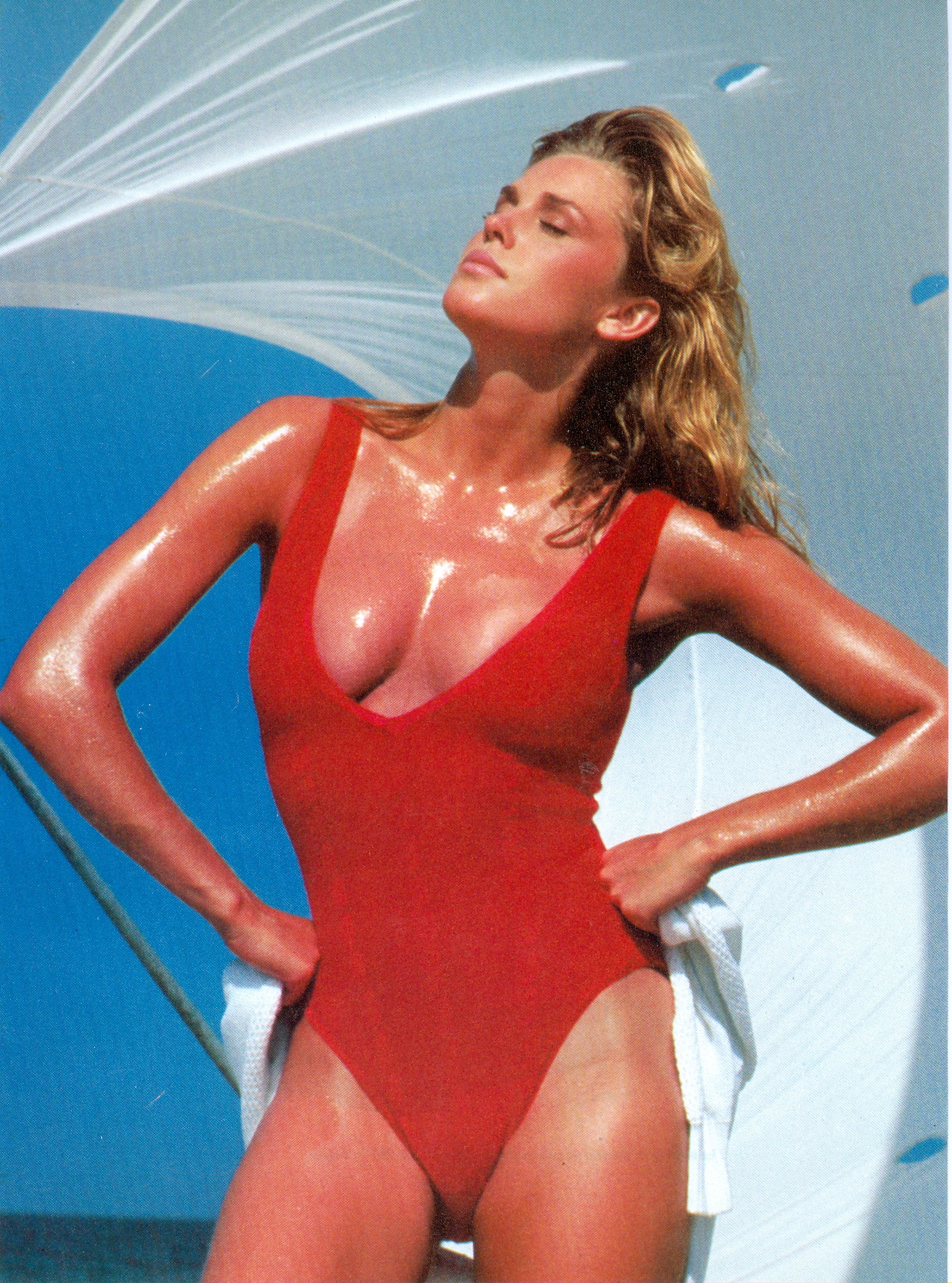
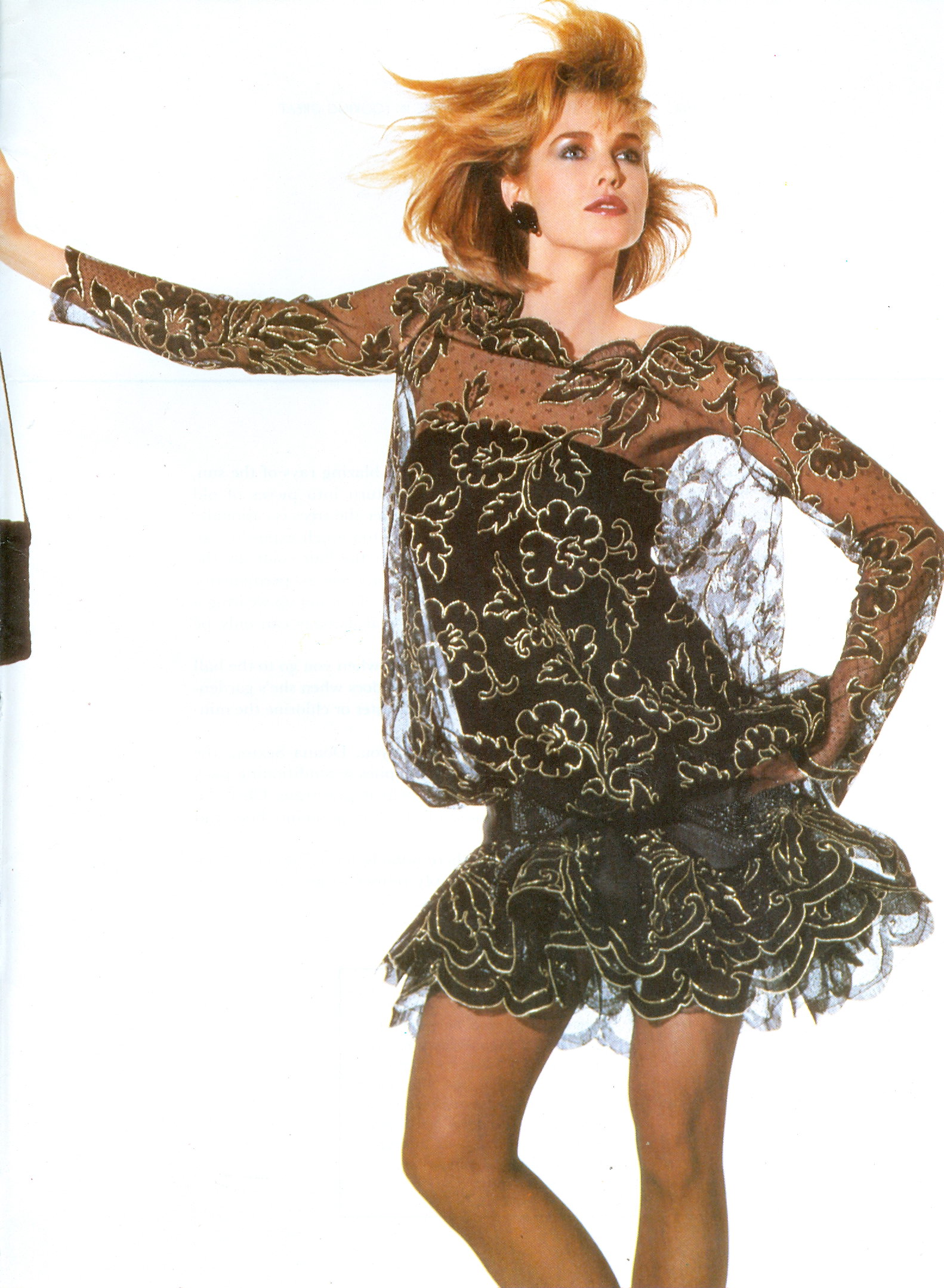
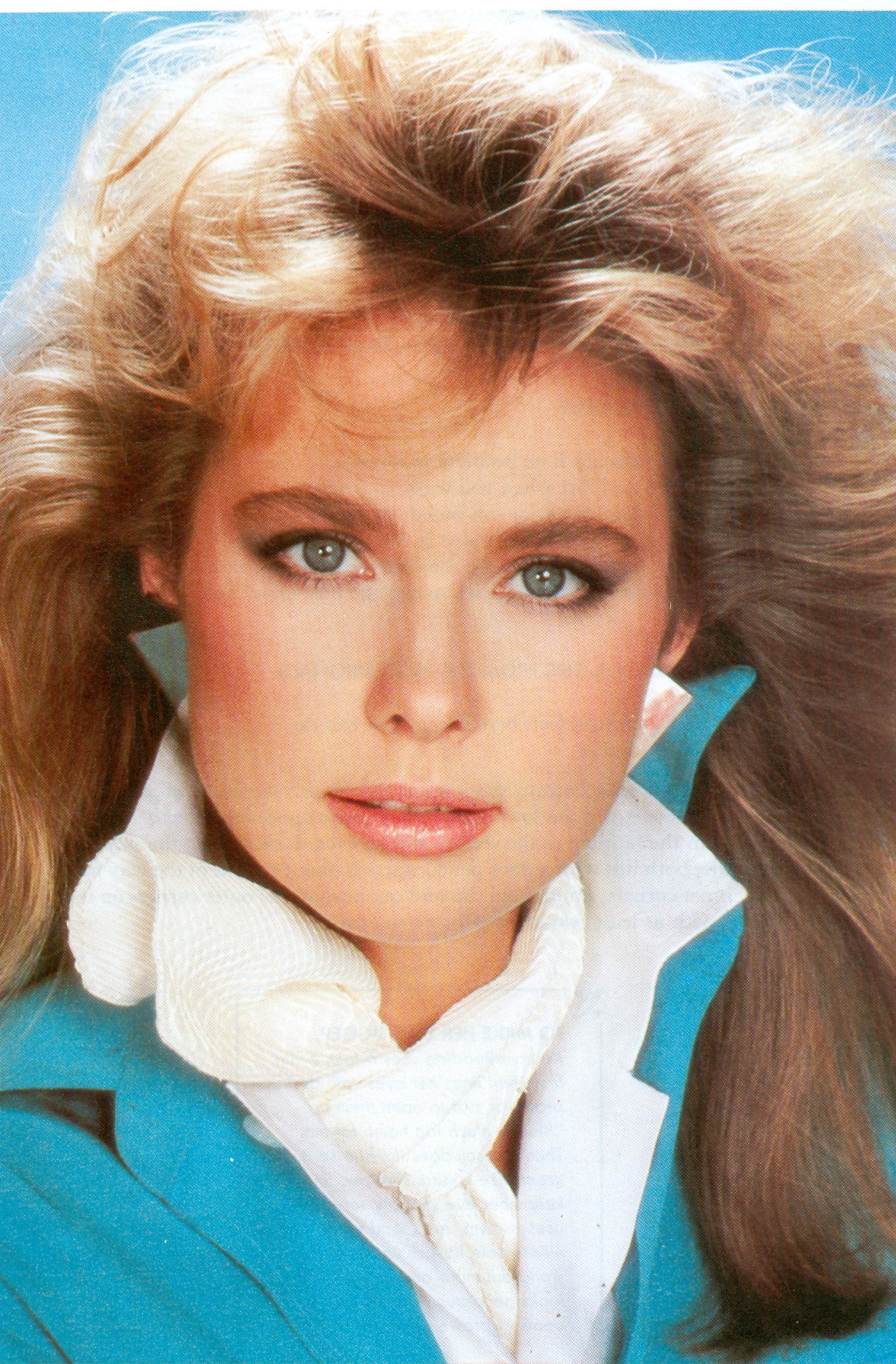
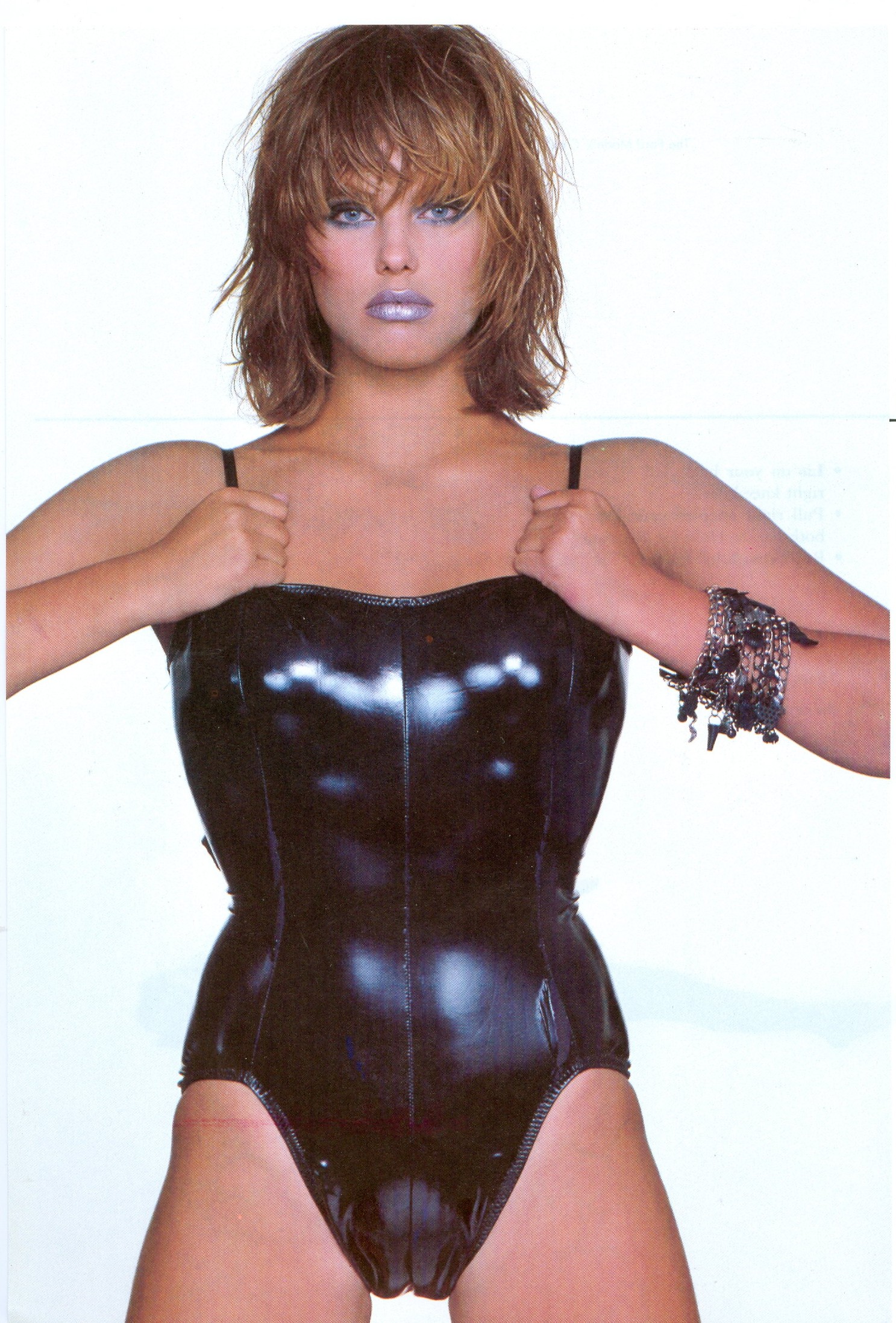
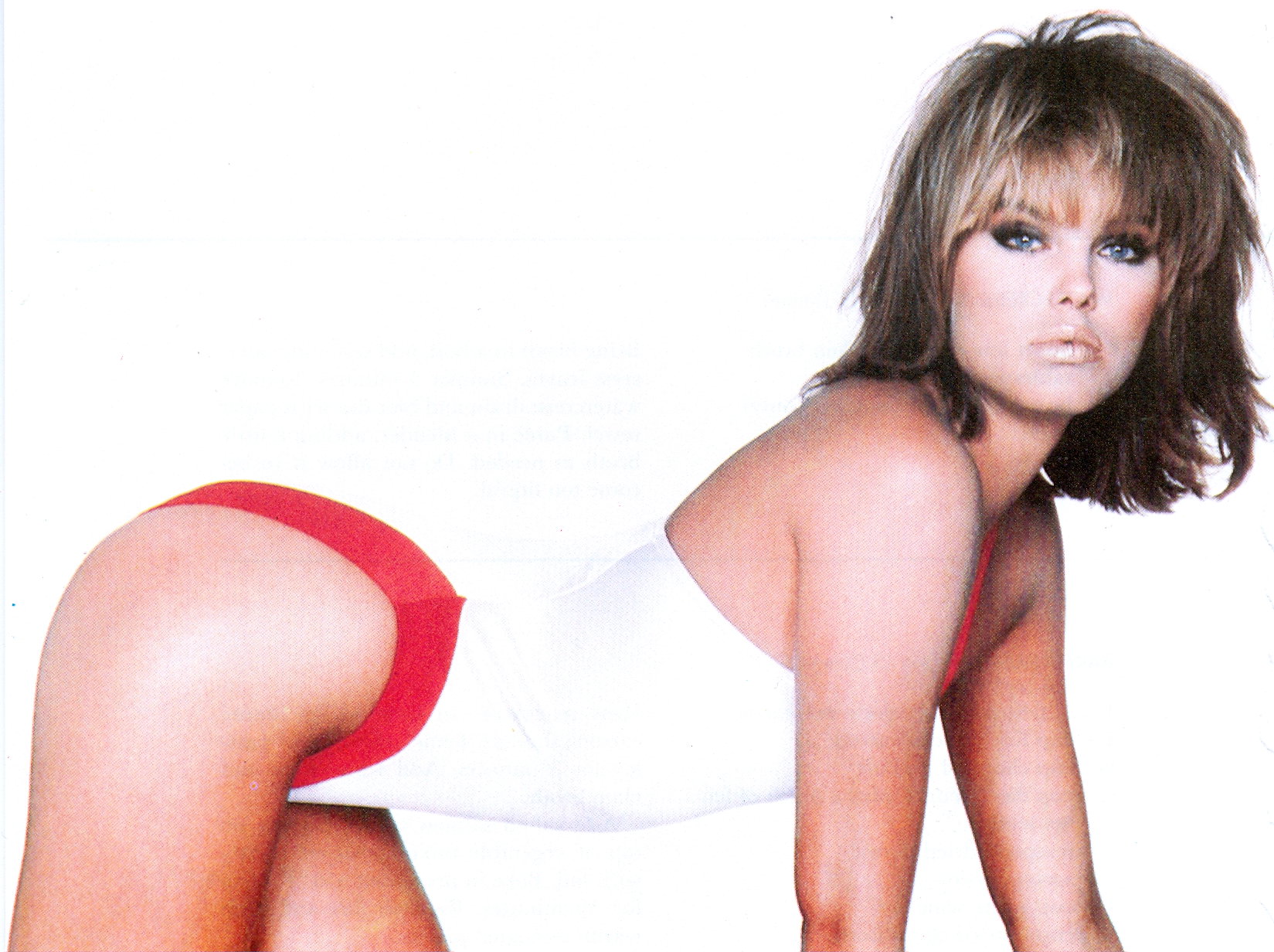
    These were blanked out so I've reposted the ones I have.
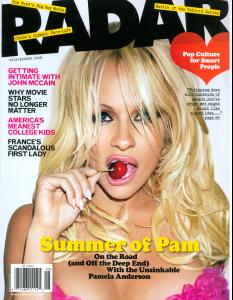

  2. More of my scans
  3. jal718 replied to sha's topic in Actresses
    My scan
  4. You're welcome PG!
  5. jal718 replied to a post in a topic in Female Fashion Models
    My scan.
  6. jal718 replied to Memento Mori's topic in Actresses
    Thanks Mel!
  7. jal718 replied to Legion's topic in Actresses
    You're all welcome
  8. jal718 replied to Legion's topic in Actresses
    My scan
  9. My scans
  10. jal718 replied to K_L's topic in Actresses
    My scan
  11. jal718 replied to Hiro's topic in Actresses
    My scan.
  12. Not the best quality paper but you're welcome.
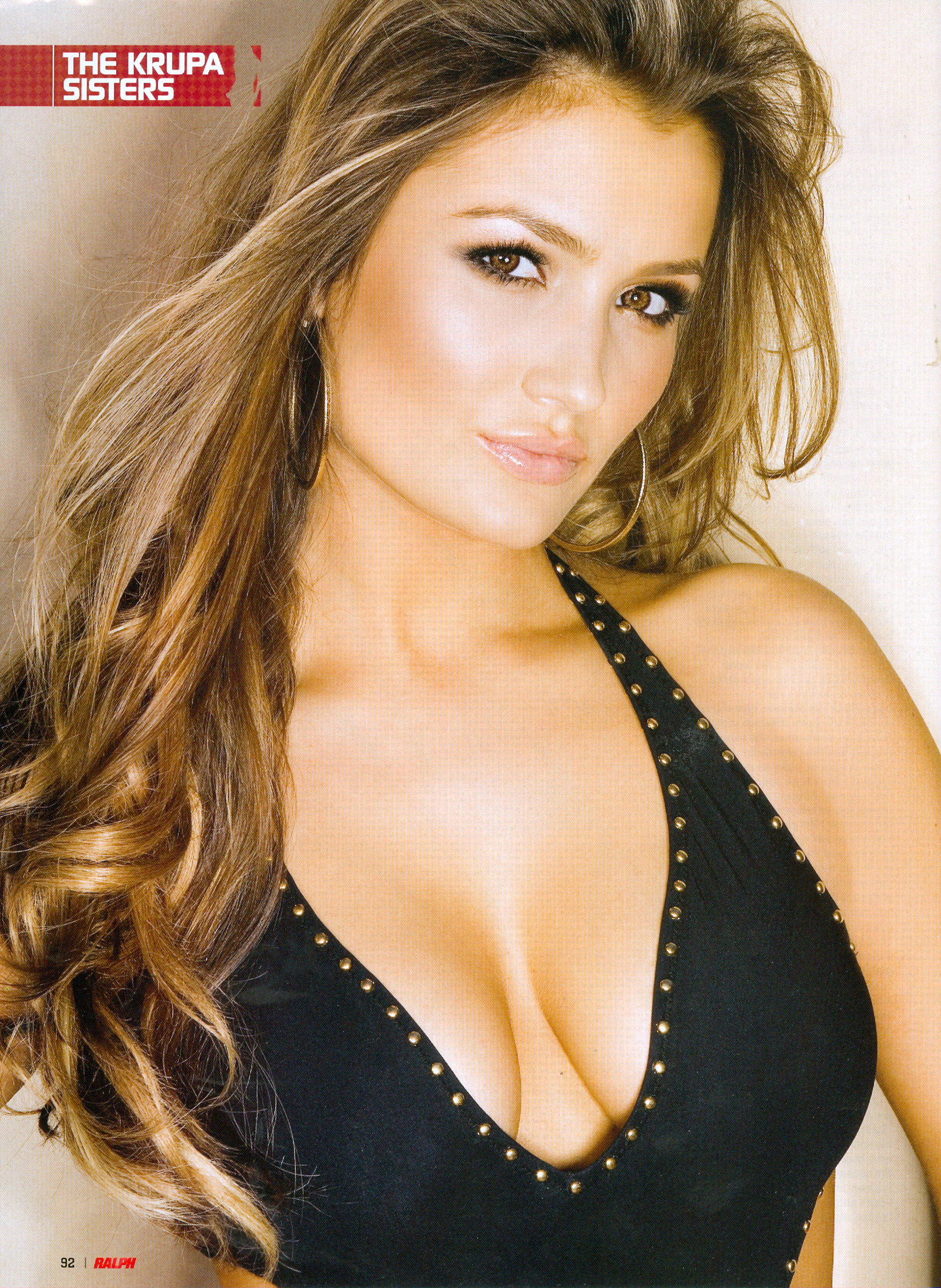
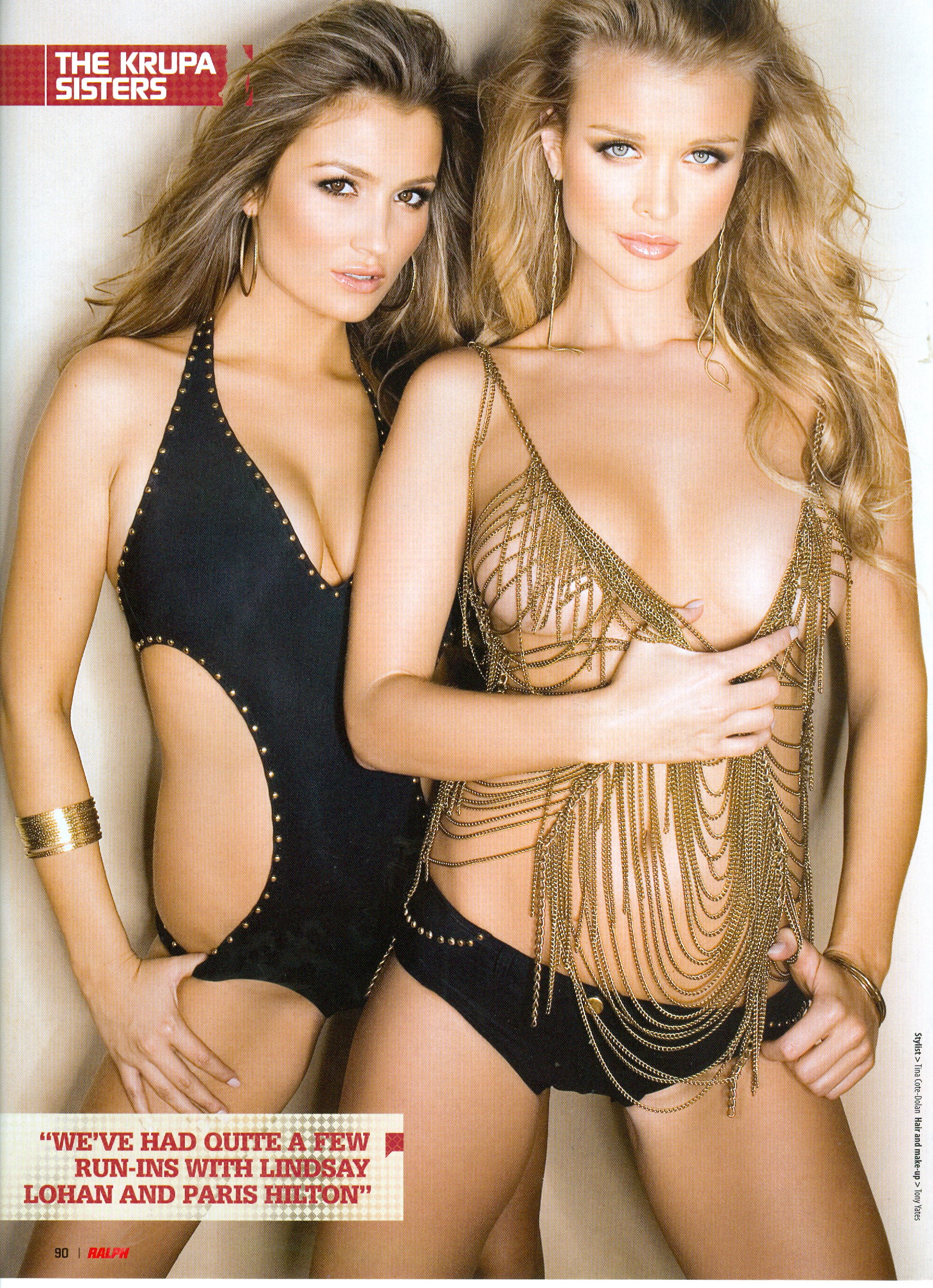
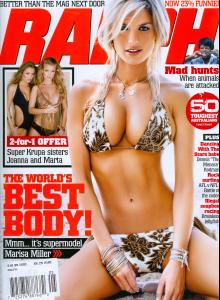
  13. My scans of the Krupa sisters out of Ralph.

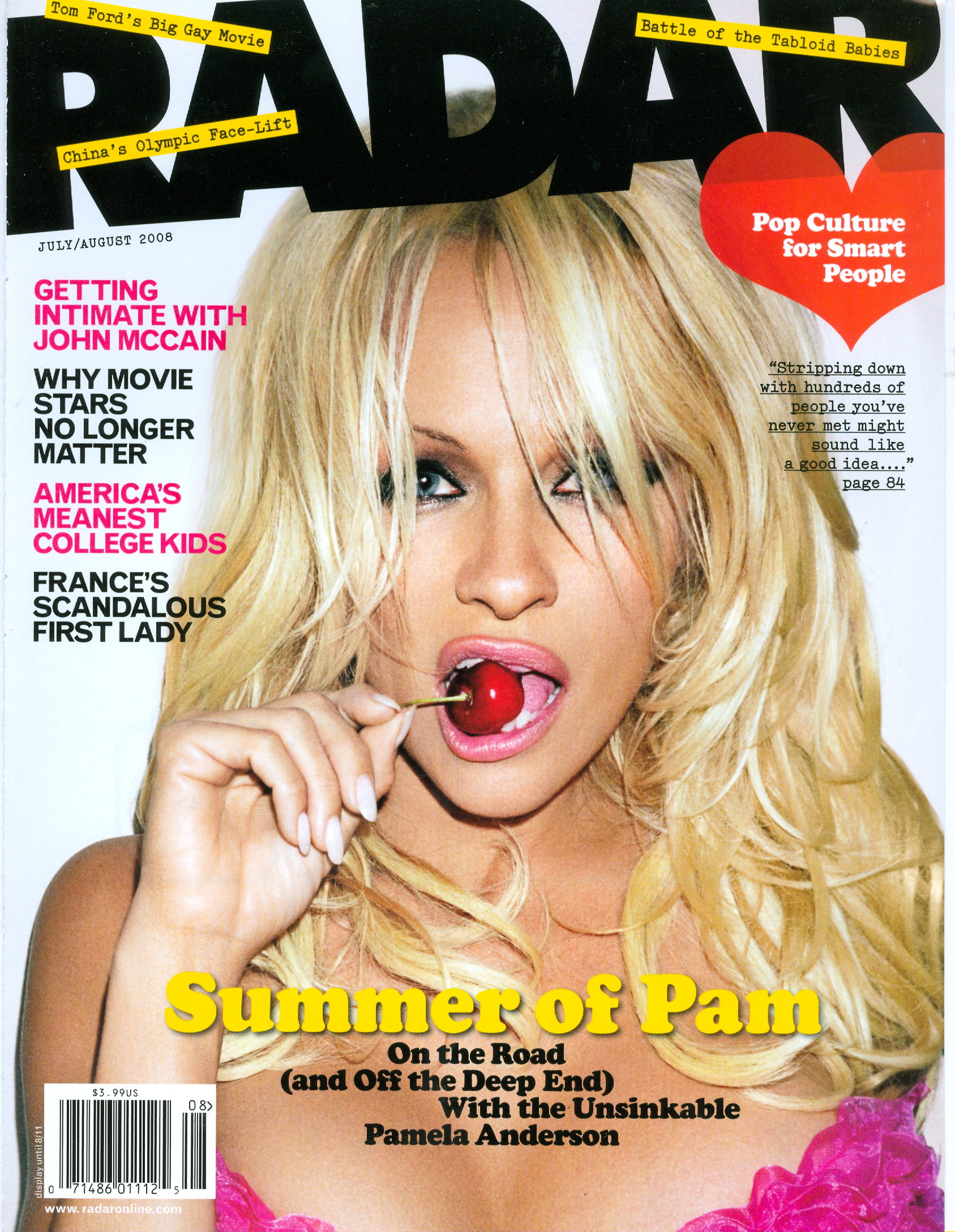
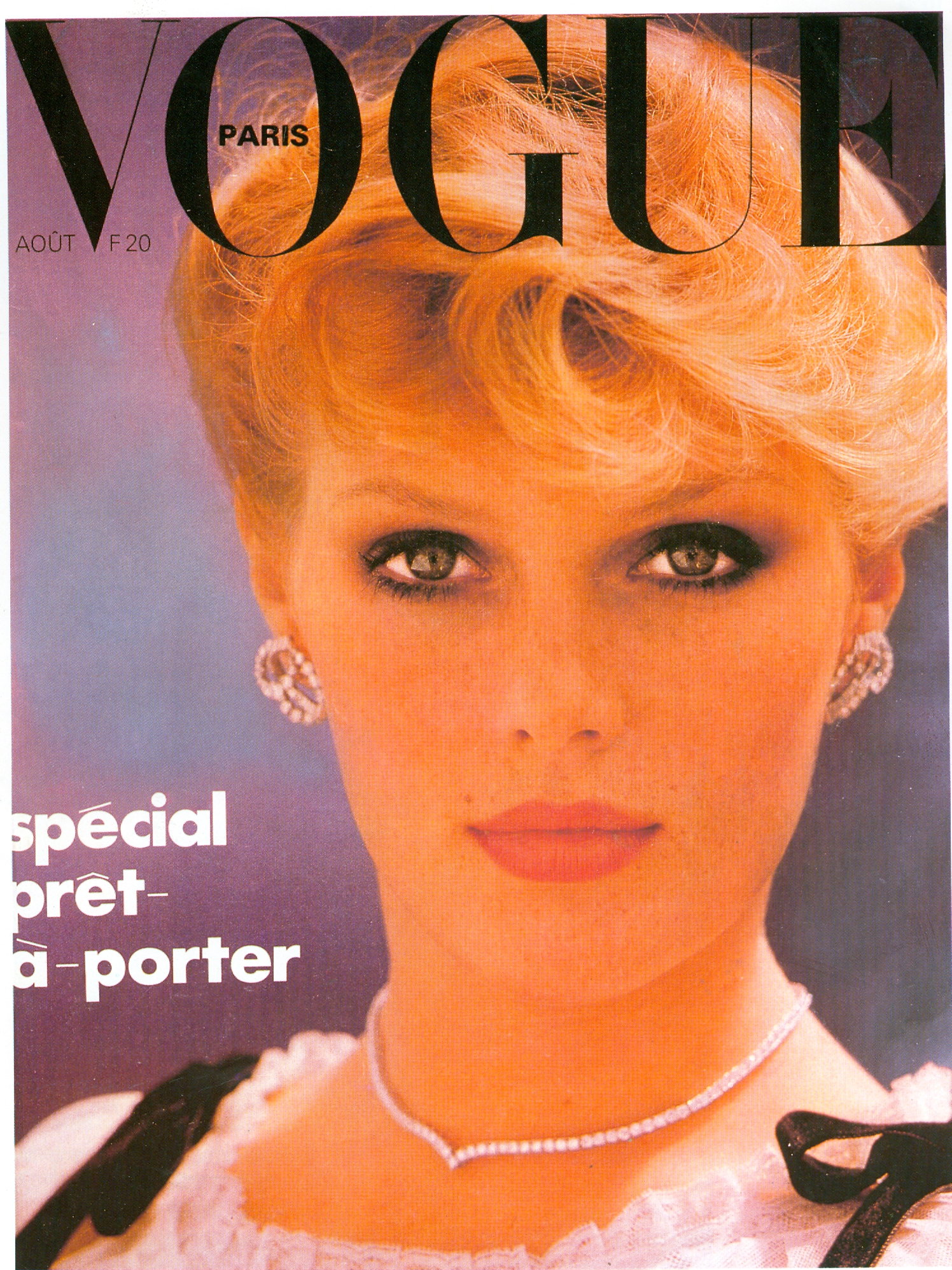
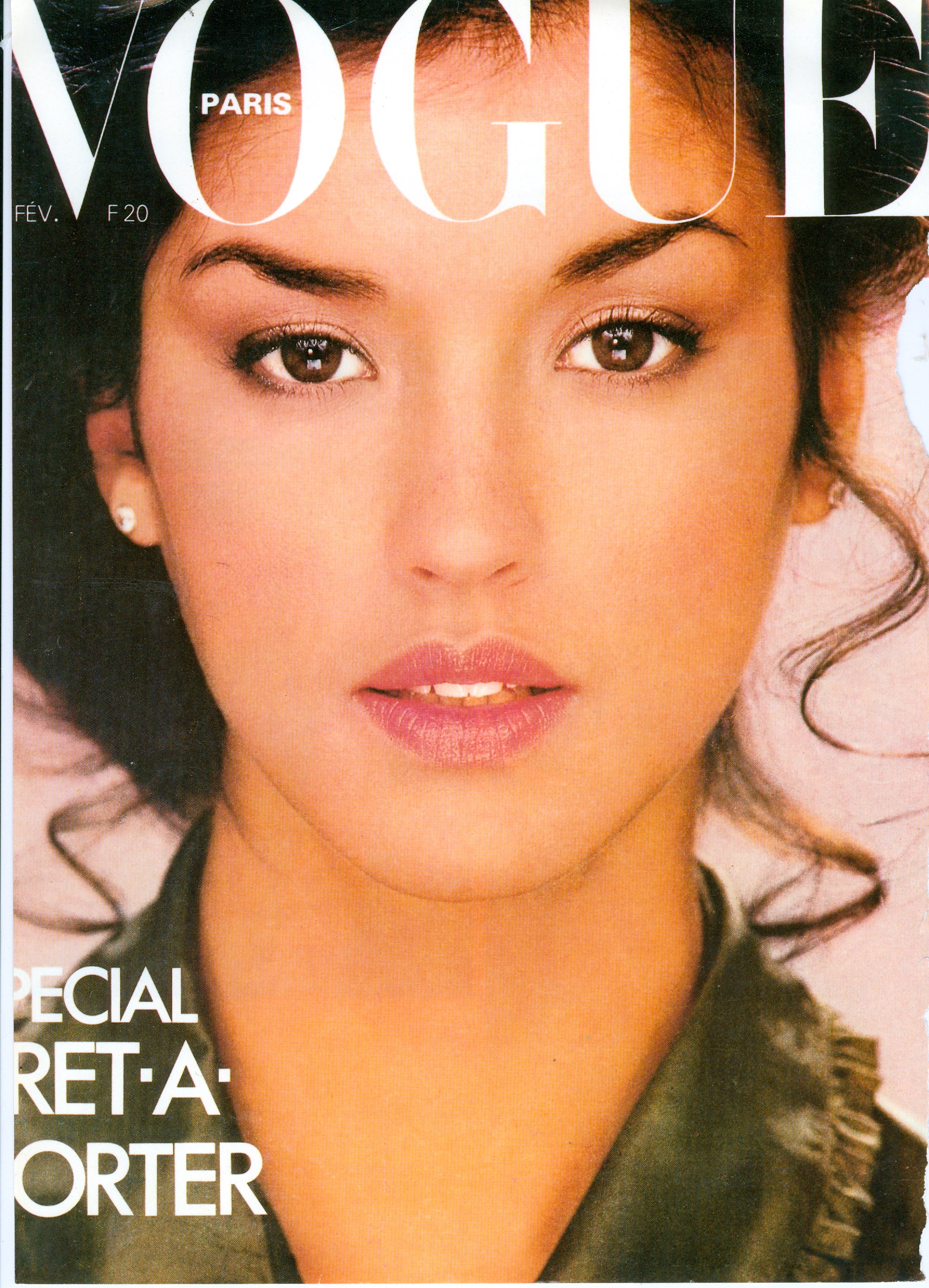
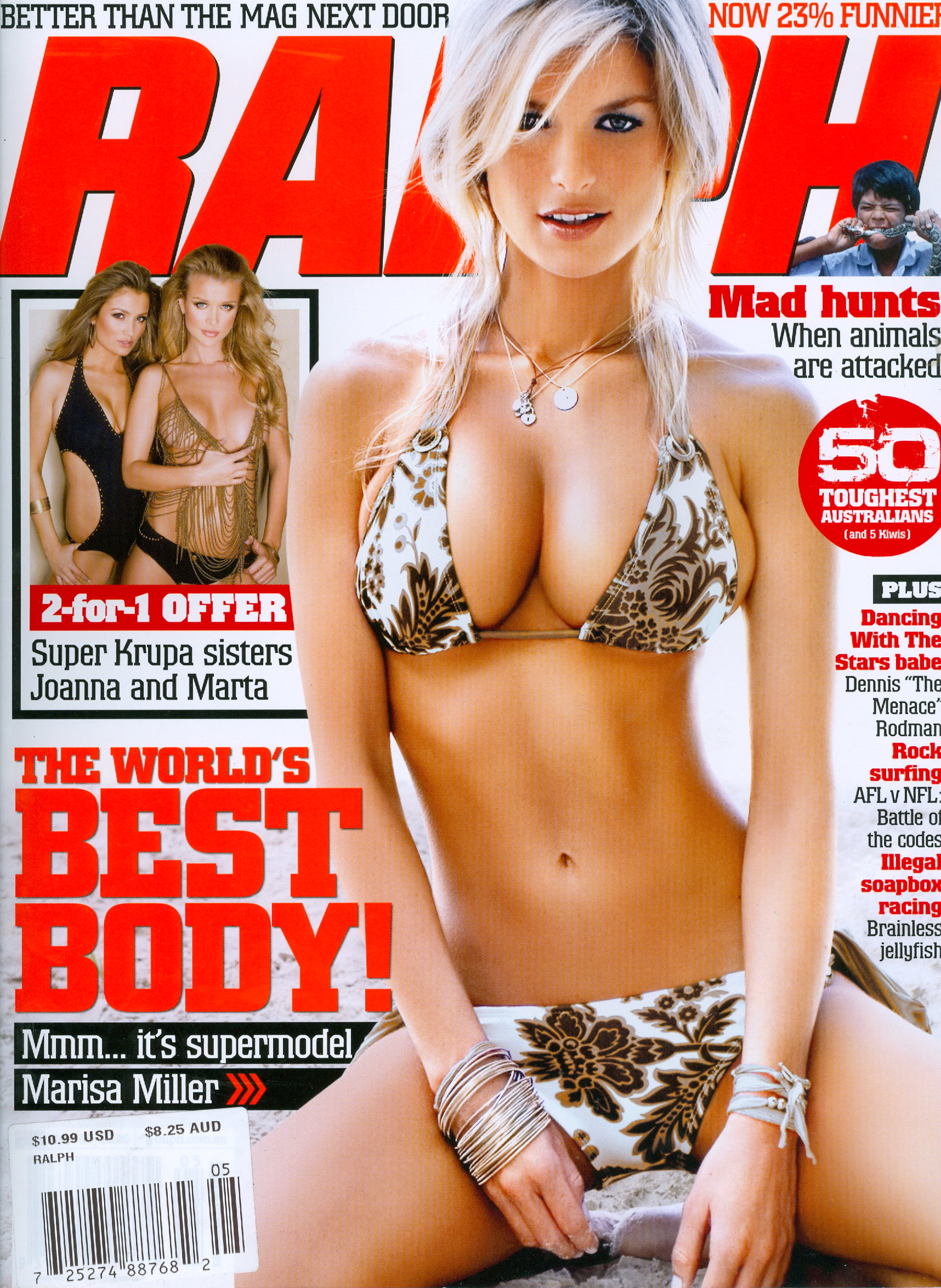
  14. This cover has been posted but I wanted to share my scan as it's one of my favorite covers of the year.
  15. Excellent shots!
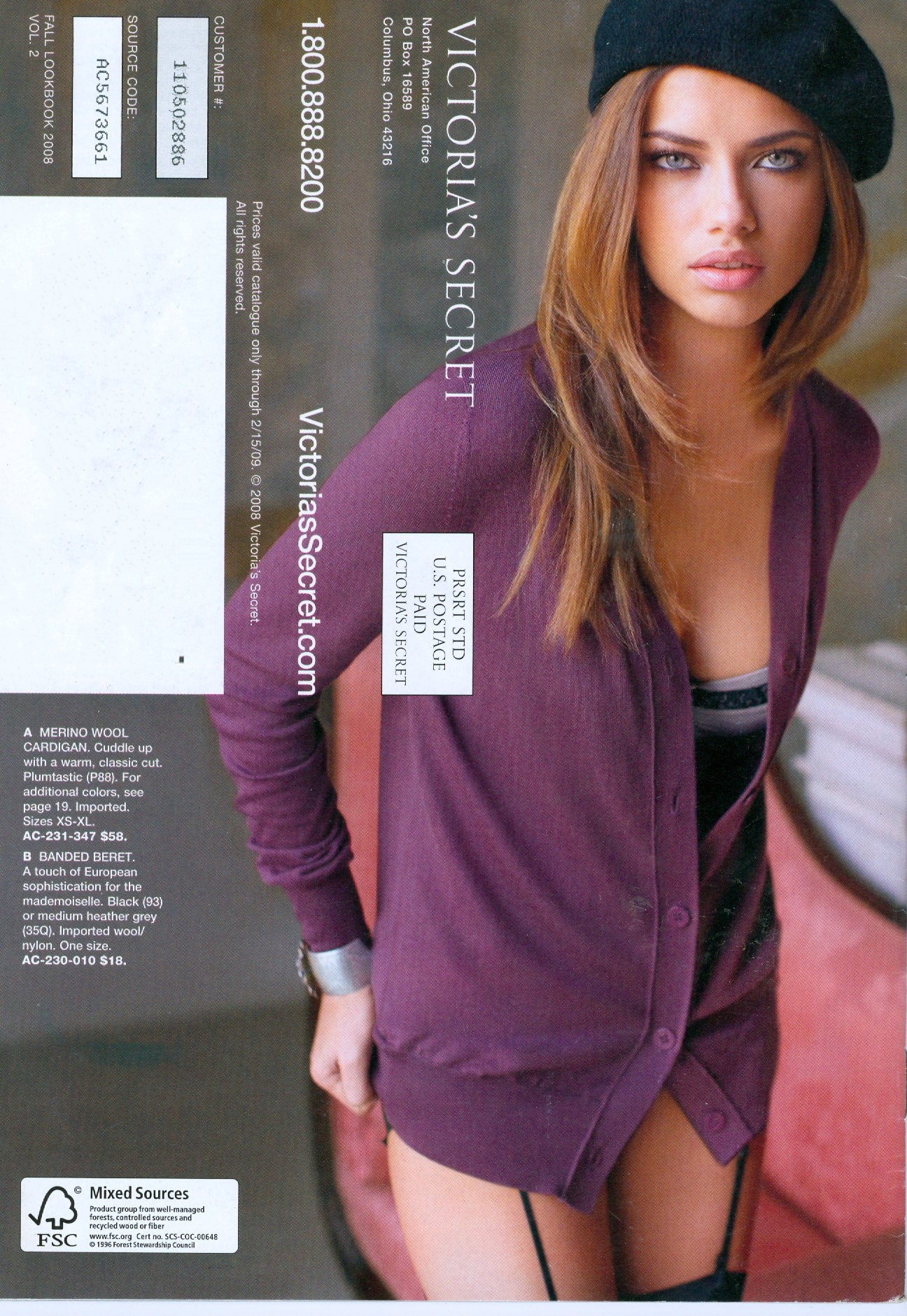
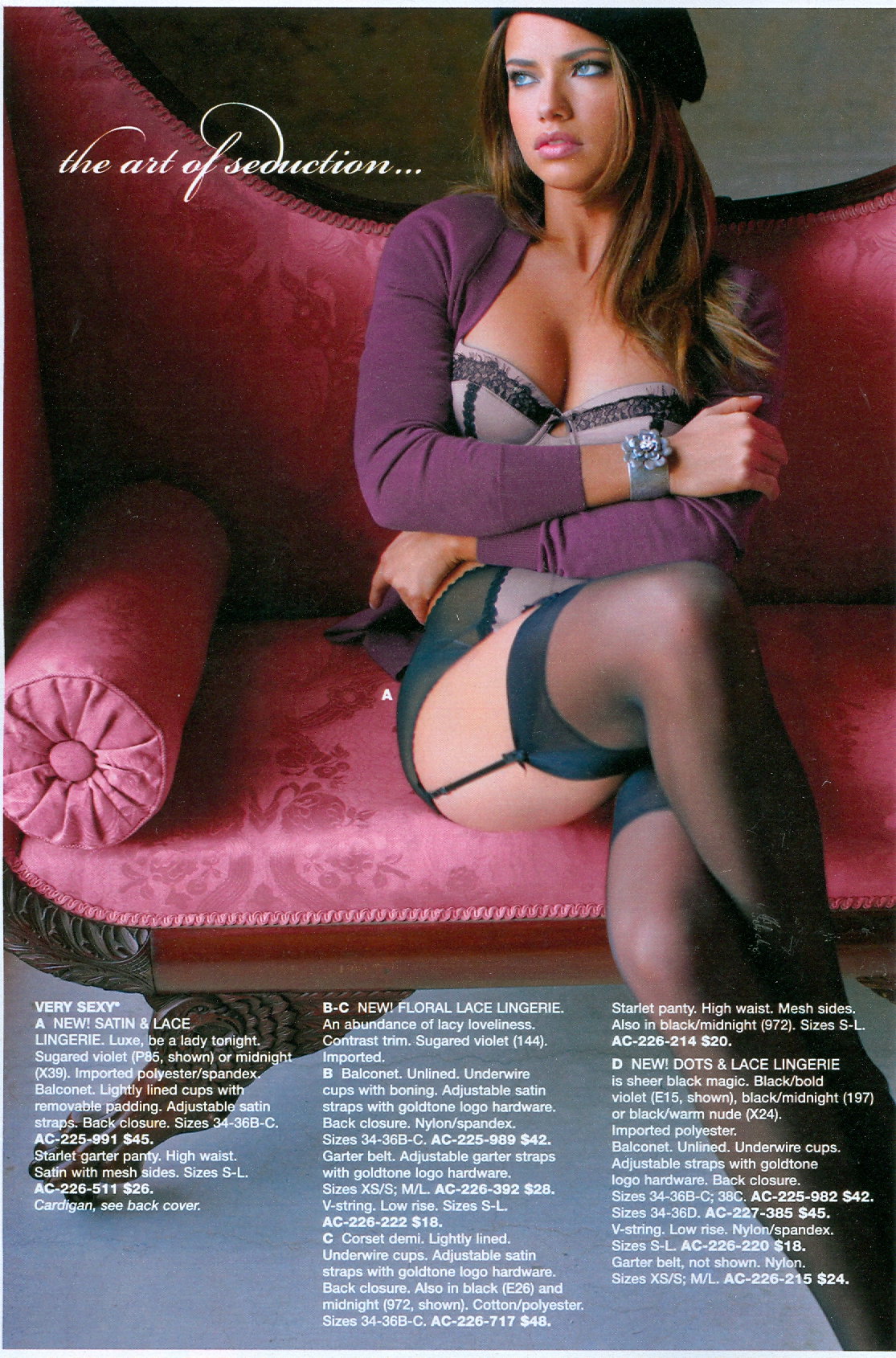
  16. I looked in the last 5 catalogs but these were the only HQ ones I could scan.
  17. jal718 replied to Hiro's topic in Actresses

Configure browser push notifications

Chrome (Android)
  1. Tap the lock icon next to the address bar.
  2. Tap Permissions → Notifications.
  3. Adjust your preference.
Chrome (Desktop)
  1. Click the padlock icon in the address bar.
  2. Select Site settings.
  3. Find Notifications and adjust your preference.