

jal718
Members
-
Joined
-
Last visited
Everything posted by jal718
-
 A bit larger for you but I believe I posted it very early on. .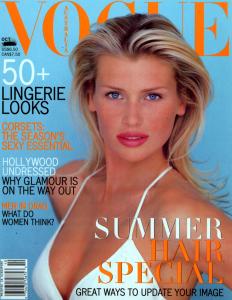
-
Nice scans suki, thanks!
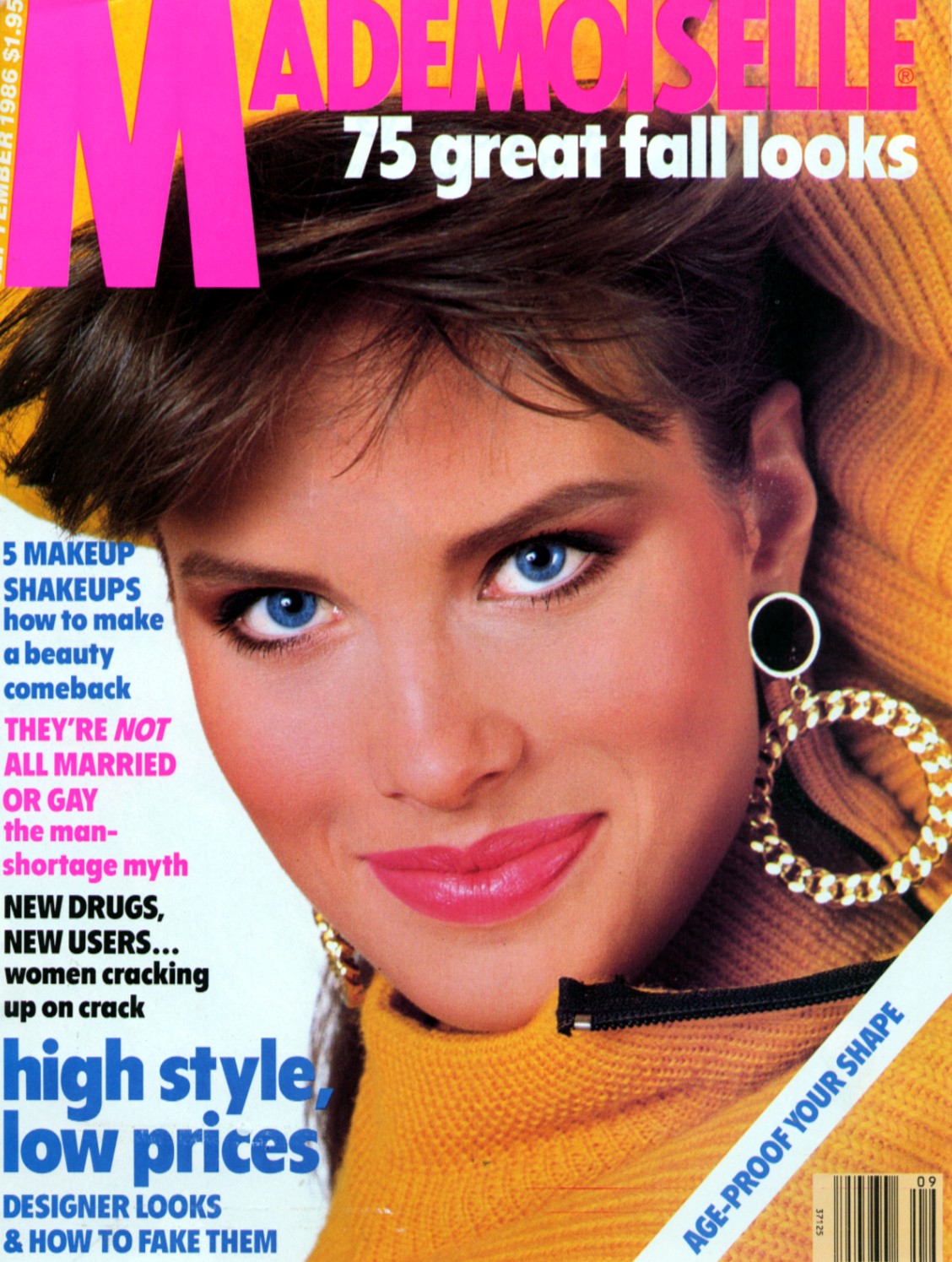
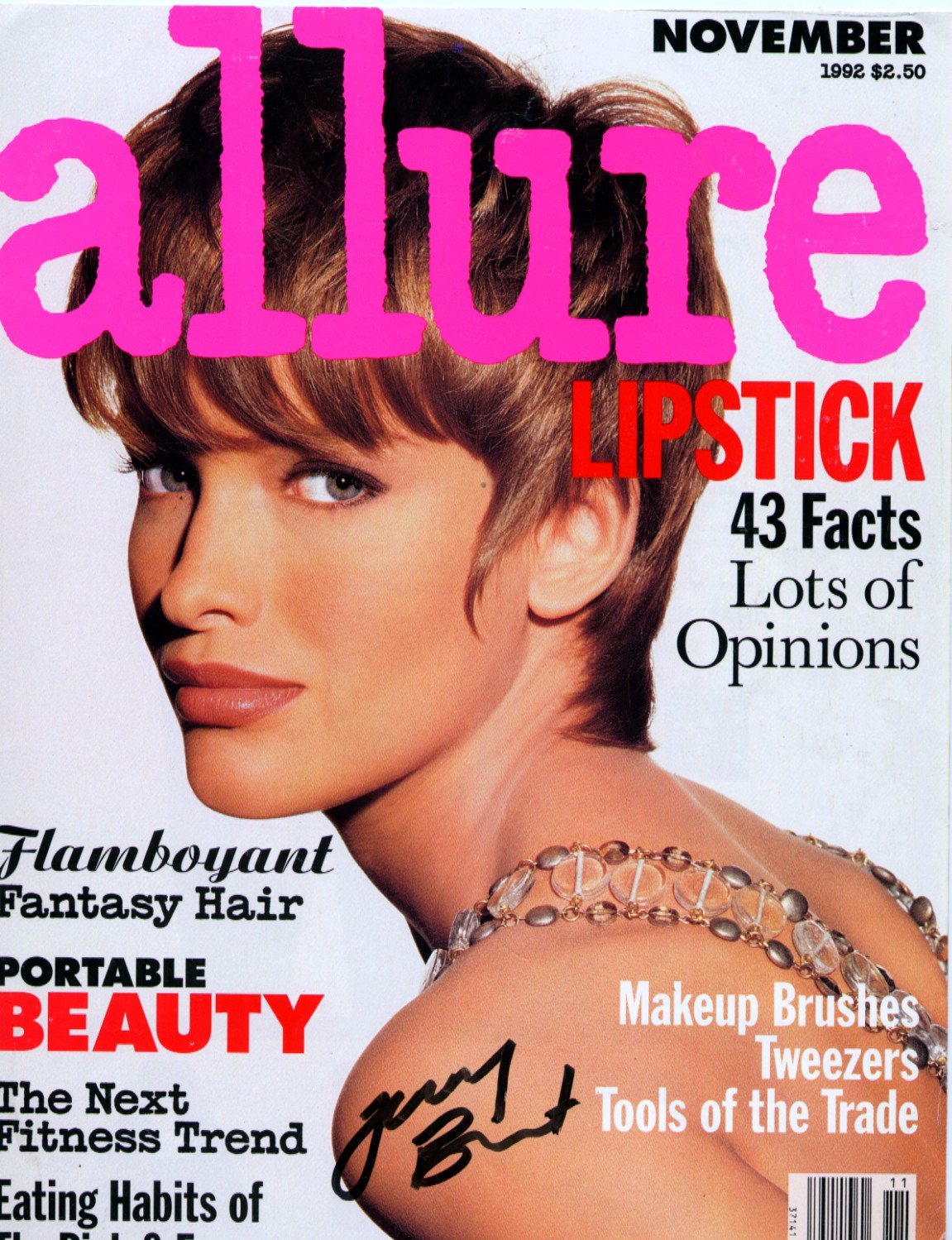
Subscriber's cover, my scan.
 thx for sharing. No problem!
You're welcome magic!
Great DT cover!
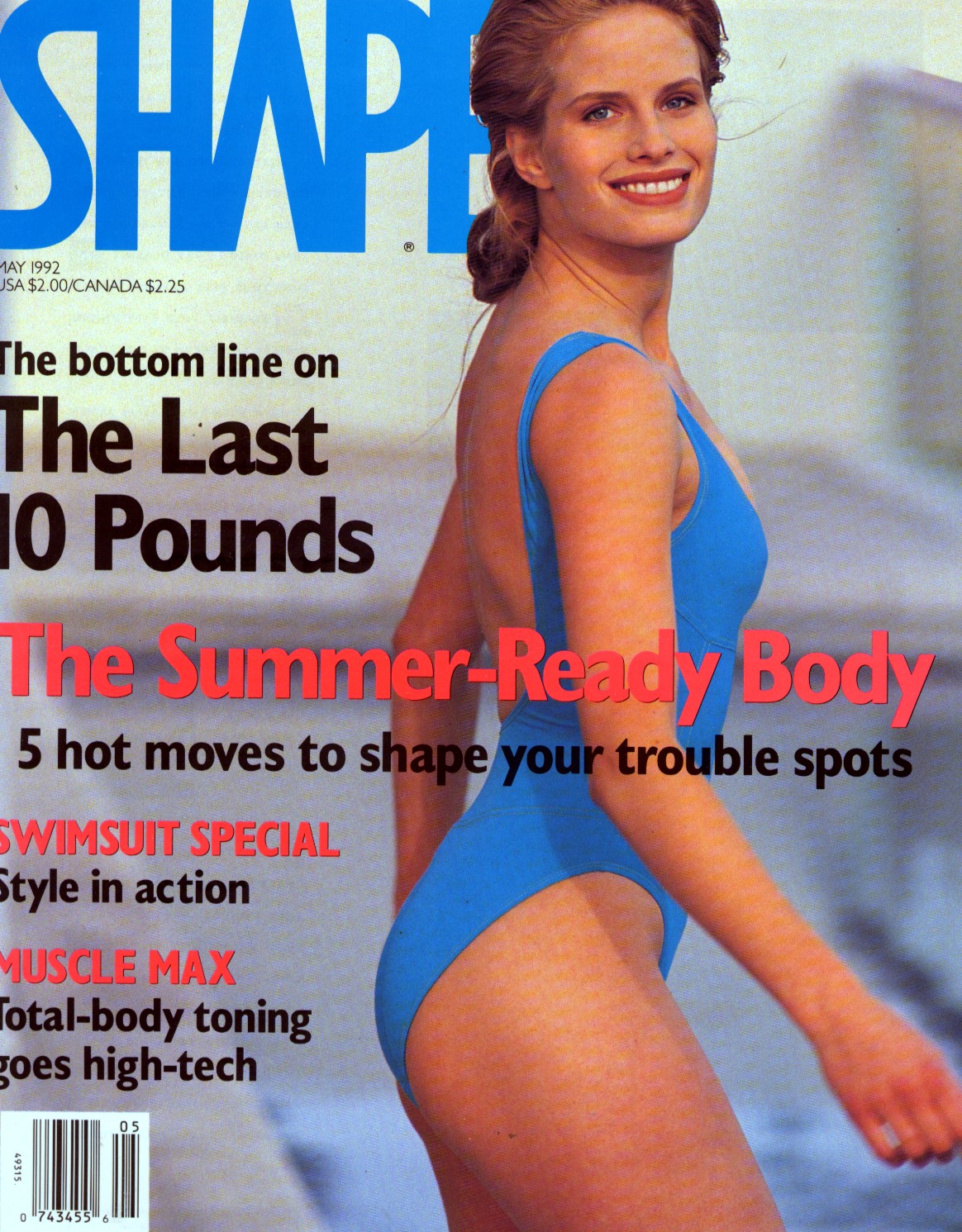
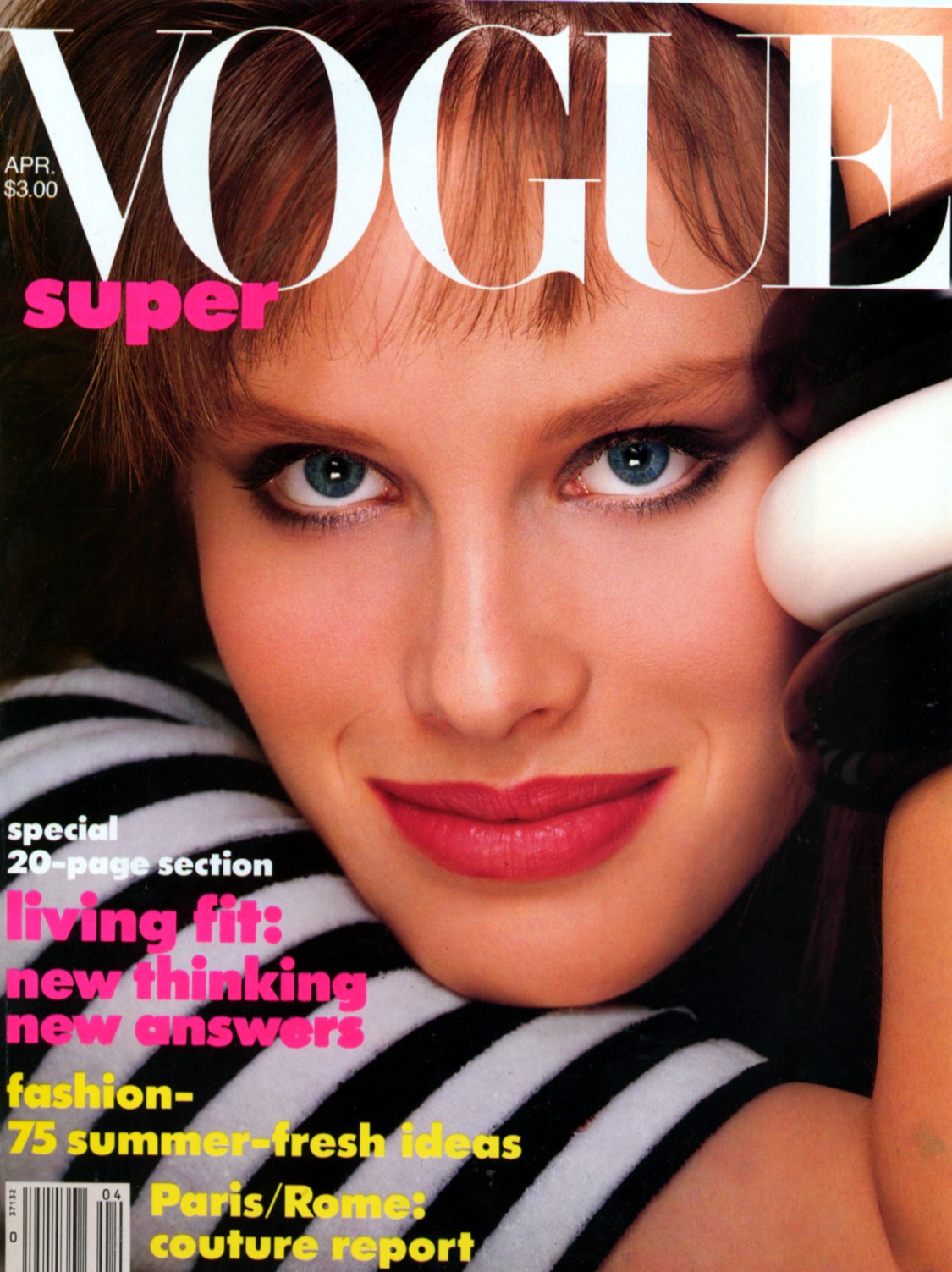
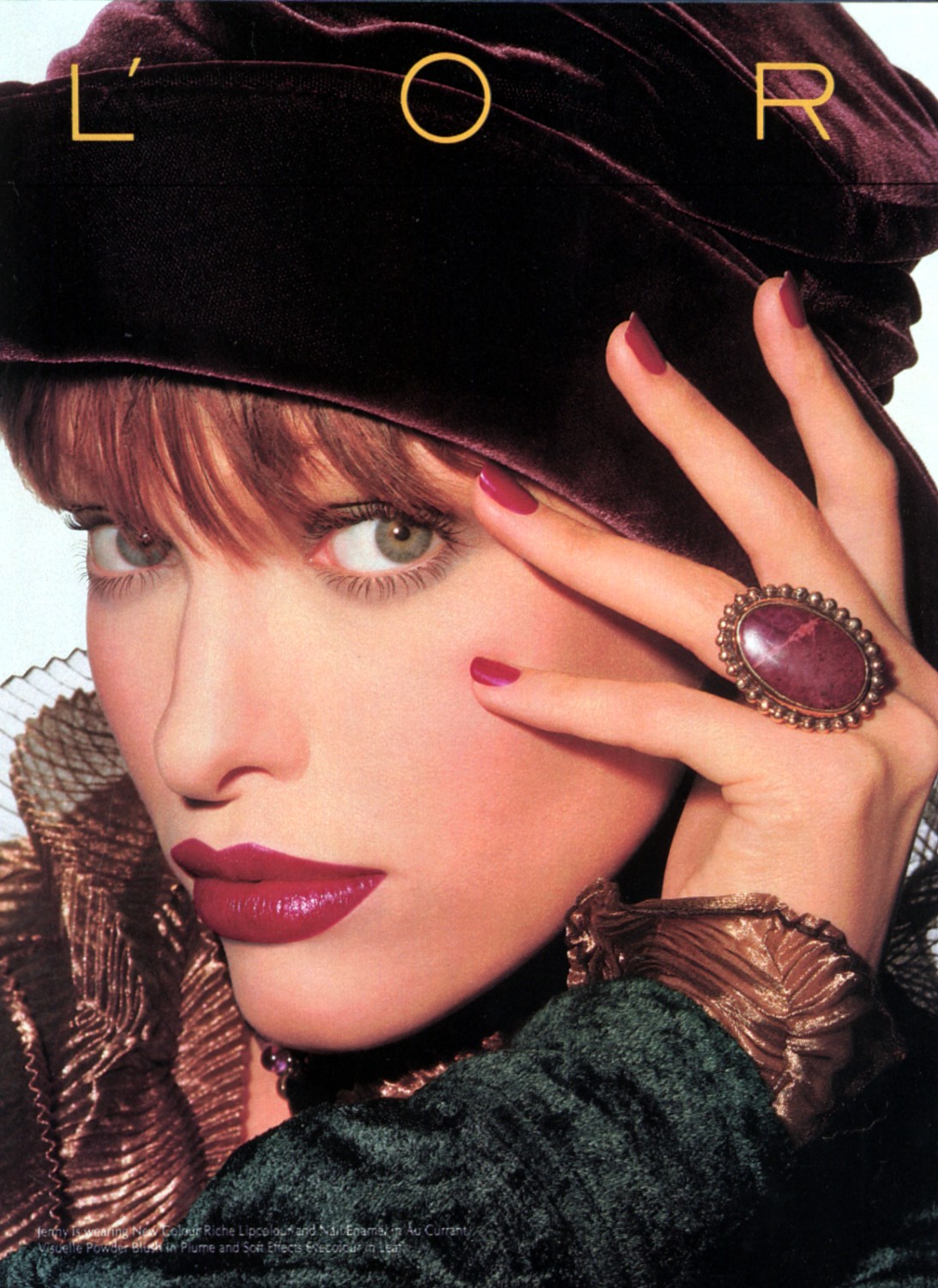
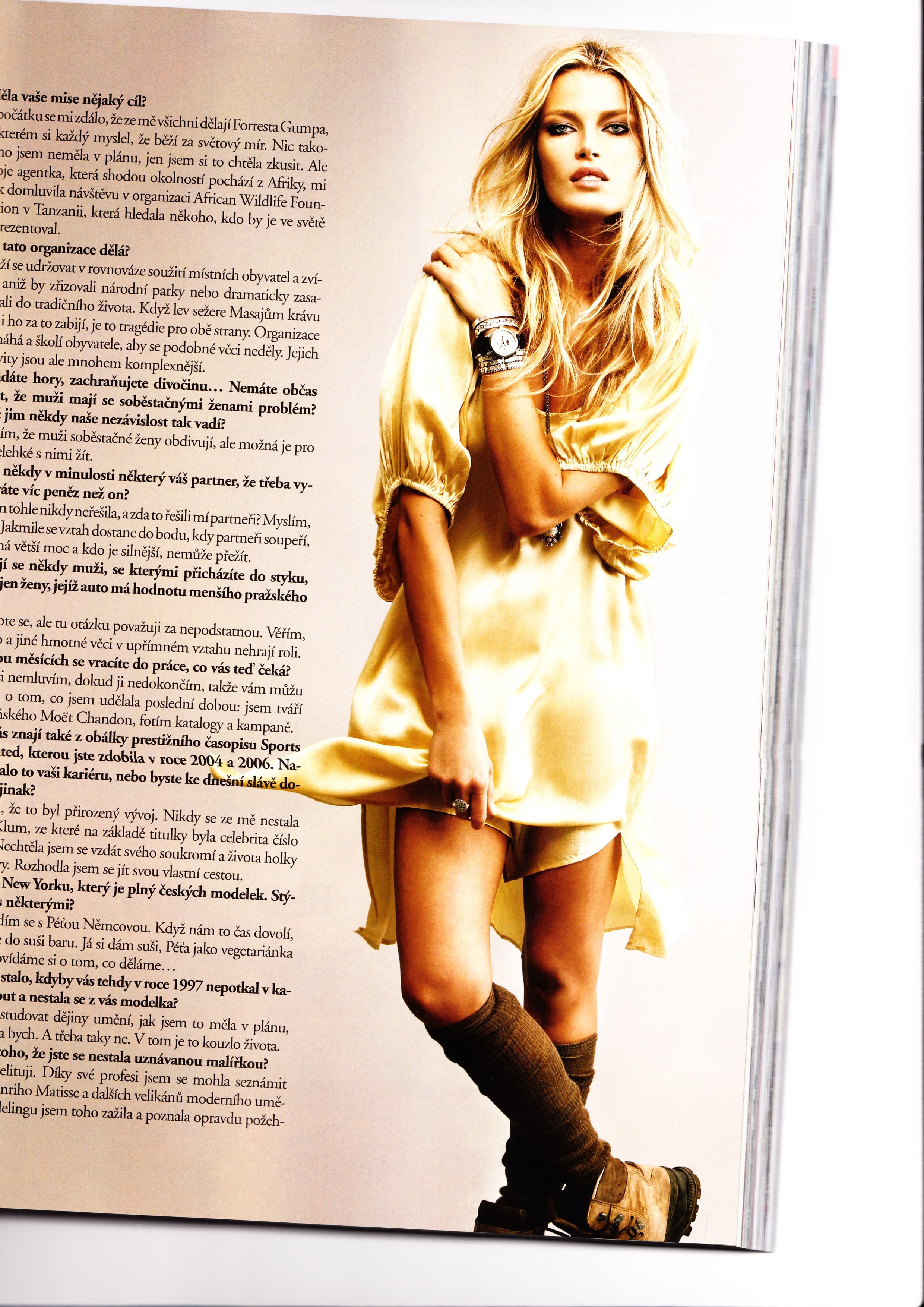
The rest of my scans.
thx for sharing. No problem!
You're welcome magic!
Great DT cover!
The rest of my scans.




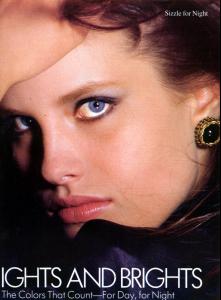 She was on the cover of Cosmo as the model of the year or something like that. I don't have it but I'd like to try and find it.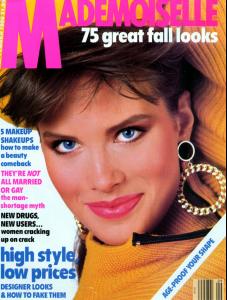
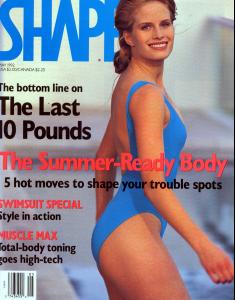

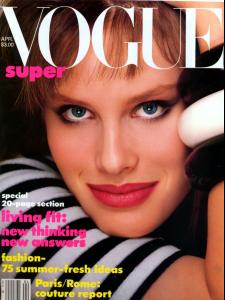
 Another thread that got lost in the crash!
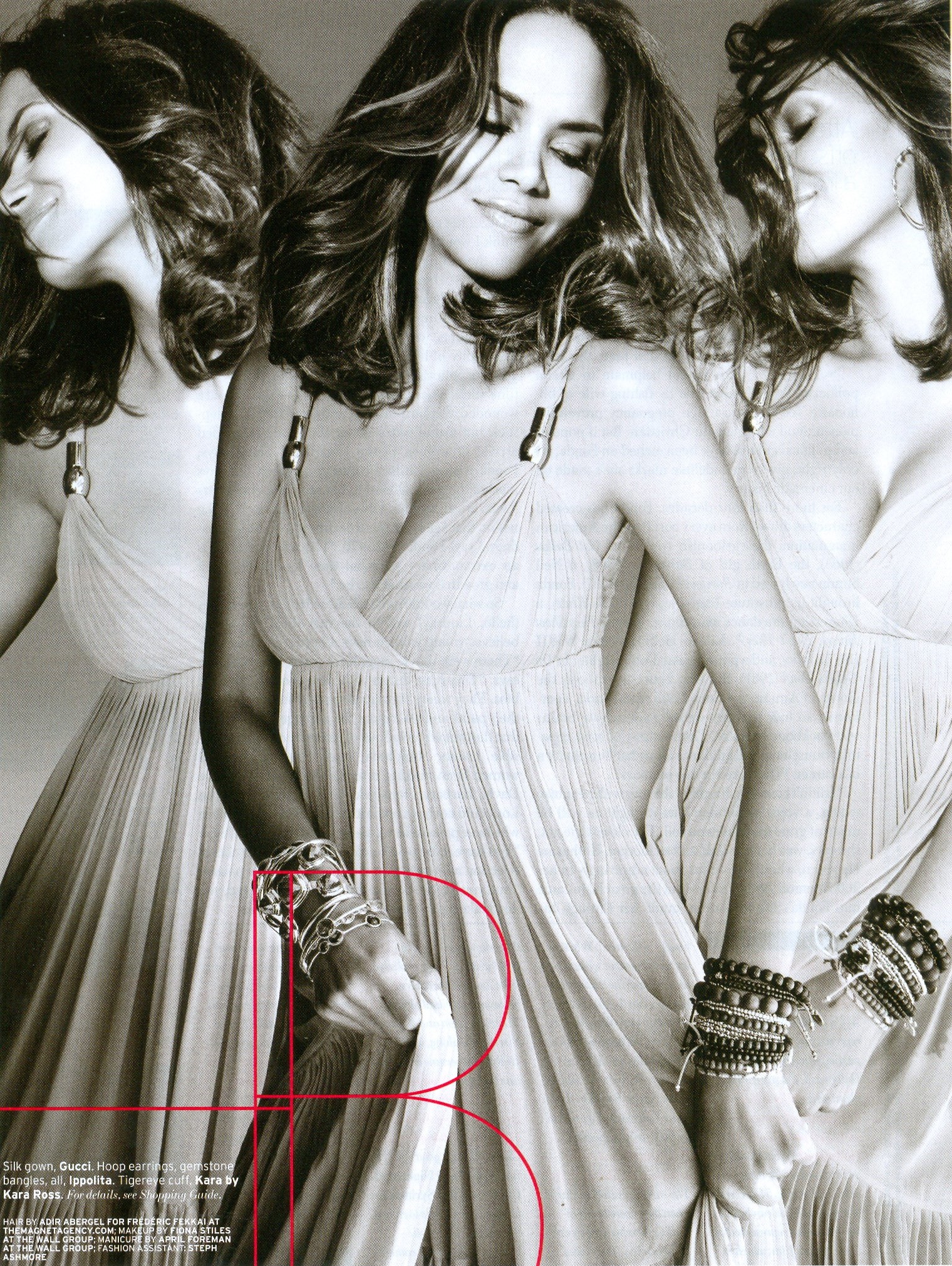
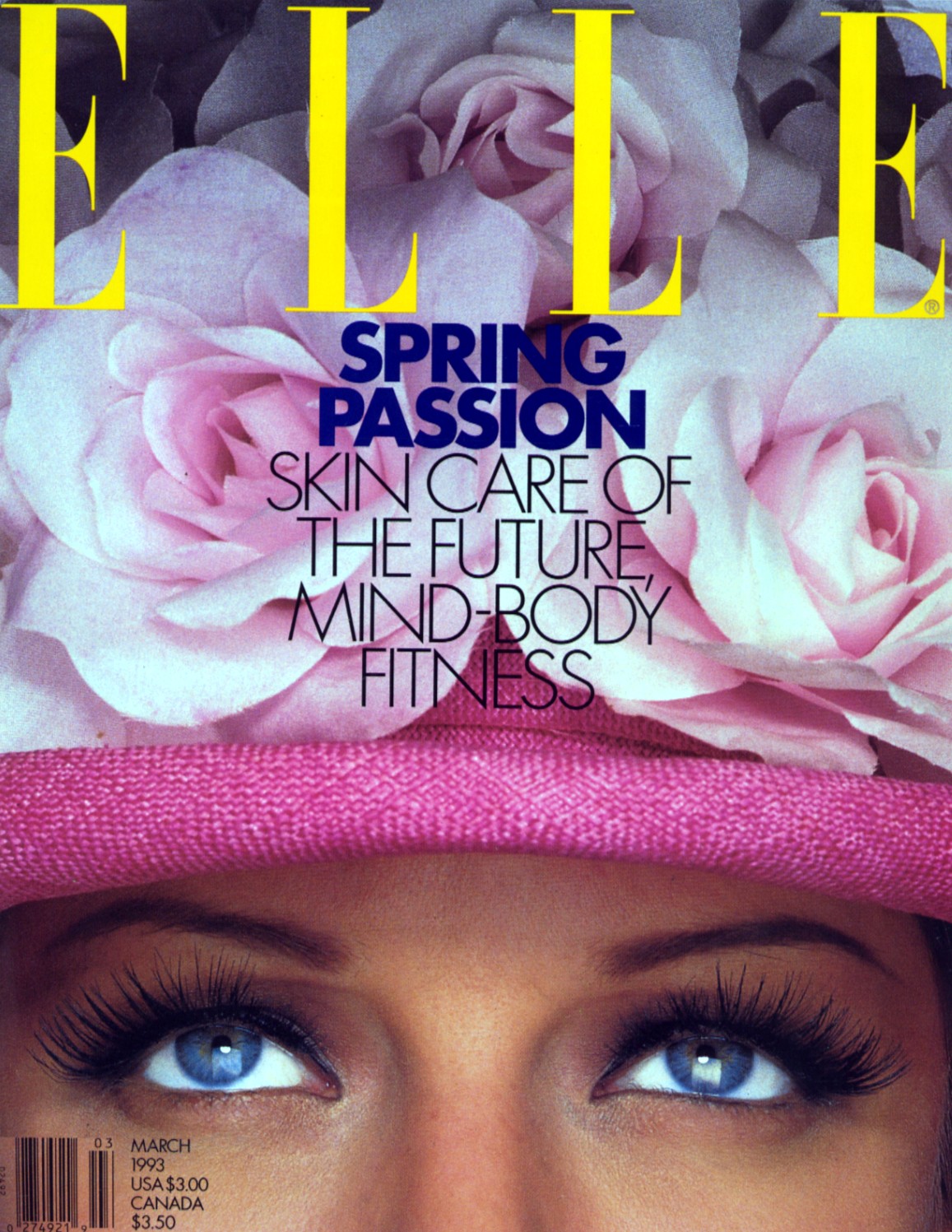
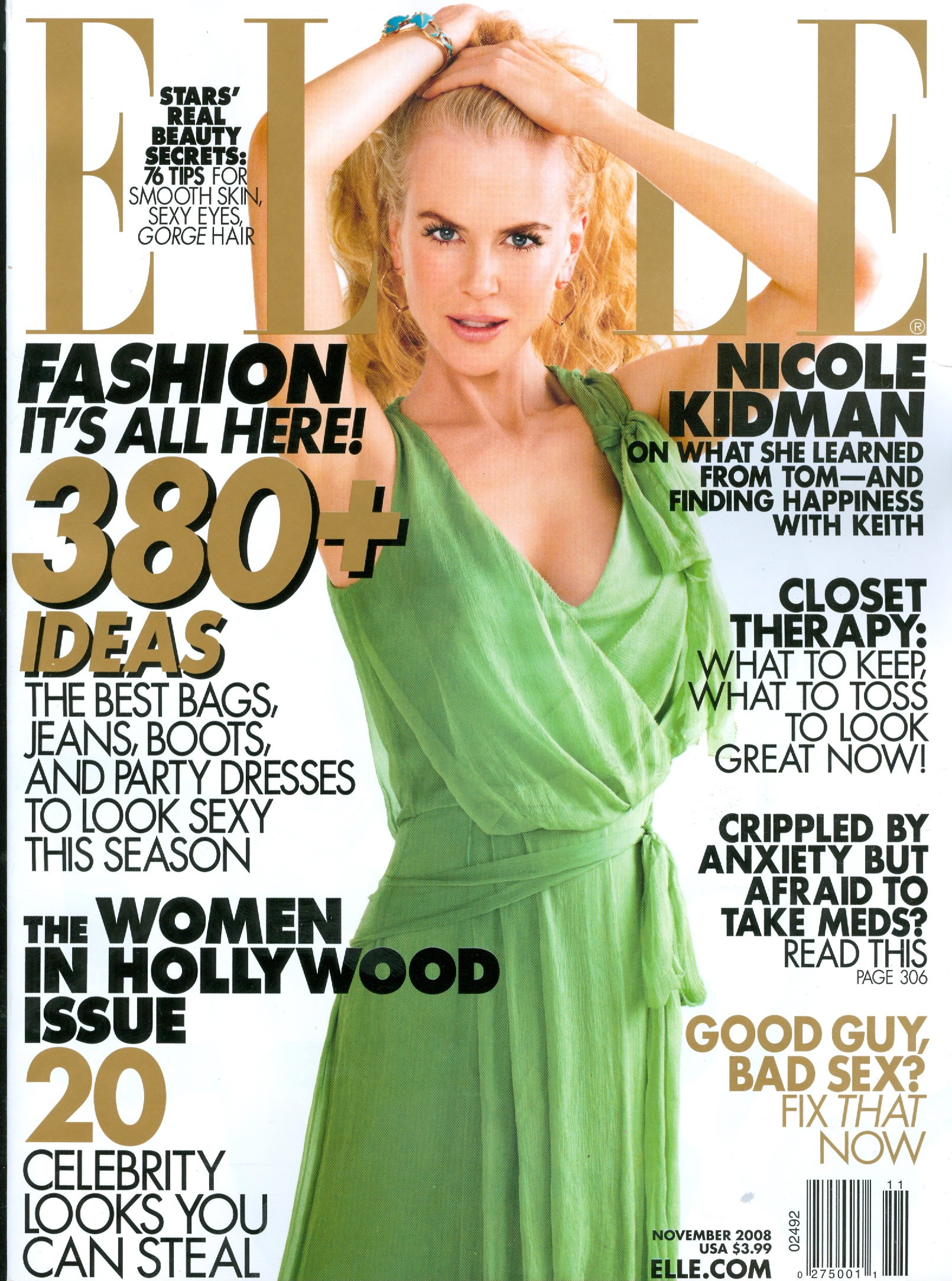
My scan from the new Elle
Another thread that got lost in the crash!
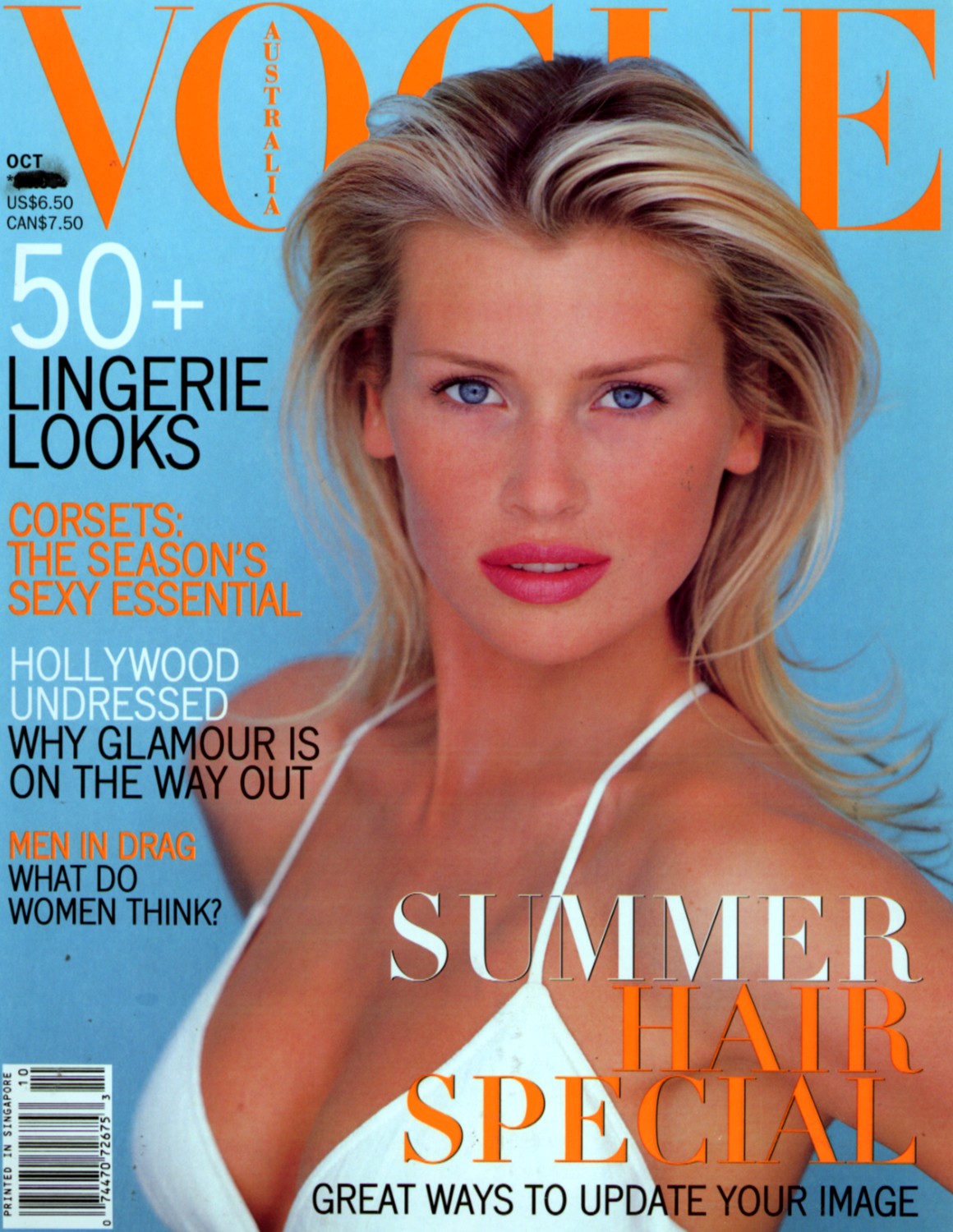
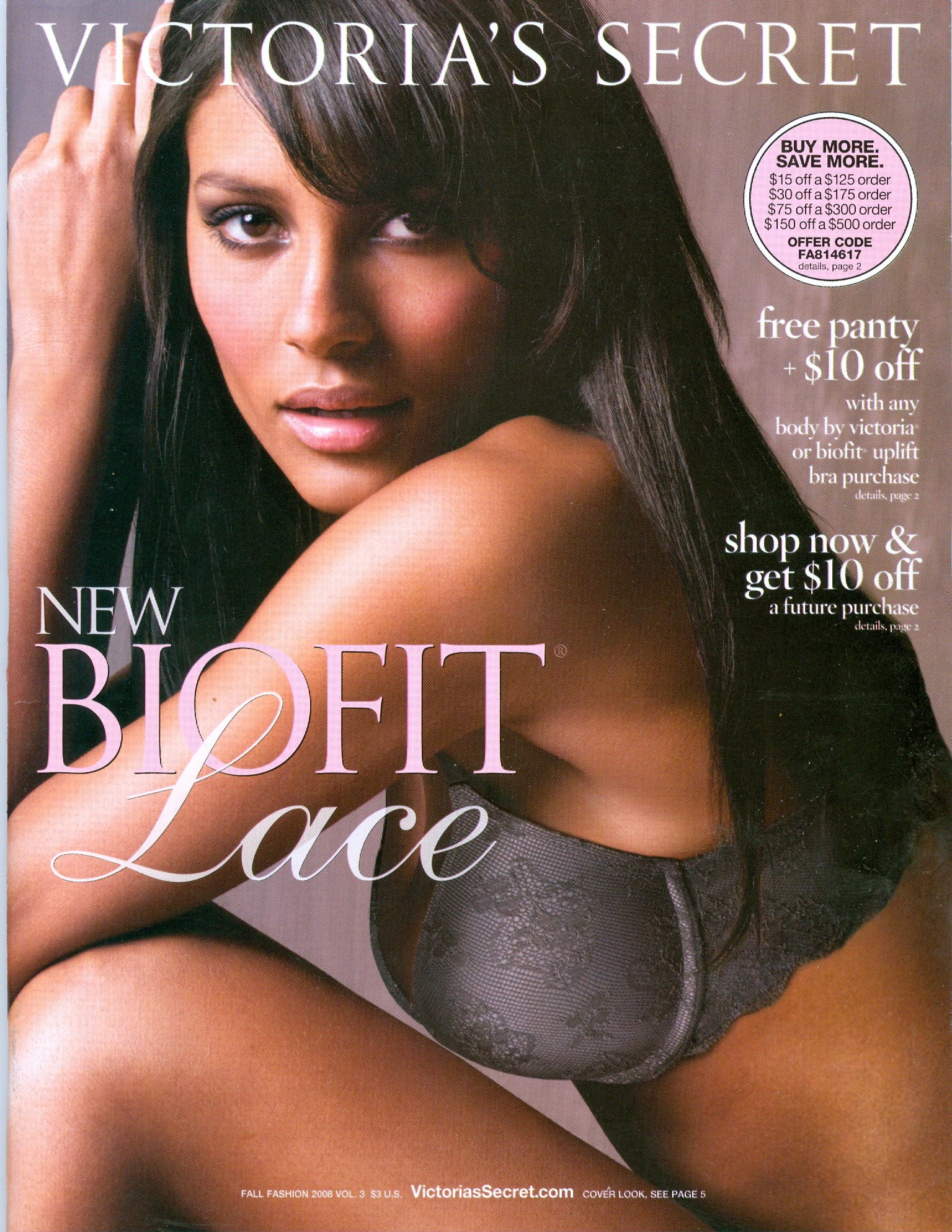
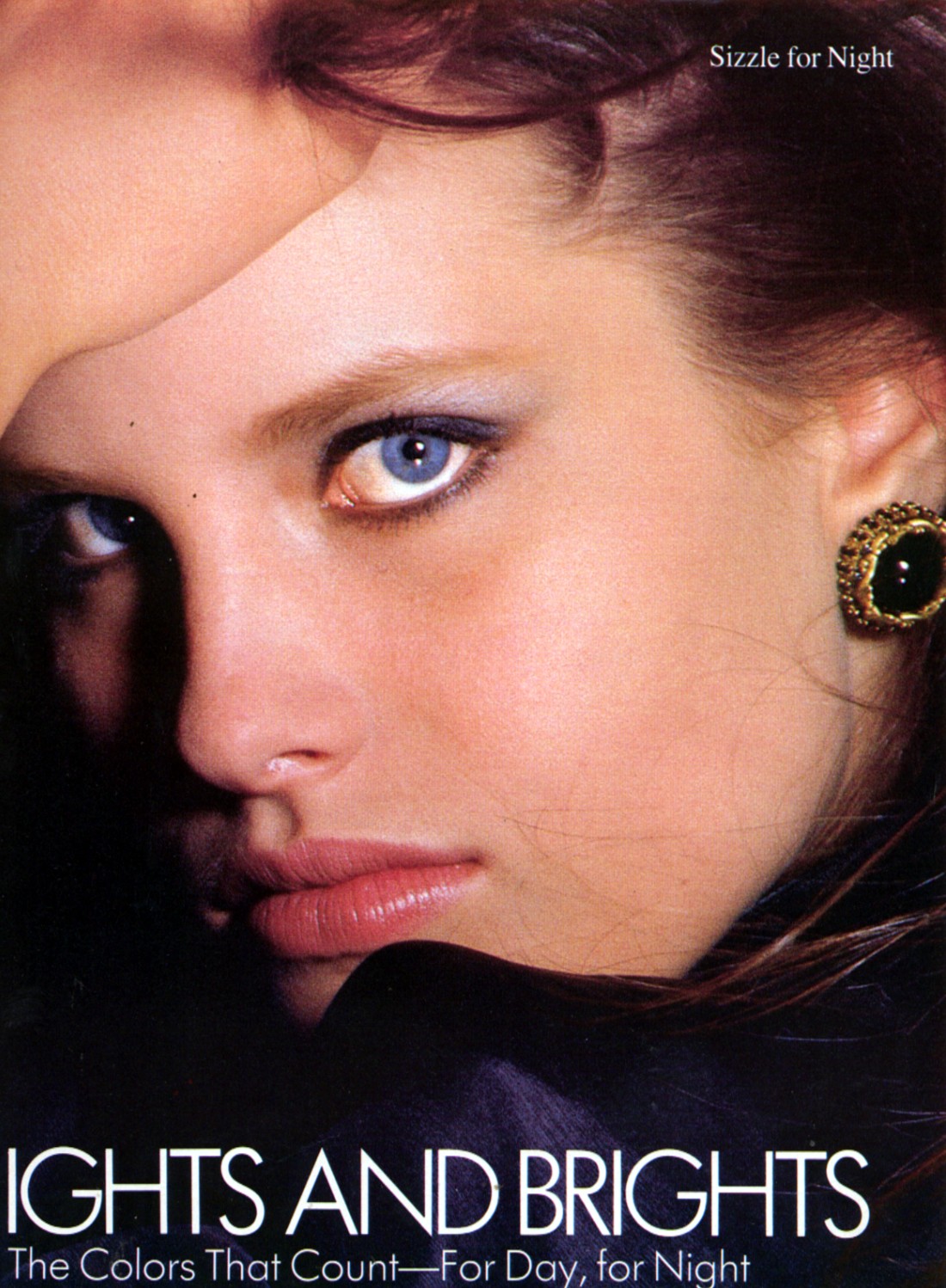
My scan from the new Elle My scans from the new Elle.
























Account
Search
Configure browser push notifications
Chrome (Android)
- Tap the lock icon next to the address bar.
- Tap Permissions → Notifications.
- Adjust your preference.
Chrome (Desktop)
- Click the padlock icon in the address bar.
- Select Site settings.
- Find Notifications and adjust your preference.
Safari (iOS 16.4+)
- Ensure the site is installed via Add to Home Screen.
- Open Settings App → Notifications.
- Find your app name and adjust your preference.
Safari (macOS)
- Go to Safari → Preferences.
- Click the Websites tab.
- Select Notifications in the sidebar.
- Find this website and adjust your preference.
Edge (Android)
- Tap the lock icon next to the address bar.
- Tap Permissions.
- Find Notifications and adjust your preference.
Edge (Desktop)
- Click the padlock icon in the address bar.
- Click Permissions for this site.
- Find Notifications and adjust your preference.
Firefox (Android)
- Go to Settings → Site permissions.
- Tap Notifications.
- Find this site in the list and adjust your preference.
Firefox (Desktop)
- Open Firefox Settings.
- Search for Notifications.
- Find this site in the list and adjust your preference.