jal718
Members
-
Joined
-
Last visited
Everything posted by jal718
-

-
-
I use neatimage softwear for noise reduction. Here is the link: http://www.neatimage.com/examples.html What do you think about the result of your scan processed by neatimage ? Example: She looks like a wax figure now!
-
-
-
Yes, it is Joan.
-
I see the Harley pictures are gone, good thing I snagged them so I won't have to scan my own!
-
I'll check it out and if worth while, I slip it in between a Maxim and Playboy at the check out line
-
Worth the wait fmf, thanks.
-
On the VS website, will post mine when I get it.

-
-
-
-
Nice cover posted on TFS

-
-
-
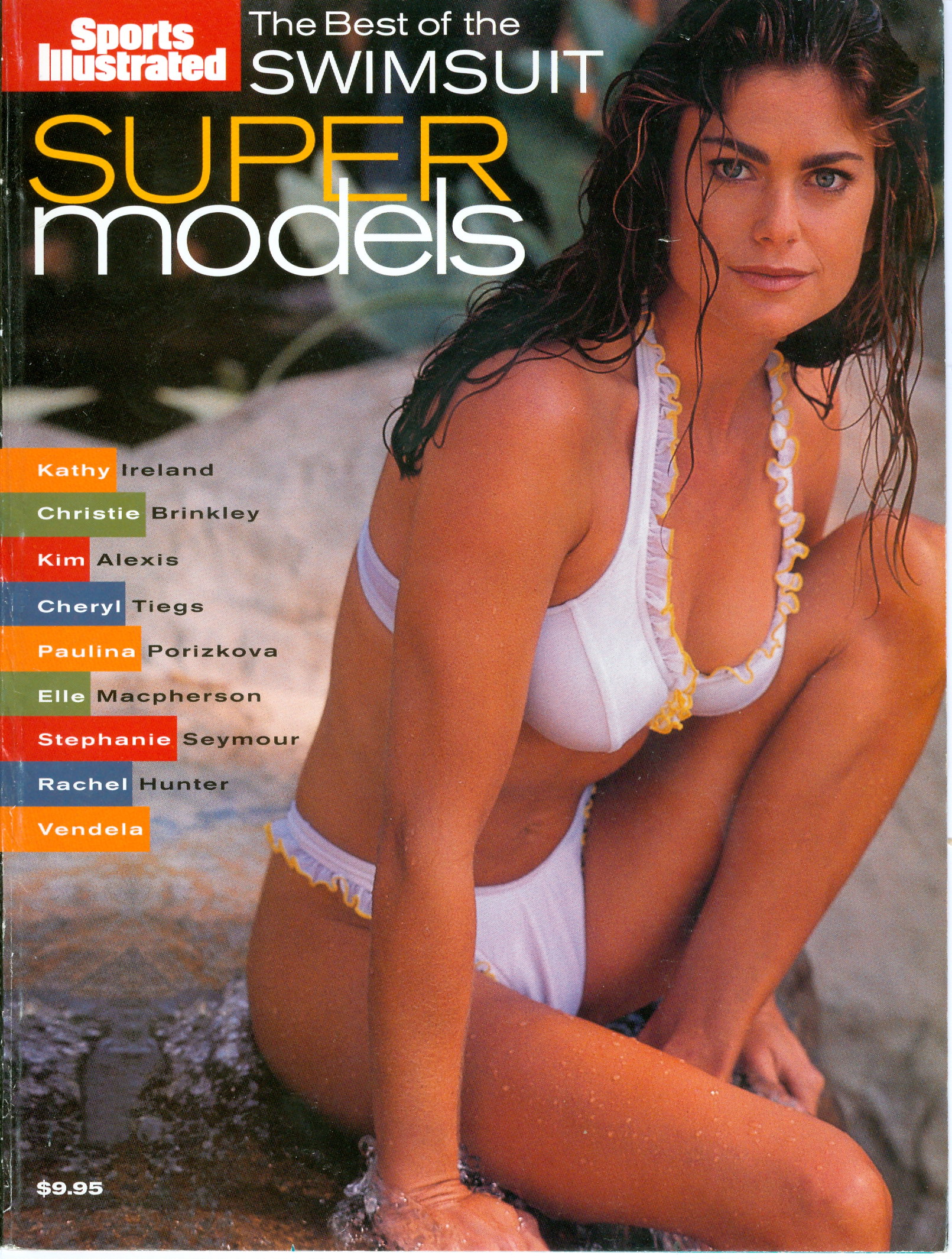
The Best of the Swimshuit Super Models

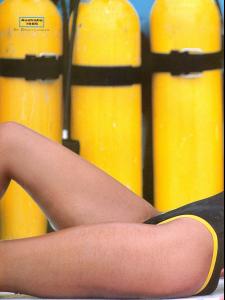
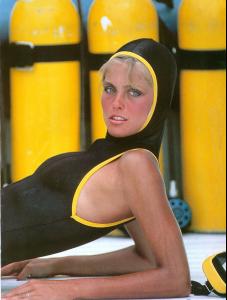

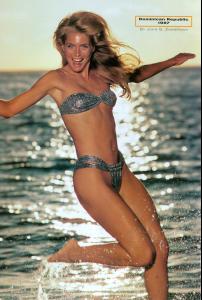 The Best of the Sports Illustrated Swimsuit Super Models


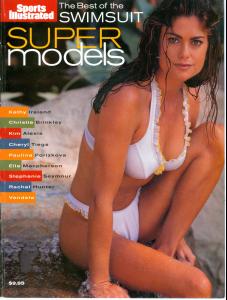 Yes, it is.
Nice job, Mel!
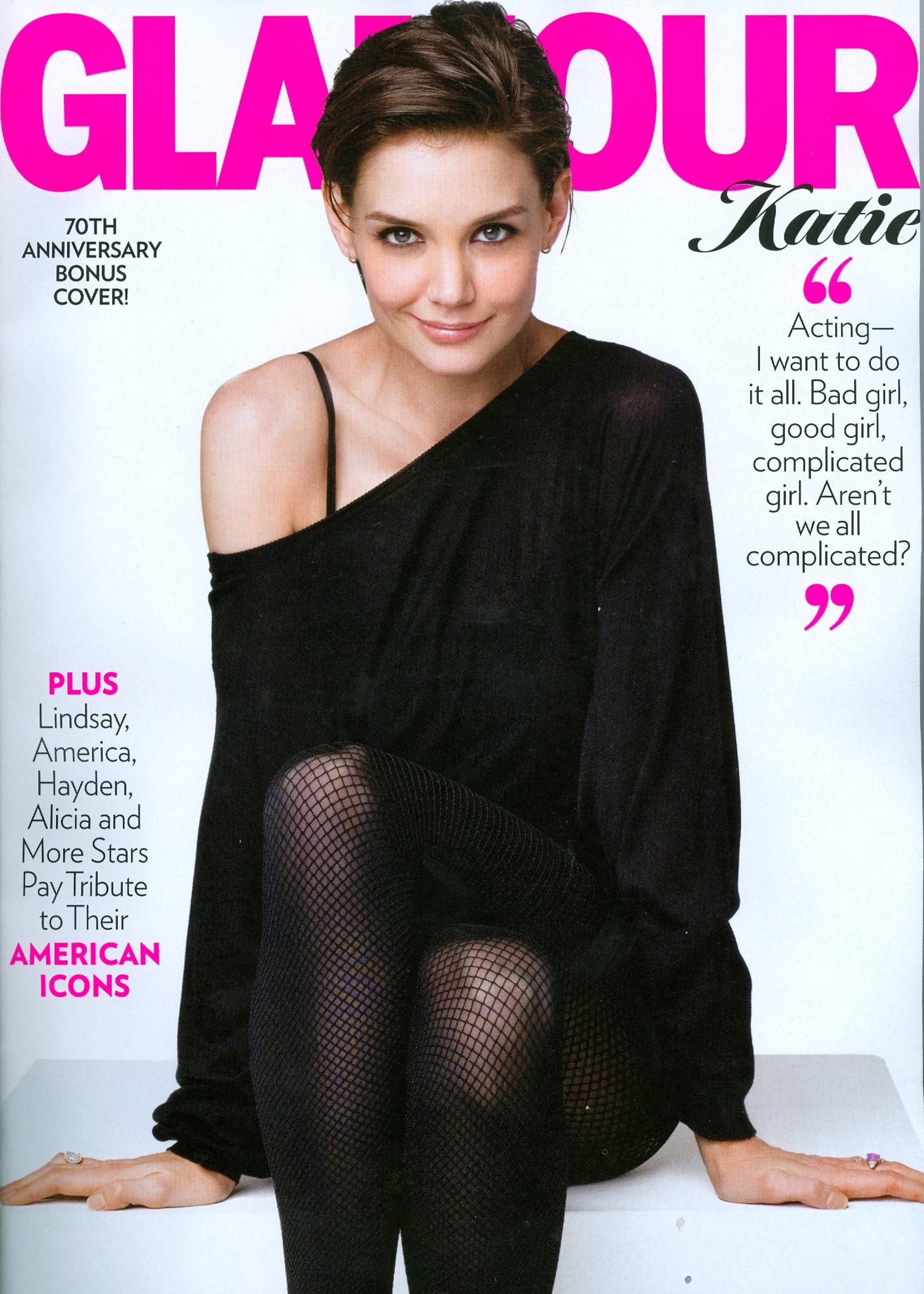
Yes, I remember her and the Glamour cover you posted..............I believe she had a few Mademoiselle covers as well, nice addition here!
Yes, it is.
Nice job, Mel!
Yes, I remember her and the Glamour cover you posted..............I believe she had a few Mademoiselle covers as well, nice addition here!