Jump to content
View in the app

A better way to browse. Learn more.

Bellazon

A full-screen app on your home screen with push notifications, badges and more.

To install this app on iOS and iPadOS
  1. Tap the Share icon in Safari
  2. Scroll the menu and tap Add to Home Screen.
  3. Tap Add in the top-right corner.
To install this app on Android
  1. Tap the 3-dot menu (⋮) in the top-right corner of the browser.
  2. Tap Add to Home screen or Install app.
  3. Confirm by tapping Install.

jal718

Members
  • Joined

  • Last visited

Everything posted by jal718

  1. She looks great, thanks
  2. Her 15 minutes of fame should have been over 20 minutes ago!
  3. jal718 replied to K_L's topic in Actresses
    Thanks, great cover
  4. VERY nice tallie, thanks.
  5. jal718 replied to a post in a topic in Female Fashion Models
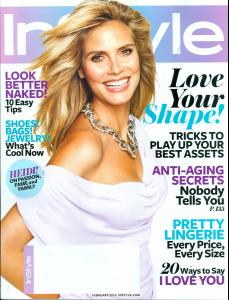
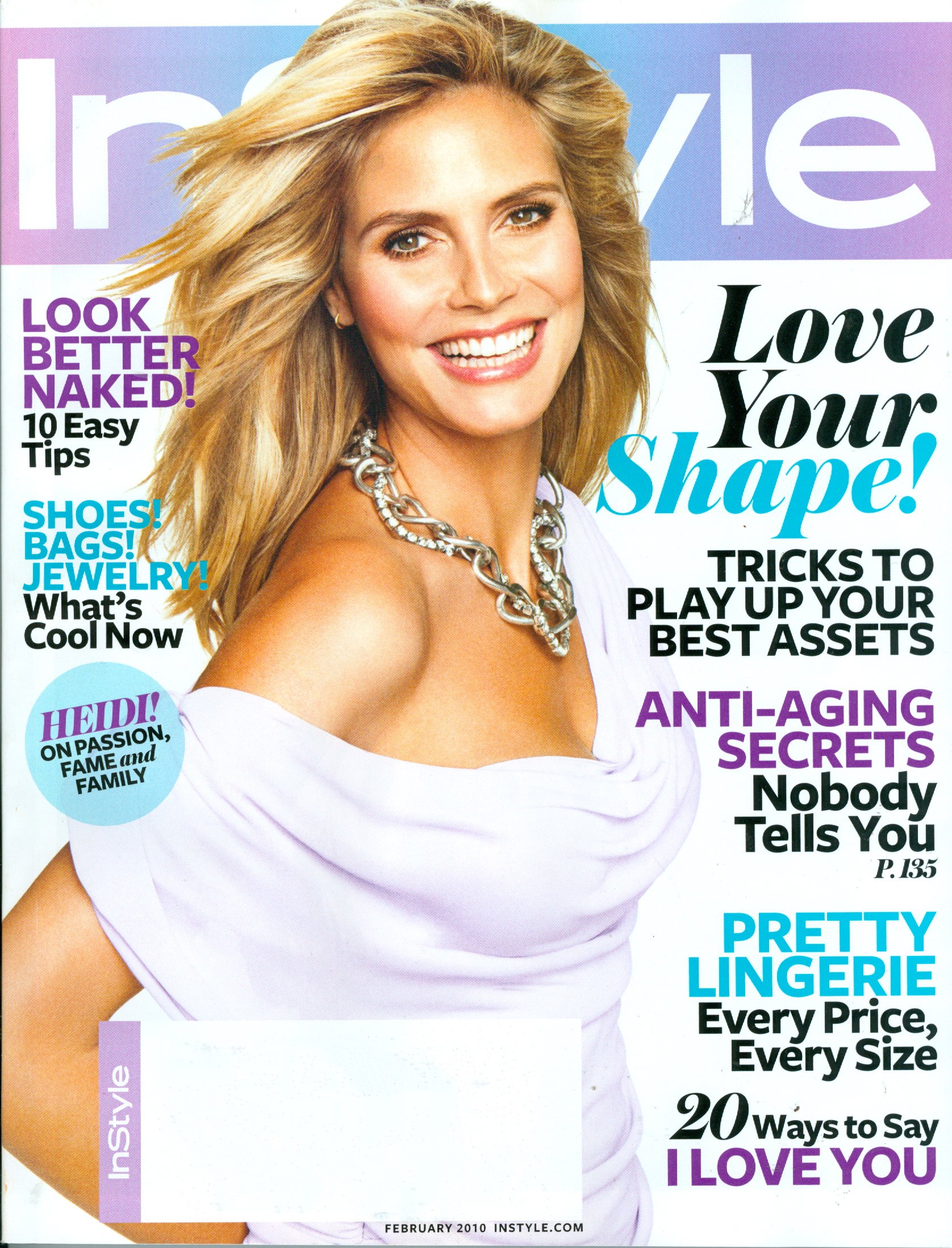
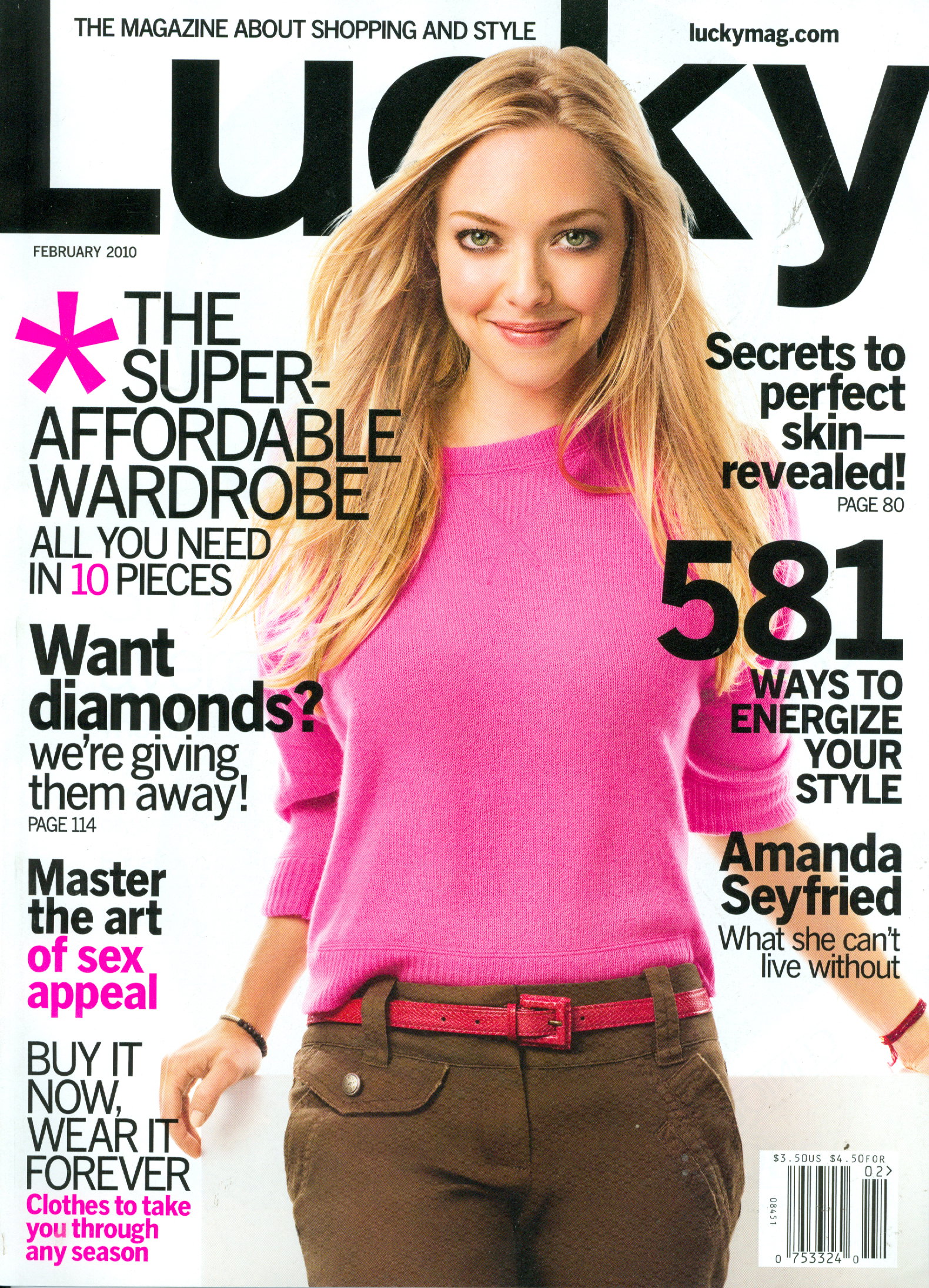
    My scan of the subscribers cover, I heard that there is a different one for the newsstand.
  6. Wow, how can I lie without this!
  7. You're comments are always so insightful Chocolate.
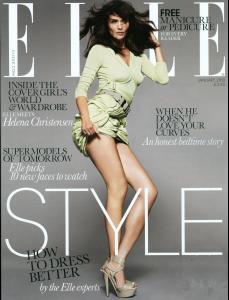
  8. My scan
  9. This was posted on TFS
  10. jal718 replied to K_L's topic in Actresses
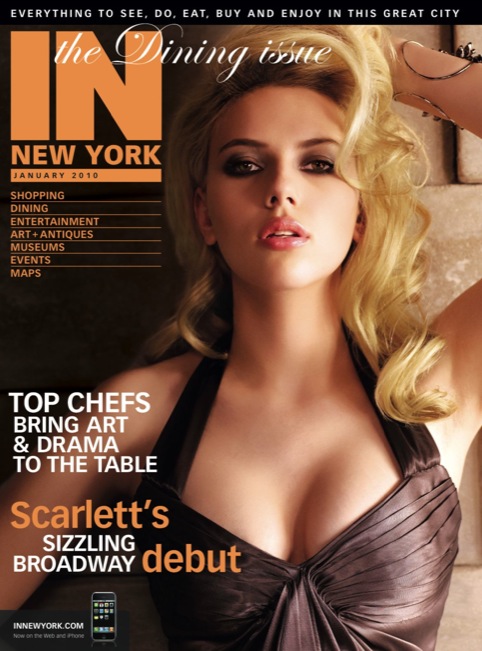
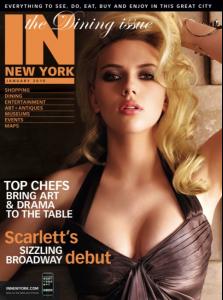
    What a babe you are!......I got this off In New York's website, great cover.
  11. My scan, she looks about 12!
  12. jal718 replied to Nine's topic in MODEL ID [help]
    Who is this? She looks about 12 years old!
  13. I was asked to scan and post this.
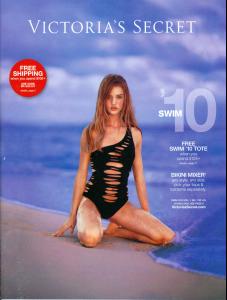
  14. My scan
  15. All I have.
  16. More great stuff Sheila, thanks as always.
  17. I've looked, doesn't seem like there is anymore
  18. jal718 replied to a post in a topic in Petra Nemcova
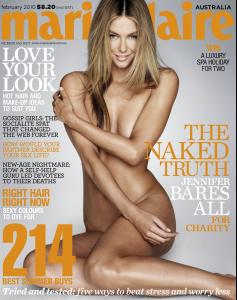
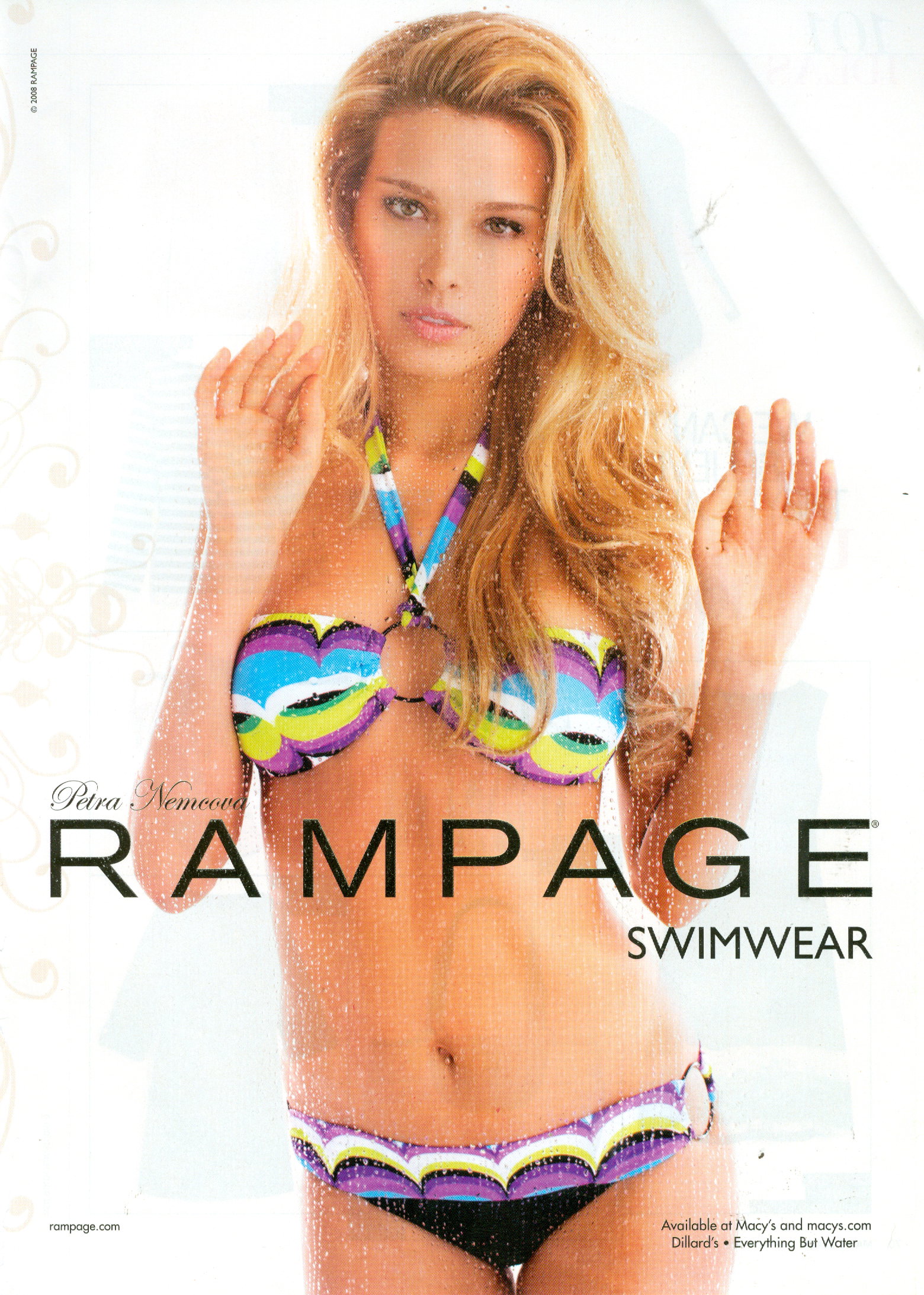
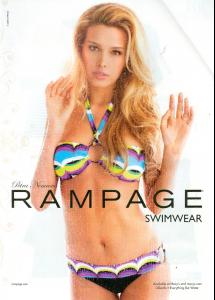
    Sorry if a repost but I don't recall seeing this before so I scanned it out of an older Marie Claire.
  19. Hi Eva, I'm pretty sure this is you.
  20. Thanks Vahito
  21. Yes, they are a couple pages back in HQ.
  22. Thanks missp
  23. My scan
  24. US magazines have gotten into a horrible trend of celebrity reprints for their covers and there are not too many models of Paulina's status today. oh, and three of those Glamour ad's are new to me red, thanks.
Configure browser push notifications

Chrome (Android)
  1. Tap the lock icon next to the address bar.
  2. Tap Permissions → Notifications.
  3. Adjust your preference.
Chrome (Desktop)
  1. Click the padlock icon in the address bar.
  2. Select Site settings.
  3. Find Notifications and adjust your preference.