

要加薪1
Members
-
Joined
-
Last visited
Everything posted by 要加薪1
-
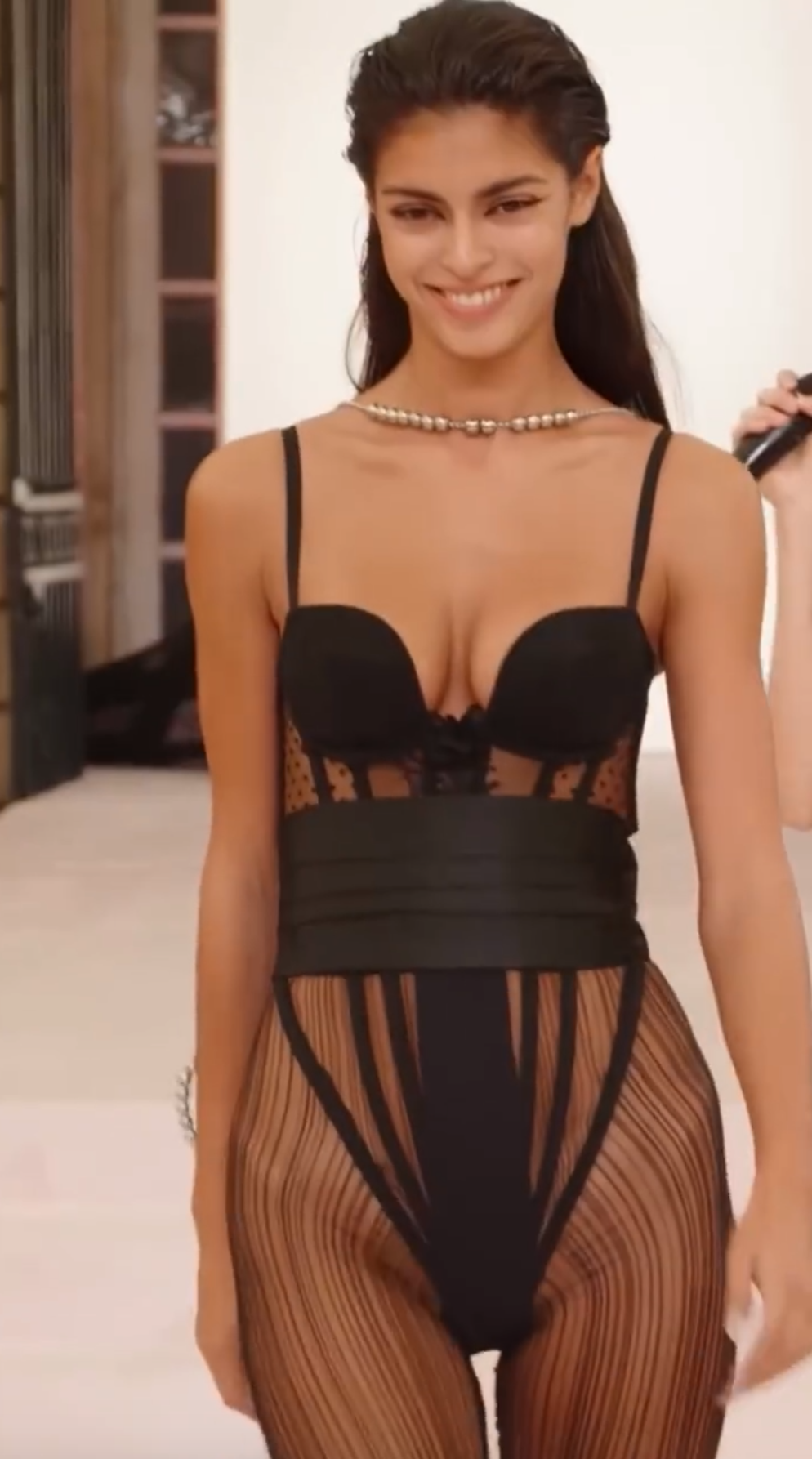
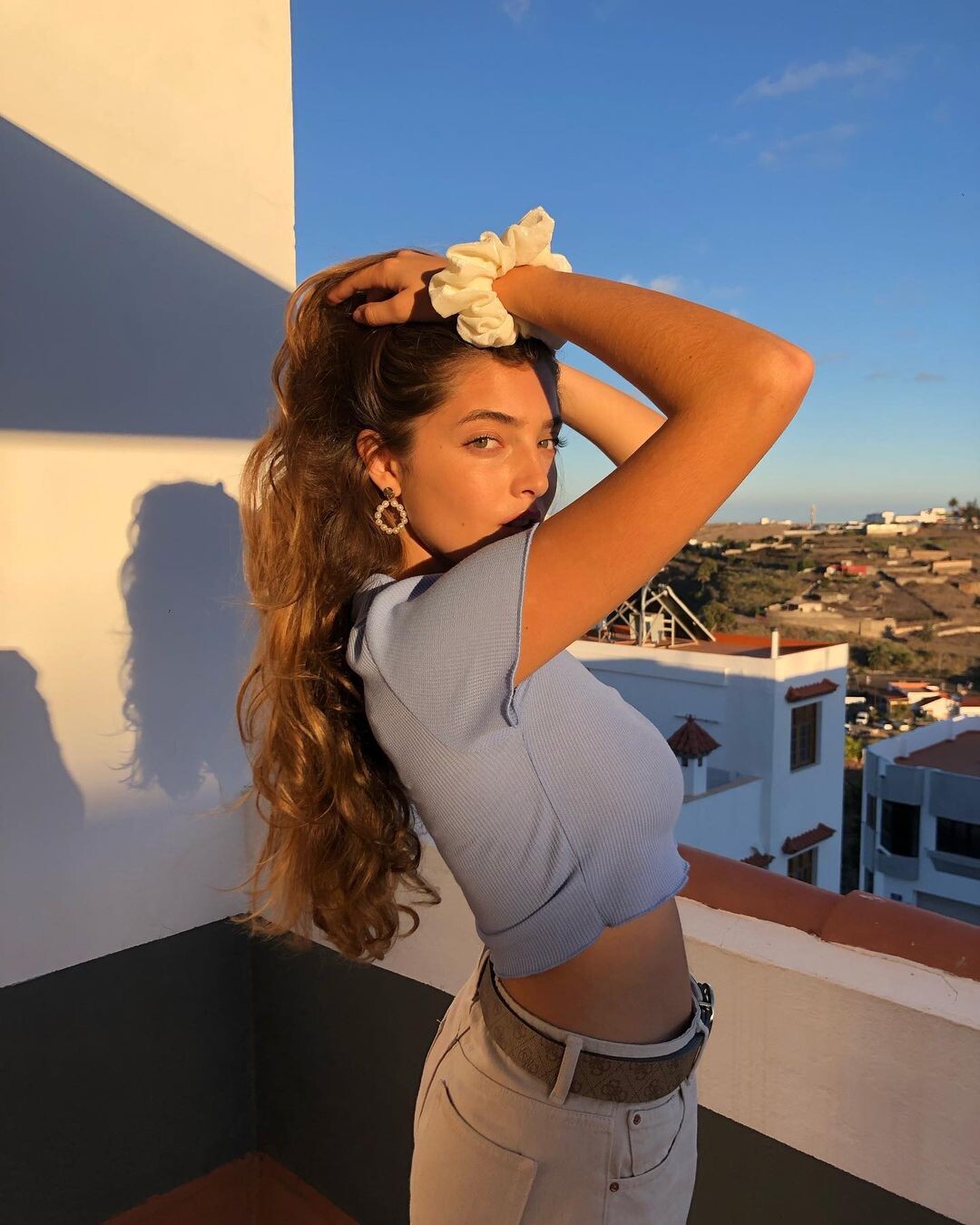
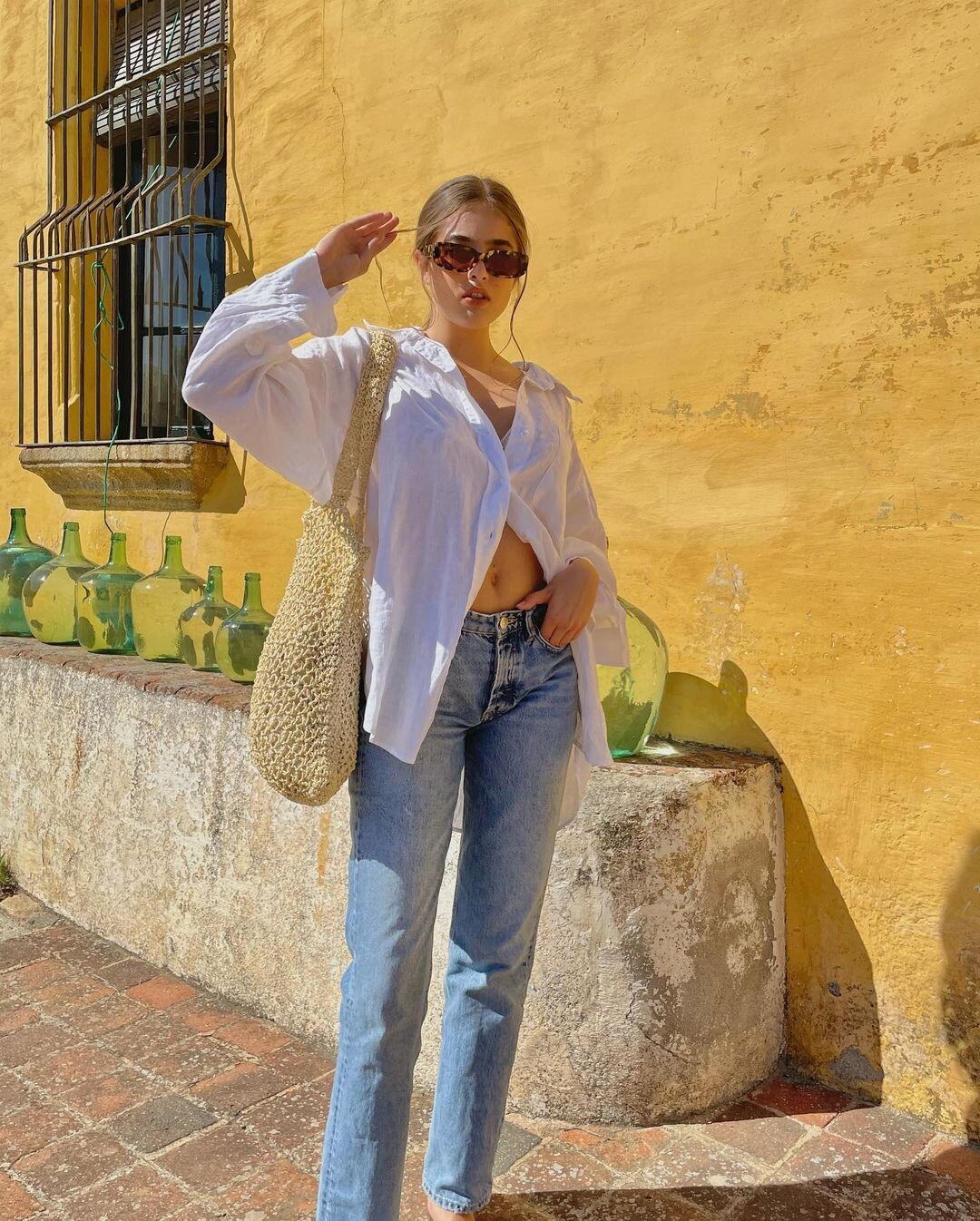
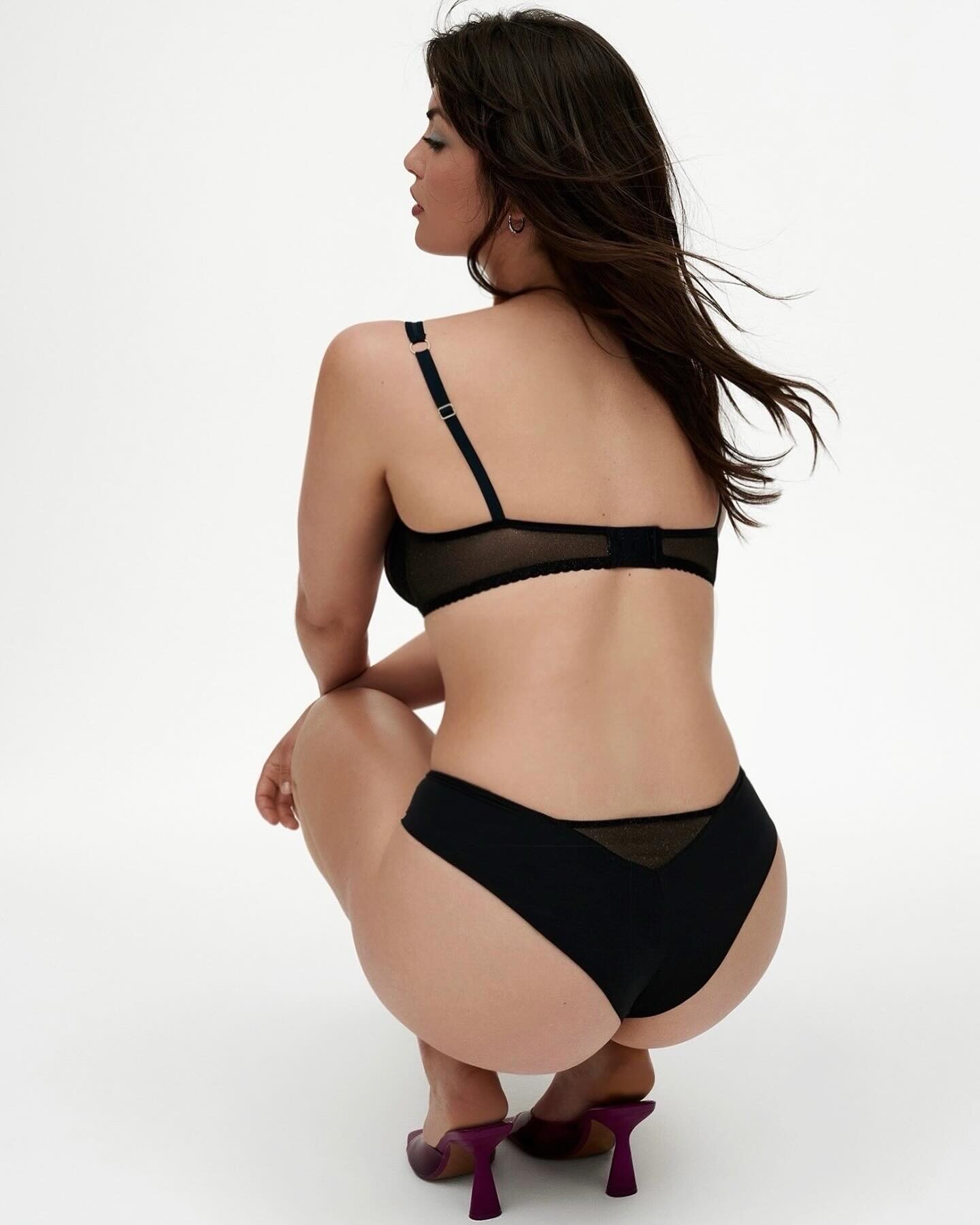
 Hi everyone! I found all the models' names on models.com, but none of them seem to match this face 😅 Does anyone recognize her? Thanks!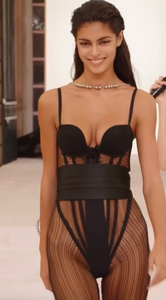
-
You are right !I found that picture on her Instagram。Thank you so much。
-
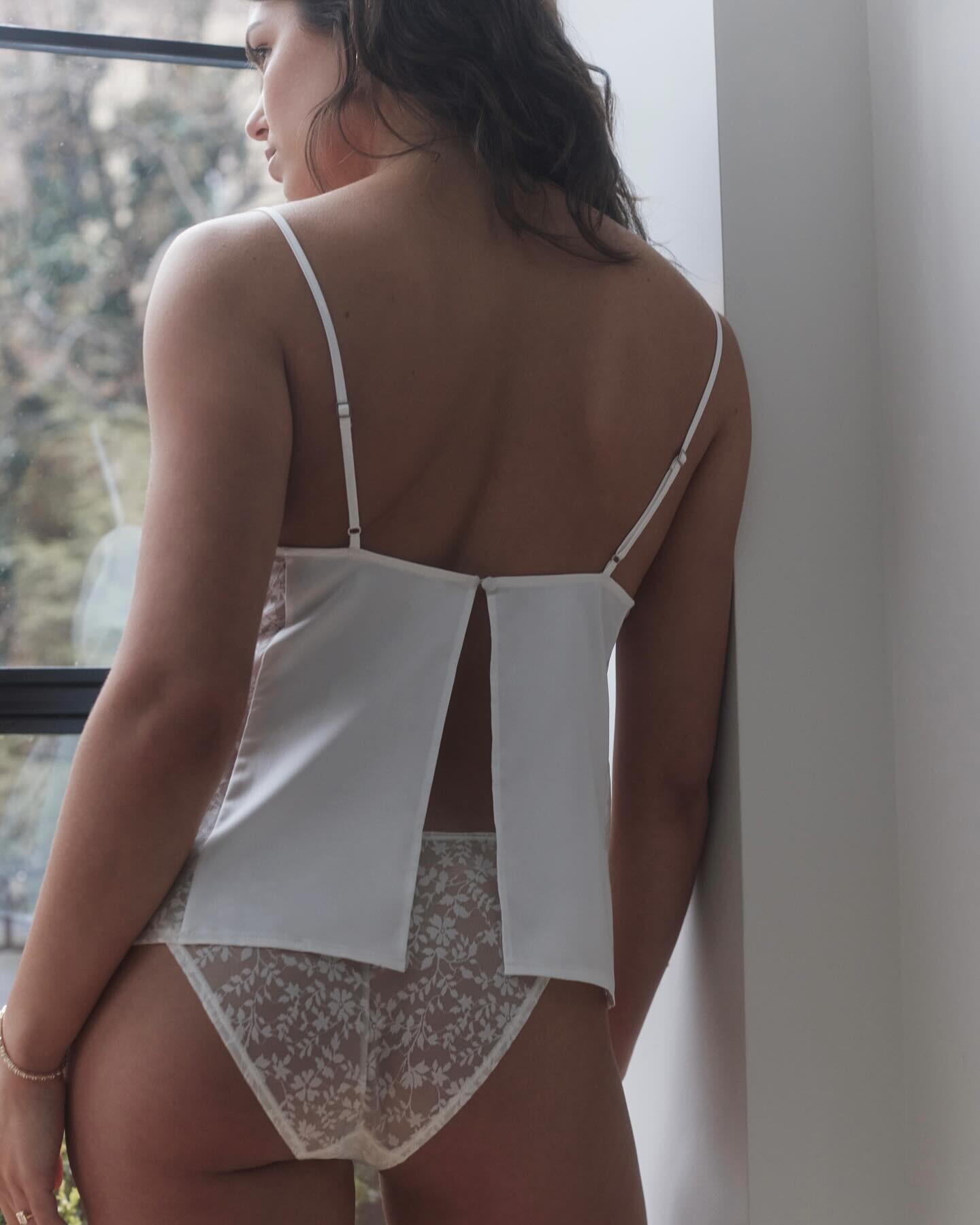
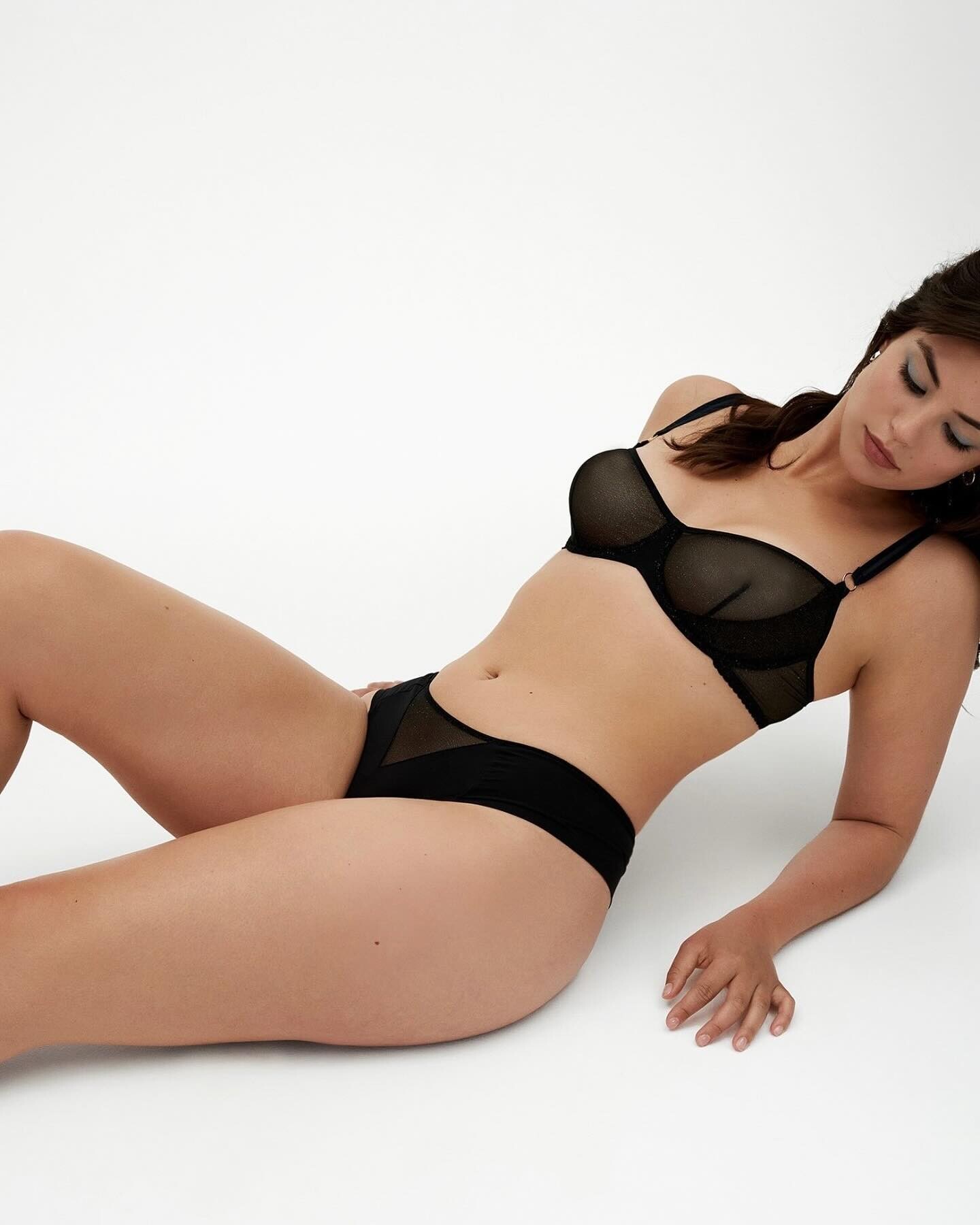
Does anyone know who she is? I found her on Instagram(mariejolingerie)。Thnaks。
-
-
I found her on youtube sorry i dont know how to inset youtube video https://www.youtube.com/watch?v=5UyyKLUDnuE

-
HEIGHT 179CM / 5'9" SHOES UK 6 BUST 81.5CM / 32" HAIR BROWN CUP DD EYES BLUE
Thank you so much !
Does anyone know who she is she I found her on instagram

 neildixonphoto










 Thank you so much !
Intimissimi Lingerie
Thank you so much !
Thank you so much !
Intimissimi Lingerie




 Birth Name: Yurima Santana Sosa Age: 22, born 5 June 2002 Country of origin: Spain Height: 5' 9"

 For CUUP bridal








 sorry , i didn't saw it 😂
May be she is giulia https://www.instagram.com/p/CxtAop0I-IG/?img_index=5
Her ins
sorry , i didn't saw it 😂
May be she is giulia https://www.instagram.com/p/CxtAop0I-IG/?img_index=5
Her ins












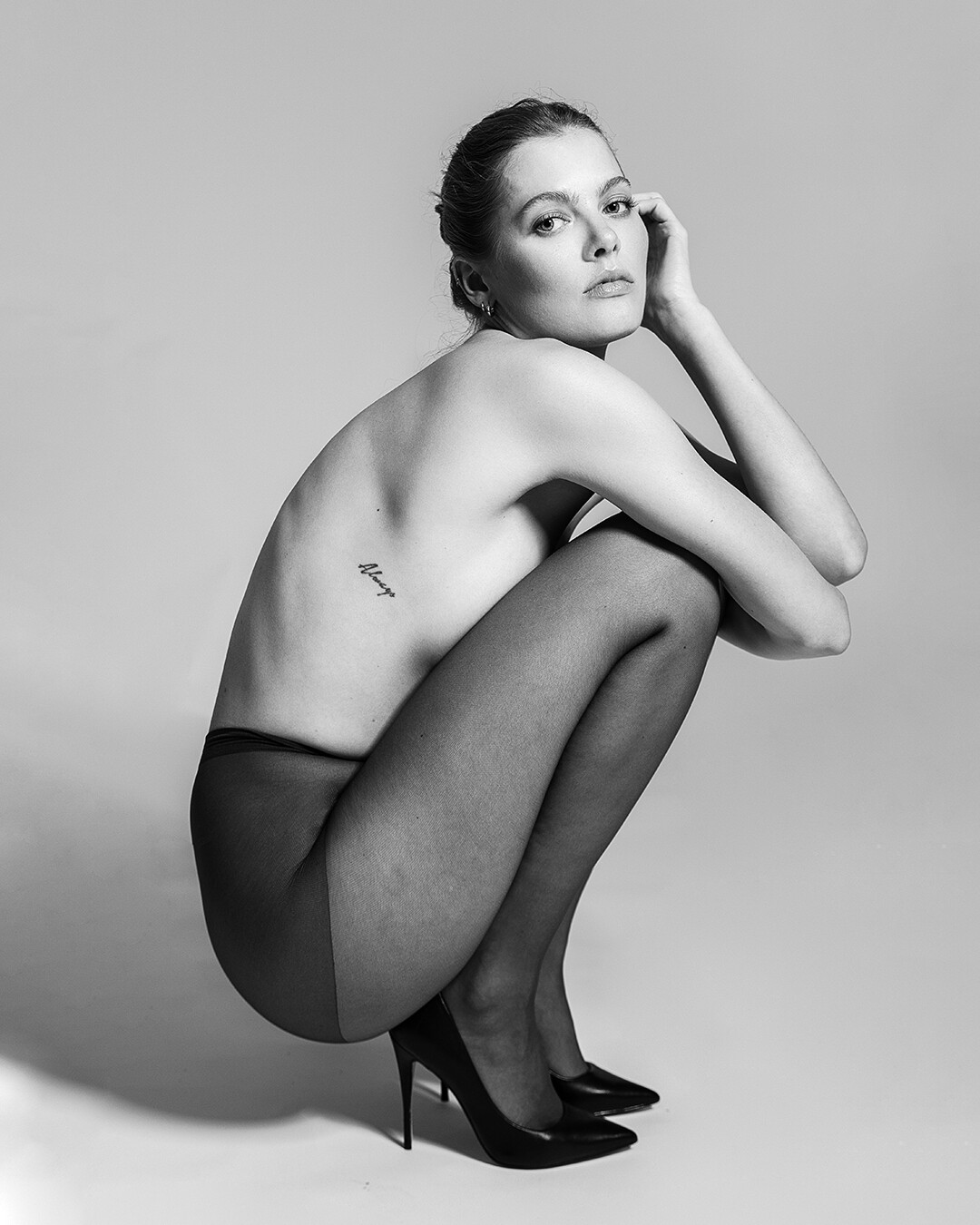
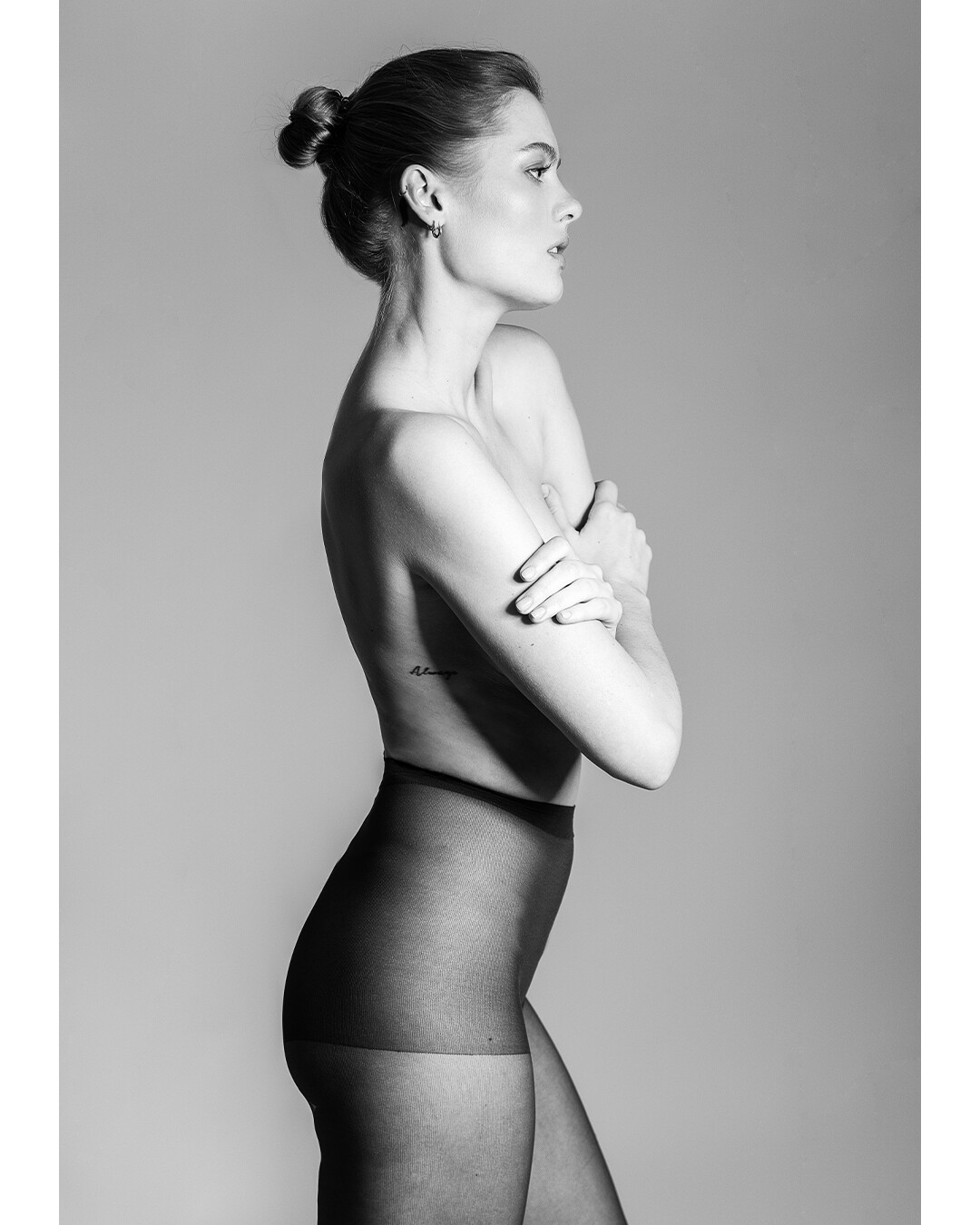
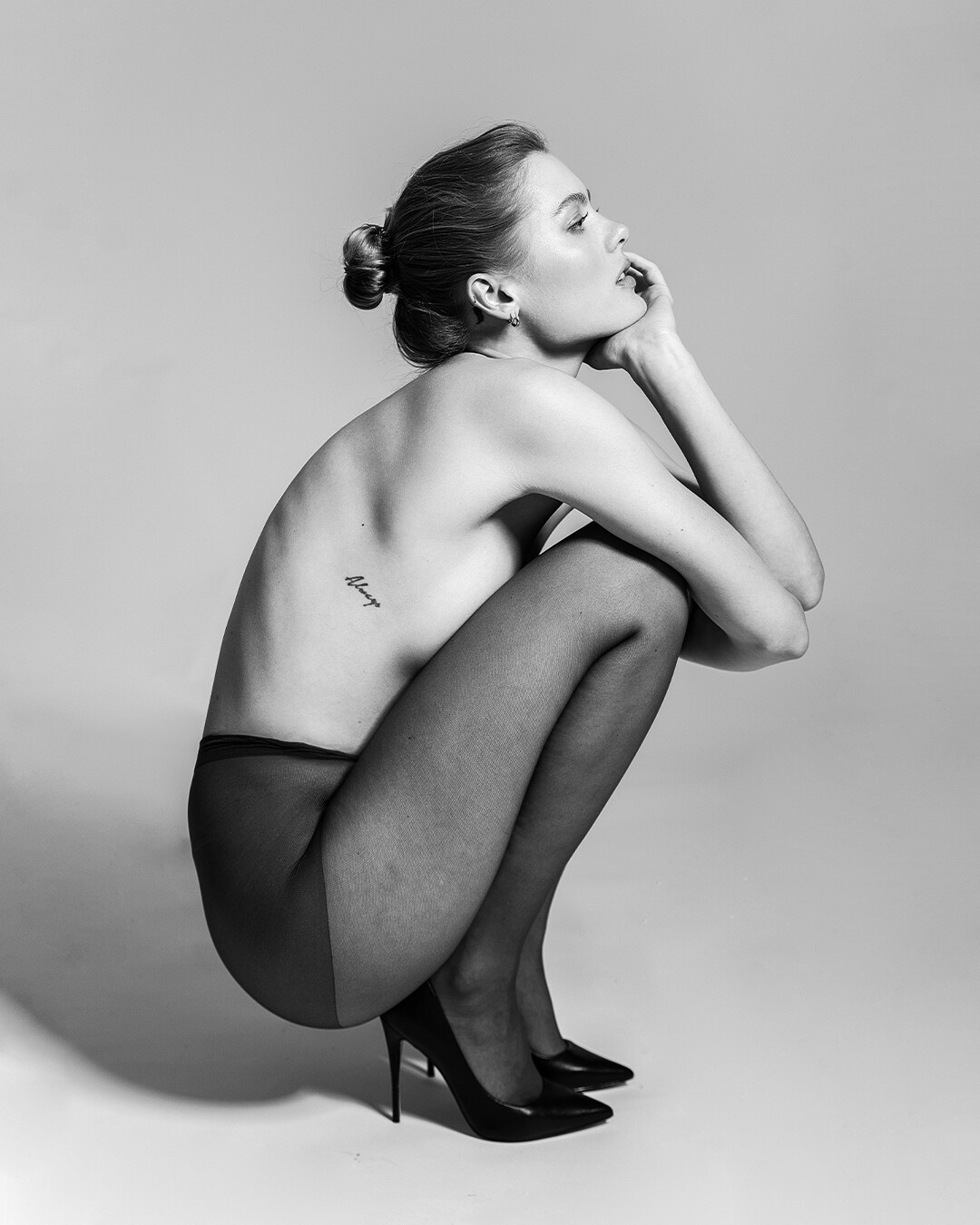
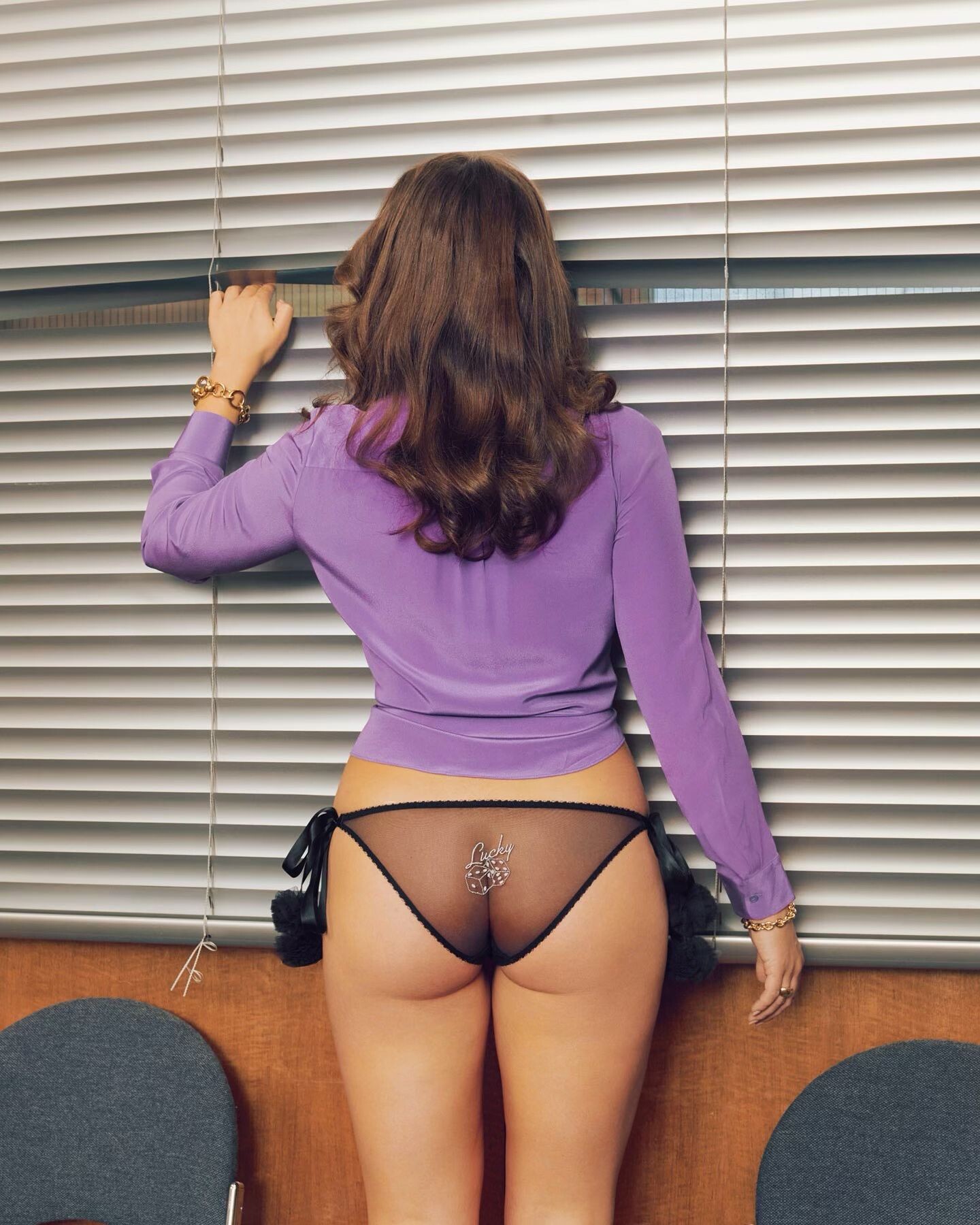

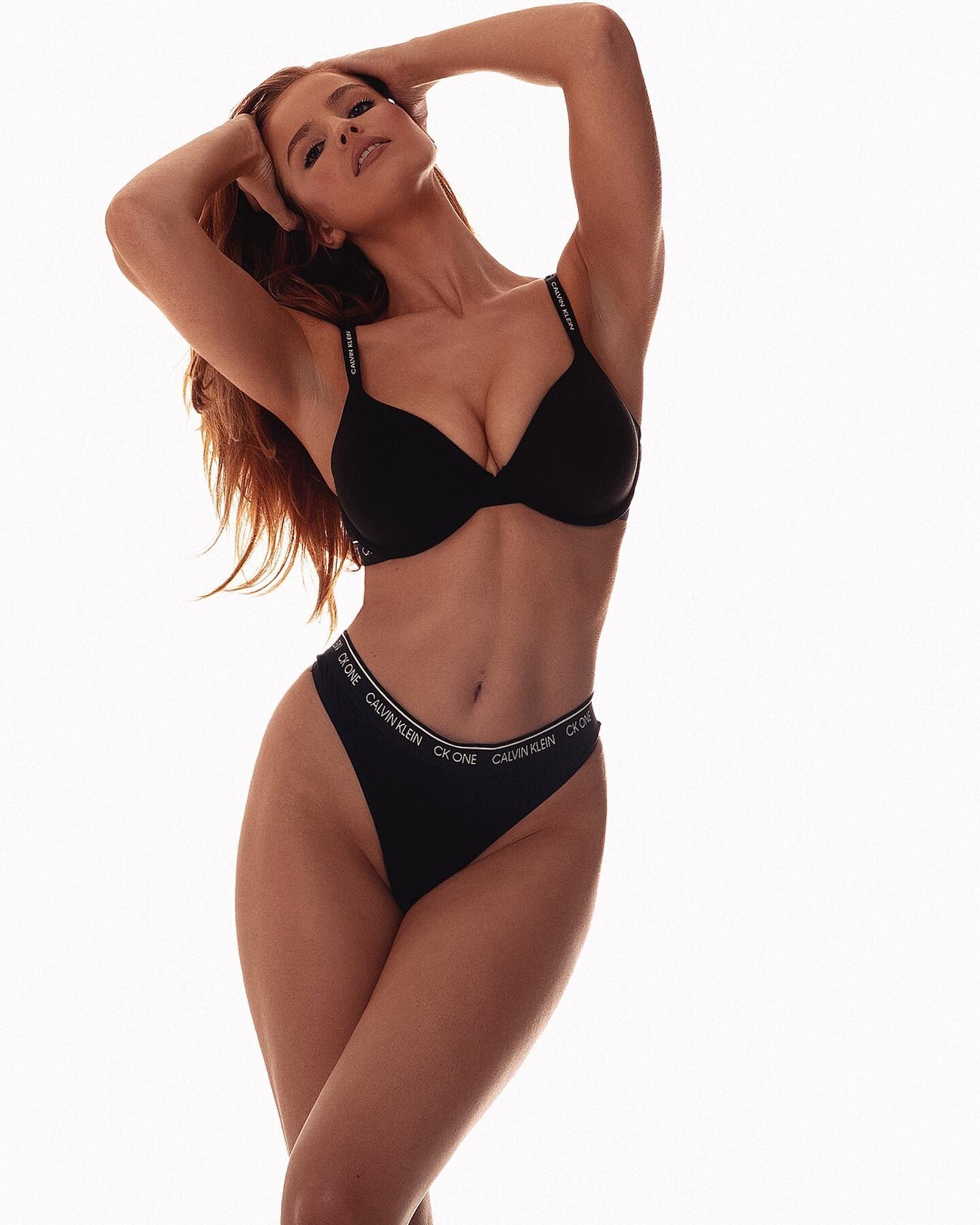

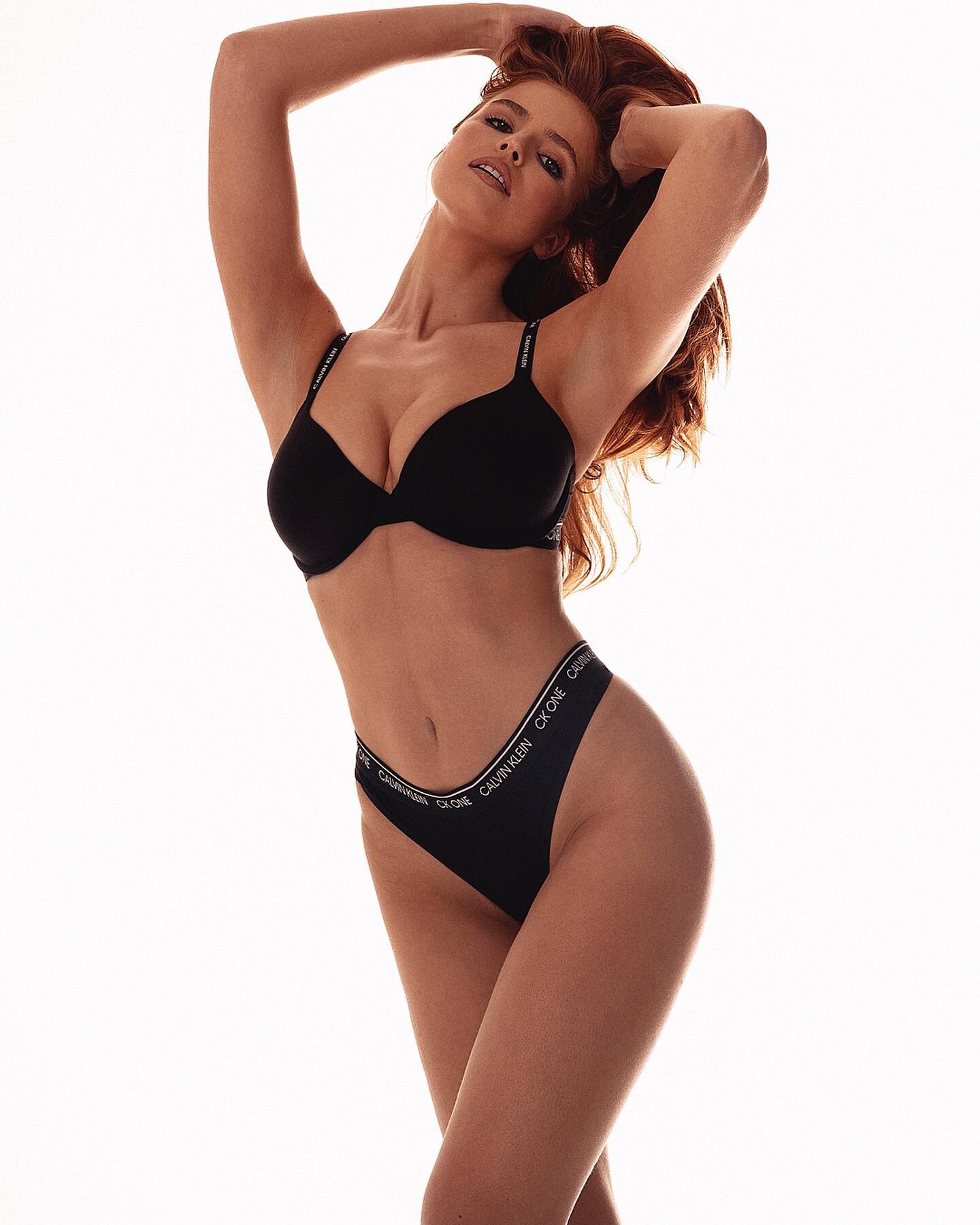
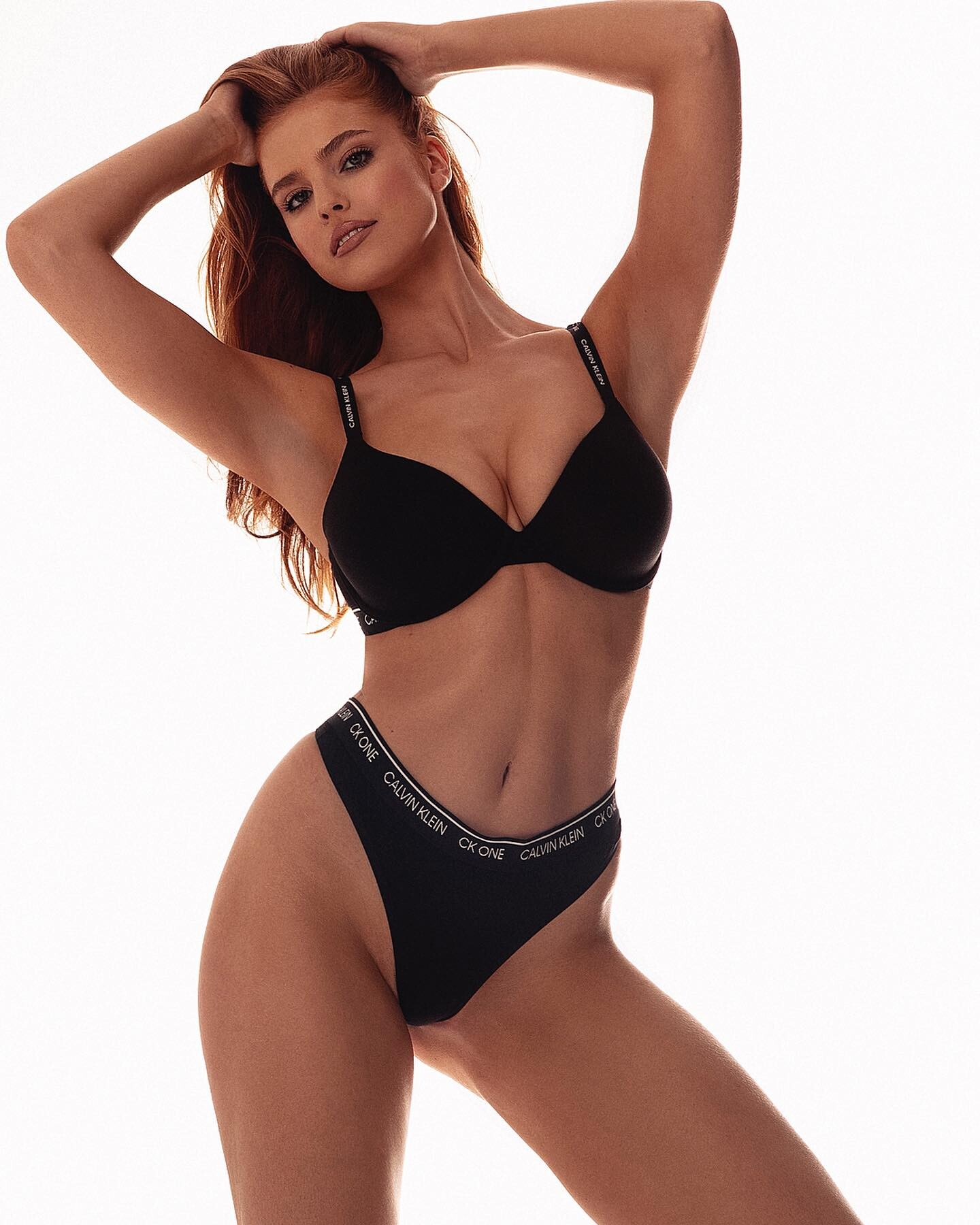
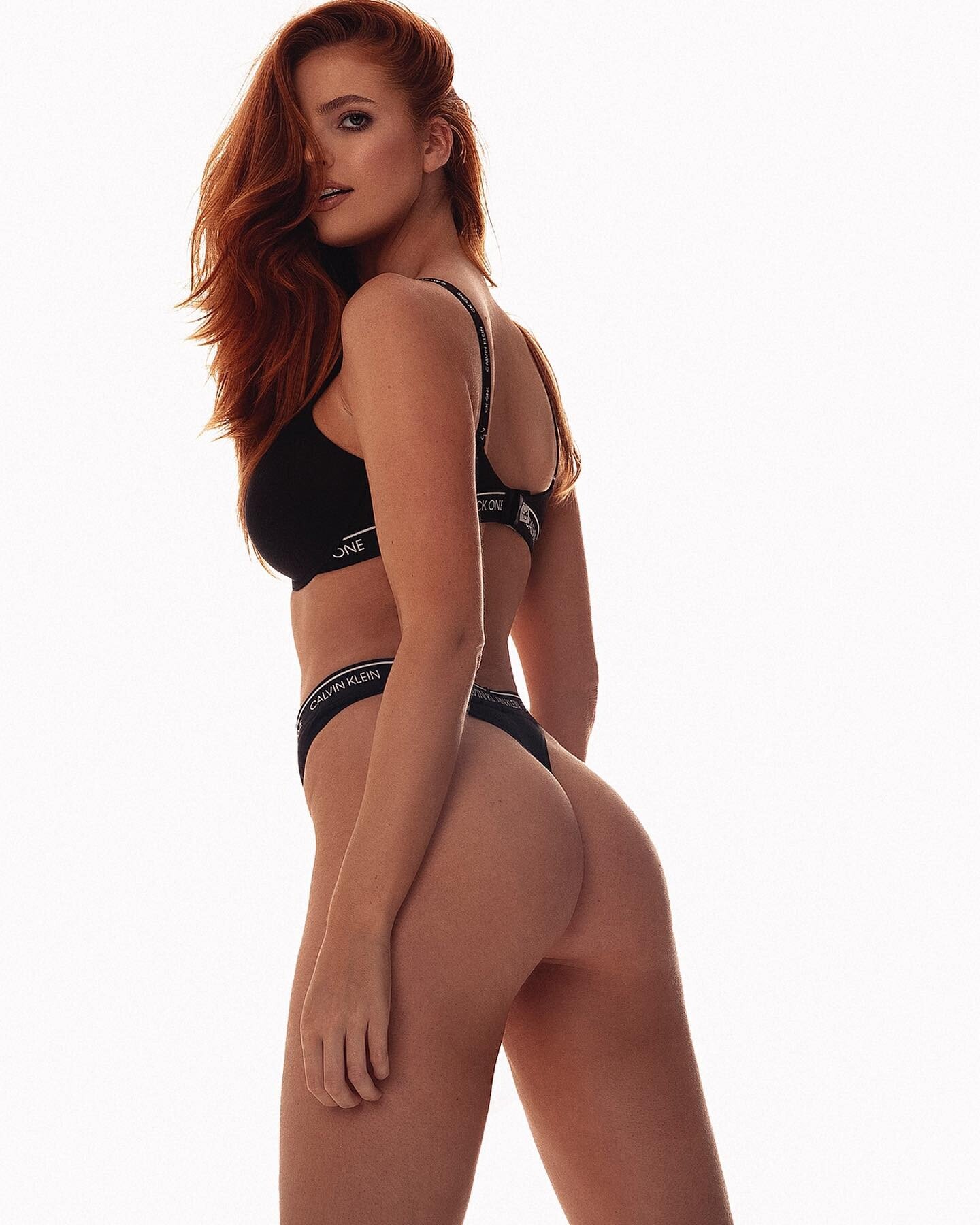

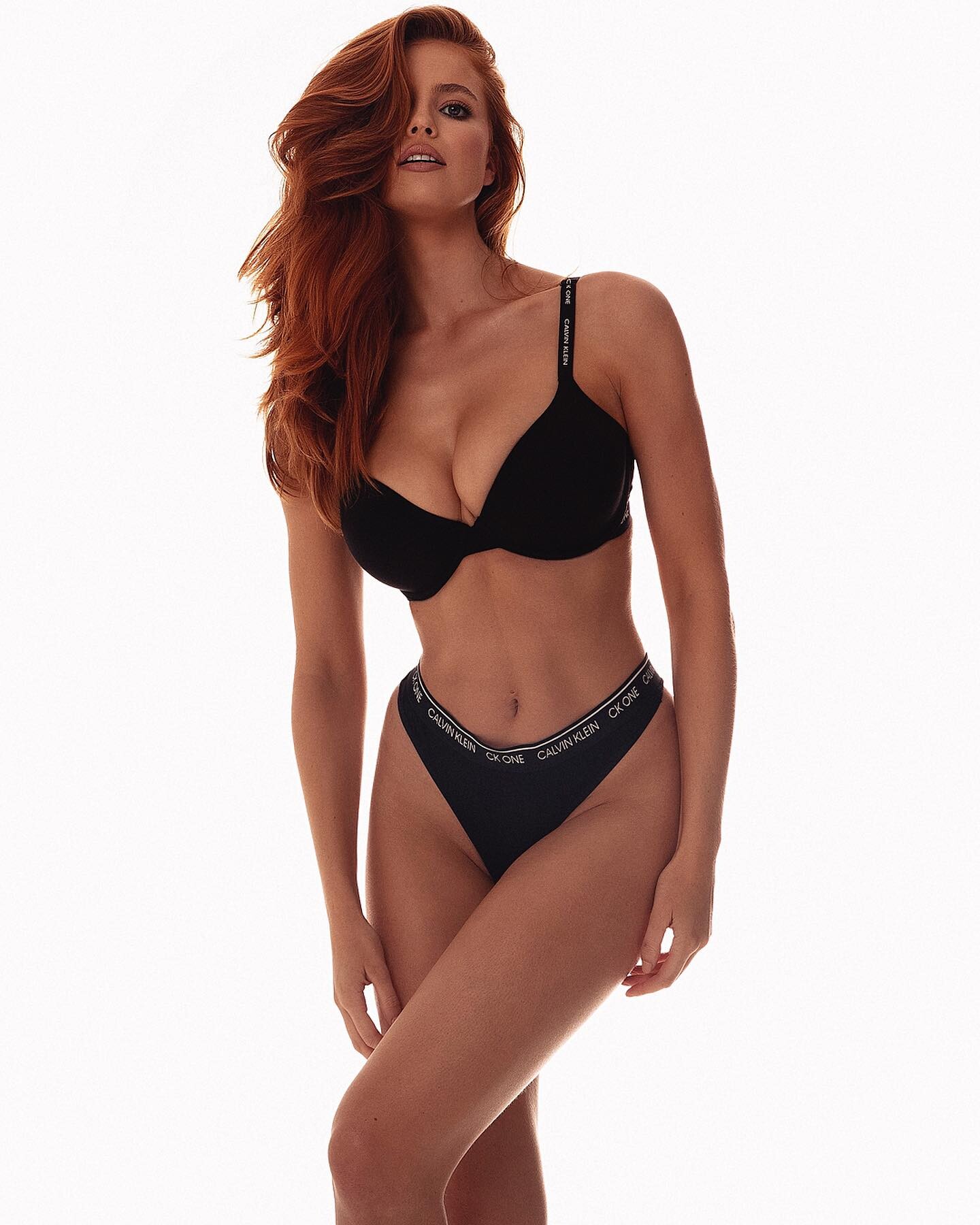
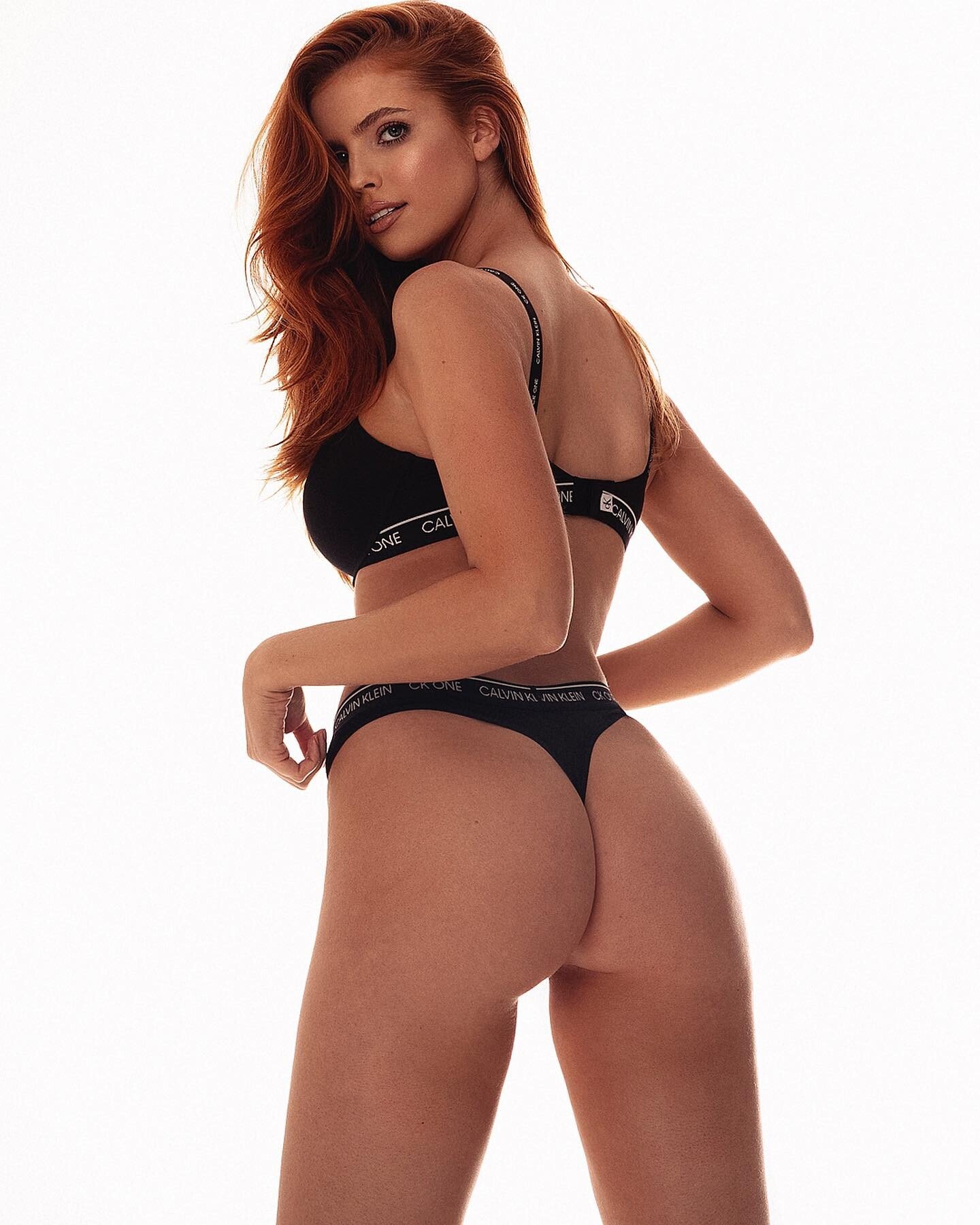

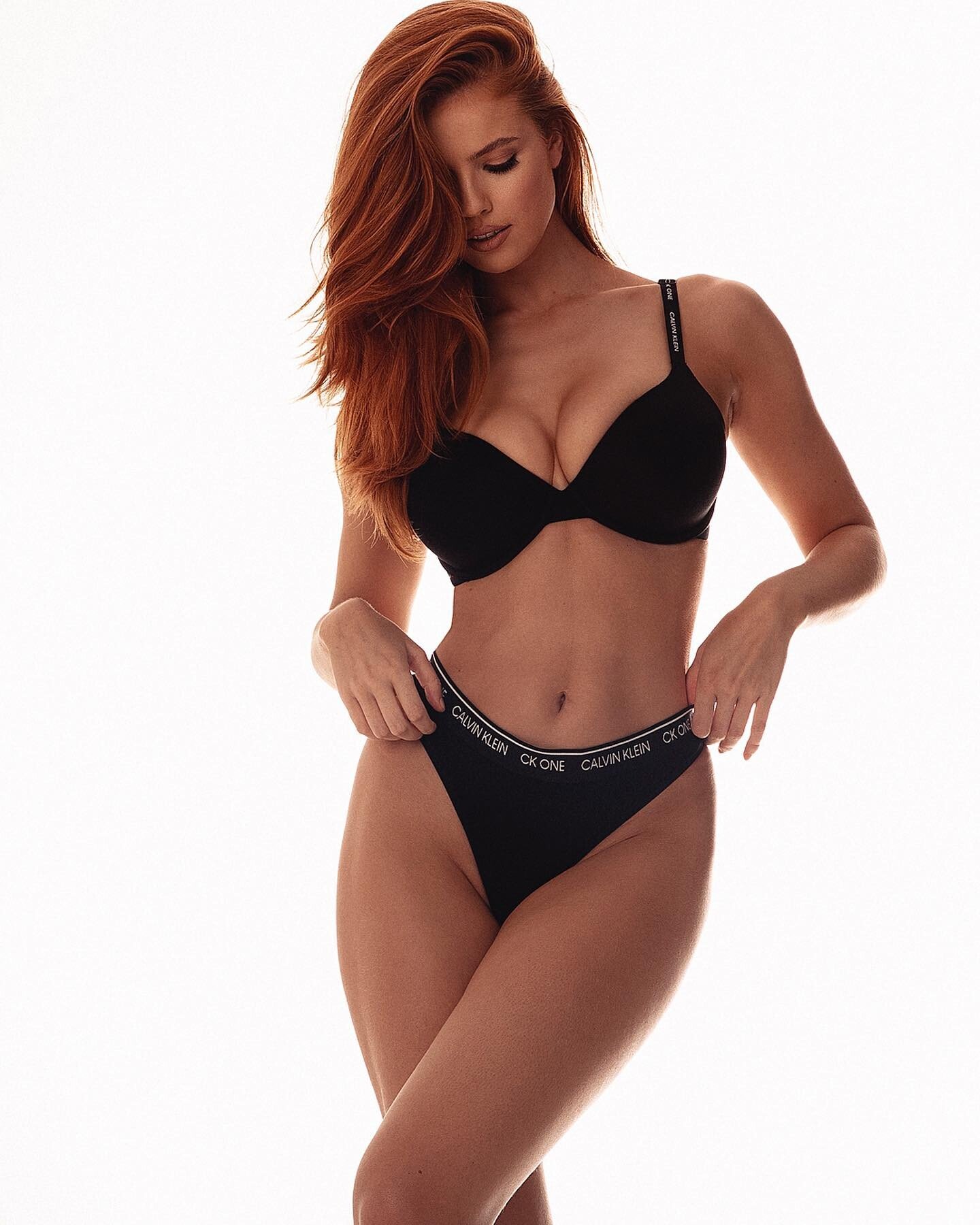

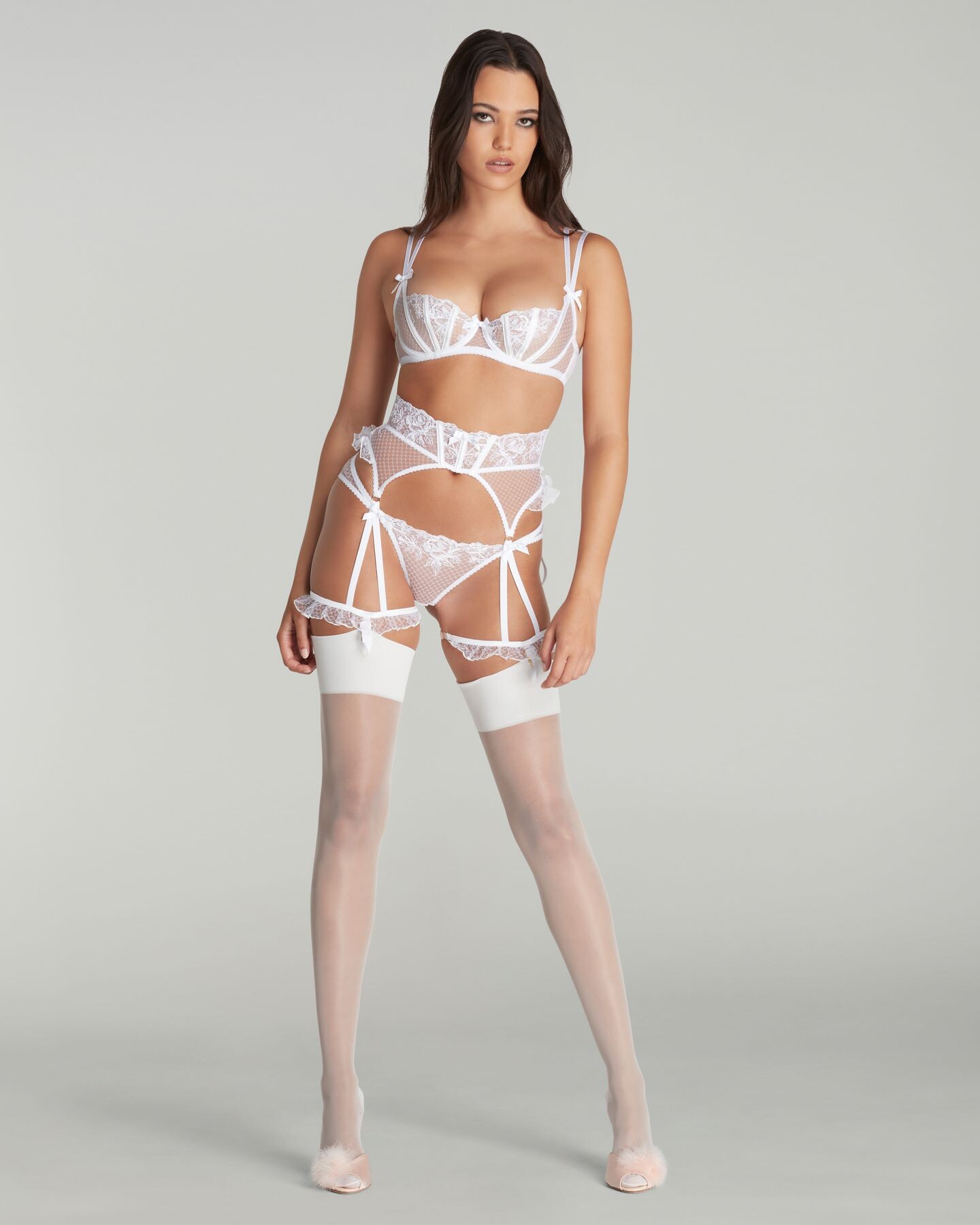
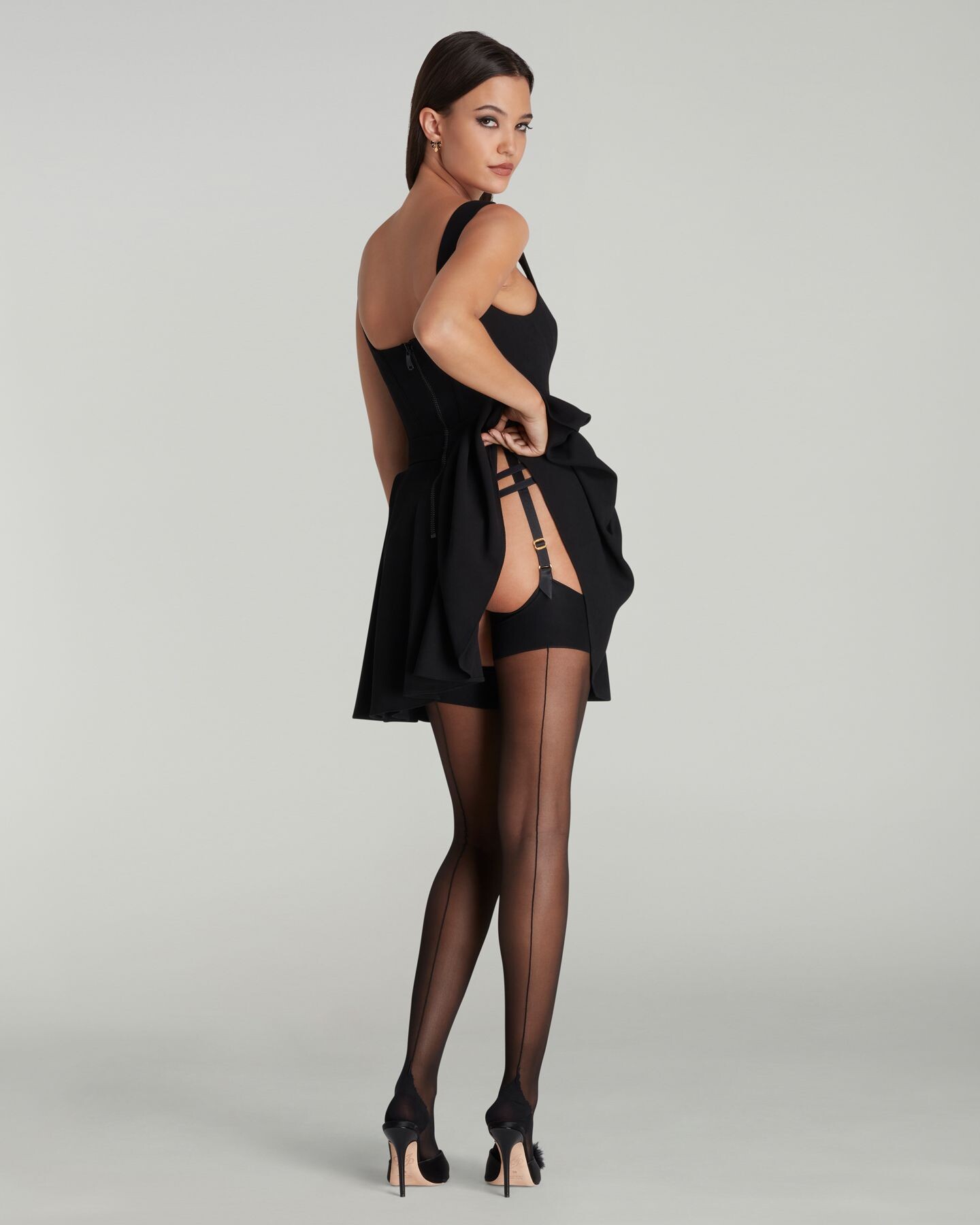
.jpg.7e293c99c2b530130eb214441a622743.jpg)
.jpg.bc5f10444d21b86738faf0f1eb296d97.jpg)
.jpg.d435467273d56bd30e95a34545439d85.jpg)
.jpg.d26329257392033ff6f20ec24c55c41b.jpg)
.jpg.ceb9bc9f68c25a517e33c044727faabe.jpg)
.jpg.95812a96533352865929b9fb46c18d59.jpg)
.jpg.1e86146bc8f85944d2bf8fd9b8014b13.jpg)










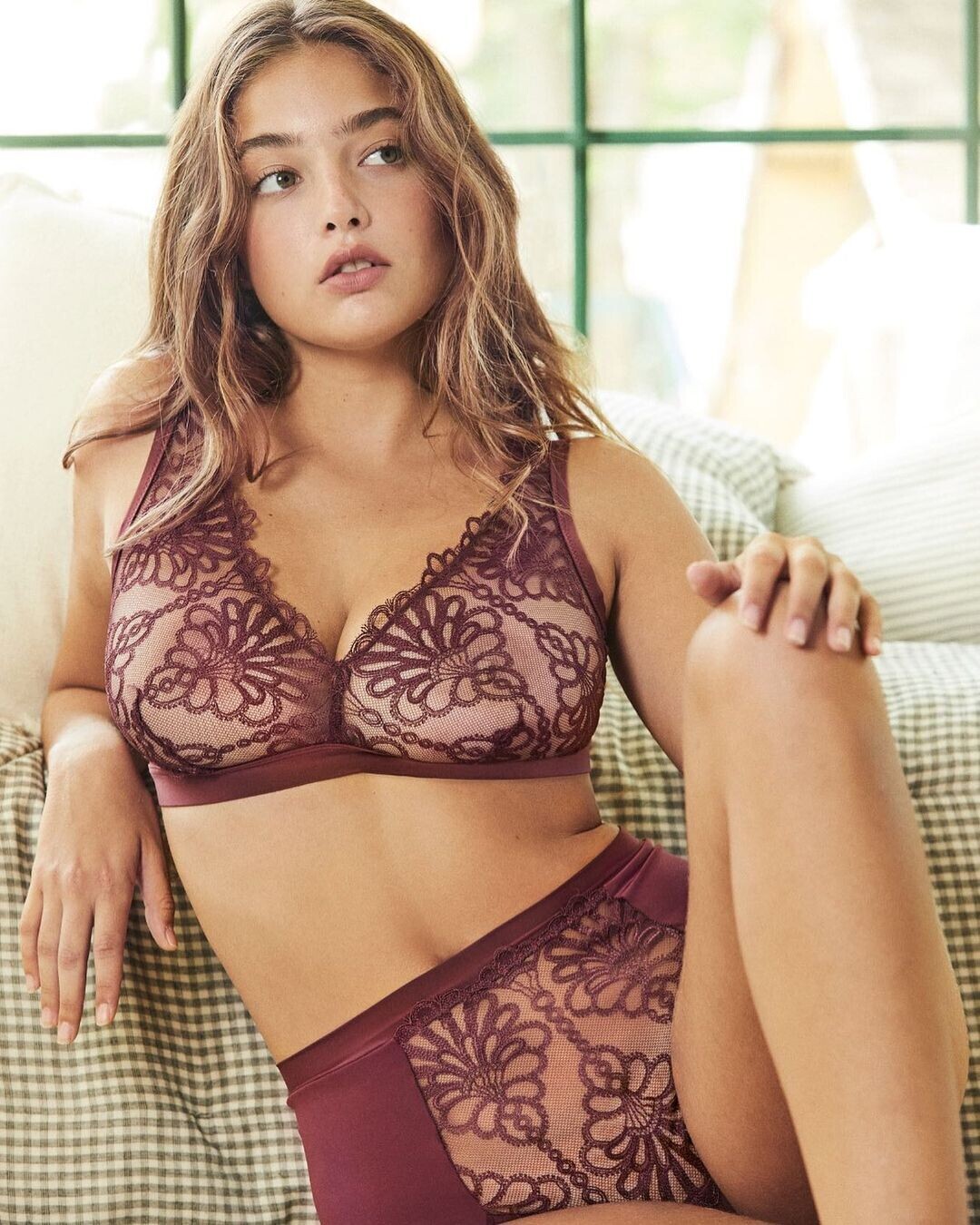
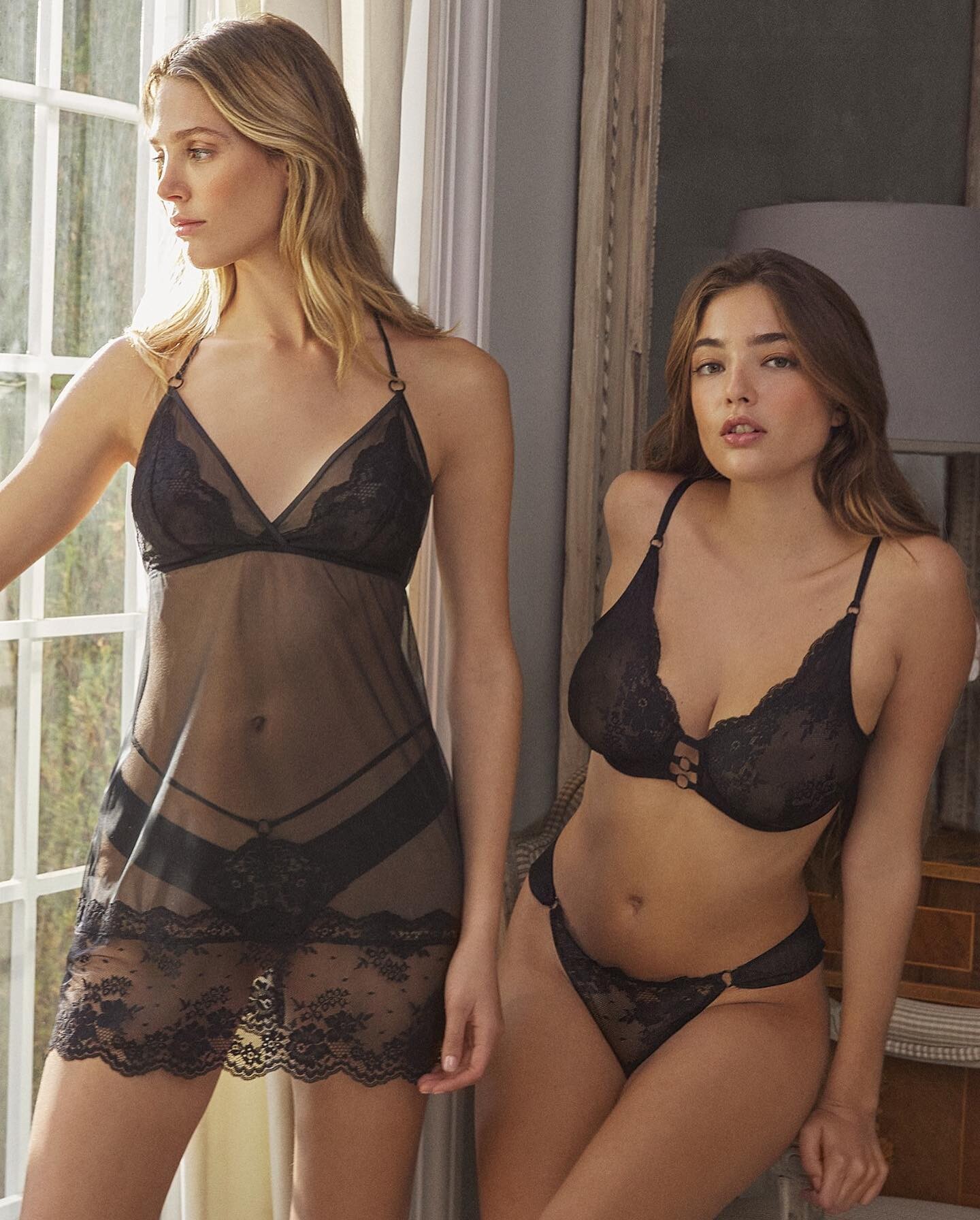
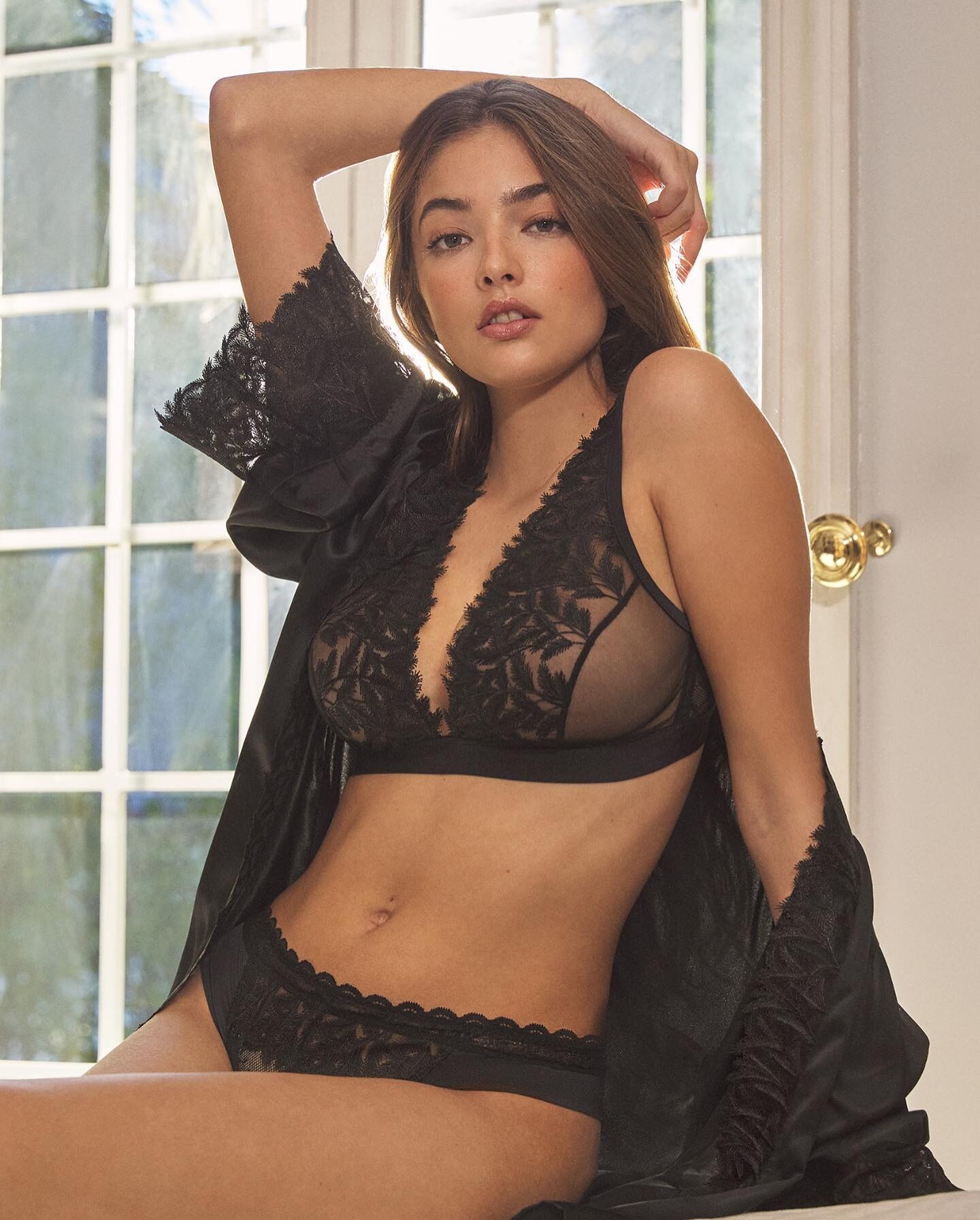






.jpg.02b221c3b2e89de656a121cca14ba994.jpg)












Account
Navigation
Search
Configure browser push notifications
Chrome (Android)
- Tap the lock icon next to the address bar.
- Tap Permissions → Notifications.
- Adjust your preference.
Chrome (Desktop)
- Click the padlock icon in the address bar.
- Select Site settings.
- Find Notifications and adjust your preference.
Safari (iOS 16.4+)
- Ensure the site is installed via Add to Home Screen.
- Open Settings App → Notifications.
- Find your app name and adjust your preference.
Safari (macOS)
- Go to Safari → Preferences.
- Click the Websites tab.
- Select Notifications in the sidebar.
- Find this website and adjust your preference.
Edge (Android)
- Tap the lock icon next to the address bar.
- Tap Permissions.
- Find Notifications and adjust your preference.
Edge (Desktop)
- Click the padlock icon in the address bar.
- Click Permissions for this site.
- Find Notifications and adjust your preference.
Firefox (Android)
- Go to Settings → Site permissions.
- Tap Notifications.
- Find this site in the list and adjust your preference.
Firefox (Desktop)
- Open Firefox Settings.
- Search for Notifications.
- Find this site in the list and adjust your preference.