

Matt!
Members
-
Joined
-
Last visited
Everything posted by Matt!
-
 Lily Easton: Face: 0 Body: 3 Fandom: 2 Veridiana Ferreira: Face: 6 Body: 1 Fandom: 4 Lara Denova: Face: 0 Body: 1 Fandom: 0 Elizabeth Jamrozy: Face: 4 Body: 5 Fandom: 4
Gotcha, somehow I've missed all of them.
Well, that's pretty f**** up. Oh no, Addison 😭
Lily Easton: Face: 0 Body: 3 Fandom: 2 Veridiana Ferreira: Face: 6 Body: 1 Fandom: 4 Lara Denova: Face: 0 Body: 1 Fandom: 0 Elizabeth Jamrozy: Face: 4 Body: 5 Fandom: 4
Gotcha, somehow I've missed all of them.
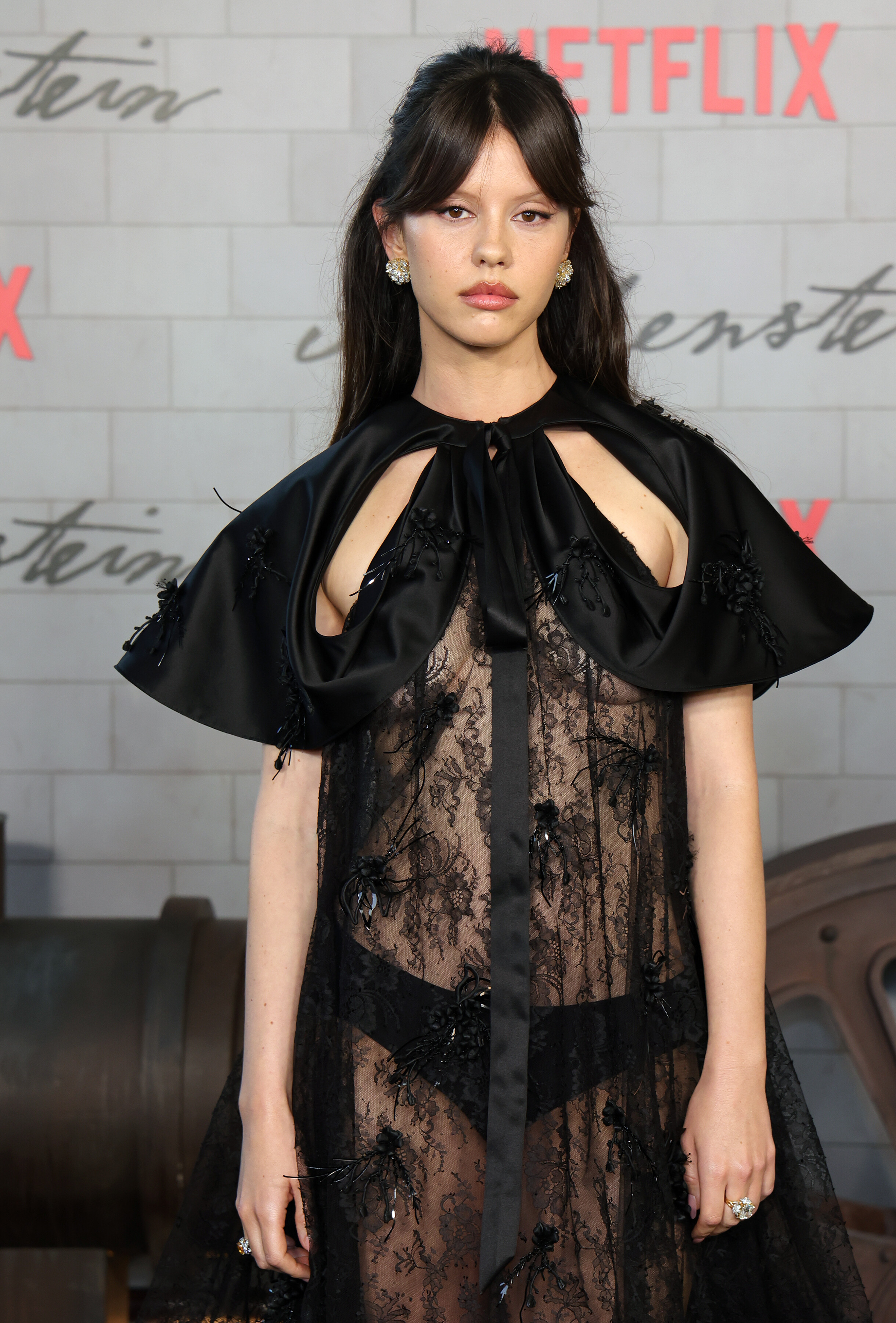
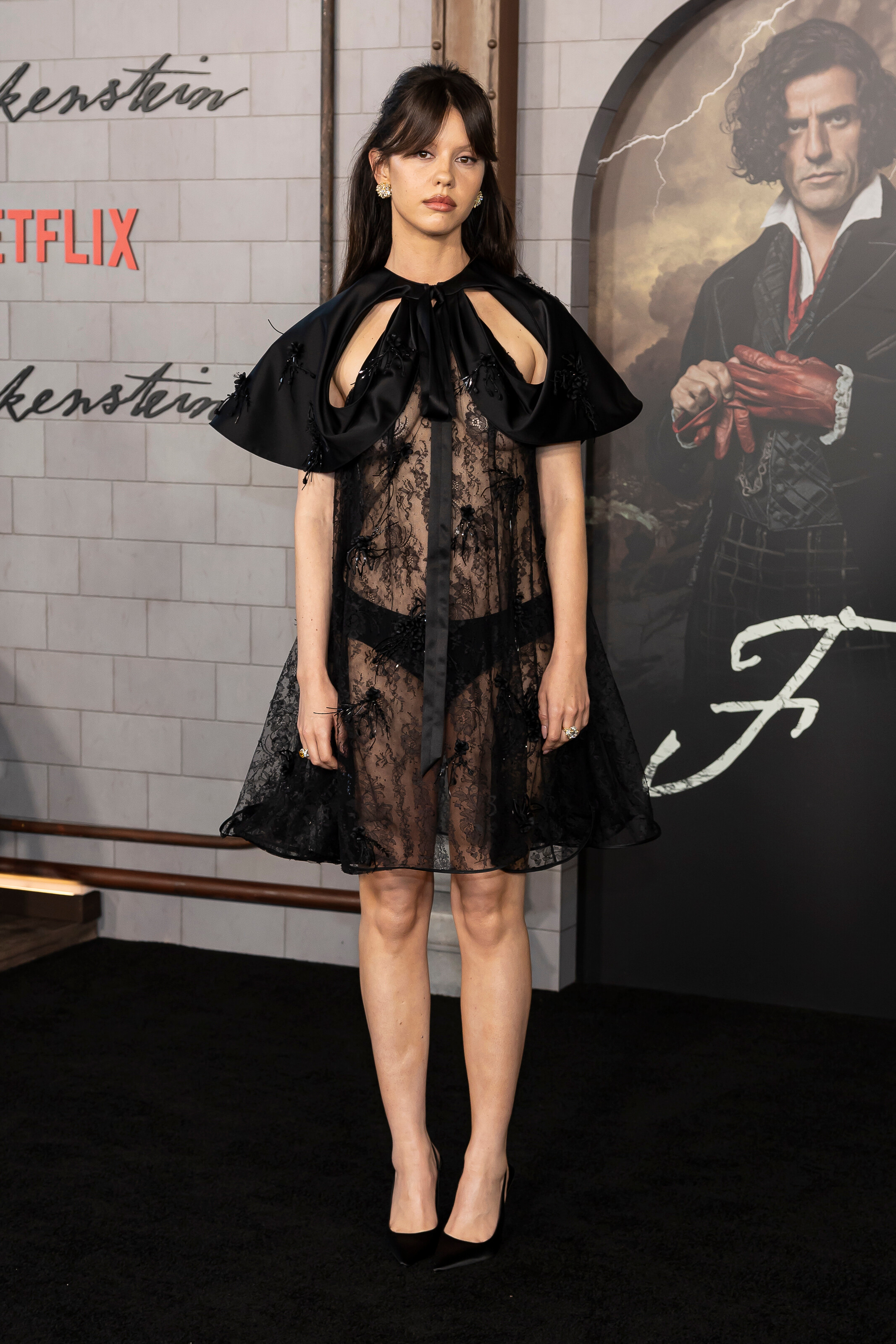
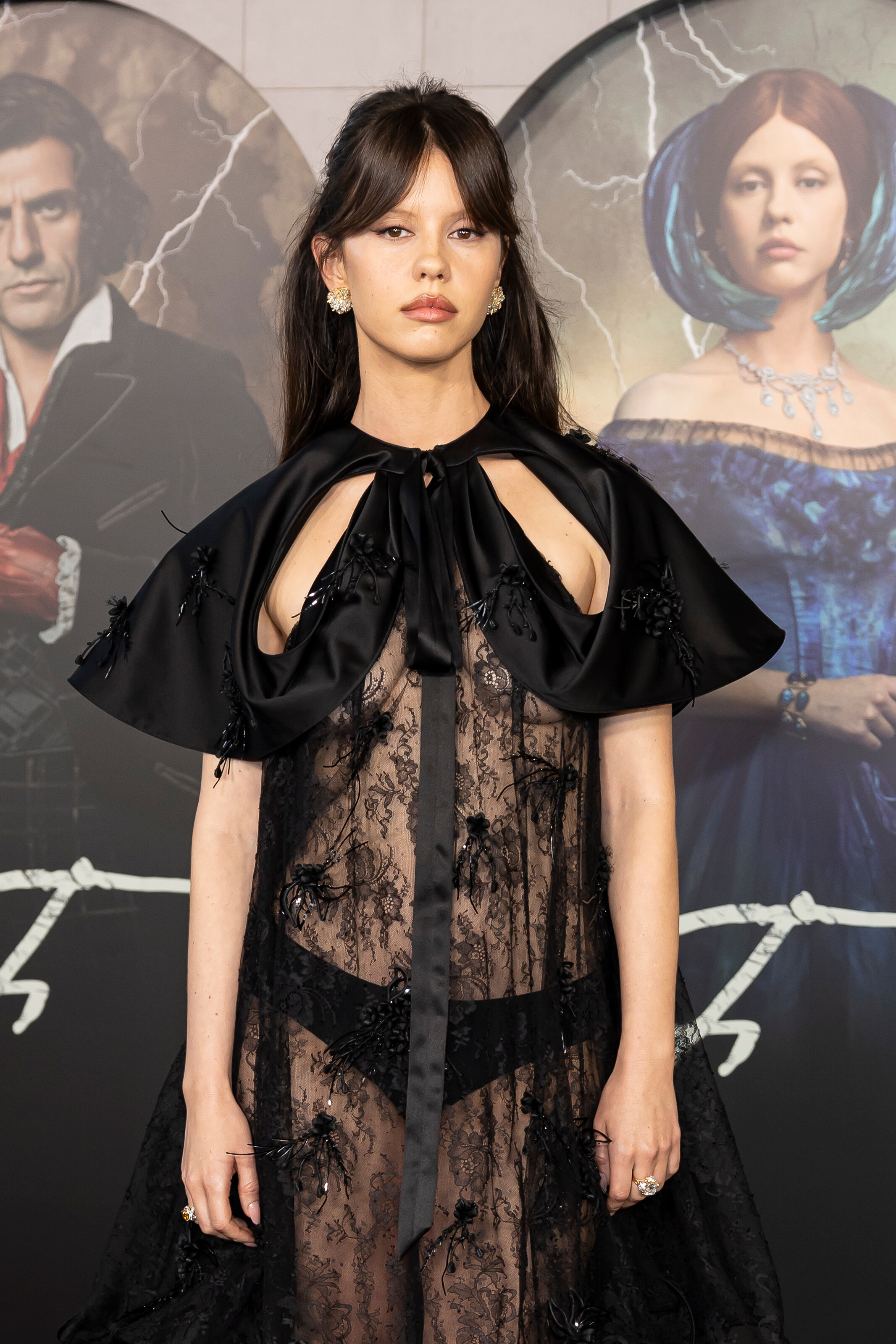
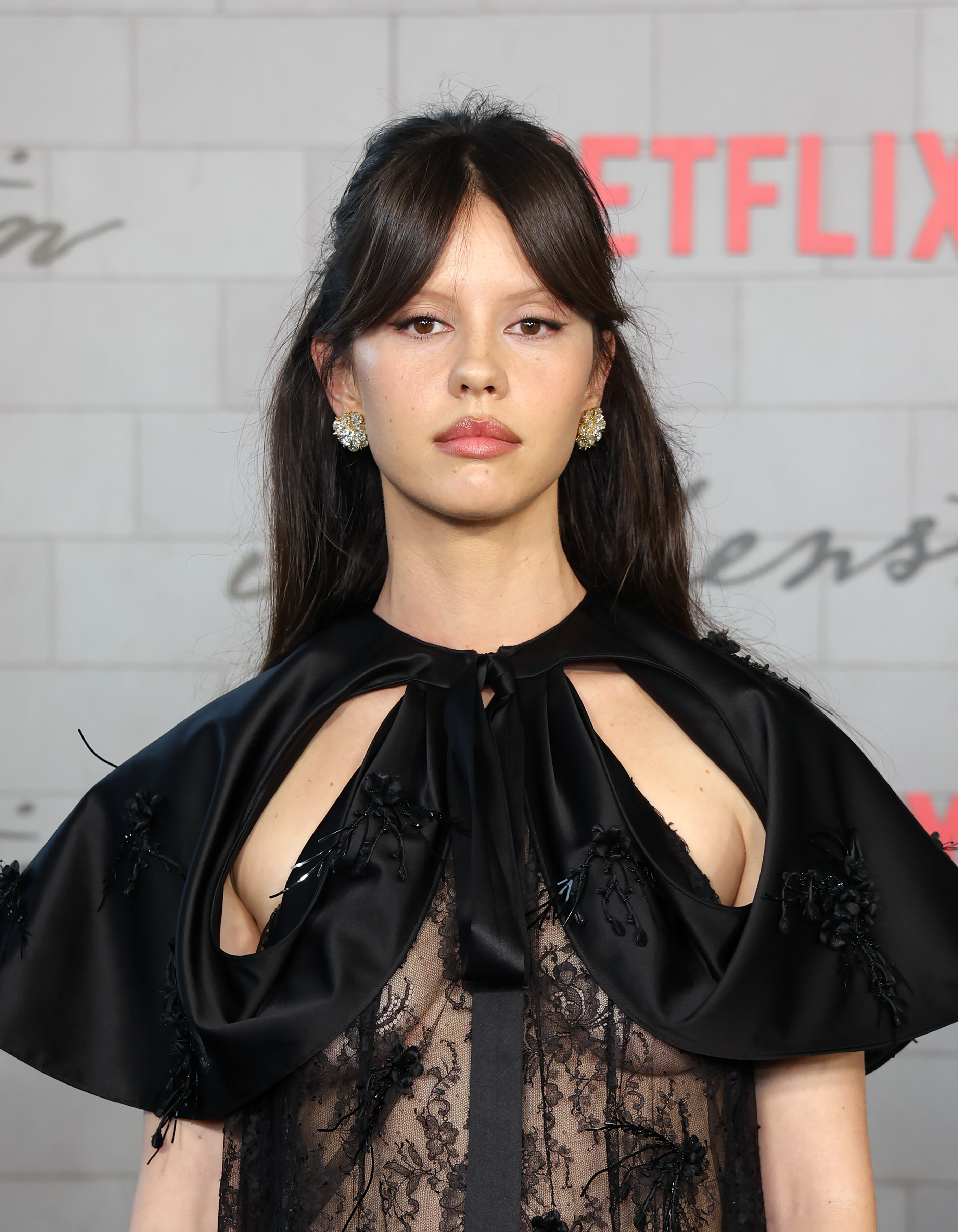
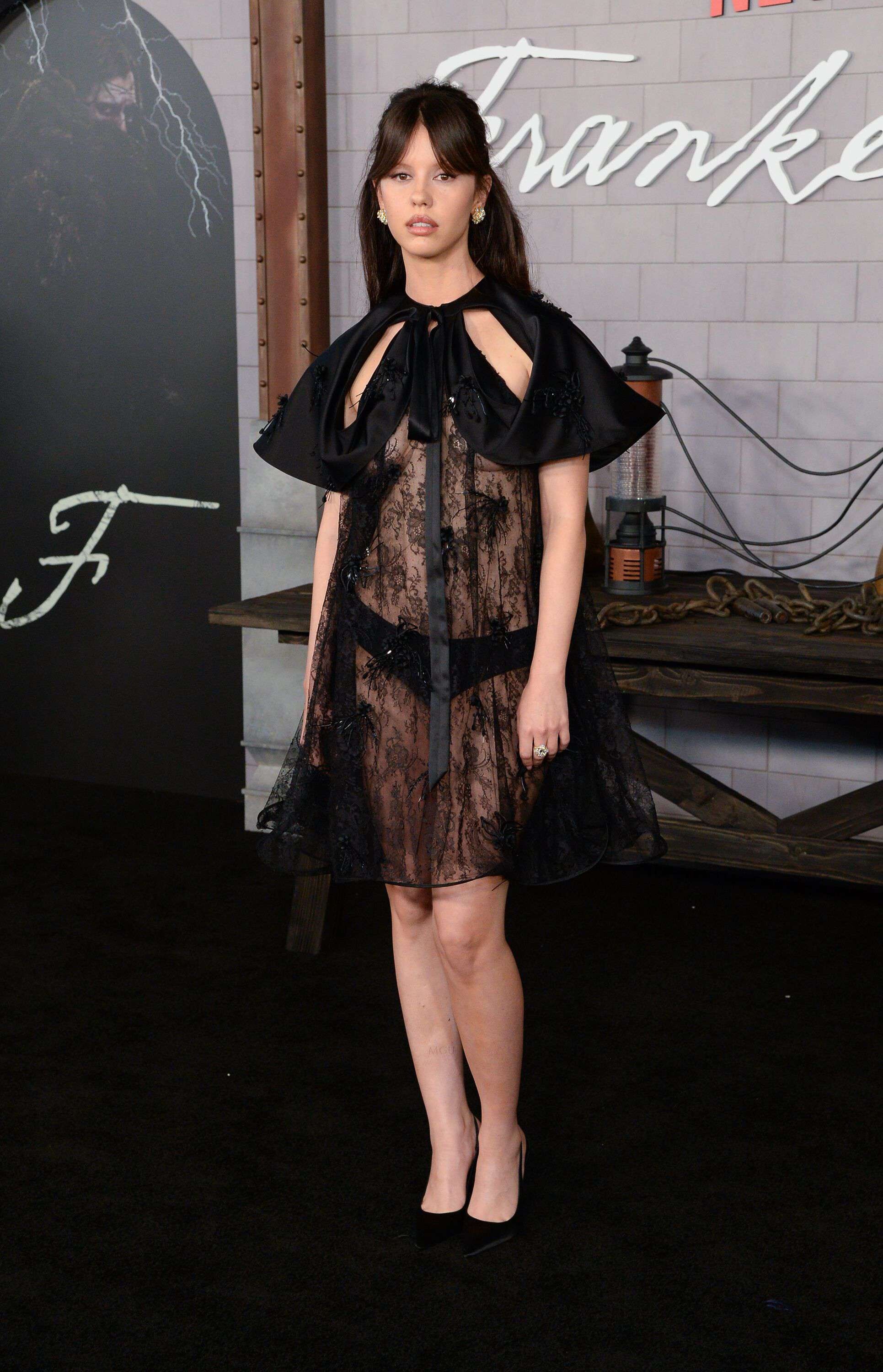
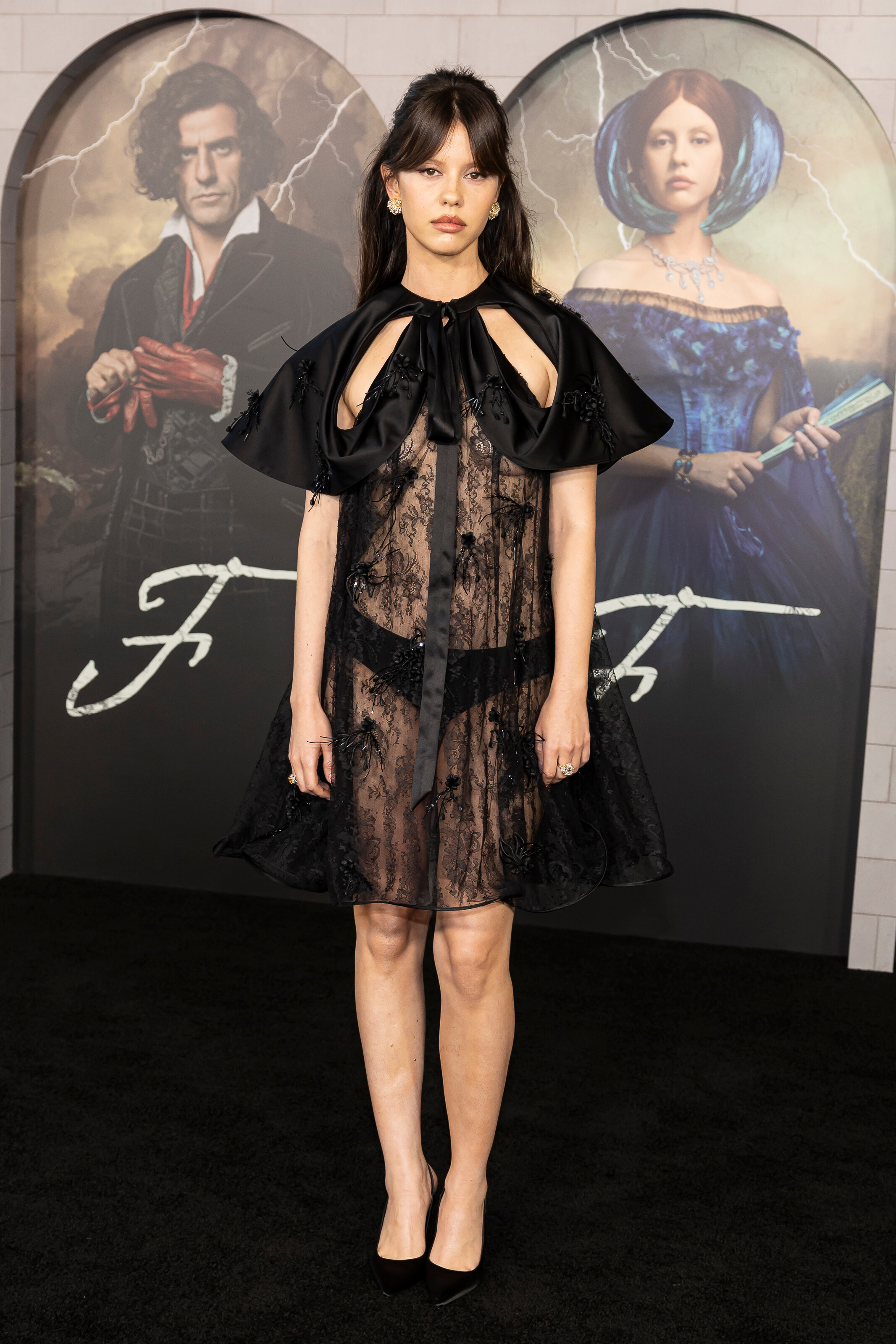
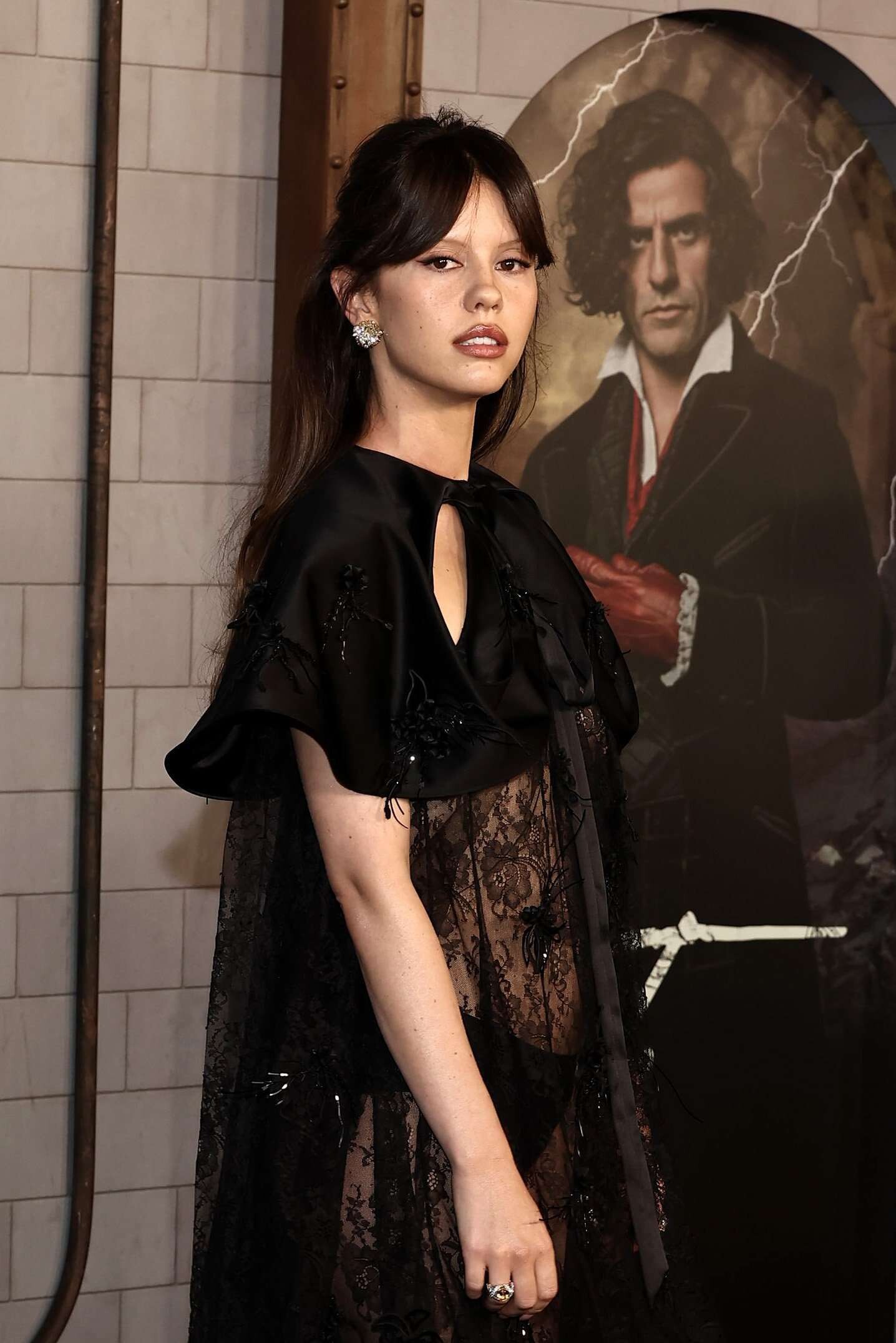
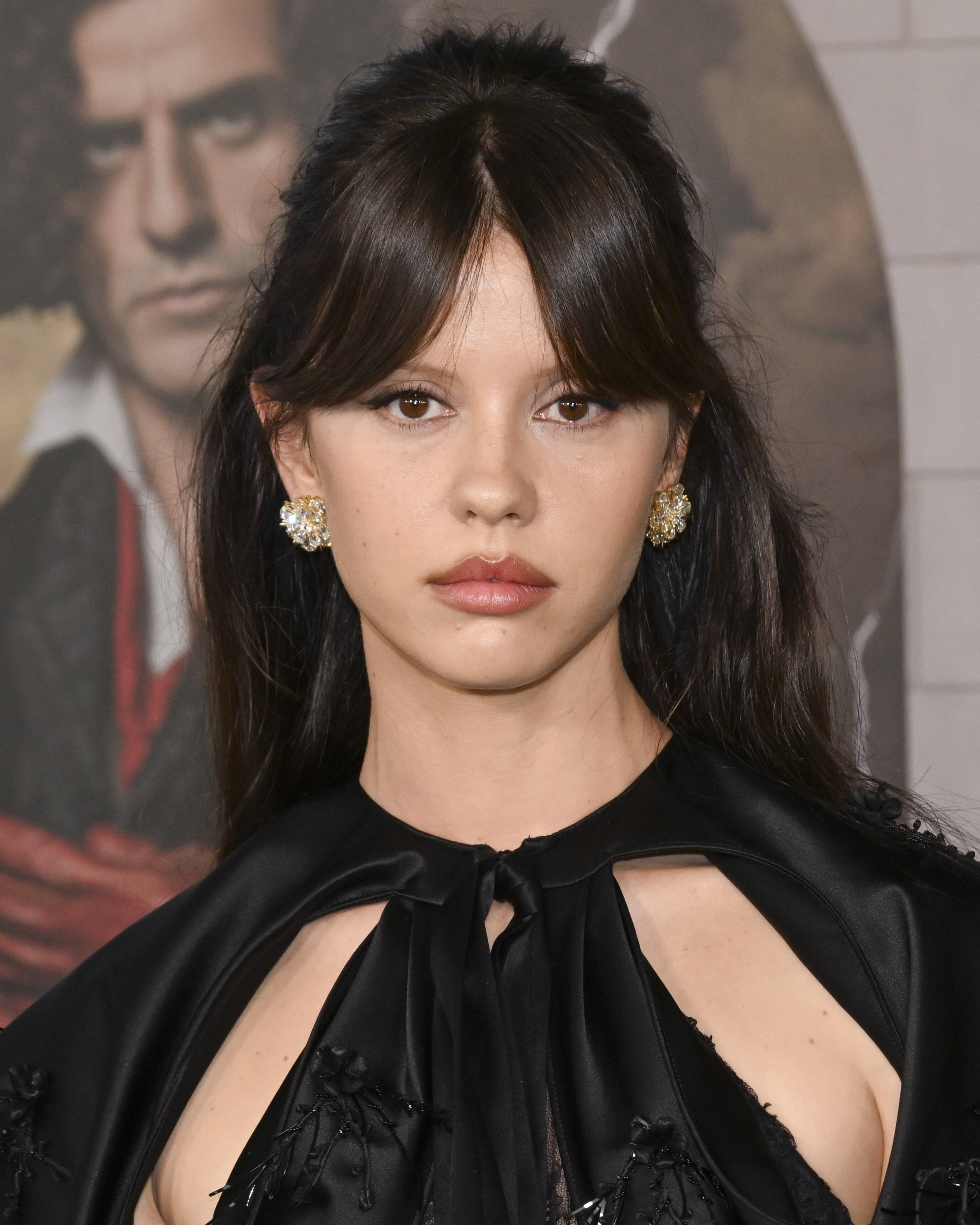
Well, that's pretty f**** up. Oh no, Addison 😭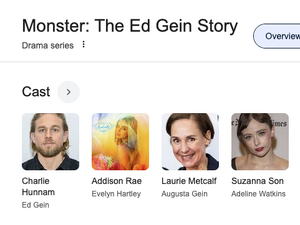 'Frankenstein' Los Angeles premiere on Oct. 6, 2025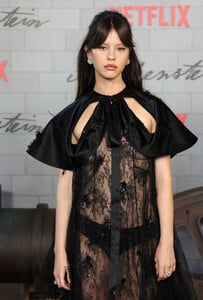








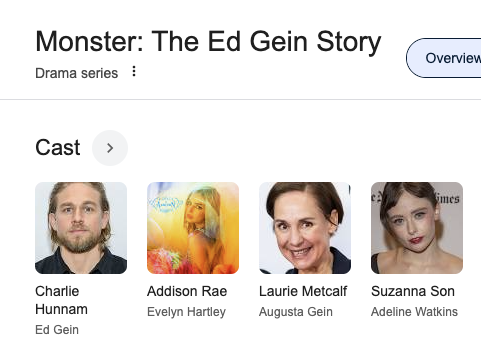
 YESSS! Excellent. Hol' up - if you couldn’t get through it even with Charlie Hunnam in it, it must be seriously bad (in a good way). also.. What the hell?
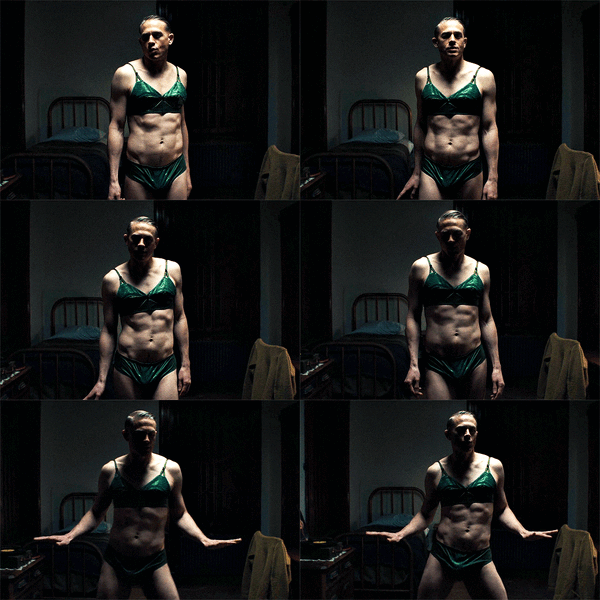 Since I’m terrible at writing movie reviews, I’ll just borrow this one. 4/5.
Liberty Netuschil: Face: 0 Body: 0 Fandom: 0 Josefine Forsberg: Face: 10 Body: 10 Fandom: 10 Rona Mahal: Face: 0 Body: 0 Fandom: 0 Alex Lee-Aillon: Face: 0 Body: 0 Fandom: 0
Holy Yankees comeback Eight unanswered runs. LFG.
Thoughts and prayers.
Clip kelseymerritt_3738517819722942024's2025-10-8-4.33.976 story.mp4
Since I’m terrible at writing movie reviews, I’ll just borrow this one. 4/5.
Liberty Netuschil: Face: 0 Body: 0 Fandom: 0 Josefine Forsberg: Face: 10 Body: 10 Fandom: 10 Rona Mahal: Face: 0 Body: 0 Fandom: 0 Alex Lee-Aillon: Face: 0 Body: 0 Fandom: 0
Holy Yankees comeback Eight unanswered runs. LFG.
Thoughts and prayers.
Clip kelseymerritt_3738517819722942024's2025-10-8-4.33.976 story.mp4





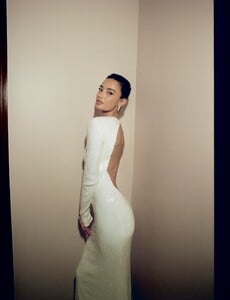

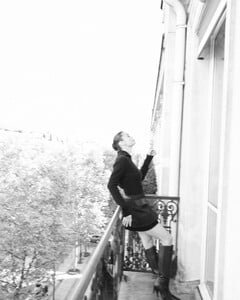
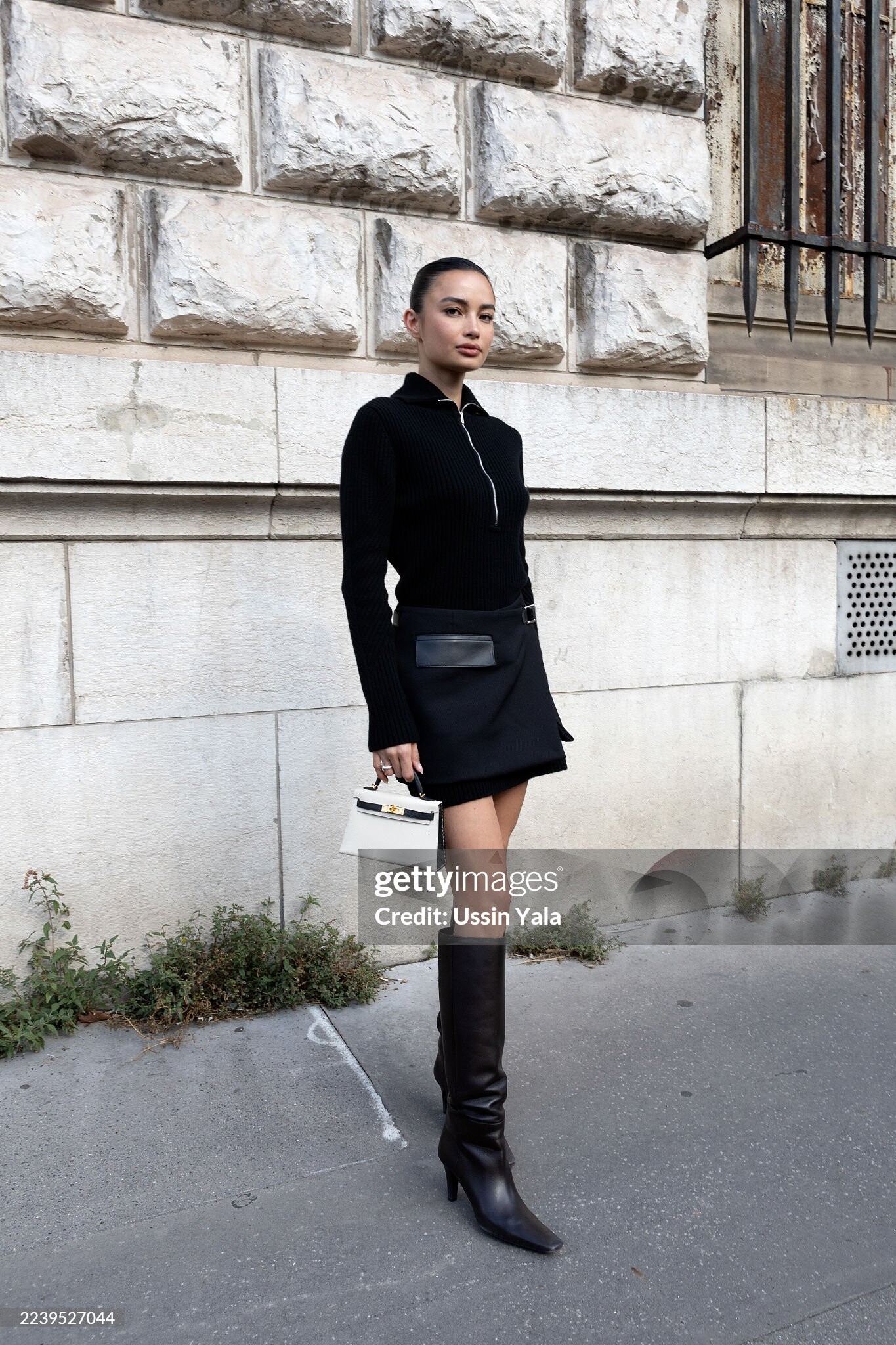
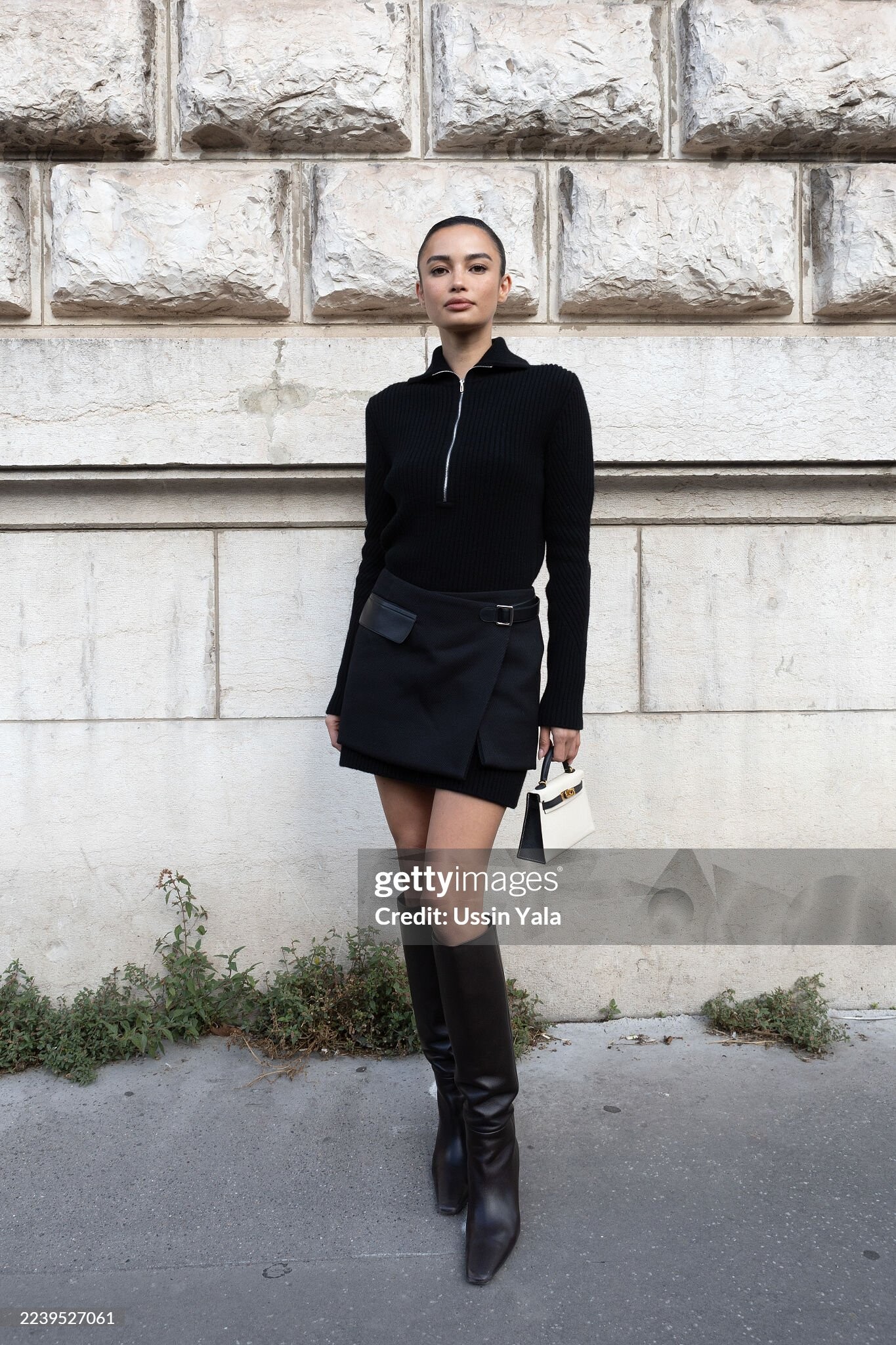
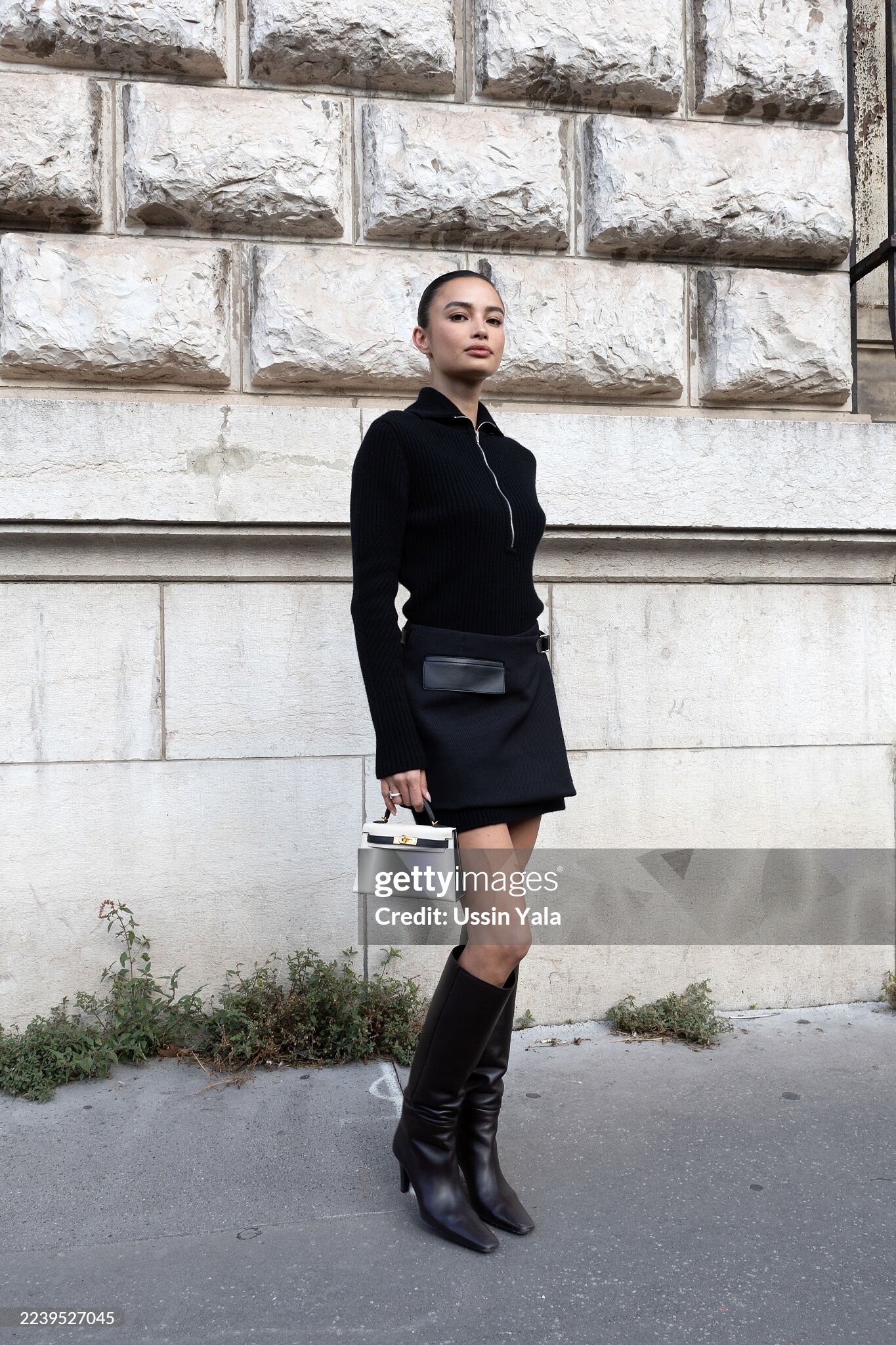
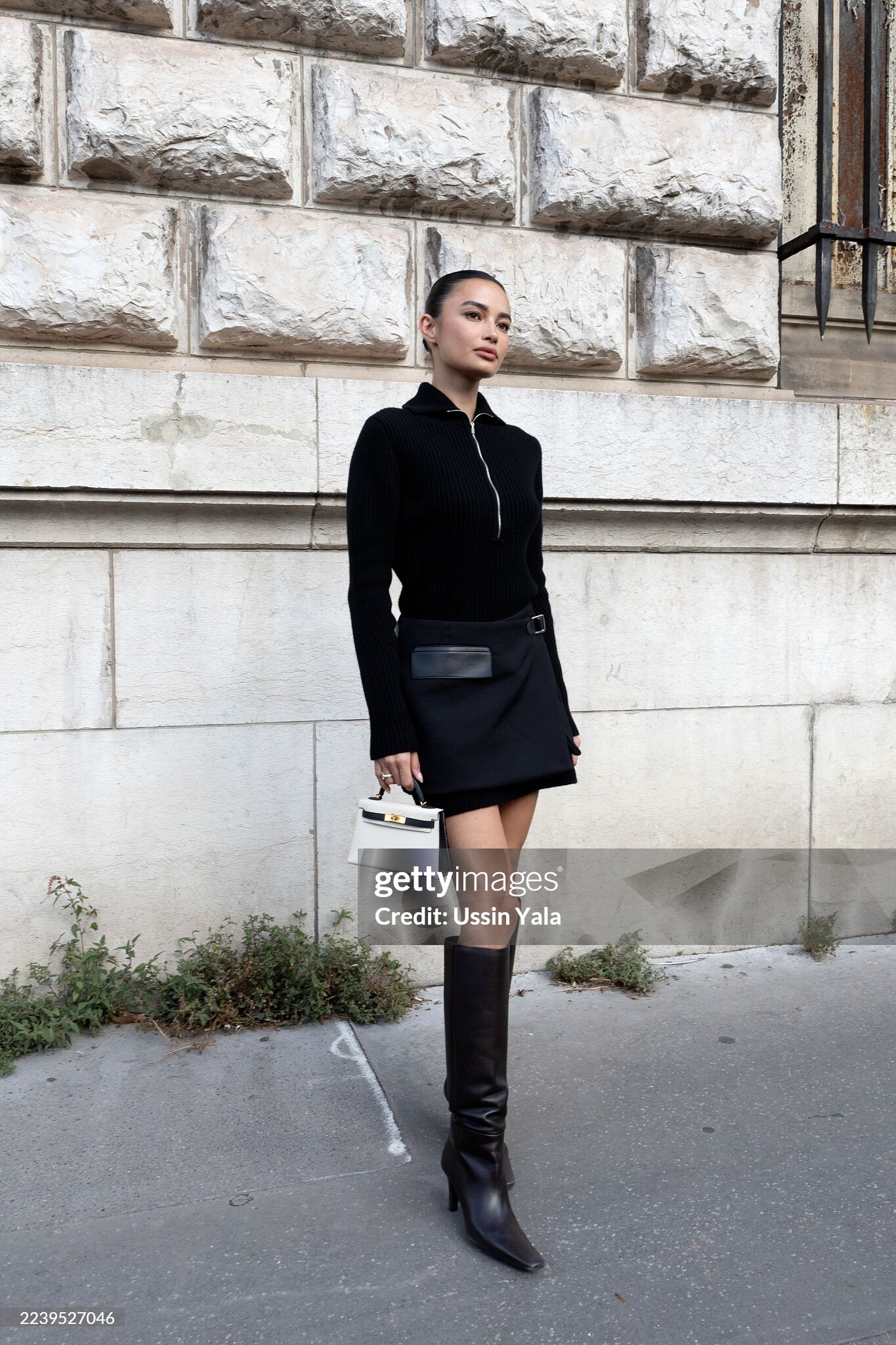
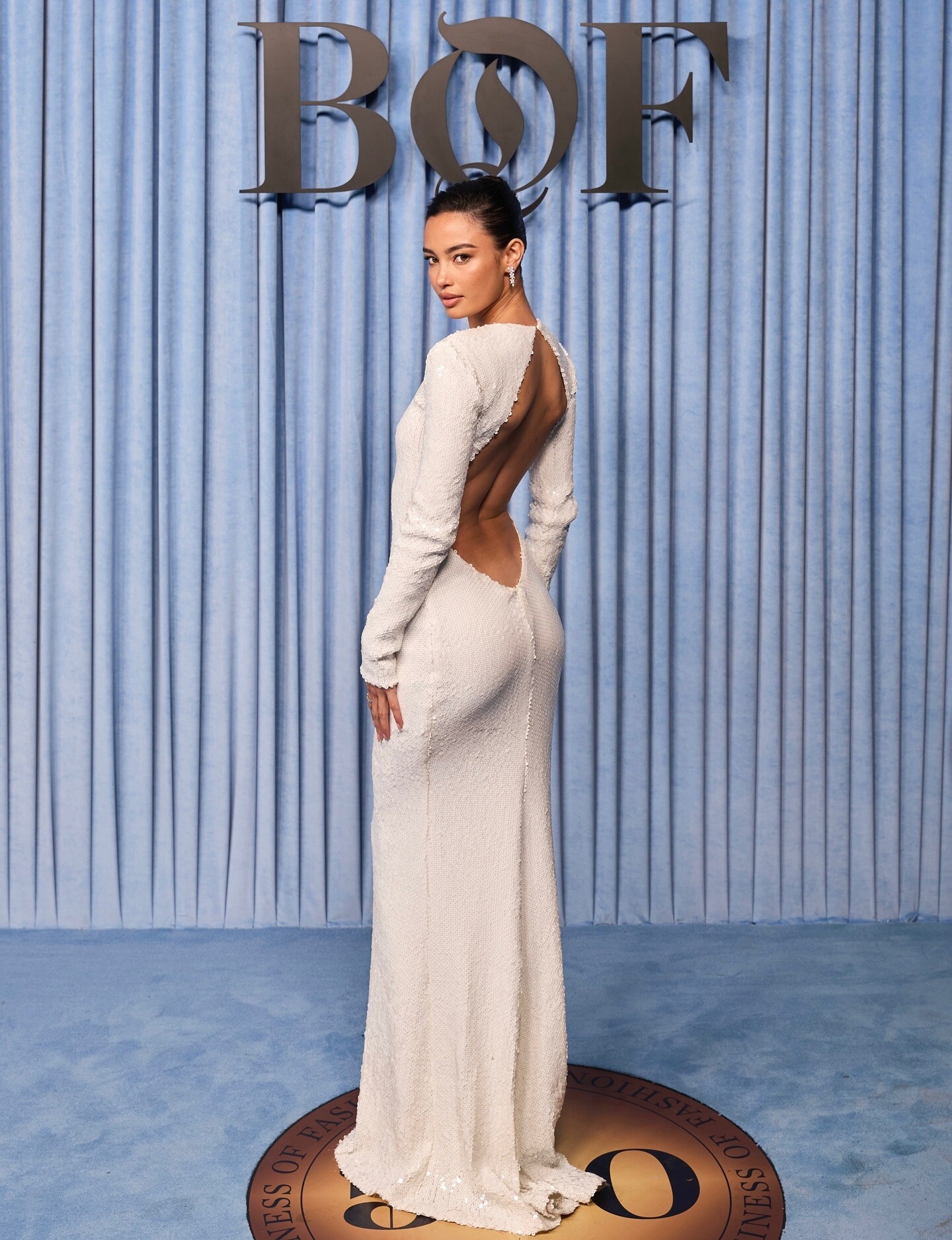
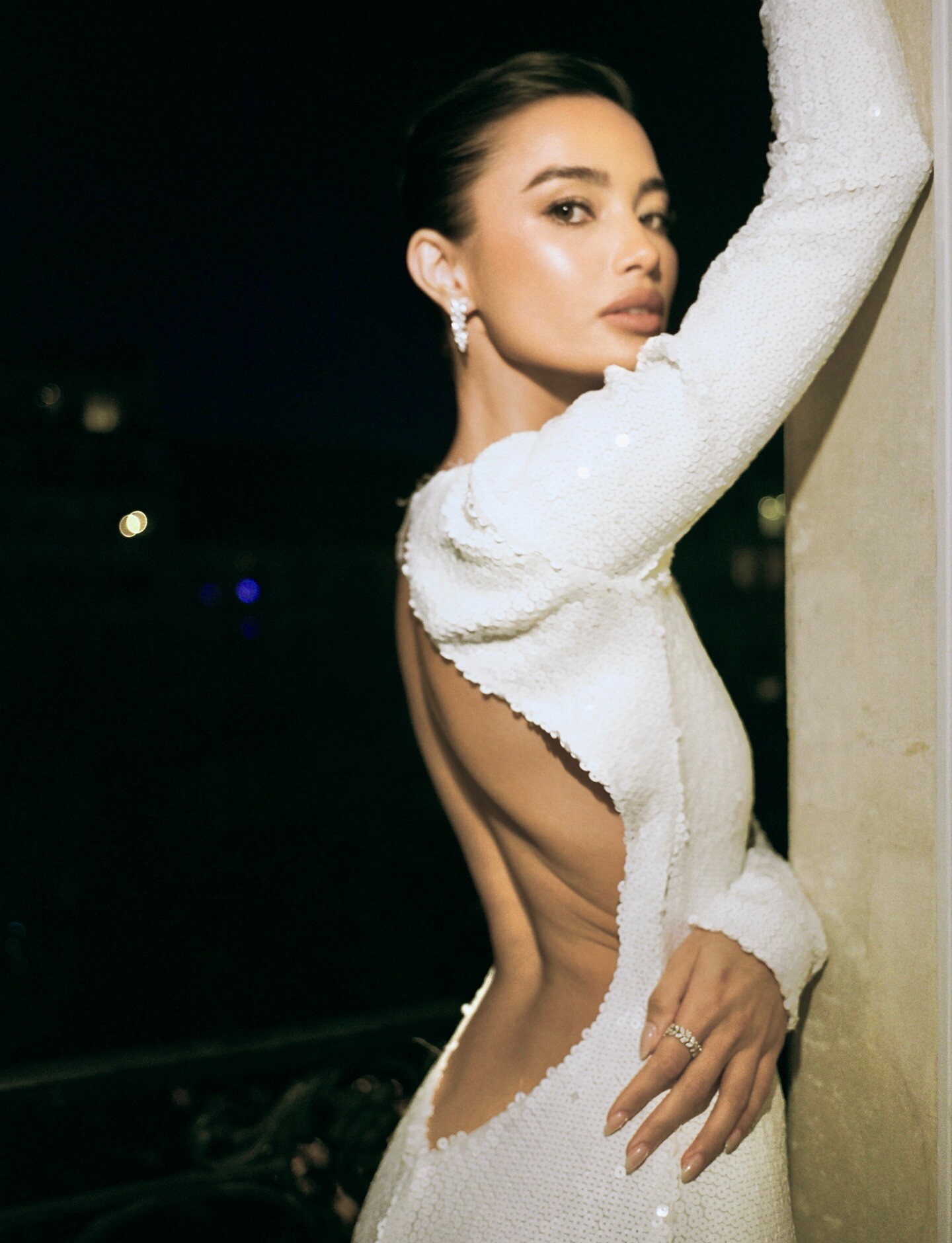
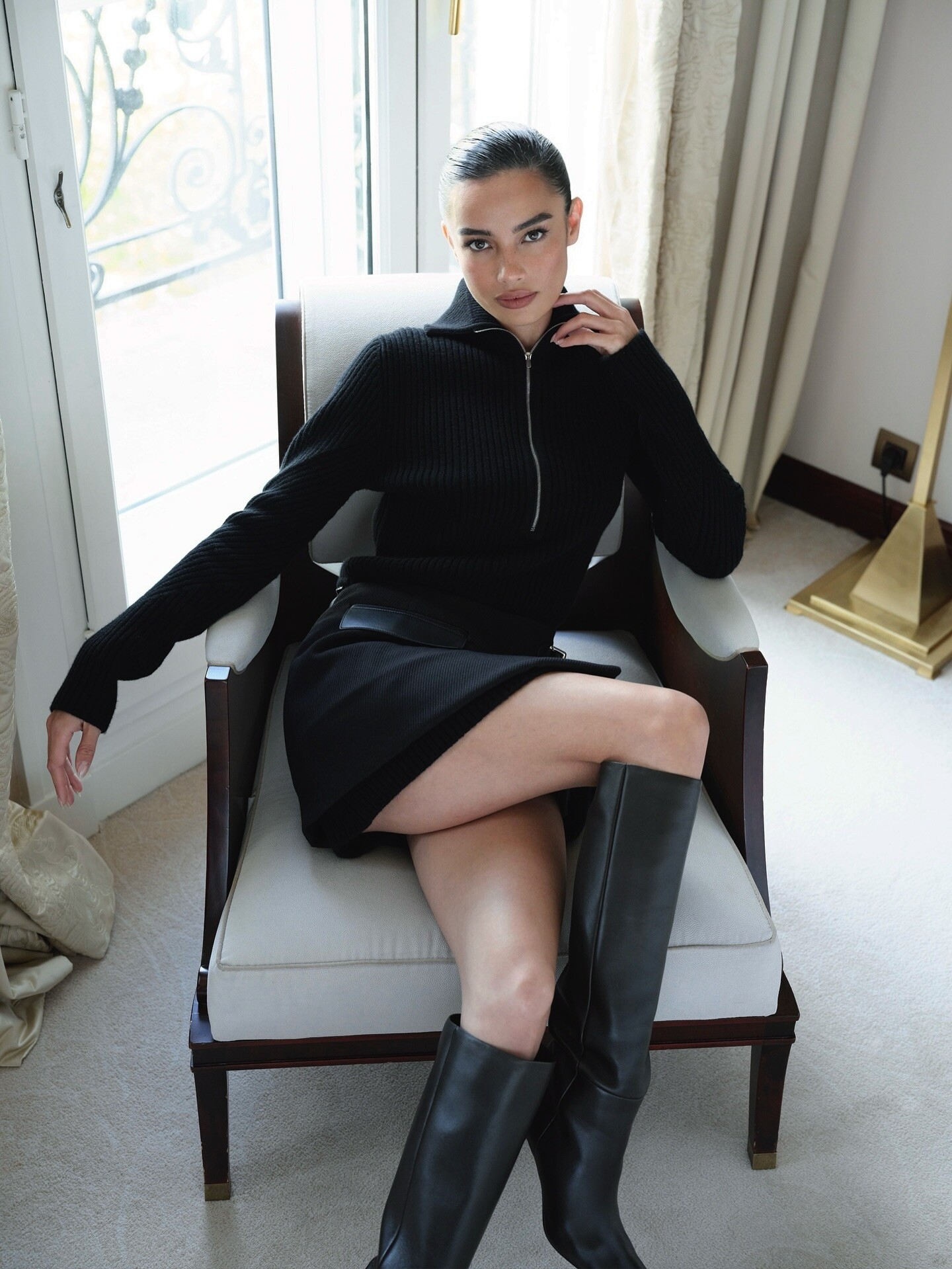
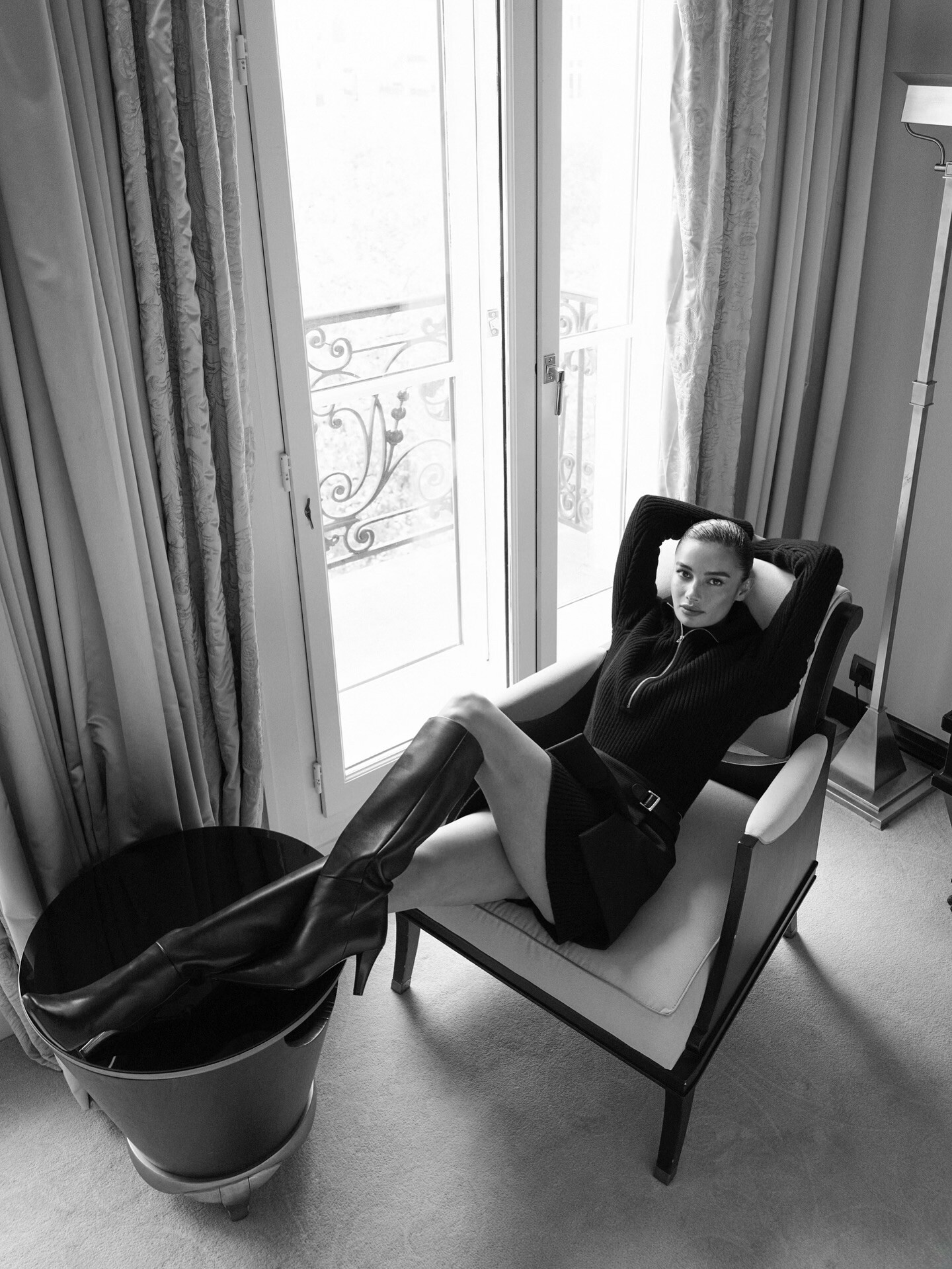
 Ph. Julian Ungano (unedited) Clips julianunganostudio_3738160906019682325's2025-10-8-3.32.268 story.mp4 julianunganostudio_3738160906497823321's2025-10-8-3.32.675 story.mp4







 You mf.
Or maybe not? 😭
This is gonna be it.
Ravens and Chiefs, you disgust me.
He is the chosen one
You mf.
Or maybe not? 😭
This is gonna be it.
Ravens and Chiefs, you disgust me.
He is the chosen one
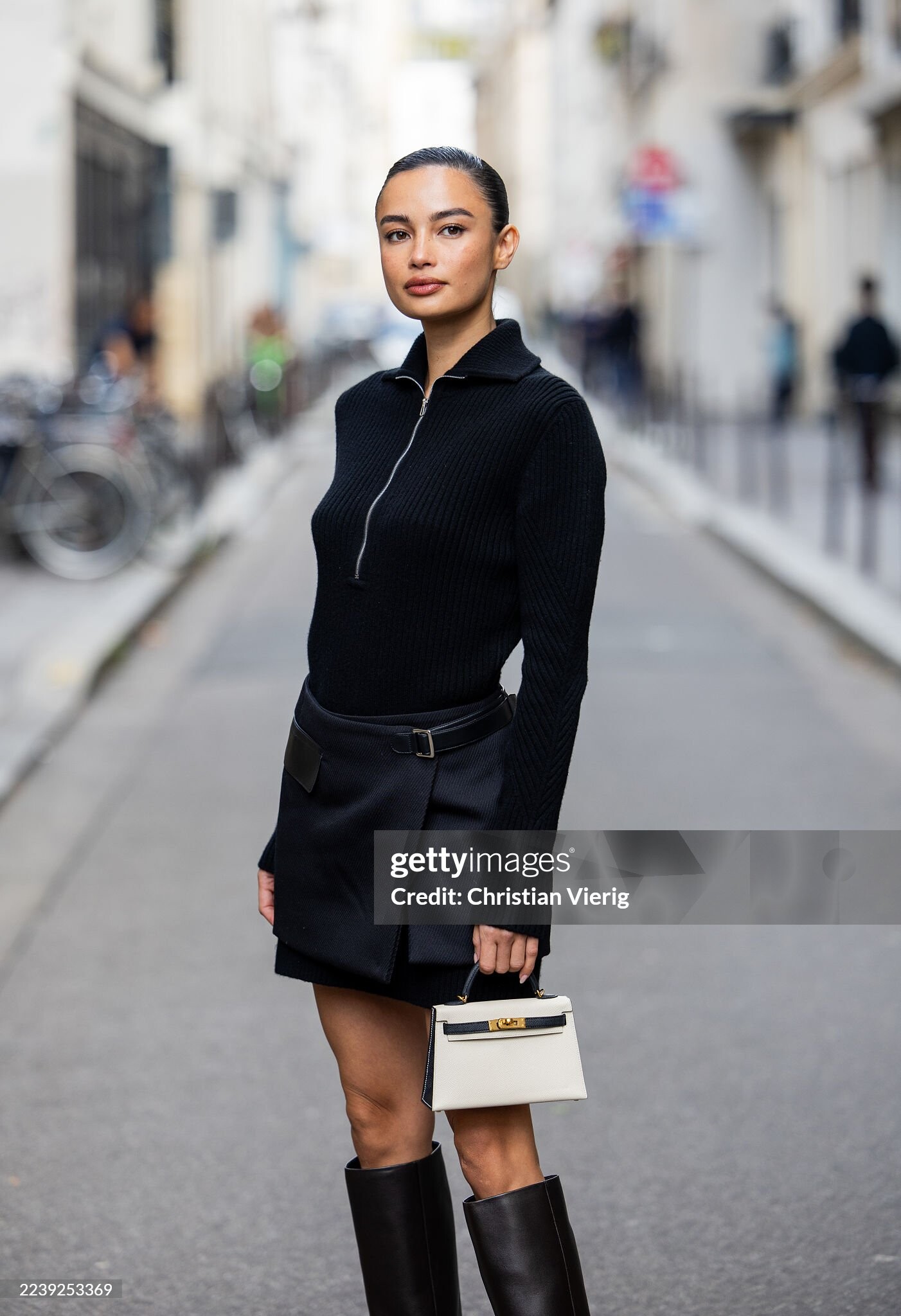
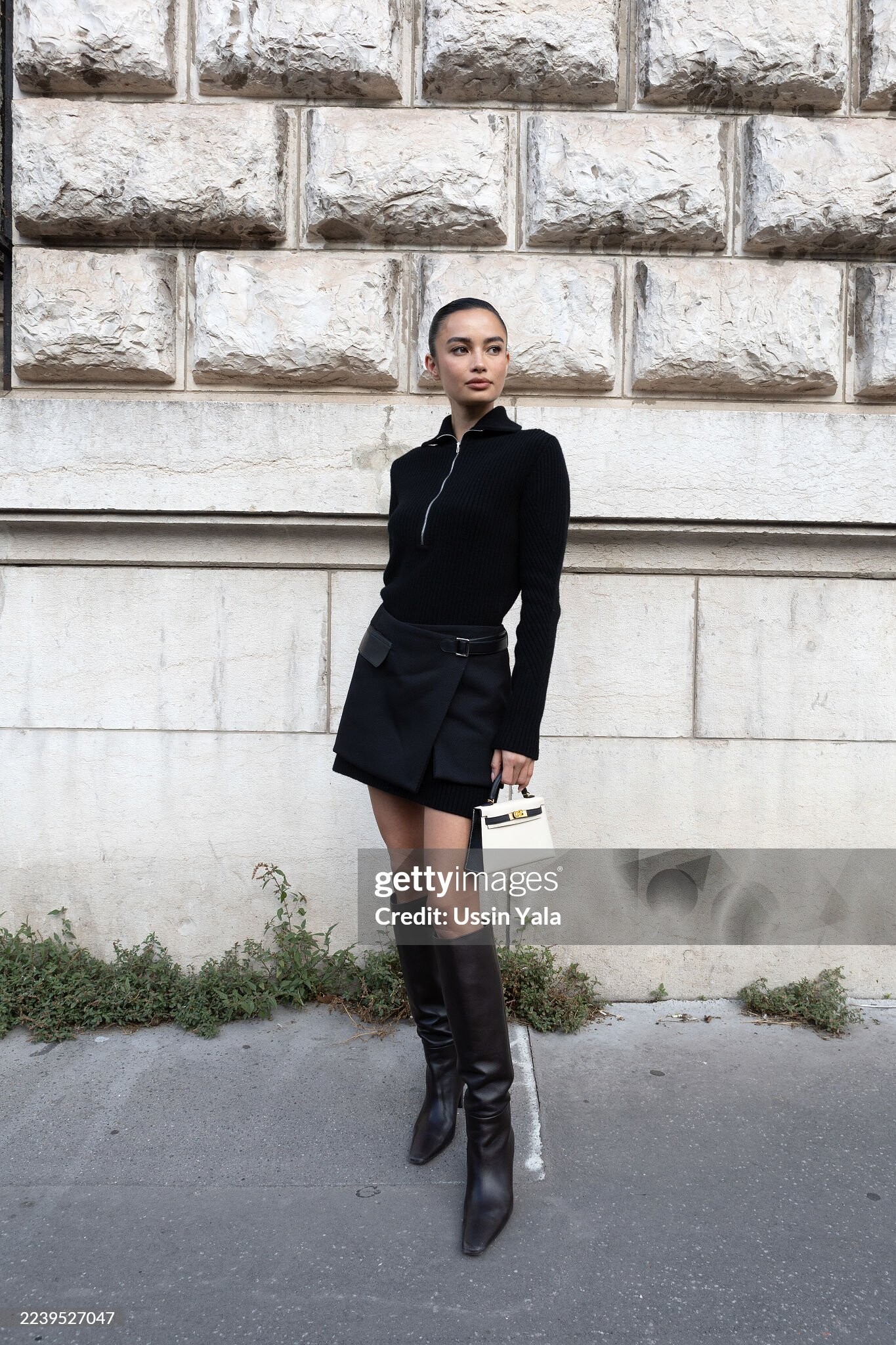
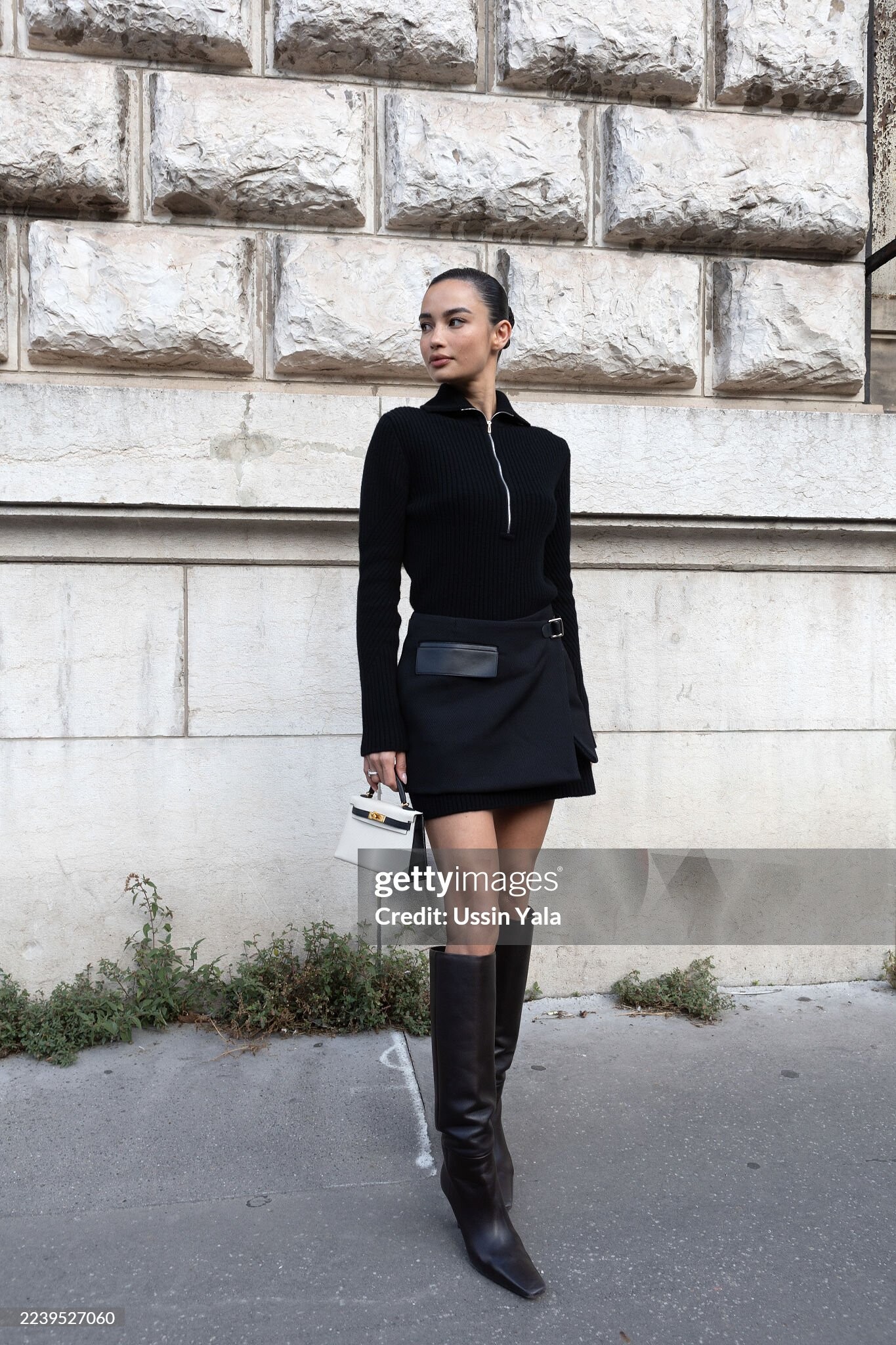
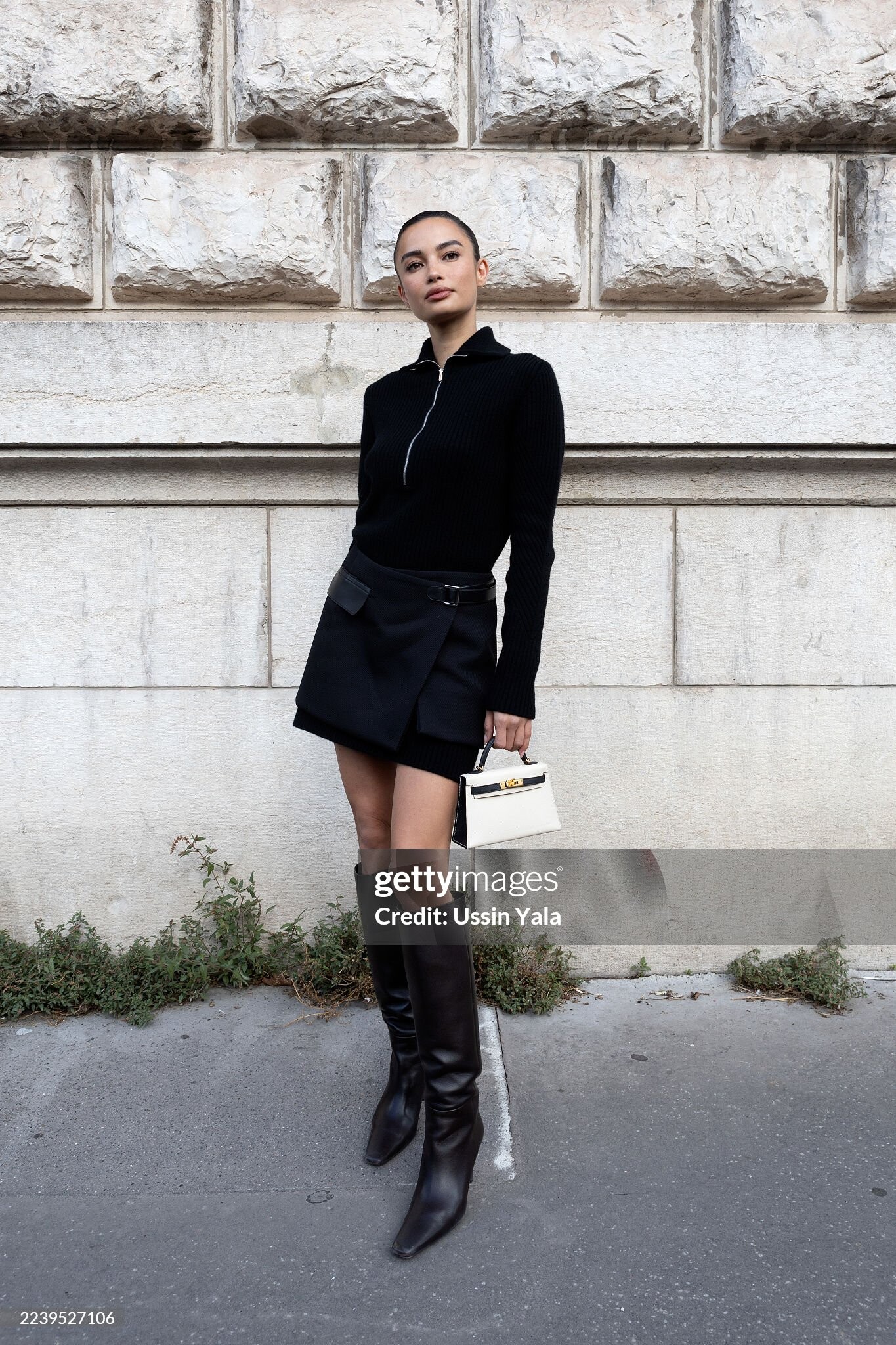







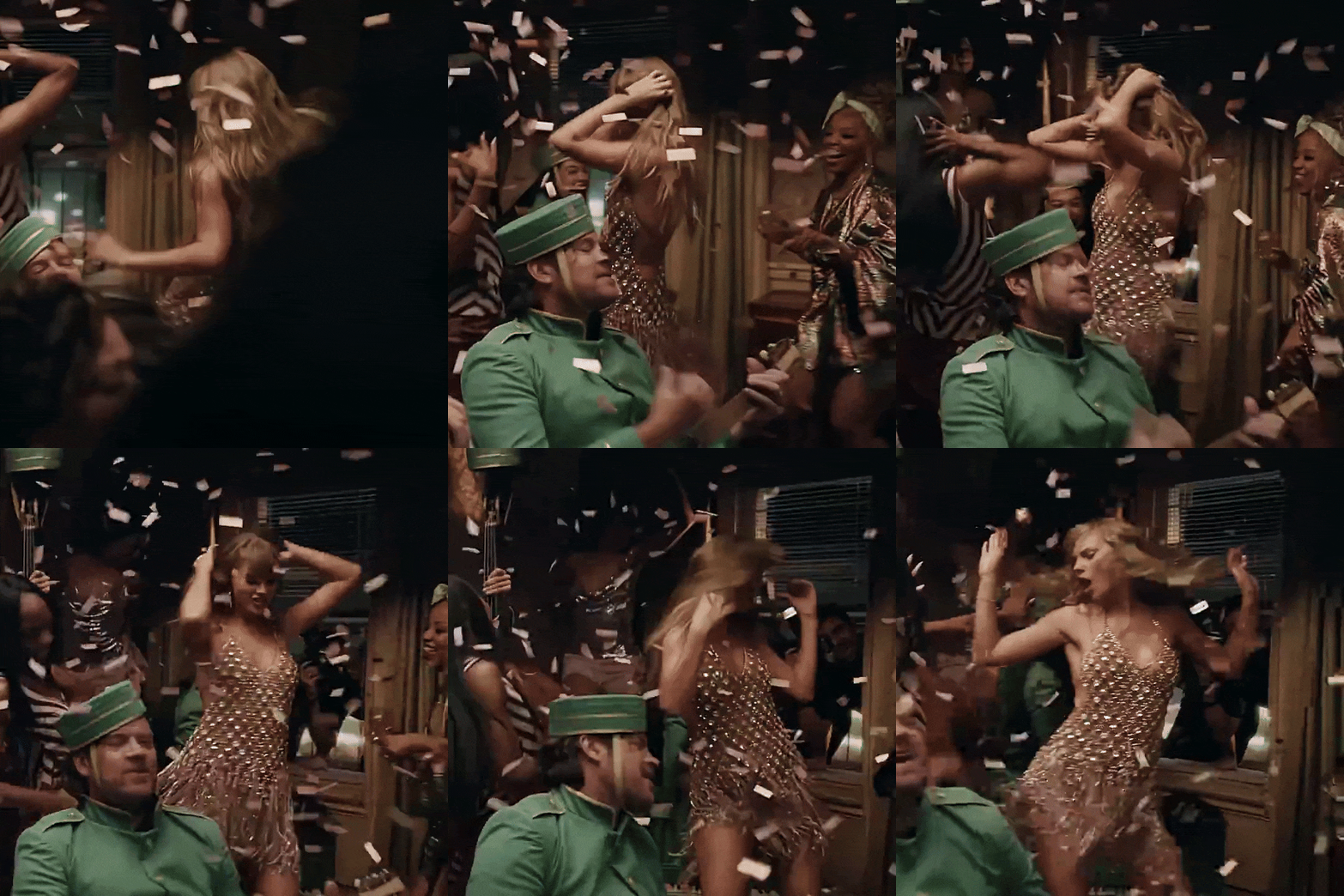
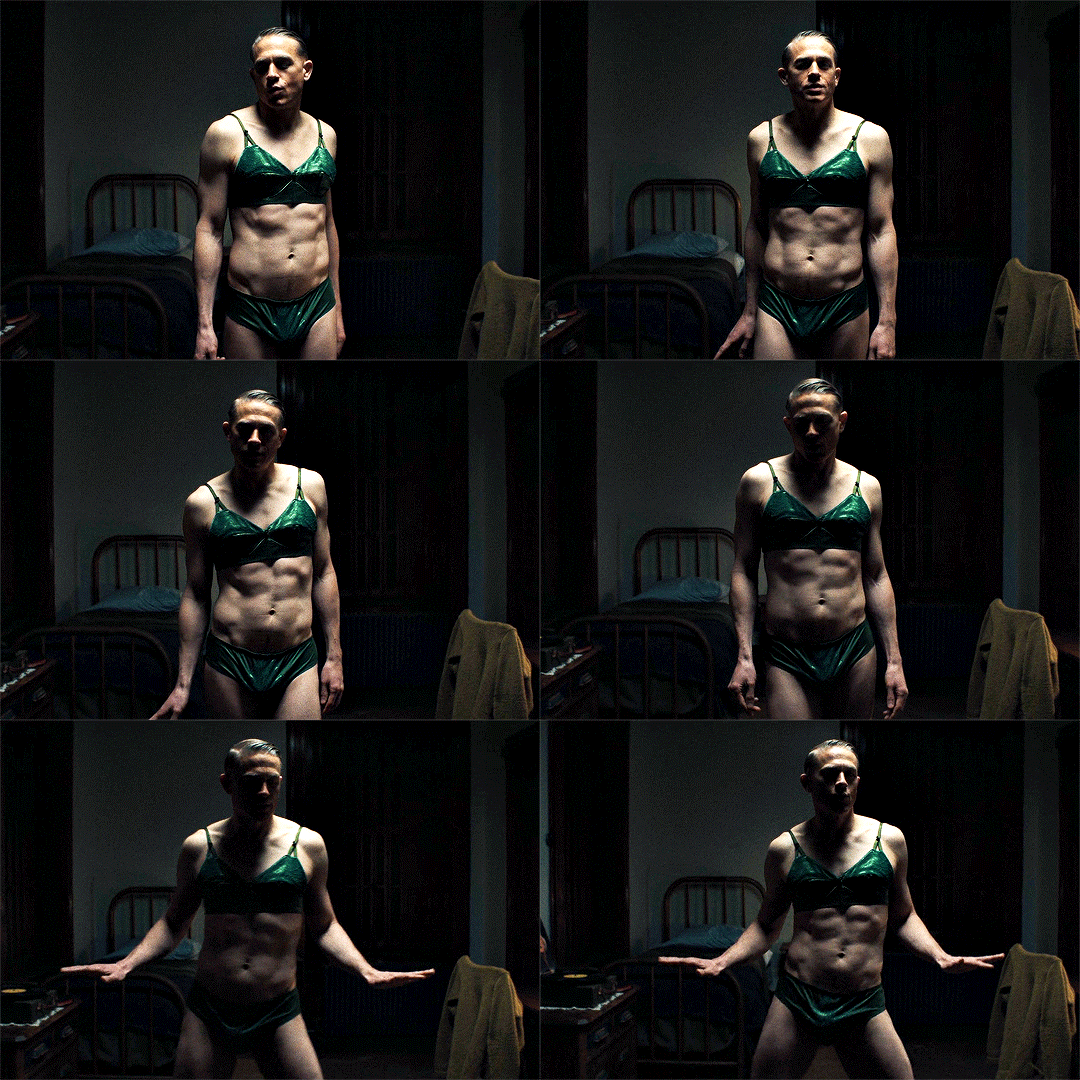

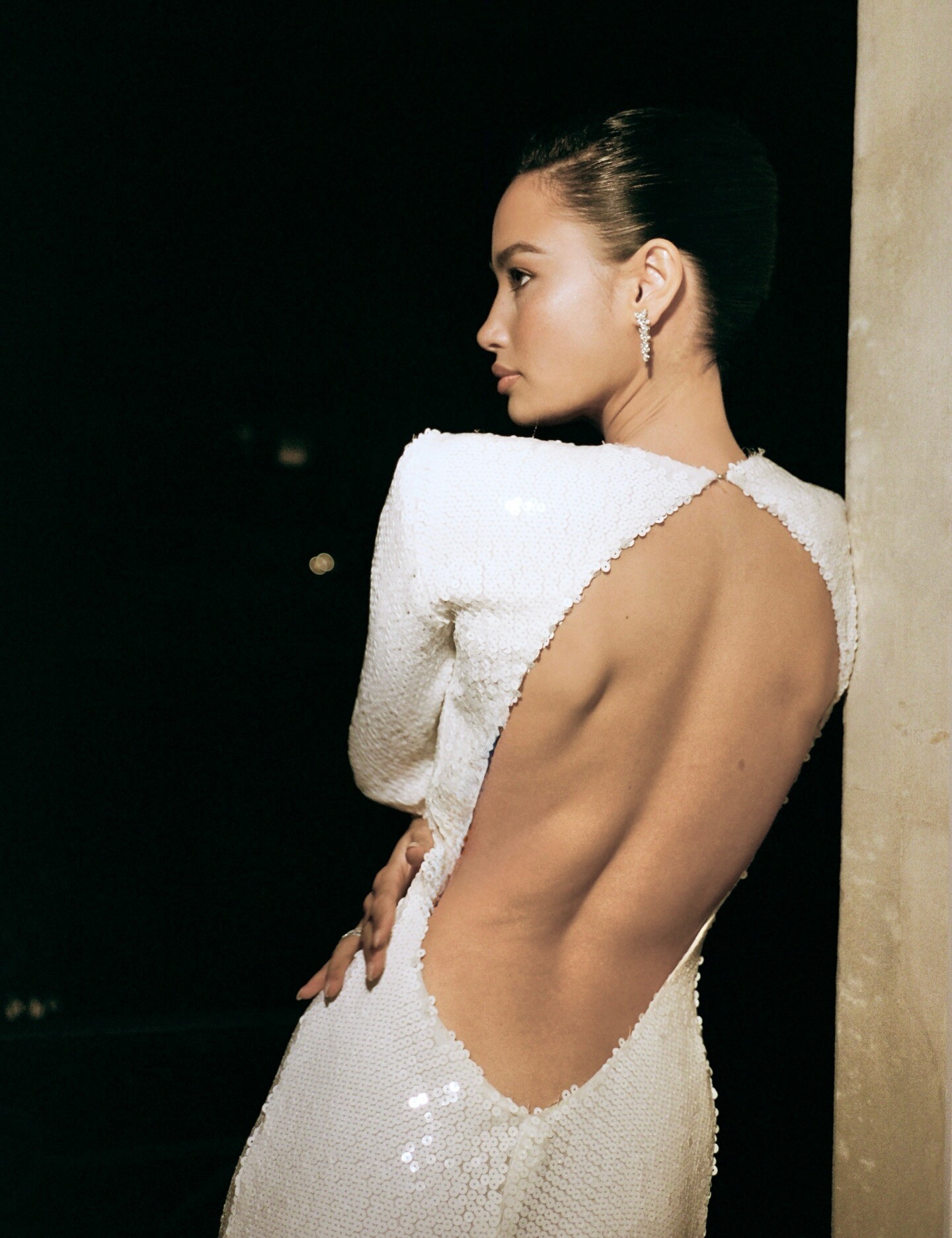
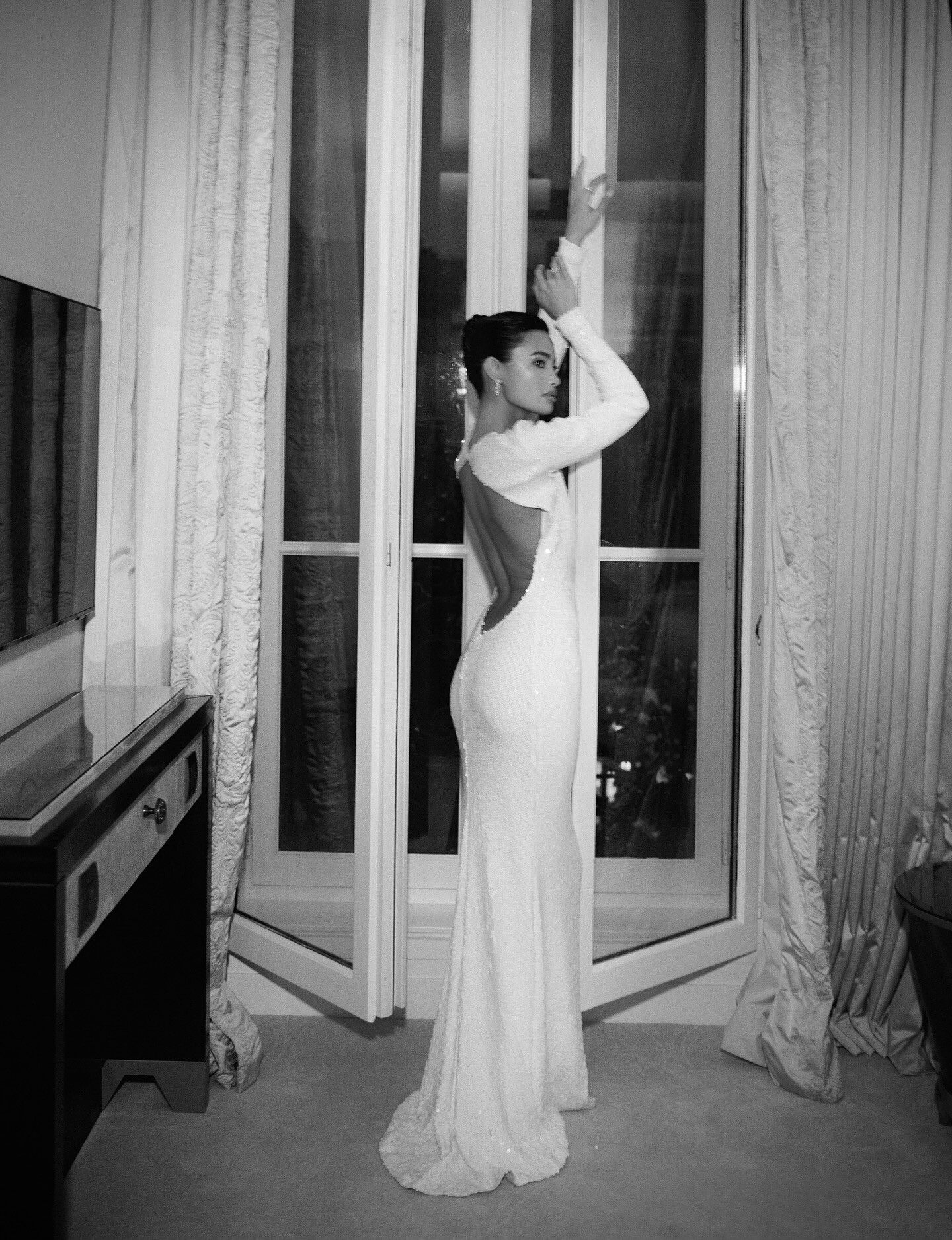
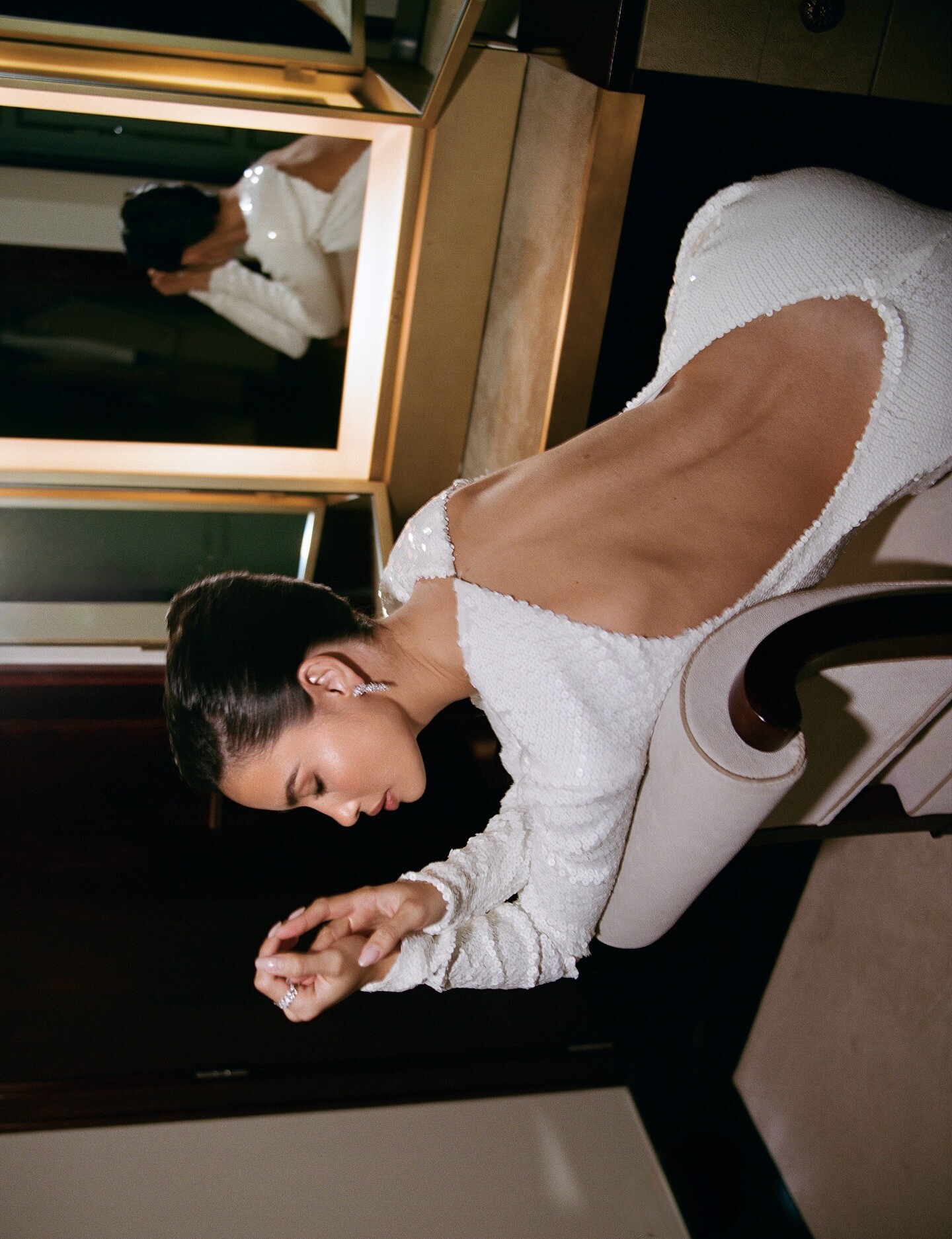
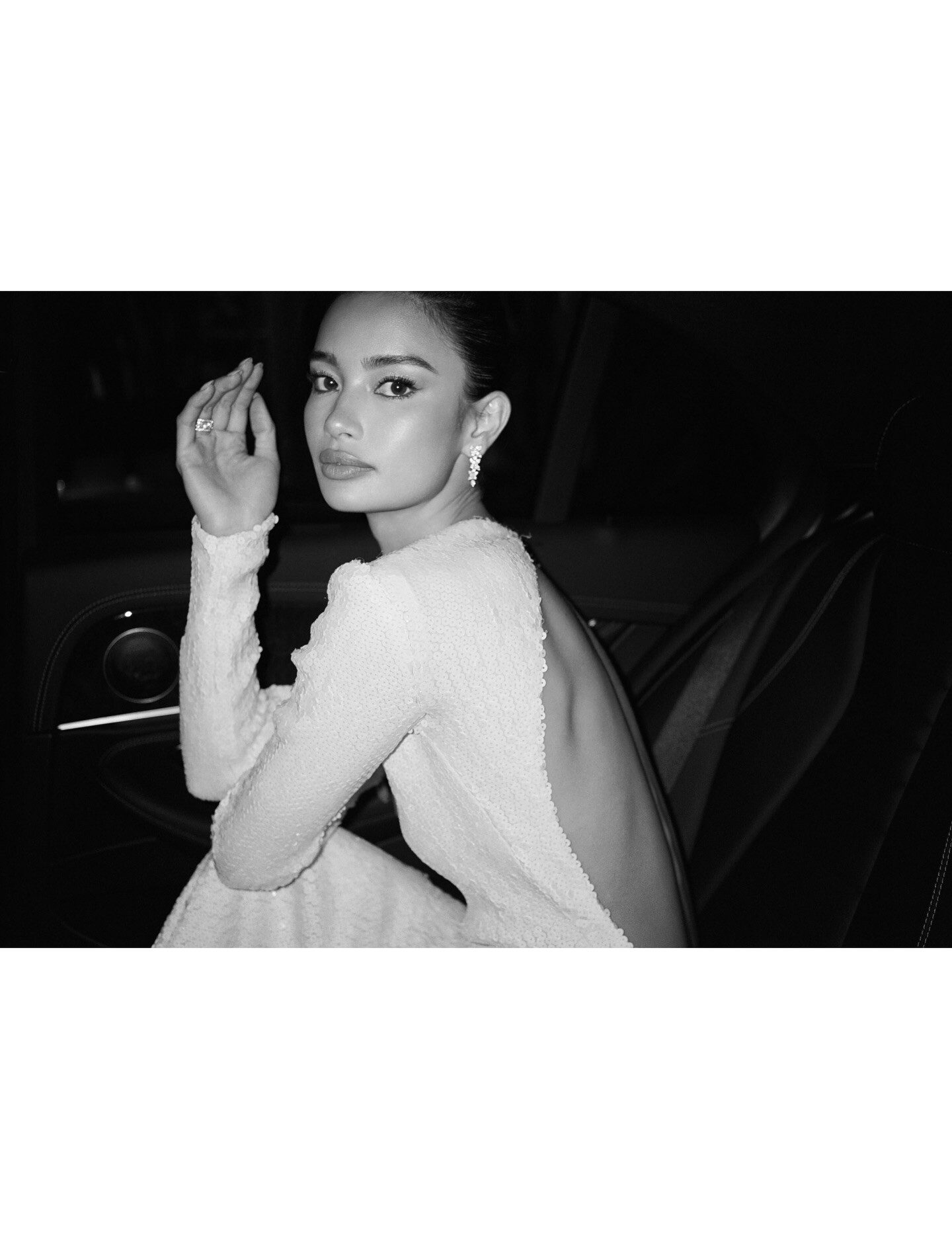
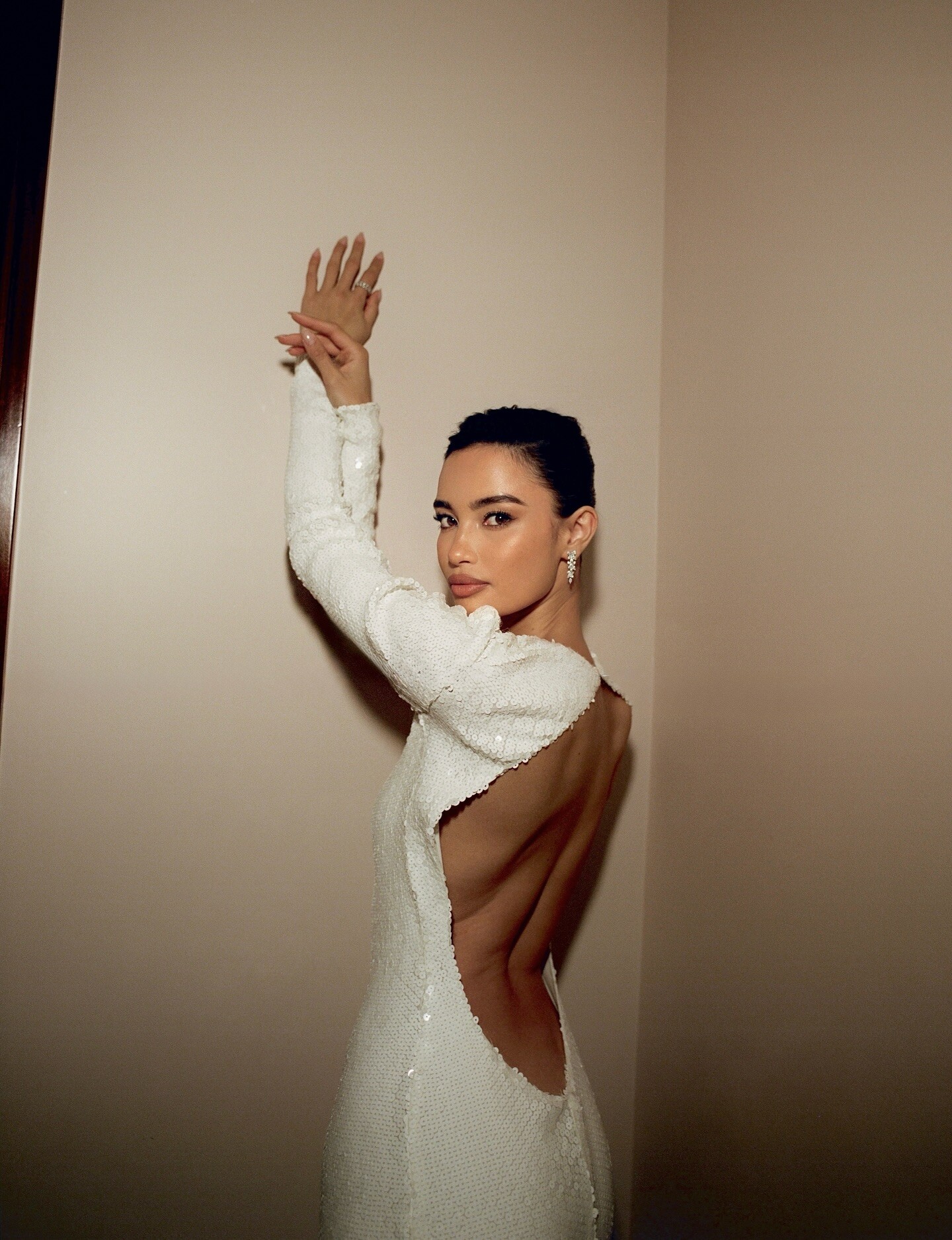
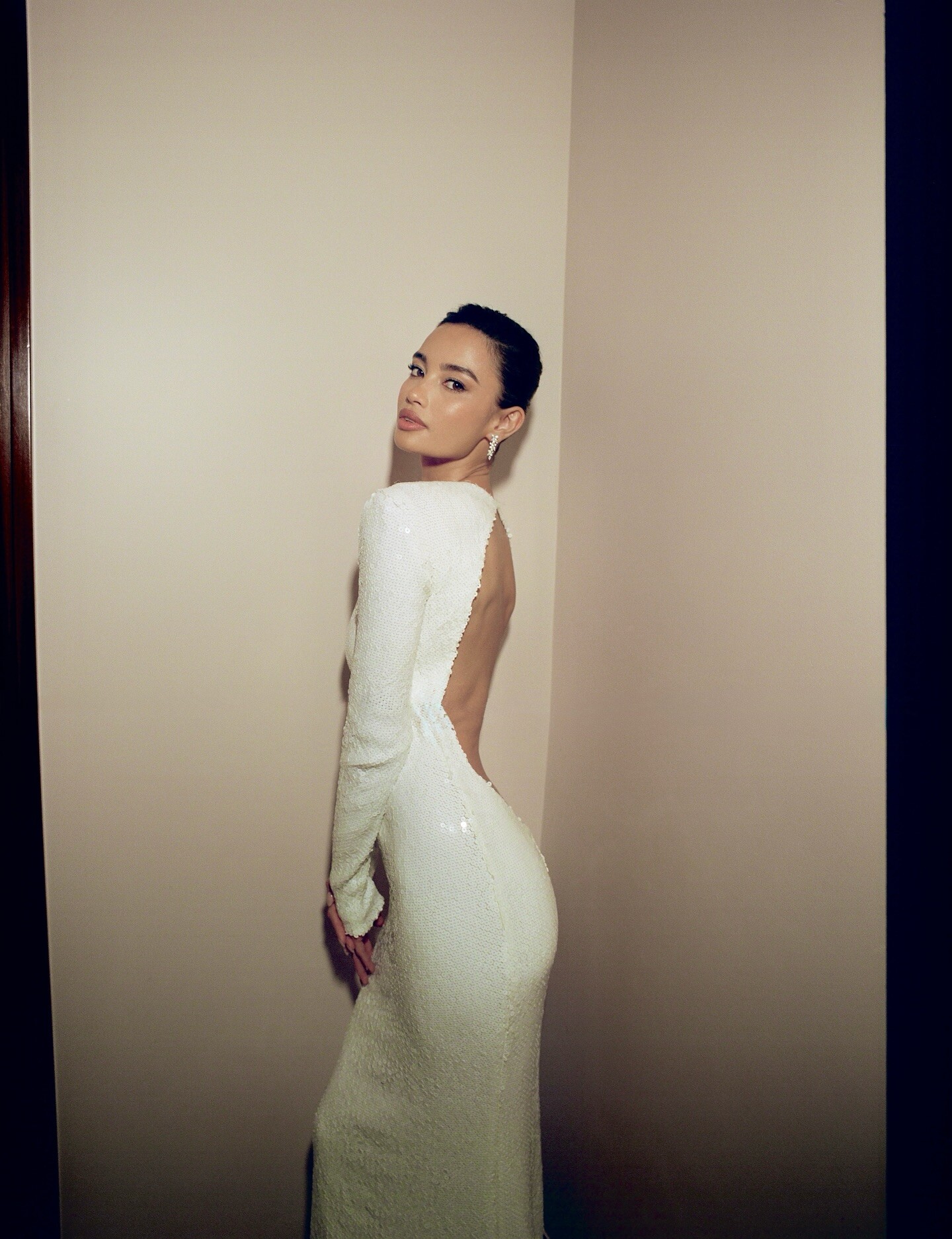


Account
Search
Configure browser push notifications
Chrome (Android)
- Tap the lock icon next to the address bar.
- Tap Permissions → Notifications.
- Adjust your preference.
Chrome (Desktop)
- Click the padlock icon in the address bar.
- Select Site settings.
- Find Notifications and adjust your preference.
Safari (iOS 16.4+)
- Ensure the site is installed via Add to Home Screen.
- Open Settings App → Notifications.
- Find your app name and adjust your preference.
Safari (macOS)
- Go to Safari → Preferences.
- Click the Websites tab.
- Select Notifications in the sidebar.
- Find this website and adjust your preference.
Edge (Android)
- Tap the lock icon next to the address bar.
- Tap Permissions.
- Find Notifications and adjust your preference.
Edge (Desktop)
- Click the padlock icon in the address bar.
- Click Permissions for this site.
- Find Notifications and adjust your preference.
Firefox (Android)
- Go to Settings → Site permissions.
- Tap Notifications.
- Find this site in the list and adjust your preference.
Firefox (Desktop)
- Open Firefox Settings.
- Search for Notifications.
- Find this site in the list and adjust your preference.